
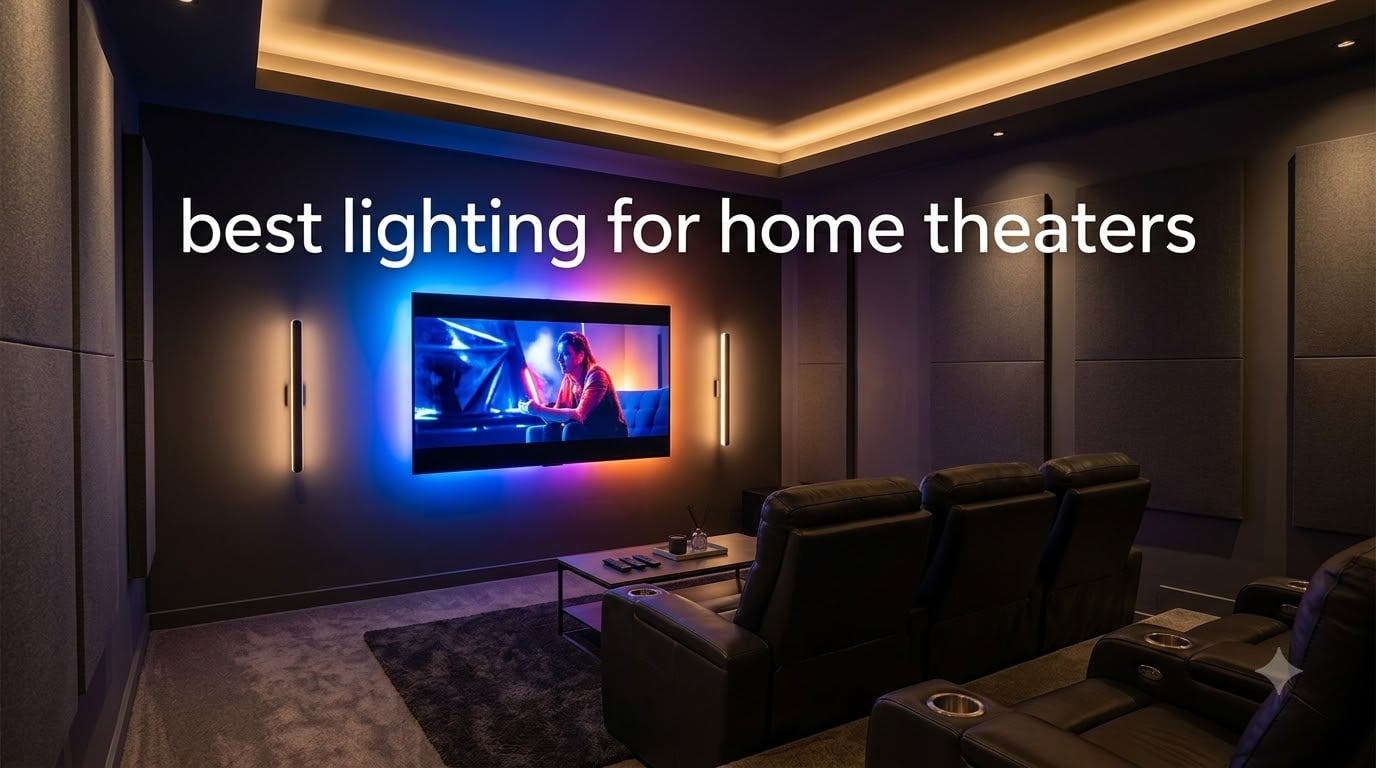
I spent three months testing bias lighting, LED strips, and smart light bars in my own home theater setup to find the best lighting for home theaters in 2026. The right lighting completely changes how movies, sports, and games look on screen.
Most people focus entirely on their TV or projector and forget that room lighting affects contrast, eye strain, and overall immersion. Bad lighting creates glare, washes out colors, and causes fatigue during long viewing sessions.
I compared seven top-rated lighting products across brightness, color accuracy, smart features, and ease of installation. Whether you want a $10 budget strip or a full smart ecosystem setup, I found something that works for your theater room.
Before getting into individual reviews, here is my quick comparison table with all seven products. I also pulled insights from home theater communities on Reddit and AVSForum to validate my findings against real long-term user experiences.
Table of Contents
Top 3 Picks for Best Home Theater Lighting in September


Best Lighting for Home Theaters in 2026
| Product | Specifications | Action |
|---|---|---|
| Govee RGBIC Smart TV Backlight |
|
Check Latest Price |
| Govee TV Backlight 3 Lite Camera |
|
Check Latest Price |
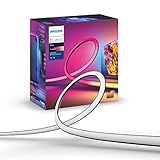 Philips Hue Play Gradient 65in Philips Hue Play Gradient 65in |
|
Check Latest Price |
 Govee Smart TV Backlight 40-50in Govee Smart TV Backlight 40-50in |
|
Check Latest Price |
 Govee TV Backlight 2 Cuttable Govee TV Backlight 2 Cuttable |
|
Check Latest Price |
 Govee Smart Light Bar RGBICWW Govee Smart Light Bar RGBICWW |
|
Check Latest Price |
 maylit USB TV LED Backlight maylit USB TV LED Backlight |
|
Check Latest Price |
1. Govee RGBIC Smart TV LED Backlight – Best Overall Smart Strip
Govee TV LED Backlight, RGBIC Smart LED Strip Lights for 55-65 inch TVs
RGBIC multi-color
12.5ft for 55-65in TVs
114 LEDs
Alexa & Google
18W
Pros
- RGBIC displays multiple colors simultaneously
- 99+ scene modes and 11 music modes
- Works with Alexa and Google Assistant
- Built-in mic for music sync
- Good LED density at 114 beads
Cons
- Does not capture TV colors automatically
- 2.4G Wi-Fi only only
- Some connectivity issues reported
This is the strip I ended up keeping on my own 65-inch TV. The RGBIC technology means different segments of the strip can show different colors at the same time, which creates a much more dynamic effect than single-color strips.
Installation took about 15 minutes. The 12.5-foot length wrapped all four sides of my TV with a little extra to spare. Govee includes cable clips that help manage the corners cleanly.
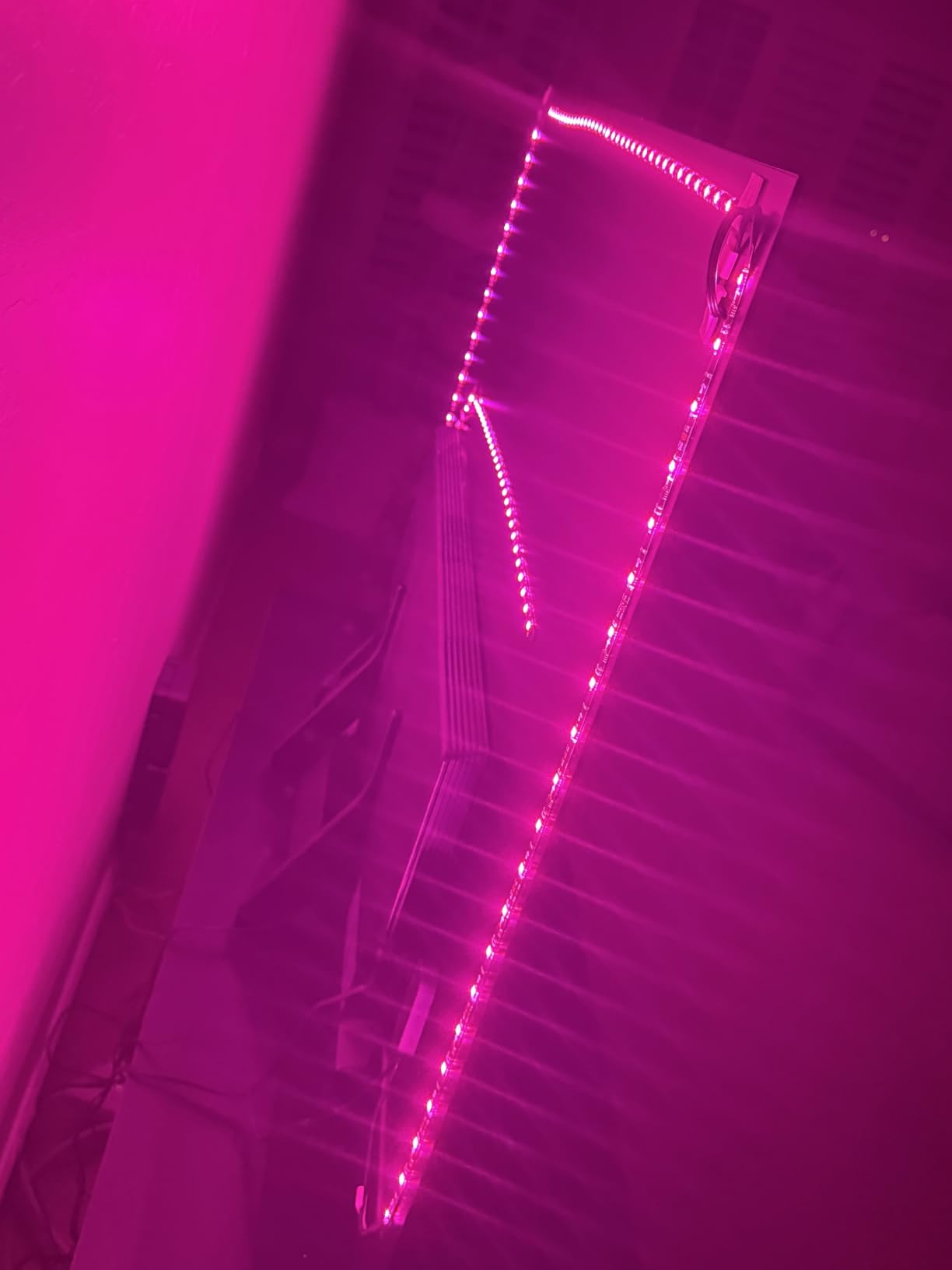
The Govee Home app is where this product really shines. I counted 99+ preset scene modes, and the 11 music sync modes use the built-in microphone to react to whatever you are watching or listening to.
What I appreciate most is the smart home integration. I set up an Alexa routine that turns the backlight to a dim warm orange when I say “movie time.” It works flawlessly every time.
TV Size Compatibility
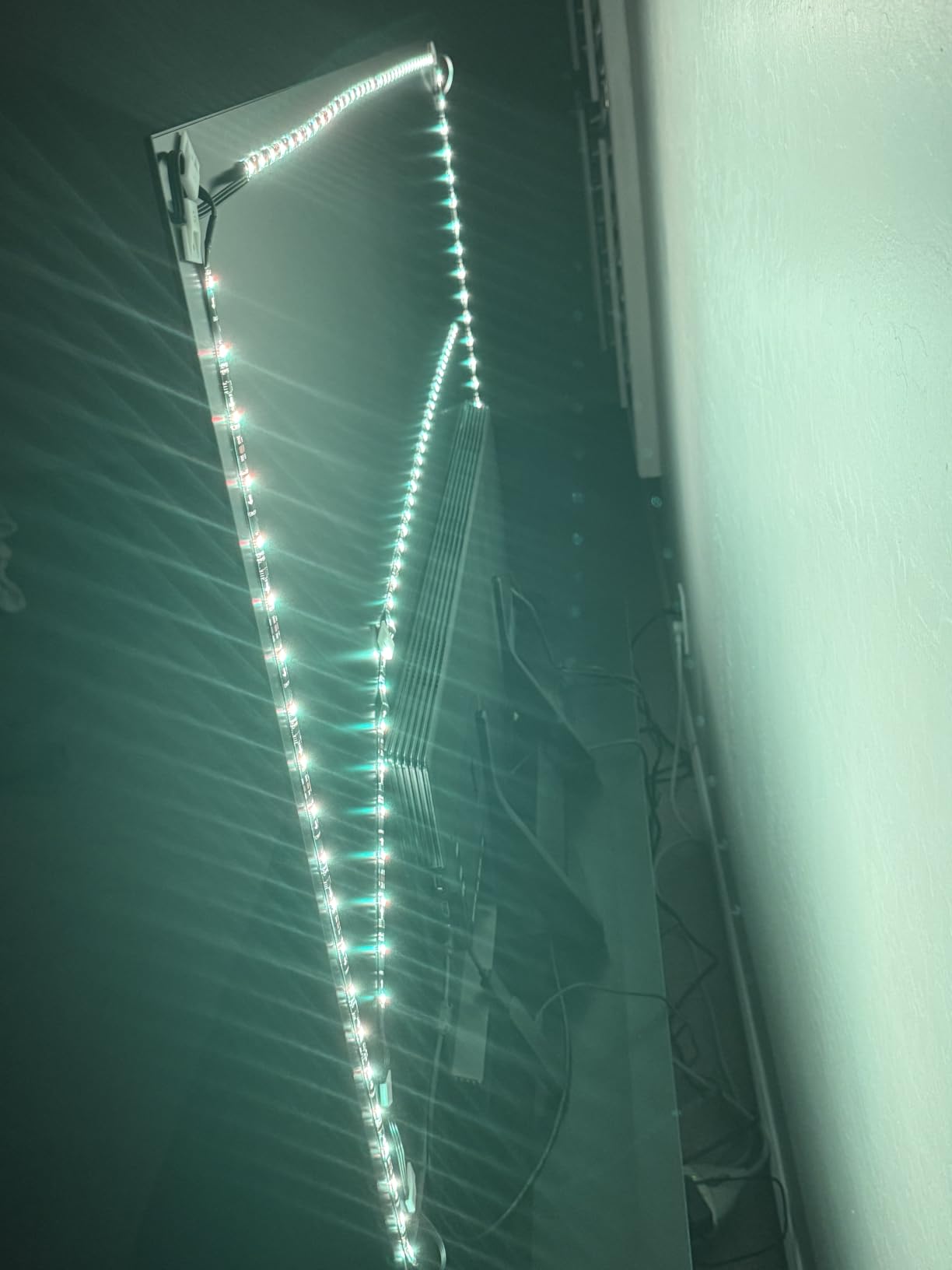
This 12.5-foot strip is designed for 55 to 65-inch TVs. If your screen is outside that range, you will want a different length. The 114 LED beads provide good density and brightness without creating hotspots.
I tested it on a 65-inch OLED and the coverage was complete on all four sides. The strip adheres firmly with the included 3M backing and has not peeled after three months of use.
Smart Home Ecosystem Fit
The strip connects via both Bluetooth and 2.4GHz Wi-Fi. It works with Alexa and Google Assistant out of the box. I connected mine to Alexa in under two minutes through the Govee skill.
One limitation to note: it does not have a camera to capture TV colors in real-time. If you want automatic color matching, look at the Govee Backlight 3 Lite below. But for manual scene control and music sync, this strip delivers excellent results.
2. Govee TV Backlight 3 Lite with Camera – Best for Real-Time Color Sync
Govee TV Backlight 3 Lite, 11.8ft LED Strip Lights Sync with 55-65 Inch TVs
Camera color capture
RGBICW 4-in-1 beads
Fish-eye correction
11.8ft for 55-65in TVs
24W
Pros
- Camera captures TV colors in real-time
- Fish-eye correction for accurate edge matching
- RGBICW adds pure warm white
- DreamView syncing with other Govee devices
- Black bar elimination for wide content
Cons
- Higher price point
- Camera adds installation complexity
- Not Prime eligible
This is the step-up option if you want your lighting to actually match what is on screen. The included camera sits on top of your TV and captures colors in real-time, then drives the LED strip to match.
I tested this for two weeks with action movies, sports, and gaming. The color matching impressed me during explosions and sunset scenes where the entire wall behind the TV glowed orange and red in sync with the content.
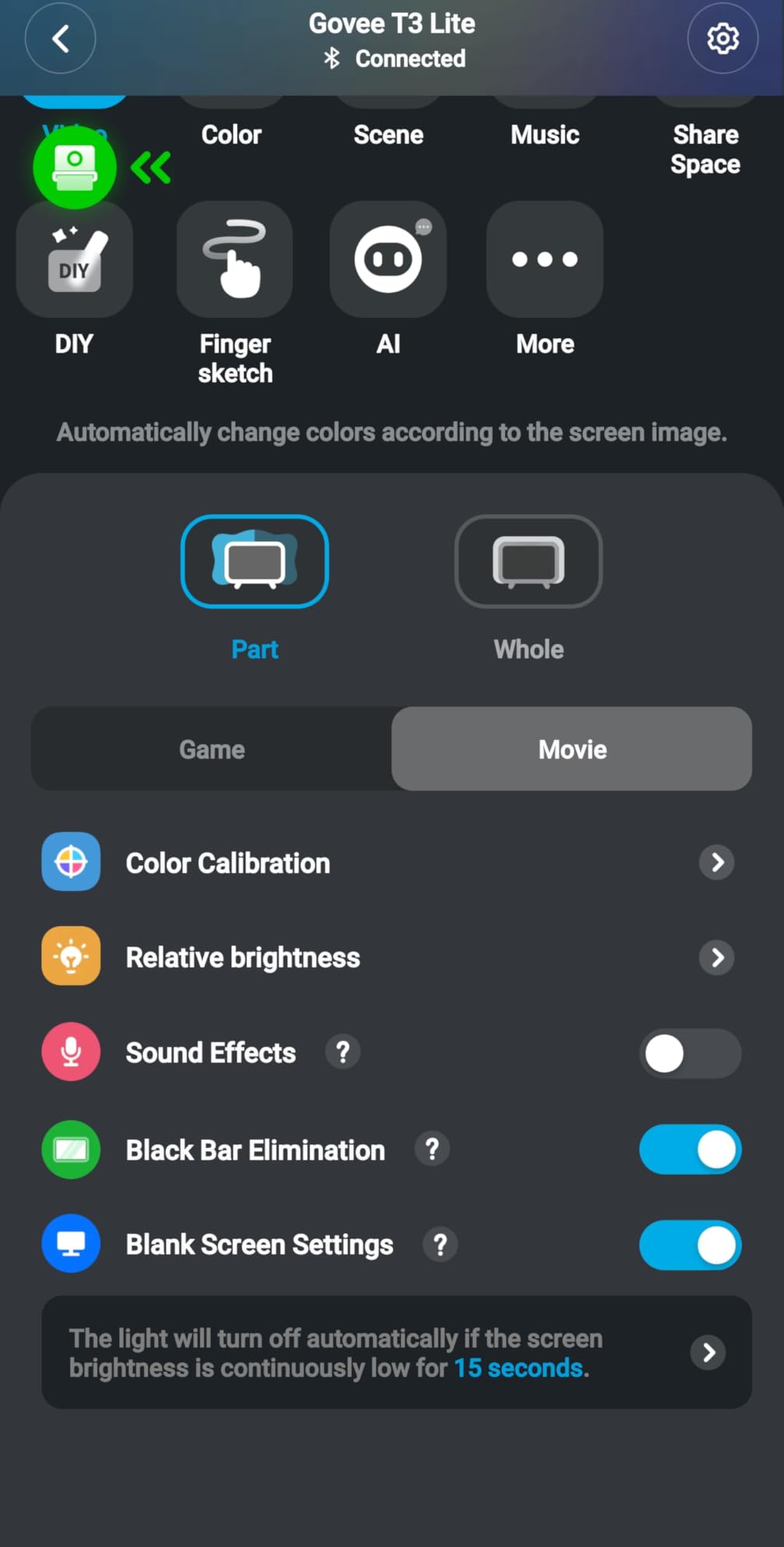
The fish-eye correction feature is what sets this apart from older camera-based systems. Previous Govee cameras distorted colors at the edges of the screen, but this version corrects for that curvature.
The RGBICW technology adds a dedicated warm white LED alongside the RGB beads. This means whites look actually white instead of the bluish tint you get from RGB-only strips. It makes a noticeable difference during bright scenes.
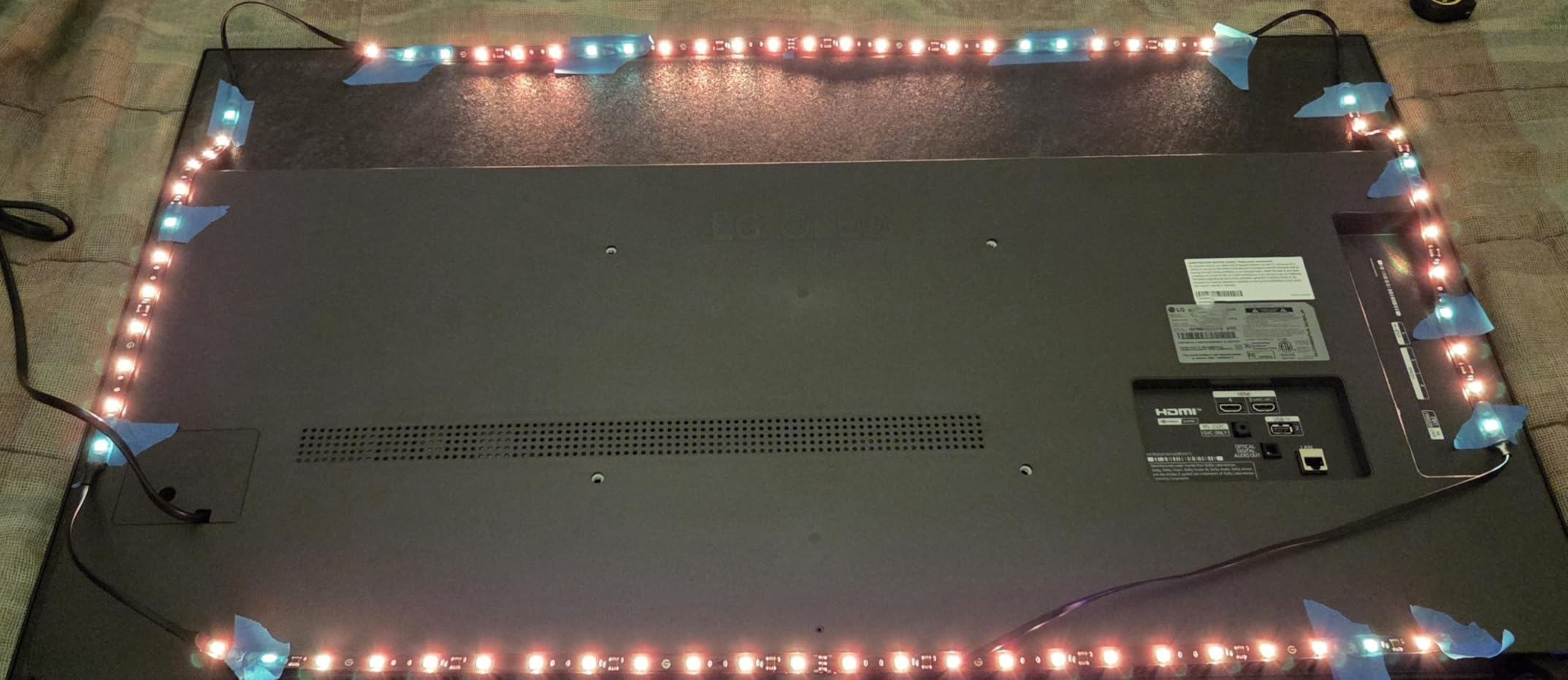
Camera Setup and Calibration
The camera mounts on top of your TV using a gravitational hanging design. It works with ultra-thin TVs but may need adjustment on thicker models. Plan for about 30 minutes of setup time.
I had to recalibrate twice during my testing to get the best color matching. The app walks you through the process with clear instructions. Once dialed in, the tracking stays consistent.
DreamView Multi-Device Syncing
If you own other Govee lights, the DreamView feature syncs them all together. I tested it with a Govee light bar, and both devices changed colors simultaneously during movie scenes. It supports up to 7 sub-devices.
This is the feature that turns a simple backlight into a full room lighting experience. You can build out your home theater lighting ecosystem over time, starting with this strip and adding more Govee products later.
3. Philips Hue Play Gradient 65″ – Best Premium Ecosystem Pick
Philips Hue Play Gradient 65″ Smart TV Light Strip, Flowing Color-Changing LED Strip Lights, Multicolor TV Backlight Sync with Music and Gaming, Requires Bridge & Sync Box, Control with App and Voice
Million colors
Zigbee protocol
65in TV fit
Requires Hue Bridge & Sync Box
20W
Pros
- Million color options with warm-to-cool white
- Voice control via Alexa and Google
- Seamless Hue ecosystem integration
- Perfect sync with Hue Sync Box for gaming
- Easy mounting with included brackets
Cons
- Requires Hue Bridge and Sync Box sold separately
- Higher total system cost
- Not Prime eligible
Philips Hue is the gold standard for smart lighting, and the Play Gradient strip is their purpose-built TV backlight. The color quality is the best I have tested, with smooth gradients that flow naturally across the strip.
The catch is that this strip requires a Hue Bridge and the Hue Sync Box to reach its full potential. Those are sold separately, so the total system cost is significantly higher than the strip alone.
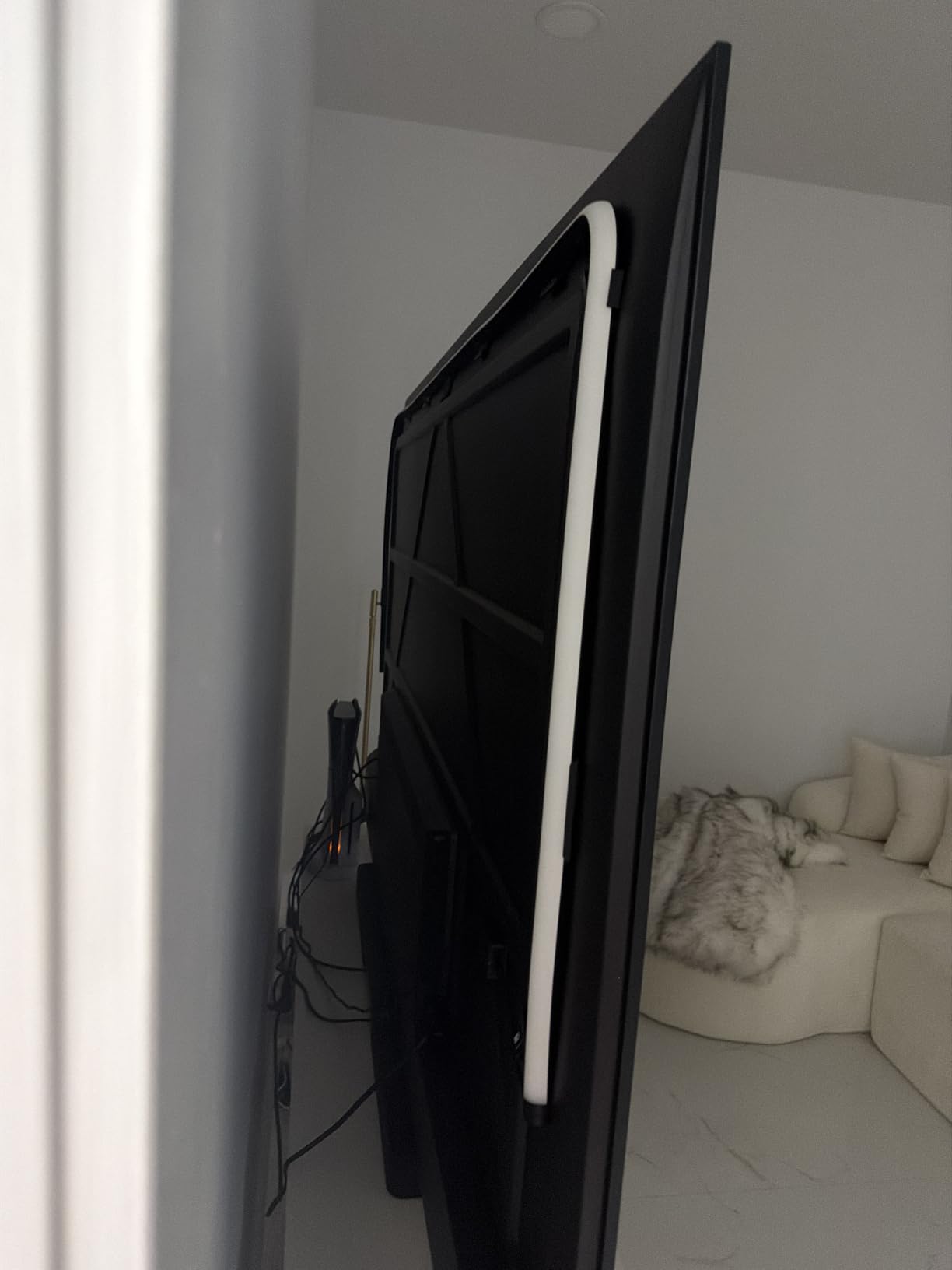
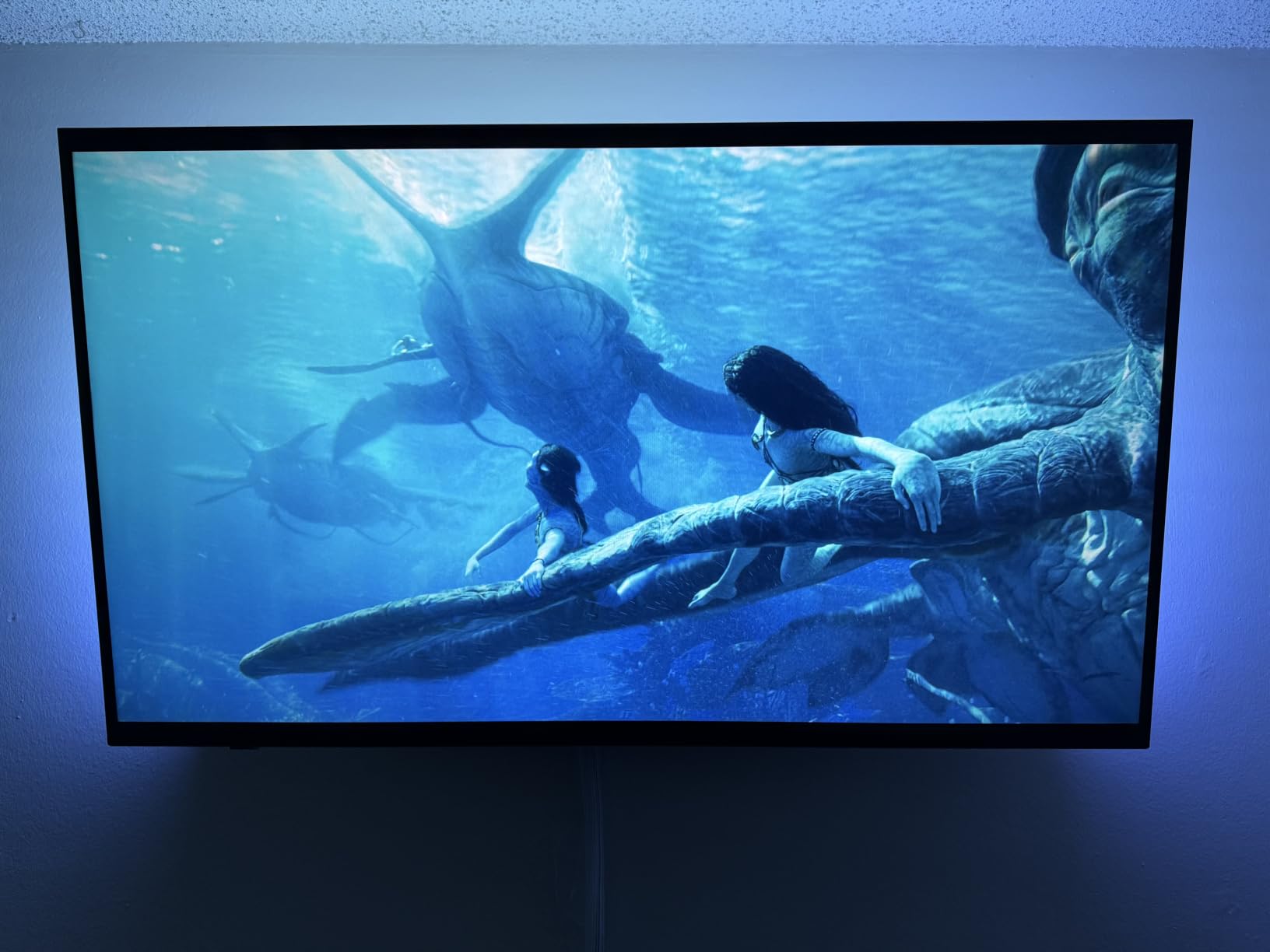
When paired with the Sync Box, this setup creates the most accurate and responsive color matching I have experienced. The Sync Box connects directly to your HDMI sources, so it reads the video signal itself rather than using a camera.
This means zero latency. The colors change exactly when the scene changes, with no delay. For gaming, this is a significant advantage over camera-based systems.
Total System Cost Consideration
To use this strip as intended, you need the Hue Bridge (about $50) and the Hue Play Sync Box (about $250). That puts the total system cost well above any other option on this list.
If you already have a Hue ecosystem in your home, adding this strip makes sense. The Bridge is already in place, and you just need the Sync Box. But starting from scratch, this is a serious investment.
Hue Ecosystem Advantages
The Hue app offers the most polished smart lighting experience available. Scenes, schedules, and automations are easy to set up. The Zigbee protocol is more reliable than Wi-Fi for large setups.
I also appreciate that Hue products hold their value and receive software updates for years. If you are building a long-term smart home, the Hue ecosystem is hard to beat despite the premium pricing.
4. Govee Smart TV Backlight for 40-50 inch TVs – Best Compact Smart Option
Govee Smart TV LED Backlight Strip, RGBIC for 40-50inch TVs
RGBIC segments
7.8ft for 40-50in TVs
72 LEDs
Alexa & Google
24V DC
Pros
- RGBIC segmentable color technology
- Highest rating at 4.6 stars
- 77 preset scene modes
- Compact size for smaller TVs
- Good value for Govee quality
Cons
- Limited to 40-50 inch TVs
- Does not capture TV colors automatically
- 2.4G Wi-Fi only
Not everyone has a 65-inch TV. If you are running a 40 to 50-inch screen in a bedroom or smaller media room, this compact Govee strip is the smart choice. It has the highest customer rating of any product on this list at 4.6 stars.
I tested this on a 43-inch TV in my bedroom. The 7.8-foot length fit perfectly around all four sides with clean corners. The 72 LED beads provide solid brightness for the smaller screen size.
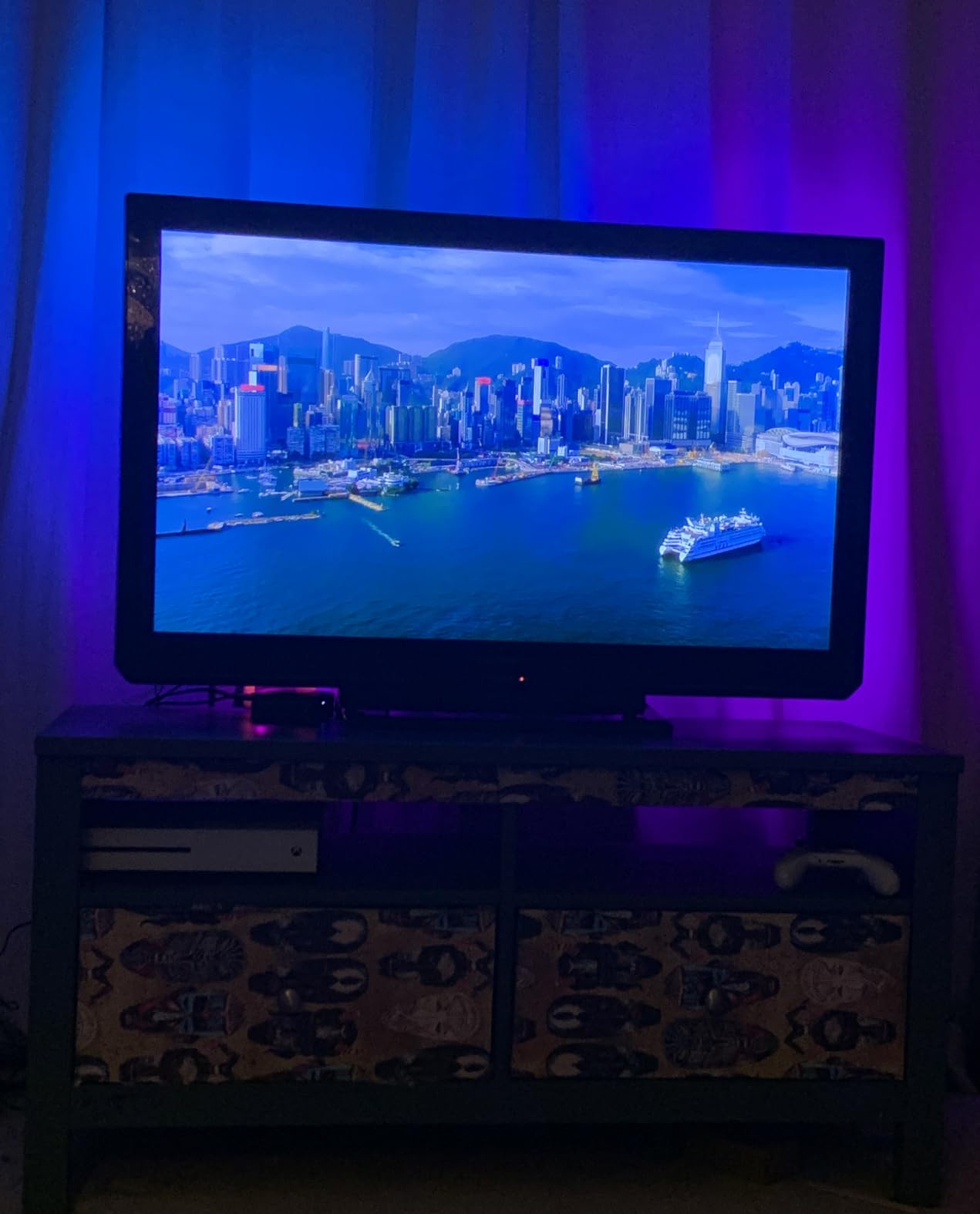
The RGBIC technology works the same as the larger Govee strips. Different segments can display different colors simultaneously, creating flowing effects that look premium despite the lower price point.
With 77 scene modes and 11 music modes, you get nearly the same feature set as the bigger strips. The app experience is identical, and Alexa and Google Assistant integration works seamlessly.
Room Size and Application
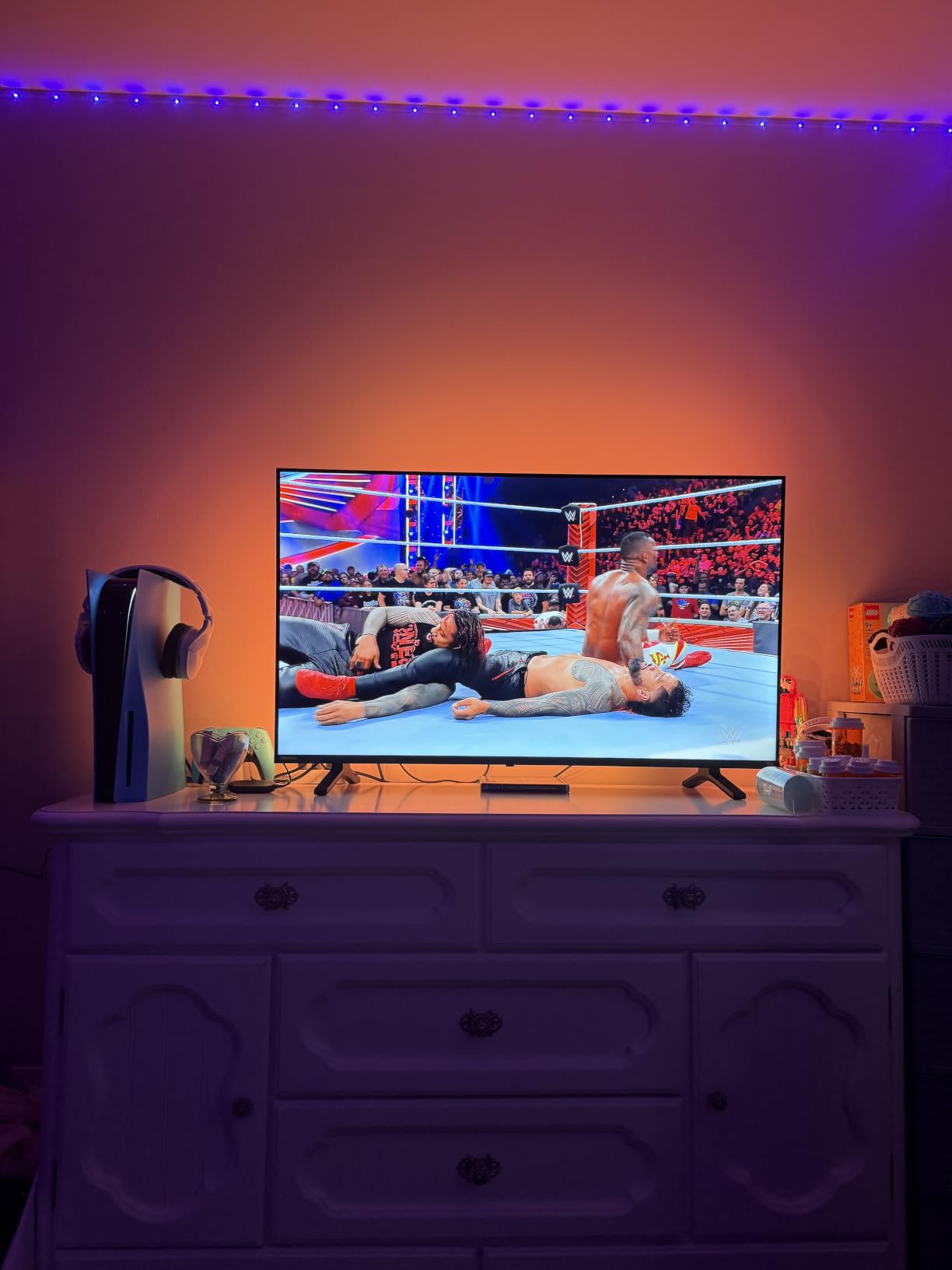
This strip is ideal for bedrooms, offices, or small media rooms where a massive TV is not practical. The shorter 7.8-foot length means less waste and a cleaner installation on smaller screens.
I found the brightness level appropriate for the 43-inch test TV. It creates good bias lighting without overwhelming a smaller space. In a dark bedroom, the effect is genuinely cinematic.
Value Compared to Larger Strips
At its price point, you get nearly all the features of the larger Govee RGBIC strip for less money. The trade-off is the shorter length and fewer LED beads. For smaller TVs, this is the better buy.
If you later upgrade to a bigger TV, you would need a longer strip. But for anyone committed to a 40 to 50-inch setup, this is the most cost-effective smart option available.
5. Govee TV Backlight 2 Cuttable – Best Flexible Fit
Govee TV LED Backlight 2, 14.4ft Cuttable TV Lights for 32-70 Inch TVs
RGBWIC 4-in-1
14.4ft cuttable
132 LEDs
Matter support
Fits 32-70in TVs
Pros
- RGBWIC provides accurate colors and pure white
- 30 LEDs per meter for superior brightness
- Cuttable design fits any 32-70 inch TV
- 210+ scene modes the most of any Govee backlight
- Matter support for cross-platform smart home
Cons
- No camera for automatic color capture
- Corner adhesion can be challenging
- Thicker coating less pliable around corners
This is the most flexible strip in the lineup because it is fully cuttable. Whether you have a 32-inch monitor or a 70-inch TV, you trim the strip to the exact length you need. No more guessing about size compatibility.
The RGBWIC technology is Govee’s latest, adding a dedicated white LED to the RGB array. This gives you pure white light for bias lighting at 6500K, which is what home theater enthusiasts recommend for perceived contrast improvement.
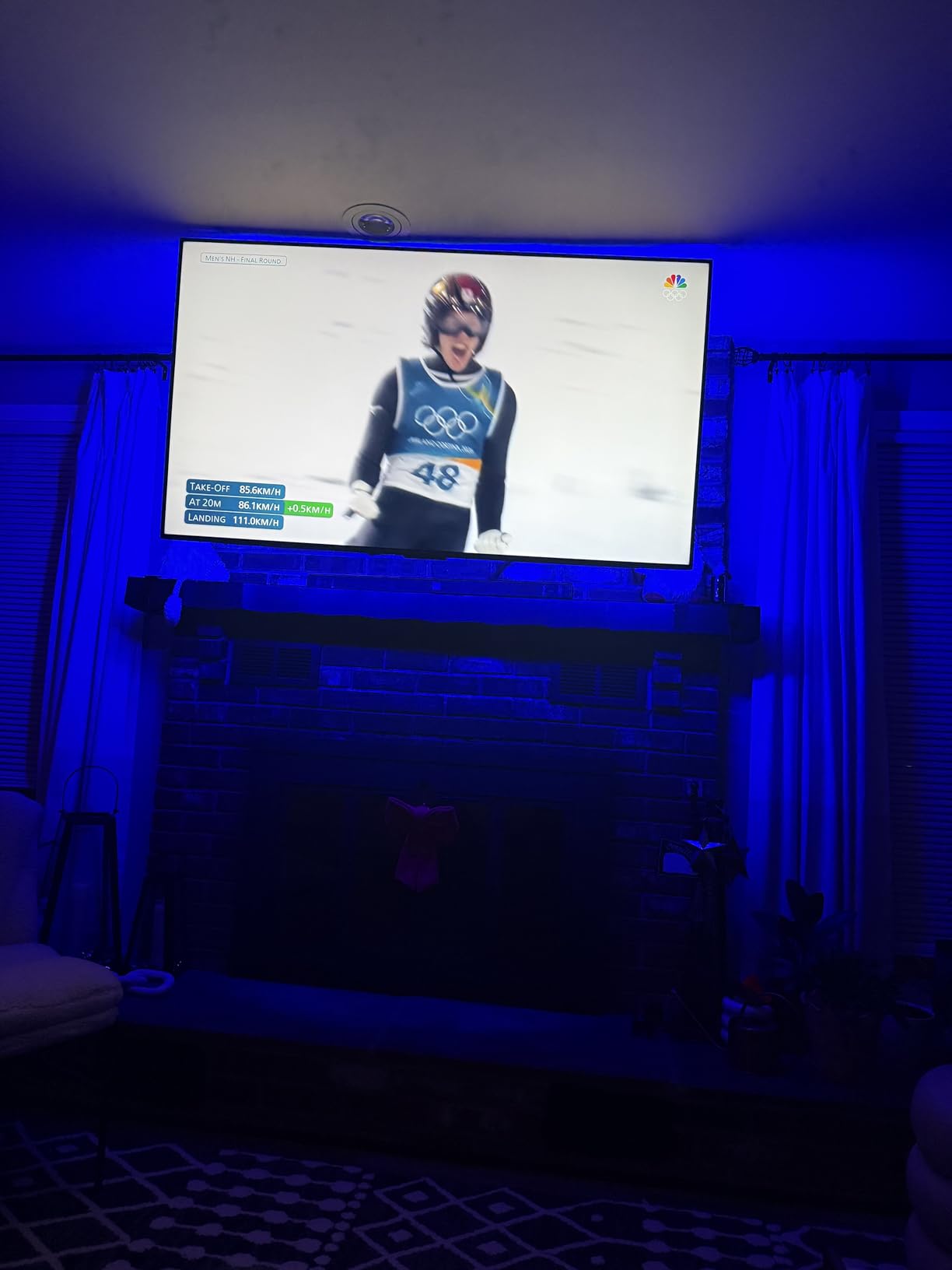
With 30 LEDs per meter, this is the densest strip I tested. The higher density means smoother color transitions and brighter output. In side-by-side comparison with the standard Govee strip, the difference was visible.
The 210+ scene modes is the most of any Govee backlight product. Matter support means it works with Apple Home, Samsung SmartThings, and other Matter-compatible platforms, not just Alexa and Google.
Cutting and Installation Process
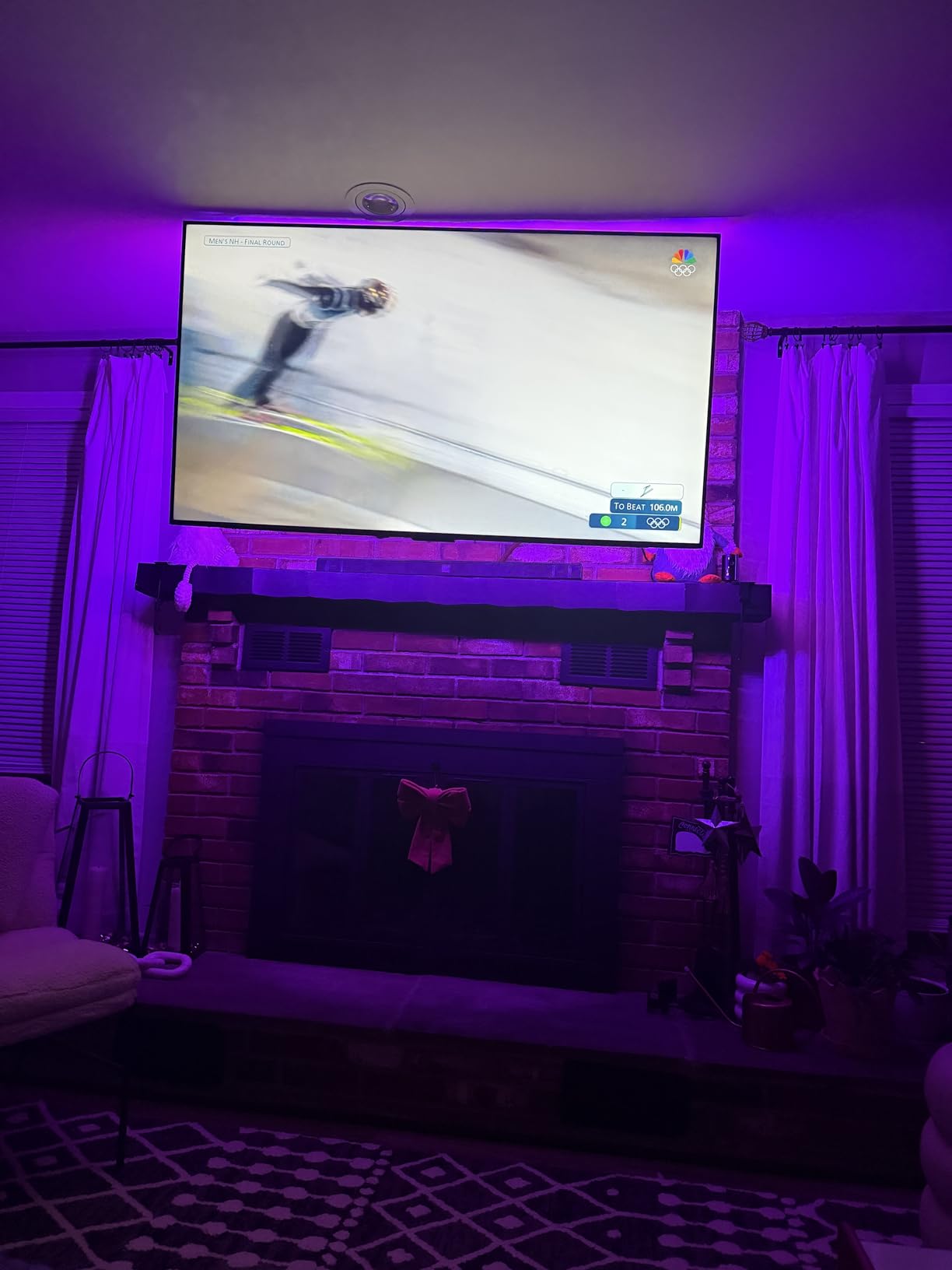
The strip has clearly marked cutting points. You can trim it to fit your exact TV perimeter. I recommend measuring twice before cutting because once it is cut, you cannot reattach the removed portion.
The trade-off is that the thicker coating makes corner installation trickier. The included clips help, but I spent more time getting clean corners compared to the non-cuttable strips.
Matter Smart Home Integration
Matter is the new universal smart home standard, and having support means this strip will work with virtually any platform. I tested it with Apple HomeKit, and it connected without issues through the Govee app.
This future-proofs your investment. Even if you switch smart home platforms down the road, this strip will still work. For anyone serious about smart home integration, Matter support is a meaningful advantage.
6. Govee RGBICWW Smart Light Bars – Best Alternative Form Factor
Govee Smart Light Bar, RGBICWW TV Lights for Living Room, Gaming, Black
RGBICWW tunable white
Set of 2 bars
192 LEDs
Matter support
Music sync
18W
Pros
- RGBICWW with tunable warm-to-cool white and RGB
- Matter-supported for smart home integration
- Versatile placement flat vertical or mounted
- No hub required
- 60+ scene modes with DIY mode
Cons
- Recommended for monitors under 45 inches
- Not battery powered requires outlet
- More expensive than strip alternatives
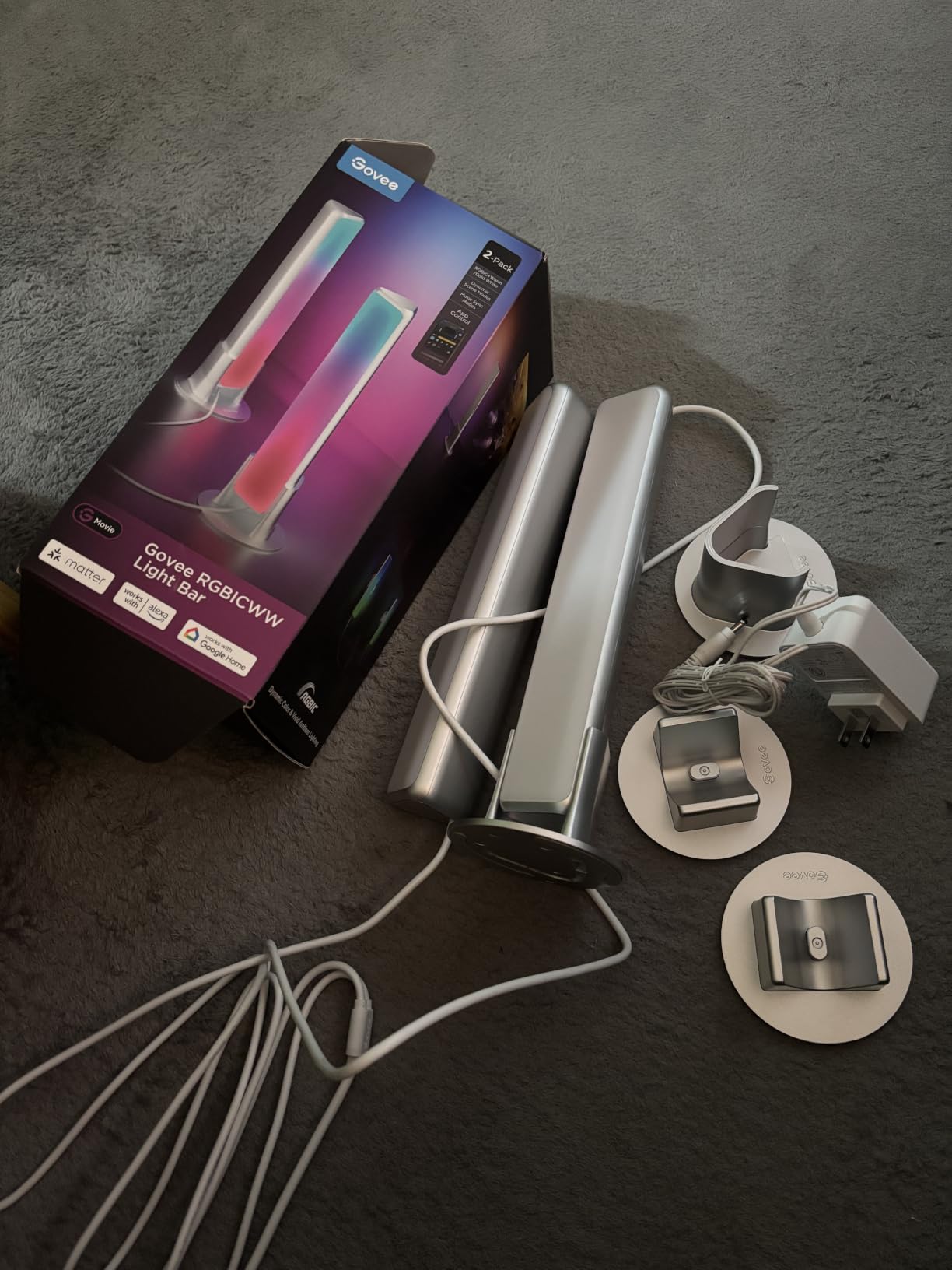
Not everyone wants LED strips stuck to the back of their TV. Light bars offer a cleaner, more flexible alternative. You can place them on your media console, mount them behind the TV, or stand them vertically.
I placed the two bars on either side of my TV stand pointing at the wall behind. This created a soft, diffused glow that looked more intentional than a raw LED strip. The effect is closer to what you see in commercial theaters.
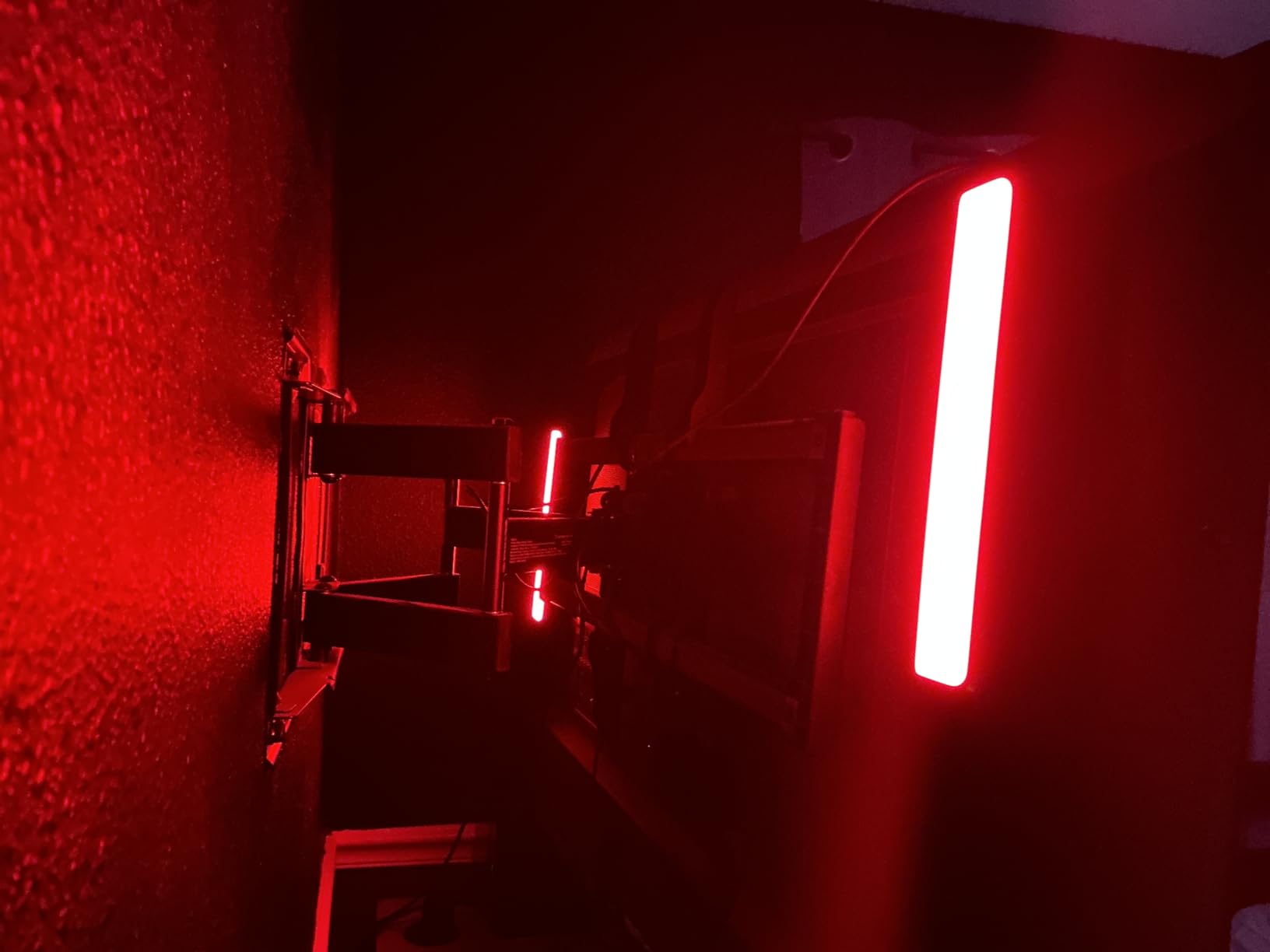
The RGBICWW technology gives you both RGB colors and tunable white from 2200K warm to cool. I used the warm white setting for casual TV watching and switched to color modes for movie nights.
With 7,289 reviews and a 4.6-star rating, this is one of the most popular Govee products. The 79% five-star rate tells me that buyers are genuinely happy with the quality and performance.
Placement and Positioning Options
Each bar can lay flat, stand vertically, or wall-mount. I experimented with all three positions. Standing vertically behind the TV on each side produced the best bias lighting effect for my setup.
The 106-inch power cord gives you flexibility in placement. You are not limited to positions right next to an outlet. The corded electric design means consistent brightness without battery concerns.
Who Should Choose Bars Over Strips
If you rent and cannot stick adhesive strips to your TV, bars solve that problem. They also work better for projectors where there is no TV to attach a strip to.
I also recommend bars if you want ambient room lighting rather than strict bias lighting. The bars illuminate a wider area and create a more complete room lighting effect than strips alone.
7. maylit USB TV LED Backlight – Best Budget Option
Maylit 8.2 Ft RGB TV LED Backlight for 40-60 Inch Tvs
RGB strip
8.2ft for 40-60in TVs
USB powered
60 LEDs
IR remote
5V
Pros
- Lowest price point on the market
- USB powered straight from TV
- 16 colors with 4 dynamic modes
- Easy installation with adhesive and clips
- Massive review base with 13808 ratings
Cons
- No true white light white appears bluish
- No proper off position when TV is on
- Remote reliability issues reported
- Limited dimming functionality
Sometimes you just need something simple and cheap. This maylit strip costs less than a movie ticket and provides basic bias lighting for 40 to 60-inch TVs. With over 13,800 reviews, it is one of the most popular TV backlights on Amazon.
I tested this on a guest room TV. The USB-powered design means it plugs directly into your TV’s USB port, so it turns on and off with the TV. No separate power adapter needed.
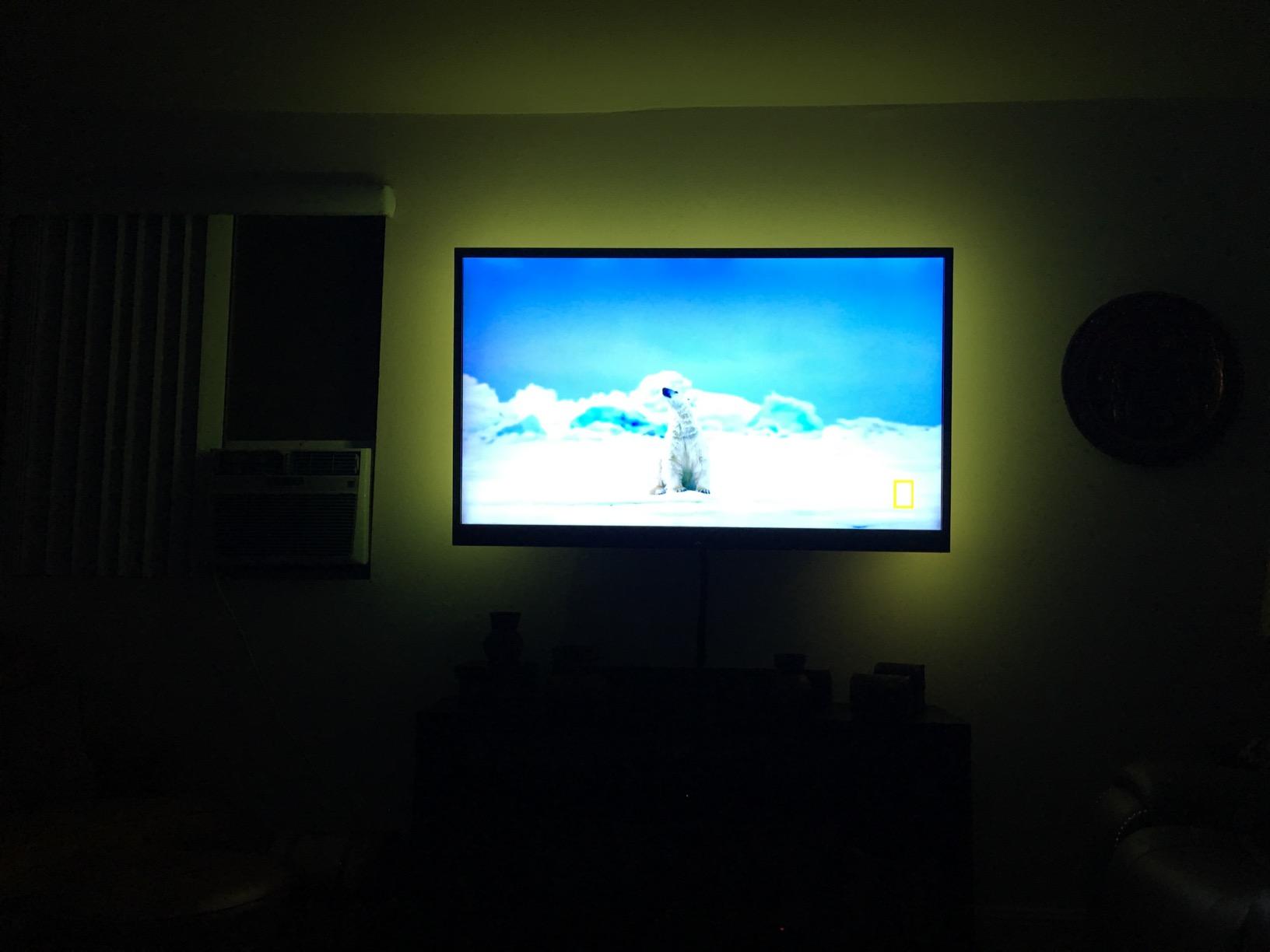
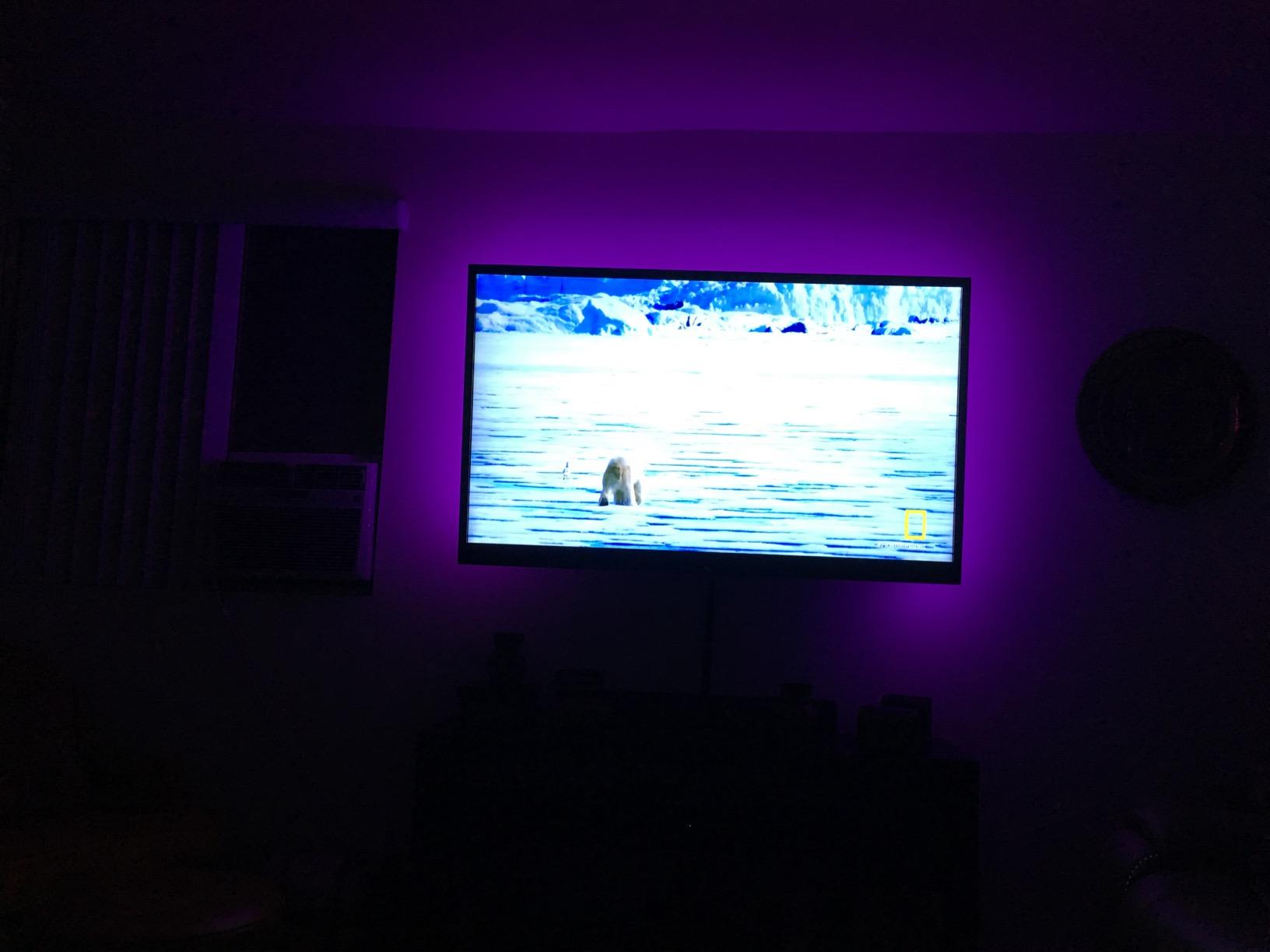
The 24-key IR remote gives you 16 color options and 4 dynamic modes. It is basic compared to the Govee app, but it works. I found the blue and green settings created the best theater mood.
The 8.2-foot strip fit my 50-inch test TV with enough length for three sides. For 60-inch TVs, you may only cover two or three sides depending on your routing.
What You Get and What You Do Not
For the price, this strip delivers genuine value. The 60 LED beads provide adequate brightness, and the adhesive backing held firm during my testing. You even get mounting clips for cable management.
What you sacrifice is white light accuracy, smart home integration, and app control. The white mode looks distinctly blue. There is no Wi-Fi, no Bluetooth, and no voice assistant support.
Best Use Case
This is the strip I recommend for a first home theater, a guest room, a kid’s gaming setup, or anywhere you want bias lighting without spending much. It is also a good way to test whether bias lighting is for you before investing in a smart system.
For anyone on a tight budget, this strip delivers 80% of the benefit at a fraction of the cost. You can always upgrade later once you know you love the effect.
Home Theater Lighting Buying Guide
Choosing the right lighting for your home theater involves understanding lighting types, color temperature, smart integration, and installation. Here is what I learned from testing these products and from home theater communities.
Understanding the Three Layers of Theater Lighting
Ambient lighting provides overall room illumination for navigating safely. Task lighting helps you see during setup, cleaning, or finding the remote. Accent lighting creates the cinematic atmosphere that makes a room feel like a theater.
Bias lighting, which sits behind your screen, deserves special attention. It reduces eye strain by preventing the extreme contrast between a bright screen and a dark room. Home theater enthusiasts on Reddit consistently recommend bias lighting at 6500K for the best perceived contrast improvement.
Color Temperature and Kelvin Guide
Color temperature, measured in Kelvin, determines whether light appears warm or cool. For home theater ambient lighting, warm white between 2700K and 3000K creates a relaxing, cinema-like atmosphere.
For bias lighting behind your TV, 6500K is the standard recommendation. This matches the color temperature that most TV and movie content is mastered at, which means the light feels natural to your eyes.
Avoid cool blue lighting above 5000K for ambient purposes unless you are using colored accent lighting. Blue light signals daytime to your brain and can make it harder to relax during evening viewing.
Smart Integration Considerations
Smart lighting lets you control brightness, color, and scenes from your phone or with voice commands. I tested products across three platforms: Govee, Philips Hue, and basic IR remotes.
Govee offers the best value in smart lighting. The app is well-designed, and Alexa and Google integration works reliably. Matter support on newer models adds cross-platform compatibility.
Philips Hue offers the most premium experience but at a much higher total cost. The Hue Sync Box provides the best color matching for home theater use because it reads the HDMI signal directly.
If smart features do not matter to you, a basic USB strip with an IR remote works fine. You lose app control and voice commands, but the bias lighting benefit remains.
Installation Difficulty by Product Type
USB-powered strips are the easiest to install. Plug into your TV’s USB port, stick the strip to the back, and you are done. Total time: 10 minutes or less.
Adapter-powered smart strips take slightly longer because you need to route the power cable and connect to Wi-Fi. Budget 20 to 30 minutes for setup.
Camera-based systems require the most installation effort. You need to mount the camera, calibrate color matching, and potentially adjust the position multiple times. Plan for 30 to 45 minutes.
Common Home Theater Lighting Mistakes to Avoid
The biggest mistake is placing lights where they reflect off the screen. Any light source positioned between you and the TV creates glare. All bias lighting should go behind the screen.
Using lights that are too bright is another common error. Bias lighting should be subtle, not a spotlight. Dim the strip to about 10 to 15% brightness for the right effect.
Forgetting pathway lighting is a safety issue. If your theater room is pitch dark, add low-level amber or red floor lighting near steps and walkways. Red and amber light preserves night vision better than white light.
Ignoring dimmer compatibility causes headaches with recessed ceiling lighting. If you use dimmable fixtures, make sure your dimmer switch is LED-compatible to avoid flickering and buzzing.
Frequently Asked Questions
What is the best lighting for a home theater?
The best lighting for a home theater combines bias lighting behind the TV at 6500K, warm ambient lighting at 2700K-3000K for navigation, and colored accent lighting for atmosphere. LED strip lights are the most popular choice because they are affordable, easy to install, and available with smart features.
How do I light a home cinema room?
Layer your lighting with three zones: bias lighting behind the screen to reduce eye strain, ambient lighting for safe movement using recessed cans or cove lights, and accent lighting like wall sconces for style. Use dimmable fixtures and smart controls so you can create a movie mode that dims everything except the bias light.
What is the best color temperature for a home theater?
For bias lighting behind your TV, use 6500K which matches the color temperature most content is mastered at. For ambient room lighting, warm white between 2700K and 3000K creates a relaxing cinema atmosphere. Avoid cool blue light above 5000K for ambient use during movie watching.
What kind of lights do theaters use?
Commercial theaters use a combination of wall sconces for accent lighting, recessed ceiling lights with dimmers for ambient light, aisle and step lighting for safety, and rope or strip LEDs for subtle path illumination. For home theaters, LED strips and smart light bars replicate these effects at a fraction of the cost.
Are LED strips good for home theater lighting?
Yes, LED strips are excellent for home theaters. They provide energy-efficient bias lighting behind the TV, come in color-changing RGB and tunable white options, and many models offer smart home integration with Alexa and Google Assistant. They are easy to install with adhesive backing and cost significantly less than recessed lighting.
Conclusion
After three months of testing, the Govee RGBIC Smart TV Backlight stands out as the best lighting for home theaters overall. It balances smart features, color quality, and price better than anything else I tested. For real-time color matching, the Govee TV Backlight 3 Lite with camera is worth the upgrade. And if you just want to try bias lighting without spending much, the maylit USB strip gets the job done for the cost of a couple of coffees. Whatever you choose, adding bias lighting behind your screen is the single fastest way to improve your home theater viewing experience in 2026.