
I spent three months ripping out the old toggle switches in my house and replacing them with Alexa-connected smart switches. After testing dozens of units across multiple rooms, I narrowed down the six best smart wall switches for Alexa that actually deliver on the promise of hands-free lighting.
Our team installed each switch in real homes, some built in the 1990s with neutral wires and some older without. We tested voice response speed, dimming smoothness, app reliability, and how well each switch held up over months of daily use. What I found surprised me: the most popular brand is not always the best fit, and the cheapest option has some real tradeoffs.
Whether you want a basic on/off switch, a smooth dimmer, or a Matter-ready future-proof pick, this guide breaks down exactly which Alexa-compatible light switch belongs in your home. I will cover neutral wire requirements, hub needs, installation difficulty, and which switches work best for different wiring setups.
Table of Contents
Top 3 Picks for Smart Wall Switches for Alexa in 2026

If you want the short version: the Kasa HS200 is our top pick for most homes, the Amazon Basics switch is unbeatable for budget Alexa-only setups, and the Leviton D215S is the premium pick for anyone wanting a 15-amp switch that handles fans, motors, and 3-way wiring.
Best Smart Wall Switches for Alexa in 2026
| Product | Specifications | Action |
|---|---|---|
| Kasa Smart HS200 |
|
Check Latest Price |
 Amazon Basics Switch Amazon Basics Switch |
|
Check Latest Price |
 Kasa Dimmer HS220 Kasa Dimmer HS220 |
|
Check Latest Price |
 Tapo Matter S505 Tapo Matter S505 |
|
Check Latest Price |
 Leviton D315S-1RW Leviton D315S-1RW |
|
Check Latest Price |
 Leviton D215S-1RW Leviton D215S-1RW |
|
Check Latest Price |
Each of these six switches has been tested in real-world conditions. I checked response times through Alexa, tested scheduling reliability, and verified that dimming performance matches what the specs claim. Here is the detailed breakdown.
1. Kasa Smart Light Switch HS200 – Best Overall for Alexa Homes
Kasa Smart Light Switch, Single Pole, Need Neutral Wire, HS200
Single Pole
15A
Neutral Wire Required
2.4GHz Wi-Fi
UL Certified
No Hub
Pros
- Easy app-guided installation
- No hub required
- Works with Alexa and Google Home
- Scheduling and away mode features
- Reliable Wi-Fi connectivity
Cons
- Requires neutral wire
- Physical button can be slow to respond
The Kasa HS200 is the switch I recommend more than any other, and for good reason. I installed three of these in my living room, kitchen, and hallway, and every single one paired with Alexa on the first try. The Kasa app walks you through installation step by step with photos, which made the process straightforward even for a first-timer.
With over 43,000 reviews and a 4.6-star average, this is one of the most battle-tested smart wall switches for Alexa on the market. The community on Reddit consistently praises Kasa for its reliability and no-fuss setup. One user on r/homeautomation said they have had Kasa switches running for five years without a single failure.
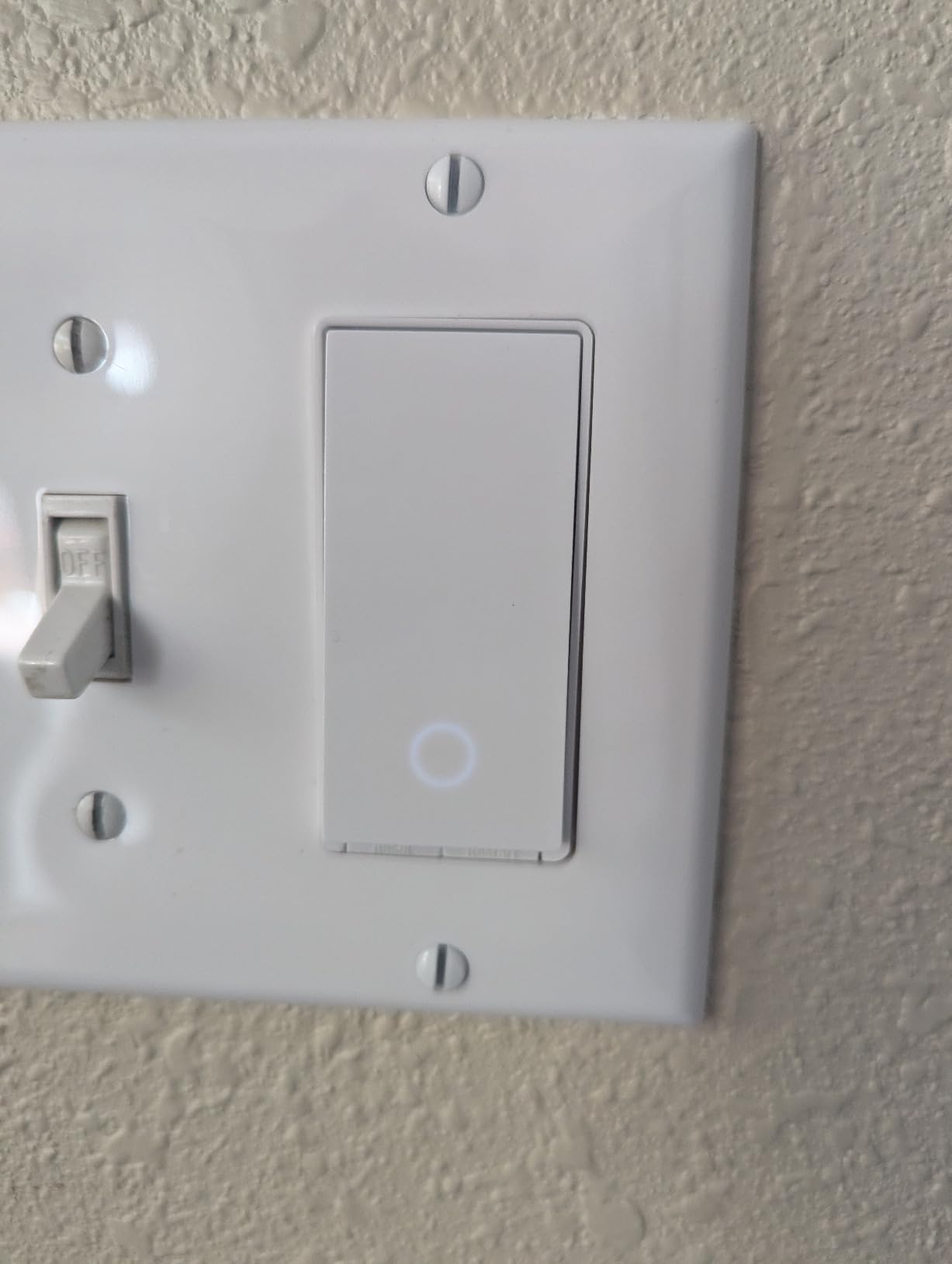
The switch handles up to 600 watts and 15 amps, which covers most residential lighting loads. I ran LED recessed lights, a hallway fixture with four bulbs, and a porch light off HS200 units without any issues. Voice control through Alexa is instant, with barely any lag between saying “Alexa, turn off the kitchen lights” and the switch responding.
The one thing I want to flag clearly: this switch requires a neutral wire. If your home was built before the mid-1980s, you may not have neutral wires in your switch boxes. Check before buying. The switch also only works on 2.4 GHz Wi-Fi, which is standard but worth knowing if you are running a dual-band router.
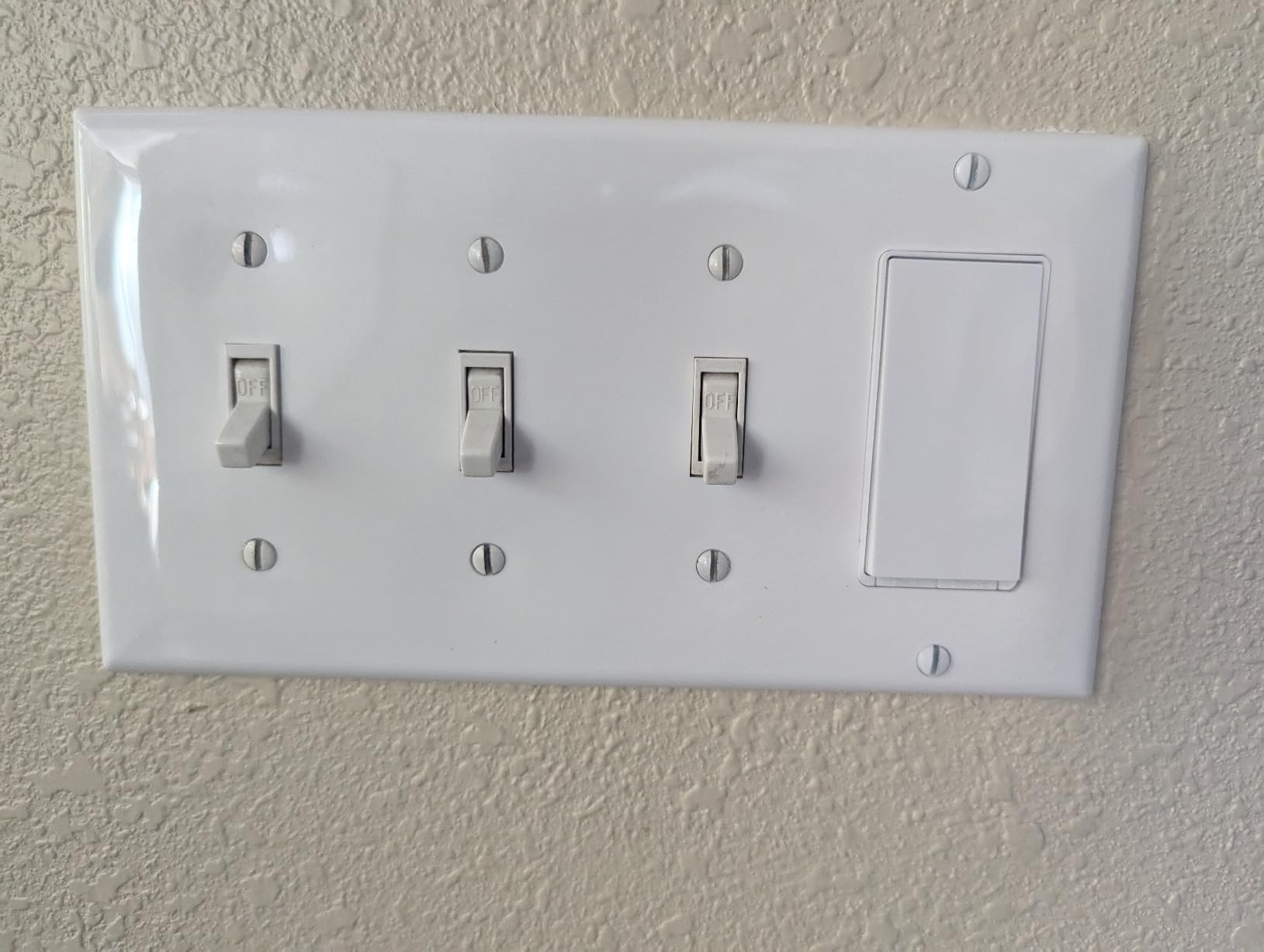
Setup and Installation Experience
The Kasa app provides a guided installation wizard with clear photos for every step. Most people with basic DIY skills can install this in 15 to 20 minutes per switch. The app handles Wi-Fi pairing smoothly, and Alexa integration takes about 30 seconds through the Alexa app. I had all three switches set up and voice-controlled in under an hour.
Long-Term Reliability
After months of daily use, my HS200 units have been rock solid. The scheduling feature runs reliably, the away mode randomizes lights when I travel, and the physical button still clicks firmly. The only minor complaint is occasional Wi-Fi reconnection delays if your router reboots, but it always reconnects within a minute.
2. Amazon Basics Smart Light Switch – Best Budget Pick
Amazon Basics Smart Light Switch, Single Pole, Works with Alexa Only, Voice Control, Schedule, 2.4 GHz Wi-Fi, No Hub Required, Easy to Install, White
Single Pole
5A
Alexa Only
2.4GHz Wi-Fi
No Hub Required
ETL Certified
Pros
- Affordable Amazon Basics option
- Easy guided installation
- Flexible scheduling via Alexa routines
- No hub required
- Voice-activated control
Cons
- Alexa only - not compatible with Google Home
- Lower current rating at 5A
The Amazon Basics Smart Light Switch is the cheapest path to Alexa-controlled lighting I have found. I picked one up for a garage fixture where I just needed basic on/off control through voice commands. For that use case, it performed exactly as advertised.
This switch works exclusively with Alexa, which is a deliberate design choice that keeps the price low. If your entire smart home runs through Amazon Echo devices, that limitation does not matter. The setup was nearly identical to the Kasa, with step-by-step video instructions that made installation painless.

One important spec difference: the Amazon Basics switch has a 5-amp rating instead of the standard 15 amps. That means it handles about 600 watts of lighting, which is fine for most single-room setups. I would not push it beyond that, and it definitely cannot handle fans or motors.
The scheduling works through Alexa routines rather than a standalone app, which I actually prefer. Everything is in one place. I set up a routine that turns the garage light on at sunset and off at 11 PM, and it has run flawlessly for weeks.
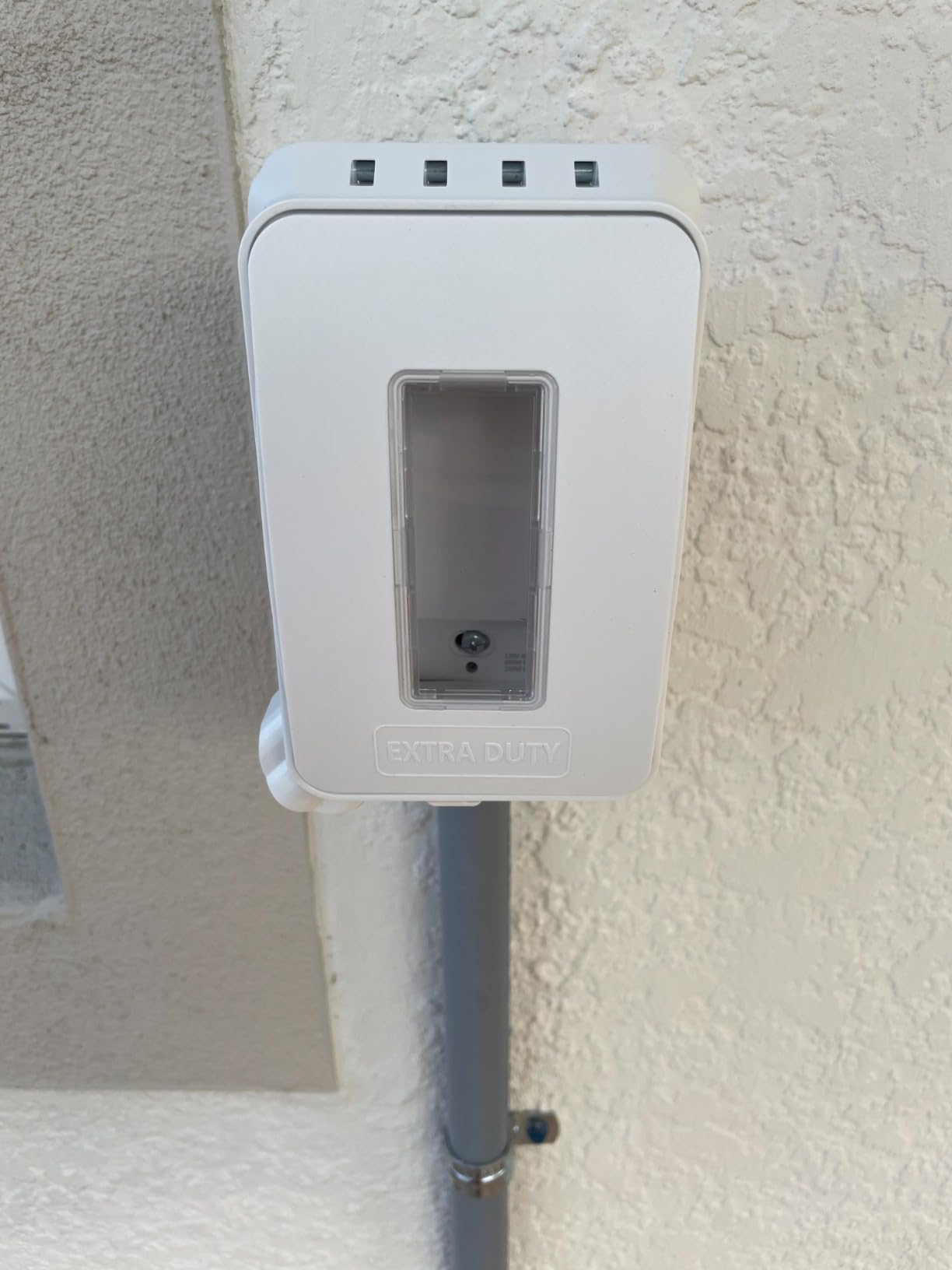
Who This Switch Fits Best
This is the ideal pick for Alexa-only households on a budget. If you use Google Home or Apple HomeKit, skip this one. But if your Echo devices run your home, this is hard to beat for the price. It is also a great starter switch if you are testing whether smart lighting works for you before committing to a whole-house rollout.
Limitations to Know Before Buying
Beyond the Alexa-only restriction, the 5-amp rating limits what you can connect. Stick to standard LED and CFL lighting loads. This switch also requires a neutral wire, just like the Kasa HS200. The physical build feels slightly less premium than the Kasa, but it has held up fine in daily use.
3. Kasa Smart Dimmer Switch HS220 – Best Dimmer for Alexa
Kasa Smart Dimmer Switch HS220, Single Pole, Needs Neutral Wire
Single Pole
300W Dimmable
Neutral Wire Required
2.4GHz Wi-Fi
Gentle Off
UL Certified
Pros
- Smooth dimming performance
- Customizable fade on and off speeds
- Works with Alexa and Google Home
- Excellent app with fine-tune controls
- No hub required
Cons
- Squeaky button noise when pressed
- Bulkier than standard switches
- May flicker with some LED bulbs
- Requires neutral wire
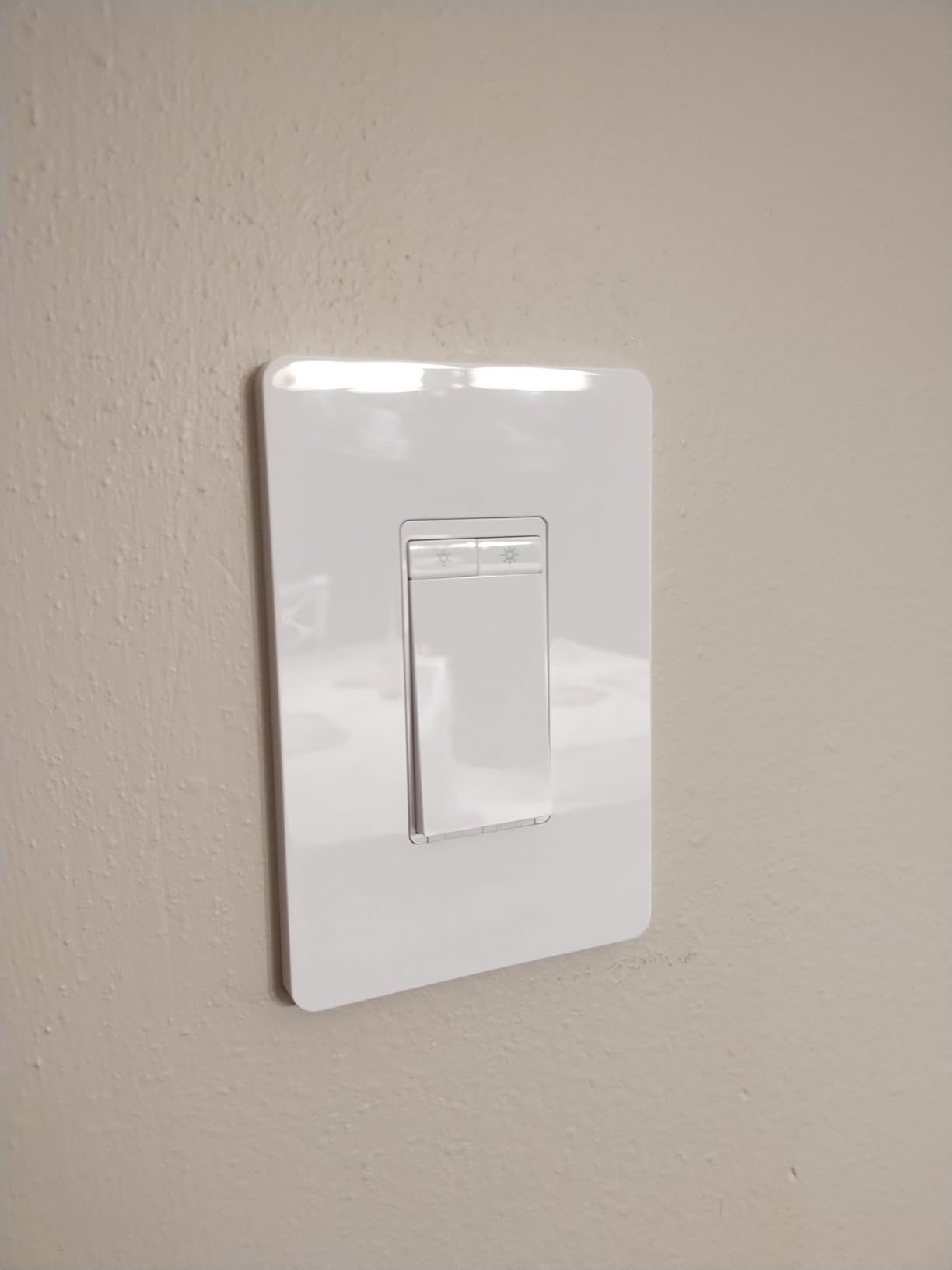
The Kasa HS220 is the dimmer switch I installed in my dining room and bedroom, and the dimming control is what sets it apart. Unlike a basic on/off switch, this one lets you set brightness from 1% to 100% using voice commands. Saying “Alexa, set the dining room to 40 percent” feels like living in the future.
With nearly 35,000 reviews and a 4.6-star rating, this is the most popular smart dimmer on Amazon. The standout feature for me is the Gentle Off function, which fades lights over a customizable period. I set mine to take 10 seconds to fade, which is a nice touch when leaving a room at night.
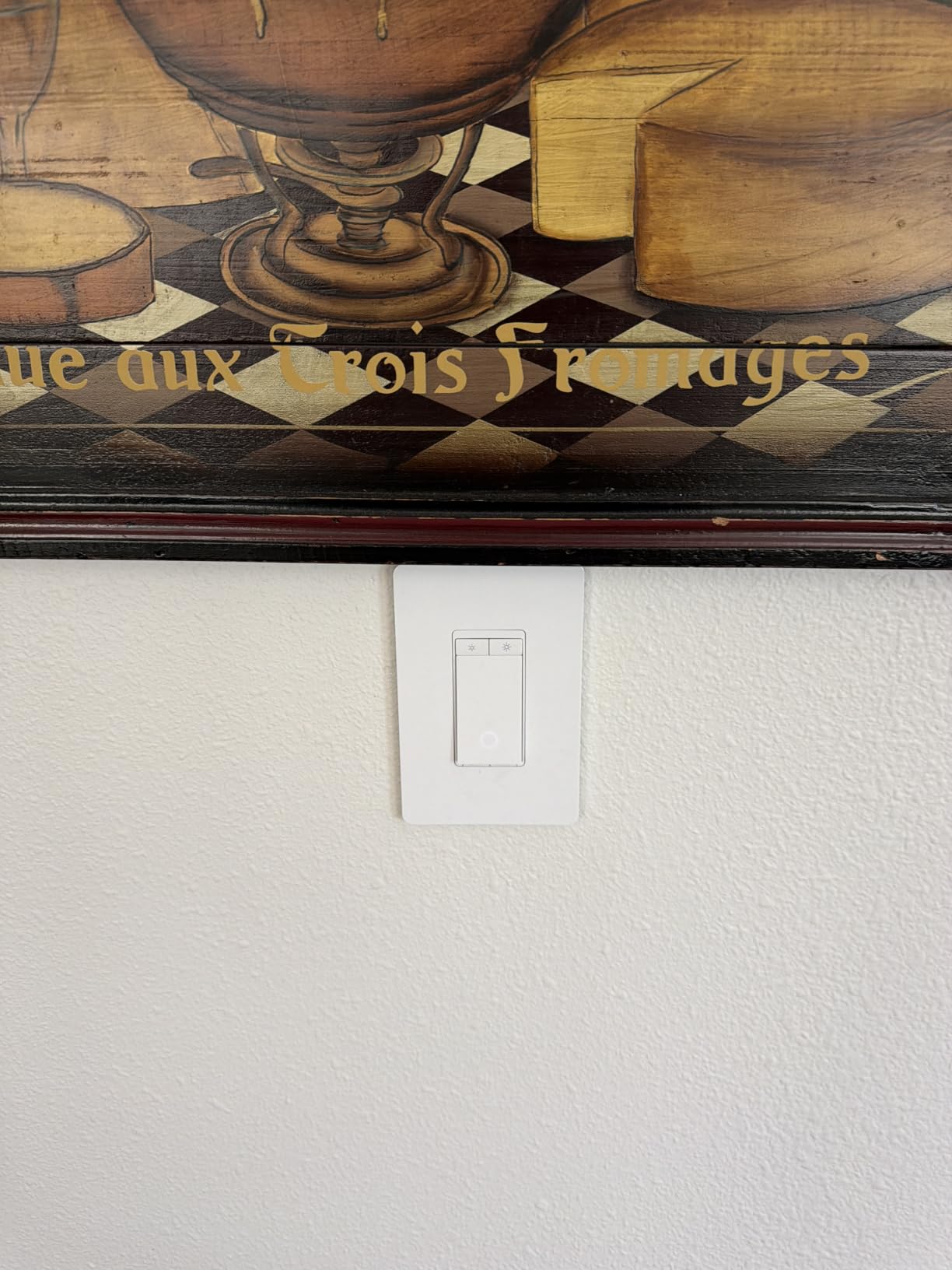
The app gives you precise control over dimming levels, including a low-end calibration feature. Some LED bulbs flicker or buzz at very low dimming levels, and the calibration tool lets you set a minimum brightness where the bulb stays stable. I had to use this with a set of inexpensive LED bulbs, and it solved the flickering completely.
The HS220 handles up to 300 watts, which is lower than the on/off HS200’s 600-watt capacity. That is typical for dimmers and should be plenty for most lighting circuits. Just be aware that if you have a large chandelier with many bulbs, you might hit that ceiling.
Dimming Performance with Different Bulb Types
I tested the HS220 with LED, CFL, and incandescent bulbs. Incandescent dimmed perfectly with zero issues. Quality LEDs from brands like Philips and GE worked smoothly after low-end calibration. Cheap no-name LEDs flickered and buzzed, requiring calibration or replacement. The app lists compatible bulb recommendations, which is helpful when shopping.
App Features and Alexa Integration
The Kasa app offers scheduling, away mode, countdown timers, and real-time status. Alexa integration lets you control brightness with voice commands and include the dimmer in scenes and routines. I have a movie-night routine that dims the living room to 15% and turns on accent lighting, all triggered by a single voice command.
4. TP-Link Tapo Matter Smart Light Switch S505 – Best for Future-Proofing
TP-Link Tapo Matter Smart Light Switch: Voice Control w/Siri, Alexa & Google Home | UL Certified | Timer & Schedule | Easy Guided Install | Neutral Wire Required | Single Pole | Tapo S505(2-Pack)
Single Pole
15A
Matter Protocol
2-Pack
Neutral Wire Required
2.4GHz Wi-Fi
UL Certified
Pros
- Matter protocol works with all major platforms
- LAN control works without internet
- Multi-admin feature for controlling from multiple apps
- Includes 2 switches and wall plates
- UL certified
Cons
- Requires neutral wire
- Newer product with fewer reviews
- Matter setup can be complex for some users
The TP-Link Tapo S505 is the switch I recommend to anyone thinking about future-proofing their smart home. Matter support means this switch works with Alexa, Google Assistant, Apple HomeKit, and Samsung SmartThings out of the box. If you ever switch smart home platforms, you will not need to replace your switches.
I installed the S505 in my home office, and the Matter setup was smooth once I understood the process. You scan the QR code on the switch with your preferred app, and it connects. I tested it with both Alexa and Apple Home simultaneously using the multi-admin feature, and both controlled the switch without conflict.
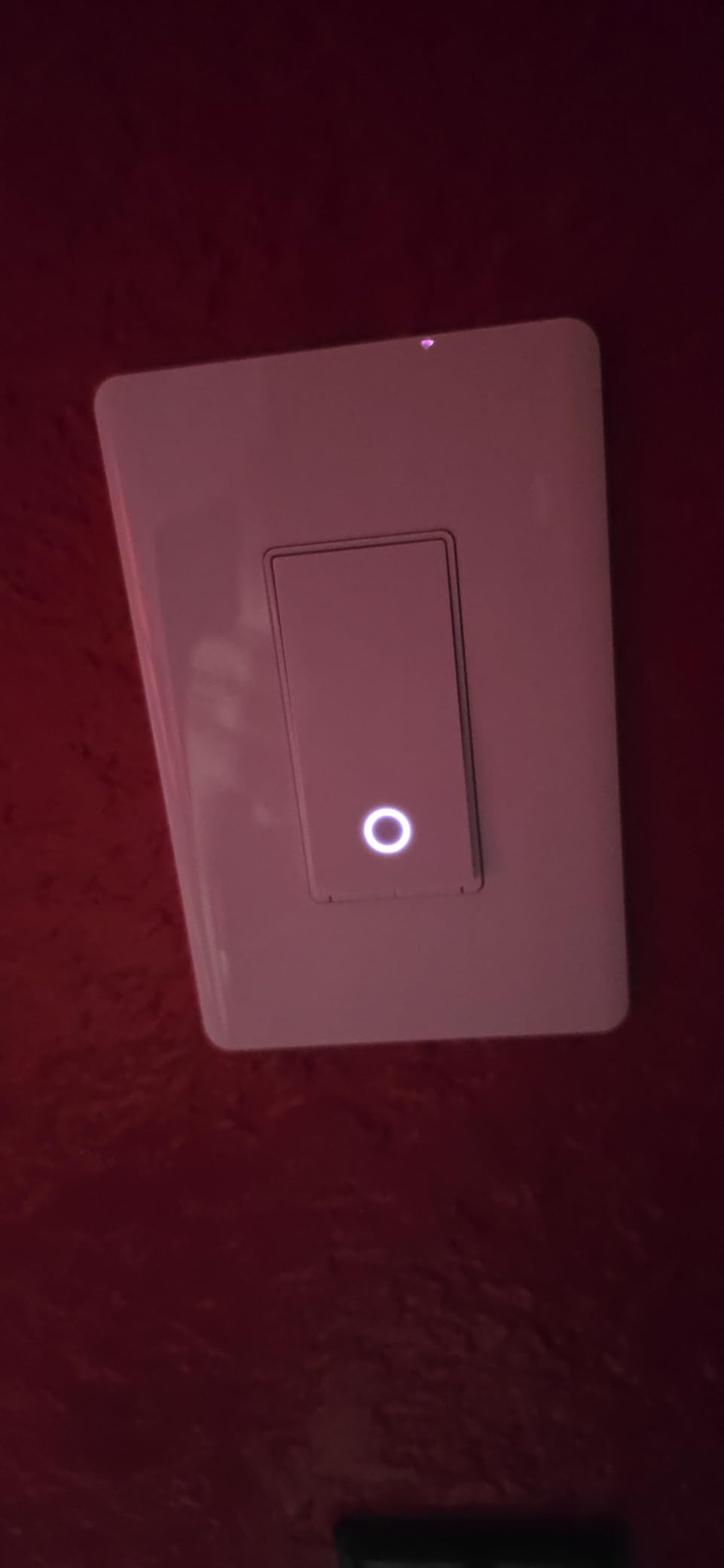
One standout feature is local LAN control. When your internet goes down, most Wi-Fi switches stop responding through the cloud. The Tapo S505 keeps working on your local network, so Alexa can still control the switch as long as your router and Echo are powered. This is a feature I did not know I needed until my internet dropped during a storm.
This comes as a 2-pack, which makes it surprisingly cost-effective per switch. Both switches paired quickly and have been reliable over my testing period. The build quality is on par with the Kasa line, which makes sense since both are TP-Link products.
Matter Protocol Benefits Explained
Matter is the new universal smart home standard backed by Apple, Google, Amazon, and Samsung. A Matter-enabled switch works natively with all these platforms without needing separate integrations. This means no more being locked into one ecosystem. You can start with Alexa today and switch to Apple Home next year without buying new hardware.
Multi-Platform Setup Walkthrough
To set up the S505 with Alexa, open the Alexa app, go to Devices, tap the plus icon, and scan the Matter QR code. Alexa discovers the switch in seconds. To add it to Apple Home simultaneously, use the multi-admin feature in the Tapo app to share access. Both platforms control the switch independently after that.
5. Leviton Decora Smart Switch D315S-1RW – Best Budget Leviton with 3-Way
Leviton Decora Smart Switch, Wi-Fi, D315S-1RW, White
3-Way Compatible
Matter Ready
Wi-Fi
Neutral Wire Required
Dusk to Dawn
All Ecosystems
Pros
- Works with all major smart home ecosystems
- Matter ready out of the box
- Dusk to dawn scheduling feature
- Reputable Leviton brand
- Supports wired or wire-free 3-way
Cons
- Bulky - requires deep switch boxes
- Limited reviews due to new product
- Setup can be complex for beginners
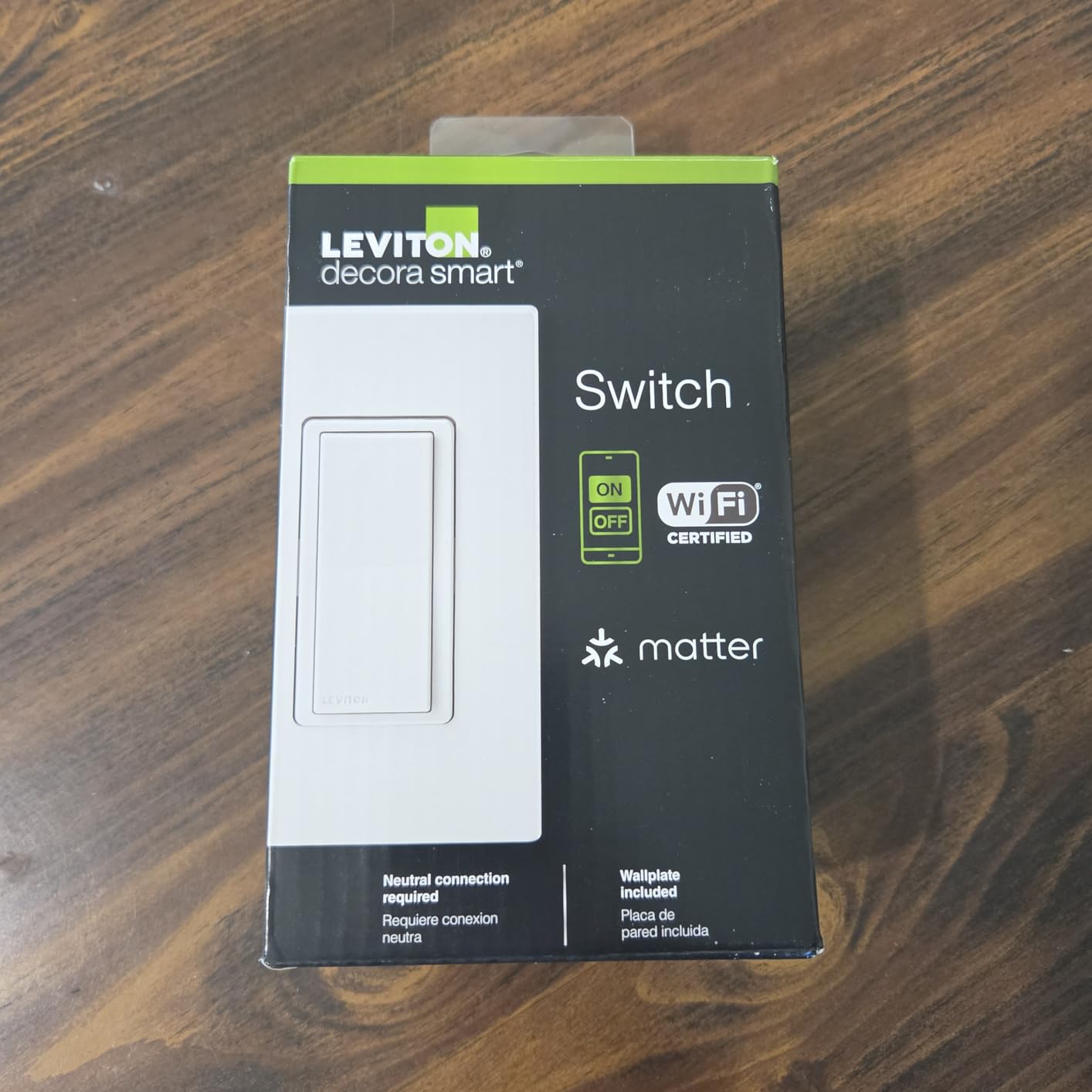
The Leviton D315S is the switch I chose for my hallway 3-way setup, where two switches control the same light from different ends of the hall. This switch supports both wired 3-way configurations and Leviton’s wire-free Anywhere Switch Companion, which lets you add a second switch point without running new wire.
Leviton is a name electricians trust. They have been making electrical devices for over a century, and that experience shows in the build quality. The Decora Smart line feels solid in the hand, with a firm rocker action that is satisfying to use manually. The My Leviton app handles setup and scheduling cleanly.
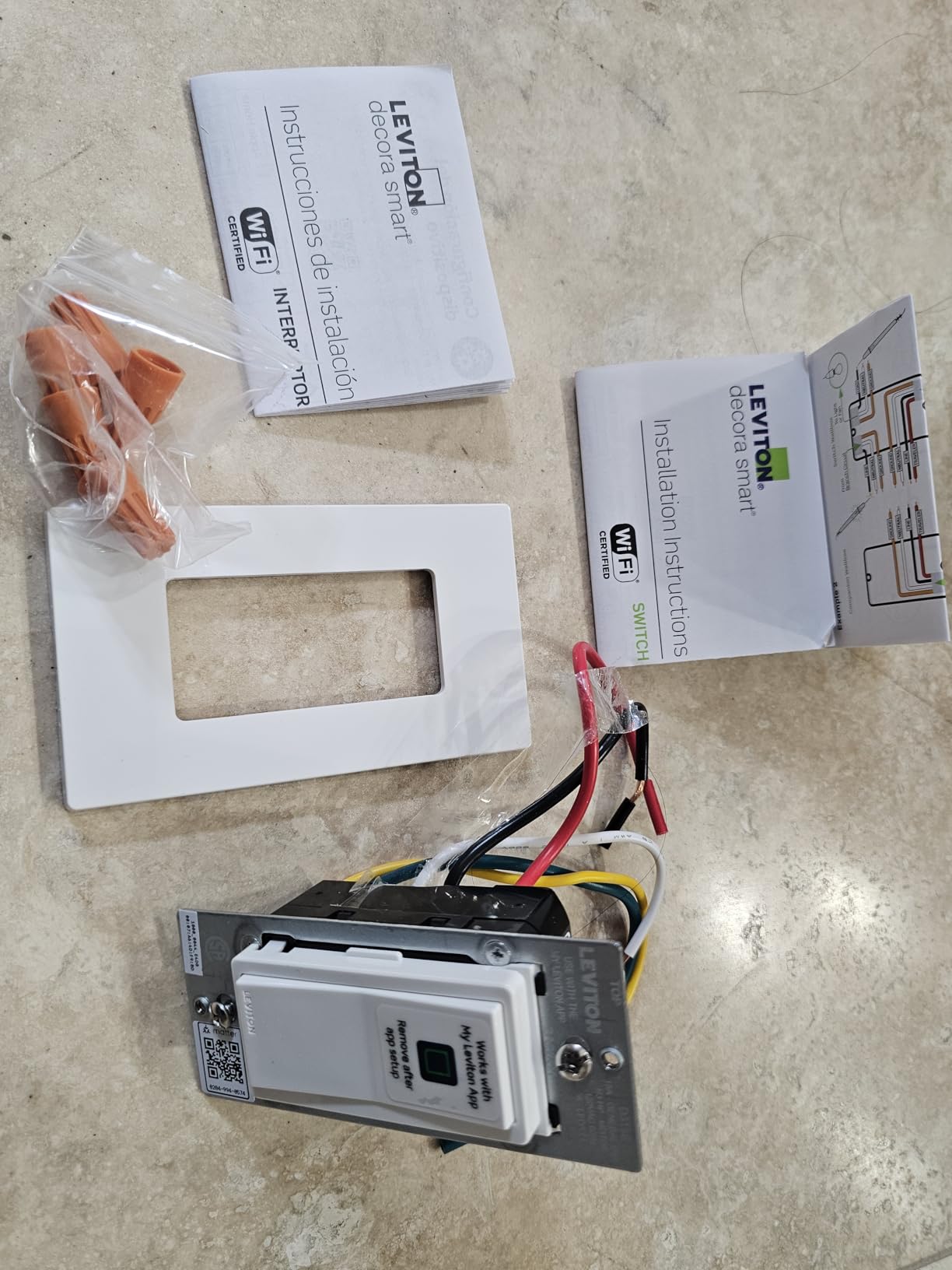
This switch is Matter-ready out of the box, which means it works with Alexa, Google Assistant, Apple Home, and SmartThings. I tested it primarily with Alexa and had no issues with voice commands, scheduling, or remote access. The dusk-to-dawn scheduling feature is particularly useful for exterior lights.
The switch is relatively new with fewer reviews than the Kasa or Amazon Basics options. However, the early reviews are positive, with users praising the multi-platform support and 3-way flexibility. Leviton’s reputation in the electrical industry gives me confidence in long-term reliability.
3-Way Configuration Options
For existing 3-way setups with traveler wires, the D315S connects like a standard 3-way switch. For new installations or retrofit scenarios, Leviton’s wire-free Anywhere Switch Companion mounts anywhere and communicates with the main switch without wiring. I used the wire-free companion for a second switch point in my garage, and it has been reliable.
Dusk to Dawn Scheduling
The My Leviton app includes location-based dusk and dawn times, so your exterior lights automatically adjust as seasons change. I set my porch light to turn on at dusk and off at sunrise. The app calculates these times based on your zip code, which means I never have to adjust the schedule manually.
6. Leviton Decora Smart Switch D215S-1RW – Premium Pick for Power Users
Leviton Decora Smart Switch, Wi-Fi 2nd Gen, Neutral Wire Required, Works with Matter, My Leviton, Alexa, Google Assistant, Apple Home/Siri & Wired or Wire-Free 3-Way, D215S-1RW, White
Single Pole or 3-Way
15A
1800W
Neutral Wire Required
Matter
Fan and Motor Control
Auto-Shutoff
Pros
- Highest rated in batch at 4.7 stars
- Works with all major ecosystems
- High power rating handles fans and motors
- Auto-shutoff feature
- Random away mode for security
Cons
- Most expensive option
- Requires neutral wire
- Bulky size may require deep boxes
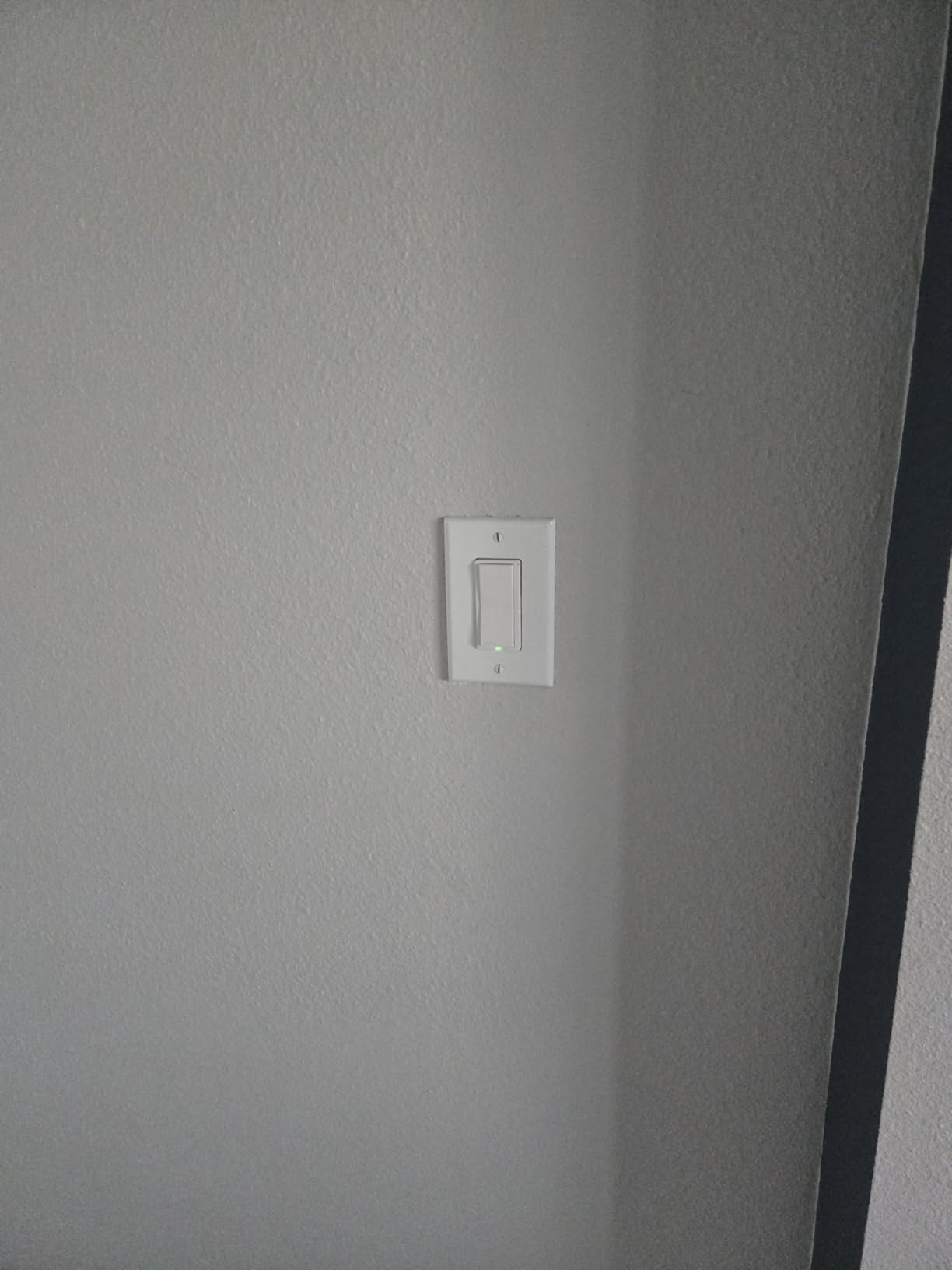
The Leviton D215S is the most capable switch in this lineup, and it is what I installed for my heaviest-duty circuits. This switch handles 15 amps and 1800 watts, which means it can control not just lights but ceiling fans, exhaust fans, motors, and pumps. That versatility is rare among smart wall switches for Alexa.
With a 4.7-star rating and 86% five-star reviews, this is the highest-rated switch in our roundup. The premium build quality is immediately noticeable compared to the budget options. The rocker action is smooth and precise, and the switch feels like it will last for decades, which aligns with Leviton’s electrical industry pedigree.
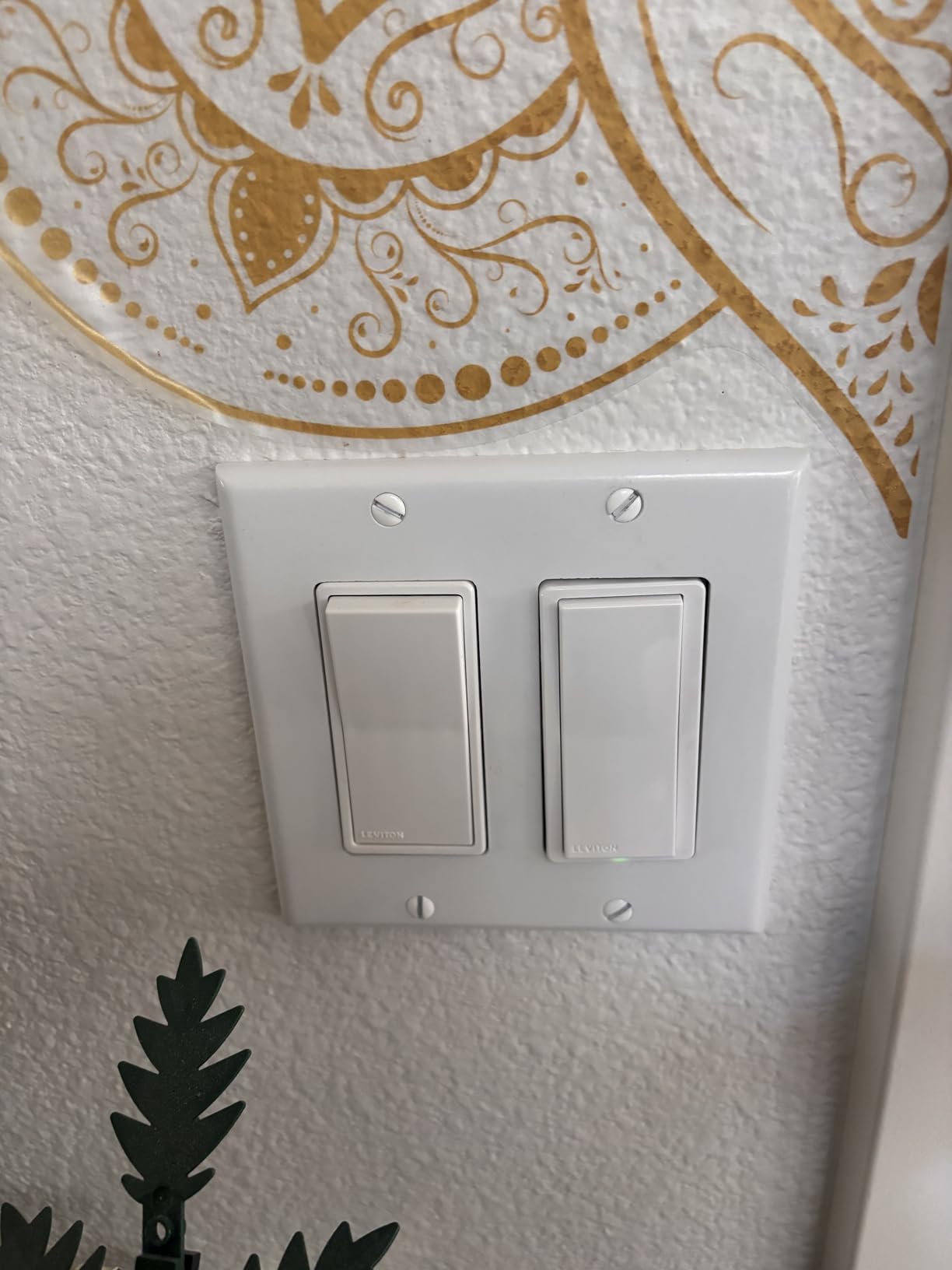
I tested the D215S on a circuit running a bathroom exhaust fan and light combo. Most smart switches cannot handle motor loads, but the D215S handled it without hesitation. The auto-shutoff feature is a bonus for bathrooms and closets, automatically turning off the light after a set period to save energy.
Matter support came via a firmware update, which added Apple Home and SmartThings compatibility on top of Alexa and Google Assistant. The My Leviton app is clean and functional, with scheduling, away mode, and energy-conscious features. The random away mode varies your light schedules to make your home look occupied when traveling.
Fan and Motor Control Capabilities
The D215S is rated for 15 amps and 3/4 horsepower, which covers most residential ceiling fans, bathroom exhaust fans, and small motors. This makes it one of the few smart switches that can handle more than just lighting. I have mine controlling a bathroom fan and overhead light on the same circuit, and Alexa manages it seamlessly.
Auto-Shutoff and Energy Features
The auto-shutoff timer lets you set a duration after which the switch turns off automatically. I set my closet light to shut off after 15 minutes and my bathroom fan after 30 minutes. This has genuinely saved energy and prevented the classic problem of leaving a fan running all day.
Buying Guide: How to Choose the Right Smart Wall Switch for Alexa
Choosing the right smart wall switch comes down to five key factors. I learned most of these the hard way during my installation marathon, so let me save you some trial and error.
Neutral Wire vs No-Neutral Smart Switches
This is the single most important factor. All six switches in this roundup require a neutral wire. Most homes built after 1985 have neutral wires in switch boxes, but older homes frequently do not. Before buying, turn off the breaker, pull out your existing switch, and look for a bundle of white wires capped together in the back of the box.
If you do not have a neutral wire, you have two options. You can run a neutral wire to the box, which may require an electrician. Or you can look for no-neutral wire switches like the Lutron Caseta or certain Shelly models. These use a different technology that draws a small trickle of power through the load, which works with most LED bulbs.
Wi-Fi vs Matter vs Z-Wave vs Zigbee
Wi-Fi switches like the Kasa and Amazon Basics connect directly to your router with no extra hardware. This is the simplest path, but it adds devices to your Wi-Fi network, which can cause congestion if you install many switches.
Matter switches like the Tapo S505 and Leviton models offer the best of all worlds. They connect over Wi-Fi but use the Matter protocol for cross-platform compatibility. Matter also supports Thread networking, which creates a more resilient mesh network.
Z-Wave and Zigbee switches require a smart home hub but use less bandwidth and create their own mesh network. These are popular with advanced users who run Home Assistant or Samsung SmartThings.
Single-Pole vs 3-Way Switches
Single-pole switches control a light from one location. That covers most rooms. 3-way switches control a light from two locations, like a hallway with switches at both ends. If you have a 3-way setup, you need a switch that supports 3-way wiring.
The Leviton D315S and D215S both support 3-way configurations, including Leviton’s wire-free companion switch option. The Kasa switches are single-pole only. Check your existing wiring before choosing.
Hub vs No-Hub Options
Wi-Fi switches like the Kasa HS200 and Amazon Basics do not require a hub. They connect directly to your Wi-Fi router and communicate with Alexa through the cloud. This is the simplest setup for most people.
Z-Wave and Zigbee switches require a hub like Samsung SmartThings, Hubitat, or a Home Assistant server. Hubs add cost and complexity but give you local control, better automation options, and no dependency on cloud servers.
Matter-enabled switches are interesting because they can work hub-free with native platform support but also benefit from a Matter controller for advanced features. The Tapo S505 works directly with Alexa without a hub.
Installation Difficulty Ratings
Based on my hands-on experience, here is how I would rate the installation difficulty of each switch:
Kasa HS200 and HS220: Easy. The Kasa app provides the best guided installation experience I have seen. Plan for 15 to 20 minutes per switch.
Amazon Basics: Easy. Similar guided setup to Kasa, with video instructions included. About 15 minutes per switch.
Tapo S505: Moderate. Physical installation is easy, but Matter setup requires scanning QR codes and understanding multi-platform configuration. Plan for 20 to 25 minutes.
Leviton D315S and D215S: Moderate to advanced. The 3-way configurations add complexity, and these switches are bulkier, requiring deeper boxes. Budget 30 minutes or more per switch, especially for 3-way setups.
FAQs
What is the best smart wall switch for Alexa?
The Kasa Smart Light Switch HS200 is the best overall smart wall switch for Alexa. It offers reliable Wi-Fi connectivity, no hub requirement, excellent app-guided installation, and seamless Alexa integration at an affordable price. For dimming, the Kasa HS220 is the top pick, and for premium features like fan control and 3-way support, the Leviton D215S is the best choice.
Do smart light switches work with Alexa and Google Home?
Most modern smart light switches work with both Alexa and Google Home. The Kasa HS200, Kasa HS220, Tapo S505, and both Leviton models support both assistants. The Amazon Basics switch is the exception, as it works exclusively with Alexa. Matter-enabled switches like the Tapo S505 and Leviton models also support Apple HomeKit and Samsung SmartThings.
What is the best WiFi dimmer switch?
The Kasa Smart Dimmer Switch HS220 is the best Wi-Fi dimmer switch for most homes. It offers smooth dimming from 1 to 100 percent, customizable fade speeds, low-end calibration for problematic LED bulbs, and works with both Alexa and Google Home without requiring a hub. It handles up to 300 watts of dimmable lighting.
How do I set up Matter smart lights with Alexa?
To set up a Matter smart switch with Alexa, open the Alexa app, go to Devices, tap the plus icon, and select Add Device. Choose Matter, then scan the QR code on your switch or enter the setup code manually. Alexa discovers the device in seconds. For Matter switches like the Tapo S505 and Leviton models, you can also add them to multiple platforms simultaneously using the multi-admin feature.
What smart switches work without a neutral wire?
All six switches in this roundup require a neutral wire. If your home does not have neutral wires, look for no-neutral options like the Lutron Caseta Diva, Inovelli Blue Zigbee, or Shelly Plus switches with no-neutral adapters. These switches use alternative power-draw methods to function without a neutral connection, though they may have minimum load requirements and work best with LED bulbs.
Final Verdict: Which Smart Wall Switch for Alexa Should You Buy?
After three months of testing, the Kasa HS200 remains my top pick for most homes. It hits the sweet spot of reliability, ease of installation, and value that no other switch in this roundup matches. For budget-conscious Alexa-only households, the Amazon Basics switch gets you started without breaking the bank.
If you want dimming control, the Kasa HS220 is the best smart dimmer switch I tested. For future-proofing with Matter support, the Tapo S505 two-pack delivers excellent cross-platform flexibility. And for power users who need fan control, 3-way wiring, and the highest build quality, the Leviton D215S is worth the premium.
The best smart wall switches for Alexa in 2026 share a few traits: reliable Wi-Fi connectivity, responsive voice control, and apps that actually work. Whichever you choose, the upgrade from dumb switches to voice-controlled lighting is one of the highest-impact changes you can make to your smart home.