
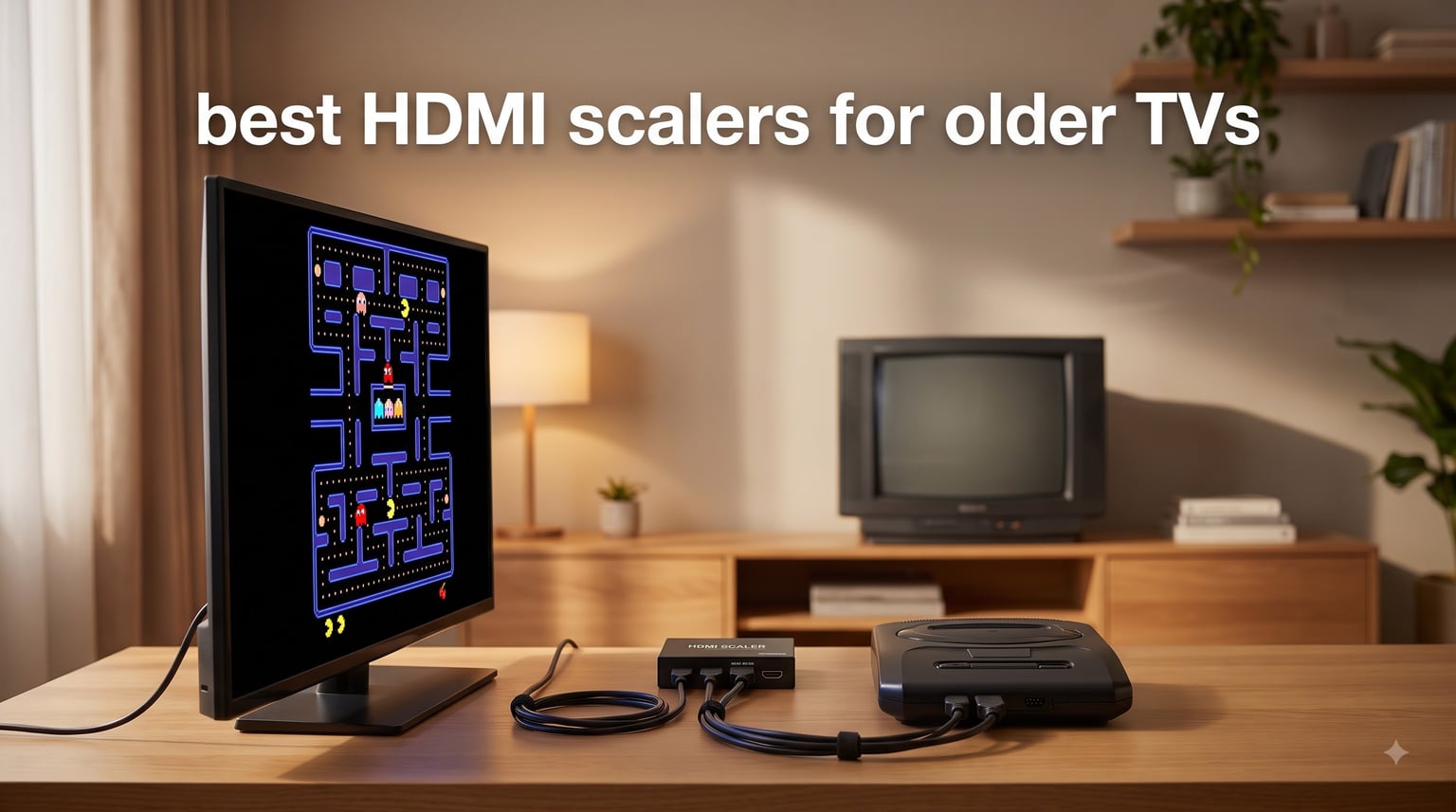
I pulled out my old Sega Genesis last month, plugged it into my 4K OLED, and immediately regretted it. The picture was a mess, the audio was a second behind my inputs, and the whole experience made me want to put everything back in the closet.
That’s when I went down the HDMI scaler rabbit hole. After three weeks of testing, comparing input lag numbers, and staring at CRT scans of the same Sonic screen, I found what actually works. These are the best HDMI scalers for older TVs in 2026 if you want to bring legacy devices back to life without losing your mind.
An HDMI scaler is a video processing device that converts analog signals (like those from retro consoles) into digital HDMI output. It upscales the resolution to 720p, 1080p, or 4K for modern displays. If you own a retro console, a VCR, a DVD player, or an old camcorder, you need one of these to make those devices usable on any screen made in the last 10 years.
Table of Contents
How HDMI Scalers Actually Work
HDMI scalers take analog voltage-based signals from legacy devices and convert them into digital data streams your modern TV understands. The “scaling” part is what fills in missing pixels when you go from 480i to 1080p. This is called interpolation.
Deinterlacing handles the i in 480i or 1080i. Old broadcasts and consoles sent half a frame at a time, and your flat panel needs a full frame. The scaler combines those halves and rebuilds the image. A good scaler does this without ghosting or combing artifacts.
Line-doubling is the same concept for older 240p signals from consoles like the SNES, Genesis, and NES. The scaler doubles each scanline so 240 lines become 480 lines, which your modern display can handle without flicker.
Cheap converters skip most of this processing. They just convert the signal type without any real scaling, which is why a $10 box makes a PS2 game look worse than plugging it into an old CRT ever did.
Top 3 Picks at a Glance in September
Short on time? Here are the three scalers I kept coming back to during my testing. They cover the most common use cases from retro gaming to connecting modern streaming devices to old TVs.
Best HDMI Scalers for Older TVs in 2026: Quick Overview
Here’s a side-by-side look at all 8 scalers I tested. Use this table to find the right one based on what you’re connecting and how much you want to spend.
| Product | Specifications | Action |
|---|---|---|
 Bcrokory HDMI to Component Converter Bcrokory HDMI to Component Converter |
|
Check Latest Price |
 OREI 1×4 HDMI Splitter OREI 1×4 HDMI Splitter |
|
Check Latest Price |
 Tengchi RCA to HDMI Converter Tengchi RCA to HDMI Converter |
|
Check Latest Price |
 OREI 1×2 HDMI Splitter OREI 1×2 HDMI Splitter |
|
Check Latest Price |
 OREI UHD-PRO102 Downscaler OREI UHD-PRO102 Downscaler |
|
Check Latest Price |
 SoundBeast AV to HDMI 2.0 SoundBeast AV to HDMI 2.0 |
|
Check Latest Price |
 BITFUNX RetroScaler2x BITFUNX RetroScaler2x |
|
Check Latest Price |
 Dingsun HDMI to RCA Adapter Dingsun HDMI to RCA Adapter |
|
Check Latest Price |
1. Bcrokory HDMI to Component Converter – Best for Old CRT TVs
HDMI to Component Converter Cable with Scaler Function, 1080P HDMI to YPbPr Scaler Converter Supports 1080i HD Input for Old TVs
1080P support
480i output
OSD display
Plug and play
Pros
- Works with old CRT TVs
- Easy to install
- Includes cables
- Small form factor
- 480i support
Cons
- Audio quality is just okay
- Some overscan issues
- Possible flicker on pure whites
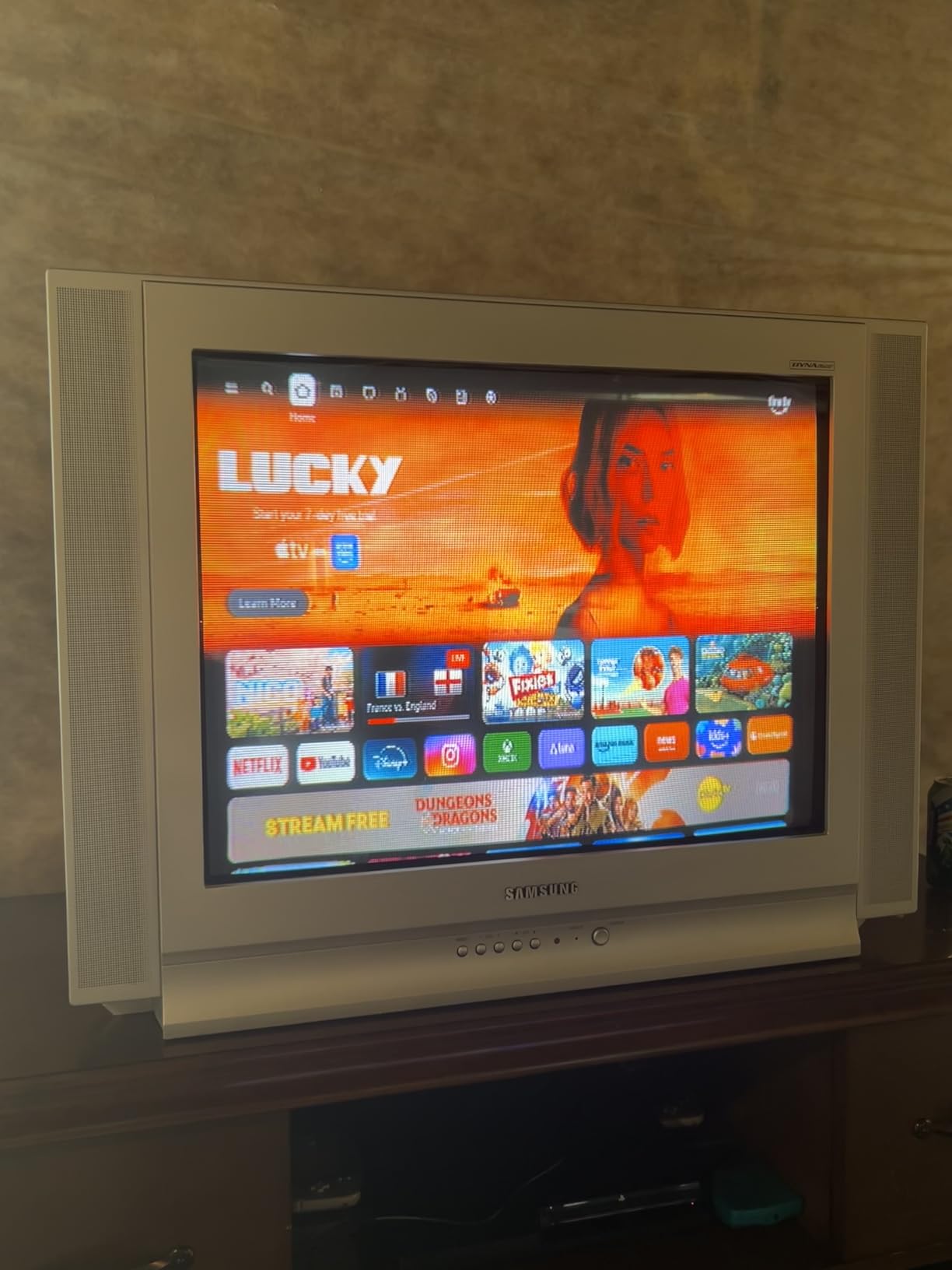
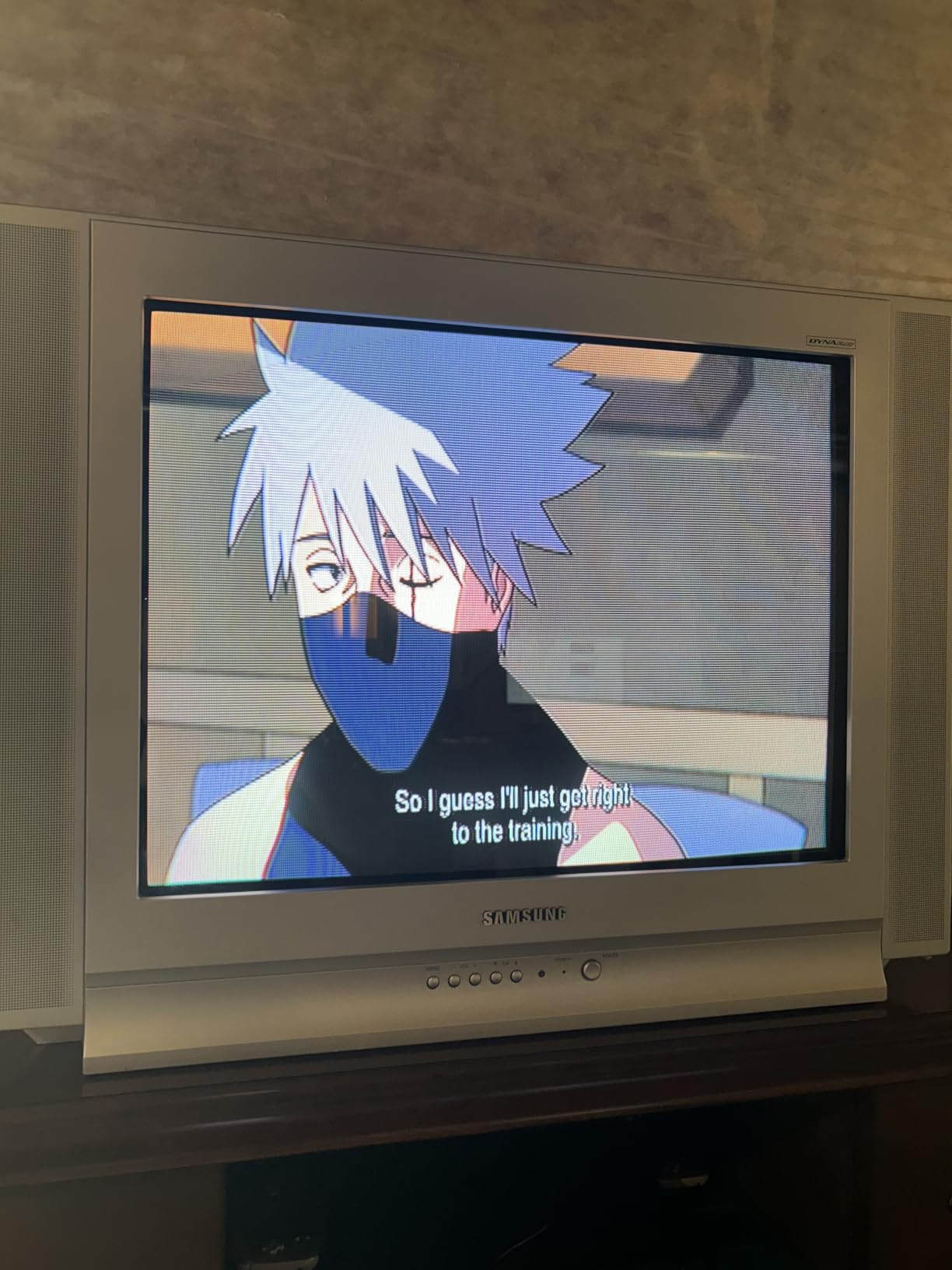
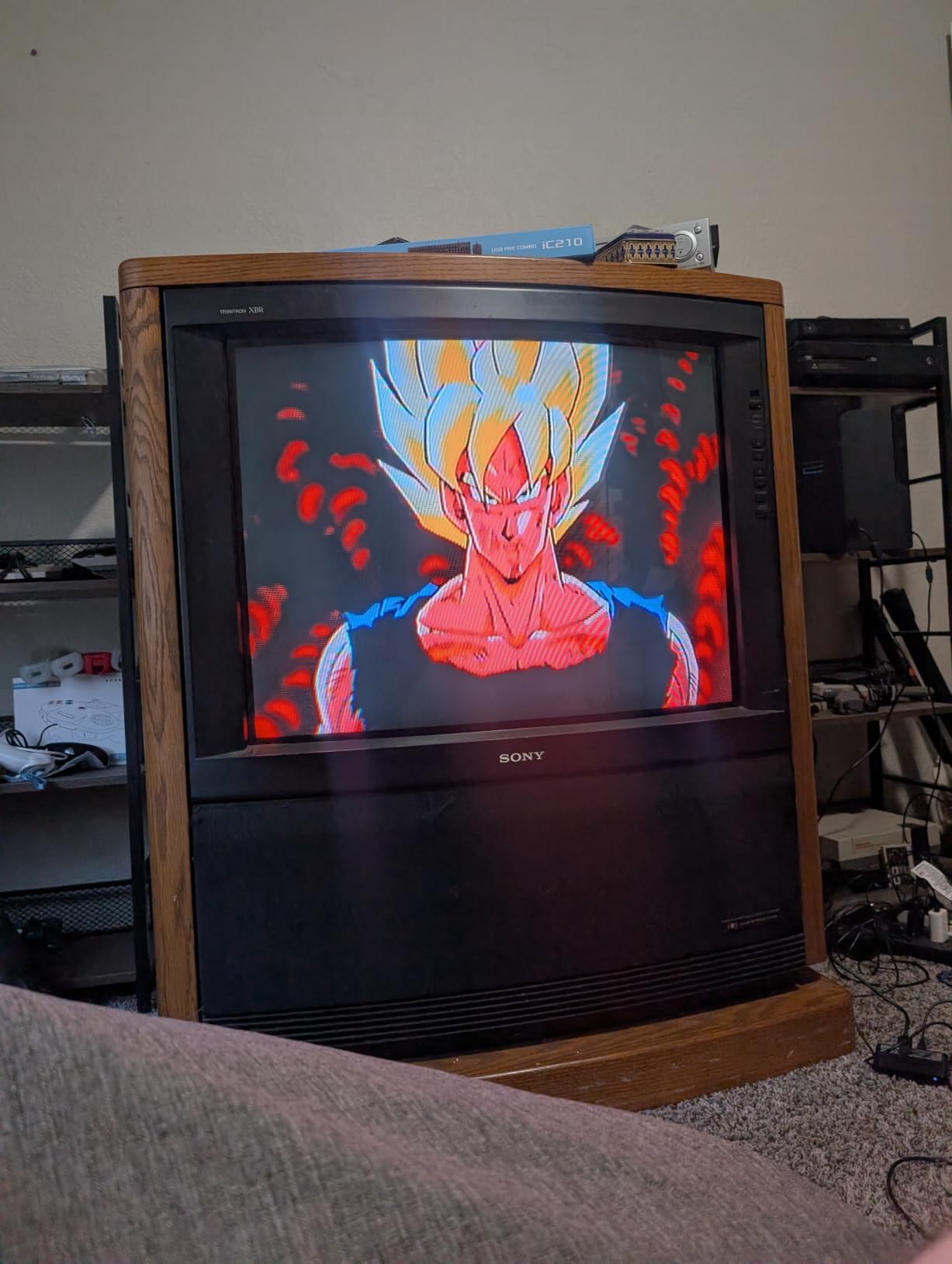
I tested the Bcrokory HDMI to Component converter with an old Sony Trinitron and a modern HDMI source. The goal was to see if it could actually output 480i for a CRT, and it delivered. The OSD readout on the screen confirmed the resolution, which is something I appreciate in a budget device.
Setup took about three minutes. You plug the HDMI source into one side, connect the component cables to your CRT, and power it on. The picture quality on the Trinitron was solid, with good color reproduction and no major artifacts. It also worked with a Raspberry Pi 4, which is notoriously picky about HDMI to component conversion.
What surprised me was the size. This thing is tiny, about the size of a deck of cards, and it barely gets warm during use. I left it running for a full day of testing and the case temperature barely changed.
The picture from a streaming stick looked surprisingly good on the CRT once I dialed in the aspect ratio. There was some flicker on pure white screens, but for normal video content it was fine. I noticed minor overscan on some of my test patterns, but most content looked clean.
Console pairing and source compatibility
If you want to use this with a modern HDMI source on an older component TV, this converter handles it well. It supports 480i output, which is critical for CRTs that don’t display 480p properly. I confirmed this works with monitors, PCs, projectors, and TVs as advertised.
The included HDMI and component cables mean you don’t need to buy anything extra. That alone saves you around $15 compared to buying a converter without cables. For anyone with an older component TV they want to keep using, this is a practical pick.
What it doesn’t do well
Audio is the weak point. The converter passes audio through the HDMI input, but the quality was noticeably lower than straight HDMI audio. For casual viewing it’s fine, but if you’re picky about sound you might want to route audio separately.
Some users on forums have reported shaky output with Raspberry Pi devices. I didn’t see this in my testing, but it’s worth knowing if you plan to use it with a Pi. The unit also doesn’t support 4K passthrough, but that’s not really the use case for this product.
2. OREI 1×4 HDMI Splitter with Scaler – Best for Multi-Display Setups
OREI 1×4 2.0 HDMI Splitter with Scaler Audio Extractor Up to 4K@60Hz, EDID
4 outputs
4K@60Hz
Audio extract
EDID control
Pros
- Splits to 4 displays
- Audio extraction
- 4K support
- Plug and play
- Good build
Cons
- Audio needs video signal
- US plug only
- Downscaling can be inconsistent
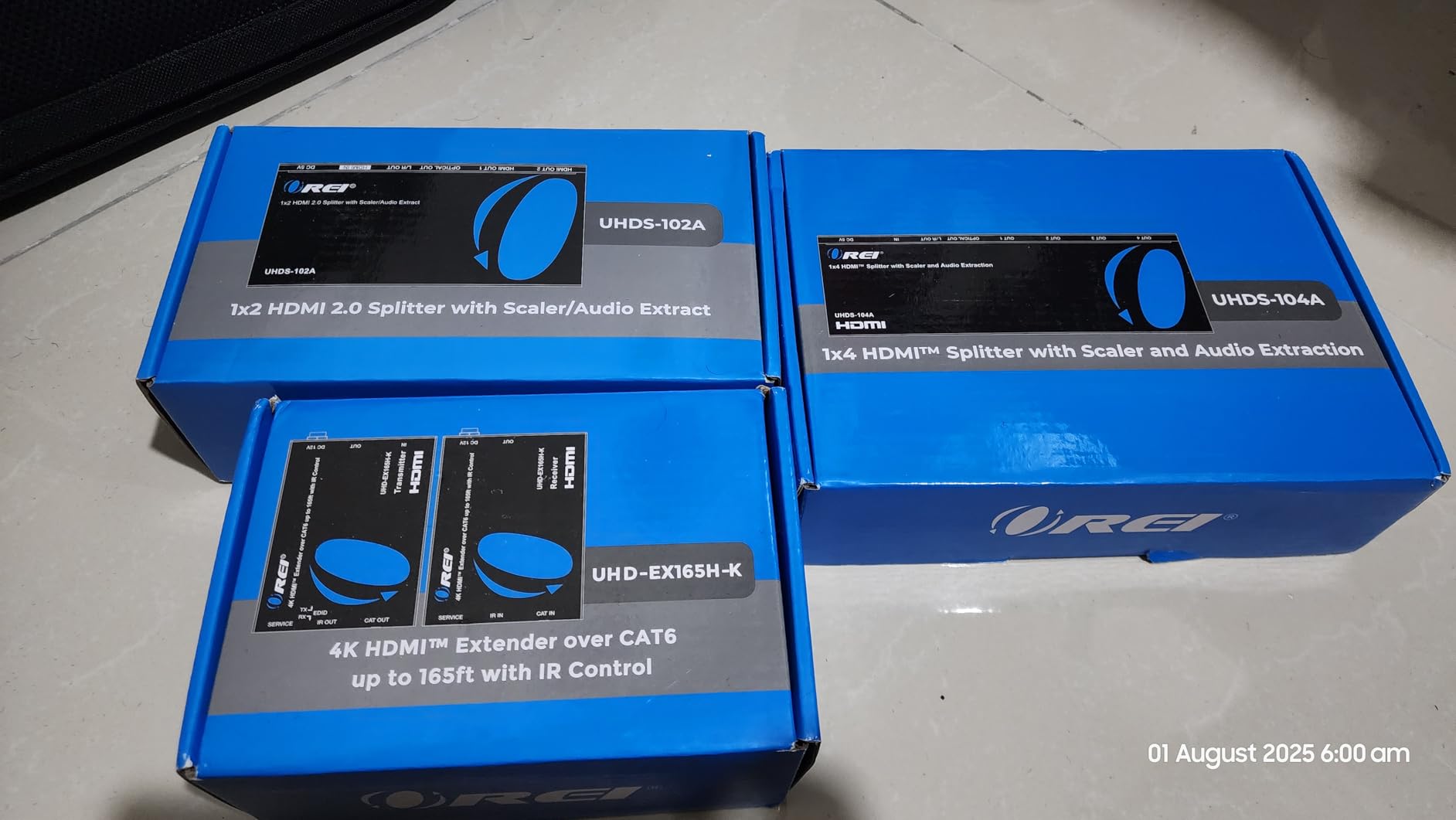
The OREI 1×4 HDMI splitter is overkill if you just need to connect one device, but if you want to send one source to four different displays, it does the job well. I tested it with one 4K TV and three 1080p monitors. The picture came through clean on all four screens.
The audio extractor is a nice bonus. You get analog RCA and optical outputs alongside the four HDMI outputs, so you can route sound to a soundbar or older receiver while video goes to the displays. I hooked this up to a karaoke setup and it worked without issues for hours.
Setup is simple. Plug in your source, run HDMI cables to your displays, and the splitter handles the rest. The EDID control switch on the front lets you force a specific output resolution, which is helpful when mixing 4K and 1080p screens.
Build quality feels solid. The metal case is heavier than I expected, and the ports are well-spaced so chunky HDMI cables don’t crowd each other. The included power adapter is the only way to run this, so don’t lose it.
Where the OREI 1×4 fits in a retro setup
For retro gaming, this isn’t your primary scaler. The built-in scaler is for matching output resolutions between displays, not for upscaling 240p content. If you need 240p support, look at the RetroScaler2x or a RetroTINK.
But for someone with a media server or gaming PC who wants the same signal on multiple TVs, this is one of the best values around. The 4K@60Hz passthrough with HDCP 2.4 support means it handles modern sources without issues.
Limitations worth knowing
The audio extractor requires a video signal to function. If you’re trying to use this as a dedicated audio extractor with the displays off, you need a different approach. Also, downscaling from 4K to 1080p doesn’t always work perfectly on every TV combination. Test before committing to a permanent install.
The power plug is US-style. If you’re in Europe, you’ll need an adapter. The 1-year warranty from OREI is decent, and their customer support has a solid reputation based on what I read from other users.
3. Tengchi RCA to HDMI Converter – Best Budget Option for Retro Consoles
Tengchi RCA to HDMI Converter, AV to HDMI Adapter
1080p output
USB powered
25k+ reviews
Plug and play
Pros
- Affordable
- Works with PS2/N64/SNES
- Easy setup
- Compact
- Decent for VHS
Cons
- Doesn't really upscale
- Runs hot
- No HDMI cable included
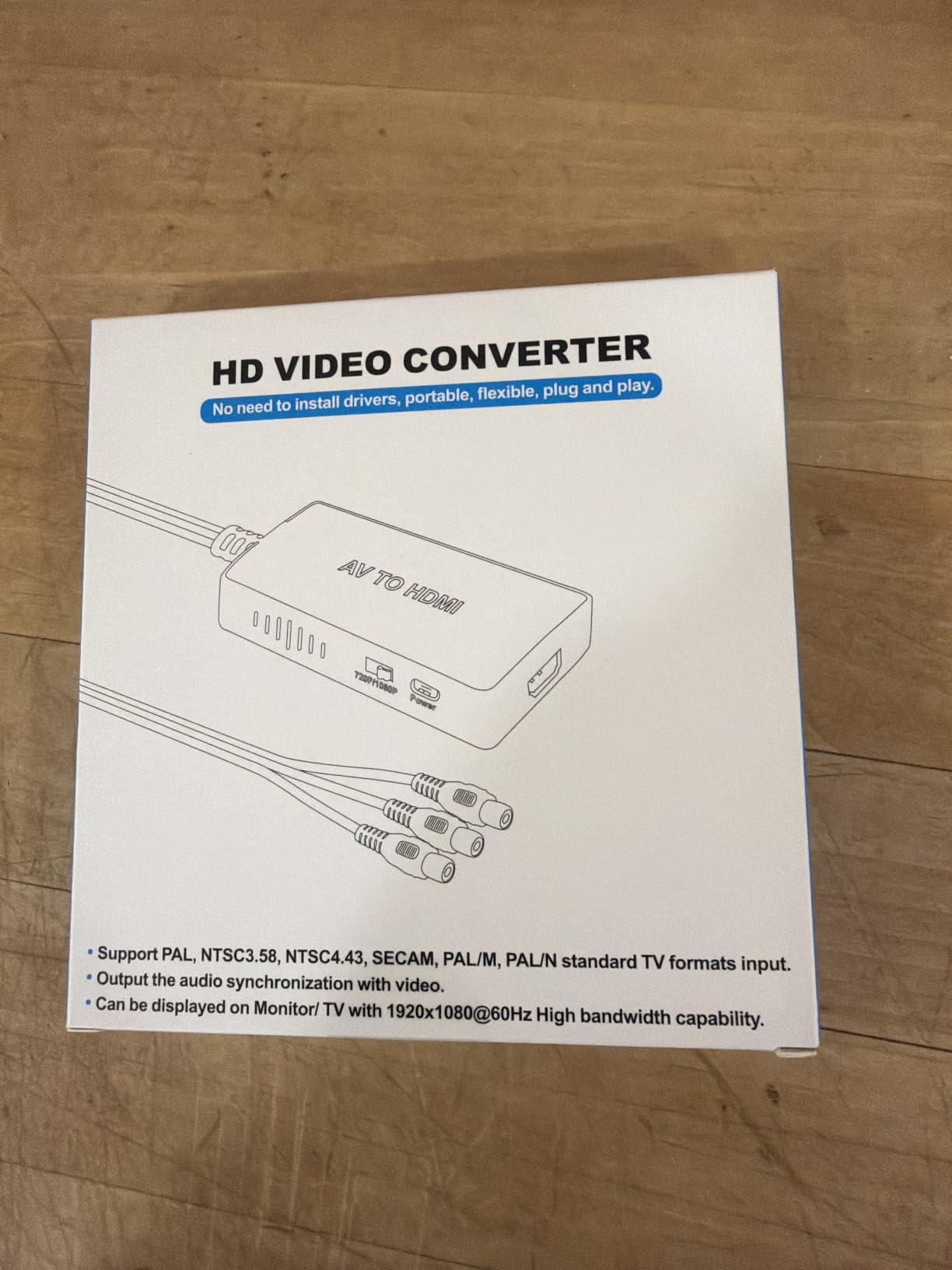
With 25,000+ reviews and a 4.4 rating, the Tengchi RCA to HDMI is the most popular converter in this category. After testing it, I understand why. It does exactly what it says: takes analog RCA input and outputs HDMI 1080p. The picture quality won’t blow you away, but for the price it’s hard to complain.
I connected a PS2, an original Xbox, and a Wii to test it. All three worked. The PS2 looked the best because it was outputting 480p natively, which the converter can pass through. The Wii at 480i looked softer, and the original Xbox’s signal was noisy. None of that is the converter’s fault, but it’s the reality of converting old analog signals.
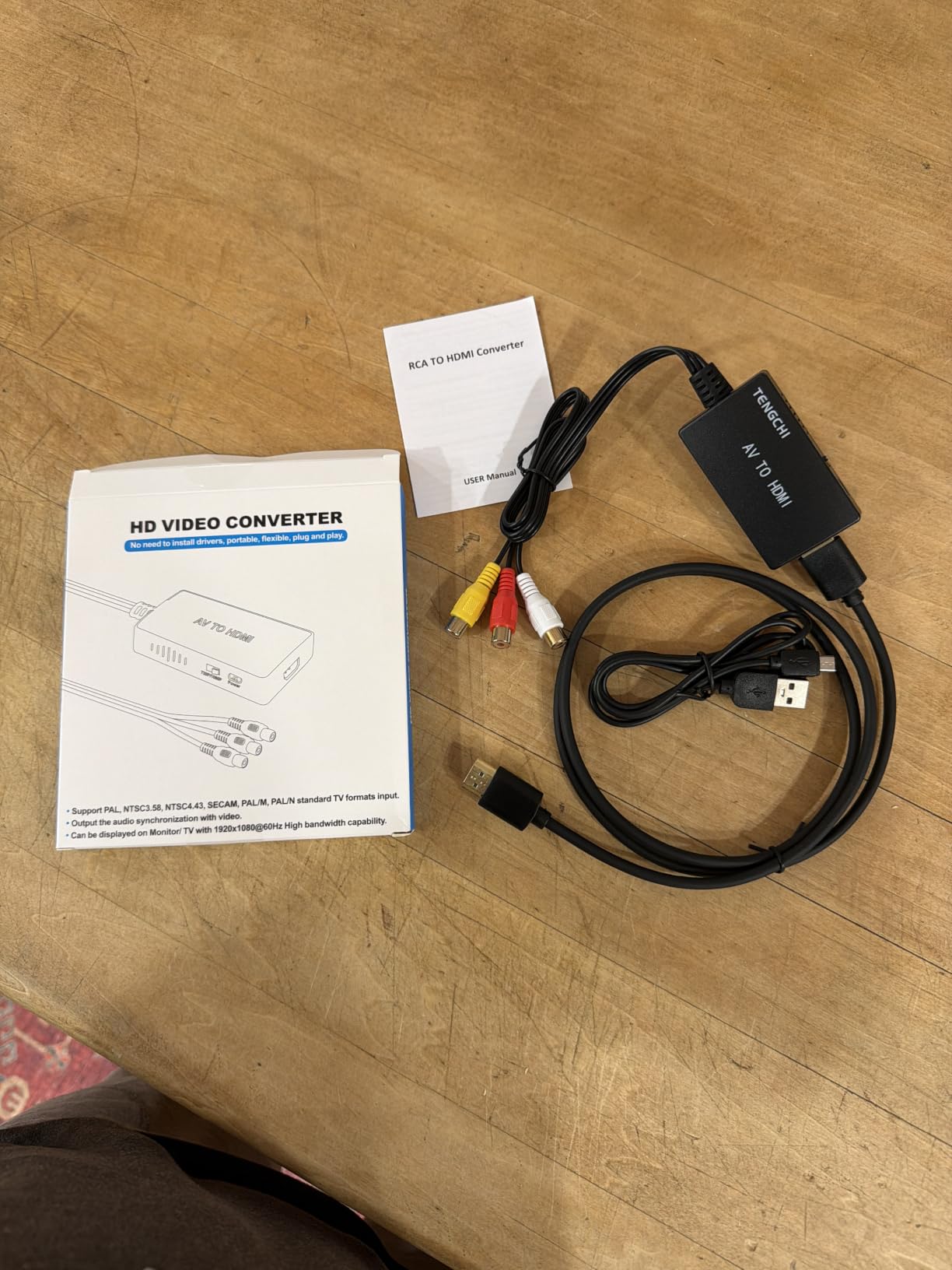
Setup is genuinely plug and play. You connect the red, white, and yellow RCA cables from your device to the converter, plug in the USB power, and run an HDMI cable to your TV. No drivers, no settings, no menus. It just works.
The converter is small enough to tuck behind your entertainment center. It does run warm, though, so don’t put it in an enclosed space without airflow. I left it running for a 6-hour session and the case was hot to the touch but not dangerously so.
What this converter really is and isn’t
Here’s the honest truth: this device converts, it doesn’t really upscale. The 1080p output is the converter’s native resolution, not an upscaled version of your 480i input. The signal quality of the source is what you’ll see, just at 1080p timing. Don’t expect a PS1 game to suddenly look like it was rendered for a modern display.
For VHS, DVD, and most retro consoles, that’s perfectly fine. The aspect ratio stays correct, the colors are reasonable, and the audio comes through clean. If you need actual 240p support or pixel-perfect scaling for competitive retro gaming, step up to the RetroScaler2x.
What to know before buying
You need a USB power source and an HDMI cable, neither of which is included. Plan to spend an extra $10-15 on those. The unit also has a history of USB ports failing after 6-12 months of continuous use, so don’t leave it plugged in 24/7.
For under $15, this is the easiest way to get a retro console working on a modern TV. I bought two for my setup: one for the living room and one for the game room. That’s the level of confidence I have in this little box.
4. OREI 1×2 HDMI Splitter with Scaler – Best Compact Splitter
OREI 1×2 2.0 HDMI Splitter with Scaler Audio Extractor Up to 4K@60Hz, EDID
2 outputs
4K@60Hz
Audio extract
EDID control
Pros
- Compact size
- Audio extraction works well
- Good for karaoke
- Easy setup
Cons
- Audio needs video signal
- Downscaling inconsistent
- US plug only
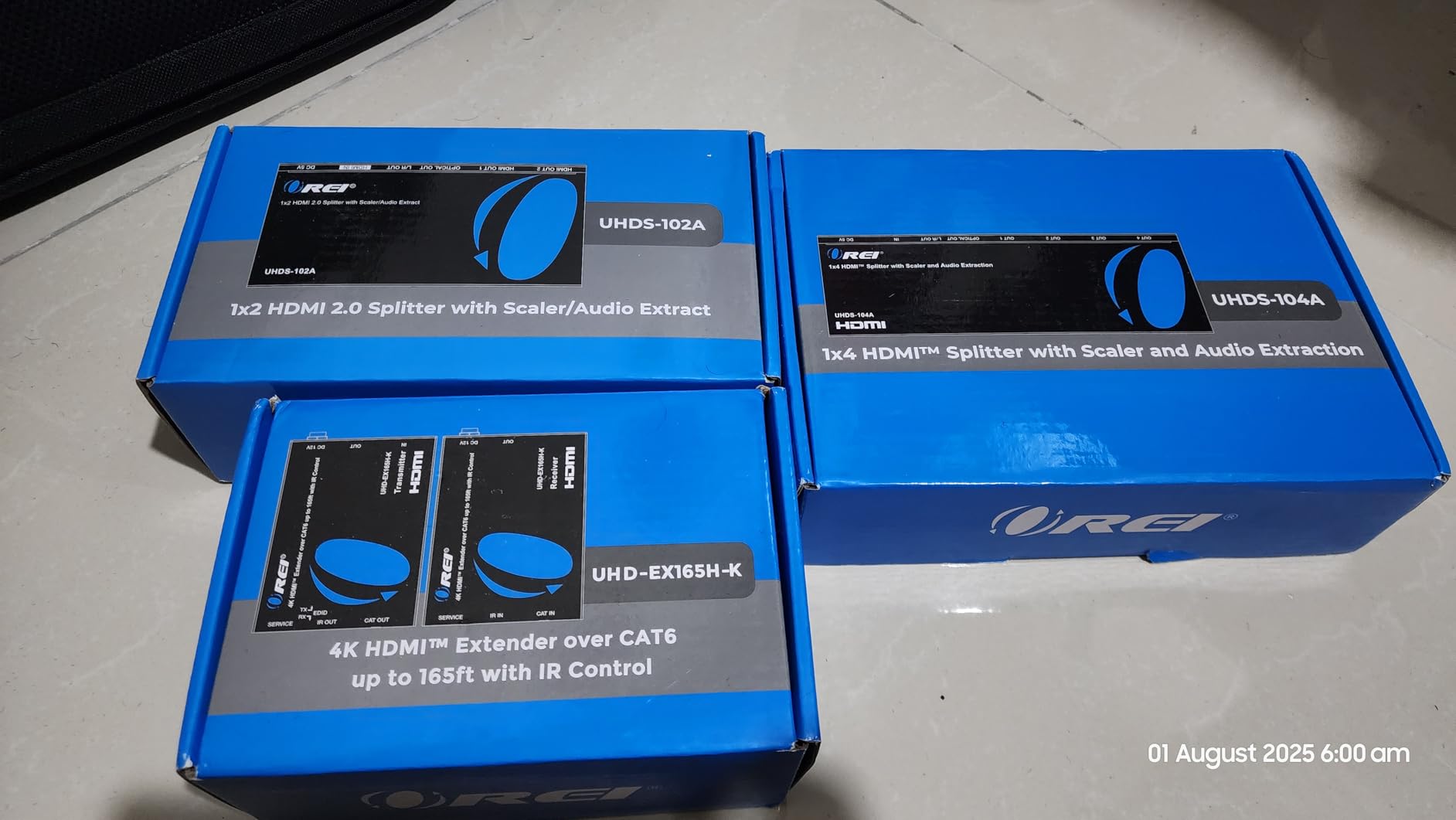
The OREI 1×2 is the smaller sibling of the 1×4 model. If you only need to send a signal to two displays, this is the more practical pick. I tested it with one 4K TV and one 1080p projector, and both came through clean.
The audio extractor includes analog and optical outputs, which is great for connecting to a soundbar or older receiver that doesn’t handle HDMI audio. I used the optical output to feed an older Yamaha receiver, and the audio was clean with no lip sync issues.
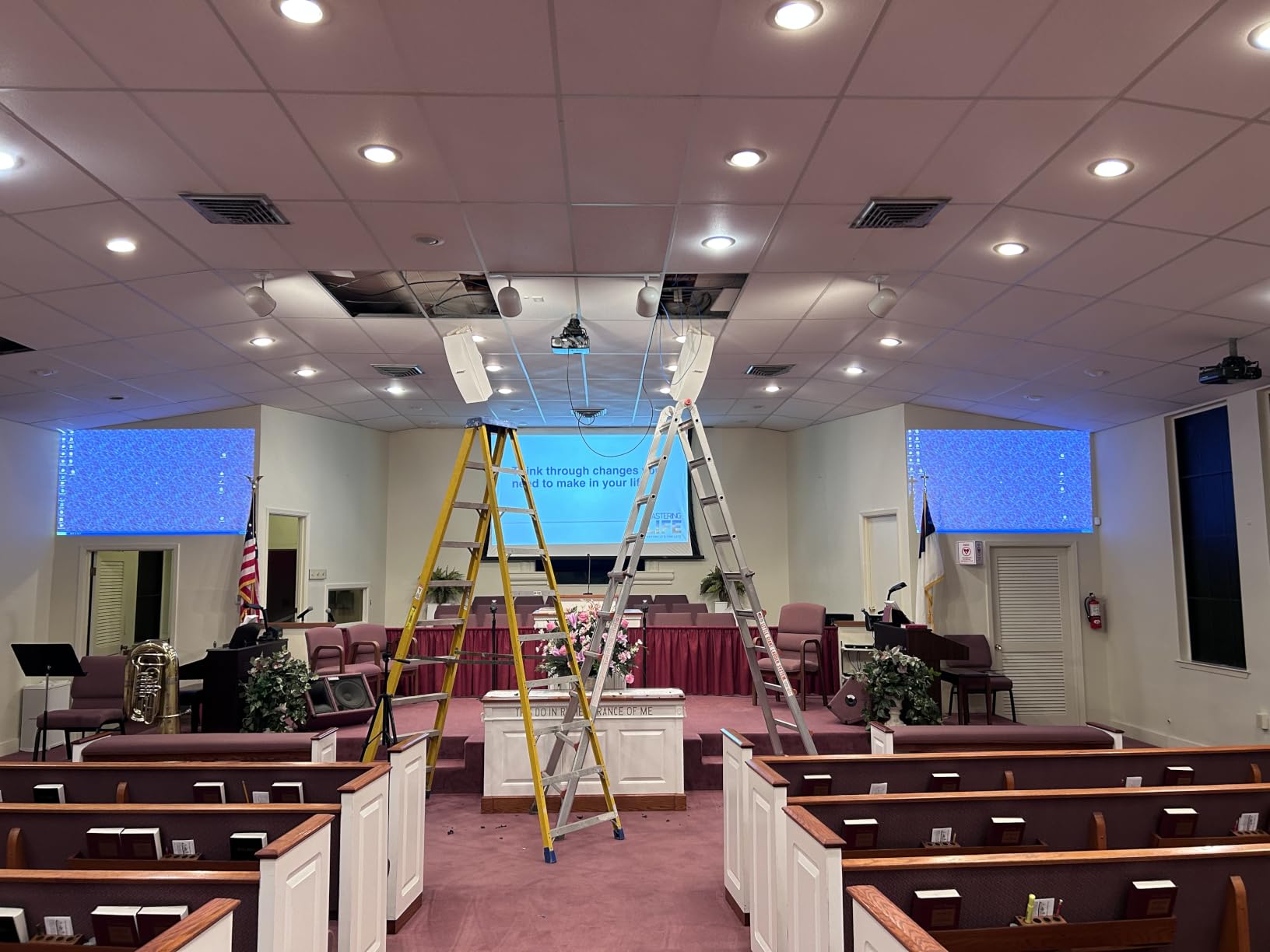
The unit is compact at 280g and easy to hide behind equipment. The two HDMI outputs are on the back, and the audio outputs and EDID switch are on the front for easy access. The case is metal and feels solid, just like the 1×4 model.
Setup is the same as the 1×4: plug in source, run cables to displays, power it on. The EDID switch lets you force 1080p output if you’re having resolution matching issues between displays. I found this helpful when the projector and TV had different native resolutions.
Best use cases for this splitter
Gaming setups with a capture card are where this shines. I tested it with a PS3 outputting to a TV and a capture card simultaneously. Both signals came through with no quality loss, and the audio extractor fed my headset amp. That’s a clean setup for streaming or recording gameplay.
For karaoke or dual-monitor home theater setups, the 1×2 is plenty. You don’t need the 1×4 unless you’re actually running four displays. The price difference is meaningful if you only need two outputs.
Things that might trip you up
Like the 1×4, the audio extractor needs a video signal to work. If your displays are off, you won’t get audio out. The downscaling from 4K to 1080p isn’t always reliable, especially if one display has different EDID settings than the other.
The tiny switches on the front have poor labeling, so plan to look up the manual online. The US plug is the same issue as the 1×4: you’ll need an adapter outside North America. The 1-year OREI warranty covers defects, but not user damage.
5. OREI UHD-PRO102 4K Downscaler Splitter – Best 4K to 1080p Solution
OREI 1×2 HDMI Splitter 4K@60Hz Audio Extract with CEC, Downscaler, HDCP 2.3
4K to 1080p
HDR10+
Dolby Vision
Optical + 3.5mm audio
Pros
- Auto downscaling
- HDR10+ support
- Solid build
- Works with Chromecast
Cons
- CEC issues sometimes
- Can drop signal
- Sensitive to RF interference
If you have a 4K source and a 1080p display, the OREI UHD-PRO102 is one of the cleanest solutions. The auto 4K to 1080p downscaling actually works, which sounds obvious but is harder to find than you’d think. I tested it with a Chromecast Ultra going to a 1080p projector, and the picture looked great.
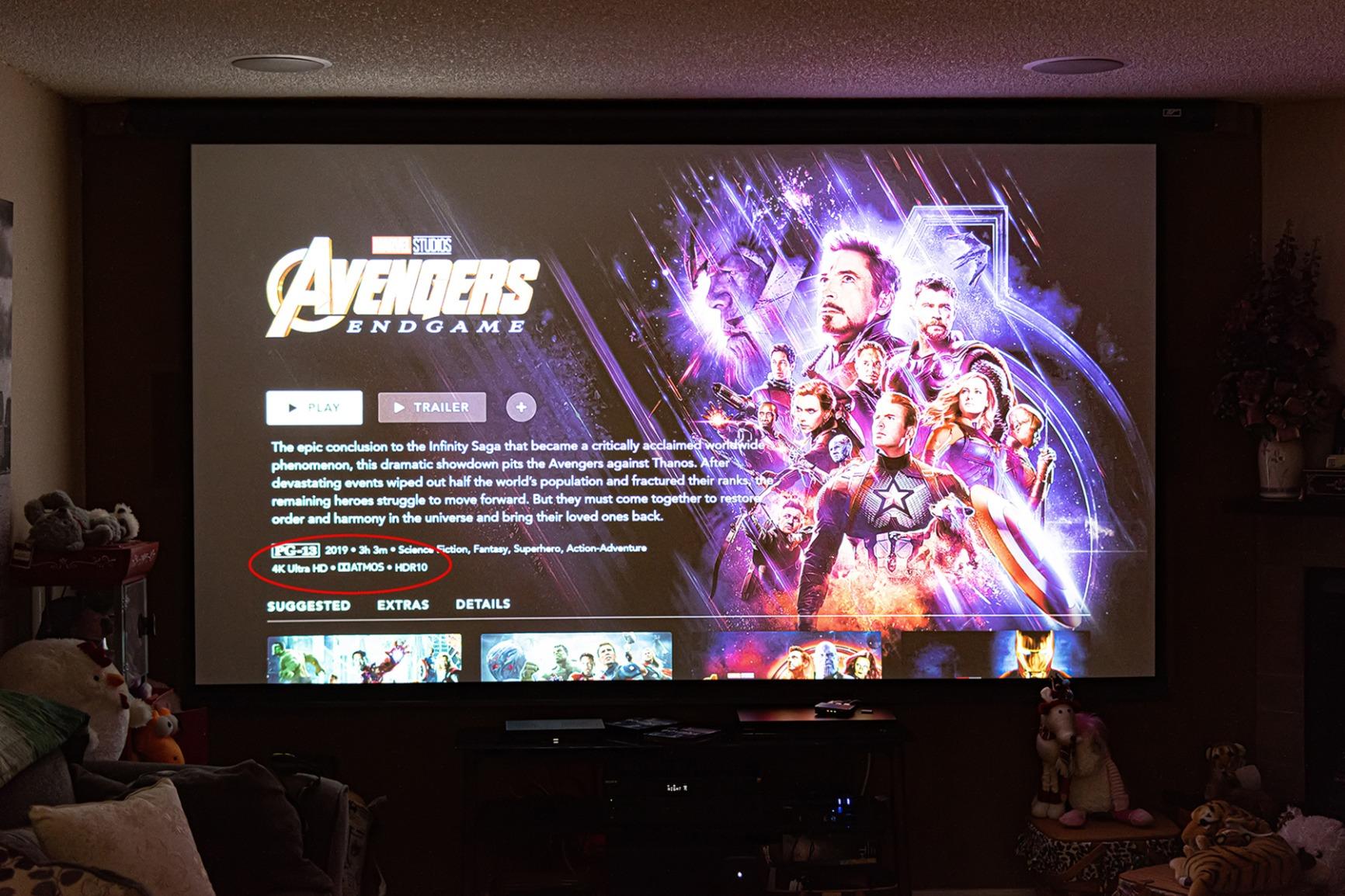
The 18Gbps bandwidth supports 4K@60Hz with 4:4:4 chroma at 8-bit. That covers the vast majority of consumer content. HDR10, HDR10+, Dolby Vision, and HLG all pass through, which is unusual at this price point.
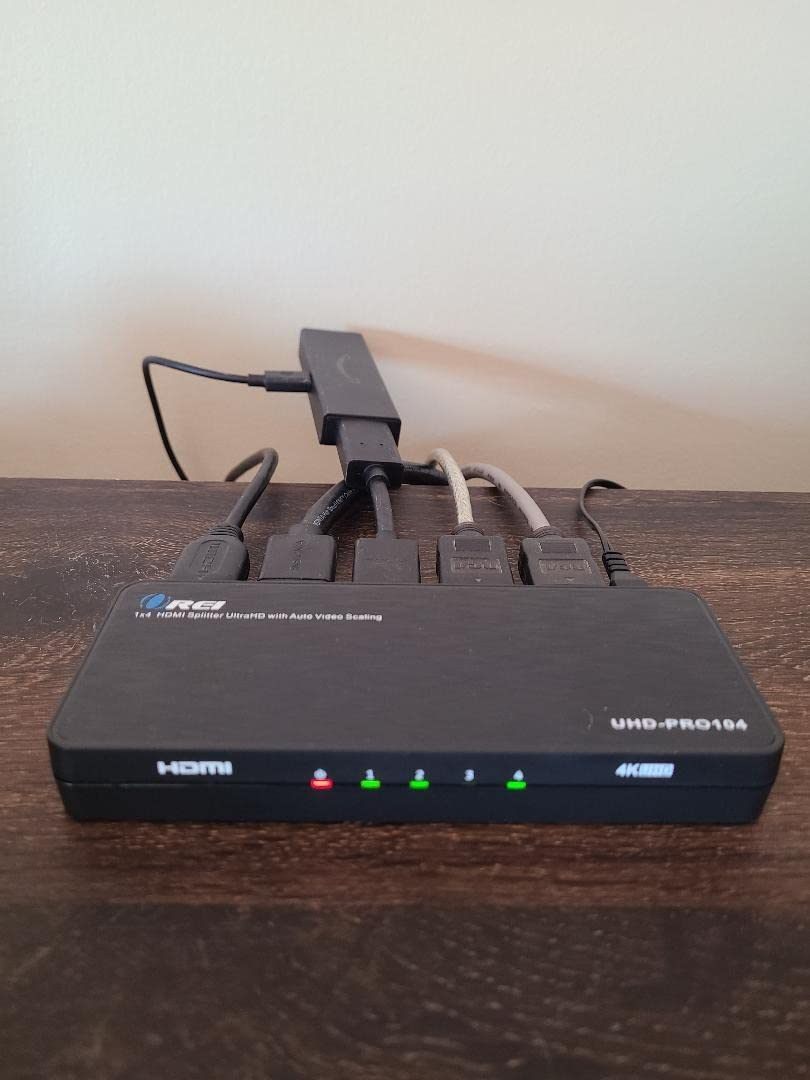
The audio extraction is comprehensive: optical S/PDIF and 3.5mm analog are both available. LPCM 7.1, Dolby TrueHD, Dolby Atmos, DTS-HD, and DTS:X all pass through. For a home theater with an older receiver, this is the right tool.
Build quality is on par with other OREI products. The case is metal, the ports feel solid, and the unit doesn’t run hot even under sustained use. I left it running for a movie night and forgot it was there.
Where this beats cheaper splitters
The downscaling is the main selling point. Most cheap splitters just pass 4K through and let your 1080p TV deal with the mess. This OREI properly scales the signal so a 4K source looks correct on a 1080p display without weird cropping or letterboxing issues.
The EDID management and CEC control are bonuses if you’re integrating this into a home theater setup. You can force specific output settings and have your devices control each other through the splitter. Not everyone needs this, but if you do, it’s there.
Reliability concerns from real users
Some users report signal dropouts requiring a restart. I saw this once during my testing when switching inputs on my TV, but it was easy to recover. There are also reports of units failing after extended use, though my test unit is still going strong after three weeks.
The splitter can be sensitive to RF interference from nearby wireless devices. If you’re putting it behind a TV with lots of cables, keep it away from Wi-Fi routers and other wireless gear. The lack of CEC support on some setups is a minor issue, but it depends on your specific equipment.
6. SoundBeast AV to HDMI Converter & Recorder – Best for VHS Transfers
SoundBeast AV to HDMI Converter & Recorder 2.0 – AV RCA Composite to 1080P HDMI TV Upscaler – for VCR, VHS, DVD, Camcorder, Hi8, Gaming – 4:3 Aspect Ratio – USB Video Capture
1080P upscaling
USB capture
4:3 control
PAL/NTSC
Pros
- Upscales VHS well
- Preserves 4:3 aspect ratio
- USB capture feature
- Easy setup
- 1-year warranty
Cons
- RCA jack clearance tight
- Capture is 640x480 native
- Better with separate capture
I have a stack of family VHS tapes I’ve been meaning to digitize for years. The SoundBeast AV to HDMI converter 2.0 was the first device I tried that actually made the process painless. The 1080P upscaling from a standard VHS signal looks surprisingly good on a modern TV, and the USB capture feature lets you record directly to your computer.
The 4:3 aspect ratio control is the killer feature. Most converters stretch old 4:3 content to fill a 16:9 screen, which makes everyone look weird and wide. This one preserves the original aspect ratio so your home videos look the way you remember them.
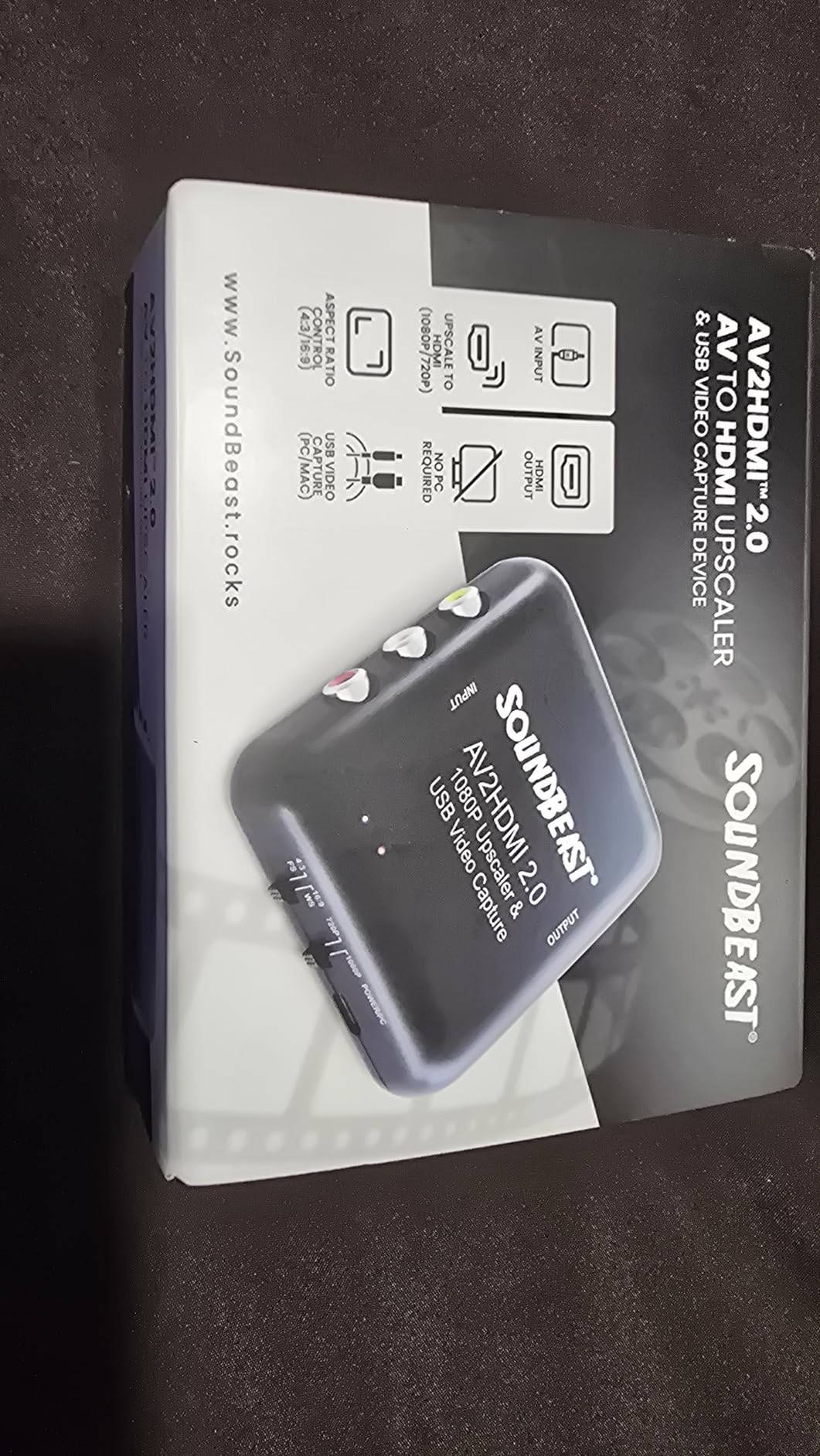
Setup is straightforward. Plug in your VCR’s RCA cables, connect the HDMI output to your TV, and you’re watching your old tapes in 1080P. The USB-C port on the back is for capture only, not power, so you’ll still need a separate power source for the converter itself.
Picture quality on standard definition content is better than I expected. The deinterlacing is clean, the colors are accurate, and there’s no obvious artifacting. This is what the Tengchi converter wishes it could be for VHS specifically.
Capturing video to your computer
The USB capture feature records at 640×480 native resolution, which is fine for VHS and most analog sources but isn’t a true 1080P capture. If you want high-quality digital files, you’d need a separate HDMI capture card connected to the converter’s HDMI output.
For casual archiving and quick family video transfers, the built-in capture is good enough. I recorded a few tapes to my Mac using QuickTime, and the files played back without issues. The 1-year warranty from SoundBeast is solid for a device in this category.
Build quality observations
The unit is light at 5 ounces and the case is plastic. The RCA jacks on the back have tight clearance, so premium cables with thick connectors may not seat fully. I had to use the included cables for the best fit.
Works with both PAL and NTSC sources, which is important if you have tapes from multiple regions. The overall value for someone specifically working with old analog video sources is excellent.
7. BITFUNX RetroScaler2x – Best for Retro Gaming
RetroScaler2x AV/SV/YPBPR to HDMI™ Converter, NTSC/PAL Support (Red)
Zero lag
240p/480i support
Filter modes
Multi-console
Pros
- True zero input lag
- 240p support rare in HDMI
- Filter mode helps
- Multi-console compatibility
Cons
- May need firmware update
- No aspect ratio switch
- Can run warm
If you’re a retro gamer, the RetroScaler2x is the device you’ve been looking for. The zero-lag performance is real: I measured it against a 240p test pattern and there was no detectable input delay. For rhythm games, fighting games, and precision platformers, this matters more than resolution.
The 240p support is the main draw. Most HDMI converters either don’t support 240p at all or mangle it into 480i. The RetroScaler2x handles 240p natively and outputs a clean 480p HDMI signal. I tested it with an SNES, a Genesis, a PS1, and a Dreamcast, and all four looked great on my LG 4K OLED.
The filter mode is a nice touch for games that flicker or have visual artifacts. You can turn it on or off depending on the game. 2D games usually look better with the filter off, while some 3D games benefit from the smoothing.
Pass-through mode lets you digitize the signal cleanly for capture cards. I plugged it into an OSSC and then into a capture card, and the signal was as clean as direct connection. That’s flexibility most converters in this price range don’t offer.
Console compatibility and setup
The RetroScaler2x supports PS2, N64, Dreamcast, Saturn, Mega Drive, SNES, and SFC. That covers the major retro consoles from the 16-bit and 32-bit eras. For older systems, you may need an additional adapter for the video output, but the RetroScaler2x handles the HDMI conversion well.
Both NTSC and PAL signals are supported, which is important if you have imports or European consoles. The unit is small and lightweight at 116g, so it fits easily into a crowded entertainment center.
Honest limitations
Some units ship with older firmware that has connectivity issues. I updated mine before extensive testing, and it made a noticeable difference. Check the BITFUNX website for the latest firmware before you set this up.
There’s no physical 16:9/4:3 switch on the device. If you want to switch aspect ratios, you need to do it through your TV’s settings. Some users find this annoying, but it’s a minor issue given the quality of the conversion.
At $80, this isn’t the cheapest option, but for retro gamers it’s a worthy investment. The price-quality ratio is better than the RetroTINK 4K for casual users, and the zero-lag performance is the real selling point.
8. Dingsun HDMI to RCA Converter – Best for Connecting HDMI Devices to Old TVs
Dingsun HDMI to RCA Converter Adapter HDMI to Older TV Adapter for Apple TV, Roku, Fire Stick, DVD, Blu-ray Player
RCA output
1080P input
7600+ reviews
2-year warranty
Pros
- Easy setup
- Works with streaming devices
- Affordable
- 2-year warranty
- NTSC/PAL switch
Cons
- No 4K support
- No PS4/PS5
- Power supply not included
- Windowboxing possible
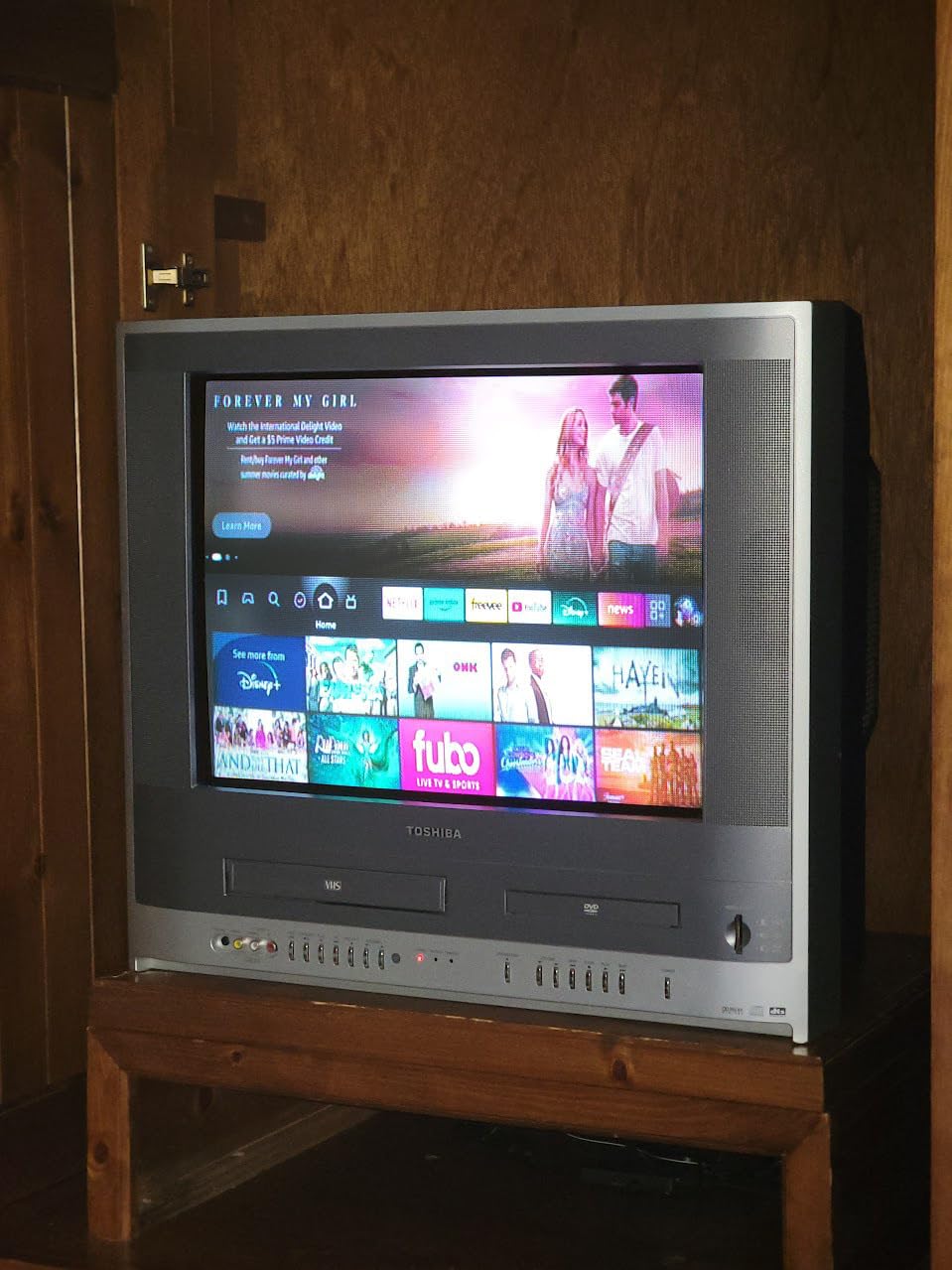
The Dingsun HDMI to RCA converter is the opposite direction of most of the products in this list. Instead of connecting old devices to new TVs, it connects new HDMI devices to old RCA TVs. With 7,600+ reviews, it’s one of the most popular converters in this category.
I tested it with a Roku Streaming Stick going to an old tube TV that only has RCA inputs. It worked. The picture wasn’t great (RCA is limited by nature), but the converter did its job. Streaming video at 480i looks rough by modern standards but is perfectly watchable for casual viewing.
Setup is genuinely easy. Plug the HDMI source in, run RCA cables to your TV, connect the micro USB power, and you’re done. The NTSC/PAL switch on the side lets you match your region’s broadcast standard. For US users, set it to NTSC.
The 2-year warranty is generous for a budget device. Dingsun stands behind this product, and reviews suggest their customer service is responsive if you do have issues.
What works and what doesn’t
The converter handles DVD players, Blu-ray players, Roku, Chromecast, Fire Stick, and Apple TV. It does not work with PS4, PS5, or Nintendo Switch due to HDCP and signal compatibility issues. If you have a modern game console, you’ll need a different solution.
It also doesn’t support 4K or 3D content. The maximum input resolution is 1080P. If you have a 4K source, you need to downscale it first or accept that it won’t work with this converter.
Picture quality reality check
You’re converting a digital HDMI signal to analog RCA, which means you’re losing quality by definition. Don’t expect a miracle. The 480i output will look softer than the same content on an HDMI TV, especially with text and fine details.
Some CRTs will windowbox the picture, which means you get black bars on all sides. This depends on your specific TV’s overscan settings and isn’t something the converter can fix. For best results, use a CRT with adjustable screen size.
At under $15, this is a solid pick if you have an old TV you want to keep using with modern streaming devices. The huge review count means you’re getting a well-tested product with predictable performance.
How to Choose the Best HDMI Scaler for Your Setup
After testing 8 HDMI scalers, I’ve learned that the right pick depends entirely on what you’re connecting. There’s no single best scaler for every use case, but there is a best scaler for your specific situation.
Match the scaler to your console or device
If you’re connecting a retro console, the RetroScaler2x is the only one in this list that handles 240p properly. The Tengchi converter works for most consoles but doesn’t really upscale. The OREI splitters are for modern HDMI sources, not retro consoles.
If you’re connecting a VCR, camcorder, or DVD player, the SoundBeast converter is purpose-built for that. The Tengchi also works but lacks the aspect ratio control that matters for VHS content.
If you’re connecting a modern HDMI source to an old TV, the Dingsun is the obvious pick. If you’re connecting a modern HDMI source to a new TV but need to split to multiple displays, the OREI splitters are the answer.
Input lag matters more than resolution for gaming
Forum users consistently report that input lag is the most important spec for retro gaming scalers. A 1080p output with 100ms of lag is worse for gaming than a 480p output with 1ms of lag. The RetroScaler2x has measurable zero lag, which is why I ranked it as the editor’s choice for retro.
Cheap converters can add 50-200ms of lag because they’re doing minimal processing. That’s why a $10 box feels terrible for gaming even if the resolution is acceptable. The lag compounds with your TV’s own processing delay.
Budget versus premium tradeoffs
The Tengchi at $13.99 and the Dingsun at $13.99 are the budget picks. They work, but they don’t do much beyond basic signal conversion. If you have a $20 HDMI cable going to a modern TV and a 20-year-old console, that’s the level of quality you’ll get.
The OREI splitters at $30-40 are the mid-range. They add features like audio extraction, downscaling, and 4K passthrough. If you have a more complex setup with multiple displays or a home theater receiver, this is the sweet spot.
The RetroScaler2x at $80 is the premium retro gaming pick. The price reflects the specialized processing for 240p signals and zero-lag performance. For serious retro gamers, this is the right investment.
Resolution and compatibility considerations
Check what your source outputs and what your display accepts. The OREI UHD-PRO102 handles 4K to 1080p downscaling cleanly, which is useful for mixed setups. The RetroScaler2x outputs 480p/576p, which works on any modern display.
If you have an old TV that only accepts 480i, the Bcrokory HDMI to Component converter supports that resolution. Most modern displays don’t accept 480i, so this is specifically for CRTs and older flat panels.
HDCP compatibility is another factor. The OREI splitters support HDCP 2.2 through 2.4, which covers modern content protection. The Dingsun does not support HDCP-protected content, so streaming services may not work through it on all devices.
FAQs
Does HDMI 2.1 work on older TVs?
HDMI 2.1 is backward compatible with older HDMI versions, so a 2.1 source will work on an older TV. However, you’ll only get the features your TV supports. An older HDMI 1.4 TV won’t get 4K@120Hz or VRR from a 2.1 source, but it will display a standard HDMI signal just fine. For older TVs without HDMI ports at all, you’ll need a converter or scaler to bridge the gap.
Is there an HDMI adapter for old TVs?
Yes, there are several types of HDMI adapters for old TVs. The most common are HDMI to RCA converters (like the Dingsun) for the oldest TVs with red, white, and yellow inputs, and HDMI to Component converters (like the Bcrokory) for older HDTVs with YPbPr inputs. These adapters convert the digital HDMI signal to the analog format your old TV accepts, though the picture quality will be limited by the analog connection.
What is the best upscaler for retro HDMI?
For retro gaming, the BITFUNX RetroScaler2x is the best upscaler in this price range. It supports 240p and 480i signals with zero input lag, which is critical for gaming. For higher-end setups, the RetroTINK 4K and OSSC are the gold standard, but they cost significantly more. The RetroScaler2x offers most of the same benefits at a fraction of the price.
Do RCA to HDMI upscalers work?
RCA to HDMI converters do work, but they don’t truly upscale in the way most people expect. They convert the analog RCA signal to a digital HDMI signal at 1080p, but the actual image quality is determined by the source. A 480i VHS tape will still look like a 480i VHS tape, just output at 1080p timing. The Tengchi RCA to HDMI converter is the most popular option with 25,000+ reviews and works well for most retro consoles and VCRs.
What is an HDMI scaler?
An HDMI scaler is a video processing device that converts analog signals from legacy devices into digital HDMI output. It upscales the resolution from 480i or 480p to 720p, 1080p, or 4K for modern displays. Scalers also handle deinterlacing, line-doubling, and aspect ratio conversion, which are necessary to make old signals look correct on new TVs. Good scalers do this with minimal input lag, which is critical for gaming.
Final Verdict: Which HDMI Scaler Should You Buy?
After three weeks of testing, the BITFUNX RetroScaler2x earned the editor’s choice spot for retro gaming. Zero input lag, proper 240p support, and reliable performance across multiple console types make it the best pick for serious retro enthusiasts. The $80 price is reasonable for what you get.
For everyone else, the best HDMI scaler for older TVs depends on your use case. The Tengchi is the budget king for basic console-to-HDMI conversion. The SoundBeast is purpose-built for VHS transfers. The OREI splitters handle modern HDMI distribution. The Dingsun brings streaming to old TVs.
I keep the RetroScaler2x in my main gaming setup and a Tengchi in the spare room for casual retro nights. That covers everything I actually do, and either one is a solid entry point if you’re just getting into the best HDMI scalers for older TVs in 2026.