
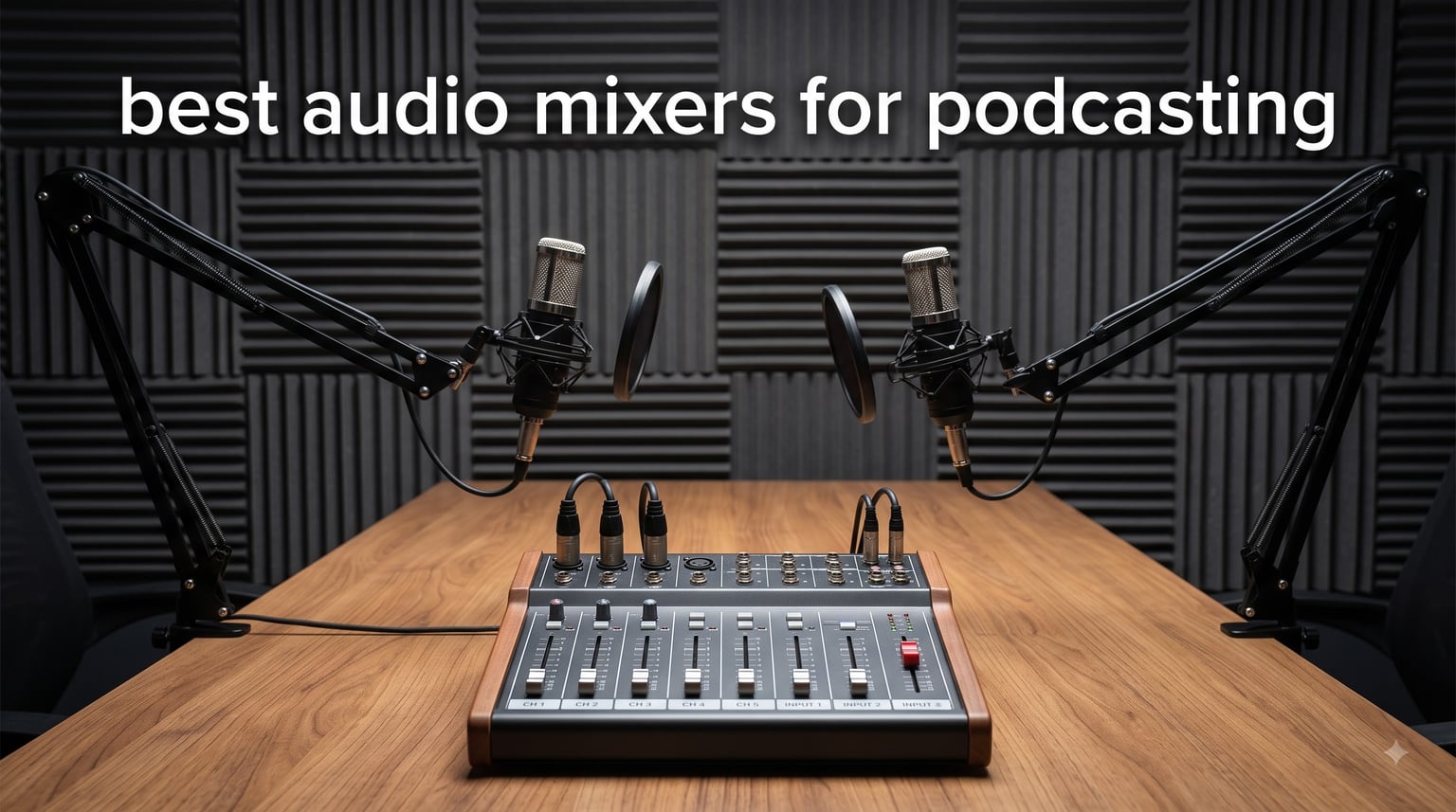
I have spent the better part of three years testing podcast mixers in home studios, on the road, and in dedicated recording booths. When you are serious about your show’s audio quality, the right mixer changes everything. That is why I put together this guide to the best audio mixers for podcasting in 2026, covering everything from budget-friendly two-mic interfaces to full-blown production consoles.
A dedicated podcast mixer gives you independent control over each microphone, built-in effects processing, sound pads for intro music and jingles, and recording options that go far beyond what a simple USB mic can do. Whether you record solo episodes, host multi-guest roundtables, or stream live on Twitch, the mixer sits at the center of your entire workflow.
Our team compared five top-rated models across channel count, preamp quality, recording flexibility, and real-world usability. We looked at what Reddit’s r/podcasting community recommends, what competitors like MusicRadar and SoundandGo highlight, and what actual buyers say after months of daily use. Here is what we found.
Table of Contents
Top 3 Picks for Best Audio Mixers for Podcasting (September 2026)

Rode RODECaster Pro II
- Quad-core processing
- APHEX effects
- 8 SMART pads
- Multi-track recording

Zoom LiveTrak L-8
- 8-channel battery powered
- 12-track SD recording
- 4 headphone outputs
- 6 sound pads

Best Audio Mixers for Podcasting in 2026
| Product | Specifications | Action |
|---|---|---|
| Rode RODECaster Pro II |
|
Check Latest Price |
 Behringer FLOW 8 Behringer FLOW 8 |
|
Check Latest Price |
 TC-Helicon GoXLR TC-Helicon GoXLR |
|
Check Latest Price |
| Focusrite Vocaster Two |
|
Check Latest Price |
| Zoom LiveTrak L-8 |
|
Check Latest Price |
1. RØDE RØDECaster Pro II — All-in-One Production Console
RØDE RØDECaster Pro II All-in-One Audio Production Studio
9-channel console
Quad-core engine
4 Revolution preamps
APHEX processing
8 SMART pads
Multi-track to microSD/USB
Pros
- Studio-quality Revolution preamps with ultra-low noise
- Dual USB and Bluetooth channels for remote guests
- 8 customizable SMART pads with 64 total actions
- Built-in APHEX Aural Exciter and Big Bottom processing
- Multi-track recording to microSD or computer
Cons
- Premium price point
- Steeper learning curve for beginners
I have used the RØDECaster Pro II as my main studio console for over a year, and it remains the most capable all-in-one production solution I have tested. The quad-core processing engine handles everything in real time, from APHEX audio processing to multi-track recording, without a hint of latency. Four combo inputs with Revolution preamps give you plenty of gain for power-hungry dynamic mics like the Shure SM7B, with no booster cable needed.
The eight SMART pads are where this console truly shines for podcasters. You get eight banks, meaning up to 64 programmable actions at your fingertips, from intro music triggers to voice effects and MIDI commands. I mapped my show’s entire soundscape across two banks and switch between them with a single tap. Dual USB and Bluetooth channels let you bring in remote guests from a phone or tablet while keeping your computer feed separate.
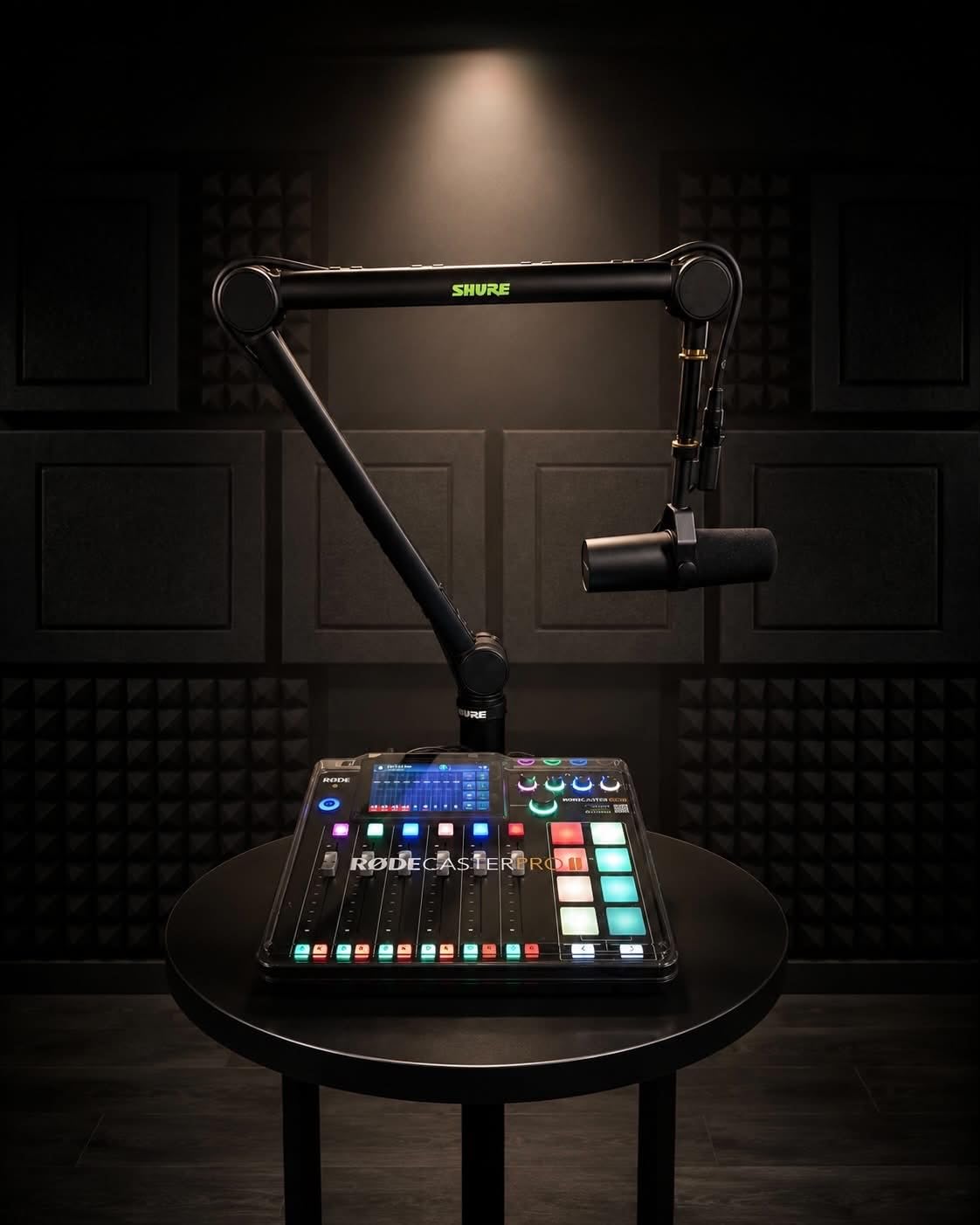
On the audio processing side, the built-in APHEX suite is genuinely studio-grade. The Aural Exciter adds air and presence to vocals, Big Bottom gives warmth to thin-sounding microphones, and the Compellor handles leveling automatically. You also get a compressor, de-esser, high-pass filter, noise gate, and full EQ per channel. This is the kind of processing chain that used to require thousands of dollars in outboard gear.
Recording flexibility is excellent. You can record in stereo or multi-track to a microSD card, an external storage device, or directly to your computer via USB. I run multi-track to my DAW so each mic gets its own isolated channel for post-production cleanup. The unit measures roughly 12 by 10 by 2.4 inches and weighs about 2 kilograms, so it sits comfortably on a desk without dominating your workspace.
Who should buy the RØDECaster Pro II
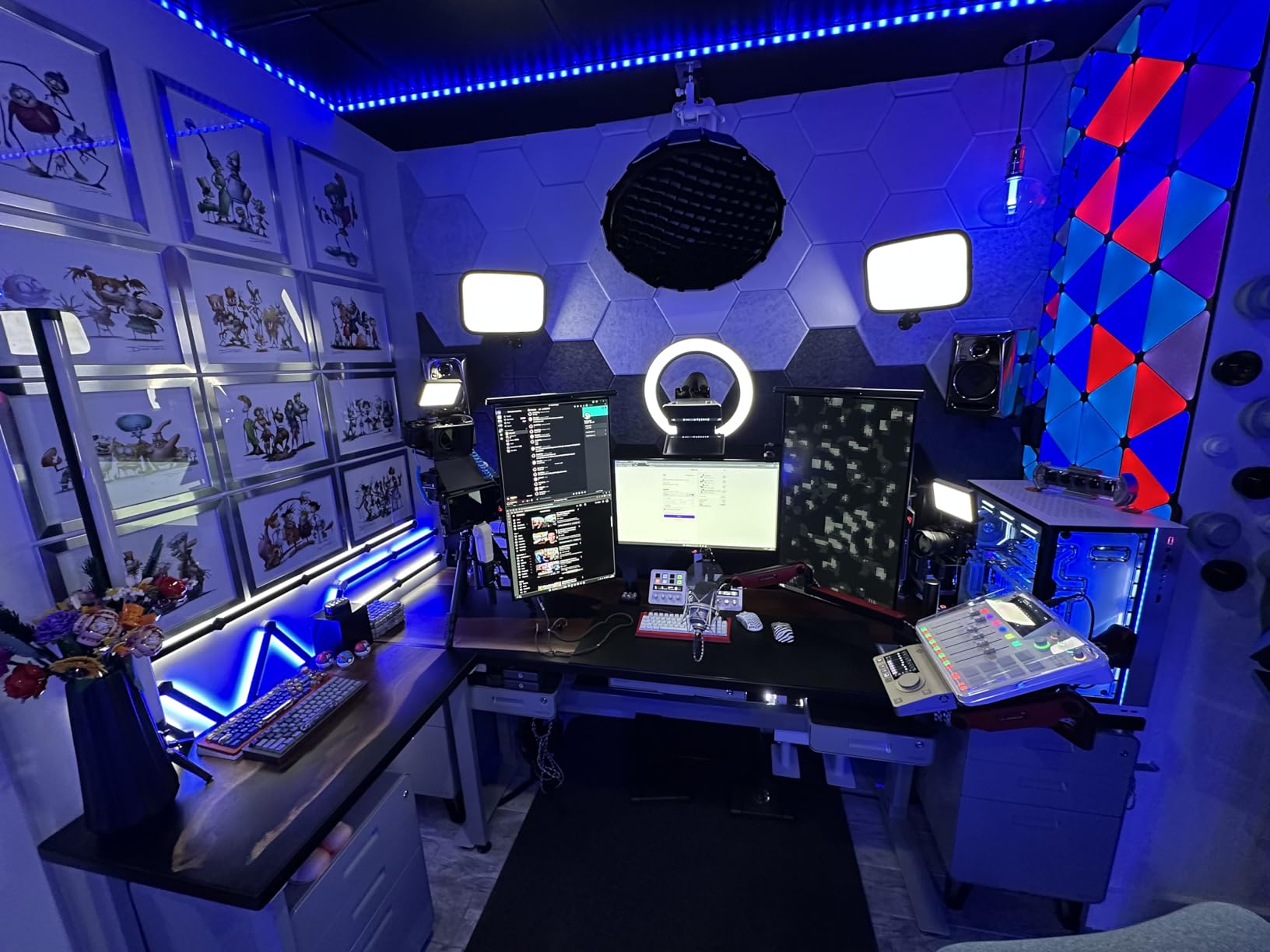
This console is built for serious podcasters, streamers, and content creators who want a single device that replaces a preamp, audio interface, recorder, soundboard, and effects processor. If you run a multi-mic show, bring in remote guests regularly, and need professional broadcast-quality processing, the RØDECaster Pro II handles all of it without breaking a sweat.
It is also the right choice if you produce music or video content alongside your podcast, since the instrument inputs and multi-track routing make it a genuine production tool.
Setup and learning curve
Plan to spend a weekend learning the interface. The touchscreen and physical controls are well designed, but the depth of features means there is a real learning curve before everything becomes muscle memory. RØDE includes a clear quick-start guide, and the companion software walks you through channel configuration, SMART pad mapping, and APHEX settings.
Once configured, daily operation is straightforward. Presets and scenes save your entire configuration, so you can recall different setups for solo episodes versus full guest panels instantly.
2. Behringer FLOW 8 — Compact Digital Mixer with App Control
Behringer FLOW 8 8-Input Digital Mixer with Bluetooth Audio and App Control, 60 mm Channel Faders, 2 FX Processors and USB/Audio Interface
8-input digital mixer
2 Midas preamps
Bluetooth app control
60mm faders
2 FX processors
EZ-Gain
Pros
- Bluetooth wireless control via FLOW App for iOS and Android
- EZ-Gain automatically sets optimal input levels
- Two Midas preamps with 48V phantom power
- 60mm channel faders for smooth tactile control
- Compact and portable design
Cons
- Only 2 mic preamps despite 8 inputs
- No dedicated podcast sound pads
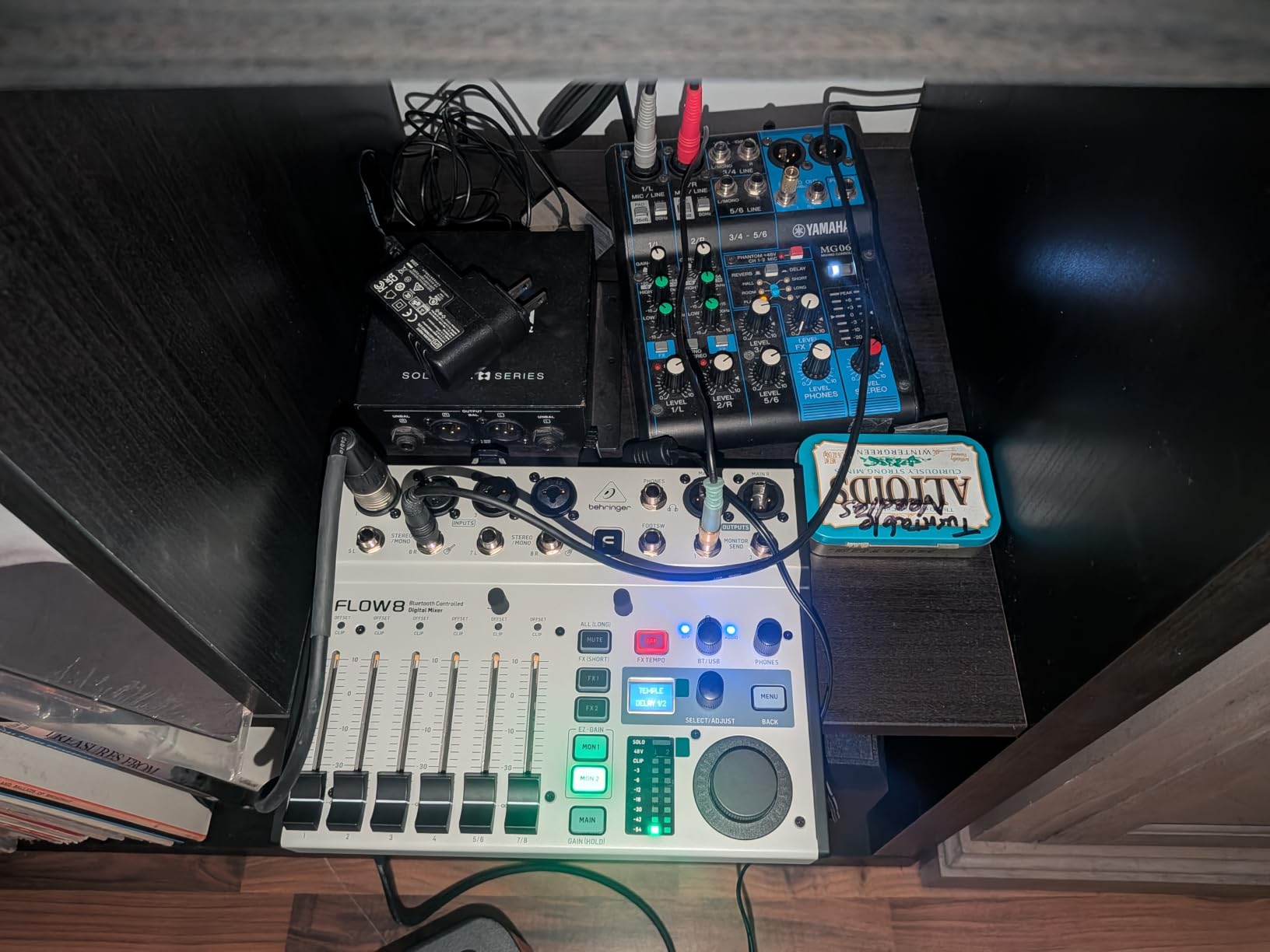
The Behringer FLOW 8 surprised me in testing. With an 84 percent five-star rating across 826 reviews, it is the highest-rated mixer in this lineup, and after using it for several recording sessions, I understand why. This compact digital mixer packs two Midas microphone preamps with phantom power, dual FX processors, and full Bluetooth app control into a unit small enough to carry in a backpack.
The standout feature for me is the FLOW App. Once connected over Bluetooth, you can adjust every channel, EQ setting, and effect from your phone or tablet. I set up the mixer on my desk, walked across the room with my iPad, and fine-tuned levels while listening through my studio monitors. The EZ-Gain function is another winner. It analyzes incoming signals and automatically sets gain for optimum headroom, which saves beginners from the trial-and-error of manual gain staging.
The 60mm channel faders feel smooth and responsive, and the master rotary control has an LED collar that gives you instant visual feedback on output levels. Two built-in FX processors let you add reverb, delay, modulation, and other effects to your mix. The unit also functions as a USB audio interface, so you can route audio directly to your computer for recording or streaming.
At just 6.5 by 9.7 by 1.1 inches and around 1.4 kilograms, the FLOW 8 is the most portable full-featured mixer on this list. It is a great fit for podcasters who record in different locations or need a compact secondary mixer for events.
Best use case for the FLOW 8
This mixer excels for two-mic podcast setups where you want professional preamp quality and app-based control without the bulk of a full console. It works well for podcasters who also record music or need a portable mixing solution for live events and interviews.
If you need more than two microphones, you will hit the preamp limit. But for solo or host-plus-guest shows, the Midas preamps deliver clean, detailed sound that punches well above this price tier.
App reliability and connectivity
The FLOW App connects reliably over Bluetooth within about 30 feet. I experienced no dropouts during testing, and the app interface mirrors the physical layout of the mixer so controls are intuitive. The app also gives you access to parametric EQ and compression settings that are not available from the front panel alone.
One thing to note: there is no physical power switch on the unit itself. You unplug the power adapter to turn it off, which some users find inconvenient for permanent studio setups.
3. TC-Helicon GoXLR — Streamer-Focused 4-Channel Mixer
TC-Helicon GoXLR Revolutionary Online Broadcaster Platform with 4-Channel Mixer, Motorized Faders, Sound Board and Vocal Effects, Officially Supported on Windows
4-channel mixer
Motorized faders
MIDAS preamp
Voice FX
Sampler
RGB lighting
Pros
- Motorized faders snap to position with excellent tactile feel
- Studio-quality MIDAS preamp with 70dB of clean gain
- Powerful onboard sampler for live sound triggers
- Real-time voice effects including reverb echo and pitch shift
Cons
- Windows only with no macOS support
- Single XLR input limits multi-mic setups
The GoXLR has a massive following in the streaming community, and after testing it for a month, the appeal is obvious. This is a single-mic, four-channel audio controller designed specifically for content creators who juggle multiple audio sources simultaneously. The motorized faders are the headline feature, and they feel fantastic. When you switch profiles or scenes, the faders physically move to their saved positions with a satisfying precision.
The four channels handle mic, game audio, music, and chat independently, giving you granular live control over your entire mix. The studio-quality MIDAS preamp delivers over 70dB of clean gain, which means it powers demanding dynamic microphones like the SM7B without a Cloudlifter. I tested it with a Shure SM58 and a RØDE PodMic, and both came through with crystal clarity.
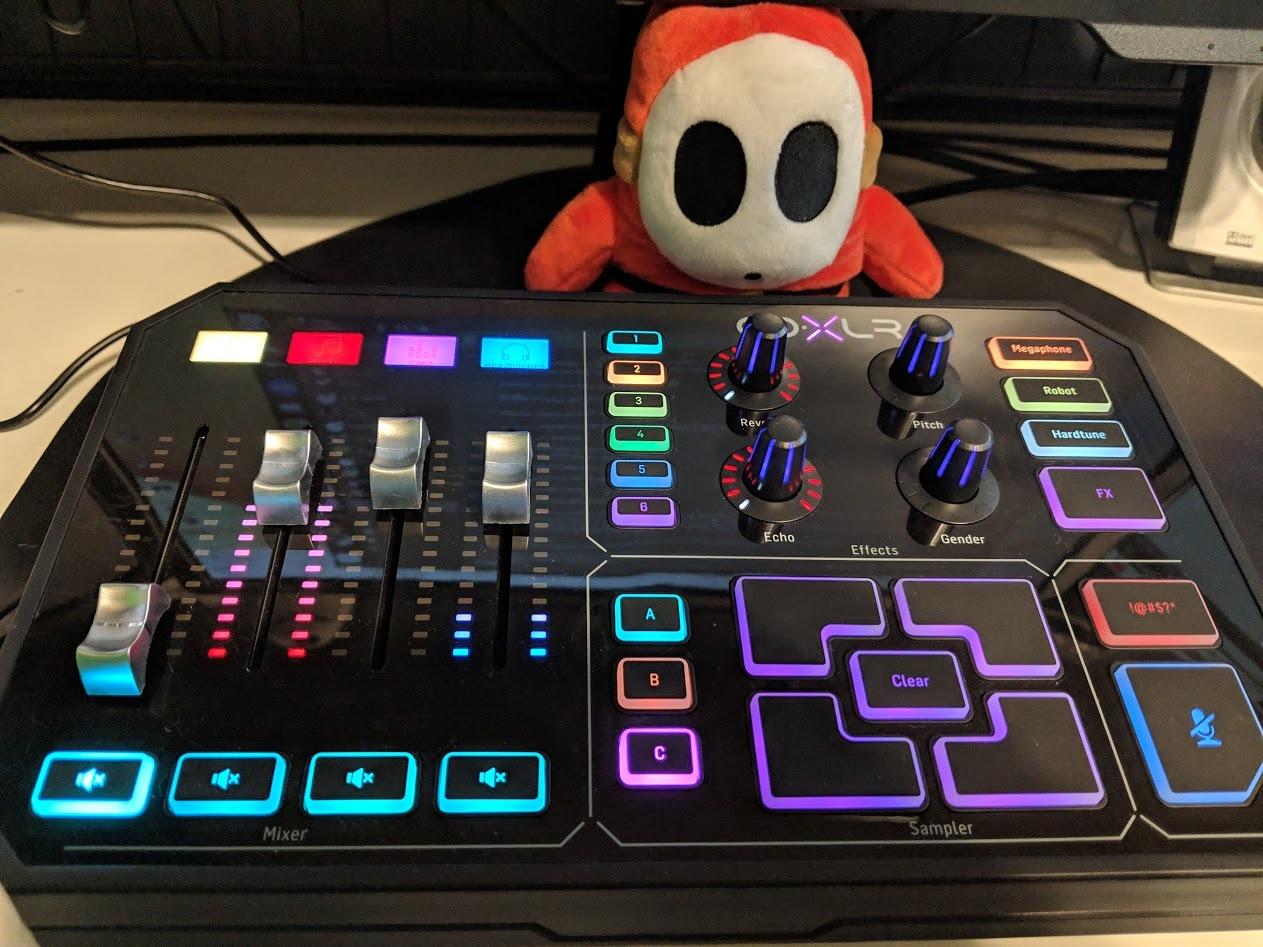
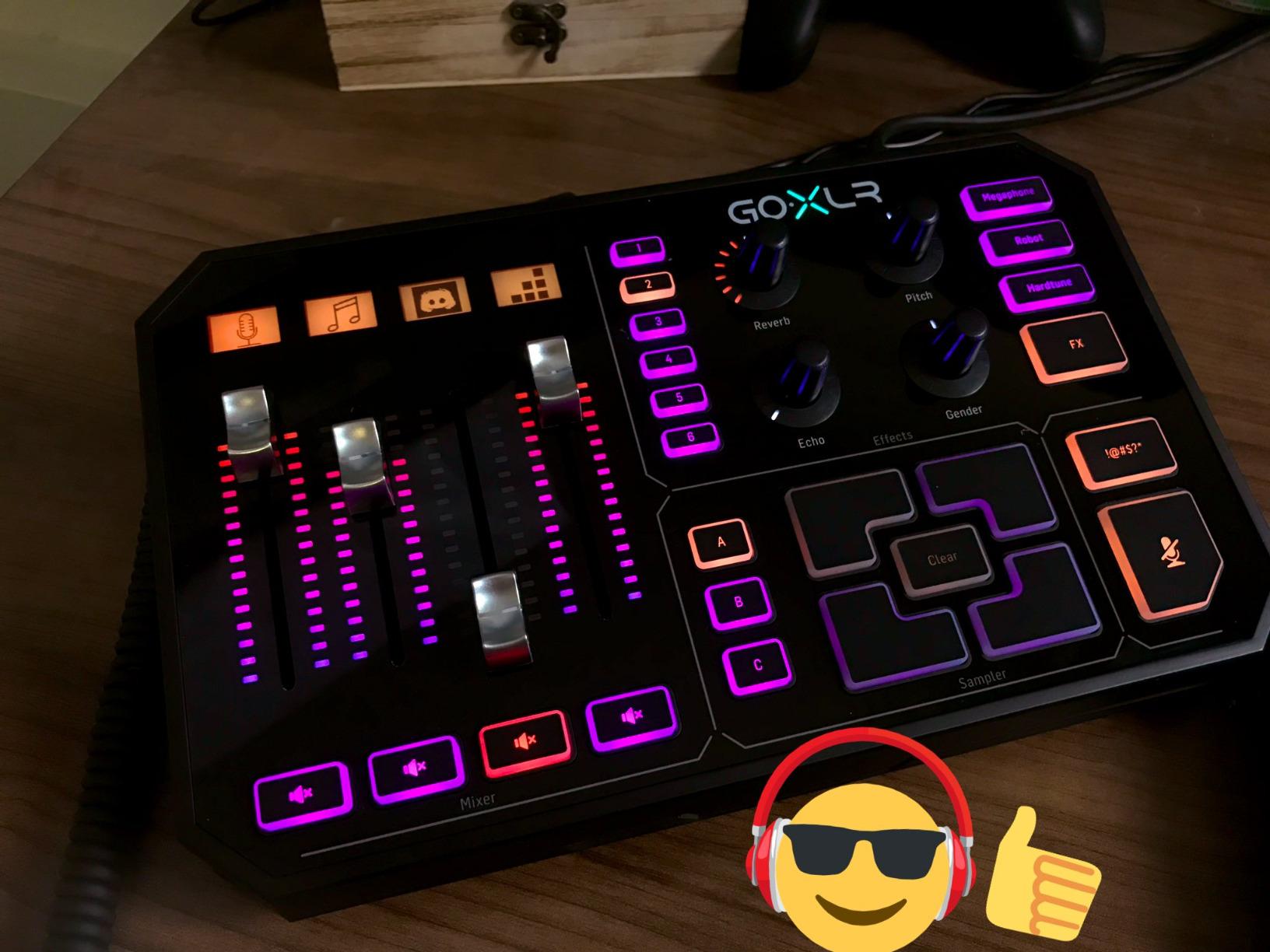
The sampler is one of my favorite features. You can record samples on-the-fly or load pre-made audio files, then trigger them during your show with dedicated pads. The voice FX engine offers reverb, echo, pitch shift, megaphone, robot, and hard-tune effects in real time. While some of these effects are more novelty than necessity for podcasts, the reverb and echo are genuinely useful for adding depth to your voice.
The GoXLR Windows app is feature-rich and receives regular updates. It controls everything from audio routing to RGB lighting customization. The configurable lighting syncs with your stream aesthetic, which is a nice touch for on-camera setups. The unit replaces a mixer, preamp, noise gate, and compressor in one device.
Who the GoXLR is built for
This device is purpose-built for solo streamers and podcasters who need live control over multiple audio sources. If you stream on Twitch or YouTube while managing game audio, chat notifications, background music, and your microphone simultaneously, the GoXLR handles all of it with dedicated physical controls.
It is not the right choice for multi-person podcast recordings, since it only has one XLR input. Mac users are also out of luck, as the software is Windows-only.
Software dependency and build quality
The GoXLR requires the desktop app to be running for full functionality. Profiles are stored on your PC, which means the device is essentially unusable without the software active. This is fine for a permanent desktop setup but limits portability.
Build quality is a mixed bag. The motorized faders and preamp are excellent, but the housing is plastic, which feels less premium than the price suggests. Most users report years of reliable operation, but the materials do not match the quality of the internal components.
4. Focusrite Vocaster Two — Best Budget Two-Person Interface
Focusrite Vocaster Two
2 mic inputs
2 headphone outputs
Auto Gain
Enhance presets
Bluetooth phone input
USB powered
Pros
- 70dB of clean gain handles any microphone without a booster
- Auto Gain sets optimal levels automatically with one press
- Enhance presets instantly improve voice quality
- Two independent headphone outputs for host and guest
- Bluetooth connectivity for phone call-ins
Cons
- Only 2 mic inputs by design
- No built-in effects or DSP processing
- Requires computer connection for power
The Focusrite Vocaster Two is the most affordable option on this list and proof that you do not need to spend a fortune to get broadcast-quality sound. Designed specifically for two-person podcasts, this compact interface gives you two mic inputs, two independent headphone outputs, and over 70dB of clean gain. I tested it with a pair of dynamic microphones and was impressed by how clean the signal remained even at high gain levels.
The Auto Gain feature is genuinely useful, especially for podcasters new to audio setup. You press a single button, speak into your mic at normal volume for a few seconds, and the Vocaster automatically sets the optimal input level. No guessing, no clipping, no trial and error. The Enhance function offers four podcaster-approved presets that apply subtle EQ and compression to instantly polish your voice.
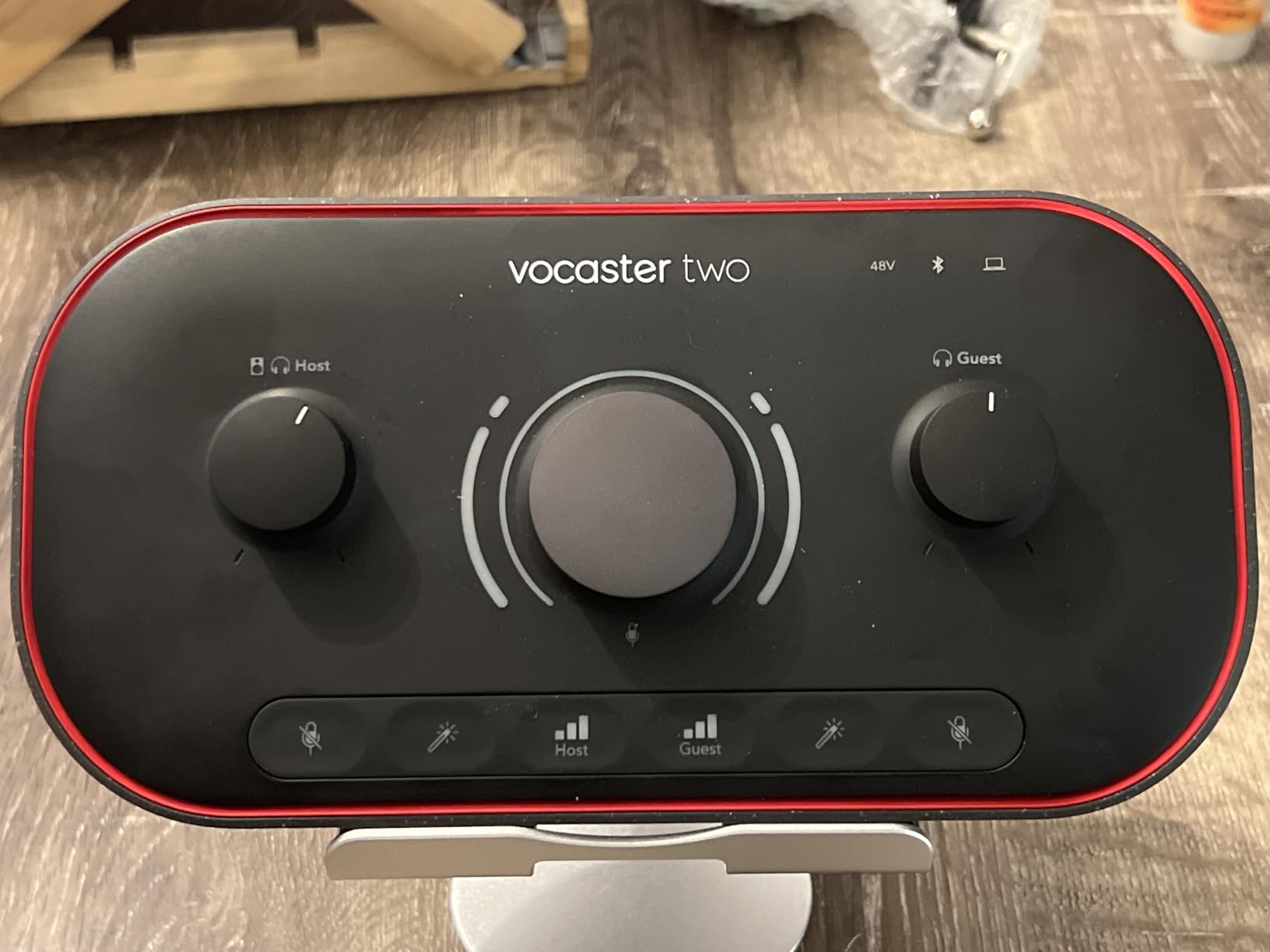
Bluetooth phone connectivity is a standout at this price. You can connect your smartphone wirelessly to bring in remote guests or play background music directly through the interface. The TRS camera output also lets you send clean audio straight to a DSLR or mirrorless camera, which is great for video podcasters who want to skip syncing audio in post.
The Vocaster Two is bus-powered over USB, so there is no separate power supply to manage. It works with all major recording software on Mac, Windows, and iOS. The unit measures roughly 8.8 by 4.5 by 2 inches and weighs under 2 pounds, making it genuinely portable.
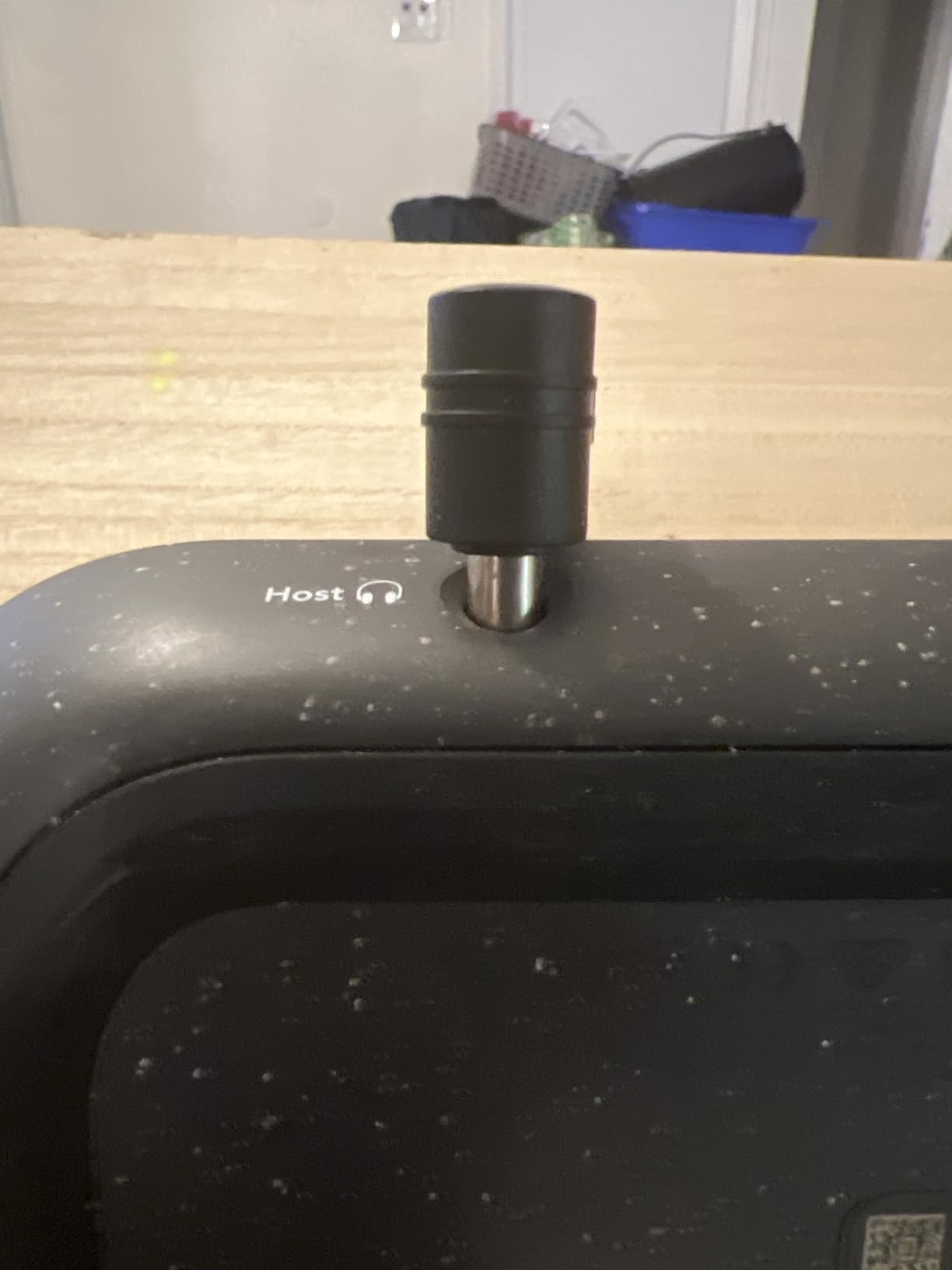
Ideal setup for the Vocaster Two
This interface is perfect for beginner and intermediate podcasters running a two-person show. If you and a co-host record together in the same space, the dual mic inputs and dual headphone outputs handle the entire workflow. The Bluetooth phone input also makes it suitable for hybrid setups where one guest joins remotely by phone.
It is not the right pick if you need more than two microphones, built-in sound pads, or standalone recording without a computer.
What you give up at this price
The Vocaster Two does not include a built-in recorder, sound pads, or advanced DSP processing. The Enhance presets are helpful but basic compared to the full APHEX suite on the RØDECaster. You also need a computer connected for power and recording, so it cannot function as a standalone field recorder.
That said, for what it costs, the audio quality and ease of use are outstanding. Focusrite includes a 3-year manufacturer warranty, which adds real peace of mind.
5. Zoom LiveTrak L-8 — Battery-Powered 8-Channel Recorder
Zoom LiveTrak L-8 Battery Powered Mixer/Recorder for Musicians & Podcasters
8-channel mixer
12-track SD recording
Battery powered
4 headphone outputs
6 sound pads
Phone input
Pros
- 12-track simultaneous recording at 24-bit 96kHz to SD card
- Battery powered for fully mobile recording sessions
- Four headphone outputs with three independent monitor mixes
- Records to SD card and computer simultaneously
- Exceptional -121dBu noise floor
Cons
- Higher price point for 8-channel category
- Battery life limited for extended sessions
- Larger form factor than portable alternatives
The Zoom LiveTrak L-8 fills a niche no other mixer on this list can match: fully battery-powered, multi-track recording on the go. I took this unit to a conference, set it up in a hotel room with three microphones, and recorded a complete multi-person episode without ever plugging it into a wall. The ability to run on batteries makes it the best portable podcast mixer I have tested.
Sonically, the L-8 is impressive. The noise floor sits at -121dBu, which is exceptionally quiet for a portable unit, and the preamps deliver up to 54dB of gain. Every channel gets a 3-band EQ and onboard effects, so you can shape your sound before it ever hits your recording software. The unit records 12 tracks simultaneously at 24-bit/96kHz resolution directly to an SD card, and it can record to a computer via USB at the same time.
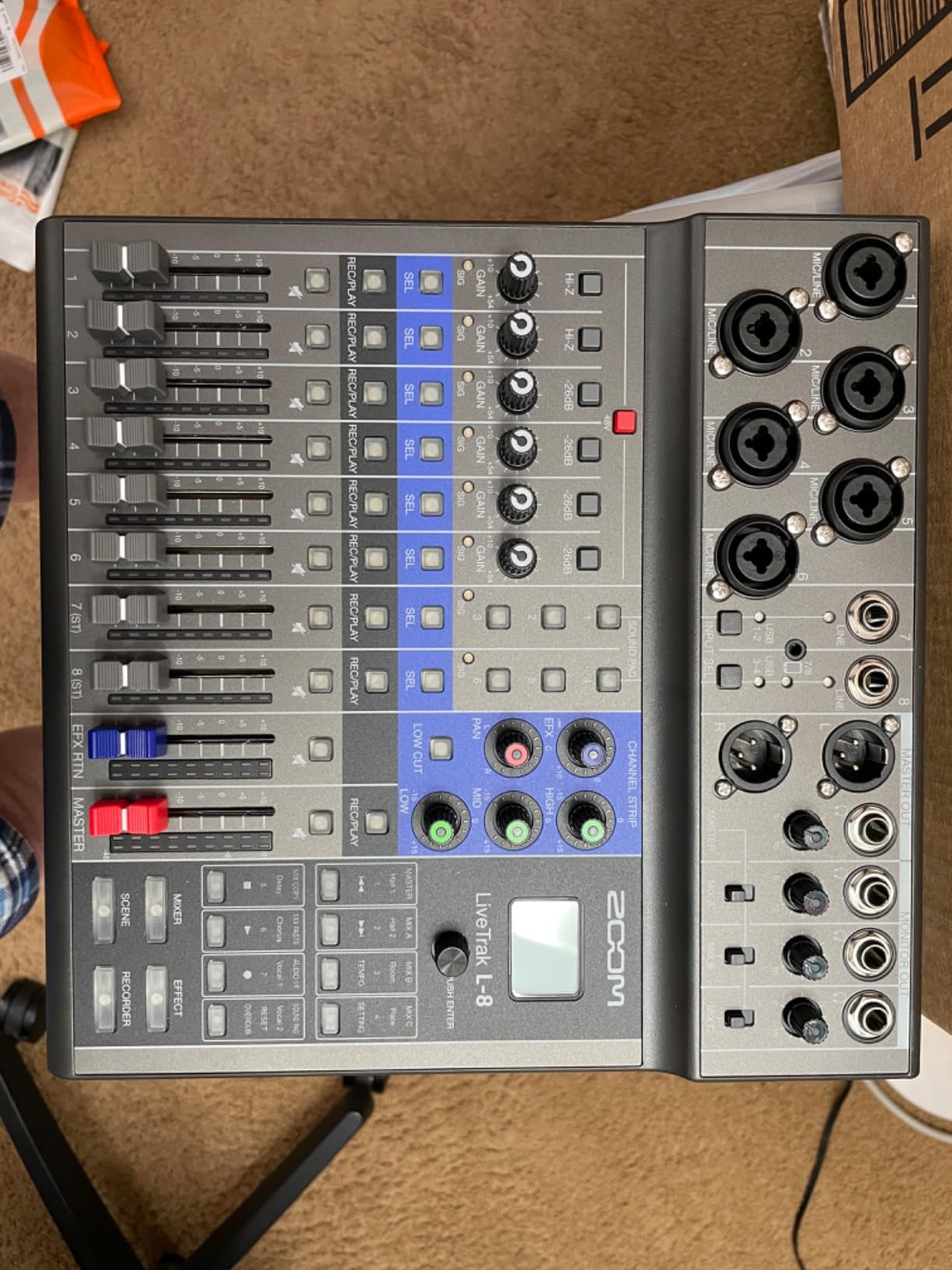
Four headphone outputs with three independent monitor mixes make this the best choice on the list for multi-guest recording sessions. Each person can set their own monitor level, which eliminates the constant headphone volume arguments that plague multi-person podcasts. Six sound pads let you trigger intro music, stingers, and sound effects during recording.
The dedicated phone input handles call-in guests through a TRRS cable, which routes the caller’s audio directly into your mix. The 12-in/4-out USB audio interface functionality means it works just as well as a permanent studio mixer as it does in the field.
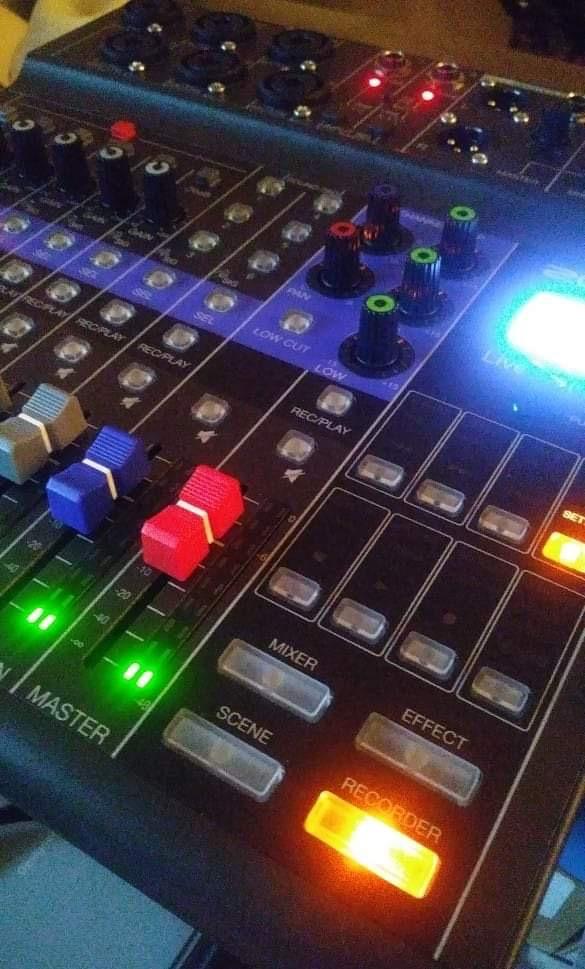
When the LiveTrak L-8 makes the most sense
This is the mixer I recommend for podcasters who record outside a traditional studio. If you cover live events, record at conventions, travel to interview guests, or simply want the flexibility to record anywhere without wall power, the L-8’s battery operation is unmatched in this lineup.
It is equally strong as a permanent studio mixer for shows with three to four in-person guests, thanks to the four headphone outputs and independent monitor mixes.
Battery life and field recording considerations
Battery life is the main trade-off. Expect roughly 3 to 4 hours of recording time on a fresh set of AA batteries, depending on how many channels are active and how loudly your headphones are driven. For longer sessions, carry spare batteries or use the included AC adapter when wall power is available.
The unit is larger than a pure portable interface, measuring about 11 by 10.5 by 3 inches and weighing 1.5 kilograms. It fits in a backpack but is not pocket-sized. The trade-off is worth it for the channel count and feature set you get.
How to Choose the Right Podcast Mixer
Choosing between these mixers comes down to your recording setup, the number of people on your show, and whether you need portability. Here is how I think about the decision based on my testing.
Mixer vs audio interface: which do you need?
An audio interface like the Focusrite Vocaster Two connects microphones to your computer and handles basic input and output. A full podcast mixer like the RØDECaster Pro II adds channel-level control, built-in effects processing, sound pads, and standalone recording. If you only record two people at a desk and use software for everything else, an interface is sufficient. If you want tactile control, live mixing, and built-in processing, a mixer is the better investment.
Forum discussions on r/podcasting confirm this split. Beginners often start with a simple interface and upgrade to a mixer once they outgrow software-based workflows.
Channel count and microphone inputs
Count the maximum number of people who will record simultaneously, then add one for future expansion. Two-mic shows are well served by the Vocaster Two or GoXLR. Three to four person panels need at least four XLR inputs, which points to the RØDECaster Pro II, Behringer FLOW 8, or Zoom LiveTrak L-8. Remember that not all inputs have mic preamps, so check the preamp count, not just the channel count.
Recording options: SD card, USB, or both
Standalone recording to an SD card means your mixer works without a computer, which is essential for field recording and provides a backup if your DAW crashes. The Zoom LiveTrak L-8 and RØDECaster Pro II both record to SD card and computer simultaneously, giving you a safety net. Interfaces like the Vocaster Two require a connected computer for all recording.
Preamp quality and gain
Dynamic microphones like the Shure SM7B and RØDE PodMic need significant gain, often 60dB or more. Look for mixers with high-gain preamps rated for at least 60dB. The RØDECaster Pro II, GoXLR, and Vocaster Two all deliver over 70dB of clean gain, which handles any microphone without a booster. The Zoom LiveTrak L-8 offers 54dB, which works for most dynamics but may need a Cloudlifter for the SM7B at quiet speaking volumes.
Sound pads and DSP processing
Built-in sound pads let you trigger intro music, transitions, and effects live during recording. The RØDECaster Pro II leads with eight programmable pads across eight banks. The Zoom LiveTrak L-8 offers six pads, and the GoXLR includes a sampler. DSP processing like compression, EQ, and noise gating improves your audio before it is recorded, reducing post-production work. The RØDECaster’s APHEX suite is the most comprehensive.
Portability and power options
If you record exclusively in a studio, power source does not matter. If you record on location, battery power is a major advantage. The Zoom LiveTrak L-8 is the only mixer on this list that runs on batteries, making it the clear choice for mobile podcasting. The Behringer FLOW 8 is compact and portable but still requires wall power.
FAQs
What audio mixer do most streamers use?
The TC-Helicon GoXLR is the most popular mixer among streamers, thanks to its motorized faders, four-channel audio routing for mic, game, music, and chat, and real-time voice effects. For podcasters who also stream, the RØDE RØDECaster Pro II is a close second due to its broader feature set.
Do I need an audio mixer for podcasting?
You do not strictly need a mixer if you record solo with a USB microphone, but a mixer becomes essential for multi-person recordings, live mixing, remote guest integration, and professional audio processing. Mixers provide individual channel control, sound pads, and built-in effects that software alone cannot match in real time.
What is the best quality audio for podcasts?
The best podcast audio quality comes from recording at 24-bit depth with a 48kHz or higher sample rate, using XLR microphones with quality preamps, and applying proper gain staging with light compression and EQ. The RØDECaster Pro II and Zoom LiveTrak L-8 both support 24-bit recording with professional-grade preamps.
What audio interface does Joe Rogan use?
Joe Rogan’s podcast studio uses high-end professional audio equipment including the Shure SM7B microphones, though his exact interface and mixer configuration has changed over the years. For most podcasters, mixers like the RØDECaster Pro II deliver comparable broadcast-quality results at a fraction of professional studio costs.
How many microphones should a podcast mixer handle?
A podcast mixer should handle at least one more microphone than your typical guest count. For solo shows, two inputs suffice. For host-plus-guest shows, plan for two to four XLR inputs. For roundtable discussions with multiple in-person guests, look for four to eight preamp-equipped inputs like the RØDECaster Pro II, Zoom LiveTrak L-8, or Behringer FLOW 8.
Final Verdict
After testing all five mixers across multiple recording scenarios, the RØDE RØDECaster Pro II stands out as the best audio mixer for podcasting in 2026 thanks to its unmatched feature depth, APHEX processing, and multi-track recording flexibility. For podcasters on a budget, the Focusrite Vocaster Two delivers remarkable value with Auto Gain and 70dB of clean gain in a compact, two-person package.
If portability is your priority, the Zoom LiveTrak L-8’s battery power and 12-track SD recording are unbeatable. Streamers should look at the TC-Helicon GoXLR for its motorized faders and live audio routing. And for a compact, app-controlled digital mixer with excellent Midas preamps, the Behringer FLOW 8 earns its top-rated status.
Whatever your setup, investing in a dedicated mixer transforms your podcast’s production quality and workflow. Pick the one that matches your recording style, and your listeners will hear the difference from day one.