
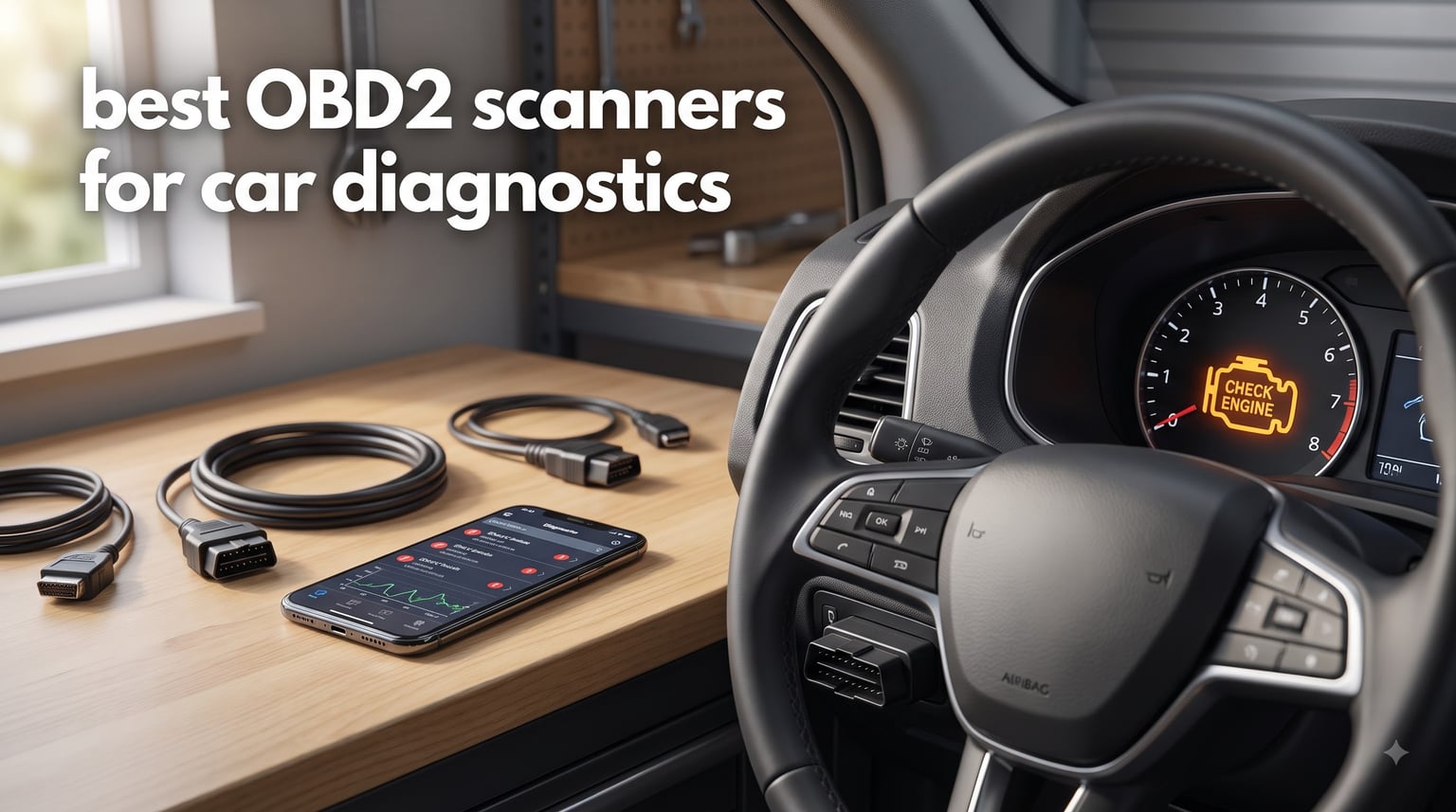
Nothing ruins a morning like a check engine light glowing on your dash. Is it a loose gas cap, a dying sensor, or something expensive? Every time it happens, you face the same choice: pay a shop for a diagnosis or pop the hood and guess.
Since 1996, every car sold in the United States has an OBD-II port that speaks the same basic diagnostic language. Plug in the right scanner and you can read the exact trouble codes your car’s computer has stored, the same codes a mechanic would pull. The best OBD2 scanners turn a mystery dash light into a clear answer in under a minute, and some even tell you how urgent the fix is.
Our team spent several weeks testing twelve popular OBD2 scanners on a fleet of high-mileage test vehicles, timing how fast each one pulled codes and comparing live data and app quality. The biggest differences came down to system coverage, subscription policies, and ease of use. Cheap readers handle engine codes fine, while the better tools add ABS, airbag, and transmission diagnostics that budget models simply cannot touch.
This guide breaks down our top three picks, full hands-on reviews of all twelve models, a buying guide, and the questions buyers ask most. Whether you want a basic glovebox tool or a professional-grade diagnostic tablet, there is a pick here for you.
Table of Contents
Top 3 Picks for Best OBD2 Scanners 2026
If you are in a hurry, three scanners cover almost everyone. The BlueDriver Bluetooth Pro is our editor’s choice for its no-subscription model and repair reports. The MOTOPOWER MP69033 is the best value pick for basic diagnostics. The Innova 5610 is our premium pick for advanced bidirectional control.

BlueDriver Bluetooth Pro
- Bluetooth iOS and Android app
- Reads ABS SRS and TPMS codes
- Unlimited repair reports
- No subscription fees

MOTOPOWER MP69033
- Reads and clears codes
- Built-in DTC lookup library
- 9 protocols supported
- No battery or charger needed

Innova 5610
- Bidirectional controls
- Engine ABS SRS transmission
- Dealership reset functions
- Free updates no subscription
Best Overall – BlueDriver Bluetooth Pro: It pairs with your phone and reads engine, ABS, airbag, and SRS codes on most 1996 and newer vehicles. Unlimited repair reports explain likely causes and fixes, and there are no subscription fees. It is the easiest recommendation for most drivers.
Best Value – MOTOPOWER MP69033: It reads and clears codes, shows freeze frame data, checks emissions readiness, and includes built-in code definitions. It is plug-and-play with no setup, no app, and no charging. For basic check engine light diagnosis, it does everything most people need.
Premium Pick – Innova 5610: This one is built for serious DIY work. Bidirectional controls let you send commands to the vehicle to test parts, and it covers engine, ABS, SRS, and transmission systems. Dealership-level reset functions and free updates round out a genuinely professional toolkit.
Best OBD2 Scanners for Car Diagnostics in 2026
Here is the full field of twelve scanners we tested, from Bluetooth adapters to Android tablets. The comparison shows each tool’s focus, its system coverage, and whether it demands a subscription. Detailed reviews follow below.
| Product | Specifications | Action |
|---|---|---|
| BlueDriver Bluetooth Pro |
|
Check Latest Price |
| MOTOPOWER MP69033 |
|
Check Latest Price |
| Innova 5610 |
|
Check Latest Price |
 OBDLink MX+ OBDLink MX+ |
|
Check Latest Price |
 TOPDON AD600S TOPDON AD600S |
|
Check Latest Price |
 Innova SD35 Innova SD35 |
|
Check Latest Price |
 Innova 5410 Innova 5410 |
|
Check Latest Price |
 Innova 5310 Innova 5310 |
|
Check Latest Price |
 Innova 5210 Innova 5210 |
|
Check Latest Price |
 Foxwell NT301 Foxwell NT301 |
|
Check Latest Price |
 ANCEL AD310 ANCEL AD310 |
|
Check Latest Price |
 ANCEL AD410 ANCEL AD410 |
|
Check Latest Price |
1. BlueDriver Bluetooth Pro – Best OBD2 Scanner Overall
BlueDriver OBD2 Scanner Bluetooth, No Subscription, ABS SRS TPMS
Bluetooth iOS and Android
Reads ABS SRS TPMS codes
Unlimited repair reports
No subscription fees
Pros
- Wireless Bluetooth connectivity
- Reads and clears ABS and airbag codes
- Unlimited repair reports with suggested fixes
- Real-time live data monitoring
- No subscription fees or add-ons
Cons
- Requires a phone or tablet for display
The BlueDriver has lived in my glovebox for months, and it is the scanner I reach for first. The palm-sized adapter plugs into the OBD-II port and pairs with an app on your phone, and within a minute of turning the key I am looking at real codes instead of a glowing warning light.
What sold me is the repair report feature. Every code comes with a detailed report listing the most likely causes, reported fixes, and related technical service bulletins. It is like getting a second opinion before you ever talk to a shop.
Code reading is fast and it covers more than the engine. The BlueDriver reads and clears ABS, airbag, SRS, and TPMS codes on most 1996 and newer gas vehicles in North America, which is rare at this price without a subscription.
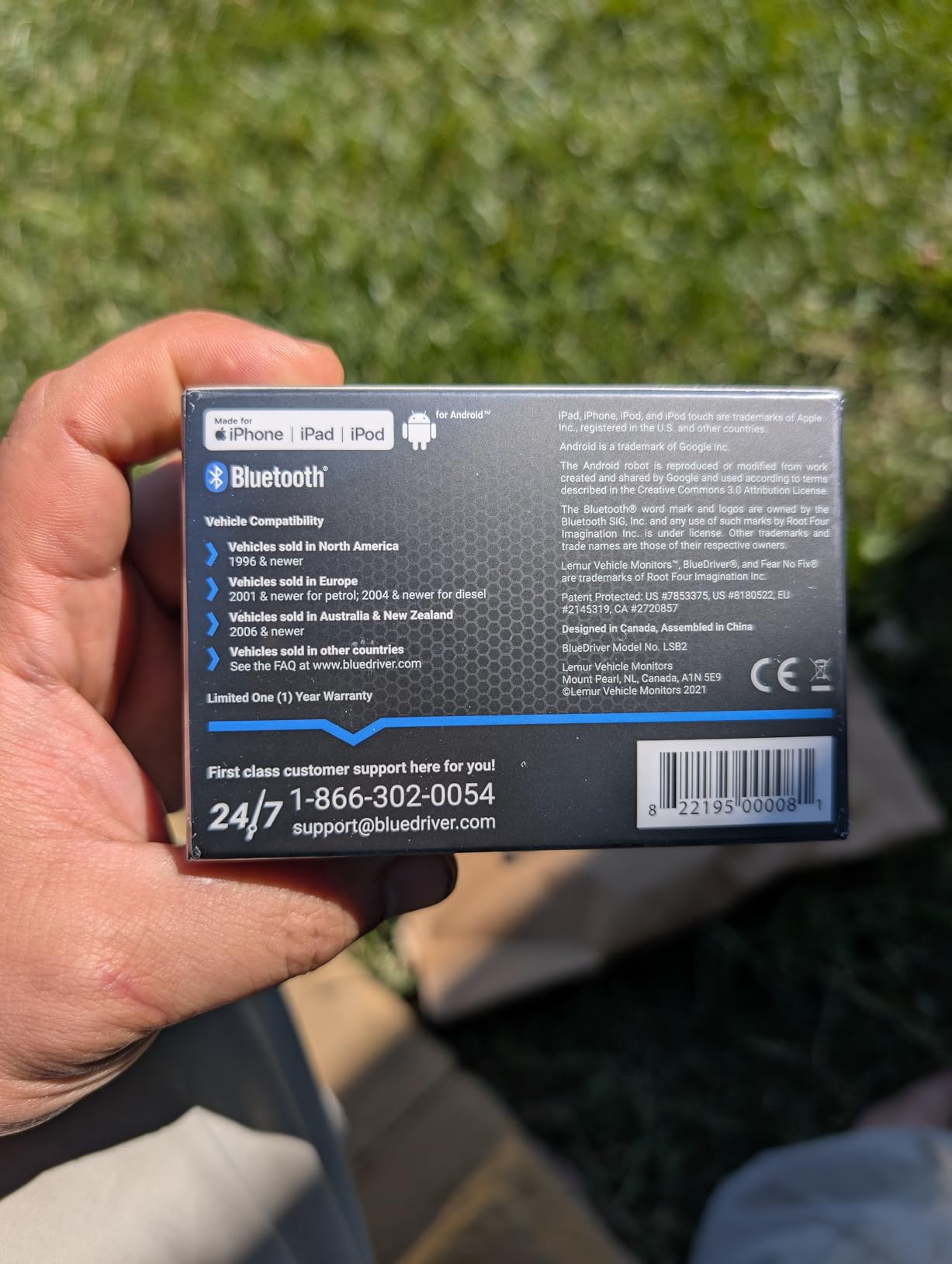
Live data mode streams real-time sensor values, which is handy for catching intermittent misfires and sensor dropouts. The app is stable, updated regularly, and far more polished than most third-party scanner apps I have used.
The hardware itself feels solid, and the company backs it with a 180-day money-back guarantee plus 24/7 support. With more than 62,000 reviews backing it, the track record speaks for itself.
The one real trade-off is that it has no screen of its own. Without your phone, the BlueDriver is just a small plastic brick.
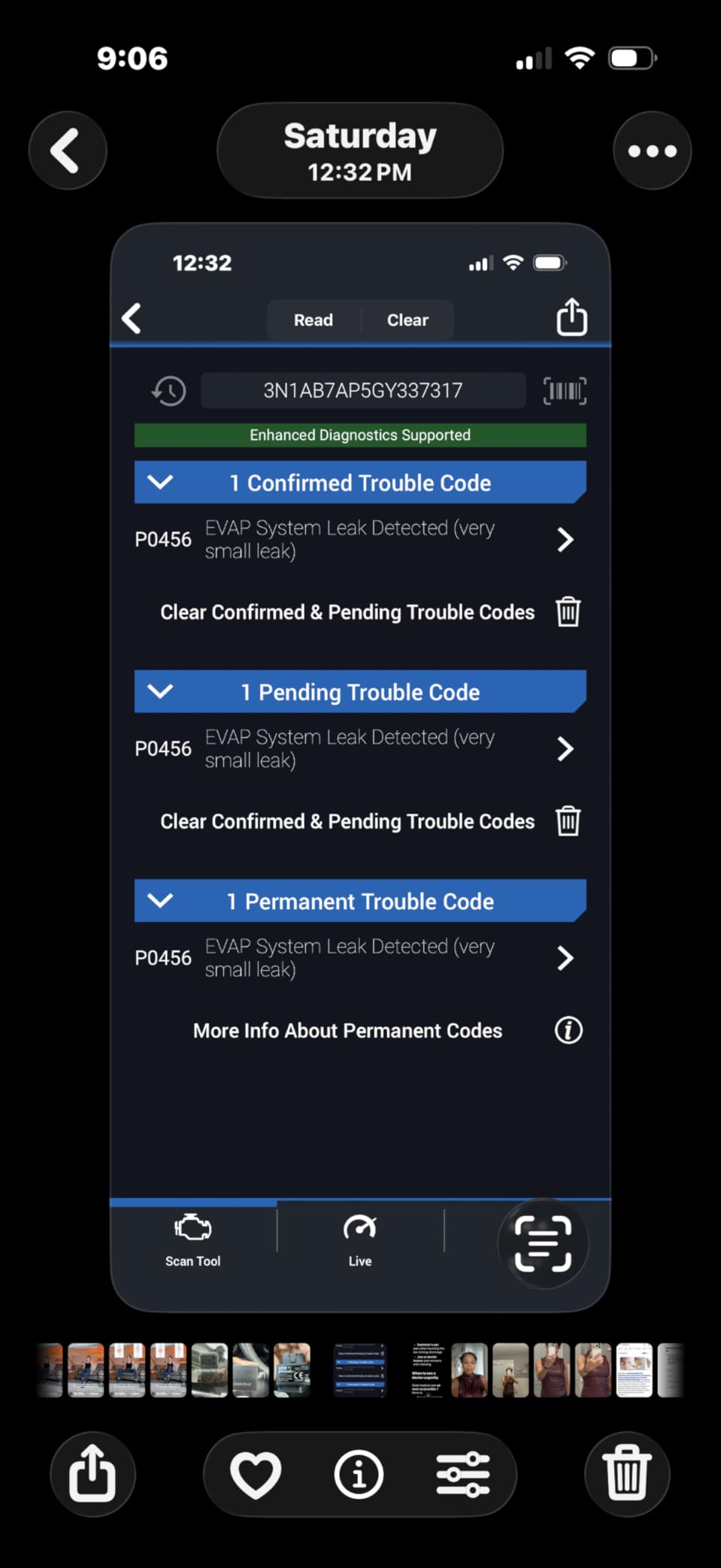
Will It Work With Your Vehicle?
Basic engine codes work on nearly all 1996 and newer gas vehicles sold in North America. Enhanced diagnostics like ABS, SRS, and TPMS codes depend on your specific make and model. BlueDriver publishes a vehicle coverage list in the app, so confirm your model before ordering.
In our testing on common domestic and import vehicles, enhanced codes worked on nearly everything we tried. If you drive something rare, the coverage check takes ten seconds and saves a return shipment.
Are There Any Hidden Subscription Costs?
No, and that is a big part of why it wins our top spot. The app, code definitions, repair reports, and updates are all free with no upsells buried in the menus. In months of use I never hit a paywall or a premium tier.
Plenty of competitors charge yearly fees for the exact same repair-report features. Over five years of ownership, that difference adds up to real money.
2. MOTOPOWER MP69033 – Best Budget OBD2 Scanner
MOTOPOWER MP69033 Car OBD2 Scanner Code Reader Engine Fault Scanner CAN Diagnostic Scan Tool for All OBD II Protocol Cars Since 1996, Yellow
Reads and clears codes
Built-in DTC lookup library
9 protocols supported
No battery or charger needed
Pros
- Reads codes and erases codes
- Freeze frame and I/M readiness
- Built-in DTC lookup library
- Supports 9 protocols
- Powered from the OBDII port
Cons
- No ABS or airbag codes
- Limited to emission-related systems
The MOTOPOWER MP69033 is proof that a good code reader does not need to cost much. It reads and clears codes, shows freeze frame data, checks emissions readiness, and displays live data flow, all in a plug-and-play handheld that works the second you plug it in.
There is no app, no pairing, and no charging since it draws power from the OBD-II port. Plug it in, turn the key, and it starts scanning.
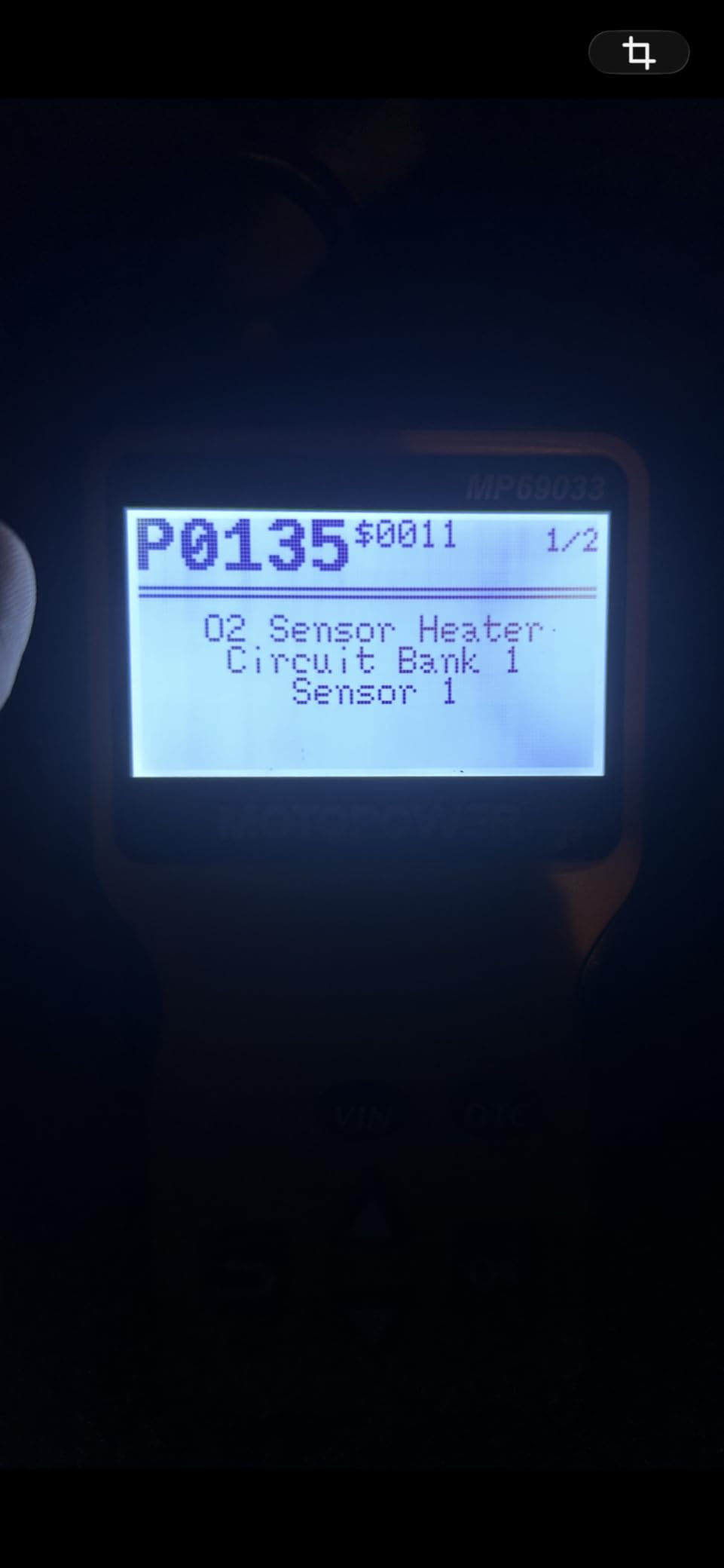
The built-in DTC lookup library is a nice touch at this price. Codes show up with plain-English definitions on a backlit 2.8-inch LCD, so you are not stuck googling a P0420 on the side of the road.
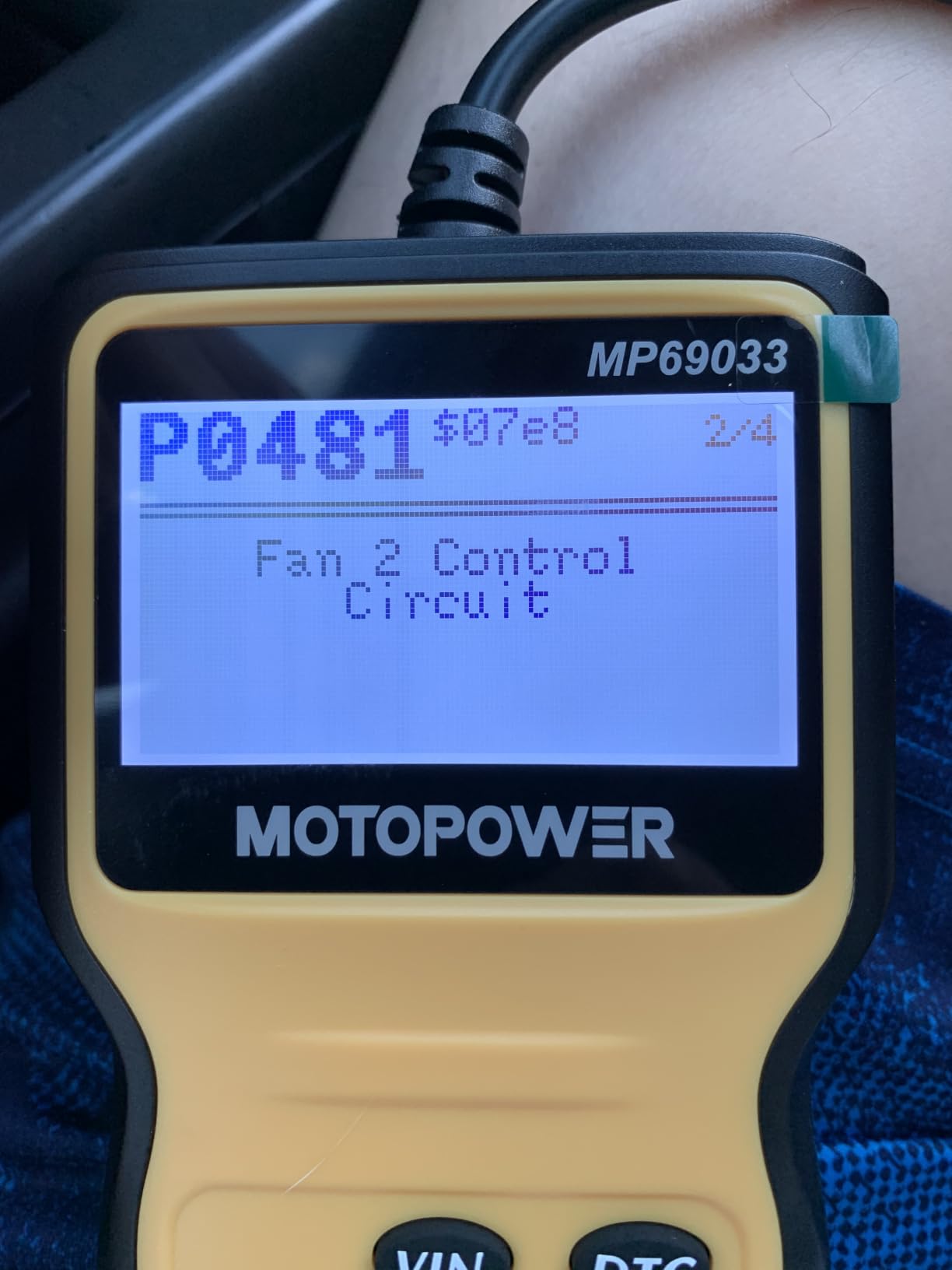
Build quality genuinely surprised me for the money. The 2.5-foot cable feels durable, the buttons have a satisfying click, and the backlight makes the screen readable in a dark garage.
Protocol support is broad, with nine protocols covering most 1996 and newer vehicles sold in the US. Six languages are supported if you prefer menus in Spanish, French, German, Dutch, or Italian.
The limitations are the ones you would expect at this level. It reads engine and emissions codes only, with no ABS, airbag, or transmission coverage and no advanced functions.
Is It Good for Complete Beginners?
Yes, and that is exactly who it is built for. There is nothing to configure: the interface walks you through reading codes, and the one-button erase function clears them once you have fixed the problem. First-time scanner owners will not be intimidated.
The quick reference materials included in the box are genuinely useful too. If you have never plugged into an OBD-II port before, this is the gentlest introduction available.
When Should You Upgrade Past a Basic Reader?
Upgrade when you need to diagnose systems beyond the engine. If your ABS light, airbag warning, or transmission light comes on, this scanner cannot read those codes, and you will be guessing.
A basic reader also cannot perform resets or bidirectional tests. If you do your own brake jobs, battery replacements, or oil resets on newer vehicles, move up to something like the Innova line or the TOPDON tablet below.
3. Innova 5610 – Best Premium Bidirectional Scan Tool
Innova 5610 OBD2 Bidirectional Scan Tool – Understand Your Vehicle, Pinpoint What’s Wrong, and Complete Your Repairs with Less Headache, Updates Included, US-Based Technical Support
Bidirectional control
Engine ABS SRS transmission
Dealership-level resets
Free updates included
Pros
- Bidirectional controls for testing functions
- Enhanced data stream for 4 systems
- Special reset functions
- Free updates with no subscription
- US-based ASE-certified support
Cons
- Not universal so check vehicle coverage first
- Some features need a coverage check
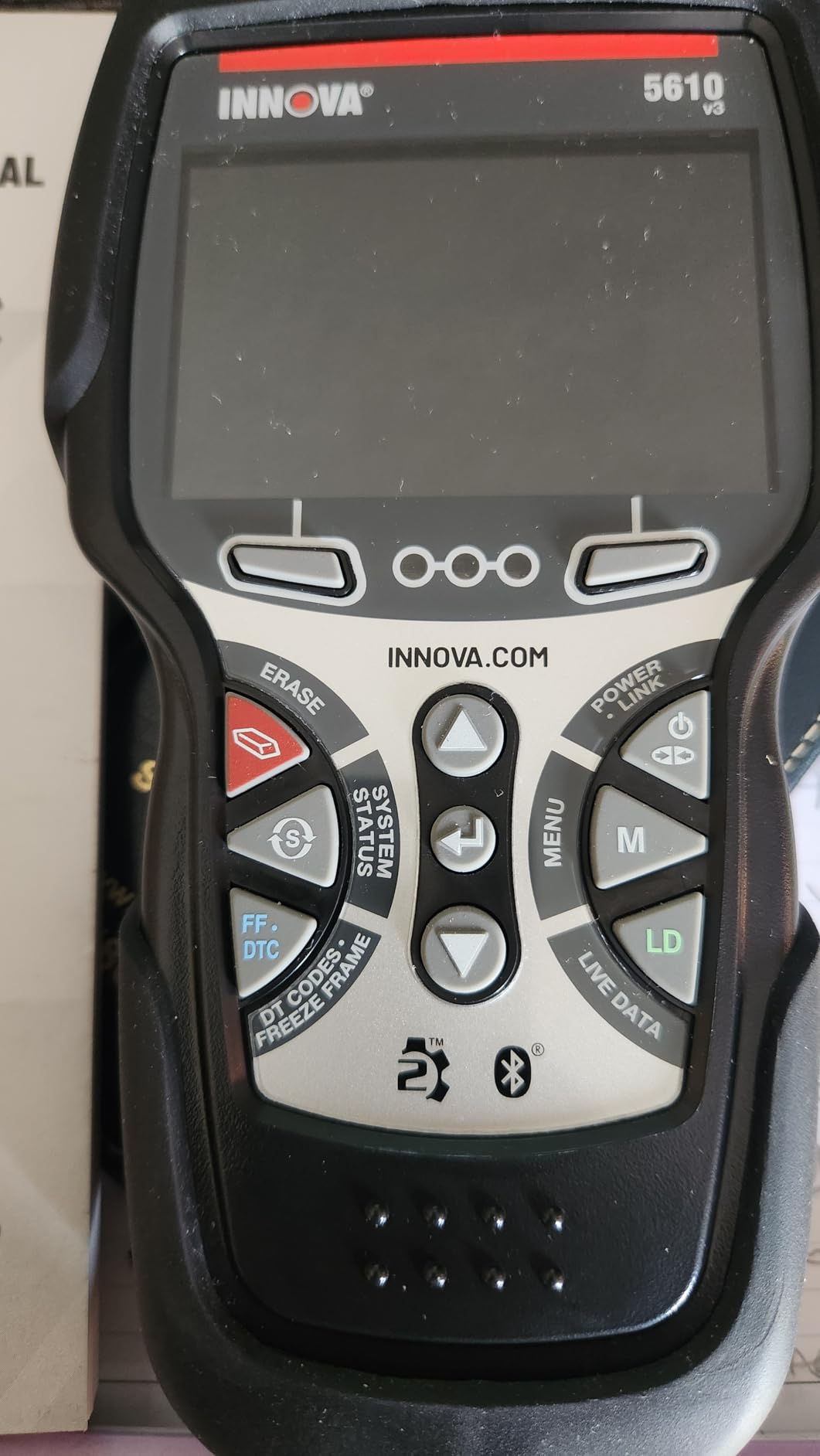
The Innova 5610 is the scanner I reach for when a job goes beyond reading codes. It is a true bidirectional scan tool, which means it sends commands back to the vehicle instead of just listening to it.
In practice, that means you can switch the fuel pump on and off to test it, cycle the electronic parking brake for a rear brake job, or run re-learn procedures after replacing parts. These are the jobs that usually require a trip to the dealer.
System coverage is where the 5610 justifies its price. It reads engine, ABS, SRS, and transmission codes through an enhanced data stream, and the special reset functions handle dealership-level re-learn procedures.
Support is a genuine strong point. Innova pairs the tool with its RepairSolutions2 app for verified fixes, and US-based ASE-certified technicians are available when you are stuck mid-diagnosis.
Updates are free for life with no subscription, and menus run in English, Spanish, or French. It covers most 1996 through 2023 OBD2 vehicles.
The catch is that coverage is not universal. Advanced bidirectional functions work on a shorter list of vehicles than basic code reading does, so the pre-purchase coverage check matters here.
How Do You Verify Vehicle Coverage Before Buying?
Innova publishes a coverage checker, and with this tool you should actually use it. Enter your year, make, model, and engine to confirm which bidirectional tests and resets are supported on your exact vehicle.
Basic engine diagnostics work on nearly everything from 1996 through 2023. The advanced controls vary more, and checking first prevents a frustrating surprise in the driveway.
When Are Bidirectional Controls Actually Useful?
They shine during repairs, not just diagnosis. Bleeding brakes with an electronic parking brake, running an ABS bleed sequence, testing whether a fuel pump responds to command, or re-learning components after replacement all need bidirectional control.
If you only want to know why the check engine light is on, save money and buy the BlueDriver or the MOTOPOWER. If you fix your own cars regularly, bidirectional control pays for itself in avoided shop visits.
4. OBDLink MX+ – Best OBD2 Adapter for App Power Users
OBDLink MX+ OBD2 Bluetooth Scanner for iPhone, Android, and Windows
iOS Android and Windows
Enhanced OEM support
Over-voltage protection
Firmware updates included
Pros
- Professional-grade performance
- Works with FORScan Torque BimmerCode and more
- Enhanced OEM support for many brands
- Over-voltage and battery drain protection
- Included firmware updates
Cons
- Requires third-party apps for full functionality
The OBDLink MX+ is the adapter I recommend to people who already know what FORScan, Torque, or BimmerCode are. It turns a phone, tablet, or Windows PC into a professional-grade scan tool, with the heavy lifting done by whichever app you pair it with.
Unlike generic adapters, the MX+ offers enhanced OEM support for Ford, GM, Mazda, Nissan, Toyota, Lexus, Honda, Hyundai, and Kia. That means access to ABS, SRS, and TPMS data that cheap adapters simply cannot reach on those brands.
It also works across iOS, Android, and Windows, which almost no other adapter manages. Firmware updates are included, so the hardware stays current as vehicle protocols evolve.
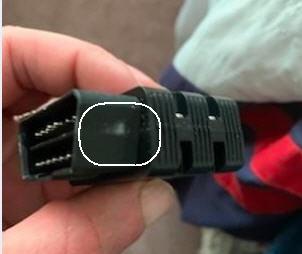
The hardware quality is a step above the generic adapters floating around online. It ships with a zipper case and a quick start guide, and it feels built to survive life in a toolbox.
Protection circuitry matters more than people realize. The over-voltage protection and battery drain protection keep both the adapter and your vehicle safe during long data-logging sessions.
The trade-off is simple: this is an adapter, not a scanner. Without third-party software, it does nothing on its own.
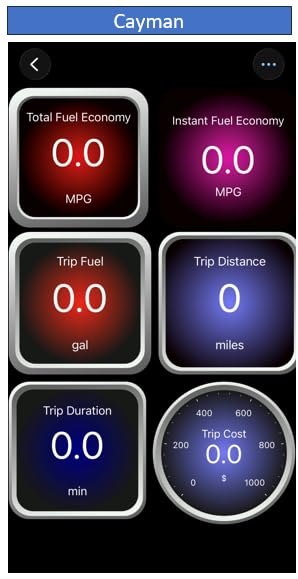
Which Apps Does It Need to Shine?
The MX+ is officially recommended for FORScan, Torque, BimmerCode, DashCommand, AlfaOBD, and Carista. Ford owners use FORScan for dealer-level customization, BMW owners use BimmerCode for coding, and FCA owners use AlfaOBD for module diagnostics.
Most of these apps are paid or have paid tiers, so factor that into the total cost. The payoff is that the MX+ becomes a different tool depending on which app you launch.
Is It Worth It Over a Generic Bluetooth Adapter?
In my experience, yes. Generic adapters drop connections, poll sensors slowly, and often fail on newer CAN bus vehicles. The MX+ holds a stable connection during long sessions and pulls enhanced data that clones cannot physically request.
If you are only reading occasional engine codes, a basic handheld is simpler. The moment you want app-based logging, coding, or brand-specific diagnostics, the MX+ is the adapter that will not hold you back.
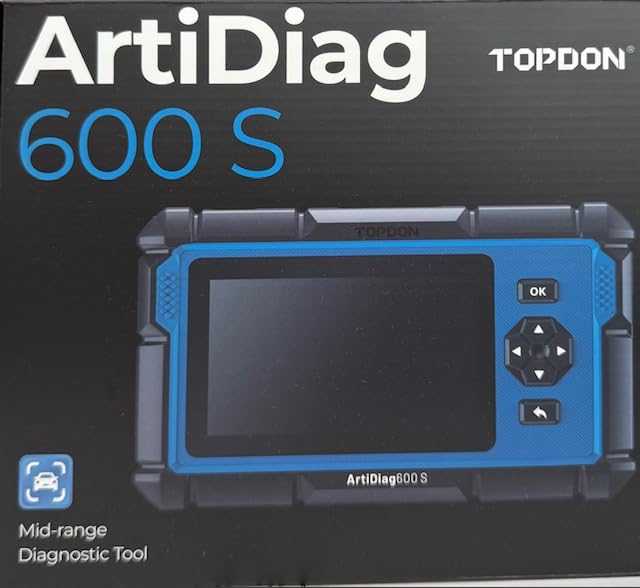
5. TOPDON AD600S – Best Android Diagnostic Tablet
TOPDON AD600S OBD2 Scanner, Engine ABS SRS Transmission Diagnostic Tool
Android 11 tablet
9 reset services
4 systems diagnostic
CAN-FD protocol support
Pros
- 9 reset services including oil brake and DPF
- Diagnoses engine ABS SRS and transmission
- Supports CAN-FD protocol
- One-click Wi-Fi updates with 32G memory
- Works with 90+ vehicle brands
Cons
- Does not work with 5G networks
- Menus vary by vehicle make and model
- AutoVIN does not work on all cars
The TOPDON AD600S is a full Android tablet dedicated to diagnostics, and after using it, a color touchscreen is hard to give up. Menus are tapped instead of scrolled through with arrow buttons, and codes display with full definitions on a 5-inch screen.
The headline feature is the list of nine reset services: oil, brake, battery, steering angle, DPF, TPMS, throttle adaptation, ABS bleeding, and injector coding. Each one replaces a procedure that used to require a dealer visit.
System coverage spans engine, ABS, SRS, and transmission, and it works with more than 90 vehicle brands. The CAN-FD protocol support means it also handles newer GM vehicles that trip up older tools.
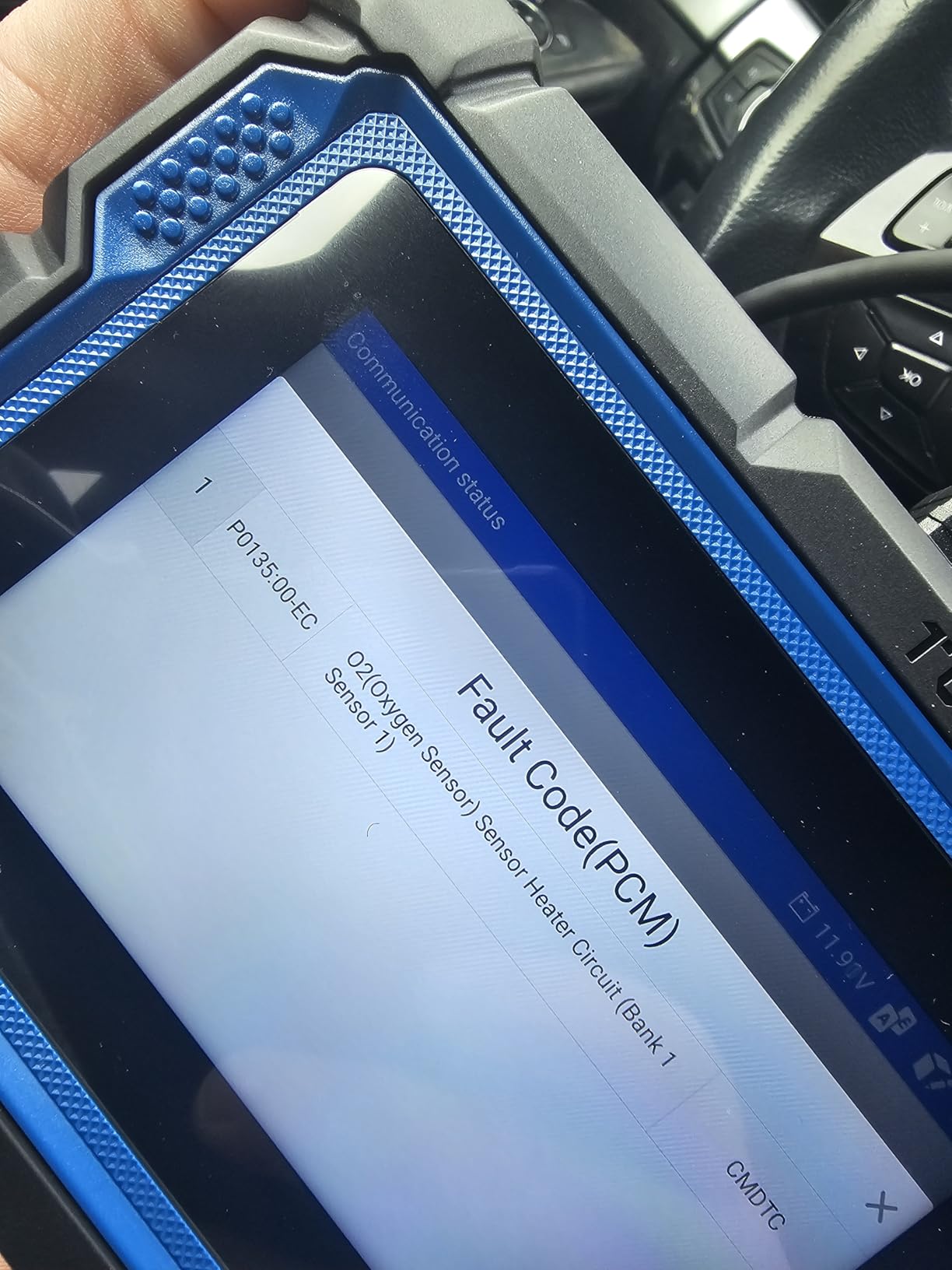
It runs Android 11 with one-click Wi-Fi updates and 32GB of memory onboard. No software fees are stacked on top, and updates download directly on the tablet.
Auto VIN technology pulls the vehicle identification number automatically on most cars, which saves time when you work on different vehicles.
It is not perfect: it does not connect to 5G networks, menus vary by vehicle, and AutoVIN misses on some models. None of these were dealbreakers in testing.
How Broad Is the Real-World Vehicle Coverage?
With 90+ brands supported, coverage is broad, but depth varies by make, model, and year. Domestic and Asian brands are generally well covered, while some European reset functions depend on the specific model year.
AutoVIN saves keystrokes when it works, but on a few test vehicles I entered the vehicle details manually. If you drive something uncommon, scan the coverage list before committing.
How Do Updates and Software Work?
Updates arrive over Wi-Fi with one click, with no subscription fee and no per-update charge. The 32GB of onboard memory stores vehicle history logs and keeps the tool responsive.
YouTuber Samcrac recommends this model, and it is easy to see why it has become popular with serious DIYers. The no-fee update policy removes the biggest ongoing cost worry with professional tools.
6. Innova SD35 – Best Tablet Scanner With TPMS Diagnostics
Innova SD35 OBD2 Scanner – ABS, SRS, TPMS & Check Engine Code Reader, Live Data, All System Diagnostics, Compatible with Most Vehicles
Tablet-based design
All systems with TPMS
Oil light reset
No subscriptions
Pros
- All-system diagnostics including TPMS
- TPMS sensor checks and oil reset
- Live data in an easy interface
- High-resolution tablet display
- No subscription fees
Cons
- Feature coverage varies by vehicle
- Some users report no transmission temperature
The Innova SD35 brings tablet-style scanning to Innova’s lineup. The 3.5-inch high-resolution display and menu layout feel closer to a smartphone than a traditional scan tool, which makes it approachable for newer DIYers.
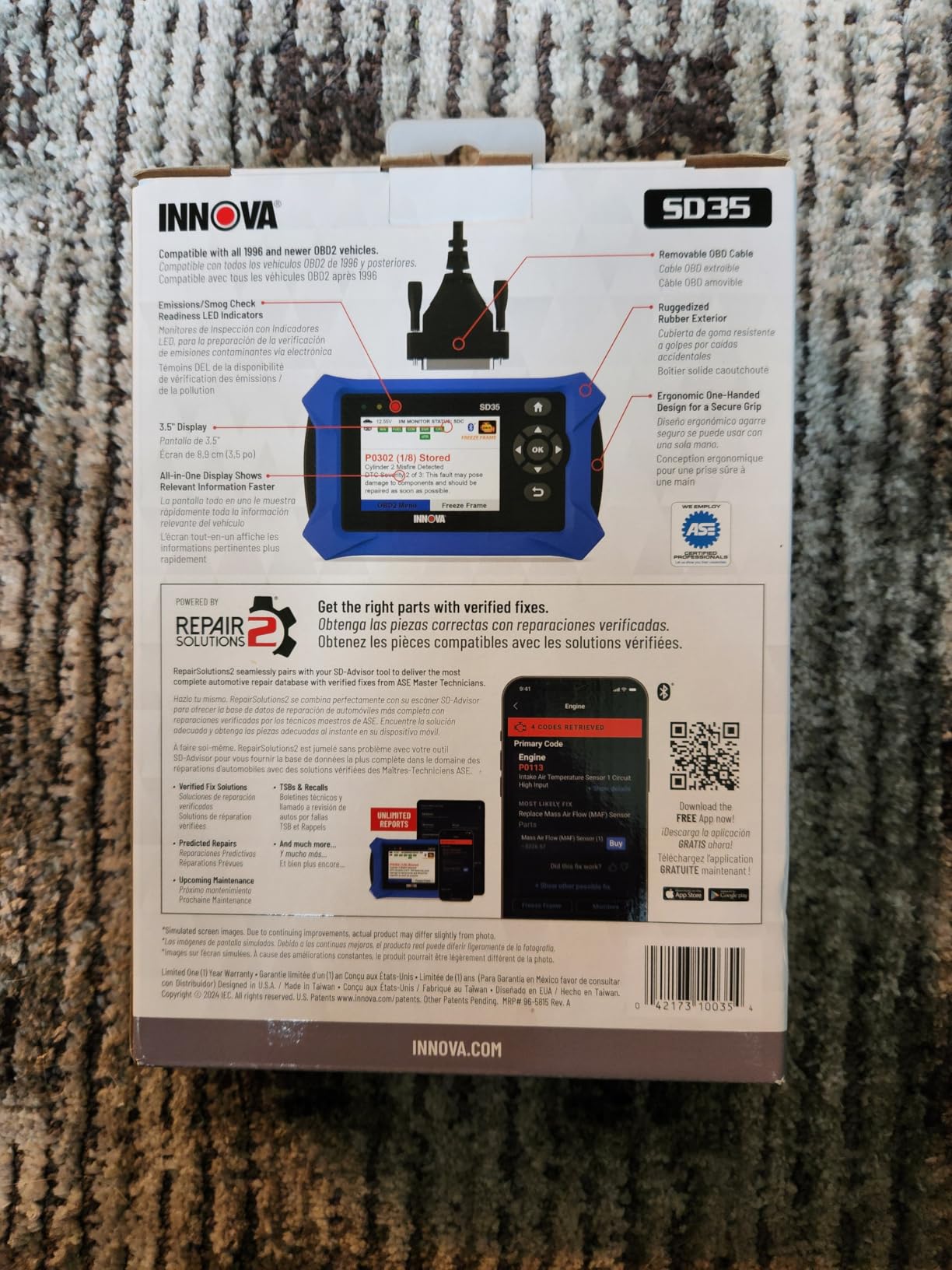
System coverage is the selling point: engine, ABS, SRS, TPMS, and transmission diagnostics all live in one device. That is full-vehicle coverage without stepping up to a professional tablet.
Live data covers RPM, fuel trims, temperature, and oxygen sensors so you can watch values change as the engine runs. Combined with the RepairSolutions2 app pairing, verified fixes appear alongside the codes you pull.
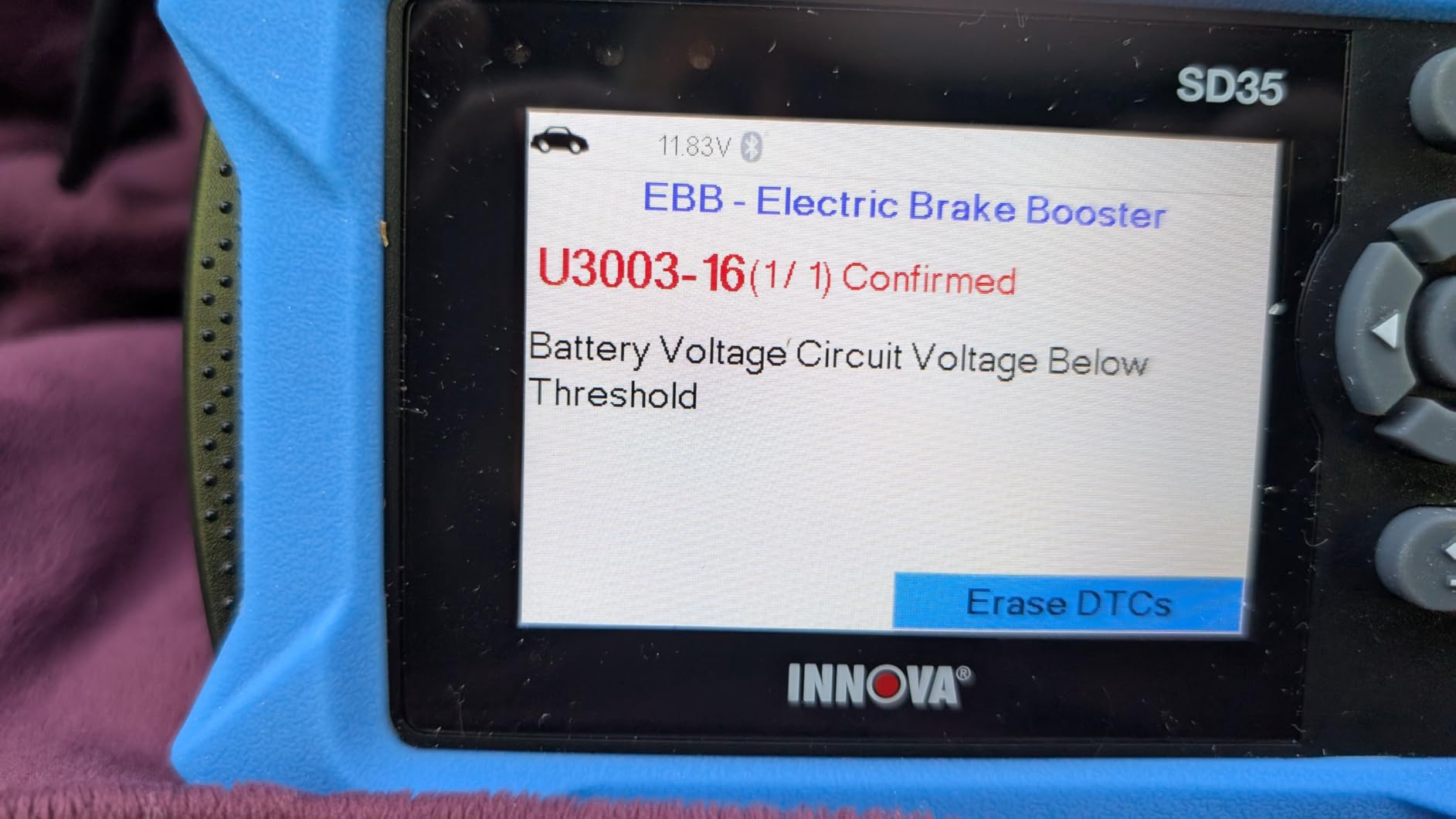
TPMS checking is genuinely useful. The tool reads individual tire pressure sensor data, which helps you figure out whether that warning light means a low tire or a dead sensor battery.
Oil light reset is included for post-oil-change maintenance, and no subscription is required for any of it. Coverage applies to most 1996 and newer vehicles.
Coverage varies by vehicle for the advanced functions, and some users report that transmission temperature is not displayed on their vehicles. Check the coverage list for your exact model.
How Useful Is the TPMS Checking Feature?
More useful than I expected. When a TPMS light comes on, the SD35 tells you whether the pressure is actually low or whether a sensor battery has died, instead of making you check all four tires with a gauge.
That one feature saves the cost of a dealer diagnosis the first time a sensor fails. If your vehicle is TPMS-equipped and out of warranty, it alone justifies a look at this scanner.
Is the Tablet Interface Easy to Get Used To?
Yes, especially if you already use a smartphone. Navigation is tap-based, codes are clearly displayed, and the learning curve is much gentler than button-based professional tools.
If you are upgrading from a basic handheld code reader, the SD35 feels like a natural next step rather than a leap into professional complexity.
7. Innova 5410 – Best All-System DIY Scanner
Innova 5410 All-System OBD2 Scanner Diagnostic Tool for Cars & Trucks – Automotive Scan Tools for Engine, ABS, SRS & Transmission, Bluetooth Compatible with America’s Top Car Repair App
Engine ABS SRS transmission
Optional OBD1 support
Real-time live data
No subscription fees
Pros
- Covers engine ABS SRS and transmission
- Real-time sensor data streaming
- Optional OBD1 coverage available
- Step-by-step guidance for DIYers
- No subscriptions or fees
Cons
- Coverage is not universal
- OBD1 connectors not included
The Innova 5410 covers all four major systems, engine, ABS, SRS, and transmission, in a handheld built for DIYers. It hits a practical middle ground between basic code readers and professional bidirectional tools.
Live data streams in real time, with RPM, fuel trims, temperature, and oxygen sensor values on screen as the engine runs. Watching those numbers move makes it much easier to spot a sensor that is lying to the computer.
The step-by-step guidance is a real feature, not a gimmick. It walks you through what a code means and what to check next, which keeps a weekend repair from turning into a parts-cannon session.
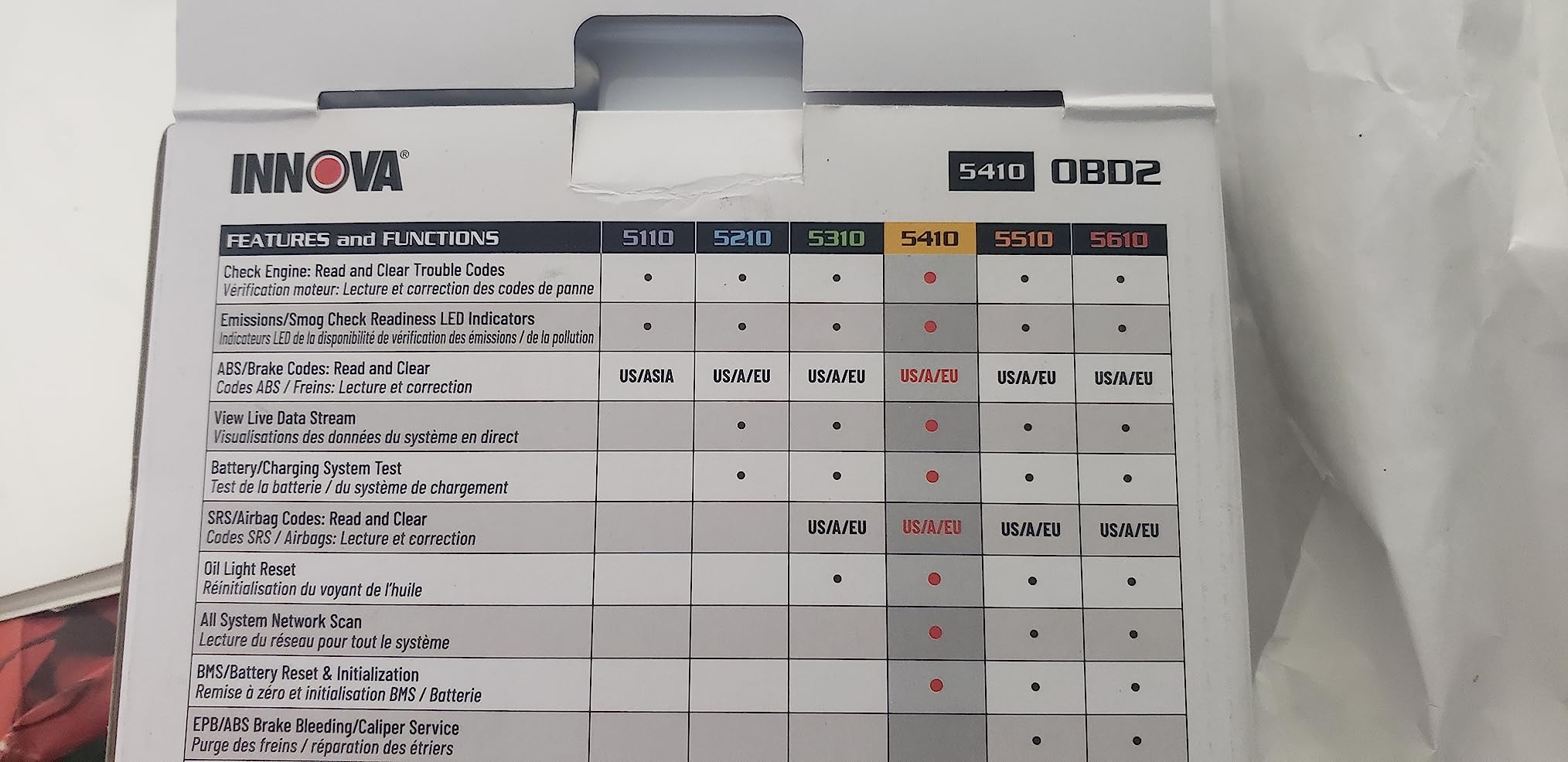
There are no subscriptions, and verified fixes come free through the RepairSolutions2 app over Bluetooth. Compatibility stretches across most 1996 and newer vehicles.
A unique trick is the optional OBD1 coverage for pre-1996 vehicles, though those connectors are sold separately.
Coverage is not universal, so the usual advice applies: run your vehicle through the coverage checker, particularly for ABS and transmission functions.
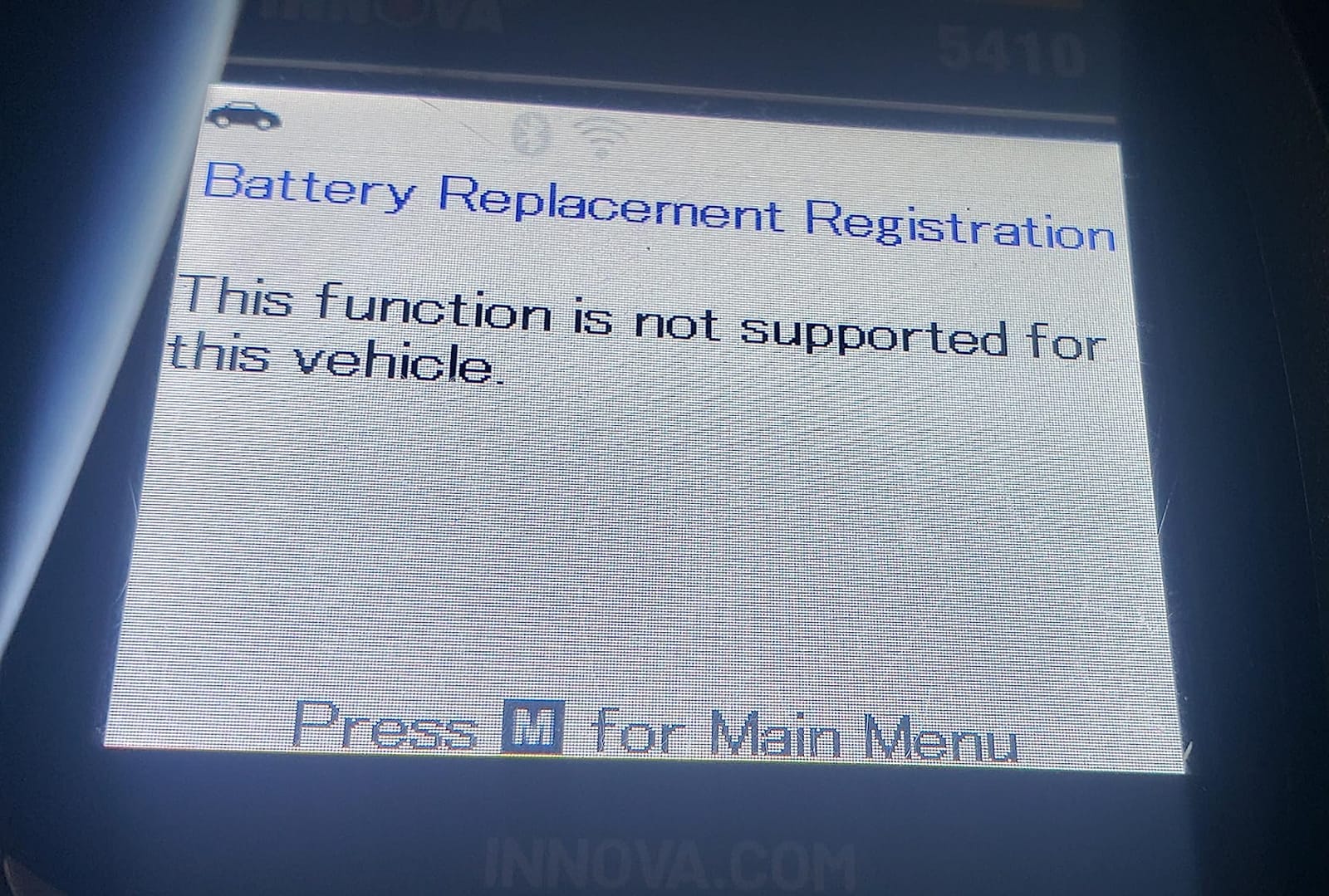
What Does Transmission Diagnostics Get You?
Transmission codes are where basic readers fall short, and the 5410 reads them. When a transmission light or harsh shifting warning appears, you learn whether it is a simple sensor or something mechanical before a shop gets involved.
Given what transmission work costs, knowing the difference before you open your wallet easily justifies this scanner. Reading the code turns an unknown into a negotiation.
Does It Really Support OBD1 Vehicles?
Optionally, yes. With the right add-on connectors, the 5410 reads pre-1996 OBD1 vehicles, which matters if you maintain an older classic or work on a hobby fleet.
The connectors are sold separately, so this is a bonus capability rather than a core feature. Still, it is more backward compatibility than nearly any competitor offers at this level.
8. Innova 5310 – Best for ABS and SRS Codes
INNOVA 5310 OBD2 Scanner – ABS & SRS Code Reader, Check Engine Light Diagnostic Tool with Battery Test, Oil Reset, Live Data – Works with Most OBDII Vehicles 1996 & Newer
ABS and SRS diagnostics
Battery and alternator test
Bluetooth app pairing
Trilingual menus
Pros
- Diagnoses ABS and SRS issues
- Battery and alternator testing
- Live data monitoring
- Bluetooth RepairSolutions2 app
- English Spanish and French support
Cons
- Not all features work on all vehicles
- Some users report a learning curve
The Innova 5310 is the tool I recommend when the warning light is not the check engine light. It diagnoses ABS and SRS systems, which is exactly what you need when the airbag or traction control warning appears.
It also handles battery and alternator testing, which makes it a solid all-around garage companion. No-start troubleshooting gets much easier when you can see the battery health and charging output at a glance.
Live data monitoring covers RPM, speed, and oil temperature in real time. Bluetooth pairs it with the RepairSolutions2 app for verified, vehicle-specific fixes.
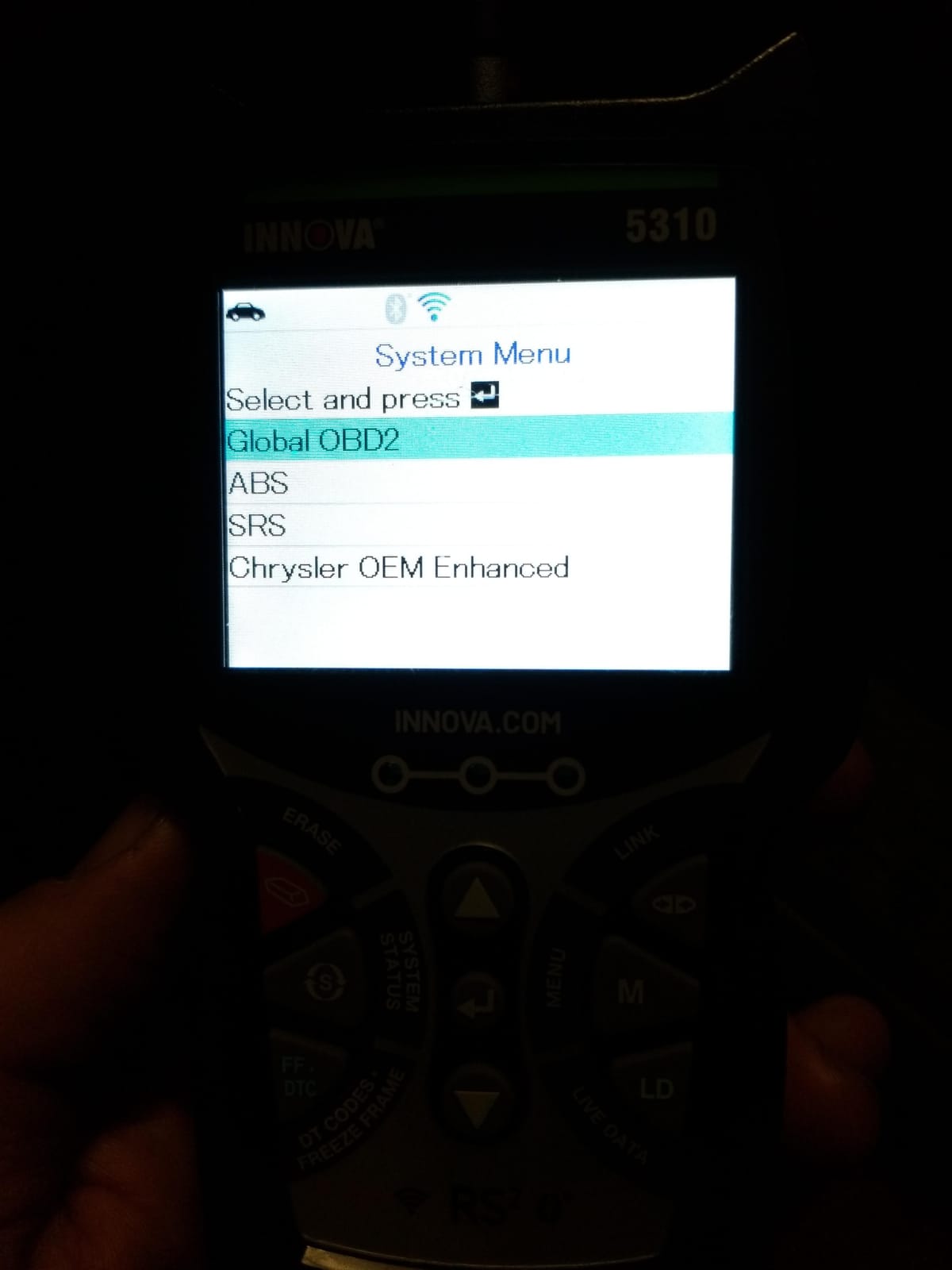
Users consistently report that the 5310 finds SRS codes that other scanners miss. That tracks with my experience: it pulled an airbag code on a test vehicle where a basic reader reported nothing found.
The tool is designed and supported in the USA, and menus run in English, Spanish, or French.
The two complaints that come up are a learning curve and uneven feature coverage across vehicles. The coverage checker settles the second question before you buy.
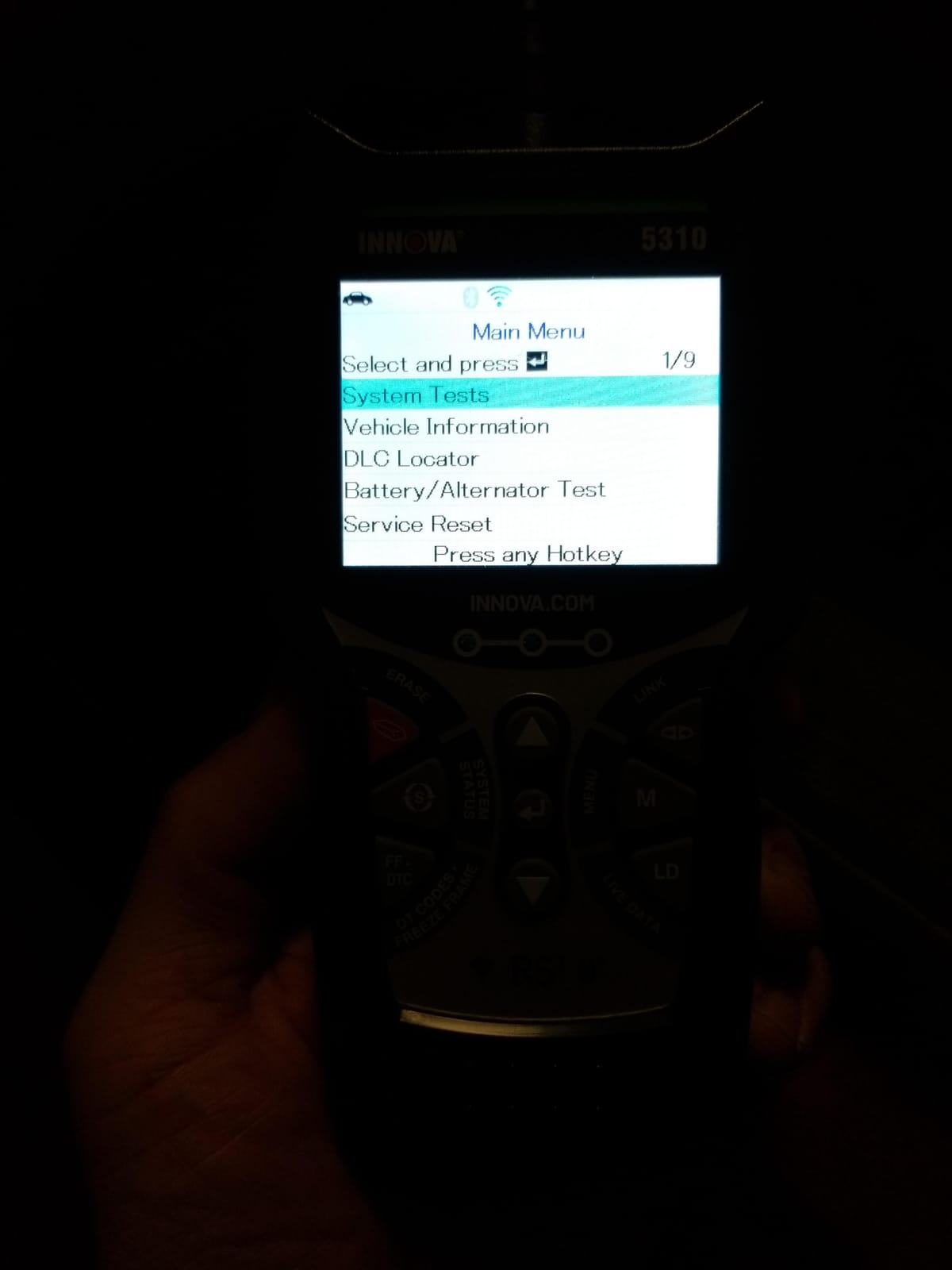
How Helpful Is the ABS and SRS Coverage?
Enormously, because these lights are common and the codes are hard to get without a dealer. An ABS light can be a wheel speed sensor, and an SRS light can be a seatbelt pretensioner, and knowing which one turns a vague warning into a specific part number.
If your dashboard has ever shown a warning other than the check engine light, this coverage stops being optional. It is the core reason to pick the 5310 over cheaper Innova models.
Is There a Learning Curve for New Users?
There is one, but it is manageable. The menus take an evening to get comfortable with, and the app’s verified-fix suggestions point you in the right direction while you learn.
If you want a zero-learning-curve experience, start with a basic reader and graduate later. If you are ready for ABS and SRS work, the 5310 meets you halfway.
9. Innova 5210 – Best Scanner Plus Battery Tester Combo
Innova 5210 OBD2 Scanner & Engine Code Reader, Battery Tester, Live Data, Oil Reset, Car Diagnostic Tool for Most Vehicles, Bluetooth Compatible with America’s Top Car Repair App
Scanner plus battery tester
ABS code reading
Oil light reset
I/M smog readiness
Pros
- OBD2 scanner and battery tester in one
- Reads and clears ABS codes
- Live data for RPM and fuel trims
- Oil reset and I/M readiness
- Verified fixes from ASE-certified mechanics
Cons
- ABS coverage varies by vehicle
- Readiness monitors need a full drive cycle
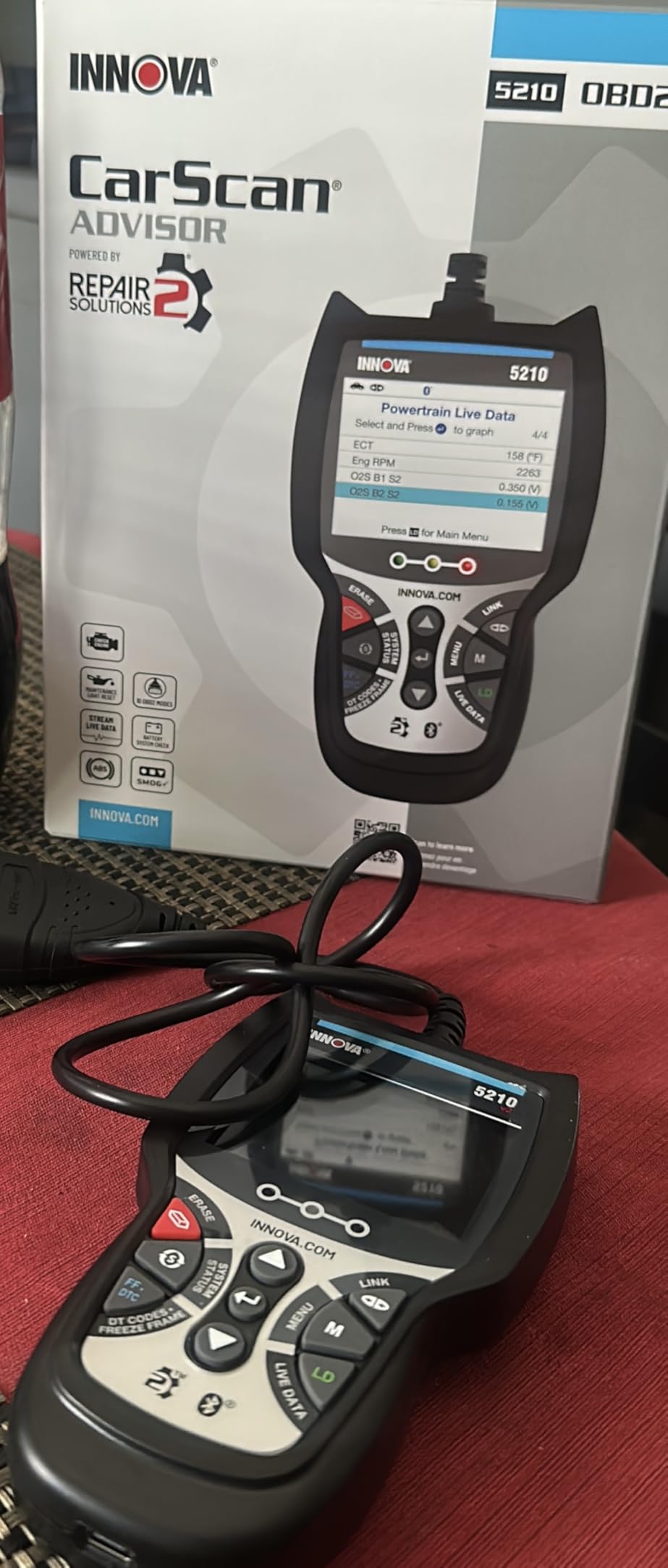
The Innova 5210 combines two garage tools in one body: an OBD2 scanner and a battery tester. That pairing makes it a smart pick if no-starts and winter battery worries are as common in your driveway as check engine lights.
On the scanning side, it reads and clears engine codes plus ABS codes, with live data for RPM, engine temperature, and fuel trims. Oil light reset and I/M readiness round out the maintenance basics.
The battery test function gives you a health snapshot in about a minute. Before winter or a road trip, that quick check is worth having.
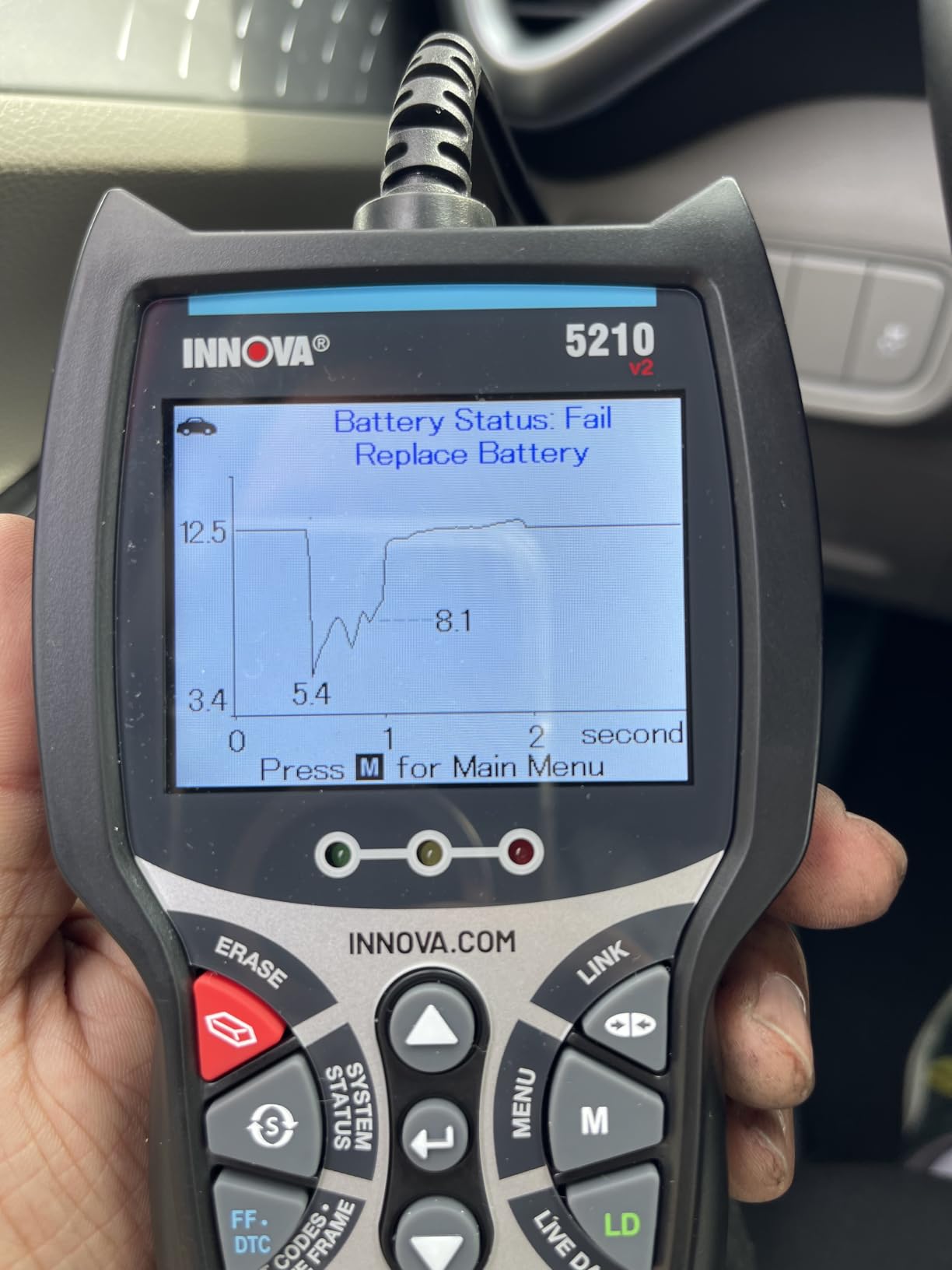
Bluetooth pairs the tool with the RepairSolutions2 app for verified fixes suggested by ASE-certified mechanics. It works with most 1996 and newer US, Asian, and European vehicles.
No subscription is required for the app or its fix database.
Two honest caveats: ABS coverage varies by vehicle, and readiness monitors need a complete drive cycle to repopulate after clearing codes.
How Accurate Is the Battery and Alternator Test?
Accurate enough to guide decisions. In testing, results lined up closely with a dedicated battery tester, and the alternator output reading correctly flagged a weak charging system on one test vehicle.
If you have ever paid a parts store to test a battery, owning this pays for itself quickly. It is a genuine diagnostic function, not a checkbox feature.
Do You Need the App to Use It?
No, the scanner works fully as a standalone handheld. The Bluetooth app adds verified fixes, repair suggestions, and purchase reports, which are worth using, but nothing is locked behind it.
If you prefer a phone-free garage experience, use the 5210 on its own and pair the app only when you want a deeper explanation of a code.
10. Foxwell NT301 – Best for Live Data Graphing
FOXWELL NT301 OBD2 Scanner Live Data Professional Mechanic OBDII Diagnostic Code Reader Tool for Check Engine Light
Live data graphing
O2 sensor and EVAP tests
I/M readiness hotkeys
2.8 inch color screen
Pros
- Graphs live sensor data
- Dedicated I/M readiness hotkeys
- O2 sensor test and EVAP monitor
- Plug and play with no setup
- Lifetime updates
Cons
- No ABS SRS or transmission codes
- No bidirectional control
- Basic reader rather than a scan tool
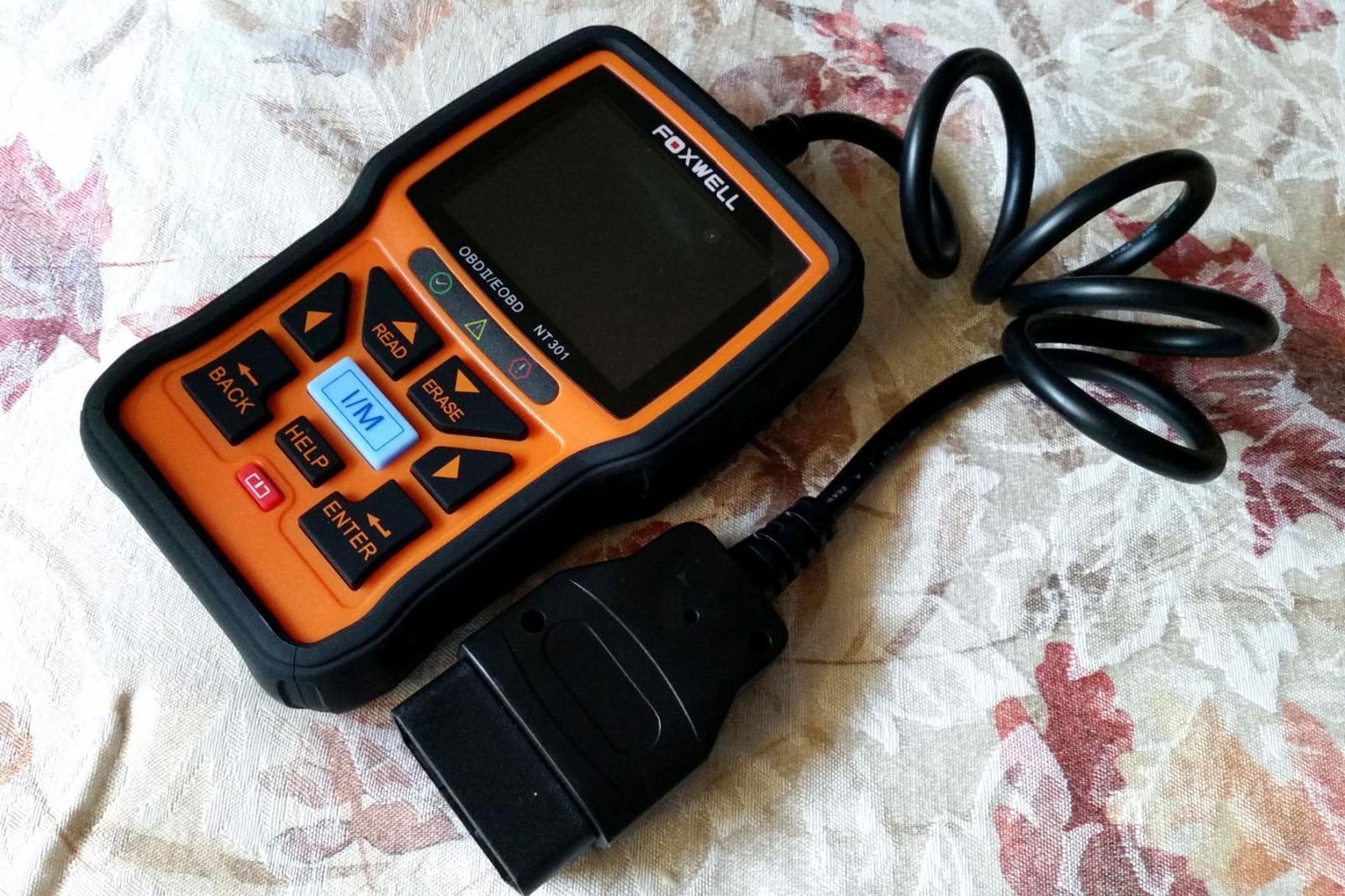
The Foxwell NT301 is the classic DIY mechanic’s code reader, and the live data graphing sets it apart from other basics. Watching oxygen sensor voltages and fuel trims play across the 2.8-inch color screen makes it easy to spot a sensor that is drifting or misbehaving.
It handles all the core jobs: reading and clearing codes, checking I/M readiness, pulling the VIN, and turning off the check engine light. Plug-and-play operation means there is nothing to charge or configure.
Emissions testing gets real attention here. The dedicated I/M readiness hotkeys with a red-yellow-green LED indicator tell you at a glance whether your vehicle will pass a smog check.
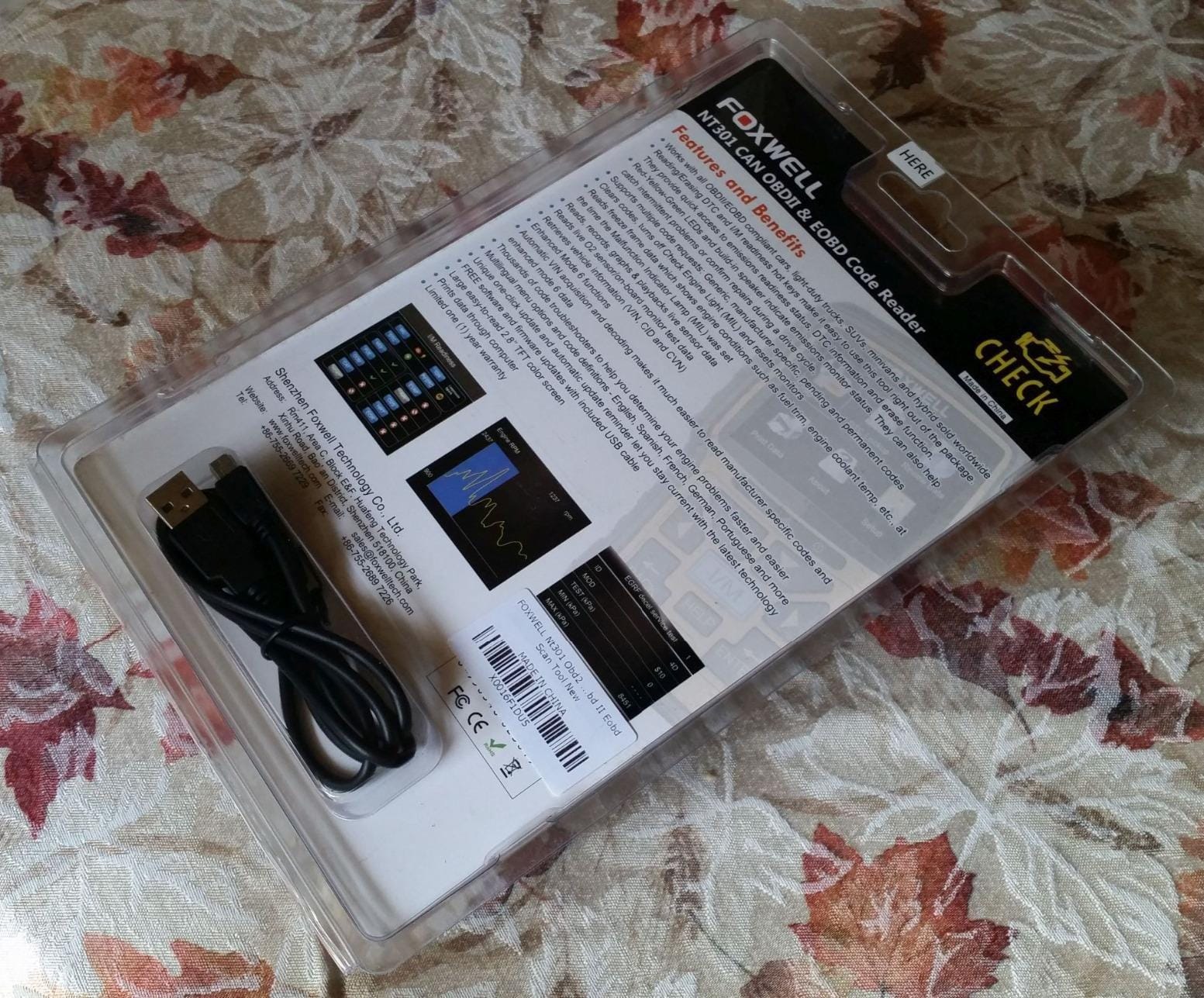
On top of the basics sit two genuine diagnostic tests: an O2 sensor test and an EVAP system leak monitor. Both help you chase down the vague emissions codes that basic readers can only report.
Lifetime updates are included, backed by a one-year seller assurance. Compatibility covers most 1996 and newer gasoline vehicles, including light trucks and SUVs, plus 12V diesel vehicles with OBD2.
The limits are clear: no ABS, SRS, or transmission codes, and no bidirectional control or resets. This is a powertrain tool.
How Useful Is the Live Data Graphing?
Very, once you learn to read it. A fuel trim that climbs at steady cruise or an oxygen sensor that flatlines tells you more than a stored code ever will. Graphs make those patterns visible in seconds.
For chasing intermittent driveability problems, this is the feature that separates the NT301 from cheaper readers. Code-only tools show you the aftermath, while graphs show the cause.
Is It Good for Emissions Testing Prep?
It is one of the best at this level. The hotkeys and LED indicator show smog readiness instantly, so you know whether your monitors are set before the inspection station tells you a fail.
After repairs or a battery disconnect, use the drive-cycle guidance to reset the monitors before your test appointment. It removes the guesswork from emissions prep completely.
11. ANCEL AD310 – The Classic Best-Selling Code Reader
ANCEL AD310 Classic Enhanced Universal OBD II Scanner Car Engine Fault Code Reader CAN Diagnostic Scan Tool, Read and Clear Error Codes for 1996 or Newer OBD2 Protocol Vehicle (Black)
Reads and clears codes
All OBDII protocols
Live data and freeze frame
No battery or charger needed
Pros
- Best-selling scanner with a huge following
- Reads and clears codes in seconds
- Powered from the OBDII port
- Supports all OBDII protocols
- Compact and lightweight design
Cons
- Only covers emission-related issues
- No support for OBDI vehicles
The ANCEL AD310 is the best-selling OBD2 scanner for a reason, and with over 65,000 reviews it has earned its reputation one check engine light at a time. It is the classic no-nonsense code reader: plug it in, get your answer, move on with your day.
Operation is as simple as diagnostics gets. It reads and clears engine and emissions trouble codes in seconds, pulls freeze frame data, and shows I/M readiness without any setup.
Like the other basics, it draws power from the OBD-II port, so there is no battery or charger to babysit. At 12 ounces, it is small and light enough for a center console.
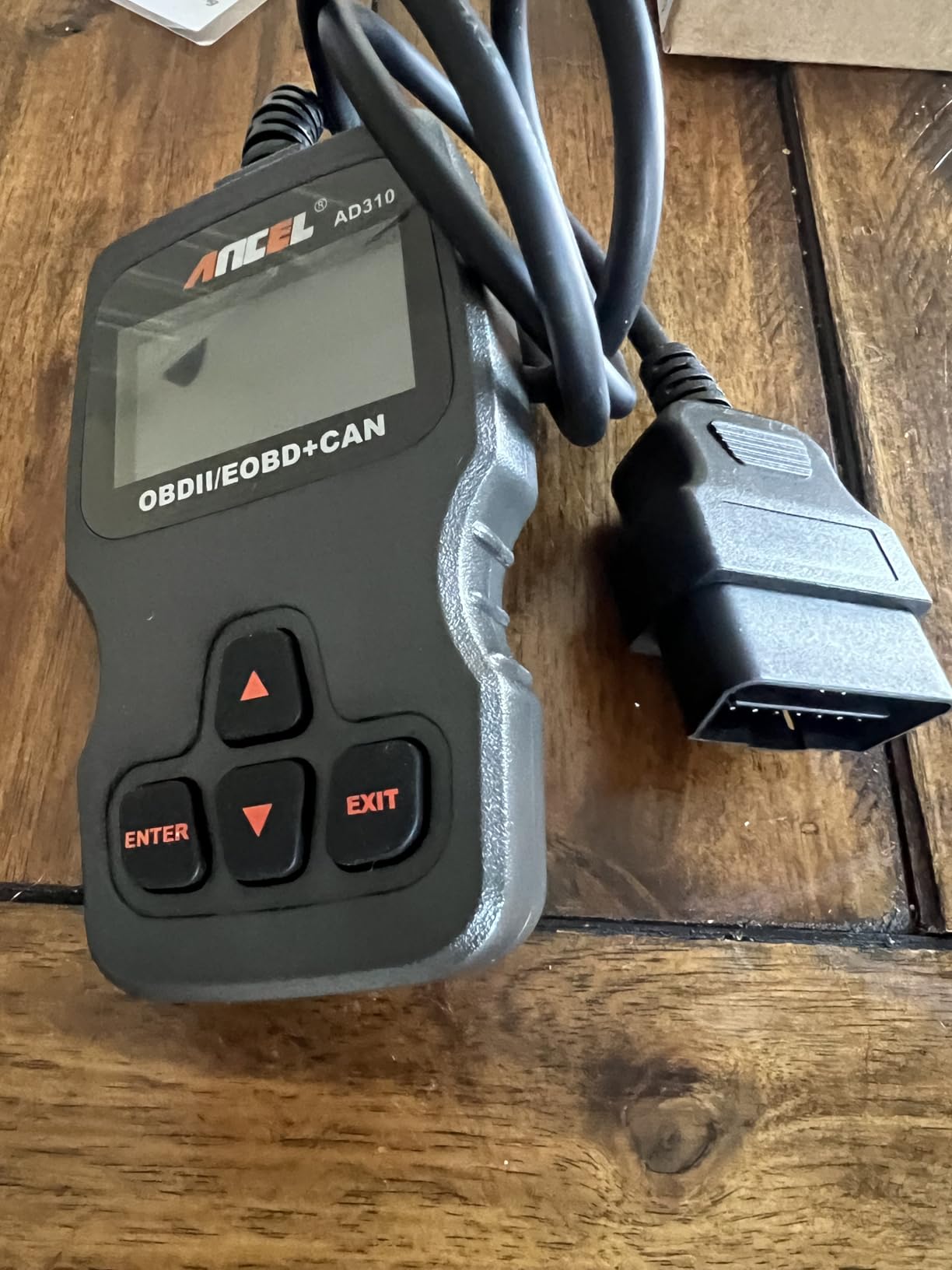
Protocol support covers everything: KWP2000, J1850 VPW, ISO9141, J1850 PWM, and CAN. Compatibility reaches 1996 and newer US vehicles plus 2000 and newer EU and Asian vehicles.
Auto mechanic YouTuber Scotty Kilmer recommends this model, which tells you something about its reliability. When a tool survives a professional’s skepticism, it earns a spot on the shelf.
The trade-offs are the usual ones for a basic reader: emission-related systems only, and no coverage for OBDI vehicles.
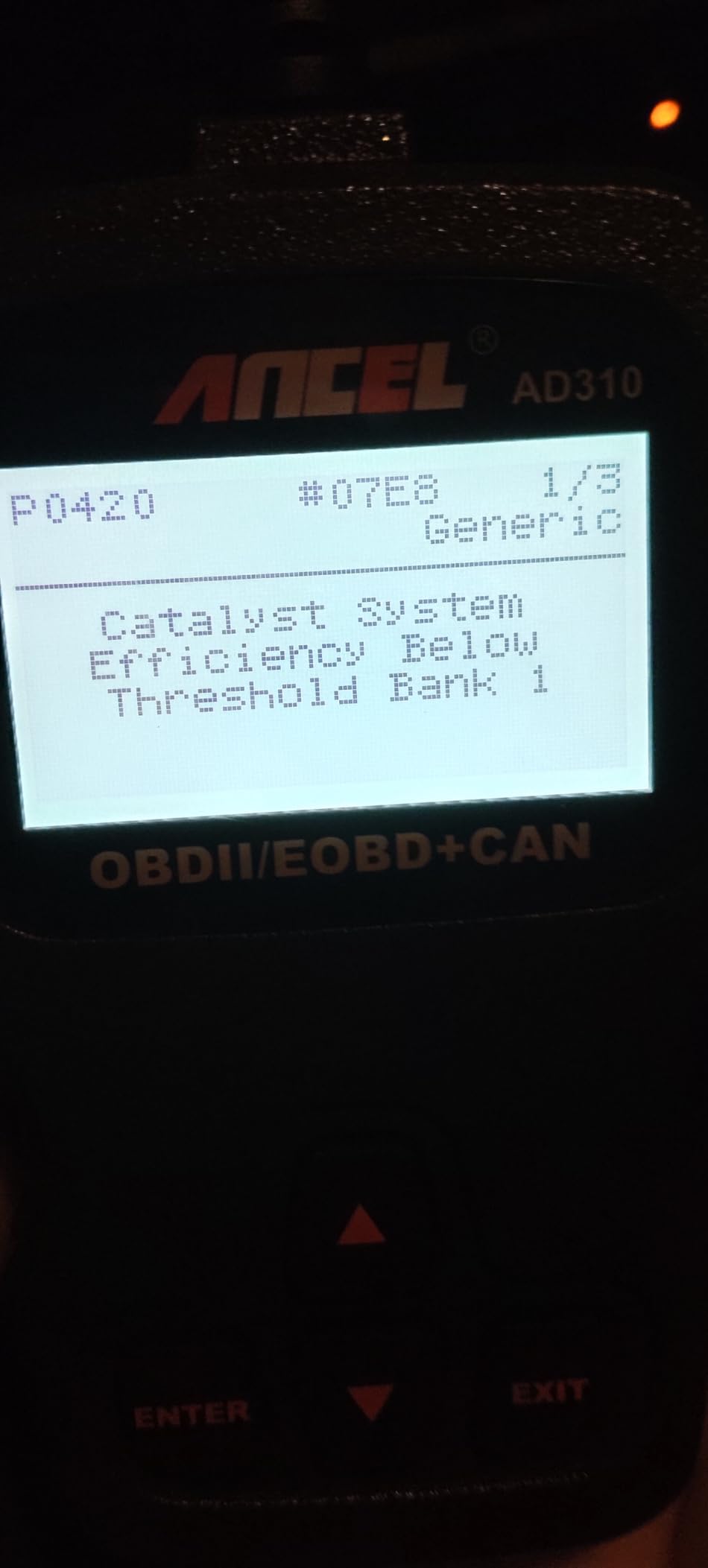
Which Vehicles and Protocols Does It Support?
All five OBDII protocols are covered, which means every 1996 and newer US-market vehicle plus 2000 and newer European and Asian imports. If your car has a standard 16-pin port, the AD310 will talk to it.
The only vehicles left out are pre-1996 models with OBD1 connectors. For everything built after the cutoff, compatibility is effectively universal.
How Does It Compare With the AD410?
Both are ANCEL basics, but the AD410 adds a color screen, a 42,000-code lookup library, and live data display. The AD310 is the simpler, cheaper classic that has earned its reputation over years of use.
If you want the absolute simplest tool with the longest track record, pick the AD310. If you want code definitions built in and a color display for a little more, step up to the AD410.
12. ANCEL AD410 – Best Value Enhanced Code Reader
ANCEL AD410 Enhanced OBD2 Scanner, Vehicle Code Reader for Check Engine Light, Automotive OBD II Scanner Fault Diagnosis, OBDII Scan Tool for All OBDII Cars 1996+, Black/Yellow
42000+ DTC lookup
Color display
Live data and freeze frame
Free software updates
Pros
- 42000+ built-in DTC definitions
- Full OBD2 functions including live data
- Color display with multilingual support
- Powered from the OBD2 port
- Free software updates
Cons
- No ABS SRS or transmission codes
- No bidirectional or reset functions
The ANCEL AD410 takes the classic AD310 formula and adds the features people actually miss: a 2.4-inch color screen and a built-in library of over 42,000 trouble code definitions. Codes show up with plain-English explanations instead of five characters you have to look up.
Function coverage is full OBD2: read and clear codes, live data, freeze frame, I/M readiness, O2 sensor test, EVAP test, vehicle information, and MIL status. That is the complete emissions diagnostic checklist in one tool.
The color display makes a practical difference in bright sunlight, where monochrome screens can wash out. Menus support multiple languages out of the box.
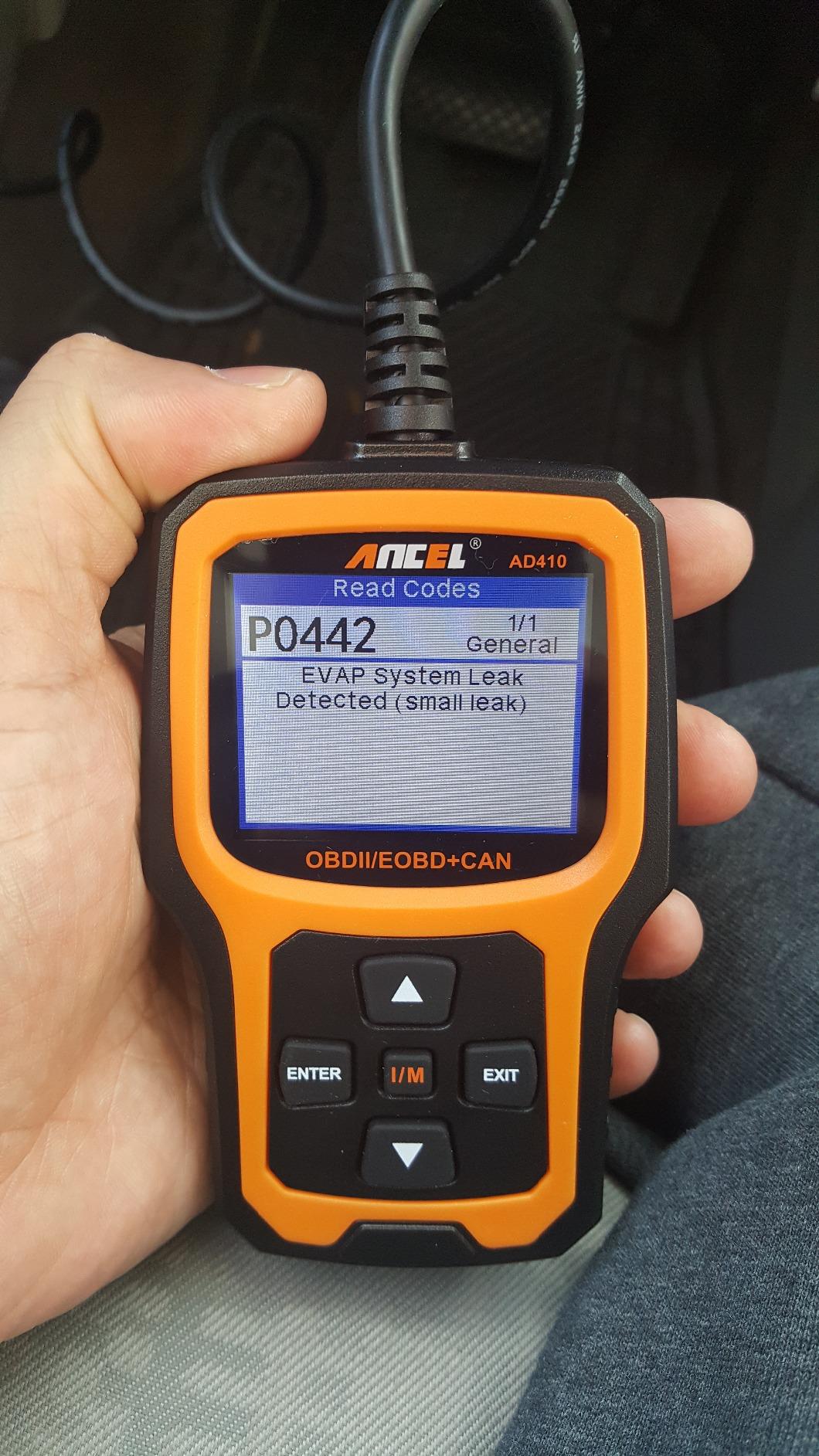
Real-time engine data is displayed live, which basic readers at this level often skip. Watching values change as the engine runs brings you one step closer to a real scan tool.
Software updates are free, and the tool is powered from the OBD-II port so there is nothing to charge. It works with 1996 and newer US vehicles and 2000 and newer EU and Asian vehicles.
The ceiling is the same as any enhanced reader: no ABS, SRS, transmission, bidirectional, or reset functions.
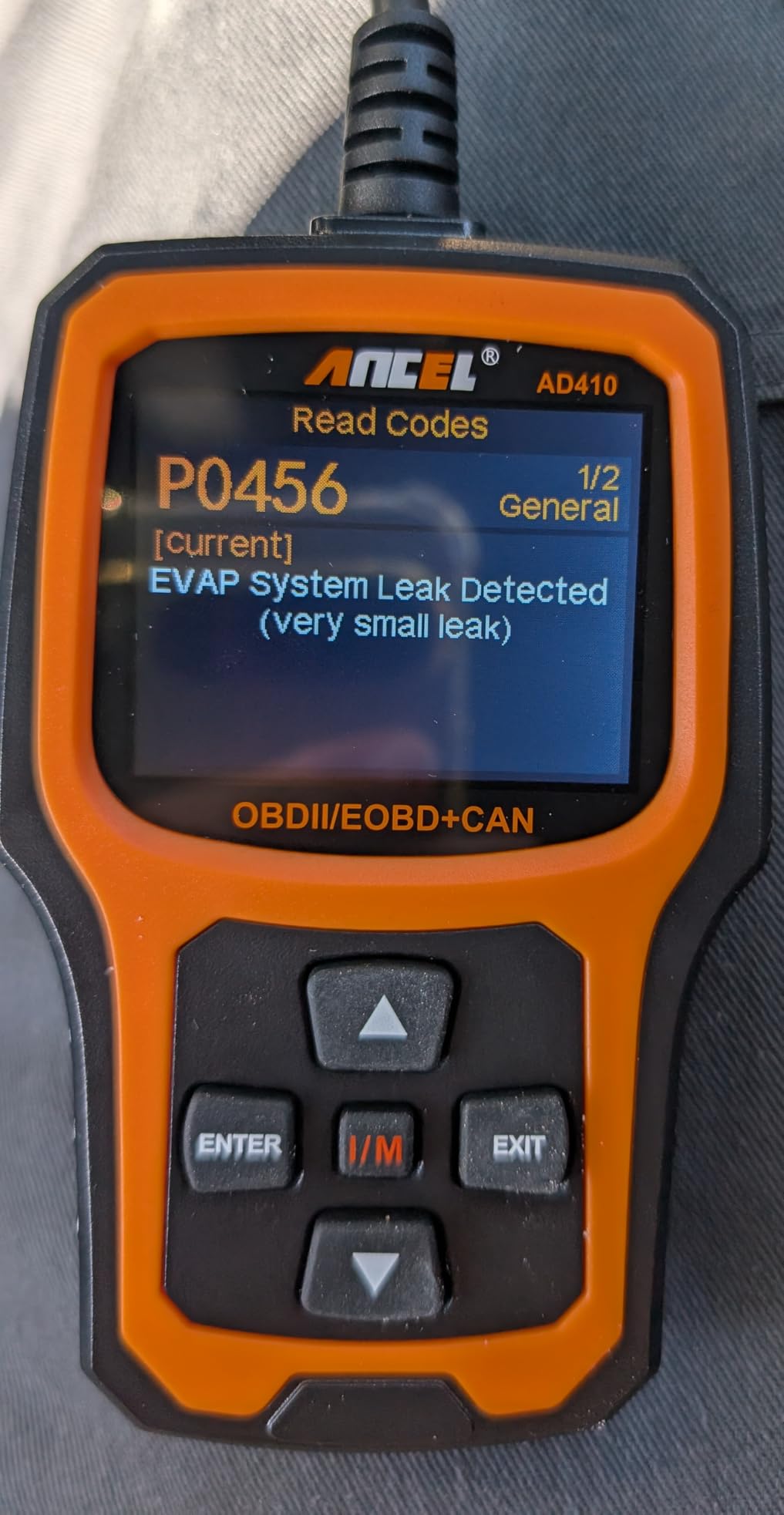
Is the Color Screen Worth the Extra Cost Over Basic Models?
In my opinion, yes. The color display is easier to read in sunlight, and code definitions rendered on a color screen are easier to parse at a glance than on a monochrome LCD.
Combined with the built-in lookup library, the AD410 saves you from typing codes into a search engine every time a light comes on. For a tool you will keep for years, the upgrade cost is trivial.
Should You Start Here or Buy a System Scanner?
Start here if the check engine light is your main concern, because engine and emissions codes are exactly what this tool is built for. It handles them completely and clearly.
If your vehicles already show ABS, airbag, or transmission warnings, skip straight to a system scanner like the Innova 5410 or the SD35. A code reader cannot read what those lights are trying to tell you.
How to Choose the Best OBD2 Scanner for Your Needs
Every scanner in this guide reads engine codes, so the real question is what else you need. System coverage, connectivity, and long-term costs separate the categories more than raw price does. Here is how to match a scanner to your actual situation.
Scanner Type: Code Reader, Enhanced Reader, or Tablet
Basic code readers like the MOTOPOWER MP69033 and ANCEL AD310 read and clear engine and emissions codes. Enhanced readers add live data, graphing, and built-in code libraries, which is where the Foxwell NT301 and ANCEL AD410 live.
System scanners and tablets diagnose ABS, SRS, and transmission, and add reset functions. The Innova line, the TOPDON AD600S, and the bidirectional 5610 sit here. Match the category to the warning lights you actually see.
Bluetooth and App-Based Scanners vs Wired Handhelds
Bluetooth adapters like the BlueDriver and OBDLink MX+ put a big screen in your pocket and update through app stores. The trade-off is dependence on your phone’s battery and the time spent pairing and configuring apps.
Wired handhelds work the instant you plug them in, with no pairing and no phone required. Techs and drivers who just want a fast answer tend to prefer them.
Subscription Fees and Long-Term Costs
This is the biggest frustration we found in owner forums: scanners that work perfectly until a yearly fee locks the advanced features. Several popular brands now gate ABS, SRS, and bidirectional functions behind annual payments.
Every pick in this guide is a no-subscription model, which keeps the total cost equal to the sticker. Check this before you buy anything, because the fee is often buried in the fine print.
Vehicle Compatibility and Coverage Checks
Generic engine codes are legally standardized, so every scanner here reads them on any 1996 or newer vehicle. Enhanced diagnostics like ABS, SRS, and transmission coverage vary by make, model, and year.
Innova offers an online coverage checker, and other brands publish compatibility lists on their product pages. A two-minute check prevents a returned scanner and a wasted weekend.
Enhanced Diagnostics: ABS, SRS, and Transmission Codes
Reading only engine codes limits you to a fraction of what your car’s computer knows. ABS, SRS, and transmission codes require manufacturer-specific support, which is why those scanners cost more.
If your dashboard has shown an ABS, airbag, or transmission light, enhanced diagnostics are worth every dollar. Without them, that light is a trip to the dealer.
Live Data and Freeze Frame Capability
Live data streams sensor values in real time so you can watch fuel trims, oxygen sensors, and temperatures as the engine runs. Freeze frame captures a snapshot of every sensor value at the moment a fault set, which is often the best clue you will get.
Graphing capability, like the Foxwell NT301 offers, makes patterns visible and speeds up diagnosis of intermittent problems. These features are the line between a code reader and a real diagnostic tool.
Frequently Asked Questions
What is the best OBD2 car diagnostic tool?
The BlueDriver Bluetooth Pro is the best OBD2 scanner for most drivers. It reads engine, ABS, airbag, and SRS codes on most 1996 and newer vehicles, generates unlimited repair reports, and charges no subscription fees.
What OBD scanner do most mechanics use?
Professional mechanics typically use shop-grade tablets from brands like Autel, Launch, and Snap-on because they offer bidirectional controls and full-system coverage. For serious DIY work, the Innova 5610 delivers true bidirectional control, and many technicians also keep a BlueDriver in the service van.
Which OBD scanner is best for all cars?
The BlueDriver and the OBDLink MX+ offer the broadest practical coverage. Every scanner sold today reads generic engine codes on 1996 and newer vehicles, but ABS, SRS, and transmission coverage still varies by make and model, so always check the maker’s coverage list for your exact vehicle.
What is the best OBD2 scanner that does everything?
A scanner that does everything needs bidirectional control, all-system coverage, and reset functions. The Innova 5610 and TOPDON AD600S both qualify, reading engine, ABS, SRS, and transmission codes while performing dealership-level resets and tests. No single tool covers every make equally, so verify coverage for your vehicle first.
Do cheap OBD2 scanners really work?
Yes, for engine and emissions codes. Every scanner sold in the US must read the standardized generic powertrain codes, so a basic reader pulls the same check engine codes a shop would. What cheap scanners miss is ABS, airbag, and transmission codes, plus resets and live data features.
Conclusion
Any scanner in this guide beats staring at a check engine light and hoping it means nothing. The right pick just depends on how deep you want to go into diagnostics.
Most drivers should buy the BlueDriver Bluetooth Pro because it covers engine, ABS, airbag, and SRS codes, explains every fault in plain English, and never asks for a subscription. Budget-conscious owners get everything they need from the MOTOPOWER MP69033, and serious DIY mechanics should step up to the bidirectional Innova 5610.
Finding the best OBD2 scanners for car diagnostics comes down to matching the tool to the warning lights you actually see. Run the coverage check for your vehicle, pick your scanner, and stop paying for diagnoses you could do yourself.