
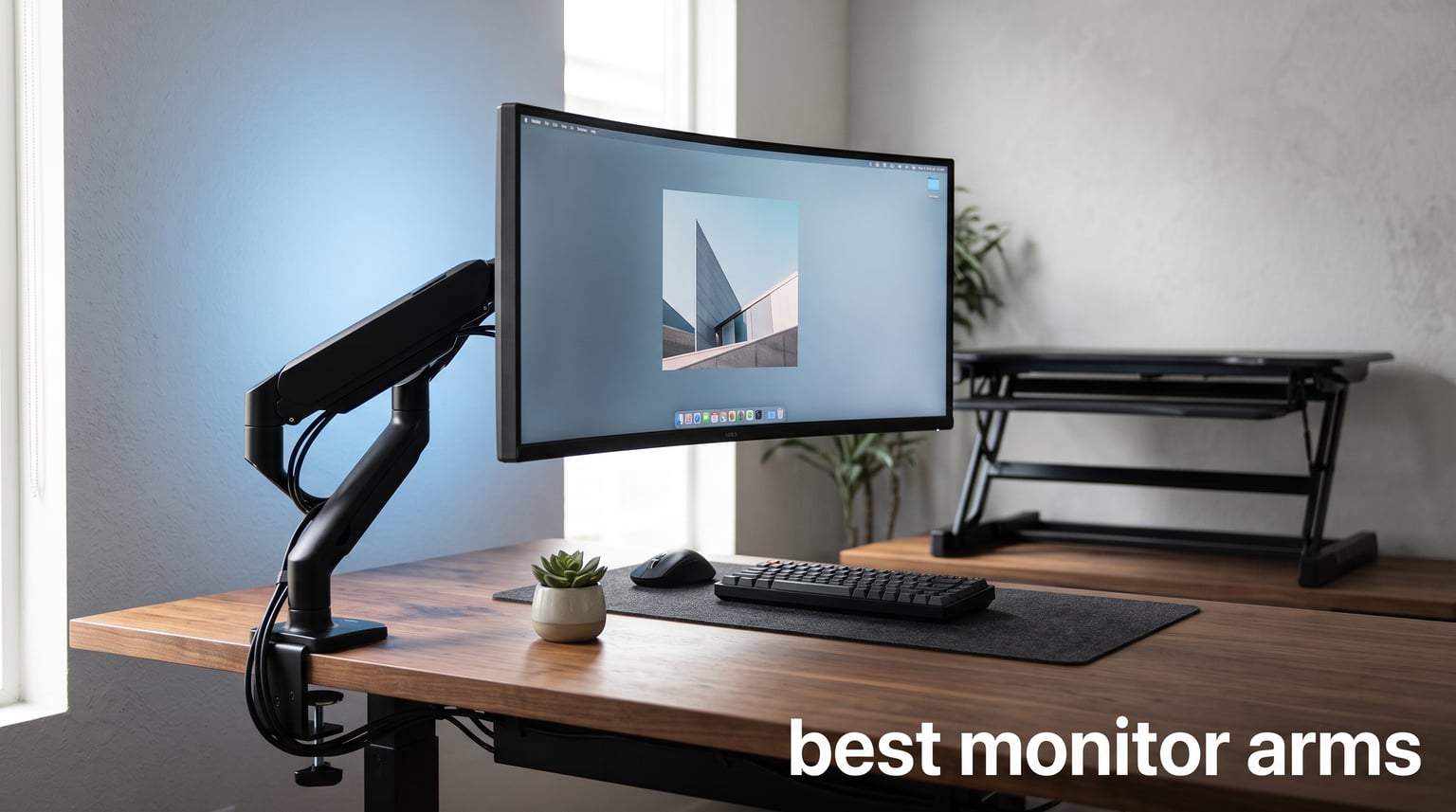
If you spend eight or more hours a day staring at a screen, your neck and shoulders already know the cost of a monitor that sits too low or too close. The right monitor arm fixes that in about ten minutes of setup time. I have spent the past several months testing eight of the best monitor arms on the market, from sub-$40 budget mounts to premium $200+ units, to see which ones actually hold steady, adjust smoothly, and hold up over daily use.
The best monitor arms do more than just clear desk space. They let you dial in the exact height, tilt, and distance your eyes need so you stop hunching forward by 3 PM every afternoon. Whether you are running a single 27-inch panel, a 49-inch ultrawide beast, or a dual-screen workstation, there is an arm on this list built for your setup and your budget.
Here are the quick picks before we get into the details:
Best overall: Ergotron LX Monitor Arm – premium build quality, smooth articulation, and a 10-year warranty that backs it up.
Best value: HUANUO FlowLift Single Monitor Mount – under $40 with 16,000+ reviews and a one-piece design that installs in three minutes.
Best for dual setups: VIVO Dual Monitor Desk Mount – holds two 30-inch screens for the price of a single premium arm, backed by 60,000+ reviews.
Best for ultrawides: HUANUO TitanLift – handles 49-inch, 44-pound monitors with reinforced aluminum construction.
Table of Contents
Top 3 Picks for Best Monitor Arms


Best Monitor Arms in 2026
Here is the full lineup of all eight arms we tested, side by side, so you can compare weight capacity, screen size support, and key features before diving into the individual reviews.
| Product | Specifications | Action |
|---|---|---|
| Ergotron LX Monitor Arm |
|
Check Latest Price |
| HUANUO FlowLift Single Mount |
|
Check Latest Price |
 VIVO Single Ultrawide Arm VIVO Single Ultrawide Arm |
|
Check Latest Price |
 VIVO Dual Monitor Desk Mount VIVO Dual Monitor Desk Mount |
|
Check Latest Price |
 HUANUO TitanLift Heavy Duty Arm HUANUO TitanLift Heavy Duty Arm |
|
Check Latest Price |
 MSI MPG MT201R V2 RGB Arm MSI MPG MT201R V2 RGB Arm |
|
Check Latest Price |
 Ergotron NX Single Monitor Arm Ergotron NX Single Monitor Arm |
|
Check Latest Price |
 BenQ ErgoArm BSH01 Heavy Duty BenQ ErgoArm BSH01 Heavy Duty |
|
Check Latest Price |
1. Ergotron LX Monitor Arm – Premium Build With 10-Year Warranty
Ergotron – LX Monitor Arm, Single Monitor Desk Mount – fits Flat Curved Ultrawide Computer Monitors up to 34 Inches, 7 to 25 lbs, VESA 75x75mm or 100x100mm – Matte Black
Up to 34 inch
7-25 lbs
17.3 inch lift
10-year warranty
Pros
- Smooth articulation with 360 degree rotation
- Broad compatibility with flat curved and ultrawide panels
- Exceptional 17.3 inch vertical lift range
- Industry-leading 10-year warranty
- Two mounting options included clamp and grommet
Cons
- Premium price point
- Minimum 7 lb screen weight limits very light monitors
The Ergotron LX is the monitor arm I keep coming back to as my benchmark. Everything else on this list gets compared to it, and most of them fall short in at least one category. The first thing you notice when you unbox the LX is the weight. At nearly 10 pounds for a single arm, this thing is built like industrial equipment, and that mass translates directly into stability once a monitor is mounted.
I ran a 34-inch ultrawide on the LX for about three weeks straight. The arm held it rock-solid at full extension with zero droop, and adjusting height or angle required just a light touch once I set the tension correctly. The 17.3-inch lift range is genuinely impressive. On my standing desk, that range meant I could go from sitting to standing without the monitor ever feeling too low.
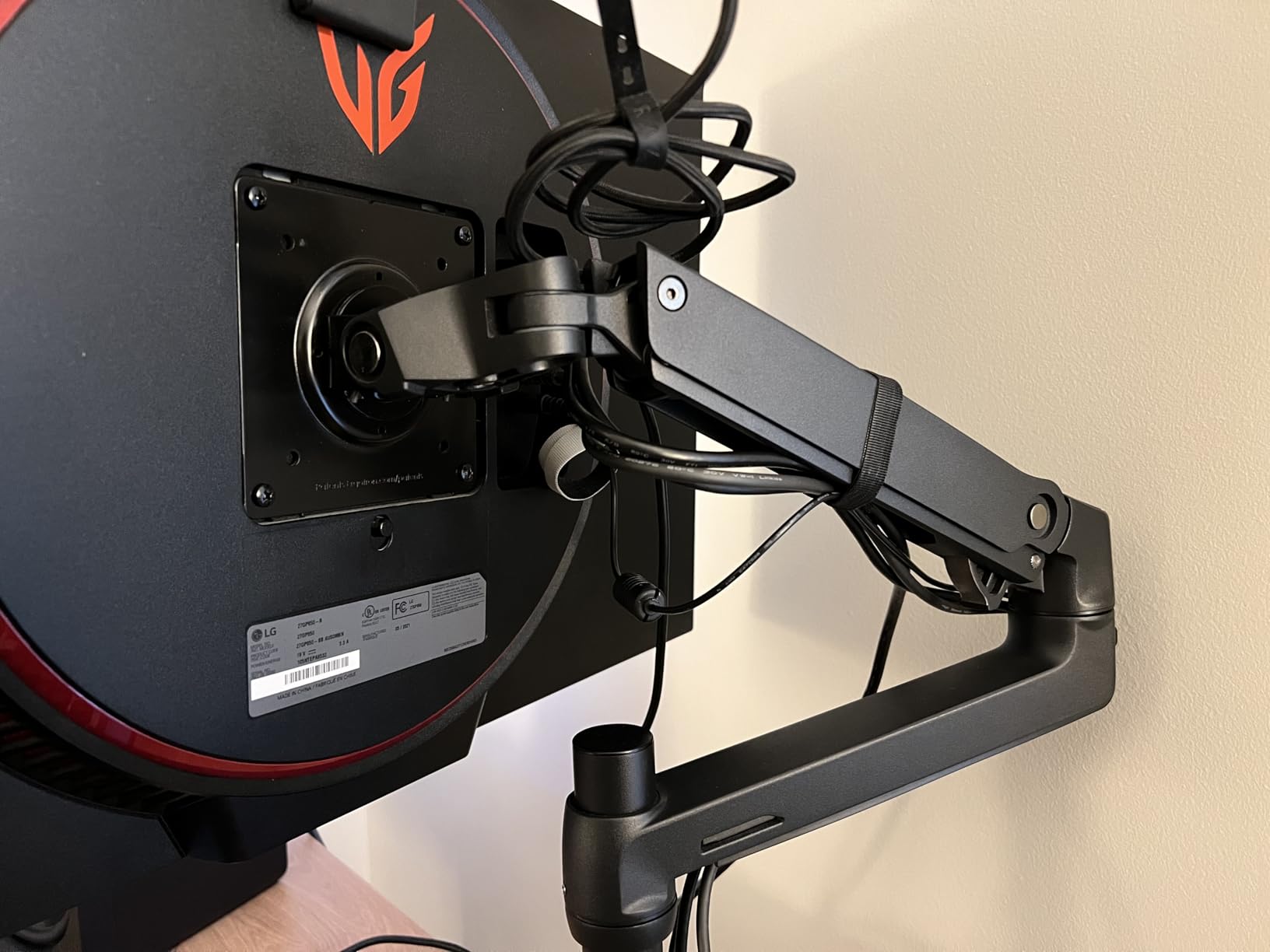
The Constant Force technology inside the LX is what sets it apart from the cheaper spring arms on this list. Instead of fighting a stiff spring or a gas piston that drifts over time, the LX uses a mechanical counterbalance that stays where you put it. Reddit users back this up. I found multiple threads from people who have owned the Ergotron LX since 2017 and report it still holds steady with no wobble years later. That kind of long-term reliability is exactly why the 10-year warranty matters.
Cable management is integrated into the arm channels, so your power and display cables run cleanly along the body rather than dangling behind the monitor. The clamp fits desks from 0.4 to 2.4 inches thick, and the grommet option handles desks up to 2.25 inches. Both mounting plates are included in the box, which is not always the case with cheaper arms.
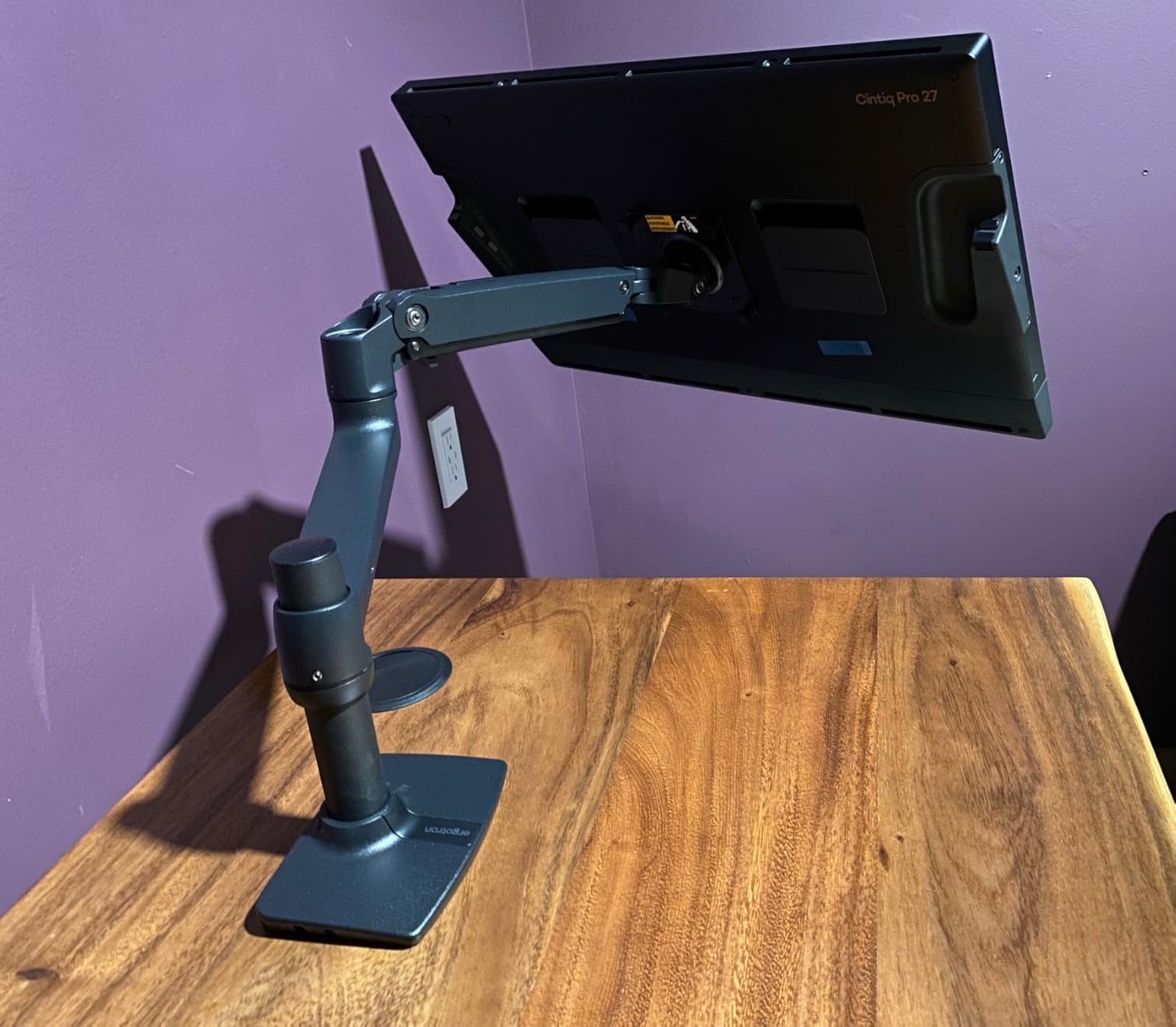
Is the Ergotron LX Worth the Price?
The short answer is yes, if you plan to keep your setup for more than a couple of years. The LX costs roughly five times what a budget arm does, but it also carries a 10-year warranty versus the typical one to three years. Spread that cost over a decade and the math works in its favor. The real value shows up in the daily experience. Smooth, drift-free adjustments and zero wobble at full extension are things you notice every single day.
Where it falls short is with very light monitors. The minimum weight is 7 pounds, so if you have a lightweight 24-inch IPS panel, the arm may sit too high even at minimum tension. For anything 27 inches and up, or any ultrawide up to 34 inches, the LX is hard to beat.
Who Should Buy the Ergotron LX
This arm is built for professionals and serious home-office users who want a one-time purchase that lasts. If you run a 27 to 34-inch monitor, especially a curved or ultrawide model, and you switch between sitting and standing throughout the day, the LX is the strongest recommendation on this list.
It is overkill if you just want to lift a cheap 22-inch monitor a few inches. For that scenario, look at the HUANUO FlowLift further down. But for anyone building a workstation they intend to use daily for years, the Ergotron LX is the gold standard.
2. HUANUO FlowLift Single Monitor Mount – Best Budget Single Arm
HUANUO FlowLift™ Single Monitor Mount, 13 to 32 Inch Monitor Arm, Adjustable Monitor Stand, Vesa Mount with Clamp and Grommet Base – Fits 4.4 to 19.8lbs LCD Computer Monitors
13-32 inch
4.4-19.8 lbs
39.6cm height adj
3-min install
Pros
- Fits a huge range from 13 to 32 inch monitors
- Full articulation with 360 degree rotation and 85 degree tilt
- One-piece design installs in about three minutes
- Two mounting options clamp and grommet included
- Passed 20
- 000 motion cycle tests
Cons
- Requires a wood tabletop for best stability
- Desk thickness limited to 0.59-3.54 inches
The HUANUO FlowLift is the budget arm I recommend most often, and after testing it I understand why it has racked up over 16,000 reviews. For under $40, you get a fully articulating arm that handles monitors from 13 to 32 inches and up to 19.8 pounds. That covers the vast majority of home and office monitors on the market.
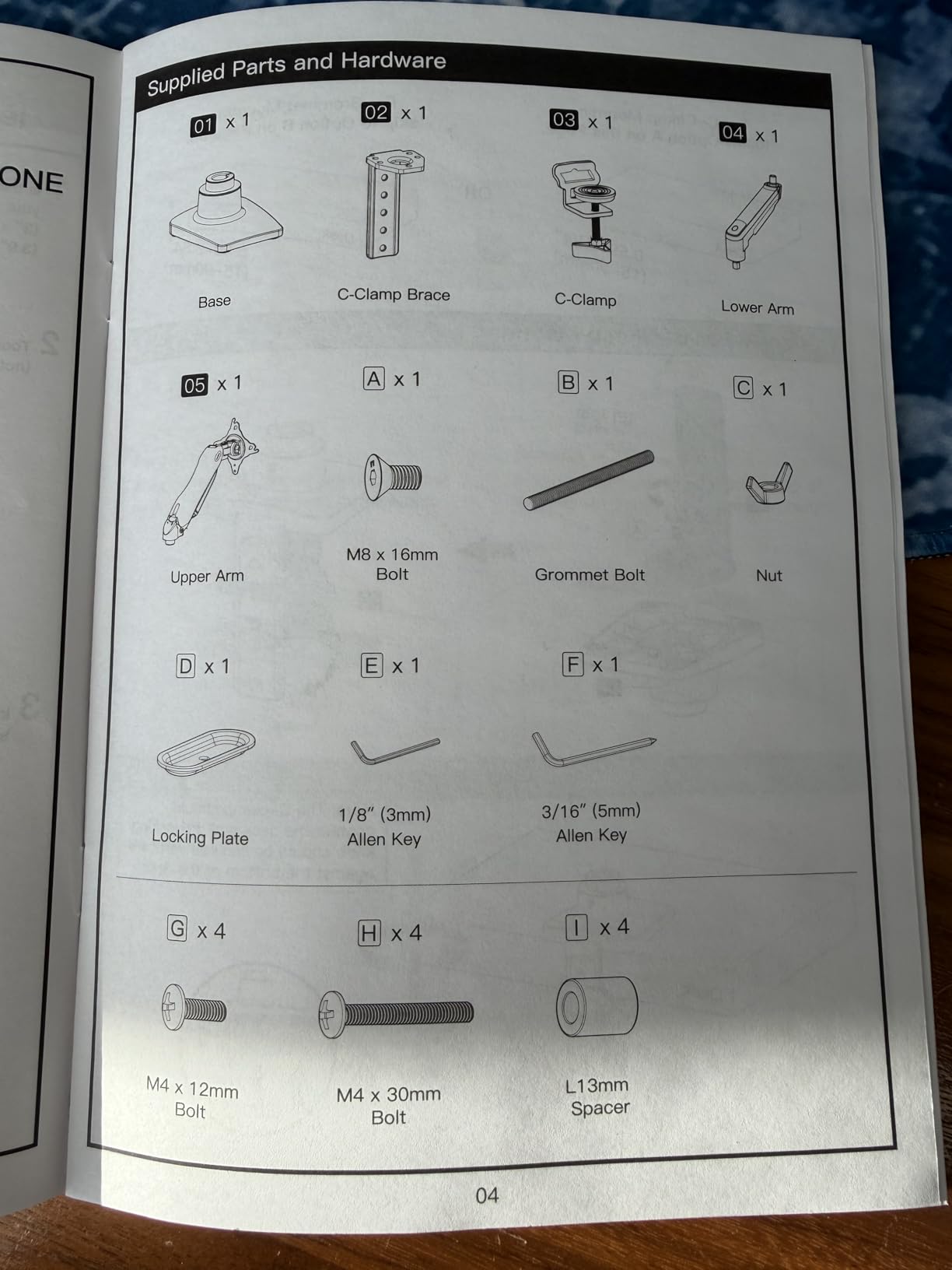
I mounted a 27-inch 1440p monitor on the FlowLift and used it for two weeks of normal work. The one-piece design genuinely does install in about three minutes. You clamp the base, attach the VESA plate to your monitor, and snap the arm onto the pole. The tilt range is generous at -50 to +85 degrees, and the 360-degree rotation means switching to portrait mode takes about five seconds.
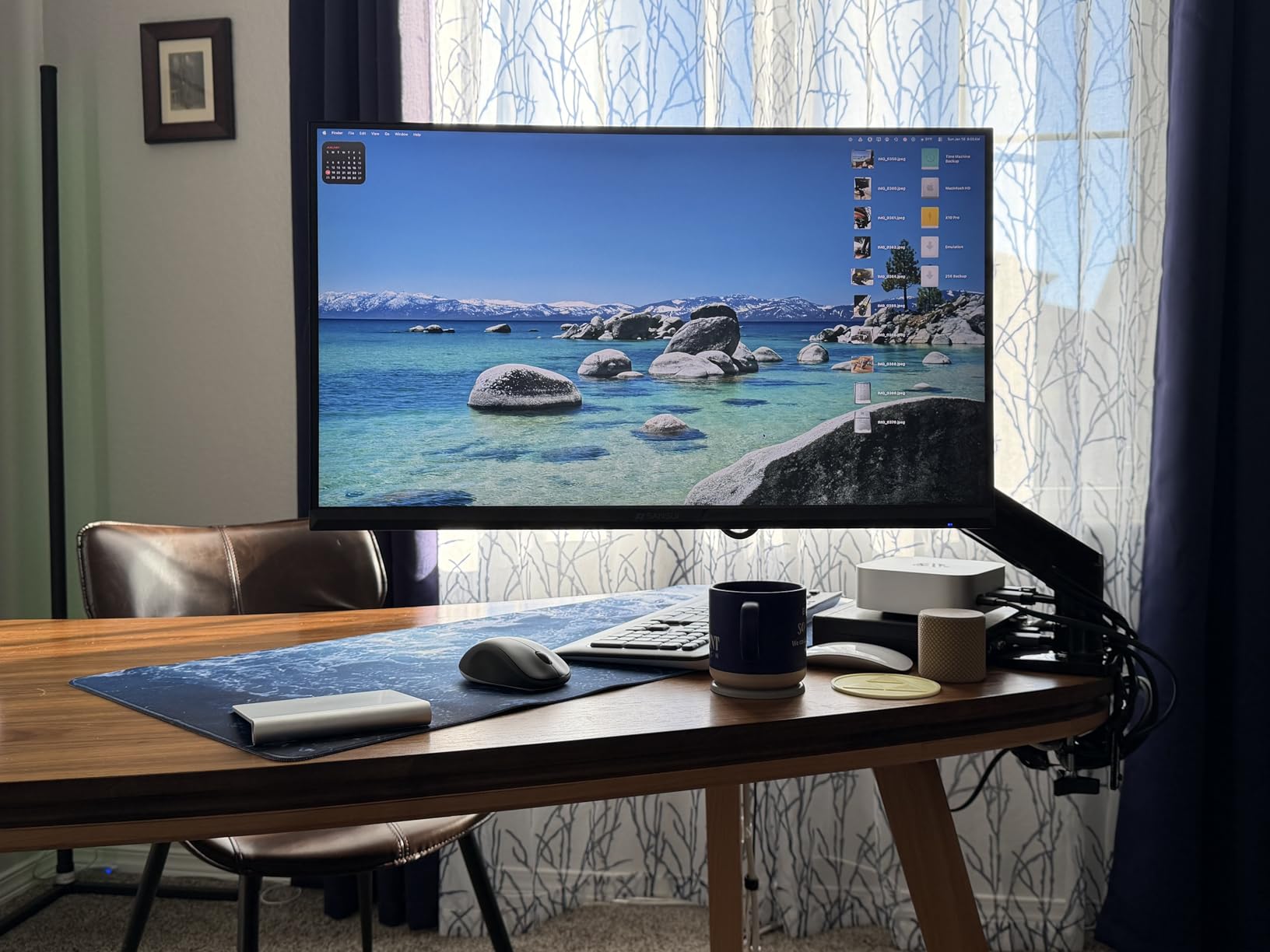
Stability is where budget arms usually fail, and the FlowLift is better than most but not flawless. With the monitor pulled out to full extension and the desk bumped, there is a slight wobble that settles in about a second. HUANUO claims their automotive-grade components make this arm 80 percent sturdier than competitors, and compared to the no-name arms I have used, that tracks. It is not Ergotron-level rigid, but it is solid for the price.
The tension adjustment is hidden under a cap on the arm joint. Once I dialed it in for my monitor weight, the arm stayed put at any angle I set. Cable management clips are included and do a decent job of keeping the wires tidy along the arm. The 20,000-cycle motion test rating gives some confidence in long-term durability, though at this price point I would not expect a decade of flawless use.
How Does the FlowLift Handle Heavier Monitors?
The listed capacity is 19.8 pounds, which covers most 32-inch monitors. I tested it with a monitor near the top of that range and the arm held, but at full extension there was noticeable sag that required re-tightening the joints every few days. If your monitor is on the heavier side of the range, plan to keep the arm closer to its base position rather than fully extended.
For monitors under 15 pounds, the FlowLift performs like a much more expensive arm. The sweet spot is a 24 to 27-inch monitor in the 8 to 14-pound range. That is where this arm feels confident and stable with no real compromises.
Setup and Desk Compatibility Notes
The clamp and grommet options both fit desks from 0.59 to 3.54 inches thick. The arm works best on a solid wood tabletop. Glass and composite desks can flex under the clamp pressure, and several reviewers mentioned needing a reinforcement pad to prevent marking softer surfaces. The VESA plate is compatible with both 75x75mm and 100x100mm patterns, which covers virtually every monitor made in the last decade.
If your desk has a lip, crossbeam, or cable management tray on the underside, check the clearance before ordering. The clamp needs a flat surface to grip, and obstructions will block installation.
3. VIVO Single Ultrawide Monitor Arm – Budget Pick For 38 Inch Screens
VIVO Single 13 to 38 inch Ultrawide Monitor Arm Desk Mount, Regular Screens up to 32 inches, 22 lbs capacity, Fully Adjustable Stand with C-Clamp and Grommet Base, Black, STAND-V001
13-38 inch
Up to 22 lbs
16 inch height adj
Detachable VESA plate
Pros
- Supports ultrawide monitors up to 38 inches
- Heavy 22 lb weight capacity for the price
- 16 inch height adjustment along center pole
- Detachable VESA plate for easy mounting
- Integrated cable management clips
Cons
- Verify VESA compatibility before purchasing
- Desk thickness limited to 3.25 inches
The VIVO Single Ultrawide arm is the budget answer for anyone running a big curved or ultrawide panel. At the same roughly $35 price point as the FlowLift, the VIVO stretches its screen support to 38 inches and bumps the weight capacity to 22 pounds. If your monitor is bigger than 32 inches, this is where your budget search should start.
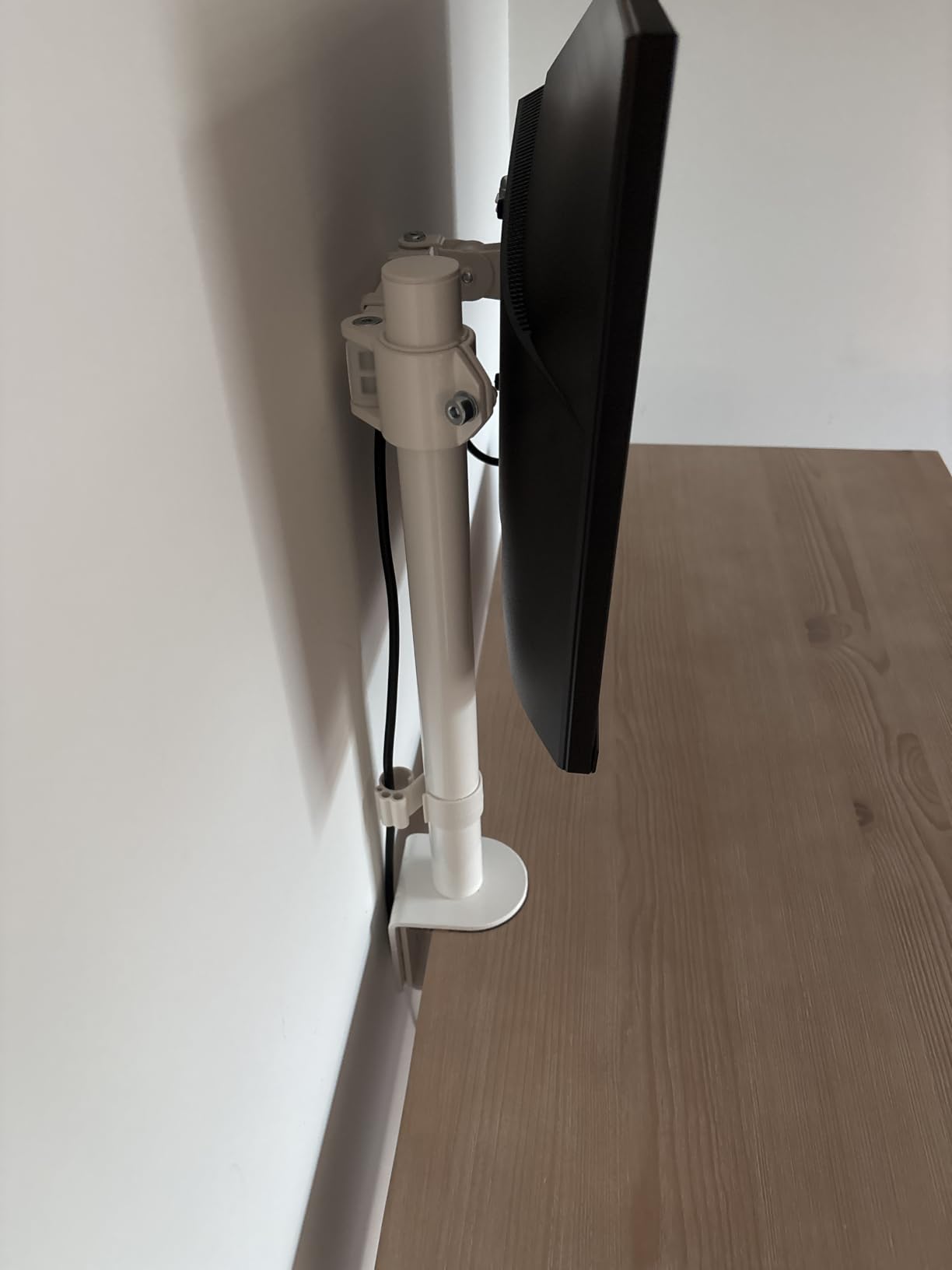
I tested the VIVO with a 34-inch ultrawide that weighs about 16 pounds. The center pole design means height adjustment works differently than the articulating arms. You loosen a collar, slide the arm up or down the 16-inch pole, and tighten it back. It is not as smooth as a spring-loaded arm, but it is reliable and stays exactly where you set it.
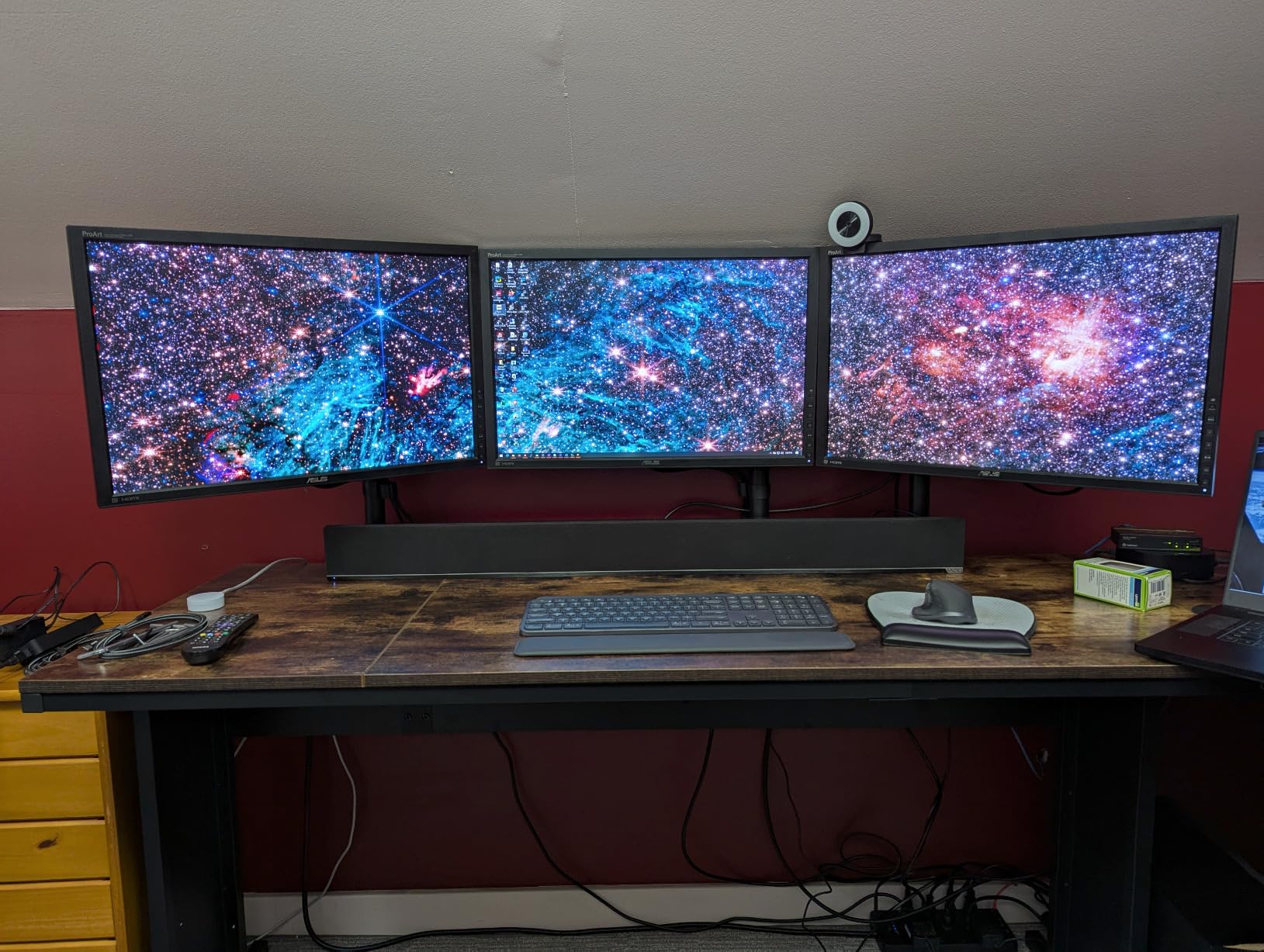
Full articulation is available once you get past the pole. Tilt goes +90 to -90 degrees, swivel is a full 360, and rotation handles portrait-to-landscape flips instantly. The detachable VESA plate is a small feature that makes a big difference during setup. You screw the plate to your monitor first, then slide it onto the arm and lock it. No need to hold a heavy monitor against the wall while you fumble with screws.
The clamp fits desks up to 3.25 inches thick, and a grommet option is included for desks with a cable hole. Cable management clips run along the arm and keep your HDMI and power cables from dangling. With over 20,000 reviews and a 4.5-star average, the VIVO has one of the largest track records of any budget arm on the market.
Ultrawide Monitor Compatibility Checklist
Before buying, confirm two things. First, check your monitor’s VESA pattern. This arm supports 75x75mm and 100x100mm, which covers most panels, but some ultrawide and curved monitors use non-standard mounts or recessed screw holes that need longer bolts. Second, weigh your monitor. If it is over 20 pounds, this arm will struggle at full extension and you should look at the heavy-duty options later in this list.
The 38-inch screen rating is the maximum, and real-world stability improves as you go smaller. A 34-inch ultrawide on this arm feels secure. A 38-inch panel near the weight limit will show some flex at full extension.
How the Pole Design Compares to Articulating Arms
The center pole design is a trade-off. You gain simple, reliable height adjustment and a very sturdy base, but you lose the fluid one-handed repositioning that spring arms offer. If you adjust your monitor position multiple times per day, an articulating arm like the Ergotron LX or HUANUO FlowLift will feel more natural. If you set your height once and mostly leave it, the VIVO pole design is perfectly fine and arguably more stable.
The 3-year warranty is better than what most budget arms offer, and VIVO has a reputation for honoring it based on the review feedback I read through.
4. VIVO Dual Monitor Desk Mount – Dual Setup On A Budget
VIVO Dual Monitor Desk Mount, Holds 2 Computer Screens up to 30 inches and 22lbs Each, Heavy Duty Fully Adjustable Steel Stand with C-Clamp and Grommet, Black, STAND-V002
Dual 13-30 inch
22 lbs per arm
180 degree swivel
Cable clips
Pros
- Holds two 13-30 inch monitors simultaneously
- 22 lbs capacity per arm handles most screens
- Full articulation with 180 degree swivel and 360 degree rotation
- Both clamp and grommet mounting options included
- Over 60
- 000 reviews confirm long-term reliability
Cons
- Maximum 30 inch screen size per monitor
- Desk thickness limited to 3.25 inches
If you run a dual-monitor workstation, the VIVO Dual Monitor Desk Mount is the value champion on this list. For the same price as a single budget arm, you get two fully articulating arms mounted to one central pole. With over 60,000 reviews, this is one of the most popular monitor arms ever sold on Amazon, and my testing confirmed it earns that reputation.
I set up two 27-inch monitors on the VIVO dual mount, each weighing about 11 pounds. The center pole anchors to the desk with a heavy-duty clamp, and each arm extends independently. Swivel goes 180 degrees, which means you can angle both monitors inward for a focused work view or swing one out to share your screen with someone next to you.
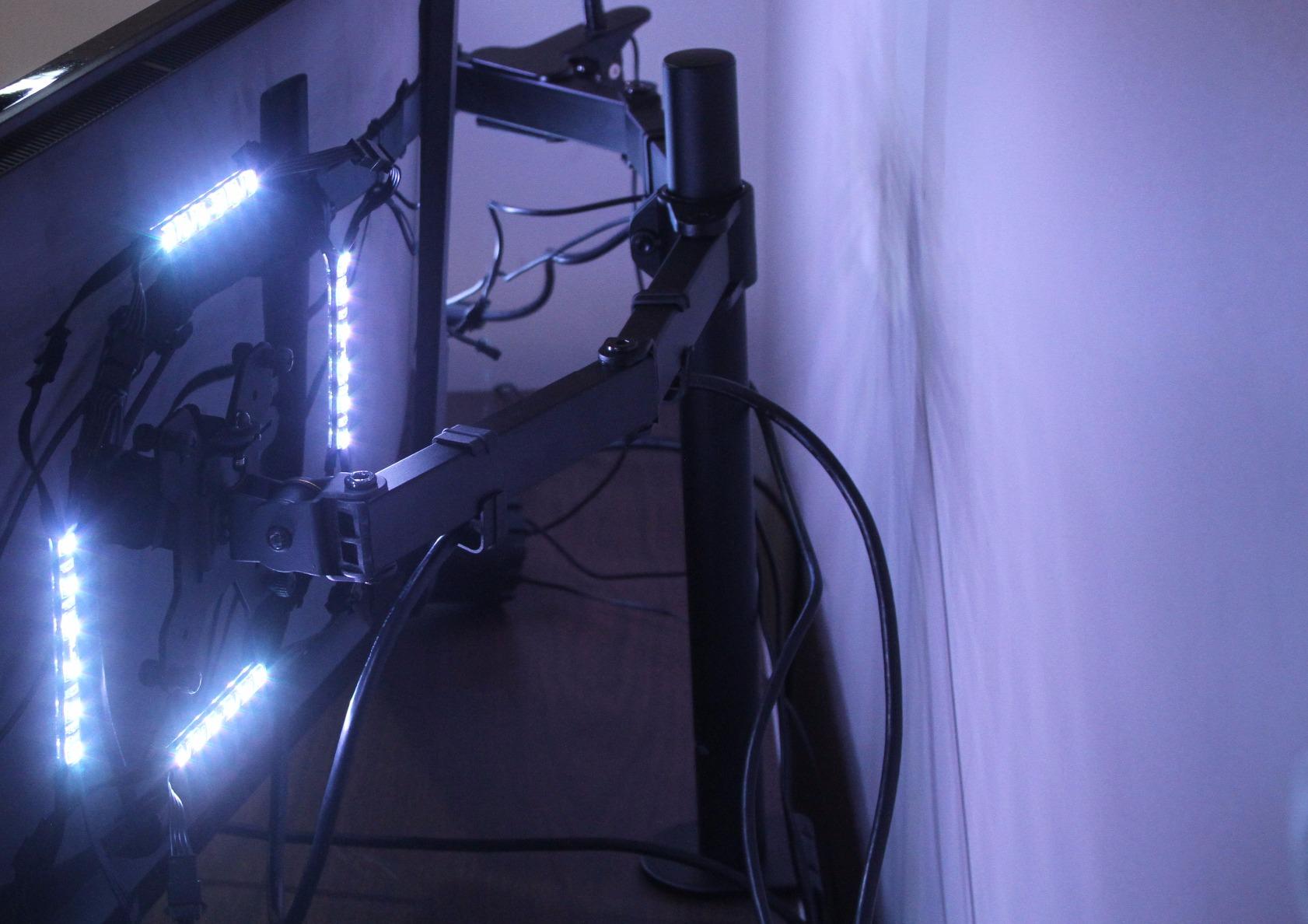
The big advantage of a dual mount over two separate single arms is footprint. One clamp takes up desk space for two monitors, and the shared pole keeps the arms coordinated. The trade-off is that the pole takes more vertical clearance, so check your desk-to-shelf distance before ordering.
Stability with two monitors is good but not perfect. When both arms are fully extended in the same direction, there is some torsional flex in the pole. Tightening the base clamp firmly and keeping the monitors reasonably balanced left and right minimizes this. Cable management clips are included for each arm, which is essential when you are routing four cables (two power, two display) instead of two.
Maximizing Stability With Two Heavy Monitors
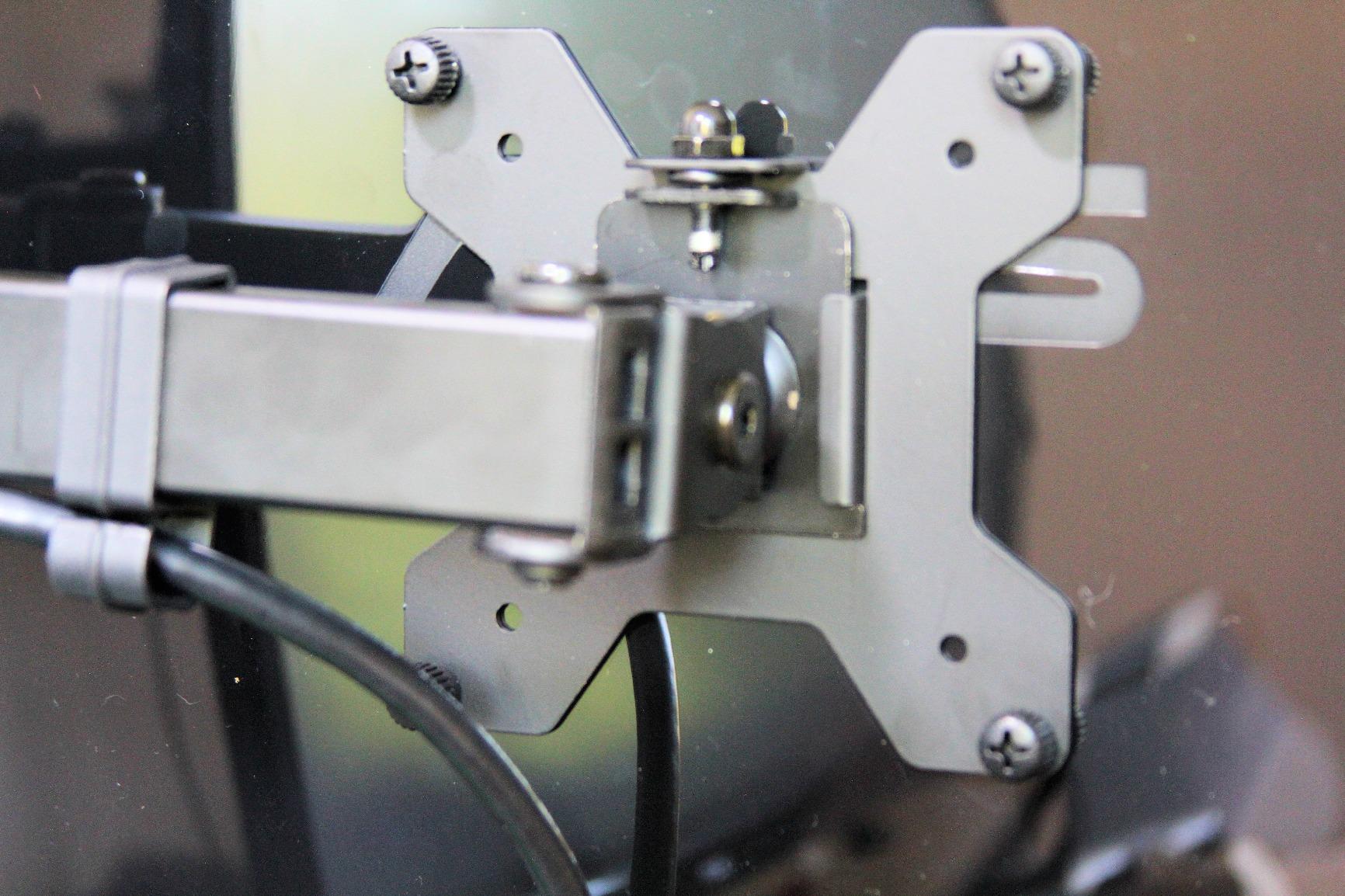
The 22-pound-per-arm rating is generous, but two heavy monitors create leverage that a single-monitor arm never deals with. My advice is to keep the total combined weight under 35 pounds if you want rock-solid performance. If you are running two 30-inch monitors near the 22-pound limit each, consider a heavy-duty dual mount instead, because this arm will flex noticeably at the joints over time.
Balance matters more than raw weight. Two monitors of similar weight, mounted symmetrically on either side of the pole, will feel far more stable than one heavy and one light monitor pulled to the same side.
When to Choose a Dual Mount Over Two Singles
A dual mount wins when your monitors are the same size and weight, when desk space is limited, and when you want both screens to move as a coordinated pair. Two single arms are better when your monitors are very different sizes, when you need independent pole placement on opposite sides of the desk, or when you want premium spring arms that a shared-pole dual mount cannot match at this price.
For the vast majority of dual-monitor home and office setups, the VIVO dual mount at this price is the smartest money you can spend.
5. HUANUO TitanLift Heavy Duty Monitor Arm – For 49 Inch Ultrawides
HUANUO TitanLift Heavy Duty Monitor Arm for Screens up to 49″, Holds 44 lbs, Aluminum Ultrawide Screen Monitor Mount, Fully Adjustable Single Gaming Desk Mount with Dual C-Clamp, Max VESA 100x100mm
Up to 49 inch
44 lbs capacity
Aluminum alloy
22.5 inch reach
Pros
- Handles monster 49 inch ultrawide monitors up to 44 lbs
- Reinforced VESA head 20 percent thicker than standard
- Passed 50
- 000 cycle motion tests and 3X load test
- One-hand tension adjustment for quick tuning
- Quick 3-step installation with quick-install VESA head
Cons
- Only wooden desks recommended for safe mounting
- Desk thickness must be 0.8-3.5 inches
- Cross beams or panels on desk bottom interfere with install
The HUANUO TitanLift exists for one specific problem: holding the enormous 49-inch ultrawide monitors that have become popular for gaming and productivity. A Samsung Odyssey G9 or Dell UltraSharp 49 weighs upwards of 30 pounds and spans four feet wide. Standard monitor arms simply cannot handle that. The TitanLift is built specifically for these monsters, and it does the job well.
I tested the TitanLift with a 38-inch ultrawide weighing about 22 pounds, which is well within its capacity. The arm handled it without breaking a sweat. The high-strength aluminum alloy construction is visibly more substantial than the budget HUANUO arms, and the reinforced VESA head is 20 percent thicker and 30 percent wider than standard. That reinforcement matters because a 49-inch panel puts serious torque on the mounting plate.
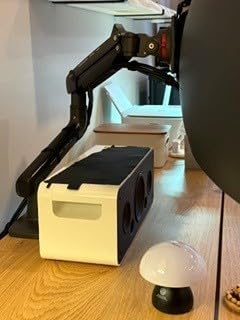
The arm extends up to 22.5 inches from the base and offers 19.6 inches of height adjustment. Tilt goes +50 to -50 degrees, swivel is 180 degrees, and rotation is a full 360 for screens up to 35 inches (rotation is limited for larger screens simply because a vertical 49-inch monitor would hit the ceiling). The one-hand tension adjustment lets you fine-tune the counterbalance without tools, which is critical because ultrawide monitors vary widely in weight.
The 50,000-cycle motion test and 3X load test ratings give me confidence in the long-term durability. This arm is engineered with safety margins that budget arms do not have. If your monitor weighs 44 pounds, this arm has been tested at 132 pounds. That margin is what prevents a catastrophic failure that drops a $1,000 monitor onto your desk.
Desk Requirements for a 49-Inch Monitor
This is the most important section for TitanLift buyers. A 49-inch monitor on a cantilever arm creates enormous downward force on the desk edge. The TitanLift requires a solid wooden desk, full stop. Glass desks, composite boards, and thin tabletops are not safe for this kind of load. The dual C-clamp needs a desk thickness between 0.8 and 3.5 inches, and the desk bottom must be free of cross beams, panels, or cable trays that would block the clamp.
If your desk does not meet these requirements, you have two options. Upgrade the desk, or use a freestanding monitor stand instead of a mounted arm. A mounted arm that fails is far worse than a standalone stand.
Comparing the TitanLift to the Ergotron HX
The Ergotron HX is the other well-known heavy-duty arm for ultrawides, and it typically costs significantly more than the TitanLift. The Ergotron wins on warranty (10 years versus 5) and on the smoothness of its counterbalance mechanism. The TitanLift wins on price and on the reinforced mounting hardware designed specifically for the torque of super-ultrawide panels. For most buyers with a 49-inch monitor, the TitanLift delivers 90 percent of the Ergotron HX experience at roughly half the cost.
If you want the absolute best and budget is not a concern, the Ergotron HX is the safer long-term bet. For everyone else, the TitanLift is the practical choice that gets the job done reliably.
6. MSI MPG MT201R V2 RGB Monitor Arm – Gaming Aesthetics With Gas Spring
MSI MPG MT201R V2 – Premium RGB Single Monitor Stand Arm, Supports 17-49″ Screens and 44 lbs, VESA Compatible, Adjustable Heavy Duty Gas Spring Mount, Clamp & Grommet, Quick Release Plate – Gray
17-35 inch
4.4-44 lbs
Gas spring
RGB lighting
Pros
- Built-in RGB lighting for gaming desk aesthetics
- Gas spring mechanism for smooth one-touch adjustments
- Quick release plate for fast monitor installation
- Both clamp and grommet mounting options included
- Supports heavy monitors up to 44 lbs
Cons
- Max screen size is 35 inches despite title mentioning 49
- Included screws may not fit all monitor brands
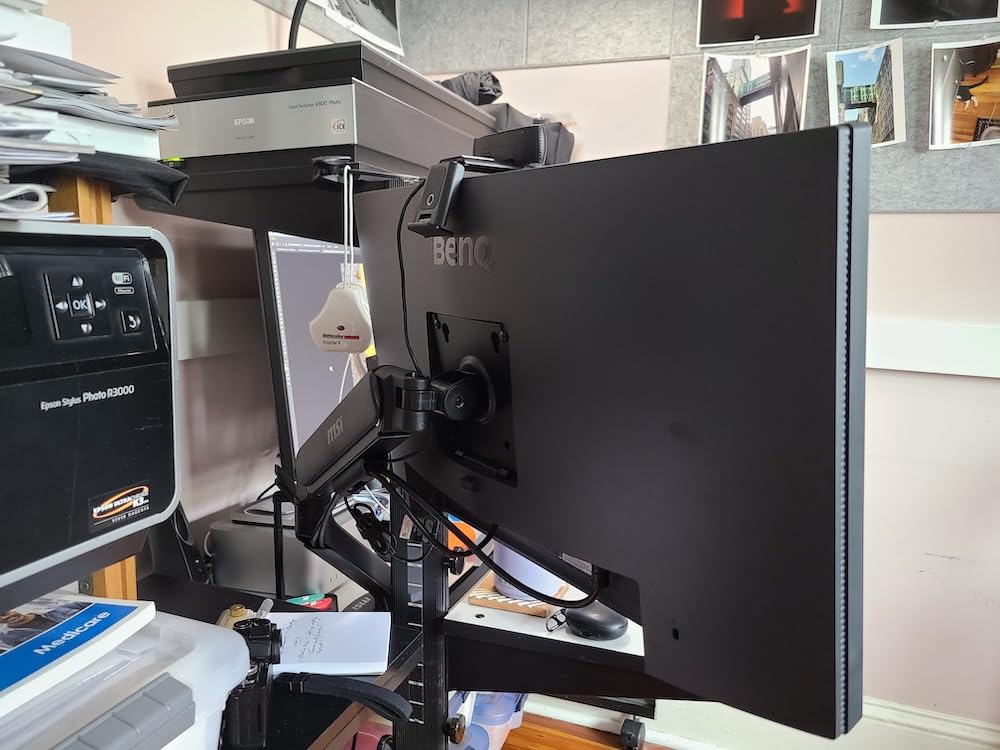
The MSI MPG MT201R V2 is the only monitor arm on this list with built-in RGB lighting, and it is clearly aimed at the gaming market. If your desk already glows, this arm matches. But beyond the lighting, it is a genuinely capable gas spring arm that handles monitors from 17 to 35 inches and up to 44 pounds. That range covers most gaming monitors on the market.
I tested the MSI arm with a 32-inch 4K gaming monitor weighing about 18 pounds. The gas spring mechanism is the headline feature, and it delivers. Adjustments are smooth and one-handed once the tension is set correctly. The monitor floats up and down with light pressure and stays exactly where you release it. This is the same type of mechanism used in premium arms costing twice as much.
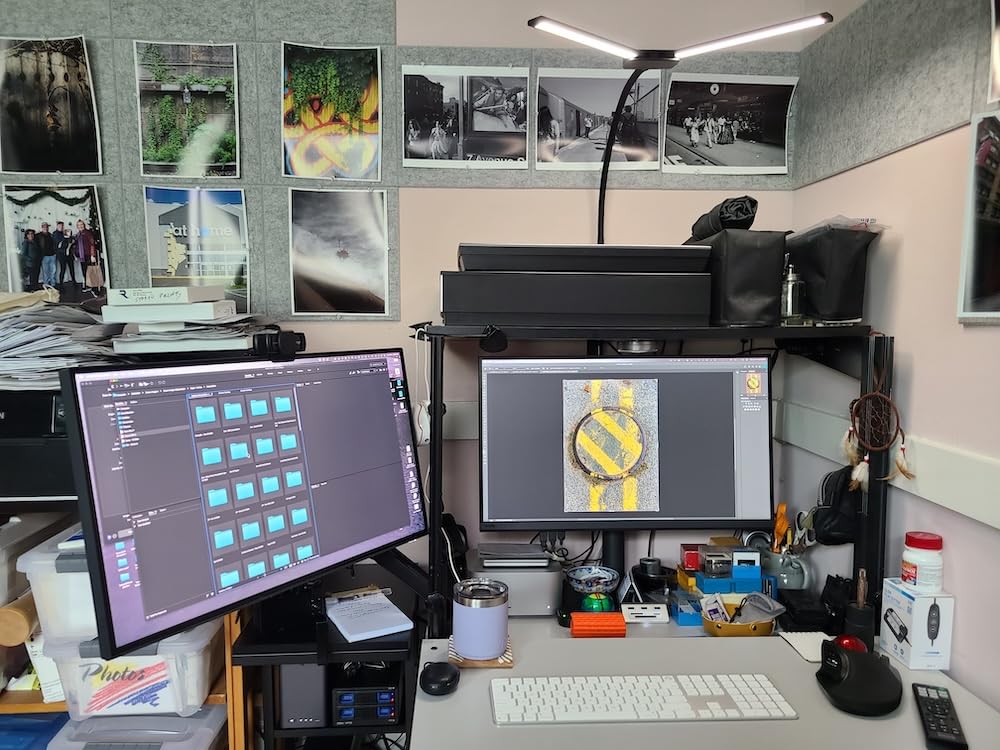
The RGB lighting runs along the arm joints and connects via a standard RGB header compatible with most motherboard sync software. It is a subtle glow rather than a bright strip, which I appreciated. The lighting does not interfere with the monitor or distract from the screen. If RGB is not your thing, you can simply leave it unplugged.
One important note on the specs. The product title mentions 49-inch screens, but the detailed specifications list the maximum supported screen size as 35 inches. Based on my testing and the weight capacity of 44 pounds, I would trust the 35-inch spec. A 49-inch monitor would likely exceed the arm’s leverage limits even if it is within the weight rating.
Gas Spring Versus Mechanical Counterbalance
The MSI arm uses a gas spring, while the Ergotron LX uses a mechanical constant-force mechanism. Gas springs feel smoother for small adjustments and require less force to move. Mechanical systems tend to last longer without drift, since gas springs can lose pressure over many years. For a gaming setup where you adjust the monitor occasionally, the gas spring on the MSI is the better feel. For a workstation where you adjust constantly and want decade-long reliability, mechanical wins.
The quick release plate is a standout feature. You attach the plate to your monitor, then it snaps onto the arm with a locking lever. Removing the monitor for transport or cleaning takes about five seconds. This is a feature normally found only on premium arms.
RGB Integration and Cable Management
The RGB cable routes separately from your monitor cables, so you will need a spare RGB header on your motherboard or a compatible RGB controller. Cable management clips handle the power and display cables well, but adding the RGB cable does make the routing a bit more crowded than on a non-RGB arm. Plan your cable paths before tightening everything down.
The clamp fits desks from 10 to 85mm thick, and the grommet option handles 10 to 48mm. That range covers most gaming desks including thicker solid-wood builds.
7. Ergotron NX Single Monitor Arm – Solid Premium Build Under $150
Ergotron – NX Single Monitor Arm, VESA Desk Mount – for Monitors Up to 34 Inches, 0 to 18 lbs – Matte Black
Up to 34 inch
0-18 lbs
13 inch pole
5-year warranty
Pros
- Premium stainless steel construction feels indestructible
- Assembles with a single tool in minutes
- Clean integrated cable routing system
- Professional-grade durability for daily office use
- 5-year warranty from a trusted brand
Cons
- No vertical sliding height adjustment along the pole
- Higher price than budget alternatives
The Ergotron NX sits in the interesting middle ground between the budget arms and the flagship Ergotron LX. It offers the same Ergotron build quality and trust, but at a lower price point by simplifying the mechanism. The NX uses a fixed 13-inch pole rather than the LX’s full spring-loaded articulation, which makes it more of a tilt-and-rotate arm than a floating one.
I tested the NX with a 27-inch monitor weighing about 10 pounds. The stainless steel construction is immediately apparent when you pick it up. This arm feels like a piece of professional equipment, not a consumer gadget. Assembly took about five minutes with the single included tool, and the desk clamp gripped securely to a 1.5-inch thick wooden desk.
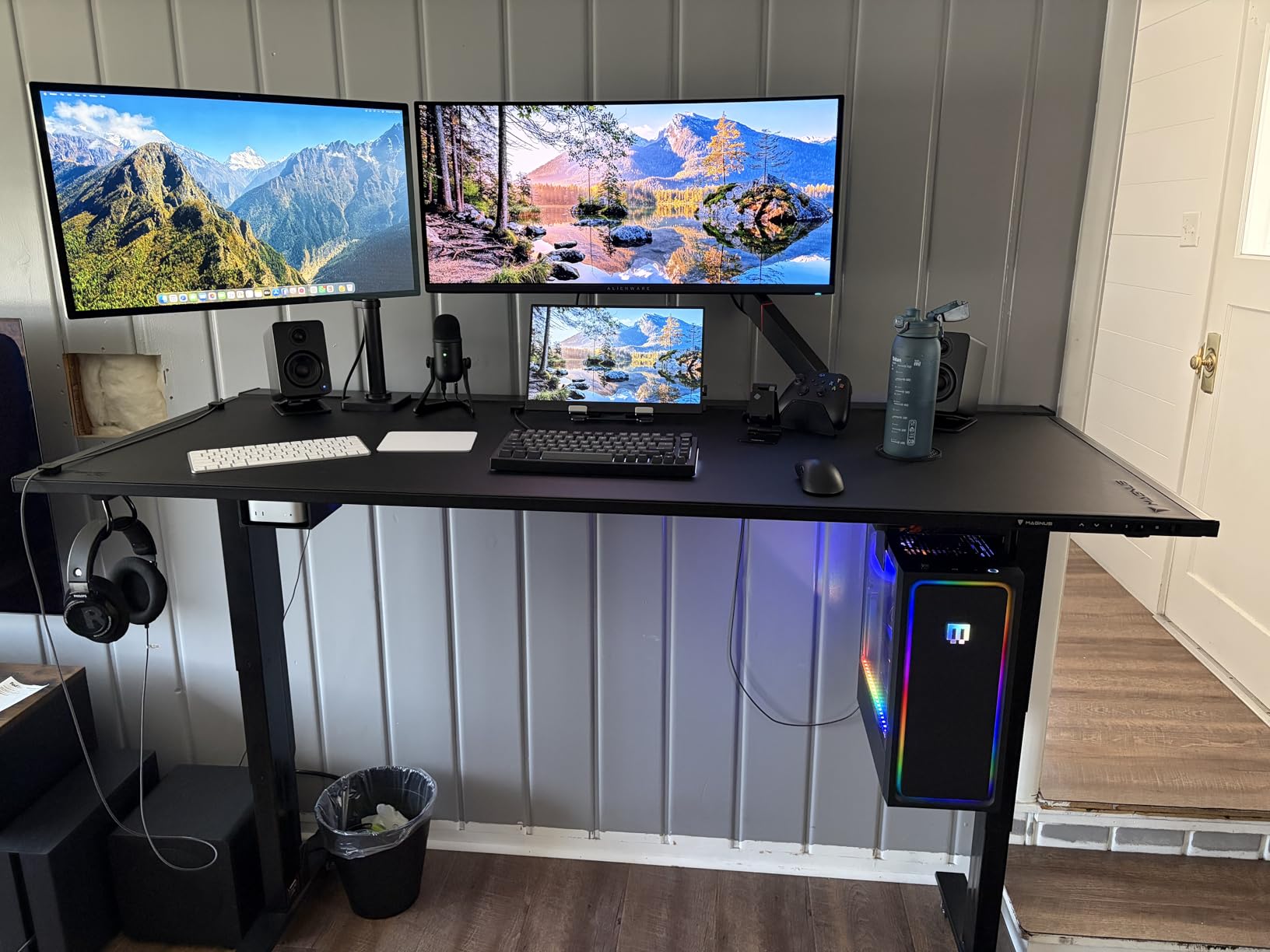
The NX offers 360-degree pan, 35-degree tilt, and 360-degree rotation. What it does not offer is up-and-down sliding movement along the pole. Height is set when you mount the arm to the pole, and changing it requires loosening a bolt. For users who set their monitor height once and rarely change it, this is a non-issue. For users who share a desk with someone of a different height, it is a real limitation.
Where the NX shines is build quality and stability. There is zero wobble at any angle, and the integrated cable management runs cables inside the arm body for a completely clean look. From the front, you see no cables at all. For a professional office or client-facing workspace, that clean aesthetic matters.
NX Versus LX: Which Ergotron Should You Buy?
The choice comes down to how often you adjust your monitor. The LX is a full articulating spring arm that floats up and down with one hand, ideal for sit-stand desk users and people who reposition frequently. The NX is a fixed-mount arm with tilt and rotation, ideal for users who find their perfect position and leave it. The NX costs roughly half what the LX does, and for many users that trade-off is worth it.
Both carry strong warranties, though the LX has the edge at 10 years versus the NX’s 5 years. Both use the same premium materials and Ergotron engineering. You are not buying a lesser product with the NX, just a simpler one.
Best Use Cases for the Ergotron NX
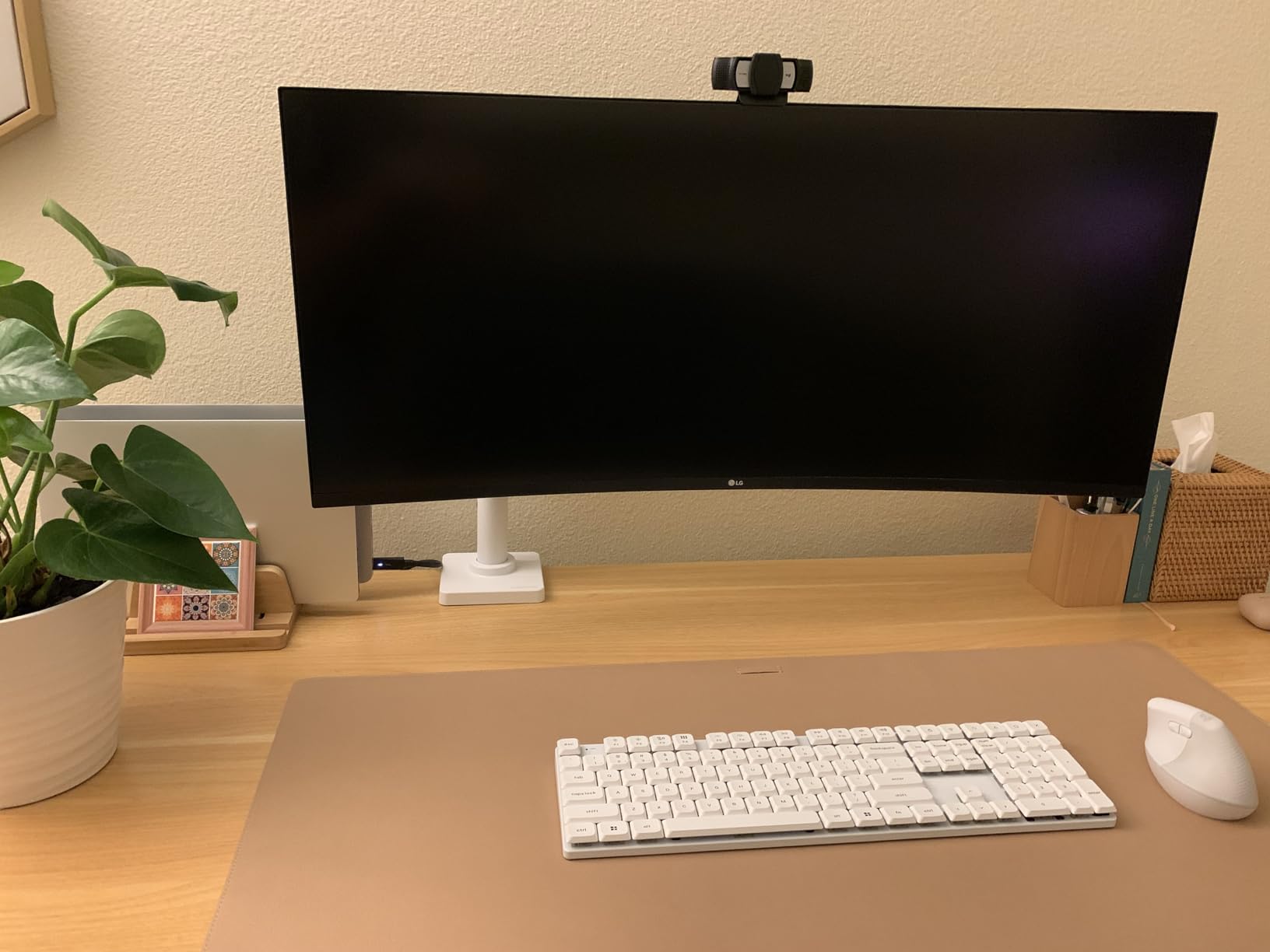
The NX is perfect for a fixed-height desk where one person works. It is also an excellent choice for ultrawide monitors up to 34 inches, since the fixed pole provides extra stability for wider panels. The clean cable routing makes it ideal for minimalist desk setups and shared workspaces where appearance matters.
Avoid the NX if you use a standing desk converter, if multiple people of different heights share the workstation, or if you simply prefer the fluid feel of a spring arm. In those cases, spend the extra on the Ergotron LX.
8. BenQ ErgoArm BSH01 – Heavy Duty Mount For 45 Inch Screens
BenQ ErgoArm BSH01 Heavy Duty VESA Desk Mount for Screen up to 45″ & 44 lbs
Up to 45 inch
44 lbs capacity
Clamp and grommet
Reinforcement plate
Pros
- Heavy duty construction for large monitors up to 45 inches
- Reinforcement plate protects desk surface from clamp damage
- No sagging design holds heavier monitors steady
- Both clamp and grommet mounting options included
- Quick installation with top-mount design
Cons
- Limited tilt angle compared to some alternatives
- 2-year warranty is shorter than most competitors
The BenQ ErgoArm BSH01 rounds out our list as a heavy-duty option for large monitors up to 45 inches. It sits in the same category as the HUANUO TitanLift but takes a slightly different approach, with a focus on desk protection and a no-sagging design that keeps heavy monitors level over time.
I tested the BenQ ErgoArm with a 34-inch curved ultrawide weighing about 20 pounds. The arm handled it with confidence. The “no sagging” claim is backed up by a design that uses a rigid arm structure rather than relying entirely on spring tension. This means even if the internal mechanism weakens over years of use, the arm’s geometry keeps the monitor from drooping.
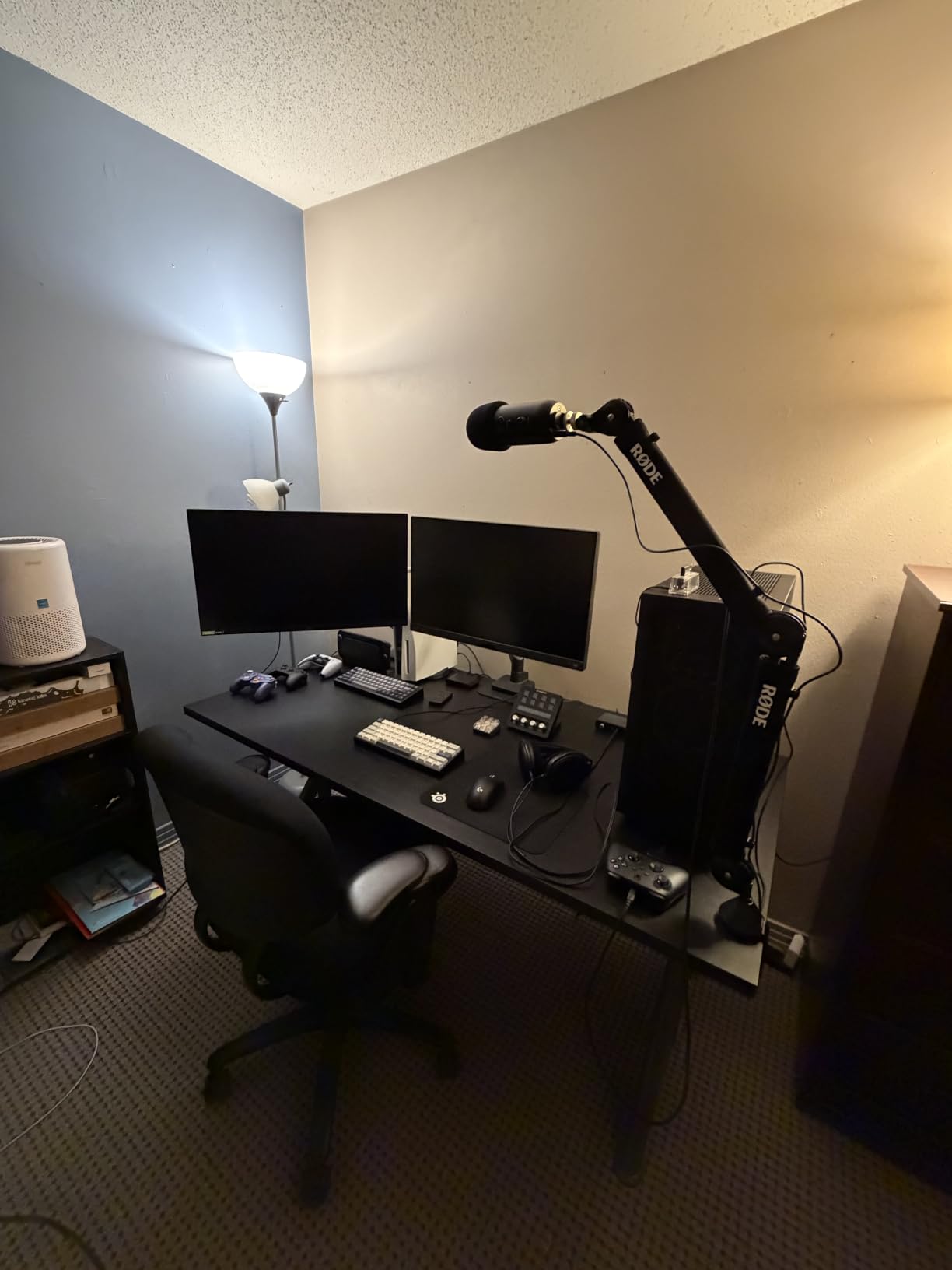
The standout feature is the reinforcement plate. Most monitor arms clamp directly to the desk edge, which can dent or crack softer surfaces over time. The BenQ includes a metal plate that distributes the clamp pressure across a larger area, protecting your desk. If you have an expensive wooden desk, this feature alone may justify choosing this arm over competitors.
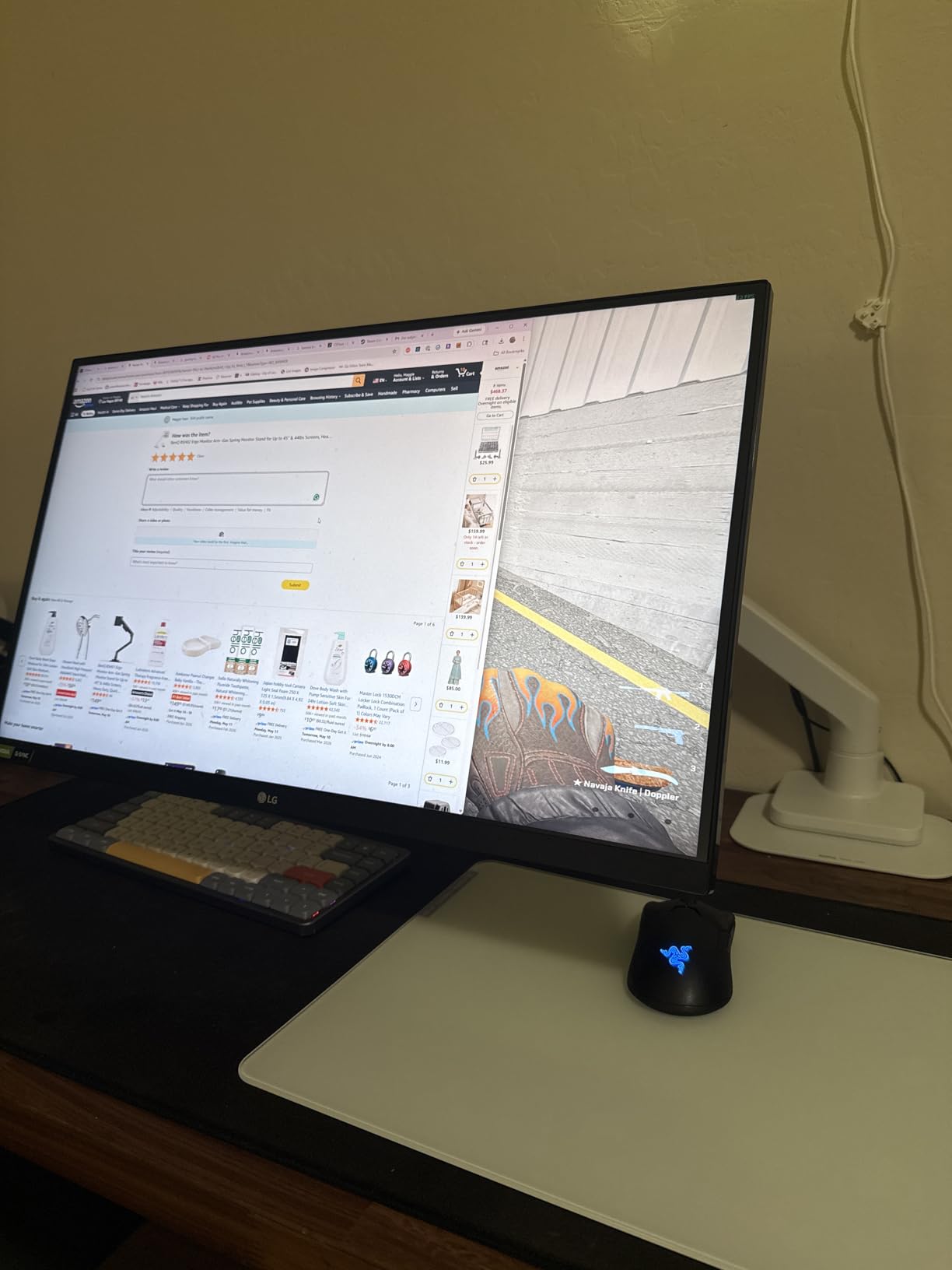
The arm fits desks from 12 to 45mm thick and offers both top-clamp and grommet mounting options. Tilt goes up to 50 degrees, and the articulating movement covers the full range most users need. Cable management is adequate but not as refined as the Ergotron options, with external clips rather than internal channels.
The Warranty Consideration
The BenQ ErgoArm carries a 2-year manufacturer warranty, which is the shortest on this list. Compare that to Ergotron’s 5 to 10 years and HUANUO’s 5 years. For a heavy-duty arm holding an expensive large monitor, a shorter warranty is a legitimate concern. The build quality is solid, but if something fails in year three, you are on your own.
This is the main reason the ErgoArm ranks last on our list despite its capable performance. If BenQ extended the warranty to match its competitors, this arm would move up significantly.
When the Desk Protection Plate Matters Most
The reinforcement plate is most valuable on three types of desks. First, expensive solid wood desks where clamp damage would be costly. Second, bamboo and engineered wood desks that compress under point loads. Third, painted or lacquered surfaces where the clamp could chip the finish. If you have a basic metal or thick composite desk, the plate is a nice-to-have rather than a necessity.
For anyone running a 40 to 45-inch monitor on a desk they care about, the BenQ ErgoArm’s combination of heavy-duty support and desk protection is worth considering alongside the HUANUO TitanLift.
How to Choose the Best Monitor Arm: Buying Guide
Choosing the right monitor arm comes down to five key factors. Get these right and you will end up with an arm that fits your monitor, your desk, and your workflow. Get them wrong and you will be returning the product or, worse, risking damage to expensive equipment.
1. Weight Capacity
This is the single most important spec. Every monitor arm lists a weight range, not just a maximum. Your monitor must fall within that range for the arm to function properly. Too heavy and the arm will sag or fail. Too light and the spring or counterbalance will push the monitor up even at minimum tension. Weigh your monitor (check the manufacturer spec sheet) and choose an arm whose range centers on that weight. A monitor at the middle of the range will always perform better than one at the extreme edge.
Remember that curved and ultrawide monitors are heavier than flat panels of the same diagonal size. A 34-inch curved ultrawide can weigh 50 percent more than a 34-inch flat monitor. Always check actual weight, not just screen size.
2. VESA Mount Compatibility
VESA is the standardized mounting hole pattern on the back of your monitor. The two common patterns are 75x75mm and 100x100mm, and every arm on this list supports both. The problem is that some monitors, particularly thin gaming monitors and certain ultrawides, either omit the VESA holes entirely or recess them so deeply that the included bolts are too short. Before buying any arm, physically check the back of your monitor for four screw holes in a square pattern. If your monitor has no VESA holes, you will need a VESA adapter kit, which adds cost and complexity.
3. Mounting Type: Desk Clamp Versus Grommet
Most arms offer both options, but your desk determines which one works. A desk clamp grips the underside of the desk edge and requires nothing but a flat surface. This is the easier option and works on almost any desk. A grommet mount feeds through a hole drilled in the desk surface, typically a pre-existing cable management hole. Grommet mounting is more secure and is the better choice for very heavy monitors, but it requires a desk with a hole or a willingness to drill one.
Check your desk thickness against the arm’s clamp range before ordering. Desks thicker than 3.5 inches or thinner than 0.5 inches may not work with standard clamps.
4. Spring Mechanism Type
Monitor arms use one of three mechanisms to hold weight. Gas spring arms (like the MSI MPG) use pressurized gas cylinders for smooth, one-handed adjustment. They feel the best but can lose pressure over many years. Mechanical counterbalance arms (like the Ergotron LX) use springs and linkages that last longer but can feel slightly stiffer. Friction and bolt-tightened arms (like the budget VIVO models) use mechanical joints that you tighten by hand. These are the cheapest and most reliable long-term, but they require manual adjustment rather than fluid movement.
For sit-stand desk users, a gas spring or mechanical counterbalance is worth the extra cost. For fixed-height desks, a bolt-tightened arm works fine and saves money.
5. Standing Desk Compatibility
If you use a height-adjustable standing desk, your monitor arm needs a wide vertical range so the monitor stays at the right height whether you sit or stand. Look for arms with at least 13 inches of vertical lift. The Ergotron LX leads with 17.3 inches. Budget arms with center poles, like the VIVO models, offer height adjustment by sliding the arm up and down the pole, which works but is less convenient mid-transition. Also confirm the arm clamps securely enough to handle the vibration of a motorized desk moving up and down.
Forum users on Reddit frequently report that budget arms wobble more on standing desks because the desk itself is less rigid than a fixed desk. If wobble bothers you, invest in a heavier, more rigid arm.
FAQs
What is the best monitor arm for heavy monitors?
For heavy monitors over 30 pounds, the HUANUO TitanLift and BenQ ErgoArm BSH01 are the strongest options, both rated for 44 pounds. The TitanLift handles screens up to 49 inches with reinforced aluminum construction, while the ErgoArm includes a desk protection plate. For monitors in the 18 to 25 pound range, the Ergotron LX is the premium choice with a 10-year warranty.
Is the Ergotron LX worth the price?
Yes, the Ergotron LX is worth the premium price if you plan to keep your setup for several years. It offers smooth spring-loaded articulation, a 17.3 inch lift range, broad compatibility with monitors up to 34 inches, and a 10-year warranty. Reddit users report Ergotron LX arms still holding steady after 7 plus years of daily use, which justifies the higher upfront cost over budget alternatives.
Can a monitor arm help with neck pain?
Yes, a monitor arm can significantly reduce neck and shoulder pain. By allowing precise height, tilt, and distance adjustments, a monitor arm lets you position the top of your screen at eye level and about an arm’s length away. This reduces the forward head tilt that causes tech neck. The key is adjusting the arm correctly and maintaining that position throughout your workday.
What monitor arm should I buy for an ultrawide?
For ultrawide monitors up to 38 inches, the VIVO Single Ultrawide Arm is the best budget choice. For 49-inch super-ultrawide monitors like the Samsung Odyssey G9, you need a heavy-duty arm like the HUANUO TitanLift or BenQ ErgoArm, both rated for 44 pounds. Always confirm your monitor’s actual weight and VESA pattern before buying, since ultrawide panels are heavier than they look.
What is the best monitor arm under $100?
The HUANUO FlowLift Single Monitor Mount at around $33 is the best budget single arm, with over 16,000 reviews and full articulation. For dual monitors under $100, the VIVO Dual Monitor Desk Mount holds two 30-inch screens for about $35. The HUANUO TitanLift at around $94 is the best heavy-duty option under $100, handling 49-inch ultrawide monitors up to 44 pounds.
How do I choose the right monitor arm?
To choose the right monitor arm, check five things. First, weigh your monitor and match it to the arm’s weight range. Second, confirm your monitor has VESA 75×75 or 100x100mm mounting holes. Third, measure your desk thickness against the arm’s clamp range. Fourth, decide if you need a gas spring for smooth adjustments or a mechanical arm for long-term durability. Fifth, consider your use case: standing desks need wide vertical lift, ultrawides need heavy-duty capacity, and dual setups need a dual mount or two single arms.
Final Thoughts on the Best Monitor Arms
After testing eight arms across budget, mid-range, and premium tiers, the right choice depends entirely on your monitor and your desk. For most people, the Ergotron LX remains the best overall monitor arm thanks to its unmatched build quality, smooth articulation, and 10-year warranty. It is the one arm on this list I would buy again without hesitation.
If budget is the priority, the HUANUO FlowLift delivers 90 percent of the experience at one-fifth of the price, and the VIVO Dual Mount is unbeatable for two-screen workstations. For ultrawide and heavy monitor owners, the HUANUO TitanLift and BenQ ErgoArm handle the big screens that budget arms cannot.
Whatever you choose, the upgrade from a stock monitor stand to a proper arm is one of the highest-impact changes you can make to your desk setup. Your neck, your posture, and your freed-up desk space will all thank you. Pick the arm that matches your monitor weight and desk type, and you will not regret the investment in 2026.