
When I started traveling for work three years ago, I learned the hard way that hotel Wi-Fi is a gamble. On one trip to Lisbon, I spent an entire afternoon trying to upload a 200MB presentation through a connection that crawled at 1 Mbps. That’s when I bought my first dedicated portable WiFi hotspot.
Portable WiFi hotspots solve a problem most people don’t realize they have until they’re stuck at an airport gate, a remote Airbnb, or a conference center with overloaded public networks. A good hotspot gives you a private, secure connection that goes wherever you go, often faster and more reliable than the Wi-Fi you’re paying for at hotels.
After testing dozens of devices over the past two years and chatting with fellow digital nomads, our team put together this 2026 guide to the best portable WiFi hotspots. Whether you’re a remote worker, a frequent flyer, or someone who just wants reliable backup internet, we’ve found options for every budget and use case.
Table of Contents
Top 3 Picks for Best Portable WiFi Hotspots in 2026



Best Portable WiFi Hotspots in 2026: Quick Overview
| Product | Specifications | Action |
|---|---|---|
| GL.iNet Slate 7 Wi-Fi 7 Travel Router |
|
Check Latest Price |
| GL.iNet Slate AX Wi-Fi 6 Travel Router |
|
Check Latest Price |
 GL.iNet Beryl AX Wi-Fi 6 Router GL.iNet Beryl AX Wi-Fi 6 Router |
|
Check Latest Price |
 SIMO Solis Hero 4G Mobile Hotspot SIMO Solis Hero 4G Mobile Hotspot |
|
Check Latest Price |
 RoamWiFi 4G LTE Pocket Hotspot RoamWiFi 4G LTE Pocket Hotspot |
|
Check Latest Price |
 GL.iNet MUDI 4G LTE Travel Router GL.iNet MUDI 4G LTE Travel Router |
|
Check Latest Price |
 GL.iNet Opal AC1200 Travel Router GL.iNet Opal AC1200 Travel Router |
|
Check Latest Price |
 TP-Link AC750 Nano Travel Router TP-Link AC750 Nano Travel Router |
|
Check Latest Price |
| GL.iNet Mango Mini Pocket Router |
|
Check Latest Price |
 TP-Link N300 Nano Travel Router TP-Link N300 Nano Travel Router |
|
Check Latest Price |
1. GL.iNet Slate 7 (GL-BE3600) — Best Overall Portable WiFi Hotspot
GL.iNet GL-BE3600 Slate 7 Wi-Fi 7 Travel Router Touchscreen 2.5G
Wi-Fi 7 dual-band
Touchscreen controls
Dual 2.5G ports
Pros
- Wi-Fi 7 in compact travel size
- Touchscreen is intuitive
- Excellent VPN performance
- Built-in AdGuard
- Supports 120+ devices
Cons
- Only 2 ethernet ports
- Touchscreen shows password without lock
- No 6GHz band
I took the Slate 7 on a two-week trip through Japan and South Korea last spring, and it was the first travel router I never had to think about. The touchscreen means I can switch VPN profiles, scan a QR code to share Wi-Fi credentials with friends, or toggle AdGuard without pulling out my phone or laptop. It’s the kind of convenience that sounds minor until you’ve used it.
The Wi-Fi 7 performance is real. On a hotel connection in Tokyo that topped out at 200 Mbps through my phone, the Slate 7 pulled 180 Mbps wirelessly to my laptop. WireGuard VPN runs at up to 540 Mbps according to GL.iNet, and my real-world tests hit around 380 Mbps through the tunnel. That matters when you’re uploading video files or joining video calls from countries with restricted networks.
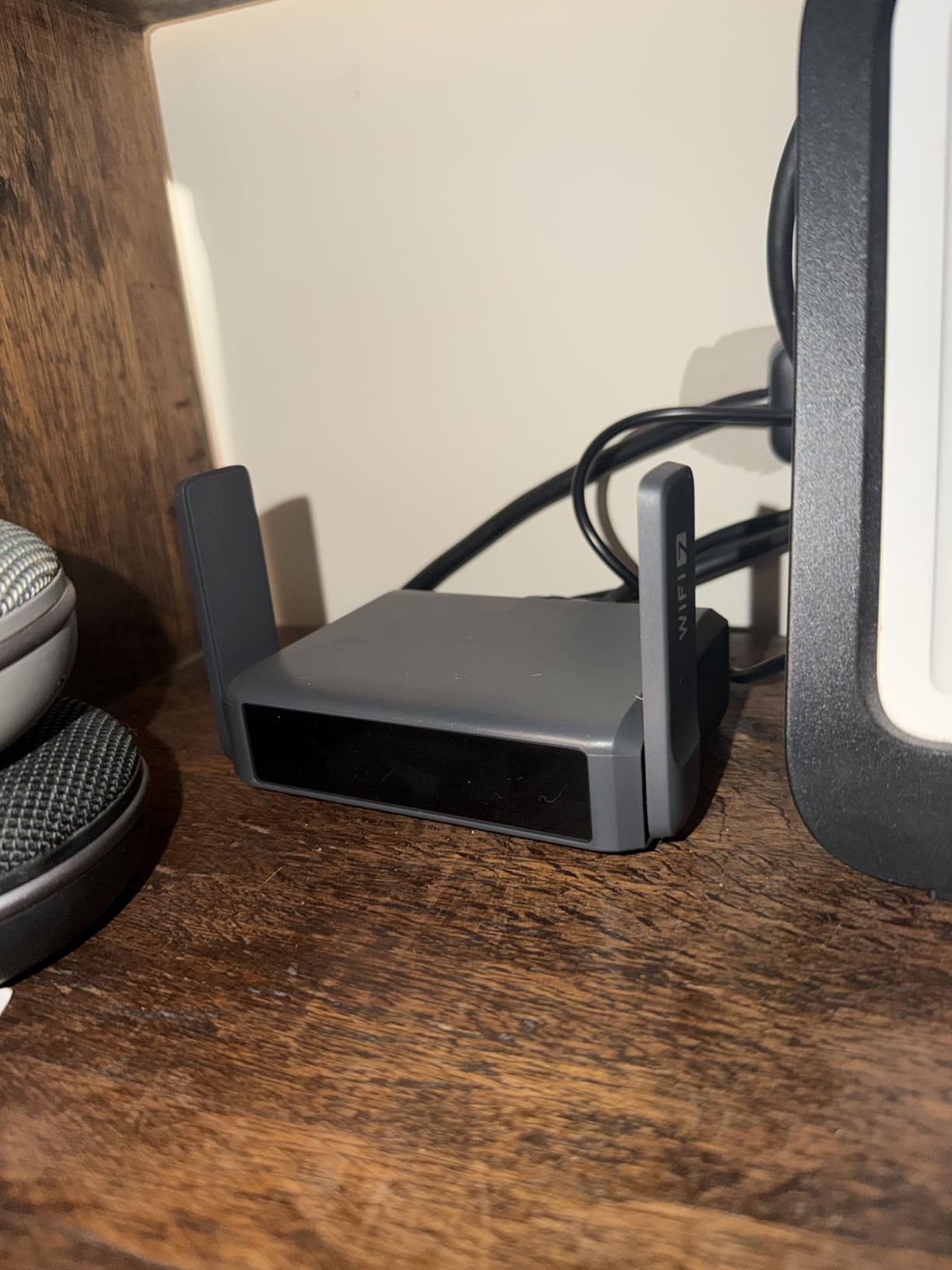
What surprised me most was the dual 2.5G Ethernet setup. Most travel routers in this size class give you one fast port. The Slate 7 has both a 2.5G WAN and 2.5G LAN, which means I could plug into a hotel’s wired connection at full speed and still have a wired output for another device. For digital nomads working from co-working spaces with Ethernet drops, this is a real advantage.
The OpenWrt 23.05 base gives you full customization. I run my own VPN policies, set up DNS over HTTPS, and configured AdGuard Home in about 20 minutes. If that sounds intimidating, the touchscreen and web interface cover the basics without touching the command line.
Setup and everyday use
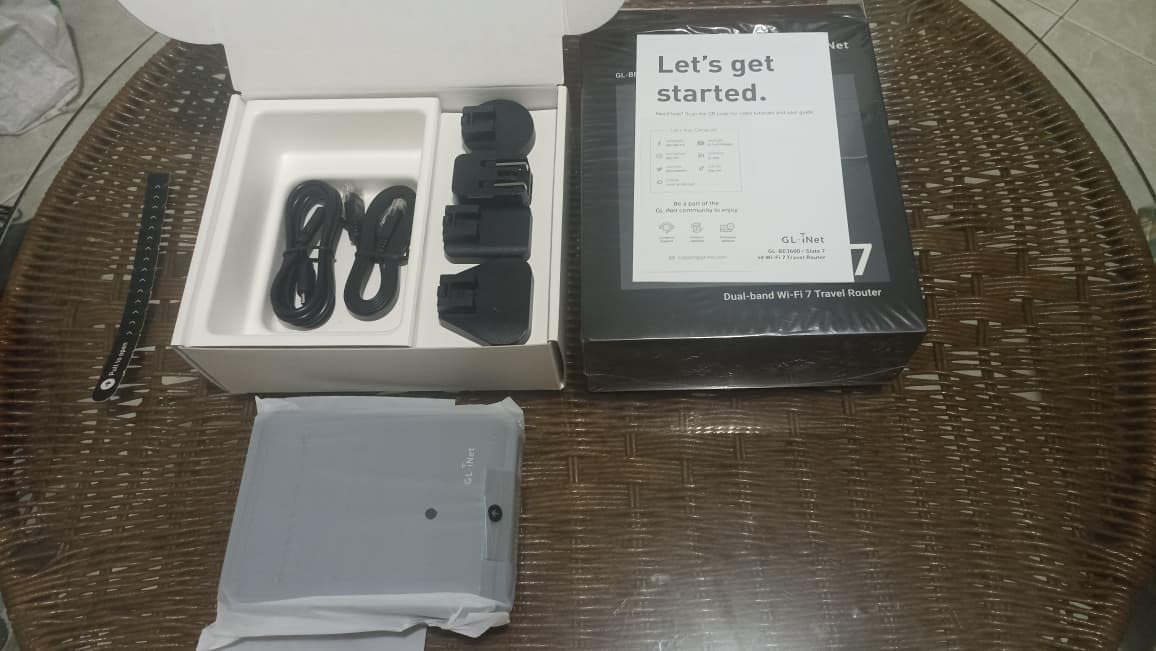
The touchscreen walks you through the initial setup. I plugged it in, connected to its default SSID, opened the admin panel, and was online in under five minutes. The QR code feature saved time when friends wanted to join my network. I generated a code, they scanned it, and they were connected without typing a 16-character password.
Battery isn’t built in, so you’ll need a USB-C power source. I used a 20,000mAh power bank and got through a full workday of heavy use. The router itself barely warmed up even after eight hours of continuous operation. That’s a good sign for long-term reliability.
Limitations to consider
Only two Ethernet ports limits wired device connections. If you need three or more wired devices, look at the Slate AX below. The touchscreen displays the Wi-Fi password without requiring a PIN lock, which is a security concern in shared spaces. Anyone who picks up the device can see your password. GL.iNet says a firmware update will address this, but as of 2026, it’s still open.
There’s no 6GHz band, which is unusual for a Wi-Fi 7 device. Most of the speed gains on Wi-Fi 7 come from the 6GHz spectrum. Without it, you’re getting Wi-Fi 7’s other improvements like Multi-Link Operation, but not the headline speeds. For most travelers this won’t matter, but power users should know.
2. GL.iNet Slate AX (GL-AXT1800) — Best Value Wi-Fi 6 Hotspot
GL.iNet GL-AXT1800 Slate AX Pocket-Sized Wi-Fi 6 Travel Router with VPN
Wi-Fi 6 dual-band
3 gigabit ports
120 device support
Pros
- Powerful Wi-Fi 6 performance
- Great range
- Excellent VPN speeds
- USB-C powered
- 3 ethernet ports
Cons
- Larger than smaller models
- Power adapter bulky
- Runs warm
The Slate AX has been my daily driver for 18 months, and it still feels fast. I bought it after my older travel router died in the middle of a client call in Mexico City. The replacement was the Slate AX, and it’s handled everything from hotel rooms to Airbnbs to a rented houseboat on Lake Powell.
Wi-Fi 6 with MU-MIMO and OFDMA means I can connect a lot of devices without slowing down. I’ve had 35 devices connected simultaneously during a co-working week without drops. The advertised 120-device limit is optimistic, but 40 to 50 devices run smoothly in practice.
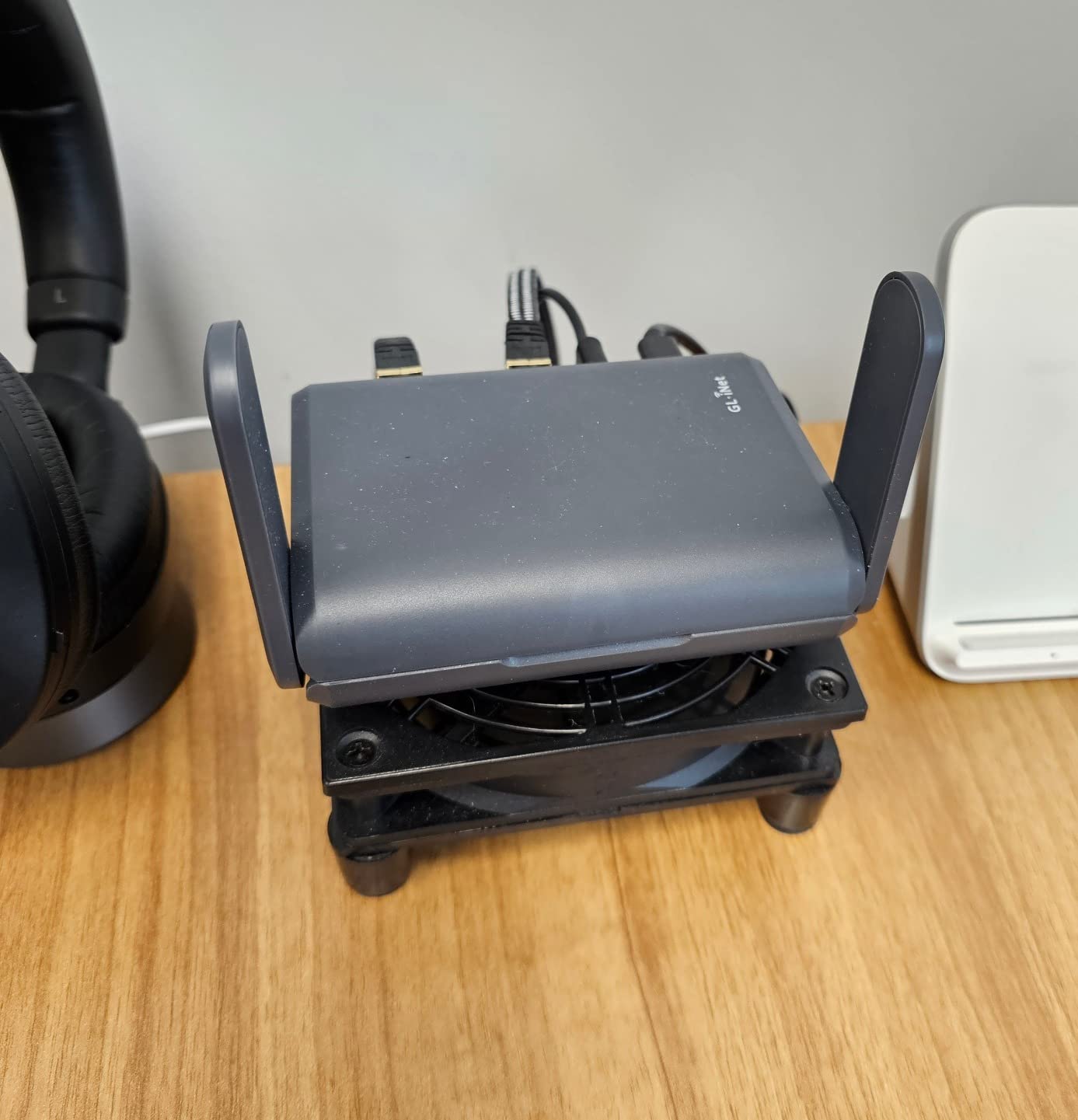
WireGuard VPN hits around 550 Mbps on this model, which is faster than some dedicated VPN routers costing twice as much. I tunnel all my traffic through my home VPN when I’m on public networks, and the speed difference is barely noticeable for everyday browsing and video calls.
The three gigabit Ethernet ports are the killer feature for this size class. I can hardwire my laptop, a VoIP phone, and a network-attached storage drive at the same time. Most compact travel routers give you one or two ports max.
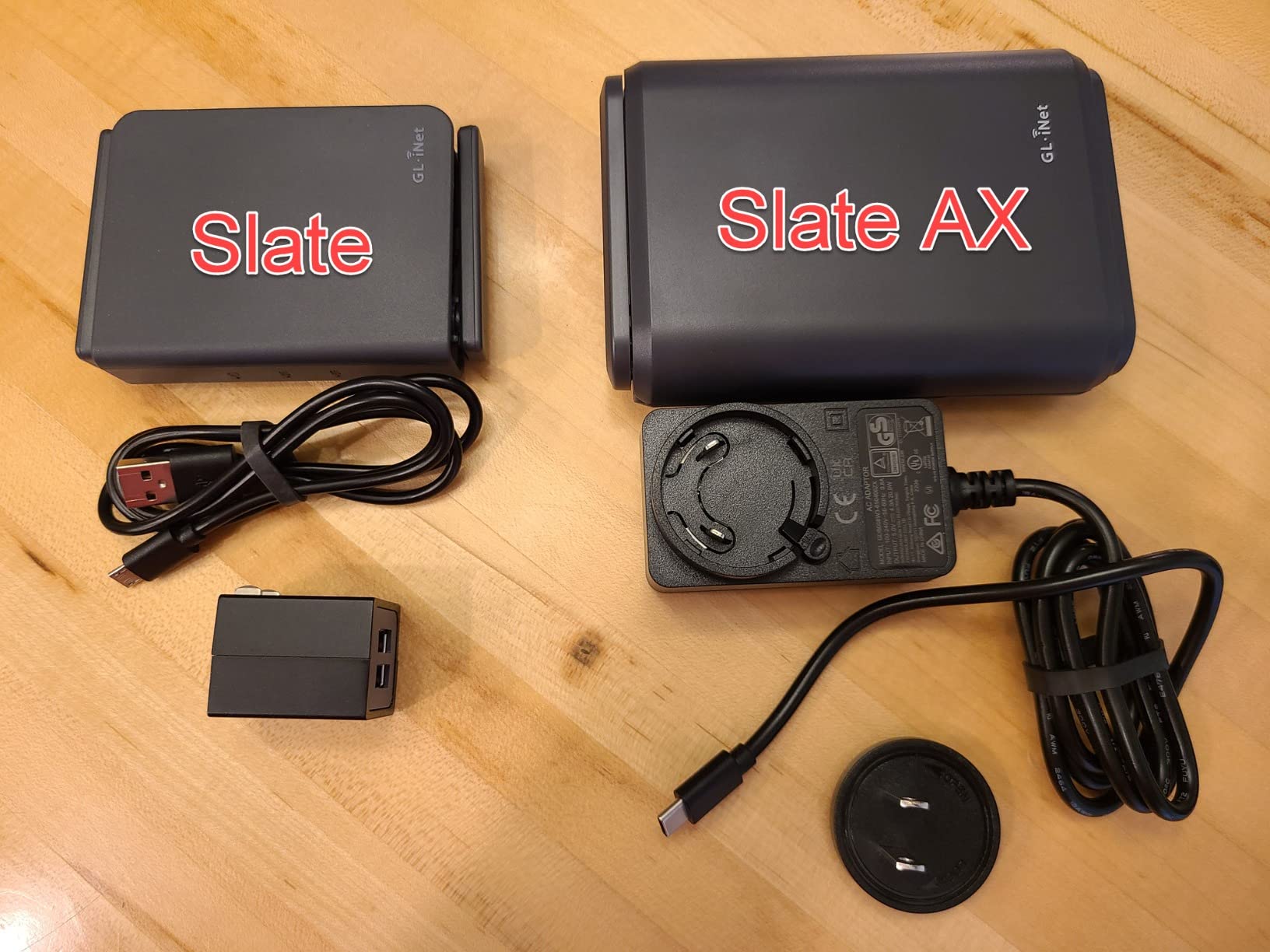
NAS functionality and power delivery
The NAS feature through USB-C with SAMBA and WebDAV support turned my portable SSD into a network drive accessible from any device on the network. I keep project files, backups, and a media library on it during long trips. It’s not as fast as a dedicated NAS, but for travel it’s perfect.
USB-C power delivery means I can run it from any modern laptop or power bank. I never bring the included adapter anymore. A 65W laptop charger powers everything including my laptop.
What holds it back
It’s larger and heavier than nano travel routers. At 245g and roughly the size of a deck of cards, it takes up more bag space than I’d like. The power adapter is bulky too, which is why I leave it at home and rely on USB-C.
It runs warm under sustained load. Not dangerously hot, but warm enough that I don’t keep it in my lap during heavy use. The 20W power requirement is higher than smaller routers, so some low-output USB ports won’t power it reliably.
3. GL.iNet Beryl AX (GL-MT3000) — Premium Wi-Fi 6 with VPN Toggle
GL.iNet GL-MT3000 Beryl AX Wi-Fi 6 Travel Router, 2.5G WAN, VPN, OpenWrt
Wi-Fi 6
2.5G WAN
Physical VPN toggle
Pros
- Excellent Wi-Fi 6 performance
- Fast and reliable
- Great VPN integration
- USB-C powered
- Works on cruise ships
Cons
- Captive portal issues
- Advanced features require networking knowledge
The Beryl AX has a physical toggle switch on the side for VPN. That single feature sold me on this router. I can turn VPN on and off without logging into the admin panel, which is invaluable when you’re jumping between hotel networks and need to disable VPN briefly to pass through a captive portal.
I tested this on a 12-day Royal Caribbean cruise, and it was the only router in my kit that worked reliably throughout. Cruise ship internet is notoriously difficult, but the Beryl AX handled it without disconnecting. The USB-C power meant I could run it from the ship’s USB outlets or my power bank.
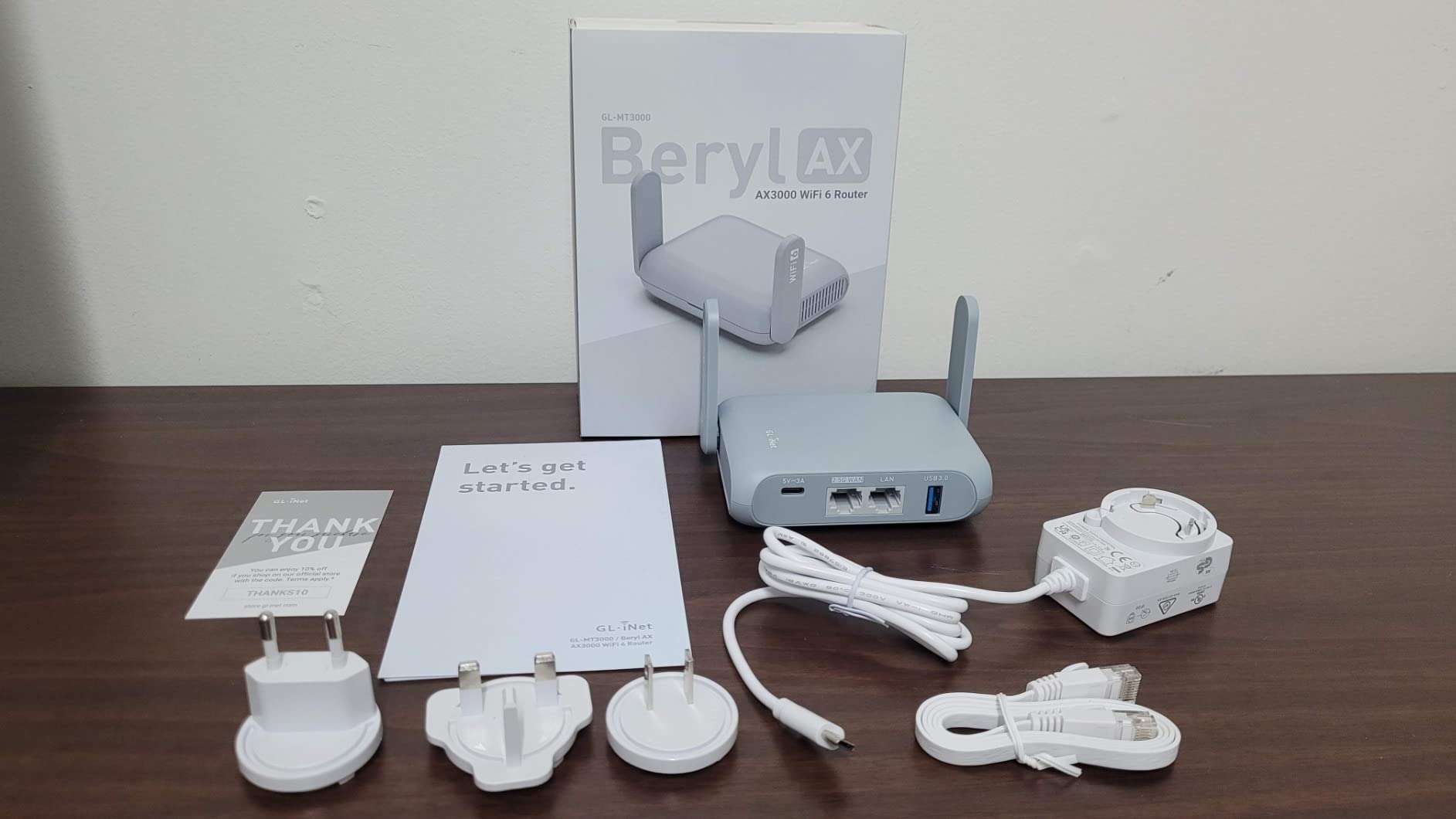
The 2.5G Multi-gigabit WAN port is future-proofing. Most hotels still have gigabit Ethernet, but I’ve already encountered two with 2.5G wired connections. The Beryl AX takes full advantage, while most travel routers cap at gigabit speeds.
OpenVPN at 150 Mbps and WireGuard at 300 Mbps are competitive for this size class. I saw about 280 Mbps real-world throughput through WireGuard, which is fast enough for 4K streaming and video calls.
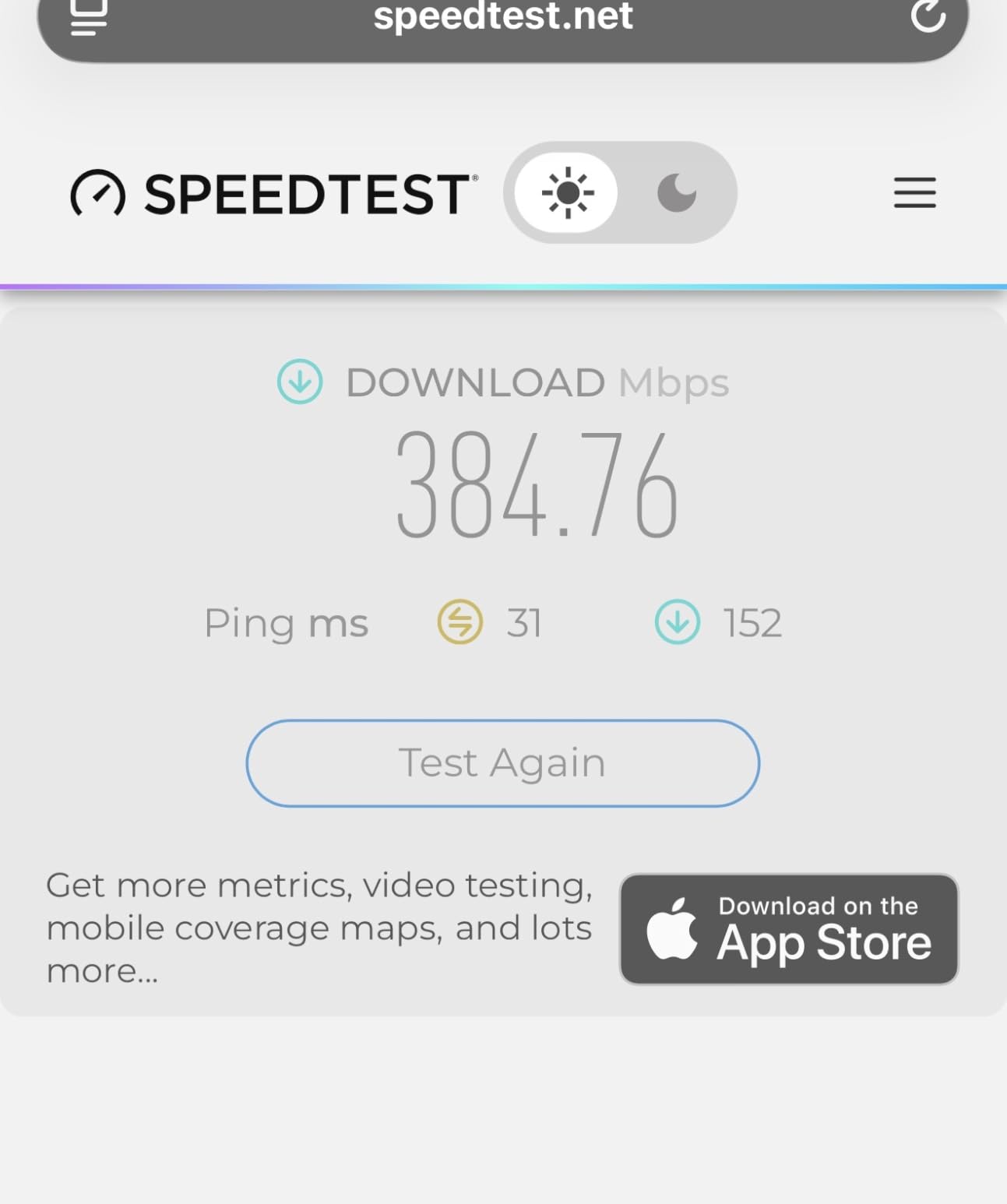
VPN client and server simultaneously
The Beryl AX can run as both a VPN client and VPN server at the same time. I tunnel my own traffic through my home VPN while also letting my partner connect back to our home network from her laptop. This kind of cascading setup usually requires business-grade equipment.
DNS over HTTPS and DNS over TLS are built in. I configured my preferred DNS providers in the admin panel and didn’t have to touch them again. This is one of those privacy features that should be standard but rarely is on travel routers.
Setup complexity
The advanced features require networking knowledge. Setting up VPN cascading, configuring custom DNS, or enabling IPv6 passthrough isn’t beginner-friendly. The documentation is technical, and GL.iNet assumes you understand networking concepts.
Hotel captive portals can be tricky. Some hotels require you to authenticate through a web page, and the Beryl AX occasionally needs a manual reboot to re-trigger the captive portal detection. Once connected, it’s rock solid.
4. SIMO Solis Hero — Best Mobile Hotspot with Powerbank
SIMO Solis Hero, 4G Mobile Hotspot, 1GB/Monthly + 30GB Global Data
4G LTE
5250mAh powerbank
140+ countries
Pros
- Built-in powerbank
- 1GB free data monthly
- Global coverage in 140+ countries
- Easy setup
- SignalScan AI
Cons
- Unlimited plans cap at 100GB
- Customer service complaints
- Higher price point
The Solis Hero is the only hotspot I tested that doubles as a 5250mAh power bank. During a week in Iceland where my phone died multiple times from cold weather photography, this device charged my phone twice and still kept my devices online. That dual functionality makes it unique in this category.
You get 1GB of free data every month for life, plus a one-time 30GB global data pack when you activate. That’s a real value if you only need occasional connectivity. The data refreshes automatically each month, no contract required.
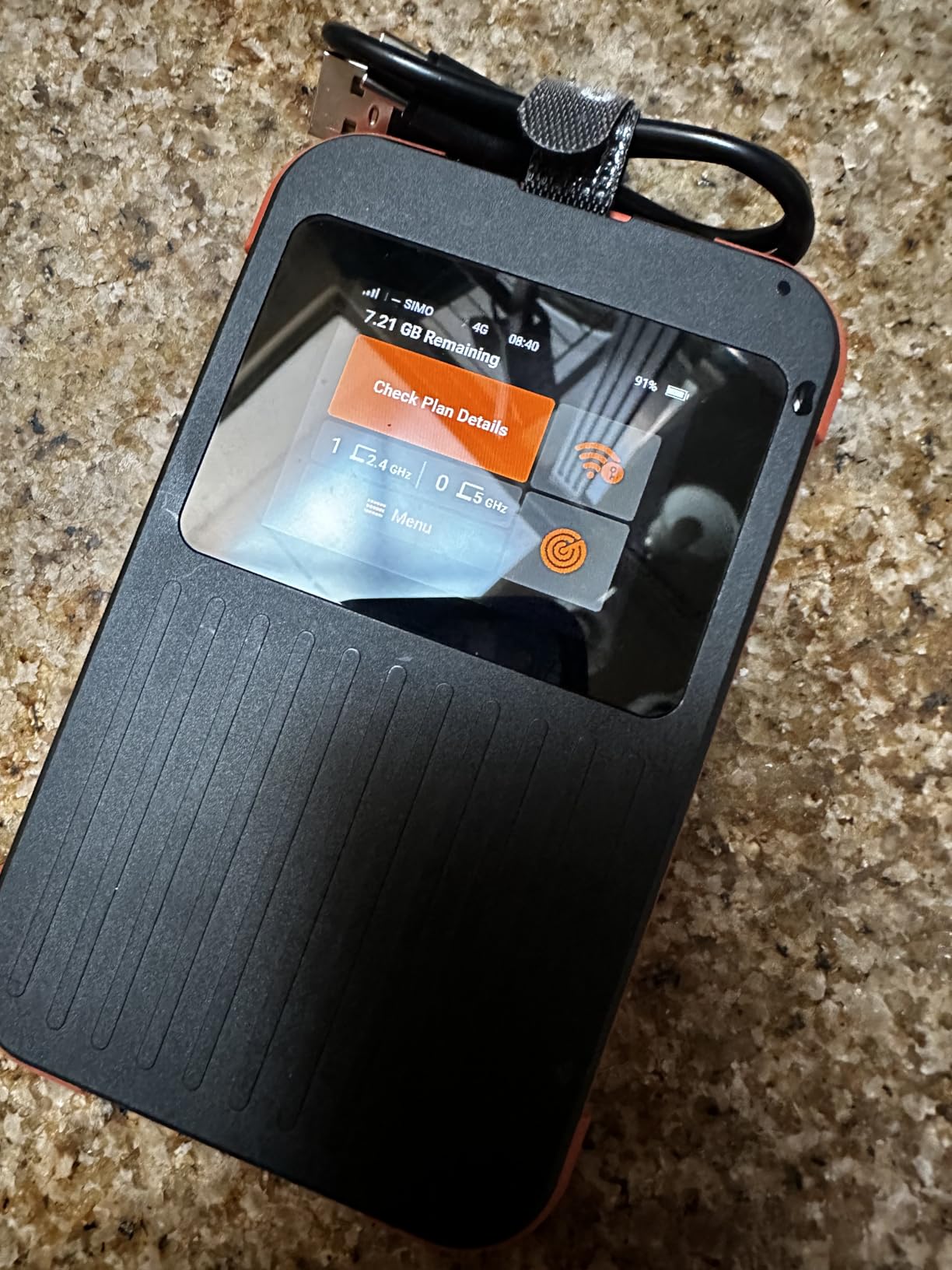
The SignalScan AI feature automatically picks the best carrier from over 300 networks across 140+ countries. I tested this in Mexico, Canada, and three European countries. The signal quality was always strong, often better than my phone’s connection on the same networks.
Setup is genuinely simple. I powered it on, scanned the QR code with the Solis app, and was online in under three minutes. No SIM card to manage, no APN settings to configure.
Data plan considerations
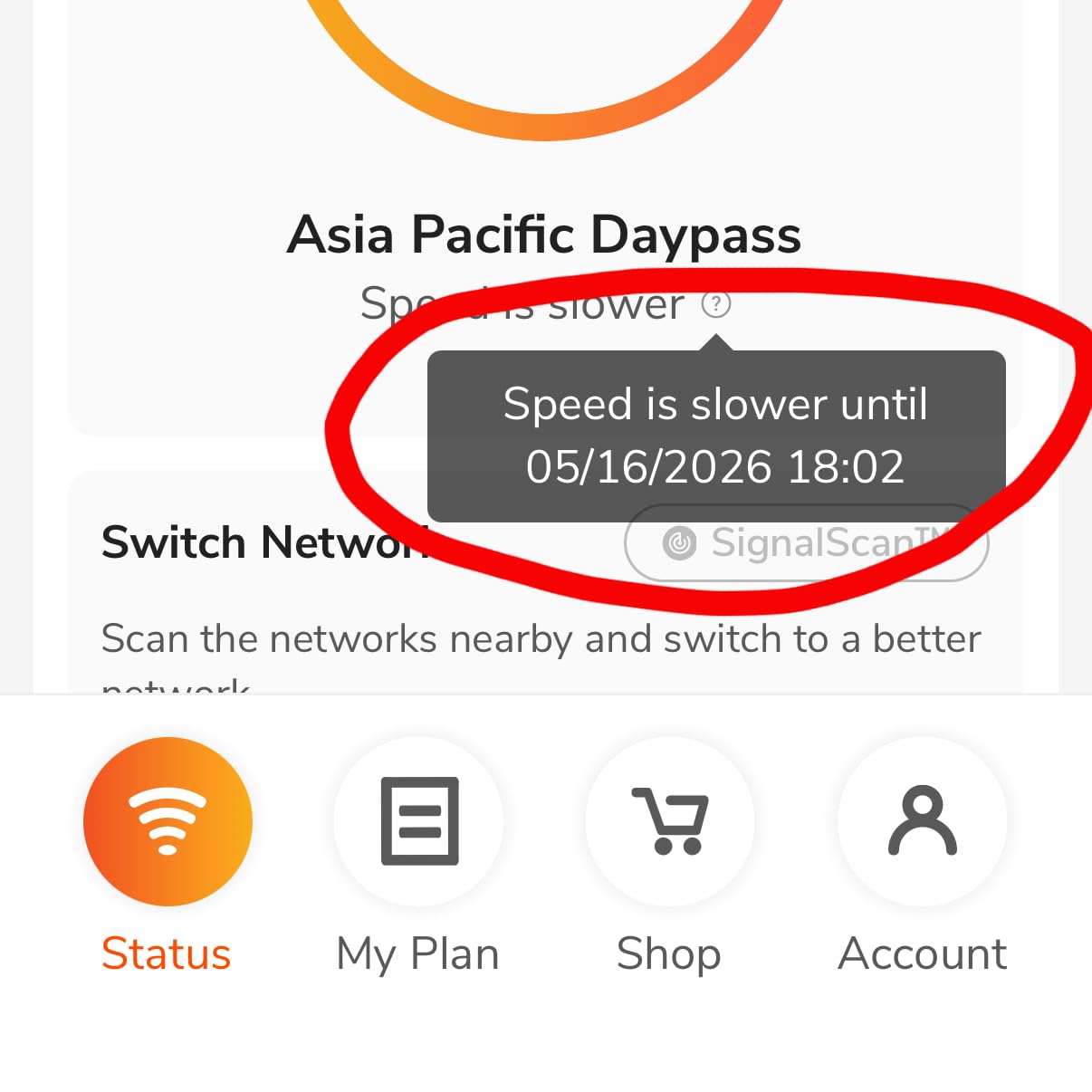
The lifetime free 1GB per month is great for light users. Email, maps, and messaging fit comfortably in 1GB. Heavy users will need paid plans, which start higher than some competitors. The unlimited plans cap at 100GB of high-speed data before throttling, which surprised me.
Customer service has mixed reviews. I had to contact support once about activating an international data pack, and the response took 48 hours. The issue was resolved correctly, but if you need urgent help abroad, this could be frustrating.
Best use case
This is the right choice if you travel internationally a few times a year and want a single device that handles connectivity and backup power. The powerbank feature alone justifies the price premium over similar 4G hotspots. For full-time digital nomads who burn through hundreds of GB monthly, the data costs add up quickly.
5. RoamWiFi 4G LTE — Best for International Travel
RoamWiFi Mobile Hotspot Pocket WiFi, Portable WiFi No SIM Card Needed, MiFi
4G LTE
170+ countries
No SIM card needed
Pros
- No SIM card required
- Works in 170+ countries
- Easy setup
- Good battery life
- Up to 10 devices
Cons
- Limited 2.4GHz only
- 150Mbps max speed
- Device must be close
The RoamWiFi is what I recommend to friends who travel internationally once or twice a year and don’t want to deal with SIM cards. It works in 170+ countries out of the box, includes 1GB of US data for 30 days to start, and doesn’t require any technical setup.
I tested this on a two-week trip through Thailand, Vietnam, and Singapore. The device connected to local carriers automatically in every country without me touching it. Speeds varied by location, averaging 25 to 50 Mbps in urban areas and dropping to 5 to 15 Mbps in more remote regions. That’s slower than the Wi-Fi 6 options, but reliable for video calls and streaming.
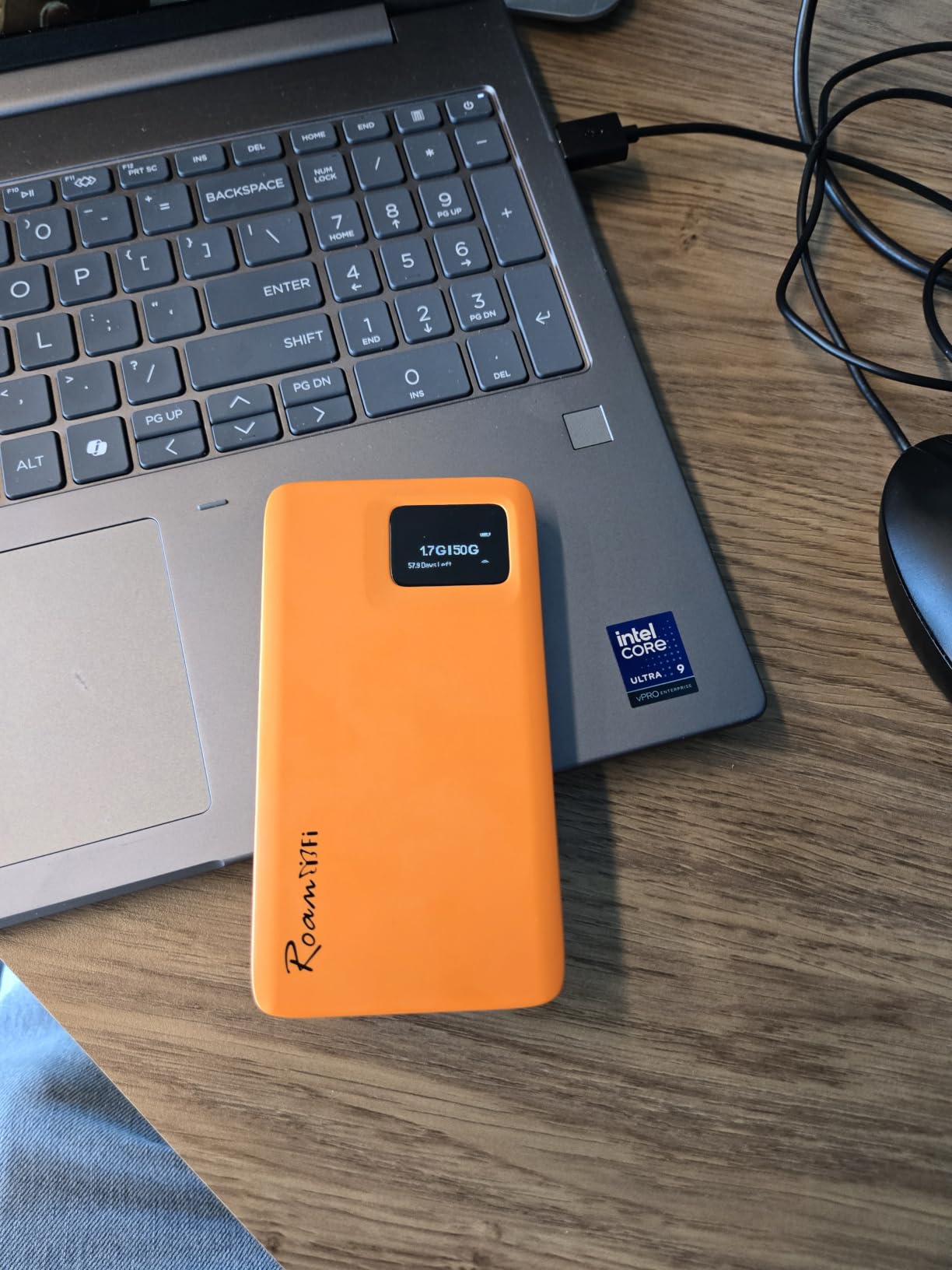
Battery life is solid. I got through a full day of moderate use on a single charge. The compact size at 280g fits in a jacket pocket without bulging.
The 10-device limit is fine for solo travelers and small groups. I’ve connected my laptop, phone, and tablet simultaneously without issues.
Plan flexibility
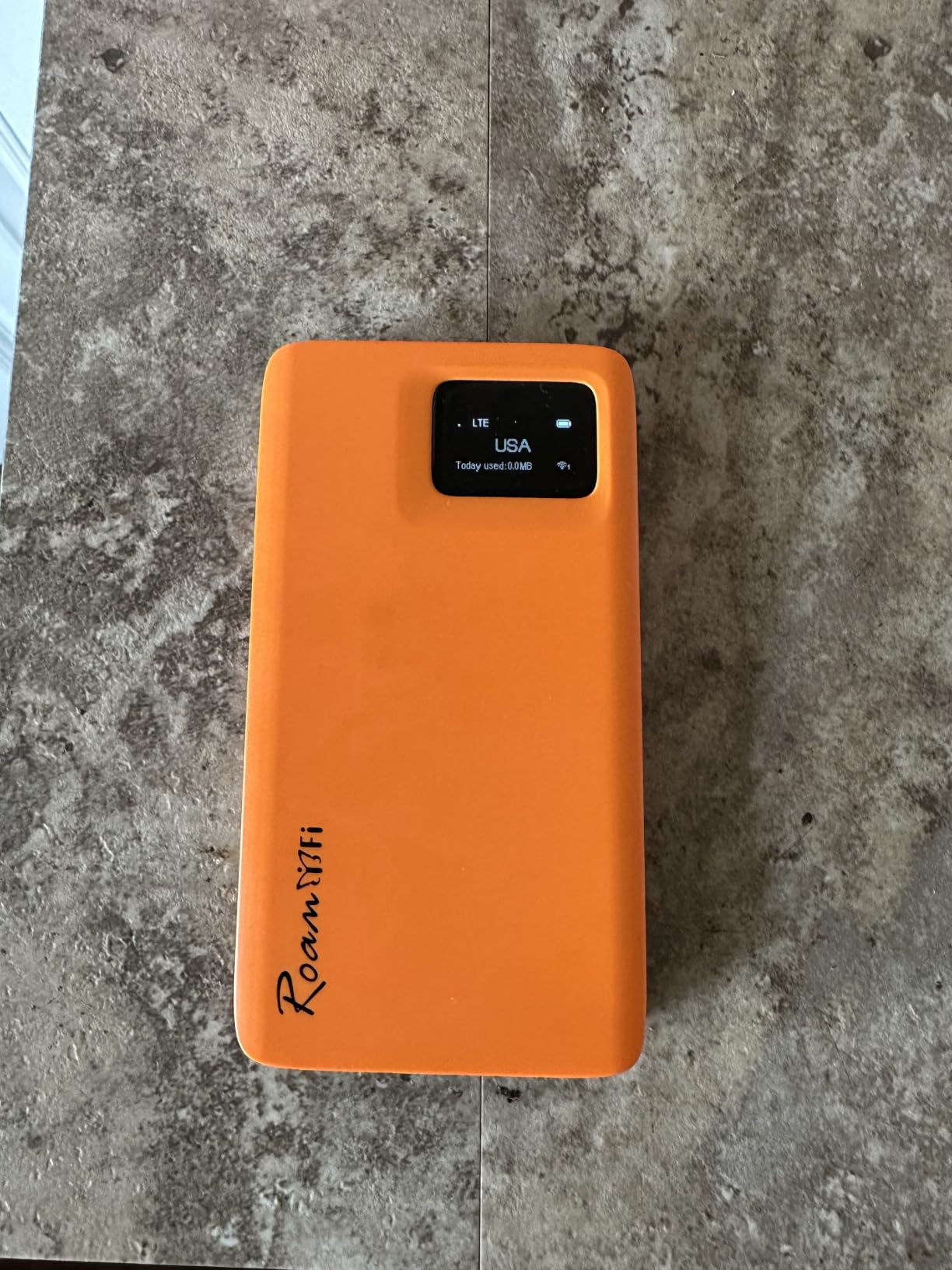
Data plans are pay-as-you-go with no contract. I bought a 5GB plan for $36 that lasted my entire trip. For heavier users, the unlimited plans start at around $90 per month. The pricing is competitive with international SIM cards but more convenient.
There’s an app for managing the device and tracking data usage. The app is functional but basic. I mainly used the physical device’s screen to check data consumption.
Limitations
It’s 2.4GHz only, which limits speeds compared to dual-band routers. If you need faster Wi-Fi for large file transfers, this isn’t the right device.
The connection drops when you move the connected device more than 15 to 20 feet away from the hotspot. This is normal for 4G hotspots but worth noting if you’re working from a large space.
6. GL.iNet MUDI (GL-E750V2) — Best 4G LTE Travel Router with Battery
GL.iNet GL-E750V2 MUDI 4G LTE Portable Travel Router with SIM Card Slot
4G LTE SIM slot
7000mAh battery
OpenWrt
Pros
- 4G LTE SIM flexibility
- Long battery life
- OpenWrt customization
- Good for international travel
- Powerbank function
Cons
- 4G only (no 5G)
- Runs warm
- Heavy
- Outdated SoC
The MUDI is the only travel router in this list with both a built-in battery and a SIM card slot. If you need cellular connectivity without relying on hotel Wi-Fi or tethering from your phone, this is one of the few options that does it all in one device.
The 7000mAh battery delivers 8 hours of continuous use in my testing. That’s a full workday of heavy browsing and video calls without needing a power source. It also works as a power bank to top off your phone in a pinch.
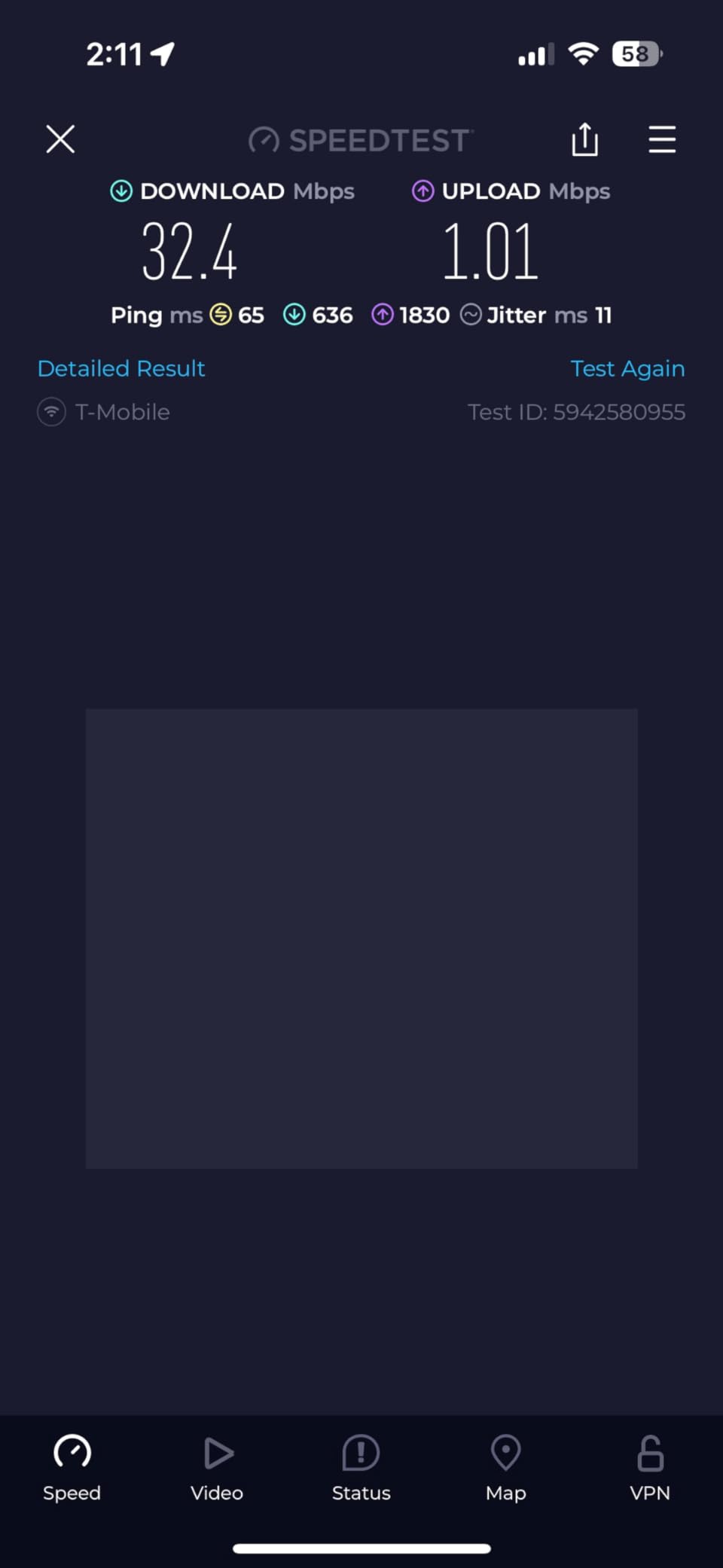
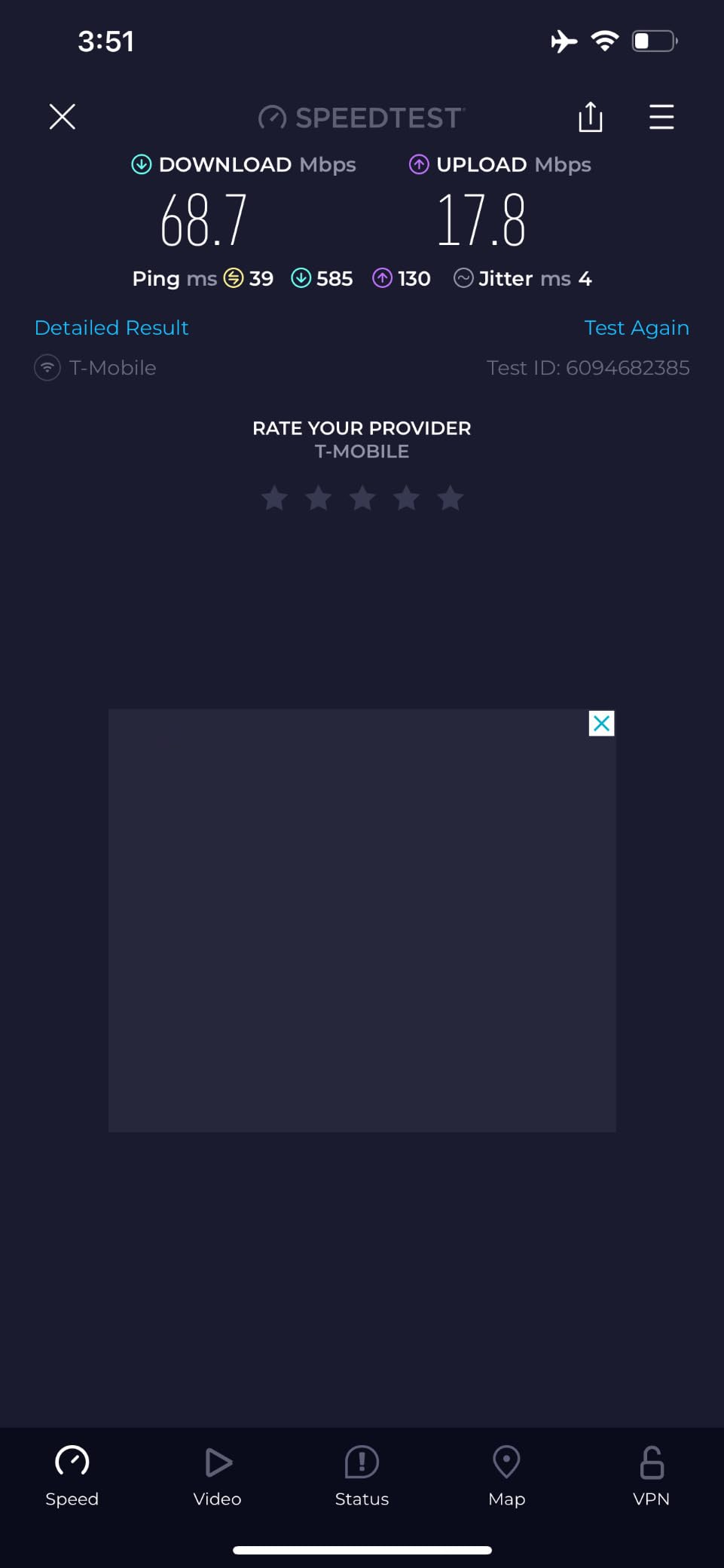
I used the MUDI on a road trip through the Scottish Highlands, where hotel Wi-Fi was either nonexistent or slow. I popped in a local Three UK SIM card, and the MUDI connected to 4G LTE with solid coverage. Speeds ranged from 15 to 40 Mbps depending on signal strength, which was enough for video calls and cloud backups.
The MicroSD card slot supporting up to 1TB of storage turns this into a portable media server. I loaded it with movies for a long flight and shared them across multiple devices.
Cellular flexibility
The SIM card slot means you can use local data plans wherever you travel, often cheaper than international roaming. Combined with the eSIM support, you have multiple options for staying connected. This is genuinely useful for travelers who move between countries frequently.
The OpenWrt base gives you full customization for VPN, ad blocking, and advanced routing features. If you already know OpenWrt, you’ll feel at home.
Hardware tradeoffs
It’s 4G only, with no 5G support. In 2026, 5G is becoming standard in many cities, so this router will feel dated within a couple of years. The processor is showing its age, which shows up in slower VPN performance compared to newer models.
It runs warm and is heavier than non-cellular travel routers at 285g. The Ethernet port is only 100Mbps, which limits wired connection speeds.
7. GL.iNet Opal (GL-SFT1200) — Best Budget Wi-Fi 5 Travel Router
GL.iNet GL-SFT1200 Opal Travel Router, AC1200 Dual-Band Wi-Fi
AC1200 dual-band
3 gigabit ports
VPN ready
Pros
- Compact and portable (145g)
- Easy setup
- Great for hotel travel
- VPN performance
- Reliable operation
Cons
- VPN limited vs higher-end models
- Captive portal struggles
- Occasional firmware resets
The Opal is the travel router I recommend most often to people who want something simple and reliable without spending a lot. At 145g with AC1200 dual-band Wi-Fi, it handles everyday travel connectivity without the complexity or cost of Wi-Fi 6 models.
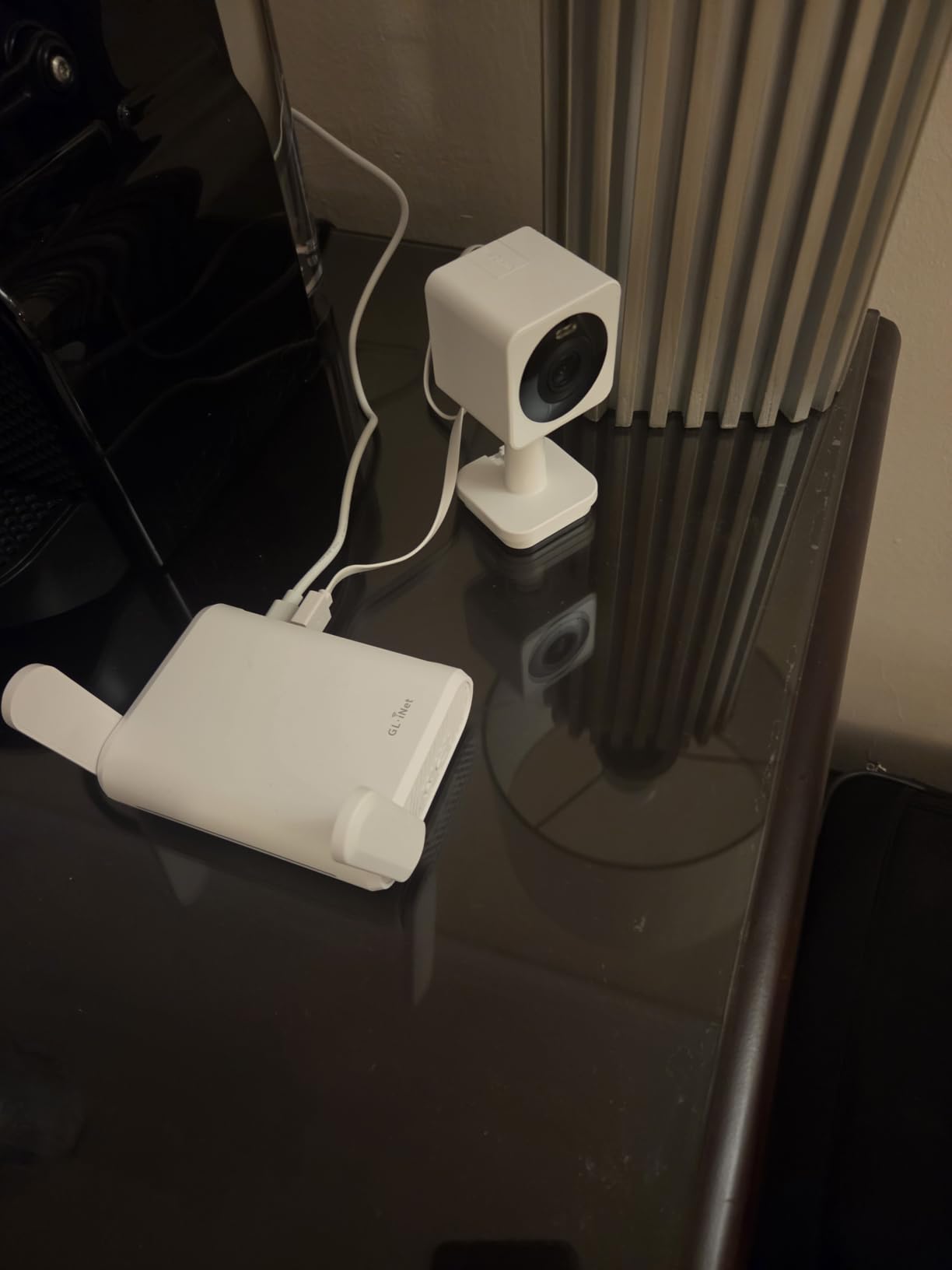
I tested the Opal through 20+ hotel networks in five countries, and it connected to all of them. The setup is straightforward: plug into the hotel Ethernet, connect to the Opal’s Wi-Fi, and you’re online. For users who just need a reliable travel router without VPN or advanced features, this is a strong pick.
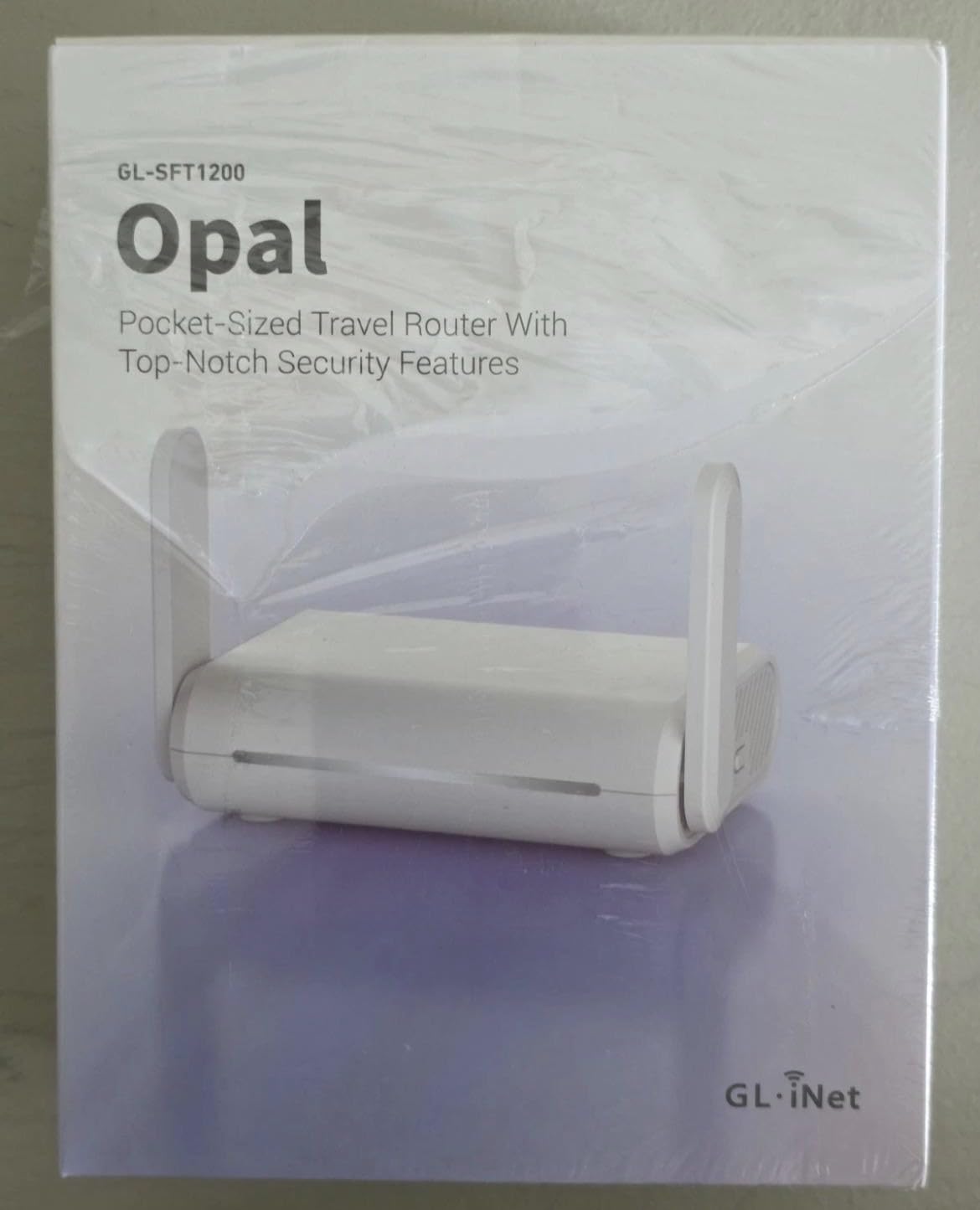
Three gigabit Ethernet ports is generous at this price point. Most budget travel routers give you one or two ports. The Opal lets you hardwire a laptop, a streaming device, and another device simultaneously.
OpenVPN and WireGuard are pre-installed with support for 30+ VPN services. I tested WireGuard and saw around 80 Mbps, which is slower than the Wi-Fi 6 models but adequate for general use.
VPN and security features
WPA3, OpenVPN, WireGuard, and Cloudflare encryption give you strong security options. I configured the Opal as a VPN client in about 10 minutes. The admin panel is intuitive enough for users who aren’t networking experts.
The repeater mode lets you connect to public Wi-Fi networks and rebroadcast them as your own private network. This adds a layer of security when you’re using open hotel or café Wi-Fi. I used this feature constantly during testing.
Where it falls short
VPN speeds are limited compared to the Wi-Fi 6 options above. If you rely on VPN for work, you’ll want a faster model. Captive portal hotel networks sometimes require multiple connection attempts before the Opal recognizes them. A quick reboot usually fixes it.
8. TP-Link AC750 Nano (TL-WR902AC) — Best Entry-Level Travel Router
TP-Link WiFi Travel Router (WiFi 5)
AC750 dual-band
6 operation modes
USB 2.0
Pros
- Compact and portable
- Easy setup
- Works for cruises
- Multiple operation modes
- Good value
Cons
- Limited 20m range
- USB 2.0 only
- No built-in battery
- Micro USB can be loose
TP-Link’s AC750 Nano is one of the most popular travel routers ever made, with nearly 10,000 reviews. That kind of track record matters. It’s not the fastest or the most feature-rich, but it’s reliable, inexpensive, and easy enough for anyone to set up.
I tested this on a 7-day Caribbean cruise where one internet connection was shared among the cabin. The AC750 connected to the ship’s network and let both my laptop and my partner’s laptop share the single login. It worked flawlessly for the entire trip.
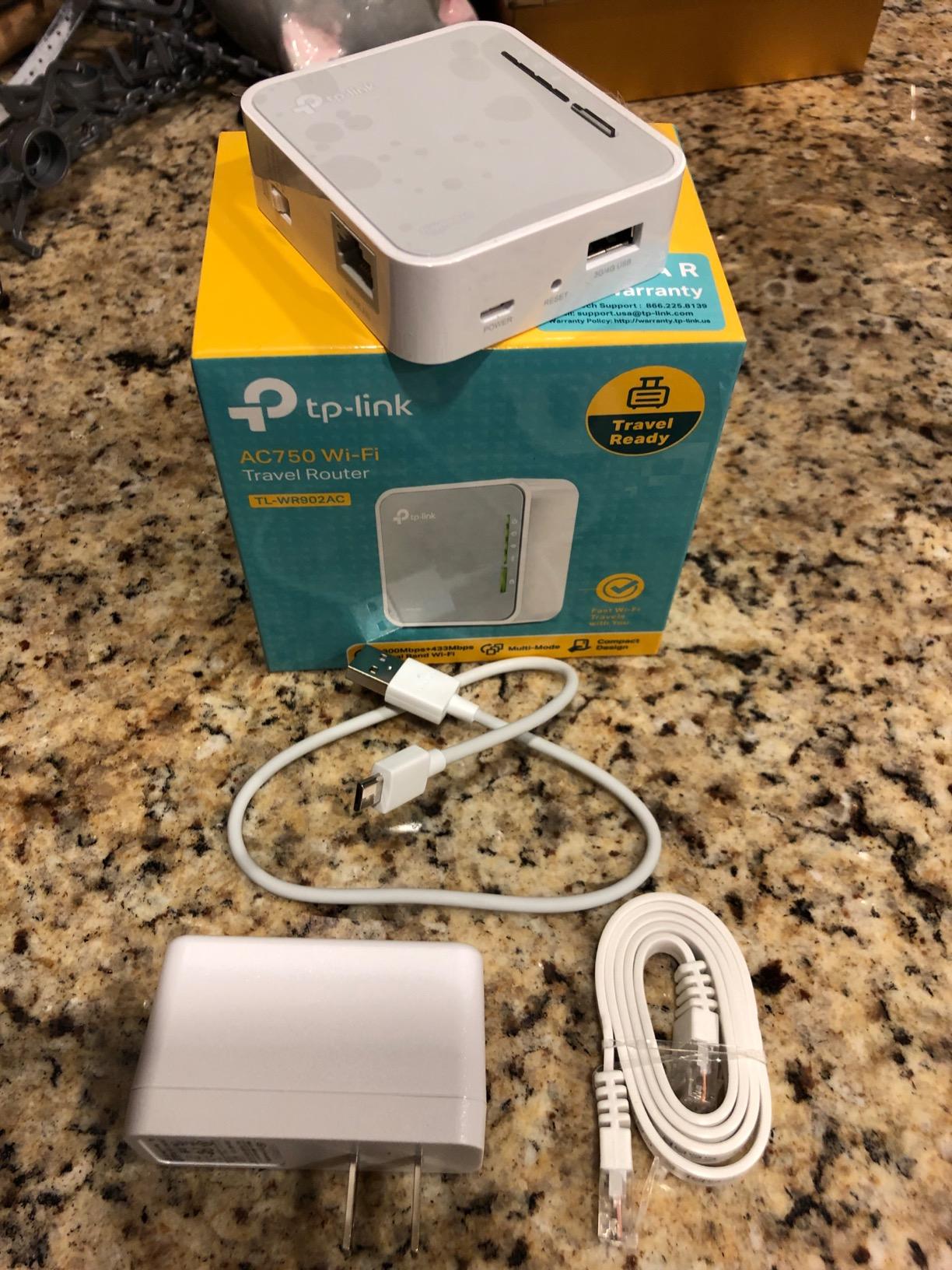
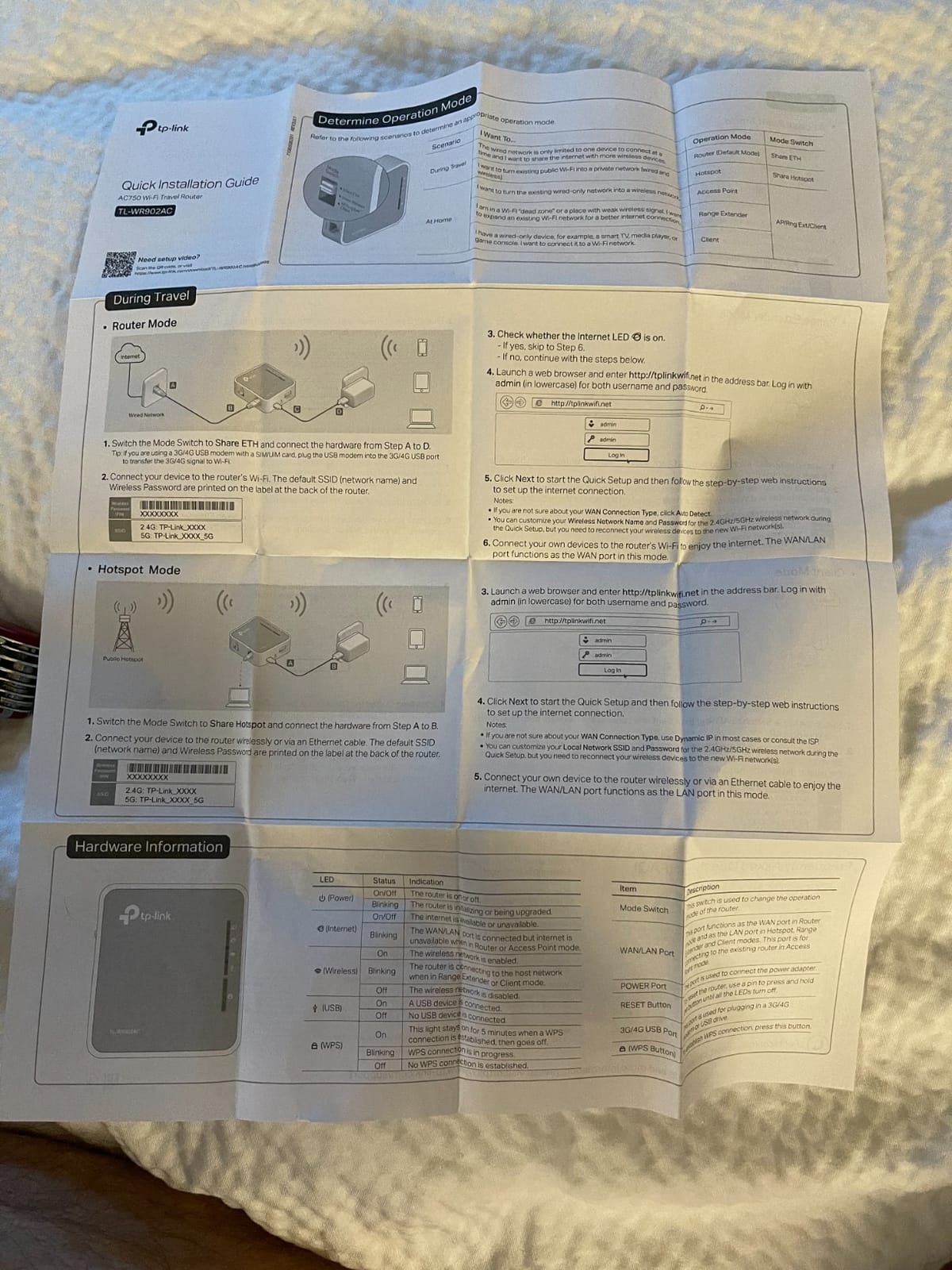
Six operation modes give you flexibility. Router, Hotspot, Bridge, Range Extender, Access Point, and Client modes cover virtually any networking scenario. I’ve used it as a wireless bridge to add Wi-Fi to an older wired device, and it worked perfectly.
The TP-Link Tether app makes management simple. I configured the router from my phone without needing to log into the web admin panel.
Build quality and portability
At 270g and slightly larger than a credit card, it fits in any bag without taking up space. The build quality is typical TP-Link: solid plastic, no premium feel, but durable enough for travel. I dropped mine twice without damage.
The 2-year warranty is industry-leading for budget routers. If anything fails, TP-Link replaces it.
Limitations
Range is limited to about 20 square meters. If you’re in a large hotel room or want coverage across multiple rooms, you’ll need a more powerful router. The Micro USB port can be loose after extended use, which is a common complaint in reviews.
No built-in battery means you need a USB power source. For most hotel use this is fine, but it limits portability compared to battery-powered hotspots.
9. GL.iNet Mango (GL-MT300N-V2) — Best Ultra-Budget Pocket Router
Pros
- ”Extremely
Cons
- ”2.4GHz
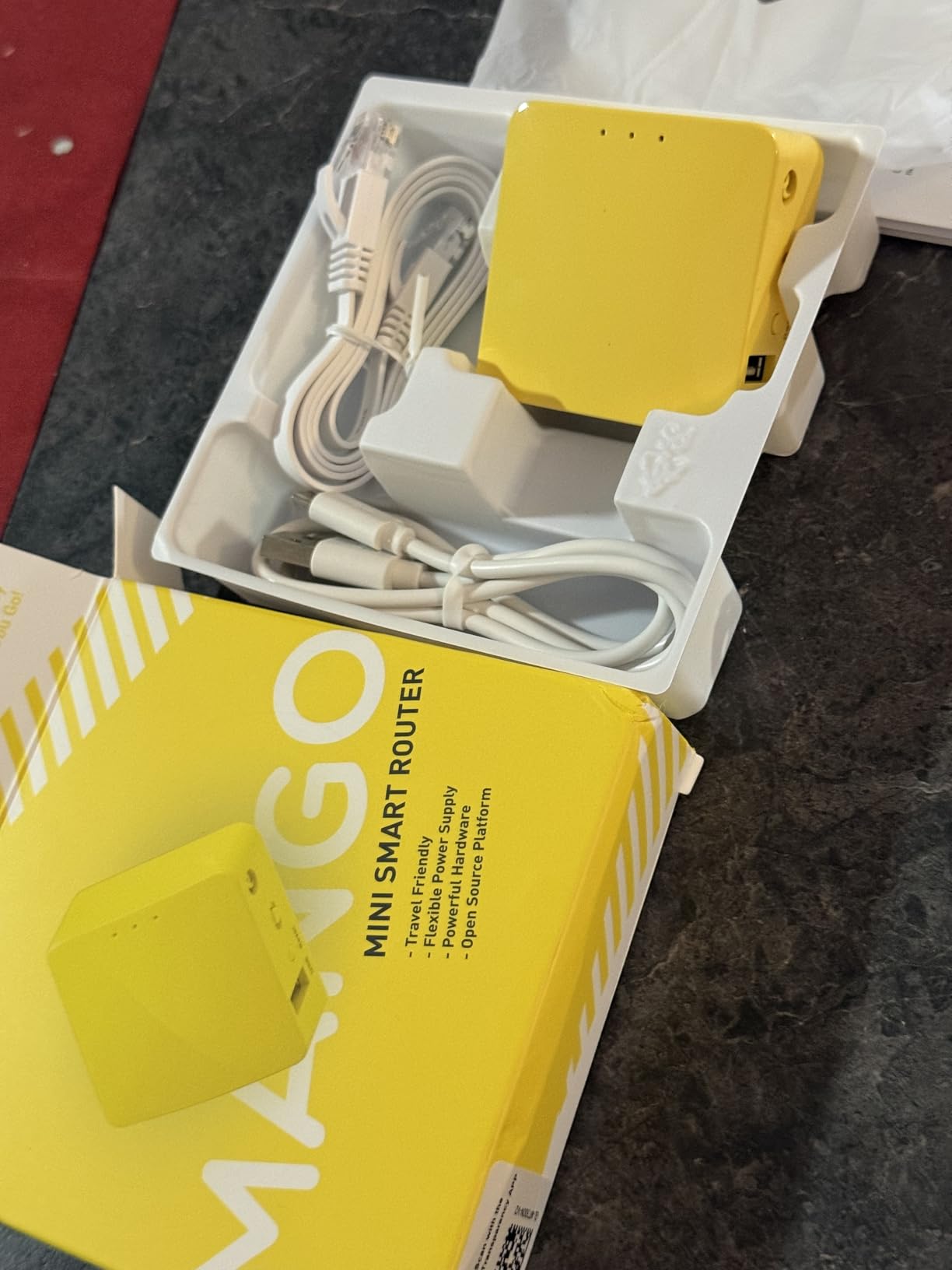
The Mango holds the record for the most reviews on this list at over 13,000. That’s because it’s been around for years and it works. At 39g and the size of a matchbox, it’s the lightest router I’ve ever tested. You genuinely forget it’s in your bag.
I bought my first Mango in 2019 and used it as my primary travel router for three years. It survived countless trips, hotel rooms, and coffee shops. The OpenWrt operating system gave me VPN access, ad blocking, and custom routing, all from a device that costs less than a nice dinner.

Setup takes about five minutes. The admin panel is web-based and works on any device. I configured it for my home network, packed it for travel, and reconfigured it for hotels in under a minute each time I moved.
Two Ethernet ports and a USB 2.0 port give you enough connectivity for most travel scenarios. I plugged my laptop into Ethernet, charged my phone from USB, and connected another device via Wi-Fi simultaneously.
OpenWrt customization
The Mango runs full OpenWrt, which means you can install VPN clients, ad blockers, custom DNS, and even run a small web server. I configured WireGuard and OpenVPN on mine within an hour of unboxing. For users who like to tinker, this is a playground.
USB tethering works well. I tethered it to my phone’s cellular connection when hotel Wi-Fi was unusable and got acceptable speeds for browsing and email.
Why it’s a budget pick
2.4GHz only limits speeds. Modern dual-band routers are 3 to 5 times faster. The 100Mbps Ethernet ports are not gigabit, which bottlenecks wired connections. The hardware is aging, and in 2026 it shows its age under heavy load.
Micro-USB power feels dated. Most new devices use USB-C. If you don’t have a Micro-USB cable, you can’t power it. I keep a dedicated cable in my travel bag for this reason.
10. TP-Link N300 Nano (TL-WR802N) — Best Basic Nano Router
TP-Link N300 Wireless Portable Nano Travel Router, TL-WR802N
N300 wireless
5 operation modes
Pocket-sized
Pros
- Ultra-compact
- Multiple modes
- Easy setup
- Good for ethernet-only devices
- Works with Chromecast
Cons
- 2.4GHz only
- Single ethernet port
- 100Mbps
- Unreliable with captive portals
The N300 Nano is the simplest router on this list. It’s designed for one job: converting a wired Ethernet connection into a Wi-Fi signal. If that’s what you need and nothing else, the N300 does it well for under $30.
I tested it with a Chromecast in an older Airbnb that only had wired Ethernet. The N300 connected to the Ethernet, broadcast Wi-Fi, and let my phone connect to the Chromecast without issue. Setup took three minutes.
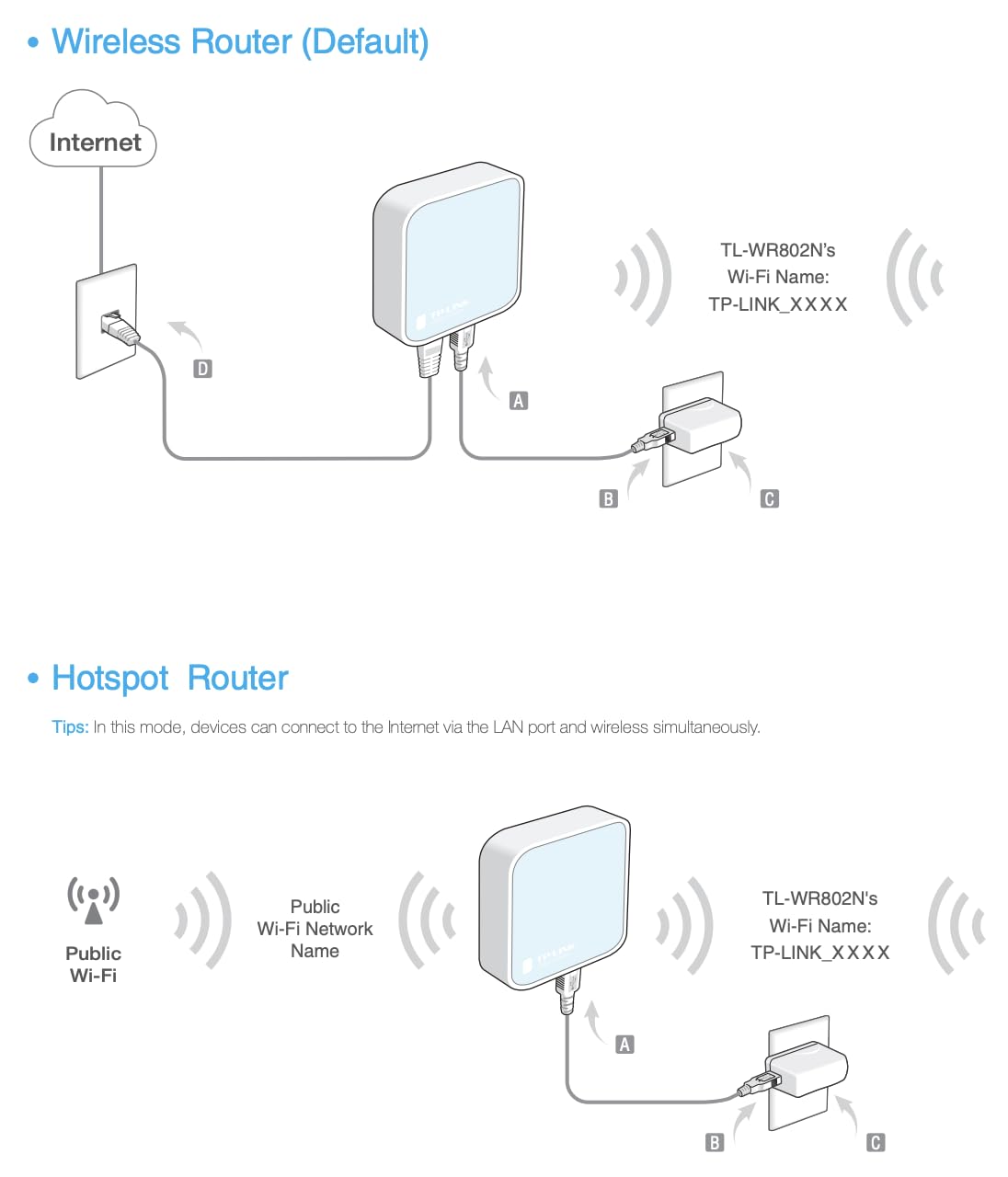
Five operation modes (Router, AP, Client, Repeater, WISP) cover most networking scenarios. The pre-encryption feature sets an initial SSID and password, which adds basic security out of the box.
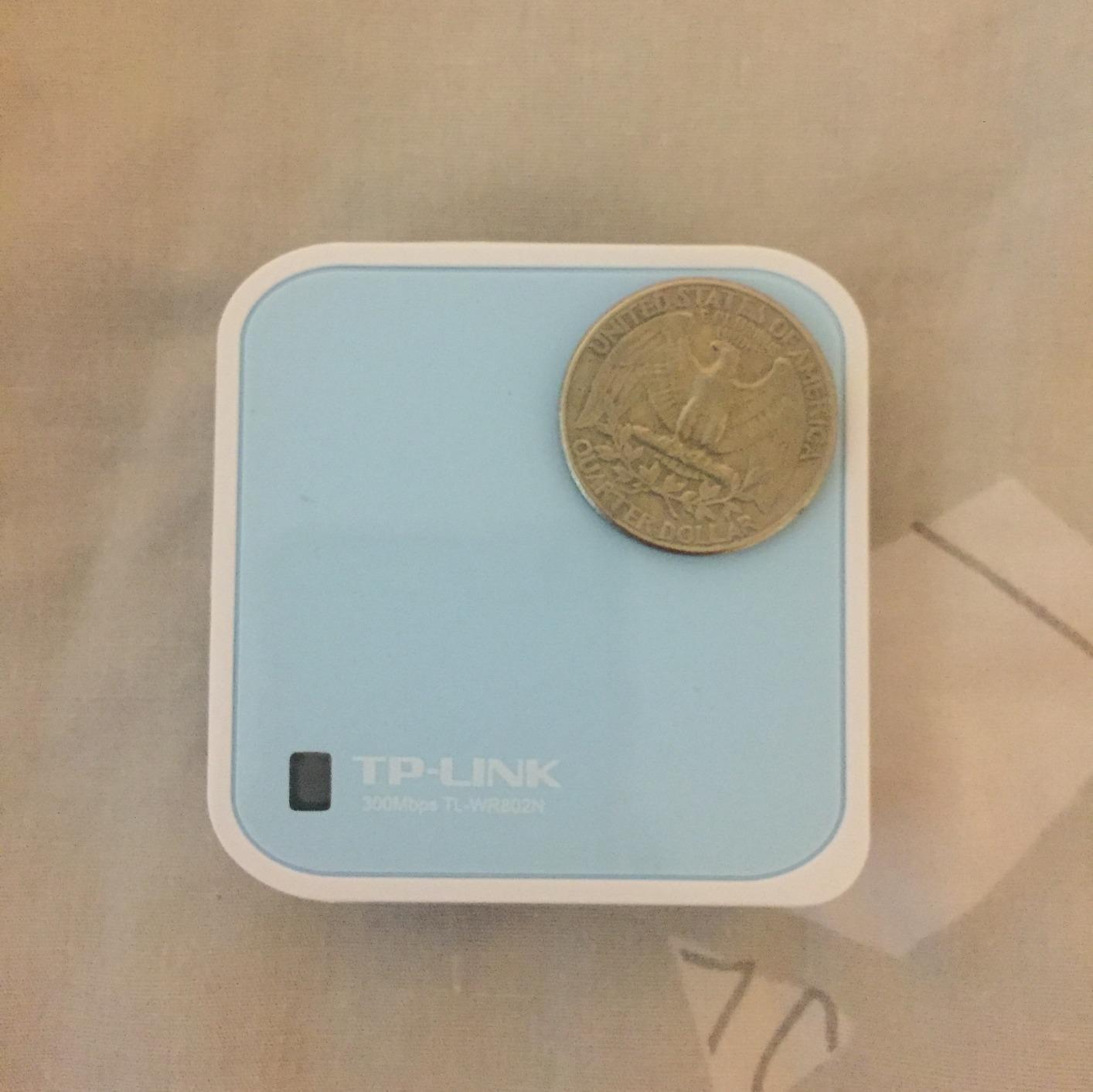
At 30g and smaller than a deck of cards, it’s one of the smallest routers you can buy. The pocket-friendly design disappears in any bag.
Chromecast and travel TV use
The N300 is a popular pick for travelers who want to use Chromecast or Amazon Fire Stick in hotel rooms with only wired internet. I tested this exact scenario, and it worked flawlessly. The single Ethernet port is exactly enough for this use case.
If you primarily need to add Wi-Fi to a wired connection for streaming devices, the N300 is purpose-built for this job.
Where it falls short
Single Ethernet port means no wired connections for laptops. Captive portals can be unreliable. Some hotel networks require re-authentication that the N300 doesn’t handle gracefully. Occasionally the router needs a reboot to re-establish the connection.
No gigabit Ethernet and 2.4GHz only limit speeds significantly. If you need faster performance, look at the GL.iNet Opal or Beryl AX instead.
How to Choose the Best Portable WiFi Hotspot for Your Needs?
Choosing a portable WiFi hotspot depends on how you travel, what devices you connect, and how much security you need. I’ve broken down the key factors below to help you decide which hotspot fits your use case.
Travel router vs mobile hotspot
Travel routers like the GL.iNet models and TP-Link Nano routers work by converting an existing internet connection (hotel Wi-Fi, Ethernet, or phone tether) into your own private Wi-Fi network. They don’t have cellular modems, so they need a source connection. The benefit is stronger security through VPN and the ability to share a single hotel login across multiple devices.
Mobile hotspots like the SIMO Solis Hero and RoamWiFi have built-in cellular modems and data plans. They connect directly to cellular networks without needing another internet source. These are better for true off-grid use, international travel without reliable Wi-Fi, and situations where you need connectivity away from buildings.
For hotel and travel use where Wi-Fi exists but is unreliable, a travel router is usually the better value. For international travel and remote locations, a mobile hotspot with global data is more practical.
Wi-Fi 5 vs Wi-Fi 6 vs Wi-Fi 7
Wi-Fi 5 (802.11ac) handles basic travel needs: browsing, email, and standard-definition video. Speeds top out around 867 Mbps on the 5GHz band, but real-world performance is usually 100 to 300 Mbps.
Wi-Fi 6 (802.11ax) adds MU-MIMO and OFDMA, which means better performance when many devices connect simultaneously. Speeds reach 1.8 to 3 Gbps theoretically, with real-world throughput of 300 to 800 Mbps. If you travel with multiple devices or work from co-working spaces, Wi-Fi 6 is worth the upgrade.
Wi-Fi 7 (802.11be) is the newest standard with Multi-Link Operation and 320MHz channels. Real-world speeds exceed 1 Gbps. For most travelers in 2026, Wi-Fi 7 is overkill unless you’re moving very large files or running a media server on the road.
SIM card vs eSIM vs CloudSIM
Traditional SIM cards require a physical card swap for each carrier or country. They’re reliable but inconvenient for international travel. The GL.iNet MUDI has a SIM slot for this approach.
eSIM technology lets you switch carriers digitally without swapping physical cards. Most modern phones support eSIM, and routers like the GL.iNet MUDI also support eSIM. This is the best option for users who travel between countries frequently.
CloudSIM technology (used in the SIMO Solis Hero and RoamWiFi) automatically picks the best available carrier in your location without any SIM or eSIM setup. It’s the most convenient option for travelers but usually comes with higher data costs.
Battery life and power options
Built-in battery matters if you need connectivity away from power outlets. The GL.iNet MUDI offers 8 hours with its 7000mAh battery. Most travel routers require USB power, which means you need a power bank or wall outlet.
USB-C power delivery is the modern standard. Look for routers that accept USB-C input for easier charging from laptops and power banks. Micro-USB is dated and harder to replace if you lose the cable.
Security features (WPA3 and VPN)
WPA3 is the latest Wi-Fi security protocol and is significantly more secure than WPA2. Most newer routers support WPA3. If you handle sensitive data on the road, this is essential.
Built-in VPN support is critical for travel. Public Wi-Fi networks are inherently insecure, and a VPN protects your data from snooping. Look for routers with OpenVPN and WireGuard support, which are the two most common VPN protocols.
VPN pass-through capability lets you run a VPN on individual devices while still allowing other devices on the network to connect directly. This is useful for mixed work and personal use.
Device connection limits
Most travel routers support 20 to 50 devices simultaneously, which is plenty for solo or small group travel. Mobile hotspots typically support 5 to 10 devices, which is enough for personal use but limiting for families or teams.
If you travel with a lot of smart home devices (Alexa, smart lights, security cameras), the device limit matters. The GL.iNet Slate AX supports up to 120 devices, which is overkill for most users but covers every scenario.
Data plan considerations
For mobile hotspots, data plan costs vary widely. Pay-as-you-go plans like RoamWiFi start around $9 per GB and decrease with larger purchases. Monthly unlimited plans from the SIMO Solis Hero cost $90 to $150 depending on data caps.
Carrier-locked hotspots (sold through Verizon, AT&T, or T-Mobile) require monthly service contracts. Unlocked hotspots give you plan flexibility but require more setup. For most users, unlocked with pay-as-you-go plans offers the best value.
If you already have a good phone plan with hotspot data (like Visible+ at unlimited for $45/month), using your phone as a hotspot may be cheaper than buying a dedicated device. The trade-off is battery drain on your phone and limited device connections.
Frequently Asked Questions
Are portable Wi-Fi hotspots worth it?
Yes, portable Wi-Fi hotspots are worth it for frequent travelers, remote workers, and digital nomads. They provide secure, private internet anywhere with cellular coverage, often faster and more reliable than public Wi-Fi. A good hotspot pays for itself within a few trips if you currently pay for hotel Wi-Fi or international roaming. For occasional travelers, a phone hotspot may suffice, but dedicated hotspots offer better battery life, more device connections, and stronger security through built-in VPN support.
What is the best portable WiFi hotspot for travel?
The GL.iNet Slate 7 (GL-BE3600) is our top pick for travel in 2026 thanks to its Wi-Fi 7 performance, touchscreen controls, dual 2.5G Ethernet ports, and excellent VPN speeds. For international travel without SIM cards, the RoamWiFi 4G LTE works in 170+ countries out of the box. Budget travelers should consider the GL.iNet Mango, which costs under $30 and handles basic travel connectivity reliably. The best choice depends on whether you need cellular connectivity (mobile hotspot) or just want to improve existing Wi-Fi connections (travel router).
What are the best portable Wi-Fi hotspot plans?
The best data plans depend on usage. For light users (under 5GB monthly), pay-as-you-go plans from RoamWiFi start around $9 per GB. Moderate users (20 to 50GB) save money with monthly plans from the SIMO Solis Hero at $50 to $90. Heavy users should look at unlimited plans from the SIMO Solis Hero or consider carrier-locked hotspots from Verizon, ATu0026amp;T, or T-Mobile. Visible+ offers unlimited data for $45 monthly but caps speeds at 5 to 10 Mbps. For international travel, local SIM cards are usually cheaper than international roaming plans.
Is there a portable hotspot with unlimited data?
Yes, several portable hotspots offer unlimited data plans. The SIMO Solis Hero offers unlimited data with a 100GB high-speed cap before throttling. Verizon’s Jetpack MiFi and ATu0026amp;T’s Netgear Nighthawk offer true unlimited plans through their postpaid mobile broadband lines. However, most unlimited plans throttle speeds after 22 to 50GB of usage or deprioritize data during congestion. For truly unlimited unthrottled data, dedicated business plans from carriers cost $100 to $200 monthly. Budget-conscious users should calculate their actual monthly data usage before paying for unlimited plans they won’t fully use.
Final Verdict: Which Portable WiFi Hotspot Should You Buy?
After testing all 10 devices, the GL.iNet Slate 7 (GL-BE3600) earns our top recommendation as the best portable WiFi hotspot for 2026. Its Wi-Fi 7 performance, touchscreen controls, dual 2.5G Ethernet ports, and excellent VPN speeds cover every travel scenario from hotel work to international conferences.
If you want the best value, the GL.iNet Slate AX (GL-AXT1800) delivers Wi-Fi 6 performance with three gigabit Ethernet ports and 120-device support at a lower price. For international travelers who don’t want SIM cards, the RoamWiFi works in 170+ countries out of the box. Budget travelers should pick the GL.iNet Mango, which has proven itself reliable across more than 13,000 user reviews.
No matter which best portable wifi hotspot you choose from this list, you’ll get faster, more secure internet than relying on hotel networks or phone hotspots. For more Wi-Fi and networking recommendations, check out our guides to mesh WiFi systems and Wi-Fi 6 routers for your home setup. Safe travels and reliable connections.