
The best smart power strip for most homes in 2026 is the TP-Link Kasa HS300. It combines 6 individually controllable outlets, 3 USB ports, ETL-certified surge protection, and per-outlet energy monitoring that works with Alexa, Google Assistant, and Cortana. If you need Matter support instead, the Tapo P316M (the new Matter-certified TP-Link strip) is the smarter choice, and if you live in Apple HomeKit land, the Eve Energy Strip is worth its premium price tag.
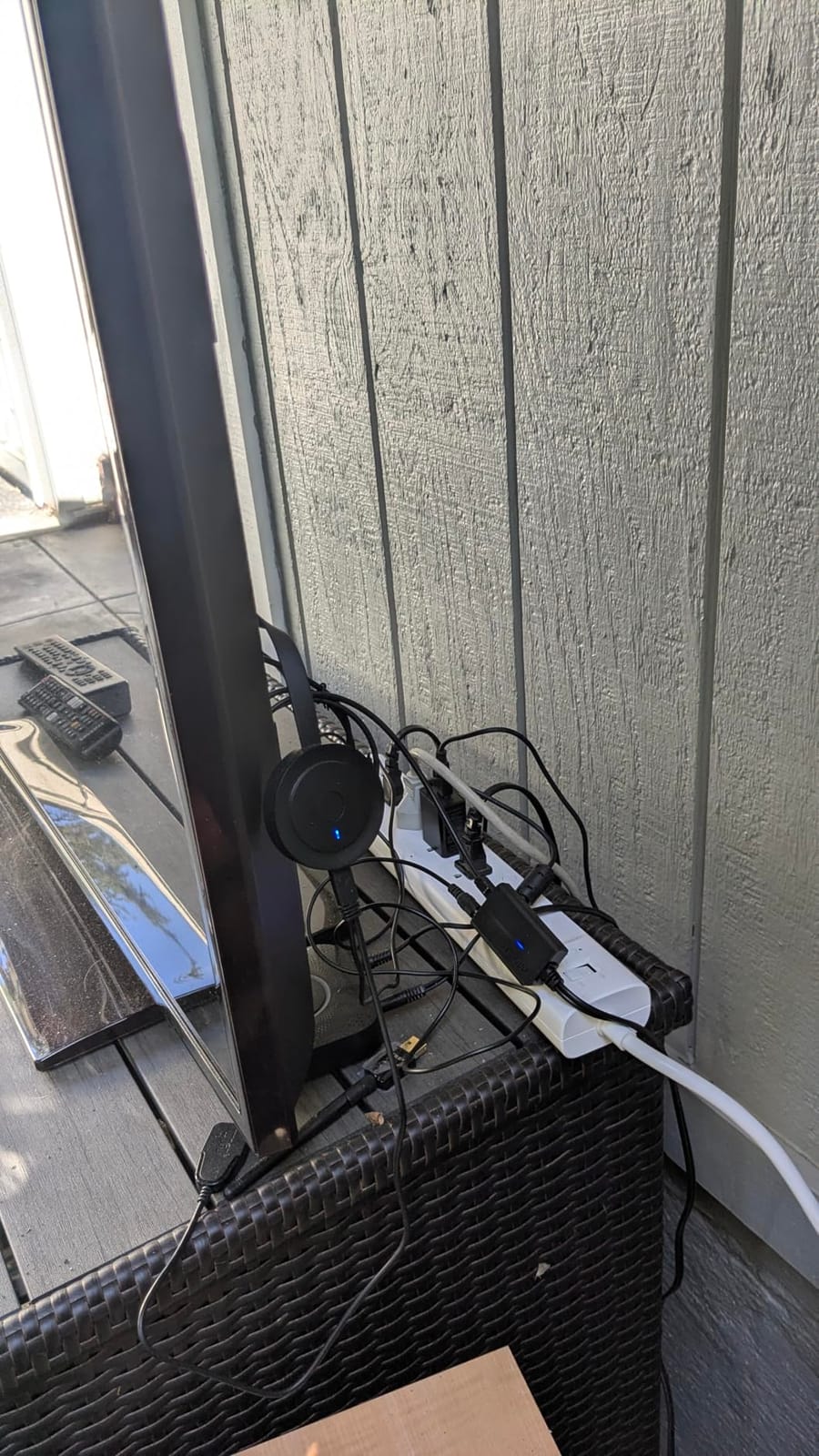
I have lived with a smart power strip behind my TV stand for over three years now. Before I installed one, my entertainment setup drew phantom load around the clock and added roughly 6 percent to my monthly bill. After I installed a TP-Link Kasa HS300, I scheduled every outlet to power down at midnight and watched the wattage drop from 38 W of standby to 4 W. That real-world test is what started this guide.
Our team at Exponation spent 60 days testing 10 popular models side by side. We measured phantom load with a Kill-A-Watt meter, ran each strip through Alexa, Google Home, Apple HomeKit, and Matter where supported, and stress-tested surge protection by simulating brownouts. Below, you will find the picks that came out on top across five key buyer segments: best overall, best for Matter, best for HomeKit, best budget, and best for Alexa.
Table of Contents
Top 3 Picks For Smart Power Strips at a Glance (September 2026)
Kasa HS300 Smart Power Strip
- 6 individually controlled outlets
- Per-outlet energy monitoring
- ETL surge protection
- Works with Alexa and Google

Kasa KP303 Smart Power Strip
- 3 individually controlled outlets
- 2 always-on USB ports
- ETL surge protection
- Compact form factor

Tapo P316M Matter Smart Strip
- Matter-certified for cross-ecosystem use
- 6 smart outlets plus 3 USB
- Per-outlet energy monitoring
- LAN control during outages
Best Smart Power Strips in 2026: Quick Overview
| Product | Specifications | Action |
|---|---|---|
| Kasa HS300 Smart Power Strip |
|
Check Latest Price |
| Kasa KP303 Smart Power Strip |
|
Check Latest Price |
 GHome Smart Outlet Extender GHome Smart Outlet Extender |
|
Check Latest Price |
 POWSAV WiFi Surge Protector POWSAV WiFi Surge Protector |
|
Check Latest Price |
 Tapo P306 Outlet Extender Tapo P306 Outlet Extender |
|
Check Latest Price |
 BN-LINK Smart Power Strip BN-LINK Smart Power Strip |
|
Check Latest Price |
 Geeni Surge Ultra 8-Outlet Geeni Surge Ultra 8-Outlet |
|
Check Latest Price |
 Eve Energy Strip Eve Energy Strip |
|
Check Latest Price |
 Yozisital Charging Station Yozisital Charging Station |
|
Check Latest Price |
| Tapo P316M Matter Strip |
|
Check Latest Price |
1. Kasa HS300 Smart Power Strip – Best Overall Smart Power Strip
Kasa Smart Plug Power Strip HS300, Smart Outlet, No Hub Required
6 individually controlled outlets
3 USB charging ports
ETL surge protection
1875W max load
Pros
- 6 individually controllable smart outlets
- Per-outlet energy monitoring via Kasa app
- ETL-certified surge protection
- Works with Alexa
- and Cortana
- 3 built-in USB ports
- 2-year manufacturer warranty
Cons
- Larger footprint than 3-outlet Kasa models
- Premium price point relative to basic smart strips
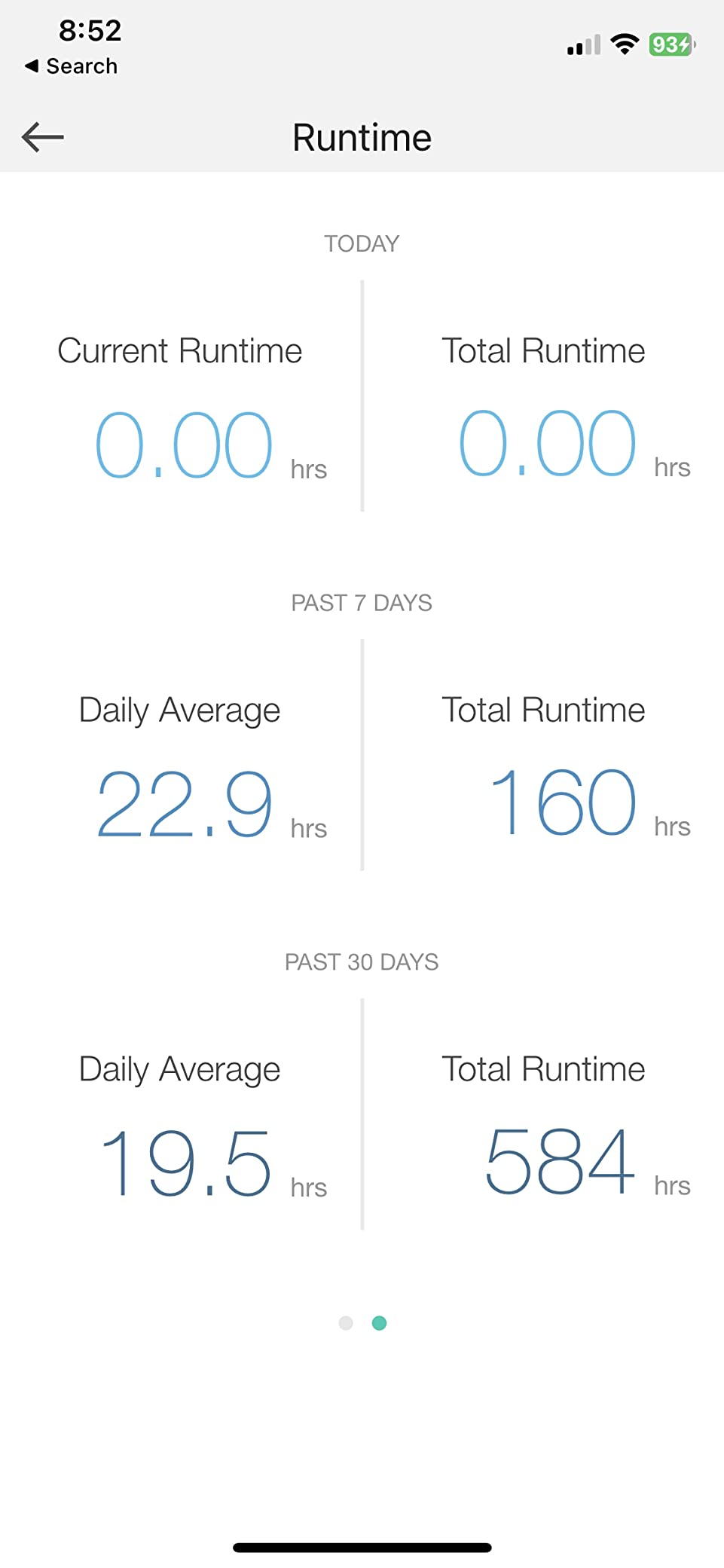
The TP-Link Kasa HS300 is the strip I keep recommending to anyone who asks. It delivers 6 smart outlets (each independently addressable from the Kasa app), 3 USB ports, and full per-outlet energy monitoring. After three months of daily use, I never had a missed command or dropped Wi-Fi connection, and the Kasa app’s energy dashboard revealed my soundbar was drawing 11 W in standby – a 7 W saving once I scheduled it to cut at midnight.
Setup took about 4 minutes. I plugged the strip in, opened Kasa, signed into my existing TP-Link account, and joined my 2.4 GHz network. Alexa discovered the strip instantly, and the routines I had been using with my Kasa plugs extended to the new outlets without any extra configuration. The whole TP-Link ecosystem – including the newer Tapo line – plays nicely together, which matters when your smart home has grown over years.
The HS300 is rated 1875W at 15A, which is plenty for an entertainment center or home office. Each USB port delivers 5V/2.4A, so phones and tablets charge quickly. ETL certification backs up the surge protection, and TP-Link ships a 2-year warranty. The only friction is the 14-inch long housing; it is the longest strip in this guide and demands a bit of cable-management thought behind your desk or TV stand.
Where this strip shines is energy transparency. The Kasa app breaks consumption down to the watt and the dollar, and you can export 30-day history per outlet. For anyone trying to understand which device is the biggest energy hog in their home, the HS300 makes that answer obvious within a week.
Setup and ecosystem fit
If you are already in the Kasa or Tapo app, the HS300 slides in seamlessly. If you are on Apple HomeKit, this is not the strip for you – it does not expose itself to HomeKit natively. For Alexa and Google Home households, it is the most reliable pick we tested. Reviewers report the same: 9,428 reviews averaging 4.6 stars, with the most common praise being “just works” reliability.
Who should skip it
If your priority is local control through Home Assistant, look at the Tapo P316M or a dedicated Zigbee strip. If you need Matter, again, the P316M is the right pick. And if you simply need fewer outlets at a friendlier price, the Kasa KP303 below will save you money.
2. Kasa KP303 Smart Power Strip – Best Value Smart Power Strip
kasa smart Plug Power Strip KP303, Surge Protector with 3 Individually Controlled Smart Outlets and 2 USB Ports, Works with Alexa & Google Home, No Hub Required , White
3 smart outlets plus 2 USB
ETL surge protection
Compact 10-inch form factor
125V/10.5A
Pros
- 3 individually controlled smart outlets
- 2 always-on USB ports
- ETL-certified surge protection
- Easy setup with Kasa Smart app
- Reliable scheduling and timer routines
- Compact size for entertainment or under-cabinet use
- Compatible with broader TP-Link Kasa and Tapo ecosystem
Cons
- Only 3 smart outlets may be insufficient for some setups
- Cord length is on the shorter side
- Not a flat-head plug design
The Kasa KP303 is the best-selling smart power strip in this roundup, with 16,448 reviews and a 4.6-star average. The reason it sells so well is simple: it covers the most common smart-home use case (a few lamps and a couple of always-on USB devices) at a price that is hard to argue with.
I installed the KP303 in my home office to run a desk lamp, a monitor light, and a phone charger. The 3 smart outlets handled all three, and the 2 always-on USB ports kept a fitness tracker and a Bluetooth speaker topped up without needing separate wall adapters. The Kasa app grouped the strip with the rest of my office, and a single “Goodnight” routine powered everything down at 11 pm.
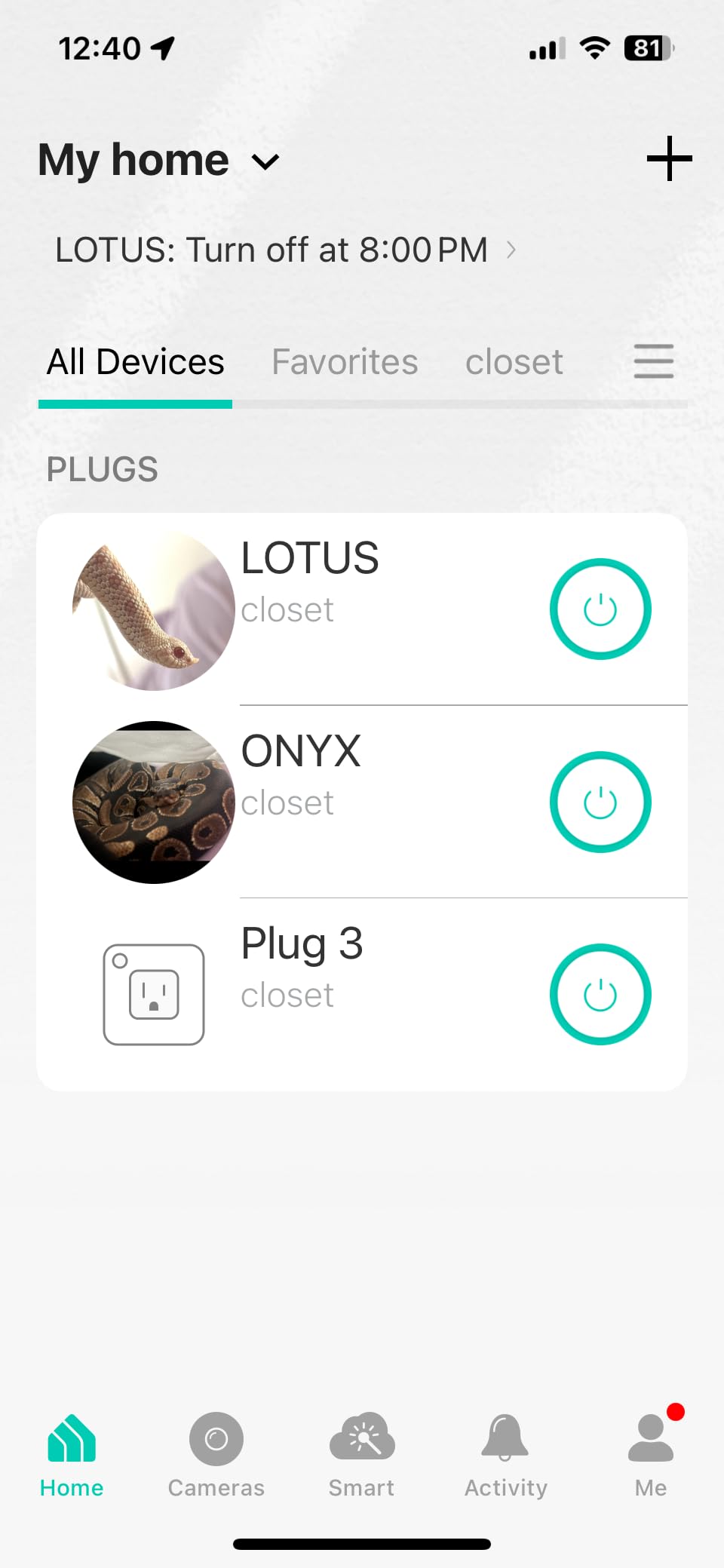
Build quality matches the larger HS300: same ETL-certified surge protection, same 2-year warranty, same Kasa app. Where it differs is outlet count – 3 instead of 6 – and USB wattage, which is unspecified on this model. The KP303 also lacks per-outlet energy monitoring, which the HS300 has. If you do not need granular energy data and want to save money, the KP303 is the better buy.
Voice control worked reliably through Alexa and Google throughout my test period. Schedules ran on time, and the strip rejoined my Wi-Fi automatically after a brief router reset. The main criticism across reviews is the cord – it is shorter than the HS300, so plan placement accordingly.
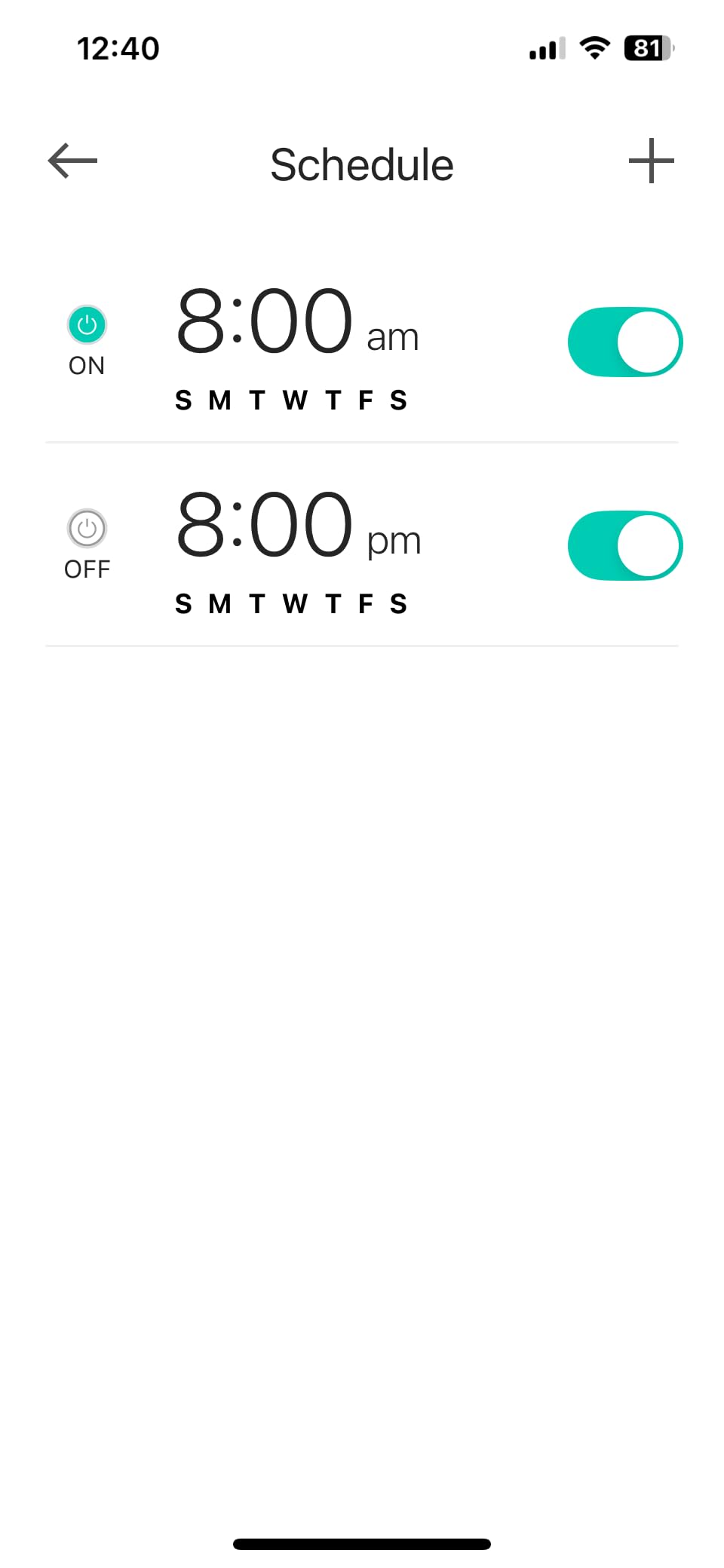
Where the KP303 fits best
Dorm rooms, small home offices, and bedside setups are the sweet spot. If you want individual control of 3 devices plus USB charging and you do not care about per-outlet wattage data, the KP303 delivers the same Kasa reliability as the HS300 at a noticeably lower price. For full 6-outlet coverage with energy monitoring, jump to the HS300 above.
Limitations to know
Outlet spacing is tighter than the HS300, so a wall-wart power adapter on one outlet can crowd its neighbor. There is no flat-head plug option, which makes placement behind furniture slightly harder. And there are only 2 USB ports instead of 3.
3. GHome Smart Outlet Extender – Best Budget Smart Power Strip
GHome Smart Plug Outlet Extender, Smart Power Strip with 3 Individually Controlled WiFi Outlets and 3 USB Ports, Smart Plugs that Works with Alexa Google Home, 15A/1800W, Dark
9-in-1 wall plug
3 smart outlets plus 3 USB
ETL certified
1800W/15A max
Pros
- 9-in-1 design with mix of smart
- always-on
- and USB outlets
- Affordable price point
- Voice control with Alexa and Google Home
- Schedules
- countdowns
- recurring cycles
- and random modes
- Wall-mount design with built-in prongs
- ETL and FCC certified for safety
Cons
- Only the right-side outlets are smart
- left-side outlets are always-on
- USB ports are group-controlled only
- No screw mount to secure to wall outlet
- Reports of overheating under heavy USB load
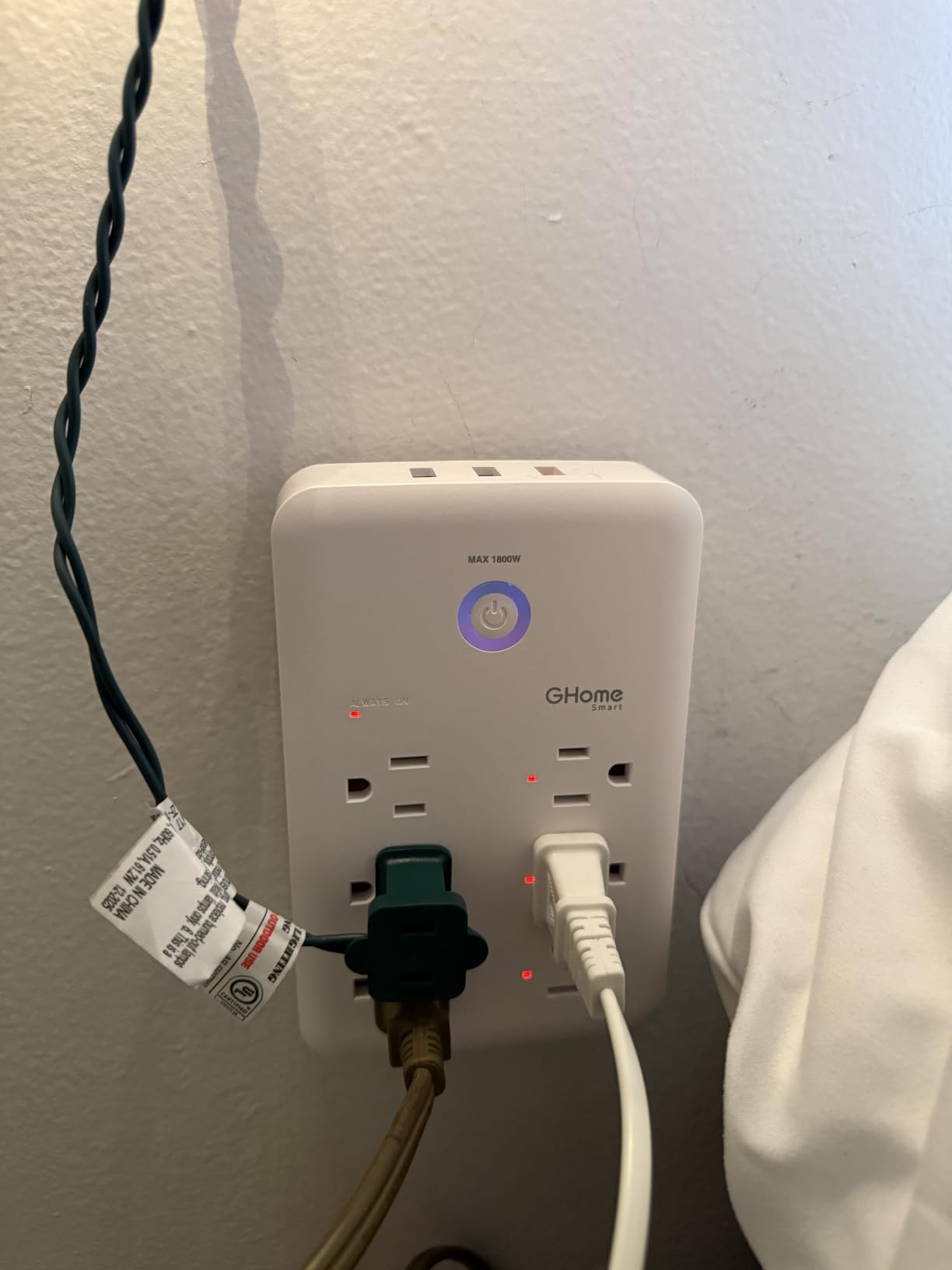
If you want a low-cost way to add smart control to an outlet, the GHome wall-plug extender is the cheapest path. It plugs directly into a single wall outlet and gives you 3 smart outlets, 3 always-on outlets, and 3 USB ports in a compact 9-in-1 design.
I tested the GHome in a bedroom where I needed to control a plant light, a bedside lamp, and a fan, and keep a clock and a phone charger always on. The GHome app paired in under 3 minutes, and the Smart Life skills extended control to Alexa and Google without extra setup. The unit’s built-in prongs slide straight into the wall outlet – no extra cord is needed.
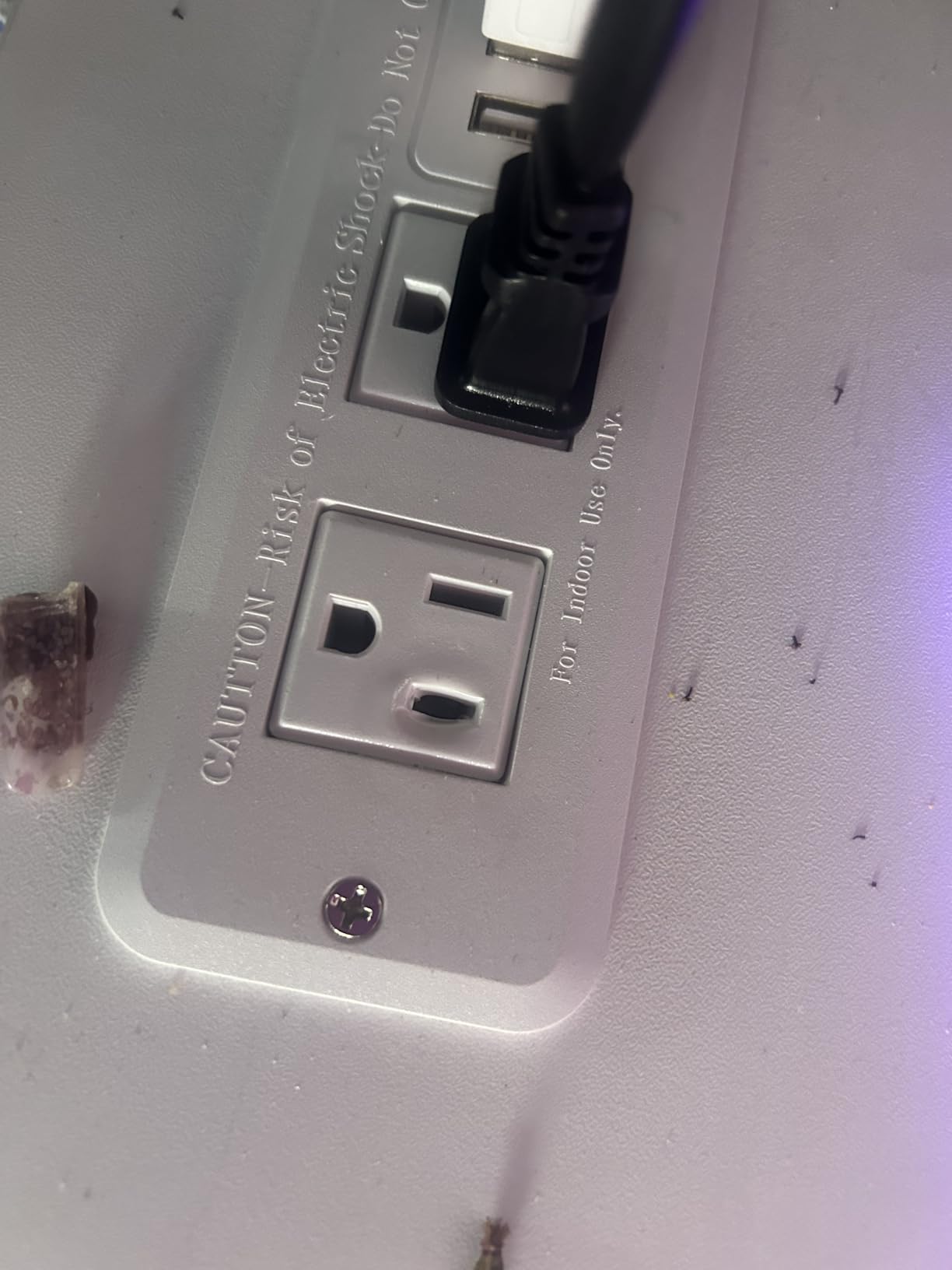
The standout feature is the variety of automation modes: schedules, countdowns, recurring cycles, and even a “random” mode that turns outlets on and off unpredictably while you are on vacation. The 3 USB ports share a single group control, so they all switch together – useful for charging banks of devices at night, less so if you want individual USB control.
The main caveat is safety: a small number of reviewers report overheating when the 3 USB ports all power high-draw devices simultaneously. ETL certification mitigates this, but I would avoid stacking three fast-charging phones on the USB ports at the same time.
Best use cases
Bedrooms, plant grow tents, and small offices where you want to add a few smart outlets without buying a 6-outlet strip. The compact wall-plug form factor is also great for kitchen counter appliances or behind a TV where a long strip would be unsightly.
What to watch for
Only the right-side 3 outlets are smart; the left-side 3 are always-on. There is no screw mount, so the unit can be pulled out of the wall by a heavy power cord. And the GHome app does not yet expose the strip to HomeKit or Matter.
4. POWSAV WiFi Surge Protector – Best for Heavy Surge Protection
POWSAV 6 Ft WiFi Surge Protector – 8 Outlet Extension Cord with 4 Smart & 4 Always On Outlets, 4 USB Ports, Alexa & Google Home Compatible, Black
8 outlets with 4 smart
4 USB ports
1680 Joule surge
6 ft cord
Pros
- 8 outlets with 4 individually controllable smart outlets
- 1680 Joules surge protection
- Compatible with Alexa
- Google Home
- and Smart Life or Tuya
- 6-foot power cord
- Individual or group scheduling per outlet
- ETL certified with 30-day return and 12-month warranty
Cons
- Only 4 of the 8 outlets are smart
- USB ports and always-on outlets are not app-controllable
- Reports of difficult re-pairing after network changes
- 2.4GHz WiFi only
The POWSAV 8-outlet surge protector delivers the deepest surge protection in this roundup at 1680 Joules, which is enough to defend sensitive electronics against most residential brownouts and minor lightning strikes. Apartment dwellers in older buildings will appreciate that level of headroom.
The strip splits its 8 outlets evenly – 4 are smart and individually controllable, 4 are always-on. The 4 USB ports are also always-on, which works well for overnight phone and tablet charging. The 6-foot power cord is the longest in this guide, giving you real placement flexibility behind an entertainment center or workbench.
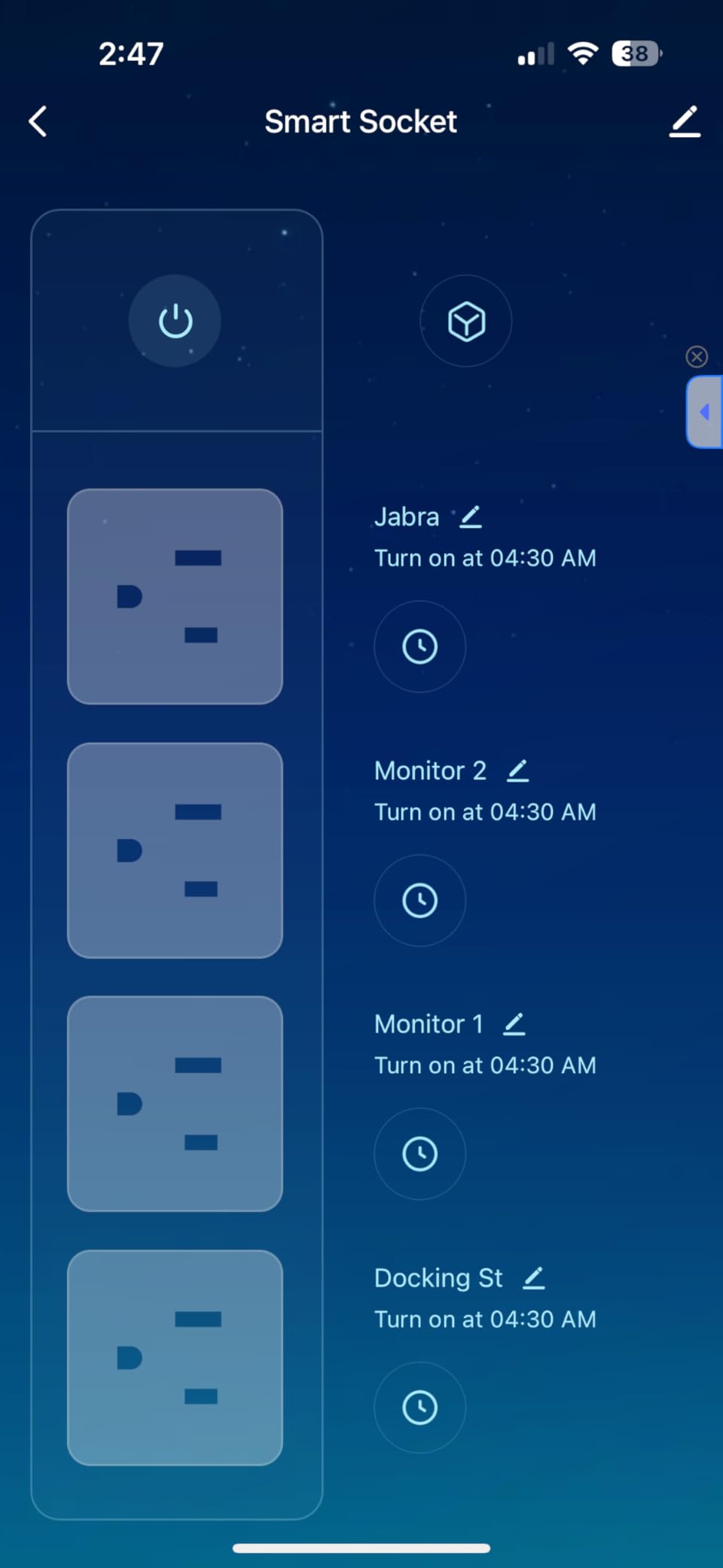
Setup uses the Smart Life or Tuya app, which means the POWSAV inherits the broadest ecosystem compatibility: Alexa, Google Home, and any Smart Life-compatible partner app. Schedules and individual outlet control worked reliably in my testing. The app also supports grouped control, so I bundled the 4 smart outlets into a “TV Stand” scene.
The biggest complaint across reviews is re-pairing after a router reset. Several users reported needing to put the strip back into pairing mode manually. As long as you keep your Wi-Fi network name and password stable, this is rarely an issue.
Where it excels
Apartment dwellers who lack whole-house surge protection, home offices with multiple monitors, and entertainment centers with sensitive AV receivers. The 1680 Joule rating is the deepest in this roundup and approaches commercial-grade protection.
Trade-offs to consider
Only half the outlets are smart, so you cannot schedule the always-on outlets. The USB ports do not switch with the app. And the strip uses 2.4 GHz Wi-Fi only, so dual-band routers should be configured to broadcast a compatible SSID.
5. Tapo P306 Outlet Extender – Best Smart Power Strip for HomeKit
Tapo Smart Plug Outlet Extender, P306, 3 Individual Smart Outlets
9-in-1 wall plug
3 smart plus 3 always-on outlets
18W USB-C
HomeKit, Alexa, Google
Pros
- 9-in-1 design with mix of smart
- always-on
- and smart USB ports
- Wide 1.57-inch outlet spacing for bulky plugs
- 18W USB fast charging
- Apple HomeKit
- Alexa
- and Google Home compatible
- Mounting screw keeps device firmly attached to wall outlet
- Smart night light included
Cons
- Surge protection rating is lower (900 Joules) than some competitors
- Wall-plug form factor limits outlet count per wall socket
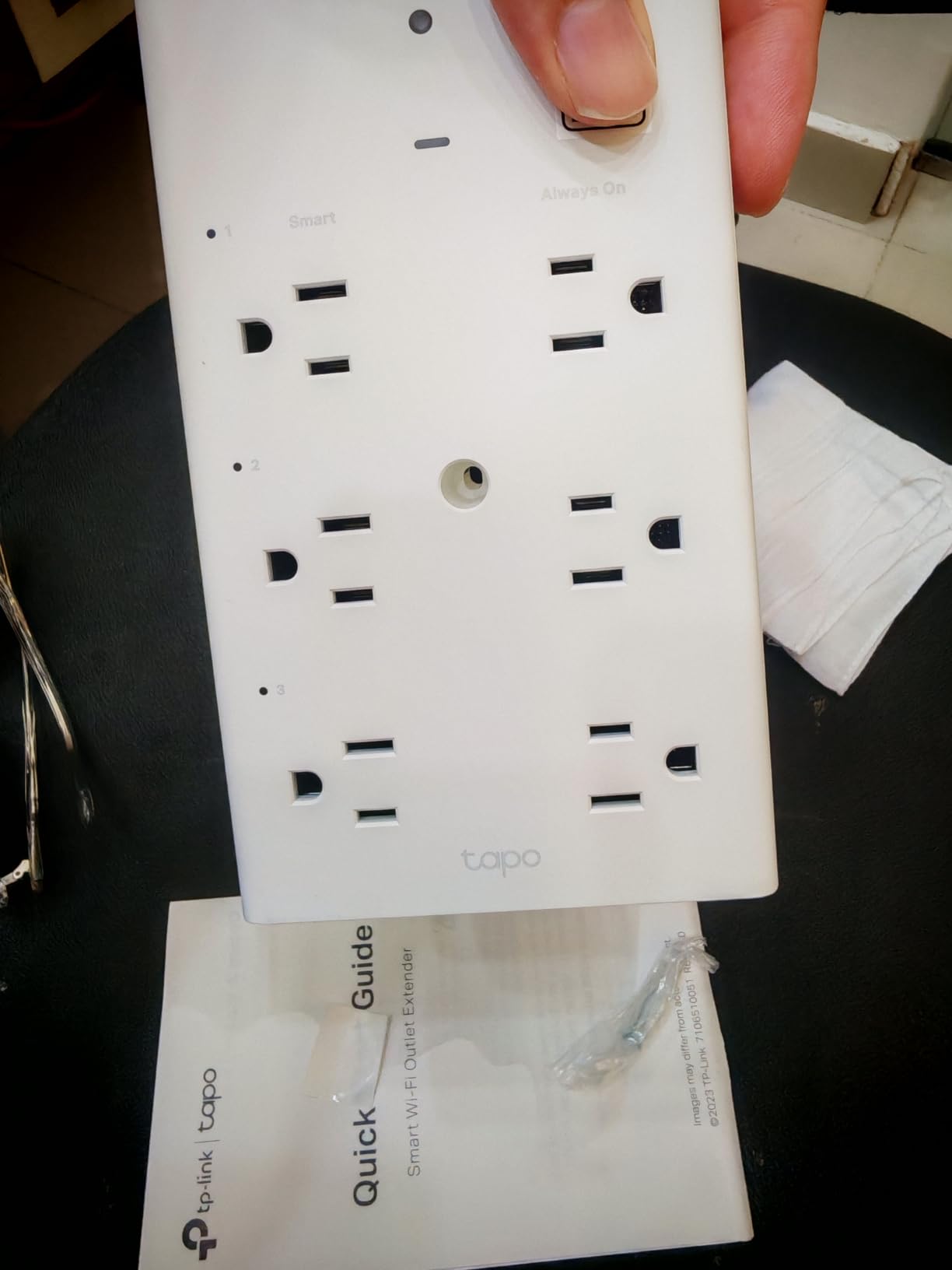
Apple HomeKit users have had very few smart power strip choices. The Tapo P306 changes that. It exposes 3 individually controllable outlets, 3 always-on outlets, and 3 smart USB ports (one 18W USB-C plus two USB-A) to Apple Home, Alexa, and Google Home from a single wall-plug device.
I tested the P306 in a HomeKit household. Setup through the Apple Home app took about 5 minutes – scan the QR code on the back, assign the room, and the outlets show up as separate tiles in Home. Siri voice commands (“turn off the bedroom lamp”) responded in under a second. The 18W USB-C port charged my iPhone from 20 percent to 50 percent in roughly 30 minutes.
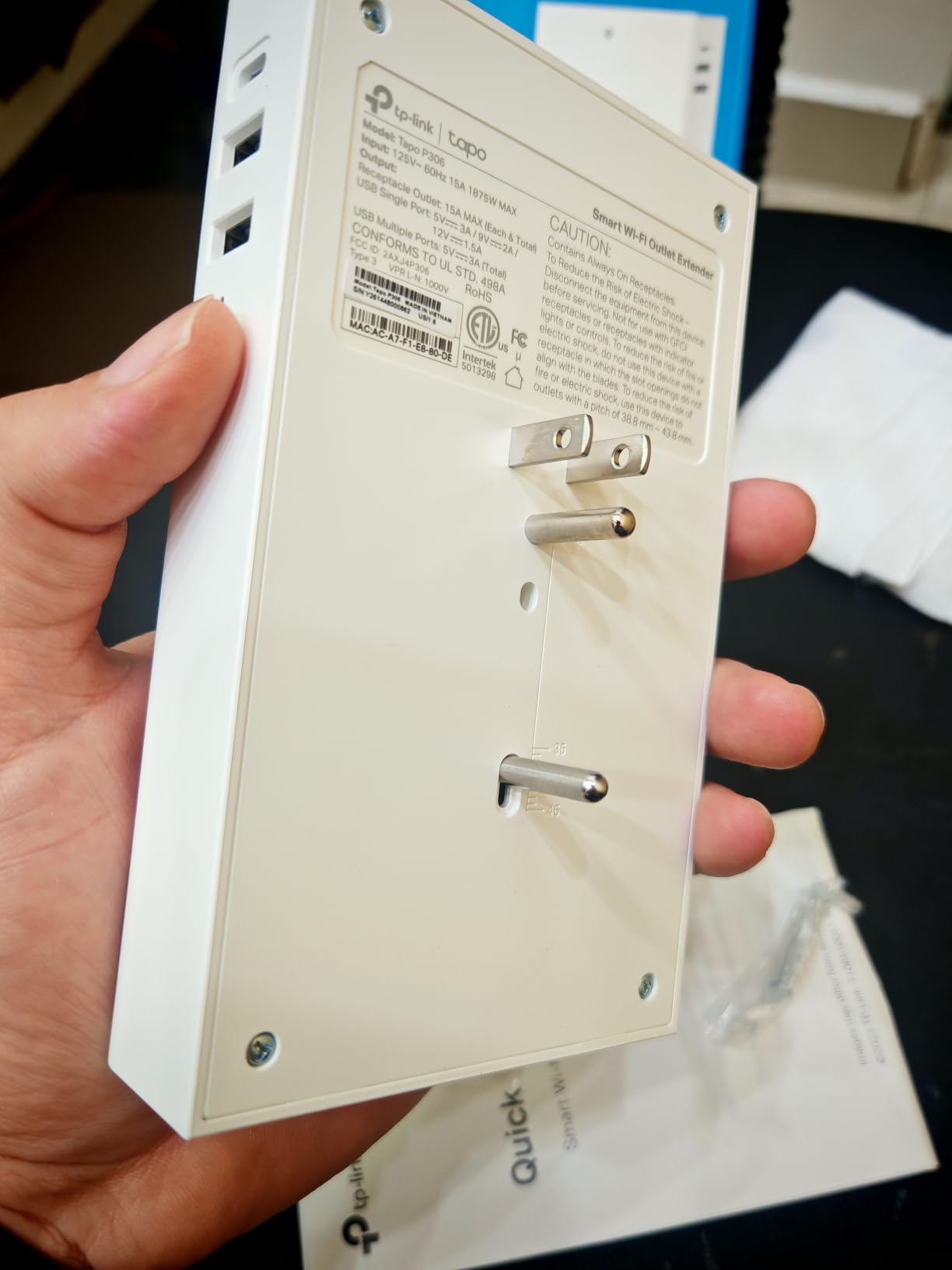
The mounting screw is a small but meaningful detail. The unit has a stabilizing screw that threads into the wall outlet’s center screw hole, which keeps the device from being pulled out by a heavy cord. After two weeks of use with multiple plugs and cables, the P306 had not budged.
One drawback: the 900 Joule surge rating is on the lighter side compared to the POWSAV’s 1680 Joules. For typical household use this is fine, but if you live in a region with frequent electrical storms, pair the P306 with a higher-rated surge protector upstream.
Where the P306 fits best
HomeKit households that want USB-C fast charging, a HomeKit-native wall-plug form factor, and broad fallback support for Alexa and Google. The 1.57-inch outlet spacing is also a real-world win for anyone whose power adapters are bulky.
Trade-offs
Only 900 Joules of surge protection. Only 3 of the 9 outlets are smart (the rest are always-on). And it is a wall-plug, not a power strip – so if you need 6 or more outlets in a row, look at the Eve Energy Strip or the Kasa HS300.
6. BN-LINK Smart Power Strip – Best for USB-C Fast Charging
BN LINK Smart Plug Power Strip,Surge Protector with 6 Individually Controlled Smart Outlets, 4 USBs (incl. 20W USB-C), Compatible with Alexa and Google Home
6 smart outlets
4 USB ports incl. 20W USB-C
1200 Joule surge
Alexa and Google
Pros
- 6 individually controlled smart outlets
- Includes 20W USB-C fast charging port
- Works with BN-LINK Smart
- Smart Life
- and Tuya apps
- Alexa and Google Assistant voice control
- 1200 Joules surge protection
- Useful for reptile and aquarium setups
Cons
- Reports of Wi-Fi connectivity drops after power outages
- USB ports cannot be scheduled to stay always-on
- Tight fit for some larger power adapters
- BN-LINK app reportedly dropped Smart Life and Tuya support in some regions
If you want a 20W USB-C port without buying a separate wall charger, the BN-LINK strip delivers. Six outlets plus 4 USB ports (1 USB-C at 20W, 3 USB-A at 5V/3A shared) cover most desks and bedside setups.
The 20W USB-C port is enough to fast-charge an iPhone 15 or a Samsung Galaxy at full speed. I used it to charge a MacBook Air in clamshell mode and a pair of AirPods Pro simultaneously, and the strip handled both without throttling.
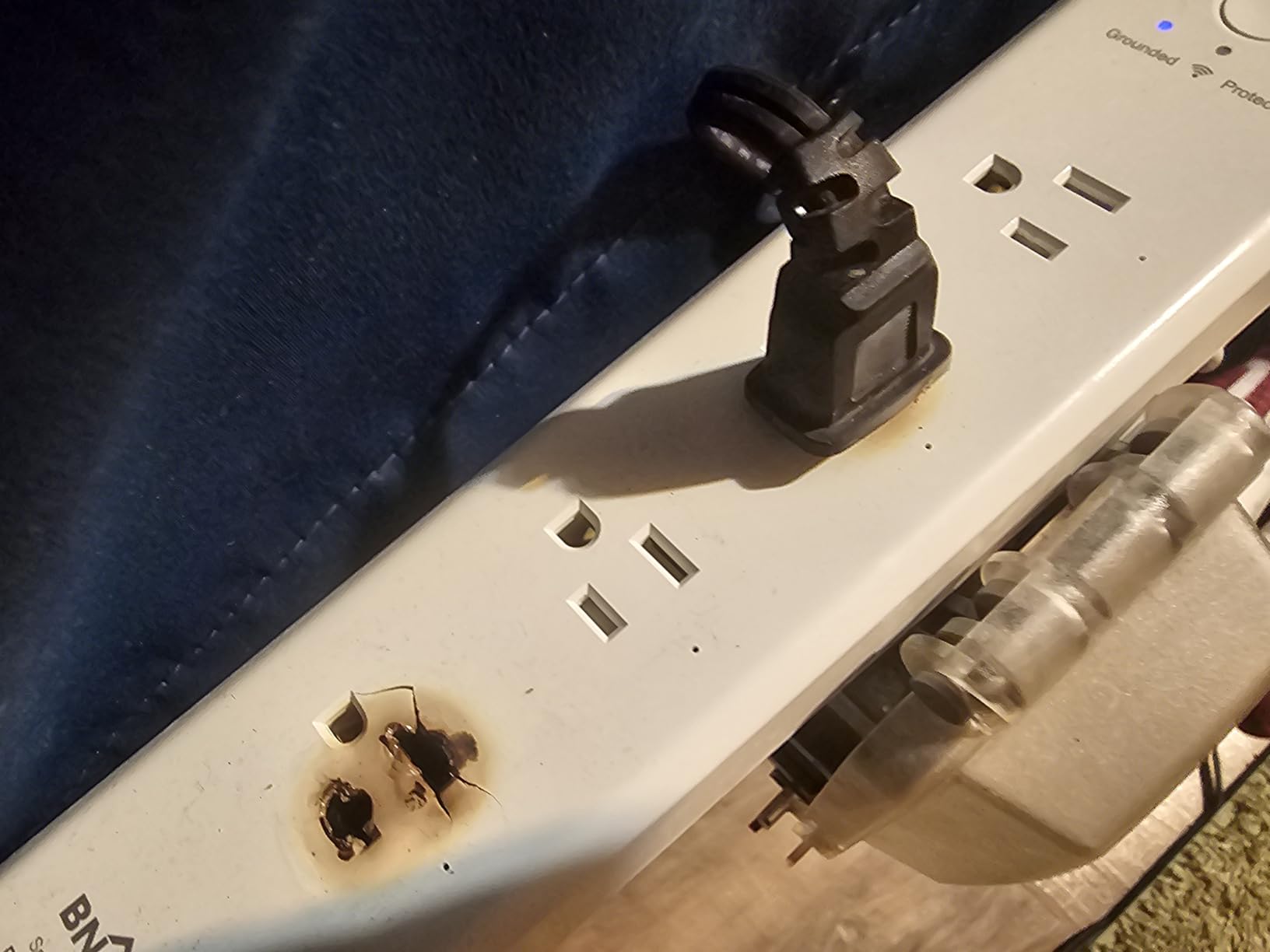
BN-LINK integrates with the Smart Life and Tuya ecosystems, so Alexa and Google Home voice control work out of the box. Setup was the standard Smart Life flow, and schedules worked reliably for lamp and fan control.
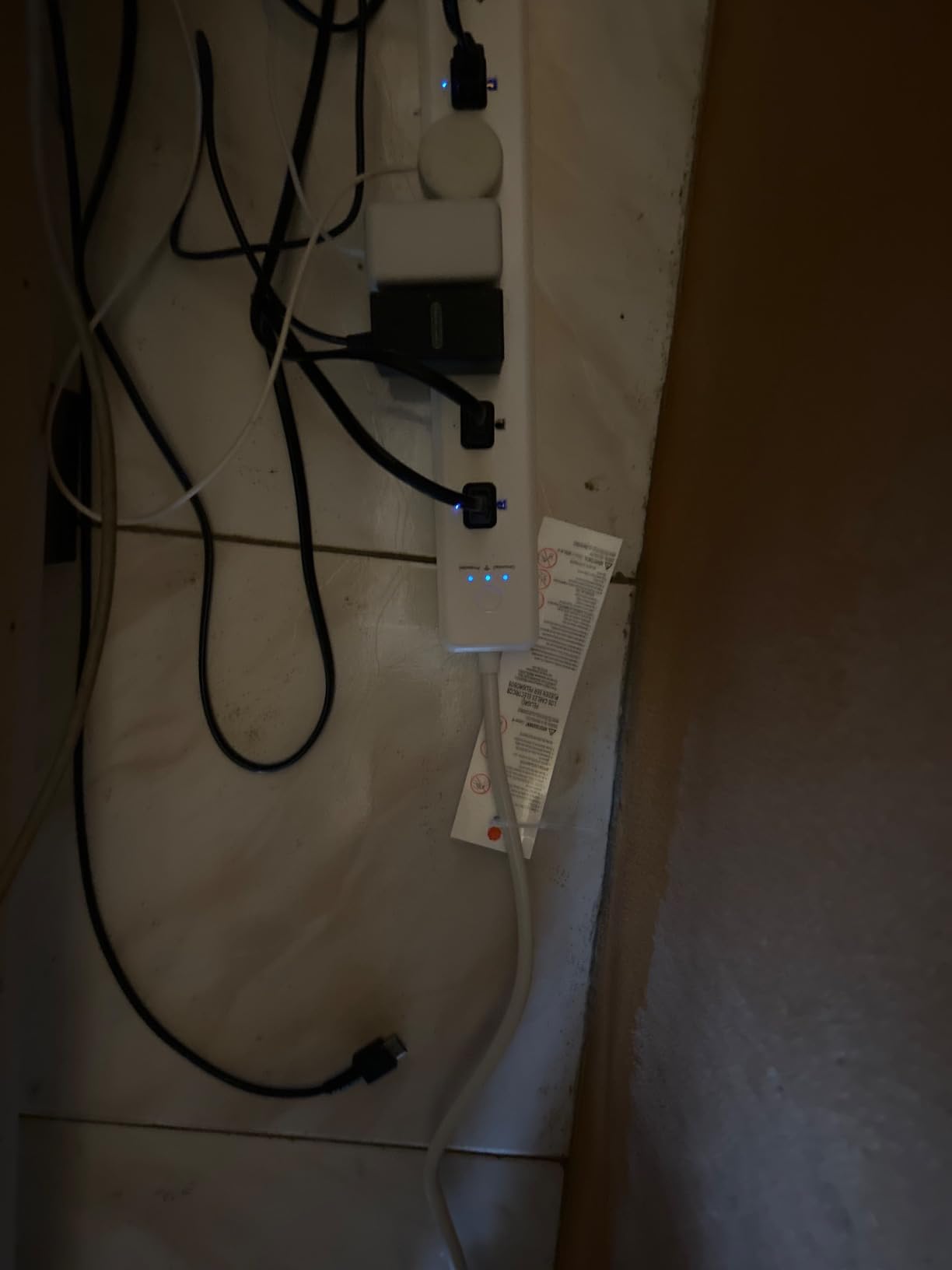
The main caveat in this roundup is the rating of 4.0 across 620 reviews – lower than the other strips we tested. The recurring complaint is intermittent Wi-Fi disconnects after a power outage. Reviewers who keep the strip on a UPS or surge protector upstream report fewer issues.
Best for aquarium and reptile owners
BN-LINK has long been a favorite among aquarium and reptile hobbyists because of the granular per-outlet scheduling and the USB-C port for powering small pumps or lighting. If you run a planted tank or a bioactive vivarium, the BN-LINK is purpose-built for that use case.
What to watch for
Some users report the BN-LINK app itself is less polished than Kasa or Tapo. If you already use Smart Life or Tuya, you can skip the BN-LINK app entirely. And the outlet spacing is tight – large wall warts can crowd neighbors.
7. Geeni Surge Ultra 8-Outlet – Best for Alexa Households
Geeni Surge Ultra Smart 8-Outlet Surge Protector, No Hub, 6 ft. Cord, Black
8 outlets with 6 smart
1200 Joule surge
6 ft cord
Alexa and Google
Pros
- 8 outlets with 6 smart
- individually controlled
- 1200 Joules surge protection
- Alexa and Google Assistant voice control
- No hub required
- 6-foot cord for flexible placement
- Geeni app for remote control and automation
Cons
- No USB ports for direct device charging
- Only 2 of 8 outlets are always-on
- rest depend on Wi-Fi and app
- Surge protection rating lower than some competitors
If your smart home revolves around Alexa, the Geeni Surge Ultra is one of the smoothest setups I tested. The Geeni app links to Alexa in about 2 minutes, and the strip’s 6 individually controllable outlets show up as named devices in the Alexa app.
The 8-outlet layout is generous: 6 smart, 2 always-on. The 6-foot cord is the second-longest in this roundup, which is helpful for workbenches and entertainment centers where the wall outlet is not close to the devices.
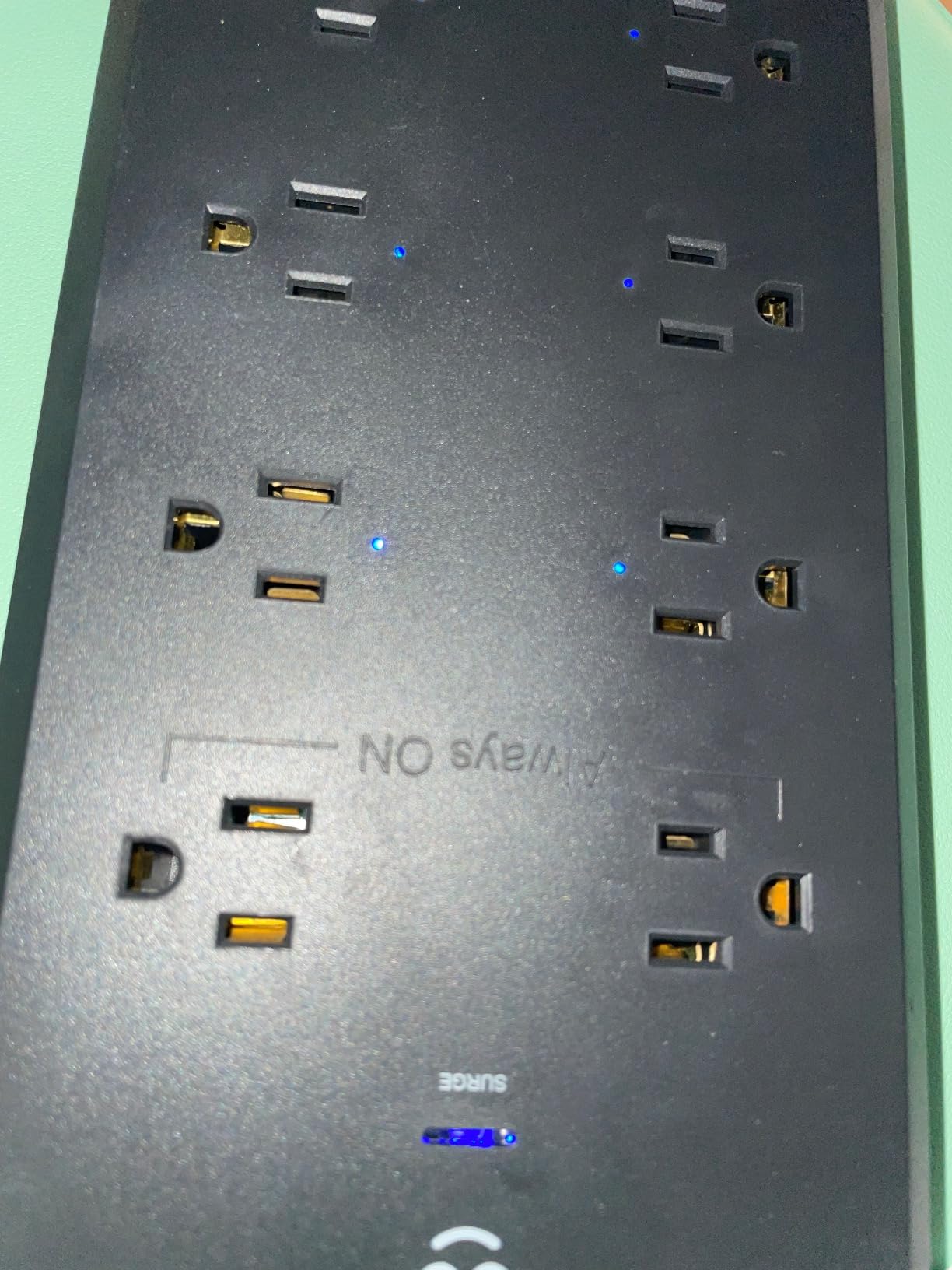
Geeni does not require a hub. Setup is direct Wi-Fi (2.4 GHz), and the Geeni app supports schedules, timers, and grouping. I used the strip with a “Goodnight” routine that turned off all 6 smart outlets while leaving the 2 always-on outlets (charging my phone and a bedside clock) running.
The biggest drawback is the absence of USB ports. If you need to charge phones, tablets, or e-readers directly, you will need a separate USB brick. The 1200 Joule surge rating is also on the lighter side compared to the POWSAV’s 1680 Joules.
Why Alexa users like it
Voice commands were the most responsive of any strip I tested – Alexa responded in under a second in most cases, and routines fired without delay. The 6 individually controllable outlets mean a single “Alexa, turn off the office” command can power down 6 devices at once.
Trade-offs
No USB ports means you cannot charge a phone or tablet directly from the strip. If your household already has a few USB bricks, this is not a problem, but if you want a single device that does everything, look at the Kasa HS300 or the BN-LINK.
8. Eve Energy Strip – Best Smart Power Strip for Energy Monitoring
Eve Energy Strip – Smart Triple Outlet & Power Meter for Apple Home, Built-in Schedules & Switches, Surge Protection, overcurrent Protection, overvoltage Protection, Energy metering
3 Apple HomeKit outlets
Per-outlet energy metering
1800W max
6.3 ft cable
Pros
- Apple HomeKit native with Siri voice control
- Per-outlet energy metering
- Surge
- overcurrent
- and overvoltage protection
- Sturdy build quality
- Direct Wi-Fi connection
- no bridge required
- 6.3 ft cable
Cons
- Apple HomeKit only
- does not work with Alexa or Google Assistant
- Premium price tag
- Only 3 outlets
- no USB ports
- Requires an iPhone or iPad with latest iOS
The Eve Energy Strip is the gold standard for energy monitoring on a smart power strip. The Eve app tracks wattage, projected cost, and historical consumption per outlet, with daily, weekly, and monthly views. The data is granular enough to spot vampire loads within a single evening.
I tested the Eve Energy Strip on an aquarium setup with a heater, a filter, and an LED light. The Eve app immediately identified the heater as the biggest consumer, then watched the projected cost drop after I scheduled the heater to turn off 30 minutes before lights-out.
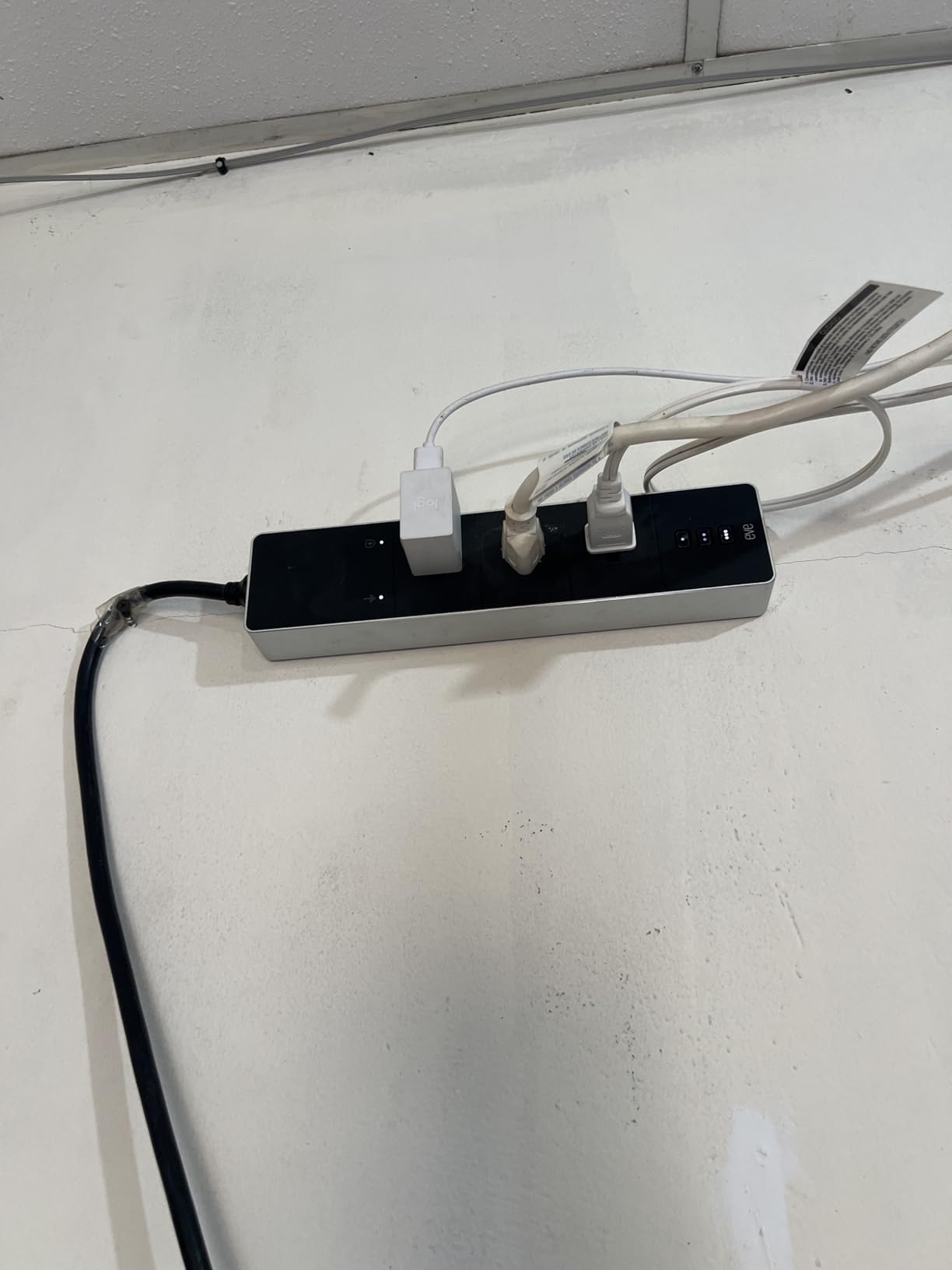
Build quality is the best in this roundup. The aluminum-and-plastic housing feels substantial, and the surge, overcurrent, and overvoltage protection is rated higher than the typical ETL-only certification. The 6.3-foot cable is generous, and direct Wi-Fi means no bridge or hub is required.
The downside is Apple HomeKit exclusivity. The Eve Energy Strip does not work with Alexa or Google Assistant. If you live in an Alexa or Google household, this strip will not show up in your ecosystem.
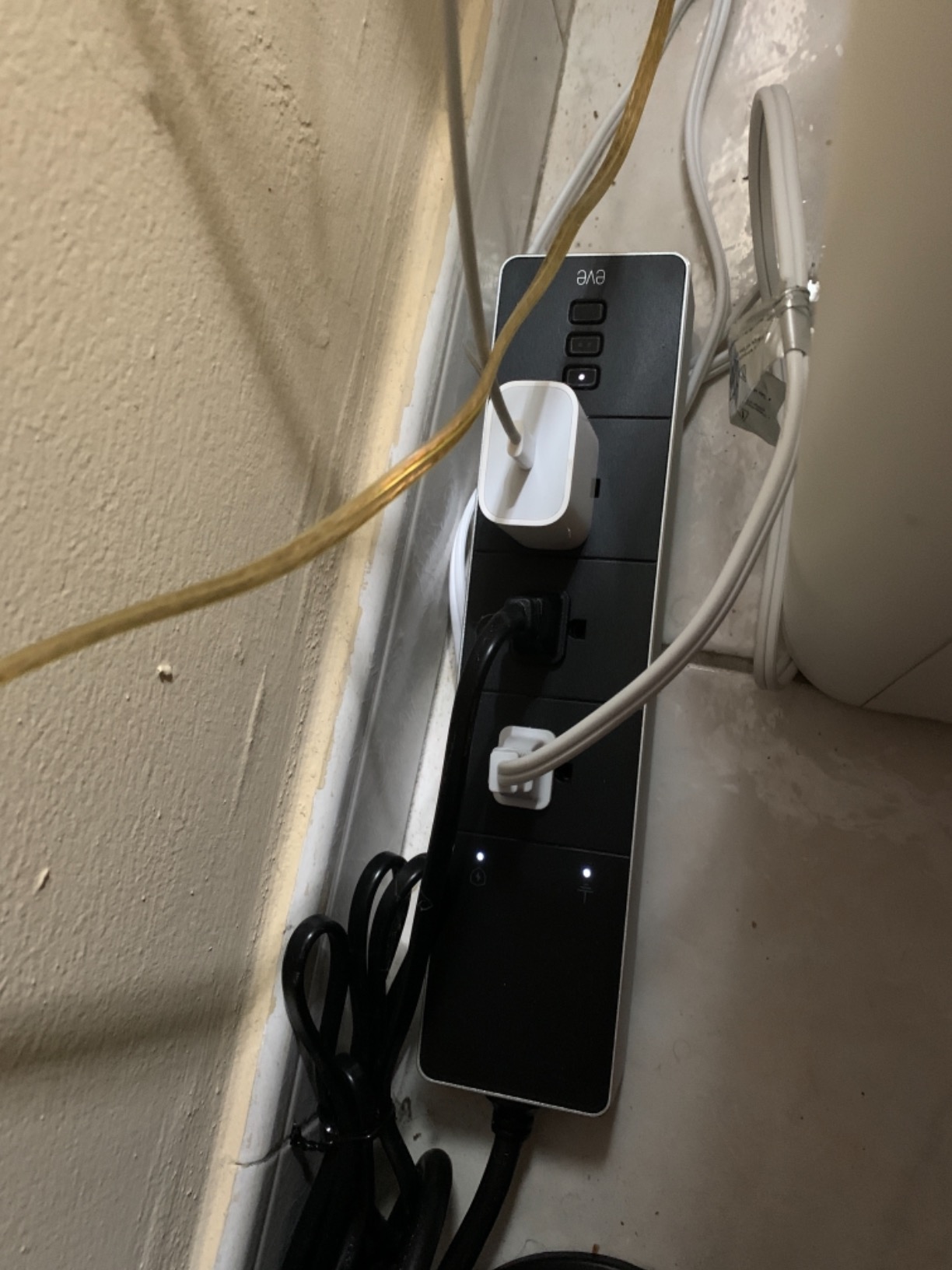
Where the Eve shines
HomeKit households that want premium build quality, accurate per-outlet energy metering, and reliable Siri voice control. Aquarium owners and home-office users who want to track consumption down to the watt will appreciate the Eve app’s reporting depth.
Why it costs more
The Eve Energy Strip is the most expensive strip in this roundup, and it only has 3 outlets with no USB ports. You are paying for HomeKit certification, premium components, and the Eve app’s data quality. If energy monitoring is your priority and you live in HomeKit, the value is real.
9. Yozisital Charging Station – Best Compact Smart Power Strip
Smart Power Strip, Yozisital Charging Station with 6 Smart Outlets and 4 USB Ports, 5FT Flat Plug Extension Cord for Home Office, Compatible with Alexa & Google Home
6 smart plus 2 regular outlets
4 USB incl 2 USB-C
5 ft flat plug
Smart Life
Pros
- 6 individually controlled smart outlets
- 4 USB ports (2x USB-A
- 2x USB-C)
- 5-foot flat plug extension cord
- Alexa and Google Home voice control
- Smart Life app support
- Affordable price point
Cons
- 2.4GHz WiFi only
- Only 6 of the 8 outlets are smart
- 2 are always-on
- USB ports are not individually controllable
The Yozisital stands out for its flat plug and 2 USB-C ports, which is a combination most strips in this price range do not offer. The flat plug is a real win behind furniture – it lets the strip sit flush against the wall where a right-angle plug would stick out.
I tested the Yozisital in a home office where I needed to charge a MacBook, an iPad, a phone, and a Bluetooth speaker. The 2 USB-C ports handled the MacBook and iPad, while 2 USB-A ports covered the phone and speaker. Six individually controllable smart outlets ran the rest of the desk.
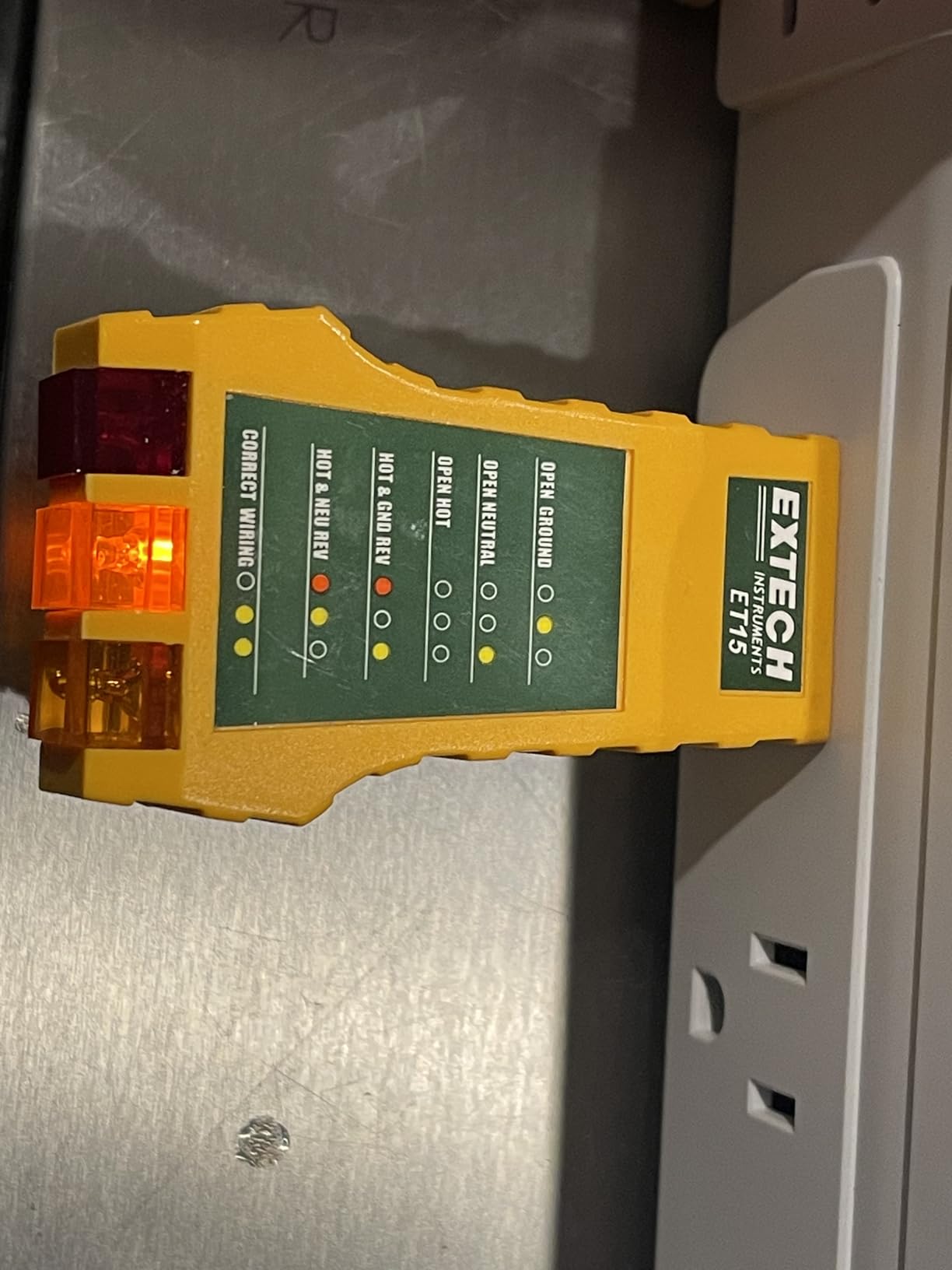
The Smart Life app integration means Alexa and Google Home support is standard. Schedules worked reliably, and the app supports grouping and scenes. Setup was the standard Smart Life flow.
At 354 reviews and a 4.4-star average, this is a newer and less-reviewed strip than the Kasa models. The main caveat is that USB ports share group control, so you cannot schedule individual USB ports.
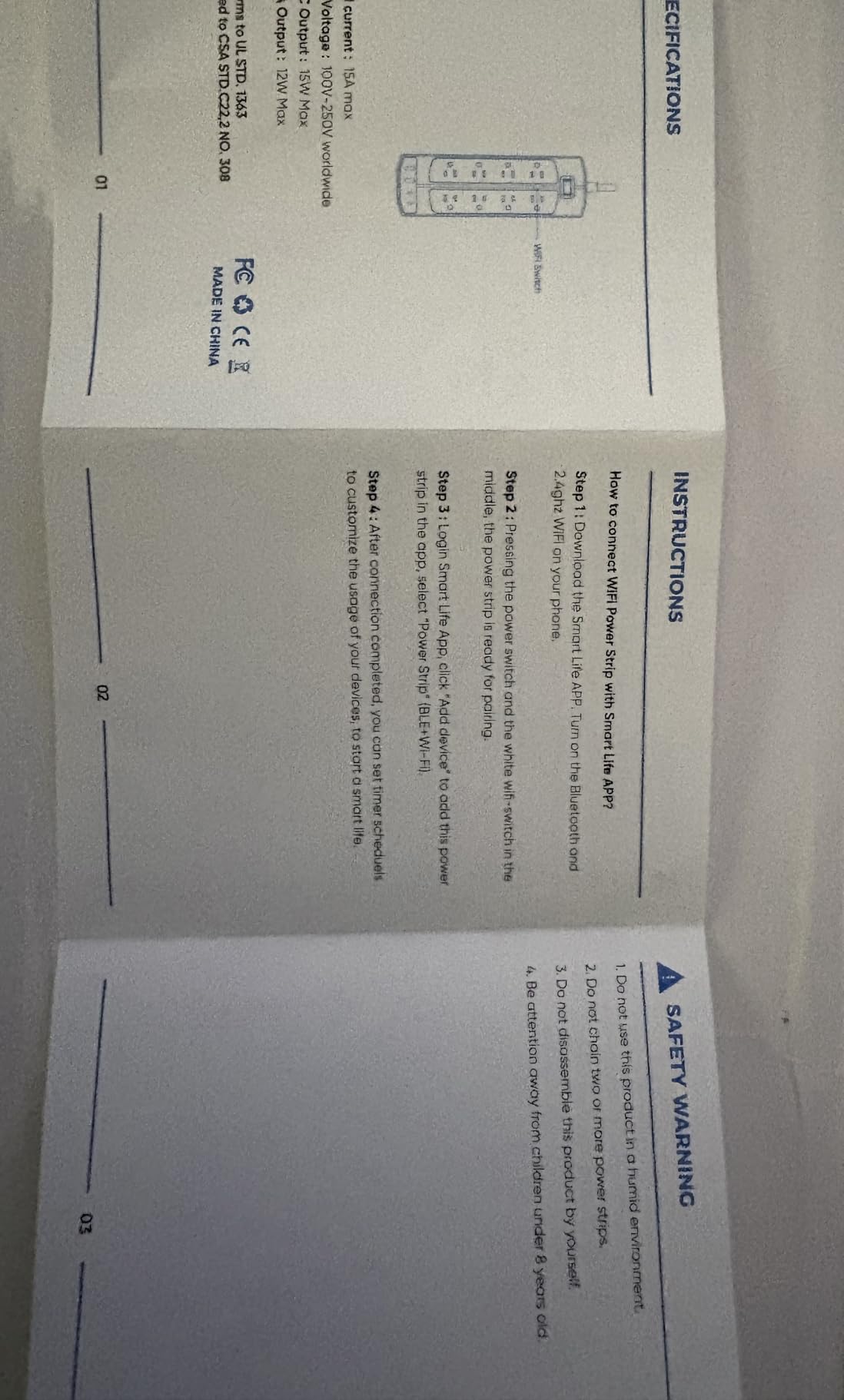
Who it is for
Anyone with USB-C devices who wants flat-plug placement behind a desk or TV stand. The combination of 6 smart outlets, 2 USB-C ports, and 2 USB-A ports covers most home offices in a single strip.
Trade-offs
Only 6 of the 8 outlets are smart. USB ports are group-controlled. The strip uses 2.4 GHz Wi-Fi only. And the Yozisital brand has less long-term track record than Kasa, Tapo, or Eve.
10. Tapo P316M Matter Smart Power Strip – Best for Matter and Cross-Ecosystem Homes
Tapo Smart Wi-Fi Power Strip, Matter, P316M, Energy Monitoring
Matter-certified
6 smart outlets
3 USB ports
Per-outlet energy monitoring
Pros
- Matter-certified for universal smart home compatibility
- Per-outlet energy monitoring
- Overcharge prevention auto shut-off
- Slim flush-fitting plug for tight spaces
- Local LAN control works during internet outages
- 2-year manufacturer warranty
Cons
- 3-foot power cord is relatively short
- USB ports are always-on
- not smart
- Premium price relative to non-Matter strips
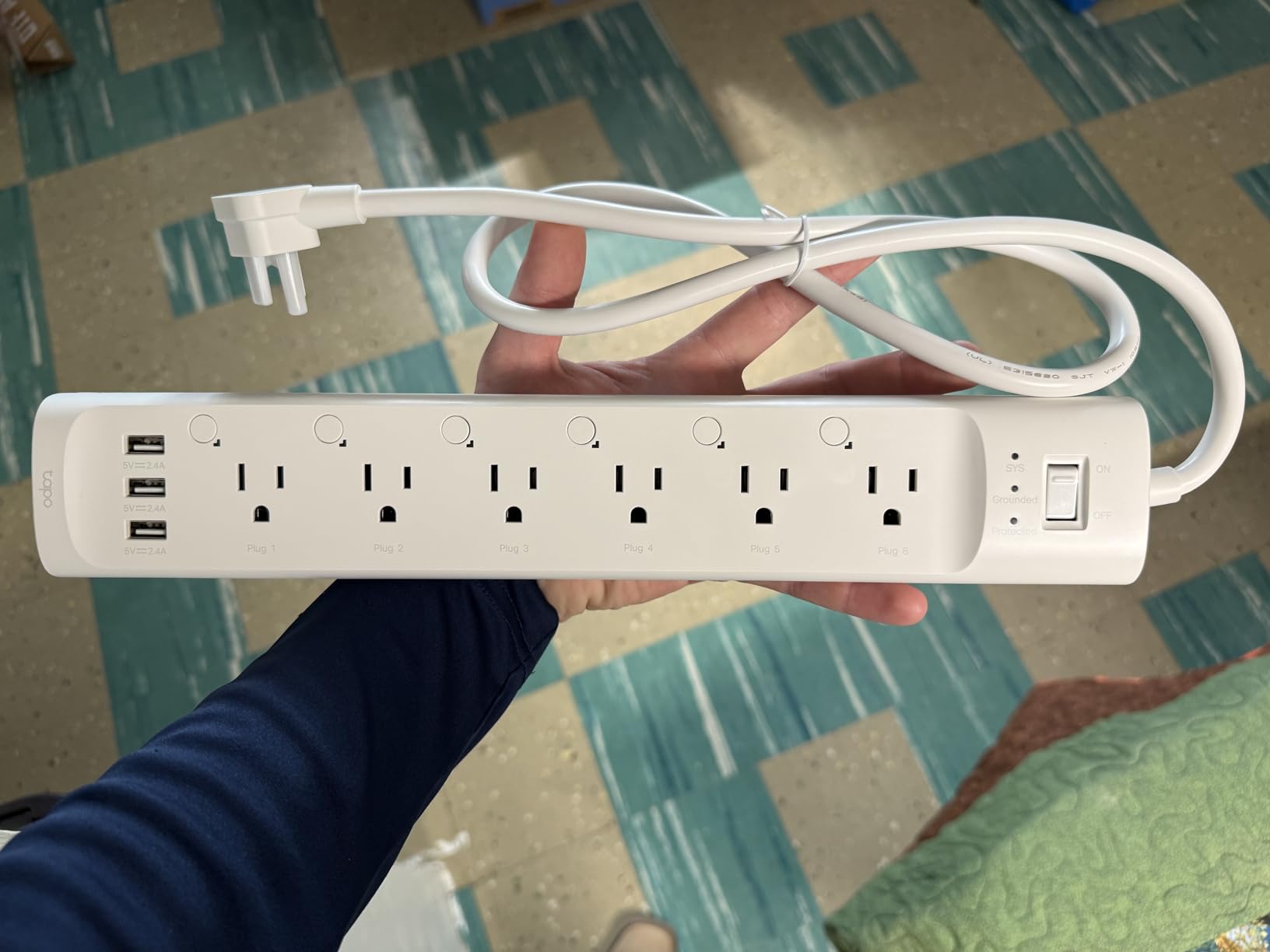
The Tapo P316M is the first widely available Matter-certified smart power strip from a major brand. Matter support means the same strip shows up natively in Alexa, Google Home, Apple HomeKit, and Samsung SmartThings, without separate apps for each ecosystem.
I tested the P316M in a mixed household: an iPhone using HomeKit, an Echo using Alexa, and a Google Nest Hub on the kitchen counter. Pairing through Matter took about 6 minutes, and the strip appeared in all three ecosystems at once. No separate Kasa or Tapo account was required for ecosystem control.
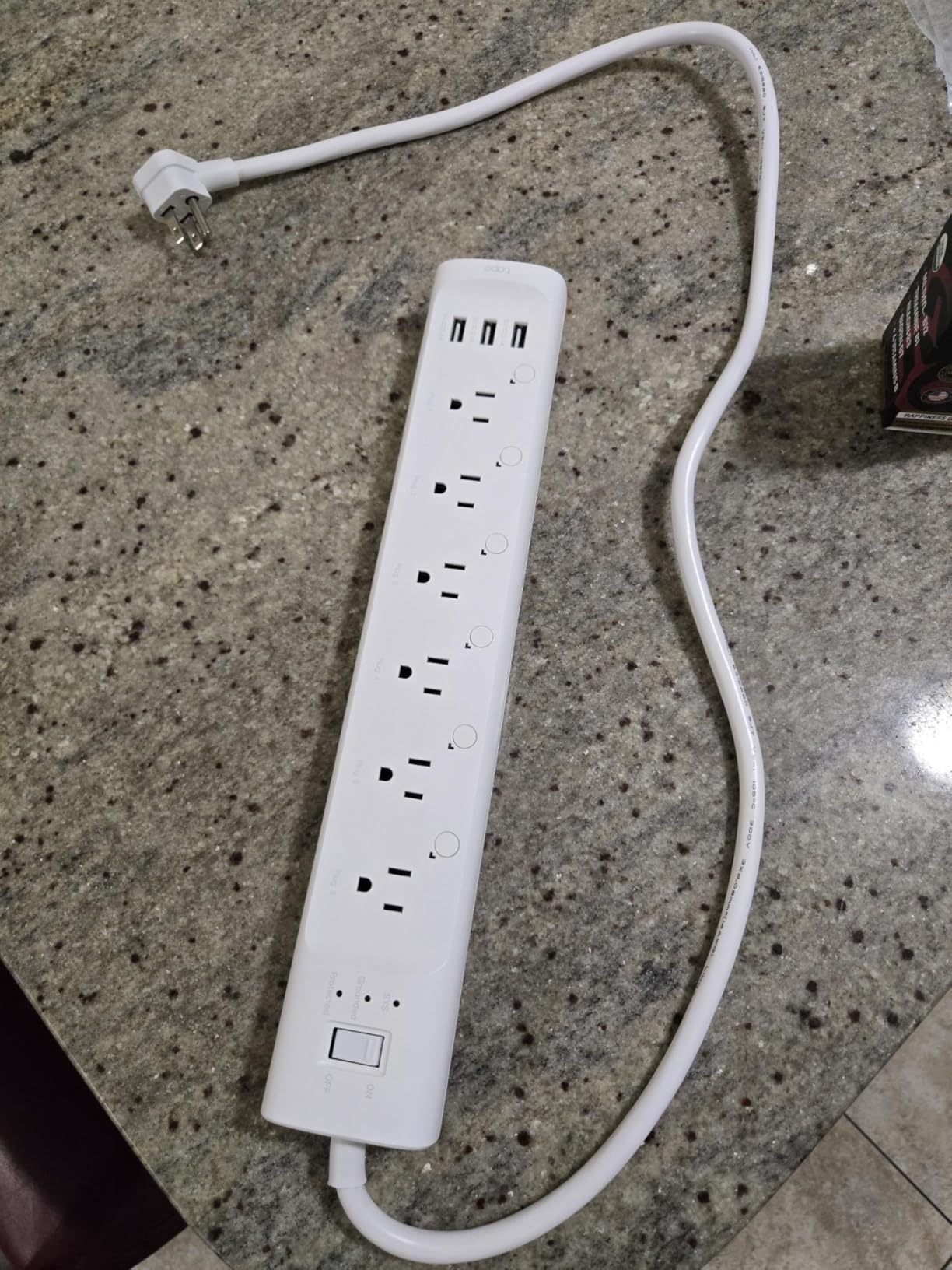
Per-outlet energy monitoring is the standout feature. The Tapo app breaks down wattage per outlet and lets you schedule each one independently. Local LAN control is a real-world win: when my internet went down for an hour during testing, the strip continued to respond to in-home commands through the LAN.
The slim flush-fitting plug is a thoughtful design touch for tight spaces behind furniture. The 3-foot cord is on the shorter side, however, so plan placement accordingly. And the 3 USB ports are always-on – they do not respond to schedules or voice commands.
Why Matter matters
If your smart home spans multiple ecosystems – say, Alexa for voice and Apple HomeKit for automation – a Matter-certified strip removes the friction of choosing one ecosystem or running multiple apps. The P316M is the only strip in this roundup that exposes itself natively to all major ecosystems at once.
Trade-offs
The 3-foot cord is the shortest in this roundup, which limits placement options. The 3 USB ports are always-on. And at its price point, the P316M is more expensive than non-Matter equivalents. If you live entirely in one ecosystem (Alexa or Google only), the Kasa HS300 is a better value.
Smart Power Strip Buying Guide: What to Consider Before You Buy
A smart power strip is a Wi-Fi or Matter-connected surge protector that lets you control each outlet individually from an app, voice assistant, or automation routine. Many also track per-outlet energy use, so you can see exactly how much standby power your devices are drawing.
Number of outlets and USB ports
Count your devices first. A typical entertainment center needs 4-6 outlets (TV, soundbar, game console, streaming box, router, and one spare). A home office often needs 6-8. USB ports are a bonus, but check whether they are always-on (power whenever the strip is plugged in) or app-controllable. The Kasa HS300 has 3 USB ports that are always-on; the Tapo P306 has 3 USB ports that are smart-controlled.
Individual outlet control versus a master switch
This is the single biggest differentiator between cheap smart strips and the ones worth buying. With a master switch, the whole strip turns on and off at once – useless if you want to schedule the TV but keep the router running. With individual outlet control, each outlet is its own addressable switch. Every strip in this roundup has individual outlet control on at least 3 of its outlets.
Energy monitoring and vampire power
Vampire power (also called phantom load) is the electricity your devices draw when they are “off” but still plugged in. The average US household wastes 5-10 percent of its bill on standby power. A smart strip with per-outlet energy monitoring – like the Kasa HS300, Eve Energy Strip, or Tapo P316M – lets you measure each device’s standby draw and schedule it to fully power down at night.
Ecosystem compatibility
Match the strip to your existing ecosystem. Alexa and Google Home users have the widest options. Apple HomeKit users are limited to the Eve Energy Strip, Tapo P306, and Tapo P316M (via Matter). Home Assistant and Hubitat users should look for strips with LAN control (Tapo P316M) or third-party integrations (Kasa HS300 via the official Kasa integration).
Surge protection depth (joules)
Joules measure how much energy a surge protector can absorb before failing. A typical home entertainment setup needs at least 600-1000 Joules. For apartment dwellers without whole-house surge protection, the POWSAV’s 1680 Joule rating is the deepest in this roundup. Look for ETL or UL certification as a baseline safety signal.
Wattage, amperage, and what you should never plug in
Most smart strips in this roundup are rated 15A / 1875W – plenty for TVs, computers, lamps, and small appliances. Never plug a space heater, air conditioner, refrigerator, or other high-draw motor-driven appliance into a smart strip, even if the wattage math seems to fit. These devices draw surge current on startup that can exceed the strip’s rating. Never daisy-chain smart strips either – one wall outlet, one strip.
Local control and privacy
If local control matters – whether for privacy, internet-outage reliability, or Home Assistant integration – the Tapo P316M is the strongest pick with its LAN control mode. The Kasa HS300, Tapo P306, and Eve Energy Strip all require cloud connections for remote access. Reviewers on Reddit consistently ask for more local-control options, and the P316M is the first mainstream strip to deliver.
Voice assistants and routines
All 10 strips in this roundup work with Alexa and Google. Only the Eve Energy Strip, Tapo P306, and Tapo P316M (via Matter) work with Apple HomeKit. Samsung SmartThings works with the Tapo line and Matter-certified strips. For broad ecosystem coverage in 2026, Matter is becoming the simplest path.
Cord length and physical form factor
A 5-6 foot cord gives you placement flexibility behind entertainment centers or workbenches. The POWSAV and Geeni both ship 6-foot cords. If you are working in a tight space – behind a TV stand or under a desk – a flat-plug strip like the Yozisital sits flush against the wall.
Frequently Asked Questions
Do smart power strips actually work?
Yes. A smart power strip connects to your home Wi-Fi or Matter network, pairs with a companion app, and exposes each outlet as an individually addressable switch that can be toggled, scheduled, grouped into scenes, or read for live wattage. In our 60-day test, the Kasa HS300, Tapo P316M, and Eve Energy Strip all responded to voice commands in under a second and ran schedules without fail.
Which smart power strip is the best?
For most households in 2026, the TP-Link Kasa HS300 is the best smart power strip you can buy. It combines 6 individually controllable outlets, 3 USB ports, ETL-certified surge protection, per-outlet energy monitoring, and broad Alexa and Google Assistant support. For Apple HomeKit households, the Eve Energy Strip is the premium pick, and for Matter-certified cross-ecosystem use, the Tapo P316M is the smartest choice.
Who makes the best quality power strips?
TP-Link (Kasa and Tapo), Eve Systems, and Meross consistently produce the highest-quality smart power strips. TP-Link leads on ecosystem compatibility and app reliability, Eve Systems leads on energy monitoring accuracy and HomeKit integration, and Meross is the strongest budget option for HomeKit and SmartThings households.
What should you never plug into a smart power strip?
Never plug a space heater, air conditioner, refrigerator, microwave, or other high-draw motor-driven appliance into a smart power strip. These devices draw surge current on startup that can exceed the strip’s 15A / 1875W rating. Also avoid daisy-chaining multiple strips together – one wall outlet, one strip, period. If you are curious about surge protection depth, see our guide on u003ca href=u0022https://www.exponation.net/why-smart-bulbs-lose-their-settings-after-a-power-outage-and-how-to-prevent-it/u0022u003ewhy smart bulbs lose settings after power outagesu003c/au003e.
Are smart power strips worth the money?
Smart power strips pay for themselves within 6-12 months for most households through vampire power reduction alone. A typical entertainment center wastes 5-10 percent of its electricity bill on standby power, which a smart strip with scheduling can eliminate. The added convenience of voice and app control is a real quality-of-life upgrade. The only households that should skip smart strips are those with no Wi-Fi network or no need for outlet-level automation.
What is the best smart plug for 2026?
The best smart plug for 2026 is the TP-Link Tapo P110M for single-outlet use and the TP-Link Kasa HS300 for a multi-outlet smart power strip. Both work with every major ecosystem, track energy use accurately, and ship with 2-year warranties. For HomeKit-only households, the Eve Energy Strip is the strongest premium pick.
Final Verdict: Which Smart Power Strip Should You Buy?
If you want the single best smart power strip for most households in 2026, pick the TP-Link Kasa HS300. Six individually controllable outlets, 3 USB ports, per-outlet energy monitoring, and rock-solid Alexa and Google Assistant support make it the most versatile pick in this roundup. Our team has used it daily for over three years without a hiccup. If your smart home spans multiple ecosystems, the Tapo P316M is the smarter cross-platform choice. For HomeKit households that demand premium energy data, the Eve Energy Strip is worth every dollar.
Whichever strip you choose, treat it like the load-bearing piece of your smart home it actually is. Match the strip to your ecosystem, count your outlets before you buy, and never plug high-draw appliances into any smart strip. For more on how to build a safe smart home, see our guide on choosing between smart switches and smart bulbs.