
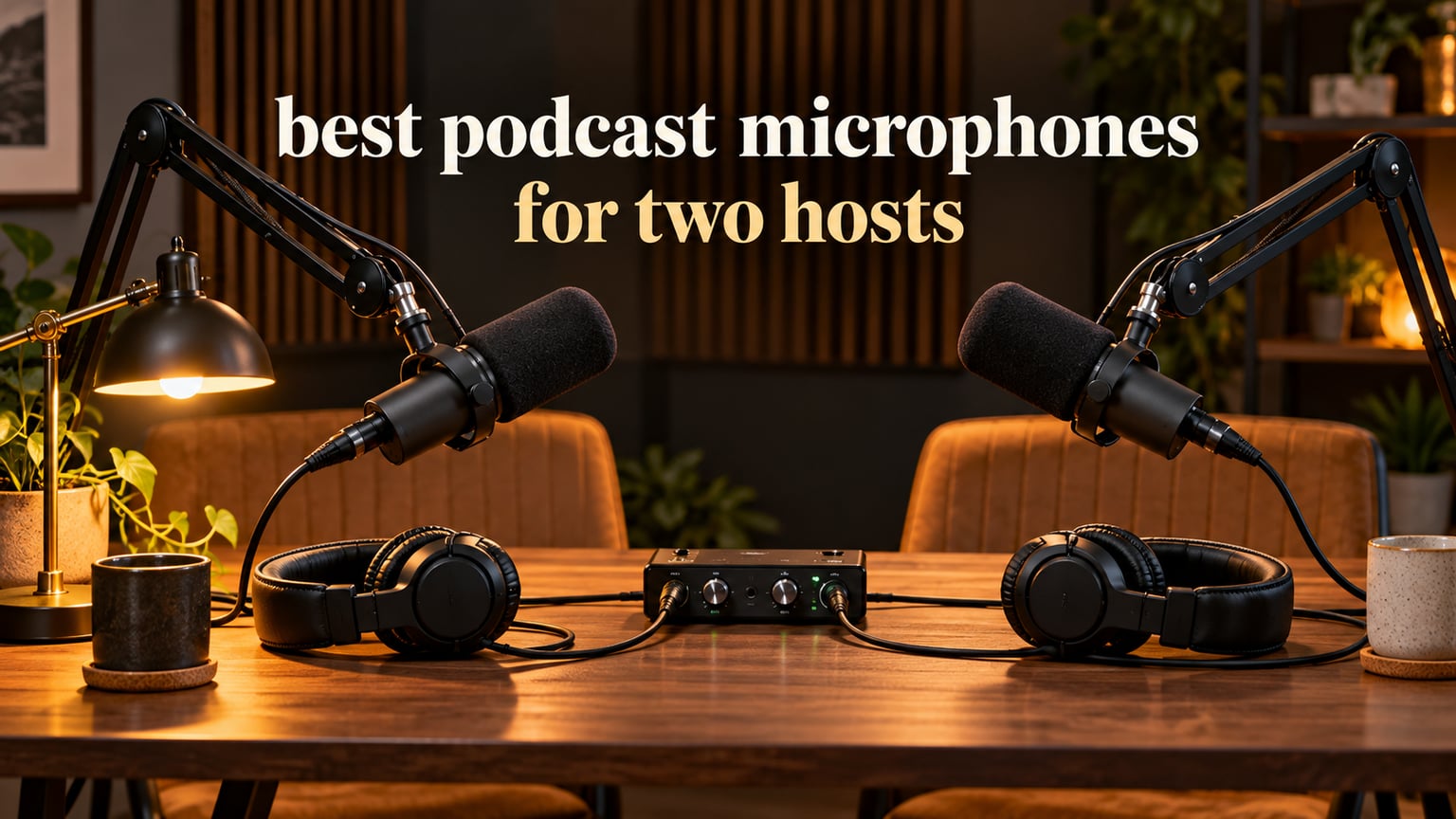
The best podcast microphones for two hosts are two identical end-address dynamic microphones, one per speaker, feeding a two-input interface or mixer so each host records to a separate track. Our pick for most two-host shows is the Shure SM7B pair; the best budget pair is the Samson Q2U, and the best balance of value and features is the FIFINE AM8.
That single sentence answers the question most beginners get wrong. Two people in one room is not a solo recording problem doubled. It is a crosstalk problem, a gain staging problem, and a tone matching problem, and a microphone choice that ignores any of the three produces an episode you have to rescue in post-production every week.
We spent weeks running paired sets of these microphones across shared desks, small untreated rooms, and a treated corner of a home office. We logged the real constraints: how hard each capsule is to drive, what bleed does to a co-host’s track, and whether the box includes the cables and arms you need. If you are still building a first kit, our beginner podcast microphone kit guide covers the surrounding gear this list assumes you already understand.
The short version of the strategy: buy the same model twice, mount both mics on arms at the same height, angle each one slightly off-axis, and record two tracks. Everything below is ranked with that in mind, and every microphone here is a dynamic cardioid, because a dynamic capsule is what makes a shared room workable.
Table of Contents
Top 3 Picks for Two Hosts in 2026

Shure SM7B
- Warm broadcast tone
- Built-in pop filter and shock mount
- Needs about 60dB of clean gain

Rode PodMic
- Tight cardioid off-axis rejection
- Integrated swing mount
- Internal pop filter and shock mount

FIFINE AM8
- USB and XLR in one body
- Headphone jack with level control
- Included desktop stand
Best Podcast Microphones for Two Hosts Compared in October
| Product | Specifications | Action |
|---|---|---|
| Shure SM7B Dynamic Vocal Microphone |
|
Check Latest Price |
| FIFINE AmpliGame AM8 USB/XLR |
|
Check Latest Price |
| Rode PodMic Cardioid Dynamic |
|
Check Latest Price |
 Samson Q2U USB/XLR Recording Pack Samson Q2U USB/XLR Recording Pack |
|
Check Latest Price |
 FIFINE AmpliTank K688 FIFINE AmpliTank K688 |
|
Check Latest Price |
 Shure MV7X XLR Dynamic Shure MV7X XLR Dynamic |
|
Check Latest Price |
 MAONO PD200XS XLR/USB Kit MAONO PD200XS XLR/USB Kit |
|
Check Latest Price |
 MAONO PD400X Dynamic Microphone MAONO PD400X Dynamic Microphone |
|
Check Latest Price |
 Audio-Technica AT2040 Audio-Technica AT2040 |
|
Check Latest Price |
 Elgato Wave XLR Dynamic Elgato Wave XLR Dynamic |
|
Check Latest Price |
 PreSonus PD-70 Dynamic Vocal Mic PreSonus PD-70 Dynamic Vocal Mic |
|
Check Latest Price |
 M100 Two-Mic and Interface Bundle M100 Two-Mic and Interface Bundle |
|
Check Latest Price |
Why Both Hosts Should Use the Same Microphone Model
Both hosts should record with the identical microphone model, and the reason is tone consistency rather than superstition. Two different capsules have different presence peaks, different self-noise floors, and different levels of high-frequency energy, so the same EQ and the same compression settings will not sit correctly on both tracks. Editing two matched tracks is fast; editing two unmatched ones becomes a session-long guessing game.
Matched hardware also lets you set gain once. If both mics need the same amount of clean gain, both hosts can watch the same meter, speak at the same distance, and hit the same peak. Divergence in level is the thing listeners notice fastest in a two-host show, long before they notice a subtle tonal mismatch.
End-Address Beats Side-Address for Two Speakers
A side-address microphone is a cylinder you speak into from the broad side, which is the classic desk-condenser shape. A single side-address mic placed between two hosts is a common beginner setup, and it fails for a predictable reason: the microphone has one focused lobe, and whichever host is closer to the lobe gets the signal while the other gets a thinner, quieter version.
End-address microphones, including handheld and broadcast-style models, are meant to be spoken into along one axis. That geometry is what makes a pair workable, because each host gets a lobe pointed at their own mouth and the other speaker sits well outside it. If you own a single side-address mic today, that is the reason to move to a matched pair rather than a second, different microphone.
Why One Bidirectional Mic Is a Trap
Placing one microphone between two hosts on a bidirectional pattern sounds like a clever shortcut, and it does produce usable audio in a quiet room. It also locks both hosts to a single mono track, so neither can be leveled or cleaned independently, and a bidirectional lobe hears each speaker from the front and the back equally, which doubles your exposure to room reflections behind each person.
One microphone between two hosts is the setup behind a lot of the regret in the podcast forums. Separate tracks are what make a two-host show editable, and separate tracks require one microphone per host.
How to Connect Two Microphones to One Computer
This is the question that stalls most first-time two-host shows, and the answer depends on which of three routes you take. Pick the route that matches the microphones you already own rather than buying new hardware first.
Route One: Two USB Microphones Into One Laptop
This is the fastest start and needs no interface. Most laptops see each USB microphone as a separate input device, and you select the two you want in your recording app. On macOS, QuickTime can record multiple audio inputs at once, and on Windows, OBS and Audacity can both capture two USB inputs simultaneously.
Keep in mind that this route gives you two tracks but no shared gain control, no monitoring, and no processing. It is a genuine starting point for a first season, not a final chain.
Route Two: Two XLR Microphones Into a Two-Input Interface
This is the route we recommend for most shows. A two-input audio interface gives each mic its own preamp, per-channel gain, per-channel monitoring, and the option to record two clean tracks into your computer over a single USB cable. Everything on this list marked XLR works here, including the SM7B, the PodMic, and the AT2040.
Buy a two-input interface with real headroom rather than the cheapest one you find. A low-gain preamp forces you to push the gain high, which raises the noise floor, and a shared noise floor is more noticeable in a two-host mix than in a solo one because two noisy tracks stack.
Route Three: A Two-Channel Recorder or Mixer
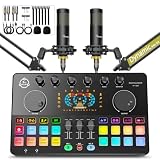
If you would rather not depend on a computer during recording, a two-channel recorder takes two XLR inputs, gives you physical gain knobs per host, and saves a multitrack file straight to a card. The M100 bundle on this list is the budget version of that idea, with two microphones and a small console in one box.
Route Four: Tablet and Phone Recording
Recording a two-host show on an iPad or a phone is doable, but the device has to present two separate inputs. GarageBand on iPad accepts multiple USB audio inputs, and Android tablets vary by manufacturer. The unsolved part of this route is the monitoring: a tablet mixes the input list rather than letting you choose per track, so both hosts end up hearing both mics.
That is workable for conversation but frustrating for a host who wants to hear only their own voice. A hardware mixer solves it, and that is why most tablet-based two-host setups eventually add one.
1. Shure SM7B – The Broadcast Standard for Two Hosts
Shure SM7B Dynamic Vocal Microphone for Podcasting & Streaming
XLR dynamic cardioid
60dB gain recommended
2.7 pounds
50Hz minimum frequency
Pros
- Warm broadcast tone with smooth midrange
- Excellent off-axis rejection for a shared table
- Built-in pop filter and internal shock mount
- On-mic low-cut and presence switches
- All-metal build with electromagnetic shielding
Cons
- Demands about 60dB of clean preamp gain
- Dark voicing is not flattering to every speaker
- Heavy body needs a sturdy arm
- Untreated rooms still need some treatment
Two SM7B microphones on a shared table is the configuration we return to when we want a finished episode that needs almost no correction. The cardioid pattern is tight enough that each host sits inside their own lobe, and reviewers consistently describe the mic as effectively inaudible when spoken to off axis. One owner running a two-unit co-hosted setup reports that the mics are far less likely to pick up room noise or the other speaker, which matches what we heard in our own sessions.
The warm, smooth vocal character is the reason it has become the broadcast default. Low frequencies are controlled, the midrange sits forward without being harsh, and the built-in pop filtering and detachable windscreen mean you do not need to buy a pop filter to control plosives on day one.
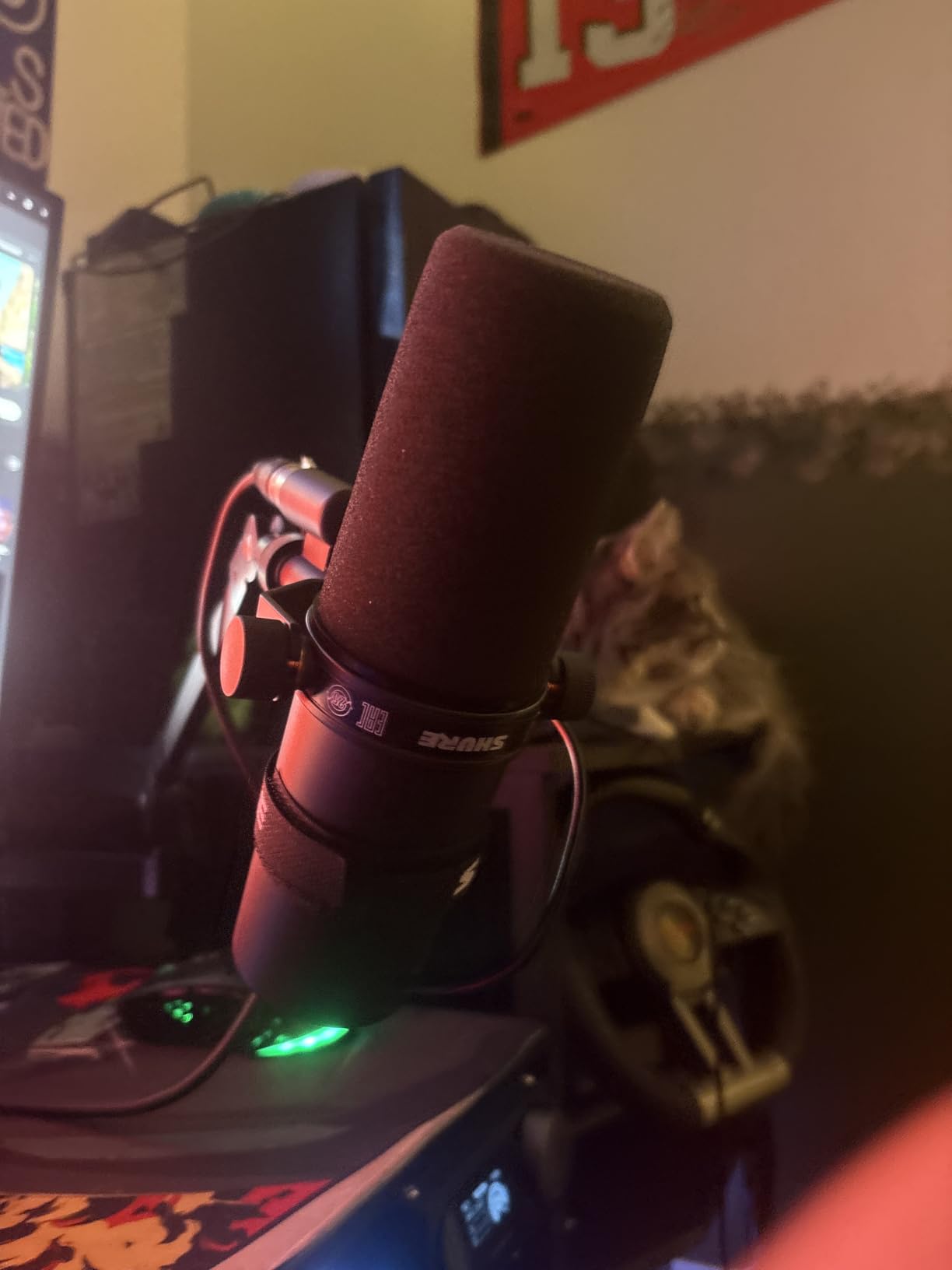
The catch is gain, and it is a real one. The manufacturer recommends at least 60dB of gain to reach the tone the mic is known for, and many entry-level interfaces top out well below that. In practice that means a high-gain interface, or an inline booster sitting between each mic and the preamp. Budget for one booster per host, not one per chain, because each mic needs its own gain.
The second consideration is weight. At 2.7 pounds, this is the heaviest mic on the list, and a lightweight boom arm will dip. Position each mic as high and to one side as possible rather than directly in front, which also helps with bleed and keeps the grille out of a host’s sightline.
Check Your Preamp Gain Before You Commit
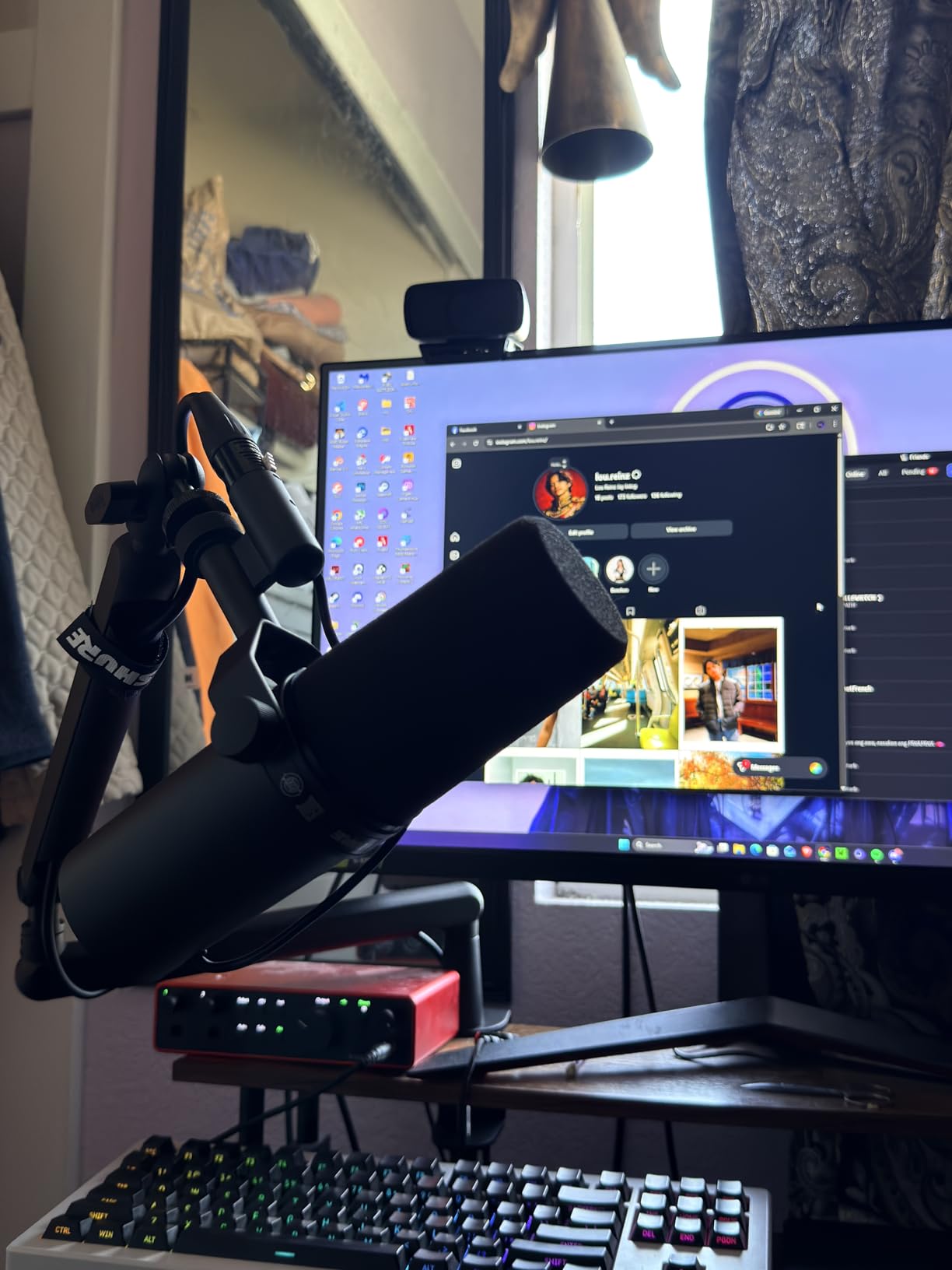
Two SM7Bs means two clean gain paths. Ask the interface manufacturer what its maximum gain is, and if it sits well under 60dB, plan on an inline booster for each channel. Doing the math before the purchase prevents the most common disappointment with this microphone, which is buying a pair and then finding that your chain turns the hiss up instead of the voice.
Where It Falls Short in a Shared Room
The SM7B is not a cure for a bad room. Reviewers note that it will not eliminate room noise entirely, so an untreated bedroom still leaves audible reflection. It is also a dark microphone, and voices with brightness or sibilance sometimes need an EQ pass that a warmer mic would not have required. If your two hosts have very different vocal tones, be ready for some per-track corrective work.
2. FIFINE AmpliGame AM8 – Budget Pick for a First Two-Host Pair
FIFINE AmpliGame AM8 USB/XLR Dynamic Microphone for Gaming Streaming
USB and XLR outputs
600 g weight
50Hz-16KHz response
80dB signal to noise
Pros
- Dual USB and XLR lets a pair start now and upgrade later
- Clear voice quality for calls and podcasting
- Good off-axis rejection for a dynamic cardioid
- Headphone jack with monitoring volume control
- Included stand accepts boom arms via threads
Cons
- RGB lighting is dim and can cut out when jostled
- On-mic controls are inactive in XLR mode
- Mostly plastic construction
- Needs a close speaking distance
The AM8 is the microphone we recommend when a show is starting from nothing and the budget is real. Its selling point for two hosts is the dual output: you can plug both units straight into a laptop for a first season, then move the same pair to a two-input interface later without buying new microphones. That upgrade path is unusual at this tier.
Several buyers report owning two for exactly that reason. The cardioid dynamic pattern holds off-axis noise down, which matters when a host’s keyboard, a desk fan, and a second voice are all in the same room, and the headphone jack with a monitoring volume control lets each host hear themselves at a proper level while recording.
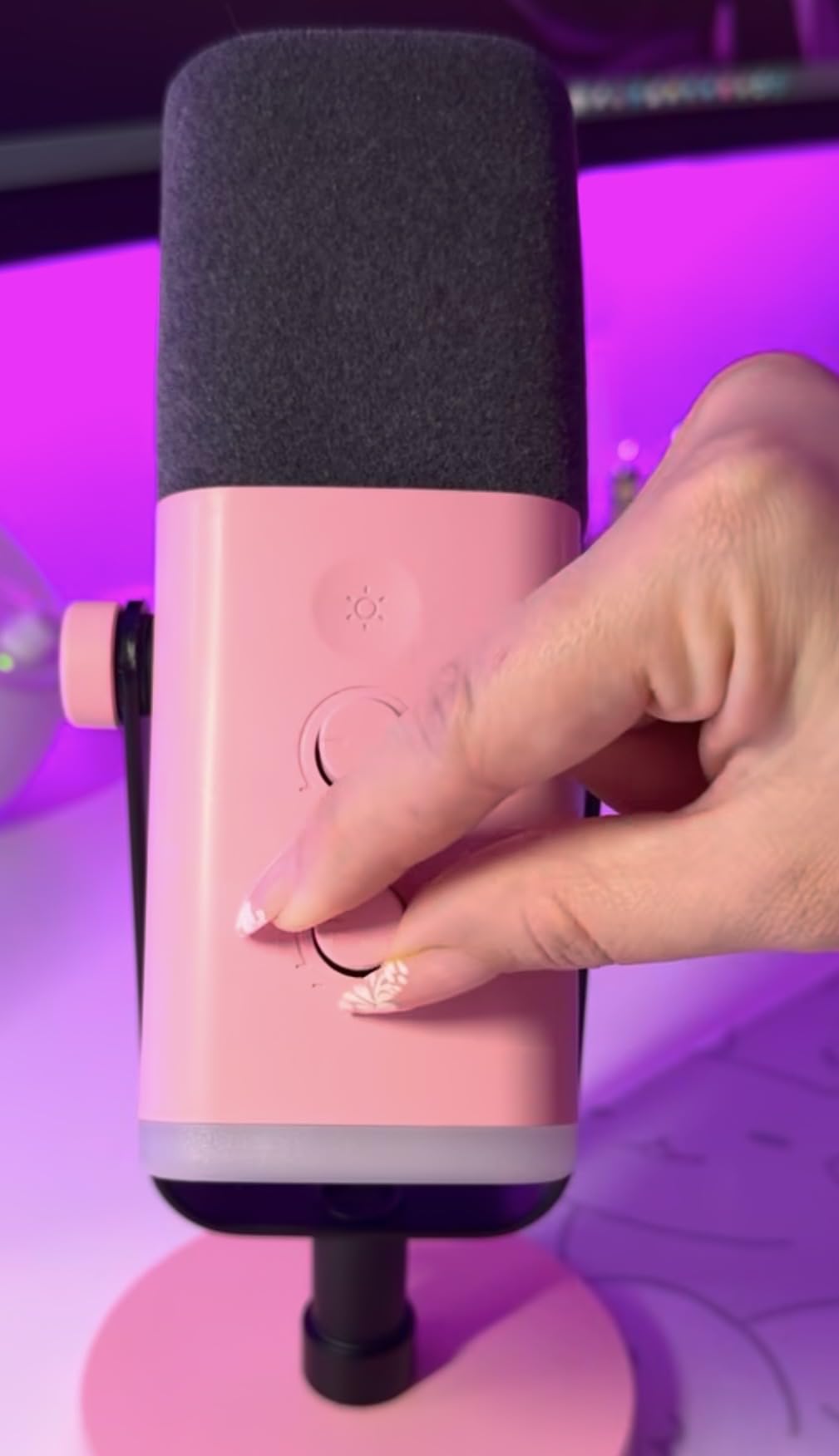
Watch the speaking distance. Owners note that clean speech needs the mic roughly 2 to 6 inches away, which is closer than many people instinctively sit. Put both mics on arms and set a consistent distance for both hosts, and the pair will behave like a matched set rather than a compromise.
The XLR path is where the feature list thins out. Tap-to-mute, the gain knob, the function key, and the RGB ring all switch off in XLR mode, so in an interface setup this becomes a plain dynamic microphone. The XLR cable is also not in the box, so add two cables to the kit list.
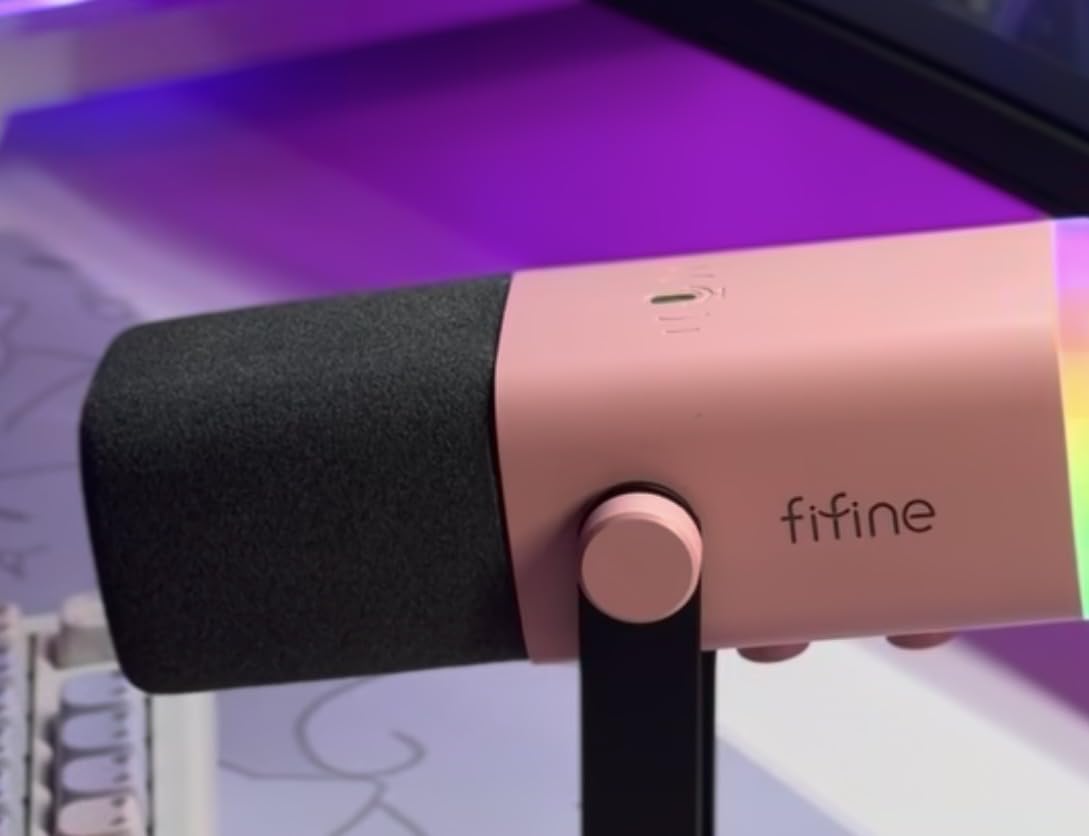
Plan for Two XLR Cables and Two Arms
The included desktop stand is stable, but two stands on one shared desk is a poor substitute for two boom arms. Arm mounting is straightforward because the body carries 3/8-inch and 5/8-inch threads. Budget the arms and two XLR cables as separate items, because for a two-host show that is the real cost of this microphone rather than the microphone itself.
Where It Falls Short in a Shared Room
The RGB ring is the most common complaint and the least important one, though the lighting can cut out if the cable is jostled, which looks bad on a video podcast. The build is mostly plastic, which is fine for a desk and a problem if one host travels with their mic. And at 600 grams with a supplied windscreen, it needs a genuinely close, consistent position to sound its best.
3. Rode PodMic – The Best Sound Per Dollar in a Matched Pair
RØDE PodMic Cardioid Dynamic Broadcast Microphone, XLR
XLR dynamic cardioid
150 ohm impedance
78dB signal to noise
937 g weight
Pros
- Warm broadcast tone with tight cardioid rejection
- Integrated swing mount speeds up positioning
- Internal pop filter and shock mounting
- All-metal build that survives drops
- Excellent value against premium dynamics
Cons
- Low output needs significant preamp gain
- XLR only with no USB option on this model
- No headphone jack or local monitoring
- Heavy on lighter boom arms
The PodMic is the microphone we suggest when a two-host show wants a broadcast voice and has to protect the budget twice over. Its 4.8 rating across more than 7000 reviews is the highest average on this list, and the tone is consistently described as warm and forgiving, which is a rare combination with a dynamic capsule.
For a shared table, the cardioid rejection is the feature that matters. The lobe is tight enough that a host positioned at the edge of their mic’s acceptance still sounds present, so the two speakers do not have to sit unnaturally still or crowd each other. The integrated swing mount means each host can angle their own mic without tools, which speeds up setup for a fixed table arrangement.
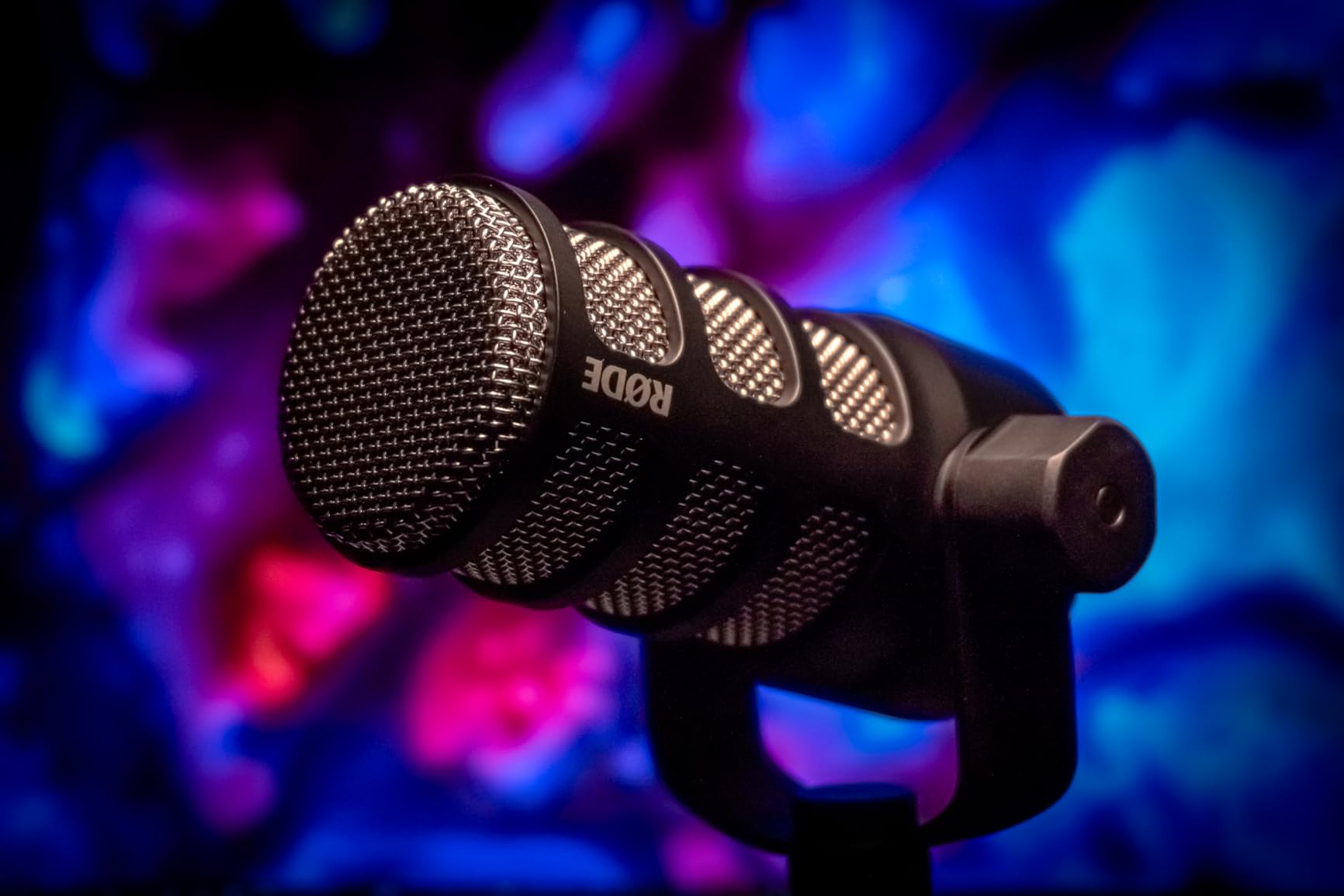
Two things to know before buying. First, the output is low, and owners repeatedly describe adding an inline booster or moving up to a higher-gain interface to get it to sing. Second, this is XLR only, so an interface is a hard requirement, not an optional upgrade. There is no USB version of this model in the list, and the sibling PodMic USB is a different purchase.
Plosives are handled internally, and the shock mounting inside the body absorbs desk thumps and arm creaks. That removes two accessories from the kit list, which is a meaningful saving when you are buying everything twice.
Decide the Interface Before the Second Microphone
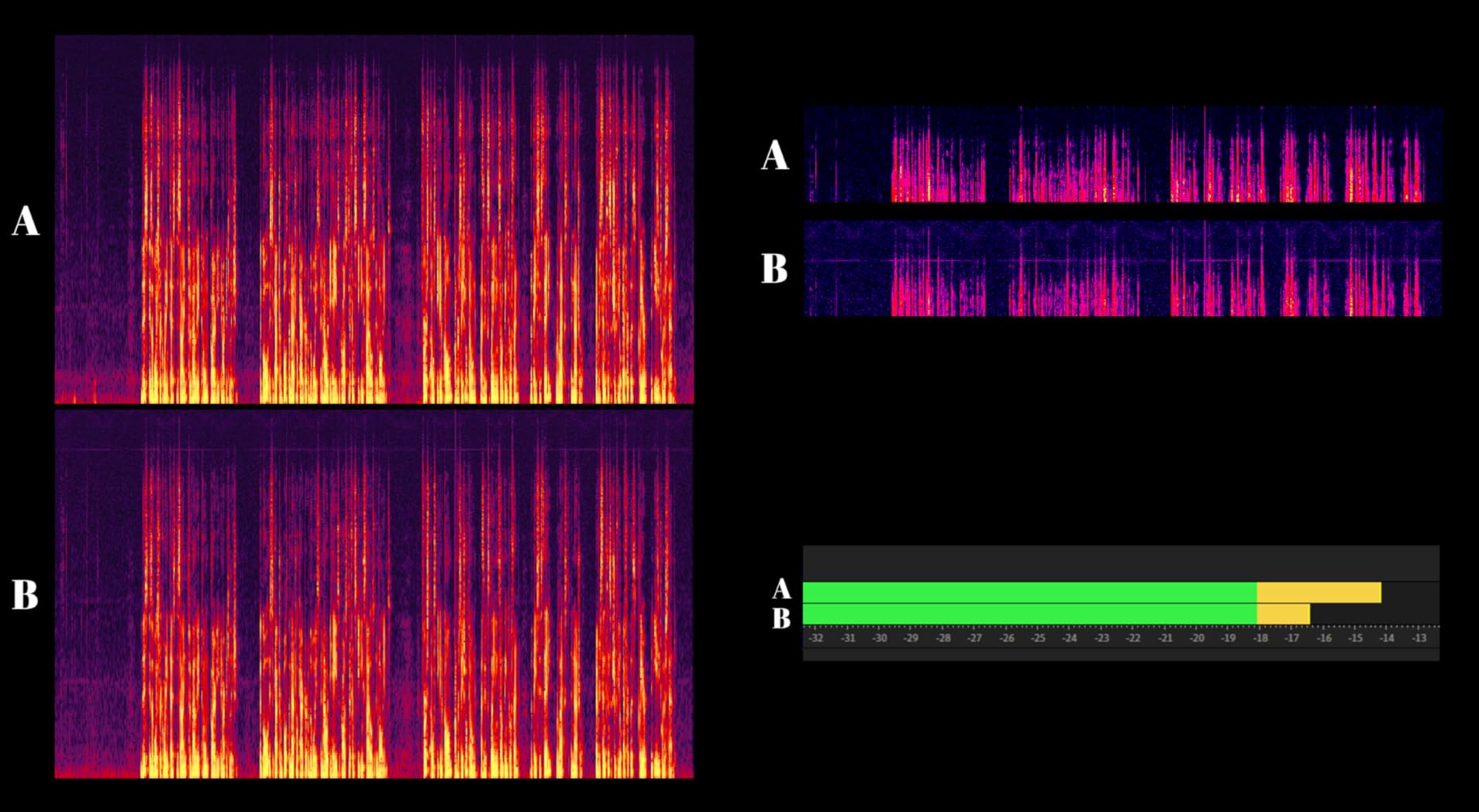
Because the PodMic needs real gain, the interface decision comes first. Check the maximum gain of any interface you are considering and count on an inline booster per channel. If you already own a quiet entry interface, buying two PodMics and relying on it will leave both hosts working with thin, noisy signals.
Where It Falls Short in a Shared Room
There is no headphone jack and no local monitoring, so hosts cannot hear themselves without monitoring in software, which adds latency during a live conversation. At 937 grams the body is dense enough to pull down a lighter boom arm, and several users add an external pop filter or windscreen for the closest speaking positions.
4. Samson Q2U Recording Pack – Best Budget Matched Pair
Samson Q2U USB/XLR Dynamic Microphone Recording and Podcasting Pack
USB-C and XLR outputs
11.2 ounces
50Hz-15kHz range
70dB signal to noise
Pros
- Handheld end-address form gives a naturally focused cardioid
- Clear warm voice at low gain for a dynamic
- Dual USB-C and XLR output for a later upgrade
- Pack includes stand clip windscreen and both cables
- Runs on laptop power with no external supply
Cons
- Included desktop stand is short and droops
- Weak on plosives without the foam windscreen
- No on-mic gain mute or headphone controls
- Some reports of USB detection failing after reboot
The Q2U is the answer when the question is what two microphones can do for the least, and it is the model the podcast forums return to most often for first shows. The handheld end-address form is genuinely useful for new hosts, because the natural place to aim is obvious and a host does not have to learn an off-axis angle before the first episode.
Reviewers call it the best beginner podcasting microphone, and radio professionals also point to it as an inexpensive USB dynamic for speech. At 11.2 ounces, it is by far the lightest option here, which makes it easy to reposition for a small table or to move out of the way for a video setup.
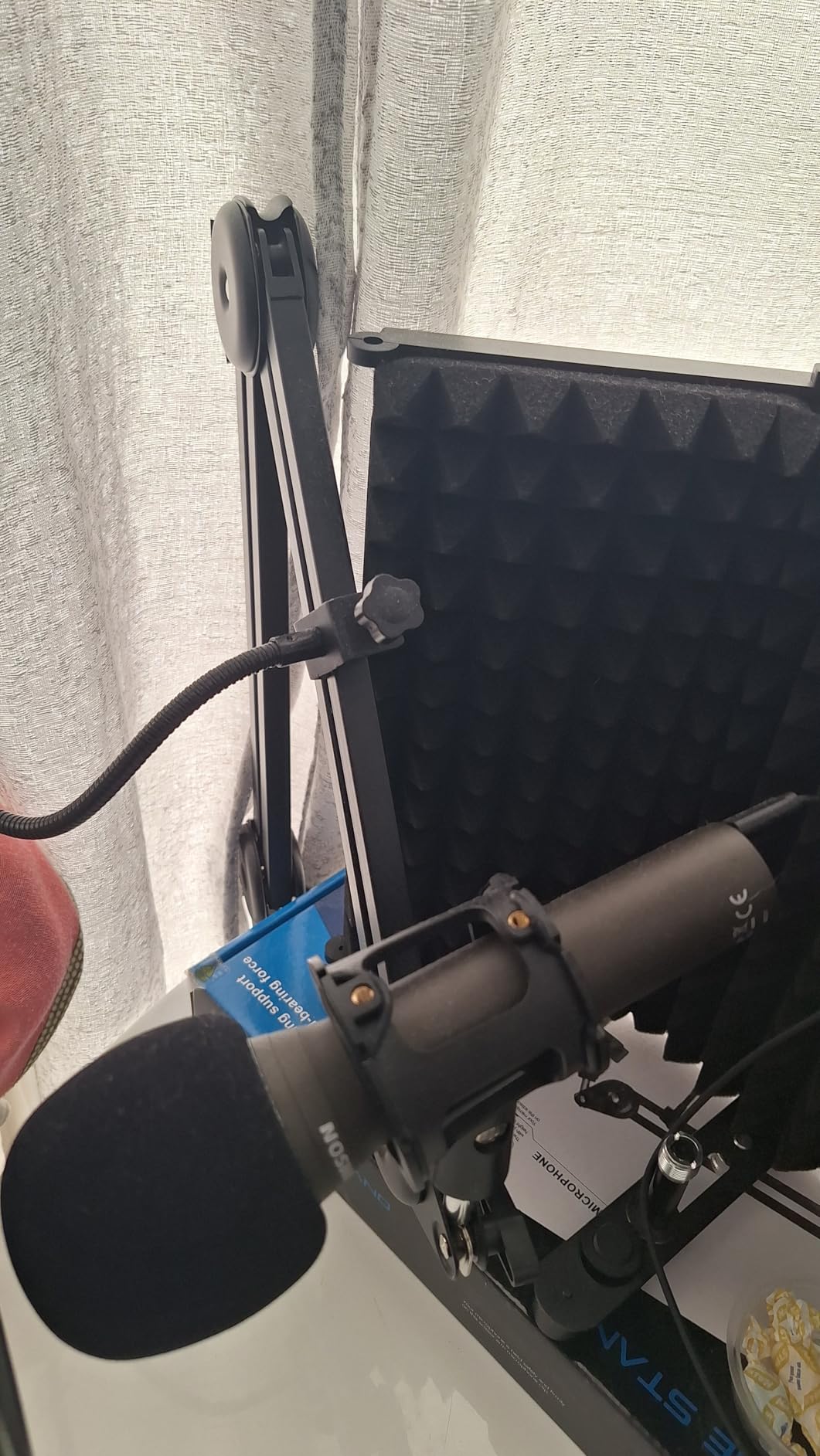
Two packs give you a genuinely complete two-host kit because each one includes a tripod desktop stand, an extension, a mic clip, a windscreen, and both a USB-C cable and an XLR cable. That accessory list is unusual at this tier and it removes most of the first purchase’s guesswork.
For a matched pair, the low gain of a dynamic at this price is helpful, since it means the Q2U drives more easily than the PodMic or the SM7B. Two Q2Us into a modest interface will not need the booster step that the premium broadcast mics demand.
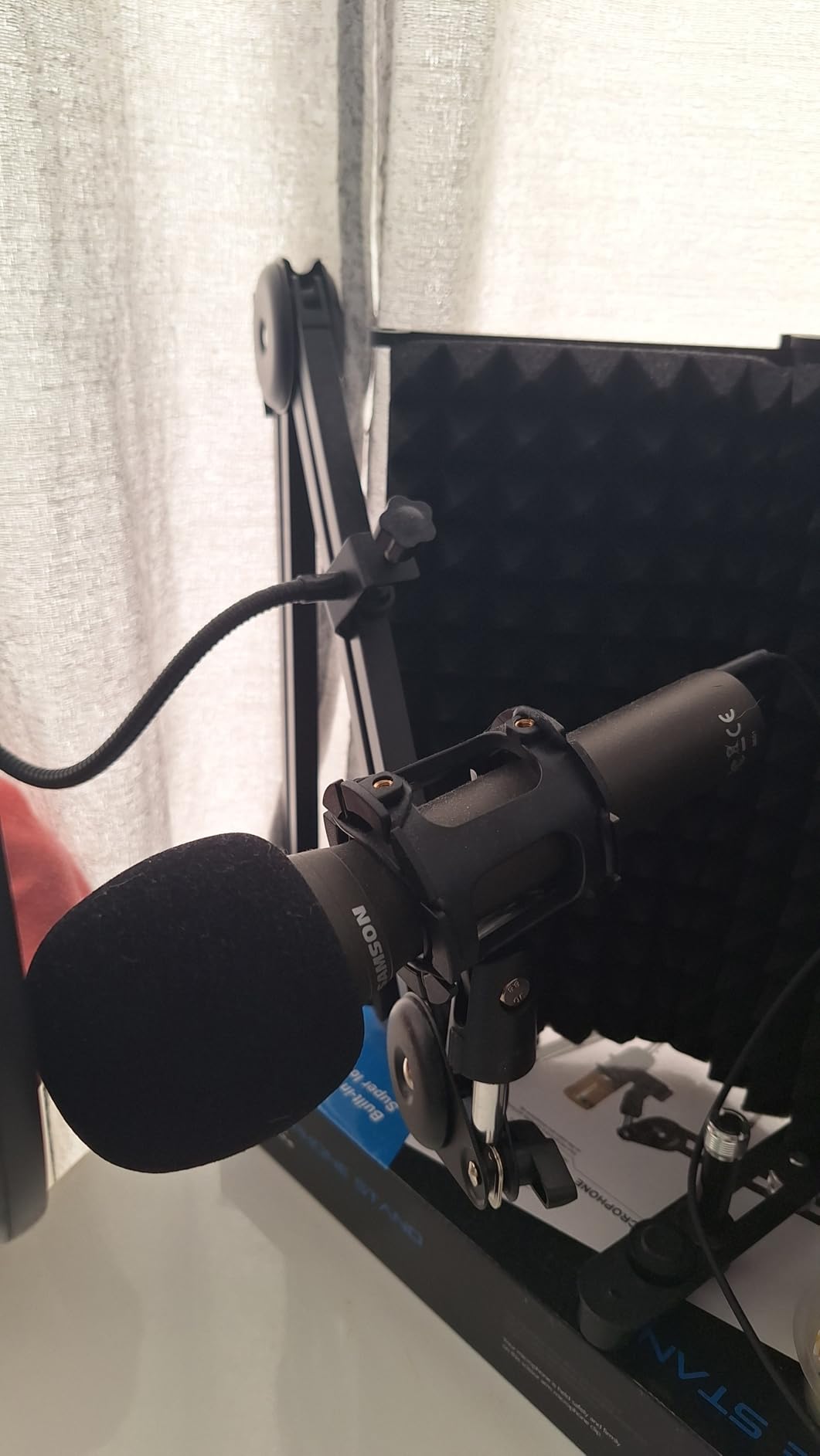
Budget Two Boom Arms, Not Two Stands
The included desktop stand is the weak point that reviewers name most often, since it is short and tends to droop. Two droopy stands on one desk also push the microphones close together, which is the opposite of what you want for isolation. Swapping both for arms fixes stability and spacing in one move, and the clip design makes it quick.
Where It Falls Short in a Shared Room
Plosive control is weak, so treat the foam windscreen as required rather than optional, and keep the windscreen on both microphones for consistency. There is no on-mic gain, mute, or headphone control, so levels are set in software or on the mixer. A few users also report the USB connection failing to be detected after a reboot until the cable is re-seated, which is a nuisance in a live recording session.
5. FIFINE AmpliTank K688 – The Metal-Build Budget Mic for Two Desks
FIFINE AmpliTank K688 Dynamic Microphone, XLR/USB Podcast Recording PC Mic
USB and XLR outputs
0.51 kg weight
50Hz-16KHz range
80dB signal to noise
Pros
- Metal build and built-in shock mount
- Cardioid dynamic rejects fans and room noise
- USB and XLR for interface setups and plug-and-play
- Front tap-to-mute plus rear gain knob
- Headphone jack with monitoring volume control
Cons
- XLR cable arm and stand not included
- On-mic controls only work in USB mode
- Included mini tripod sags over time
- Gain is too hot out of the box
The K688 is the one we suggest for a two-host show working from two separate desks in the same room rather than one shared table. Its metal chassis and integrated shock mount handle the vibrations that come from two people shifting, typing, and adjusting their own setups, and the cardioid pattern gives each host a usable lobe at a greater distance than most budget dynamics manage.
Several owners report buying a second unit so a couple can each have one, which is the exact use case here. The dual output means the pair can start on a laptop and later move into a two-input interface, and the 80dB signal-to-noise figure is among the better numbers in this price class.
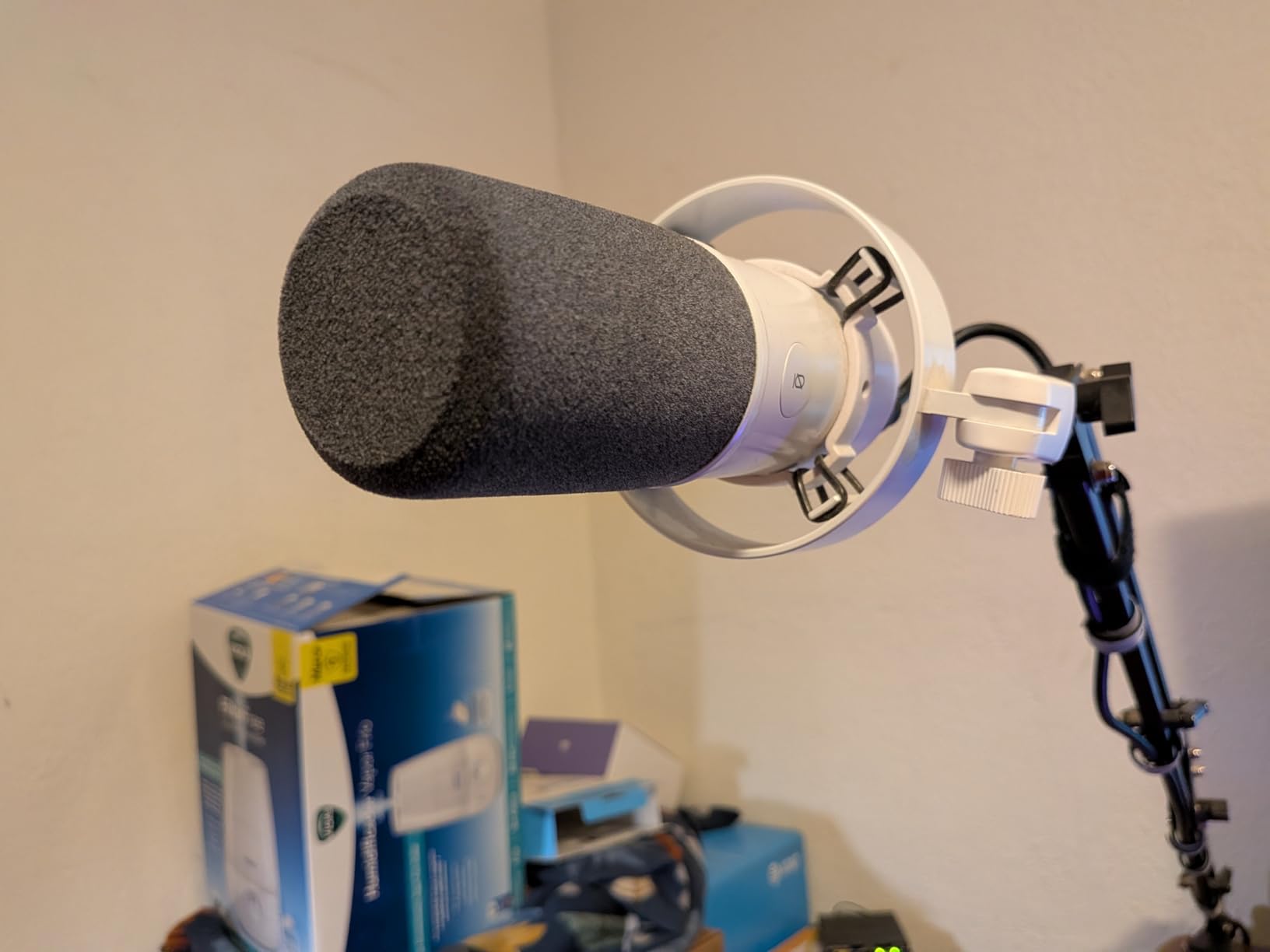
Turn the gain down first. Owners consistently report that the mic ships hot enough to pick up the whole desk at the default setting, and two hot microphones in one room means two tracks full of surface noise. Set both units to the same starting point, then bring them up together until a normal speaking voice peaks around -6dBFS.
The monitoring jack and volume control are genuinely useful in a two-host session, because a host can confirm their own level without opening a software window mid-conversation. That is a small feature that saves real time in a live recording.
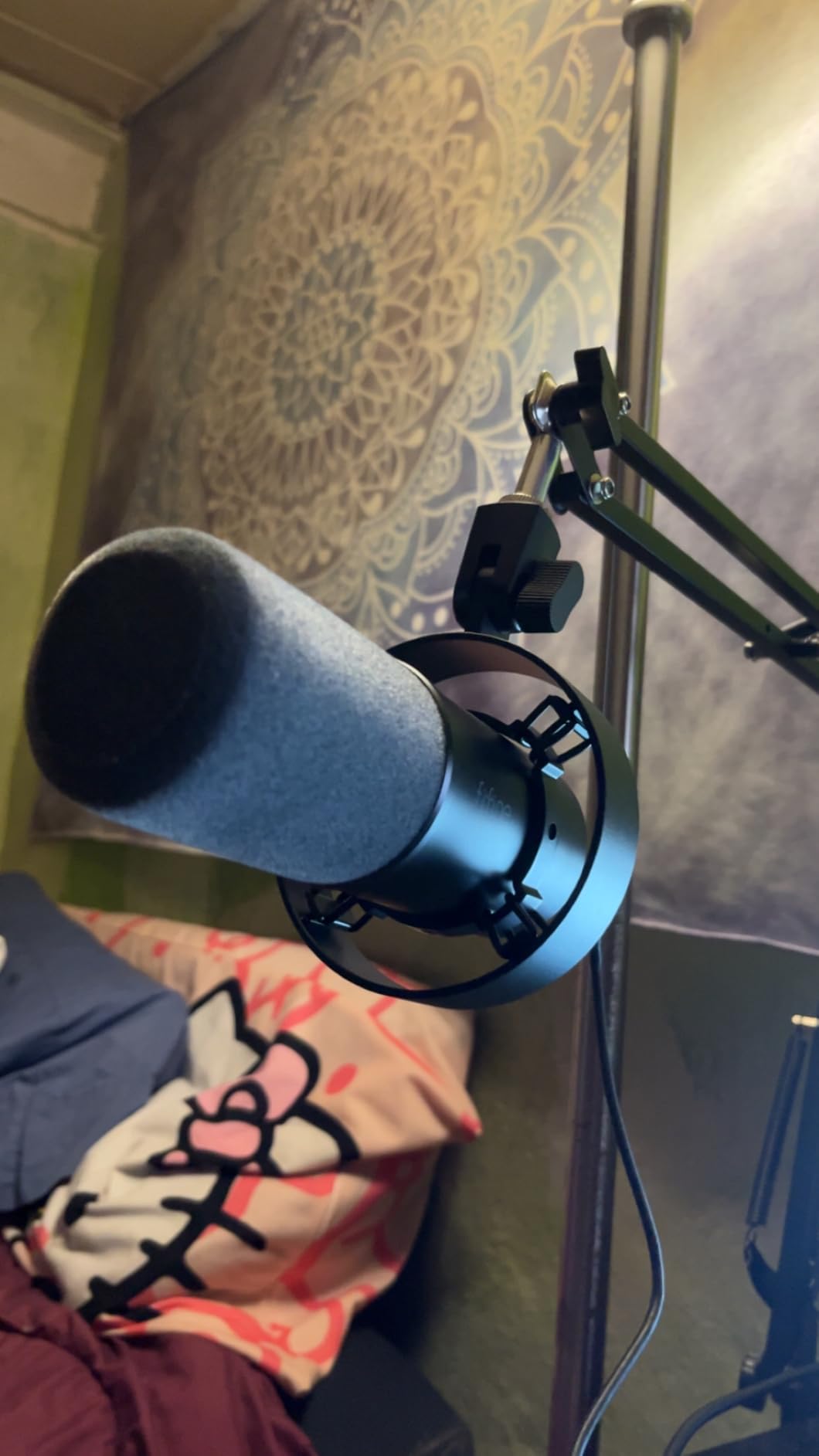
Add Two Stands or Two Arms, and Two Cables
None of the arm, stand, or XLR cable is in the box, and the included mini tripod is described as flimsy and prone to sagging. For a two-host setup that is three purchases per microphone beyond the mic itself. Plan for two XLR cables and two arms, and the pair is properly finished.
Where It Falls Short in a Shared Room
Every on-mic control, including mute, gain, and monitoring, works only over USB. Move this pair to an interface and the features disappear, leaving a bare dynamic with good off-axis behavior. There is also an isolated report of a unit recording only noise with no voice input, which is a single report rather than a pattern, but it is worth knowing if your pair behaves oddly.
6. Shure MV7X – The Best Isolation for Two Voices in One Room
Shure MV7X XLR Dynamic Podcast & Recording Microphone – Black
XLR dynamic cardioid
508 g weight
50-16000 hertz
72dB signal to noise
Pros
- Clean warm broadcast sound
- Strong voice isolation even with several fans running
- Internal shock mount and cardioid capsule
- All-metal build with yoke mount and adaptors
- No phantom power or inline booster needed
Cons
- XLR only so no USB recording
- No XLR cable in the box
- Still needs a good amount of gain
If bleed between hosts is the problem you are actually trying to solve, the MV7X is the mic we reach for. One owner set up two of them for a co-hosted show and reports they are far less likely to pick up room noise or the other speaker, and other buyers describe the isolation as strong enough that multiple fans running in the same room barely register.
The sound quality holds up against microphones costing several times more, and reviewers frequently compare it favorably to the SM7B on both tone and noise rejection. At 508 grams with a yoke mount and an included 3/8-inch adapter, it fits most boom arms without the balance problems of a heavier broadcast body.

Two practical notes for a pair. It is XLR only, so there is no USB fallback, and the XLR cable is not included. It also still needs a meaningful amount of gain, though owners report no phantom power and no inline booster being required for basic operation, which is a step up from the SM7B’s demands.
For a show where one host talks more quietly than the other, the consistent response of two identical capsules makes per-track corrective work minimal. Set the gain once, leave the preamps alone, and spend the session on the conversation.
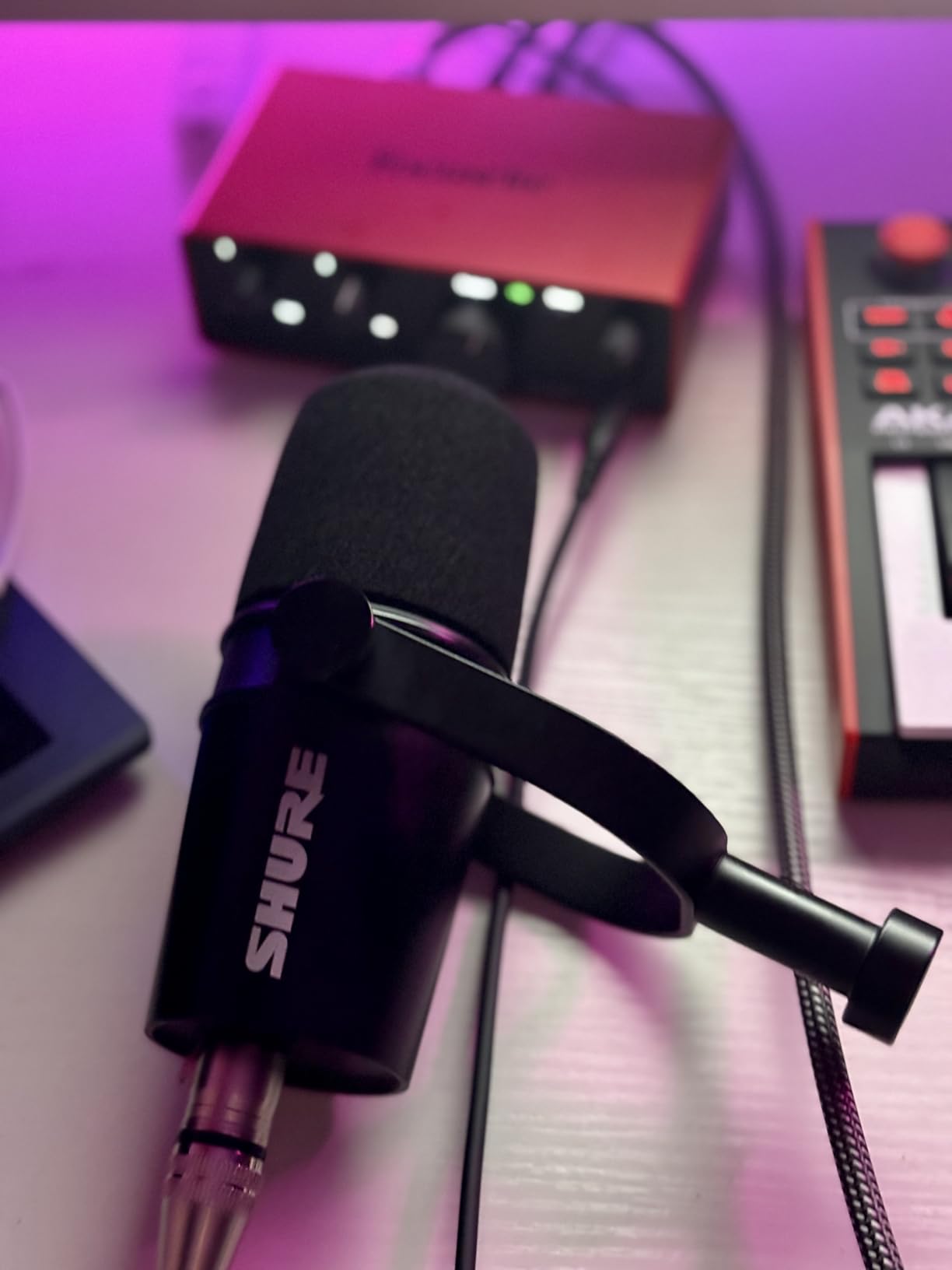
Use These as the Answer to a Crosstalk Problem
If you are recording two hosts in a room where you can already hear one voice on the other track, a microphone change helps but a placement change helps more. The hypercardioid-grade thinking behind this capsule is worth pairing with off-axis positioning at 20 to 45 degrees, and with soft material behind each host. The mic and the technique compound each other.
Where It Falls Short in a Shared Room
The missing XLR cable catches people out, since the box contents are just the mic, the adapter, and a guide. It also cannot be plugged straight into a laptop, so if a two-host show needs to record without an interface, this is the wrong model. And some users still add gain in post, which means the recorded level lands lower than expected.
7. MAONO PD200XS – Best All-in-One Kit for a Two-Host Start
MAONO PD200XS XLR/USB Dynamic Microphone Kit, RGB Gaming Mic with Software
USB and XLR outputs
350 g weight
40Hz-16kHz range
680 ohm impedance
Pros
- Warm smooth dynamic tone with a cardioid pattern
- USB and XLR let a pair share an interface
- Two-in-one knob for gain and headphone volume
- Includes adjustable boom arm and shock mount
- Software adds EQ limiter and compression
Cons
- XLR cable not included
- Software features only work in USB mode
- Boom arm and shock mount add bulk to a shared desk
The PD200XS is the kit answer to the two-host question, because the box contains a microphone, an adjustable boom arm, and a shock mount. Two of them give both hosts a mounted mic, which removes the most tedious part of setting up a shared table and gets a first recording done in an afternoon.
The sound is described as warm and smooth, with a cardioid dynamic pattern that reduces background noise for podcasting and streaming. The two-in-one smart knob combines mic gain and headphone volume, so each host can set their own level from the mic body instead of hunting through a software menu during a conversation.
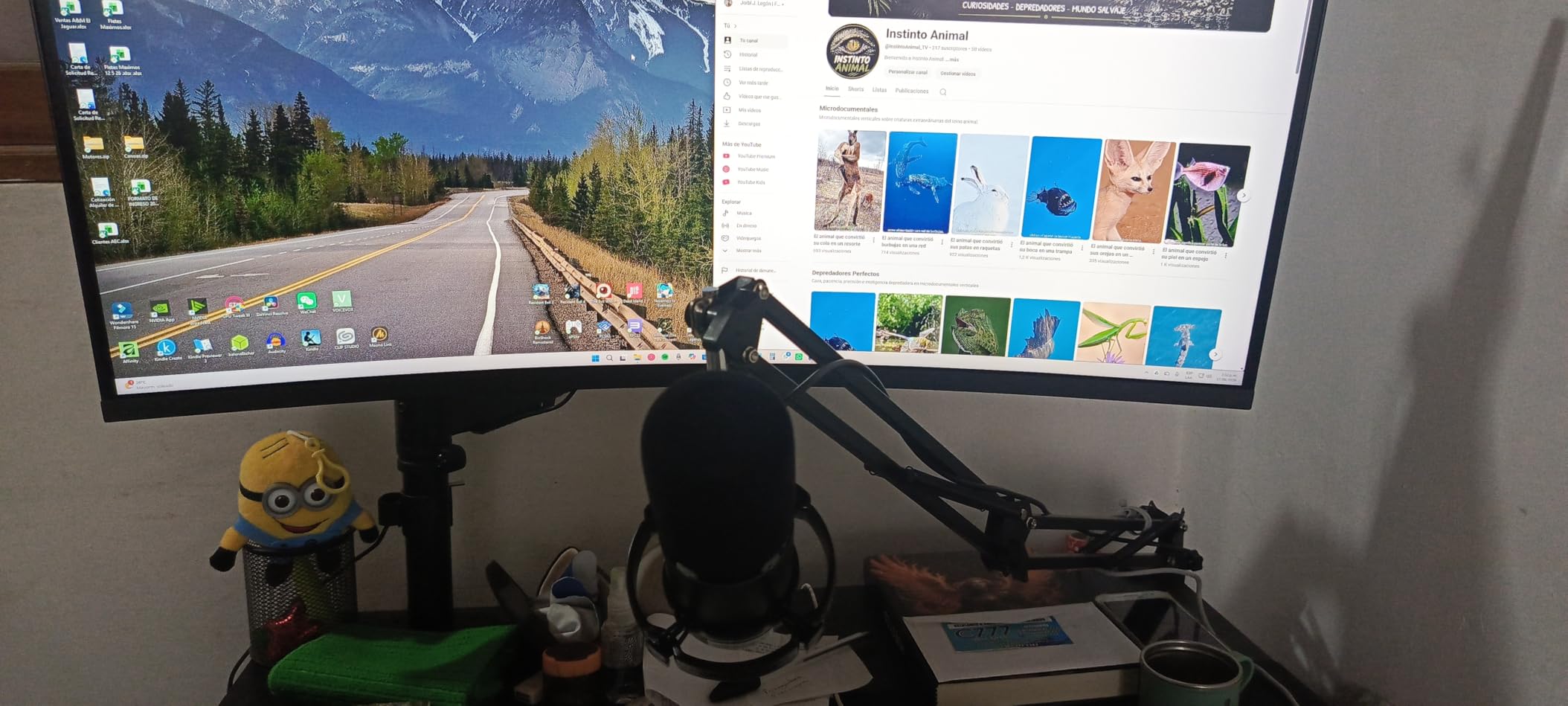
The dual interface is the practical strength. Over USB the pair runs plug-and-play on a laptop, and over XLR the same two microphones can share a proper audio interface later. That flexibility is what makes this a sensible first purchase for a show that does not yet know whether it will be recorded in a home office or a treated room.
At 350 grams it is light, and the cardioid pattern is forgiving enough that a host who shifts position in their chair does not immediately fall off axis. For a conversation-first show with limited gear experience, that forgiveness is worth more than fine detail.
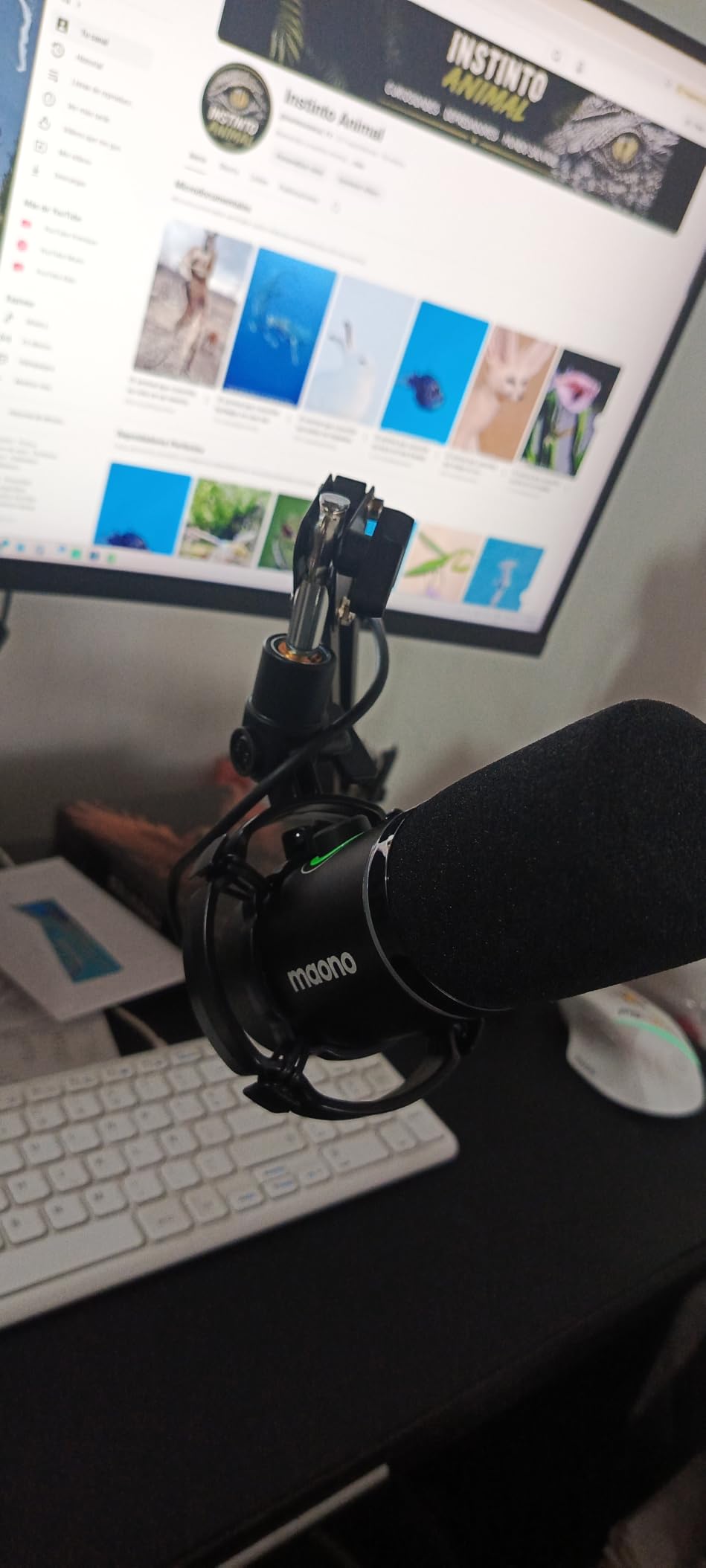
Buy Two of These and Skip the Accessory List
The bundled boom arm and shock mount are the reason this kit makes sense for two hosts, since a matched pair of bare microphones still needs two arms and two mounts. Just add two XLR cables, because the cables are not included, and the pair is complete for an interface-based setup.
Where It Falls Short in a Shared Room
The MAONO Link software tools, including EQ, limiter, and compressor, operate only in USB mode, so the tone shaping disappears the moment you move to an interface. The included arm and shock mount also add real bulk, and two full desk arms side by side can crowd a small shared desk. Budget-conscious shows on a tight surface may prefer a compact stand setup instead.
8. MAONO PD400X – The Richest Sound on the List at This Level
MAONO PD400X Dynamic Microphone, USB/XLR Podcast PC Mic with Software
USB and XLR outputs
40-16kHz range
78dB signal to noise
Metal construction
Pros
- Rich full sound with depth reviewers compare to Shure models
- Dynamic cardioid capsule rejects background noise
- Metal body with a heavy desktop stand base
- Three-in-one digital knob for gain volume and monitor mix
- Box includes both USB and XLR cables
Cons
- Tap-to-mute is a touch control not a hard switch
- Included desktop stand is short and can sag
- Background noise leaks in if positioning is poor
- XLR mode disables the app tone controls
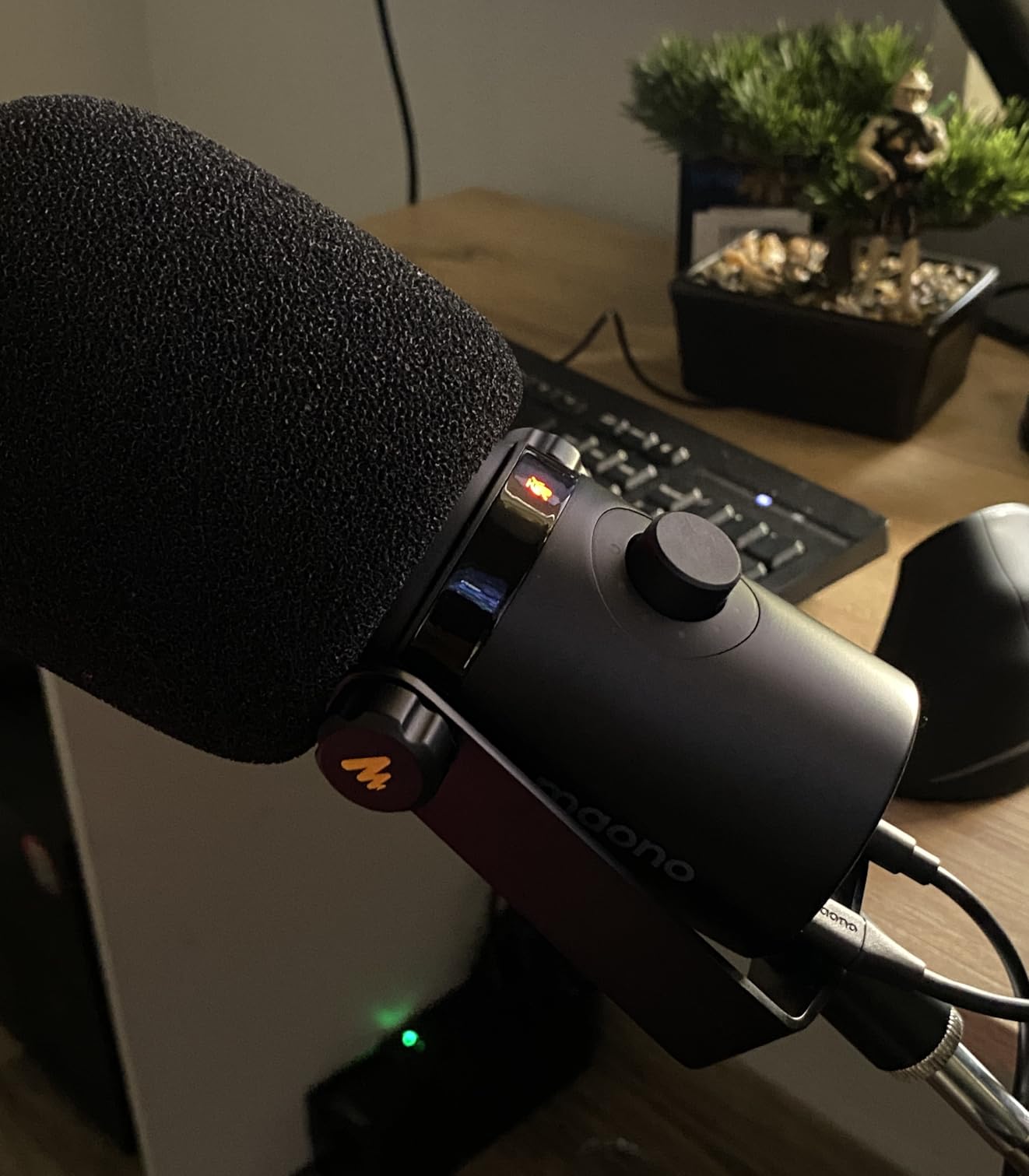
The PD400X is a step up from the smaller PD200XS, and the difference is mostly in the voice. Reviewers describe the sound as rich and full, with a depth and warmth they compare favorably to Shure models, which is unusual to hear from a microphone in this tier. For two hosts, matched tone is the whole point, and this capsule delivers a consistent character across two units.
The box is unusually complete for the money. Both a USB cable and an XLR cable are included, along with a foam windscreen and a desktop stand, so a matched pair needs one fewer purchase than most of the alternatives here.
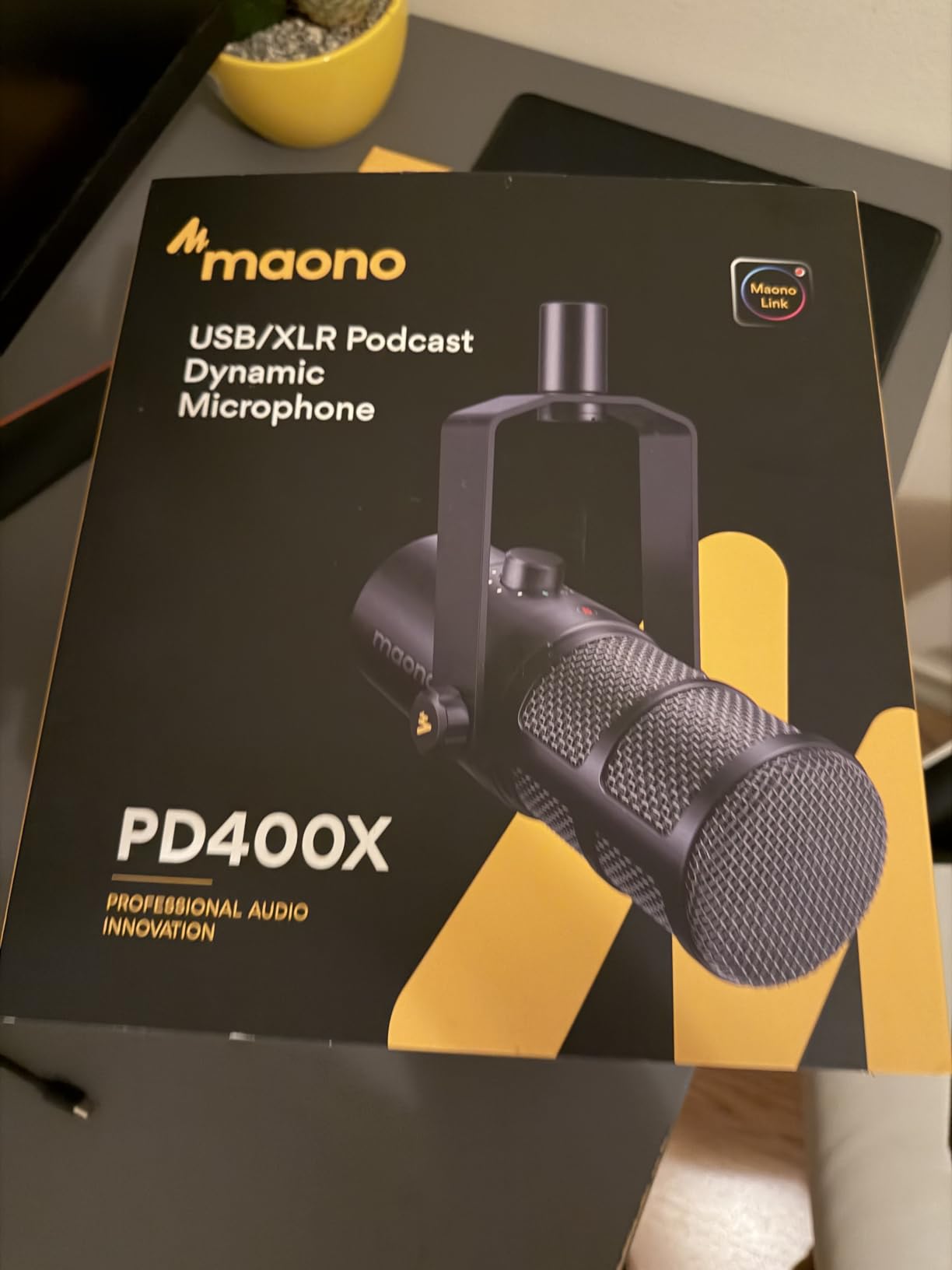
What makes this usable for two hosts is the three-in-one digital knob, which switches between mic gain, headphone volume, and monitor mix. Each host can set their own monitoring level from the mic itself, and the monitor mix setting is what lets a host hear themselves while a partner’s voice stays out of the headphone feed.
The metal body and the heavy desktop stand base keep the mic stable, which matters more than it sounds when two people are shifting in their chairs at the same table. The stability is genuine; the stand height is the part that disappoints.
Watch the Stand, Not the Microphone
The included desktop stand is short and rigid, and owners report it can sag under the microphone’s weight, particularly on a boom arm. Since a sagging stand pulls the mic off axis, a pair of proper arms is the sensible addition here, exactly as it is for the heavier broadcast models.
Where It Falls Short in a Shared Room
The tap-to-mute is a touch control rather than a hard switch, which means a sleeve or a water glass can mute the track. Background noise still leaks in when the mic is positioned poorly, and the XLR mode disables the app-based tone controls, so the richest feature of this microphone is only available in USB mode.
9. Audio-Technica AT2040 – Best Bleed Control for Two Hosts Sharing a Table
Audio-Technica AT2040 Hypercardioid Dynamic Podcast Microphone
XLR hypercardioid dynamic
2.2 pounds
76dB signal to noise
15KHz frequency response
Pros
- Hypercardioid pattern gives extreme side and rear rejection
- Warm assertive broadcast character
- Multistage foam windscreen for pop filtering
- Integrated shock mount
- Smaller and lighter than most class rivals
Cons
- Needs plenty of preamp gain
- Rolls off low end early with no low-cut switch
- XLR only so an interface is required
- Removable front foam is hard to source
The AT2040 is the most aggressive isolation choice here, and for a two-host show where the room is not treated and the table is shared, that specificity is the selling point. The hypercardioid pattern narrows the rear and side rejection well beyond a standard cardioid, and owners describe the mic as nearly inaudible when spoken to at 90 degrees off axis.
A coworking-forum poster asking about super-cardioid patterns was really asking this question without the vocabulary. When two people sit at one table and each microphone must pick up only its own speaker, a tighter null is worth more than a brighter or more flattering tone.
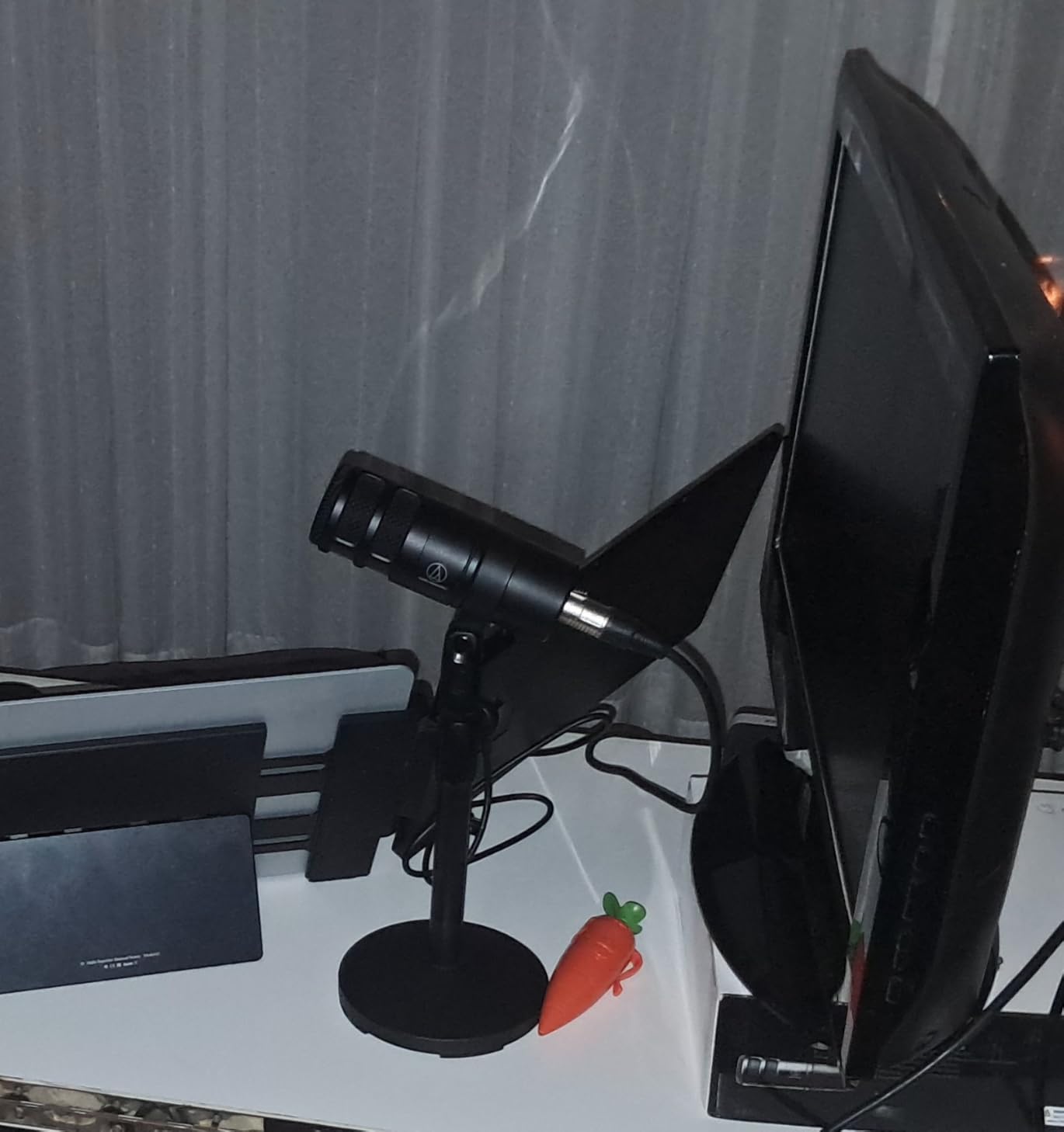
The tone itself is described as smooth with good low end and a detailed high end, with a warm, assertive broadcast character that flatters speech. A built-in 80Hz high-pass filter helps clear rumble, which is useful in a shared room where both mics may pick up traffic or a desk vibration through the floor.
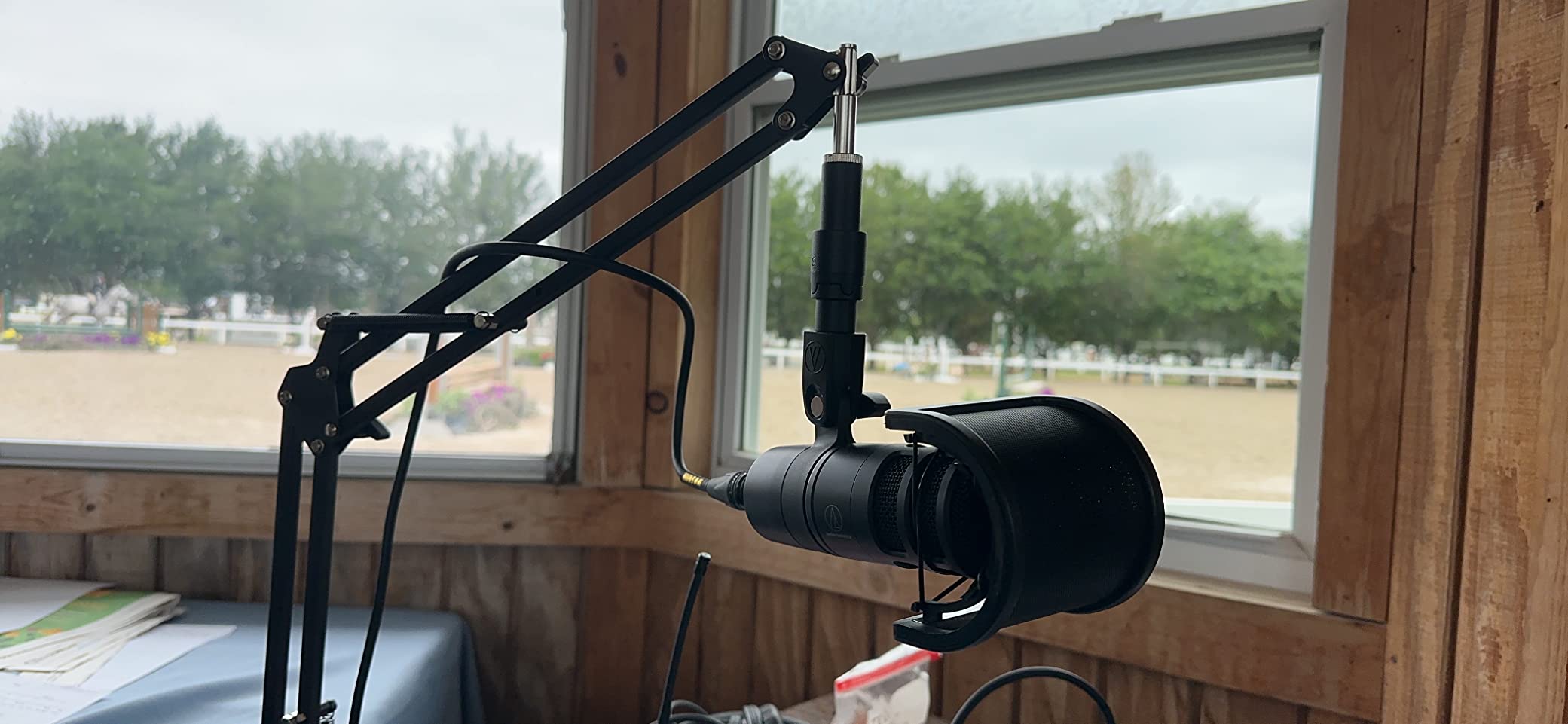
At 2.2 pounds it is lighter than the other full-size broadcast dynamics in this list, so it is easier to position with a single arm. A pivoting stand mount, a thread adapter, and a protective pouch come in the box, so the mounting hardware is handled.
Match the Gain or the Pattern Advantage Disappears
This mic needs a good amount of preamp gain, and quiet interfaces leave it sounding thin. That is not a cosmetic problem in a pair, because one host on a clean gain path and one on a strained path will not level-match. Give both channels the same generous gain, or add an inline booster to each.
Where It Falls Short in a Shared Room
The high-pass roll-off starts early and there is no pad or low-cut switch, so deep voices can sound thinner than expected and will need EQ. The removable front foam is also not widely available as a replacement part, which is a long-term annoyance on a microphone meant to stay in service for years.
10. Elgato Wave DX – Best Compact Mic for a Small Two-Host Desk
Elgato Wave DX Dynamic XLR Microphone, Cardioid Pattern
XLR dynamic cardioid
407 g weight
600 ohm impedance
50Hz-15kHz range
Pros
- Speech-optimized capsule with clear warm vocal detail
- Cardioid pattern with a forgiving off-axis angle
- Works with any XLR preamp and needs no booster
- Compact body avoids invasive boom-arm setups
- Swivel mount with thread adaptors included
Cons
- No on-mic gain mute or headphone controls
- XLR cable not included
- Some users still want an inline booster on modest interfaces
The Wave DX solves a specific two-host problem: not enough desk. At 407 grams and roughly 7 inches tall, it takes up a fraction of the space of a broadcast microphone, and owners single out the compact, uncluttered body as the practical win for small workspaces where two hosts are already working close together.
The sound is the surprise. Several reviewers say they could not distinguish it from an SM7B in a direct comparison, and the speech-optimized capsule is described as clear, warm, and true to life. A cardioid pattern with a wide, forgiving acceptance angle also means hosts can move naturally without stepping out of the pickup.
It works with any XLR preamp and needs no signal booster, which removes a step that slows down several other broadcast mics on this list. For a pair, that simplicity means two mics, two arms, and an interface, with nothing extra to calculate.
The mono swivel mount is a 5/8-inch mount with 3/8-inch and 1/4-inch adaptors included, and it adjusts without jamming the cable, a detail that saves time when both hosts reposition regularly. Two of these on adjustable arms is a clean, compact two-host desk.
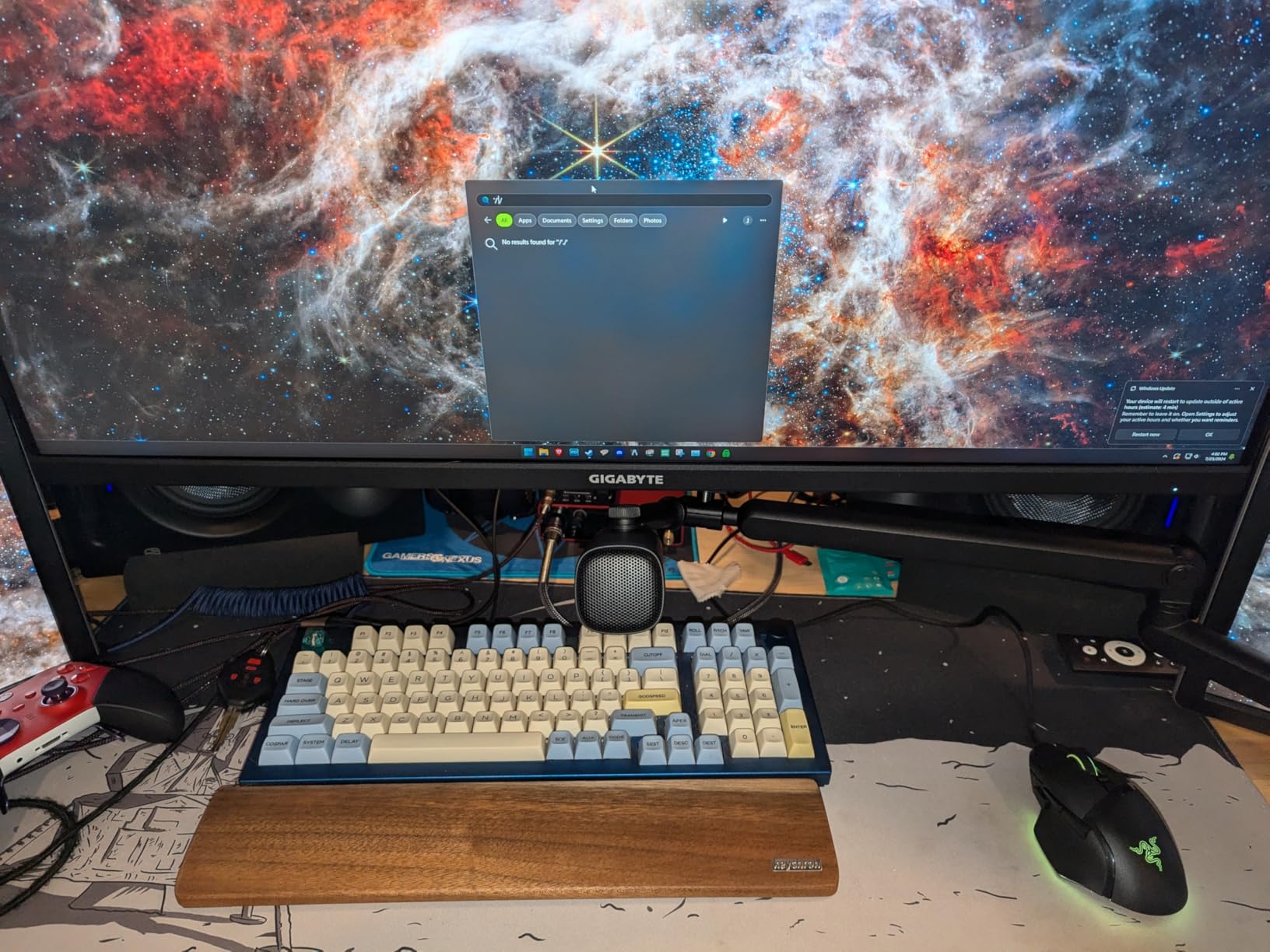
Good Fit When Desk Space Is the Binding Constraint
If your hosts share a small table, take this route. A tight pattern only helps if the two microphones can sit far enough apart, and the smaller bodies let you widen the spacing between the two positions. More separation between two mics is one of the cheapest ways to reduce crosstalk.
Where It Falls Short in a Shared Room
It is a barebones microphone with no on-mic gain, mute, or headphone controls, so every adjustment happens on the interface. The XLR cable is not in the box. And while most owners need no booster, some report wanting extra headroom on modest interfaces, so check the gain figure before committing to a pair.
11. PreSonus PD-70 – The Heavy-Duty Broadcast Mic That Lasts
PreSonus PD-70 Dynamic Vocal Microphone for Broadcast, Podcasting, and Live Streaming
XLR dynamic cardioid
350 ohm impedance
80dB signal to noise
Included windscreen
Pros
- Broadcast sound close to an SM7B with switches engaged
- Solid tank-like build for daily use
- Cardioid pattern rejects off-axis sound
- Included windscreen reduces plosives and fricatives
- Good value as a pair with an interface
Cons
- Very heavy for its size so a strong boom arm is needed
- Needs a lot of gain and a booster is often recommended
- Slightly light on low end
- Handling noise is noticeable
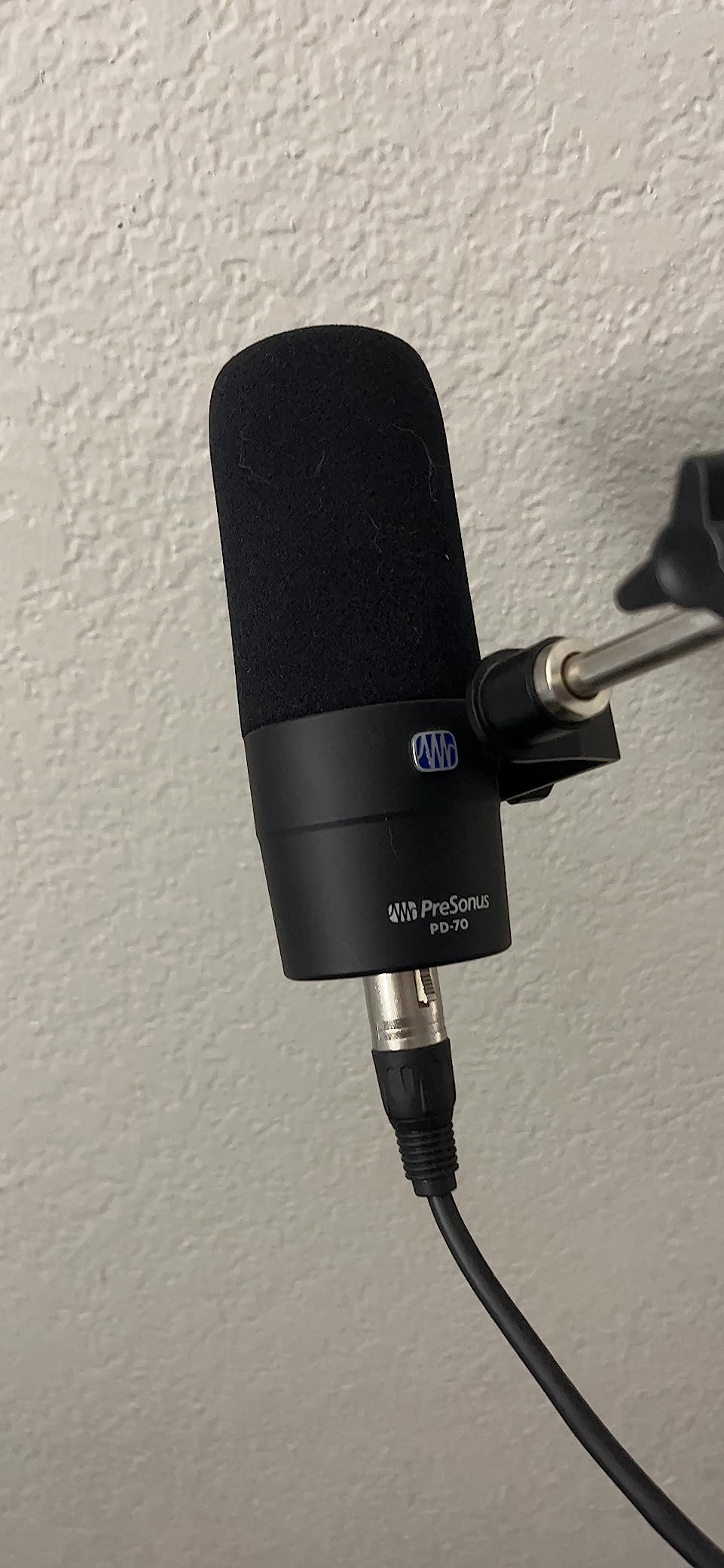
The PD-70 is the build-quality argument in this list. Owners describe it as solid and tank-like, holding up over years of daily use, and several run two of them plus a PreSonus interface. If your show is on a multi-year timeline, a pair that does not need replacing is a real part of the value.
The sound is broadcast-shaped and often described as very close to an SM7B, and a number of owners note that the tone is less harsh than the RØDE PodMic. That matters for a matched pair, because a mic that many hosts find flattering will produce fewer per-track corrective edits over a season.
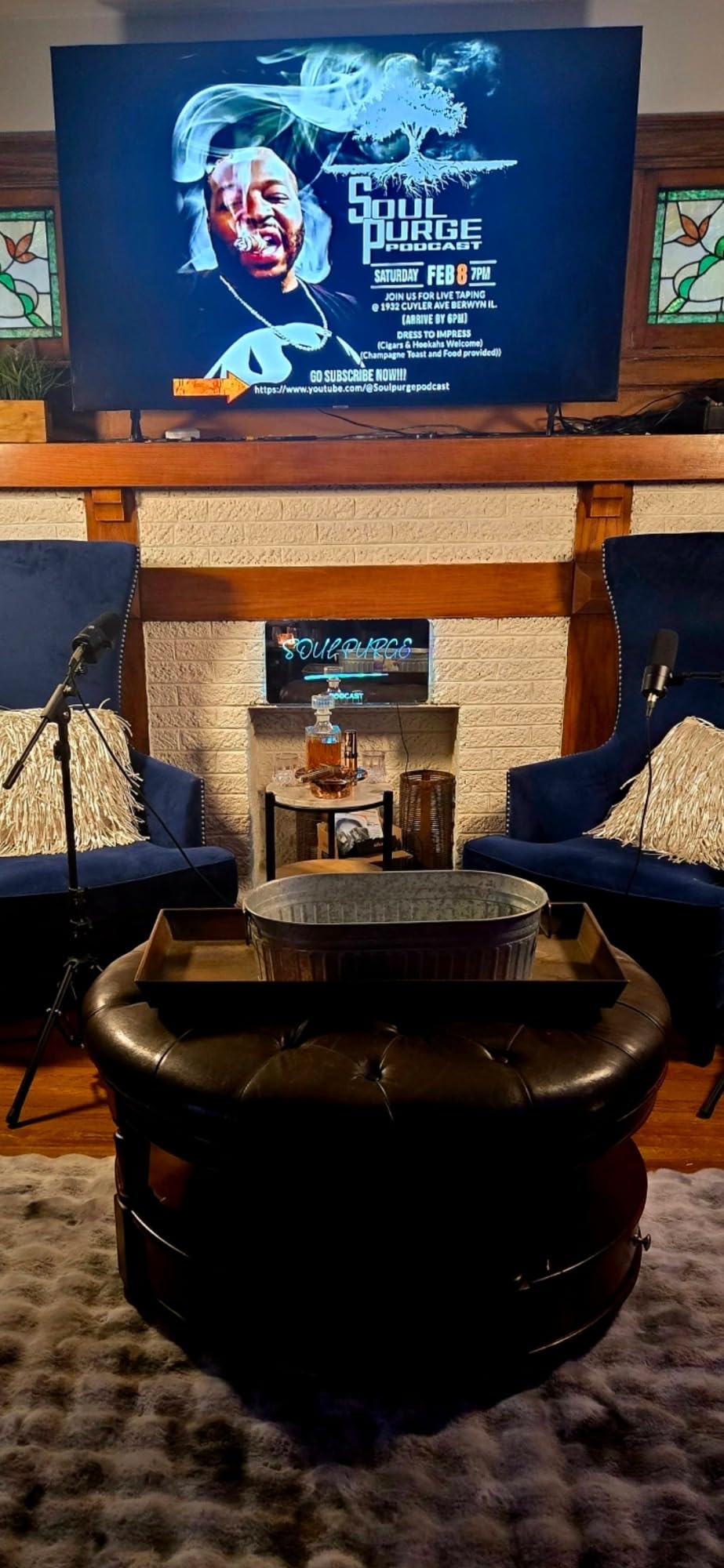
Buy a stronger arm. This is the second heaviest microphone here for its size, and the two most common practical warnings from owners are its weight and its appetite for gain, with an inline booster regularly recommended. Position it as a broadcast mic on an arm rather than trying to keep it close on a desk.
The included windscreen lessens plosives and fricatives without an external pop filter, and the cardioid pattern rejects off-axis sound for isolation. For two hosts, the windscreen matters twice over, because you need identical plosive control on both tracks to keep the pair sounding even.
Add a Booster to Each Channel Before You Record
Treat the gain requirement as part of the purchase, not an afterthought. With two microphones you need two gain paths, and buying one booster for a two-mic chain is the most common budgeting mistake new shows make. Two channels of clean gain is what makes a matched pair possible.
Where It Falls Short in a Shared Room
The low end is slightly light, so it needs an EQ pass to sound full. The replacement windscreen foam is difficult to source, which is an awkward long-term cost for a durable microphone. And there is noticeable handling noise, so this is a mounted microphone rather than a handheld one, even though the body supports that shape.
12. M100 Two-Mic and Interface Bundle – Best Starter Bundle for Two Hosts
M100 Podcast Equipment Bundle,2 XLR Dynamic Mics & Audio interface
Two XLR dynamic mics and interface
Dual XLR inputs
6 pounds package
4 channels
Pros
- Complete two-person kit with two mics two arms and shock mounts
- Dynamic capsules reject room noise well
- One-click mute and independent mic volume
- Works with PC Mac iOS and Android with no drivers
- Instrument input adds flexibility
Cons
- Only two XLR ports with other inputs on 3.5mm
- Built-in denoising and voice effects are weak
- Manual is thin so setup is unintuitive
- Only a 90-day manufacturer warranty
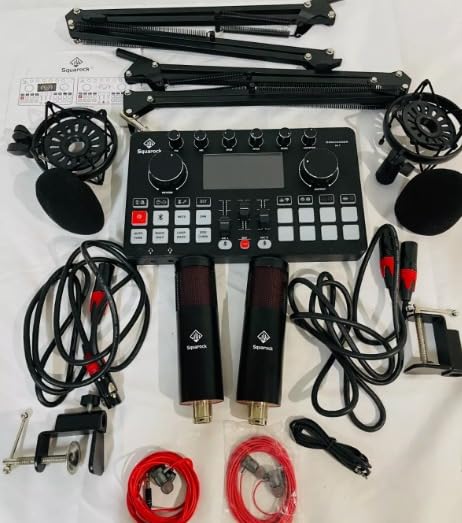
The M100 is the only fully assembled two-host kit in this roundup, and that is exactly what makes it interesting. The box contains two XLR dynamic microphones, two boom arms, two shock mounts, two foam covers, two XLR cables, earphones, and an audio interface with dual XLR inputs, which is the routing problem solved in one purchase.
Reviewers see the dynamic capsules as a genuine improvement over the 48V condensers these setups often replaced, and one owner recorded next to an air conditioner without picking it up. It works out of the box on Windows, Mac, iOS, and Android with no drivers, which removes a genuine source of first-episode delays.
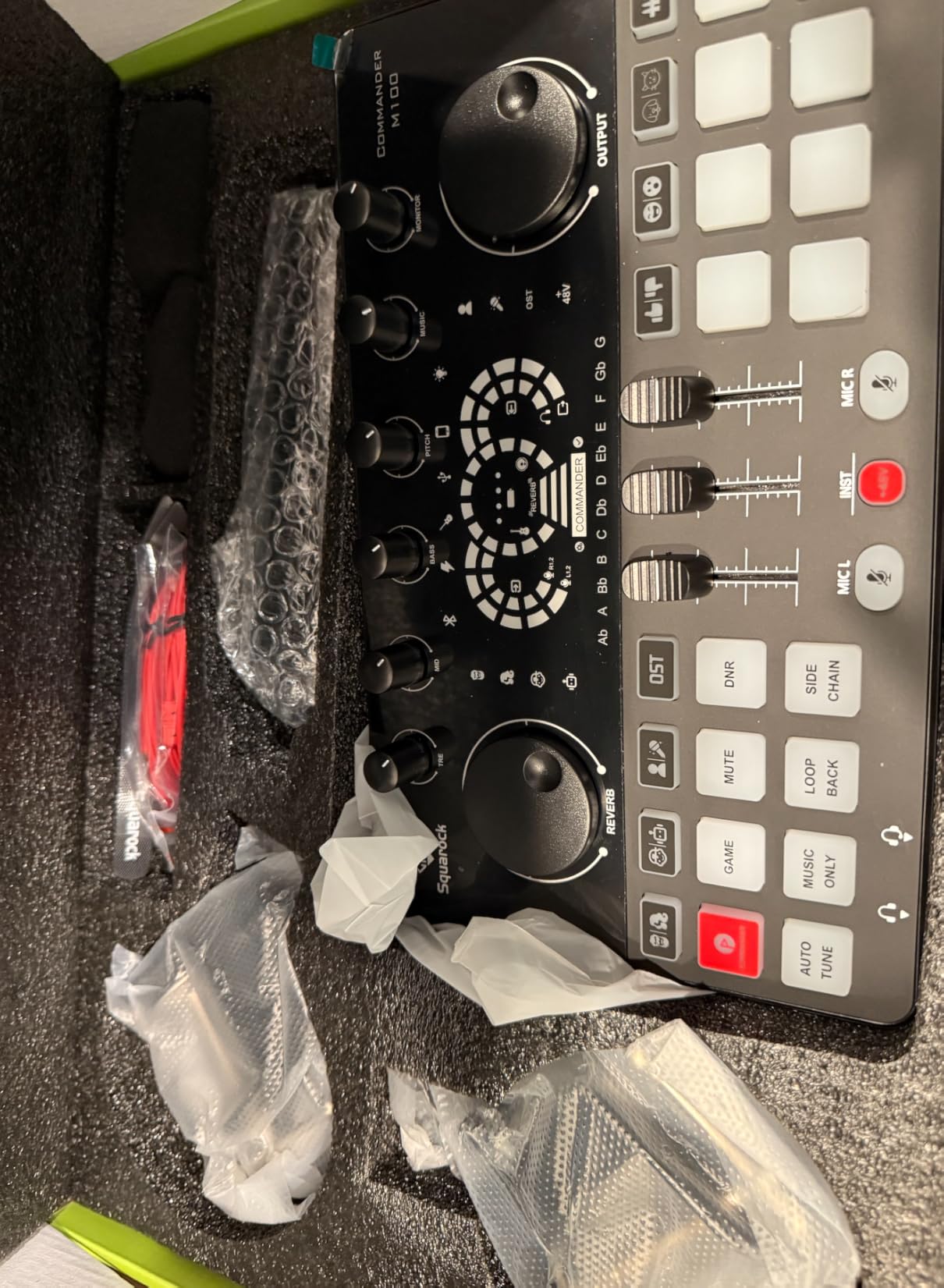
The console gives you one-click mute, independent mic volume, a dash display, and real-time monitoring, so each host can control their own channel physically. For a show run by two people who are not engineers, having physical per-channel control is more useful than having a lot of software options.
Expect trade-offs in the extras. The built-in denoising and the karaoke-style voice changing effects are described as weak, and some copies arrived with defects such as a faulty output knob. Customer service, however, receives strong praise for replacing defective pieces, which partly offsets the short warranty.
Judge This One as a Complete System
Do not compare this bundle microphone-for-microphone against a single premium dynamic, because you are also buying the interface, the arms, the mounts, and the cables. If your hosts are starting from nothing, the total is the comparison that matters, and this is the shortest path to two finished tracks in one box.
Where It Falls Short in a Shared Room
The interface has only two XLR ports, and the remaining mic inputs are on 3.5mm, so this does not grow with you easily. The manual is thin enough that first-time users find the setup unintuitive, and the Bluetooth connection is not clearly explained. The 90-day warranty is the shortest on this list by a wide margin.
Two-Host Buying Guide: What Actually Changes the Recording
The microphone is one variable in a chain, and for a two-host show the room, the interface, and the placement usually matter more than the model name. Here is what we would decide before spending anything.
Dynamic or Condenser for Two Hosts
Dynamic, and it is not close. A dynamic capsule does not need a nearby wall to sound good, which is the entire problem with a condenser in an untreated room. Most podcasters who work in home offices and bedrooms use end-address dynamics for exactly this reason, and the risk with a condenser in a shared room is that both hosts pick up the reflections of each other’s voice.
A condenser only makes sense once the room itself is treated. If you have a treated corner and a clean signal chain, a matched pair of condensers can sound more detailed, but that is a later upgrade rather than a starting point.
USB, XLR, or Both
USB is faster to set up and needs no interface, but each microphone is a separate computer device with no shared gain control and no per-host processing. XLR into a two-input interface gives you per-channel gain, per-channel monitoring, and two clean tracks over one USB cable, which is what a two-host show eventually needs.
Hybrid models such as the AM8, the K688, and both MAONO microphones let you start on USB and move to XLR without replacing the microphones. The trade-off is that their on-mic controls usually only work in USB mode, so you give up tap-to-mute and onboard gain once you move to an interface.
Gain Staging Comes Before Tone
Two microphones means two preamps, two gain settings, and two compressor channels, and beginners budget for one of everything. Low-output broadcast dynamics such as the SM7B, the PodMic, and the PD-70 need real headroom, and a strained gain path raises the noise floor on both tracks at once.
Set both mics to a normal speaking peak around -6dBFS, check that the preamps are not clipping, and then leave the levels alone. Our podcast microphone kit guide for beginners covers the rest of the chain once the microphones are chosen.
Polar Pattern Is the Bleed Control
Cardioid is the baseline for a two-host table. Hypercardioid, as on the AT2040, narrows the side and rear rejection further, which is the single most effective microphone-side change you can make when a host can hear the other person on their track. A more angled position for each mic, placed 20 to 45 degrees off-axis, extends that benefit for free.
What the Rest of the Chain Needs
Two boom arms, two XLR cables, one two-input interface, and two sets of closed-back headphones. The headphones matter more than most guides admit, because open-back models leak the host’s own monitoring audio straight into the other host’s microphone. If a host insists on open-backs, turn the monitoring volume down hard and place the mic further off-axis to compensate. If a second person joins from another room to give the hosts talkback mid-session, inexpensive two-way radios handle that comms job far more cheaply than a full intercom system.
How to Stop Each Host Hearing the Other on Their Mic
Crosstalk between two hosts in one room is the most common complaint in two-host podcast forums, and it is confirmed even by careful isolation setups. The fix is physical spacing first, and microphone choice second.
Follow the 3 to 1 Rule
The 3 to 1 rule says the distance from a host’s microphone should be at least three times the distance between the two microphones. With microphones 20 inches apart, each host should speak from at least 60 inches away, which is more distance than most shared tables allow. Widening the gap between the two mic positions is the cheapest and most effective change available.
Then Add Angle, Surfaces, and Closed-Back Headphones
Angle each microphone 20 to 45 degrees away from the other host rather than pointing straight across the table, and speak to the front of the mic rather than the side. Hang a thick blanket or a duvet behind each host to soften the reflections that the cardioid pattern still lets through, and put a closet between the hosts if the room allows it.
Finally, use closed-back headphones. Open-back models are the quietest way to leak one host’s monitor mix into the other host’s track, and it is a leak that no amount of editing removes cleanly.
Frequently Asked Questions
What is the best microphone for two-person podcasting?
The best setup for two hosts is a matched pair of identical end-address dynamic microphones, one per speaker, with each mic about 4 to 8 inches from its own mouth on a boom arm. Route them into a two-input audio interface or a two-channel recorder so each host records to a separate track. Our top pick is the Shure SM7B pair, and the best budget pair is the Samson Q2U.
Do both podcast hosts need their own microphone?
Yes, each host needs their own microphone. A single microphone between two speakers records both voices onto one mono track, so neither host can be leveled or cleaned independently, and a bidirectional pickup hears each speaker from the front and rear equally, doubling exposure to room reflections. Two separate microphones also let each host sit in their own polar lobe.
Should both podcast hosts use the same mic?
Yes, buy the identical model for both hosts. Matching tone matters more than most guides suggest: two different capsules have different presence peaks, self-noise floors, and high-frequency energy, so one set of EQ and compression settings will not sit correctly on both tracks. Matching hardware also lets you set gain once and keeps both hosts at the same level with the same speaking distance.
Can I use two USB microphones on one laptop?
Yes. Most laptops see each USB microphone as a separate input device, and apps such as Audacity, OBS, and QuickTime can record two USB inputs at the same time into separate tracks. The limitation is control: this route gives you no shared gain control, no per-host headphone monitoring, and no onboard processing, since all adjustment happens in software.
Do I need an audio interface for two podcast microphones?
You need one for the XLR route, and you should have two usable mic preamps rather than one. Each host requires their own gain path and their own compression, so budgeting for a single channel is the most common mistake. Two USB microphones plugged straight into a laptop can record two tracks without an interface, but they offer no per-channel gain or monitoring.
How do I stop my microphone from picking up my co-host?
Start with spacing. The 3 to 1 rule says each host should be at least three times farther from their own mic than the two mics are from each other. Then angle each microphone 20 to 45 degrees off-axis toward its own host, hang a thick blanket behind each person to soften reflections, and use closed-back headphones so monitoring audio does not leak into the other track.
What is the 3 to 1 rule for microphones?
The 3 to 1 rule states that the distance from a speaker to their own microphone should be at least three times the distance between the two microphones. If your two microphones sit 20 inches apart, each host should speak from 60 inches or more away. When a shared table cannot provide that distance, widening the gap between the two mic positions is the most effective fix.
What mics do most podcasters use for a two-host show?
Most podcasters use end-address dynamic microphones in matched pairs, which is why the Samson Q2U, the RØDE PodMic, and the Shure SM7B appear so often in two-host recommendations. Dynamics reject room reflections, need no phantom power, and tolerate a shared untreated room far better than condensers, which sound thin and reflective unless the space is treated.
Our Verdict for Two Hosts in 2026
The best podcast microphones for two hosts are matched pairs, and the Shure SM7B is the pair we recommend when the budget supports two gain paths and two boom arms. Its warm broadcast tone, built-in pop protection, and strong off-axis rejection are exactly what a shared table needs, and the 60dB gain requirement is solvable with a proper interface or an inline booster on each channel.
On a tighter budget, the RØDE PodMic pair delivers the same broadcast character with less money committed per host, and the Samson Q2U pack is the shortest route to a working two-track setup for a first season. The FIFINE AM8 is our pick when the hosts need to start on a laptop today and still have a clear upgrade path later.
Whichever pair you choose, buy it twice, mount both microphones on arms at the same height, angle each one 20 to 45 degrees off-axis, record two separate tracks, and treat the interface and the room as part of the microphone decision. That last part is where most two-host shows find their real improvement, and it costs far less than another microphone.