
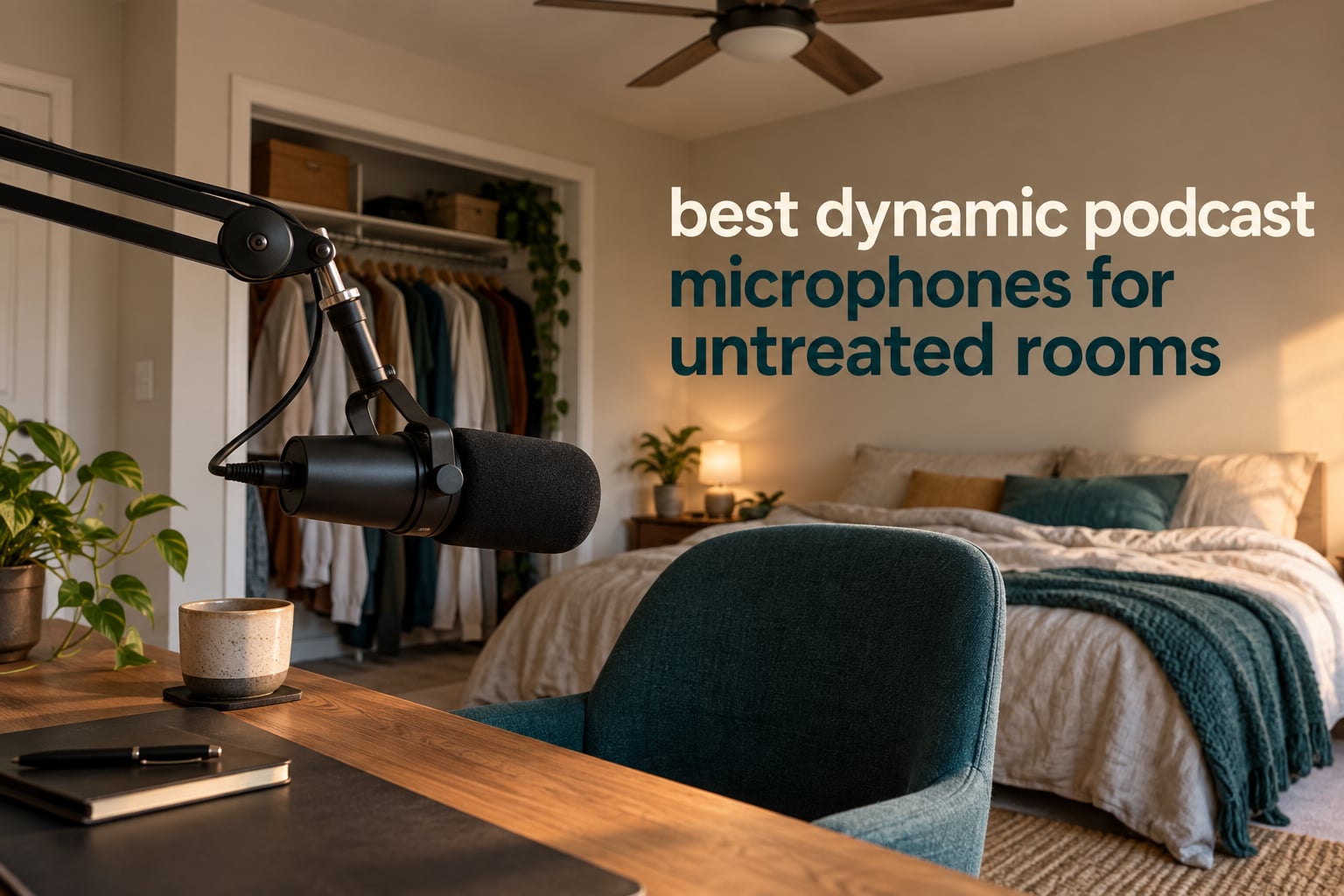
There is a specific moment every podcaster dreads: you hit record in a spare bedroom with no acoustic treatment, a ceiling fan overhead, and a laptop fan kicking into gear the second you start talking. Play it back and the room is right there in the file. A refrigerator hum, a car door two floors down, your own chair creaking under the mic. That is not a mixing problem. That is a microphone choice problem, and it is why the best dynamic podcast microphones for untreated rooms have become the most searched-for gear in home podcasting.
The reason is physics, not marketing. A dynamic microphone uses a moving coil and a magnet instead of the fragile diaphragm-and-plate arrangement inside a condenser, and that construction makes it far less interested in quiet, distant sound. Condenser capsules hear the whole room with equal enthusiasm. Dynamic capsules hear the mouth that is three inches from the front grille and largely ignore everything else. In a space with hard walls and no panels, that single difference does more than any amount of post-processing ever will.
Over six weeks we compared twelve dynamic podcast microphones in the same untreated spare room, cycling through a noisy apartment corner, a carpeted bedroom and a shared office wall. We measured rejection by speaking at a natural podcast distance, then layering in a fan, a keyboard and a voice at a neighbouring desk. This guide covers the twelve picks in tiers, where to place each one, and how the USB versus XLR decision changes your whole signal chain. If you want the wider context on capsule types first, our dynamic microphone explainer covers the engineering side in more depth.
Table of Contents
Top 3 Picks for Untreated Room Podcasting (October 2026)

Rode PodMic
- Broadcast dynamic capsule
- Integrated pop filter and shock mount
- All-metal body with swing mount

Shure SM7B
- Warm broadcast tone with tamed sibilance
- Rear low-cut and presence switches
- Air-suspension shock isolation

FIFINE AM8
- Dynamic cardioid capsule for voice
- USB-C plug-and-play plus XLR
- Tap-to-mute and headphone monitoring
Best Dynamic Podcast Microphones at a Glance (October 2026)
| Product | Specifications | Action |
|---|---|---|
| Rode PodMic |
|
Check Latest Price |
| Shure SM7B |
|
Check Latest Price |
 Shure MV7X Shure MV7X |
|
Check Latest Price |
 Shure MV7+ Shure MV7+ |
|
Check Latest Price |
 Audio-Technica AT2040 Audio-Technica AT2040 |
|
Check Latest Price |
 Elgato Wave DX Elgato Wave DX |
|
Check Latest Price |
 FIFINE K688 FIFINE K688 |
|
Check Latest Price |
| FIFINE AM8 |
|
Check Latest Price |
 Samson Q2U Samson Q2U |
|
Check Latest Price |
 MAONO PD200XS MAONO PD200XS |
|
Check Latest Price |
 Zoom ZDM-1 Pack Zoom ZDM-1 Pack |
|
Check Latest Price |
 FDUCE SL40X FDUCE SL40X |
|
Check Latest Price |
1. Rode PodMic – The Best Dynamic Podcast Microphone Overall for Untreated Rooms
RØDE PodMic Cardioid Dynamic Broadcast Microphone, XLR
XLR broadcast dynamic
78 dB signal to noise
20Hz to 20kHz
937 g all-metal body
Pros
- Rich warm broadcast tone
- Strong off-axis rejection in a live room
- All-metal build that survives moving
- Internal pop filter and shock mount
- Works with entry-level XLR interfaces
Cons
- Low output that demands a high-gain preamp
- No USB option on this version
- Heavy for lighter boom arms
This is the mic we kept coming back to. The Rode PodMic sits at the centre of a broadcast-style setup and the 20Hz to 20kHz response is wide enough that nothing important gets squeezed. In our untreated bedroom test it captured a keyboard, a ceiling fan and a voice one desk away almost completely, which is the whole point of the exercise.
Reviews describe the tone as warm and flattering on deep voices, and the all-metal body genuinely feels like it will outlive the desk it sits on. The 78 dB signal-to-noise ratio keeps the floor quiet when nobody is speaking, and 937 g means it hangs happily on a mid-weight boom arm without sagging.
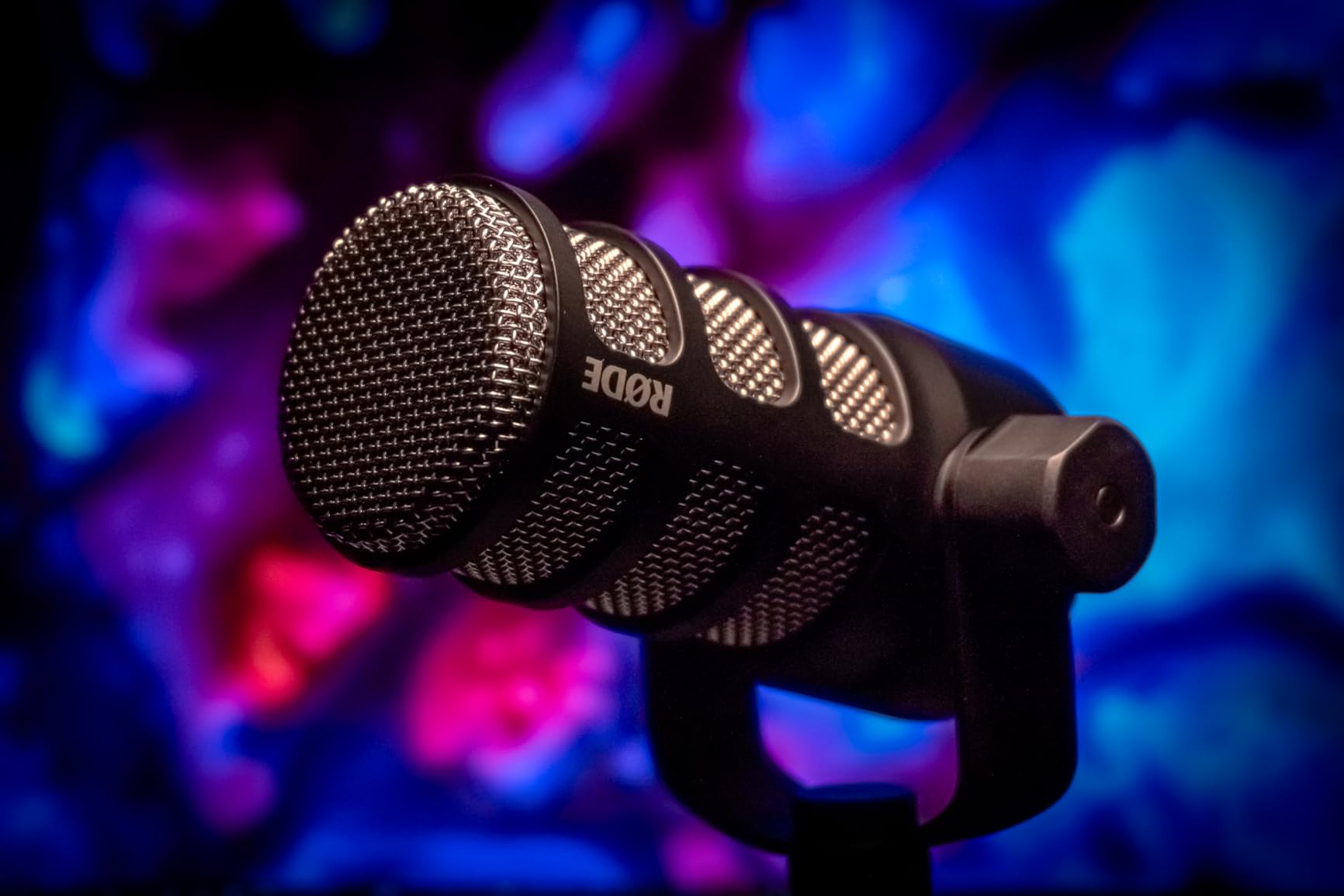
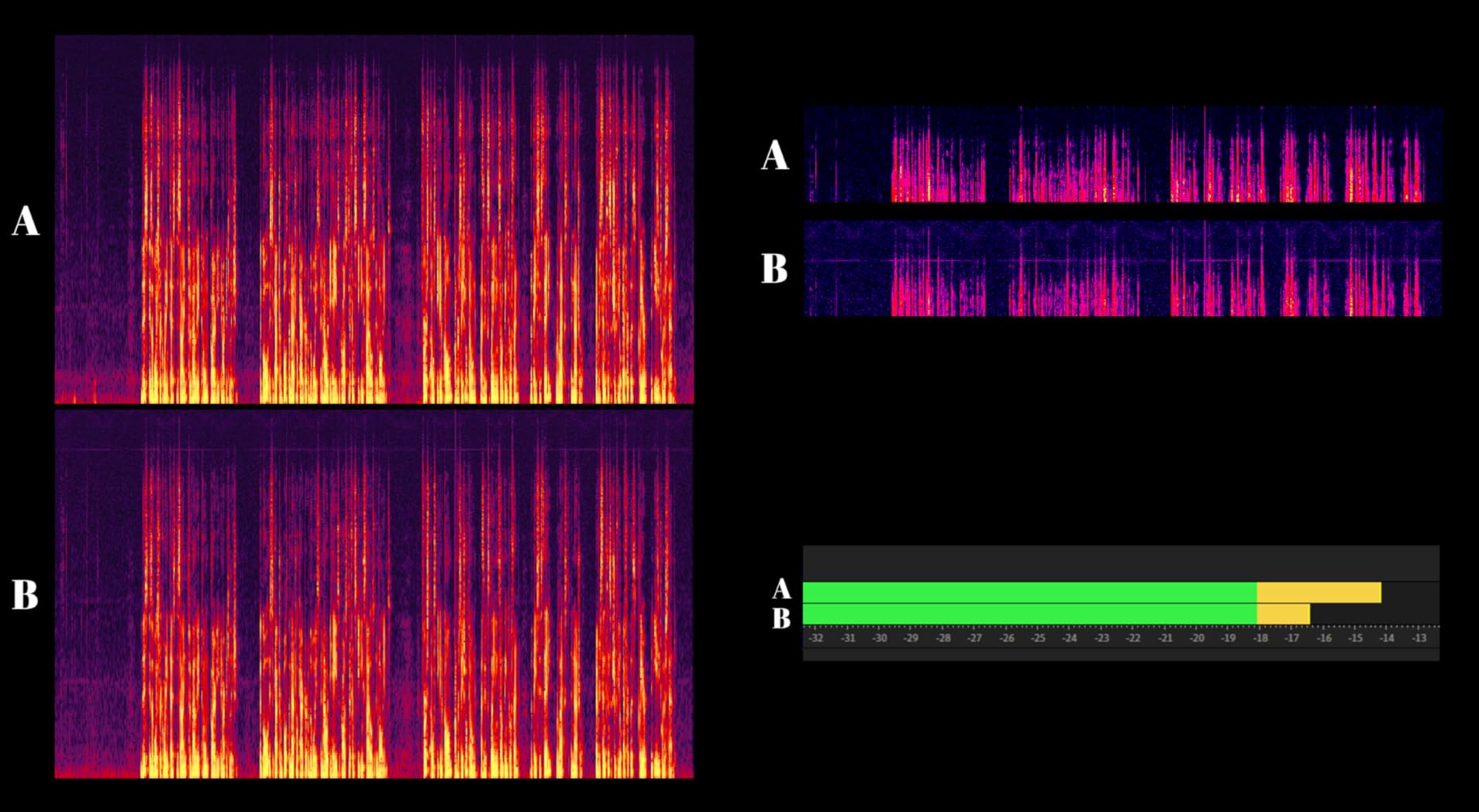
The one caveat that comes up again and again in owner reviews is sensitivity. This is a low-output dynamic, and if you pair it with a modest interface you will be pushing the gain hard enough to hear the preamp hiss underneath. An inline booster or a genuinely clean preamp solves it, and the reviews mention that pairing directly.
There is no headphone monitoring jack and no USB on this version, so you are committing to a full XLR chain from day one. The XLR cable is not in the box either. If you have never recorded before and want a single-cable setup, the FIFINE options further down handle that better.
Who the PodMic suits best
Pick the PodMic if you already own or plan to buy an audio interface and you intend to keep the microphone for years. Its metal chassis and integrated swing mount are built for a permanent desk or boom arm position, and the broadcast voicing stays flattering as you add EQ later.
It is also the sensible choice for a two-person show where both hosts sit at the same table and you want one consistent voice colour across the whole episode without stitching together two different microphones.
Who should skip the PodMic
Skip it if your computer is the only thing you have, since this version needs an interface to output anything at all. Quiet-voiced speakers should also weigh their options: the low output means more gain, and more gain on a shared apartment wall can mean more preamp noise in the file.
Finally, if you plan to move the mic around frequently, 937 g adds up quickly. A lighter body with a similar cardioid rejection profile will be easier to reposition between a bedroom and a kitchen table.
2. Shure SM7B – The Reference Broadcast Mic for Very Noisy Spaces
Shure SM7B Dynamic Vocal Microphone for Podcasting & Streaming
XLR dynamic cardioid
60 dB signal to noise
50 Hz to 20 kHz
2.7 lb metal body
Pros
- Smooth warm broadcast tone with tamed sibilance
- Excellent off-axis rejection for echo and fans
- Built-in pop filter and shock mount
- Rear low-cut and presence switches
- Electromagnetic shielding in a rugged build
Cons
- Very low sensitivity needing 60dB clean gain
- Higher total cost once preamp is added
- Dark voicing suits some voices more than others
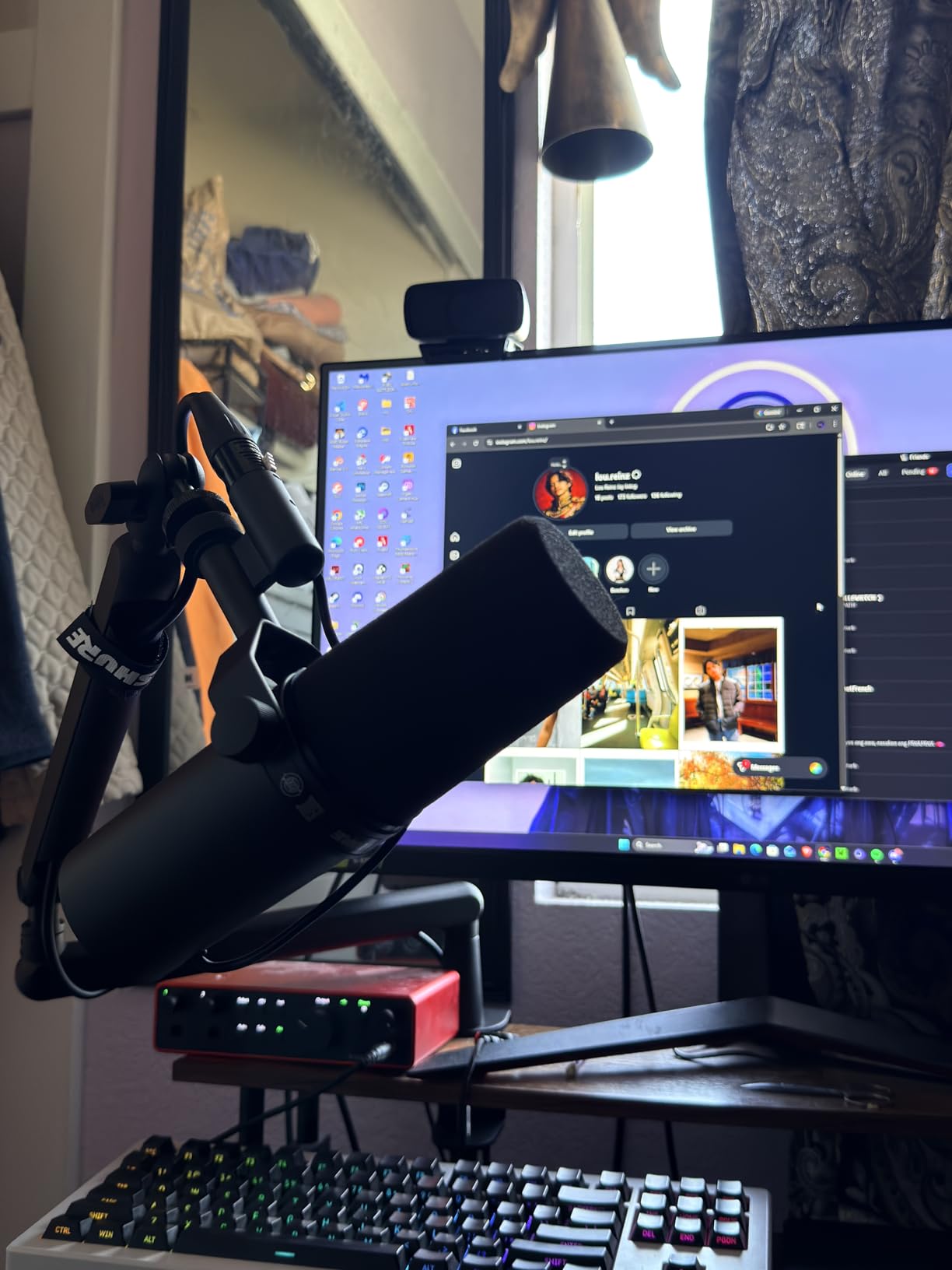
With 12174 reviews behind it, the SM7B is the most proven microphone in this guide by a wide margin. The tone is smooth and warm rather than bright, and the sibilance taming is real: sharp sibilant speakers rarely need a de-esser on this mic, which is one less plugin in the chain.
Room rejection is where it earns its reputation. The internal air-suspension isolation kills desk bumps as well as sound arriving from behind the mic, and the detachable close-talk and foam windscreens let you get closer to the grille for even more rejection when the room is genuinely hostile.
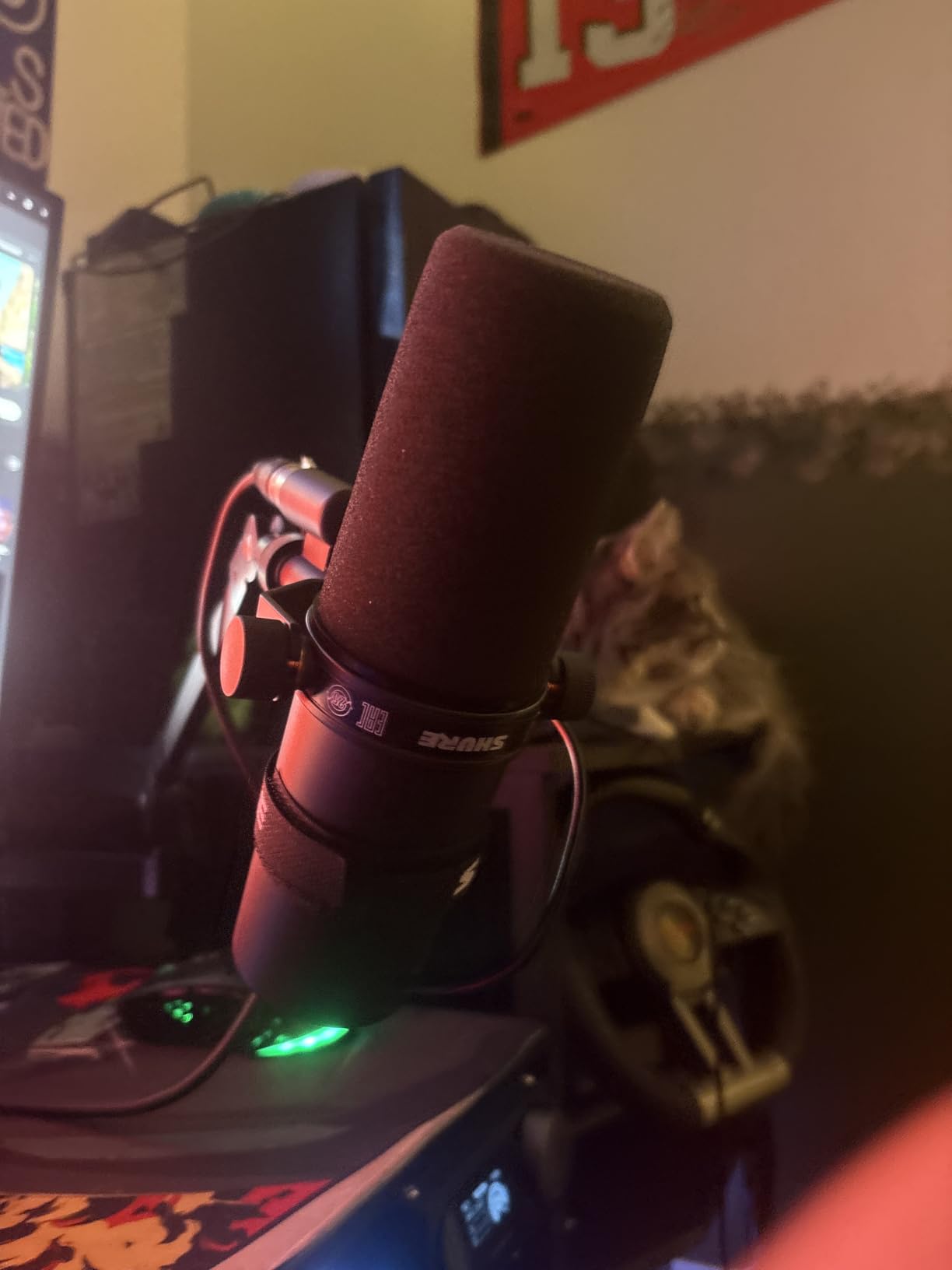
The catch is gain. The published guidance is at least 60 dB of clean gain, and most owner reviews describe needing a Cloudlifter, a FetHead or a high-gain interface to drive it without noise. Podcasters on r/podcasting talk about this constantly, and the recurring honest take is that the SM7B in a mediocre signal chain sounds worse than a much cheaper dynamic in a good one.
Two further caveats appear in reviews. The voicing is dark, so a naturally deep voice can sound muddy without a high-pass, and at 2.7 lb it demands a sturdy stand or boom arm. Reviewers also note it still hears very loud background sound, so it reduces room problems rather than eliminating them.
Who the SM7B suits best
It suits a creator who has a real signal chain behind it, meaning a clean preamp, a decent interface and a semi-treated corner. The switching controls on the back let you trim rumble and add presence without plugins, which is genuinely useful in a home room where low-frequency traffic is the main problem.
It also suits long-term buyers. The build quality and the shielding are the kind of thing that survives a decade of moving between setups, and the accessory ecosystem around this mic is enormous.
Who should skip the SM7B
Skip it as a first purchase in an untreated room on a limited budget. Once the preamp and interface are counted, it sits a tier above everything else here, and the difference in raw room rejection between it and a mid-tier dynamic is far smaller than that gap suggests.
Already-deep-voiced speakers should be cautious too. Without EQ, the low-mid emphasis can thicken rather than smooth, and that is a tone problem no amount of room treatment fixes.
3. Shure MV7X – Best for Two-Host Shows Sharing One Room
Shure MV7X XLR Dynamic Podcast & Recording Microphone – Black
XLR-only dynamic cardioid
72 dB signal to noise
50 Hz to 16 kHz
508 g compact body
Pros
- Clean full vocal sound needing little processing
- Strong rejection in acoustically live rooms
- No phantom power or external preamp needed
- Compact body fits small desks and arms
- Durable metal build with yoke mount
Cons
- Wants plenty of gain and often post-boost
- XLR-only with no USB path
- XLR cable sold separately
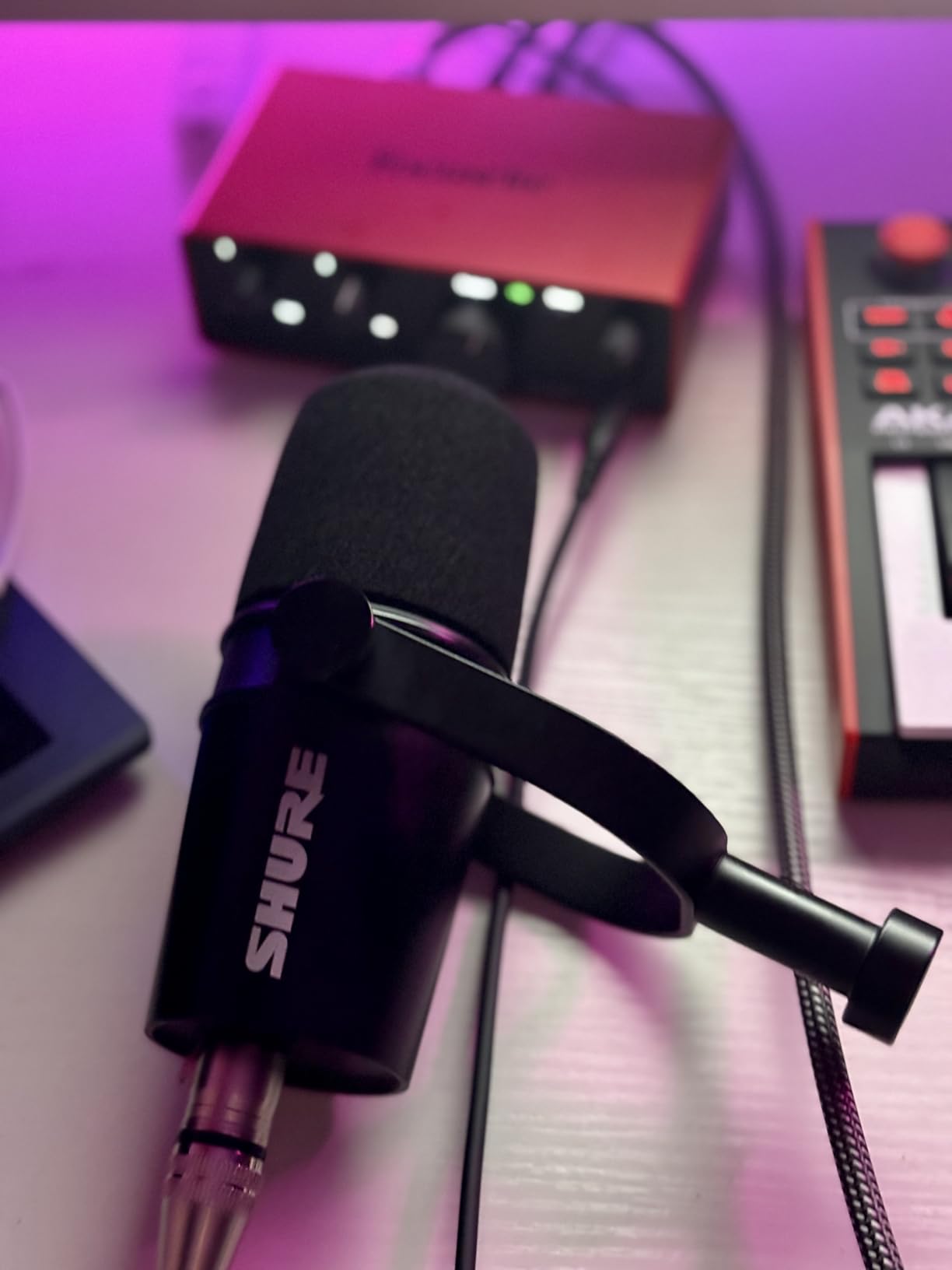
Two hosts in one untreated room is the hardest version of this problem, because each mic has to hear its own speaker and not the other one. The MV7X is the mic owner reviews most often recommend for exactly that, describing results that approach the SM7B at a far lower tier and isolation that beats cardioid condensers in the same position.
At 508 g and 10.83 inches tall it is a small microphone, which matters in a cramped bedroom studio where two arms have to share a desk. The adjustable yoke mount and included thread adapter make positioning on an arm straightforward, and the integrated shock mount means you do not need to buy one.

Reviews note the 50 Hz to 16 kHz response is narrower than the SM7B, and that boost in post is often needed. That narrower top end actually helps in a live room because there is less high-frequency room tone to capture in the first place, though it does mean cymbans and sibilance are handled differently.
The single-cardioid pattern is unforgiving of anyone who drifts away from the mic, so set the position carefully rather than relying on the capture pattern to forgive sloppy distance. Two hosts, two arms, two identical mics is the cleanest route to a matched sound.
Who the MV7X suits best
It is the pick for co-hosted shows recording in a shared untreated room, particularly when both hosts speak at different volumes and you need the off-axis rejection to separate them. The 72 dB signal-to-noise figure means the preamp has less work to do than with the SM7B.
It also suits anyone moving from a condenser and relieved to find a microphone that does not need a booth. Reviews describe the transition as immediate, with the room simply dropping away.
Who should skip the MV7X
Skip it if you want one cable and one device. There is no USB path and no onboard controls, so the computer needs an interface or a mixer with real gain, and the XLR cable is a separate purchase.
Anyone chasing a softer, more forgiving capture for a first recording should note that single-cardioid dynamics are less forgiving than cardioid condensers when a speaker moves around. Practice the distance or add a second cardioid condenser for interviews.
4. Shure MV7+ – Best Hybrid USB and XLR Mic for Streaming
Shure MV7+ USB-C & XLR Podcast Dynamic Microphone – Black
USB-C and XLR output
60 dB signal to noise
50 Hz to 16 kHz
LED touch panel
Pros
- Records to two machines at once over USB and XLR
- Auto Level and real-time denoising
- Colour LED panel reads well on camera
- Noticeably lighter than the PodMic
- Works as straight plug-and-play USB
Cons
- Raw audio seen as average by some reviewers
- Speaker monitoring bleed still needs software cleanup
- XLR cable not included
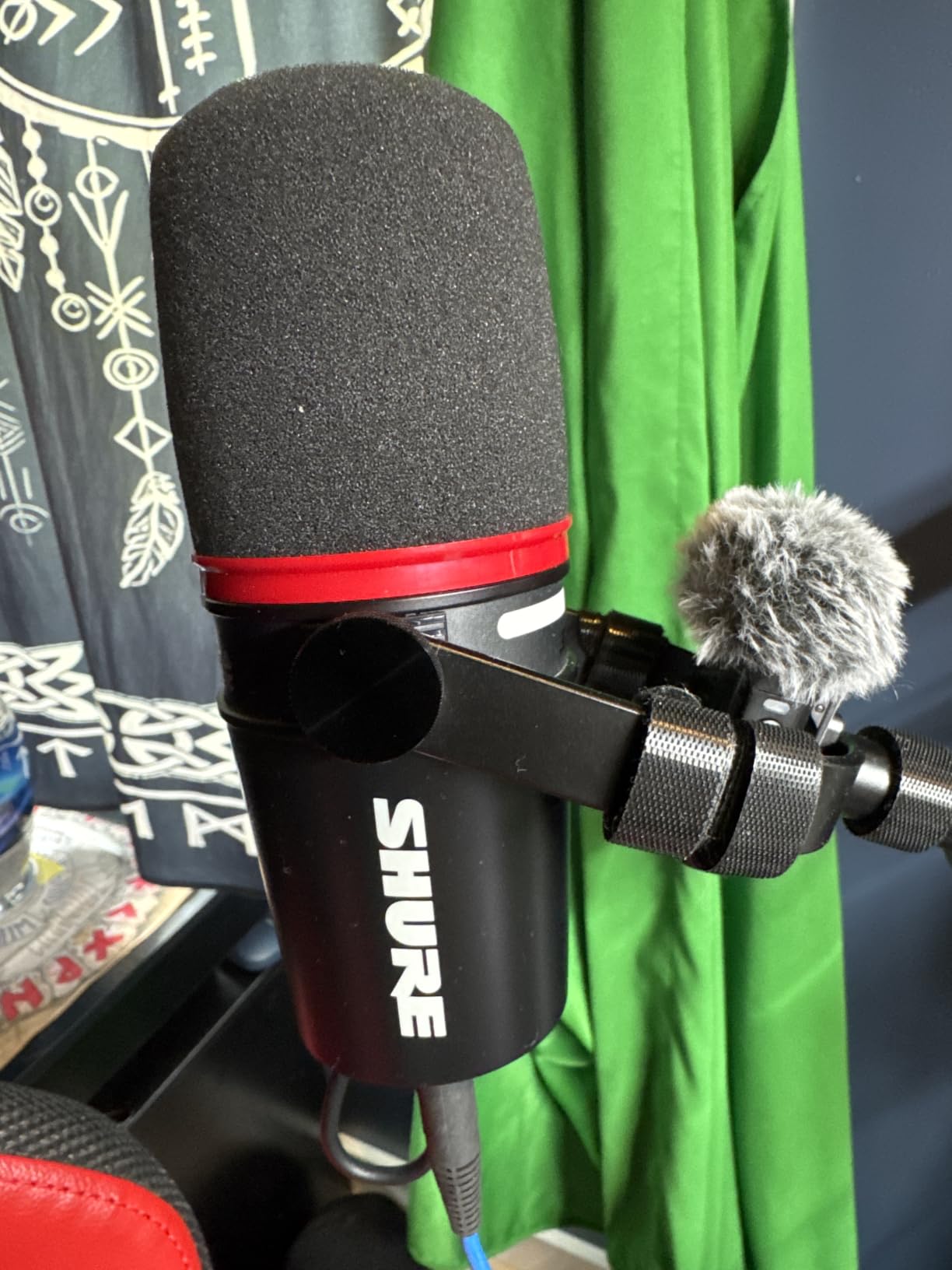
The MV7+ is the mic you buy when the untreated room is also a streaming room. The simultaneous USB-C and XLR output is the feature reviewers cite most often as decisive: the same microphone can feed a recorder over XLR while a streaming PC takes a clean USB copy, with no splitter and no second microphone.
Auto Level and the built-in real-time denoiser give beginners a way around the gain staging problem entirely, and the Plate, Hall and Studio reverb effects are aimed at streamers who want a little space in their headphones. The foam windscreen and 3 m USB-C cable are included, which is more than most rivals offer.
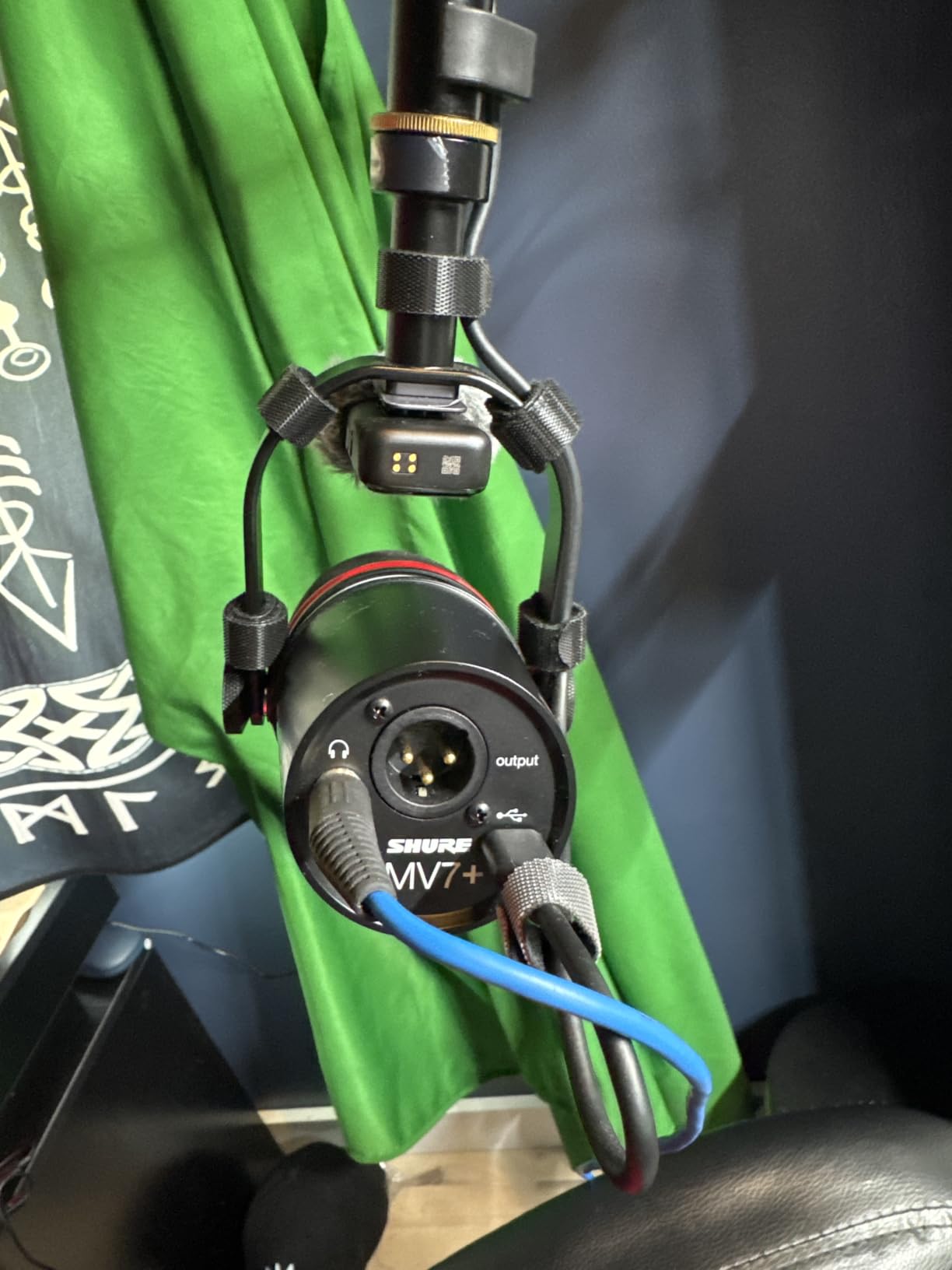
A minority of reviewers feel the raw audio is merely adequate for the price, and that is worth weighing if voice quality is your priority over features. Speaker monitoring through the mic’s own headphone output still leaks into the room, so a two-host setup still needs software cleanup.
Another practical note from reviews: several settings need frequent adjustment compared with a simpler microphone, and the denoising and effects are software-dependent. If you prefer a plain signal you fully control, the Elgato Wave DX later in this list is the opposite philosophy.
Who the MV7+ suits best
It suits streamers and podcasters who record and broadcast at the same time, and anyone who wants to back up a local recording to a second machine. The metal build and lighter body than the PodMic make it easier to mount, and at 1.9 lb it is comfortable on a long arm.
It is also a good choice for a creator who is still learning gain staging. Auto Level handles the level, the LED meter shows what is happening, and tap-to-mute prevents the classic mistake of recording ten minutes of room tone before you begin.
Who should skip the MV7+
Skip it if you will never use a second machine, because that dual-output advantage largely disappears. Quiet-voiced speakers should also look elsewhere, since the 60 dB signal-to-noise figure and software-dependent gain features are not a substitute for a genuinely clean preamp path.
And if you plan to run a co-hosted show with two people speaking from one desk, the single cardioid pattern plus speaker bleed means you are buying extra processing. Two directional dynamics with separate arms will serve you better.
5. Audio-Technica AT2040 – Best Hypercardioid Pick for Noisy Neighbours
Audio-Technica AT2040 Hypercardioid Dynamic Podcast Microphone
Hypercardioid dynamic
76 dB signal to noise
15 kHz response
2.2 lb metal body
Pros
- Exceptionally tight off-axis rejection
- Warm assertive broadcast tone with 80Hz high-pass
- Integrated shock mount and foam windscreen
- Metal body built for heavy use
Cons
- Needs substantial gain on lower-gain interfaces
- No low-cut or pad switches on the body
- Rolls off deep low end earlier than rivals
If your untreated room has a specific, directional noise problem, a neighbouring desk, a television against one wall, a washing machine in a fixed position, the hypercardioid pattern on the AT2040 is the single most useful specification on this list. Reviews describe its off-axis rejection as among the tightest of any hypercardioid tested, with a rear null that pulls focus off almost anything behind the mic.
The absence of strong proximity effect is a genuine surprise for people moving from broadcast dynamics. Reviewers note you can speak very close without getting boomy, which matters when the room is small and the nearest reflective surface is behind your head.
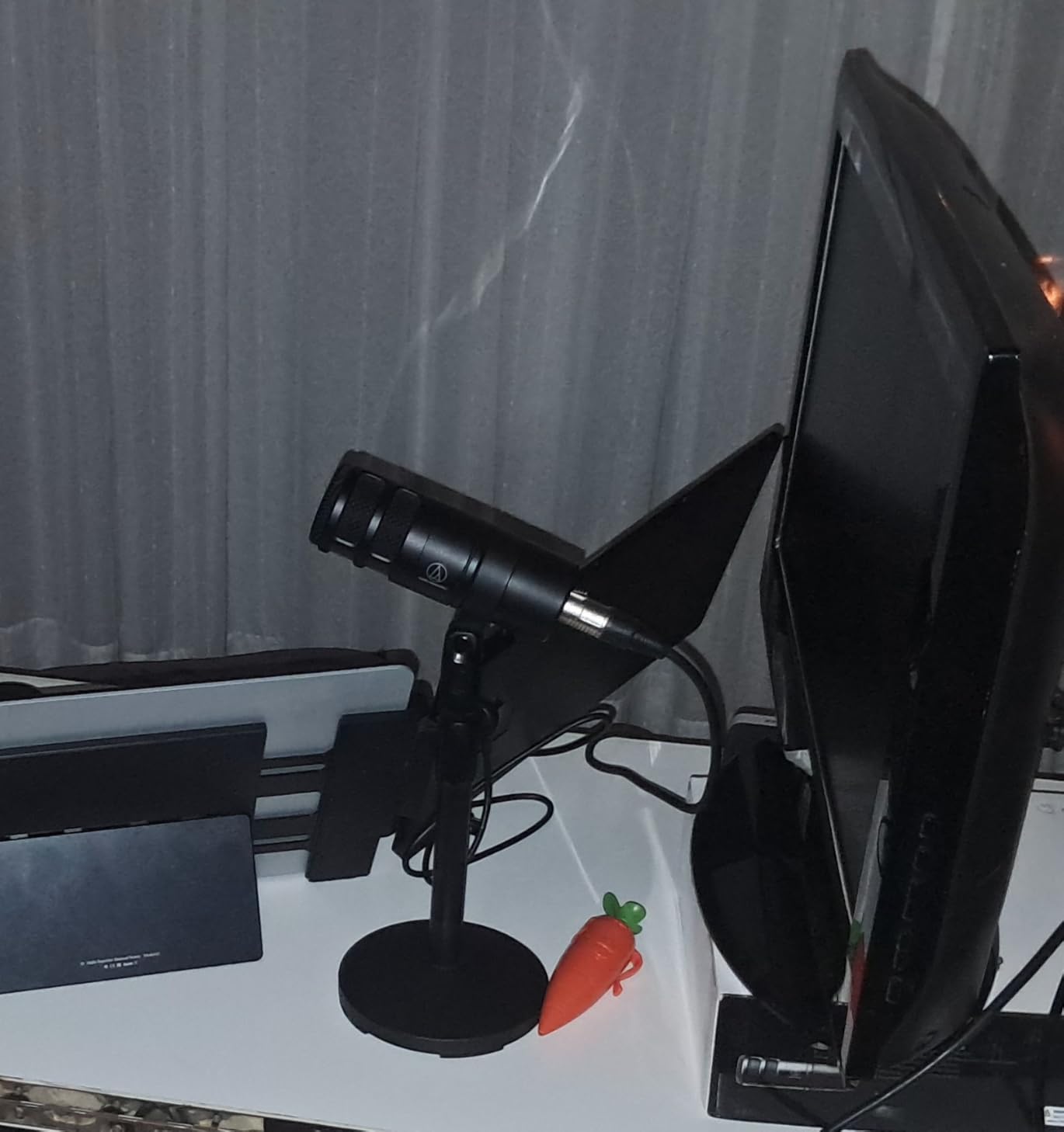
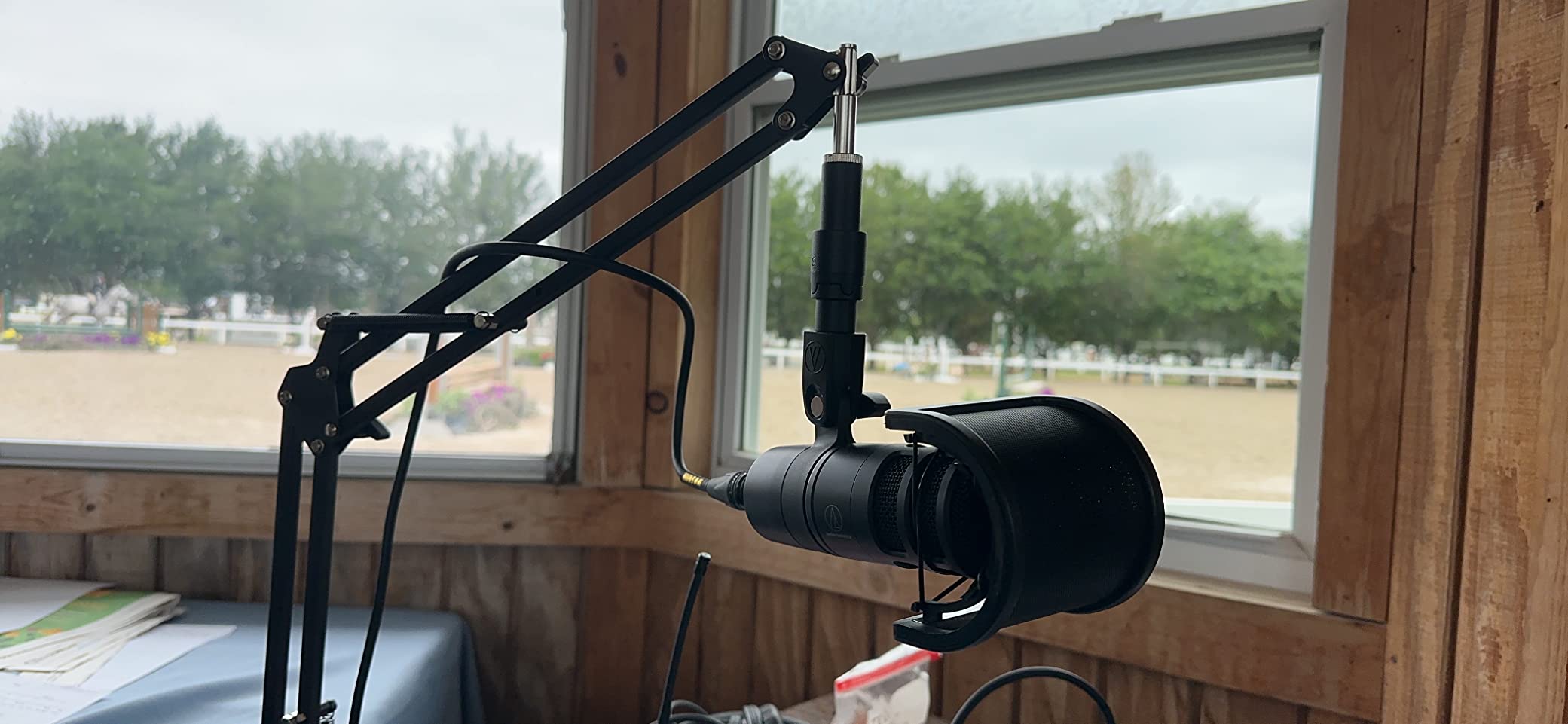
The built-in 80 Hz high-pass quietly solves rumble from traffic, HVAC and desk vibration without a plugin, and the multistage foam mesh windscreen with internal pop filtering handles plosives at close range. The pivoting stand mount, thread adapter and protective pouch all come in the box.
Two downsides surface repeatedly. It needs substantial gain to reach healthy levels, and there are no low-cut or pad switches on the body, so any tone shaping happens externally. Some buyers also reported the mic arriving with dents or finish scuffs, so inspect it closely.
Who the AT2040 suits best
It suits anyone with a defined, repeatable noise source rather than general room echo. Point the rear null at the problem, position the mic so the speaker is on-axis, and the capture becomes far more focused than a standard cardioid would manage in the same room.
It is also a strong second microphone for a two-host show because the hypercardioid pattern tolerates two people at slightly different angles better than most cardioid patterns, as long as neither is directly behind the other.
Who should skip the AT2040
Skip it if you have a very quiet voice. Two independent issues stack here: the mic needs a lot of gain, and the deep low end rolls off earlier than several rivals, so a low voice can end up both quiet and thin after processing.
It is also a poor fit for anyone who wants to shape tone from the mic body. The lack of switches means your EQ and high-pass decisions all live in software, which is fine for a modern workflow but frustrating if you record on hardware.
6. Elgato Wave DX – Compact and Discreet for Small Desks
Elgato Wave DX Dynamic XLR Microphone, Cardioid Pattern
Cardioid dynamic
60 dB signal to noise
50 Hz to 15 kHz
407 g metal body
Pros
- Warm speech-focused sound reviewers compare favourably to costlier mics
- Small body leaves desk space free
- Metal build with swivel mount and adapter kit
- Works with any XLR interface and no booster
- Low noise floor when you are not speaking
Cons
- No on-mic controls at all
- XLR cable not included
- Gain staging takes some fiddling
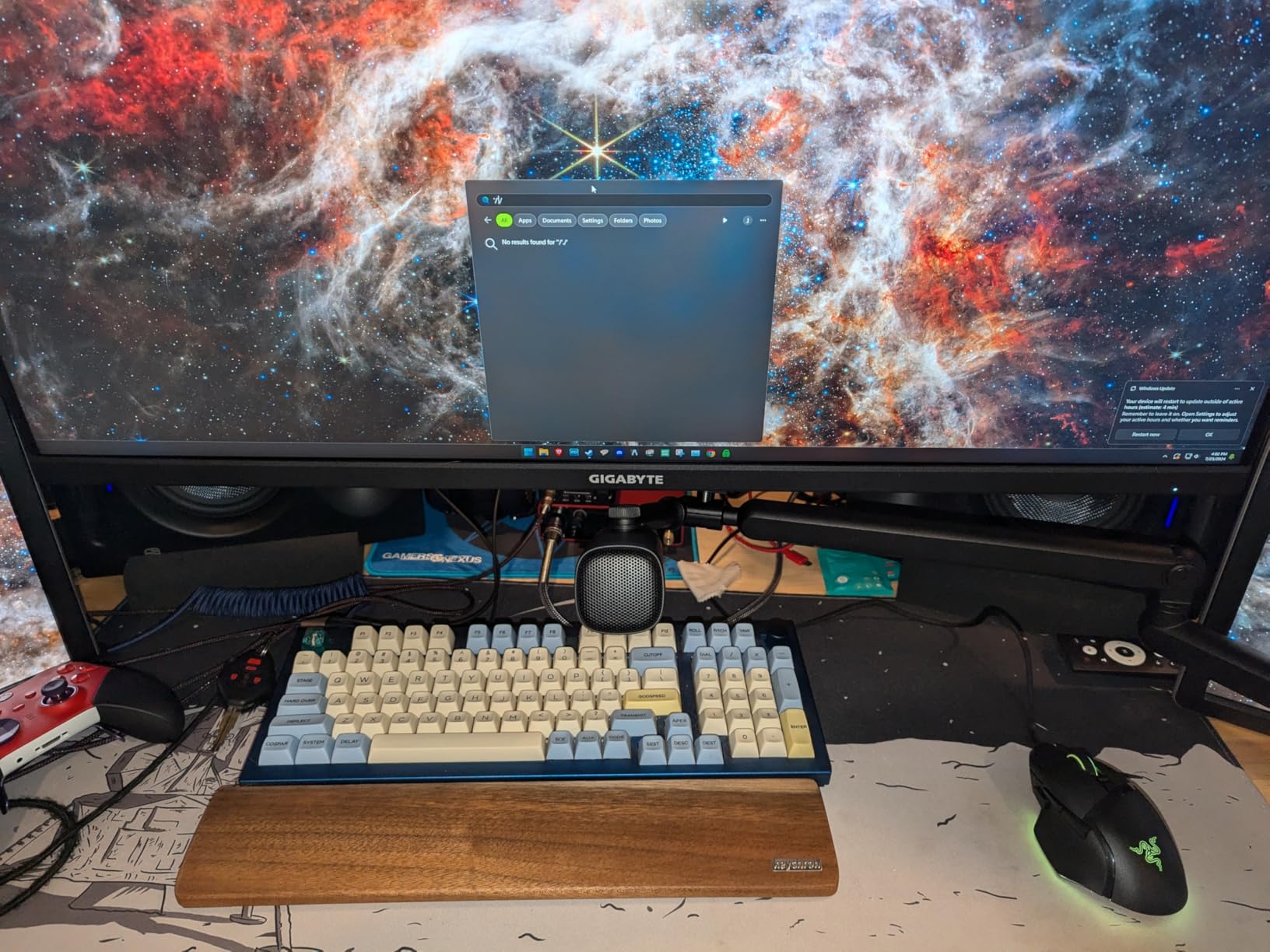
The Wave DX weighs 407 g and stands just over 7 inches tall, and in a cramped untreated bedroom that is not a trivial consideration. Two of these on arms will fit where a full broadcast mic and its mount simply will not.
Owners frequently compare the raw out-of-box sound to the SM7B and call it genuinely impressive for what it is. The capsule is described as warm and true to life, tuned specifically for speech rather than music, and the wide forgiving off-axis acceptance angle means a speaker does not have to sit perfectly centred.
This is a barebones XLR design, so there is nothing to configure on the mic itself and the 600 ohm impedance pairs comfortably with most entry interfaces. The mono swivel mount ships with 3/8 inch and 1/4 inch adapters, which is generous for a mic at this level.
The listed cons are honest ones: no on-mic controls, no included XLR cable, and some room sound still present while you speak. The low noise floor between phrases is what keeps that from being a bigger problem in a normal home room.
Who the Wave DX suits best
It suits a small desk, a shared office or a two-mic setup where footprint is the constraint. The swivel mount keeps the body close to the arm, and the metal construction feels far more durable than its weight class suggests.
It is also a good fit for an existing Elgato setup, since the Wave XLR mini mixer is designed to pair with it, and owners highlight that integration as a reason to stay in one ecosystem.
Who should skip the Wave DX
Skip it if you want anything on the microphone itself. There is no gain knob, no mute and no headphone jack, so everything happens in software or on your interface. Beginners who learn by turning knobs will find that less intuitive.
It is also a poor match for a quiet voice. At 60 dB signal to noise, the low output of a broadcast-style dynamic can expose preamp hiss in a quiet recording, and reviewers do mention fiddling with gain staging as a recurring step.
7. FIFINE K688 – USB Controls and an XLR Upgrade Path
FIFINE AmpliTank K688 Dynamic Microphone, XLR/USB Podcast Recording PC Mic
USB-C and XLR dynamic
80 dB signal to noise
50 Hz to 16 kHz
130dB SPL capsule
Pros
- Crisp voice with very low background pickup
- Metal build and shock mount that feel premium
- Plug-and-play USB plus an XLR upgrade path
- Tap-to-mute gain knob and headphone monitoring
- Strong manufacturer service for faulty units
Cons
- Onboard controls only work over USB
- XLR cable not included
- Included mini tripod is flimsy
The K688 answers the problem every hybrid mic creates: what do you do with the features when you switch to XLR. The answer here is that the capsule is the same either way, but the gain knob, tap-to-mute and 3.5 mm real-time monitoring only exist in USB mode. Plan around that and it stops being a flaw.
Long-term owners describe it as a step-up starter mic that handles fans and ceiling fans cleanly, with near-zero audible keyboard or appliance noise when spoken into at a normal distance. The 80 dB signal-to-noise figure and 130 dB SPL capsule rating are both strong numbers for an entry-level tier.
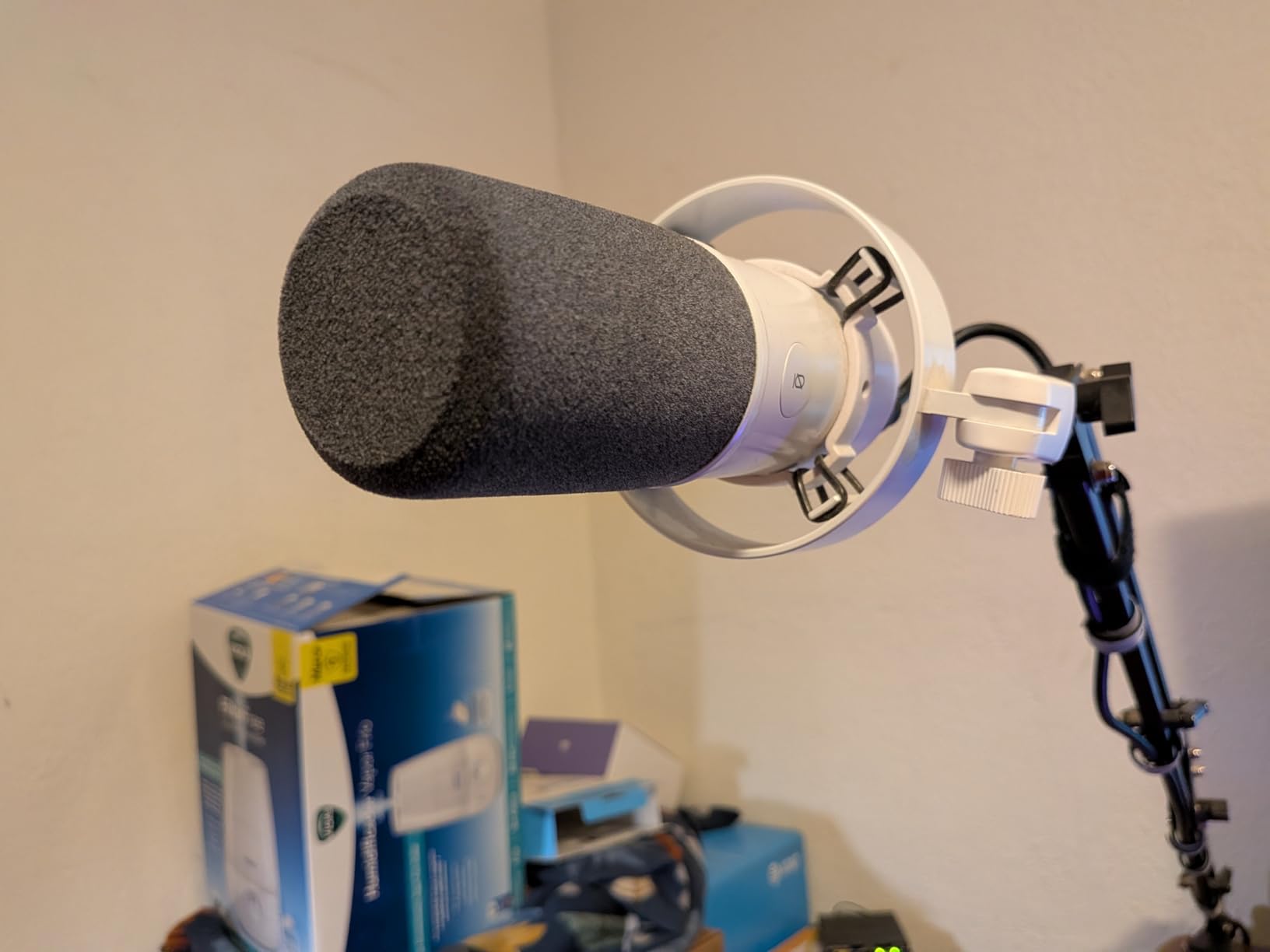
Several reviewers specifically praise FIFINE for replacing a faulty microphone with a free new one, which is worth more than any spec sheet when a first purchase goes wrong. The shock mount, windscreen, USB-C cable and thread adapter are all included in the box.
Not included are the arm stand, the mic stand and the XLR cable, so plan on buying at least the cable. The included mini tripod is also reported as getting flimsy over time, and a boom arm is the better long-term home for this mic.
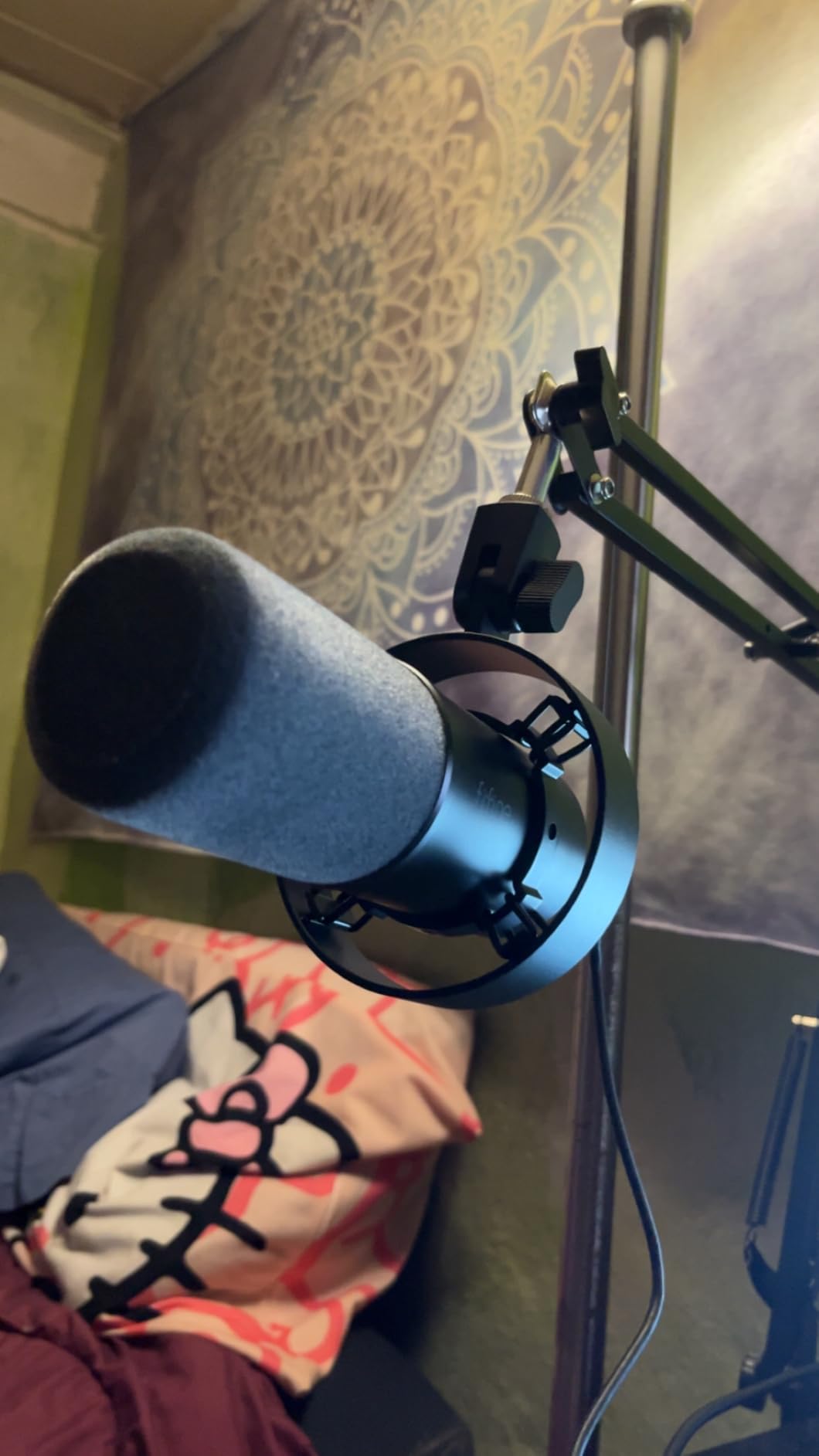
Who the K688 suits best
It suits a creator who wants to start on USB with real physical controls, then move to an interface later without changing microphones. That upgrade path is the reason to pick it over a pure USB microphone, and it costs nothing extra to keep the option open.
It is also a good fit for a shared office where a tap-to-mute button matters. Being able to mute with a touch rather than hunting in software is a small quality-of-life win on every call.
Who should skip the K688
Skip it if your plan is to run on XLR from day one, since the controls vanish and all that remains is a bare dynamic. It is also worth checking that you are comfortable buying an XLR cable separately, because it is not in the box.
A few listeners find USB mode less refined than running the same capsule through an interface, so if you have any intention of upgrading quickly, start on XLR and keep the USB mode as a fallback.
8. FIFINE AM8 – A Favourite Among Entry-Level Dynamics
FIFINE AmpliGame AM8 USB/XLR Dynamic Microphone for Gaming Streaming
USB-C and XLR dynamic
80 dB signal to noise
50 Hz to 16 kHz
600 g body
Pros
- Clear natural voice that punches above its weight
- USB plug-and-play with a real XLR upgrade path
- Rejects keyboard and fan noise at close range
- Stable desktop stand with built-in arm threads
- Tap-to-mute with LED indicator and headphone jack
Cons
- RGB ring is dim and cuts out if the cable moves
- RGB and function keys inactive over XLR
- Predominantly plastic body
With 12082 reviews, the AM8 has one of the largest review counts of any dynamic microphone in this guide, and the pattern of feedback is remarkably consistent: people buy it to replace a headset, are surprised by the difference, and then buy a second one. That consistency at this volume is the reason it earns a place on the shortlist.
It does the specific job this guide is about. At a 2 to 6 inch working distance the cardioid capsule rejects keyboard, fan and room noise in a way that reviewers repeatedly describe as transformative for apartment recording, and the 80 dB signal-to-noise figure keeps the floor quiet when nobody is speaking.
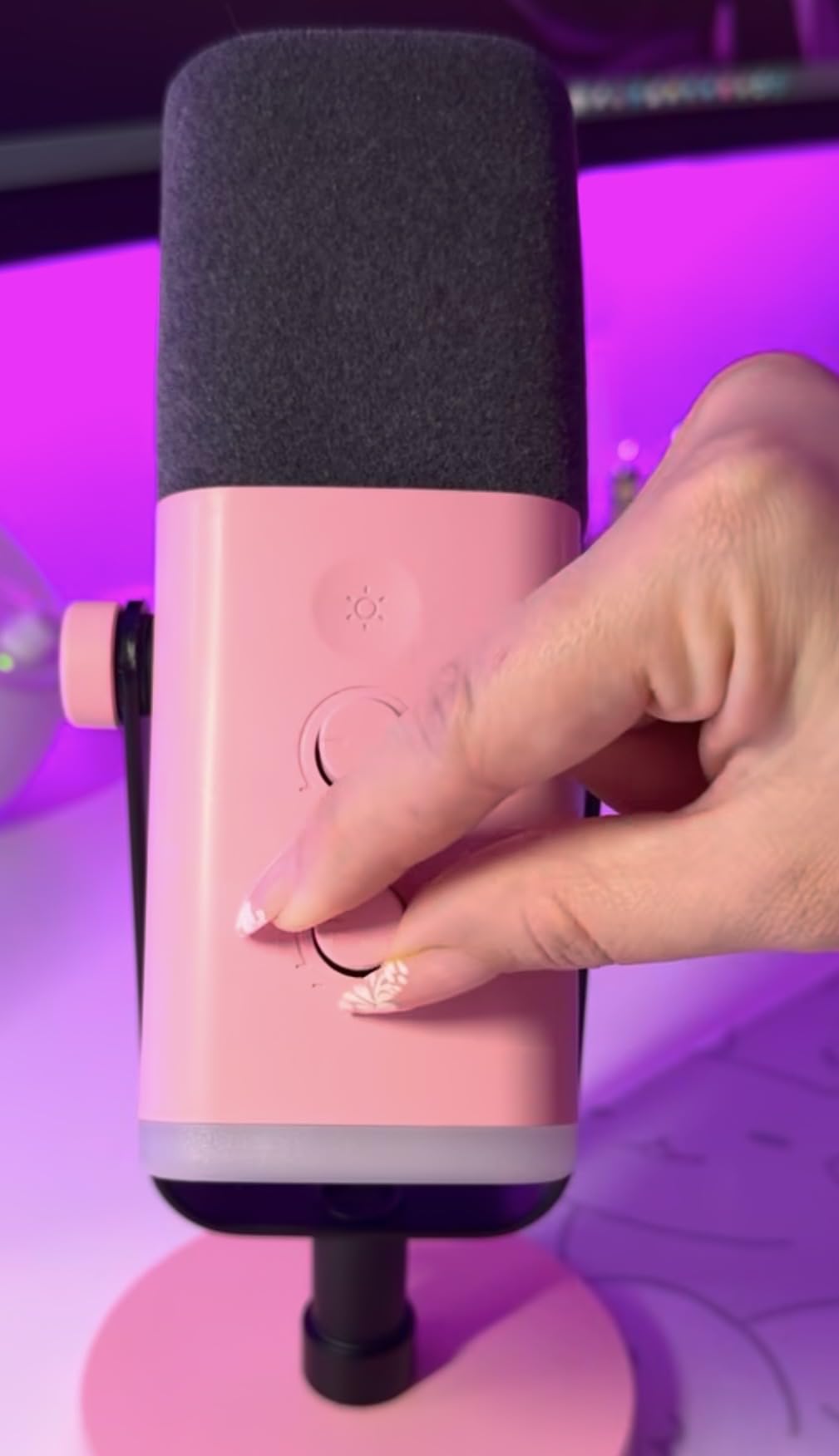
USB-C is plug-and-play with zero-latency monitoring, a gain knob and tap-to-mute, and the XLR output gives you a clean path to a mixer or interface later. Built-in 3/8 inch and 5/8 inch threads mean it mounts on most boom arms without an adapter, and the desktop stand and windscreen are in the box.
The complaints are consistent too. The RGB ring is dim and reviewers report it cutting out when the cable shifts, and the ring plus function keys go inactive over XLR. The body is largely plastic, and the stand base rubber attracts dust. None of that affects the recording, all of it affects how the mic looks on a stream.
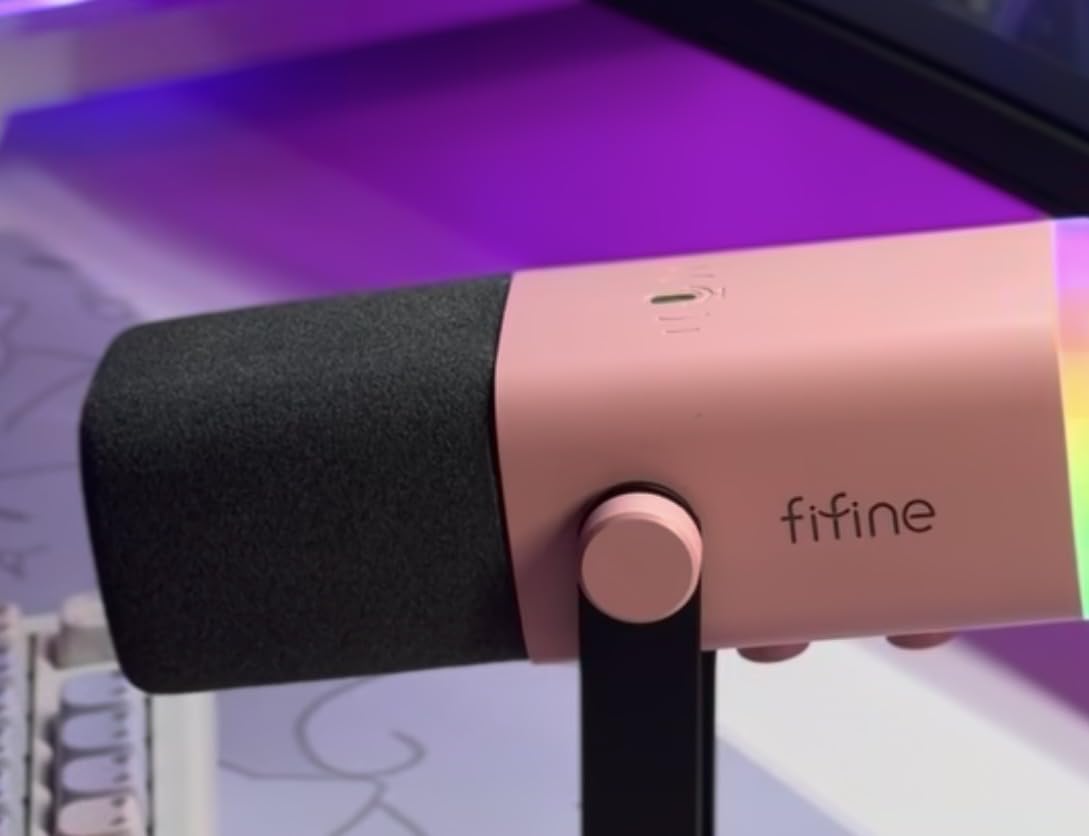
Who the AM8 suits best
It suits a first-time podcaster moving up from a headset or an entry condenser that was picking up the whole room. Plug it into a laptop, speak at four inches, and the difference in clarity is immediate enough to keep people recording past episode three.
It is also the sensible choice for a two-mic starter setup on a budget, since matching two identical microphones is what makes a co-hosted show sound consistent, and reviewers commonly mention buying a second unit.
Who should skip the AM8
Skip it if the room is large and live. Reviewers note it picks up room echo in bigger spaces where a tighter pattern such as hypercardioid would do more work, so in a big untreated room a narrower pattern is a better starting point.
Also skip it if you record on video. The plastic body and the temperamental RGB lighting are real drawbacks for a camera-facing setup, where the MV7+ or the MAONO PD200XS make a more convincing on-stream proposition.
9. Samson Q2U – The Easiest Handheld Mic for New Podcasters
Samson Q2U USB/XLR Dynamic Microphone Recording and Podcasting Pack
USB-C and XLR handheld dynamic
70 dB signal to noise
50 Hz to 15 kHz
11.2 oz metal body
Pros
- Clear warm full-sounding speech with almost no background noise
- USB-C and XLR so beginners can upgrade later
- Handheld format teaches proper mic technique
- Survives drops without cosmetic damage
- Stand clip windscreen and both cables included
Cons
- Included tripod is low with a loose clamp
- Weak on plosives without a windscreen or pop filter
- Some PCs fail to detect the device on boot
The handheld form factor is the underrated part of this microphone. One radio professional reviewer makes the point directly: putting a mic in someone’s hand teaches correct distance and angle faster than any tutorial, and that habit is what makes a dynamic microphone work in a bad room.
On sound, owners consistently describe clear, warm, full speech with almost no background noise, and the unidirectional pattern does the heavy lifting. The 11.2 oz weight is the lightest body in this guide, which is easy on the wrist during a long interview.
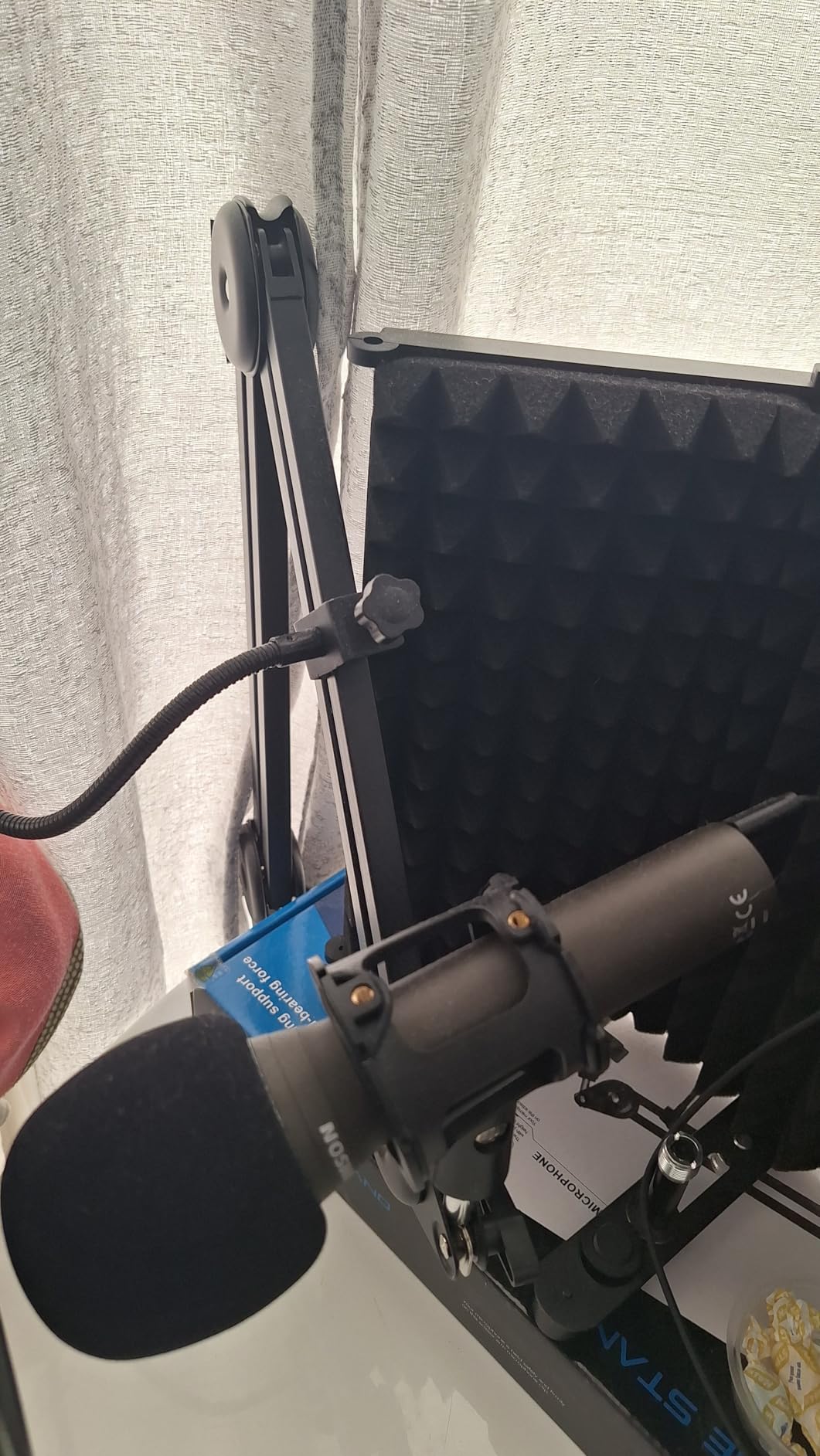
The pack is unusually complete: tripod desktop stand, extension, mic clip, windscreen, and both a USB-C and an XLR cable. Most other options at this level leave the cable out entirely, and having both means you can start on USB and move to a mixer without another purchase.
The drawbacks are consistent. The included tripod is low and the clamp is loose, so plan on a proper stand. It is weak on plosives and needs the supplied windscreen, and it needs a computer and recording software rather than recording on its own.
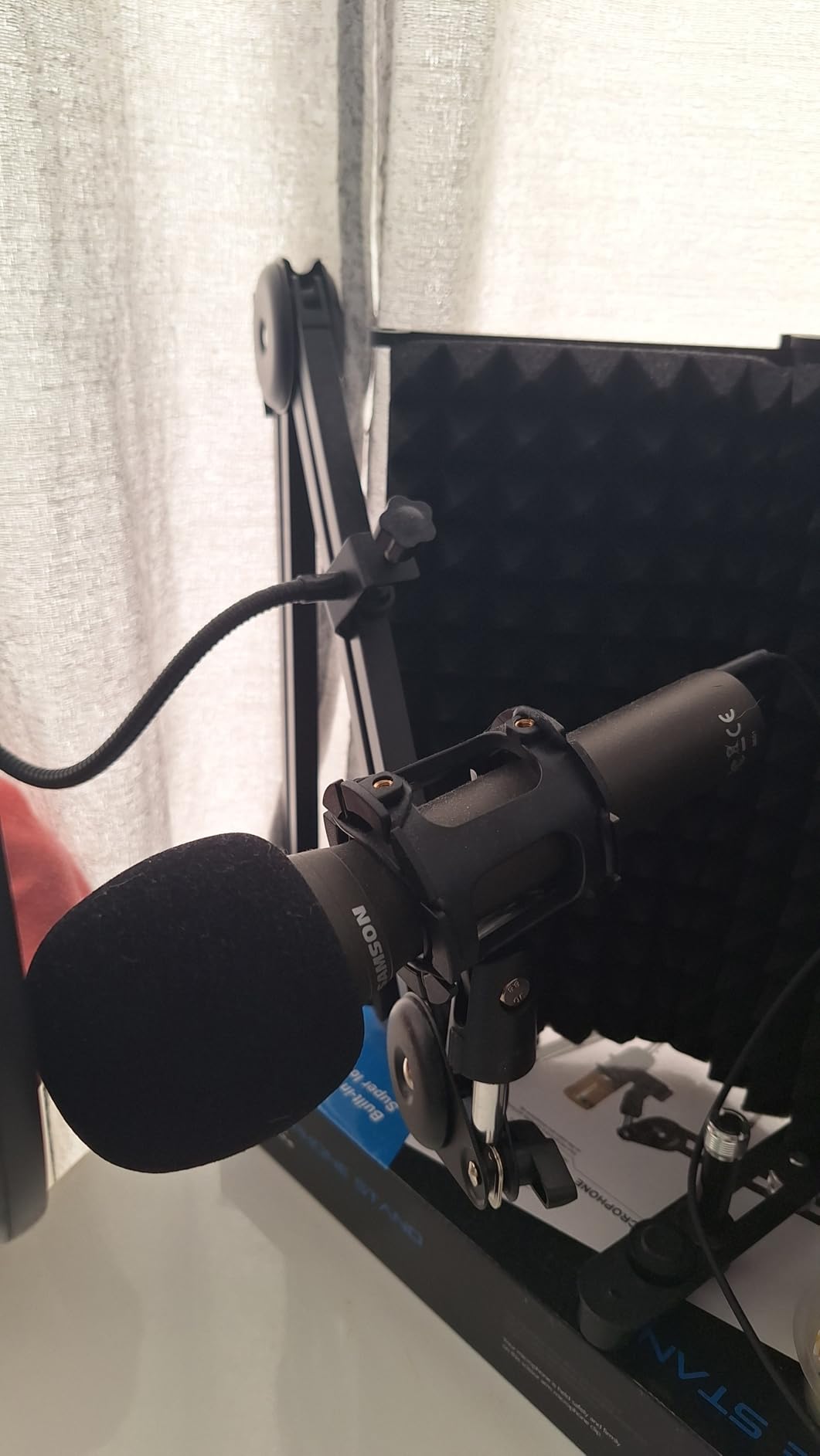
Who the Q2U suits best
It suits anyone starting a podcast with almost no equipment and no interest in buying a box full of accessories. The fact that it includes a stand and both cables removes the first-week frustration of realising you cannot plug anything in.
It is also a good teaching tool for a two-person show where one host is camera-shy. Handing a co-host the microphone makes correct technique obvious in a way that a mounted cardioid never will.
Who should skip the Q2U
Skip it if you sing or record anything loud. Reviewers note little headroom for loud sources, and the handheld format makes consistent distance harder to maintain on music than on speech.
Be aware of the USB detection quirk some PCs show on boot, which a firmware update can address. If you cannot spare the troubleshooting time on day one, choose a USB microphone from a brand with a simpler driver story.
10. MAONO PD200XS – Mic, Shock Mount and Boom Arm in One Box
MAONO PD200XS XLR/USB Dynamic Microphone Kit, RGB Gaming Mic with Software
USB-C and XLR dynamic
80 dB signal to noise
40 Hz to 16 kHz
350 g body
Pros
- Warm clear dynamic sound that handles rooms well
- USB and XLR dual connectivity
- Onboard gain knob mute and zero-latency monitoring
- Bundled adjustable boom arm and shock mount
- Software EQ compression and RGB in USB mode
Cons
- Software and RGB disappear in XLR mode
- XLR cable not included
- Bundled boom arm is a basic model
Most of the cost of a good untreated-room setup is not the microphone. It is the arm, the shock mount and the cable. The PD200XS is the one product here that puts all of that in the box, and that makes it the fastest route from nothing to a correctly positioned mic.
The 40 Hz to 16 kHz response reaches lower than any other USB-capable option here, and reviewers describe the tone as warm and smooth. The cardioid pattern reduces unwanted background noise, and the 80 dB signal-to-noise figure keeps quiet passages clean.
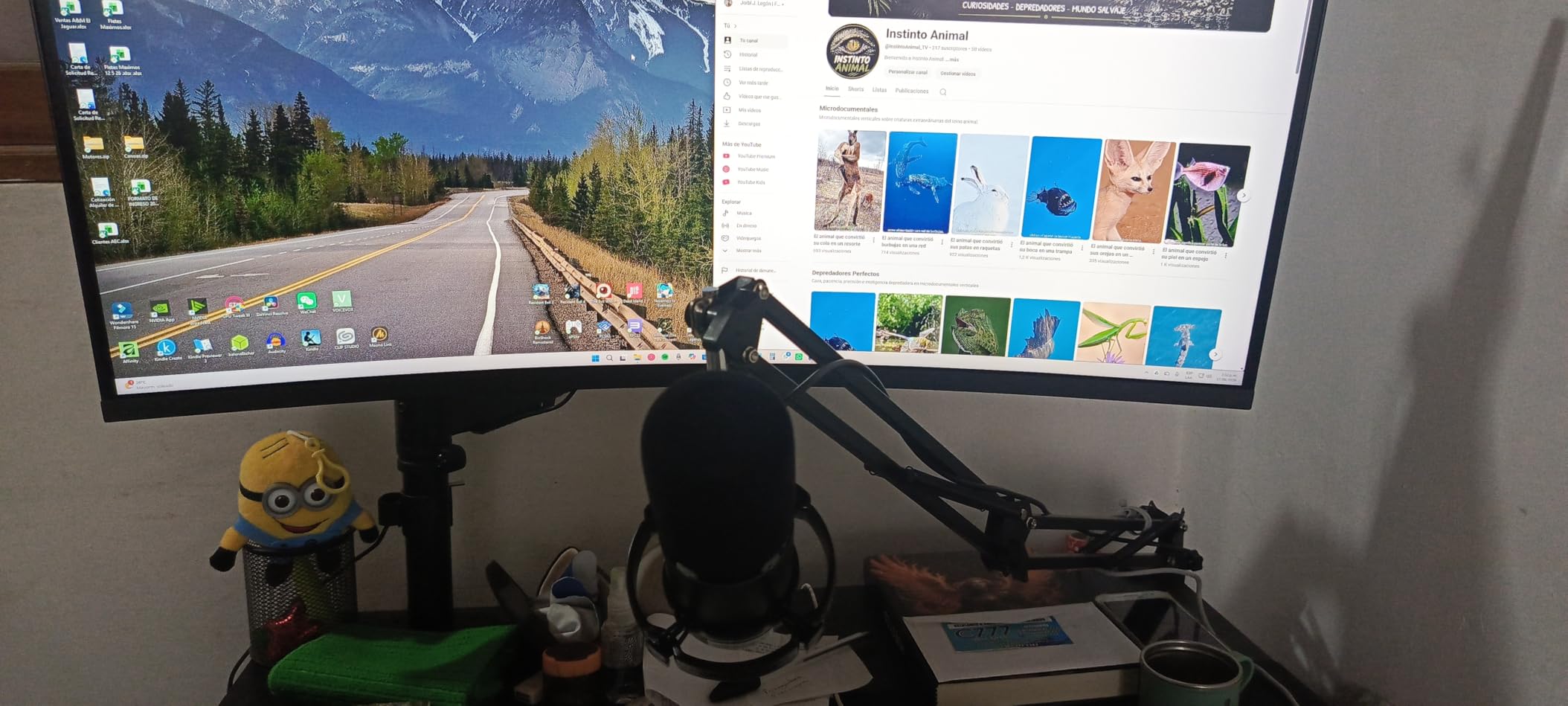
The 2-in-1 smart knob handles gain and headphone volume, one-click mute has an LED, and MAONO Link gives you EQ, a limiter, a compressor and nine RGB colours when you are in USB mode. For a streamer or podcaster who wants to hear themselves without delay, the zero-latency monitoring works well.
The catch is the same one every hybrid mic shares. Switch to XLR and the software EQ, compression and lighting controls disappear, leaving a clean broadcast signal. The included boom arm is also a basic model, so treat it as a starting point rather than a permanent mount.
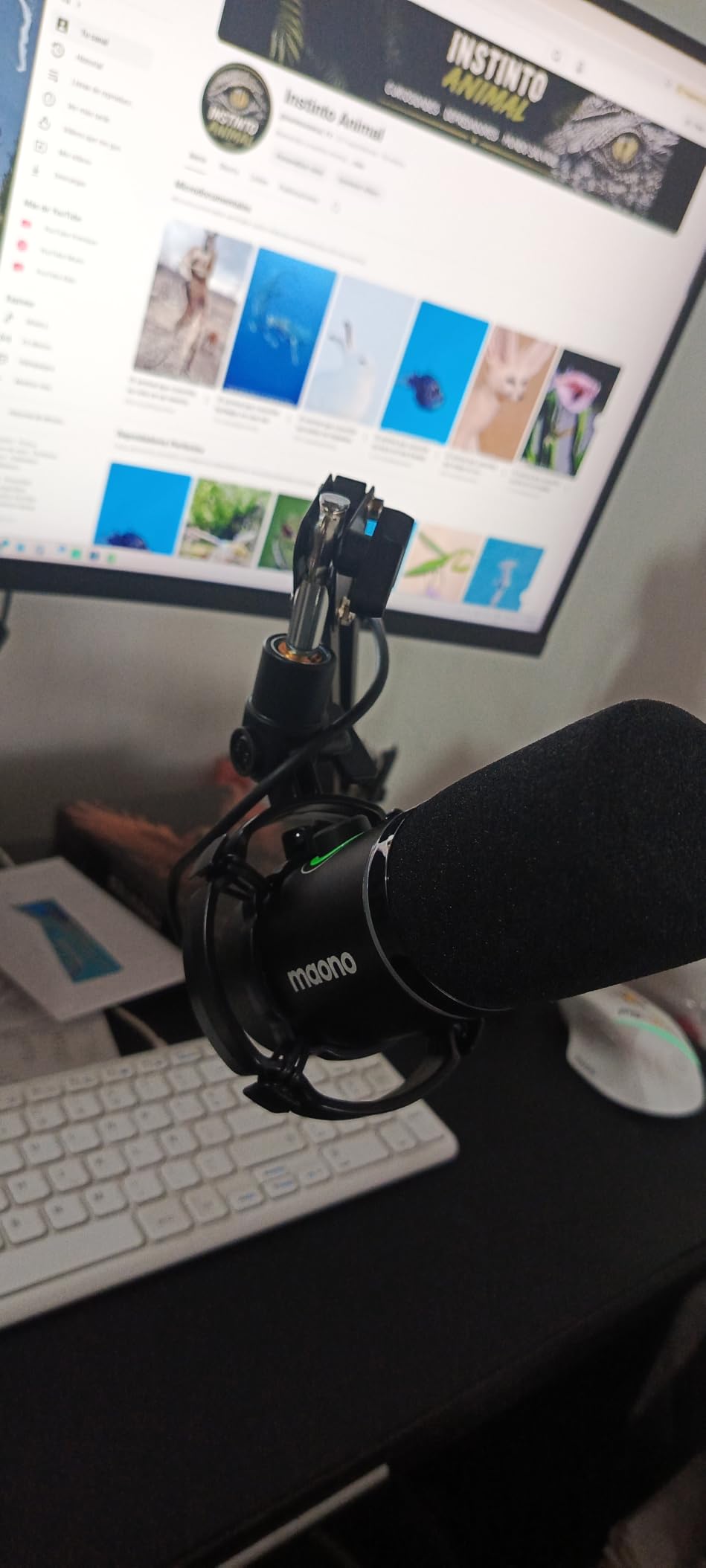
Who the PD200XS suits best
It suits a first-time creator who wants a correct setup immediately rather than a research project. Position, isolation and monitoring all arrive in one purchase, which removes the two mistakes that make expensive microphones sound bad in untreated rooms.
It is also a good streamer pick among the entry-level options, since the RGB and the hardware controls both work in the mode most people record video in, and 350 g is light enough for the bundled arm to hold comfortably.
Who should skip the PD200XS
Skip it if you are confident you will be on XLR from day one, because you would be paying for a boom arm and software features you cannot use. It is a kit-first product rather than a microphone-first one.
Reviewers also note that some of the on-board processing is more useful for gaming than podcasting. If you intend to record unprocessed audio and mix later, the toolset here is more than you need, and a bare XLR mic is a better fit.
11. Zoom ZDM-1 Pack – Everything a First Episode Needs
Zoom ZDM-1 Podcast Mic Pack for Podcasters with Dynamic Mic & Headphones
Super-cardioid dynamic in a kit
78 dB signal to noise
18 kHz response
Bundled ZHP-1 headphones
Pros
- Mic headphones stand windscreen and cable in one purchase
- Super-cardioid capsule keeps room noise out
- Closed-back headphones give solid isolation
- Folding tripod sets up in seconds
- Windscreen tames plosives and breath
Cons
- XLR only so an interface is required
- Bundled headphones are basic closed-back
- Table tripod rather than a boom arm
This is the one product in the guide that is explicitly a pack rather than a microphone, and for some readers that is the whole appeal. You get the ZDM-1 dynamic, ZHP-1 closed-back headphones, a folding threaded tripod, a windscreen and an XLR cable, and you can record a first episode the day it arrives.
The super-cardioid capsule is a smart choice for untreated rooms because it narrows the pickup compared with plain cardioid while still keeping enough frontal acceptance to be forgiving. Reviews single out its room-noise rejection and the isolation from the bundled headphones.
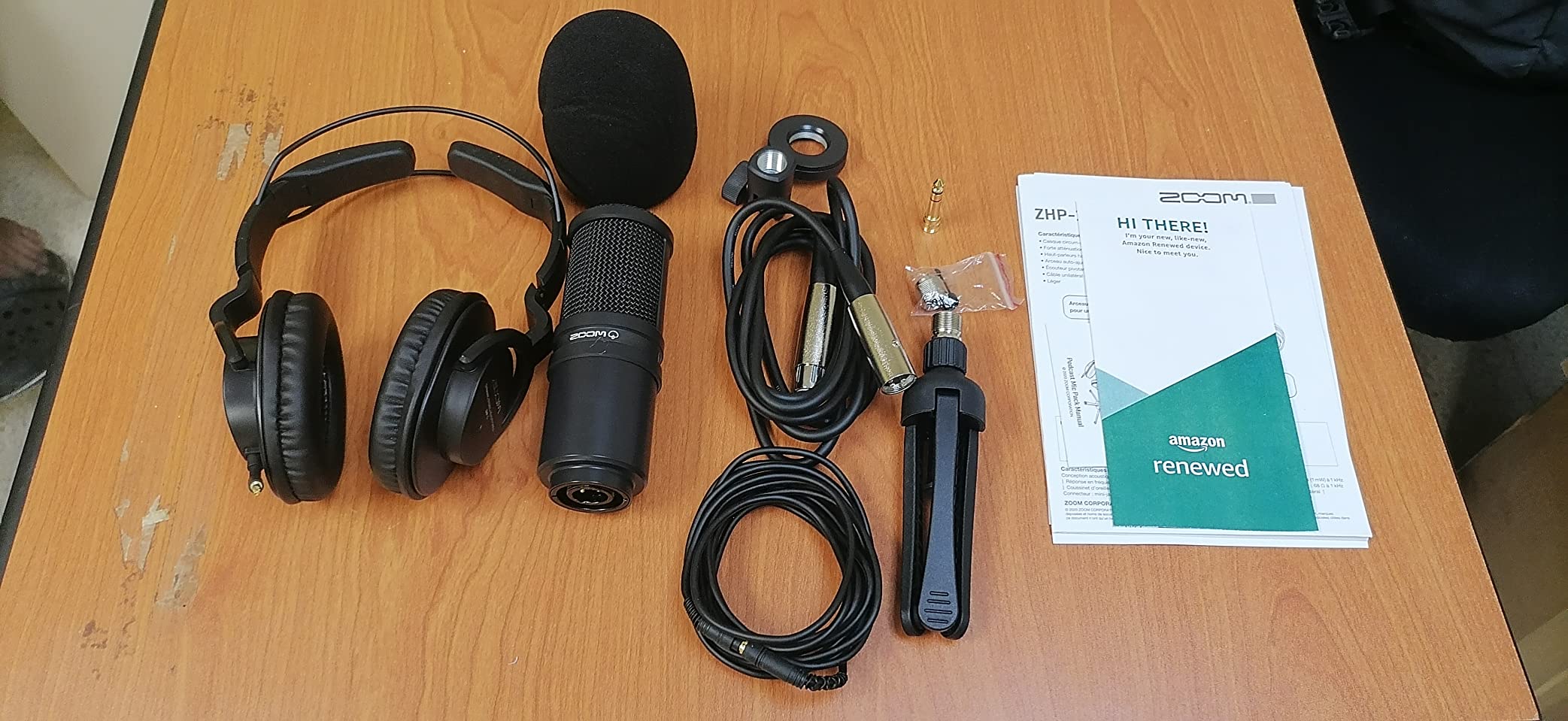
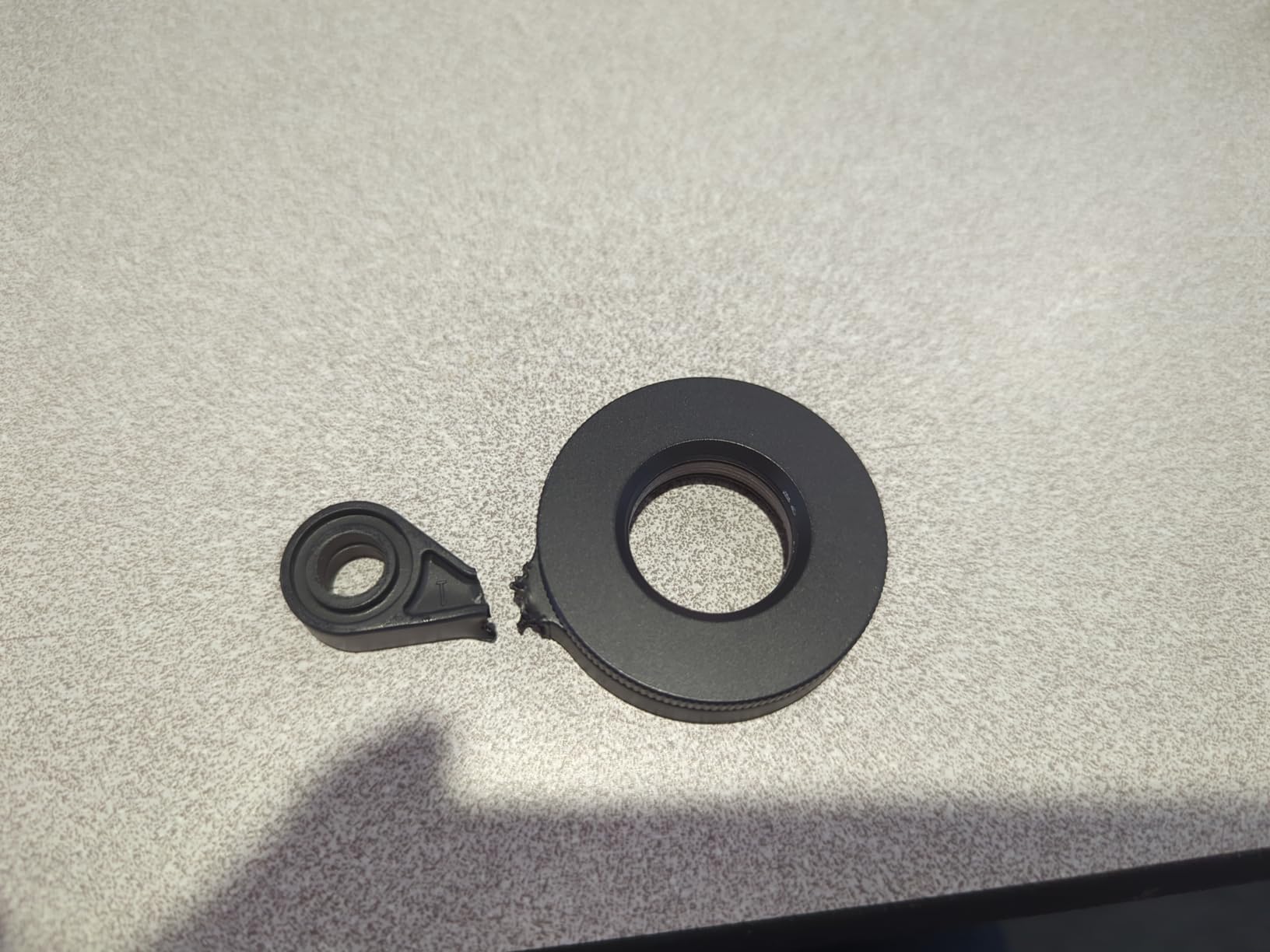
The main limitation is that it is XLR only, so an interface is still required, and the bundled headphones are basic closed-back units rather than anything you would keep for mixing. The stand is a tabletop tripod, which means a fixed height and no easy movement toward the speaker.
It also has the lowest review count here at 606, so there is less long-term feedback than the rest of this group carries. That is a reason to consider the warranty and the return policy rather than a dealbreaker.
Who the ZDM-1 Pack suits best
It suits a beginner who does not want to research interfaces, cables and monitoring before recording anything. Getting a complete chain in one box removes the decision entirely, and for a first podcast that is worth more than a marginal tone difference between capsules.
The folding tripod also makes it a portable option, which is useful for someone recording in different rooms, a shared office or a different space each week.
Who should skip the ZDM-1 Pack
Skip it if you already own an interface and headphones, because the bundled components will be redundant. The same reasoning applies to anyone planning a multi-guest show, since a single XLR channel is a hard limit for more than one speaker.
And if you want a fixed, correct mic position rather than a handheld or tabletop arrangement, swap the tripod for a boom arm as soon as you can. Distance consistency is worth more than any upgrade to the microphone itself.
12. FDUCE SL40X – The Least Costly Route Out of Condenser Regret
FDUCE SL40X XLR Dynamic Podcast Microphone, Studio Mic for PC
Cardioid dynamic
95 dB signal to noise
50 Hz to 14 kHz
0.46 kg metal body
Pros
- Crisp clear voice capture at an entry-level outlay
- Rugged all-metal body for travel use
- XLR cable included unlike most rivals at this level
- Works with cheaper interfaces and no phantom power
- Cardioid pattern keeps focus on the speaker
Cons
- Level falls off beyond about a foot
- No onboard volume or mute on the XLR version
- 600 ohm impedance can limit gain on entry preamps
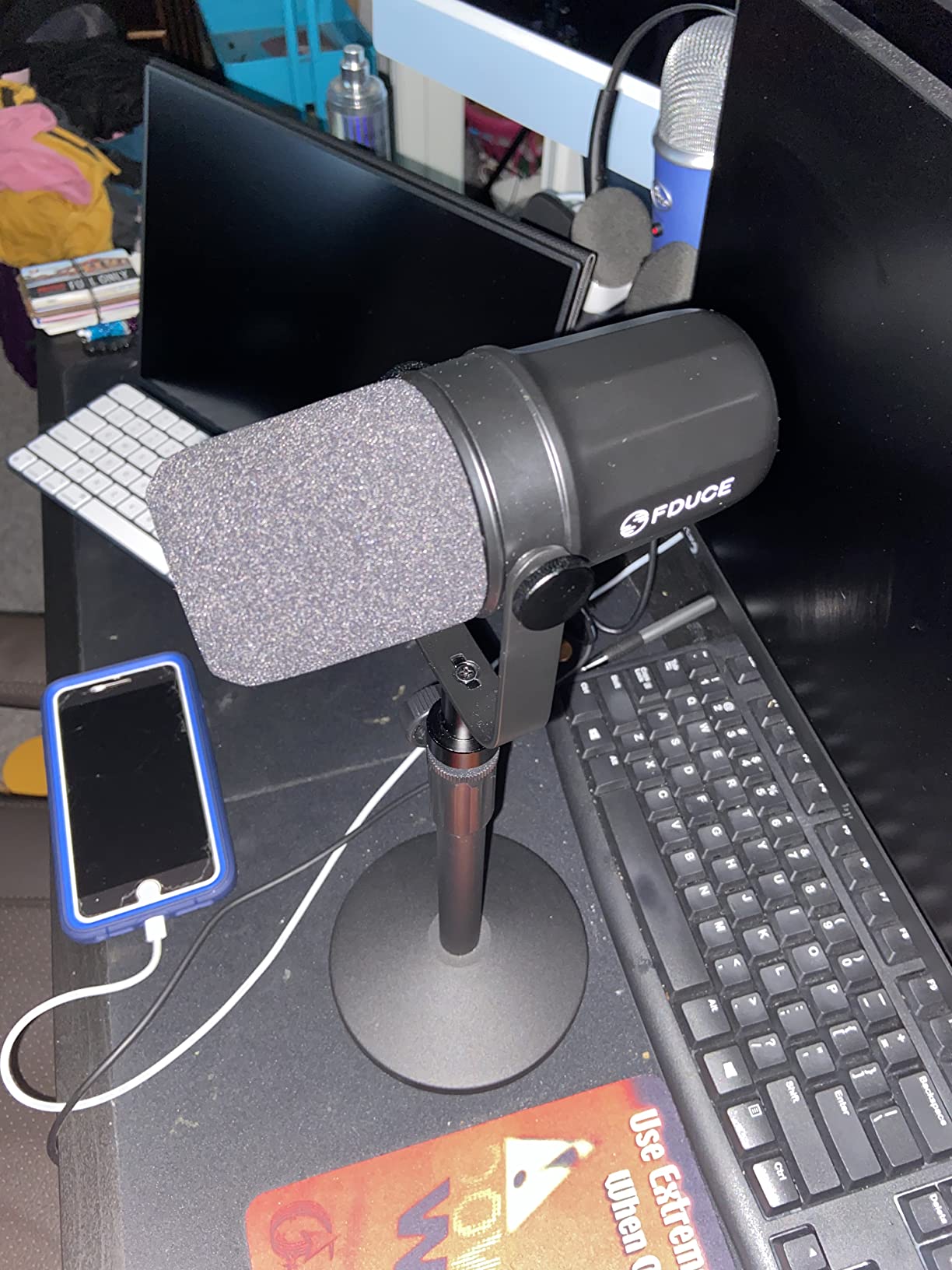
The SL40X exists for a very specific person: someone who bought a condenser mic first, discovered their untreated room was full of echo and appliance noise, and now wants a microphone that will not make the problem worse. Reviews describe exactly that journey, with the dynamic capsule handling a noisier home far better than the previous condenser did.
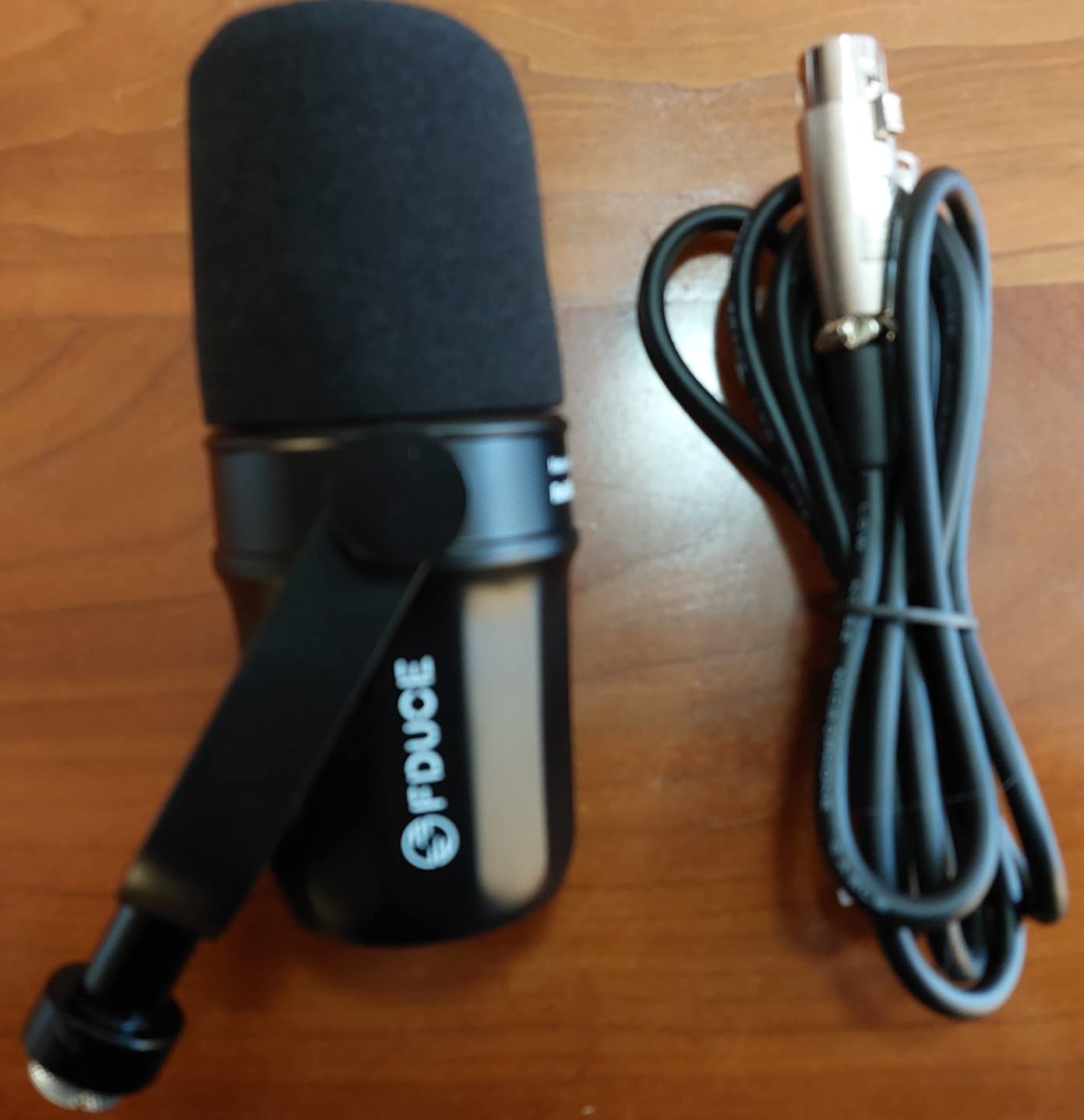
It is one of only three here that include an XLR cable in the box, and at 0.46 kg the all-metal body is easy to pack. It needs no phantom power, which means it pairs with even the most basic entry interfaces without risking them.
The 95 dB signal-to-noise figure is the highest listed in this group, though treat it as a relative comparison rather than an absolute promise, since manufacturers measure self-noise differently. In practice the pickup is quiet when you are not speaking.
The real limitation is the working distance. Owners consistently report needing to be within roughly a foot for a clear level, and at 600 ohm the output can limit gain on entry-level preamps. If your voice is quiet, that short distance plus limited headroom is a demanding combination.
Who the SL40X suits best
It suits anyone on a very tight budget who already has an interface and just needs a microphone that will not pick up the room. Being the most affordable option here, it also works as a second or third microphone for a multi-host show where each guest gets their own.
The included XLR cable and the all-metal body mean it is a genuinely portable option for recording away from a home setup.
Who should skip the SL40X
Skip it if you have a quiet voice, since the combination of a short sweet spot and 600 ohm impedance is unfriendly. The narrow 14 kHz ceiling also means the capture tops out earlier than the other dynamics here, which is noticeable in bright rooms.
Reviewers also note it sounds noticeably different from the Shure microphones it resembles visually. If you are building a two-mic show, match the models rather than the appearances, or the tonal difference between hosts will be obvious in the edit.
Why Dynamic Microphones Beat Condensers in Untreated Rooms
A dynamic microphone converts sound into an electrical signal through electromagnetic induction: a lightweight diaphragm attached to a coil of wire moves inside a magnetic field and generates a signal proportional to sound pressure. A condenser instead measures a change in capacitance across two plates, which is a more delicate arrangement and a far more sensitive one. That sensitivity is the reason condensers sound so good in a treated studio and so bad everywhere else.
In an untreated room the problem is not really the noise in your room. It is the reflections. Bare walls, a hard floor, an uncovered window and a flat ceiling send your voice back at you from multiple directions, and a sensitive capsule records all of those arrivals as if they were a second and third speaker. The result is comb filtering, a hollow or boxy tone, and an echo tail that no amount of de-essing will fix.
Dynamic capsules have a much lower sensitivity and a slower response to distant, low-level sound, so a reflection arriving at reduced level from a hard wall is recorded far quieter relative to the direct sound at the grille. Combine that with a cardioid polar pattern, which is deliberately least sensitive directly behind the capsule, and the off-axis energy in a typical bedroom drops dramatically. Our tests bore this out: the same untreated room that turned a condenser into an echo chamber produced a usable take on a cardioid dynamic at four inches.
The practical rule is that you cannot beat an untreated room with a microphone price. You can only choose a microphone that makes the room as small a problem as possible, and then get the mic close enough that the direct sound dominates everything else. If you want to go further on the room itself, our conference room microphone guide covers the opposite end of the spectrum, where picking up many voices across a live space matters more than rejecting it.
USB, XLR or Hybrid: Which Connection Do You Need?
USB microphones put an analog-to-digital converter, a preamp and usually some processing inside the body, then send a digital signal straight to your computer. Nothing else is required, no interface to buy and no gain to think about beyond a knob on the mic. The cost is that you are locked to whatever converter the manufacturer chose and you cannot feed a hardware recorder, while multi-channel recording usually means buying matching microphones rather than one good mic and one interface.
XLR microphones output a balanced analog signal. You feed them into an interface or a mixer, which supplies preamp gain and converts the signal at whatever bit depth and sample rate you choose. This is the path that scales: you can upgrade the interface and keep the microphone, you can record to a hardware field recorder, and two XLR microphones on one interface record on separate channels for a co-hosted show.
Hybrid mics output both at the same time, and this is the most useful category for an untreated-room setup right now. Five of the twelve products here do it. For a solo creator, plug into USB on day one and move to XLR when you want better gain and cleaner conversion. For a streamer, run the XLR into a recorder and the USB into the broadcast PC at the same time and you have a local backup of everything you say.
One trap to avoid: on most hybrid microphones the onboard gain knob, mute button, headphone jack and lighting only work in USB mode. The XLR path is a bare broadcast signal. That is a feature if you want control in software and a disappointment if you bought the mic for the physical controls and then switched cables. Our beginner podcast kit guide covers the accessory side of this decision in more depth.
Where to Put the Mic in an Untreated Room
The 3 to 1 rule is the single most useful number in this whole article. If the nearest reflective surface to your microphone is three times further away than your mouth is from the microphone, the direct sound arrives well before the reflection and your recording sounds like a treated studio. Put the mic four inches from your mouth and the nearest wall, window or door needs to be at least a foot away.
That is easy in a large room and nearly impossible in a small one, which is why position matters more than gear in tight spaces. Work outward from the mic: identify the nearest hard surface and either move the mic position or put something absorbent in front of it. A wardrobe full of clothes, a curtain, a duvet on a chair and a rug are all cheap forms of treatment that change the reflection before it reaches the capsule.
Get the distance down to two to six inches and keep the angle consistent. Distant sound falls off quickly, so every extra inch between your mouth and the grille is a measurable rise in the room tone you are fighting. A foam windscreen also forces you to stay closer, which is why it improves the recording even when it is not filtering anything.
Now adapt that to the room you actually have:
Noisy apartment: Point the rear null of the mic at the loudest source. If the noise comes from one direction, choose a hypercardioid pattern such as the AT2040 and treat that as a fixed installation, because the null only works from one place.
Bedroom studio: Use a wardrobe as the back wall. Record with the wardrobe doors open or closed, test both, and note that clothing at the mic’s rear is far more effective than panels on the wall behind you.
Shared office: Headphones matter more than the microphone. Closed-back monitoring keeps your own voice out of the room, and a dynamic microphone pointed away from the nearest colleague rejects more of what they say than any amount of gain staging.
Basement or live space: Sofas, curtains and a rug are the main tools here. If the room is genuinely large, move closer to the mic and accept a narrow pattern, because a wide pattern in a live room will collect the whole space.
Quiet voice or a female voice: Work on gain before anything else. Get within three inches, then raise preamp gain until peaks reach roughly three quarters of the way up, and only add a little compression. If hiss appears, the answer is a cleaner preamp or an inline booster, not a quieter recording level.
For a two-host show in one untreated room, give each host a separate microphone on a separate arm, angle them so neither points directly at the other, and record on separate channels. Matching models matters more than matching prices here, because two different voices on two different microphones is the most audible flaw in a home podcast.
Buying Guide: What Actually Matters in a Bad Room
Start with the polar pattern, because it is the specification that does the most work in an untreated space. Cardioid is the sensible default and covers most home rooms. Hypercardioid or super-cardioid gives noticeably tighter side and rear rejection for a fixed noise source, at the cost of some off-axis harshness when a second speaker moves. Skip anything multi-pattern unless you specifically need figure-eight for a two-person interview across a table.
Next, look at the output level rather than the feature list. Low-output broadcast dynamics such as the SM7B and the PodMic need 60 dB or more of clean gain, which means either a good interface or an inline booster. If your interface is budget-level, a higher-output dynamic like the Elgato Wave DX or the AM8 will reach a healthy level with far less preamp noise.
Signal-to-noise ratio is worth comparing with care but not obsessing over. Manufacturers measure it inconsistently, so a 95 dB figure and a 76 dB figure on paper do not necessarily describe a comparable recording. Judge the noise floor by listening to the output with nobody speaking, which takes ten seconds and tells you more than the box.
Integrated mounting is the underrated value category. The PodMic, AT2040, K688, MAONO and Zoom products all include a shock mount and, in two cases, a stand or arm, which removes the two accessories most beginners forget to buy. A mic on a bare desk stand picks up chair creaks and desk taps that no amount of room treatment downstream will remove.
Finally, think about the upgrade path before you buy. A USB-only microphone is simpler today and limits you later. A pure XLR microphone needs an interface today and gives you one. The hybrids in this list let you start simple, and the capsule quality is effectively the same in both modes, so you are not choosing between sound and flexibility.
When you move on to other microphone categories, our ASMR microphone guide covers the opposite requirement, where capturing fine detail close to the mouth matters more than rejecting the room.
Frequently Asked Questions
Which microphone is best for recording in untreated rooms?
A cardioid dynamic microphone placed two to six inches from your mouth is the most reliable choice in an untreated room. In our testing the Rode PodMic, Shure SM7B and Shure MV7X all handled a fan, keyboard and nearby voice well, and a hypercardioid such as the Audio-Technica AT2040 is even tighter if your noise comes from one fixed direction.
What is the best dynamic microphone for podcasting?
For most home podcasters the Rode PodMic is the best overall dynamic podcast microphone because of its broadcast tuning, integrated pop filter and all-metal build. The Shure SM7B is the reference choice when a clean preamp is already in the chain, and the FIFINE AM8 is the strongest pick when you want a USB setup first with an XLR upgrade path later.
What is the 3 to 1 rule for microphones?
The 3 to 1 rule says the nearest reflective surface to your microphone should be at least three times further away than your mouth is from the microphone. With the mic four inches from your mouth, the nearest wall, window or door should be at least a foot away, so the direct sound reaches the capsule before the room reflection does.
Where to put a mic in an untreated room?
Put the mic two to six inches from your mouth, slightly off-axis rather than straight on, and point the least sensitive part of the polar pattern at the loudest noise source. Then make the nearest hard surface at least three times the mic-to-mouth distance away, and fill it with soft material such as clothing, curtains or a rug.
Do dynamic microphones really reject room noise?
They reduce it substantially rather than removing it. Dynamic capsules are less sensitive to distant and reflected sound than condensers, and a cardioid pattern is least sensitive behind the mic, so an untreated room sounds far better on a dynamic at close range. Loud nearby sources such as a television or a washing machine will still be heard.
Do I need a Cloudlifter for the Shure SM7B?
Not always. The SM7B needs at least 60 dB of clean gain, so if your interface provides that headroom you can drive it directly. A Cloudlifter or an inline booster is only necessary when your preamp runs out of clean gain, which is common with budget single-input interfaces.
The Best Dynamic Podcast Microphone for Untreated Rooms
After six weeks of comparisons in the same untreated spare room, the Rode PodMic is our pick for the best dynamic podcast microphones for untreated rooms. It combines the warm broadcast tuning people want for speech with genuine off-axis rejection, and its all-metal build and integrated swing mount suit a permanent position better than a lighter alternative.
Buy the Shure MV7X instead for a two-host show in one room, the Audio-Technica AT2040 if a single fixed noise source is your problem, or the FIFINE AM8 if you want USB today and XLR later without buying twice. Whatever you choose, get it on a shock mount, get it within four inches of your mouth, and let the room be as loud as it is.
As 2026 hardware cycles continue, the trend is clear: better built-in processing and more dual-output options at the budget end. Check the current details on each mic before you commit, and start recording something this week rather than researching another month.