
You plug in, the guest plugs in, and then you find out your guest is sitting in a bright kitchen with a fridge humming behind them. That is the actual problem with remote interviews, and it is the problem this roundup is built around. A remote interview means two rooms you have never seen, two sets of background noise, and one guest who is not a gear person. Your microphone choice only fixes half of that problem, so the best USB podcast microphones for remote interviews are the ones that make your half bulletproof and make your guest’s half impossible to get wrong.
We spent weeks moving ten USB microphones between an untreated home office, a small bedroom studio and a live two-location call to work out which ones actually survive the remote workflow. We looked at capsule type, polar pattern, gain staging, headphone monitoring, how each behaves on a live call with latency, and what happens to a track when the room behind the speaker is a fitted carpet office rather than a treated one. Every microphone below is USB. We deliberately left out XLR-only broadcast models like the Shure SM7B, because on a guest laptop they are dead weight without an interface, a mixer and a phantom power supply.
We also left out anything that needs a driver install to become useful. If a microphone cannot be handed to a stranger on a video call and produce a decent level within a minute, it does not belong on this list, no matter how good it sounds in a showroom. Our picks span the whole range, from a proven studio classic to a metal-bodied dynamic that costs less than a dinner, and there is a dedicated section on the microphone you should actually mail to your guest.
Table of Contents
Top 3 Picks for Remote Interview Recording in 2026

Logitech Blue Yeti
- Four switchable pickup patterns
- Onboard gain and headphone controls
- Broadcast vocal tone


If you want the short version, take the Yeti if you want a proven body of user knowledge and a flexible pattern switch. Take the MV7+ if you want a dynamic that forgives a noisy room and a USB port you can hand to a guest. Take the PodMic USB if you want a broadcast dynamic with onboard processing and a headphone jack built in.
Best USB Podcast Microphones for Remote Interviews (October 2026)
Every microphone here connects over USB without an interface. Five of them also carry an XLR output, which means you can keep the same microphone when you eventually move to a mixer.
| Product | Specifications | Action |
|---|---|---|
| Logitech Blue Yeti |
|
Check Latest Price |
| Shure MV7+ |
|
Check Latest Price |
| Rode PodMic USB |
|
Check Latest Price |
 Sennheiser Profile Sennheiser Profile |
|
Check Latest Price |
 Audio-Technica AT2005USB Audio-Technica AT2005USB |
|
Check Latest Price |
 HyperX SoloCast HyperX SoloCast |
|
Check Latest Price |
 Rode NT-USB Mini Rode NT-USB Mini |
|
Check Latest Price |
 FIFINE AmpliTank K688 FIFINE AmpliTank K688 |
|
Check Latest Price |
 Logitech Blue Yeti Nano Logitech Blue Yeti Nano |
|
Check Latest Price |
 FIFINE AmpliGame AM8 FIFINE AmpliGame AM8 |
|
Check Latest Price |
1. Logitech Blue Yeti – the Pick With the Most Room to Grow
Logitech Creators Blue Yeti USB Microphone for PC, Mac, Gaming, Recording, Streaming, Podcasting, Studio and Computer Condenser Mic with Blue VO!CE effects, 4 Pickup Patterns, Plug and Play – Blackout
Condenser
USB only
Four pickup patterns
20 Hz - 20 kHz
Pros
- Three-capsule array with four switchable patterns
- Onboard gain mute pattern and headphone controls
- Works straight into a computer with no interface
- Metal build that survives heavy travel
- Blue VO!CE software for broadcast effects
Cons
- Large and heavy body that needs a boom arm for serious work
- Condenser sensitivity picks up room noise and breathing
- Uses mini-USB on an otherwise modern device
The Blue Yeti is the microphone I hand to people who tell me they have no idea what they are doing. It is the one I trust on a first interview because there is nothing to configure and almost nothing to explain. I have used it for co-hosted shows where two voices share a desk and for solo narration recorded in a bedroom, and in both cases it produced a track I could publish with very little corrective work.
Its real advantage for remote work is the pattern switch on the body. Cardioid for a solo host, bidirectional for a two-person conversation across one desk, stereo for instruments, omnidirectional when you need a whole round table. I have seen hosts buy a single microphone for a season and use a different pattern every episode, which is a rarity in this category.
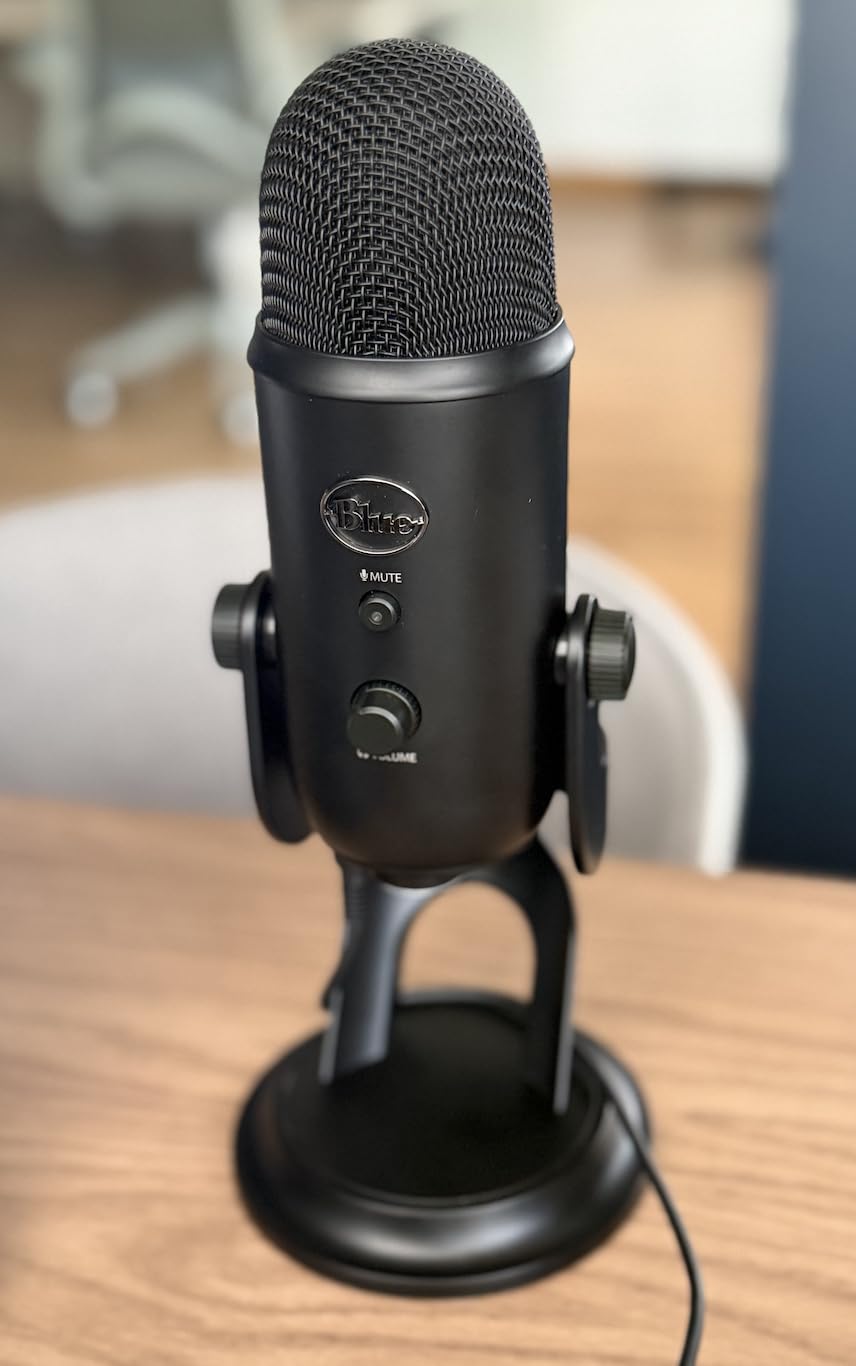
The technical trade is size and sensitivity. At 3.5 pounds and nearly 12 inches tall, it is not a discreet object on camera, and a condenser capsule in a live room will always find the fridge hum that a dynamic ignores. Our fix was never software. It was moving the mic to a boom arm, getting it to within about four inches of the mouth and turning the gain down until the room noise sat well under the voice.
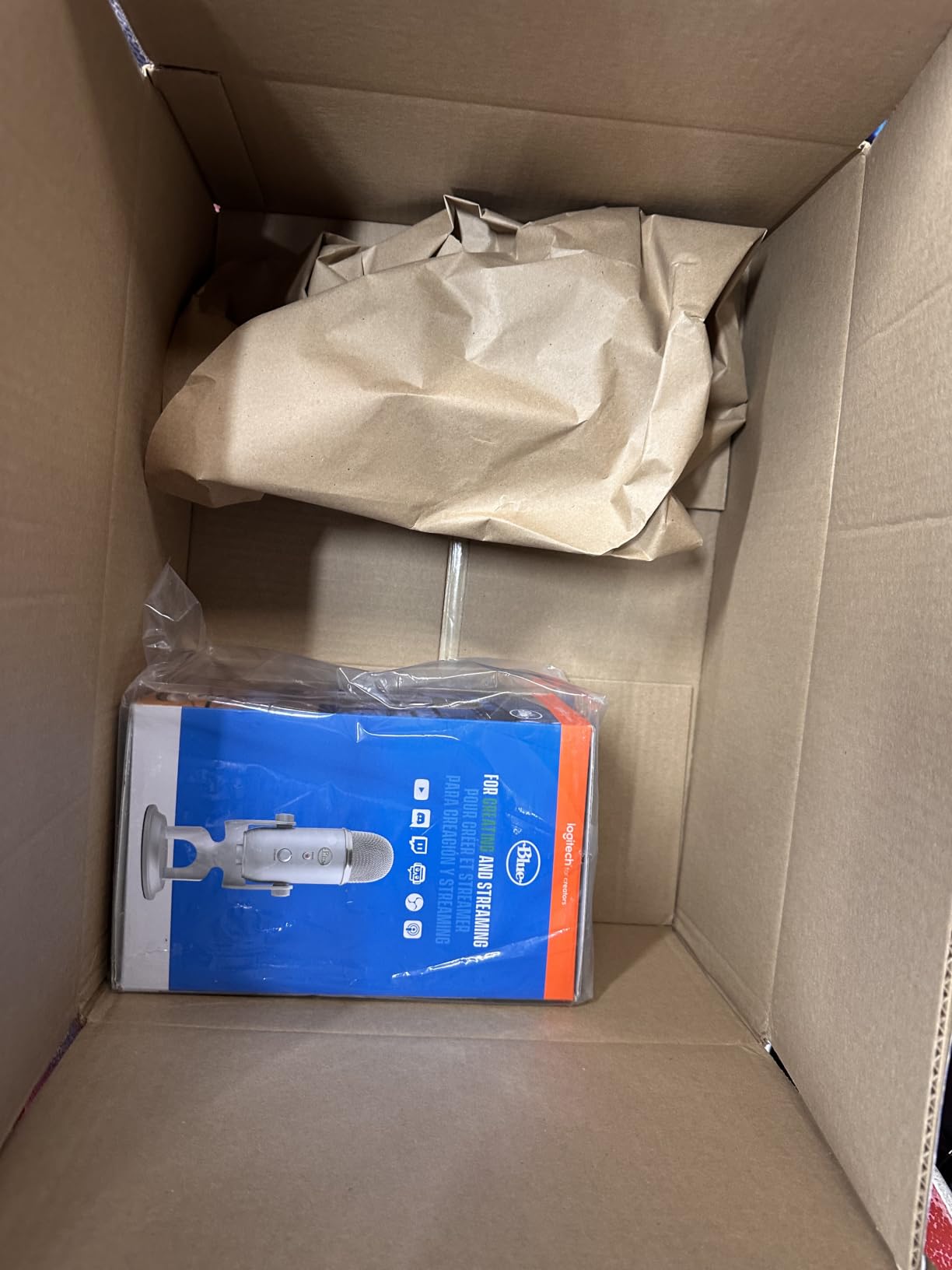
One detail to plan for: it uses a mini-USB connector rather than USB-C, so check the cable situation before you mail one to a guest. The metal body is the reason it has survived a decade of being knocked off desks, and reviewers regularly call it the microphone that outlives the rest of the setup.
When the Yeti Is the Right Call
Choose it when the recording happens in a reasonably controlled room, when you may need more than one voice from one device, or when you want the widest pool of troubleshooting advice on the internet. A single dynamic microphone cannot match that flexibility, and if you ever move to a two-person show in the same room it stays in the setup.
It also works well as a spare. Our advice is to keep one in the bag for the day a primary microphone fails, because a backup that shares the same connection type means you can record the interview anyway.
When the Yeti Is the Wrong Call
Skip it if your home office has hard reflective surfaces, a desktop fan, or an open window, because a condenser will record all three and the noise will be in the file forever. In that situation a dynamic microphone is the cheaper answer, not a more expensive one.
Also skip it if you intend to grow into a studio chain quickly. It is USB only, so there is no analog path later, and the pattern switch is the only feature you would miss on a hybrid model.
2. Shure MV7+ – the Best USB Podcast Microphone for Noisy Guest Calls
Shure MV7+ USB-C & XLR Podcast Dynamic Microphone – Black
Dynamic
USB-C and XLR
50 Hz - 16 kHz
Tap-to-mute LED panel
Pros
- Dual USB-C and XLR outputs in one body
- Auto Level mode and real-time denoiser
- Customizable LED panel with tap-to-mute
- Works in untreated rooms without extra software
- Lightweight and well built
Cons
- Dynamic capsule still picks up speaker bleed on speaker playback
- XLR cable not included if you plan to use an interface
- Touch-sensor mute takes getting used to
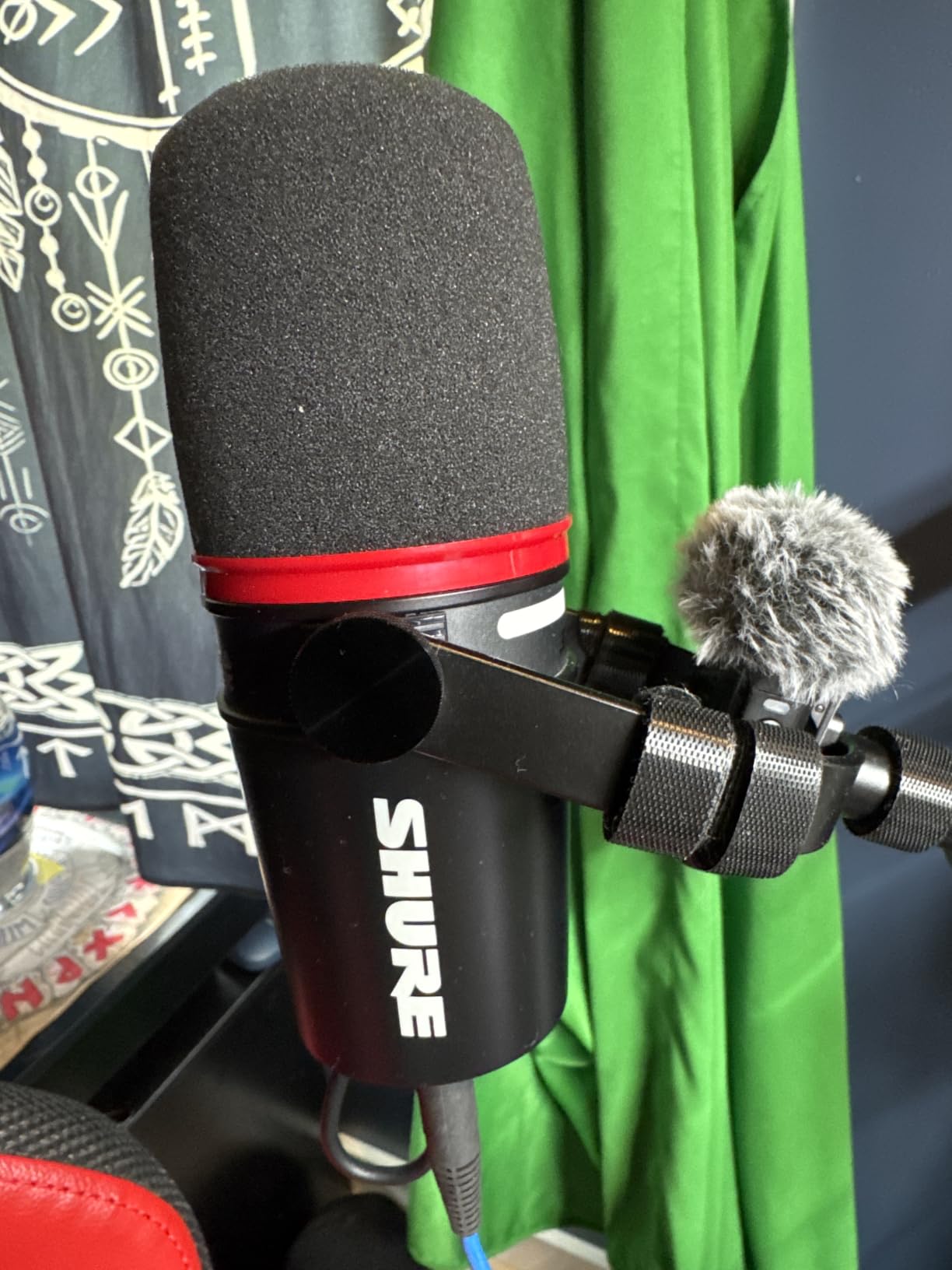
The MV7+ is the microphone I choose when the other end of the call is somewhere I cannot control. A dynamic capsule ignores most of the room and concentrates on the mouth, which is exactly the trade you want when the background is a stranger’s living room. Reviewers consistently report that it produces a clear voice out of the box with minimal setup, and that is the whole point for interview work.
The Auto Level mode and the real-time denoiser are the two features I would not give up on a live call. Auto Level adjusts gain based on distance and volume, so a guest who drifts back from the mic does not fade out on your finished track. The denoiser reduces steady background noise before it reaches your recording app, which buys back headroom you would otherwise have lost to compression.
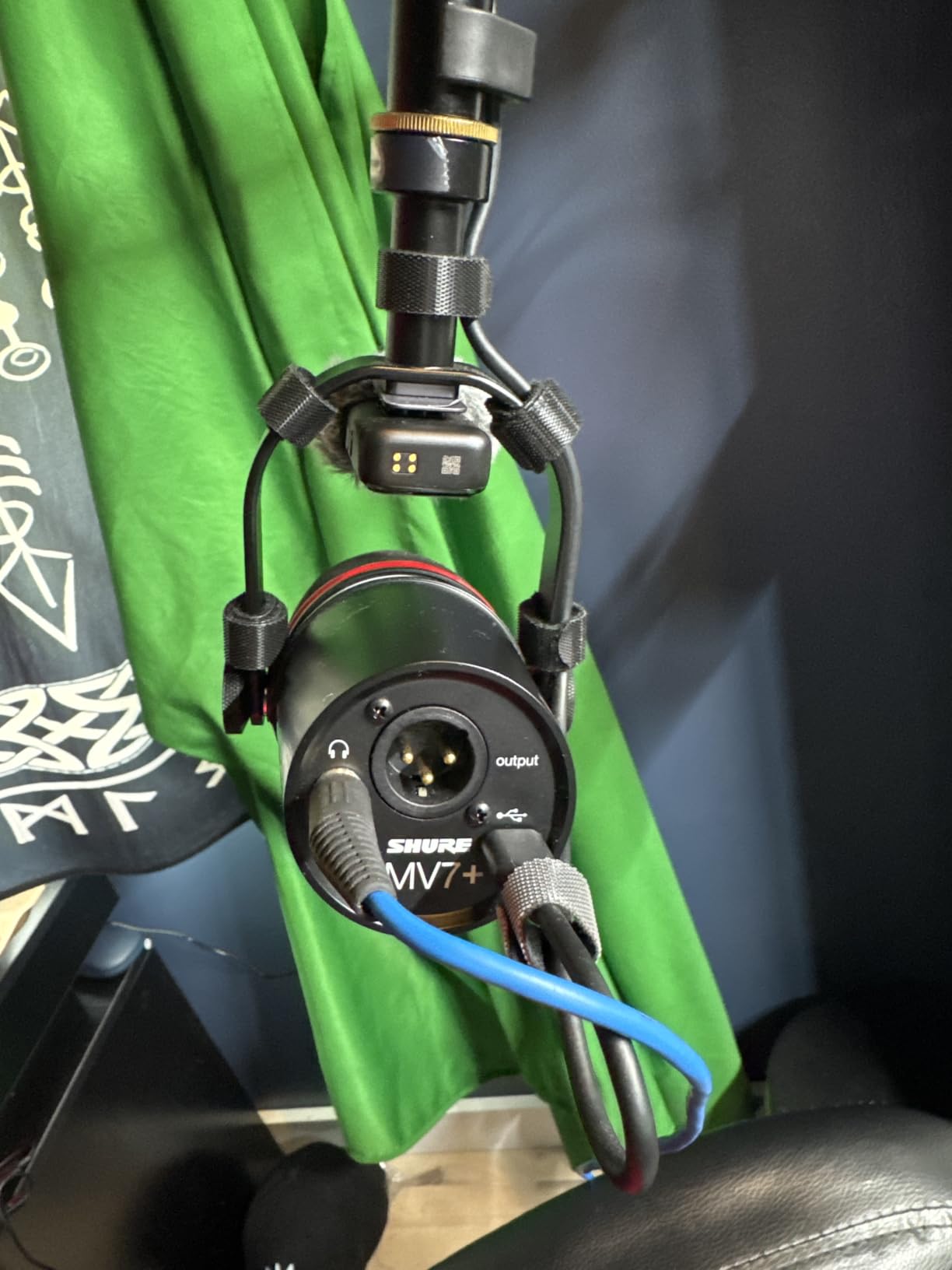
Technically it is a unidirectional dynamic with a 50 Hz to 16 kHz range, a 60 dB signal-to-noise ratio and a metal body at 1.9 pounds. The LED touch panel shows live levels and takes a tap to mute, and the mute state is obvious to the person speaking, which removes the “am I still on air” problem entirely. I set the panel to a single solid colour for guest calls so the status is unambiguous.
The XLR output is the part that matters for growth. You can record the same show over USB today and move the identical microphone into an interface and mixer later, which is a rare piece of insurance in this category. Note that the XLR cable is not in the box, so budget for one if that is your plan.
When the MV7+ Is the Right Call
Choose it for frequent remote interviews, for a home office with background noise you cannot treat, and for anyone who wants one microphone that works on a laptop today and on a studio chain later. The gain staging is forgiving enough that a first-time host gets a usable file on the first take.
It is also a strong candidate for the microphone you send to a guest, because a dynamic body at under two pounds is easy to explain and impossible to plug in wrongly.
When the MV7+ Is the Wrong Call
It is not the right tool if you record music, or if you want the airy, detailed top end that a large-diaphragm condenser gives you on a treated vocal booth. A dynamic trades that sparkle for rejection of the room, and that trade goes the wrong way in a treated space.
If you plan to monitor through speakers, the dynamic capsule will pick up that playback. Headphones are the safer route here, as they are with every microphone on this list.
3. RODE PodMic USB – a Broadcast Dynamic With Processing Built In
RØDE PodMic USB Dynamic Broadcast Microphone, XLR + USB-C
Dynamic
USB-C and XLR
20 Hz - 20 kHz
APHEX DSP over USB
Pros
- On-board APHEX DSP adds compression and presence over USB
- Broadcast dynamic rejects keyboard clatter and room echo
- Zero-latency headphone monitoring built in
- Switch between USB and XLR without swapping mics
- Swing mount pop filter cable and pouch included
Cons
- Onboard DSP compression cannot be fully bypassed
- Lowest average rating in this group with a comparatively high share of one-star reviews
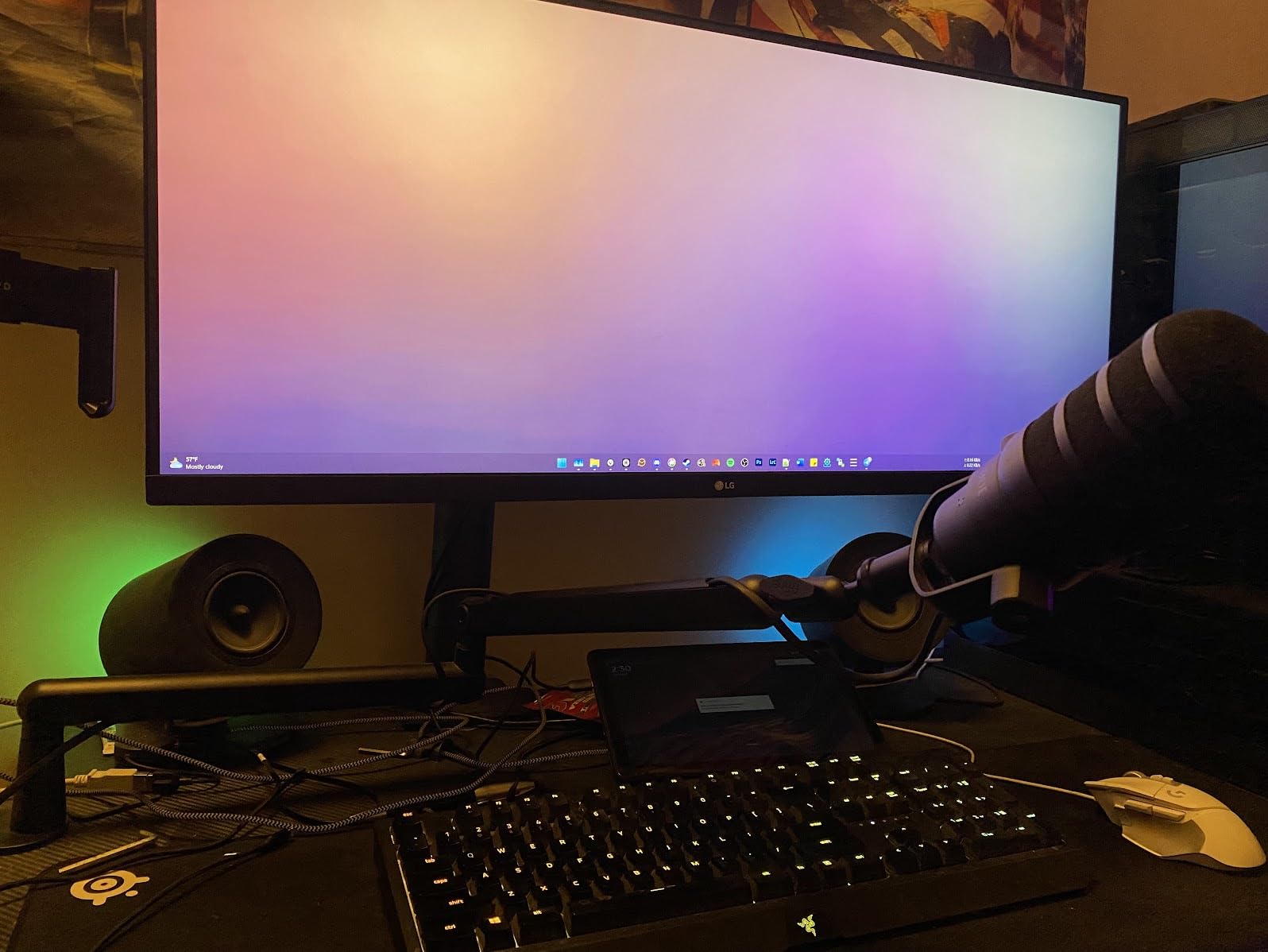
The PodMic USB is shaped like a broadcast microphone on a desk arm, and it behaves like one. It is the first microphone I reach for when a guest is in a room with hard surfaces and a laptop fan, because the dynamic capsule simply does not hear most of that. The full 20 Hz to 20 kHz range also means the voice has a low end that a small desktop dynamic can lose.
What makes it different from every other dynamic here is the APHEX processing running on board over USB. Compression and presence shaping happen before the signal reaches your computer, controlled from a free app, which means a guest with no audio knowledge still gets a level that does not jump around mid-sentence. That single feature removes the most common reason an interview needs re-recording.
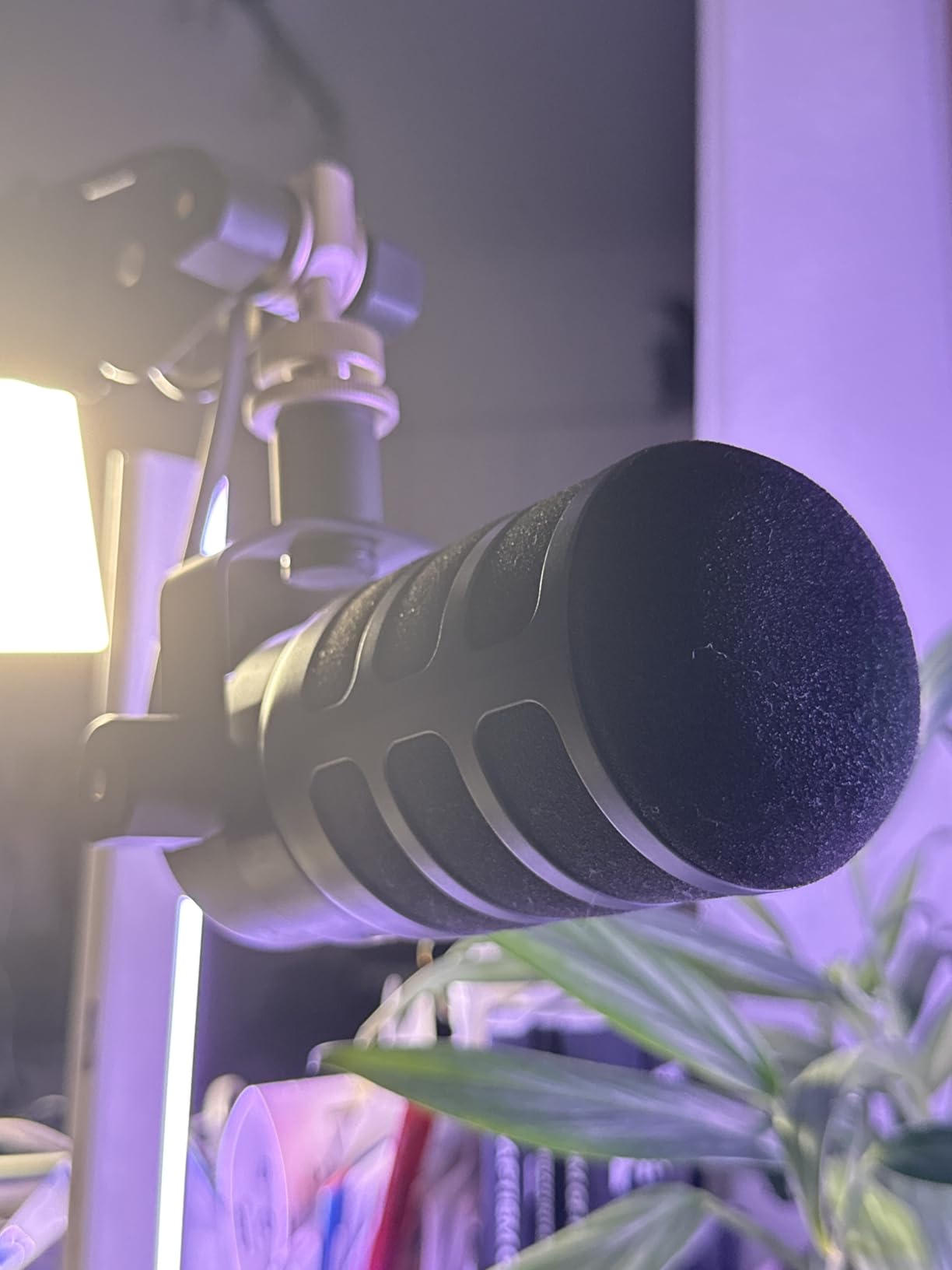
The zero-latency headphone jack is genuinely useful for interview work because you can check your levels without exporting a take. The package also includes a swing mount, a pop filter, a USB-C cable and a pouch, which makes it a complete kit rather than a bare microphone. It connects to Mac, PC, iPad and Android over USB-C, so a guest joining from a tablet is not a problem.
Its 4.3 average is the lowest here, and the reviews explain why: the fixed onboard compression is flattering but not transparent, and a small share of owners want raw capture they can process themselves. If you are a hands-on editor who insists on a clean signal, know that you cannot fully bypass it.
When the PodMic USB Is the Right Call
Choose it when interviews are the main format, when guests are not technical, and when you want a usable recording without opening an audio app. The bundled pop filter and mount mean a new contributor can be recording properly within minutes of opening the box.
The XLR output makes it the sensible first dynamic if you expect to move to a studio chain in a year or two rather than three.
When the PodMic USB Is the Wrong Call
It is wrong for critical capture work where you want every decibel of raw dynamic range to make your own decisions, because the compression is applied before you see the signal. It is also wrong for a solo host in a treated room who wants maximum detail and air on the voice.
Being gain-hungry is the other caution. Give it plenty of gain and it will tell you about every sound in the room, which is the opposite of what a dynamic is supposed to do.
4. Sennheiser Profile – the Warmest Voice in the Lineup
SENNHEISER Professional Profile – USB Cardioid Condenser Microphone & Table Stand, 1.2 m USB-C Cable – Mute Button, Built-in Headphone Jack, Gain, Mix & Volume Control, for PC & Mac,Black
Condenser
USB-C only
Cardioid
No companion software
Pros
- Smooth warm natural tone reviewers contrast with thin budget USB mics
- Works on the universal USB standard with no software dependency
- Hardware gain mix and headphone volume dials
- Small and light enough for a boom arm
- Metal housing with a German-engineered capsule
Cons
- Cardioid only with no switch to omnidirectional
- Included table stand is basic so most owners buy a boom arm
- No XLR option so there is no studio upgrade path
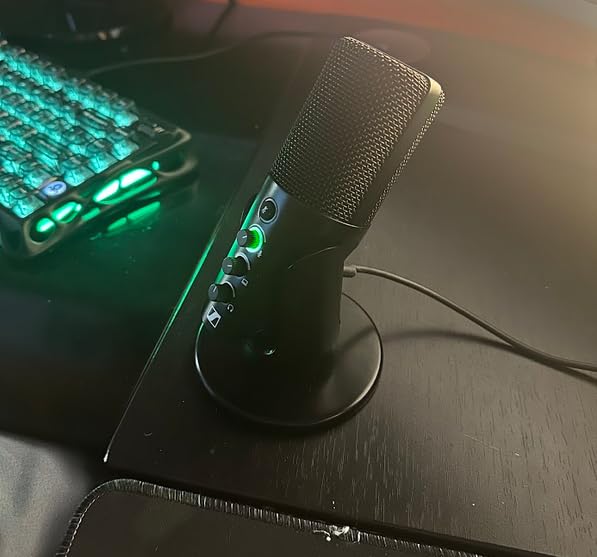
The Sennheiser Profile is the one I recommend when the host’s audio is already good and the guest is the weak link. Reviewers describe its tone as smooth, warm and natural, and repeatedly contrast it with the thin or tinny character of cheaper USB microphones. On a long interview that difference is more tiring on the listener than most people realise.
The reason I trust it on a remote call is that it has no software dependency at all. It runs on the universal USB class standard, so there is no app to install, no firmware to update and no companion utility to break when your operating system changes. Nothing about it can go wrong before the interview starts, which is the exact property you want in hardware you mail to strangers.
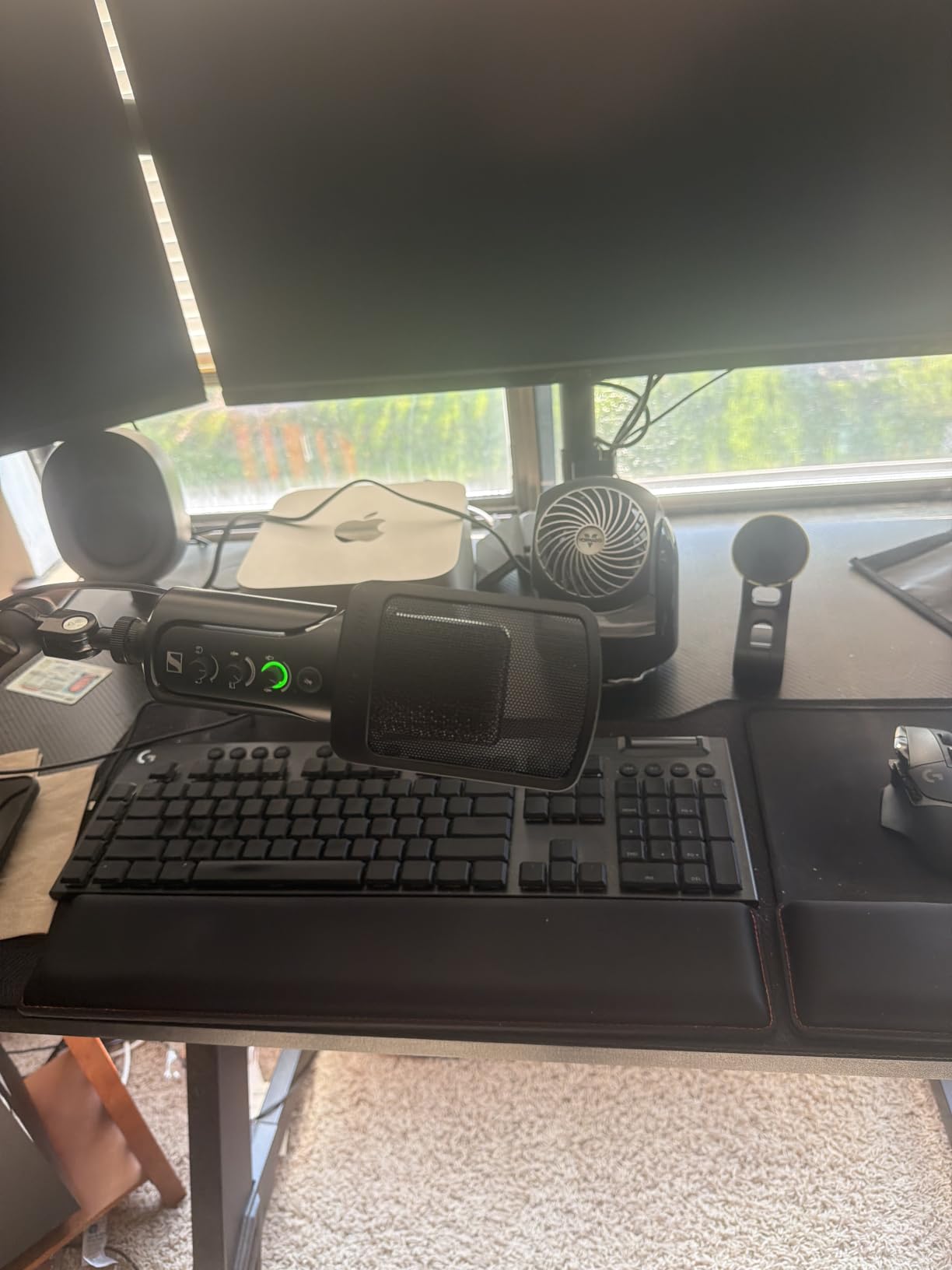
All three controls you need are on the body: gain, a mix knob that blends your microphone with computer audio, and headphone volume. That mix control is an underrated interview tool because it lets a guest hear themselves the way you hear yourself without doubling their volume. At 717 grams it sits happily on a boom arm pulled close to the mouth, and the metal housing feels like studio gear rather than desk jewellery.
It is cardioid only, so it cannot switch to omnidirectional for a round table, and there is no XLR output, so the studio path closes when you outgrow it. The included table stand is the weakest part of the package, and nearly every owner replaces it.
When the Profile Is the Right Call
Choose it for a solo host or a two-person show in a decent room who wants a broadcast voice without a broadcast budget, and for anyone who refuses to install vendor software on a work laptop. The lack of drivers is not a limitation here, it is the feature.
It also works well as the host microphone in a long-form interview show where listening comfort matters more than isolation, because the tone stays pleasant over an hour.
When the Profile Is the Wrong Call
Do not choose it for a genuinely untreated room. A condenser cardioid capsule with no pattern options is exactly the wrong tool for a kitchen, a bedroom with a hard wall behind the bed, or a shared flat where someone vacuums in the next room.
And if you plan to build a proper studio within a couple of years, the missing XLR output means buying a second microphone later. That is fine as a decision, just make it deliberately.
5. Audio-Technica AT2005USB – the One You Will Still Have in Five Years
Audio-Technica AT2005USB Cardioid Dynamic USB/XLR Microphone,Black
Dynamic
USB and XLR
Headphone jack
3 m XLR cable included
Pros
- Dynamic cardioid gives excellent background rejection in noisy rooms
- Both USB digital and XLR analog outputs in one body
- Headphone jack returns computer audio alongside the mic
- Rich warm low end with a clean non-tinny top end on XLR
- Tripod stand and stand clamp included
Cons
- Needs to stay within about a foot of the mouth or level drops
- Plosives appear when spoken into closely
- Small headphone volume knob that tends to reset
- Uses mini-USB rather than USB-C
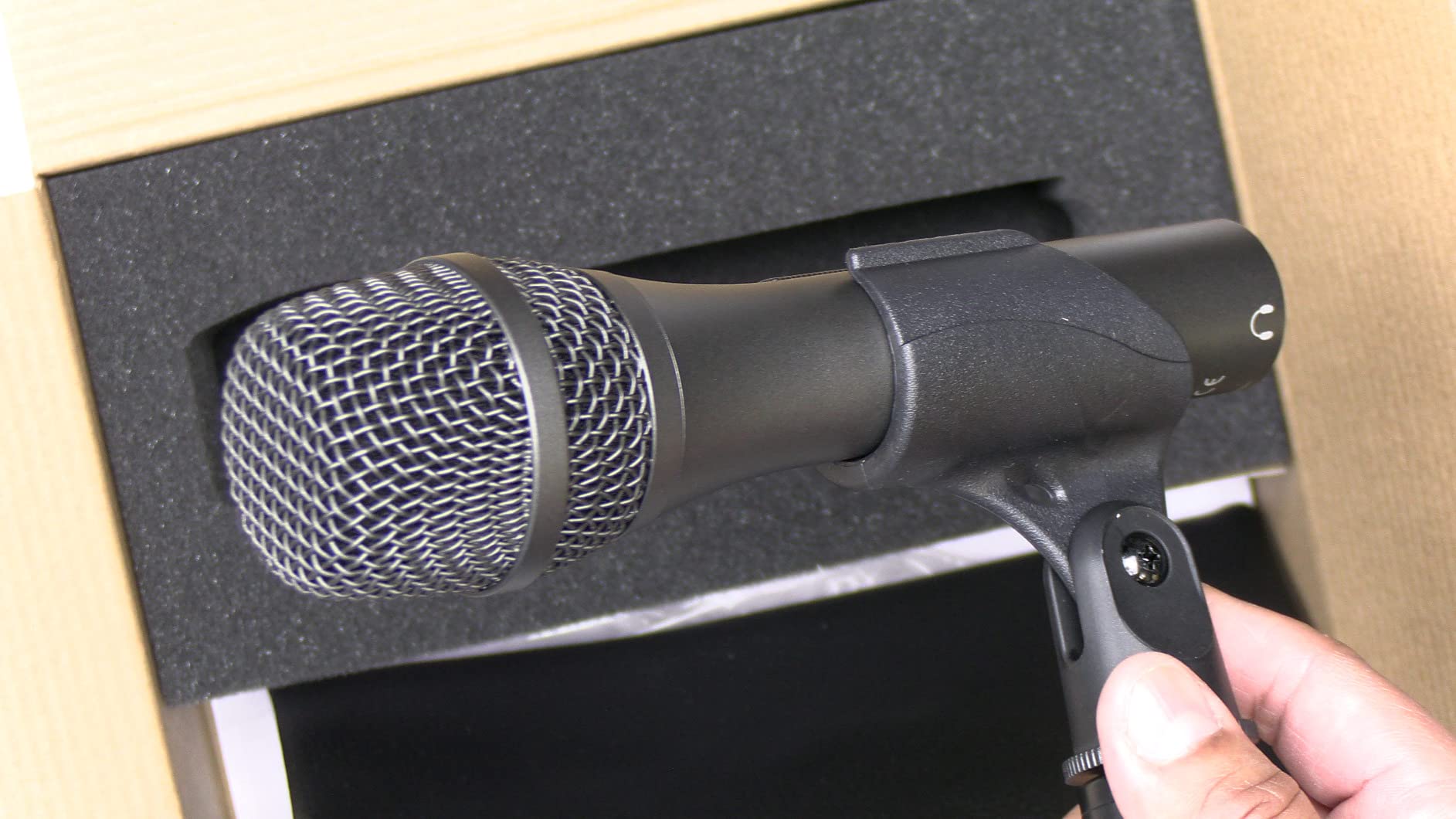
Long-standing owners describe the AT2005USB as exceptional value, and the pattern of complaints has barely changed in years, which tells you the product is stable. For interview work the dynamic cardioid capsule is the reason to buy it: it removes keyboard clatter, household noise and low-frequency rumble that a condenser at the same price would happily record and amplify.
Unlike most budget dynamics, it ships with a 3 m XLR cable, a 5/8 inch stand clamp and a folding tripod. That matters if you are building toward a mixer later, because the standard accessories you would otherwise need are already in the box.
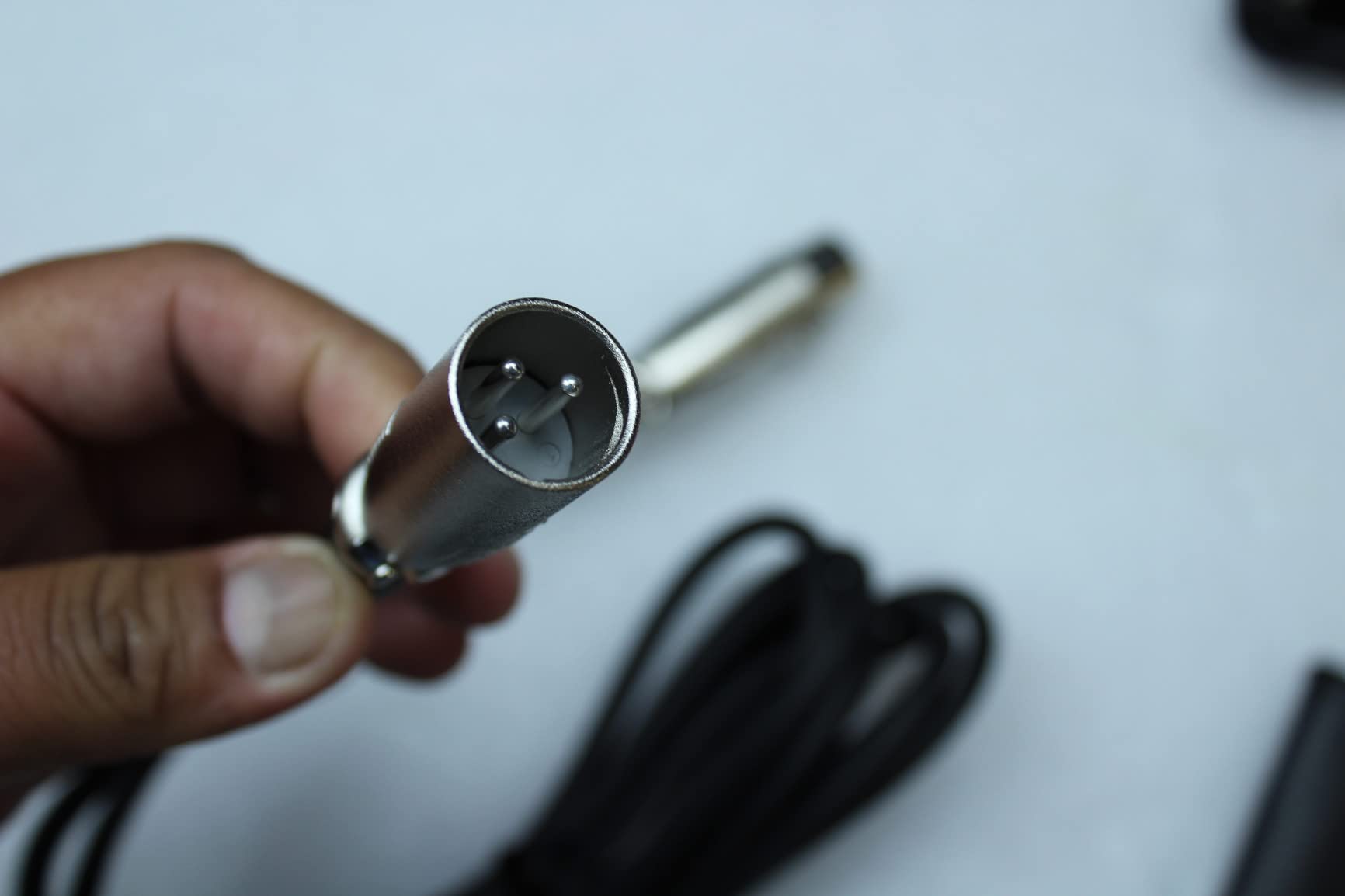
The headphone jack is a full audio device output: it plays back computer audio and your microphone at the same time, which is exactly what you want when a remote guest needs to hear the playback track. The XLR path is where the warm, full low end shows up, and owners who use it that way report a noticeably less tinny result than the USB output.
Close-mic technique is mandatory here. Push it to eighteen inches from your mouth and the level drops noticeably, and speaking straight into it invites plosives, so use the supplied clamp position or add a windscreen. A small number of Windows 11 owners report the device being dropped after an operating system update, and the mini-USB connector is dated.
When the AT2005USB Is the Right Call
Choose it if you record in a busy household, if you intend to add a mixer eventually, or if you simply want gear that keeps working. The dual output means the microphone is a first step rather than a dead end, which is rarer at this price than the product listings suggest.
It is also a strong second microphone to own, because it takes a different room better than a condenser and matches a condenser in tone closely enough to use together.
When the AT2005USB Is the Wrong Call
It is the wrong choice for a handheld, on-the-street interview where you cannot control the distance to the speaker. Dynamics fall off with distance, and this one needs a firm four to ten inches of working range to stay consistent.
Anyone who wants a modern single-cable setup should also look elsewhere, since mini-USB cables are the part most likely to fail in a bag full of gear.
6. HyperX SoloCast – the Small One That Fits Anywhere
HyperX SoloCast – USB Condenser Gaming Microphone, for PC, PS4, PS5 and Mac, Tap-to-Mute Sensor, Cardioid Polar Pattern, great for Streaming, Podcasts, Twitch, YouTube, Discord,Black
Condenser
USB-C only
Cardioid
24-bit/96 kHz
Pros
- Cardioid pattern focuses on the speaker and reduces background noise
- Tap-to-mute sensor with a clear LED status indicator
- Swivel stand tucks under a monitor on a tight desk
- Fits 3/8 and 5/8 threads for most stands and boom arms
- Works with Mac
- PS4
- PS5 and PC
Cons
- USB only with no XLR upgrade path
- Fixed cardioid capture so roundtable recording is not covered
- No onboard gain control beyond software
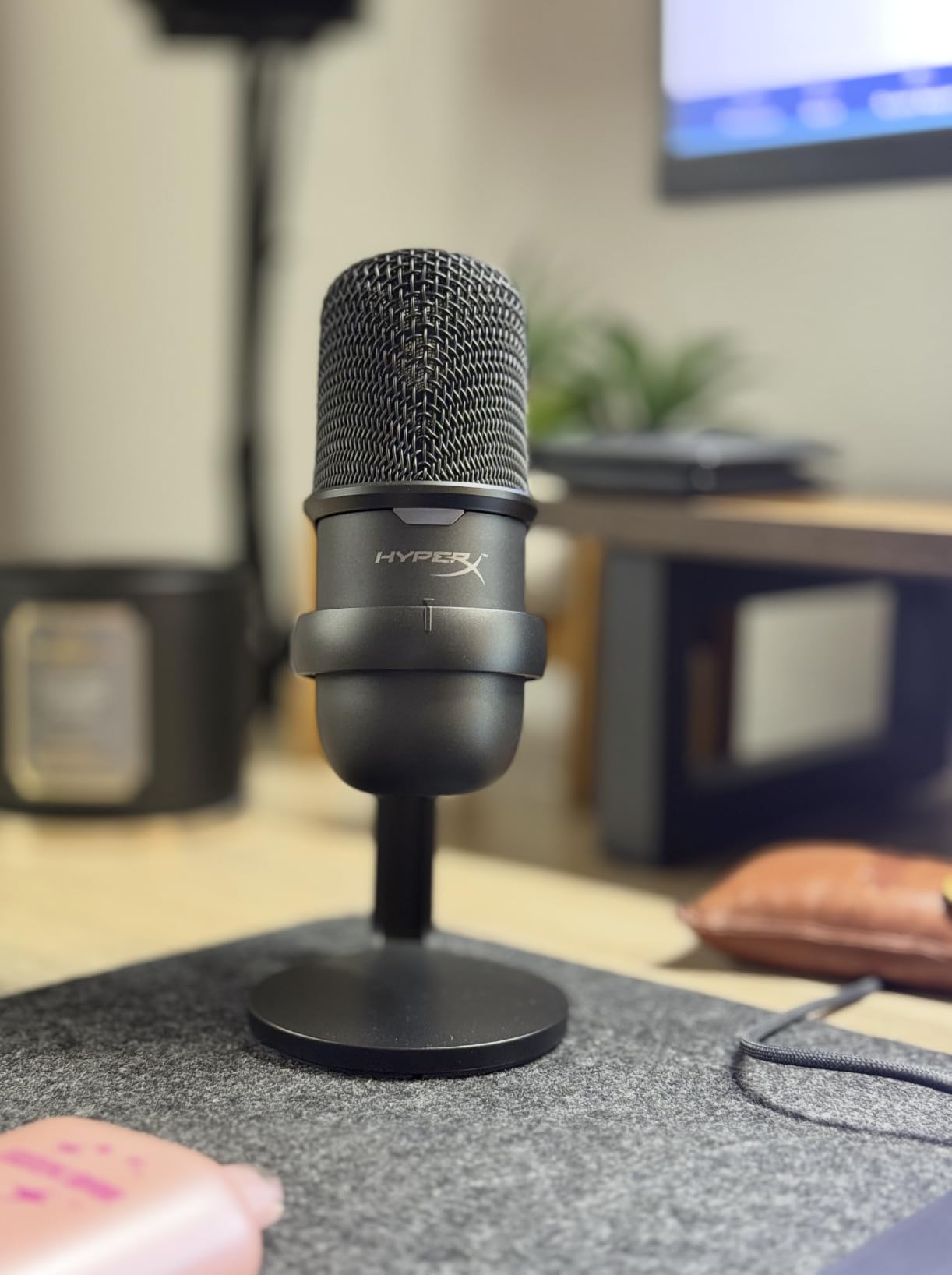
The SoloCast is the microphone I recommend when the desk is the constraint. At 261 grams and under seven inches tall it disappears next to a monitor, it works on a PlayStation as well as a PC, and it has one of the clearest mute indicators I have used. That last point is understated for interviews, because a host who cannot tell whether the mic is live will hesitate, and hesitation is audible.
Recording at 24-bit and 96 kHz gives you more headroom than most of this list, which matters when a guest laughs or raises their voice without warning. The signal-to-noise rating of 95 dB and 74 dB of self noise are respectable for a compact condenser at this price, and reviewers consistently call the capture clear and detailed for calls, streaming and beginner shows.
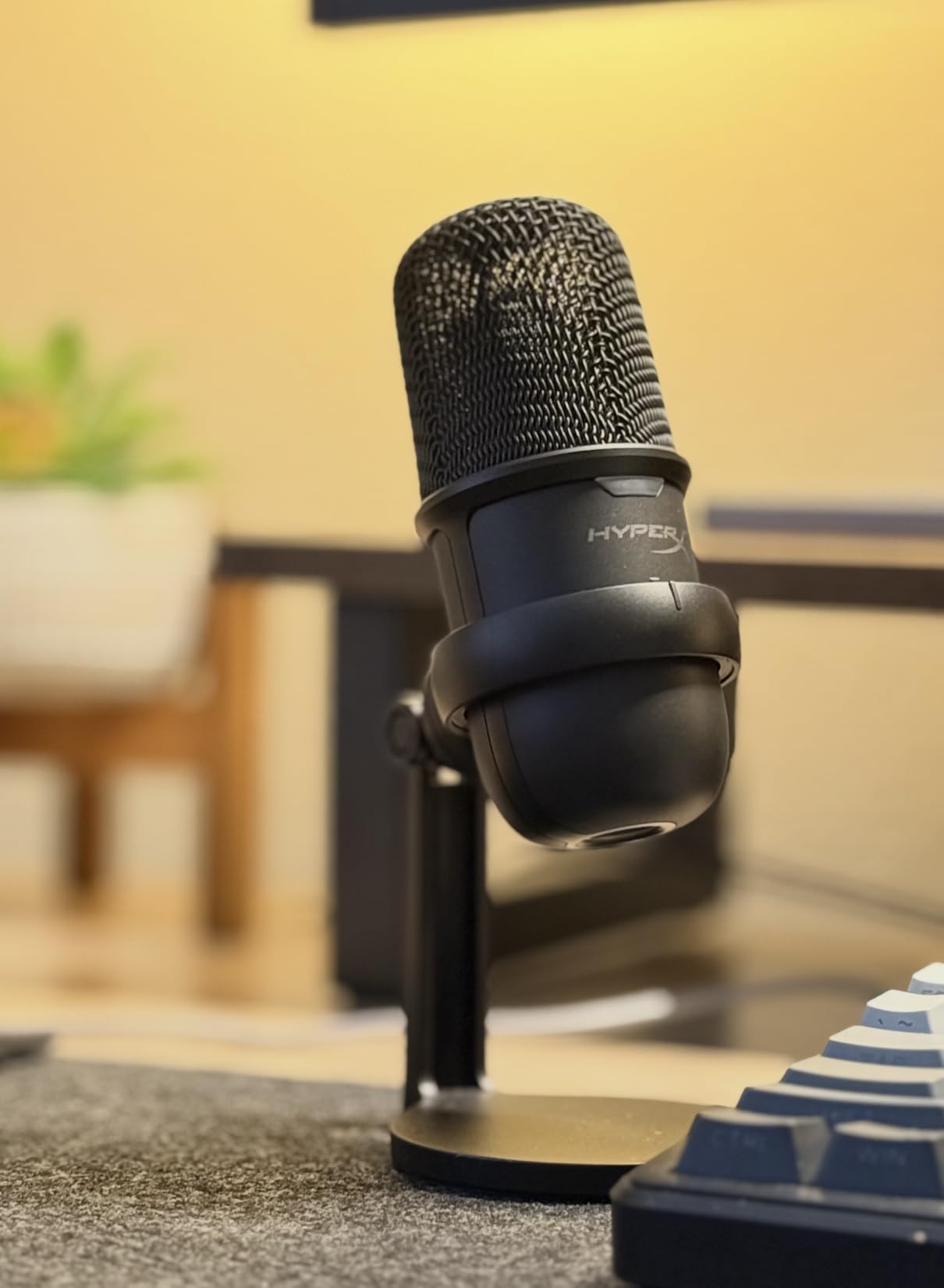
Technically it is a fixed cardioid condenser with a swivel stand and a mount adapter for both 3/8 and 5/8 threads, so you can put it on a boom arm without buying an extra adapter. The tap-to-mute sensor on top has an unmistakable LED, and that indicator is the feature people mention most often in reviews.
What you give up is flexibility: no pattern switching, no XLR, and no hardware gain knob. Everything is handled in software, which is fine for a solo streamer and slightly limiting for a producer who wants to set levels once and forget.
When the SoloCast Is the Right Call
Choose it for a cramped desk, for a gaming and streaming setup where the microphone shares space with a keyboard, and for anyone who needs a mic that works across a console and a computer without adapters. It is also a good first microphone for a co-host who records a short weekly segment.
More than twenty thousand reviews make it the most proven entry-level choice here after the Yeti, which matters if you want support you can search for.
When the SoloCast Is the Wrong Call
It is the wrong pick for a two-person conversation in one room, because a single fixed cardioid pattern cannot cover two people at different positions without one of them falling off axis. For that, choose a microphone with a bidirectional pattern.
It is also wrong for a noisy home, since a condenser without a pattern option has no way to exclude background sound.
7. RODE NT-USB Mini – Studio Condenser Quality in a Small Body
RØDE NT-USB Mini Studio-Quality USB Condenser Microphone
Condenser
USB-C only
Cardioid
Built-in pop filter
Pros
- Compact all-metal body that detaches to mount on any boom arm
- Built-in pop filter handles plosives without accessories
- Strong headphone amplifier that can drive higher-impedance headphones
- Plug and play USB-C with no drivers or software
- Owners describe it as a large upgrade from a headset mic
Cons
- Included desk stand is very low and leaves the mic far from the mouth
- Cardioid only with no selectable patterns
- Some listeners find the noise floor sizzly and the tone flat
- Sample rate limited to 96 kHz
The NT-USB Mini is what I suggest when someone is upgrading from a laptop or a headset and wants the single biggest jump in sound quality for the least disruption. Owners describe it as a night-and-day difference, and the metal body at 585 grams feels like studio hardware rather than plastic.
The built-in pop filter is the feature that quietly improves an interview. Plosives are the most common thing an editor has to fix, and having the filter permanently fitted means the guest cannot accidentally remove it. There is no extra accessory to lose in transit.
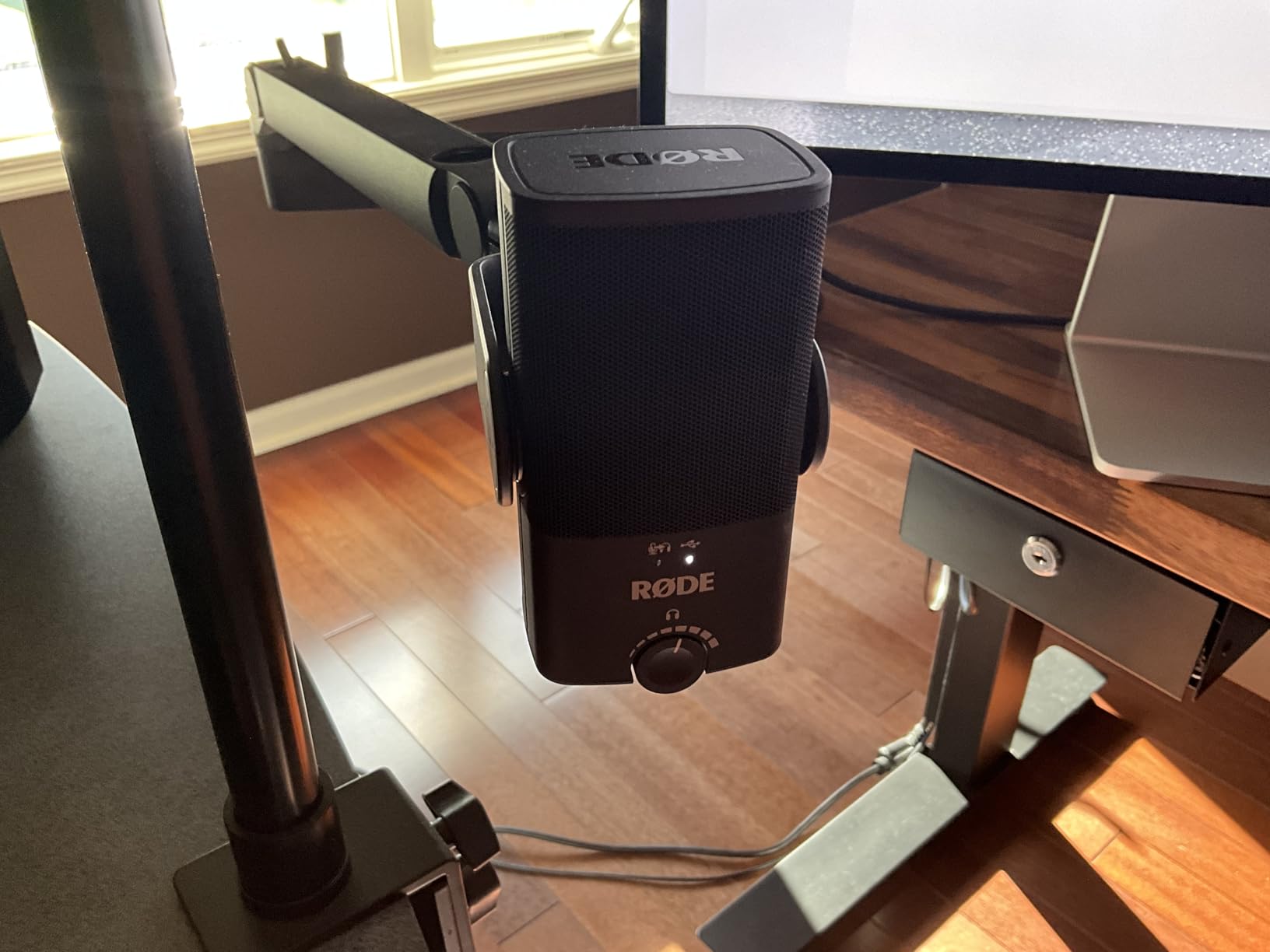
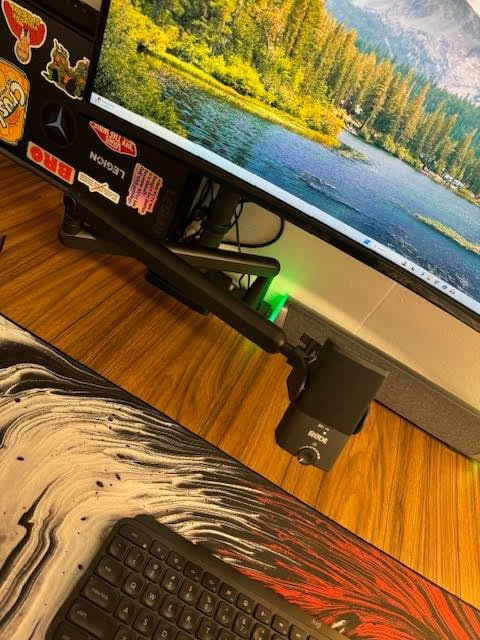
The headphone amplifier is genuinely strong and will drive higher-impedance headphones, which matters if you are monitoring on closed-back studio cans rather than the flat earbuds most people start with. The magnetic desk stand detaches so the microphone mounts to any standard-thread boom arm, which is how you get it close enough to the mouth to be worth owning.
The complaints are consistent and all fixable or accepted: the supplied stand is too low, the pattern is cardioid only, some listeners find the noise floor slightly sizzly, and capture tops out at 96 kHz. Get it onto an arm, and most of that list stops mattering.
When the NT-USB Mini Is the Right Call
Choose it for voiceover, narration and solo hosting in a controlled room, and for a guest who is technical enough to follow three instructions: plug in, wear headphones, move closer. It is USB-C, needs no drivers, and appears to any recording app as a standard input.
It is also the tidiest option for video, since the small body stays out of the frame on a small desk.
When the NT-USB Mini Is the Wrong Call
It is wrong for a noisy or reflective room, for two people in one space, and for anyone who plans to move to a studio chain, since it is USB only. The one fixed cardioid pattern is the deciding factor in most of those cases.
If you are very sensitive to a slightly bright noise floor, listen to a sample before buying, because a few reviewers call the tone flat for monotone voices.
8. FIFINE AmpliTank K688 – the Budget Dynamic That Sounds Expensive
FIFINE AmpliTank K688 Dynamic Microphone, XLR/USB Podcast Recording PC Mic
Dynamic
USB and XLR
50 Hz - 16 kHz
Shock mount included
Pros
- Dynamic capsule cuts fans hard drives air purifiers and keyboard noise
- Metal body and included shock mount feel premium for the price
- USB and XLR both built in so an interface upgrade needs no new mic
- Front tap-to-mute gain knob headphone jack and monitoring volume
- Bundled shock mount and windscreen reduce plosives and desk vibration
Cons
- XLR cable boom arm and mic stand not included
- Gain needs keeping low or the mic picks up too much room
- Included mini tripod is flimsy over time
- Tap-to-mute spring reported failing on some units
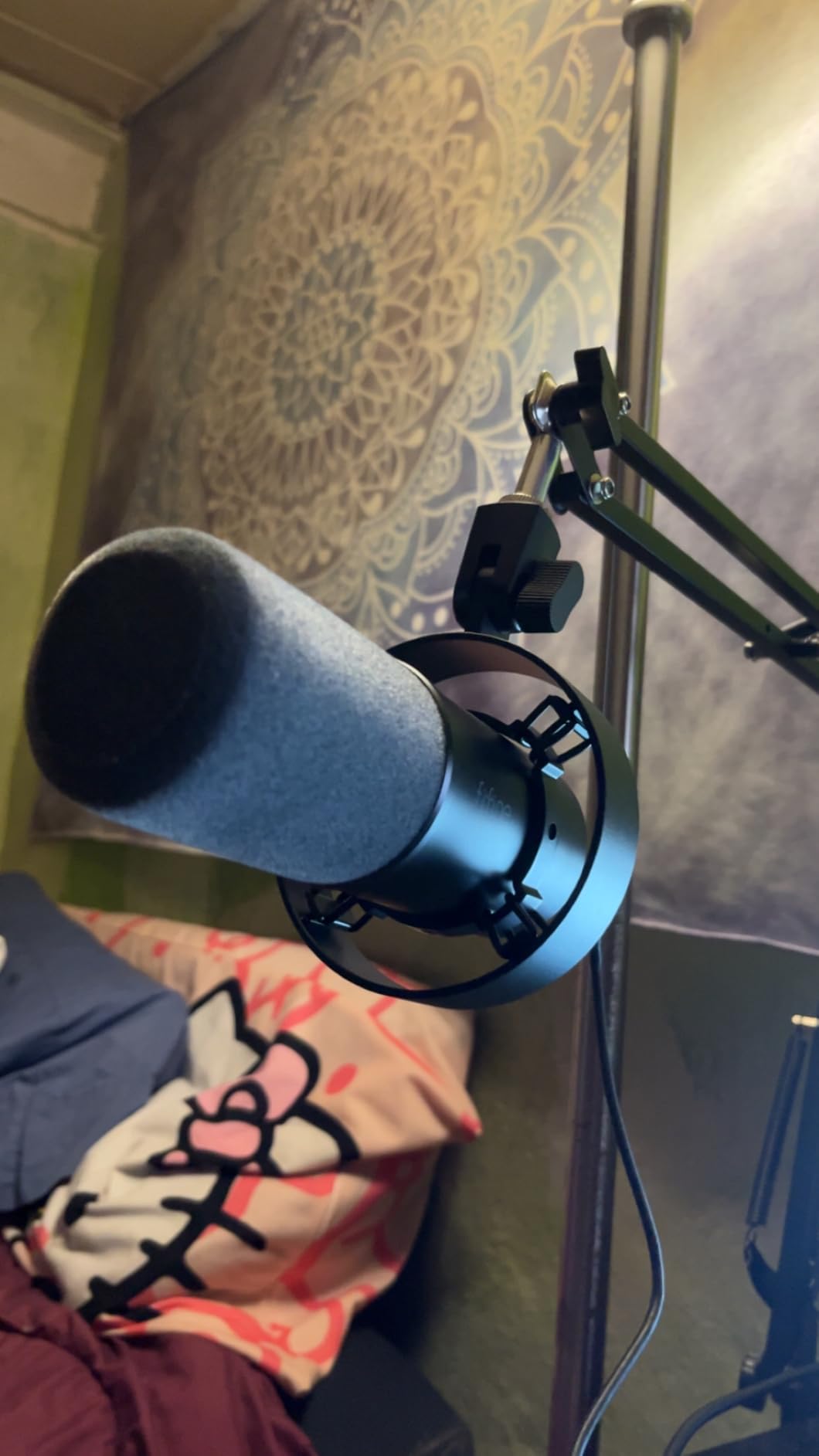
The K688 is the value pick in this roundup and the one I send to a guest who has told me they know nothing about microphones. A dynamic capsule at this level removes fans, hard drives, air purifiers and keyboard noise that would ruin a condenser recording in the same room, and reviewers call it the best value in budget dynamic podcast microphones.
The metal build and the included shock mount are the two details that separate it from cheaper dynamics. The shock mount kills desk vibration from typing, which is otherwise a very audible low thud in an untreated room, and the windscreen reduces plosives on close speech.
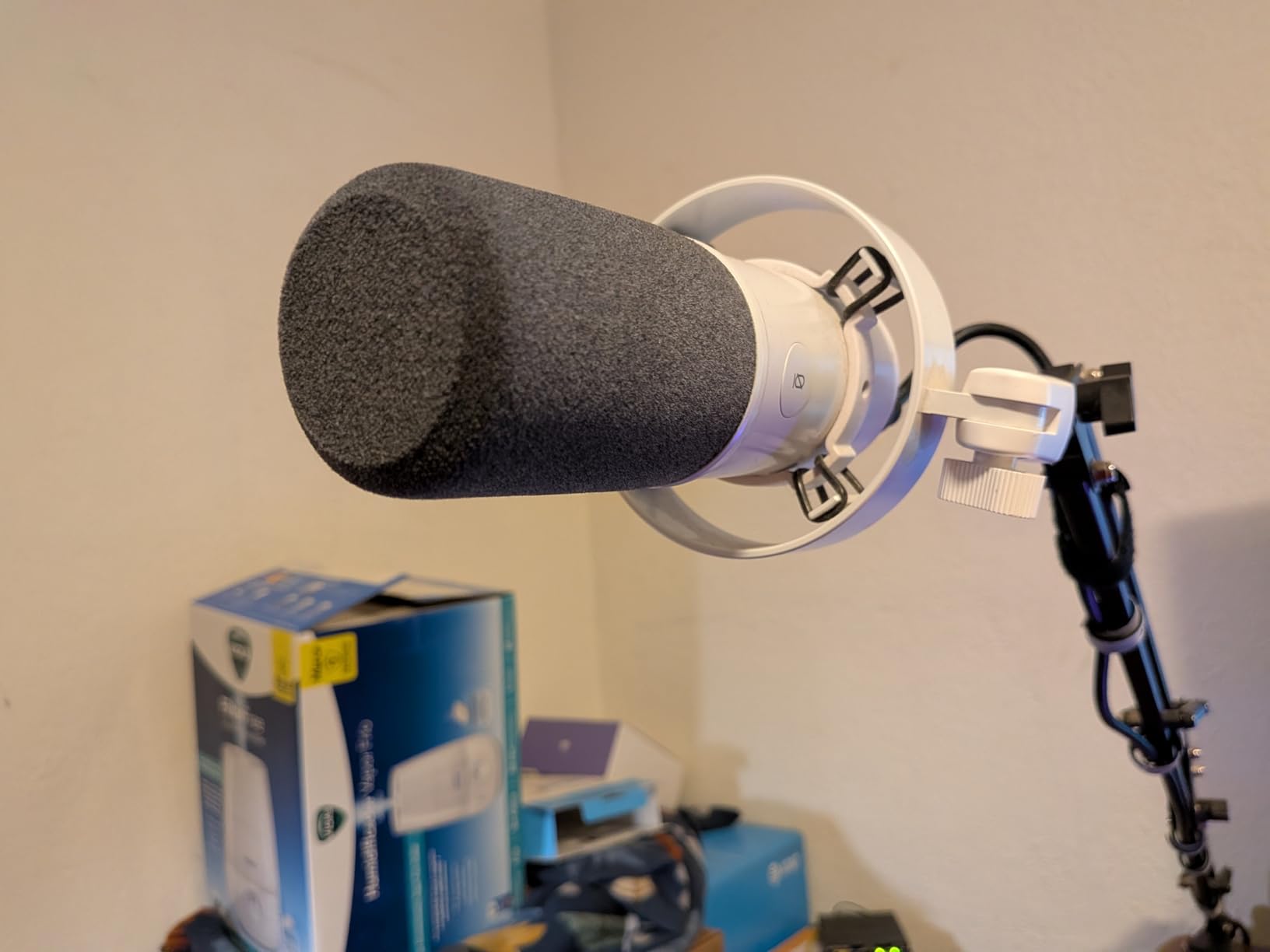
On the body you get a front tap-to-mute, a gain knob, a headphone jack and a monitoring volume control, all active in USB mode. With both USB and XLR built in, you can move to an audio interface or mixer later without replacing the microphone, which is the single most useful thing about a budget dual-output dynamic.
The honest caveats: no XLR cable, boom arm or mic stand is included, so plan to buy at least the cable. The bundled mini tripod is thin and can stop holding the mic after a few months, gain needs to stay low or the capsule picks up the room again, and a small number of owners report a failed mute switch or a unit that recorded noise with no voice signal.
When the K688 Is the Right Call
Choose it when noise is the problem rather than tone, when you want a dynamic that can grow into a studio setup, and when you need a microphone for a guest who will not read instructions. Dual output at this level is a genuinely rare combination.
It is also a good second or third microphone for a co-hosted show, because two of the same model need no matching session.
When the K688 Is the Wrong Call
It is the wrong choice if you care about the last bit of vocal detail and you are recording in a treated room, because a dynamic will always sound more forward and less airy than a large-diaphragm condenser.
Also avoid it as the only microphone for handheld field work, since the included stand will not survive being carried between locations.
9. Logitech Blue Yeti Nano – the Compact Member of the Blue Family
Logitech for Creators Blue Yeti Nano USB Microphone for Gaming, Streaming, Podcasting, Twitch, YouTube, Discord, Recording for PC and Mac, Plug & Play -Blackout
Condenser
USB only
Cardioid and omni
16 ounce body
Pros
- Compact footprint that fits a small desk and looks good on camera
- Two custom Blue capsules give present detailed broadcast-style voice
- Cardioid and omni patterns with onboard mute pattern and volume controls
- Headphone output eliminates feedback on conference calls
- Logitech G HUB software for gain EQ and effects
Cons
- Condenser sensitivity picks up fans room noise and background chatter
- Mini-USB connection is dated on a modern device
- Ongoing friction between the older Sherpa app and Logitech G HUB
- One-way firmware update can remove Blue VO!CE and EQ from Sherpa
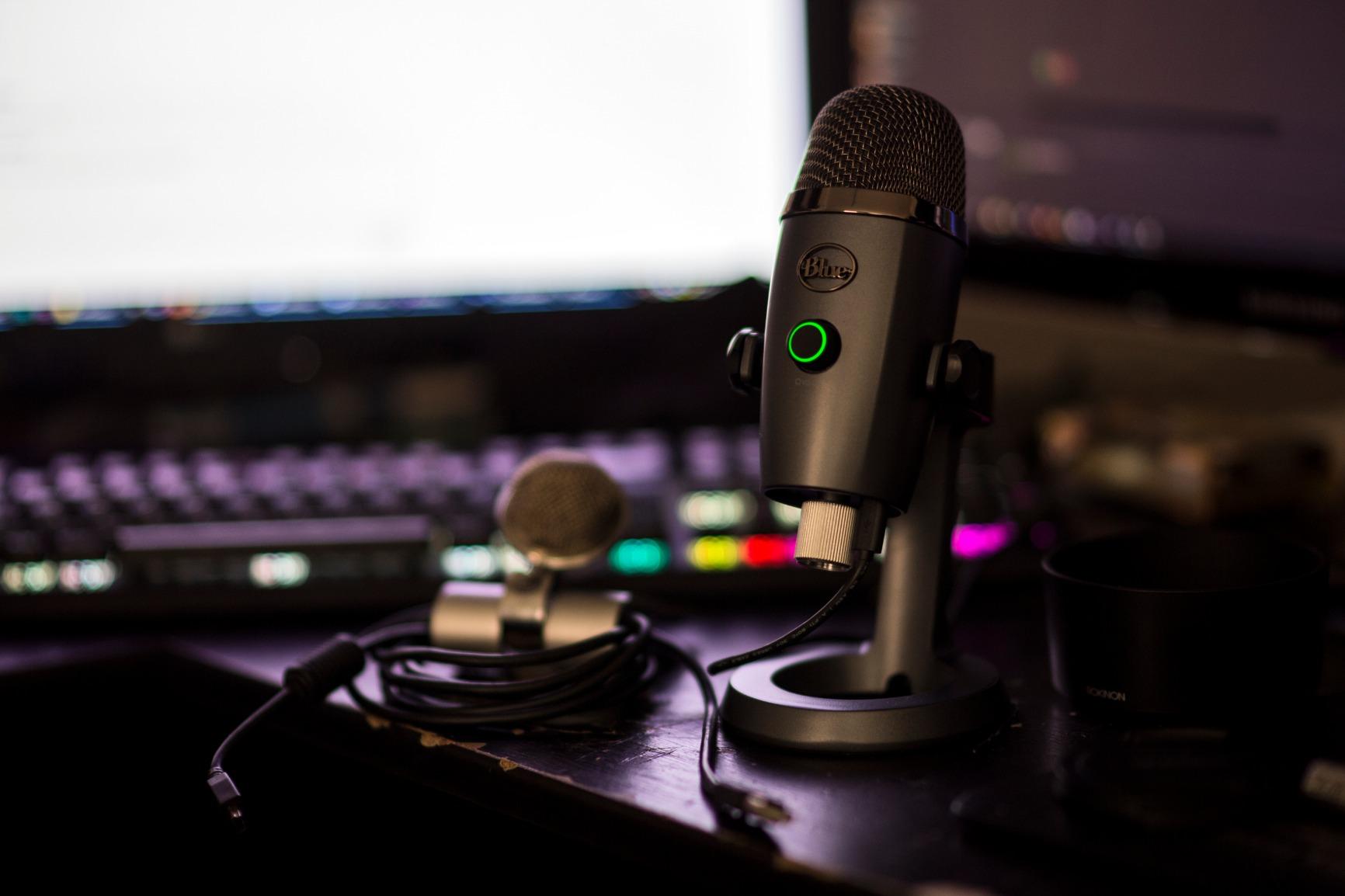
The Yeti Nano is what I recommend when a full-size Yeti will not fit the shot. At 16 ounces and under nine inches tall, it is roughly a third of the visual weight of its bigger sibling, and it keeps the two custom Blue capsules that give the family its present, detailed broadcast voice. For video podcasts, that is a meaningful difference in how professional the frame looks.
It offers cardioid and omnidirectional patterns, which is one more option than most compact mics give you, and the onboard controls cover mute, pattern selection and headphone volume. The headphone output in particular stops the feedback problem on a conference call, which is the most common complaint people have about laptop microphones in general.
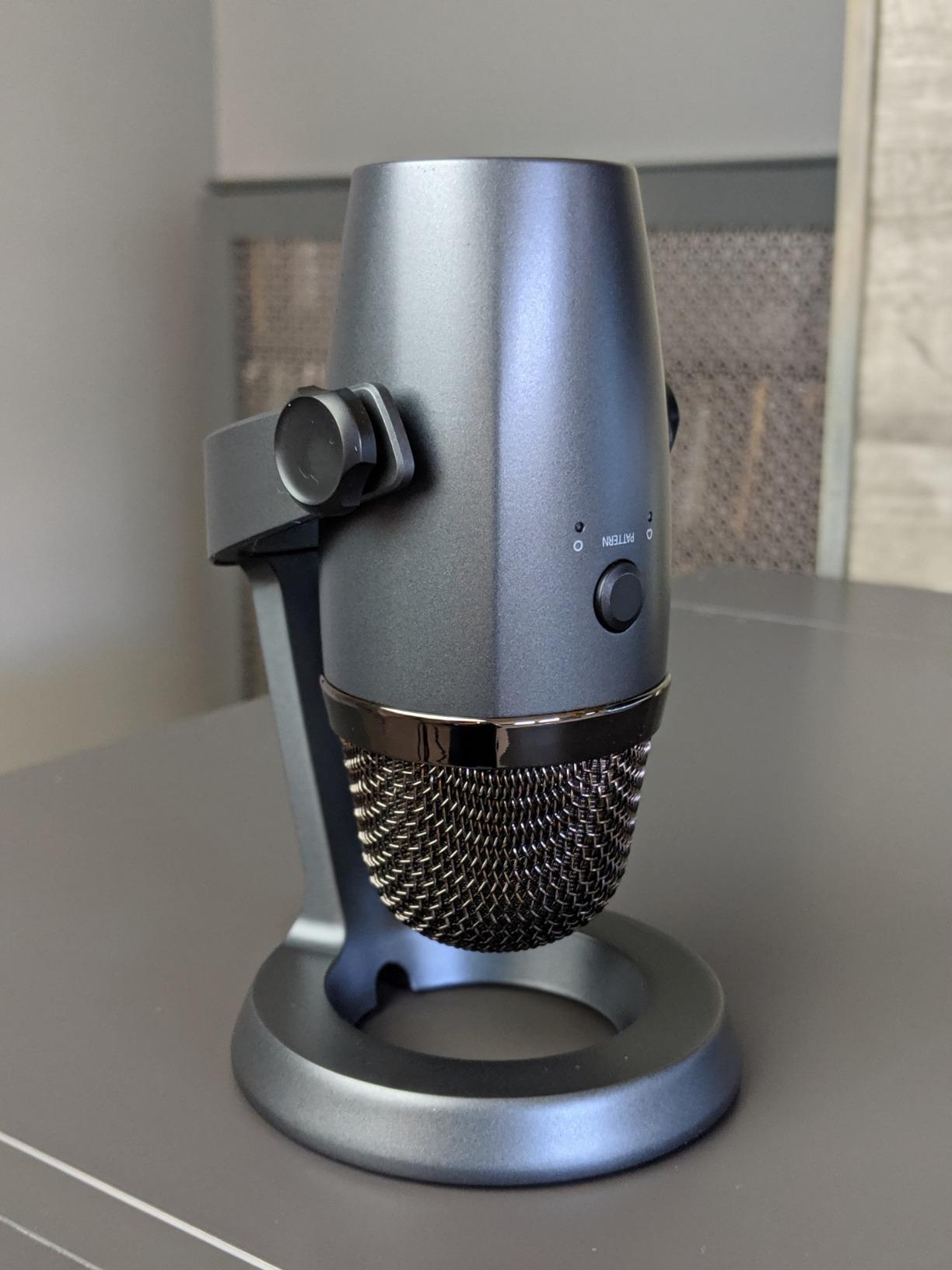
The base has cable management, which sounds trivial until you are connecting to a laptop that lives on a stand. The voice capture itself is what reviewers praise most, and it holds up well for meetings, streaming and beginner podcasting in a room that is not actively hostile.
The issue to plan for is software. Owners document ongoing friction between the older Sherpa app and Logitech G HUB, including a one-way firmware update that removes Blue VO!CE and EQ from Sherpa, and some new users hit a headphone output configuration problem that needs troubleshooting. The mini-USB connector is also dated. If you want a guest to be trouble-free, a microphone with no software is a safer bet.
When the Yeti Nano Is the Right Call
Choose it for a video-first interview show, for a small desk, and for a co-host who needs one microphone that can switch to omnidirectional when a third person joins. It is a full step up from a laptop microphone at a modest outlay.
It also works well as the microphone you send to a guest, since the setup is one cable and one pattern button.
When the Yeti Nano Is the Wrong Call
It is the wrong pick for a noisy home. A sensitive condenser with no directional trick beyond cardioid will record the fan, the washing machine and the neighbour, and no amount of gain reduction will bring your voice back up afterwards.
Avoid it too if your computer is your only tool and you cannot spend time on software configuration on the day of the interview.
10. FIFINE AmpliGame AM8 – the One That Upgrades a Headset Immediately
FIFINE AmpliGame AM8 USB/XLR Dynamic Microphone for Gaming Streaming
Dynamic
USB and XLR
50 Hz - 16 kHz
Tap-to-mute and gain
Pros
- Dynamic capsule rejects keyboard fan and room noise better than budget condensers
- USB and XLR in one body gives an upgrade path to an interface later
- Tap-to-mute with LED reminder plus gain knob and headphone monitoring jack
- Solid included desktop stand and standard threads for boom arm mounting
- Owners consistently describe it as strong value
Cons
- RGB ring is dim and the ring and function keys are inactive in XLR mode
- Mute is a touch button rather than a press switch
- Plastic-heavy build despite the metal accents
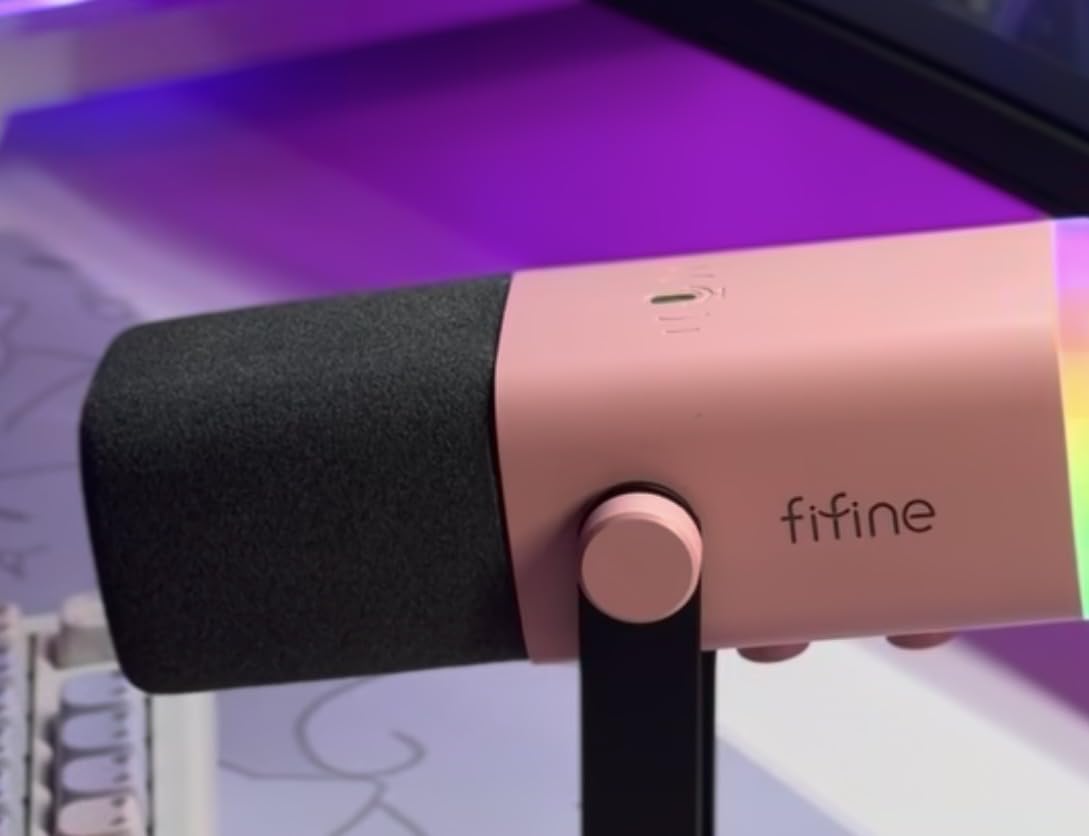
The AM8 is the microphone I buy for people whose only experience is a headset. It ranks at number one in multipurpose dynamic microphones, and the reason is straightforward: a dynamic capsule at this level rejects keyboard, fan and room noise better than any budget condenser, so the jump from a headset boom is immediate and obvious.
It also has both USB and XLR in one body, which means the microphone that starts as a home office tool can move to an interface later. The 50 Hz to 16 kHz range and an 80 dB signal-to-noise ratio sit comfortably alongside the other budget dynamics here, and the cardioid capsule is tuned for voice at two to six inches, which is exactly the close-mic technique an interview wants.
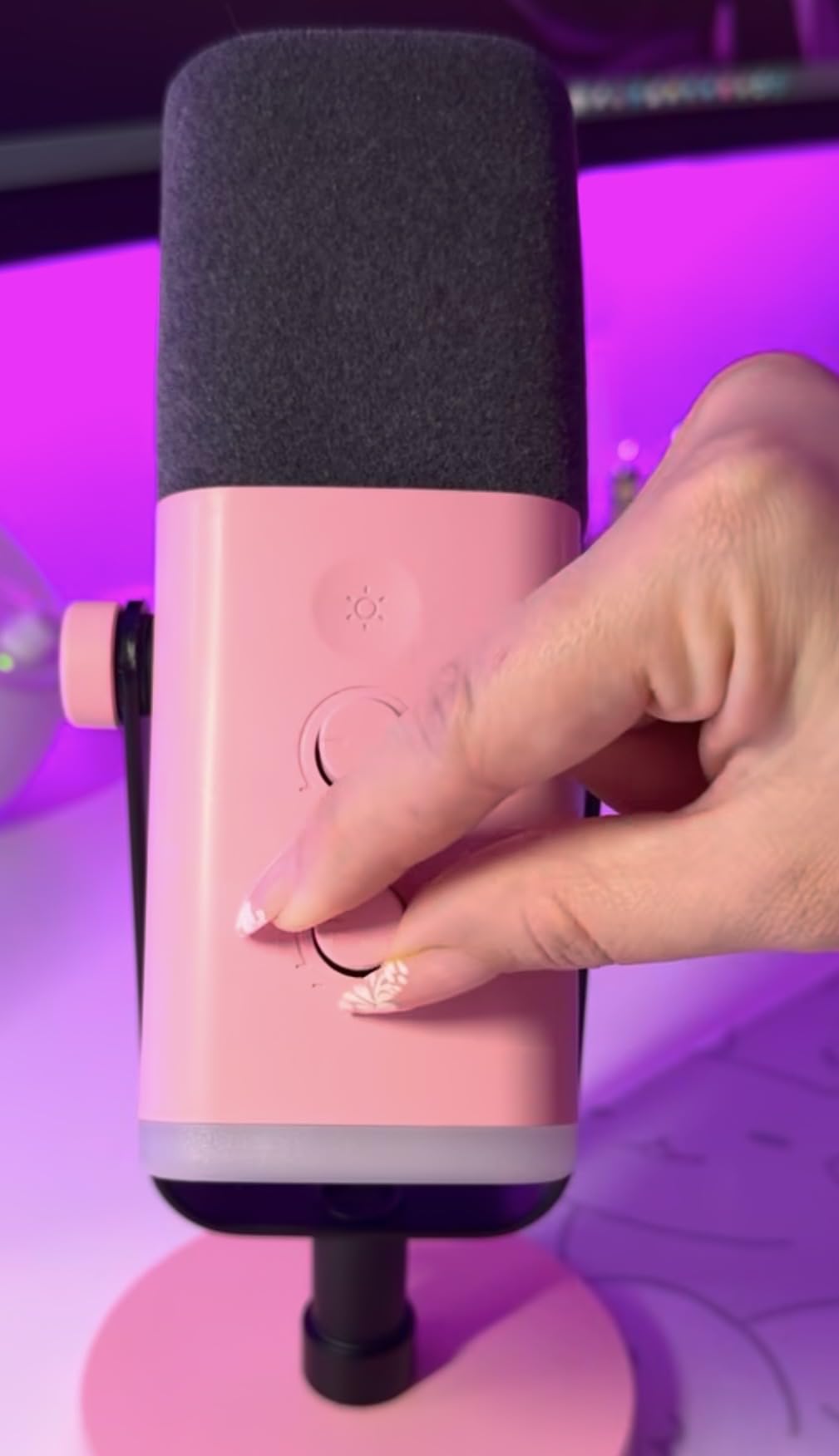
Controls are sensible: tap-to-mute with an LED reminder, a gain knob, a headphone jack and a monitoring volume control in USB mode, plus built-in 3/8 and 5/8 inch threads so it goes on a boom arm with no adapter. The included desktop stand is stable enough for daily use, and a noise-cancelling windscreen comes in the box.
The complaints are cosmetic rather than audio. The RGB ring is dim and can cut out when the cable is moved, the ring and function keys are inactive in XLR mode, the mute is a touch button rather than a press switch, and the body is plastic-heavy despite the metal accents. None of that affects the recording, and all of it means this is a tool rather than an object.
When the AM8 Is the Right Call
Choose it as a first proper microphone, as a gift for a co-host, and as a portable option for interviews away from a desk. A dynamic that folds into a bag and rejects environmental noise is a genuinely useful travel tool.
It is also the cheapest sensible way to test whether you like dynamic microphones before spending on a broadcast model.
When the AM8 Is the Wrong Call
It is the wrong choice if you are recording in a treated room and want the most refined, airy vocal quality available, or if you record vocals or instruments alongside your interviews.
Skip it if you rely on a physical mute switch, since a touch control can be triggered accidentally by a sleeve during a live call.
What to Send Your Remote Guest
This is the question that comes up most often in podcasting communities, and it is the one most roundups ignore. The answer is not “get a better microphone”, it is “make the microphone impossible to get wrong”. Send a dynamic USB microphone with a headphone jack, such as the AM8, the K688 or the MV7+, and add a short written checklist. Podcasters who record guests through platforms like Riverside repeatedly stress that requiring headphones is not optional, because headphone bleed straight into an open microphone is the single loudest problem on a remote call.
Send the microphone with a USB-C to USB-A cable already fitted, because connector types are where remote recordings fail. Send a link to your recording platform with the level settings already chosen, and a line telling them to leave ten centimetres between their mouth and the microphone. Ask them to spend two minutes recording themselves playing back before you start the interview, and to check that they are not on a conference call or a shared TV.
If you cannot send hardware, ask for three things instead: wired headphones, a laptop or tablet rather than a phone held in the hand, and a room with a door. A wired headset microphone, a phone on a stack of books, and headphones beat every entry in this roundup, because a bad room is the limiting factor in nearly every remote interview we have listened to.
Dynamic vs Condenser and USB vs XLR for Untreated Rooms
Dynamic or condenser? A condenser microphone hears the room as well as the voice, which is exactly what you want in a treated studio and exactly what you do not want in a home office. A dynamic microphone is less sensitive and rejects background sound, low-frequency rumble and keyboard noise, which is why the majority of interview picks on this list are dynamic. Our rule is simple: in an untreated room, dynamic wins even if it sounds less exciting on its own.
USB or XLR? USB means no audio interface, no phantom power and no gain staging, so a guest can record on a laptop in under a minute. XLR gives you analog control, better preamps and a path into a mixer, but it needs hardware a guest will not have. For remote interviews the answer is usually a hybrid microphone with both outputs, and five of the ten picks here are exactly that.
Why that matters across two locations. On a double-ender recording where you and your guest are in different cities, your microphone cannot fix their room. What your microphone can do is record a clean local track on your side, so the final mix is built from two uncompressed recordings rather than one compressed stream. Local track recording, which platforms like Riverside and Descript both support, is the closest thing to a technical fix for the guest-audio problem, and it costs nothing extra.
How to Get Clean Audio From a Remote Guest Call
Place the microphone close. Distance is the first thing that ruins an interview. A dynamic at ten centimetres is clean and present; the same dynamic at a metre is a small voice in a large room. A boom arm is the cheapest upgrade available, and every dynamic on this list mounts to one with standard threads.
Watch your gain on both sides. Ask the guest to speak at the volume they would use in the room, not the volume they use in their headphones. Aim for peaks around -12 dB to -6 dB rather than pushing the meter to the top, because a dynamic capsule that clips is ruined and a slightly quiet clean track is not.
Require headphones on both ends. This is non-negotiable in our testing. Monitoring through speakers on a live guest call creates echo that the platform compressor then squashes, and the result is the thin, tinny sound listeners complain about. A microphone with a zero-latency headphone jack makes this easy, which is why most of our picks have one.
Record local tracks, not just the stream. Ask your platform for separate local files for each participant. If that is not available, record your own side with a second recorder app in parallel and use your platform’s clapper or a sharp noise at the head of the take to line the files up in your editor.
Mind the latency. USB monitoring on a live call is not perfectly instant on every platform, and some platforms add their own buffer. That is normal, and it affects what you hear, not what gets recorded. What it does affect is your rhythm, so speak a beat slower than you would in a studio and let the guest finish before you respond.
Fix the three mistakes we see most. Microphone too far away, gain too low, and a reflective wall directly behind the speaker. All three are solved with a boom arm and a soft surface, and none of them are solved by a more expensive microphone.
If you want a broader look at the category rather than only interview-focused models, our guide to the best USB microphones tested and ranked covers streaming and gaming use in more detail. For the other end of a two-person conversation, our roundup of the best lavalier microphones for interviews covers discreet options for on-location work, and our podcast microphone kits for beginners covers what to buy first if you are assembling a whole new setup.
Buying Guide for USB Podcast Mics Used on Interviews
Capsule type. Dynamic for untreated rooms, condenser for treated rooms. This single decision removes most of the wasted spending we see, because people buying a condenser for a noisy home are paying more to record more noise.
Polar pattern. Cardioid is the default and the right answer for one person per microphone. Omnidirectional is useful in a round table and forgives nothing from the room. Bidirectional is the one to look for if you and a co-host share a desk, and only three of the microphones on this list can do it.
Headphone monitoring. A zero-latency headphone jack is close to mandatory for interviews. Without it you cannot check your level, and the guest has no way to monitor themselves. Look for hardware volume control rather than software-only monitoring.
Upgrade path. A USB-only microphone is a dead end if you build a studio. A USB and XLR hybrid costs a little more now and saves a microphone later, which is the strongest argument for models like the MV7+, the PodMic USB, the AM8, the K688 and the AT2005USB.
Portability and software. For travel you want something under half a kilo, a detachable or folding stand, and no required app. For a work laptop, no companion software is a real advantage, and it is the main reason the Sennheiser Profile works on anything.
Budget tiers. Under roughly 60 dollars you are looking at the AM8. In the 60 to 150 dollar range sit the K688, the SoloCast, the Yeti Nano, the NT-USB Mini, the Blue Yeti, the Sennheiser Profile and the AT2005USB. Above 150 dollars the field narrows to the PodMic USB and the MV7+, and at that point you are paying for dual output, onboard processing and dynamic rejection in rough rooms rather than for a louder specification.
Frequently Asked Questions
What is the best USB microphone for podcasting?
For most solo and co-hosted shows, the Logitech Blue Yeti is the safest answer because it offers four pickup patterns, onboard gain and headphone controls and works with no interface. For a dynamic that forgives a noisy room, the Shure MV7+ and the Rode PodMic USB are the stronger choices. The right pick depends more on your room than on the microphone.
What is the best microphone for recording interviews?
Use a cardioid dynamic microphone with a headphone jack and get it within about ten centimetres of the speaker. It rejects keyboard, fan and room noise, and the headphone jack lets the guest monitor without creating echo. A USB and XLR hybrid such as the Shure MV7+ or the Rode PodMic USB also gives you an upgrade path later.
What is the best portable microphone for an interview?
Look for a dynamic USB microphone under half a kilo with standard mounting threads and no required software. The HyperX SoloCast and the RODE NT-USB Mini are both compact and light, and the FIFINE AM8 is the most travel-tolerant of the budget dynamics. Keep a short USB-C cable and a foam windscreen with it.
What is the best USB microphone for Zoom meetings?
Any of the cardioid options on this list will improve a call, and a microphone with a headphone jack will stop feedback loops entirely. The Blue Yeti and the Sennheiser Profile are the easiest to hand to a non-technical participant because they need no software. Avoid mounting a condenser in a room with a fan or a hard wall behind the speaker.
Do I need an audio interface for remote podcasting?
No, not if you buy a USB microphone. The preamp and conversion happen inside the microphone and it appears as a standard input on your computer, which is why it can be sent to a guest with no technical support. An interface only becomes necessary if you move to XLR-only microphones, and a USB and XLR hybrid lets you delay that.
What is the best microphone for recording on-the-street interviews?
For handheld and on-location work, distance kills the level on any dynamic, so keep the microphone close and treat wind rather than gain. A small cardioid dynamic with a foam windscreen is the practical choice, and the FIFINE AM8 and Audio-Technica AT2005USB both suit that. Highly directional shotgun and pencil microphones need dedicated recorders and are a separate category from USB podcast mics.
Final Verdict
After weeks of moving these microphones between rooms and across live calls, the Logitech Blue Yeti remains our pick as the best USB podcast microphone for remote interviews in 2026, because its four patterns, onboard controls and decades of user knowledge cover more scenarios than anything else we tested. When the room is the problem rather than the microphone, move to the Shure MV7+, which forgives an untreated space and carries USB and XLR in the same body.
Pick the Rode PodMic USB if you want a broadcast dynamic with processing already inside it, the Sennheiser Profile if you want the warmest voice and zero software, and the FIFINE AM8 or K688 if you are equipping a guest who is not a gear person. Whichever you choose, get it close, wear headphones, and record local tracks. Those three habits will improve a remote interview more than any microphone on this list.