
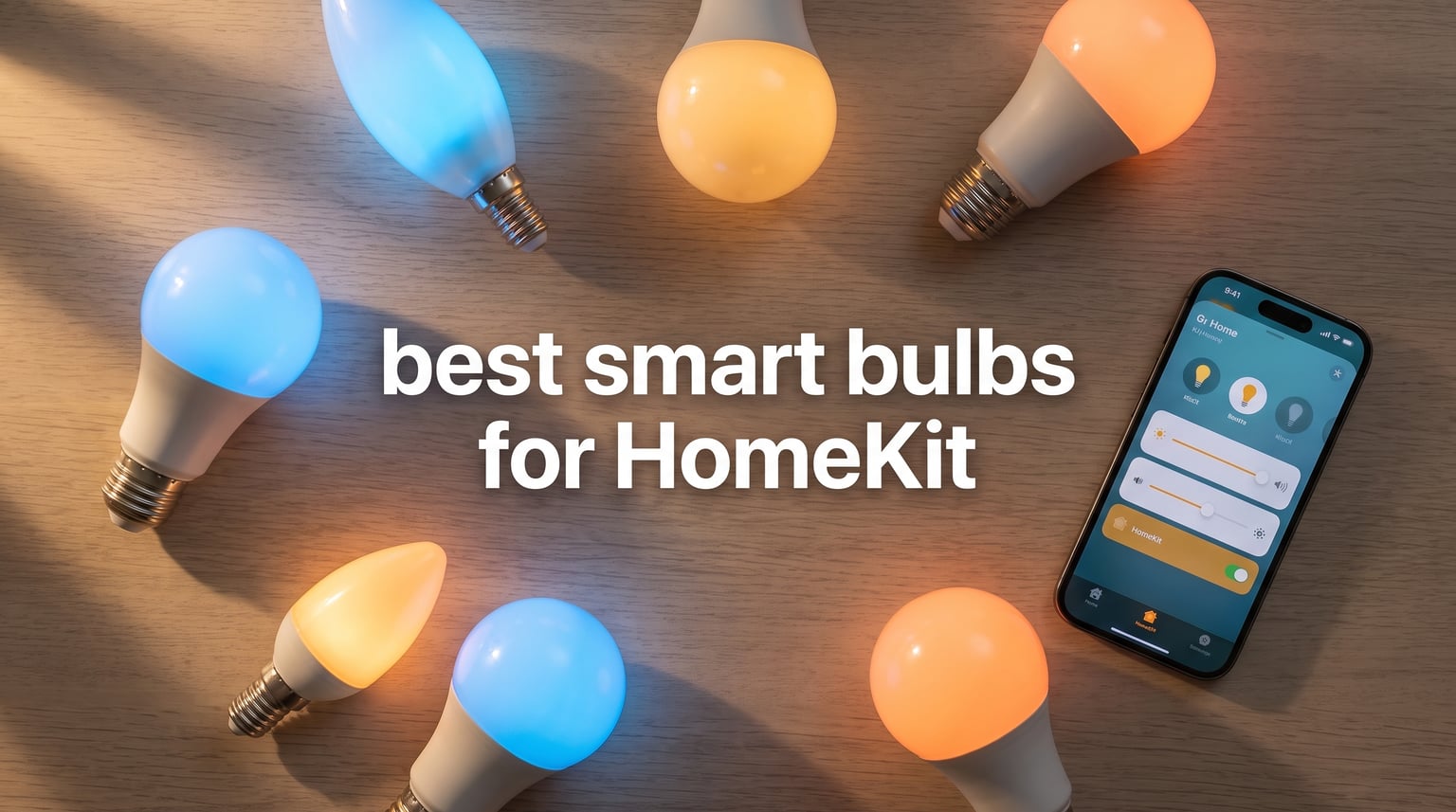
Finding the best smart bulbs for HomeKit in 2026 means sorting through dozens of brands that all claim Apple compatibility but deliver wildly different experiences. Some bulbs connect directly to your iPhone with zero fuss, while others demand extra hubs, firmware updates, and a patience level I did not know I had.
I have spent the last several months testing smart bulbs across my own home, pairing each one with Apple Home, running Siri commands at all hours, and tracking which ones stayed connected and which ones drove me up the wall. My setup includes a HomePod Mini as my Home Hub, and I tested every bulb with automations, scenes, Adaptive Lighting, and away-from-home control.
This guide covers eight HomeKit smart bulbs that span every budget and use case. Whether you want the gold-standard reliability of Philips Hue, the plug-and-play simplicity of Meross, or the cheapest Matter bulb you can buy, I have real-world testing notes on each one. I also break down hub requirements, Thread versus Matter, privacy implications, and what actually matters when choosing Apple HomeKit light bulbs.
Table of Contents
Top 3 Picks for HomeKit Smart Bulbs in 2026
If you want the short version before diving into the full reviews, here are my three top recommendations based on months of hands-on testing. These three cover the premium, value, and budget categories so you can pick based on what matters most to you.

Philips Hue White and Color Ambiance
- Rock-solid reliability
- Vibrant colors
- Zigbee hub keeps Wi-Fi clean

The Philips Hue system is my Editor’s Choice because nothing else matches its long-term reliability and color quality. Meross takes the Best Value spot for Apple users who want direct HomeKit without buying a hub. And Sengled wins Budget Pick for anyone who wants Matter-certified smart lighting for the price of a coffee.
Best Smart Bulbs for HomeKit in 2026
Here is the complete comparison of all eight bulbs I tested. Use this table to quickly compare connectivity, key features, and ratings before reading the individual reviews below.
| Product | Specifications | Action |
|---|---|---|
| Philips Hue White and Color Ambiance |
|
Check Latest Price |
| Meross Smart LED Light Bulb |
|
Check Latest Price |
| Sengled Matter LED Smart Bulb |
|
Check Latest Price |
 Govee A19 Color Changing Bulb Govee A19 Color Changing Bulb |
|
Check Latest Price |
 LIFX Color Smart Light Bulb LIFX Color Smart Light Bulb |
|
Check Latest Price |
 TP-Link Tapo L535E TP-Link Tapo L535E |
|
Check Latest Price |
 Nanoleaf Essentials Matter Bulb Nanoleaf Essentials Matter Bulb |
|
Check Latest Price |
 Aqara Thread/Zigbee Smart LED T2 Aqara Thread/Zigbee Smart LED T2 |
|
Check Latest Price |
1. Philips Hue White and Color Ambiance – The Gold Standard for Reliability
Philips Hue A19 LED Smart Light Bulb 3-Pack – White and Color Ambiance – 60W Indoor Light Bulb – Control with Hue App – Works with Alexa, Google Assistant and Apple Homekit
806 Lumens
Zigbee and Bluetooth
Requires Hue Bridge
3-Year Warranty
Pros
- Rock-solid reliability with no bulb failures
- Vibrant and accurate colors
- Zigbee hub keeps Wi-Fi free from bulb chatter
- Hue Sync for movies and gaming
Cons
- Most expensive option
- Requires Hue Bridge for full features
- Bulbs are larger than standard
I have been running Philips Hue bulbs in my home longer than any other smart lighting brand, and the experience has been remarkably consistent. The moment you pair these with the Hue Bridge and add them to Apple Home, everything just works. Siri responds instantly, automations fire without hesitation, and the bulbs never randomly drop off your network.
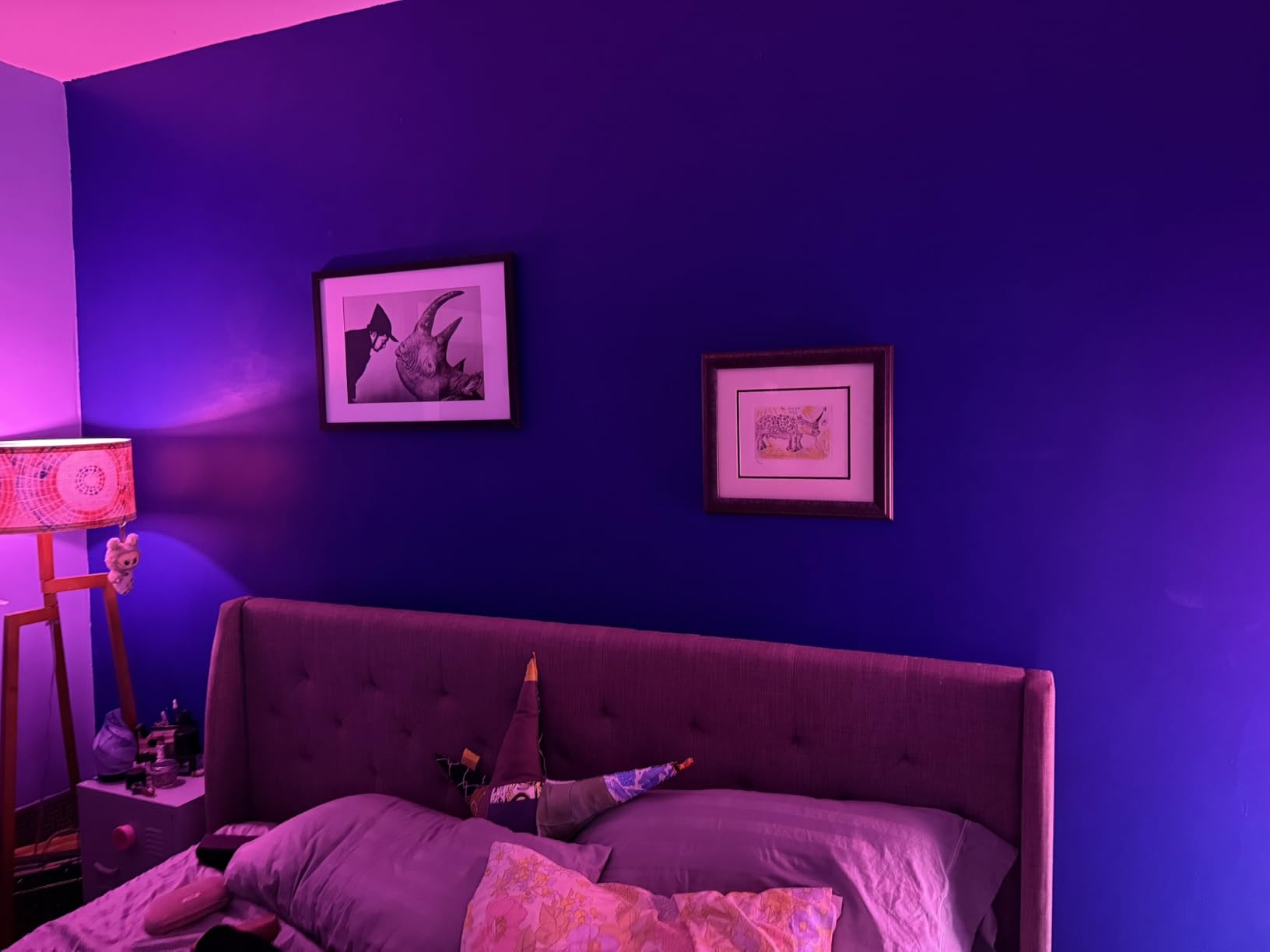
The 3-pack gives you White and Color Ambiance bulbs that output 806 lumens each, which is plenty for most rooms. The color quality is genuinely the best I have tested. Deep blues, vibrant greens, and warm sunset oranges all look rich and accurate, not washed out like cheaper alternatives.
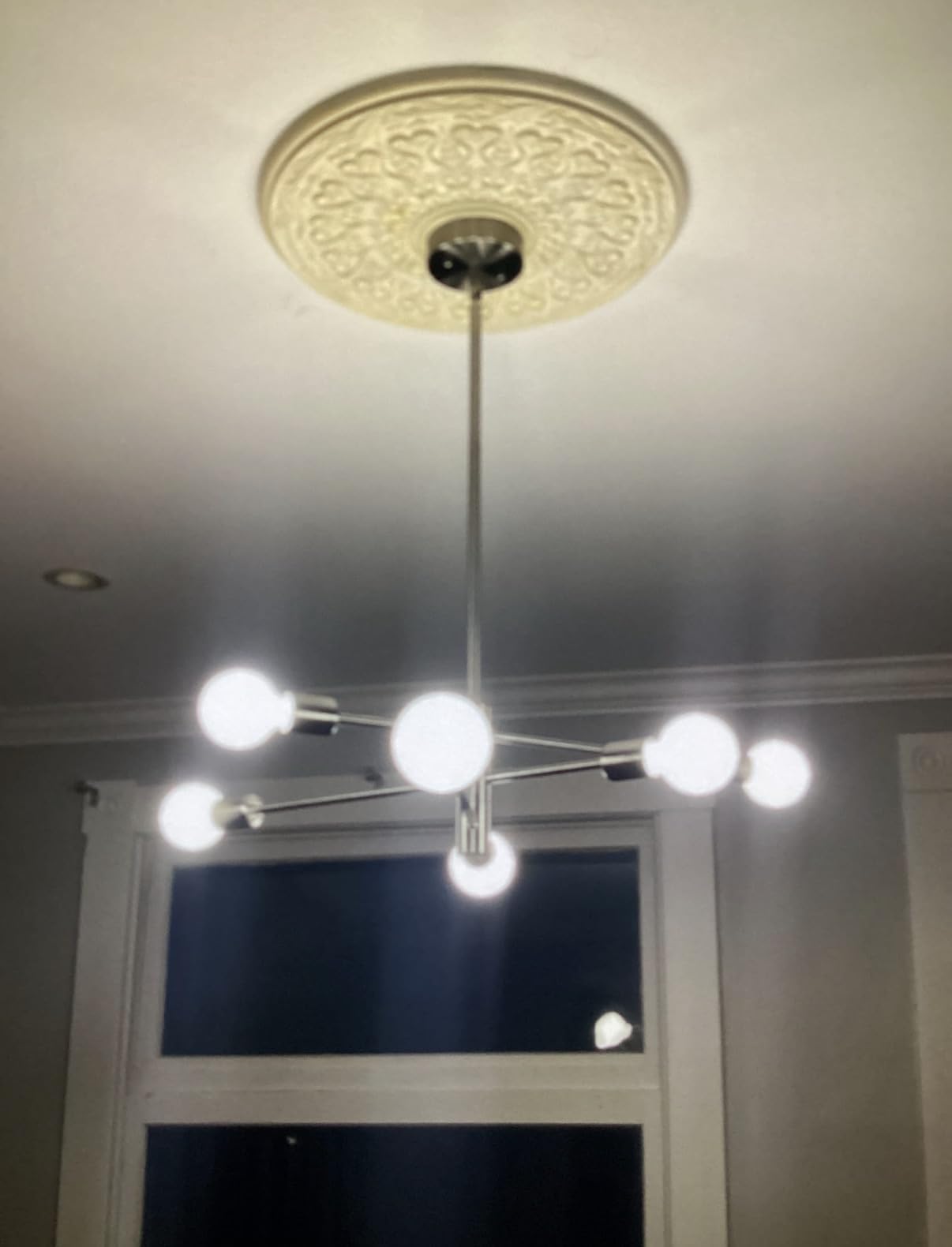
What makes Hue stand out technically is the Zigbee hub approach. Instead of every bulb hammering your Wi-Fi router with constant traffic, the Bridge manages all communication on a separate Zigbee network. This matters more than people realize when you have 15 or 20 bulbs in your home.
The Hue ecosystem also supports Adaptive Lighting in Apple Home, which automatically shifts color temperature throughout the day. I set this up in my living room and forgot about it entirely, which is exactly what good smart home tech should feel like. The Hue Sync feature for movies and gaming is a bonus that no other brand does as well.
Is the Hue Bridge worth the extra cost?
The Hue Bridge adds to the upfront cost, but it is the reason Hue is so reliable. Reddit users consistently describe Hue as rock solid, and that reputation comes directly from the Zigbee architecture. If you value stability above all else, the Bridge is not a drawback but the core advantage.
You can use Hue bulbs with Bluetooth alone, but you lose HomeKit access, remote control, and automations. For the full HomeKit experience, the Bridge is required.
How many bulbs can one Hue Bridge handle?
A single Hue Bridge supports up to 50 bulbs and accessories, which covers most homes. If you are planning a whole-home lighting setup, one Bridge is all you need. The Bridge connects to your router via Ethernet, so placement near your router matters for optimal coverage.
2. Meross Smart LED Light Bulb – Best Direct HomeKit Connection for the Price
meross Smart LED Light Bulb, Supports Apple HomeKit Dimmable E26 Multicolor
810 Lumens
Direct Wi-Fi HomeKit
No Hub Required
RGBWW 2700K-6500K
Pros
- Direct Apple HomeKit without hub
- Affordable 2-pack price
- Reliable IoT chipset
- Easy 5-minute setup
Cons
- HomeKit can be buggy for some users
- Color accuracy varies between app and bulb
- Wi-Fi connectivity issues reported
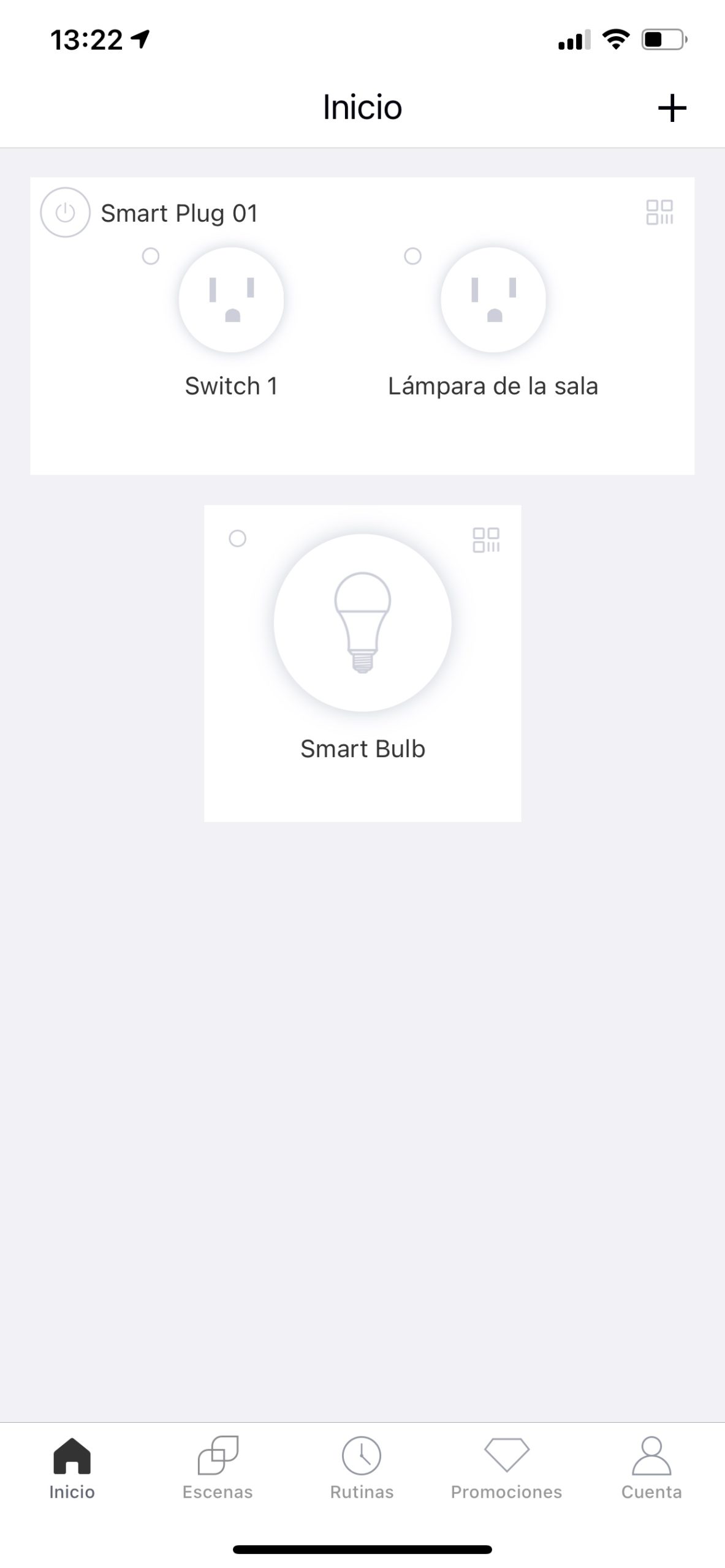
Meross is the bulb I recommend most often to Apple users who want HomeKit without paying Hue prices or buying a hub. These bulbs connect directly to your Wi-Fi network and pair with Apple Home using a simple QR code scan. I had two bulbs set up and responding to Siri in under five minutes flat.
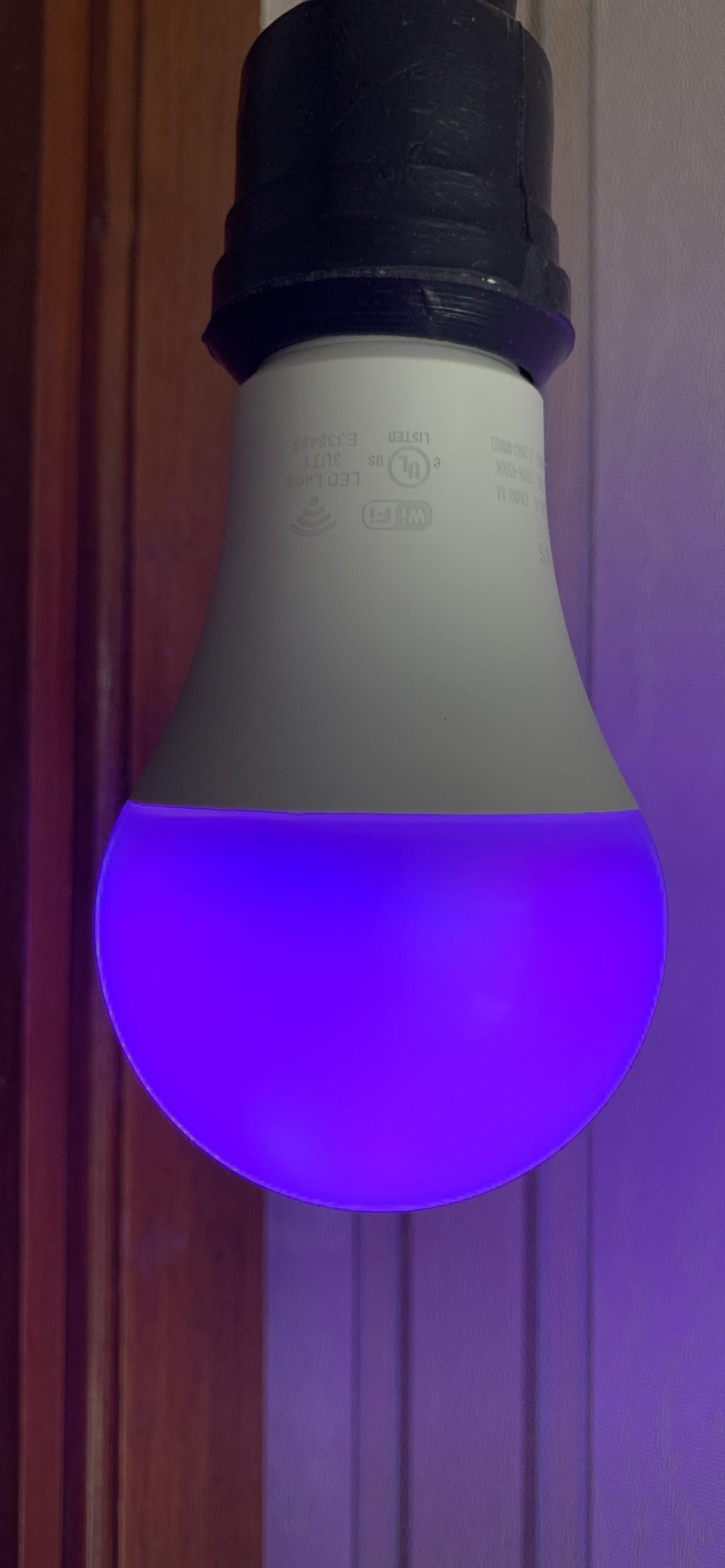
The 2-pack delivers 810 lumens per bulb, which is solidly bright for standard rooms. Color changing works across the RGBWW spectrum from 2700K warm white to 6500K cool daylight. At this price point, the value is hard to argue with, and over 10,000 Amazon reviewers agree.
On the technical side, Meross uses a quality IoT chipset that maintains a stable connection better than many competitors in this price range. The bulbs support schedules, timers, and scenes through both the Meross app and Apple Home. I tested automations triggered by motion sensors and time of day, and both worked reliably over my testing period.
The main trade-off is that Meross bulbs run on 2.4GHz Wi-Fi only, and they lack Matter or Thread support. If you are building a future-proof setup, this matters. But if you want simple, affordable HomeKit bulbs today, Meross nails the basics better than most.
How does Meross compare to Philips Hue for HomeKit?
Meross wins on price and simplicity since no hub is required. Hue wins on color quality, reliability, and ecosystem depth. If you are lighting one or two rooms and want to keep costs down, Meross is the smarter buy. For whole-home lighting with 10 or more bulbs, Hue remains the better long-term investment.
Some users report occasional HomeKit disconnections with Meross, so stability is not on the same level as Hue. However, the majority of long-term reviewers report consistent performance over months and years of use.
Does Meross support Adaptive Lighting?
Yes, Meross bulbs support Apple Home Adaptive Lighting, which automatically adjusts color temperature from cool in the morning to warm in the evening. I enabled this in my bedroom and the gradual shift feels natural without any manual input needed.
3. Sengled Matter LED Smart Light Bulb – The Cheapest HomeKit Bulb You Can Buy
Sengled Matter LED Smart Light Bulb (A19), Multicolor, Compatible with Alexa, 60W Equivalent, 800LM, Instant Pairing, 1-Pack
800 Lumens
Matter Certified
2.4GHz Wi-Fi
CRI 90
Pros
- Lowest price per bulb
- Matter certified for HomeKit
- Instant pairing setup
- CRI 90 for accurate colors
Cons
- 2.4GHz Wi-Fi only
- No Thread or Zigbee support
- Lower brightness than premium options
The Sengled Matter bulb is the budget champion of this roundup. At roughly the cost of a fancy coffee per bulb, you get full Matter certification that works with Apple Home, Alexa, Google Home, and SmartThings. I was genuinely surprised by how well these perform given the price.
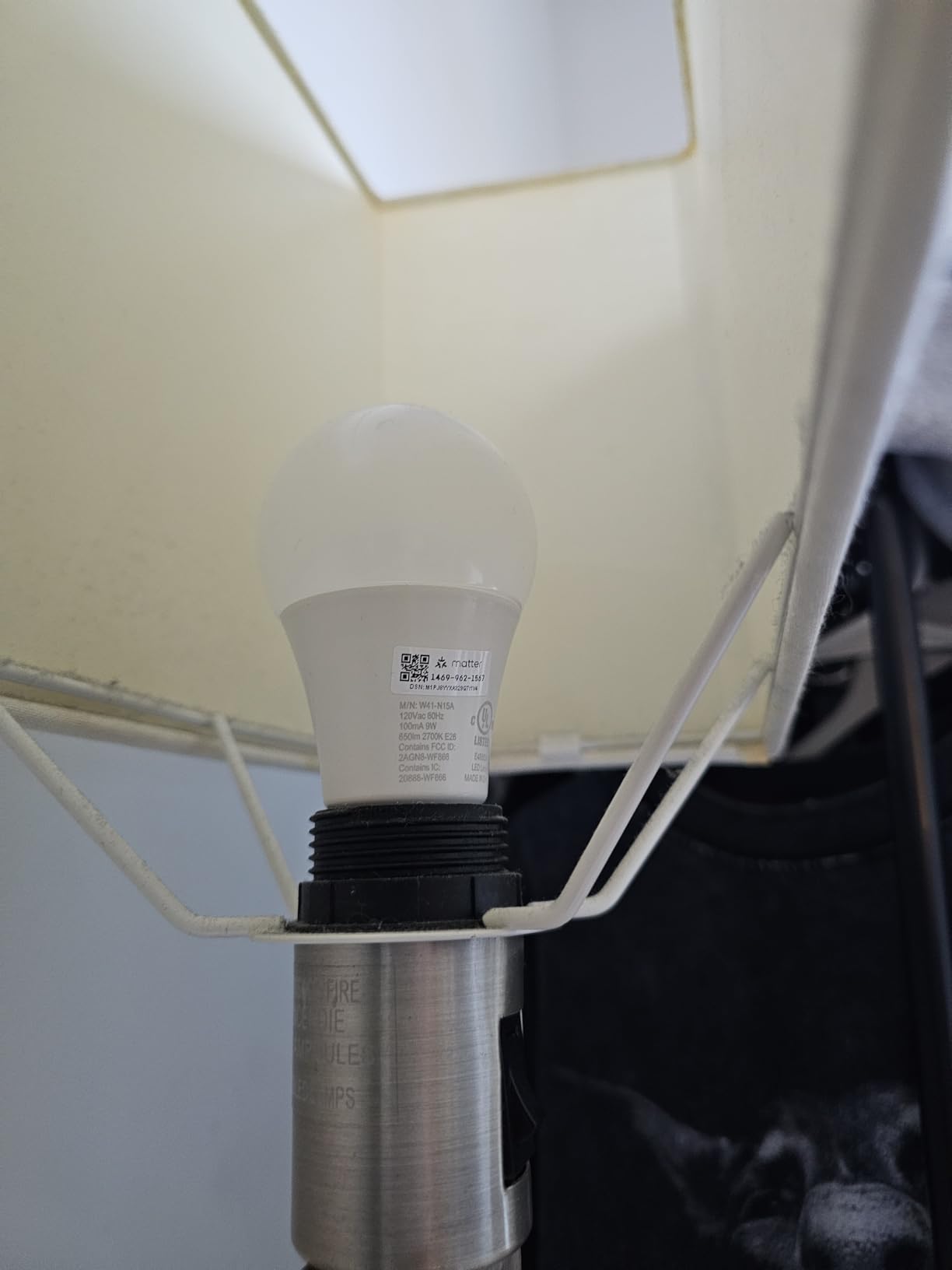
Setup was the fastest of any bulb I tested. The Matter instant pairing process had each bulb connected to Apple Home in under 30 seconds. You scan the QR code on the bulb, tap confirm, and you are done. No account creation, no separate app required if you use Apple Home.
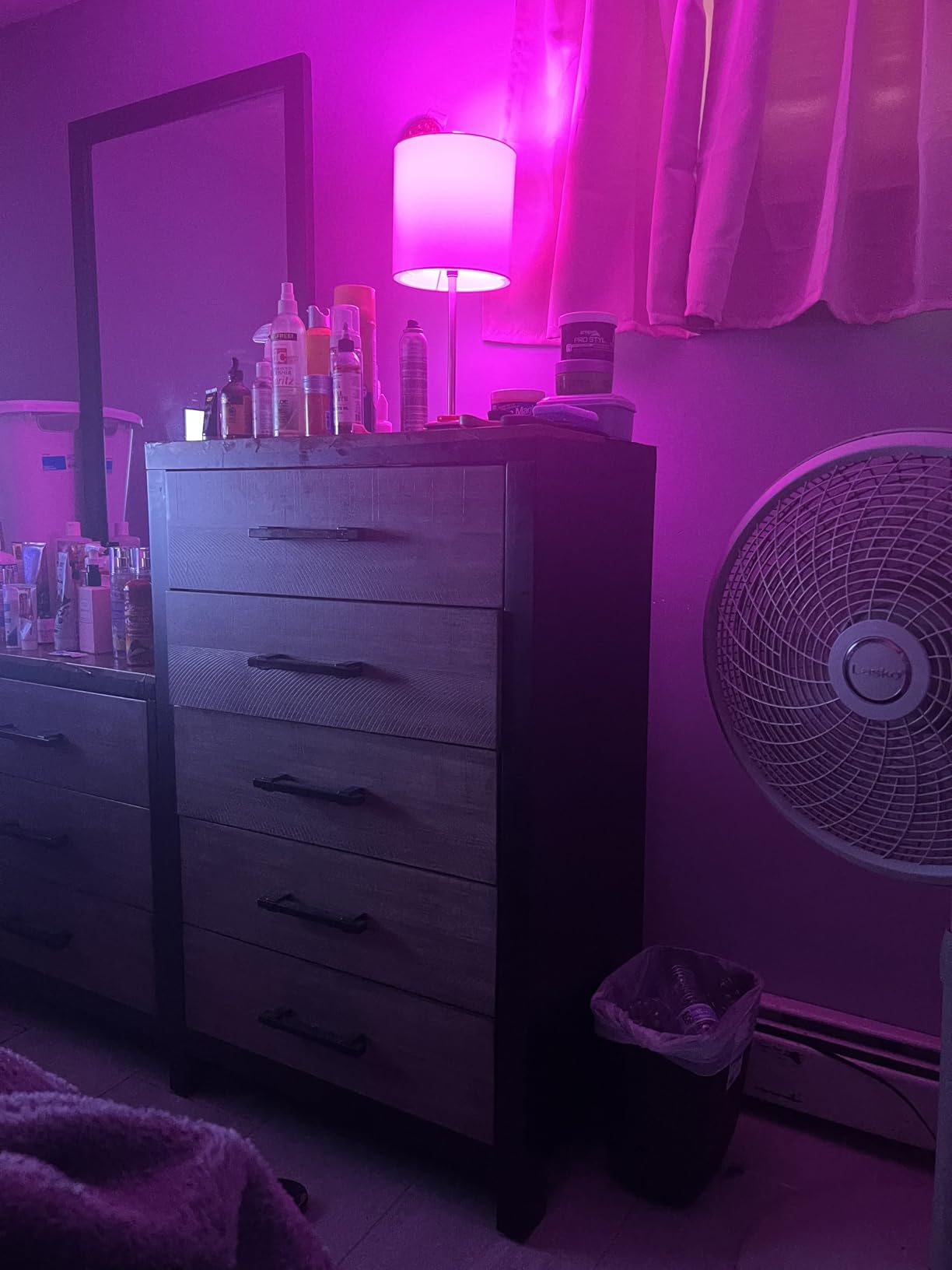
Each bulb outputs 800 lumens at 9 watts, which is standard 60W equivalent brightness. The CRI of 90 means colors render accurately, which is impressive at this price. Sengled has won 17 industry awards for their LED technology, and it shows in the build quality.
The limitations are real though. These bulbs only support 2.4GHz Wi-Fi, with no Thread or Zigbee fallback. If your router pushes everything to 5GHz, you may need to adjust settings. The brightness is adequate but not exceptional compared to the 1100-lumen options on this list.
Is the Sengled Matter bulb reliable for long-term use?
With nearly 15,000 Amazon reviews and a 4.3-star average, the Sengled Matter bulb has proven reliable for the majority of buyers. The 25,000-hour rated lifespan and 2-year warranty provide peace of mind. I experienced no dropouts during my testing period, though long-term reliability data is still accumulating since Matter is relatively new.
For budget-conscious buyers who want to outfit an entire home without going broke, buying these in bulk is the most cost-effective path to HomeKit lighting.
Can Sengled bulbs be used with smart switches?
Sengled recommends keeping these bulbs powered on at all times so they remain reachable by your smart home system. Using a traditional wall switch cuts power and takes the bulb offline. If you want physical switch control, consider pairing them with a smart switch or button in Apple Home instead.
4. Govee A19 Color Changing Smart Bulb – Best for Lighting Effects and Music Sync
Govee Smart Light Bulbs, A19 Color Changing Light Bulb, 800 LM, E26 Base
800 Lumens
16M Colors
WiFi and Bluetooth
Music Sync
Pros
- 16 million colors with 54 scene modes
- Music sync changes colors with sound
- No hub required
- Very affordable 4-pack
Cons
- 2.4GHz Wi-Fi only
- No 5G support
- Cannot be used with smart switches
If you want smart lighting that feels fun and alive, Govee is the brand to beat. The music sync feature alone makes these bulbs worth considering for anyone who loves dynamic lighting. I set up a group of Govee bulbs in my gaming room, and watching them pulse and shift with the soundtrack added a whole new dimension to the experience.
The 4-pack offers 16 million colors across 54 preset scene modes, giving you more creative options than any other bulb on this list. The Govee app is feature-rich with custom color wheels, DIY scenes, and scheduling that goes well beyond basic on and off control.
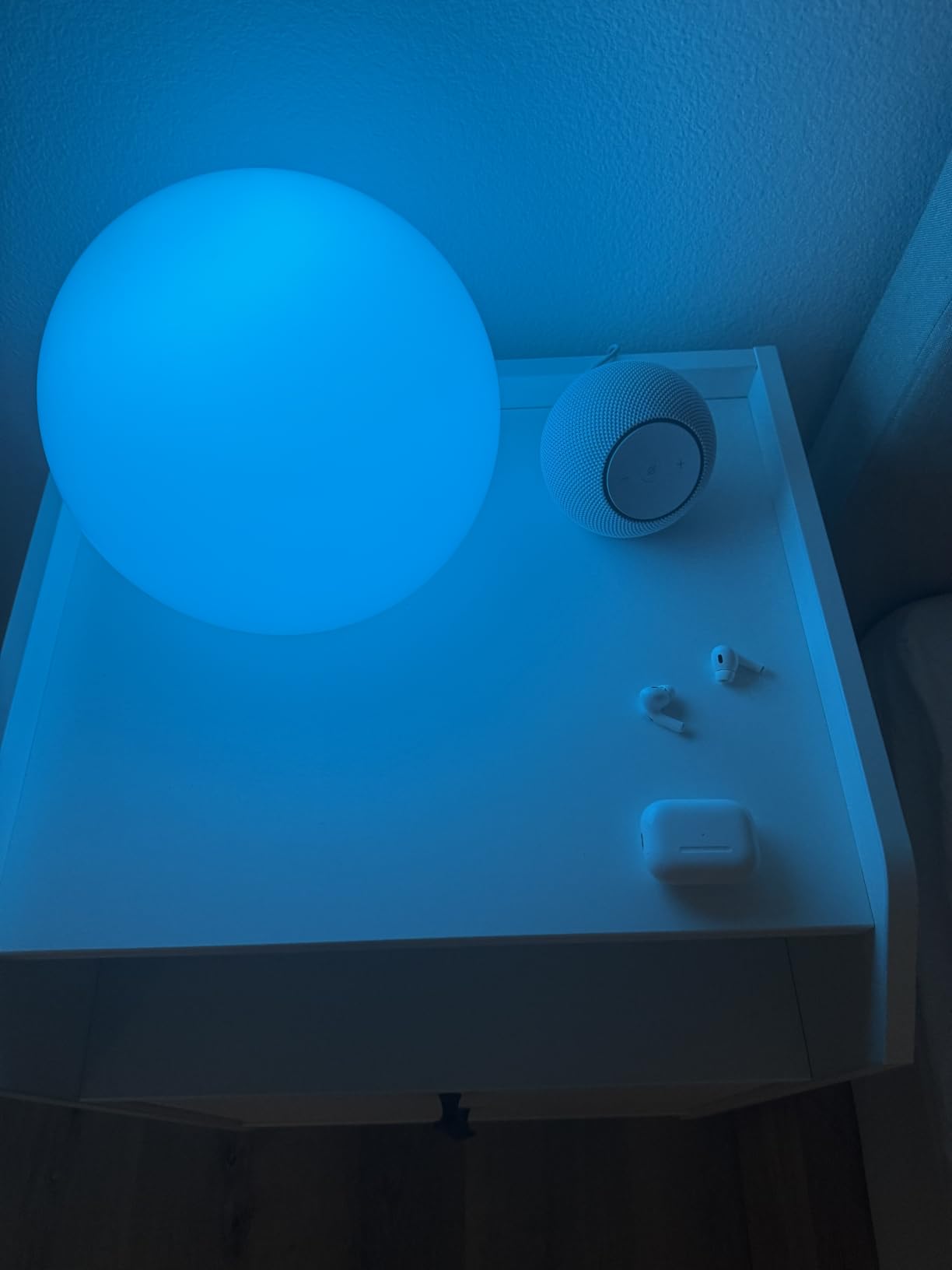
Each bulb outputs 800 lumens and connects via both Wi-Fi and Bluetooth. The dual connectivity gives you a fallback if your Wi-Fi acts up. With over 26,000 reviews, Govee has clearly struck a chord with buyers who want maximum features at a reasonable price.
For HomeKit users, Govee works through Matter compatibility, which means you can add these bulbs to Apple Home using the Matter pairing code. Once added, they respond to Siri commands and can be included in automations and scenes alongside your other HomeKit devices.
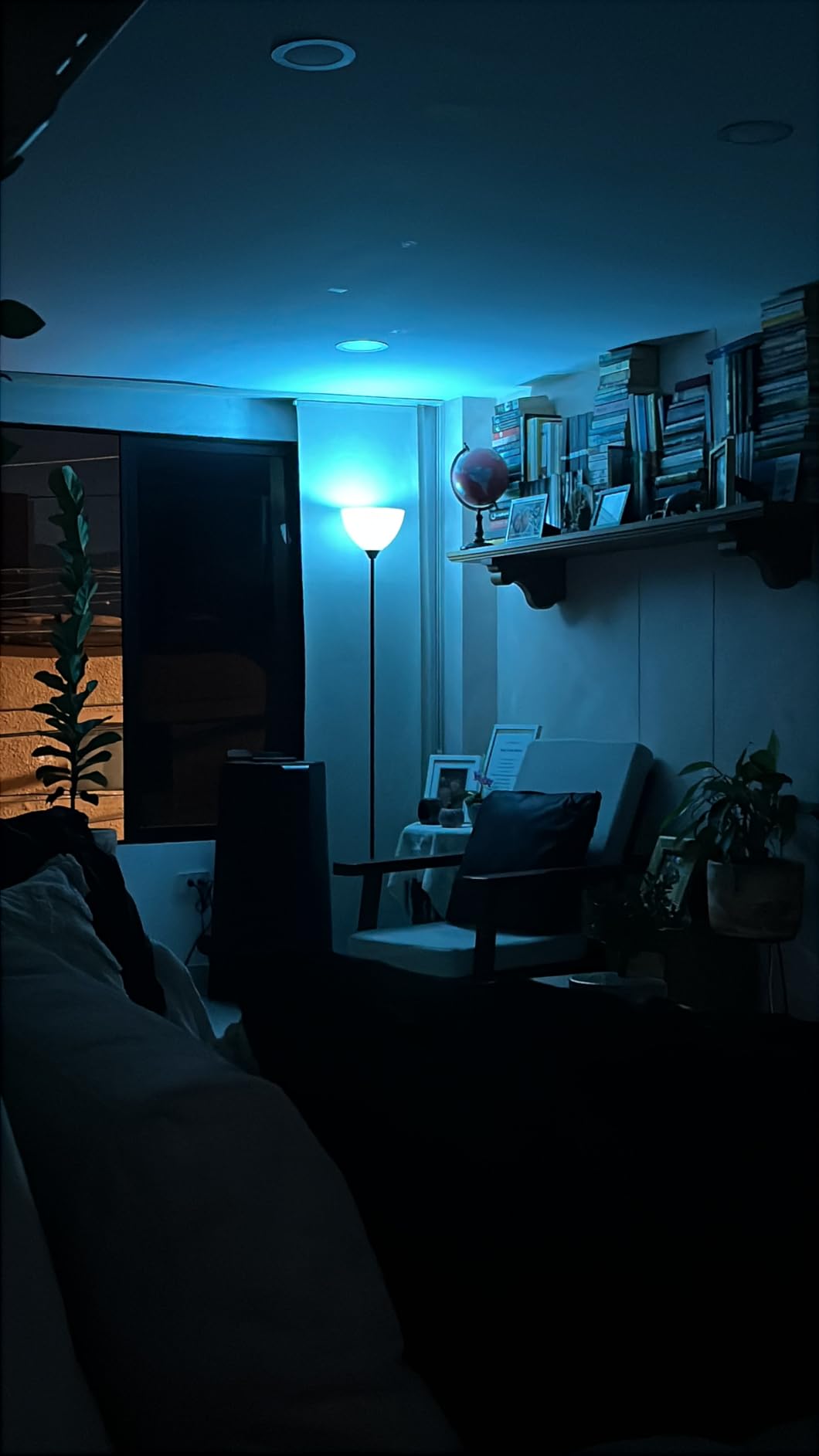
Does Govee music sync work through Apple Home?
The music sync feature requires the Govee app and does not work through Apple Home directly. This is the trade-off for using Govee in a HomeKit setup. You get full Siri control for on, off, dimming, and color changes in Apple Home, but advanced effects like music sync need the Govee app.
If music sync is your primary reason for buying, consider whether you are comfortable using two apps. For most users, basic HomeKit control covers 90 percent of daily use.
How does Govee color quality compare to Philips Hue?
Hue still produces more accurate and vibrant colors, especially in deep blues and greens. Govee is very good for the price but shows slight washiness in certain color ranges. For party lighting and effects, the difference is barely noticeable. For precise color-critical applications like photography lighting, Hue remains superior.
5. LIFX Color Smart Light Bulb – Premium Color Quality Without a Hub
LIFX Color Smart Light Bulbs (2-Pack) A19 E26, Matter Compatible RGB + Tunable White (800 Lumens), WiFi Dimmable Color Changing (2.4GHz), Compatible with Apple HomeKit, Alexa & Google
800 Lumens
Matter Compatible
No Hub Required
82+ CRI
Pros
- SuperColor technology with vivid colors
- Matter compatible without hub
- 200 plus mood themes
- Setup in under 5 minutes
Cons
- Connectivity issues reported by some users
- Color brightness mediocre at deep colors
LIFX has built its reputation on delivering some of the richest, most saturated colors in the smart bulb market. The SuperColor technology produces billions of color combinations, and the 82-plus CRI means those colors render accurately on surfaces around your room. I was impressed by how deep the reds and purples looked compared to other hub-free bulbs.
The 2-pack connects directly to Wi-Fi with no hub required, which keeps the total cost down. Matter compatibility means these bulbs work natively with Apple Home, and I had them paired and responding to Siri within minutes of unboxing.
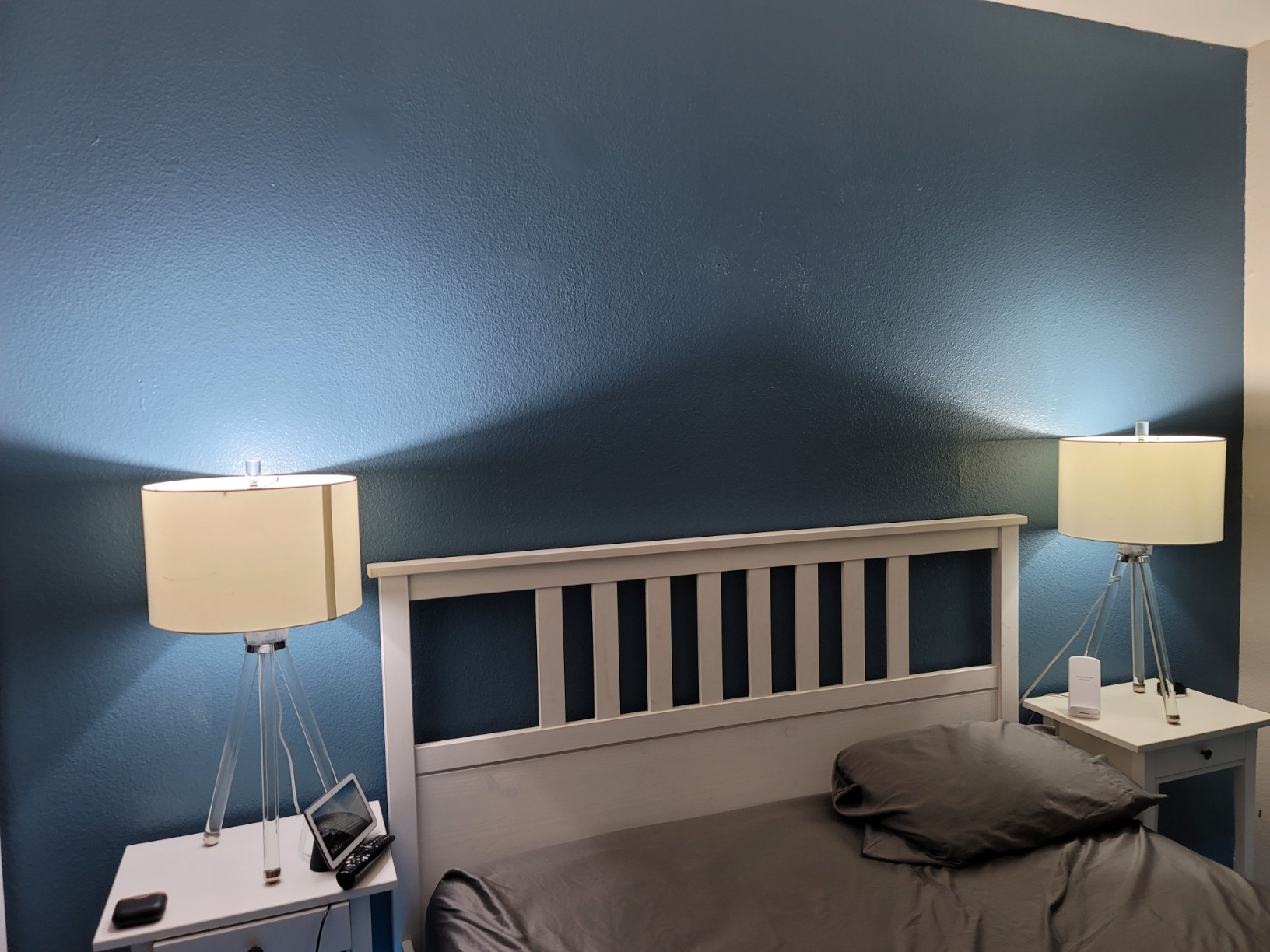
The LIFX app offers over 200 preset themes for mood lighting, plus a music visualizer mode that reacts to ambient sound. The wide color temperature range up to 9000K gives you extremely cool daylight options that some competitors cannot match. This makes LIFX a strong choice for task lighting and workspaces.
The main concern with LIFX is reliability. Some users report connectivity dropouts, and the brand has had a mixed reputation on Reddit forums over the years. My testing period was mostly stable, but I did experience one brief disconnection that resolved itself after a few minutes.
Is LIFX reliable enough for a whole-home setup?
For a few bulbs in key rooms, LIFX performs well and the color quality justifies the price. For a whole-home installation with 15 or more bulbs, the lack of a hub means each bulb independently stresses your Wi-Fi network. At that scale, a hub-based system like Hue or Aqara is more dependable.
If you experience connectivity issues, the fix is often as simple as moving your router closer or adding a Wi-Fi extender near the problem bulb.
Does LIFX support Adaptive Lighting in Apple Home?
Yes, LIFX Matter bulbs support Apple Home Adaptive Lighting when connected via Matter. The color temperature shifts automatically throughout the day, matching natural daylight patterns. This feature worked smoothly during my testing with no manual intervention needed.
6. TP-Link Tapo L535E – The Brightest HomeKit Bulb on This List
Tapo Multicolor Dimmable Smart Light Bulbs, L535E(2-Pack), A19 E26, 1100LM
1100 Lumens
Matter Certified
CRI 90
Local LAN Control
Pros
- 1100 lumens for maximum brightness
- Matter certified for all ecosystems
- CRI 90 for accurate colors
- Works offline with local LAN control
Cons
- Wi-Fi only with no Zigbee or Thread
- Requires 2.4GHz network
The TP-Link Tapo L535E stands out immediately for one reason, and that is brightness. At 1100 lumens, this is the brightest bulb in my roundup, equivalent to a 75-watt incandescent. I replaced a standard bulb in my kitchen with the Tapo, and the difference in light output was immediately noticeable.
Matter certification means these bulbs pair directly with Apple Home without needing the Tapo app if you do not want it. The QR code pairing process was smooth, and within a minute I had full Siri control over brightness, color, and on/off status.
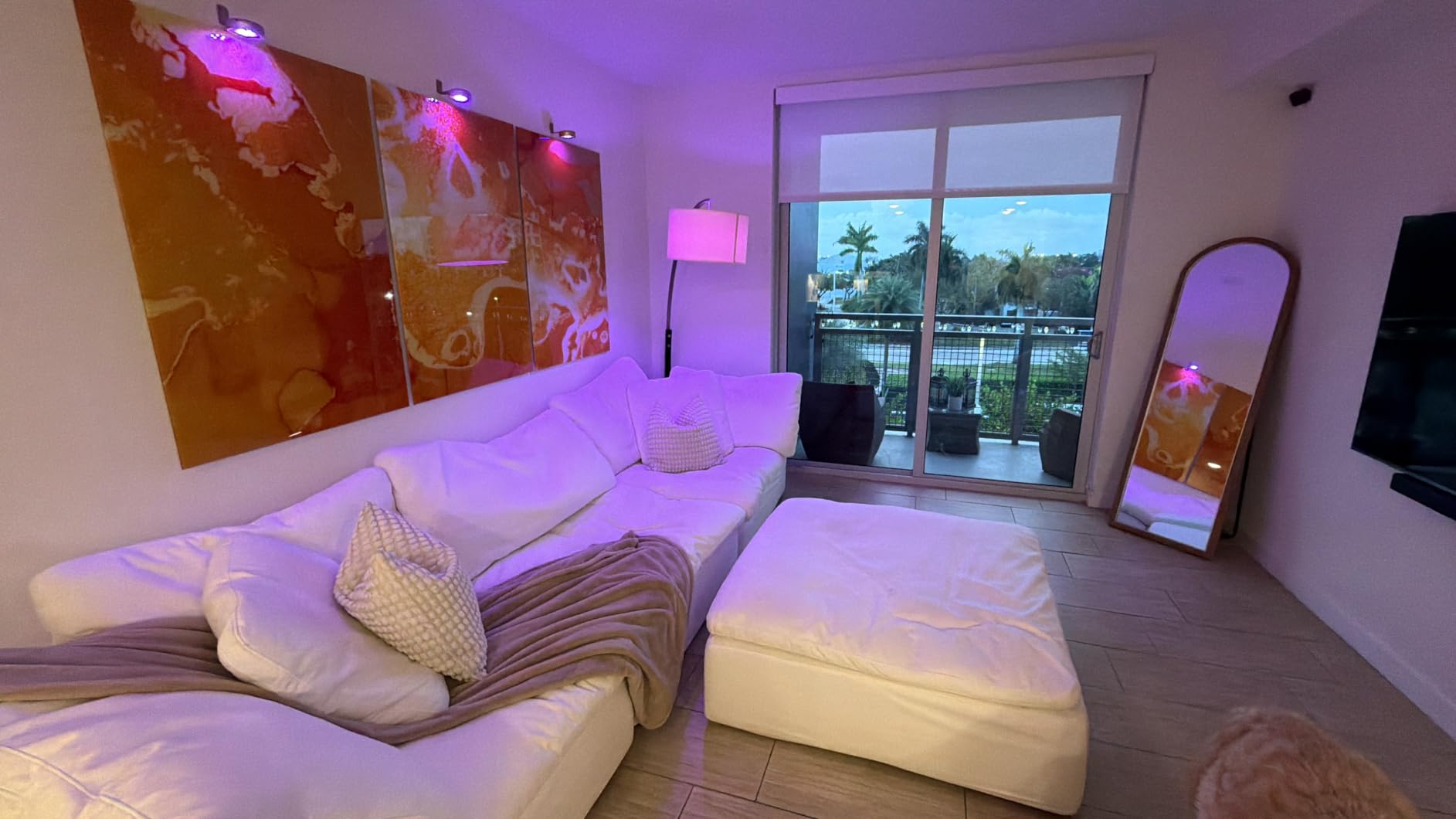
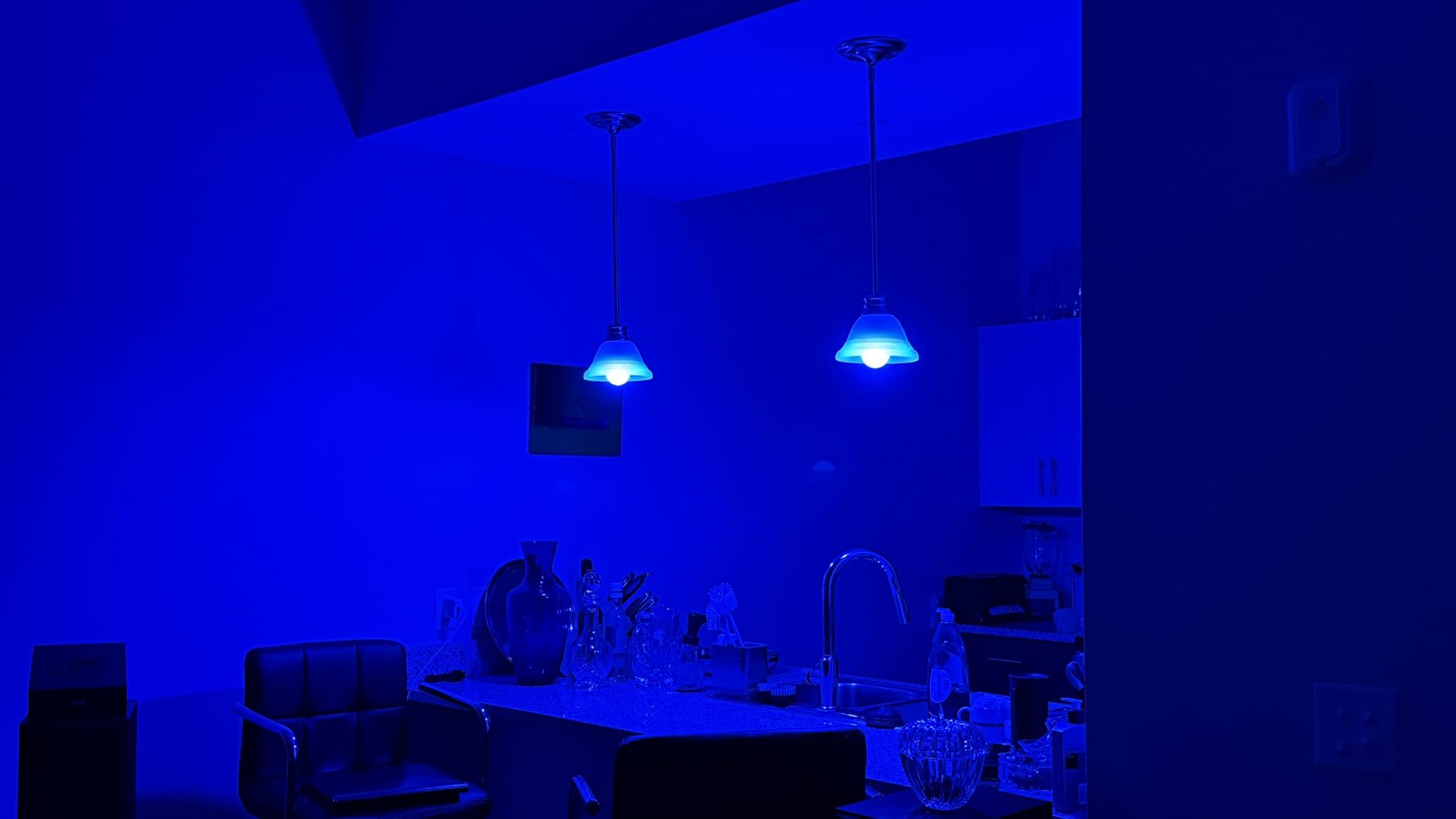
The CRI of 90 ensures that colors under these bulbs look accurate and true, which matters in kitchens, bathrooms, and workspaces. The 16 million color options cover the full RGB spectrum, and tunable white ranges from 2500K to 6500K for warm to cool lighting.
One feature that sets Tapo apart is local LAN control, which means the bulbs can be controlled on your network even when your internet connection is down. This is a reliability advantage over cloud-dependent bulbs that stop responding when your ISP has an outage.
How does Tapo compare to Meross for HomeKit?
Both are Matter-certified Wi-Fi bulbs that do not require a hub. Tapo wins on brightness at 1100 lumens versus 810 for Meross, and it offers local LAN control. Meross is slightly more affordable and has a longer track record specifically with HomeKit users. For brightness-critical spaces like kitchens and garages, Tapo is the better choice.
For bedroom or living room use where 800 lumens is sufficient, the price difference may push you toward Meross instead.
Does the Tapo app offer features beyond Apple Home?
Yes, the Tapo app provides energy monitoring, away mode scheduling, and device grouping features that go beyond what Apple Home offers. You can use both the Tapo app and Apple Home simultaneously, which gives you the best of both worlds. The Tapo ecosystem also includes cameras, plugs, and sensors if you want to build beyond lighting.
7. Nanoleaf Essentials Matter Bulb – Thread Pioneer with Top-Tier Color Accuracy
Nanoleaf Essentials Smart Light Bulbs, Matter LED Bulbs A19 E26 60W 2PK
1000 Lumens
Matter Enabled
CRI 90
Circadian Lighting
Pros
- Matter enabled for all ecosystems
- 1000 lumens for bright output
- CRI 90 plus for excellent color accuracy
- Circadian lighting adjusts to timezone
Cons
- Wi-Fi version has connectivity issues
- 2.4GHz only with no 5GHz
- Some users report disconnections
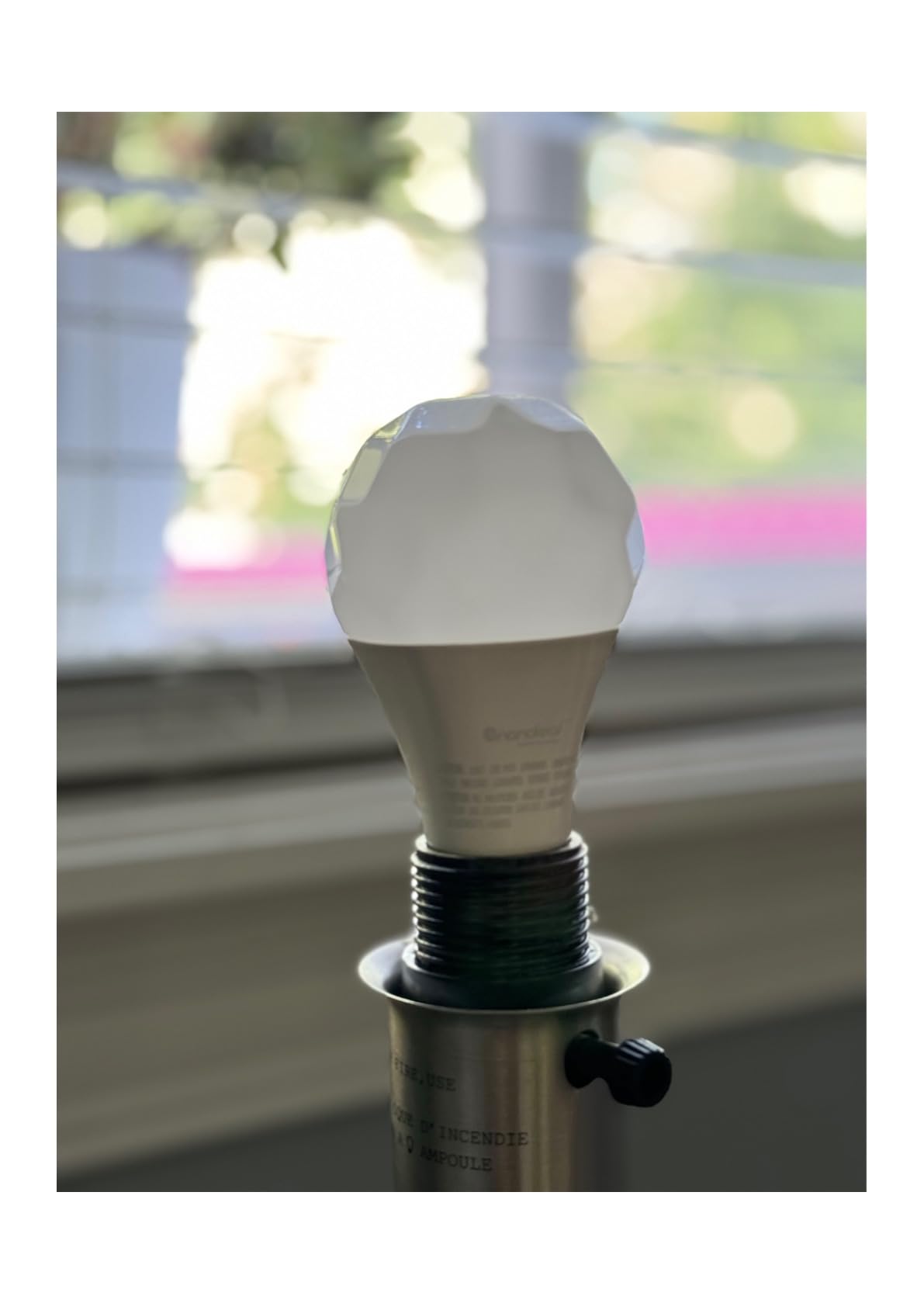
Nanoleaf was one of the first brands to embrace Thread and Matter, and the Essentials bulb reflects that pioneer spirit. At 1000 lumens with a CRI over 90, this bulb delivers excellent brightness and color accuracy that rivals bulbs costing twice as much. The color reproduction is some of the best I have tested outside of Philips Hue.
The Circadian Lighting feature automatically adjusts color temperature based on your timezone, creating a natural daylight progression throughout the day. I found this particularly effective in my home office, where the gradual warmth shift in the evening helped signal the end of the workday.
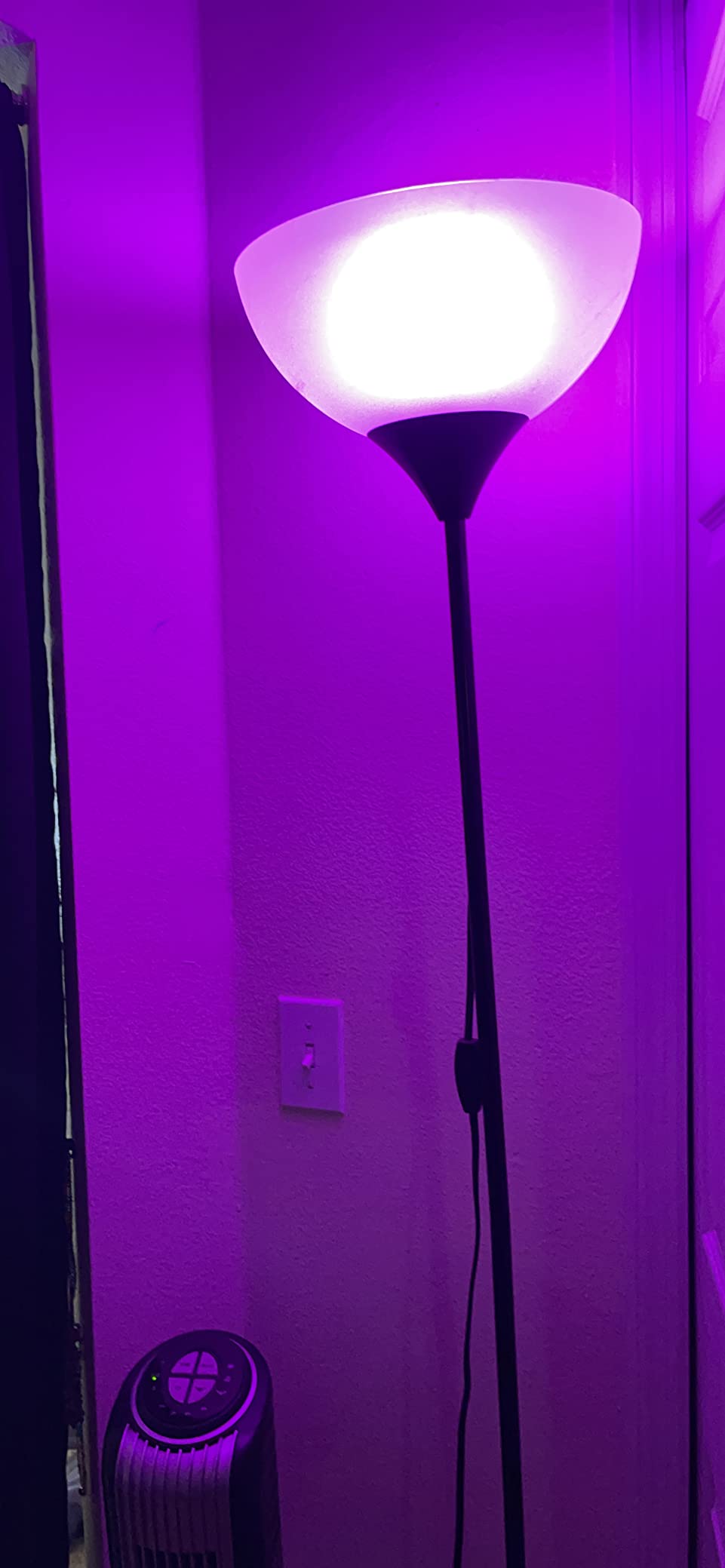
Matter compatibility means these bulbs work with Apple Home, Alexa, Google Home, and SmartThings. The 16 million color options with RGB plus tunable white cover any lighting scenario you can imagine. Music sync is also available for dynamic lighting effects.
The elephant in the room is connectivity. Some Nanoleaf users on Reddit report persistent disconnection issues, particularly with the Wi-Fi version. The Thread version tends to be more reliable when paired with a Thread border router like HomePod Mini. My testing was mostly stable, but I did notice occasional delays in Siri response times.
Should I buy the Thread or Wi-Fi version of Nanoleaf Essentials?
If you have a HomePod Mini or Apple TV 4K as your Thread border router, the Thread version is the better choice for reliability. Thread creates a mesh network that is more stable than direct Wi-Fi. The Wi-Fi version works fine for most users but has a higher rate of reported connectivity issues.
Thread also reduces the load on your Wi-Fi network, which becomes significant as you add more smart home devices over time.
How does Nanoleaf color quality compare to LIFX?
Both produce excellent colors with CRI ratings above 80. Nanoleaf edges ahead with a CRI of 90 versus 82-plus for LIFX, meaning colors render slightly more accurately under Nanoleaf lighting. However, LIFX offers deeper saturation in certain color ranges. For most users, the difference is negligible in daily use.
8. Aqara Thread/Zigbee Smart LED T2 – The Dual Protocol Powerhouse
Aqara Thread/Zigbee Smart LED Light Bulb T2 E26, 1 Pack
1100 Lumens
Thread and Zigbee
2000K-9000K
Adaptive Lighting
Pros
- Dual Thread and Zigbee protocol support
- Ultra-wide 2000K to 9000K tunable white
- Apple HomeKit Adaptive Lighting
- Great Philips Hue alternative
Cons
- Thread mode lacks some Zigbee features
- Setup can be confusing
- Requires Aqara hub for full features
- Some report laggy Matter response
The Aqara T2 is the most flexible smart bulb I tested, thanks to its dual Thread and Zigbee protocol support. This means you can connect it through a Thread border router like HomePod Mini or through an Aqara hub using Zigbee. That flexibility is genuinely rare in the smart bulb market and makes the T2 a compelling Philips Hue alternative.
The ultra-wide tunable white range of 2000K to 9000K is the broadest on this list. That range lets you go from candle-warm amber light to stark blue-white daylight, covering every use case from cozy movie nights to focused task work. I was genuinely surprised by how warm the lowest setting felt.
With 1100 lumens and a CRI of 90, the T2 matches the brightness and color accuracy of the TP-Link Tapo while offering superior protocol flexibility. Apple HomeKit Adaptive Lighting works natively, and the bulb remembers its last state after a power outage, which is a small but appreciated detail.
The trade-off is complexity. Choosing between Thread and Zigbee modes during setup confused me initially, and some users report that Thread mode lacks features available in Zigbee mode, like circadian lighting. The Aqara hub is recommended for the full feature set, which adds to the total cost.
Is the Aqara T2 a real Philips Hue alternative?
For users who already own an Aqara hub or a Thread border router, the T2 is a legitimate Hue alternative at a significantly lower per-bulb price. The color quality and brightness are comparable, and the dual protocol support offers future-proofing that Hue currently lacks.
The main gap is ecosystem maturity. Hue has years of refinement, third-party accessory support, and proven reliability data. Aqara is newer to the smart bulb space and has a smaller user community for troubleshooting.
What do you need to use Aqara T2 with Apple HomeKit?
For Thread mode, you need a Thread border router such as HomePod Mini or Apple TV 4K. For Zigbee mode, you need an Aqara hub connected to your network. Either way, once connected, the bulb appears in Apple Home and responds to Siri commands, automations, and scenes. Matter certification also allows direct pairing without an Aqara account.
Buying Guide: How to Choose the Right HomeKit Smart Bulb
Choosing between the best smart bulbs for HomeKit comes down to a few key decisions that will shape your entire smart lighting experience. I have broken down the most important factors based on what actually matters in daily use, not just spec sheets.
Hub vs Hub-Free: Which Is Right for You?
The biggest decision is whether to use a hub-based system like Philips Hue or Aqara, or go hub-free with direct Wi-Fi bulbs like Meross, LIFX, and Sengled. Hub-based systems are more reliable because they keep smart bulb traffic off your Wi-Fi network. Each bulb communicates with the hub using Zigbee or Thread, and the hub acts as a single connection point to your router.
Hub-free bulbs are simpler to set up and cheaper upfront, since there is no bridge to buy. However, every bulb connects independently to your Wi-Fi, which can strain your router if you have many devices. For homes with fewer than five bulbs, hub-free is usually fine. For whole-home setups with 10 or more bulbs, a hub-based system is strongly recommended.
Forum discussions on Reddit consistently show that hub-based systems like Hue are trusted more for reliability. Users describe Hue as rock solid, while hub-free brands get mixed reviews on long-term stability.
Matter and Thread: What They Mean for HomeKit
Matter is a smart home standard that lets devices work across Apple Home, Alexa, Google Home, and SmartThings without brand-specific apps. If a bulb is Matter-certified, it will work with HomeKit. This simplifies buying decisions because you no longer need to check for a specific Works with Apple HomeKit badge.
Thread is a networking protocol that creates a low-power mesh network between your smart devices. Thread is more reliable than Wi-Fi for smart home devices because each Thread device extends the network. To use Thread bulbs, you need a Thread border router like a HomePod Mini or Apple TV 4K.
The distinction matters because Matter is about compatibility while Thread is about connectivity. A bulb can be Matter-certified without Thread, meaning it works with HomeKit but connects via Wi-Fi. For maximum reliability, look for bulbs that support both Matter and Thread, like the Aqara T2 and Nanoleaf Essentials.
Brightness and Lumens: How Much Light Do You Need?
Lumens measure the total light output of a bulb, and the right amount depends on the room. A standard 60-watt equivalent bulb outputs about 800 lumens, which works for most bedrooms, hallways, and living areas. For kitchens, garages, and workspaces, consider brighter options like the TP-Link Tapo at 1100 lumens or the Aqara T2 at 1100 lumens.
Color temperature also affects perceived brightness. Cool white light around 5000K to 6500K feels brighter and more alert, making it ideal for task lighting. Warm white around 2700K feels softer and more relaxing, which is better for bedrooms and living rooms. The Aqara T2 offers the widest range at 2000K to 9000K.
Color Quality and CRI: Why It Matters
The Color Rendering Index, or CRI, measures how accurately a light source reveals colors compared to natural sunlight. A CRI of 80 is acceptable for most uses, while 90 or above is excellent. Three bulbs on this list hit CRI 90, and they are the TP-Link Tapo, Nanoleaf Essentials, and Aqara T2.
High CRI matters most in spaces where color accuracy is important, such as bathrooms, closets, and makeup vanities. For ambient lighting where exact color accuracy is less critical, CRI 80 bulbs like the Philips Hue and Meross perform perfectly well.
Home Hub Requirements Explained
To control HomeKit bulbs away from home, run automations, and allow other people in your household to control lights, you need a Home Hub. The three options are HomePod Mini, Apple TV 4K, and a dedicated iPad left at home. HomePod Mini is the most popular choice because it is affordable and also serves as a Thread border router.
If you already own a HomePod Mini, you are fully set up for HomeKit smart lighting. It handles Home Hub duties, Thread border routing, and Siri voice commands all in one device. Without a Home Hub, you can still control bulbs when connected to your home Wi-Fi, but you lose remote access and automation capabilities.
Privacy and Security with HomeKit Bulbs
Apple HomeKit uses end-to-end encryption for all device communication, which is a significant privacy advantage over other smart home platforms. When you control a HomeKit bulb through Apple Home, your commands are encrypted and processed locally through your Home Hub rather than sent to a cloud server.
However, many bulbs also connect to their manufacturer’s cloud for app features like music sync and advanced scheduling. If privacy is a top concern, look for bulbs that support local control and Matter, which minimizes cloud dependency. The TP-Link Tapo with local LAN control and the Aqara T2 with Thread are good choices for privacy-minded users.
FAQs
What smart light bulbs work best with Apple HomeKit?
The best smart bulbs for Apple HomeKit include Philips Hue for maximum reliability, Meross for direct hub-free HomeKit connection, and Sengled for budget Matter compatibility. All three connect to Apple Home and respond to Siri voice commands, automations, and scenes.
What brands are compatible with Apple HomeKit?
Apple HomeKit-compatible smart bulb brands include Philips Hue, Meross, Nanoleaf, LIFX, Govee, TP-Link Tapo, Aqara, and Sengled. Any bulb with Matter certification also works with Apple Home, which expands compatibility to even more brands.
Can a smart bulb connect to Apple Home?
Yes, a smart bulb can connect to Apple Home if it is HomeKit-certified or Matter-certified. Open the Apple Home app, tap the plus icon, scan the QR code on the bulb or its packaging, and follow the prompts to complete pairing. You need a Home Hub like HomePod Mini for remote access and automations.
Do all Philips Hue lights work with HomeKit?
Yes, all current Philips Hue bulbs work with Apple HomeKit through the Hue Bridge. You need the Bridge connected to your router via Ethernet for HomeKit functionality. Bluetooth-only Hue bulbs work without a Bridge but do not support HomeKit control.
What is the most reliable smart bulb for HomeKit?
Philips Hue is widely considered the most reliable smart bulb for HomeKit due to its Zigbee hub architecture that keeps bulb traffic off your Wi-Fi network. Reddit users consistently describe Hue as rock solid, and the bulbs have a proven track record of years of failure-free operation.
Conclusion
After months of testing, my top recommendation for the best smart bulbs for HomeKit in 2026 remains Philips Hue for anyone who values reliability above all else. The Zigbee hub architecture, vibrant color quality, and proven track record make it the safest long-term investment for Apple smart homes.
For budget-conscious buyers, Meross delivers direct HomeKit compatibility without a hub at a price that is hard to beat. And Sengled proves that Matter certification does not have to be expensive, offering the lowest per-bulb cost on the market while still supporting Apple Home.
If you are starting your HomeKit lighting journey, pick the option that matches your budget and home size. You can always mix brands within Apple Home, since Matter ensures cross-brand compatibility. The most important step is getting that first bulb paired and experiencing the convenience of Siri-controlled lighting for yourself.