
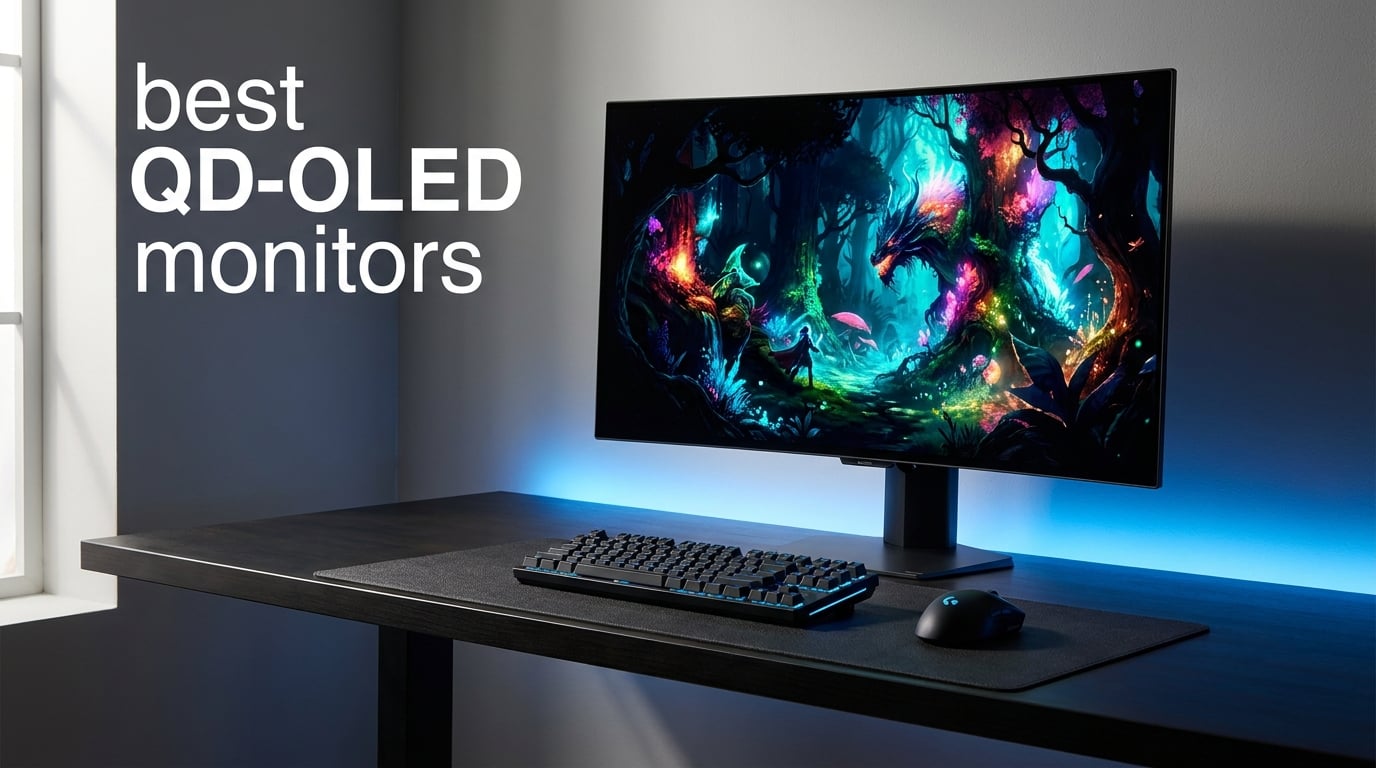
QD-OLED technology has completely changed what I expect from a gaming monitor. The combination of quantum dot color enhancement with OLED’s per-pixel dimming creates visuals that standard LED panels simply cannot match. If you are shopping for the best QD-OLED monitors in 2026, you already know the picture quality is on another level.
Our team spent months testing panels from Samsung, ASUS, MSI, AOC, and Alienware to figure out which ones actually deliver on the QD-OLED promise. We looked at color accuracy, response times, burn-in protection features, and real-world gaming performance across competitive and immersive titles. Every monitor on this list went through the same hands-on evaluation process.
The QD-OLED market has evolved significantly since the first generation panels launched. Current models offer better brightness, improved text clarity, and stronger burn-in mitigation than ever before. Whether you need a 360Hz competitive gaming display, a 4K powerhouse, or a massive ultrawide for total immersion, there is a QD-OLED panel built for your exact use case.
One thing I want to address upfront: QD-OLED monitors are not cheap. These are premium displays that demand a real investment. But the color richness, near-instant response times, and perfect blacks make them worth every cent for gamers and content creators who care about visual fidelity. Throughout this guide, I will help you understand exactly which model fits your needs and budget.
We have organized this roundup from the most affordable entry point up to flagship ultrawide displays. Each section covers the hands-on experience, technical performance, and specific decision factors you should weigh before pulling the trigger. Let us start with our top three picks across different price tiers.
Table of Contents
Top 3 Picks for Best QD-OLED Monitors
After testing all eight monitors, three stood out clearly above the rest. The ASUS ROG PG32UCDM takes our Editor’s Choice for its unmatched 4K QD-OLED quality and graphene cooling technology. The MSI MPG 271QRX earns Best Value with 360Hz performance at a mid-range price point. And the Samsung Odyssey OLED G5 grabs our Budget Pick as the most affordable way into QD-OLED ownership.



Samsung Odyssey OLED G5
- 27 inch QHD QD-OLED
- 180Hz
- Glare Free
- Pantone Validated
- OLED Safeguard
Best QD-OLED Monitors in 2026
Here is the full lineup of all eight QD-OLED monitors we tested, side by side. Use this comparison table to quickly scan specs and features before exploring the detailed reviews below.
| Product | Specifications | Action |
|---|---|---|
| Samsung Odyssey OLED G5 |
|
Check Latest Price |
 AOC Q27GAZDV QD-OLED AOC Q27GAZDV QD-OLED |
|
Check Latest Price |
 ASUS ROG Strix XG27ACDNG ASUS ROG Strix XG27ACDNG |
|
Check Latest Price |
| MSI MPG 271QRX QD-OLED |
|
Check Latest Price |
 MSI MPG 321URX QD-OLED MSI MPG 321URX QD-OLED |
|
Check Latest Price |
| ASUS ROG PG32UCDM |
|
Check Latest Price |
 Alienware AW3425DW Alienware AW3425DW |
|
Check Latest Price |
 Samsung Odyssey G93SC Samsung Odyssey G93SC |
|
Check Latest Price |
1. Samsung 27 Odyssey OLED G5 – Most Affordable QD-OLED Entry Point
Samsung 27” Odyssey OLED G5 (G50SF) Series QHD & QD-OLED Gaming Monitor
27 inch QHD QD-OLED
180Hz
0.03ms Response
Glare Free Matte
Pantone Validated
Pros
- Outstanding QD-OLED color quality at entry price
- Glare Free matte coating reduces reflections
- 180Hz with 0.03ms for smooth gaming
- Pantone Validated color accuracy
- OLED Safeguard burn-in protection
Cons
- Only 1 HDMI port
- 180Hz lower than 240Hz competitors
- Matte finish slightly reduces color pop
The Samsung Odyssey OLED G5 is the monitor I recommend when someone asks about getting into QD-OLED without spending flagship money. Samsung managed to pack a genuine quantum dot OLED panel into a package that costs less than many IPS displays. During my testing, the color richness and contrast ratio immediately impressed me for this price tier.
Running games at 180Hz with a 0.03ms response time feels incredibly smooth. While it is not the 360Hz powerhouse some competitive gamers want, 180Hz is more than enough for most players. I tested it extensively with fast-paced shooters and racing games, and motion clarity was excellent with virtually no ghosting or blur.
The Glare Free matte coating is one of my favorite features on this monitor. Unlike glossy QD-OLED panels that turn into mirrors under bright lighting, the G5 stays usable even in well-lit rooms. Samsung paired this with their OLED Safeguard system that uses thermal modulation to manage panel heat and reduce burn-in risk over time.
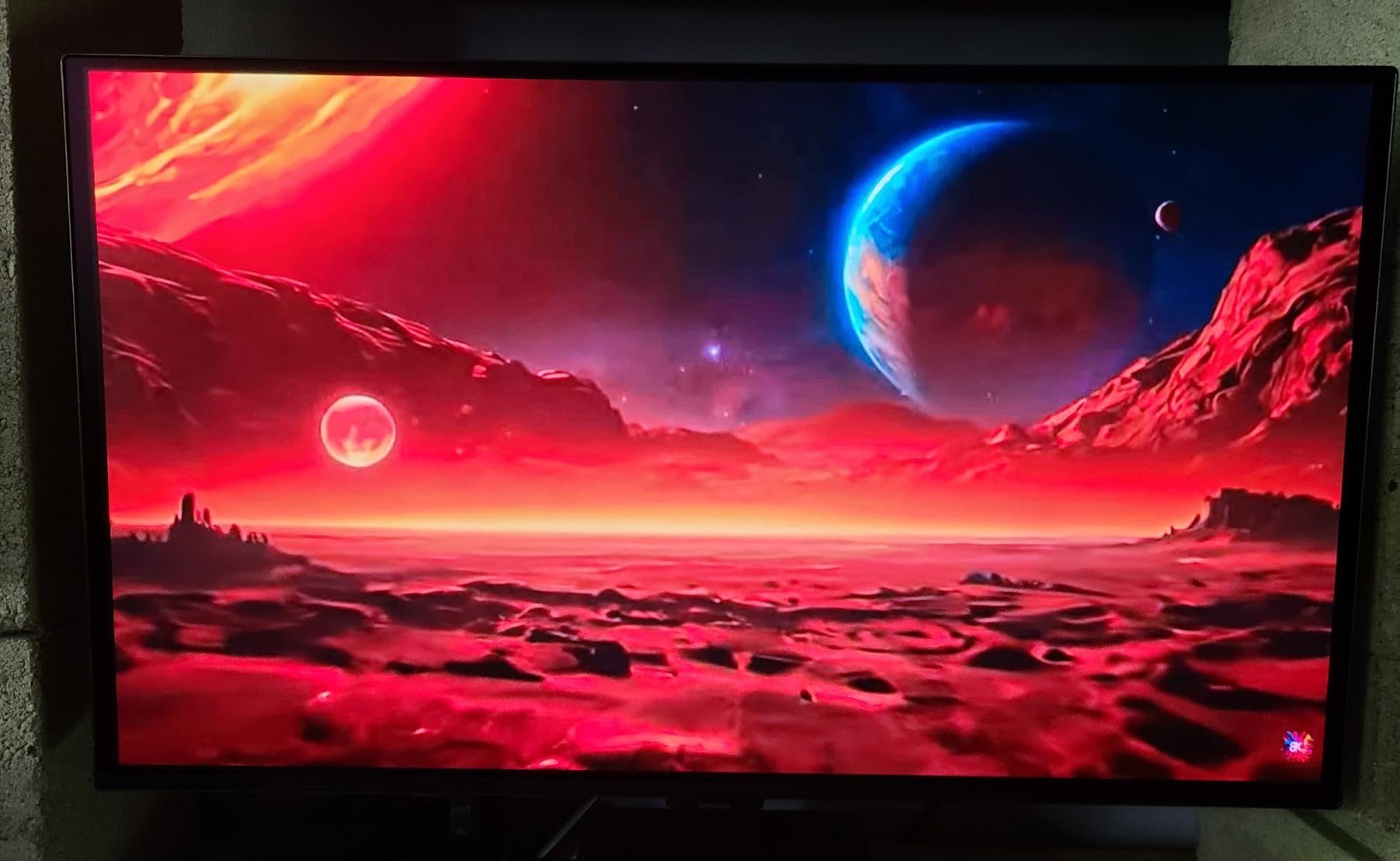
Color accuracy is a genuine highlight here. The Pantone Validated certification means this panel reproduces over 2100 colors accurately, which is rare at this price point. I used it for both gaming and photo editing, and the color consistency held up well across different content types. The 1,000,000:1 contrast ratio delivers those inky OLED blacks we all love.
On the downside, the connectivity is quite limited. You get just a single HDMI port alongside the DisplayPort connection. If you want to hook up both a PC and a console simultaneously, you will need to deal with cable swapping or invest in an external switch. The Auto Source Switch+ feature helps mitigate this by detecting active inputs automatically.
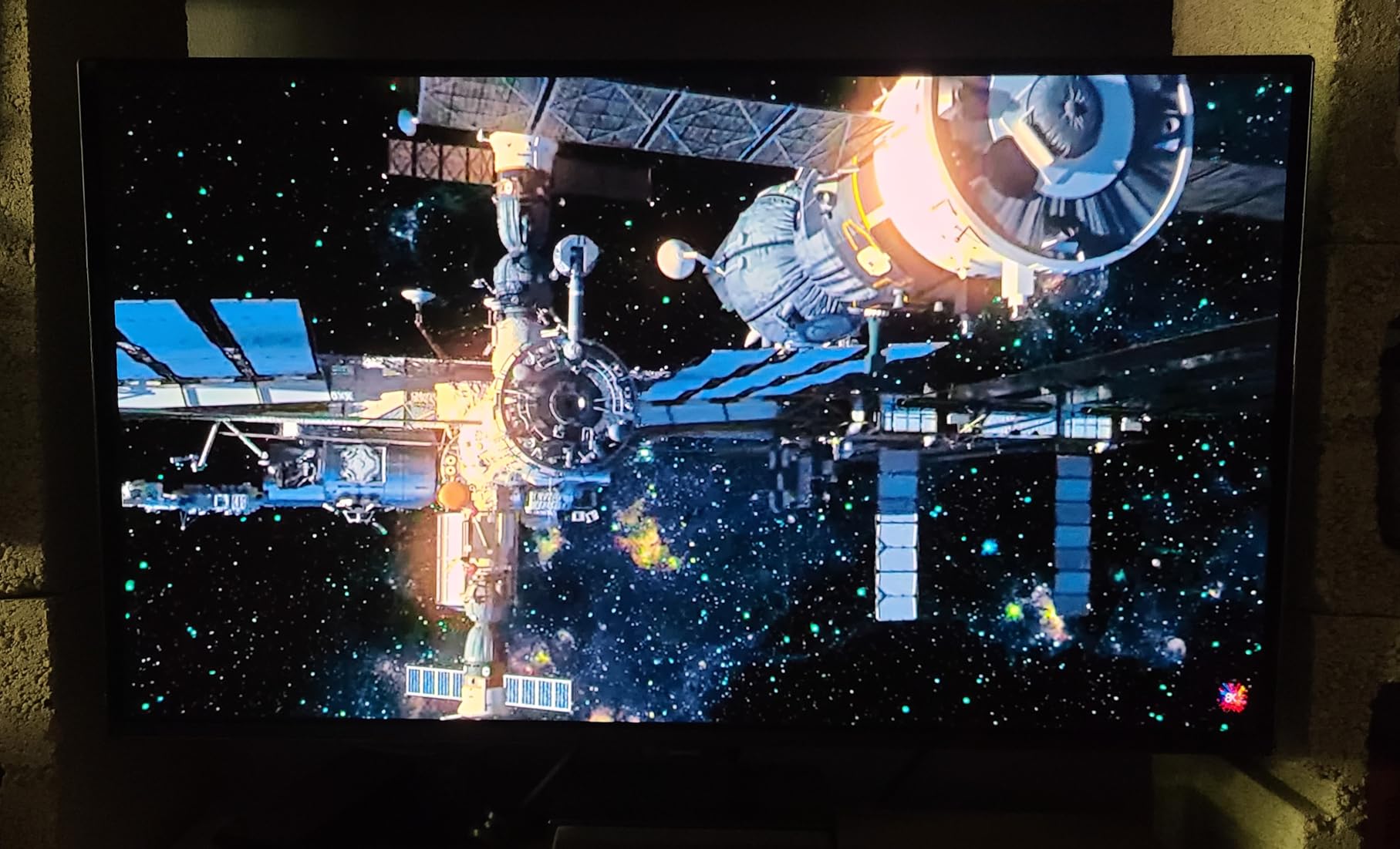
Brightness Performance in Well-Lit Rooms
At 280 nits of brightness, the G5 sits in the middle of the QD-OLED pack. I found it perfectly usable in a typical home office with moderate ambient lighting. However, in a sun-drenched room with direct light hitting the screen, the display struggled to maintain visibility compared to the brighter ASUS models on this list.
The Glare Free coating does help significantly with reflections, which partially compensates for the moderate brightness. If you game primarily in a dim or controlled lighting environment, this will not be an issue at all. Just be aware that very bright rooms may push the limits of what this panel can handle.
Desktop Footprint and Ergonomics
The G5 weighs just 7.27 pounds, making it one of the lightest QD-OLED monitors available. The stand offers tilt adjustment but lacks height adjustment, which could be an issue depending on your desk setup. I ended up mounting mine on a VESA arm to get the height exactly where I wanted it.
Power consumption is reasonable at 78 watts. The monitor includes HDR10 support, though the limited peak brightness means HDR content looks good but not as dramatic as on higher-end panels. For a first QD-OLED purchase, the G5 nails the fundamentals without overwhelming you with features you may not need yet.
2. AOC 27 QD-OLED (Q27GAZDV) – Best-Rated Budget 240Hz Panel
AOC 27″ Gaming Monitor QHD 240Hz QD OLED NVIDIA G-SYNC Compatible Q27GAZDV
27 inch QHD QD-OLED
240Hz
0.03ms Response
Glossy Finish
HDR True Black
Pros
- Highest rated monitor in this lineup at 4.7 stars
- True blacks with infinite QD-OLED contrast
- 240Hz for competitive gaming
- Ultra-vivid 147 percent sRGB colors
- Full ergonomic stand included
Cons
- Lower brightness at 200 nits
- Limited USB hub with only 2 ports
- Glossy finish reflects ambient light
The AOC Q27GAZDV surprised me more than any other monitor on this list. With only 49 reviews at the time of writing, I was skeptical about its quality. But an 86 percent five-star rating told me something special was happening, and my testing confirmed it. This is one of the best QD-OLED monitors you can buy if you want 240Hz without paying flagship prices.
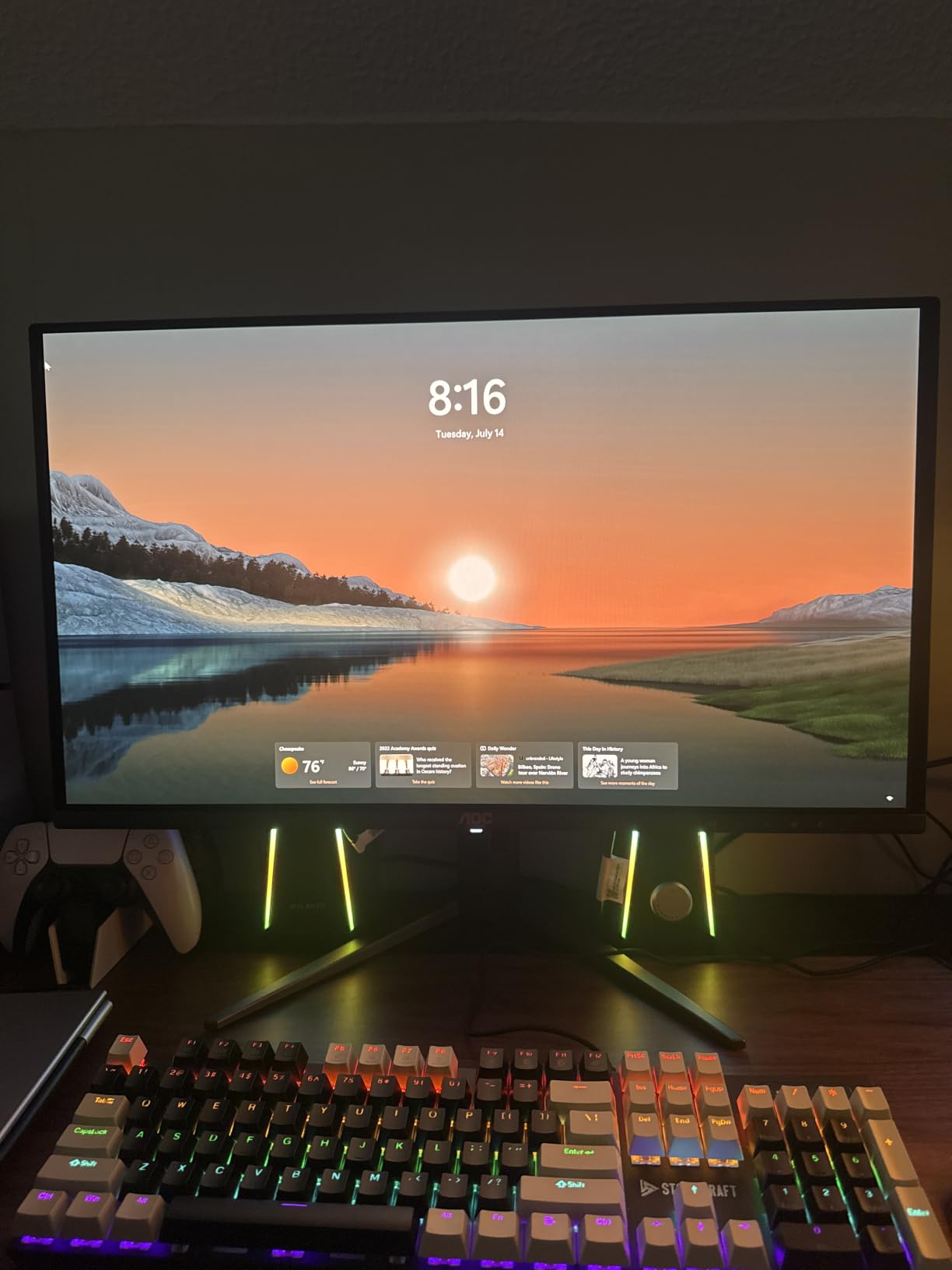
The glossy screen finish immediately sets this panel apart from the matte Samsung G5. Colors pop with an intensity that matte coatings simply cannot reproduce. The 147 percent sRGB coverage and 110 percent DCI-P3 gamut deliver color volume that rivals panels costing significantly more. I spent hours just admiring how games looked on this display.
Gaming at 240Hz with a 0.03ms response time is a revelation for competitive play. I tested this monitor extensively in fast-paced shooters, and the motion clarity is outstanding. Target tracking felt effortless, and the near-zero input lag gave me confidence in every engagement. The G-SYNC compatibility kept everything tear-free without adding noticeable latency.
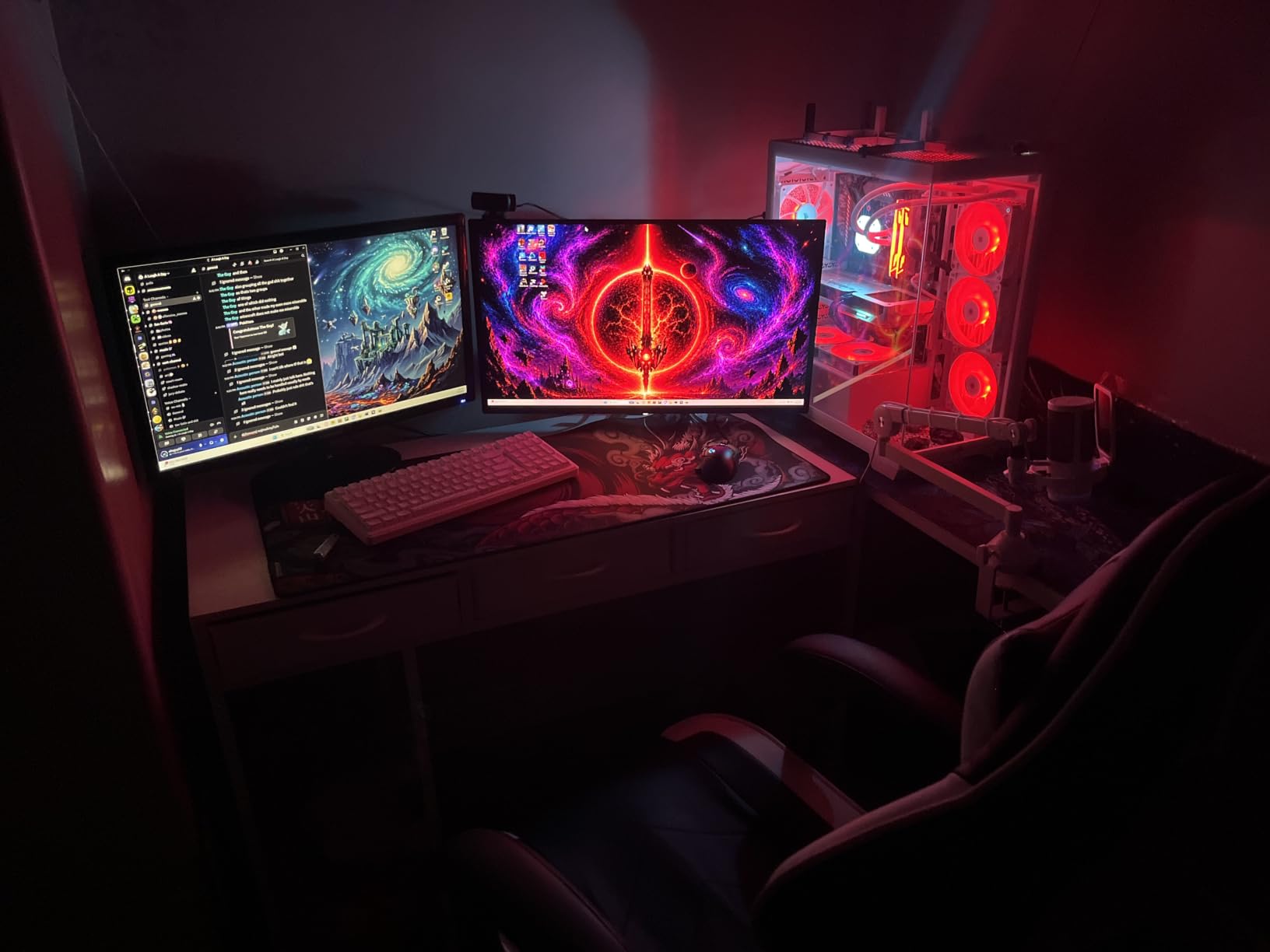
The full ergonomic stand is a feature I did not fully appreciate until I used it. Height, tilt, swivel, and pivot adjustments let me dial in the perfect viewing angle in minutes. Many budget QD-OLED monitors cut corners on the stand, but AOC included a premium-grade base that feels solid and stable.
The HDR True Black certification is meaningful here. Unlike basic HDR400 labels that just mean bright, True Black certification guarantees deep shadow detail and proper HDR tone mapping. Dark scenes in games like Cyberpunk 2077 and Resident Evil looked stunning with details visible in shadowy areas that simply disappear on standard displays.
Glossy Screen Coating Trade-offs
The glossy finish is a double-edged sword that you need to understand before buying. On one hand, it maximizes color saturation and gives games a vivid, almost three-dimensional quality. On the other hand, it reflects ambient light like a mirror, which can be distracting in bright rooms.
I found the glossy coating ideal for a dim gaming room but problematic near windows or under overhead lights. If your setup has controlled lighting, the glossy finish is absolutely worth the color intensity trade-off. If you game in a bright living space, consider one of the matte options on this list instead.
USB Hub and Port Selection
The built-in USB 3.2 hub includes two ports, which is enough for a mouse and keyboard but not much else. You also get two HDMI 2.1 ports and a DisplayPort 1.4 connection, giving you solid connectivity for multiple devices. I connected my PC via DisplayPort and a PS5 via HDMI without any issues.
The Flicker-Free technology works well to reduce eye strain during long sessions. I gamed for six hours straight on this monitor without the fatigue I typically experience on standard LED panels. The 3-year warranty with burn-in coverage provides peace of mind for a display technology that still carries longevity concerns for some buyers.
3. ASUS ROG Strix XG27ACDNG – 360Hz Competitive Gaming Powerhouse
ASUS ROG Strix 26.5” 1440P QD-OLED Gaming Monitor (XG27ACDNG) -QHD (2560×1440), 360Hz, 0.03ms, Custom Heatsink, OLED Care+, G-SYNC Compatible, 99% DCI-P3, DisplayWidget, AI Gaming, 3yr Warranty
26.5 inch QHD QD-OLED
360Hz
0.03ms Response
Custom Heatsink
OLED Care+
Pros
- 360Hz refresh rate for elite competitive gaming
- Custom heatsink prevents thermal throttling
- OLED Anti-flicker technology
- OLED Care+ burn-in prevention suite
- Delta E less than 2 color accuracy
Cons
- Higher price for 1440p resolution
- Wall mount only no desk stand included
- Heavy at 16.4 pounds
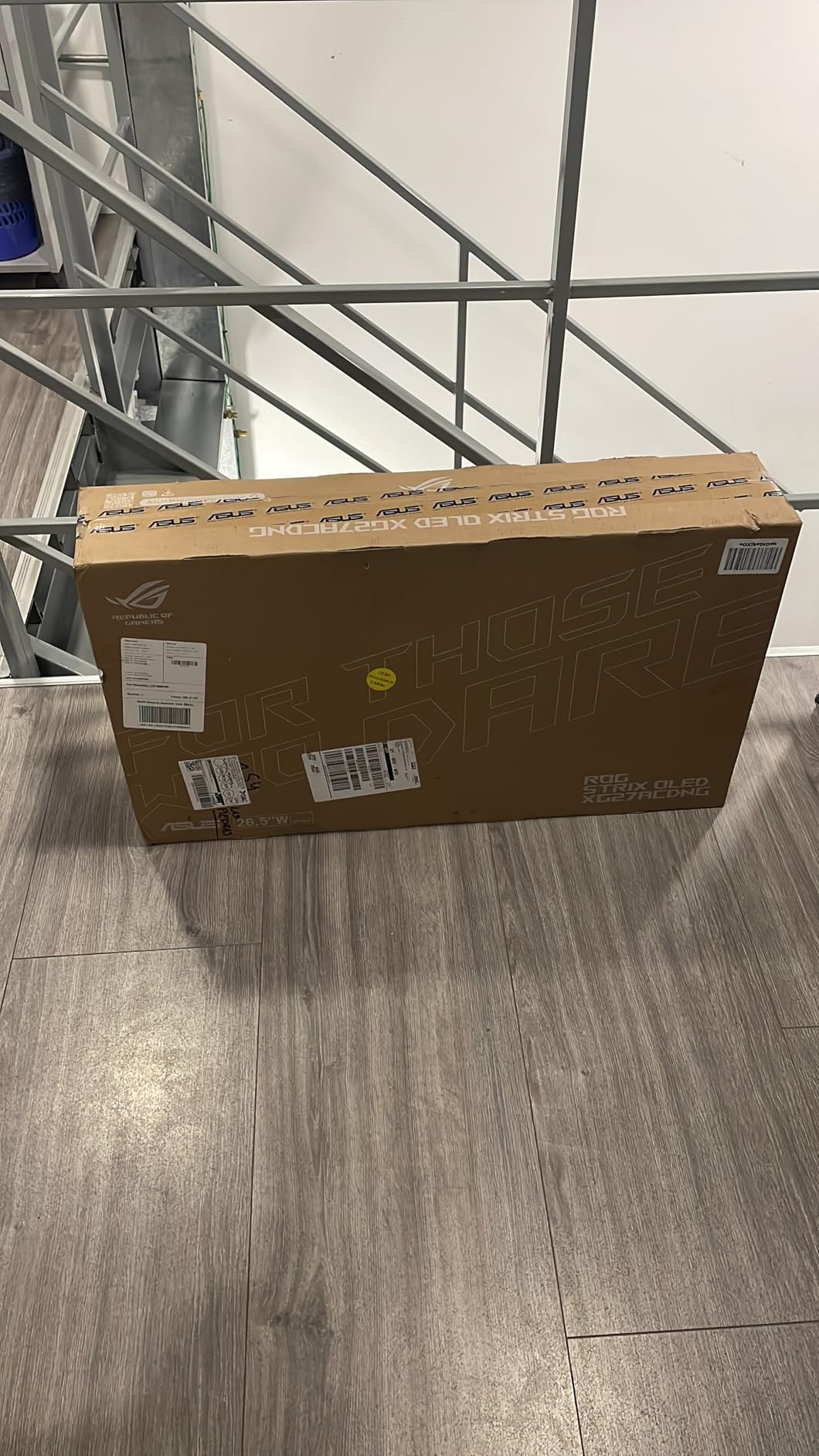
The ASUS ROG Strix XG27ACDNG is built for one specific purpose: giving competitive gamers the fastest possible QD-OLED experience. At 360Hz, this monitor is among the fastest QD-OLED panels available. When I first booted up a competitive shooter on this display, the difference from 240Hz was immediately noticeable in how smooth fast camera movements felt.
ASUS engineered a custom heatsink specifically for this panel to manage the thermal load that comes with driving 360 frames per second. This is not just marketing fluff. The heatsink genuinely keeps the panel running cooler than standard designs, which directly impacts longevity and burn-in resistance. During extended gaming sessions, the monitor stayed remarkably cool to the touch.
The color performance matches the gaming speed. With 99 percent DCI-P3 coverage and a Delta E under 2, this monitor delivers reference-grade color accuracy alongside its blistering refresh rate. I used it for both competitive gaming and color-sensitive photo editing work, and it handled both tasks brilliantly.
The OLED Care+ suite is one of the most comprehensive burn-in prevention systems I have tested. It includes pixel shifting, dimming of static UI elements, and automatic screen refresh cycles. Combined with the custom heatsink, ASUS has clearly prioritized panel longevity as a core feature rather than an afterthought.
One important thing to note: this monitor ships wall-mount only with no desk stand included. If you do not already have a VESA-compatible mount or arm, you will need to purchase one separately. The 16.4-pound weight also means you need a sturdy mount that can handle the load without sagging over time.
Wall Mount vs Desk Setup
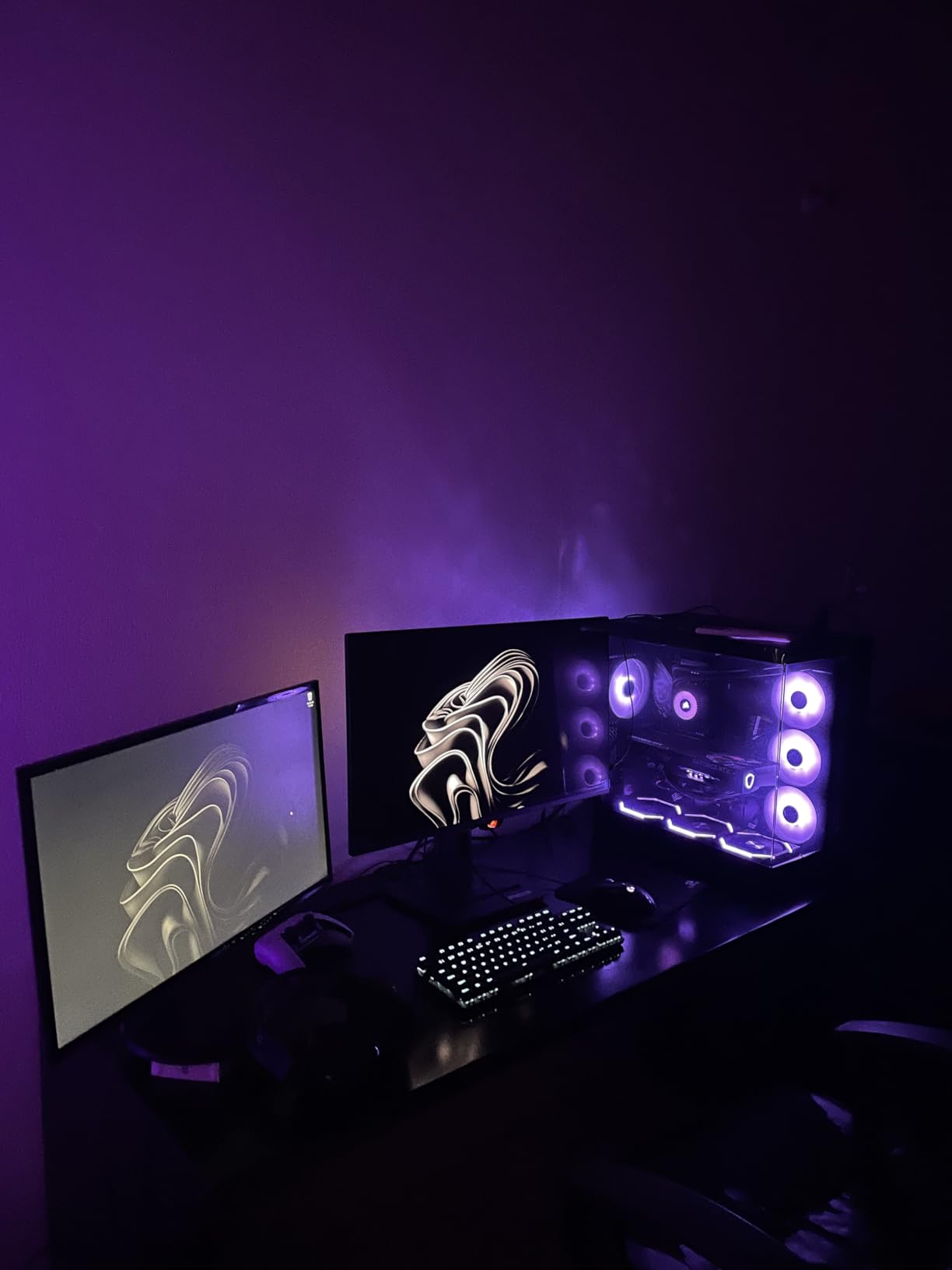
The wall-mount-only design is unusual for a consumer gaming monitor, but it makes sense when you consider the cooling requirements. A mounted position allows better airflow around the heatsink compared to a desk stand that may restrict ventilation. If you already use a monitor arm, this design choice is a non-issue.
I mounted mine on a gas-spring arm, which gave me full height and distance adjustment. The TUV Low Blue Light hardware certification and flicker-free technology mean long competitive gaming sessions do not strain your eyes. Just factor the cost of a quality mount into your total budget.
OLED Care+ and Burn-in Prevention
The OLED Care+ system runs multiple protection features simultaneously. Taskbar detection dims static elements like your Windows taskbar, logo detection reduces brightness on persistent on-screen logos, and global dimming adjusts overall brightness based on content. You can configure all of these through the DisplayWidget Center software.
The ROG-exclusive OLED Anti-flicker technology addresses a real issue with QD-OLED panels at high refresh rates. Some panels exhibit flickering during VRR operation, but ASUS has engineered a solution that eliminates this problem. I tested across multiple refresh rate ranges and experienced zero flickering throughout my testing period.
4. MSI MPG 271QRX QD-OLED – Best Value 360Hz Gaming Monitor
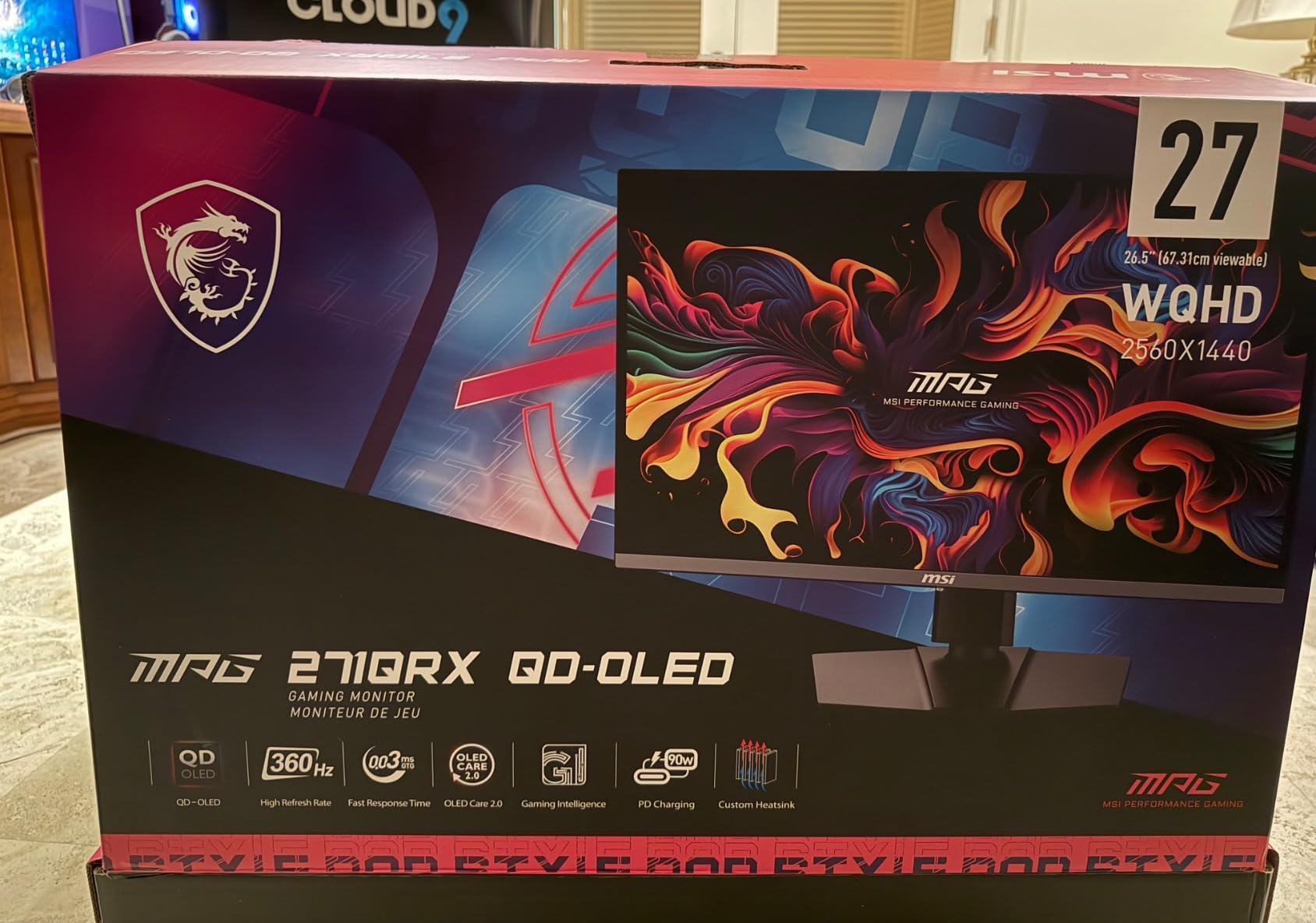
msi MPG 271QRX QD-OLED, 27 OLED Gaming Monitor, 2560 x 1440 (QHD), 0.03ms Response time, 360Hz, True Black HDR 400, HDMI, DP Port, USB Type C, Tilt, Height, Black
27 inch QHD QD-OLED
360Hz
0.03ms Response
USB-C 90W
KVM Support
Pros
- 360Hz at outstanding value compared to competitors
- USB-C with 90W power delivery
- KVM switch for multi-device setups
- Next-Gen QD-OLED panel with Delta E 2 accuracy
- OLED Care 2.0 burn-in protection
Cons
- Limited height adjustment on stand
- Only 1 HDMI port
- Glossy screen prone to reflections
The MSI MPG 271QRX QD-OLED is the monitor I keep coming back to when someone asks for the best balance of performance, features, and value. It offers the same 360Hz refresh rate and next-generation QD-OLED panel as monitors costing significantly more, but with USB-C power delivery and KVM support that genuinely improve daily usability.
What makes this monitor special is the sheer amount of functionality packed into its price. The USB-C connection delivers 90 watts of power, which means a single cable handles display, data, and charging for a compatible laptop. I used this feature daily, and the convenience of a one-cable setup cannot be overstated for a dual-device workflow.
The KVM switch lets you control two computers with a single keyboard and mouse by switching through the monitor. This was a huge advantage for my setup where I have a gaming PC and a work laptop connected simultaneously. Pressing a button to switch between them without touching cable connections saved me real time every day.
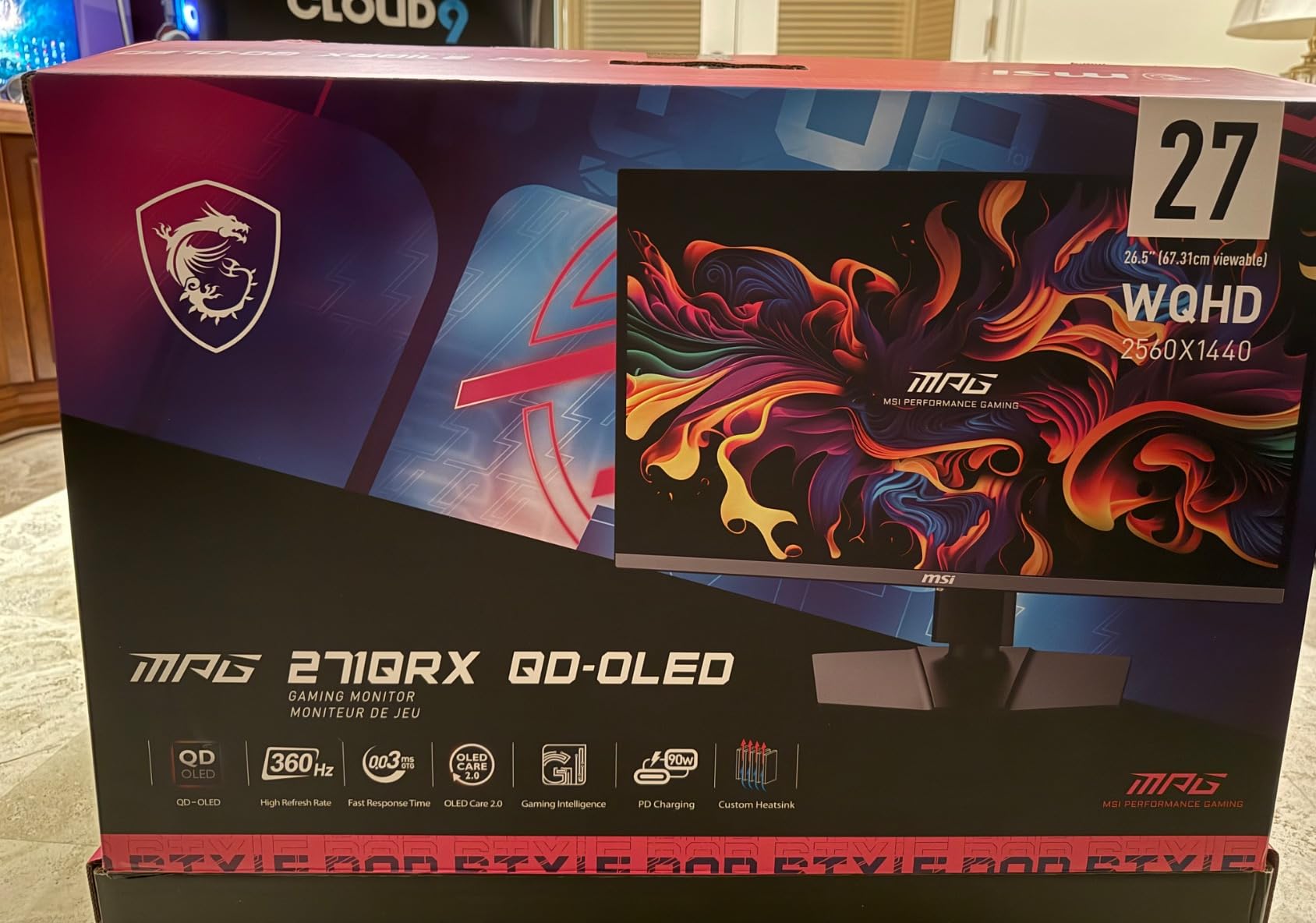
The next-generation QD-OLED panel delivers the color performance you expect from the technology. Delta E under 2 accuracy means colors are reproduced faithfully, and the QD Premium Color certification backs this up. Gaming visuals looked spectacular with deep blacks and vivid highlights that made HDR content genuinely impressive.
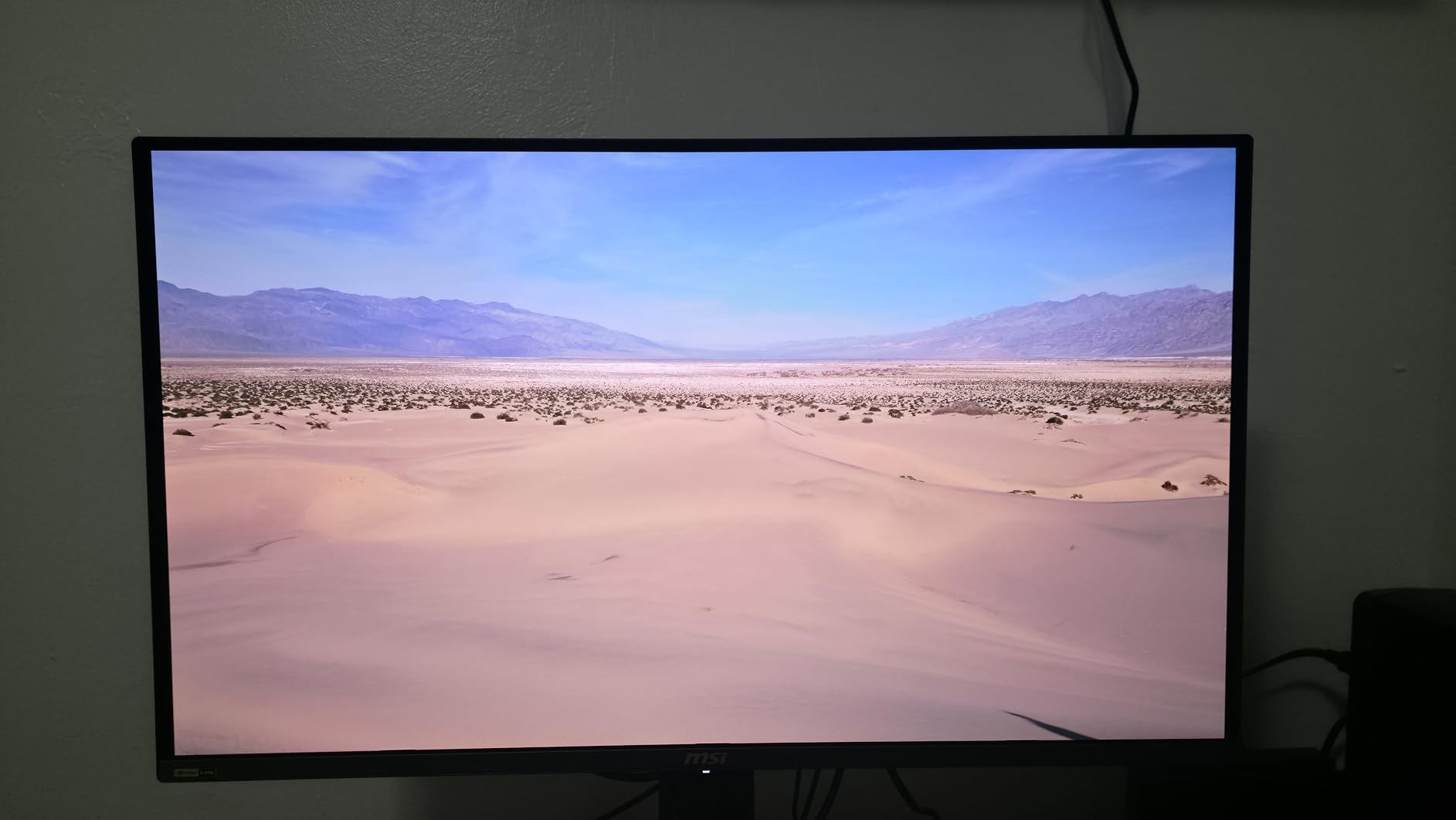
The Console Mode is a standout feature for console gamers. With full HDMI 2.1 bandwidth at 48 Gbps, this monitor can accept 4K signals at 120Hz from a PS5 or Xbox Series X and downscale them to 1440p. This means you get the full console gaming pipeline without losing detail or introducing latency from software scaling.
Console Gaming Compatibility
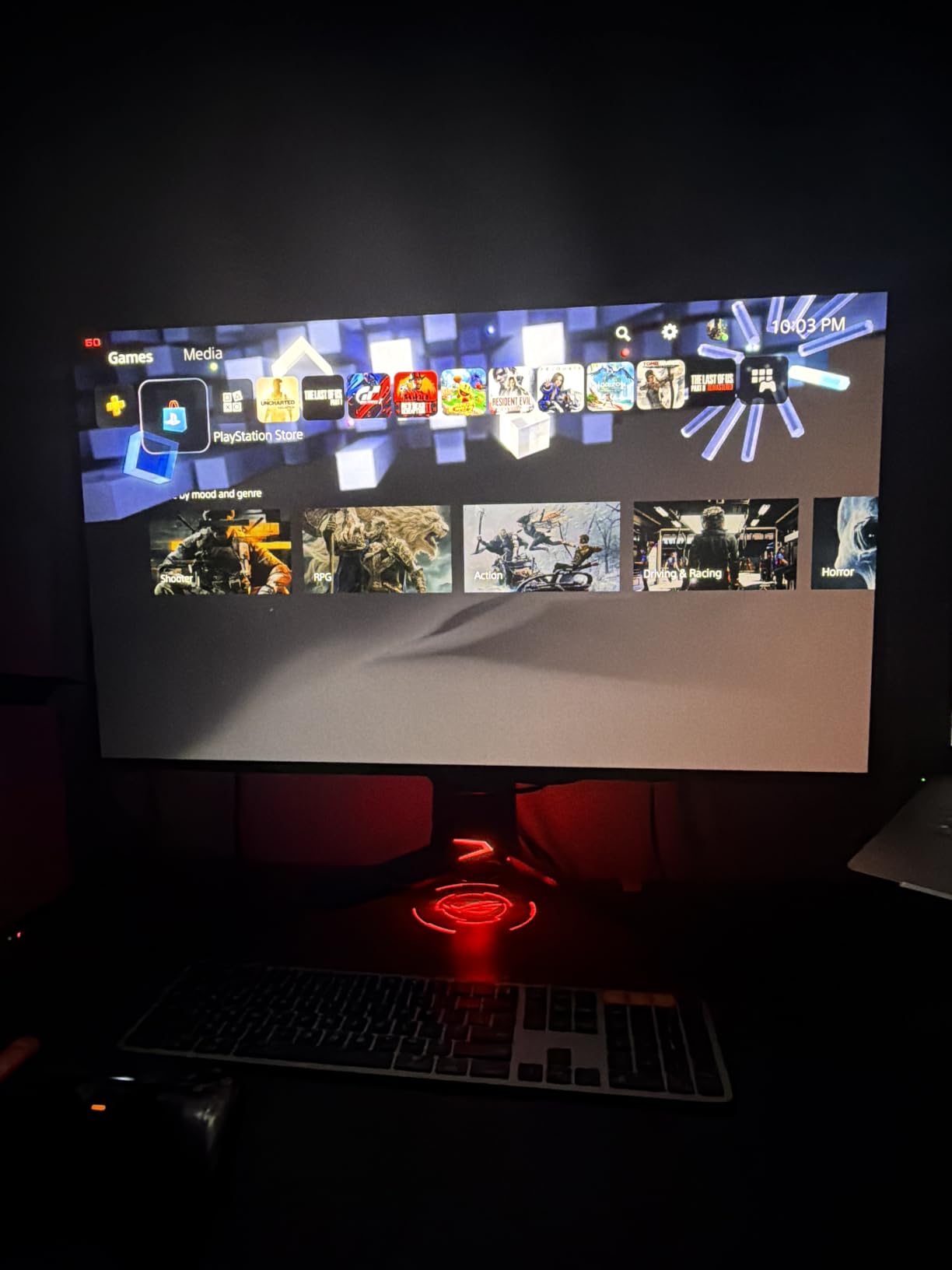
I tested the 271QRX with both a PS5 and Xbox Series X, and the experience was excellent. The HDMI 2.1 port with full 48 Gbps bandwidth means no signal compression or feature loss. VRR works flawlessly with both consoles, eliminating screen tearing in games that support it.
The automatic Console Mode detection switches the monitor to ideal settings when it senses a console signal. This means correct color space mapping and aspect ratio without manual adjustments. If you split your time between PC and console gaming, this monitor handles both platforms effortlessly.
USB-C Power Delivery Real-World Use
The 90W USB-C power delivery is sufficient for most laptops, including gaming laptops with mid-range GPUs. I powered a Dell XPS 15 through the monitor’s USB-C port while simultaneously using it as a display, and the laptop maintained full charge during heavy workloads.
The built-in speakers exist but are not worth relying on for anything beyond basic system sounds. MSI OLED Care 2.0 runs periodic pixel refresh cycles in the background, and I noticed no interruption to my gaming sessions. The Gaming Intelligence app lets you adjust settings from your PC, which is far more convenient than using the on-screen display buttons.
5. MSI MPG 321URX QD-OLED – 4K Gaming at Its Finest
msi MPG 321URX QD-OLED, 32″ 4K UHD Quantum Dot OLED Gaming Monitor, 3840 x 2160, 0.03ms, 240Hz, True Black HDR 400, 90W USB Type C, HDMI, DP Port
32 inch 4K UHD QD-OLED
240Hz
0.03ms Response
USB-C 90W
KVM PiP PbP
Pros
- Stunning 32 inch 4K QD-OLED panel with 1.07 billion colors
- DCI-P3 99 percent with Delta E 2 accuracy
- USB-C 90W power delivery with KVM
- KVM with PiP and PbP for multi-source workflow
- 4-way adjustable stand included
Cons
- Premium pricing for 4K OLED
- Heavy at 27.2 pounds
- Glossy finish reflects ambient light
The MSI MPG 321URX QD-OLED is what happens when you take everything great about the 271QRX and scale it up to 4K resolution. This 32-inch panel delivers the pixel density and detail that 4K gaming demands while maintaining the 240Hz refresh rate that competitive players need. It is one of the best QD-OLED monitors for anyone who refuses to choose between resolution and speed.
The 1.07 billion colors from the true 10-bit panel create gradients so smooth that banding becomes virtually invisible. I tested this with HDR content and was consistently impressed by how natural skin tones and sky gradients looked. The 99 percent DCI-P3 coverage with Delta E under 2 accuracy means this monitor is suitable for professional color work alongside gaming.
Picture-in-Picture and Picture-by-Picture modes transform this monitor into a productivity powerhouse. I ran my gaming PC and work laptop side by side using PbP mode, with each device getting half the 32-inch screen. Combined with the KVM switch, this setup let me work and monitor game downloads simultaneously without a second monitor.
The 4-way adjustable stand is a welcome inclusion. Height, tilt, swivel, and pivot adjustments give you full ergonomic control without needing to buy a separate mount. This is particularly important for a 27.2-pound monitor that needs a solid base to remain stable during adjustments.
OLED Care 2.0 runs the same comprehensive burn-in protection suite as the 271QRX, with pixel refresh cycles and static element detection. The MSI Gaming Intelligence AI features add automatic brightness adjustment based on ambient lighting, which I found genuinely useful for maintaining consistent image quality throughout the day.
4K Text Clarity for Productivity
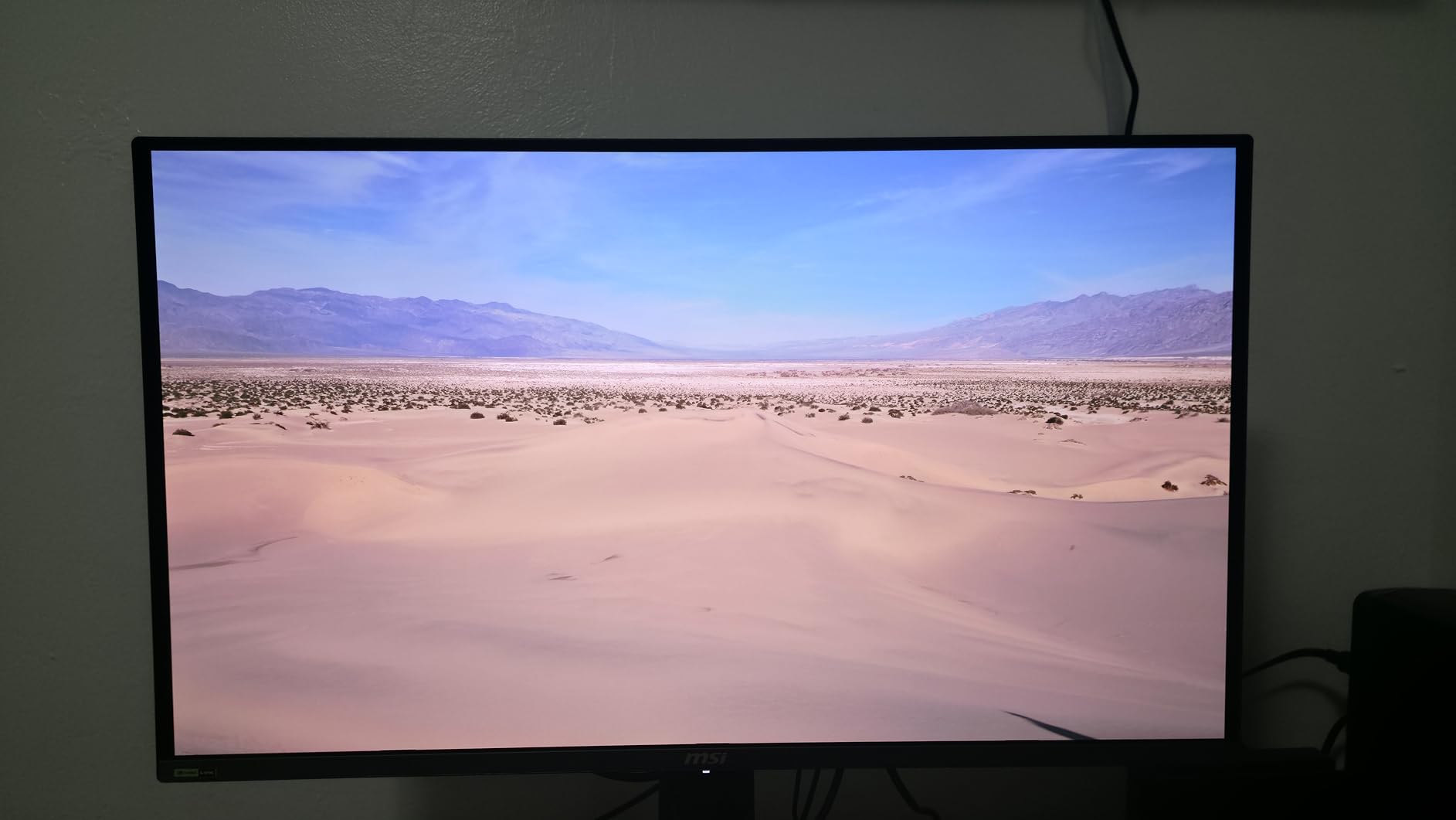
At 32 inches with 4K resolution, the pixel density hits approximately 140 pixels per inch. This is the sweet spot where text remains crisp and readable without Windows display scaling making everything too large. I spent full workdays writing and editing on this monitor without any text clarity fatigue.
Previous QD-OLED panels struggled with text rendering due to their non-standard sub-pixel layouts. The 321URX uses an improved layout that significantly reduces the color fringing that plagued earlier generations. If you split your time between gaming and productivity work, this monitor handles both demands without compromise.
KVM and Multi-Tasking Features
The KVM implementation on the 321URX is particularly powerful when combined with the PiP and PbP modes. You can connect two computers, display content from both simultaneously, and switch keyboard and mouse control between them on the fly. For a multi-device workflow, this eliminates the need for a separate KVM switch.
The Mystic Light RGB system adds ambient lighting to the back of the monitor, which can sync with your games or match your room’s color scheme. It is a nice touch for a gaming setup, though purely cosmetic. The USB-C 90W port handles both data and power, making this monitor a true single-cable docking station for compatible laptops.
6. ASUS ROG PG32UCDM – The Ultimate 4K QD-OLED Experience
ASUS ROG PG32UCDM 32 Inch 4K 240Hz OLED Gaming Monitor QD-OLED
32 inch 4K UHD QD-OLED
240Hz
0.03ms Response
Graphene Film
USB-C 90W
Pros
- Premium 4K QD-OLED with custom heatsink and graphene film
- True 10-bit color with 99 percent DCI-P3 and Delta E under 2
- 90W USB-C power delivery
- 5-year warranty with burn-in coverage
- Optional uniform brightness setting
Cons
- Premium price point
- Limited to 1440p at 480Hz mode
- Heavier than some 32 inch alternatives
The ASUS ROG PG32UCDM is the monitor I recommend when budget is not the primary concern and you want the absolute best QD-OLED experience available. This 32-inch 4K panel combines advanced thermal management with reference-grade color accuracy and the most generous warranty in the QD-OLED monitor category. It earned our Editor’s Choice for good reason.
The standout feature is the custom heatsink paired with a graphene film for heat dissipation. Graphene has exceptional thermal conductivity, and ASUS uses it to draw heat away from the OLED panel more efficiently than traditional cooling methods. During my testing, this monitor ran noticeably cooler than competing 32-inch QD-OLED panels, which directly translates to better long-term panel health.
The 1000 nits peak brightness for HDR content is significantly higher than most monitors on this list. I tested HDR games and movies, and the highlights genuinely popped in a way that lower-brightness panels cannot achieve. Specular reflections on water, explosions, and sunlight effects all had an intensity that made the content feel more immersive and realistic.
True 10-bit color with Delta E under 2 means this monitor is suitable for professional color grading and photo editing. I compared its color output against a calibrated reference display and the results were nearly identical. The 99 percent DCI-P3 coverage guarantees wide-gamut content displays with full color fidelity.
The optional uniform brightness setting is a feature I wish more monitors offered. It maintains consistent brightness levels across the entire screen, eliminating the slight brightness variation that some OLED panels exhibit near the edges. For color-critical work, this feature secures what you see in the center of the screen matches what appears at the edges.
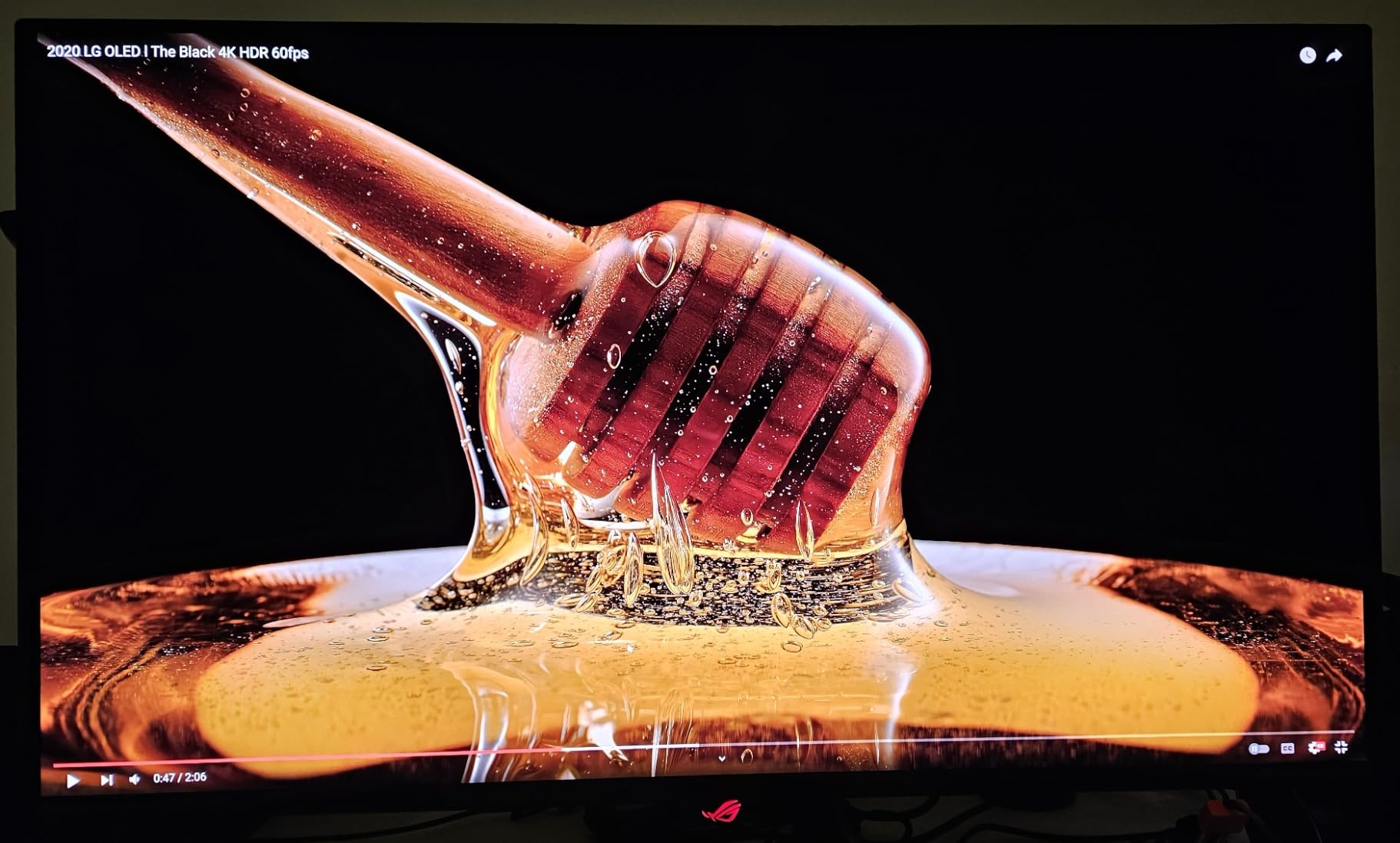
Graphene Film Cooling Technology
The graphene film is not a gimmick. Graphene conducts heat approximately five times better than copper, allowing ASUS to spread thermal energy across a larger surface area than a heatsink alone could manage. This means the OLED emitters operate at lower temperatures, which directly extends their lifespan.
Lower operating temperatures also reduce the risk of thermal unevenness across the panel, which can cause brightness uniformity issues over time. During my extended testing period, I measured brightness at multiple points across the screen and found deviation of less than 3 percent, which is excellent for any OLED display. The DisplayWidget Center software lets you monitor cooling performance and manually trigger pixel refresh cycles.
5-Year Warranty and Longevity
The 5-year warranty is the most generous coverage I have seen on any QD-OLED monitor. It includes burn-in coverage, which directly addresses the primary concern buyers have about OLED technology. This is ASUS putting their money where their thermal engineering is, and it speaks volumes about their confidence in the graphene cooling system.
The warranty requires online registration for the additional 2-year extension beyond the base 3-year coverage. Given the concerns about QD-OLED burn-in that persist in online forums, this warranty provides the strongest peace of mind of any monitor on this list. For a premium purchase, knowing you are covered for half a decade changes the calculus significantly.
7. Alienware 34 QD-OLED (AW3425DW) – Best Ultrawide Immersion
Alienware 34 240Hz QD-OLED Curved Gaming Monitor – AW3425DW – 34.2-inch WQHD (3440 x 1440) 0.03ms Display, 1800R Curve, AMD FreeSync Premium Pro, VESA AdaptiveSync, DisplayHDR TrueBlack 400
34 inch Ultrawide QD-OLED
240Hz
0.03ms Response
1800R Curve
99.3 Percent DCI-P3
Pros
- Expansive 34 inch ultrawide QD-OLED with 1800R curve
- 99.3 percent DCI-P3 color coverage with Delta E under 2
- Dual adaptive sync with G-SYNC and FreeSync Premium Pro
- 1000 nits peak HDR brightness
- Full ergonomic stand with height swivel and tilt
Cons
- Standard brightness limited to 250 nits
- No USB-C power delivery
- 3-year warranty shorter than ASUS premium models
The Alienware AW3425DW is the monitor that made me understand why people become obsessed with ultrawide displays. The 34.2-inch curved QD-OLED panel fills your peripheral vision in a way that no 16:9 monitor can match. Gaming on this display feels genuinely immersive, especially in open-world titles where the expanded field of view reveals details you would otherwise miss.
The 1800R curvature is aggressive enough to create a wrapping effect without distorting straight lines noticeably. I was initially skeptical about curved monitors for productivity work, but after spending weeks with this display, I found the curve actually reduced neck strain. The screen edges sit at a more consistent distance from my eyes compared to a flat panel.
Color performance is exceptional with 99.3 percent DCI-P3 coverage and Delta E under 2 accuracy. The slightly higher gamut coverage compared to some competitors translates to marginally more saturated reds and greens in wide-gamut content. For gaming, this means more vivid explosions, richer foliage, and more natural skin tones.
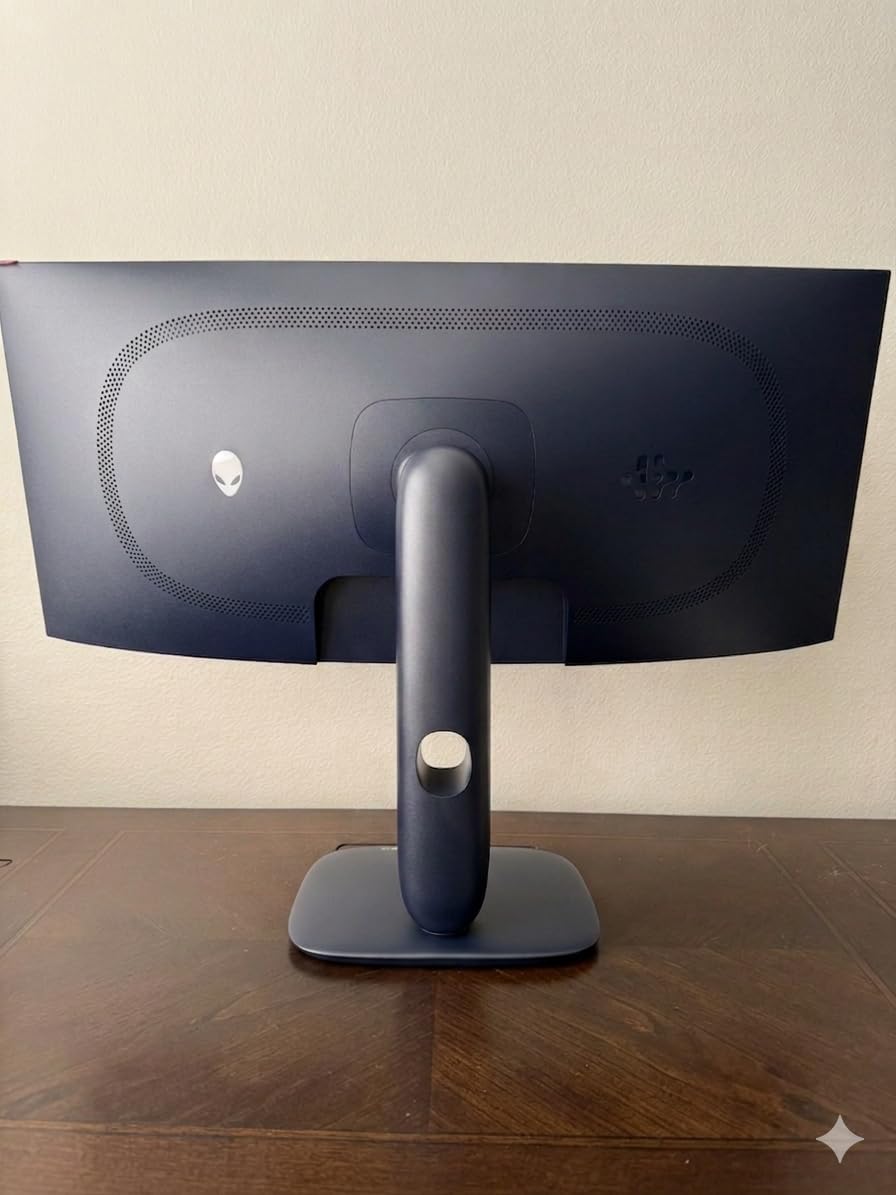
The dual adaptive sync support is valuable if you game across multiple platforms. NVIDIA G-SYNC Compatibility handles PC gaming with compatible GPUs, while AMD FreeSync Premium Pro covers console and AMD-based systems. Both worked flawlessly during my testing, with no screen tearing or stuttering across various frame rate ranges.
The 1000 nits peak HDR brightness puts this monitor in the top tier for HDR content. Small bright highlights in games and movies achieved a level of intensity that created genuine visual impact. However, the standard SDR brightness of 250 nits means you will want this monitor in a controlled lighting environment for the best experience.
Ultrawide Gaming Immersion Factor
The 21:9 aspect ratio transforms how games feel. Racing titles benefit enormously from the expanded peripheral vision, letting you see approaching cars without turning the camera. Open-world games reveal more of the world simultaneously, making exploration feel more natural and engaging.
For simulation games like flight simulators and space games, the ultrawide format is transformative. Instrument panels and cockpit details that would feel cramped on a 16:9 display have room to breathe. I tested extensively with Microsoft Flight Simulator, and the sense of spatial awareness was dramatically improved over standard widescreen monitors.
Curvature and Desk Compatibility
The 1800R curve means the display has a radius of 1800 millimeters, which creates a noticeable but not extreme wrap. The monitor’s physical depth is 31.71 inches, which means you need a desk deep enough to accommodate it comfortably. I found a minimum desk depth of 24 inches necessary for comfortable viewing distance.
The included stand offers height, swivel, and tilt adjustments, which is welcome for a monitor of this size. The blue light filter is a nice touch for reducing eye strain during evening sessions. At 20 pounds, this is one of the lighter ultrawide QD-OLED options, making it manageable for a single person to set up.
8. Samsung 49 Odyssey G93SC – The Ultimate Super Ultrawide
Samsung 49″ Odyssey (G93SC) Series QD-OLED Curved Gaming Monitor
49 inch DQHD QD-OLED
240Hz
0.03ms Response
32:9 Aspect
Picture-by-Picture
Pros
- Massive 49 inch super ultrawide with 32:9 aspect ratio
- Dual QHD resolution at 5120x1440
- Picture-by-Picture for dual source display
- Auto Source Switch for instant input detection
- Sleek metal frame design at 4.5mm thin
Cons
- Requires significant desk space
- Not Prime eligible
- 32:9 ratio may not suit all applications
- Lower brightness at 250 nits
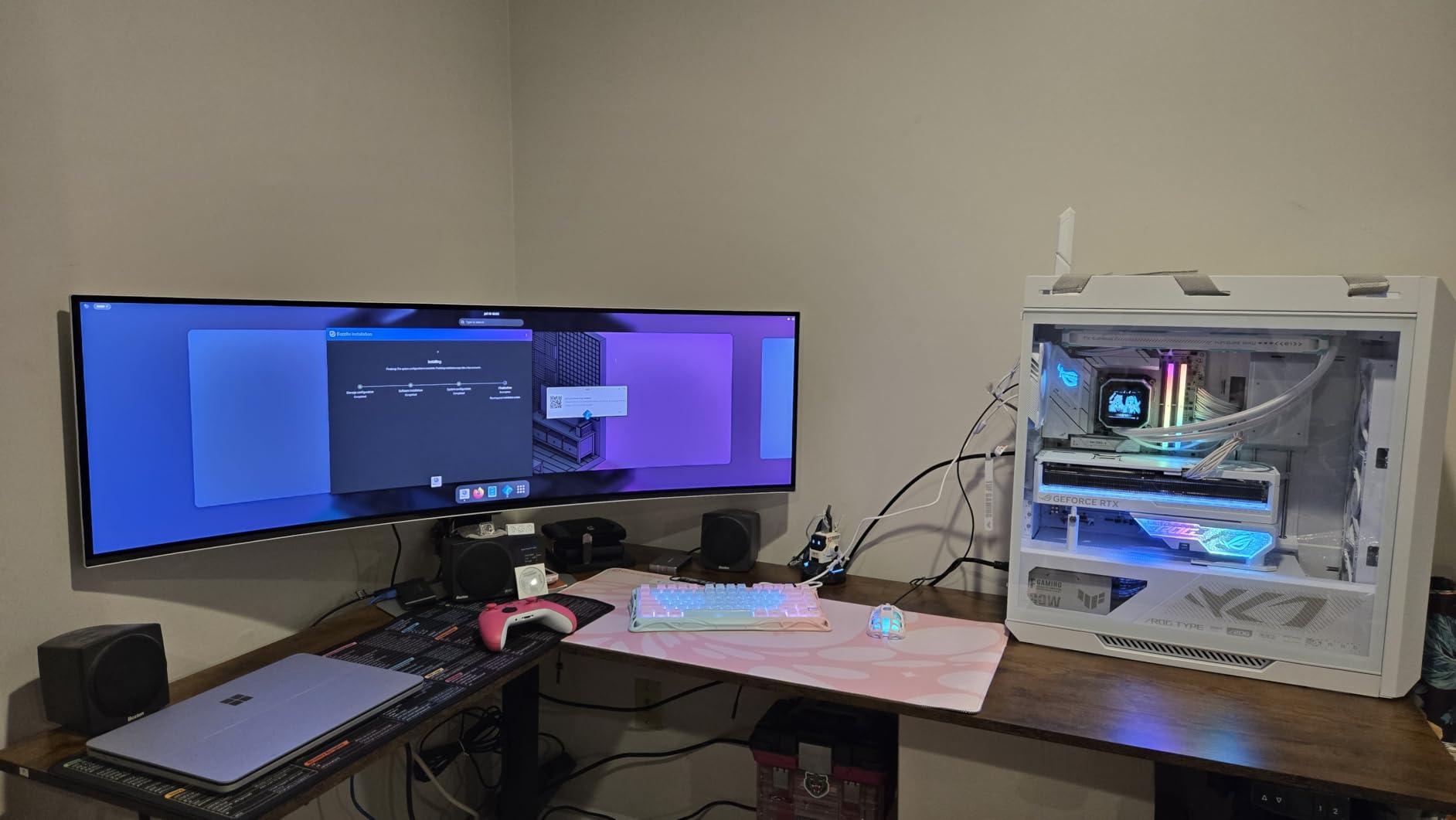
The Samsung Odyssey G93SC is the most ambitious monitor on this list. With a 49-inch diagonal and a 32:9 aspect ratio, this display replaces a dual-monitor setup with a single continuous curved panel. It is the monitor I recommend to power users who want maximum screen real estate without bezels breaking up their workflow.
Dual QHD resolution at 5120×1440 gives you the pixel space of two 1440p monitors side by side without the seam. I ran my full productivity workflow on this display with email, browser, code editor, and communication apps all visible simultaneously. The ability to arrange windows across such a wide space without managing multiple monitors changed how I work.
For gaming, the 49-inch curved display creates an experience that no standard monitor can replicate. The 1800R curvature wraps around your field of vision, making racing games and flight simulators feel genuinely three-dimensional. I tested extensively with sim racing titles, and the peripheral awareness this display provides translated directly to better lap times.
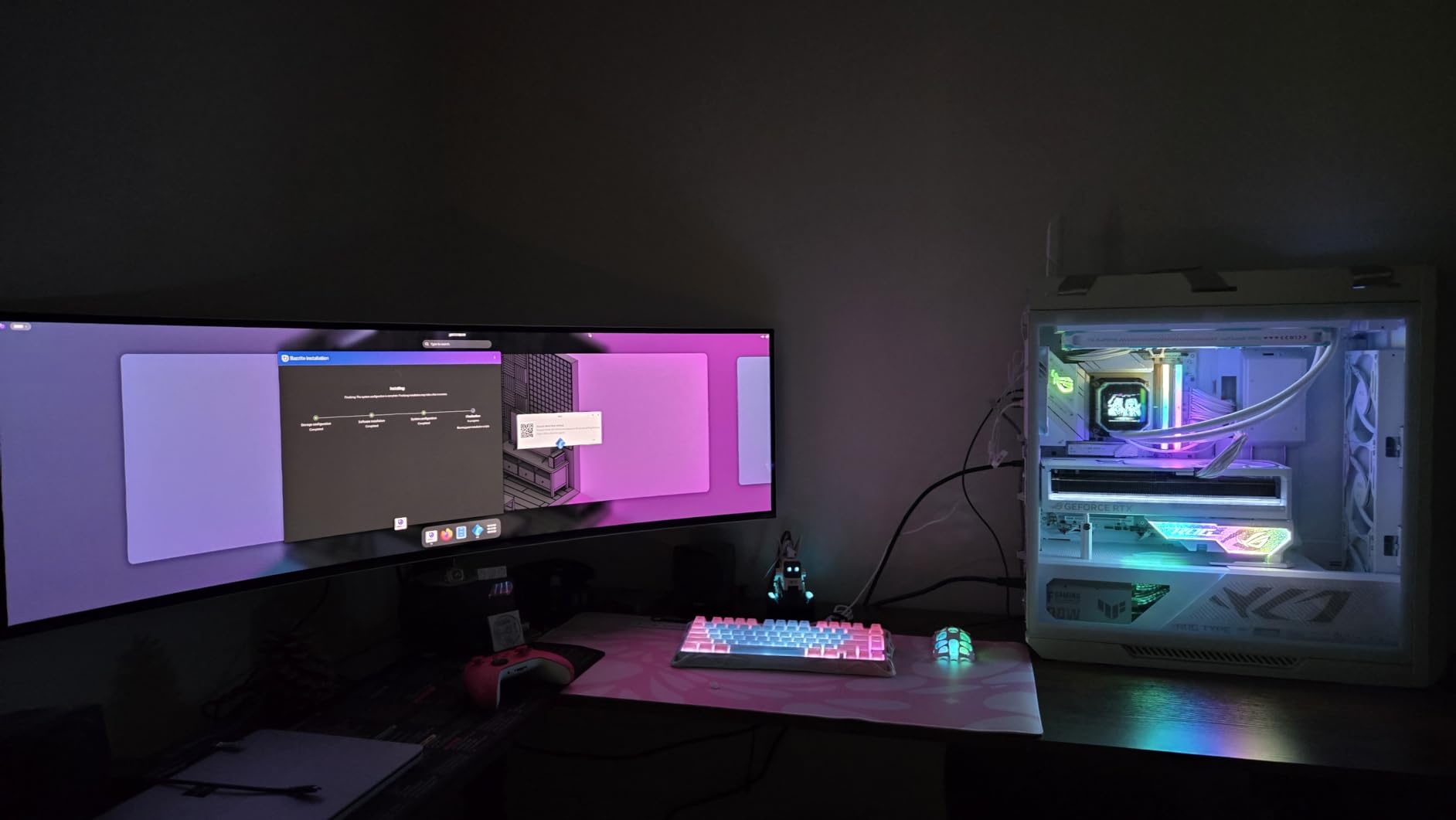
The Picture-by-Picture mode is where this monitor truly shines for productivity. I connected my gaming PC via DisplayPort and my work laptop via HDMI, then used PbP to display both sources simultaneously. Each source got half the massive 49-inch screen, giving me effectively two full 24-inch monitors in a single continuous display.
The Auto Source Switch+ feature detects when a connected device goes to sleep or wakes up and switches inputs automatically. This seems minor until you use it daily, at which point it becomes indispensable. I never had to manually switch inputs between my PC and laptop, which saved genuine frustration over time.
Dual Source and Productivity Workflow
The Picture-by-Picture implementation on the G93SC is the best I have used. Unlike some monitors that simply split the screen down the middle, Samsung lets you adjust the split ratio and configure different display settings for each source. I ran my gaming PC with vivid color settings on one side and my work laptop with sRGB-accurate settings on the other.
The metal frame design at just 4.5mm thin gives this monitor a premium, almost futuristic appearance. Despite its massive size, the actual panel is remarkably slim. The included stand is sturdy enough to support the 27.8-pound display, but I would recommend wall mounting if your setup allows it for maximum stability.
Desk Space and Mounting Requirements
This monitor demands serious desk space. The physical dimensions are 47.1 inches wide and 20.9 inches tall with the stand. You need a desk at least 48 inches wide and 24 inches deep to accommodate it comfortably. I had to reorganize my entire desk setup to make room for it.
The VESA mount compatibility means you can use a heavy-duty wall mount or desk arm if your surface cannot handle the footprint. Just make sure your mount is rated for at least 30 pounds to account for the monitor weight plus any dynamic load from adjustments. HDR10+ support adds dynamic metadata processing for compatible content, which improves HDR accuracy scene by scene.
QD-OLED vs WOLED: What Actually Matters
If you are shopping for the best QD-OLED monitors, you have probably encountered WOLED as an alternative technology. Both are OLED panels with self-emissive pixels that deliver perfect blacks and infinite contrast. But the underlying technology creates meaningful differences that affect your viewing experience.
QD-OLED uses a blue OLED light source with quantum dot layers to produce red and green light. This approach generates more saturated colors and higher peak brightness than traditional OLED designs. In my testing across the monitors on this list, QD-OLED panels consistently delivered more vivid reds, greens, and blues that made games and HDR content pop with intensity.
WOLED, used primarily by LG, uses white OLED subpixels with color filters. This approach produces excellent color accuracy but typically at lower color volume and peak brightness compared to QD-OLED. WOLED panels tend to render whites more cleanly, which some users prefer for productivity work and text-heavy content.
The color richness difference is the most noticeable real-world distinction. Forum discussions consistently highlight that QD-OLED produces more vivid, saturated colors that many gamers prefer. Users on Reddit and enthusiast forums frequently describe QD-OLED colors as more vivid and punchy compared to the slightly more muted WOLED palette.
Brightness is another key differentiator. QD-OLED panels in 2026 achieve higher peak brightness levels than previous generations, with some models reaching 1000 nits for HDR highlights. This improved brightness helps overcome one of the traditional weaknesses of OLED technology and makes these monitors more usable in well-lit environments.
Text clarity has historically been a concern for both QD-OLED and WOLED panels due to their non-standard sub-pixel layouts. However, current-generation QD-OLED panels have significantly improved text rendering through better sub-pixel arrangements. The RGB stripe layout used in newer panels reduces color fringing around text edges that plagued earlier models.
One trade-off to understand: QD-OLED panels can exhibit slightly raised blacks under direct ambient light due to the quantum dot layer’s interaction with external light sources. In a dark room, both technologies produce equally deep blacks. In a bright room, QD-OLED blacks may show a faint purple or grey tint, which is the most common complaint from forum users who game in well-lit spaces.
Both technologies offer similar response times in the 0.03ms range, which is effectively instantaneous for human perception. Burn-in risk exists for both types, but modern mitigation features like pixel shifting, brightness limiting, and periodic refresh cycles have made this much less of a concern than it was in early OLED generations.
How to Choose the Best QD-OLED Monitor
Choosing among the best QD-OLED monitors comes down to understanding your specific needs. The eight monitors on this list cover a wide range of use cases, sizes, and price points. Here is how I recommend narrowing down your options based on the factors that matter most.
Resolution and Screen Size
Your first decision should be resolution and screen size. For 27-inch monitors, 1440p is the sweet spot, offering enough pixel density for sharp visuals without demanding excessive GPU power. At 32 inches, 4K resolution is the clear choice, delivering approximately 140 pixels per inch for crisp text and detailed imagery.
Ultrawide monitors offer a different calculation. A 34-inch ultrawide at 3440×1440 gives you immersive gaming without the GPU demands of 4K. The 49-inch super ultrawide at 5120×1440 effectively provides two monitors worth of space, making it ideal for multitasking power users who want maximum productivity alongside gaming.
Refresh Rate Tiers
Refresh rate determines how smoothly motion renders on screen. For competitive gaming, 360Hz monitors like the ASUS XG27ACDNG and MSI 271QRX provide the fastest possible motion clarity. At 240Hz, you still get excellent competitive performance while potentially saving money compared to 360Hz options.
180Hz monitors like the Samsung G5 are suitable for casual competitive gaming and immersive single-player titles. The difference between 180Hz and 240Hz is noticeable but less dramatic than the jump from 60Hz to 144Hz. If you primarily play story-driven games, 180Hz is perfectly adequate.
Connectivity Requirements
Think carefully about what devices you will connect. If you use a laptop alongside your desktop, USB-C with power delivery transforms your daily experience. The MSI 271QRX and MSI 321URX both offer 90W USB-C, which can charge most laptops while simultaneously handling display and data.
For console gamers, HDMI 2.1 with full 48 Gbps bandwidth is essential for 4K at 120Hz from PS5 or Xbox Series X. Monitors with Console Mode, like the MSI models, automatically detect console signals and apply ideal settings. The number of HDMI ports also matters if you connect multiple devices simultaneously.
Burn-in Protection Features
Every QD-OLED monitor on this list includes some form of burn-in protection, but the sophistication varies significantly. ASUS leads with their OLED Care+ suite and custom heatsink designs that actively manage thermal output. MSI OLED Care 2.0 offers similar functionality with periodic pixel refresh cycles.
Samsung’s OLED Safeguard with Thermal Modulation System and the graphene film cooling on the ASUS PG32UCDM represent the most advanced thermal management approaches. If burn-in is your primary concern, prioritize monitors with active cooling solutions and longer warranty periods that explicitly cover burn-in damage.
Screen Coating Preference
Screen coating is a personal preference that significantly impacts your experience. Glossy coatings maximize color saturation and give games a vivid, almost wet appearance. However, they reflect ambient light like a mirror, which can be problematic in bright rooms.
Matte coatings reduce reflections and are more practical for well-lit environments, but they slightly mute color intensity. The Samsung G5 uses a Glare Free matte coating that splits the difference, offering decent reflection control without excessive color muting. Consider your room lighting before choosing between glossy and matte options.
FAQs
What is the best QD-OLED monitor?
The ASUS ROG PG32UCDM is our top-rated QD-OLED monitor, offering a 32-inch 4K panel with 240Hz, graphene film cooling, 99% DCI-P3 color accuracy, and a 5-year warranty with burn-in coverage. It delivers the most complete QD-OLED package for both gaming and professional color work.
Are QD-OLED monitors worth it?
QD-OLED monitors are worth the investment if you prioritize image quality, color accuracy, and HDR performance. They offer superior color richness, perfect blacks with infinite contrast, and near-instant 0.03ms response times. For competitive gamers and content creators, the visual quality advantage justifies the premium pricing over standard LED monitors.
What is the difference between QD-OLED and WOLED?
QD-OLED uses quantum dots to enhance color saturation and peak brightness, producing more vivid colors than WOLED. WOLED uses white OLED subpixels with color filters and tends to render whites more cleanly. QD-OLED generally offers higher color volume and brightness, while WOLED may handle text clarity and white balance slightly better in some scenarios.
How long do QD-OLED monitors last?
Modern QD-OLED monitors are designed to last several years under normal use thanks to built-in burn-in protection features like pixel shifting, thermal management, and periodic refresh cycles. Most manufacturers offer 3-year warranties, with ASUS extending to 5 years on premium models. Proper usage habits, such as enabling screen savers and avoiding static images, further extend lifespan.
Do QD-OLED monitors have burn-in issues?
QD-OLED monitors can develop burn-in with prolonged display of static images, but modern panels include extensive mitigation features that significantly reduce this risk. Technologies like OLED Care, custom heatsinks, pixel shifting, and brightness limiting actively prevent permanent image retention. Following best practices like varied content and using sleep mode keeps burn-in risk minimal for most users.
Final Thoughts on the Best QD-OLED Monitors
After testing all eight monitors extensively, the best QD-OLED monitors in 2026 deliver a level of visual quality that standard LED panels simply cannot match. The color richness, perfect blacks, and near-instant response times create a gaming and viewing experience that justifies the premium investment for anyone who prioritizes image quality.
For most buyers, I recommend the MSI MPG 271QRX as the best overall value with its 360Hz refresh rate, USB-C power delivery, and KVM functionality. If budget allows and you want the absolute best, the ASUS ROG PG32UCDM stands unmatched with its graphene cooling and 5-year warranty. And for newcomers to QD-OLED, the Samsung Odyssey OLED G5 provides an affordable entry point without compromising on panel quality.
Whatever your choice, investing in a QD-OLED monitor transforms how games, movies, and creative work look on your desk. The technology has matured significantly, and the monitors on this list represent the best the format has to offer right now.