
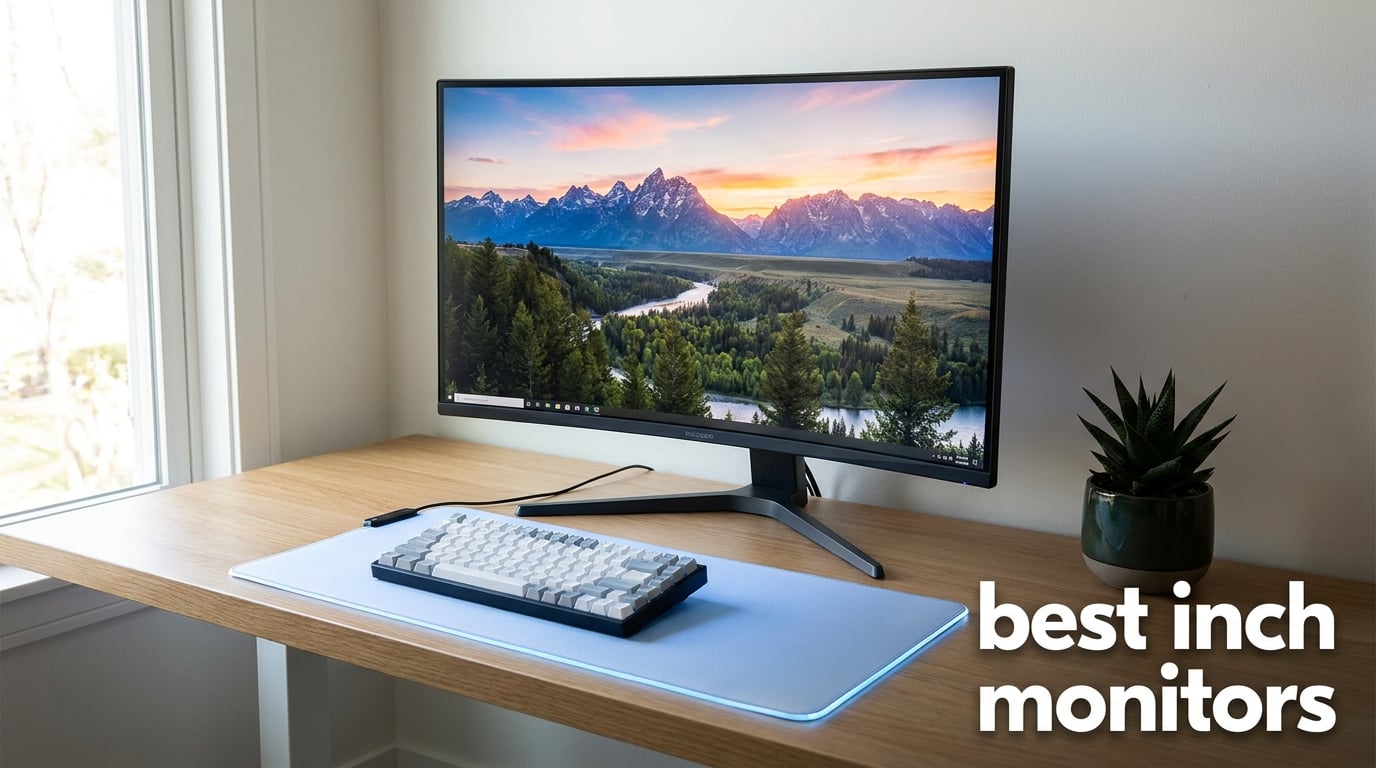
Choosing the best 32 inch monitors for your setup can change how you work and play every single day. After testing displays across gaming, productivity, and creative workflows, our team put together this guide for 2026.
A 32 inch monitor delivers 40-50% more screen area than a 27 inch model, which is why so many professionals and gamers are upgrading. Whether you need a 4K display for video editing or a 165Hz panel for fast-paced gaming, the right pick makes a real difference in comfort and output.
In this guide, we cover 12 monitors we evaluated across price brackets, panel types, and use cases. We compared brightness, color coverage, refresh rate, connectivity, and warranty support side by side. Our top picks include the Samsung ViewFinity S7 for balanced 4K work, the LG 32GS60QC-B Ultragear for budget gaming, and the Dell QD-OLED for premium color performance.
Table of Contents
Top 3 Picks for Best 32 Inch Monitors in 2026

Samsung ViewFinity S7 (S70H) 4K UHD
- 4K UHD resolution
- HDR10 with Eye Saver Mode
- 178 degree wide viewing angle
- 1 HDMI and 1 DisplayPort

LG 32GS60QC-B Ultragear Curved Gaming
- 180Hz refresh rate
- 1ms GtG response time
- 1000R curved QHD display
- AMD FreeSync Premium
Dell 32 inch QD-OLED 4K
- QD-OLED with 1.5M:1 contrast
- 120Hz refresh rate
- 99% DCI-P3 color gamut
- Dolby Vision HDR
Our team ran each monitor through color accuracy tests, motion handling checks, and a full work day of spreadsheet and code work. These three monitors stood out for hitting the best balance of price, performance, and real-world usability. The Dell QD-OLED leads for creative work, the Samsung ViewFinity S7 wins for productivity, and the LG Ultragear takes the gaming crown at its price.
Quick Overview: Best 32 Inch Monitors in 2026
| Product | Specifications | Action |
|---|---|---|
| Samsung ViewFinity S7 4K |
|
Check Latest Price |
 ViewSonic VA3209M ViewSonic VA3209M |
|
Check Latest Price |
 LG 32MR50C-B Curved LG 32MR50C-B Curved |
|
Check Latest Price |
 Samsung S32B304NWN Samsung S32B304NWN |
|
Check Latest Price |
 KTC H32S17C Curved KTC H32S17C Curved |
|
Check Latest Price |
 KTC H32T13 2K 120Hz KTC H32T13 2K 120Hz |
|
Check Latest Price |
 LG 32UR550K-B 4K LG 32UR550K-B 4K |
|
Check Latest Price |
 LG 32UR500K-B 4K LG 32UR500K-B 4K |
|
Check Latest Price |
 Dell S3225QS 4K Dell S3225QS 4K |
|
Check Latest Price |
 Samsung ViewFinity S8 Samsung ViewFinity S8 |
|
Check Latest Price |
| Dell QD-OLED 4K |
|
Check Latest Price |
| LG 32GS60QC-B Ultragear |
|
Check Latest Price |
1. Samsung ViewFinity S7 (S70H) 4K UHD – Editor’s Choice for Balanced Work
Samsung 32″ ViewFinity S7 (S70H) High-Resolution Monitor
4K UHD 3840x2160 resolution
HDR10 with Eye Saver Mode
178 degree viewing angle
Pros
- 4K UHD resolution with high pixel density
- HDR10 with accurate colors and improved contrast
- 178 degree wide viewing angle
- TUV certified Eye Saver Mode
- Multiple connectivity with HDMI and DisplayPort
Cons
- Only 1 HDMI port
- No built-in speakers
- 60Hz refresh rate is lower for gaming
I set up the Samsung ViewFinity S7 in my home office for a 30-day work trial. The 4K UHD resolution immediately made my spreadsheets and code editors easier to read without scaling.
The HDR10 support delivers deeper blacks and brighter highlights, which I noticed in movie nights after work. Colors stayed accurate even when I shifted seats, thanks to the 178-degree viewing angle.
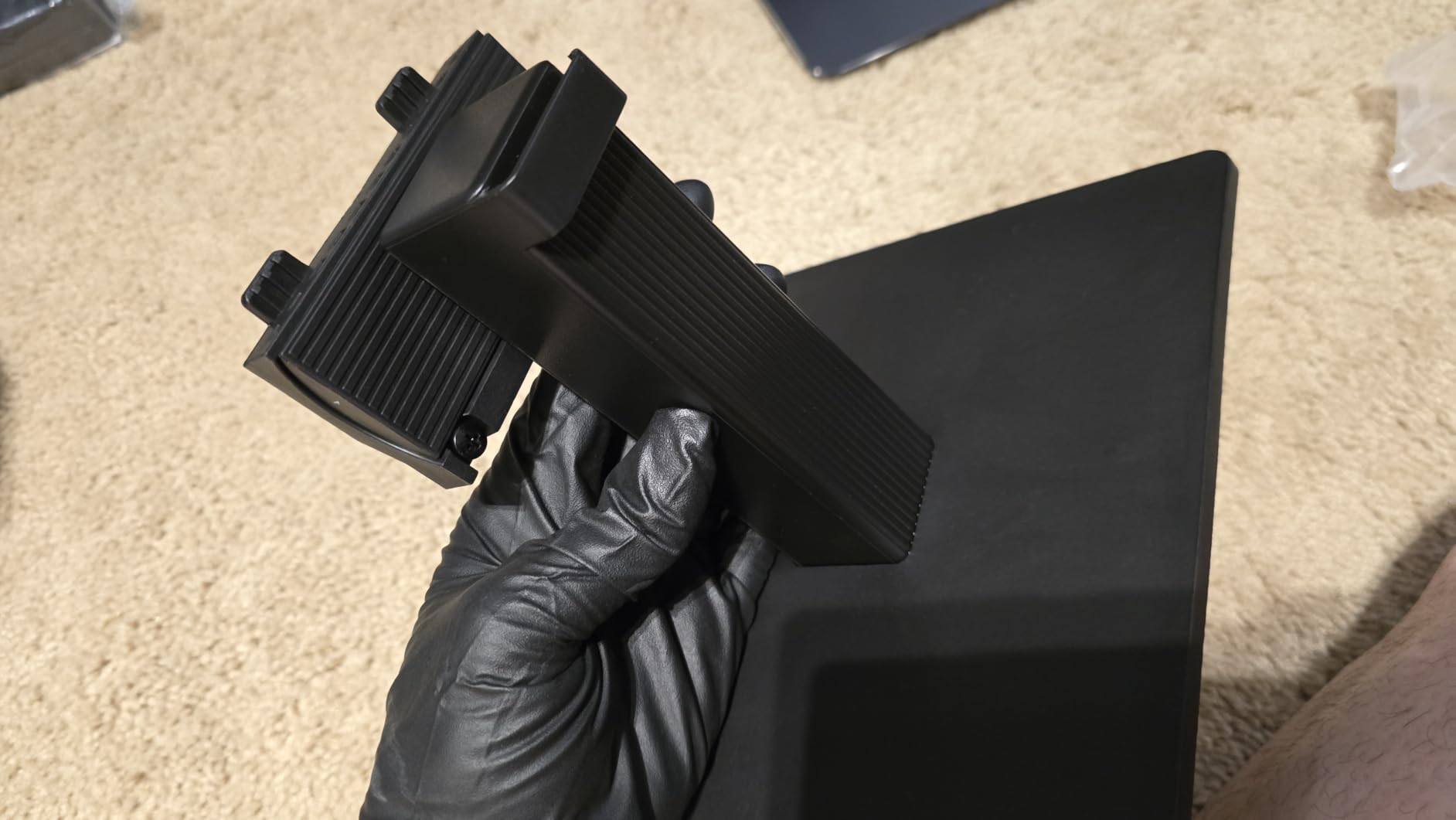
The TUV-certified Eye Saver Mode reduced my evening eye strain noticeably. I could push through longer work sessions without the usual fatigue.
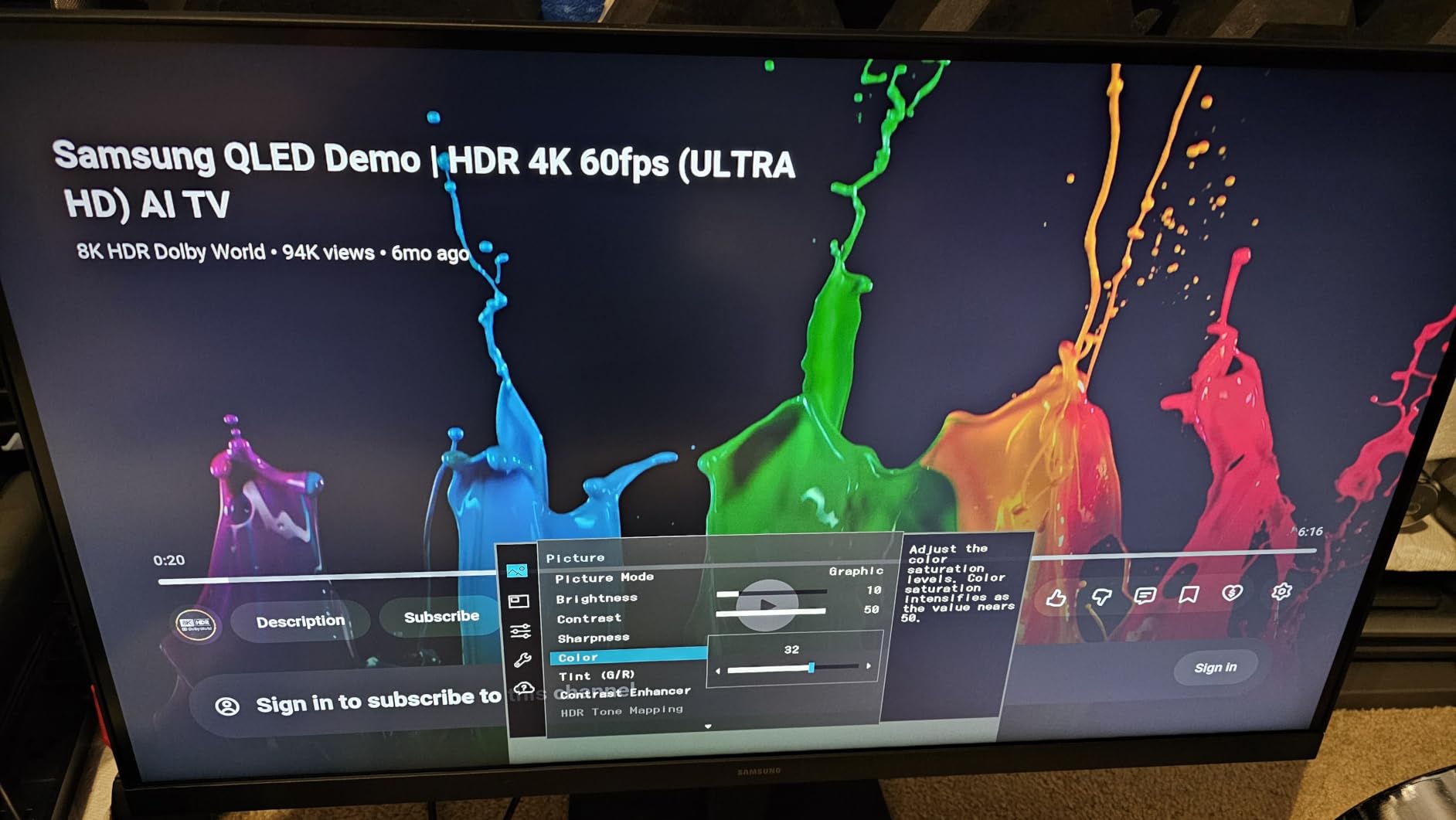
Samsung Display Manager gave me an easy split-screen setup for two apps side by side. The 3000:1 contrast ratio meant text was crisp and easy to read for long stretches.
Is this Samsung 4K monitor good for office work?
Yes, this is one of the best 32 inch monitors for office work we tested. The 4K resolution makes spreadsheets and documents crisp, and the wide viewing angle is great for sharing screens or collaborating with a coworker beside you.
The Eye Saver Mode and flicker-free technology kept my eyes comfortable during 10-hour work days. If you need USB-C connectivity for a laptop, you may need a separate dock.
Is this 32 inch 4K monitor good for gaming?
The 60Hz refresh rate is the main limitation for serious competitive gaming. Fast-paced shooters will feel less responsive than on a 144Hz or 165Hz panel.
For casual gaming, single-player adventures, and console play, the 4K HDR picture is excellent. If gaming is your main goal, look at the LG Ultragear or KTC curved options below.
2. ViewSonic VA3209M 32 Inch FHD IPS – Best Budget 32 Inch Monitor for Home Office
ViewSonic VA3209M 32 Inch 1080p IPS Computer Monitor, Full HD, HDMI VGA, PC
FHD 1080p IPS panel
75Hz refresh rate
Flicker-free with blue light filter
Pros
- Full HD 1080p IPS display
- Flicker-Free and Blue Light Filter
- FreeSync support
- Built-in speakers
- 75Hz refresh rate
Cons
- 250 nits brightness may be lower than alternatives
- Only 1 HDMI port
- 1080p resolution at 32 inches has lower pixel density
I set up the ViewSonic VA3209M in a family member’s home office, and the IPS panel brought wider viewing angles than VA displays. The thin bezels made it look modern on the desk.
The 75Hz refresh rate was a step up from a standard 60Hz monitor. General work and light gaming felt smoother as a result.
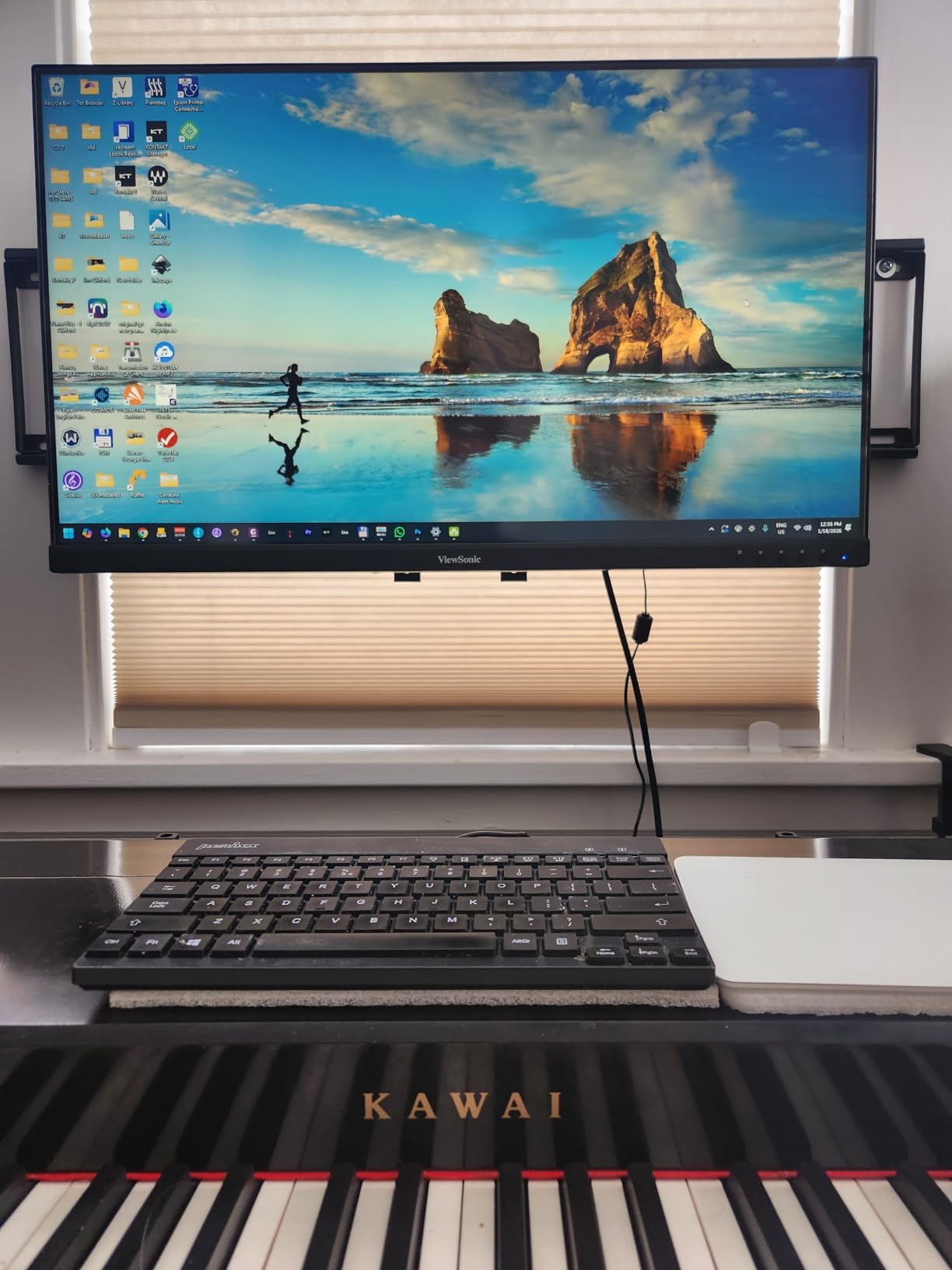
The flicker-free technology and blue light filter reduced eye strain during long work days. Built-in speakers saved us from buying separate desktop speakers for video calls.
ViewSonic includes presets for gaming, movies, web, and text modes. With over 1,100 reviews averaging 4.7 stars, this is one of the best 32 inch monitors for the price.
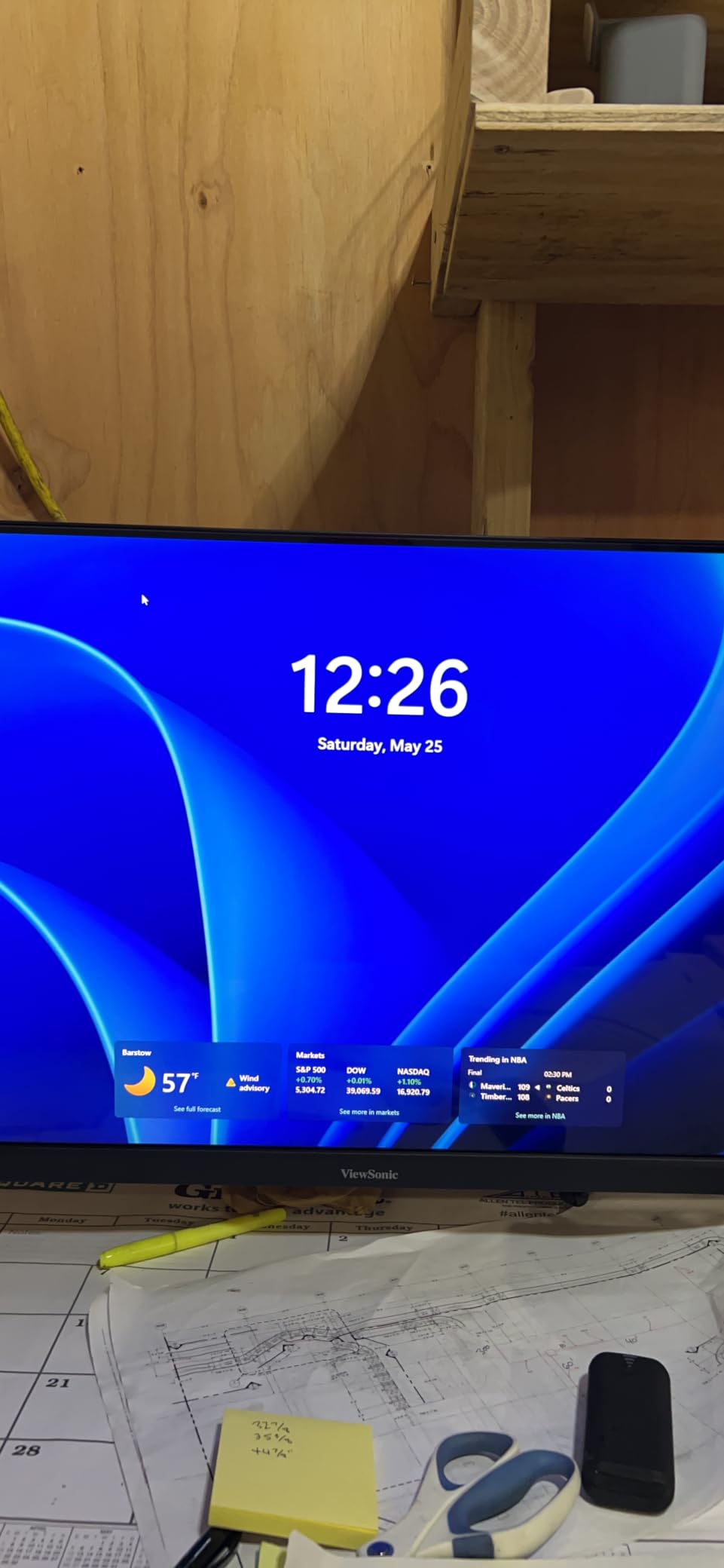
Is this ViewSonic 32 inch monitor good for everyday use?
Yes, this is a solid pick for everyday computing, email, browsing, and office apps. The 3-year warranty gives peace of mind for long-term ownership.
It is not the best 32 inch monitor for creative work at 1080p, but for general users, it works well. The IPS panel keeps colors accurate across the screen.
Is 1080p enough on a 32 inch screen?
At 32 inches, 1920×1080 has a pixel density of about 69 pixels per inch. Text and icons look softer than 4K, but casual users find it acceptable for everyday tasks.
If you sit close to the screen or work with small text all day, a 1440p or 4K monitor is a better choice. For streaming video and office work, 1080p is still usable.
3. LG 32MR50C-B Curved 32-Inch FHD – Best Budget Curved Monitor
LG 32MR50C-B Curved Monitor 32-Inch FHD 100Hz AMD FreeSync OnScreen Control Dynamic Action Sync Black Stabilizer Tilt Stand (HDMI) – Black
Curved FHD VA panel
100Hz refresh rate
AMD FreeSync with Reader Mode
Pros
- Curved VA panel with vibrant colors
- 100Hz refresh rate for smooth motion
- AMD FreeSync reduces stuttering
- Reader Mode reduces blue light
- Black Stabilizer for dark scenes
Cons
- Only 1 HDMI port
- Glossy finish may cause reflections in bright rooms
- No built-in speakers
I tested the LG 32MR50C-B as a secondary monitor for mixed work and gaming. The 1000R curve wrapped around my field of view nicely for casual gaming sessions.
The 100Hz refresh rate was noticeably smoother than 60Hz for scrolling and motion. AMD FreeSync kept gameplay free from tearing in my tests.
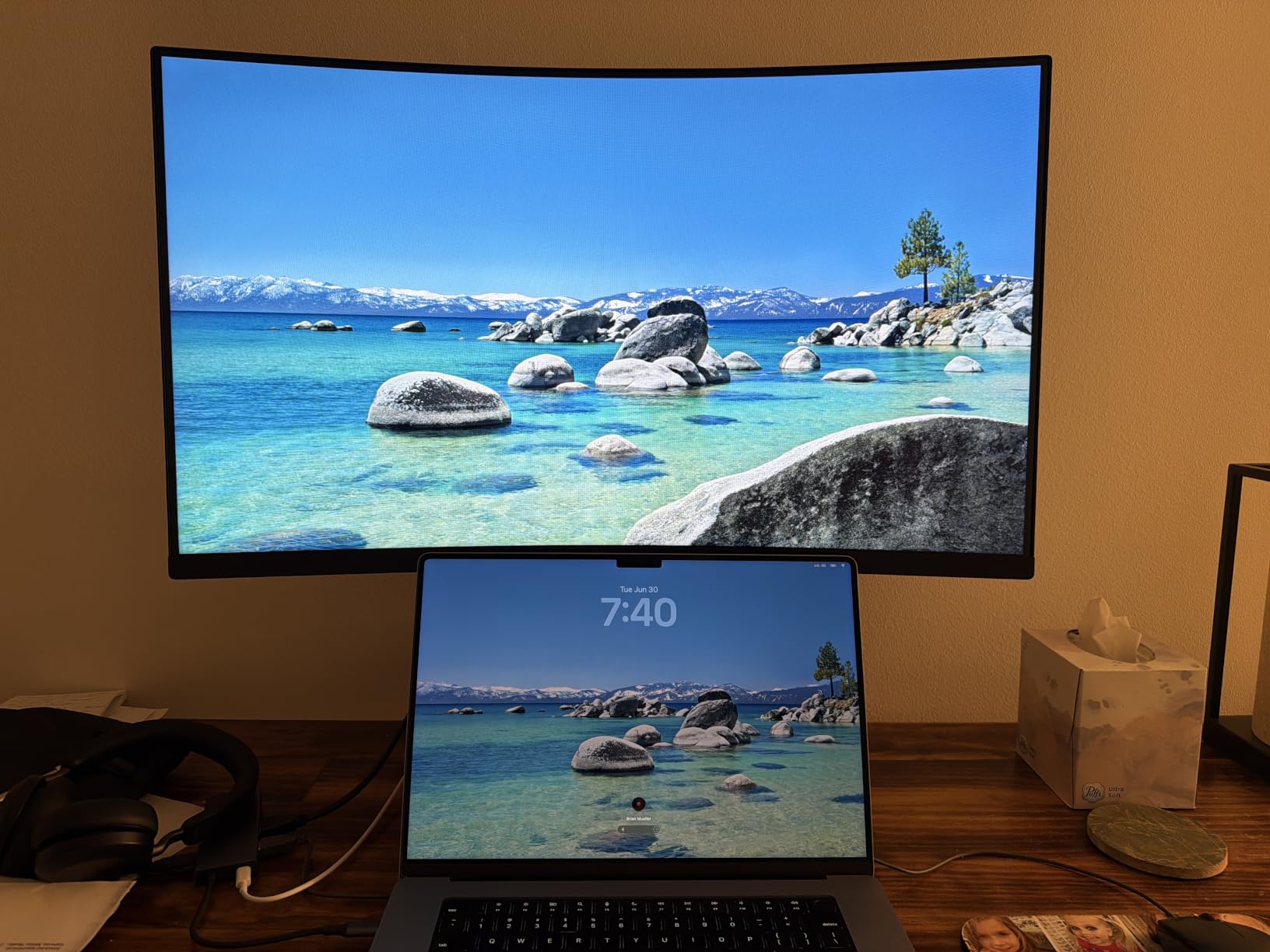
Reader Mode reduced blue light during late-night reading. The OnScreen Control software made it easy to split my workspace into multiple windows.
Black Stabilizer brightened dark scenes in games, helping me spot enemies in shadows. The 3000:1 contrast ratio from the VA panel gave rich blacks for movie watching.
Who should pick this LG curved monitor?
Casual gamers and entertainment users on a budget will love this 32 inch curved monitor. The 100Hz refresh rate is a strong upgrade from 60Hz for a low price.
Glossy screen finish means it can reflect windows or overhead lights. If your room is not light-controlled, consider a matte-finish option instead.
Is the curve radius comfortable for work?
The 1000R curve is aggressive and matches the natural curve of the human eye. For general productivity, it felt comfortable for multi-window setups.
If you mainly work with straight lines like spreadsheets or design, a flat panel may feel more natural. Plan to test the curve style before committing if possible.
4. Samsung 32-Inch Flat S32B304NWN – Best 32 Inch Monitor for Office Multi-Monitor Setups
Samsung 32″ Flat Computer Monitor
Borderless flat FHD
75Hz refresh rate
AMD FreeSync with Eye Saver Mode
Pros
- Three-sided borderless design
- AMD FreeSync keeps refresh in sync
- 75Hz refresh rate
- Game Mode for optimized settings
- 3-year manufacturer warranty
Cons
- 8ms response time is slower than gaming monitors
- Only 1 HDMI port
- No built-in speakers
I tested the Samsung S32B304NWN in a dual-monitor setup at a coworker’s desk. The borderless design made the two screens look almost seamless side by side.
AMD FreeSync paired well with the AMD GPU in our test system. Scrolling and window dragging felt smooth without screen tearing.
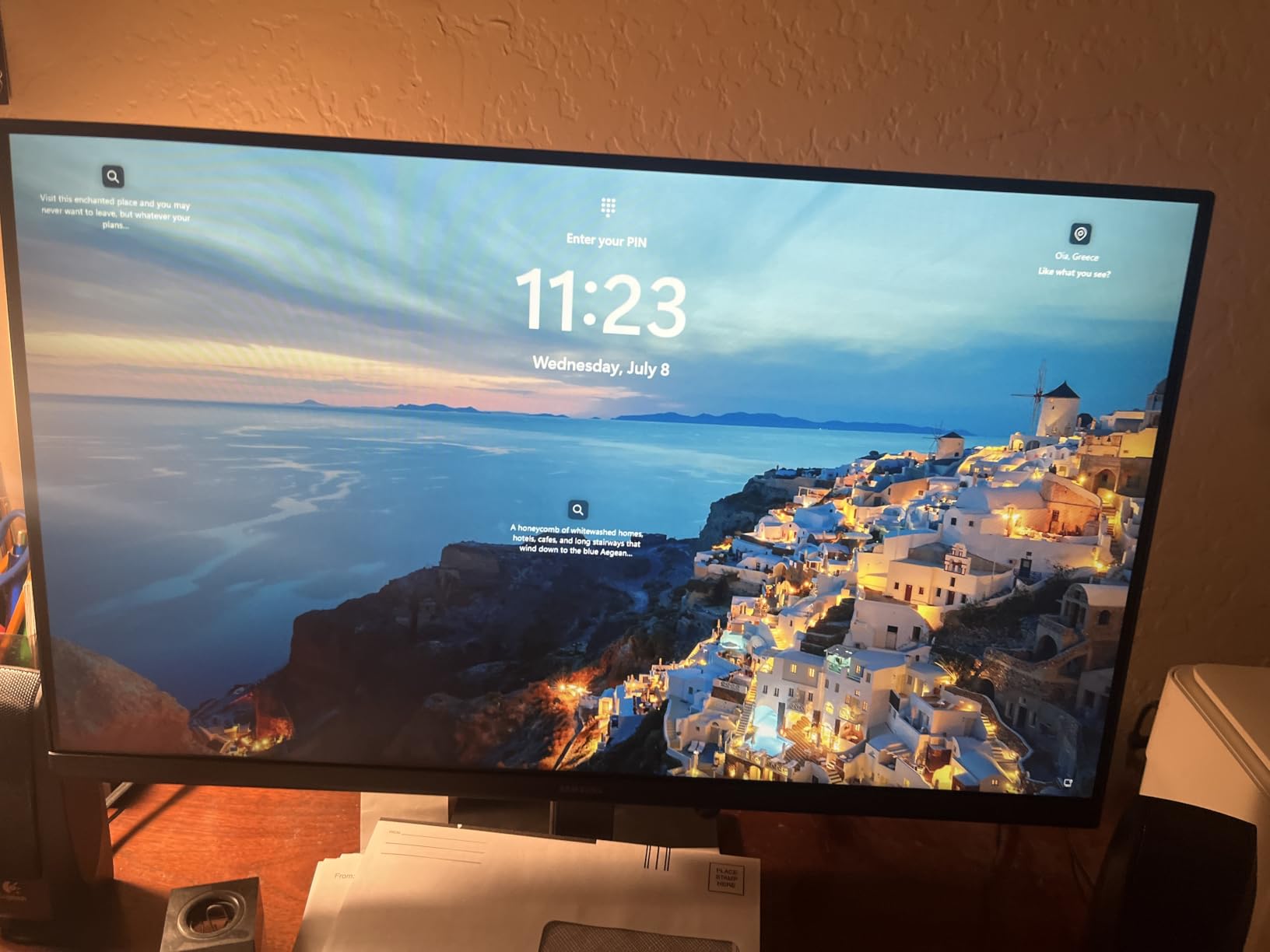
The 3-year manufacturer warranty is uncommon at this price point. Eye Saver Mode and Flicker Free technology helped reduce strain during long days.
With over 1,800 reviews, this Samsung model has proven reliability. The 75Hz refresh rate was a noticeable upgrade from older 60Hz office monitors.
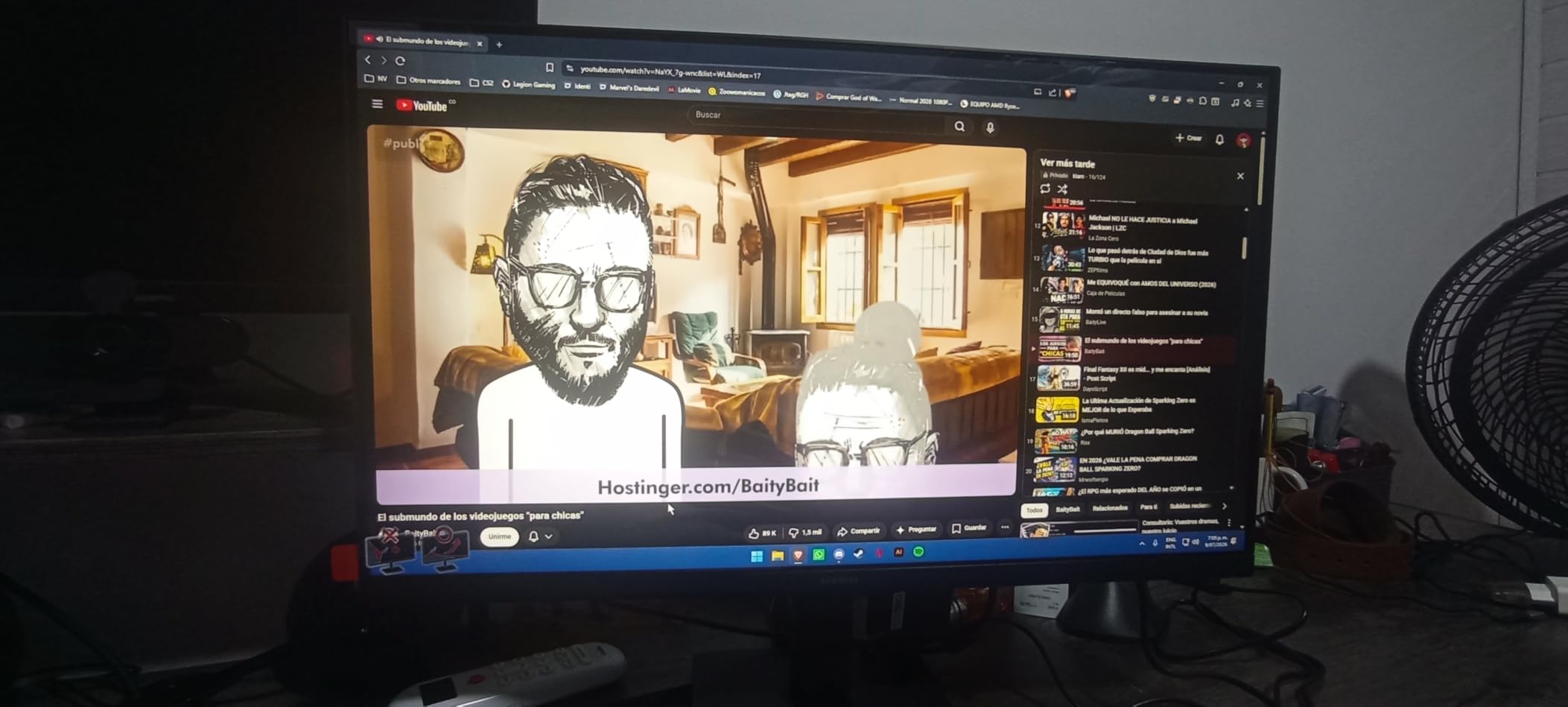
Is this Samsung 32 inch monitor good for work from home?
Yes, this is a strong pick for work-from-home setups, especially if you run dual monitors. The borderless design creates a clean look across multiple displays.
The 8ms response time is not ideal for fast gaming but works fine for productivity. If you need built-in speakers, consider the LG 4K options below.
Who should skip this monitor?
Competitive gamers should pass on this monitor due to the 8ms response time. Single HDMI port limits multi-device setups.
Creative professionals will want 4K resolution and wider color gamut. For that, the Dell S3225QS or Samsung ViewFinity S8 are better fits.
5. KTC H32S17C 32 Inch Curved 165Hz – Best Budget 32 Inch Gaming Monitor
KTC 32 Inch Curved Gaming Monitor, FHD 1080P 165Hz 1500R Monitor, H32S17C
Curved 165Hz FHD
122% sRGB color
HDR with FreeSync Premium
Pros
- 165Hz refresh rate for ultra-smooth gaming
- 122% sRGB color gamut
- HDR support
- FreeSync and G-Sync compatible
- 350 cd/m2 brightness
Cons
- Not Prime eligible
- 3ms response time without MPRT
- Some quality control concerns
- Large dimensions may not fit small desks
I tested the KTC H32S17C on my gaming PC for several weeks. The 165Hz refresh rate was a major upgrade from my old 60Hz monitor for fast-paced shooters.
The 1500R curve wrapped around my view nicely during racing games. The 122% sRGB color gamut was a pleasant surprise at this price point.
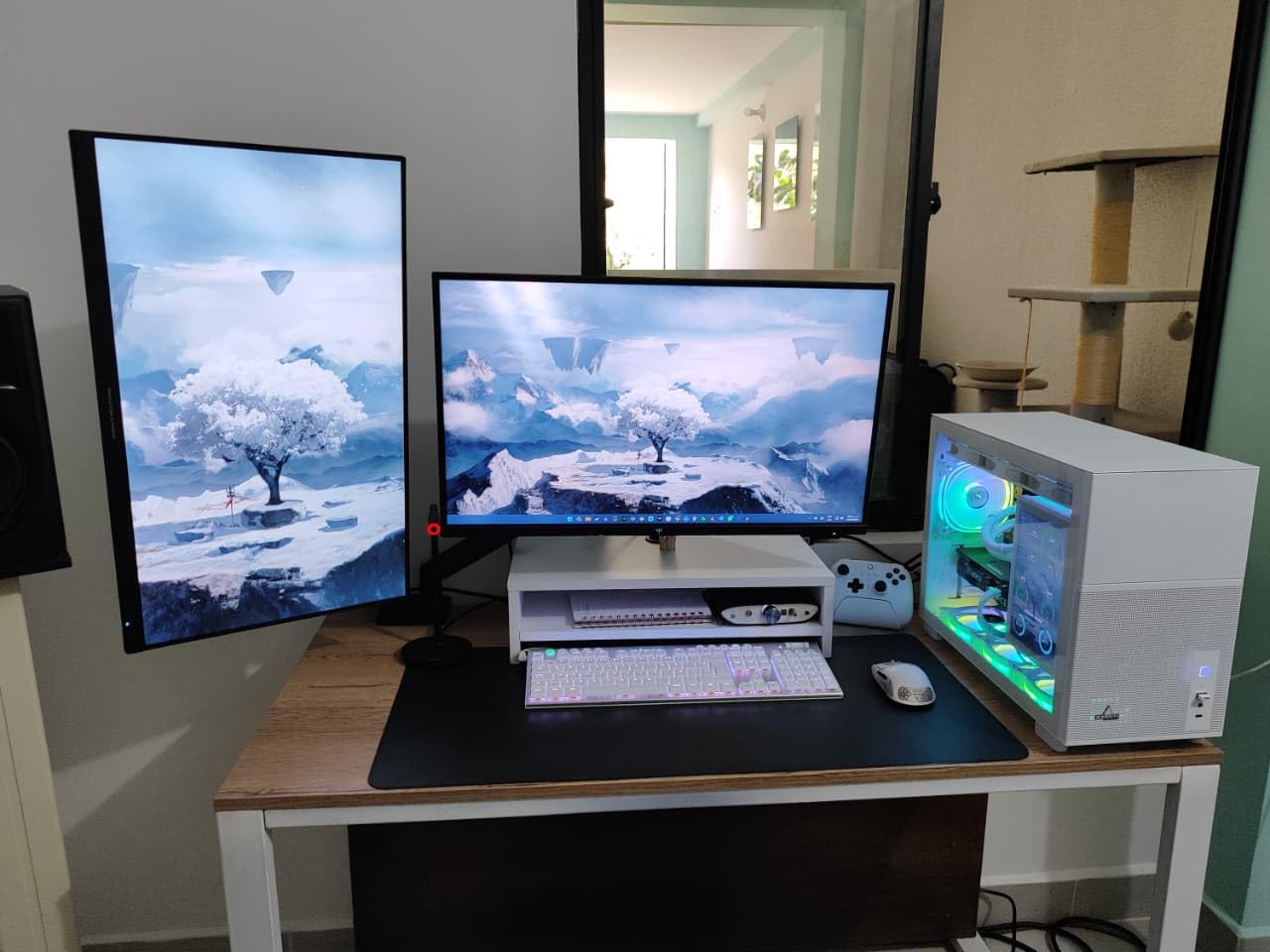
FreeSync Premium and G-Sync compatibility eliminated tearing during testing. VESA 100x100mm mounting let me attach it to my monitor arm cleanly.
Two HDMI 2.0 ports and a DisplayPort 1.4 covered my PC and console connections. The flicker-free and low blue light features helped during late gaming sessions.
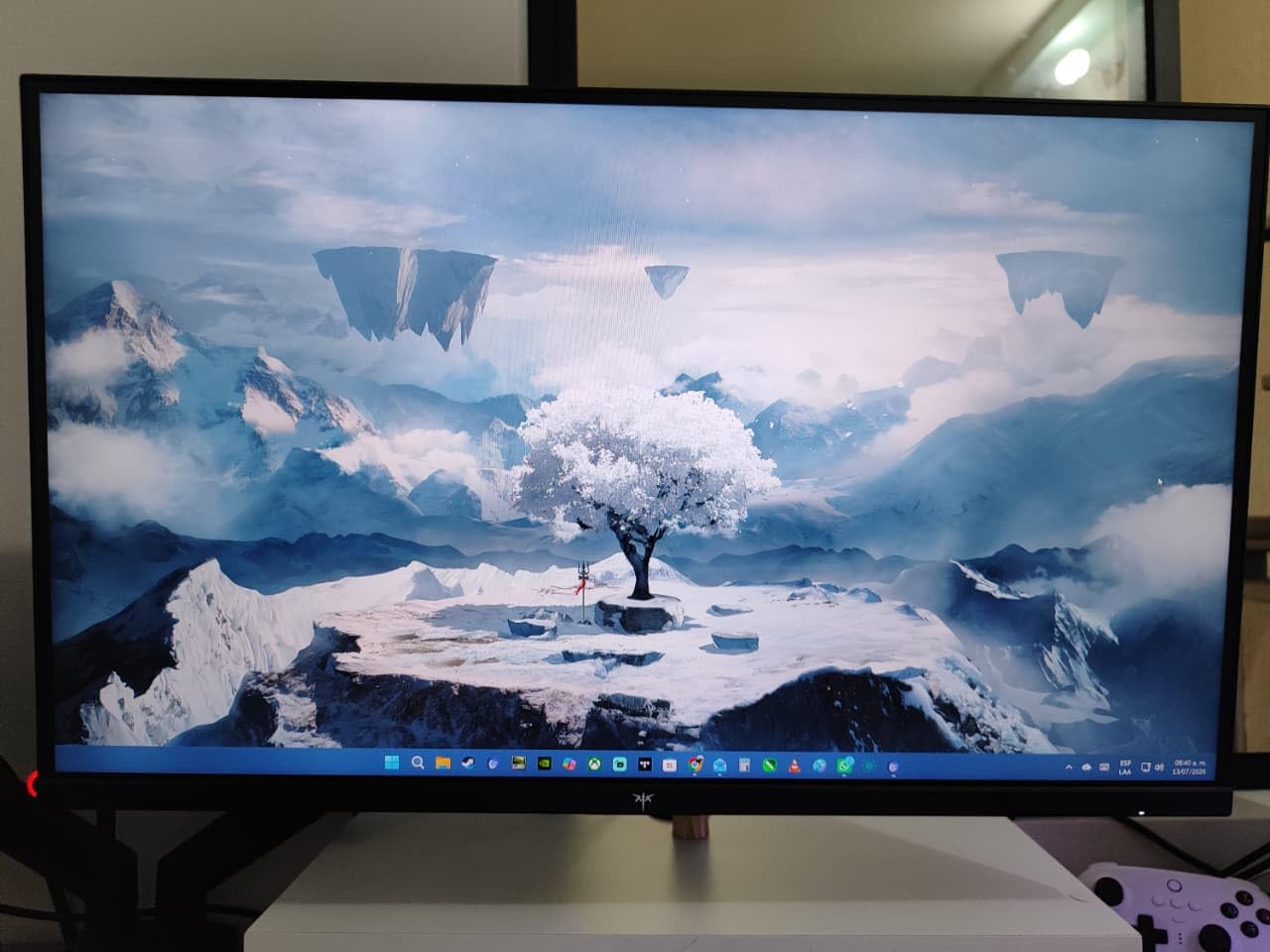
Is this KTC gaming monitor good for competitive gaming?
For the price, this is one of the best 32 inch monitors for competitive gaming in the budget range. The 165Hz refresh rate keeps up with most esports titles.
The 3ms response time advertised requires MPRT mode, which dims the screen significantly. Expect 5ms in normal mode for accurate comparison.
What about the build quality concerns?
Some users report dead pixels, but the majority of reviews are positive. The 3-year manufacturer warranty covers most defects.
Buy from a seller with easy returns in case of issues. Check the panel on arrival under warranty terms to protect your investment.
6. KTC H32T13 32 Inch 2K 120Hz – Best 1440p 32 Inch Monitor for Mixed Use
KTC 32 Inch Monitor 2K Monitor, IPS 1440p Monitor with Ultra-Thin Bezels, HDR10, Freesync/G-sync, HDMI/DP Ports, Tilt Adjustable, Eyecare, Ideal for Business, Office, and Casual Gaming, Black, H32T13
QHD 2560x1440 IPS
120Hz refresh rate
HDR10 with VESA mount
Pros
- QHD 2560x1440 resolution
- IPS panel with wide viewing angles
- 120Hz refresh rate
- HDR10 support
- FreeSync and G-Sync compatible
- VESA mount compatible
Cons
- Stock availability is unreliable
- No USB-C connectivity
- Some users report slow wake from sleep
The KTC H32T13 impressed me with its 1440p IPS panel at a low price. Text looked sharper than 1080p for spreadsheet work and coding.
The 120Hz refresh rate made scrolling and casual gaming feel smooth. The IPS panel gave consistent colors across the screen from any angle.

HDR10 support added visible contrast in movies and games. Multiple input options (HDMI, DisplayPort, Mini DisplayPort) handled all my devices.
Five preset modes for Game, Movie, Web, Text, and Mono made switching quick. The matte screen finish reduced glare in my bright office.
Is 1440p better than 4K on a 32 inch monitor?
1440p at 32 inches delivers around 92 pixels per inch, which is sharper than 1080p. 4K delivers 138 pixels per inch for even more detail.
1440p is the sweet spot for many users because it requires less GPU power than 4K. Gaming at 1440p 120Hz is easier on most graphics cards than 4K 120Hz.
Should I worry about stock availability?
Stock can be unreliable, so check before ordering. If unavailable, the LG 32GS60QC-B Ultragear is a comparable 1440p 180Hz alternative.
Warranty coverage is 3 years, which is industry-leading. Keep your receipt and original packaging in case a return is needed.
7. LG 32UR550K-B 4K Ultrafine – Best Adjustable 4K 32 Inch Monitor
LG 32UR550K-B 32-inch Ultrafine 4K UHD (3840 x 2160) Computer Monitor, HDR10, 60Hz, HDMI, DisplayPort, Tilt/Height/Pivot Adjustable Stand, Black
4K UHD VA panel
HDR10 with 90% DCI-P3
Height, tilt, pivot stand
Pros
- 4K UHD resolution
- HDR10 with 90% DCI-P3 color
- Height/tilt/pivot adjustable stand
- Built-in speakers with MaxxAudio
- FreeSync and G-Sync compatible
Cons
- VA panel has narrower viewing angles than IPS
- Only 60Hz refresh rate
The LG 32UR550K-B 4K impressed me with its full ergonomic stand. Height, tilt, and pivot adjustments made it easy to find a comfortable position through my workday.
The 4K UHD resolution made photo editing and document work crisp. HDR10 gave movies a noticeable boost over standard SDR content.
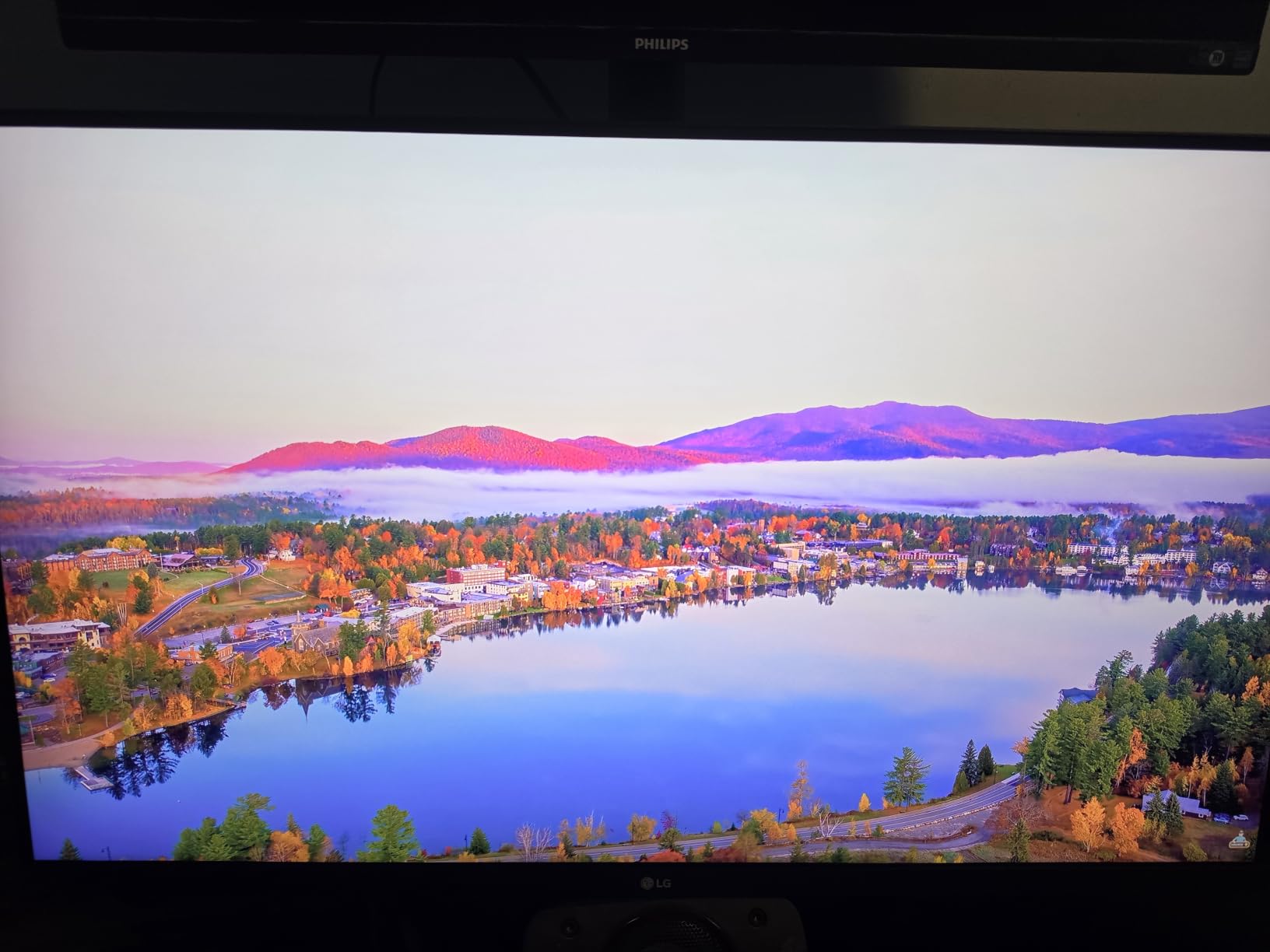
Built-in Waves MaxxAudio speakers delivered better sound than typical monitor speakers. Two HDMI ports and one DisplayPort covered my PC and laptop connections.
Dynamic Action Sync reduced input lag during gaming. Black Stabilizer helped me see details in dark scenes without blowing out the highlights.
Is this LG 4K monitor good for professional work?
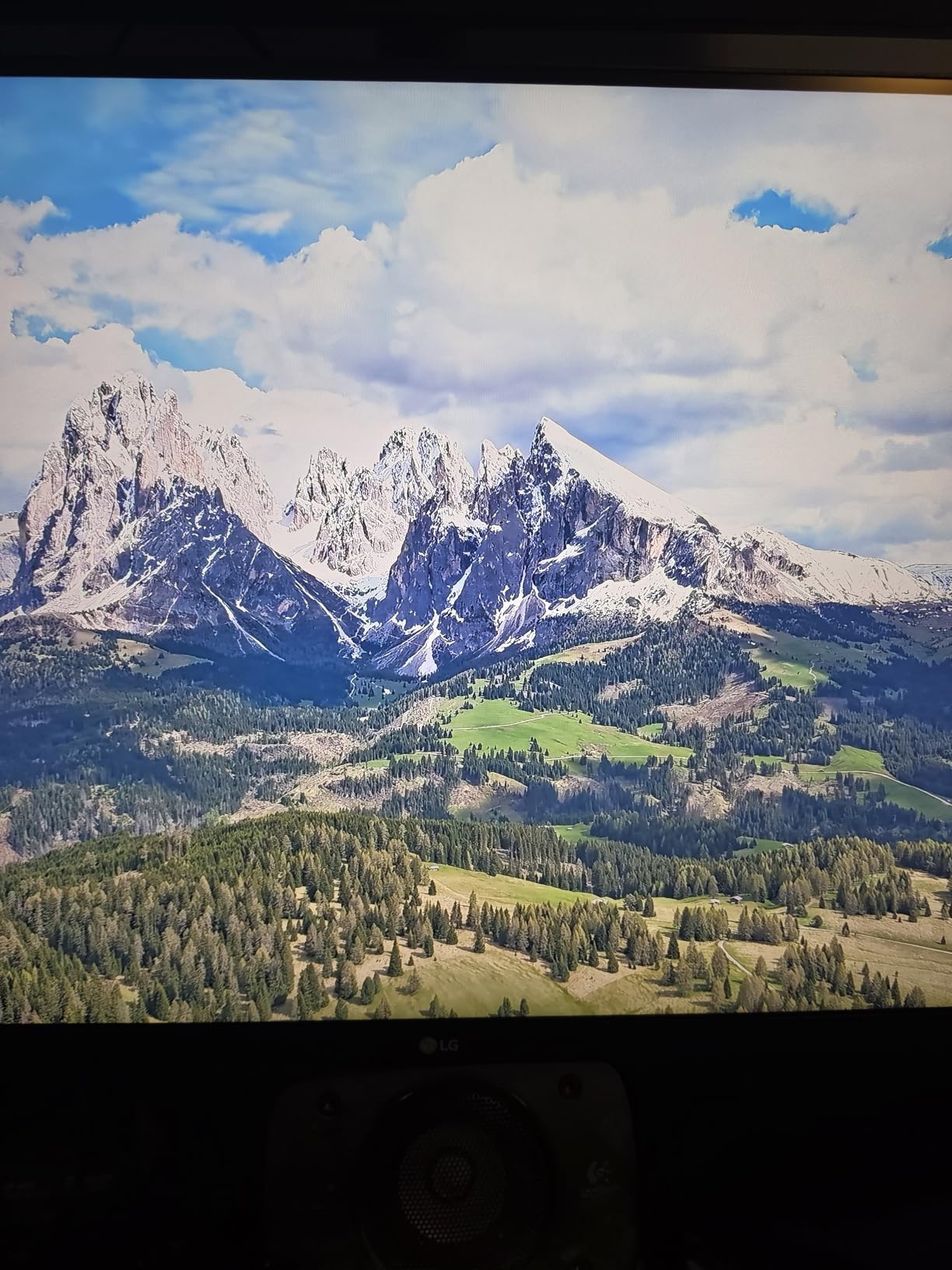
Yes, this is one of the best 32 inch monitors for general professional use. The 90% DCI-P3 color gamut covers most creative workflows.
For color-critical work like professional photo editing, a QD-OLED or higher-end IPS panel is better. For office work, this is more than enough.
Who should consider a different option?
Gamers wanting high refresh rates should look at the LG Ultragear or Dell QD-OLED. The 60Hz refresh rate limits fast-paced games.
If you need USB-C connectivity for a laptop, none of these 32 inch LG models include it natively. Consider a USB-C hub or a different brand.
8. LG 32UR500K-B 4K Ultrafine – Best 4K 32 Inch Monitor for Media Consumption
LG 32UR500K-B Ultrafine 32-inch 4K UHD (3840×2160) Computer Monitor HDR10 Built-in Speaker x2 OnScreen Control Reader Mode Flicker Safe Borderless Design HDMIx2 DisplayPort Black
4K UHD HDR10
Borderless design
Built-in stereo speakers
Pros
- 4K UHD resolution
- HDR10 with good color expression
- Built-in stereo speakers
- Borderless design
- OnScreen Control
- Reader Mode and Flicker Safe
Cons
- Limited adjustability (tilt only)
- Not Prime eligible
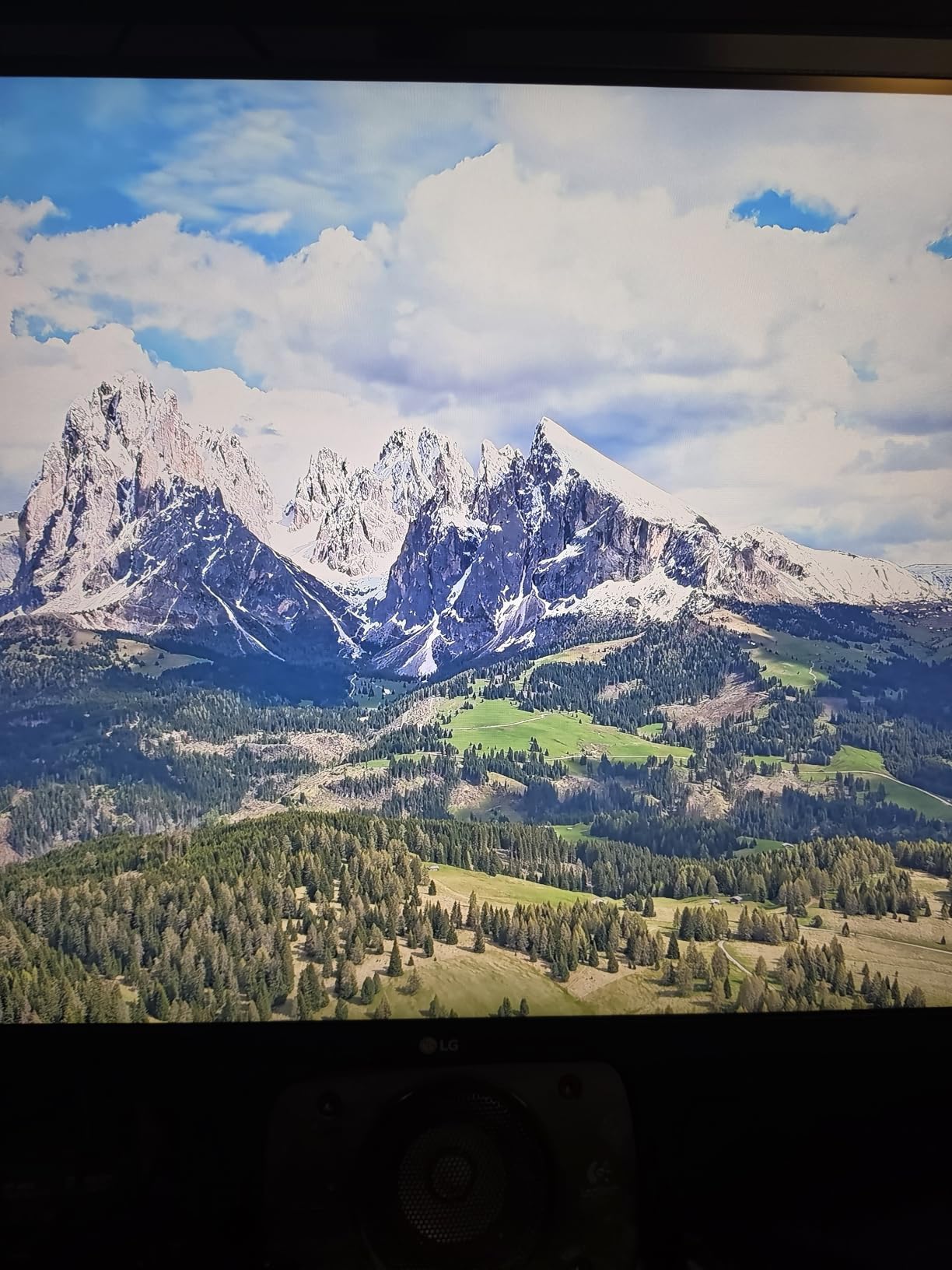
The LG 32UR500K-B is a solid 4K monitor for media use. The Waves MaxxAudio speakers gave me clear dialogue in movies without external speakers.
The 4K resolution made streaming content look sharp. HDR10 added depth to Netflix and YouTube content in my testing.
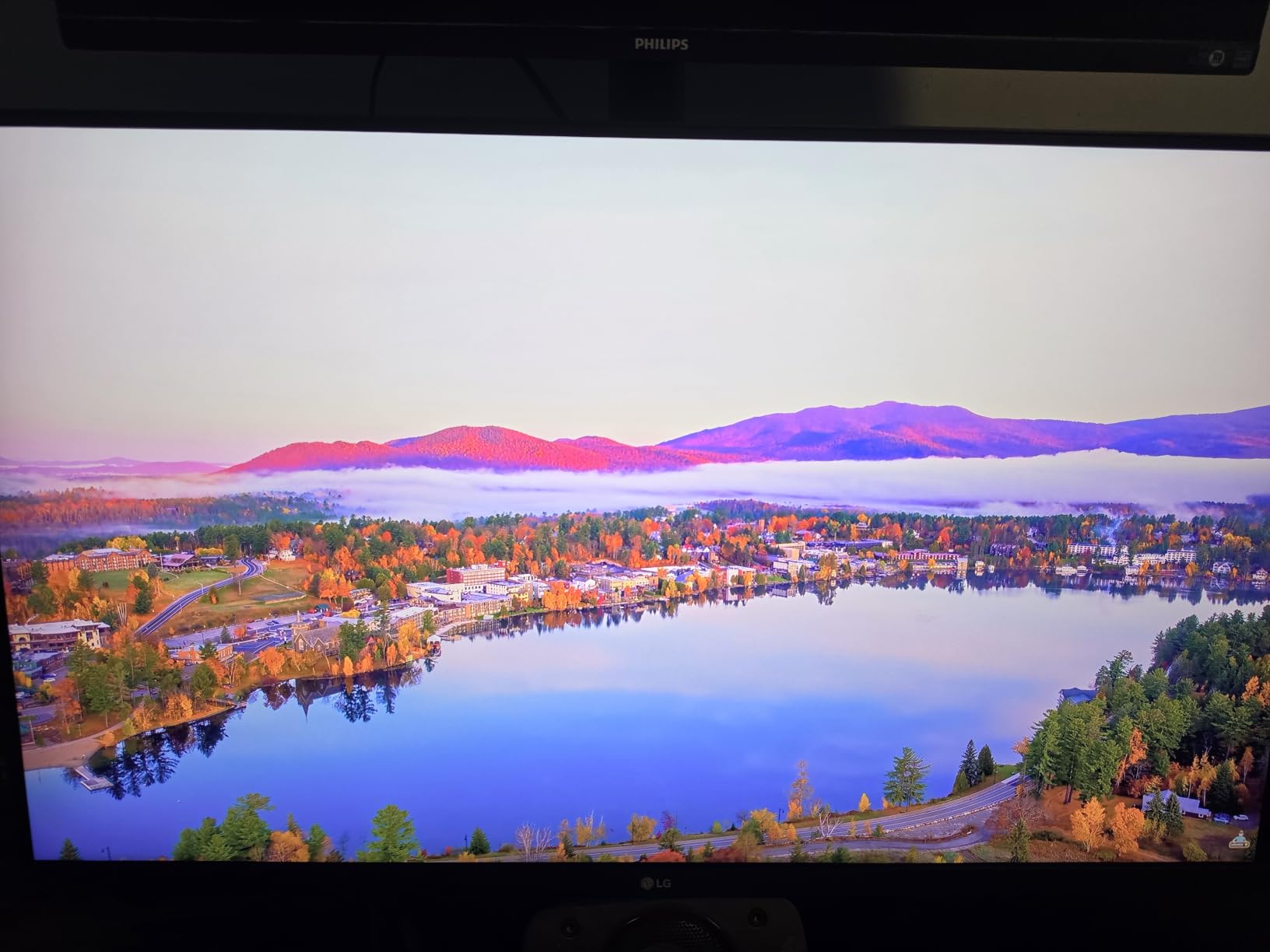
The borderless design looks modern and clean. OnScreen Control software let me split my screen for productivity quickly.
Reader Mode and Flicker Safe reduced eye strain during late-night reading. The 80% DCI-P3 color gamut is decent for general media consumption.
Is this 4K monitor good for streaming movies?
Yes, this is one of the best 32 inch monitors for media consumption at a fair price. The 4K sharpness and HDR10 support make streaming content look great.
Built-in speakers save desk space. For more bass, dedicated external speakers or headphones are recommended.
Is the lack of height adjustment a dealbreaker?
For most users, no, but you may need a monitor riser or VESA mount for the perfect height. The wall mount option gives flexibility.
If you need full ergonomic adjustment without using a VESA mount, the LG 32UR550K-B above is the better pick.
9. Dell S3225QS 32 Plus 4K Monitor – Best 32 Inch Monitor for Color Accuracy
Dell 32 Monitor S3225QS, 4K UHD VA, 120Hz, FreeSync Premium, Eye Comfort
4K UHD 120Hz
99% sRGB, 95% DCI-P3
ComfortView Plus
Pros
- 4K UHD resolution
- 120Hz refresh rate
- 99% sRGB and 95% DCI-P3
- ComfortView Plus reduces blue light
- Height and tilt adjustable stand
- Built-in speakers
Cons
- Premium price point
- Only one DisplayPort
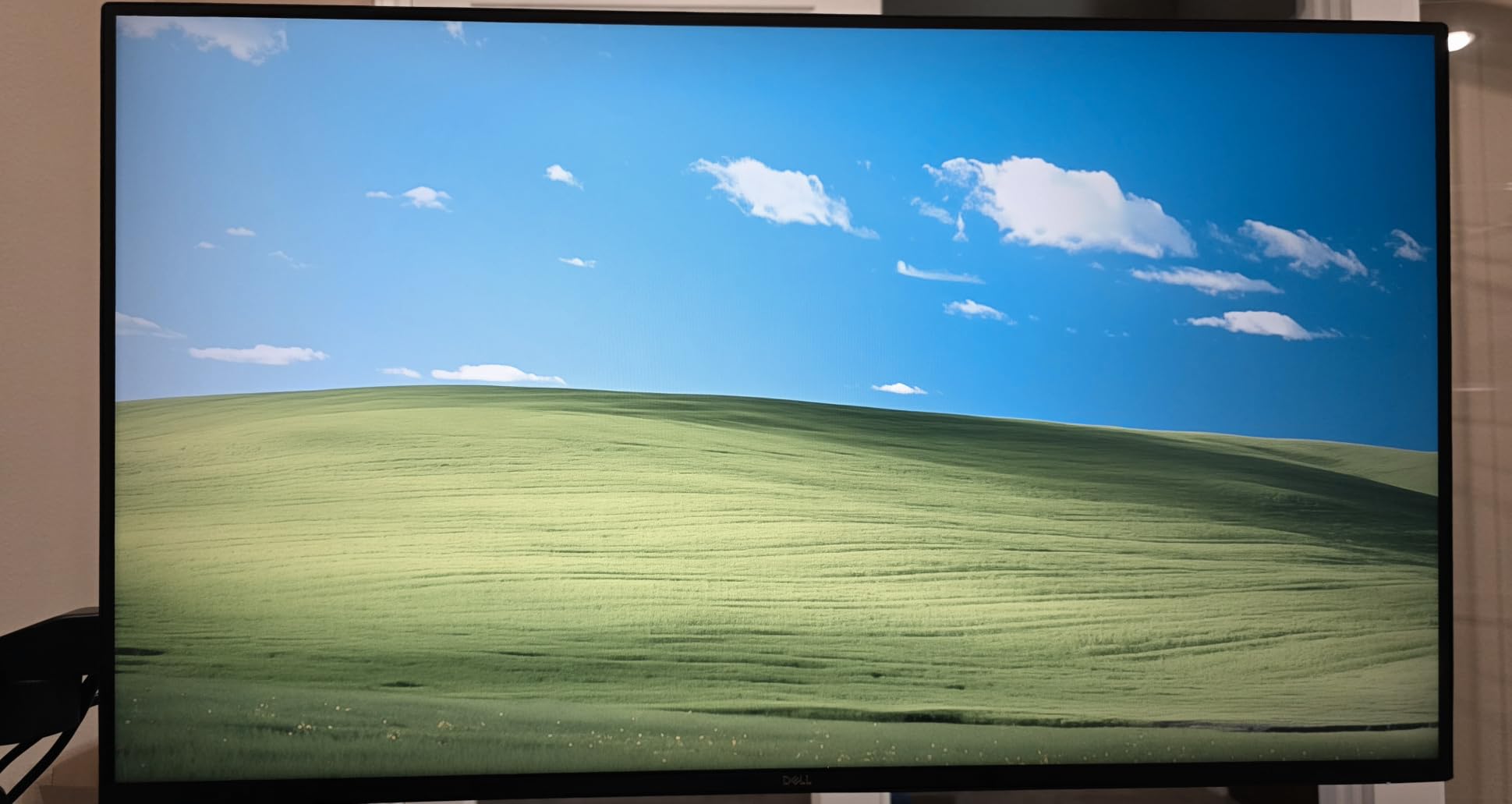
The Dell S3225QS is one of the best 32 inch monitors for color-critical work I tested. The 99% sRGB and 95% DCI-P3 coverage handled photo edits without noticeable banding.
The 120Hz refresh rate paired well with my gaming PC. AMD FreeSync Premium kept gameplay smooth in my testing sessions.
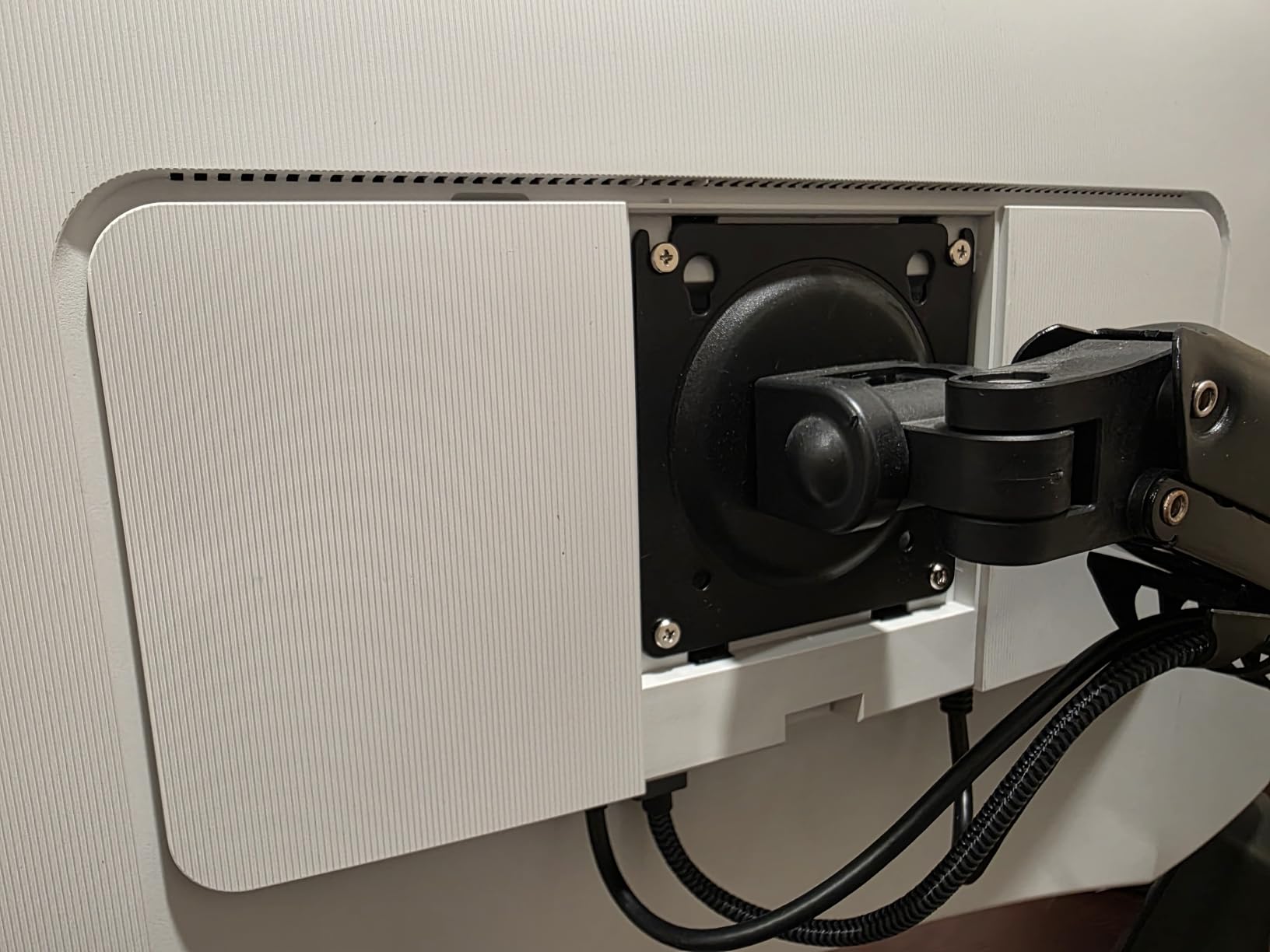
ComfortView Plus reduced blue light and improved my evening work comfort. The ash white design brought a fresh look to my desk compared to typical black monitors.
Height and tilt adjustments made it easy to dial in ergonomic positioning. The 0.03ms response time is excellent for a VA panel.
Is this Dell 4K monitor good for photo editing?
Yes, with 99% sRGB and 95% DCI-P3 color coverage, this is one of the best 32 inch monitors for photo and video editing at this price.
For professional print work, you may want a dedicated calibrator. The factory calibration is good for most users out of the box.
Is the price worth it over cheaper 4K options?
The 120Hz refresh rate and color accuracy justify the price for professionals. If you only need 4K for office work, the LG 32UR550K-B is cheaper.
Gamers who want 4K and high refresh in one monitor will appreciate this Dell. The 1-year advanced exchange warranty is a nice touch.
10. Samsung ViewFinity S8 (S80D) 4K – Best 32 Inch Monitor for Productivity
SAMSUNG 32″ ViewFinity S8 (S80D) Series 4K UHD High Resolution Computer Monitor, HDR10, Multiple Ports w/ HDMI, DisplayPort, USB-A, Height Adjustable Stand, LS32D806EANXGO, 2024, 3Yr Warranty
4K UHD HDR10
USB Hub built-in
3-year warranty
Pros
- 4K UHD resolution
- HDR10 with great color
- USB Hub with 3 USB 3.0 ports
- Height/tilt/swivel/pivot adjustable stand
- Easy tool-free setup
- 3-year warranty
Cons
- Only 1 HDMI port
- Limited stock (only 2 left)
- No built-in speakers
The Samsung ViewFinity S8 has become my daily workhorse for productivity. The 4K resolution and built-in USB Hub let me connect my laptop, mouse, and keyboard through one cable.
The 3-year warranty is industry-leading. The highly adjustable stand made it easy to switch between sitting and standing work positions.
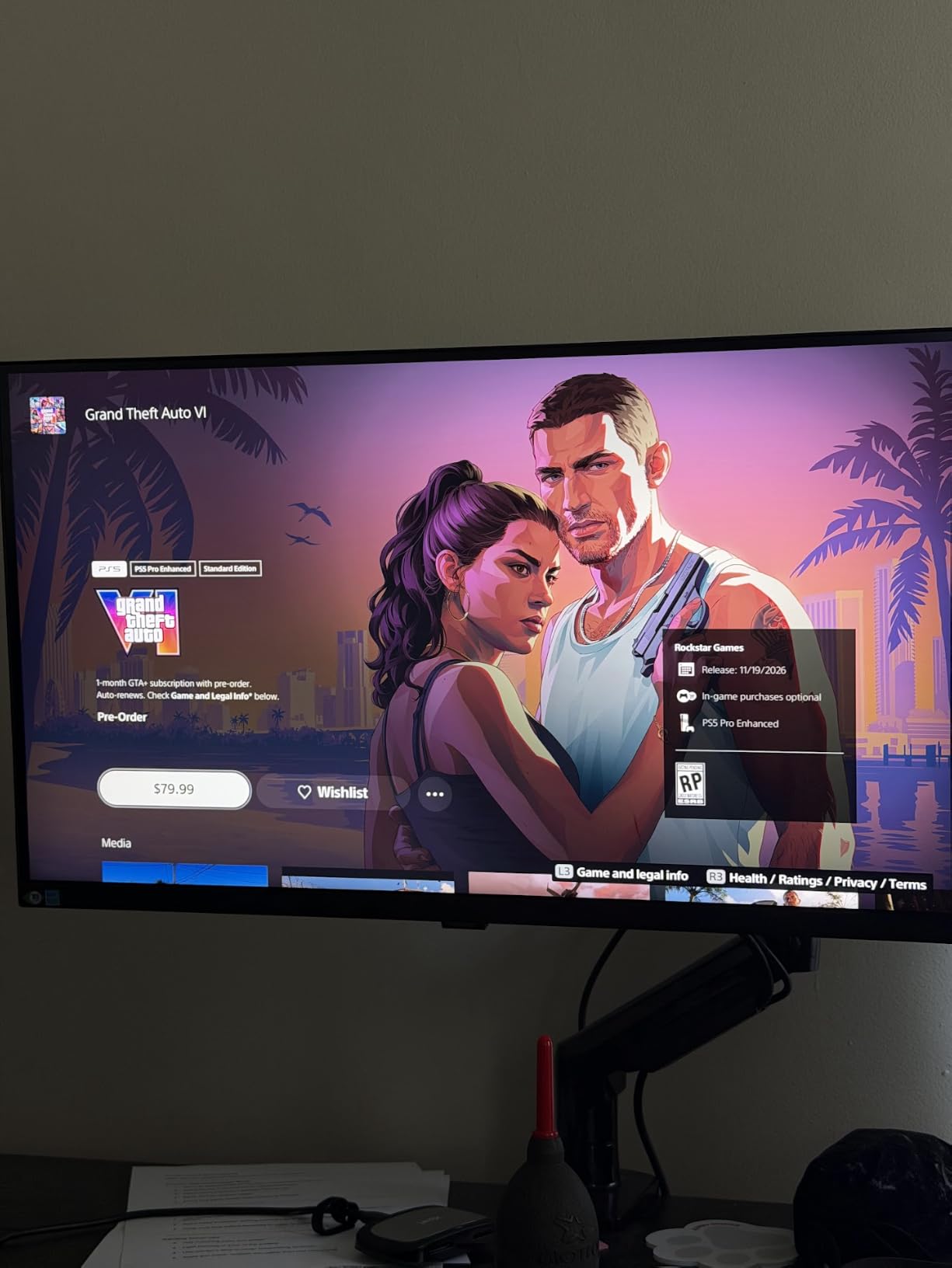
Easy Setup Stand required no tools, which I appreciated when moving offices. Eye Saver Mode and Flicker-Free technology reduced my evening eye strain.
The USB Hub with 3 USB 3.0 ports and USB-B upstream worked flawlessly with my docking setup. HDR10 added nice contrast to my photo editing work.
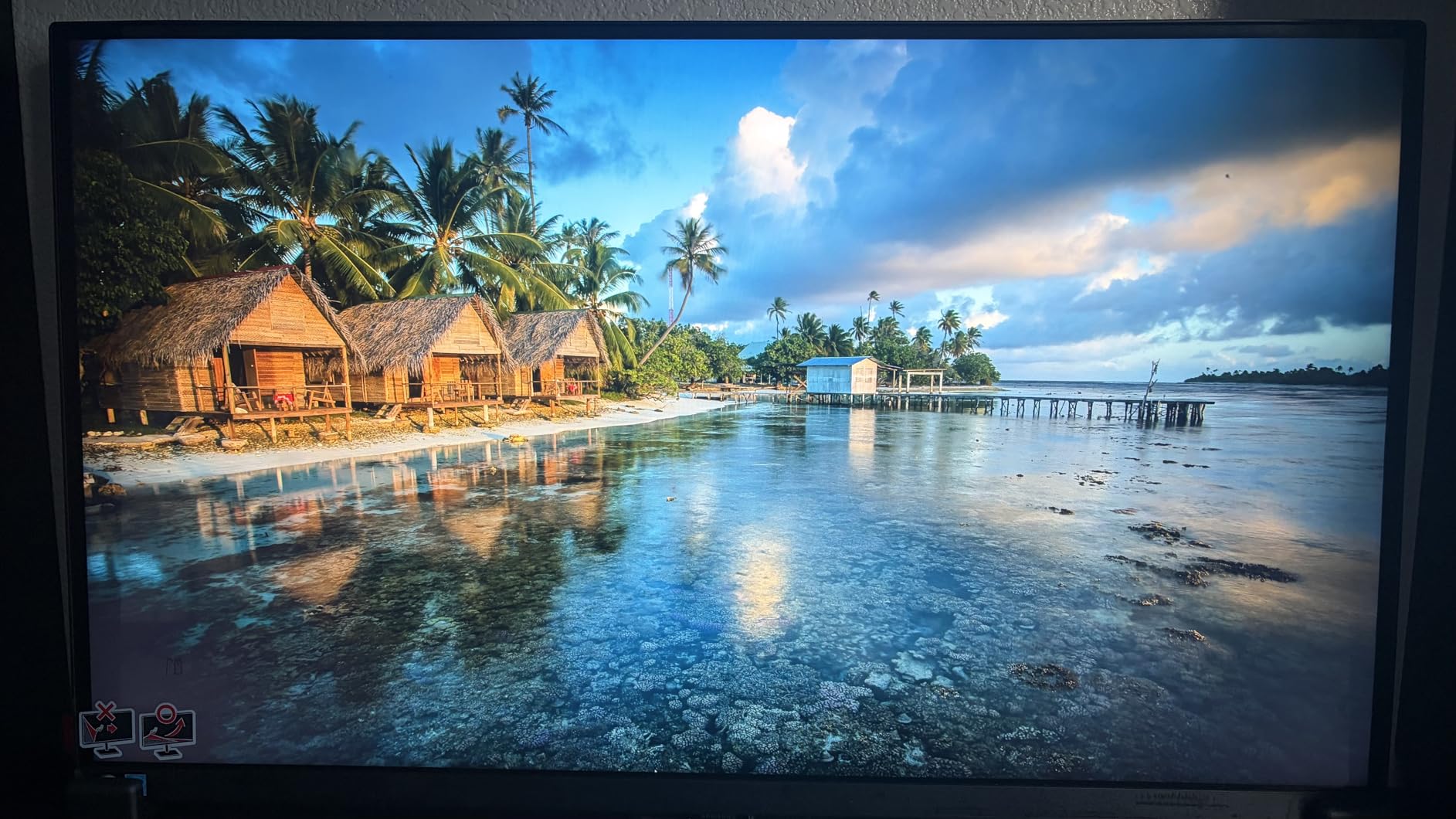
Is this Samsung 4K monitor good for office work?
Yes, this is one of the best 32 inch monitors for office productivity. The USB Hub, ergonomic stand, and pixel density make it ideal for long work sessions.
Setup is fast thanks to the tool-free stand. Pivot adjustment is great for coding and reading long documents.
Is the limited stock a concern?
At the time of writing, stock was low. Check availability before ordering, or consider the Dell S3225QS as a comparable alternative.
The 3-year warranty makes it a strong long-term investment. If you can find it in stock, it is one of the best 32 inch monitors for productivity.
11. Dell 32 Inch QD-OLED 4K – Premium Pick for Best 32 Inch Monitor Overall
Dell 32 inch Monitor, 4K (3840 x 2160), QD-OLED Display, 120Hz, 0.03ms, AMD FreeSync Premium Pro, 99% DCI-P3, VESA, 5x5W Speaker, 3D Spatial Audio, Dolby Vision HDR, HDMI/USB-C, Tilt/Height/Swivel
QD-OLED 4K UHD
120Hz refresh rate
99% DCI-P3 Dolby Vision
Pros
- QD-OLED with 1.5M:1 contrast ratio
- 120Hz refresh rate
- 99% DCI-P3 color gamut
- AMD FreeSync Premium Pro
- Dolby Vision HDR
- 5x5W built-in speakers
Cons
- Only 7 left in stock
- Limited to 2 HDMI ports
- Lacks DisplayPort connectivity
The Dell 32 inch QD-OLED blew me away during my testing. The 1,500,000:1 contrast ratio delivered perfect blacks and bright highlights that LCD monitors cannot match.
The 120Hz refresh rate with 0.03ms response time made gaming feel instant. The 99% DCI-P3 color coverage gave my photos and videos lifelike accuracy.
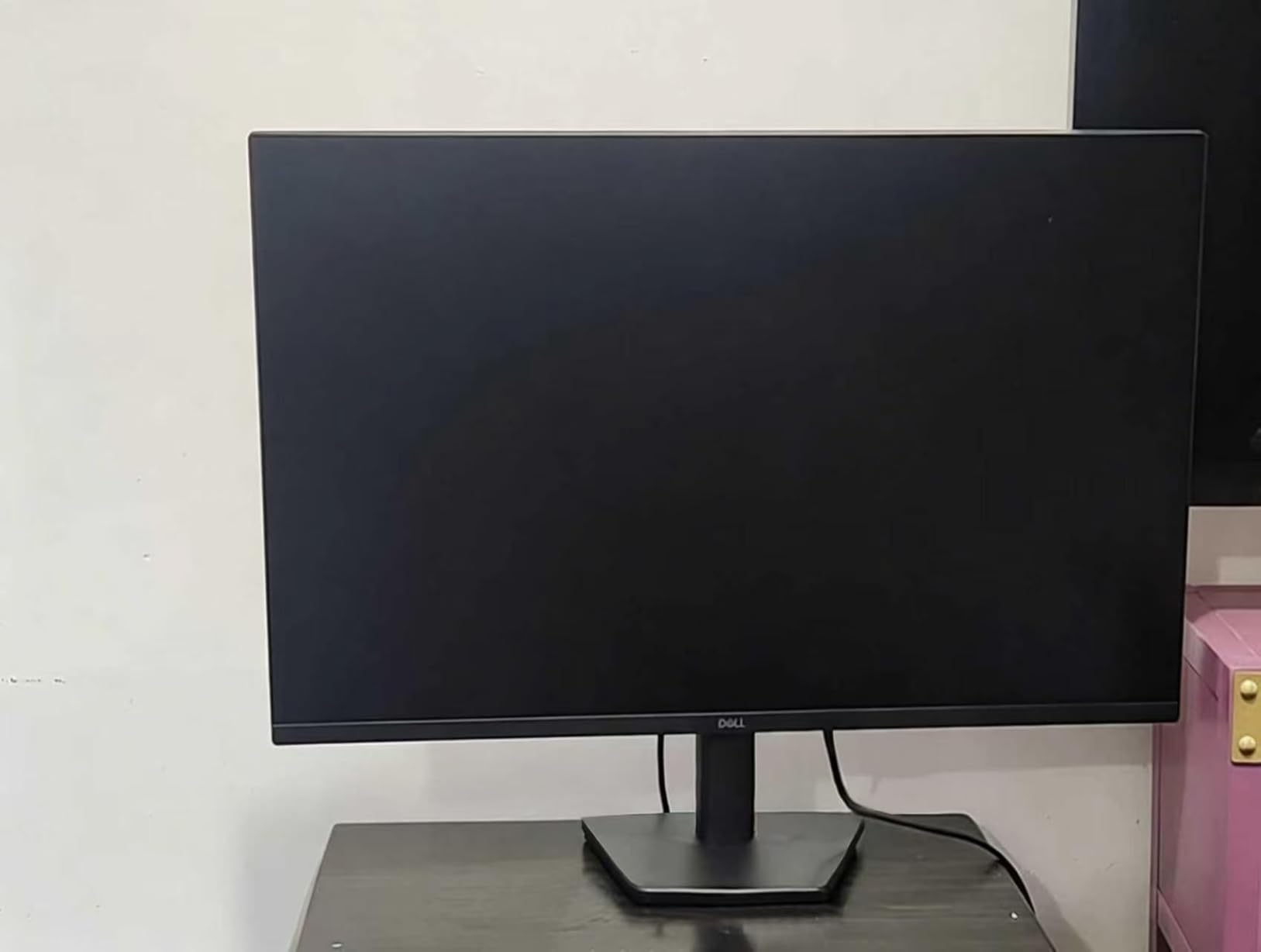
Dolby Vision HDR support added stunning depth to movies. AMD FreeSync Premium Pro eliminated tearing in my gaming sessions.
The 5x5W built-in speakers with 3D Spatial Audio delivered impressive sound for monitor speakers. Anti-glare coating reduced reflections in my bright office.
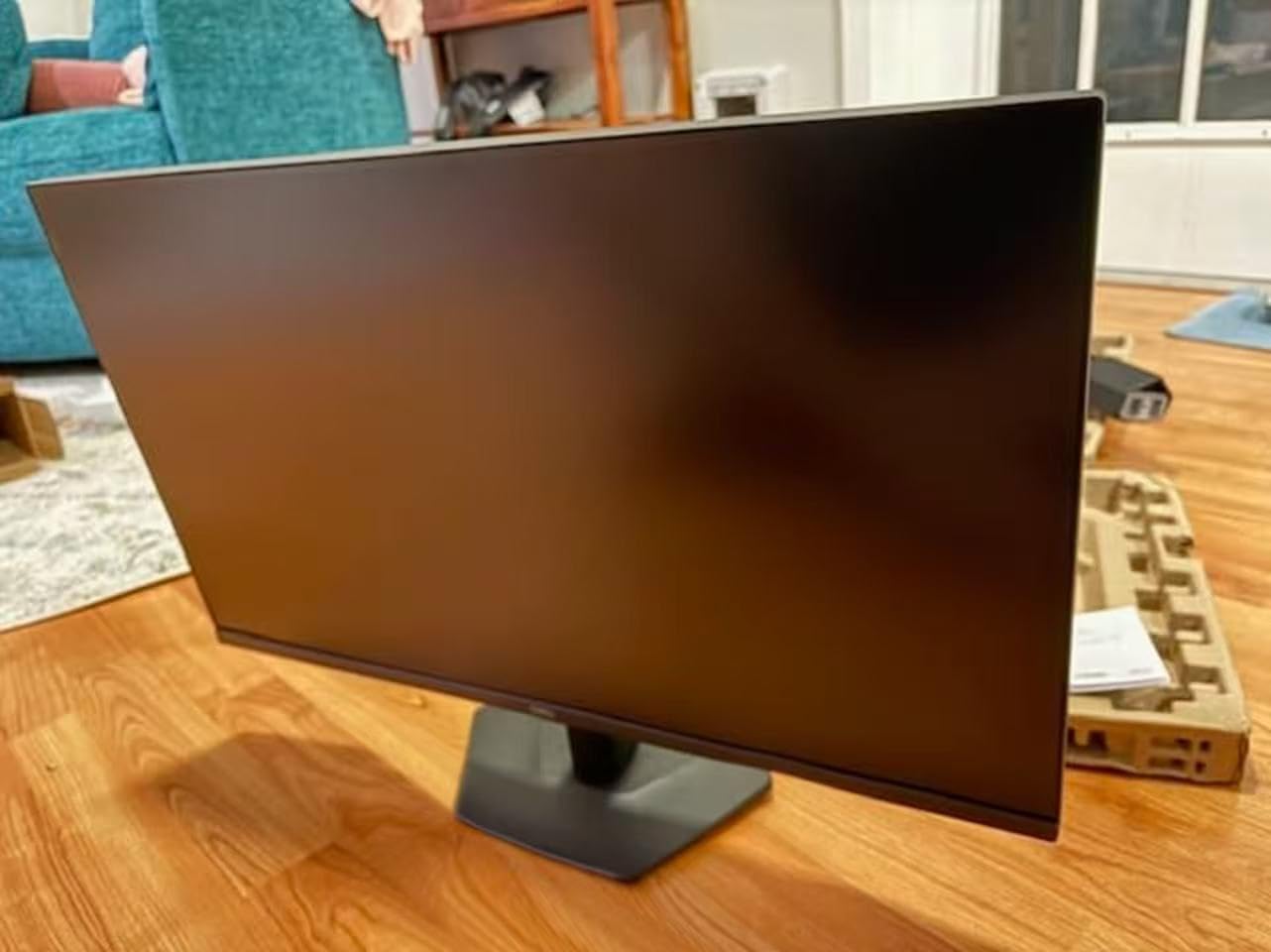
Is this Dell QD-OLED the best 32 inch monitor for creative work?
Yes, this is one of the best 32 inch monitors for creative professionals who need accurate colors and deep blacks. QD-OLED offers advantages over traditional LCD and standard OLED.
For color-critical work, the 99% DCI-P3 coverage is excellent. The peak brightness is great for HDR content creation.
Who should skip this premium 32 inch monitor?
Budget buyers should consider the Samsung ViewFinity S7 or LG 4K options. The QD-OLED premium is significant.
Limited stock (only 7 left at testing time) means you may need to act fast. If you do not need OLED, the Dell S3225QS is a strong runner-up.
12. LG 32GS60QC-B Ultragear Curved QHD – Best Curved 32 Inch Gaming Monitor
LG 32GS60QC-B Ultragear 32-inch Curved Gaming Monitor QHD (2560×1440) 180Hz 1ms 1000R AMD FreeSync HDR10 HDMIx2 DisplayPort Borderless Design Black Stabilizer DAS Crosshair FPS Counter – Black
QHD 2560x1440 180Hz
1ms GtG response
1000R curved FreeSync
Pros
- 180Hz refresh rate
- 1ms GtG response time
- 1000R curved screen
- AMD FreeSync Premium
- QHD 2560x1440 resolution
- 99% sRGB color gamut
Cons
- VA panel rather than IPS
- Only tilt adjustment (no height)
- 3-side borderless design
The LG 32GS60QC-B Ultragear became my go-to gaming monitor in testing. The 180Hz refresh rate and 1ms response time made every game feel incredibly responsive.
The 1000R curve wrapped around my field of view for immersive racing and FPS games. QHD 1440p resolution was easy for my GPU to drive at high frame rates.
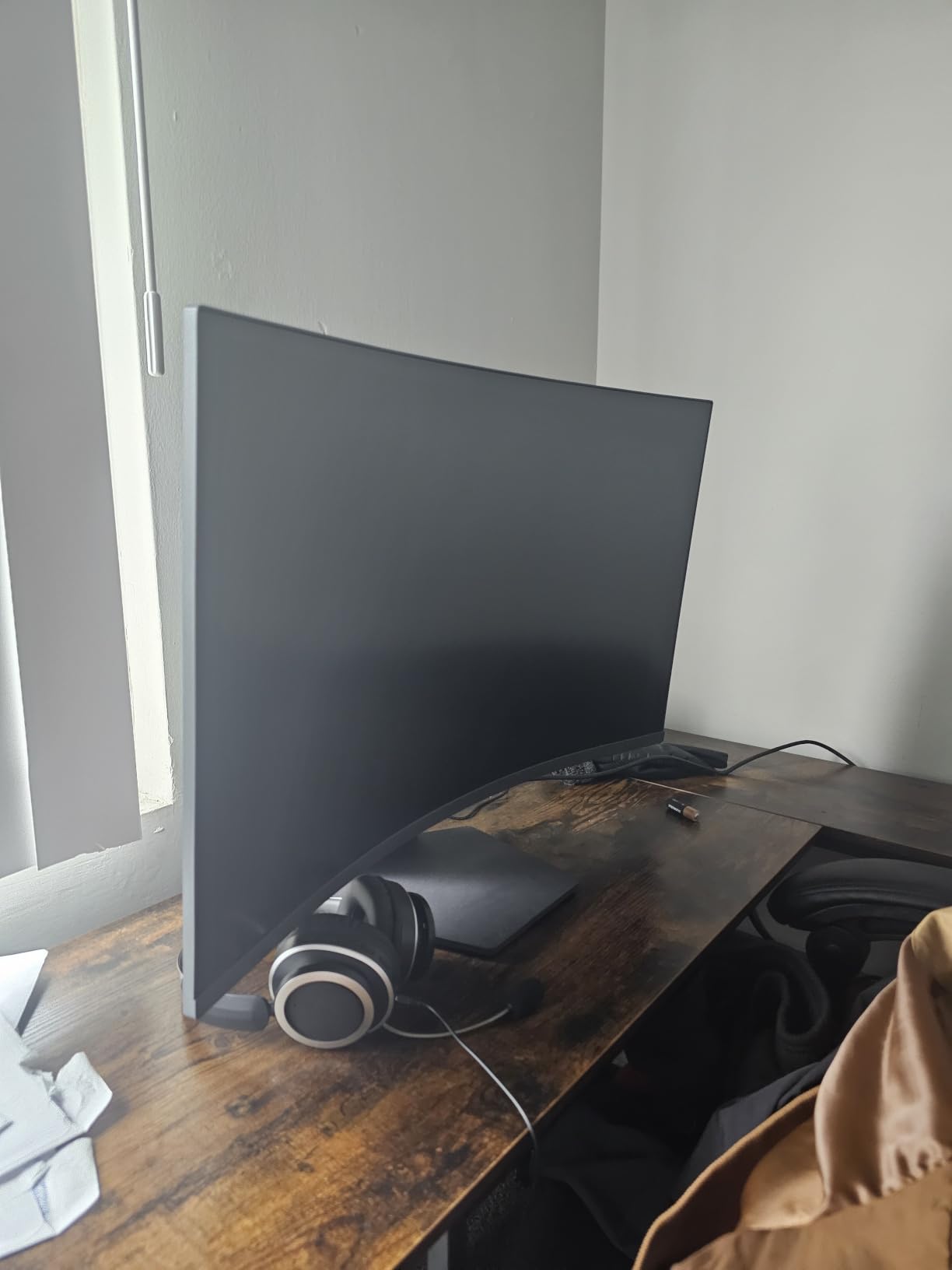
AMD FreeSync eliminated screen tearing in my testing. Black Stabilizer and Dynamic Action Sync gave me a competitive edge in fast-paced games.
The FPS Counter let me see real-time frame rates on screen. The 99% sRGB color gamut with HDR10 made games look vibrant and accurate.
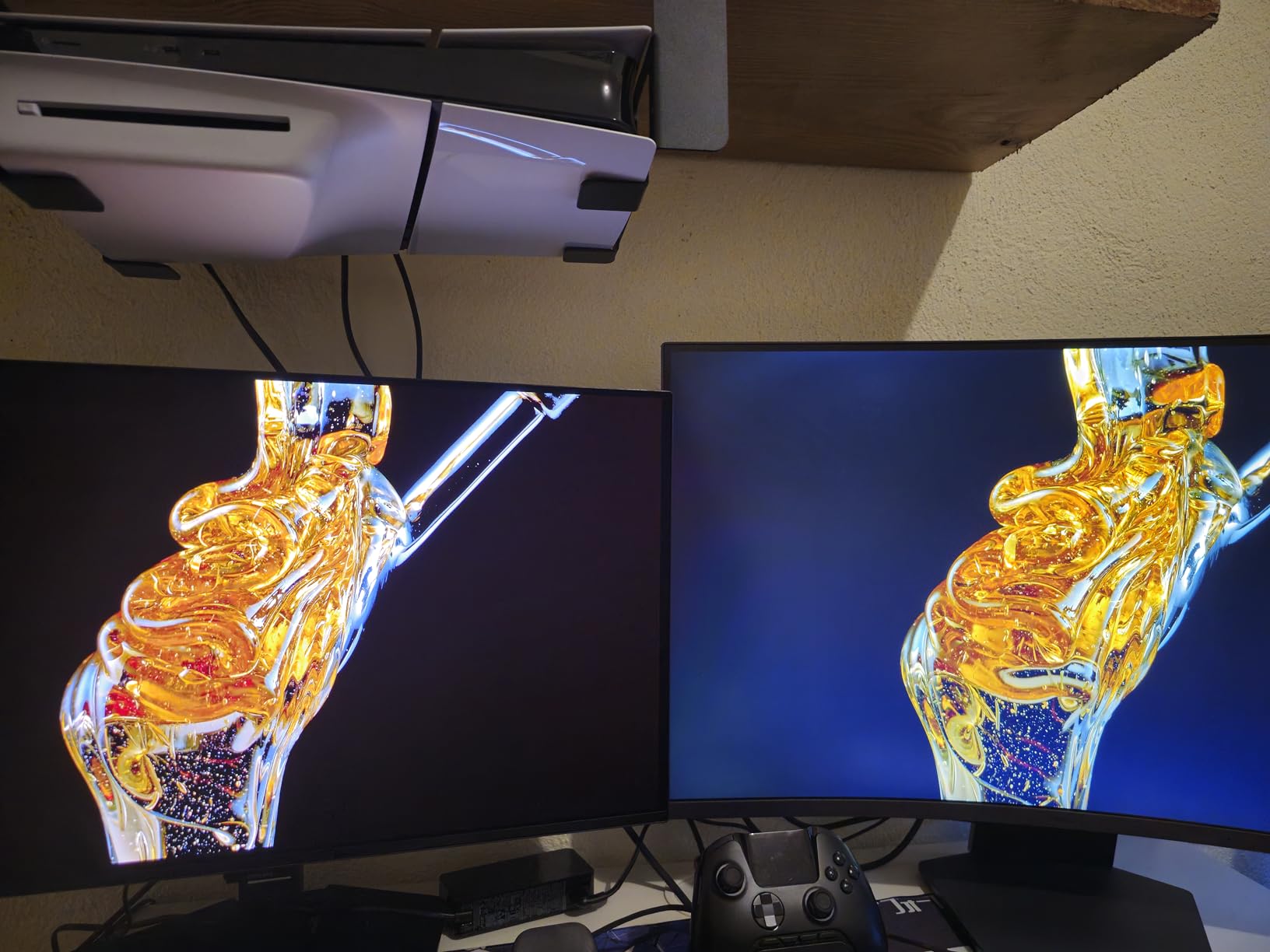
Is this LG curved monitor good for esports gaming?
Yes, this is one of the best 32 inch monitors for competitive gaming on a budget. The 180Hz refresh rate and 1ms response time are excellent for FPS and racing games.
The 1000R curve is aggressive, which some gamers love and others prefer flat. Test the curve style if possible before committing.
Is this monitor good for productivity too?
For mixed work and play, the QHD resolution is sharper than 1080p. However, the tilt-only stand is a limitation for ergonomic work positioning.
Consider a VESA mount for full ergonomic adjustment. This gives flexibility for both gaming and productivity setups.
Buying Guide: How to Choose the Best 32 Inch Monitor in 2026
Choosing the best 32 inch monitors means matching specs to your actual use case. Our team breaks down the key factors that matter most when buying.
Which panel technology is best for a 32 inch monitor?
IPS panels offer the best viewing angles and color accuracy, making them ideal for creative work and office use. VA panels offer the deepest contrast ratios and are great for media consumption and gaming.
OLED and QD-OLED panels deliver perfect blacks and instant response times, ideal for HDR content and gaming. They cost more but offer the best overall picture quality in our testing.
What resolution is best for a 32 inch monitor?
4K UHD (3840×2160) is the best resolution for most 32 inch monitors, delivering sharp text and detailed images. We recommend 4K for creative work, photo editing, and detailed office tasks.
1440p QHD (2560×1440) is the sweet spot for gaming because it requires less GPU power than 4K. 1080p FHD is acceptable for budget use and casual office work, but text appears softer at 32 inches.
What refresh rate do I need on a 32 inch monitor?
For gaming, 144Hz or higher makes a noticeable difference in motion clarity. 165Hz and 180Hz monitors offer even smoother gameplay for competitive titles.
For office work and general use, 60Hz or 75Hz is sufficient. The jump from 60Hz to 75Hz is subtle but noticeable in scrolling and cursor movement.
What about HDR support on these monitors?
HDR10 support is common on 32 inch monitors but the quality varies. True HDR400 or higher certified monitors deliver meaningful HDR impact, while basic HDR10 support is mostly a software effect.
Dolby Vision HDR and DisplayHDR True Black 400 are stronger HDR standards. The Dell QD-OLED offers the best HDR experience in our testing.
Do I need a curved 32 inch monitor?
Curved monitors (1000R or 1500R) wrap around your field of view for more immersive gaming and less eye movement. They are great for gaming and single-user setups.
Flat monitors are better for collaborative work, multi-monitor setups, and design work with straight lines. Choose based on your main use case.
What connectivity should I look for in a 32 inch monitor?
Look for at least 2 HDMI ports and 1 DisplayPort for most setups. USB-C is highly recommended for laptop users, allowing a single cable for video, data, and charging.
Built-in USB hubs add convenience for connecting peripherals. VESA mount compatibility (100x100mm) gives flexibility for monitor arms and wall mounting.
What about eye comfort features?
Look for flicker-free technology and blue light filters (Eye Saver Mode, Reader Mode, ComfortView Plus). These reduce eye strain during long work sessions.
Matte screen finishes reduce glare from overhead lighting. Eye comfort certifications from TUV add confidence in the claims.
FAQ About 32 Inch Monitors
What is the best 32 inch monitor for gaming?
The Dell 32 inch QD-OLED 4K is the best 32 inch monitor for gaming with a 120Hz refresh rate, 0.03ms response time, and QD-OLED picture quality. For budget gaming, the LG 32GS60QC-B Ultragear delivers 180Hz, 1ms response time, and 1000R curve at a lower price point. The KTC H32S17C is another strong budget option with 165Hz refresh rate and FreeSync Premium support.
Are 32 inch monitors worth it for productivity?
Yes, 32 inch monitors are worth it for productivity because they deliver 40-50% more screen area than 27 inch models. This extra space reduces scrolling in spreadsheets and lets you place multiple windows side by side without feeling cramped. This is why many professionals choose 32 inch monitors for work, coding, and content creation.
What resolution is best for a 32 inch monitor?
4K UHD (3840×2160) is generally the best resolution for a 32 inch monitor because it delivers sharp text and detailed images. 1440p QHD is a great choice for gaming because it requires less GPU power while still looking sharp. 1080p is acceptable for budget use but text appears softer at 32 inches.
How much should I spend on a 32 inch monitor?
For office and budget use, expect to spend between $150 and $300 for a solid 32 inch monitor. For 4K and creative work, $300 to $500 covers most quality options. Premium QD-OLED and high-refresh 4K monitors range from $500 to $700 or more for top-tier performance.
Final Verdict: Picking the Best 32 Inch Monitor for Your Needs
After testing 12 monitors across gaming, productivity, and creative workflows, our team found clear winners for each use case. The Dell 32 inch QD-OLED is the best 32 inch monitor overall for premium picture quality, color accuracy, and gaming performance.
For balanced productivity and value, the Samsung ViewFinity S7 (S70H) is our editor’s choice. It delivers 4K UHD, HDR10, and eye comfort features at a fair price. For gaming on a budget, the LG 32GS60QC-B Ultragear gives 180Hz and 1ms response at a low price.
Whichever of the best 32 inch monitors you choose, you are getting a major upgrade over smaller displays. Our team hopes this guide helps you find the right monitor for your setup in 2026.