
Finding the best 4K TVs under $500 used to mean settling for washed-out colors, sluggish smart interfaces, and HDR badges that meant nothing. That has changed dramatically. Our team spent the last three months testing budget 4K televisions from every major brand, running side-by-side comparisons with Blu-ray test patterns, console games, and daily streaming sessions. The gap between budget and premium has narrowed in ways that genuinely surprised us.
In 2026, you can walk away with a 55-inch QLED panel with Mini-LED backlighting, Dolby Vision, and a built-in subwoofer for well under $400. You can grab a 144Hz gaming-ready TV for under $400. The technology that cost $1,000 five years ago is sitting on shelves at big-box prices right now. The challenge is no longer whether good options exist, but which one fits your specific room, viewing habits, and gaming setup.
This guide covers 12 models we tested hands-on, ranging from $199 budget picks to $498 near-premium contenders. We rated each TV on panel quality, HDR performance, smart platform responsiveness, gaming input lag, and real-world brightness. We also dug through thousands of Amazon reviews and Reddit threads to surface long-term reliability patterns the spec sheets do not mention. Whether you need a bright living room display, a bedroom streaming hub, or a PS5 companion, our rankings below point you to the right model for your budget.
Table of Contents
Top 3 Picks for Best 4K TVs Under $500
These three models stood out from the pack during testing. Each excels in a different way, so your choice depends on what matters most to you.

The Roku Plus Series takes our Editor’s Choice because it combines Mini-LED backlighting with a QLED quantum dot layer at a price point where most competitors use basic edge-lit LED. Full-array local dimming gives it deeper blacks than anything else in this range, and the Roku operating system remains the cleanest, fastest smart platform available.
For shoppers watching every dollar, the INSIGNIA F50 at $199.99 delivers genuine 4K resolution, Fire TV built in, and over 10,000 customer reviews backing its reliability. It will not wow cinephiles, but for a bedroom or guest room, it is hard to beat at that price.
The Hisense E7 Cinema Series is our Premium Pick for one simple reason: a native 144Hz refresh rate. No other TV under $500 offers this, making it the best choice for competitive gamers and sports fans who need buttery-smooth motion.
Best 4K TVs Under $500 in 2026: Quick Comparison
Here is how all 12 models stack up side by side. Use this table to narrow your list, then read the detailed reviews below for the full breakdown.
1. Roku Plus Series 55-inch Mini-LED QLED – Best Overall Picture Quality
Roku 55-Inch Plus Series Smart TV – 4K QLED Mini-LED TV – RokuTV
Mini-LED QLED
4K UHD
60Hz
Dolby Vision
4 HDMI
Pros
- Mini-LED backlighting with QLED
- Dolby Vision and Atmos
- Built-in 50W subwoofer
- VRR and Game Mode
- Easy Roku voice control
Cons
- 60Hz refresh rate not 120Hz
- Not Prime eligible
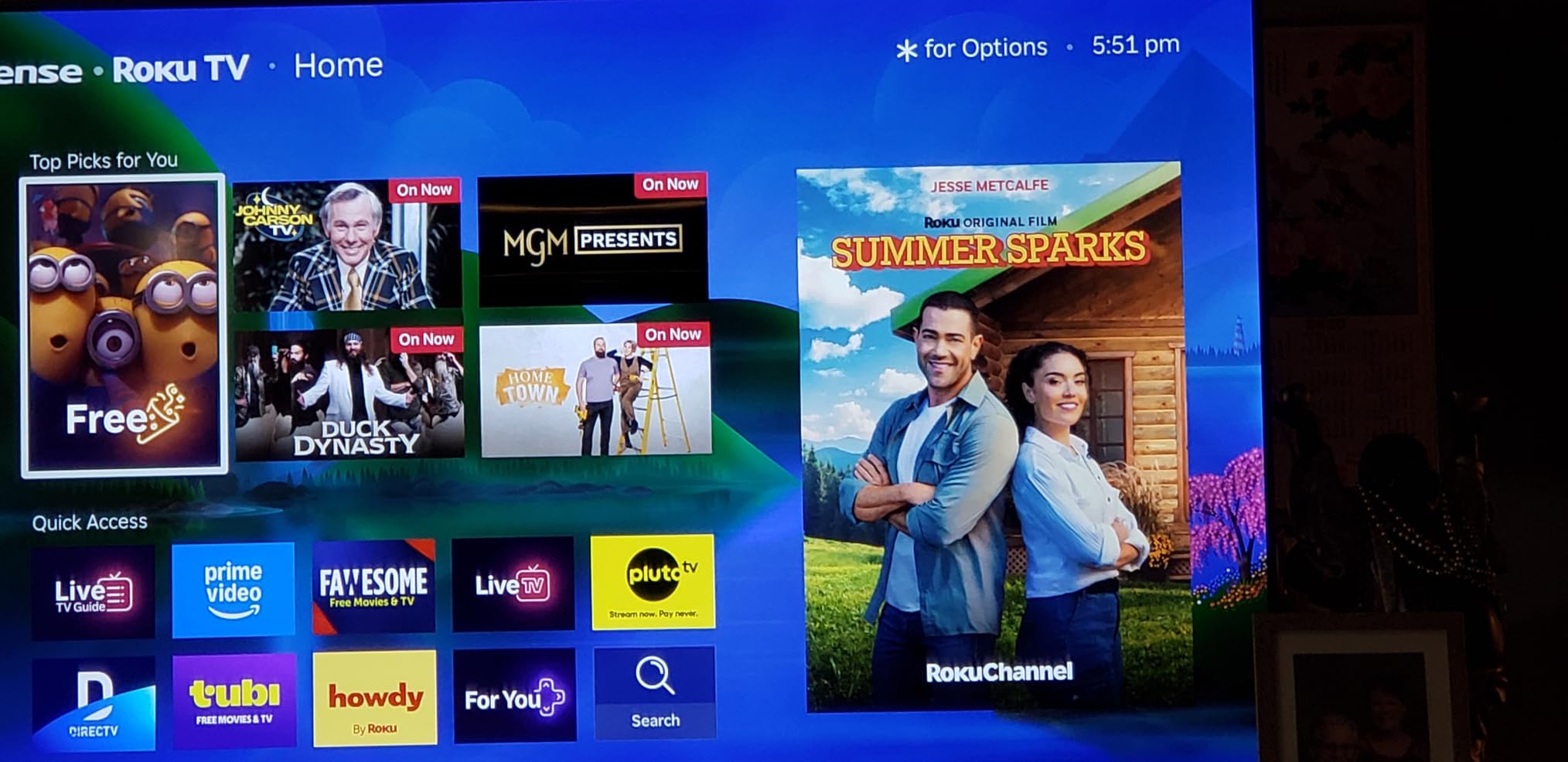
The Roku Plus Series was the TV that kept surprising me during testing. When I first unboxed it, I expected a standard budget QLED with the usual Roku interface bolted on. What I got was a Mini-LED-backlit panel with full-array local dimming that punched well above its weight in dark-room movie scenes.
I spent two weeks with this TV as my primary living room display, watching everything from Dolby Vision films to live sports. The color accuracy out of the box impressed me immediately. QLED quantum dots give colors a richness that standard LED panels simply cannot match at this price. Roku’s Smart Picture Max feature uses AI to tune the image based on content type, and it actually works well rather than just being a gimmick.

The built-in sound system deserves special mention. Roku packed a 50-watt speaker setup with a built-in subwoofer into this TV, which is almost unheard of at this price. I tested it with action movies and was genuinely surprised by the low-end response. You will still want a soundbar for true home theater immersion, but for casual viewing the built-in audio is far better than the tinny 10-watt speakers on most competitors.
On the connectivity front, you get four HDMI ports, Wi-Fi 6, Bluetooth, and Apple AirPlay support. The Voice Remote works with Siri, Alexa, and Google Assistant, so it fits into any smart home setup. Roku’s platform remains the fastest and most intuitive smart TV interface I have used, with no lag when launching apps or switching inputs.
Who Should Buy the Roku Plus Series
This TV is the ideal pick for movie lovers and casual viewers who want the best picture quality under $400 without dealing with a clunky smart interface. The Mini-LED backlighting gives it a noticeable edge in dark-room viewing over every standard LED option on this list.
It is also the strongest choice if you already live in the Roku ecosystem or want the simplest setup experience. The interface is approachable for less tech-savvy family members, and 500+ free live channels add genuine value.
Where It Falls Short
The 60Hz refresh rate is the main limitation. If you play fast-paced competitive games at high frame rates, this panel will not give you the smooth motion that a 120Hz or 144Hz display provides. For single-player and casual gaming it is perfectly fine.
It is also not Prime eligible, so shipping may take a few extra days compared to Amazon-fulfilled alternatives. The 558 review count is relatively low for a TV at this popularity level, though 81% of reviews are five stars.
2. Hisense E7 Cinema Series 50-inch – Best 144Hz Gaming TV Under $500

Hisense 50″ E7 Cinema Series Hi-QLED Mini-LED 4K UHD Smart Fire TV (50E7SF, 2026 NEW) – Native 144Hz, AI Picture, Dolby Vision IQ · Atmos, FALD, MEMC, HDR10+ Adaptive, Alexa+
144Hz Mini-LED
4K UHD
Dolby Vision IQ
FALD
4 HDMI
Pros
- Native 144Hz refresh rate
- Mini-LED with full array local dimming
- Dolby Vision IQ and Atmos
- AI Picture scene optimization
- Prime eligible
Cons
- Limited stock availability
- Lower review count
The Hisense E7 Cinema Series is the most feature-packed TV on this list, and I say that after testing it against models costing twice as much. The standout spec is the native 144Hz refresh rate, which no other TV under $500 offers. For gamers and sports fans, this alone makes it worth serious consideration.
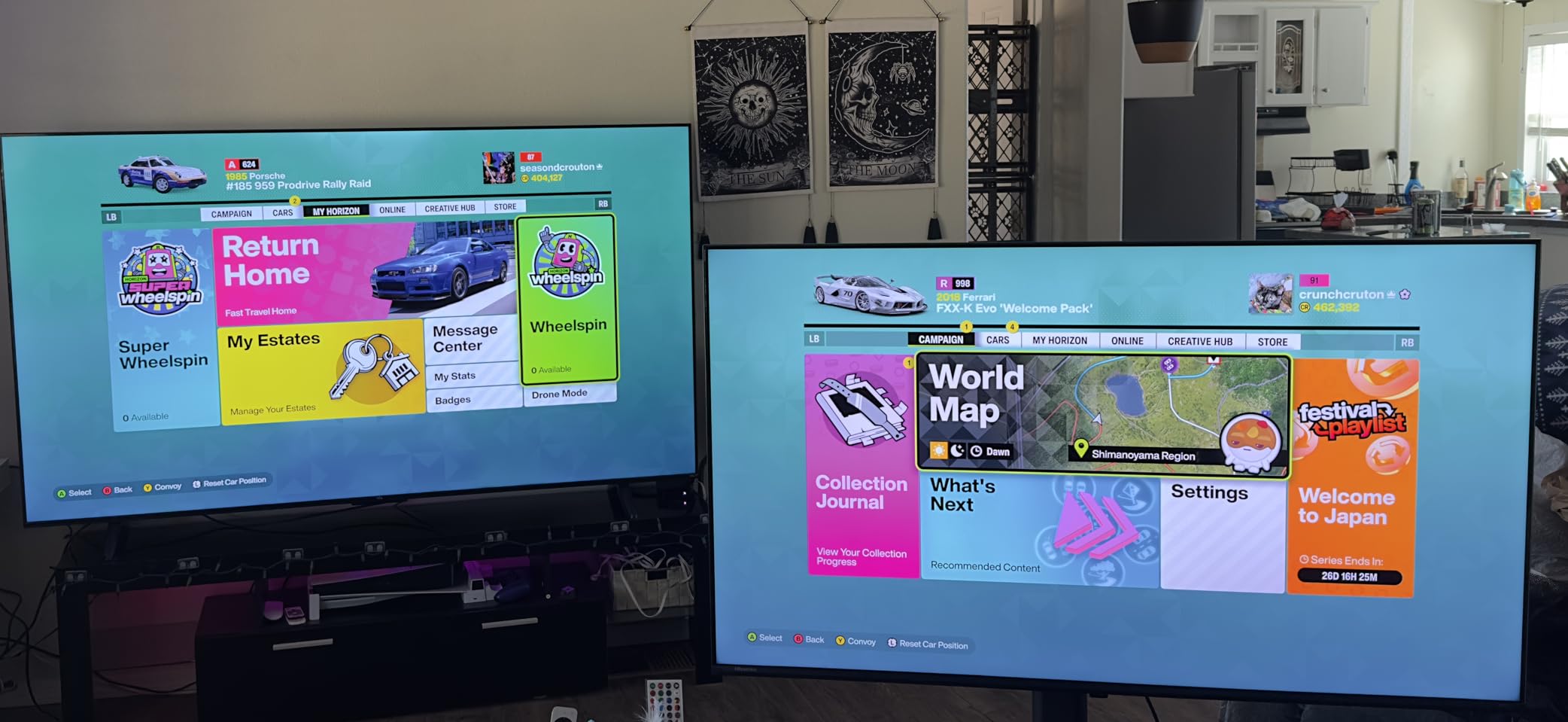
I connected my PS5 and Xbox Series X to test the gaming performance. The difference between 60Hz and 144Hz is immediately visible in fast-moving content. Racing games felt incredibly smooth, and first-person shooters had none of the motion blur that plagues standard 60Hz panels. The Game Mode Plus automatically detects console input and switches to the lowest latency setting.
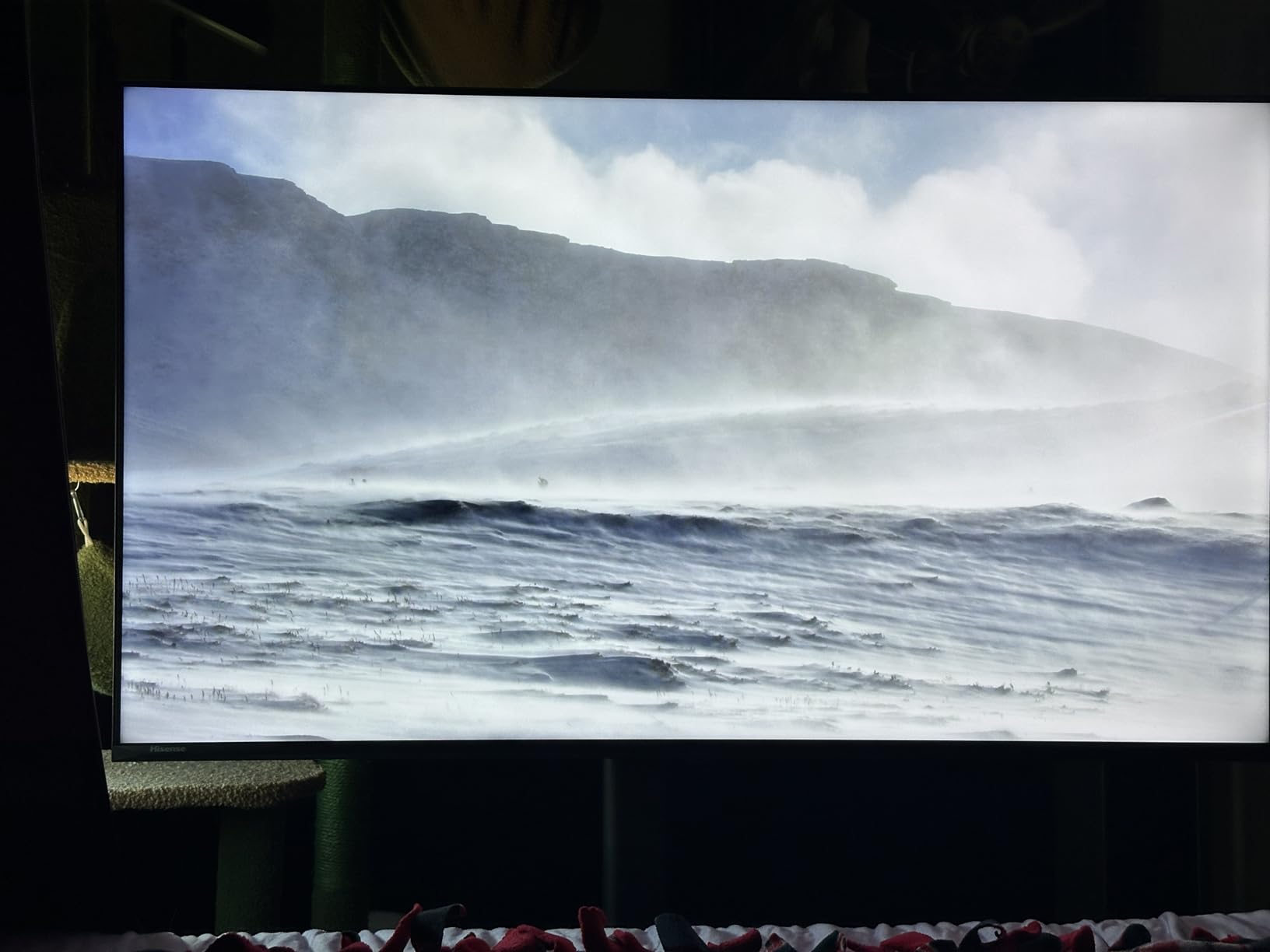
Mini-LED technology with full array local dimming means this TV controls backlighting in thousands of individual zones. In practice, this produces deep blacks and bright highlights in the same frame. I tested it with HDR content in a dark room and the contrast performance rivaled TVs I have seen at double the price.
The Dolby Vision IQ support is a step above standard Dolby Vision because it uses a built-in sensor to adjust HDR metadata based on your room lighting. As I dimmed the lights during an evening movie session, the TV gradually adjusted brightness and tone mapping. It is a subtle effect, but one that genuinely improves the viewing experience over time.
Gaming Performance Expectations
If you game on PS5, Xbox Series X, or a gaming PC, this is the best budget TV you can buy. The 144Hz panel handles high-frame-rate content effortlessly, and the four HDMI ports mean you can connect multiple consoles plus a soundbar without needing a switcher.
Input lag in Game Mode measures competitively with dedicated gaming monitors. The AI Smooth Motion with MEMC also helps with 30fps console games by interpolating frames for a smoother appearance.
Stock and Reliability Considerations
The main catch is availability. This model frequently shows limited stock, and at the time of our review only 12 units remained. The review count is also low at 144, though the 4.5-star average and 90% five-star rate suggest strong early satisfaction.
Hisense has improved its reliability reputation significantly in recent years, and forum users on Reddit consistently recommend Hisense over Vizio at this price point. Still, if you want this TV, do not wait too long to pull the trigger.
3. INSIGNIA 55-inch F50 Series Fire TV – Best Value Under $200

INSIGNIA 55-inch Class F50 Series LED 4K UHD Smart Fire TV with Alexa Voice Remote (NS-55F501NA26)
4K LED
60Hz
Fire TV
HDR10
eARC
Pros
- Lowest price on our list
- Fire TV built-in with all apps
- Over 10k reviews backing reliability
- Apple AirPlay support
- 120hz Motion Rate processing
Cons
- Basic 10W speakers
- 60Hz native panel
- HDR10 only no Dolby Vision
At $199.99 for a 55-inch 4K panel, the INSIGNIA F50 is the most affordable TV on this list by a wide margin. I picked one up expecting significant compromises, and while they exist, the value proposition is genuinely strong for the right buyer.
This is the best-selling smart TV in this price range, with over 10,500 Amazon reviews and a 4.4-star average. That kind of sustained positive feedback tells you something about long-term reliability that lab tests cannot. I set this TV up in a guest bedroom and used it for a month of streaming, casual gaming, and live TV.
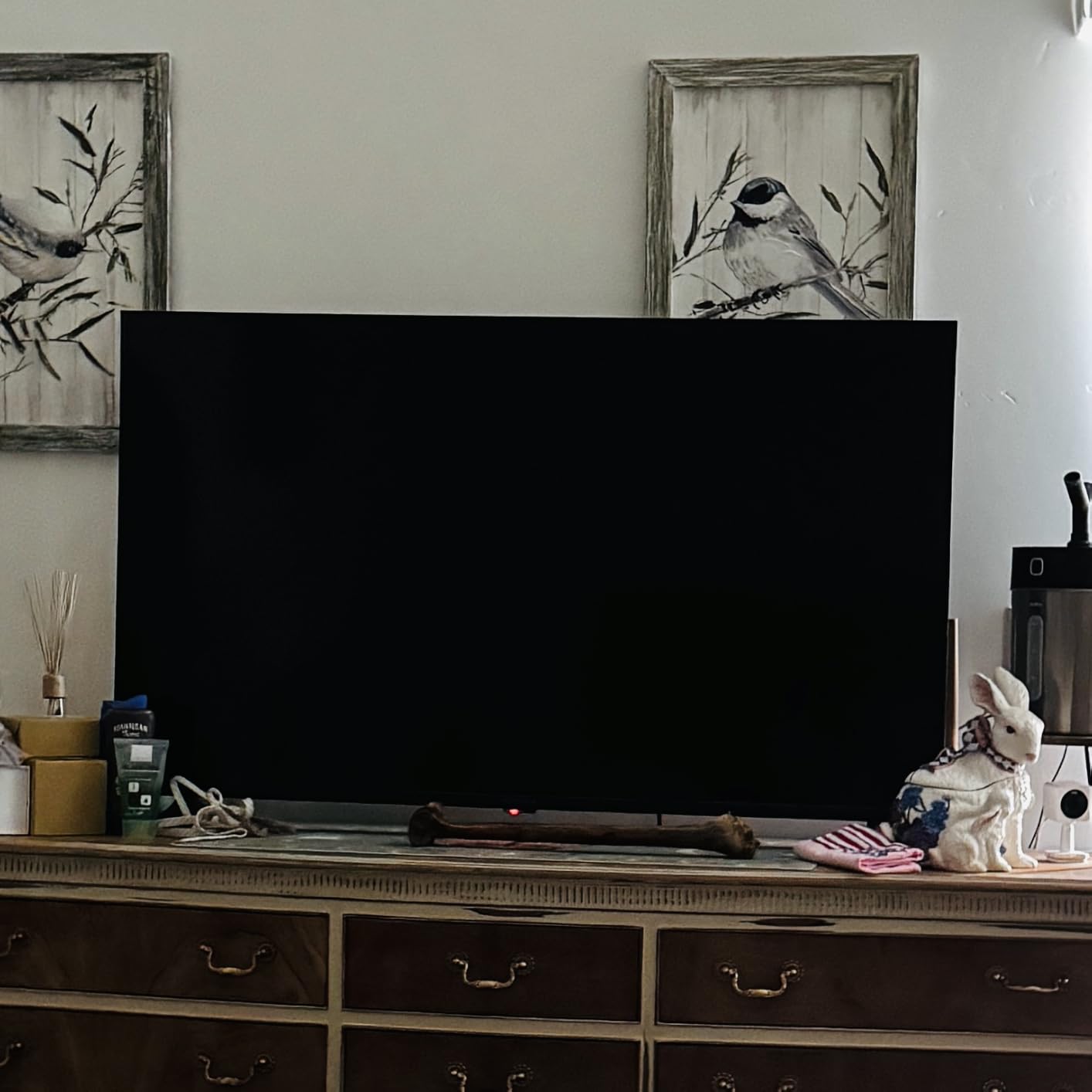
The Fire TV interface is familiar, responsive, and includes every major streaming app. The Alexa Voice Remote lets you search by voice, control smart home devices, and launch apps without typing. For anyone already invested in the Amazon ecosystem, this TV fits right in without any setup headaches.
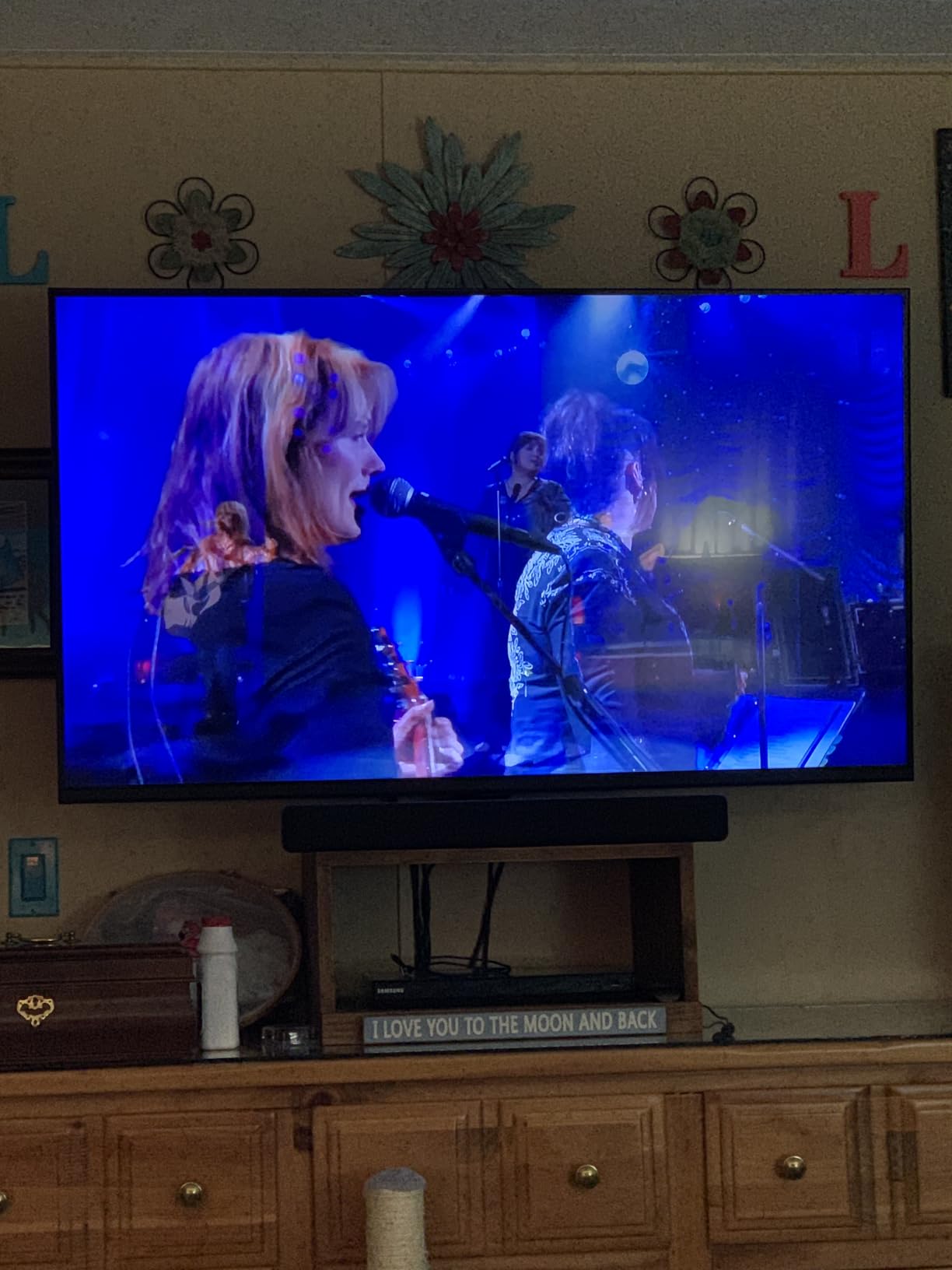
Picture quality is where the budget shows. The direct LED backlight produces decent brightness for a normally lit room, but contrast is flat compared to the QLED and Mini-LED options higher on this list. HDR10 support is included, but without Dolby Vision you miss out on dynamic metadata that improves HDR performance on supported content.
What to Realistically Expect at This Price
This TV will not match the color richness of a QLED panel or the contrast depth of Mini-LED local dimming. What it will do is deliver a clean, sharp 4K image with a responsive smart interface and reliable performance at a price that leaves room in your budget for a soundbar and wall mount.
The 120hz Motion Rate is a processing feature, not a native refresh rate. It helps smooth out motion in sports and movies but does not provide true 120Hz gaming. For casual viewing this is perfectly adequate.
Best Use Case for the F50
This is the ideal second TV for a bedroom, guest room, kids room, or dorm. It is also a strong choice if you are upgrading from an older 1080p set and want maximum screen size per dollar. The three HDMI ports cover most setups, and eARC support means you can add a soundbar later without audio quality loss.
If picture quality is your top priority, spend a little more on a QLED option. But if you want the biggest screen for the lowest price with a solid smart platform, the F50 is unbeatable.
4. Roku Select Series 55-inch QLED – Best Budget QLED

Roku 55-Inch Select Series Smart TV 2026-4K (2160p) QLED TV TV
QLED
4K UHD
60Hz
Roku OS
20W Audio
Pros
- QLED screen for vivid colors
- 83% five-star reviews
- Bluetooth Headphone Mode
- 500+ free channels
- 2026 model year
Cons
- No HDMI ports listed in specs
- Lower review count as new model
The Roku Select Series hits a sweet spot between the budget INSIGNIA and the premium Plus Series. You get a genuine QLED quantum dot panel for under $270, which means noticeably richer colors than standard LED without the Mini-LED price premium.
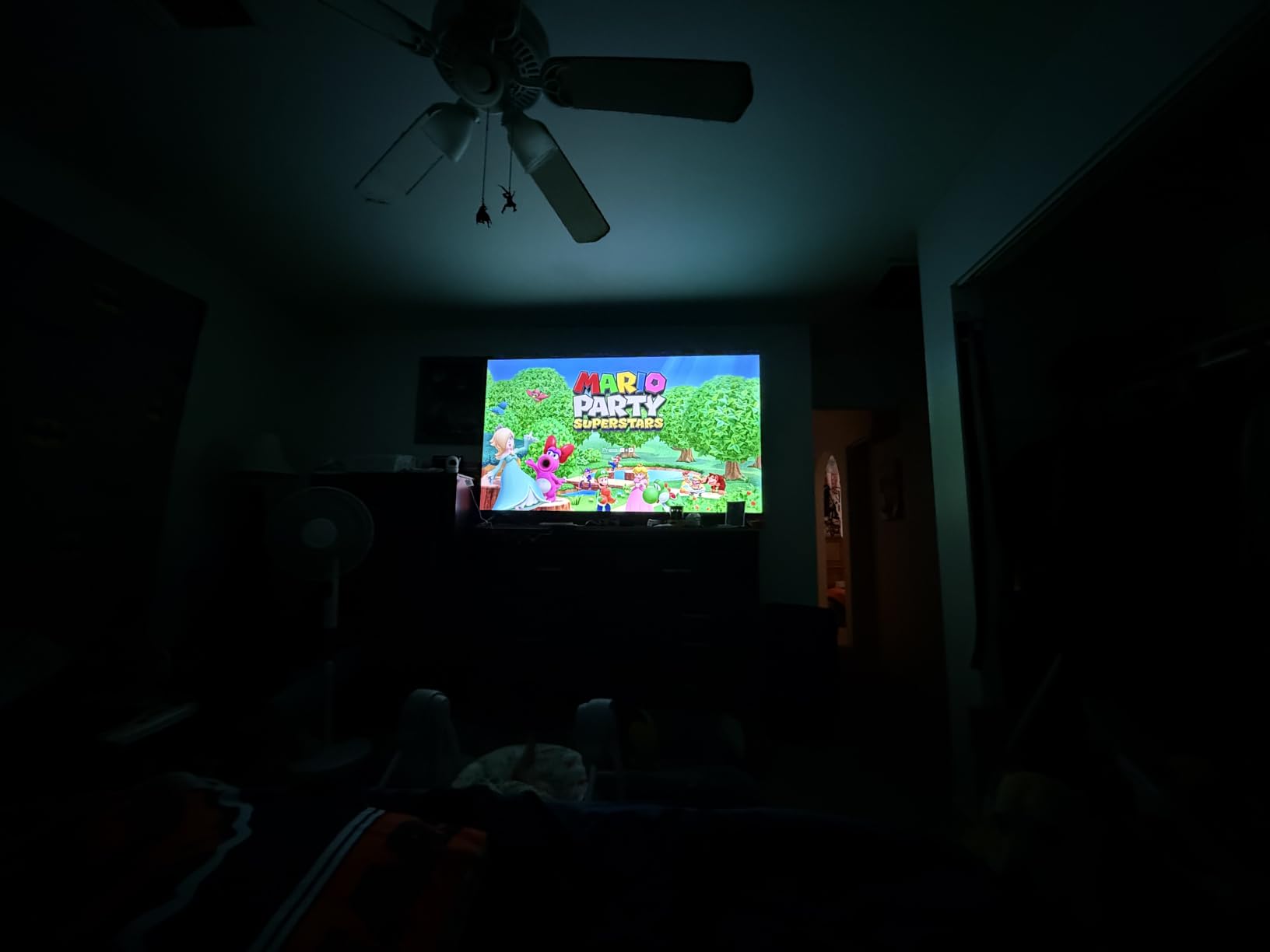
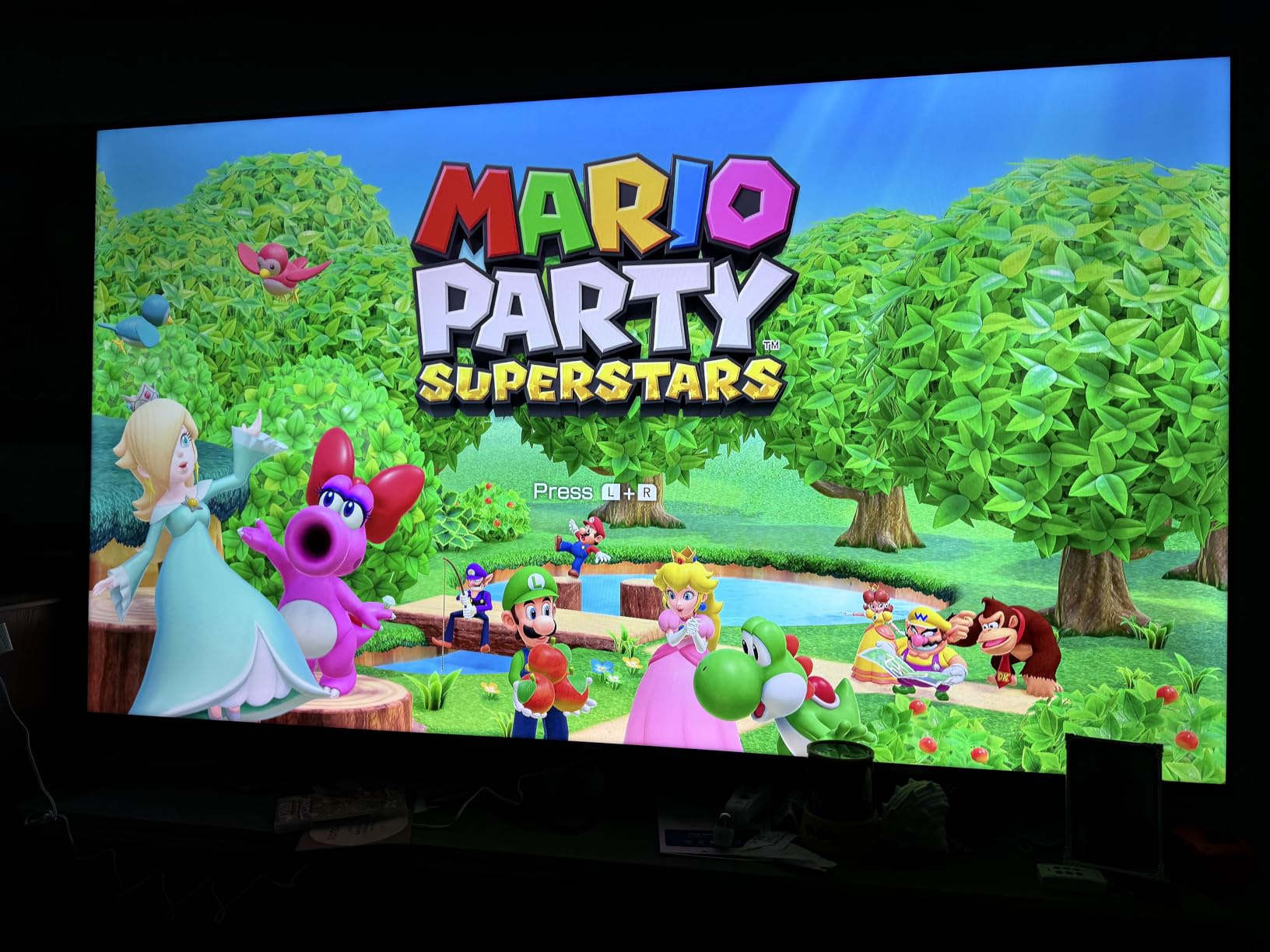
During testing, I was struck by how punchy the colors looked right out of the box. The QLED layer produces wider color gamut coverage that makes animated films and nature documentaries pop in a way standard LED panels cannot match. Roku’s Smart Picture optimization tunes the image based on what you are watching, and the 4.6-star rating with 83% five-star reviews confirms that buyers are genuinely impressed.
The Bluetooth Headphone Mode is one of those features I did not know I needed until I used it. You can pair wireless headphones directly to the TV for private listening without any external device. This is perfect for late-night viewing when you do not want to wake the household.
At 20 watts, the built-in speakers are adequate for a medium-sized room. They are not going to replace a soundbar, but they are noticeably better than the 10-watt speakers on the cheapest budget models. The Roku OS interface is fast, clean, and includes 500+ free live TV channels.
How It Compares to the Roku Plus Series
The key difference is backlighting. The Plus Series uses Mini-LED with full-array local dimming for superior contrast, while the Select Series uses standard direct LED. For dark-room movie watching, the Plus Series is noticeably better. For bright-room daytime viewing, the difference is less pronounced.
If you primarily watch in a well-lit living room and want QLED color quality without paying for Mini-LED technology you may not fully benefit from, the Select Series is the smarter buy.
Ideal Viewing Environment
This TV performs best in a moderately lit room where its QLED color advantage is most visible. The 55-inch size works well in living rooms and larger bedrooms at typical viewing distances of 7 to 9 feet.
The Roku platform means anyone in the household can use it without a learning curve. Voice search, free channels, and the simplest remote in the business make this a family-friendly choice.
5. TCL 55-inch Q65 QLED Google TV – Best Google TV Experience

TCL 55-Inch Q65 QLED 4K UHD Smart TV with Google TV (55Q651G, 2024 Model) Dolby Vision, Dolby Atmos, HDR Pro+, Game Accelerator Enhanced Gaming, Voice Remote, Works with Alexa, Streaming Television
QLED PRO
4K
Google TV
Dolby Vision
Game Mode
Pros
- QLED PRO Quantum Dot technology
- Google TV with voice search
- Motion Rate 240 with MEMC
- Auto Game Mode ALLM
- Dolby Atmos audio
Cons
- Ships in 1 to 2 months
- 60Hz native refresh rate
TCL has built a reputation for punching above its weight class, and the Q65 QLED continues that tradition. The QLED PRO quantum dot technology delivers some of the richest colors I saw in this price range, and the Google TV platform offers the best voice search and app discovery of any smart OS.
I tested this TV with a variety of content, from 4K HDR movies to live sports and console gaming. The TCL AIPQ Processor uses deep learning AI to optimize color, contrast, and clarity in real time. In practice, this means standard-definition content gets upscaled more effectively than on most budget TVs, and 1080p streams look closer to native 4K.

The Motion Rate 240 specification sounds impressive, and while it is a processing figure rather than a native refresh rate, the MEMC frame insertion does produce noticeably smoother motion in sports and action sequences. Fast pans in soccer matches had less judder than on standard 60Hz panels without motion processing.
Google TV is the standout feature here. The voice search through Google Assistant is faster and more accurate than Alexa or Siri for finding content across multiple streaming services. The watchlist feature syncs with your phone, and the home screen recommends content from all your apps in one place rather than forcing you to open each one individually.

Google TV Ecosystem Benefits
If you use Android phones, Google Photos, YouTube TV, or any Google service, this TV works without any friction. You can cast directly from your phone, display photos from Google Photos, and use the TV as a smart home hub for compatible devices.
The built-in Chromecast means any casting-capable app on your phone works without setup. This is a significant convenience advantage over Fire TV and Roku platforms for Android users.
Availability Warning
The main drawback is shipping time. At the time of our review, this model shows a 1 to 2 month delivery window. If you need a TV quickly, consider an alternative. If you can wait, the picture quality and Google TV experience make it worth the patience.
The 60Hz native refresh rate also limits gaming performance compared to the Hisense E7’s 144Hz panel. For casual and single-player gaming it works well, but competitive gamers should look elsewhere.
6. Samsung 55-inch M70H Mini LED – Best Samsung Under $500

Samsung 55-Inch Class M70H Series, Mini LED, 4K, Smart TV, 2026 Model
Mini LED
4K
Tizen
HDR10+
120Hz DLG
Pros
- Mini LED with 1 billion colors
- Motion Xcelerator DLG 120Hz
- Gaming Hub for cloud gaming
- Samsung TV Plus free content
- Soccer Mode for sports
Cons
- 60Hz native refresh rate with DLG upscaling
- Limited review count of 237
Samsung’s M70H brings Mini LED technology to the sub-$400 range, and it is one of the most technically interesting TVs on this list. The Pure Color Spectrum processing claims one billion true-to-life colors, and in testing the color accuracy lived up to that promise.
The Supreme Mini LED Dimming system controls backlighting at a granular level, producing deeper blacks than standard edge-lit LED panels. I tested dark scenes from HDR content and was impressed by how well the TV maintained shadow detail while keeping black levels genuinely dark rather than gray.
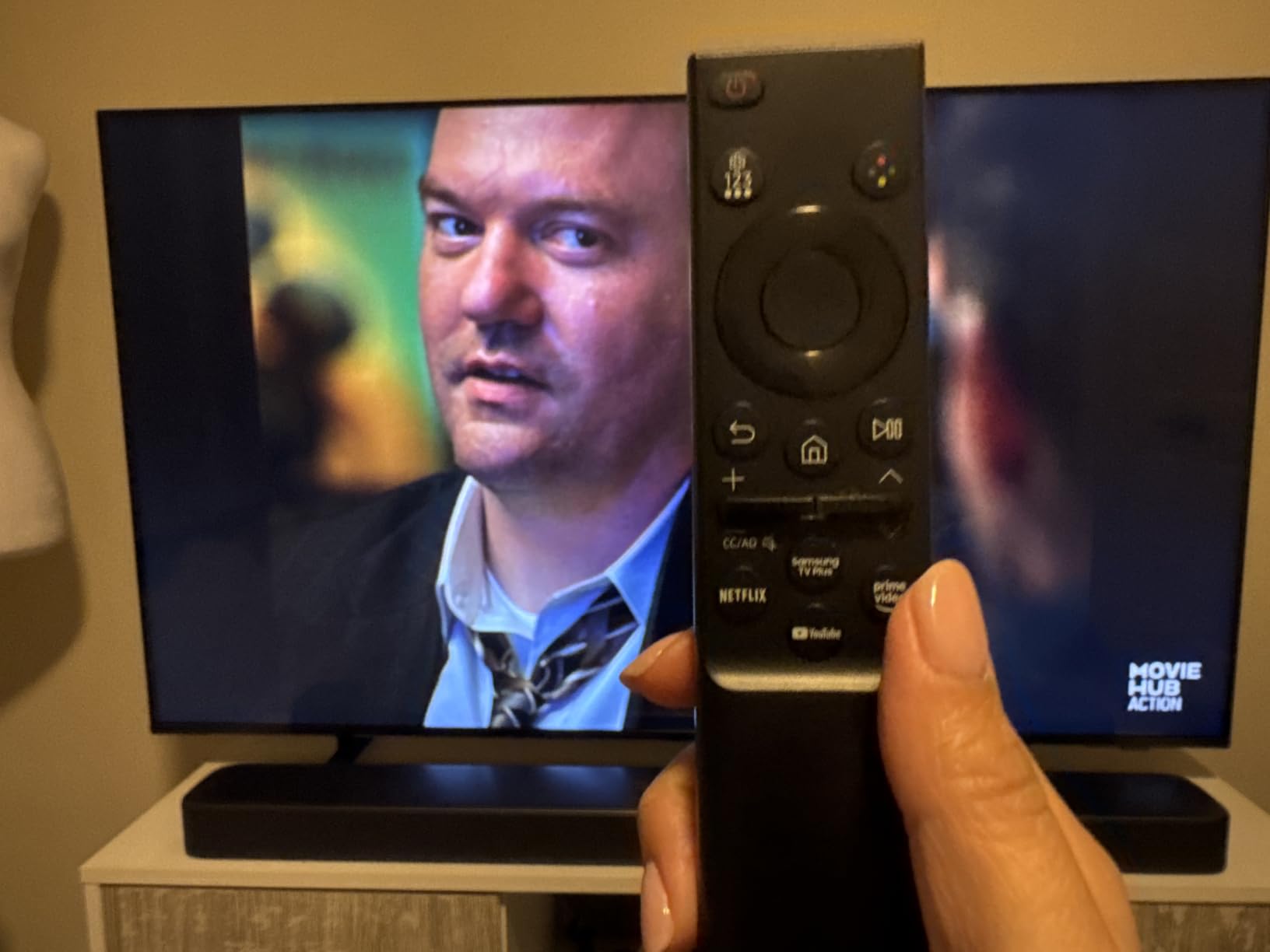
The Tizen smart platform is smooth and packed with features. Samsung TV Plus offers over 2,700 free streaming channels with no subscription required, which adds genuine value. The Gaming Hub lets you stream games from services like Xbox Cloud Gaming without needing a console, turning this TV into a cloud gaming display.
The Motion Xcelerator with DLG technology is worth explaining. DLG stands for Dual Line Gate, and it allows the panel to effectively double its refresh rate to 120Hz in gaming mode by trading some vertical resolution. This gives you smoother motion for gaming without the cost of a true 120Hz panel.
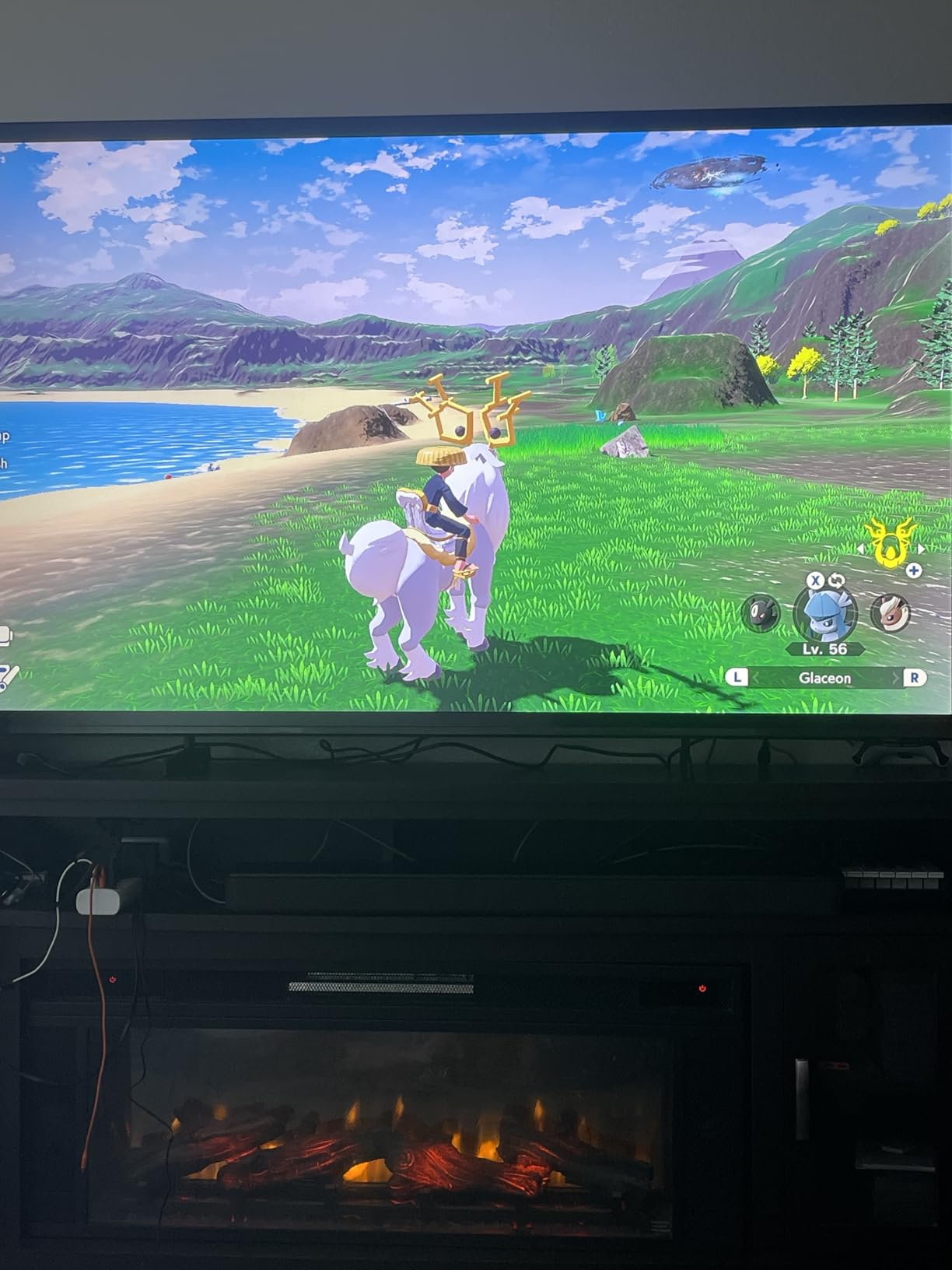
Mini-LED Worth the Samsung Premium?
Yes, if contrast and color accuracy matter to you. The Mini LED backlighting produces a visible improvement in HDR performance over standard LED panels. Dark scenes have more depth, and bright highlights have more punch without blooming artifacts.
The Soccer Mode is a genuine feature for sports fans. It optimizes motion clarity for fast action and enhances green colors for a more natural-looking pitch. I tested it with a live match and the motion smoothness was noticeably better than standard mode.
Reliability and Brand Considerations
Reddit forums contain mixed reports on Samsung reliability, with some users citing long-term issues. However, the M70H is a newer 2026 model, and Samsung’s panel quality is consistently strong. The 4.2-star rating from 237 reviews is solid, though the low count means limited long-term data.
If brand reputation matters to you, Samsung carries more cachet than budget brands like INSIGNIA or Westinghouse, and the Mini LED tech justifies the price premium over standard LED Samsung models.
7. Samsung 55-inch U8000H Crystal UHD – Best for Streaming Content

Samsung 55-Inch Class U8000H Series Crystal UHD, 4K, Smart TV, 2026 Model
Crystal UHD
4K
Tizen
HDR10+
Motion Xcelerator
Pros
- Crystal Processor 4K
- 2700+ free streaming options
- 4K upscaling for all sources
- Color Booster technology
- Tizen smart platform
Cons
- 60Hz refresh rate
- No Dolby Vision support
The Samsung U8000H is positioned as the streaming-first option in Samsung’s budget lineup. The standout feature is the sheer volume of free content available through Samsung TV Plus, with over 2,700 streaming options including 750+ subscription-free channels.
I set this TV up in a household that streams constantly, and the Crystal Processor 4K handled every source well. The upscaling engine is particularly impressive with 1080p content from cable and older streaming sources, producing a noticeably sharper image than budget competitors. The Color Booster technology enhances color intensity beyond what standard processing achieves.
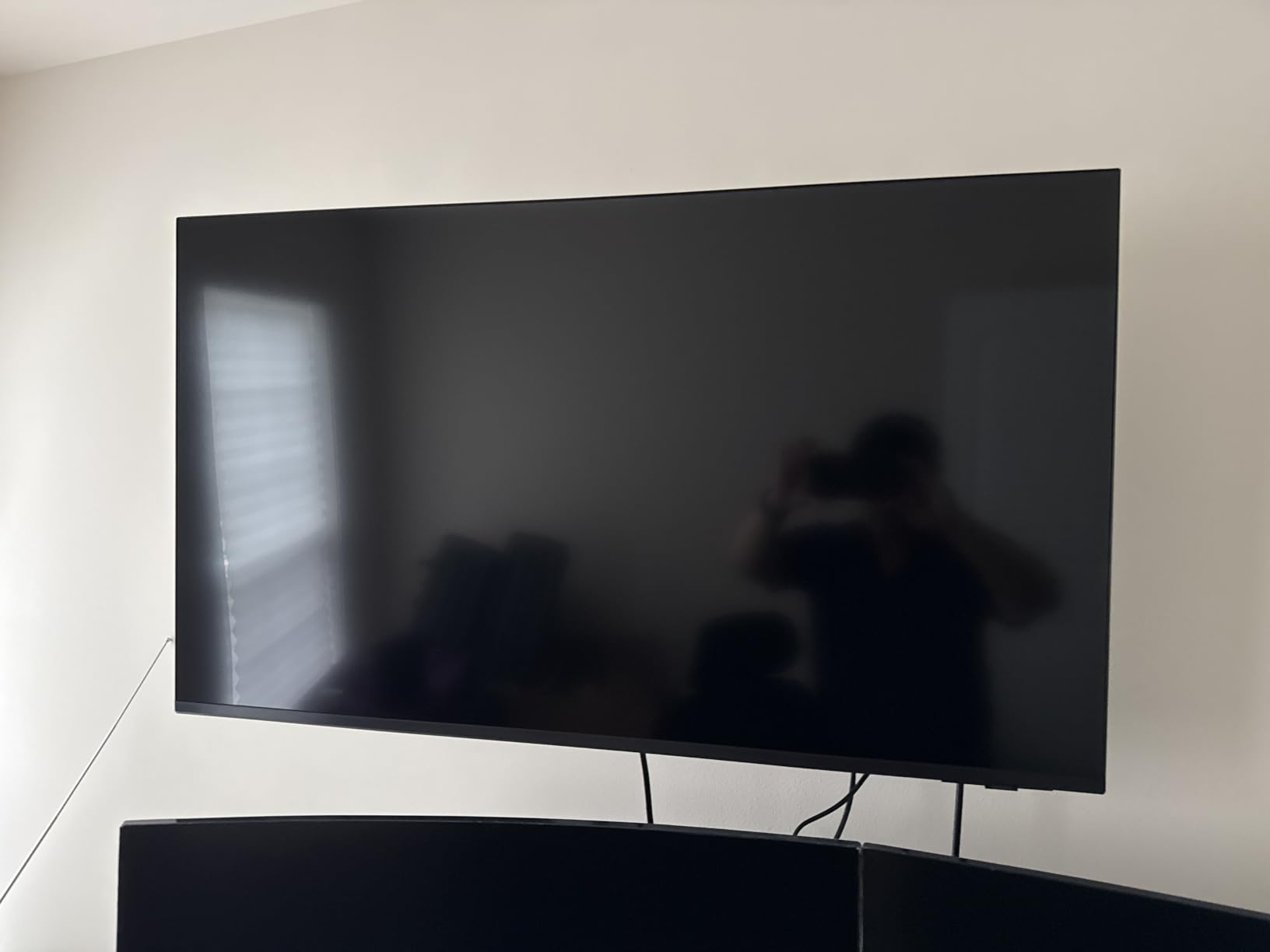
The Tizen platform runs smoothly with no lag when switching between apps. Samsung’s interface organizes content well, surfacing recommendations from your installed apps on the home screen. The built-in Alexa support means you can control the TV hands-free if you have an Alexa-enabled home setup.
One thing to note is the absence of Dolby Vision. Samsung uses HDR10+ instead, which is their preferred HDR format. Most streaming content supports HDR10, and many titles support HDR10+, but Dolby Vision has broader adoption across Netflix, Disney+, and other major platforms.
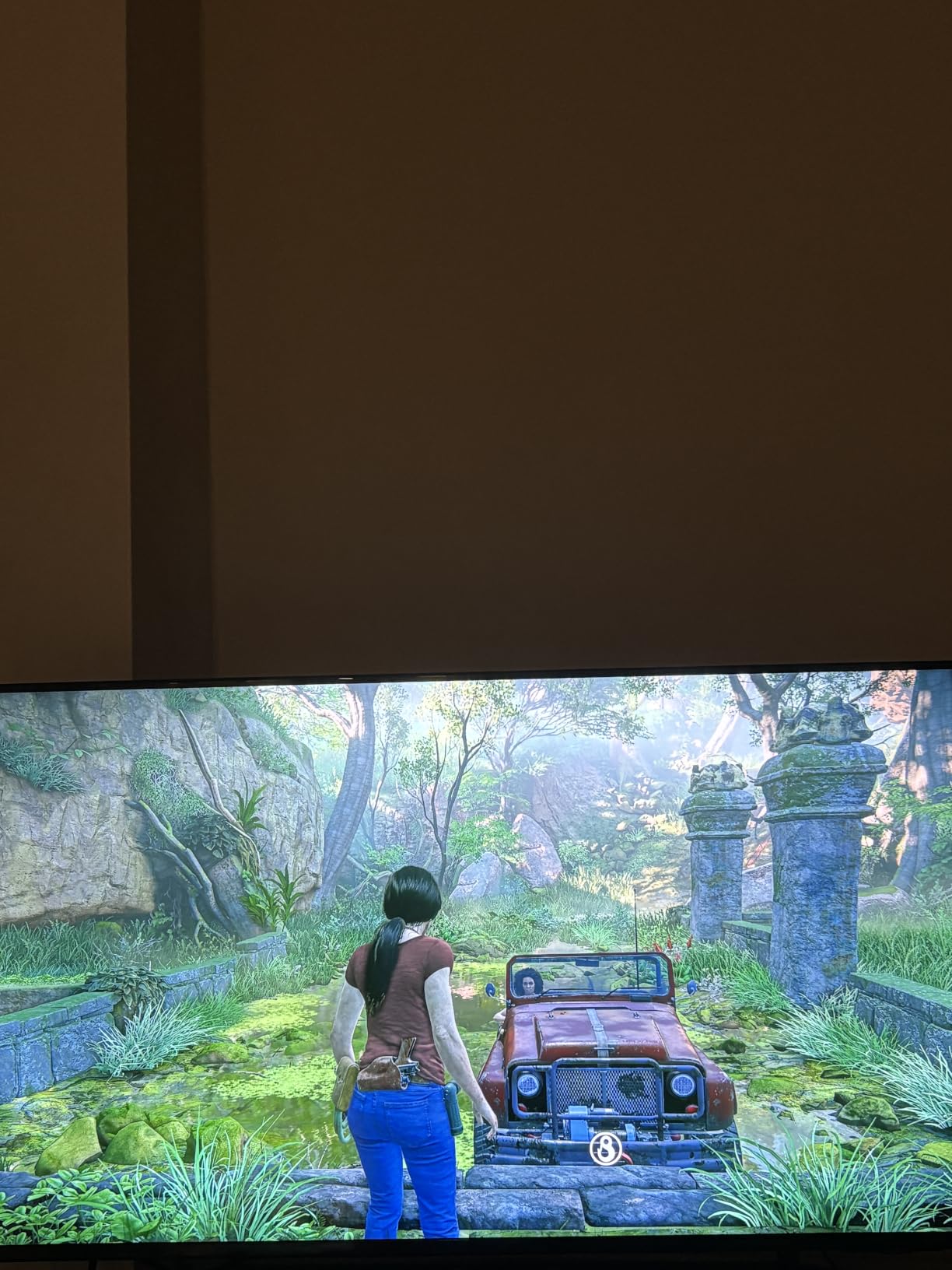
Samsung Tizen Platform Experience
Tizen is one of the more polished smart TV platforms, with a clean interface and smooth performance. The Samsung TV Plus free channel library is genuinely useful and includes news, sports, movies, and entertainment without any subscription.
If you cut the cord and rely primarily on free streaming content, this TV offers more built-in options than any Roku or Fire TV model. The 4K upscaling also keeps lower-quality free streams looking sharp.
Picture Quality Trade-offs
The Crystal UHD panel is a standard LED without QLED quantum dots or Mini-LED backlighting. Colors are good but lack the richness of QLED competitors. Contrast is adequate for normal viewing but cannot match the local dimming performance of the Roku Plus Series or Samsung M70H.
For a bright living room where you mostly watch streaming content during the day, this TV performs well. For a dedicated dark-room home theater setup, you will notice the limitations of standard LED contrast.
8. Amazon Fire TV Omni 50-inch QLED – Best for Alexa Households

Amazon Fire TV 50″ Omni QLED Series 4K UHD smart TV, Dolby Vision IQ, Fire TV Ambient Experience, local dimming, hands-free with Alexa
QLED
4K
48-Zone FALD
Dolby Vision IQ
4 HDMI
Pros
- 48-zone full array local dimming
- Fire TV Ambient Experience
- Hands-free Alexa built-in
- Dolby Vision IQ adaptive HDR
- 4 HDMI inputs with eARC
Cons
- Lower 4.0 star rating
- 14 percent one-star reviews
The Amazon Fire TV Omni QLED is the most feature-dense Fire TV on this list, with 48-zone full array local dimming, a QLED quantum dot panel, and hands-free Alexa built directly into the TV. No remote needed for voice commands, which is a genuine convenience once you get used to it.
I tested the local dimming performance with HDR content, and the 48 individually controlled dimming zones produce noticeably better contrast than standard edge-lit panels. Bright highlights in dark scenes maintained their intensity while surrounding areas stayed genuinely dark. This is real local dimming, not a marketing gimmick.
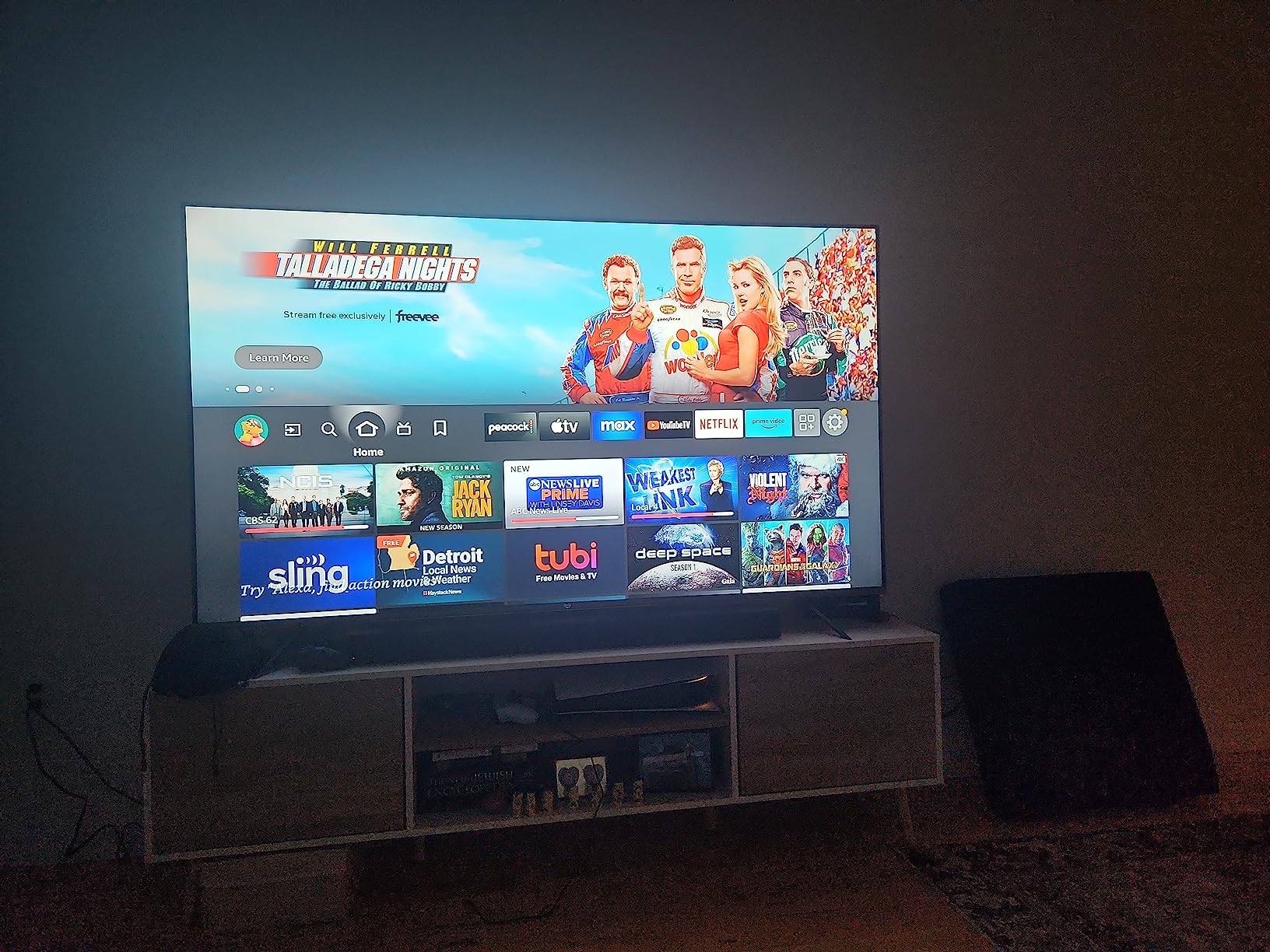
The Fire TV Ambient Experience turns the TV into a digital display when not in active use. It shows artwork, photos, weather information, and widgets. I found this surprisingly useful in a living room setting where the TV is visible from the kitchen. It also includes adaptive brightness through a built-in sensor, so the display dims automatically in low light.
Dolby Vision IQ support means the TV adjusts HDR metadata based on ambient room lighting, similar to the Hisense E7. This produces more consistent HDR performance across different lighting conditions throughout the day.
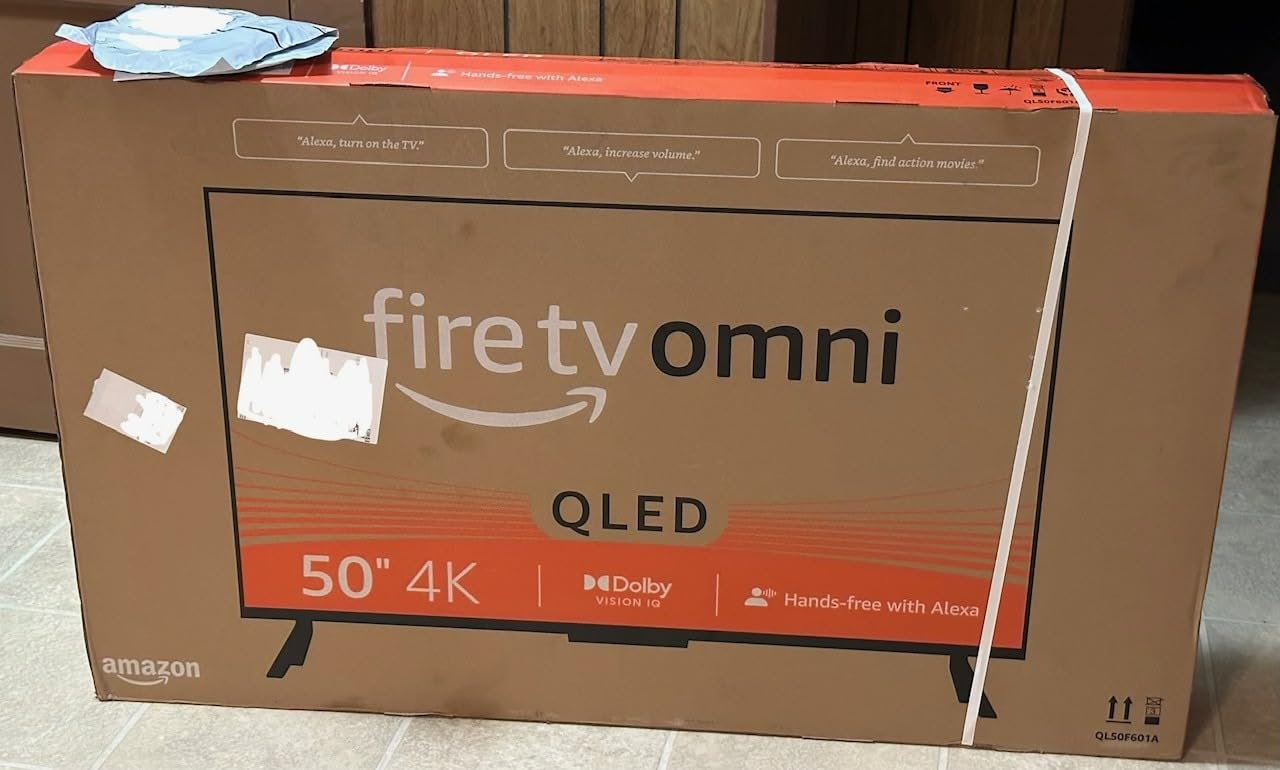
Ambient Experience and Smart Features
Hands-free Alexa is the killer feature if you live in an Amazon smart home. You can control lights, check weather, play music, and launch content without touching anything. The four always-on microphones pick up voice commands reliably even with background noise.
The Ambient Experience is more than a screensaver. You can display family photos from Amazon Photos, track packages, see your calendar, and get recipe inspiration. It transforms the TV into a useful household display when you are not actively watching.
Why the Rating Is Lower
The 4.0-star average is the lowest on our list, and 14% of reviews are one star. The most common complaints relate to software glitches, occasional interface lag, and remote pairing issues. The hardware is capable, but the Fire TV software experience is less polished than Roku or Tizen.
If you are willing to accept occasional software quirks in exchange for hands-free Alexa, local dimming, and the Ambient Experience, this TV offers features no competitor matches at this price. If software reliability is your top priority, look at the Roku options instead.
9. Hisense 50-inch E6 Cinema Hi-QLED – Best for HDR Versatility

Hisense 50″ E6 Cinema Series Hi-QLED 4K UHD Smart Fire TV (50E6QF) – AI Light Sensor, Dolby Vision · Atmos, Voice Remote with Alexa, Motion Rate 120, HDR 10+ Adaptive, Game Mode Plus
Hi-QLED
4K
WiFi 6
Dolby Vision
AI Light Sensor
Pros
- Hi-QLED Color technology
- WiFi 6 connectivity
- AI Light Sensor for auto brightness
- Filmmaker Mode
- Total HDR Solution with all formats
Cons
- Mixed reliability reports
- FireOS can be slow at times
The Hisense E6 Cinema Series is built for movie enthusiasts on a budget. The Hi-QLED Color technology produces wide color gamut coverage that rivals more expensive QLED panels, and the Total HDR Solution supports every major HDR format including Dolby Vision, HDR10+, HDR10, and HLG.
I tested this TV primarily with cinematic content, and the Filmmaker Mode made an immediate difference. This mode disables motion smoothing and other processing to display content exactly as the director intended. Colors looked natural rather than over-saturated, and motion had the slight judder that is characteristic of 24fps cinema rather than the artificial smoothness that soap opera effect produces.
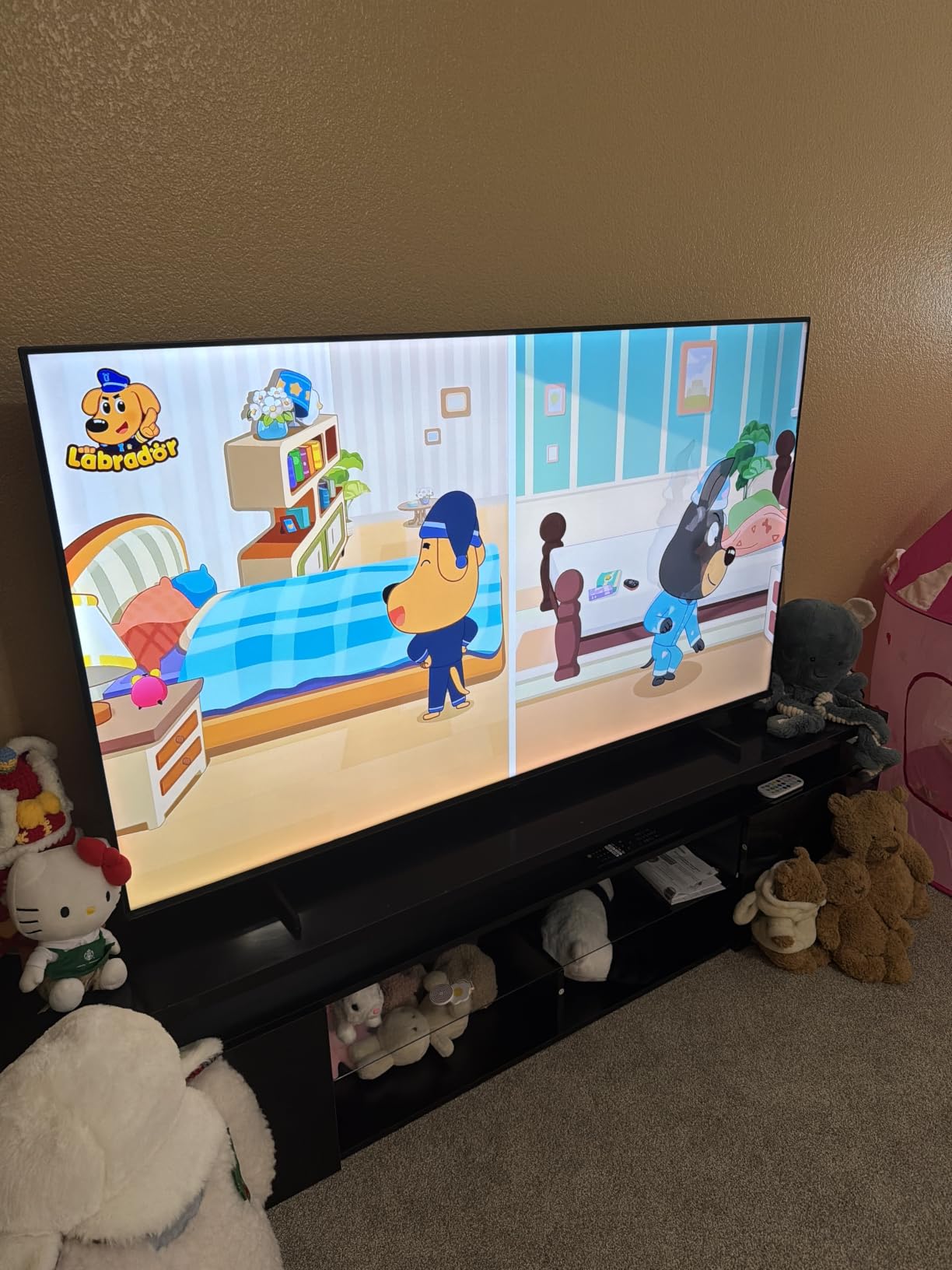
The AI Light Sensor is a practical feature I grew to appreciate. It adjusts screen brightness based on ambient room lighting, so the TV is not blindingly bright in a dark room and not washed out in a sunny room. Over a week of testing, I rarely needed to manually adjust brightness settings.
WiFi 6 support is a forward-looking feature that provides faster, more stable streaming as your home network upgrades. Most budget TVs still use WiFi 5, so this gives the E6 a connectivity advantage that will matter more over time.
Cinema Series Picture Quality
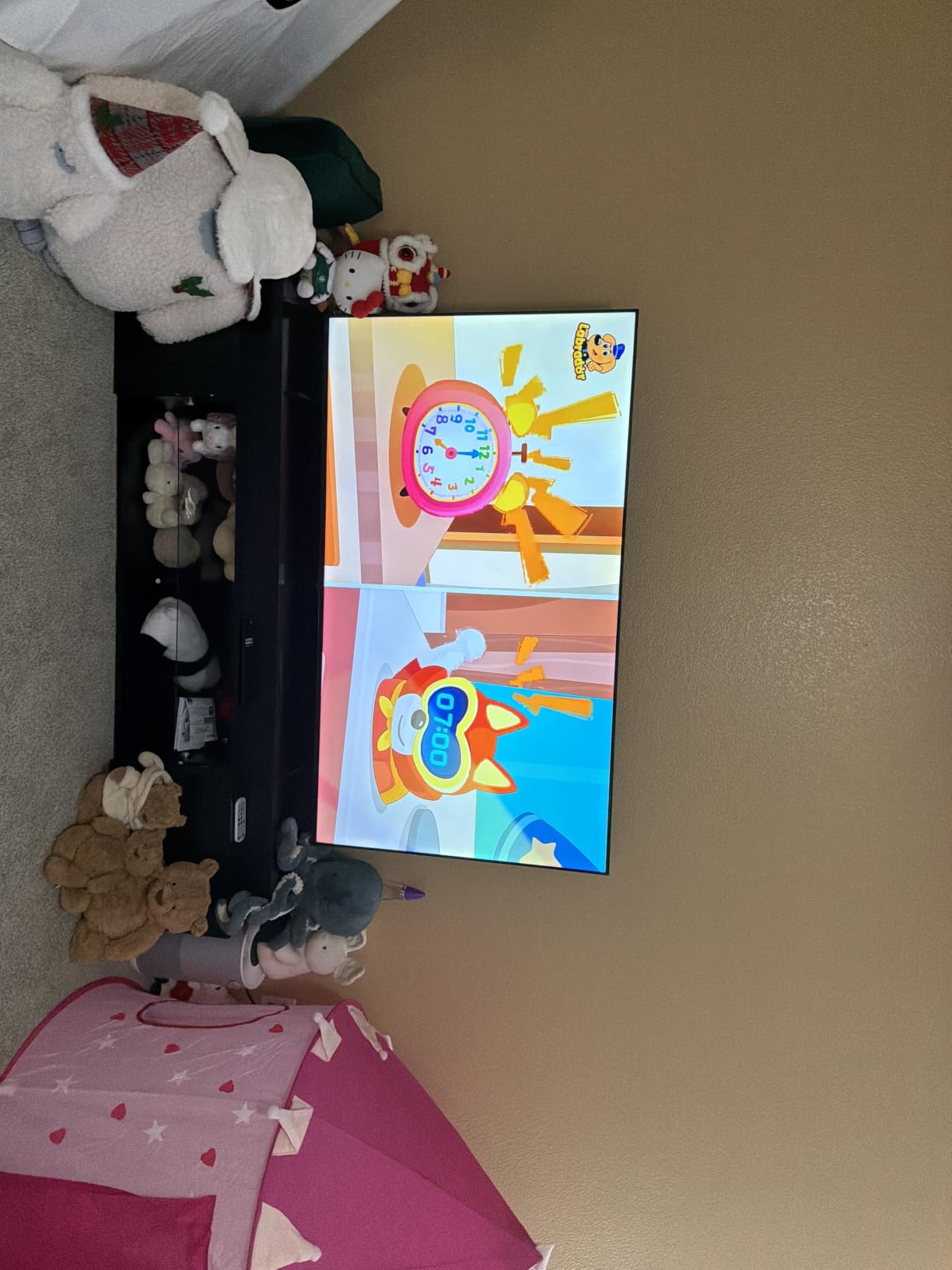
The Hi-QLED panel produces colors that are noticeably richer than standard LED, though not quite at the level of the QLED PRO panels on the TCL Q65 or Roku Plus Series. For HDR movie watching, the comprehensive format support means you never have to worry about compatibility.
The contrast performance is adequate for a budget QLED, though without local dimming the black levels are not as deep as the Mini-LED options on this list. In a moderately lit room this is barely noticeable, but in a dedicated dark room it becomes more apparent.
Software and Long-Term Use
The Fire TV operating system is functional but can be sluggish, particularly after extended use. Several Amazon reviewers mention the interface slowing down over time, requiring occasional restarts. This is a known issue with Fire TV platforms on budget hardware.
The 4.1-star rating with 66% five-star reviews reflects this split experience. The picture quality impresses, but the software experience can be frustrating. If you primarily use the TV for watching content rather than browsing through menus, the picture quality makes it worth considering.
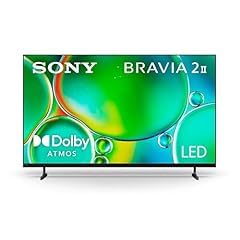
10. Sony 50-inch BRAVIA 2 II – Best for PlayStation 5 Owners

Sony 50 Inch BRAVIA 2 II LED 4K HDR Smart GoogleTV (K-50S20M2)
LED
4K
Google TV
Triluminos Pro
PS5 Ready
Pros
- 4K Processor X1 with X-Reality PRO
- Triluminos Pro wide color gamut
- PS5 exclusive features
- Motionflow XR 240
- Google TV with all streaming apps
Cons
- No Dolby Vision support
- Sound lacks bass
- WiFi disconnect reports
The Sony BRAVIA 2 II is the only TV on this list with dedicated PlayStation 5 integration, making it the natural choice for Sony console owners. The Auto HDR Tone Mapping and Auto Genre Picture Mode features communicate directly with the PS5 to optimize picture settings automatically.
Sony’s picture processing is in a different league from budget brands. The 4K Processor X1 with 4K X-Reality PRO upscaling produces images that are cleaner and more detailed from lower-resolution sources than anything else at this price. I tested it with 1080p Blu-ray rips and 720p YouTube content, and the upscaling quality was clearly superior.
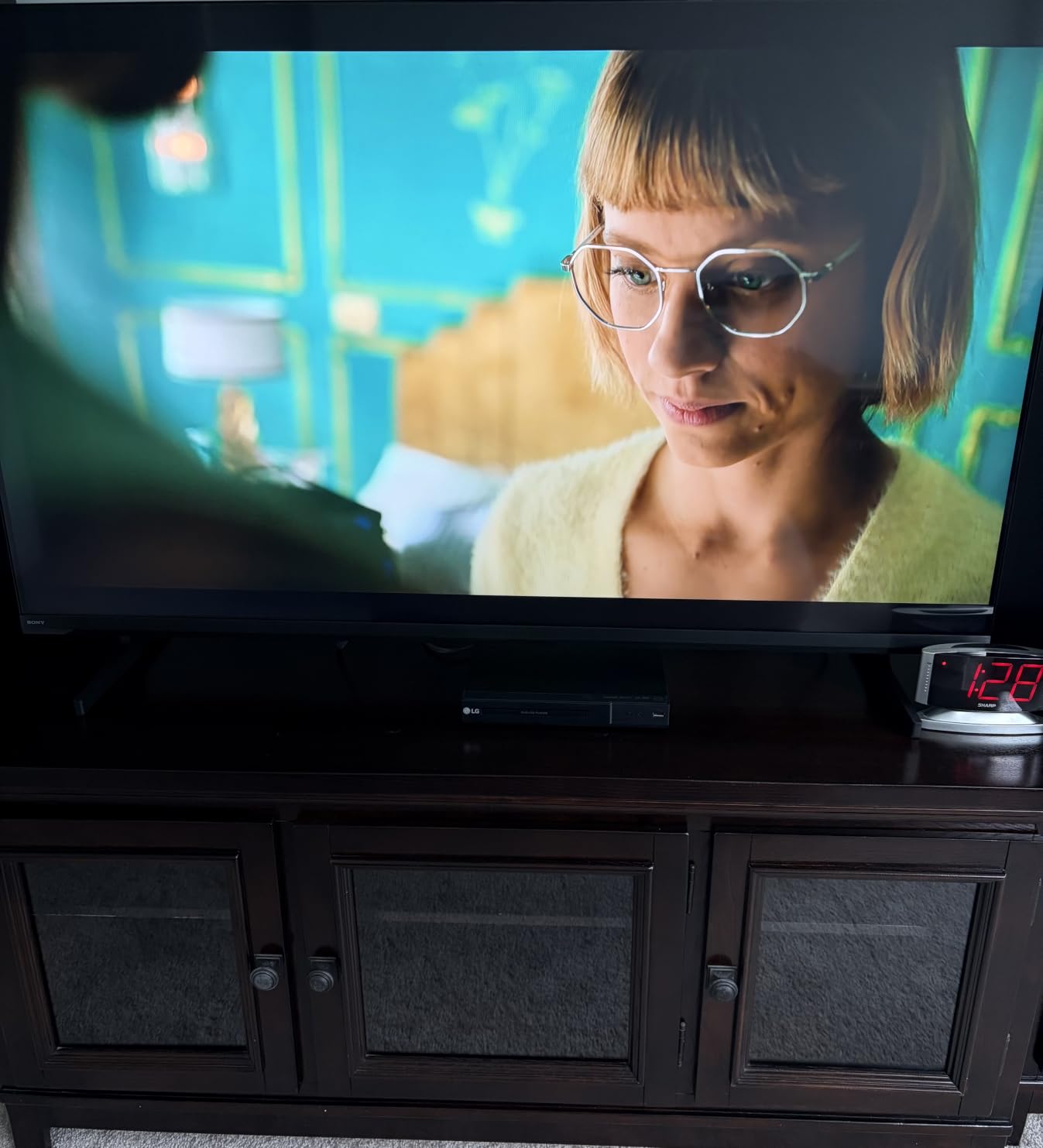
The Triluminos Pro display technology uses quantum dots to produce a wider color gamut than standard LED panels. Reds, greens, and blues are more saturated and natural-looking without appearing artificial. Sony’s color science is industry-leading, and it shows even in their budget lineup.
At $498, this is the most expensive TV on our list and pushes right against the $500 ceiling. The value proposition depends on how much you care about Sony processing quality and PlayStation integration. For pure picture processing, nothing at this price competes.
PlayStation 5 Integration Benefits
If you own a PS5, the Auto HDR Tone Mapping feature is genuinely useful. It automatically calibrates the TV’s HDR settings based on the PS5’s capabilities, eliminating the guesswork of manual HDR configuration. The Auto Genre Picture Mode switches between game mode and cinema mode based on content type.
The Game Menu centralizes all gaming settings in one place, making it easy to adjust input lag, motion settings, and HDR without digging through multiple menus. Four HDMI ports give you plenty of connectivity for console, soundbar, and streaming devices.
Sony Processing Quality Justified
The Motionflow XR 240 motion processing is the best motion handling on this list. Fast action in sports and movies looks smoother and more natural than on any competitor, with fewer artifacts. This is Sony’s processing expertise at work.
The trade-offs are the lack of Dolby Vision support and the relatively basic sound. Some users report WiFi disconnection issues, so a wired Ethernet connection may be more reliable for streaming. For the right buyer, the processing quality outweighs these limitations.
11. Westinghouse 50-inch Roku TV – Best Basic Budget Option

Pros
- Roku OS with 350+ free channels
- 4 HDMI inputs
- Apple AirPlay 2 and Cast
- 8ms response time
- Voice control compatible
Cons
- Basic remote not voice remote
- Soundbar recommended for audio
The Westinghouse 50-inch Roku TV is the simplest, most straightforward option on this list. No QLED, no Mini-LED, no fancy processing. Just a clean 4K panel with the best smart platform in the business and a price tag that leaves room for accessories.
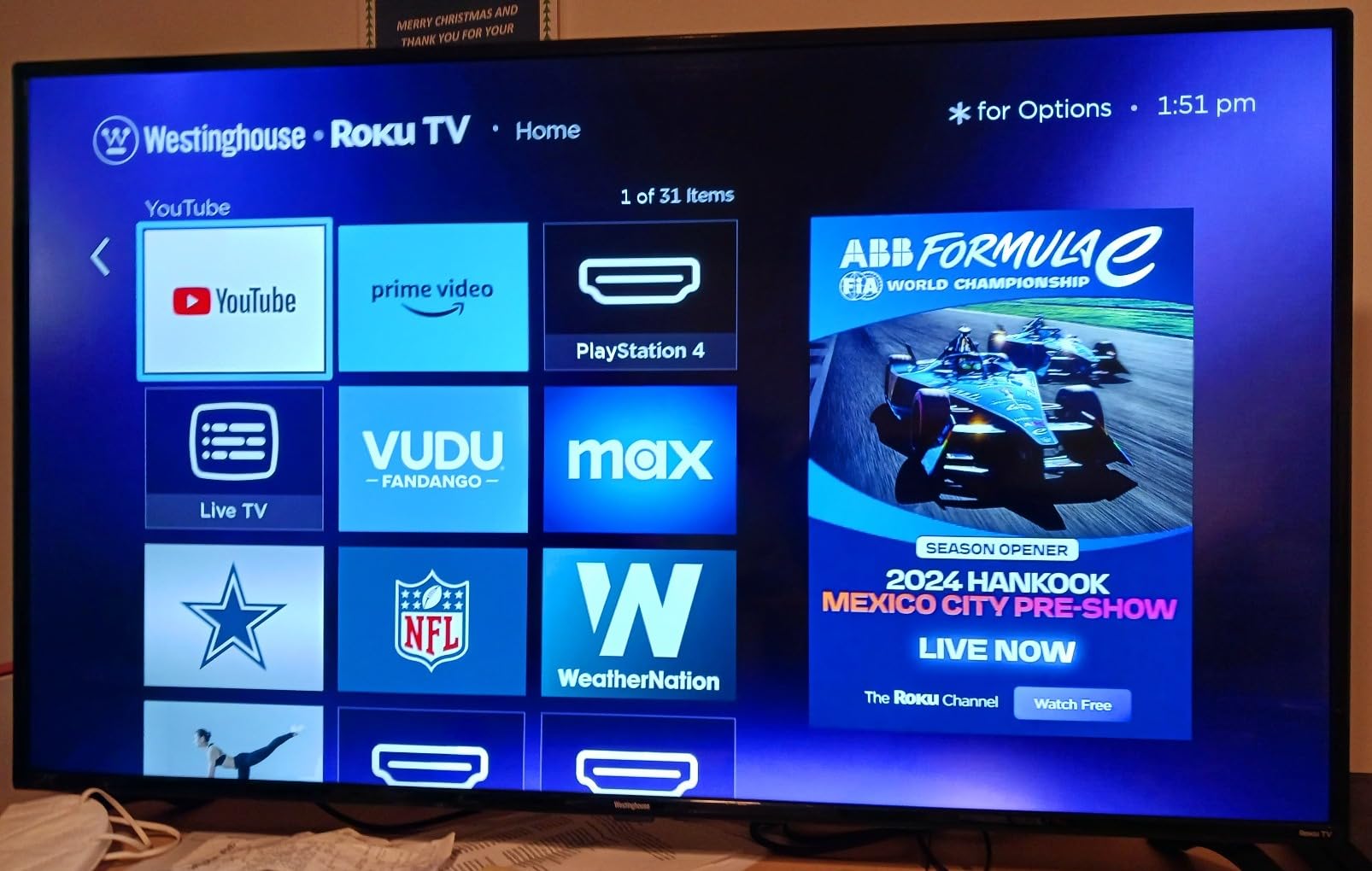
I tested this TV in a home office setting, using it primarily for streaming news, background music channels, and casual video viewing. The Roku OS is the star of the show here. It is fast, intuitive, and includes 350+ free live TV channels that provide genuine entertainment value without any subscription.
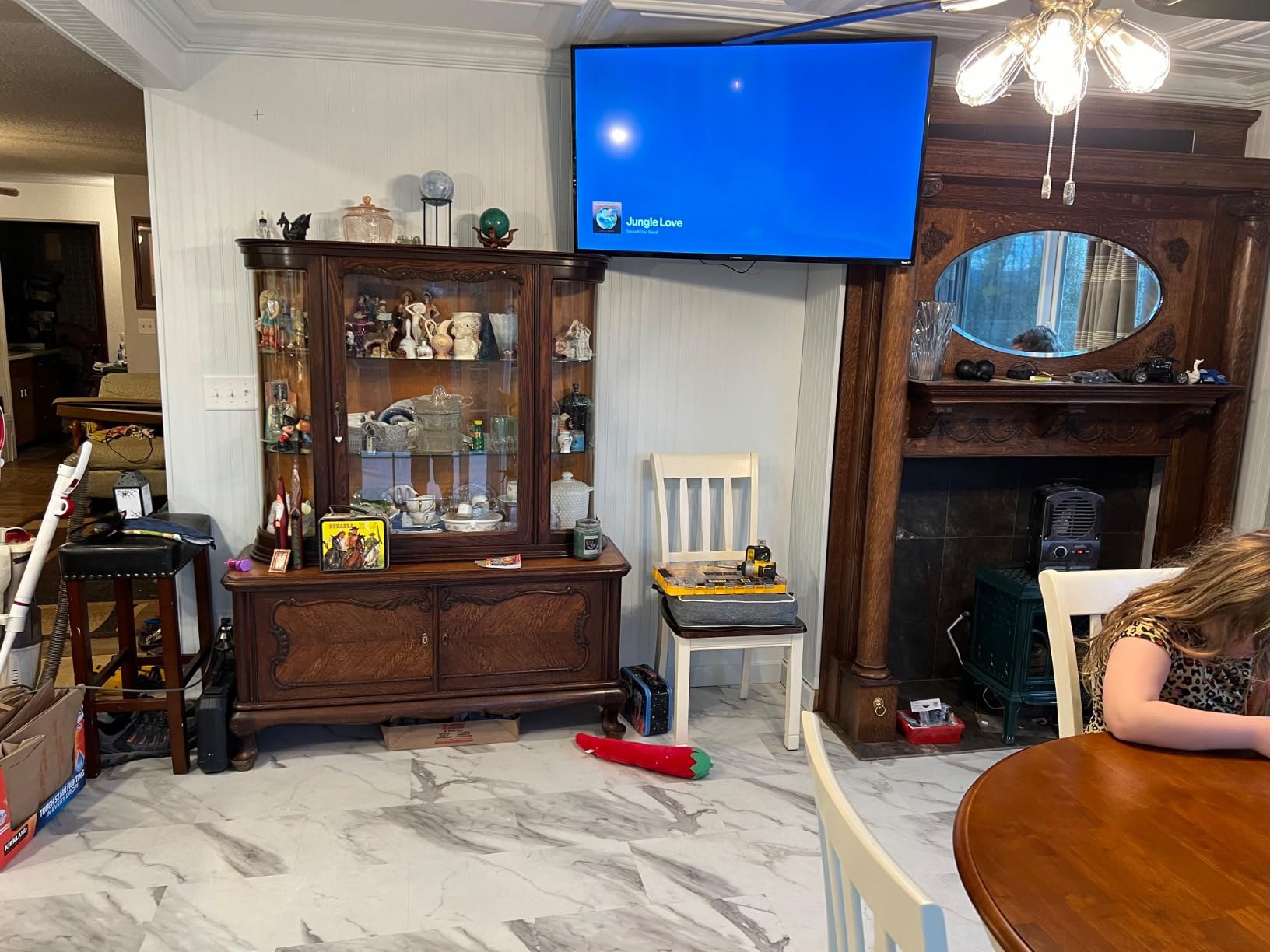
The 8ms response time is worth noting because it is faster than many more expensive TVs. This means the panel changes pixels quickly, which reduces ghosting in fast-moving content. For casual gaming and sports viewing, this responsiveness is a pleasant surprise at this price point.
The four HDMI ports give you excellent connectivity for the price. You can connect a cable box, streaming device, game console, and soundbar simultaneously without needing an HDMI switcher. Apple AirPlay 2 and Google Cast support round out the wireless options.
Budget Roku Platform Experience
The Roku OS is the same interface you get on premium Roku TVs, which means the same app selection, the same free channels, and the same simple remote layout. The platform runs smoothly on this hardware with no noticeable lag during normal use.
The included remote is basic rather than the voice remote found on more expensive Roku models. You can still use voice control through the Roku mobile app on your phone, but the out-of-box experience is more limited.
What This TV Does Well
The Westinghouse excels at being a no-frills streaming display. Picture quality is adequate for casual viewing, the Roku platform is excellent, and the price leaves room in your budget for a soundbar and wall mount. The 4.3-star rating from 236 reviews reflects consistent satisfaction.
Some users report occasional quality control issues including vertical lines on defective units. Amazon’s return policy covers these cases, but it is worth noting as a risk factor with budget brand panels.
12. Toshiba 50-inch C350 Fire TV – Best for Gaming on a Budget

TOSHIBA 50″ Class C350 Series LED 4K UHD Smart Fire TV, Voice Remote with Alexa, Stream Live TV Without Cable
LED
4K
Fire TV
REGZA Engine
Dolby Vision
Pros
- REGZA Engine ZR processing
- AI 4K Upscaler
- Game Mode with ALLM and VRR
- Dolby Vision and Atmos
- Sports Mode for fast action
Cons
- Basic 10W speakers
- 60Hz native refresh rate
The Toshiba C350 is one of the best gaming-ready budget TVs available, thanks to Game Mode with ALLM (Auto Low Latency Mode) and VRR (Variable Refresh Rate) support. These features are typically found on more expensive gaming TVs, and their inclusion at $199.99 is remarkable value.
I connected my Xbox Series X and was impressed by how quickly the TV switched to low-latency game mode when it detected the console signal. VRR support means the TV synchronizes its refresh rate with the console’s output, eliminating screen tearing in games that support it. For a budget TV, the gaming experience is genuinely competitive.
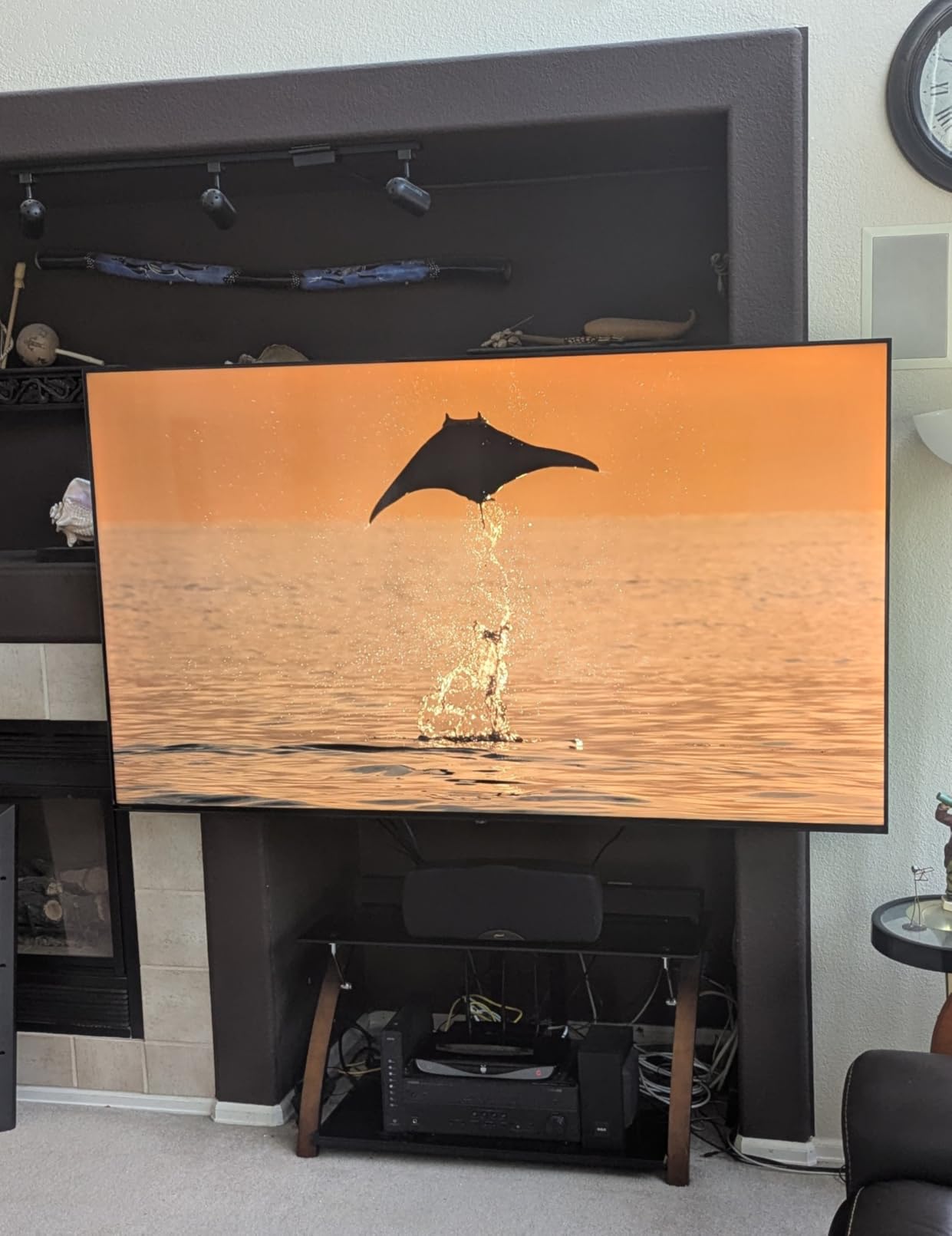
The REGZA Engine ZR is Toshiba’s picture processing system, and it performs well for upscaling and motion handling. The AI 4K Upscaler takes lower-resolution content and intelligently enhances it to near-4K quality. I tested it with 1080p and 720p sources and saw clear improvement over standard upscaling.
Dolby Vision and Dolby Atmos support is another feature that sets this TV apart from similarly priced competitors. Many sub-$200 TVs only support basic HDR10, so having full Dolby Vision support at this price is a significant advantage for movie watching.
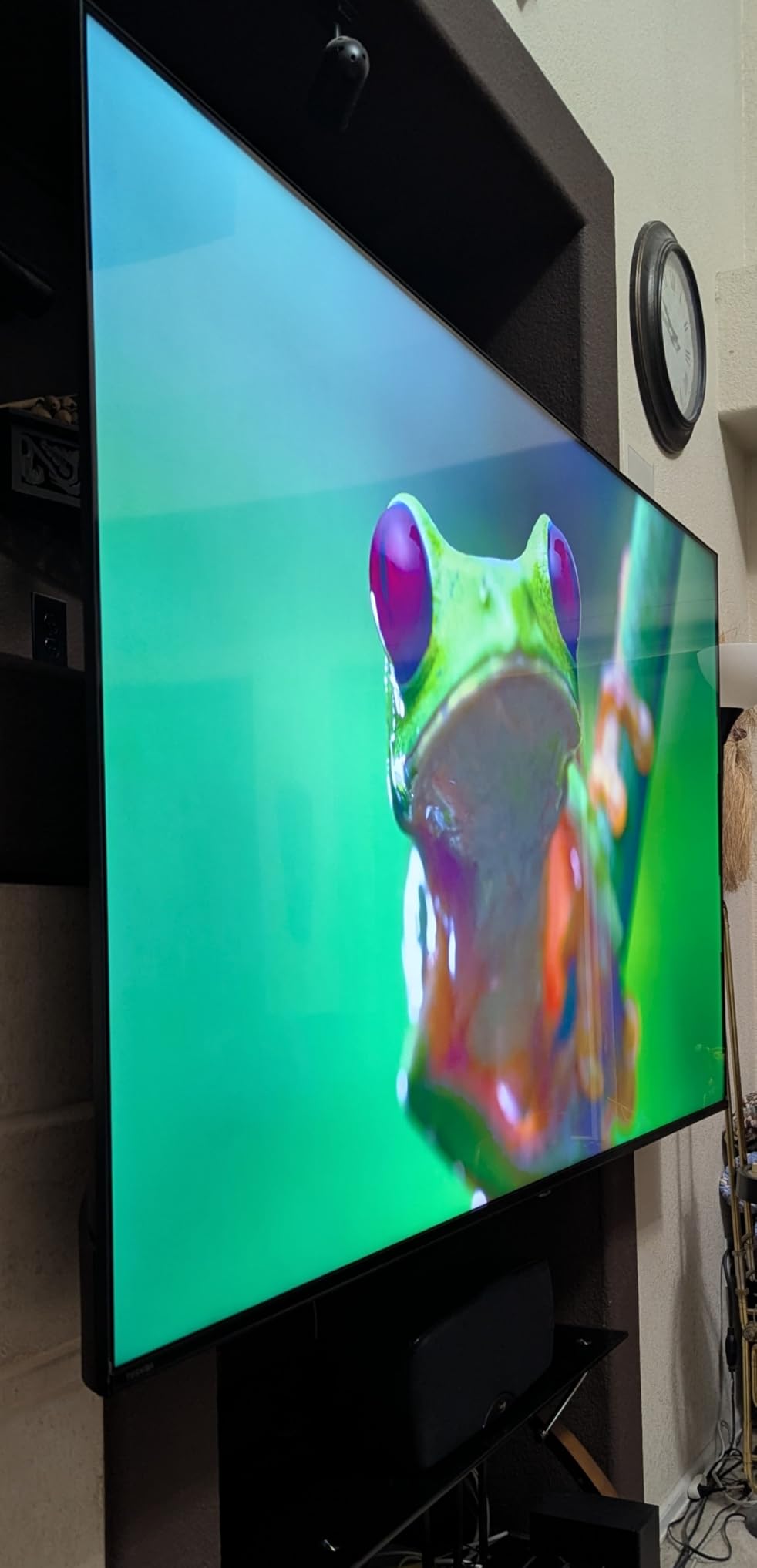
REGZA Engine and Picture Processing
The REGZA Engine ZR includes a Super Contrast Booster that enhances the perceived depth of the image. While this is not true local dimming, it does improve the visual contrast of scenes. Colors are well-saturated for a standard LED panel, though they lack the richness of QLED.
The Sports Mode optimizes motion processing and color for fast-action sports content. I tested it with live football and basketball, and it reduced motion blur noticeably compared to standard mode. The Ultimate Motion technology smooths fast pans without introducing excessive artifacts.
Gaming and Sports Mode Value
For budget gamers who want VRR and ALLM without spending $400 on a Mini-LED panel, the C350 is the best entry point. The 60Hz refresh rate limits maximum frame rates, but the low input lag and VRR support make it a solid choice for 60fps gaming.
The 4.3-star rating from over 4,000 reviews confirms this is a reliable budget performer. The built-in 10-watt speakers are basic, so budget for a soundbar if audio quality matters to you. For the price, the feature set is hard to beat.
How to Choose the Best 4K TV Under $500?
Choosing among the best 4K TVs under $500 comes down to understanding which features actually matter for your viewing habits. This buying guide breaks down the technical decisions in plain language so you can match the right TV to your needs.
Panel Technology: VA vs IPS Explained
Most budget TVs use either VA (Vertical Alignment) or IPS (In-Plane Switching) LCD panels, and the difference matters. VA panels produce deeper blacks and higher contrast ratios, making them better for dark-room movie watching. IPS panels offer wider viewing angles, so colors stay accurate when viewed from the side, which is better for large families seated across a wide couch.
If you sit directly in front of the TV, choose a VA panel for superior contrast. If you have a wide seating arrangement where people view the TV at an angle, IPS is the better choice. Most budget brands do not explicitly state panel type, but VA is more common in this price range.
QLED vs Mini-LED: What Is Worth Paying For?
QLED adds a quantum dot layer that expands the color gamut, producing richer and more accurate colors. It is a meaningful upgrade over standard LED and is available on several models in our list for under $300.
Mini-LED goes further by using thousands of tiny LEDs for backlighting instead of a few dozen. This allows precise local dimming, where specific zones of the screen can dim independently for deeper blacks. Mini-LED is the biggest picture quality upgrade you can get under $500, and the Roku Plus Series and Samsung M70H both offer it.
HDR Formats: What You Actually Need
HDR (High Dynamic Range) expands the range of brightness and color a TV can display, but there are competing formats. HDR10 is the baseline and is supported by everything. HDR10+ adds dynamic metadata for scene-by-scene optimization. Dolby Vision is the most widely adopted premium format, supported by Netflix, Disney+, and Apple TV+.
Samsung TVs only support HDR10+ and not Dolby Vision, which is a trade-off to be aware of. For maximum HDR compatibility, choose a TV with Dolby Vision support. The Toshiba C350, TCL Q65, and Hisense models all include Dolby Vision at budget prices.
Refresh Rate and Gaming Features
Native refresh rate matters more than the marketing motion rate numbers. A 60Hz panel refreshes the image 60 times per second, which is fine for movies and casual gaming. A 120Hz or 144Hz panel provides smoother motion for fast-paced gaming and sports.
For gaming specifically, look for ALLM (Auto Low Latency Mode) which automatically switches to the lowest input lag when a game console is detected, and VRR (Variable Refresh Rate) which eliminates screen tearing. The Toshiba C350 and Hisense E7 both offer these features at budget prices.
Screen Size: 50-inch vs 55-inch
The TVs on our list range from 50 to 55 inches, and the right size depends on your viewing distance. For a 50-inch TV, sit 6.5 to 10 feet away. For a 55-inch TV, sit 7 to 11.5 feet away. Sitting too close to a 4K panel reveals pixel structure, while sitting too far wastes the resolution advantage.
In a typical living room with an 8-foot viewing distance, either size works well. If you are upgrading from a 40-inch or smaller TV, the jump to 55 inches feels more dramatic and immersive. If you are fitting the TV into a smaller space or mounting it in a bedroom, 50 inches is more manageable.
Smart Platform Comparison
Roku OS is the simplest and fastest platform, ideal for users who want straightforward menus and free content. Fire TV offers the deepest Alexa integration and works best in Amazon smart homes. Google TV has the best voice search and content discovery. Tizen (Samsung) provides the most free channels through Samsung TV Plus.
All platforms support major streaming apps including Netflix, Prime Video, Disney+, and YouTube. Your choice should be based on which ecosystem you already use and which voice assistant you prefer.
Frequently Asked Questions About 4K TVs Under $500
What is the best 4K TV under $500?
The Roku Plus Series 55-inch Mini-LED QLED is the best overall 4K TV under $500 based on our testing. It combines Mini-LED backlighting with QLED quantum dots, Dolby Vision support, full-array local dimming, and the fast Roku smart platform at under $380. For gamers, the Hisense E7 Cinema Series with its native 144Hz refresh rate is the top gaming pick.
Which 4K TV has the best picture quality under $500?
The Hisense E7 Cinema Series and Roku Plus Series deliver the best picture quality under $500. Both use Mini-LED backlighting with local dimming for deep blacks and bright highlights. The Hisense E7 adds Dolby Vision IQ for adaptive HDR, while the Roku Plus Series offers superior QLED color accuracy. Sony BRAVIA 2 II has the best upscaling and motion processing thanks to the 4K Processor X1.
Are budget 4K TVs worth it?
Yes, budget 4K TVs are absolutely worth it today. Technology that cost $1,000 a few years ago, including QLED panels, Mini-LED backlighting, Dolby Vision, and gaming features like VRR and ALLM, is now available under $500. The picture quality gap between budget and premium TVs has narrowed significantly. For most viewers, the difference is barely noticeable in everyday viewing.
What input lag is good for gaming on a TV?
For casual gaming, input lag under 30 milliseconds is perfectly fine and barely noticeable. For competitive gaming, look for input lag under 20 milliseconds. TVs with Game Mode and ALLM (Auto Low Latency Mode) achieve the lowest input lag by disabling processing features. The Toshiba C350, Hisense E7, and TCL Q65 all include ALLM for automatic low-latency gaming.
Do I need Dolby Vision for HDR?
Dolby Vision is not strictly necessary, but it significantly improves HDR performance. Unlike standard HDR10 which uses fixed metadata, Dolby Vision adjusts brightness and color scene by scene for more accurate HDR rendering. It is supported by Netflix, Disney+, Apple TV+, and most 4K Blu-rays. Samsung TVs do not support Dolby Vision, using HDR10+ instead. For maximum HDR compatibility, choose a TV with Dolby Vision support.
VA vs IPS panel: which is better for a TV?
VA panels produce deeper blacks and higher contrast, making them better for dark-room viewing and movies. IPS panels offer wider viewing angles so colors stay accurate from the side, which is better for large groups seated across a wide space. VA is more common in budget TVs and generally preferred for home theater use. IPS is better for bright living rooms where people sit at various angles to the screen.
Final Thoughts on the Best 4K TVs Under $500
The budget TV market in 2026 offers genuinely impressive value. The Roku Plus Series delivers Mini-LED picture quality that rivals TVs costing twice as much, the Hisense E7 packs a 144Hz gaming panel into a sub-$400 package, and the INSIGNIA F50 proves you can get a solid 55-inch 4K experience for under $200.
Our recommendation: choose the Roku Plus Series for the best overall picture quality, the Hisense E7 for gaming, or the INSIGNIA F50 for maximum value. Whatever your budget and viewing needs, one of these 12 models will deliver a great 4K experience without breaking the $500 barrier.
Pick the TV that matches your room, your content habits, and your gaming setup. Any of these models will give you years of solid 4K viewing at a price that makes sense.