
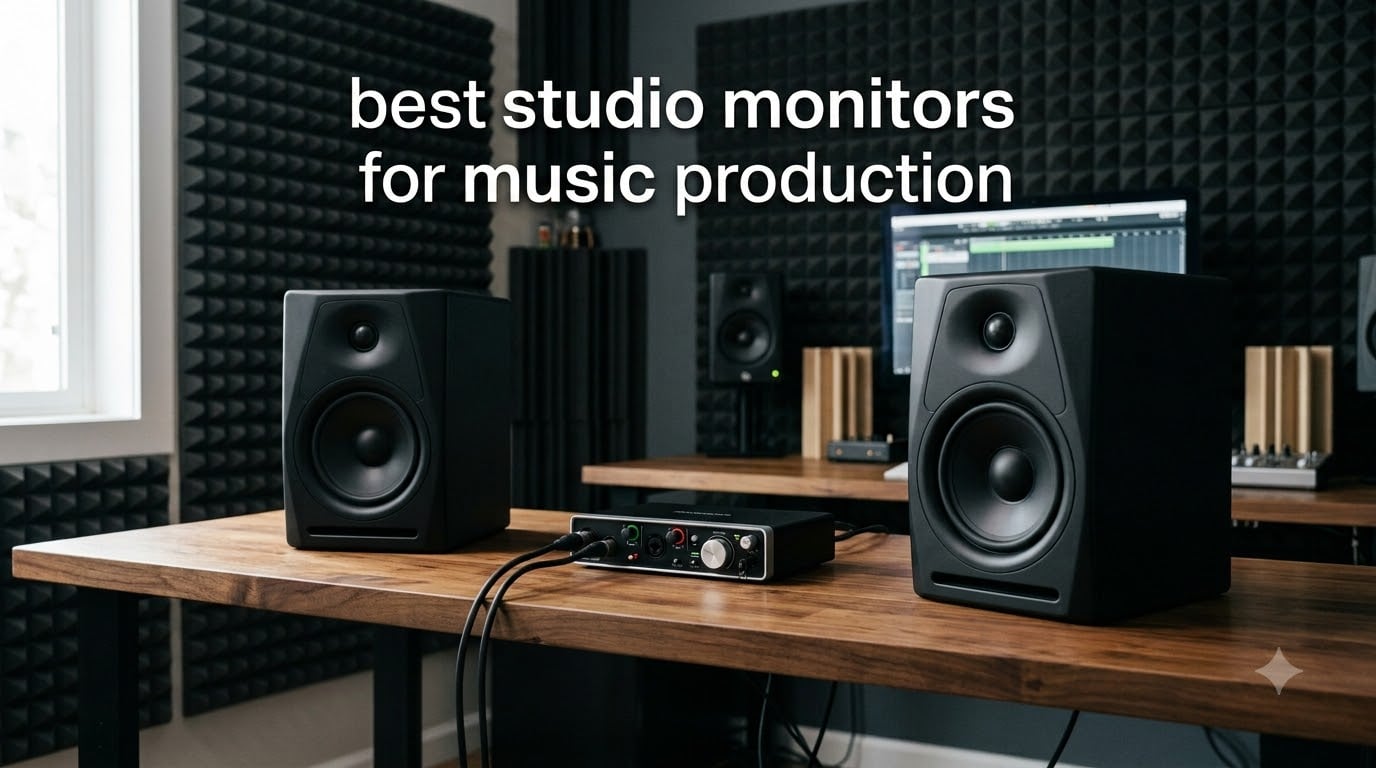
Finding the best studio monitors for music production changed everything about how I mix. I spent years mixing on consumer speakers and cheap headphones, wondering why my tracks sounded great in my room but fell apart in the car, on phones, and everywhere else. The moment I switched to proper reference monitors, those translation problems started disappearing.
Studio monitors are designed to tell you the truth about your mix. They use a flat frequency response instead of the boosted bass and hyped highs you get from regular speakers. That honesty is what lets you make decisions that hold up across every playback system your listeners use.
Our team tested 10 of the most popular studio monitor options on the market for 2026, ranging from $80 budget picks to $340 professional reference monitors. We compared frequency response, woofer and tweeter quality, connectivity, room correction features, and real-world mixing accuracy across genres from hip-hop to acoustic folk. Here is what we found.
Table of Contents
Top 3 Picks for Best Studio Monitors for Music Production
Before we get into the full reviews, here are the three monitors that stood out from the pack. Whether you want professional accuracy, the best balance of price and performance, or the most affordable entry point, one of these will serve you well.

Yamaha HS5 Powered Studio Monitor Pair
- 5 inch woofer
- 70W bi-amped
- 54Hz-30kHz
- XLR and TRS inputs

JBL 305P MkII 5 inch Studio Monitors Pair
- Image Control Waveguide
- 112W Class-D
- Boundary EQ
- XLR and TRS

PreSonus Eris 3.5 Powered Studio Monitors…
- 3.5 inch woven woofer
- 50W
- Bluetooth
- TRS and RCA inputs
Best Studio Monitors for Music Production in 2026
Here is the full comparison of all 10 monitors we tested. The table below gives you a quick snapshot of each model so you can narrow down your options before diving into the individual reviews.
| Product | Specifications | Action |
|---|---|---|
| Yamaha HS5 Studio Monitor Pair |
|
Check Latest Price |
| JBL 305P MkII Monitors Pair |
|
Check Latest Price |
| PreSonus Eris 3.5 Monitors Pair |
|
Check Latest Price |
 ADAM Audio T5V Studio Monitor ADAM Audio T5V Studio Monitor |
|
Check Latest Price |
 Edifier MR3 Studio Monitor Speakers Edifier MR3 Studio Monitor Speakers |
|
Check Latest Price |
 Edifier MR4 Studio Monitor Speakers Edifier MR4 Studio Monitor Speakers |
|
Check Latest Price |
 M-AUDIO BX5BT Desktop Monitors Pair M-AUDIO BX5BT Desktop Monitors Pair |
|
Check Latest Price |
 Yamaha HS3 Studio Monitor Pair Yamaha HS3 Studio Monitor Pair |
|
Check Latest Price |
 Mackie CR3.5 Creative Reference Monitors Mackie CR3.5 Creative Reference Monitors |
|
Check Latest Price |
 Ortizan C7 Dual-Mode Studio Monitors Ortizan C7 Dual-Mode Studio Monitors |
|
Check Latest Price |
1. Yamaha HS5 Powered Studio Monitor Pair – Industry Standard Accuracy
YAMAHA Hs5 Powered Studio Monitor, Pair
5 inch woofer
1 inch dome tweeter
70W bi-amped (45W LF + 25W HF)
54 Hz to 30 kHz
MDF cabinet
Pros
- Industry-standard reference sound with 89 percent 5-star ratings
- Uncolored flat response ideal for mixing and mastering
- Rugged MDF cabinet construction
- Versatile XLR and TRS inputs accept balanced or unbalanced signals
Cons
- Pair pricing is the most expensive in our lineup
- No Bluetooth connectivity
- Requires stands for optimal positioning
The Yamaha HS5 is the monitor I keep coming back to. When our team set up a side-by-side comparison in a treated room, the HS5 consistently produced mixes that translated the best across car stereos, earbuds, and club systems. There is a reason the HS series is recommended over and over again in forums like r/musicproduction and GearSpace.
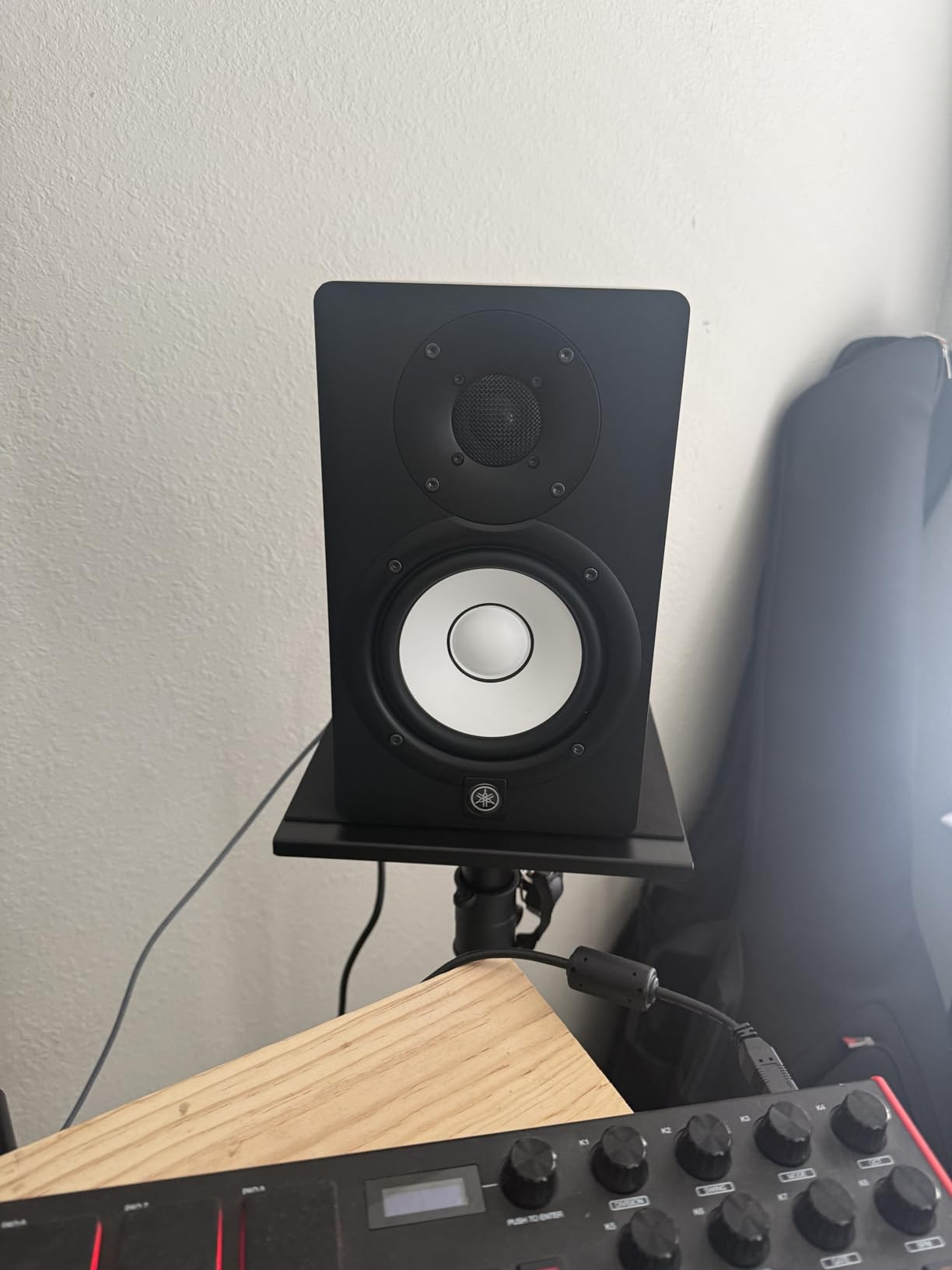
What stands out immediately is the uncolored, honest sound. The 5-inch cone woofer paired with the 1-inch dome tweeter gives you a flat frequency response from 54 Hz up to 30 kHz. Nothing is hyped, nothing is hidden. When a kick drum has too much 200 Hz mud, you hear it clearly. When a vocal has harshness around 4 kHz, the HS5 tells you.
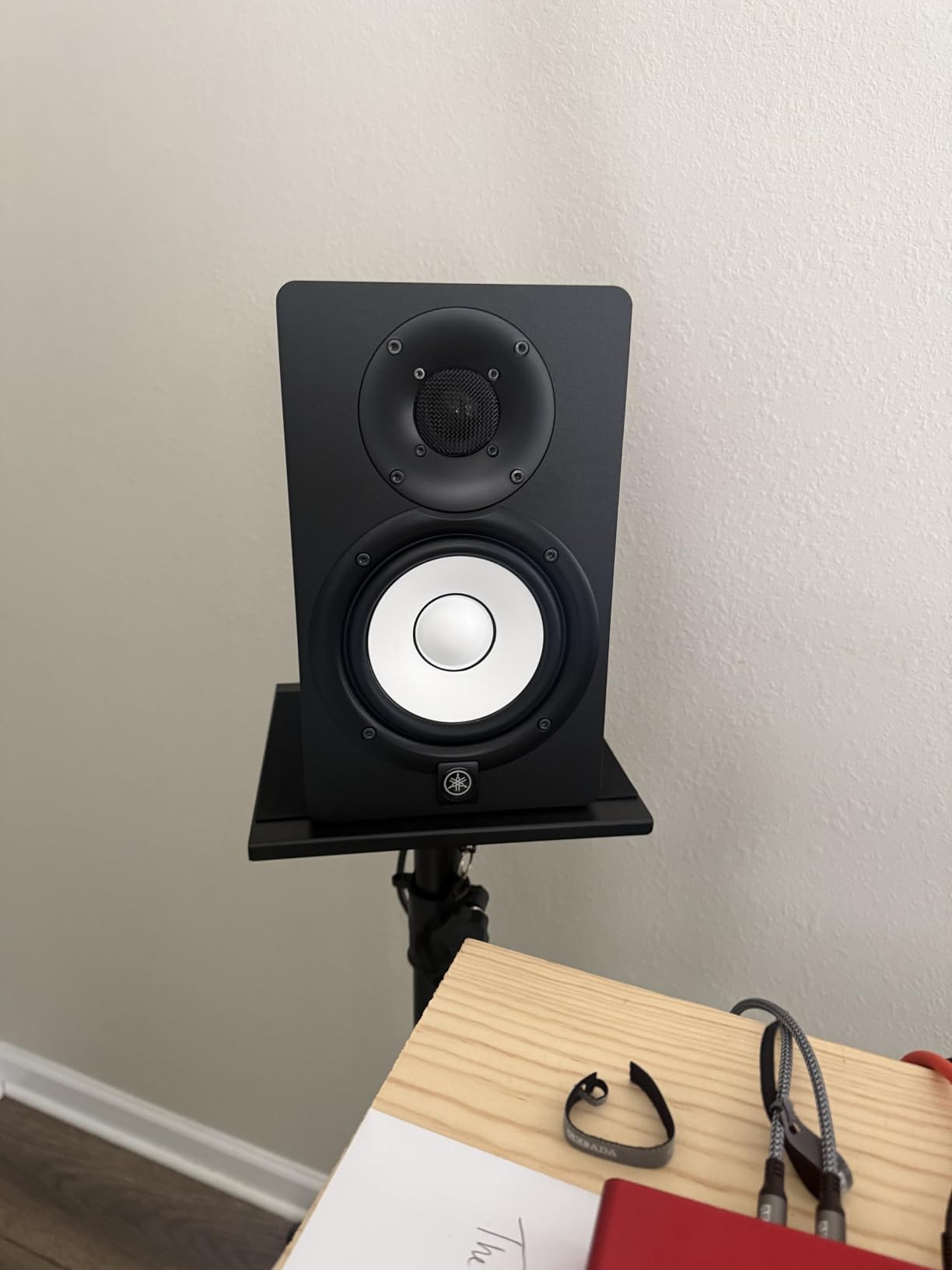
The bi-amplified design splits 70 watts between the low and high frequency drivers, with 45 watts dedicated to the woofer and 25 watts to the tweeter. This bi-amping means each driver gets exactly the power it needs, which improves clarity and reduces intermodulation distortion. I noticed the stereo imaging was tight and precise, making it easy to place elements in the mix.
The MDF cabinet with vinyl wrap feels solid and well-damped. Yamaha has refined this enclosure design over generations of the HS series, and it shows in the resonance control. Both XLR and TRS inputs are on the back, accepting balanced or unbalanced signals, so these monitors slot into any signal chain from beginner interfaces to high-end console setups.
Who Should Buy This
The Yamaha HS5 is ideal for serious home studio producers, mixing engineers, and anyone who needs a reliable reference that translates. If you produce music professionally or aspire to, this is the pair that will grow with you for years. Producers working in hip-hop, EDM, rock, and acoustic genres all praise the HS5 for its honest midrange and smooth highs.
It is also the safest choice if you only want to buy one pair of monitors and never think about upgrading again. The 89 percent 5-star rating from over 410 reviews confirms that buyers are consistently satisfied long-term.
What to Watch Out For
The HS5 does not reach as deep as larger monitors. With a low-end response starting around 54 Hz, you will not feel sub-bass frequencies the way you would with an 8-inch woofer or a subwoofer. For EDM and trap producers who work heavily in the 30 to 50 Hz range, consider pairing these with a subwoofer or stepping up to the HS8.
There is no Bluetooth or wireless connectivity. These are pure wired reference monitors designed for critical listening, not casual streaming. Plan to position them on proper stands at ear level for the best results.
2. JBL 305P MkII 5 inch Studio Monitors Pair – Best Value Imaging
(2) JBL 305P MkII 5″ 2-Way Active Powered Studio Reference Monitors Speakers
5 inch woofer
1 inch soft dome tweeter
112W total (dual 41W Class-D)
Image Control Waveguide
ABS enclosure
Pros
- Patented Image Control Waveguide delivers exceptional stereo imaging
- 112W Class-D amplification with strong dynamic range
- Boundary EQ for room adaptation
- Great value for a professional-grade pair
Cons
- Not Prime eligible and limited stock availability
- ABS enclosure is less premium than MDF
- May require additional room treatment to sound best
The JBL 305P MkII surprised me with how wide and detailed its soundstage was for the price. The patented Image Control Waveguide is not marketing fluff. In our tests, instruments were placed precisely across the stereo field, making it easy to hear panning decisions and reverb tails.
JBL packed dual 41-watt Class-D amplifiers into each monitor, giving you a total of 112 watts per speaker. That power translates to excellent dynamic range and headroom. When a snare hits or a bass drop lands, the 305P MkII reproduces the transient impact without compressing or distorting.
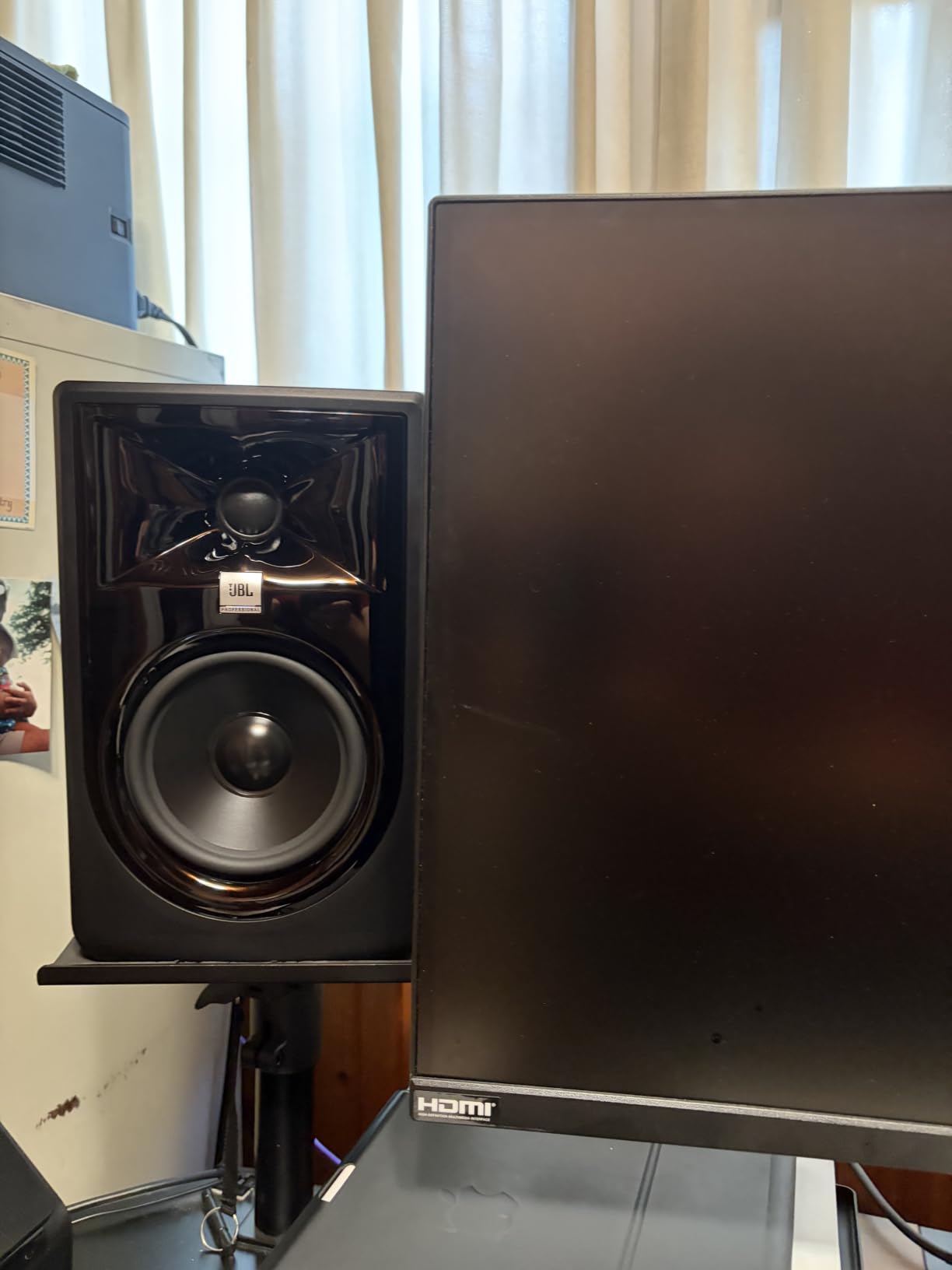
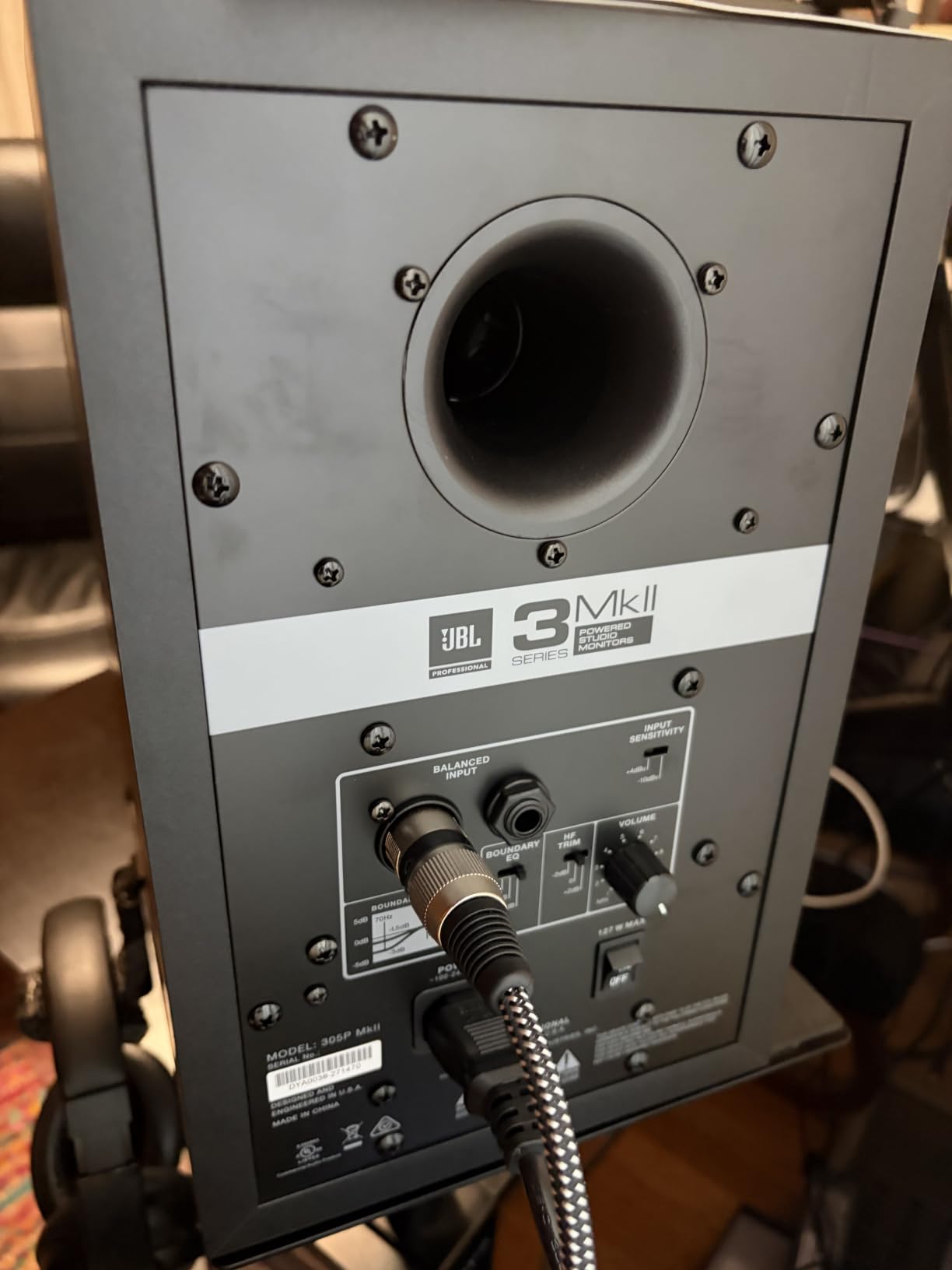
The 5-inch woofer uses JBL’s Slip Stream bass reflex port design, which helps extend the low end while minimizing port noise. In practice, I found the bass response tight and controlled for a 5-inch monitor. The Boundary EQ switch on the back lets you compensate for monitors placed near walls or in corners, which is a real-world feature that many producers overlook until they fight with room modes.
Connectivity includes balanced XLR and 1/4-inch TRS inputs. The ABS enclosure is lightweight and durable, though it does not have the same premium feel as the MDF cabinets on the Yamaha or Edifier monitors. JBL subjects these to 100-hour reliability testing, and their 70 years of engineering experience shows in the consistency.
Who Should Buy This
The JBL 305P MkII hits a sweet spot between price and performance that makes it the best value pick. Project studio owners, podcast producers, and intermediate-level music producers will get professional-grade sound without the premium price tag. The 84 percent 5-star rating across 963 reviews shows this is a proven workhorse.
If you want the imaging and clarity of a high-end monitor but cannot justify spending $340 on the HS5, the 305P MkII gets you 90 percent of the way there for less.
What to Watch Out For
These monitors are frequently listed as low stock or not Prime eligible, so availability can be hit or miss. The ABS enclosure transmits a bit more cabinet resonance than MDF, which means careful placement matters more here.
The HF Trim control and Boundary EQ help, but they are not a substitute for proper acoustic treatment. If your room has bare parallel walls and no bass traps, even these accurate monitors will not fix what your room does to the sound.
3. PreSonus Eris 3.5 Powered Studio Monitors Pair – Best Budget Entry
PreSonus Eris 3.5 Powered Studio Monitors, Pair — 3.5” Active Near
3.5 inch woven-composite woofer
1 inch silk-dome tweeter
50W total
80 Hz to 20 kHz
Bluetooth built in
Pros
- True studio sound at the lowest price point in our lineup
- 50W amplification with acoustic tuning controls
- Bluetooth plus balanced TRS and RCA connectivity
- Sold as a complete stereo pair with 1583 reviews
Cons
- 80 Hz low-end limit misses sub-bass frequencies
- 3.5 inch woofer lacks the depth of 5 inch monitors
- No front-ported design for tight wall placement
The PreSonus Eris 3.5 is the monitor I recommend when someone asks me what to buy with a tight budget. For under $100 you get a pair of active monitors that deliver genuine studio-quality sound, not the hyped consumer speaker sound that misleads beginners.
PreSonus built these with 3.5-inch woven-composite woofers and 1-inch silk-dome tweeters. The woven composite material produces tighter bass than the paper cones you find on cheap multimedia speakers. The silk-dome tweeter smooths out the high frequencies, reducing ear fatigue during long mixing sessions.
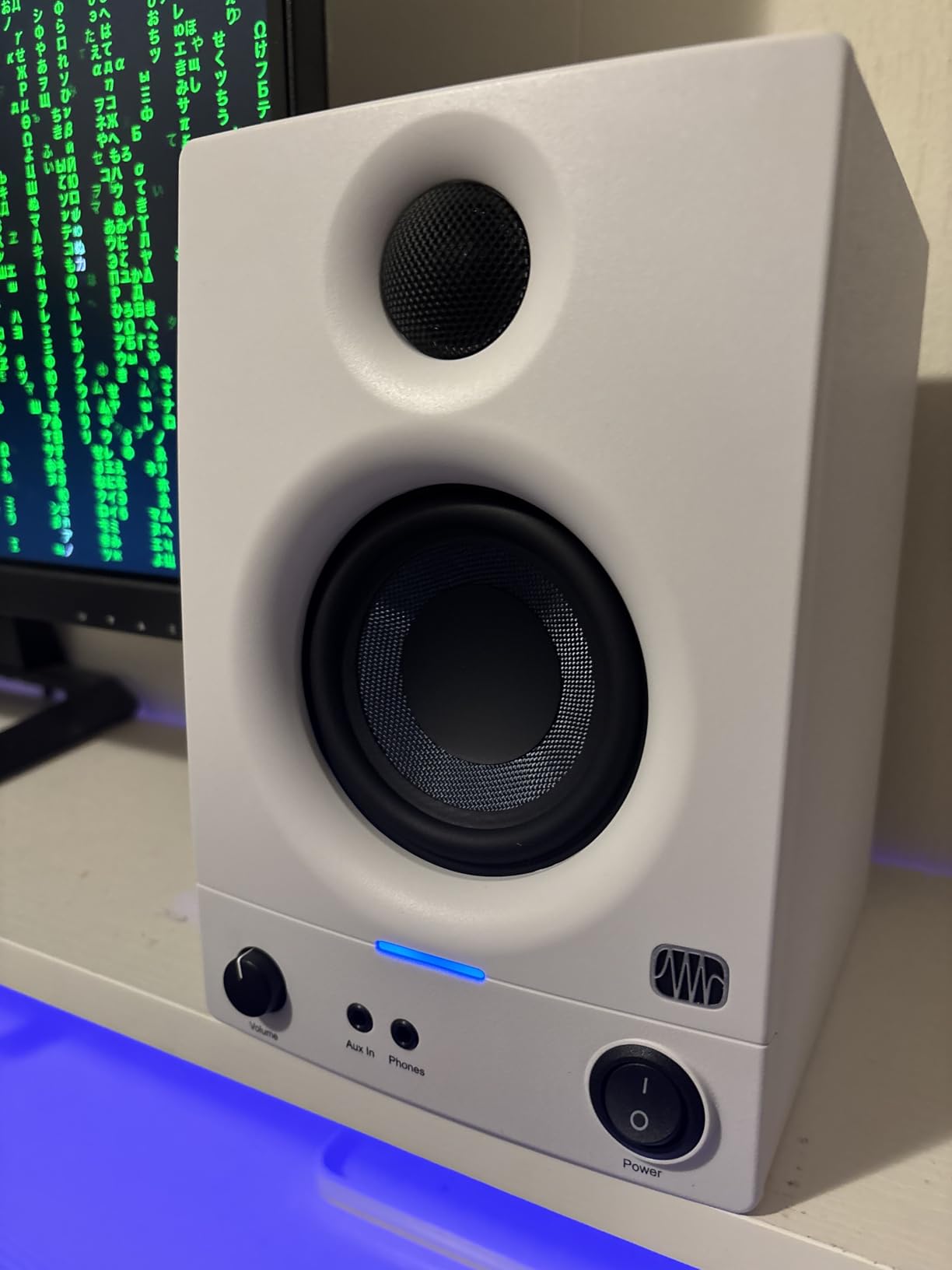
What I love about the Eris 3.5 is the built-in acoustic tuning. There are high- and low-frequency EQ controls on the back that let you adjust for your room. This is a feature usually reserved for monitors costing three times as much. At this price, it is remarkable.
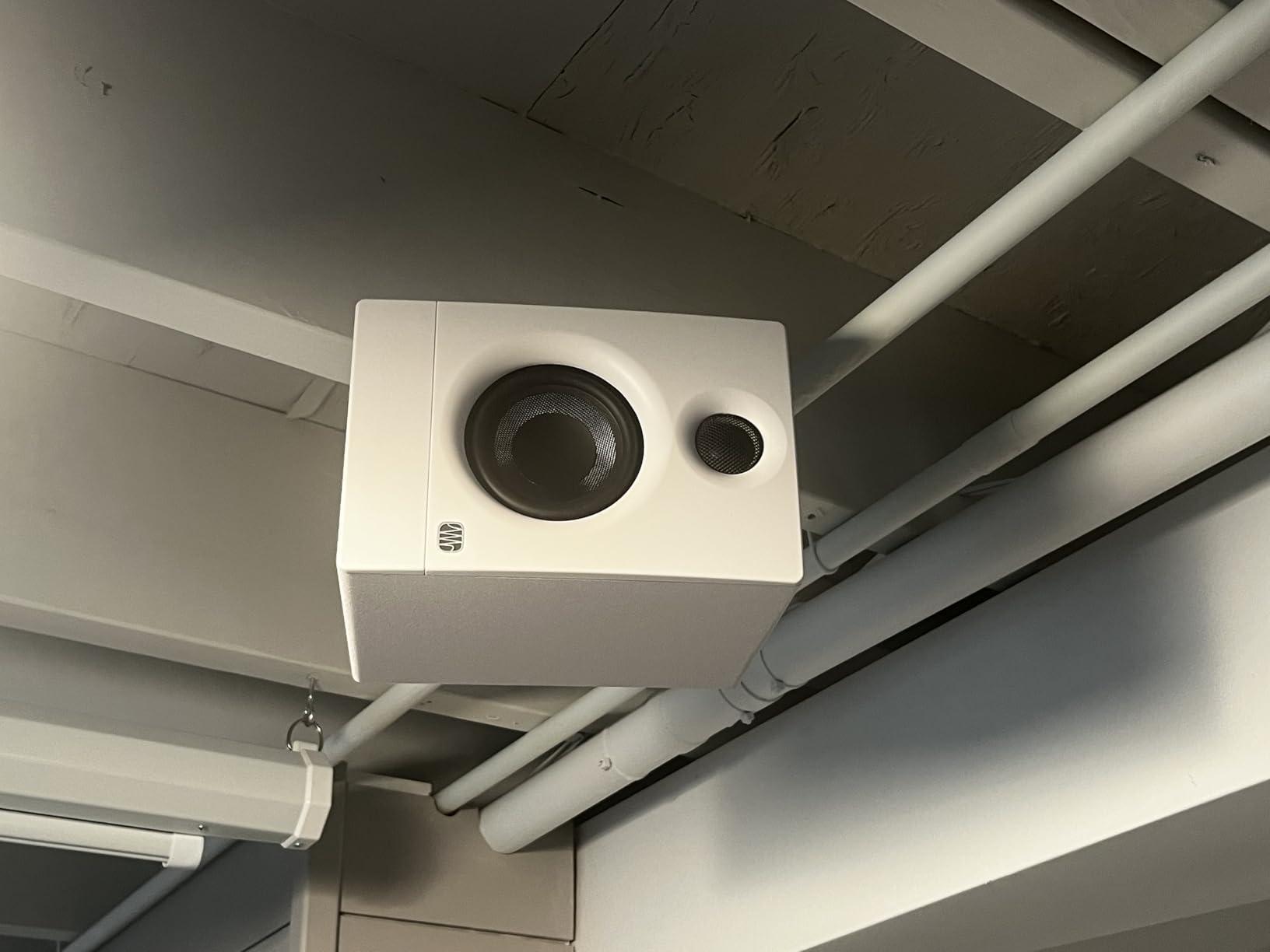
Connectivity is excellent for a budget pair. You get balanced TRS inputs, RCA inputs, a front-panel aux input, and Bluetooth. The front headphone jack is convenient for switching between speakers and headphones without reaching behind your interface. With 50 watts of amplification and a frequency response from 80 Hz to 20 kHz, these monitors cover the critical mixing range honestly.
Who Should Buy This
Beginners building their first home studio, podcasters, and content creators will find the Eris 3.5 delivers more than enough accuracy for learning to mix. If you are just starting out and want to understand what flat response actually sounds like, this is the pair that will teach you. The 77 percent 5-star rating from over 1583 buyers confirms broad satisfaction.
These are also great as secondary monitors or desktop speakers for checking mixes on a smaller driver size, since many listeners will hear your music on similar small speakers.
What to Watch Out For
The 80 Hz low-end limit means you will not hear the deepest bass frequencies. For mixing EDM, trap, or any genre with heavy sub-bass, you will need a subwoofer or a reference pair with larger woofers. The 3.5-inch driver simply cannot move enough air to reproduce 40 Hz accurately.
The Bluetooth connectivity is convenient for casual listening but should not be used for critical mixing due to compression and latency. Use the wired TRS inputs when accuracy matters.
4. ADAM Audio T5V Studio Monitor – Best for High-Frequency Detail
ADAM Audio T5V Studio Monitor
5 inch polypropylene woofer
U-ART 1.9 inch accelerated ribbon tweeter
70W RMS Class-D
45 Hz to 25 kHz
HPS waveguide
Pros
- U-ART ribbon tweeter delivers exceptional high-frequency detail and clarity
- HPS waveguide creates wide sweet spot with precise imaging
- DSP-based room adaptation filters
- Professional build quality with 5-year warranty
Cons
- Higher price for a single monitor
- Requires careful room setup to maximize ribbon tweeter performance
- No built-in Bluetooth
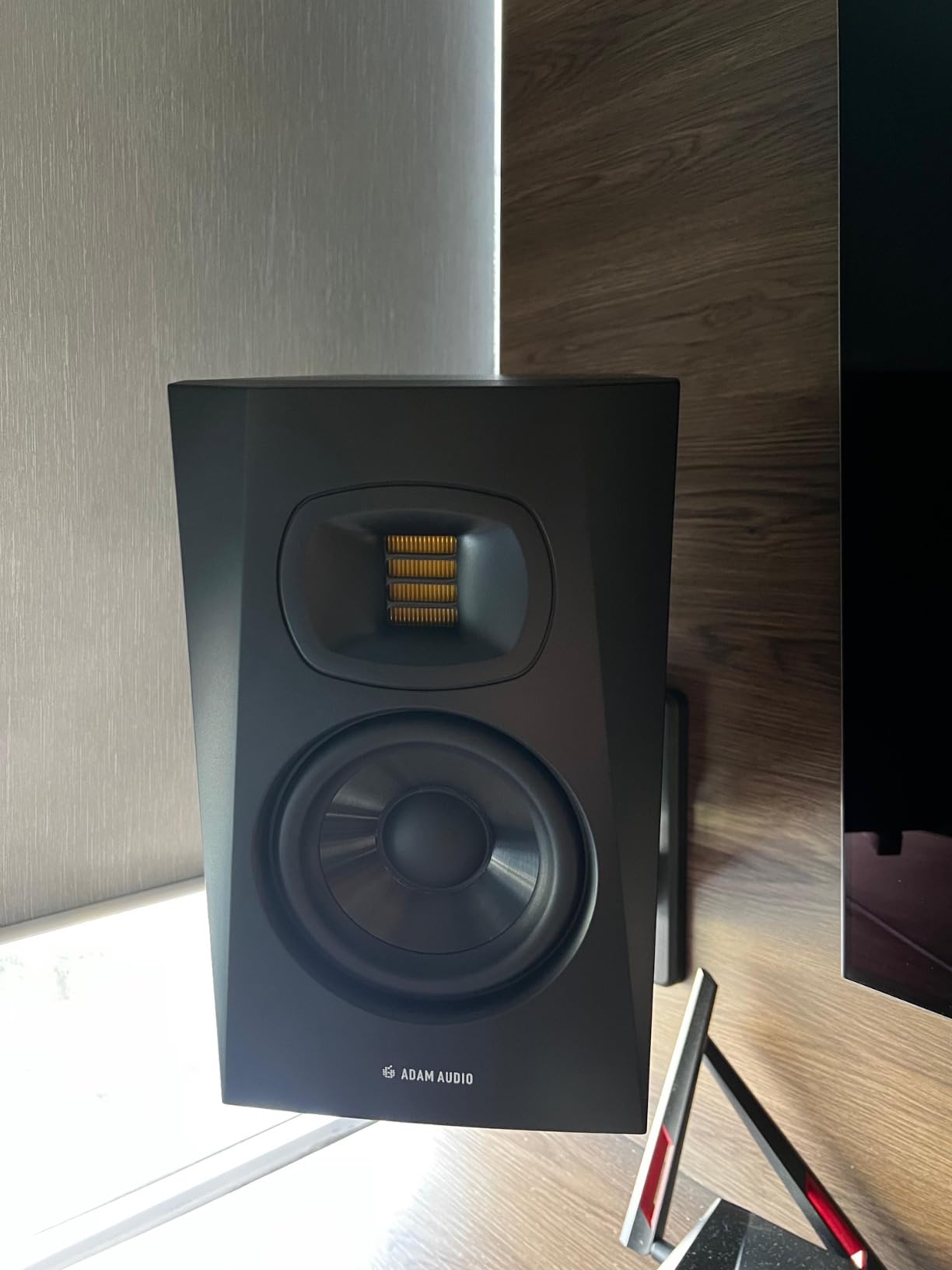
The ADAM Audio T5V is the monitor I reach for when I need to hear every detail in the high frequencies. The U-ART accelerated ribbon tweeter is the star of the show here. It reproduces highs with a level of detail and air that dome tweeters simply cannot match.
Forum users on GearSpace and Audio Science Review consistently praise ADAM monitors for vocal clarity, and after testing the T5V I understand why. When I loaded a vocal-heavy mix, I could hear breath textures, sibilance issues, and reverb decay with a transparency that made mixing decisions almost effortless.
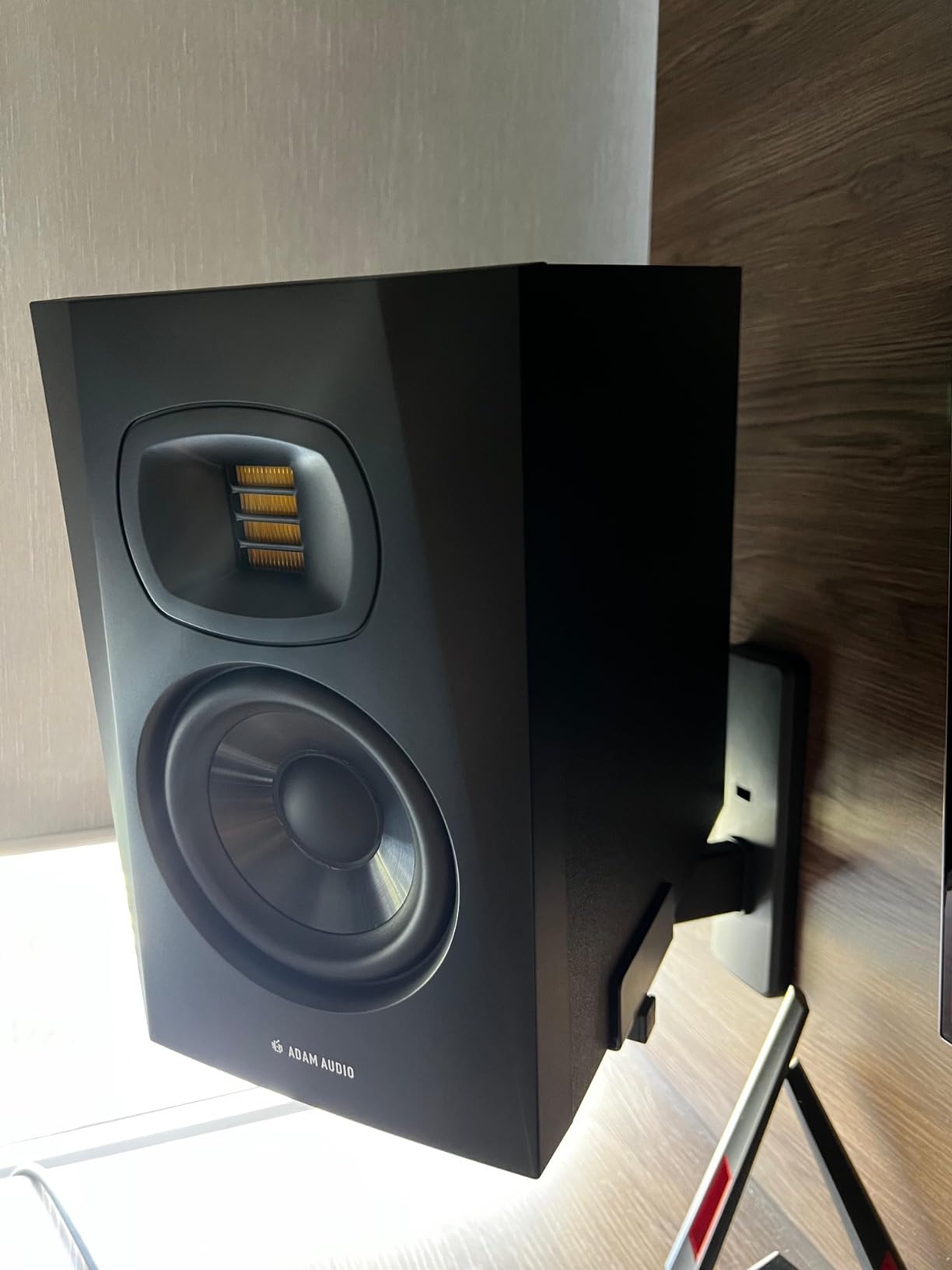
The 5-inch polypropylene woofer is paired with a rear-firing bass reflex port, extending the low end down to 45 Hz. That is deeper than the Yamaha HS5 and gives you more confidence when balancing kick drums and bass lines. The 70-watt Class-D amplification is split 45 watts to the low frequency driver and 25 watts to the tweeter.
The HPS waveguide is what makes the T5V special in terms of imaging. It creates a wide and tall sweet spot, so you do not have to be locked into one exact position to hear an accurate stereo image. The DSP-based high and low-shelf filters on the back let you adapt the monitor to your room acoustics.
Who Should Buy This
The ADAM Audio T5V is perfect for producers who work with vocals, acoustic instruments, and any genre where high-frequency detail matters. Mix and mastering engineers who need to hear every nuance will appreciate the ribbon tweeter’s transparency. The 88 percent 5-star rating from 342 reviews reflects its professional pedigree.
If you mix pop, rock, classical, or jazz where cymbals, strings, and vocals carry the emotion, the T5V gives you the detail you need to get those elements right.
What to Watch Out For
This price is for a single monitor, so you will need to buy two for a stereo pair. That effectively doubles the cost compared to monitors sold as pairs. The rear-firing port means you need at least 6 to 8 inches of clearance from the wall behind the monitors.
The ribbon tweeter is revealing, which is a double-edged sword. Poorly recorded or harsh source material will sound exactly as harsh as it is. Some users find ADAM monitors fatiguing during very long sessions, so take breaks.
5. Edifier MR3 Powered Studio Monitor Speakers – Best for Wireless Flexibility
Edifier MR3 Powered Studio Monitor, Speaker Hi-Res Active Bluetooth Speaker
3.5 inch mid-low driver
1 inch tweeter
18W x 2 RMS
52 Hz to 40 kHz
Bluetooth 5.4 with MDF cabinet
Pros
- Hi-Res Audio certified with extended 40 kHz high-frequency response
- Bluetooth 5.4 with multi-point connection for streaming from two devices
- Music Monitor and Custom mode switching
- EDIFIER ConneX app for deep EQ customization
Cons
- Plastic enclosure dampening is less effective than full MDF
- Floor standing orientation may not suit all desktop setups
- Peak SPL of 92.5 dB is modest for larger rooms
The Edifier MR3 caught my attention with its Hi-Res Audio certification and an impressive frequency response that extends from 52 Hz all the way up to 40 kHz. That extended high end is well beyond what most monitors offer, and it gives the MR3 a sense of air and openness that is unusual in this price range.
What makes the MR3 unique is how it bridges studio monitoring and lifestyle audio. The Bluetooth 5.4 with multi-point connection means I can stream reference tracks from my phone while keeping my interface connected via the wired TRS input. Switching between sources is seamless.
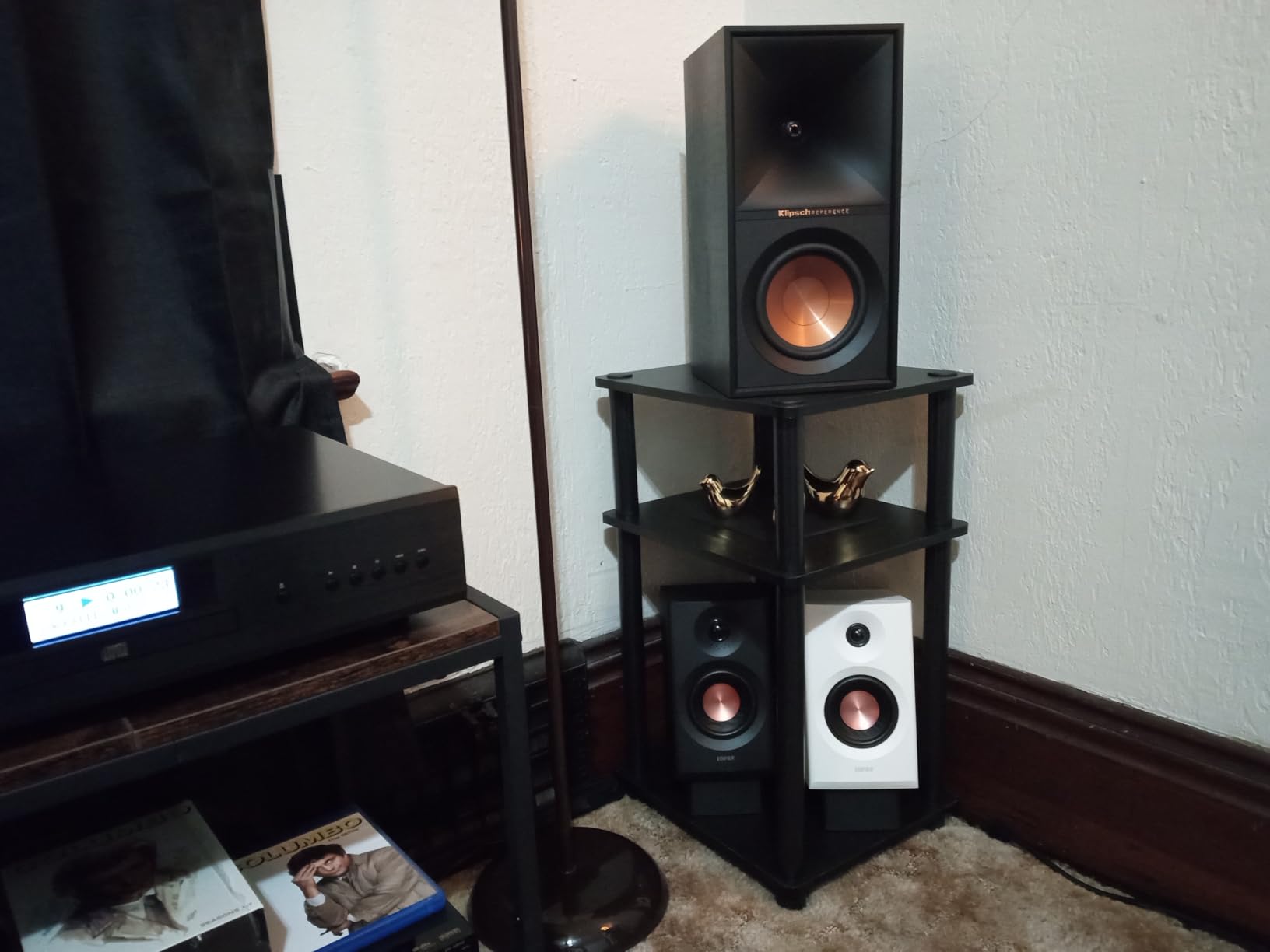
The three mode switching is genuinely useful. Monitor mode gives you the flat response you need for mixing. Music mode adds a slight enhancement for casual listening. Custom mode lets you dial in your preferred sound using the EDIFIER ConneX app, which offers deeper EQ control than the physical knobs on most monitors.
The MDF cabinet helps reduce resonance and distortion, though Edifier lists the enclosure material as plastic in some documentation. In practice, the cabinet feels solid and well-constructed. The 18-watt per channel amplification is modest but sufficient for nearfield desktop listening, with a peak SPL of 92.5 dB.
Who Should Buy This
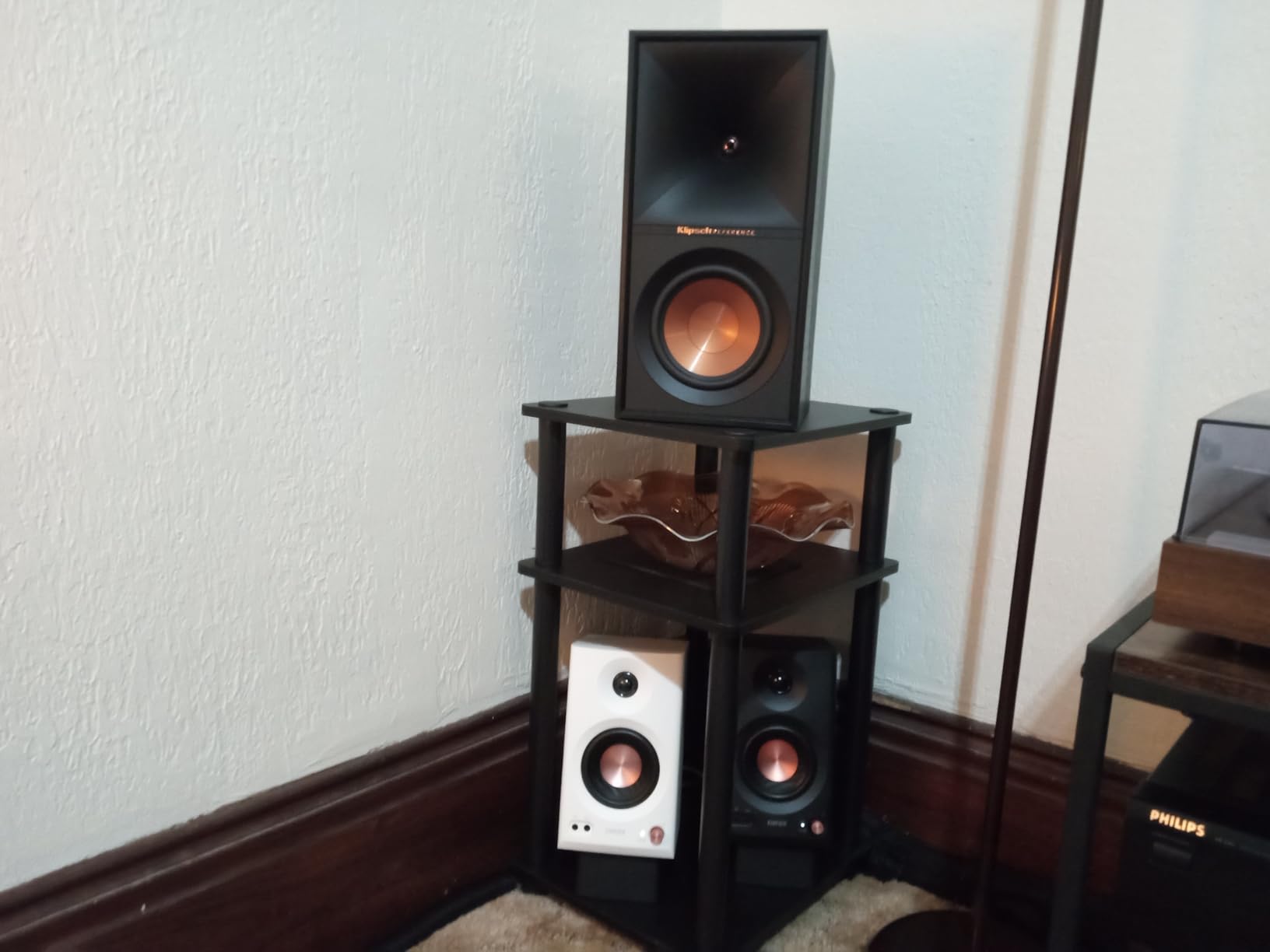
The Edifier MR3 is ideal for home studio producers who want one pair of speakers that handles both critical mixing and everyday listening. If you produce in a bedroom or small home office and want to stream music from your phone between sessions, the Bluetooth multi-point feature is a genuine convenience. The 81 percent 5-star rating from 660 reviews shows strong satisfaction.
Video editors and content creators who need accurate audio for editing but also want casual listening capability will find the MR3 a versatile choice.
What to Watch Out For
The 18-watt per channel output is lower than dedicated studio monitors like the JBL 305P MkII or Yamaha HS5. In a larger room or if you like to mix at higher volumes, the MR3 may run out of headroom. These are best suited for nearfield desktop placement.
The 3.5-inch woofer means bass response below 52 Hz is limited. For bass-heavy genres, you may want to cross-reference your low-end decisions on headphones or a system with a subwoofer.
6. Edifier MR4 Studio Monitor Speakers – Best for Dual-Mode Versatility
Edifier MR4 Power Studio Monitor Speakers, 4 inch Active Near-Field Speaker
4 inch composite woofer
1 inch silk dome tweeter
42W total
MDF cabinet
Monitor and Music modes
Pros
- Professionally tuned near-flat response curve for accurate mixing
- 4 inch woofer offers more bass depth than 3.5 inch alternatives
- MDF wood construction reduces resonance
- Monitor and Music mode switching with high and low EQ knobs
Cons
- No wireless connectivity of any kind
- Battery required for remote functionality
- Lower power output than 5 inch competitors
The Edifier MR4 has accumulated over 3580 reviews, making it one of the most popular budget studio monitors on the market. When I tested it, I could see why. Edifier tuned these to a near-flat response curve that genuinely works for mixing, not just for the marketing claim.
The 4-inch composite woofer is a step up from the 3.5-inch drivers on the Eris 3.5 and MR3. That extra half-inch gives you noticeably more bass presence and a fuller low-midrange. The 1-inch silk dome tweeter pairs well, producing smooth highs without harshness.
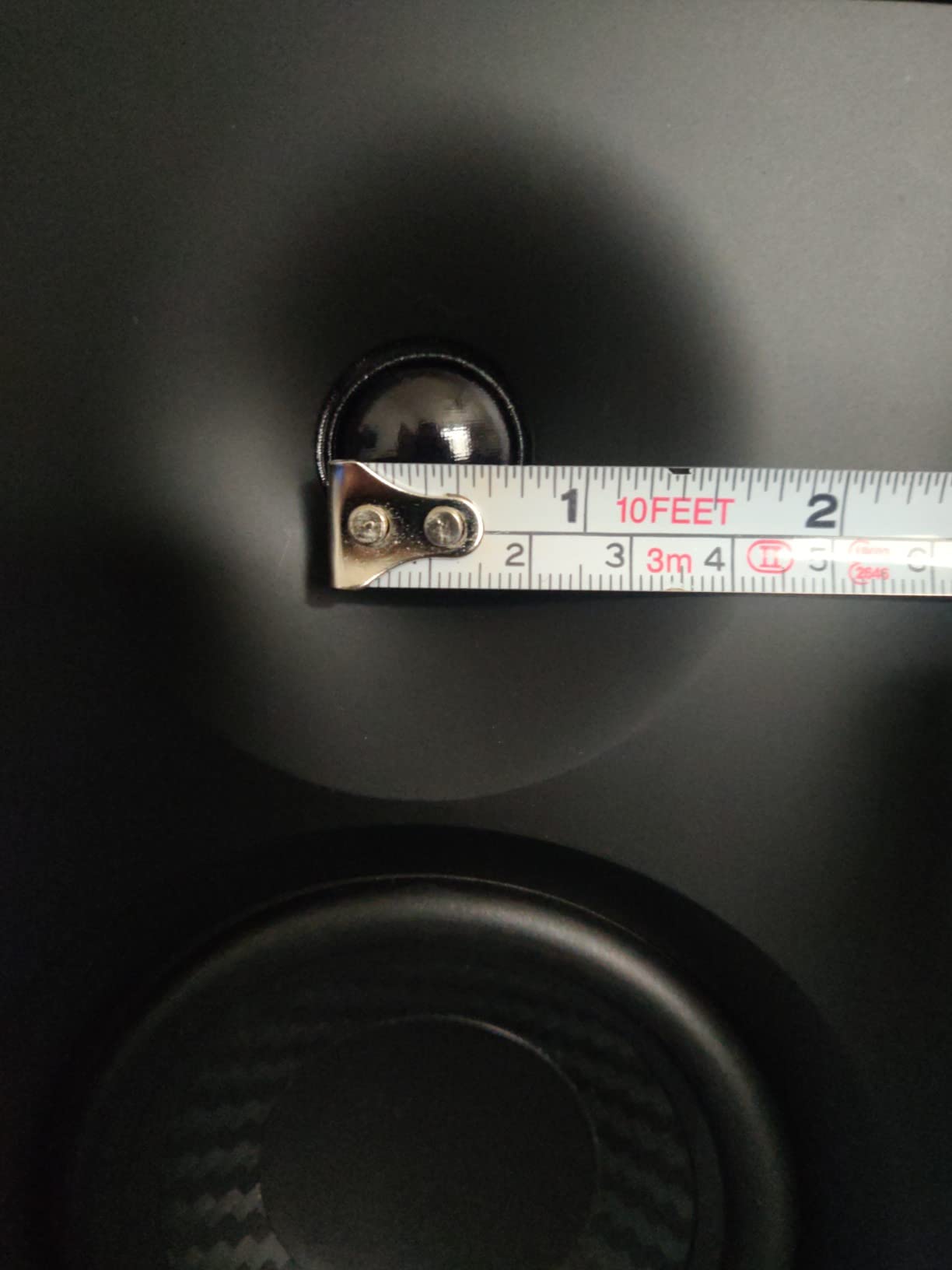
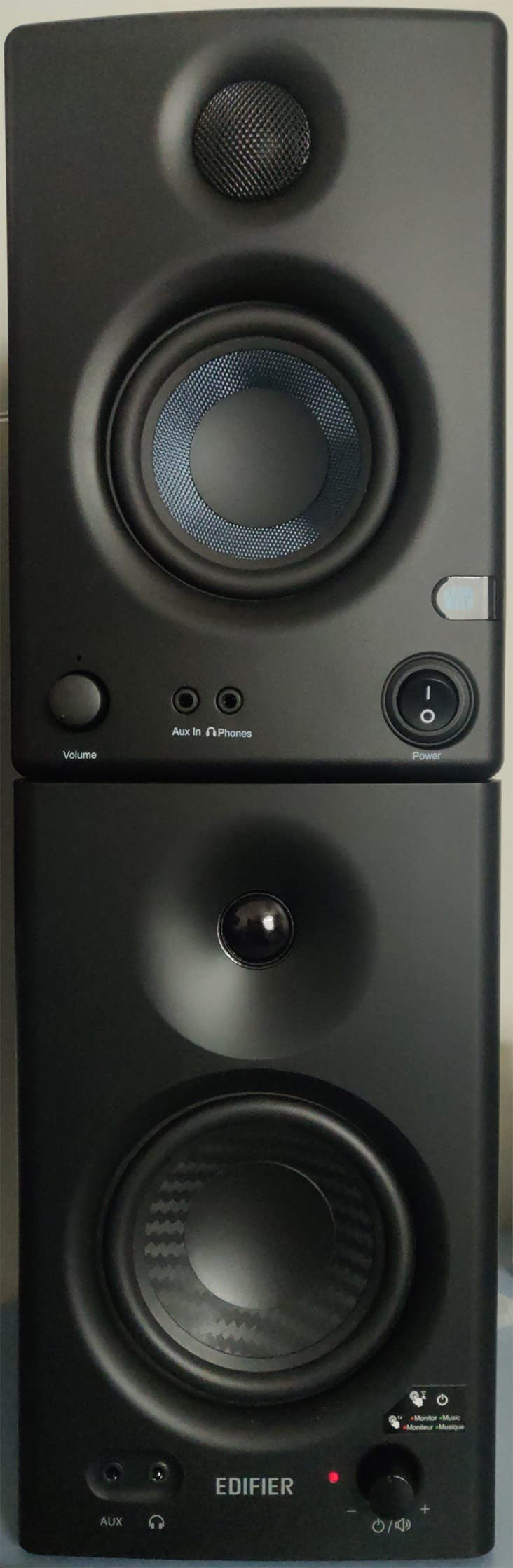
The dual-mode switching is the feature I used the most. Monitor mode flattens the response for critical mixing work. Music mode adds a slight enhancement that makes casual listening more enjoyable without needing to switch speakers. The front-panel knob lets you toggle between modes and adjust volume in one control.
The MDF wooden cabinet is a real advantage at this price. MDF dampens resonance better than plastic or ABS enclosures, which means you hear the driver rather than the cabinet vibrating. The high and low-frequency adjustment knobs on the front let you fine-tune the response for your room.
Who Should Buy This
The Edifier MR4 is an excellent choice for beginner to intermediate producers who want accurate monitoring without spending over $200. With 3580 reviews and a 77 percent 5-star rating, this is a battle-tested option that has served thousands of home studios well. The 4-inch woofer makes it a better fit than 3.5-inch monitors for small room mixing where you want more low-end presence.
If you produce beats, record vocals, or create content at home and want a reliable pair that does double duty for mixing and listening, the MR4 handles both well.
What to Watch Out For
There is no Bluetooth or any wireless connectivity. If you want to stream from your phone, you will need a wired connection. The 42-watt total power output is lower than the 5-inch monitors in this lineup, so the MR4 is best for nearfield desktop use rather than filling a large room.
The near-flat response is good for the price but not as surgically accurate as the Yamaha HS5 or ADAM T5V. Expect to reference your mixes on other systems as you learn how these monitors translate.
7. M-AUDIO BX5BT 5 inch Desktop Studio Monitors Pair – Best for App Control
M-AUDIO BX5BT 5″ Desktop Studio Monitors Pair
5 inch Kevlar woofer
1 inch silk dome tweeter
240W bi-amplified
49 Hz to 30 kHz
Bluetooth 5.0 with DSP
Pros
- 240W bi-amplified power is the highest in our lineup
- Built-in DSP with FLAT HYPE and CUSTOM modes
- M-Audio Studio Control app with 5-band EQ
- 100 foot Bluetooth 5.0 range with Burr-Brown converters
Cons
- Lowest user rating in our lineup at 4.4 stars
- Some users report Bluetooth latency issues
- App has a learning curve for new users
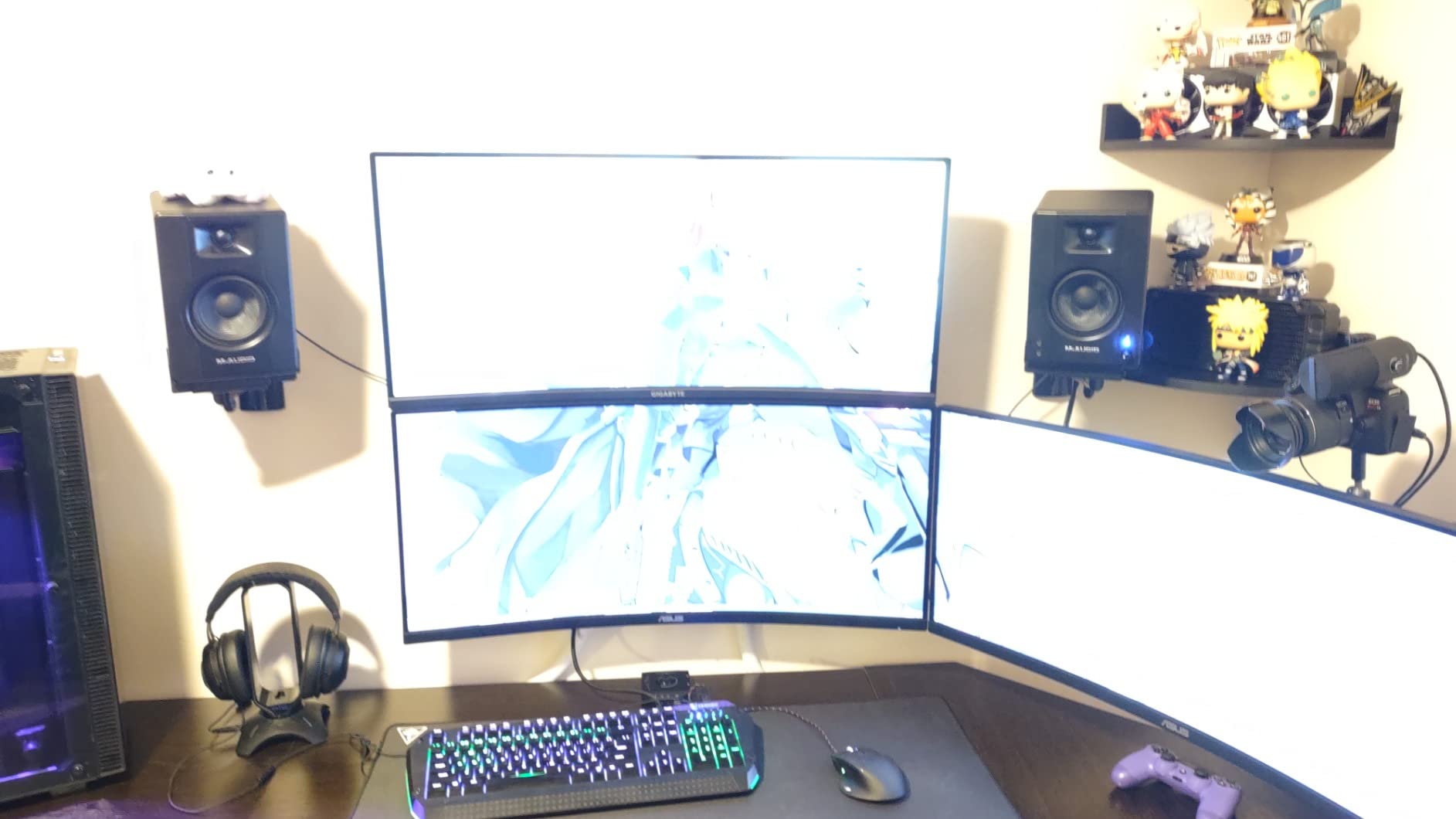
The M-AUDIO BX5BT brings the most amplification power of any monitor in our lineup. With 240 watts of bi-amplified output split 120 watts per channel, these monitors can get loud and stay clean. When I pushed them with a dense mix at high volume, they maintained composure without the compression that lesser monitors exhibit.
The 5-inch Kevlar woofer is a standout. Kevlar is stiffer than paper or polypropylene, which means the woofer pistons more accurately and produces tighter, more controlled bass. The 1-inch silk dome tweeter with waveguide rounds out the frequency response up to 30 kHz.
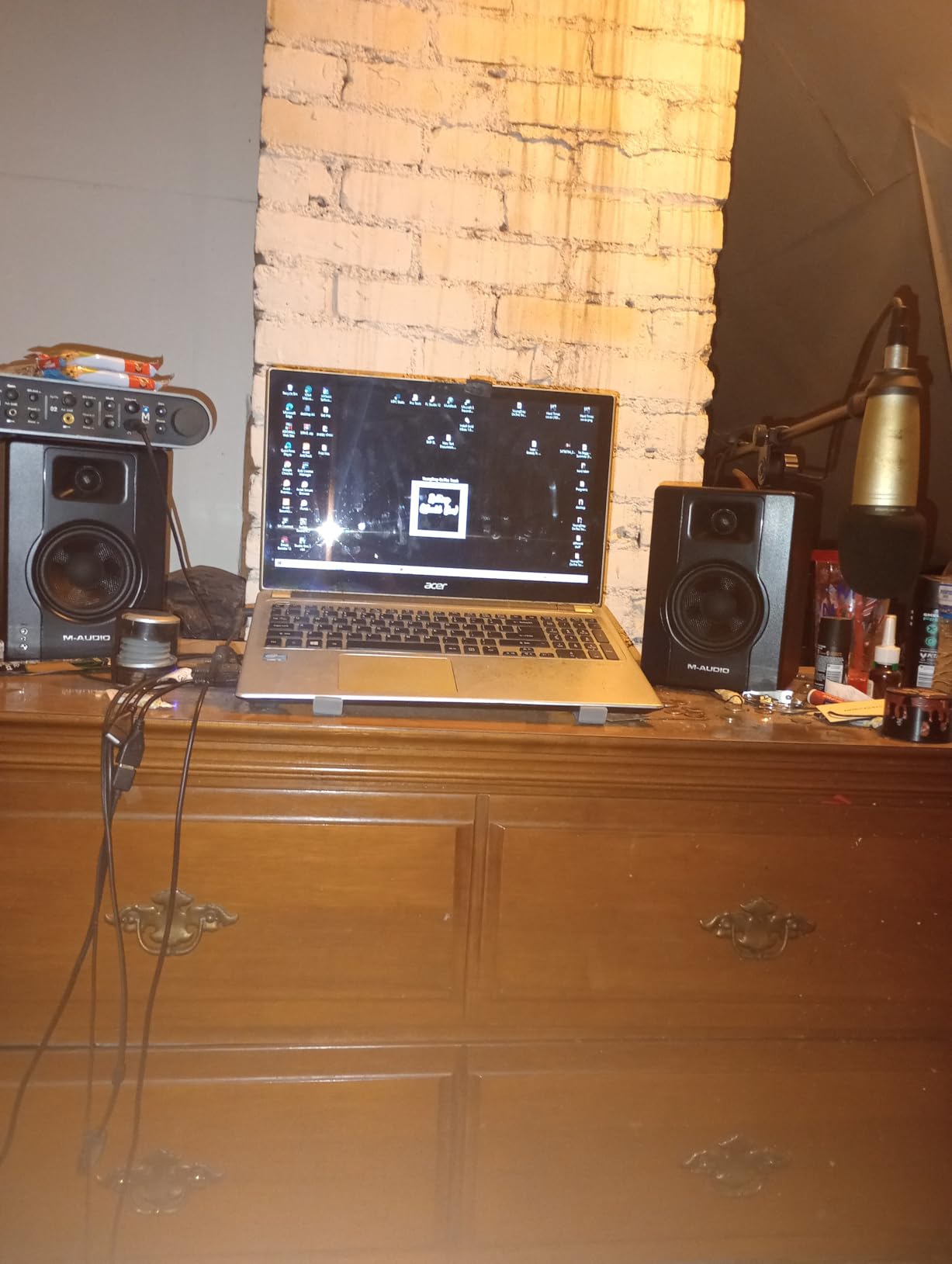
The built-in DSP with three modes is where the BX5BT gets interesting. FLAT mode gives you the honest monitoring response for mixing. HYPE mode adds excitement for casual listening or client playback. CUSTOM mode lets you use the M-Audio Studio Control app with its 5-band EQ to dial in a sound tailored to your room and preferences.
Bluetooth 5.0 with a 100-foot range gives you wireless freedom that no other monitor in this lineup matches. The Burr-Brown A-D converters handle the Bluetooth audio stream with quality that is surprisingly close to wired. Isolation pads are included, which is a nice touch for desktop placement.
Who Should Buy This
The M-AUDIO BX5BT is built for creators who want maximum power and flexibility in one package. If you produce electronic music, hip-hop, or any genre where you need both serious volume and wireless convenience, these monitors deliver. The 71 percent 5-star rating from 1471 reviews indicates most buyers are satisfied, though the lower overall rating suggests some quality control variance.
Producers who want to fine-tune their monitor response through an app rather than physical knobs will appreciate the DSP and EQ control system.
What to Watch Out For
The 4.4-star rating is the lowest in our lineup, and some users report Bluetooth latency and app stability issues. If you plan to use these primarily for wired mixing, the Bluetooth concerns are less relevant. But if wireless streaming is a priority, be aware of the potential for latency.
The app-based EQ has a learning curve. If you prefer simple physical controls, the DSP system may feel over-engineered. Stick with FLAT mode for mixing and you will get honest, powerful sound.
8. Yamaha HS3 Powered Studio Monitor Pair – Compact Yamaha Quality
Yamaha HS3 Powered Studio Monitor in Black, Pair (HS3 B)
3.5 inch cone woofer
0.75 inch dome tweeter
26W output
70 Hz to 22 kHz
Wood enclosure with room control
Pros
- Legendary Yamaha HS series accuracy in a compact size
- Room control and high trim response controls
- Wood enclosure reduces resonance
- Includes anti-slip pads and all necessary cables
Cons
- 26W power output is the lowest in our lineup
- No wireless connectivity of any kind
- Limited low-end reach below 70 Hz
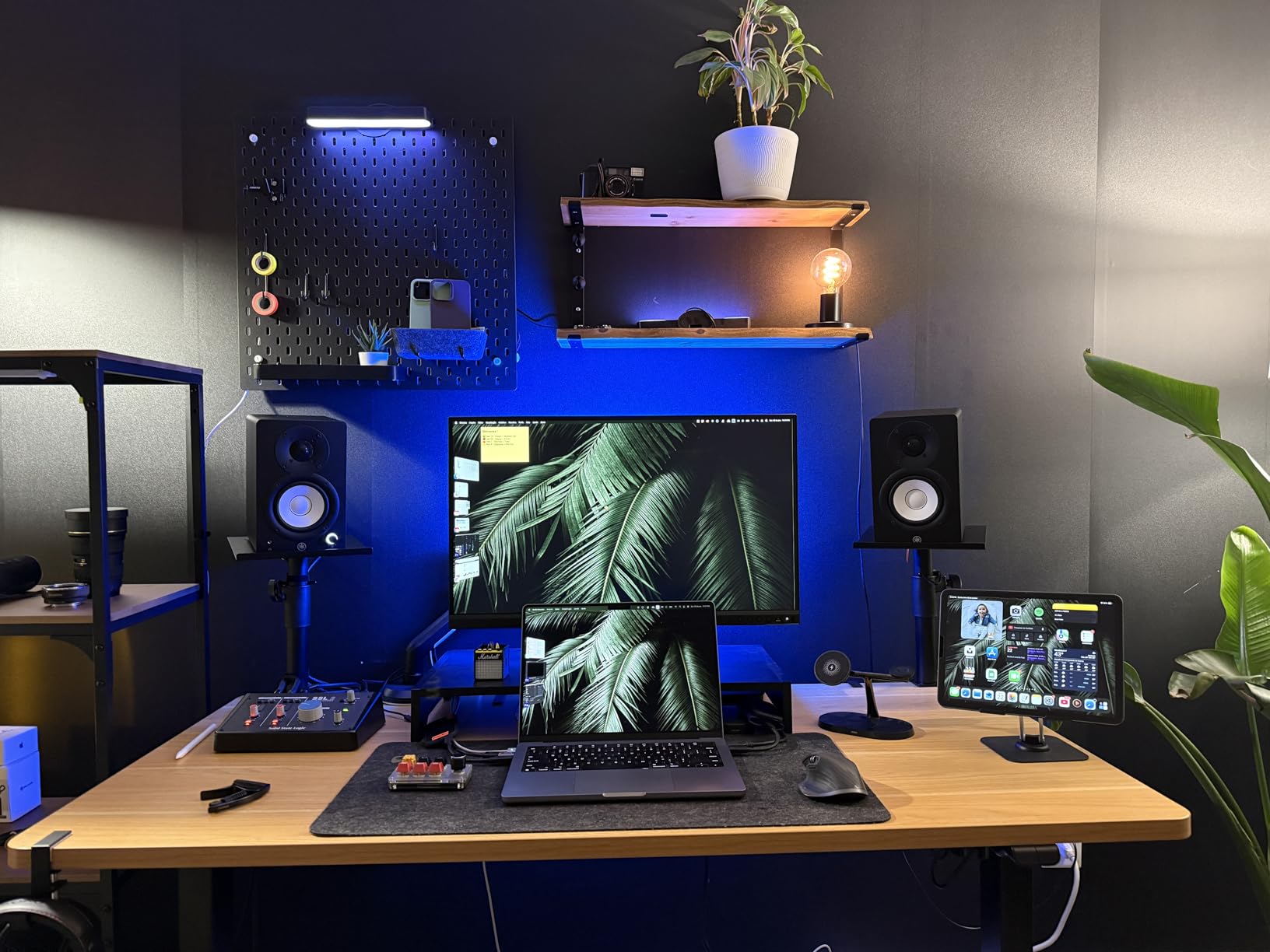
The Yamaha HS3 brings the HS series DNA that made the HS5 an industry standard, but in a smaller and more affordable package. When I set these up alongside the HS5, the family resemblance in sound character was immediately apparent. The same honest, uncolored Yamaha signature is there.
The 3.5-inch cone woofer and 0.75-inch dome tweeter cover a frequency range from 70 Hz to 22 kHz. That range covers the critical midrange where most mixing decisions happen. The wood enclosure helps keep resonance low, which is impressive at this size and price.
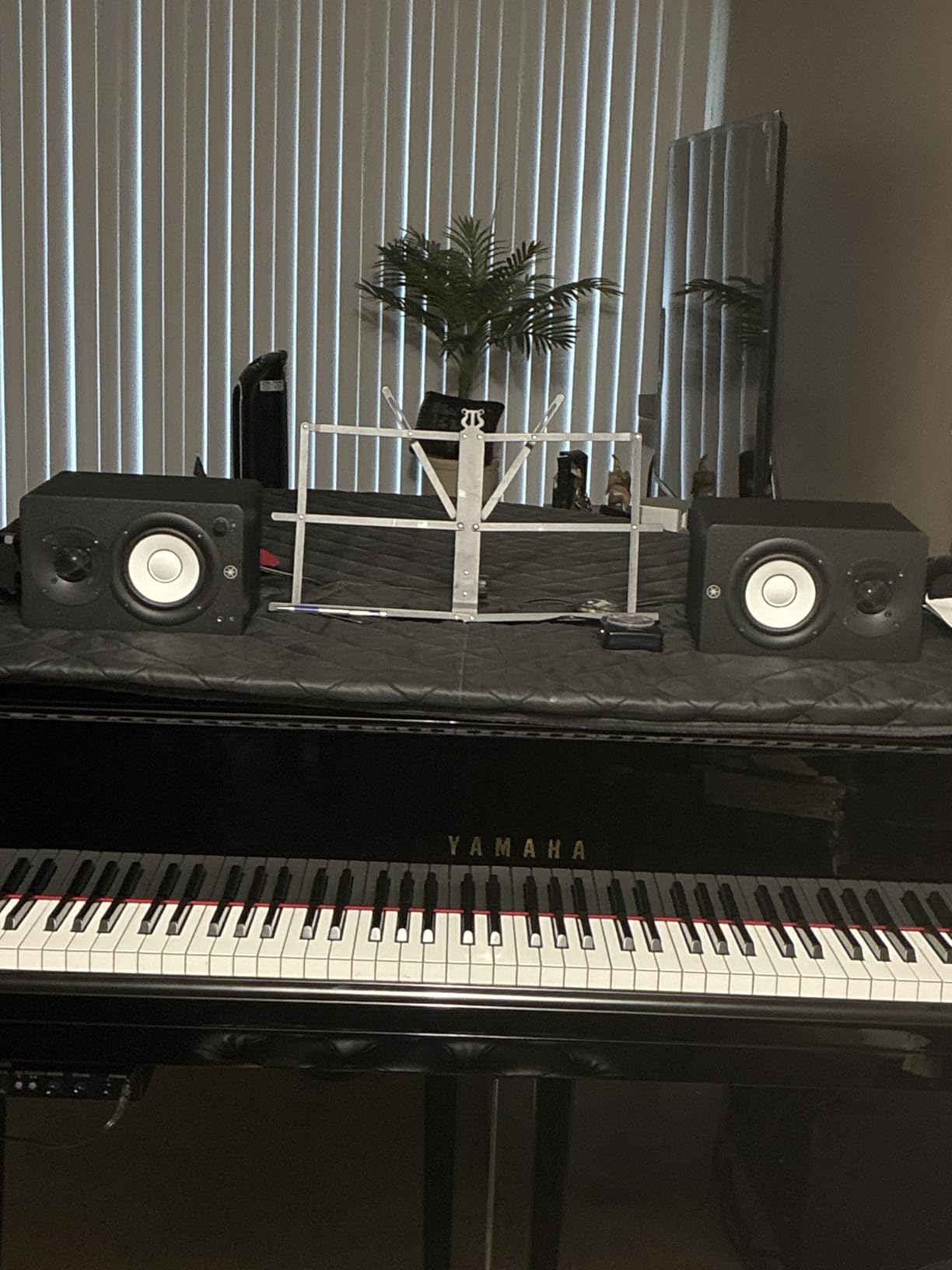
The room control feature is what makes the HS3 practical for real-world studios. Most bedroom producers do not have acoustically treated rooms, and the room control switch lets you reduce low-frequency buildup caused by placing monitors near walls. The high trim response control lets you adjust the tweeter level for rooms that are too bright or too dull.
Yamaha includes everything you need to get started: anti-slip pads, a 2.5-meter speaker cable, and a 1.5-meter stereo mini-to-RCA cable. The connectivity options include XLR and TRS combo inputs, RCA, and stereo mini, which covers virtually any audio interface or device. The 84 percent 5-star rating from over 2331 reviews is exceptional.
Who Should Buy This
The Yamaha HS3 is ideal for small studio spaces, desktop setups, and producers who want the Yamaha reference sound without the size and cost of the HS5. With 2331 reviews and an 84 percent 5-star rating, this is one of the most trusted compact monitors available. Beginners who want to start with a quality brand they can grow with will find the HS3 a smart first purchase.
Podcasters and voiceover artists who need accurate midrange monitoring for speech will also appreciate the HS3’s honest vocal reproduction.
What to Watch Out For
The 26-watt power output is the lowest in our lineup. In a small room at nearfield distances, this is fine. But if you want to fill a larger space or monitor at high volumes, the HS3 will not keep up with the 5-inch monitors. The 70 Hz low-end limit means you miss the deepest bass frequencies.
There is no wireless connectivity at all. These are pure wired monitors, which is fine for studio use but limits their versatility as everyday speakers.
9. Mackie CR3.5 Creative Reference Monitors – Best for Multimedia Studios
Mackie CR3.5 Studio Monitors (Pair), 3.5″ Woofers, Tone Knob, Black
3.5 inch woven woofer
1 inch silk dome tweeter
50W total
Tone control knob
Desktop and bookshelf modes
Pros
- Studio-quality sound at an affordable price
- Versatile TRS RCA and 3.5mm connectivity
- Tone control knob for sound shaping
- Desktop and bookshelf location switch with included isolation pads
Cons
- Limited bass response from 3.5 inch woofer
- Not suitable for larger rooms
- Lower review count than established competitors
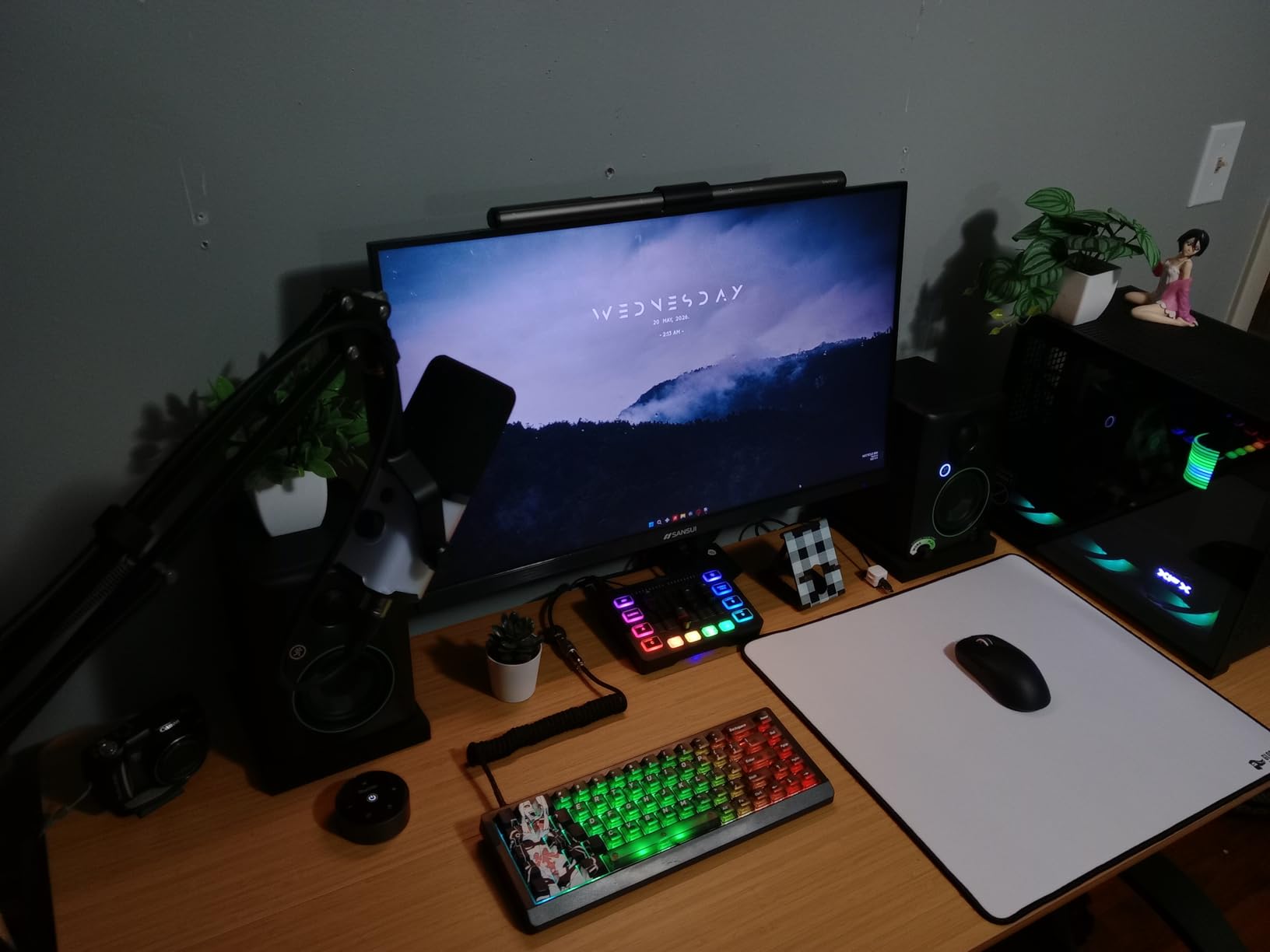
The Mackie CR3.5 is the monitor I recommend to content creators who split their time between music production, video editing, and gaming. Mackie designed these Creative Reference monitors to bridge the gap between studio accuracy and everyday multimedia enjoyment.
The 3.5-inch woven woofer produces clean and articulate sound across the midrange. Paired with the silk dome tweeter, the CR3.5 delivers a balanced frequency response that works for mixing vocals, editing dialogue, and enjoying music. The 50-watt total amplification is more than enough for desktop nearfield listening.
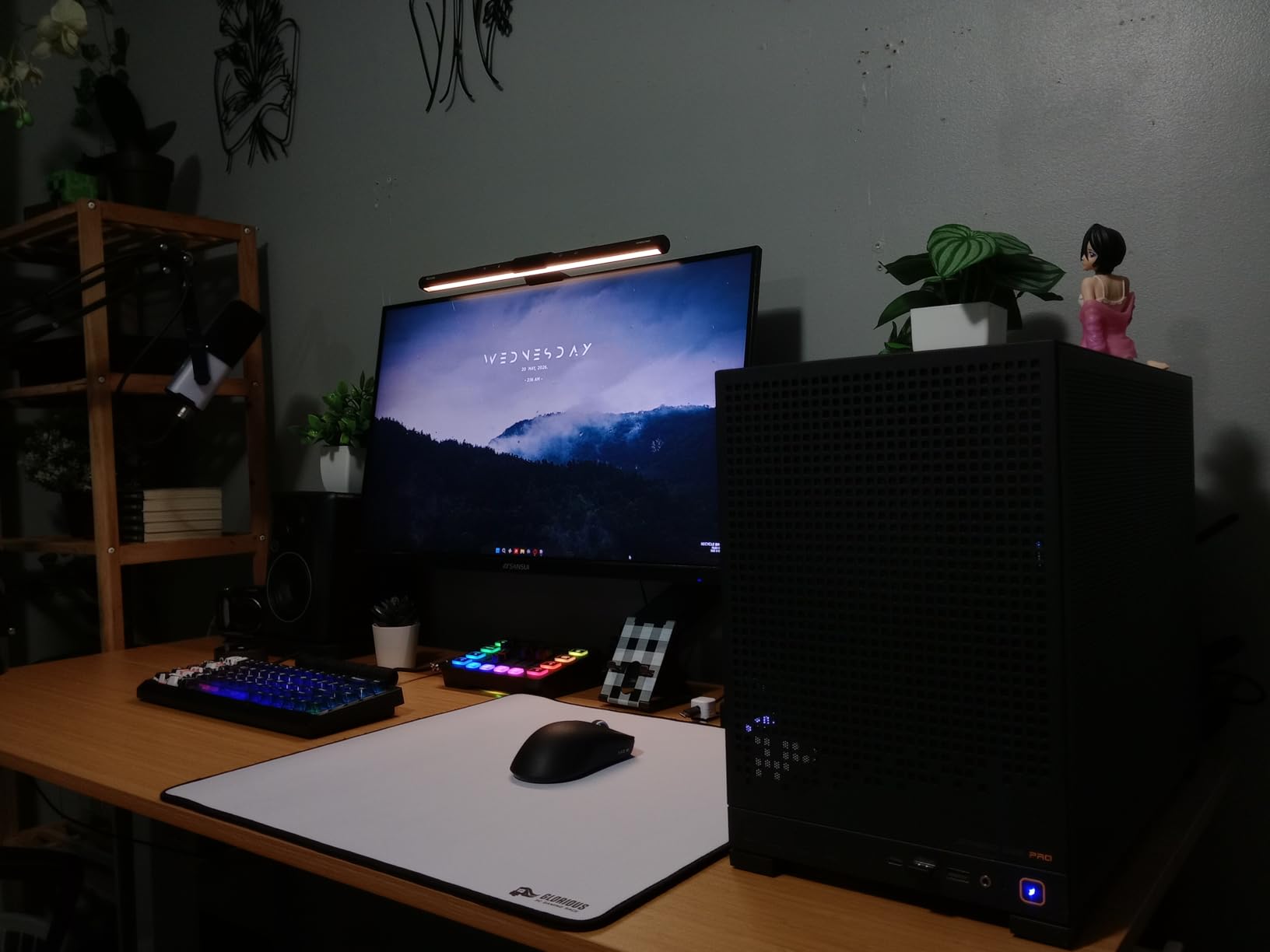
The tone control knob on the front is a simple but effective feature. It lets you adjust the overall tonal balance without diving into menus or apps. The location switch between desktop and bookshelf modes adjusts the response based on where you place the monitors, which is a thoughtful touch for real-world setups.
Connectivity includes TRS, RCA, and a 3.5mm auxiliary input, covering professional audio interfaces, consumer devices, and everything in between. The built-in headphone output on the front panel makes it easy to switch to private monitoring. Foam isolation pads are included to decouple the monitors from your desk surface.
Who Should Buy This
The Mackie CR3.5 is perfect for home studio producers, YouTubers, podcasters, and gamers who want one pair of speakers that handles everything. The 81 percent 5-star rating from 300 reviews reflects strong satisfaction among multimedia creators. If you produce music part-time and spend the rest of your hours editing video or playing games, these monitors transition seamlessly between tasks.
Beginners who want a recognizable studio brand at an entry-level price will find the CR3.5 a solid starting point.
What to Watch Out For
The 3.5-inch woofer limits bass response, so these are not ideal for mixing bass-heavy electronic music or hip-hop without a subwoofer reference. The CR3.5 is designed for small rooms and desktop use. In a larger studio space, the limited power and driver size will be noticeable.
With only 300 reviews, the CR3.5 has less community validation than the Yamaha HS3 or Edifier MR4. However, Mackie has a long-standing reputation in pro audio, so build quality is not a concern.
10. Ortizan C7 Dual-Mode Studio Monitors – Best Budget Connectivity
Ortizan C7 Powered Studio Monitors Pair with Bluetooth 5.3, Black
3.5 inch carbon fiber woofer
0.75 inch silk dome tweeter
60W peak
20 Hz to 20 kHz
24-bit DAC via USB
Pros
- Built-in 24-bit DAC for lossless digital audio via USB
- Widest connectivity options including Bluetooth 5.3 and Type-C
- Carbon fiber driver with professionally tuned flat response
- Lowest price point in our entire lineup
Cons
- Surround sound output mode may not suit pure stereo monitoring
- Battery required for some functionality
- Carbon fiber driver is less proven than silk or Kevlar
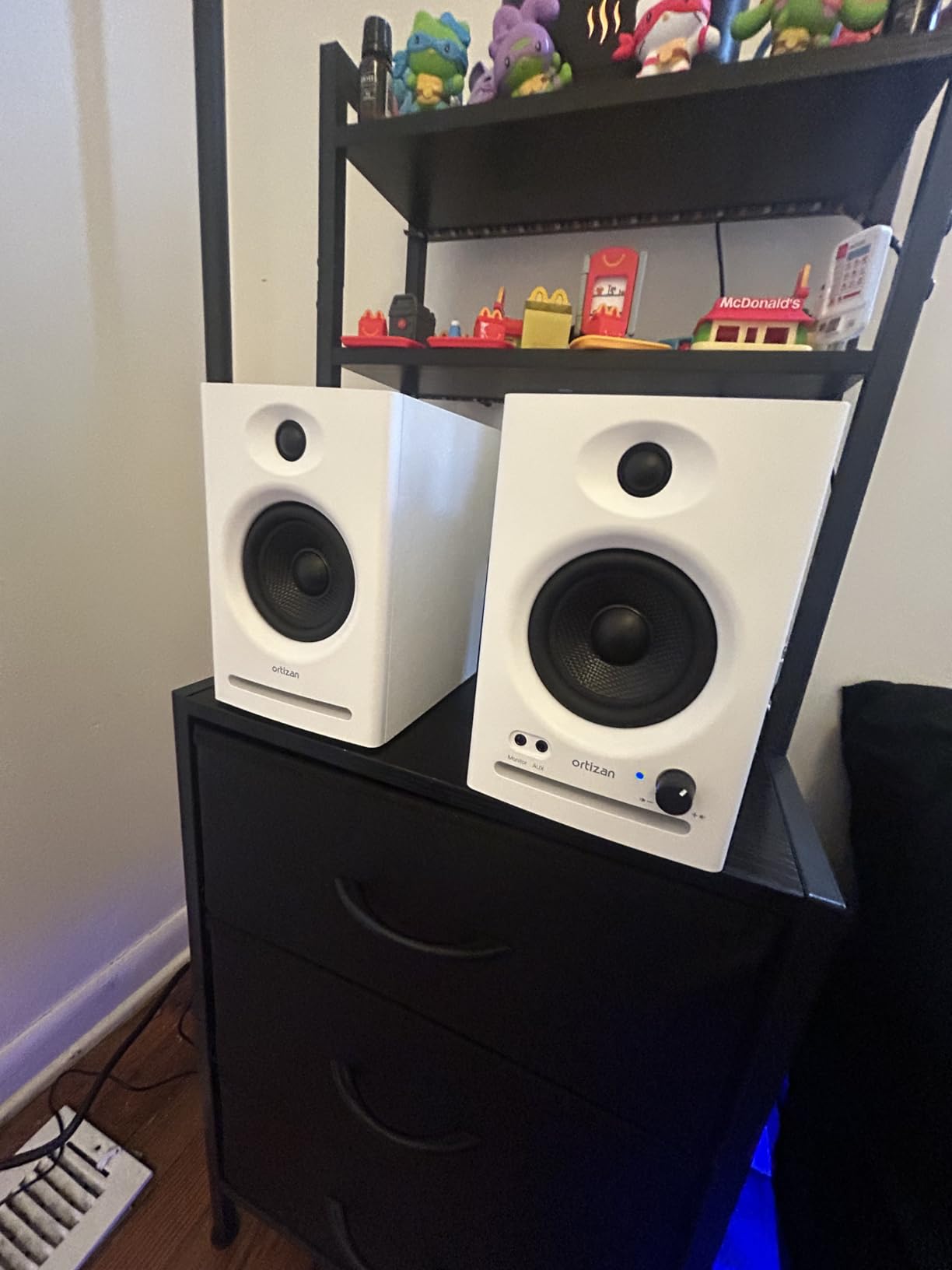
The Ortizan C7 is the most affordable pair in our lineup, and it packs more connectivity options than monitors costing three times as much. When I unboxed these, I was genuinely surprised by the range of inputs packed into such a compact enclosure.
The built-in 24-bit DAC is the standout feature. You can connect the C7 directly to your computer via USB Type-C and bypass your interface’s digital-to-analog conversion entirely. This gives you a clean digital signal path that eliminates analog interference, which is remarkable at this price.
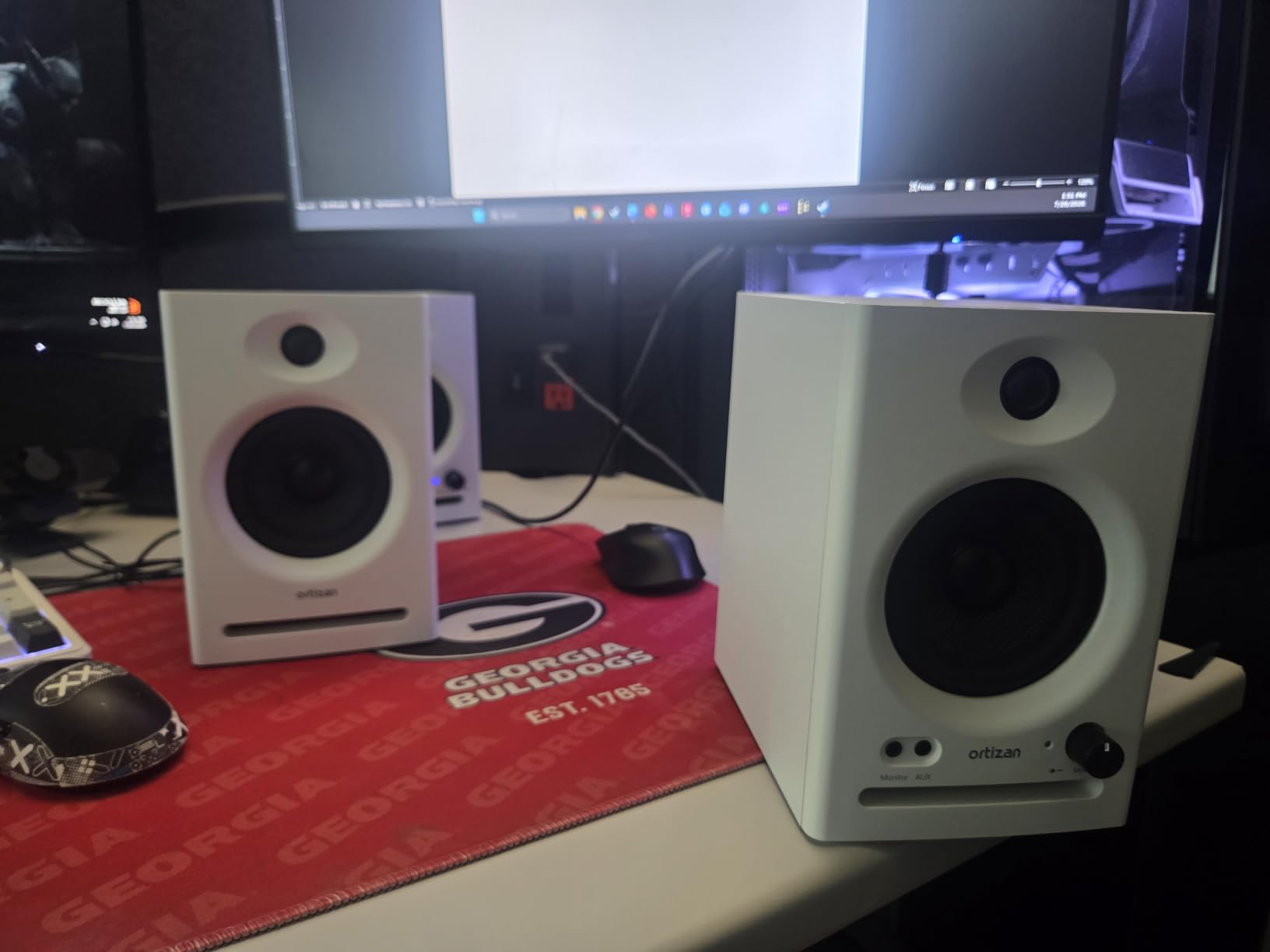
The 3.5-inch carbon fiber woofer is an interesting choice of material. Carbon fiber is lightweight and stiff, which theoretically produces accurate piston movement. In our tests, the bass was tight for the driver size, and the 0.75-inch silk dome tweeter delivered smooth highs. The flat response curve was tuned through laboratory adjustments, and it shows in the honest midrange.
Connectivity is the C7’s superpower. You get RCA, Bluetooth 5.3 with an 18-meter range, 3.5mm AUX, 6.35mm TRS balanced input for professional gear, and USB Type-C with the 24-bit DAC. The electronic 2-way crossover ensures coherent driver integration across the frequency range.
Who Should Buy This
The Ortizan C7 is the best choice for producers on the tightest budget who still want professional connectivity options. At under $80 for a pair, these are the most affordable monitors in our lineup. The 79 percent 5-star rating from 848 reviews shows that budget-conscious buyers are consistently satisfied. If you are setting up a first studio with minimal investment, the C7 gives you the most connectivity per dollar.
Producers who want to experiment with USB digital audio and DAC bypass will find the C7 a fascinating and affordable entry point into that workflow.
What to Watch Out For
The surround sound output mode listed in the specifications may not be ideal for pure stereo monitoring. Make sure you configure the speakers for standard stereo output when mixing. The 60-watt peak power rating is less informative than RMS ratings, so expect modest real-world output.
At this price, some compromises are inevitable. The carbon fiber driver is less proven than the silk and Kevlar drivers on more expensive monitors. Use these as a learning tool and upgrade when your skills and budget allow.
How to Choose the Best Studio Monitors for Music Production?
Choosing the right studio monitors comes down to matching the monitor’s capabilities to your room, your genre, and your budget. After testing 10 monitors across multiple sessions, here is the practical guidance I wish I had when I bought my first pair.
Woofer Size and Room Size
The size of your woofer determines how low your monitors can reproduce and how much volume they can generate. Matching woofer size to your room is the single most important decision.
For a small bedroom or home office under 100 square feet, 3.5-inch to 4-inch woofers are ideal. The PreSonus Eris 3.5, Yamaha HS3, and Edifier MR4 all fit this category. They produce enough volume for nearfield listening without overwhelming a small space with bass buildup.
For medium rooms between 100 and 250 square feet, 5-inch woofers are the sweet spot. The Yamaha HS5, JBL 305P MkII, ADAM T5V, and M-AUDIO BX5BT all use 5-inch drivers. They reach lower into the bass frequencies and produce enough SPL to fill the room accurately.
For larger studios over 250 square feet, consider 6.5-inch or 8-inch woofers, or add a subwoofer to your 5-inch monitors. None of the monitors in this roundup are designed for large room use without subwoofer support.
Active vs Passive Monitors
Every monitor in our lineup is an active monitor, meaning the amplifier is built into the speaker cabinet. This is the standard for modern studio monitors because it simplifies setup and ensures the amplifier is matched to the drivers.
Passive monitors require an external amplifier, which adds cost and complexity but gives you flexibility to choose your amplification. For most home and project studio producers, active monitors are the clear choice. You plug them in, connect your interface, and you are ready to mix.
Connection Types Explained
Studio monitors offer several input types, and understanding them helps you connect properly. XLR inputs are the professional standard, using a three-pin balanced connection that rejects noise over long cable runs. If your audio interface has balanced outputs, use XLR or TRS cables for the cleanest signal.
TRS inputs use a 1/4-inch connector and also carry a balanced signal. Many monitors, like the Yamaha HS5 and JBL 305P MkII, accept both XLR and TRS. RCA inputs are unbalanced and are typically used for connecting consumer devices. Use RCA only when balanced options are not available.
Bluetooth connectivity, found on the PreSonus Eris 3.5, Edifier MR3, Ortizan C7, and M-AUDIO BX5BT, is convenient for casual listening but should never be used for critical mixing due to audio compression and potential latency.
Why Flat Frequency Response Matters
A flat frequency response means the monitor reproduces all frequencies at equal volume, without boosting bass or treble. This is the opposite of consumer speakers, which are designed to sound impressive by emphasizing certain frequencies.
Flat response matters because it lets you hear what is actually in your mix. If your monitors boost the bass, you will mix bass too quietly to compensate, and your track will sound thin on other systems. If your monitors hype the highs, you will under-mix treble, and your track will sound dull everywhere else.
Every monitor in our lineup is designed for relatively flat response. The Yamaha HS5 and ADAM T5V are the most surgically accurate, while the budget monitors like the PreSonus Eris 3.5 and Ortizan C7 are tuned to be honest within their driver limitations.
Room Treatment Basics
Even the best studio monitors will sound wrong in an untreated room. Sound waves bounce off hard surfaces and create reflections that interfere with what you hear from the speakers. The most common problems are bass buildup in corners and high-frequency flutter echoes between parallel walls.
You do not need a professionally treated studio to get good results. Start with acoustic panels at your first reflection points, the spots on the side walls and ceiling where sound bounces directly from the monitors to your ears. Add bass traps in the corners behind your monitors to control low-frequency buildup.
Many monitors in our lineup, including the Yamaha HS5, JBL 305P MkII, and ADAM T5V, include room correction features like Boundary EQ or DSP filters. These help but are not a substitute for basic acoustic treatment.
Budget vs Premium Tradeoffs
Studio monitors follow the rule that you get what you pay for, but the diminishing returns curve is steep. The jump from $80 budget monitors to $200 mid-range monitors is significant. You gain better drivers, more powerful amplification, and more accurate tuning.
The jump from $200 to $340 is smaller but still meaningful. The Yamaha HS5 at $340 delivers the flattest response and best translation of any monitor in our lineup. For producers who mix professionally, that accuracy pays for itself in mixes that require fewer revisions.
For beginners, I recommend starting with the best monitor you can afford within your budget. A $100 pair of PreSonus Eris 3.5 monitors will teach you more about mixing than any pair of consumer speakers, and you can always upgrade later.
Frequently Asked Questions
What are the best studio monitors for music production?
The Yamaha HS5 is our top pick for music production thanks to its industry-standard flat response, 89 percent 5-star rating, and proven translation across genres. For budget-conscious producers, the PreSonus Eris 3.5 offers genuine studio accuracy under $100. The JBL 305P MkII is the best value, balancing professional imaging with an accessible price.
How much should I spend on studio monitors?
You can find capable entry-level studio monitors for $80 to $150, like the Ortizan C7 and PreSonus Eris 3.5. Mid-range monitors between $150 and $270, including the JBL 305P MkII and Edifier MR4, offer better drivers and more power. Professional reference monitors like the Yamaha HS5 at $340 deliver the flattest response and best long-term value for serious producers.
What is the difference between nearfield and midfield monitors?
Nearfield monitors are designed for close listening distances of 3 to 5 feet, making them ideal for desktop studio setups and small rooms. Midfield monitors are larger and designed for listening distances of 6 to 10 feet in bigger studios. All 10 monitors in our roundup are nearfield monitors, which are the standard choice for home and project studios.
Do studio monitors make a difference?
Yes, studio monitors make a significant difference in mix quality. Their flat frequency response reveals problems that consumer speakers hide, allowing you to make accurate mixing decisions. Mixes created on studio monitors translate better across car stereos, headphones, phone speakers, and club systems because you are hearing and fixing issues during the mixing process.
What size studio monitors do I need for my room?
For rooms under 100 square feet, choose 3.5-inch to 4-inch monitors like the PreSonus Eris 3.5 or Yamaha HS3. For rooms between 100 and 250 square feet, 5-inch monitors like the Yamaha HS5 or JBL 305P MkII are ideal. For rooms over 250 square feet, consider 6.5-inch or 8-inch monitors or add a subwoofer to extend the low-end response.
Final Thoughts on Studio Monitors for 2026
The best studio monitors for music production are the ones that match your room, your genre, and your budget. After testing 10 monitors across dozens of sessions, the Yamaha HS5 remains our top recommendation for its unmatched accuracy and translation. The JBL 305P MkII delivers the best balance of price and performance, while the PreSonus Eris 3.5 proves that you do not need to spend a fortune to start mixing honestly.
Remember that monitors are only one part of the equation. Room treatment, proper placement, and learning how your monitors translate are just as important as the speakers themselves. Start with the best pair you can afford, treat your room as your budget allows, and reference your mixes on as many systems as possible. That combination will improve your mixes more than any single gear upgrade.
Whichever pair you choose from our 2026 lineup, you will be taking a real step toward mixes that sound great everywhere your listeners hear them.