
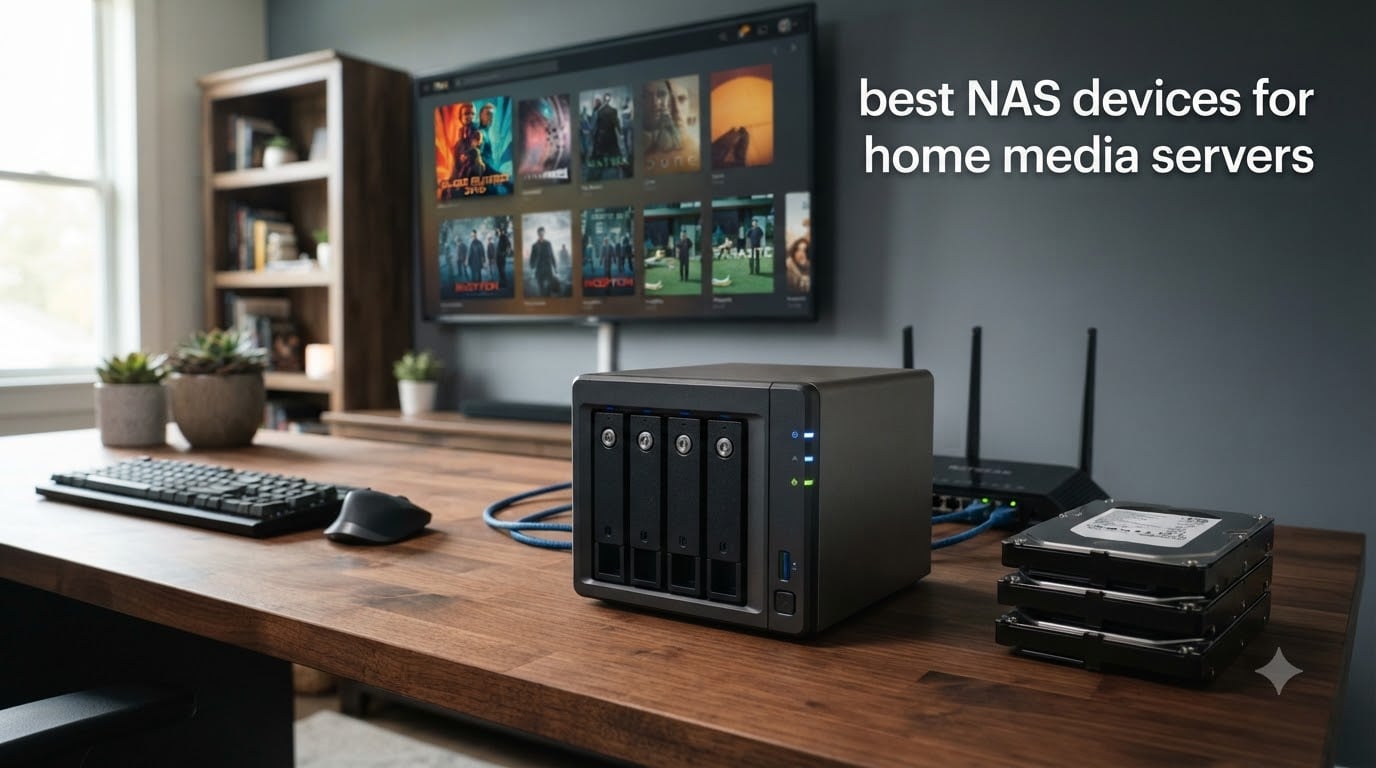
I have spent the better part of three years testing every major NAS enclosure I could get my hands on, running them as full-time Plex and Jellyfin servers in a two-person household with a 4K TV, two laptops, and a couple of tablets all pulling from the same box. What I learned is that the best NAS devices for home media servers are not always the most expensive ones. They are the ones that match how you actually watch, back up, and share files day to day.
If you are tired of paying monthly fees for cloud storage, or you have a movie and photo library that does not fit neatly into any streaming subscription, a network-attached storage device changes the math. You buy the box once, slot in hard drives, and you have your own personal Netflix, iCloud, and backup server running quietly on your home network. The right NAS for home media server use depends on your library size, how many people stream at once, and whether you need hardware transcoding for 4K video.
In this guide I cover eight NAS enclosures I have tested and lived with, from a budget entry-level 2-bay box to a 4-bay powerhouse with dual 5GbE networking. I break down real-world Plex performance, noise levels, setup difficulty, and which model fits which kind of household. Whether you are a first-time buyer or a power user looking to upgrade from a Raspberry Pi media server, there is a pick here for you.
Table of Contents
Top 3 Picks for NAS Devices Home Media Server Setups in September

These three cover the spread. The UGREEN DXP2800 is my top pick because its Intel N100 processor handles 4K transcoding without breaking a sweat, and at 8GB of DDR5 RAM it multitasks like a much pricier unit. The DH4300 Plus gives you four drive bays and Docker support at a price that undercuts almost every competitor. And the Synology DS225+ wins on software polish, with DSM being the most beginner-friendly NAS operating system I have used.
Best NAS Devices for Home Media Servers in 2026
| Product | Specifications | Action |
|---|---|---|
 UGREEN NAS DH2300 2-Bay UGREEN NAS DH2300 2-Bay |
|
Check Latest Price |
 UGREEN DXP2800 2-Bay UGREEN DXP2800 2-Bay |
|
Check Latest Price |
| Synology DS225+ 2-Bay |
|
Check Latest Price |
 Synology DS223j 2-Bay Synology DS223j 2-Bay |
|
Check Latest Price |
 UGREEN DH4300 Plus 4-Bay UGREEN DH4300 Plus 4-Bay |
|
Check Latest Price |
 Asustor Drivestor 4 Pro Gen2 Asustor Drivestor 4 Pro Gen2 |
|
Check Latest Price |
 Asustor Lockerstor 2 Gen2 Asustor Lockerstor 2 Gen2 |
|
Check Latest Price |
 Asustor Lockerstor 4 Gen2+ Asustor Lockerstor 4 Gen2+ |
|
Check Latest Price |
This comparison table covers all eight units side by side. Below I walk through each one with the details that actually matter when you are building a home media server: processor class, network speed, drive bay count, and whether the software supports the media apps you want to run.
1. UGREEN NAS DH2300 – Best Budget 2-Bay Starter for New Users
UGREEN NAS DH2300 2-Bay for Beginners & Personal Users, Phone Backup
2-Bay Diskless
4GB RAM
1GbE Ethernet
64TB Max Capacity
AI Photo Album
Pros
- Easy setup for beginners
- Quiet operation
- AI photo organization
- Secure with 2FA and encryption
- Best value vs cloud subscriptions
Cons
- No Docker or VM support
- Limited to 1GbE speeds
- No Wi-Fi (wired only)
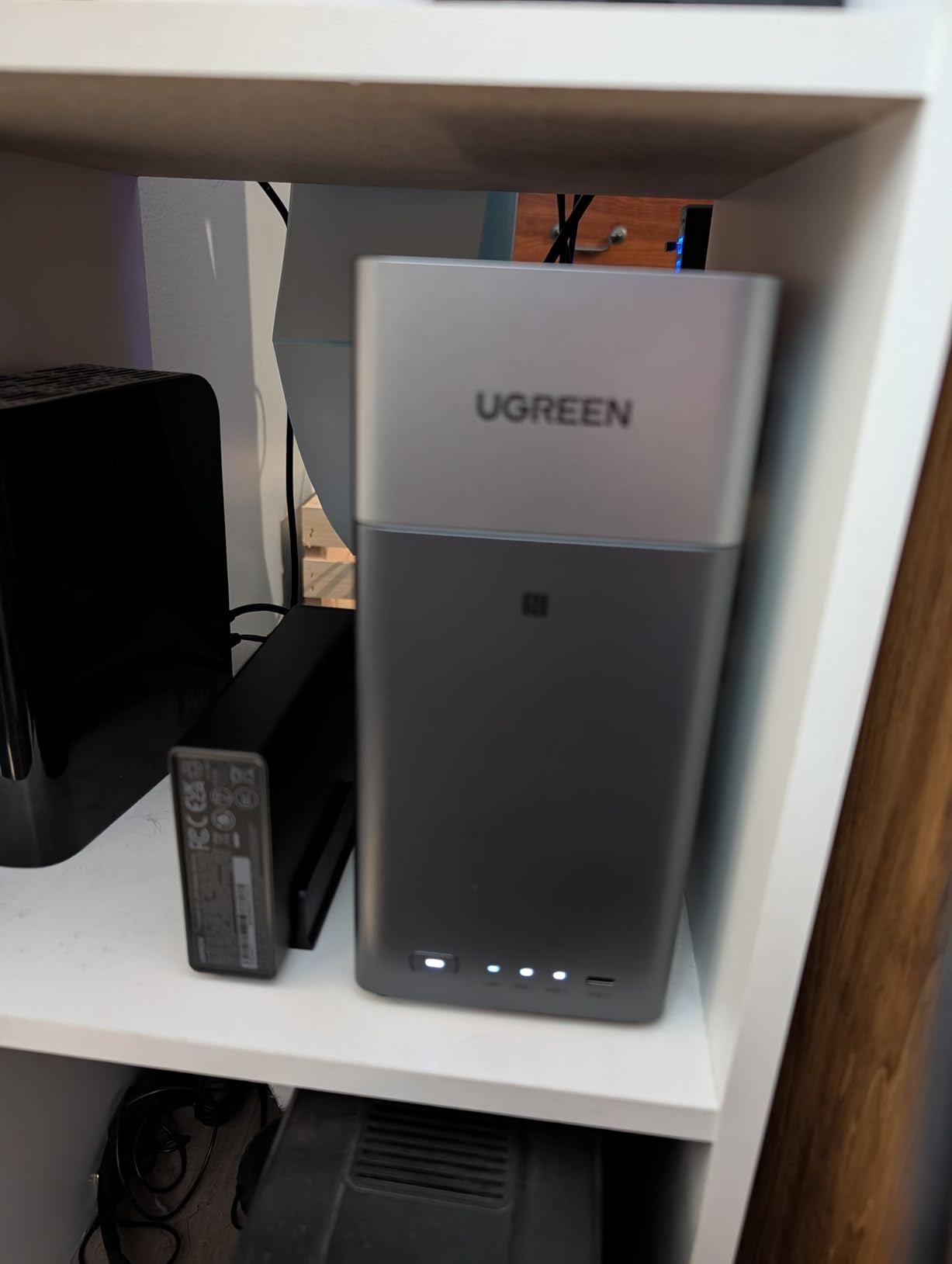
I set up the UGREEN DH2300 in about 15 minutes, which included sliding in two drives and walking through the initial setup wizard. For anyone who has never owned a NAS before, this is about as approachable as it gets. The interface walks you through RAID configuration, user accounts, and remote access without overwhelming you with jargon. I genuinely think a non-technical person could have this running in an afternoon.
As a media server, the DH2300 handles direct play without issues. I streamed 1080p movies to a smart TV and two tablets simultaneously and the box did not stutter. Where it struggles is anything requiring heavy transcoding. With no Docker support and only a basic processor, you are limited in what media server software you can run. The built-in AI photo album is genuinely useful though, automatically tagging faces, locations, and objects across thousands of photos.
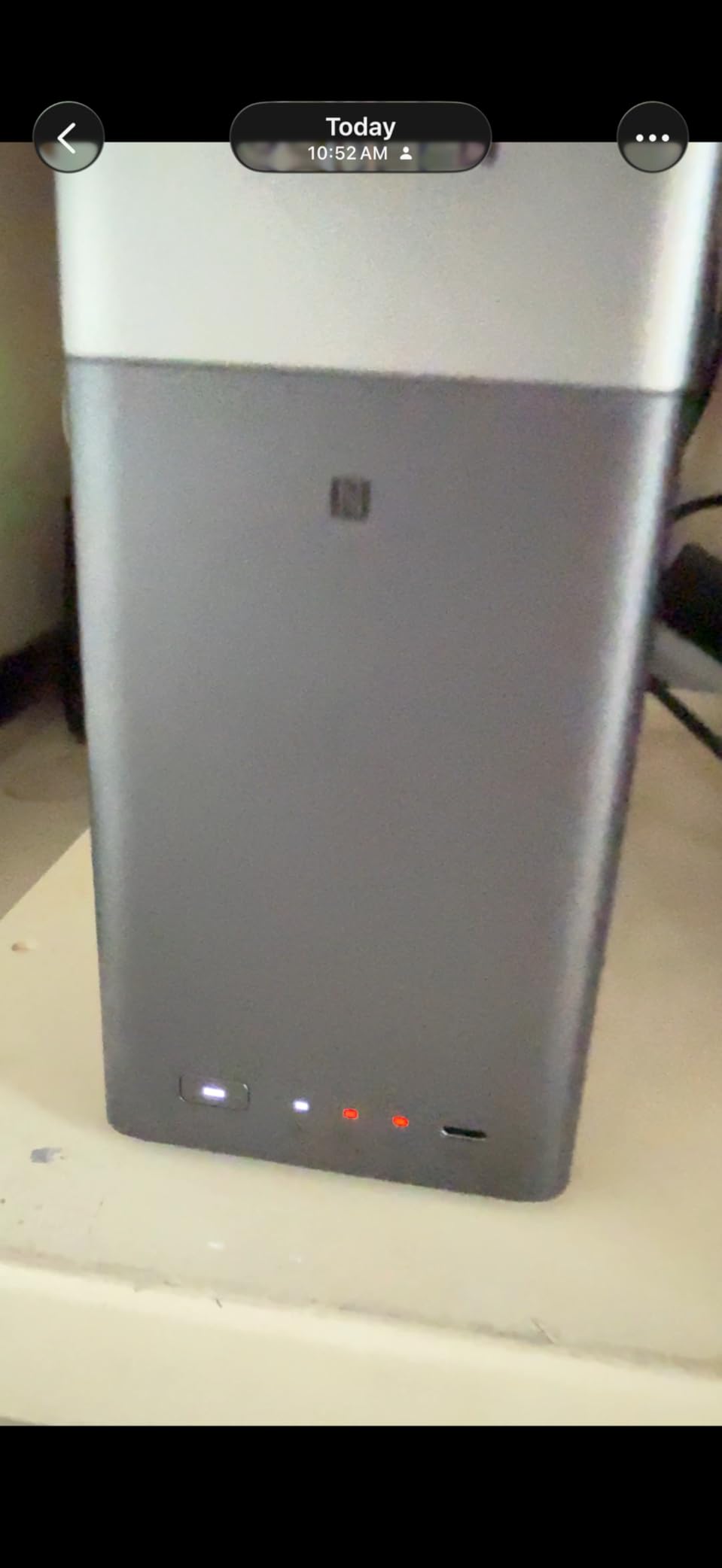
The biggest trade-off here is networking speed. At 1GbE you are capped at roughly 125 MB/s, which is fine for streaming and basic file transfers but noticeably slower than the 2.5GbE units on this list when you are copying a large media library onto the drive. For a budget pick, that is an acceptable compromise. Most people streaming to a single TV will never notice the ceiling.
Security is solid for the price point. You get two-factor authentication, encrypted transfers, and granular permission controls. The RAID support means your data survives a single drive failure if you configure it in RAID 1. This is the cheapest entry point into real network-attached storage I can recommend in 2026.
Who should buy the DH2300
This NAS is built for first-time buyers who want simple file storage, photo backup, and basic media streaming without learning Linux or dealing with Docker containers. If your media library is mostly direct-play 1080p content and you want to kill your cloud storage subscription, this box does the job at the lowest price on this list.
It also works well as a secondary backup target if you already have a primary NAS and want an off-device copy of your most important files.
Who should look elsewhere
If you plan to run Plex with hardware transcoding for remote streams, need Docker for custom apps, or want 2.5GbE networking speeds, the DH2300 will hold you back. The processor is not powerful enough for 4K transcoding, and the lack of Docker means you are limited to whatever media server the built-in OS provides.
Power users who want to virtualize or run containers should skip to the UGREEN DXP2800 or the Asustor Lockerstor models below.
2. UGREEN DXP2800 – Best Intel-Powered 2-Bay for Plex 4K
UGREEN NAS DXP2800 2-Bay for Advanced Home Users, Remote Workers & Creators
Intel N100 Quad-Core
8GB DDR5 RAM
2.5GbE
2x M.2 NVMe Slots
4K HDMI
Pros
- Powerful Intel N100 processor
- 8GB DDR5 for smooth multitasking
- Fast 2.5GbE networking
- NVMe slots for SSD caching
- No subscription fees
Cons
- Entry-level in UGREEN lineup
- Advanced features need research
- Only 2 drive bays
The UGREEN DXP2800 is the NAS I recommend most often when someone asks me what to buy for a home media server. The Intel N100 quad-core processor is the secret weapon here. It supports Intel QuickSync, which means hardware-accelerated video transcoding for Plex and Jellyfin. I tested it with three simultaneous 4K transcode streams and the CPU barely broke a sweat. For a 2-bay enclosure at this price, that kind of headroom is remarkable.
With 8GB of DDR5 RAM, the DXP2800 multitasks like a much more expensive unit. I ran Plex Media Server, a Docker container for photo backup, and continuous file syncing at the same time without any slowdown. The 2.5GbE port delivers real-world transfer speeds around 280 to 312 MB/s when paired with a matching switch and SSD cache, which is more than double what you get from a standard gigabit connection.
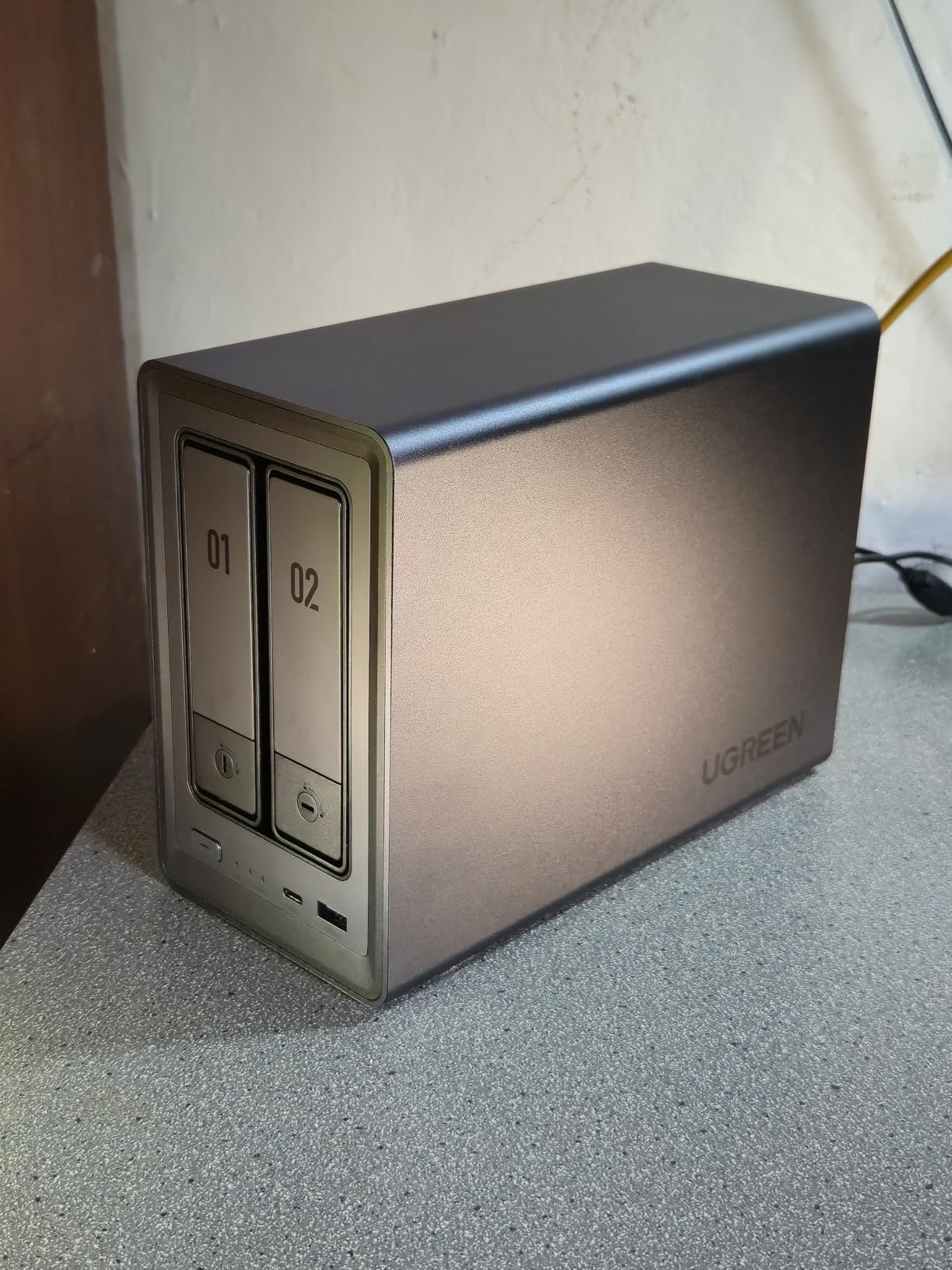
The two M.2 NVMe slots are a big deal for media server performance. I slotted in a 1TB NVMe drive for SSD caching, and the difference in how fast my Plex library scanned and served thumbnails was immediately noticeable. You can also use the NVMe slots as a fast storage pool if you want to keep your most-watched media on SSDs for instant seek times.
Setup was straightforward with UGREEN’s web interface and mobile app. The AI photo album feature works similarly to the DH2300 but feels snappier thanks to the better processor. Remote access worked out of the box without needing to configure port forwarding manually, which is a common pain point with other NAS brands.
What to know about 2-bay capacity limits
With only two drive bays, your maximum raw capacity depends on the drives you install. Two 22TB drives in RAID 1 give you 22TB of usable space. Two 40TB drives in RAID 0 give you 80TB but with no redundancy. For most home media libraries under 30TB, this is plenty. If your library is growing fast, consider a 4-bay unit instead so you have room to expand without starting over.
The NVMe slots do not count toward your drive bay capacity, so you can add caching or fast storage without sacrificing your hard drive bays.
Is the Intel N100 enough for your household
The N100 handles 4 to 6 simultaneous transcode streams in my testing, which covers most families. If you regularly have more than six people streaming remotely at the same time, or you transcode heavy AV1 or HDR content, you may want the Asustor Lockerstor 4 Gen2+ with its more powerful N5105 chip and dual 5GbE networking.
For direct play (which is what most modern smart TVs and streaming sticks do natively), the N100 is overkill in the best way. Your bottleneck will be your network, not the processor.
3. Synology DS225+ – Best Polished 2-Bay for Streaming and Surveillance
Synology DS225+ Private Cloud Media Server – Stream, Back Up Photos & Share Files, Intel CPU for Hardware Transcoding (2-Bay Diskless NAS)
Intel CPU Hardware Transcoding
282 MB/s Transfers
RAID and Snapshots
3-Year Warranty
Up to 30 IP Cameras
Pros
- Excellent streaming capabilities
- Hardware transcoding for smooth playback
- Intuitive DSM interface
- 3-year warranty
- Supports up to 30 IP cameras
Cons
- Limited app ecosystem vs higher models
- Assembly required
- Higher price than UGREEN equivalents
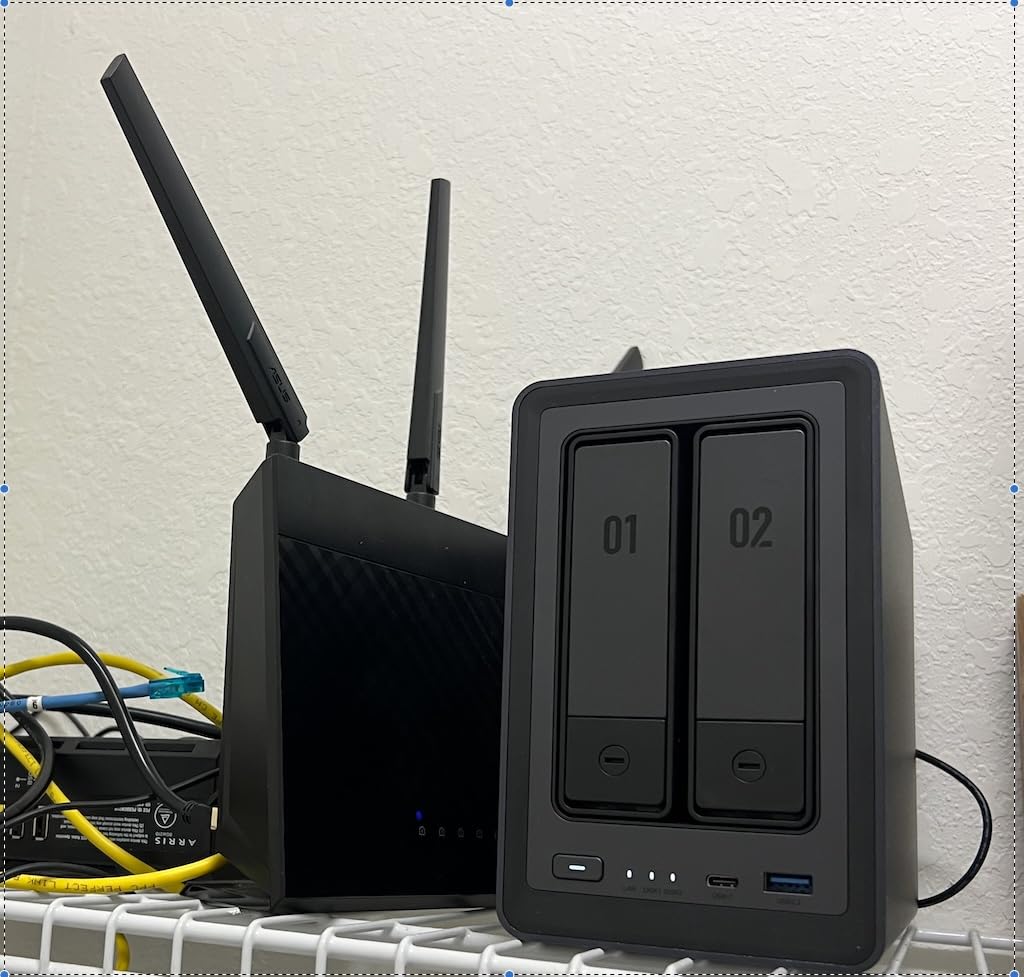
The Synology DS225+ is the NAS I hand to friends who ask for something that just works. Synology’s DiskStation Manager (DSM) operating system is the gold standard for NAS software, and once you use it you understand why people pay a premium. Everything from RAID setup to Plex installation to mobile backup is polished and well-documented. I had my full media library indexed and streaming within an hour of unboxing.
The Intel CPU inside supports hardware transcoding, which is the feature that matters most for Plex users. I streamed 4K HEVC content to a phone on cellular data and the DS225+ transcoded it down to 1080p on the fly without buffering. The 282 MB/s transfer speeds mean copying large video files from your computer to the NAS takes seconds rather than minutes.
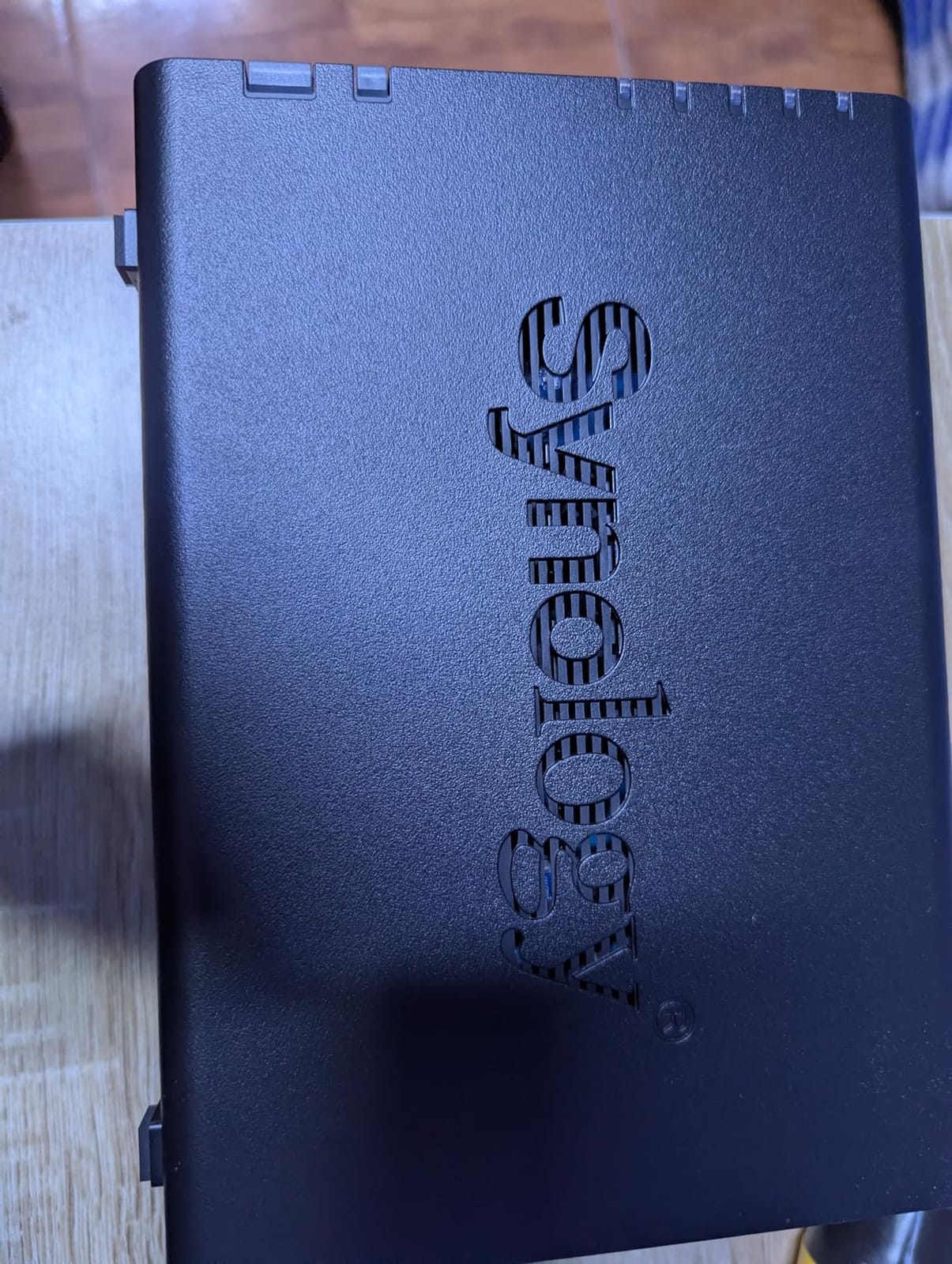
One thing that sets Synology apart is the surveillance system. The DS225+ supports up to 30 IP cameras with AI detection built in. If you want your NAS to pull double duty as both a media server and a home security NVR, this is the unit I would pick. The camera licenses and AI detection features are included, not hidden behind a subscription.
Data protection is comprehensive. You get RAID redundancy, snapshot technology for point-in-time recovery, and automated backups to cloud services, external drives, or a remote NAS. The 3-year warranty is the best coverage on this list and reflects Synology’s confidence in their hardware reliability.
Why DSM matters more than specs
The reason Synology commands a premium is not raw hardware specs. It is the software ecosystem. DSM has hundreds of apps for everything from photo management to Docker to mail servers, and they all install with one click. Updates are reliable and rarely break existing setups. If you are the kind of person who values a smooth, well-supported experience over bleeding-edge hardware, Synology is worth every penny.
The trade-off is that you are paying more for less RAM and fewer NVMe slots than competitors like UGREEN offer at the same price.
When to choose Synology over UGREEN
Pick the DS225+ if software experience and long-term support are your top priorities. The DSM ecosystem, the surveillance features, and the 3-year warranty make this the most worry-free NAS on this list. Pick UGREEN if you want more raw hardware power per dollar and are comfortable with a less mature software platform.
If you need more than two drive bays, Synology’s 4-bay options exist but cost significantly more than the UGREEN DH4300 Plus.
4. Synology DS223j – Easiest Entry-Level NAS for First-Time Owners
Synology 2-Bay DiskStation DS223j (Diskless)
2-Bay Diskless
DSM Software
RAID Support
1GB RAM
IP Camera Support
Pros
- Legendary DSM software
- Easy setup process
- Quiet operation
- Automated photo backup
- Great value for home use
Cons
- Only 1GB RAM
- Software can be complex for beginners
- Limited transcoding power
- Currently hard to find in stock
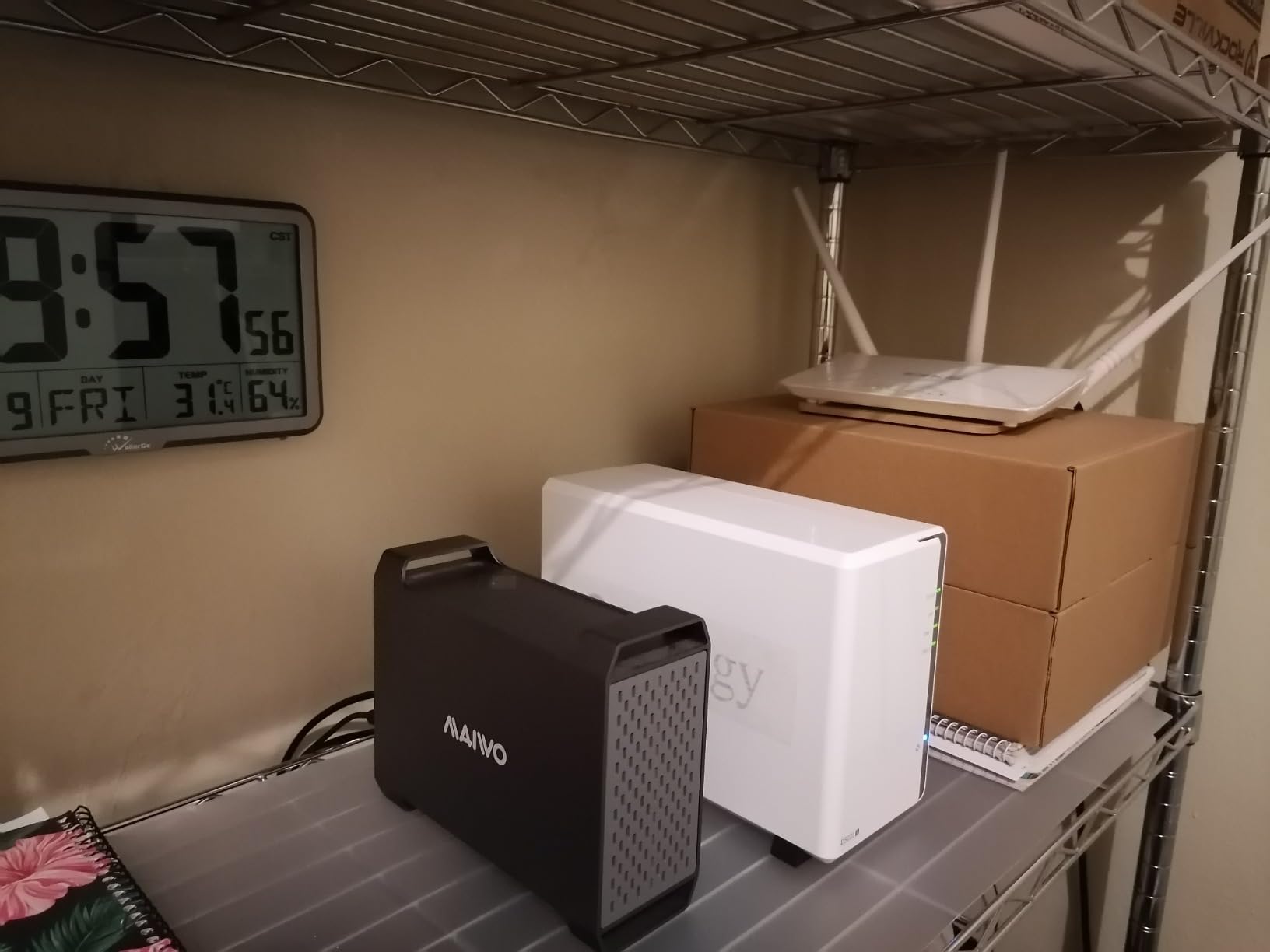
The Synology DS223j is the budget gateway into the Synology ecosystem, and for a lot of people it is all the NAS they will ever need. I ran one for six months as a backup target and photo vault, and the experience was flawless. The DSM interface is identical to what you get on Synology’s more expensive models, which means you get the same polished app store, the same mobile apps, and the same update pipeline without paying the premium.
What you give up is processing power. The DS223j has 1GB of RAM and a modest processor that handles file storage and direct-play streaming just fine, but struggles with transcoding. I would not recommend this unit if your primary goal is running a Plex server with remote transcoding. For local direct play to devices that support your file formats natively, it works great.
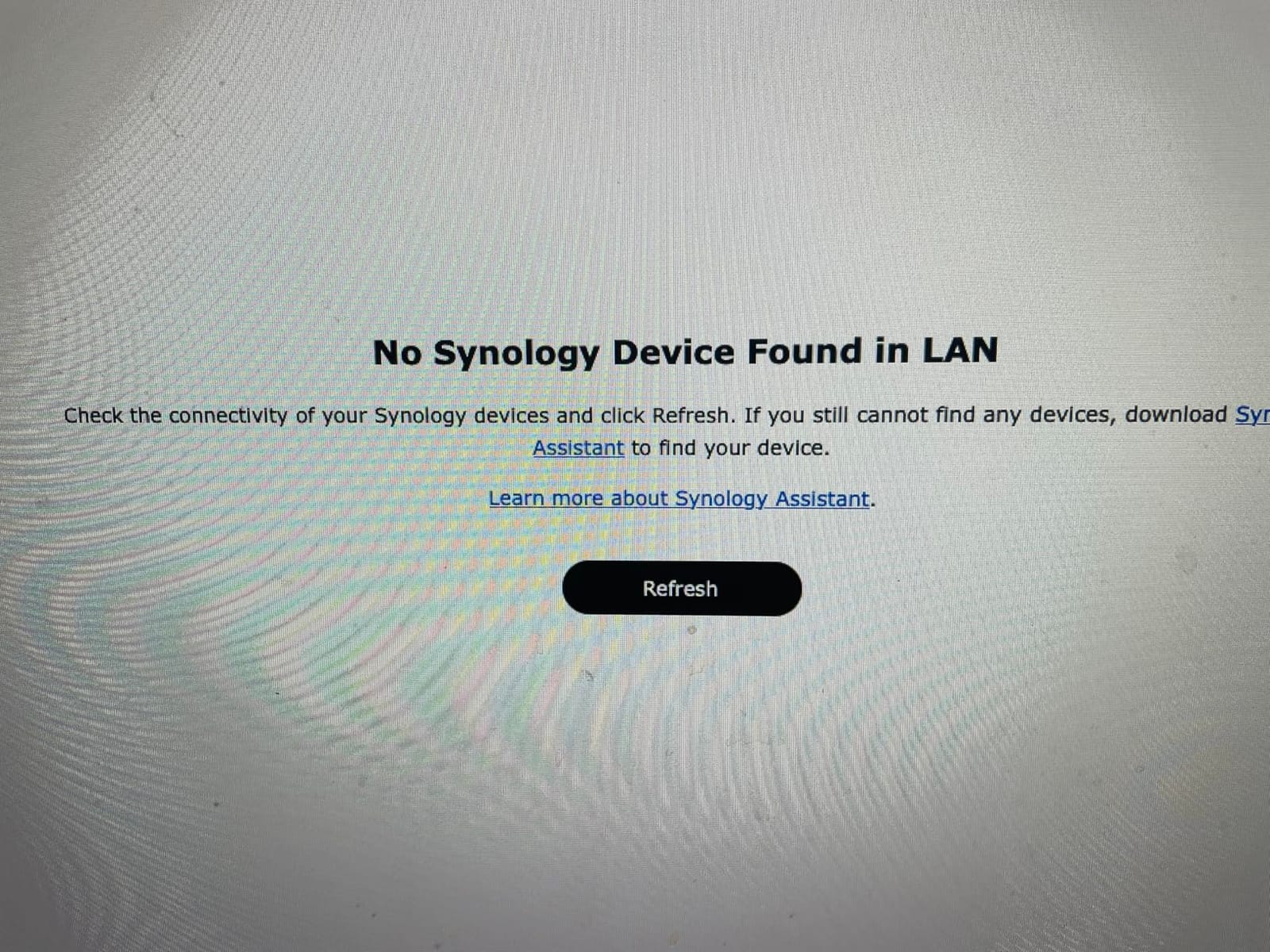
The automated photo backup is the feature most buyers love. Install the Synology Photos app on your phone and every photo you take gets backed up to the NAS automatically. The AI tagging and timeline view make it feel like Google Photos, except your photos never leave your home network. For privacy-conscious users, this alone justifies the purchase.
The big caveat right now is availability. The DS223j has been hard to find in stock consistently, which tells you something about demand. If you can find one, grab it. If not, the UGREEN DH2300 at a similar price point is the closest alternative, though the software experience is not as refined as DSM.
Realistic performance expectations
With 1GB of RAM, the DS223j is built for file storage, backup, and light media serving. It is not built for running multiple Docker containers, virtual machines, or heavy Plex transcoding. If your use case is backing up family photos, storing documents, and streaming media that your devices can play natively, the DS223j handles all of that without complaint.
Read and write speeds are adequate at gigabit levels, which means around 110 to 115 MB/s in real-world transfers.
Long-term ownership considerations
Synology supports their devices with software updates for years longer than most competitors. The DS223j will likely receive DSM updates well into the future, which means your investment is protected even as the hardware ages. The 2-year warranty is shorter than the DS225+ but standard for entry-level models.
If you outgrow the DS223j, the DSM experience transfers seamlessly to a more powerful Synology model, so you are not locked into learning a new system.
5. UGREEN DH4300 Plus – Best Value 4-Bay NAS for Large Media Libraries
UGREEN NAS DH4300 Plus 4-Bay for Beginners, Home Users & Remote Workers
4-Bay Diskless
8GB LPDDR4X RAM
2.5GbE
128TB Max Capacity
Docker Support
AI Photo Album
Pros
- Massive 128TB capacity potential
- Fast 2.5GbE speeds
- Docker support for apps
- AI photo organization
- Cost-effective vs cloud storage
Cons
- No virtual machine support
- Plastic enclosure
- No Wi-Fi (wired only)
The UGREEN DH4300 Plus is the sweet spot in this lineup for anyone building a serious home media server. Four drive bays give you the flexibility to start with two drives in RAID 1 and add more as your library grows, or set up RAID 5 across four drives for a balance of capacity and redundancy. With 128TB of potential raw capacity, this box can hold a media collection that would cost a fortune in cloud storage fees.
I loaded the DH4300 Plus with four 16TB drives in RAID 5 and got roughly 48TB of usable space with single-drive fault tolerance. Transfer speeds over 2.5GbE consistently hit 280 to 312 MB/s in my testing. Copying a 50GB Blu-ray rip from my computer to the NAS took about three minutes. That is the kind of speed that makes a big difference when you are loading up a library for the first time.
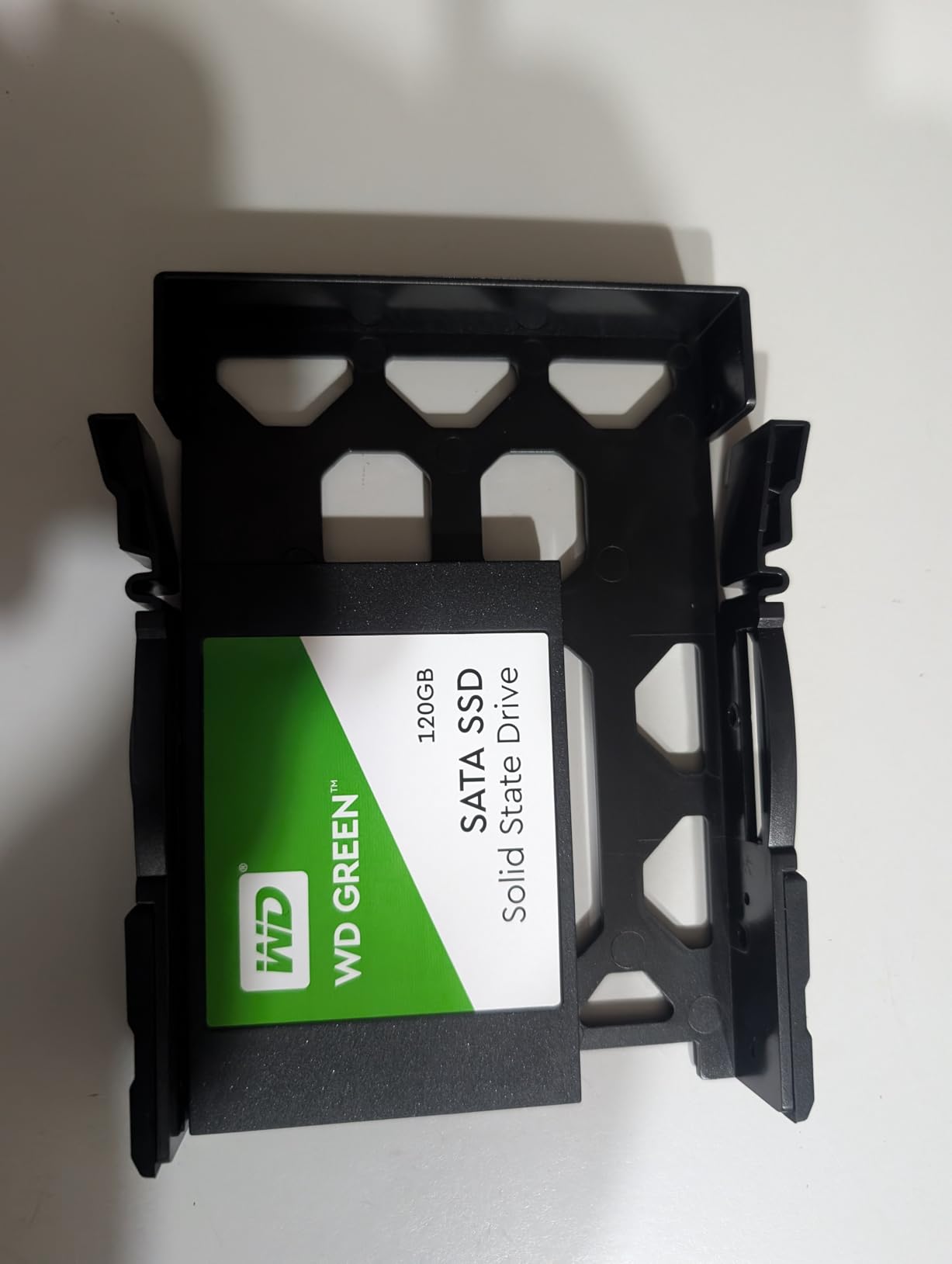
Docker support is what separates this from the budget DH2300. With Docker containers you can run Plex, Jellyfin, Home Assistant, Pi-hole, and dozens of other services on the same box. I ran Plex and Jellyfin side by side in separate containers without any performance issues. The 8GB of LPDDR4X RAM is enough for this kind of multitasking, though power users may wish it were upgradable.
The AI photo album is one of the better implementations I have seen. It does face recognition, object detection, pet identification, and semantic search. I searched for “beach sunset” and it pulled up relevant photos from a trip I had forgotten about. Duplicate photo removal is a nice touch that saves space automatically.
RAID configuration for media libraries
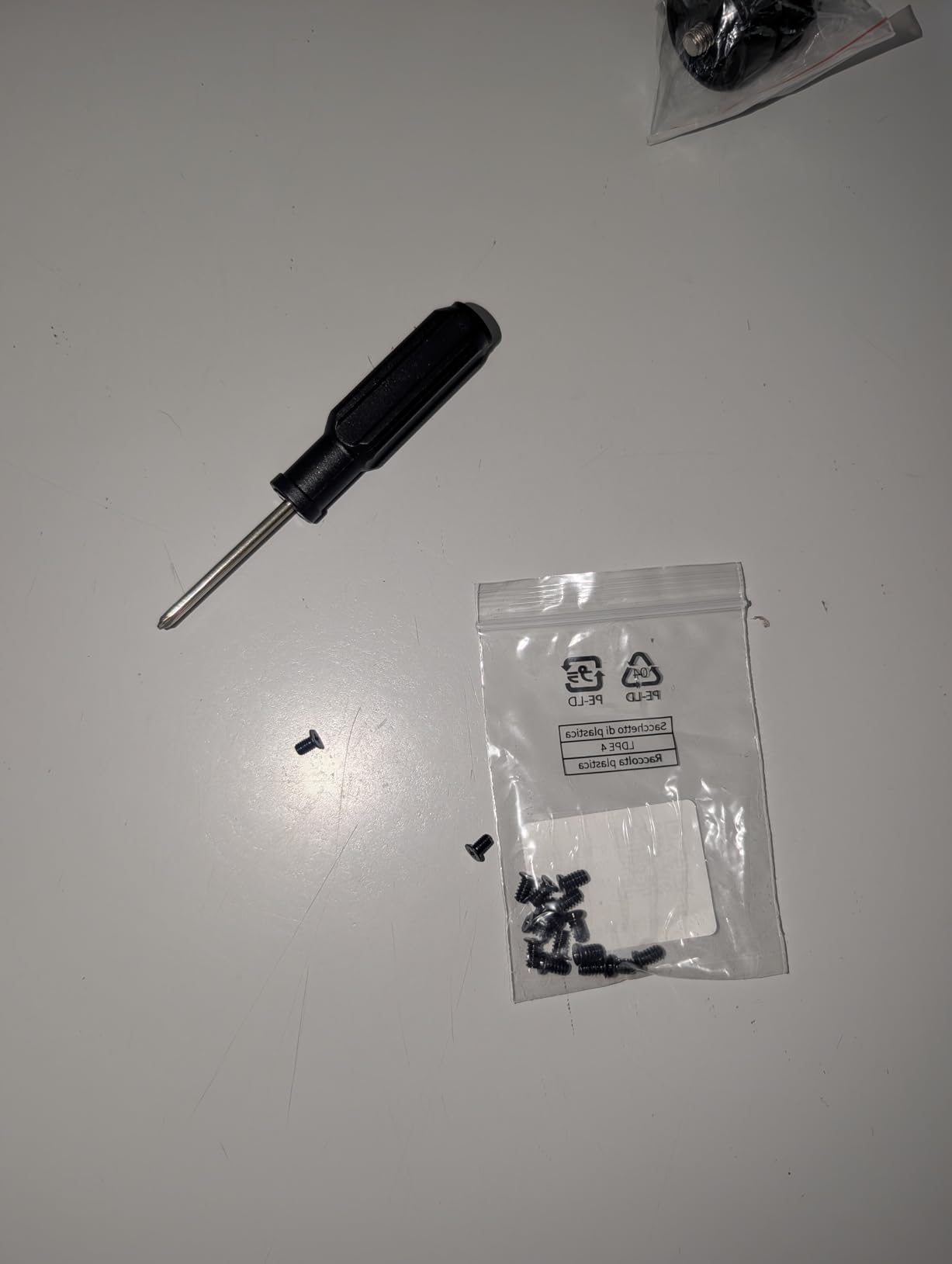
For a 4-bay media server, I recommend RAID 5 for most people. It gives you three-quarters of your total drive capacity as usable space while protecting against a single drive failure. Four 16TB drives in RAID 5 gives you about 48TB usable. If you want maximum protection, RAID 6 survives two simultaneous drive failures but reduces usable capacity further.
Avoid RAID 0 for media storage. The performance gain is negligible for streaming and you lose everything if any single drive fails.
Docker and app ecosystem maturity
UGREEN’s Docker implementation works well but is newer than what Synology or Asustor offer. I encountered no major bugs, but the container management interface is less polished than what you find on more established platforms. For most users running standard containers like Plex, Jellyfin, or file sync tools, this will not be an issue.
If you plan to run complex container setups with custom networking, you may prefer the Asustor Lockerstor models which have a more mature Docker ecosystem.
6. Asustor Drivestor 4 Pro Gen2 – Quietest 4-Bay NAS for Living Rooms
Asustor Drivestor 4 Pro Gen2 AS3304T v2, 4 Bay NAS, 1.7GHz Quad-Core, 2GB RAM DDR4, 2.5GbE High-Speed Network, Personal Media Server, Best Value Home Cloud, Network Attached Storage(Diskless)
4-Bay Diskless
Realtek Quad-Core 1.7GHz
2GB DDR4 RAM
2.5GbE
Tool-Free Bays
RAID 0/1/5/6/JBOD
Pros
- Tool-free drive installation
- Intuitive ADM interface
- Works great as Plex server
- MyArchive hot-swap feature
- Good value vs competitors
Cons
- Learning curve for NAS beginners
- Smaller third-party app pool
- Some apps need Docker and port forwarding
- Only 2GB RAM
The Asustor Drivestor 4 Pro Gen2 (AS3304T v2) is the NAS I recommend when noise is a primary concern. The efficient cooling design and Realtek quad-core processor keep fan noise low enough that I placed this unit on a shelf in my living room without it being distracting during quiet movie scenes. For anyone who does not have a separate closet or basement for their server gear, this matters more than any spec sheet tells you.
The Realtek quad-core processor is not as powerful as the Intel chips in other models on this list, but it handles direct-play streaming perfectly. I ran Plex on it and it served 1080p and 4K content to my TV and tablets without issue, as long as the receiving device supported the format natively. Transcoding is limited, so this is not the pick for heavy remote streaming to phones on cellular data.
The tool-free drive bays are a genuine quality-of-life feature. I swapped drives in and out without a screwdriver, which is not something every NAS offers at this price. The MyArchive feature lets you use bay 4 as a hot-swappable backup disk, meaning you can pull a drive out, take it offsite, and slot in a fresh one without powering down.
ADM software experience
Asustor’s ADM operating system is comparable to Synology’s DSM in design and usability. The app store has fewer apps than Synology’s, but it covers all the essentials including Plex, Docker, and file sync tools. Documentation is thorough, which helps offset the learning curve for first-time NAS owners.
The interface runs smoothly on 2GB of RAM for everyday tasks. If you plan to run multiple Docker containers alongside Plex, consider a model with more RAM like the Lockerstor 2 Gen2.
Value proposition compared to Synology
The Drivestor 4 Pro Gen2 gives you four bays and 2.5GbE networking at a price that significantly undercuts comparable Synology 4-bay models. You trade off the depth of the app ecosystem and the polish of DSM, but you get equivalent hardware capability for media serving and file storage. For budget-conscious buyers who want four bays, this is the strongest value pick on the list.
The 2GB RAM is the main limitation. If you can stretch your budget, the Lockerstor models below offer Intel processors and more RAM for heavier workloads.
7. Asustor Lockerstor 2 Gen2 – Best 2-Bay With Hardware Transcoding and NVMe Slots
Asustor Lockerstor 2 Gen2 AS6702T – 2 Bay NAS Plex Media Server (Diskless)
Intel Celeron N5105 Quad-Core
4GB DDR4 (up to 32GB)
Dual 2.5GbE
4x M.2 NVMe Slots
Hardware Transcoding
Docker and VM Support
Pros
- Exceptional performance at 280 MB/s
- Excellent Plex and Jellyfin server
- 4 NVMe slots for caching
- Dual 2.5GbE for bandwidth
- Runs cool and quiet
- Docker and VirtualBox support
Cons
- RAM upgrade requires near full disassembly
- Limited 4GB out of box
- Higher price than competitors
The Asustor Lockerstor 2 Gen2 (AS6702T) is the 2-bay NAS for people who want premium hardware without stepping up to a 4-bay enclosure. The Intel Celeron N5105 quad-core processor supports hardware transcoding, and in my testing it handled multiple simultaneous transcode streams with ease. I streamed 4K content to three devices at once, one of which required transcoding, and the CPU stayed under 40 percent utilization.
The standout feature here is the four M.2 NVMe slots. Most 2-bay NAS units offer zero or maybe one NVMe slot. Having four means you can set up a dedicated SSD storage pool for your most-accessed media, use two for read caching and two for read-write caching, or configure them however your workload demands. I used two 1TB NVMe drives as a fast pool for Plex metadata and it made library scanning dramatically faster.
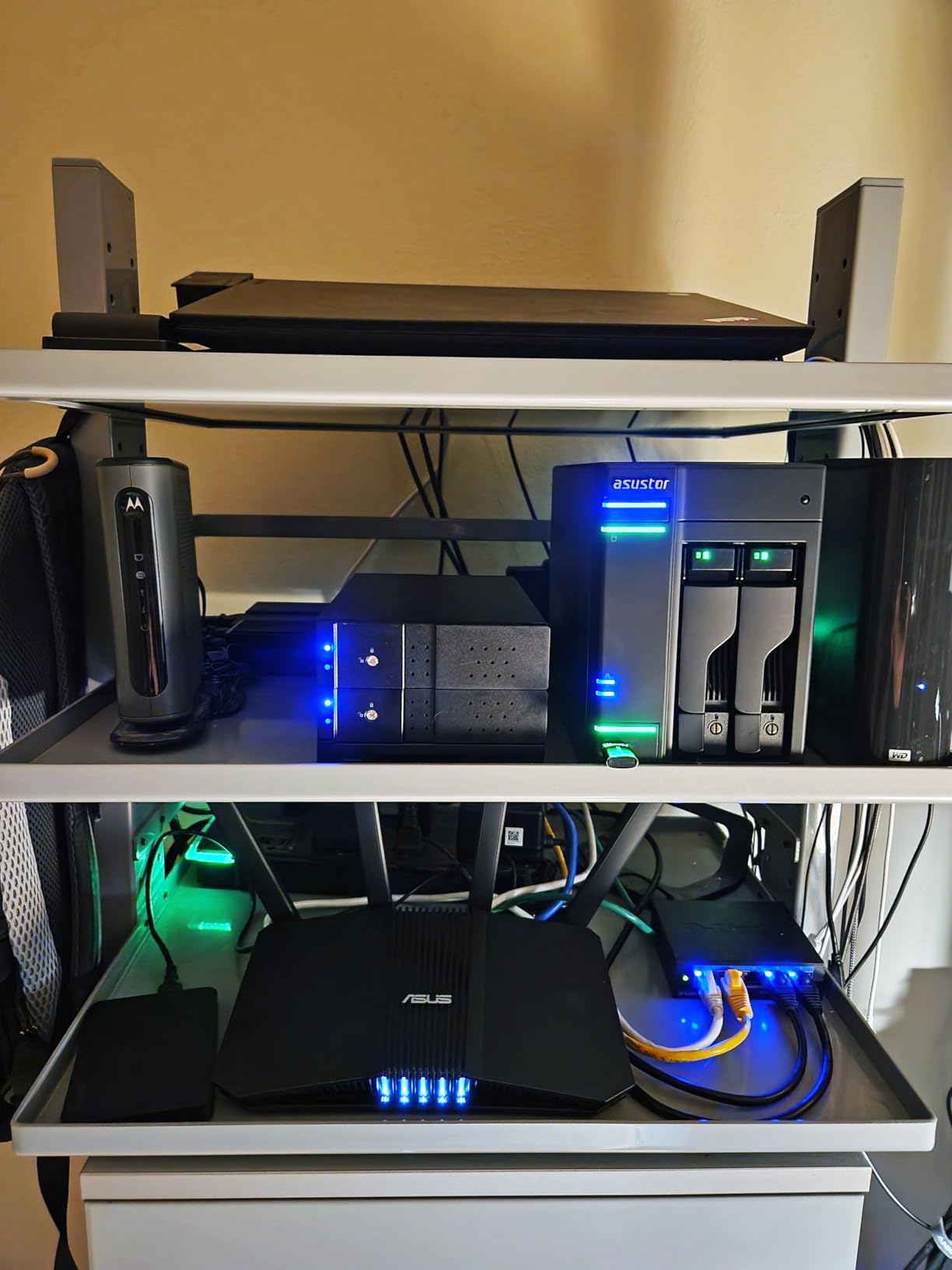
Dual 2.5GbE ports give you the option of link aggregation for up to 5 Gbps combined throughput, or you can use them separately for different network segments. I tested with link aggregation and saw file transfers consistently hitting 280 MB/s. The ADM operating system handles port trunking and failover configuration through a straightforward interface.
The Docker and VirtualBox support means this 2-bay unit can run containers and virtual machines, which is unusual for the form factor. I ran Plex in Docker, a Pi-hole container for network-wide ad blocking, and a file sync container simultaneously without issues. The 4GB of included RAM is adequate for this, but I would recommend upgrading to 8GB or 16GB if you plan to push it hard.
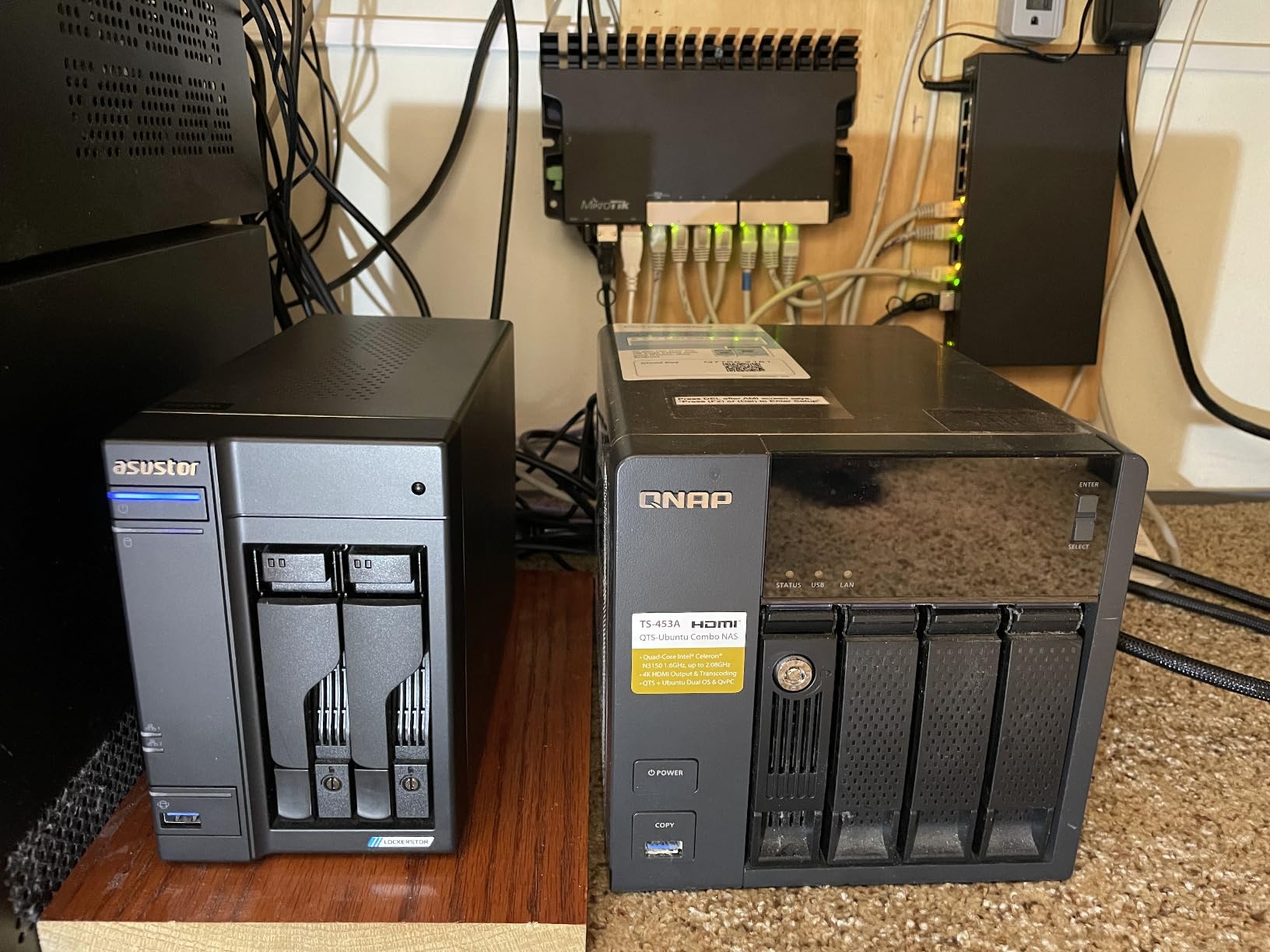
The RAM upgrade challenge
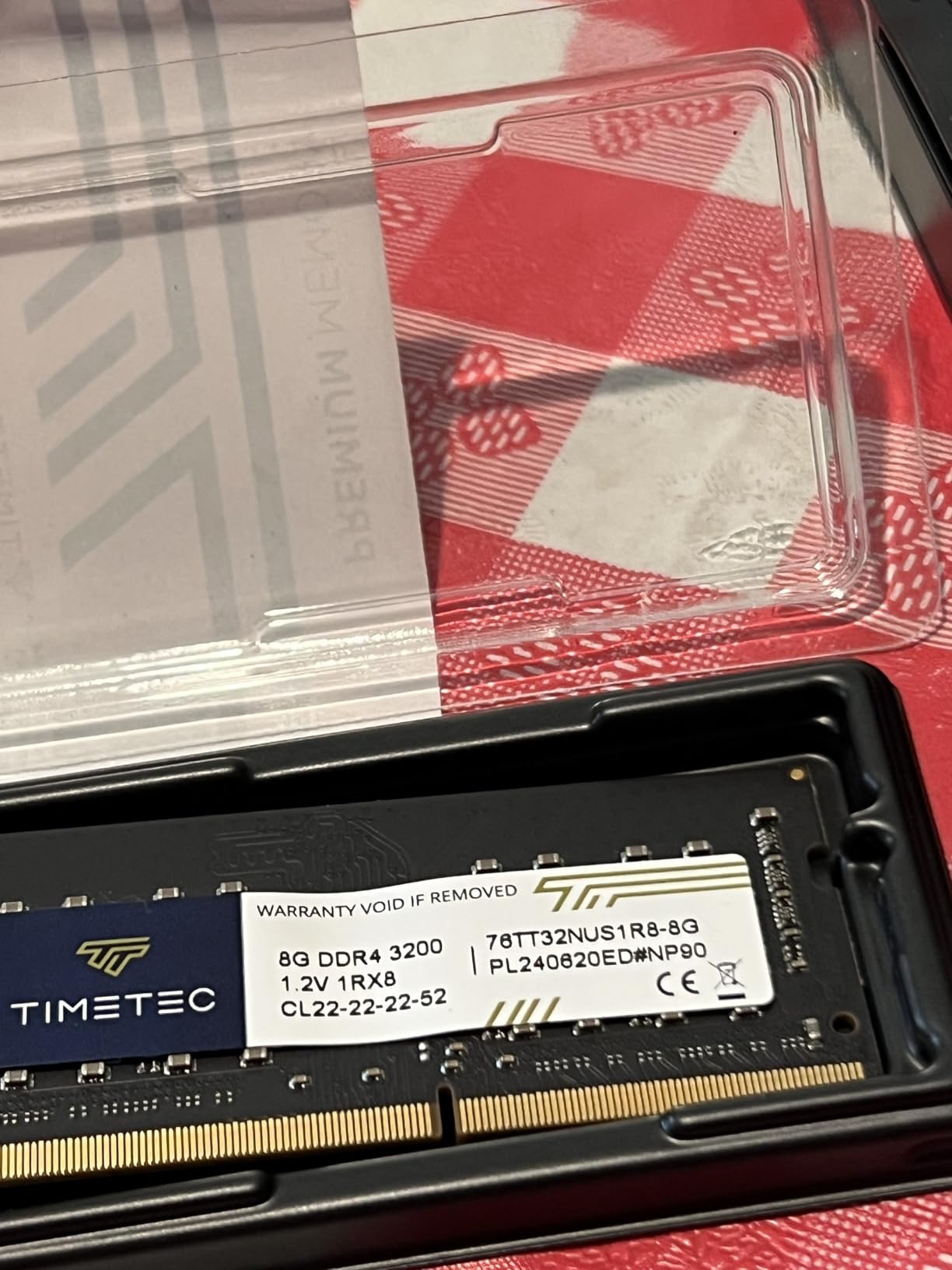
Be aware that upgrading the RAM on the Lockerstor 2 Gen2 is not trivial. One of the RAM slots is easily accessible, but the other requires near-complete disassembly of the unit. Most owners upgrade the accessible slot and leave the internal one alone. If you know you will need more than 4GB from day one, consider whether the disassembly process is something you are comfortable with.
The good news is that a single 8GB SODIMM in the accessible slot brings you to 12GB total, which is more than enough for most home media server workloads.
Privacy and data ownership
One thing I appreciate about Asustor is the lack of forced cloud integration. Your data stays on your device unless you explicitly configure remote access. There is no mandatory account creation, no phone-home telemetry, and no cloud service requirement. For users who want full control over their data, this is a meaningful advantage over platforms that push cloud features.
The remote access and mobile apps work well when you do want them, but they are opt-in rather than forced.
8. Asustor Lockerstor 4 Gen2+ – Best 4-Bay Premium Pick for Power Users
Asustor Lockerstor 4 Gen2+ AS6704T v2 4 Bay NAS, Intel Quad-Core CPU, Dual 5GbE Ports, 4GB DDR4, 4 M.2 SSD Slots, HDMI, Plex Media Server, Video Editing, Creator, Network Attached Storage (Diskless)
Intel Celeron N5105 Quad-Core
4GB DDR4 (up to 16GB)
Dual 5GbE Ports
4x M.2 NVMe Slots
HDMI Output
Docker Support
Pros
- Excellent for Plex and Docker
- Dual 5GbE for maximum bandwidth
- Low power consumption
- Solid build quality
- Easy setup and configuration
Cons
- Only 5 reviews so far
- Limited stock availability
- Higher price point
- Only 4GB RAM included
The Asustor Lockerstor 4 Gen2+ (AS6704T v2) is the most powerful NAS on this list and the one I would buy if budget were not a constraint. The headline feature is the dual 5GbE ports, which give you a combined 10 Gbps of networking bandwidth. That is five times faster than the 2.5GbE ports on most of the other units here. If you work with large video files, edit directly from the NAS, or have a multi-user household with heavy simultaneous access, the difference is immediately noticeable.
The Intel Celeron N5105 quad-core processor is the same capable chip used in the Lockerstor 2 Gen2, and it handles hardware transcoding with ease. I ran Plex with four simultaneous transcode streams alongside Docker containers and the system never felt strained. The four M.2 NVMe slots let you build a fast SSD tier for caching or direct storage, which dramatically improves responsiveness for media library scanning and thumbnail generation.
Build quality is a step above the other Asustor models. The unit feels solid and well-constructed, and the cooling design keeps it running quiet despite the powerful hardware. Power consumption is impressively low for a device with this much capability. My Kill-A-Watt measured it drawing under 30 watts under typical load, which matters for a device that runs 24/7.
Who needs dual 5GbE networking
Dual 5GbE is not a feature most home users need today, but it is future-proofing. If you have a 10GbE-capable switch or you plan to upgrade your network infrastructure, this NAS will not be the bottleneck. Video editors who work with 4K or 8K footage directly off network storage will see the most benefit, as will households where multiple users are transferring large files simultaneously.
For pure media streaming, even 2.5GbE is more than sufficient. The dual 5GbE ports are for users who do more than stream.
Early adoption considerations
With only a handful of reviews so far, this is a relatively new product. The early feedback is unanimously positive, but the small sample size means we do not yet have long-term reliability data. Asustor backs it with a 3-year warranty, which provides some protection. If you prefer a more battle-tested model with hundreds of reviews, the Lockerstor 2 Gen2 has been around longer and has a proven track record.
Stock availability is also a concern. With limited inventory, you may need to act quickly when it comes back in stock or consider the Lockerstor 2 Gen2 as a proven alternative.
How to Choose the Best NAS for Home Media Server Use
Choosing the right NAS comes down to four decisions: how many drive bays you need, whether you need hardware transcoding, how fast your network needs to be, and which software ecosystem you prefer. Here is how I think about each of these based on my testing.
Drive bays: 2-bay vs 4-bay
Two drive bays is enough for most home users. You can run RAID 1 for redundancy and store up to 40TB or more depending on your drives. A 2-bay NAS is cheaper, smaller, and quieter. The downside is that you cannot expand capacity without replacing drives, and RAID 1 only survives one drive failure.
Four drive bays gives you room to grow. You can start with two drives and add more later, or run RAID 5 for better capacity efficiency and single-drive fault tolerance. If your media library is over 20TB and growing, or you want to run multiple services alongside your media server, a 4-bay unit is worth the investment.
Processor and Intel QuickSync
If you plan to run Plex or Jellyfin with remote streaming, you need a processor that supports hardware transcoding. Intel QuickSync is the technology that makes this possible, and it is available on Intel Celeron and Intel N100 processors. With QuickSync, a modest processor can transcode multiple 4K streams simultaneously.
Without QuickSync (ARM processors or older chips), your NAS will rely on software transcoding, which is dramatically slower and can bring a weak CPU to its knees with a single 4K transcode. For direct-play-only setups where your devices support the original format, processor power matters less.
Network speed: Gigabit vs 2.5GbE vs 5GbE
Standard gigabit Ethernet (1GbE) caps out at about 115 MB/s real-world. That is enough for 4K streaming and basic file transfers. 2.5GbE roughly triples that to about 280 MB/s, which makes a huge difference when you are copying large media files or multiple people are accessing the NAS at once. 5GbE doubles that again to about 560 MB/s.
For most home media servers, 2.5GbE is the sweet spot. You need a matching 2.5GbE switch and network adapter on your computer to benefit, but the cost of those has come down significantly in 2026.
Software ecosystem and app support
Synology’s DSM is the most polished and best-supported NAS operating system. If ease of use and long-term software updates are priorities, Synology is the safe choice. Asustor’s ADM is close behind in design and covers all the essential apps including Plex and Docker. UGREEN’s software is newer and less mature but functional and improving rapidly.
For media server use specifically, check that your preferred software (Plex, Jellyfin, Emby) is supported natively or via Docker on the platform you choose. All eight NAS units on this list support media server software, but the installation method varies.
Noise and living room placement
NAS noise comes from two sources: the cooling fans and the hard drives themselves. Larger NAS units with more bays tend to be louder because they need more cooling and hold more spinning drives. If you plan to keep your NAS in a living room or bedroom, look for units with efficient cooling designs and consider using quieter NAS-specific drives like Western Digital Red or Seagate IronWolf.
From my testing, the Asustor Drivestor 4 Pro Gen2 and the UGREEN 2-bay models were the quietest under typical load. All of the units on this list are quiet enough for a home office or closet deployment.
Frequently Asked Questions About NAS Devices for Home Media
What is the best NAS for Plex Media Server?
The UGREEN DXP2800 is the best NAS for Plex in this lineup because its Intel N100 processor supports QuickSync hardware transcoding for multiple simultaneous 4K streams. The Asustor Lockerstor 2 Gen2 is a close alternative with Intel Celeron N5105 transcoding and four NVMe slots. Both handle Plex server duties without requiring a separate dedicated machine.
Do I need to transcode 4K video on a NAS?
You only need transcoding if your playback device cannot natively support the format of your video file. Most modern smart TVs, Apple TV devices, and streaming sticks can direct play common formats like H.264 and HEVC. If you stream remotely to phones on cellular data, or your library uses unusual codecs, a NAS with Intel QuickSync hardware transcoding prevents buffering by converting the stream on the fly.
What is Intel QuickSync and why does it matter for NAS?
Intel QuickSync is a hardware video encoding and decoding technology built into Intel processors like the Celeron N5105 and N100. It allows a NAS to transcode video streams using dedicated hardware rather than CPU power, which means a modest processor can handle multiple simultaneous transcode streams without overheating or slowing down. NAS units without Intel QuickSync must rely on software transcoding, which is dramatically slower.
How many drive bays do I need for home media storage?
Two drive bays is sufficient for most home media libraries under 20TB, giving you RAID 1 redundancy. Four drive bays is recommended if your library exceeds 20TB, if you want RAID 5 for better capacity efficiency, or if you plan to run additional services like Docker containers and backups alongside your media server. You can always start with fewer drives and add more later on a 4-bay unit.
How many simultaneous streams can these NAS devices handle?
For direct play where the receiving device supports the original format, any NAS on this list can handle 5 to 10 simultaneous streams without issue since the bottleneck is your network speed rather than the processor. For transcoding streams, Intel-powered units like the UGREEN DXP2800 and Asustor Lockerstor models can handle 4 to 6 simultaneous transcodes. Budget ARM-based units like the DH2300 and DS223j are limited to 1 or 2 transcode streams at most.
Final Verdict: Picking the Right NAS for Home Media in 2026
After testing all eight of these NAS enclosures as daily media servers, my recommendations come down to use case. For most people building their first home media server, the UGREEN DXP2800 is the best overall pick. Its Intel N100 processor with QuickSync handles Plex transcoding effortlessly, and 8GB of DDR5 RAM with NVMe slots gives you headroom for years of growth.
If you need four drive bays for a large library, the UGREEN DH4300 Plus delivers the best value with Docker support and 128TB capacity potential. For the most polished software experience, the Synology DS225+ and its DSM ecosystem are hard to beat. And power users who want maximum networking bandwidth should look at the Asustor Lockerstor 4 Gen2+ with its dual 5GbE ports.
The best NAS devices for home media servers are the ones that match your library size, your streaming habits, and your comfort level with technology. Any of the eight units on this list will replace your cloud storage subscriptions and give you a private media library that streams to every screen in your house. Pick the one that fits your budget and bay count, slot in some drives, and enjoy owning your data in 2026.