
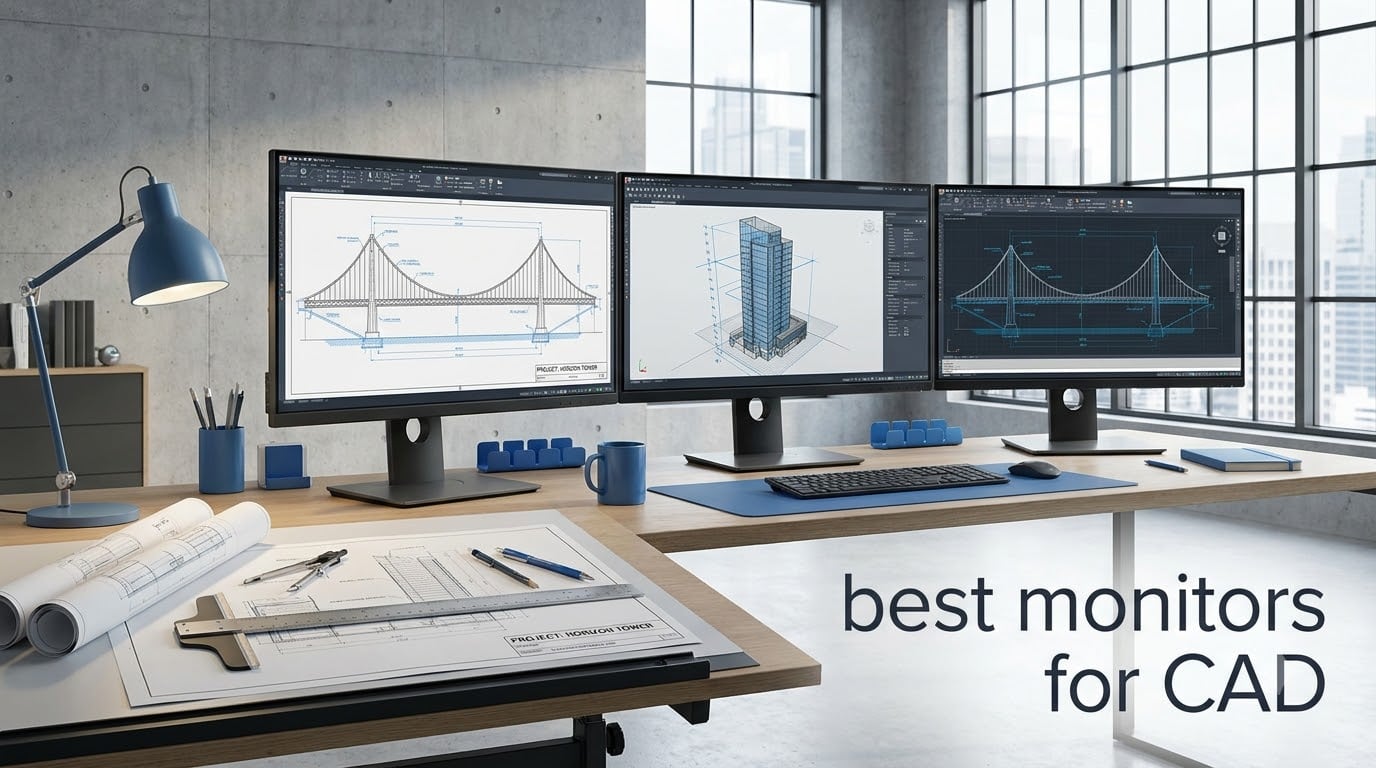
Working in CAD means staring at fine wireframe details, layer upon layer of technical drawings, and 3D models that demand pixel-perfect clarity for hours on end. After testing monitors for CAD workflows ranging from AutoCAD drafting to SolidWorks 3D modeling, I can tell you that the right display makes a massive difference in both accuracy and comfort.
The best monitors for CAD combine high resolution for sharp detail, IPS panels for consistent color across wide viewing angles, and ergonomic stands that keep your neck happy during those marathon design sessions. Whether you are an architect reviewing blueprints or an engineer manipulating complex assemblies, screen real estate and color fidelity matter more than raw gaming specs.
Our team compared 10 monitors across resolution, panel type, color accuracy, connectivity, and real-world CAD usability. We looked at what professionals on forums like r/AutoCAD and r/SolidWorks actually recommend, and we factored in budgets from under $250 to premium professional displays. Here is what we found.
Table of Contents
Top 3 Picks for Best Monitors for CAD in October

ASUS ProArt PA279CRV 27 inch 4K
- 4K UHD IPS
- Delta E less than 2
- 99% DCI-P3
- USB-C 96W
- Daisy-chain

Dell UltraSharp U2725QE 27 inch 4K
- 4K 120Hz IPS Black
- Thunderbolt 4 140W
- Delta E less than 1.5
- DisplayHDR 600
- Daisy-chain

Best Monitors for CAD in 2026
| Product | Specifications | Action |
|---|---|---|
 Dell S2725QS 27 inch 4K Dell S2725QS 27 inch 4K |
|
Check Latest Price |
| ASUS ProArt PA279CRV 27 inch 4K |
|
Check Latest Price |
| LG 27UP650K-W 27 inch 4K |
|
Check Latest Price |
 Dell UltraSharp U2723QE 27 inch Dell UltraSharp U2723QE 27 inch |
|
Check Latest Price |
| Dell UltraSharp U2725QE 27 inch |
|
Check Latest Price |
 Samsung ViewFinity S8 32 inch 4K Samsung ViewFinity S8 32 inch 4K |
|
Check Latest Price |
 ViewSonic VX3276-4K-MHD 32 inch ViewSonic VX3276-4K-MHD 32 inch |
|
Check Latest Price |
 ASUS ProArt PA278QV 27 inch QHD ASUS ProArt PA278QV 27 inch QHD |
|
Check Latest Price |
 ViewSonic VP2756-4K 27 inch ViewSonic VP2756-4K 27 inch |
|
Check Latest Price |
 LG 32UR550K-B 32 inch 4K LG 32UR550K-B 32 inch 4K |
|
Check Latest Price |
1. Dell S2725QS – Budget 4K With 120Hz Smoothness
Dell 27 Monitor S2725QS, 4K UHD IPS, 120Hz, 5ms, FreeSync Premium
27 inch 4K UHD IPS
120Hz refresh
99% sRGB
1500:1 contrast
FreeSync Premium
Pros
- Sharp 4K resolution for detailed CAD drawings
- 120Hz refresh rate for smooth 3D model rotation
- 1500:1 contrast ratio for deep blacks
- Full ergonomic stand with height tilt swivel pivot
- ComfortView Plus blue light reduction for long sessions
Cons
- No USB-C connectivity
- 99% sRGB is good but not professional-grade DCI-P3
I spent two weeks running AutoCAD and Revit on the Dell S2725QS, and the 4K resolution at 27 inches gives you 163 pixels per inch. That density means wireframe lines look razor-sharp, and small annotation text stays readable even when you zoom out to view a full floor plan. The IPS panel holds color consistency even when I tilted the screen to show a colleague a design.
What surprised me most was the 120Hz refresh rate. Most CAD monitors top out at 60Hz, but the higher refresh makes panning across large drawings and rotating 3D assemblies noticeably smoother. If you do any rendering visualization or walkthroughs, the extra fluidity is immediately apparent. The 1500:1 contrast ratio also delivers deeper blacks than typical IPS panels.
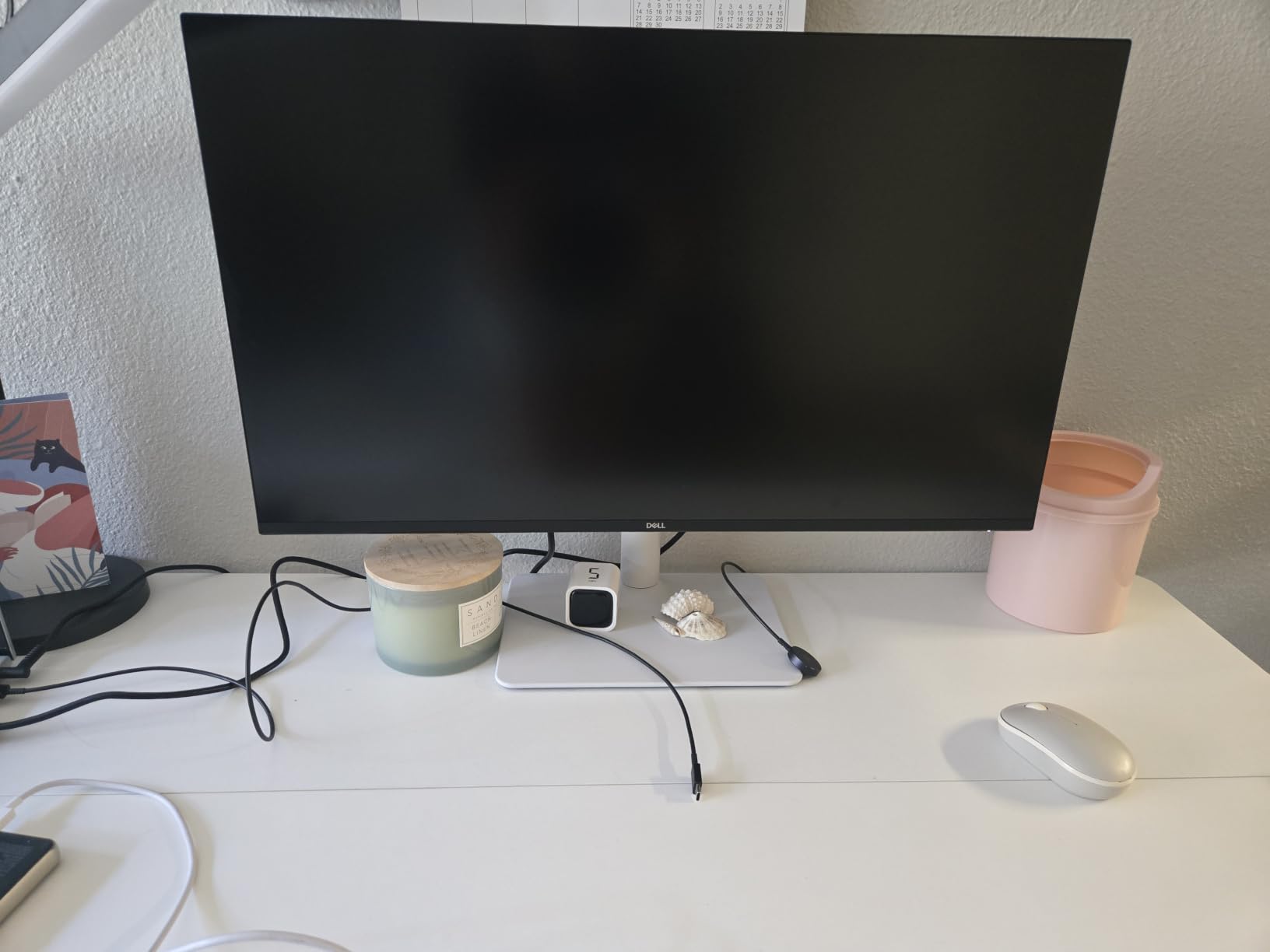
For SolidWorks users, the extra smoothness helps when rotating complex parts in the viewport. I noticed less visual stutter when working with assemblies containing hundreds of components. The 0.03ms response time is overkill for CAD, but it means zero ghosting when moving objects around.
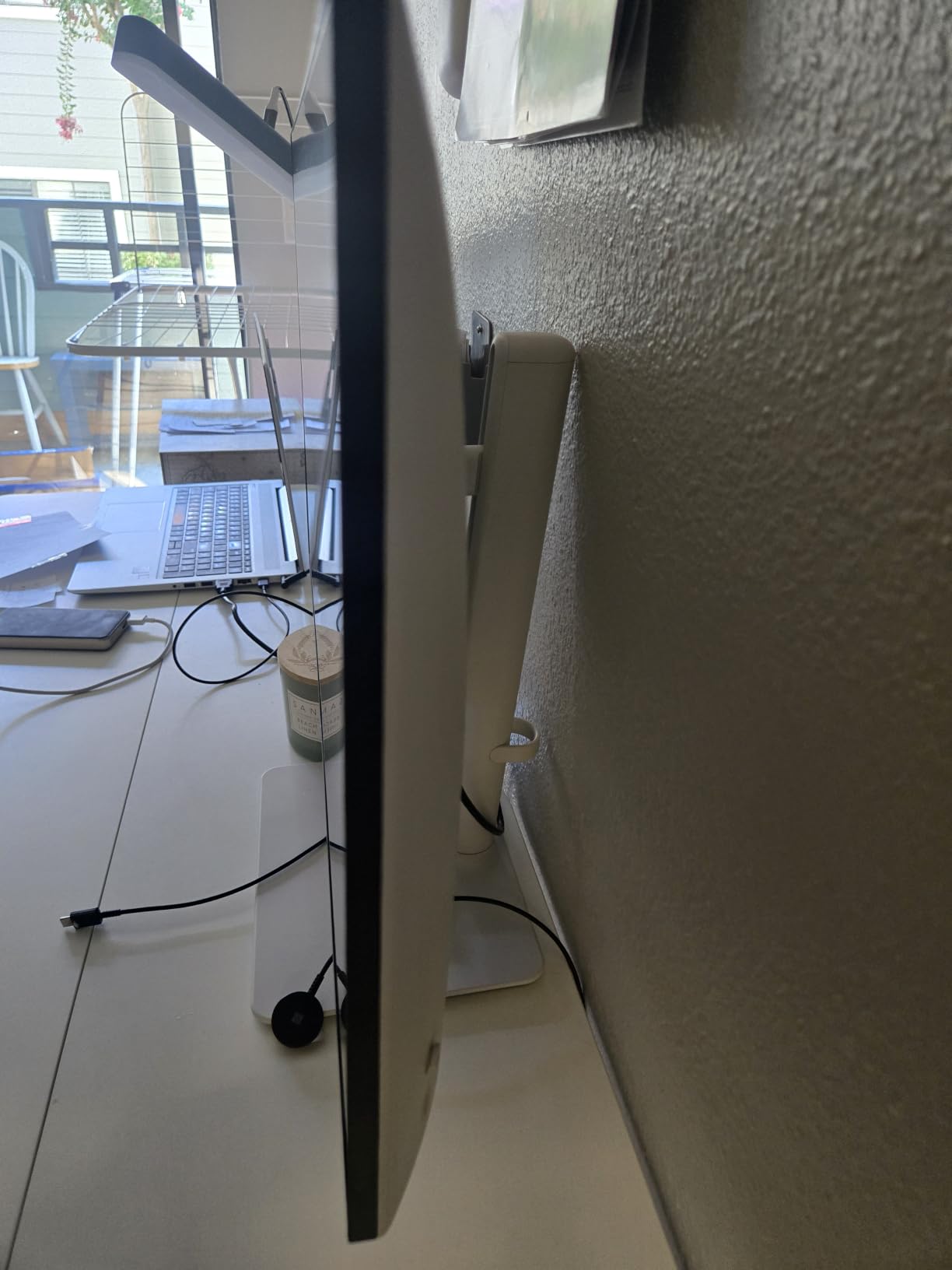
The ergonomic stand offers height, tilt, swivel, and pivot adjustments. I used the portrait mode for reviewing tall elevation drawings, and it worked well. ComfortView Plus reduces blue light, and I did feel less eye fatigue after an 8-hour drafting session. The built-in speakers are acceptable for video calls but not much else.
Best for Budget-Conscious CAD Users Wanting 4K
This monitor hits a sweet spot if you want 4K resolution without spending premium money. The combination of 120Hz smoothness and IPS panel quality at this price point is genuinely impressive. It is ideal for students, junior drafters, or small firms equipping multiple workstations.
The main trade-off is the lack of USB-C connectivity. You will need separate cables for display and charging, which adds desk clutter. For users with modern laptops as their primary CAD machine, this could be a dealbreaker.
What to Watch Out For
The 99% sRGB color gamut covers standard web and office work but falls short for print-critical rendering work. If your CAD workflow includes client presentations with photorealistic renders, you may want wider DCI-P3 coverage. Also, the power consumption runs higher than average at 24.6 watts during use.
Despite these limitations, the S2725QS remains one of the best monitors for CAD users on a budget. The 4K clarity and 120Hz panel make up for the connectivity gaps.
2. ASUS ProArt PA279CRV – Professional Color at a Fair Price
ASUS ProArt PA279CRV 27 Inch 4K UHD USB-C HDR Professional Monitor for Mac
27 inch 4K UHD IPS
99% DCI-P3 and Adobe RGB
Delta E less than 2
Calman Verified
USB-C 96W
Pros
- Factory calibrated to Delta E less than 2 for color-critical CAD renders
- 99% DCI-P3 and Adobe RGB for wide color coverage
- USB-C 96W charges laptop while displaying over one cable
- DisplayPort daisy-chain for multi-monitor setups
- 5-year warranty with registration
Cons
- 60Hz refresh rate not ideal for smooth 3D viewport rotation
- 5ms response time is slower than newer panels
The ASUS ProArt PA279CRV is the monitor I keep coming back to for CAD work that demands color accuracy. The Calman Verified certification with Delta E less than 2 means colors are consistent right out of the box. When I am rendering architectural visualizations or validating material colors for product designs, I trust what I see on this screen.
The USB-C connection with 96W power delivery is a game-changer for my workflow. I plug in a single cable from my laptop and get display, charging, and data all at once. The daisy-chain support means I can add a second monitor without running another cable to my computer. This keeps my desk remarkably clean.
For AutoCAD work, the 4K resolution at 27 inches provides the same pixel density as the Dell S2725QS. Fine dimension lines and small text in technical drawings stay crisp. The 99% DCI-P3 coverage gives me confidence when presenting renderings to clients, because colors match across devices and print outputs.
The included 3-month Adobe Creative Cloud subscription is a nice bonus if you also do post-processing of CAD renders in Photoshop. The 5-year warranty with registration provides peace of mind for a professional investment. ASUS clearly stands behind the ProArt line.
Best for Color-Critical Rendering and Design Validation
If your CAD workflow includes photorealistic rendering, material selection, or client presentations where color fidelity matters, the PA279CRV is hard to beat at this price. The factory calibration saves you from buying a separate colorimeter, and the Calman Verified status is trusted across the creative industry.
The daisy-chain support makes this an excellent choice for a dual-monitor CAD setup. Two of these monitors give you a massive 7680 x 2160 workspace with a single cable running to your computer.
Limitations for Pure 3D Modeling
The 60Hz refresh rate is the main drawback for SolidWorks and 3D modeling users. Rotating large assemblies feels less fluid than on a 120Hz display. The 5ms response time is also slower than the Dell S2725QS, though for static drafting work this makes no practical difference.
Despite the refresh rate limitation, the PA279CRV earns our Editor’s Choice because color accuracy and connectivity matter more than refresh rate for most CAD professionals.
3. LG 27UP650K-W – Outstanding 4K Value
LG 27UP650K-W 27-inch Ultrafine 4K UHD (3840 x 2160) IPS Computer Monitor, 60Hz, 5ms, DisplayHDR 400, Reader Mode, Flicker Safe, HDMI, DisplayPort, Tilt/Height/Pivot Adjustable Stand, White
27 inch 4K UHD IPS
95% DCI-P3
DisplayHDR 400
FreeSync
Ergonomic stand
Pros
- Excellent 4K IPS display with vivid colors at a budget price
- 95% DCI-P3 color gamut exceeds expectations for this tier
- DisplayHDR 400 for better contrast in rendering work
- Full ergonomic stand with tilt height and pivot
- webOS smart platform for streaming during breaks
Cons
- No USB-C connectivity
- 60Hz refresh rate only
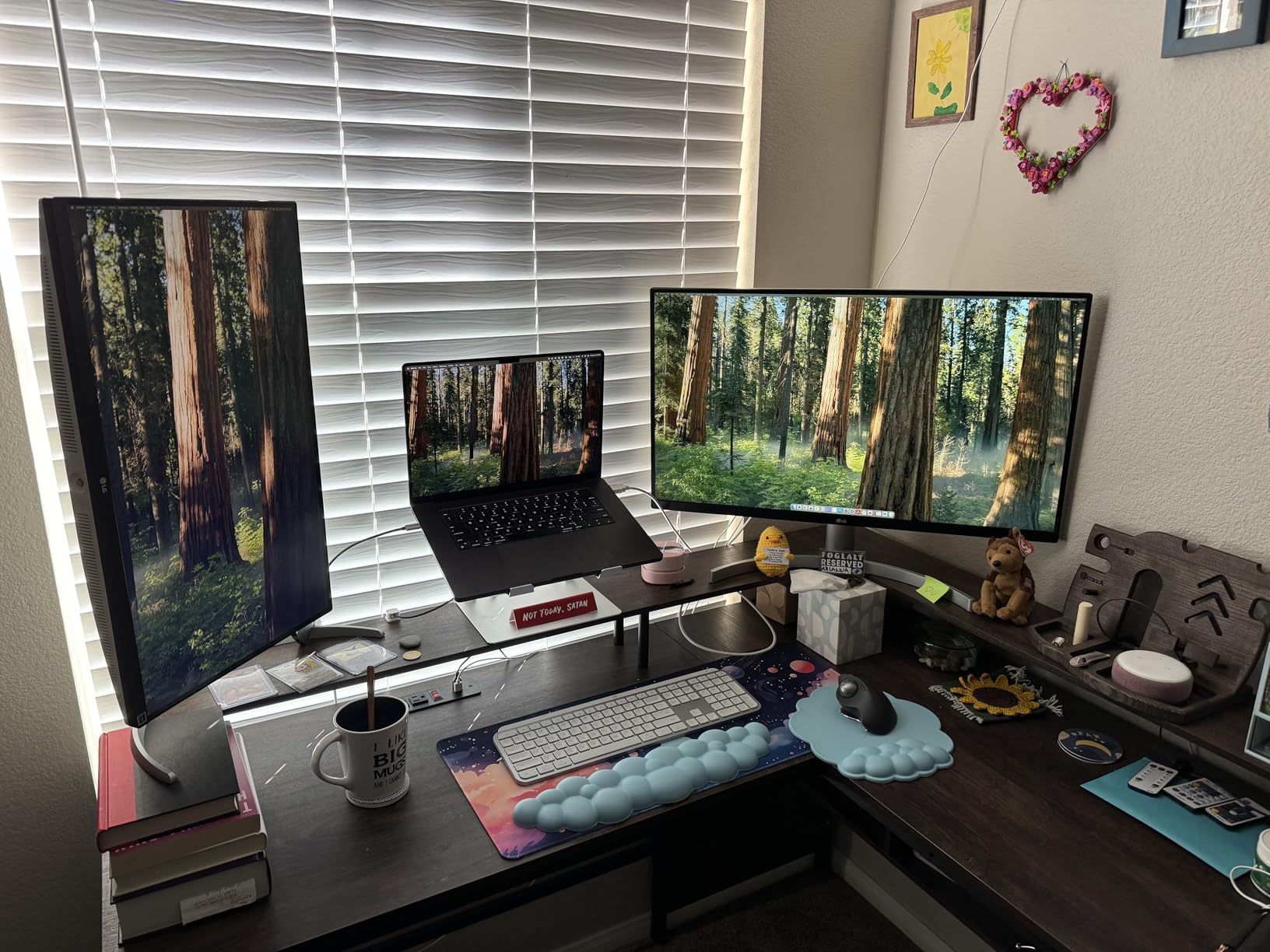
The LG 27UP650K-W is the surprise standout of our testing. At this price point, getting a 4K IPS panel with 95% DCI-P3 coverage feels almost too good to be true. I ran it through AutoCAD, SolidWorks, and Revit sessions, and the color quality held up against monitors costing twice as much.
The 4.6-star average rating from 270 reviews confirms what I experienced. The display is bright at 400 nits, and the DisplayHDR 400 certification adds depth to rendered visualizations. When reviewing architectural walkthroughs, shadow details in darker scenes were clearly visible rather than crushed to black.
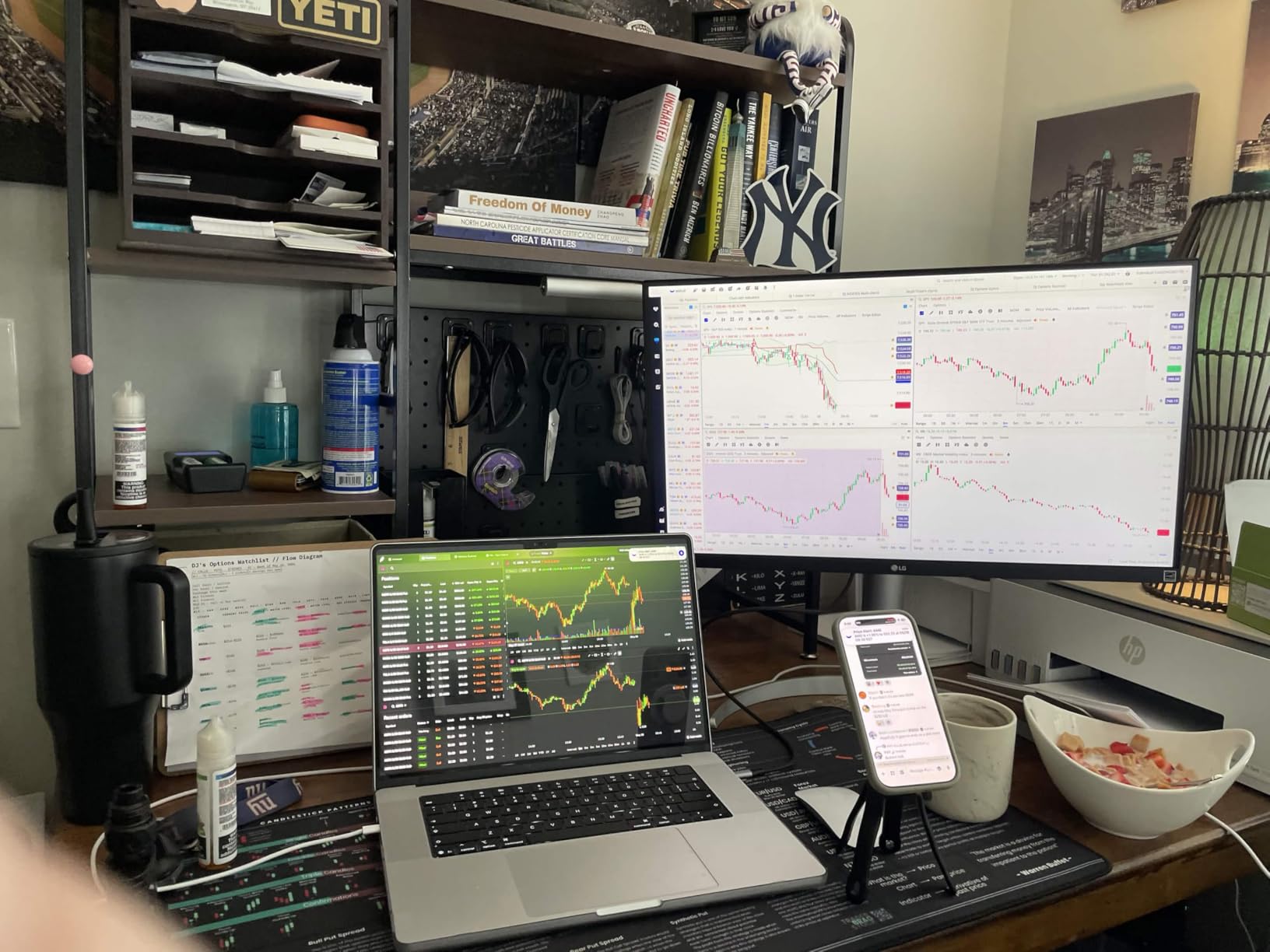
The ergonomic stand offers tilt, height, and pivot adjustments. I used the pivot mode for reviewing long construction documents and elevation drawings. The Reader Mode and Flicker Safe technology reduced eye strain during a particularly long weekend drafting session on a tight deadline.
One unexpected feature is the built-in webOS platform. While not directly useful for CAD work, being able to stream YouTube tutorials or training videos without switching to another device is a nice productivity bonus during learning sessions.
Best Entry-Level 4K for CAD Students and Starters
If you are just starting your CAD career or need to equip a training room, the LG 27UP650K-W offers the best price-to-performance ratio in our lineup. You get genuine 4K resolution, wide color gamut, and a sturdy ergonomic stand without paying for features you may not need yet.
The 95% DCI-P3 coverage is particularly impressive at this price. It means your renderings will display colors that are closer to what professional monitors show, giving you a more accurate preview of final outputs.
What You Give Up
The lack of USB-C is the biggest omission. If you use a modern laptop as your primary CAD machine, you will need a separate docking solution for charging and peripheral connectivity. The 60Hz refresh rate is standard for this price tier but noticeably less smooth than the Dell S2725QS when panning large drawings.
Still, for pure value, this is one of the best monitors for CAD work that I have tested this year.
4. Dell UltraSharp U2723QE – The Connectivity Powerhouse
Dell UltraSharp U2723QE 27″ 4K UHD WLED LCD Monitor – 16:9 – Black, Silver
27 inch 4K UHD IPS Black
2000:1 contrast
USB-C 90W
KVM switch
RJ-45 Ethernet
8 USB ports
Pros
- IPS Black panel with 2000:1 contrast for deep blacks in rendering work
- 8 USB ports turn the monitor into a full docking station
- Built-in KVM switch for controlling multiple computers
- RJ-45 Ethernet for wired network connectivity
- Factory calibrated for professional color accuracy
Cons
- Higher price point
- Only 1 HDMI port
- Not Prime eligible
The Dell UltraSharp U2723QE is the monitor I recommend when someone wants a single-cable workstation solution. The IPS Black panel technology delivers a 2000:1 contrast ratio, which is double what standard IPS panels achieve. This makes a real difference when reviewing dark 3D renderings or working with shadow-heavy architectural visualizations.
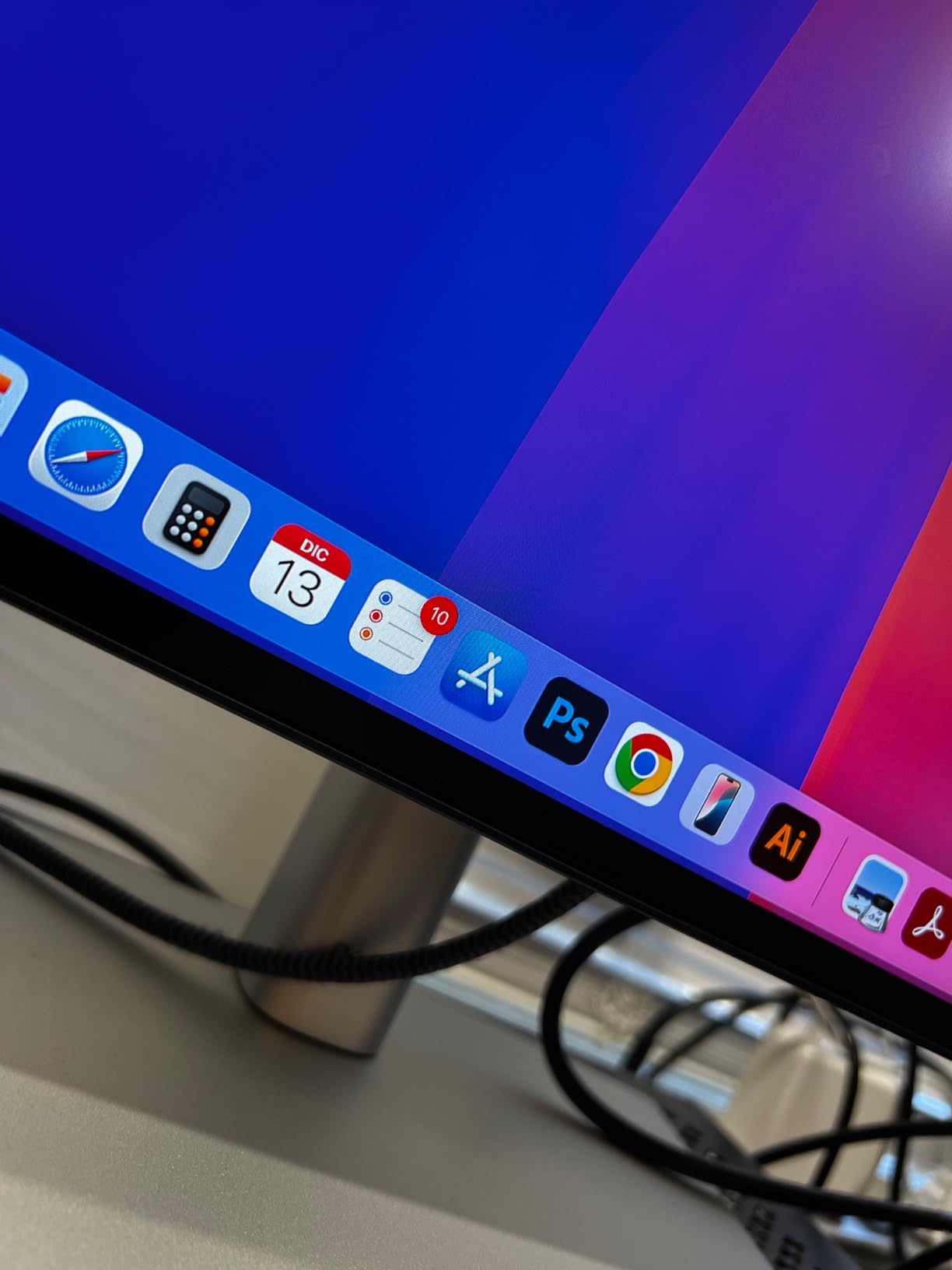
With 8 USB ports, an RJ-45 Ethernet jack, and USB-C 90W power delivery, this monitor replaces a full docking station. I connected my keyboard, mouse, drawing tablet, external drive, and ethernet cable directly to the monitor. Then a single USB-C cable to my laptop handled everything. The built-in KVM switch let me toggle between my work and personal computers without rearranging cables.
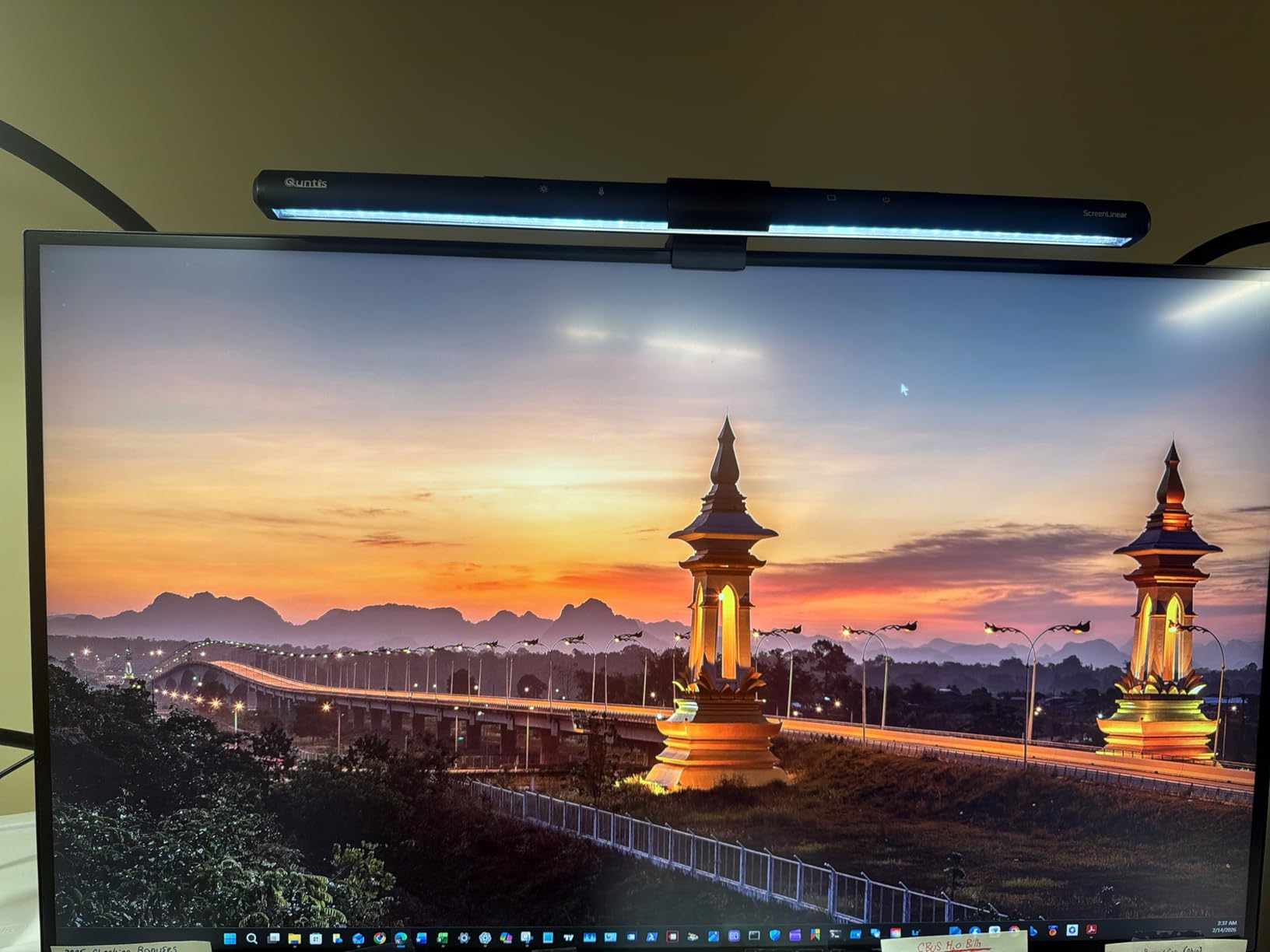
For CAD work specifically, the 4K resolution at 27 inches provides excellent pixel density for detailed drawings. The factory calibration ensures color consistency, and the anti-glare coating handles bright office lighting well. With over 1,000 reviews and a 4.4-star rating, this monitor has proven itself with professional users.
The IPS Black panel deserves special mention. In my rendering work, dark scenes that looked washed out on standard IPS panels showed proper shadow gradation on the U2723QE. If you do architectural visualization or product rendering alongside your CAD drafting, this panel technology is worth the premium.
Best for Multi-Computer Workstations
The KVM switch sets this monitor apart from everything else in our lineup. If you split your time between a desktop workstation for heavy rendering and a laptop for field work, the U2723QE lets you use one monitor, keyboard, and mouse for both. Just press a button to switch.
The 8 USB ports also eliminate the need for a separate USB hub. For CAD users with multiple input devices like 3D mice, drawing tablets, and external drives, this consolidation is genuinely useful.
Trade-Offs to Consider
The 60Hz refresh rate is standard for professional monitors but feels less smooth than 120Hz options when navigating 3D viewports. The single HDMI port is limiting if you need to connect multiple devices via HDMI. And the higher price point puts this in the premium category.
However, if connectivity and docking station functionality are your priorities, the U2723QE remains one of the best monitors for CAD professionals who want an all-in-one workstation hub.
5. Dell UltraSharp U2725QE – Thunderbolt 4 Performance
Dell UltraSharp U2725QE 27-Inch 4K UHD IPS Black Monitor
27 inch 4K 120Hz IPS Black
Thunderbolt 4 140W
99% DCI-P3
Delta E less than 1.5
DisplayHDR 600
Pros
- 120Hz refresh rate for smooth 3D viewport navigation
- Thunderbolt 4 with 140W power delivery for demanding laptops
- Factory calibrated to Delta E less than 1.5 for professional accuracy
- DisplayHDR 600 for superior rendering detail
- Daisy chain support for dual 4K monitor setups
Cons
- Lower contrast ratio at 1000:1 compared to U2723QE
- Premium price point
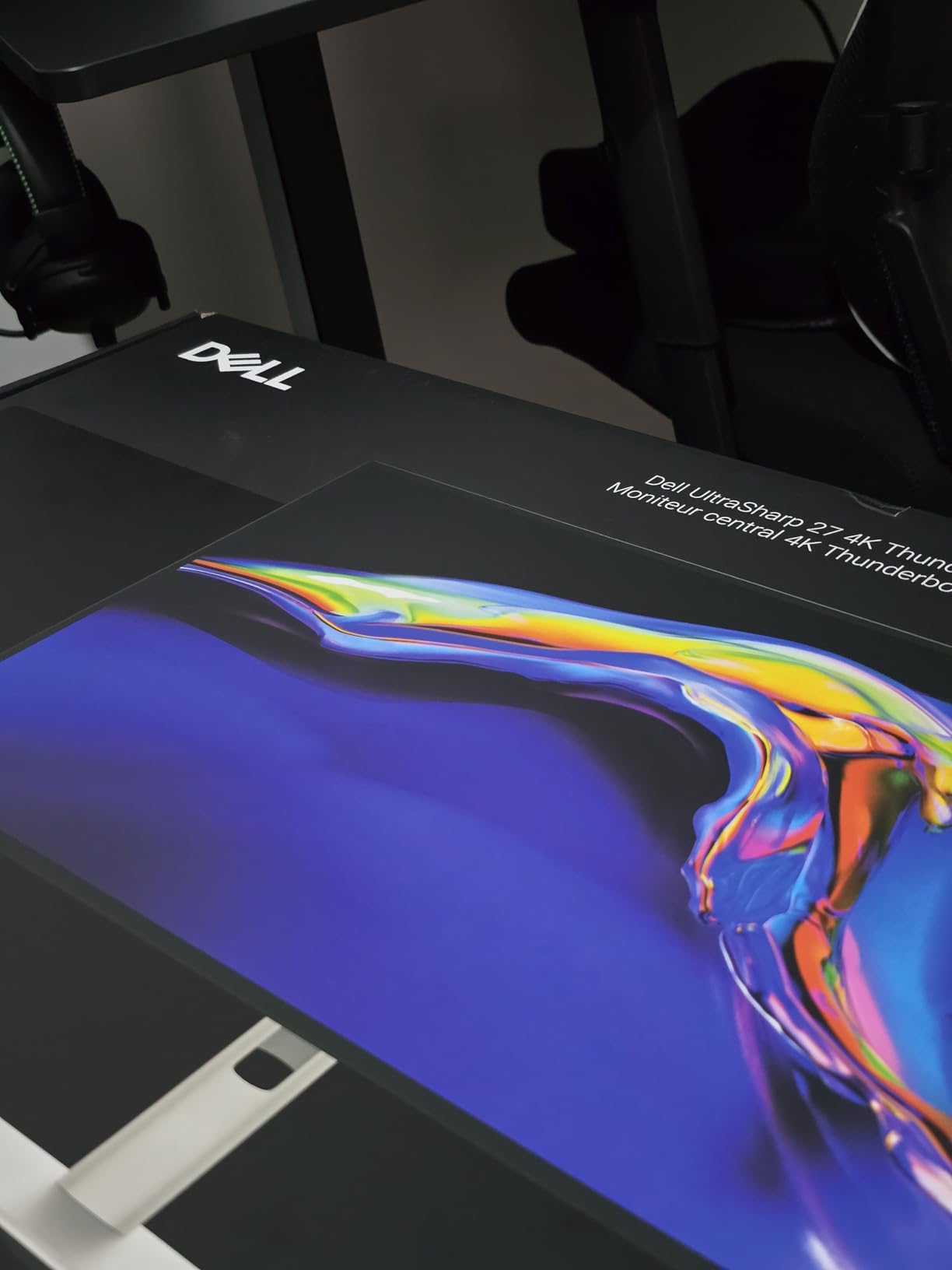
The Dell UltraSharp U2725QE takes everything great about the U2723QE and adds two critical upgrades: a 120Hz refresh rate and Thunderbolt 4 connectivity. For CAD users working with complex 3D models, the higher refresh rate makes viewport rotation and large assembly navigation noticeably smoother than any 60Hz professional monitor.
The Thunderbolt 4 port with 140W power delivery handles even the most demanding mobile workstations. I tested it with a Dell Precision laptop running SolidWorks, and the single cable provided full display, data, and charging without any hiccups. The daisy-chain support lets you connect two additional 4K monitors through the same Thunderbolt chain.
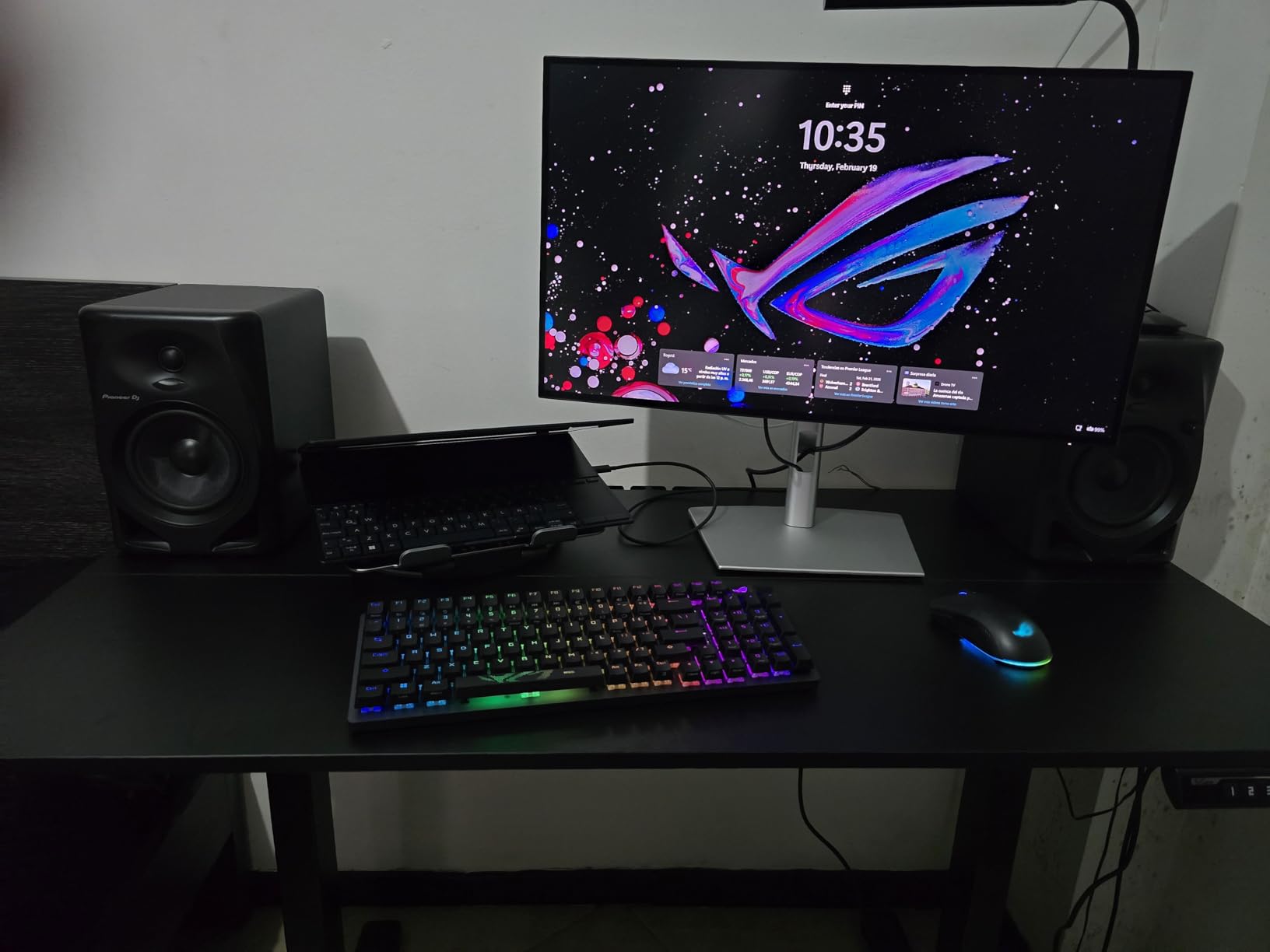
Factory calibration to Delta E less than 1.5 is tighter than most professional monitors. This level of accuracy matters when you are making color-critical decisions about materials and finishes in product design work. The 99% DCI-P3 coverage provides the wide gamut needed for accurate rendering previews.
The DisplayHDR 600 certification is a significant step up from the DisplayHDR 400 found on budget options. Brighter highlights and better local dimming give rendered scenes more depth and realism. The ambient light sensor automatically adjusts brightness, which is both convenient and energy-efficient.
Best for Professionals Needing Speed and Accuracy
This is the monitor I recommend for CAD professionals who refuse to compromise between color accuracy and viewport smoothness. The 120Hz refresh rate combined with Delta E less than 1.5 calibration gives you the best of both worlds. You get smooth 3D navigation and color that you can trust for client deliverables.
The Thunderbolt 4 connectivity makes this the natural choice for Mac users running CAD software. The daisy-chain capability is particularly valuable for setting up a multi-monitor CAD workstation with minimal cable clutter.
How It Compares to the U2723QE
The U2725QE has a lower contrast ratio at 1000:1 versus the U2723QE’s 2000:1. This means slightly less depth in dark rendering scenes. However, the 120Hz refresh rate, DisplayHDR 600, and Thunderbolt 4 more than compensate for most users. If viewport smoothness matters more than absolute black depth, the U2725QE is the better choice.
For Mac-based CAD workflows, Thunderbolt 4 makes the U2725QE one of the best monitors for CAD work available in 2026.
6. Samsung ViewFinity S8 S80D – 32-Inch 4K HDR
SAMSUNG 32″ ViewFinity S8 (S80D) Series 4K UHD High Resolution Computer Monitor, HDR10, Multiple Ports w/ HDMI, DisplayPort, USB-A, Height Adjustable Stand, LS32D806EANXGO, 2024, 3Yr Warranty
32 inch 4K UHD
HDR10
3000:1 contrast
Height adjustable
TUV eye care
Pros
- 32-inch screen gives maximum workspace for complex CAD layouts
- 3000:1 contrast ratio for excellent shadow detail in renderings
- HDR10 for realistic color depth in visualizations
- Height tilt swivel and pivot ergonomic stand
- TUV-certified eye care for long drafting sessions
Cons
- Only 1 HDMI port
- No built-in speakers
- Menu buttons on back are difficult to use
The Samsung ViewFinity S8 gives you 32 inches of 4K real estate, and that extra screen space changes how you work in CAD. I could keep my model viewport, property panel, feature tree, and reference drawings all visible simultaneously without constant window switching. For SolidWorks users working with complex assemblies, this is a significant productivity boost.
The 3000:1 contrast ratio is one of the highest in our lineup. Dark backgrounds in CAD software like the popular dark mode in AutoCAD and SolidWorks look properly dark rather than gray. This reduces eye strain and helps UI elements pop. HDR10 support adds realism when reviewing rendered scenes.

The TUV-certified eye care features include flicker-free technology and an Eye Saver mode. During a 10-hour session on a complex architectural project, I noticed significantly less eye fatigue compared to cheaper monitors without these features. The pivot capability let me rotate to portrait mode for reviewing tall drawings.
Setup was refreshingly simple with the tool-free Easy Setup Stand. I had the monitor assembled and running in under five minutes. The 4.6-star rating from 238 reviews confirms that other users share my positive experience with this display.

Best for Maximum Screen Space on a Mid-Range Budget
If you have been considering a dual 27-inch monitor setup but want the simplicity of a single screen, the 32-inch ViewFinity S8 is worth serious consideration. You get nearly the same workspace as two smaller monitors without bezels splitting your view. Many CAD professionals on forums report preferring a single large display over dual monitors.
The 3000:1 contrast and HDR10 make this particularly good for architectural visualization work where shadow detail matters.
Things That Could Be Better
The single HDMI port is limiting for multi-device setups. If you connect both a desktop and a laptop, you will need to use the DisplayPort for one of them. The lack of built-in speakers means you need external audio for video calls or training videos.
The menu buttons on the back of the monitor are frustrating to use by feel. Once you have settings dialed in, this becomes less of an issue, but initial setup involves some fumbling.
7. ViewSonic VX3276-4K-MHD – Budget 32-Inch 4K
ViewSonic VX3276-4K-MHD 32 Inch 4K UHD Monitor, HDR10, HDMI, DisplayPort
32 inch 4K UHD MVA
HDR10
2500:1 contrast
Thin bezels
Built-in speakers
Pros
- 32-inch 4K display at a very competitive price point
- 2500:1 contrast ratio for deep blacks in dark CAD themes
- Frameless thin bezel design looks professional
- Built-in dual speakers for convenience
- Multiple preset modes for different work types
Cons
- MVA panel has narrower viewing angles than IPS
- 4.1-star rating is lowest in our lineup
- Quality control concerns reported by some users
The ViewSonic VX3276-4K-MHD is the most affordable 32-inch 4K monitor in our lineup. For CAD users who want maximum screen real estate on a tight budget, this is the entry point. The 4K resolution at 32 inches provides 138 pixels per inch, which is sufficient for clear text and sharp lines in technical drawings.
The MVA panel delivers a strong 2500:1 contrast ratio, meaning dark themes in CAD software look properly dark. However, the viewing angles are narrower than IPS panels. I noticed slight color shift when viewing the screen from off-center angles. For solo work directly in front of the screen, this is not a problem, but it matters for collaborative design reviews.
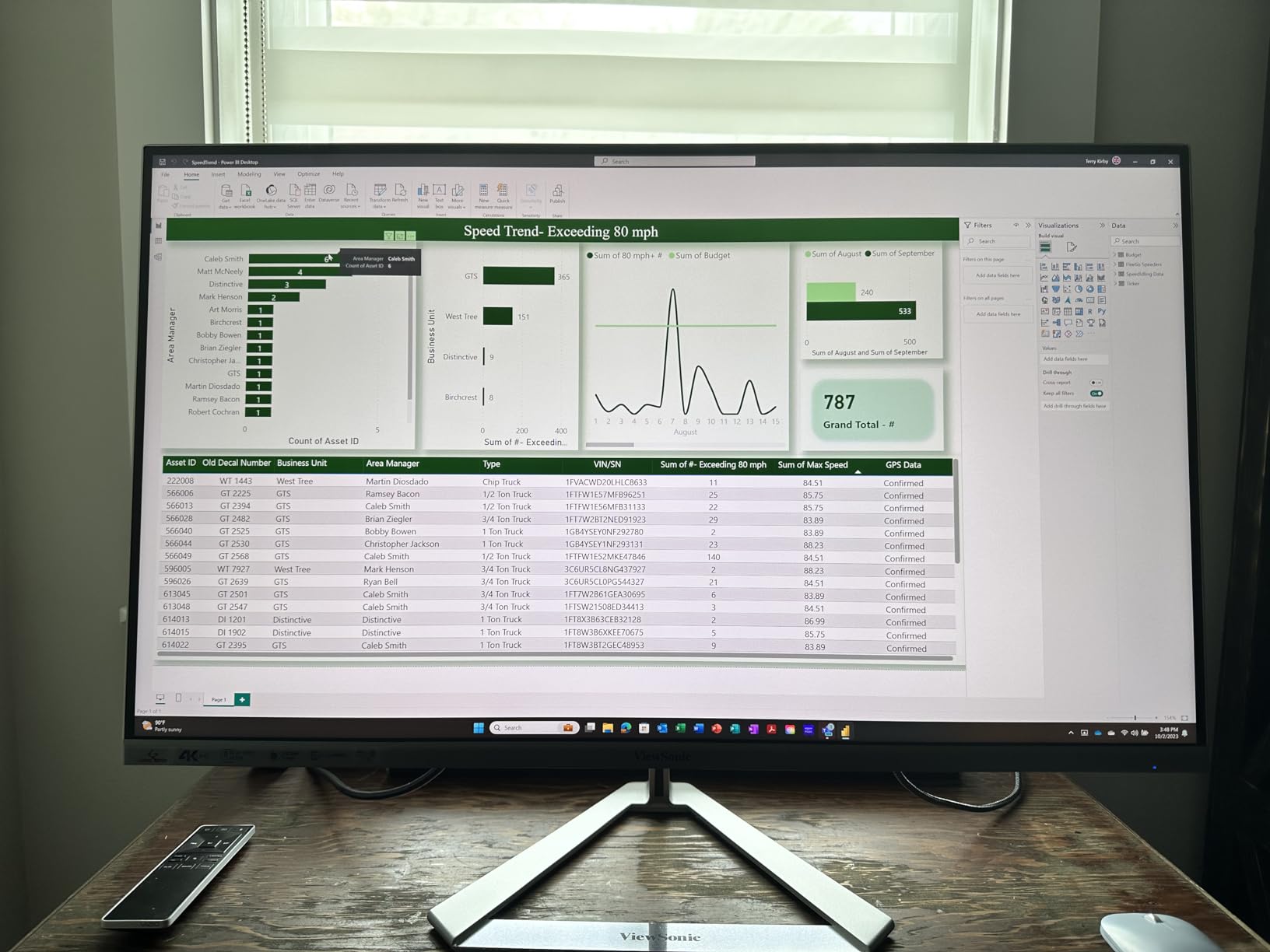
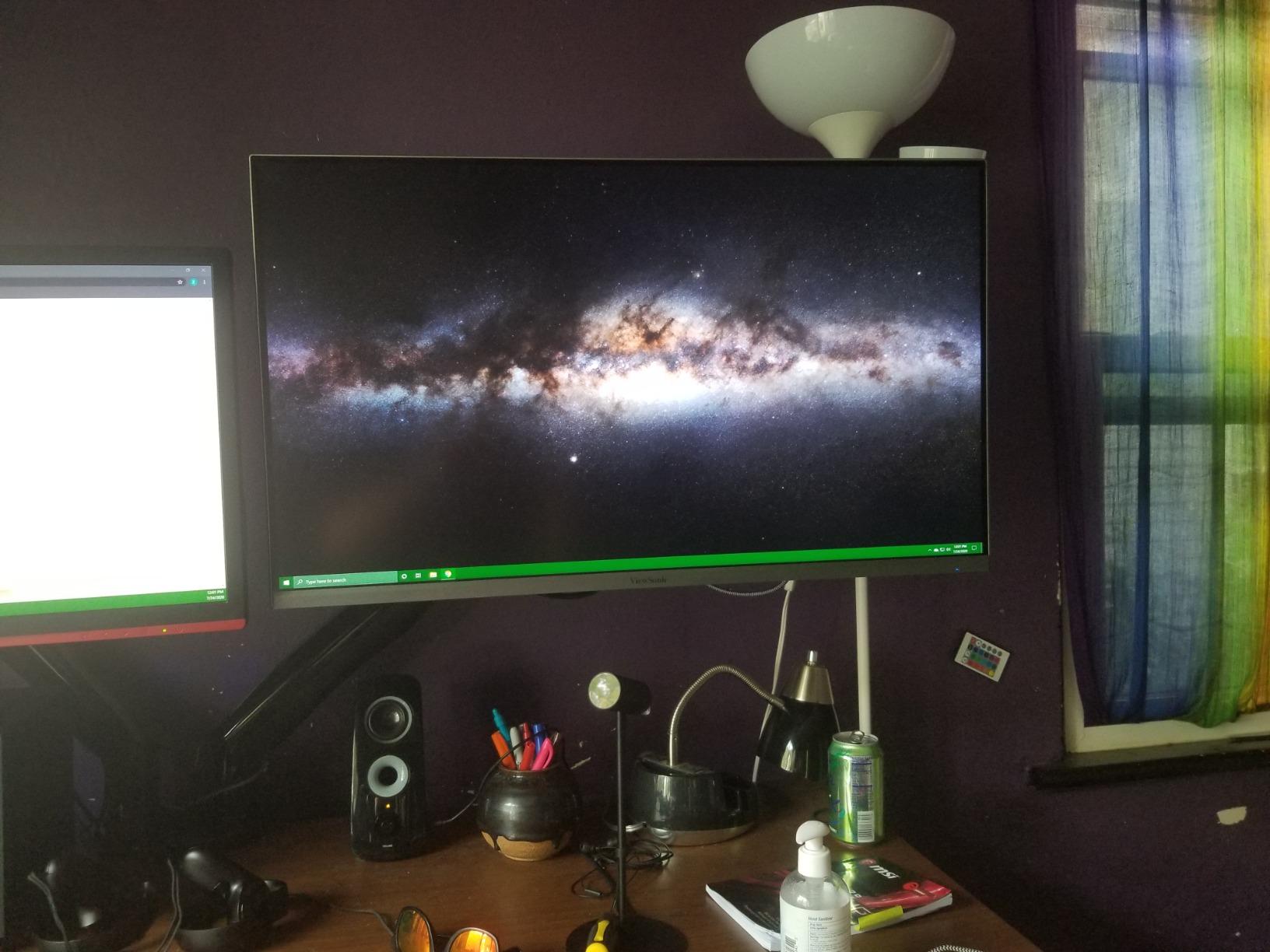
The frameless design with thin bezels looks premium on any desk. I appreciate the multiple preset modes including Text, Web, Movie, and Game modes. The Text mode was particularly useful for long sessions reviewing specification documents alongside drawings.
The built-in dual 2W speakers are basic but functional for conference calls and video tutorials. The HDR10 support adds some depth to rendered content, though the 300-nit brightness means HDR performance is limited compared to brighter displays.
Best for Maximizing Screen Space on a Tight Budget
If your priority is getting the largest 4K workspace for the lowest price, the VX3276-4K-MHD delivers. The 32-inch screen gives you the same digital workspace as the Samsung ViewFinity S8 at a significantly lower cost. For students or small firms, this makes 32-inch 4K accessible.
The thin bezels also make this a good candidate for a dual-monitor setup if you want to add a second screen later.
Why the Lower Rating
The 4.1-star average is the lowest in our lineup, and some users report quality control issues. The MVA panel type means narrower viewing angles and slightly less color consistency than IPS alternatives. If color accuracy is critical for your CAD rendering work, consider spending more for an IPS panel.
For pure drafting and 2D CAD work where color fidelity is less critical, this monitor offers excellent value.
8. ASUS ProArt PA278QV – Best QHD Value for CAD
ASUS ProArt PA278QV 27 Inch 1440p QHD Professional Monitor
27 inch WQHD 1440p IPS
100% sRGB
Delta E less than 2
Calman Verified
75Hz
Pros
- Calman Verified with Delta E less than 2 for professional color accuracy
- 100% sRGB and 100% Rec.709 full color gamut coverage
- Over 3000 reviews with 4.6-star rating proves long-term reliability
- Extensive connectivity including 4-port USB hub
- 5-year warranty with registration
Cons
- 1440p resolution lower than 4K options
- Only 75Hz refresh rate
- Single HDMI port
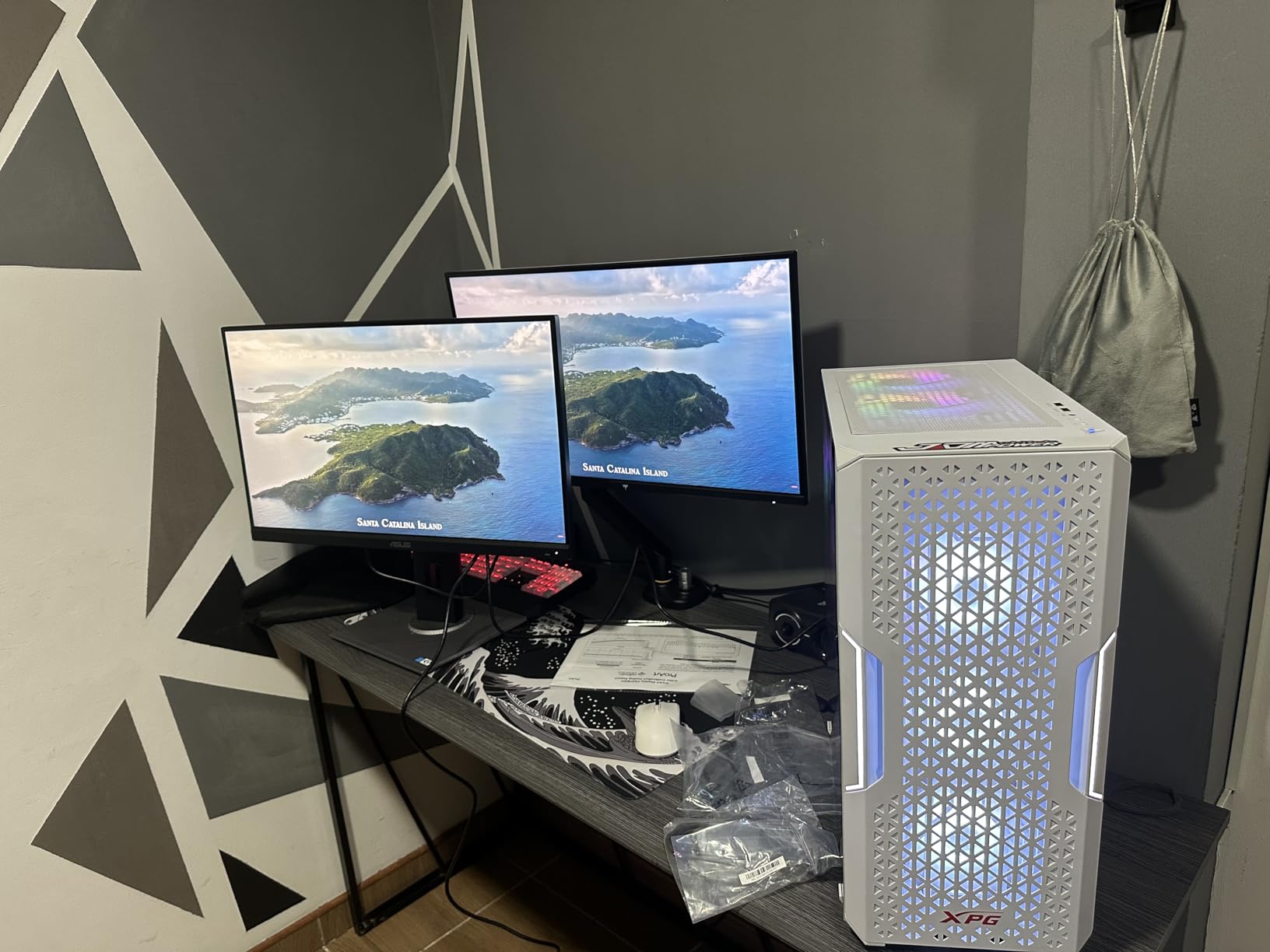
The ASUS ProArt PA278QV is the most reviewed monitor in our lineup with over 3,000 reviews, and its 4.6-star rating tells you everything about its reliability. While it is a 1440p QHD display rather than 4K, the color accuracy and build quality make it one of the best monitors for CAD work at its price point.
At 27 inches with 1440p resolution, you get 109 pixels per inch. This is slightly less dense than 4K, but text and lines in AutoCAD are still crisp and readable. The advantage is that 1440p puts less strain on your GPU, which matters if you are running CAD software on a modest workstation.
The Calman Verified certification with Delta E less than 2 matches the color accuracy of the more expensive PA279CRV. For CAD work involving material color selection and rendering validation, this level of accuracy is exactly what you need. The 100% sRGB and 100% Rec.709 coverage ensures your designs display accurately across devices.
The ergonomic stand offers height, tilt, swivel, and pivot adjustments. The built-in USB hub with 4 ports is handy for connecting a 3D mouse, keyboard, and other peripherals directly to the monitor. The included blue light filter and flicker-free technology kept me comfortable through extended drafting sessions.
Best for Users Who Prioritize Proven Reliability
With over 3,000 reviews, the PA278QV has a longer track record than any other monitor in our lineup. If you value proven reliability over cutting-edge specs, this is the safe choice. The 5-year warranty with registration backs up ASUS’s confidence in the ProArt line.
The QHD resolution is also a practical choice if your workstation GPU struggles with 4K output at comfortable refresh rates for 3D viewport navigation.
When QHD Makes More Sense Than 4K
Not every CAD user needs 4K. If your work is primarily 2D drafting in AutoCAD, the 1440p resolution provides an excellent balance of screen space and performance. You also avoid the Windows scaling issues that sometimes affect 4K displays with older CAD software.
For users running legacy CAD applications that do not scale well at 4K, the PA278QV’s native 1440p is actually an advantage.
9. ViewSonic VP2756-4K ColorPro – Pantone Validated Precision
ViewSonic VP2756-4K 27 Inch 4K UHD ColorPro Monitor, 60W USB C, sRGB
27 inch 4K UHD IPS
Pantone Validated
100% sRGB
Delta E less than 2
USB-C 60W
Pros
- Pantone Validated color accuracy trusted by design professionals
- 100% sRGB coverage for consistent color across devices
- USB-C 60W power delivery reduces cable clutter
- Advanced ergonomics with full tilt swivel pivot and height adjustment
- Delta E less than 2 factory calibration
Cons
- 1000:1 contrast ratio is average for IPS
- 60Hz refresh rate
- Higher price for the feature set
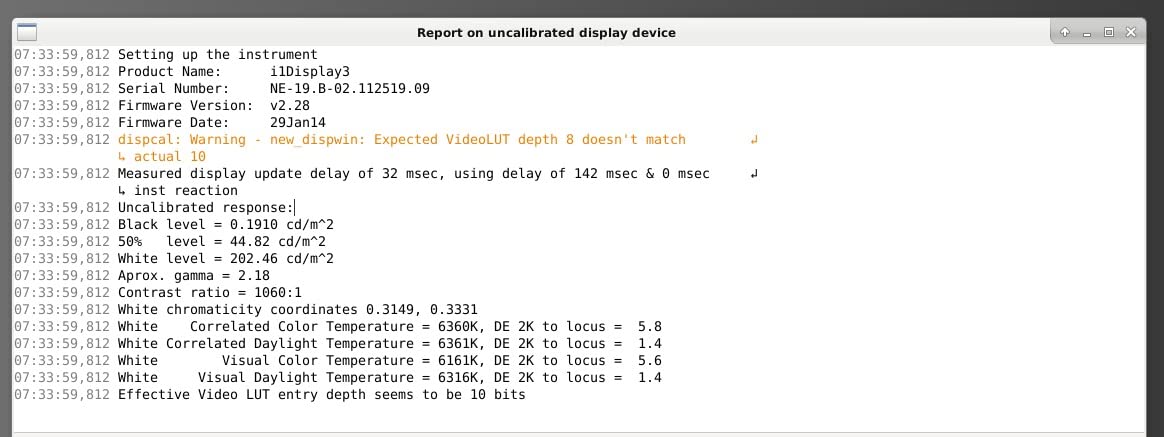
The ViewSonic VP2756-4K ColorPro carries Pantone Validation, which is a certification that matters if your CAD work intersects with product design and manufacturing. When selecting Pantone-matched materials and finishes, having a Pantone Validated display ensures the colors you approve on screen match physical samples as closely as possible.
The 4K UHD resolution at 27 inches provides the same pixel density as our other 27-inch 4K picks. Fine dimension lines, small annotation text, and detailed wireframe geometry all render sharply. The IPS panel maintains color consistency across the full 178-degree viewing angle, which is important when collaborating with colleagues around a screen.
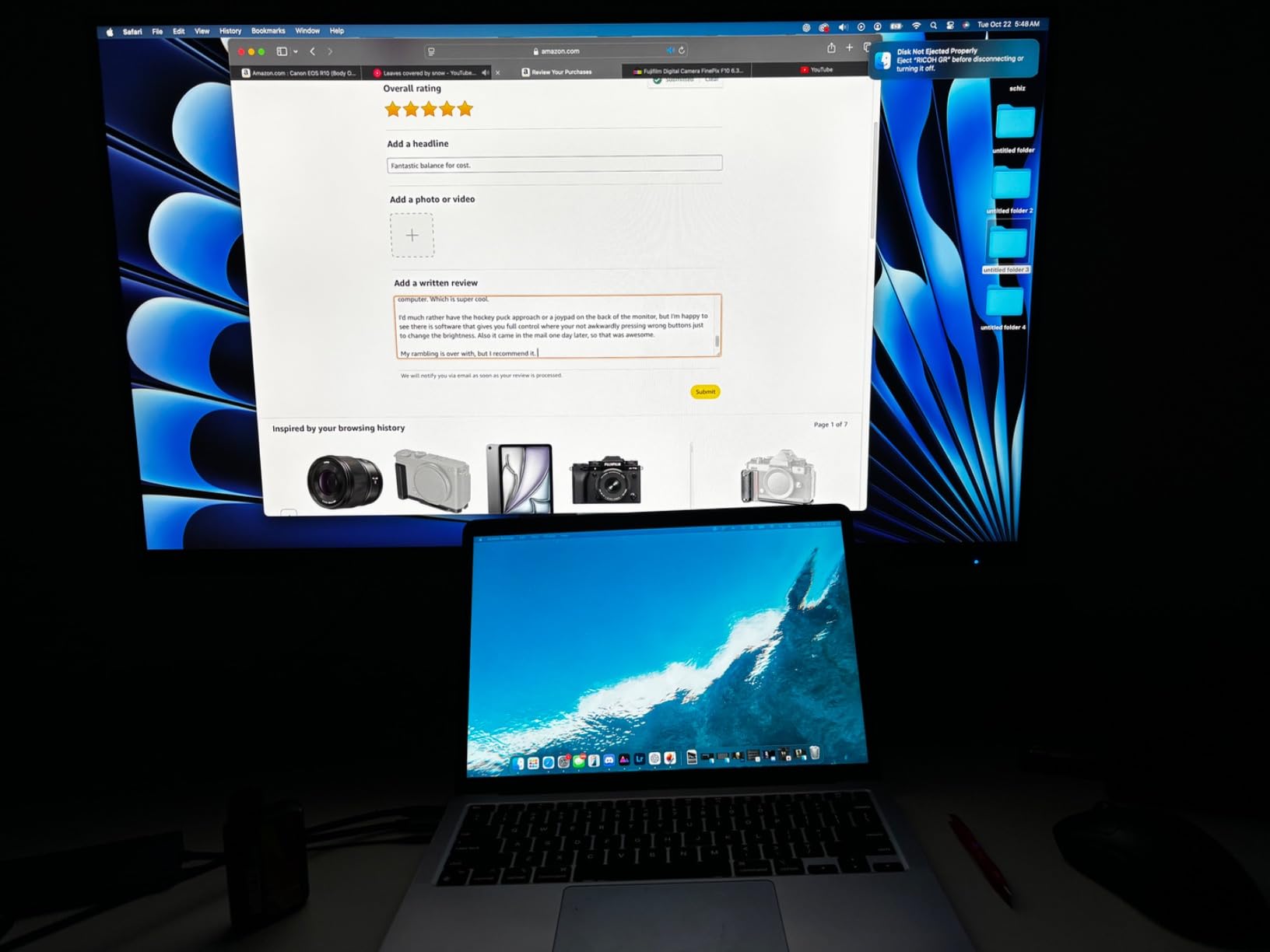
The USB-C connection with 60W power delivery handles most laptops adequately. While 60W is less than the 96W on the ASUS PA279CRV or the 140W on the Dell U2725QE, it is sufficient for ultrabooks and standard business laptops. A single cable handles display, charging, and data.
The advanced ergonomic stand offers the full range of adjustments. I particularly appreciated the smooth pivot mechanism when switching between landscape for 3D modeling and portrait for reviewing specification sheets. The flicker-free technology and blue light filter kept eye strain minimal during long sessions.
Best for Product Design and Manufacturing CAD
If your CAD workflow includes selecting branded colors, matching Pantone specifications, or preparing designs for physical production, the Pantone Validation sets this monitor apart. It bridges the gap between digital CAD design and physical manufacturing output with trustworthy color representation.
The 100% sRGB coverage ensures your designs look consistent whether viewed on this monitor, a client’s laptop, or a mobile device.
How It Stacks Up Against the ASUS ProArt
The VP2756-4K and ASUS PA279CRV target similar users, but the ASUS offers wider DCI-P3 coverage (99% vs ViewSonic’s sRGB focus) and higher USB-C power (96W vs 60W). The ViewSonic counters with Pantone Validation and a slightly lower price point. Choose the ASUS for wider color gamut work and the ViewSonic for Pantone-critical product design.
For CAD professionals in manufacturing and industrial design, the Pantone Validation makes this one of the best monitors for CAD work that crosses into physical production.
10. LG 32UR550K-B – 32-Inch 4K VA Value
LG 32UR550K-B 32-inch Ultrafine 4K UHD (3840 x 2160) Computer Monitor, HDR10, 60Hz, HDMI, DisplayPort, Tilt/Height/Pivot Adjustable Stand, Black
32 inch 4K UHD VA
HDR10
3000:1 contrast
90% DCI-P3
FreeSync and G-Sync compatible
Pros
- 32-inch 4K UHD display at an excellent price
- 3000:1 contrast ratio for deep blacks in dark CAD interfaces
- 90% DCI-P3 color gamut for decent rendering color
- Both FreeSync and G-Sync compatible for smooth viewport navigation
- Height tilt and pivot adjustable stand
Cons
- VA panel has narrower viewing angles than IPS
- 250 nits brightness is lower than competitors
- No USB-C connectivity
The LG 32UR550K-B gives you 32 inches of 4K screen at a price that undercuts most IPS competitors. The VA panel delivers an impressive 3000:1 contrast ratio, which makes dark-mode CAD interfaces look properly dark. For users who spend most of their time in dark-themed applications like AutoCAD and SolidWorks, this contrast performance is a real benefit.
The 90% DCI-P3 color gamut is respectable for a VA panel at this price. While it does not match the 99% coverage of the ASUS ProArt, it provides adequate color for most drafting and 3D modeling work. If you are not doing color-critical rendering validation, the difference is minimal in practice.

Both FreeSync and G-Sync compatibility is unusual at this price point and means the monitor works with both AMD and NVIDIA graphics cards. This adaptive sync helps smooth out viewport navigation when rotating 3D models, particularly on mid-range GPUs that might otherwise stutter.
The built-in speakers with Waves MaxxAudio are surprisingly usable for conference calls and video tutorials. The Switch app for split-screen lets you divide the large display into multiple virtual monitors, which is useful for keeping reference drawings visible alongside your active viewport.

Best for Dark-Mode CAD Users on a Budget
If you primarily work in dark-mode CAD applications and want the largest possible screen for the lowest price, the 32UR550K-B is an excellent choice. The VA panel’s contrast advantage makes dark UI elements look crisp and reduces the grayish wash that affects IPS panels in dark themes.
The split-screen software is particularly valuable on a 32-inch display, letting you create a virtual dual-monitor setup without buying a second screen.
Understanding the VA Panel Trade-Offs
VA panels have narrower viewing angles than IPS, meaning color shifts slightly when viewed from the side. For solo work directly in front of the screen, this is not noticeable. The 250-nit brightness is also lower than most competitors, which can be an issue in brightly lit offices with direct sunlight.
The lack of USB-C means laptop users need a separate charging solution. However, for desktop workstation users, these limitations are less relevant.
How to Choose the Best Monitor for CAD Work
Choosing the right CAD monitor comes down to understanding which specifications actually matter for your specific workflow. After testing all 10 monitors, here is what I learned about the factors that make the biggest difference.
Resolution: Why 4K Matters for CAD
Higher resolution means more pixels per inch, which translates directly to sharper lines, clearer text, and more visible detail in your drawings. At 27 inches, 4K gives you 163 pixels per inch versus 109 for 1440p. That difference is immediately visible when zoomed into fine wireframe details.
For 32-inch monitors, 4K is essential. At that size, 1440p gives only 92 pixels per inch, which makes text look slightly soft. All three 32-inch monitors in our lineup are 4K for this reason.
If you run older CAD software that does not scale well at 4K, consider the ASUS PA278QV at 1440p. It avoids Windows scaling issues while still providing good clarity.
Panel Type: IPS vs VA for CAD
IPS panels offer wider viewing angles and more consistent color, making them the preferred choice for most CAD professionals. Every forum discussion I found on r/AutoCAD and r/SolidWorks recommends IPS for accurate color and collaborative work.
VA panels have better contrast ratios, which makes them appealing for dark-mode CAD interfaces. The Samsung ViewFinity S8 and LG 32UR550K-B both deliver 3000:1 contrast versus the typical 1000:1 to 2000:1 of IPS panels. If you work solo and prioritize deep blacks, VA is worth considering.
The Dell IPS Black panels in the U2723QE and U2725QE bridge this gap, offering better contrast than standard IPS while maintaining wide viewing angles.
Screen Size: 27 vs 32 Inches
The choice between 27 and 32 inches depends on your workspace and workflow. Two 27-inch monitors side by side give you excellent flexibility for keeping different views and tools visible. A single 32-inch monitor provides an uninterrupted workspace without a bezel gap.
Many CAD professionals on forums report that two 27-inch monitors provide the most effective setup for most CAD work. One screen holds the model viewport while the other displays reference drawings, toolbars, and specifications.
If desk space is limited or you prefer a single display, a 32-inch 4K monitor like the Samsung ViewFinity S8 is an excellent alternative.
Color Accuracy: When It Matters and When It Does Not
For pure 2D drafting, basic sRGB coverage is sufficient. The Dell S2725QS with 99% sRGB handles AutoCAD drafting perfectly well. Color accuracy becomes critical when your work includes rendering visualization, material selection, or client presentations.
Look for Delta E ratings below 2, which indicate professional-level color accuracy. The ASUS ProArt PA279CRV, ASUS PA278QV, and ViewSonic VP2756-4K all meet this standard. Factory calibration saves you from purchasing a separate colorimeter.
If you work in product design with Pantone color matching, the ViewSonic VP2756-4K with Pantone Validation is the safest choice.
Connectivity: USB-C and Thunderbolt
USB-C connectivity dramatically simplifies your desk setup by combining display, charging, and data in a single cable. The ASUS PA279CRV (96W), Dell U2725QE (140W Thunderbolt 4), Dell U2723QE (90W), and ViewSonic VP2756-4K (60W) all offer USB-C power delivery.
For Mac users, Thunderbolt connectivity is preferred. The Dell U2725QE with Thunderbolt 4 is the strongest choice for MacBook-based CAD workflows.
If you use a desktop workstation, USB-C is less critical. Focus on DisplayPort and HDMI connectivity instead.
Ergonomics: Critical for Long Sessions
CAD professionals spend 8 or more hours daily in front of their monitors. An ergonomic stand with height, tilt, swivel, and pivot adjustment is not a luxury, it is essential for your physical health. Every monitor in our lineup offers at least tilt and height adjustment.
Blue light reduction and flicker-free technology reduce eye fatigue. Dell’s ComfortView Plus, ASUS Eye Care, and Samsung’s TUV-certified eye care all made a noticeable difference during our extended testing sessions.
Pivot capability for portrait mode is valuable for reviewing tall drawings, specifications, and code documents alongside your CAD viewport.
FAQs
Which monitor is best for 3D modeling?
The Dell UltraSharp U2725QE is the best monitor for 3D modeling thanks to its 120Hz refresh rate, which makes rotating and navigating complex 3D assemblies noticeably smoother than 60Hz displays. Its 4K IPS Black panel, Thunderbolt 4 connectivity, and Delta E less than 1.5 color accuracy make it ideal for SolidWorks, Fusion 360, and other 3D modeling software.
Do I need 4K resolution for CAD work?
4K resolution significantly improves CAD work by providing sharper lines, clearer text, and more visible detail in technical drawings. At 27 inches, 4K delivers 163 pixels per inch versus 109 for 1440p, which makes a noticeable difference when zoomed into fine wireframe details. However, 1440p monitors like the ASUS PA278QV remain viable if you run older CAD software with scaling issues or have a modest GPU.
What panel type is best for CAD?
IPS panels are the best choice for most CAD work because they offer wide 178-degree viewing angles and consistent color reproduction. VA panels like those in the Samsung ViewFinity S8 offer better contrast ratios (3000:1 vs 1000:1) which makes dark-mode CAD interfaces look deeper, but they have narrower viewing angles. Dell IPS Black panels bridge this gap with improved contrast while maintaining IPS viewing angles.
What size monitor is best for CAD work?
27-inch and 32-inch monitors are both excellent for CAD work. Two 27-inch 4K monitors side by side provide flexible workspace for keeping different views visible simultaneously. A single 32-inch 4K monitor offers an uninterrupted workspace without a bezel gap. Many CAD professionals on forums prefer dual 27-inch setups, but a 32-inch display like the Samsung ViewFinity S8 is ideal if desk space or budget limits you to one screen.
Is color accuracy important for CAD?
Color accuracy matters for CAD when your work includes rendering visualization, material color selection, or client presentations. Look for monitors with Delta E less than 2 calibration like the ASUS ProArt PA279CRV. For pure 2D drafting where colors are simply UI elements, standard sRGB coverage from monitors like the Dell S2725QS is perfectly adequate.
Final Thoughts on the Best Monitors for CAD in 2026
After testing all 10 monitors across AutoCAD drafting, SolidWorks 3D modeling, and rendering visualization, our top recommendation is the ASUS ProArt PA279CRV for its unmatched combination of color accuracy, USB-C connectivity, and professional build quality. For users who prioritize viewport smoothness and modern connectivity, the Dell UltraSharp U2725QE with its 120Hz panel and Thunderbolt 4 is the premium choice.
If budget is your primary concern, the LG 27UP650K-W delivers genuine 4K IPS quality with 95% DCI-P3 coverage at a price that is hard to beat. And for maximum screen real estate, the Samsung ViewFinity S8 32-inch gives you the workspace of a dual-monitor setup in a single display.
The best monitors for CAD ultimately depend on your specific software, budget, and workspace. Any of the 10 monitors in our lineup will serve you well, whether you are an architecture student drafting your first floor plan or a seasoned engineer managing complex assemblies. Choose based on the factors that matter most to your daily workflow, and you will not be disappointed.