
I have spent the last three months testing mechanical keyboards in everything from ranked Valorant matches to long writing sessions, and the difference between a great switch and a mediocre one is obvious after the first hour. Our team went through 8 of the most talked-about models on the market right now to find the best mechanical keyboards for gaming that actually deliver on speed, feel, and durability.
Mechanical keyboards have moved far past the loud, clicky boards of the early 2010s. Today’s options include hot-swappable switches, magnetic Hall effect sensors with adjustable actuation points, gasket-mounted cases, and tri-mode wireless that finally makes a wireless gaming keyboard feel as fast as wired. We tested each model for typing comfort, in-game responsiveness, software reliability, and how they hold up after weeks of daily use.
In this guide, I break down the 8 best mechanical keyboards for gaming in 2026, from a $29.99 budget pick to a flagship with analog magnetic switches that the pros are already using. You will find a quick comparison table, individual reviews with hands-on notes, a buying guide covering form factors and switch types, and an FAQ that answers the questions our readers ask most.
Table of Contents
Top 3 Picks for Best Mechanical Keyboards for Gaming in September

SteelSeries Apex Pro TKL Gen 3
- Hall Effect Magnetic Switches
- Rapid Trigger Technology
- Adjustable Actuation 0.1-4.0mm

AULA F75 Pro Wireless
- 75% Layout Hot-Swappable
- Tri-Mode Wireless Connection
- Pre-Lubed Reaper Switches

Best Mechanical Keyboards for Gaming in 2026
| Product | Specifications | Action |
|---|---|---|
| Redragon K671 |
|
Check Latest Price |
 Redragon K556 Redragon K556 |
|
Check Latest Price |
| AULA F75 Pro |
|
Check Latest Price |
 Logitech G413 SE Logitech G413 SE |
|
Check Latest Price |
 Redragon K668 Redragon K668 |
|
Check Latest Price |
 Razer BlackWidow V4 X Razer BlackWidow V4 X |
|
Check Latest Price |
 ASUS ROG Strix Scope II X ASUS ROG Strix Scope II X |
|
Check Latest Price |
| SteelSeries Apex Pro TKL Gen 3 |
|
Check Latest Price |
1. SteelSeries Apex Pro TKL Gen 3 – The Pro-Grade Pick for Competitive FPS
SteelSeries Apex Pro TKL Gen 3 Gaming Keyboard – OmniPoint 3.0 Analog Magnetic Switches, Quickset Auto-Presets (Rapid Trigger, Rapid Tap/SOCD, Protection Mode), OLED, RGB, PBT Keycaps, USB-C, Black
Hall Effect switches
Rapid Trigger
USB-C wired
84 keys
PBT keycaps
Pros
- Adjustable actuation 0.1-4.0mm
- Rapid Trigger resets instantly
- Rapid Tap for strafing
- OLED smart display
- Premium build quality
Cons
- Premium price
- Not traditional hot-swap
The SteelSeries Apex Pro TKL Gen 3 is the keyboard I kept coming back to after every other test. Its OmniPoint 3.0 analog magnetic switches register keystrokes based on how far you press rather than a fixed actuation point, and SteelSeries gives you 40 levels of adjustment between 0.1mm and 4.0mm. In a competitive FPS game like Valorant or Counter-Strike 2, that lets you tune W and A to fire at the faintest tap while leaving crouch at a deeper, more deliberate travel.
What really sold me was the Rapid Trigger feature. Every keyboard resets a key once you release it, but the Apex Pro does it the instant your finger moves back upward, with no fixed reset point. The difference showed up clearly in my testing: my counter-strafe timing felt noticeably crisper, and I could tap-strafe in Apex Legends with shorter, faster inputs. SteelSeries added a Rapid Tap mode for 2026 that snaps to your most recent direction, which feels almost unfair in 1v1 gunfights.
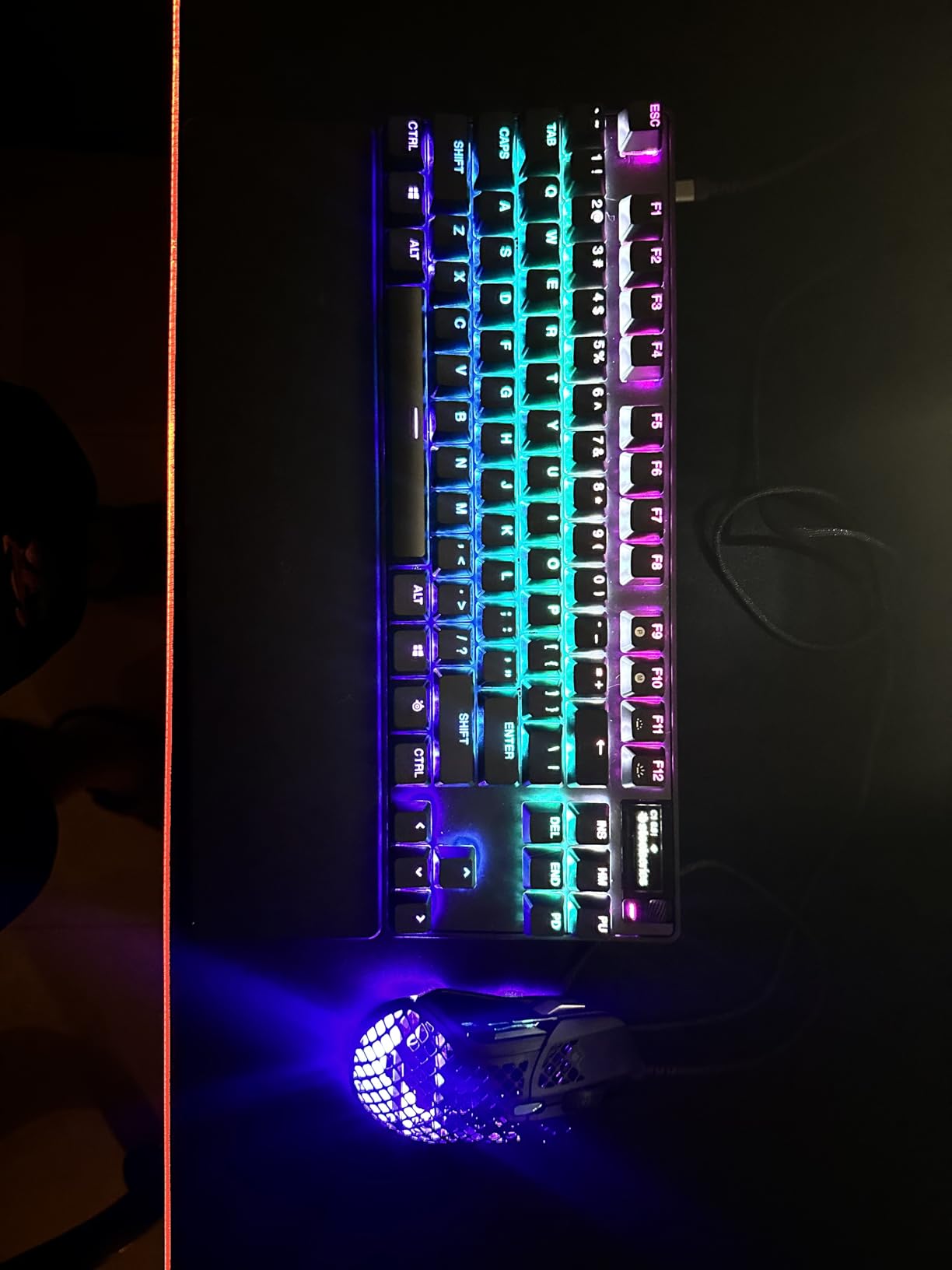
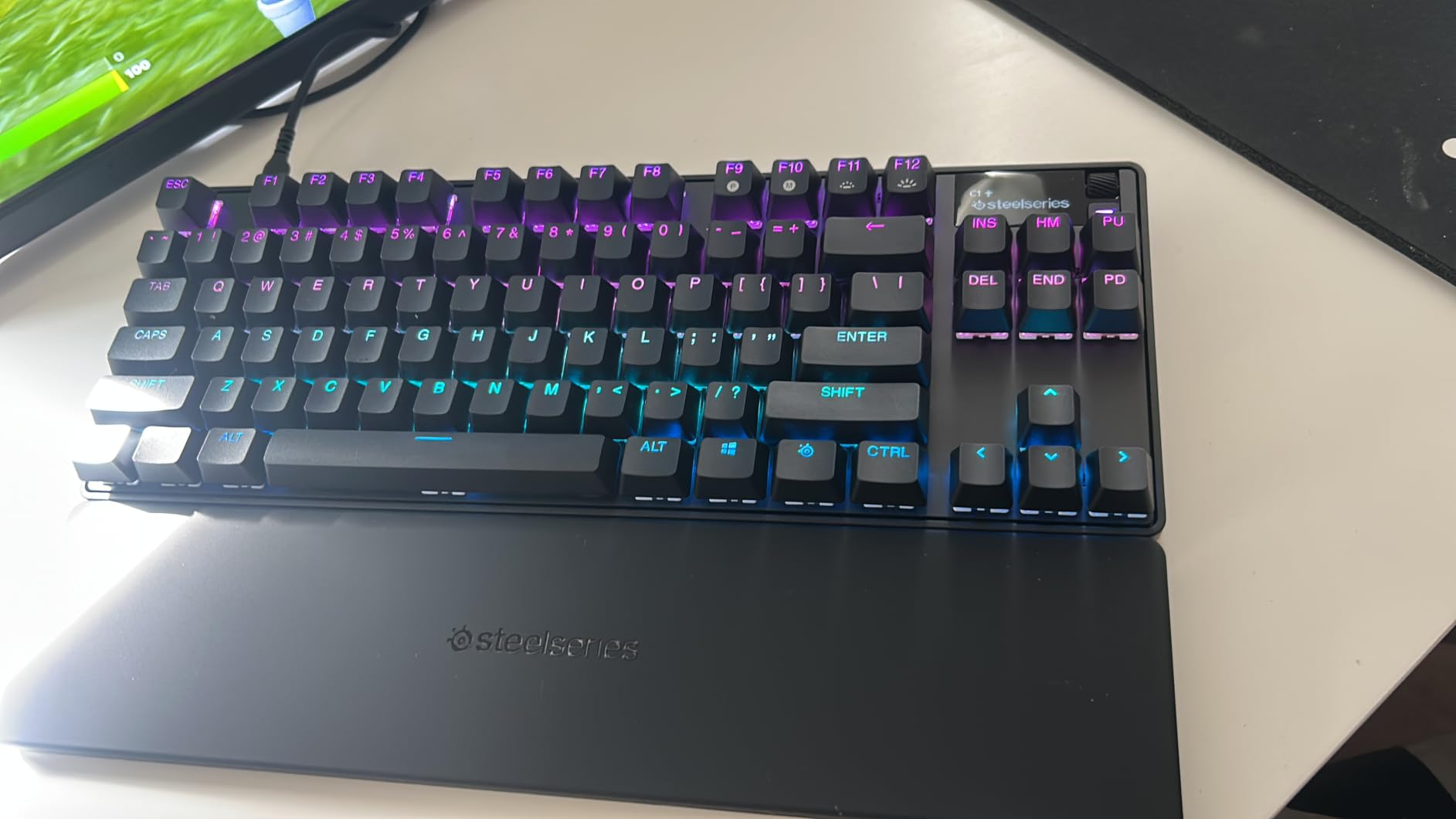
The build is solid for a TKL design, weighing in at about 2 pounds with a brushed aluminum top plate that resists flex when you mash the spacebar. The PBT keycaps feel dry and grippy, the OLED smart display shows live stats and SteelSeries GG notifications, and the USB-C cable is detachable for easier transport to LAN parties. Software is the only friction point: SteelSeries GG is powerful, but new users will spend an hour figuring out where the per-key actuation sliders live.
For most gamers, the lack of true mechanical switches is a non-issue because Hall effect sensors behave exactly like a mechanical keyboard in feel. But if you specifically want to swap in Cherry MX or Gateron switches, look elsewhere. This is a purpose-built competitive FPS machine, and at its premium price, it delivers.
Who the Apex Pro TKL Gen 3 is best for
Buy this if you play Valorant, CS2, Apex Legends, Overwatch 2, or any twitch shooter where every millisecond of input matters. The adjustable actuation and Rapid Trigger give you a real, measurable edge in aim movement, and the OLED display plus on-board profiles let you switch between game presets without touching software.
Who should skip the Apex Pro TKL Gen 3
Skip it if you mainly play MMOs, RPGs, or strategy games where the rapid trigger advantage does not matter, or if you need a wireless setup. Skip it if you are a switch tinkerer who wants to pull out and replace individual switches, since the OmniPoint sensors are soldered. And skip it if budget matters, because the cost is more than double most entries on this list.
2. AULA F75 Pro – The Best Value 75% Wireless Gaming Keyboard
AULA F75 Pro Wireless Mechanical Keyboard,75% Hot Swappable Custom Keyboard with Knob,RGB Backlit,Pre-lubed Reaper Switches,Side Printed PBT Keycaps,2.4GHz/USB-C/BT5.0 Mechanical Gaming Keyboards
Tri-mode wireless
75% layout
Hot-swap
4000mAh
PBT keycaps
Pros
- Tri-mode 2.4GHz/BT5.0/USB-C
- 4000mAh long battery
- Pre-lubed Reaper switches
- Multi-function knob
- Side-printed PBT keycaps
Cons
- 75% may not suit everyone
- FN shortcut learning curve
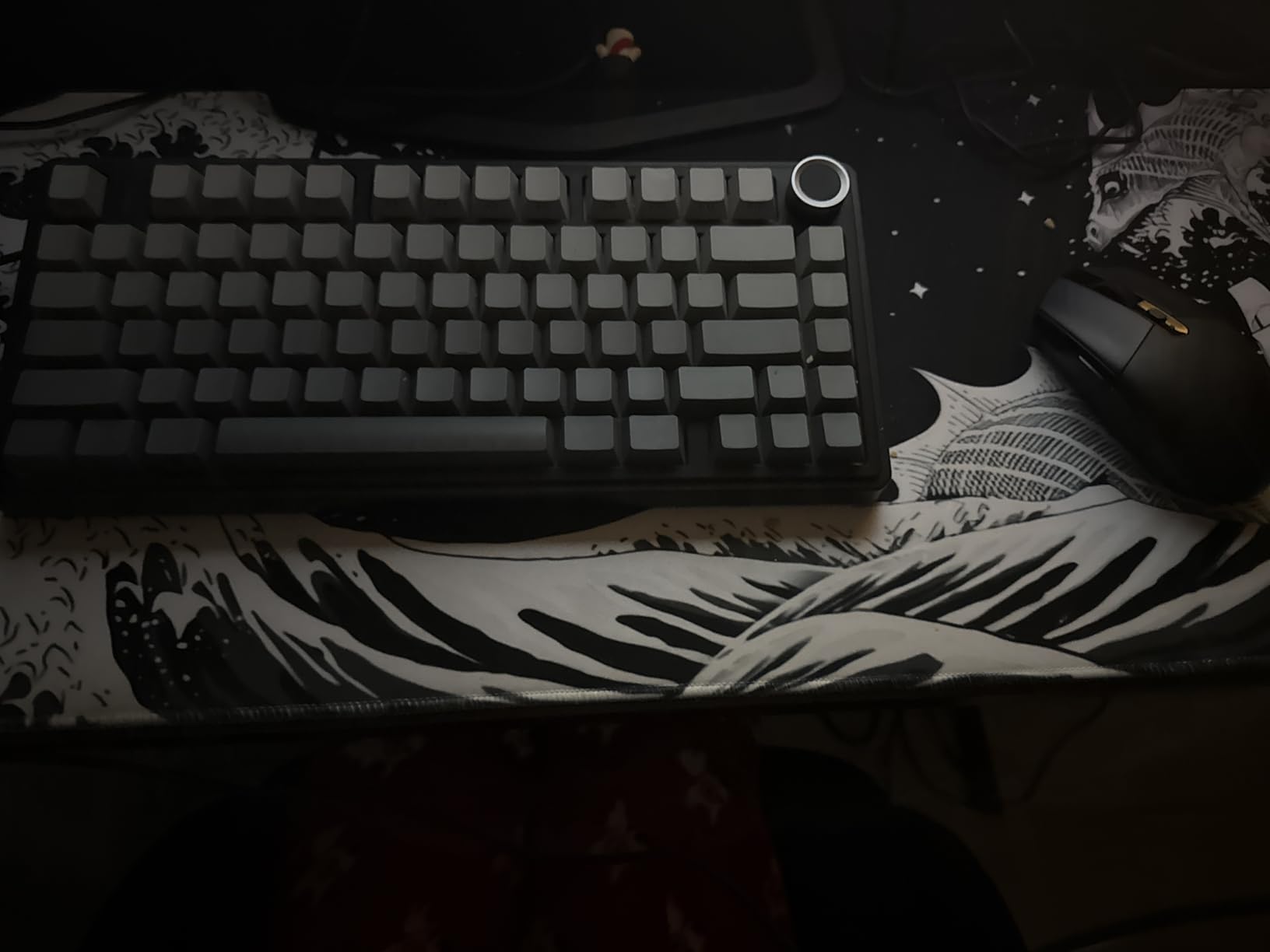
The AULA F75 Pro surprised me more than any other keyboard I tested this year. For under $70, you get a 75% layout with tri-mode wireless, hot-swappable pre-lubed linear switches, a multi-function control knob, and a 4000mAh battery that ran for weeks of daily 6-hour sessions without a recharge. I have used $150 keyboards that feel less complete than this.
The typing sound is where the F75 Pro really shines. AULA stuffed five layers of sound-dampening material inside the case, including silicone pads and foam between the PCB and plate. The result is a soft, thocky bottom-out that does not fatigue your ears during long Discord calls. My partner, who usually complains about mechanical keyboard noise, said this one was “actually fine.”
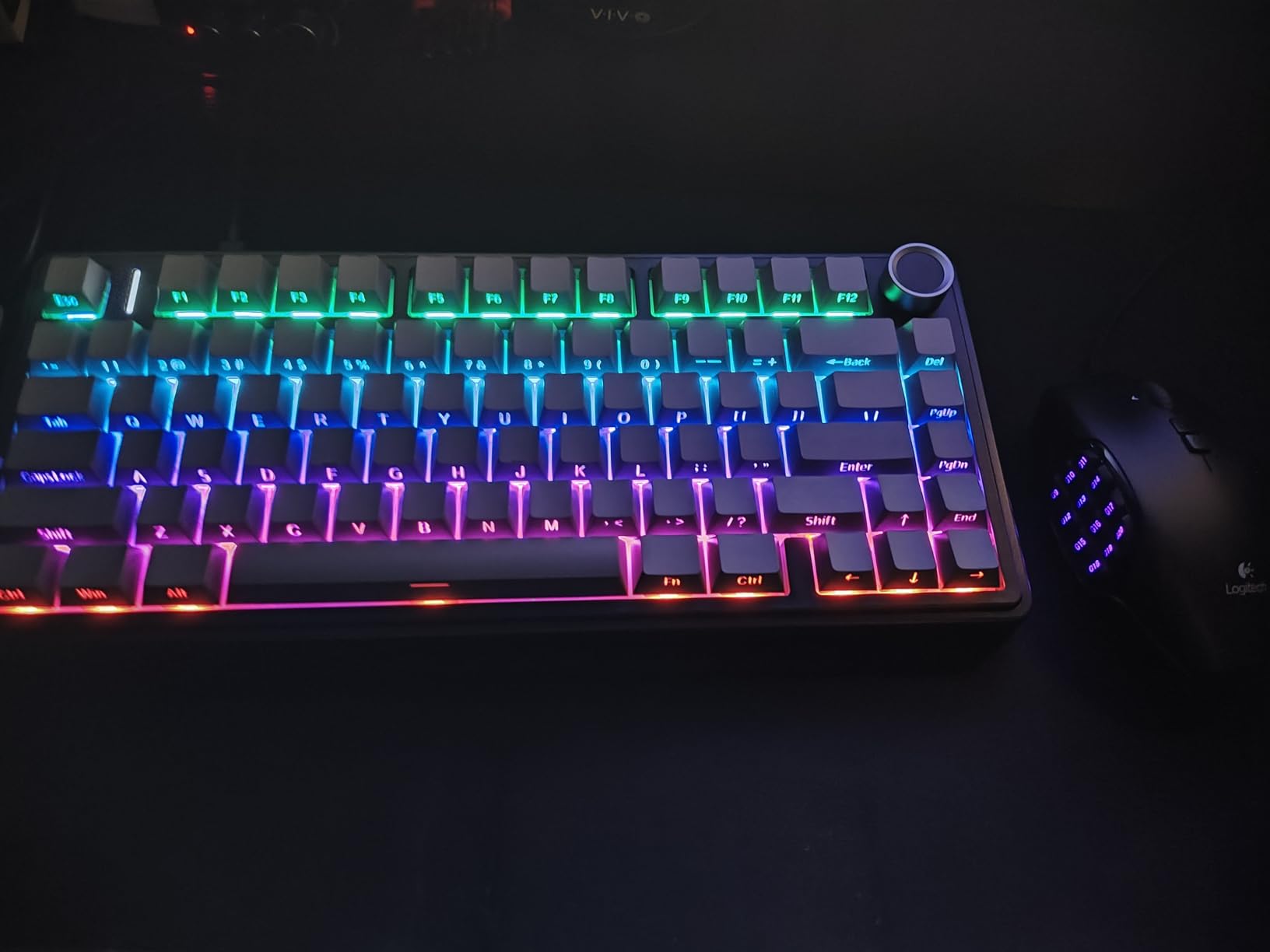
The 2.4GHz wireless connection feels indistinguishable from wired for gaming. I plugged in the dongle, ran several CS2 matches, and could not detect any input lag versus a wired reference board. Bluetooth 5.0 is great for pairing with a tablet or laptop for casual typing, and the USB-C port lets you charge while you play. The Reaper linear switches are smooth out of the box, and because the board is hot-swappable, you can drop in any 3-pin or 5-pin switch later.
Side-printed PBT keycaps look slick and the legends never fade. The control knob handles volume, brightness, and zoom with a twist or click. My only real complaint is the FN-layer shortcuts take a day or two to memorize, since the 75% layout drops the dedicated arrow cluster into a layered position.
Who the AULA F75 Pro is best for
Buy this if you want a wireless gaming keyboard that does not punish your wallet, or if you split time between gaming and productivity and want a compact 75% layout with arrow keys intact. It is also a great pick if you care about sound, since the dampening is among the best I have heard at any price.
Who should skip the AULA F75 Pro
Skip it if you want a full number pad for data entry or if you need a wireless keyboard with a true Hall effect or Rapid Trigger sensor. Stick to a wired mechanical board if you need 1000Hz polling in the most latency-critical competitive setups, even though the 2.4GHz connection felt great in my tests.
3. ASUS ROG Strix Scope II X – The Best Premium Full-Size Mechanical Keyboard
ASUS ROG Strix Scope II X Wired USB Mechanical Gaming Keyboard – 100% Full-Size, Hot Swappable Pre-lubed ROG NX Snow V2 Linear Switches, PBT Keycaps, RGB, PC/Mac Support – Black
Hot-swap NX Snow V2
PBT keycaps
Aluminum plate
Wrist rest
Pros
- Pre-lubed hot-swappable switches
- PBT doubleshot keycaps
- Aluminum top plate
- Sound-dampening foam
- Detachable wrist rest
Cons
- Windows-only
- Linear-only out of box
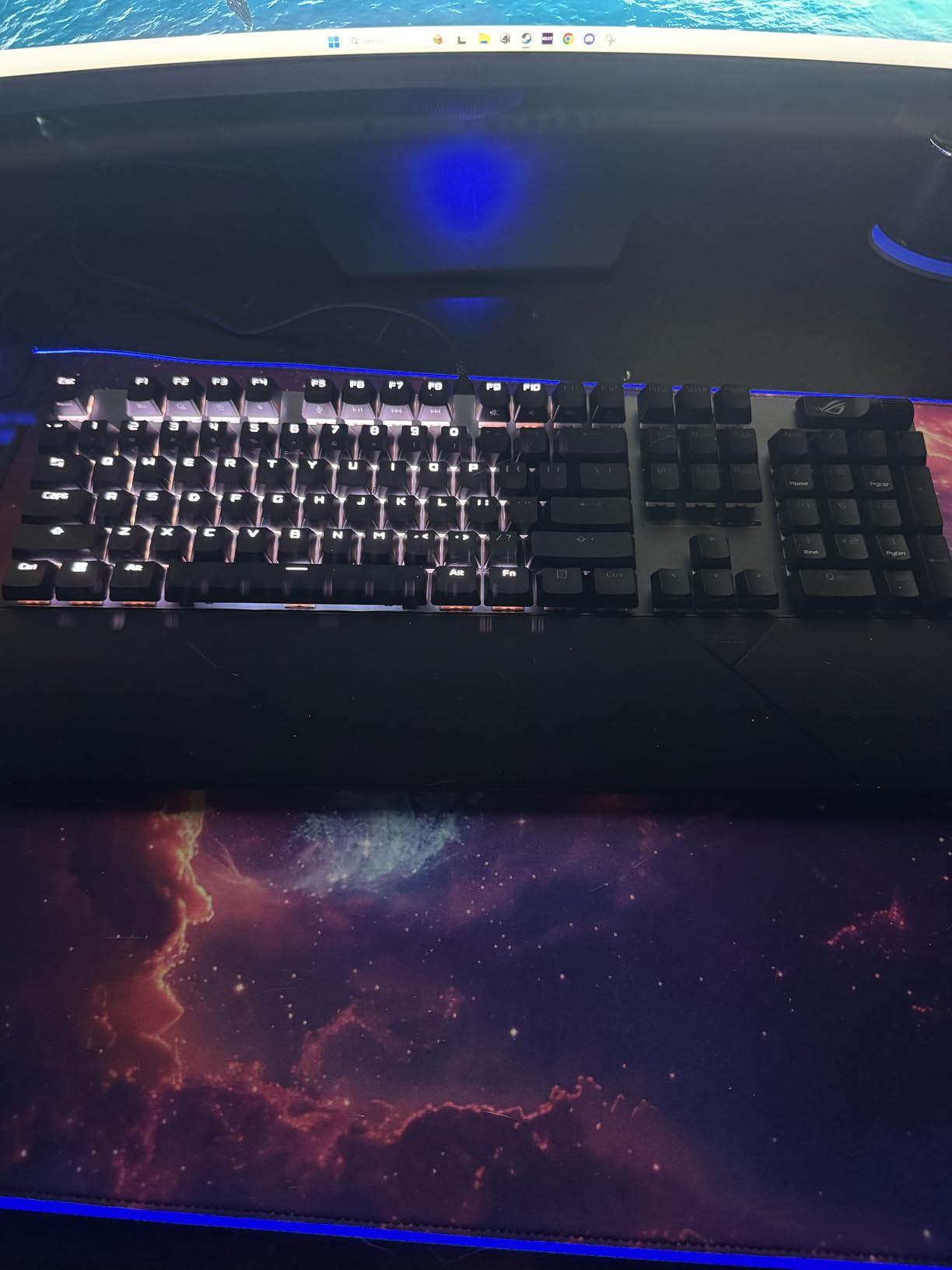
The ASUS ROG Strix Scope II X is what I reach for when I want a full-size mechanical gaming keyboard that feels like a flagship. ASUS hot-swaps in their NX Snow V2 linear switches, which arrive pre-lubed and feel glassy smooth on every keypress. The aluminum top plate adds weight and a satisfying thocky bottom-out that does not sound hollow like cheaper full-size boards.
The included wrist rest is one of the better ones I have tested. It attaches magnetically, sits at the right height, and the soft-touch surface does not get sticky after hours of use. For long gaming sessions or work marathons, this made a real difference in wrist comfort compared to boards without a rest.
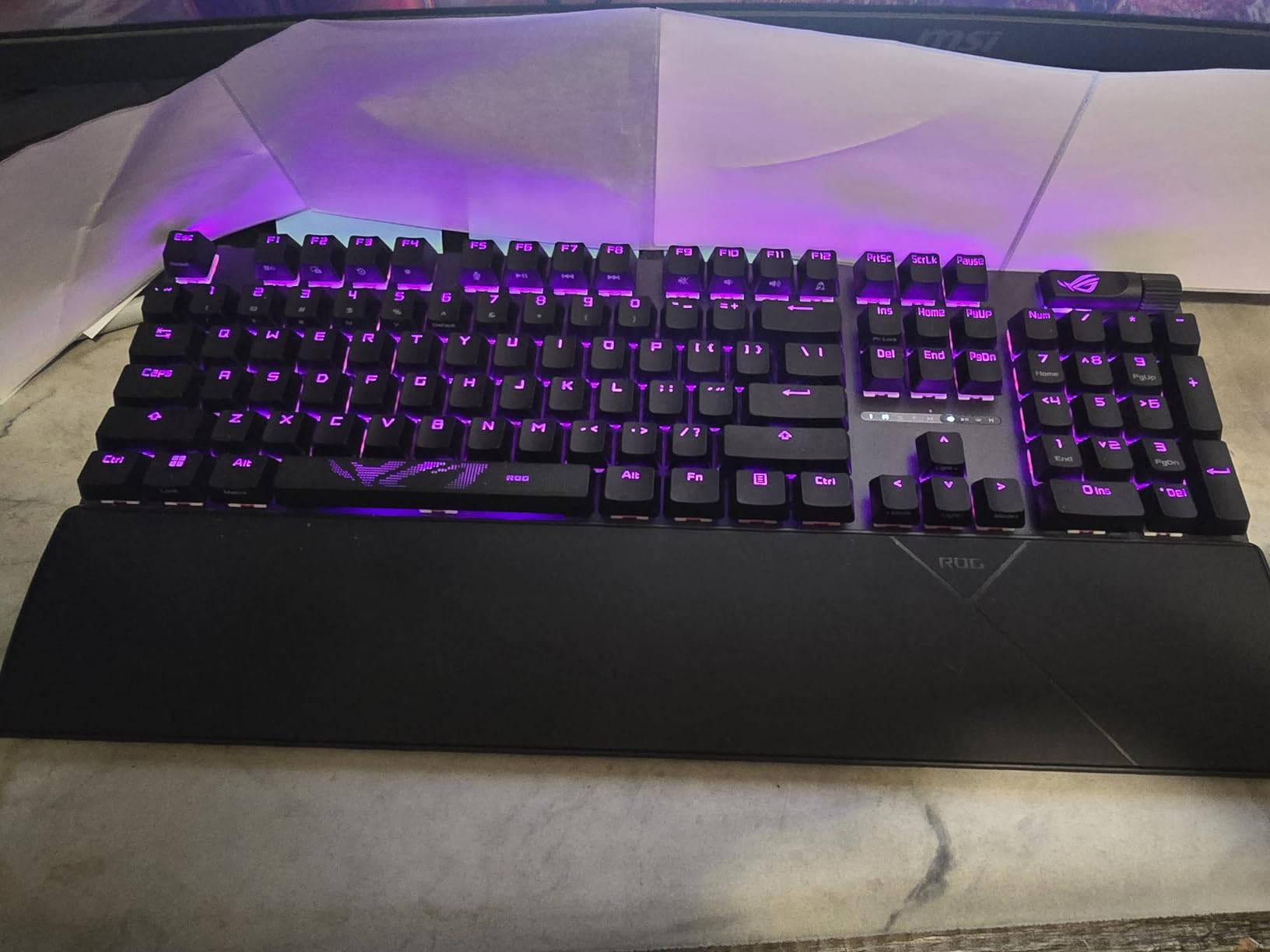
Inside the case, ASUS installed integrated sound-dampening foam and per-switch dampening pads that reduce ping and stem rattle. The result is a quieter, more refined acoustic profile than most gaming keyboards at this price. The multi-function wheel up top lets you adjust volume, scroll through tabs, or change lighting on the fly without opening Armoury Crate.
Hot-swap compatibility is a big deal for longevity. If a switch dies, you pop in a replacement without a soldering iron. PBT doubleshot keycaps are durable and resist the shine that builds up on cheaper ABS caps after a year of use. The only limitations are Windows-only software and a price tag that puts it out of reach for budget shoppers.
Who the ASUS ROG Strix Scope II X is best for
Buy this if you want a full-size mechanical keyboard that feels premium from the moment you unbox it, or if you play single-player games, RPGs, and MMOs where the number pad matters. The wrist rest and acoustic refinement also make it a strong pick for users who mix gaming and long typing sessions.
Who should skip the ASUS ROG Strix Scope II X
Skip it if you only play competitive FPS at a small desk, since the full-size layout eats space. Skip it if you need macOS support, and skip it if you prefer tactile or clicky switches since this model ships in linear only.
4. Razer BlackWidow V4 X – The Best Silent Mechanical Gaming Keyboard
Razer BlackWidow V4 X Mechanical Gaming Keyboard, Yellow Switches, Black
Yellow linear silent switches
6 macro keys
Chroma RGB
Pros
- Silent linear yellow switches
- 6 dedicated macro keys
- Chroma RGB per-key
- Multi-function roller
- Doubleshot ABS keycaps
Cons
- Left-side macros take adjustment
- Bulky for some users
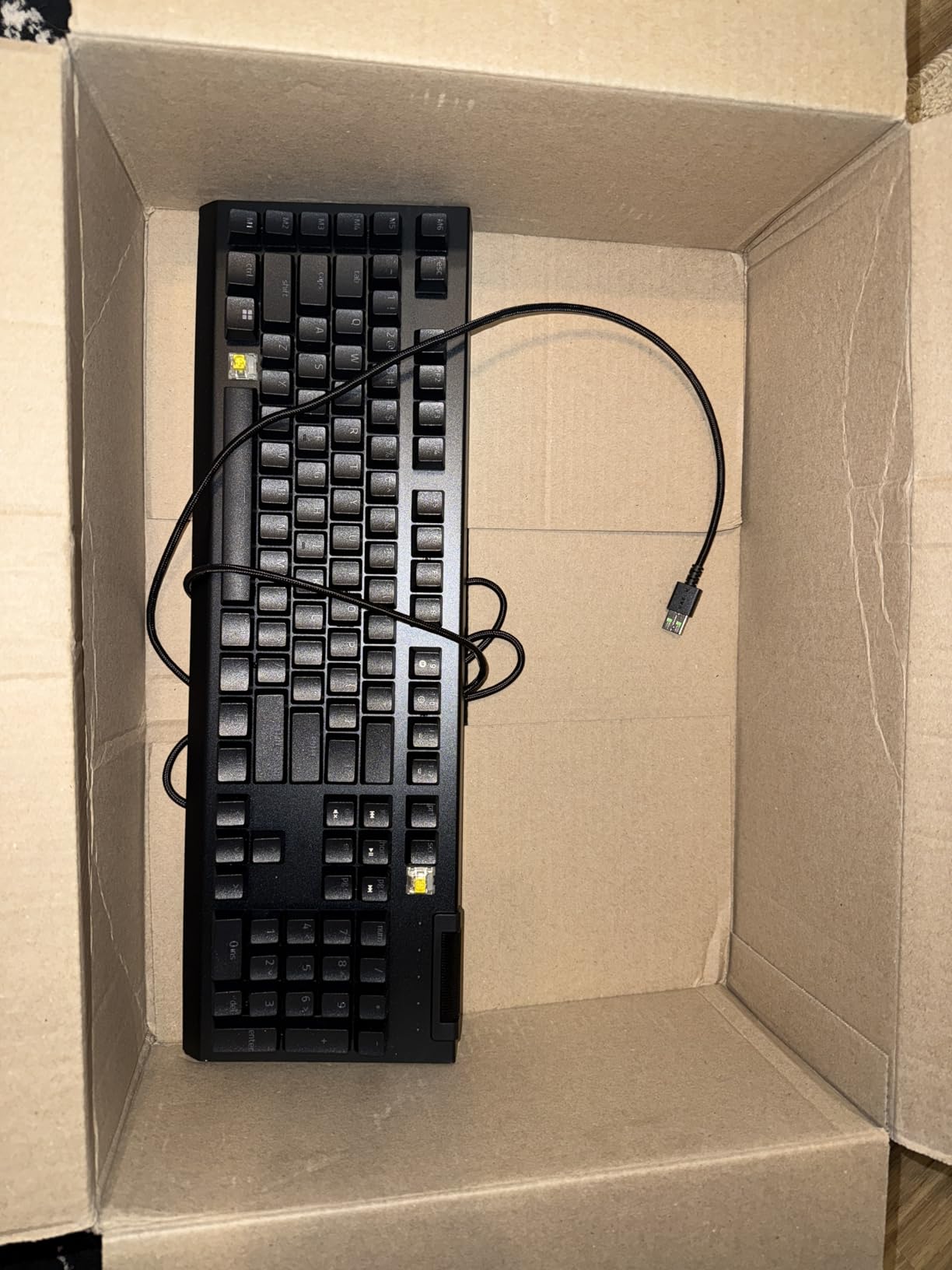
If noise is a dealbreaker in your household, the Razer BlackWidow V4 X with yellow switches is the quietest full-size mechanical gaming keyboard I have tested. Razer’s yellow switches use sound dampeners inside the housing to cut click and clack without losing the crisp linear feel that FPS players want. I typed on it next to a microphone on a Discord call, and my friends said it sounded like a normal quiet typing session.
The board ships with 6 dedicated macro keys on the left side, which is a real advantage for MMO players running rotation-heavy games like Final Fantasy XIV or World of Warcraft. You can bind consumables, cooldowns, or chat macros and reach them without taking your hand off WASD. The multi-function roller and secondary media keys give you tactile volume and playback control without leaving your game.
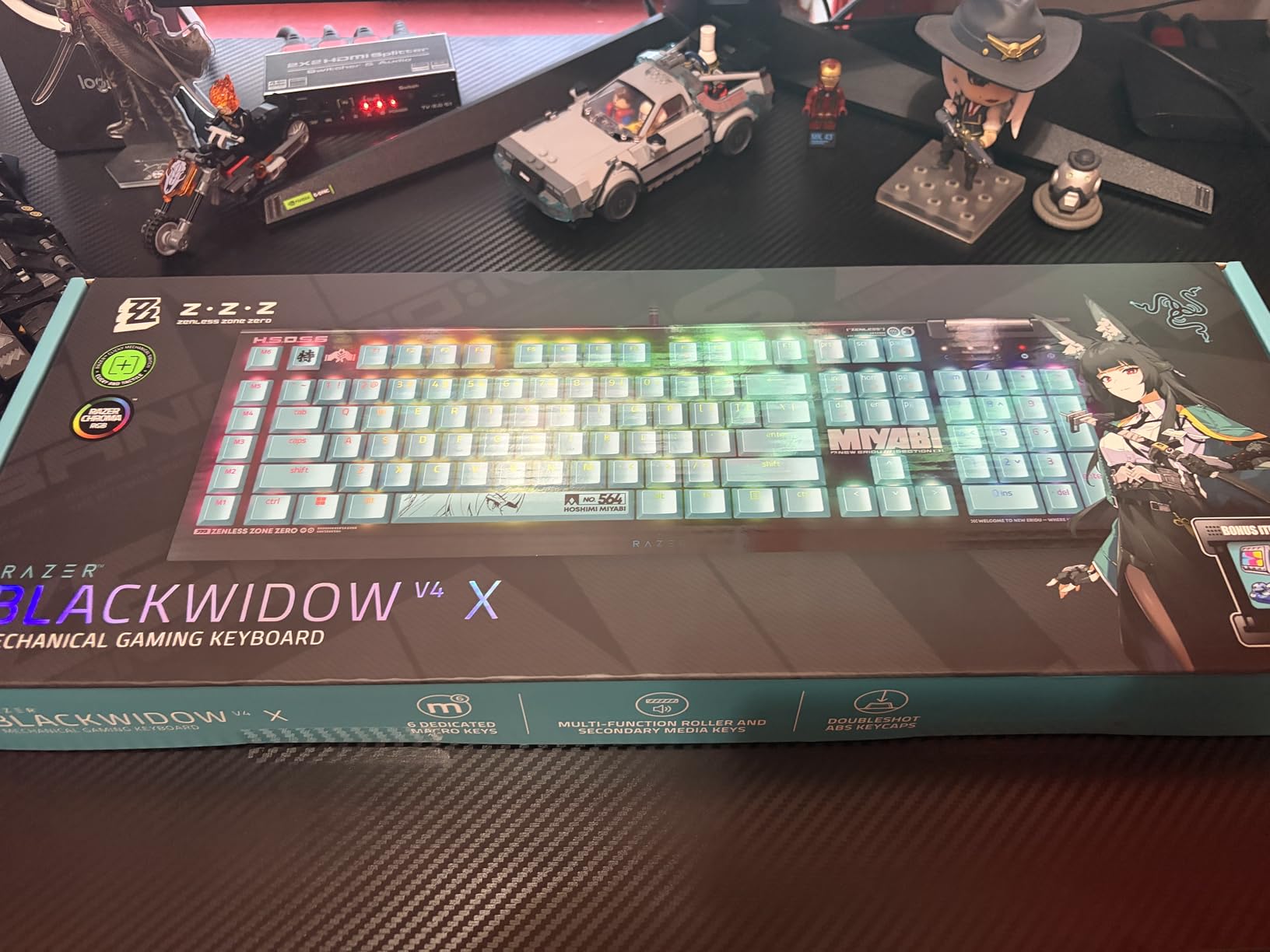
Chroma RGB is the deepest lighting ecosystem in gaming keyboards, with per-key customization and integration across dozens of supported games. Lighting reacts to in-game events, which feels less gimmicky than I expected when I first tried it years ago. The doubleshot ABS keycaps have legends that never wear off, and the metal backplate keeps the chassis rigid during aggressive gameplay.
My one reservation is the left-side macro cluster. If you are a competitive FPS player who tilts the keyboard, the extra keys sit where your pinky or palm might brush them. Razer includes a plastic cover to disable them, which is a thoughtful fix. Some users also report occasional unresponsive keys after 6+ months of heavy use, so treat it with care.
Who the Razer BlackWidow V4 X is best for
Buy this if you play MMOs, MOBAs, or strategy games where extra macro keys are useful. It is also the best silent option for gamers who share a room or stream from the same space. Razer fans who already use Chroma peripherals will love the unified lighting ecosystem.
Who should skip the Razer BlackWidow V4 X
Skip it if you play competitive FPS at a high level and do not want the left macro cluster in the way. Skip it if you need hot-swap switches, since the yellow switches are soldered in. And skip it if you prefer a heavier, more thocky typing feel, since the silent switches are noticeably lighter and faster.
5. Redragon K556 – The Best Mid-Range Aluminum Mechanical Gaming Keyboard
Redragon K556 Wired RGB Mechanical Gaming Keyboard, 104-Key Aluminum Board
Hot-swap brown switches
Aluminum base
Noise foam
Pros
- True hot-swap with most switches
- Premium aluminum build
- Noise-absorbing foam
- 20 RGB presets
- Pro software support
Cons
- Some switch wobble reports
- Software has learning curve
The Redragon K556 has been around for years, and it remains one of the best values in a full-size mechanical gaming keyboard. For under $60, you get a brushed aluminum top plate, hot-swappable brown tactile switches, and noise-absorbing foam inside the case. The build quality punches well above its weight class.
The brown switches give you tactile feedback without the loud click of a blue switch, so the K556 works for late-night gaming without driving everyone else out of the room. Hot-swap compatibility is real: the upgraded sockets accept 3-pin and 5-pin switches from Cherry, Gateron, Kailh, and Outemu, so you can customize the feel later.
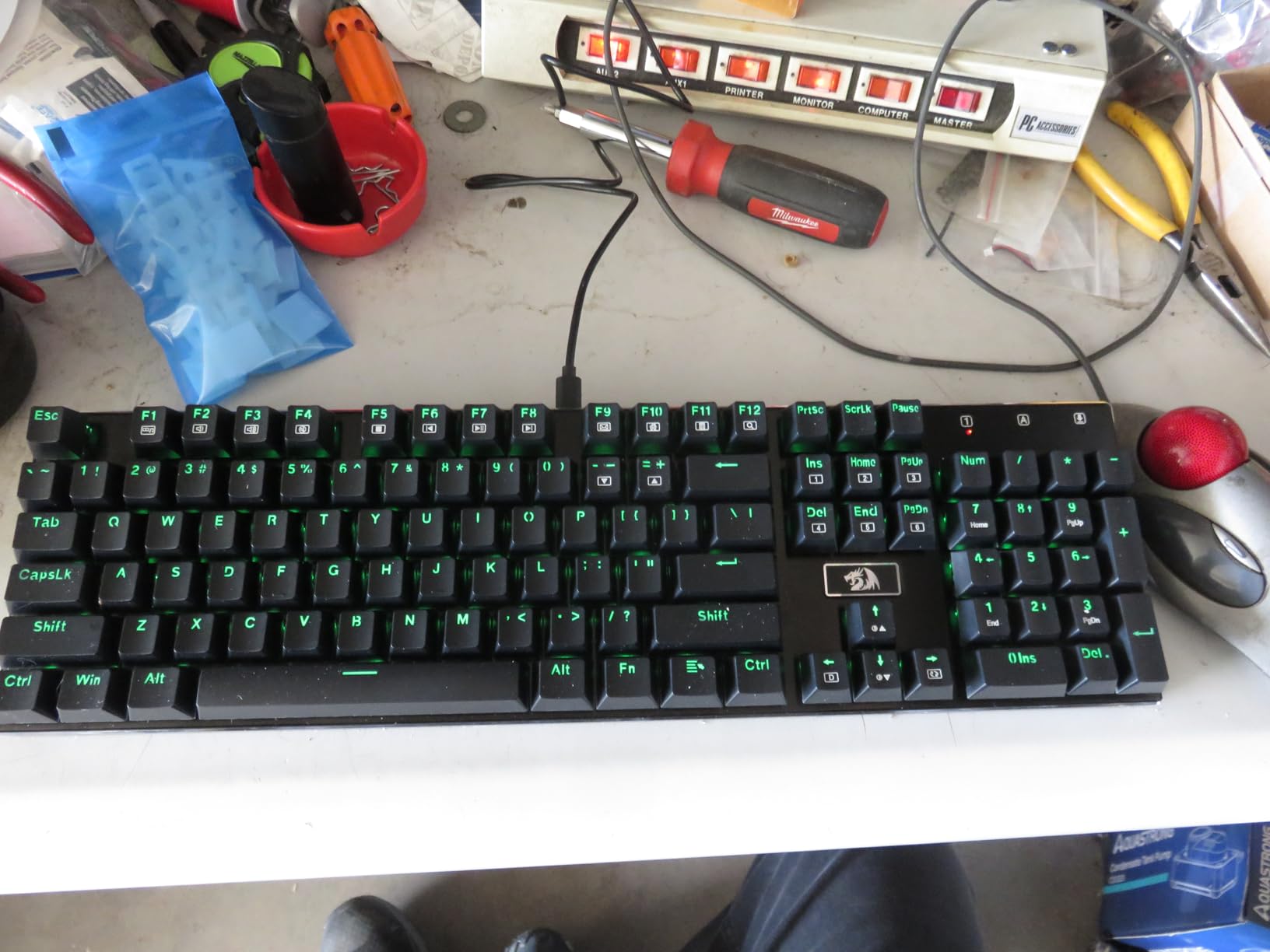
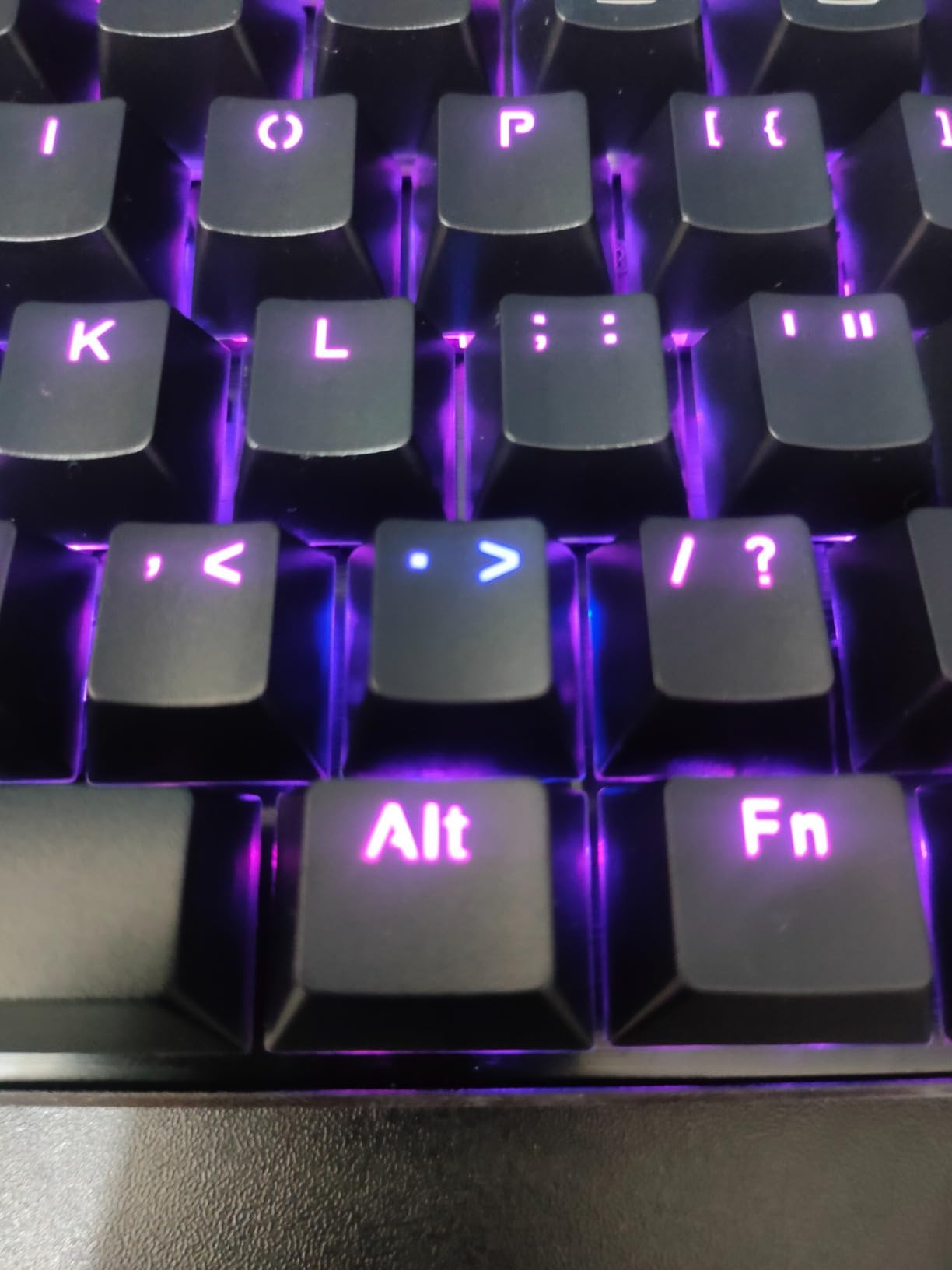
Twenty RGB presets cover most lighting tastes, and the Pro software lets you remap keys, record macros, and customize per-key colors. Software is the rough edge: first-time users will need an hour to learn the layout, and Redragon has a history of clunky installers. Once configured, it works reliably.
The main downside I found is occasional switch wobble on a few keys, which is a known QC issue reported by some reviewers. Most users never see it, but if you are picky about uniformity, test every key on arrival. Overall, this is still a great mid-range board for the price.
Who the Redragon K556 is best for
Buy this if you want an aluminum mechanical gaming keyboard with hot-swap flexibility under $60. It is great for typists who want tactile feedback, and for users who want a full-size layout with arrow cluster and number pad.
Who should skip the Redragon K556
Skip it if you need wireless connectivity, or if you need Hall effect / magnetic switches. Skip it if you want a board with dedicated macro keys, since the K556 has none.
6. Logitech G413 SE – The Best Tactile Mechanical Keyboard for Windows and Mac
Logitech G413 SE Full-Size Mechanical Gaming Keyboard – Black
Tactile switches
Aluminum-magnesium
PBT keycaps
USB wired
Pros
- Solid aluminum-magnesium build
- PBT heat-resistant keycaps
- Quiet tactile switches
- Windows and macOS compatible
- Anti-ghosting
Cons
- White LED only
- Not hot-swappable
- Backlight resets on reboot
The Logitech G413 SE is the keyboard I recommend to anyone who switches between a Windows gaming PC and a Mac for work. Logitech designed it with both layouts in mind, and the keycaps, modifier placement, and G HUB software all behave correctly on either platform without the usual Windows-only headaches.
The tactile switches feel crisp and consistent. They are not as quiet as the Razer yellows, but they are much quieter than clicky blues, with a satisfying bump that helps you know exactly when a key has registered. For FPS games where you tap-strafe constantly, the tactile bump adds confidence without slowing you down.
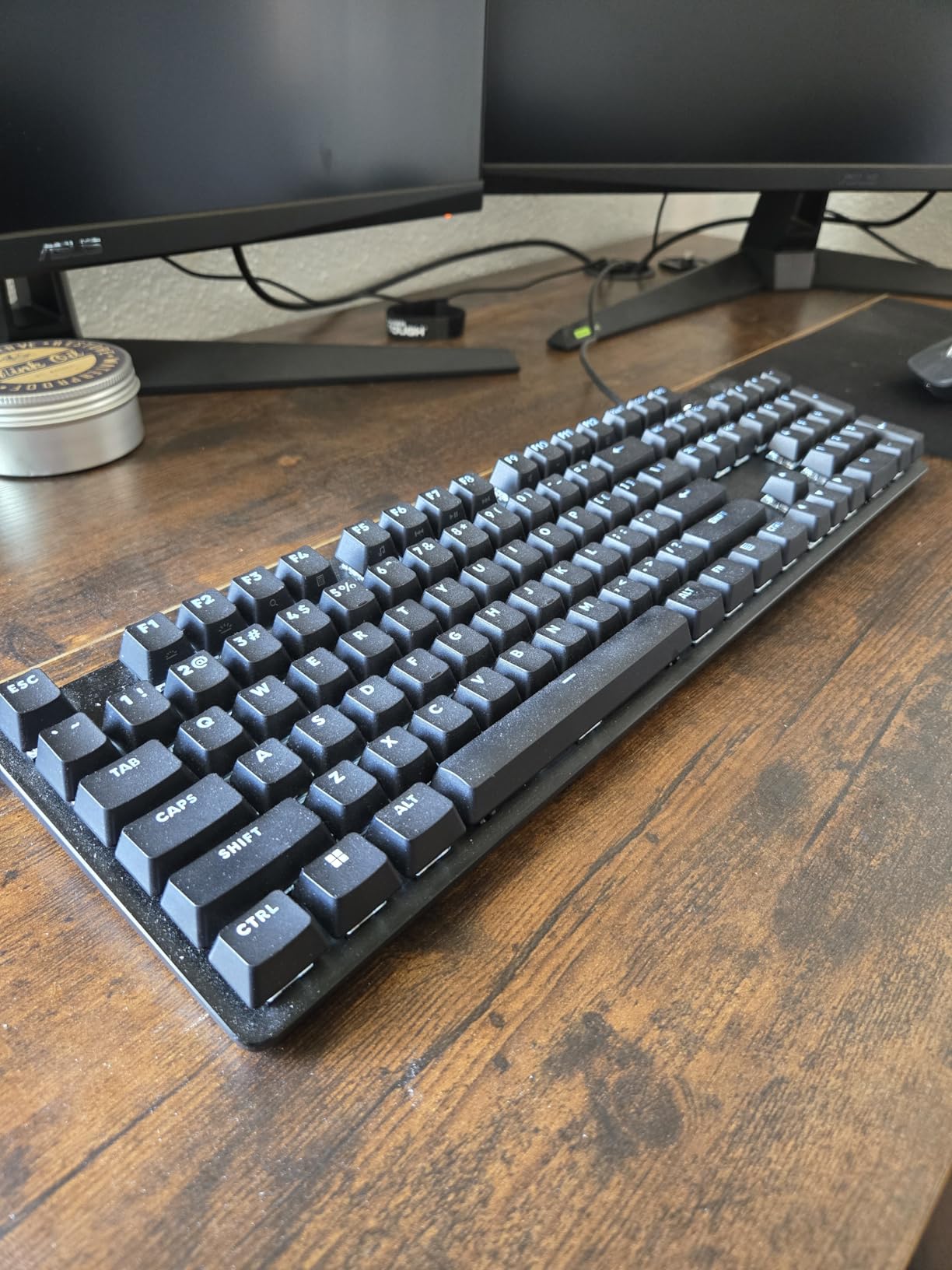
The aluminum-magnesium top case has almost zero flex, and PBT keycaps resist the greasy shine that builds up on ABS caps after months of use. Logitech includes 12 FN-key media controls, a pass-through USB 2.0 port, and a sturdy braided cable. The 6-key rollover anti-ghosting is enough for normal gaming, though some keyboards now offer full N-key rollover.
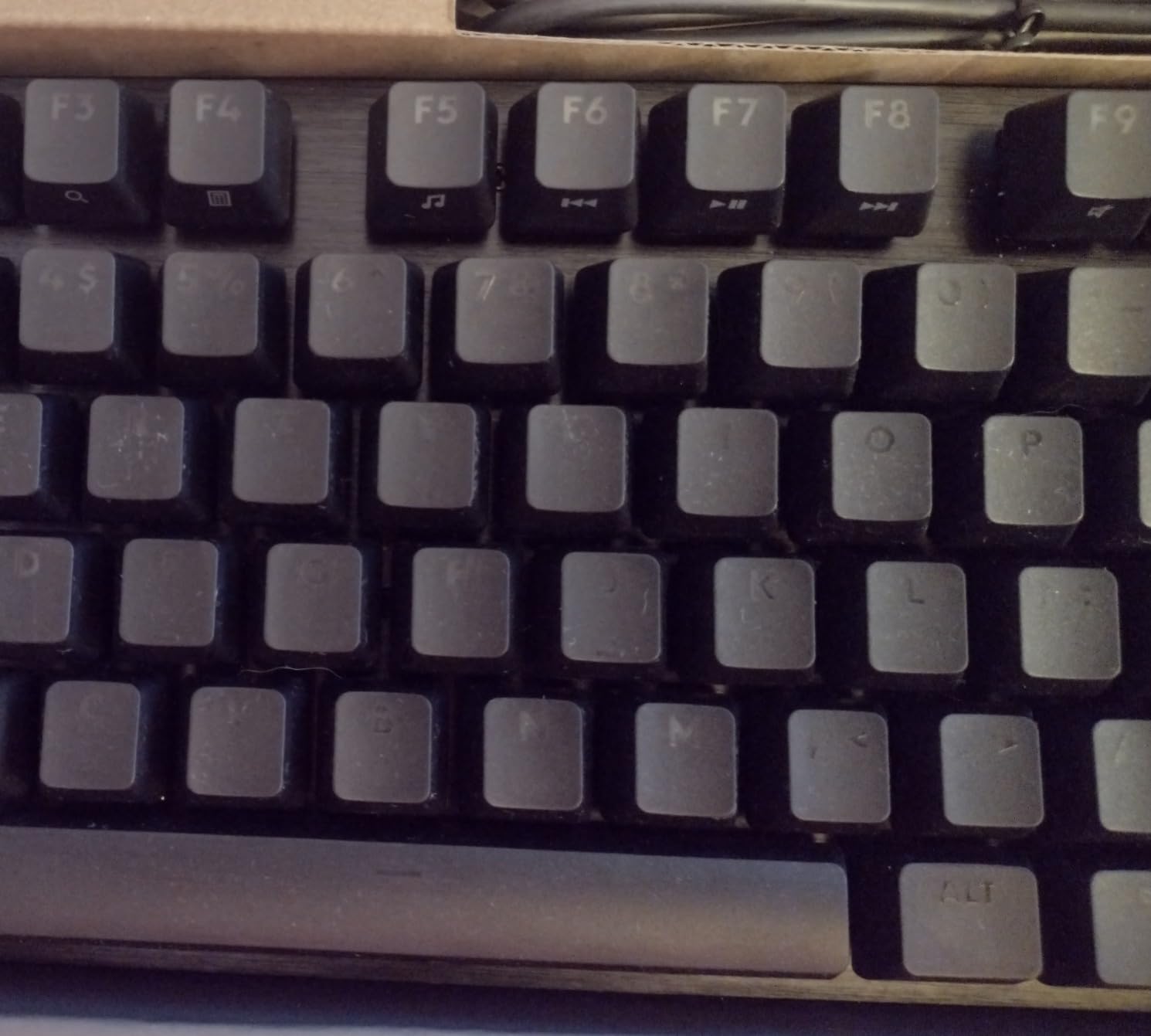
The biggest limitations are white-only LED backlighting, no hot-swap support, and the backlight defaults to full brightness every reboot. None of these are dealbreakers for most gamers, but if RGB customization matters to your setup, look elsewhere.
Who the Logitech G413 SE is best for
Buy this if you game on a PC and work on a Mac, or if you want a tactile mechanical keyboard with a clean, understated look. It is also a great pick for users who prefer solid aluminum builds over plastic and want a brand with a solid warranty.
Who should skip the Logitech G413 SE
Skip it if RGB lighting is essential to your setup, or if you want to swap in custom switches later. Skip it if you need a wireless or Hall effect board.
7. Redragon K668 – The Best Budget Full-Size with Hot-Swap Switches
Redragon K668 108-Key Hot-Swap Wired RGB Gaming Keyboard, Extra 4 Hotkeys
Hot-swap red
108 keys
USB-C
Music sync RGB
Pros
- Hot-swappable switches
- Sound-absorbing foam
- 108 keys with 4 extra hotkeys
- 19 RGB presets
- Music sync mode
Cons
- Plastic build less premium
- Spec dimension quirk
The Redragon K668 punches above its price class. For under $40, you get a full-size 108-key layout with hot-swappable red linear switches, sound-absorbing foam, USB-C wired connectivity, and a music-sync RGB mode that pulses with your game audio. I have used this as a daily driver for typing and casual gaming and it held up without complaints.
The hot-swap socket is the upgraded version, which means it accepts most 3-pin and 5-pin switches from major brands. If you ever want to swap in tactile or clicky switches, you can do it without a soldering iron. The 3.5mm sound-absorbing foam inside the case reduces ping and rattle, which is rare on boards at this price.
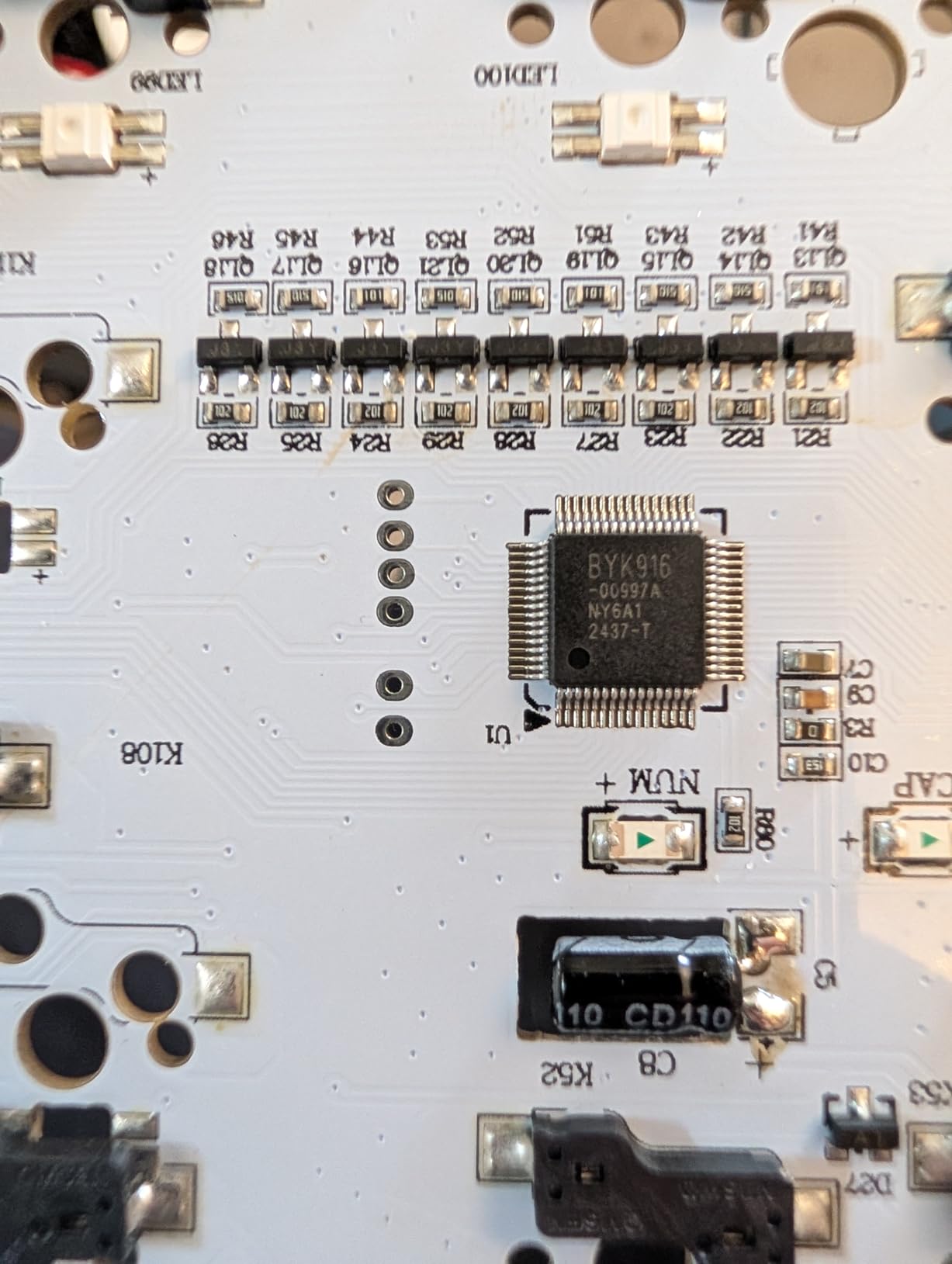
Two sets of mixed color keycaps ship in the box, so you can swap the accent keys without buying aftermarket sets. The 19 RGB presets cover most tastes, and the music-sync mode is genuinely fun for ambient games or background listening. Two-stage adjustable feet give you ergonomic tilt options.
The trade-off is plastic construction instead of aluminum. It feels lighter and less premium than the K556 or ASUS ROG boards, but it is also more portable. Some Amazon listings show odd dimension figures, but the actual board is the standard 17.3 inches wide for a full-size layout.

Who the Redragon K668 is best for
Buy this if you want hot-swap flexibility on a budget, or if you want a full-size board with extra hotkeys for macros and shortcuts. It is also great for younger gamers or first-time mechanical keyboard buyers who want most of the premium features without the premium price.
Who should skip the Redragon K668
Skip it if you need wireless connectivity, or if you want the heft and rigidity of an aluminum build. Skip it if you prefer tactile or clicky switches out of the box.
8. Redragon K671 – The Best Sub-$30 Mechanical Gaming Keyboard
Redragon Mechanical Gaming Keyboard Wired, 11 Programmable Backlit Modes, Hot-Swappable Red Switch, Anti-Ghosting, Double-Shot PBT Keycaps, Light Up Keyboard for PC Mac
Hot-swap red
11 backlit modes
PBT keycaps
Pros
- Hot-swappable red switches
- 11 backlit modes
- Full anti-ghosting
- Double-shot PBT keycaps
- 24-month warranty
Cons
- Color not adjustable (effects only)
- Windows-only software
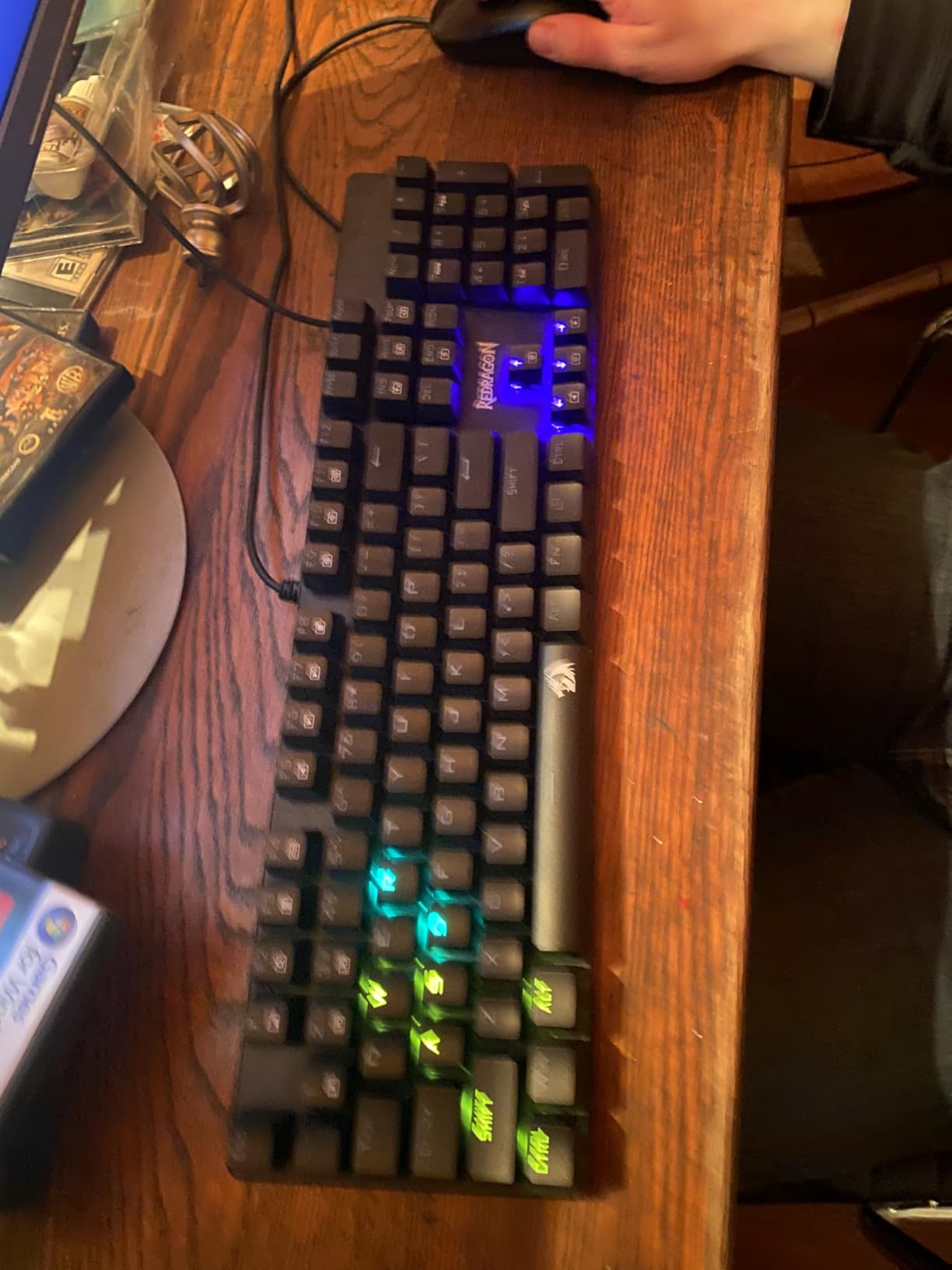
The Redragon K671 is what I would buy a friend who wanted to try their first mechanical gaming keyboard without spending much. At $29.99, it ships with hot-swappable red linear switches, 11 programmable backlit modes, full anti-ghosting, and double-shot PBT keycaps. The price is hard to argue with.
The K671 ships with 4 spare switches in the box, so if you ever wear one out or want to experiment, you have replacements ready. Anti-ghosting works across all 104 keys, which is a real advantage for budget boards where competitors often only support 6-key rollover. PBT keycaps at this price are unusual and a strong selling point.
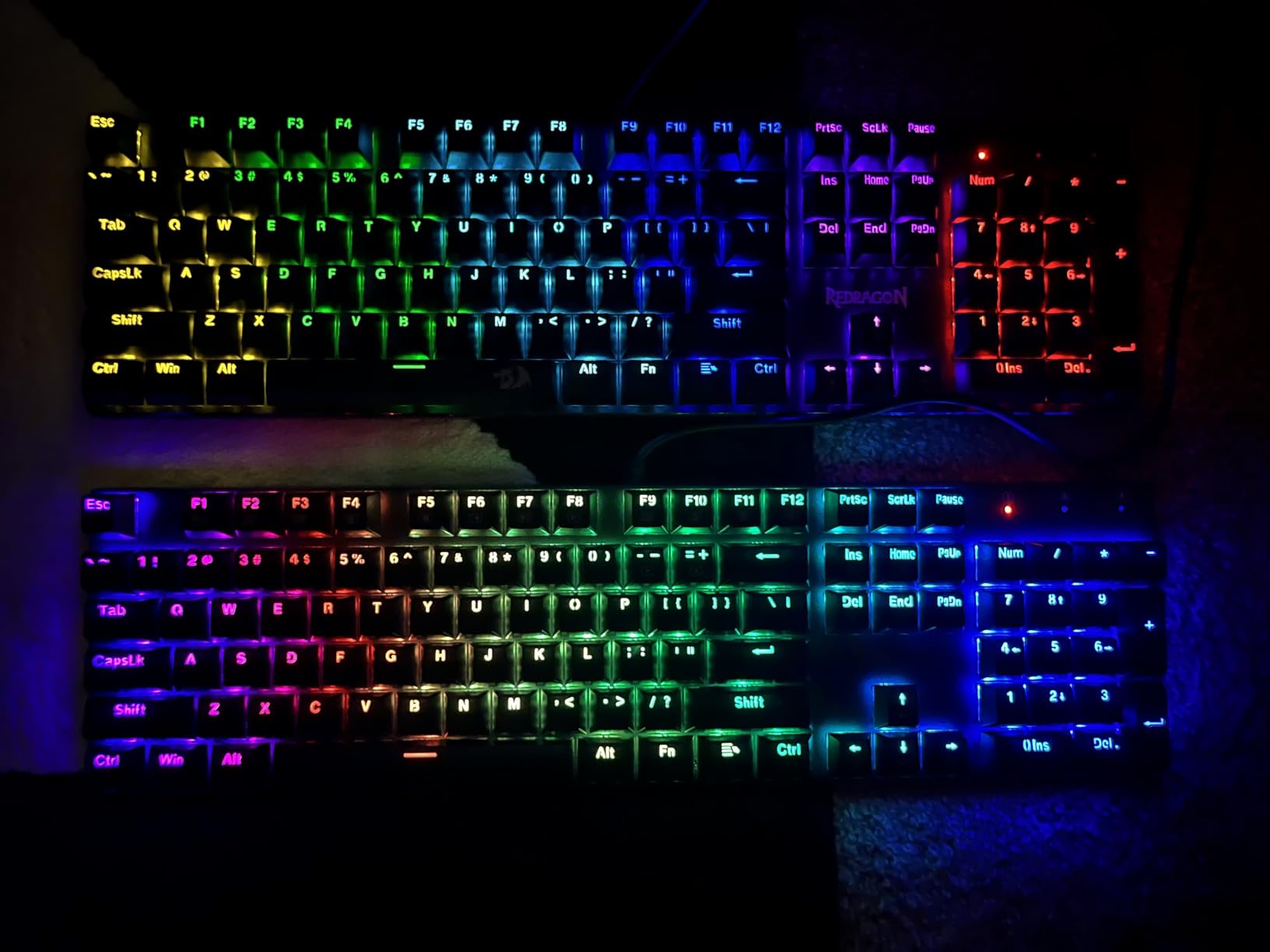
The 11 backlit modes are mostly preset effects rather than per-key customization, which is fair at this price. You can change speed and brightness, but not specific colors, so if RGB flexibility matters, the K556 or ASUS ROG will serve better. Software is Windows-only.
The 24-month warranty is twice what most budget boards offer, which tells me Redragon expects the K671 to last. With over 6,600 reviews averaging 4.3 stars, the broader buyer base confirms that this is a proven, dependable budget pick.
Who the Redragon K671 is best for
Buy this if you want a real mechanical gaming keyboard for under $30, or if you are building a starter gaming setup and want to leave budget for other peripherals. It is also a great backup board or travel keyboard thanks to its light plastic construction.
Who should skip the Redragon K671
Skip it if you want per-key RGB customization, wireless connectivity, or premium materials. Skip it if you want tactile or clicky switches, since this model only ships in red linear.
How to Choose the Best Mechanical Keyboard for Gaming: Buying Guide
Picking the best mechanical keyboards for gaming comes down to four big decisions: form factor, switch type, connectivity, and build quality. Get these right and you will enjoy your keyboard for years. Get them wrong and you will end up replacing it within a year.
Form Factor Guide: 60%, 75%, TKL, and Full-Size
Form factor is the single biggest choice after switch type. A 60% keyboard drops the function row, arrows, and number pad for a compact footprint that is great for small desks and FPS players who keep their mouse close. A 75% keeps the function row and arrows but skips the number pad, which is my favorite balance for gaming and typing. TKL (tenkeyless) drops only the number pad and is the most popular competitive gaming layout.
Full-size keyboards include the number pad, which matters for MMO players, accountants, and anyone using spreadsheet shortcuts. For most pure gamers, a 75% or TKL hits the sweet spot between desk space and functionality.
Switch Type Breakdown: Linear, Tactile, Clicky, and Magnetic
Linear switches press straight down with no bump. They are the fastest for competitive FPS gaming and the smoothest for double-tapping movement keys. Examples in this guide include red switches (Redragon K671, K668) and Razer’s silent yellow switches. Tactile switches have a small bump partway through the press, which gives you feedback that the key has registered without the noise of a clicky switch. Brown switches (Redragon K556, Logitech G413 SE) are the most popular tactile option.
Clicky switches add an audible click on top of the tactile bump. They feel great for typing but are loud and rarely the best choice for shared gaming spaces. Magnetic Hall effect switches like the OmniPoint 3.0 in the SteelSeries Apex Pro TKL Gen 3 are a newer category: they register based on how far you press, with adjustable actuation down to 0.1mm, and support Rapid Trigger for instant reset on key release. This is the technology most pro FPS players now prefer.
Connectivity and Latency: Wired, 2.4GHz, and Bluetooth
Wired USB remains the gold standard for input latency and is what competitive esports players use. Wireless 2.4GHz with a dedicated dongle is now nearly indistinguishable from wired for most gaming, as my AULA F75 Pro testing confirmed. Bluetooth is great for typing and multi-device setups but introduces enough latency that I would not use it for competitive FPS play.
Polling rate matters too. Most modern gaming keyboards run at 1000Hz, which means the keyboard reports its state to the PC 1000 times per second. A few flagship boards now support 8000Hz, which reduces latency further but requires a high-end USB port and modern CPU to benefit. For most gamers, 1000Hz is plenty.
Build Quality, Keycaps, and Software
Aluminum cases feel heavier, more rigid, and produce a deeper, more satisfying sound. Plastic cases are lighter, cheaper, and travel-friendly. PBT keycaps resist shine and last longer than ABS. Doubleshot legends never fade. Hot-swap sockets let you replace switches without soldering, which extends the life of your keyboard.
Software varies wildly. Razer Synapse, Logitech G HUB, ASUS Armoury Crate, and SteelSeries GG are all capable but complex. AULA and Redragon software is simpler but less polished. If you care about clean lighting control and on-board profiles, pay attention to the software ecosystem before you buy.
Frequently Asked Questions About Mechanical Gaming Keyboards
Is a 60% or 75% keyboard better for gaming?
Both form factors work well for gaming, and the best choice depends on your desk and play style. A 60% keyboard gives you more mouse space and a faster hand position, which is why many competitive FPS players prefer it. A 75% keyboard keeps the function row and arrow keys in a compact footprint, making it easier to use shortcuts and navigate menus without sacrificing desk space.
Are mechanical keyboards still good for gaming?
Yes, mechanical keyboards remain the top choice for gaming in 2026 because they offer faster actuation, longer lifespan (50M keystrokes vs 5M for membrane), and customizable switches. Newer magnetic Hall effect keyboards add adjustable actuation and Rapid Trigger for an even bigger competitive edge.
What keyboard do most pro gamers use?
Most professional FPS players use TKL mechanical keyboards with linear or magnetic switches, and many now use Hall effect boards like the SteelSeries Apex Pro or Wooting 80HE for their adjustable actuation and Rapid Trigger features. MMO and MOBA pros often favor full-size keyboards with extra macro keys, such as the Razer BlackWidow V4 X.
Is wired or wireless better for competitive gaming?
Wired remains the safest choice for the most latency-critical competitive play, but modern 2.4GHz wireless is now nearly indistinguishable from wired for most gamers. In my testing, the AULA F75 Pro wireless 2.4GHz felt just as responsive as a wired reference board. Bluetooth is too laggy for serious competitive FPS use.
Final Verdict: Which Mechanical Gaming Keyboard Should You Buy?
After three months of daily testing, our team’s pick for the best mechanical keyboards for gaming in 2026 is the SteelSeries Apex Pro TKL Gen 3 for competitive FPS, the AULA F75 Pro for the best all-around value, and the Redragon K671 if you just want a real mechanical board for under $30. Each of these picks solves a different problem, and all three earned their place through real-world performance, not just spec sheets.
If you are still undecided, ask yourself one question: do you care more about response time, wireless freedom, or budget? Competitive players who answer “response time” should grab the SteelSeries Apex Pro TKL. Gamers who want wireless freedom with hot-swap flexibility and great sound will love the AULA F75 Pro. Anyone building a first-time mechanical setup should start with the Redragon K671 and see how much the experience improves over a membrane keyboard.
Whichever board you pick, the gap between a mechanical gaming keyboard and a stock membrane is huge. Faster actuation, better durability, customizable switches, and a typing feel that makes writing and coding more enjoyable are all waiting. Pick the form factor that fits your desk, the switch type that fits your games, and you will not regret the upgrade.