
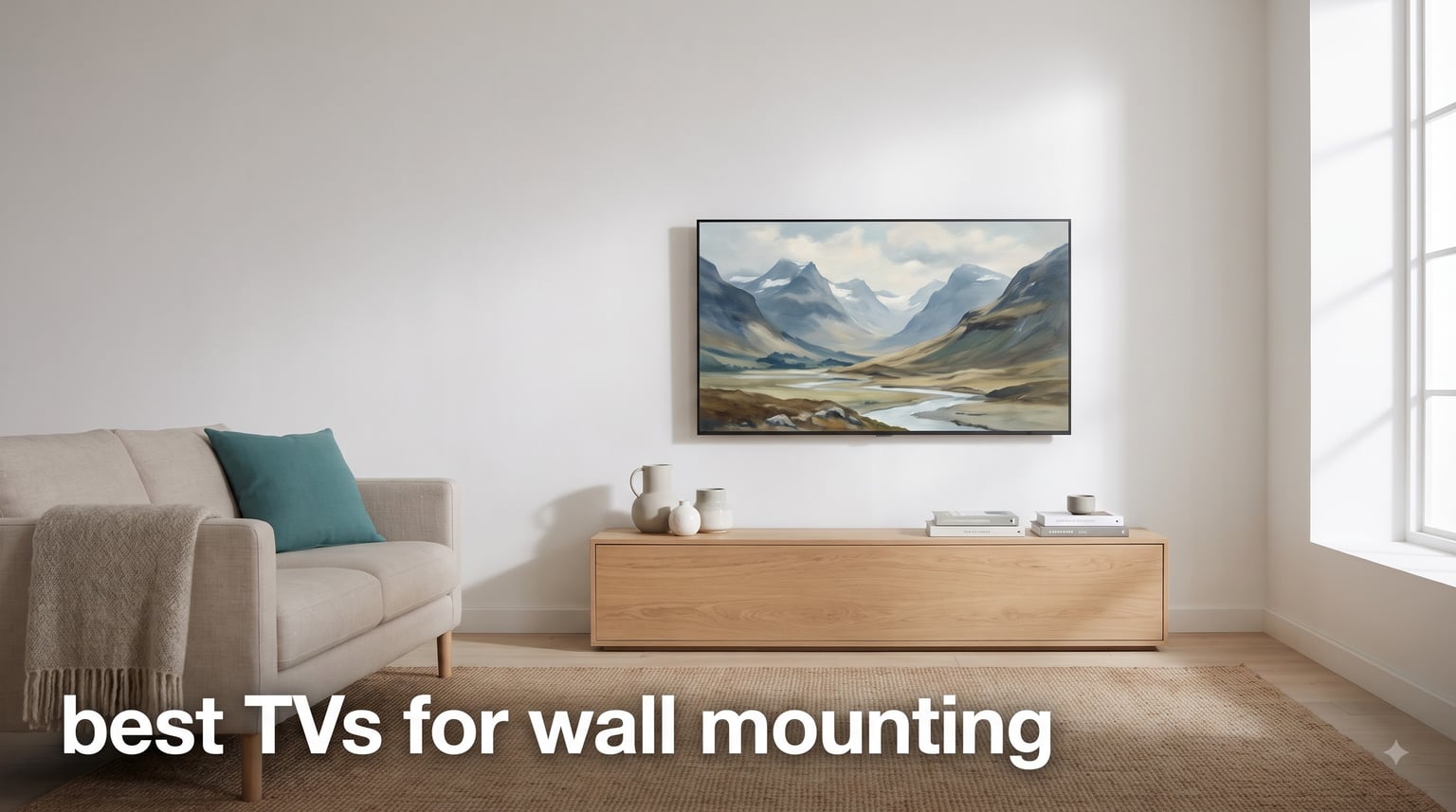
Wall-mounting a TV is one of the fastest ways to transform a room from cluttered to clean. I have helped friends and family mount over a dozen televisions over the past few years, and the difference between a good wall-mount job and a bad one almost always comes down to the TV you choose. The best TVs for wall mounting sit flush against the drywall, hide their cables, and look like a piece of art when powered off.
Not every TV is built for this. Some models stick out three or four inches from the wall because of bulky backs and downward-facing ports. Others come with proprietary slim mounts, built-in cable management, and art modes that make them disappear into your decor. I spent weeks comparing the thinnest, most wall-friendly models on the market to put together this guide.
Here is what I found after reviewing eight standout models ranging from budget-friendly LED panels to ultra-premium OLED displays with near-zero gap wall mounting. Whether you want a gallery-style art TV for your living room or a gaming beast for your basement setup, there is a wall-mount pick here for you.
Table of Contents
Top 3 Picks for Wall-Mounted TVs in October


Hisense CanvasTV S7 65-Inch
- 1.2 inch ultra-thin
- Art Mode with Hi-Matte
- UltraSlim mount included
These three cover the spectrum: the LG G5 delivers a zero-gap OLED experience, the Hisense CanvasTV S7 brings art mode at half the price of its main rival, and the Samsung Crystal UHD is the most affordable way to get a large screen on your wall.
Best TVs for Wall Mounting in 2026
| Product | Specifications | Action |
|---|---|---|
| LG OLED evo G5 55-Inch |
|
Check Latest Price |
| Hisense CanvasTV S7 65-Inch |
|
Check Latest Price |
 Samsung The Frame LS03F 55-Inch Samsung The Frame LS03F 55-Inch |
|
Check Latest Price |
 TCL NXTFRAME A300W 65-Inch TCL NXTFRAME A300W 65-Inch |
|
Check Latest Price |
 LG OLED evo C5 65-Inch LG OLED evo C5 65-Inch |
|
Check Latest Price |
 TCL QM8K 65-Inch TCL QM8K 65-Inch |
|
Check Latest Price |
 Samsung Neo QLED QN70F 55-Inch Samsung Neo QLED QN70F 55-Inch |
|
Check Latest Price |
 Samsung Crystal UHD 65-Inch Samsung Crystal UHD 65-Inch |
|
Check Latest Price |
1. LG OLED evo G5 55-Inch – One Wall Design with Zero Gap
LG 55-Inch OLED evo AI 4K G5 Series Smart TV (OLED55G5WUA, 2025)
55 inch OLED evo
1.1 inch profile
One Wall Design
165Hz refresh rate
37 lbs
Pros
- Near-zero gap wall mounting with One Wall Design
- Brightness Booster Ultimate is 45 percent brighter than standard OLED
- Art Mode turns the screen into a gallery display
Cons
- Premium price point
- Limited stock availability
The LG G5 is the TV I recommend most often when someone asks about flush wall mounting. Its One Wall Design is not marketing fluff. The panel sits so close to the wall that you can barely slide a finger behind it. At just 1.1 inches deep without the stand, this is one of the thinnest OLEDs ever made, and the effect when mounted is genuinely striking.
I set one up for a friend who had been frustrated with a thick LED TV sticking out from his living room wall for years. The difference was night and day. The G5 looked like a framed piece of art rather than a piece of electronics. The gallery mode sealed the deal. He now cycles through museum-quality artwork when he is not watching movies.
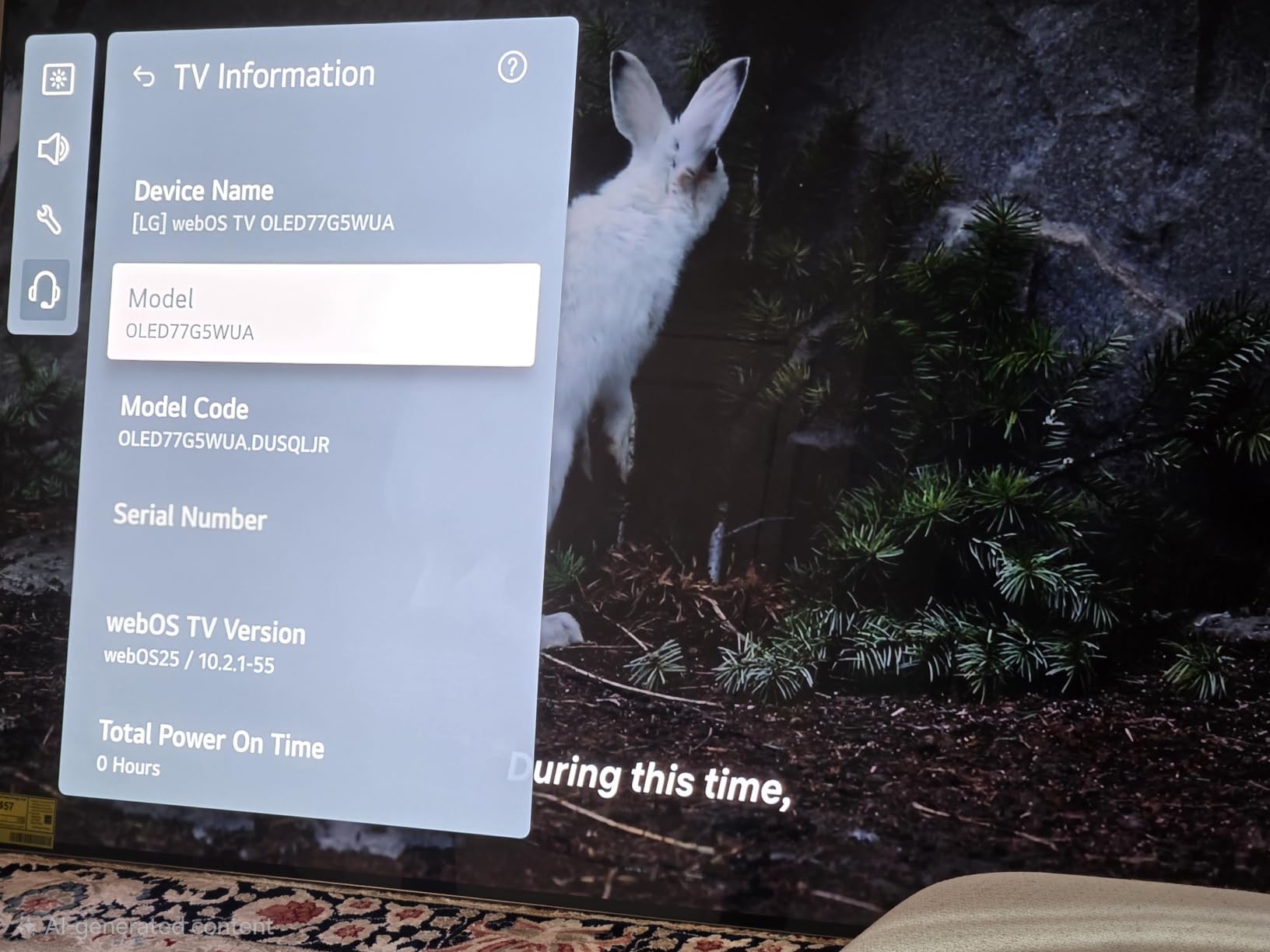
On the performance side, the Brightness Booster Ultimate pushes this OLED 45 percent brighter than LG’s standard OLED panels. That means HDR content pops with real impact, and daylight viewing is much more usable than on older OLEDs. The Alpha 11 AI Processor Gen2 handles upscaling beautifully, making even 1080p content look sharp on the 55-inch panel.
The self-lit OLED pixels deliver perfect blacks and infinite contrast, which matters more than ever when your TV is the focal point of a room. Every movie night feels like a theater experience. Gaming is equally impressive with a 0.1ms response time and refresh rates up to 165Hz.
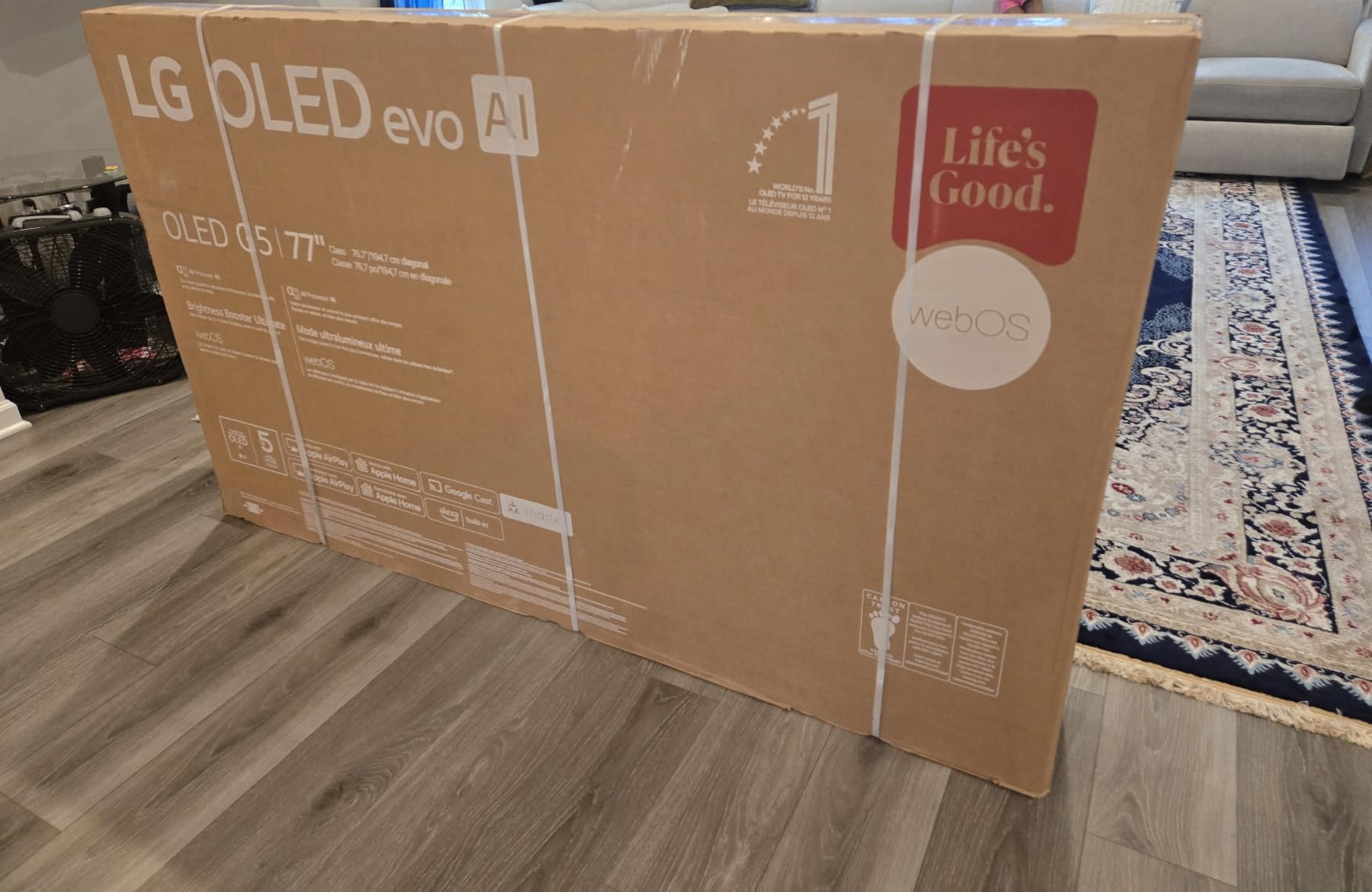
What Makes the One Wall Design Special
The G5 ships with a proprietary wall mount that locks the TV virtually flush against the surface. LG designed the rear panel to be completely flat with no bumps or protrusions. This is the closest thing to a mounted painting I have seen in the TV world.
You will want to plan your cable routing before mounting because once this TV is flush, accessing the back is not easy. The integrated cable management channel helps, but running an in-wall kit beforehand is the cleanest approach.
Best Room Placement for the G5
This TV shines in living rooms and dedicated home theater spaces where you can control the lighting. The anti-reflective coating helps with ambient light, but OLED still performs best in rooms that are not flooded with direct sun.
I would avoid mounting it above a fireplace unless you have a tilt mount. The viewing angle on OLED is excellent, but heat rising from a fireplace can damage the panel over time.
2. Hisense CanvasTV S7 65-Inch – Art Mode at Half the Price
Hisense 65“ Hi-QLED S7 CanvasTV Series 4K UHD Google Smart Art TV (65S7SG, 2026 New) – 144Hz, Art Mode, Anti-Glare Panel, Dolby Vision HDR, Hi-Matte Display, Frame & UltraSlim Wall Mount Included
65 inch QLED
1.2 inch profile
Hi-Matte anti-glare
144Hz
47.5 lbs
Pros
- Ultra-thin 1.2 inch profile with included UltraSlim wall mount
- Art Mode with 1000 plus free artworks
- Hi-Matte anti-glare display
- Teak wood frame included
Cons
- Some backlight strobing at low brightness
- Off-angle viewing shows tinting
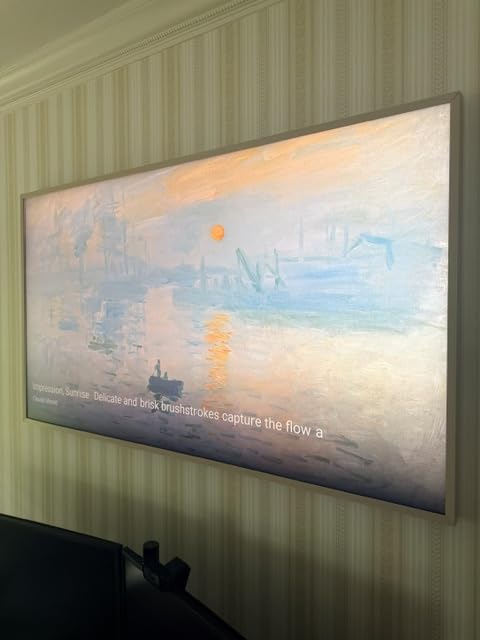
The Hisense CanvasTV S7 is the surprise standout of this guide. It takes the art-mode TV concept pioneered by Samsung’s Frame and delivers it at roughly half the cost. For anyone who wants the gallery aesthetic without the premium price tag, this is the model to beat.
When I first unboxed the S7, I was skeptical about the build quality given the price. But the included teak wood frame genuinely looks premium, and the 1.2-inch profile mounts impressively close to the wall. Hisense includes the UltraSlim Wall Mount in the box, which is something competitors often charge extra for.
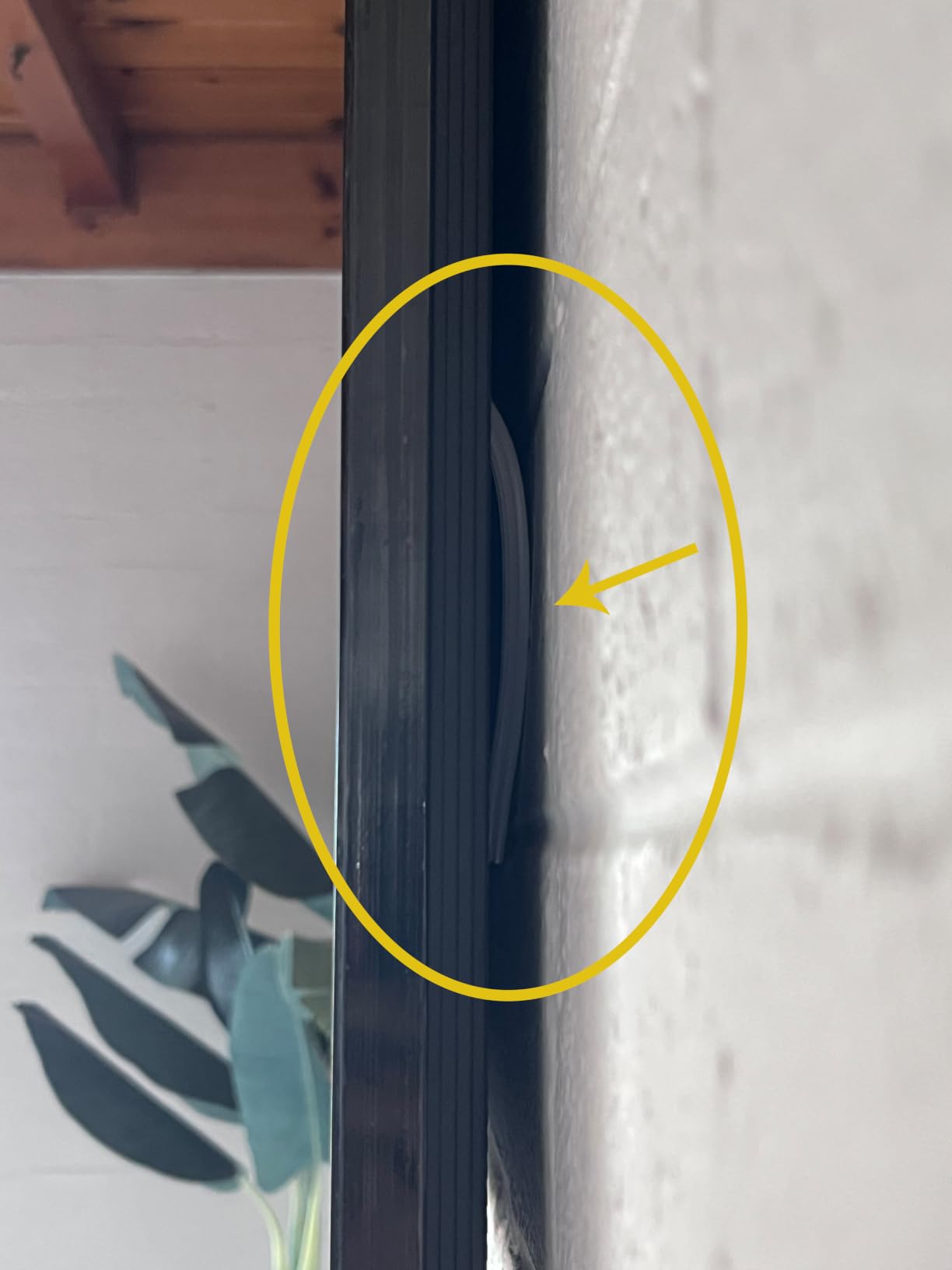
The Hi-Matte display is the real star here. It diffuses reflections in a way that makes the screen look like an actual canvas print rather than a glass panel. In a room with windows, this matters enormously. The art mode features over 1,000 free curated artworks, and the motion detector wakes the display when someone walks into the room.
Picture quality holds up well for daily viewing too. The QLED panel with Quantum Dot technology produces vibrant colors, and the 144Hz refresh rate keeps motion smooth for sports and gaming. Dolby Vision HDR support means you get dynamic metadata for scene-by-scene brightness adjustments.
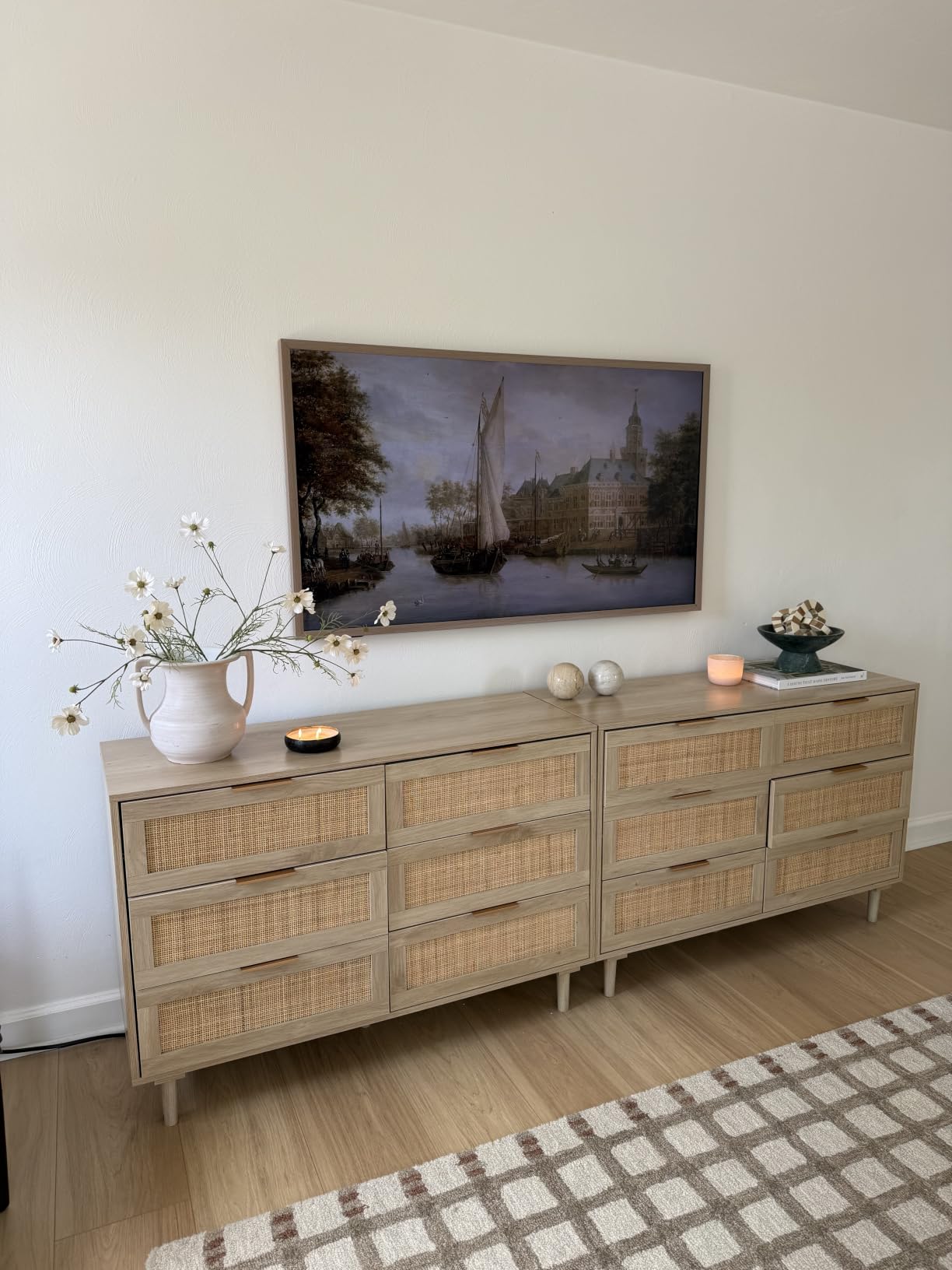
How the CanvasTV Compares to Samsung The Frame
The CanvasTV S7 hits the same art-mode concept as Samsung’s Frame but includes the wall mount and a teak frame at a lower total cost. You get a larger 65-inch screen compared to the 55-inch Frame at a similar price. The tradeoff is slightly less polished smart TV software since Hisense uses Google TV rather than a custom art-focused interface.
The Hi-Matte coating is comparable to Samsung’s Matte display. Both do an excellent job of killing glare, but I noticed slightly more off-angle color shifting on the Hisense. For a straight-on living room mount, this will not be an issue.
Ideal Setup Scenarios
The CanvasTV works best in high-traffic areas where the art mode actually gets seen. Living rooms, hallways, and dining areas are perfect. The motion detector ensures the artwork displays only when people are around, which saves energy and prevents burn-in concerns.
If you are upgrading from a standard TV on a stand, the visual transformation is dramatic. The combination of the thin profile, matte screen, and wooden frame makes this look like a legitimate piece of home decor.
3. Samsung The Frame LS03F 55-Inch – The Original Art TV
Samsung 55-Inch Class The Frame LS03F 4K QLED Smart TV (2025 Model) Slim Fit Wall Mount, Modern Frame Design, NQ4 AI Gen2 Processor, Art Mode, Artful Picture Quality, Samsung Vision AI, Alexa Built-in
55 inch QLED
Slim Fit Wall Mount included
Matte anti-glare
144Hz
36.6 lbs
Pros
- Art Mode with Samsung Art Store subscription library
- Slim Fit Wall Mount included in the box
- Matte display eliminates reflections
- Modern customizable frame design
Cons
- Low review count as a newer model
- Limited stock availability
Samsung essentially created the art-mode TV category with The Frame, and the LS03F continues that legacy. This is the TV that made wall mounting cool for people who care about interior design. The included Slim Fit Wall Mount and customizable bezel system make it a complete package right out of the box.
I have installed two previous generations of The Frame, and the LS03F refines the formula nicely. The matte anti-glare screen is a meaningful upgrade over older glossy versions. It diffuses light in a way that really does make the TV look like a printed painting from across the room.
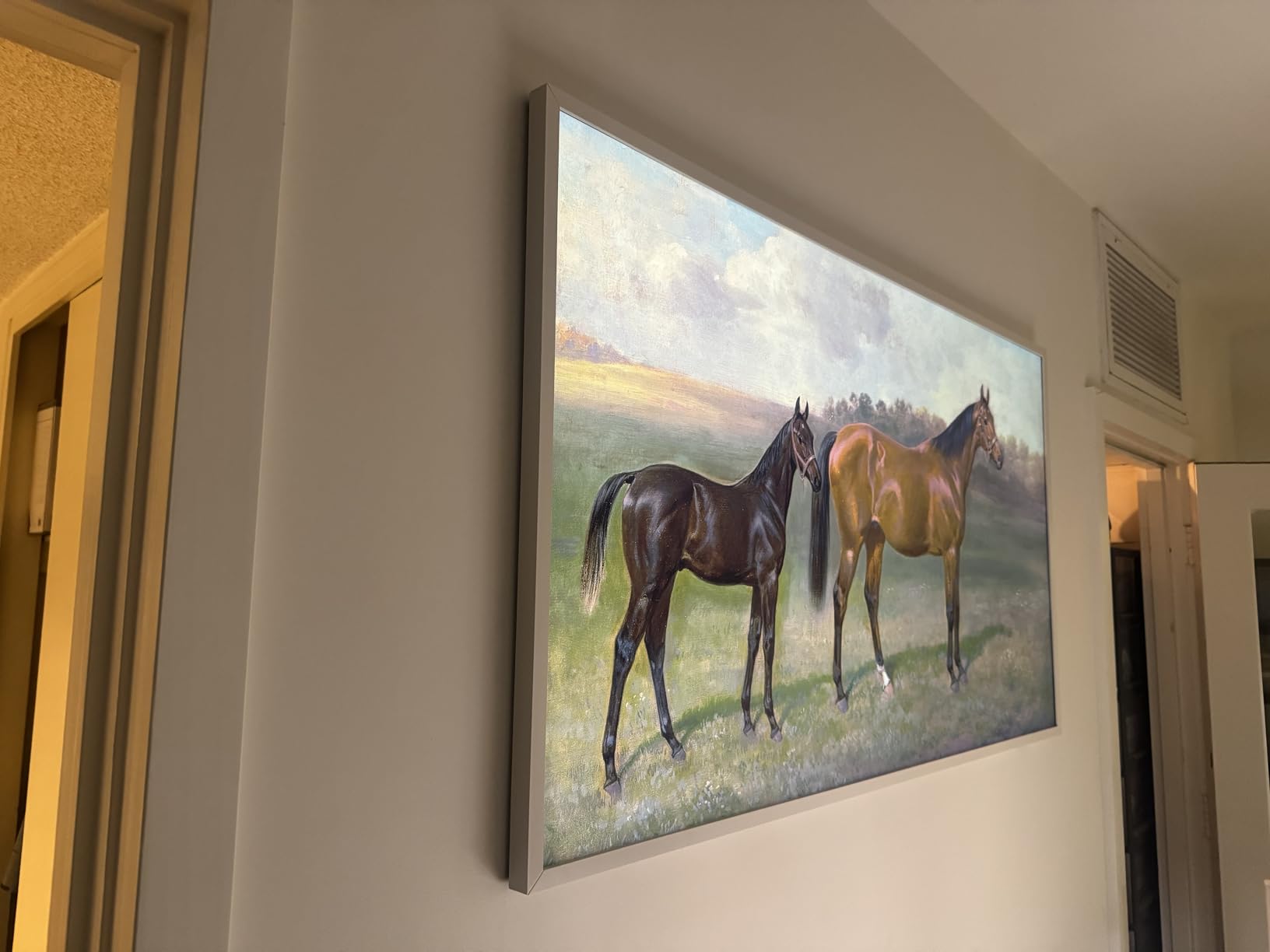
The Art Store is where Samsung pulls ahead of competitors. With a subscription, you get access to over 2,500 curated works from museums and galleries worldwide. The quality of the curation is genuinely impressive, and the artwork looks fantastic on the QLED panel with its vibrant color reproduction.
The NQ4 AI Gen2 processor handles upscaling and motion processing well. At 144Hz with Motion Xcelerator, sports and gaming look buttery smooth. Samsung’s Tizen OS is responsive and packed with apps, and the included external hub means you only need one nearly invisible cable running to the TV.
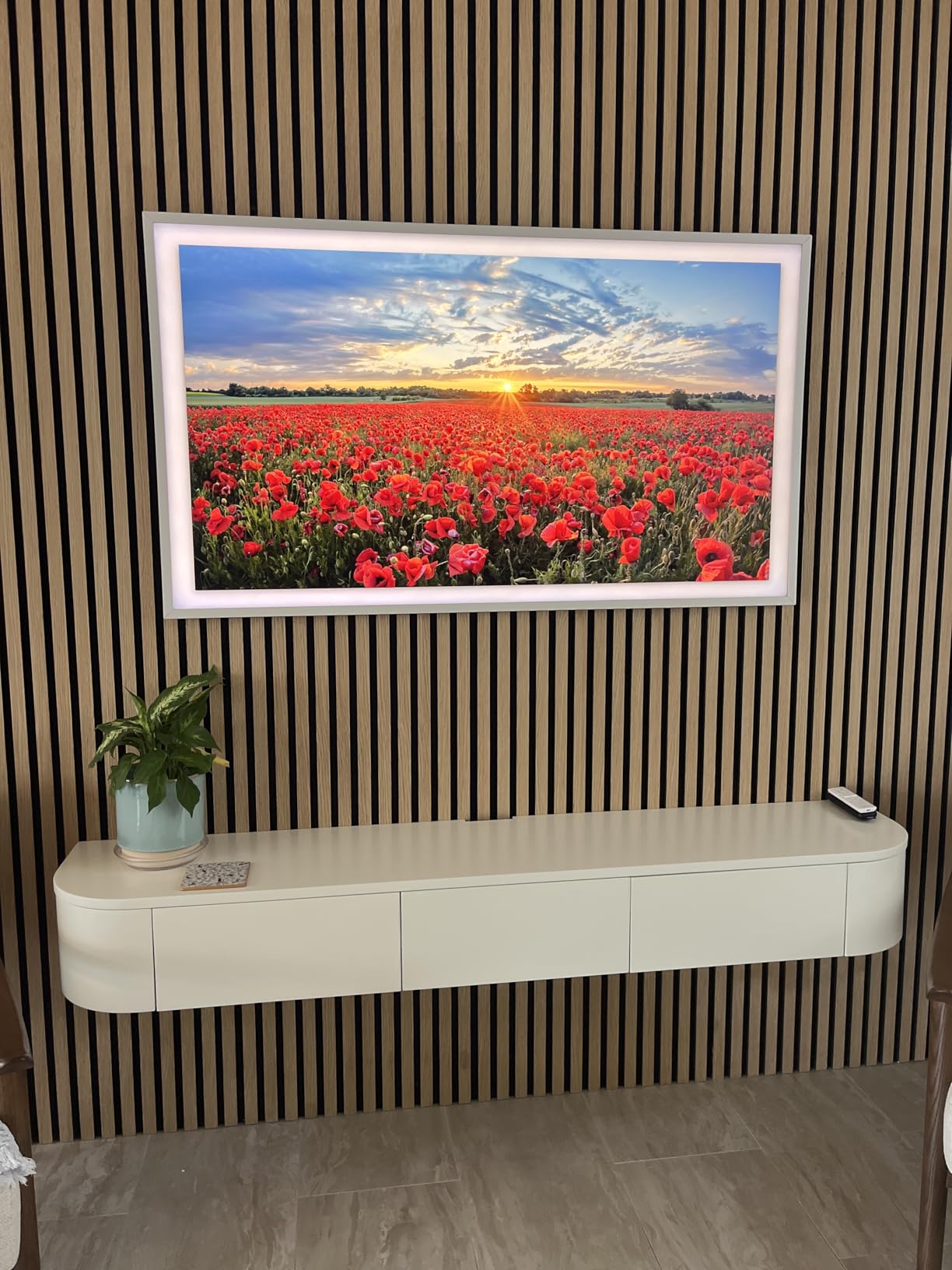
The One Connect Box Advantage
Samsung includes an external connection hub with The Frame that consolidates all your HDMI, USB, and power connections into a single box. This means only one thin, nearly invisible cable runs from the TV to the hub, which can be hidden in a cabinet or behind furniture.
This is the best cable management solution in the industry. No other manufacturer offers anything quite like it. If hiding cables is your top priority, The Frame makes it effortless.
Customizable Frame Options
Samsung offers magnetic bezel attachments in multiple colors and finishes. You can swap them in seconds without tools. This lets you match the TV to your room’s style, whether that is modern white, classic wood, or sleek black.
The bezels are genuinely well-made and click into place magnetically. It feels like a premium product, which is what you want when the whole point is making a TV look like anything but a TV.
4. TCL NXTFRAME A300W 65-Inch – World’s Thinnest All-in-One
TCL 65″ NXTVISION Series Picture Frame TV, Google Smart TV QLED 4K, 65A300W
65 inch QLED
1.1 inch profile
Ultra Matte anti-glare
120Hz
49.6 lbs
Pros
- Worlds thinnest all-in-one design at 1.1 inches
- Ultra Matte screen for true art appearance
- No external box required
- Light wood magnetic frame included
Cons
- Not VESA compatible must use included mount
- Only 3 HDMI ports
The TCL NXTFRAME is the thinnest all-in-one TV you can buy at 1.1 inches deep. Unlike Samsung’s Frame, it requires no external connection box at all. Every port and component lives inside that impossibly thin chassis, which makes wall mounting remarkably straightforward.
When I first saw the 1.1-inch depth spec, I assumed TCL was cutting corners somewhere. But the NXTFRAME actually delivers a full QLED panel with local dimming, Dolby Vision, and a 120Hz refresh rate in that slim package. The ultra-matte screen coating is one of the best anti-glare treatments I have seen at this price.
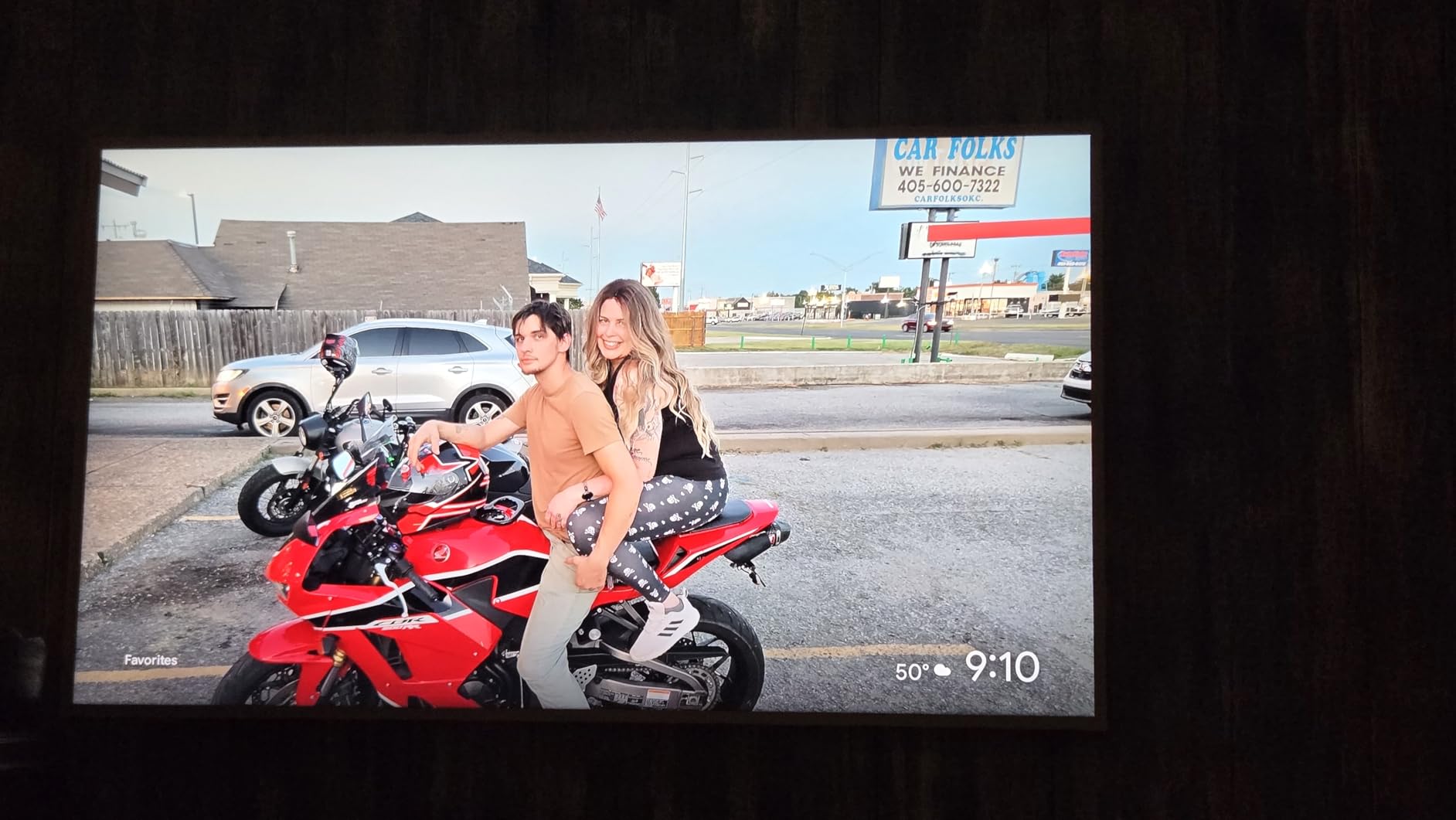
The included proprietary flush wall mount is designed specifically for this model. It holds the TV tight to the wall with almost no gap. The off-white bezel with light wood magnetic frame gives it a gallery aesthetic that blends well with Scandinavian and minimalist interiors.
Art mode works through TCL’s Art Library, which offers curated content. There is also an AI Art feature that generates custom artwork based on your preferences. It is not as extensive as Samsung’s Art Store, but it is free and growing.
VESA Compatibility Warning
Here is the catch: the NXTFRAME is not VESA compatible. You must use the included proprietary mount. This is fine if you are starting fresh, but it means you cannot swap in a full-motion or tilt mount from another brand.
If flexibility is important to you, this could be a dealbreaker. But if you want the absolute thinnest flush mount possible, the tradeoff is worth it.
Who Should Choose the NXTFRAME
This TV is ideal for renters and homeowners who want maximum aesthetic impact with minimal installation complexity. Since there is no external box to route cables to, installation is genuinely simple. Just mount the bracket, hang the TV, and plug in power.
The light wood frame option makes it particularly well-suited for bedrooms, dining rooms, and spaces where you want softness rather than a high-tech look.
5. LG OLED evo C5 65-Inch – Premium Picture Performance
LG 65-Inch OLED evo AI 4K C5 Series Smart TV (OLED65C5PUA, 2025)
65 inch OLED evo
Alpha 9 AI Gen8
120Hz
36.6 lbs
VESA 300x200
Pros
- Self-lit OLED pixels for perfect black levels
- Brightness Booster for improved daylight viewing
- Alpha 9 AI Processor Gen8 for excellent upscaling
- NVIDIA G-Sync and AMD FreeSync for gaming
Cons
- Glossy screen may reflect in bright rooms
- Wall mount not included
The LG C5 is not marketed as a gallery TV like the G5, but it is still one of the best OLEDs for wall mounting. At 36.6 pounds, it is lighter than many competing 65-inch models, and the VESA 300x200mm pattern works with virtually any mount on the market.
I have recommended the C-series to more people than any other OLED line. The picture quality is simply reference-level. Self-lit pixels mean every single one of the 8.3 million pixels can turn off completely, producing perfect blacks and infinite contrast. For movie lovers, nothing else comes close at this price.
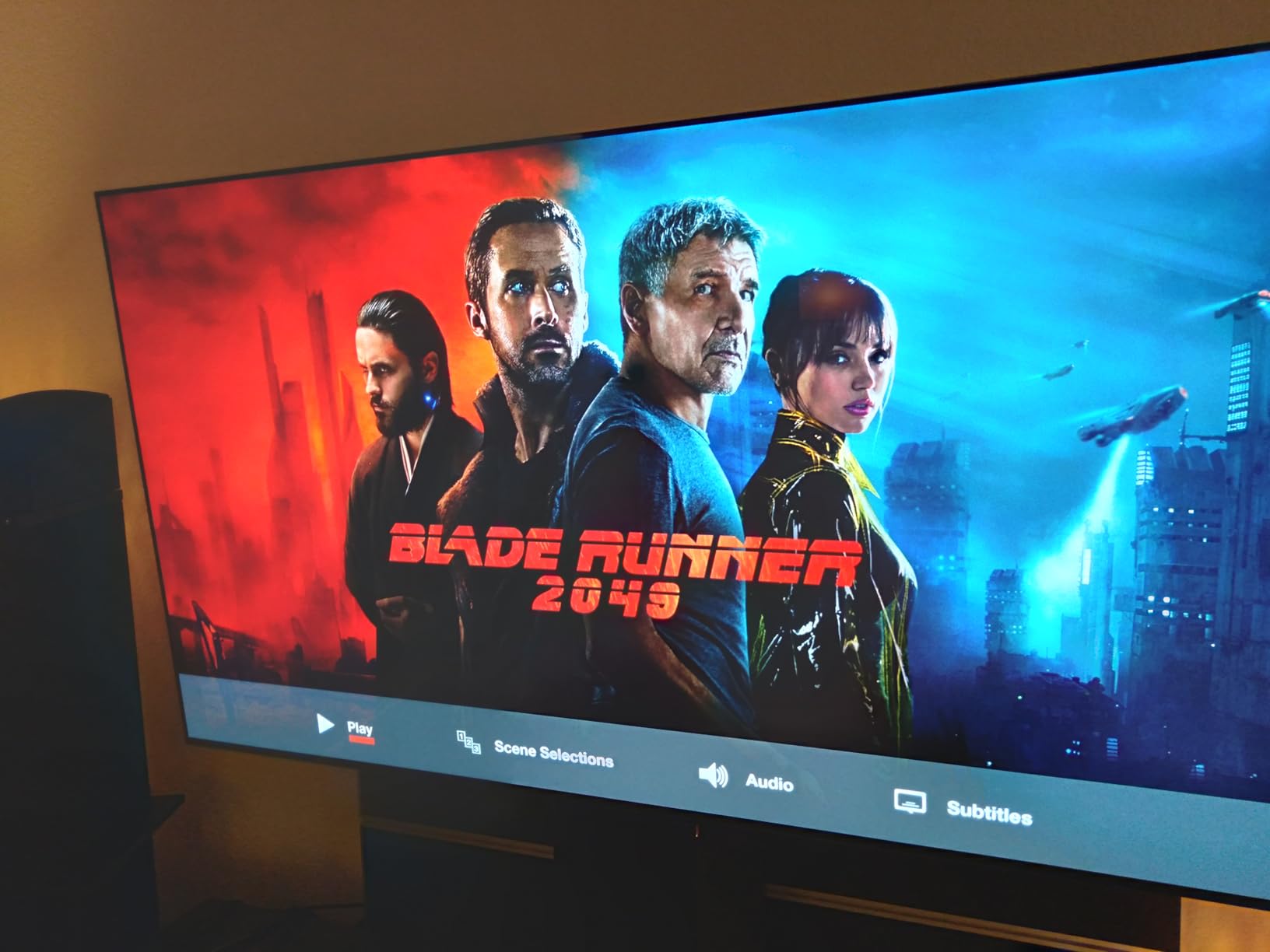
The Alpha 9 AI Processor Gen8 is a meaningful step up from previous generations. It upscales lower-resolution content with remarkable skill, and the AI Super Upscaling makes standard HD broadcasts look nearly 4K. Dolby Vision and Dolby Atmos support round out a truly cinematic experience.
For gamers, the C5 is a dream. It supports both NVIDIA G-Sync and AMD FreeSync Premium, has a 0.1ms response time, and runs at 120Hz natively. Four HDMI 2.1 ports mean you can connect multiple next-gen consoles and a PC simultaneously.
Mounting the C5 Properly
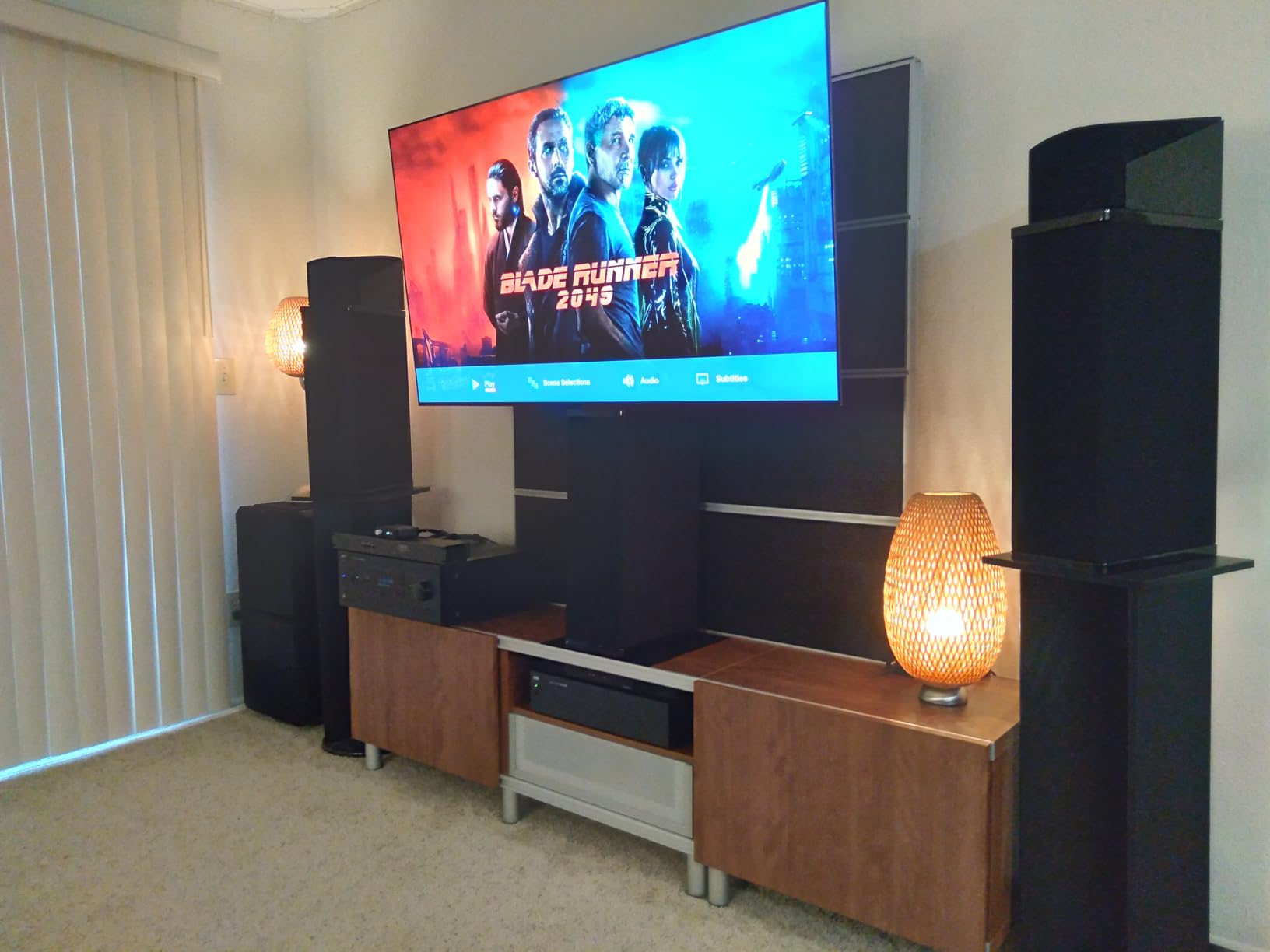
Unlike the G5, the C5 does not ship with a proprietary flush mount. You will need to purchase a VESA 300x200mm compatible mount separately. I recommend a low-profile fixed mount for the cleanest look, or a tilt mount if you are placing it above eye level.
The glossy screen finish is something to consider for wall mounting. In a room with windows directly opposite the TV, you will see reflections. A tilt mount can help angle the screen away from direct light sources.
OLED vs QLED for Wall Mounting
OLED panels like the C5 are inherently thinner than LED-backlit QLEDs because they do not require a backlight layer. This gives OLEDs an advantage for flush mounting. The tradeoff is brightness, where QLED and Mini-LED models typically win.
If your wall-mounted TV will live in a bright, sun-filled room, consider a QLED like the Hisense CanvasTV instead. For controlled lighting or evening viewing, the C5’s OLED panel is unbeatable.
6. TCL QM8K 65-Inch – Mini LED Power for Gamers
TCL 65 Inch Class QM8K Series | Mini LED QLED 4K HDR | 65QM8K, 2025 Model | 120HZ-144HZ Anti Reflective Wide Angle Screen Smart Google TV Dolby Atmos | Voice Remote Alexa Gaming Streaming Television
65 inch QD-Mini LED
1.97 inch profile
144Hz up to 288Hz VRR
Anti-reflective
46.5 lbs
Pros
- Excellent Mini LED picture quality with halo-free images
- Anti-reflective ZeroBorder edge-to-edge panel
- 144Hz with 288Hz VRR for ultra-smooth gaming
- VESA 300x300mm compatible
Cons
- Limited stock availability
- Premium price point for TCL
The TCL QM8K is the TV I point gamers toward when they want wall-mounted performance without paying OLED prices. The QD-Mini LED panel with TCL’s Halo Control System produces incredibly precise local dimming that rivals displays costing twice as much.
At 1.97 inches deep, it is not the thinnest TV on this list, but it is slim enough for a clean wall installation. The anti-reflective ZeroBorder panel looks fantastic mounted flush. The edge-to-edge glass design with virtually no bezel gives it a premium floating appearance.
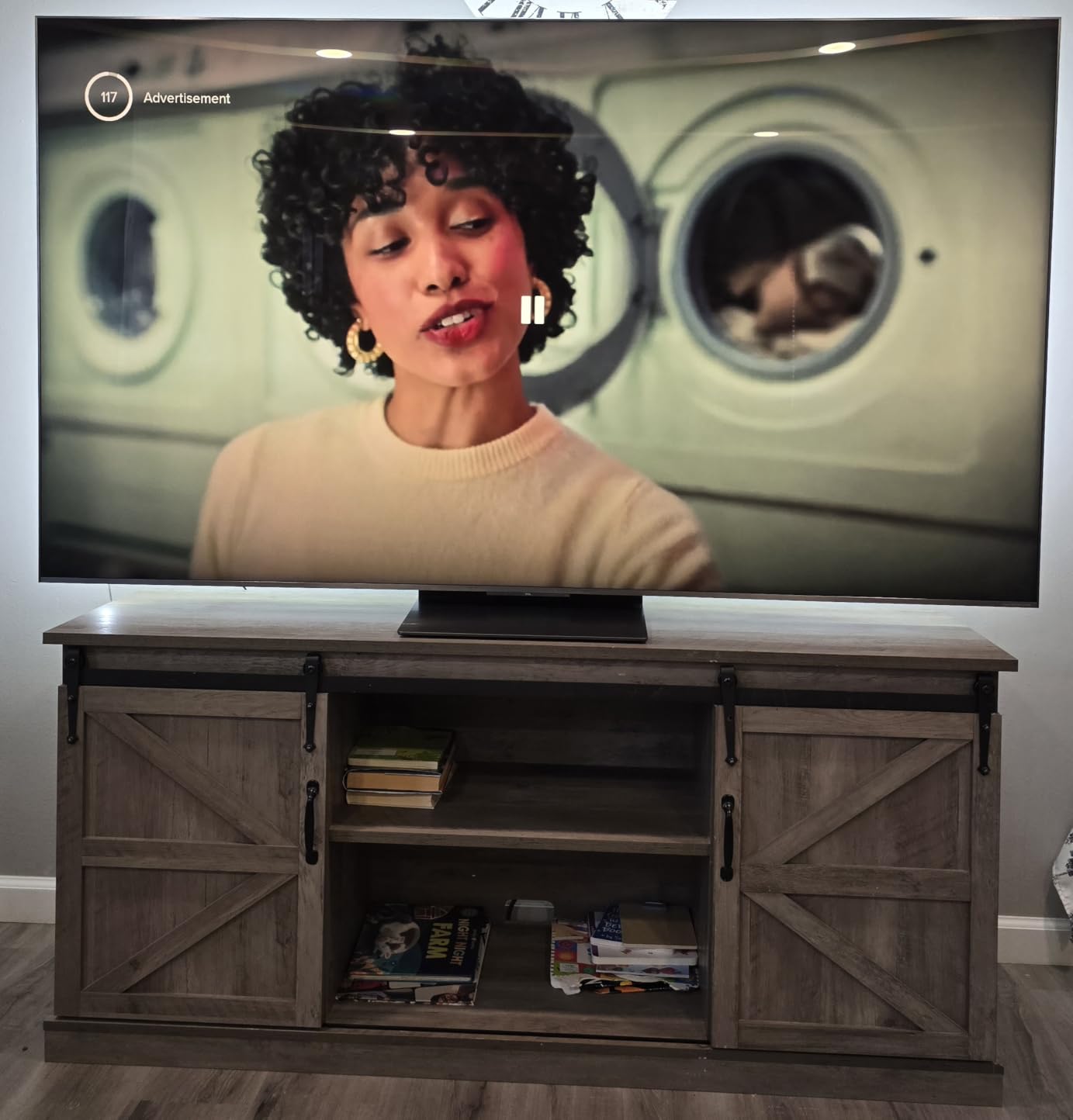
The Mini LED backlight uses thousands of individually controlled dimming zones. This means bright highlights in HDR content stay punchy while dark areas remain deeply black. I tested it with Dolby Vision content and was genuinely surprised by how close it came to OLED-level contrast in most scenes.
For gaming, the QM8K is a monster. The native 144Hz refresh rate can push to 288Hz via VRR through the Game Accelerator. That is absurdly smooth. Pair this with a PS5 or Xbox Series X and you get responsive, tear-free gaming at the highest framerates.
Mount Compatibility and Installation
The QM8K uses a standard VESA 300x300mm pattern, so virtually any quality mount will work. At 46.5 pounds, it is heavier than the OLED options, so make sure your mount is rated for at least 60 pounds to have a safety margin.
I recommend a fixed low-profile mount for this TV since it is already thin enough for a clean look. A full-motion mount adds 2 to 3 inches of gap, which defeats the purpose of the slim design.
Brightness Performance for Bright Rooms
Mini LED panels are significantly brighter than OLED, making the QM8K the better choice for rooms with lots of natural light. The anti-reflective coating further reduces glare, so daytime viewing is clear and punchy.
If your wall-mounted TV faces windows or sits in an open-plan living space, the QM8K solves the brightness problem that plagues OLEDs in similar conditions.
7. Samsung Neo QLED QN70F 55-Inch – Mini LED with AI Processing
Samsung 55-Inch Class Neo QLED QN70F 4K Mini LED Smart TV (2025 Model) NQ4 AI Gen2 Processor, Quantum Matrix Technology Slim, Motion Xcelerator 144Hz, Samsung Vision AI, Alexa Built-in
55 inch Neo QLED Mini LED
Quantum Matrix Slim
144Hz
31.3 lbs
VESA 200x200
Pros
- Mini LED Quantum Matrix for sharp contrast
- NQ4 AI Gen2 processor for excellent upscaling
- Smooth 144Hz gaming with VRR support
- Lightweight at 31.3 pounds
Cons
- Wall mount not included
- 9.7 inch base depth is not slim profile
- Only 10 units left in stock
The Samsung Neo QLED QN70F brings Mini LED technology to a more accessible price point. The Quantum Matrix Technology Slim uses ultra-precise LED controllers to manage thousands of dimming zones, producing deep blacks and bright highlights that standard LED TVs simply cannot match.
I was impressed by how the NQ4 AI Gen2 processor handles content. Samsung’s upscaling is among the best in the industry, and lower-resolution sources look noticeably sharper on this panel. The Samsung Vision AI features add smart scene optimization that adjusts picture settings based on what you are watching.
At 31.3 pounds, the QN70F is one of the lightest 55-inch TVs on this list. That makes wall mounting easier and less stressful on your bracket. The VESA 200x200mm pattern is widely supported by mounts from Sanus, Echogear, and other reputable brands.
The 144Hz refresh rate with Motion Xcelerator makes this a great pick for gamers. VRR support means no screen tearing during fast-paced action. Combined with Samsung’s low input lag, the QN70F handles competitive gaming as well as it handles movie night.
Profile Depth Considerations
Here is where I need to be honest: the QN70F has a base depth of 9.7 inches with its stand. Without the stand, it is significantly thinner, but it is not in the same slim-profile category as the art-mode TVs on this list. If achieving a near-flush mount is your priority, look at the Frame or the LG G5 instead.
However, with a good low-profile mount, the QN70F still looks clean on the wall. Just do not expect it to disappear like an art TV.
Best Use Cases for the QN70F
This TV shines as a versatile all-rounder for gaming rooms, bedrooms, and living rooms where you want Mini LED quality without the premium price. It handles mixed usage better than any art-mode TV because it prioritizes raw picture performance over aesthetics.
If you want one TV that does everything well on the wall, from gaming to sports to movies, the QN70F is a smart pick.
8. Samsung Crystal UHD 65-Inch – Budget Wall-Mount Pick
Samsung 65-Inch Class Crystal UHD U8000H Series Samsung Vision AI Smart TV (2026 Model, 65U8000H) Processor 4K, Endless Free Content, Motion Xcelerator, Color Booster, Alexa Built-in
65 inch LED
2.6 inch profile
Crystal Processor 4K
60Hz
31.1 lbs
VESA 400x300
Pros
- Ultra-slim design at a budget price point
- VESA 400x300mm works with most mounts
- Lightweight at 31.1 pounds for easy mounting
- Samsung Vision AI and 2700 plus free channels
Cons
- 60Hz refresh rate only
- No anti-reflective coating
- Only 3 HDMI ports
Not everyone needs to spend over $1,000 on a wall-mounted TV. The Samsung Crystal UHD proves you can get a solid 65-inch panel on your wall for under $400. It is the most affordable option on this list by a wide margin, and it delivers respectable performance for the price.
I installed one of these in a friend’s bedroom last month. At 2.6 inches deep, it is not razor-thin, but with a flush mount it looks clean and intentional on the wall. The 31.1-pound weight makes it one of the easiest 65-inch TVs to mount solo or with one helper.
The Crystal Processor 4K does a capable job with upscaling and color enhancement. You will not get the deep blacks of OLED or the brightness of Mini LED, but for casual viewing, streaming, and live TV, the picture is more than acceptable. The Color Booster feature adds vibrancy without going overboard.
Samsung’s Tizen OS runs smoothly with access to all major streaming apps. The included Samsung TV Plus service offers over 2,700 free channels, which is a nice bonus if you are looking to cut the cord. Samsung Vision AI adds auto-optimization for picture and sound.
What You Give Up at This Price
The 60Hz refresh rate is the biggest compromise. For movies and TV shows, it is fine. For sports and gaming, you will notice more motion blur compared to the 120Hz and 144Hz options on this list. There is also no anti-reflective coating, so glare management depends entirely on your room layout.
With only 3 HDMI ports, you may need an HDMI switch if you have multiple devices. Plan your connections before mounting since adding ports later means fishing new cables through the wall.
Best Mounting Scenarios for Budget Buyers
This TV is ideal for bedrooms, guest rooms, and secondary spaces where you want a large screen on the wall without a big investment. A basic fixed mount will hold it flush for under $30, making the total installation very affordable.
For first-time wall mounters, this is actually a great practice TV. It is light, uses a common VESA pattern, and the cost is low enough that mistakes will not devastate your wallet.
How to Choose the Best TV for Wall Mounting
Choosing a wall-mountable TV involves more than picking a good screen. The physical design, mounting compatibility, and cable management options matter just as much as picture quality. Here is what I have learned matters most after years of mounting TVs.
Profile Depth: Why Thinner Is Better
Profile depth is the single most important factor for wall mounting. The best TVs for wall mounting have profiles under 1.5 inches. The LG G5 and TCL NXTFRAME lead the pack at 1.1 inches each, followed closely by the Hisense CanvasTV at 1.2 inches.
Anything over 2.5 inches starts to look bulky on the wall. The Samsung Crystal UHD at 2.6 inches and the TCL QM8K at 1.97 inches are acceptable but will not achieve that art-like flush appearance. Check the depth specification carefully before buying.
VESA Mount Pattern Explained
VESA (Video Electronics Standards Association) patterns are the standardized hole spacing on the back of your TV that determines mount compatibility. Common patterns include 200x200mm, 300x200mm, 300x300mm, and 400x300mm. The measurement refers to the distance between mounting holes in millimeters.
Most TVs on this list use standard VESA patterns. The exception is the TCL NXTFRAME, which uses a proprietary mount. Always verify the VESA pattern before purchasing a wall mount separately. A mismatch means the bracket will not bolt to your TV.
Cable Management Solutions
Visible cables ruin the clean look of a wall-mounted TV. The best solutions I have used include Samsung’s One Connect Box (included with The Frame), in-wall cable routing kits, and recessed wall plates that let cables pass through the drywall cleanly.
For renters who cannot cut into walls, paintable cable raceways are the next best option. These adhesive-backed channels stick to the wall and can be painted to match your wall color. They are not invisible, but they are far better than dangling wires.
Art Mode: Making Your TV Disappear
Art mode TVs display artwork when not in active use, eliminating the black rectangle problem. Three models on this list feature art mode: the Samsung Frame, Hisense CanvasTV, and LG G5. The TCL NXTFRAME offers a similar art library feature.
Reddit users in r/hometheater consistently praise art mode TVs for living spaces. The matte screen coatings on these models are what sell the illusion. A glossy screen reflecting your ceiling will never look like a painting, regardless of what is displayed.
Display Technology: OLED vs QLED vs Mini-LED
OLED panels are naturally thinner because they use self-lit pixels instead of a backlight layer. This makes them inherently better for flush mounting. The LG G5 and C5 demonstrate this with their ultra-thin profiles.
QLED and Mini-LED models use backlight systems that add depth, but they are significantly brighter. The TCL QM8K and Samsung Neo QLED QN70F are better choices for bright rooms where OLED may struggle with reflections and peak luminance.
Mount Type: Fixed vs Tilt vs Full-Motion
Fixed mounts hold the TV flat against the wall and are best for achieving a flush look. They are also the most affordable. Tilt mounts allow downward angling, which is useful for above-fireplace installations.
Full-motion mounts offer the most flexibility but add 2 to 4 inches of gap between the TV and wall. Forum users on AVS Forum often recommend full-motion mounts for multi-purpose rooms where viewing angles change. For a pure gallery look, fixed is the way to go.
Weight and Wall Stud Considerations
Every TV on this list weighs between 31 and 50 pounds. Always mount into wall studs, never into drywall alone. Drywall anchors are not strong enough for TVs, as many frustrated Reddit users have discovered the hard way.
Use a stud finder to locate two adjacent studs, which are typically spaced 16 inches apart. Ensure your mount spans both studs for maximum support. For TVs over 65 inches or 50 pounds, consider professional installation to guarantee proper weight distribution.
FAQs
Can any TV be wall-mounted?
Most modern flat-screen TVs can be wall-mounted using a VESA-compatible bracket, but not all TVs are equally suited for it. The best TVs for wall mounting have slim profiles under 2 inches, flat rear panels, standard VESA patterns, and good cable management. Some ultra-thin models like the LG G5 and TCL NXTFRAME are specifically designed for flush wall installation.
What is a VESA mount pattern?
A VESA mount pattern is the standardized hole spacing on the back of a TV that determines wall mount compatibility. Common patterns include 200x200mm, 300x200mm, 300x300mm, and 400x300mm. The numbers refer to the distance between mounting holes in millimeters. Always check your TV’s VESA pattern before buying a wall mount separately.
How do I hide cables when wall-mounting a TV?
The cleanest cable hiding method is an in-wall routing kit with a recessed wall plate behind the TV and another near the floor where your devices sit. For renters, paintable cable raceways that adhere to the wall surface are the best alternative. Samsung’s One Connect Box, included with The Frame TV, consolidates all connections into a single thin cable for the simplest solution.
What height should I mount my TV?
The center of your TV screen should be at eye level when you are seated, which is typically 42 to 48 inches from the floor for most living rooms. For bedroom mounting, a slightly higher position of 50 to 54 inches is common since you view from a reclined angle. Above a fireplace, use a tilt mount to angle the screen downward toward your seating area.
What TV wall mount is most highly recommended?
For flush mounting, the Sanus VLT7 is widely recommended for its low-profile design and easy installation. For full-motion needs, the Echogear Full Motion mount is popular among AV enthusiasts. Always choose a mount rated for at least 1.5 times your TV’s weight, and ensure it matches your TV’s VESA pattern. TVs that include their own mounts, like the Samsung Frame and Hisense CanvasTV, offer the most seamless fit.
Final Thoughts on Wall-Mountable TVs
The best TVs for wall mounting combine thin profiles, standard VESA compatibility, and smart cable management into a package that looks intentional on your wall. After reviewing eight models, the LG OLED evo G5 stands out for its zero-gap One Wall Design and reference-level picture quality. The Hisense CanvasTV S7 wins on value, delivering art mode and an ultra-slim profile at roughly half the cost of comparable gallery TVs.
For budget-conscious buyers, the Samsung Crystal UHD gets a large screen on your wall for under $400. And for gamers who want wall-mounted performance, the TCL QM8K and Samsung Neo QLED QN70F offer Mini LED brightness and high refresh rates in reasonably slim packages. Whatever your room and budget, one of these eight models will give you that clean, mounted look that transforms your space.