
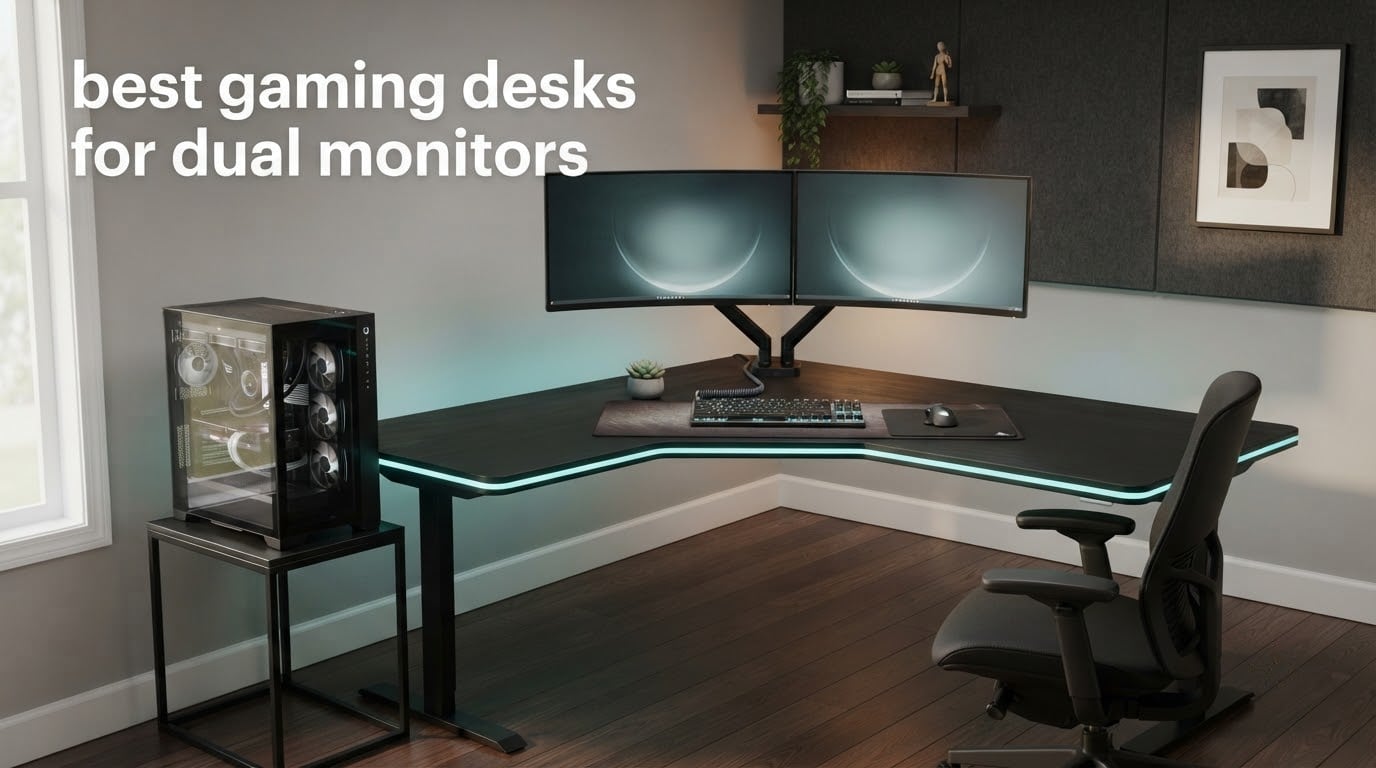
Most dual-monitor complaints I hear are not about the monitors. They are about the desk. The second screen does not fit, the top sags when a PC tower and two screens sit on it, or the cable situation is so bad that a two-monitor setup feels worse than one screen.
That is why the best gaming desks for dual monitors are not really about RGB lights or cup holders. They are about width, depth, load capacity and whether the frame will accept a monitor arm. We compared ten desks in this roundup, focusing on the specs that decide whether two monitors actually fit and stay put.
Two numbers matter more than anything else a product page lists. You want at least 60 inches of width for a pair of 27-inch screens, and at least 24 inches of depth so the screens sit far enough from your face and a full-size mouse pad still fits in front of them. Anything narrower and the monitors end up at an angle that makes one of them a nuisance.
We also treated monitor arm compatibility as a hard requirement rather than a nice-to-have. A glass top with no grommet holes and a frame too thin to clamp will force you back to two separate stands, and that is the single most common regret we found in builder communities when people assemble a dual-screen desk.
If you are still choosing screens first, our picks for the best monitors for dual monitor setups and the best monitors for small desks are worth a look before you commit to a top size. For the desk side of the build, the best computer desks for dual monitors covers general office-style frames.
Table of Contents
Top 3 Picks: Gaming Desks for Dual Monitors (September 2026)
The three desks below are the ones we would put in front of a two-monitor build first. Each one solves a different problem, so read the badge rather than just picking the top row.

Mr IRONSTONE 63 Inch L Desk
- 47 inch main surface
- 350 lb steel frame
- Monitor stand included
- L-shaped corner layout
FLEXISPOT EN1 Standing Desk
- 60 x 24 inch seamless top
- Electric 28.1 to 45.7 inch range
- 176 lb capacity
- 4 memory presets

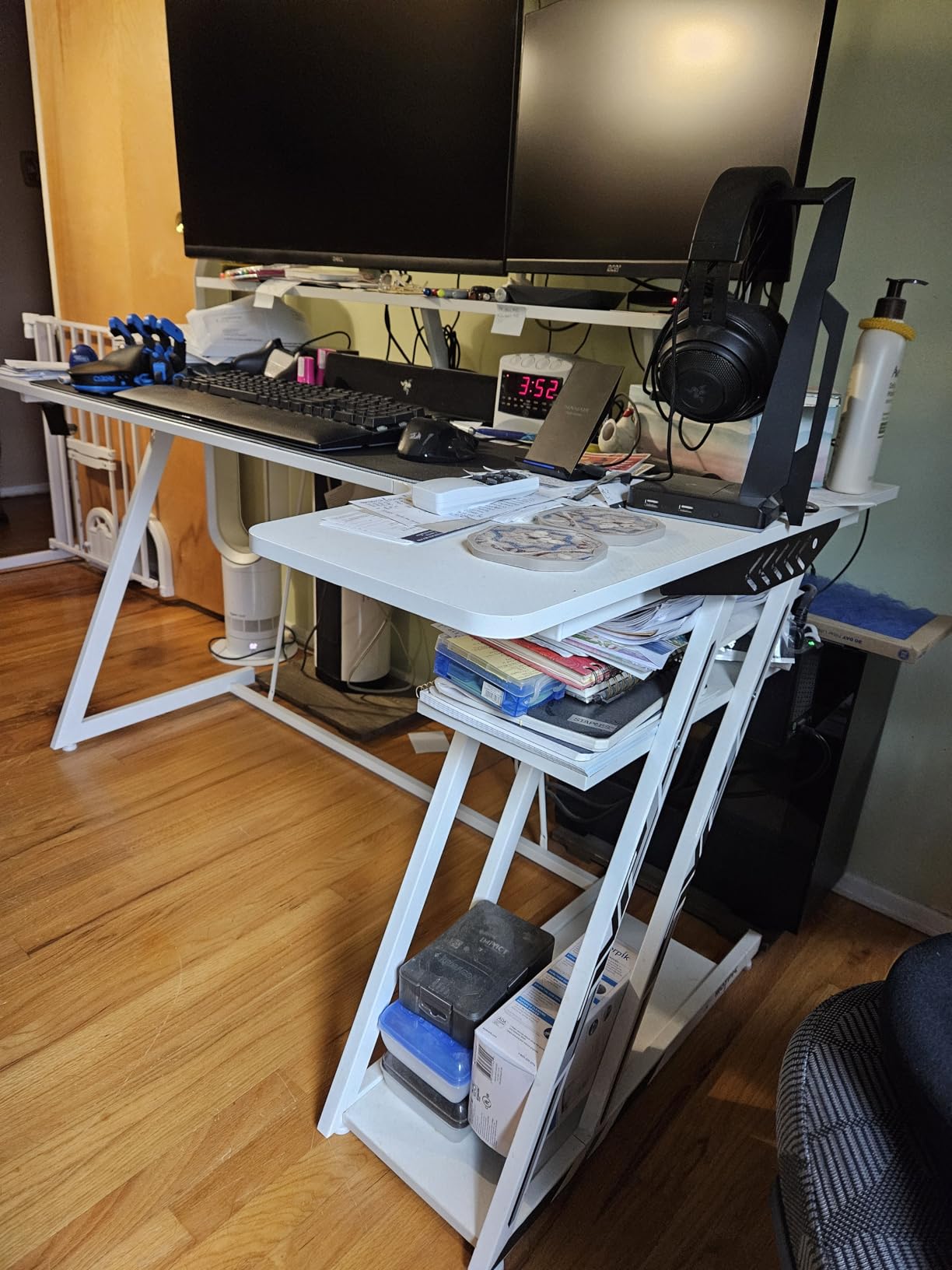
HLDIRECT 63 Inch Z Desk
- 63 x 23.6 inch surface
- 200 lb static load
- App-controlled RGB
- Mouse pad included
All 10 Best Gaming Desks for Dual Monitors Side by Side (September 2026)
Every desk in the roundup, with the specs that decide dual-monitor fit. Width and depth are the two columns to read twice, because they eliminate options faster than any feature list.
| Product | Specifications | Action |
|---|---|---|
| Mr IRONSTONE 63 Inch L Shaped Desk |
|
Check Latest Price |
| FLEXISPOT EN1 Electric Standing Desk |
|
Check Latest Price |
| HLDIRECT 63 Inch Z Shaped Desk |
|
Check Latest Price |
 Huuger 63 Inch Desk with Storage Huuger 63 Inch Desk with Storage |
|
Check Latest Price |
 Veken 63 x 27.6 Inch Standing Desk Veken 63 x 27.6 Inch Standing Desk |
|
Check Latest Price |
 ODK 55 Inch Desk with LED and Shelves ODK 55 Inch Desk with LED and Shelves |
|
Check Latest Price |
 AODK 59 Inch Desk with PC Showcase Stand AODK 59 Inch Desk with PC Showcase Stand |
|
Check Latest Price |
 SEDETA 67 Inch L Shaped Desk SEDETA 67 Inch L Shaped Desk |
|
Check Latest Price |
 ODK 53 Inch L Shaped Desk ODK 53 Inch L Shaped Desk |
|
Check Latest Price |
 SEDETA 70.8 Inch Desk with Shelves SEDETA 70.8 Inch Desk with Shelves |
|
Check Latest Price |
1. Mr IRONSTONE 63 Inch L Shaped Desk – Best Overall for Two Monitors
Mr IRONSTONE 63″ L Shaped Computer Desk, Corner Desk, Home Office Desk, Gaming Writing Workstation with Large Monitor Stand, Easy to Assemble, Black
47.2 inch main surface
Metal frame and P2 MDF top
350 lb maximum load
Monitor stand included
Pros
- 47 inch main surface easily clears two 27 inch monitors
- 350 lb rating is the highest in this roundup
- X-shaped metal frame resists mid-span flex
- Adjustable leg pads steady the L on uneven floors
- Includes a large monitor stand
Cons
- Fixed 29 inch height with no sit-stand option
- L-shaped footprint needs a large corner
- Assembly takes about 35 minutes solo
This is the desk I keep coming back to for a two-monitor build, and the reason is the 47 inch main surface. A main run in the mid-30s to 40 inch range is where a second monitor starts pushing your keyboard off the edge.
The frame is the other half of the answer. Alloy steel over P2 MDF with X-shaped joints gives it a 350 pound maximum load rating, and the main leg measures 47.2 inches wide by 18.2 inches deep, with a 55 inch working diagonal and an overall height of 29.5 inches. Two 27-inch screens on their factory stands leave roughly 20 inches of clear space in front of them, which is enough for a full-size board and a decent mat.
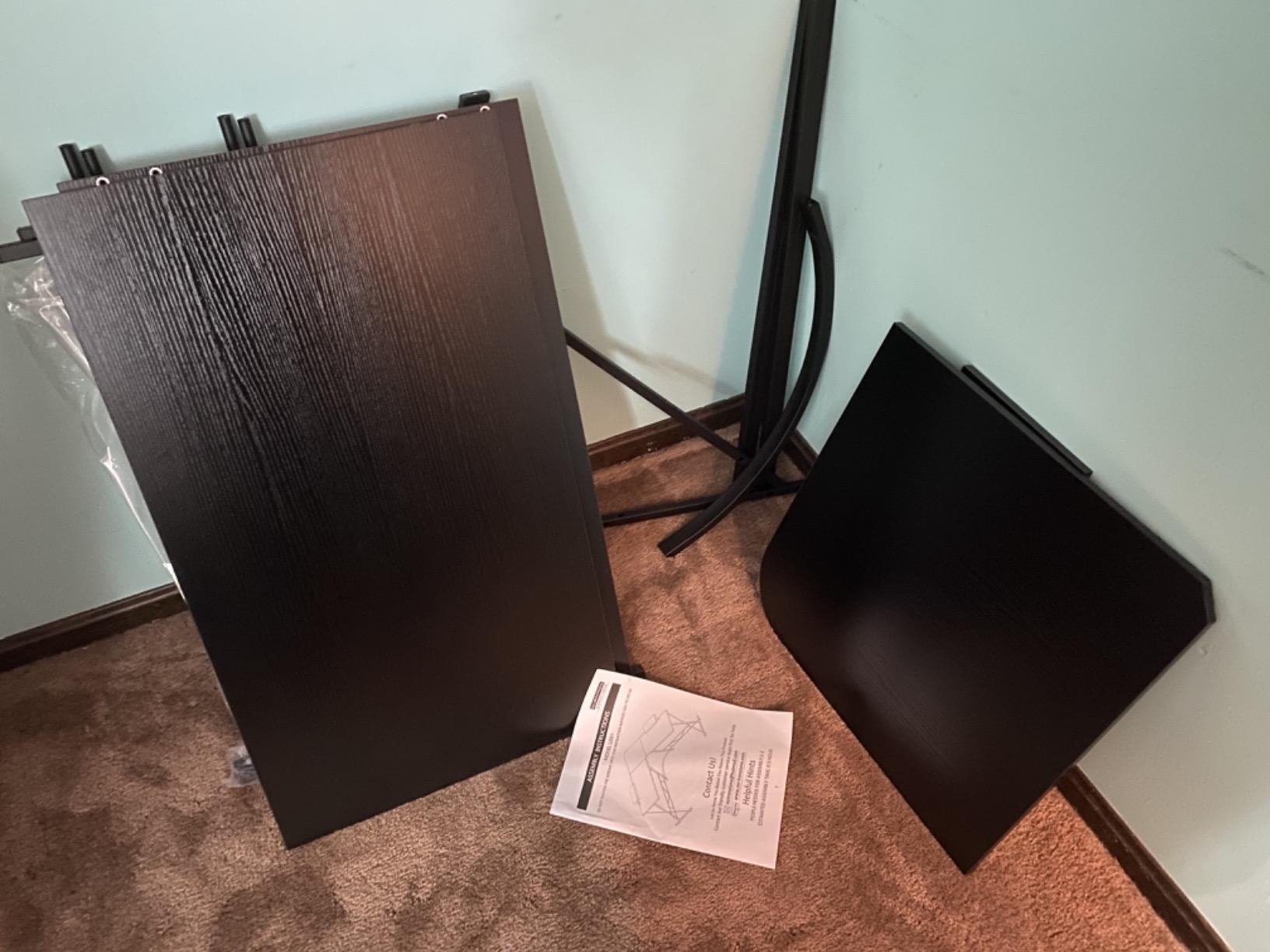
That 350 pound figure is the number that matters most here, because two monitors plus a mid-tower sitting mid-span is where cheaper frames start to bow.
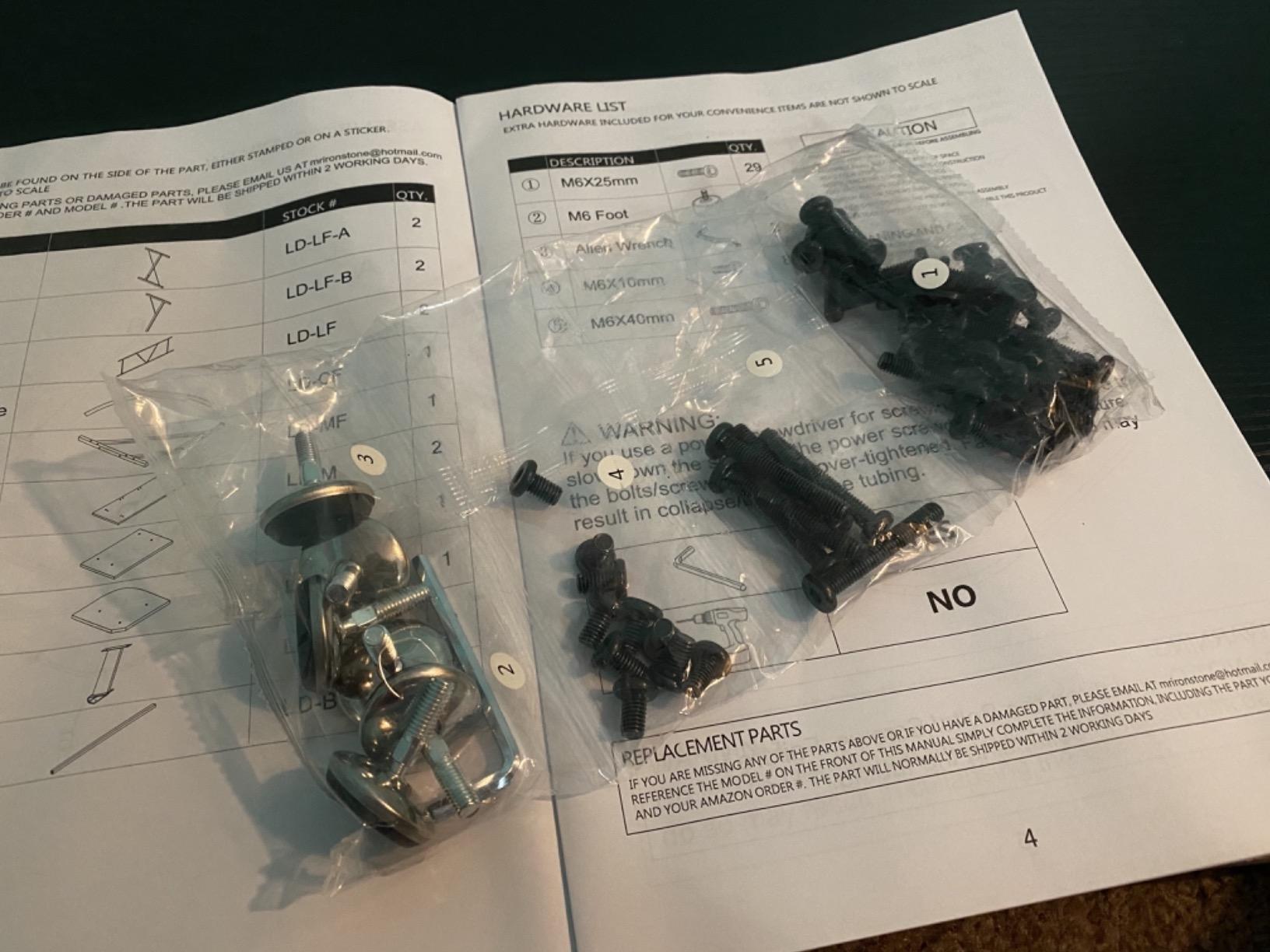
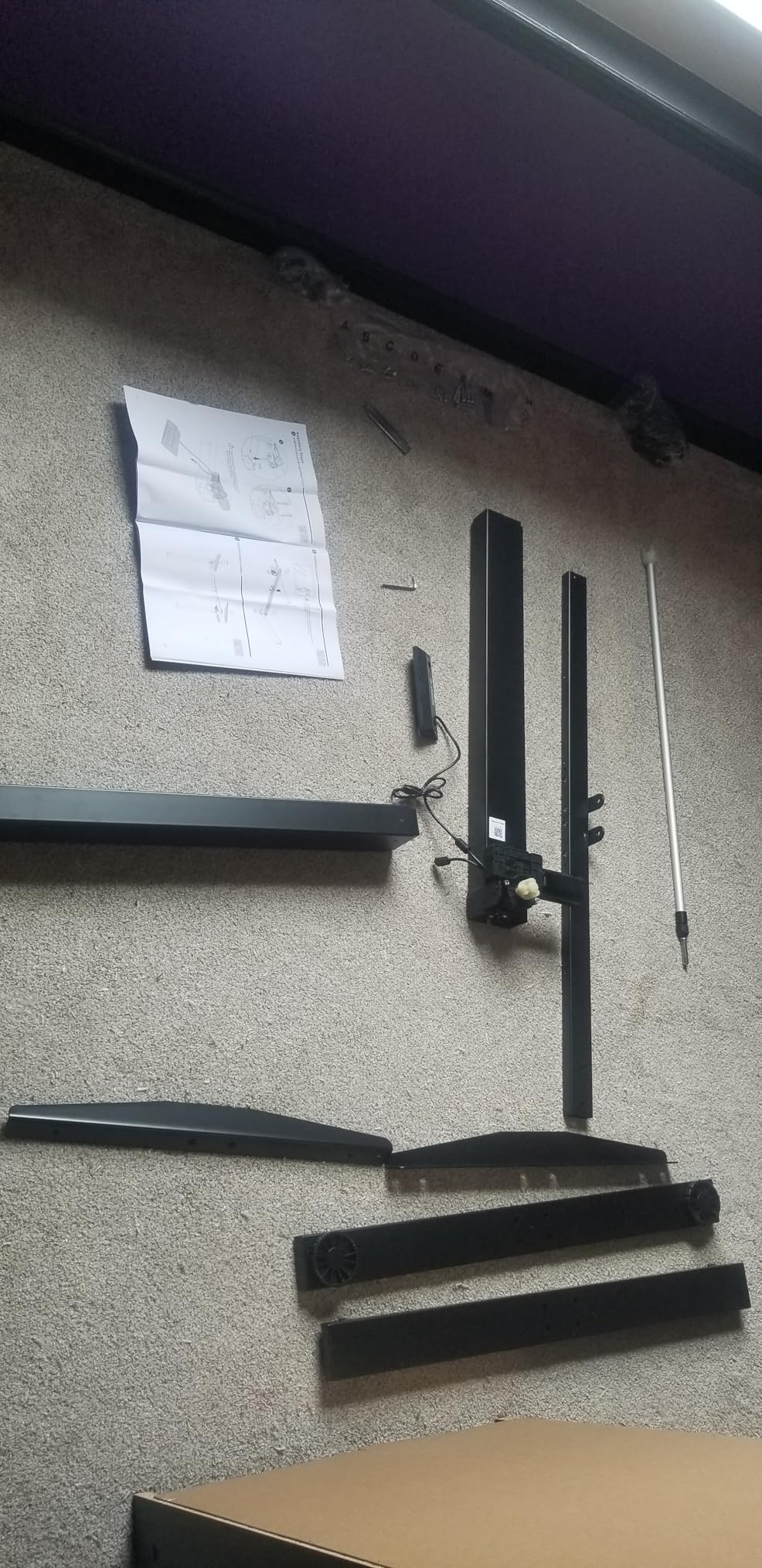
Assembly took longer than the 35 minutes the product page suggests, and reviewers report the same. A second pair of hands cuts that in half. Once it is up, the adjustable leg pads matter more than you would expect, because an L-shape on a slightly uneven floor is the fastest way to make a rigid frame feel wobbly.
How it handles two monitors and a PC tower
The included monitor stand gives the screens a lift, which pushes the top bezel closer to eye level and frees a strip of surface for a controller or a stream deck. A dual monitor arm also works if you want to reclaim more room, and the MDF top accepts a grommet mount more readily than a glass surface would.
Where it falls short is height. At a fixed 29 inches this desk is fine for one person at one desk height, but it is not adjustable for someone who switches between sitting and standing, and it will not grow with a taller user who needs more leg clearance.
Who should skip it
Skip it if your room has no usable corner. The L-shape is the entire reason this desk is comfortable with two monitors, and squeezing that footprint into a small room makes chair movement miserable. The MDF top is also heavier and less forgiving of spills than a laminate surface, so keep drinks away from the front edge.
Our broader picks for the best computer desks for dual monitors include straighter frames if a corner layout is not realistic for your space.
2. FLEXISPOT EN1 Standing Desk – Best Sit-Stand Option
FLEXISPOT EN1 One-Piece Standing Desk, Electric Adjustable with 4 Memory Presets, 176 LBS Capacity, Stable & Quiet, Seamless Desktop for Home Office & Dual Monitors, 60″x24″ Black
60 x 24 inch seamless top
28.1 to 45.7 inch electric lift
176 lb maximum load
4 memory presets
Pros
- One-piece top with no seam down the middle
- 1 inch thick surface resists sag
- Cable clips and headphone hook included
- 5 year frame and motor warranty
- Quiet motor
Cons
- Heaviest unit here at 68 lb
- 60 inch width feels tight with two 27 inch monitors
- Fixed depth of 24 inches
The FLEXISPOT EN1 is the only desk here with a genuinely seamless work surface, and that turns out to matter more than we expected. Two-panel tops leave a join line in the middle of your mouse area, right where your hand rests during long sessions.
The surface measures 60 inches wide by 24 inches deep with a 1 inch thick engineered wood top, and the electric frame travels from 28.1 inches to 45.7 inches with four memory presets. That range covers nearly everyone from a 5 foot 4 inch user to a 6 foot 5 inch user without a keyboard tray.
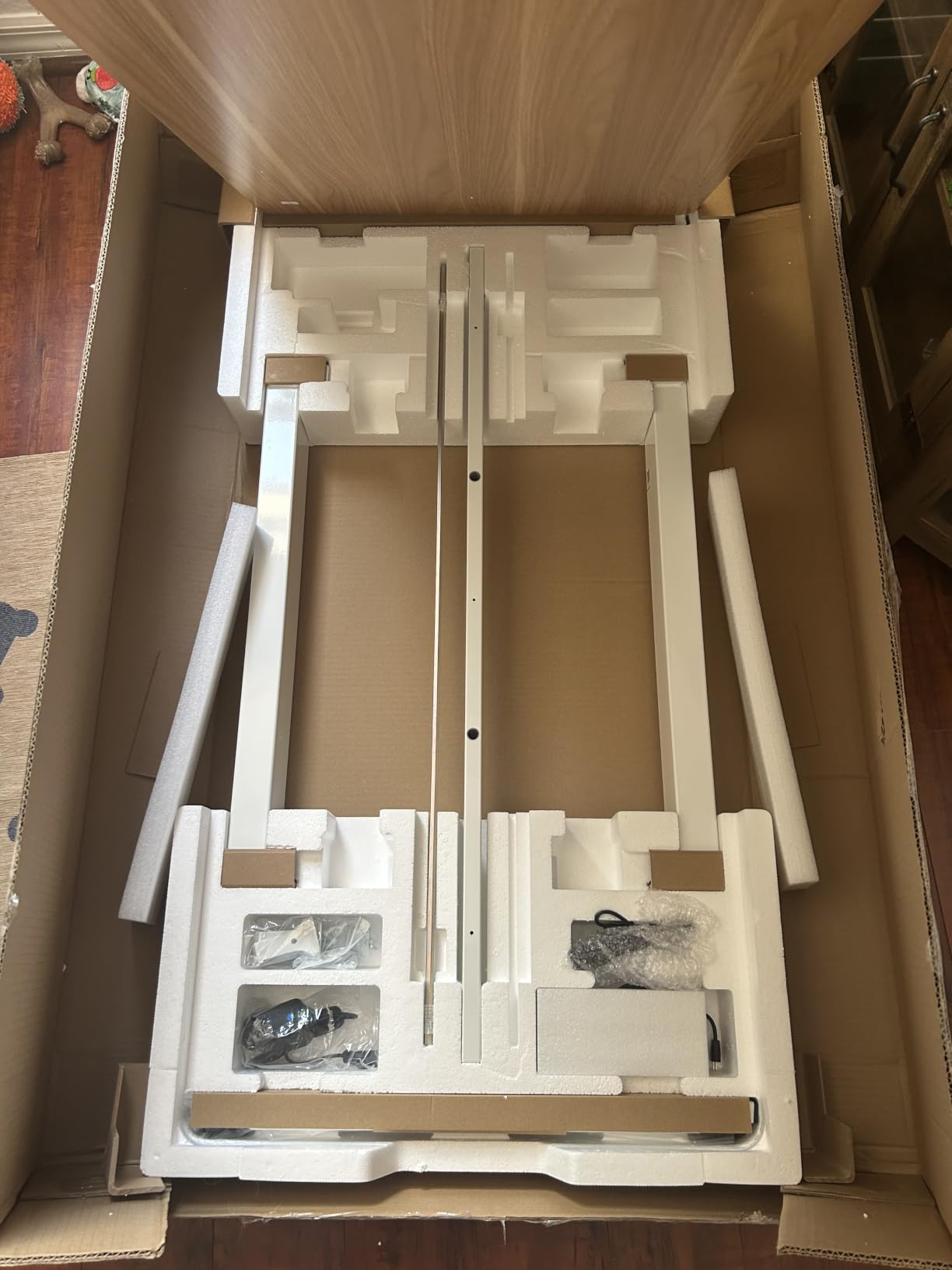
The alloy steel frame is rated for 176 pounds, which is enough for two monitors and a tower if you keep the tower on a stand rather than on the desktop. The 5-year frame and motor warranty is the longest we saw in this roundup and matters more than the marketing extras on cheaper desks.
The catch is width. Sixty inches is the bare minimum for two 27-inch screens, and once both monitors are on stands with a full-size keyboard and mouse pad, owners report the surface feeling crowded. If you have the room for 63 inches, take it.
Whether it stays steady at standing height
At standing height a two-stage frame like this one is the difference between a solid typing surface and a keyboard tray on springs. The 1 inch top and the alloy legs hold up under a typing load at full extension, which is the test most electric desks fail.
Cable clips and a headphone hook are included, though there is no full cable tray. Two monitors generate a lot of cable, so plan on adding an under-desk tray yourself if you want the floor clear.
Who should skip it
Skip it if moving the desk matters. At 68 pounds this is the heaviest unit in the roundup, and that is a real consideration for anyone rearranging furniture or working in a rental. It is also the wrong pick for a 34-inch ultrawide plus a secondary screen, since 60 inches will not cover that combination.
For more on electric frames, our guide to the best standing desks for dual monitor setups covers the height and preset trade-offs in more depth.
3. HLDIRECT 63 Inch Z Shaped Desk – Most Versatile with RGB
HLDIRECT 63 Inch Gaming Desk Z Shaped Carbon Fiber Computer Desk with LED
63 x 23.6 inch surface
200 lb static load
App-controlled RGB lighting
Includes mouse pad and hook
Pros
- 63 inch surface holds two monitors with room to spare
- ZZ frame splits load across two supports
- Carbon fiber coated top resists scratches
- Mouse pad
- headphone hook and cup holder included
- Assembles in under 30 minutes
Cons
- 34 lb build feels light under a heavy load
- No built-in outlets or shelves
- Limited cable management
The HLDIRECT does the most with the least. Its 63 by 23.6 inch surface is one of the few straight desktops here that clears 60 inches of width without costing the premium that a sit-stand frame demands.
The Z-shaped frame is the interesting part. Instead of one long span between two end legs, the structure splits into two independent triangular supports, which shortens the unsupported run under the middle of the desk where your monitors meet.
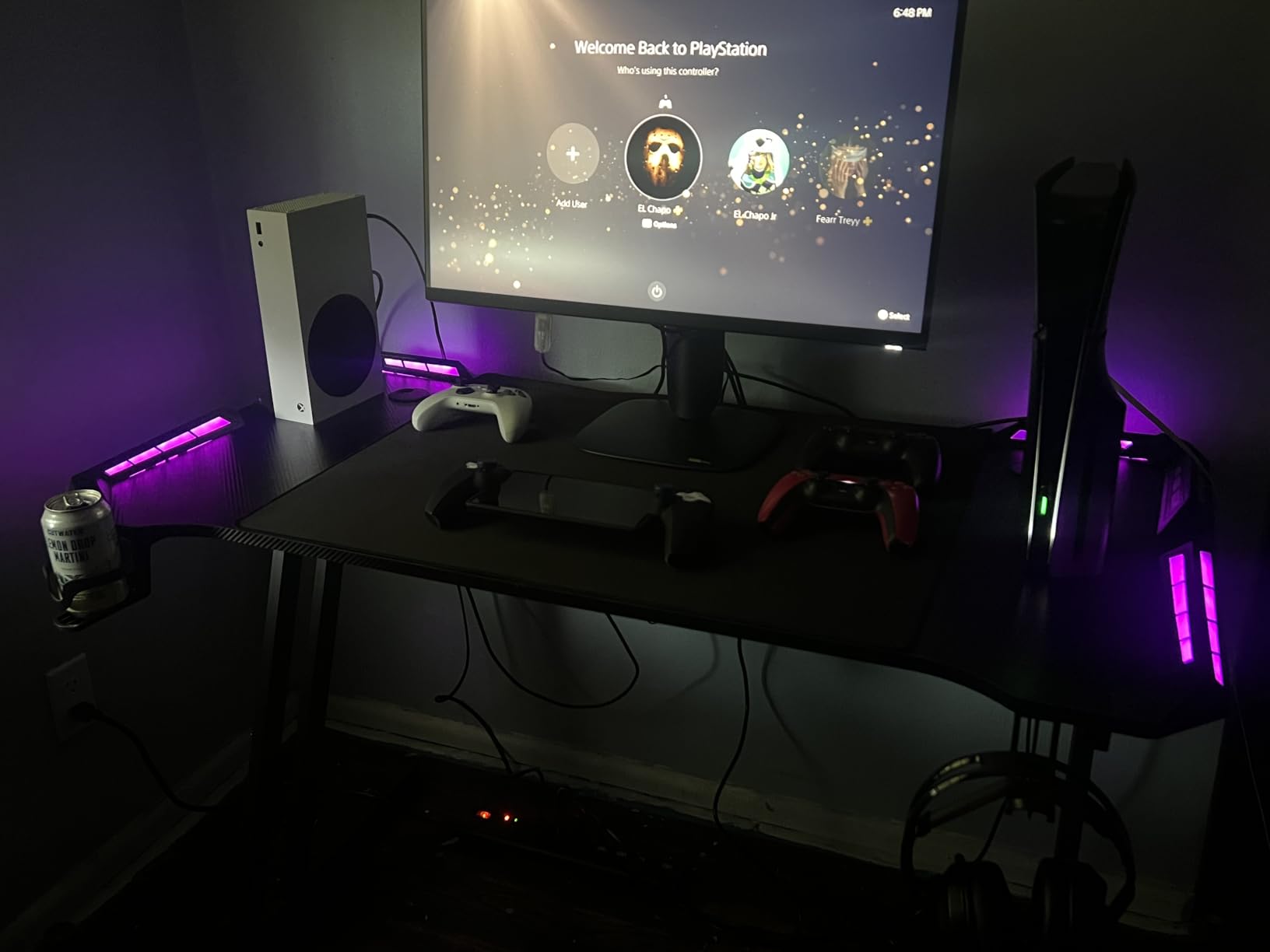
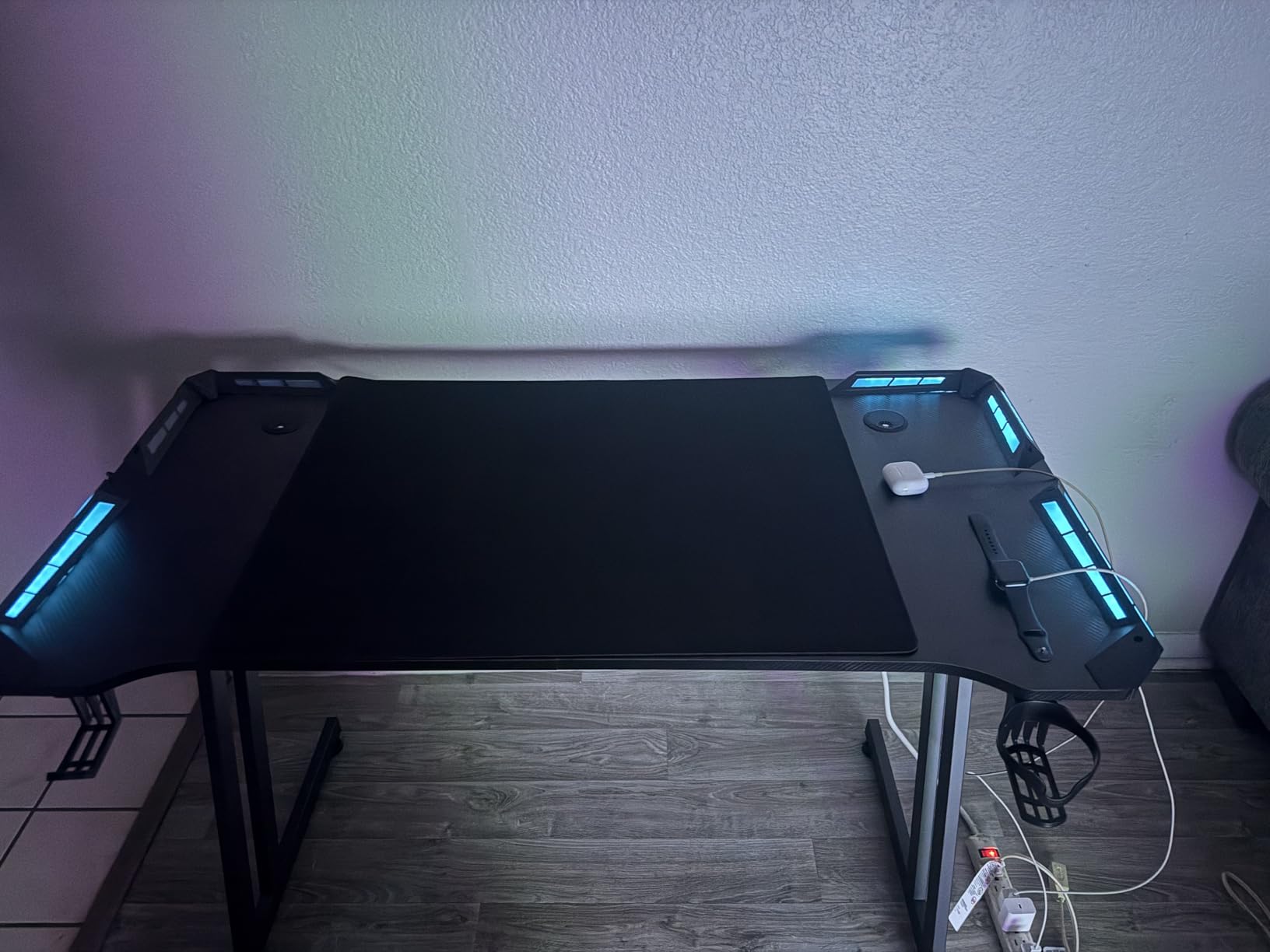
Buyers mention the RGB strips almost first in their reviews. There are four light strip groups, app control, and a range of static and dynamic modes, and at this price that is unusual. The extra-large mouse pad, headphone hook and cup holder are included, which saves a separate purchase.
The carbon fiber coated desktop is a 3D texture that is waterproof and scratch resistant. It is not solid carbon fiber, and it will not be mistaken for it, but the coating holds up to daily use better than a bare printed surface.
How much weight it really takes
The listed figure is 200 pounds static, with about 150 pounds described as the working load. That is honest for a desk in this class and comfortably covers two monitors and a tower on a floor stand.
The catch is the 34 pound frame weight, which is light for a 63 inch top. Buyers who loaded it heavily report more flex than they got from solid-wood competitors, so if your PC will live on the desk rather than beside it, look at a heavier frame.
Who should skip it
Skip it if you need storage or power at the desk. There are no shelves and no built-in outlets, so a tower on the desktop means the cable run from the PSU to the wall is entirely visible. It is also a fixed-height desk, so there is no standing option here.
4. Huuger 63 Inch Desk – Best Straight Desk Per Dollar
Huuger Computer Desk, 63 Inch Office Desk, Gaming Desk with Storage, Writing Desk Work Desk for Home Office, Study, Modern Simple Desk, Large Legroom, Metal Frame, Rustic Brown and Black
63 x 23.6 inch surface
29.5 inch height
Metal frame with support struts
Multi-drawer storage
Pros
- 63 inch width confirmed to fit multiple monitors and a PC
- Reinforced top on thick steel tubes
- 29.5 inch height gives generous legroom
- Adjustable feet for uneven floors
- Assembles in under an hour
Cons
- Three-panel top leaves two visible seams
- Embossed grain texture is not perfectly flat
- Sharp 90 degree front edges
- Limited storage included
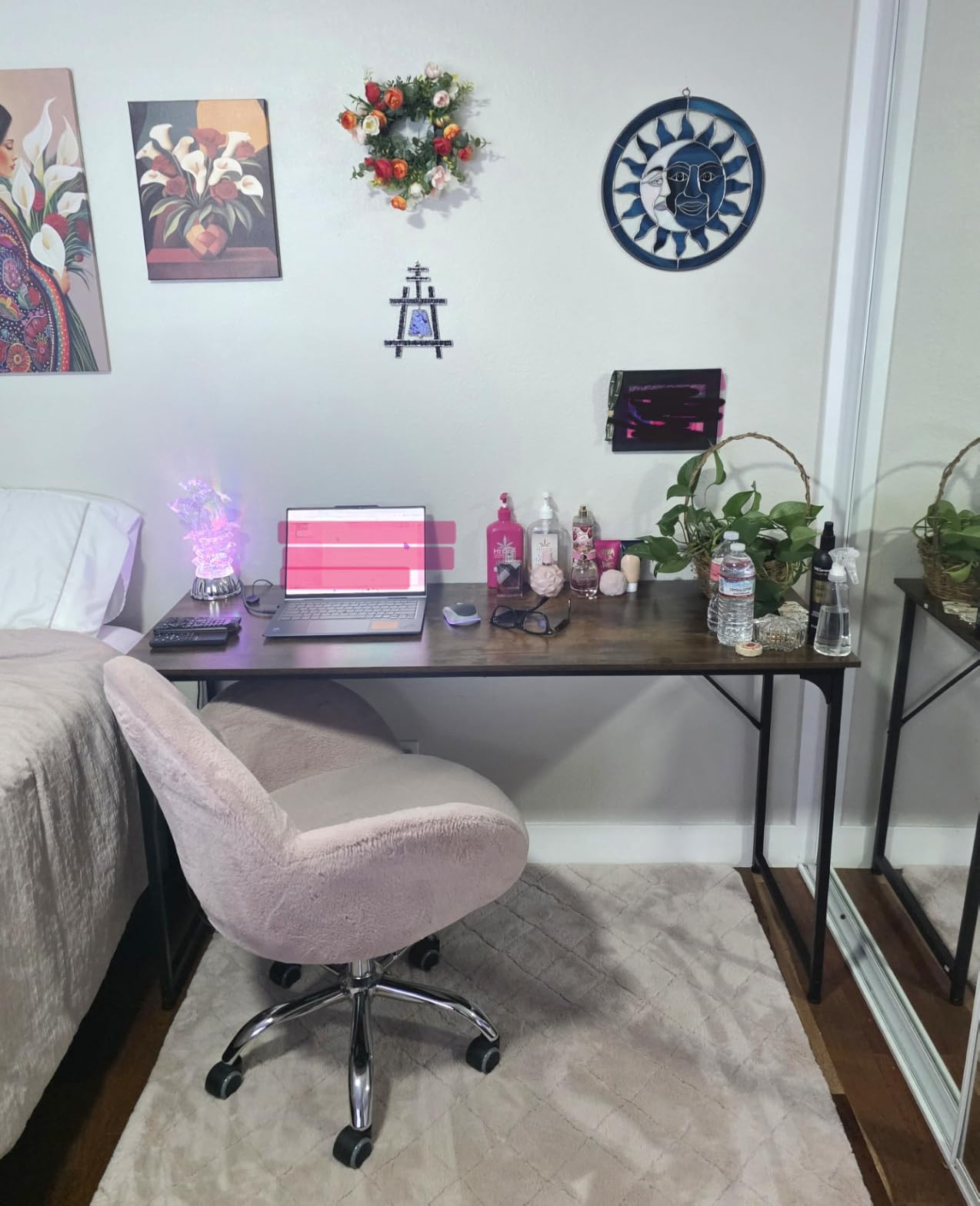
The Huuger is the plainest desk on this list and one of the most practical. It has no lighting, no storage towers and no moving parts, and that simplicity is the reason it works for a two-monitor build without a lot of second-guessing.
The surface is 63 inches wide by 23.6 inches deep at a 29.5 inch height, and buyers confirm it holds several monitors plus a desktop PC without creaking. The particleboard top sits on thick steel tubes with reinforced struts running underneath, which is what keeps a long span from sagging.
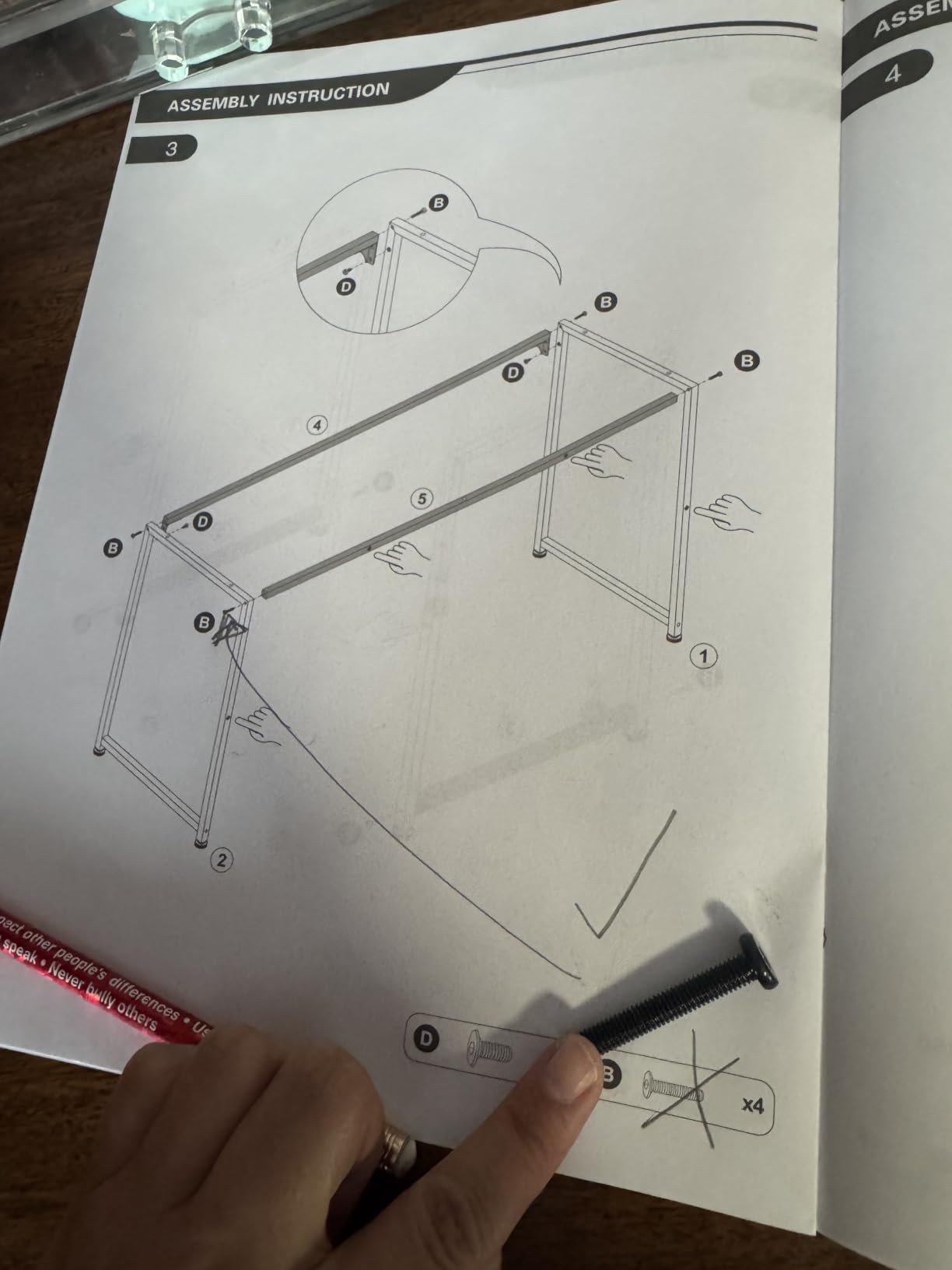
At that height your chair slides fully under the desk, which matters for a gaming setup where you want your knees clear while you adjust your position mid-match. Adjustable feet take out the wobble on uneven carpet, a problem that shows up more on long tops like this one.
Two details are worth knowing before you order. The top arrives as three panels, so there are two seams about 15.75 inches in from each end, and the surface is embossed to mimic wood grain rather than perfectly flat. Both are cosmetic, and neither affects stability.
Fit for two monitors and a full keyboard
Twenty-three and a half inches of depth is enough for two 27-inch screens on stands with a full-size keyboard and a decent-width mat. It is tighter than the 27.6 inch depth of the Veken later in this list, but it still works if your monitors use slim stands rather than deep bases.
There is multi-drawer storage listed, though reviewers note it is modest and better used for accessories than for a full tower. Plan on a separate CPU stand or a wall mount if your case is large.
Who should skip it
Skip it if you like to run your forearms along a soft front edge. The 90 degree corners are hard, and buyers with long sessions mention forearm pressure. A separate padded armrest fixes that for less than the cost of a different desk.
Skip it if you want to stand. There is no adjustment of any kind on this frame, and swapping to an electric desk later means buying a whole new unit rather than adding a kit.
5. Veken 63 x 27.6 Inch Electric Standing Desk – Best Standing Value
Veken 63×27.6 Inch Large Electric Standing Desk, Gaming Table, White
63 x 27.6 inch surface
154 lb maximum load
28.3 to 46.5 inch lift
Motor under 52 dB
Pros
- Deepest standing desk surface in the roundup
- 63 inch width clears two large monitors
- Whisper-quiet motor under 52 dB
- Built-in cable management
- Backed by a 2 year warranty
Cons
- Two-piece desktop leaves a visible center seam
- Slight wobble near maximum height
- Rear cable cutout sits where a monitor base goes
Depth is what this desk brings, and depth is the spec most dual-monitor buyers overlook. At 27.6 inches, it gives you the most room to push a 34-inch ultrawide back from your face while still fitting a secondary screen and a large mat.
The stainless steel frame lifts from 28.3 inches to 46.5 inches with memory height presets and a motor rated under 52 dB. In a room where you stream or record, a quiet motor is a genuine quality-of-life feature rather than a spec-sheet line.
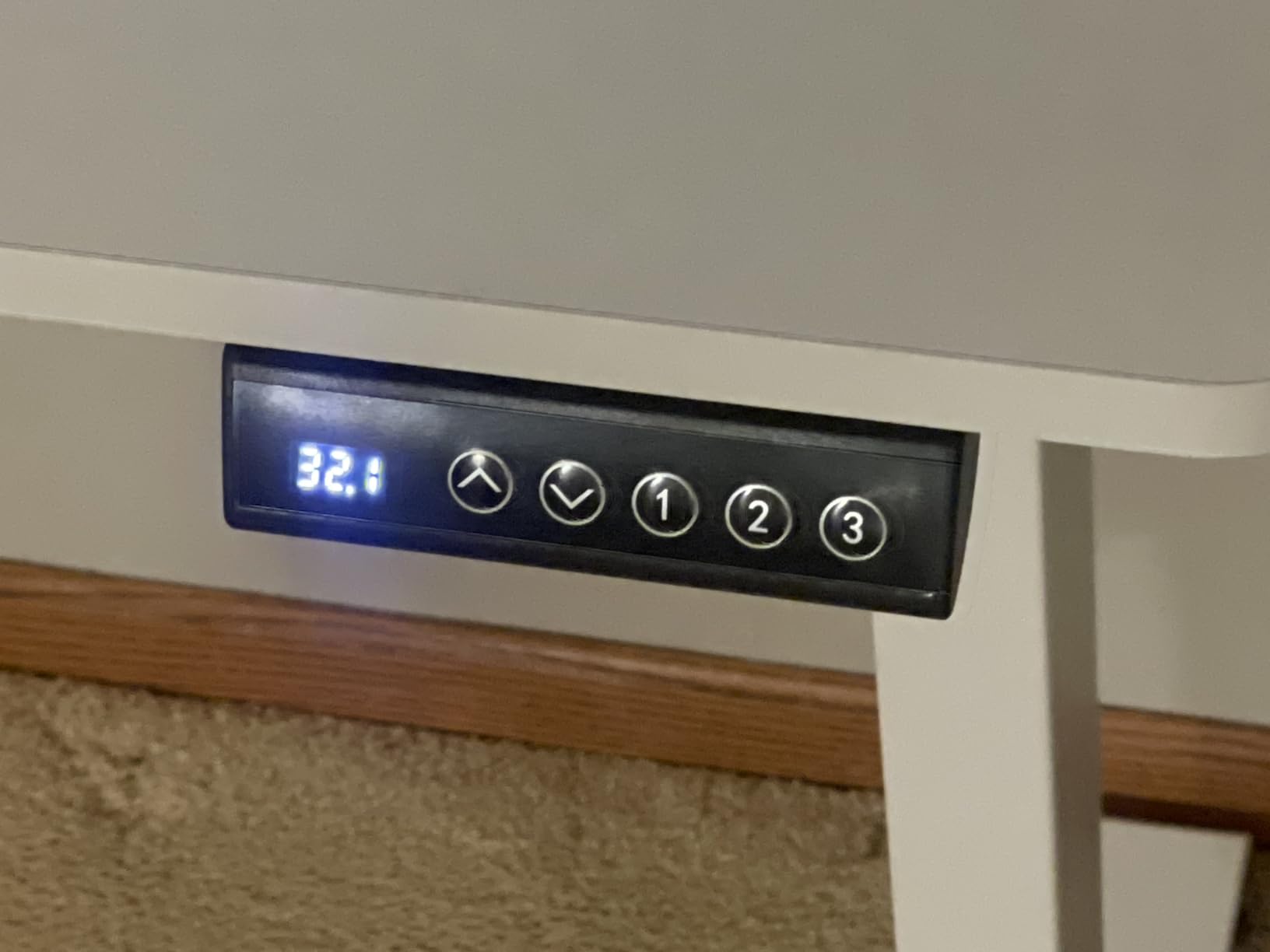
It also ranks at the top of its category in the retailer listings, which tells you how much demand there is for a wide electric desk in this range. The build is rated for 154 pounds, enough for two monitors and a tower on a stand.
Two things to plan around. The desktop is composed of two boards, so a seam runs across the middle, and the rear cable cutout removes several inches of prime monitor-stand space in the centre of the desk. Position your monitors toward the outer thirds to clear it.
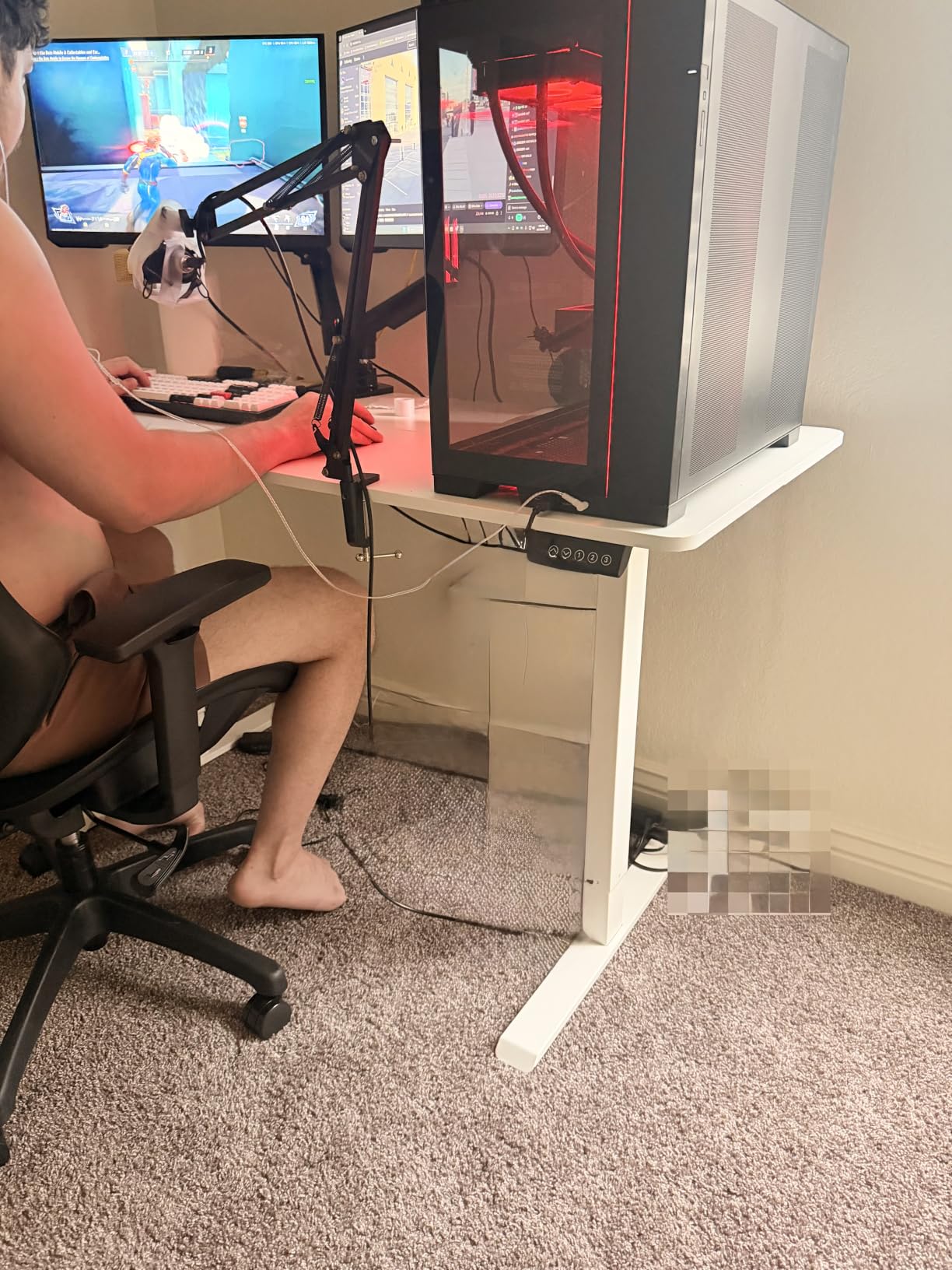
Stability at full standing height
Buyers report a small amount of wobble at the very top of the range, so if you plan to type while fully raised, test it before committing. Below that, the frame is solid and a wide surface of this size is a stable place to work.
The pre-drilled controller mounting holes sit on the opposite side from the motor leg, which is worth knowing if you are planning a wheel or a button box. It is a small detail that avoids a drilling job later.
Who should skip it
Skip it if you want a completely seamless surface. A two-piece top is a compromise made to keep a wide electric desk affordable, and it is visible if you work close to the centre of the desk. It is also one of the heavier frames at 51 pounds.
6. ODK 55 Inch Desk with LED and Shelves – Best for Built-In Lighting
ODK 55 Inch Gaming Desk with LED Lights & Storage Shelves, Black
55 inch surface with monitor stand
Built-in outlets and USB port
Reversible shelves and CPU stand
RGB with memory function
Pros
- Raised monitor stand improves screen height
- Customizable RGB with 10 modes and memory
- Built-in power outlets and USB port cut cable clutter
- CPU stand keeps the tower off the floor
- X-shaped steel crossbar
Cons
- 19.6 inch depth is shallow for two large monitors
- Fixed 34 inch height
- Assembly is listed as a two-person job
The ODK 55 is the only desk here that puts power and lighting inside the frame, and that combination solves two problems at once. Two monitors need two outlets, and most desks make you find a wall socket or add a strip that ends up on the floor.
The raised monitor stand is the feature owners mention first. Screens sit higher, which reduces neck strain during long sessions, and the space underneath becomes useful storage rather than wasted space behind a monitor stand.
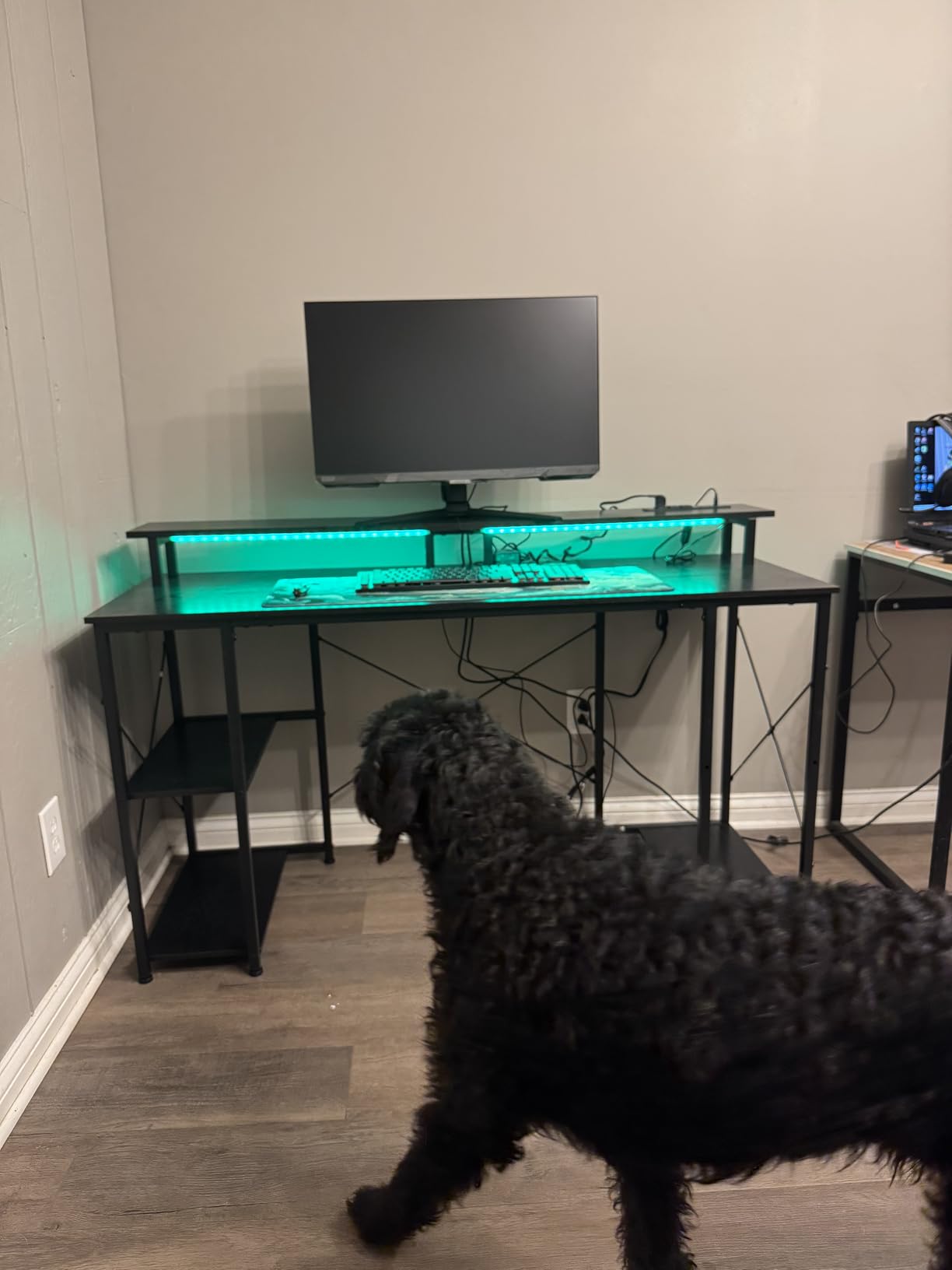
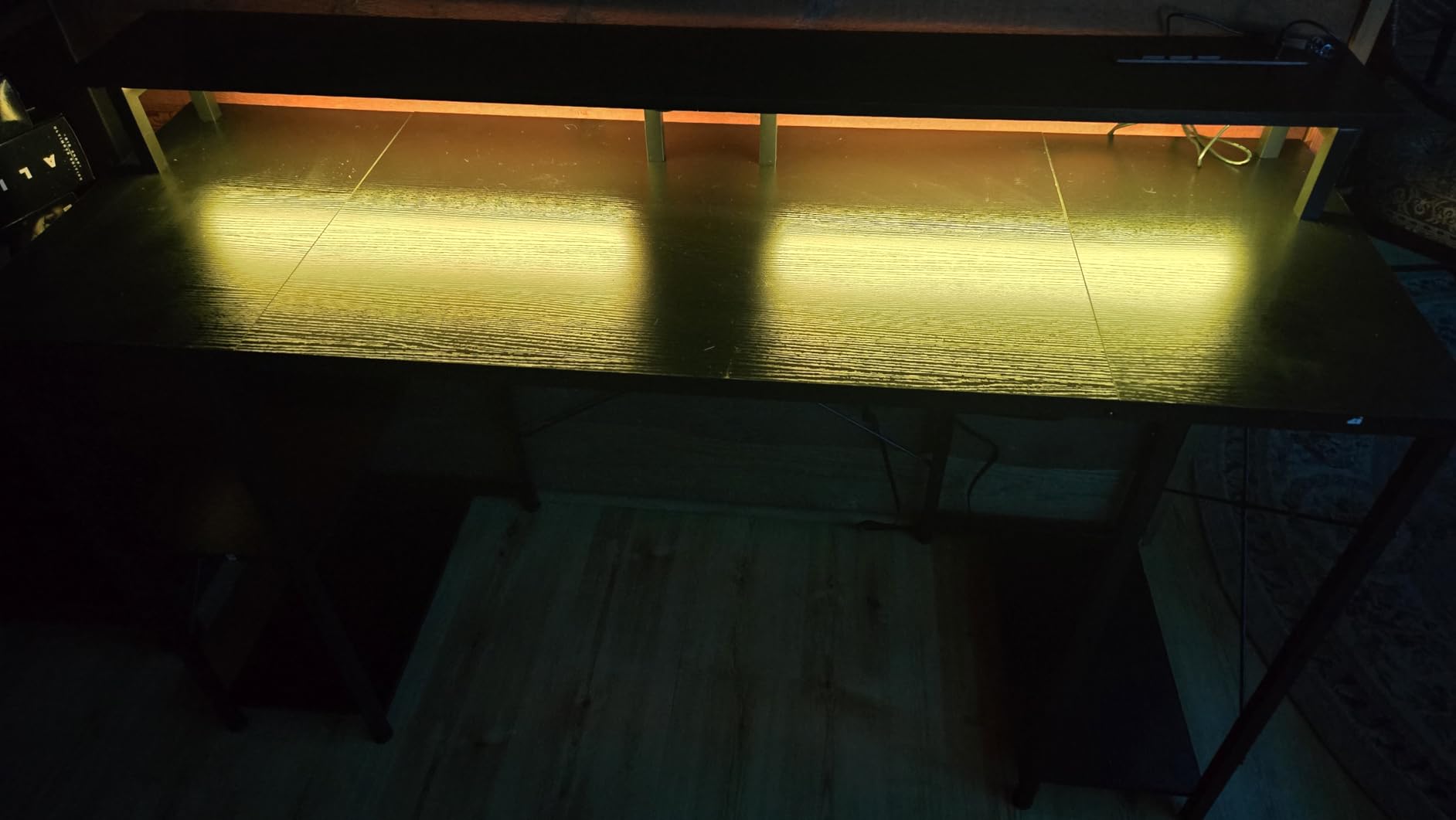
The lighting has 10 static colours, 8 brightness levels and 10 dynamic modes with a memory function, so you set it once and it returns to that state after a power cut. The reversible shelves and dedicated CPU stand take a full tower out of the leg space, which also helps airflow.
Build quality is better than its price suggests. There is a 1 inch engineered wood top on a metal frame with an X-shaped crossbar, and all hardware and tools are included for a 30-minute build.
Where the 55 inch width gets tight
55 inches is enough for two 24-inch monitors with room to spare, and workable for two 27-inch screens on slim arms. It is not enough for a 32-inch plus 24-inch pairing, which needs closer to 65 inches of surface.
Depth is the real constraint at 19.6 inches. Two 27-inch monitors on their stock stands push the screens forward and leave little room for a keyboard and mat, so budget for monitor arms if you want the front edge back.
Who should skip it
Skip it if you sit tall. The fixed 34 inch height is the tallest static desk in this roundup, and there is no adjustment downward beyond that. Assembly is also listed as a two-person job, so plan the build accordingly.
7. AODK 59 Inch Desk with PC Showcase Stand – Best for a Glass-Sided PC
AODK Gaming Desk w/PC Showcase Stand, 59″ Reversible, RGB LED
59.4 inch surface
Elevated PC showcase stand
Three built-in fabric drawers
RGB LED strip under shelf
Pros
- Showcase stand displays panoramic glass cases at eye level
- RGB strip pairs with case lighting
- Three drawers reclaim desktop space
- Side display shelf for speakers
- Reversible side module
Cons
- 19.69 inch depth is narrow for two monitors
- Showcase stand suits mid-towers only
- Fixed height with no adjustment
This desk is built backwards from the usual priority. Instead of starting with monitor space and finding somewhere to put the tower, it starts with the tower and treats the monitors as the second job.
The elevated showcase stand is sized for panoramic tempered-glass cases such as the Lian Li O11 and Hyte Y60, lifting them to eye level where the RGB inside is actually visible. For a build you enjoy looking at, nothing else here does that.
The three built-in fabric drawers are the practical part. Cables, controllers and small accessories live in drawers instead of on the surface, which is exactly the surface area a two-monitor layout cannot spare. There is also a side display shelf with an overhead board for speakers or collectibles.
The RGB LED strip runs under the monitor shelf and is positioned to read alongside case lighting rather than wash out your screens, which is a nicer result than strips mounted at eye level behind a monitor.
Whether a dual-monitor layout fits at 59 inches
Fifty-nine inches handles two 27-inch monitors or a 32-inch plus 24-inch with tight but workable spacing. Add a mat and a full-size keyboard and you are close to the limit of the surface.
Depth is 19.69 inches, which leaves very little slack. If your monitors sit on deep stock stands, the front edge disappears under them and your mouse runs out of room. Monitor arms solve this, and the frame is solid enough for a clamp mount.
Who should skip it
Skip it if your PC is not a mid-tower with a glass panel. The showcase stand is purpose-built for that form factor and becomes wasted space for a small-form-factor build or a laptop-only setup. The fixed height is also a limit for anyone who wants to alternate between sitting and standing.
8. SEDETA 67 Inch L Shaped Desk – Best for Three Monitors
SEDETA 67″ L Shaped Gaming Desk with Pegboard LED Lights and Power Outlet
67 inch L-shape surface
FSC-certified wood construction
4 outlets and 2 USB ports
Reversible to a 94.5 inch layout
Pros
- Holds three monitors
- two desktops and a laptop
- Reversible layout converts to a two-person desk
- Pegboard
- 2-tier shelves
- keyboard tray and CPU stand
- 4-outlet charging station with a one-button switch
- App-controlled RGB with music sync
Cons
- 76 lb is very heavy to move
- 19.7 inch depth is shallow for three screens
- Corner footprint dominates a small room
Two monitors is the minimum this desk solves. At 67 inches with an L-shape, it is a three-screen workstation that happens to be the right answer for a two-screen build if you also want a laptop dock area or a place for a second machine.
The layout is reversible, and the top hutch can be placed on either side. Owners also use it as a 94.5 inch two-person straight desk, which is a genuinely useful option for a shared space where two people work on the same machine setup.
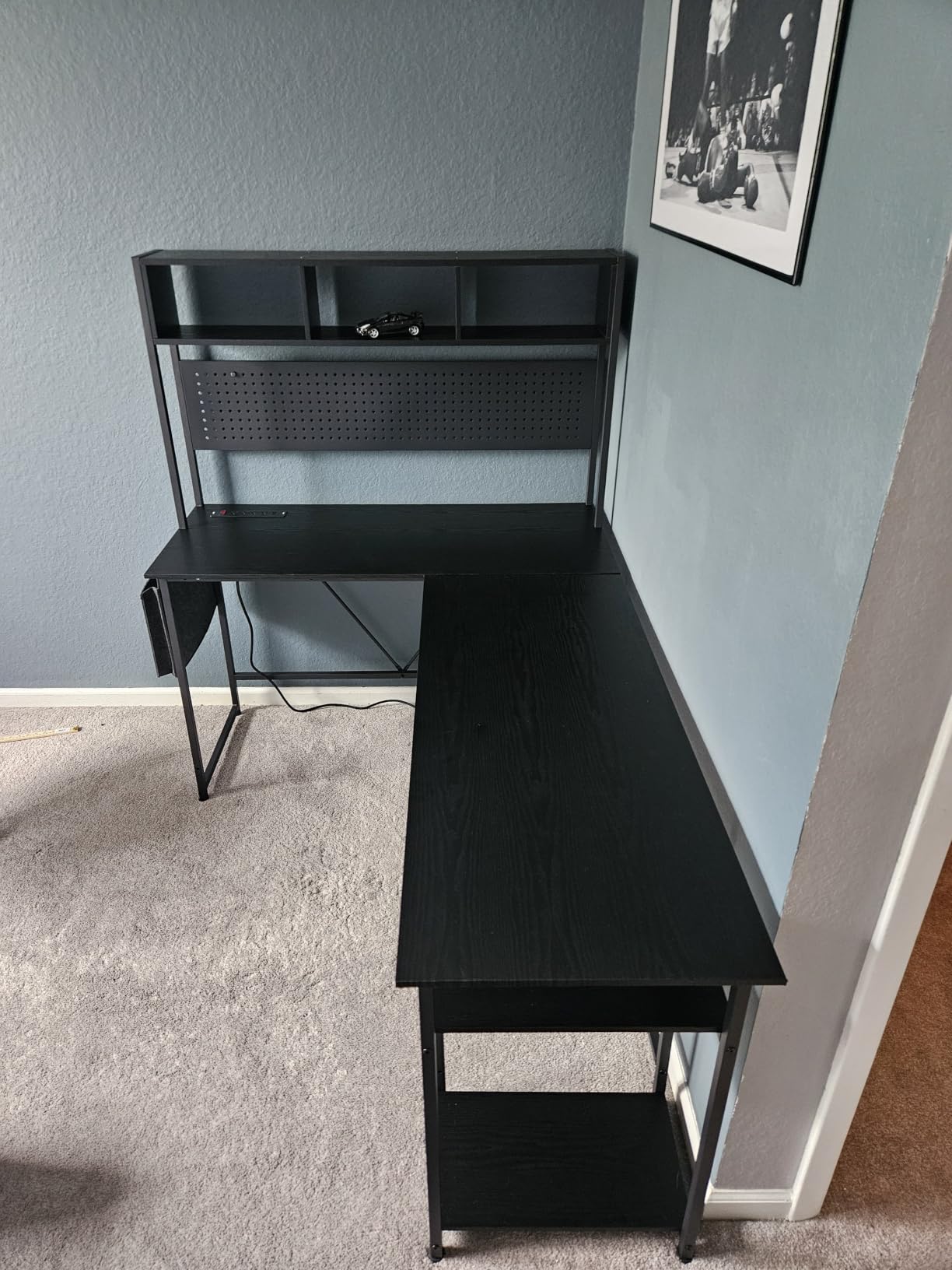
The charging station is the feature that separates it from other L-shapes here: four outlets and two USB ports with a single on-off switch, mounted on the desktop where both monitors and a tower can reach them. The pegboard, two storage shelves, keyboard tray, storage bag and CPU stand are all included.
Reviewers rate this one highly on build consistency, with a small share of one-star feedback compared to the rest of this roundup. The FSC-certified wood construction is a step up from the particleboard used on the cheaper frames.

How it fits a two-monitor build
Place both monitors on the long 67 inch run and the depth stops mattering as much, because the corner section becomes your keyboard and controller zone. That is the real reason to buy an L-shape rather than a wider straight desk: the extra surface is depth in a different direction.
Two caveats come up repeatedly. At 76 pounds it is the heaviest desk here and it is sized for a two-person assembly, so plan the build with help. And at 19.7 inches deep, a three-monitor row does get tight at the edges.
Who should skip it
Skip it if your room has no corner. This is the largest L-shaped footprint in the roundup and it constrains how far you can roll your chair back, which is the trade-off every corner desk carries. If your monitors are both 32 inches or larger, look at the wider straight option later in this list instead.
9. ODK 53 Inch L Shaped Desk – Best for Built-In Power and USB
ODK 53″ L Shaped Gaming Desk with Shelves, LED & Outlets, Black
53 inch L-shaped surface
300 lb capacity
3 AC outlets and 2 USB ports
Alloy steel X-frame
Pros
- Built specifically for dual monitor configurations
- Reversible side modules fit any corner
- 300 lb rating with an X-shaped steel frame
- 3 outlets and 2 USB ports with cable channels
- Dual shelves
- CPU stand
- hook and tool bag included
Cons
- 18.9 inch depth is the shallowest here
- Particle board top rather than thick engineered wood
- Fixed height with no sit-stand
This is the L-shaped option to beat if your main frustration is cable clutter. Three AC outlets and two USB ports sit inside the desk with dedicated cable management channels, so two monitors, a tower and peripherals all connect at the surface instead of at the floor.
The stated 29.8 inch by 53 inch by 18.9 inch surface is described by the manufacturer as designed for dual monitor setups, and the reversible side modules let you choose which way the corner faces in the room.
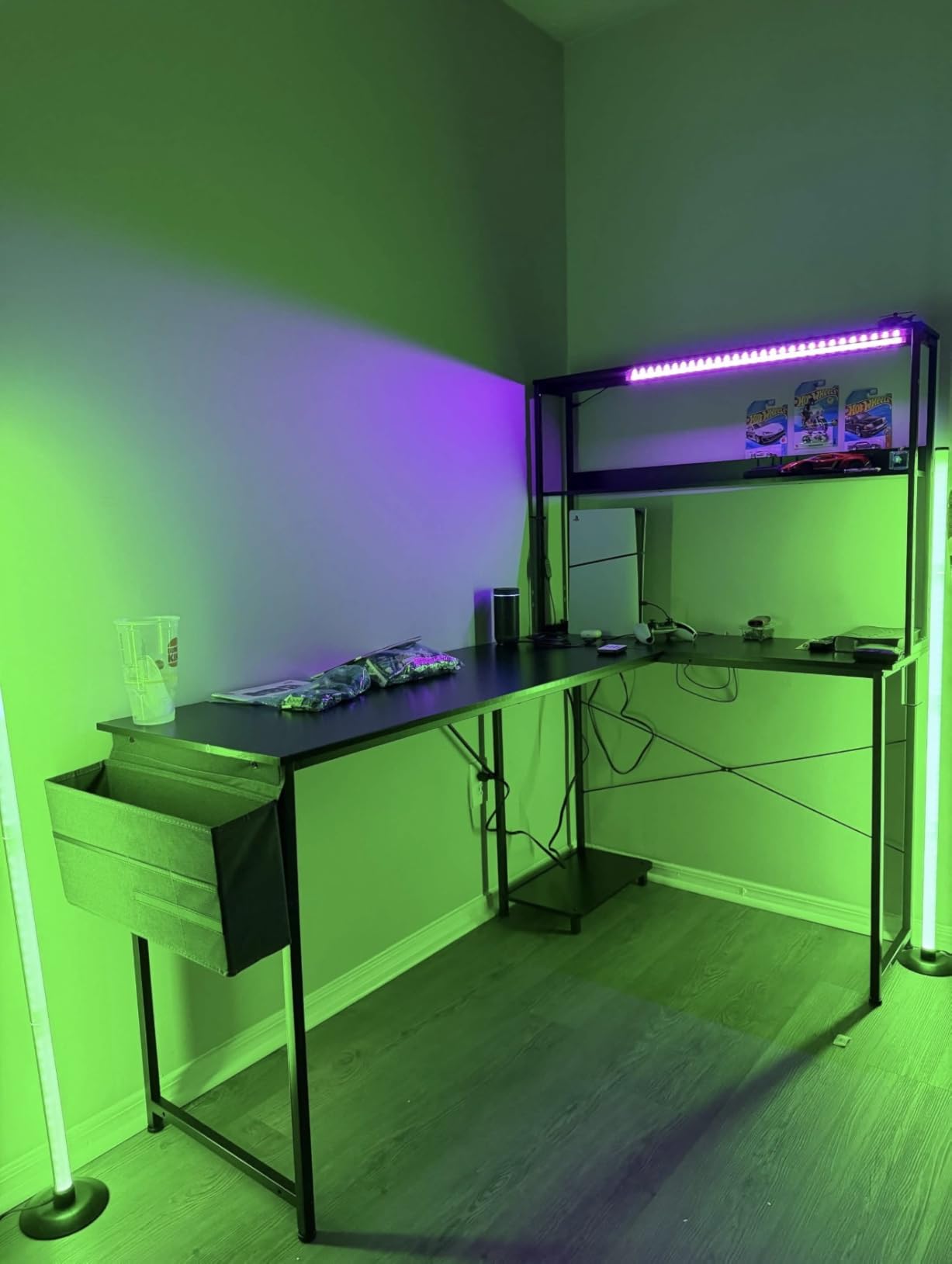
The frame is a 300 pound rated X-shaped alloy steel structure with adjustable foot pads, which is a serious number for a desk with this much built-in hardware hanging off it. The shelves, CPU stand, accessory hook and tool bag cover most of what a small gaming PC setup needs to store.
Parts are pre-labelled and matched to the tools, and the brand reports support responses within 24 hours, which is worth knowing if a piece arrives damaged.
How the 18.9 inch depth affects a two-screen setup
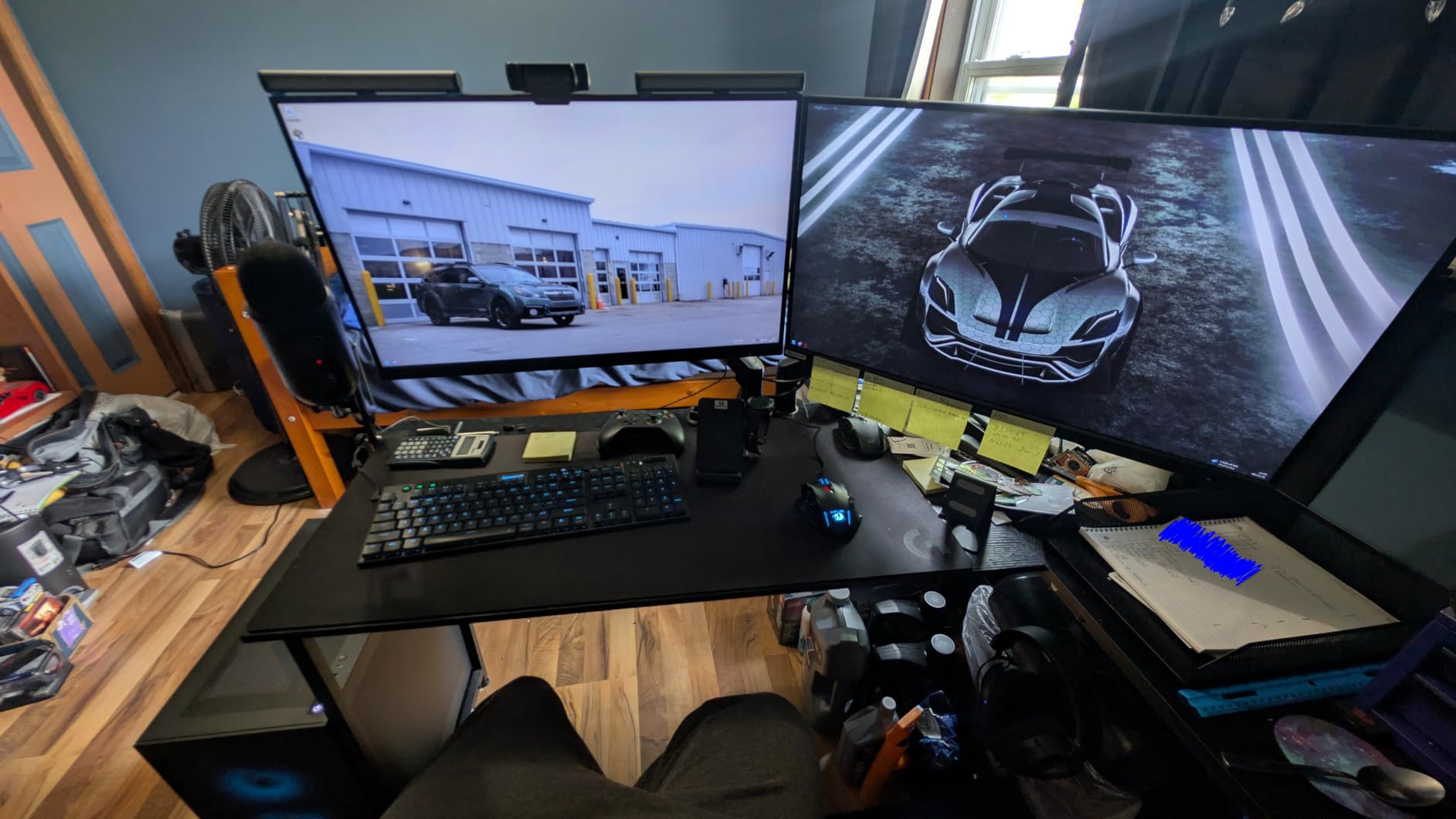
That is the shallowest surface in the roundup and the single biggest reason to think twice. Two 27-inch monitors on stock stands will sit close to the front edge, and a full-size keyboard plus a usable mouse area gets squeezed.
The fix is a monitor arm, which frees roughly 9 inches of depth and lifts the screens to a better height at the same time. Because the top is particle board rather than thick engineered wood, check for a grommet or use a rear-edge clamp on the steel frame.
Who should skip it
Skip it if you want a thick, refined surface. The top is a lighter board class than the frames on the FLEXISPOT or the SEDETA units, and it will show wear sooner if you rest your forearms on the front edge. It is also fixed height with no standing option.
10. SEDETA 70.8 Inch Desk – Widest Surface in the Lineup
SEDETA Gaming Desk 70.8” with LED Lights, Storage Shelves,Power Outlets
70.8 inch workstation width
Three storage shelves
Integrated monitor stand
2 outlets and 2 USB ports
Pros
- Widest surface here for ultrawide plus a second screen
- Three large shelves hold a tower
- console and speakers
- Monitor stand sets a comfortable screen height
- 21.6 inch depth is roomy for L-shaped rivals
- Pre-drilled holes simplify assembly
Cons
- Listed maximum load of 55 lb is well below rivals
- LED strip adhesive can be weak
- Clamp-style monitor arms can clash with the lower frame
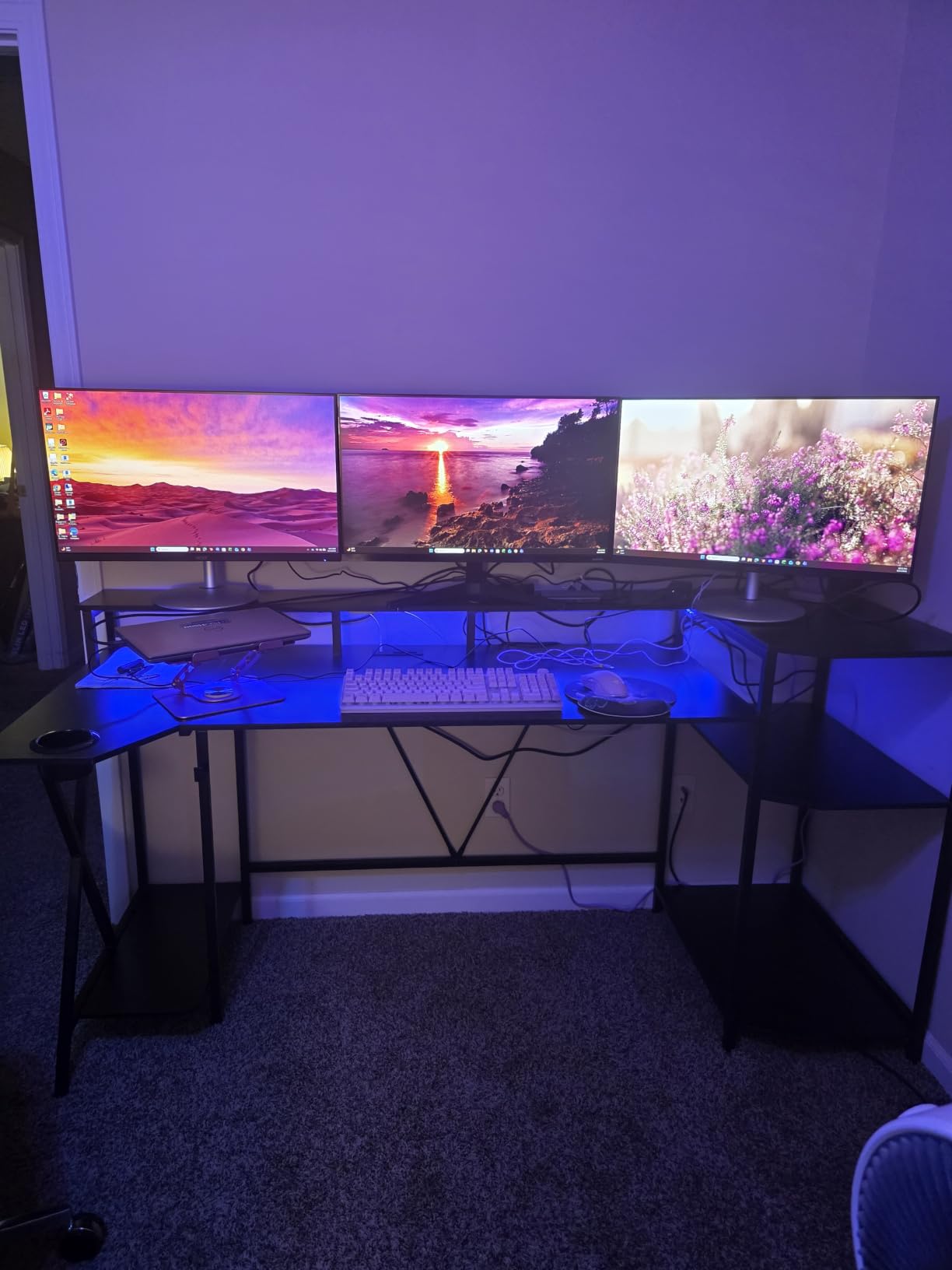
At 70.8 inches, this is the widest straight desk in the roundup and the only one wide enough to hold a 34-inch ultrawide and a full second monitor side by side without a corner extension. If you are planning that pairing, the width math leaves no alternative here.
The integrated monitor stand raises the screens to a comfortable height, and the three large shelves underneath take a full-size PC tower, a console, speakers and a controller off the floor entirely. At 21.6 inches deep it also has more usable depth than the L-shaped options.
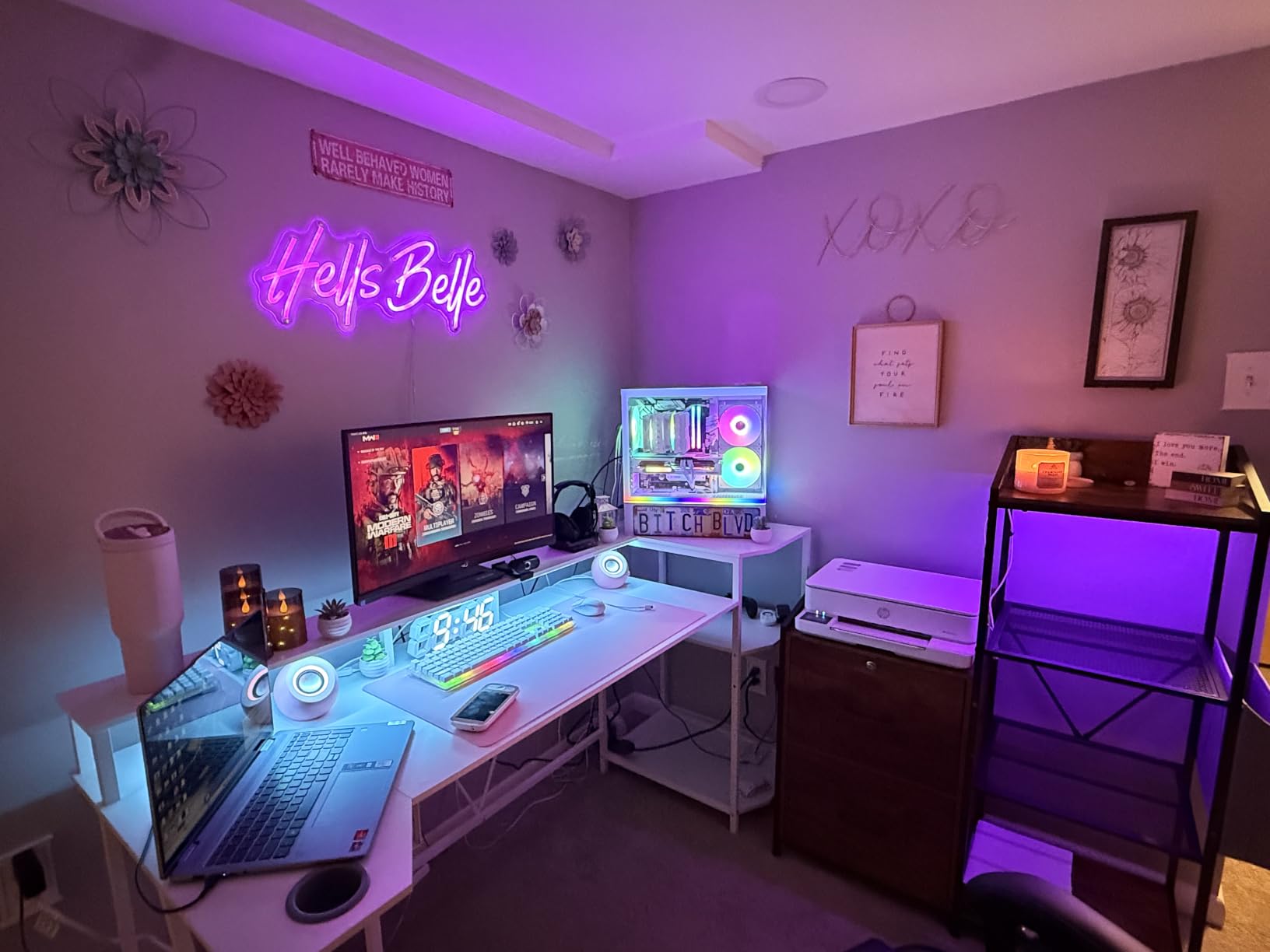
Owners consistently fit three 27-inch monitors on this surface, and the 2-outlet, 2-USB charging station handles the power for that many screens. The pre-drilled aligning holes make assembly smoother than on cheaper competitors, with most owners finishing in around an hour.
The app-controlled RGB strip covers 60,000+ colours with 29 flashing modes, music sync and a timer function, and the strip runs along the front edge rather than behind the screens.
The load rating to read carefully
This is the one desk here where the listed maximum weight recommendation, 55 pounds, sits well below what the competitors state. That figure appears to describe the shelving and storage rather than the whole desktop, but it is the number printed on the product, so it is worth confirming before you plan to put a tower on the surface.
A safer plan is a floor or under-desk stand for the PC and to keep the desktop load to monitors, keyboard and accessories. Clamp-style monitor arms can also conflict with the lower metal frame, so check your arm’s clamp range first.
Who should skip it
Skip it if your room is small. Seventy inches is a wall, not a desk, and it needs a clear run along one side. It is also fixed height, and the LED strip adhesive is weak enough that some installers reach for double-sided tape.
How Wide and Deep a Desk Two Monitors Actually Need?
Two 27-inch monitors need about 60 inches of width, 24 inches of depth and a frame rated for at least 150 pounds. Everything below is a variation on that, and the variation is what you are paying for.
Two 24 inch monitors need 48 inches of width. A 55 inch desk fits these with plenty of space for peripherals.
Two 27 inch monitors need 60 inches of width. This is the standard pairing and monitor arms are recommended.
One 32 inch plus one 24 inch needs 65 inches of width, which means a 63 inch L-shape or a 70 inch straight desk.
A 34 inch ultrawide plus a 24 inch needs 70 inches of width, plus extra clearance at the outer edges for the curve.
Depth follows a simpler rule. Twenty-four inches is the practical floor for two monitors on their factory stands with a keyboard and mouse. Below 20 inches, a single desk mat becomes a strip and your mouse hits the front edge constantly, which is the complaint that appears again and again against the shallowest models in this roundup.
On load, two 24-inch monitors with stands run about 20 to 30 pounds together, a tower on a stand adds another 25 to 40, and peripherals and a mat add the rest. That puts a realistic load near 100 pounds, which is why a frame rated at 150 pounds or more is the right target and a 100 pound frame is not.
Measure your space before you order, including the clearance you need to roll a chair back. If you are short on room, our picks for the best monitors for small desks focus on panels that fit a shallower surface.
Monitor Arms, Glass Tops and the Deal Breaker Nobody Mentions
A monitor arm is the upgrade that makes a dual-monitor desk work, because it frees depth, raises the screens to eye level and hides most of the cable. It also has one hard requirement: something solid to clamp to.
There are three mounting styles. A grommet mount runs a bolt through a hole in the desktop and is the most rigid, but it needs a hole in the right place. A rear-edge clamp grips the back of the desk, which is the most common retrofit and works on any desk with a thick enough back edge. A pole mount screws to the rear frame, which suits desks with no usable back edge at all.
Glass tops are the problem case. A clamp needs to grip a solid edge, and a thin pane of glass on a frame that may be aluminium or hollow will not hold an arm, and a grommet needs a hole drilled through glass. Builders in the communities we looked at repeatedly describe abandoning a glass-topped desk for exactly this reason. None of the ten desks in this roundup has a glass top, and every one of them can take a rear-edge clamp on its steel frame.
Whichever style you choose, check two numbers before buying. The arm’s clamp range has to include your desktop thickness, and the grommet diameter has to match the bolt. Desktop thickness varies a lot here, from a 15 millimeter board on the Mr IRONSTONE to a 1 inch top on the FLEXISPOT.
If you also need to connect two monitors through one cable run, our roundup of the best docking stations for dual monitors covers the hardware side of that.
Sit-Stand vs Fixed Height for a Dual Monitor Setup
A sit-stand desk matters more with two monitors than with one, because the height that suits your shoulders and the height that puts both screens at eye level are rarely the same. Moving the desk instead of the chair solves both at once.
Check the range rather than the maximum. The Veken travels from 28.3 to 46.5 inches and the FLEXISPOT from 28.1 to 45.7 inches, and both cover typical users without a keyboard tray. A desk that only lifts to 40 inches serves one user well and everyone else poorly.
Two things matter for stability. A two-stage lifting column, where the top section telescopes out of the lower, stays solid at full height, while a single-stage column loses the extra support and develops wobble near the top of the range. And a wide top on an electric frame is heavier to shift, so plan the layout before you assemble rather than after.
Fixed-height desks are not the wrong answer. They are quieter, cheaper and lighter to move, and most of the frames in this roundup that are fixed-height are rigid precisely because there is no motor and no telescoping section. If you sit at one desk height and never change it, a fixed frame with a higher load rating is the better build.
Our guide to the best standing desks for dual monitor setups covers the height presets and motor noise trade-offs in more detail if you are still weighing the two.
Where to Put the PC Tower and How Much Load to Budget For
The PC tower is the variable most buyers ignore in the width maths, and it is usually the reason a desk that fits two monitors still feels wrong. A mid-tower on the desktop takes roughly 8 inches of depth and 8 inches of width, and its weight sits in the worst possible place: mid-span.
Three placements work. A floor stand next to the desk keeps weight off the top entirely and costs almost nothing. A CPU holder suspended under the desktop keeps the footprint clear, though the depth of large cases is a real constraint, and many hangs only accept cases under a certain size. A side-mounted holder keeps the tower visible, which is what the AODK in this roundup is designed around.
Whatever you choose, ventilation matters more than placement tidiness. A tower pressed against a wall or boxed into a compartment runs hotter, and reviews of compartment-style designs note restricted airflow as the recurring complaint. Leave the front panel clear and at least a few inches of gap on the intake side.
For load, treat the advertised rating as a ceiling rather than a target. A 350 pound figure on a fixed frame and a 154 pound figure on an electric frame both cover a realistic dual-monitor plus tower setup, and the fixed frame will simply feel more solid under a typing hand at standing height.
Surface Materials and Cable Management Compared
Most desks here use engineered wood, and the difference between them is thickness and coating rather than material. The 1 inch tops on the FLEXISPOT and the ODK 55 inch feel noticeably stiffer under load than the thinner boards, and a 15 millimeter MDF top like the one on the Mr IRONSTONE is heavy but forgiving in a corner layout.
Textured coatings have a practical benefit. The carbon fiber coated surface on the HLDIRECT is waterproof and scratch resistant, and a textured finish hides the smudges and ring marks that show on a glossy laminate. It is also a 3D print rather than real carbon fiber, so treat it as a finish, not a material.
For cables, there are three levels, and it is worth being clear about which one you are buying. A few cable clips get the monitor cables off the surface. Built-in channels or a grommet run them through the desktop to a tray underneath. The ODK 53 inch and the SEDETA units go further, with AC outlets and USB ports mounted in the desk itself, which is the only version that removes the floor-level power strip.
A dedicated under-desk tray is still worth adding to almost any of these, because a dual-monitor setup with a tower produces more cable than the factory clips were designed for.
Frequently Asked Questions
What is the best desk setup for dual monitors?
The best setup is a desk at least 60 inches wide and 24 inches deep, built on a steel frame rated for 150 pounds or more, with two monitors raised on a single dual monitor arm clamped to the rear edge. Cable clips or an under-desk tray keep the wiring off the floor, and a tower on a floor stand or CPU holder leaves the desktop free. This combination fixes the three complaints that drive most dual-monitor problems: cramped width, a sagging top, and unusable cable runs.
What is the best gaming table for two monitors?
For a two-monitor gaming table, prioritise width and load rating over lighting and cup holders. Look for at least 60 inches of width, 24 inches or more of depth, and a stated capacity of 150 pounds or higher. Among the desks we compared, the Mr IRONSTONE 63 inch L-shaped model offers the widest usable main surface and the highest listed load, while the FLEXISPOT EN1 is the strongest choice if you want to alternate between sitting and standing.
What is the best size desk for two monitors and a PC?
For two monitors and a desktop PC on the same surface, plan on 63 inches of width and at least 24 inches of depth. Two 27-inch monitors take about 54 inches including their factory stands, a full-size keyboard needs 18 inches of width, and a tower needs another 8 inches of depth. If the PC sits on a stand beside or under the desk rather than on top, 60 inches of width is enough. A 55 inch desk fits two 24-inch monitors comfortably but crowds two 27-inch screens.
Are dual monitors worth it for gaming?
It depends on whether you use the second screen for the game or for everything else. Competitive shooters often perform better on a single focused display, and a second screen does not add frames per second. For single-player games, streaming, and work-and-play setups it is worth it, because chat, guides, Discord and capture software move off the main screen. The setup most people settle on is one monitor for the game and one for everything else, which is exactly the layout a 60 to 70 inch desk is built for.
Do I need a monitor arm for two monitors?
A monitor arm is strongly recommended but not mandatory. It frees roughly 9 inches of depth, raises both screens to eye level, and hides most of the cable run, which matters most on the shallower desks in this roundup. You do need something solid to clamp to: a grommet mount needs a hole in the desktop, a rear-edge clamp needs a thick enough back edge, and a pole mount needs a steel rear frame. Thin glass tops are the one surface that rules out clamping entirely.
How much weight can a gaming desk hold?
A realistic dual-monitor setup with a desktop PC weighs between 90 and 120 pounds once monitors, stands, tower, keyboard and a mat are counted. That is why we treat 150 pounds as the practical minimum and prefer 200 pounds or more. Ratings between 150 and 200 pounds on a fixed steel frame cover almost every build, while electric frames sit in the same range but can feel less rigid near full extension. Always check whether a stated figure refers to the desktop or to the shelves and storage compartments.
Are L-shaped desks better for dual monitors?
An L-shaped desk is not automatically better, but it solves a specific problem: it gives you width and extra depth in a different direction. Two monitors sit on the long run while the corner section becomes keyboard, mouse and controller space, which is often more useful than simply owning a wider straight desk. The trade-off is footprint. An L-shape needs a genuine corner, and it limits how far you can roll your chair back, so measure the room before choosing one.
Final Verdict
For most two-monitor builds in 2026, the Mr IRONSTONE 63 inch L-shaped desk is the pick. Its 47 inch main surface clears two 27-inch screens with space to spare, and the 350 pound steel frame is the most reassuring thing on this list when a tower is involved. The corner layout is the cost, so check the room first.
Go standing only if you actually change height. The FLEXISPOT EN1 gives you a seamless one-piece top and a 28.1 to 45.7 inch lift, and the Veken offers more depth at a lower rating if your ultrawide needs the room. For a wide straight desk without a motor, the Huuger is the value pick, and the HLDIRECT covers you if RGB matters more than frame weight.
Whatever you choose, measure your monitor pairing against the width guide above, and plan on a monitor arm. Those two decisions eliminate most of the disappointment that comes with a new desk in 2026.