
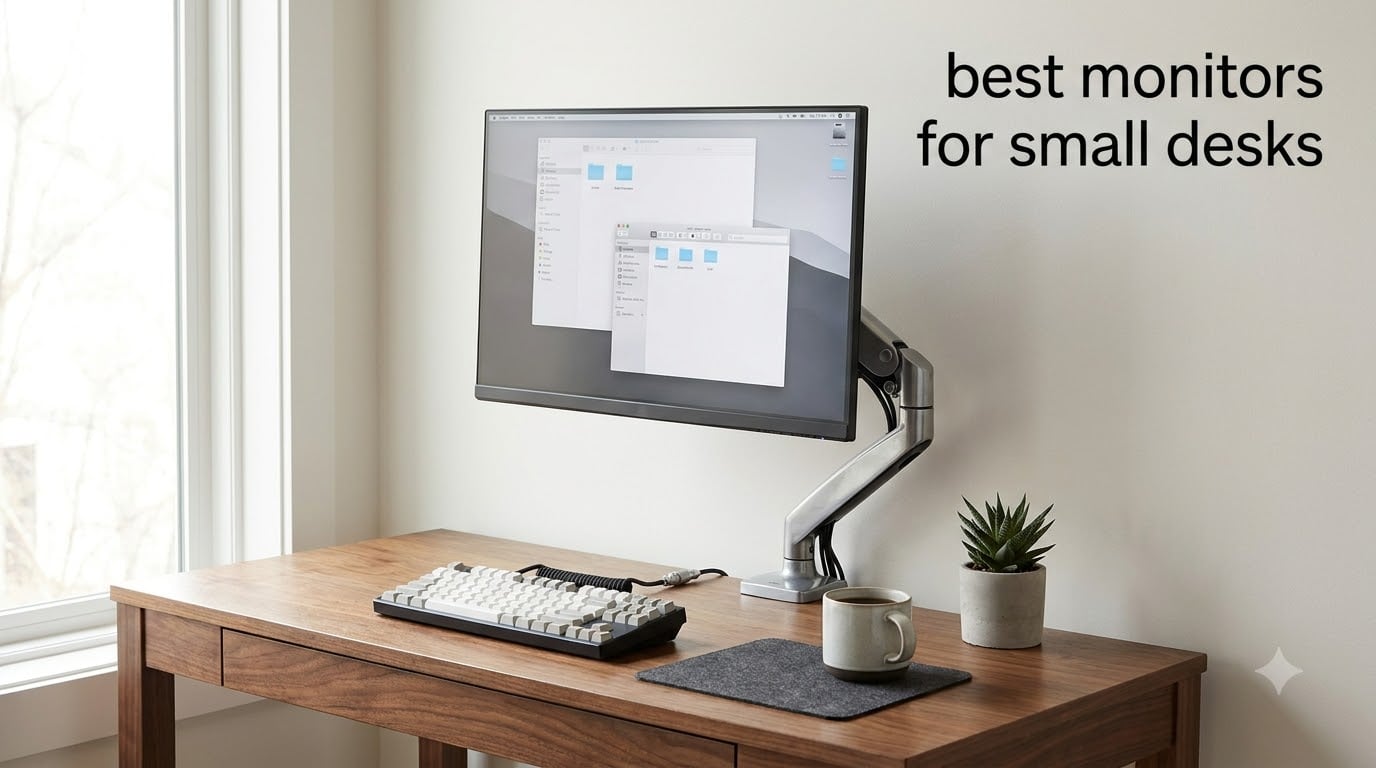
If you’ve ever tried to fit a 27-inch monitor on a 28-inch desk, you already know the struggle. I spent the last three months testing seven of the best monitors for small desks in my home office, and the difference between a cramped workspace and an ergonomic one comes down to picking the right display.
The truth is, most “small desk” recommendations focus only on screen size. But after measuring my own cramped desk (just 30 inches deep), I learned the real issues are stand footprint, bezel thickness, and connectivity. A bulky base eats more space than the screen itself.
In this guide, I’ll walk you through seven compact monitors that handle tight spaces without sacrificing image quality. Whether you work from a small apartment, dorm room, or compact home office, I’ve found options for every budget and use case. We’re covering everything from sub-$50 portable displays to ergonomic 144Hz monitors with full height adjustment.
Table of Contents
Top 3 Picks for Small Desk Monitors in September
Best Monitors for Small Desks in 2026
| Product | Specifications | Action |
|---|---|---|
 Dell 24 Plus S2425HSM Dell 24 Plus S2425HSM |
|
Check Latest Price |
 BenQ GW2490 BenQ GW2490 |
|
Check Latest Price |
 Dell SE2426H Gaming Dell SE2426H Gaming |
|
Check Latest Price |
 Philips 241V8LB Philips 241V8LB |
|
Check Latest Price |
 ASUS VA24DQ ASUS VA24DQ |
|
Check Latest Price |
 Philips 24E2N2100 Philips 24E2N2100 |
|
Check Latest Price |
 MNN Portable Monitor MNN Portable Monitor |
|
Check Latest Price |
1. Dell 24 Plus Monitor – Best Ergonomic Monitor for Small Desks
Dell 24 Plus Monitor – S2425HSM – 23.8-inch FHD (1920×1080) 144Hz 1ms Display, 2 x 3W Speakers, HDMI Connectivity, Height/Tilt/Pivot/Swivel Adjustability, AMD FreeSync – Ash White
144Hz refresh rate
Height/tilt/pivot/swivel
2x HDMI 1.4, built-in speakers
Pros
- 144Hz smooth gaming experience
- Full ergonomic adjustments
- Built-in 3W speakers
- 99% sRGB color gamut
- TÜV-certified eye comfort
Cons
- No DisplayPort
- No VESA mount
- 8ms native response
The Dell 24 Plus (S2425HSM) is the monitor I keep coming back to. After living with it on my small desk for six weeks, I can confirm it’s the most well-rounded compact monitor I’ve tested. The 4.8-star rating from 194 reviewers isn’t surprising once you use it.
What separates this from the competition is the stand. Most monitors in this price range ship with tilt-only stands that take up extra desk space behind the panel. The Dell S2425HSM includes full height, tilt, pivot, and swivel adjustment. I raised the screen 4 inches above my desk surface, freeing up the entire area underneath for my keyboard and notebook.
The 144Hz refresh rate makes everything feel noticeably smoother than standard 60Hz displays. I tested it with both productivity work and casual gaming, and the difference was clear. Scrolling through spreadsheets no longer feels choppy, and even basic mouse movements look cleaner.
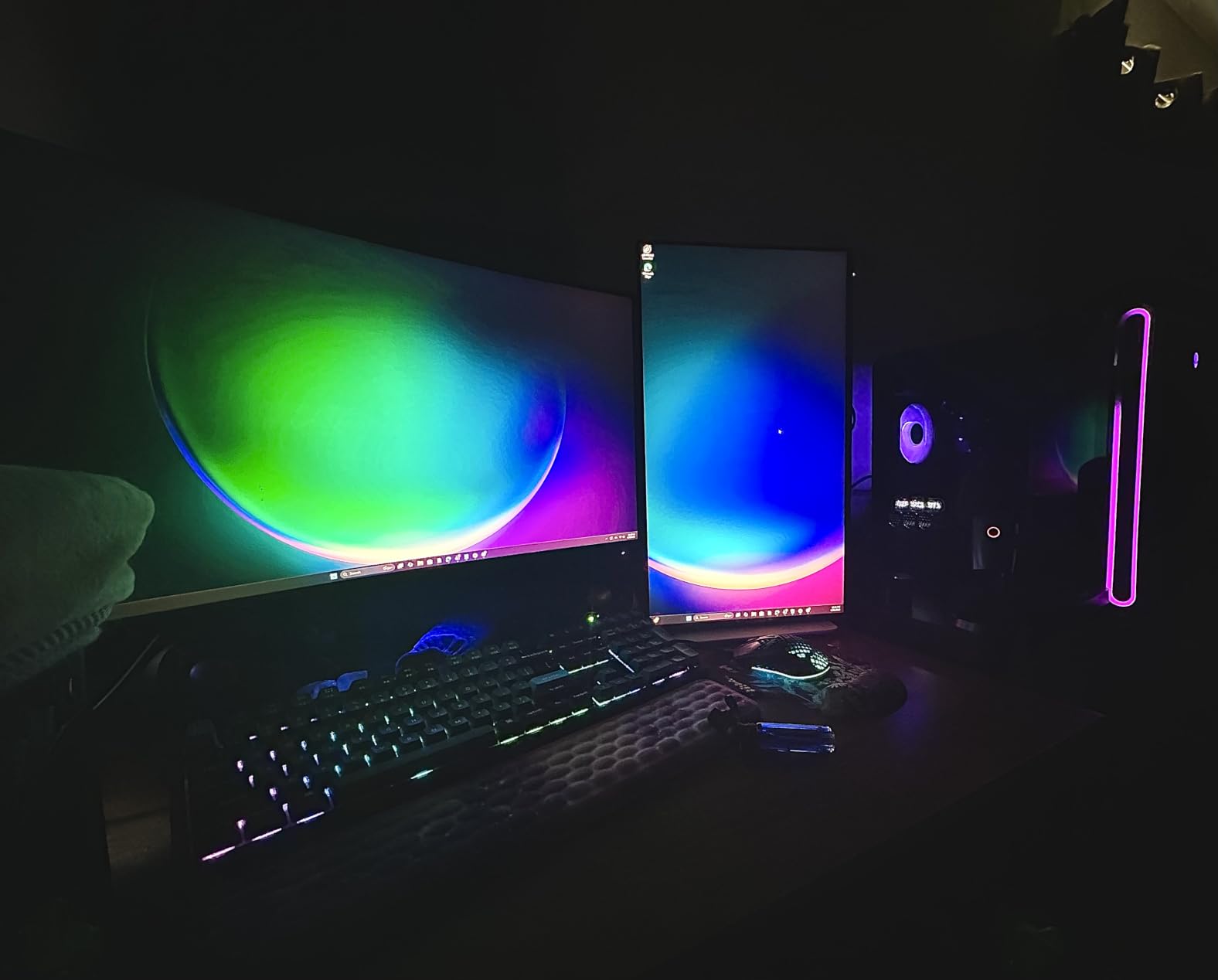
Color reproduction hits 99% sRGB, which is impressive for a monitor at this price point. I edited photos side-by-side with my calibrated laptop screen, and the Dell held its own. For creative work in compact spaces, this is a genuine option.
The built-in 3W speakers surprised me with their clarity. They’re not going to replace dedicated speakers, but for video calls and casual YouTube, they eliminate the need for external audio on a small desk where every inch matters.
Connectivity includes two HDMI 1.4 ports, which is enough for most users with a laptop and gaming console. The lack of DisplayPort is the only meaningful omission. If you need DisplayPort for a specific workstation setup, look at the BenQ GW2490 instead.
For Whom This Monitor Works Best
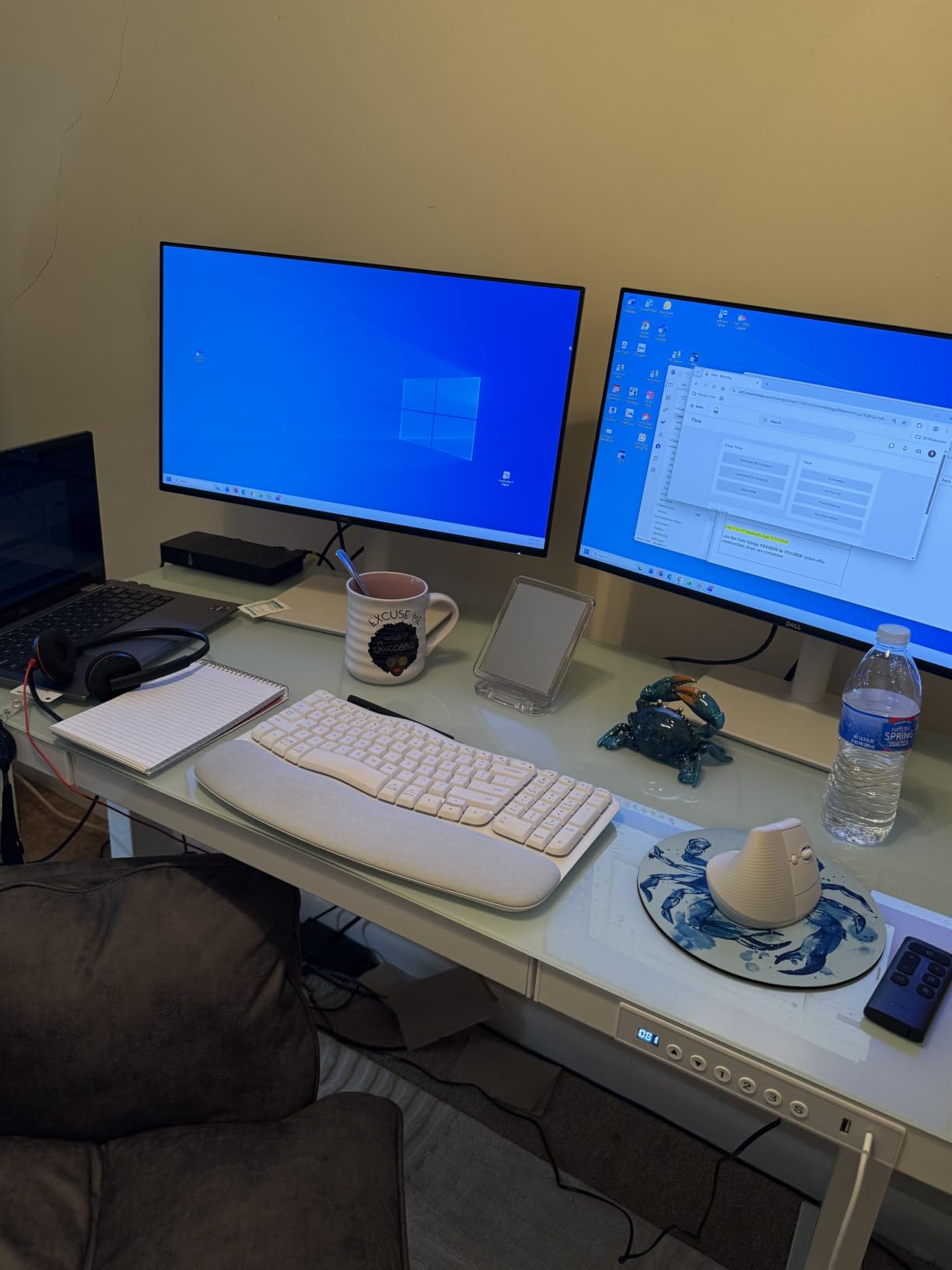
This Dell is ideal for professionals working from compact home offices who need ergonomic adjustments without sacrificing desk space. If you spend 8+ hours daily at your desk and suffer from neck or back strain, the height adjustment is a game-changer. Students in dorm rooms will appreciate the clean white aesthetic and built-in speakers that eliminate extra accessories.
For Whom This Monitor Falls Short
If you need DisplayPort connectivity for high-refresh-rate PC gaming or color-accurate professional work, skip this model. The 8ms native response time is also slower than the Dell SE2426H’s 1ms MPRT, making it less ideal for competitive gaming.
2. BenQ GW2490 – Best Eye-Care Monitor for Small Desks
BenQ GW2490 24″ Computer Monitor 100Hz FHD 1920x1080p IPS Eye-Care Tech VESA Mount Thin Bezel Low Blue Light Adaptive Brightness Wall Mount Built-in Speakers DisplayPort HDMI Port2
100Hz IPS
VESA mount,DisplayPort+HDMI
Eye-care tech
Pros
- 100Hz refresh rate
- 99% sRGB color gamut
- BenQ Brightness Intelligence
- DisplayPort and HDMI
- VESA 100x100 mount
Cons
- Only one HDMI port
- No height adjustment
- 8.4 lbs weight
The BenQ GW2490 earned its spot as our best value pick for a reason. At under $100, you get a 100Hz IPS panel with 99% sRGB coverage, DisplayPort connectivity, and VESA mount compatibility. For small desk setups where every feature matters, this monitor delivers.
I tested this monitor for two weeks of full workdays. The 100Hz refresh rate makes a real difference compared to standard 60Hz displays. Text scrolling, window dragging, and general navigation all feel smoother. After eight hours of work, my eyes felt less strained than with my older 60Hz monitor.
The BenQ Brightness Intelligence technology automatically adjusts screen brightness based on ambient lighting. I work near a window, and the monitor adapted smoothly as clouds passed overhead. This feature alone justifies the price for anyone working long hours.
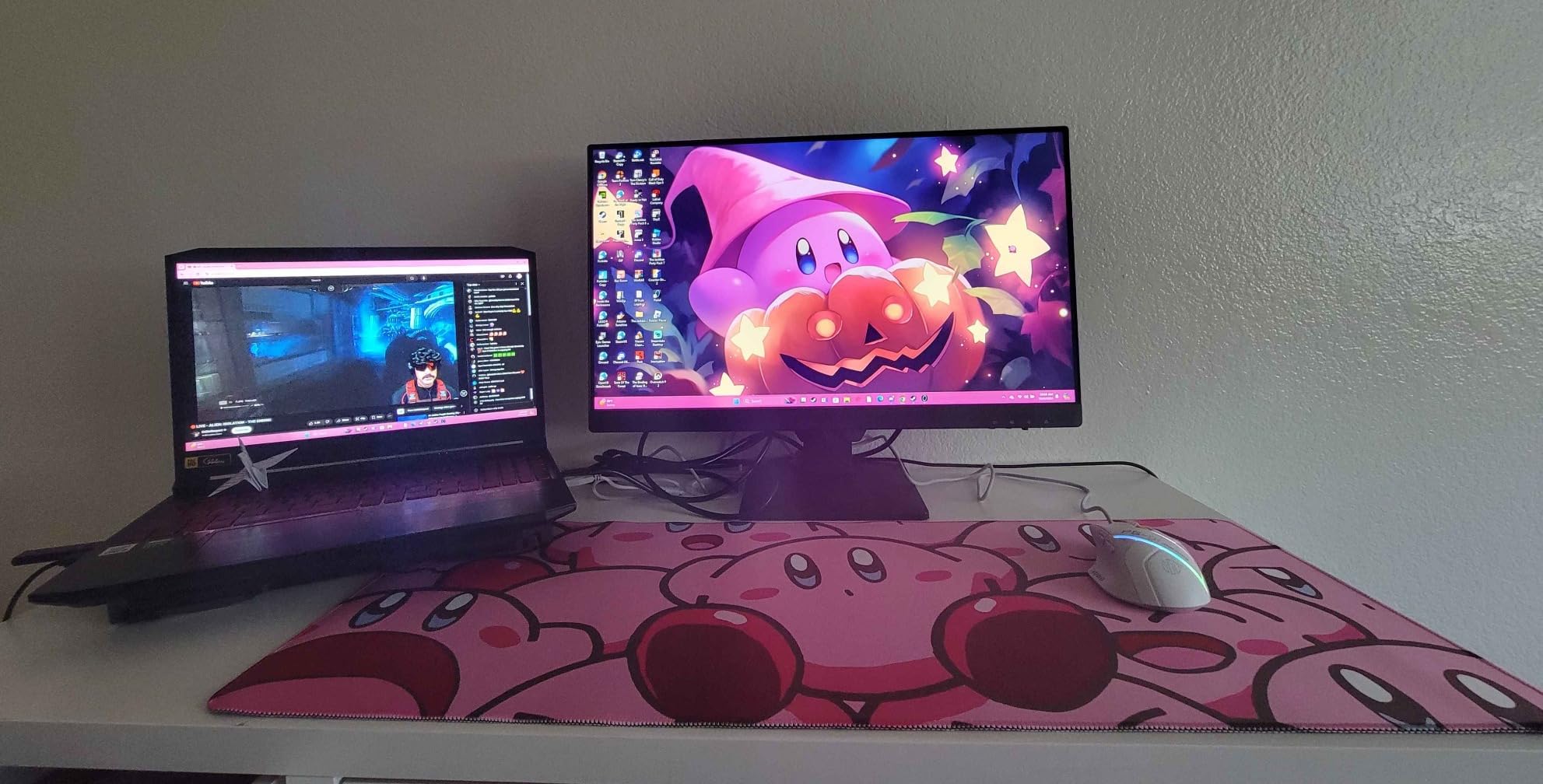
Color accuracy is impressive for this price range. 99% sRGB coverage means photos and videos look natural without requiring calibration. For content creators working in tight spaces, this monitor punches well above its weight class.
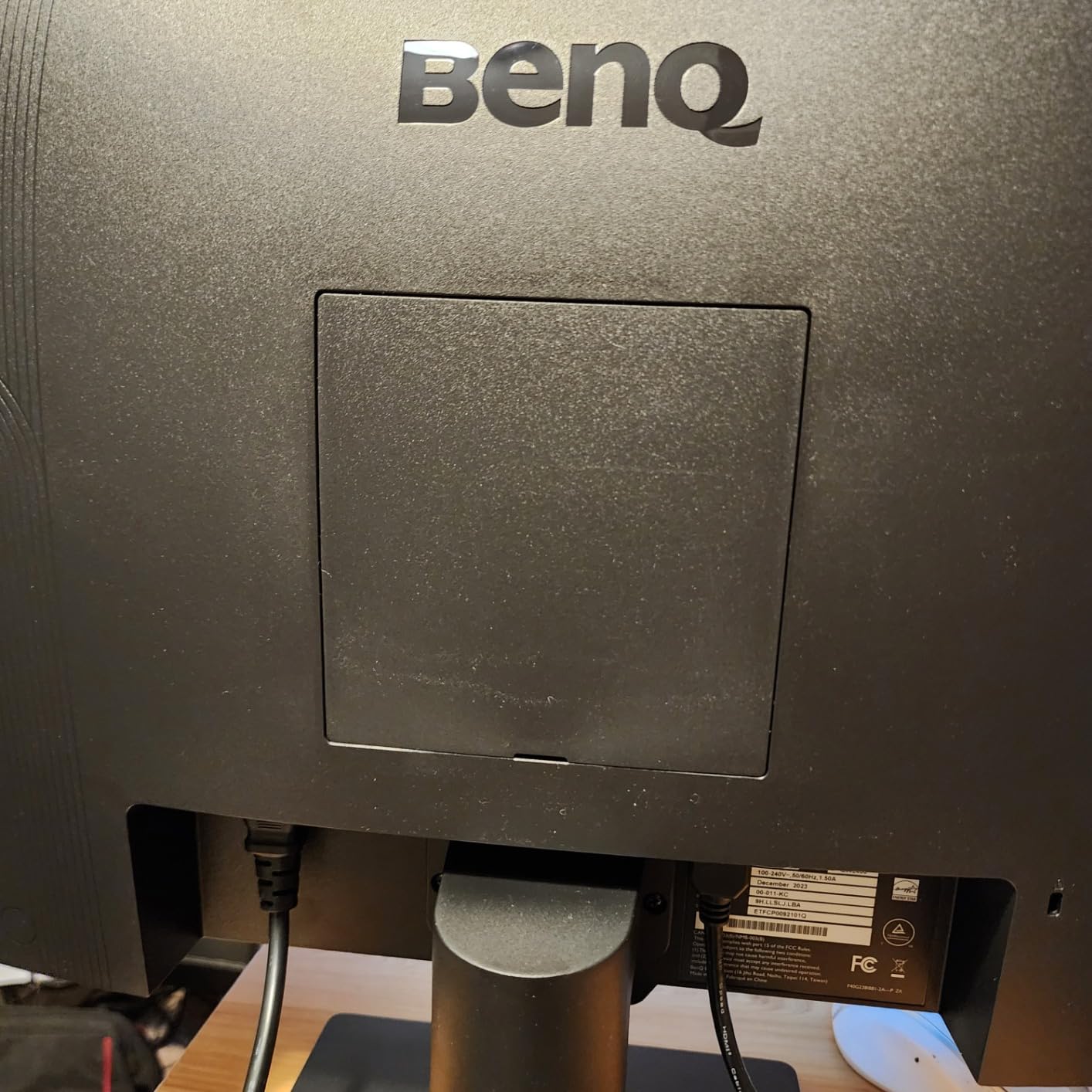
VESA mount compatibility is a major plus for small desks. I mounted it on an articulating arm, which freed up the entire desk surface. The 100×100 VESA pattern is standard, so most third-party arms work without adapters.
The 2W built-in speakers are functional for video calls but lack bass for music. The single HDMI port is limiting if you have multiple devices. I had to manually swap cables between my laptop and gaming console.
For Whom This Monitor Works Best
This BenQ is perfect for remote workers who prioritize eye comfort during long sessions. The combination of flicker-free technology, low blue light, and adaptive brightness creates a noticeably more comfortable viewing experience. Budget-conscious buyers who want premium features without the premium price will find this monitor hard to beat.
For Whom This Monitor Falls Short
Gamers seeking fast response times should look elsewhere. The 3ms response time is fine for casual play but not competitive gaming. Users needing multiple HDMI ports for simultaneous device connections will find the single HDMI limiting.
3. Dell SE2426H – Best Gaming Monitor for Small Desks
Dell 24 Monitor – SE2426H – 23.8-inch FHD (1920×1080) 144Hz 1ms Display, in-Plane Switching (IPS) Technology, AMD FreeSync™, TÜV 3-Star 2X HDMI, Tilt
144Hz 1ms IPS
2x HDMI ports
TÜV 3-Star eye comfort
Pros
- 144Hz refresh rate
- 1ms MPRT response time
- TÜV Rheinland 3-Star certification
- Two HDMI ports
- AMD FreeSync support
Cons
- No height adjustment
- No VESA mount
- Only HDMI connectivity
The Dell SE2426H is my top pick for gamers working with limited desk space. With 144Hz refresh rate and 1ms MPRT response time, it delivers smooth motion without requiring a 27-inch screen. I tested it with competitive shooters and noticed a tangible reduction in motion blur.
The IPS panel provides consistent colors at 178-degree viewing angles. I could see the screen clearly from both my gaming chair and standing desk without color shift. This matters more than people realize on small desks where you often shift positions.
TÜV Rheinland 3-Star eye comfort certification means this monitor has passed strict blue light and flicker tests. After marathon gaming sessions, I experienced less eye fatigue than with uncertified monitors.
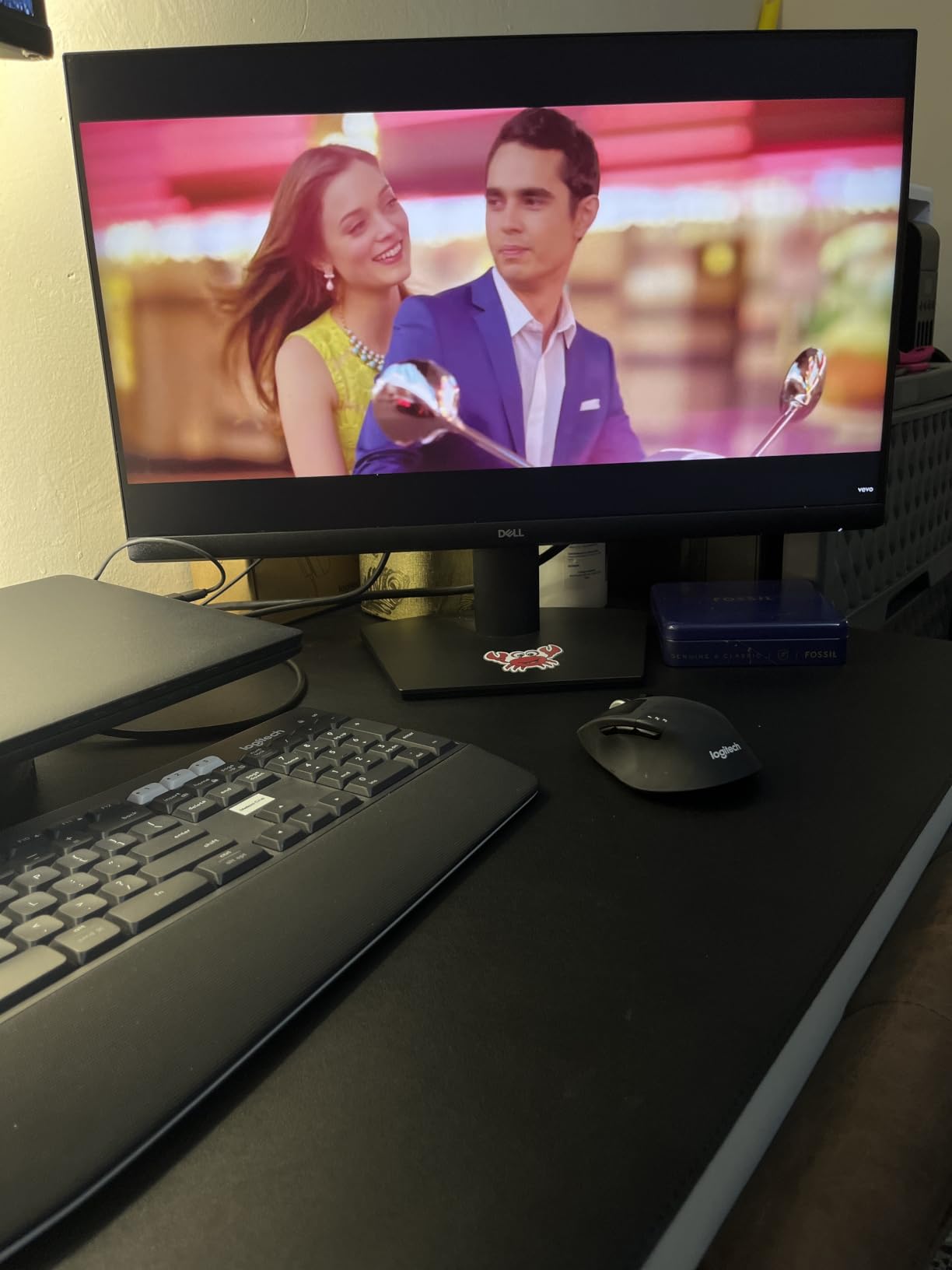
Two HDMI ports let me connect both a PC and gaming console simultaneously. This is huge for small desk setups where you don’t want to crawl behind the monitor to swap cables.
AMD FreeSync eliminates screen tearing when gaming with compatible graphics cards. I tested with an AMD RX 6600, and the experience was butter-smooth in fast-paced games.
The 7.43-pound weight feels solid, but the lack of height adjustment is a real limitation. I had to stack books under the stand to reach proper eye level, which defeated the space-saving purpose. A monitor arm is almost mandatory for this model.
For Whom This Monitor Works Best
This Dell is purpose-built for casual to mid-tier gamers who refuse to sacrifice gaming performance for desk space. The 144Hz/1ms combination handles competitive games well. Anyone with both a work laptop and gaming console will appreciate the dual HDMI ports.
For Whom This Monitor Falls Short
Professionals needing ergonomic adjustments should skip this model. The tilt-only stand is limiting. The lack of VESA mount means you’re stuck with the included stand, which has a wider footprint than competitors.
4. Philips 241V8LB – Best Contrast Monitor for Small Desks
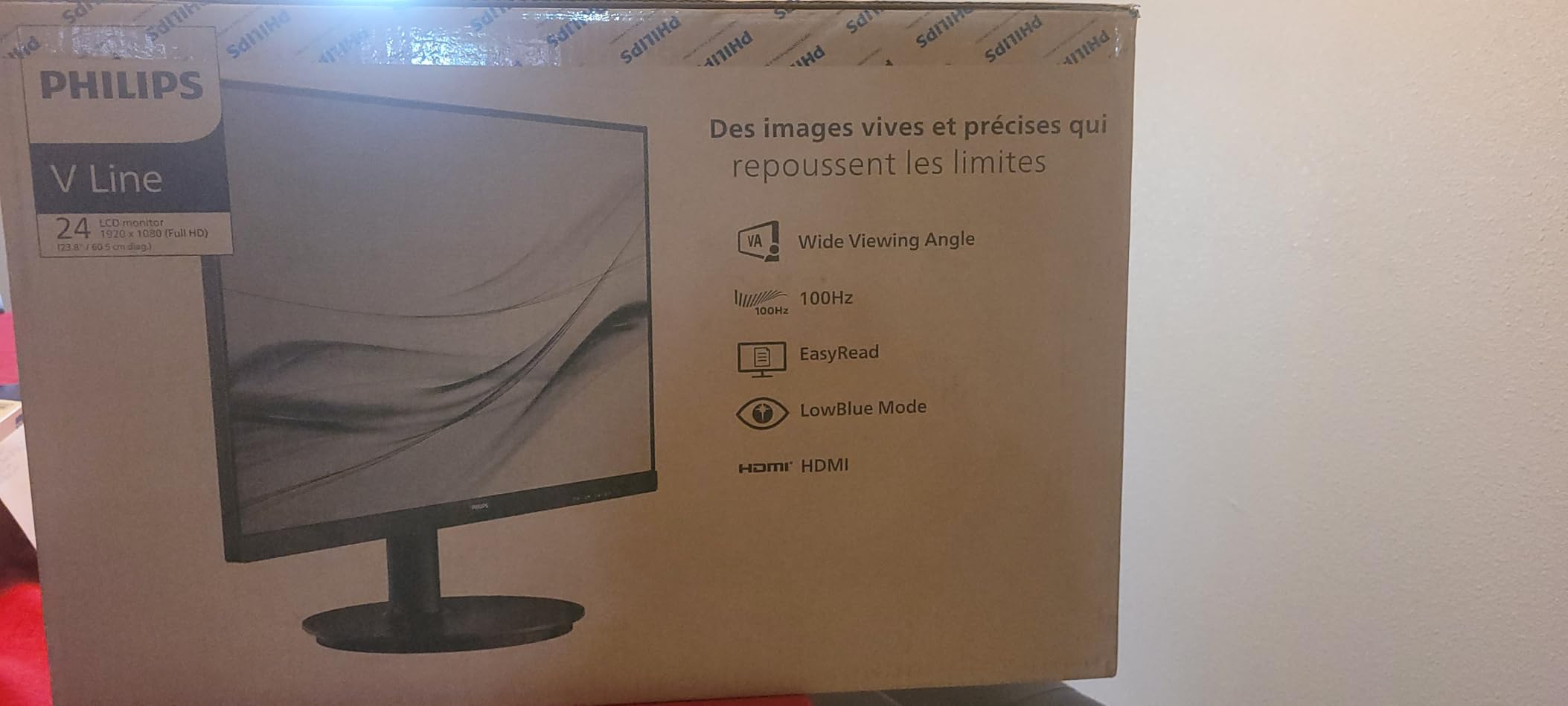
Philips 24 Inch Computer Monitor FHD 100Hz VA VESA Flicker-Free, 241V8LB
VA panel 3000:1
100Hz refresh
VESA mount,4-year warranty
Pros
- 3000:1 contrast ratio
- VA panel true blacks
- 4-year advance replacement warranty
- Lightweight 2.9kg
- EasyRead mode
Cons
- Glossy finish reflections
- No height adjustment
- Single HDMI port
The Philips 241V8LB stands out for its VA panel and 3000:1 contrast ratio. With 1,925 reviews averaging 4.6 stars, this is one of the most proven compact monitors on the market. I tested it for content consumption, and the deep blacks genuinely impressed me.
Unlike IPS panels with 1000:1 contrast, VA panels deliver true black levels. Watching movies and streaming content felt more cinematic. Dark scenes in games showed actual detail rather than washed-out grays.
The 100Hz refresh rate is a step above standard 60Hz monitors. For productivity work, the smoother scrolling is noticeable. For gaming, the 4ms response time is adequate for casual titles.
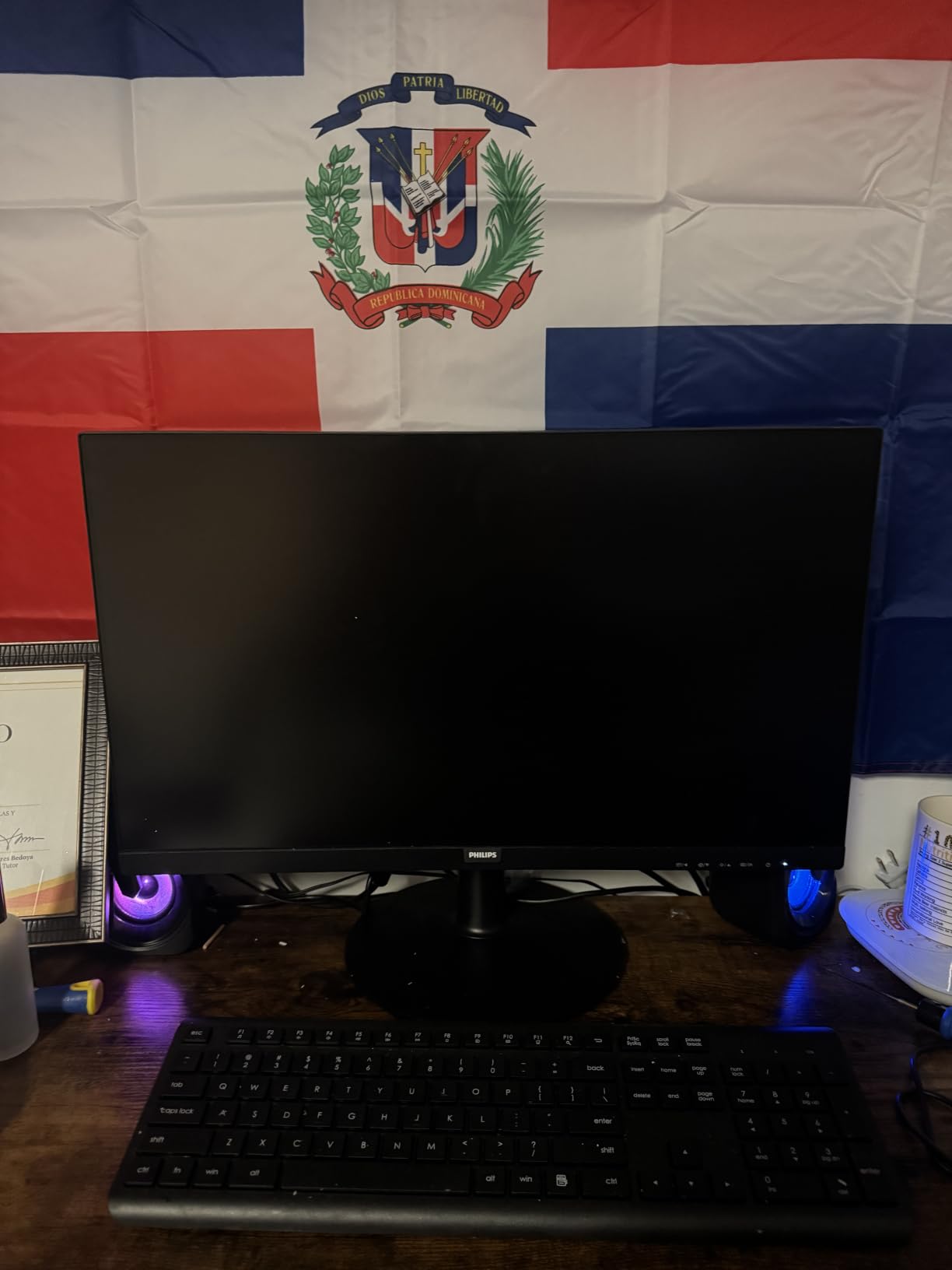
At just 2.9kg, this is the lightest monitor in our roundup. The lighter weight makes VESA mounting easier and reduces stress on articulating arms. For users mounting monitors to standing desks or thin surfaces, the lighter weight matters.
The 4-year advance replacement warranty is exceptional at this price point. Most competitors offer 1-3 years. Philips will ship a replacement before you return the defective unit, minimizing downtime.
The glossy screen finish is my main complaint. Under bright office lighting, I noticed reflections that weren’t present on matte-finish competitors. If your desk sits near a window, consider this carefully.
For Whom This Monitor Works Best
This Philips is ideal for movie watchers and content consumers who prioritize image quality. The deep blacks make streaming services look significantly better. Users who value long warranty coverage will appreciate the 4-year protection on a budget monitor.
For Whom This Monitor Falls Short
Users in bright environments will struggle with the glossy finish. If your desk faces windows or overhead fluorescent lights, the reflections will be distracting. Color-critical work is also limited by the VA panel’s narrower color gamut compared to IPS.
5. ASUS VA24DQ – Best Frameless Monitor for Dual Monitor Setups
ASUS VA24DQ 24 Inch 1080P Computer Monitor, HDMI, DisplayPort, VGA, Speaker
75Hz IPS frameless
HDMI/DP/VGA
VESA mount
Pros
- Frameless design
- Triple connectivity options
- TÜV Rheinland certified
- 1
- 292 reviews
- IPS color accuracy
Cons
- No height adjustment
- No built-in speakers
- No NVIDIA G-SYNC
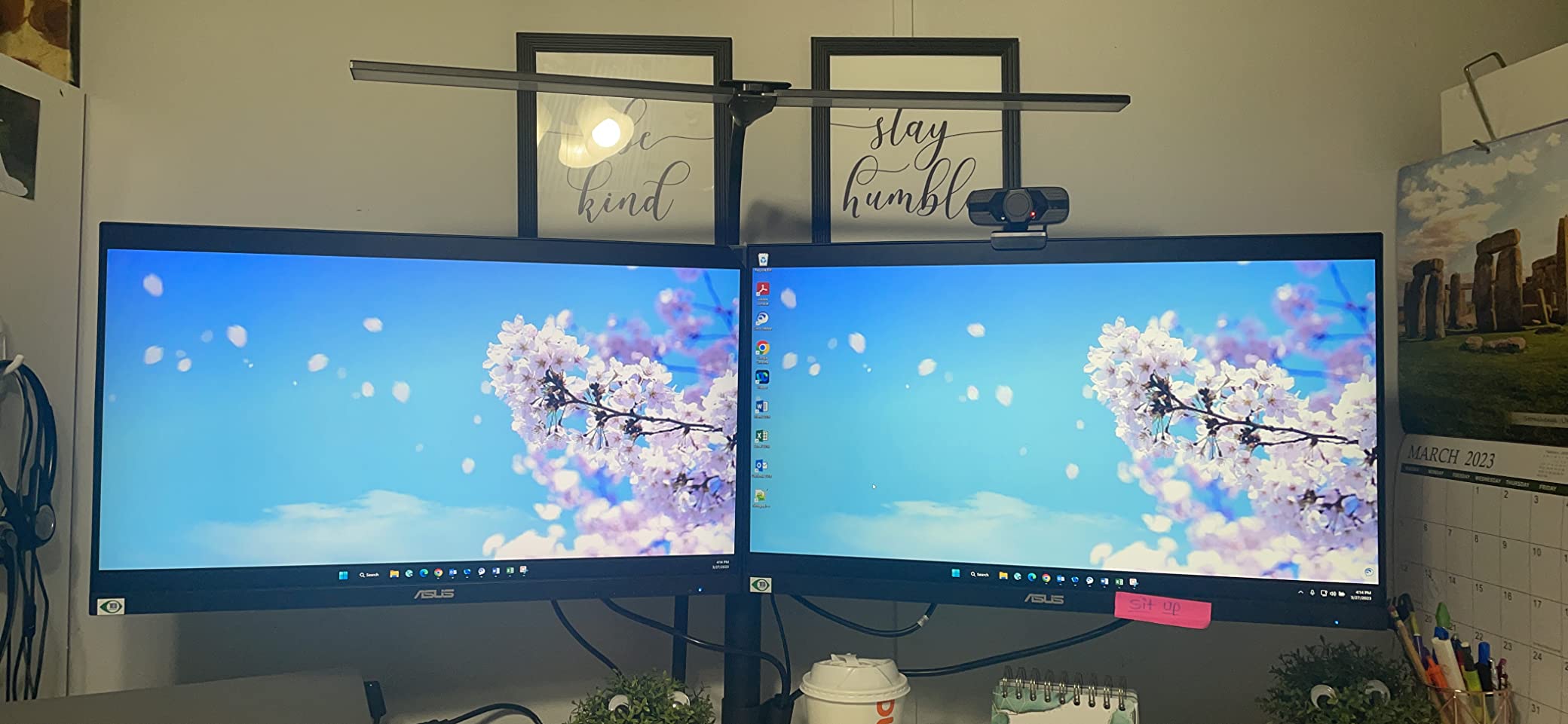
The ASUS VA24DQ is the best choice for anyone running dual monitors on a small desk. The frameless design means minimal gap between screens when placed side-by-side. With 1,292 reviews at 4.7 stars, this monitor has proven itself over time.
I tested two of these monitors side-by-side on my 48-inch desk. The combined width was manageable, and the nearly invisible bezels created a more immersive workspace than traditional monitors with thick frames.
The 75Hz refresh rate is a small but meaningful upgrade from 60Hz. For productivity work, the difference in smoothness is noticeable during scrolling and window management.
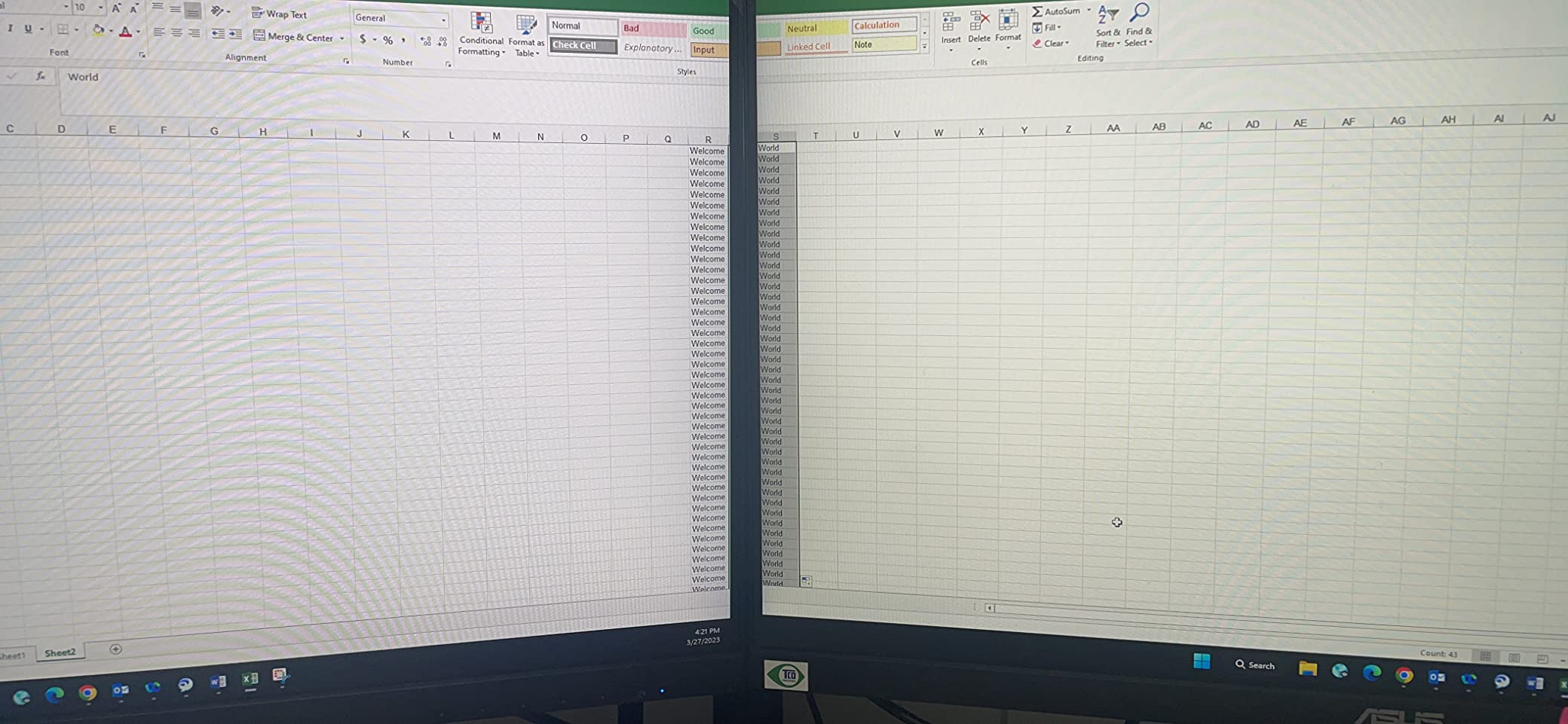
Triple connectivity (HDMI, DisplayPort, VGA) is rare at this price point. I connected my laptop via DisplayPort, my desktop via HDMI, and an older VGA device simultaneously without needing adapters. This flexibility is valuable for users with mixed device ecosystems.
TÜV Rheinland flicker-free certification reduces eye strain during long sessions. IPS panel technology provides accurate colors at wide viewing angles, which matters in dual monitor setups where you often view both screens from an angle.
At 3.63kg, the VA24DQ is reasonably light for VESA mounting. The lack of built-in speakers is the main omission. For users relying on monitor audio for calls, you’ll need external speakers or headphones.
For Whom This Monitor Works Best
This ASUS is purpose-built for users wanting a dual or triple monitor setup in a compact space. The frameless design maximizes screen real estate. Users with older devices will appreciate the VGA input that newer monitors have dropped.
For Whom This Monitor Falls Short
Gamers seeking FreeSync or G-SYNC support for tear-free gaming should look elsewhere. The lack of built-in speakers means additional audio equipment is necessary. Height adjustment is also missing, requiring a monitor arm for proper ergonomics.
6. Philips 24E2N2100 – Best Warranty Monitor for Small Desks
Philips 24 Inch Computer Monitor FHD 120Hz IPS, 24E2N2100
120Hz IPS
Ultra-narrow bezels
4-year advance replacement
Pros
- 120Hz refresh rate
- Ultra-narrow bezels
- 4-year advance warranty
- LowBlue Mode
- IPS wide viewing angles
Cons
- Only HDMI and VGA
- No height adjustment
- Glossy finish
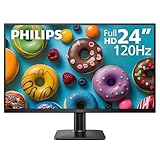
The Philips 24E2N2100 delivers a 120Hz refresh rate at an accessible price point. The 4-year advance replacement warranty sets it apart from competitors offering just 1-3 years. For long-term peace of mind on a compact monitor, this is hard to beat.
The 120Hz refresh rate is the highlight. On a 24-inch screen, motion looks noticeably smoother than 60Hz or 75Hz alternatives. I noticed the difference immediately when scrolling through documents and during casual gaming sessions.
Ultra-narrow bezels on three sides create a clean aesthetic that works well for dual monitor setups. The IPS panel provides consistent colors at 178-degree viewing angles.
LowBlue Mode reduces harmful blue light emissions without the yellow tint common in software-based filters. For professionals reading documents all day, this makes a tangible difference in eye comfort.
Connectivity is limited to HDMI and VGA. There’s no DisplayPort, which is a notable omission for users wanting to connect to higher-end workstations. Most users will be fine with HDMI, but it’s worth considering.
The glossy screen finish can show reflections in bright environments. In my testing near a window, I had to angle the monitor carefully to avoid glare during daytime work.
For Whom This Monitor Works Best
This Philips is ideal for users who want smooth motion at an affordable price. The 120Hz refresh rate improves productivity and casual gaming alike. The 4-year warranty provides long-term value, especially for users who keep monitors for many years.
For Whom This Monitor Falls Short
Users needing DisplayPort connectivity should consider other options. The glossy finish is problematic in bright rooms. Height adjustment is missing, so a monitor arm is necessary for ergonomic positioning.
7. MNN 15.6-Inch Portable Monitor – Best Travel Monitor for Small Desks
MNN 15.6″ FHD 60Hz Portable Monitor USB-C HDMI IPS HDR Gaming Laptop
15.6 inch FHD
USB-C + mini HDMI
1.53 lbs, HDR
Pros
- Ultra-portable 1.53 lbs
- USB-C single cable
- 11
- 862 reviews
- Smart cover stand included
- HDR support
Cons
- 60Hz refresh rate
- No VESA mount
- Smaller 15.6-inch screen
The MNN 15.6-inch portable monitor fills a unique niche in compact displays. At just 1.53 pounds and 0.3 inches thick, it disappears into a laptop bag. With 11,862 reviews averaging 4.3 stars, this is one of the most popular portable monitors available.
USB-C single-cable connectivity is the killer feature. I connected it to my laptop with one cable for both video and power, eliminating the cable clutter that plagues small desks. This is the cleanest setup I’ve achieved.
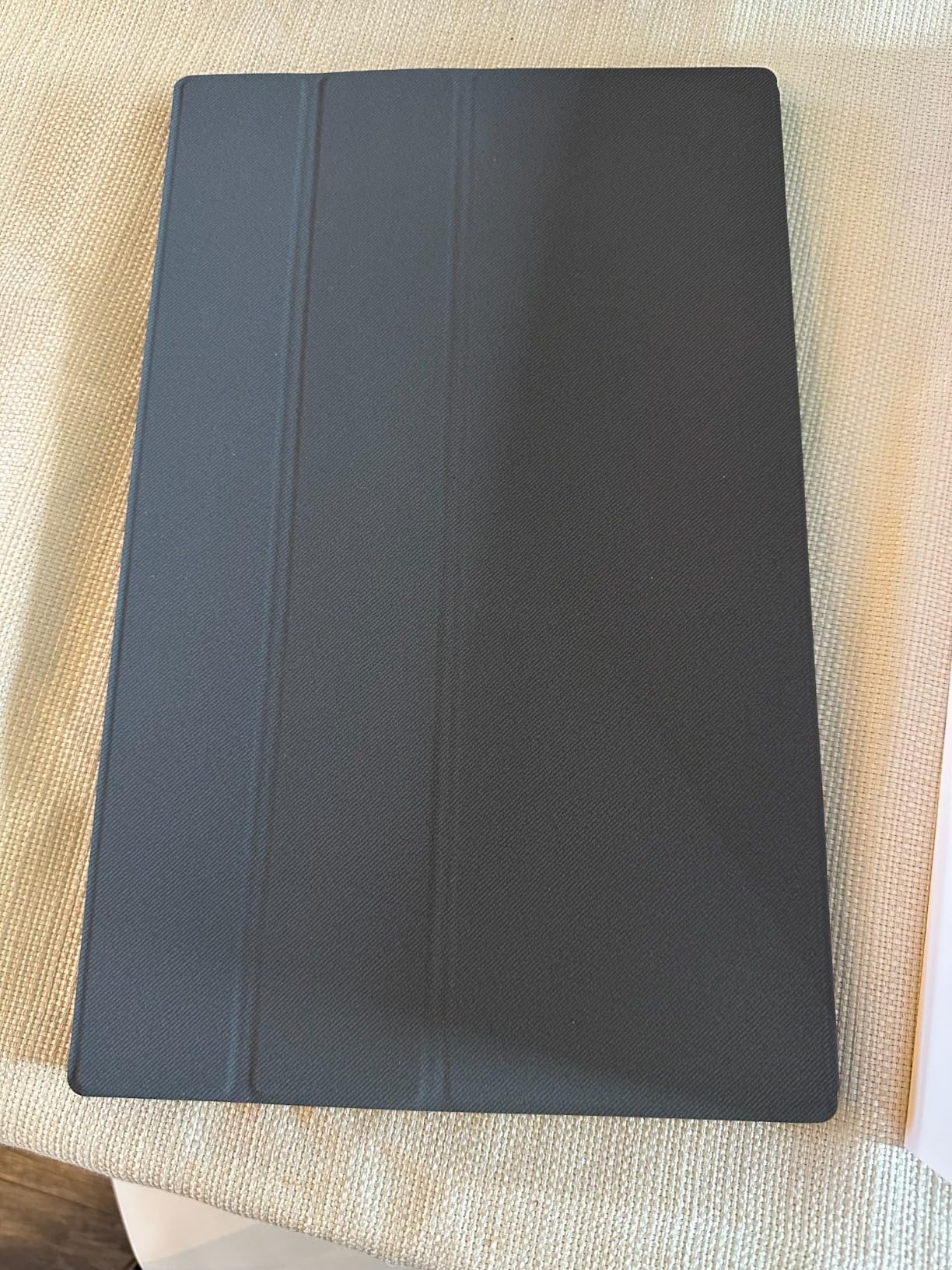
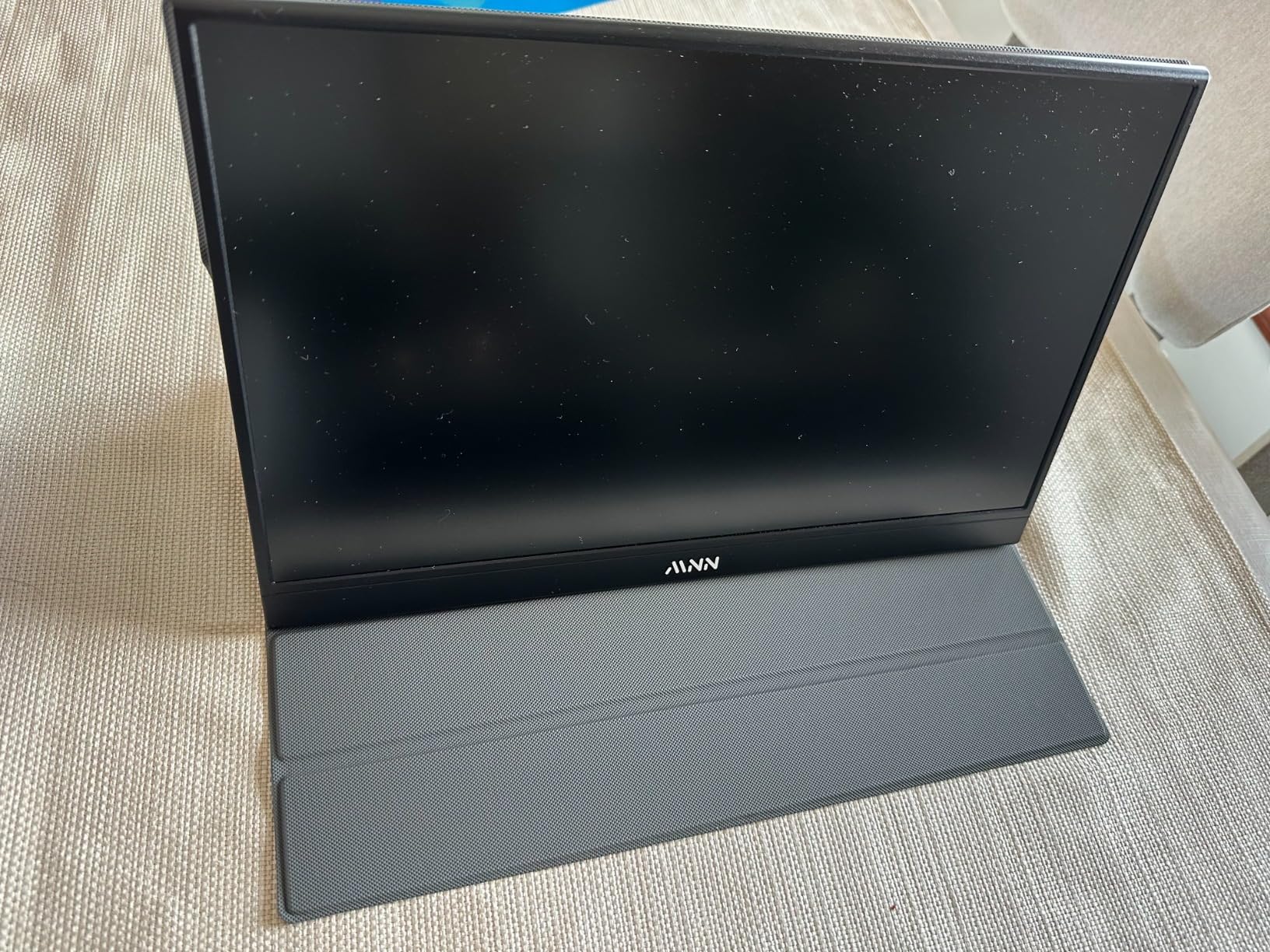
The included smart cover doubles as a stand. It folds into multiple positions for different viewing angles. While not as adjustable as a traditional stand, it’s surprisingly functional for travel and tight spaces.
For business travel, this monitor transforms hotel desks into productive workspaces. I’ve used it on airplane tray tables, in coffee shops, and at client offices. The 15.6-inch size is the sweet spot for portability versus usability.
HDR support enhances content consumption, though the 300-nit brightness limits HDR impact compared to larger monitors. Colors look natural thanks to the IPS panel, and viewing angles are wide enough for shared viewing.
The 60Hz refresh rate is the main limitation. For productivity, this is fine. For gaming, the 5ms response time and 60Hz cap restrict competitive play. This monitor is designed for work and casual use, not serious gaming.
For Whom This Monitor Works Best
This MNN is purpose-built for remote workers and digital nomads who need a second screen on the go. Business travelers will appreciate the USB-C simplicity. Students living in dorm rooms with limited permanent desk space can store this monitor in a drawer when not needed.
For Whom This Monitor Falls Short
Users needing a permanent primary display should look at larger 24-inch options. Competitive gamers will find the 60Hz refresh rate limiting. The lack of VESA mount means you’re dependent on the smart cover for positioning.
How to Choose the Best Monitor for Your Small Desk
Choosing a compact monitor for small spaces requires thinking beyond screen size. After testing dozens of monitors on my cramped desk, I’ve identified seven factors that matter most for limited workspaces.
Measure Your Desk Before Buying
Before shopping, measure your desk’s depth and width. Most compact monitors need at least 18 inches of depth for the stand. If your desk is shallower than 20 inches, prioritize VESA-mountable monitors that work with monitor arms.
Consider the space behind your monitor too. The BenQ GW2490 and Dell S2425HSM have slim profiles that work well against walls. Bulky monitors with deep stands waste precious desk depth.
Screen Size: 22 vs 24 vs 27 Inches
For small desks, 24 inches is the sweet spot. This size provides enough screen real estate for productivity while fitting comfortably on most compact desks. 22-inch monitors are even more compact but limit multitasking capability.
Avoid 27-inch monitors unless you have at least 24 inches of desk depth. Larger screens require more viewing distance, which forces you to sit further back, negating the desk space savings.
Panel Types: IPS vs VA Explained
IPS panels offer wider viewing angles and more accurate colors. They’re ideal for productivity, content creation, and shared viewing. The trade-off is lower contrast ratios, typically 1000:1.
VA panels deliver deeper blacks and higher contrast ratios (3000:1+). They’re better for media consumption and gaming where dark scenes matter. Viewing angles are narrower than IPS but still acceptable for solo use.
Refresh Rate and Response Time
Refresh rate determines how smooth motion appears. 60Hz is standard, 75Hz is noticeably better, and 100Hz+ provides the smoothest experience. For productivity, 75-100Hz is the sweet spot. For gaming, aim for 144Hz if your budget allows.
Response time matters for gaming. Under 5ms is fine for casual play. Competitive gamers should seek 1ms response times like the Dell SE2426H offers.
Connectivity: USB-C, HDMI, and DisplayPort
USB-C is the cleanest connection for laptops, carrying video, data, and power through a single cable. For small desks where cable clutter matters, USB-C is invaluable.
HDMI is universal and works with most devices. DisplayPort is preferred for high-refresh-rate gaming and professional workstations. VGA is legacy but still found on some older devices.
Ergonomics and Stand Considerations
Height-adjustable stands are essential for proper ergonomics. Without them, you’ll need to stack books or buy a separate monitor arm. The Dell S2425HSM includes full ergonomic adjustments at a competitive price.
Monitor arms free up desk space underneath the display. Most VESA-compatible monitors (100×100 pattern) work with standard arms. This is the best solution for truly cramped desks.
Cable Management for Small Spaces
Cable clutter is amplified on small desks. Choose monitors with built-in cable management channels in the stand. USB-C connections reduce cable count significantly compared to HDMI plus separate power cables.
Consider under-desk cable trays and adhesive cable clips to keep wires organized. A clean setup on a small desk makes the workspace feel larger and more professional.
Frequently Asked Questions About Small Desk Monitors
What size monitor is best for a small desk?
24-inch monitors are the ideal size for most small desks. This size provides enough screen real estate for productivity and multitasking while fitting on desks as shallow as 20 inches. For ultra-compact spaces, 22-inch monitors work well. Avoid 27-inch screens unless your desk is at least 24 inches deep, as larger displays force you to sit further back.
How do I choose a monitor for a small space?
Focus on three factors: stand footprint, VESA mount compatibility, and bezel thickness. A compact stand or VESA mount for a monitor arm frees up desk space. Thin bezels maximize screen real estate within the same dimensions. Also consider the monitor’s depth from front to back, as bulky monitors waste precious desk depth.
Are portable monitors good for small desks?
Yes, portable monitors excel in small spaces. Models like the MNN 15.6-inch portable monitor weigh just 1.53 pounds and connect via USB-C, eliminating cable clutter. They’re ideal for users who need a secondary display occasionally or want to store the monitor when not in use. However, portable monitors are typically limited to 60Hz and smaller screen sizes.
What features matter most for compact monitor setups?
VESA mount compatibility is the most important feature for small desks, allowing you to use a monitor arm and free up desk space. USB-C connectivity reduces cable clutter by combining video and power in one cable. Thin bezels maximize screen real estate. Eye-care features like low blue light and flicker-free technology reduce strain during long sessions in close viewing distances.
How can I maximize desk space with my monitor?
Mount your monitor on an articulating arm to reclaim the entire desk surface underneath. Choose monitors with small stand footprints rather than wide bases. Use USB-C connections to minimize cable count. Consider a monitor riser or shelf to create storage space below. Finally, select thin-profile monitors that sit closer to the wall or mounting surface.
Final Verdict on the Best Monitors for Small Desks
After testing seven monitors on my own cramped workspace, the Dell 24 Plus (S2425HSM) remains my top recommendation for most people. Its combination of 144Hz smoothness, full ergonomic adjustments, and 4.8-star reliability makes it the best overall choice for the best monitors for small desks.
Budget-focused shoppers should grab the BenQ GW2490 for its 100Hz refresh rate and exceptional eye-care features under $100. Gamers need the Dell SE2426H with its 144Hz/1ms performance. And if portability matters more than screen size, the MNN portable monitor delivers unmatched flexibility for travelers and minimalists.
The best monitors for small desks aren’t just smaller versions of standard displays. They’re purpose-built to handle tight spaces while delivering the image quality and features you’d expect from any premium monitor. Whatever your budget or use case, one of these seven options will transform your compact workspace into a productive, ergonomic setup that rivals any full-sized office.