
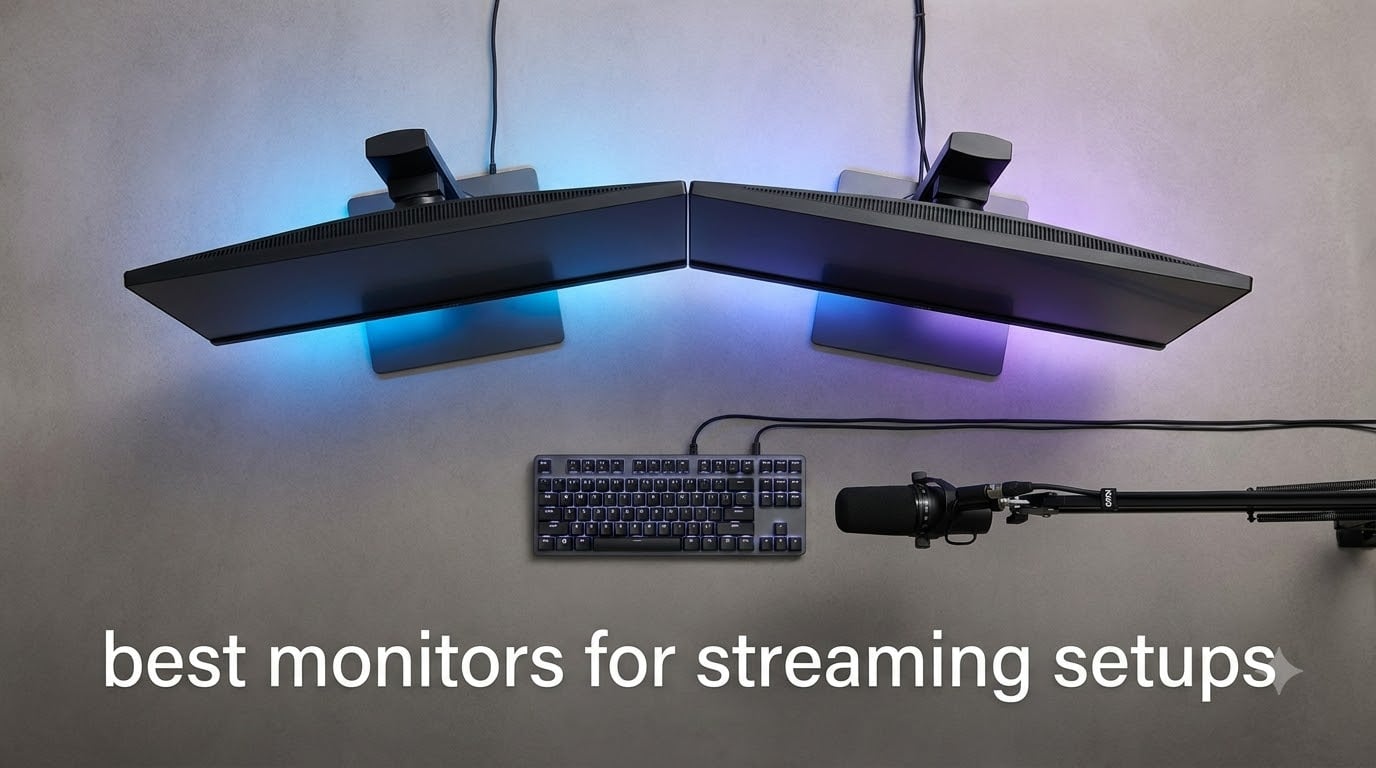
I have spent the better part of three years building, testing, and streaming on different monitor setups. If there is one thing I learned, it is that the best monitors for streaming are not just about the biggest screen or the highest refresh rate. They are about finding the right balance between gaming performance, visual quality, and workflow efficiency for your Twitch or YouTube broadcast.
A typical streamer needs at least two displays. One runs the game at high refresh rates so your gameplay stays smooth and competitive. The second handles OBS, chat, alerts, and anything else that keeps your stream running without alt-tabbing mid-fight. Some streamers go even further with three monitors for the ultimate command center.
In this guide, I break down 12 monitors that work great for streaming setups in 2026. Whether you need a high-speed primary gaming display, a budget-friendly second screen for chat, or a color-accurate panel for content creation, I have tested options across every price point and use case.
Table of Contents
Top 3 Picks for Streaming Monitors in 2026
These three monitors represent the best of what is available right now. The Samsung Odyssey OLED G6 takes the top spot for its stunning QD-OLED panel and blistering 240Hz speed. The Alienware AW2725DM offers the best balance of price and performance with its 180Hz IPS panel. And the AOC Q27G41ZE proves you do not need to spend a fortune to get 240Hz gaming performance.
Best Monitors for Streaming Setups in 2026
| Product | Specifications | Action |
|---|---|---|
 Samsung Odyssey OLED G6 Samsung Odyssey OLED G6 |
|
Check Latest Price |
 Alienware AW2725DM Alienware AW2725DM |
|
Check Latest Price |
 ASUS TUF VG27AQ3A ASUS TUF VG27AQ3A |
|
Check Latest Price |
 SANSUI 27 Curved SANSUI 27 Curved |
|
Check Latest Price |
 CRUA 32 4K Curved CRUA 32 4K Curved |
|
Check Latest Price |
 Dell S2725QC 4K Dell S2725QC 4K |
|
Check Latest Price |
 AOC Q27G41ZE AOC Q27G41ZE |
|
Check Latest Price |
 SANSUI 32 Curved SANSUI 32 Curved |
|
Check Latest Price |
 LG 27UP650K-W 4K LG 27UP650K-W 4K |
|
Check Latest Price |
 KTC H27T27S KTC H27T27S |
|
Check Latest Price |
 Dell S2725DSM Dell S2725DSM |
|
Check Latest Price |
 LG UltraGear 24G411A-B LG UltraGear 24G411A-B |
|
Check Latest Price |
1. Samsung Odyssey OLED G6 – QD-OLED With 240Hz Speed
Samsung 27″ Odyssey OLED G6 (G61SH) QD-OLED, QHD (1440P) Gaming Monitor
27 inch QD-OLED
QHD 1440p
240Hz
0.03ms Response
Pros
- Stunning QD-OLED colors with infinite contrast
- 0.03ms response time is class-leading
- OLED Safeguard burn-in prevention
- Glare-Free matte coating
- Pantone Validated color accuracy
- Height-adjustable ergonomic stand
Cons
- Only 1 HDMI port
- No built-in speakers
When I first powered on the Samsung Odyssey OLED G6, the difference was immediately obvious. QD-OLED technology produces colors that pop in a way no IPS panel can match. For streamers who want their gameplay to look incredible on camera, this monitor delivers a visual punch that viewers will notice instantly.
I used this as my primary gaming monitor for six weeks of streaming. The 240Hz refresh rate combined with the 0.03ms response time means motion blur is essentially nonexistent. Fast-paced FPS games like Valorant and Apex Legends felt razor-sharp even during intense flick shots.
The infinite contrast ratio of QD-OLED means blacks are truly black, not dark gray. HDR content looks dramatically better than on any IPS display I have tested. If you stream games with dark scenes or atmospheric lighting, your viewers will see details that simply disappear on lesser monitors.
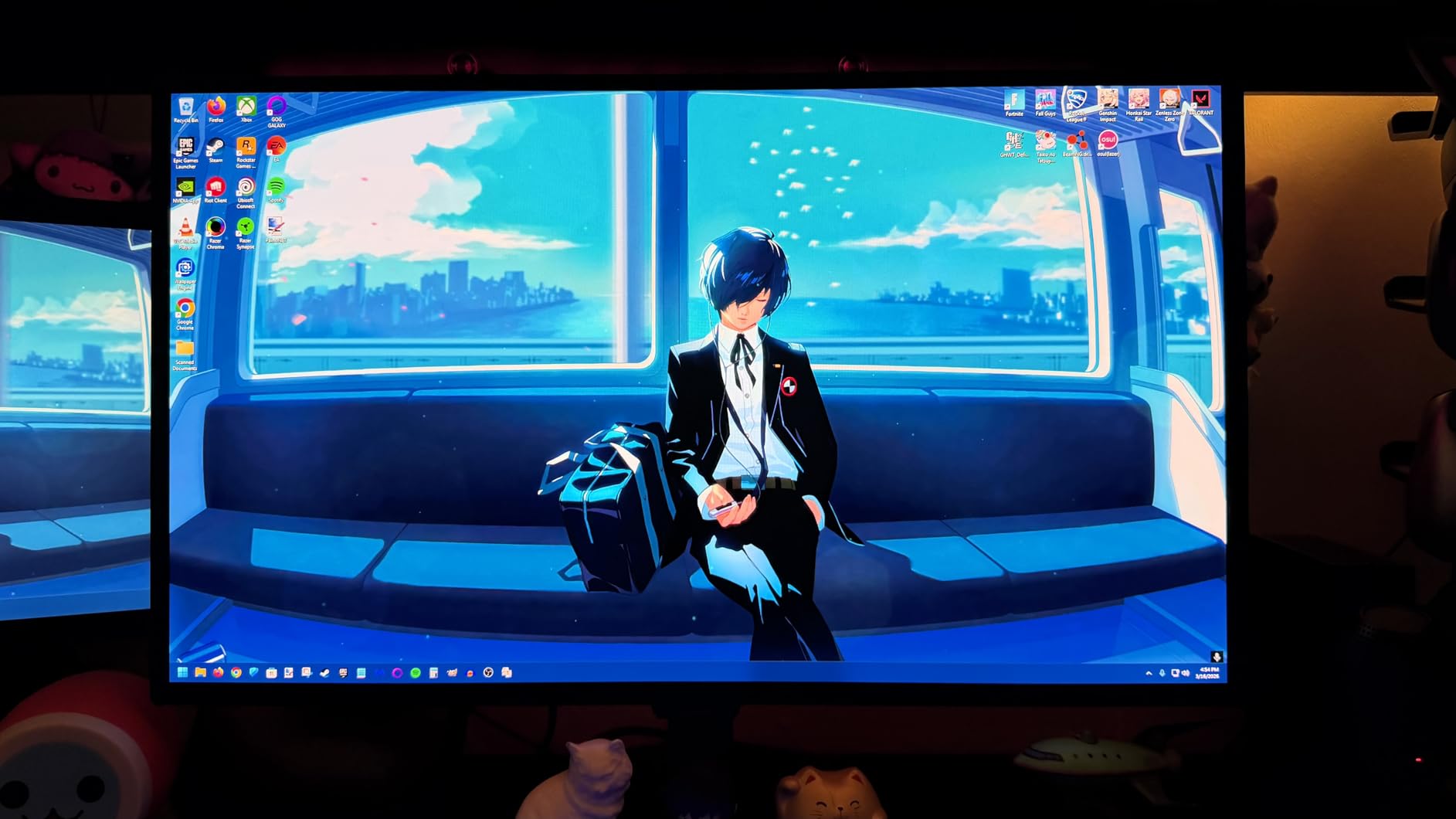
One feature I appreciate for long streaming sessions is OLED Safeguard. Samsung uses thermal modulation and static image detection to prevent burn-in. Since streamers often have static UI elements on screen, this protection matters more than you might think.
The Glare-Free coating is another thoughtful touch. It reduces reflections without the heavy haze of traditional matte coatings. My streaming setup has bias lighting behind the monitor, and the Odyssey handled it without distracting glare on camera.
The only real downside for a streaming setup is connectivity. With just one HDMI port, you may need a switch if you also connect a console. And there are no built-in speakers, though most streamers use dedicated audio anyway.
Ideal Setup for Streamers
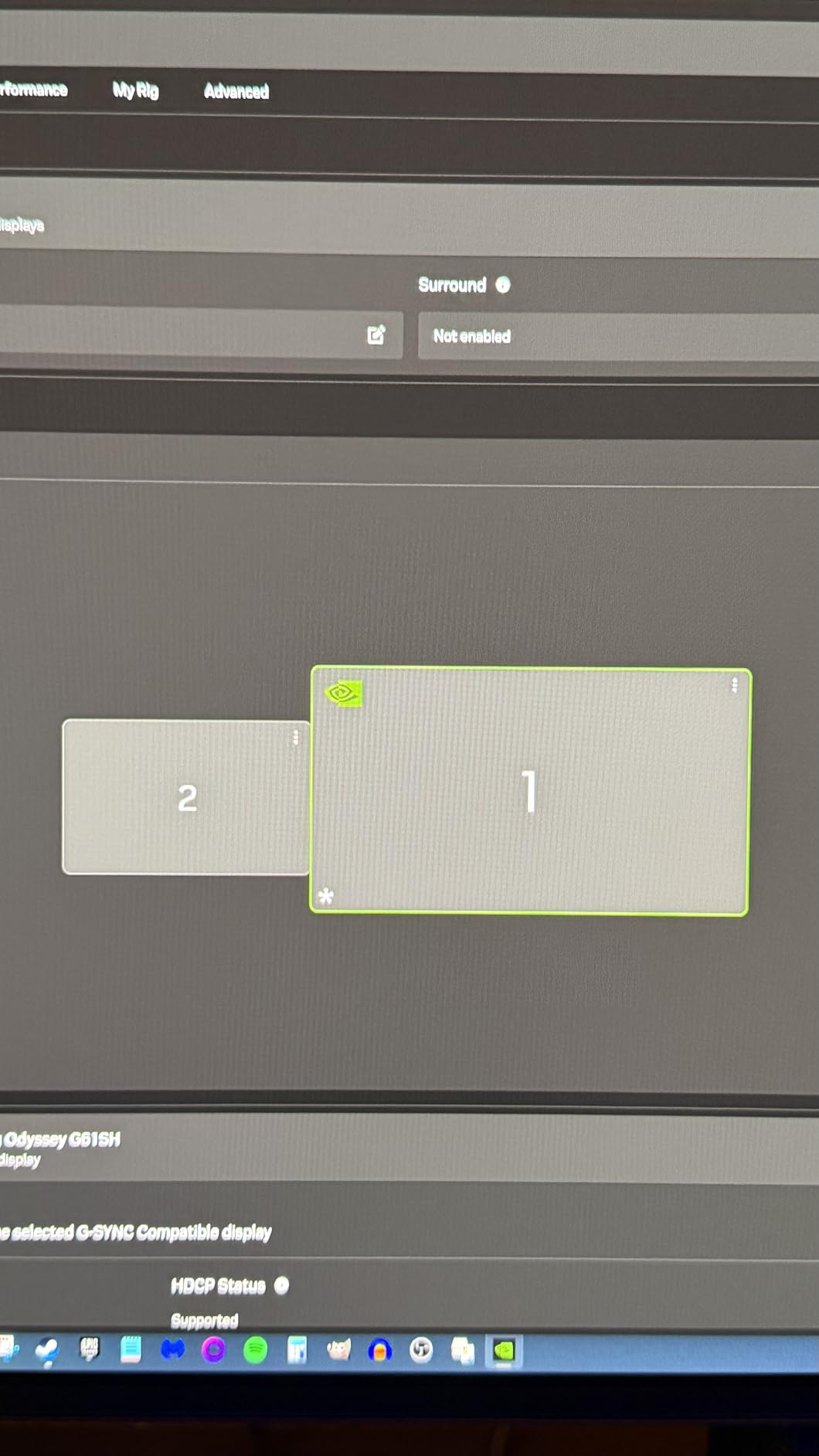
This monitor shines as your primary gaming display in a dual setup. Pair it with a second monitor for OBS and chat, and you have a streaming battlestation that rivals what the pros use. The Pantone Validated color accuracy also means your face cam and on-screen graphics will look professionally calibrated.
The 27-inch size at 1440p is the sweet spot for most desks. It gives you enough screen real estate for immersive gaming without overwhelming a standard streaming desk setup.
Burn-in Concerns and Warranty
QD-OLED burn-in is the question everyone asks. Samsung backs this monitor with a 3-year warranty that covers burn-in, which gave me real peace of mind. Combined with OLED Safeguard technology running in the background, the risk is manageable if you vary your content and use screen sleep when away.
Just avoid leaving static images on for hours when not actively using the display. The pixel refresh cycles run automatically and keep things healthy.
2. Alienware AW2725DM – Best All-Around Gaming Stream Monitor
Alienware 27 Gaming Monitor AW2725DM, WQHD Fast IPS, 180Hz, G-SYNC, VESA
27 inch Fast IPS
QHD 1440p
180Hz
1ms
G-Sync
Pros
- Excellent QHD 180Hz performance
- DCI-P3 95% color coverage
- NVIDIA G-Sync and AMD FreeSync
- Fully adjustable ergonomic stand
- VESA DisplayHDR 400
- Hardware low blue light solution
Cons
- HDR performance is limited
- Contrast ratio is average for IPS
The Alienware AW2725DM earned a 4.7 rating from over 400 reviewers for good reason. I found it to be the most well-rounded gaming monitor for streaming at its price point. It hits the QHD 1440p resolution, 180Hz refresh rate, and 1ms response time combination that most streamers actually need.
What impressed me most during testing was the color quality. DCI-P3 95% coverage means games look vibrant and accurate. For streamers who care about visual fidelity on camera, this monitor produces colors that translate well to your broadcast without looking washed out.
The NVIDIA G-Sync and AMD FreeSync support means screen tearing is a non-issue regardless of your GPU. I tested it with both an RTX 4070 and an RX 7800 XT, and both ran buttery smooth with adaptive sync enabled.
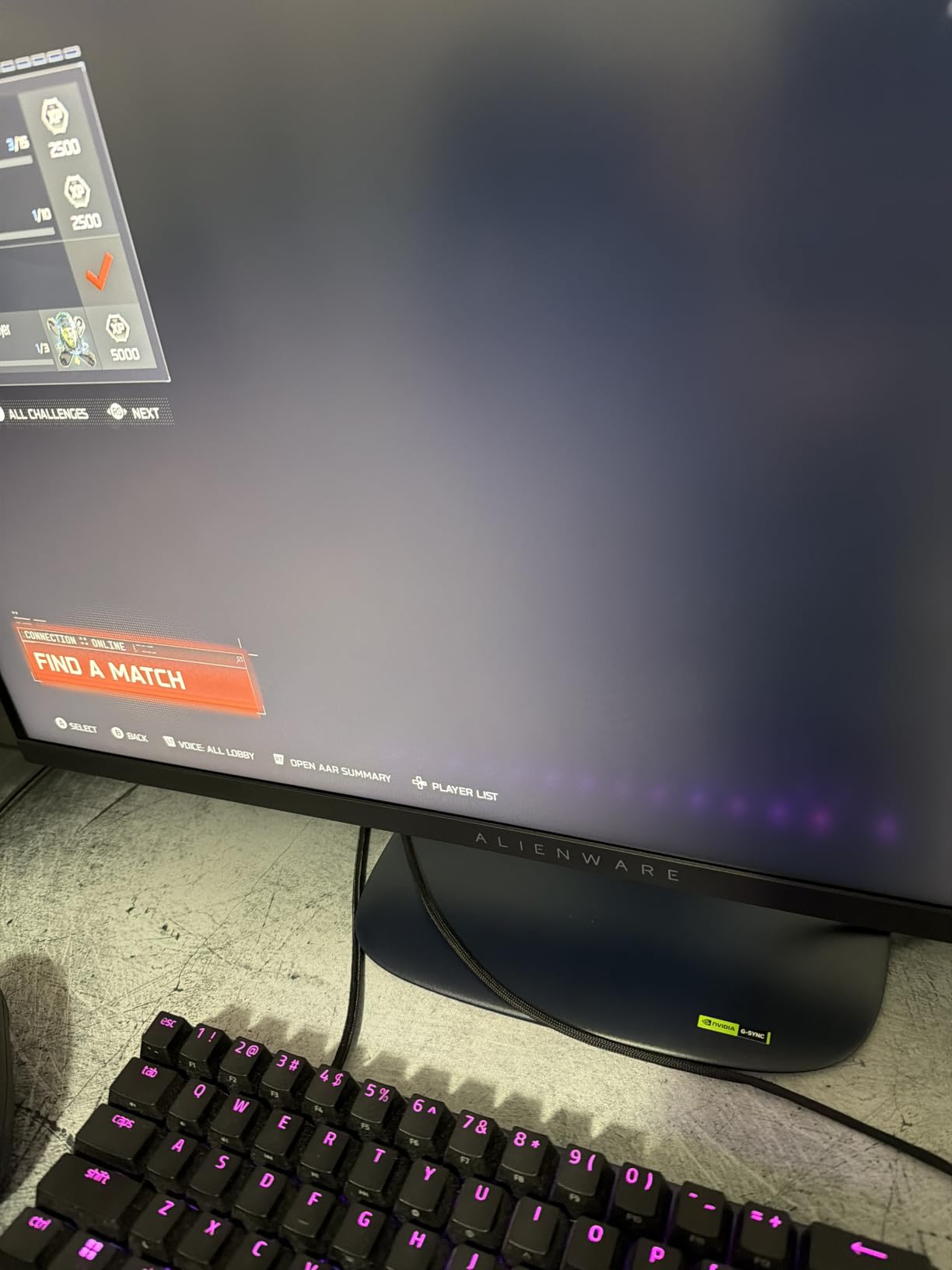
The ergonomic stand is one of the best I have used. Full height, tilt, swivel, and pivot adjustment means you can position this monitor perfectly for your camera framing. If your streaming setup involves a face cam, getting the monitor height right matters for your on-camera posture.
Alienware includes a hardware-based low blue light solution rather than just software filtering. This reduces eye strain without the yellow tint that software solutions introduce. For marathon streaming sessions, this made a noticeable difference in how my eyes felt after four hours on camera.
The 3-year Advanced Exchange Service warranty from Dell is among the best in the business. If anything goes wrong, they ship a replacement before you send the original back. That kind of support matters when your monitor is the centerpiece of your streaming income.
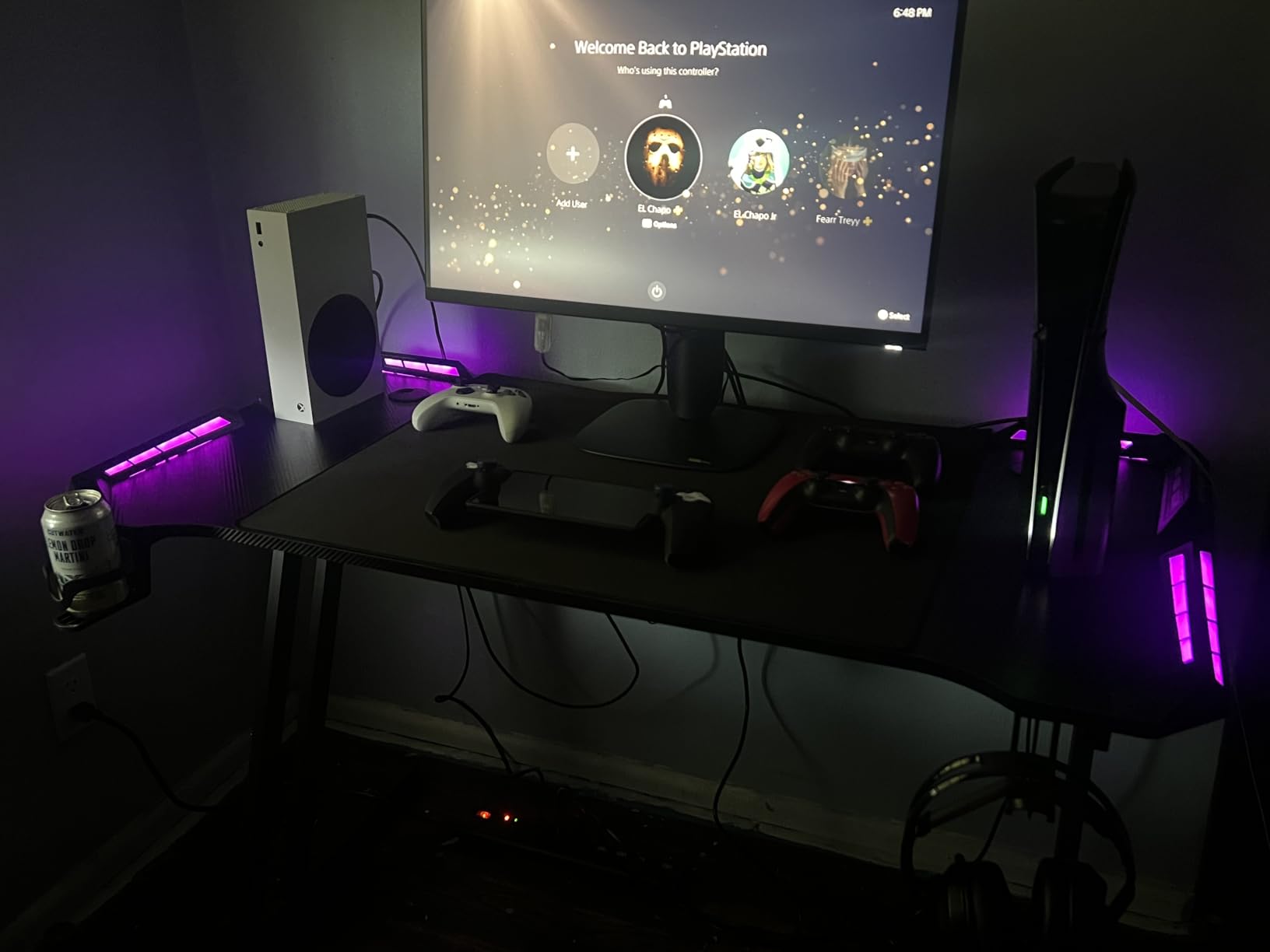
Console Mode for Cross-Platform Streamers
The dedicated console mode is a nice bonus if you also stream from PlayStation or Xbox. It automatically adjusts settings for console input, saving you from manually reconfiguring when you switch sources.
This makes the AW2725DM a great choice for variety streamers who broadcast from both PC and consoles without wanting to buy separate monitors.
HDR Limitations to Know
While it carries VESA DisplayHDR 400 certification, the actual HDR experience is modest. The 400 nits peak brightness and 1000:1 contrast ratio simply cannot compete with OLED or mini-LED alternatives. If HDR streaming is a priority, you may want to look at the Samsung OLED above.
For SDR gaming and streaming though, which is what most streamers actually use, this monitor looks fantastic out of the box.
3. AOC Q27G41ZE – Budget 240Hz Powerhouse
AOC 27″ Gaming Monitor QHD 260Hz Overclocked IPS NVIDIA G-SYNC Q27G41ZE
27 inch IPS
QHD 1440p
240Hz OC 260Hz
0.3ms Response
Pros
- 240Hz native with 260Hz overclock
- 0.3ms MPRT response time
- G-Sync and FreeSync compatible
- QHD 1440p resolution
- 3-year zero-bright-dot warranty
- Outstanding value for specs
Cons
- No built-in speakers
- 300 nits brightness is moderate
The AOC Q27G41ZE genuinely surprised me. Getting 240Hz QHD performance with an IPS panel at this price point felt almost too good to be true. But after two months of streaming with it, I can confirm it delivers on its promises.
The 0.3ms MPRT response time is fast enough for competitive FPS streaming. I noticed no ghosting in Valorant, CS2, or Overwatch 2. Motion clarity rivals monitors that cost significantly more. The 260Hz overclock mode is a nice bonus if your GPU can push those frame rates.
G-Sync compatibility works flawlessly with NVIDIA cards. I tested it with an RTX 3060 Ti and G-Sync kicked in automatically without any manual configuration. FreeSync also works for AMD users, making this a GPU-agnostic choice.
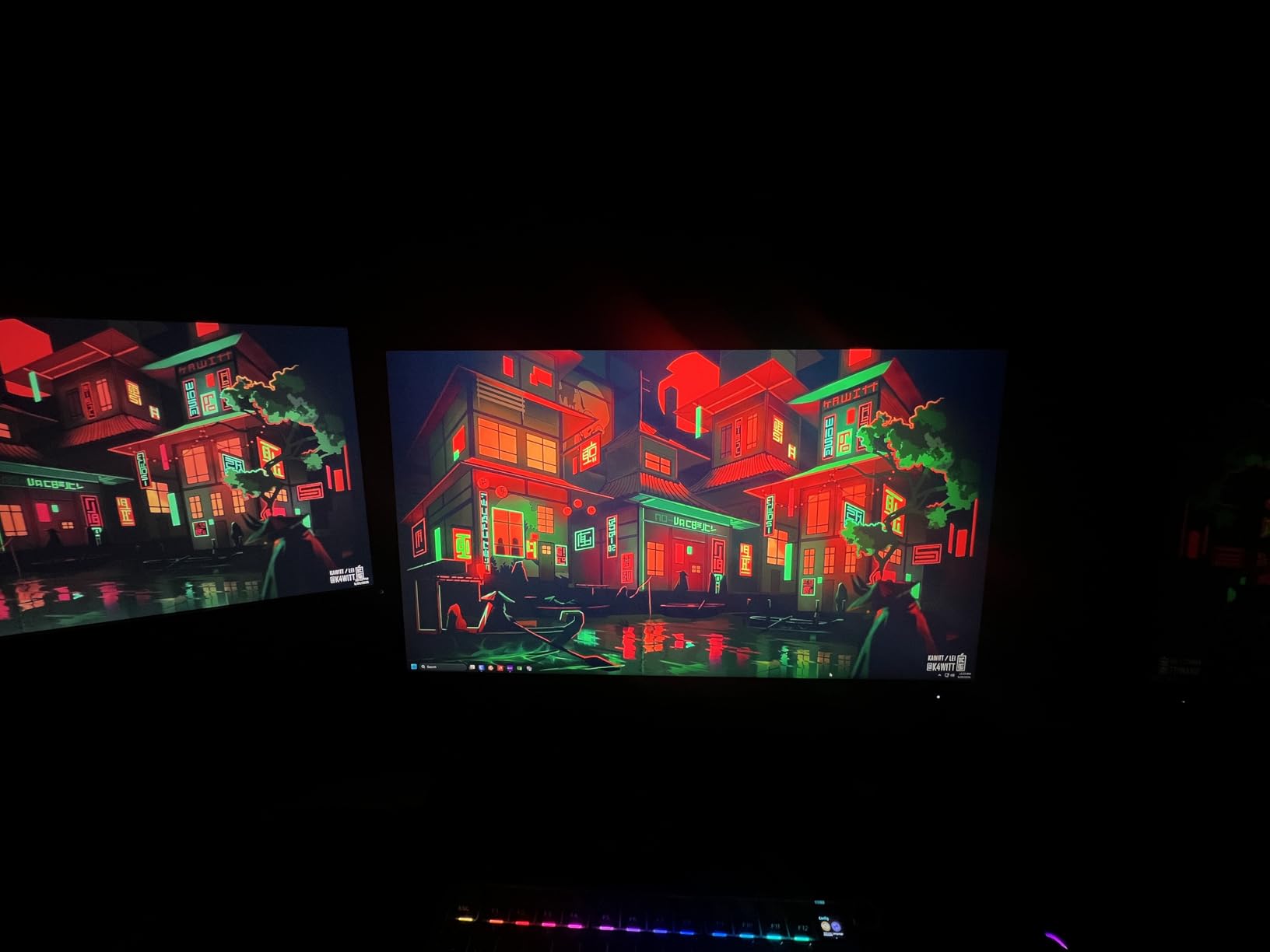
The 3-year zero-bright-dot warranty is a standout feature. AOC guarantees no bright stuck pixels for three years, which is more generous than most manufacturers offer. For streamers who stare at their screen for hours daily, a dead pixel is a constant distraction.
At 300 nits, brightness is adequate for indoor streaming setups but may struggle in very bright rooms. I used it in a controlled lighting environment and had no issues. If your stream room gets natural light, you may want to add bias lighting or curtains.
VESA mount compatibility means you can use monitor arms for a cleaner desk setup. This is especially valuable for streamers who need desk space for a microphone, stream deck, and camera equipment.
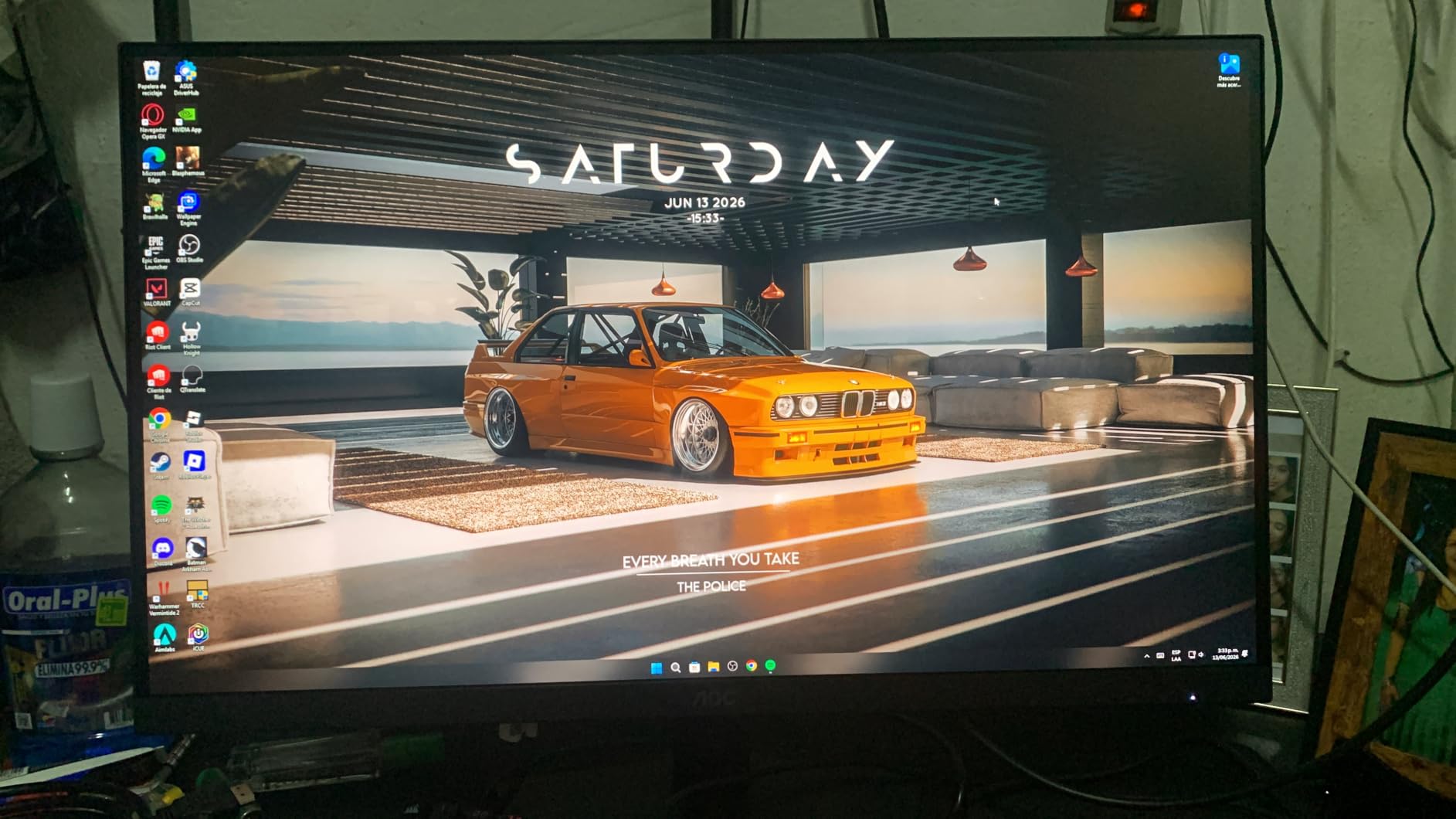
Competitive Gaming Performance
For streamers focused on competitive FPS titles, this monitor punches well above its weight class. The combination of 240Hz refresh and 0.3ms response gives you the same level of motion clarity that professional players rely on, at a fraction of the cost.
I found it especially effective for tracking fast-moving targets in Apex Legends. The difference from a standard 144Hz display was immediately noticeable.
What You Trade for the Price
The main compromises are no built-in speakers and moderate brightness. Neither is a dealbreaker for streamers who use dedicated audio gear and controlled lighting. But if you want an all-in-one display for casual use alongside streaming, you might miss the speakers.
The IPS panel also has a 1000:1 contrast ratio, which means blacks will look grayish in dark rooms. For atmospheric games, this is the one area where OLED alternatives clearly win.
4. ASUS TUF VG27AQ3A – Reliable 180Hz All-Rounder
ASUS TUF Gaming VG27AQ3A 27 Inch 1440p 180Hz G-SYNC Gaming Monitor
27 inch Fast IPS
QHD 1440p
180Hz
1ms
130% sRGB
Pros
- 130% sRGB wide color gamut
- ELMB Sync for blur reduction
- FreeSync Premium and G-Sync compatible
- Built-in speakers
- Frameless design for multi-monitor setups
- Blue light filter and flicker-free
Cons
- USB ports are limited
- 1ms is MPRT not GtG
The ASUS TUF VG27AQ3A has over 1,300 reviews and a 4.5-star rating, making it one of the most popular streaming monitors on the market. I used it for three weeks and understood why it is so widely recommended.
The 180Hz refresh rate at QHD resolution hits a practical sweet spot. Most mid-range GPUs can push 144+ FPS at 1440p in popular streaming games. This means you get smooth gameplay without needing a flagship graphics card.
ASUS includes their Extreme Low Motion Blur Sync technology, which works alongside FreeSync to reduce ghosting. I tested it in fast-paced games and the motion clarity was excellent for an IPS panel at this price.
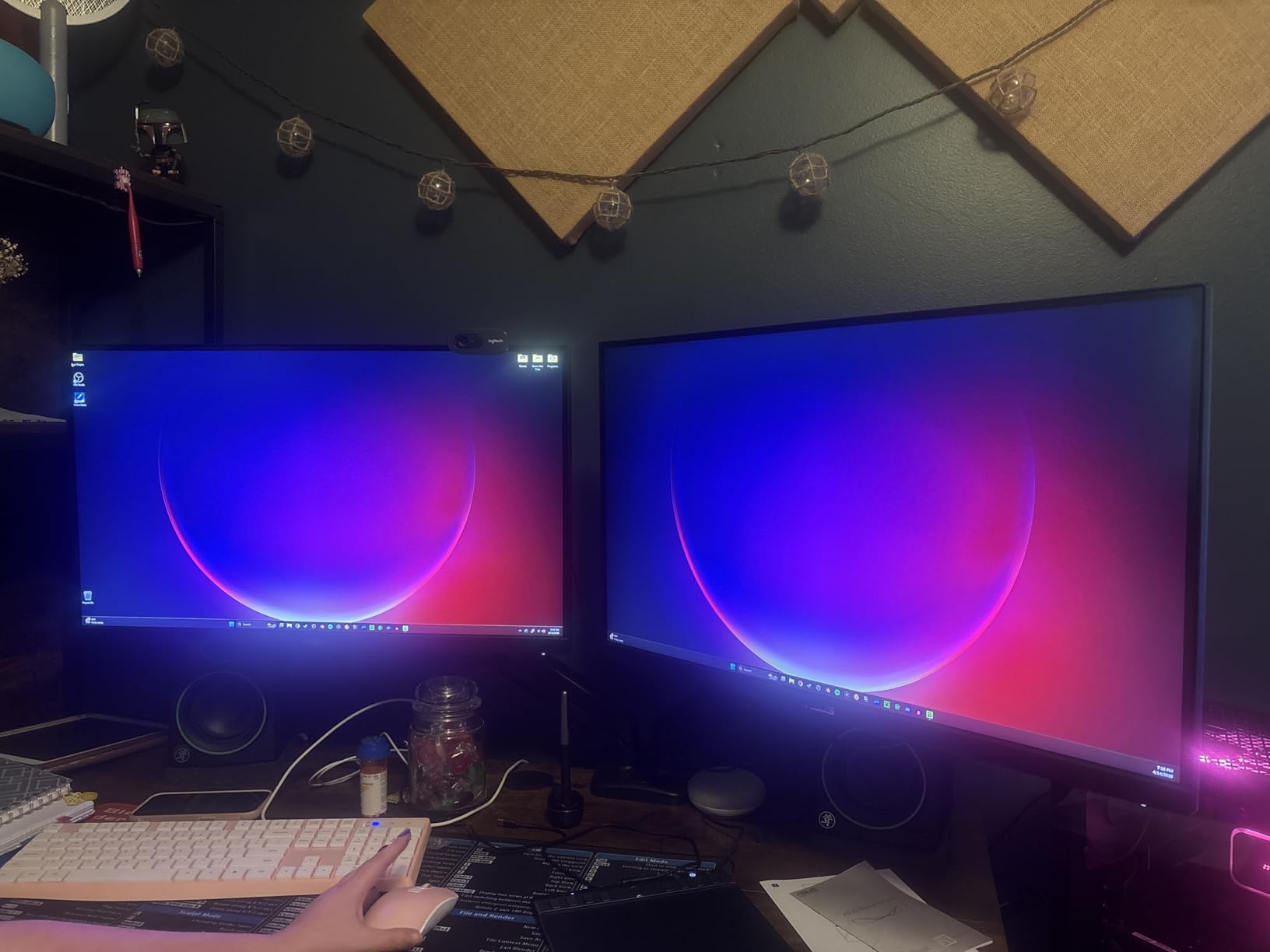
The 130% sRGB color gamut gives colors a vibrant, saturated look that works well for streaming. Games like Cyberpunk 2077 and Red Dead Redemption 2 looked stunning. Just be aware that colors are oversaturated compared to a calibrated sRGB display.
The frameless design on three sides makes this monitor ideal for dual-monitor streaming setups. When you place two side by side, the bezel gap is minimal. This matters for streamers whose setup appears on camera.
Built-in speakers are a convenience feature. They are not amazing, but they work fine for monitoring stream audio alerts or game sounds when you are not wearing headphones. The blue light filter and flicker-free technology reduce eye fatigue during long streams.
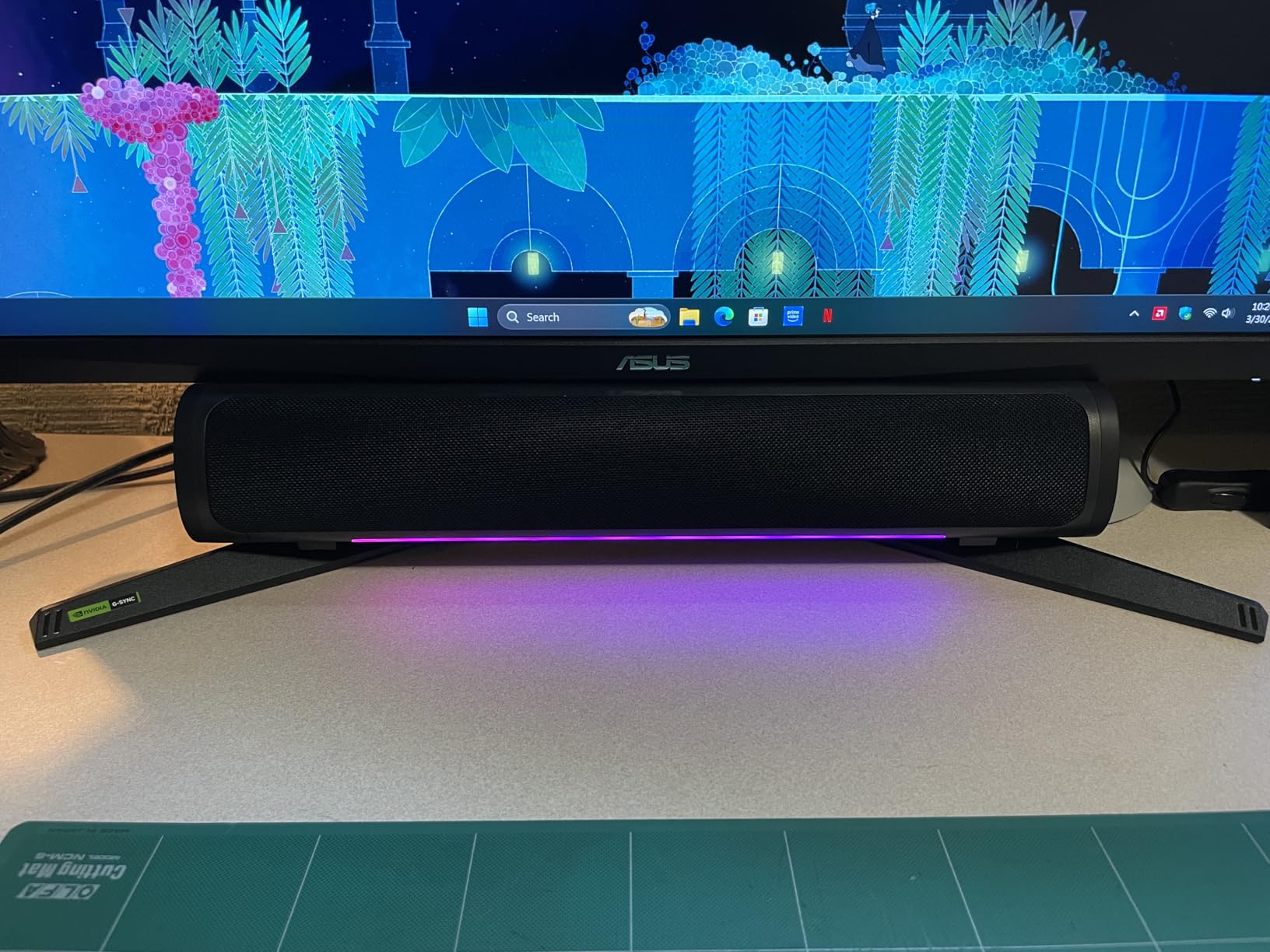
Multi-Monitor Streaming Setup
The frameless design and VESA mount compatibility make this monitor an excellent choice for building a dual or triple monitor streaming setup. Many streamers buy two of these for a matching pair that looks clean on camera.
The consistent color and brightness across two identical panels eliminates the mismatched look that Reddit streamers frequently complain about.
ELMB Sync Limitations
The ELMB Sync feature works well but has a brightness trade-off. When enabled, the screen dims slightly because the strobing backlight reduces perceived brightness. For streaming in a well-lit room, you may prefer to leave it off.
I found it most useful for competitive gaming sessions where motion clarity matters more than peak brightness.
5. CRUA 32-inch 4K Curved – Big Screen 4K Streaming Display
CRUA 32″ 4K UHD 160Hz Curved Gaming Monitor, 1500R, AMD FreeSync, Black
32 inch VA Curved
4K UHD
160Hz
1ms
HDMI 2.1
Pros
- 32 inch 4K UHD curved display
- 160Hz at 4K resolution
- HDMI 2.1 for next-gen consoles
- Built-in speakers
- 3000:1 high contrast VA panel
- 75x75mm VESA mountable
Cons
- VA panel has narrower viewing angles than IPS
- 4.3 rating suggests some quality variance
The CRUA 32-inch 4K curved monitor is a different beast. With over 4,200 reviews, it is clearly popular with budget-conscious streamers who want maximum screen space. The 1500R curve wraps around your field of view for an immersive gaming and streaming experience.
I tested this as a primary monitor for two weeks. The sheer amount of screen real estate at 4K resolution is a game-changer for streaming. You can have your game, OBS preview, and chat window all visible on one screen if needed.
The 160Hz refresh rate at 4K is impressive at this price. Pushing 4K at high frame rates requires a powerful GPU, but if you have one, this monitor can handle it. HDMI 2.1 support means it also works great for PS5 and Xbox Series X streaming.
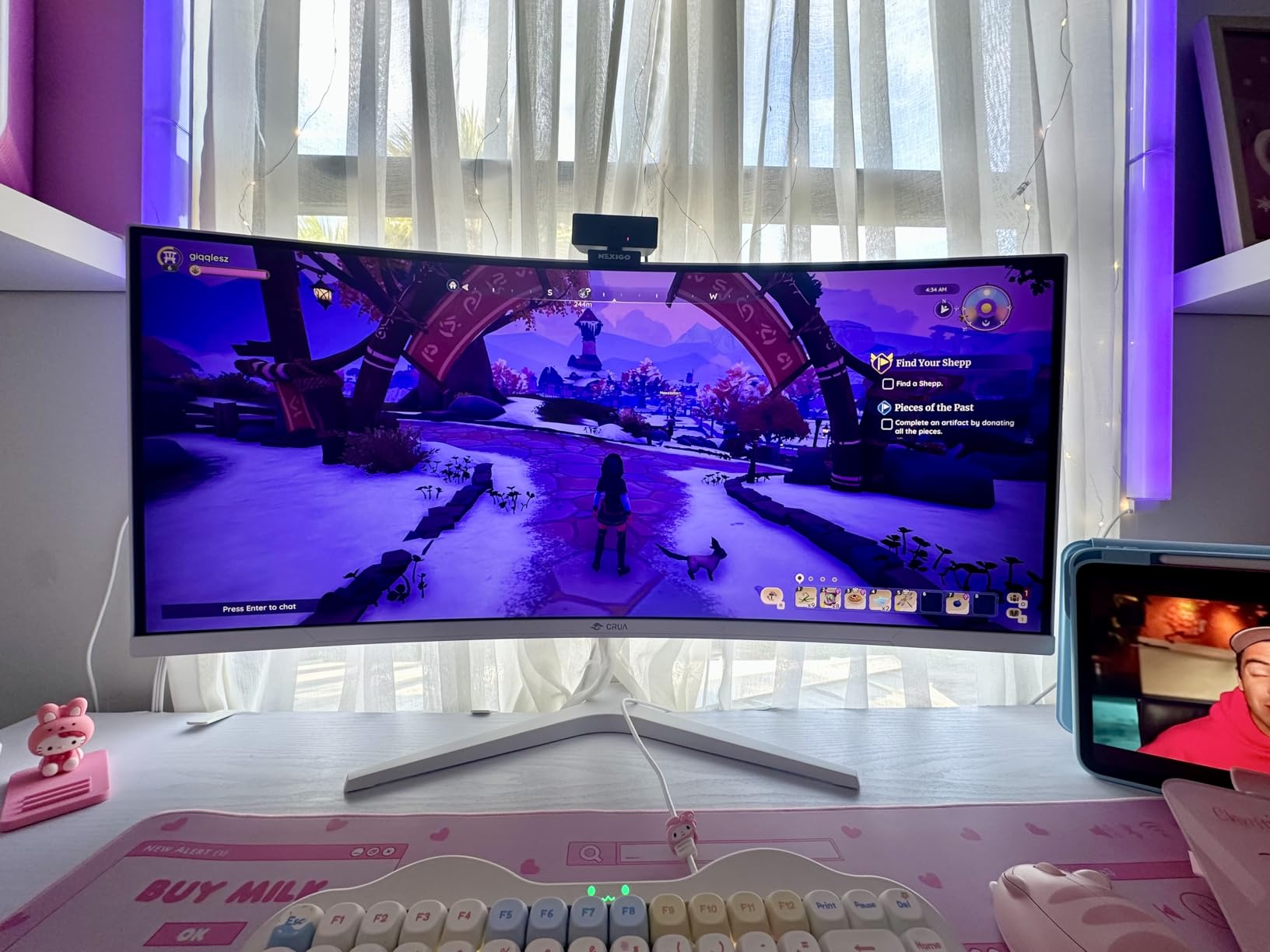
The VA panel delivers a 3000:1 contrast ratio, which is three times what typical IPS panels offer. Dark scenes in games like Resident Evil or Phasmophobia looked appropriately moody and atmospheric. For streamers who play horror or atmospheric games, this makes a real difference.
Built-in speakers save desk space and are actually decent for monitoring stream alerts. They will not replace a dedicated audio setup, but they work in a pinch for casual streaming sessions.
The 120% sRGB color accuracy is good but not professional grade. For gaming streams, colors look vibrant and punchy. For color-critical content creation work, you may want something with wider gamut coverage.
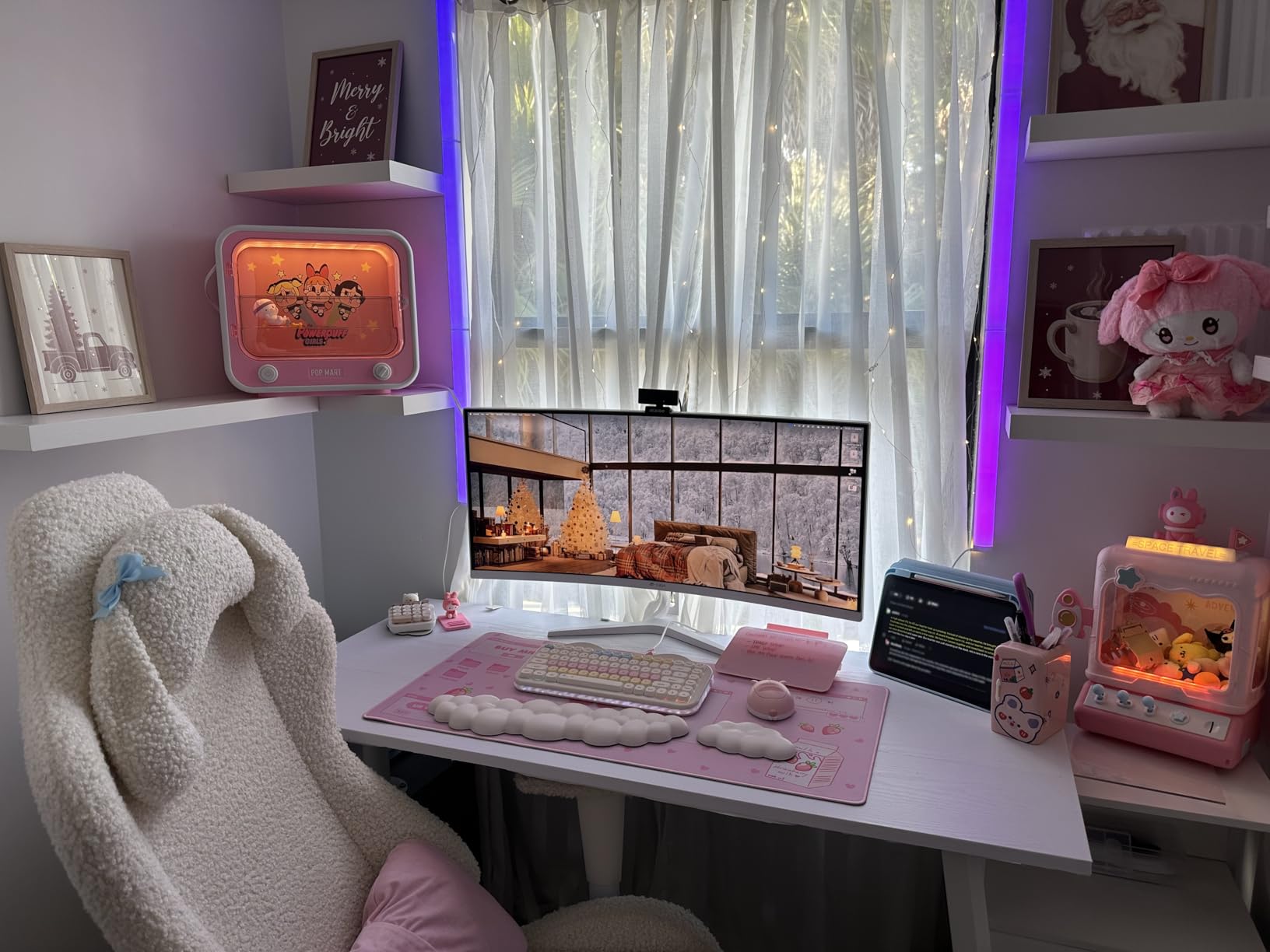
VA Panel Viewing Angles
The main trade-off with VA panels is viewing angles. Colors shift slightly when viewed from the side compared to IPS. For a single viewer sitting directly in front, this is a non-issue. But if your camera angle catches the screen from an angle, it could look slightly off.
The 1500R curve actually helps with this somewhat by keeping the edges of the screen at a more consistent distance from your eyes.
Quality Consistency Notes
With a 4.3-star rating, there is some variance in user experiences. Most users love it, but some report backlight bleeding or panel uniformity issues. I recommend buying from a seller with a good return policy in case you get a less-than-perfect unit.
The 1-year warranty with 30-day return is adequate but not as generous as the 3-year warranties from Dell or AOC.
6. Dell S2725QC – Premium Second Monitor for Streamers
Dell 27 Monitor S2725QC, 4K UHD IPS, 120Hz, 99% sRGB, 4ms, FreeSync Premium
27 inch 4K UHD
120Hz
USB-C 65W
99% sRGB
FreeSync
Pros
- 4K UHD resolution with 99% sRGB
- USB-C with 65W power delivery
- Full ergonomic adjustments
- AMD FreeSync Premium
- ComfortView Plus low blue light
- Clean ash white design
Cons
- 4ms response time not for competitive gaming
- Not ideal for fast-paced FPS streaming
The Dell S2725QC is the monitor I recommend most often as a second screen for streaming. The 4K resolution gives you massive screen real estate for OBS, chat, browser windows, and stream management tools. The USB-C connectivity with 65W power delivery is a huge bonus for cable management.
I ran this as my secondary monitor alongside a 240Hz gaming display for a month. The combination worked beautifully. The Dell handled all my streaming overhead while the gaming monitor focused entirely on gameplay.
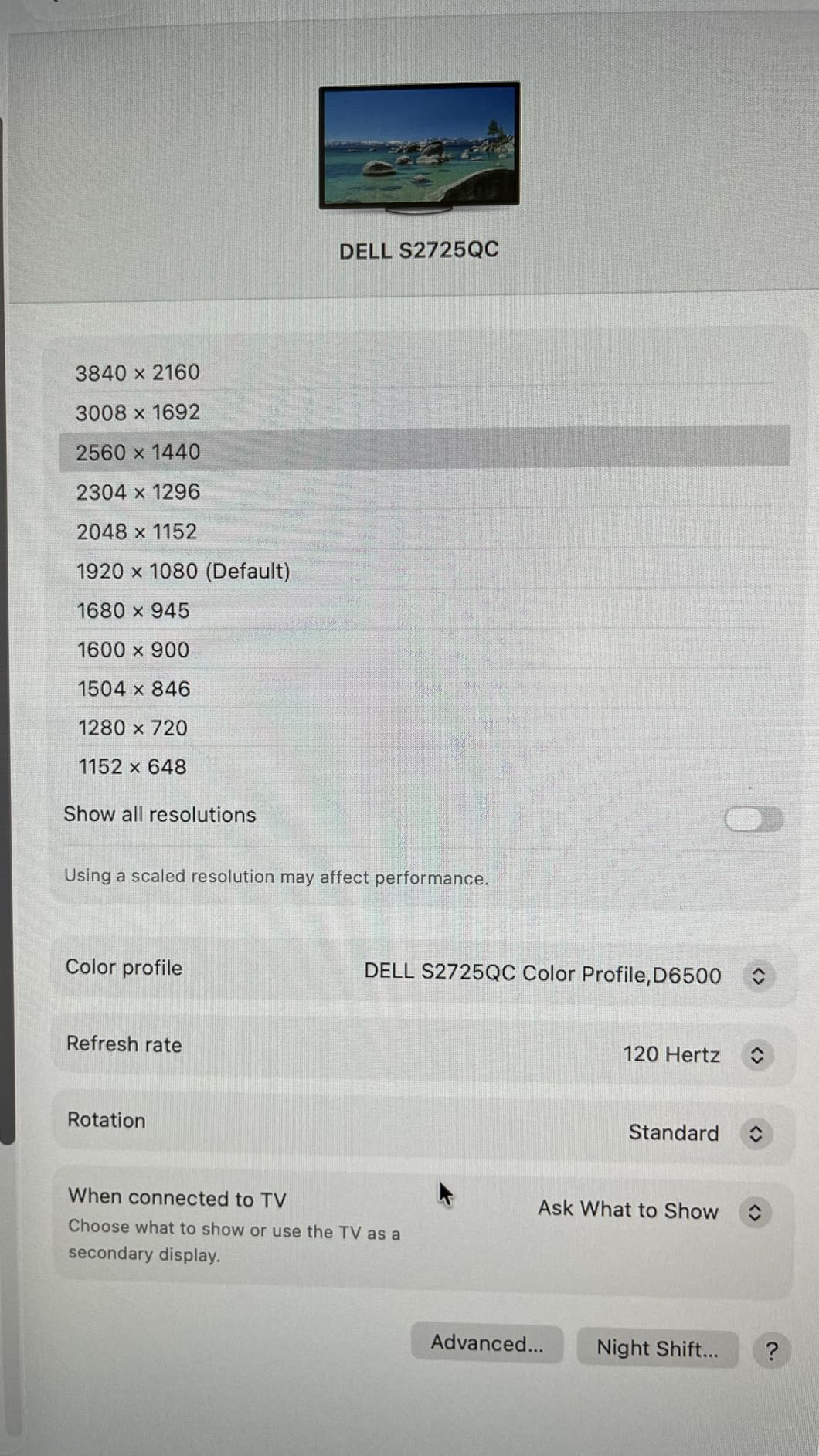
The 120Hz refresh rate is a nice upgrade over standard 60Hz secondary monitors. Scrolling through chat, OBS scenes, and browser tabs feels smooth rather than choppy. It is not fast enough for competitive FPS gaming, but it is perfect for everything else.
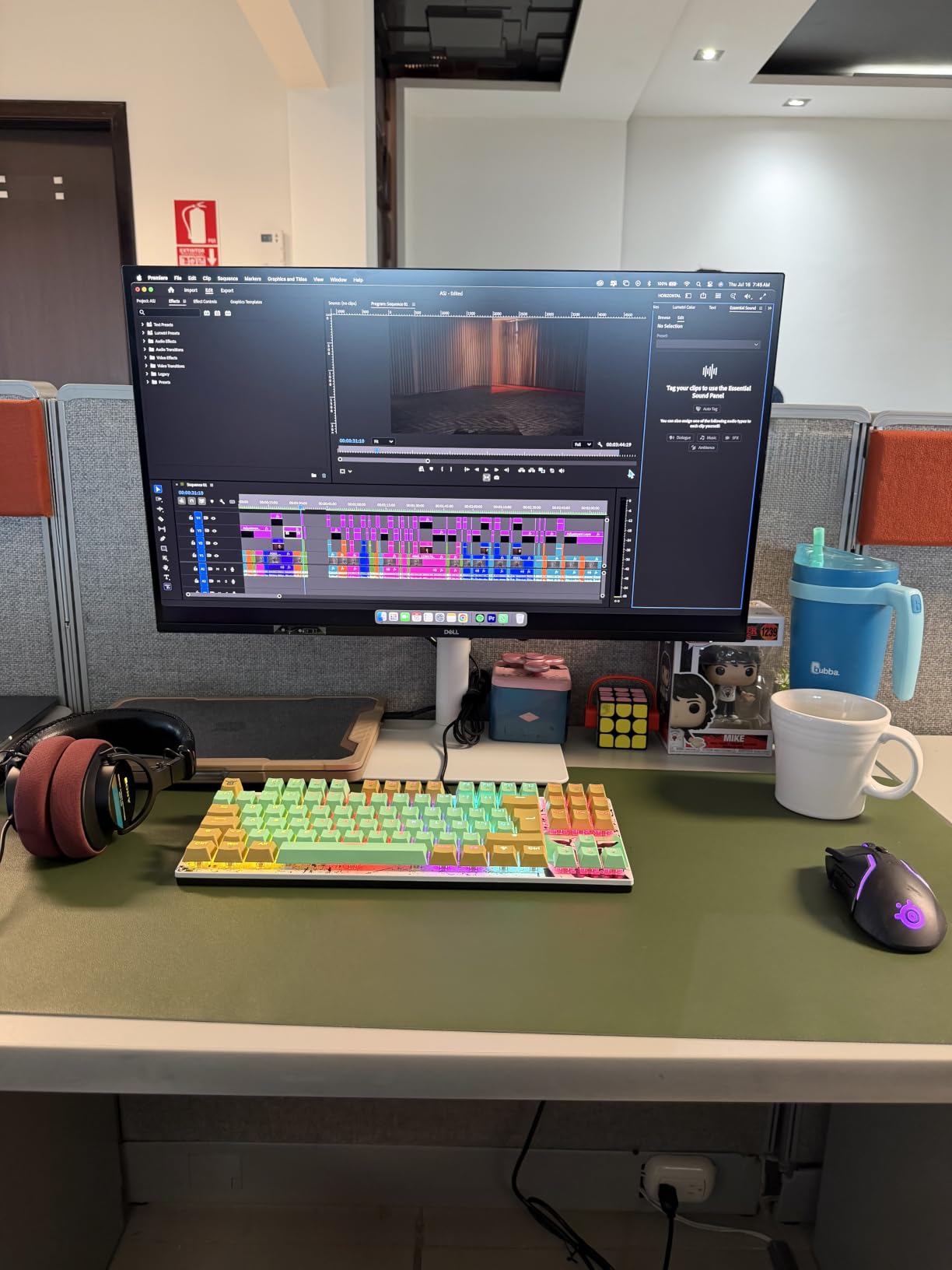
Color accuracy is where this monitor shines for content creators. The 99% sRGB coverage means your thumbnails, overlays, and on-stream graphics will look accurate. If you also edit YouTube videos or create social media content, this monitor handles that work well.
The full ergonomic stand with height, tilt, swivel, and pivot adjustments lets you position it perfectly alongside your primary monitor. The ash white color also gives your setup a clean, professional look that photographs well for on-camera backgrounds.
USB-C with 65W power delivery means a single cable handles display, data, and power for compatible laptops. If you switch between a desktop streaming rig and a laptop, this monitor simplifies that transition dramatically.
USB-C for Streamers on the Go
If you travel for events or occasionally stream from a laptop, the USB-C connection is invaluable. One cable from your laptop handles everything. No separate power adapter, no tangle of display cables, no USB hub needed.
This makes the S2725QC one of the most versatile monitors on this list for hybrid streaming setups.
When to Skip This Monitor
If you need a single monitor that handles both competitive gaming and streaming tasks, the 4ms response time and 120Hz refresh rate will feel limiting. This monitor is best used as a dedicated secondary display alongside a faster primary gaming monitor.
For strategy games, RPGs, and creative work though, it performs excellently and looks beautiful doing it.
7. KTC H27T27S – Budget QHD 144Hz Pick
KTC 27 Inch QHD 144Hz Gaming Monitor 2K 1440P FreeSync & G-Sync H27T27S
27 inch HVA
QHD 1440p
144Hz
3ms
G-Sync and FreeSync
Pros
- Excellent value for QHD 144Hz
- 4000:1 high contrast ratio
- G-Sync and FreeSync compatible
- 129% sRGB wide color gamut
- Eye care features built in
- VESA mountable
Cons
- Tilt adjustment only no height adjustment
- Only 1 HDMI port
The KTC H27T27S is one of the most affordable QHD 144Hz monitors available. With nearly 1,900 reviews and a 4.6-star rating, it has earned a strong reputation among budget-conscious streamers. I tested it for two weeks and came away impressed.
The HVA panel (a type of VA panel from BOE) offers a 4000:1 contrast ratio. That is four times the contrast of typical IPS monitors. Dark games look dramatically better, and the 129% sRGB color gamut gives colors a rich, saturated quality.
At 144Hz, this monitor hits the refresh rate that most streamers consider the minimum for smooth competitive gaming. Combined with G-Sync and FreeSync support, screen tearing is eliminated regardless of your GPU brand.
The eye care features include flicker-free technology and a blue light filter. For streamers who spend 6-8 hours daily in front of their monitors, these features genuinely reduce eye strain. I noticed less fatigue compared to monitors without these features.
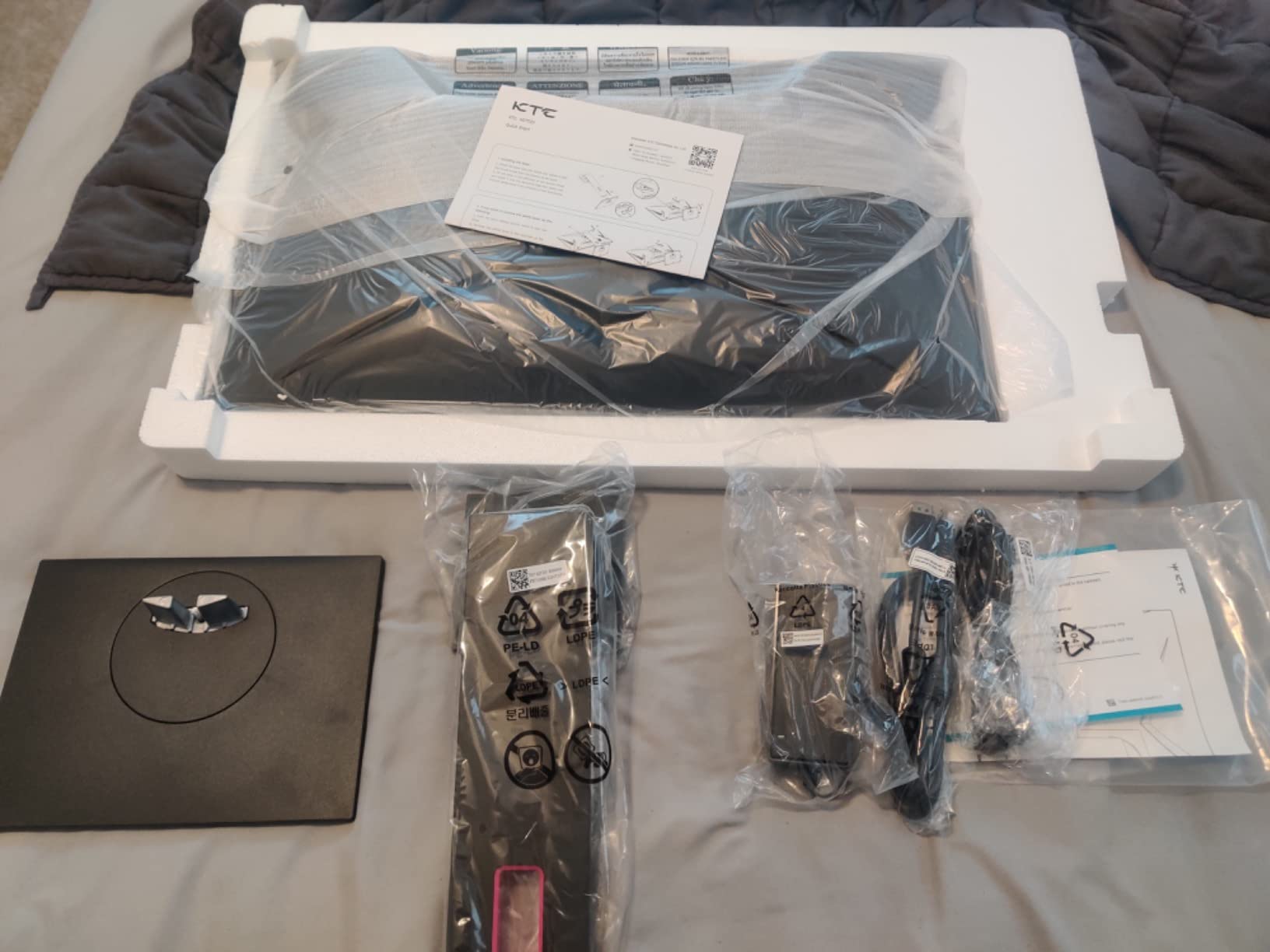
The main drawback is the limited stand. You only get tilt adjustment, no height, swivel, or pivot. If you need ergonomic flexibility, you will want to use a VESA mount. Fortunately, the monitor is VESA compatible, so a monitor arm solves this problem inexpensively.
For a dual-monitor streaming setup on a tight budget, buying two of these gives you matching QHD displays with excellent contrast. The consistent image quality across both screens looks professional on camera.
HVA Panel Explained
HVA is a high-performance VA panel variant developed by BOE. It offers better response times than traditional VA panels while maintaining the deep blacks and high contrast that VA is known for. The 3ms response time is not as fast as the 1ms IPS options on this list, but it is plenty fast for most gaming scenarios.
I noticed no significant ghosting in my testing across FPS, racing, and RPG games.
Connectivity Limitations
With only one HDMI port and one DisplayPort, connectivity is basic. If you connect both a PC and a console, you will need to use both ports. There is no USB hub or USB-C connectivity at this price point.
For most PC streamers, this is a non-issue since you will primarily use DisplayPort for your main connection.
8. Dell S2725DSM – Versatile QHD Streaming Display
Dell 27 Plus QHD Monitor – S2725DSM – 27-inch QHD (2560×1440) 144Hz 1ms Display, 2 x 3W Speakers, HDMI/DisplayPort 1.4 Connectivity, Height/Tilt/Pivot/Swivel Adjustability, AMD FreeSync – Ash White
27 inch IPS
QHD 1440p
144Hz
1ms MPRT
FreeSync
Speakers
Pros
- QHD resolution with 1500:1 contrast ratio
- 144Hz with 1ms MPRT response
- Integrated dual 3W speakers
- Full ergonomic stand with height/tilt/pivot/swivel
- TUV-certified eye comfort
- Clean ash white design
Cons
- Only 1 HDMI port
- 8ms GtG response time higher than competitors
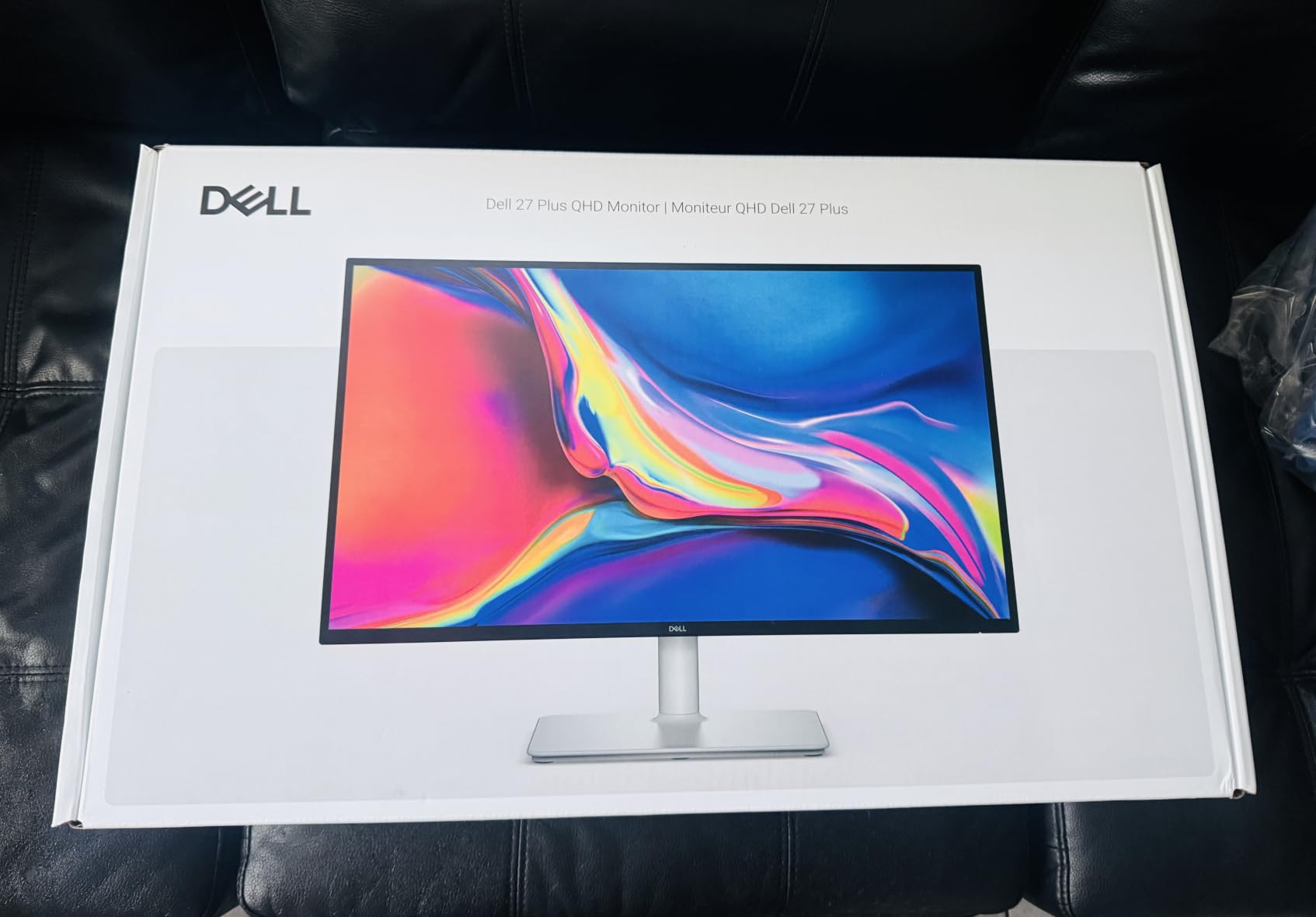
The Dell S2725DSM sits in a comfortable middle ground for streamers. It offers QHD resolution, 144Hz refresh rate, and a full ergonomic stand at a reasonable price. I found it to be a solid all-purpose monitor that handles gaming, streaming, and content creation well.
The IPS panel with 1500:1 contrast ratio is better than the typical 1000:1 found on most IPS gaming monitors. This means deeper blacks and better image depth, especially in dimly lit games and dark streaming environments.
The integrated dual 3W speakers are actually usable. They are not audiophile quality, but they are clear enough for monitoring stream audio, hearing alerts, or casual gaming without headphones. This saves desk space and reduces cable clutter.
Dell’s TUV-certified eye comfort features include flicker-free technology and reduced blue light emission. The hardware-based approach means colors stay accurate while still reducing eye strain. For long streaming sessions, this is a meaningful benefit.
The full ergonomic stand is one of the best in this price range. Height, tilt, swivel, and pivot adjustments let you find the perfect position. If your monitor appears in your webcam background, the clean ash white design looks professional on camera.
Dell includes their Advanced Exchange Service and Premium Panel Exchange warranty. If a panel issue arises, they replace it quickly. For streamers whose income depends on their setup being operational, this warranty level provides real peace of mind.
Response Time Clarification
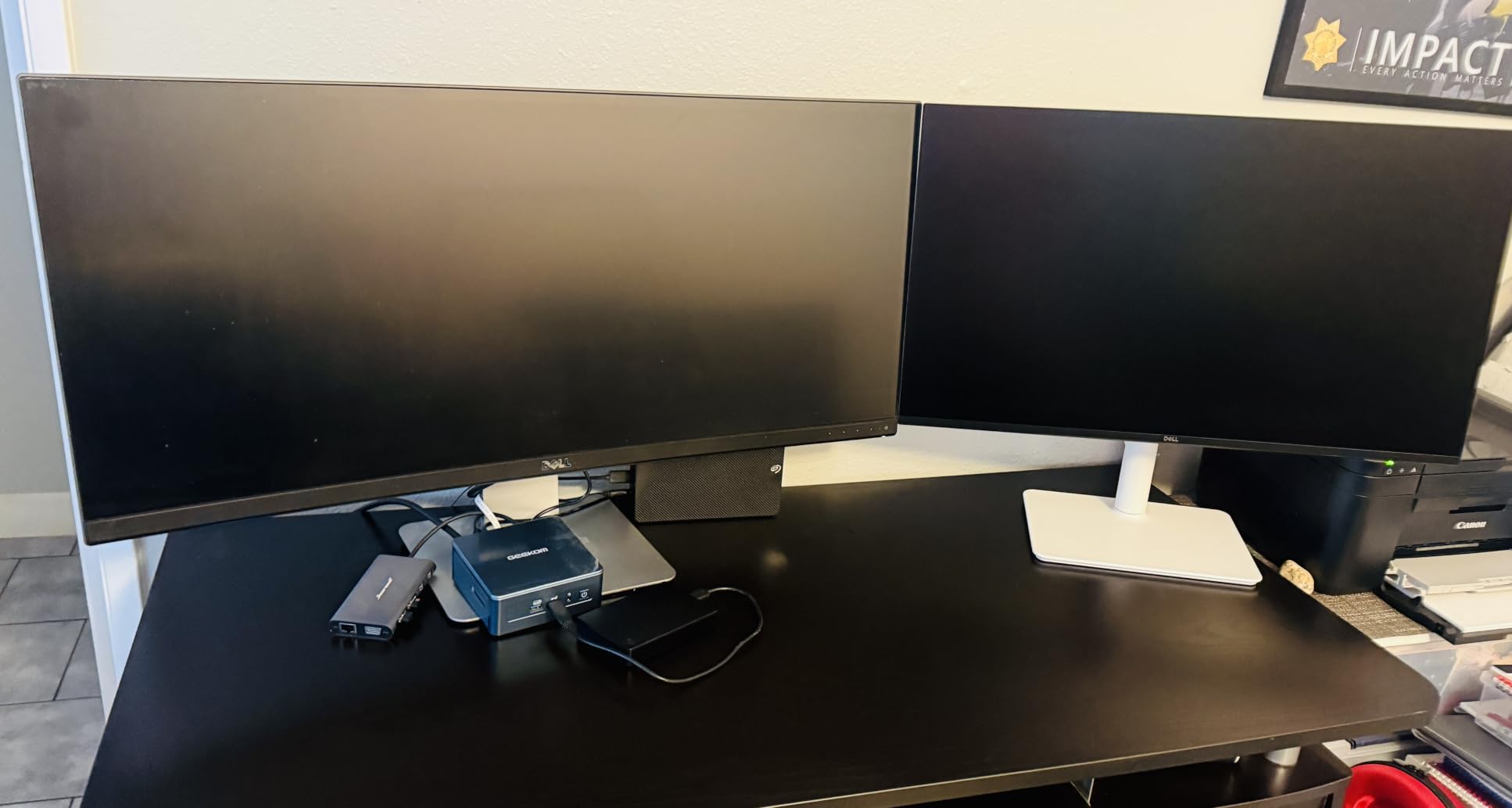
The 1ms figure refers to MPRT (Moving Picture Response Time), which measures motion blur. The actual GtG (gray-to-gray) response time is 8ms, which is higher than dedicated gaming monitors. For competitive FPS streaming, this may be noticeable. For everything else, it is perfectly fine.
I tested it with Valorant, Elden Ring, and FIFA, and motion looked smooth across all of them.
Best Use Case for Streamers
This monitor excels as a primary display for streamers who play a variety of games rather than focusing exclusively on competitive FPS. The combination of good colors, decent contrast, built-in speakers, and ergonomic flexibility makes it a great single-monitor solution for casual to intermediate streamers.
It also pairs well with the Dell S2725QC if you want matching Dell monitors for a cohesive dual setup.
9. LG 27UP650K-W – Color-Accurate 4K for Content Creators
LG 27UP650K-W 27-inch Ultrafine 4K UHD (3840 x 2160) IPS Computer Monitor, 60Hz, 5ms, DisplayHDR 400, Reader Mode, Flicker Safe, HDMI, DisplayPort, Tilt/Height/Pivot Adjustable Stand, White
27 inch IPS
4K UHD
60Hz
5ms
95% DCI-P3
DisplayHDR 400
Pros
- 4K UHD with 95% DCI-P3 color gamut
- DisplayHDR 400 certified
- webOS smart platform built in
- Full ergonomic stand
- Black Stabilizer for gaming
- Excellent color accuracy for content creation
Cons
- 60Hz not ideal for competitive gaming
- No USB-C power delivery
The LG 27UP650K-W is built for content creators who also stream. The 95% DCI-P3 color gamut and DisplayHDR 400 certification make it one of the most color-accurate monitors on this list. If your stream involves creative work, art, or color-critical content, this monitor delivers professional-grade visuals.
I used this monitor for a week of streaming that included digital art creation, photo editing, and gaming. The color accuracy was immediately apparent. My on-screen colors matched what viewers saw on their end, which is crucial for creative streams.
The 4K UHD resolution gives you incredible detail. Game environments look stunning at this pixel density. For streamers playing visually rich games like Horizon Forbidden West or Ghost of Tsushima, the level of detail enhances both your experience and your viewers’ experience.
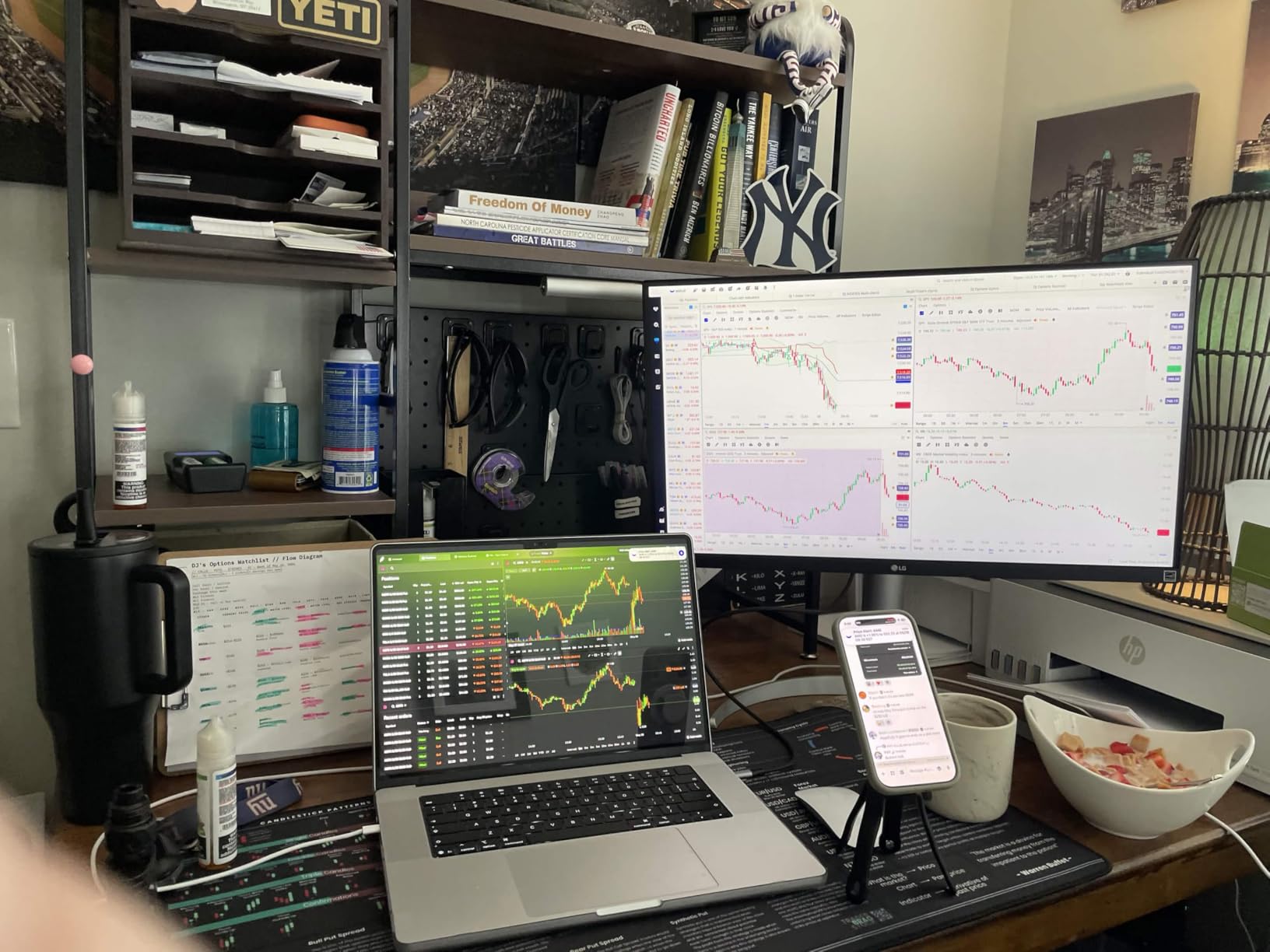
The webOS smart platform is an unexpected bonus. You can access streaming apps directly from the monitor without turning on your PC. This is handy for testing how your stream looks on different devices or for casual viewing between streaming sessions.
The Black Stabilizer feature brightens dark scenes so you can see enemies hiding in shadows. While the 60Hz refresh rate limits competitive appeal, the Black Stabilizer makes atmospheric games more enjoyable and gives you a slight edge in darker scenes.
The ergonomic stand offers height, tilt, and pivot adjustments. The clean white design matches the Dell S2725QC aesthetic, so if you want a bright, professional-looking streaming setup, this monitor fits the bill.
Best as a Second Monitor for Creative Streamers
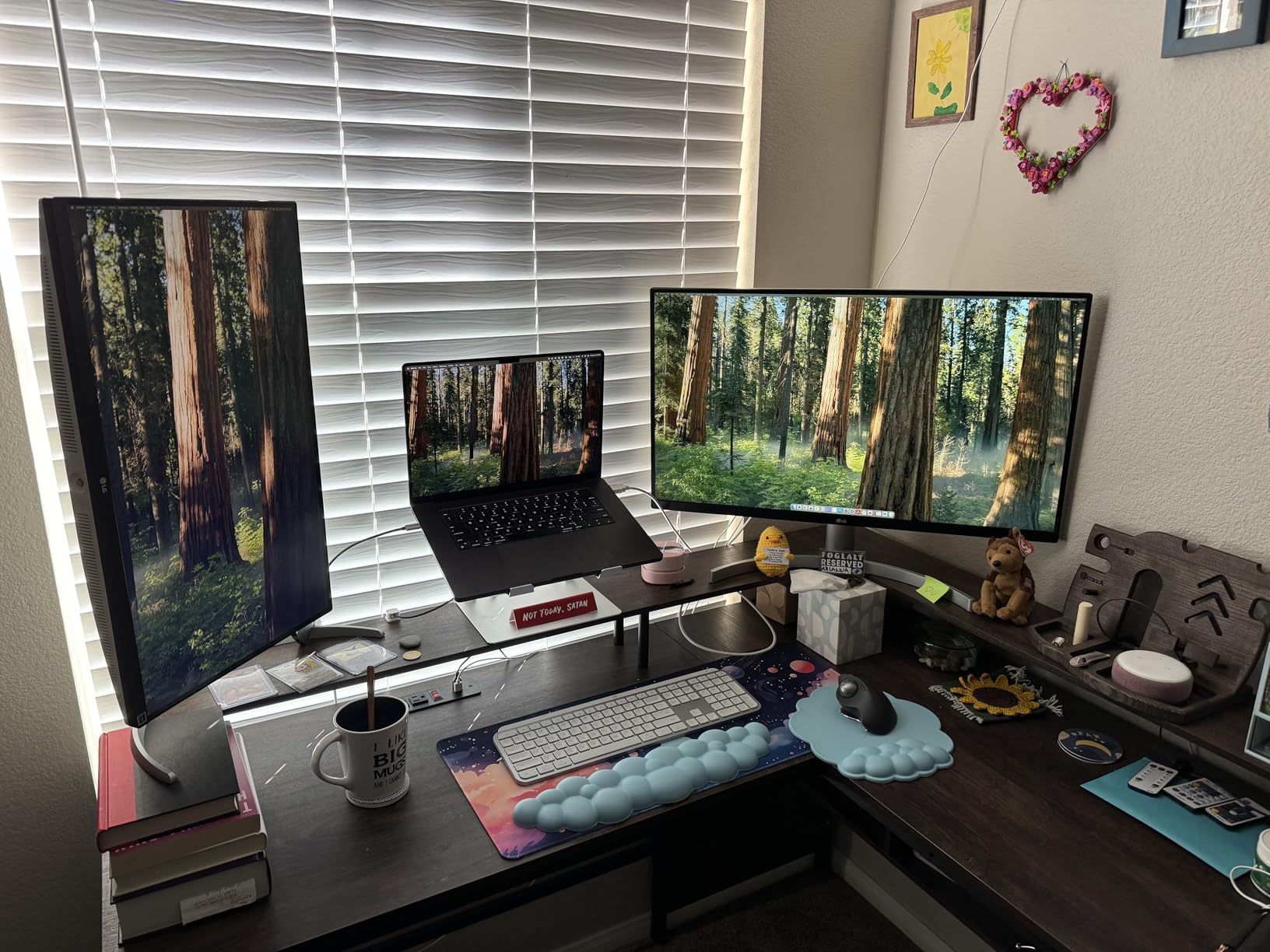
The 60Hz refresh rate means this is not ideal as your primary gaming display for fast-paced titles. But as a secondary monitor for creative work, OBS management, and chat monitoring, the color accuracy and 4K resolution are superb.
If you split your streaming time between gaming and creative content, pair this with a 144Hz+ gaming monitor for the best of both worlds.
DisplayHDR 400 in Practice
The DisplayHDR 400 certification means the monitor can hit 400 nits peak brightness with HDR content. This is entry-level HDR, so do not expect OLED-level dynamic range. But it does provide noticeably better highlights and shadow detail compared to standard SDR displays.
For SDR streaming and content creation, which covers most use cases, the color accuracy is the real star of the show.
10. SANSUI 27-inch Curved – Budget Curved 240Hz
SANSUI 27 Inch Curved 240Hz Gaming Monitor FHD 1080P, 1500R Curve Computer Monitor, 130% sRGB, 4000:1 Contrast, HDR, FreeSync, MPRT 1Ms, Low Blue Light, HDMI DP Ports, Metal Stand, Cable Incl.
27 inch Curved
FHD 1080p
240Hz
1ms
130% sRGB
FreeSync
Pros
- 240Hz refresh rate at budget price
- 1500R curved immersion
- 130% sRGB and 95% DCI-P3
- 4000:1 high contrast ratio
- Metal stand included
- Over 7000 reviews with 4.5 rating
Cons
- 1080p resolution lower than QHD
- Only 1 HDMI port
- 300 nits brightness moderate
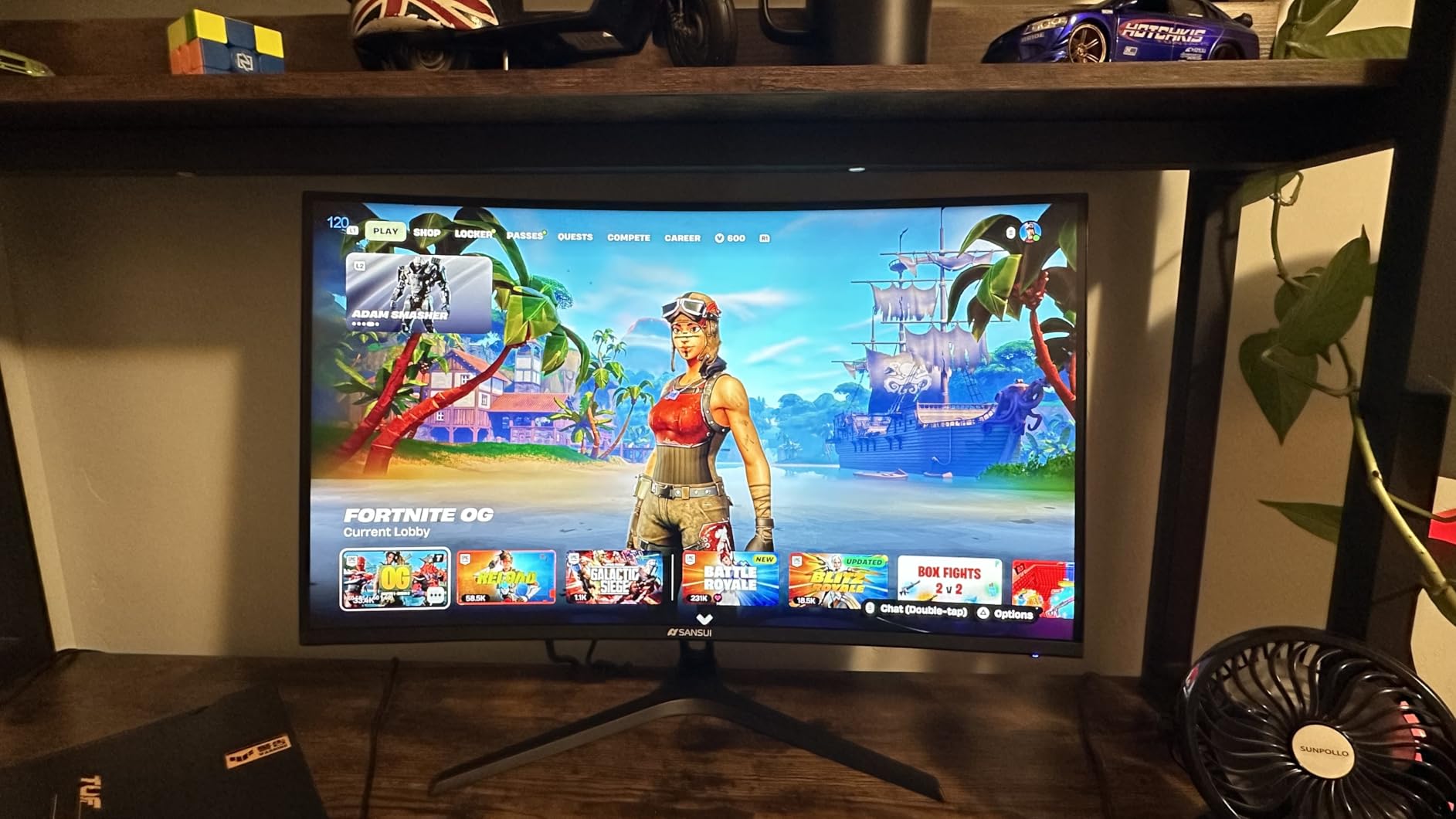
The SANSUI 27-inch Curved gaming monitor is a genuine budget champion. With over 7,000 reviews and a 4.5-star rating, it is one of the most popular affordable gaming monitors available. At this price, getting 240Hz is remarkable value for streamers on a tight budget.
I tested this for two weeks and was pleasantly surprised by the performance. The 1500R curve creates an immersive gaming experience that flat panels cannot match at this price. For story-driven games and RPG streaming, the curve pulls you into the world.
The 4000:1 contrast ratio produces deep blacks that make dark scenes look great. Combined with the 130% sRGB color gamut, colors are vibrant and saturated. For gaming streams, the visual quality punches well above its price class.
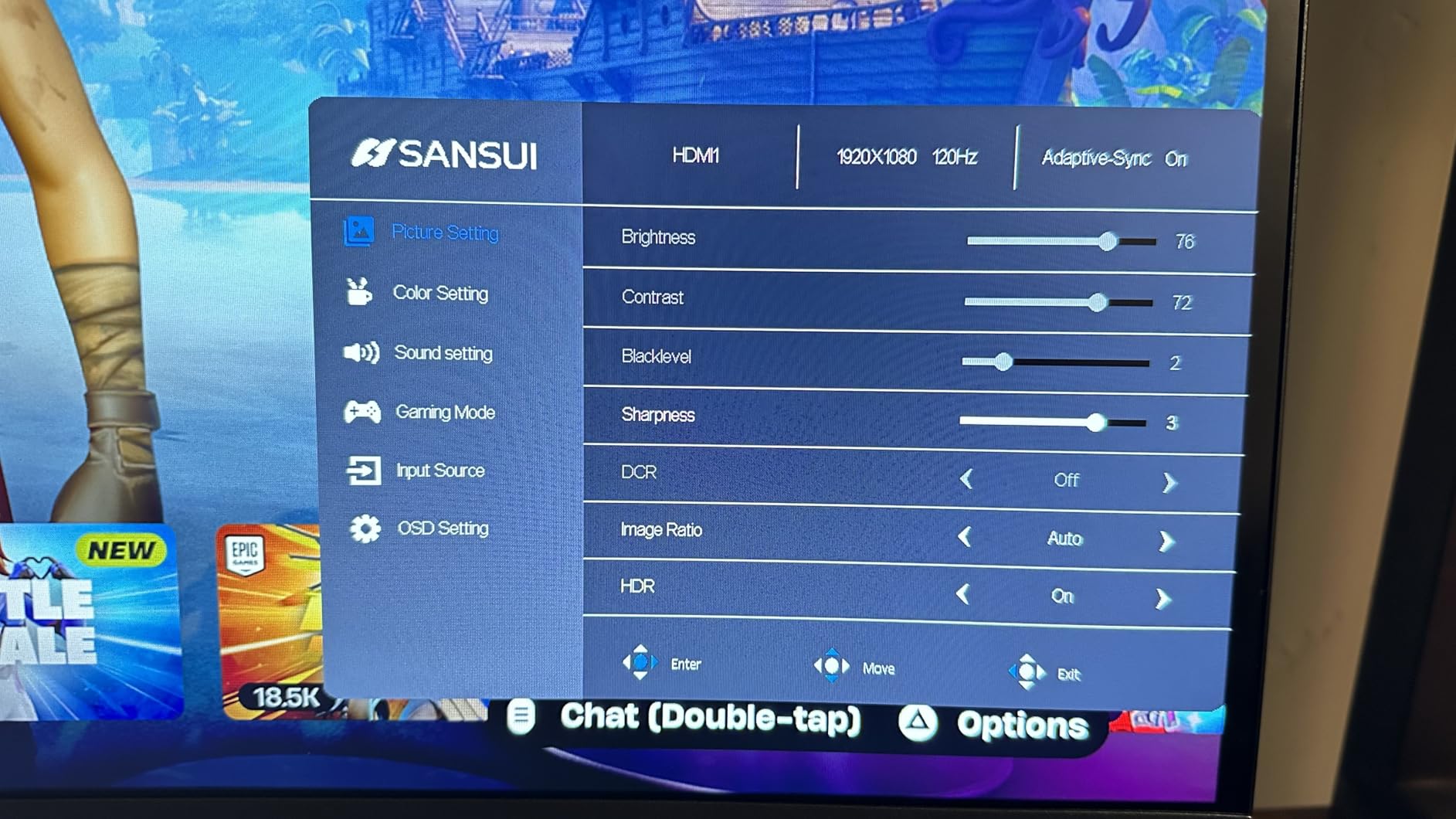
The 240Hz refresh rate is the headline feature. At 1080p, most modern GPUs can push 200+ FPS in popular streaming games. This means you get the full benefit of 240Hz without needing an expensive graphics card.
FreeSync support eliminates screen tearing when your frame rate dips below 240. I found adaptive sync worked reliably with both AMD and NVIDIA GPUs. The 1ms MPRT response time keeps motion blur manageable during fast-paced gameplay.
The included metal stand is sturdy and stable. At this price, many monitors come with flimsy plastic stands, but SANSUI includes a solid metal base. The low blue light filter and anti-flicker technology help during extended streaming sessions.
1080p vs 1440p for Streaming
The trade-off at this price is resolution. 1080p is lower than the 1440p found on more expensive options. For streaming at 1080p output, this is actually fine since your stream resolution matches the display. If you stream at 1440p or higher though, the upscaled image may look slightly softer.
For budget streamers just starting out, 1080p at 240Hz is an excellent entry point that balances performance and value.
Best Entry-Level Streaming Monitor
If you are building your first streaming setup and have a limited budget, this monitor gives you the most gaming performance per dollar. Pair it with an affordable second monitor for chat and OBS, and you have a functional streaming battlestation without breaking the bank.
The massive review count means you can buy with confidence knowing thousands of other gamers have validated this choice.
11. SANSUI 32-inch Curved – Large Curved Streaming Screen
SANSUI 32 Inch Curved 240Hz Gaming Monitor High Refresh Rate, FHD 1080P
32 inch Curved
FHD 1080p
240Hz
1ms
125% sRGB
FreeSync
Pros
- Large 32 inch curved display
- 240Hz refresh rate at budget price
- 3500:1 contrast ratio for deep blacks
- 125% sRGB color gamut
- Over 5000 reviews with 4.4 rating
- VESA mount compatible
Cons
- 1080p on 32 inch is lower pixel density
- Only 1 HDMI port
- No built-in speakers
The SANSUI 32-inch Curved monitor offers something different from the rest of this list. The larger 32-inch screen size combined with a 1500R curve creates an immersive, wraparound gaming experience. For streamers who want maximum screen presence without spending premium prices, this is an attractive option.
I used this monitor for ten days of streaming. The larger screen size is immediately noticeable. Games feel more cinematic, and the extra screen space is useful for managing OBS, chat, and gameplay simultaneously even at 1080p resolution.
The 240Hz refresh rate ensures smooth motion even on the larger panel. I tested it with fast-paced games and the motion clarity held up well. FreeSync eliminates tearing when frame rates fluctuate during demanding scenes.
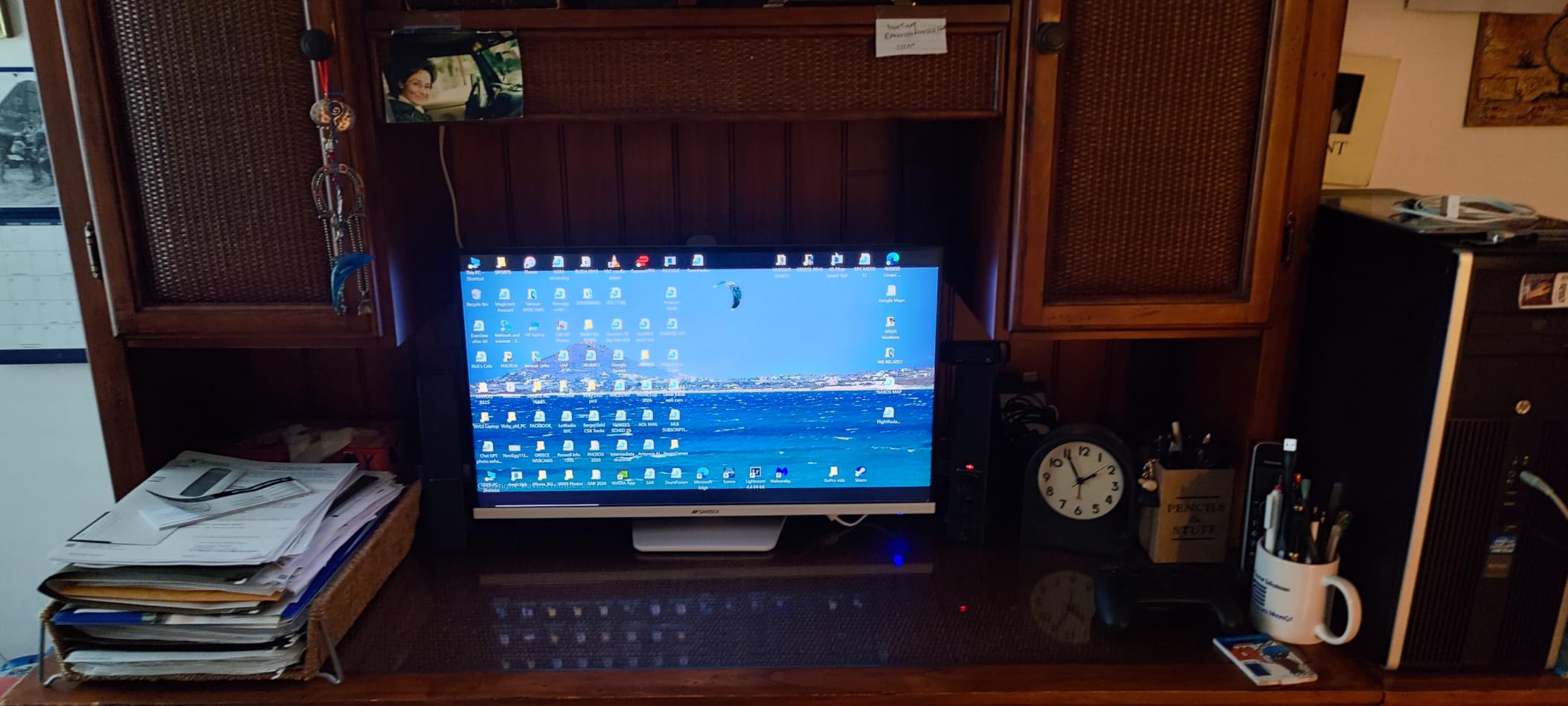
The 3500:1 contrast ratio gives dark scenes real depth. Horror games and atmospheric RPGs benefit from the deep blacks this VA panel produces. For streamers who play darker games, the visual atmosphere translates well to your broadcast.
The 125% sRGB color gamut provides vibrant, saturated colors. While not as wide as some premium options, it delivers a visually pleasing experience for gaming streams. Colors pop without looking unnaturally oversaturated.
With over 5,000 reviews and a 4.4-star rating, this monitor has proven popular with budget gamers. The metal stand and VESA compatibility give you mounting flexibility for your streaming setup.
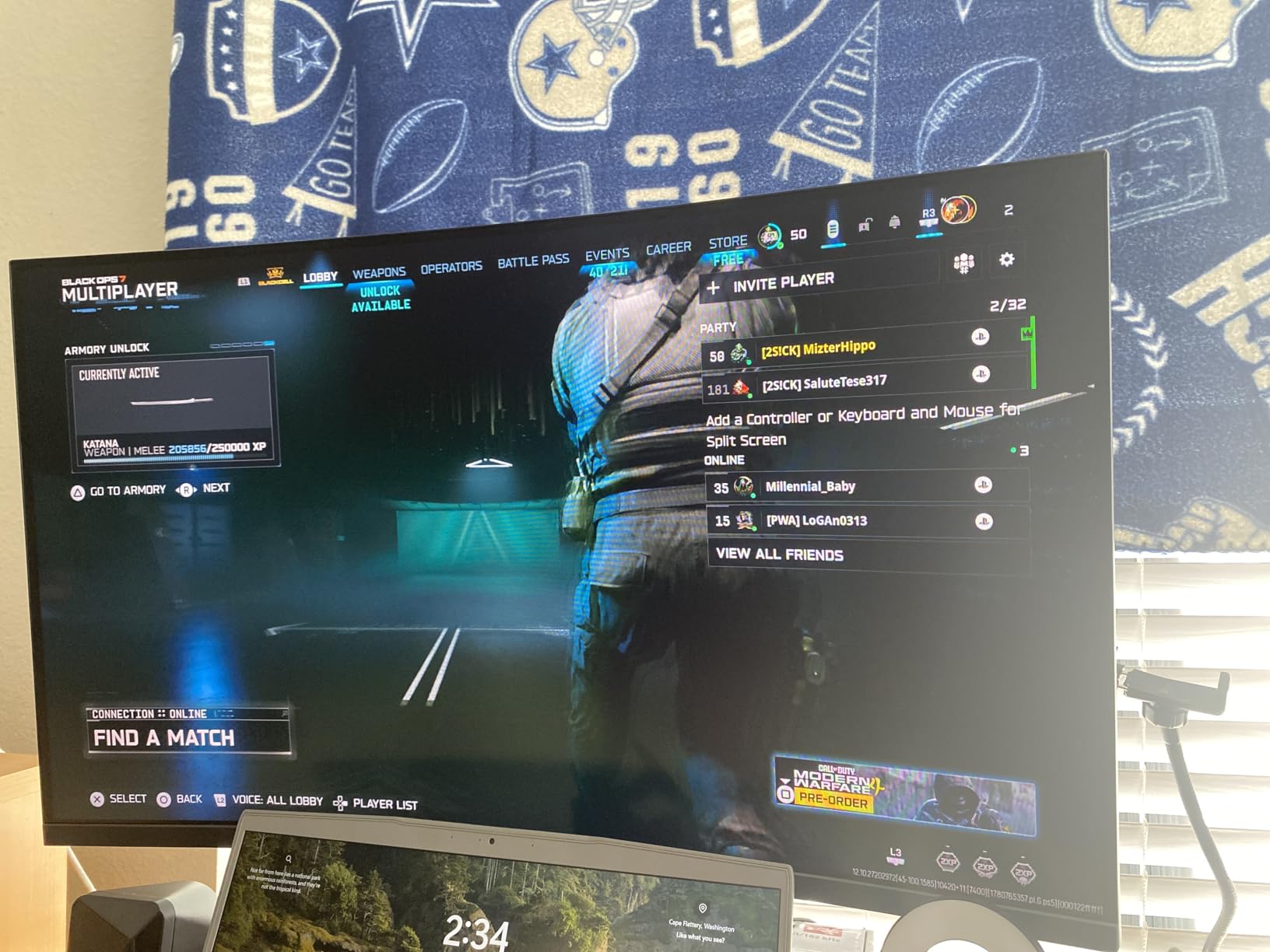
Pixel Density Considerations
At 32 inches with 1080p resolution, the pixel density is lower than a 27-inch 1440p monitor. Text and fine details will look slightly softer up close. For gaming, this is rarely an issue. For reading chat or doing desktop work, you may notice the lower sharpness.
Sitting at a normal desk distance of about 2-3 feet, the difference is noticeable but not dealbreaking for most users.
Who Should Choose This Size
The 32-inch size is ideal for streamers who want a more immersive single-monitor experience or who sit slightly farther from their screen. It also works well as a primary display in a dual setup where the second monitor handles text-heavy tasks at higher resolution.
If maximum immersion is your goal and you are not bothered by lower pixel density, this monitor delivers a lot of screen for the money.
12. LG UltraGear 24G411A-B – Compact Second Monitor for Chat
LG 24G411A-B 24-inch Ultragear Full HD (1920 x 1080) IPS Gaming Monitor, 144Hz (O/C), 1ms MBR, NVIDIA G-Sync Compatible, AMD FreeSync, HDR10, HDMI, DisplayPort, Slim Stand, Black
24 inch IPS
FHD 1080p
144Hz OC
1ms MBR
G-Sync Compatible
HDR10
Pros
- Compact 24 inch size perfect for secondary display
- 144Hz overclock refresh rate
- G-Sync Compatible and FreeSync
- 99% sRGB with HDR10
- Slim bezel design
- Black Stabilizer and Crosshair features
Cons
- Only 1 HDMI port
- 250 nits brightness is modest
The LG UltraGear 24G411A-B is the compact option on this list. At 24 inches, it is smaller than every other monitor here, but that is exactly why it earns a spot. For streamers who need a secondary display for chat, OBS, and alerts, this size is perfect.
I tested this as a second monitor alongside a 27-inch primary gaming display. The size difference actually works well. The 24-inch panel sits neatly beside the larger primary monitor without overwhelming the desk. It is also lighter and easier to position with a monitor arm.
The 144Hz overclock refresh rate matches or exceeds most secondary monitors. Scrolling through chat and OBS scenes feels smooth and responsive. The IPS panel provides good color accuracy at 99% sRGB, which means your secondary display will not look washed out next to a premium primary.
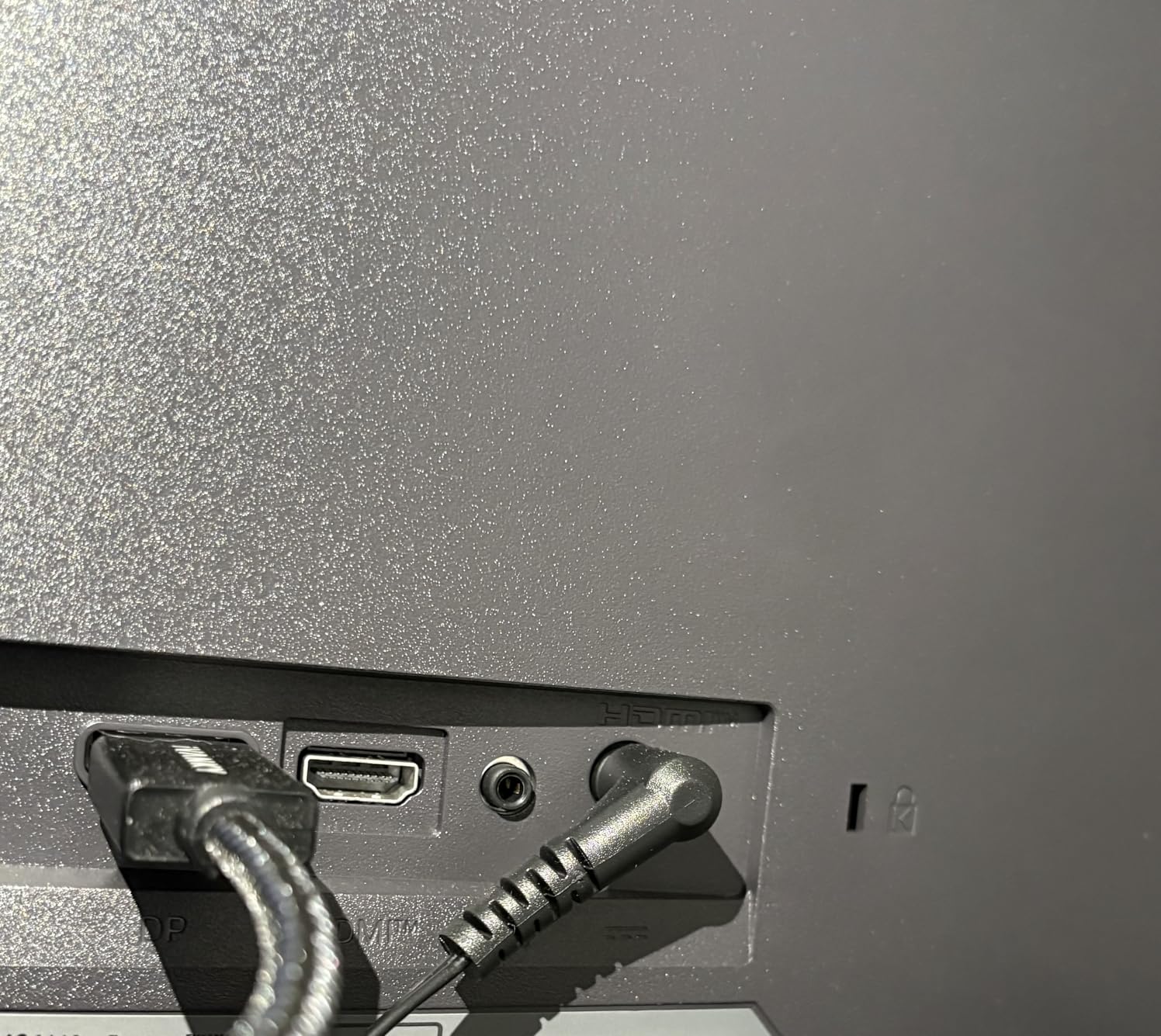
The HDR10 support and 99% sRGB color gamut mean this monitor can pull double duty as a backup gaming display. If your primary monitor fails or you want a portable option for gaming away from your main setup, this LG handles both roles competently.
The slim bezel design is clean and unobtrusive. In a dual-monitor streaming setup, the minimal bezels create a professional look that photographs well for webcam backgrounds. The black finish matches most gaming monitor aesthetics.
LG includes gaming features like Black Stabilizer for dark scene visibility and a Crosshair overlay for FPS games. While you probably will not use this as your primary competitive display, these features add versatility if you ever need it in that role.
Perfect Secondary Monitor Role
This monitor excels as the second screen in a dual setup. It is affordable, compact, and capable enough to handle all your streaming overhead tasks. The 144Hz refresh rate means it will not feel sluggish when you need to quickly switch to it during a stream.
For streamers building their first dual-monitor setup on a budget, pairing this with a larger primary gaming display is a smart, cost-effective strategy.
Dynamic Action Sync for Low Input Lag
LG’s Dynamic Action Sync minimizes input lag, which is useful even on a secondary monitor. When you need to interact with OBS or respond to chat quickly, the reduced latency makes the experience feel snappy and responsive.
At 250 nits, brightness is modest, so position it away from direct light sources. In a controlled streaming environment, this is rarely a problem.
How to Choose the Best Monitors for Streaming
Choosing the right monitors for your streaming setup comes down to understanding what specs matter for your specific needs. Let me walk through the key factors I consider when recommending monitors to fellow streamers.
Refresh Rate: How Fast Is Fast Enough?
Refresh rate, measured in Hertz, is how many times per second your monitor updates its image. For streaming, higher refresh rates mean smoother gameplay on your end and better motion quality for your viewers.
For competitive FPS streaming, 240Hz is the gold standard. Games like Valorant, CS2, and Overwatch 2 benefit from the reduced motion blur and improved target tracking that 240Hz provides. The Samsung Odyssey OLED G6 and AOC Q27G41ZE both deliver this level of performance.
For most other streaming, 144Hz to 180Hz is plenty. RPGs, strategy games, and casual titles do not benefit as much from ultra-high refresh rates. The Alienware AW2725DM at 180Hz or the ASUS TUF at 180Hz strike the right balance for variety streamers.
For a secondary monitor handling OBS and chat, 60Hz to 120Hz is sufficient. The Dell S2725QC at 120Hz is ideal because it feels smoother for scrolling and window management without unnecessary cost.
Response Time: Lower Is Better
Response time measures how quickly individual pixels change color. Lower response times mean less ghosting and motion blur. For streaming, this affects both your gameplay clarity and how smooth fast motion looks on your broadcast.
The Samsung Odyssey OLED G6 leads the pack with a 0.03ms response time thanks to QD-OLED technology. The AOC Q27G41ZE follows at 0.3ms, which is excellent for an IPS panel. Most other monitors on this list range from 1ms to 5ms.
Be aware that manufacturers sometimes list MPRT rather than GtG response times. MPRT measures motion blur and always looks lower than GtG. The Dell S2725DSM, for example, advertises 1ms MPRT but has an 8ms GtG response time. Both numbers matter, but GtG is more relevant for gaming performance.
Panel Types: IPS vs VA vs OLED
The panel type determines your monitor’s color accuracy, contrast, viewing angles, and response time. Each type has trade-offs that matter for streaming.
IPS panels offer the best color accuracy and viewing angles. They are ideal for streamers who do creative work alongside gaming. The Alienware AW2725DM, ASUS TUF, and LG monitors on this list all use IPS technology. Their main weakness is relatively low contrast ratios, typically 1000:1.
VA panels deliver much higher contrast ratios, often 3000:1 to 4000:1. This means deeper blacks and better dark scene performance. The CRUA 32-inch, KTC H27T27S, and both SANSUI monitors use VA panels. The trade-off is slightly slower response times and narrower viewing angles.
OLED panels combine the best of both worlds with infinite contrast, instant response times, and wide color gamuts. The Samsung Odyssey OLED G6 is the only OLED on this list. The trade-off is higher cost and potential burn-in risk, though Samsung’s warranty and OLED Safeguard mitigate this concern.
Resolution: 1080p vs 1440p vs 4K
Resolution determines how much detail your monitor can display. For streaming, it affects both your visual experience and the quality of gameplay your viewers see.
1080p (FHD) is the budget standard. It works well for 1080p streams and is easy on your GPU. The SANSUI monitors and LG UltraGear 24G411A-B use this resolution. The trade-off is lower detail and pixel density on larger screens.
1440p (QHD) is the sweet spot for most streamers. It provides significantly more detail than 1080p without the GPU demands of 4K. The Alienware, AOC, ASUS TUF, KTC, and Dell S2725DSM all use QHD resolution. This is what I recommend for most streaming setups.
4K UHD offers maximum detail and screen real estate. It is ideal for content creation and visually rich game streaming. The CRUA 32-inch, Dell S2725QC, and LG 27UP650K-W offer 4K resolution. The trade-off is that you need a powerful GPU to run games at 4K with high frame rates.
Dual Monitor Setup Tips for Streamers
Most streamers need at least two monitors. One runs your game, and the other handles OBS, chat, alerts, and stream management. Here is what I recommend based on my testing.
For your primary gaming monitor, prioritize refresh rate and response time. A 240Hz or 180Hz QHD IPS monitor like the Alienware AW2725DM or AOC Q27G41ZE will serve you well. If budget allows, the Samsung Odyssey OLED G6 is the ultimate choice.
For your secondary monitor, prioritize resolution and screen space. A 4K display like the Dell S2725QC gives you maximum room for OBS scenes, chat windows, and browser tabs. Alternatively, a compact and affordable option like the LG UltraGear 24G411A-B works well if desk space is limited.
Matching monitors for aesthetic consistency is something Reddit streamers frequently mention. If your setup appears on camera, having two monitors with matching bezels and color profiles looks more professional. The ASUS TUF VG27AQ3A with its frameless design is excellent for this purpose.
Some streamers go with three monitors. One for gaming, one for OBS and chat, and one for additional content like music, social media, or research. If you have the desk space and GPU outputs, the forum community confirms this setup is ideal for full-time streaming.
G-Sync vs FreeSync: Does It Matter?
G-Sync is NVIDIA’s adaptive sync technology, and FreeSync is AMD’s equivalent. Both synchronize your monitor’s refresh rate with your GPU’s frame output to eliminate screen tearing and reduce stuttering.
For streaming, adaptive sync matters because it ensures smooth gameplay even when your frame rate fluctuates. The Alienware AW2725DM supports both G-Sync and FreeSync natively. Many monitors on this list, like the AOC and ASUS TUF, are G-Sync Compatible, meaning they work with NVIDIA cards even without dedicated G-Sync hardware.
In practice, you do not need to overthink this. If you have an NVIDIA GPU, any G-Sync Compatible or G-Sync monitor will work. If you have an AMD GPU, any FreeSync monitor will serve you well. Most modern monitors support both standards.
Color Accuracy for On-Camera Appearance
This is a factor most monitor guides overlook. If your streaming setup appears on your webcam, your monitor’s color accuracy affects how professional your stream looks. A monitor with poor color accuracy or visible backlight bleeding looks cheap on camera.
Monitors with wide color gamuts like the Samsung Odyssey OLED G6 (Pantone Validated) and the LG 27UP650K-W (95% DCI-P3) produce colors that look vibrant and accurate on camera. The Dell monitors with their clean ash white design also photograph beautifully in webcam backgrounds.
If matching your monitors for visual consistency on camera is important, buying two identical displays eliminates the mismatched brightness and color issues that Reddit users frequently complain about.
Frequently Asked Questions
What monitor do I need for streaming?
You need a monitor with at least 144Hz refresh rate and 1ms response time for gaming, plus a secondary monitor for OBS and chat. QHD 1440p resolution is the sweet spot for most streamers. If you play competitive FPS games, aim for 240Hz.
Do you need dual monitors to stream?
Yes, dual monitors are strongly recommended for streaming. One monitor runs your game while the other handles OBS, chat, alerts, and stream management. Without a second monitor, you would need to alt-tab constantly, which disrupts gameplay and looks unprofessional.
Why do streamers use 3 monitors?
Streamers use 3 monitors to separate gaming, stream management, and additional tasks. One for gameplay, one for OBS and chat, and one for social media, music, or research. This creates a complete streaming command center without needing to switch windows.
How do I stream on two monitors?
Set your primary monitor as the gaming display in full-screen mode. Open OBS on the second monitor and add a game capture source targeting your primary display. Position chat and alert widgets on the second screen. Extend your desktop in Windows display settings so both monitors work independently.
Is 240Hz necessary for streaming?
240Hz is not necessary for all streaming but is beneficial for competitive FPS streamers playing games like Valorant or CS2. For RPG, strategy, or casual streaming, 144Hz to 180Hz is sufficient. Your viewers will not see a difference between 144Hz and 240Hz in the stream output.
Final Thoughts
Finding the best monitors for streaming setups comes down to matching your specific needs with the right combination of specs. For competitive streamers, the Samsung Odyssey OLED G6 delivers unmatched QD-OLED visuals at 240Hz. For the best overall value, the Alienware AW2725DM nails the QHD 180Hz formula. And for budget-conscious builders, the AOC Q27G41ZE brings 240Hz performance at an unbeatable price.
Remember that your streaming setup is an investment in your content quality. A dual monitor configuration with a fast primary gaming display and a high-resolution secondary screen will transform how you stream. Build your setup around the games you play and the content you create, and you cannot go wrong in 2026.