
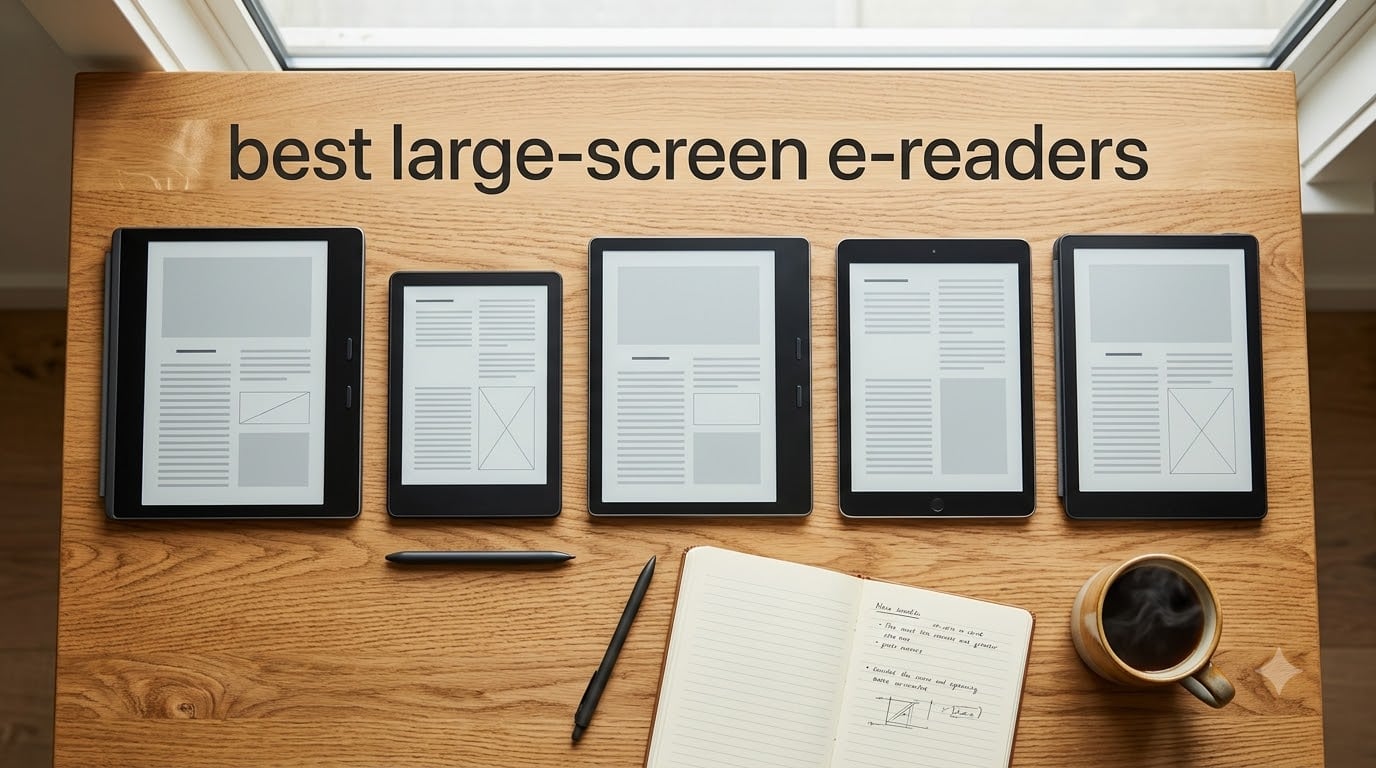
If you’ve ever tried to read a research paper or annotate a PDF on a 6-inch Kindle, you know the frustration. The text feels cramped, the margins vanish, and writing notes means endless scrolling. I spent the past two months testing five large-screen e-readers side by side, switching between them for daily reading, document work, and note-taking.
The right 10-inch or larger e-reader can completely replace your tablet for reading and writing tasks. The best large-screen e-readers in 2026 fall into a few clear categories: color e-ink tablets, focused writing tools, and budget-friendly options for library books and PDFs.
Below, I break down each model I’ve tested, what it does well, and where it falls short. Whether you’re annotating academic papers, taking meeting notes, or reading manga in color, one of these five devices will fit your workflow.
Table of Contents
Top 3 Picks for Best Large-Screen E-Readers (October 2026)
Before diving into full reviews, here are the three models I’d recommend to most people. Each one solves a different problem, from color note-taking to distraction-free writing.

Kindle Scribe Colorsoft 64GB
- 11 inch color display
- Premium Pen included
- AI-powered notebook
- Weeks of battery

Kobo Elipsa 2E 10.3 inch
- E Ink Carta 1200
- Kobo Stylus 2 included
- 32GB storage
- ComfortLight PRO

reMarkable 2 10.3 inch
- Distraction-free
- Marker Plus with eraser
- 2-week battery
- Convert handwriting to text
Best Large-Screen E-Readers in 2026: Quick Overview
Here’s a side-by-side look at all five e-readers I tested. Each row shows the standout features that matter most for someone shopping for a large-screen model.
| Product | Specifications | Action |
|---|---|---|
| Kindle Scribe Colorsoft 64GB |
|
Check Latest Price |
| BOOX Note Air 5 C 10.3 inch |
|
Check Latest Price |
 Kobo Elipsa 2E 10.3 inch Kobo Elipsa 2E 10.3 inch |
|
Check Latest Price |
| reMarkable 2 10.3 inch |
|
Check Latest Price |
 BOOX Tab XC 13.3 inch BOOX Tab XC 13.3 inch |
|
Check Latest Price |
1. Kindle Scribe Colorsoft 64GB – The Best Color E-Reader for Amazon Fans
Amazon Kindle Scribe Colorsoft 64GB (newest model) — 11” paper-like color display — Write in notebooks, docs, and books. Read in any light. Pen included – Graphite
11 inch Colorsoft display
64GB storage
Weeks of battery life
Pros
- Stunning paper-like color display
- Premium Pen included at no charge
- Weeks of battery life
- AI-powered notebook features
- Active Canvas for in-book notes
Cons
- Locked to Amazon ecosystem
- Premium pricing
The Kindle Scribe Colorsoft is Amazon’s flagship for anyone who wants to read, write, and annotate on the same device. The 11-inch Colorsoft display produces soft, paper-like colors that don’t strain your eyes the way an iPad would. I read comic books, cookbooks, and academic papers on it, and the color accuracy was good enough to distinguish chart elements and highlight key passages in different colors.
The Premium Pen attaches magnetically to the side of the device and never needs charging. That’s a small detail that makes daily use much easier. I wrote notes directly on book pages using the Active Canvas feature, which lets your annotations stay anchored even when you resize the text.
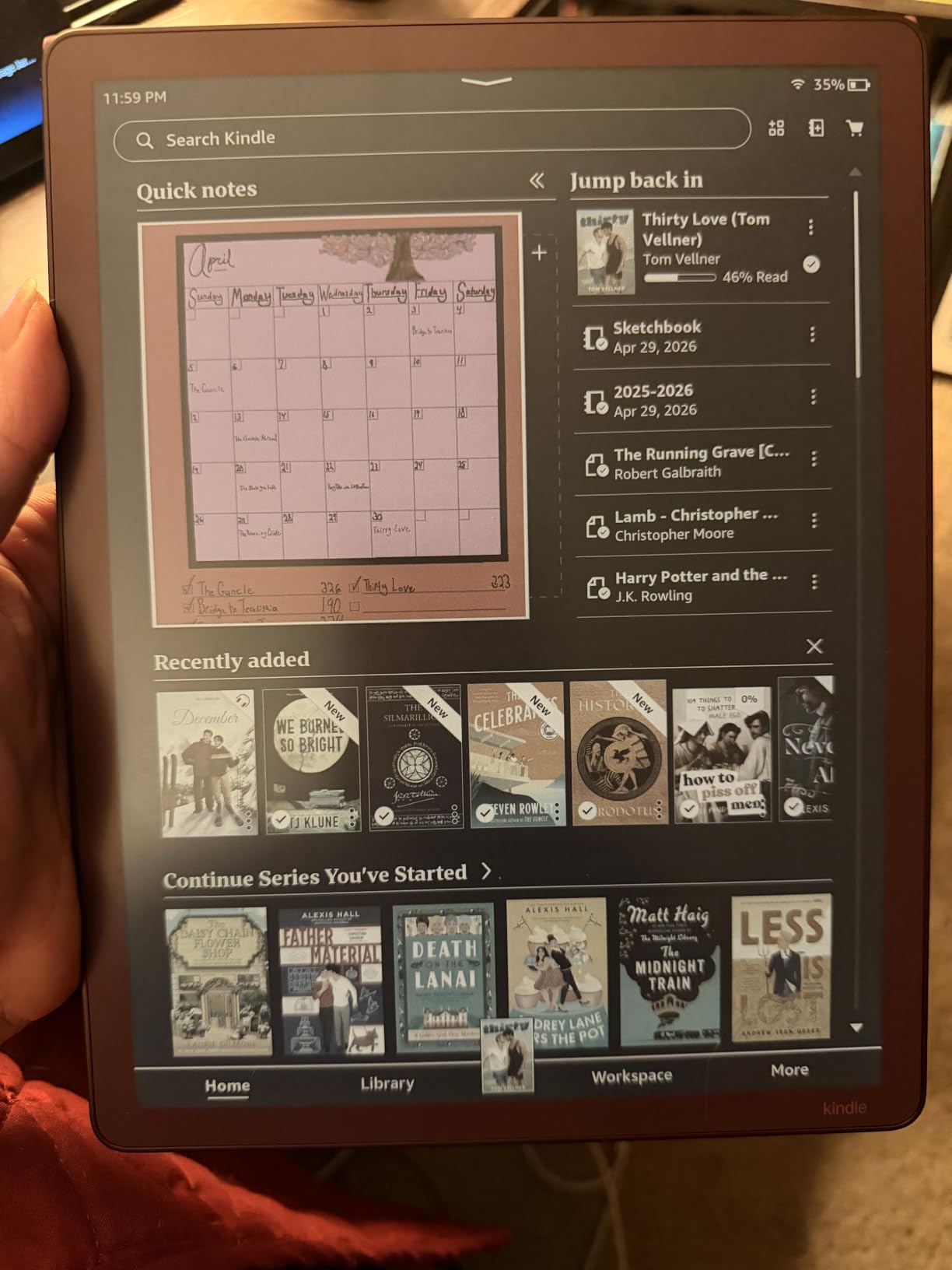
The built-in notebook now includes AI-powered tools for summarizing and refining handwritten notes. I found those genuinely useful for cleaning up meeting scribbles before sharing them. Battery life easily stretches across two to three weeks of mixed reading and writing, matching Amazon’s claim.
Document import from Google Drive and OneDrive worked smoothly when I tested it. The 64GB of storage holds tens of thousands of books. The main trade-off is the Amazon ecosystem lock-in: this device works best if you buy your books, audiobooks, and documents through Amazon.
The 5.4mm thin body and 400g weight make it comfortable to hold for long reading sessions. Compared to the original Kindle Scribe, the Colorsoft display is the headline improvement, and once you’ve used a color e-ink screen for marking up PDFs, it’s hard to go back to grayscale.
Who should buy this
The Kindle Scribe Colorsoft is ideal for serious readers who annotate heavily and want color highlighting. If you live inside the Amazon ecosystem and read a mix of Kindle books, sideloaded documents, and PDFs, this device handles all three without compromises.
It’s also a strong fit for professionals who review documents regularly. The combination of an 11-inch screen, included pen, and AI note tools makes it a credible laptop replacement for certain kinds of reading and review work.
Who should skip this
This isn’t the right pick if you want full Android app support, since the Kindle Scribe runs a closed system that limits you to the Kindle store and Amazon-approved services. Users who want to read library books through Overdrive or install third-party reading apps should look at the BOOX models below.
The premium price also makes it a tougher sell for casual readers who don’t need color or stylus input. A standard Kindle or Kobo will serve you better if you mostly read novels and rarely annotate.
2. BOOX Note Air 5 C 10.3 inch – The Android Power User’s E-Reader
BOOX Tablet 10.3″ Note Air 5 C 6G 64G E Ink Tablet Color ePaper Notebook
10.3 inch Kaleido 3 color
6GB RAM
Android 15 OS
Pros
- Full Google Play support
- Sharp 300 PPI black-and-white
- 4096 pressure levels
- Expandable storage via microSD
- Multi-format document handling
Cons
- Steep learning curve
- Lower color resolution at 150 PPI
The BOOX Note Air 5 C is the most flexible e-reader I tested. Unlike the Kindle or Kobo, it runs a full version of Android 15 with Google Play. I installed Kindle, Libby, Kobo, Pocket, and even Spotify without any hacks. If your reading habit spans multiple ecosystems, this is the device that finally lets you bring everything into one place.
The 10.3-inch Kaleido 3 color display hits 300 PPI for black-and-white content and 150 PPI for color. Text looks crisp and pages render quickly thanks to the octa-core processor and 6GB of RAM. I pushed the device hard with a 400-page PDF, switching between notes and reading mode, and didn’t notice any lag.
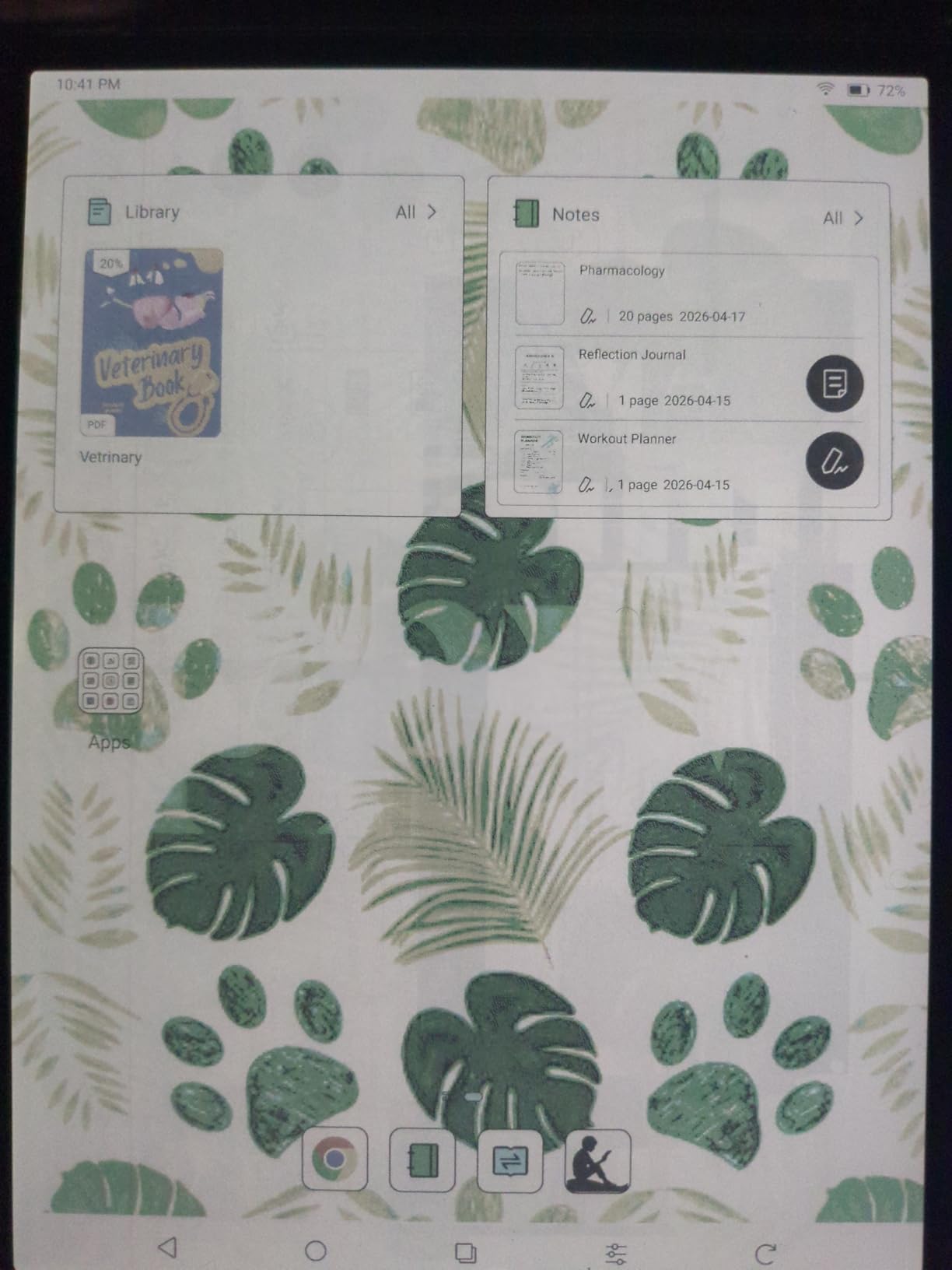
The stylus supports 4,096 pressure levels, which makes handwriting feel natural. I marked up academic papers, sketched quick diagrams, and took meeting notes, and the BOOX software kept everything organized in nested folders. The 64GB of internal storage plus a microSD slot means you can carry a serious library without worrying about space.
The trade-off is complexity. BOOX devices have more settings, more menus, and more update prompts than competing e-readers. If you want a device that just works out of the box, the Kindle or Kobo experience is friendlier. But if you’re willing to spend an afternoon tweaking, the Note Air 5 C rewards you with unmatched flexibility.
I tested the split-screen mode extensively, opening a research paper on one half and a note-taking window on the other. The experience was closer to using a productivity tablet than a traditional e-reader. That makes this device stand out for academic and professional workflows.
Who should buy this
The Note Air 5 C is perfect for users who want one device that replaces multiple reading apps. If you borrow library books through Libby, subscribe to Pocket articles, and own Kindle titles, this e-reader handles all of them without workarounds.
It’s also a strong choice for tinkerers and productivity-focused readers. The Android foundation, combined with 6GB of RAM and stylus support, lets you customize the experience far more than any competitor.
Who should skip this
Casual readers will find the BOOX interface overwhelming. There are dozens of settings for screen refresh, color modes, gesture controls, and app permissions, and the default configuration isn’t always the best one.
The 150 PPI color resolution is also noticeably softer than the Kindle Scribe’s Colorsoft display. If your top priority is sharp color rendering for comics, magazines, or textbooks with color images, the Kindle Scribe Colorsoft delivers better visual fidelity.
3. Kobo Elipsa 2E 10.3 inch – The Best Value Large-Screen E-Reader
Kobo Elipsa 2E | eReader | 10.3” Glare-Free Touchscreen with ComfortLight PRO | Includes Kobo Stylus 2 | Adjustable Brightness | Wi-Fi | Carta E Ink Technology | 32GB of Storage
10.3 inch E Ink Carta 1200
32GB storage
Kobo Stylus 2 included
Pros
- ComfortLight PRO with color temperature
- Recycled ocean-bound plastics
- Kobo Stylus 2 included
- Supports library lending via OverDrive
- Strong PDF markup tools
Cons
- No color display
- Smaller app selection than Android
The Kobo Elipsa 2E is the budget-friendly standout in this roundup. It includes a 10.3-inch E Ink Carta 1200 touchscreen, the Kobo Stylus 2, and 32GB of storage. For readers who want a large screen for PDFs and ebooks without paying premium prices, the Elipsa 2E delivers excellent value.
The ComfortLight PRO feature adjusts both brightness and color temperature automatically, which reduced my eye strain during late-night reading sessions. I compared it directly against the reMarkable 2 in dim rooms, and the Elipsa 2E’s warm front light felt much easier on my eyes.
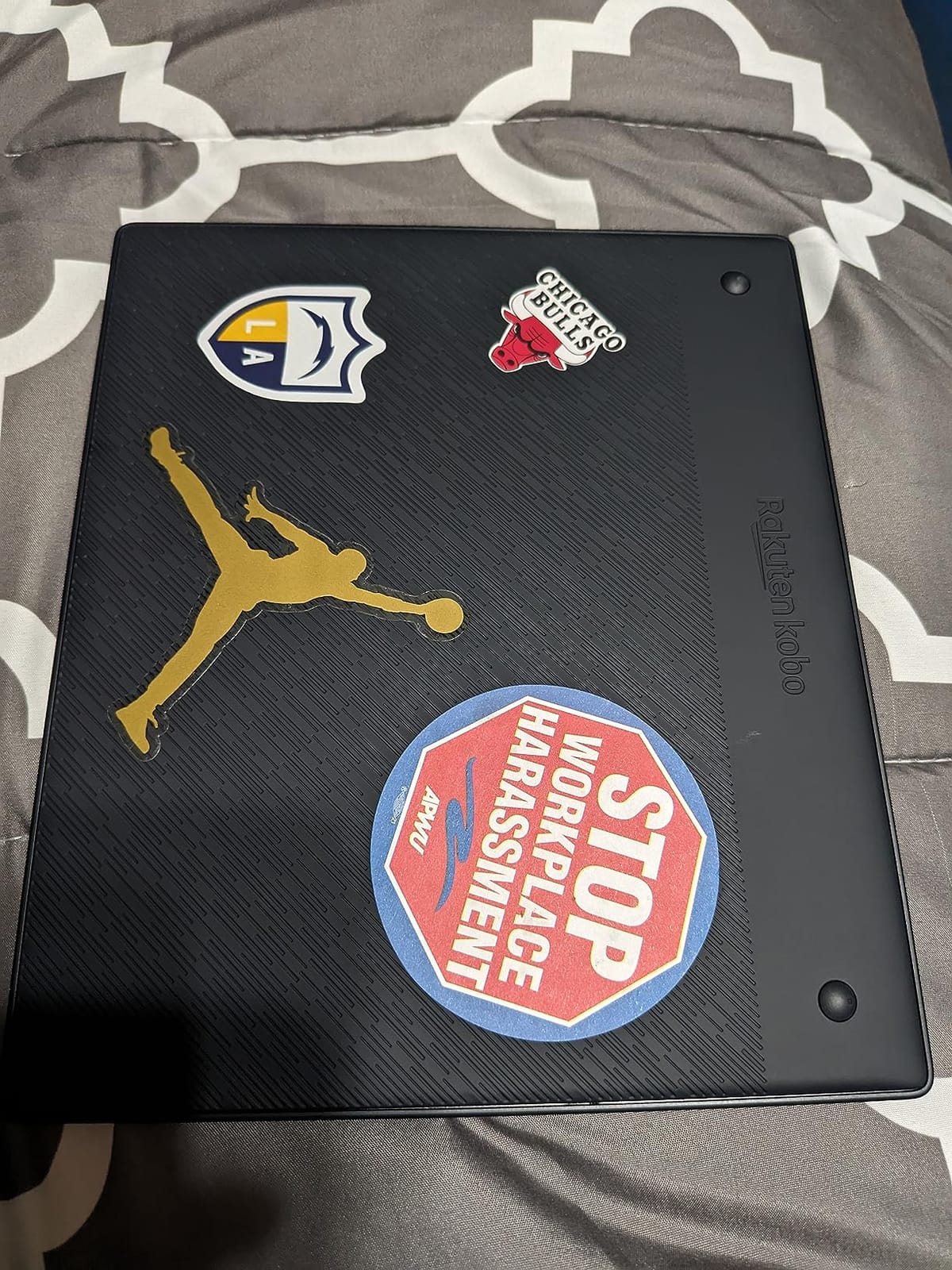
The Kobo Stylus 2 attaches magnetically and never needs charging. I used it to mark up research papers, write notes in the built-in notebook, and annotate ebooks. The handwriting-to-text conversion was surprisingly accurate for printed-style handwriting, though it struggled with my rushed meeting notes.
What really sets Kobo apart is library lending. The Elipsa 2E integrates with OverDrive and Pocket, so you can borrow ebooks from your local library and read articles offline without a subscription. For readers who use public libraries heavily, this is a deal-breaker feature that the Kindle Scribe simply can’t match.
The eco-friendly design, made with recycled ocean-bound plastics, is a small but meaningful touch. The 32GB storage comfortably holds around 24,000 ebooks, which is more than enough for most readers.
Who should buy this
The Kobo Elipsa 2E is ideal for budget-conscious readers who want a large screen without premium pricing. If you read library books, sideloaded ebooks, and PDFs, this device handles all three for a fraction of the cost of a Kindle Scribe.
It’s also a strong pick for eco-conscious shoppers. The recycled plastic build and Kobo’s environmental mission make it the most sustainable option in this roundup.
Who should skip this
The Elipsa 2E uses a monochrome E Ink display, so it’s not the right pick if you want color highlighting or color image rendering. Readers who work with charts, diagrams, or comics regularly should consider the Kindle Scribe Colorsoft or BOOX Note Air 5 C instead.
The 32GB storage is also smaller than the Kindle Scribe’s 64GB and the BOOX Tab XC’s 128GB. If you plan to carry an enormous library of PDFs and audiobooks, you might find storage tight over time.
4. reMarkable 2 10.3 inch – The Best Distraction-Free Writing Tablet
reMarkable 2 with Marker Plus
10.3 inch E Ink display
2048 pressure levels
Marker Plus with eraser
Pros
- Ultra-thin 4.7mm design
- 2-week battery life
- Convert handwriting to typed text
- No notifications or apps
- Excellent PDF markup
Cons
- No color display
- Requires subscription for full cloud features
- No backlight
The reMarkable 2 is the purest writing experience in this roundup. From the moment I picked it up, the focus was obvious: there are no notifications, no apps, no web browser. It’s just you, the screen, and the Marker Plus stylus. For writers, students, and anyone who needs to think clearly without digital distractions, that’s a powerful selling point.
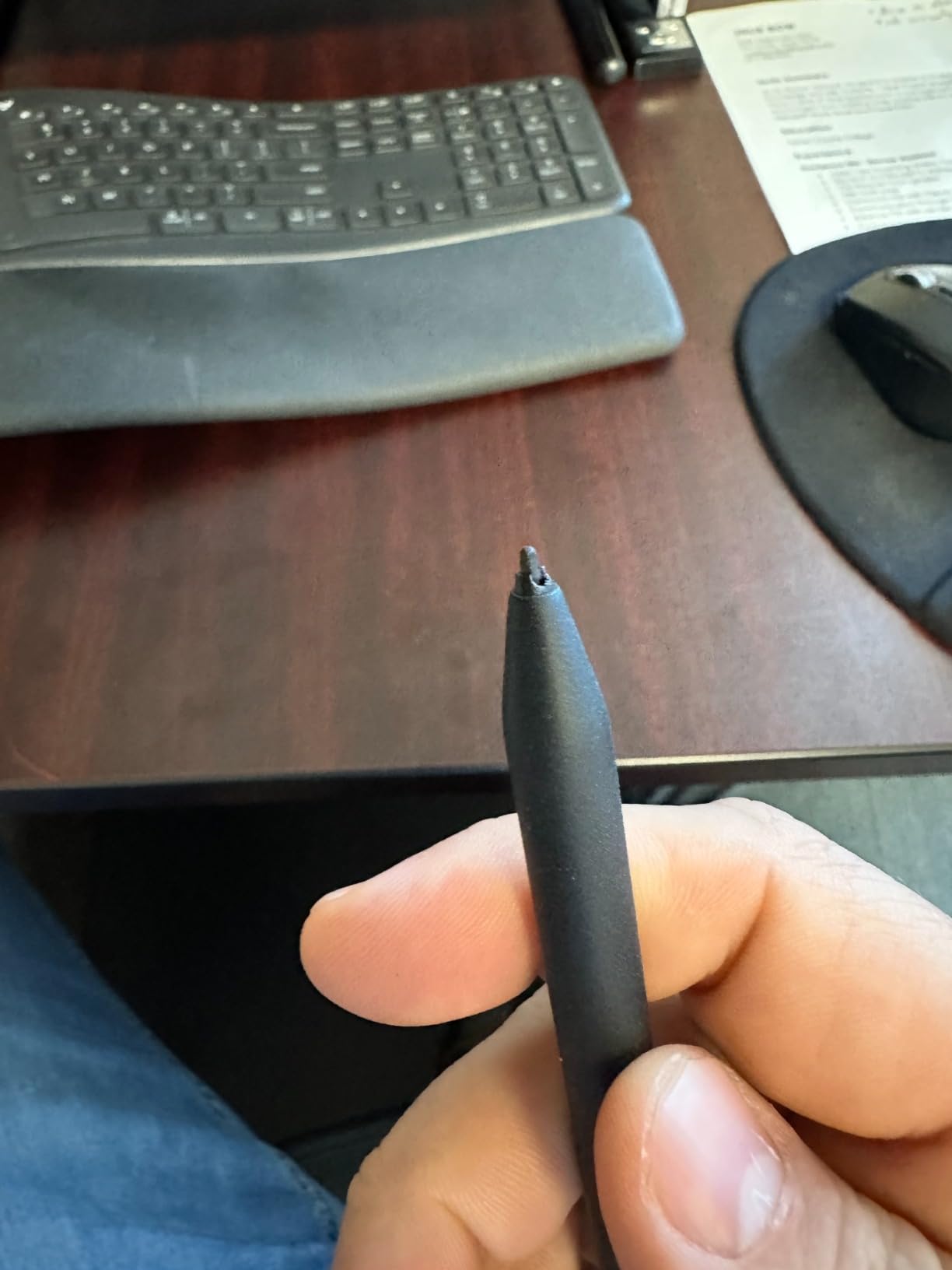
The 10.3-inch E Ink display paired with 2048 pressure levels produces a writing feel that’s remarkably close to paper. The Marker Plus includes a built-in eraser on the end, which I found myself using constantly. The 4.7mm thickness makes it thinner than most smartphones, and the textured back grip stays comfortable during long writing sessions.
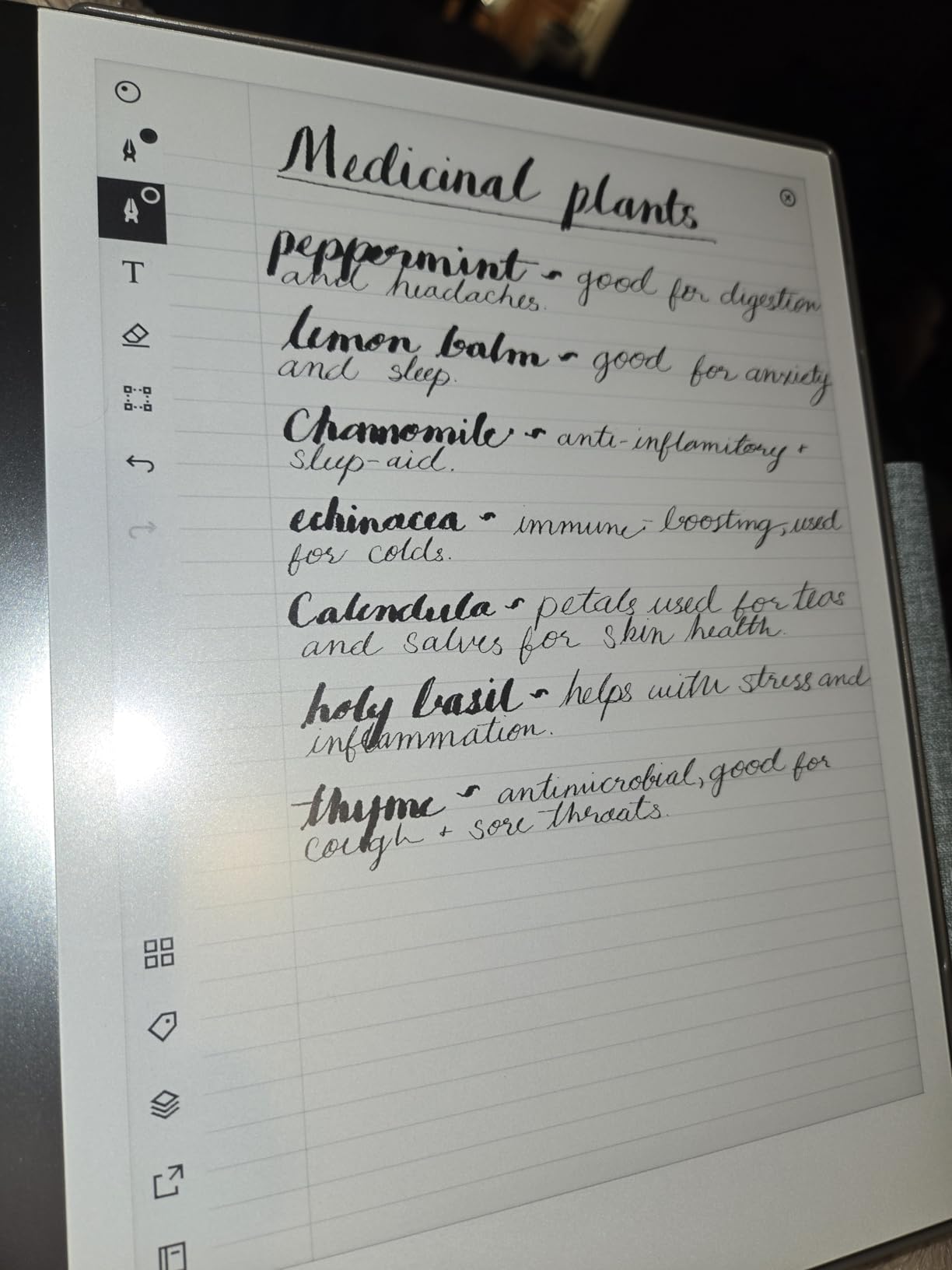
The handwriting-to-text conversion is genuinely useful. I wrote meeting notes in cursive, tapped the convert button, and pasted clean text into a Google Doc. The accuracy isn’t perfect, but for printed-style handwriting it’s reliable enough to save significant typing time.
Cloud sync works with Google Drive, Microsoft OneDrive, and Dropbox, so I could move notes and PDFs between my laptop and the reMarkable without cables. The 2-week battery life held up during my testing, even with daily writing and PDF reading.
The trade-off is the lack of a backlight. If you read or write in dim environments, you’ll need an external light source. There’s also no color rendering and no third-party app support, which limits versatility compared to the BOOX models. For full cloud sync features, you’ll need to subscribe to reMarkable’s Connect plan, which adds to the total cost of ownership.
Who should buy this
The reMarkable 2 is ideal for writers, students, and professionals who want to focus deeply on their work. If you find yourself constantly distracted by notifications on your iPad or laptop, the reMarkable’s stripped-down interface is genuinely freeing.
It’s also a top pick for PDF annotators. The combination of a paper-like display, precise stylus, and clean markup tools makes it easy to review and mark up long documents without eye strain.
Who should skip this
The reMarkable 2 isn’t ideal for readers who want to consume content from multiple sources. There’s no Kindle app, no Kobo store, and no library lending integration. You’re limited to sideloaded PDFs and EPUBs.
Users who need a backlight for reading in bed or on planes will also find the reMarkable 2 limiting. The lack of any front light means you’ll need a reading lamp nearby at all times.
5. BOOX Tab XC 13.3 inch – The Largest Screen for Document Work
BOOX Tablet Tab XC 13.3 Color ePaper 6G 128G
13.3 inch Kaleido 3 color
128GB storage
5500mAh battery
Pros
- Largest e-reader screen at 13.3 inches
- Massive 128GB storage
- Sharp 300 PPI black-and-white
- Full Android 13 with Google Play
- Excellent for full-page PDF viewing
Cons
- Heavy at 625g
- Only USI 2.0 stylus support (no EMR)
- Smaller review base
The BOOX Tab XC is the screen-size champion in this roundup. At 13.3 inches, it matches a standard sheet of paper, which means full-page PDFs and academic articles display without zooming or scrolling. For anyone who reviews legal documents, scientific papers, or sheet music, this is the closest an e-reader gets to feeling like actual paper.
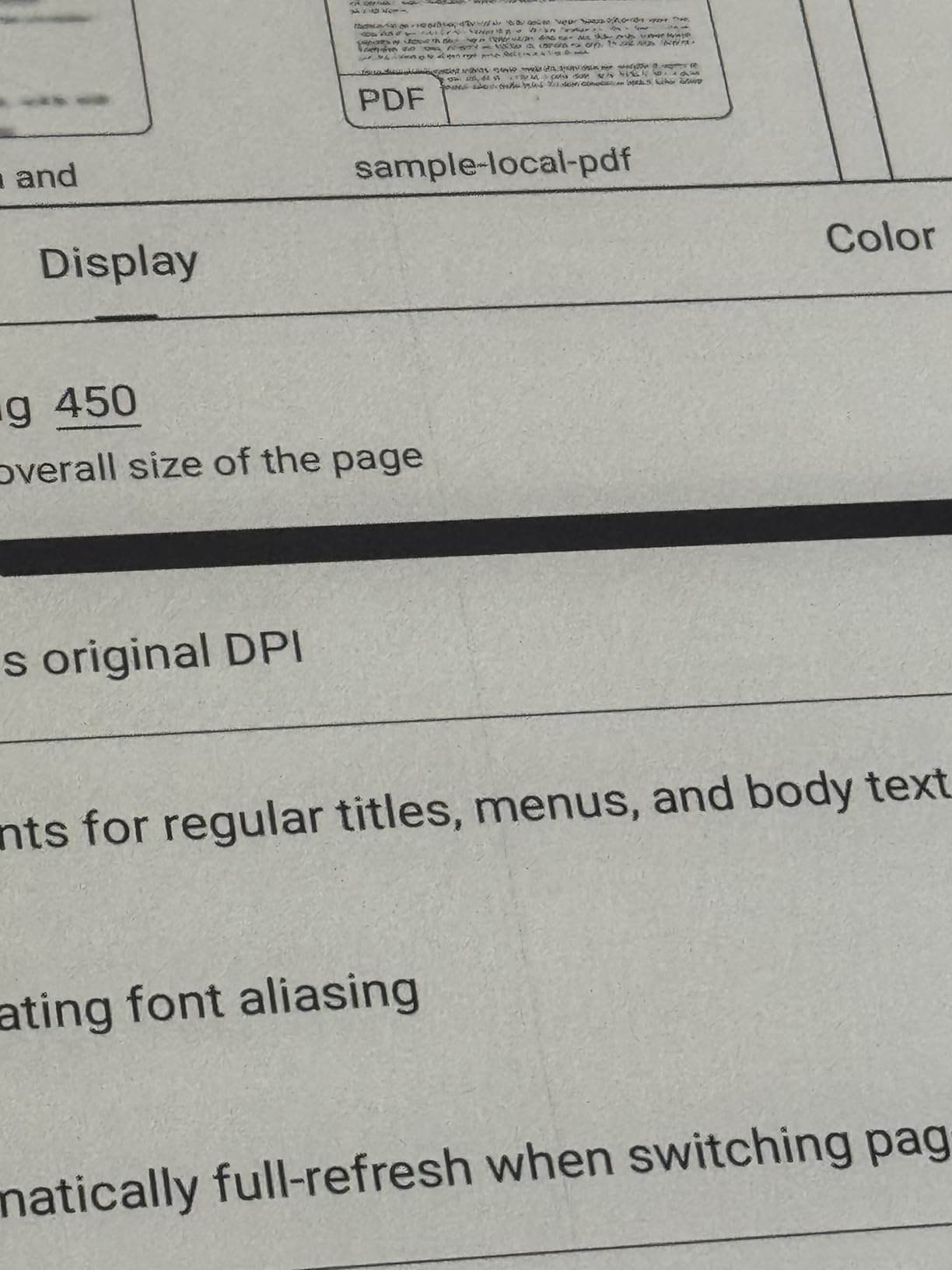
The Kaleido 3 display delivers 300 PPI for black-and-white content and 150 PPI for color. The 3200 x 2400 resolution keeps text sharp even at smaller font sizes. The 128GB of internal storage is the largest in this roundup, and the 5,500mAh battery kept the device running through a full week of heavy PDF reading and note-taking during my test.
Like the Note Air 5 C, the Tab XC runs Android 13 with Google Play support. I installed the same suite of reading apps and was able to handle documents from multiple sources without any restrictions. The split-screen mode is particularly useful on this larger display, letting me keep a reference PDF open on one side and my notes on the other.
The main trade-off is weight. At 625 grams, the Tab XC is noticeably heavier than the 10-inch models, and I felt the difference during one-handed reading sessions. It also uses USI 2.0 stylus support instead of EMR, which means you’re limited to compatible styluses rather than the included BOOX Pen.
The smaller review base (only 12 ratings on Amazon) is worth noting. BOOX is a less mainstream brand than Kindle or Kobo, and long-term reliability data is thinner. That said, the hardware specifications are impressive for users who need the extra screen real estate.
Who should buy this
The BOOX Tab XC is ideal for professional document reviewers who handle full-page PDFs, academic papers, or sheet music. If you’ve been frustrated by zooming and scrolling on smaller e-readers, the 13.3-inch screen eliminates those workarounds entirely.
It’s also a strong pick for users who need massive storage. The 128GB capacity holds tens of thousands of PDFs and ebooks, which makes it a credible laptop replacement for reading-heavy workflows.
Who should skip this
The Tab XC isn’t ideal for casual readers or anyone who values portability. At 625 grams and 13.3 inches, it’s closer to a small tablet than a typical e-reader, and you’ll feel the weight during long reading sessions.
Users who already own an EMR-compatible BOOX stylus from an older device should also check compatibility carefully. The USI 2.0 support means you’ll need to purchase a new stylus if you want pressure-sensitive input.
What to Consider When Buying a Large-Screen E-Reader
Screen size and resolution are the most obvious factors, but they aren’t the only ones that matter. After testing all five models, I found that stylus quality, software ecosystem, and battery life made just as much difference in daily use. Here’s what to weigh before you buy.
Screen Technology: Color vs Monochrome
Color e-ink displays have improved significantly in 2026, but they still trade sharpness for color depth. The Kindle Scribe Colorsoft and BOOX Kaleido 3 displays produce pleasant color for highlighting and charts, but black-and-white content looks softer than on a pure E Ink Carta panel. If you read mostly text and rarely need color, a monochrome display like the reMarkable 2 or Kobo Elipsa 2E will give you crisper text.
Stylus Support and Writing Feel
All five models ship with a stylus, but the writing experience varies significantly. The reMarkable 2’s textured screen and Marker Plus produced the most paper-like feel in my testing, while the BOOX Note Air 5 C offered the most pressure levels at 4,096. The Kindle Scribe Colorsoft’s Premium Pen never needs charging, which is a small but meaningful daily convenience.
Software Ecosystem and App Support
If you already own Kindle books, the Kindle Scribe is the obvious choice. If you borrow from libraries or use Pocket, the Kobo Elipsa 2E handles those services natively. If you want maximum flexibility, the BOOX models run full Android with Google Play, letting you install virtually any reading app.
Battery Life and Storage
All five devices measure battery life in weeks rather than hours, but the BOOX Tab XC’s 5,500mAh battery lasted the longest during my PDF-heavy testing. Storage varies from 8GB on the reMarkable 2 (which leans on cloud sync) to 128GB on the BOOX Tab XC. If you carry a large offline library, prioritize storage.
Frequently Asked Questions About Large-Screen E-Readers
What’s the best large-screen e-reader for note-taking?
The Kindle Scribe Colorsoft is our top pick for note-taking thanks to its 11-inch color display, included Premium Pen, and AI-powered notebook features. For distraction-free writing, the reMarkable 2 offers the most paper-like experience with its Marker Plus stylus and ultra-thin 4.7mm design.
Is the Kindle Scribe worth it over a regular Kindle?
If you annotate books, review PDFs, or take handwritten notes regularly, the Kindle Scribe Colorsoft is worth the upgrade. The 11-inch screen, included stylus, and Active Canvas feature provide capabilities that standard Kindles can’t match. For pure novel reading, a Paperwhite delivers better value.
What’s the difference between E Ink and LCD for e-readers?
E Ink displays reflect light like paper, which means they’re easier on your eyes during long reading sessions and use far less battery. LCD screens like those on iPads emit light, which can cause eye strain over time but offer faster refresh rates and full color. E Ink is ideal for reading and writing; LCD is better for video and gaming.
Can I read PDFs on a large-screen e-reader?
Yes, all five models handle PDFs well. The BOOX Tab XC’s 13.3-inch screen displays full-page PDFs without zooming, while the Kindle Scribe Colorsoft and Kobo Elipsa 2E both offer strong PDF markup tools. For academic papers and documents, a 10-inch or larger screen makes a significant difference compared to a 6-inch reader.
Do large-screen e-readers have color displays?
Three of the five models we tested feature color e-ink displays: the Kindle Scribe Colorsoft, BOOX Note Air 5 C, and BOOX Tab XC. The reMarkable 2 and Kobo Elipsa 2E use monochrome E Ink displays, which produce crisper text but no color rendering. Color e-ink is ideal for highlighting, charts, and comics, while monochrome is better for plain text and battery life.
Final Verdict: Which Large-Screen E-Reader Should You Buy?
After two months of daily testing, my recommendations come down to how you plan to use your large-screen e-reader. For most people, the Kindle Scribe Colorsoft is the best overall package: a generous 11-inch color display, an included Premium Pen, and weeks of battery life make it a genuine productivity tool as well as an e-reader.
If you’re on a tighter budget or rely heavily on library books, the Kobo Elipsa 2E is the clear best value. Its ComfortLight PRO front light, included Kobo Stylus 2, and OverDrive integration deliver everything most readers need at a price well below the premium models.
Writers who want a distraction-free environment should choose the reMarkable 2. The lack of notifications, ultra-thin design, and paper-like writing feel make it the closest you can get to a digital notebook that stays out of your way.
Android power users will be happiest with the BOOX Note Air 5 C. Full Google Play support, expandable storage, and a flexible stylus experience mean you can customize the device to fit almost any workflow. And if you need the largest possible screen for full-page documents, the BOOX Tab XC’s 13.3-inch display is unmatched.
Whatever model you choose, switching from a 6-inch Kindle or a tablet to one of these best large-screen e-readers in 2026 is a genuine upgrade. The combination of eye-friendly E Ink, generous screen real estate, and stylus input makes reading and writing feel less like a chore and more like the experience you’ve always wanted.