
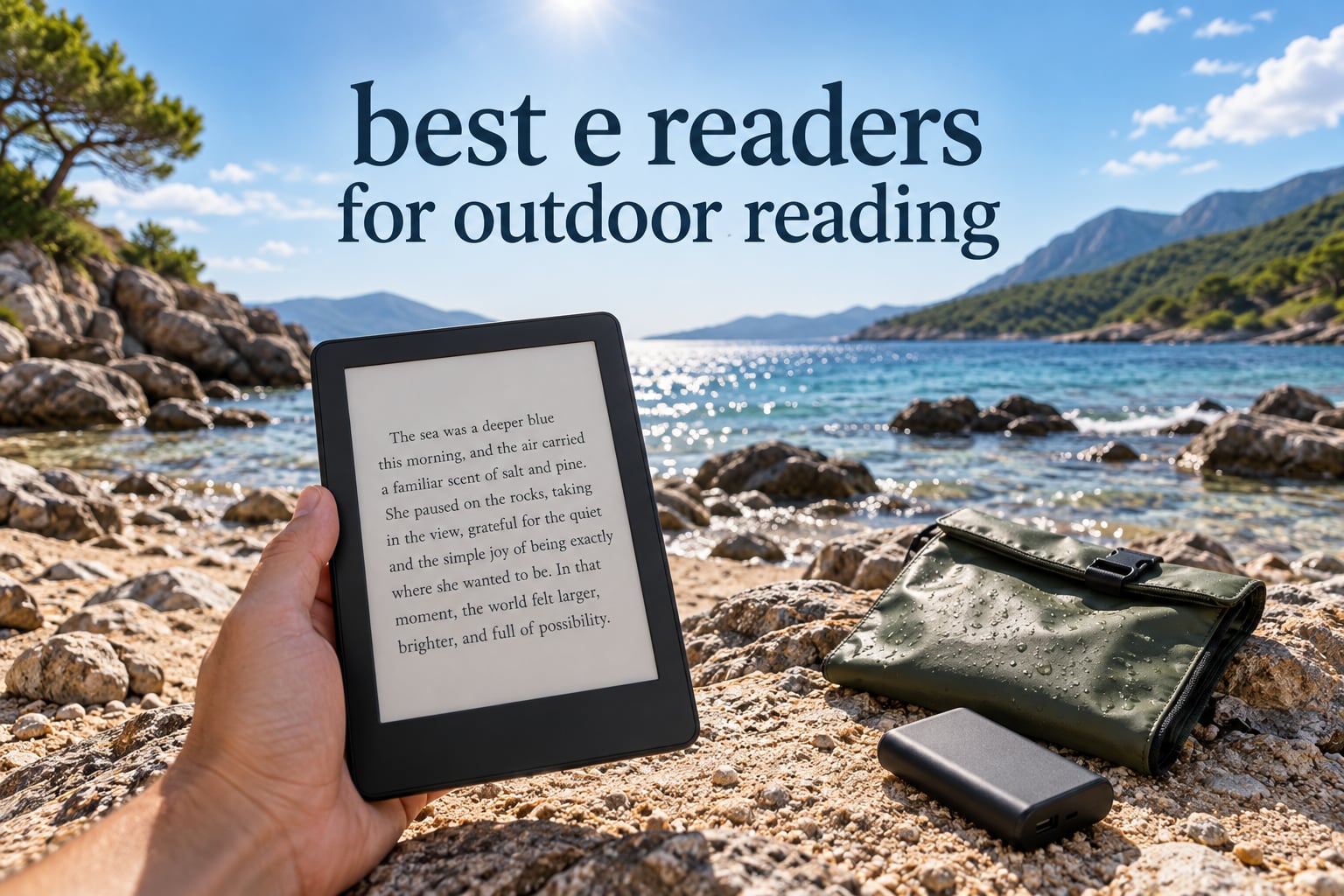
Reading outside solves a problem no indoor setup can: the screen behaves like paper instead of a mirror. Our answer to the question of which device is the best e reader for outdoor reading is the Amazon Kindle Paperwhite 16GB for most people, with the Kobo Libra Colour as the runner-up when you want physical page-turn buttons and colour, and the XTEINK X3 when every gram in your pack matters. We picked these after comparing ten current e-readers on the only criteria that matter in open air: sunlight legibility, water resistance, real weight, and battery measured in weeks rather than days.
That sounds obvious until you notice how badly most shopping guides get it wrong. They repeat manufacturer glare claims, then never explain that the front light is nearly useless at noon, that IPX8 has a specific limit, or that a 6-inch screen and a 7-inch screen feel completely different after four hours on a trail. Most of them also list ten near-identical black rectangles. Our list covers Amazon, Kobo, PocketBook, XTEINK and Barnes & Noble, so the trade-offs are real rather than cosmetic.
Everything below was updated for 2026, and every spec quoted comes from manufacturer data or the aggregated review record for that specific model. Where owners report problems, we name them. If you want the wider picture first, our picks for the best e-readers for avid readers covers the indoor use case, and this guide is the field version.
Table of Contents
Top 3 Picks for Best E Readers for Outdoor Reading (October 2026)

Kindle Paperwhite 16GB
- 7 inch glare-free E Ink
- Up to 12 weeks per charge
- Waterproof
- White-to-amber front light

The Paperwhite takes the top slot because it is the only device in this list that solves every outdoor problem at once: a 7-inch matte panel that stays readable in full sun, a waterproof body, weeks of battery, and a library big enough that you will not run out of books on a fortnight. The Libra Colour earns its place for a different reason entirely, namely the buttons. Once you have read outdoors with physical page-turns, tapping a screen one-handed with sand on it is genuinely annoying.
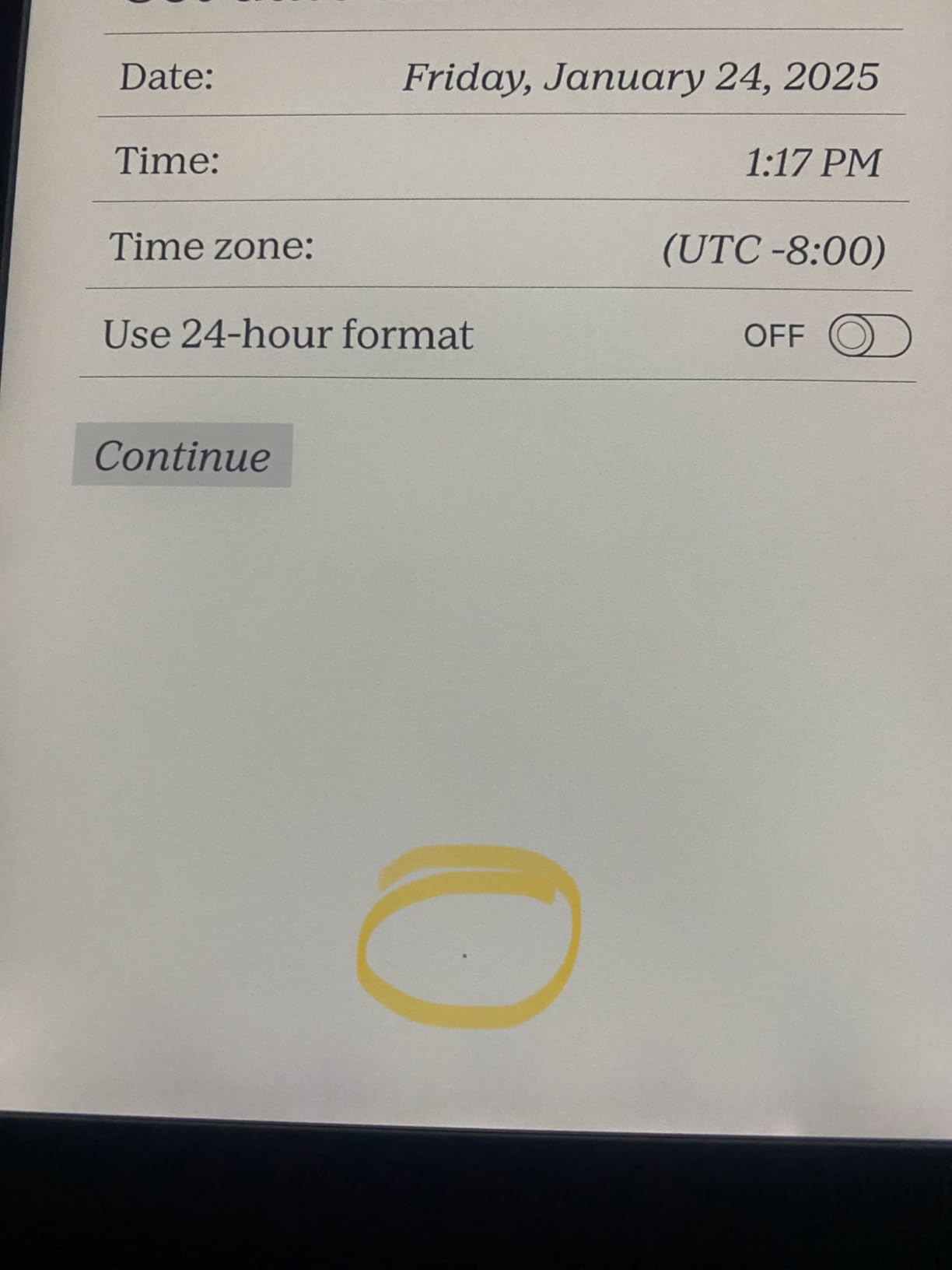
The Clara BW is the value pick and the one most people should actually buy. It is smaller than the Paperwhite, which suits a jacket pocket, and its Carta 1300 panel is sharp enough that owners on r/kobo repeatedly rate its text as clearer than Amazon’s equivalent. It also carries the same IPX8 rating, so it is the safest device to bring to a pool or a wet shoreline.
Best E Readers for Outdoor Reading in 2026
| Product | Specifications | Action |
|---|---|---|
| Kindle Paperwhite 16GB |
|
Check Latest Price |
 Kindle 16GB 6 inch Kindle 16GB 6 inch |
|
Check Latest Price |
 Kobo Clara Colour Kobo Clara Colour |
|
Check Latest Price |
 Kobo Clara BW Kobo Clara BW |
|
Check Latest Price |
| Kobo Libra Colour |
|
Check Latest Price |
 Kindle Kids 16GB Kindle Kids 16GB |
|
Check Latest Price |
 PocketBook Verse Pro PocketBook Verse Pro |
|
Check Latest Price |
 XTEINK X3 XTEINK X3 |
|
Check Latest Price |
 XTEINK X4 Pro XTEINK X4 Pro |
|
Check Latest Price |
 Nook Glowlight 4 Renewed Nook Glowlight 4 Renewed |
|
Check Latest Price |
A note on weight before the individual reviews, because the numbers above are incomplete without context. A 7-inch reader plus a case, a short USB-C cable and a 10000 mAh power bank lands you near half a kilo in your pack. The 58 g XTEINK X3 with the same accessories adds about a quarter of that. Neither is wrong, but they are different trips.
1. Kindle Paperwhite 16GB: The Best E-Reader for Outdoor Reading Overall
Amazon Kindle Paperwhite 16GB (newest model) – 20% faster, with new 7″ glare-free display and weeks of battery life – Black
7 inch glare-free E Ink
16 GB storage
Up to 12 weeks per charge
Waterproof
USB-C
Pros
- Readable in full direct sunlight with no glare
- Up to 12 weeks of battery per charge
- Higher contrast panel with 25% faster page turns
- Adjustable white-to-amber front light
- Waterproof for pool and bath use
Cons
- No third-party reading apps such as Libby
- Monochrome only for comics and maps
- Edge power button easy to brush with a case on
This is the device we hand to friends who say they want to read on a beach. The 7-inch Carta panel is matte, so ambient light is scattered rather than mirrored, and that single design choice is what separates a device you can read at noon from one you have to tilt and squint at. With 22664 reviews averaging 4.6 stars, it is also the most thoroughly tested reader on this list by a wide margin.
Battery is the quiet hero. Up to 12 weeks per USB-C charge means a two-week camping trip with no mains power and no power bank at all. That single spec removes the anxiety that makes people pack a charger they then lose.
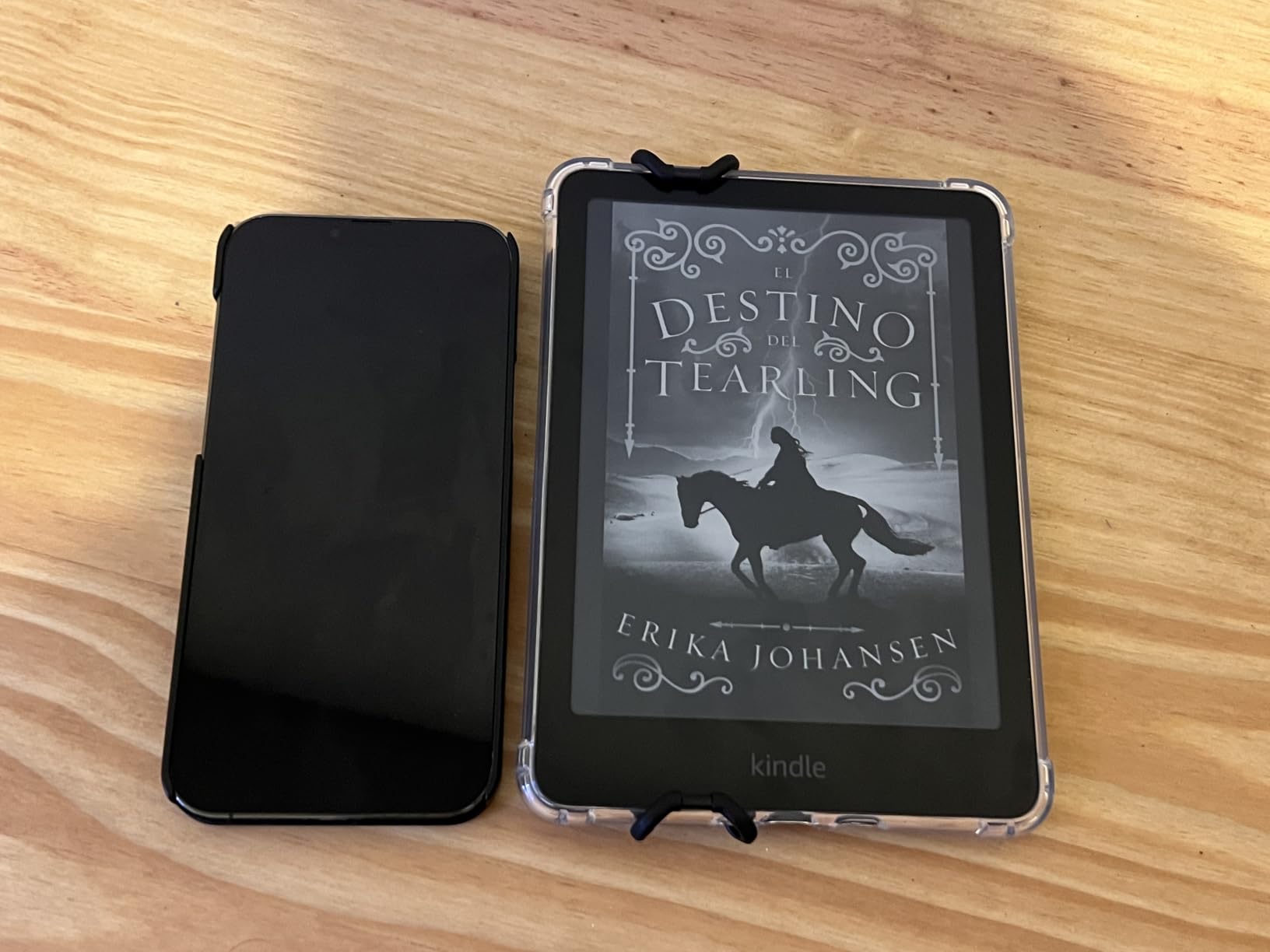
The paper-like page is real rather than marketing language. Owners consistently describe it as mimicking a printed page in bright sun, and the amber end of the front light matters more at a campsite after sunset than during the day. Page turns are 25% faster than the previous generation, which removes the ghosting pause that used to make long sessions feel sluggish.
Storage of 16 GB holds a full holiday’s worth of books plus audio, and there is access to more than 15 million Kindle Store titles plus Kindle Unlimited if you subscribe. Colour is absent, so graphic novels and maps stay monochrome, and there is no Libby app, which matters if you borrow from a US library.
Does the front light matter if you only read outside?
Less than you would think. The front light on this model exists for shade, dusk and bedtime at camp, where there is no ambient light to reflect. In direct midday sun it adds almost nothing, because the panel is already brighter than the light can wash out. The light still matters, though, at 9pm in a tent with a headlamp on your face, and the white-to-amber range is wide enough to set it properly warm.
Is a Kindle the right choice if your library is not on Amazon?
It works, but not perfectly. EPUB files you sideload or convert read normally, and Send-to-Kindle makes email delivery easy. What does not work is native library-loan apps such as Libby, so if your reading habit depends on borrowing rather than buying, a Kobo or PocketBook saves friction. On r/kindle the consensus is that ecosystem switching is the single biggest reason people stay put.
2. Kindle 16GB 6 Inch: Best for Dry Trails and Pack Weight
Amazon Kindle 16 GB (newest model) – Lightest and most compact Kindle, now with faster page turns, and higher contrast ratio, for an enhanced reading experience – Without Lockscreen Ads – Matcha
6 inch glare-free E Ink
16 GB storage
Up to 6 weeks per charge
Light mode and dark mode
Pros
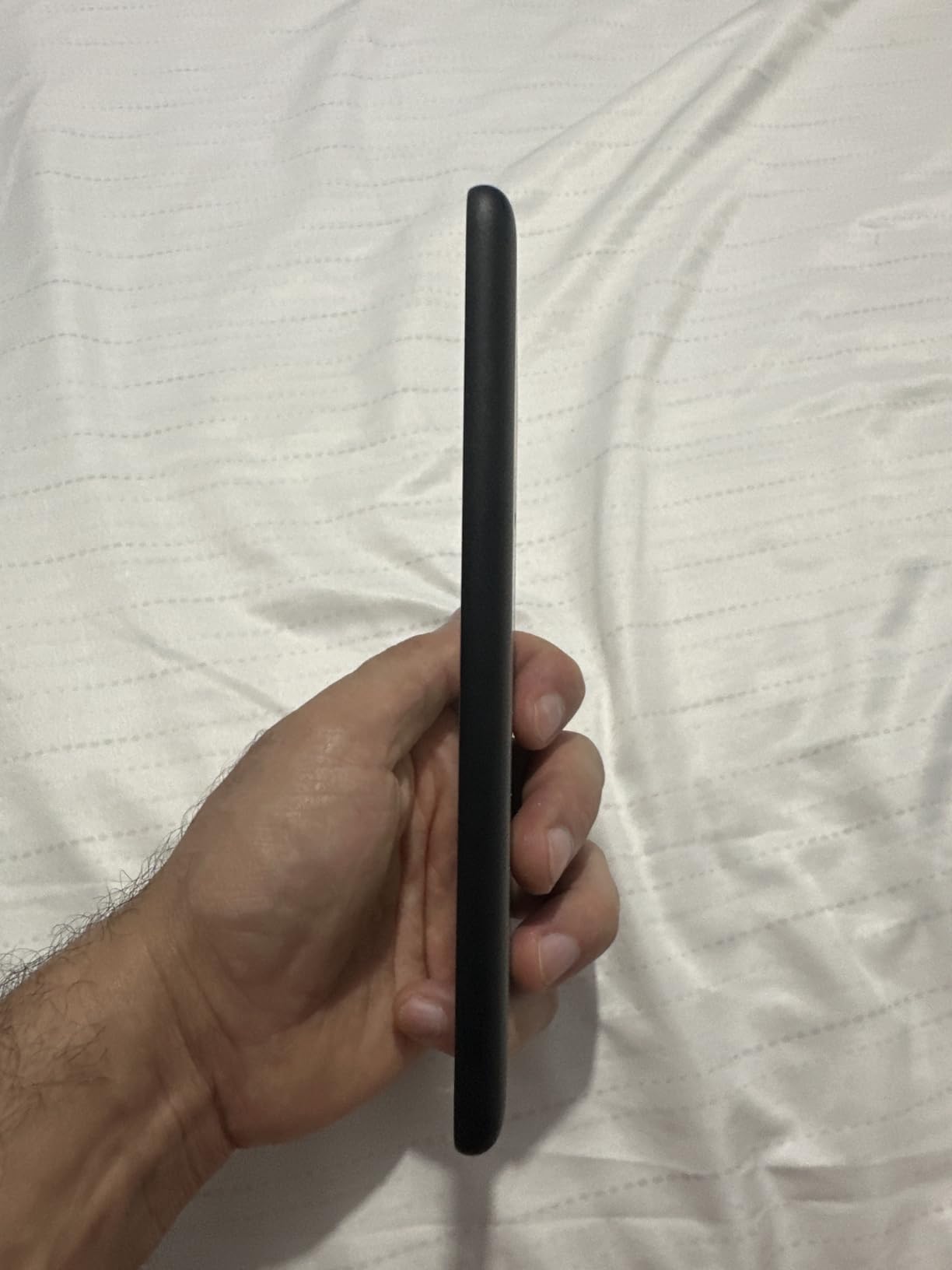
- Lightest and most compact Kindle
- Glare-free 6 inch display readable in bright light
- Up to 6 weeks of battery per charge
- Dark mode and adjustable front light
- Without lockscreen ads
Cons
- Not waterproof so not for pool or beach use
- 6 inch screen is small for large-print reading
- No amber colour temperature adjustment
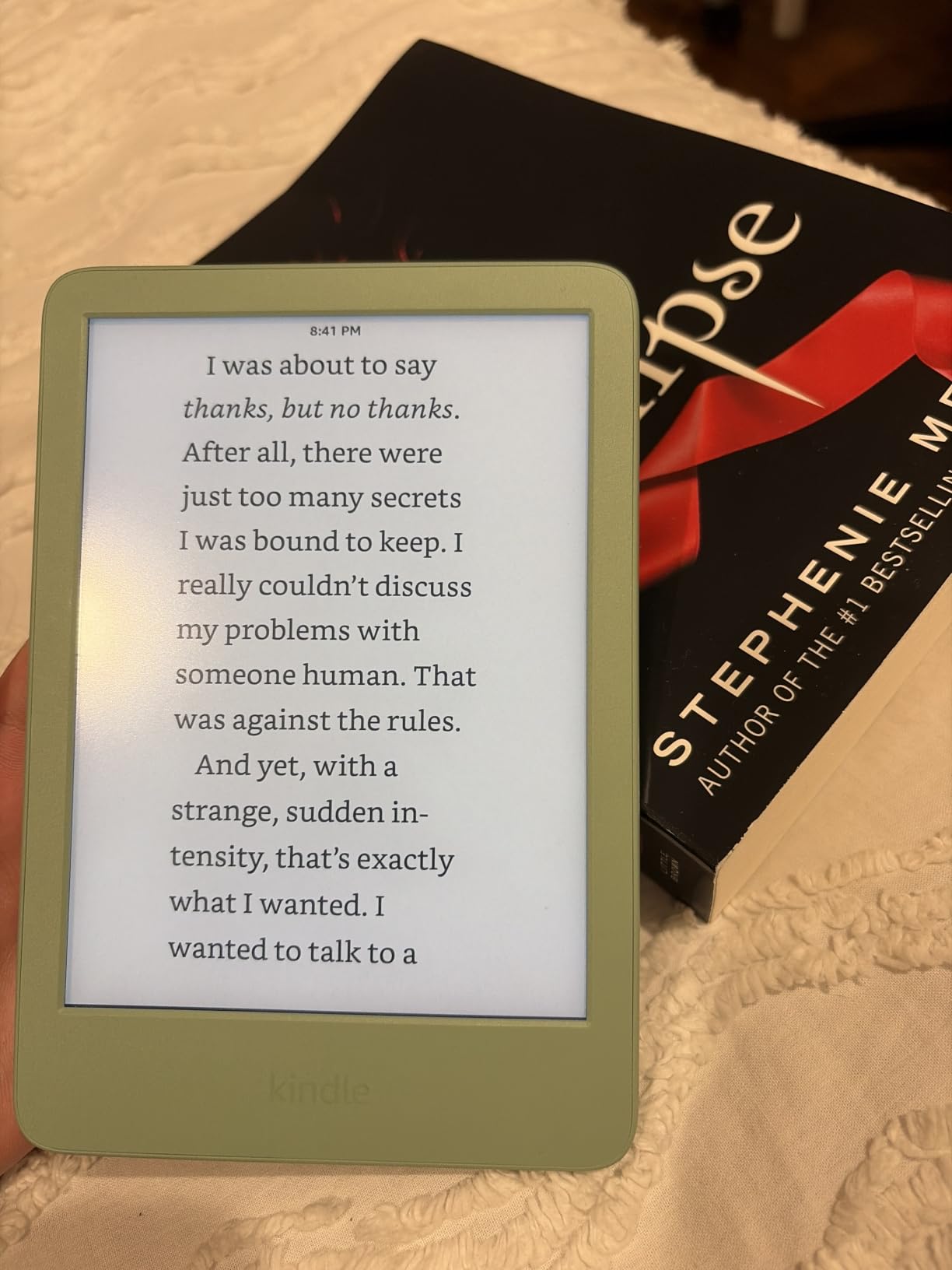
This is the Kindle to buy if your outdoor reading happens on a trail, a ferry deck or a mountain hut rather than next to water. The 6-inch panel is the same glare-free technology as the Paperwhite, and the front light is now 25% brighter at maximum, which helps under canopy where the light is bouncing rather than direct. It also runs up to 6 weeks on a charge, enough for most autumn trips without a cable.
It ships without Lockscreen ads, which matters more outdoors than indoors. The sleep screen is what you glance at poolside, on a picnic blanket or while waiting for a ferry, and a device that shows you book promotions at that moment is a worse object to own. The community treats ads on the sleep screen as a deal breaker for exactly this reason.
Storage is 16 GB, which holds thousands of books, and there are light and dark modes for a sun-to-camp day. The body is built with 75% recycled plastics and 90% recycled magnesium, and the packaging is fully recyclable, which is a small but real consideration if you buy a second device for a travel bag.
Two limits are worth being blunt about. There is no water resistance, so a splash at a campsite or a wet grass seat ends the story, and the front light has no amber setting, so late-night reading at camp is harsher on sleep than a warm-lit device.
Is a 6-inch screen too small for a full novel?
For most adults reading at arm’s length, no. It is roughly the footprint of a large paperback, and the taller-than-wide layout gives you a comfortable line length. The difference shows up if you read large print, use glasses with strong prescriptions, or read in bright light where a smaller panel means fewer characters per glance. If any of those apply, step up to the 7-inch Paperwhite.
How much does battery drop on a cold mountain trip?
Lithium-ion chemistry loses capacity in cold conditions, and the same is true of any reader here, Kindle or otherwise. Keep the device in an inside pocket against your body rather than in an outside hip belt when you are above the treeline in winter. Warm it up before you judge the battery, and charge it fully the night before departure rather than the morning of.
3. Kobo Clara Colour: Best for Comics, Maps and Illustrated Travel Guides
Kobo Clara Colour | eReader | 6” Glare-Free Colour E Ink Display | Dark Mode Option | Waterproof | Audiobooks | 16GB of Storage | Black
6 inch colour E Ink
IPX8 waterproof
16 GB storage
ComfortLight PRO and Dark Mode
Pros
- Colour E Ink handles covers
- comics and manga well
- IPX8 rated for pool
- hot tub and beach
- Light 174 g body suits one-handed travel reading
- Weeks of battery life
- OverDrive and library borrowing built in
Cons
- Colour is muted and grainy next to an LCD screen
- Dark mode applies while reading only
- No direct email transfer to the device
Colour is the reason to choose this over a monochrome device, and outdoor use is where it is most useful. Travel guidebooks, maps with coloured routes, cookbooks with photographs and graphic novels all depend on hue, and this is the smallest colour e-ink reader on our list at 6 inches and 6.14 ounces. It is IPX8 rated for up to 60 minutes in 2 metres of water, so it is genuinely at home beside a pool.
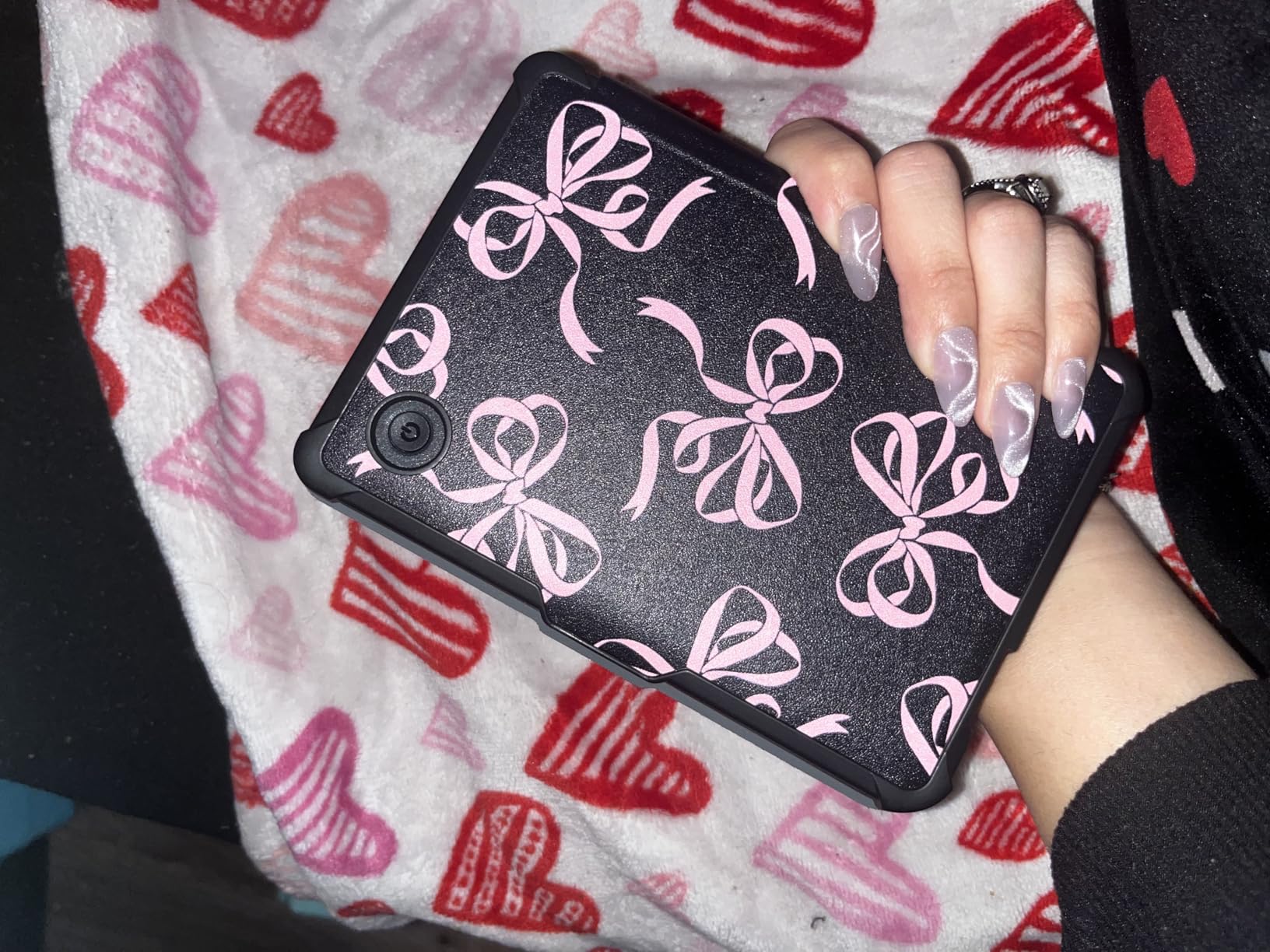
The honest caveat is that colour E Ink is dimmer and lower-contrast than a tablet panel, and it is slowest at partial page refreshes. Owners describe it as good for comic art and cover art rather than true-to-life colour. In direct sun the muted palette is less obvious than it would be indoors, which is where this format actually earns its place.
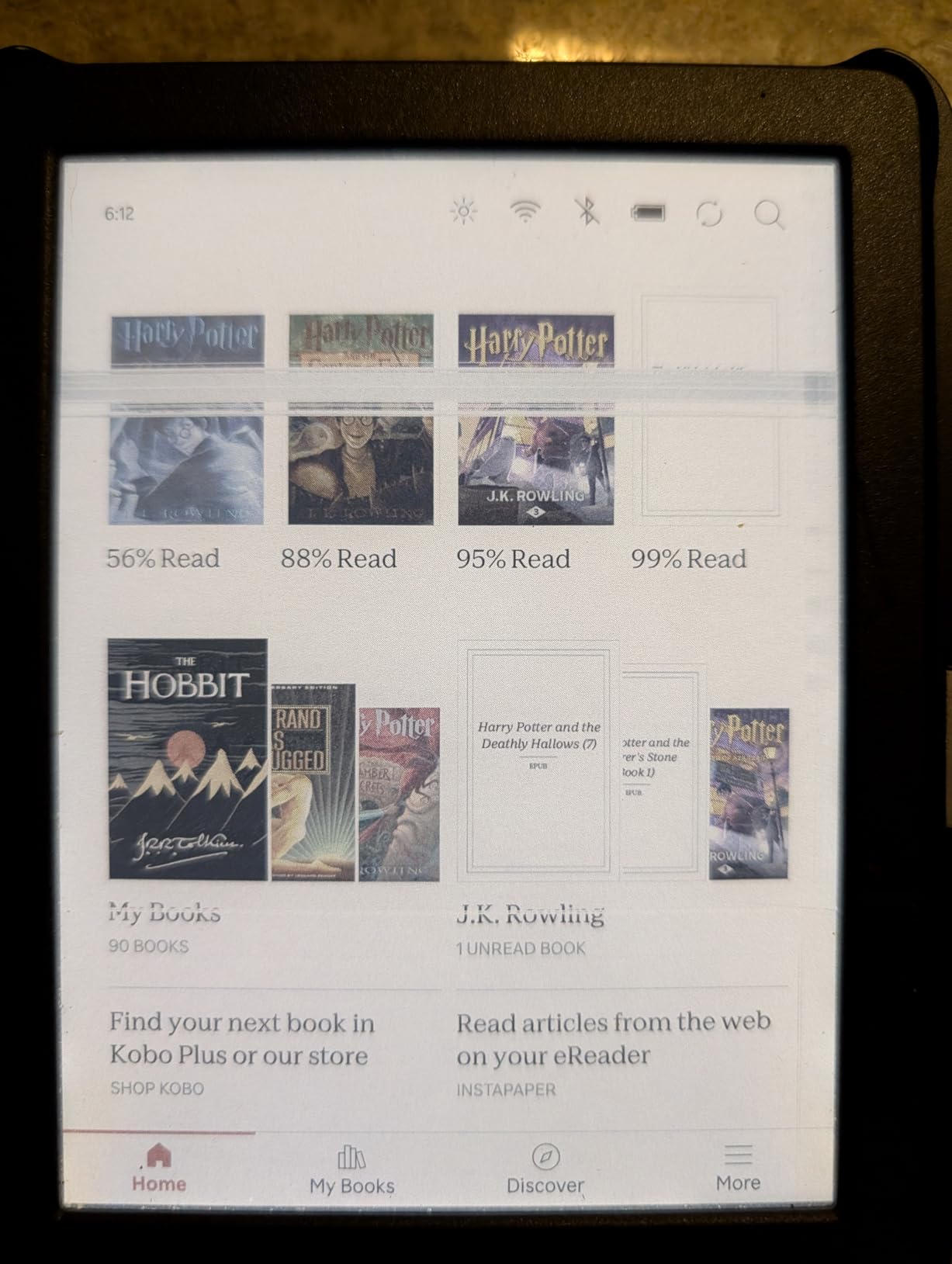
ComfortLight PRO adjusts brightness, colour temperature and blue light, and there is a Dark Mode for reading after dark. Colour highlighting lets you sort notes into categories, which is useful if you mark up a hiking guide or a travel phrasebook. The edge-swipe brightness control is a small touch that matters when light changes as cloud passes over.
Storage is 16 GB, there is Bluetooth for audiobooks, and Kobo Plus, Pocket and OverDrive library borrowing all work natively. That library integration is a real advantage over Amazon hardware for anyone who borrows rather than buys, and it is the reason Kobo owners tend to be less locked in.
How does colour E Ink hold up in bright sunlight?
Better than expected, and worse than a tablet. The Kaleido-style panel still reflects ambient light rather than emitting it, so it stays visible in sun, but the colour filter layer sits in front of the black and white cells and costs you brightness and contrast. In shade and at dusk the gap against an LCD is obvious. In full sun on a comic page it is much less so.
Can I borrow library books on this device outdoors?
Yes, through OverDrive, and that is one of the strongest arguments for the Kobo line. You can log into a public library, download EPUB or audiobook files for offline use, and read them with no signal, which is exactly the situation on a trail. The friction is on the Kobo side: some library apps are slow, and a document cannot be emailed straight to the device the way Amazon’s Send-to-Kindle works.
4. Kobo Clara BW: Best for Pool, Beach and Wet Weather
Kobo Clara BW eReader, 6” Touchscreen, Waterproof, 16GB, Black
6 inch Carta 1300 HD
IPX8 waterproof
16 GB storage
ComfortLight PRO
Pros
- Sharp Carta 1300 HD panel readable in bright sunlight
- IPX8 waterproof for pool
- beach and rain
- Light 6.14 ounce body with a one-handed grip
- ComfortLight PRO front light for day and night
- Dark Mode and 16 GB for offline reading
Cons
- Monochrome only with no colour for maps or comics
- Some owners report slow page turns and front-light screen fade
- Kobo store catalogue is smaller than Amazon's
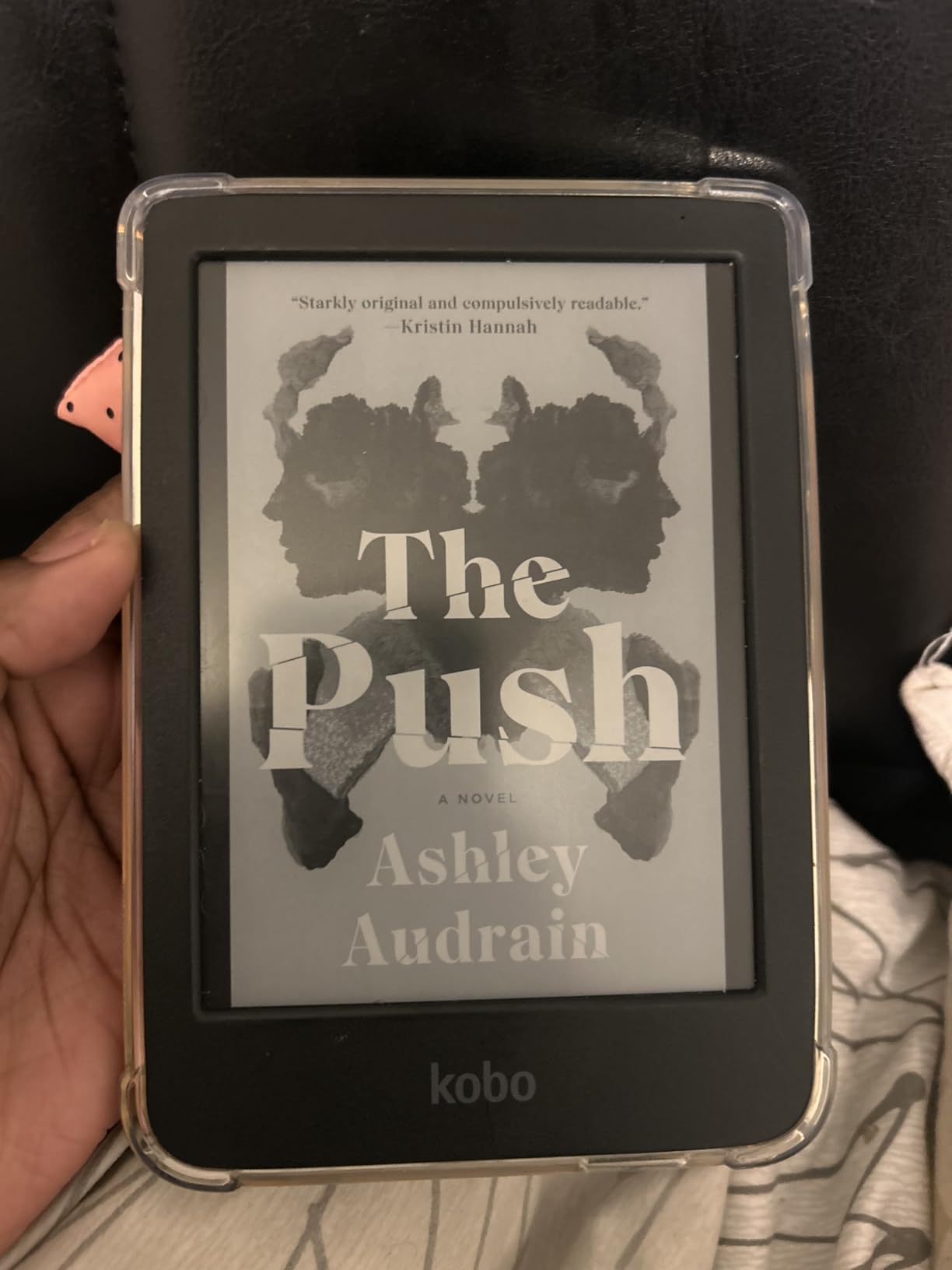
If the Kobo line has one default outdoor device, it is this one. The Carta 1300 HD panel at 1072 x 1448 is the sharpest grayscale spec in this guide, and owners on r/kobo consistently rate its text as noticeably crisper and less blurry than the equivalent Kindle. That clarity is what lets you read comfortably with a book brimmed low and sun on the page.
The IPX8 rating covers up to 60 minutes in 2 metres of water, and that is the number that matters at a pool, in a hot tub, in the bath or on a shoreline where spray reaches the device. Combined with a 6.14-ounce body, it is the easiest outdoor reader to carry and the one most likely to survive a drop onto wet stone.
ComfortLight PRO handles both brightness and colour temperature, so you can shift it warm for evening at camp, and the body is made from recycled and ocean-bound plastics with a design intended to be repairable. A one-year limited warranty is included. Storage of 16 GB holds up to 12,000 e-books or 75 Kobo audiobooks, which is more than any trip needs.
Two honest negatives: a small number of owners report occasional sluggish page turns and text fade with the front light left on, which sounds alarming and is rare, and the Kobo store is thinner than Amazon’s if you want to buy on impulse.
Is IPX8 enough for a day at the beach?
For splashes, spray, dunking and a fall in shallow water, yes. IPX8 means up to 60 minutes submerged in 2 metres of fresh water, and every Kobo and Kindle device on this list carries the same rating. It does not mean you can rinse it under a tap indefinitely, it does not cover sand, and it says nothing about salt or chlorine, so see the waterproofing section below before you submerge it.
Should I choose Kobo or Kindle if I already own the other one?
Keep both if you can. The Kindle is better if you buy and read in one ecosystem and want the largest catalogue, and the Kobo is better if you borrow from a library, prefer EPUB sideloading or want a sharper grayscale panel at a smaller size. On MobileRead the recurring view is that Kobo hardware is fairly open without needing to jailbreak it, which matters for anyone who manages their own files.
5. Kobo Libra Colour: Best With Page-Turn Buttons
Kobo Libra Colour eReader, 7” Color E Ink, Waterproof, White
7 inch Kaleido 3 colour
IPX8 waterproof
32 GB storage
Page-turn buttons and rotation
Pros
- Physical page-turn buttons that many Kindle users miss
- Colour E Ink for covers
- illustrations and comics
- IPX8 waterproof for pool
- hot tub and beach
- Rotation and sideways mode suit propping on a camp chair
- Stylus 2 support for colour annotation
Cons
- Colour is muted and can look grainy in broad daylight
- Stylus sold separately at extra cost
- Screen brightness without the front light can be too dim in daylight
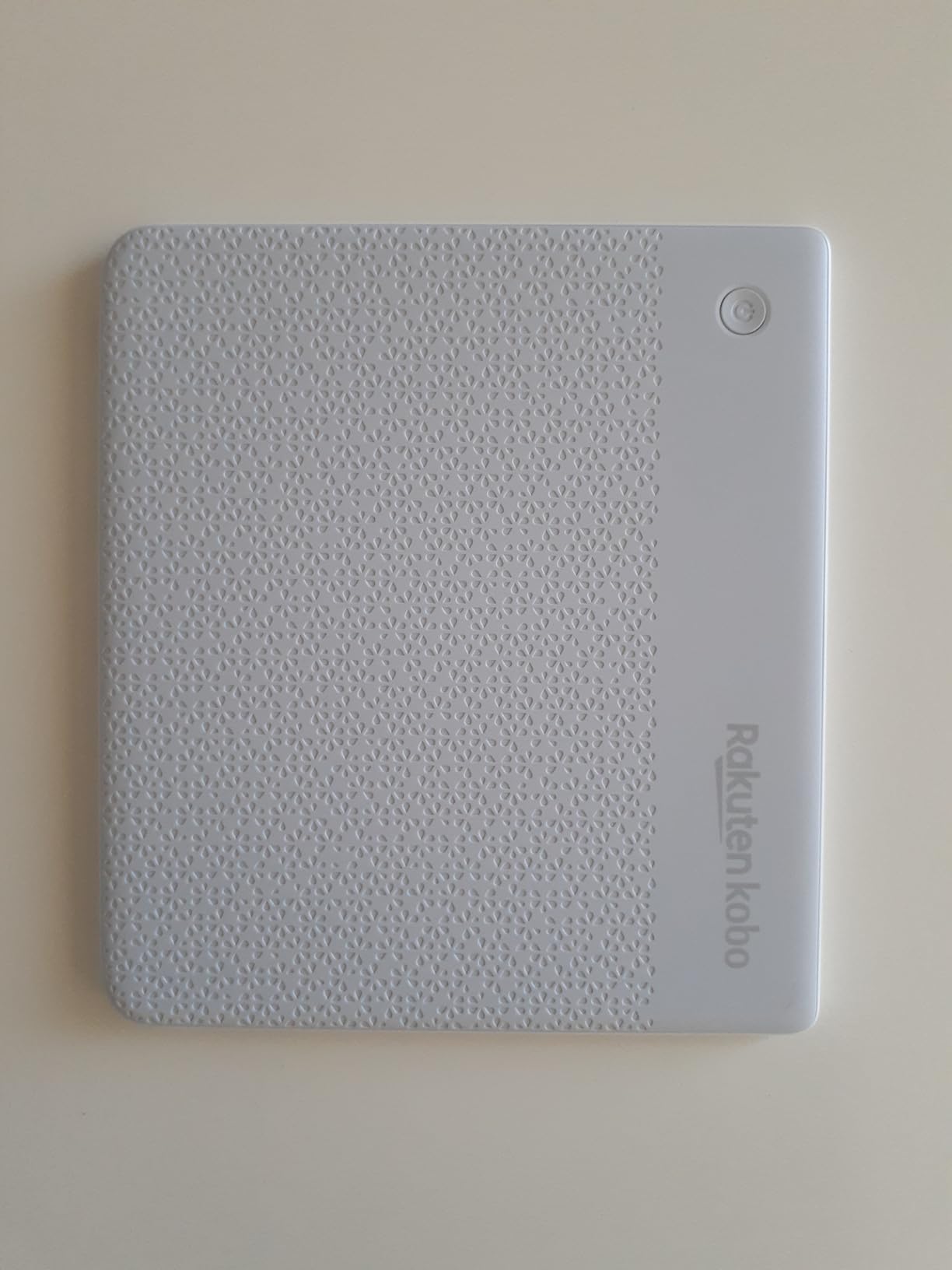
Amazon discontinued the Kindle Oasis, which had page-turn buttons, and this is the device that filled the gap. Physical buttons on the lower edge let you turn pages one-handed with wet or sandy fingers, which on a touchscreen means constant accidental taps and smudges. Add left and right screen rotation and a landscape mode, and you can prop it on a camp chair or a lounger without holding it.
The 7-inch Kaleido 3 panel is colour, so comics, maps and illustrated guides work, and it is IPX8 rated for up to 60 minutes in 2 metres of water. At 7.05 ounces it is heavier than the 6-inch readers here, and that is the trade you make for the bigger canvas and the buttons.
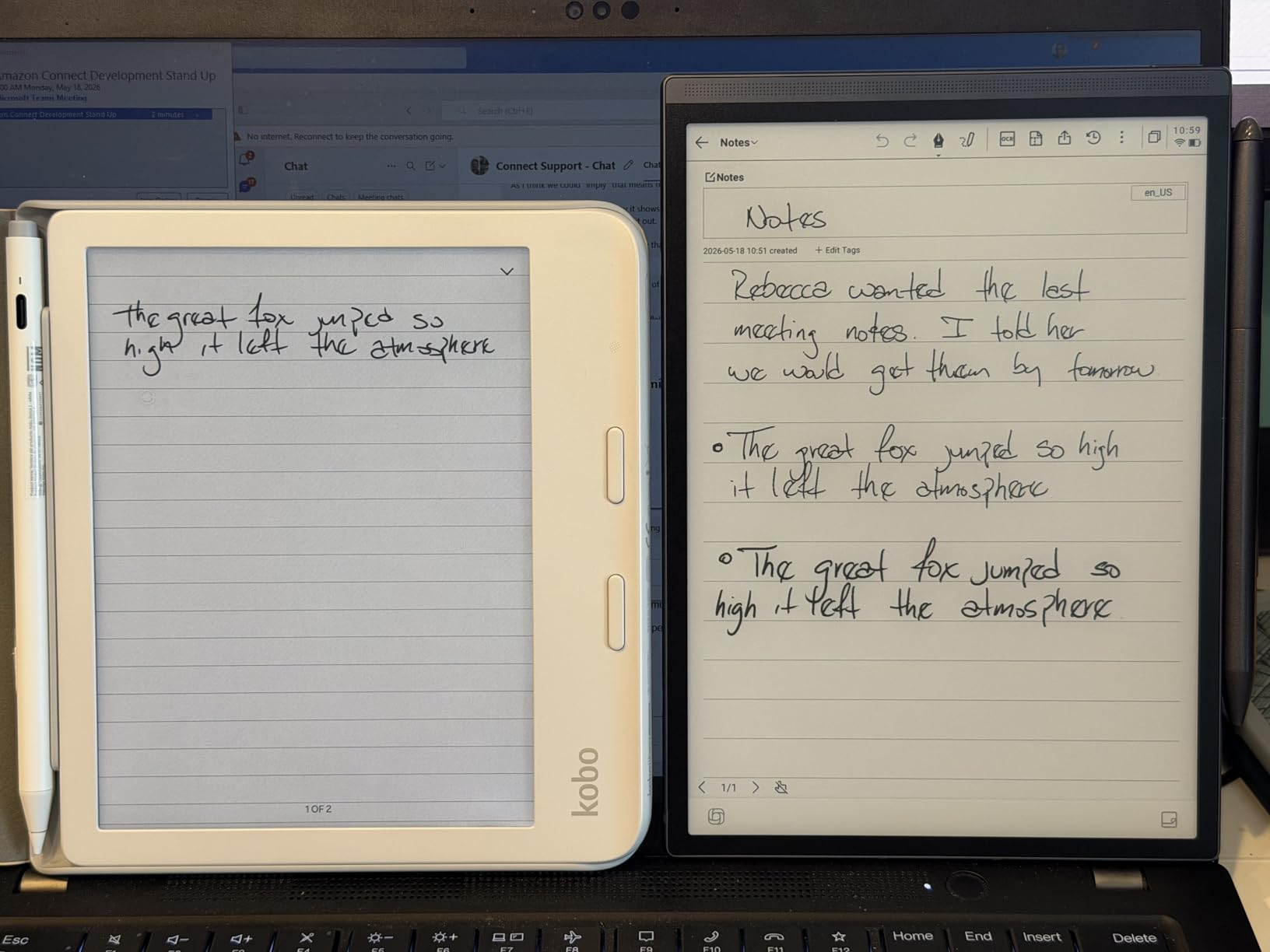
Storage is a substantial 32 GB, holding up to 24,000 e-books or 150 Kobo audiobooks, and OverDrive, Kobo Plus and Pocket all work. It is also compatible with the Kobo Stylus 2 for colour annotation, which turns it into a journal or planner for a trip. The stylus is sold separately, and several note features depend on it, so factor that into the decision.
Owners accept the muted colour but flag real limitations: some report screen brightness without the front light is too dim in broad daylight, some report scratches appearing within months, and only one library card can be logged in at a time. Dark Mode also takes several menu taps compared with a Kindle swipe.
Are page-turn buttons worth changing brand for?
If you already read a lot on a tablet, yes. Buttons remove the single most common outdoor annoyance, which is tapping a screen that is reflecting sky. If you are used to swiping, the improvement is real but not transformative. The stronger reason to switch is library borrowing and file handling, and the weaker reason is the buttons themselves.
How does a 32 GB e-reader hold up with maps and PDFs?
Storage is not the constraint. The constraint is that a 7-inch colour panel is a poor PDF reader: text-heavy guidebooks from a library download often arrive as fixed-layout pages that are hard to pinch and zoom on e-ink. For travel planning, load EPUB or CBZ files rather than library PDFs, and the format list here includes EPUB, EPUB3, PDF, CBR and CBZ, which covers most route guides and graphic novels.
6. Kindle Kids 16GB: Best for Family Reading Outdoors
Amazon Kindle Kids 16GB (newest model) – If it breaks, we will replace it, includes ad-free books and cover, with glare-free display, faster page turns – Ocean Explorer
6 inch glare-free E Ink
16 GB storage
Up to 6 weeks per charge
2-year worry-free guarantee
Pros
- 2-year replacement guarantee for rough trips
- Glare-free 6 inch display bright enough for direct sun
- Lightweight one-handed body for younger readers
- Up to 6 weeks of battery per charge
- Ad-free reading only with no apps or games
Cons
- Amazon Kids+ subscription auto-renews after the trial
- Parent Dashboard adds setup steps
- Monochrome display only
Children are the worst case for an e-reader: sand, juice, drops and constant handling. This model is the one built for that, and the reason is the two-year worry-free guarantee. If it breaks, Amazon replaces it, which removes the main objection to handing a child an electronic device outdoors. A matching cover is included in the box, which also cuts glare and protects the panel.
The 6-inch glare-free display is stated to be as bright as the Paperwhite at maximum front light, and it is 25% brighter at max than the previous generation. Six weeks of battery per charge means a family beach trip or a fortnight camping with kids does not require a charger, and 16 GB holds more than they will read in a season.
There are no apps, videos or games, only reading, and the Parent Dashboard handles age filters, bedtime limits and reading progress. That is the correct design for a device a nine-year-old carries to a riverbank. A six-month Amazon Kids+ subscription is included for readers aged 3 to 12.
The main catch is billing. The Kids+ subscription auto-renews monthly after the trial, and parents report forgetting to cancel, so set a reminder before the six months run out. Setup also takes longer than a normal Kindle because the dashboard and filters need configuring.
Is a children’s e-reader a good buy for an adult who travels light?
Only if you are genuinely buying for a child. The hardware is excellent, but the Parent Dashboard, the age-filtered library and the subscription model make it an awkward personal device. For an adult who wants the same guarantee on a bigger screen, the 7-inch devices on this list are the better route.
How young is too young for an e-reader outdoors?
Reading-focused, no-video devices work well for school-age children and are genuinely useful for travel because they hold a whole library in 16 GB. For children who cannot yet read independently, an adult device is the better tool. Screen time outdoors is usually less of a concern than indoors, which makes this a reasonable category rather than a questionable one.
7. PocketBook Verse Pro: Best for Open Formats and DRM-Free Libraries
PocketBook Verse Pro E-Reader Waterproof | Eye-Friendly 6” E-Ink Carta™ HD Touchscreen | Audio-Book & E-Book Reader | Text-to-Speech Function | SMARTlight | 16GB | WiFi & Bluetooth | Azure
6 inch Carta HD
IPX8 waterproof
16 GB storage
SMARTlight auto front light
Pros
- Supports 25 file formats without conversion
- Physical page-turn buttons plus touchscreen
- SMARTlight auto-adjusts colour temperature to surroundings
- Text-to-Speech in 26 languages with Bluetooth audio
- Simple USB-C sideloading with no closed store
Cons
- Touchscreen can behave erratically for some owners
- Built-in bookstore selection is narrow
- Heavier at 186 g than the 6 inch Kindle and Kobo
This is the enthusiast’s outdoor pick, and the reason is format freedom. It reads 25 formats without conversion, including FB2, DOC, DJVU, PDF with Adobe DRM, JPEG, CBR and CBZ, and it is the only device here that handles Adobe DRM library loans natively. If your library lends DRM-protected files, this is the reader that will open them without third-party software.
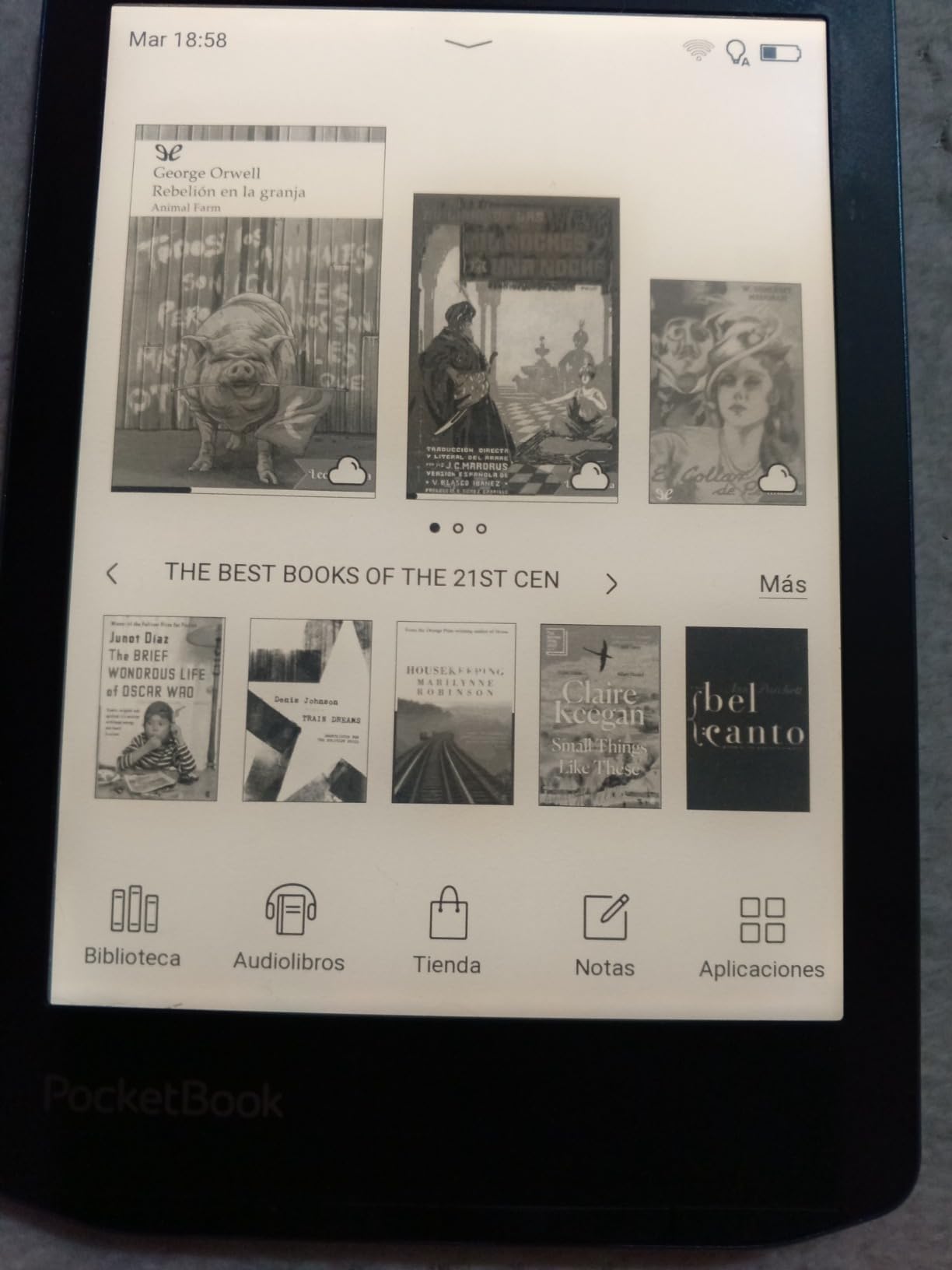
SMARTlight is the standout feature. It has an automatic mode that adjusts colour temperature to the time of day and the light around you, which on a long camping trip means the screen tracks from cold morning white to warm evening amber without you touching it. It also has physical page-turn buttons alongside the touchscreen, and a Dark Mode for low light.
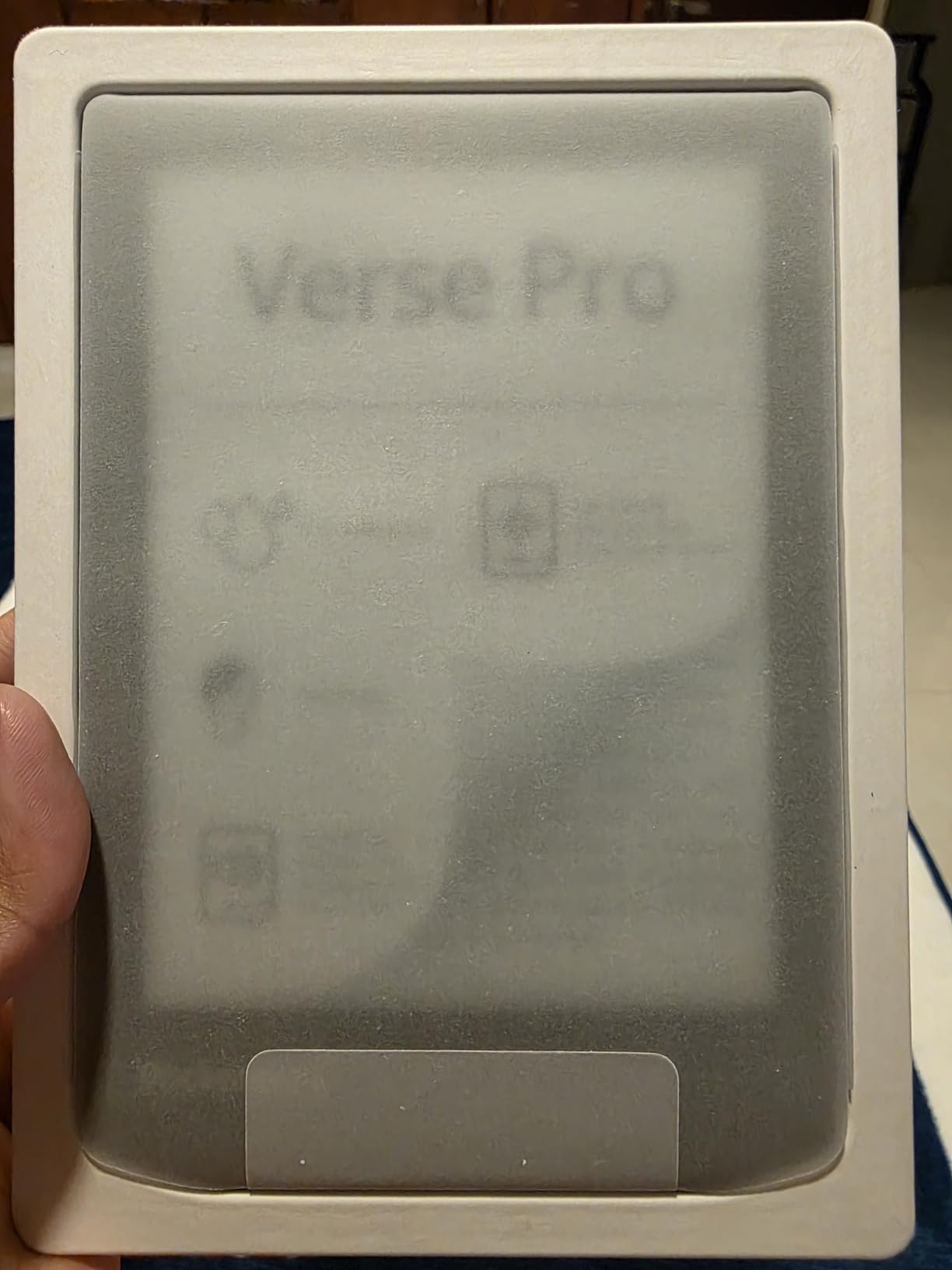
Text-to-Speech works in 26 languages, and six audio formats play over Bluetooth, so a pair of earbuds turns it into a hands-free narrator for a long drive or a slow walk. IPX8 protection is specified for fresh water up to 2 metres for up to 1 hour, and the two-year warranty is the longest here.
The rating of 4.0 across 260 reviews is the lowest on this list and the reasons are consistent: some owners report the touchscreen developing dead zones or behaving erratically, the built-in store is narrow, and library-loan apps are sluggish. At 186 g it is also the heaviest 6-inch device we tested, which matters if you are counting grams.
Do I need open format support if I do not sideload?
Probably not. The advantage of a wide format list matters if you manage your own library, borrow DRM-protected titles or read in more than one language. If you buy everything from one store and read English, the narrower Kindle and Kobo ecosystems are simpler and better supported.
Is the heavier body a problem on a long hike?
At 186 g it is the heaviest 6-inch device in this guide, and on a day hike you will not notice the difference. On a multi-day pack you will, especially next to the 58 g XTEINK X3. The extra weight buys you a physical button, a two-year warranty and format freedom, so the question is whether you use those things rather than how heavy the device is in isolation.
8. XTEINK X3: Best for Ultralight Backpacking
XTEINK X3 3.7″ Pocket E-Ink eBook Reader, Mist Gray
3.7 inch E-Ink no front light
Approx 58 g and 5.1 mm thin
16 GB plus 256 GB microSD
Gyroscope and button page turns
Pros
- Extremely light at approx 58 g and 5.1 mm thin
- Crisp high-contrast E-Ink that performs well in sunlight
- Physical buttons and gyroscope page turns work one-handed
- About a week of casual reading per charge
- MicroSD expansion up to 256 GB
Cons
- No front light so it cannot be read in the dark
- Does not support DRM books from Kindle or Libby
- Small 3.7 inch screen suits short bursts
- Delicate glass screen
At roughly 58 g and 5.1 mm thick, this is the lightest reading device on the list by a wide margin, and it is the only one that disappears into a shirt pocket. For ultralight hikers the arithmetic is decisive. It is a third of the weight of the 7-inch options, and for a full day of reading that difference decides whether you carry it at all.
The absence of a front light is not a flaw for daylight use. It relies entirely on ambient light, which is exactly the condition on a trail, and owners note that the unlit panel looks crisp in sunlight. Gyroscope page-turn control plus physical buttons mean you can change pages one-handed without looking down and without accidental touches.
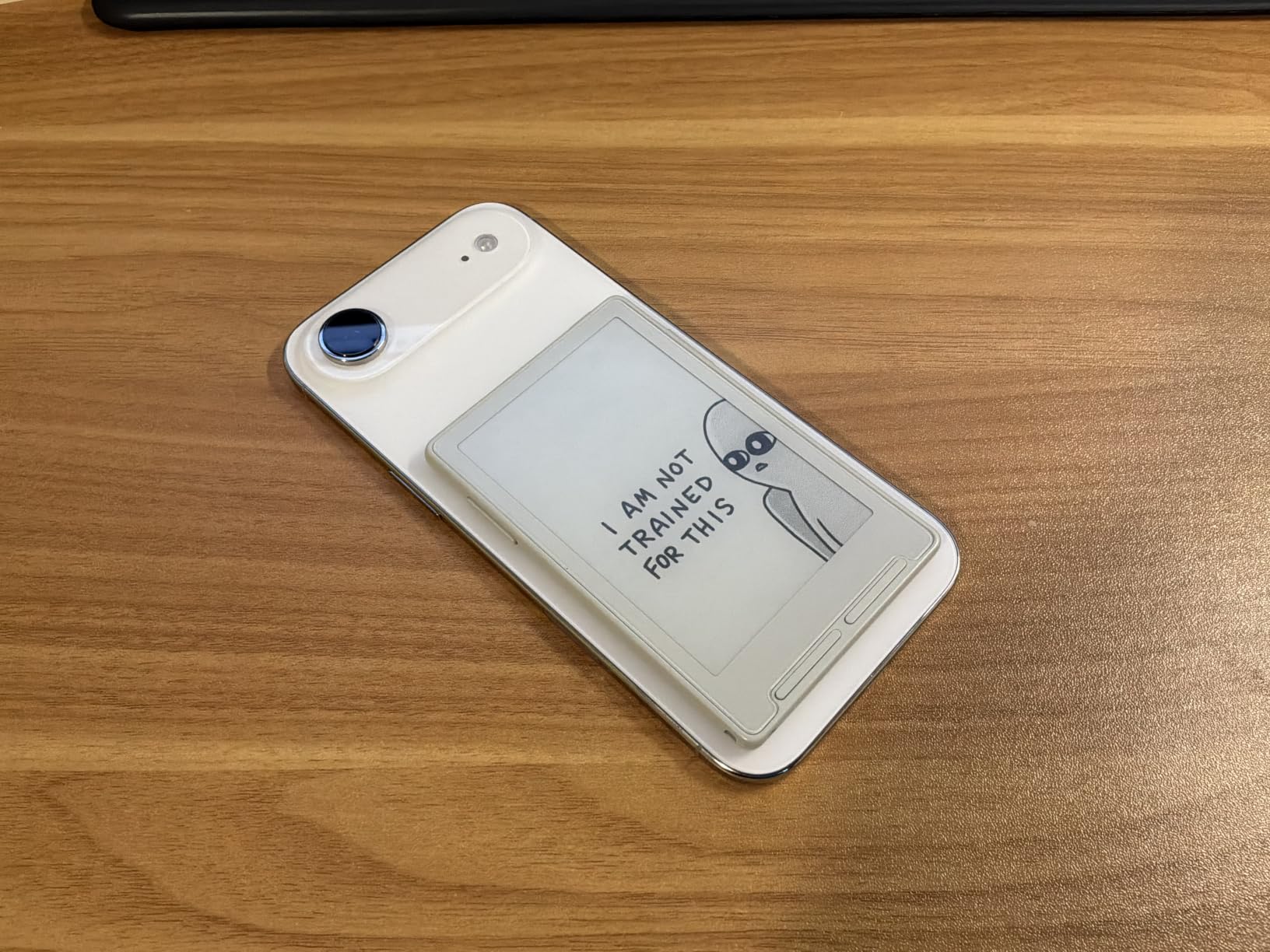
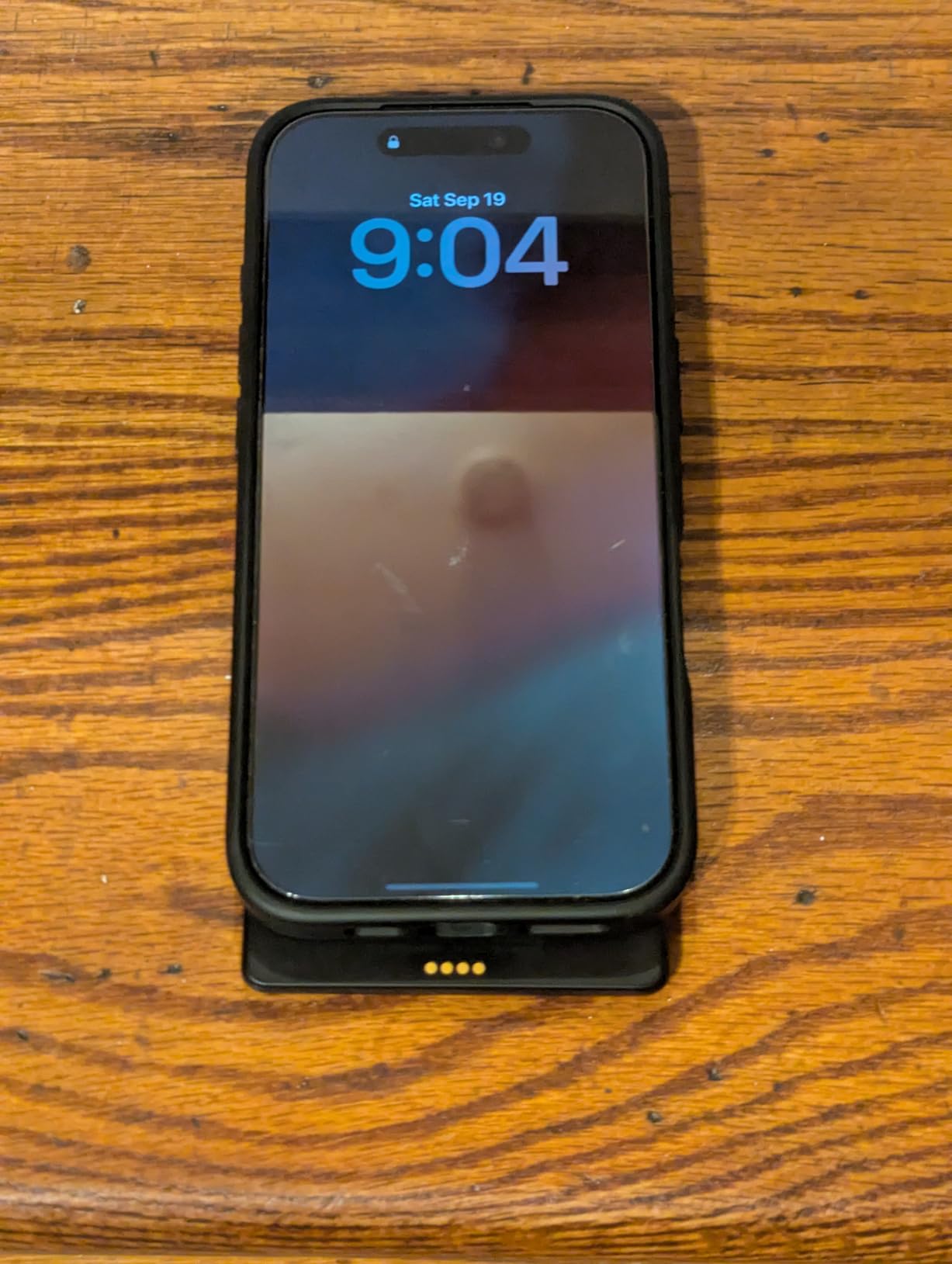
Storage is 16 GB built in with microSD expansion up to 256 GB, and Calibre or direct SD card transfers work without a cloud account. The magnetic back attaches to a phone or a case, and charging uses a magnetic pogo-pin with an adhesive metal ring included. Battery is up to 10 hours of continuous reading, roughly a week of casual use.
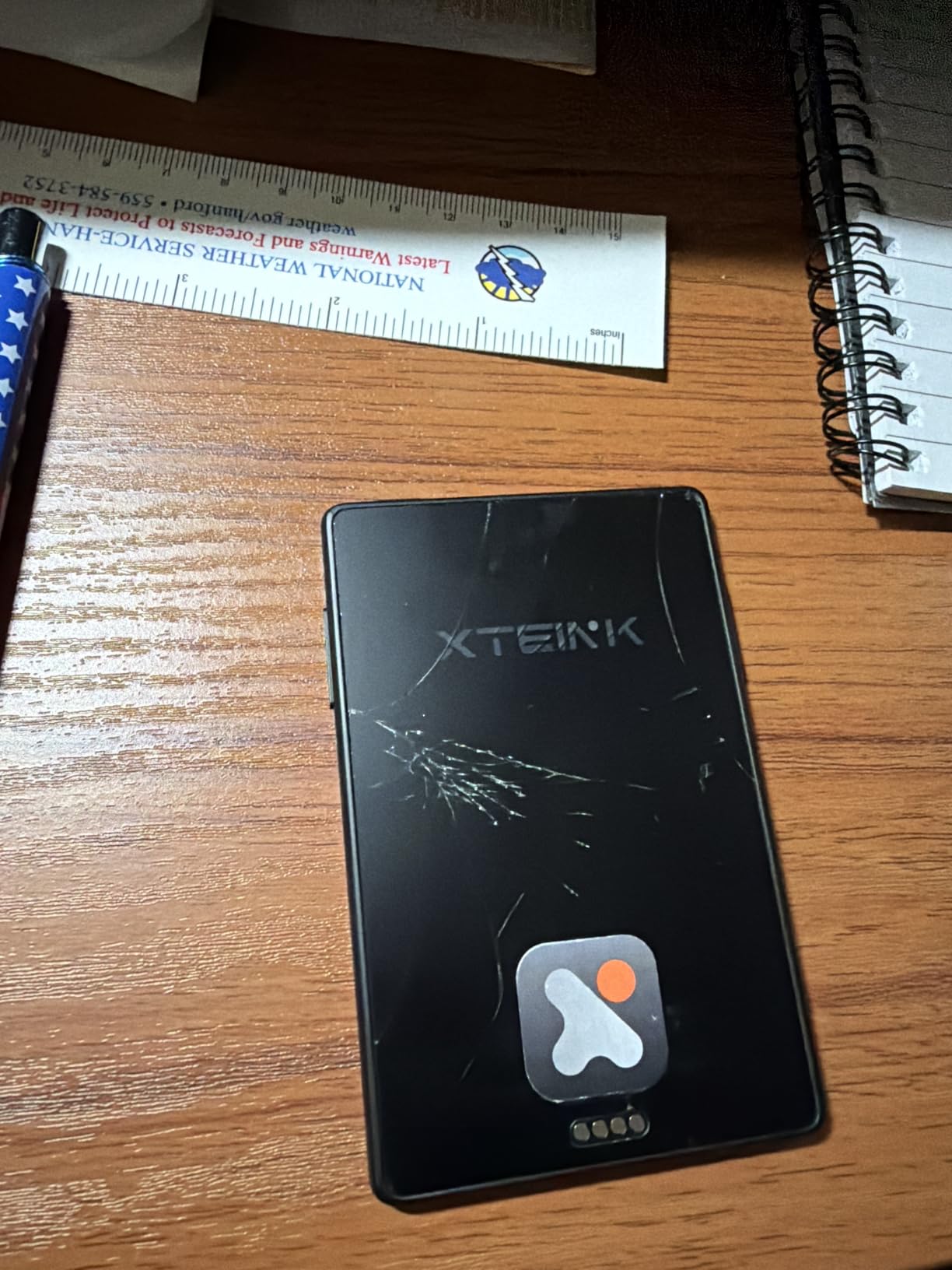
The deal breakers are honest ones. There is no front light, so it is unreadable in the dark without a torch, and a 3.7-inch screen is for short bursts rather than long novels. It does not support DRM-protected books, so Kindle purchases and Libby loans will not open on it, and the stock firmware is basic enough that most owners install Crosspoint.
Can you read a full novel on a 3.7-inch screen?
You can, but you will not enjoy it as much as a 6-inch device. The text is crisp and the buttons make short sessions pleasant, yet after an hour your eyes work harder than they would on a larger panel. For a weekend of reading, it is fine. For a fortnight of novels, it is a compromise.
What happens to the screen in rain or sand?
There is no waterproofing here at all, so treat it as a dry-weather device. The high-aluminosilicate glass is reasonably scratch resistant but delicate in the way all glass is, and one owner reported a cracked screen after a short fall. Keep it in a dry pocket or a sealed bag when the weather turns, and do not put it in the same pocket as a water bottle.
9. XTEINK X4 Pro: Best Pocket Reader with a Front Light
XTEINK X4 Pro 4.3″ ebook Reader with Front Light & Touchscreen, Space Black
4.3 inch etched glass E-Ink
Warm and cool front light
72 g and 5.95 mm
16 GB plus microSD
Pros
- Fits a shirt pocket at 72 g and 5.95 mm
- Dual-tone front light works in sun and in the dark
- Touchscreen plus physical page-turn buttons for one-handed use
- Battery holds over 90% after a week of light reading
- Crisp etched glass with good scratch resistance
Cons
- Stock firmware feels dated and many owners install Crosspoint
- No built-in bookstore so users must source their own files
- No waterproofing for pool or wet-weather use
This is the X3 with the one thing a night reader cannot do without, which is a front light. The 4.3-inch etched glass panel has multi-level warm and cool control, so you can crank it to white in a sunlit café and drop it to amber in a tent. At 72 g and 5.95 mm it is still small enough for a shirt pocket, only 14 g heavier than the X3.
Controls are hybrid: single-point touch and gesture swiping alongside tactile side page-turn buttons. That combination works well outdoors because the buttons let you turn a page without taking your eyes off the horizon, which is genuinely useful on a ridge or a boat deck.
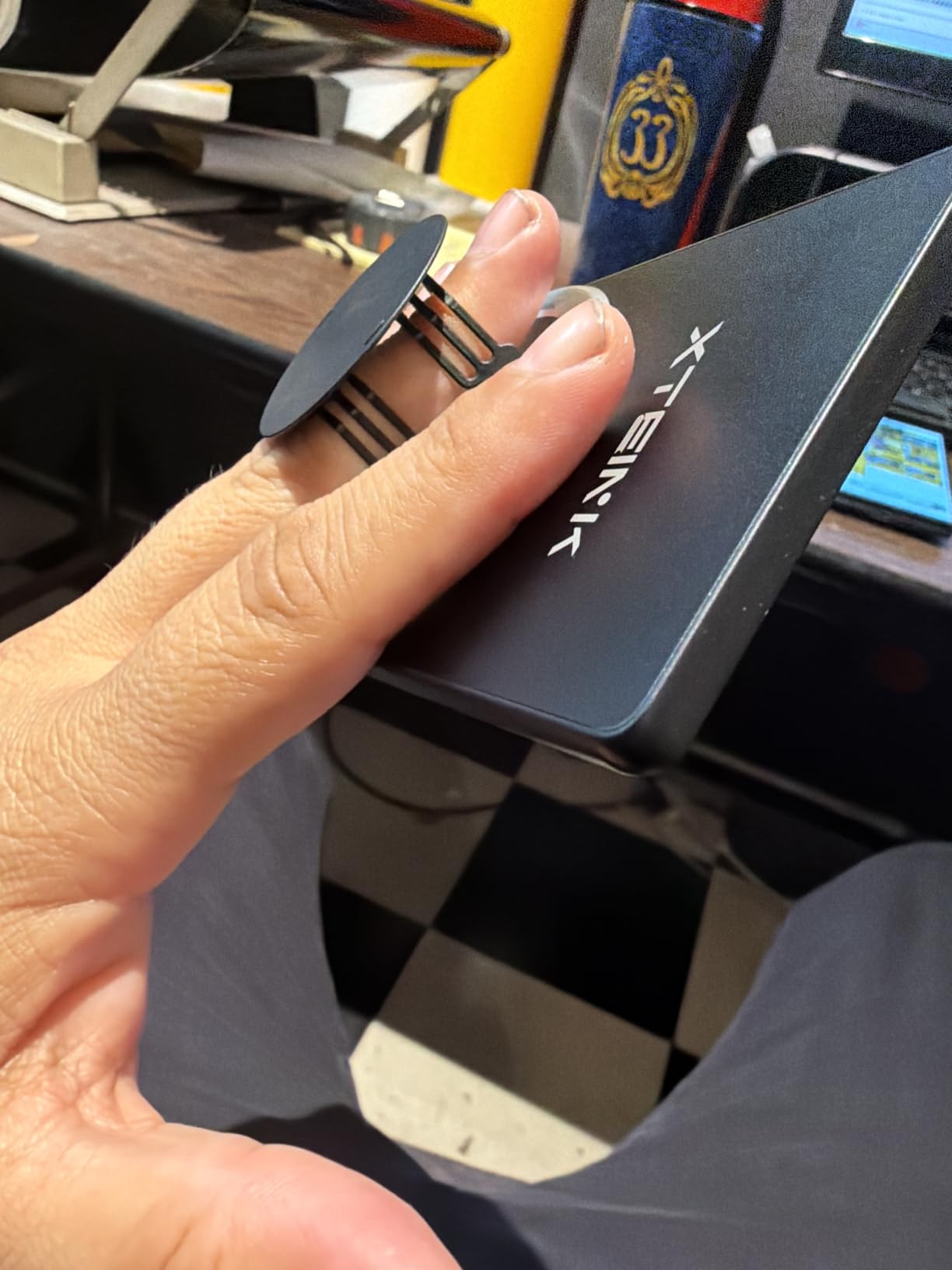
The etched glass is described as anti-fingerprint, high-transparency and scratch resistant, which is a better surface for a device handled with damp hands than a soft-touch plastic shell. The magnetic back attaches to a phone or a case, and a 1100 mAh battery in a low-power architecture delivers weeks per charge, with one owner reporting over 90% capacity after a week of light reading.
The trade-offs are software and durability. There is no built-in bookstore, so you need your own files or the XT-Cloud and XTEINK app for transfers and conversion, and the stock interface feels dated enough that most owners replace it with Crosspoint. One owner reported a unit cracking after three days of normal use, which is rare but worth knowing.
Is 4.3 inches enough for a holiday of reading?
It is a deliberate step down from 6 inches. The text remains crisp, but you will read more slowly and tire sooner over a long novel than on a 6-inch device. For a commute, a flight or a weekend of shorter books it is the right size. For two weeks of continuous reading, the Clara BW is the better answer.
How long does the battery really last with the front light on?
The battery figure assumes you read with the light off in good ambient light. Continuous front-light use, particularly at maximum brightness with a warm setting, shortens the interval noticeably and is the main reason we suggest a power bank for multi-day trips. The magnetic back and low-power design still make it one of the more efficient devices here, but treat the published weeks as a daylight figure.
10. Nook Glowlight 4 32GB Renewed: Best Renewed-Style Pick
Barnes & Noble Nook Glowlight 4 eReader 6 32GB BNRV1100 Ocean Teal (Renewed)
6 inch 300 dpi display
Page-turn buttons
32 GB storage
Always-on ambient GlowLight
Pros
- Sharp 300 dpi screen with a glare-resistant lens
- Light 5.95 ounce body with a soft-touch grip
- Physical page-turn buttons as well as touchscreen
- Always-on ambient light for even illumination
- 32 GB storage and weeks of battery
Cons
- Renewed condition so cosmetic wear may be present
- No waterproofing
- Monochrome only
- Barnes and Noble ecosystem is narrower than Amazon's or Kobo's
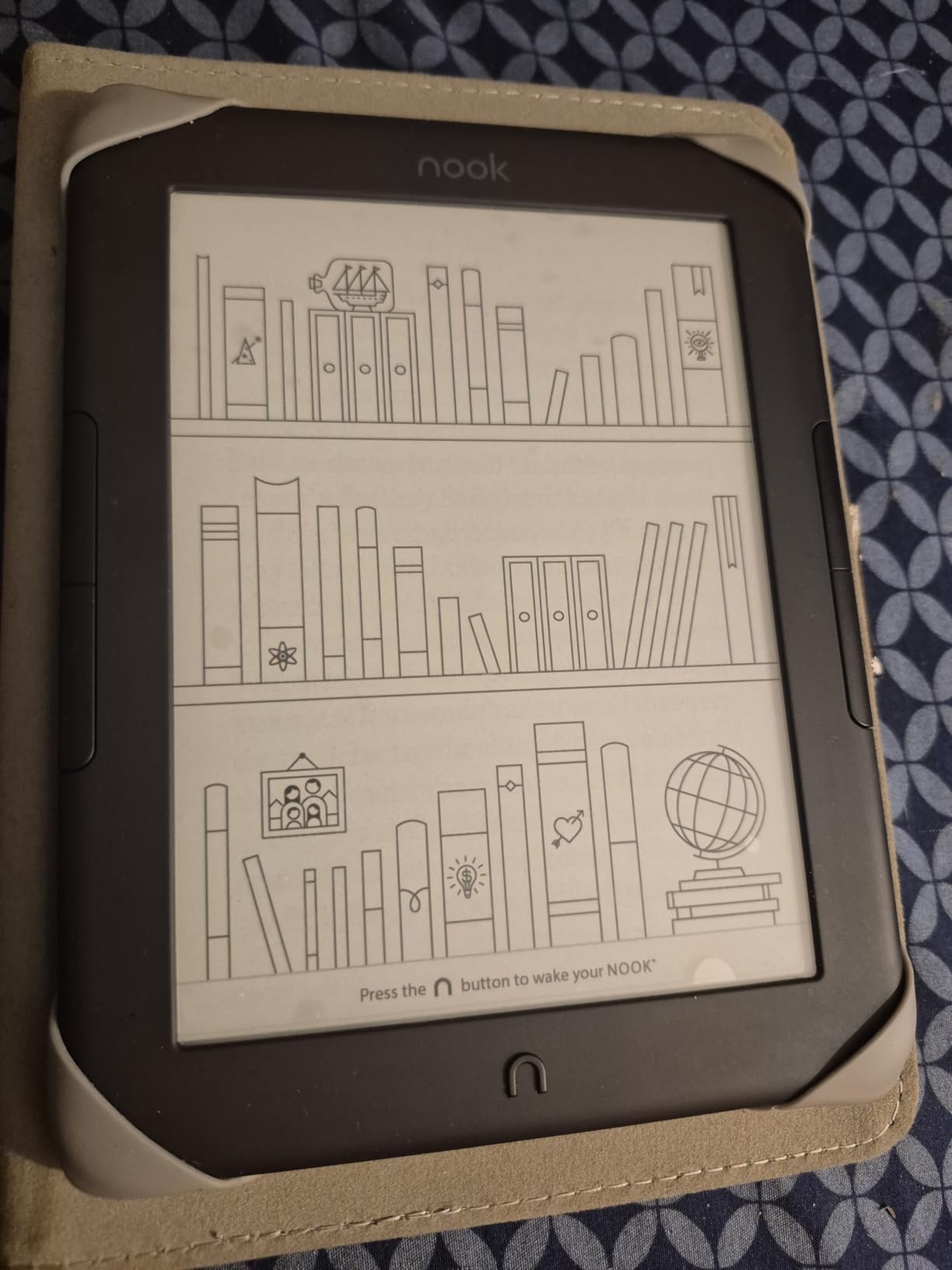
The Nook earns its place on two specs no other 6-inch device here matches: a 300 dpi panel and physical page-turn buttons. Higher pixel density matters more outdoors than indoors, because in bright light you hold the device further from your face and squint, and 300 dpi keeps small type legible at that distance. Owners repeatedly single out the glare-, scratch- and fingerprint-resistant lens as the reason it reads well on the move.
At 5.95 ounces with a soft-touch finish, it is one of the lightest devices here, and the always-on ambient GlowLight gives even illumination without a harsh front-light wash. The listing quotes 720 hours of battery, which is the weeks-of-reading figure the manufacturer claims for typical use.
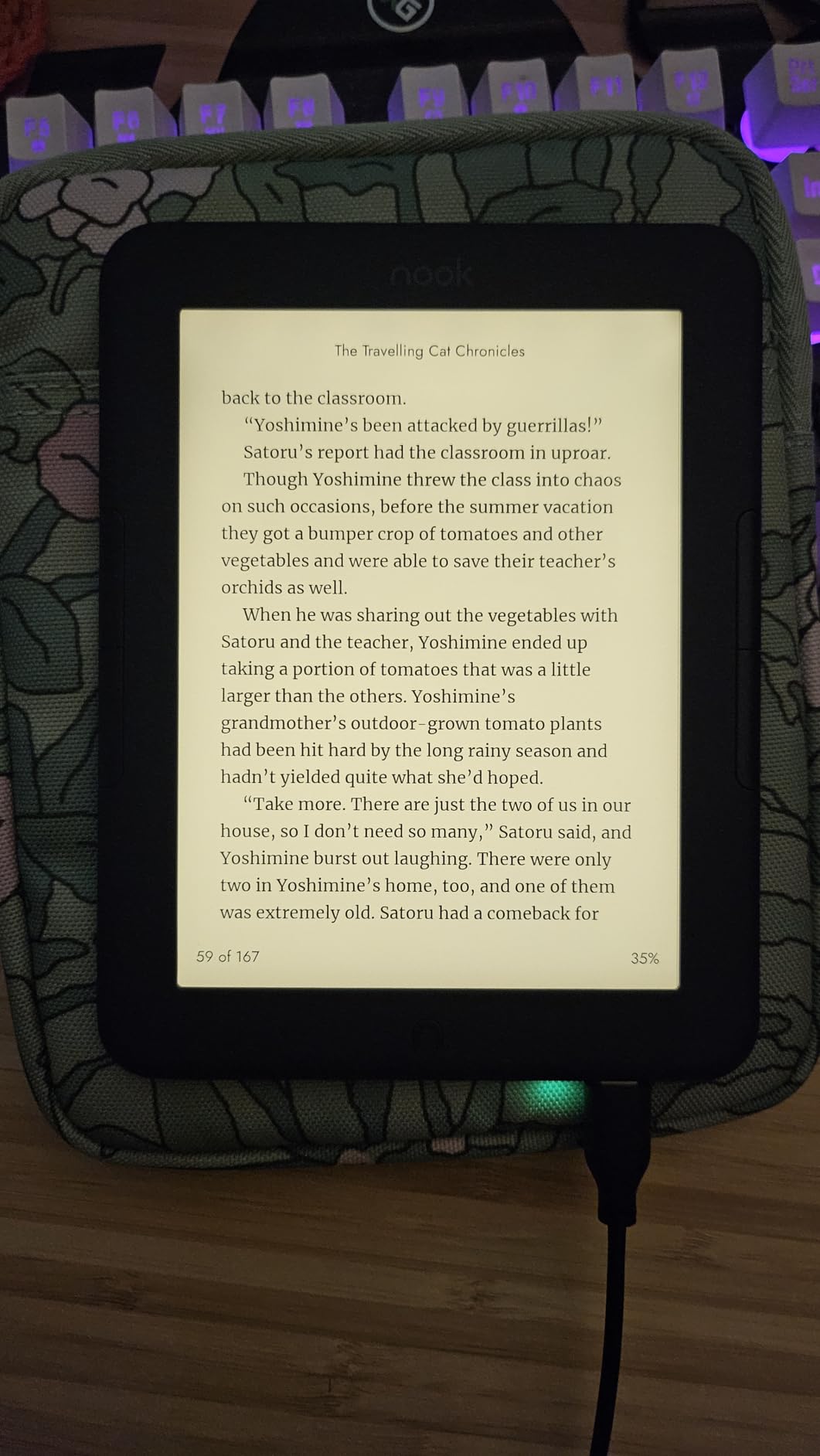
Storage is 32 GB, the largest in this guide alongside the Libra Colour, and the touchscreen and buttons can be mixed freely. The soft-touch finish improves grip over long sessions and does not add reflections the way a glossy screen protector does.
Two honest limits. This is a renewed unit, so expect cosmetic wear and check the condition description and return terms before a trip. The Barnes & Noble ecosystem is narrower than Amazon’s or Kobo’s, there is no waterproofing at all, and the display is monochrome, which is why we treat this as a specialist pick rather than a default.
Is buying a renewed e-reader a sensible way to save?
Frequently, yes, because an e-reader has no moving parts and the failure points are the battery and the screen, both of which show up clearly in a renewed grading. The risk is cosmetic wear and a shorter remaining warranty, so check what the seller covers before you rely on the device for a trip where water damage would be costly.
Why do most readers skip the Nook?
The ecosystem, honestly. Barnes & Noble’s catalogue is smaller than Amazon’s or Kobo’s, availability is concentrated in the US, and there is no audiobook support listed here. If your reading is already organised around library borrowing, the Kobo line is the safer ecosystem bet even though this Nook has the sharper screen spec.
What Makes an E-Reader Readable in Direct Sun?
Legibility outdoors is decided by the panel, not by brightness settings. E Ink reflects ambient light instead of emitting it, so a matte screen behaves like paper: the more sun hits it, the more contrast you get. A tablet or phone screen emits its own light, which is why it washes out in glare no matter how high you set the brightness.
Three things actually determine whether a page is readable at noon:
Matte, anti-glare layer. The surface scatters reflections instead of mirroring the sky. This is the single most important feature and the reason every device on this list uses it.
Pixel density and contrast ratio. 300 ppi keeps small type sharp at arm’s length in bright light, which is how you actually hold a reader outdoors. Higher contrast panels make black text look blacker against the page.
Panel generation. Older 6-inch Kindles are the models people complain about being unreadable in sun. That is a generational issue, and current Carta panels solve it.
Front light range. Irrelevant at midday, essential at dusk. A warm end of the scale matters for reading at camp without wrecking your sleep.
Screen protector choice. A glossy protector or a shiny sleeve reintroduces exactly the reflections the matte panel was designed to remove.
Where e-ink still fails outdoors is worth stating plainly. An overhead sun hitting the screen at a steep angle can still overpower a reflective panel, and a colour panel loses brightness faster than a grayscale one. Angle the device away from direct overhead light, use your body or a hat brim as a shade, and the problem largely disappears. Our picks for best colour e-readers go deeper on the trade-offs.
What IPX8 Actually Means at the Beach
IPX8 is the water-resistance rating carried by the Kindle Paperwhite, both Kobo devices here, the Kobo colour models and the PocketBook Verse Pro. It means the device is rated for immersion in fresh water up to 2 metres for up to 60 minutes. The Kindle Kids, the 6-inch Kindle, both XTEINK readers and the Nook have no water-resistance rating at all.
In practice, for a beach trip:
IPX8 is not unlimited. The rating is tested in fresh water. Salt and chlorine are more aggressive, so rinse the device in fresh water afterwards if it has been in either.
Sand is the real enemy. Grit in a USB-C port causes more outdoor damage than water. Keep the port cover closed, or flush it with fresh water and let it dry fully before charging.
Dry before you charge. Water in a charging port is the fastest way to ruin an otherwise sealed device. Overnight, unplugged, on a towel is enough.
Do not test it. IPX8 is a laboratory figure, not an invitation. Keep it away from the edge of a pool rather than submerging it to prove a point.
One further warning: some owners report a warranty claim denied after water exposure, and the manufacturer positions IPX8 as resistance against accidental splashes, not against a submerged device. Treat a waterproof reader as one you can take to the pool, not one you can lose in the pool.
Kobo Libra Colour vs Kindle Paperwhite for Outdoor Use
These two are the most common comparison on the outdoor forums, and the honest answer is that they win in different environments. The Paperwhite wins on raw reading, catalogue size and battery. The Libra Colour wins on physical buttons, rotation and the ability to read comics and maps in colour.
Screen: the Kindle uses a 7-inch grayscale Carta panel with higher contrast and up to 12 weeks per charge. The Kobo uses a 7-inch Kaleido 3 colour panel at 1680 x 1264, which is more detailed but dimmer and slower at partial refreshes.
Controls: the Kindle is touchscreen only. The Kobo adds physical page-turn buttons, left and right rotation and a landscape mode, which is the deciding feature if you prop the device on a chair or hold it one-handed in wind.
Water and weight: both are IPX8 rated. The Kindle is lighter, while the Kobo is 7.05 ounces and the larger battery is part of that.
Library: the Kindle gives you the bigger store and Send-to-Kindle email, but no native library loan app. The Kobo has OverDrive, Kobo Plus and Pocket built in, plus easier EPUB sideloading.
Storage: 16 GB on the Kindle against 32 GB on the Kobo, which matters only if you load audiobooks or a large offline library.
If you read prose outdoors and buy your books, take the Paperwhite. If you read with one hand, borrow from a library, or want colour for maps, take the Libra Colour. Our best large-screen e-readers guide covers the bigger formats if you also want note-taking.
How to Choose: Weight, Screen Size, Battery and Ecosystem
Start with the environment, not the specification. If water is part of the picture, the choice narrows immediately to the IPX8 devices: the Paperwhite, the Clara BW, the Clara Colour, the Libra Colour and the PocketBook Verse Pro. If water is not involved, you can halve the field and save grams.
Screen size is a comfort decision. A 6-inch panel is a large paperback footprint and works for most adults. A 7-inch panel suits large print, glasses, maps and long sessions, at roughly 30 to 40 percent more weight. Below 4.5 inches, you are buying a pocket companion for short sessions, not a novel reader.
Weight is where the packing math matters. A 7-inch reader plus a case, a short cable and a 10000 mAh power bank is close to half a kilo. A 6-inch reader with the same accessories is closer to 350 g, and a 3.7-inch reader with a case is under 100 g. If your pack budget is tight, the XTEINK models change the calculation entirely.
Battery figures are daylight figures. Every week-based claim assumes the front light is off. Reading at camp after dark, at maximum brightness, shortens the interval, so budget a power bank for trips longer than a week, and check that your power bank supports the same USB-C cable you carry. Solar charging works but is slow; treat it as a top-up, not a rescue.
Ecosystem is the decision people regret. If you buy from one store, stay there. If you borrow from a library or manage your own EPUB and CBZ files, Kobo and PocketBook are friendlier, and the XTEINK devices are the most open of all but will not open DRM files at all. Buying across ecosystems works, but you end up maintaining two libraries.
Two accessories are worth buying and one is worth avoiding. A matte screen protector preserves the anti-glare performance, a sleep cover protects the panel in a pack, and a bright glossy protector or a shiny sleeve will undo the glare resistance that made you buy an e-reader in the first place. Our guide to e-readers for note taking covers stylus options if you also want to annotate route notes.
Frequently Asked Questions
Which e-reader is best for outdoor reading?
The Amazon Kindle Paperwhite 16GB is the best all-round choice for outdoor reading. It has a 7-inch glare-free display that stays legible in full sun, a waterproof build, up to 12 weeks of battery per charge and an adjustable white-to-amber front light for reading after dark.
Which e-readers are waterproof?
Every device rated IPX8 resists immersion in fresh water up to 2 metres for up to 60 minutes. In this guide that covers the Kindle Paperwhite 16GB, the Kobo Clara BW, the Kobo Clara Colour, the Kobo Libra Colour and the PocketBook Verse Pro. The 6-inch Kindle, Kindle Kids, both XTEINK readers and the Nook have no water rating.
Is there a waterproof Kindle?
Yes. The Kindle Paperwhite has a waterproof construction rated for pool and bath use, which covers splashes and short immersion. It is designed to survive accidents around water rather than to be submerged deliberately, and grit in the charging port is a more common problem than the water itself.
Which e-reader is best for beach travel?
The Kobo Clara BW is the safest beach pick, pairing an IPX8 rating with a 6.14-ounce body and a sharp Carta 1300 HD panel. The Kindle Paperwhite is the better choice if you want a larger screen and more storage. Rinse either one in fresh water afterwards and dry the charging port before plugging in.
Which Kindle is best for reading outside in sunlight?
The Kindle Paperwhite is the Kindle to buy for sunlight. Its 7-inch glare-free display has a higher contrast ratio and the 6-inch Kindle is not waterproof, so the Paperwhite is the only current Kindle that handles sun and water together. Older basic Kindles are the models owners report as unreadable in bright conditions.
Which is better, the Kobo Libra Colour or the Kindle Paperwhite?
Choose the Kindle Paperwhite for prose, a larger catalogue and longer battery life. Choose the Kobo Libra Colour for physical page-turn buttons, screen rotation, colour for maps and comics, and built-in library borrowing through OverDrive. Both are IPX8 waterproof, with the Kobo carrying 32 GB against the Kindle’s 16 GB.
Can you read a Kindle in direct sun?
Yes, on current models. E Ink reflects ambient light rather than emitting it, and the matte anti-glare layer scatters reflections, so contrast improves as sunlight increases. The front light adds little at midday but matters in shade and after dark. Colour panels stay visible in sun but lose brightness faster than grayscale ones.
Do I need a waterproof e-reader for the beach?
If your device goes near water, yes. Sand and saltwater damage electronics more often than a brief dunk, and a waterproof body with an IPX8 rating is the difference between a rinse and a replacement. Bring a dry bag for transport, keep the charging port closed, and let the device dry fully overnight before charging it.
The Verdict
The best e readers for outdoor reading are not the same device for everyone, but the pattern is clear. Buy the Kindle Paperwhite 16GB if you want one device that handles sun, water, weight and battery without compromise, and it is the safest default in 2026. Buy the Kobo Clara BW if you want the sharpest grayscale text, the lightest waterproof body and native library borrowing. Buy the Kobo Libra Colour if buttons, rotation and colour matter more than catalogue size.
Everything else on this list earns its place for a specific reason: the 6-inch Kindle for dry trails and pack weight, the Kindle Kids for a warranty that survives children, the PocketBook Verse Pro for open formats and Adobe DRM, the XTEINK X3 at roughly 58 g for ultralight trips, the XTEINK X4 Pro when you need a front light in a 72 g body, and the renewed Nook for a 300 dpi panel with page-turn buttons.
Whichever you pick, take a matte screen protector, skip the glossy sleeve, keep the charging port out of the sand, and check the weight of the whole kit before the trip rather than the device on its own. The reading will be better for it.