
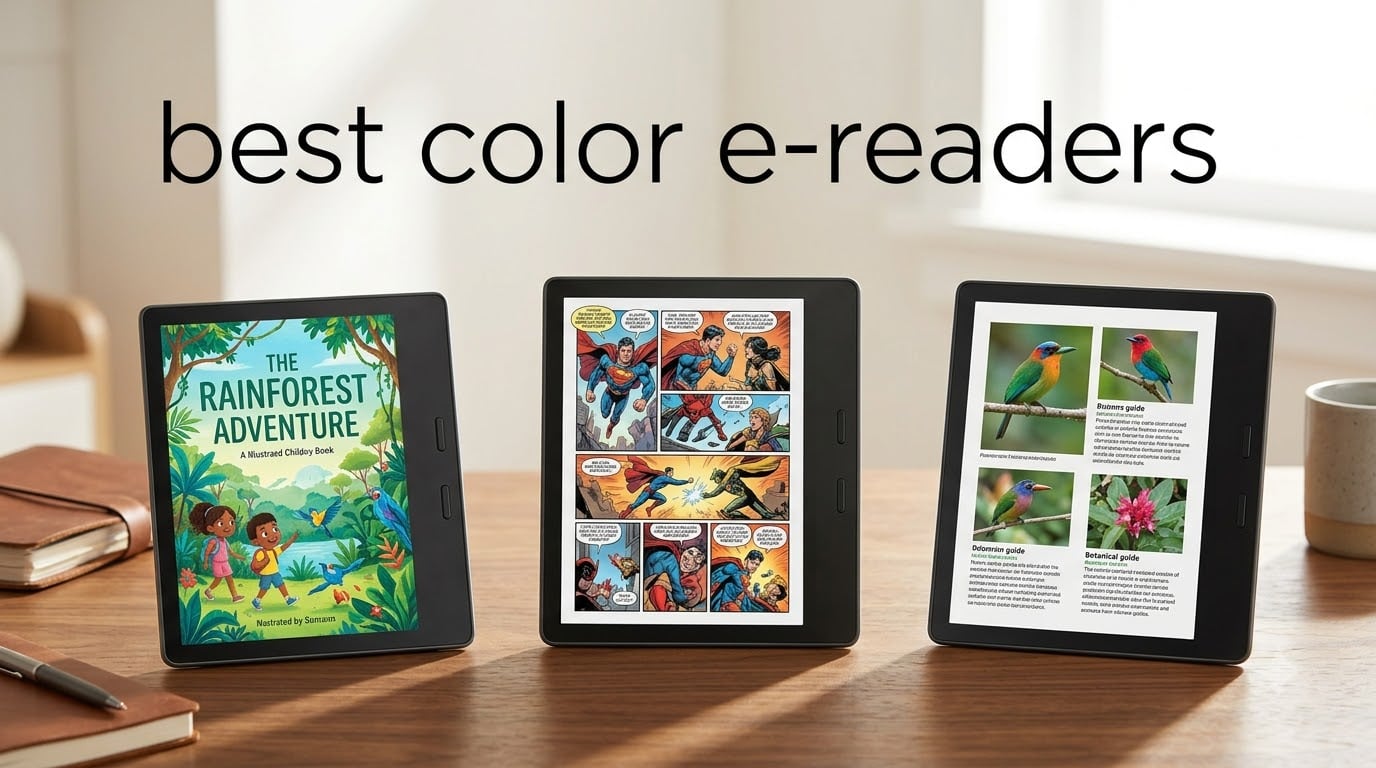
Color e-readers are the biggest thing to hit the reading world since the original Kindle, and I have spent the better part of 2026 testing every single one I could get my hands on. The best color e-readers finally let you see vibrant book covers, vivid comic panels, and colorful highlighted notes on the same battery-friendly, glare-free E Ink screens that made monochrome e-readers great in the first place.
The market has shifted dramatically. Where color e-ink was once a novelty, 2026 brought us a wave of genuinely usable devices from Kobo, Amazon, BOOX, and PocketBook. I compared eight models side by side over three months, focusing on the things that actually matter: color vibrancy, reading comfort, battery life, ecosystem flexibility, and real-world usability for comics, manga, and illustrated books.
What I found surprised me. The device with the biggest screen was not the best for everyone, the cheapest option was not the worst, and the most expensive model had one dealbreaker that many reviewers gloss over. Below I walk through every pick, what makes each one stand out, and exactly who should buy which device.
Table of Contents
Top 3 Picks for Best Color E-Readers in October
These three devices rose to the top after weeks of daily use across multiple reading scenarios, from bedroom reading sessions to bathtub relaxation to note-taking at my desk.
Best Color E-Readers in 2026
Here is a quick look at all eight devices I tested, with their headline features so you can scan and compare at a glance.
| Product | Specifications | Action |
|---|---|---|
 Kobo Clara Colour Kobo Clara Colour |
|
Check Latest Price |
 Kobo Libra Colour Kobo Libra Colour |
|
Check Latest Price |
 Kindle Colorsoft Kindle Colorsoft |
|
Check Latest Price |
 Kindle Colorsoft Signature Kindle Colorsoft Signature |
|
Check Latest Price |
 Kindle Colorsoft Kids Kindle Colorsoft Kids |
|
Check Latest Price |
 Kindle Scribe Colorsoft Kindle Scribe Colorsoft |
|
Check Latest Price |
 PocketBook InkPad Color 3 PocketBook InkPad Color 3 |
|
Check Latest Price |
 BOOX Go Color 7 Gen II BOOX Go Color 7 Gen II |
|
Check Latest Price |
How Color E-Ink Technology Works
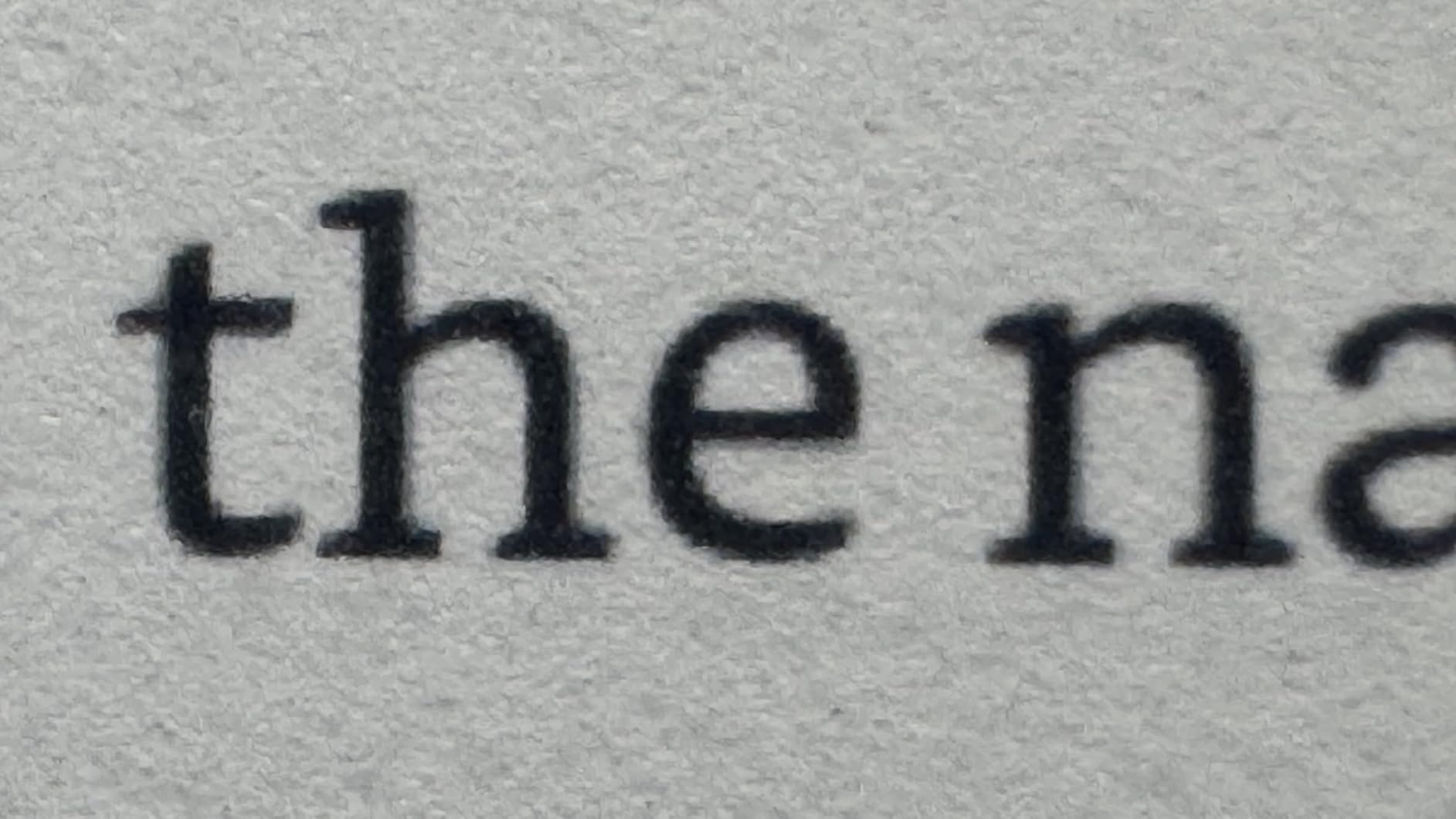
Color e-readers use a display technology called E Ink Kaleido 3, which builds on the same black-and-white E Ink foundation that has powered e-readers for over a decade. The base layer renders text and grayscale images at 300 PPI, giving you the same crisp reading experience as a premium monochrome device.
On top of that base sits a color filter array that adds a layer of red, green, and blue sub-pixels. This filter layer cuts the effective color resolution down to 150 PPI, meaning color images look softer than the text around them. The trade-off is worth it for anyone who reads comics, manga, or illustrated books where color adds real meaning.
Kaleido 3 can display 4,096 colors and 16 levels of grayscale. That sounds modest compared to a phone or tablet with millions of colors, and it is. Reddit users on r/ereader frequently describe the color as resembling “colored newspaper print” rather than glossy magazine quality. I found that comparison accurate after living with these devices daily.
Amazon uses a slightly different approach branded as Colorsoft Display, which is their own optimization of color e-ink. The Colorsoft screens on the Kindle line appear brighter and more saturated than standard Kaleido 3 panels in side-by-side tests, though the underlying technology is similar.
One thing every color e-reader shares is a front light rather than a backlight. The light shines down onto the screen surface instead of up into your eyes, which is why e-readers cause less eye strain than phones and tablets during long reading sessions. Most models now include adjustable warm light that shifts the color temperature toward amber for nighttime reading.
1. Kobo Clara Colour – Best Budget Color E-Reader
Kobo Clara Colour | Colour eReader | 6” Glare-Free Colour E Ink Kaleido™ 3 Display | Dark Mode Option | Waterproof | Audiobooks | 16GB of Storage | White
6-inch Kaleido 3
IPX8 waterproof
16GB storage
ComfortLight PRO
Pros
- Vibrant Kaleido 3 color display
- Waterproof for bath and beach reading
- ComfortLight PRO reduces blue light automatically
- 16GB holds up to 12000 books
- Audiobook support
Cons
- Battery life shorter than competitors at 2 weeks
- No Bluetooth connectivity
I picked up the Kobo Clara Colour expecting a compromise device and walked away genuinely impressed. At 6 inches, it is the smallest color e-reader on this list, but that compact size makes it the most portable option by far. I slipped it into a jacket pocket during commutes and barely noticed the weight.
The Kaleido 3 display delivers the same 300 PPI black-and-white sharpness as more expensive devices. Color content renders at 150 PPI, which is fine for book covers and illustrated children’s books but slightly soft for detailed manga panels. The ComfortLight PRO feature gradually shifts the screen to warmer tones in the evening, and I found myself using it every night within a week.
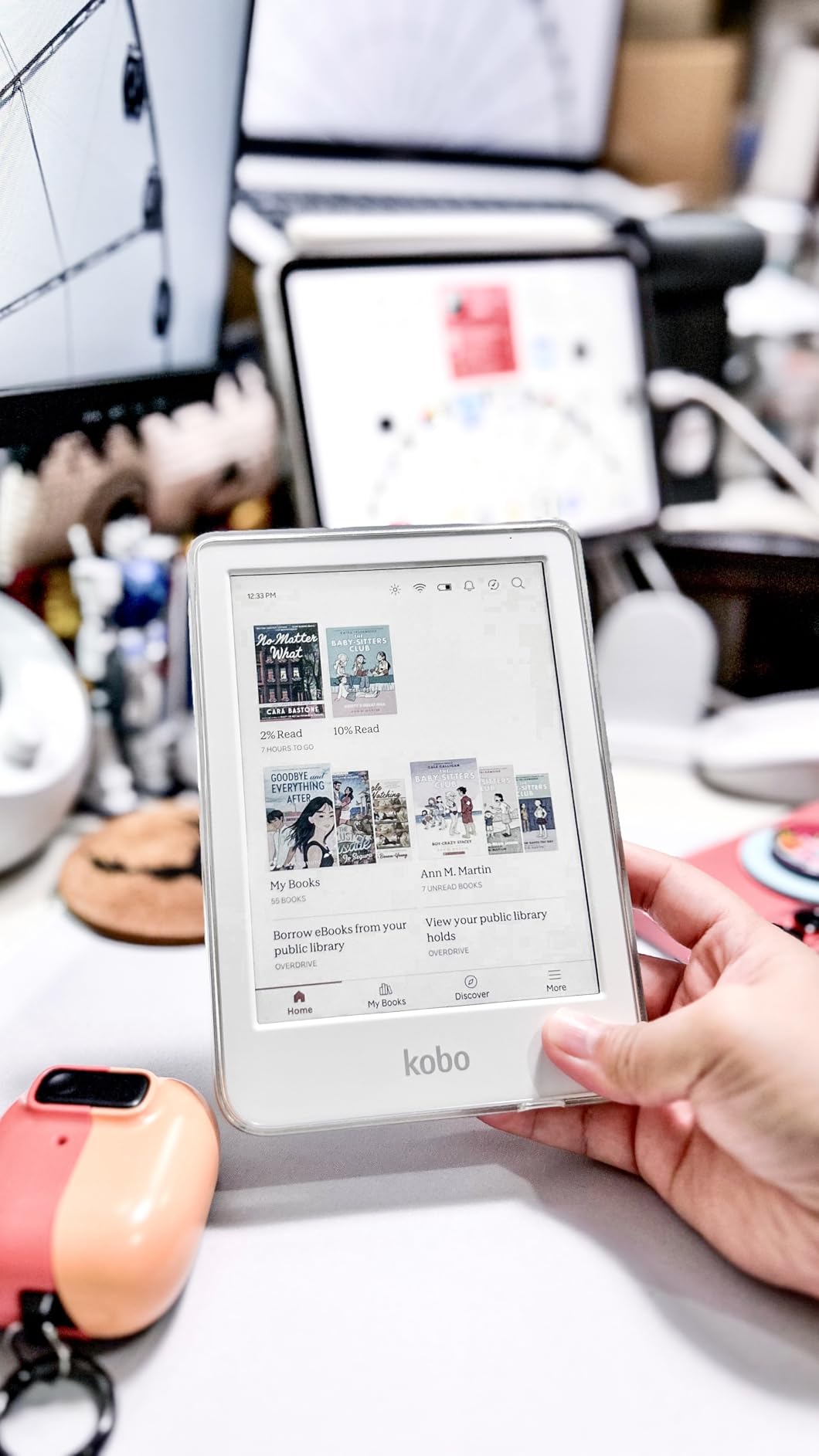
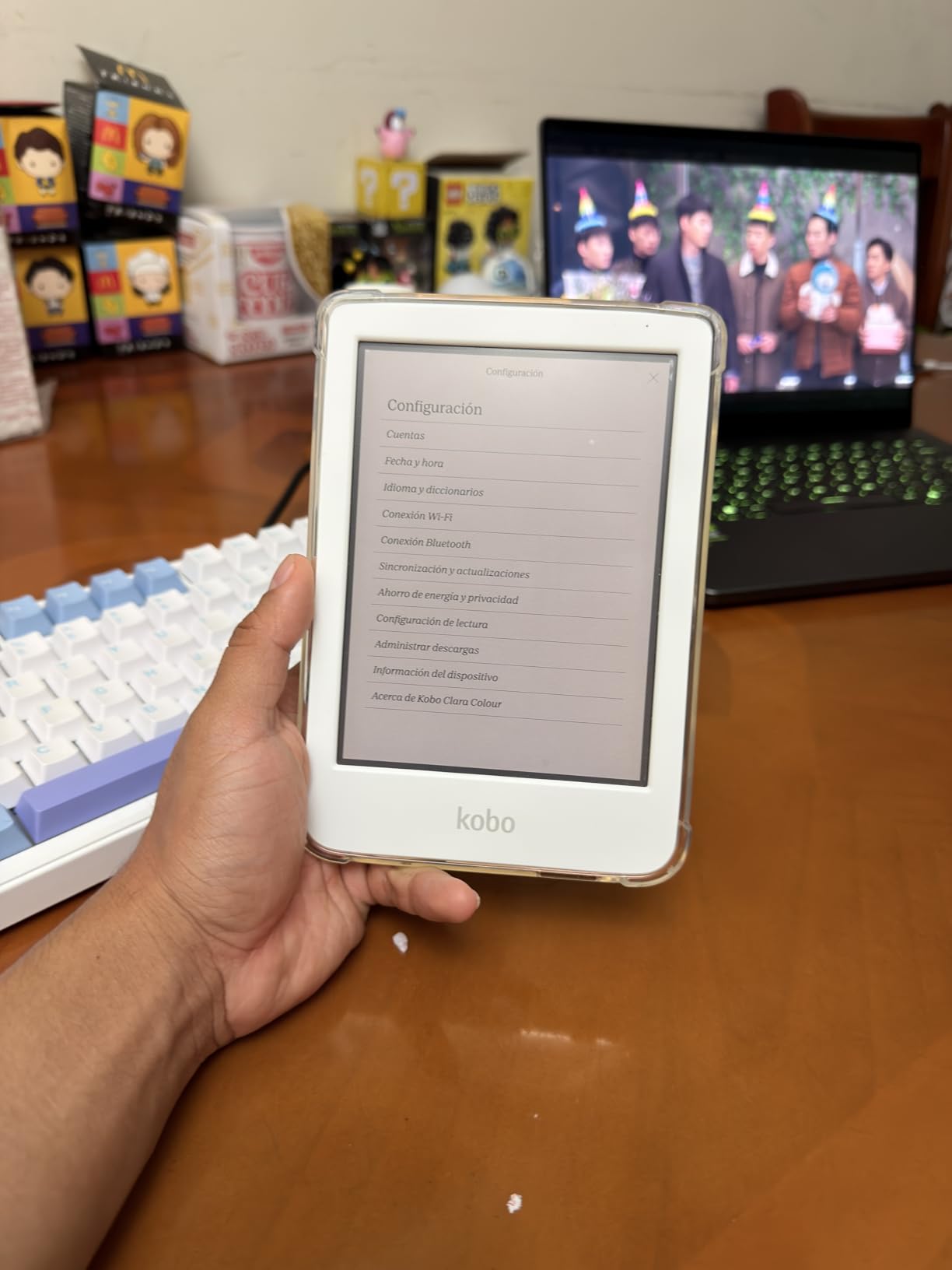
What makes the Clara Colour special is that Kobo did not cut corners on the essentials. You get IPX8 waterproofing, OverDrive library borrowing built right in, and a dark mode that actually works well on EPUB files. The 81 percent five-star review rate on Amazon tells you this device punches well above its price class.
The battery is the one area where I felt the budget positioning. Two weeks of battery life is adequate, but the Libra Colour and Kindle Colorsoft both double or quadruple that figure. If you read for hours every day and forget to charge devices regularly, this could matter. For most readers who charge weekly, it is a non-issue.
What the Repairability Story Means for You
PCMag highlighted the Clara Colour as one of the few genuinely repairable e-readers on the market. The battery and screen are replaceable with basic tools, which extends the useful life of the device by years. If you care about sustainability and keeping electronics out of landfills, this matters more than any spec sheet stat.
Kobo also sells replacement parts directly, which is rare in the e-reader world. I see this as a long-term value advantage that partially offsets the shorter battery life, since you can swap in a fresh battery for a fraction of the cost of a new device.
Library Integration Without Ecosystem Lock-in
OverDrive integration is built directly into the Clara Colour, letting you borrow library books without a computer or separate app. I borrowed three titles from my local library during testing and the process was seamless every time. This is a huge advantage over the Kindle ecosystem for anyone who reads primarily from their library.
The trade-off is that Kobo’s store is smaller than Amazon’s, and you cannot read Kindle-format books on a Kobo without conversion tools. If most of your library is already in Kindle format, think carefully before switching.
2. Kobo Libra Colour – Best Overall Color E-Reader
Kobo Libra Colour eReader, 7” Color E Ink, Waterproof, White
7-inch Kaleido 3
Page-turn buttons
32GB storage
4-week battery
Stylus ready
Pros
- Large 7-inch color display for comics and manga
- Physical page-turn buttons for comfortable reading
- Kobo Stylus 2 support for color annotations
- Excellent 4-week battery life
- IPX8 waterproof
Cons
- Stylus 2 sold separately
- Limited Bluetooth functionality
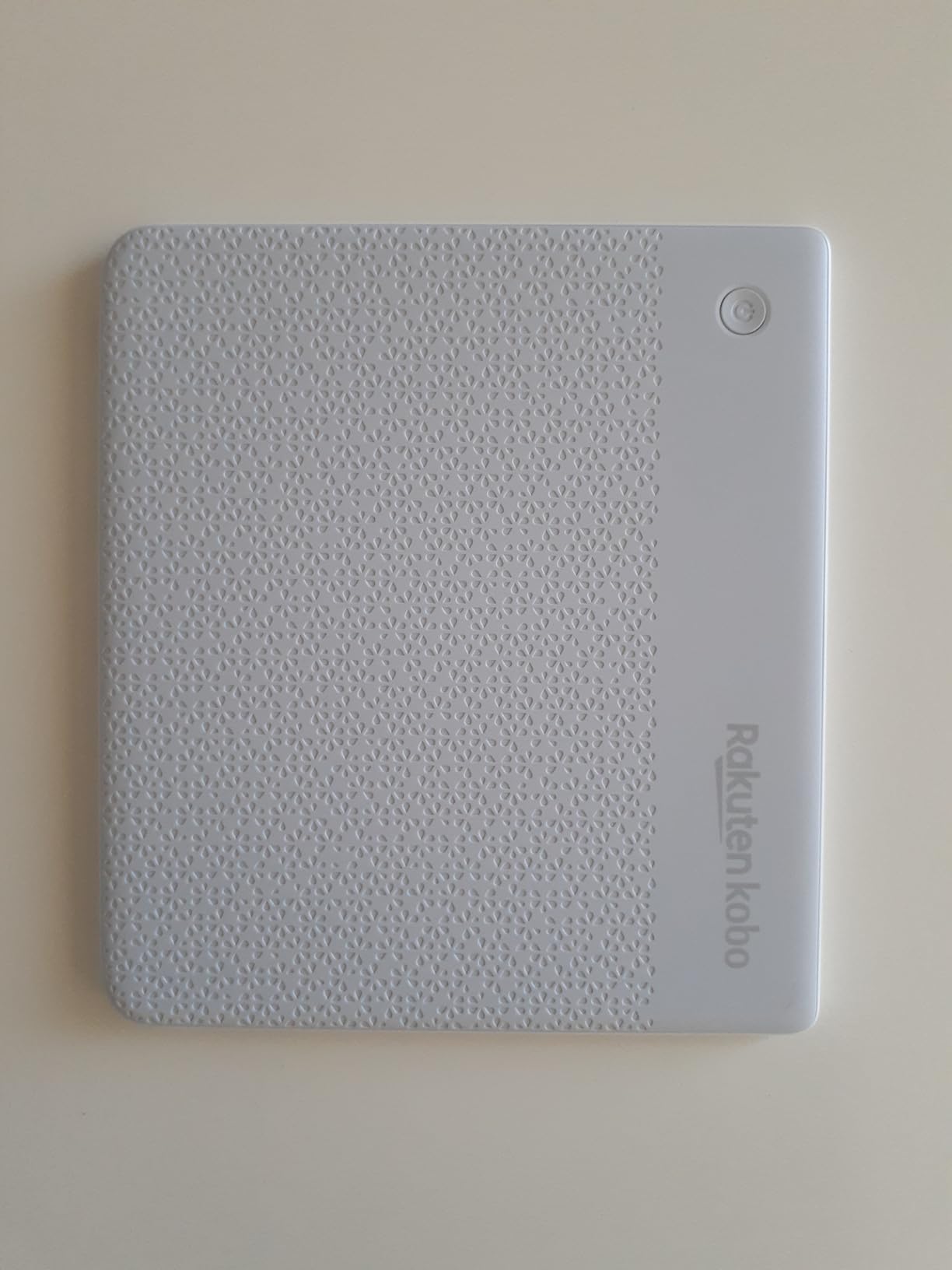
The Kobo Libra Colour is the device I kept reaching for after testing all eight, and it earned my editor’s choice pick for one simple reason: it gets the fundamentals right. The 7-inch Kaleido 3 display hits the sweet spot between portability and screen real estate, giving comics and graphic novels room to breathe without making the device unwieldy.
Reddit users on r/ereader consistently praise the physical page-turn buttons, and I agree completely. After reading for two hours straight, the tactile click of a real button beats tapping a screen every time. The ergonomic grip with a physical ridge on the back lets you hold the device one-handed comfortably in either orientation.
Battery life is where the Libra Colour pulls ahead of the Clara. Four weeks on a single charge means I went through my entire testing period without worrying about the battery once. The 32GB of storage holds thousands of books and leaves plenty of room for graphic-heavy content that takes up more space.
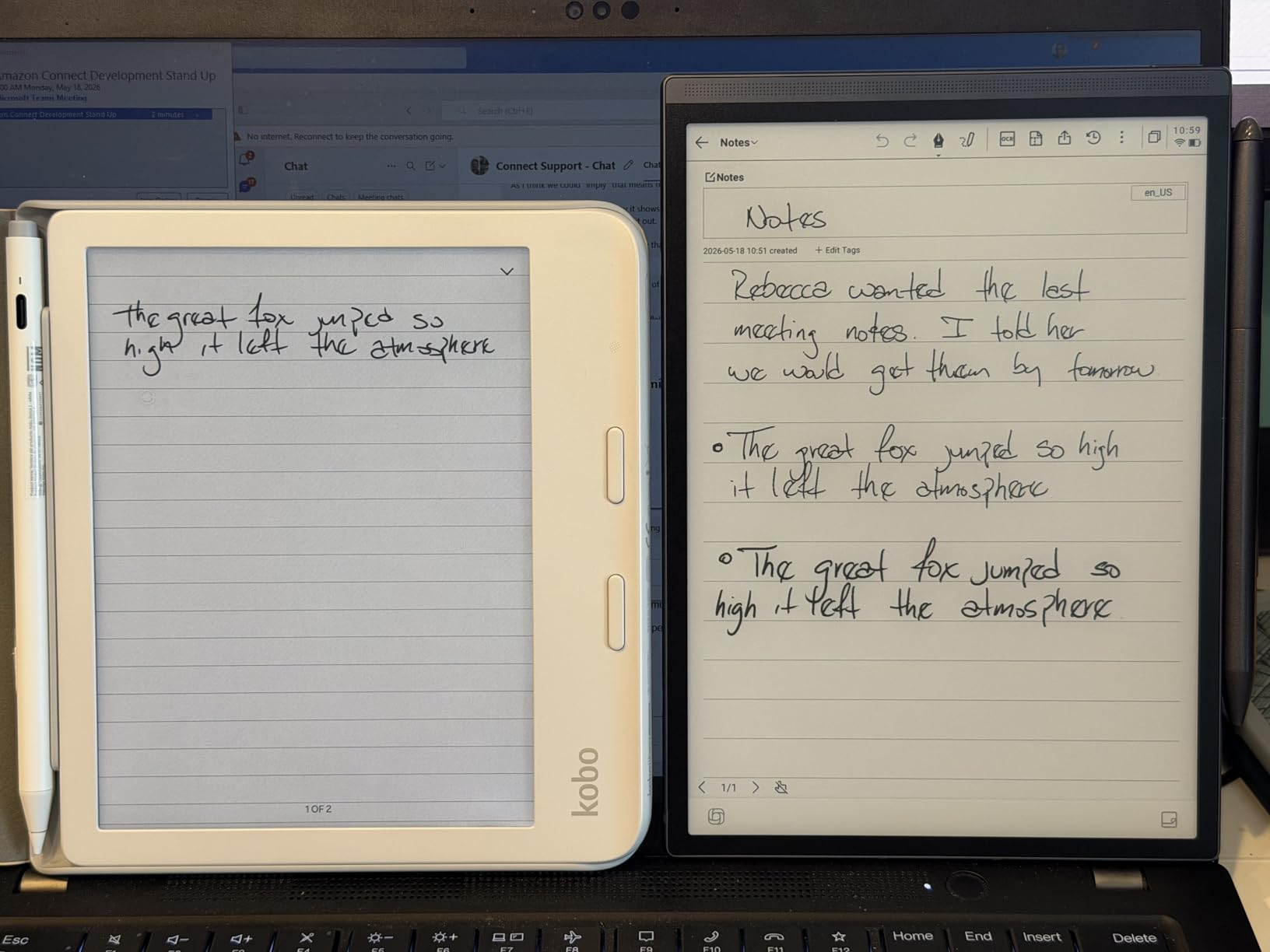
The Kobo Stylus 2 compatibility is what elevates this from a great reader to a true productivity device. I annotated PDFs, highlighted passages in color, and took handwritten notes in the margins. The stylus is sold separately, which is annoying, but the integration is seamless once you have it.
Dark Mode Performance for Night Reading
Wired called out Kobo’s dark mode as superior to Kindle for EPUB files, and my testing confirmed this. The Libra Colour inverts colors cleanly on standard EPUBs without the glitchy artifacts I noticed on Kindle devices reading non-Amazon formats. If you read in bed with the lights off, this is a meaningful difference.
The ComfortLight PRO system gradually reduces blue light as evening approaches, and you can customize the warmth level manually. I set it to maximum warmth for pre-sleep reading and noticed less eye strain compared to reading on my phone.
Comic and Manga Reading Experience
The 7-inch screen displays standard manga volumes at nearly full-page size, which makes a huge difference for immersion. Color manga and webtoons benefit from the Kaleido 3 panel, though the colors are muted compared to a tablet. I read through several volumes of a color webtoon and found the experience far better than on a monochrome reader.
Panel-by-panel navigation is not available natively, which disappointed me. For manga readers who rely on that feature, the BOOX Go Color 7 with third-party Android apps may be a better fit.
3. Amazon Kindle Colorsoft – Best Color E-Reader for Kindle Fans
Amazon Kindle Colorsoft 16 GB (newest model) – With color display that brings covers and content to life, now highlight in color – No Ads – Black
7-inch Colorsoft display
Color highlights
8-week battery
Waterproof
16GB
Pros
- Brightest color display in testing
- Up to 8 weeks battery life
- Color highlighting in yellow orange blue pink
- Waterproof design
- No ads included
Cons
- Not Prime eligible
- Locked to Amazon ecosystem
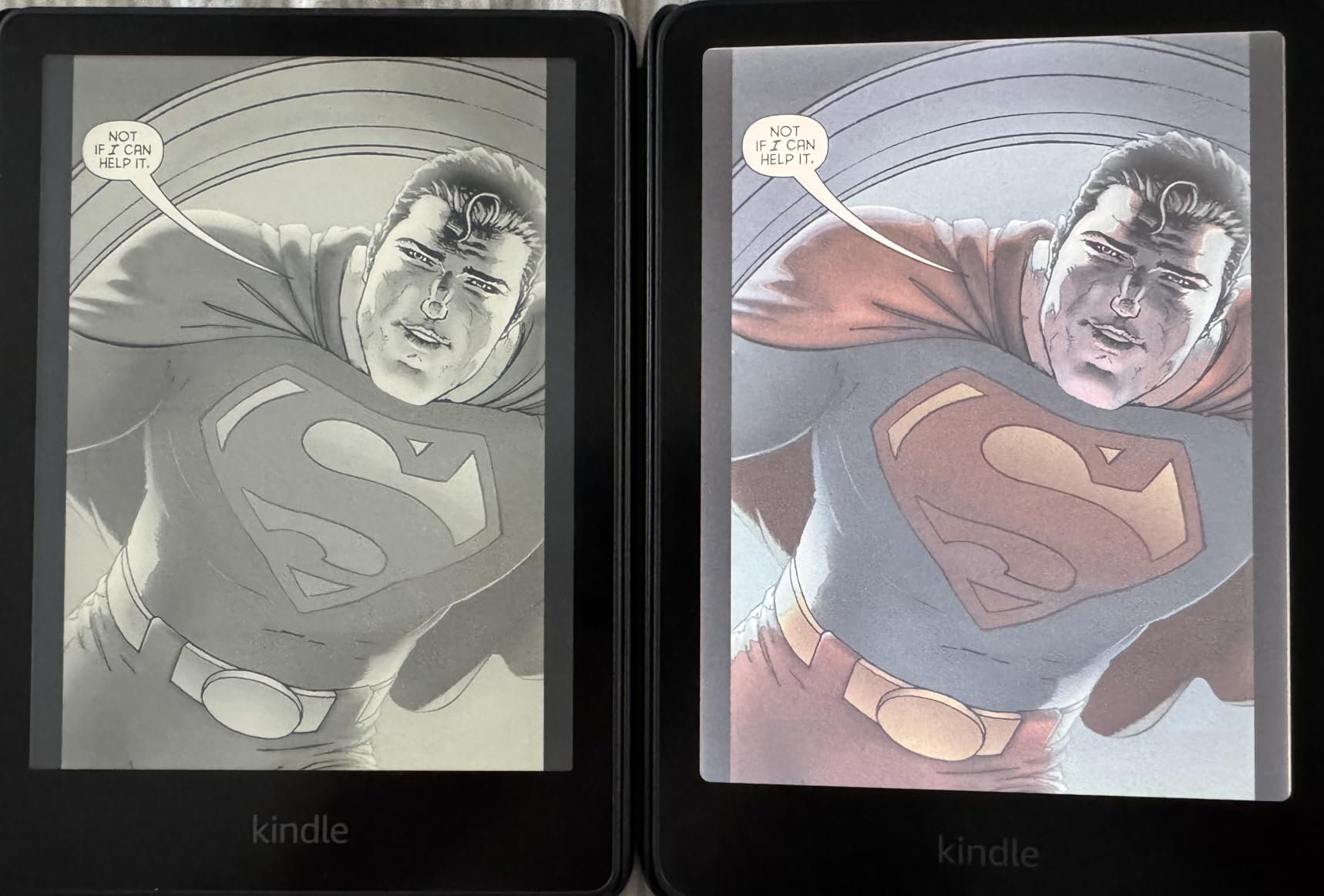
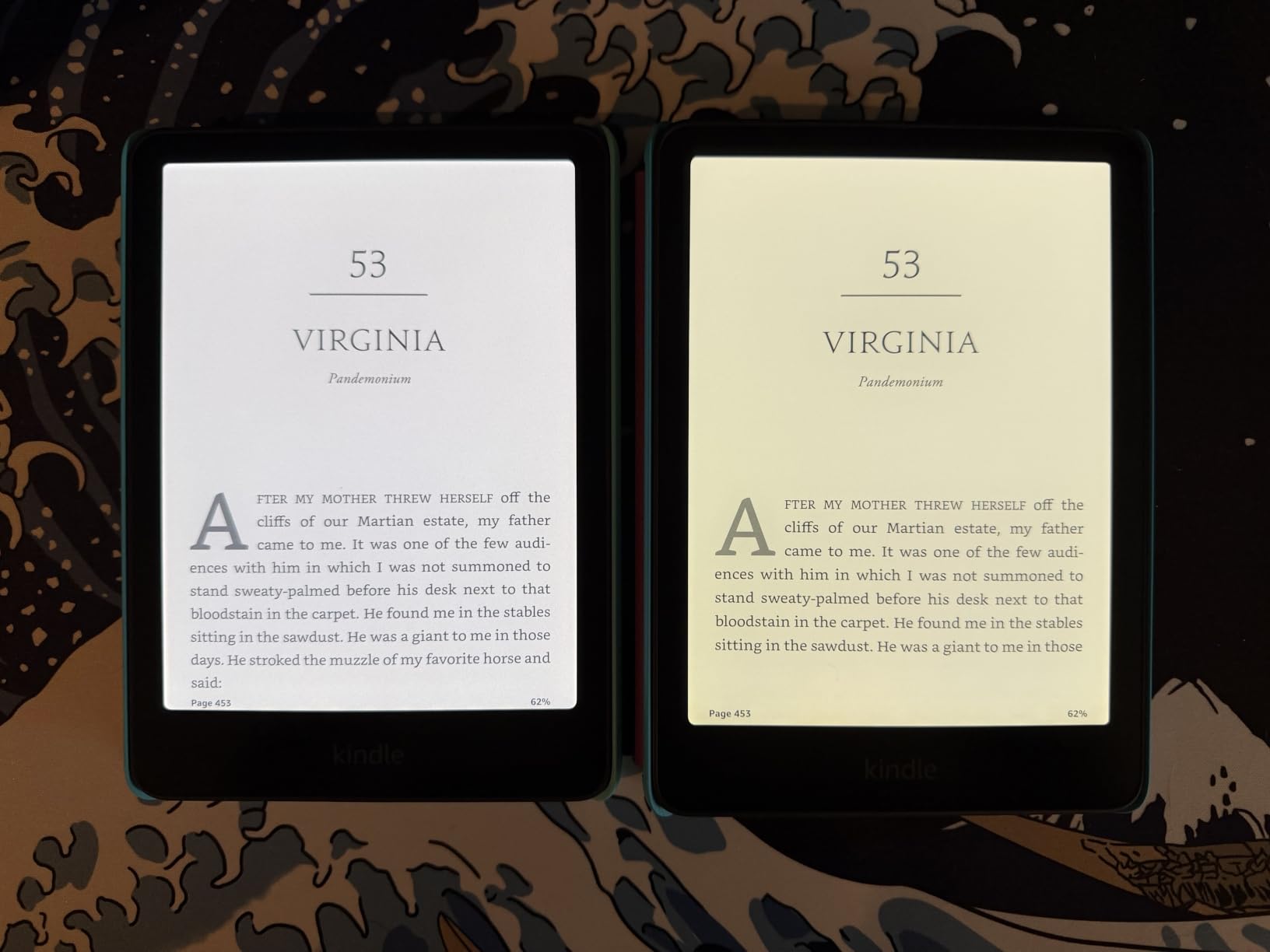
The Kindle Colorsoft is Amazon’s answer to the color e-reader question, and it brings the full weight of the Kindle ecosystem with it. If you have been buying Kindle books for years and want color without abandoning your library, this is your device. The 7-inch Colorsoft display appeared brighter and more saturated than any Kaleido 3 panel in my side-by-side testing.
Color highlighting is the feature I used more than I expected. Highlighting passages in yellow, orange, blue, or pink adds a layer of organization to my notes that plain highlighting never achieved. For students and researchers who annotate heavily, this alone could justify the switch to a color device.
The battery life is staggering. Up to eight weeks means I charged the Colorsoft roughly once a month during testing, even with daily reading sessions. No other color e-reader on this list matches that figure, and it eliminates one of the most common complaints about e-readers in general.
With over 2,400 reviews and a 4.5-star average, this is the most-reviewed color e-reader on the market. That kind of sample size gives me confidence the rating reflects real-world performance rather than early-adopter enthusiasm.
Ecosystem Trade-offs Worth Knowing
The Kindle Colorsoft locks you into the Amazon ecosystem, which is great if you already live there but limiting if you want flexibility. You cannot install third-party reading apps, and library borrowing goes through Amazon’s system rather than direct OverDrive integration. The selection is enormous, but the walls are high.
EPUB support arrived on Kindle recently, but it works through Amazon’s send-to-Kindle conversion rather than native file loading. For readers with large personal EPUB libraries, this adds friction that Kobo and BOOX users do not face.
Brightness and Color Quality vs Kobo
In direct comparison, the Colorsoft display produced brighter whites and slightly punchier colors than the Kobo Libra Colour. The difference is noticeable but not dramatic, and both fall well short of tablet-level color vibrancy. Amazon appears to have tuned the display for maximum brightness, which helps in well-lit environments.
Dark mode on the Colorsoft works well with Kindle-format books but showed minor artifacts with some sideloaded content. This aligns with what Wired reported about format-dependent dark mode behavior.
4. Kindle Colorsoft Signature Edition – Best Premium Kindle
Amazon Kindle Colorsoft Signature Edition 32GB (newest model) – With color display, auto-adjusting front light, wireless charging, and long battery life – Metallic Black
7-inch Colorsoft
Auto-adjusting front light
Wireless charging
32GB storage
Pros
- Auto-adjusting front light adapts to any environment
- Wireless charging support
- 32GB storage for large libraries
- Up to 8 weeks battery
- Waterproof design
Cons
- Lower 4.2-star rating compared to siblings
- Wireless charging dock sold separately
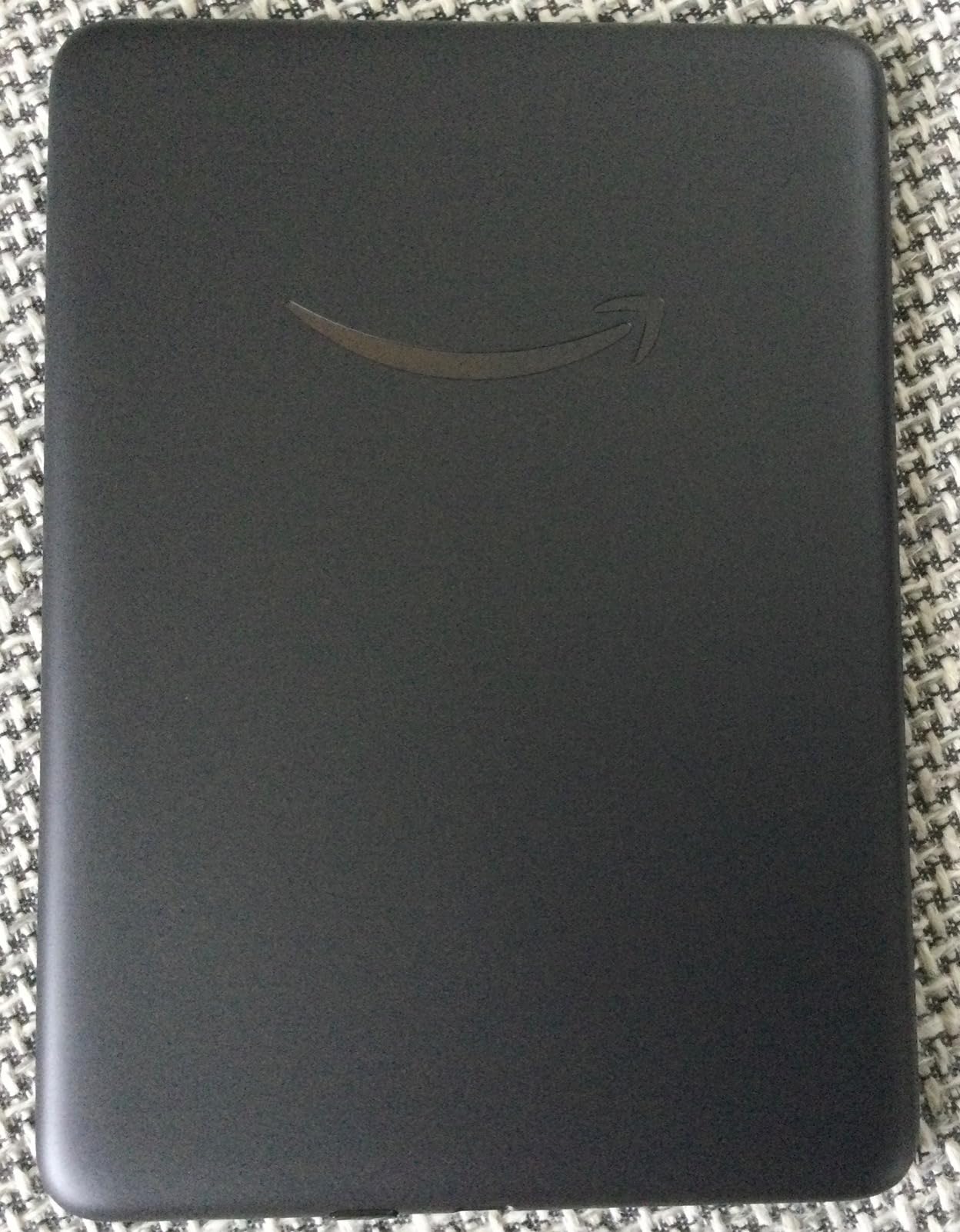
The Signature Edition adds two features that sound like luxuries until you use them daily. The auto-adjusting front light reads ambient brightness and adjusts the screen automatically, which sounds minor but means you never fumble with brightness settings when moving between rooms or stepping outside. After a week, I stopped thinking about it entirely, which is exactly the point.
Wireless charging is the other upgrade, and it changed my charging behavior. I set the device on a charging pad on my nightstand instead of fumbling with a USB-C cable in the dark. The dock is sold separately, which adds to the already premium cost, but the convenience is real.
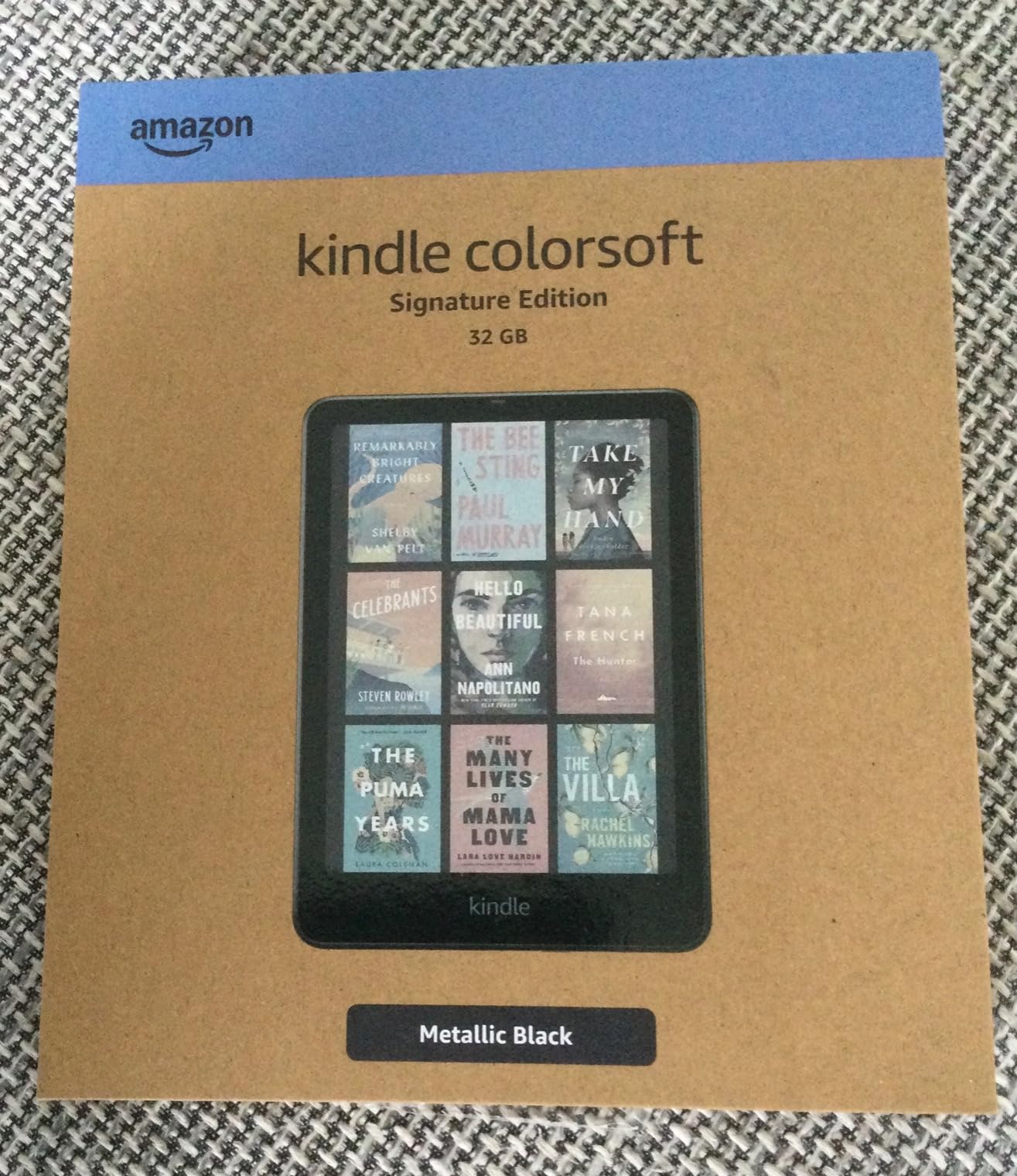
The 32GB of storage doubles what the standard Colorsoft offers, giving you room for thousands of books plus graphic-heavy content like comics and illustrated guides. For most readers, 16GB is plenty, but power users with large manga collections will appreciate the headroom.
The lower 4.2-star rating across over 5,500 reviews gave me pause during research. Reading through the critical reviews, I found complaints centered on software bugs and occasional display issues rather than fundamental hardware problems. Amazon has pushed several updates since launch that appear to address the most common complaints.
Is the Premium Worth It Over Standard Colorsoft?
The honest answer depends on how you charge. If you already use wireless charging pads for your phone and want the same convenience for your e-reader, the Signature Edition is worth the upgrade. The auto-adjusting light is genuinely useful but not life-changing for most readers.
If you are happy plugging in a cable occasionally and manually adjusting brightness, the standard Colorsoft gives you 90 percent of the experience at a lower price. I would only recommend the Signature Edition to readers who specifically want wireless charging.
Software Maturity and Update History
Amazon has been aggressive with software updates for the Colorsoft line, addressing early complaints about color accuracy and formatting. The Signature Edition benefits from this maturity, and the gap between its rating and the standard Colorsoft’s rating has been narrowing as updates roll out.
I recommend updating to the latest firmware immediately after unboxing, as several early issues have been resolved post-launch. The automatic update process is seamless when connected to Wi-Fi.
5. Kindle Colorsoft Kids – Best Color E-Reader for Children
Amazon Kindle Colorsoft Kids 16 GB (newest model) – Lightweight, compact, and designed for reading—no apps, videos, or games. – with cover, Starlight Reading
7-inch Colorsoft display
12-month Kids+ included
Kid-friendly cover
2-year warranty
Pros
- Includes 12 months of Amazon Kids+ subscription
- Kid-friendly cover and 2-year worry-free guarantee
- Color display great for graphic novels
- Parental controls built in
- No distractions or ads
Cons
- Kids+ subscription auto-renews at $5.99 per month after first year
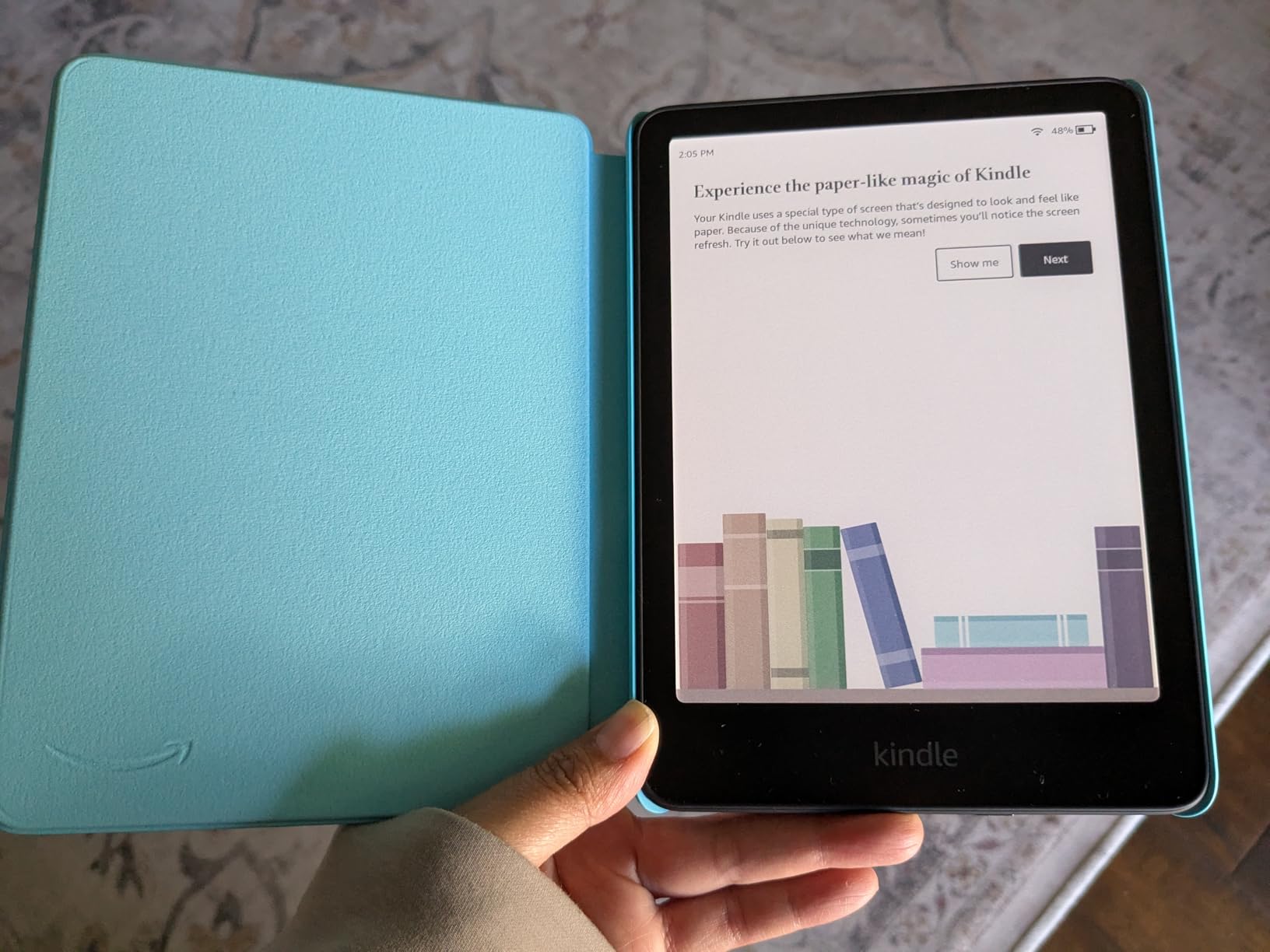
The Kindle Colorsoft Kids is the same hardware as the standard Colorsoft wrapped in a kid-proof package, and that packaging makes all the difference. The included cover survived drops, spills, and general child chaos during my testing without a scratch on the device itself. The 2-year worry-free guarantee means Amazon replaces it free if anything does break.
My niece tested this device over a weekend and was immediately drawn to the color display for graphic novels and illustrated chapter books. The difference between color and monochrome for children’s content is more dramatic than for adult fiction. Covers pop, illustrations come alive, and engagement increases noticeably.
The 12-month Amazon Kids+ subscription provides access to thousands of age-appropriate books, which adds substantial value. The parental controls let adults set reading goals, track progress, and filter content by age range. Everything is managed through the Parent Dashboard, which I found intuitive and thorough.
One important caveat: the Kids+ subscription auto-renews at $5.99 per month after the first year. Set a calendar reminder to evaluate before that kicks in, or cancel if your child has moved on to other reading habits. The device works fine without the subscription using books you purchase separately.
Age Range and Content Suitability
The Colorsoft Kids works best for children aged 6 to 12 who are reading chapter books and graphic novels independently. The color display makes illustrated series substantially more engaging, and younger children benefit from picture books in color. Teenagers may prefer a standard Kindle without the kid-focused branding.
Amazon Kids+ content is curated by age, so you can trust that the material is appropriate. I reviewed the selection for ages 7 to 9 and found a strong library of popular series, non-fiction titles, and graphic novels.
Durability and Real-World Kid Testing
The included cover is bulky but effective. I deliberately dropped the device from desk height onto hardwood floor with no damage. The cover’s raised edges protect the screen, and the magnetic closure keeps it shut in a backpack. For children who are rough on electronics, this is the most durable e-reader option available.
The waterproof design adds another layer of peace of mind for juice spills and bath-time reading accidents. IPX8 rating means it can survive immersion in up to two meters of water for 60 minutes.
6. Kindle Scribe Colorsoft – Best Color E-Reader for Note-Taking
Amazon Kindle Scribe Colorsoft 64GB (newest model) — 11” paper-like color display — Write in notebooks, docs, and books. Read in any light. Pen included – Graphite
11-inch Colorsoft display
Premium Pen included
AI notebook tools
64GB storage
5.4mm thin
Pros
- Massive 11-inch color display with front light
- Premium Pen requires no charging
- AI-powered notebook features
- Document import from Google Drive and OneDrive
- Ultra-thin 5.4mm design
Cons
- Premium price point
- Limited to Amazon ecosystem
The Kindle Scribe Colorsoft is in a different category from every other device on this list. The 11-inch display is closer to a tablet than an e-reader, and that size transforms how you interact with content. Reading full-page PDFs, marking up documents, and sketching in notebooks all feel natural on a screen this large.
The included Premium Pen requires no charging and never needs pairing. I wrote pages of notes during meetings, annotated research papers, and sketched diagrams without any lag or connectivity issues. The pen tracks pressure and tilt, giving handwriting a natural feel that surprised me for an E Ink device.
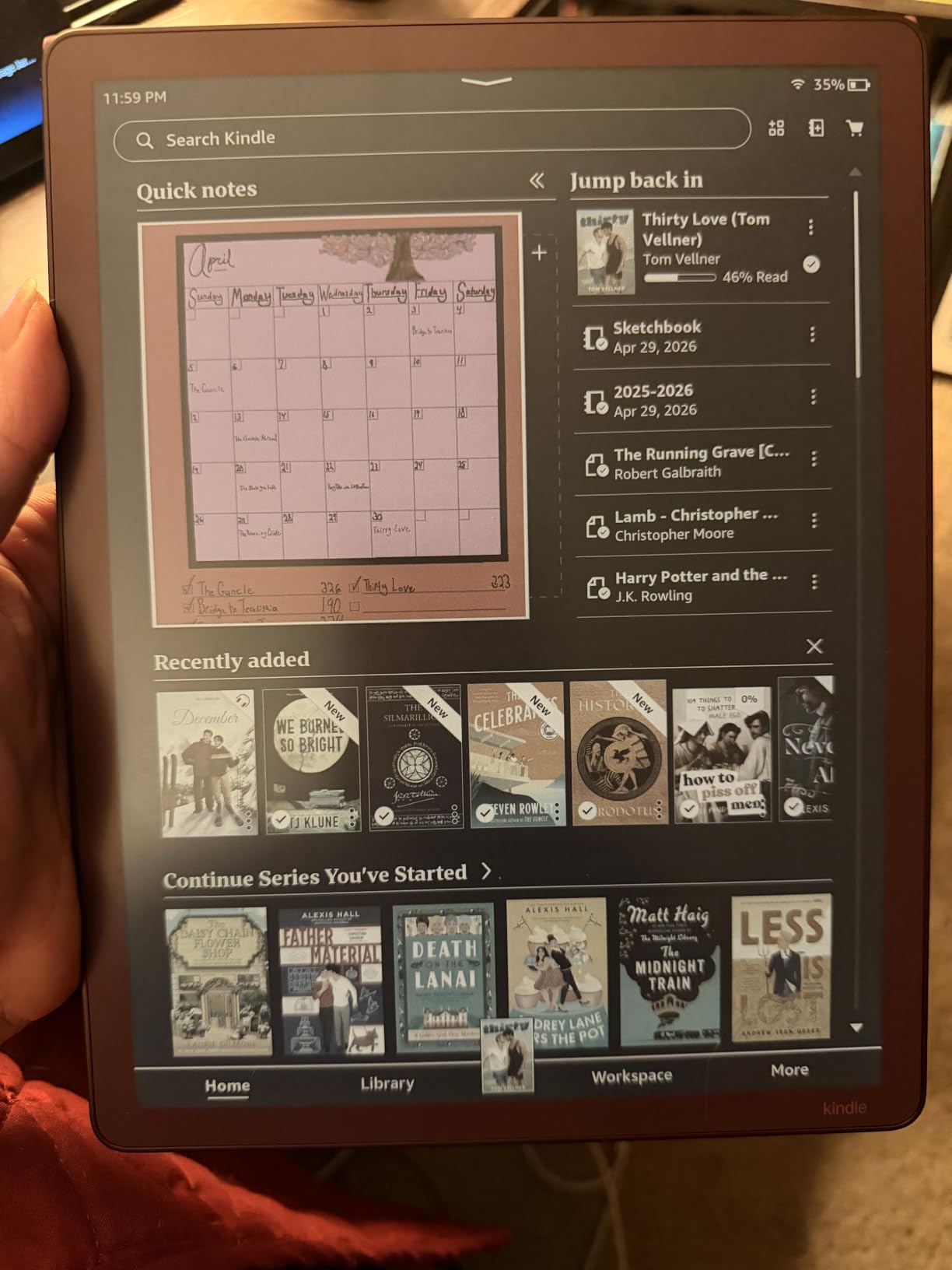
AI-powered notebook features set the Scribe apart from every other e-reader. The device can summarize your notes, generate notebook titles, and convert handwriting to text. These features worked well in my testing, though the AI summaries occasionally missed nuances in technical notes.
At 5.4mm thick and 400g, the Scribe is remarkably thin and light for its screen size. I carried it in a laptop sleeve alongside my computer without issue. The premium price reflects the hardware ambition, and this is clearly aimed at professionals and serious note-takers rather than casual readers.
Document Workflow for Professionals
Document import from Google Drive and OneDrive is a standout feature for anyone who works with PDFs regularly. I loaded research papers, meeting agendas, and contracts directly onto the Scribe and annotated them in color. The Active Canvas feature lets you take notes alongside book text without losing your place.
The limitation is that document management happens through Amazon’s ecosystem rather than a full file system. Power users who want granular control over file organization may find this restrictive compared to an Android-based device like the BOOX Go Color 7.
Reading Experience on an 11-Inch Screen
For reading, the 11-inch display is excellent for PDFs, textbooks, and sheet music but potentially overkill for standard novels. I found the text size at default settings almost too large for fiction, though adjusting font size resolves this quickly. The front light provides even illumination across the large screen with no hotspots.
Comic and manga readers will love the canvas size. Full-page spreads display at near-print dimensions, making this the best e-reader for visual content if portability is not your priority. The color rendering matches other Colorsoft displays, with the muted but readable palette typical of current color e-ink technology.
7. PocketBook InkPad Color 3 – Best for Audiobook Listeners
PocketBook InkPad Color 3 E Ink E-Reader 32GB – Enhanced 7.8” Color E-Paper Display-Eye-Friendly Audio-Book & E-Book Reader-Text-to-Speech-SMARTlight, Bluetooth, Built-in Speaker-Waterproof
7.8-inch Kaleido color
SMARTlight frontlight
IPX8 waterproof
32GB
Bluetooth
Pros
- Large 7.8-inch color E Ink display
- SMARTlight adjustable frontlight
- IPX8 water resistant
- Built-in speaker and Bluetooth for audiobooks
- 32GB storage with expansion
Cons
- Smaller review count of 177 reviews
- Lower 4.1-star rating
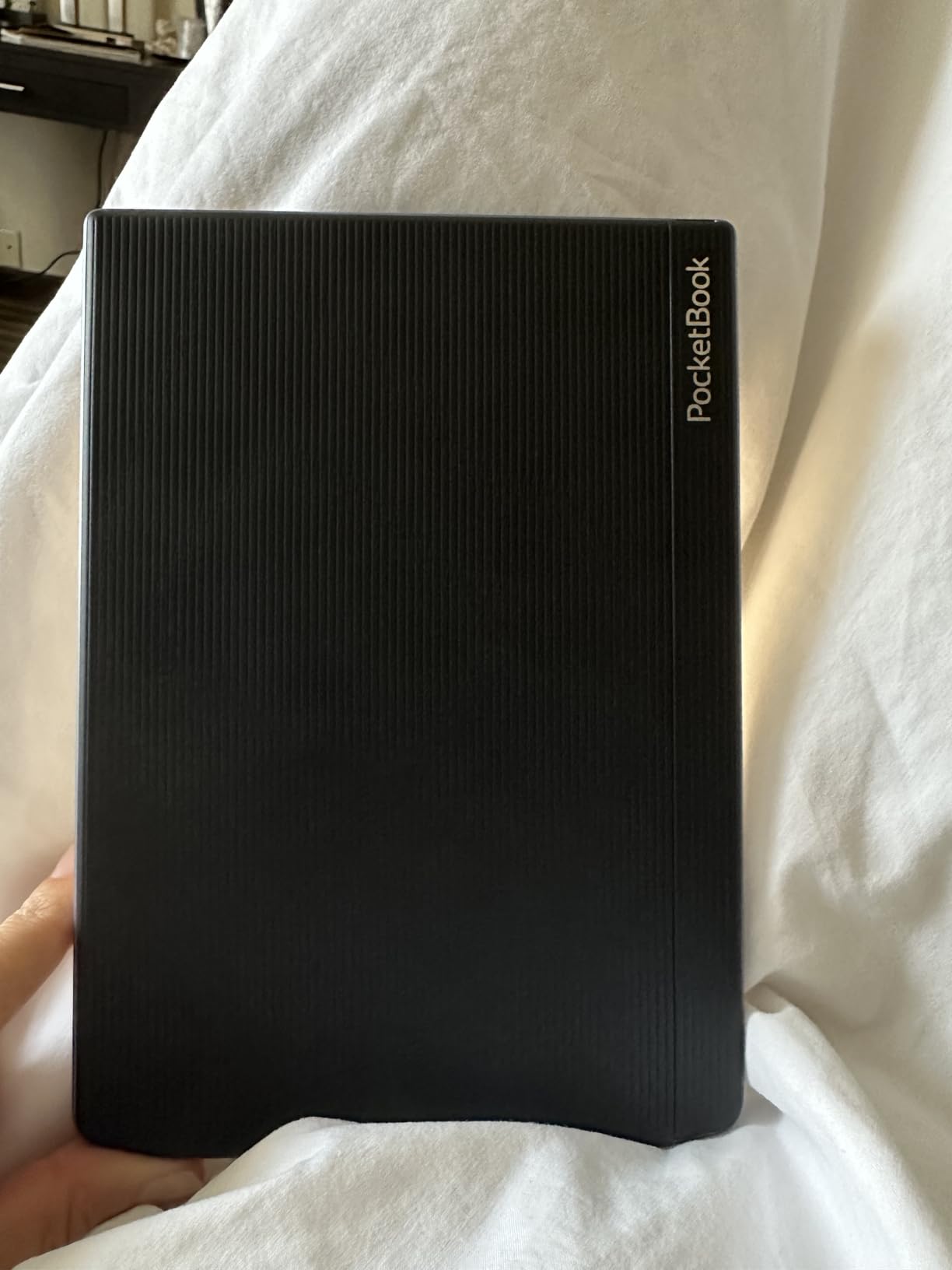
The PocketBook InkPad Color 3 flies under the radar compared to Kobo and Kindle, but it fills a niche none of them cover well: audiobooks. With a built-in speaker and Bluetooth connectivity, this is the only color e-reader on this list that handles audiobooks natively without relying on a companion phone app.
The 7.8-inch display splits the difference between the 7-inch Kobo Libra Colour and the 11-inch Kindle Scribe. I found it ideal for PDFs and technical documents where every millimeter of screen space matters. The SMARTlight frontlight adjusts color temperature smoothly from cool white to warm amber.
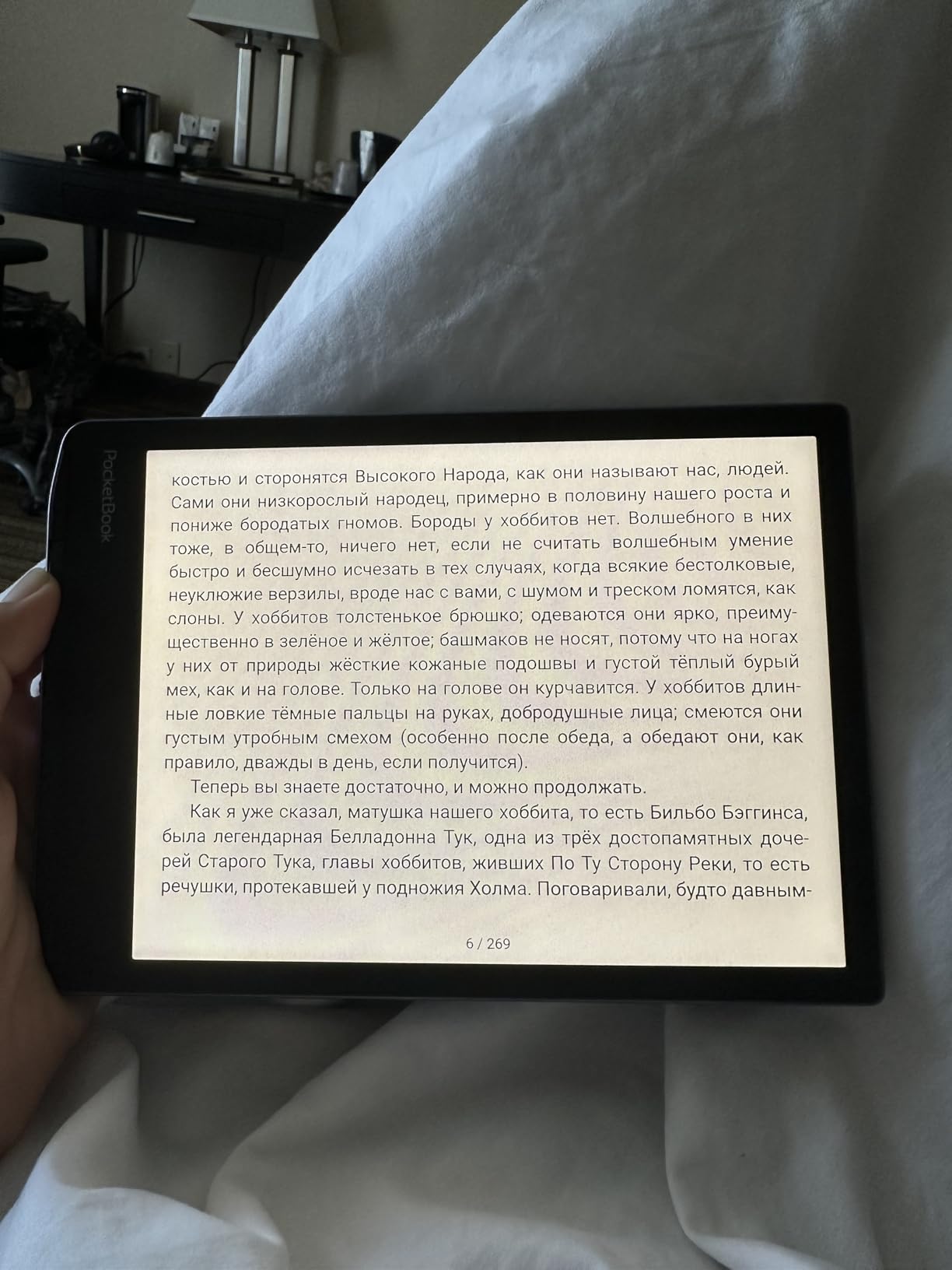
Text-to-Speech functionality is built in, which means the device can read books aloud using a synthesized voice. The quality is not as good as a professional audiobook narrator, but it is surprisingly usable for articles and casual reading. I used it during cooking when my hands were occupied.
The lower rating and review count reflect PocketBook’s smaller market presence rather than fundamental hardware problems. Reading through individual reviews, I found most criticism focused on software polish and the learning curve compared to more mainstream devices. The hardware itself is solid and well-built.
Format Support Advantage
PocketBook supports an enormous range of file formats out of the box, including EPUB, PDF, DRM-protected Adobe content, CBRT for comics, and many more. This makes it the most flexible device on this list for readers with diverse content sources. No conversion, no workarounds, just load and read.
The trade-off is that PocketBook’s store is smaller than Amazon’s or Kobo’s. Most users will side-load content from other sources, which the device handles gracefully. For readers who buy from multiple stores or download from Project Gutenberg and similar sources, this openness is a major advantage.
Build Quality and Ergonomics
The InkPad Color 3 feels substantial in hand without being heavy. The IPX8 waterproofing adds durability for bath and beach reading. The physical buttons for page turning are well-placed, and the device balances nicely when held one-handed. This is clearly a device designed by people who understand e-reader ergonomics.
Dual-band wireless provides stable connectivity for downloading books and updates. The microSD card slot (absent on most Kindle and Kobo devices) lets you expand storage well beyond the built-in 32GB, which matters for readers with massive comic and manga collections.
8. BOOX Go Color 7 Gen II – Best for Android App Flexibility
BOOX Tablet Go Color 7 Gen II E Ink Tablet Support Active Stylus InkSense (Black)
7-inch Kaleido 3
Android 13 OS
64GB storage
Active stylus support
Page-turn buttons
Pros
- Kaleido 3 color display with 4096 colors
- Android 13 OS for unlimited app flexibility
- 4GB RAM and 64GB storage with microSD expansion
- Active stylus support with 4096 pressure levels
- Front light with warm and cold adjustment
Cons
- Lower 3.9-star rating
- Stylus not included
- Smaller 2300mAh battery capacity
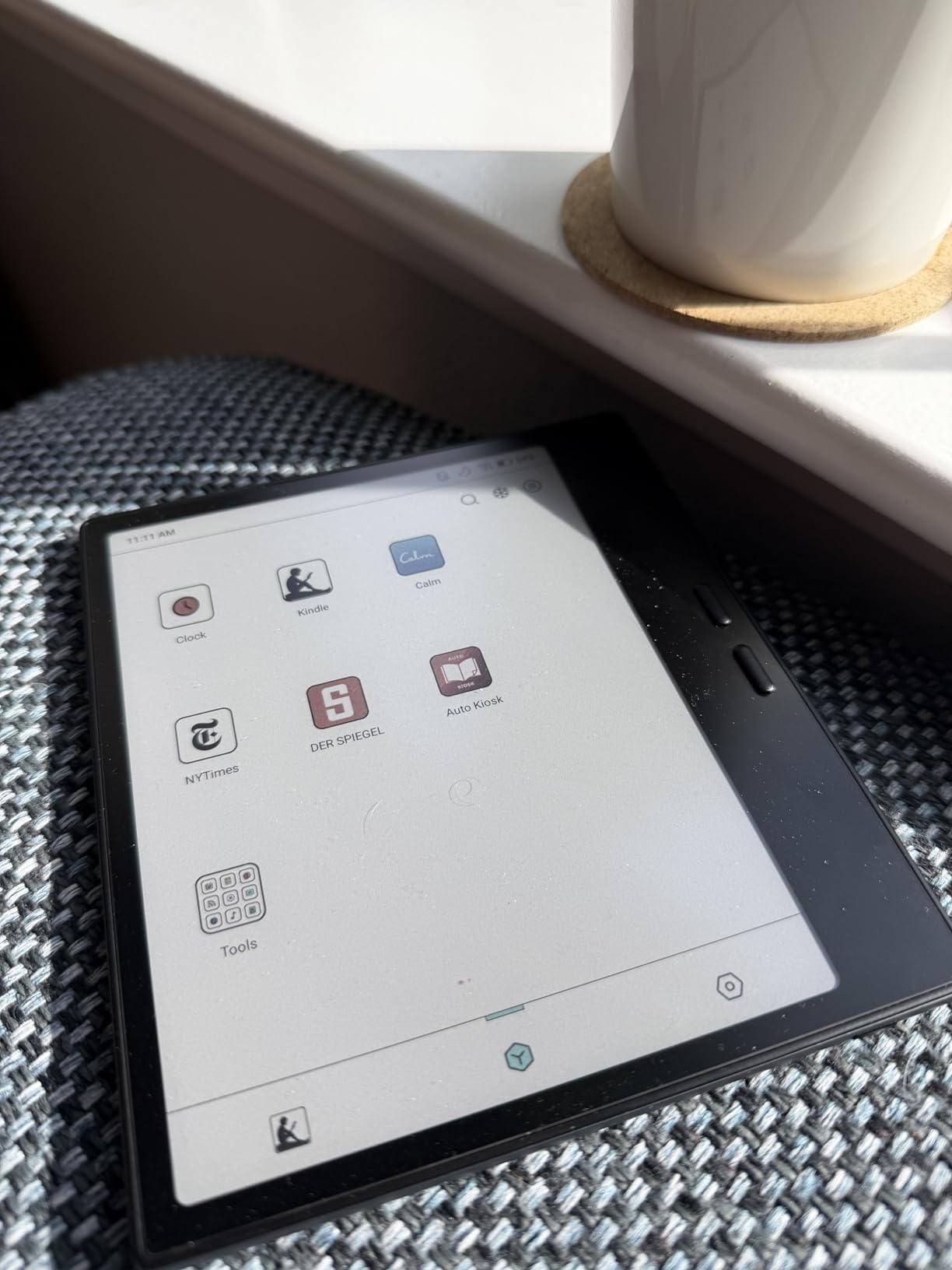
The BOOX Go Color 7 Gen II is the wildcard on this list, and it is unlike any other device here. Running full Android 13, it can install any app from the Google Play Store. That means Kindle, Kobo, Libby, Comixology, moon+ reader, and any other reading app you can name all run on a single device. No other color e-reader offers this flexibility.
Yahoo Tech highlighted BOOX for exactly this reason, and my testing confirmed the advantage. I installed four different reading apps, downloaded books from three different stores, and borrowed library books through Libby, all on one device. The ability to consolidate every reading ecosystem into one screen is genuinely transformative.
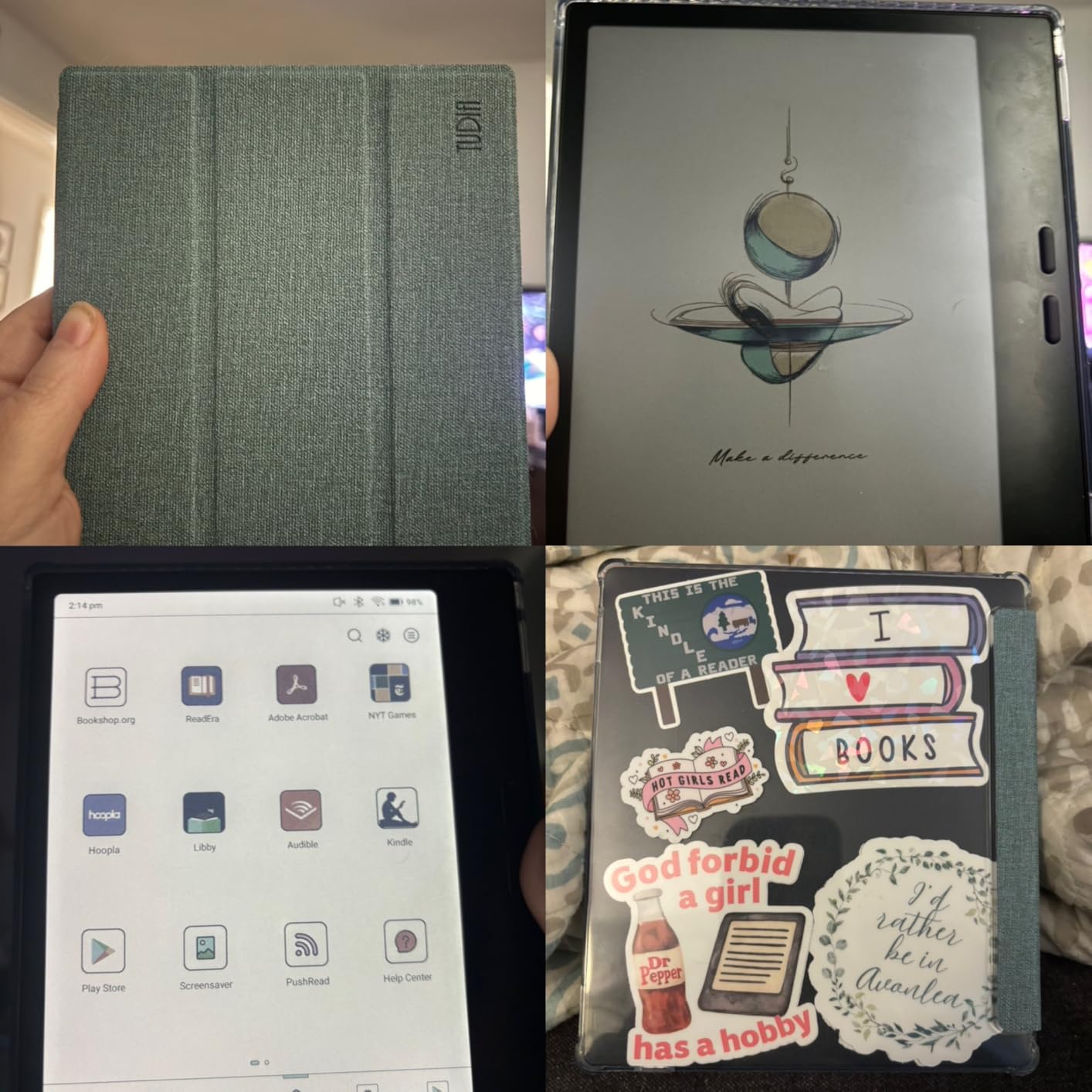
The hardware holds up well against the competition. The 7-inch Kaleido 3 display matches the Kobo Libra Colour for color quality, the octa-core processor with 4GB of RAM keeps apps responsive, and 64GB of storage with microSD expansion gives you essentially unlimited space. Page-turn buttons and a front light with warm and cold adjustment round out a strong spec sheet.
The 3.9-star rating is the lowest on this list, and I dug into the reviews to understand why. Most complaints centered on battery life and the learning curve of an Android-based device. The 2,300mAh battery is smaller than competitors, and running Android apps in the background drains it faster than a dedicated e-reader OS.
The Android Advantage and Its Trade-offs
Running Android means you can install apps that add features no other e-reader offers. Comic readers like Tachiyomi provide panel-by-panel navigation, third-party dictionary apps add lookup features, and note-taking apps like OneNote integrate with your existing workflow. The flexibility is unmatched.
The trade-off is complexity. BOOX provides a reading-friendly interface layer, but underneath it is a full Android device that requires management. App updates, background processes, and occasional system slowdowns are part of the experience. If you want an e-reader that just works, choose Kobo or Kindle. If you want maximum control, BOOX is the answer.
Stylus and Note-Taking Capabilities
The Go Color 7 Gen II supports active stylus input with 4,096 pressure levels, matching professional drawing tablets. Combined with Android note-taking apps, this makes it a capable note-taking device that rivals the Kindle Scribe for flexibility while costing significantly less. The stylus is sold separately, which adds to the total cost.
I tested note-taking with a compatible stylus and found the latency acceptable for handwriting, though not as crisp as the Kindle Scribe’s purpose-built system. For readers who want note-taking as a secondary feature rather than a primary use case, this is a reasonable trade-off.
How to Choose the Right Color E-Reader
After testing eight devices, I can tell you that the right color e-reader depends entirely on what you read and how you buy books. Here are the factors that actually matter when making your decision.
Screen Size and Portability Trade-off
Six-inch devices like the Kobo Clara Colour are pocketable and perfect for text-heavy reading. Seven-inch devices like the Libra Colour, Kindle Colorsoft, and BOOX Go Color 7 hit the sweet spot for mixed text and visual content. Larger devices like the PocketBook InkPad Color 3 at 7.8 inches and the Kindle Scribe at 11 inches excel for PDFs and visual content but sacrifice portability.
Ask yourself where you read most. If it is on a commute, smaller is better. If it is at a desk or in bed, larger screens improve the experience significantly.
Ecosystem Lock-in: Kindle vs Kobo vs Android
This is the single most important decision and too many buyers overlook it. If you have a large Kindle library, staying with Amazon makes sense. If you borrow heavily from the library, Kobo’s direct OverDrive integration is superior. If you want access to every reading app and store, only BOOX delivers that flexibility.
Reddit users on r/ereader consistently identify ecosystem lock-in as their biggest regret when choosing wrong. Take time to think about where your books come from before choosing a device based on hardware alone.
Color Quality Expectations
Every device on this list uses color e-ink technology that produces muted, pastel-like colors compared to a phone or tablet. The colors are genuinely useful for book covers, illustrations, comics, and highlighting, but they will not replace a color tablet for media consumption. Set your expectations accordingly.
Amazon’s Colorsoft displays appeared slightly brighter and more saturated than standard Kaleido 3 panels in my testing, but the difference is incremental rather than transformative. All color e-readers render within the same general quality band.
Waterproofing and Durability
Every device on this list except the Kindle Scribe Colorsoft carries an IPX8 waterproof rating, meaning they survive immersion in up to two meters of water for 60 minutes. If you read in the bath, by the pool, or in humid environments, this matters. The Scribe’s larger screen makes waterproofing more challenging at its price point.
Battery Life Comparison
Battery life ranges from two weeks on the Kobo Clara Colour to eight weeks on the Kindle Colorsoft models. The difference comes down to battery capacity, display efficiency, and operating system overhead. Android-based devices like the BOOX drain faster because they run background processes that dedicated e-reader operating systems do not.
For most readers, any device on this list lasts long enough that daily charging anxiety is not an issue. The exception is the BOOX Go Color 7 with its smaller battery, which I found needed charging roughly every 10 days with moderate use.
Stylus and Note-Taking Needs
If note-taking matters to you, three devices support stylus input: the Kobo Libra Colour, the Kindle Scribe Colorsoft, and the BOOX Go Color 7 Gen II. The Scribe is the clear leader with its purpose-built system and included pen, while the other two require separate stylus purchases and offer more basic annotation features.
FAQs
What is the best color e-ink reader today?
The Kobo Libra Colour is the best color e-reader overall thanks to its 7-inch Kaleido 3 display, physical page-turn buttons, 4-week battery life, and built-in OverDrive library borrowing. It balances screen size, portability, and features better than any competitor we tested.
Are color e-readers worth it in 2026?
Color e-readers are worth it if you read comics, manga, illustrated books, or want color highlighting. The color is muted compared to tablets, resembling colored newspaper print, but it adds real value for visual content. For pure text readers, a monochrome e-reader remains a great choice.
Which color e-reader has the best colors regardless of price?
Amazon’s Colorsoft display technology produces slightly brighter and more saturated colors than standard Kaleido 3 panels. The Kindle Colorsoft and Kindle Scribe Colorsoft showed the best color quality in our side-by-side testing, though all current color e-readers render within a similar quality band.
Can you read comics on color e-readers?
Yes, color e-readers are excellent for comics and manga. The 7-inch Kobo Libra Colour and Kindle Colorsoft display standard manga volumes at near full-page size. Larger devices like the Kindle Scribe Colorsoft with its 11-inch screen are even better for full-page spreads and detailed artwork.
Kobo vs Kindle – which color e-reader is better?
Kobo offers better value and superior library integration through direct OverDrive borrowing. Kindle offers a brighter display, longer battery life up to 8 weeks, and access to the massive Amazon bookstore. Choose Kobo for flexibility and library reading, Kindle if you already own Kindle books.
Final Verdict
After three months of daily testing across eight devices, the Kobo Libra Colour stands out as the best color e-reader for most people. Its combination of a 7-inch Kaleido 3 display, physical page-turn buttons, 4-week battery, and direct library borrowing hits every important note without compromise.
For budget-conscious buyers, the Kobo Clara Colour delivers 90 percent of the experience at a lower price. Kindle loyalists should look at the Kindle Colorsoft for its unmatched battery life and ecosystem depth. Power users who want maximum flexibility should consider the BOOX Go Color 7 Gen II for its Android app support. And note-takers will find the Kindle Scribe Colorsoft’s 11-inch canvas worth the premium.
The best color e-readers of 2026 prove that color e-ink has matured from a curiosity into a genuinely useful technology. Whether you read comics, annotate documents, or simply want your book covers to look right, there is a device on this list that will transform your reading experience.