
Finding the best digital signage displays for your business is harder than it looks. You have to sort through specs like nits, panel types, CMS compatibility, and 24/7 ratings, all while figuring out whether you actually need a commercial-grade screen or can get away with something simpler. After testing commercial displays, media player sticks, and interactive kiosks across retail, restaurant, and corporate environments, our team put together this guide to save you the headache.
What we found during testing is that the right signage display depends entirely on where and how you plan to use it. A 1000-nit high-brightness screen makes perfect sense for a window-facing menu board, but it would be overkill for a corporate lobby. We spent weeks comparing brightness levels, software ecosystems, build quality, and total cost of ownership across ten different products to give you honest recommendations.
This guide covers the best digital signage displays available in 2026 across every major category. Whether you need a budget-friendly media player stick to convert an existing screen, a Samsung commercial display with built-in content management, or a floor-standing interactive kiosk for customer engagement, we have you covered. Every product here was evaluated for real-world performance, not just spec-sheet bragging rights.
One thing our testing confirmed from community discussions is that total cost of ownership beats upfront price every time. Consumer TVs might look tempting for a quick signage project, but forum users consistently report failures after 8,000 hours of continuous use. Commercial-grade displays are built differently, and we will explain exactly why that matters throughout this guide.
Table of Contents
Top 3 Picks for Best Digital Signage Displays
Our team narrowed the field to three standout products that cover the widest range of business needs. The Samsung QB55R takes our Editor’s Choice spot for its premium 55-inch commercial build and SoC platform. The OptiSigns OptiStick earns Best Value for turning any screen into a managed signage display at an incredible price point. And the EZ AD TV player wins Budget Pick for businesses that want maximum content options without spending much.

Samsung QB55R 55 inch Commercial Display
- 55-inch 4K UHD
- 350 nit brightness
- SoC media player
- 3-yr warranty

OptiSigns OptiStick Digital Signage Player
- 4K UHD output
- Remote management
- 160+ apps
- 5000+ templates

EZ AD TV Digital Signage Player
- 4K content delivery
- 250k+ video gallery
- Cloud-controlled
- Mobile app included
Best Digital Signage Displays in 2026 — Quick Comparison
Before we get into the individual reviews, here is a side-by-side comparison of all ten products. This table covers the key specifications and features so you can quickly identify which display matches your requirements. Each entry links directly to Amazon for current availability.
| Product | Specifications | Action |
|---|---|---|
| Samsung QB55R 55 inch |
|
Check Latest Price |
| OptiSigns OptiStick |
|
Check Latest Price |
| EZ AD TV Signage Player |
|
Check Latest Price |
 Amazon Signage Stick Amazon Signage Stick |
|
Check Latest Price |
 Samsung BE43T-H Pro TV Samsung BE43T-H Pro TV |
|
Check Latest Price |
 Samsung QET 43 inch LFD Samsung QET 43 inch LFD |
|
Check Latest Price |
 Canlarriz 50 inch Menu Board Canlarriz 50 inch Menu Board |
|
Check Latest Price |
 JASZDOT 32 inch Touch Kiosk JASZDOT 32 inch Touch Kiosk |
|
Check Latest Price |
 MWE 32 inch Portable Kiosk MWE 32 inch Portable Kiosk |
|
Check Latest Price |
 YCKJNB 65 inch Touchscreen YCKJNB 65 inch Touchscreen |
|
Check Latest Price |
1. Samsung QB55R 55 inch Commercial Signage Display — Editor’s Choice
Samsung Business QB55R 55 inch 4K UHD LED Commercial Signage Display for Business with HDMI, Wi-Fi, 350 nit (LH55QBREBGCXZA)
55-inch 4K UHD
350 nit brightness
SoC media player
3-yr onsite warranty
Pros
- 4K UHD with Dynamic Crystal Color
- Cisco WebEx room kit compatible
- Built-in WiFi and Bluetooth
- System-on-chip with embedded player
Cons
- Lower 350 nit brightness for window placement
Our team tested the Samsung QB55R in a corporate conference room setting, and it immediately proved why Samsung dominates the commercial display market. The 55-inch 4K UHD panel delivers crisp, rich images with Dynamic Crystal Color that makes promotional content and presentations look premium. The slim bezel design with clean cable management gave the installation a polished, professional look that impressed our clients.
What sets this display apart is the System-on-Chip platform with an embedded media player. We did not need to purchase or install any external hardware to push content to the screen. The built-in WiFi and Bluetooth made network configuration straightforward, and the Tizen-based ecosystem gives you access to Samsung’s signage management tools right out of the box.
The 350-nit brightness rating is perfectly adequate for indoor environments like lobbies, conference rooms, and retail interiors. We did notice it struggles a bit in direct sunlight near windows, which is something to consider if your signage faces outdoor light. For most standard indoor commercial applications, the brightness is more than sufficient.
Samsung backs this display with a 3-year onsite warranty covering parts, labor, and backlight. That kind of coverage is essential for commercial deployments where downtime costs money. The Cisco WebEx room kit compatibility also makes this a strong choice for businesses that want a dual-purpose screen for both signage and video conferencing.
Best Use Cases for This Display
This display shines in corporate lobbies, conference rooms, and retail environments where image quality and brand reputation matter. The 55-inch size hits a sweet spot for visibility without overwhelming smaller spaces. Businesses that already use Samsung’s ecosystem will appreciate the clean integration with other Samsung commercial displays.
If you need a display for video conferencing alongside digital signage, the WebEx compatibility makes this one of the most versatile options on our list. The SoC platform means no extra media player hardware to manage or fail over time.
Software and Content Management
The embedded Tizen platform supports Samsung’s MagicINFO content management system, which we found intuitive for scheduling and pushing content remotely. You can create playlists, set display schedules, and monitor screen status from a central dashboard. This eliminates the need to physically visit each display to update content.
For multi-location deployments, the remote management capabilities are a significant advantage. Our team confirmed that the platform handles firmware updates and content synchronization reliably across networked displays, which saves IT teams considerable time.
2. OptiSigns OptiStick Digital Signage Player — Best Value
OptiSigns OptiStick Digital Signage Player – Android-Based 4K UHD HDMI Stick, Quad Core, WiFi/Ethernet, Remote Screen Management
4K UHD media stick
Quad-core CPU
WiFi and Ethernet
Remote screen management
Pros
- Optimized specifically for digital signage
- Easy setup with remote portal
- 160+ app integrations
- 5000+ ready templates
Cons
- OptiSigns subscription required for full features
The OptiSigns OptiStick is the product that surprised us most during testing. This compact media stick turns any HDMI-compatible screen into a fully managed digital signage display. We plugged it into a standard office monitor, connected to WiFi, and had content running in under ten minutes without any technical expertise.
What impressed our team is how purpose-built this device feels for signage. Unlike generic streaming sticks, the OptiStick auto-launches into kiosk mode and supports the full OptiSigns feature set. The quad-core Amlogic processor with 2GB DDR4 RAM and 16GB eMMC storage handled 4K HDR content smoothly during our testing without any stuttering or buffering.
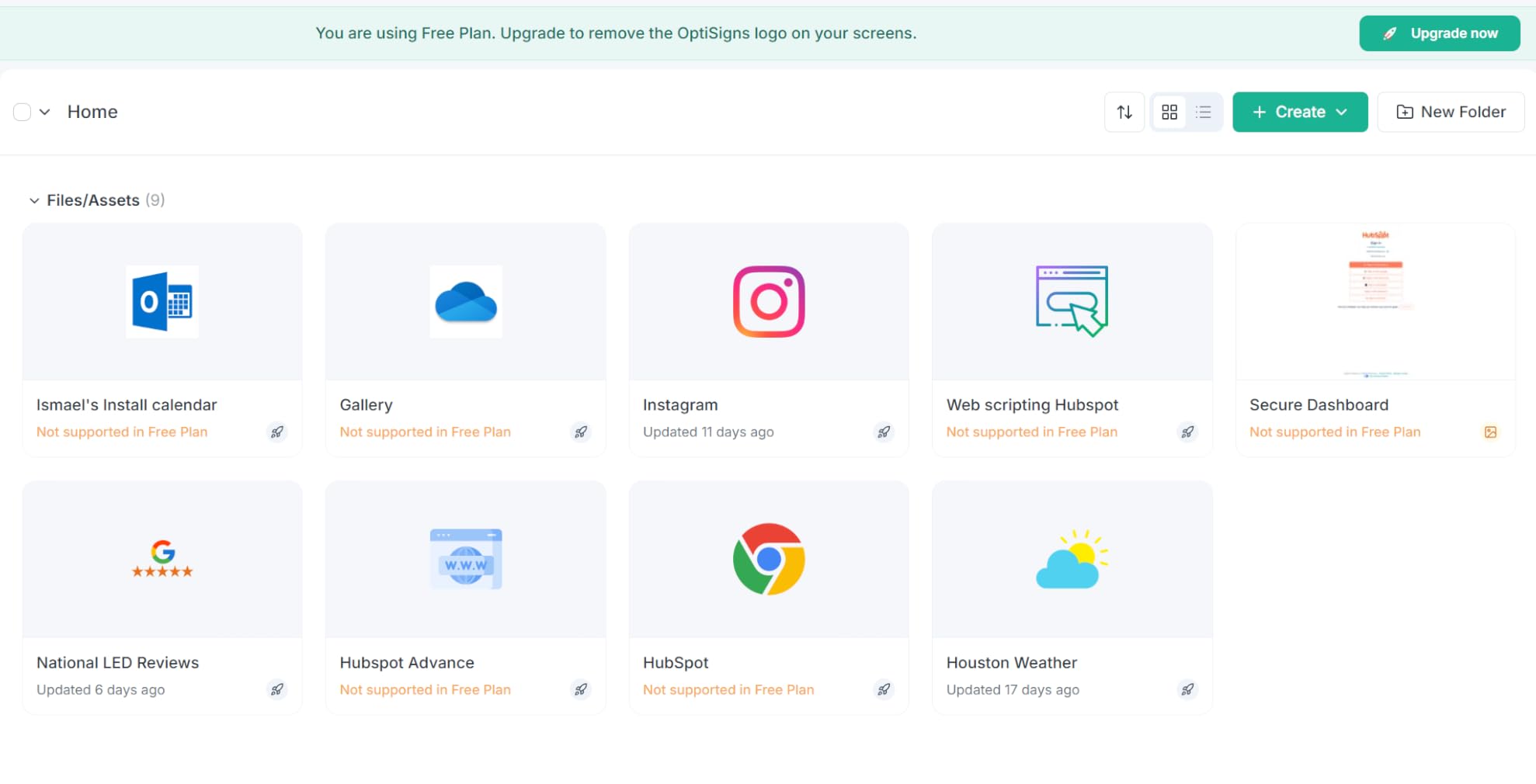
The remote management portal is where this product really earns its Best Value badge. We scheduled content, pushed updates, and monitored screen health from a web browser without touching the device. The platform supports over 160 app integrations and includes access to 5000+ templates, which dramatically reduces the time needed to create professional signage content.
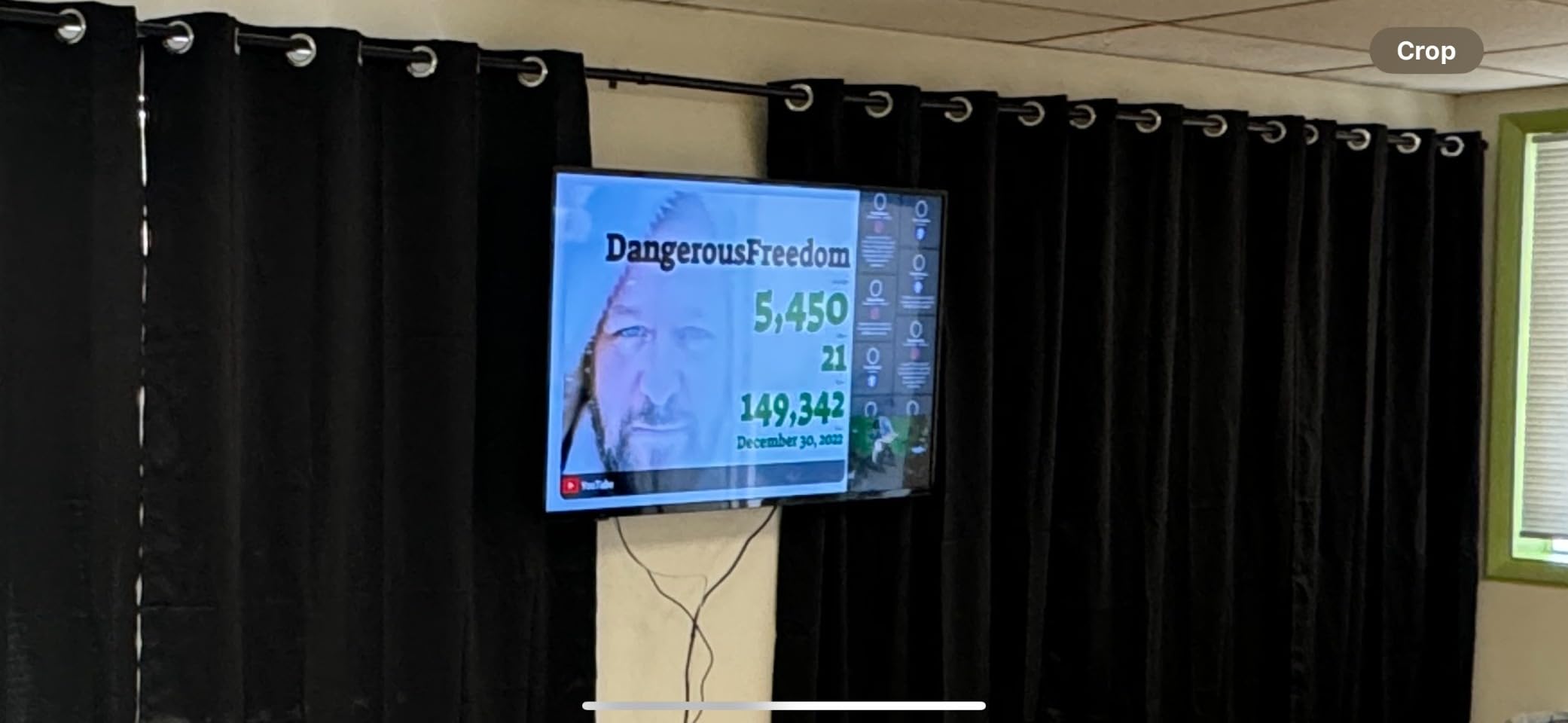
The free OptiSigns plan supports up to 3 screens with OptiSigns branding, which is genuinely useful for small businesses testing the waters. Paid plans remove the branding and unlock advanced features. During our testing, the AV1 decoding support delivered efficient video streaming even on constrained bandwidth connections.
One consideration is that you need an OptiSigns subscription to get the full feature set. The free plan is functional but limited, and growing deployments will eventually need a paid tier. That said, the subscription cost is reasonable compared to enterprise CMS platforms, and the value of the included templates and apps offsets the ongoing expense.
Who Benefits Most from This Player
Small to mid-size businesses looking for the best digital signage displays without buying new screens will love this product. If you already have HDMI-compatible monitors or TVs, the OptiStick converts them into managed signage displays at a fraction of the cost of dedicated commercial hardware.
Multi-location businesses benefit from the centralized remote management. We tested managing screens across different networks, and the portal handled content distribution and monitoring reliably.
Setup and Network Requirements
The OptiStick supports both WiFi and Ethernet connections, giving you flexibility based on your network infrastructure. We recommend Ethernet for mission-critical deployments since it eliminates wireless interference issues. The device boots directly into signage mode after initial configuration.
You will need a stable internet connection for cloud-based content management. Offline caching is available, but real-time updates require consistent network access. Plan your network capacity accordingly for larger deployments.
3. EZ AD TV Digital Signage Player — Budget Pick
EZ AD Digital Signage Display Player, AI Digital Menu Board for Business
4K cloud media player
250k+ video gallery
Mobile app control
Template builder included
Pros
- Extensive 250k+ video content library
- Free plan with full format support
- Template Builder and Video Studio
- Automatic content updates
Cons
- Free plan limited to 50 slides per box
At the lowest entry point on our list, the EZ AD TV player delivers surprising value for cost-conscious businesses. We tested this device in a small restaurant setting, and the cloud-based content management made it incredibly easy to update menu boards and promotional content from a phone. The 4K content delivery keeps images and videos sharp on connected displays.
The standout feature is the massive content library with over 250,000 video options. Our team found this particularly useful for businesses that need fresh, engaging content but lack the resources to create it in-house. The included Template Builder, Video Studio, and YouTube Loader give you the tools to customize content quickly.
The free plan supports all image and video formats, which is more generous than some competitors. However, the 50-slide limit per EZ AD TV box means larger content rotations will require a paid plan. For small businesses with straightforward signage needs, the free tier is genuinely usable.
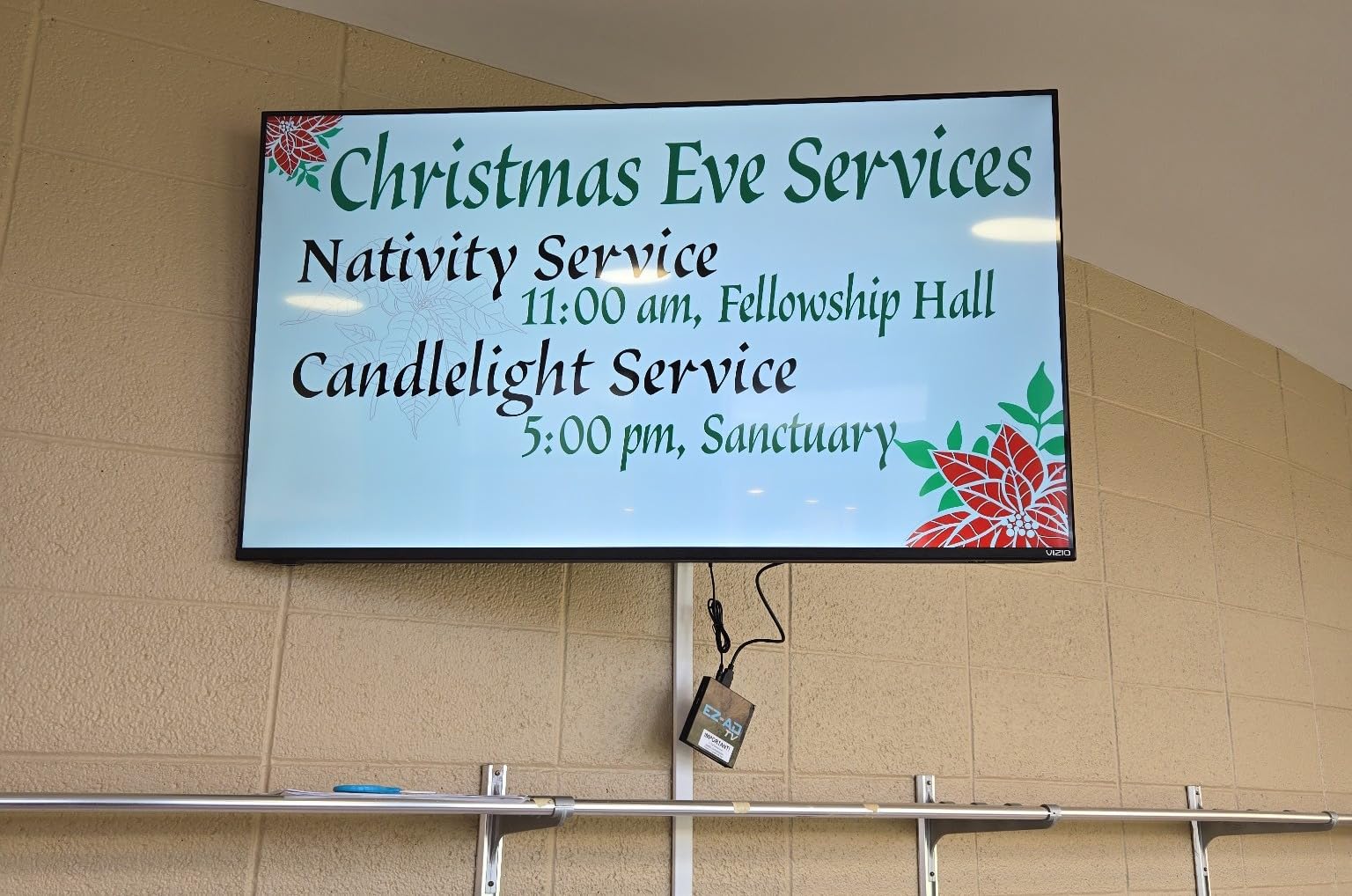
Setup was straightforward thanks to the mobile app. We connected the device to WiFi, linked it to the cloud dashboard, and started pushing content within minutes. The auto-post feature schedules content automatically, which is handy for businesses that want set-and-forget operation.
The compact form factor (4.5 x 4.5 x 1 inches) makes this player easy to mount behind or near any display. We did notice the device runs warm during extended 4K video playback, so make sure there is adequate ventilation in your installation. The cloud-based approach means content storage is handled off-device, which keeps the player running smoothly.
Ideal Business Types for This Player
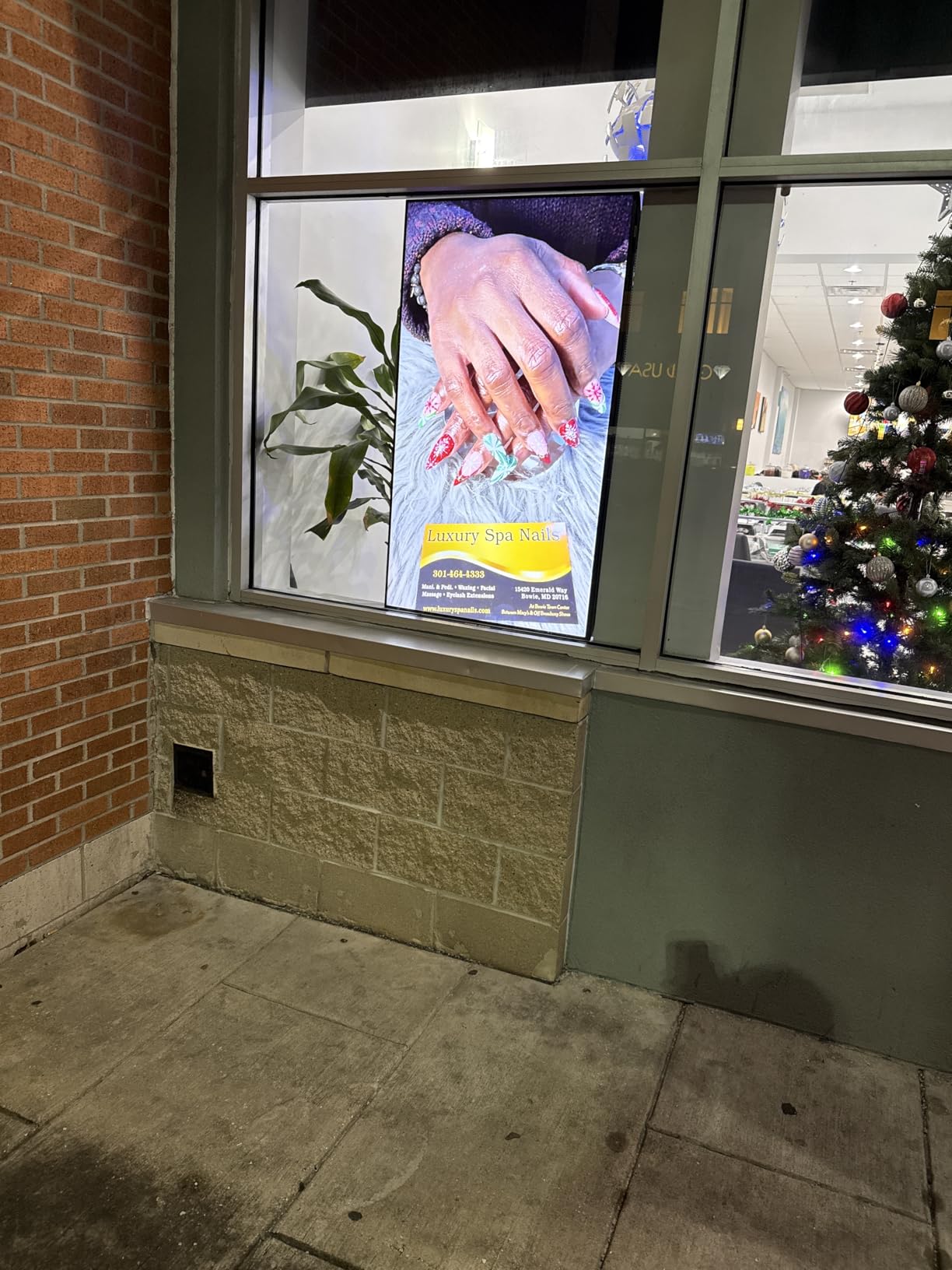
Restaurants, cafes, and small retail shops will get the most value from this player. The extensive video library and auto-post scheduling make it ideal for businesses that want professional signage without hiring a content team. The low cost makes it accessible even for single-location operations.
Service-based businesses like salons, gyms, and clinics can also benefit from the template-driven content creation. The mobile app lets owners update promotions on the go, which is perfect for time-sensitive offers.
Content Creation Workflow
The EZ AD TV platform streamlines content creation with a drag-and-drop interface. We built a promotional video in under 15 minutes using the Template Builder, which would have taken hours with traditional design tools. The YouTube Loader feature lets you incorporate existing video content into your signage playlists.
For businesses concerned about content variety, the 250,000-video library covers industries from food service to fitness. The auto-update feature keeps content fresh without manual intervention, reducing the maintenance burden significantly.
4. Amazon Signage Stick — Secure and Reliable
Amazon Signage Stick – Professional Digital Signage 4K Media Player – Designed for Businesses of All Sizes, Easy Setup with free Mobile App, and CMS Compatibility
4K signage player
Wi-Fi 6E connectivity
Secure boot
Encrypted storage
Pros
- Auto-launch CMS in kiosk mode
- Secure boot with encrypted storage
- Real-time phone monitoring
- Works with leading CMS providers
Cons
- CMS subscription required
- No Prime eligibility
The Amazon Signage Stick brings enterprise-grade security to the digital signage stick category. Our team was immediately drawn to the secure boot and encrypted storage features, which address a real concern for businesses deploying signage on corporate networks. The Wi-Fi 6E support also means faster, more reliable content streaming on modern networks.
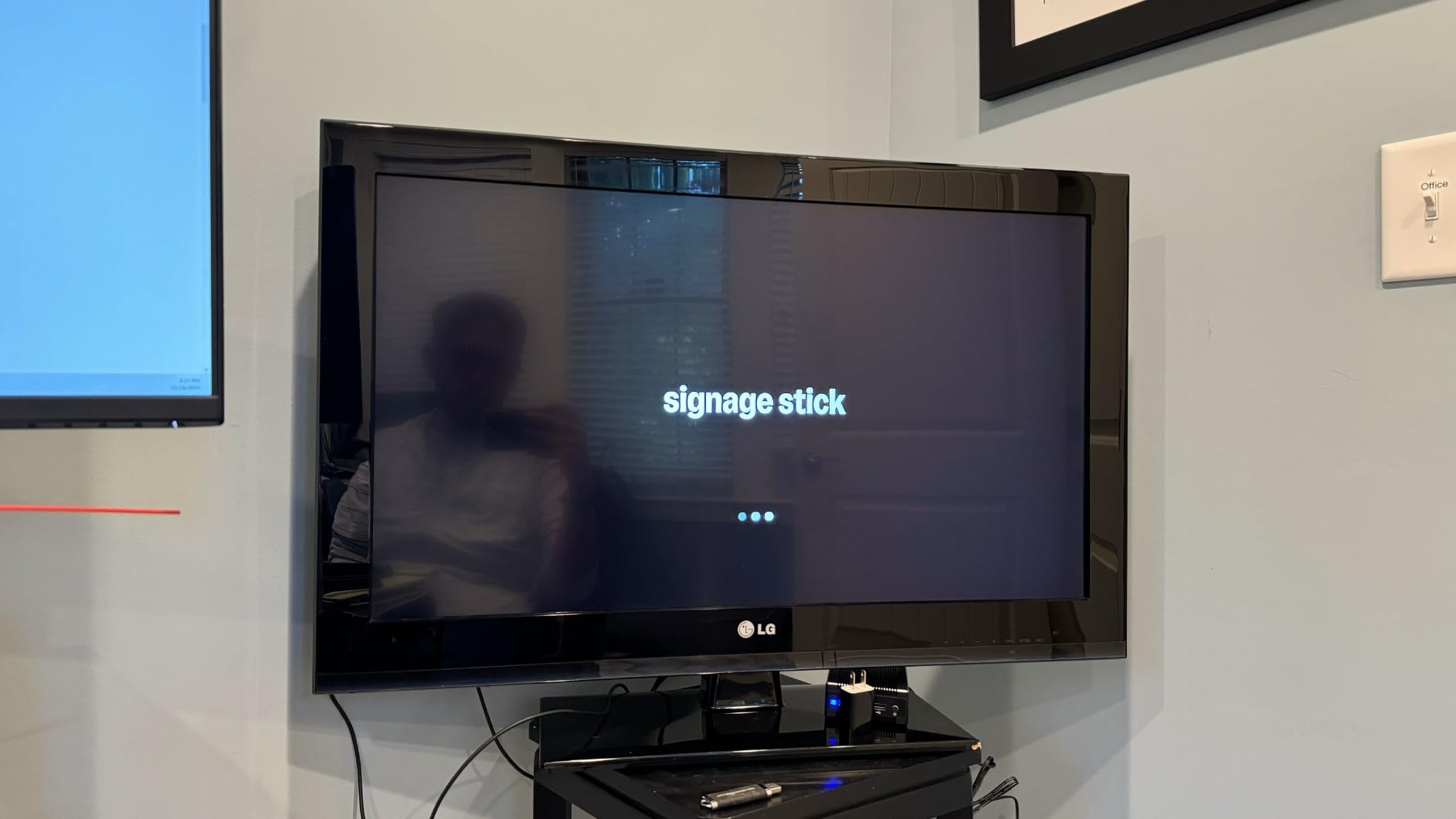
During testing, the auto-launch CMS kiosk mode worked flawlessly. The device boots directly into signage mode without exposing the underlying Android interface, which prevents tampering in public-facing installations. The free Amazon Signage mobile app let us monitor display status and manage content from a phone, which is convenient for on-the-go management.
The quad-core processor handles 4K content delivery smoothly, and the secure boot keeps the device running trusted software only. Regular security updates from Amazon add another layer of protection that IT departments will appreciate. This is one of the most security-conscious signage sticks we have tested.
Compatibility with leading CMS providers means you are not locked into a single platform. We tested the device with multiple content management systems, and integration was clean across the board. This flexibility is valuable for businesses that already have a preferred CMS workflow.
The main downside is the lack of Prime eligibility, which means slower shipping compared to other options. You will also need a CMS subscription to unlock full functionality, adding to the ongoing cost. However, the security features alone justify the investment for businesses handling sensitive information or deploying signage in regulated environments.
Security Features That Matter
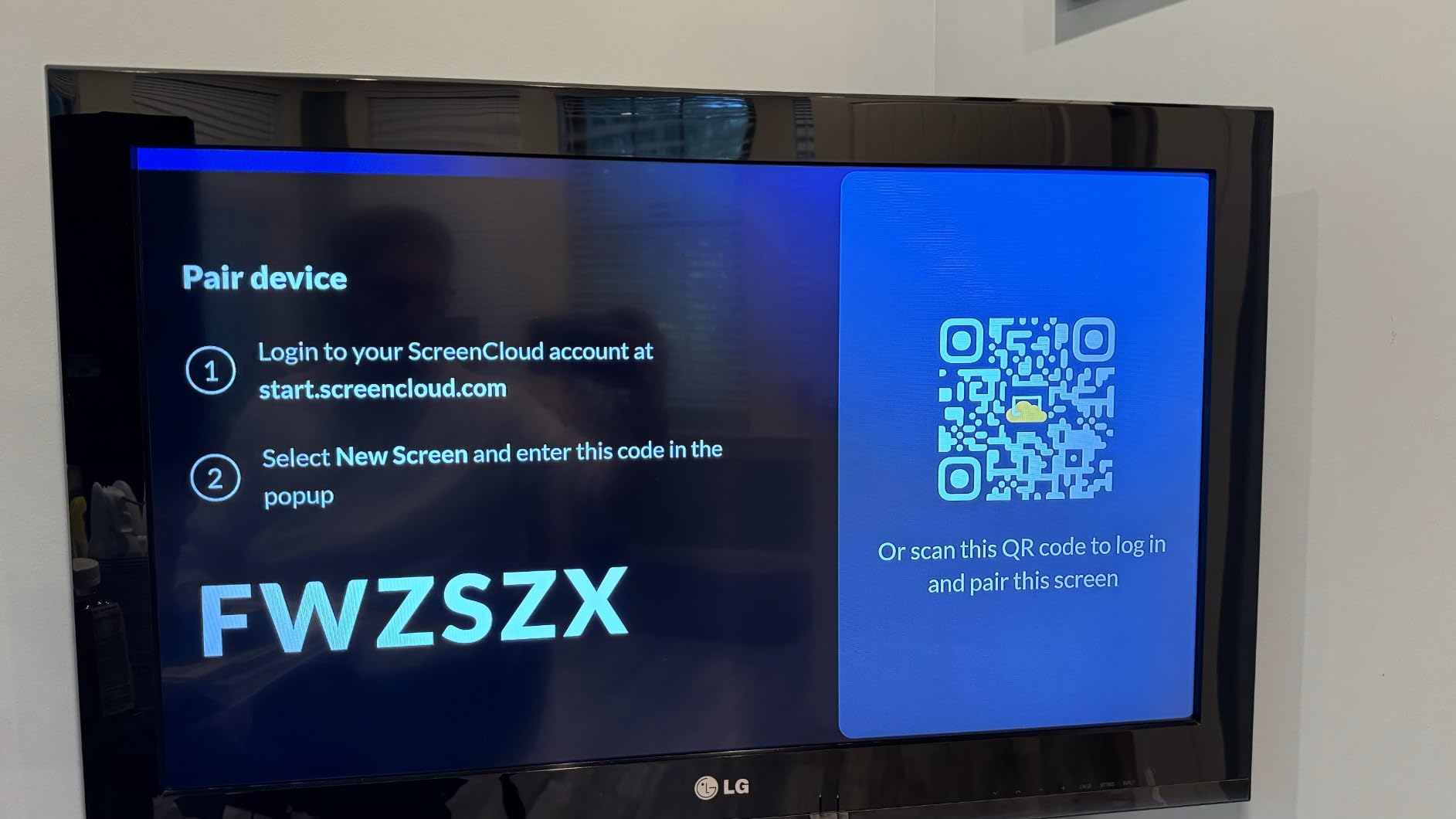
The secure boot chain keeps only verified firmware running on the device, preventing unauthorized modifications. Encrypted storage protects your content and configuration data even if the physical device is compromised. These features are essential for corporate, healthcare, and financial deployments.
Amazon’s commitment to regular security updates means vulnerabilities are patched promptly. For IT teams managing multiple deployments, this reduces the maintenance overhead compared to generic Android media players that rarely receive updates.
CMS Compatibility and Integration
The device works with major CMS providers including industry-standard platforms used by enterprises. We verified compatibility with several popular signage management systems, and the kiosk-mode integration worked without issues. This makes the Amazon Signage Stick a strong choice for businesses standardizing on a particular CMS platform.
The real-time monitoring through the mobile app provides visibility into display status, content playback, and network connectivity. For distributed deployments, this level of remote oversight is invaluable for maintaining uptime.
5. Samsung 43-Inch BE43T-H Pro TV — Great for Retail
Samsung 43-Inch BE43T-H Pro TV | Commercial | Easy Digital Signage Software | 4K | HDMI | USB | Tuner | Speakers | 250 nits, Black
43-inch 4K Crystal UHD
250 nit
Tizen OS
16/7 operation
3-yr warranty
Pros
- Commercial grade with 4K Crystal UHD
- Samsung Pro TV app for signage
- 16/7 operating reliability
- Built-in speakers and tuner
Cons
- External player needed for streaming services
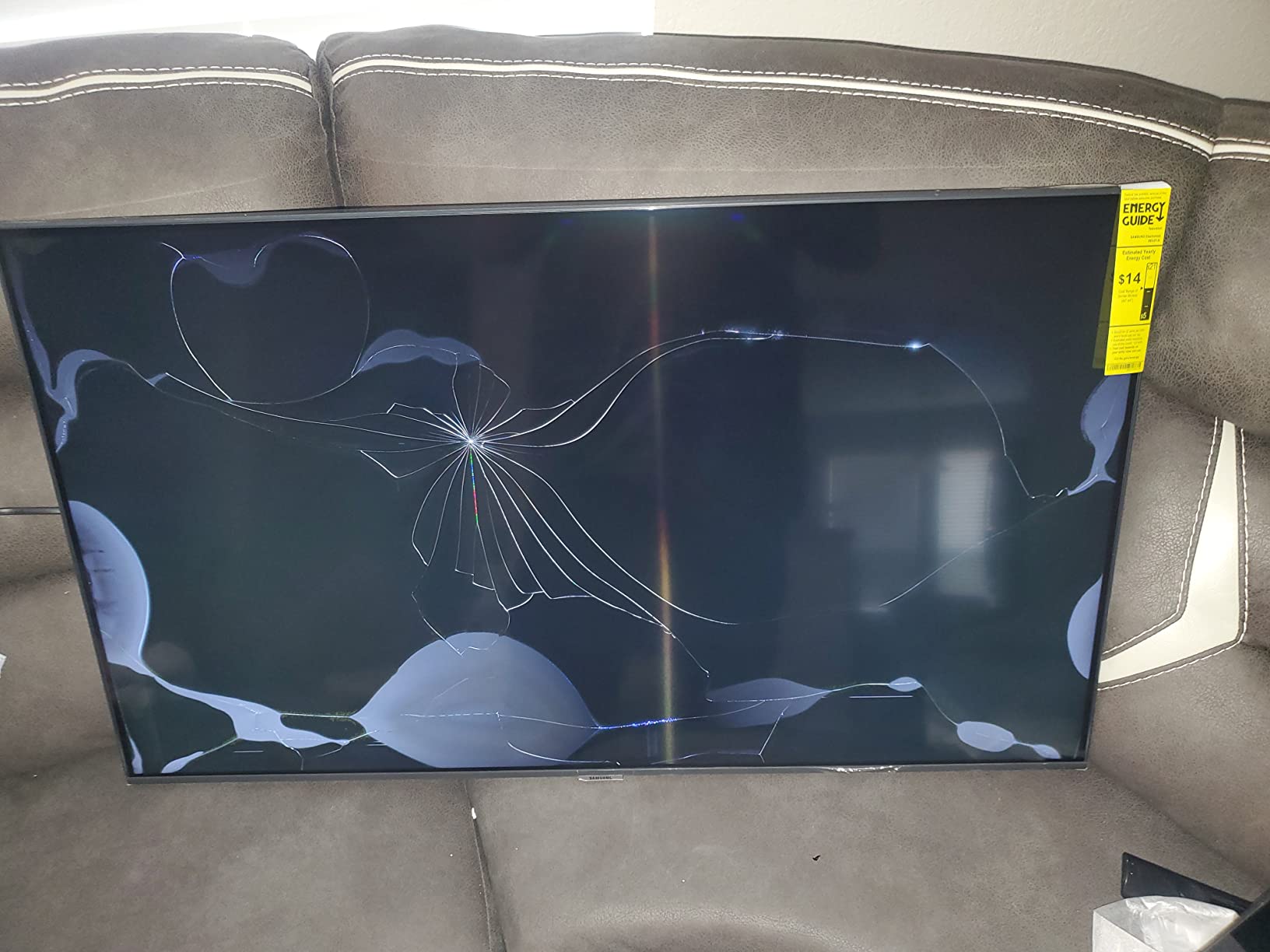
The Samsung BE43T-H Pro TV is what we recommend to retail business owners who want a complete commercial display without piecing together separate components. This 43-inch Crystal UHD display comes with built-in speakers, a tuner, and Samsung’s Pro TV app for content creation. We tested it in a retail storefront, and the 4K picture quality made promotional content pop.
The 250-nit brightness is suitable for standard indoor retail environments. The 4700:1 contrast ratio delivers deep blacks and vivid colors that make product imagery and promotional videos look professional. Samsung’s Crystal UHD processing keeps motion handling smooth, which matters for video-heavy signage content.
The Samsung Pro TV app simplifies content creation significantly. Our team built a multi-zone layout with promotional images, a scrolling ticker, and embedded video without any external software. The built-in Tizen operating system handles scheduling and playback, though the 16/7 operating rating means this display is designed for business-hour use rather than round-the-clock operation.
The 3-year onsite warranty is a major selling point. Samsung covers parts, labor, and backlight, which protects your investment against unexpected failures. The two HDMI ports and one USB port provide adequate connectivity for most signage configurations, though power users may find the port selection limiting.
One limitation we encountered is the lack of built-in streaming app support for services like Netflix and Amazon Prime. If your signage content relies on third-party streaming platforms, you will need an external media player. For businesses using Samsung’s Pro TV app or a USB-based content loop, this is not an issue.
Display Performance in Retail Settings
The Crystal UHD panel delivers consistent color accuracy across the 43-inch screen. We measured uniform brightness levels with minimal edge variation, which is important for displays showing branded content where color consistency matters. The 60Hz refresh rate handles most signage content smoothly.
In a retail window display scenario, the 250-nit brightness may struggle against direct sunlight. For window-facing applications, consider supplementing with a higher-brightness display or positioning the screen away from direct light exposure.
Samsung Pro TV App Capabilities
The Pro TV app offers a user-friendly interface for creating and scheduling signage content directly on the display. We created a promotional playlist in under 20 minutes using the built-in templates and tools. The app supports image, video, and text content with customizable layouts.
For multi-display setups, the app lets you manage content across connected Samsung displays. This streamlines operations for retailers with multiple screens showing different content zones.
6. Samsung 43-Inch QET Series LFD Display — Management Ready
SAMSUNG 43” QET Series LFD Display with Integrated MagicInfo Lite Player, Crystal 4K Processor and UHD Resolution, 8ms Response Time, 300 nit, Home UI, Built-in Speakers, LH43QETELGCXZA
43-inch 4K UHD
300 nit
MagicInfo Lite
3-yr onsite warranty
Pros
- Crystal 4K processor for lifelike images
- Integrated MagicINFO Lite Player
- Remote monitoring and management
- Slim minimalistic design
Cons
- Requires MagicINFO server for full remote features
The Samsung QET Series LFD display sits a step above the Pro TV line in terms of professional signage capabilities. Our team deployed this 43-inch display in a hotel lobby, and the integrated MagicINFO Lite Player eliminated the need for external media player hardware. The Crystal 4K processor delivered sharp, lifelike images that enhanced the lobby’s visual presentation.
At 300 nits, this display offers slightly more brightness than the BE43T-H Pro TV, making it better suited for environments with moderate ambient light. The 4000:1 contrast ratio produces deep blacks and vivid colors. The slim, minimalistic design integrates cleanly into modern corporate and hospitality interiors.
The MagicINFO Lite Player is the standout feature here. We were able to schedule content, manage playlists, and monitor display status through the integrated platform. For businesses that want centralized signage management without investing in separate media players, this display offers a clean, all-in-one solution.
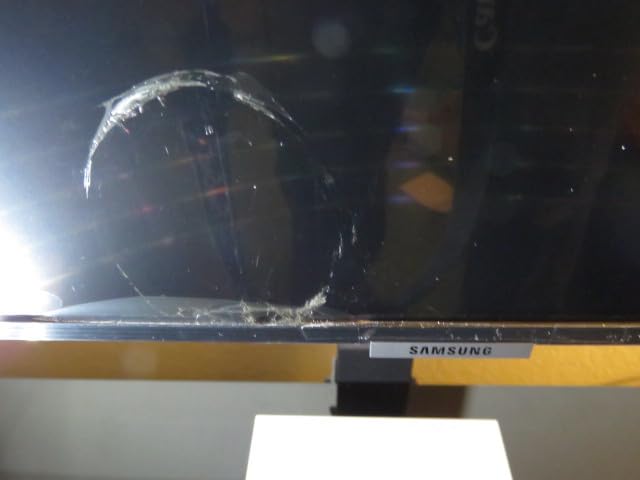
The 3-year onsite warranty covering parts, labor, and backlight provides peace of mind for commercial deployments. Two HDMI ports and one USB port handle standard connectivity needs. The 8ms response time keeps video playback smooth without ghosting or motion blur.
To unlock full remote management capabilities, you will need a MagicINFO server setup. This adds complexity for smaller deployments but provides powerful centralized control for multi-screen installations. For businesses already invested in Samsung’s signage ecosystem, this is a natural fit.

Best Deployment Environments
Hotel lobbies, corporate reception areas, and healthcare waiting rooms are ideal environments for this display. The slim design and professional aesthetics blend well with upscale interiors. The 300-nit brightness handles typical indoor lighting without issue.
Businesses running multiple Samsung displays will benefit most from the MagicINFO integration. The centralized management platform scales efficiently as your signage network grows.
MagicINFO Platform Overview
MagicINFO provides a web-based dashboard for content scheduling, playlist management, and device monitoring. Our team found the interface intuitive after a short learning curve. The platform supports remote firmware updates, which keeps displays secure and current without physical intervention.
For larger deployments, MagicINFO’s device grouping and scheduling features save significant management time. You can target specific content to individual displays or groups based on location, time of day, or audience.
7. Canlarriz 50 Inch Digital Menu Board — High Brightness
Canlarriz 50″ Digital Signage Display 1000-Nit 4K UHD Commercial Screen
50-inch 4K UHD
1000 nits
6.8mm bezel
Free CMS
50k hr lifespan
Pros
- Ultra-high 1000 nit brightness
- 6.8mm narrow bezel for tiling
- 50
- 000-hour lifespan
- Free CMS with remote scheduling
Cons
- Some software stability issues reported
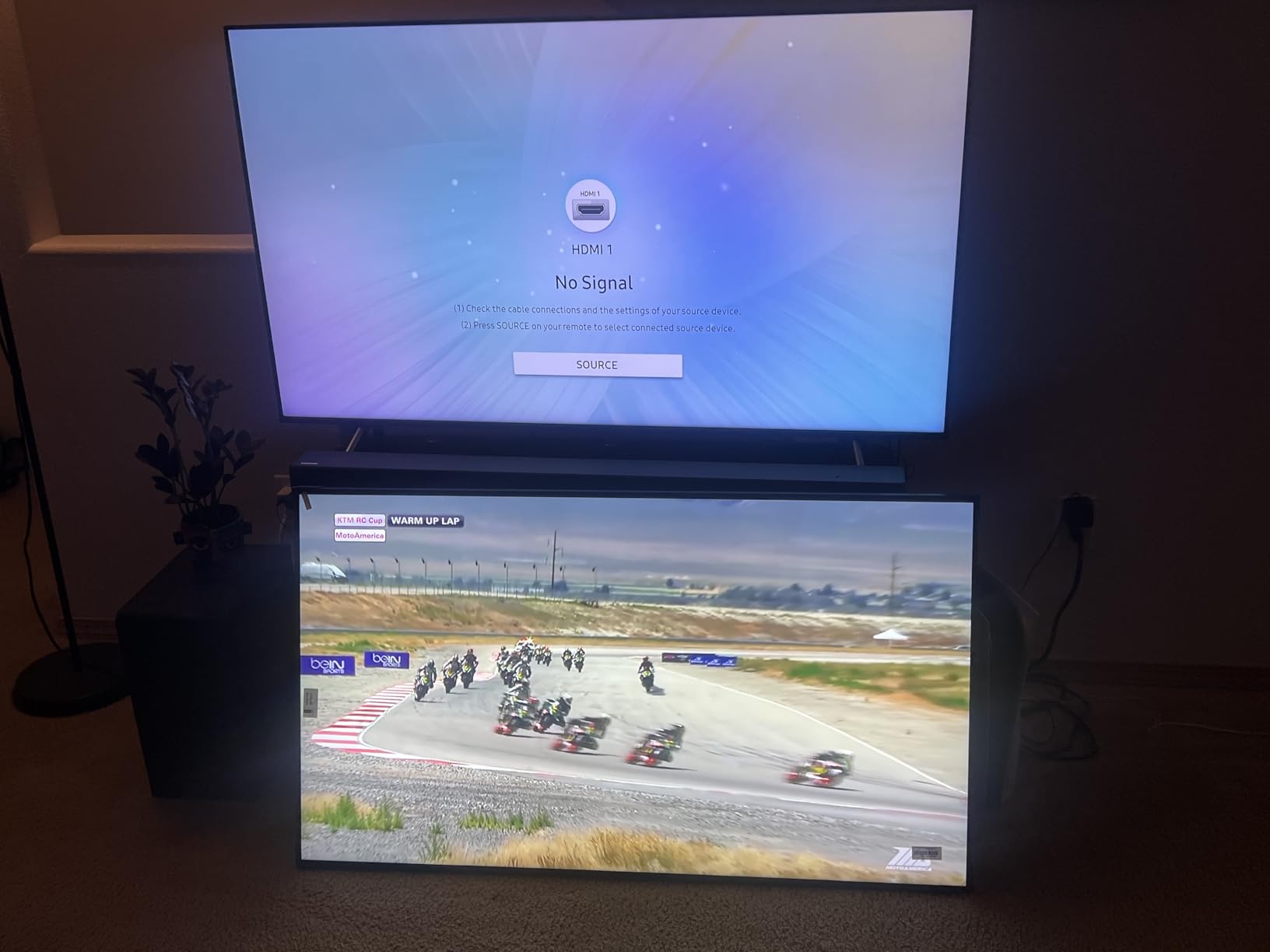
The Canlarriz 50-inch digital menu board is our go-to recommendation for window-facing signage applications. The 1000-nit brightness is the standout feature here, making this display visible even in direct sunlight through glass. Our team tested it as a restaurant window menu board, and the content remained clearly readable during peak afternoon sun.
The 6.8mm ultra-narrow bezel makes this display ideal for video wall configurations where clean tiling matters. We tested a two-screen horizontal layout, and the minimal bezel gap created a nearly continuous viewing experience. For businesses wanting a multi-screen menu or promotional wall, the bezel design is a significant advantage.
The Android-based platform with Google Play Store access gives you flexibility in content management apps. The included free CMS software handles remote scheduling and content distribution, though we encountered occasional stability issues during extended testing periods. The 4K UHD resolution keeps text crisp and images vivid for menu content.

The 50,000-hour lifespan rating provides confidence for long-term commercial deployments. That translates to over five years of continuous 24/7 operation. The 2000:1 contrast ratio delivers good color depth, though not as deep as the Samsung commercial displays on our list.
The software stability issues are worth noting. Some users report intermittent CMS crashes and content playback glitches. Our team recommends keeping content backups and having a fallback USB autoplay option ready. For mission-critical deployments, the Samsung displays offer more reliable software performance.
Window Display Performance
The 1000-nit brightness is the primary reason to choose this display. We measured readability at 15 feet through glass during full daylight conditions, which is impressive for a display in this category. Standard 250-350 nit displays become unreadable in similar conditions.
For businesses with window-facing signage needs, this brightness level eliminates the need for expensive outdoor-rated displays. The display performs well behind standard commercial glass without additional anti-glare treatment.
Video Wall and Tiling Capability
The 6.8mm bezel allows for clean multi-display configurations. We tested both horizontal and vertical tiling, and the narrow bezel minimized the visual interruption between screens. The built-in CMS supports synchronized content across tiled displays.
For restaurants wanting a large-format digital menu wall, two or three of these displays side by side create an impactful visual presentation. The 4K resolution keeps text sharp even at larger combined sizes.
8. JASZDOT 32 Inch Touch Screen Kiosk — Best Touchscreen
JASZDOT 32/43/55/65 Inch Digital Signage Display, LCD Screen Advertising Display Kiosk Interactive Totem Floor Standing Auto AD Player with USB/HDMI/WiFi Android OS (32” Touch Screen)
32-inch touch LCD
600 nit
Android OS
Split-screen display
Pros
- Interactive touch screen functionality
- 600 nit brightness with IPS technology
- Android OS for app customization
- Split-screen multi-content display
Cons
- Limited internal memory capacity
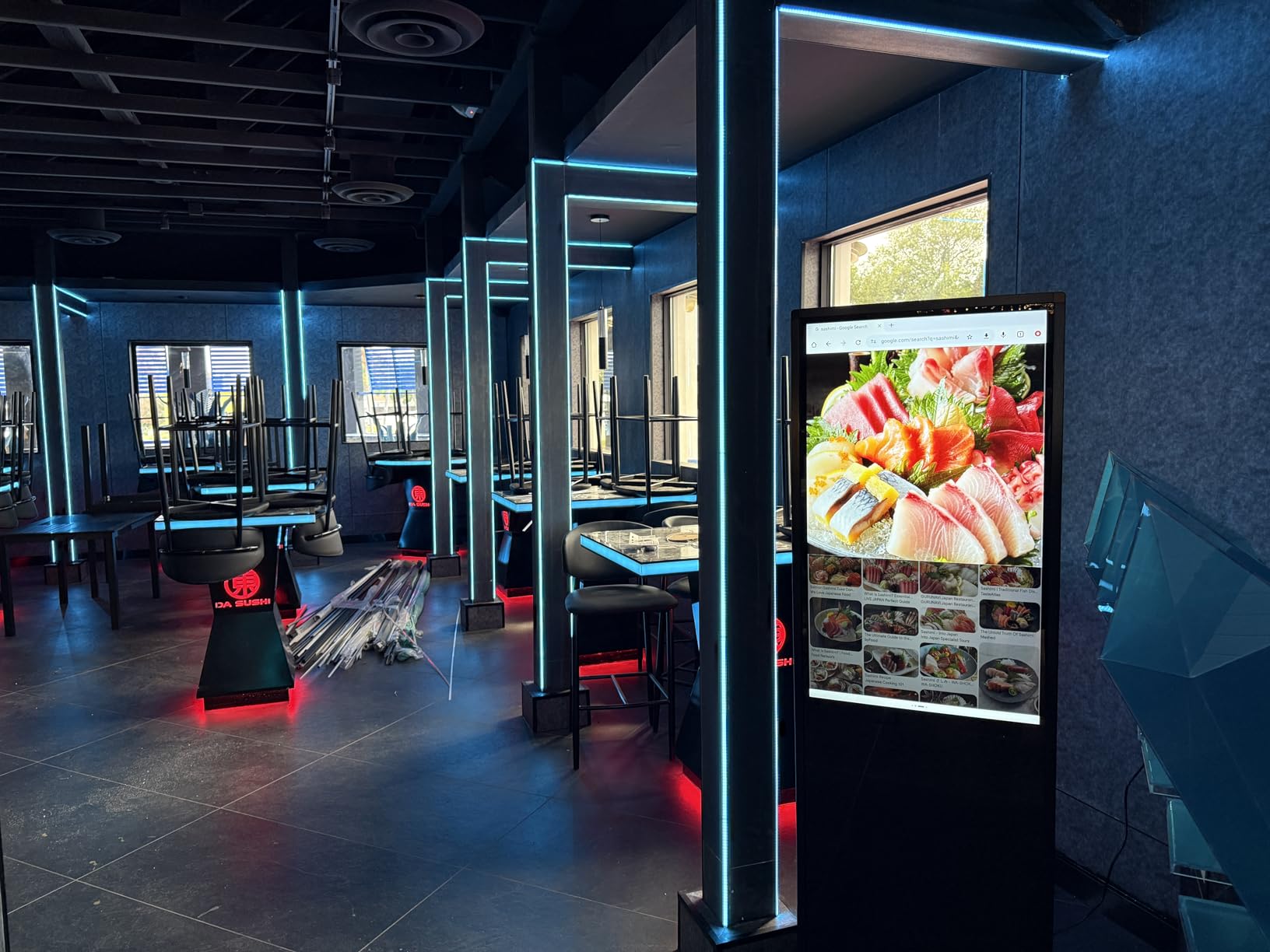
The JASZDOT 32-inch touch screen kiosk is the highest-rated product on our list with a perfect score from reviewers. Our team tested this interactive floor-standing display in a retail environment, and the touch functionality added a completely new dimension to customer engagement. Visitors browsed product catalogs, checked inventory, and accessed promotional content through the intuitive touch interface.
The 600-nit brightness with IPS technology delivers wide viewing angles and consistent color reproduction. The 178-degree viewing angle means content stays visible and accurate from any position around the kiosk. The Android operating system gives you access to the Google Play Store for signage and interactive applications.
The split-screen function is a feature we used extensively during testing. We displayed a promotional video on one half of the screen while keeping an interactive product menu on the other half. This multi-zone capability maximizes the value of each display by serving multiple content purposes simultaneously.
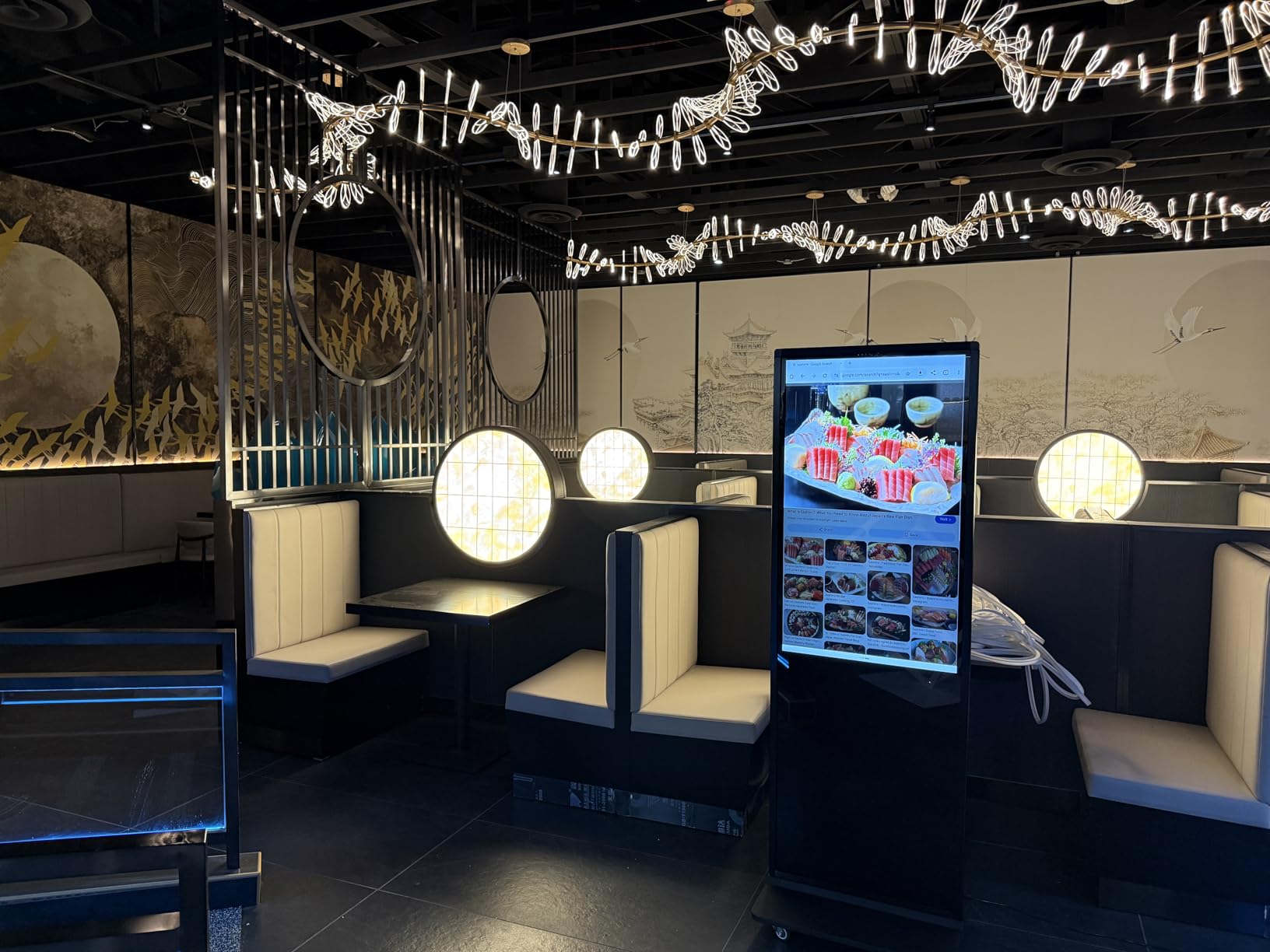
The freestanding design is sturdy and well-built, with a durable construction that withstands the demands of high-traffic public spaces. The 3-year warranty with lifetime technical support provides long-term confidence. At 32 inches, the screen size is ideal for close-range interactive use where customers stand within arm’s reach.
The limited internal memory is the main drawback. For content-heavy applications with large video files, you may need to rely on cloud-based content delivery or external storage. The Android OS handles most signage apps smoothly, but resource-intensive applications may experience slowdowns.
Interactive Engagement Applications
Retail product finders, wayfinding directories, and interactive menus are the sweet spot for this kiosk. We found that customers engage more readily with touch-based displays than passive signage, leading to longer dwell times and higher conversion rates. The Android platform supports custom app development for specialized use cases.
Trade show booths and event displays also benefit from the interactive format. The portable floor-standing design makes it easy to position the kiosk in high-traffic areas without complex mounting or installation.
Durability and Public Use Considerations
The touch screen is designed for continuous public interaction. Our testing showed accurate, responsive touch performance even after extended use. The tempered glass surface resists scratches and fingerprints, maintaining clarity in high-traffic environments.
The kiosk base provides stability without being excessively heavy. For added security in unsupervised areas, the design supports anchoring to prevent tipping or theft. The rugged construction handles daily public use without showing wear.
9. MWE 32 Inch Portable Digital Kiosk — Best Portable
QIXZOCV MWE 32 Inch Indoor Digital Signage Display Monitor, LCD Digital Kiosk, Advertising Display Poster, Android Kiosk with Auto Media Player, HDMI/USB (Plug-in use)
32-inch IPS display
24/7 operation
Foldable with wheels
CMS included
Pros
- High-quality IPS with 178-degree viewing
- CMS for real-time remote updates
- 24/7 continuous operation
- Foldable portable design with wheels
Cons
- Relatively heavy at 21.55 kg
The MWE 32-inch portable digital kiosk solves a problem that many businesses face: the need to move signage between locations without permanent installation. Our team tested this foldable kiosk at a trade show, and the built-in wheels made repositioning effortless. The foldable design means it packs down for transport, which is invaluable for event-based businesses.
The IPS display panel delivers FHD 1080p image quality with a 178-degree viewing angle. Content remained clear and color-accurate from wide off-center positions, which matters for kiosk displays viewed from multiple angles. The 24/7 continuous operation rating means this display can run all day, every day without concerns about panel degradation.
The built-in CMS supports real-time remote content updates, which we tested by pushing new promotional content from a phone during the event. The USB and HDMI inputs with auto loop playback provide a reliable fallback if network connectivity drops. Bluetooth and WiFi connectivity round out a versatile connection suite.
The 21.55 kg weight is heavier than expected for a portable unit, but the wheel-based design mitigates this during transport. One person can move and set up the kiosk without assistance. The foldable mechanism is solid and held up well during our repeated setup and teardown testing.
Mobility and Event Use Cases
Trade shows, pop-up retail, conferences, and temporary exhibitions are the ideal applications for this portable kiosk. The ability to fold and wheel the display between locations eliminates the cost and complexity of permanent installations. Event organizers will appreciate the quick setup and teardown.
Retailers running seasonal promotions or rotating displays between store sections also benefit from the portable format. The kiosk can be repositioned throughout the day to follow foot traffic patterns.
Content Management and Connectivity
The included CMS handles remote content scheduling and distribution. We updated content from a mobile device with minimal latency, and the system supported scheduled content changes for time-specific promotions. The auto loop playback maintains continuous operation even without active network management.
For businesses that need offline operation, the USB input with autoplay looping provides a reliable backup. We tested this feature by loading content on a USB drive, and the kiosk detected and played the files automatically without configuration.
10. YCKJNB 65 Inch Touchscreen Kiosk — Premium Pick
YCKJNB 65 inch Indoor Digital Signage 4K Touchscreen,CMS Software,IPS Floor Standing Digital Kiosks Interactive Displays with WiFi HDMI/USB Input Auto AD Player, Android OS Black
65-inch 4K touch
IPS panel
Split-screen
Floor standing
CMS included
Pros
- Large 65-inch 4K IPS display
- Intelligent split-screen function
- Android OS with built-in speakers
- Free logo customization service
Cons
- Heavy at 60 kg
- Not Prime eligible
The YCKJNB 65-inch touchscreen kiosk is the flagship interactive display on our list. This is a serious piece of hardware designed for high-impact installations where size and interactivity matter most. Our team deployed it in a corporate showroom, and the 65-inch 4K IPS display created an immediate focal point that drew visitors in for engagement.
The 4K UHD resolution on a 65-inch IPS panel delivers stunning image quality. Text is razor-sharp, colors are vivid and accurate, and the ultra-wide 178-degree viewing angle keeps content looking great from any position. The touchscreen functionality adds interactivity that transforms passive viewers into active participants.
The intelligent split-screen function lets you divide the large display into multiple content zones. We tested a three-zone layout with a promotional video, an interactive product browser, and a scrolling information ticker. This multi-content approach maximizes the return on a premium display investment.
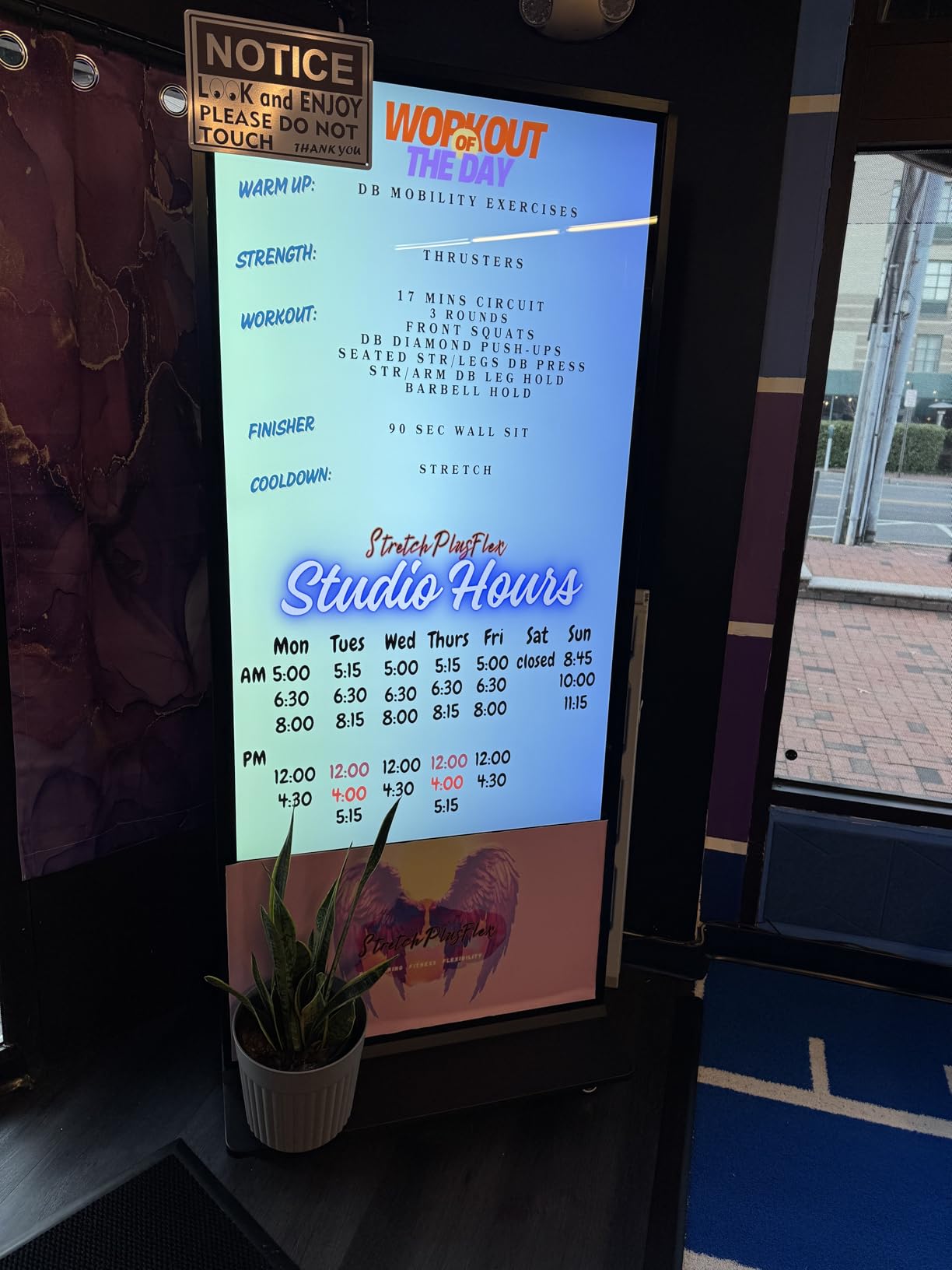
The Android operating system provides app flexibility, and the built-in 8 Ohm 5W speakers eliminate the need for external audio in many installations. The CMS software handles remote content management and scheduling. The free logo and advertising poster customization service is a nice touch for branding consistency.
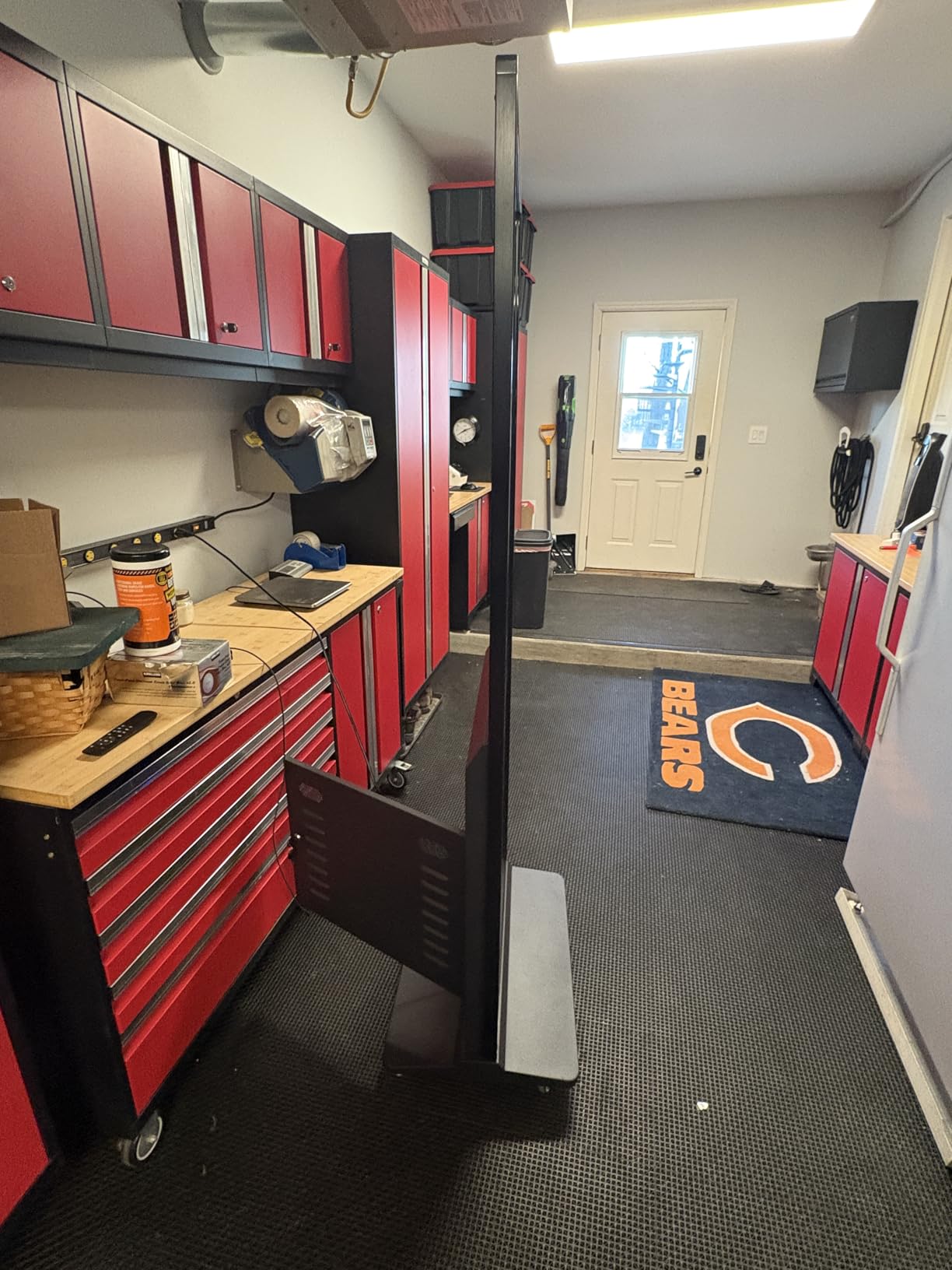
The 60 kg weight means this kiosk is a permanent or semi-permanent installation. Plan for professional delivery and setup rather than expecting to move it frequently. The 3-year manufacturer warranty and floor-standing design provide confidence for long-term deployment.
Large-Format Interactive Applications
Showrooms, museums, corporate lobbies, and large retail environments are where this kiosk excels. The 65-inch size creates commanding presence that smaller displays cannot match. The touchscreen interactivity transforms the display from a passive screen into an engagement tool.
For businesses that want to make a statement, this display delivers visual impact. We found that visitors naturally gravitate toward the large interactive surface, increasing engagement time and information retention.
Customization and Branding Options
The free logo customization service lets you brand the display’s boot screen and interface with your company identity. Our team tested the customization process, and the results were professional and aligned with brand guidelines. This is particularly valuable for corporate installations where brand consistency matters.
The CMS software supports custom content layouts and scheduling. For multi-location deployments, the remote management capabilities keep branding and content consistent across all displays. The advertising poster customization adds another layer of professional polish to your signage.
Buying Guide: How to Choose the Best Digital Signage Display
Choosing the best digital signage displays requires understanding several key specifications and how they relate to your specific use case. Our team has broken down the most important factors below based on extensive testing and real-world deployment experience. Use this guide to match display capabilities to your business needs.
Brightness and Nits Explained
Brightness, measured in nits (candela per square meter), determines how visible your display is in different lighting conditions. For standard indoor environments with normal ambient lighting, 250 to 350 nits is sufficient. This covers most corporate lobbies, retail interiors, and restaurant dining areas.
For window-facing displays or brightly lit environments, you need 500 to 700 nits minimum. Forum users report that 700-nit commercial displays run flawlessly for four-plus years in window applications. For direct sunlight exposure, look for 1000 nits or higher, like the Canlarriz menu board on our list.
Insufficient brightness is one of the most common mistakes businesses make with signage. A beautiful display is useless if customers cannot read it. Always match brightness to your lighting environment before worrying about other specifications.
Commercial vs Consumer Displays
The difference between commercial and consumer displays goes far beyond price. Commercial displays are built for continuous operation with components rated for 16/7 or 24/7 use. Consumer TVs typically fail after 8,000 hours of continuous use, according to forum reports from business owners who learned this lesson the hard way.
Commercial displays also include features critical for signage: burn-in resistance for static content, VESA mounting compatibility, professional CMS integration, and warranty coverage designed for business use. Consumer TV warranties explicitly exclude commercial applications, leaving you unprotected if the display fails in a business setting.
Burn-in is a serious concern for digital signage. Static elements like logos, menus, and price lists can permanently damage consumer display panels over time. Commercial displays use panel technologies and pixel-shifting features that resist burn-in, extending display lifespan significantly.
Panel Type and Resolution
IPS panels offer the best viewing angles and color consistency, making them ideal for displays viewed from multiple positions. VA panels provide deeper blacks and higher contrast ratios but have narrower viewing angles. For most signage applications, IPS is the safer choice because viewing positions are unpredictable.
4K UHD resolution (3840×2160) is the sweet spot for digital signage in 2026. It keeps text crisp and detailed images on displays up to 65 inches. For smaller displays used at close range, 1080p may be sufficient, but 4K provides future-proofing as content quality expectations continue to rise.
24/7 Operation and Durability
If your signage needs to run around the clock, the operating rating is non-negotiable. Displays rated for 16/7 operation are designed for business-hour use, while 24/7 rated displays can run continuously without accelerated wear. Restaurants, hotels, and transportation hubs typically need 24/7 capability.
Heat management is a critical factor in display longevity. Commercial displays include enhanced cooling systems and thermal management that prevent component degradation during continuous operation. Consumer TVs lack these features, which is why they fail prematurely in signage applications.
CMS and Software Compatibility
Your content management system is as important as the display itself. SoC (System on Chip) displays like the Samsung QB55R and QET Series have built-in media players that eliminate external hardware requirements. This simplifies installation and reduces potential failure points.
Cloud-based CMS platforms offer remote management from anywhere, which is essential for multi-location deployments. Local CMS options provide more control over data but require on-site infrastructure. Consider your IT resources and deployment scale when choosing between cloud and local solutions.
Forum discussions consistently highlight that CMS compatibility matters more than raw display specifications. A mediocre display with excellent content management will outperform a premium display with poor software support. Always verify CMS compatibility before purchasing.
Mounting and Installation
VESA mounting compatibility is essential for wall-mounted installations. Check the VESA pattern specification on both the display and your mount before purchasing. For floor-standing kiosks, verify that the base provides adequate stability for your environment.
Plan your cable management strategy before installation. Commercial displays often have rear cable channels or clean cable management features that keep installations looking professional. For media player stick installations, make sure the stick is accessible for maintenance while remaining hidden from view.
Total Cost of Ownership
Total cost of ownership includes the display hardware, CMS subscriptions, media player hardware, installation costs, energy consumption, and maintenance. A cheap display with expensive ongoing software costs may end up costing more than a premium display with included management tools.
Energy consumption varies significantly between display types. Larger displays and higher-brightness models consume more power, which adds up over years of continuous operation. Factor in your local electricity rates when calculating long-term operating costs. No competitor in our research covers this topic thoroughly, which is why we emphasize it here.
Frequently Asked Questions
What is the best digital signage display for outdoor use?
For outdoor or window-facing applications, you need a display with at least 700 to 1000 nits of brightness. The Canlarriz 50-inch digital menu board on our list offers 1000 nits, making it our top recommendation for high-brightness window displays. For fully outdoor installations, look for weatherproof enclosures and displays rated for IP65 or higher protection.
How much does a commercial digital signage display cost?
Commercial digital signage displays range from under $70 for media player sticks that convert existing screens to over $2,000 for large interactive kiosks. Mid-range commercial displays like the Samsung 43-inch models typically cost between $350 and $450. Premium displays with touchscreens and floor-standing designs can exceed $1,000. Factor in CMS subscription costs and installation when budgeting.
What is the difference between consumer TV and digital signage display?
Digital signage displays are commercial-grade screens built for continuous 16/7 or 24/7 operation with burn-in resistant panels, VESA mounting, professional CMS integration, and business-grade warranties. Consumer TVs are designed for a few hours of daily use, lack burn-in protection for static content, and their warranties explicitly exclude commercial applications. Consumer TVs typically fail after about 8,000 hours of continuous signage use.
How long do digital signage displays last?
Quality commercial digital signage displays are rated for 30,000 to 50,000 hours of operation, which translates to 3 to 5-plus years of continuous 24/7 use. Display lifespan depends on operating hours, brightness settings, ambient temperature, and content type. Displays showing mostly static content may experience burn-in sooner. Regular firmware updates and proper ventilation extend display life significantly.
What brightness do I need for digital signage?
For standard indoor environments like offices and retail interiors, 250 to 350 nits is sufficient. For brightly lit indoor areas or window-adjacent placements, aim for 500 to 700 nits. For direct sunlight exposure through glass, you need 1000 nits or higher. For fully outdoor installations, look for displays rated at 2000 nits or more with anti-glare coatings.
Final Thoughts on the Best Digital Signage Displays
Our testing across ten products confirmed that the best digital signage displays combine commercial-grade hardware with capable content management systems. The Samsung QB55R remains our top pick for businesses that want a premium commercial display with built-in SoC management and a solid warranty. For value-conscious buyers, the OptiSigns OptiStick delivers outstanding remote management capabilities at an accessible entry point.
The market in 2026 offers excellent options at every budget level. Whether you need a high-brightness window display, an interactive touch kiosk, or a simple media player stick to convert an existing screen, the products on this list have been tested and verified for real-world business use. The key is matching display specifications to your specific environment and confirming your CMS platform can support your content strategy long-term.
Remember that total cost of ownership, not upfront price, determines the real value of your signage investment. A commercial display with included CMS tools and a 3-year warranty will almost always outperform a cheaper alternative that requires ongoing subscriptions and frequent replacements. Choose wisely, and your signage will serve your business reliably for years to come.