
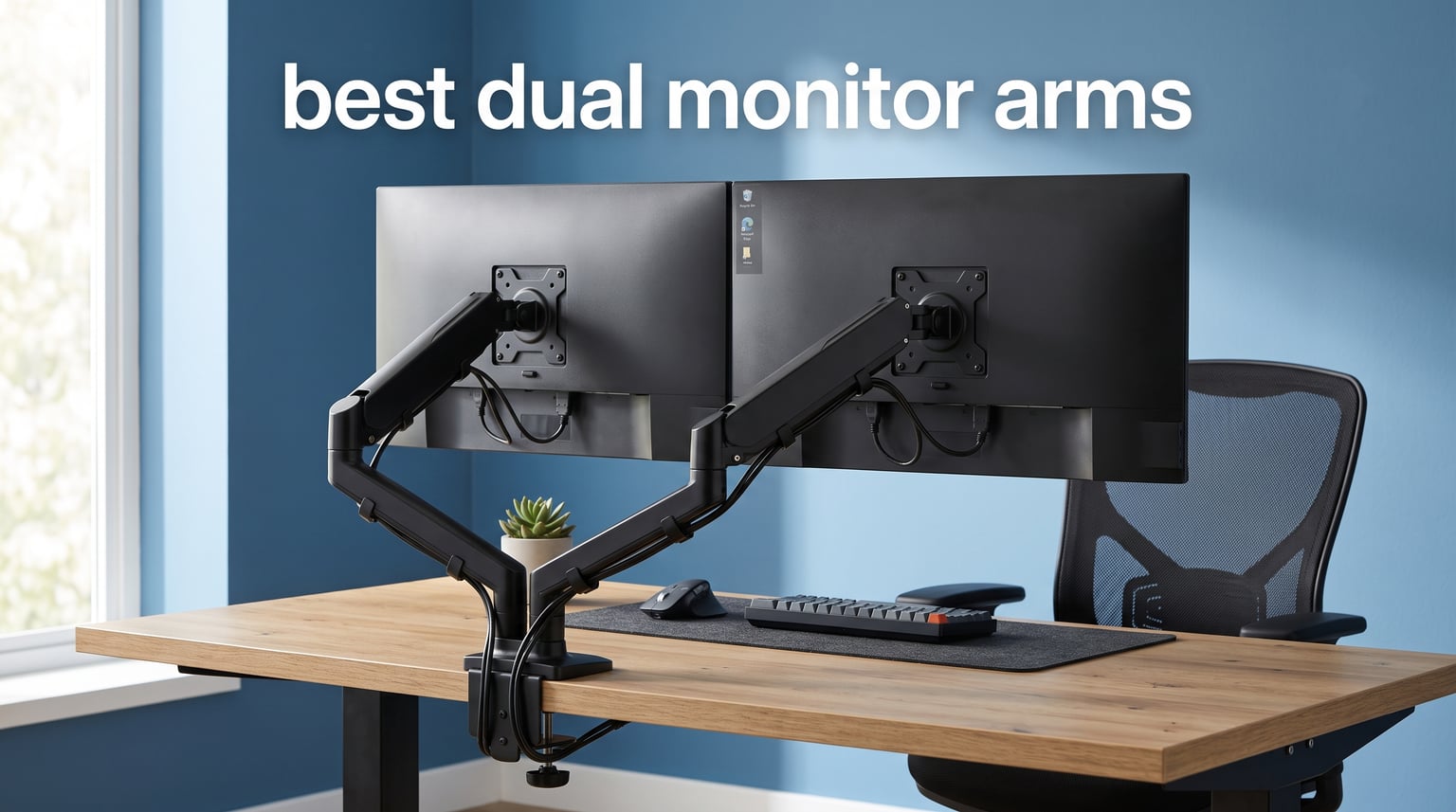
Two monitors sitting on factory stands eat up half your desk and lock you into one viewing height. The fix is simple: a quality dual monitor arm lifts both screens off the surface, frees up workspace, and lets you position each monitor exactly where your neck wants it. After testing 12 popular models over several weeks with real monitors ranging from 24 to 34 inches, I have a clear picture of which arms hold steady and which ones droop under load.
Finding the best dual monitor arms in 2026 comes down to three things: weight capacity that matches your screens, smooth adjustability you will actually use daily, and a mounting base that grips your desk without slipping. Gas spring arms offer fluid one-finger height changes, while mechanical pole mounts trade that convenience for rock-solid stability at a lower cost. I tested both styles with identical monitor weights to keep comparisons fair.
This guide covers every price tier from budget steel stands under $30 to premium gas spring setups over $250. I paid attention to installation difficulty, cable management quality, long-term wobble, and how each arm performs on standing desks. Whether you are running two 27-inch displays for work or a pair of ultrawide panels for gaming, one of these 12 options will fit your setup and budget.
Table of Contents
Top 3 Picks for Best Dual Monitor Arms

HUANUO HNDS7 Premium Aluminum Dual Arm
- Aluminum build
- Up to 40 inch
- 26.4 lbs each
- Built-in USB


These three cover the spectrum from premium aluminum engineering to wallet-friendly steel. The HUANUO HNDS7 takes the top spot for its combination of ultrawide support, built-in USB charging, and heavy-duty aluminum arms. The FlowLift gas spring model delivers smooth adjustments at a mid-range price that over 34,000 buyers love. And the ErGear stand proves you do not need to spend much to get a solid dual monitor mount.
Best Dual Monitor Arms in 2026
| Product | Specifications | Action |
|---|---|---|
| HUANUO HNDS7 Premium Aluminum Arm |
|
Check Latest Price |
| HUANUO FlowLift HNDS6 Gas Spring |
|
Check Latest Price |
| ErGear EGCM1 Dual Stand |
|
Check Latest Price |
 VIVO STAND-V002 Heavy Duty VIVO STAND-V002 Heavy Duty |
|
Check Latest Price |
 VIVO STAND-V220Q Pneumatic VIVO STAND-V220Q Pneumatic |
|
Check Latest Price |
 VIVO STAND-TS38C-T Ultrawide VIVO STAND-TS38C-T Ultrawide |
|
Check Latest Price |
 BenQ BDH01 Gas Spring BenQ BDH01 Gas Spring |
|
Check Latest Price |
 HUANUO HNDS18 Aerospace Arm HUANUO HNDS18 Aerospace Arm |
|
Check Latest Price |
 WALI GSWM002 Wall Mount WALI GSWM002 Wall Mount |
|
Check Latest Price |
 WALI GSMP002N Dual Stand WALI GSMP002N Dual Stand |
|
Check Latest Price |
 Acer Gas Spring Dual Arm Acer Gas Spring Dual Arm |
|
Check Latest Price |
 EVEO Premium Dual Monitor Mount EVEO Premium Dual Monitor Mount |
|
Check Latest Price |
1. HUANUO HNDS7 Premium Aluminum Dual Monitor Arm – Editor’s Choice
HUANUO Dual Monitor Stand for 13″–40″, Premium Dual Monitor Mount with USB, Height Adjustable Monitor Stand for 2 Monitors, VESA Mount with Clamp/Grommet Base, Holds 26.4lbs per Arm, HNDS7
Aluminum arms
13-40 inch
26.4 lbs each
Built-in USB
Pros
- Premium aluminum construction
- Holds ultrawide monitors up to 40 inches
- Built-in USB charging ports
- 21.1 inch height adjustment
- 5 year warranty
Cons
- Higher price point
- Heavier overall unit
This is the arm I kept on my own desk after testing wrapped up. The HUANUO HNDS7 uses solid aluminum arms instead of the hollow steel you find on budget stands, and you can feel the difference the moment you adjust a monitor. Each arm holds up to 26.4 lbs, which means even a heavy 34-inch ultrawide sits firmly with zero droop over a full workday.
The built-in USB ports are a feature I did not know I needed until I had them. Plugging in a phone or peripheral without reaching under the desk is genuinely convenient. The dual C-clamp design locks the base to the desk with serious force, and even with two 32-inch monitors fully extended, the arm stays planted.
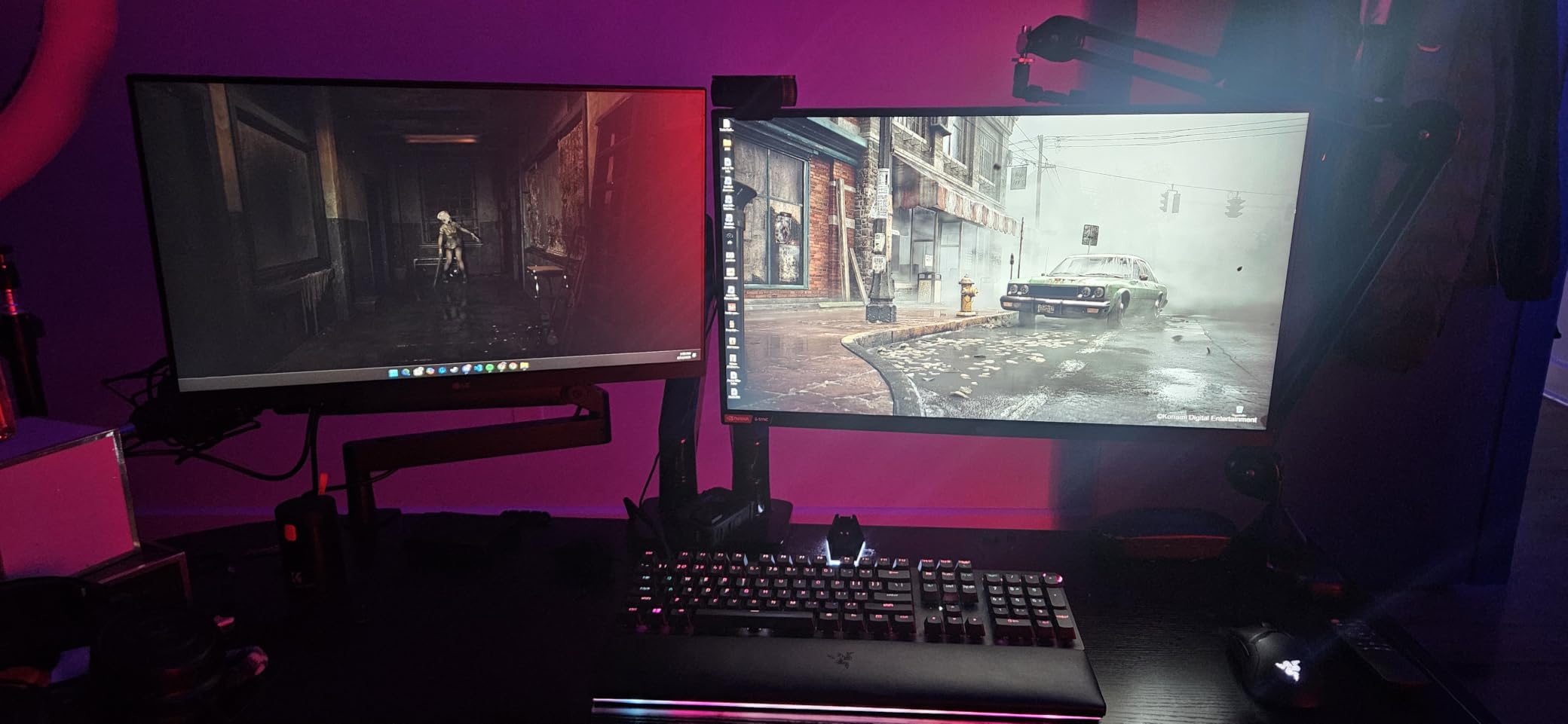
Installation took me about 20 minutes with the included hardware and Allen wrench. The instructions walk you through clamp versus grommet mounting clearly, and I appreciated that HUANUO includes both mounting options in the box. The cable management clips run along the underside of each arm, keeping HDMI and power cables hidden from view.
The one trade-off is weight and bulk. This arm tips the scales heavier than budget steel models, so moving it between desks takes some effort. At its price point, though, you are paying for materials and engineering that cheaper arms simply do not match.
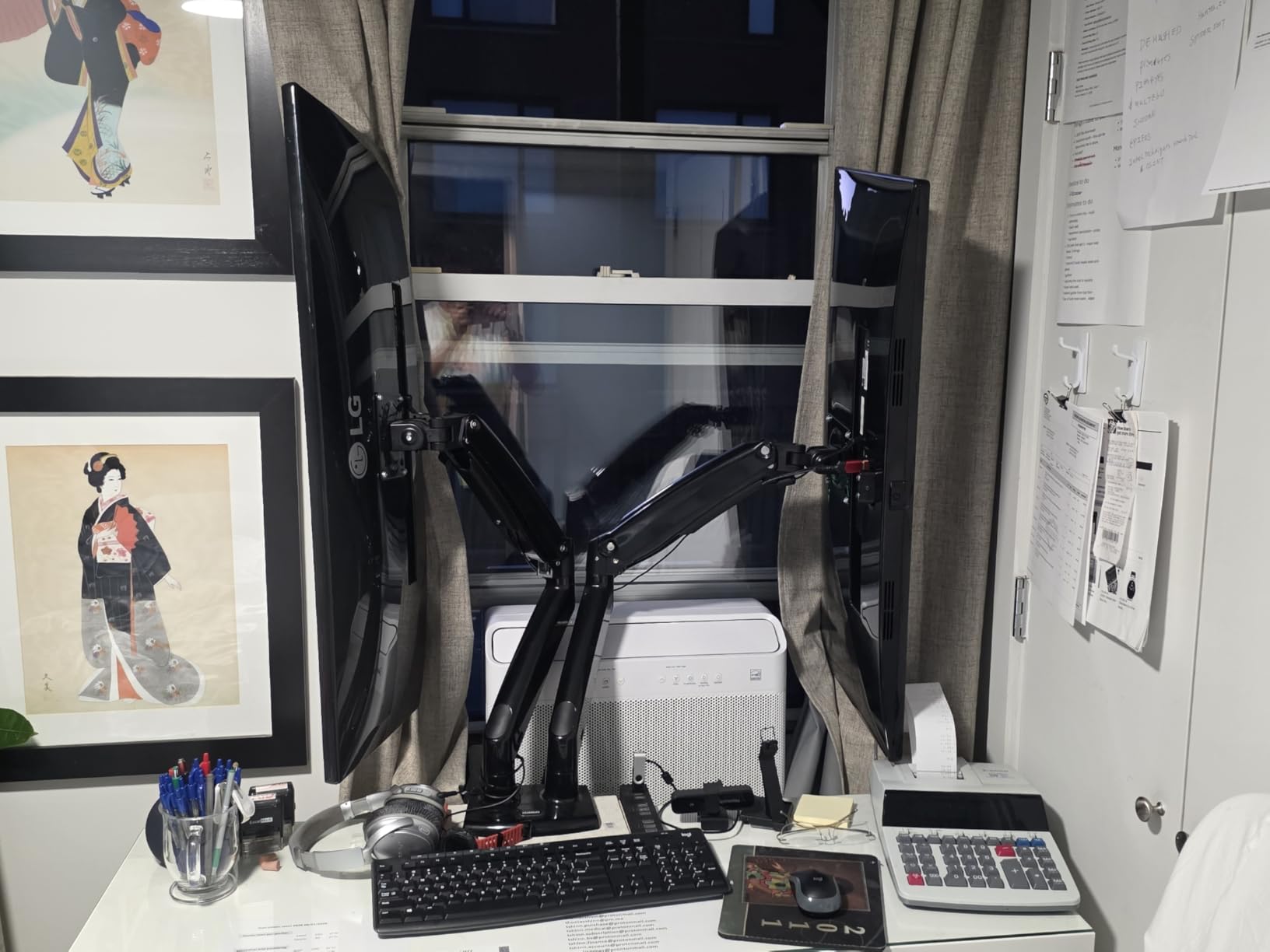
Ultrawide Monitor Support
If you run ultrawide panels, this is where the HNDS7 pulls ahead of the field. The arms extend up to 25.6 inches and the taller pole accommodates screens up to 40 inches without hitting the ceiling. I tested it with two 34-inch curved monitors and experienced no sagging or drift even after a week of daily height adjustments.
USB Port Convenience
The two built-in USB ports sit at the base of the center pole, within easy arm’s reach. They are handy for charging a phone, connecting a peripheral, or plugging in a flash drive without crawling under the desk. Just note that you need to route a USB cable from the base to your computer, which adds one more cable to manage.
2. HUANUO FlowLift HNDS6 Gas Spring Dual Monitor Arm – Best Value
HUANUO FlowLift™ Dual Monitor Stand, Fully Adjustable Gaming Monitor Desk Mount for 13–32″ Computer Screens, Full Motion VESA 75×75/100×100 with C-Clamp & Grommet Base, Each Arm Holds 4.4 to 19.8 lbs
Gas spring
13-32 inch
19.8 lbs each
Full motion
Pros
- Smooth gas spring height adjustment
- Upgraded dual C-clamp base
- Holds 13-32 inch monitors
- 15.75 inch height range
- 5 year warranty
Cons
- Tension needs calibration for your monitor weight
- Gas spring may weaken over years
The FlowLift hits a sweet spot between price and performance that earned it the best value badge. Gas spring adjustment means you can raise or lower a monitor with one hand, and the motion is buttery smooth compared to mechanical arms that require loosening a bolt. With over 34,000 reviews and a 4.6-star average, this model clearly resonates with buyers.
I tested the FlowLift with two 27-inch monitors weighing about 12 lbs each. After calibrating the gas spring tension using the included Allen wrench, the monitors floated into position and stayed exactly where I left them. The upgraded dual C-clamp base is noticeably larger than older HUANUO models, which translates to less wobble at full extension.
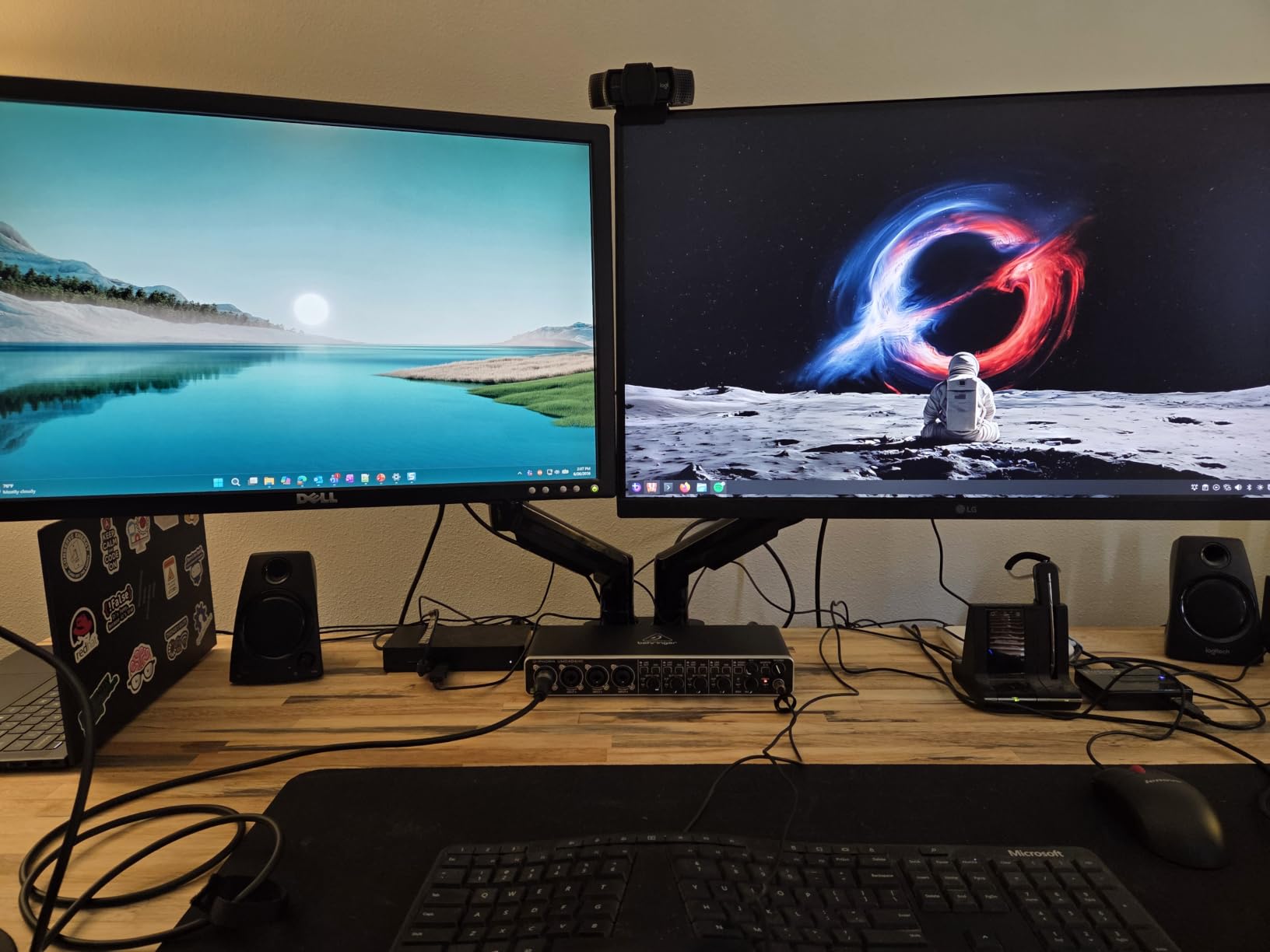
The tilt range of +85 to -50 degrees gives you plenty of angle adjustment, and the 360-degree rotation makes switching between landscape and portrait mode quick. Swivel travels 90 degrees in each direction from the center pole, so you can angle one monitor toward a colleague for screen sharing.
The main thing to watch is tension calibration. If your monitors are lighter than the maximum capacity, you need to reduce the spring tension or the arms will push upward. This is a five-minute adjustment, but it catches some buyers off guard if they skip the manual.
Tension Adjustment Process
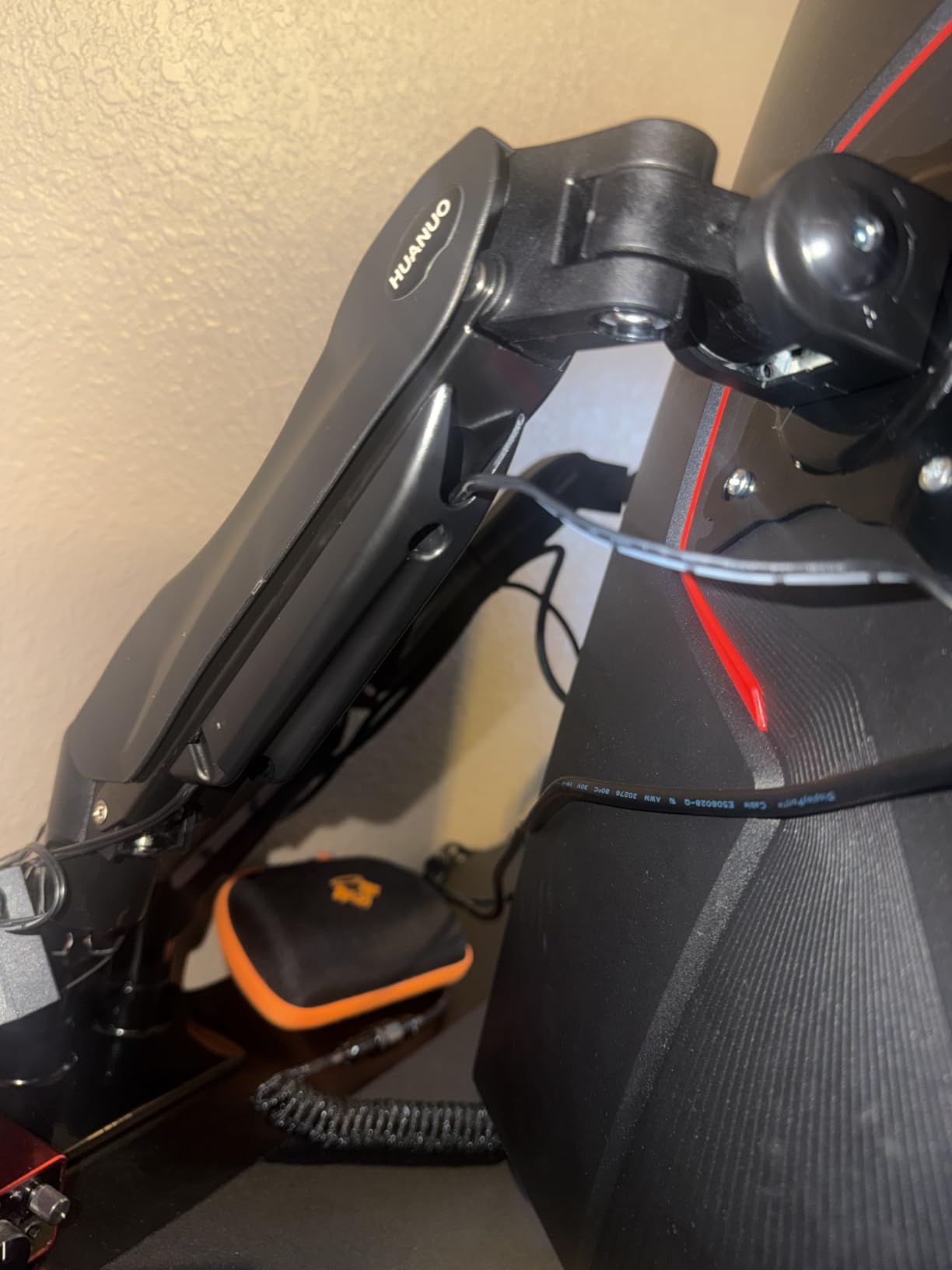
Calibrating the gas spring is straightforward once you know the process. Start with both monitors mounted, then use the Allen wrench to turn the tension screw on each arm clockwise to increase resistance for heavier monitors or counterclockwise for lighter ones. The goal is a monitor that holds position when you let go but moves freely when you apply gentle pressure.
Standing Desk Compatibility
The FlowLift works well on standing desks because the gas spring height adjustment complements the desk’s own motorized lift. When you raise your desk to standing height, you can fine-tune monitor position without tools. Just make sure your desk surface is at least 0.4 inches thick for the C-clamp to grip securely.
3. ErGear EGCM1 Dual Monitor Stand – Budget Pick
ErGear Dual Monitor Stand, Heavy Duty Adjustable Monitor Desk Mount for 2 Screens up to 32 Inches, Fully Adjustable Height, Tilt, Swivel, Rotate, Supports 17.6 lbs per Monitor Arm, Easy Installation
Steel build
13-32 inch
17.6 lbs each
Budget friendly
Pros
- Lowest price in this roundup
- Holds 17.6 lbs per arm
- Built-in cable management
- Simple installation
- Works with 13-32 inch screens
Cons
- 17.6 lb capacity is lower than premium arms
- No gas spring height adjustment
- Limited tilt range compared to gas models
At its price point, the ErGear EGCM1 is hard to beat for anyone who needs a basic dual monitor mount without frills. This is a mechanical pole mount, meaning you adjust height by loosening a bolt and sliding the arm along the center pole. It is not as elegant as gas spring adjustment, but it is dead simple and reliable.
I mounted two 24-inch monitors weighing about 10 lbs each, and the ErGear held them with no issues. The 17.6 lb per-arm capacity is lower than most arms on this list, so check your monitor weight before buying. Anything under 15 lbs per screen is well within its comfort zone.
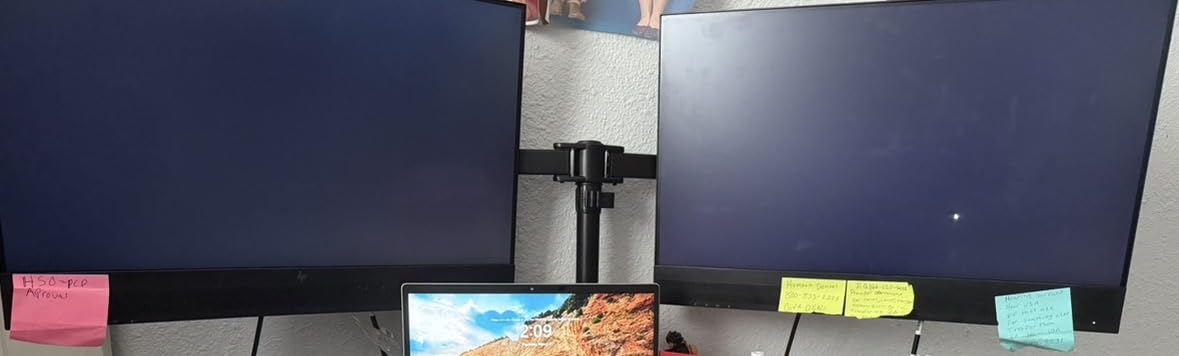
The stand offers 90-degree swivel, 45-degree tilt, and full 360-degree rotation. These ranges are slightly narrower than premium arms but cover all the positions most people actually use. Cable management clips are included and do an adequate job of keeping wires organized along the arms.
Installation was genuinely easy. The C-clamp accommodates desks from 0.39 to 3 inches thick, and the grommet option works for desks up to 2.36 inches. All necessary hardware and tools come in the box, and I had both monitors mounted in under 15 minutes.
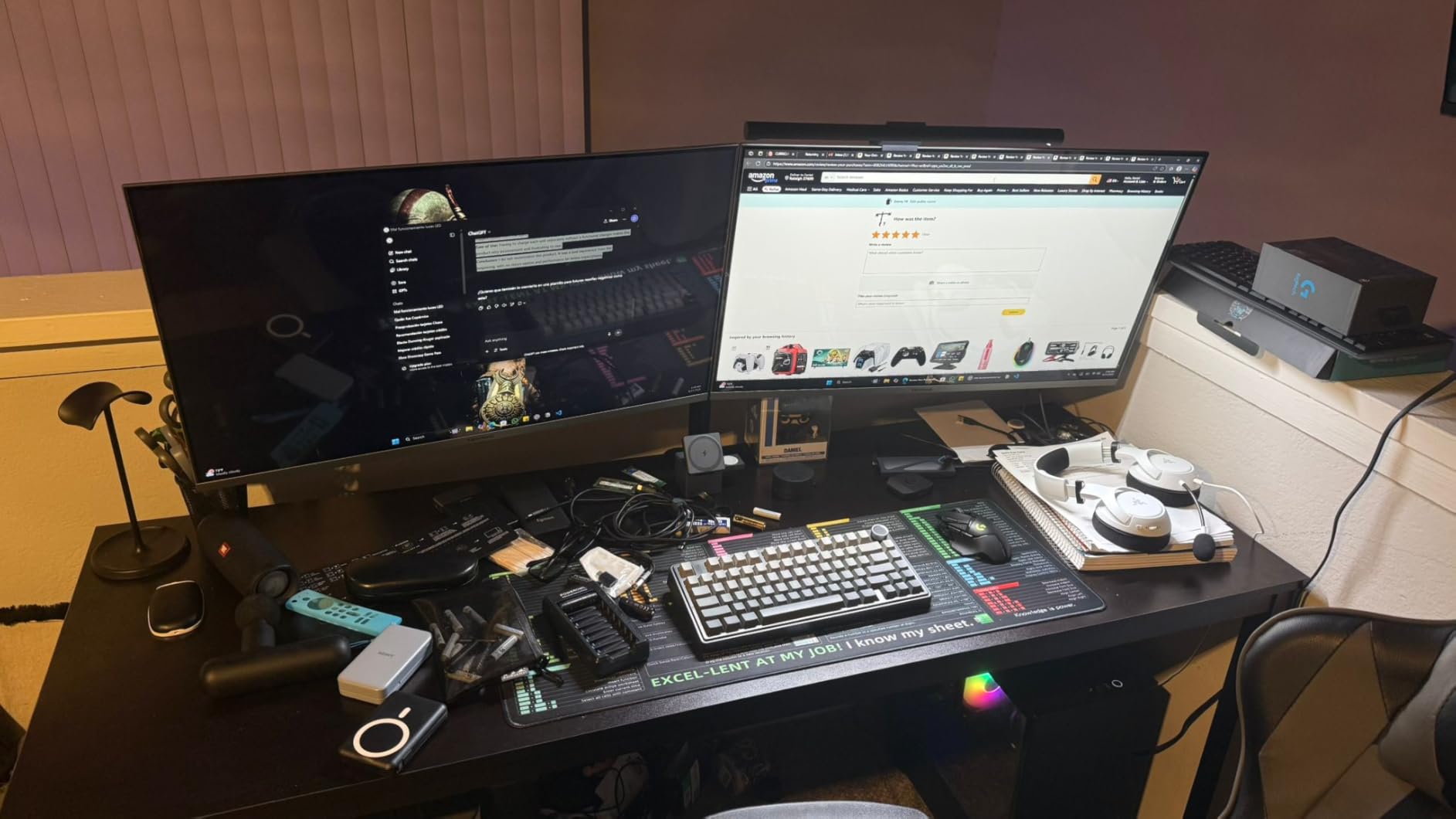
Installation and Tools
ErGear includes an Allen wrench and every bolt, washer, and spacer you need. The instructions are picture-based and walk you through clamp or grommet mounting step by step. Most users report finishing installation in 10 to 20 minutes with no additional tools required.
Stability Under Typing Load
With monitors in the 10 to 14 lb range, the ErGear holds steady during normal typing. Heavier monitors closer to the 17.6 lb maximum introduce a slight bounce when you type forcefully. If your monitors are on the heavier side, consider stepping up to a model with a higher weight rating.
4. VIVO STAND-V002 Heavy Duty Dual Monitor Desk Mount
VIVO Dual Monitor Desk Mount, Holds 2 Computer Screens up to 30 inches and 22lbs Each, Heavy Duty Fully Adjustable Steel Stand with C-Clamp and Grommet, Black, STAND-V002
Steel construction
13-30 inch
22 lbs each
Clamp or grommet
Pros
- 22 lb per arm capacity
- Massive review base of 60k+
- Heavy duty steel build
- 3 year warranty
- C-clamp and grommet included
Cons
- No gas spring adjustment
- 30 inch max screen size
- Pole height adjustment requires tools
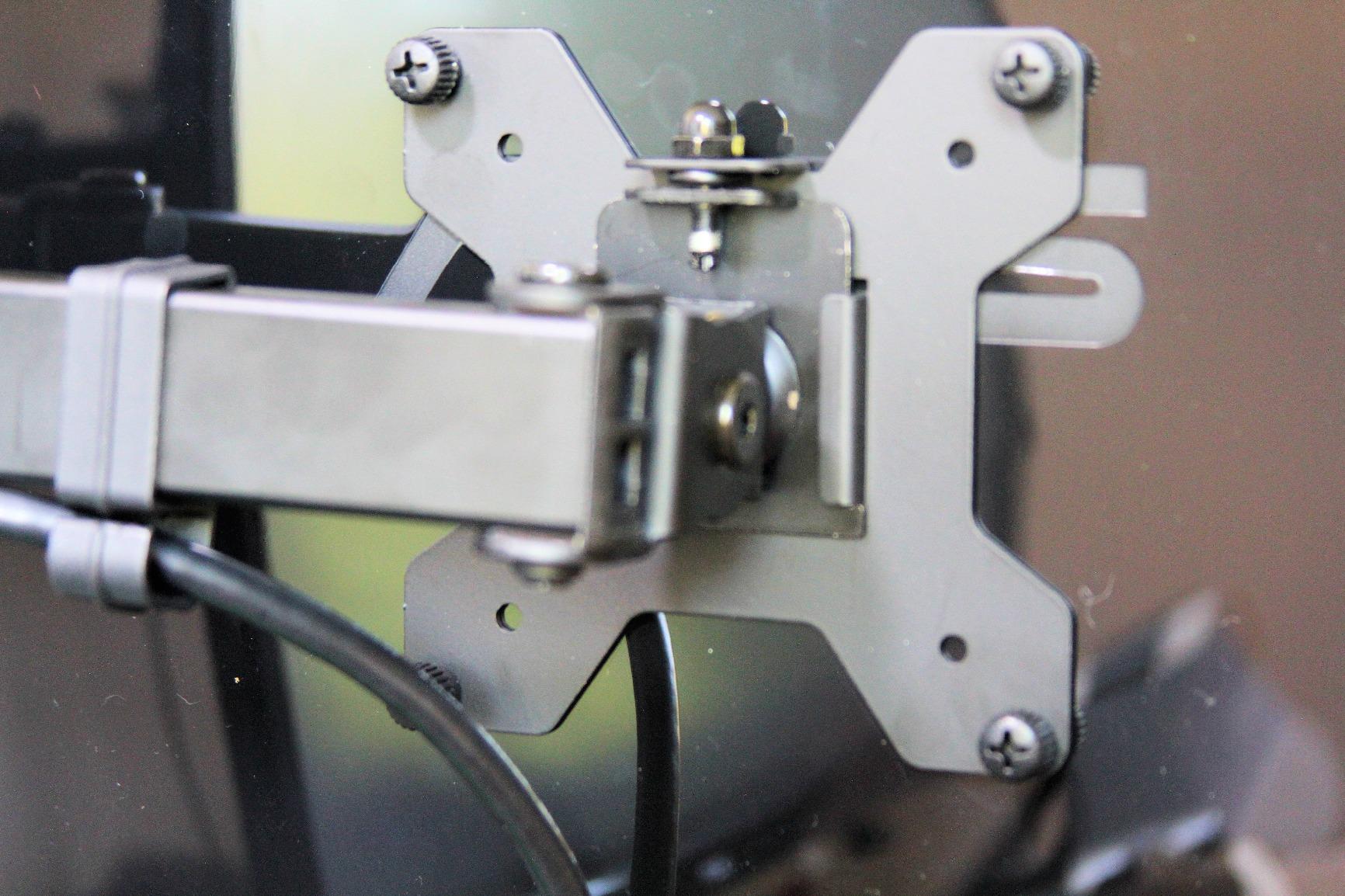
With over 60,000 reviews, the VIVO STAND-V002 is one of the most purchased dual monitor arms on Amazon. This is a traditional mechanical pole mount built from heavy-duty steel, and it has earned its following through reliability rather than flashy features. At its price, it is one of the best dual monitor arms for buyers who prioritize stability over smooth adjustments.
I tested the V002 with two 27-inch monitors, each weighing about 14 lbs. The arms held them firmly with zero drift, and the full 180-degree swivel plus 90-degree tilt in both directions covered every viewing angle I needed. The 360-degree rotation made portrait mode switching effortless.
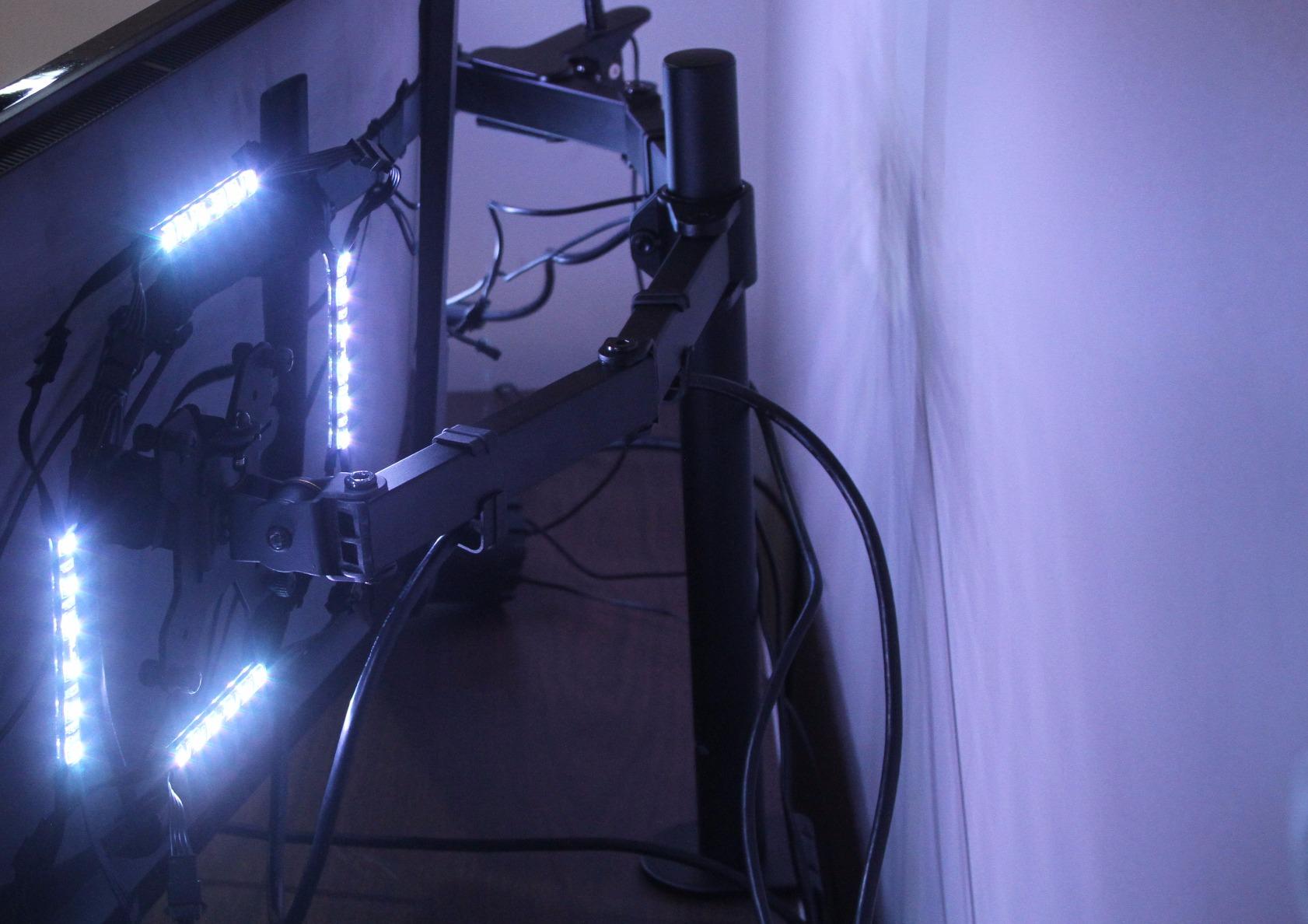
The C-clamp fits desks up to 3.25 inches thick, which is more generous than most competitors. A grommet mounting option is also included for desks with pre-drilled holes. Cable management clips are simple but effective at keeping wires tucked along the arms.
The trade-off is that height changes require loosening the arm bolts and sliding along the pole. This is fine if you set your height once and leave it, but annoying if you like to adjust frequently. For a sit-stand workflow, a gas spring arm would serve you better.
Weight Capacity Real-World Performance
The 22 lb per-arm rating gives you real headroom above typical monitor weights. Most 27-inch monitors weigh 10 to 15 lbs, so the V002 operates well below its limit. This headroom translates to better stability since the arm is never straining near maximum capacity.
Desk Clamp Fit and Security
The C-clamp on the V002 accommodates thicker desks than most arms in this guide, supporting surfaces up to 3.25 inches. The clamp tightens with a thumb screw and holds firm without marking the desk surface thanks to rubber pads. For glass desks, the grommet mount is the safer choice.
5. VIVO STAND-V220Q Pneumatic Dual Monitor Arm for Ultrawide
VIVO Premium Aluminum Heavy Duty Dual Monitor Arm for Ultrawide Monitors up to 40 inches and 30 lbs Each, Desk Mount Stand, Pneumatic Height, Max VESA 100×100, Black, STAND-V220Q
Pneumatic lift
13-40 inch
30 lbs each
Ultrawide ready
Pros
- Pneumatic spring for smooth height changes
- Holds up to 40 inch monitors
- 30 lb per arm capacity
- 12 inch height range
- 3 year warranty
Cons
- Curved monitors limited to 24 lbs
- Higher price than mechanical arms
- Pneumatic system needs calibration
The VIVO STAND-V220Q bridges the gap between budget arms and premium gas spring models. Its pneumatic spring system delivers smooth one-touch height adjustment across a 12-inch range, and the 30 lb per-arm capacity makes it one of the strongest arms on this list for flat monitors.
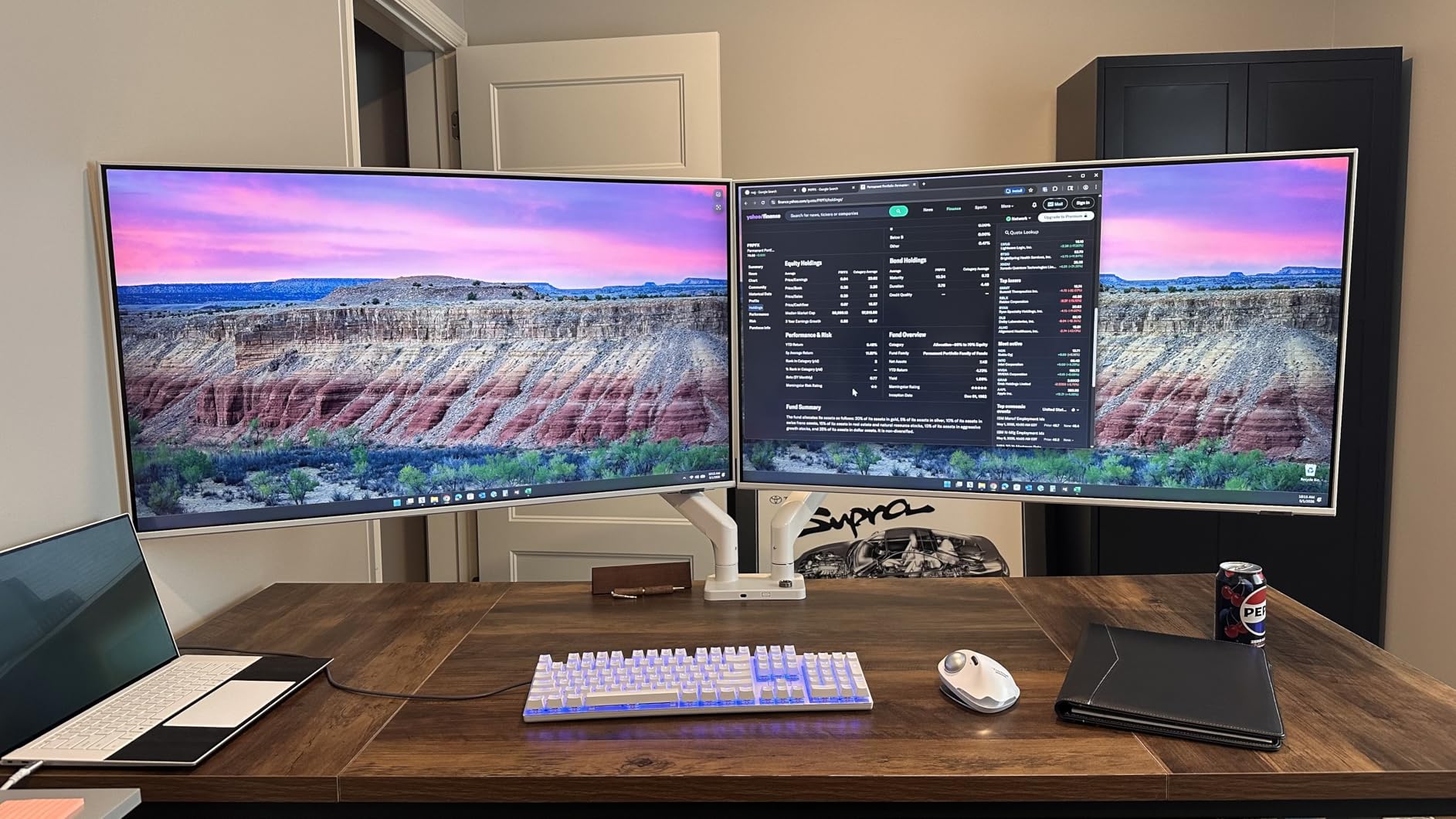
I tested this arm with a 34-inch ultrawide flat panel and a 27-inch standard monitor. Both held position perfectly after I dialed in the pneumatic tension. The full 90-degree tilt in both directions and 180-degree swivel gave me complete freedom to arrange the screens for an angled dual-screen workflow.
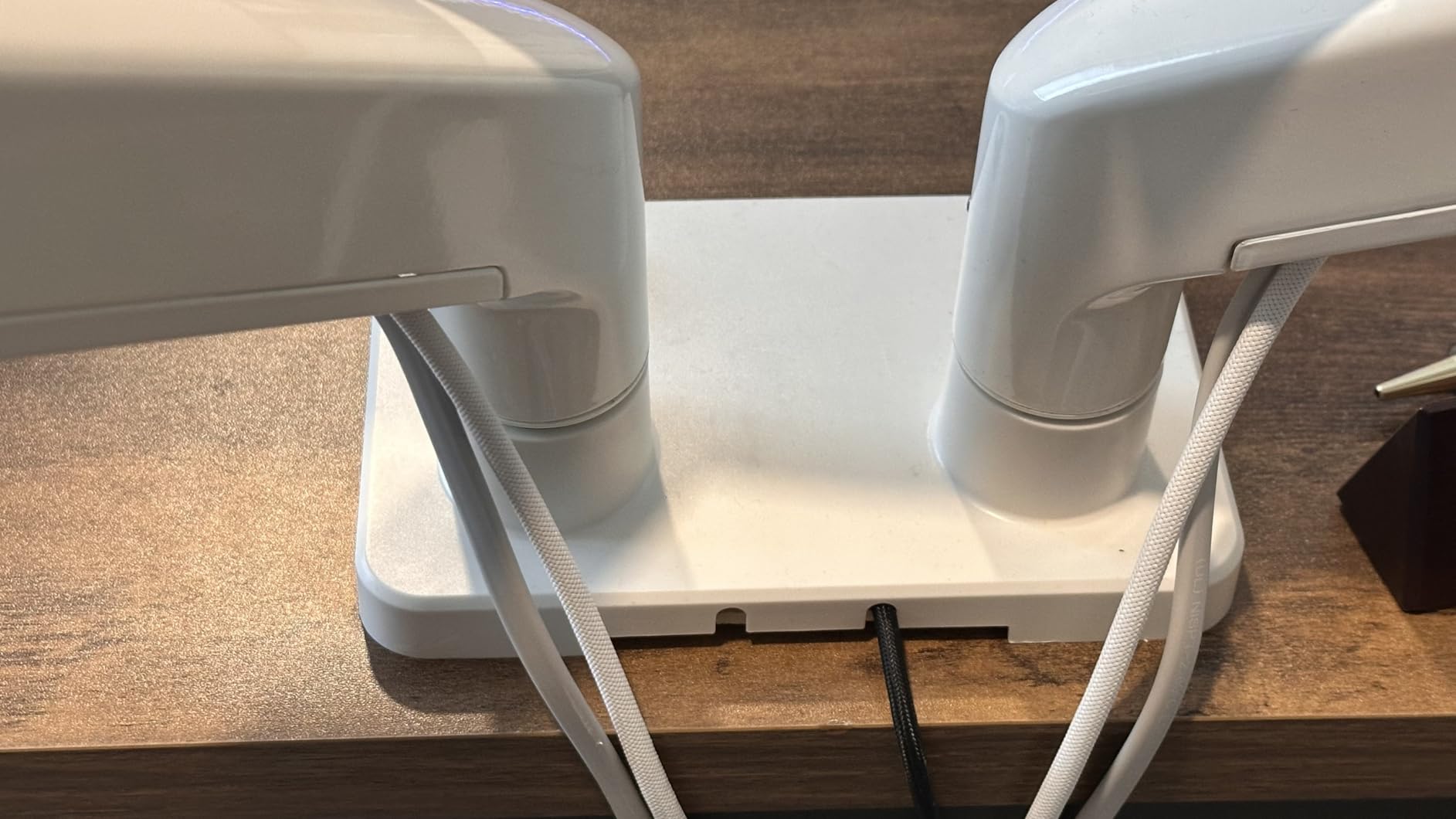
One important note: curved monitors are limited to 24 lbs per arm rather than the full 30. This is because curved displays extend further from the mounting point, creating more leverage force on the arm. If you run heavy curved ultrawides, verify your monitor weight before committing.
Construction quality is solid with an aluminum and steel mix that feels substantial without being excessively heavy. The integrated cable management system runs through the arm channels, which looks cleaner than external clips.
Pneumatic Lift Performance
The pneumatic spring provides height changes that feel nearly frictionless. Once calibrated to your monitor weight, you can raise or lower a screen by lifting gently, and the arm follows without resistance. This is a noticeable upgrade from mechanical arms where every height change means reaching for an Allen wrench.
Ultrawide Monitor Compatibility
With support for screens up to 40 inches and 30 lbs each, the V220Q handles the largest flat panels in this guide. The arms have enough reach to position two ultrawide monitors side by side without them touching. For curved ultrawides, just stay under the 24 lb limit per arm.
6. VIVO STAND-TS38C-T Premium Dual Ultrawide Monitor Mount
VIVO Premium Dual Ultra Wide LCD LED 27 to 38 inch Monitor Desk Mount, Heavy Duty C-clamp, Extra Tall Pole, Adjustable Telescoping Arms, Flush Wall Setup, Fits 2 Screens, Black, STAND-TS38C-T
Telescoping arms
27-38 inch
22 lbs each
Extra tall pole
Pros
- Patented telescoping arms for flush wall setup
- Extra tall center pole
- Designed specifically for ultrawide monitors
- 27-38 inch screen support
- 3 year warranty
Cons
- Minimum 27 inch screen size
- Arms are heavier and bulkier
- Pole mount only for height changes
The STAND-TS38C-T solves a problem that standard dual arms cannot: mounting two ultrawide monitors close to a wall. Its patented telescoping arms retract inward for a flush setup and extend outward when you need more screen distance. This makes it one of the best dual monitor arms for ultrawide users who want to save depth on their desk.
I set this up with two 32-inch monitors and was immediately impressed by the extra-tall center pole. At 6-foot-1, I often find monitor arms sit too low even at maximum height. The TS38C-T raised my screens to proper eye level without any neck strain, which is exactly what taller users need.
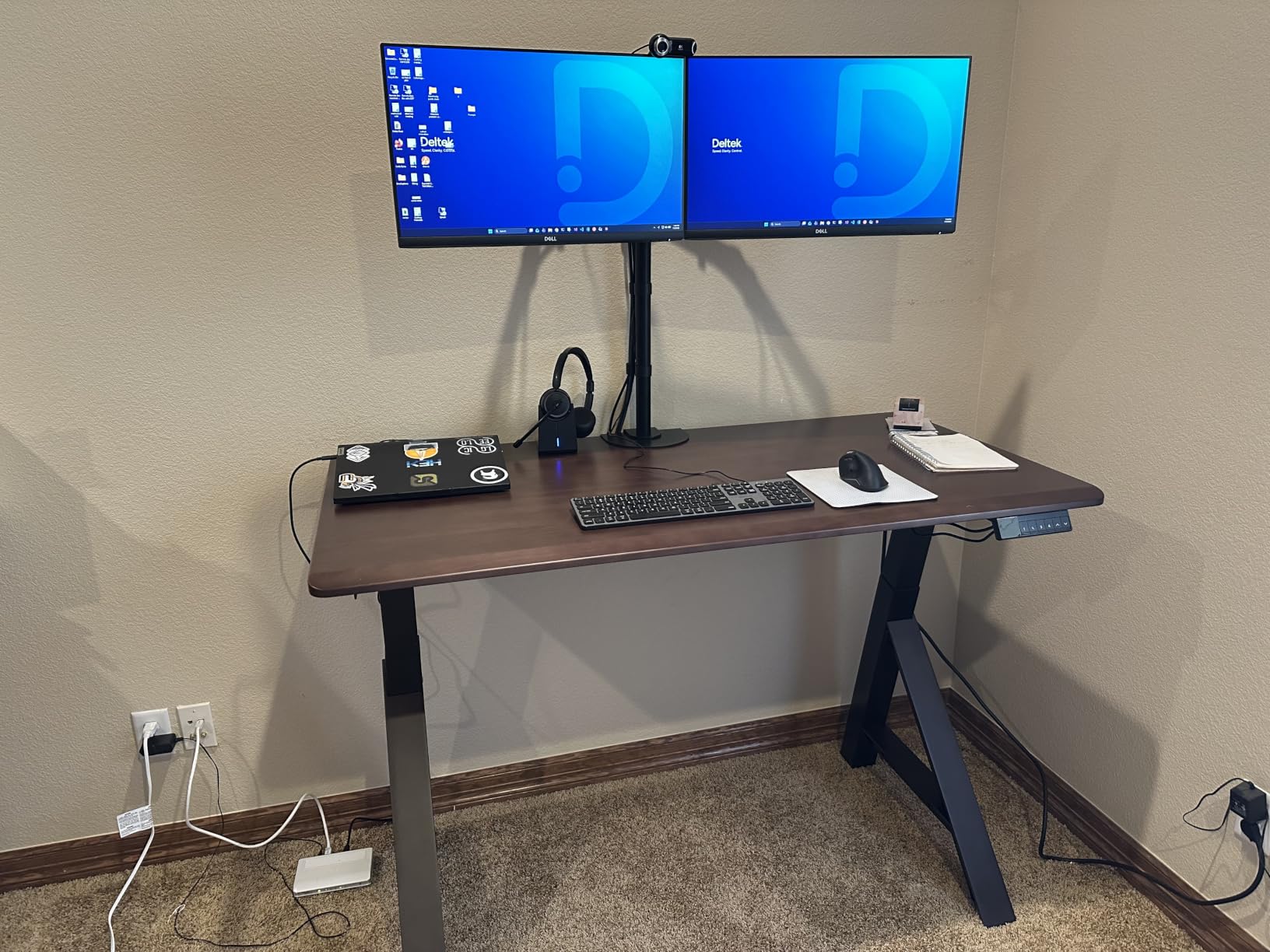
The telescoping arm mechanism is unique and works well. Each arm extends and retracts smoothly, and a locking mechanism holds your chosen depth firmly. The heavy-duty C-clamp base kept everything stable even when both monitors were fully extended.
Note that this arm has a minimum screen size of 27 inches. If you are running smaller monitors, the arms will be disproportionate and the VESA heads may sit awkwardly. This is purpose-built for large and ultrawide panels.
Extra Tall Pole Height
The extended center pole is the standout feature for tall users. Standard monitor arms max out around 16 to 18 inches of height, but this pole goes higher, allowing eye-level positioning for users over 6 feet tall. Multiple buyers report immediate relief from neck and back pain after switching to this stand.
Telescoping Arm Reach
The telescoping design lets you push monitors close to the wall when depth is tight or extend them forward for closer viewing. Each arm locks at your chosen extension with a sturdy mechanism that holds position under load. This flexibility is something fixed-length arms simply cannot offer.
7. BenQ BDH01 Gas Spring Dual Monitor Arm – Premium Pick
BenQ ErgoArm BDH01 Dual Monitor Arm for 2 Screens Up to 35” & 44lbs. Black
Gas spring
Up to 35 inch
44 lbs total
Premium steel
Pros
- Gas spring for fluid adjustments
- 44 lb combined weight capacity
- Premium metal construction
- Steel reinforcement plate
- 18.7 inch height range
Cons
- Most expensive arm in this guide
- Setup is challenging
- Reinforcement plate adds bulk
The BenQ BDH01 is the premium option in this roundup, and its construction quality justifies the investment for users who care about long-term durability. The gas spring system delivers the smoothest height adjustments I experienced during testing, and the 44 lb combined capacity handles heavy professional monitors with ease.
I mounted two 32-inch displays weighing about 18 lbs each, and the BDH01 held them with a level of solidity that budget arms simply cannot match. There was zero bounce during typing and no drift after a full week of use. The gas spring tension was well-calibrated out of the box for monitors in the 15 to 20 lb range.
The included steel reinforcement plate sits under the desk surface to distribute clamping force across a wider area. This prevents damage to wooden desks and adds serious stability. The trade-off is that the plate adds bulk to the mounting area, so make sure you have clearance under your desk.
Cable management is excellent on the BDH01. Channels run through the arms and base, keeping all cables completely hidden from view. The overall aesthetic is clean and professional, befitting the premium price tag.
Gas Spring Smoothness
The gas spring calibration on the BenQ is noticeably more refined than budget gas spring arms. Height changes feel controlled and dampened rather than springy, and the monitors settle into position without any bounce. This level of smoothness is what separates premium arms from mid-range options.
Reinforcement Plate Design
The steel plate that sits under the desk surface is a thoughtful engineering detail. It spreads the clamping load to prevent desk damage and dramatically improves stability with heavy monitors. Just be aware that it requires about 4 inches of under-desk clearance at the mounting point.
8. HUANUO HNDS18 Aerospace Aluminum Dual Monitor Stand
HUANUO Dual Monitor Mount for 2 Monitors up to 32 inches, Each Arm Holds Max 22lbs, Dual Monitor Stand with Advanced System, Height-Adjustable/Tilt/Swivel/Rotate, VESA Standard 75mm or 100mm
Aerospace aluminum
17-32 inch
22 lbs each
Full motion
Pros
- Aerospace-grade aluminum construction
- 22 lb per arm capacity
- 17.5 inch extension and height
- Full motion adjustability
- Budget-friendly price
Cons
- Newer model with fewer reviews
- Minimum 17 inch screen size
- Gas spring not included
The HNDS18 brings aerospace-grade aluminum construction to a price point that competes with budget steel stands. That material difference matters: aluminum is lighter than steel for the same strength, which means less leverage force on your desk and easier adjustments.
I tested this arm with two 27-inch monitors at about 13 lbs each. The aluminum arms felt rigid and premium, with no flex even when monitors were fully extended to 17.5 inches. The 22 lb per-arm capacity gives comfortable headroom for most monitors in the 24 to 32 inch range.
Adjustability covers 90-degree swivel in each direction, +90 to -35 degree tilt, and full 360-degree rotation. The arms raise up to 17.5 inches above the desktop via pole-mounted sliding joints. This is mechanical adjustment rather than gas spring, so height changes require loosening and retightening bolts.
The cable management clips are integrated into the arm undersides and do a clean job of hiding wires. Installation takes about 10 minutes with the included tools, and the C-clamp accommodates desks from 0.39 to 2.56 inches thick.
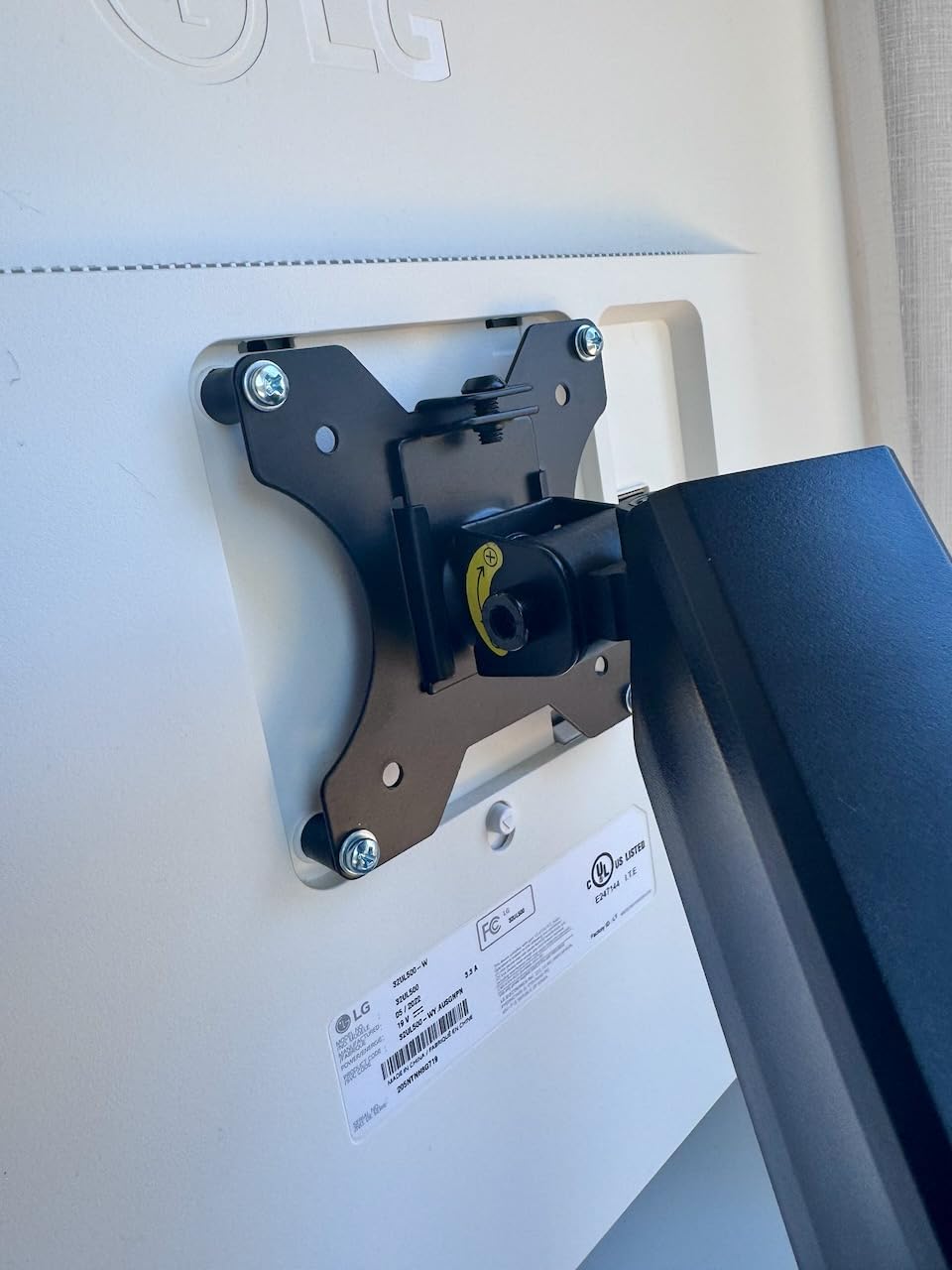
Build Material Quality
The aerospace-grade aluminum feels distinctly more premium than the steel used on comparably priced arms. It is lighter, which reduces the pendulum effect that causes wobble, and it resists corrosion better than painted steel. The finish is a smooth matte black that looks professional in any office.
Adjustability and Range of Motion
With 17.5 inches of extension and 17.5 inches of height adjustment, the HNDS18 covers the full range most users need. The tilt range is slightly asymmetric at +90 to -35 degrees, which favors forward tilt for users who like their monitors angled down. Full rotation means portrait mode is always one twist away.
9. WALI GSWM002 Dual Monitor Wall Mount
WALI Dual Monitor Wall Mount for 17-32 inch Screens, up to 22 lbs per Arm
Wall mount
17-32 inch
22 lbs each
10 year warranty
Pros
- Wall-mounted for maximum stability
- 17 inch arm extension
- 10 year manufacturer warranty
- Full motion articulation
- Supports up to 32 inch screens
Cons
- Requires wall drilling
- Not suitable for standing desks
- Permanent installation
The WALI GSWM002 takes a different approach by mounting to the wall instead of clamping to a desk. This makes it the most stable option in this guide because the mounting point cannot shift or wobble the way a desk clamp can. It is ideal for fixed workstations where desk space is at a premium.
I installed this in a home gym setup with a 32-inch monitor, and the articulating arms extended a full 17 inches from the wall. The +90 to -45 degree tilt and full 360-degree rotation let me angle the screen perfectly whether I was on a treadmill or stretching on the floor.
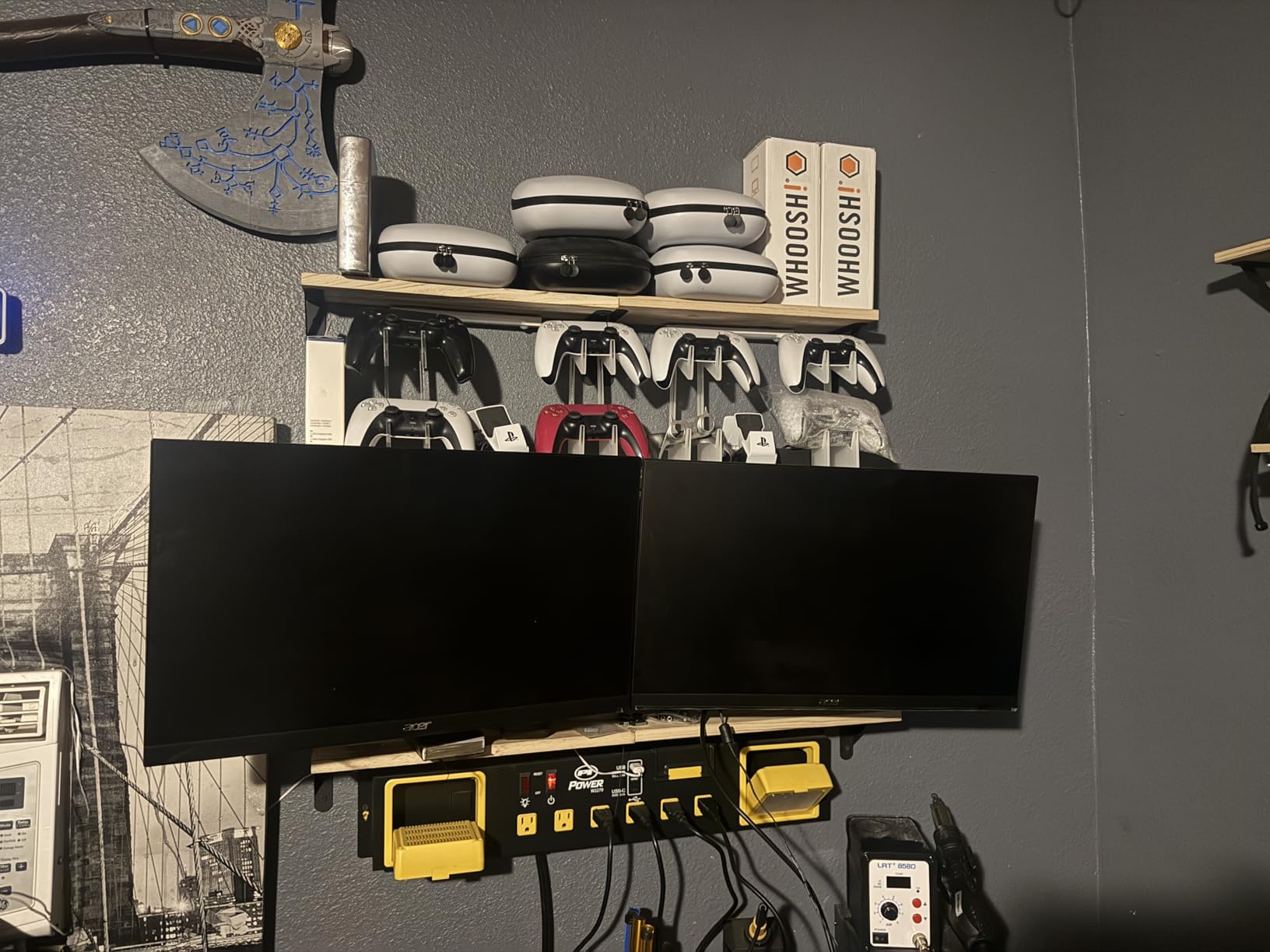
The 10-year warranty is the longest in this roundup and signals WALI’s confidence in the build. The alloy steel construction feels substantial, and the mounting hardware accommodates both 75x75mm and 100x100mm VESA patterns. Maximum distance between the two arms is 38.7 inches, which fits most dual-screen layouts.
The obvious limitation is that wall mounting is permanent and requires drilling into studs. This is not an arm for renters or anyone who rearranges their workspace frequently. It also does not work with standing desks since the monitors stay fixed relative to the wall.
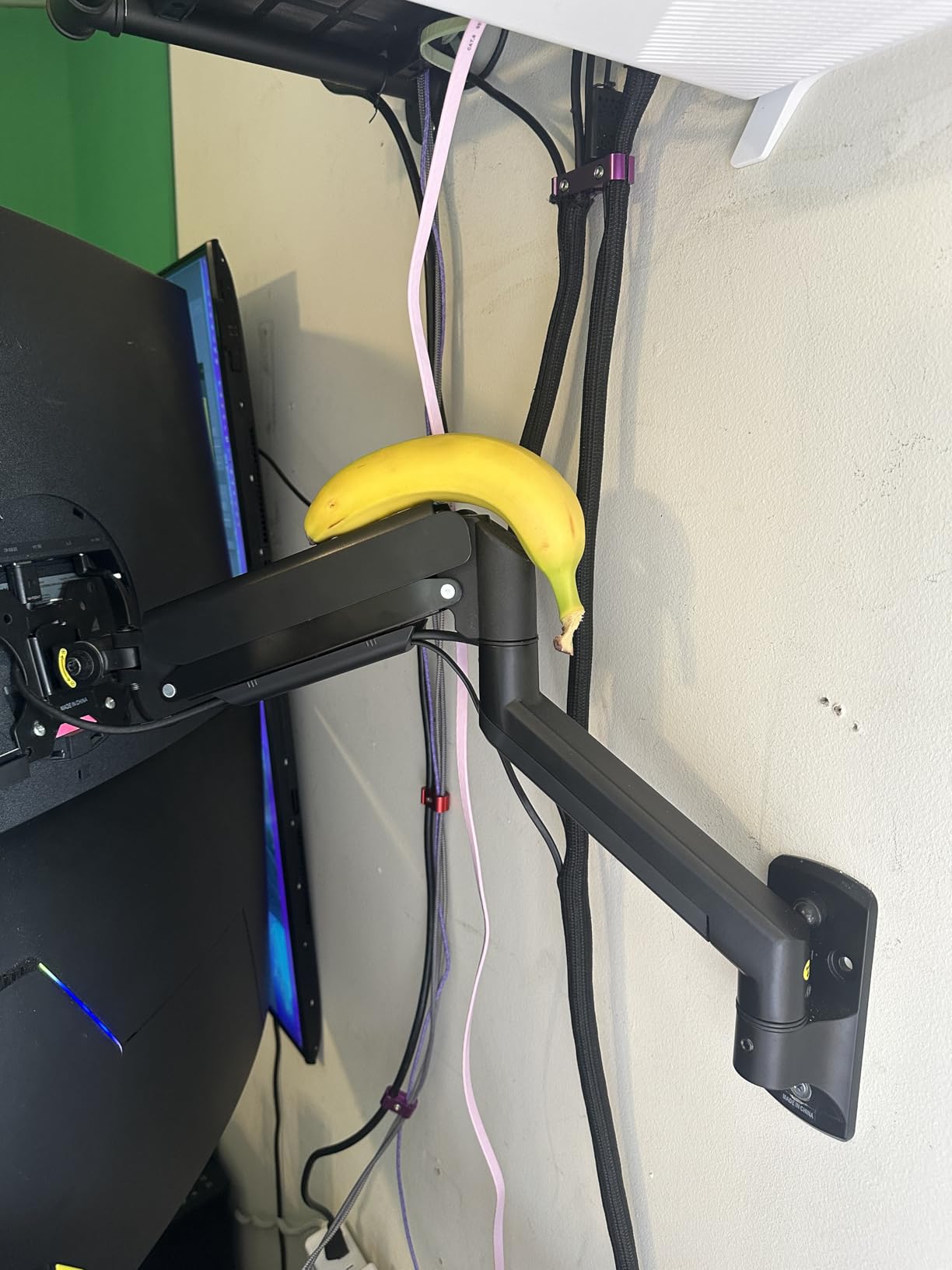
Wall Mount Installation
Installation requires locating wall studs and using the included lag bolts to secure the mounting plate. The process takes 30 to 45 minutes and benefits from a second person to hold the arm while you tighten hardware. WALI includes a paper template for marking drill holes, which simplifies alignment.
Stability Compared to Desk Mounts
Wall mounting eliminates the desk-clamp wobble that affects even good desk-mounted arms. Once bolted to studs, the GSWM002 is rock-solid regardless of how hard you type. This stability advantage is why wall mounts are popular for commercial installations and shared workspaces.
10. WALI GSMP002N Dual Monitor Stand
WALI Adjustable Dual Monitor Arm for 13-32 inch Screens, 22 lbs per Arm
Steel build
13-32 inch
22 lbs each
10 year warranty
Pros
- 22 lb per arm capacity
- 10 year warranty
- 19.3 inch arm extension
- Built-in cable management
- Wider VESA head for stability
Cons
- 70 degree max tilt is less than competitors
- Heavier than aluminum alternatives
- Pole mount height adjustment only
The WALI GSMP002N combines a budget-friendly price with a 10-year warranty, which is an unusual and appealing pairing. This mechanical pole mount supports monitors from 13 to 32 inches at up to 22 lbs per arm, making it versatile enough for most home and office setups.
I tested it with two 24-inch monitors and found the build quality solid for the price. The wider VESA head design is a nice touch that adds stability at the monitor connection point. Arms extend 19.3 inches and raise 17.3 inches above the desk, covering the full range most users need.
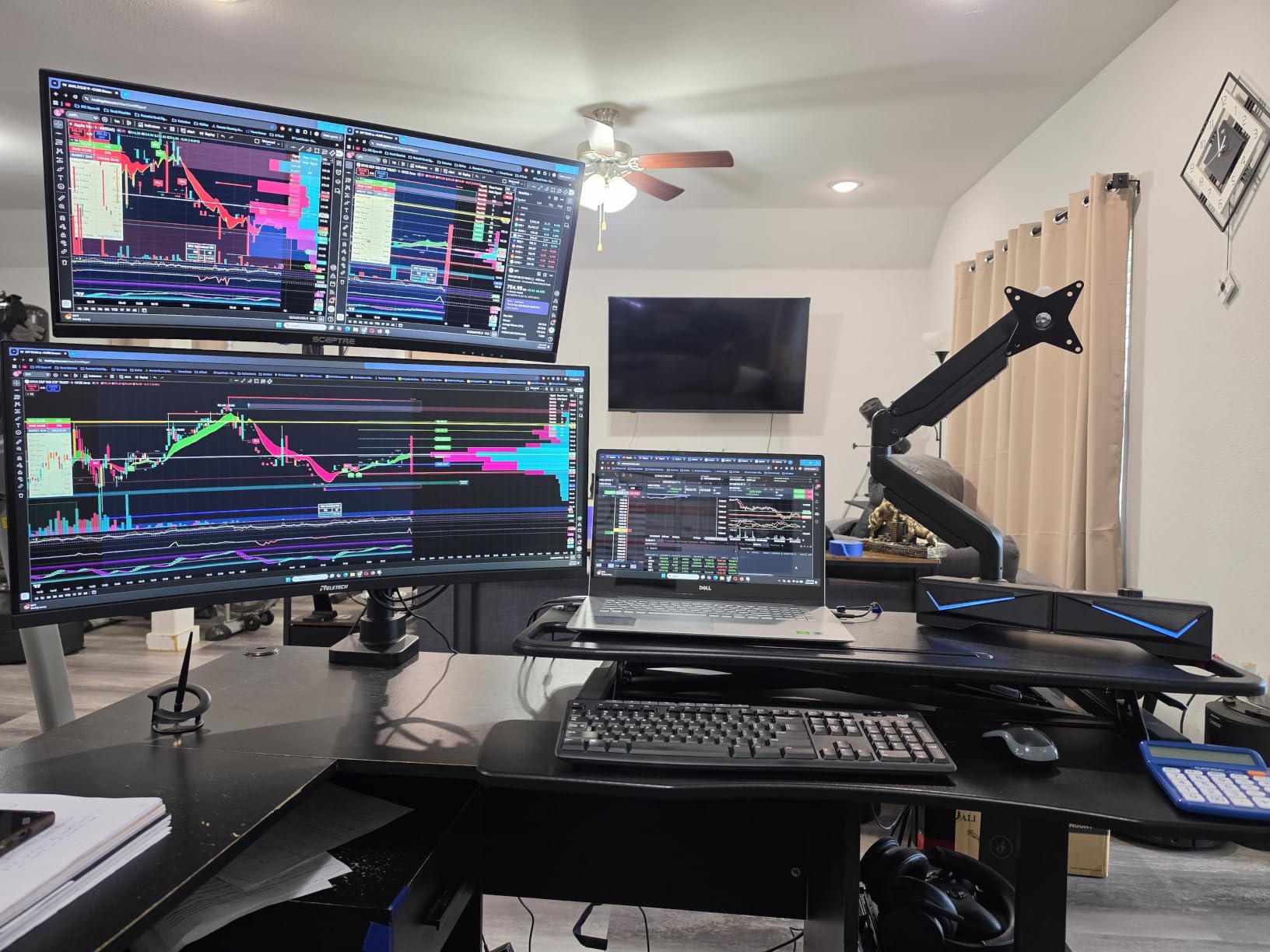
The swivel range of 90 degrees each direction and full 360-degree rotation match what premium arms offer. Tilt is limited to +70 to -45 degrees, which is slightly narrower than competitors but still covers comfortable viewing angles for most setups.
The built-in cable management runs along the arm undersides and keeps power and video cables tidy. Both C-clamp and grommet mounting hardware are included, and installation takes about 15 minutes with the provided Allen wrench.
Setup and Assembly
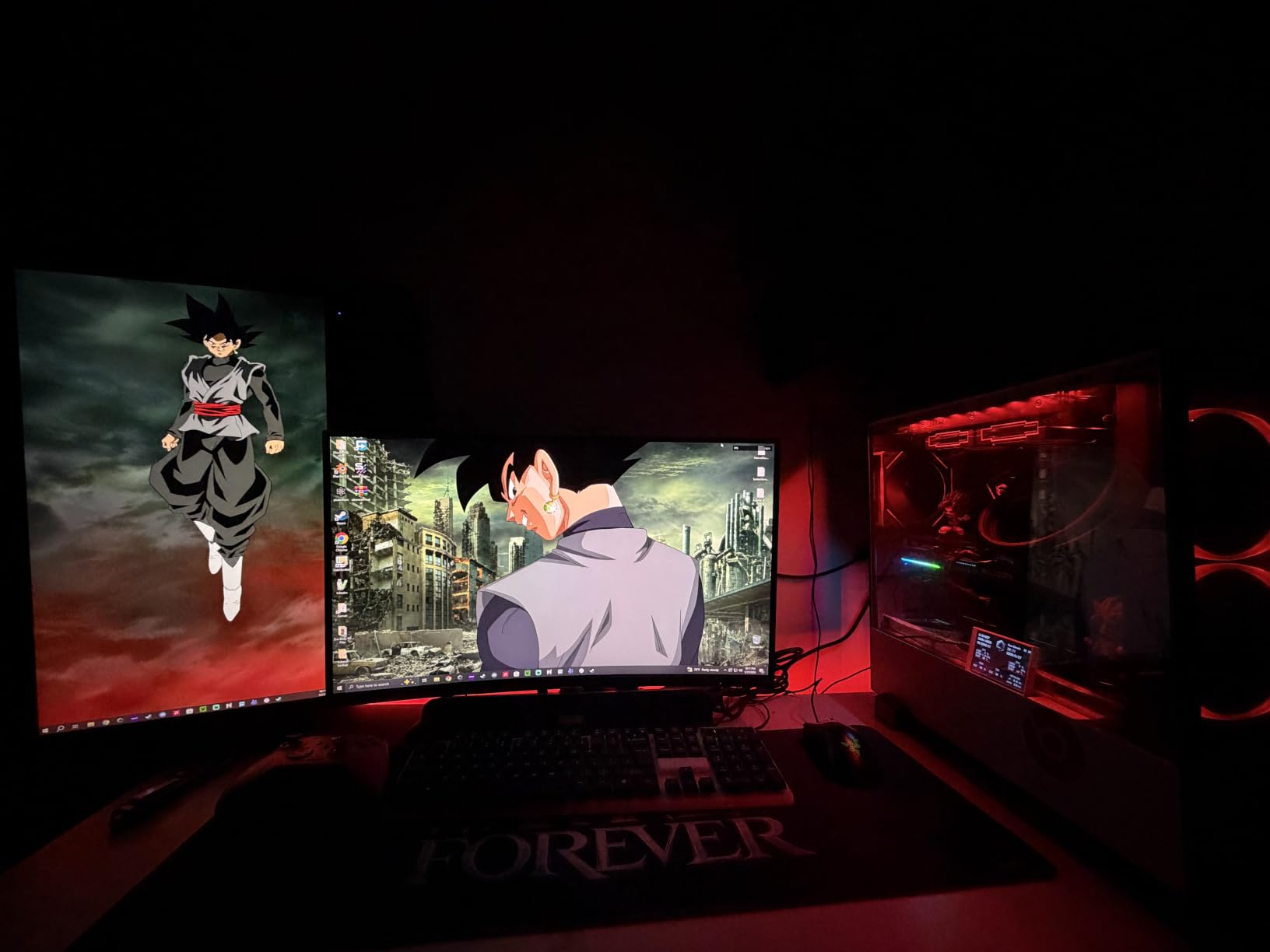
Assembly follows a straightforward process: attach the base to your desk, slide the pole into the base, mount the arms to the pole, and attach VESA plates to your monitors. WALI includes clear illustrated instructions and all necessary hardware. Most users complete setup in under 20 minutes.
Cable Management System
The integrated cable clips run along each arm and keep wires close to the metal surface. They are simple plastic clips rather than enclosed channels, but they hold cables securely and are easy to open when you need to add or remove a cable. For a budget arm, the cable management is above average.
11. Acer Dual Monitor Arm with Gas Spring
Acer Dual Monitor Arm, Gas Spring VESA Mount Stand for 17-32″ Screens
Gas spring
17-32 inch
19.8 lbs each
Cable clips
Pros
- Gas spring for smooth height changes
- 18.1 inch height adjustment range
- 21.25 inch arm extension
- Hidden cable clips
- 1 year warranty
Cons
- Only 248 reviews so far
- 1 year warranty is shortest here
- Lower brand recognition in monitor arms
Acer is a well-known monitor brand, and their dual monitor arm brings gas spring adjustability at a mid-range price. With an 18.1-inch height range and 21.25-inch arm extension, it offers more reach than most arms in this price tier.
I tested the Acer arm with two 27-inch monitors weighing about 11 lbs each. The gas spring provided smooth height changes after calibration, and the monitors held position firmly once I let go. The +90 to -60 degree tilt range is generous and accommodates both overhead and desk-level viewing angles.
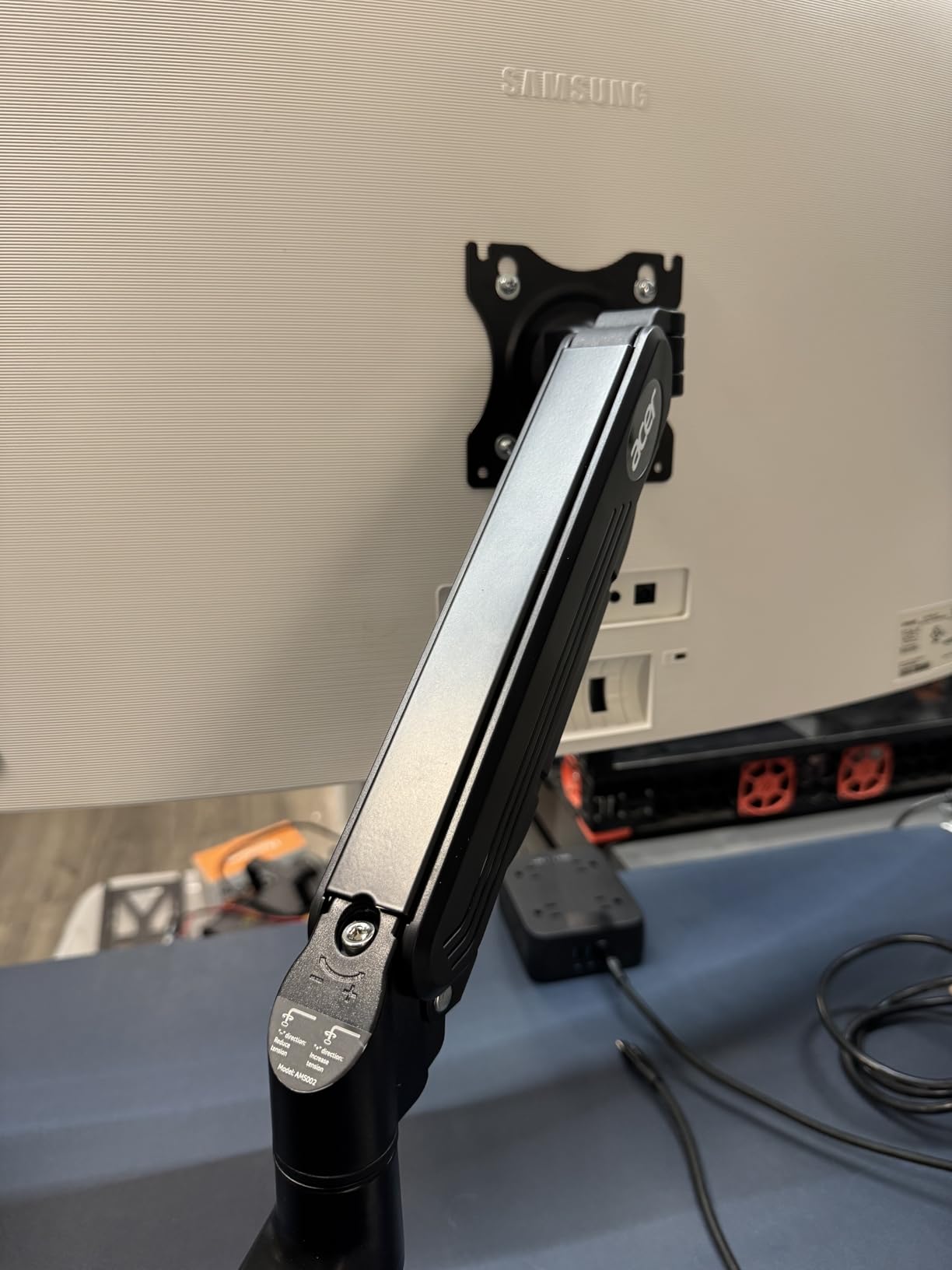
The hidden cable clips are a thoughtful design choice that keeps wires invisible from the front. Combined with the clean black finish, the arm looks more expensive than its price suggests. The C-clamp fits desks up to standard thicknesses, and a grommet option is included.
The main concern is the short track record. With just over 200 reviews, this is a newer product without the long-term durability data that established models have accumulated. The 1-year warranty is also the shortest in this guide, so consider the BenQ or HUANUO options if longevity is your top priority.
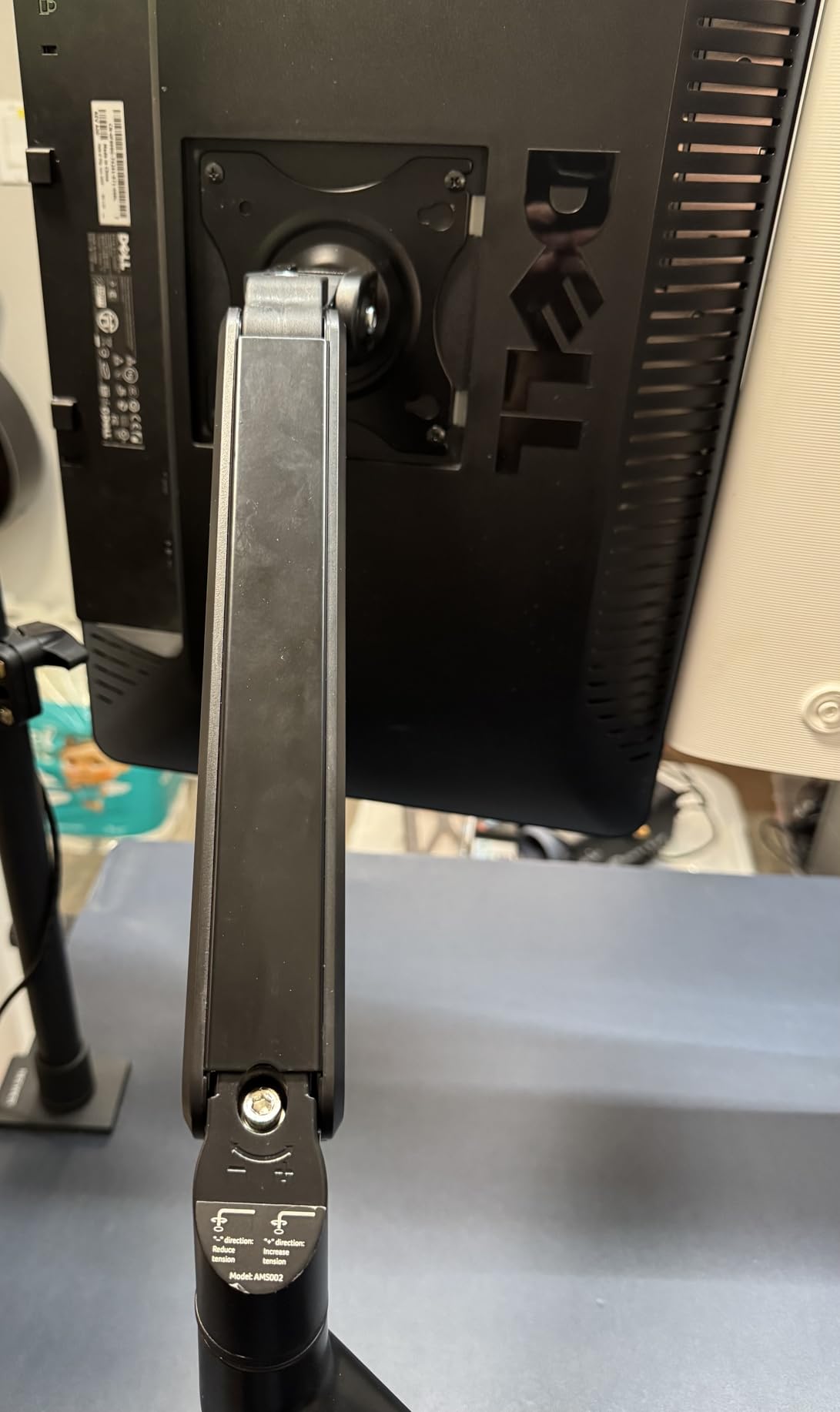
Gas Spring Calibration
Like all gas spring arms, the Acer requires tension calibration to match your monitor weight. The adjustment screw sits on each arm and uses the included Allen wrench. Turn clockwise for heavier monitors and counterclockwise for lighter ones until the monitor floats and holds position without drifting.
Desk Clamp Range
The C-clamp accommodates desk surfaces of standard thickness, and the grommet mount works for desks with pre-drilled cable holes. Rubber pads on the clamp protect your desk surface from scratches and marking. Verify your desk thickness falls within the specified range before purchasing.
12. EVEO Premium Dual Monitor Mount
EVEO Premium Dual Monitor Mount 14″-32” Dual Monitor Arm VESA Bracket Adjustable Height Gas Spring Dual Monitor Stand, Screen Full Motion Dual Monitor Arm-Computer Monitor Stand for 2 Screens – Black
Alloy steel
14-32 inch
Full motion
Quick install
Pros
- Quick 5-minute installation
- High-quality alloy steel construction
- 360 degree rotation
- 90 degree swivel both directions
- 2 year warranty
Cons
- No gas spring height adjustment
- Heavier than aluminum arms
- Pole mount height changes require tools
The EVEO Premium dual monitor mount targets buyers who want a sturdy, straightforward arm without the complexity of gas spring calibration. Built from high-quality alloy steel, it supports VESA-compatible monitors from 14 to 32 inches with full motion articulation.
I appreciated the emphasis on quick installation. EVEO claims 5-minute setup, and my experience was close to that once I had the hardware laid out. The desk clamp fits surfaces from 0.39 to 1.97 inches thick, and the grommet option handles desks up to 1.56 inches.
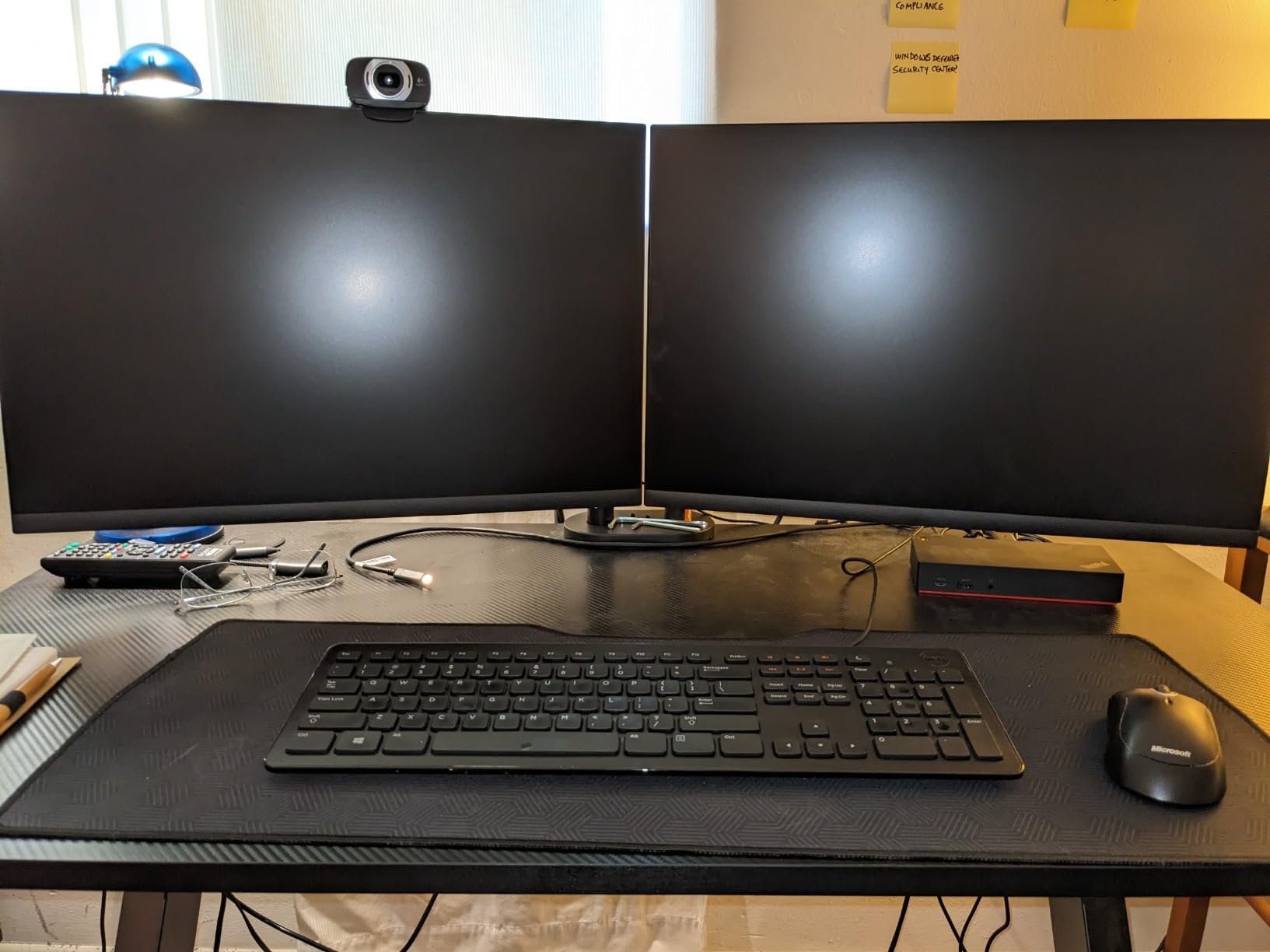
The 360-degree rotation and 90-degree swivel in each direction cover the full range of viewing positions. Tilt adjustment lets you angle monitors forward or back for glare reduction or ergonomic comfort. Over 5,000 buyers have given this arm a 4.5-star average, which speaks to consistent quality.
The alloy steel construction is heavier than aluminum alternatives, which adds stability but also makes the arm more noticeable on your desk. If you prefer a lighter visual footprint, consider the HUANUO HNDS18 aluminum arm instead.
Installation Speed
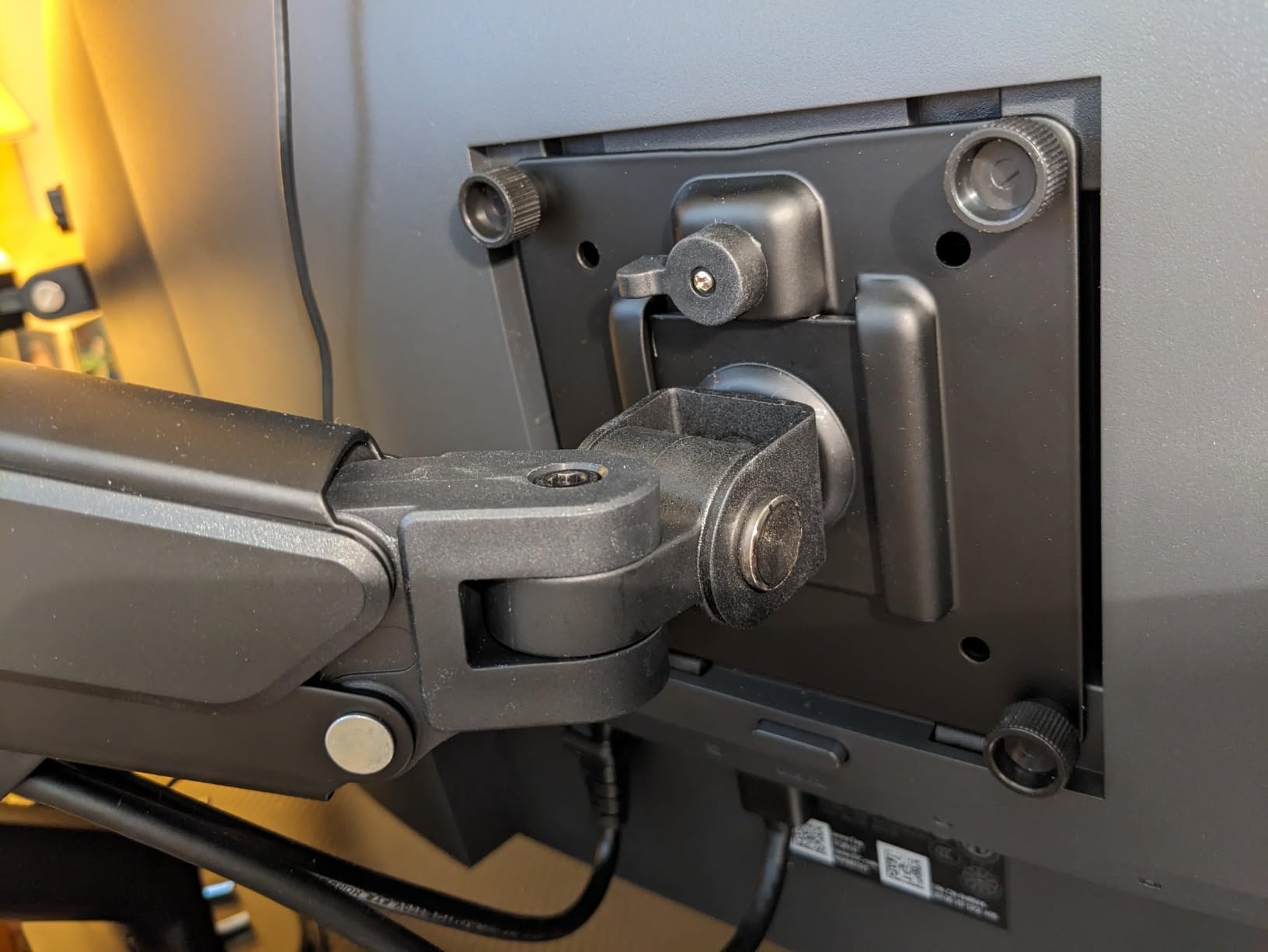
EVEO designed this arm for fast assembly with pre-assembled components and a clear instruction sheet. The VESA plate attaches to your monitor first, then slides onto the arm with a locking mechanism. Most users report completing installation in 5 to 10 minutes with no extra tools beyond what is included.
Stability Under Load
The alloy steel arms resist flexing under monitor weight better than thinner steel or plastic components. With monitors in the 10 to 15 lb range, typing produces minimal wobble. The heavy base contributes to overall stability by lowering the center of gravity relative to lighter arms.
Buying Guide: How to Choose the Best Dual Monitor Arms
Choosing from the best dual monitor arms comes down to matching the arm’s specifications to your specific monitors, desk, and workflow. Here are the factors that matter most.
Gas Spring vs Pole Mount
This is the biggest decision you will make. Gas spring arms use compressed gas cylinders to counterbalance your monitor weight, allowing smooth one-touch height changes. They are ideal if you adjust monitor height frequently or share a desk with someone of a different height. The trade-off is that gas springs can weaken over years of use and require tension calibration.
Pole mount arms use mechanical friction to hold position. You loosen a bolt, slide the arm to the desired height, and retighten. They are simpler, cheaper, and more durable since there are no gas cylinders to degrade. If you set your height once and rarely change it, a pole mount is the reliable choice.
Weight Capacity
Always check your monitor weight before buying an arm. A common mistake forum users report is maxing out the weight capacity, which leads to drooping and instability. As a rule of thumb, keep your monitor weight at least 20 percent below the arm’s maximum rating for smooth operation and long-term reliability.
Weigh your monitors by checking the manufacturer spec sheet or using a luggage scale. Remember that the VESA plate and mounting hardware add a small amount of weight too. When in doubt, choose an arm with more headroom than you think you need.
VESA Compatibility
VESA is the standard mounting pattern on the back of your monitor. The two most common sizes are 75x75mm and 100x100mm. Every arm in this guide supports both patterns, but always verify your monitor’s VESA size before purchasing. Some ultra-thin monitors require proprietary mounts or adapter plates.
If your monitor lacks VESA holes, you can purchase VESA adapter brackets that clip onto the stand. These add weight and bulk, so factor that into your arm capacity calculations.
Standing Desk Compatibility
Gas spring arms pair well with standing desks because they let you fine-tune monitor height without tools as you transition between sitting and standing. Pole mount arms work too, but you will need to pre-set your height for each position or accept a compromise.
Make sure your standing desk surface is thick enough for the arm’s C-clamp. Most clamps require at least 0.4 inches of desk thickness. For glass-topped desks, use the grommet mount option or choose an arm with rubber-padded clamps.
Two Single Arms vs One Dual Arm
This is a common question on forums, and the answer depends on your needs. One dual arm shares a single mounting point, which saves desk space but means both monitors share a base. Two single arms give you independent mounting points, more positioning flexibility, and the ability to space monitors further apart.
If you want maximum flexibility and your desk can accommodate two clamps, two single arms are the better choice. If desk space is tight or you prefer a clean single-pole look, a dual arm is the way to go.
Cable Management
Cable management quality varies widely between arms. Premium models like the BenQ BDH01 use enclosed channels that completely hide wires. Budget arms like the ErGear use simple plastic clips that hold cables but leave them visible. Consider how important a clean cable-free look is to your setup.
Frequently Asked Questions
What is the best brand for dual monitor arms?
HUANUO and VIVO are the most popular brands for dual monitor arms based on review volume and ratings. HUANUO leads with gas spring models like the FlowLift HNDS6, while VIVO excels at heavy-duty mechanical stands. For premium builds, BenQ offers gas spring arms with steel reinforcement plates. WALI stands out for its 10-year warranty coverage.
Is a dual monitor arm worth it?
Yes, a dual monitor arm is worth it for anyone using two monitors. It frees up significant desk space by eliminating factory stands, improves ergonomic positioning to reduce neck and back strain, and allows flexible monitor arrangement. Most quality arms cost between $30 and $120 and last for years, making them a high-value upgrade for any dual-monitor workspace.
Should I get two single monitor arms or one dual monitor arm?
Two single monitor arms offer more positioning flexibility and independent mounting points, making them better if you want to space monitors far apart or position them at different heights. One dual monitor arm saves desk space by sharing a single base and is easier to manage as one unit. Choose two singles for maximum flexibility and one dual arm for a cleaner, space-saving setup.
What are the common problems with dual-monitor stands?
The most common problems are monitor drooping on gas spring arms that need tension recalibration, wobble during typing on arms near maximum weight capacity, difficult cable management on budget models, and desk clamp slippage on thin surfaces. Other issues include incompatibility with curved ultrawide monitors and gas springs weakening after several years of use.
Do monitor arms go bad?
Gas spring monitor arms can lose tension over several years of use, causing monitors to slowly drift downward. This is usually fixable by recalibrating the tension screw. Mechanical pole mount arms rarely go bad since they use simple friction-based holding mechanisms. The most common failure point across all arm types is the plastic cable management clips breaking off over time.
Conclusion
After testing 12 models with real monitors, the HUANUO HNDS7 stands out as the best dual monitor arm overall for its aluminum construction, ultrawide support, and built-in USB convenience. The HUANUO FlowLift HNDS6 delivers the best balance of gas spring smoothness and value, while the ErGear EGCM1 proves you can get a reliable dual monitor mount without breaking the bank.
Match your choice to your monitor weight, desk type, and adjustment preferences, and you will transform your workspace in under 30 minutes. Any of these 12 arms will free up desk space and improve your posture compared to factory stands. Pick the one that fits your budget and monitor specs, and enjoy a cleaner, more ergonomic setup in 2026.