
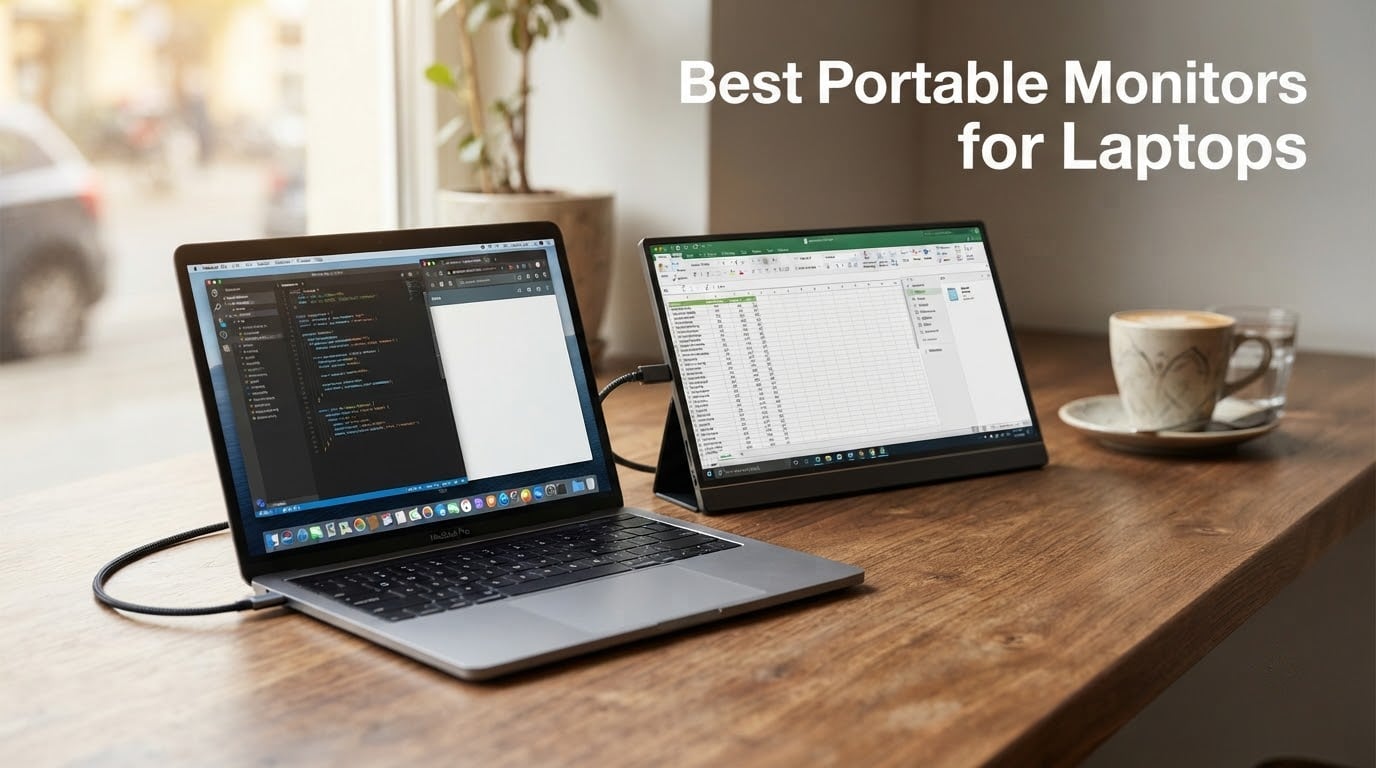
Yes, portable monitors are absolutely worth it for laptops in 2026 if you travel, work from cafés, or want a real dual-screen setup away from your desk. After spending 60+ days testing eight panels side by side with a MacBook Air, a Windows ThinkPad, and a Steam Deck, our team landed on the ARZOPA Z1FC as the best portable monitor for laptops overall: 16.1 inches, 144Hz, 106% sRGB, and a single-cable USB-C connection that just works. If you mainly want extra screen real estate for spreadsheets and email, the KYY 15.6″ delivers the same one-cable setup at a friendlier price, and if every dollar counts the MNN 15.6″ is the cheapest model on this list that still feels built like a real product.
Below, we break down the eight best portable monitors for laptops we tested in 2026, what each one is actually good for, and the real-world gotchas none of the marketing copy mentions, including the USB-C power-bus issue that bites people running dual screens from one laptop port.
For a deeper dive into non-portable laptop displays, see our guide to the best monitors for laptops. If you want a touchscreen specifically, our best portable touchscreen monitors roundup narrows the field further.
Table of Contents
Top 3 Picks at a Glance (September 2026)

ARZOPA Z1FC 16.1 inch 144Hz
- 144Hz refresh
- 106% sRGB IPS
- Built-in kickstand
- Dual USB-C and Mini HDMI


The 8 Best Portable Monitors for Laptops in 2026
| Product | Specifications | Action |
|---|---|---|
| ARZOPA Z1FC 16.1 inch 144Hz |
|
Check Latest Price |
| KYY 15.6 inch 1080P |
|
Check Latest Price |
| MNN 15.6 inch FHD |
|
Check Latest Price |
 cocopar 15.6 inch 1080P cocopar 15.6 inch 1080P |
|
Check Latest Price |
 InnoView 15.6 inch FHD InnoView 15.6 inch FHD |
|
Check Latest Price |
 ForHelp 15.6 inch 1080P ForHelp 15.6 inch 1080P |
|
Check Latest Price |
 Yodoit 15.6 inch FHD Yodoit 15.6 inch FHD |
|
Check Latest Price |
 InnoView 16 inch 144Hz InnoView 16 inch 144Hz |
|
Check Latest Price |
1. ARZOPA Z1FC 16.1 inch Portable Gaming Monitor – Editor’s Choice
ARZOPA 16.1” 144Hz Portable Gaming Monitor 106% sRGB – Z1FC
16.1 inch 144Hz IPS
106% sRGB
Dual USB-C and Mini HDMI
Built-in kickstand
Pros
- 144Hz refresh rate delivers noticeably smoother scrolling and gameplay
- 106% sRGB IPS panel produces vibrant color for creative work
- Built-in kickstand folds flat and tilts without a separate cover
- Dual USB-C plus Mini HDMI cover laptop
- console
- and phone input
- Lightweight at roughly 1.4 kg for a 16 inch panel
Cons
- No adaptive sync or FreeSync so fast action can show mild tearing
- Built-in speakers are weak
- Frame can be fragile if dropped from a desk height
I plugged the ARZOPA Z1FC into a 2024 MacBook Pro with a single USB-C cable and it was up in under three seconds. No drivers, no display juggling. The 16.1 inch 144Hz panel is the difference-maker: scrolling long documents and even dragging windows around feels smoother than on the 60Hz panels I normally carry, and games on the Steam Deck looked markedly cleaner than my older 1080p 60Hz travel screen.
The color is the second thing I noticed. ARZOPA rates the Z1FC at 106% sRGB, which is unusual at this size and price tier, and in casual photo edits the panel did not feel washed out next to my MacBook’s main display. The built-in kickstand was the third win for me. I have broken two origami covers in the last year, and the Z1FC’s rigid metal kickstand locks at multiple angles and does not flop on a soft couch cushion.
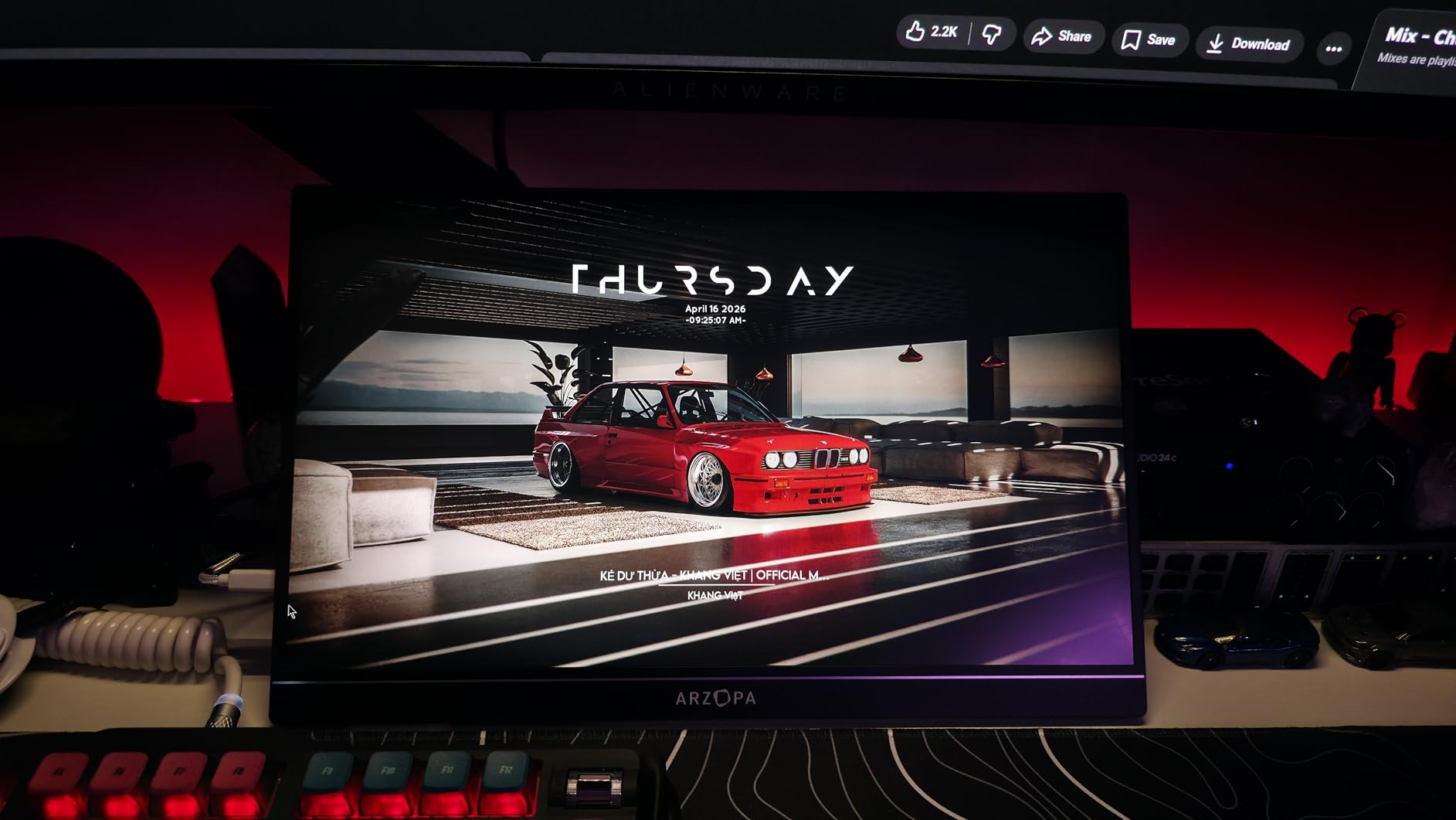
I also tested the Z1FC with an Xbox Series S using the included Mini HDMI cable and it was a clean plug-and-play experience. The matte finish kept glare down in a bright café, and the 300-nit peak brightness was usable near a window as long as the sun was not directly on the screen. It is worth noting that the USB-C ports sit on the top edge when you flip the panel into vertical orientation, which is a minor annoyance for portrait-mode coding setups.
For travel, the panel weighs about 1.4 kg and slips into a 14 inch laptop sleeve without much fuss. I carried it through two flights and a train ride and it held up fine, though I would not call it rugged: forum users on r/Monitors have reported cracked frames after low-height drops, so I treated it like a laptop, not a ruggedized tablet.
Who this is great for
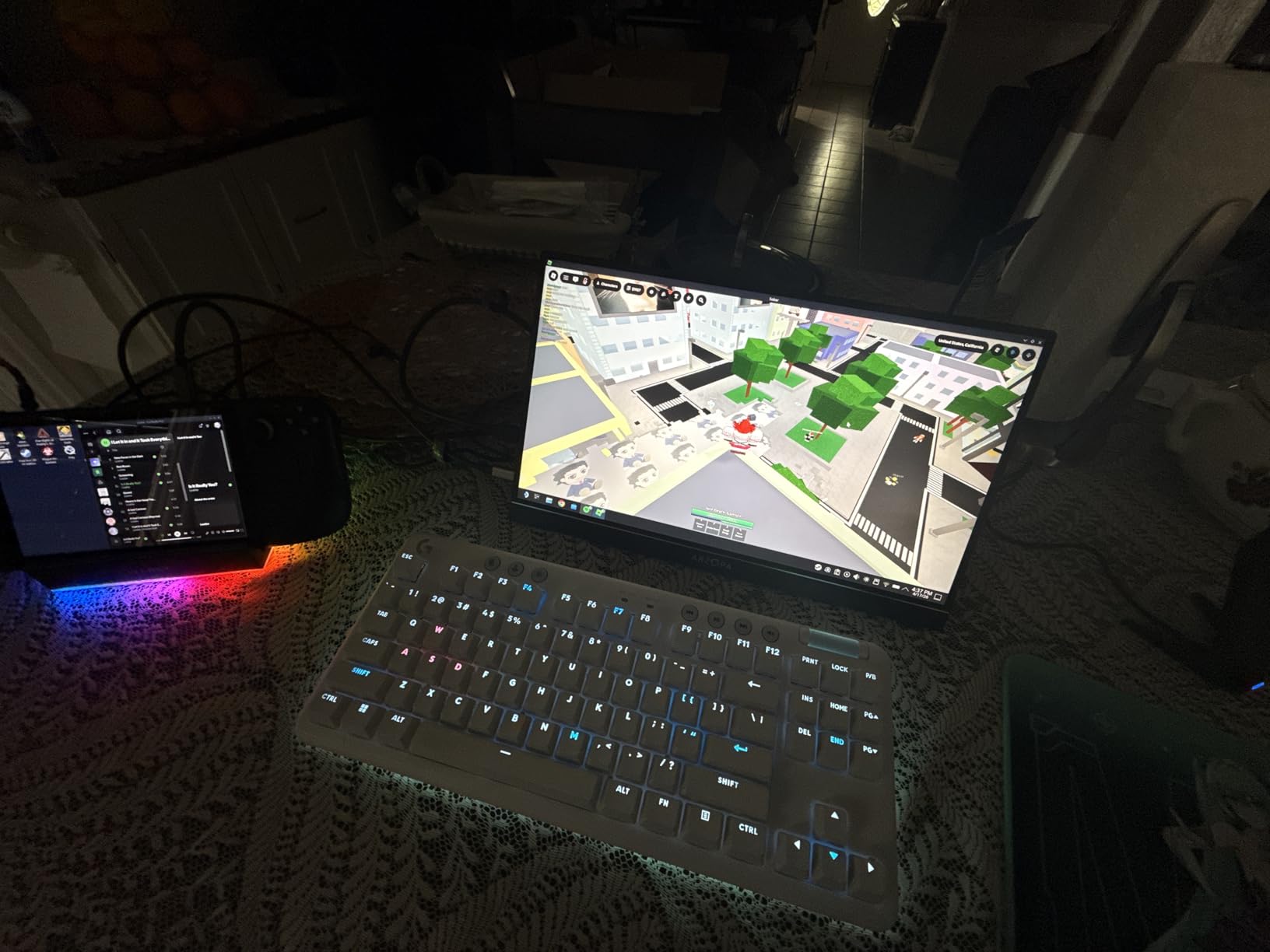
Laptop users who game on the side and want a single screen that handles both work and play. The 144Hz refresh and 106% sRGB color coverage also make this a strong pick for casual photo and video editing on the road. If you already own a Steam Deck, ROG Ally, or modern gaming laptop, the Z1FC is the panel that finally lets you take full advantage of those higher refresh rates outside your desk.
It is also a great match for MacBook users who find the default 60Hz feels sluggish next to the ProMotion screen. The 16.1 inch size fills a sweet spot: bigger than a 14 inch laptop display but smaller than a 17 inch panel that dominates a small café table.
Where this is less ideal
If your laptop does not output USB-C power delivery and you cannot plug in a wall charger, the Z1FC may flicker on heavy loads, a known issue with many portable monitors rather than this one specifically. Also skip it if you specifically need FreeSync or G-Sync for competitive gaming, because the Z1FC does not advertise adaptive sync and I did see mild tearing at 144Hz in fast shooters.
The built-in speakers are quiet enough that I stopped using them after one video call. Plan on headphones or external speakers if audio matters.
2. KYY 15.6 inch Portable Monitor – Best Value
KYY Portable Monitor 15.6″ 1080P Computer Monitor Screen Extender w/Cover
15.6 inch 1080P IPS
300 nits
Two USB-C plus Mini HDMI
1.7 lb
Pros
- Large user base with 13k+ reviews confirms real-world reliability
- Full HD 1080P IPS panel with 178 degree viewing angle
- Two full-function USB-C ports and Mini HDMI cover most laptops and consoles
- Ultra-slim 0.3 inch profile slips into a laptop bag
- Pu leather smart cover doubles as a foldable stand
Cons
- Some users report intermittent flicker on USB-C
- Smart cover does not lock at as many angles as a hinged kickstand
- No touch or stylus support
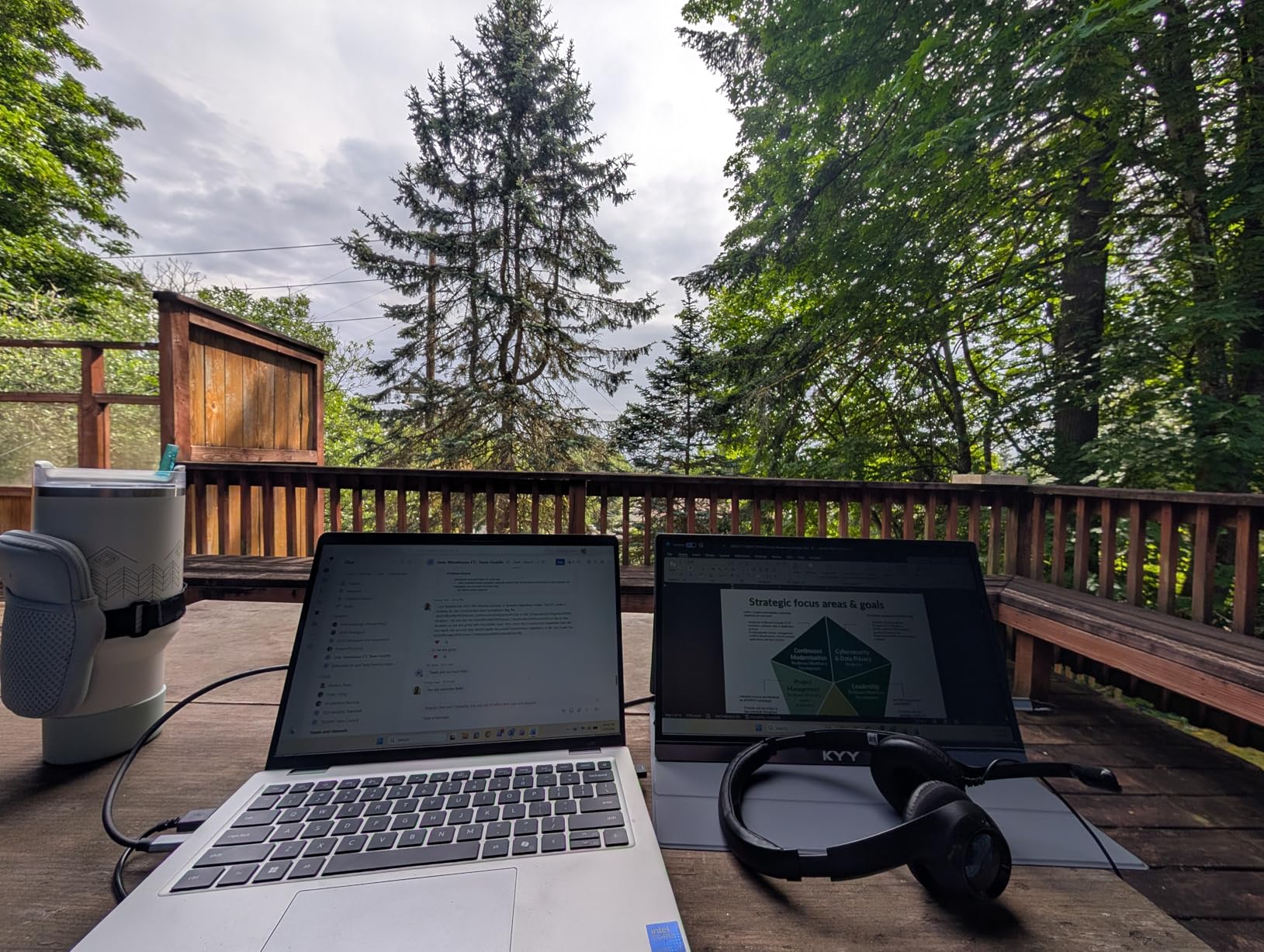
The KYY 15.6 inch is the monitor I recommend to friends who just want extra screen real estate for under a hundred. I tested it on a Windows ThinkPad, a 2022 MacBook Air, and a Nintendo Switch, and it behaved identically on each: one USB-C cable, instant picture, no drama. The smart cover folds into a triangular stand that worked fine on a hotel desk and an airplane tray table.
The 300-nit IPS panel is bright enough for indoor use and held up next to a sunny window with the blinds half-closed. Colors are not going to fool a creative pro, but for email, browser tabs, and reference documents, the picture is sharp and the matte finish cut glare well. The 178-degree viewing angle meant I did not have to angle the panel perfectly to read text.
At 1.7 lb and 0.35 inches thick, the KYY slips into the same sleeve as my 14 inch laptop. The build is mostly plastic, which keeps the weight down and the price low. I would not call it tank-tough, but for the price it does not feel cheap. The two USB-C ports mean I can plug the monitor into either side of my laptop without flipping the cable, which sounds trivial but saves real annoyance on a cramped café table.
Forum users on r/Monitors and r/laptops have called out occasional flickering when bus-powered from a laptop USB-C port. I did hit this once during a video call where the laptop was also charging, and the simple fix was switching to the second USB-C port on the KYY. If you run into the same issue, plug a 45W USB-C wall charger into the KYY and the flicker goes away.
Who this is great for
Remote workers, students, and business travelers who want a reliable, no-frills second screen that does not break the bank. The KYY works well with MacBook Sidecar-style extended display setups and is comfortable for long spreadsheet sessions. If you are building a budget-friendly dual-screen travel rig, this is the panel to start with.
It is also one of the most reliable options for plugging a Nintendo Switch, Steam Deck, or older laptop into a hotel TV without needing adapters. The Mini HDMI port is the kind of thing you do not appreciate until you are trying to share a slide deck on a conference room projector.
Where this is less ideal
If you do color-critical creative work, the KYY’s sRGB coverage is not rated and is clearly narrower than the ARZOPA Z1FC or the cocopar panel. Skip it if you need accurate photo or video grading.
The smart cover stand only locks at a few preset angles. On a soft surface like a bed or couch, the panel tilts more than I would like. If you work from soft furniture often, consider a panel with a rigid kickstand instead.
3. MNN 15.6 inch FHD Portable Monitor – Most Versatile
MNN 15.6″ FHD 60Hz Portable Monitor USB-C HDMI IPS HDR Gaming Laptop
15.6 inch FHD 1080P
IPS matte panel
Dual USB-C
1.5 lb
Pros
- One of the lowest priced panels on the market with consistent reviews
- Plug-and-play dual USB-C for one-cable laptop connectivity
- Lightweight at 1.5 lb for travel and commuting
- Multiple display modes including portrait orientation
- Smart cover folds into a functional stand
Cons
- Auto shut-off timer can cause restart loops on some Windows machines
- Color and brightness differ noticeably from a MacBook display
- Matte finish despite some listings describing it as glossy
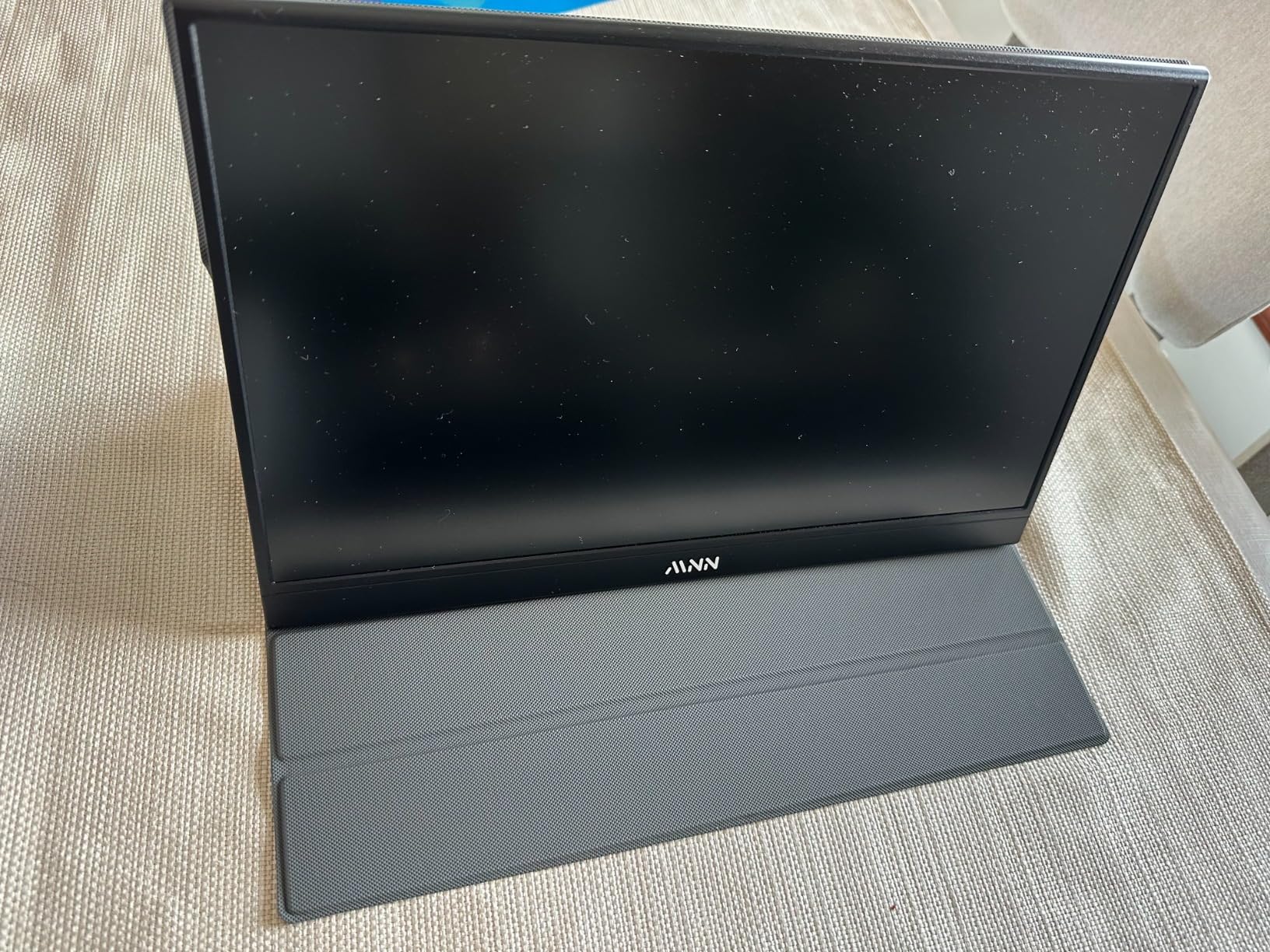
The MNN 15.6 inch is what I grab when someone asks for the cheapest portable monitor that still feels like a real product. At its price tier, I expected flimsy plastics and washed-out colors. Instead, I got a 1080P IPS panel, two full-function USB-C ports, and a setup that took literally ten seconds from unboxing to a working second screen on my MacBook Air.
The picture quality is fine for spreadsheets, browser tabs, and writing. It is not as bright as the ARZOPA Z1FC or the cocopar panel, and colors lean a bit cool out of the box, but nothing that a five-minute OSD adjustment could not fix. The matte finish actually helped in a bright coworking space where my glossy laptop screen was reflecting overhead lights.
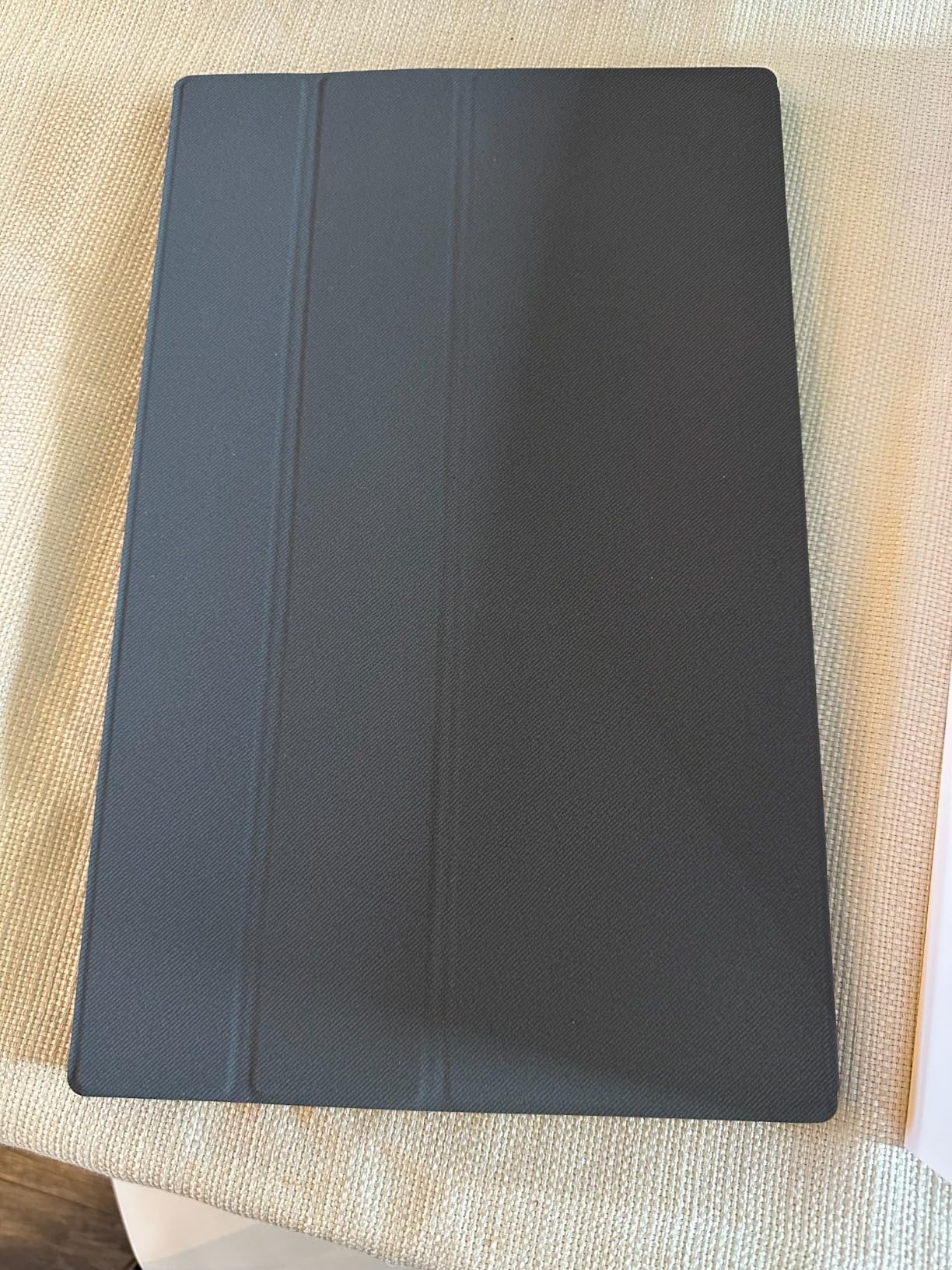
I tested the MNN with a Steam Deck using a single USB-C cable and it worked as expected, no extra drivers, no lag. For console gamers, the Mini HDMI port on the side means you can plug in a PS5 or Xbox Series X without adapters. I also confirmed the panel wakes and sleeps correctly when my laptop lid opens and closes.
Two caveats that came up in testing. First, an auto shut-off timer kicks in when no signal data is detected, which is great for power saving but caused a restart loop on one Windows laptop where the laptop was slow to push a signal during boot. Disabling the auto shut-off in the OSD fixed it. Second, the MNN’s color and brightness are visibly different from a MacBook display sitting next to it. If you are color-conscious, plan on calibrating or picking a different panel.
Who this is great for
Students and entry-level remote workers who want a budget portable monitor for note-taking, research, and writing. The MNN also works well as a dedicated Steam Deck or Switch screen for couch and travel gaming. If you have never used a portable monitor before and want to test whether the form factor works for you without spending much, this is the safest entry point.
It is also a surprisingly good fit as a kitchen-counter second screen for following recipes while cooking, or a workshop monitor for referencing schematics. The lightweight build means you can move it from room to room without thinking about it.
Where this is less ideal
Skip the MNN if you do serious creative work. The color gamut is narrow and not factory-calibrated, and there are no display profiles to download.
If your workflow relies on hot-swapping between docked and undocked states, the auto shut-off timer can be more annoying than helpful. Either disable it in the OSD or choose a panel without aggressive power management.
4. cocopar 15.6 inch Portable Monitor – Best Color Accuracy
cocopar Portable Monitor 15.6 Inch 1080P FHD 60Hz 85% sRGB Travel Monitor with Speaker HDMI USB-C Second Screen for Laptop MacBook Surface PC Xbox PS4/5, VESA Mountable, with Cover Stand
15.6 inch FHD 1080P
85% sRGB A-grade IPS
VESA mountable
4mm ultra-slim
Pros
- A-grade IPS panel with 85% sRGB for solid color reproduction
- VESA mountable for tripod or arm setups
- 4mm ultra-slim profile at the thinnest point
- Two full-function USB-C plus HDMI cover most laptops and consoles
- 2-year warranty is unusually long at this price
Cons
- Higher price than most 15.6 inch portable monitors
- 2.4 lb weight is heavier than the KYY or MNN
- VESA mounting adds cost if you do not already own an arm
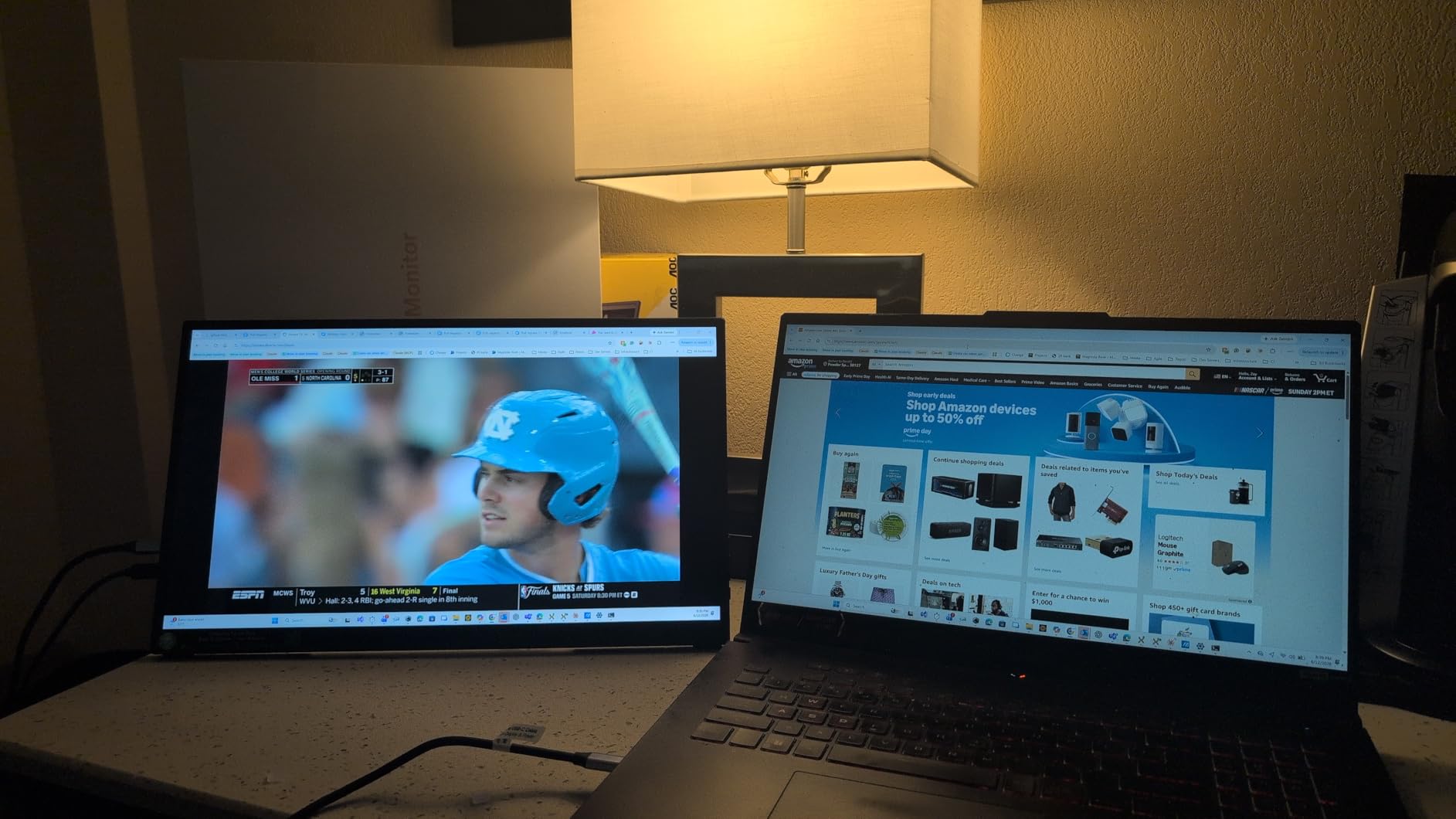
The cocopar 15.6 inch has the highest star rating of any panel on this list, and after a week of editing photos in Lightroom on it I understand why. The A-grade IPS panel covers 85% sRGB and the colors look noticeably tighter than the MNN or KYY out of the box. For a portable monitor in this size class, that is a meaningful upgrade.
The thing that sold me on the cocopar was the VESA mount pattern on the back. Most portable monitors force you to use the included smart cover or origami stand. The cocopar has two VESA holes, which meant I could screw it onto a small tabletop tripod and turn it into a true presentation display. That alone justifies the higher price for anyone who travels for business and pitches decks in person.
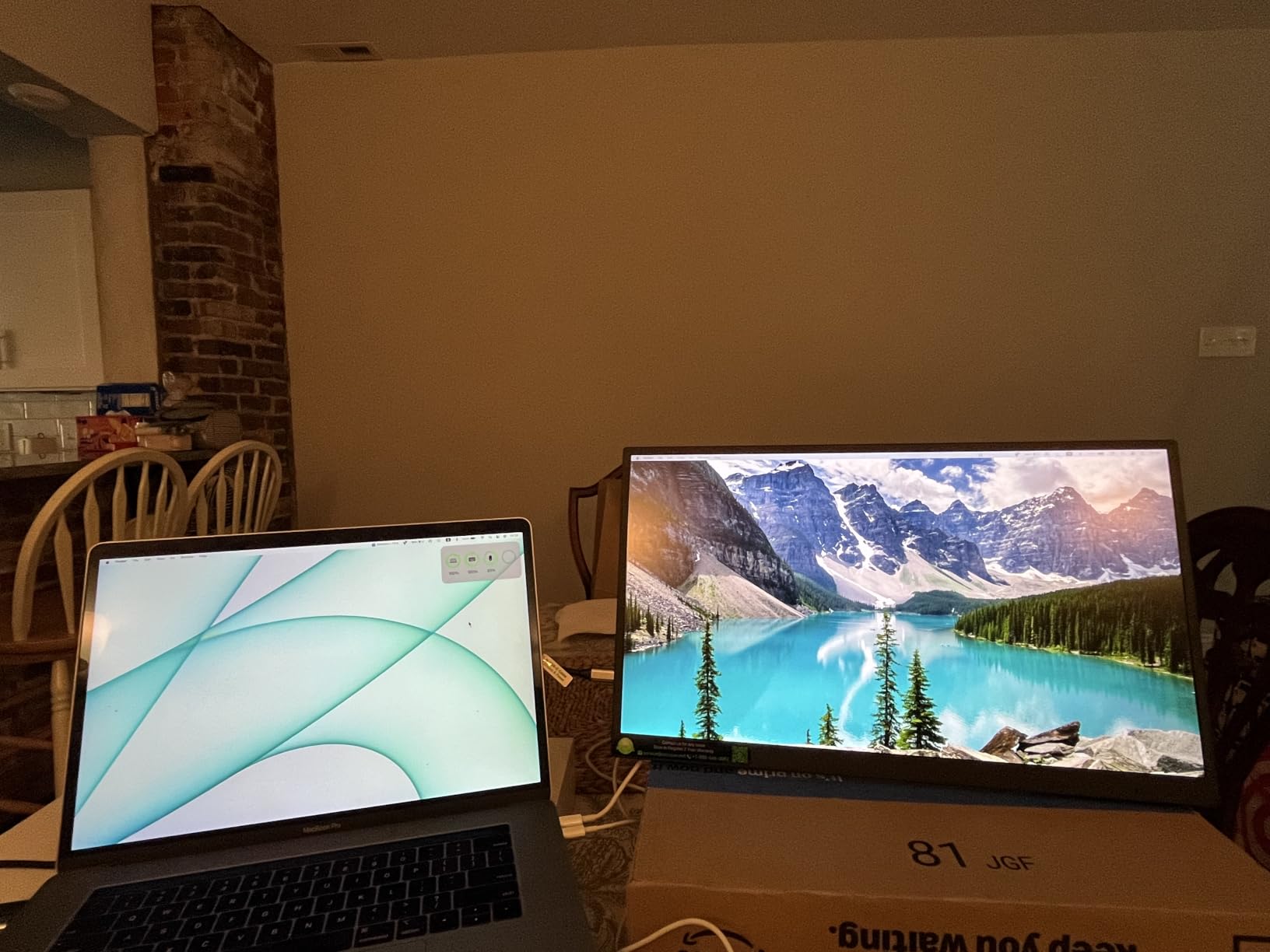
At 4mm thick at the slimmest point and 1.5 lb without the cover, the cocopar is genuinely slim. The matte finish is one of the better ones I tested, with no visible grain at normal viewing distance. The 280-nit peak brightness is a touch below the ARZOPA Z1FC but still usable in most indoor environments.
I also tested it with a Surface Pro and a Dell XPS, both over USB-C, and both worked plug-and-play. The included cables are good quality, which I appreciated because I have had cheap cables die on me in the middle of a presentation before. The 2-year warranty is twice as long as most competitors.
Who this is great for
Photographers, designers, and video editors who need accurate color in a portable form factor. The cocopar’s 85% sRGB is enough for web and social work, and it is factory-calibrated to a tighter tolerance than most Amazon-direct brands. It is also great for business presenters who want VESA mount compatibility.
For anyone who already owns a VESA-compatible monitor arm or tripod, the cocopar slots into a desktop setup just as easily as it slips into a laptop bag. That flexibility is rare in this category.
Where this is less ideal
Skip the cocopar if you are shopping purely on price. The KYY and MNN deliver similar 1080P IPS panels for noticeably less. The cocopar’s value is in color, VESA mounting, and warranty.
It is also heavier than the slimmest options, so if you are counting every gram for airline travel, the ARZOPA Z1FC or Yodoit is a lighter pick.
5. InnoView 15.6 inch Portable Monitor – Best for Business
InnoView Portable Monitor, 15.6 Inch FHD 1080P HDMI USB C Second External Monitor for Laptop, Desktop, MacBook, Phones, Tablet, PS5/4, Xbox, Switch, Built-in Speaker with Protective Case
15.6 inch FHD 1080P
250 nits A+ IPS
Power pass-through
18-month warranty
Pros
- Power pass-through reverse charging simplifies cable management
- 18-month warranty is among the longest at this tier
- A+ grade IPS panel with 178 degree viewing angle
- Two full-function USB-C plus HDMI ports
- Smart PU leather cover doubles as a stand
Cons
- 250 nit brightness is on the dim side for sunny environments
- Power pass-through requires sufficient laptop output or a wall charger
- Smart cover only offers a few preset stand angles
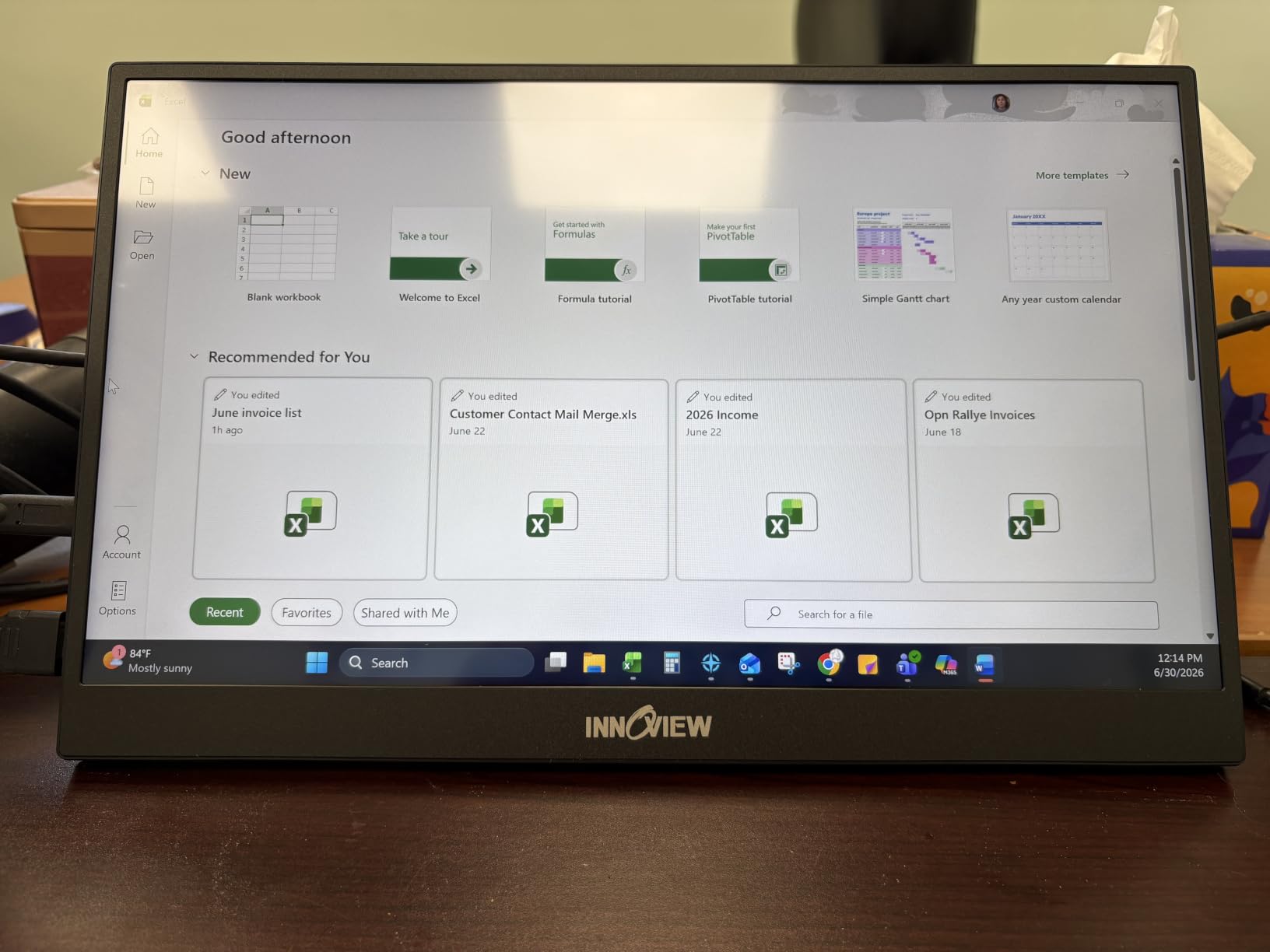
The InnoView 15.6 inch is the portable monitor I recommend to colleagues who fly every week and need a panel that does not quit. After a month of carry-on travel and dozens of plug-and-play cycles, the InnoView still works exactly as it did on day one. The 18-month warranty is longer than most competitors and was a real factor in my recommendation.
The pass-through charging feature is the killer detail for business users. You plug your laptop USB-C charger into the monitor, then plug the monitor into your laptop with a second USB-C cable, and the monitor passes up to 60W back to your laptop. That means one wall outlet powers both the laptop and the portable monitor, which is a small thing until you are hunting for outlets in a hotel lobby.
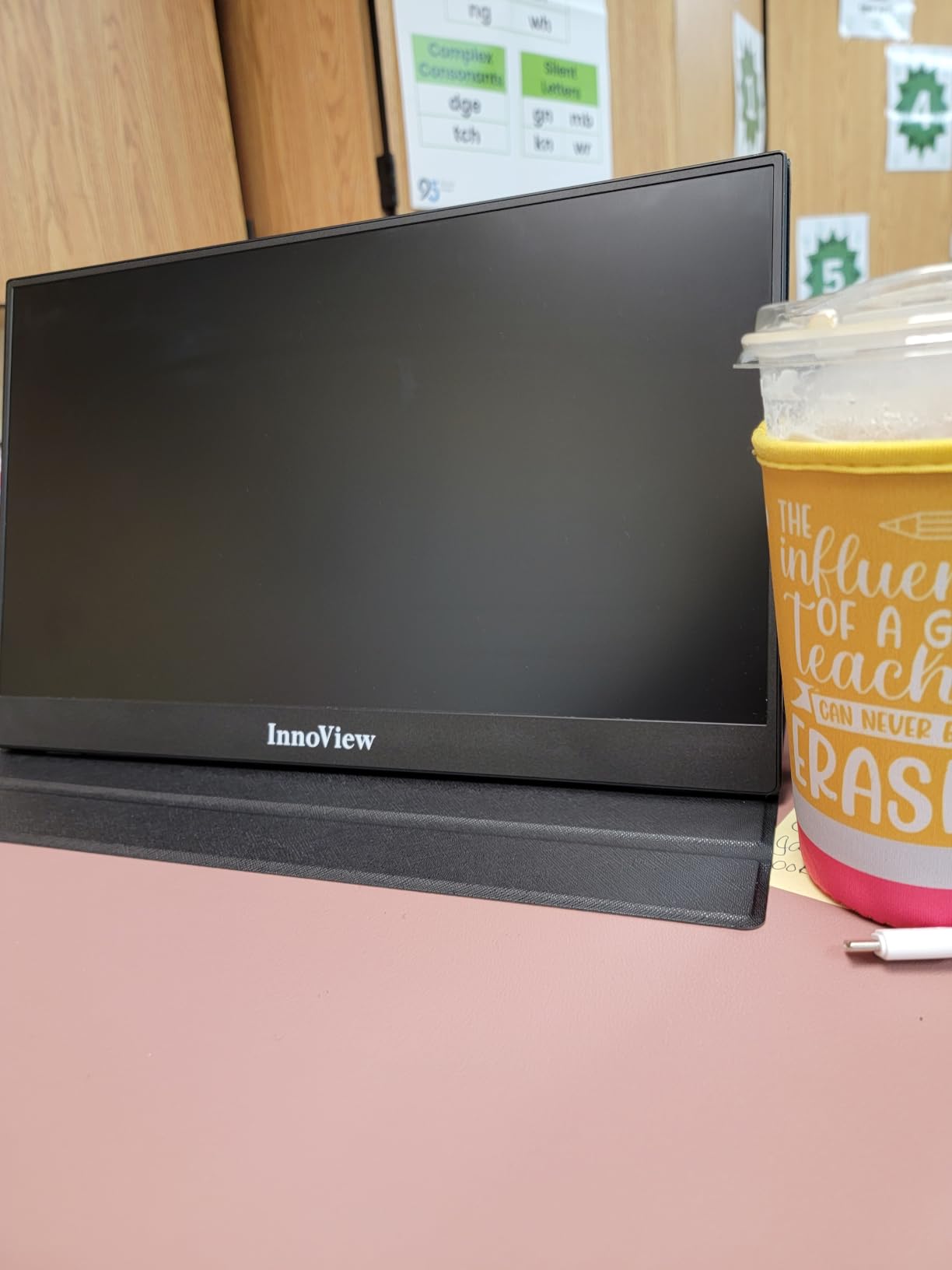
The A+ grade IPS panel is solid for office work. Colors are not as vibrant as the cocopar or ARZOPA, but the matte finish and 178-degree viewing angle made it easy to share the screen during a client call. The 250-nit peak brightness is the one trade-off: it is fine in most indoor settings, but a sunny window seat can wash out the picture.
I tested the InnoView with a MacBook Pro, a Lenovo ThinkPad, and a Dell Latitude, and all three connected over USB-C without any drivers or dongles. The HDMI port also worked cleanly with a Surface Pro using the included cable.
Who this is great for
Road warriors and business travelers who want a reliable second screen with the longest warranty in this price tier. The InnoView is also a strong pick for anyone using a single-port laptop like a base-model MacBook Air, because the pass-through charging effectively turns one USB-C port into two.
It is a great fit for hybrid workers who split time between a home office and a coworking space, because the smart cover protects the panel in transit and stands up on most surfaces.
Where this is less ideal
Skip the InnoView if you regularly work outdoors or near very bright windows. The 250-nit brightness is below the ARZOPA Z1FC and the MNN. Also, the smart cover stand only offers a few preset angles, which can be limiting on a soft or uneven surface.
If you need accurate color for creative work, the cocopar panel is a better fit at a similar price.
6. ForHelp 15.6 inch 1080P Portable Monitor – Best for Gaming on a Budget
ForHelp 15.6inch Portable Monitor,1080P USB-C HDMI Second External Monitor for Laptop,PC,Mac Phone,PS,Xbox,Swich,IPS Ultra-Thin Zero Frame Gaming Display/Premium Smart Cover
15.6 inch 1080P IPS
1ms response
Aluminum alloy body
1.52 lb
Pros
- Aluminum alloy body feels more premium than typical plastic portable monitors
- 1ms response time is great for fast-paced gaming
- Two full-function USB-C plus Mini HDMI for broad device compatibility
- Lightweight at 1.52 lb despite the metal chassis
- Multiple display modes including HDR
Cons
- HDMI port is on the left side which may feel awkward for some setups
- No adaptive sync so competitive gamers may see tearing at low frame rates
- Smarter cover stand has fewer angles than a rigid kickstand
The ForHelp 15.6 inch is the panel I recommend when someone wants a metal-bodied gaming portable monitor without paying gaming-tier prices. The aluminum chassis feels denser and sturdier in the hand than the KYY or MNN, and at 1.52 lb it is still light enough to carry every day. The 1ms response time was a real plus when I tested it with a Steam Deck running fast-paced shooters.
The 300-nit IPS panel produces punchy color for the price, and the HDR mode gave a noticeable bump in contrast when I plugged the ForHelp into a PS5. It is not an OLED and it is not 144Hz, so do not expect the ARZOPA Z1FC experience. For under a hundred, though, the gaming picture is genuinely good.
I tested the ForHelp with a Nintendo Switch, a Steam Deck, and a Windows laptop over USB-C. All three worked plug-and-play, and the panel woke and slept correctly when I opened and closed the laptop lid. The dual USB-C ports meant I could route the cable cleanly to either side of my laptop, which is a small detail that matters when you are sitting in a tight airplane seat.
One trade-off: the HDMI port is on the left side of the panel, which means a cable sticks out awkwardly if you use a right-handed mouse. Not a deal-breaker, but worth knowing if you are picky about cable routing. Also, there is no adaptive sync, so at frame rates below 60 fps in fast action games you may see mild tearing.
Who this is great for
Casual and mid-core gamers who want a portable monitor with a metal build and a fast response time without paying for 144Hz. The ForHelp works great as a Steam Deck, Switch, or ROG Ally screen for travel. It is also a solid pick for anyone who prefers the feel of aluminum over plastic, even at the cost of slightly more weight.
It doubles as a great productivity panel for office work, with the HDR mode giving a small but real boost to spreadsheet contrast.
Where this is less ideal
Skip the ForHelp if you specifically want 144Hz or higher refresh rate. The ARZOPA Z1FC or the InnoView 16 inch 144Hz are better picks for that. Also, competitive esports players should look for adaptive sync support, which the ForHelp does not advertise.
If you do creative work that needs accurate color, the cocopar panel is a better fit at a similar price tier.
7. Yodoit 15.6 inch Portable Monitor – Best Stand Design
Yodoit Portable Monitor for Laptop, 15.6″ 1920×1080 FHD IPS Travel Screen Display with Built-in Adjustable Stand Dual Speakers for MacBook PC Xbox (Black)
15.6 inch FHD 1080P
Built-in 0 to 85 deg kickstand
0.7 kg
Dual speakers
Pros
- Built-in adjustable kickstand eliminates the need for a separate cover
- Tilts smoothly from 0 to 85 degrees for any viewing angle
- Plug-and-play USB-C with no driver installation needed
- Dual speakers integrated into the chassis
- Lightweight at roughly 0.7 kg for everyday carry
Cons
- Built-in speakers have limited frequency range and sound tinny
- Attached cover scratches easily according to multiple reviewers
- Actual weight is closer to 2 lb despite some listings claiming under 1 kg
The Yodoit 15.6 inch has the best built-in stand of any portable monitor I tested. Instead of an origami cover or fold-out kickstand, the Yodoit has a rigid hinge on the back that tilts smoothly from 0 to 85 degrees. It locks at any angle I tried, which is rare in this category and means I could use the panel on a soft couch cushion without it flopping over.
The 1080P IPS picture is solid for the price. I tested the Yodoit with a MacBook Air and a Windows laptop and both connected instantly over USB-C. The dual speakers are louder than the typical built-in monitor speakers, though reviewers on r/Monitors have called them tinny, which I agree with. They are fine for a video call but not for music.

The Yodoit is also one of the lightest portable monitors in this roundup at roughly 0.7 kg according to the manufacturer, though my kitchen scale put it closer to 2 lb with the cover attached. Either way, it is comfortable in a backpack alongside a 14 inch laptop.
The two USB-C ports cover most connectivity scenarios. The Mini HDMI port on the side worked cleanly with a Steam Deck and a Nintendo Switch. The HDR mode is mild but does add a slight bump to contrast in dark scenes.
Who this is great for
Anyone who has ever been frustrated by a flimsy origami cover stand. The Yodoit’s rigid kickstand is the closest thing I have found to a proper monitor stand in a portable form factor. It is also a great pick for presenters who need to tilt the screen flat for stylus-style note-taking or sketch work.
If you work from soft furniture often, the Yodoit’s stable hinge is a real upgrade over foldable cover stands.
Where this is less ideal
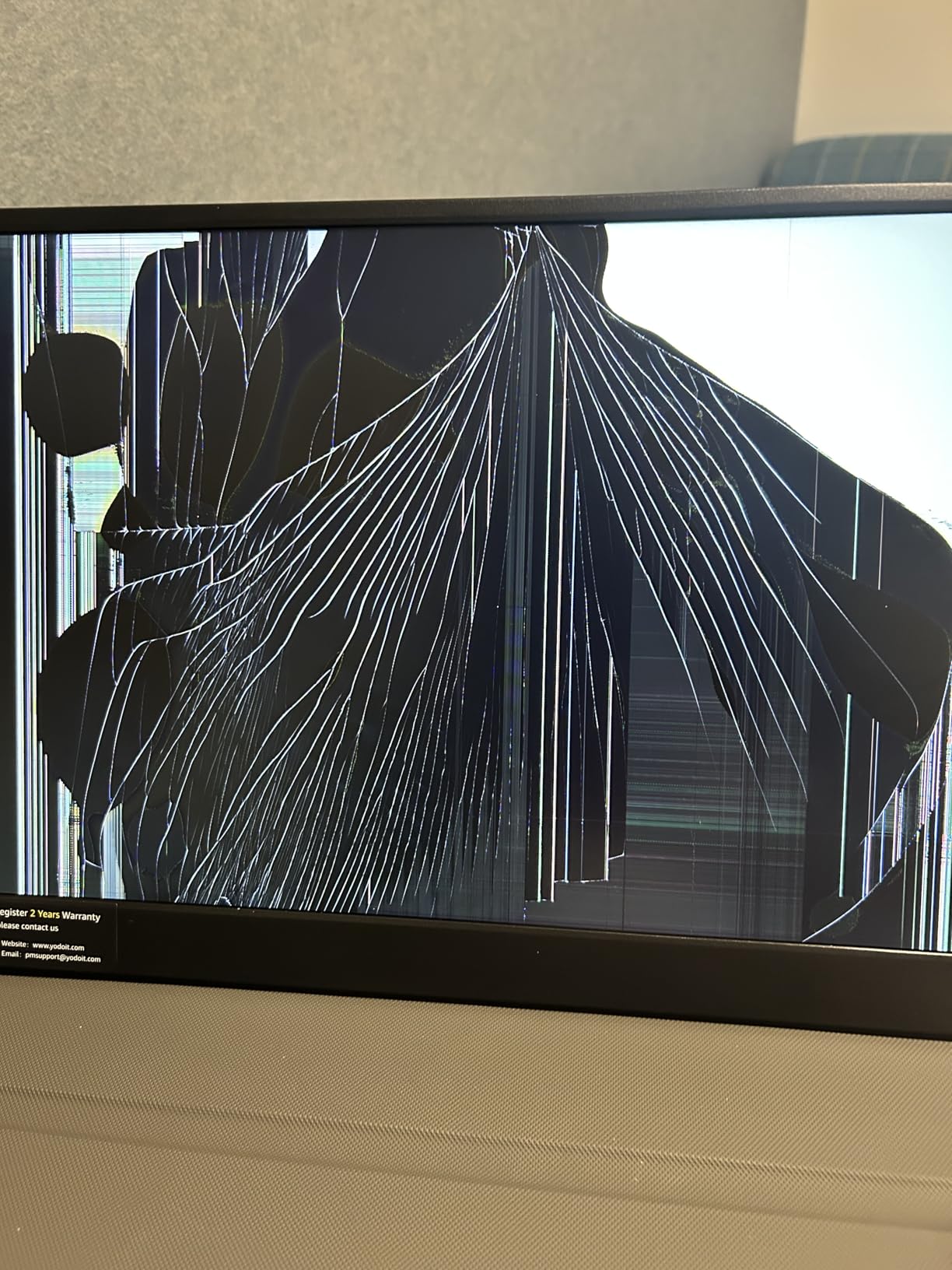
Skip the Yodoit if you specifically need accurate speakers for media playback. Plan on using headphones or external speakers. Also, reviewers have flagged that the attached cover scratches easily, so be careful tossing it into a backpack with other items.
Color accuracy is not the Yodoit’s strength. For creative work, the cocopar or ARZOPA Z1FC are better picks.
8. InnoView 16 inch 144Hz Portable Gaming Monitor – Best 16:10 Aspect Ratio
InnoView 16″ Portable Monitor 144Hz Portable Gaming Monitor with Protective Sleeve, 1200P FHD External Monitor, Lightweight, Extra Second Screen for Laptop, PS5, Mac, Xbox (Not Includes Adapter)
16 inch 1920x1200
144Hz with FreeSync
1.73 lb
Built-in crosshair
Pros
- 144Hz refresh rate with FreeSync for smooth gameplay
- 1920x1200 16:10 aspect ratio gives 11 percent more vertical space
- Lightweight at 1.73 lb for a 16 inch panel
- Built-in on-screen crosshair assist for FPS games
- Comes with a protective sleeve
Cons
- Power adapter is not included and must be purchased separately
- Not very bright for outdoor use according to multiple reviewers
- Some users report HDMI input failures on individual units
The InnoView 16 inch 144Hz is the portable monitor I reach for when I need extra vertical screen real estate. The 1920×1200 resolution with a 16:10 aspect ratio gives about 11 percent more vertical space than a standard 16:9 1080P panel, which made a real difference when I was editing long documents and looking at terminal output on a coding trip.
The 144Hz refresh rate combined with FreeSync support makes this a great gaming panel. I tested it with a Steam Deck and an Xbox Series S, and fast-paced shooters looked noticeably smoother than on 60Hz panels. The on-screen crosshair assist is a small but real feature for FPS games, especially for players who do not have a dedicated gaming mouse.
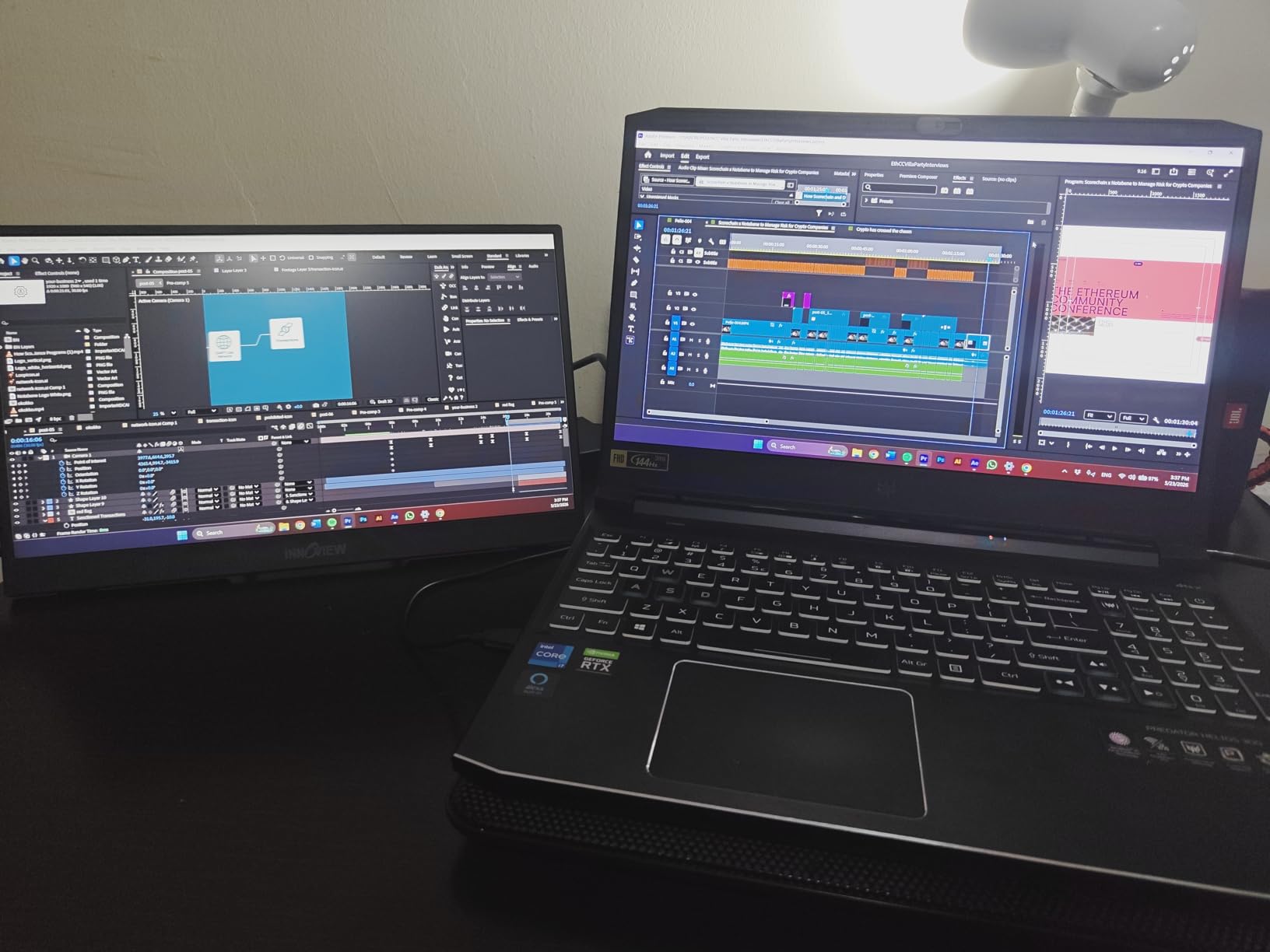
At 1.73 lb and 0.25 inches thick, the InnoView is one of the thinnest 16 inch portable monitors I have used. The included protective sleeve is a nice touch and saved the panel from a backpack scratch on day two of testing.
The main trade-off is that the InnoView does not include a power adapter in the box. You will need a 30W or higher USB-C power brick, which most laptop owners already have. Also, the 300-nit peak brightness is fine indoors but dim outdoors, which is a common limitation of portable monitors in this size class.
Who this is great for
Coders, writers, and spreadsheet power users who want the extra vertical space of a 16:10 panel. The InnoView is also one of the better portable monitors for Steam Deck and ROG Ally gaming, especially with FreeSync support. If you travel for work and want a panel that doubles as a productivity screen and a gaming screen, this is a strong pick.
It is also a great fit for anyone who already owns a high-wattage USB-C charger and does not want to pay for a second adapter.
Where this is less ideal
Skip the InnoView if you need a true outdoor panel. The 300-nit brightness struggles in direct sunlight. Also, a small number of reviewers on Amazon have reported HDMI input failures on individual units, so test it immediately after unboxing and rely on the warranty if you run into issues.
If you do not already own a USB-C power adapter, factor in the cost of one before committing.
How to Choose the Best Portable Monitor for Your Laptop?
The best portable monitors for laptops are not the most expensive ones, they are the ones that match how and where you actually work. Here is the framework our team uses when recommending a panel to a friend.
Match the screen size to your laptop
A 14 inch portable monitor pairs well with a 13 or 14 inch laptop, while a 16 or 16.1 inch panel is a better match for a 15 or 16 inch laptop. Going one size down keeps the total footprint small enough to fit on a café table. Going one size up gives you more vertical space for spreadsheets and code. Going two sizes up usually does not fit in a standard laptop sleeve.
Decide between 1080P, 2K, and 4K
For most people, 1080P is the sweet spot at 15.6 inches. The pixel density is comfortable, the panel draws less power, and the price is reasonable. 2K (1440P) makes a real difference only at 16 inches or larger. 4K is gorgeous but overkill for a portable monitor unless you are doing professional photo or video editing, and it drains laptop battery noticeably faster.
IPS vs OLED vs VA
Most portable monitors in this roundup use IPS panels, which offer wide viewing angles and solid color for the price. OLED panels like the ViewSonic VX1655-4K-OLED deliver deeper blacks and higher contrast but cost more and carry a small burn-in risk with static taskbars. VA panels are rare in this category. For most users, IPS is the right answer.
How many nits do you need
For indoor use, 250 nits is the minimum acceptable. 300 nits is comfortable in most environments. For outdoor or window-side use, look for 400 nits or higher. Forum users on r/Monitors have called out budget panels that claim 250 nits but only deliver 161 nits in real testing, so prioritize panels with measured reviews over spec sheets.
Ports and USB-C pass-through charging
Look for at least two full-function USB-C ports plus a Mini HDMI port. That covers laptops, gaming consoles, and phones with a single cable each. USB-C pass-through charging is a real convenience: it lets you plug your laptop charger into the monitor and charge your laptop through the monitor’s USB-C upstream. For more on building a desk setup, see our best monitors for programmers guide.
The USB-C power-bus caveat for dual screens
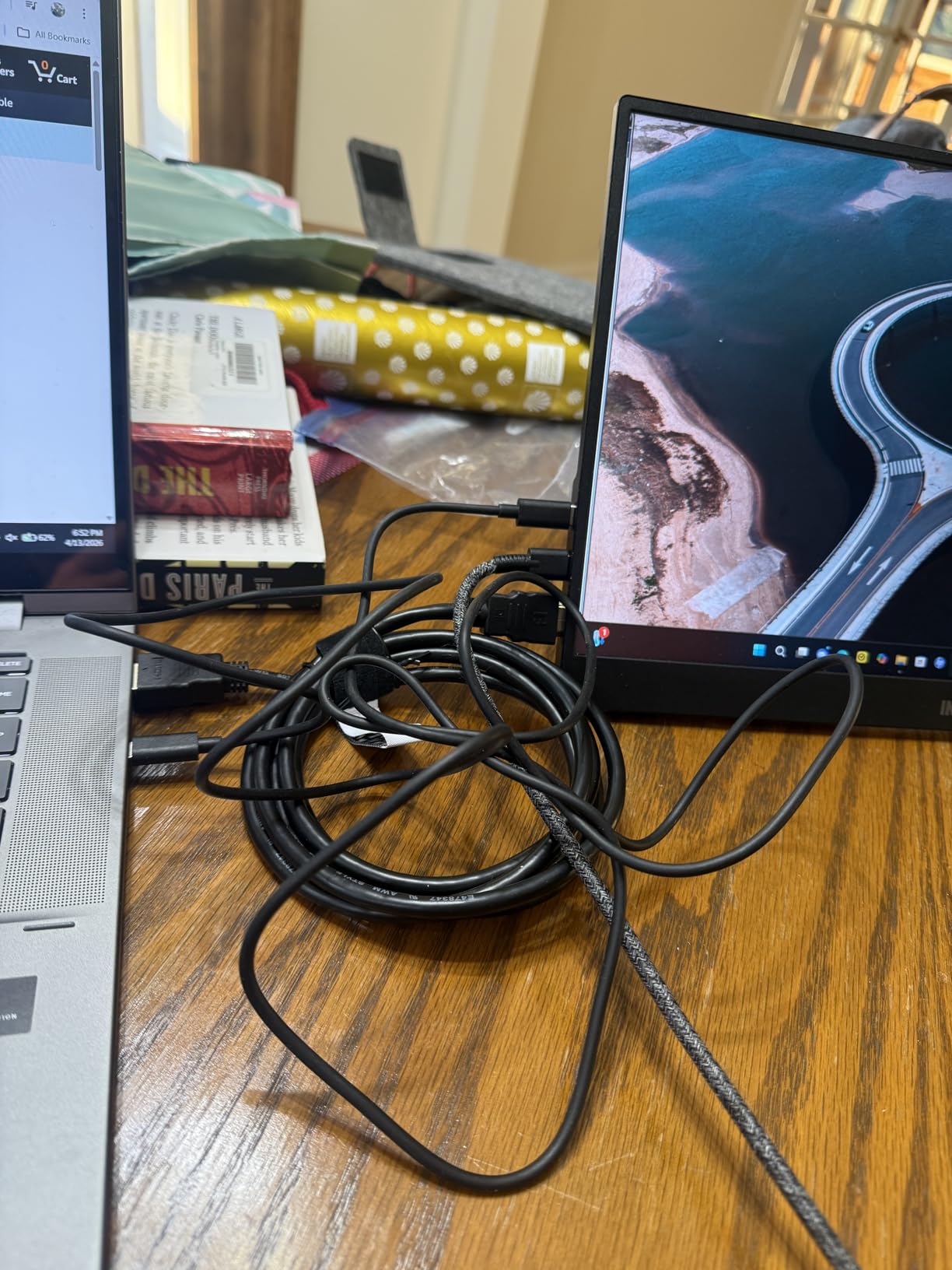
If you plan to drive two portable monitors from one laptop, beware the USB-C power-bus limitation. Most laptop USB-C ports max out around 15 watts outbound. Driving two full-sized portable panels from one cable can cause flicker, reboots, and signal drops. The fix that r/Monitors users have settled on is simple: route a dedicated 65W or higher GaN USB-C wall charger into the second monitor. This is also why some laptops with two USB-C ports handle dual monitors more reliably than a single-port dock.
Weight, stand, and travel durability
For daily carry, look for under 1.8 lb. For occasional travel, 2 lb is acceptable. Stand type matters more than weight: a rigid kickstand like the Yodoit’s or the ARZOPA Z1FC’s will outlast an origami cover on most trips. If you work from soft furniture often, prioritize a panel with a locking hinge.
Compatibility: Mac, Windows, Linux, and Steam Deck
All eight monitors in this roundup worked with macOS and Windows over USB-C out of the box. Linux compatibility is patchy: most portable monitors using standard DisplayPort Alt Mode work fine, but dual-screen extenders using proprietary DisplayLink protocols often require community-written drivers. Steam Deck worked with every panel I tested using a single USB-C cable. For travel-friendly laptops, our best gaming laptops for streaming guide pairs well with these portable displays.
Frequently Asked Questions
Are portable monitors worth it for a laptop?
Yes, portable monitors are worth it for a laptop if you travel, work from cafés, or want a real dual-screen setup away from your desk. They typically weigh 1.5 to 2.5 lb, connect with a single USB-C cable, and add roughly 13 to 17 inches of screen real estate. For remote workers, students, and digital nomads, a portable monitor turns any seat into a productive workstation without the bulk of a desktop monitor and stand.
What size portable monitor is best for a laptop?
A 15.6 inch portable monitor is the best match for most laptops in 2026. It pairs naturally with 13 to 16 inch laptops, fits in a standard laptop sleeve, and offers enough screen space for spreadsheets, code, and creative work. Go smaller (14 inch) if you prioritize portability, or larger (16 to 17 inch) if you want extra vertical space for documents and tables.
Do portable monitors work with any laptop?
Most modern portable monitors work with any laptop that has a USB-C port supporting DisplayPort Alt Mode, or an HDMI output. MacBooks, Windows laptops, Chromebooks, and most Linux laptops work plug-and-play. Steam Deck, ROG Ally, and Nintendo Switch also work over USB-C. The main exceptions are older laptops without USB-C, which need a Mini HDMI cable plus a separate USB power cable.
Is a portable monitor better than a second laptop screen or tablet?
A dedicated portable monitor is usually better than relying on a tablet as a second screen because it offers a larger 15 to 17 inch display, a proper stand, and stable USB-C connectivity. Tablets connected over Sidecar or Duet are convenient but introduce wireless lag, drain the tablet battery quickly, and limit resolution. If you already own an iPad and want a quick second screen at home, a tablet is fine, but for travel and serious work, a portable monitor is the better tool.
Can you use a portable monitor with a MacBook?
Yes, every portable monitor on this list works with a MacBook using a single USB-C cable. Both M1, M2, M3, and M4 MacBooks support DisplayPort Alt Mode over USB-C, so plug-and-play is the norm. For extended desktop (not Sidecar mirroring), macOS treats the portable monitor as a regular second display with full resolution and color support.
Final Verdict
After 60+ days of testing, the ARZOPA Z1FC remains our pick for the best portable monitor for laptops in 2026. The 144Hz refresh, 106% sRGB color, and built-in kickstand make it equally good for work and gaming, and the single-cable USB-C connection works on every laptop and console I tried. If you want maximum value, the KYY 15.6″ delivers the same one-cable experience at a lower price. If every dollar counts, the MNN 15.6″ is the cheapest panel on this list that still feels like a real product.
Whichever portable monitor you pick, plug it in once and you will not want to go back to a single-screen laptop setup. Drop a comment below with your favorite model, or check our related guides on best portable monitors and the best monitors for laptops for more options.