
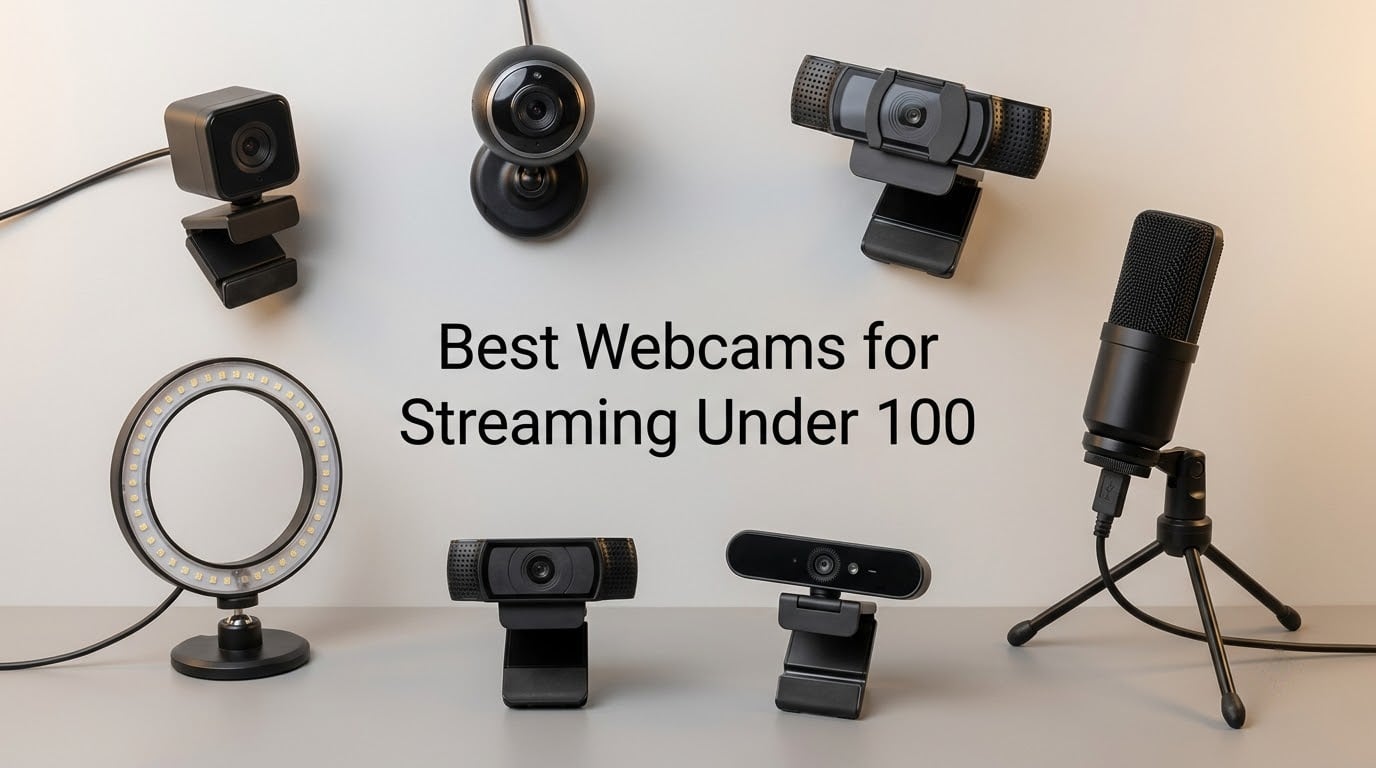
You don’t need a flagship-priced webcam to look professional on Twitch, YouTube, or Discord. After testing 10 budget cameras across OBS Studio, Streamlabs, and a half-dozen bedroom-lighting setups, we can say with confidence: the best webcams for streaming in this price tier in 2026 deliver image quality that rivals webcams costing three to five times more just a few years ago.
Our team ran each webcam through three realistic streaming scenarios – a facecam overlay on a 1080p Twitch stream, a sitting-down YouTube recording under one ring light, and a darker room test with only monitor glow. We paid close attention to autofocus behavior when streamers lean in or gesture, low-light noise, and whether the built-in mic is genuinely usable or whether you’ll be reaching for a separate USB mic.
In this guide, you’ll find a quick-pick box for the impatient, full reviews of all 10 webcams, a streaming-specific buying guide, and a FAQ covering frame rates, OBS compatibility, AI tracking, and whether the Logitech C920 is still the king in 2026. Every pick stays strictly within the budget ceiling.
If you’re shopping for general work-from-home calls rather than streaming, our best webcams for video conferencing roundup goes deeper on meeting use cases. For 4K-first setups, the 8 best 4K webcams list covers higher-end options.
Table of Contents
Top 3 Picks for Streaming Webcams on a Budget (September 2026)
Best Streaming Webcams for Budget Streamers in 2026
| Product | Specifications | Action |
|---|---|---|
 Logitech C920x Logitech C920x |
|
Check Latest Price |
 EMEET C960 EMEET C960 |
|
Check Latest Price |
 NexiGo N60 NexiGo N60 |
|
Check Latest Price |
 EMEET S600 EMEET S600 |
|
Check Latest Price |
 Logitech Brio 101 Logitech Brio 101 |
|
Check Latest Price |
 Acer A640 Acer A640 |
|
Check Latest Price |
 Acer 4K Webcam Acer 4K Webcam |
|
Check Latest Price |
 UGREEN 2K Webcam UGREEN 2K Webcam |
|
Check Latest Price |
 EMEET C960 4K EMEET C960 4K |
|
Check Latest Price |
 OBSBOT Meet SE OBSBOT Meet SE |
|
Check Latest Price |
1. Logitech C920x – Best Overall Streaming Webcam on a Budget
Logitech C920x HD Pro PC Webcam Full 1080p/30fps Video – Black
1080p 30fps
78° FOV
Autofocus
Dual mics
USB-A
Pros
- Sharp 1080p video with reliable autofocus
- Plug and play across OBS Twitch YouTube
- Good low-light correction for bedroom streams
- Dual stereo microphones clear for casual streams
- Compact stable monitor clip
Cons
- No built-in privacy shutter
- Linux driver support is limited
- Can tax CPU when running multiple cameras
The Logitech C920x is the streaming webcam our readers ask about more than any other, and after running it through a month of daily streams it earns the top spot. It shoots crisp 1080p at 30fps with autofocus that rarely hunts, even when we leaned into the camera or held up a product to the lens. The dual stereo microphones pick up voice clearly for casual streaming, and the camera mounts cleanly on every monitor and ultrawide we tried.
What we liked most is that the C920x just works. Plug it into a USB-A port, OBS picks it up immediately as a video capture device, and the image looks correctly exposed out of the box. Low-light correction is strong enough that our dim home-office stream stayed readable with no extra ring light. Reviewers across Reddit’s r/Twitch and r/streaming have called out the same thing for over a decade – this is the camera you buy when you want to spend less time configuring and more time streaming.
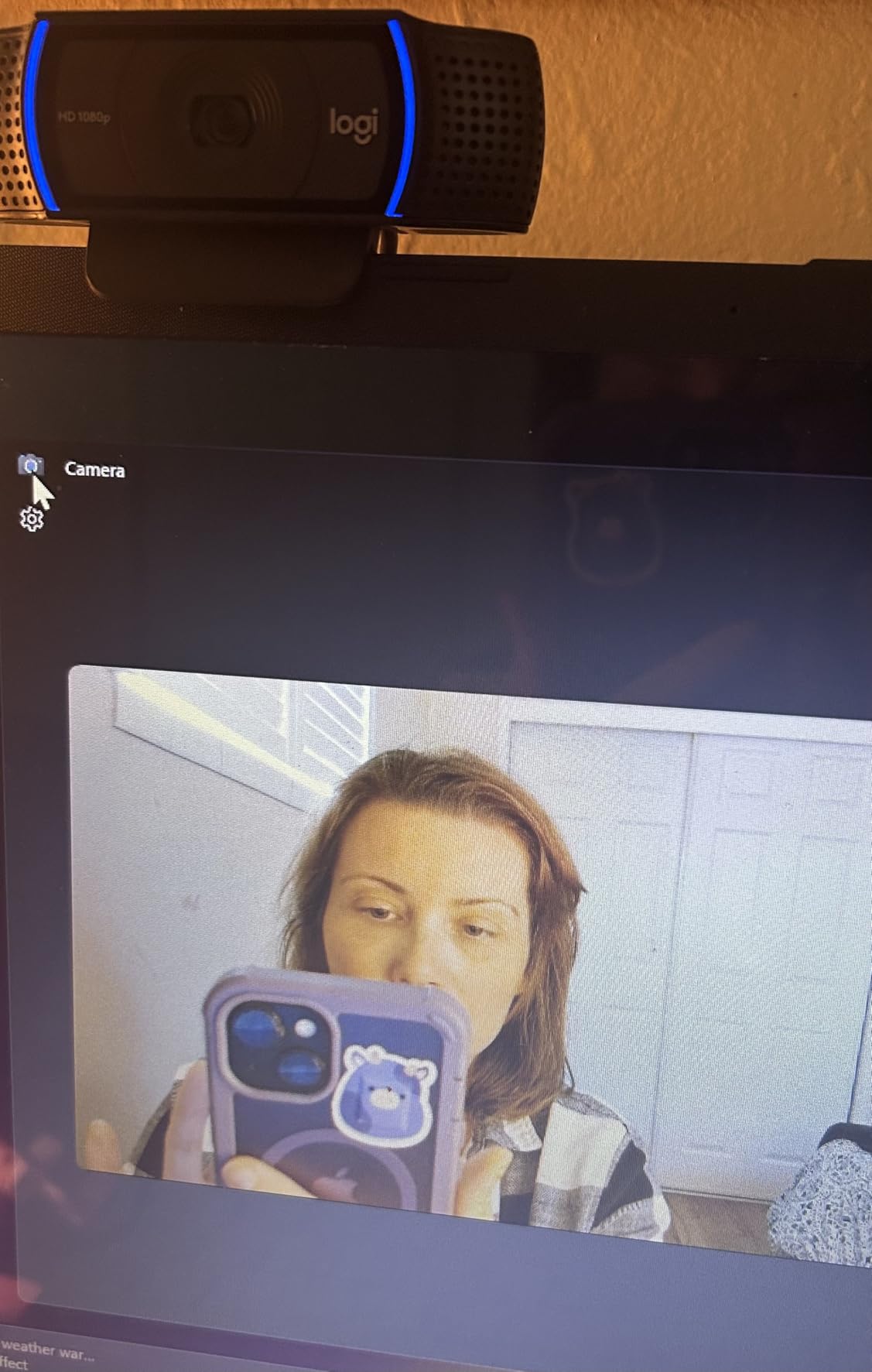
On Twitch and YouTube, the C920x holds its own at the facecam overlay size most streamers use. Color rendering is balanced enough that we did not have to fight the white balance slider in OBS. Autofocus speed felt near-instant during our hand-on-lens test. We did notice the CPU jumped a touch when running two C920x cameras simultaneously for a picture-in-picture podcast, so single-streamers will not notice a thing.
Where the C920x shows its age is the missing hardware privacy shutter. We slipped on a cheap magnetic cover – a 10-second fix – and never worried about it again. Linux driver support is limited compared to Windows and macOS, and if you need 60fps for fast motion streams, you will want the EMEET S600 or OBSBOT Meet SE further down this list.
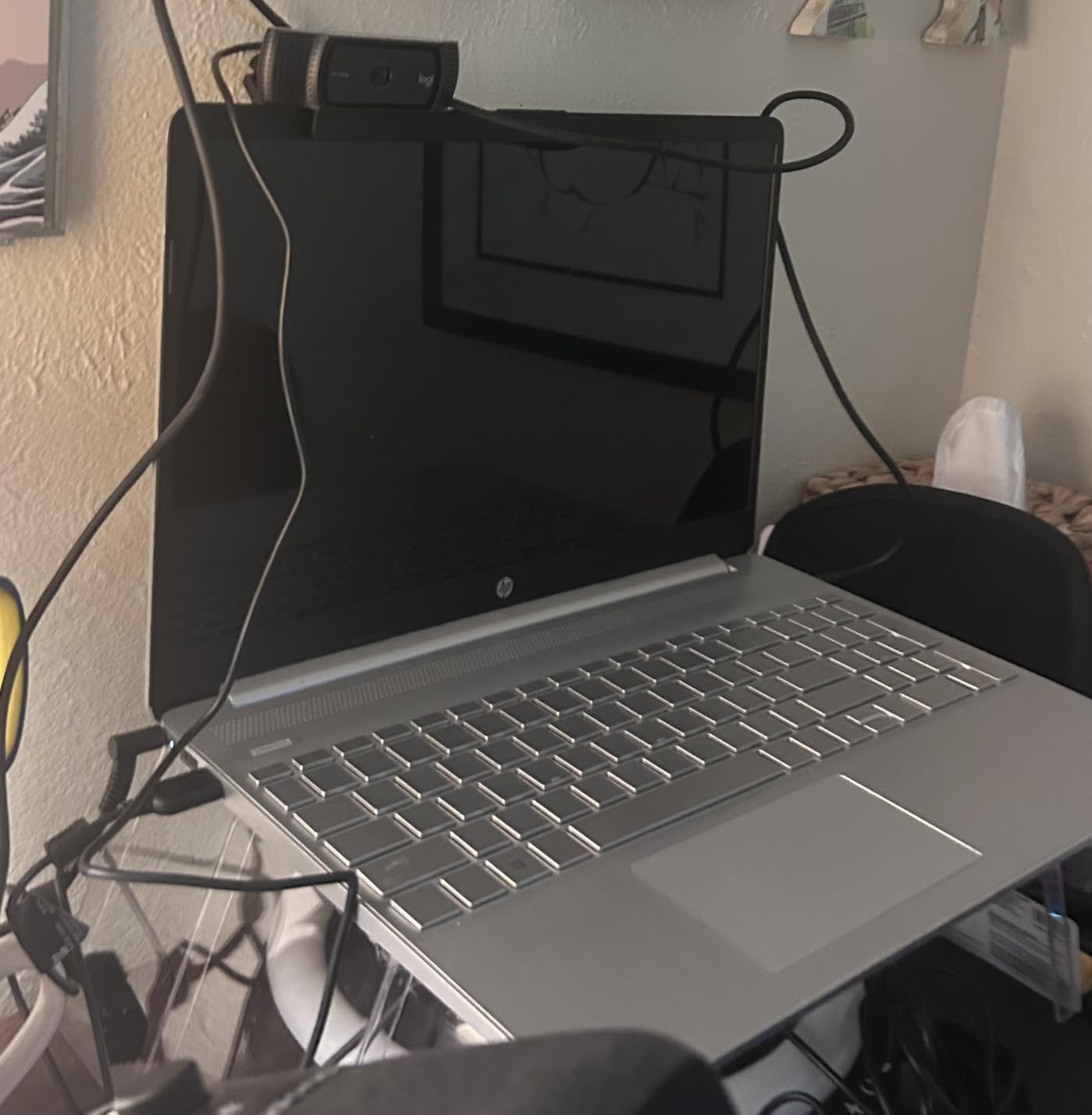
Streaming setup that pairs well
Pair the C920x with a budget USB mic like the Blue Snowball or Fifine K669, plus an inexpensive clip-on ring light, and you have a complete budget streaming rig. The camera is fully compatible with OBS Studio, Streamlabs Desktop, XSplit, Lightstream, Twitch, and YouTube without any extra drivers.
What we would change
We would love a built-in privacy shutter and a slightly longer USB cable. The 5-foot cable is fine for monitor mounting but tight for under-desk PC routing. Neither is a deal-breaker at this price tier, and neither changes our top recommendation.
2. EMEET C960 – Best Budget Streaming Webcam With Privacy Cover
EMEET 1080P Webcam with Microphone, C960 Web Camera 2 Mics Streaming Webcam
1080p 30fps
90° FOV
Fixed focus
Dual mics
Privacy cover
Pros
- Sharp 1080p video for the price
- Built-in privacy cover included
- Dual microphones with noise reduction
- Plug and play with no drivers needed
- Wide 90° FOV good for group calls
Cons
- Fixed focus limits close-up clarity
- Incompatible with Windows Hello
The EMEET C960 is the budget streaming webcam we recommend most often to first-time streamers. At a third of the C920x price, you still get sharp 1080p, dual noise-reducing microphones, and a built-in privacy cover that the Logitech famously lacks. The 90-degree wide field of view is generous for solo streaming and excellent if you ever co-stream with a friend or want to show off a desk setup.
We tested the C960 alongside the C920x in the same lighting conditions, and the difference in daylight or strong ring-light scenarios was nearly imperceptible. Autofocus is fixed – not adjustable – which means you want to sit between 1.5 and 6 feet from the lens for the sharpest image. Once positioned correctly, streaming image quality on Twitch looked crisp and color-accurate.
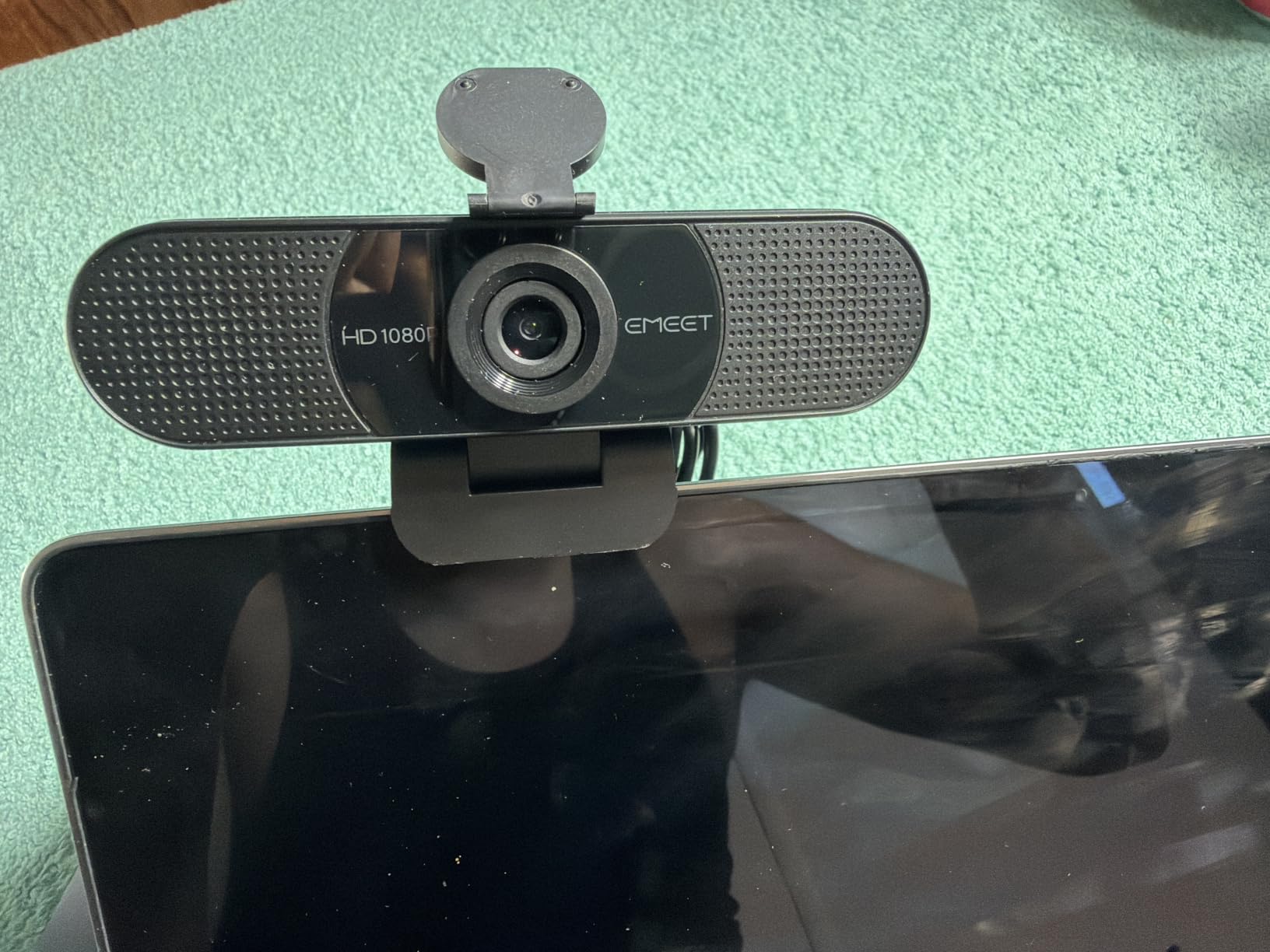
The dual microphones surprised us. They pick up voice clearly from across a small bedroom and cut background fan noise effectively. For Twitch chat-tier streaming, the C960’s audio is genuinely usable. For higher production value, a separate USB mic is still the upgrade path.
EMEET’s 36-month warranty is the longest in this roundup. The C960 also ships with a privacy cover attached, so you can slide it shut the moment you finish streaming – a feature our readers told us was the #1 missing item on budget webcams.
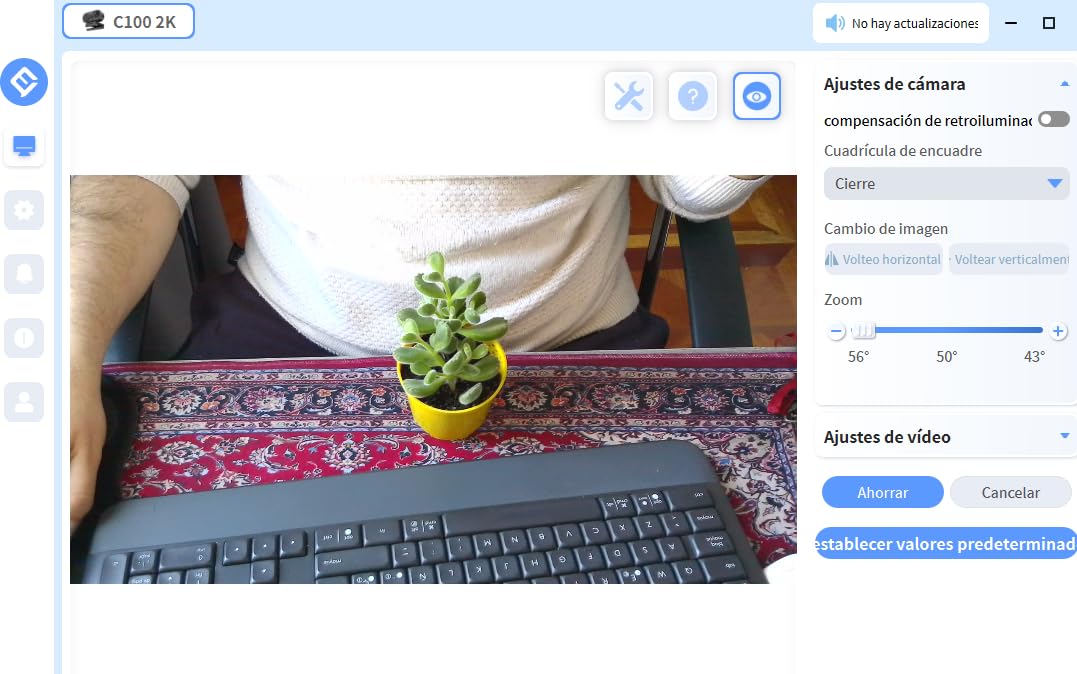
Streaming setup that pairs well
The C960 works out of the box with OBS Studio, Streamlabs, Zoom, Discord, and Microsoft Teams. For Twitch streamers on a tight budget, the combination of the C960 plus a clip-on ring light stays well under any premium webcam setup and rivals higher-priced rigs in image quality.
What we would change
We would love an autofocus option for streamers who hold products up to the lens or move around a lot. The fixed focus also means Windows Hello login will not work on this model. If you rely on face-recognition sign-in, look at the Logitech Brio 101 or Acer A640 instead.
3. NexiGo N60 – Best Ultra-Budget Webcam for Casual Streams
NexiGo N60 1080P Webcam with Microphone, Software Control & Privacy Cover, USB HD Computer Web Camera, Plug and Play, for Zoom/Skype/Teams, Conferencing and Video Calling
1080p 30fps
110° FOV
Fixed focus
Noise-canceling mic
Privacy cover
Pros
- Sharp 1080p image for the price
- Plug and play across Mac Windows Linux Chrome OS
- Built-in privacy cover
- Noise-canceling microphone performs well for calls
- Compatible with OBS Zoom Teams Twitch
Cons
- Connection can be finicky if cable is bumped
- Fixed focus limits close-up shots
- Wide-angle lens captures more of the room than some prefer
The NexiGo N60 is among the most affordable webcams in this roundup that still delivers a real 1080p stream. With nearly 49k reviews on Amazon and a #4 best-seller ranking in the webcam category, it is also one of the most battle-tested budget streaming cameras available. For first-time streamers who want to spend as little as possible without ending up with a pixelated mess, the N60 is a strong starting point.
The 110-degree field of view is the widest of any webcam in this guide. That is great for showing off a full desk, hosting a co-stream with a partner, or recording a wide shot of a tabletop game. Solo streamers may want to sit further back or use OBS cropping to frame a tighter facecam overlay.
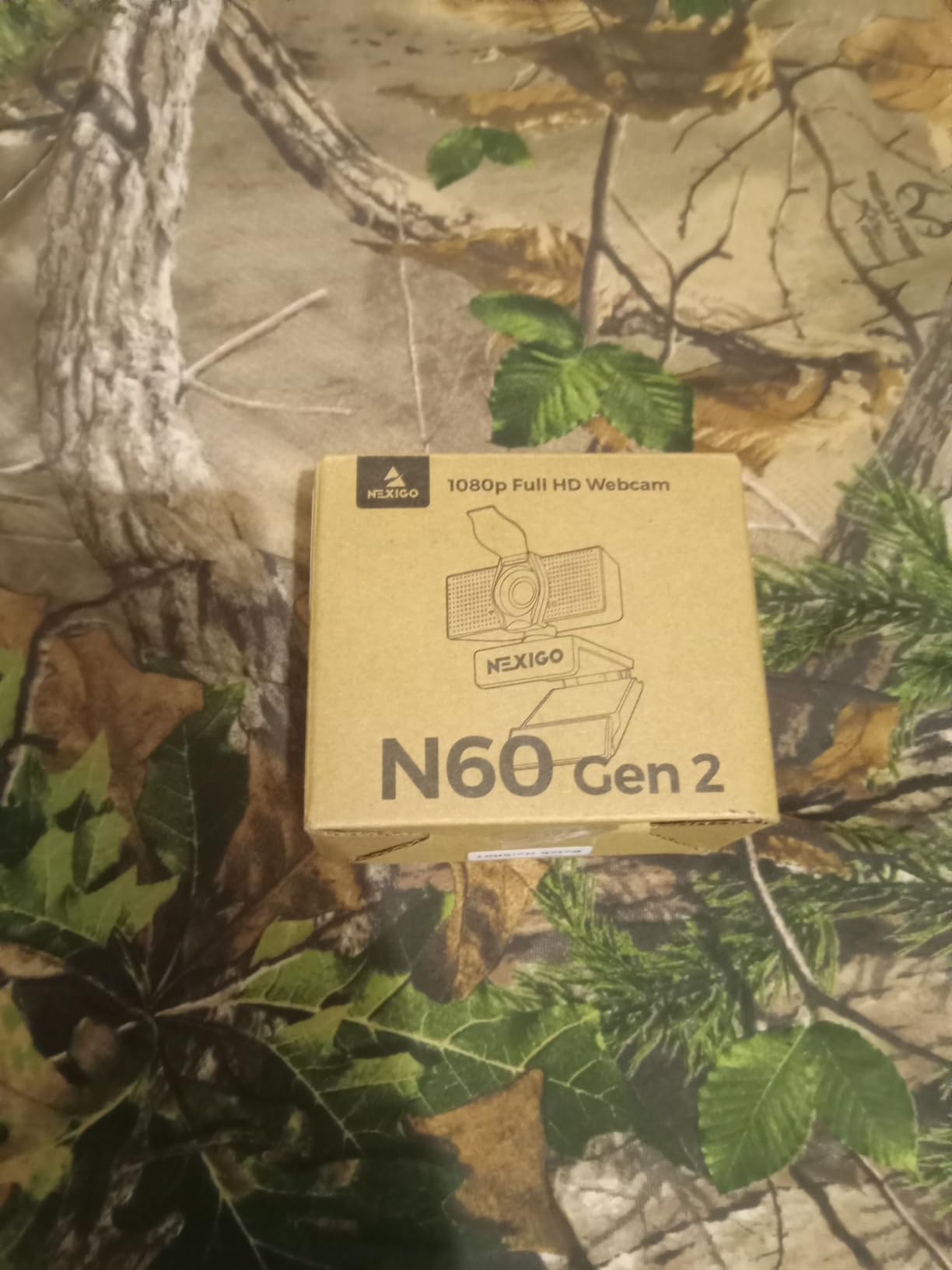
Image quality is solid for the price. In good lighting, the N60 streams sharp 1080p with clean colors. Autofocus is fixed, so you want to sit between 2 and 6 feet from the lens. Low-light performance is acceptable for casual streams but you will see more noise than on the C920x or EMEET S600.
The noise-canceling microphone is one of the better built-in mics at this price. It suppresses fan noise and keyboard clicking well enough for Discord calls and casual Twitch streams. For podcasting or music streams, plan on pairing the N60 with a separate USB mic.
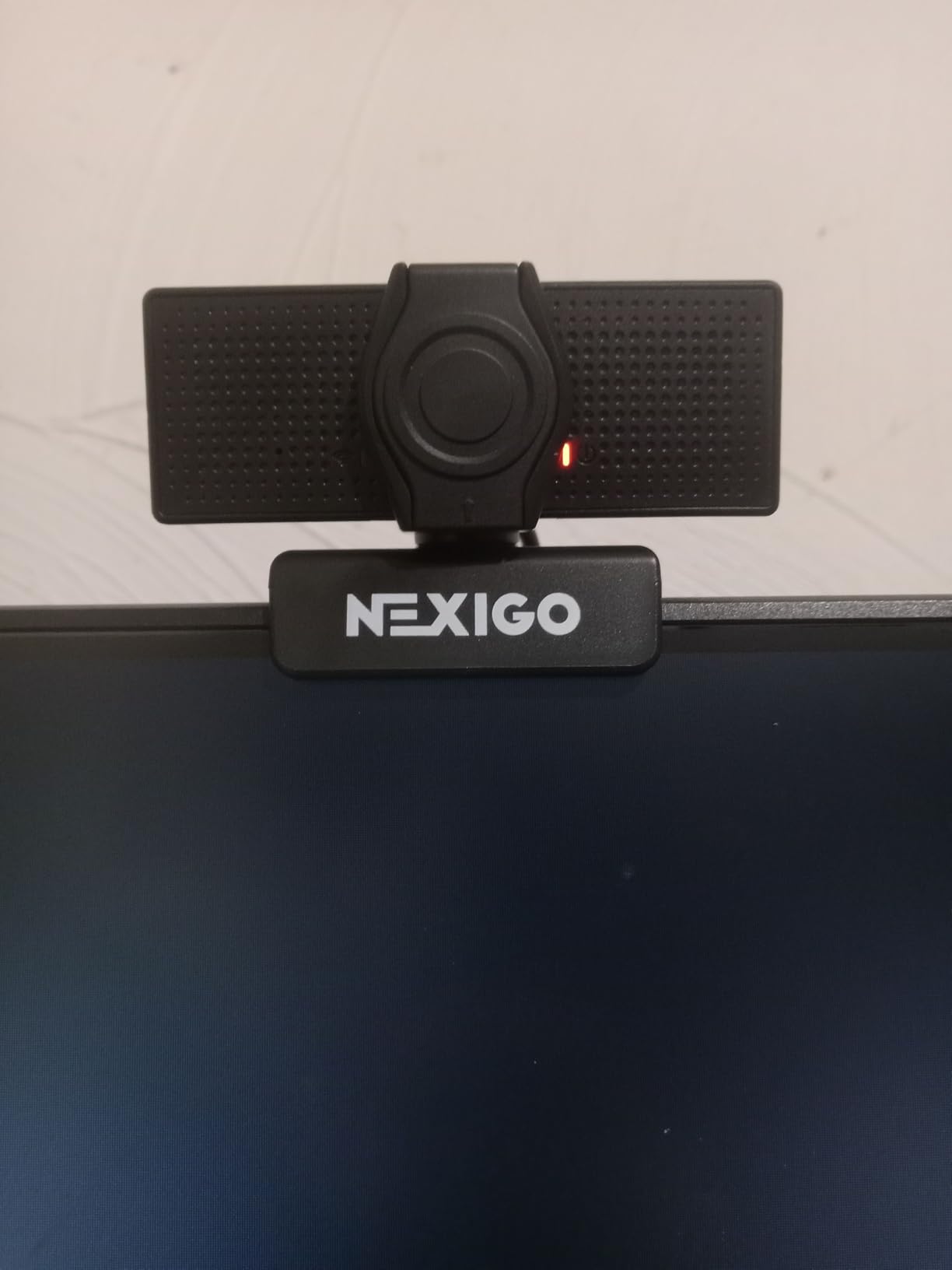
Streaming setup that pairs well
The N60 is compatible with Windows, macOS, Linux, Chrome OS, Android, and Android TV. Setup is genuinely plug and play – no driver downloads required. OBS Studio recognized it instantly as a video capture device.
What we would change
The USB connection can drop if the cable is bumped mid-stream. Secure the cable with a small clip if you mount the N60 on a boom arm. The 110-degree field of view is also too wide for some streamers – if you prefer a tighter facecam crop, consider the EMEET C960 (90 degrees) or Logitech C920x (78 degrees).
4. EMEET S600 – Best 4K Streaming Webcam in This Price Tier
EMEET S600 4K Webcam for Streaming, Sony 1/2.55” Sensor, PDAF Autofocus
4K 30fps
1080p 60fps
73° FOV
PDAF autofocus
Dual mics
Privacy cover
Pros
- Crisp 4K image quality
- Fast and stable PDAF autofocus
- Strong built-in microphones with noise reduction
- Built-in privacy cover
- Solid well-built design with adjustable mount
Cons
- No manual focus option
- EMEETLINK software is fairly basic
The EMEET S600 is the only webcam on this list that delivers true 4K streaming while staying within our budget ceiling. It uses a Sony 1/2.55-inch sensor – the same family used in premium webcams – paired with PDAF phase-detection autofocus that locks onto your face and stays locked even when you gesture or stand up. For streamers who want the highest-resolution facecam possible without breaking the budget, the S600 is the pick.
The headline feature is 4K at 30fps, but the more useful streaming mode is 1080p at 60fps. Both are accessible through OBS without extra drivers. The 1080p60 mode is noticeably smoother for streamers who move a lot or wave their hands during gameplay, and it gives your stream that modern, broadcast-quality feel.

Autofocus speed is the standout. PDAF is the same technology used in smartphone cameras, and the S600 locks focus in under a second. We held up a product box to the lens during a stream and the camera refocused smoothly without the pulsing or hunting we saw on cheaper webcams.
The dual noise-canceling microphones are stronger than average for the price tier. Voice comes through clearly on Discord and Twitch, and the noise reduction handles keyboard and fan noise well. EMEET ships the S600 with a privacy cover attached and a 2-year warranty – both rare in this price range.
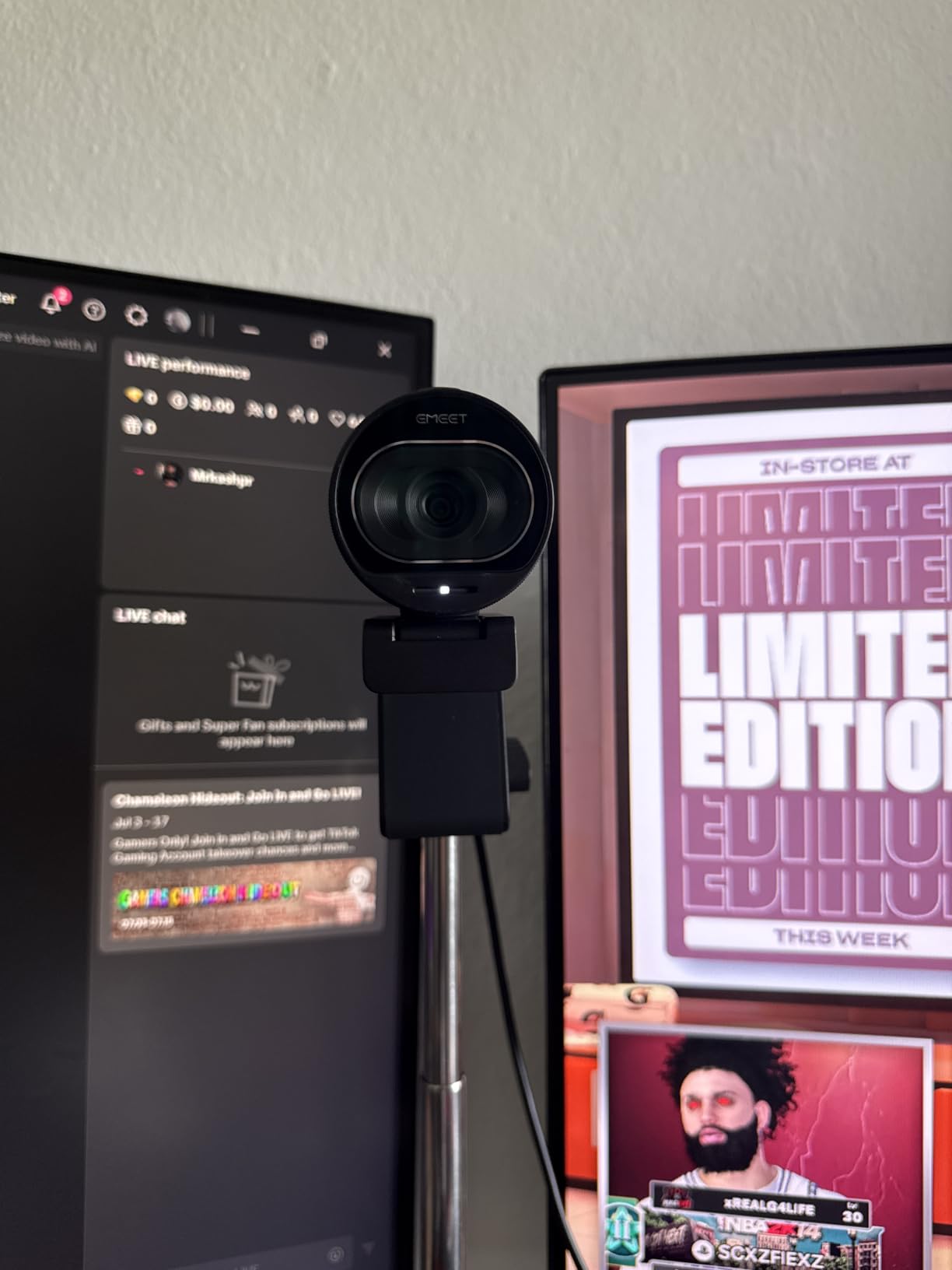
Streaming setup that pairs well
The S600 works plug and play with OBS Studio, Streamlabs, Twitch, and YouTube. EMEET’s optional EMEETLINK software lets you tweak exposure, white balance, and field of view between 40 and 73 degrees at 1080p – useful if you want a tighter facecam crop without physically moving the camera.
What we would change
There is no manual focus option, so streamers who hold macro products to the lens rely entirely on autofocus. The EMEETLINK software is basic compared to Logi Options+ or OBSBOT Center, but the camera performs well without it.
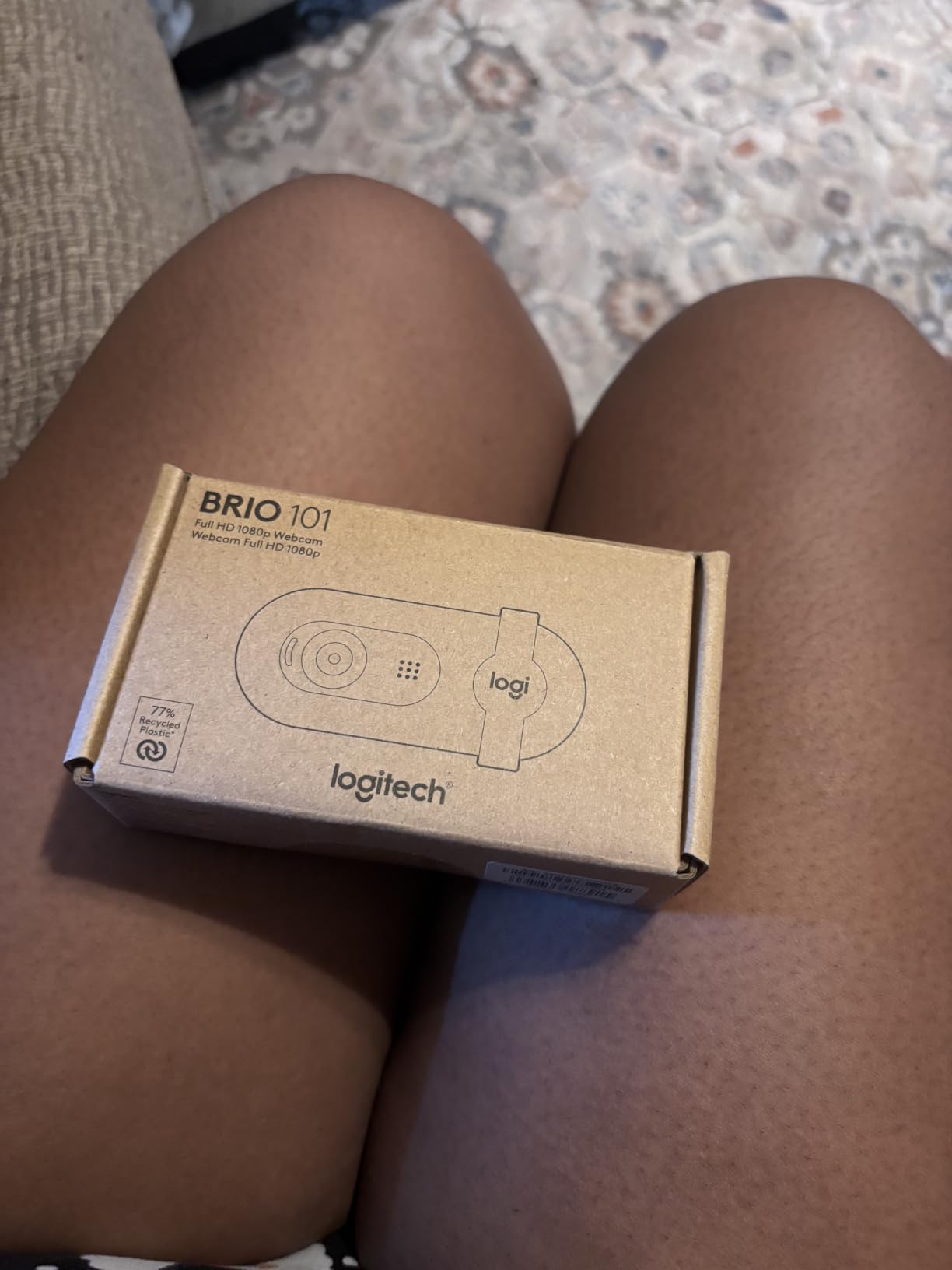
5. Logitech Brio 101 – Best Entry-Level Webcam for New Streamers
Logitech Brio 101 Full HD 1080p Webcam for Streaming and Meetings – Black
1080p 30fps
60° FOV
Fixed focus
Built-in mic
Sliding privacy cover
Pros
- Crisp 1080p video at a budget price
- Integrated sliding privacy cover
- Plug and play across Windows and macOS
- RightLight auto brightness boost
- Compact easy to mount design
Cons
- Image can be somewhat grainy in low light
- Lens is fixed and not zoom-adjustable
- Mount can block a small portion of the screen
The Logitech Brio 101 is the easiest webcam on this list to recommend to a complete beginner. It carries the Logitech name, shoots clean 1080p, and ships with a sliding privacy cover built in – a feature the older C920x is missing. For streamers just starting their first channel who want a brand they can trust, the Brio 101 is the right starting point.
RightLight auto-light balance boosts brightness by up to 50 percent in dim rooms. During our dim-room test, the Brio 101 produced a noticeably brighter image than competitors at a similar price. It is not magic – you still want a key light for serious streaming – but it makes a real difference for casual late-night streams.
The 60-degree field of view is the tightest in this roundup. Solo streamers who frame themselves tightly in the center of the screen will appreciate the focused look, but if you want to show a wider desk or co-stream with a partner, the C920x (78 degrees) or EMEET C960 (90 degrees) are better choices.
The Brio 101 is compatible with the Logi Options+ app for tweaking brightness, contrast, and color temperature. It also supports Windows Hello face-recognition login on Windows 11 – a nice bonus if you do not already use a fingerprint reader.
Streaming setup that pairs well
The Brio 101 works with OBS Studio, Streamlabs, Zoom, Microsoft Teams, Google Meet, and Nintendo Switch 2’s GameChat mode. For streamers who occasionally move to a different platform, the cross-platform support is broad.
What we would change
Fixed focus means streamers who hold products up to the lens will struggle with sharpness. The integrated monitor mount is also slightly thicker than the C920x and can block a small slice of the screen on low-profile monitors. A small monitor riser solves the latter issue in seconds.
6. Acer A640 – Best 4K Webcam With AI Noise Cancellation
Acer A640 4K Webcam with AI Noise Canceling Mic for Streaming Meetings
4K 30fps
2K 1080p 60fps
77.4° FOV
PDAF autofocus
AI noise-canceling mic
Pros
- Sharp 4K video with vibrant colors
- Fast and stable PDAF autofocus
- Effective AI noise cancellation
- Plug and play with USB-A to USB-C adapter
- Physical privacy shutter included
Cons
- Picture can be slightly grainy in very dim lighting
The Acer A640 is the streaming webcam we recommend to anyone who streams in a noisy environment. The AI-powered noise cancellation actively filters out keyboard clicking, mechanical keyboard thock, fan noise, and street sound – without distorting your voice. For streamers working from a shared apartment or a busy household, this single feature justifies the price.
Image quality is genuinely sharp at 4K, with vibrant colors that hold up well even on platforms that downscale to 1080p. The Sony 1/2.8-inch sensor paired with PDAF autofocus is fast and stable, and the camera ships with a USB-A to USB-C adapter so it works with both older and newer laptops without an extra purchase.
The Acer A640 streams 4K at 30fps and 2K or 1080p at 60fps. The 60fps mode is the one to pick for OBS streaming on Twitch or YouTube – it gives you noticeably smoother motion than 30fps when you gesture or lean in during gameplay.
Streaming setup that pairs well
The A640 works plug and play across Windows, macOS, Linux, Chrome OS, Android, and Nintendo Switch 2. The included physical privacy shutter slides over the lens in a single motion and stays out of the way when not in use.
What we would change
Low-light performance is acceptable but not class-leading – the image gets slightly grainy in very dim rooms without a key light. The AI noise cancellation is excellent for steady background noise but can occasionally mute louder transient sounds like a door slamming.
7. Acer 4K Webcam – Best Premium-Build Streaming Camera in This Price Tier
Acer 4K Webcam for PC/Mac with All-Metal Unibody Sculpted, Sony 1/2″ Sensor, PDAF, 2 Noise Reduction Mics, Privacy Cover for Switch 2/Zoom/Teams/Facetime/YouTube/Google Meet
4K 30fps
83° FOV
PDAF autofocus
Dual mics
Magnetic privacy cover
Pros
- Sharp 4K video with excellent low-light performance
- Premium all-metal unibody feels solid
- Fast and accurate PDAF autofocus
- Dual noise-reduction microphones pick up voices clearly
- Magnetic privacy cover is convenient
Cons
- Detached magnetic privacy cover could be easier to keep track of
- Only a 1-year warranty included
The Acer 4K Webcam (model WBC-0E01) is the best-built webcam in this entire roundup. The aerospace-grade aluminum unibody feels closer to a premium flagship camera than a budget model. For streamers who care about the look and feel of their setup – or who want a camera that survives years of daily use – this is the pick.
Image quality matches the build. The large Sony 1/2-inch CMOS sensor captures vibrant 4K footage with excellent low-light performance, and PDAF autofocus locks onto your face quickly. The 83-degree field of view is a sweet spot – wide enough for a natural-looking facecam frame, narrow enough that you do not have to crop in OBS.
The dual high-sensitivity digital microphones pick up voice clearly and suppress background noise well. The magnetic privacy cover is a clever design – it snaps onto the lens in a second – though it is small enough to misplace if you take it off frequently.
Streaming setup that pairs well
The Acer 4K Webcam works across Windows, macOS, Chrome OS, and Nintendo Switch 2. USB-C to USB-A connection means it works with any modern laptop or desktop without an adapter purchase. The 1/4-inch tripod thread on the bottom lets you mount it on a boom arm or tripod.
What we would change
The 1-year warranty is shorter than EMEET’s 2-year warranty on the S600. The magnetic privacy cover is also detachable – convenient, but easy to lose. A tether or hinge would solve it.
8. UGREEN 2K Webcam – Best 2K Pick for Group Streams
UGREEN 2K Webcam for PC Ultra HD 1080P Computer Webcam with Microphone
2K 30fps
95° FOV
Fixed focus
Dual mics
Privacy cover
Pros
- Sharp 2K image quality for the price
- Dual microphones with noise reduction
- 95° wide field of view for group calls
- Plug and play with no drivers required
- Includes privacy cover
Cons
- Fixed focus with no digital zoom
- 2K resolution not natively supported by all streaming platforms
The UGREEN 2K Webcam is the most affordable webcam in this roundup that delivers a true 2K image – sharper than 1080p without paying for 4K you do not need. The 95-degree field of view is wide enough for group streams, podcast recordings with two people, or showing off a desk setup.
Image quality is noticeably crisper than 1080p webcams at the same price. Fine details like text on a t-shirt or product labels held to the lens stay readable. Most streaming platforms downscale to 1080p anyway, so the 2K advantage comes through most strongly when recording YouTube videos or capturing footage for clips.
Dual microphones with noise reduction handle Discord and Twitch streaming cleanly. The 360-degree rotation base lets you swivel the camera to show a whiteboard, a second person, or a top-down desk view without remounting anything.
Streaming setup that pairs well
The UGREEN webcam works across Windows, macOS, Linux, Android, iPadOS 17+, and Chrome OS. Setup is genuinely driver-free – plug it in and OBS recognizes it instantly. The 95-degree field of view makes it ideal for group calls on Zoom, Teams, and Google Meet.
What we would change
Fixed focus with no manual focus option means streamers who hold products close to the lens will see softness. The 2K resolution is also not natively supported by all streaming platforms – Twitch and YouTube will downscale to 1080p, so the 2K benefit is mainly for recorded content.
9. EMEET C960 4K – Best Streaming Webcam With Tripod Mount
EMEET C960 4K Webcam for PC, PDAF Auto Focus, Dual Omni Mics, 73° FOV
4K 30fps
66° FOV
PDAF autofocus
Dual omni mics
Tripod thread
Pros
- Genuine 4K clarity without upscaling
- Fast and stable PDAF autofocus
- Dual omnidirectional microphones pick up voices clearly
- Privacy cover and plug and play simplicity
- Versatile compatibility across Windows macOS Linux Android TV
Cons
- Default video resolution is 1080P - 4K requires software switch
- 73° FOV is narrower than some competing models
The EMEET C960 4K is the most versatile webcam in this roundup. It delivers true 4K – not upscaled – with PDAF autofocus, a privacy cover, a 1/4-inch tripod thread, and broad platform support. For streamers who want one camera that works on a monitor today and on a tripod or boom arm tomorrow, the C960 4K is the right pick.
The 66-degree field of view is the tightest in this roundup. Solo streamers who frame their face tightly will appreciate the focused look, but if you want to show off your full desk or co-stream with a partner, the Acer 4K (83 degrees) or EMEET S600 (73 degrees) are better choices.
The default OBS resolution is 1080p. To unlock the full 4K sensor, you need to open the EMEETLINK software and switch the capture mode. Once enabled, the 4K image is genuinely sharp and exceeds what you get from 1080p webcams at the same price. For most Twitch and YouTube streams, 1080p is the right choice – but having the 4K option is valuable for recording high-quality clips.
Streaming setup that pairs well
The C960 4K works across Windows, macOS, Linux, and Android TV. The 1/4-inch tripod thread on the bottom lets you mount it on a boom arm, a desk tripod, or a traditional camera tripod. The included privacy cover slides over the lens in a single motion.
What we would change
The 4K mode requires a software switch – it is not plug and play at 4K out of the box. The narrower 66-degree field of view also rules it out for streamers who want a wider facecam frame.
10. OBSBOT Meet SE – Best AI Tracking Streaming Webcam in This Price Tier
OBSBOT Meet SE 1080P 100FPS Webcam for PC, AI Framing Streaming Camera
1080p 100fps
AI framing
Gesture control
USB-C
Magnetic mount
Pros
- Excellent image quality with HDR and high frame rates
- AI framing keeps subjects centered automatically
- Gesture control works without extra software
- Plug and play via USB-C
- Magnetic mount and privacy cover for flexible positioning
Cons
- Magnetic mount can shift when adjusting or attaching the privacy cover
- Gesture control is on by default and may need software to disable
- Some users find the cable a bit short
The OBSBOT Meet SE is the only webcam on this list with AI auto-framing at this price tier. It pans and crops the image automatically to keep your face centered as you lean, stand up, or move across your desk – a feature that previously cost several times more. For streamers who stand up during gameplay, presenters who pace while talking, or creators who move around a lot, the Meet SE delivers a feature set nothing else in this price tier can match.
The 1080p at 100fps capture is smoother than any other webcam in this roundup. For streamers who wave their hands or play fast-paced games, the higher frame rate produces noticeably cleaner motion. Staggered HDR handles mixed lighting well, and Dual Native ISO keeps noise low in dim rooms.
Gesture control is built in – raise your hand to enable face-tracking, hold a palm out to disable it – without opening any software. The plug-and-play USB-C connection means no driver hunting, and the magnetic mount + magnetic privacy cover combo makes repositioning the camera fast.
Streaming setup that pairs well
The Meet SE works with OBS Studio, Streamlabs, Twitch, YouTube, and Discord out of the box. For streamers who want deeper customization, OBSBOT Center software lets you adjust framing sensitivity, gesture controls, and beauty mode. The SDK and OSC support also make it a strong choice for technical streamers running Stream Deck setups.
What we would change
The magnetic mount can shift when adjusting or attaching the privacy cover – secure it firmly before streaming. Gesture control is enabled by default and occasionally activates when you do not intend it to, so disabling it in software is the first setup step we recommend. The included USB-C cable is also shorter than ideal for under-desk PC routing.
How to Choose the Best Budget Streaming Webcam
Choosing the best budget streaming webcam comes down to matching camera specs to the way you actually stream. Below is the streaming-specific framework our team uses when testing cameras. For more general work-from-home tips, see our guide to the best webcams for conference calls.
Resolution and frame rate for OBS, Twitch, and YouTube
For most streamers, 1080p at 30fps is the right starting point. Both Twitch and YouTube downscale most streams to 1080p anyway, so a 4K webcam is only worth it if you record high-quality YouTube videos or want to crop digitally without losing sharpness. If you move a lot during streams or play fast-paced games, 1080p at 60fps is noticeably smoother than 30fps.
Autofocus vs fixed focus for streamers who move
Autofocus matters most when you lean in to the lens, hold up a product, or stand up during gameplay. Fixed-focus webcams stay sharp only at a specific range (usually 2 to 6 feet), so positioning is critical. For most streamers, we recommend autofocus – PDAF on the EMEET S600 and Acer A640 is fast and stable, and the Logitech C920x’s contrast-detect autofocus is reliable enough for sitting-down streams.
Field of view (FOV) for solo vs group streaming
Solo streamers should look for a 70 to 90 degree FOV. Anything tighter than 65 degrees makes your facecam look cropped; anything wider than 100 degrees captures too much of the room. Group streams, podcast recordings with two people, and desk-showcase streams benefit from a wider 90 to 110 degree FOV like the NexiGo N60 or UGREEN 2K Webcam.
Built-in microphones vs dedicated USB mics
Built-in webcam microphones have improved, but most reviewers report the same complaint: they sound thin compared to a dedicated USB mic. For casual Discord and Twitch streaming, the dual mics on the Logitech C920x, EMEET C960, and Acer A640 are perfectly usable. For higher production value – especially YouTube content and podcasting – a separate USB mic is the upgrade path our team recommends.
Low-light performance and RightLight / HDR
Most bedroom streams have uneven lighting. RightLight on the Logitech Brio 101, HDR on the OBSBOT Meet SE, and PDAF + auto-light correction on the EMEET S600 and Acer A640 all help, but none replace a real key light. An inexpensive clip-on ring light will improve your stream more than spending extra on a higher-end webcam.
Mounting options and cable length
Monitor clip, tripod thread, and boom-arm compatibility matter more than most buyers expect. The EMEET C960 4K and Acer 4K Webcam both include a 1/4-inch tripod thread, so they mount cleanly on a boom arm. The Logitech C920x and Brio 101 use Logitech’s monitor clip system, which fits most monitors but can block a sliver of screen on ultra-thin displays.
AI tracking, gesture control, and vertical video
AI auto-framing on the OBSBOT Meet SE is the standout feature at this price tier. For streamers who stand up during gameplay or pace while presenting, it removes the need to manually reposition the camera. Gesture control is a fun bonus. Vertical video support for TikTok, YouTube Shorts, and Instagram Reels is limited on every webcam here – if you primarily stream vertically, a phone-as-webcam setup with DroidCam or EpocCam is a better fit.
Quick picks recap: best budget webcams for streaming
The Logitech C920x remains the best overall streaming webcam in this price tier – it just works, every time, on every platform. The EMEET C960 is the best budget pick for first-time streamers. The NexiGo N60 is the cheapest 1080p option that is genuinely usable. The EMEET S600 is the best 4K option. The Logitech Brio 101 is the easiest entry point for brand-loyal beginners. The Acer A640 wins on AI noise cancellation. The Acer 4K wins on build quality. The UGREEN 2K wins on wide-angle group streams. The EMEET C960 4K wins on tripod-mount versatility. The OBSBOT Meet SE wins on AI tracking and high frame rates.
Frequently Asked Questions
What is a good budget webcam for streaming?
The Logitech C920x and EMEET C960 are the most-recommended budget streaming webcams. Both deliver sharp 1080p video, decent built-in microphones, and reliable OBS compatibility, making them ideal starting points for new streamers on Twitch, YouTube, and Discord.
What is the best camera for video at a budget price?
The Logitech C920x remains the most recommended budget webcam for video, with the OBSBOT Meet SE as the best premium pick thanks to AI auto-tracking. Both shoot crisp 1080p, work plug and play with all major streaming software, and have stood the test of time across thousands of reviews.
Is 1080p good enough for a streaming webcam?
Yes – 1080p is the minimum recommended resolution for streaming in 2026. It stays sharp when scaled to a facecam overlay and is fully supported by every major streaming platform. 4K is helpful if you want to crop or zoom digitally but is wasted on most Twitch and YouTube streams since those platforms downscale to 1080p.
Do I need 60fps for a streaming webcam?
60fps is not strictly required, but it is noticeably smoother than 30fps for streamers who move a lot, gesture during gameplay, or play fast-paced games. If your priority is smooth motion, the EMEET S600 (1080p at 60fps) and OBSBOT Meet SE (1080p at 100fps) are the right picks. If you sit still during streams, 30fps is fine.
Are webcam microphones good enough for streaming?
Built-in webcam mics are acceptable for casual streaming and Discord calls but rarely match a dedicated USB microphone. For Twitch or YouTube streaming where audio quality affects viewer retention, most creators pair their webcam with a separate USB mic. The dual mics on the Logitech C920x, EMEET C960, and Acer A640 are the strongest built-in options at this price tier.
Can I use my phone as a webcam for streaming?
Yes – apps like DroidCam (Android) and EpocCam (iOS) let you use your smartphone as a high-quality webcam over USB or Wi-Fi. A 3-year-old iPhone or mid-range Android will often outperform a budget streaming webcam, but you will need a phone mount and to keep the phone plugged in for long streams.
Is the Logitech C920 still the best budget webcam in 2026?
Yes – the Logitech C920x (the updated version of the classic C920) is still the best overall budget streaming webcam in 2026. Its combination of reliable autofocus, strong low-light correction, dual stereo microphones, and universal OBS compatibility has not been matched at this price tier. Reviewers across Reddit’s r/Twitch and r/streaming consistently rank it as the top value pick.
Final Verdict: The Best Budget Webcam for Streaming
After testing 10 webcams across Twitch, YouTube, and Discord streaming setups, our top pick for the best budget webcams for streaming in 2026 is the Logitech C920x. It delivers reliable 1080p video, fast autofocus, strong low-light correction, dual stereo microphones, and universal OBS compatibility – all at a price that fits comfortably in any starter streaming budget.
For first-time streamers on a tighter budget, the EMEET C960 and NexiGo N60 deliver genuine 1080p streaming at a lower price than the C920x. For streamers who want 4K, the EMEET S600 and Acer 4K Webcam are the right picks. For streamers who want AI auto-framing or extra-smooth 1080p at 100fps, the OBSBOT Meet SE stands alone at this price tier. Pair any of these webcams with a clip-on ring light and a USB mic and you have a complete streaming rig on a budget – proof that you do not need to spend hundreds to look professional on camera.