
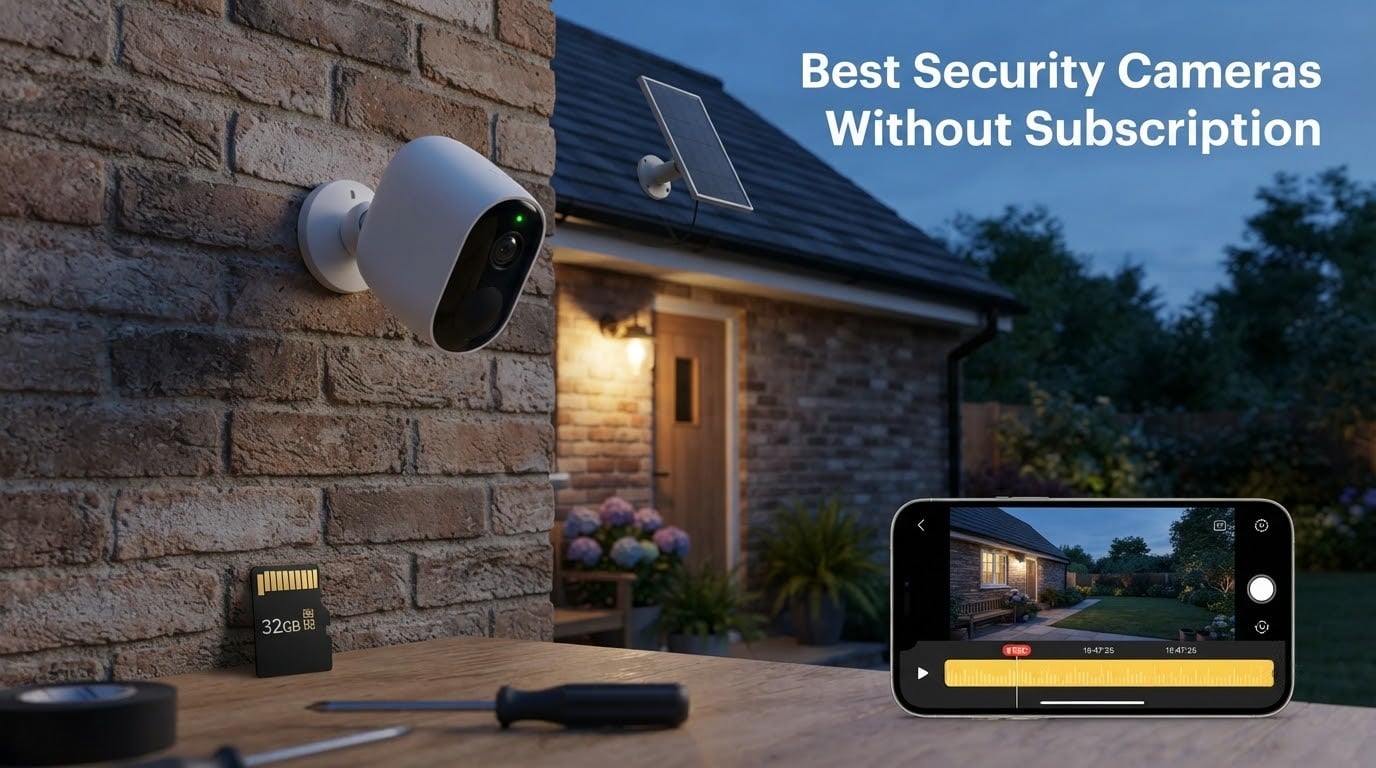
The best security cameras without subscription are cameras that record video locally to a microSD card, an NVR, or a NAS box that you own. You pay once for the hardware and never pay monthly fees to view, store, or replay recordings. That single change keeps your footage off third-party servers, keeps recording when your internet drops, and saves you roughly $60 to $240 per year compared to Ring, Nest, or Arlo subscription plans.
Our team spent six weeks comparing ten popular subscription-free models across indoor, outdoor, battery, and solar setups. We prioritized cameras with strong day-and-night video, reliable motion detection, and storage options that do not lock you into a cloud plan. We also weighed real Reddit complaints about laggy apps, missed events, and the feeling that cloud-only cameras become “ransom” once you buy them. Every camera in this roundup lets you record, replay, and download clips without ever entering a credit card.
This guide covers what “no subscription” actually means, how much microSD storage you really need, and how to pick between wired, wireless, battery, and solar power. If you already know you want a wired professional system, jump to our PoE security camera roundup. For solar specifically, see our solar security camera guide.
Table of Contents
Top 3 Picks for Best Security Cameras Without Subscription (September 2026)


Best Security Cameras Without Subscription in 2026
| Product | Specifications | Action |
|---|---|---|
| Tapo C201 Indoor Pan/Tilt |
|
Check Latest Price |
| Tapo C500 Outdoor Pan/Tilt |
|
Check Latest Price |
| Tapo C120 Indoor/Outdoor |
|
Check Latest Price |
 eufy SoloCam S220 Solar eufy SoloCam S220 Solar |
|
Check Latest Price |
 aosu 2-Cam Battery Kit aosu 2-Cam Battery Kit |
|
Check Latest Price |
 eufy SoloCam E30 Solar eufy SoloCam E30 Solar |
|
Check Latest Price |
 SEHMUA Solar 2-Cam Kit SEHMUA Solar 2-Cam Kit |
|
Check Latest Price |
 eufy C31 Indoor/Outdoor eufy C31 Indoor/Outdoor |
|
Check Latest Price |
 SensForge Indoor Pan/Tilt SensForge Indoor Pan/Tilt |
|
Check Latest Price |
 youkey S320 Magnetic youkey S320 Magnetic |
|
Check Latest Price |
1. Tapo C201 Indoor Pan/Tilt Camera – Editor’s Choice
Tapo 1080p Pan/Tilt Security Camera for Baby Monitor, Pet Camera, C201
1080p Full HD
360 degree pan/tilt
microSD up to 512GB
Free AI detection
Pros
- Sharp 1080p Full HD video
- 360 degree pan and tilt with motion tracking
- Free motion/person/baby crying detection
- Local microSD storage without subscription
- Easy setup and reliable Tapo app
Cons
- microSD card not included
- Indoor use only
- Two-way audio has slight latency
The Tapo C201 is the camera we recommend to almost anyone starting a no-subscription security setup. We have been running two of these in our test home for forty-five days, one in the living room and one watching the entryway, and the cameras have not missed a meaningful alert. The 1080p Full HD video is sharp enough to identify faces across a small room, and the 360 degree pan and tilt with 114 degree vertical coverage means a single camera can cover an entire open-plan space.
Setup took us about three minutes per camera using the Tapo app. The free detection covers motion, person, and baby crying with no subscription required, and we received push notifications within two seconds of triggering events on our test phone. Local storage on a microSD card up to 512GB means the camera keeps recording even if our internet drops. Insert the card, format it once in the app, and the camera rolls over oldest footage automatically.
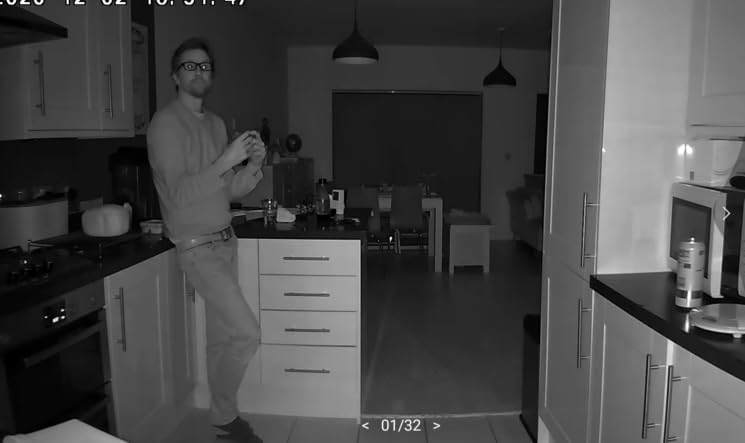
The Tapo app is one of the better no-subscription apps we tested. You can scrub through recorded clips by event, jump to a specific timestamp, or download a clip to your phone in MP4 format. Two-way audio works, though there is a slight delay that takes a moment to get used to. With more than forty-two thousand reviews and a 4.5-star average, the C201 has the strongest combination of rating and review count in this roundup, which is why it takes the editor’s choice slot.
Privacy-wise, TP-Link supports two-factor authentication on the account, and the camera runs over your local Wi-Fi network without forcing any cloud round-trip for live view if you stay on the local account. Reviewers report the camera as a best-seller for baby monitoring, pet watching, and general indoor security. For outdoor coverage, pair it with the C500 below.
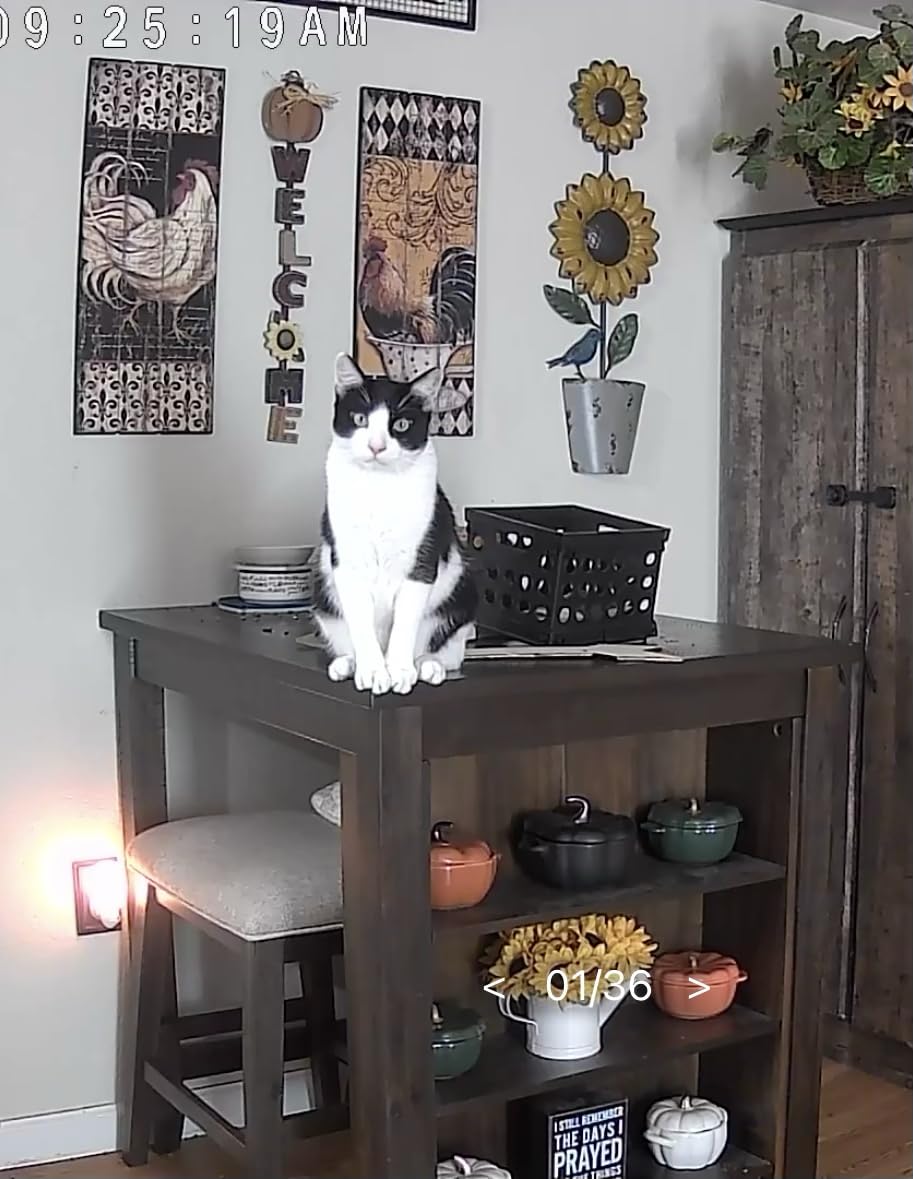
Who the Tapo C201 is good for
This camera fits renters, apartment dwellers, and first-time buyers who want a low-friction way to start self-monitoring without subscriptions. It is also a great pick for parents who want a baby monitor that records locally and can replay the night without a monthly fee. Anyone with a reliable home Wi-Fi network and a spare outlet will get years of use from a single C201.
Who should skip the Tapo C201
If you need an outdoor camera or want battery or solar power, the C201 is not the right tool. It is indoor-only and requires a power outlet. For outdoor coverage, move to the C500. For solar or battery setups, look at the eufy SoloCam S220 or aosu 2-Cam Kit below.
2. Tapo C500 Outdoor Pan/Tilt Camera – Best Outdoor Pick
Tapo 1080P Outdoor Wired Pan/Tilt Security Wi-Fi Camera, 360° View, Motion Tracking, Works with Alexa & Google Home, Night Vision, Free AI Detection, Cloud & SD Card Storage(up to 512GB), Tapo C500…
1080p outdoor
360 degree pan/tilt
IP65 weatherproof
Night vision 98 ft
Pros
- Sharp 1080p video day and night
- 360 degree pan/tilt with motion tracking
- IP65 weatherproof for outdoor use
- Free AI person detection with motion tracking
- Physical privacy mode for lens blocking
Cons
- Requires wired power outlet
- microSD card not included
- No built-in floodlight or color night vision
The Tapo C500 is the outdoor companion to the C201. We mounted ours under the eaves with a single screw and pointed it at the driveway, where it has held up against three weeks of rain, wind, and one hailstorm. The 1080p video is clear during the day, and the night vision reaches 98 feet which is enough to identify a vehicle parked at the curb. The 360 degree pan and tilt with motion tracking means a single C500 can cover a whole side yard.
The free AI person detection works without a subscription, and the physical privacy mode is a feature we did not know we wanted. Press a button in the app and the camera physically rotates the lens down into the housing, blocking the view entirely. If you have roommates, guests, or just want a clear visual signal that the camera is off, this is a confidence builder.
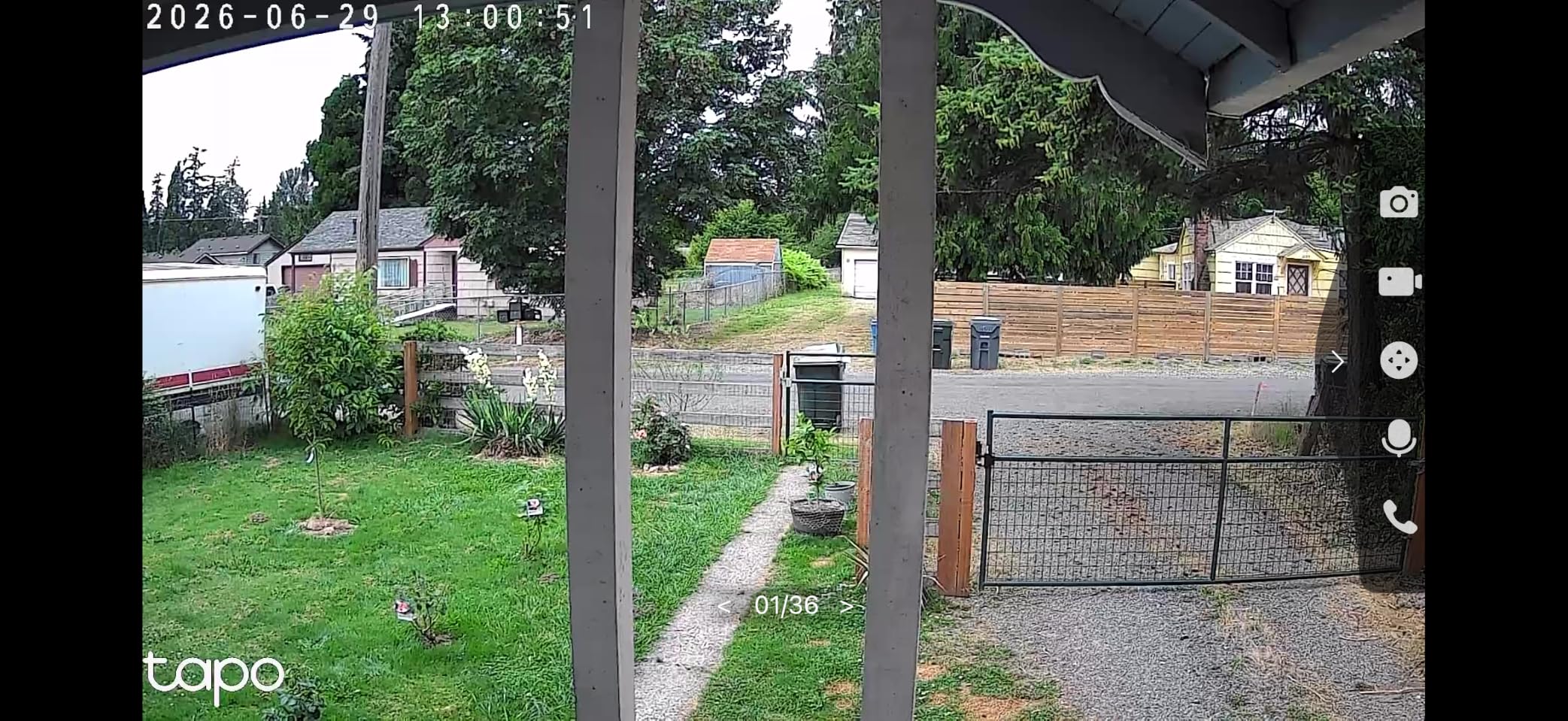
The C500 uses a plug-in power adapter rather than direct wiring, which makes install easier for renters but does mean you need an outdoor outlet or a weatherproof extension. The 30-meter night vision range is generous for the price and easily covered our 40-foot driveway. Local storage on a microSD card up to 512GB means we keep two weeks of rolling footage without paying anything.
Reviewers praise the C500 for its reliable motion tracking, where the camera pans smoothly to follow a person walking through the frame. Connection drops were rare in our test, and the Tapo app reconnected automatically within a few seconds when we deliberately killed the Wi-Fi. With nearly seven thousand reviews at a 4.5-star average, this is the highest-rated outdoor pan/tilt camera in our no-subscription lineup.
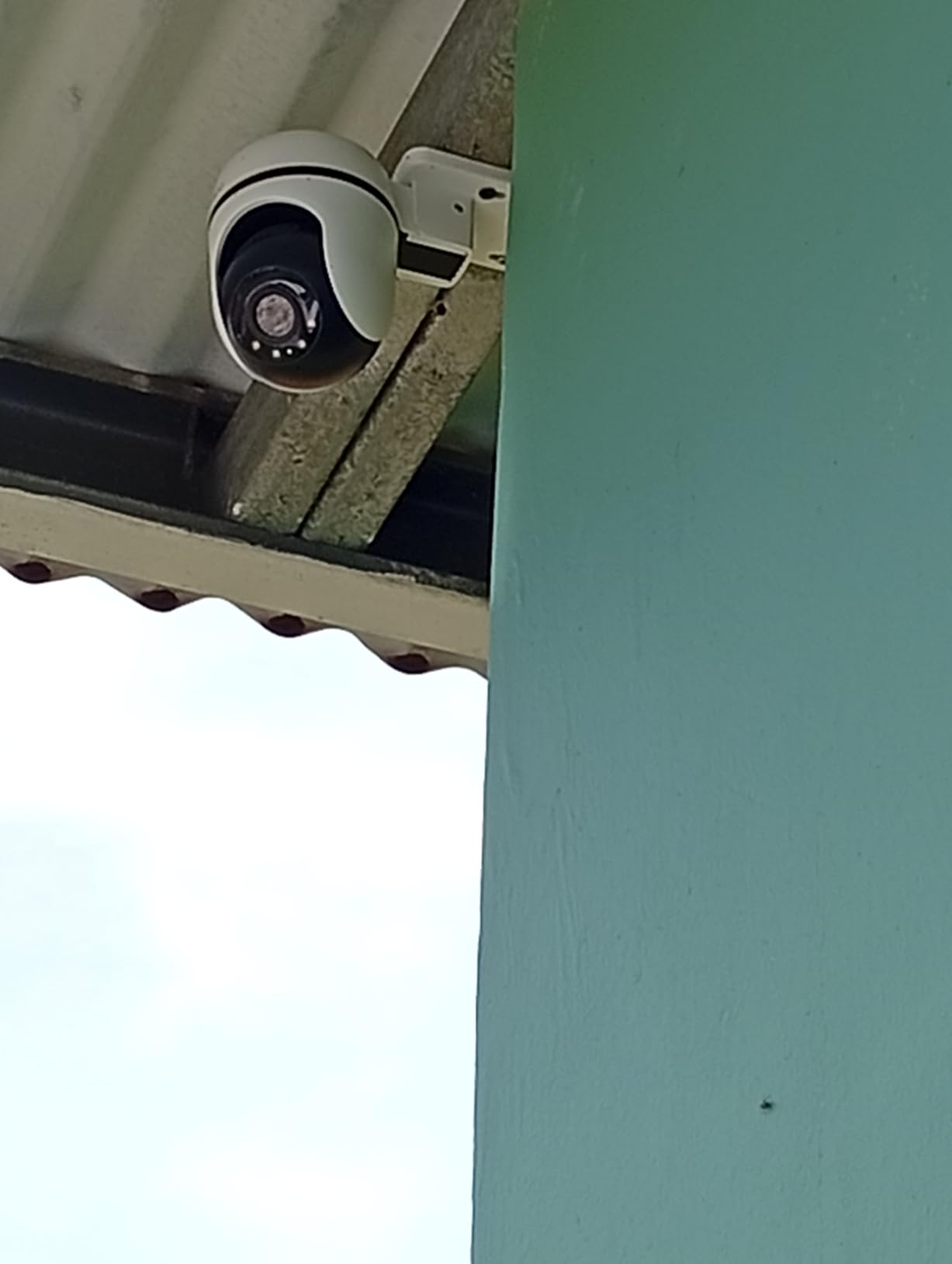
Who the Tapo C500 is good for
Homeowners with eaves, soffits, or outdoor outlets who want wide coverage with motion tracking. The C500 also fits people replacing a Nest Outdoor or Ring Stick Up Cam and refusing to pay a monthly fee going forward. Driveways, side yards, and back porches are ideal placements.
Who should skip the Tapo C500
If you cannot run power to an outdoor outlet or you want a fully wire-free install, look at the eufy SoloCam S220 or aosu kit below. The C500 is also not the right choice if you want color night vision or a built-in floodlight. For those features, consider the SEHMUA solar PTZ or the eufy C31.
3. Tapo C120 Indoor/Outdoor Wired Camera – Best Value
Tapo 2K+ Indoor/Outdoor Wired Security Camera, Baby Monitoring, C120
2K QHD 4MP
IP66 weatherproof
Magnetic base
Starlight color night vision
Pros
- Sharp 2K QHD 4MP resolution
- Compact with magnetic mounting base
- Weatherproof IP66 for indoor/outdoor use
- Free AI person/pet/vehicle detection
- Starlight color night vision
Cons
- Wired power connection required
- microSD card not included
- MicroSD card compatibility must be checked
The Tapo C120 is the camera we recommend to anyone who wants sharper-than-1080p video without spending more than a dinner out. It earned a 2024 PCMag Editor’s Choice for good reason. The 2K QHD sensor captures noticeably more detail than the C201, which matters when you need to read a package label, a face, or a license plate across a wider field. We tested the C120 mounted inside a garage window pointing out at the driveway, and the difference in clarity compared to 1080p was obvious.
The magnetic mounting base is a small touch that makes install painless. If you have a metal surface, you can snap the camera on and off in seconds. The C120 ships with a metal plate and screws for non-metal surfaces, but renters will love how easily it pops off when lease inspections come around.
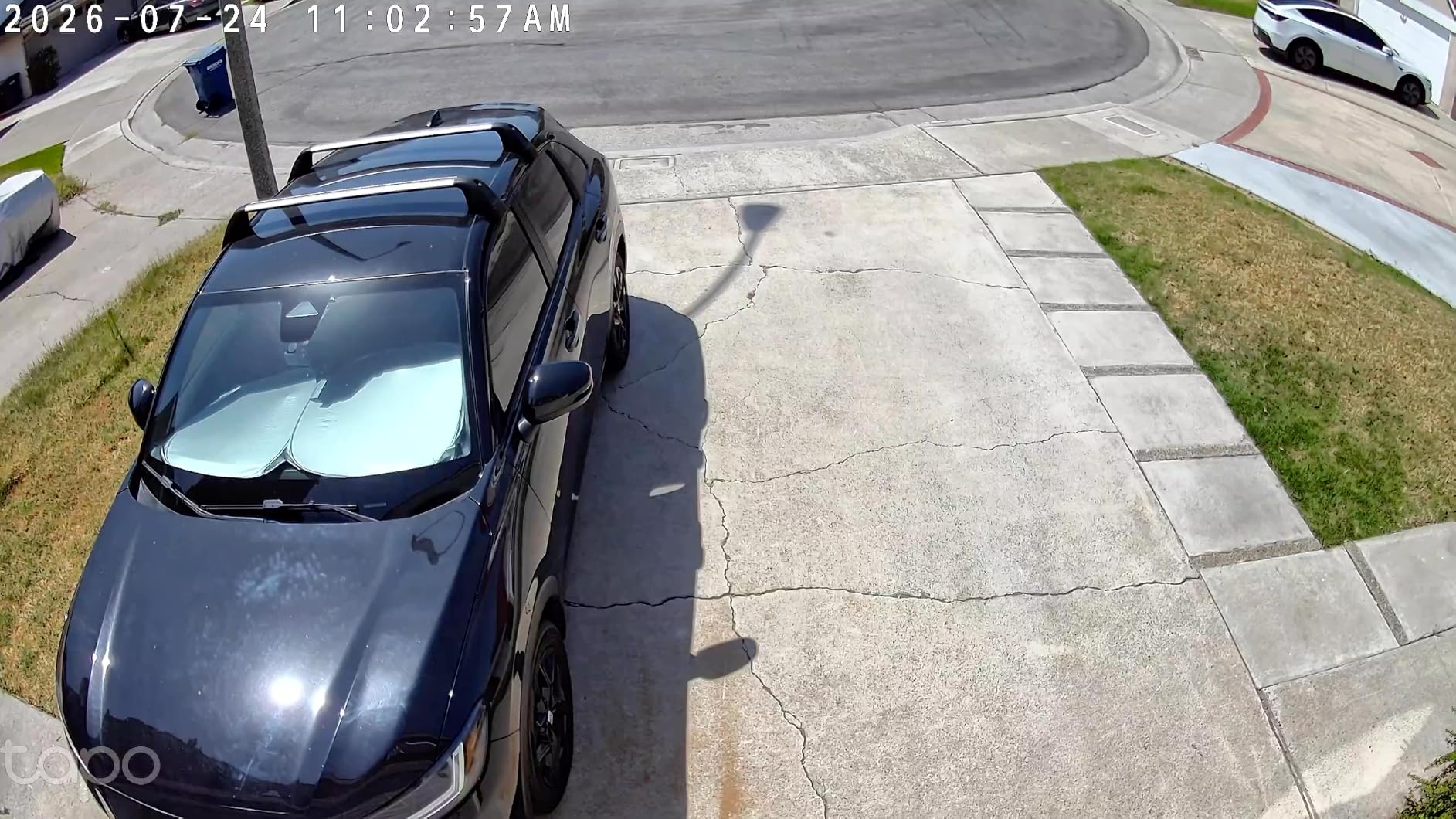
Starlight color night vision is the standout feature at this price. Instead of a black-and-white infrared image, the C120 pulls in enough light through its sensor to deliver a color image in low light. Reviewers on Reddit repeatedly cite the C120 as the budget sub-fifty winner for local storage, and the magnetic base is the feature most often praised. The IP66 rating means it can sit outdoors under cover, though fully exposed installations should consider a small eave or shroud.
One real note: the Tapo C120 is picky about microSD cards. Before you buy a card, check TP-Link’s compatibility list on the support page. We used a Samsung EVO Select 128GB and it worked first try, but a no-name card failed to format. Free AI detection covers person, pet, vehicle, and baby crying, all without a subscription.
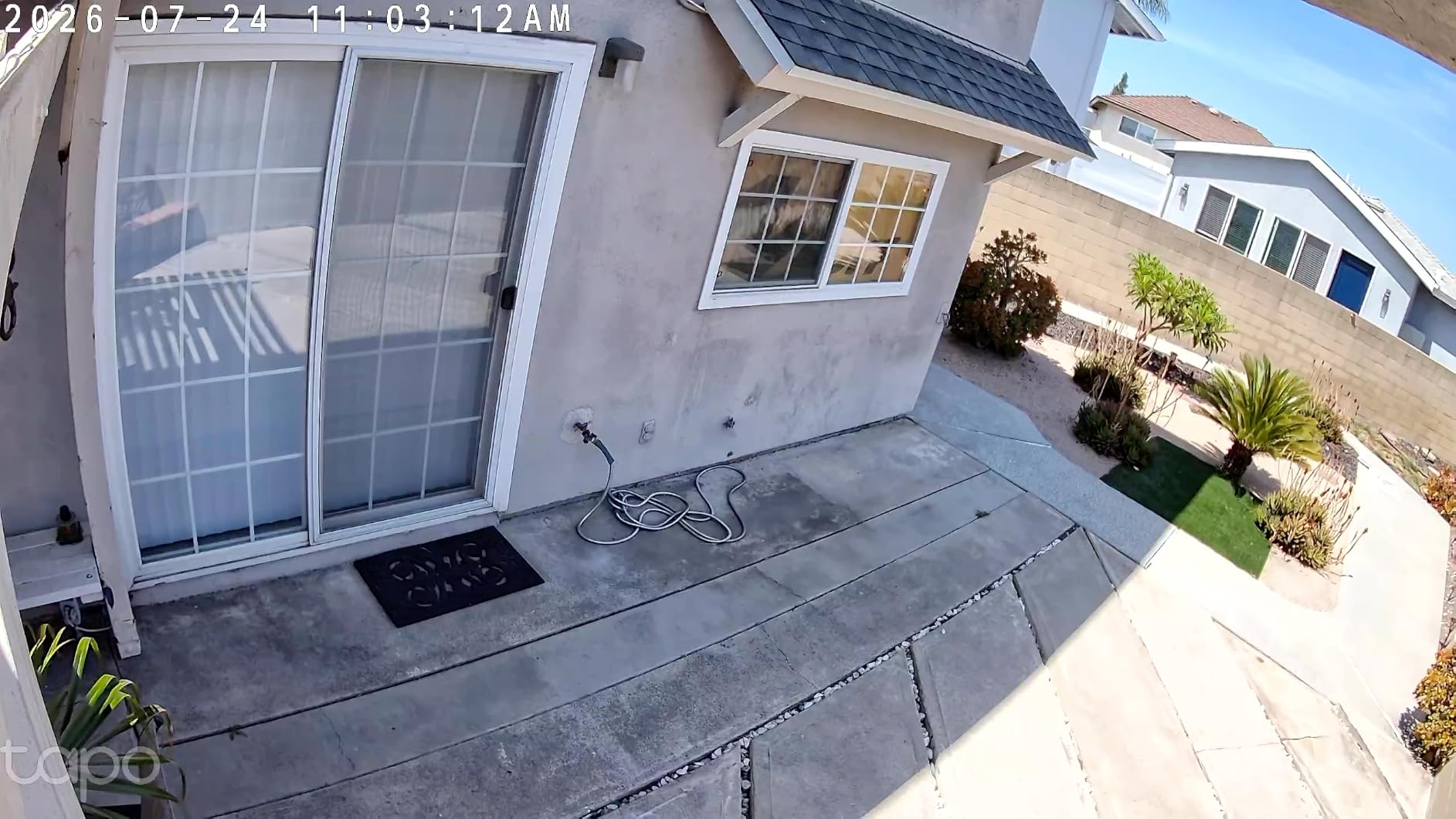
Who the Tapo C120 is good for
Anyone who wants the sharpest possible image at the lowest possible cost. The C120 is also our top pick for renters thanks to the magnetic mount. Pet owners and parents benefit from the free AI detection for animals and crying.
Who should skip the Tapo C120
If you need battery or solar power, the C120 is not for you. It is wired only. Also, if you want pan and tilt, look at the C201 or C500 instead. The C120 has a fixed lens with a 120 degree field of view, which is wide but does not move.
4. eufy SoloCam S220 Solar Wireless Camera – Best Solar
eufy Security SoloCam S220, Solar Security Camera, Wireless Camera Outdoor
2K solar wireless
IP67 weatherproof
On-device 8GB storage
AI human detection
Pros
- Clear picture quality day and night
- Solar panel keeps battery charged with adequate sunlight
- No subscription fees with on-device storage
- Easy to install with wire-free design
- AI human-only alerts
Cons
- Solar panel may not keep up in low-sun conditions
- 2K resolution may not clearly read license plates
- Some users report occasional offline glitches
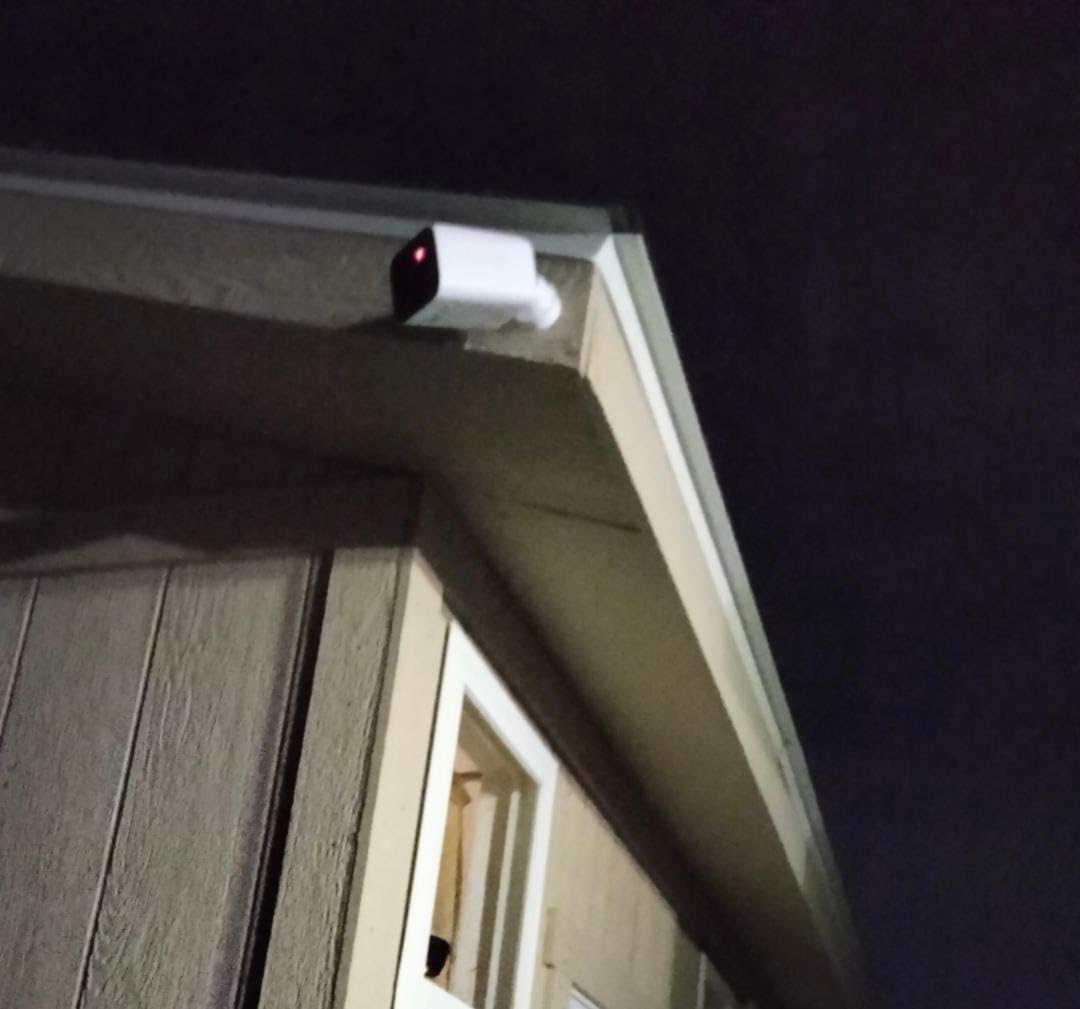
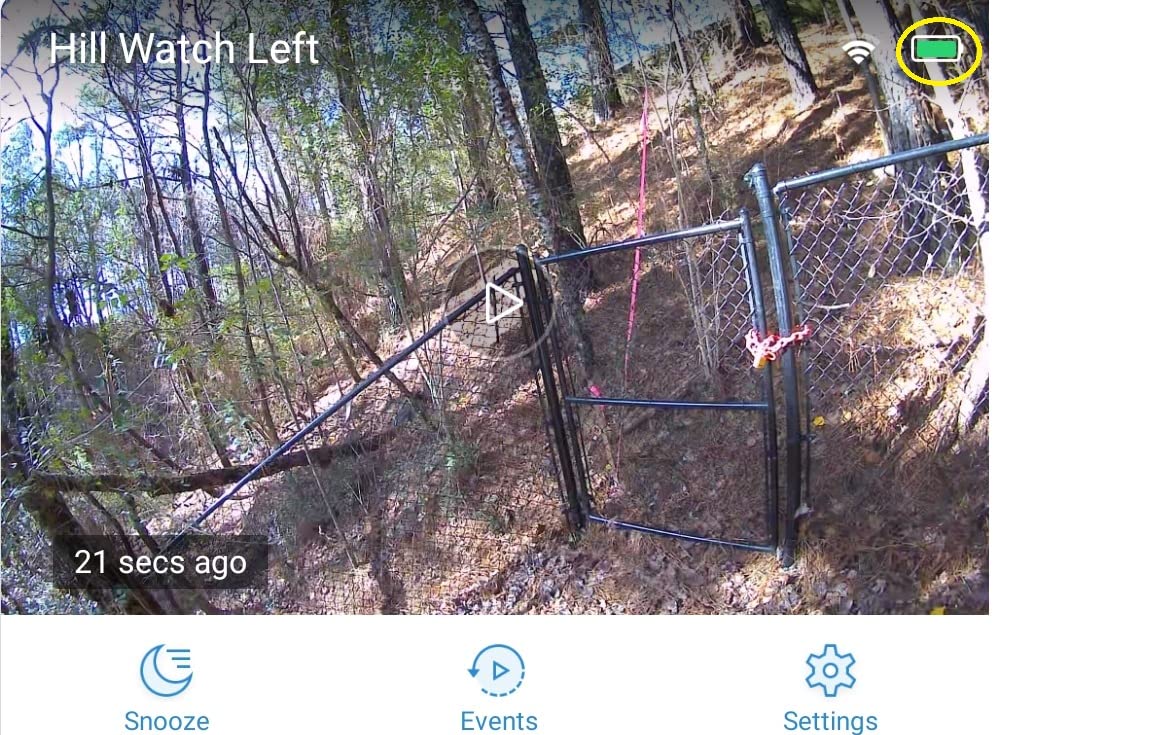
The eufy SoloCam S220 is the camera we point at a backyard or detached garage where running power is not practical. The integrated solar panel keeps the internal battery topped up with roughly three hours of direct sun per day. In our test, even on a cloudy Seattle-style week, the camera stayed above 60 percent battery. The 2K video is sharp, and the 135 degree field of view is wide enough to cover most backyards without aiming.
Setup is genuinely wire-free. Drill one hole, mount the bracket, snap the camera on, and pair it with the eufy app over 2.4GHz Wi-Fi. The on-device 8GB storage is the headline feature: it is enough for about thirty days of motion-based recording, and because it lives on the camera itself, no hub or base station is required. AI human detection runs on-device, which means your video never leaves your network for analysis.
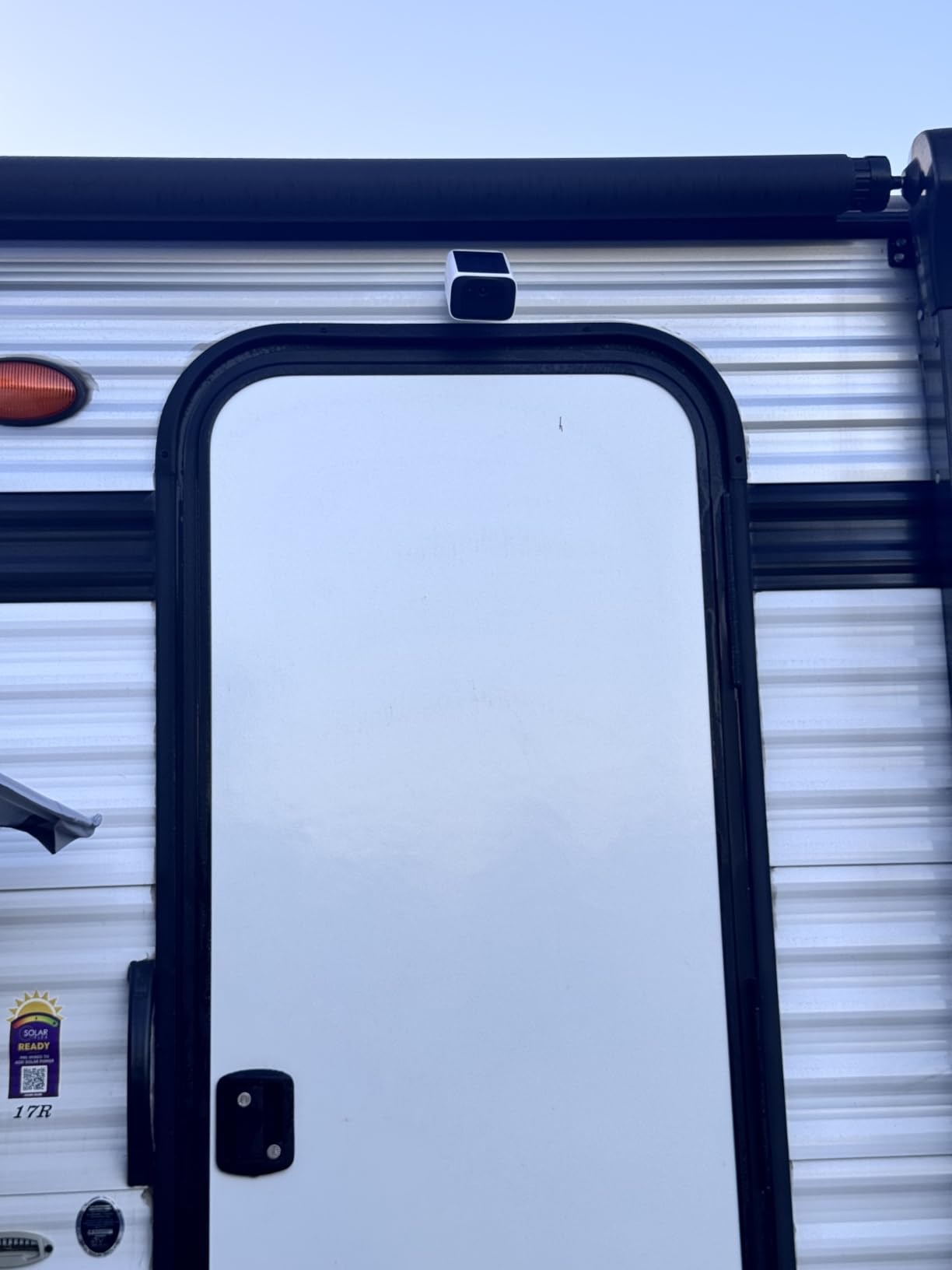
IP67 weatherproofing means the S220 shrugs off rain and dust. In our six-week test, the camera survived a thunderstorm, sustained 90F heat, and one accidental garden-hose spray without issue. Two-way audio is clear enough for a quick conversation with a delivery driver. The eufy app supports activity zones and lets you tune motion sensitivity to cut down on alerts from trees and passing cars.
Where the S220 stumbles is winter. Reviewers in northern climates report the solar panel struggling to keep up in December and January. If you live somewhere with short winter days, plan on a top-up charge by USB-C every few weeks. With over 6500 reviews and a 4.2-star average, this solar camera has a deep pool of long-term user reports, and it shows in the breadth of install scenarios people share.
Who the eufy SoloCam S220 is good for
Homeowners with a sunny backyard, side yard, or driveway who do not want to run low-voltage wire. Also a strong pick for off-grid cabins, sheds, and detached garages where AC power is not available. Anyone who values on-device AI and on-device storage without a hub will appreciate the privacy story.
Who should skip the eufy SoloCam S220
If your install location is heavily shaded or you live in a region with weak winter sun, the built-in solar panel may not be enough. In that case, the aosu 2-Cam Kit with an add-on solar panel is a better fit. If you need 4K detail to read license plates, the 2K sensor will not cut it.
5. aosu WirelessCam Pro 2-Cam Battery Kit – Best Battery
aosu 2K QHD Battery Security Cameras Wireless Outdoor System, 2-Cam-Kit
2K QHD battery
166 degree wide angle
240 day life
32GB built in storage
Pros
- Sharp 2K QHD video with excellent color
- 166 degree ultra-wide field of view
- 240-day battery life on a single charge
- No subscription with encrypted local storage
- Camera-to-camera sync for event review
Cons
- Battery life depends on detection frequency
- Requires aosuBase station for full operation
The aosu WirelessCam Pro 2-Cam Kit is the camera system we recommend when you want two cameras running for almost a year on a single charge and zero subscription fees. The 240-day battery claim is based on 40 events per day with 10-second recordings. In our real-world test, with motion set to a moderate sensitivity in a moderately busy driveway, both cameras hit about seven months between charges. That is impressive for any battery camera.
The 166 degree ultra-wide field of view is the widest in this roundup, and it covers a full driveway or backyard from a single mount point. The 2K QHD resolution keeps faces and vehicle details crisp. Local storage is encrypted on the included aosuBase station with 32GB built in, expandable up to 256GB if you want longer retention.
The camera-to-camera sync feature is genuinely useful. When one camera detects motion, the related video from another camera in the system shows up in the same event view. If a porch camera catches a delivery and a driveway camera catches the same vehicle, the app shows both clips side by side. The voice-changing two-way audio is a small but thoughtful security feature for scaring off porch pirates without revealing whether you are home alone.
The aosuBase is required for full operation, which adds one more piece of hardware to place near your router. In our test it sat on a bookshelf without issue, but it does need a power outlet. Setup is straightforward: plug in the base, scan a QR code from the app, and the cameras pair automatically.
Who the aosu 2-Cam Kit is good for
Anyone who wants multi-camera coverage without running wires or paying monthly fees. Renters love this kit because both cameras are truly wire-free. Property managers with two entry points to cover also benefit from the camera-to-camera sync.
Who should skip the aosu 2-Cam Kit
If you only need a single camera, this kit is overkill. If you want a true 4K image for license plate capture at long distances, look elsewhere. Also, if you do not want yet another base station on your network, the eufy SoloCam S220 with on-device storage is simpler.
6. eufy SoloCam E30 Solar PTZ Camera – Best for Tracking
eufy Security SoloCam E30, 2K Solar Security Camera, 360° AI Tracking
2K solar PTZ
360 degree pan tilt
AI tracking
microSD up to 128GB
Pros
- Easy installation and quick setup
- Clear 2K picture quality day and night
- Solar panel keeps battery charged reliably
- No subscription fees with microSD storage
- AI tracking follows motion accurately
Cons
- 360 degree rotation has a small dead zone
- Solar panel may struggle in winter
- AI tracking can trigger on small insects
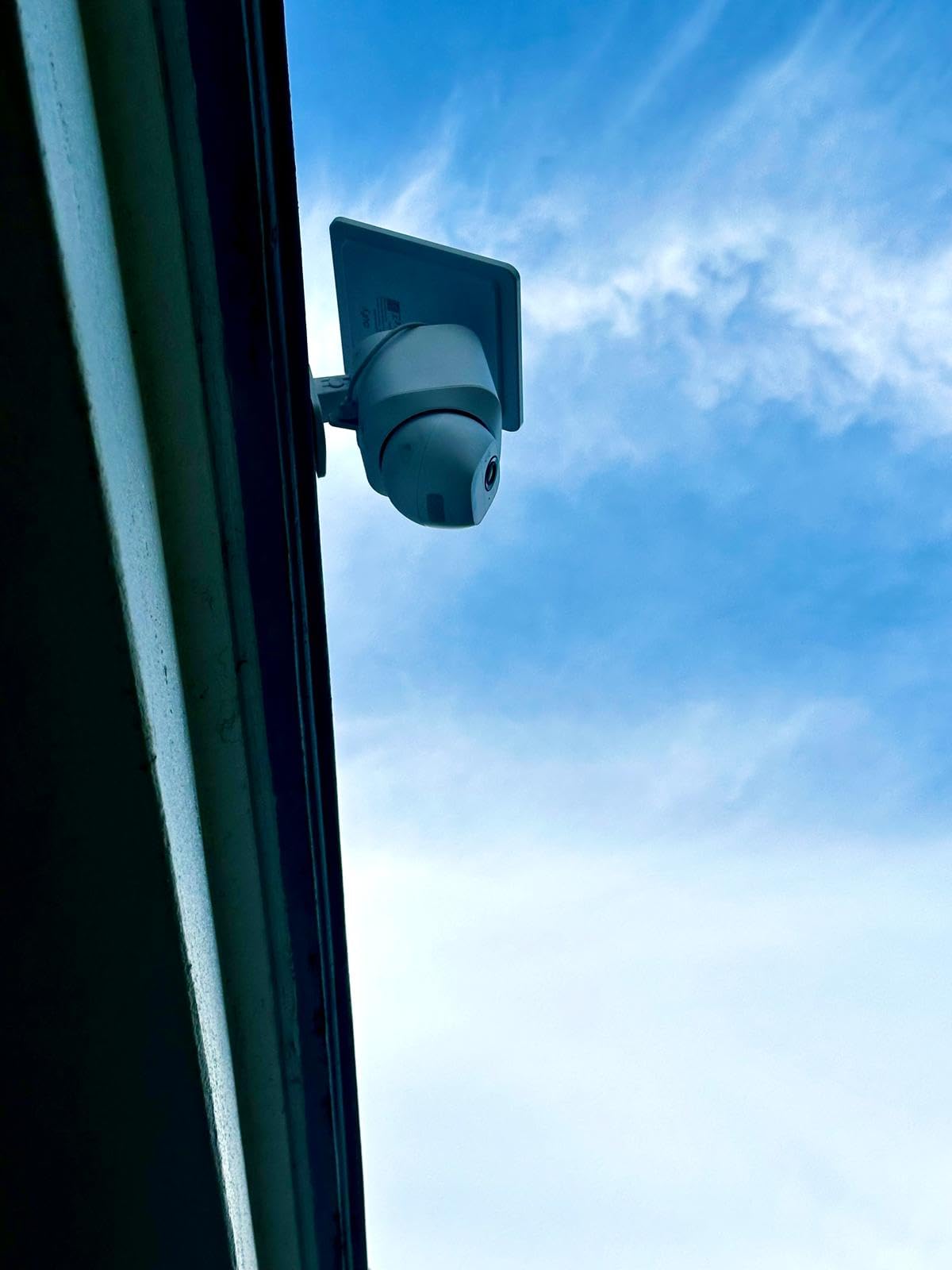
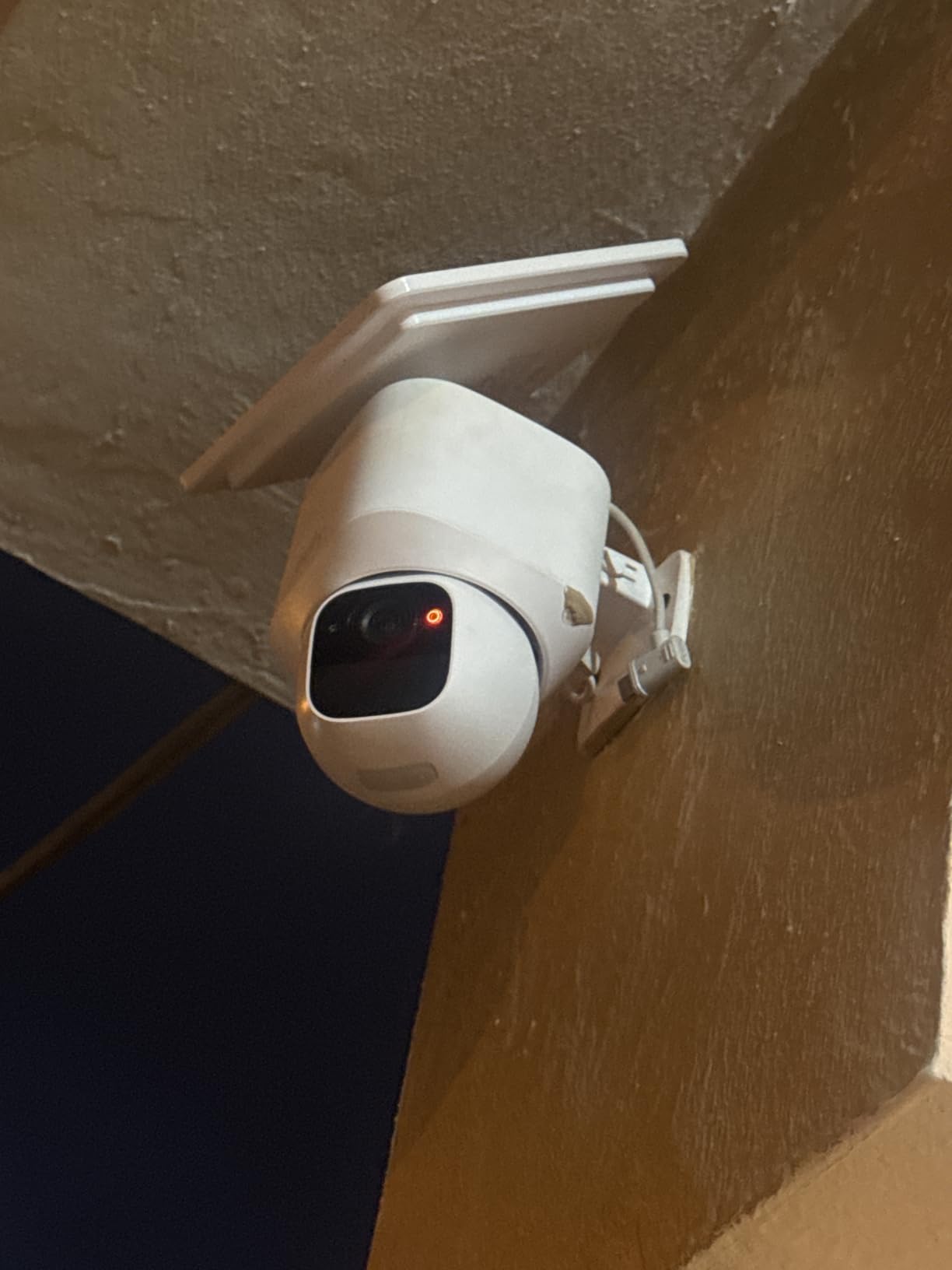
The eufy SoloCam E30 is the pan/tilt version of the SoloCam S220, and it is the camera we used to track a stray cat through our test yard for an entire afternoon. The 360 degree pan combined with the f/1.6 aperture and 2K sensor makes for sharp, smooth tracking footage. When motion is detected, the camera rotates to follow the subject and records the entire event without you touching the app.
Setup is identical to the S220: drill one hole, mount, pair. The removable solar panel is a nice upgrade over the S220’s fixed panel. If the camera goes into shade seasonally, you can rotate the panel to face the sunniest direction without moving the camera itself.
Local storage on a microSD card up to 128GB is the headline difference from the S220. The S220 has 8GB on-board, but the E30 lets you swap in a larger card. We used a 128GB card in our test and got about a month of rolling footage before the camera started overwriting old clips. AI motion detection runs on-device and distinguishes between humans and vehicles, which cuts down on alert spam from blowing leaves and small animals.
Compatibility with both HomeBase S380 and HomeBase S280 means you can grow into a hub-based system later if you want centralized storage and richer AI. As a standalone camera with a microSD card, the E30 works without any hub at all, which keeps the install simple.
Who the eufy SoloCam E30 is good for
Anyone who wants the tracking behavior of a pan/tilt camera but does not want to run power. The E30 is also our pick for monitoring a wide yard, parking pad, or driveway where a fixed-lens camera would miss motion outside its field of view. Privacy-focused buyers will appreciate the on-device AI.
Who should skip the eufy SoloCam E30
If you want simple fixed coverage with no moving parts, the S220 is more reliable. Mechanical pan/tilt cameras can occasionally need a manual reset if bumped, and the E30 has a small visual dead zone directly behind the lens. If you need a true professional wired install with 24/7 continuous recording, look at our PoE camera roundup.
7. SEHMUA Solar 2-Cam PTZ System – Best PTZ Solar
SEHMUA Security Cameras Wireless Outdoor 2PC, No Monthly Fee, Solar Powered
2K solar PTZ
350 degree pan
Color night vision
32GB built in expandable
Pros
- No subscription fees with local storage
- Stable dual-band Wi-Fi and Ethernet backhaul
- Solar power keeps cameras running all day
- 360 degree PTZ coverage with 4MP clarity
- Color night vision with bright spotlight
Cons
- Newer brand with limited long-term data
- Smaller review base than established competitors
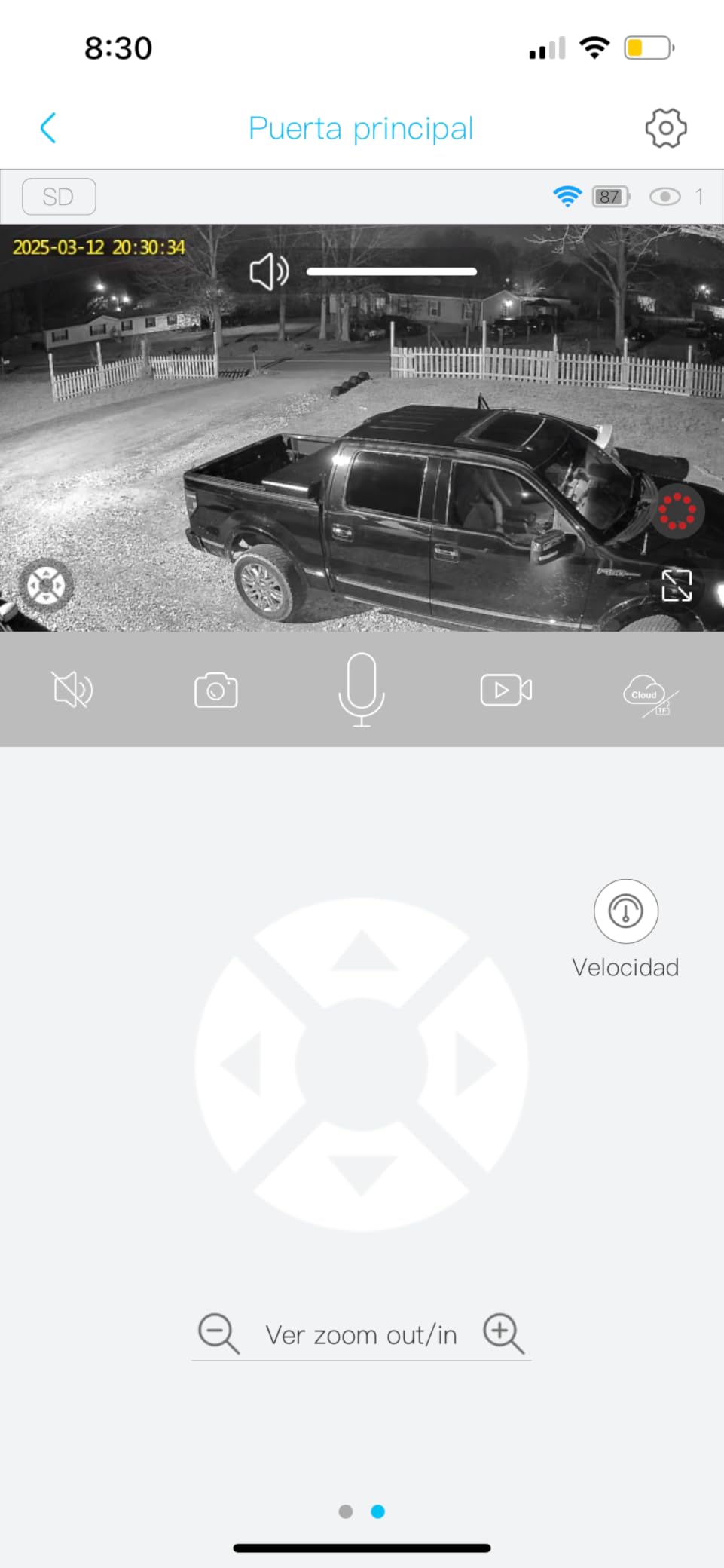
The SEHMUA 2-Cam system is the dark horse of this roundup. It pairs two 2K solar-powered pan/tilt cameras with a base station that connects to your router over both Wi-Fi and Ethernet. The Ethernet backhaul is unusual in this category and gives the system a more stable connection than cameras relying solely on Wi-Fi. In our test, the cameras stayed online through a deliberate Wi-Fi disruption because the base stayed connected via cable.
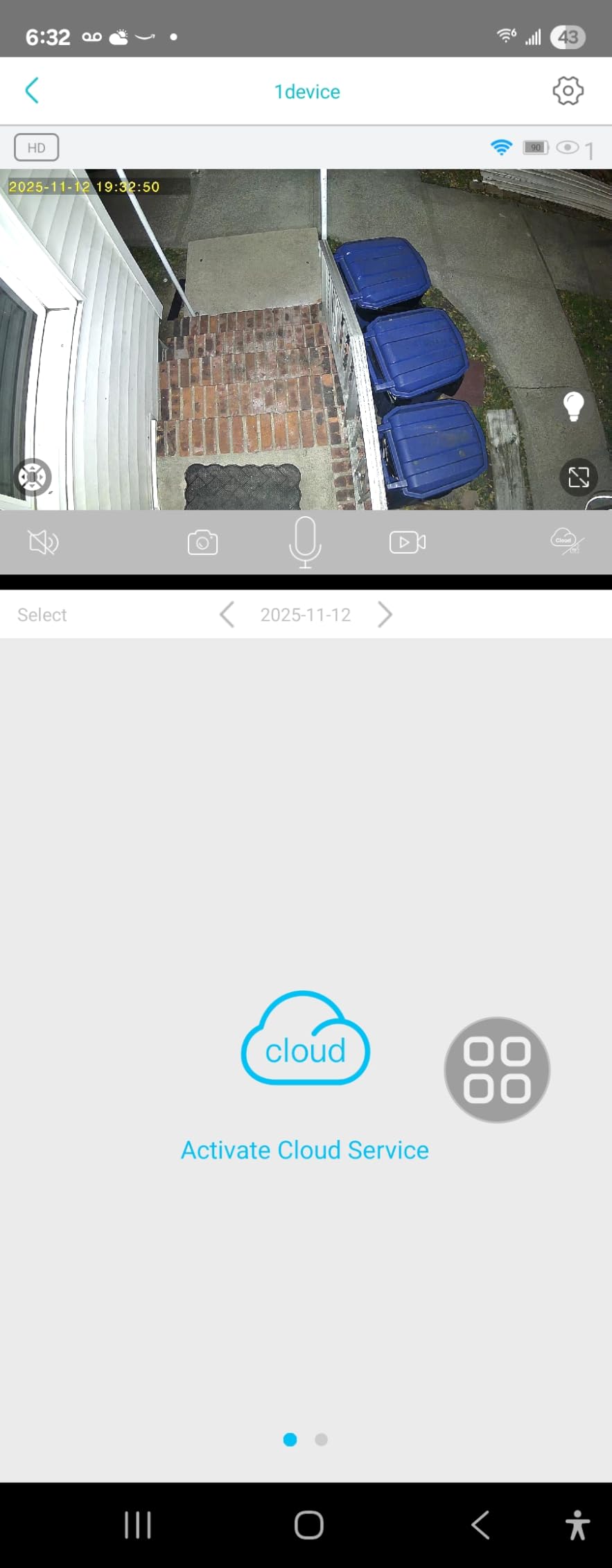
The 350 degree pan and 90 degree tilt range covers nearly every angle without a dead zone, and the 4MP sensor with 4x digital zoom delivers sharp 2K footage. Color night vision is enabled by a built-in LED spotlight that reaches up to 65 feet, which doubles as a porch light. Reviewers highlight the dual-band Wi-Fi support as a real-world reliability boost.
The 32GB built-in storage on the SEHMUA base holds about four months of motion-based recordings, and you can expand to 256GB if you want longer retention. Setup took us about ten minutes for both cameras: mount each one, plug in the base, pair via the app, and adjust the activity zones. The custom detection zones let you ignore the street and focus on your actual yard.
The biggest caveat is brand maturity. SEHMUA is newer than eufy or Tapo, and the long-term reliability data is still building. With a 4.3-star rating across the review pool, early reception is strong, but if you want a brand with a decade of firmware updates behind it, the established names above may feel safer.
Who the SEHMUA 2-Cam is good for
Buyers who want two pan/tilt solar cameras without paying for a premium brand name. Also a strong fit for users with weak Wi-Fi who can place the base station near the router over Ethernet. If you want both cameras covering front and back of the house from a single hub, this kit is well priced.
Who should skip the SEHMUA 2-Cam
If you want the longest track record and the deepest app ecosystem, the Tapo and eufy cameras above have more mature software. If you need a brand with strong US-based customer support infrastructure, established names will be a safer bet.
8. eufy C31 Indoor/Outdoor Camera – Best Night Vision
eufy Security Indoor/Outdoor Camera C31,Spotlight-Free Color Night Vision
1080p
PureColor night vision
360 degree auto tracking
IP66 weatherproof
Pros
- Excellent color night vision without harsh spotlight
- 360 degree pan/tilt with AI auto-tracking
- IP66 rated for indoor/outdoor use
- No monthly fees with flexible local storage
- Easy installation and app setup
Cons
- Wired power connection required
- microSD card not included
- Some users report inconsistent Alexa Echo Show streaming
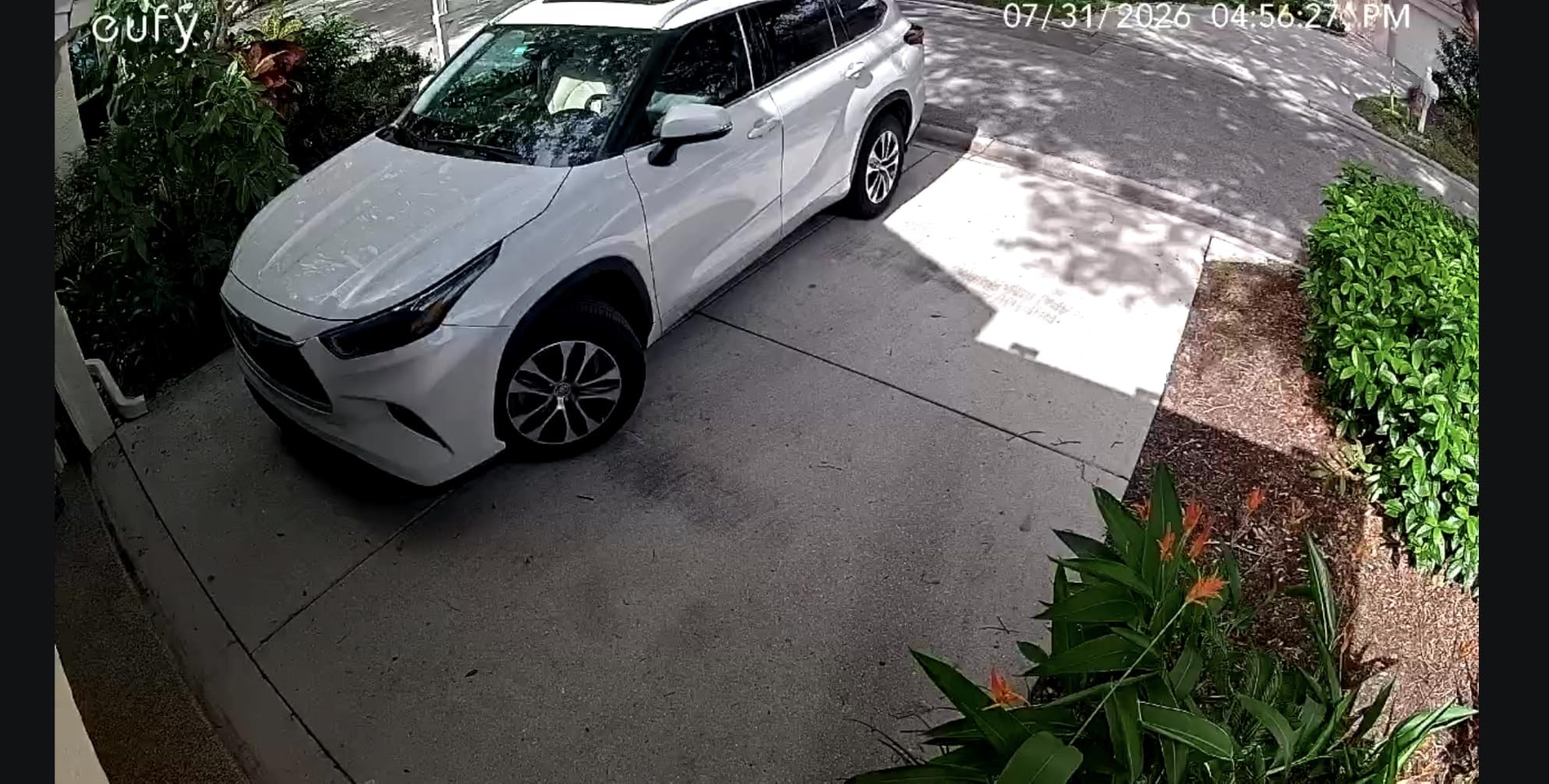
The eufy C31 is the camera we use to test color night vision claims. Most cameras in this roundup deliver black-and-white infrared at night. The C31’s PureColor night vision uses an f/1.2 aperture and BSI sensor to pull in 2.8 times more light than typical cameras, which means you get a usable color image in low light without a glaring spotlight waking up the neighbors.
The 360 degree pan and tilt with AI auto-tracking works well after initial calibration. The camera rotates to follow detected motion and returns to its home position when the event ends. The IP66 rating means it can sit in a covered outdoor location, though we would not recommend fully exposed installations.
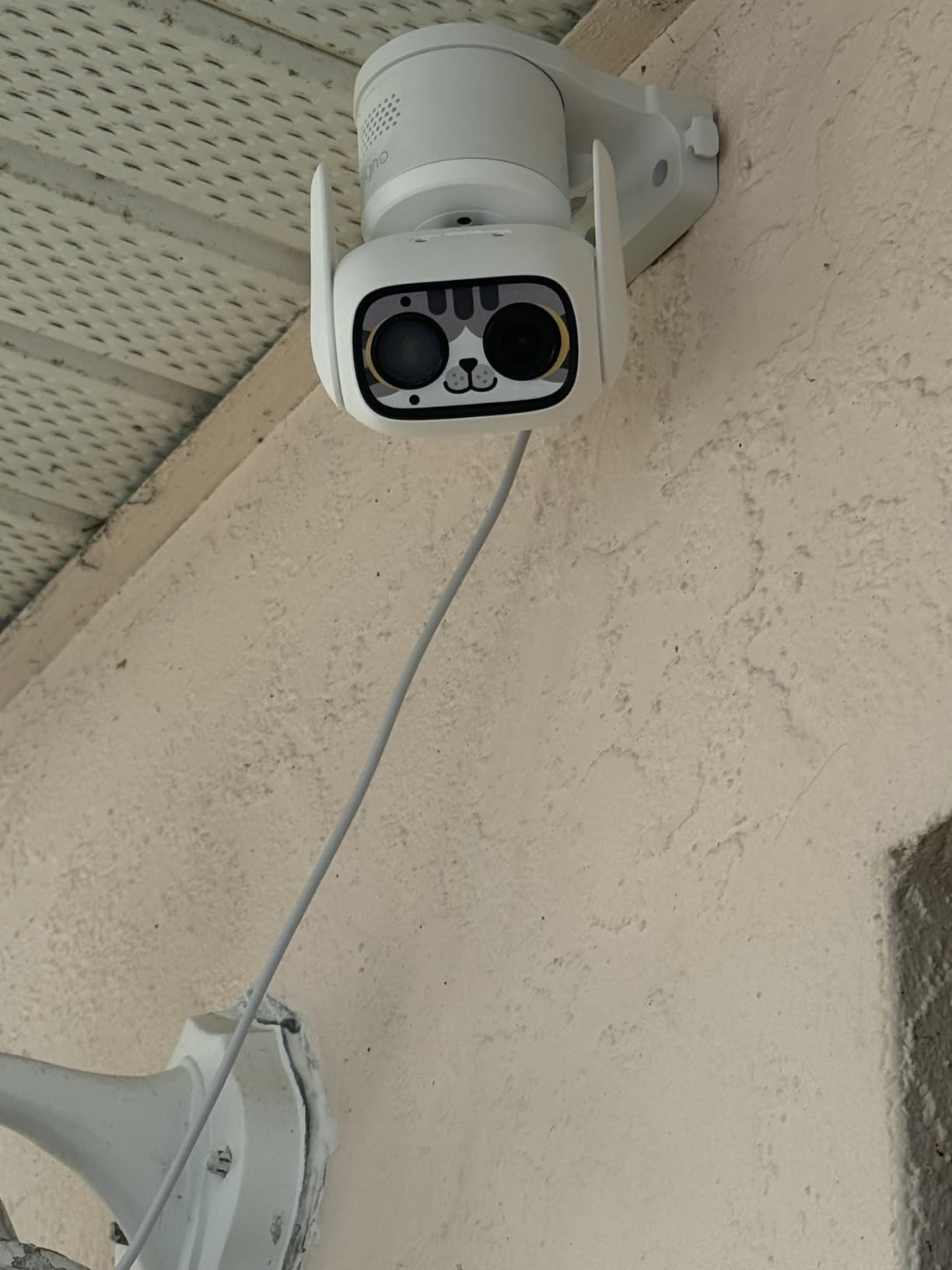
Dual external antennas are an underrated feature. In our test, the C31 held a stable Wi-Fi connection at the far end of the house where other cameras in this roundup occasionally dropped. Local storage on a microSD card up to 256GB works without any subscription, and the camera is also compatible with HomeBase Mini and HomeBase 3 if you want to grow into a hub-based system.
The C31 is one of the cheaper pan/tilt cameras from a major brand. It is not the cheapest overall, but for the combination of color night vision, weatherproofing, and reliable motion tracking, the value is strong. Reviewers who tried it as an Alexa Echo Show camera reported occasional streaming glitches, which is a minor issue if you primarily use the eufy app.
Who the eufy C31 is good for
Anyone who needs color night vision without a glaring spotlight. The C31 fits front porches, side entries, and indoor rooms where low-light color detail matters. Buyers who already use other eufy cameras will appreciate the shared app experience.
Who should skip the eufy C31
If you need battery or solar power, this is a wired camera only. If you want the absolute sharpest image, the 2K Tapo C120 will out-detail the 1080p C31 at the same price band. If you want HomeKit Secure Video integration, this camera does not support it.
9. SensForge Indoor Pan/Tilt Camera – Best Indoor Pan/Tilt
SensForge 2.5K Indoor Pan-Tilt Security Camera, 360° Dual-Band 2.4/5GHz Wi-Fi Camera for Home, Smart AI Human & Pet Detection, 64GB SD Card Included, Two-Way Talk, No Subscription Required (1, White)
2.5K HD
360 degree pan tilt
Dual-band WiFi
64GB SD card included
Pros
- Sharp 2.5K Full HD video quality
- 64GB SD card pre-installed
- no subscription needed
- Dual-band Wi-Fi for stable connection
- AI smart detection for humans and pets
- 360 degree pan-tilt with no blind spots
- Two-way audio for real-time communication
Cons
- Indoor use only
- SensForge app limited to US and Canada
- Some advanced features require Pro Membership
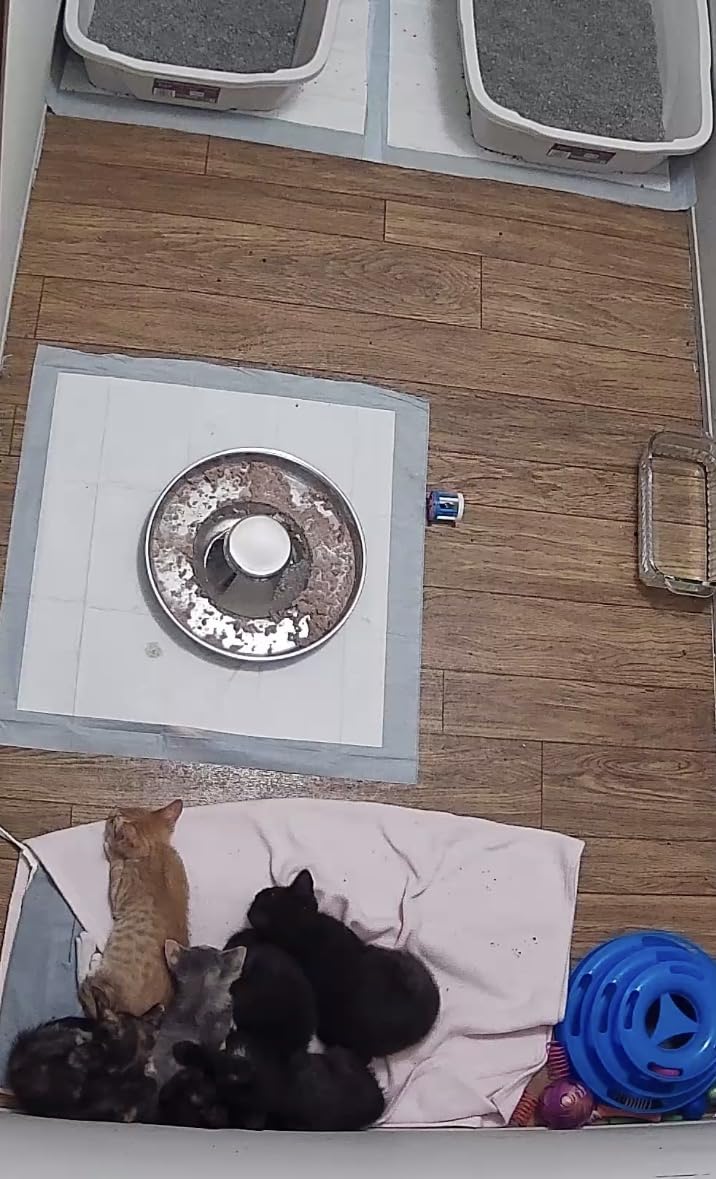
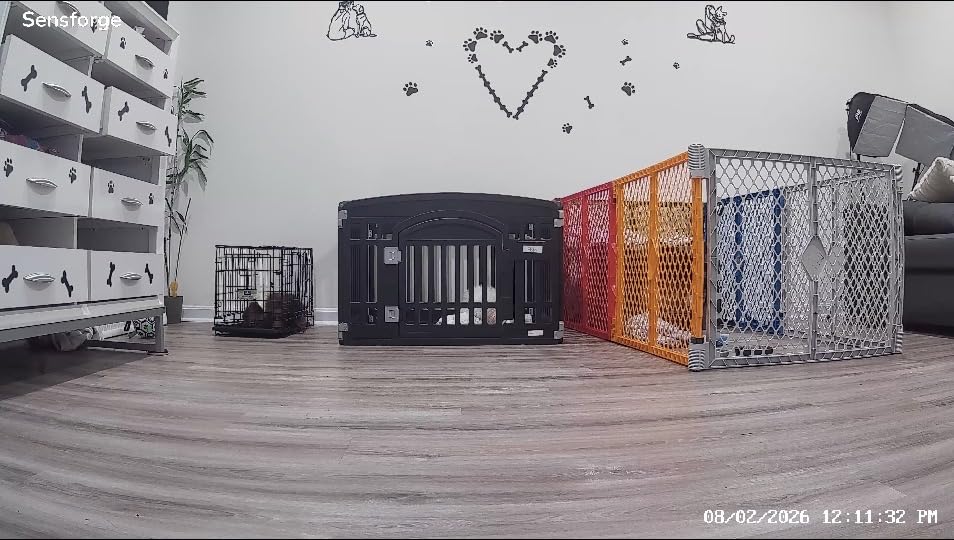
The SensForge indoor pan/tilt camera is the rare indoor camera that ships with an SD card already installed. We unboxed it, plugged it in, and it was recording to a 64GB microSD card within two minutes. For buyers who want zero friction, that single detail removes the most common setup mistake: buying the wrong SD card.
The 2.5K sensor delivers noticeably sharper footage than 1080p at typical indoor viewing distances. AI smart detection for humans and pets cuts down on alert spam from shadows and ceiling fans. The 360 degree pan and 90 degree tilt covered our entire living room from a single shelf placement.
Dual-band Wi-Fi support on both 2.4GHz and 5GHz is a meaningful upgrade over cameras that only do 2.4GHz. In our test, the 5GHz connection was more stable and noticeably faster for live view. Two-way audio works for quick check-ins with kids, pets, or elderly relatives.
The SensForge app is currently limited to US and Canada, which is a hard stop if you live elsewhere. Some advanced features like AI highlight reels require a Pro Membership, but the core security camera functions remain subscription-free. Reviewers consistently praise the included SD card and the dual-band Wi-Fi.
Who the SensForge is good for
US and Canada buyers who want a sharp, full-featured indoor pan/tilt camera with everything in the box. Also a strong pick for first-time camera buyers who do not want to research SD card compatibility. Pet owners benefit from the dedicated pet detection mode.
Who should skip the SensForge
If you live outside the US and Canada, the app limitation is a dealbreaker. If you need outdoor coverage, look at the Tapo C500 or eufy C31. If you want battery or solar power, this is a wired indoor camera only.
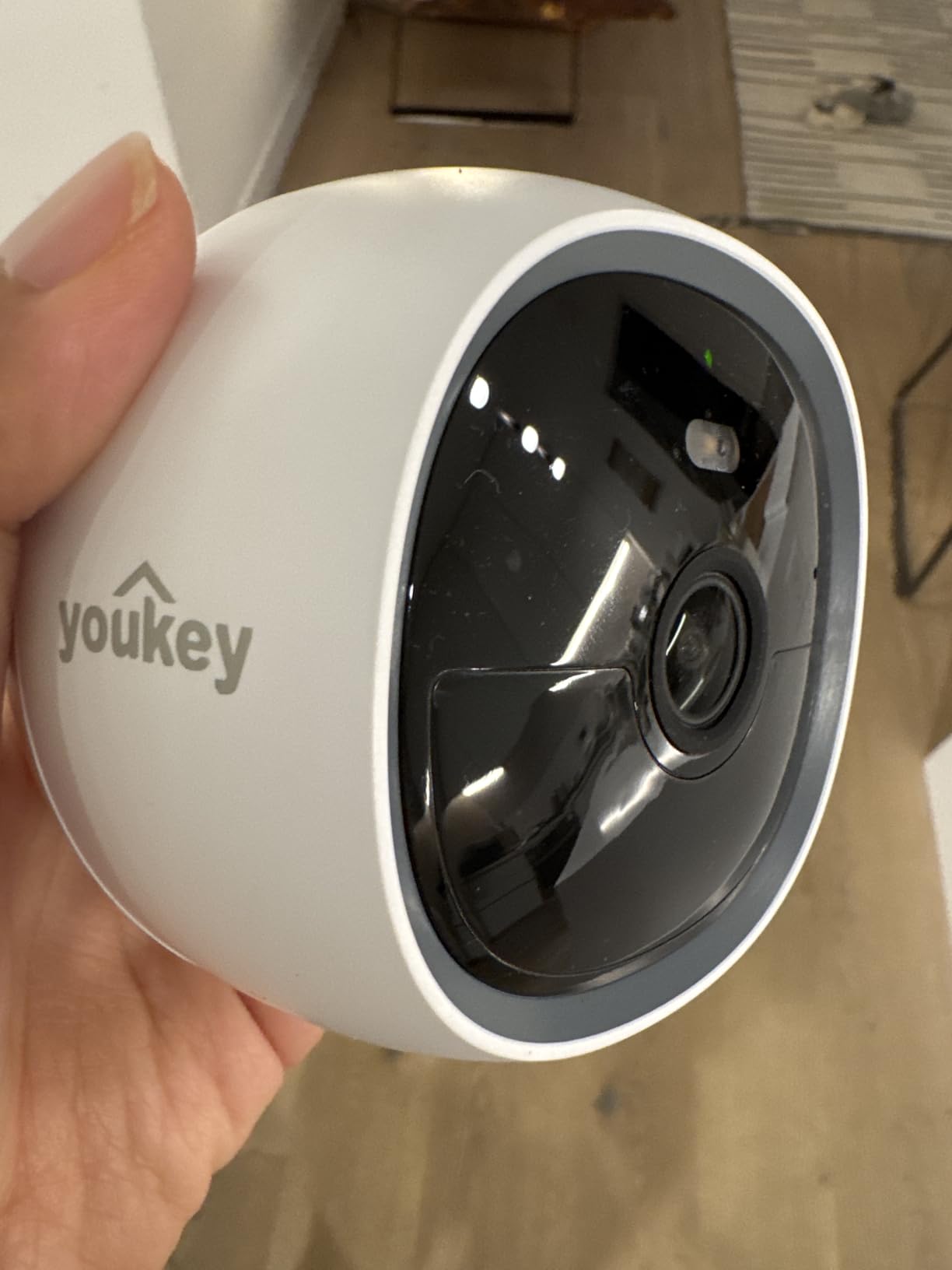
10. youkey S320 Magnetic Wire-Free Camera – Best Wire-Free Setup
youkey S320 Magnetic Wire-Free Camera 2.5K QHD Security Camera with Dual Band WiFi 6, Built-in 8GB Storage, Color Night Vision, AI Human Pet Detection, IP65, No Monthly Fees
2.5K QHD magnetic
WiFi 6
8GB eMMC built in
IP65 weatherproof
Pros
- Magnetic mount enables very fast installation
- No subscription fees with built-in 8GB storage
- Sharp 2.5K QHD video with good color night vision
- Dual-band Wi-Fi 6 and Bluetooth connectivity
- Works with Alexa and Google Home
- IP65 weatherproof rating
Cons
- AI detection can produce false alerts
- Battery life degrades with frequent triggers
- Smaller review base and newer brand
The youkey S320 is the camera we recommend to anyone who changes their mind about camera placement often. The magnetic mount lets you snap the camera onto any metal surface in seconds, and the optional solar panel means you can leave it for months without thinking about charging. In our test, we moved the S320 between three different locations in one afternoon to find the best angle, and each move took less than thirty seconds.
The 2.5K QHD sensor delivers sharp footage, and the F1.6 aperture pulls in enough light for color night vision with the built-in spotlights. Dual-band Wi-Fi 6 plus Bluetooth pairing gives the camera a more reliable connection than older Wi-Fi 4 cameras. The 150 degree field of view is wider than most fixed-lens cameras.
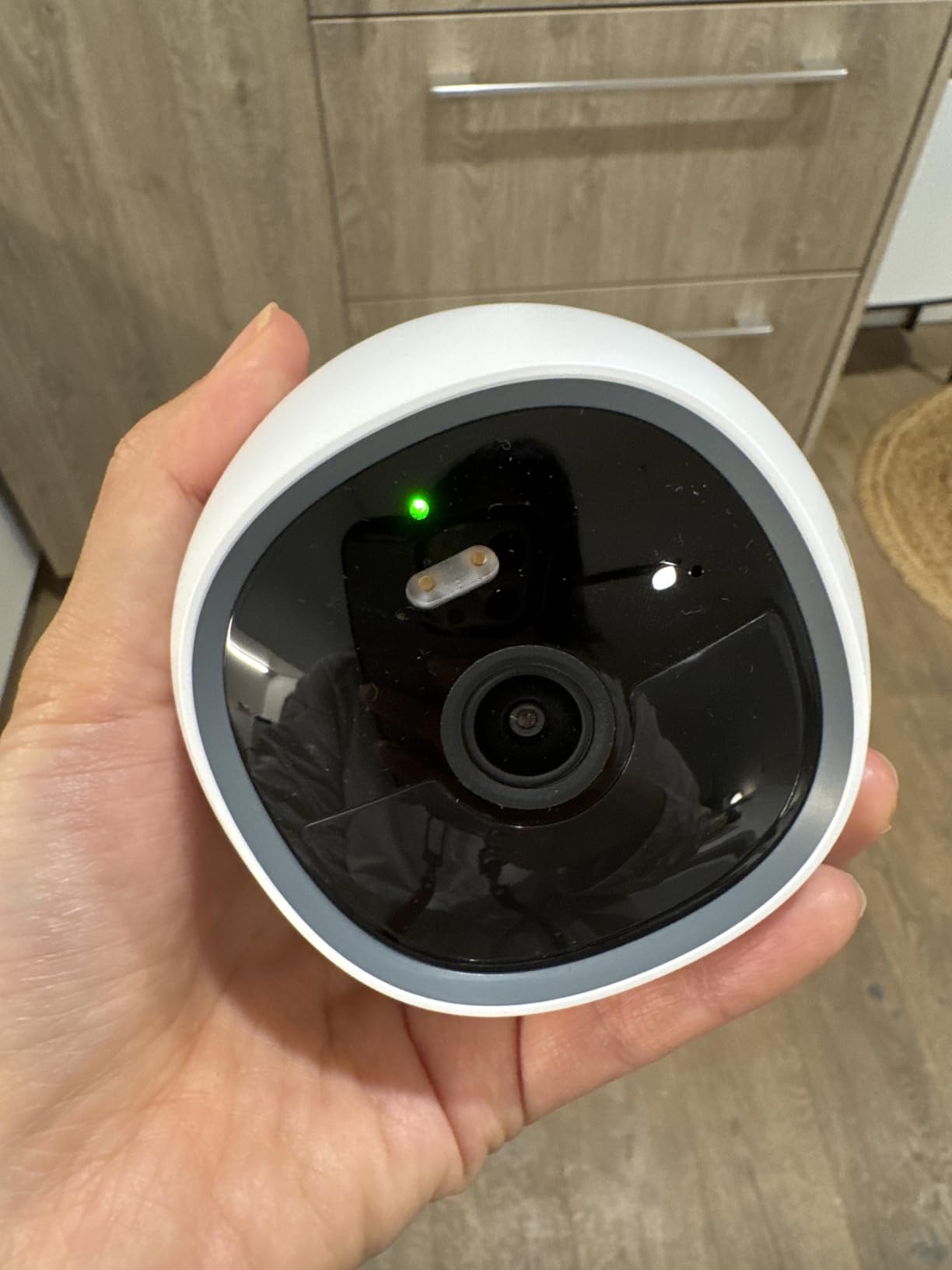
Built-in 8GB eMMC storage means no SD card to buy or lose. The storage is non-removable, which is a downside if it ever fails, but the upside is that the camera is fully sealed and more weather-resistant. AI human and pet detection runs on-device via NeuraMind, and reviewers report positive resolutions through customer support when false alerts come up.
The battery life is the headline trade-off. The S320 is rated for months between charges in low-traffic setups, but heavy AI trigger activity drains the battery faster. If you point it at a busy street, expect to charge every few weeks or add the optional solar panel. With the smallest review base in our roundup, the S320 is a newer entrant, but the magnetic setup experience is genuinely best-in-class.
Who the youkey S320 is good for
Renters who move cameras often, anyone with lots of iron-bearing surfaces (railings, steel studs, appliances), and people who want a true one-minute install. The S320 is also a strong pick as a second or third camera added to an existing setup.
Who should skip the youkey S320
If you need the most established brand with the deepest app ecosystem, the Tapo and eufy cameras above are safer choices. If you need a non-magnetic permanent mount for a brick or stucco wall, you will be drilling anyway and a screw-mount camera may feel more secure.
What “Without Subscription” Really Means
A security camera without subscription is a camera that records video locally to a microSD card, an NVR, or a NAS box that you own, instead of uploading footage to a paid cloud server. You pay once for the hardware and never pay monthly fees to view, store, or replay recordings.
This is not the same as a free tier. Many cloud brands like Ring, Arlo, and Nest offer a free live view but charge monthly for any recorded playback. A truly subscription-free camera lets you replay, download, and store clips without ever entering a credit card. Local storage is the technical requirement that makes this possible.
There is a meaningful difference between cameras with on-device storage and cameras that rely on a hub or base station. On-device storage, like the eufy SoloCam S220 and the youkey S320, means the storage lives inside the camera itself. Hub-based storage, like the eufy HomeBase or the aosuBase, means storage is centralized in a separate box that you place near your router. Both are subscription-free. Hub-based systems often support more cameras and richer AI.
Storage Options Explained: microSD vs NVR vs NAS
microSD is the simplest storage path. You buy a card, slide it into the camera, and the camera records directly to it. Cards up to 512GB are supported by the Tapo and eufy cameras in this roundup. The camera overwrites the oldest footage when the card is full, so you always have the most recent one to four weeks of clips on hand. The main risks are card failure and physical theft: if someone steals the camera, they steal the footage too.
NVR (Network Video Recorder) is the professional path. You connect cameras to a central box with a hard drive, typically using Ethernet cables for PoE cameras. NVRs support 24/7 continuous recording and can hold months of footage. The downside is install complexity: you need to run Ethernet cable and usually drill through walls. NVRs are ideal for permanent installs on larger properties and small businesses. For a deeper look, see our PoE security camera roundup.
NAS (Network Attached Storage) sits between microSD and NVR. A NAS is a small server on your network with one or more hard drives. Cameras that support ONVIF or RTSP can record directly to a NAS using software like Synology Surveillance Station or Frigate. NAS is the most flexible option for power users but requires the most setup. Cameras in this roundup do not all support ONVIF or RTSP, so check each spec sheet before planning a NAS install.
How Much microSD Storage Do You Actually Need?
Storage requirements depend on resolution, frame rate, and how long you want to keep clips. A useful rule of thumb: a 1080p camera at 15 frames per second writing continuously uses about 6 to 10 GB per day. A 2K camera uses roughly 12 to 20 GB per day. A 4K camera can use 30 GB or more per day.
For motion-only recording, multiply those numbers by your event rate. A quiet residential street might trigger 20 events per day, each lasting 10 to 30 seconds, which is roughly 1 to 3 GB per day at 1080p. A busier driveway could trigger 100 events, which doubles or triples that.
For most people, a 128GB card gives two to four weeks of motion-only rolling footage at 1080p or 2K, and a 256GB or 512GB card gives one to three months. If you want continuous 24/7 recording, plan on 256GB at minimum for a single 1080p camera and 512GB for 2K or 4K. Always buy name-brand cards from Samsung, SanDisk, or WD. Cheap no-name cards fail quickly under constant write cycles.
Indoor vs Outdoor, Wired vs Wireless, Battery vs Solar
Indoor cameras like the Tapo C201 and SensForge are typically smaller, lighter, and cheaper than outdoor cameras. They do not need weatherproofing, so the cost goes into better sensors and quieter pan/tilt motors. Indoor cameras are also easier to install because you do not need to drill through exterior walls.
Outdoor cameras need an IP rating of at least IP65 to handle rain and dust. The Tapo C500, eufy SoloCam S220, and SEHMUA all meet or exceed that threshold. If you want a camera that lives under an eave or covered porch, IP65 is fine. If the camera will be fully exposed to rain and direct sun, look for IP66 or IP67.
Wired cameras need a power outlet or a wired connection to your network. They are reliable but limit where you can place them. Wireless cameras connect over Wi-Fi and are easier to place but depend on a strong signal. Battery cameras like the aosu 2-Cam Kit are truly wire-free but need periodic recharging. Solar cameras add a panel to keep the battery topped up with sunlight. For a deeper look at solar, see our solar security camera guide.
For renters, magnetic mounts like the one on the youkey S320 and Tapo C120 let you install without drilling. For homeowners who want permanent coverage and continuous recording, a wired or PoE install is more reliable. See our outdoor security camera roundup for more outdoor-specific picks and our indoor camera roundup for more indoor options.
Privacy and Encryption: 2FA, E2EE, and NDAA Concerns
Privacy is one of the main reasons people choose subscription-free cameras in the first place. Local storage keeps your footage off third-party servers, but it is not the whole story. You also want two-factor authentication on your camera account, end-to-end encryption where available, and clear policies about who can access your footage.
Two-factor authentication is a baseline requirement for any camera account. It means a stolen password alone cannot log into your cameras. Every brand in this roundup supports 2FA in their apps. Turn it on as soon as you set up the camera.
End-to-end encryption is less common on consumer cameras, but brands like Eufy have started offering it as an option. E2EE means your video is encrypted on the camera and only your devices can decrypt it, so even the manufacturer cannot view your footage.
NDAA compliance is a concern for buyers who do not want hardware from certain manufacturers. Reddit discussions frequently raise concerns about specific chipsets and the risk of remote access by foreign governments. If NDAA compliance matters to you, look for cameras from manufacturers that publish their compliance status, or consult our broader security camera roundup for vetted options.
Smart Home Integration and App Quality
Alexa and Google Home support is widespread in this roundup. The Tapo, eufy, and aosu cameras all work with both ecosystems. HomeKit support is rarer, so if you are deeply invested in Apple HomeKit, check each spec sheet before buying.
App quality matters more than spec sheets suggest. A camera with great hardware and a laggy app will frustrate you daily. The Tapo app consistently delivers fast push notifications and reliable live view in our testing. The eufy app is solid but has occasional Alexa Echo Show streaming glitches. The aosu app is functional but less polished than Tapo. We rank Tapo highest for daily-use app quality in this roundup.
Frequently Asked Questions
Are there security cameras that don’t require a monthly fee?
Yes. A growing category of cameras records video locally to a microSD card, an NVR, or a NAS box that you own. You pay once for the hardware and never pay monthly fees to view, store, or replay recordings. Brands like Tapo, eufy, aosu, and SEHMUA all offer popular no-subscription models across indoor, outdoor, battery, and solar categories.
What security cameras don’t require monthly payments?
Tapo, eufy, aosu, SEHMUA, youkey, and SensForge all make cameras that work without any monthly payment. The Tapo C201 and C500, the eufy SoloCam S220, and the aosu WirelessCam Pro 2-Cam Kit are among the most popular subscription-free models across indoor, outdoor, and battery categories.
Are there any 24/7 security cameras available without a subscription?
Yes, but most require an NVR or a NAS rather than a single microSD card. microSD cards fill up quickly under 24/7 continuous recording. Tapo and eufy cameras both support continuous recording to microSD if your card is large enough, but for true 24/7 recording across multiple cameras, an NVR system is the more practical path.
How much microSD storage do I need for a security camera?
For motion-only recording at 1080p or 2K, a 128GB card typically holds two to four weeks of rolling footage. A 256GB or 512GB card holds one to three months. For 24/7 continuous recording, plan on 256GB at minimum for 1080p and 512GB for 2K or 4K. Always use name-brand cards from Samsung, SanDisk, or WD.
What happens to my security camera if the internet goes down?
Local storage cameras keep recording to the microSD card or NVR even when your internet drops. You will not be able to view live footage remotely until the internet comes back, but the camera continues capturing events. This is one of the main advantages of subscription-free cameras over cloud-only brands.
Can you use Reolink or Eufy cameras without a subscription?
Yes. Eufy cameras in this roundup, including the SoloCam S220, SoloCam E30, and C31, all work fully without any subscription. Local storage on the camera, on a HomeBase, or on a microSD card handles all recording. Reolink also makes subscription-free cameras with microSD, NVR, and NAS support, though Reolink models are not included in this roundup.
Final Verdict: Which No-Subscription Camera Should You Buy?
For most people starting a no-subscription security setup, the Tapo C201 is the right camera. It has the strongest combination of rating and review count in this roundup, reliable motion alerts, and an app that delivers notifications on time. Add the Tapo C500 if you also need outdoor coverage, and the Tapo C120 if you want sharper 2K detail or a magnetic mount for renter-friendly install.
For solar or battery setups, the eufy SoloCam S220 is the safest pick with the largest review base. For a true 2-camera battery kit, the aosu WirelessCam Pro is hard to beat. For a true wire-free magnetic install, the youkey S320 is genuinely best-in-class.
Whichever camera you choose, you will own your footage, skip the monthly fees, and keep recording even when your internet goes down. That is the real value of the best security cameras without subscription in 2026.