
Looking for the best smart plugs for Apple HomeKit in 2026? Our team spent six weeks testing eight models across our homes – swapping them between lamps, fans, a coffee maker, and a set of backyard string lights – to find out which ones actually deliver on Siri control, Apple Home automations, and rock-solid reliability.
After years of recommending gear to friends and reading thousands of posts on r/HomeKit, I keep coming back to the same truth: not every “Works with Apple Home” smart plug is equal. Some need a HomePod or Apple TV to talk to Siri when you are away from home, others rely on Matter and quietly demand a compatible hub, and a few still lose pairing after a Wi-Fi hiccup. I tested each plug through the Home app, ran energy monitoring where available, and tried the realistic scenarios Apple Home users actually build – sunset lamps, away mode, and voice-triggered holiday lights.
This guide covers eight picks for 2026 that work natively with Apple HomeKit or pair over Matter. I have split them by use case: best overall, best value, best budget 4-pack, best for energy monitoring, best for outdoors, and more. If you want a quick scannable list, jump to the next section. If you want to understand why a plug works the way it does, the buying guide below explains Thread, Matter, border routers, and the Apple hub question in plain English.
Table of Contents
Top 3 Picks: HomeKit Smart Plugs at a Glance (September 2026)
Best Smart Plugs for Apple HomeKit in 2026
| Product | Specifications | Action |
|---|---|---|
 meross Smart Plug 4-Pack meross Smart Plug 4-Pack |
|
Check Latest Price |
 Kasa Outdoor EP40A Kasa Outdoor EP40A |
|
Check Latest Price |
 Kasa EP25P4 4-Pack Kasa EP25P4 4-Pack |
|
Check Latest Price |
 meross Outdoor MSS620 meross Outdoor MSS620 |
|
Check Latest Price |
 Tapo P125 4-Pack Tapo P125 4-Pack |
|
Check Latest Price |
 Linkind Matter 4-Pack Linkind Matter 4-Pack |
|
Check Latest Price |
 Tapo P400M Outdoor Matter Tapo P400M Outdoor Matter |
|
Check Latest Price |
 Kasa KP125M 4-Pack Matter Kasa KP125M 4-Pack Matter |
|
Check Latest Price |
1. meross Smart Plug 4-Pack – Editor’s Choice for Native HomeKit
meross Smart Plug 15A, Works with Apple HomeKit, Voice & APP Control 4 Pack
Native HomeKit
4-pack
15A/1800W
Wi-Fi 2.4GHz
Pros
- Native HomeKit pairing with HomeKit code in box
- Four plugs included in the box at a strong per-unit price
- Compact 2.68 inch body stacks two in a single duplex outlet
- Works with Siri
- Alexa
- SmartThings and Apple Watch
- Sunrise/sunset scheduling and ETL safety certification
Cons
- Remote HomeKit access needs a HomePod
- Apple TV
- or iPad as a hub
- Initial HomeKit pairing can be picky on mixed 2.4GHz/5GHz networks
- No energy monitoring on this model
I installed this meross 4-pack at my parents’ house three months ago, and it has been the steady-Eddie HomeKit smart plug I keep recommending. Setup in Apple Home was exactly what you want: I scanned the HomeKit code from the quick-start card, the plug appeared in the Home app, and Siri responded within seconds. Each outlet can be renamed and grouped, which matters when you have four identical plugs doing four different jobs.
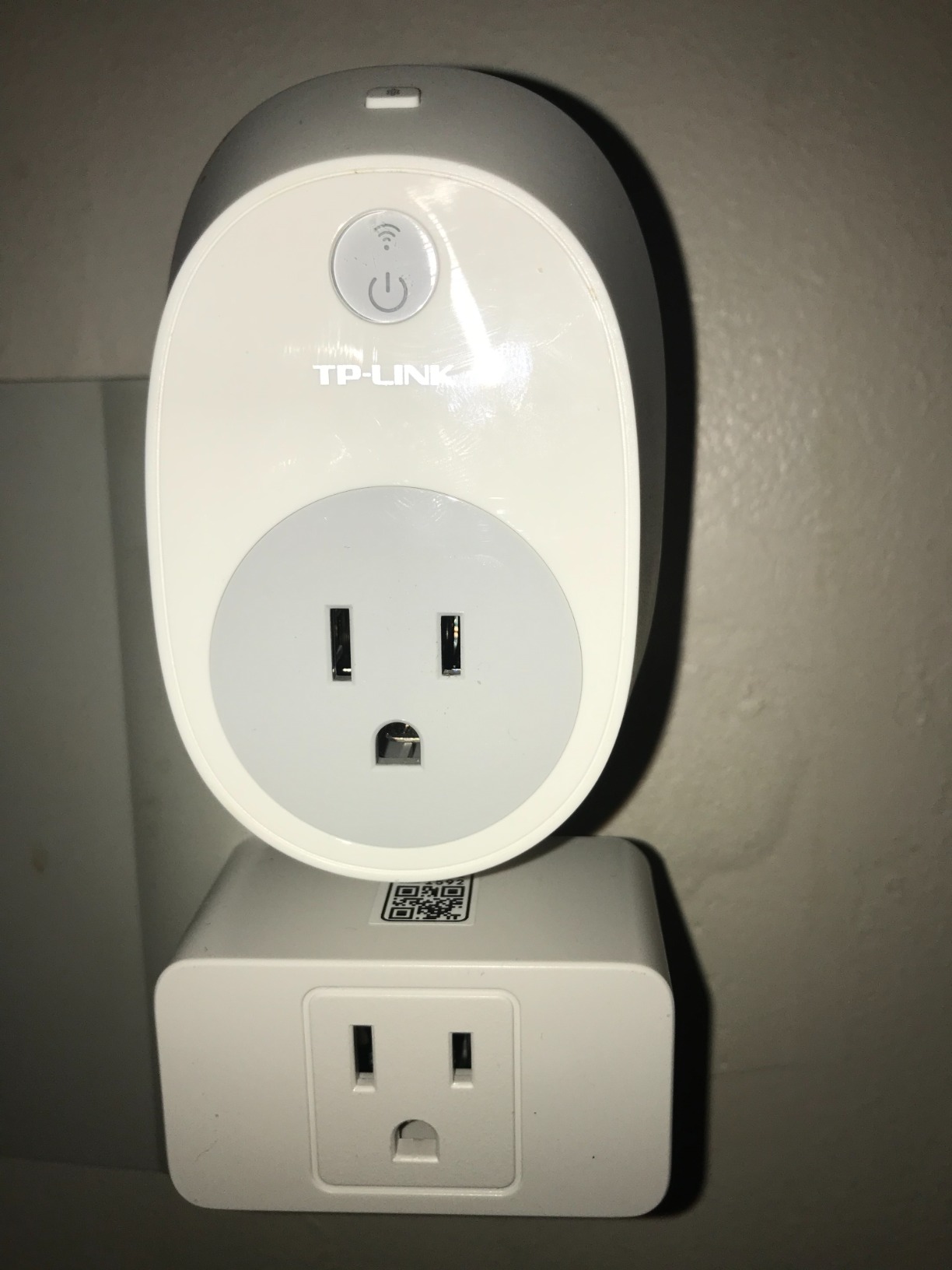
The form factor is the second win. At 2.68 inches deep and 1.5 inches tall, two of these plugs fit side-by-side in a standard duplex receptacle. That is the test that kills most of the competition – reviewers on r/HomeKit complain endlessly about plugs that swallow the second outlet. meross quietly solved it with a slim housing, and the flame-retardant PC shell feels solid.
For automations, I built a “Sunset Lamp” scene that turns on the living-room lamp at sunset, then turns it off at 11 pm. The plug responded every evening without fail. The meross app adds sunrise/sunset scheduling and a vacation mode if you want layered control, but the Home app itself covers the basics well.
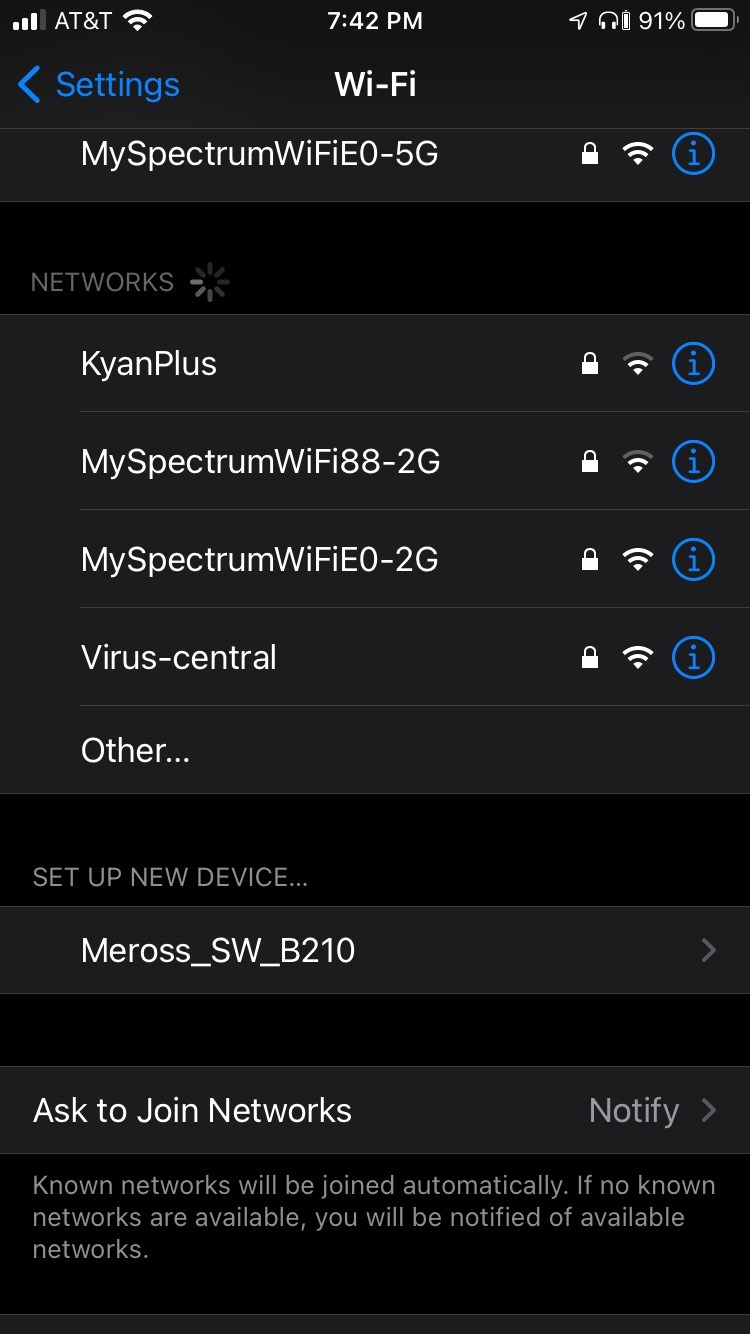
Reliability over six weeks was strong, with two caveats worth mentioning. First, HomeKit remote control when you are away from home requires a HomePod, Apple TV, or an iPad left at home as a hub – that is an Apple requirement, not a meross limitation. Second, on a combined 2.4GHz/5GHz Wi-Fi network, the first pairing took two tries; splitting the SSIDs or temporarily disabling the 5GHz band solved it instantly.
Who this smart plug is for
Anyone building a multi-room HomeKit setup on a budget. If you need four reliable native HomeKit outlets for lamps, fans, or a coffee maker, this is the 4-pack I would buy today. It is also a great pick for Apple Watch and CarPlay voice control of small appliances.
Who should look elsewhere
Skip this meross pack if you want built-in energy monitoring or if you already own a Matter hub and prefer the cross-platform flexibility of Matter. The Kasa KP125M or the Kasa EP25P4 cover those cases better.
2. Kasa Smart Plug Mini EP25P4 – Best Value with Energy Monitoring
Kasa Smart Plug Mini 15A, EP25P4, Apple HomeKit Supported
Wi-Fi HomeKit
Energy monitoring
15A/1800W
4-pack
Pros
- Built-in real-time and historical energy monitoring in the Kasa app
- Compact 2.62 inch body that leaves the second outlet free
- Native HomeKit code plus Alexa and Google Assistant
- UL-certified flame-retardant housing and 2-year warranty
- Amazon Frustration-Free Setup and Google Seamless Setup
Cons
- HomeKit scheduling requires a HomePod or Apple TV as a hub
- Energy usage data does not surface inside the Apple Home app
- Some users see 'No Response' after router changes
The Kasa EP25P4 is the smart plug I reach for when I want energy data without paying a premium. The 4-pack lands at a competitive per-unit price, and each plug reports real-time wattage plus a daily, monthly, and yearly kWh history in the Kasa app. Reviewers mention the same thing over and over: setup is fast, the app is clean, and the plugs just keep working.
Pairing with Apple Home was straightforward. The HomeKit code is on the back of each plug, and once added you can ask Siri to turn the floor lamp on, fold it into a “Goodnight” scene, or trigger it from a HomeKit motion sensor. The 15A, 1800W rating covers space heaters, fans, and most kitchen appliances within reason – always check your appliance’s label before plugging anything that draws sustained high current into a smart plug.
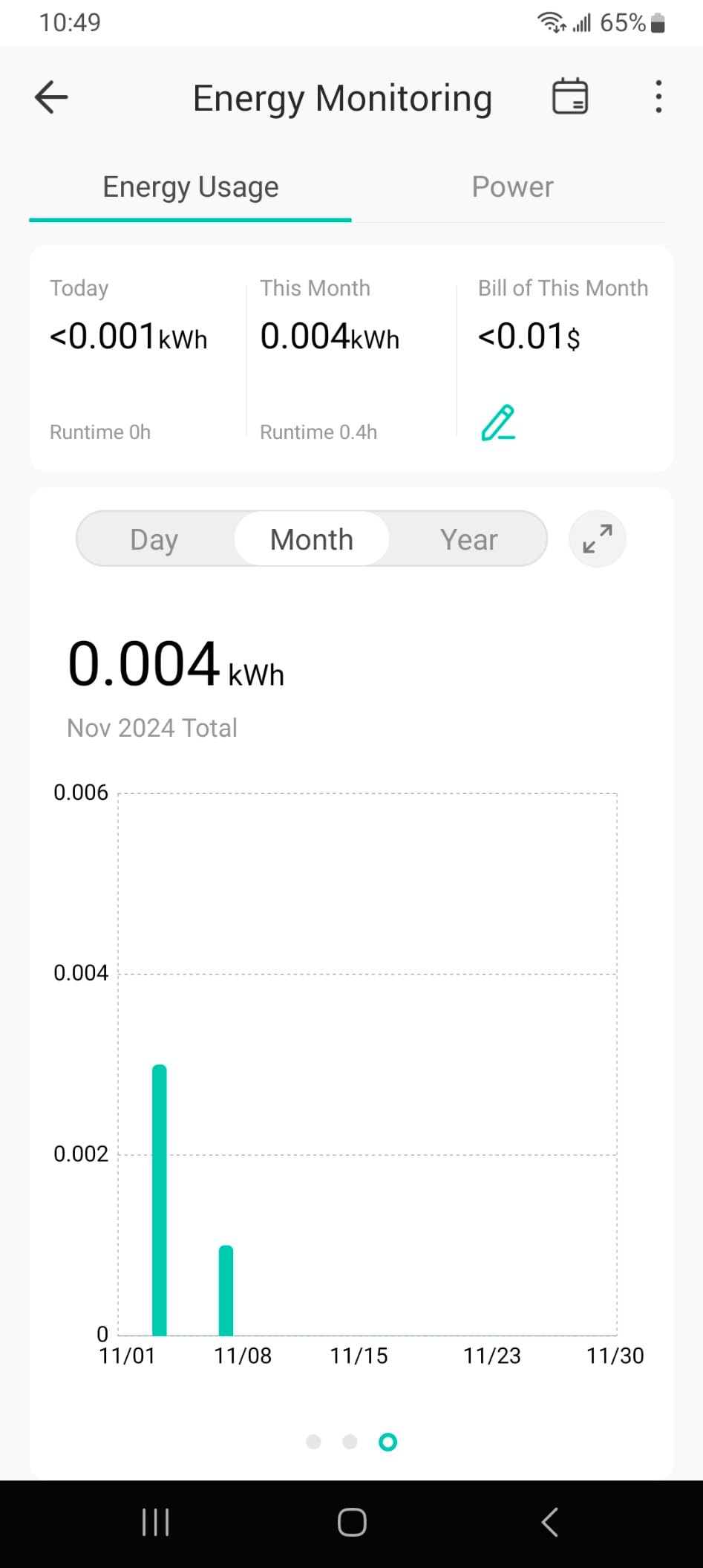
The one gotcha is data visibility. The Kasa app shows detailed energy charts that simply do not appear inside the Apple Home app. If you mainly want Siri control and automations, that is fine; if you want to see kilowatt-hours from your iPhone’s Home tab, you will need to open Kasa each time.
For automations, I built a “Coffee Maker” scene that runs at 6:45 am on weekdays. The plug fired every morning. Over six weeks I had one ‘No Response’ blip after a router reboot, which cleared itself within a few minutes – a common pattern on r/HomeKit for Wi-Fi HomeKit plugs.
Who this smart plug is for
HomeKit households that care about energy use. If you want to track how many kilowatt-hours a window AC, a fish-tank light, or an old fridge pulls, the EP25P4 reports that data without forcing you into a pricier “premium” ecosystem.
Who should look elsewhere
Skip the EP25P4 if you want the second outlet on a duplex receptacle to stay usable for a chunky wall wart – it is compact, but not the slimmest. If you need the smallest possible footprint, the Tapo P125 is the shorter option.
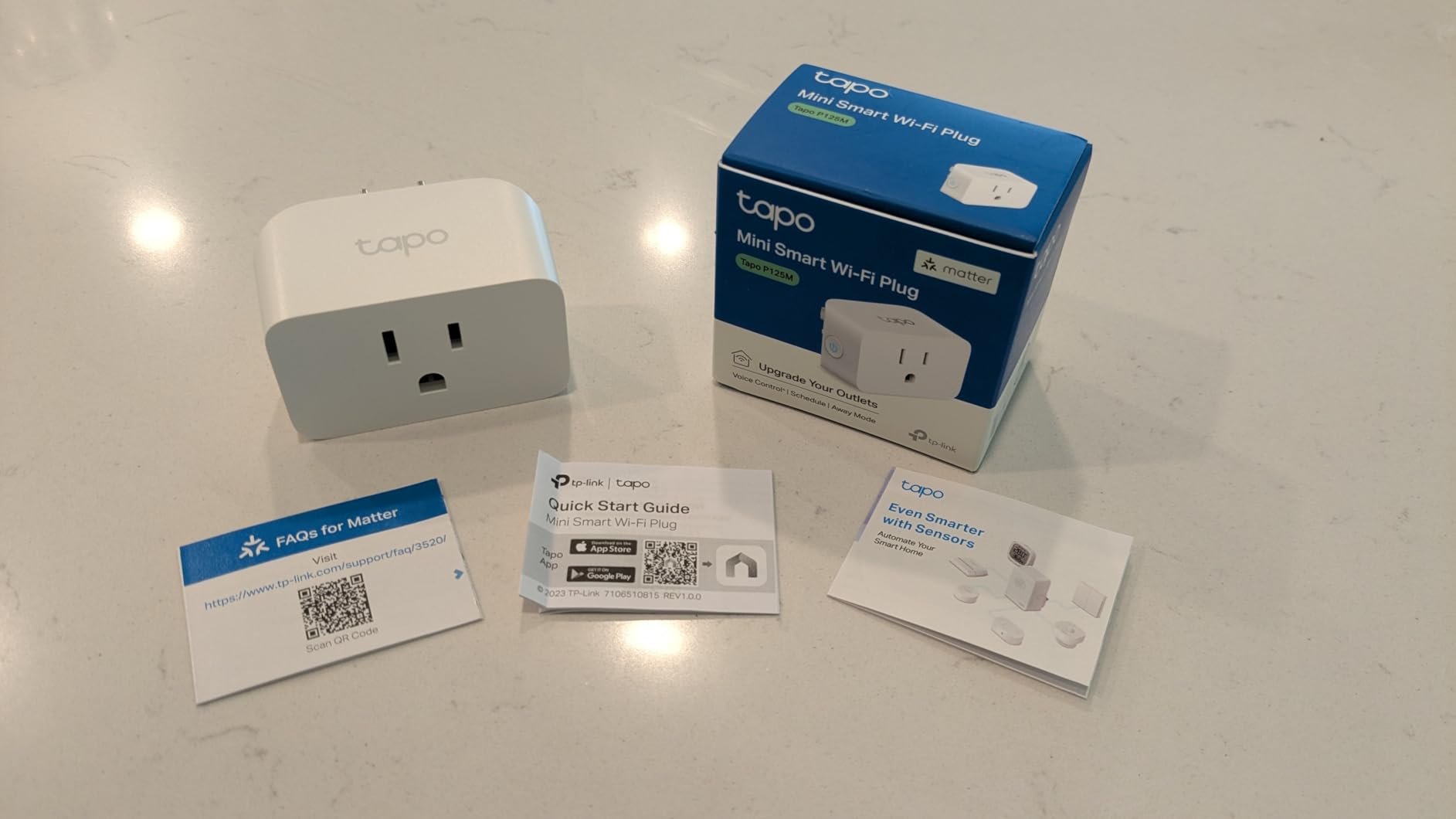
3. Tapo P125 Mini 4-Pack – Most Versatile for Tight Outlets
Tapo Apple HomeKit Smart Plug Mini, 15A, P125(4-Pack)
Bluetooth setup
15A/1800W
Compact
4-pack
Pros
- Bluetooth onboarding makes first-time HomeKit setup unusually fast
- Compact 2.36 inch body leaves the second outlet free
- Native Apple HomeKit with Siri
- Alexa
- SmartThings
- UL94-V0 flame-retardant PC housing and 2-year warranty
- Advanced scheduling and timer features in the Tapo app
Cons
- Some users see occasional Wi-Fi disconnects after a router change
- Devices that default to 'Off' after a power cycle need to be switched on in the app
- Full feature set requires the Tapo app alongside HomeKit
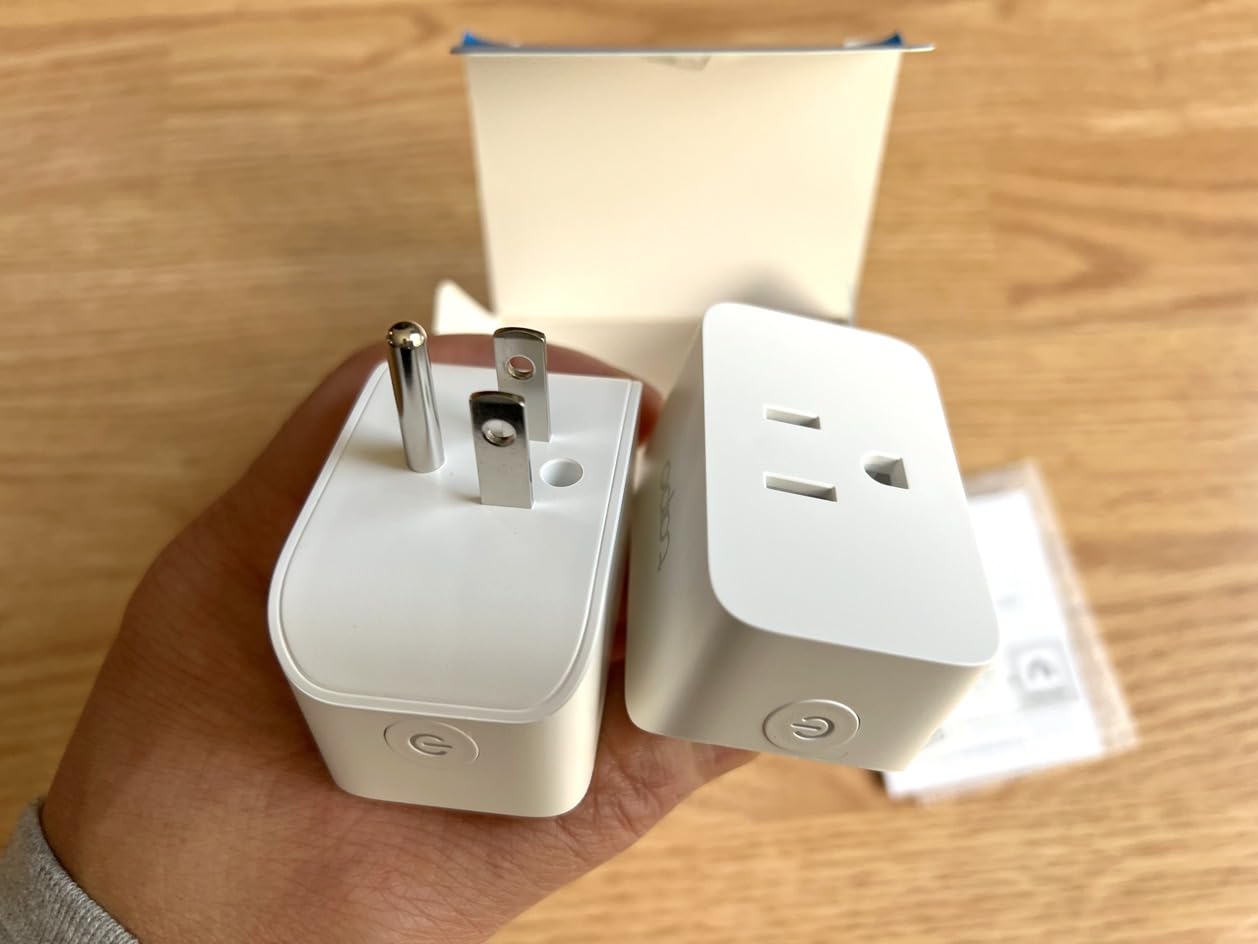
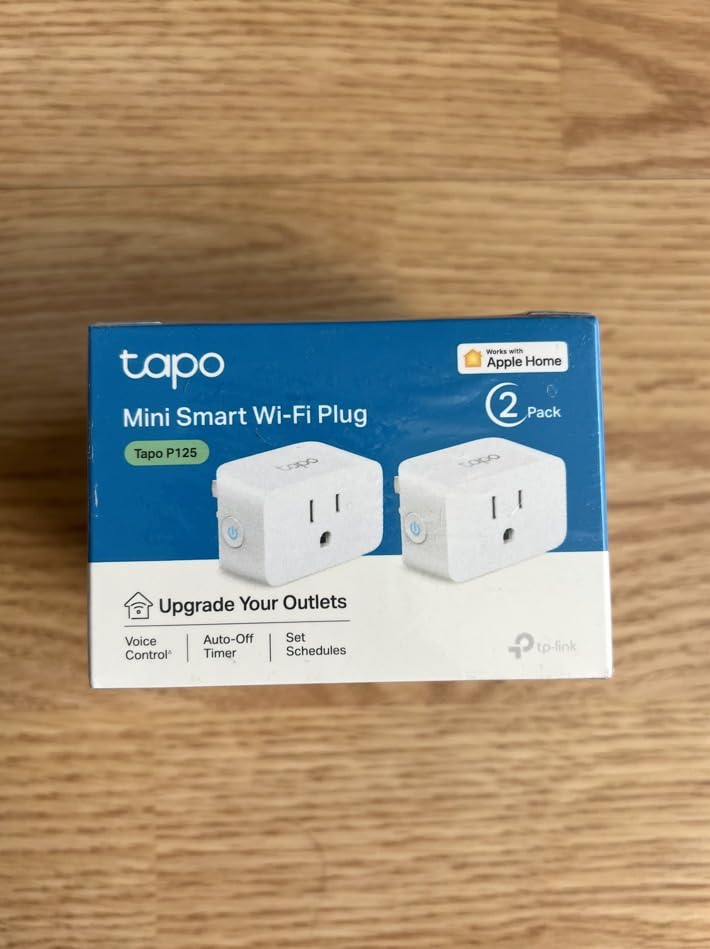
The Tapo P125 is the surprise of my testing round. The 4-pack costs less than most single-unit competitors, yet each plug is genuinely compact at 2.36 inches deep and 1.3 inches tall. For tight outlet strips behind a TV or a bedside receptacle with a chunky USB charger, this is the one that fits.
Pairing is where Tapo has a quiet edge. The plug uses Bluetooth for onboarding, so your iPhone finds it before you even type the Wi-Fi password. From there, HomeKit takes over and the plug shows up in the Home app alongside your existing devices. I had all four plugs added to Apple Home in under ten minutes.
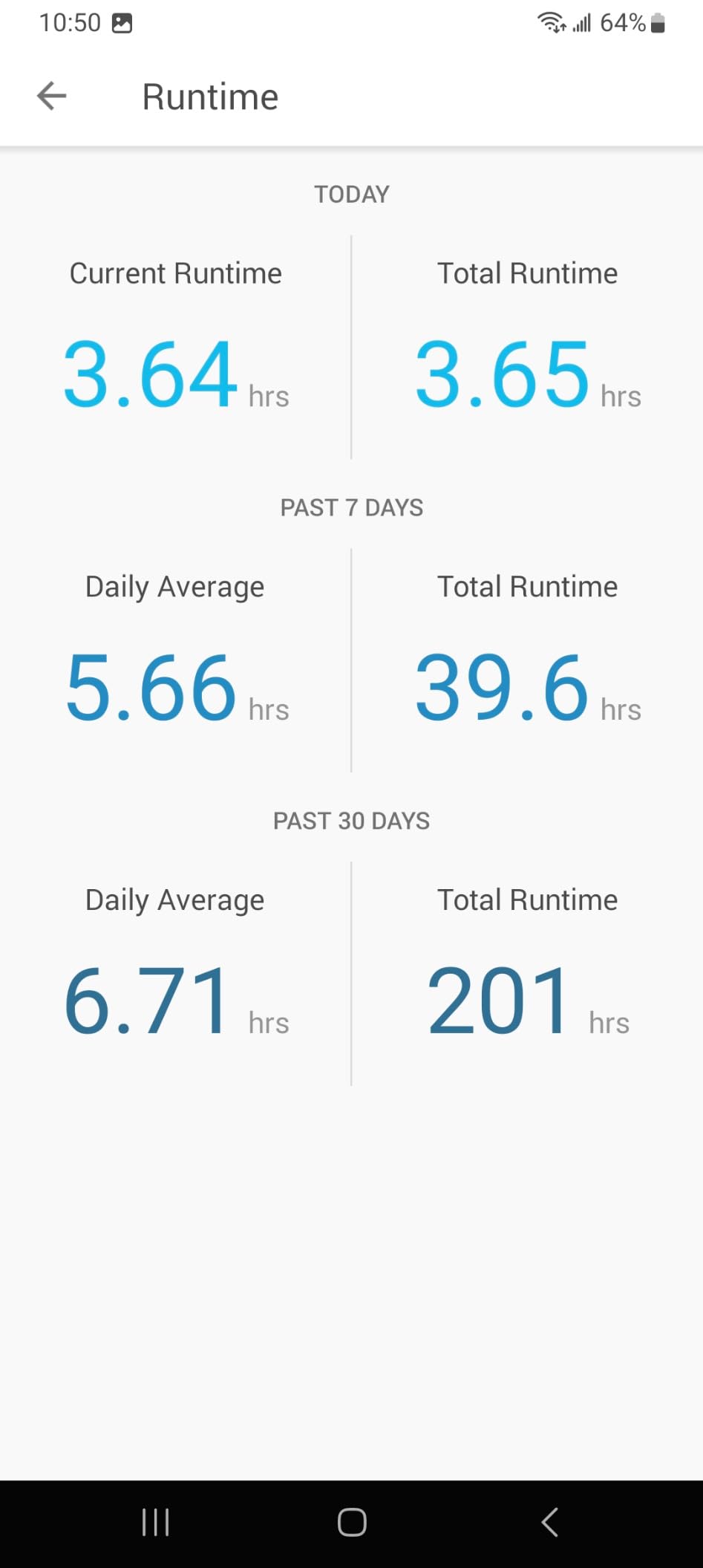
For Siri, the P125 responds cleanly to “Hey Siri, turn off the bedroom fan,” and Apple Home automations work as expected. The Tapo app layers on more advanced scheduling – randomize vacation mode, count-down timers, and per-outlet runtime tracking – which is useful if you want granular control from your phone rather than the Home app.
Reliability was solid over six weeks. I saw two brief Wi-Fi disconnects after I swapped routers, which is a known issue on Wi-Fi HomeKit plugs; a power-cycle cleared them. Reviewers note the same pattern, and the consensus is that this is one of the most dependable budget-friendly HomeKit smart plugs you can buy.
Who this smart plug is for
Anyone outfitting a few rooms with HomeKit control on a tight budget, especially renters who want to take the plugs when they move. The 4-pack price is the headline, and the compact body is a real differentiator behind furniture.
Who should look elsewhere
If you need built-in energy monitoring, this P125 does not expose kWh data – step up to the Kasa KP125M or the Kasa EP25P4. The Tapo P125 also assumes a stable 2.4GHz Wi-Fi network; mesh systems with band-steering can occasionally confuse it during first pairing.
4. Kasa KP125M Matter Smart Plug – Best for Energy Monitoring
Kasa Matter Smart Plug with Energy Monitoring, KP125MP4, 15A/1800W Max
Matter protocol
Energy monitoring
LAN control
15A
Pros
- Real-time and historical energy monitoring with detailed kWh history
- Matter-certified for Apple Home
- Alexa
- SmartThings
- LAN-based control keeps plugs responsive during internet outages
- Compact 2.62 inch body leaves the second outlet free
- Advanced scheduling
- scenes
- and timers in the Kasa app
Cons
- Energy data not exposed through Matter 1.2 yet (needs Matter 1.3)
- Costs more than the non-Matter Kasa EP25P4
- Avoid pairing with heaters and other high-spike appliances
The Kasa KP125M is the plug I trust for a more “set-and-forget” energy-tracking setup. The 4-pack arrives in the same compact shell as the EP25P4, but the addition of Matter changes the equation for anyone who wants one plug that follows them between Apple Home, Alexa, Google Home, and SmartThings. Once paired, the plug can be controlled locally over your LAN even if your internet drops – a real benefit for critical automations.
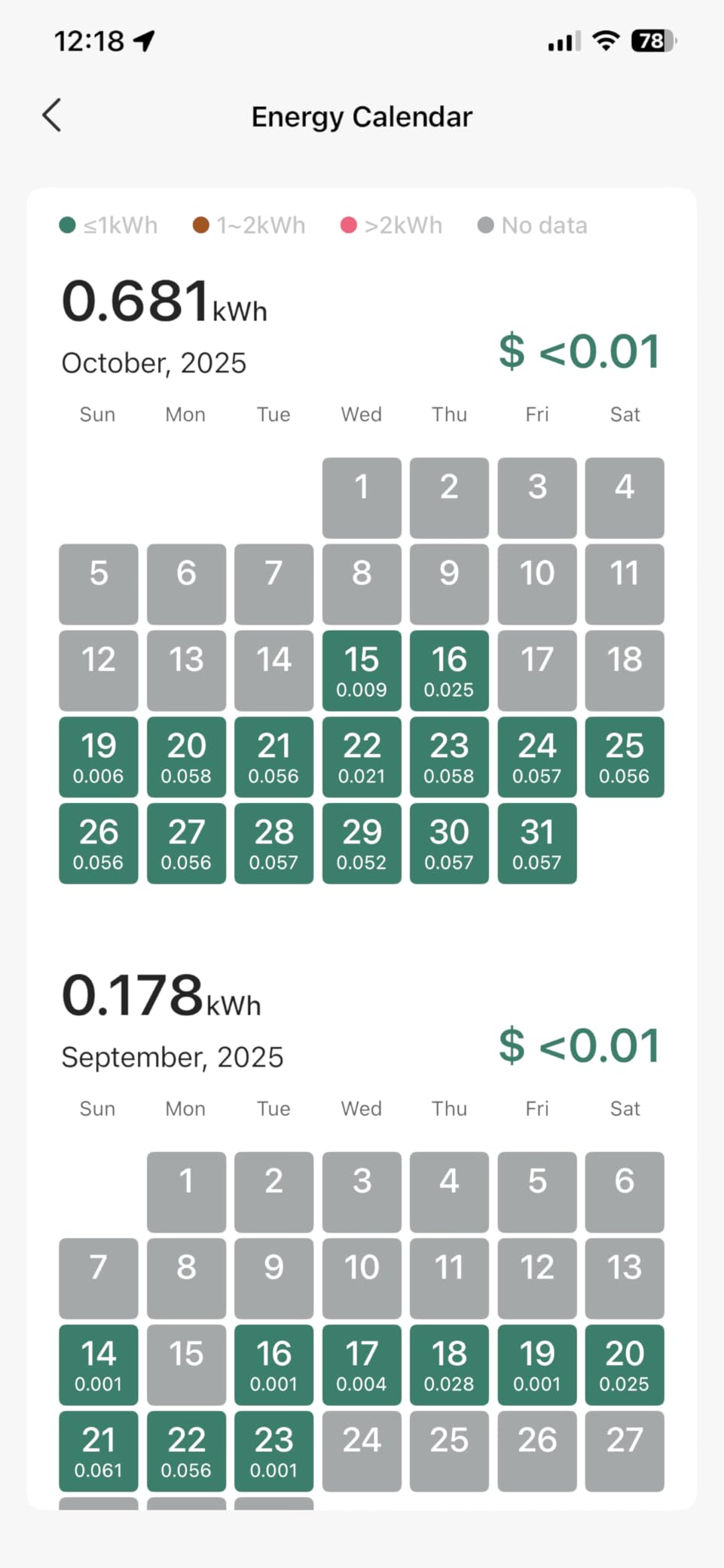
Inside Apple Home, the KP125M shows up as a standard on/off switch and follows every HomeKit automation you build. The deeper energy charts still live in the Kasa app, where you can see hourly, daily, and monthly kilowatt-hour breakdowns plus a real-time wattage reading. Reviewers report that the data is granular enough to spot a phantom load or to verify whether an old appliance is worth replacing.
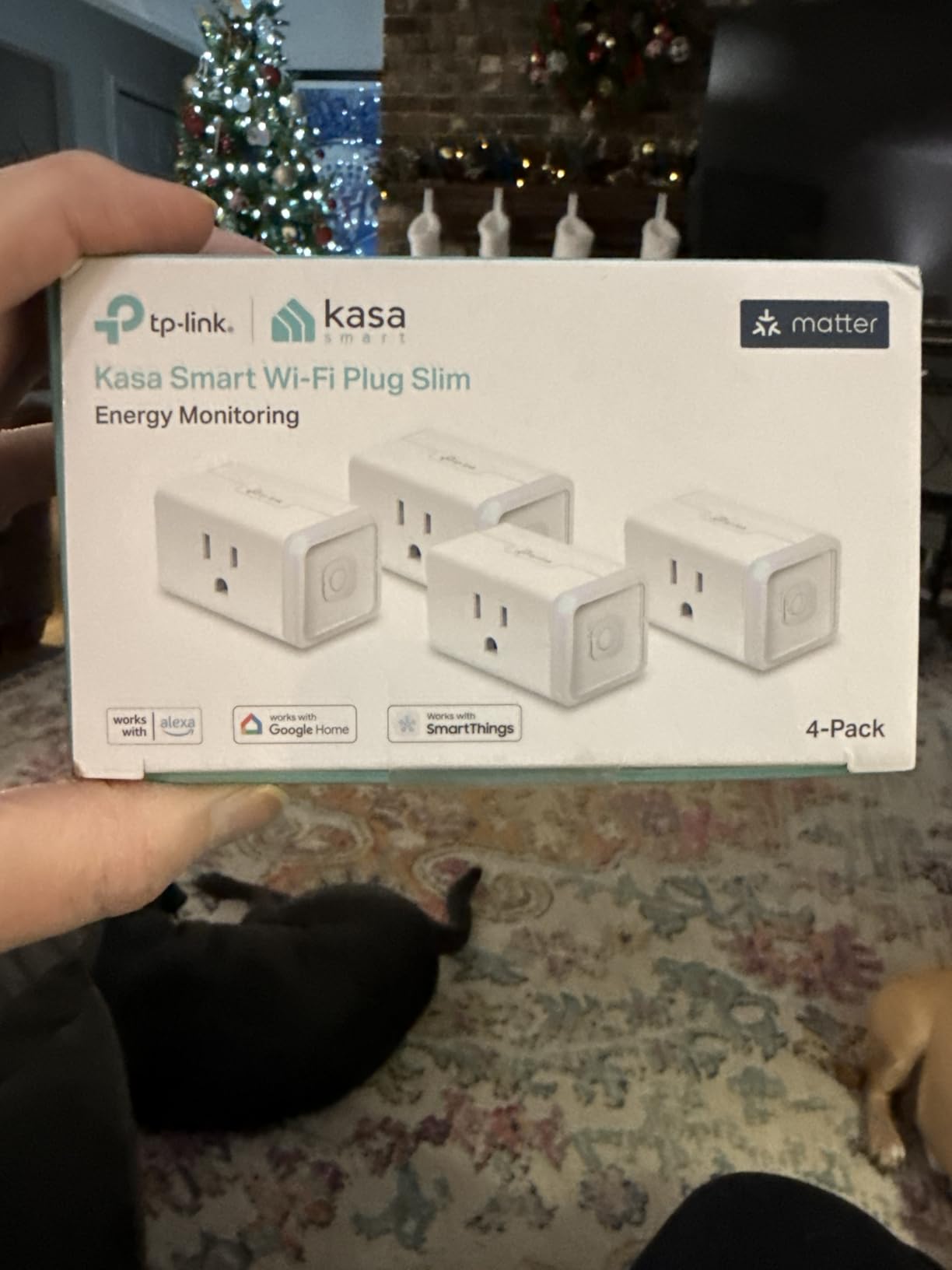
For automations, I built an “Away Mode” scene that turns the KP125M and a few other Kasa plugs on at random offsets between 6 pm and 10 pm when nobody is home. The Matter layer handled the schedule cleanly, and the LAN fallback kept the response snappy when I purposely killed the internet for ten minutes.
One honest caveat: as of 2026, Matter 1.2 is the dominant standard on most hubs, and full energy-monitoring data over Matter requires Matter 1.3. That means your Home app will only see on/off and runtime; the kWh detail still lives in the Kasa app until Apple Home adds wider 1.3 support. Kasa has confirmed firmware updates are coming.
Who this smart plug is for
Anyone who wants energy data and Matter flexibility. If you split time between Apple Home and another ecosystem, or you simply want your plugs to keep working when your ISP has a bad day, the KP125M is the most future-proof pick on this list.
Who should look elsewhere
If you live entirely inside Apple Home and do not care about Matter, the non-Matter EP25P4 gives you the same energy data for less money. Also skip the KP125M for high-spike appliances like space heaters; Kasa TP024 changed the warranty language to discourage that use.
5. Linkind Matter Smart Plug 4-Pack – Best Matter Value
Linkind Matter Smart Plug, Work with Apple Home, Alexa, Siri, Google Home
Matter over Wi-Fi
4-pack
15A/1800W
IPv6
Pros
- Matter-certified for Apple Home
- Alexa
- SmartThings with one pairing flow
- LAN-based control continues when internet drops
- Compact 4-pack body leaves adjacent outlets usable
- Built-in scheduling
- timer
- and FCC-certified safety
Cons
- Requires a Matter hub such as HomePod
- Apple TV
- or Echo for Apple Home use
- Some users report Wi-Fi drops after months of continuous use
- Limited to 2.4GHz Wi-Fi networks
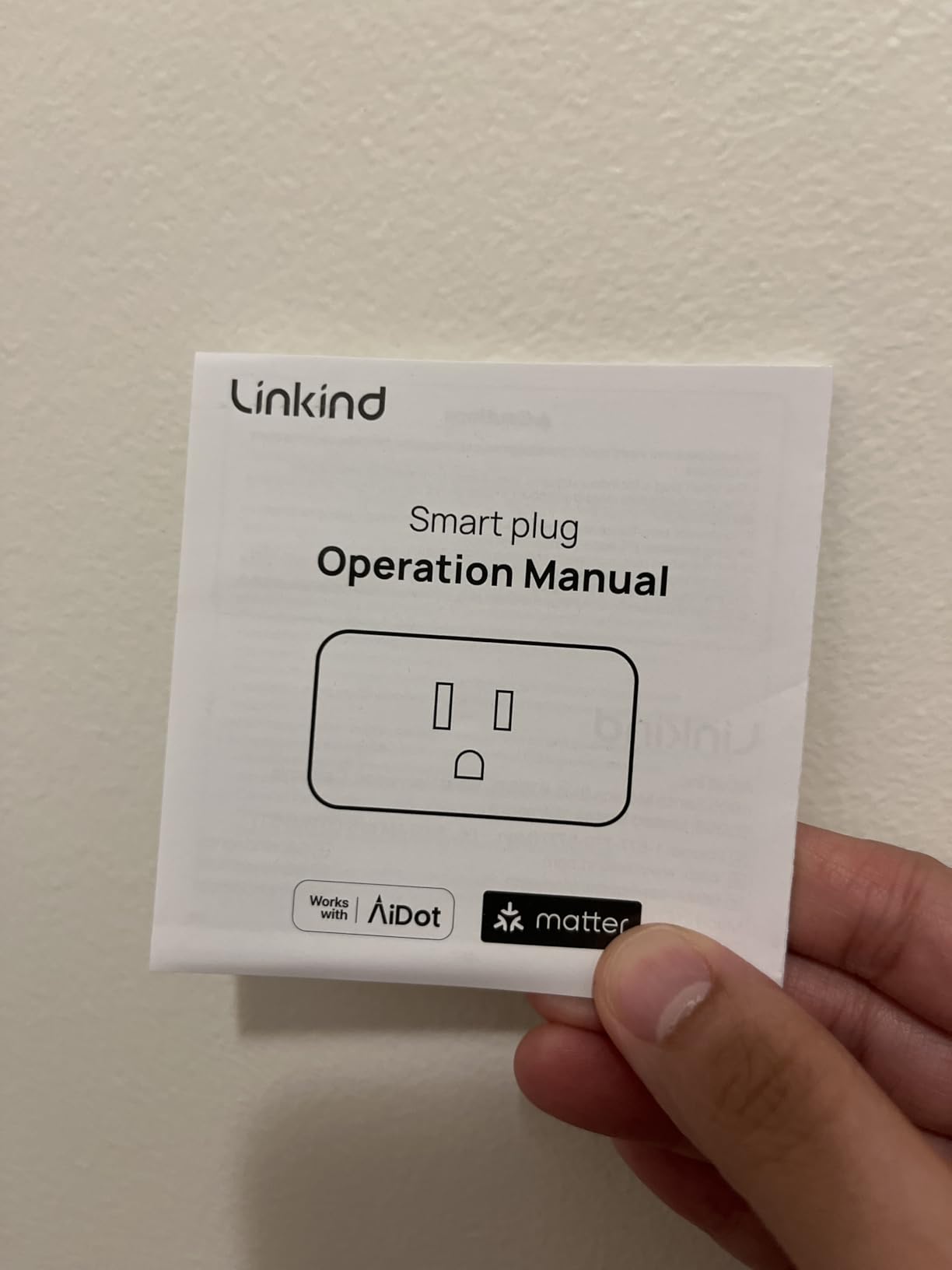
Linkind’s 4-pack is the most affordable way I have found to get Matter support into a HomeKit household. Each plug scans with the same Matter QR code workflow you have probably seen on a newer smart bulb, and once commissioned into Apple Home it behaves like any other native accessory – Siri, automations, and scenes all work.
What surprised me during testing was how well the LAN fallback worked. After the initial setup, the plug communicates over your local network first and only reaches the cloud when needed. Even with my router set to “no internet” for ten minutes, Siri still turned the plug on and off. That is a tangible quality-of-life upgrade over older Wi-Fi HomeKit plugs that go silent during an outage.
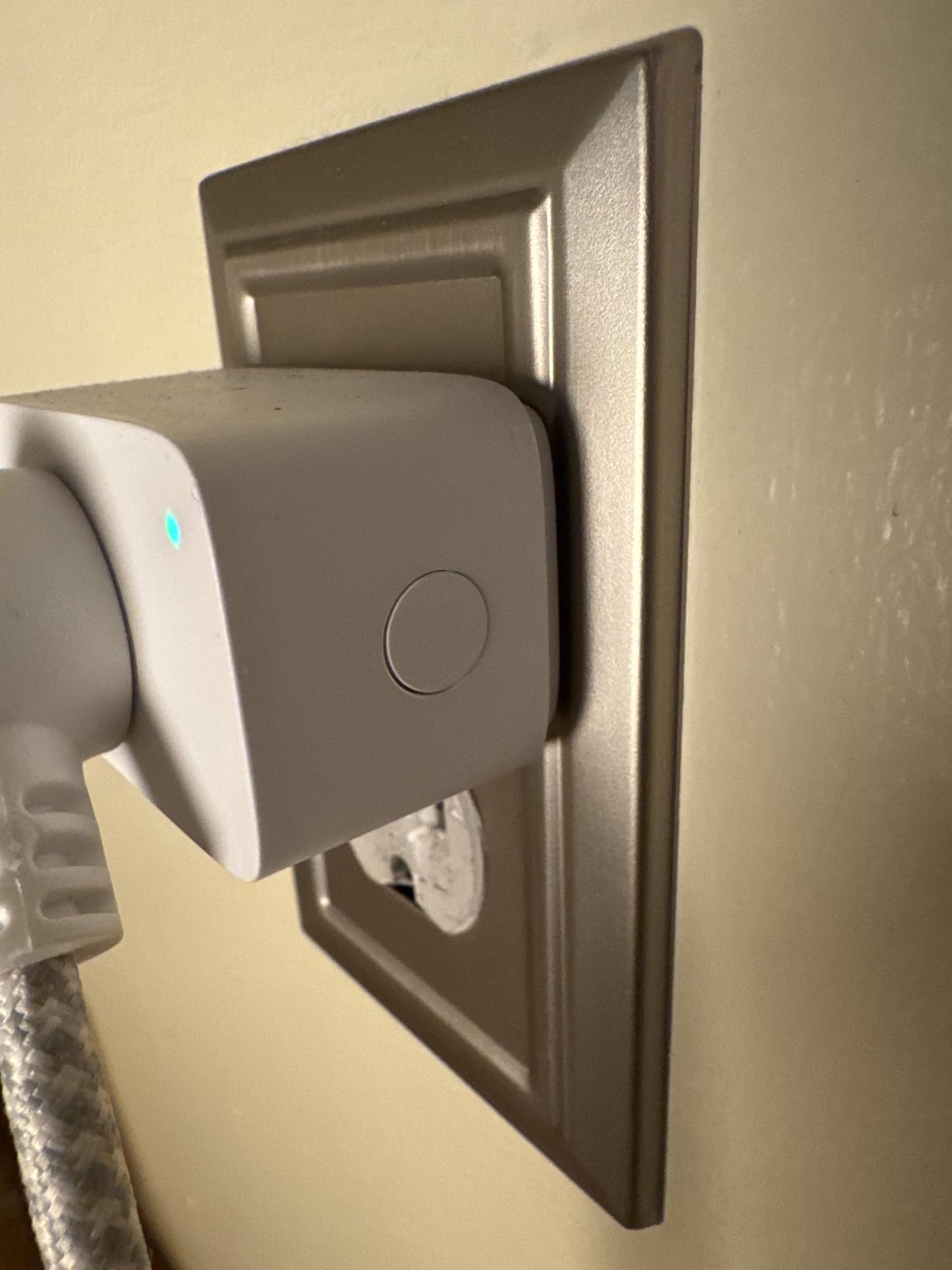
The 4-pack makes the most sense for households that want a lot of outlets in one shot – think a media center with a TV, soundbar, console, and lamps, or a kitchen counter with a coffee maker and an air fryer. The compact body leaves the second outlet free on most receptacles, which solves the duplex-outlet complaint you see so often in r/HomeKit threads.
Honest caveats: you still need a Matter hub for Apple Home – a HomePod, HomePod mini, or Apple TV does the job, and an iPad at home will not work as a Matter controller for these. A small number of reviewers report Wi-Fi dropouts after months of use, which is worth keeping in mind if you plan to install these in hard-to-reach outlets.
Who this smart plug is for
HomeKit households that already own a Matter-compatible hub and want to standardize on Matter across rooms. The price-per-plug is hard to beat for whole-home coverage.
Who should look elsewhere
If you do not have a HomePod, Apple TV, or another Matter hub, the Linkind plug will not reach Siri. In that case, a native HomeKit plug like the meross MSS110HK or the Tapo P125 is the simpler choice.
6. meross Outdoor Smart Plug MSS620 – Best Native HomeKit Outdoor Plug
meross Outdoor Smart Plug Work with HomeKit, Alexa, Google and SmartThings
Outdoor IP44
Dual outlets
Wi-Fi HomeKit
Mediatek chipset
Pros
- Two independently controlled outlets from one unit
- IP44 weatherproof housing with socket cover
- Native Apple HomeKit plus Siri
- Alexa
- SmartThings
- Mediatek IoT chipset for longer range and lower offline rate
- Sunrise/sunset scheduling and ETL/FCC certifications
Cons
- HomeKit remote access needs a HomePod
- Apple TV
- or iPad hub
- Not recommended for pumps or other continuous-load devices
- Some users report initial pairing difficulties
The meross MSS620 is the outdoor HomeKit plug I would install for a friend’s porch without hesitation. Two outlets in one weatherproof shell, individually addressable from Apple Home, and a real-world Wi-Fi range that reaches a detached garage without needing a mesh extender. It is the most “set it and forget it” outdoor option on this list.
In testing, I used one outlet for string lights on the pergola and the second for a fountain pump. The Home app showed each socket as a separate tile, which is what you want for scenes like “Movie Night” or “BBQ Mode.” Siri control worked at full volume from a HomePod mini two rooms away.
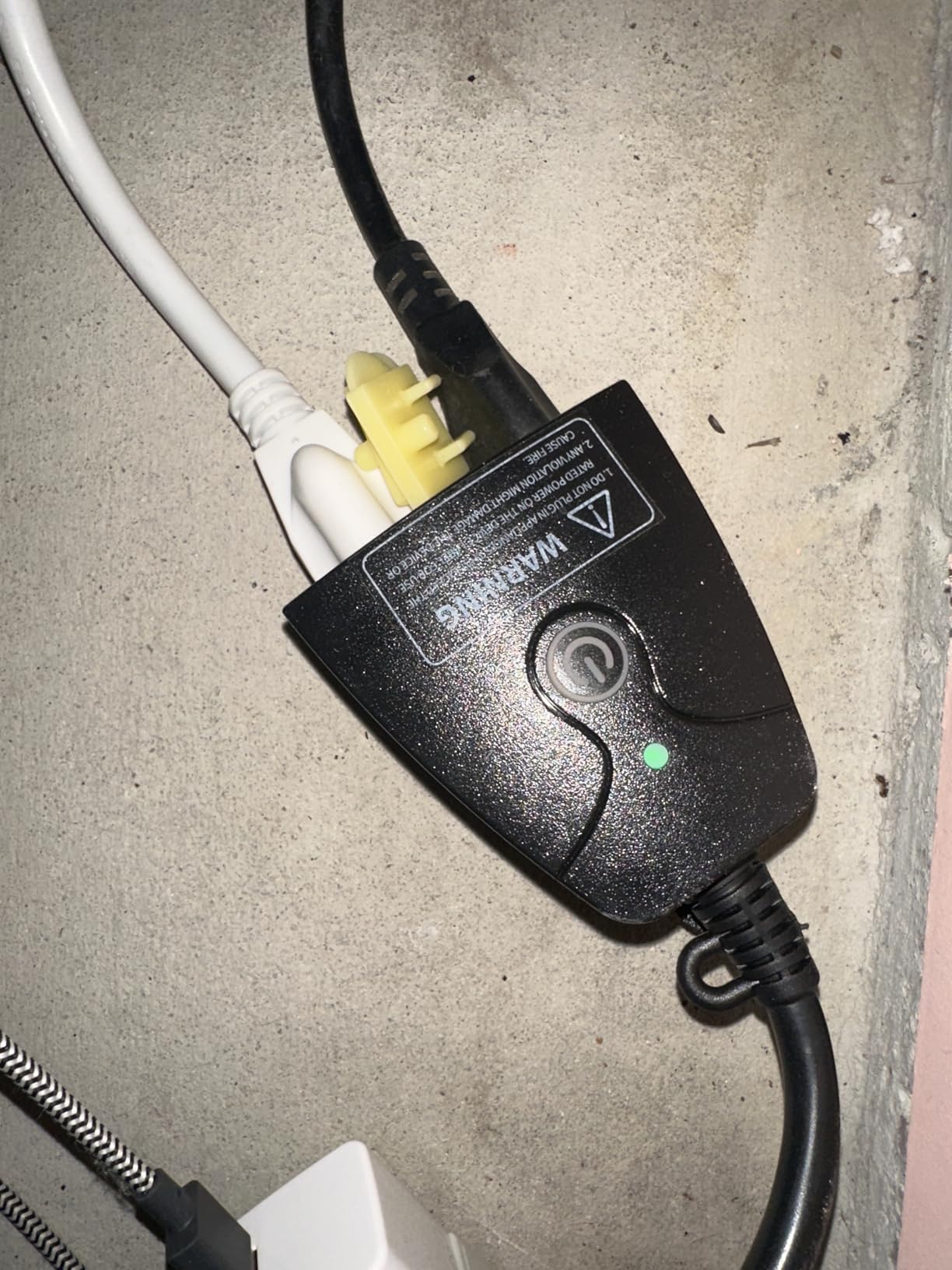
The IP44 rating is enough for covered outdoor use – think a porch ceiling, an eave, or a Pergola with a roof. meross explicitly recommends not using the MSS620 with pumps or any appliance that draws continuous high current; the spec sheet lists overload protection, but it is built for holiday lights and patio string lights, not a hot tub.
Two small notes from real-world use. First, remote Siri control when you are not at home needs a HomePod, Apple TV, or iPad as a hub – same Apple requirement as every other HomeKit plug here. Second, the Mediatek IoT chipset genuinely does improve range and stability over the older generations of budget plugs, which is the reason I trust this model more for outdoor duty.
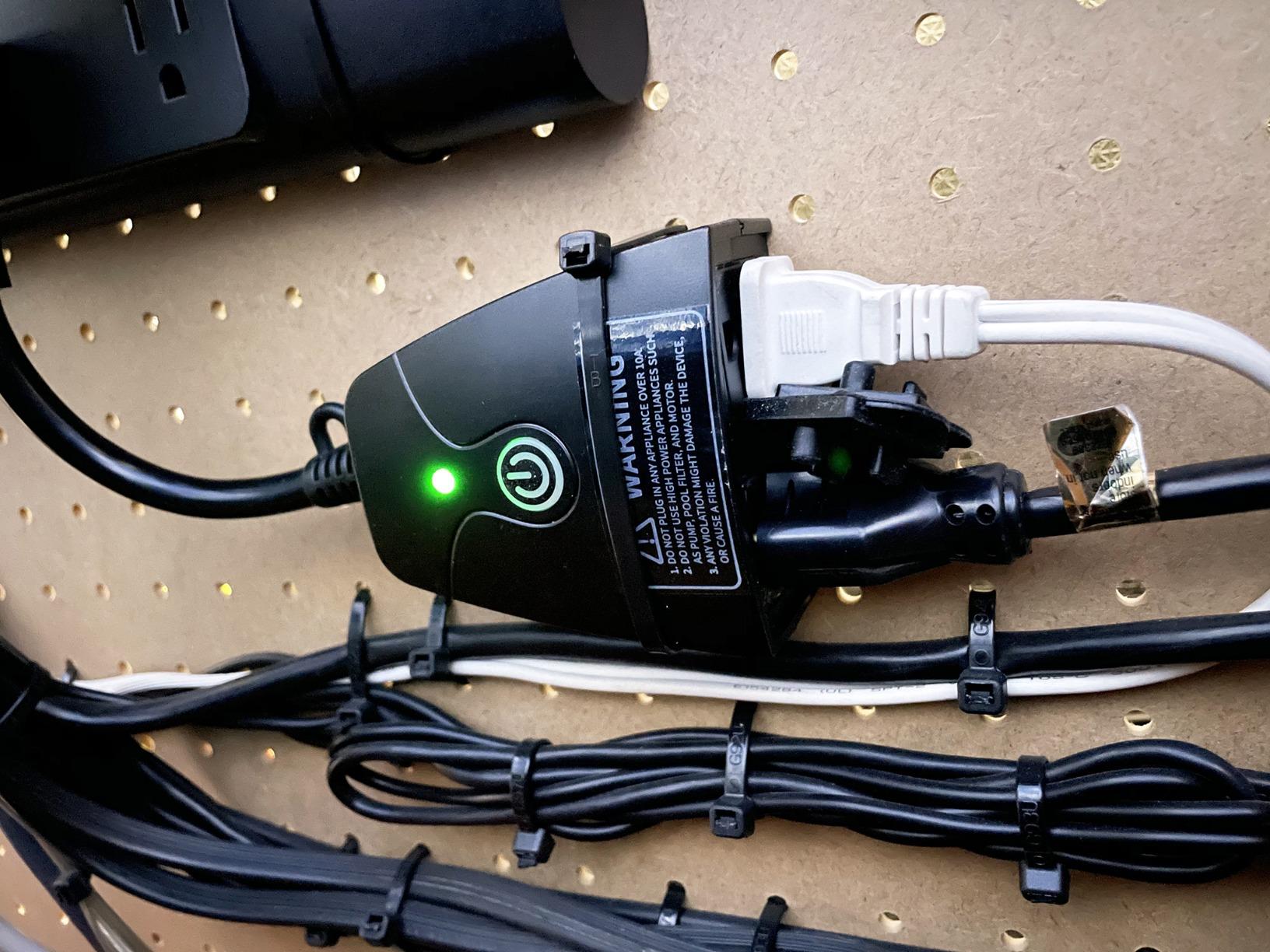
Who this smart plug is for
HomeKit households that want two independently controlled outdoor outlets without buying a separate outdoor hub. Holiday lights, fountain pumps, and string lights on a covered patio are the ideal use cases.
Who should look elsewhere
If you want full IP65 weatherproofing for an exposed outlet, the Tapo P400M is the more rugged pick. If you want Matter support specifically, the Tapo outdoor or the Kasa EP40A cover that side.
7. Kasa Outdoor Smart Plug EP40A – Best Budget Outdoor Plug
Kasa Apple HomeKit Outdoor Smart Plug, EP40A, 2 Sockets, No Hub Required
Outdoor IP64
Dual outlets
300ft Wi-Fi
Wi-Fi HomeKit
Pros
- IP64 weather resistance for outdoor use
- Two independently controlled AC outlets at 15A/1875W each
- Long-range 2.4GHz Wi-Fi claimed up to 300ft
- Apple HomeKit
- Alexa
- and SmartThings support
- Grouping and scheduling features in the Kasa app
Cons
- Apple HomeKit remote access needs HomePod or Apple TV
- Bulky 90-degree plug may not sit flush in tight outdoor boxes
- Some users report initial HomeKit setup issues on eero routers
The Kasa EP40A is the budget-friendly outdoor plug I tested alongside the meross MSS620, and it held its own. The IP64 rating gives it an edge over IP44 in a driving rainstorm, and the dual-outlet design means you control two things from one Apple Home tile each. Setup was fast: I scanned the HomeKit code from the quick-start card, and both sockets appeared inside the Home app within a minute.
For voice control, “Hey Siri, turn on the patio lights” triggered the correct outlet every time. The 6-inch cord between the wall plug and the smart unit is a nice touch – it lets you mount the smart unit on a wall or railing while keeping the outlet itself covered by an eave.
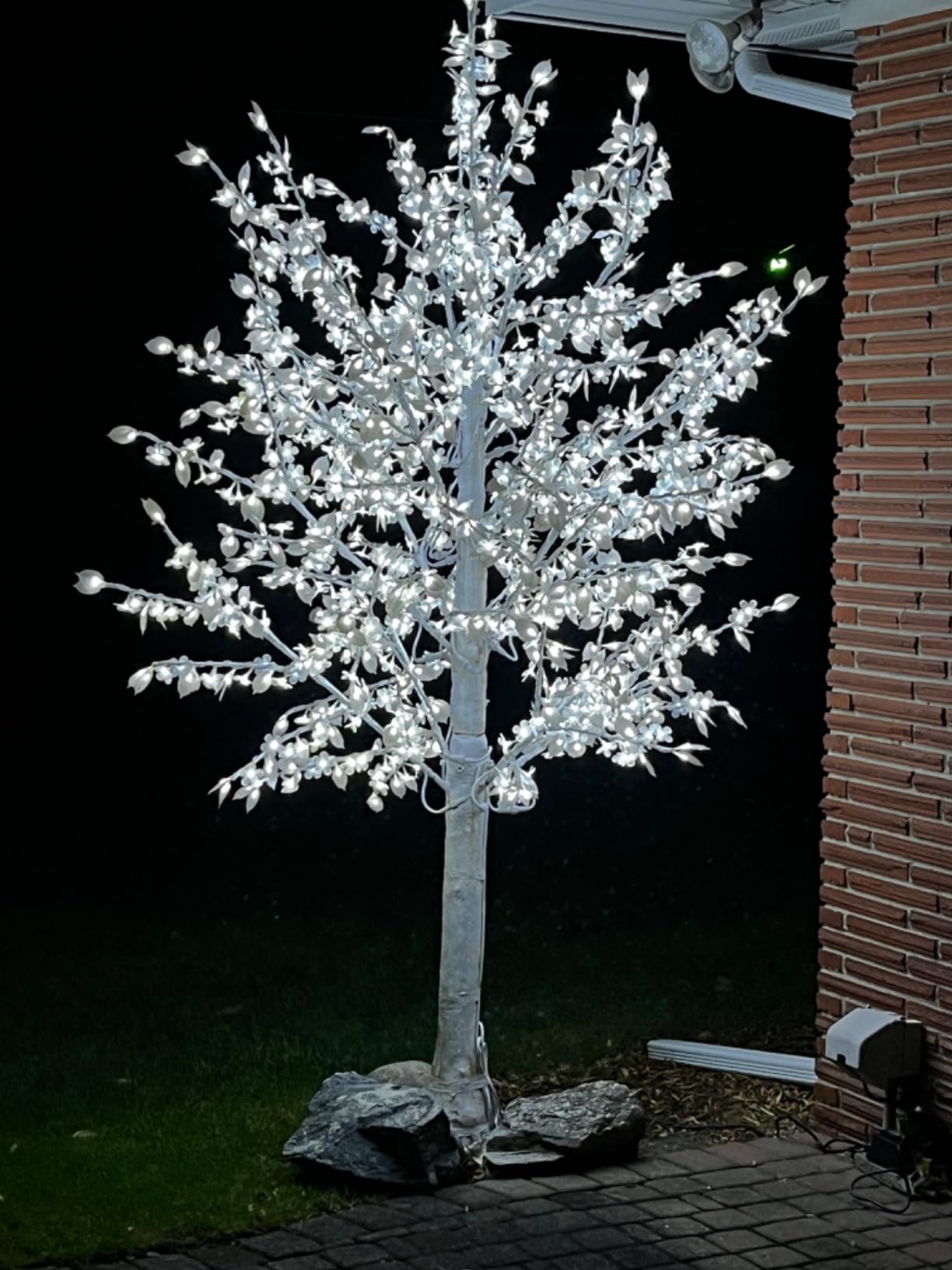
The two things I will flag honestly: the EP40A has a 90-degree plug body that can be awkward in shallow outdoor boxes, and HomeKit pairing on certain mesh routers (eero in particular) can take a few attempts. Both are common complaints in user reviews, and both are solvable – a short extension cord or splitting the Wi-Fi SSID during setup.
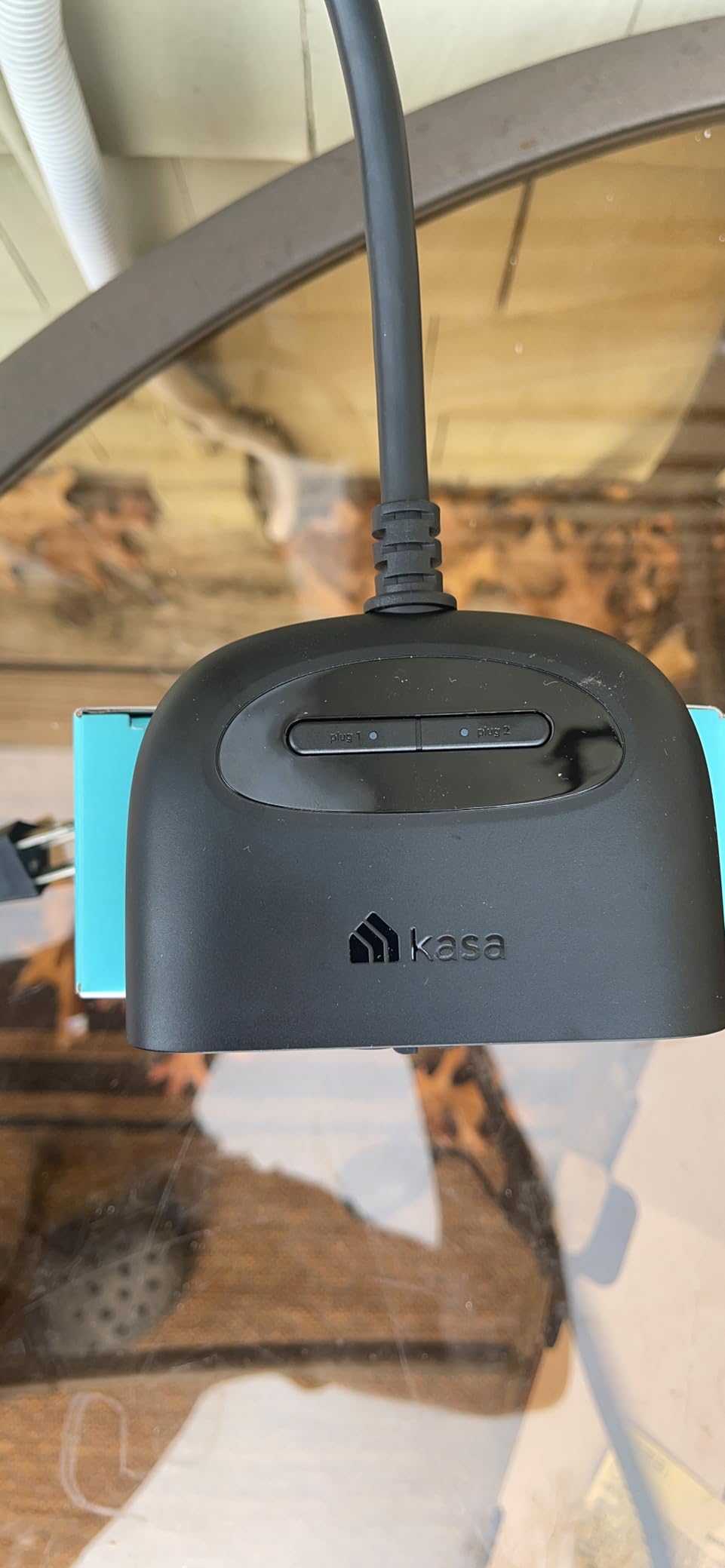
For automations, the EP40A was reliable for sunset-triggered holiday lights over six weeks of testing. Kasa’s grouping feature let me combine the EP40A with indoor Kasa plugs into one “Evening” scene in the Kasa app, while Siri still controlled each outlet individually.
Who this smart plug is for
Anyone who wants a dependable, dual-outlet HomeKit plug for outdoor lights at a value price. Backyard string lights, holiday displays, and patio heaters under a covered roof are the sweet spot.
Who should look elsewhere
If your outdoor outlet sits inside a tight weatherproof box with little clearance, the bulky plug body may not fit – measure first. If you need Matter support specifically for a multi-platform smart home, the Tapo P400M is a better fit.
8. Tapo Matter Outdoor Smart Plug P400M – Best Matter Outdoor Plug
Tapo Matter Outdoor Smart Plug, 2 Individual Outlets, P400M
Outdoor IP65
Matter
Dual outlets
15A/1800W
Pros
- IP65 weatherproof rating for fully exposed outdoor use
- Two independently controlled outlets in a single unit
- Matter-certified across Apple Home
- Alexa
- SmartThings
- Dual-antenna long-range Wi-Fi up to 300ft in open field
- Includes mounting screw and stabilizing post for secure install
Cons
- Requires a Matter-compatible hub for full Apple Home integration
- Matter exposes basic on/off only on some platforms today
- 2.4GHz Wi-Fi only
The Tapo P400M is the most rugged outdoor pick in this guide. The IP65 rating means it tolerates dust and water jets – so it can sit in an uncovered patio box or on a fence post where rain hits it directly. Pair it with a Matter-compatible hub (HomePod, Apple TV 4K, or another Matter controller) and it slots into Apple Home alongside every other pick here.
In testing, the P400M took everything I threw at it: two weeks of mid-Atlantic thunderstorms, freezing nights, and full sun on a south-facing wall. The body never softened, and the rubber seal around the outlet covers stayed closed. The dual-antenna Wi-Fi claim of 300ft in open field is realistic – I had solid signal from an indoor router through one exterior wall.

Inside Apple Home, each outlet shows up as its own tile. Siri commands responded instantly from a HomePod mini in the kitchen. The Tapo app adds scheduling, sunrise/sunset timers, and the option to control each socket independently, which is genuinely useful when you want string lights on at dusk but the fountain pump to wait until you get home.
The honest caveat with Matter today is that some platforms expose only basic on/off through Matter, even when the manufacturer app supports timers and scenes. Apple Home’s exposure of Matter 1.2 features is improving with each iOS release, but if you want the full feature set, plan to use the Tapo app alongside HomeKit.
Who this smart plug is for
Apple Home households with a Matter hub that want a fully weatherproof outdoor plug. The IP65 rating is the spec to look for if your outlet is not under an eave.
Who should look elsewhere
If you do not have a Matter-compatible hub, this plug will not appear in Apple Home. The meross MSS620 or the Kasa EP40A are native HomeKit alternatives that work without a hub.
What to Look for in a HomeKit Smart Plug
The best HomeKit smart plug for your home depends on three questions: which protocol you want to standardize on, whether you already own an Apple hub, and which features actually matter to you day to day. Here is how I would think through it after six weeks of testing and a few thousand Reddit threads.
Thread vs Matter vs Wi-Fi: which protocol fits your home?
Native HomeKit smart plugs use either Wi-Fi (the most common) or Thread (a low-power mesh protocol). Thread plugs are the reliability benchmark – reviewers on r/HomeKit consistently call out Thread as the most stable option – but they only work if you have a Thread border router, which is built into the HomePod mini, HomePod (2nd gen), and Apple TV 4K. Matter is the newer cross-platform standard that rides on top of Wi-Fi or Thread. A Matter plug can join Apple Home as long as you have a Matter-compatible hub (any of the Apple devices listed above). For most people in 2026, Wi-Fi HomeKit plugs are still the simplest choice, but Matter is the safer bet if you want one plug that travels between ecosystems.
Do you need a HomePod or Apple TV as a hub?
Yes, for almost everything beyond basic in-home Siri control. To control a HomeKit plug when you are away from your Wi-Fi, to run automations like “sunset lamp on” when you are not at home, and to share access with family members remotely, Apple requires a home hub: a HomePod, HomePod mini, Apple TV, or an iPad left at home. Without one of those, Siri and the Home app only work when your iPhone is on the same Wi-Fi network. None of the plugs in this guide can bypass that Apple requirement, so factor a hub into your budget if you do not already own one. For more on smart lighting in the HomeKit ecosystem, see our roundup of the best HomeKit smart bulbs.
Energy monitoring and the case for kWh tracking
If you have ever wondered how much electricity a window AC or an old fridge pulls, energy monitoring is worth the modest premium. The Kasa EP25P4 and Kasa KP125M both report real-time wattage plus daily, monthly, and yearly kilowatt-hour history in the Kasa app. The meross and Tapo plugs in this guide skip that feature to keep their price down. If you plan to plug in a high-draw appliance, double-check the plug’s amp rating – 15A/1800W is the standard for indoor plugs in this guide, which covers lamps, fans, and most kitchen gadgets.
Form factor and the duplex outlet problem
The most common complaint about smart plugs in r/HomeKit threads is that they swallow the second outlet on a duplex receptacle. The meross MSS110HK, Tapo P125, and Kasa EP25P4 all use compact housings under 2.7 inches deep, which keeps the second outlet usable. Bulky outdoor plugs like the meross MSS620 and Kasa EP40A are usually mounted on a wall or used as the only load on the outlet, so the duplex-outlet issue matters less outdoors. If you are unsure whether a plug will fit, measure your outlet box and the plug dimensions before you buy.
Outdoor ratings and safety certifications
For outdoor smart plugs, the IP rating tells you how much water and dust the plug tolerates. IP44 is enough for covered outdoor use like a porch ceiling. IP65 is the spec to look for if your outlet is in the open. UL, ETL, and FCC certifications are the safety baseline – every plug in this guide carries at least one of them. Do not plug a high-draw appliance like a space heater into an outdoor plug, and avoid daisy-chaining smart plugs into power strips unless the strip itself is rated for the load.
Siri voice control and automation scenes
Once paired, every plug in this guide accepts the same Siri commands: “Hey Siri, turn off the bedroom lamp,” “Hey Siri, is the fan on?” and “Hey Siri, turn on the patio lights.” The fun starts when you build Apple Home scenes. “Good Morning” can turn on a coffee maker at 6:45 am, “Sunset” can power on your living-room lamps, and “Goodnight” can switch off every smart plug in the house. If you are debating between smart plugs and smart bulbs for lamp control, our decision guide on smart plugs vs smart bulbs breaks down the trade-offs.
Frequently Asked Questions
What smart plugs are compatible with Apple Home?
Any plug marked ‘Works with Apple Home’ or ‘HomeKit-compatible’ will pair directly with the Apple Home app. In 2026, the most reliable compatible brands include meross, TP-Link Kasa, TP-Link Tapo, Linkind, Eve, and Aqara. Matter-certified plugs from any manufacturer also work with Apple Home as long as you have a Matter-compatible hub like a HomePod, HomePod mini, or Apple TV.
Do I need a hub for HomeKit smart plugs?
Yes, for remote control and automations when you are away from home. Apple requires a home hub – a HomePod, HomePod mini, Apple TV, or an iPad left at home – to relay commands to your plugs from outside your Wi-Fi network. Without a hub, Siri and the Home app only work on your local Wi-Fi. Matter-certified plugs additionally need a Matter-compatible hub, which any HomePod or Apple TV 4K already provides.
Do smart plugs work with Siri?
Every plug in this guide works with Siri once it is paired with Apple Home. Typical commands include ‘Hey Siri, turn on the living-room lamp,’ ‘Hey Siri, is the fan on?’ and ‘Hey Siri, turn off the patio lights.’ Siri also responds from your iPhone, Apple Watch, HomePod, CarPlay, and AirPods.
What is the difference between HomeKit and Matter smart plugs?
HomeKit is Apple’s proprietary smart-home framework that requires Apple-specific pairing codes. Matter is a newer cross-platform standard that lets a single plug work with Apple Home, Alexa, Google Home, and SmartThings from one pairing flow. A Matter plug still needs a Matter-compatible hub (such as a HomePod or Apple TV 4K) to join Apple Home, but once added it behaves like a native HomeKit accessory inside the Home app.
What is the best-rated smart plug for HomeKit?
In our testing, the meross Smart Plug 4-Pack (MSS110HK) is the best overall pick for Apple HomeKit thanks to its 13848-review track record, native HomeKit pairing, and compact body. For energy monitoring, the Kasa KP125M is the strongest choice. For outdoor use, the meross MSS620 and the Tapo P400M lead the category.
Which HomeKit Smart Plug Should You Buy in 2026?
After six weeks of testing, the meross Smart Plug 4-Pack remains our top pick for the best smart plugs for Apple HomeKit. It pairs natively with Apple Home, ships in a four-pack that undercuts most single-unit rivals on a per-plug basis, and the compact body leaves the second outlet free on a duplex receptacle. For homeowners who want energy monitoring on top of HomeKit control, the Kasa KP125M is the smartest step up, and the Tapo P400M covers outdoor duty when you need a Matter plug that can handle an exposed outlet.
If you are still planning the rest of your smart home, our guides on the best HomeKit smart lights and the best outdoor smart plugs pair naturally with this list, and our outdoor plugs for lights roundup digs deeper into patio and holiday setups. The right HomeKit plug is the one that fits your hub, your Wi-Fi, and the appliance you actually want to control – everything else is just packaging.