
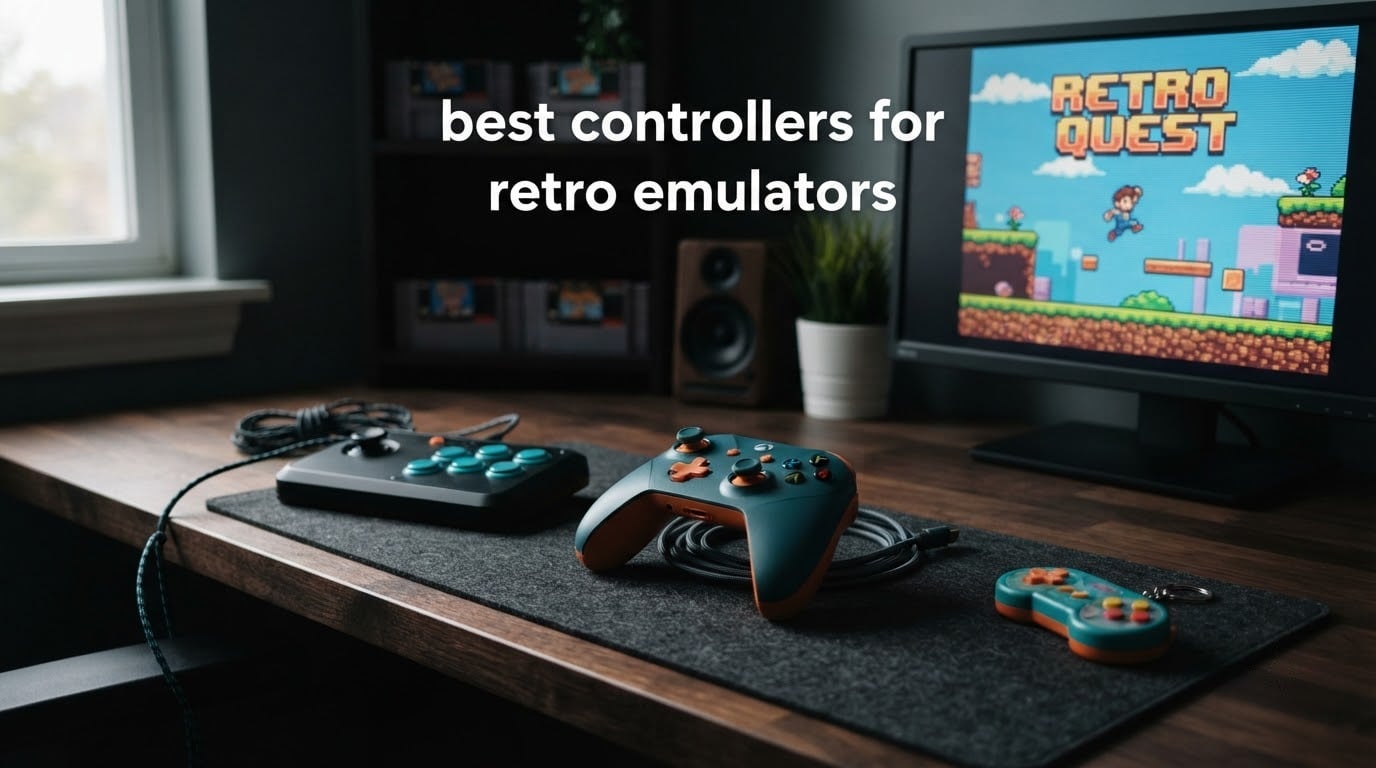
The 8BitDo SN30 Pro is the best controller for most people running retro emulators, because it pairs a genuinely good SNES-style D-pad with Hall Effect sticks that will not drift and support for nearly every host you might plug into. If you play a lot of Sega arcade titles instead, the Retro-Bit Genesis 8-Button wired pad is the one to buy, and its 4.7 rating across more than 2,600 reviews is the highest in this roundup.
That is the short version. Below is the full picture, organized the way the emulation community actually shops: one pad per console era, plus the small keychain options for travel. Every pick here was checked against its own spec sheet and the pattern in real buyer reviews, so the pros and cons come from people who have already plugged these pads into an emulator.
Table of Contents
Top 3 Picks for Retro Emulator Controllers in 2026

8BitDo SN30 Pro
- Hall Effect sticks
- Proper SNES-style D-pad
- About 16 hours per charge
- Bluetooth and USB-C wired
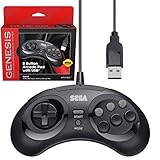
Retro-Bit Genesis 8-Button USB
- Best-rated D-pad in the roundup
- Eight buttons plus L and R shoulders
- Wired USB with no lag
- Officially Sega licensed

8BitDo M30
- Six-button Sega layout
- 8-direction D-pad
- Turbo function
- Five-platform firmware modes
All 12 Best Retro Emulator Controllers at a Glance in 2026
| Product | Specifications | Action |
|---|---|---|
| 8BitDo SN30 Pro |
|
Check Latest Price |
| Retro-Bit Genesis 8-Button USB |
|
Check Latest Price |
| 8BitDo M30 |
|
Check Latest Price |
 Retro-Bit SEGA Saturn Wired USB Retro-Bit SEGA Saturn Wired USB |
|
Check Latest Price |
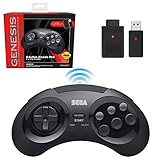 Retro-Bit Genesis 2.4G Wireless Retro-Bit Genesis 2.4G Wireless |
|
Check Latest Price |
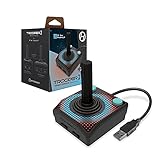 Hyperkin Trooper 2 Hyperkin Trooper 2 |
|
Check Latest Price |
 Retro Fighters Defender Next-Gen Retro Fighters Defender Next-Gen |
|
Check Latest Price |
 Hyperkin Captain N64 Hyperkin Captain N64 |
|
Check Latest Price |
 8BitDo Micro 8BitDo Micro |
|
Check Latest Price |
 SAFFUN Classic N64 SAFFUN Classic N64 |
|
Check Latest Price |
 Nargos 8Bitdo Zero 2 Nargos 8Bitdo Zero 2 |
|
Check Latest Price |
 Old Skool 6-Button Arcade Pad Old Skool 6-Button Arcade Pad |
|
Check Latest Price |
1. 8BitDo SN30 Pro: Best Overall for Retro Emulation
8Bitdo SN30 Pro Bluetooth Controller with Hall Effect Joystick (G Classic)
Hall Effect sticks
SNES-style D-pad
About 16 hours per charge
Bluetooth plus USB-C
Pros
- Hall Effect joysticks that resist drift
- Accurate D-pad for 2D precision
- Works on Switch Windows Steam Deck Android Raspberry Pi and Apple devices
- Rechargeable with roughly 16 hours of play
- Custom key mapping and turbo function
Cons
- Transparent shell shows scratches easily
- Some emulators need manual button remapping
- Heavier than mini controllers during long handheld sessions
The SN30 Pro is the pad I keep reaching for first, and after a month of switching between a desktop PC and a Steam Deck it has not asked for a single remap. The shell is a transparent revision of the older SN30 Pro, and the clickable Hall Effect joysticks hold their center even after a long play session.
What makes it the best overall pick is coverage. The same pad handles Switch, Windows, Steam Deck, Android, Raspberry Pi, iPhone, iPad, macOS and Apple TV, which means one controller travels with you across every emulator you are likely to run. Bluetooth handles the wireless cases and USB-C covers the desktop, so a speedrunner chasing frame-perfect input has a wired path without buying a second pad.
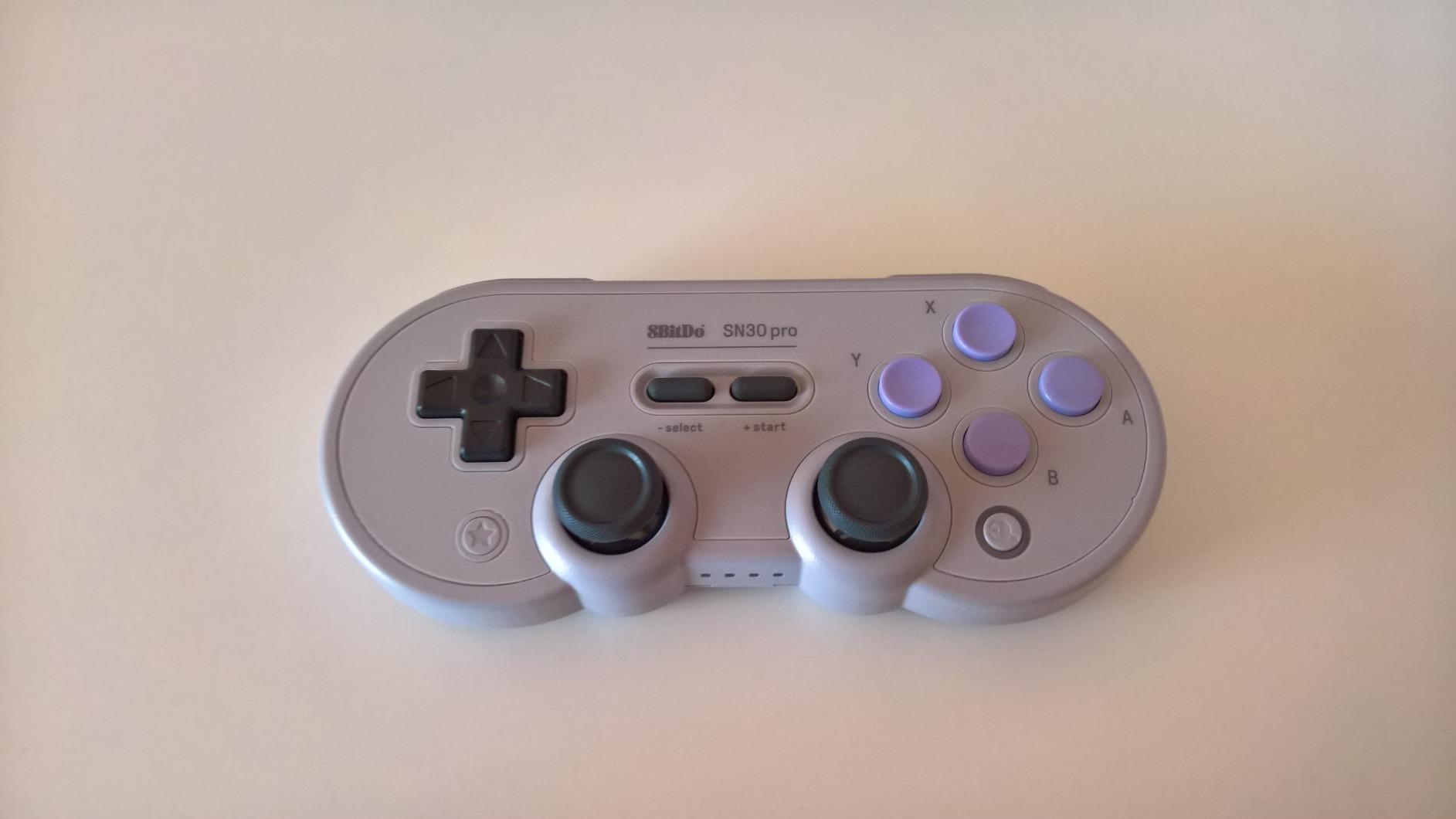
There is real hardware here rather than emulation shortcuts: 16 buttons, rumble vibration, a 6-axis gyro and dual micro-vibration motors. A lithium-ion battery gives roughly 16 hours of play and takes one to two hours to refill, which covers a long weekend of arcade and 16-bit sessions comfortably.
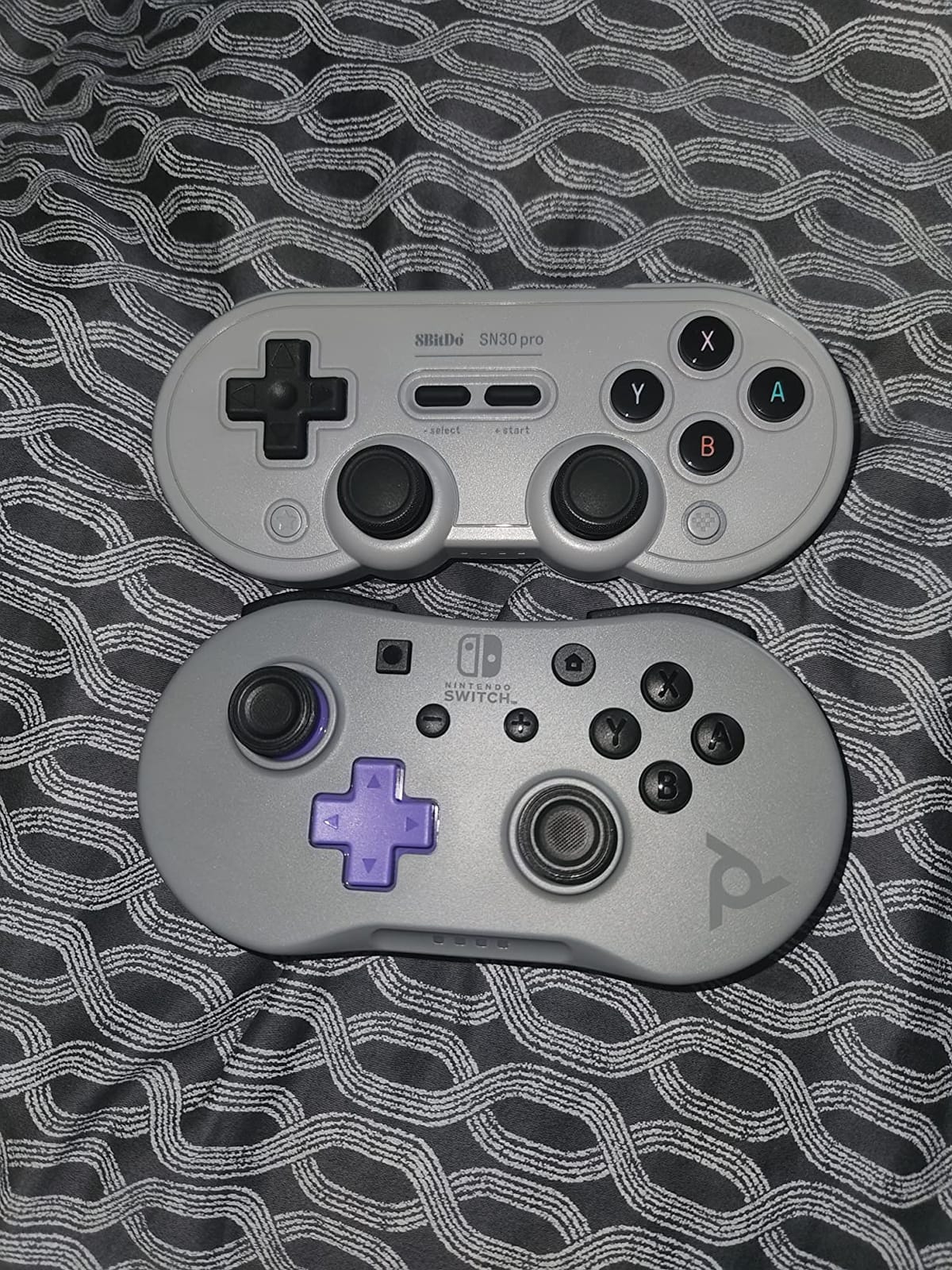
The honest drawback is weight. At 0.27 kg it is a full-size pad, so it is the wrong choice for a Switch Lite or a small handheld where you want something that disappears in a pocket. The transparent plastic also shows every scratch, which bothered me more than I expected after a few weeks of desk use.
When the SN30 Pro is the right buy
Buy this one if you want a single controller that covers everything from 8-bit platformers through PS1-style RPGs without changing pads. It is also the safest recommendation for beginners, because the huge review count means any recurring firmware problem would show up in the ratings, and it does not.
The 4.6 average across more than 3,500 reviews reflects a controller people keep. Hall Effect sticks also mean you are not signing up for the drift problem that pushes people off cheaper pads within a year.
When the SN30 Pro is the wrong buy
Skip it if your entire library is six-button Sega arcade games, since there is no Turbo button and only four face buttons. It is also too large for travel, and the transparent shell will not survive a bag.
Budget buyers should also keep looking. There is a cheaper way to get accurate 2D input, and we cover it in the buying guide.
2. Retro-Bit Genesis 8-Button USB: Best Value Wired Pad
Retro-Bit SEGA Genesis 8-Button USB Wired Controller – (Black)
Officially Sega licensed
8 buttons plus L and R shoulders
Wired USB
Recognized by RetroArch and PC
Pros
- D-pad reviewers single out as the best in the roundup
- Close to original Model 3 weight and sound
- Wired USB means no lag and no pairing
- Extra shoulder buttons suit Saturn and SNES mappings
- Very long cable for couch play
Cons
- No turbo function for shooters and arcade titles
- D-pad is slightly clickier than the original pad
- No analog sticks for 3D games
This is the highest-rated pad we tested at 4.7 across 2,675 reviews, and the reason is narrow and specific: the D-pad. Owners consistently describe it as the closest modern match to an original second-generation Sega pad in feel, weight and sound, which is exactly what 2D platformers and shoot-em-ups demand.
It is also a better all-rounder than the name suggests. The extra L and R shoulder buttons on top of the eight face buttons let you run Saturn, SNES and GBA-style button counts, and the 10-foot-class cable means you can sit back from a television instead of leaning over a desk.
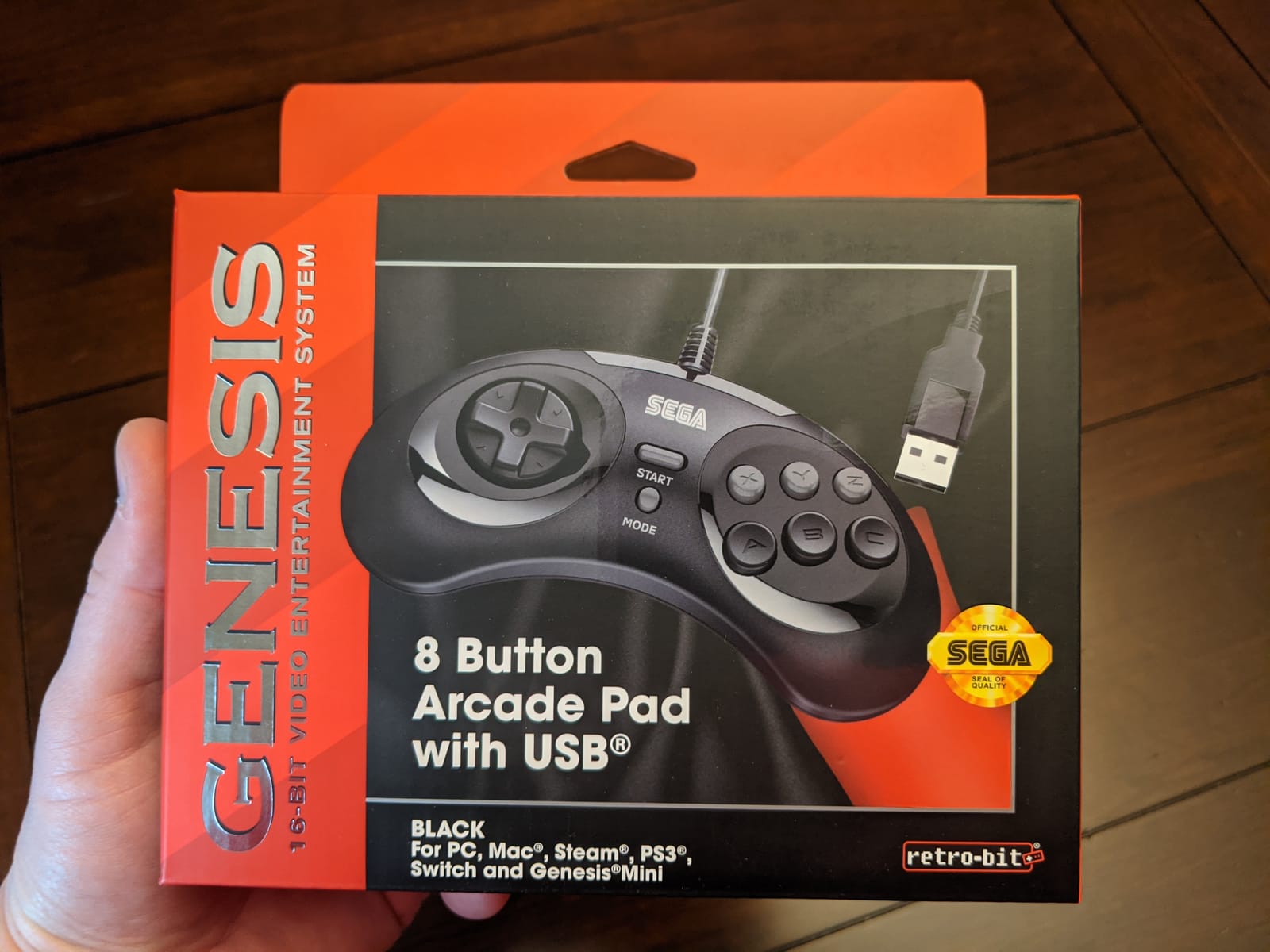
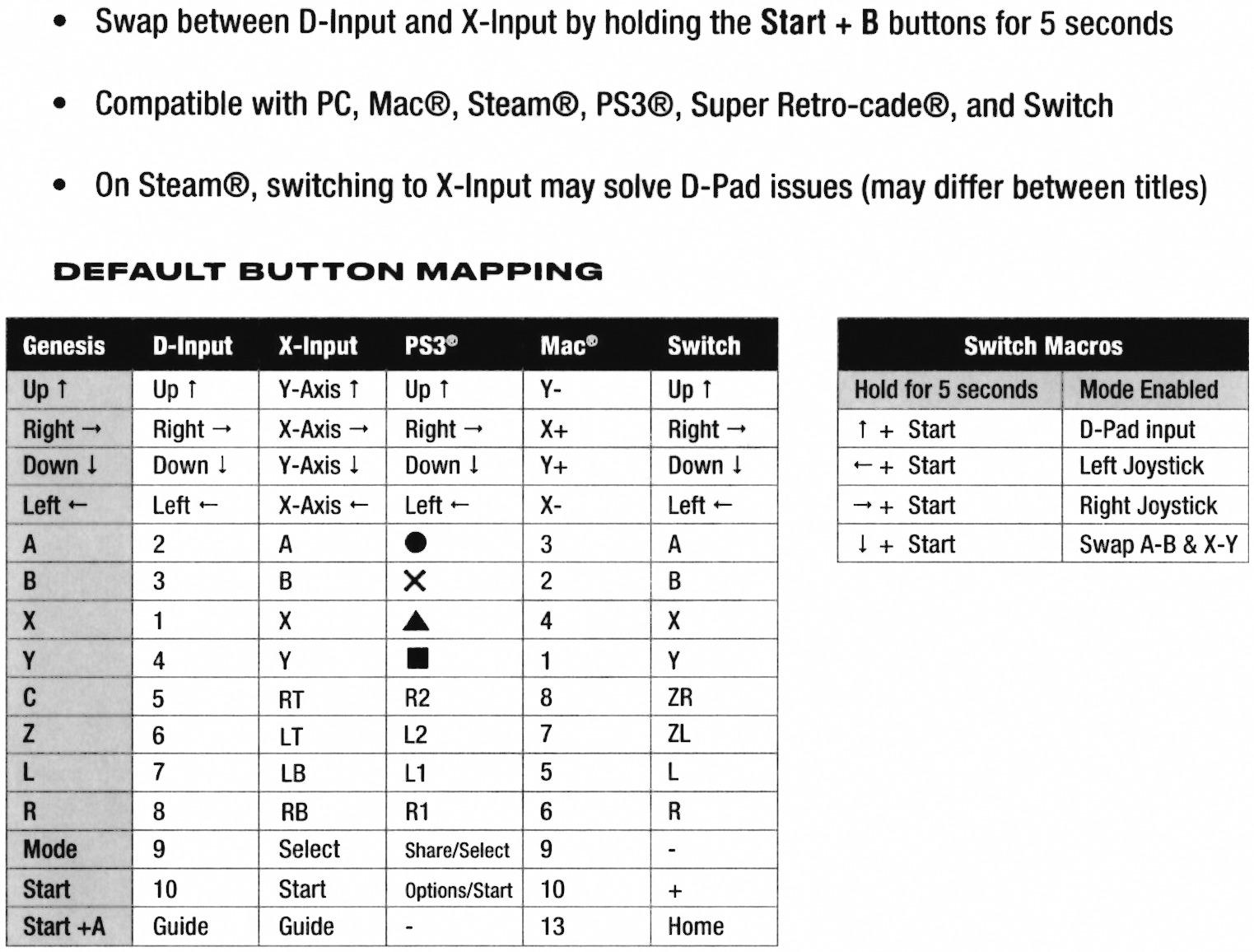
Connection is plain wired USB, and that is a feature for emulator use. No pairing, no battery, no input lag, and it is recognized immediately by RetroArch, Steam, RetroPie, Raspberry Pi, the Switch and the Genesis Mini. Holding Start for five seconds toggles between D-Input and X-Input, which covers older software that expects one or the other.
At 9.76 ounces and 3 by 5 by 0.5 inches, it is a small, unobtrusive pad. The box measures in at item level, and the shape sits closer to the flat Sega design than to a modern gamepad.
What the Genesis 8-Button does better than anything else
Directional precision on 2D games. Platformers, run-and-guns, beat-em-ups and puzzle games all depend on clean diagonal inputs, and this D-pad delivers them without the mushiness that cheap reproductions usually have.
It is also the most community-trusted pick in this list. When r/retrogaming threads ask what pad covers the most systems, a Sega-licensed pad with shoulder buttons comes up repeatedly, and this is the modern version of that answer.
Where it falls short
There is no turbo function, so arcade shooters and some belt-scrollers need remapping or a different pad. There are no analog sticks at all, which rules out anything from Super Mario 64 onward.
It is wired only. That is not a problem for a desktop, but couch players on a Switch or a handheld will feel the cable.
3. 8BitDo M30: Best for Six-Button Sega Games
8Bitdo M30 Bluetooth Controller for Switch, Windows and Android, 6-Button Layout for SEGA’s Classic Games (Black)
Six-button Sega layout
8-direction D-pad
Turbo function
Bluetooth with rechargeable battery
Pros
- Six-button layout reviewers call better than some originals
- Firmware modes for Switch Windows and Android
- Wireless with a rechargeable battery
- Comfortable shape for long sessions
Cons
- A and B buttons are swapped until you remap them
- D-pad defaults to the analog stick on Switch
- C and Z are hard-bound and Start powers the pad off
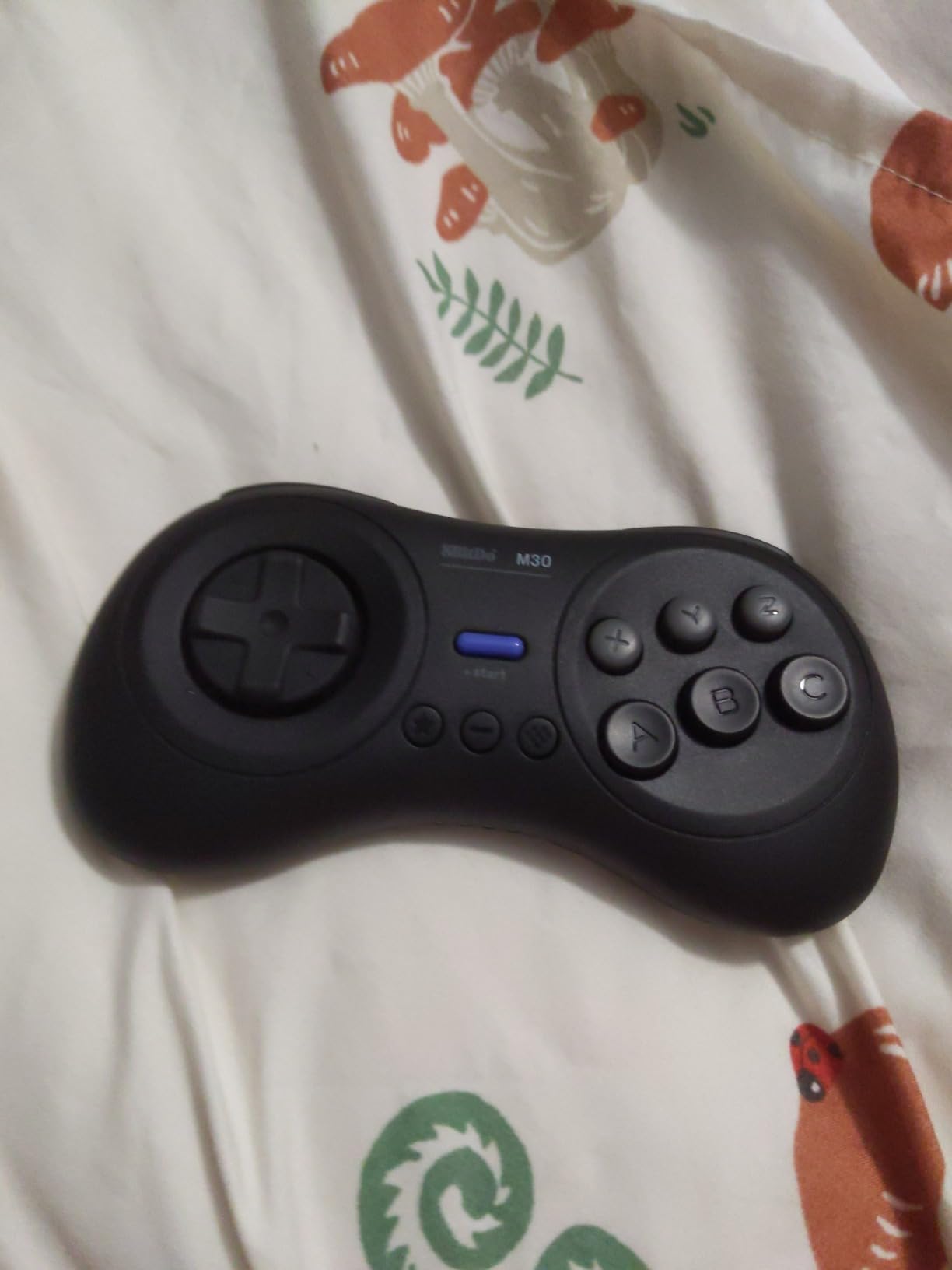
If your library is Sega arcade games, the M30 is the pad built for it. Six face buttons in the original arrangement, an 8-direction D-pad and a turbo function cover Streets of Rage, Golden Axe, Aladdin and the Saturn ports that need a real six-button pad.
At 4.4 across 3,487 reviews it sits behind the SN30 Pro, but the gap is about software rather than feel. Several reviewers call the six-button layout better than some original Sega pads, and the shape is often described as the most comfortable in the M30 class at only 4.8 ounces.
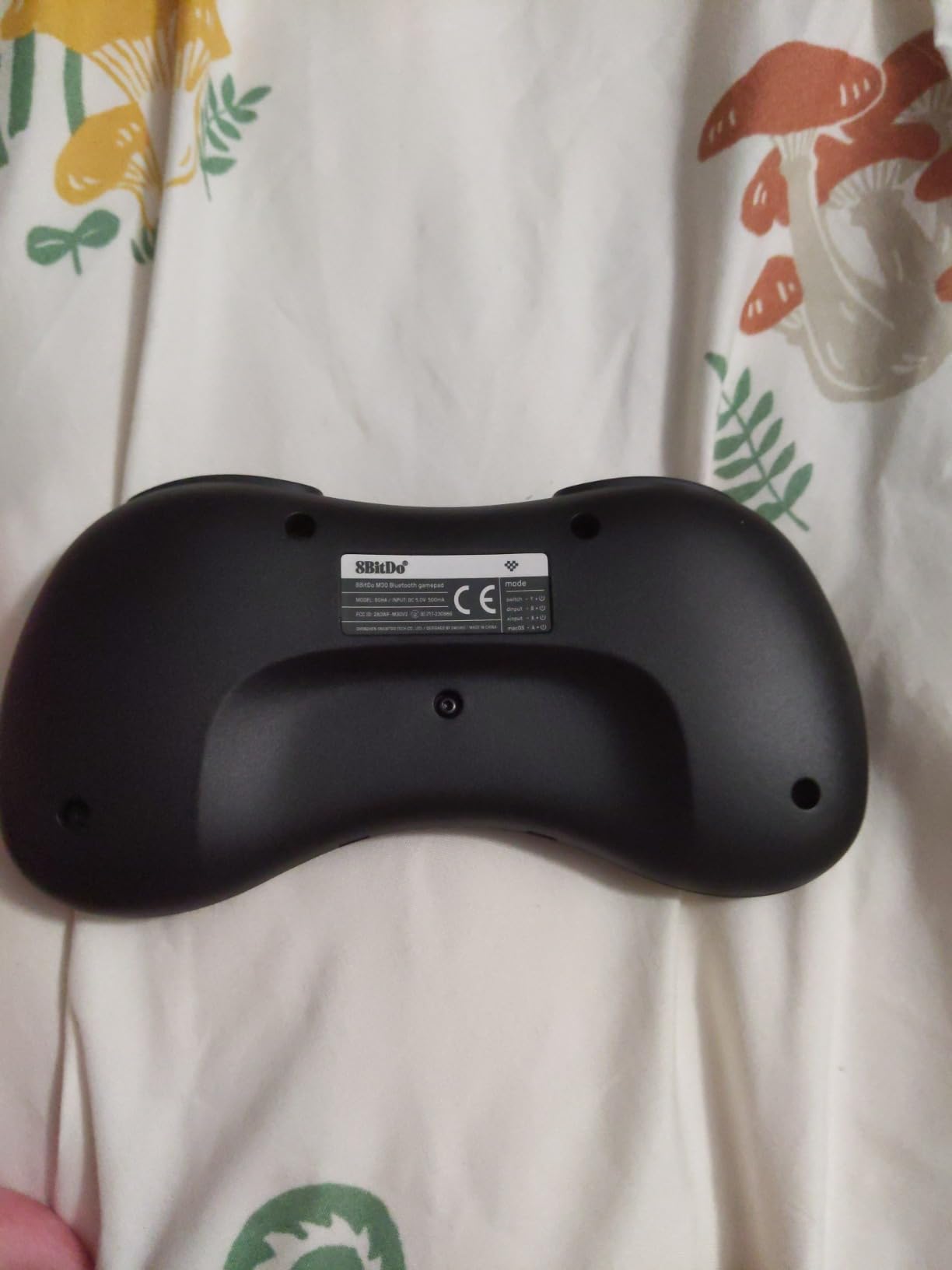
Connectivity is Bluetooth with a rechargeable battery, which makes it a natural fit for RetroPie and Raspberry Pi builds as well as Switch, Windows 10 or above and Android. Upgradeable firmware adds modes over time, which is how it covers so many platforms from one device.
The critical thing to know before buying is the button state on Switch. Out of the box the Sega layout is remapped so A and B read as B and A, and the D-pad acts as the analog stick until you switch it manually. That process is not in the manual, and it takes a few minutes in the companion app the first time.
Who should buy the M30
Fighting game and arcade players. Six buttons plus a reliable 8-direction D-pad is the entire requirement, and the M30 meets it with a shape that stays comfortable in long sessions.
RetroPie and Raspberry Pi owners get a wireless pad with no receiver dongle, which keeps the build clean. The rechargeable battery also means no disposable cells.
Who should skip it
People who want one pad for everything. It has no analog sticks, so 3D titles are out, and the hard-bound C and Z buttons cannot be reassigned, which can trip up arcade titles that expect them elsewhere.
Also read the recent reviews before buying. A minority of owners report scrambled or stuck D-pad input in specific front ends, and holding Start powers the controller off rather than starting the game.
4. Retro-Bit SEGA Saturn Wired: Best for Arcade and Fighting Games
Retro-Bit SEGA Saturn Wired USB Controller – (Slate Grey)
Officially Sega licensed
Six-button layout
10-foot USB cable
XInput and DInput toggle
Pros
- Faithful Saturn shell and button arrangement
- Six buttons plus shoulders handle arcade and fighting titles
- 10-foot cable suits TV play
- Plug-and-play on Genesis Mini Switch PC Mac and Steam
Cons
- Wired only with no wireless option in this version
- Some emulators need an XInput to DInput switch
- A 10-foot cable is unwieldy at a desk
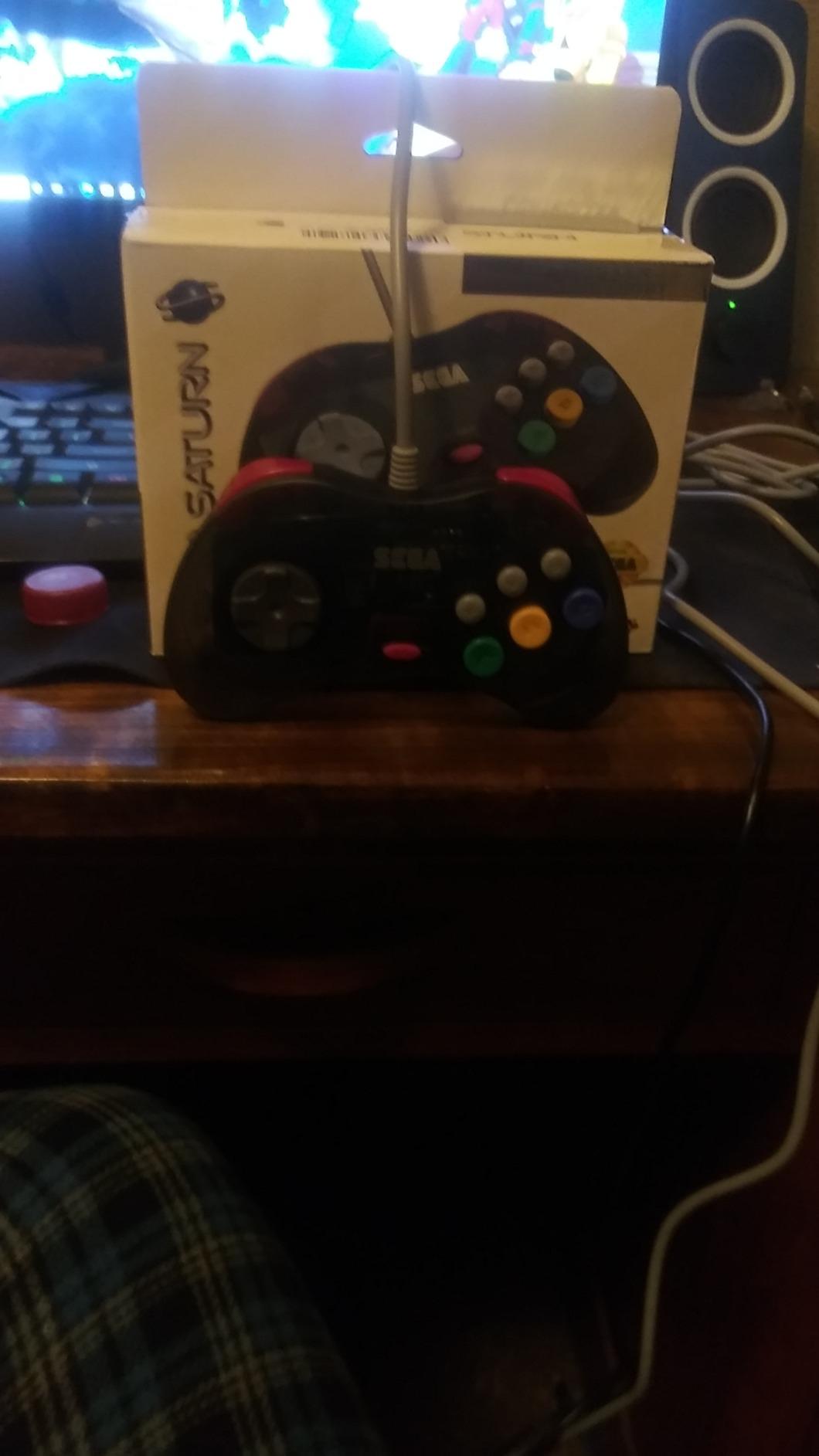
The Saturn pad is the dedicated option for people who want the real thing rather than a modern interpretation. It is officially licensed by Sega, and the shell and button arrangement follow the original Saturn controller closely, which matters for arcade conversions with a fixed button count.
Ten buttons total give you the six-button face layout plus shoulder controls, and that covers Virtua Fighter, Sega Rally and the fighting titles that make Saturn ports distinct from Genesis ones. The 10-foot cable is genuinely long, so couch play at a television works without an extension.
Setup is straightforward. It works with the Sega Genesis Mini, Switch, PC, Mac, Steam, RetroPie and Raspberry Pi, and holding Start for five seconds toggles between X-Input and D-Input for software that expects the older driver.
The Saturn pad holds a 4.4 average from 836 reviews, with 68% five-star ratings. Buyers consistently mention the accurate shell design, button feel and long cable, and the caveats are always the same two: wired only, and mode switching for some software.
Best reasons to buy the Saturn pad
Authenticity. If you grew up on Saturn and want the look and feel to match, this is the one, and being officially licensed removes the guesswork about button placement.
It also doubles as a solid six-button pad for Genesis and Mega Drive emulation, so one purchase covers two Sega generations plus arcade ports.
Best reasons to buy something else
Couch players who want wireless. This version is wired, and the 10-foot cable is not convenient at a desk.
If you mostly play 2D platformers, the Genesis 8-Button has a better D-pad and a shoulder-button layout that suits more mappings. Save the Saturn pad for the games that need it.
5. Retro-Bit SEGA Genesis 2.4G Wireless: Best Wireless Sega Pad
Retro-Bit SEGA Genesis 2.4 GHz 8-Button Wireless Controller – (Black)
2.4 GHz wireless
30-foot range
USB and Genesis receivers
Storage case included
Pros
- Feels and weighs close to an original six-button Genesis pad
- No detectable input latency
- Fast reliable syncing with both receivers
- Good 30-foot range and solid battery life
- Presentation box with acrylic lid
Cons
- Glossy plastic scratches easily
- Feels light in the hand and the D-pad could be crisper
- Charges over micro-USB
- No button mapping and no mode button
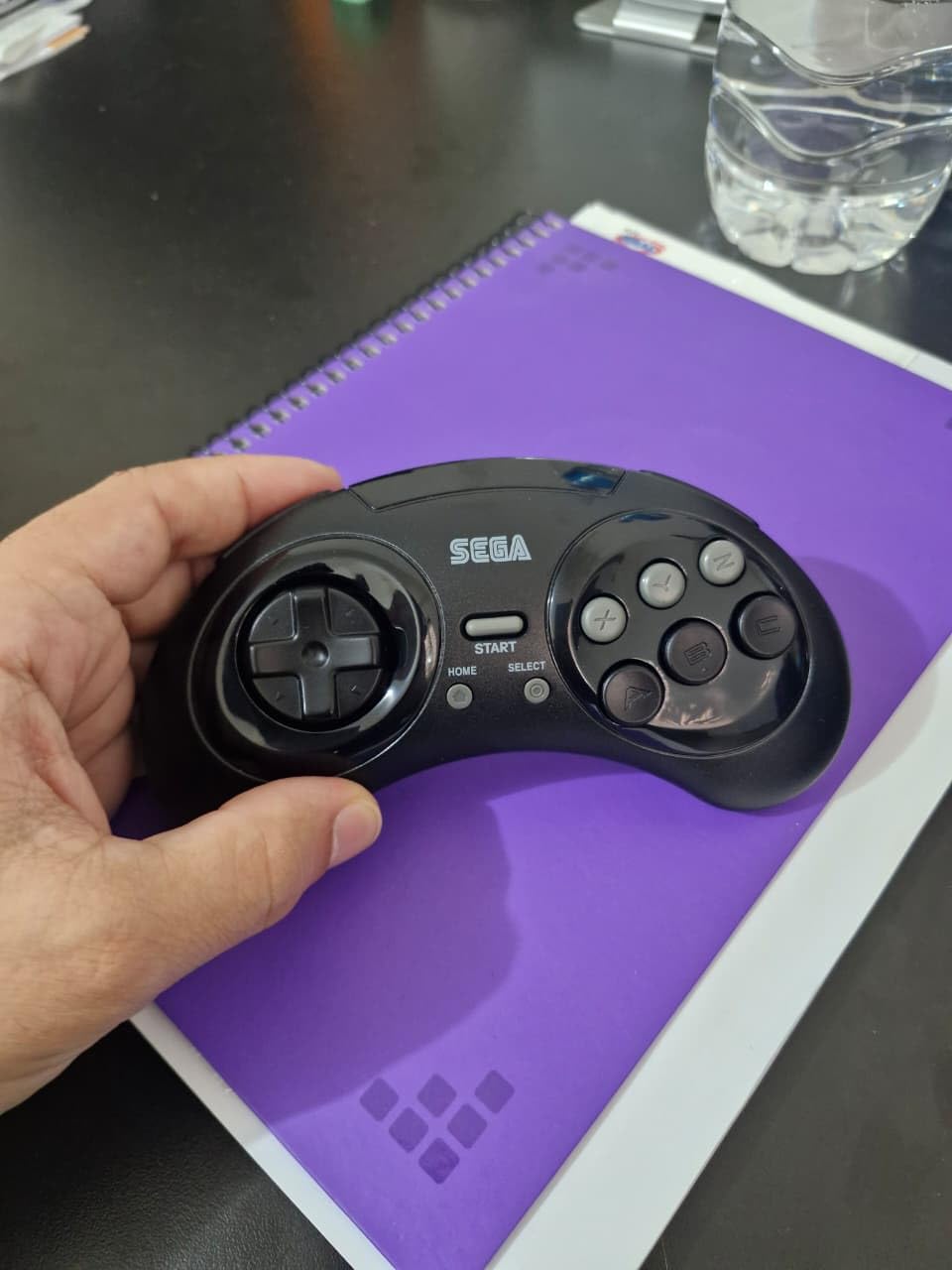
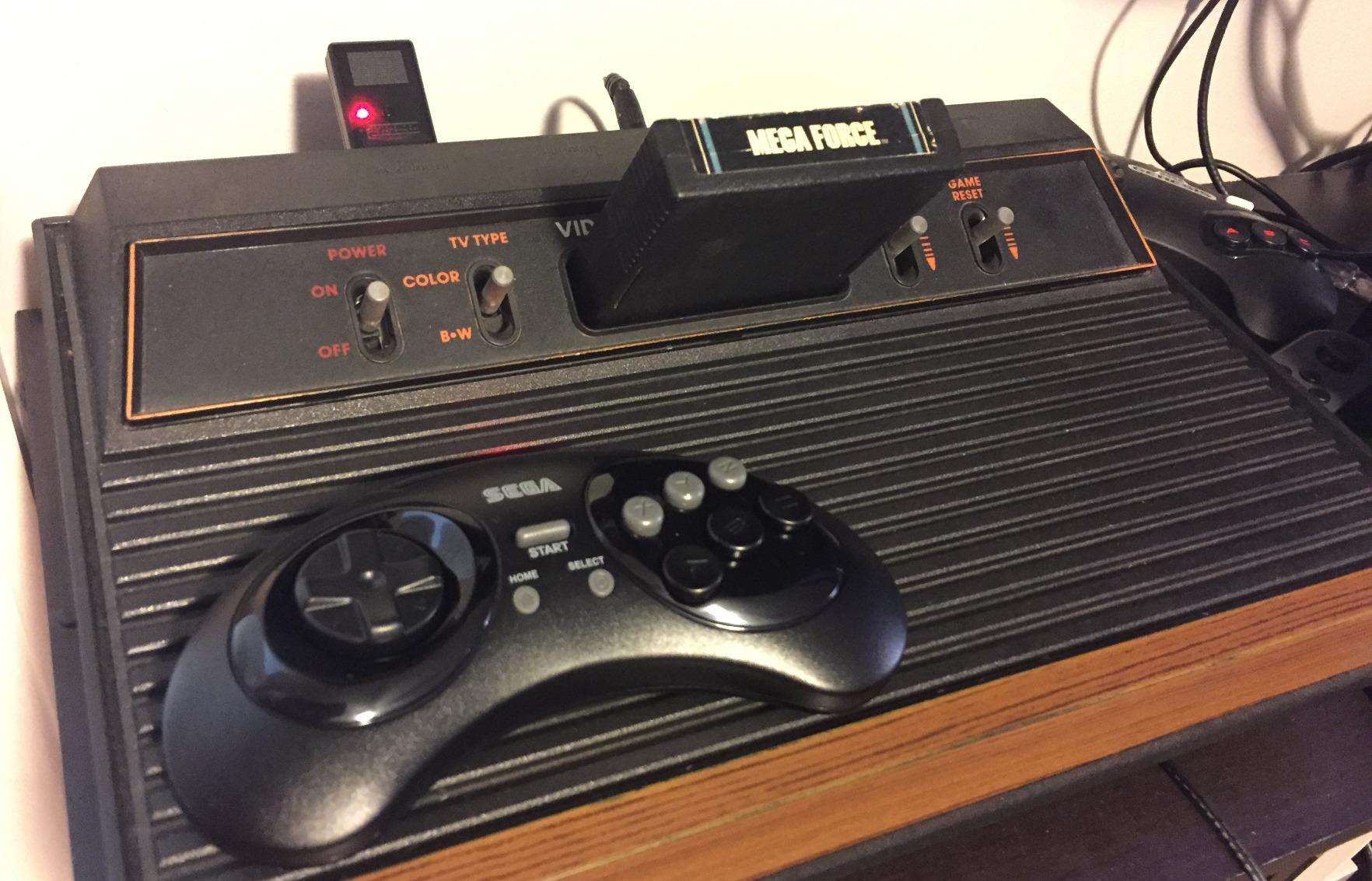
Most emulator players assume wireless means lag. Not with 2.4 GHz, and this pad is the proof. Owners report no detectable input latency and fast, reliable syncing, which makes it one of the few wireless options that also works for anyone chasing tighter frame timing.
The feel is faithful in the ways that count. It weighs in near an original six-button Genesis pad and reviewers describe the buttons and D-pad as only slightly stiffer, which is a fair trade for the wireless freedom.
The box includes both a USB receiver and an original Genesis receiver, so it works on old and new hardware. It is listed as compatible with the Genesis original and Mini, Switch, PC, Mac and PS3, with 30-foot range and solid battery life.
At 4.4 from 1,045 reviews, the complaints are about materials rather than performance. Glossy plastic showed marks out of the box for some buyers, the pad feels light in the hand, and charging is over micro-USB rather than USB-C.
Why the 2.4G Genesis pad stands out
Zero perceptible lag over wireless is the headline. That is why speedrunners and anyone playing competitively on an emulator can consider a wireless pad at all.
Receivers for both modern and original Sega hardware make it a bridge device. If you own a MiSTer or a MiSTer-style FPGA setup, or a real Genesis, the same pad covers both.
Where it falls behind
There is no button mapping feature and no mode button, so you cannot remap it in software. If a game needs an unusual input, you are stuck with the hardware layout.
Micro-USB charging and scratch-prone gloss are the other two recurring notes. Check the case, because the included storage box with an acrylic lid is genuinely useful for protecting it.
6. Hyperkin Trooper 2: Best for Atari, C64 and DOS Games
Hyperkin Trooper 2 Premium USB Game Controller for PC, Mac, Linux
4-way joystick with 6 buttons
Plug-and-play USB
Windows macOS Linux
10-foot cable
Pros
- Authentic Atari feel with clicky precise joystick action
- Recognized immediately on Windows macOS and Linux
- Usable for C64 DOS and arcade titles not just Atari
- Sturdy plastic with a removable stick
- Works as a standard XInput device
Cons
- Internal plastic switch tabs can crack within weeks
- No driver software documentation or support forum
- Some emulators need manual button mapping
- Not compatible with the C64 Mini
Emulation is not only about 16-bit and later. Atari 2600, Commodore 64, ColecoVision and MS-DOS titles all run in emulators, and none of them want a modern gamepad. The Hyperkin Trooper 2 gives you a real 4-way joystick with six mappable face buttons.
It is plug-and-play over USB on Windows, macOS and Linux, and RetroPie users report the same behavior on Raspberry Pi. Because it registers as a standard XInput device, Steam can remap the buttons without extra software.
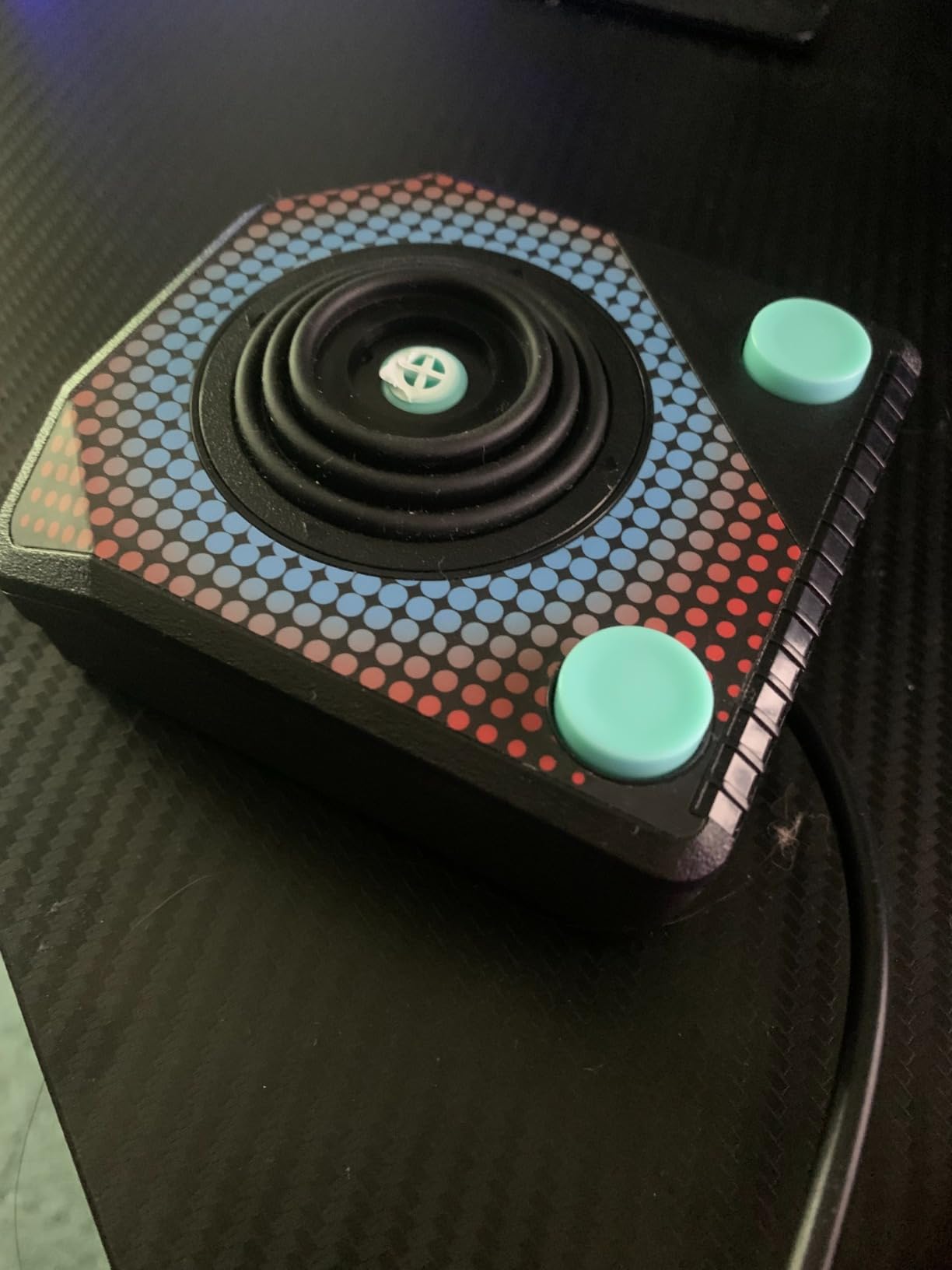
The joystick is quiet and smooth with responsive buttons, and the stick is removable. The 10-foot cable and chamfered corners are thoughtful touches, and the whole unit comes in at 12 ounces with a one-year manufacturer warranty.
At 4.2 from 322 reviews, it sits in the middle of the pack on rating, and the durability reviews are the reason. A detailed long-term review documents the four internal plastic tabs that actuate the switches cracking in about a month of regular use.
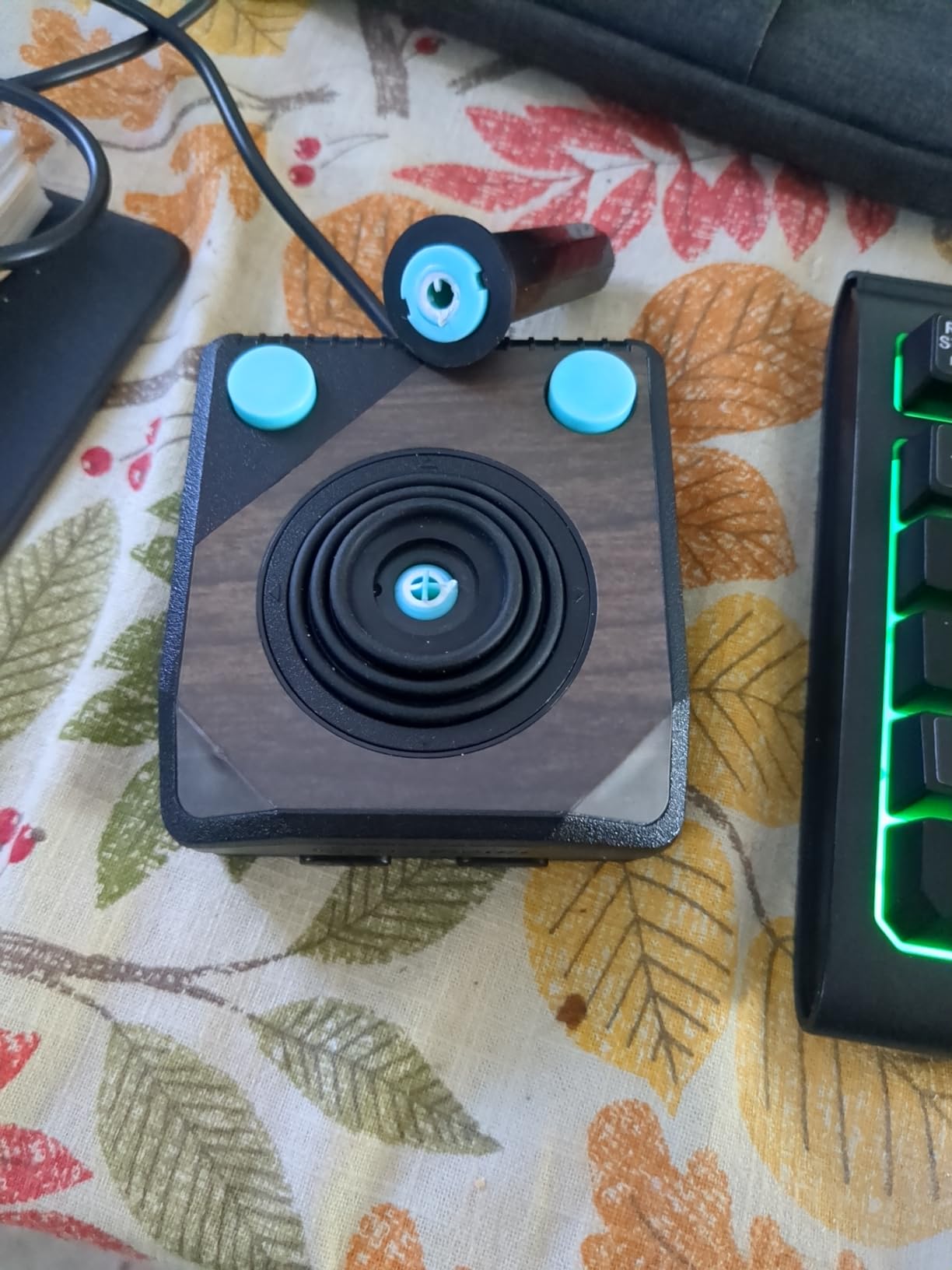
Who the Trooper 2 suits
Anyone whose library reaches back past the NES. Six buttons plus Start, Select and RB and RL make it more versatile than a pure Atari stick, and it handles C64, DOS and simple arcade emulation too.
The deliberate awkwardness of the original Atari stick is part of the appeal. If you want a comfortable modern shape, this is the wrong pad, and that is by design.
Who should pass
Anyone planning heavy daily use. The cracking-tab failure mode is documented, and there is no vendor support forum or documentation to help when it happens. The 12-ounce build feels solid until it does not.
It also will not work with the C64 Mini, so keep that in mind if that is your target.
7. Retro Fighters Defender Next-Gen: Best for PlayStation 1 Emulation
Retro Fighters Defender Next-Gen PS1 – PS2 – PS3 – PS Classic – Switch & PC Compatible Wireless Controller, Blue
Dual analog sticks
Pressure-sensitive face buttons
2.4 GHz wireless
PS1 to Switch and PC
Pros
- Replaces aging DualShock 2 pads with a rechargeable USB-C pad
- Good analog sensitivity for driving and aiming
- Lightweight textured shell
- Instant wake and sleep with auto power-off
- Trigger-shaped L2 and R2 buttons
Cons
- L2 and R2 are not pressure sensitive
- D-pad registers diagonals near the edges
- Some early pads showed stick drift or misaligned stick
- PC and Steam may not detect the right mode on first plug-in
PS1 emulation has one real requirement beyond a D-pad: a second analog stick. Most retro pads cannot do that, which is the gap the Retro Fighters Defender Next-Gen fills. It is a modern replacement for the aging DualShock 2 rather than a period reproduction.
The dual analog sticks have good sensitivity for driving and aiming, and the face buttons have genuine pressure sensitivity, which retro shooters and rail games notice immediately. The L2 and R2 buttons are shaped like real triggers, which makes the pad feel modern in the hand.
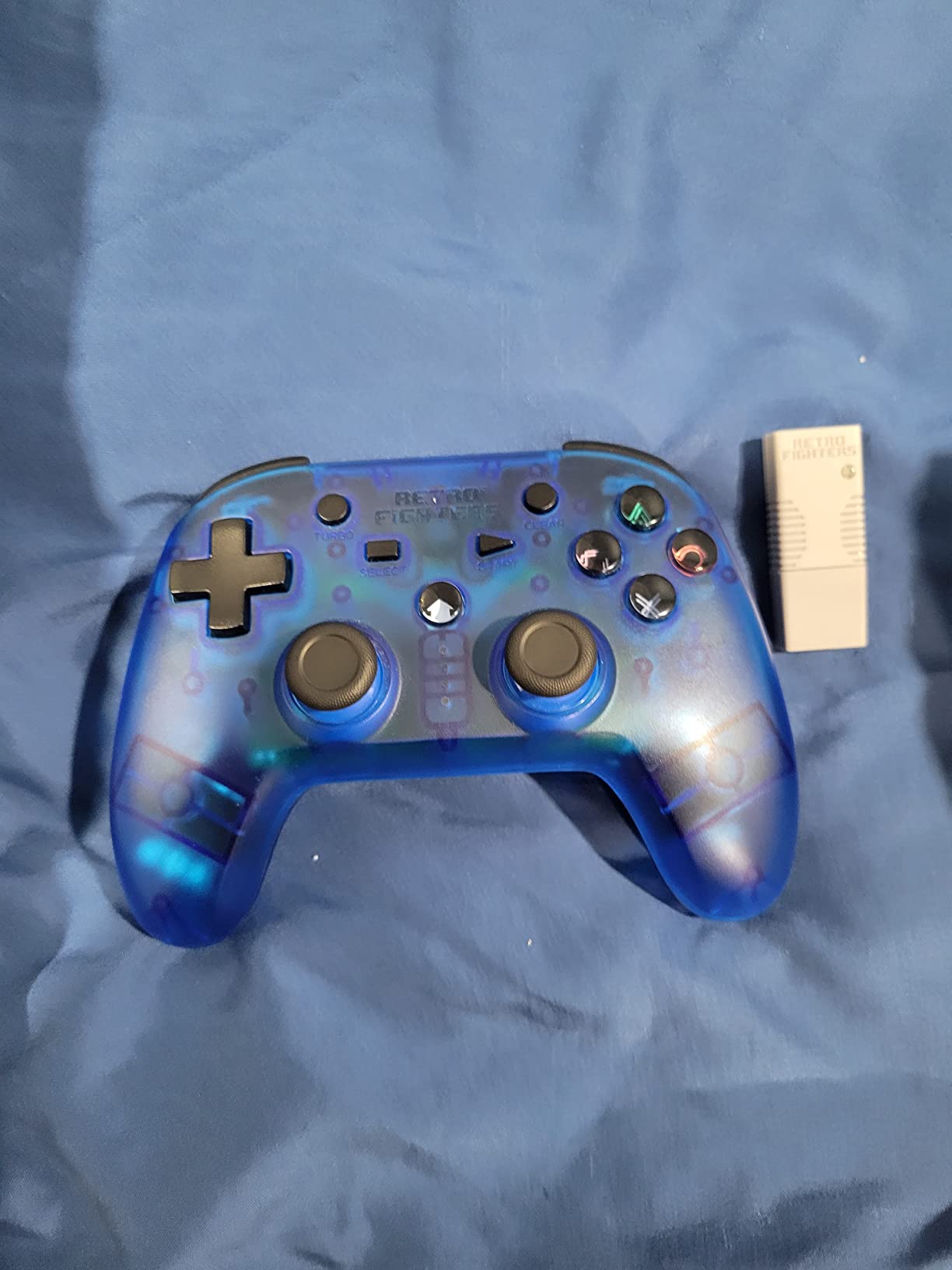
Connectivity is 2.4 GHz wireless with a range over 30 feet, and the box includes both USB and PS1 and PS2 receivers plus a USB charging cable. It is listed for PS1, PS2, PS3, PS Classic, Nintendo Switch and PC, with vibration and turbo, though PS3 mode has no six-axis.
At 6.6 ounces it is light, and the 4.61 by 6.26 by 2.64 inch footprint is small for a full-size pad. Buyers like the instant wake and sleep behavior plus auto power-off, and the 4.2 average from 272 reviews reflects solid performance with a visible minority of complaints.
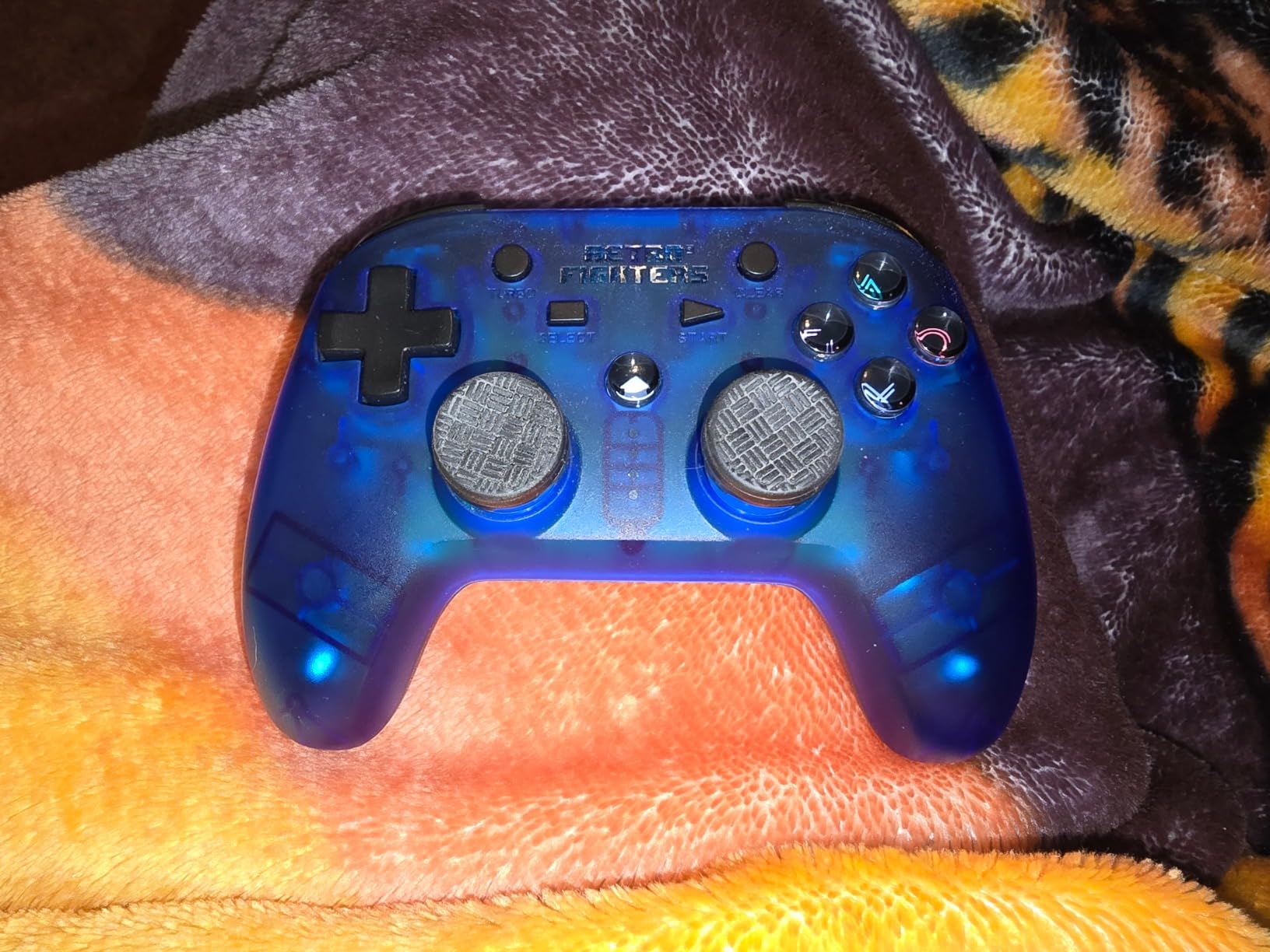
Why this is the PS1 pick
It is the only pad in this roundup with two analog sticks and PlayStation-style face buttons, so JRPGs, driving games and twin-stick shooters all work without remapping. For someone replacing a dead DualShock 2, that is the whole list.
Wireless at 2.4 GHz also means couch play on a Switch or a PS3 without a cable across the floor.
What to watch out for
The triggers are digital, which hurts analog racing games that read trigger pressure. The D-pad also registers diagonals if you press near the edges, which matters in precision platformers.
Quality control is uneven. A 12% one-star bucket in the reviews covers stick drift and a misaligned right stick on early pads, and PC and Steam sometimes need a second plug-in before the correct mode is detected.
8. Hyperkin Captain: Best for an Authentic Nintendo 64 Feel
Hyperkin “Captain” Premium Controller for N64 (Black)
Three-pronged N64 shape
Analog joysticks
10-foot cable
Works on N64 and USB hosts
Pros
- Faithful three-pronged design with functioning analog sticks
- Premium build with a 10-foot cable
- Works with original N64 hardware and USB platforms
- Regarded as a dependable upgrade over stock pads
Cons
- Wired only with no wireless option
- Analog stick precision is dated against modern pads
- Several colorways so a specific shade varies in availability
The Captain is the pick for people who want Super Mario 64 and Ocarina of Time to feel the way they remember, not the way a modern gamepad plays them. The three-pronged N64 shape is accurate, and the sticks actually work rather than sitting there as decoration.
It is compatible with all N64 models and with USB-equipped platforms, so the same pad covers real hardware and emulation. The 10-foot cable is a genuine plus on a couch setup, and buyers regularly describe it as a dependable upgrade over a stock N64 controller.
At 4.4 from 415 reviews with 72% five-star ratings, it holds well. The praise is consistently about authentic shape and sturdy construction, and the complaints are consistently about the two limits of the format: no wireless, and stick precision that predates Hall Effect designs.
Who should buy the Captain
Emulation players replaying N64 games for nostalgia who want the original grip and the original single-stick-plus-D-pad layout. It is also a sensible second controller if you still have N64 hardware.
If you want the look and feel of the era, this is the closest licensed reproduction on the list.
Who should buy a modern pad instead
Players who want a second analog stick for 3D movement, since emulators expect two independent sticks and the Captain does not provide that. Note that on N64 titles you can map the D-pad to a stick in software, but it is a workaround rather than a solution.
Couch players who want wireless will also need to look elsewhere, and buyers should check which colorway is actually available before ordering.
9. 8BitDo Micro: Best for Travel and Handheld Play
8Bitdo Micro Bluetooth Gamepad Pocket-sized Mini Controller for Switch/Switch 2, Android, and Raspberry Pi, Supports Keyboard Mode (Green)
24.8 gram weight
16 buttons
Designed for 2D games
Keyboard mode support
Pros
- Extremely light at about 25 grams
- 16 buttons give more layout options than most keychain pads
- Works on Switch Switch 2 Android and Raspberry Pi
- Size and shape designed specifically for 2D games
Cons
- No shoulder triggers or analog sticks for 3D titles
- Tiny face buttons are not ideal for large hands
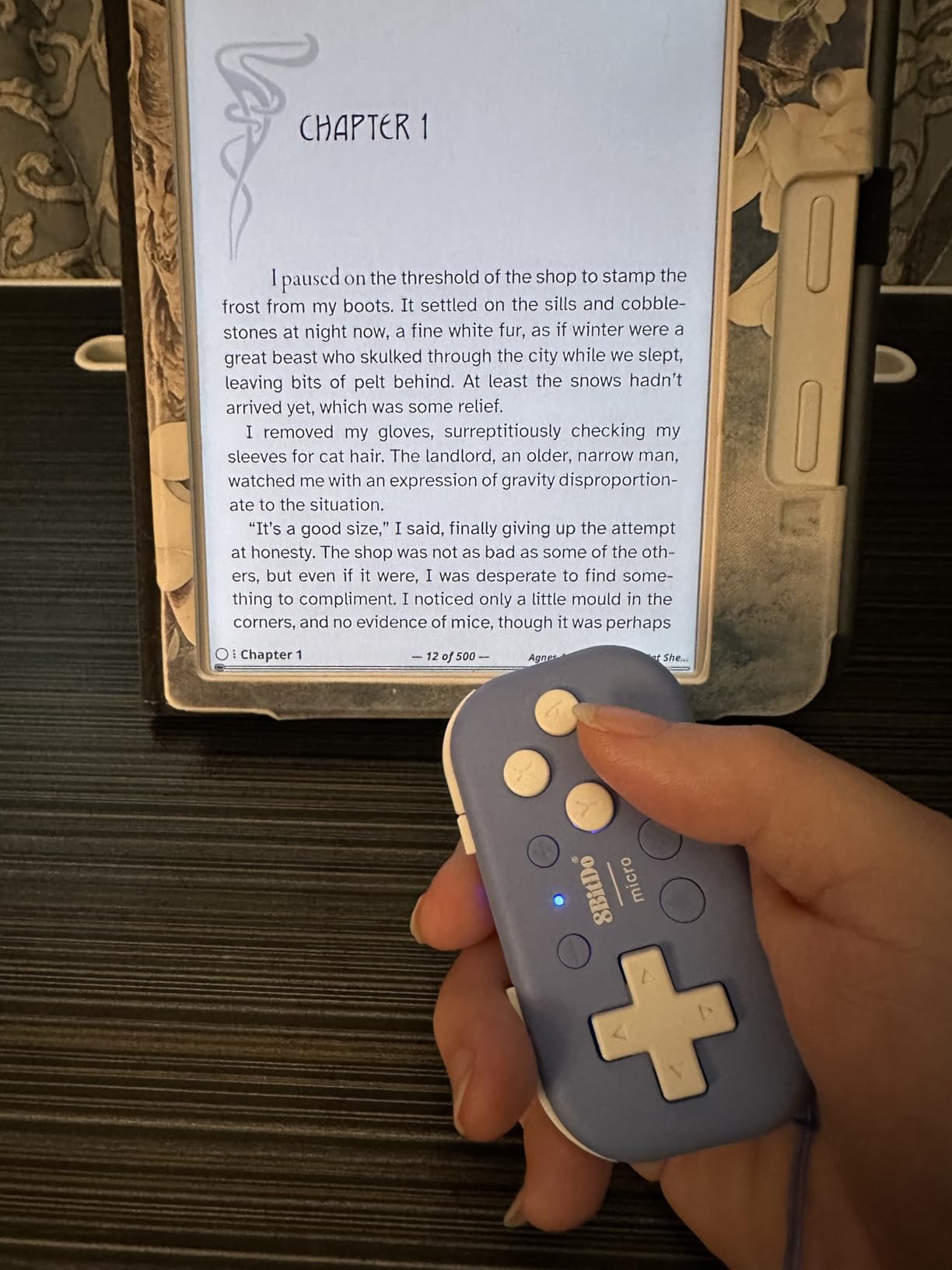
The Micro exists for one job, and it does that job well: 2D retro games away from home. At 24.8 grams and 3.94 by 1.97 by 0.5 inches, it disappears into a pocket and is comfortable to hold for long stretches in a train or a queue.
Sixteen buttons is far more than most keychain controllers offer, which means the layout covers more systems than the format usually allows. It connects over Bluetooth to Switch, Switch 2, Android and Raspberry Pi, and keyboard mode adds a non-gaming use for media remotes.
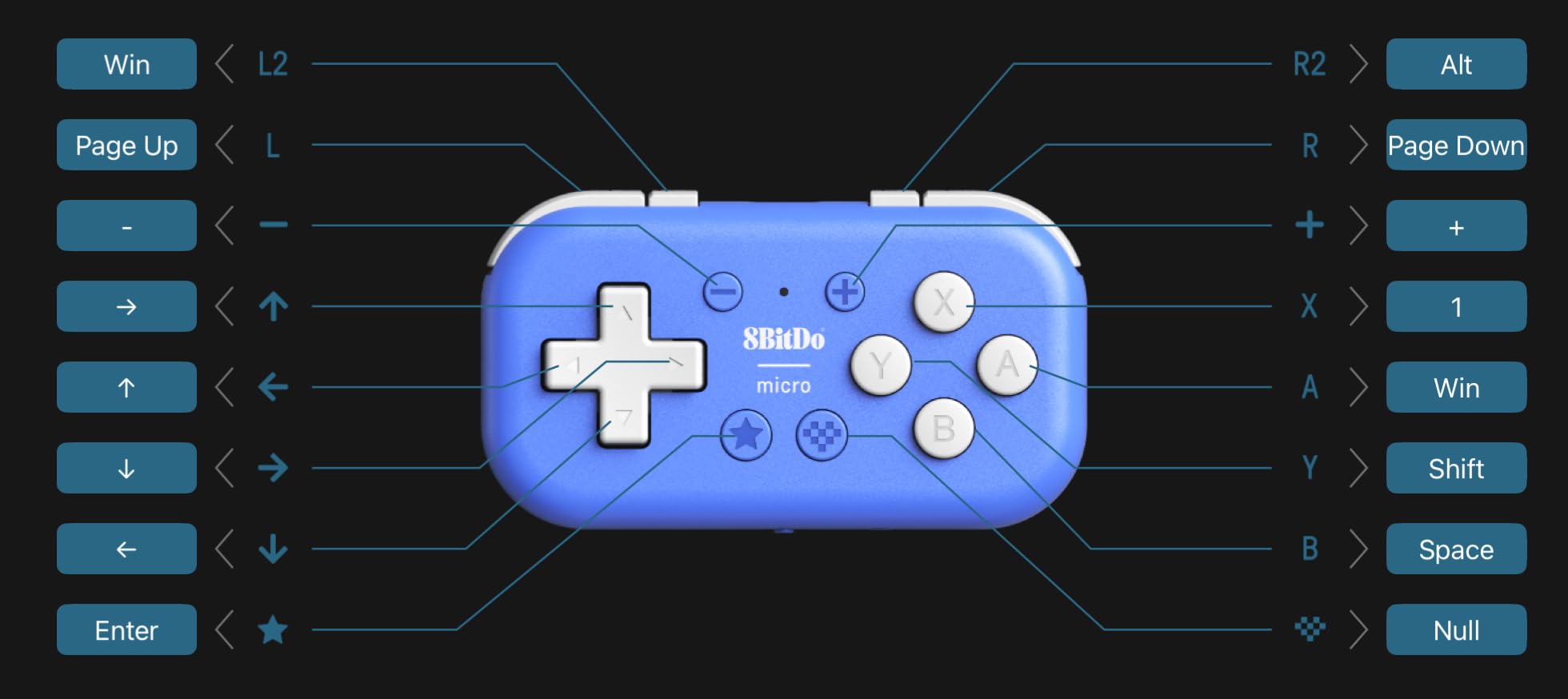
It is designed specifically for 2D games, and that focus shows. In NES, Game Boy, Master System and arcade-platformer emulation the button spacing feels right, and there is no analog stick to confuse the layout.
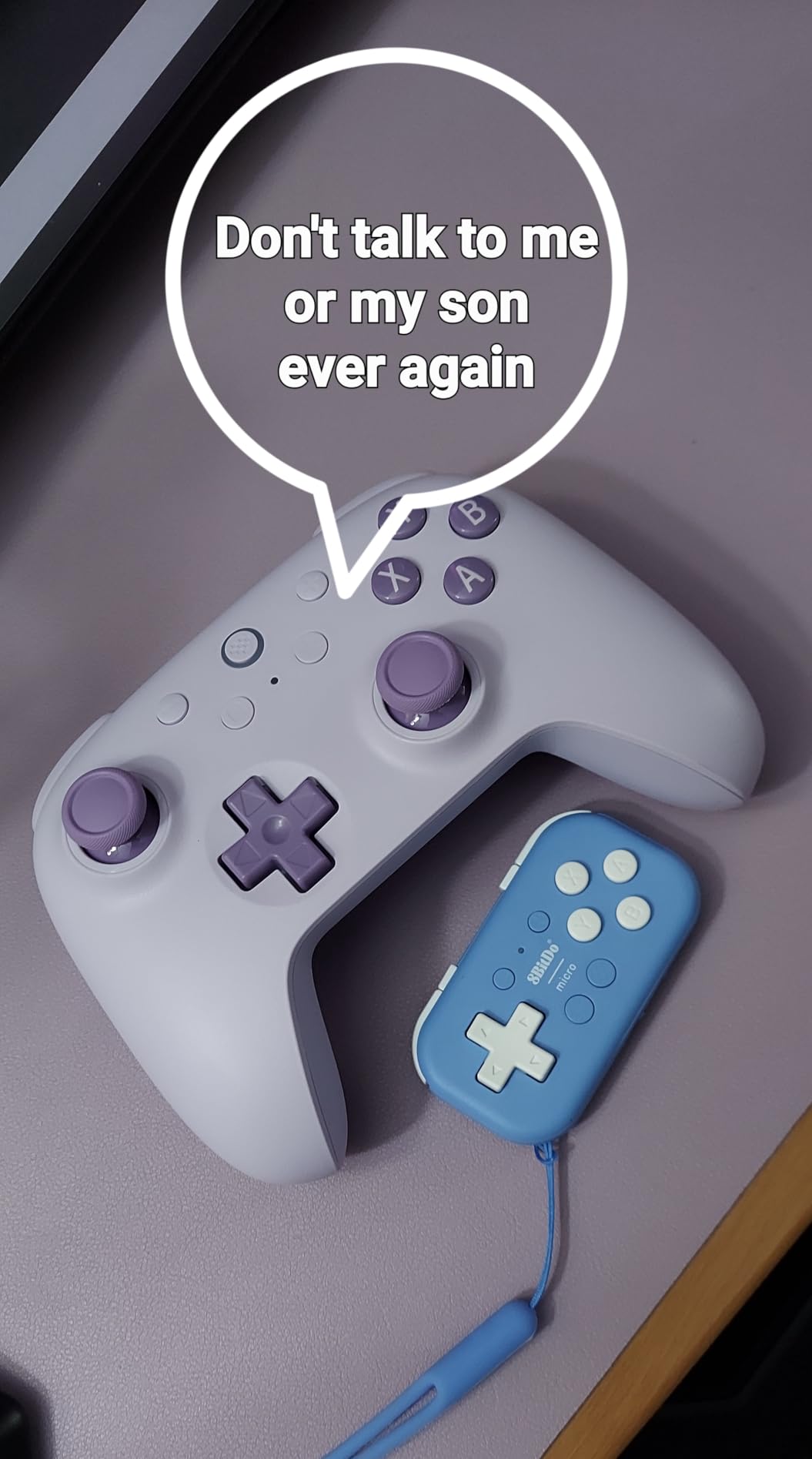
The 4.5 average across 2,632 reviews with 77% five-star ratings is one of the strongest in this roundup. Reviewers repeatedly single out the weight and portability as the reason they bought it.
Why the Micro works so well for travel
Weight is the whole design. Nothing about a 25-gram controller feels like a compromise in a pocket, and it charges over standard USB with no receiver to lose.
It is also the better of the two mini pads here for actual gaming, because 16 buttons and a slightly larger footprint give it more layout flexibility than a keychain remote.
Where it does not apply
There are no shoulder triggers and no analog sticks, so anything 3D is out. That rules out N64, PlayStation and later systems, and it is a companion pad rather than a replacement.
Anyone with larger hands will find the tiny face buttons uncomfortable over long sessions, and reviewers say so.
10. SAFFUN Classic N64: Most Versatile for Emulator Setups
Classic N64 Controller, Wired USB PC Gamepad for Windows PC, macOS (Gray)
10 action buttons and 8-way D-pad
USB plug-and-play
6-foot cable
Windows macOS Linux Raspberry Pi
Pros
- Plug-and-play over USB with no driver installation
- Authentic three-pronged shape with analog stick
- Works on Windows macOS Linux and Raspberry Pi
- Picked up by N64 emulators such as Project64
- Lightweight at 7.2 ounces
Cons
- Not compatible with Switch Chromebook SteamOS Android TV or Fire TV
- Stick and D-pad precision trail licensed N64 pads
- Wired only in this model
The SAFFUN Classic N64 is the cheapest way to get an authentic three-pronged pad into an emulator setup, and for many people that is enough. It plugs in over standard USB with no driver installation and is picked up by N64 emulators including Project 64, OpenEmu and Linux setups.
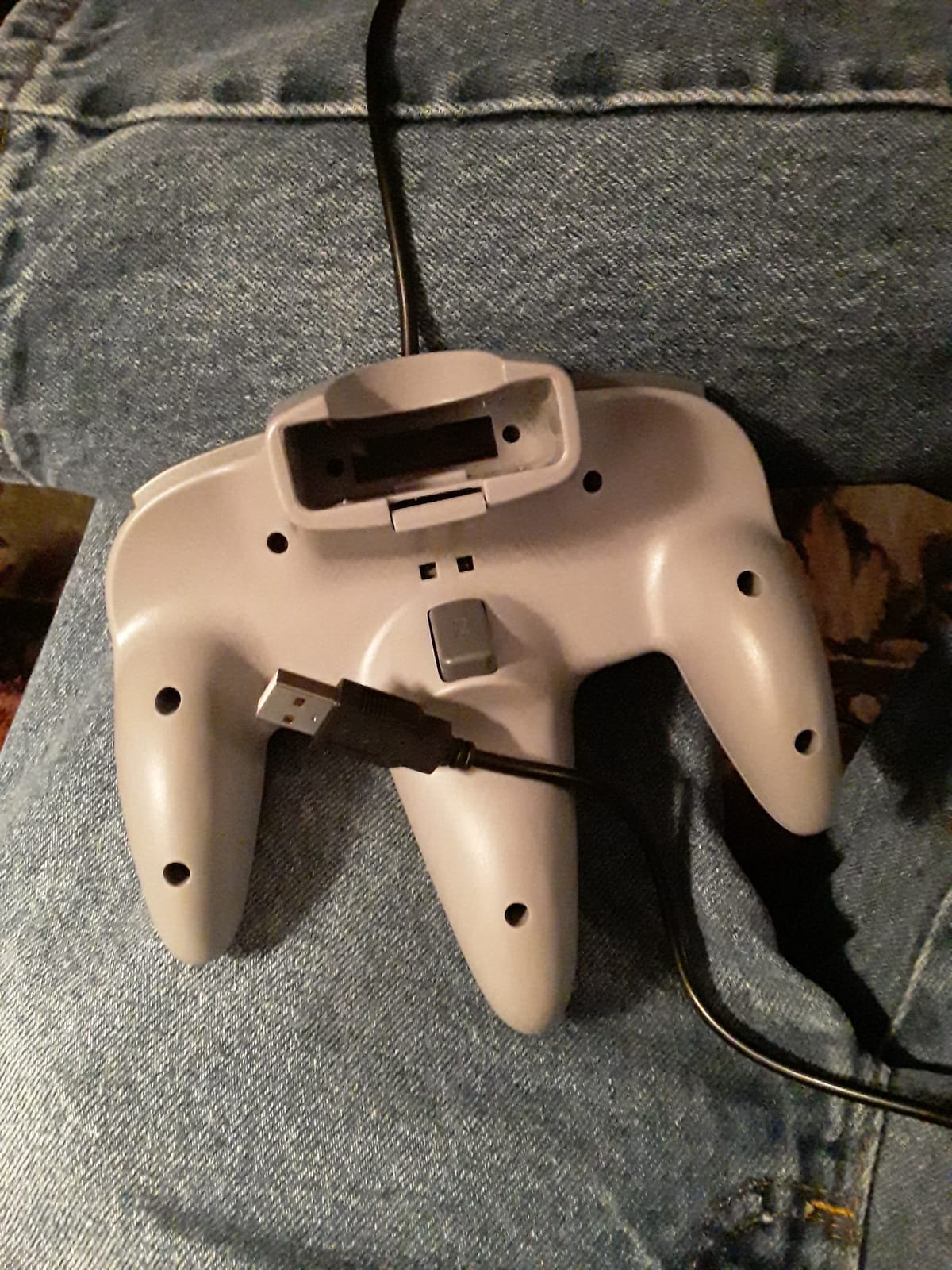
You get 10 action buttons, an 8-way D-pad and a 3D analog stick in the authentic M-shaped layout, which covers the N64 button count properly. It weighs 7.2 ounces with a 6-foot cable, and Raspberry Pi users get plug-and-play behavior.
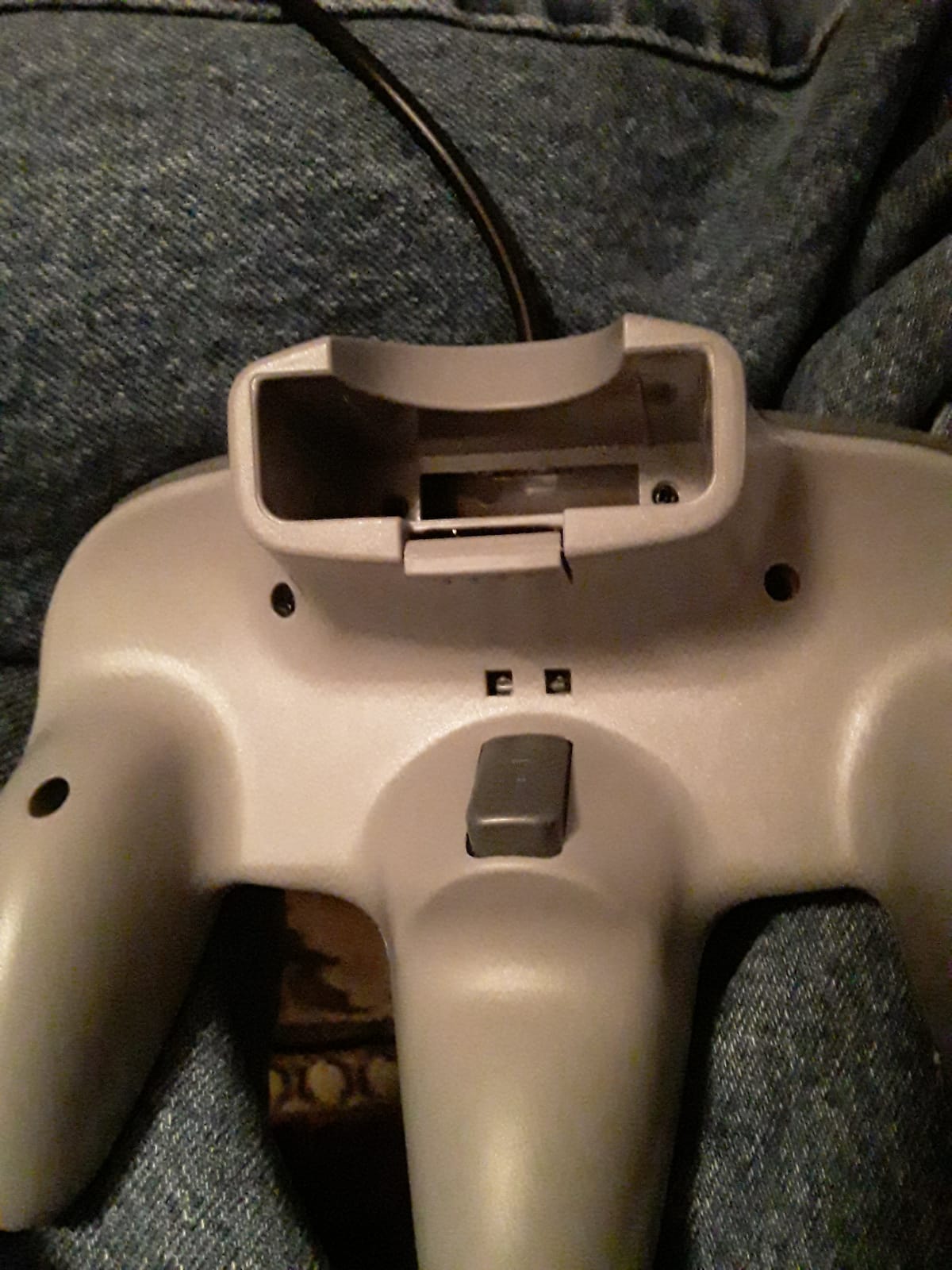
Platform support is broad for a budget pad: Windows PC, macOS, Linux and Raspberry Pi. It also comes in eight color options, including transparent variants, which is unusual at this level.
The 4.1 average from 1,817 reviews sits at the bottom of this list, and the 11% one-star bucket is worth reading. Stick and D-pad precision trail licensed third-party N64 pads, and there is a long compatibility exclusion list that includes Nintendo Switch, Chromebook, SteamOS, Android TV boxes, Fire TV and the C64.
Why the budget N64 pad still makes sense
Platform coverage. Licensed N64 reproductions often assume a specific console, while this one is built for a desktop, a laptop and a Raspberry Pi, which is where emulation usually happens.
No setup is also a real benefit. No drivers, no companion app, no firmware, and eight colorways let you match a setup.
Where the savings cost you
Precision. In Super Mario 64, analog stick control is the whole game, and this stick is noticeably looser than a licensed reproduction. Games that need tight camera control will feel it immediately.
The Switch exclusion rules it out for anyone who wants one pad across a Switch library, and it is wired only.
11. Nargos 8Bitdo Zero 2: Best for Nintendo Switch and Android
Nargos 8Bitdo Zero 2 Bluetooth Key Chain Sized Mini Controller for Nintendo Switch 1/2, Windows and Android (Yellow Edition)
21 gram weight
12 mappable buttons
About 8 hours per charge
Five controller modes
Pros
- About 21 grams and 2.9 by 1.5 by 0.6 inches
- 12 fully mappable buttons for non-gaming use too
- 180mAh battery gives roughly 8 hours
- Five modes covering XInput DInput Mac Switch and keyboard
Cons
- No analog sticks or shoulder triggers so 2D only
- Tiny buttons get uncomfortable for long sessions
- Needs a separate receiver where Bluetooth is missing
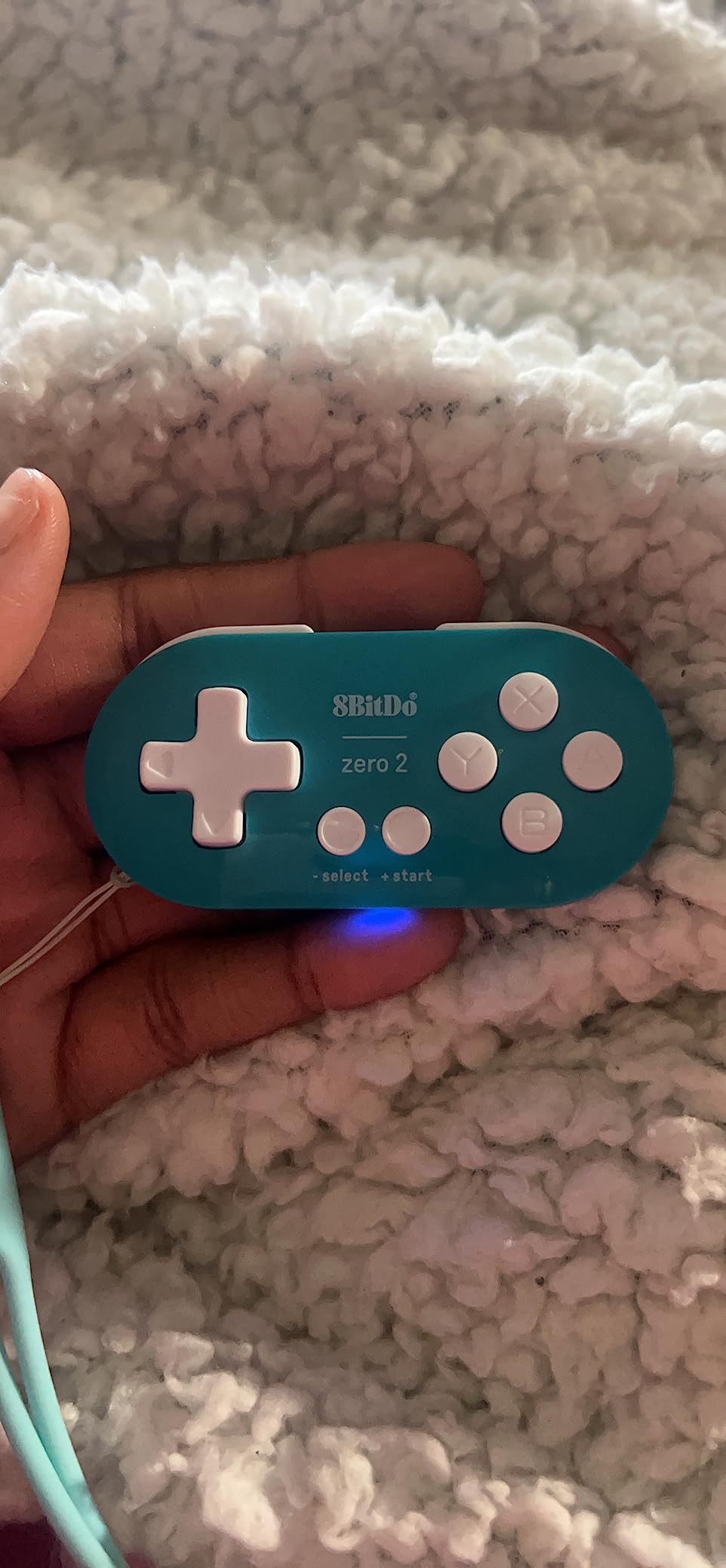
The Zero 2 is the smallest pad here, and that is the point. At 2.9 by 1.5 by 0.6 inches and 21 grams, it is a genuine keychain controller rather than a shrunken full-size gamepad, and it works out of the box with Switch 1 and 2, Windows and Android.
Twelve fully mappable buttons is the feature that separates it from a plain remote. Owners use the remapping for flashcard and e-reader workflows as well as games, and five modes cover XInput, DInput, Mac, Switch and keyboard, with upgradeable firmware.
The 180mAh rechargeable battery gives roughly 8 hours of play and takes one to two hours over USB-C, which lines up well with travel days. Reviewers rate portability and remappability as the two things that keep this pad in rotation.
It holds a 4.3 average from 1,996 reviews with 70% five-star ratings, and the consensus is that it works best as a second or travel pad rather than as a main controller.
Why the Zero 2 suits Switch and Android
No receiver is needed on those platforms, so pairing is instant and there is no dongle to carry. Android support is listed alongside Switch and Windows, which covers the mobile emulation audience directly.
It is also the most versatile non-gaming option in the roundup, because keyboard mode turns it into a media and reading remote.
Where it stops working
No analog sticks and no shoulder triggers means 2D titles only. Tiny buttons are the other limit, and reviewers note they are uncomfortable for extended play on larger games.
On platforms without Bluetooth you need a separate receiver, which partially defeats the travel purpose.
12. Old Skool 6-Button Arcade Pad: Best Budget Arcade Pad
Old Skool USB 6-Button Arcade Controller for Sega Genesis Mini, PC & Switch
Six arcade buttons
8-way D-pad
10-foot USB cable
Genesis Mini Switch PC Mac
Pros
- Six genuine arcade-style buttons for Street Fighter II and Sega emulation
- Works with Genesis Mini PC Mac Steam PS3 and Switch
- 10-foot cable is longer than most competing pads
- Recognized by Windows as a standard 6-button controller
Cons
- Some pads arrive with a D-pad that does not register
- Start button on some units needs a very hard press
- Cheap-feeling components that owners report breaking
This is the cheapest route to a real six-button arcade layout, and for Street Fighter II ports, Genesis and Mega Drive emulation it does one job. Six genuine arcade-style buttons in the correct arrangement is the requirement, and it is met.
Windows recognizes it as a standard 6-button controller with no setup, and it also works with the Sega Genesis Mini, PC, Mac, Steam, PS3 and Nintendo Switch. The 10-foot cable is longer than most competing pads at this level, which helps with TV play.
It carries 4.2 from 107 reviews, and quality control is the story. The 11% two-star bucket reflects a mix of pads that arrived with a non-responsive D-pad and a Start button that only registers when pressed hard. Other owners report cheap-feeling components that broke quickly.
Who the arcade pad suits
Budget buyers who mainly want fighting games and Sega arcade conversions. The button layout and 8-way D-pad are correct, and zero setup on Windows means you can plug in and play.
It is also a reasonable second pad for a Genesis Mini or a Switch setup where cable length matters.
Who should buy something else
Anyone wanting longevity. The uneven quality control and cheap components make this a short-term companion rather than a keeper, and a failed D-pad ruins the main reason to buy it.
If a better D-pad matters more than the button count, the Retro-Bit Genesis 8-Button is the smarter purchase.
How to Choose a Controller for Retro Emulation
Specs matter less than layout matching. An emulator reads your pad through a standard driver layer and then maps those inputs onto the original console’s button layout, so the pad that matches the source console needs the least remapping and feels the most natural. Decide which systems you actually play, then match the layout.
D-pad quality decides whether 2D games feel right
Platformers, run-and-guns and puzzle games live or die on the D-pad. You want a gate or floating design that registers clean diagonals without the mushy or clicky extremes. The Retro-Bit Genesis 8-Button and the SN30 Pro are the two we would trust first, and that opinion comes directly from how reviewers describe them.
One warning from the community: N64-style reproductions can feel awkward on a PC because emulators expect two independent analog sticks. If your library is mostly 2D, ignore the analog question entirely and spend the budget on D-pad quality instead.
Hall Effect sticks versus potentiometer drift
Drift is the number one long-term complaint on cheap pads, and it ruins analog-heavy N64 and PS1 games. Hall Effect sticks use a magnetic sensor instead of a resistive contact, so they do not wear out the way potentiometer sticks do. TMR sticks are a newer variant on the same idea.
The SN30 Pro and the Retro Fighters Defender use Hall Effect sticks. The retro reproductions on this list do not, which is the expected trade for authenticity.
Wired, 2.4G and Bluetooth compared
Wired USB has the lowest latency and zero pairing. The Retro-Bit Genesis 8-Button, Saturn pad, Hyperkin Captain, Trooper 2, SAFFUN N64 and Old Skool arcade pad are all wired, and for speedrunning that simplicity is worth having.
2.4 GHz wireless is the middle ground. It is what the Retro-Bit Genesis 2.4G and the Retro Fighters Defender use, and both report fast syncing with no perceptible lag, plus a 30-foot range. Bluetooth adds pairing friction and, in practice, a little more latency, so it suits travel and handheld play more than competitive sessions.
Host device compatibility to check first
Confirm the host before you buy. This roundup covers Switch, Switch 2, Windows, Mac, Linux, Steam Deck, Android, Raspberry Pi, Apple devices and PS3, but no single pad covers all of them. The SN30 Pro comes closest for desktop and handheld use, while the Zero 2 and Micro lean toward Switch and Android.
Note the explicit gaps in the listings. The SAFFUN N64 pad excludes Switch, Chromebook, SteamOS, Android TV boxes and Fire TV, and the Hyperkin Trooper 2 will not work with the C64 Mini. For a large television, our guide to the best monitors for retro gaming covers matching the display to the era you are emulating.
Six-button versus four-button layouts and face button regions
Four buttons cover NES, SNES and most arcade platformers. Six buttons cover Sega Genesis, Sega Saturn, arcade conversions and 3D fighters, and if your library includes any of those, a four-button pad will cost you actions or need remapping. The M30, Saturn pad and Old Skool arcade pad all solve this.
Region layouts confuse people who only play NTSC ROMs. PAL and Japanese consoles place face buttons differently, sometimes with letters and sometimes with colored dots, and a pad that does not match your ROM region can look wrong even when the inputs work. For most people playing NTSC dumps, a US-style layout is the one to buy, and the Saturn pads in this roundup use the familiar lettered arrangement.
Setting Up Your Controller in RetroArch and Other Emulators
No editorial roundup covers this properly, which is why buyers keep asking why a controller does not work. The hardware is usually fine. The driver and the mapping are what need attention.
Pick the right driver: XInput, DInput and Bluetooth HID
Most modern pads register as XInput devices, which is what Windows and Steam expect. Older software, and several emulators, still look for DInput. Several pads in this roundup toggle between the two by holding Start for five seconds, including the Retro-Bit Genesis 8-Button and Saturn pad, so check for that combo before assuming a controller is faulty.
On Bluetooth, pair the pad through Bluetooth settings rather than a vendor app first. The Retro-Bit Genesis 2.4G avoids the question entirely by using a 2.4 GHz receiver.
Map buttons globally, then per core
In RetroArch, open Settings, then Input, then RetroPad Binds. Set your global mapping once and every core inherits it, which saves repeating the same work for each system.
Then open the core-specific options for the emulator you are using and adjust only what differs. Six-button Sega cores need separate binds for X, Y, Z, L and R. This is the step that fixes the M30’s swapped A and B on Switch, since the hardware layout is correct but the front end expects different positions.
Set global hotkeys for save states, rewind, fast forward and menu toggle while you are in there. RetroArch also supports user presets, so you can keep separate mapping files per system.
Fix the two-stick problem with single-stick N64 pads
N64 reproductions like the Hyperkin Captain and the SAFFUN pad have one stick, while emulators expect two. RetroArch lets you bind the D-pad to a virtual stick, so in Settings, Input, RetroPad Binds you can assign the D-pad directions to the second stick axis.
The trade is a split control scheme: one real stick and one virtual. It works, and it is exactly what original N64 players experienced in reverse, but players who want modern twin-stick control for Ocarina of Time camera work are better served by a pad with two real sticks, such as the Retro Fighters Defender or the SN30 Pro.
Using Original Console Controllers With a USB Adapter
Not everyone wants a reproduction. If you already own an original SNES, Super Famicom or NES pad, an adapter gets it working with an emulator and preserves the exact feel and the region layout you grew up with.
Raphnet and Mayflash adapters
Two adapter brands come up repeatedly in the emulation communities for this, and the Raphnet line is the one enthusiasts name most often. Mayflash adapters are the other standard option, covering many classic pads in one unit.
The workflow is the same for both. Plug the original pad into the adapter, connect the adapter over USB, and the emulator sees a standard device. RetroArch users report this pairing works without extra configuration, which is why original-hardware setups are the recommended path for purists. Check that the adapter model covers your specific console before buying, and confirm the USB-C revision if you want to keep a single cable.
PAL and Japanese face button layouts
Original pads come with region-specific layouts. PAL and Japanese consoles rearranged the face buttons, and some used colored dots or a different labeling order, so an original PAL SNES pad looks unfamiliar if you are playing NTSC ROMs.
This is a preference question. If you only play NTSC dumps, a US-layout pad or a modern reproduction will read more naturally. If you care about authenticity, the original pad and its layout are the point, and the adapter keeps that intact.
Frequently Asked Questions
What is the best controller for emulated games?
The 8BitDo SN30 Pro is the best all-round choice, with Hall Effect sticks, an accurate SNES-style D-pad and support for Switch, Windows, Steam Deck, Android, Raspberry Pi and Apple devices. For Sega arcade and fighting games, the Retro-Bit Genesis 8-Button wired pad is the better choice.
Which controller is best for retro gaming?
It depends on the layout you need. A good D-pad matters most for 2D platformers, six face buttons matter for Sega arcade titles, and two analog sticks matter for Nintendo 64 and PlayStation games. The SN30 Pro covers the widest range in one device, so it is the safest default.
What are some good controllers for emulators?
Popular options for emulators include the 8BitDo SN30 Pro, the Retro-Bit Genesis 8-Button USB pad, the 8BitDo M30, the Retro-Bit SEGA Saturn wired pad and the Hyperkin Trooper 2. Each targets a different era, from 8-bit arcade titles through to PlayStation-style games.
Which retro console is the best to emulate?
For most people it is the Super Nintendo or the Sega Genesis, because both have large libraries, well-understood hardware and mature emulators. PlayStation is a close third for JRPGs, and Nintendo 64 is the hardest because of the three-pronged controller requirement. Arcade systems run well too but need a six-button pad.
What is considered the best retro console?
Community consensus usually points to the Super Nintendo for its library balance, the Sega Genesis for arcade action, and the PlayStation for role-playing games. There is no single winner, which is why most emulator setups cover more than one system.
Do emulators work with any controller?
Most emulators accept any standard gamepad because they read inputs through a common driver layer, but pads that match the original console layout need the least remapping and feel the best. N64-style single-stick pads are the main exception, since emulators expect two independent analog sticks.
Why does my controller not work in RetroArch?
The most common cause is a driver mismatch, because the pad registers as XInput while the core expects DInput. Many controllers toggle between the two by holding Start for five seconds. Also check the RetroPad Binds settings, since a pad can be detected but mapped to the wrong inputs.
How do I fix analog stick drift for emulation?
Drift usually comes from a worn potentiometer, and it gets worse in N64 and PlayStation games that depend on precise camera control. A Hall Effect stick does not develop drift, so pads like the SN30 Pro and the Retro Fighters Defender avoid the problem. You can also recalibrate the deadzone in RetroArch as a short-term fix.
Conclusion: The Best Controllers for Retro Emulators in 2026
The 8BitDo SN30 Pro is our pick for the best controllers for retro emulators overall, because one pad with Hall Effect sticks, a proper SNES-style D-pad and near-universal platform support solves the most problems for the most people. Buy it and you are covered from 8-bit platformers through PlayStation-style RPGs on a PC, Steam Deck, Switch or handheld.
Add one specialist pad for your weakest system. Sega arcade and fighting games are best served by the Retro-Bit Genesis 8-Button wired pad for its class-leading D-pad, or the 8BitDo M30 for a wireless six-button layout. N64 purists should pair the SN30 Pro with a Hyperkin Captain.
Whatever you choose, match the layout to the games you actually play, and check the host compatibility notes before you order. The right pad is the biggest single upgrade to an emulator setup, and these 12 cover every era from Atari to PlayStation.