
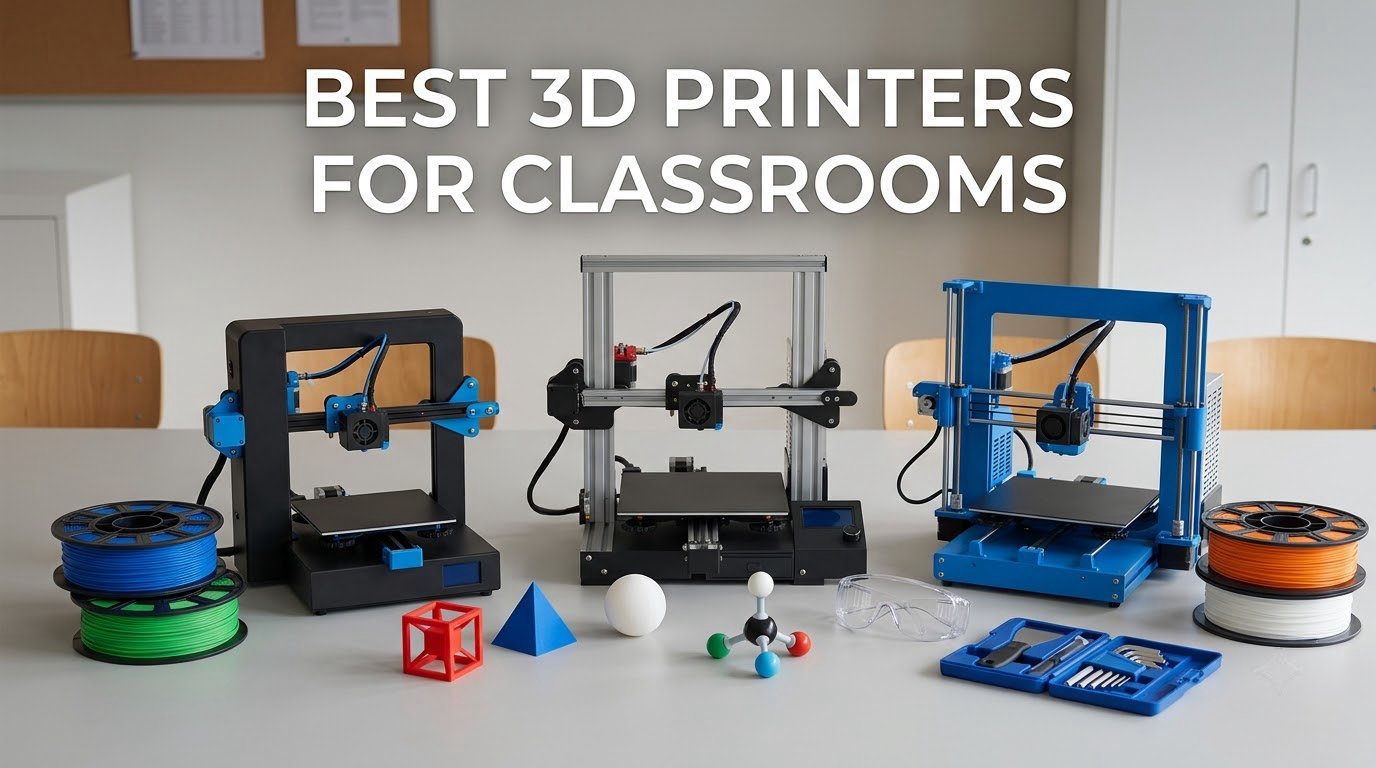
If you want one machine that handles a middle-school STEM room, an elementary maker corner and a high-school engineering class without constant supervision, the ELEGOO Centauri Carbon 2 Combo is our pick as the best 3D printer for classrooms in 2026. It is enclosed, it prints four colors out of the box, and it calibrates itself. Below we break down ten machines across every budget and grade band, so you can match one to your actual room.
Classroom printing fails for predictable reasons. A machine that is too loud gets switched off mid-lesson. A machine with no enclosure puts an open frame with a hot nozzle 250 mm from a first-grader’s hands. And a printer funded by a grant with no money left for filament is dead within a term. We weighed all three problems when we assembled this list, alongside print speed, build volume and how much babysitting each machine needs from the teacher.
We also pulled from teacher communities, because the forum consensus is more useful than spec sheets on a few points. r/3Dprinting threads are full of teachers who funded a printer and then could not fund material. Bambu Lab owners on r/BambuLab talk about machines that need to last several years, not one semester. If you are still building a first setup, our beginner 3D printer guide covers the slicing basics, and our miniature printer picks go deeper on fine detail work.
Table of Contents
Top 3 Picks: Classroom 3D Printers in 2026

ELEGOO Centauri Carbon 2 Combo
- 4-color CANVAS system
- Enclosed build chamber
- 256 mm build volume
- 500 mm/s

Flashforge Adventurer 5M Pro
- Fully enclosed and filtered
- Under 50 dB operation
- One-click auto leveling

Flashforge Creator 5 Pro
- Four independent toolheads
- No purge waste
- HEPA 13 and carbon filtration
The Centauri Carbon 2 Combo is the only machine here that combines a full enclosure, a four-color system and the largest review base we saw, which is why it takes the top slot. The Adventurer 5M Pro is the quieter, simpler choice for a room where students are seated a few feet away. The Creator 5 Pro is the one to buy when a department prints class sets in color all day and the material budget is the binding constraint.
All 10 Best 3D Printers for Classroom (October 2026)
| Product | Specifications | Action |
|---|---|---|
| ELEGOO Centauri Carbon 2 Combo |
|
Check Latest Price |
| Flashforge Adventurer 5M Pro |
|
Check Latest Price |
 Creality K2 Combo Creality K2 Combo |
|
Check Latest Price |
 Bambu Lab A1 Bambu Lab A1 |
|
Check Latest Price |
 Flashforge Adventurer 5M Flashforge Adventurer 5M |
|
Check Latest Price |
 Creality Ender 3 V3 SE Creality Ender 3 V3 SE |
|
Check Latest Price |
 Bambu Lab P1S Combo Bambu Lab P1S Combo |
|
Check Latest Price |
| Flashforge Creator 5 Pro |
|
Check Latest Price |
 Creality K2 SE 4C Creality K2 SE 4C |
|
Check Latest Price |
 Entina Tina2C Entina Tina2C |
|
Check Latest Price |
Every machine in this table is a desktop FDM printer. That technology melts 1.75 mm filament layer by layer, which is why it is the standard for schools: the material is low-odor, the machines are repairable, and a failed print costs a few cents rather than a failed part.
1. ELEGOO Centauri Carbon 2 Combo – Editor’s Choice for Enclosed Multi-Color
ELEGOO Centauri Carbon 2 Combo 3D Printer, Multicolor Printing
4-color CANVAS system
Fully enclosed
500 mm/s
256 x 256 x 256 mm
42.6 lb
Pros
- Enclosed chamber widens filament choices
- Four colors without swapping spools by hand
- Largest review base in this roundout
- Automatic calibration and flow compensation
Cons
- Fans are loud enough to want a separate room
- Wi-Fi connection drops for some owners
- Full 256 mm volume needs the filament cutter removed
This is the machine we would put in a room shared by multiple classes. The enclosure blocks the open gantry, the moving toolhead and the fumes, and the CANVAS system handles four colors with instant switching and smart filament detection. Owners also like that the machine calibrates itself, so a teacher who has never opened a 3D printer can get a clean first layer without a manual.
With 2,572 reviews behind it, the Centauri Carbon 2 Combo has the broadest owner base in this roundup, and the long-term pattern we saw was several hundred hours of mostly trouble-free printing. The CoreXY frame and 20,000 mm/s² acceleration hold speed on larger parts, which matters when you are trying to finish a class set before Friday.
Two things to plan for. The 256 x 256 x 256 mm volume only reaches full size with the filament cutter removed, so check that before you promise students a large build. And multi-color printing still needs a prime tower, which eats into the usable area and adds material waste on every color change.
The honest drawback is sound. Reviewers report noticeable vibration and fans loud enough that they would not run it during instruction. If your room has 28 students at desks, plan to start prints before recess or lunch rather than mid-lesson. That scheduling habit, more than the machine itself, is what separates a working classroom program from an idle one.
How it handles a full class set
Four colors without manual swapping is the difference between one demonstration piece and a set of 28 keepsakes. The automatic refill and tangle detection mean you are not babysitting the spool bay for six hours, which is the failure mode that kills most classroom queues.
The trade is purge material and cycle time. Plan color changes at the design stage rather than after a failed print, and slice so each part uses all four colors in one pass.
Where it will disappoint you
The Wi-Fi connection is the most common gripe, with some owners reporting the machine showing offline mid-job. Set up a habit of saving files to the app before the bell, and check the built-in camera quality expectations low, since several reviewers call the time-lapse output weak.
If your room cannot absorb fan noise, read the next pick instead. It is quieter and simpler, at the cost of color.
2. FLASHFORGE Adventurer 5M Pro – Best for Middle School
FLASHFORGE Adventurer 5M Pro 3D Printer with 1 Click Auto Printing System
Fully enclosed and filtered
Under 50 dB
280 C nozzle,110 C bed
220 mm cube
22 lb
Pros
- Enclosure and dual filtration contain odor
- Under 50 dB lets it run during a lesson
- Tool-free 3-second nozzle swap
- Supports ABS ASA and PETG-CF
Cons
- 220 mm build volume is small for large projects
- Bundled USB installer can fail on new OS versions
- Some units reported toolhead crash damage
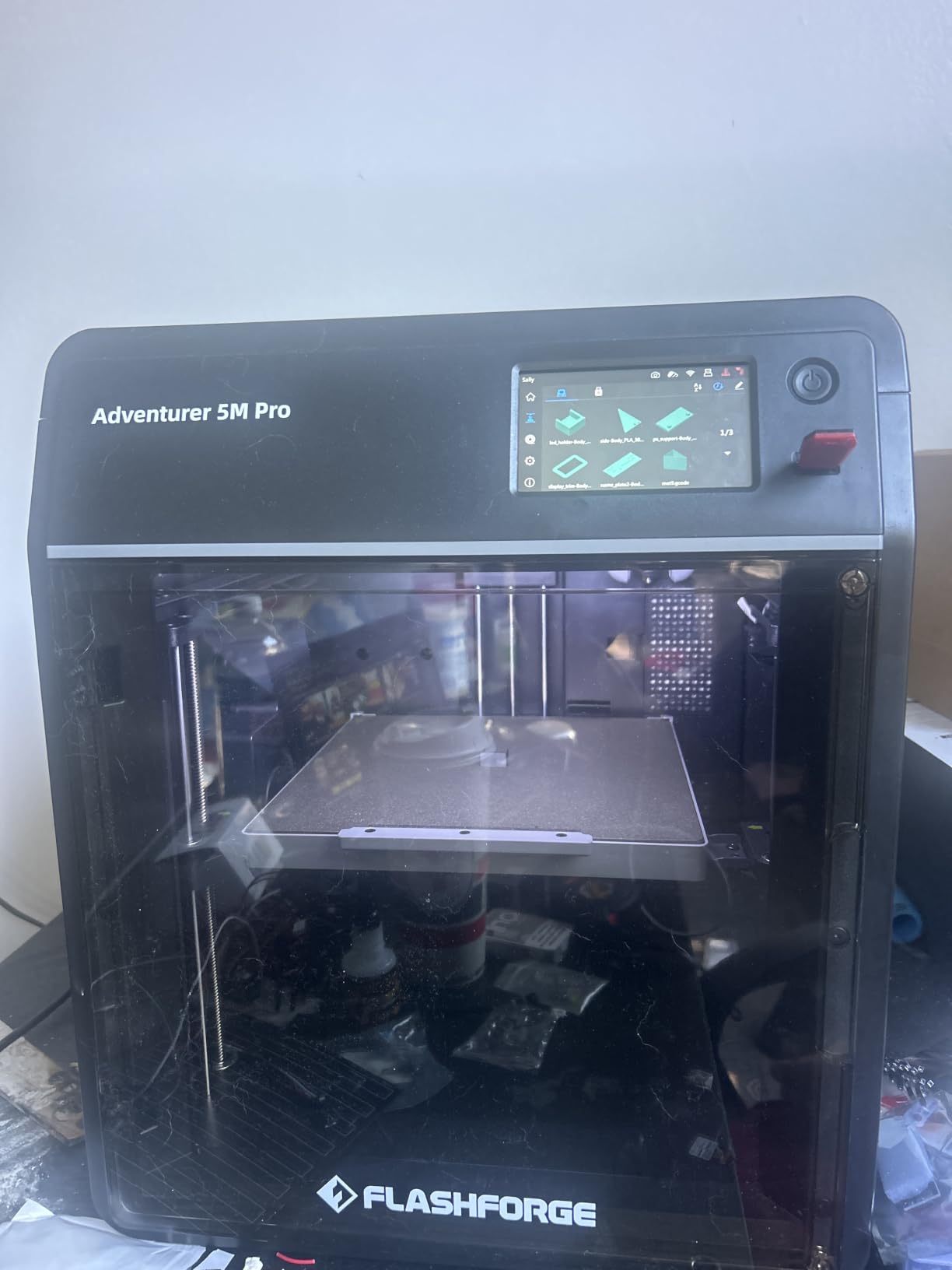
This is the quietest fully enclosed machine in the group, rated under 50 dB. That single number decides a lot of classroom decisions, because a machine under 50 dB can run through a lesson without students raising their voices over it, and a teacher who is not fighting noise will leave the machine on.
Setup took owners 10 to 15 minutes for many of them. The one-click auto leveling handles the first layer, the 3-second tool-free nozzle swap means a jammed tip is a 10-second fix rather than a service call, and the built-in camera lets you check a job from a phone during a passing period.
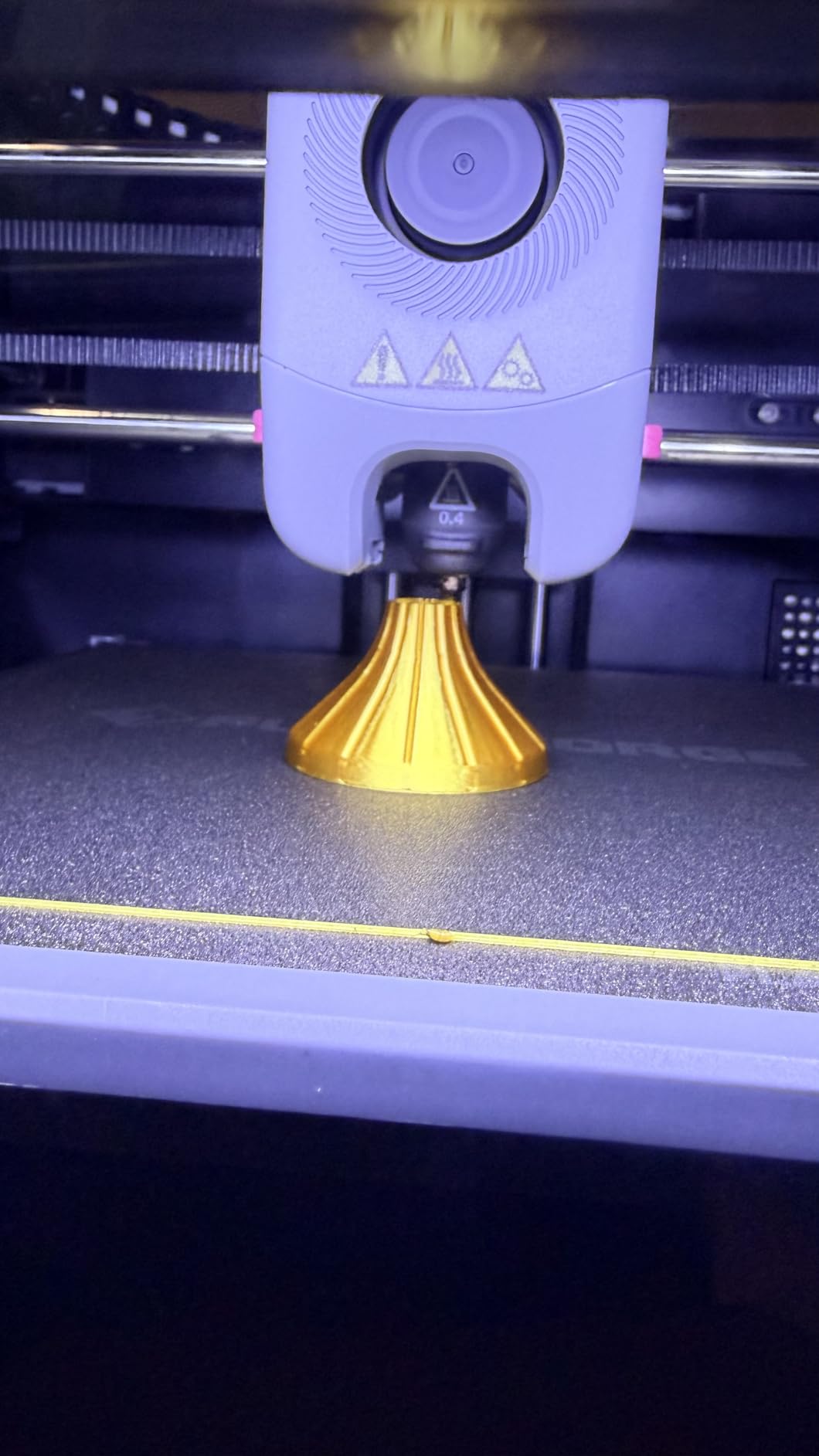
The dual filtration and full enclosure are the reason this machine shows up in elementary and middle-school lists at all. PLA prints cleanly, and when a student asks to try ABS or ASA for a durability project, the chamber keeps the fumes and the hot end inside the box instead of in the room.
Owners consistently report fast output with consistent first layers, and FlashForge’s support and refund responsiveness gets specific praise from people who did have to file an issue. Wide material support including ABS, ASA and PETG-CF means one machine can cover an art class and a robotics team.
Why middle school is the sweet spot for it
Students at this level can handle a two-step workflow: design in Tinkercad, send to the app. The auto leveling and power-loss recovery quietly prevent most of the failures that turn a tech teacher into a full-time printer technician.
Because ABS and ASA are available, this is also the point where you can introduce engineering materials without moving the program to a different machine in a different room.
Where it will disappoint you
The 220 x 220 x 220 mm build volume is the limiting factor. A full-size cosplay prop or a large terrain map will not fit, and no amount of software changes that. Plan modular designs that print in sections.
A smaller group of reviews describe early toolhead or connection failures, and the software installer on the bundled USB drive may not run on the newest operating systems. Download the current slicer from the web before your first class rather than trusting the drive in the box.
3. Creality K2 Combo – Best for High School Engineering
Creality K2 (A) Combo 3D Printer, Multicolor Printing with CFS
One CFS unit,expandable to 4
300 C direct drive hotend
Built-in air purifier
55 lb
Pros
- Multicolor out of the box with room to expand
- 300 C hotend handles engineering filament
- Silent Mode with balanced fans
- AI chamber camera catches failures
Cons
- Heaviest machine here at 55 pounds
- Color changes still require purging
- CFS adds footprint and needs drying in humid rooms
The Creality K2 Combo is the right answer for a high-school engineering shop or a vocational program. The direct-drive 40 mm³/s hotend reaches 300 °C with a hardened steel nozzle, and the built-in air purifier plus chamber camera mean you can run longer jobs with fewer interventions.
It arrives fully pre-assembled with guided auto leveling and calibration, which removes the most common reason a school machine ends up on a shelf. The Silent Mode and dynamically balanced fans keep noise down for a shop shared with another class.
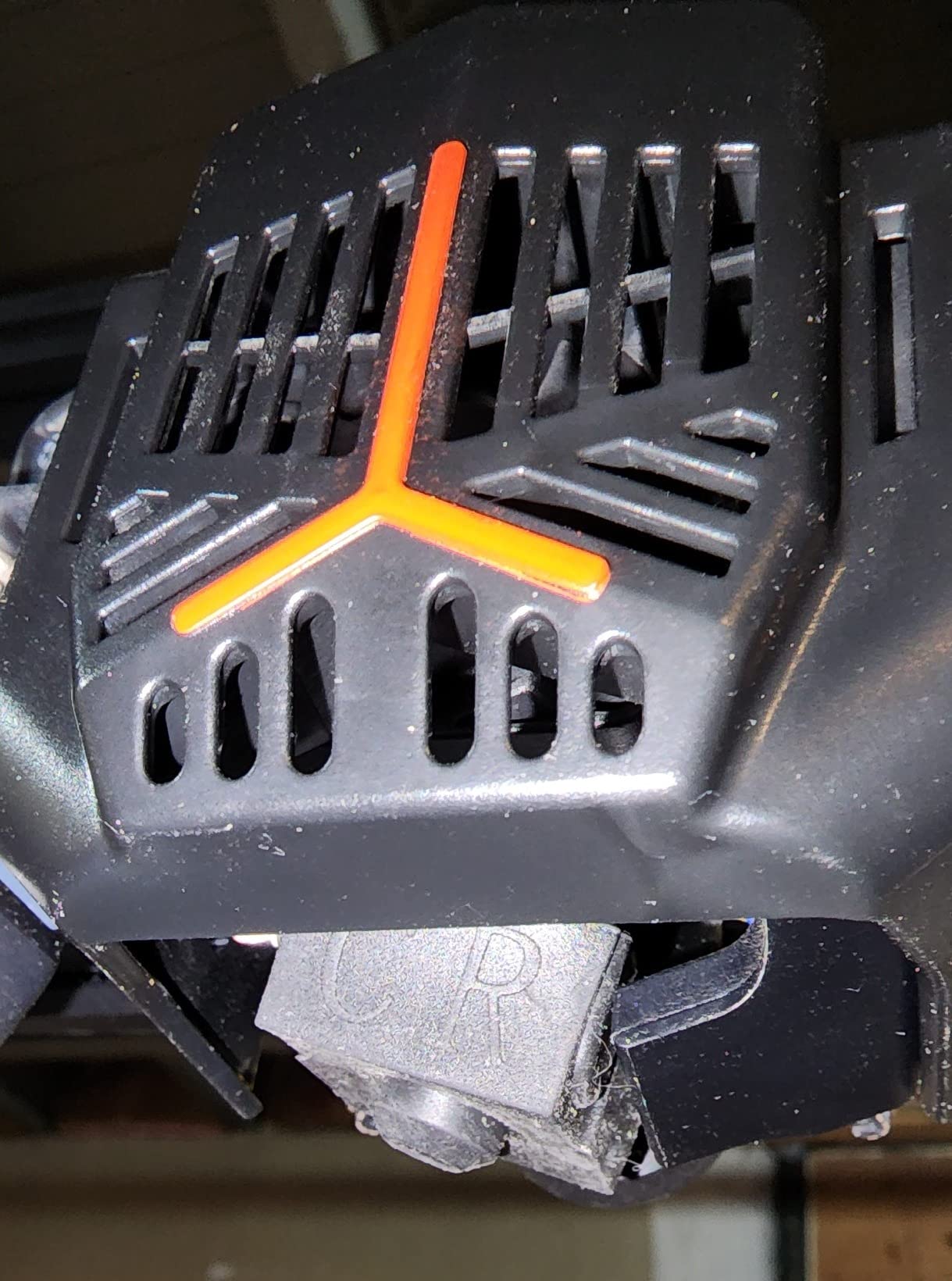
Multi-color is the headline. One CFS unit is included and the system expands to four units for 16 colors, with automatic filament identification, automatic relay and moisture-proof RFID storage. For a class printing 28 assignment copies in two or three colors, that expansion path matters more than any single spec on the sheet.
Owners highlight fast speeds with stable CoreXY motion and minimal wobble, and long-term reports center on dependable multicolor results once the machine is set up correctly.
Why high school gets the most out of it
The 300 °C nozzle opens up ASA, PC and fiber-reinforced blends, which is exactly the material range an engineering or manufacturing class needs. Students can prototype a bracket, test it, and revise it in the same period.
Automatic filament identification and relay remove a lot of the babysitting. In a shop class, the machine keeps working between the teacher’s visits to the room.
Where it will disappoint you
At 55 pounds it is the heaviest machine in this roundup, and moving it for room changes or floor cleaning is a two-person job. Budget for a permanent table with a dedicated circuit.
The CFS system takes extra footprint and needs attention in humid climates, since moisture ruins filament and a wet spool produces poor layer adhesion. Multi-color still means purging between colors, so time and material both go up on every job that changes material.
4. Bambu Lab A1 – Best for Teachers New to 3D Printing
Bambu Lab A1 3D Printer, Ready-to-Use FDM 3D Printer for Beginners and Kids
Full-auto calibration
Open frame
10,000 mm/s2 acceleration
PLA and PETG
22 lb
Pros
- Easiest setup we tested
- Automatic calibration and flow compensation
- Quiet enough for shared rooms
- Filament run-out and tangle auto-pause
Cons
- Open frame rules out ABS and nylon
- AMS lite must be added for multi-color
- Closed-source software draws criticism
The A1 carries the highest owner rating in this group at 4.7 across 671 reviews, and the reason is consistency rather than any single headline feature. Teachers describe it as the machine they stopped thinking about, which in a classroom is worth more than a spec sheet win.
Full-auto calibration handles Z-offset and bed leveling before every print, and active flow rate compensation keeps extrusion consistent without manual tuning. Active motor noise cancellation makes it one of the quieter machines here, and it weighs 22 pounds, so a single adult can reposition it.
Filament run-out and tangle detection auto-pause and resume, which is a real time saver on a long student job. The app-based control is the simplest in the group, so a teacher can start, monitor and finish a print without learning a slicer from scratch.
The most common regret among owners is not buying the multi-color bundle, because once a class sees two-color prints, they want three. Several report months of problem-free use, and a few hit an initial Z-axis error traced to a partially inserted USB-C connector, which was easy to fix.
Best fit for a first classroom program
If your program is one teacher, one room and a request from the principal, this is the lowest-maintenance way to start. It prints PLA and PETG, which covers the overwhelming majority of school projects, and it teaches students the full design-to-print loop in a single period.
Pair it with an app-based model library and a first-week project list and you avoid the two failure modes that kill new programs: slicing confusion and a dead first print.
Where it will disappoint you
The open frame is the real limit. No ABS, no nylon, no high-temperature engineering material, and the moving parts are exposed. That is acceptable for an adult-operated secondary classroom and a poor choice for a room of young students standing around an active machine.
Multi-color needs the AMS lite added separately, and the closed-source software ecosystem has drawn criticism from users who prefer open tooling. If your students will be managing the queue themselves, that is a real learning curve.
5. FLASHFORGE Adventurer 5M – Most Versatile for Busy Classrooms
FLASHFORGE Adventurer 5M 3D Printer, 600mm/s High-Speed, 1 Click Fully Auto Leveling, Upgraded Direct extruder Quick Detachable 280°C Nozzle, Dual-Sided PEI Coating Plate, Print Size 220x220x220mm
Open frame
600 mm/s CoreXY
One-click auto leveling
220 mm cube
23.8 lb
Pros
- Printing about 10 minutes from unboxing
- Fast CoreXY with input shaping
- PEI plate grips PLA and PETG
- Strong tech support and parts availability
Cons
- Open frame
- so no ABS
- Firmware freezes and Wi-Fi drops are reported
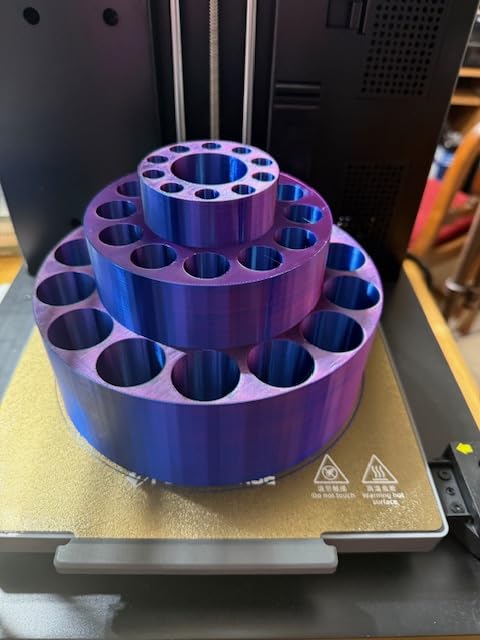
The Adventurer 5M is the throughput pick. It reaches 600 mm/s with 20,000 mm/s² acceleration and input shaping, and owners running it daily report high reliability and thousands of feet of filament printed. When a class of 28 needs a set of parts, speed is the feature that matters.
Setup is genuinely quick. It goes from 0 to 600 mm/s in 0.025 seconds and is ready to print about ten minutes from unboxing, with a 32 mm³/s flow hotend that reaches 200 °C in 35 seconds. The removable dual-sided PEI steel plate handles PLA, PETG, TPU and carbon-fiber variants.
Filament run-out detection and power-loss recovery protect long student jobs, which matters when a period ends and nobody is in the room. That is a student pulling a cord, and a print that restarts itself beats one that starts over.
Owners frequently describe it as the best-value CoreXY machine in its class, with a build finish that looks more refined than typical budget printers. Support and replacement parts are easy to get, which is a bigger deal for a school than for a hobbyist.
Why throughput matters more than most buyers expect
One printer cannot serve 28 students in a single period. If each project takes 40 minutes, that is roughly 19 hours of machine time for one set. Either start prints before recess, run multiple machines in parallel, or design smaller parts. Fast motion buys you hours across a term, and this is where the speed rating pays off.
Wi-Fi transfer without a USB drive also removes a step that fails often in school networks with locked-down ports.
Where it will disappoint you
It is an open-frame machine, so no ABS and no heated chamber. If a lesson plan calls for heat-resistant material, this is the wrong tool. The 220 mm cube is also small, and there is no built-in work-area light, so students inspecting a print will use a phone flashlight.
Firmware freezes and Wi-Fi drops show up often enough in reviews that you should plan a monthly restart and keep files on the machine itself. Single-color only, too, so class sets in two colors need a different model.
6. Creality Ender 3 V3 SE – Lowest-Cost Starter Machine
Creality Ender 3 V3 SE Beginner-Friendly 3D Printer with Auto Leveling
Open frame
CR Touch auto leveling
250 mm/s
Silent mainboard
19.8 lb
Pros
- Lowest entry point in the roundup
- Setup in roughly 20 minutes with an Allen key
- Silent mainboard keeps classroom noise down
- Easy to maintain
Cons
- No enclosure and no ABS
- Build volume is small
- Some owners report noisy bearings and Y-axis drag
The Ender 3 V3 SE is here for programs working with a hard cap on spending. It does auto leveling through CR Touch with automatic Z-offset, reaches 250 mm/s, and owners consistently call it a dependable, uncomplicated first machine that just works.
The 32-bit silent mainboard is a classroom-specific choice rather than a marketing one. At 19.8 pounds it is light enough for one adult to move, and the flexible PC spring-steel plate makes finished prints easy to peel off, which matters when a student has to do it.
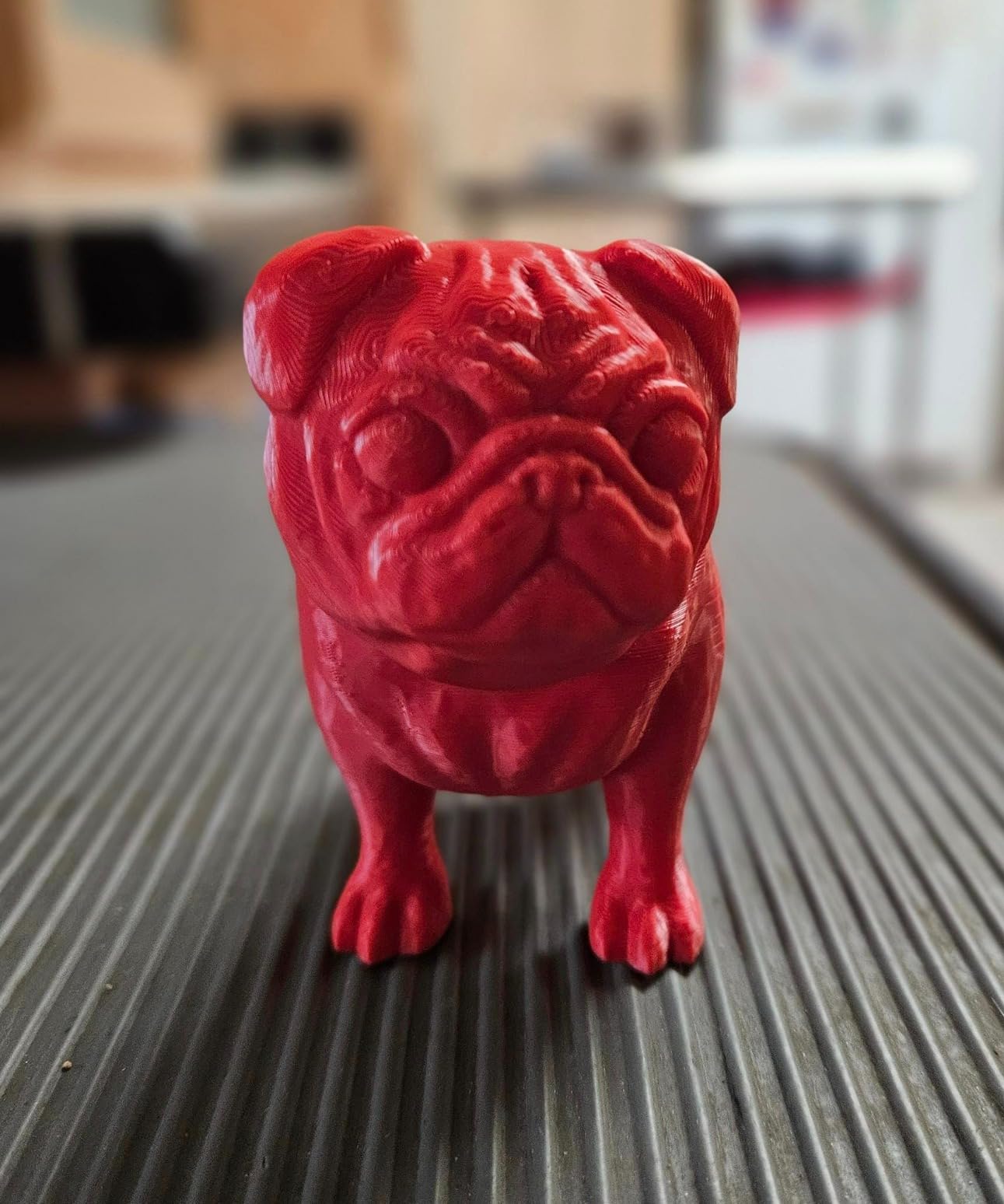
Dual synchronized Z-axis lead screws and precision Y-axis linear shafts reduce wobble, and the Sprite direct drive extruder covers PLA, PETG and TPU. Compared with more feature-rich machines, owners often report better long-run reliability, which for a school means fewer support tickets.
There is an argument that the cheapest reliable machine beats an expensive one that sits underused. For a single teacher experimenting with whether a program is worth funding, that is often the correct risk.
Good for a pilot year
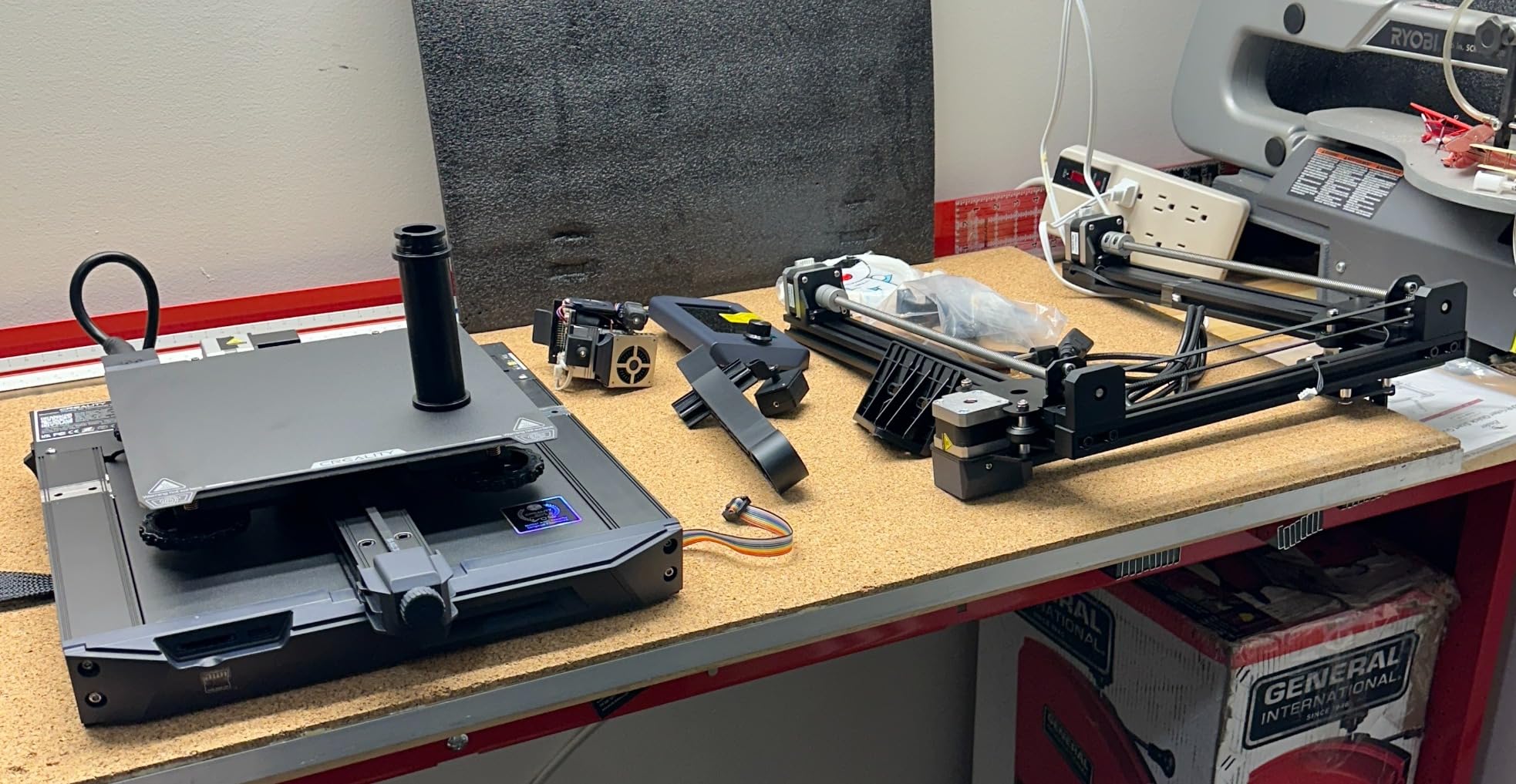
Run this machine for one term. If your students keep queueing up to use it and you are spending teacher time on maintenance, fund a real machine next year with evidence in hand. If interest fades, you have lost a small amount rather than a department budget.
Auto leveling removes most manual setup, so the pilot does not depend on you learning the machine during the same weeks you are teaching it.
Where it will disappoint you
No enclosure means no ABS or other high-temperature material, and the build volume is small relative to the enclosed models. Treat it as a PLA and PETG machine and set student expectations at the start of the year.
Recurring complaints include early fan and axis noise, noisy bearings and Y-axis drag within weeks of use, and an unreliable USB drive connection on some units. Budget for a spare filament dryer and a small parts kit.
7. Bambu Lab P1S Combo – Best Multi-Color Step-Up
Bambu Lab P1S Combo, P1S 3D Printer and AMS, Multi-Color 3D Printing
AMS multi-material unit
Fully enclosed
500 mm/s
Supports ABS and ASA
47.5 lb
Pros
- Up to 16 colors through the AMS
- Enclosure handles ABS and ASA
- Automatic bed leveling every print
- Strong dimensional tolerance on functional parts
Cons
- Onboard screen is low-resolution
- Setup and binding process is steep for first-time buyers
- No filament spools included
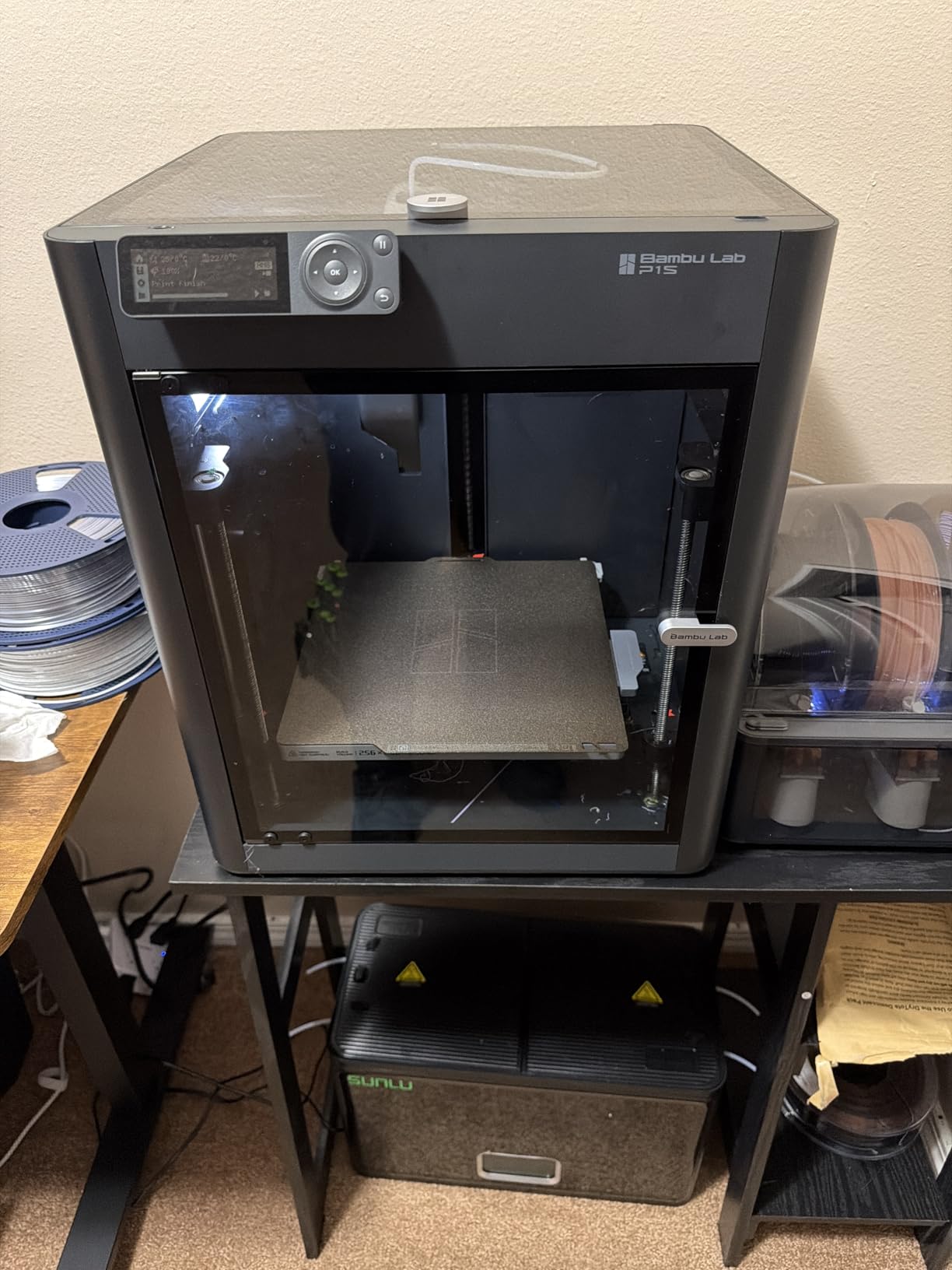
The P1S Combo is the mainstream enclosed multi-color machine in this list. The included AMS multi-material unit handles up to 16 colors, and the fully enclosed body opens up PLA, PETG, TPU, PVA, PET, ABS and ASA, with PA and PC as capable-but-secondary materials.
Owners describe a clear jump in print quality and speed over entry-level filament printers, with fast clean detailed output and auto bed leveling that works reliably every time. The MakerWorld model library and Bambu Studio handle the find-and-slice step, which reduces teacher prep time.
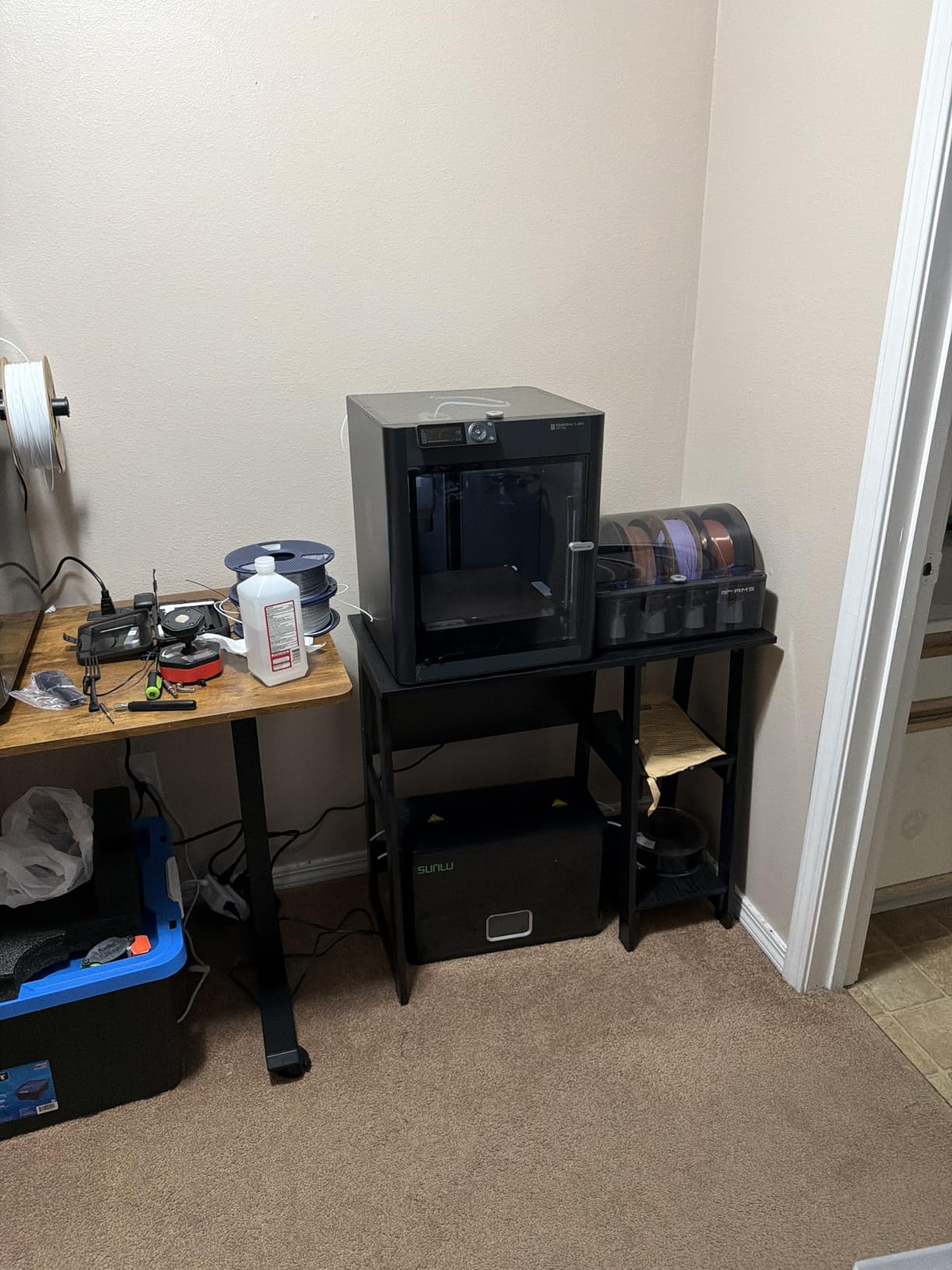
At 500 mm/s and 20,000 mm/s² acceleration, it handles a class set in a reasonable number of periods, and setup is about 15 minutes once it is out of the box. For functional parts, reviewers single out good dimensional tolerance, which is what makes it useful in an engineering context rather than only an art one.
Two workflow notes before you commit. Stock print files on the SD card do not work with the AMS, so multi-color jobs have to come from the app. And no filament spools are included, so factor material into the purchase decision rather than discovering it in week two.
What the AMS actually changes in a lesson
Multi-color turns a single demo object into a class set with visible variation, and teachers on r/BambuLab threads describe two-color prints as motivating enough that students queue for the machine. The cost is design: schools that struggle with two colors usually struggle with slicing to reduce purge waste, not with the hardware.
Teach color changes as a design constraint. Fewer colors per part means less waste and faster cycles, and that is a real engineering lesson rather than a workaround.
Where it will disappoint you
The most repeated criticism targets the screen and software rather than the hardware. The onboard display is low-resolution and awkward to navigate, and several first-time buyers found the binding and setup process steeper than they expected. Budget an afternoon with a colleague who has already done it.
Carbon-fiber and glass-fiber reinforced filaments are not recommended on this machine, and the fan sometimes arrives disconnected, so check it before the first print. At 47.5 pounds, plan where it will live before it arrives.
8. FLASHFORGE Creator 5 Pro – Premium Four-Toolhead Workhorse
FLASHFORGE Creator 5 Pro Multi-Color 3D Printer,4-Toolheads,Fully Enclosed
Four independent toolheads
7-second color switch
HEPA 13 and carbon
65 C chamber
39.6 lb
Pros
- Four toolheads mean zero purge waste
- Heated chamber and HEPA filtration
- 600 mm/s travel with 30000 mm/s2 acceleration
- Automatic per-toolhead calibration
Cons
- Most expensive and most complex machine in the roundout
- Four-nozzle design needs more footprint
- Per-toolhead calibration adds time per job
The Creator 5 Pro solves the problem every other multi-color machine in this list has: purge waste. Four independent toolheads mean each material has a dedicated nozzle, so a color change takes about seven seconds and consumes no wasted filament. For a department printing class sets all year, that changes the material budget completely.
It is also the most capable machine here for materials. The chamber heats to 65 °C and the bed to 120 °C, which is what keeps warp-prone engineering filaments dimensionally accurate indoors. HEPA 13 and activated carbon filtration handle the emissions that would otherwise fill a closed room.
Owners highlight the four-toolhead design as the reason to buy, with multi-color and multi-material prints cheaper and faster than on single-extruder machines. The 600 mm/s travel speed and 30,000 mm/s² acceleration shorten prototype timelines, and fully automatic calibration removes manual bed leveling.
At 55 dB or less it is quiet enough to run day and night, and reviewers note it works in classroom and shared workspaces. Its 1,339 reviews put it well behind the leader in owner volume, but ahead of most machines here on owner experience.
Who should spend up here
Buy this if your program prints repeatedly, in color, for a whole class, and if material cost per print is a line item your department actually tracks. A fabrication lab, a dual-enrollment manufacturing class, or a district makerspace that supports several schools are the right fit.
The economics are straightforward. If purge waste is 20 percent of your material spend, removing it pays for the difference in hardware within a year of regular use.
Where it will disappoint you
It is the most expensive and most complex machine in the list. Four toolheads need more footprint than a single-extruder model, and automatic per-toolhead calibration adds time to every job, which partly offsets the speed gains on short prints.
Unless your program runs at volume, the simpler multi-color machines will serve you with less training and fewer support questions. Complexity has a running cost in teacher time.
9. Creality K2 SE 4C – Best for Small Rooms
Creality K2 SE 4C 3D Printer, Multi-Color 3D Printer, 500mm/s Fast Printing
4-color out of the box
37 percent smaller footprint
500 mm/s
35.5 lb
Pros
- Four colors work immediately with no mods
- Compact footprint suits classrooms
- Run-out tangle and power-loss protection
- Open tooling including root access
Cons
- Multicolor still requires purging
- Heavier than typical entry machines
- Root access has a learning curve
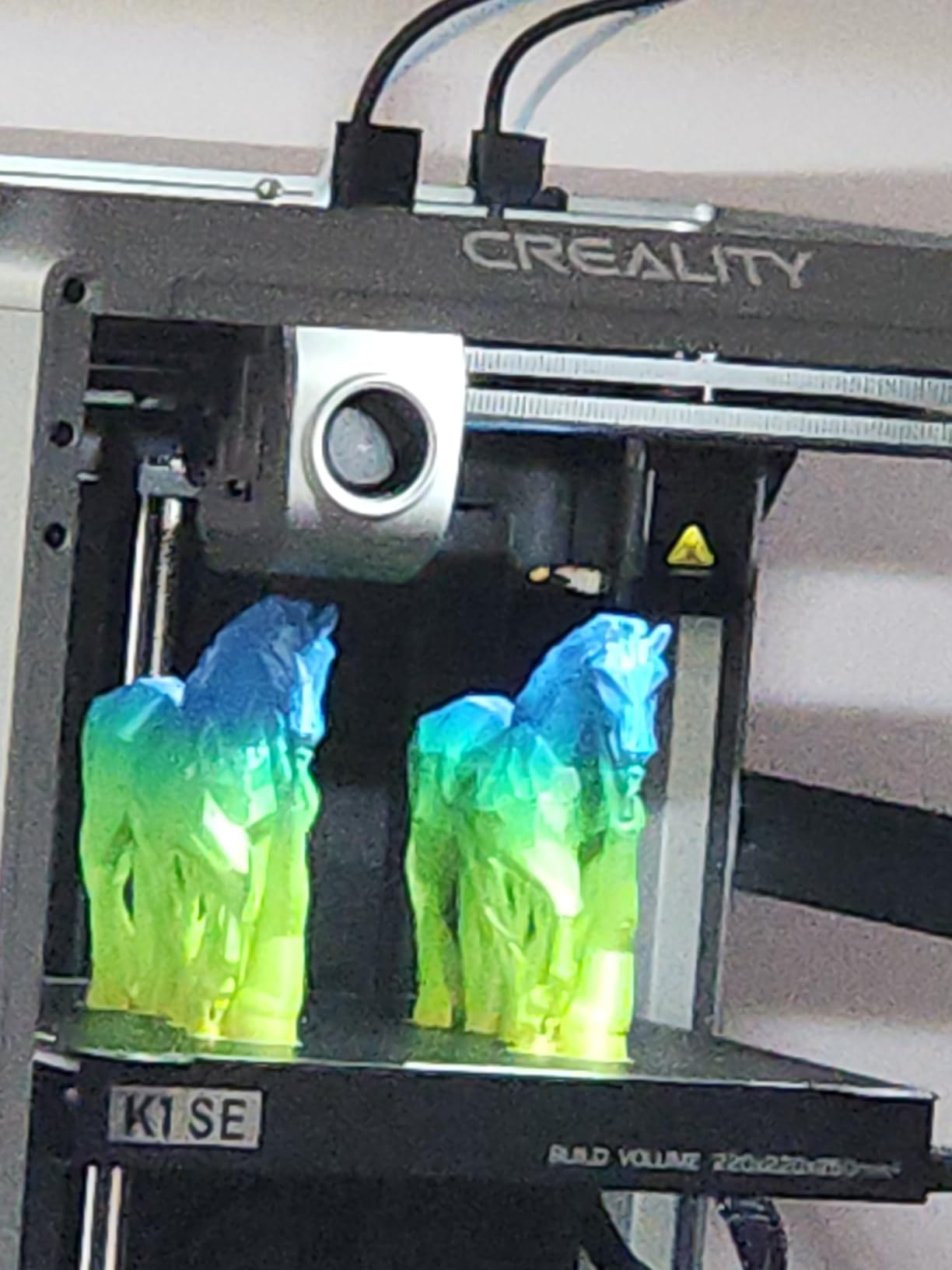
When the constraint is a small table in a crowded room, the K2 SE 4C is the answer. Four-color printing works out of the box with no upgrades and no extra assembly, and the design occupies 37 percent less space than traditional multicolor systems.
Reliability features matter here more than headline speed. Filament runout, tangle detection, power-loss recovery and skip-partial-failure are all present, so a long classroom job has several ways to survive a problem without a teacher standing over it.
CoreXY motion reaches 500 mm/s with 20,000 mm/s² acceleration on a rigid all-metal frame, and auto bed leveling probes only the active print area, which keeps setup fast. At 35.5 pounds it is heavier than a typical entry-level machine but well within what two adults can reposition.
Its review base of 559 is still growing, so feedback centers on speed, footprint and ease of setup rather than years of ownership. Buyers describe it as ready-to-use four-color printing in a classroom-friendly package at a mid-range price.
Where footprint beats features
Many elementary and middle-school programs have a printer shelf, not a machine room. This is one of the few multi-color machines that fits a normal bookcase, and that physical fact removes the most common reason a good machine never gets unboxed.
Offline USB printing means the queue keeps working even when the school network does not, which is a real advantage during testing weeks.
Where it will disappoint you
Multicolor still requires purging between colors, so cycle time and material waste both rise on multi-color jobs. Root access and the Fluidd interface are genuinely useful for older students but have a learning curve that does not help a beginner.
At 35.5 pounds it is not a portable classroom machine, so pick a permanent spot before delivery day.
10. Entina Tina2C – Best for Youngest Students
Entina Tina2C 3D Printer for Kids & Beginners, Fully Assembled Starter Mini 3D Printer, Start in 8 Mins, App & WiFi Control, Auto Leveling, 3000+ Model Library, 20+ Creative DIY Modules for STEM, Home
Fully assembled
100 mm build volume
First print in about 8 minutes
5.28 lb
STEM modules
Pros
- Comes fully assembled and prints in minutes
- Tiny and light at 5.28 pounds
- STEM modules and model library hold attention
- Works on Windows macOS Linux and Chromebook
Cons
- 100 mm build volume means everything is small
- Occasional filament snapping and clogs
- Prints can be slightly wobbly
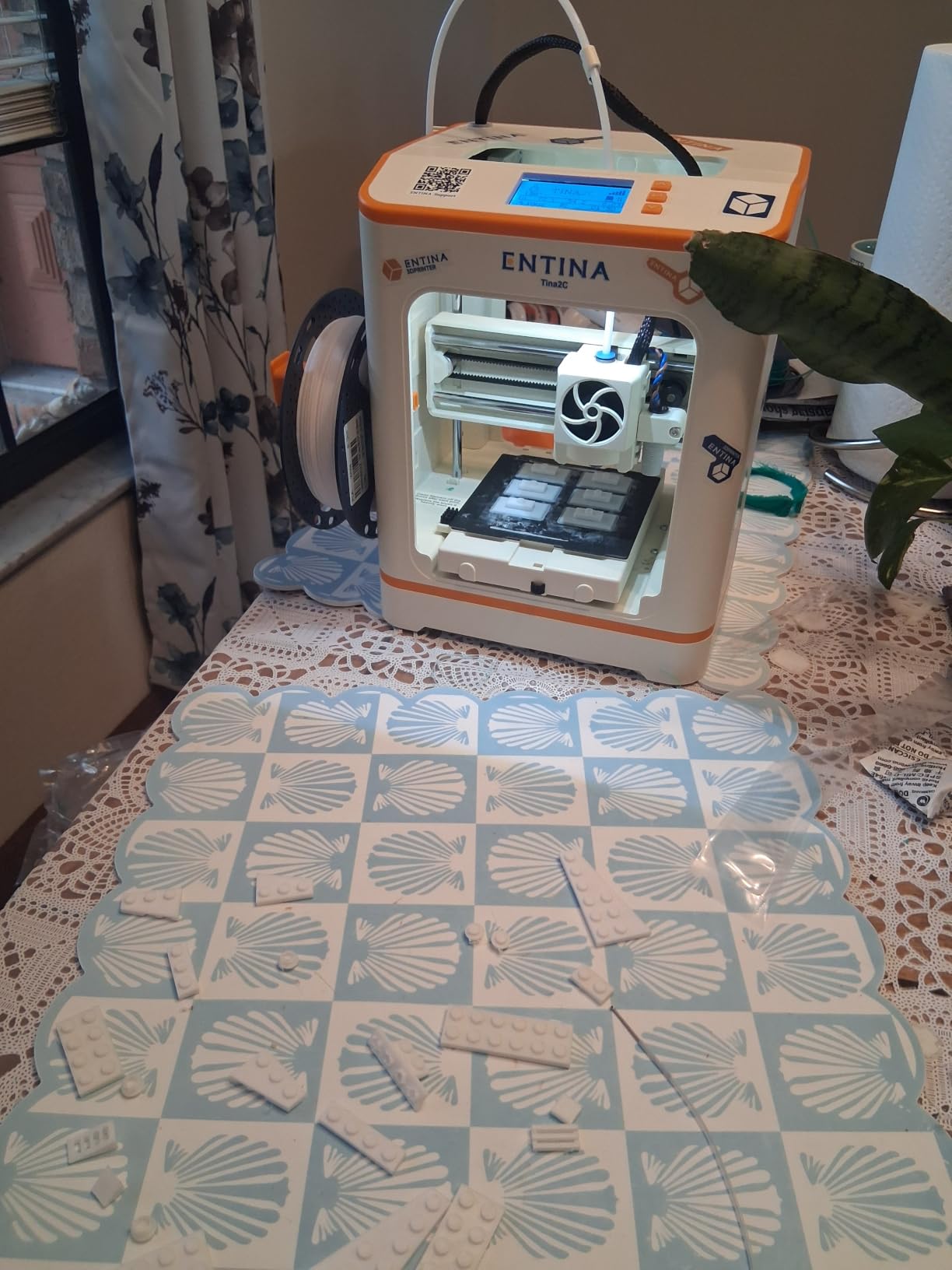
For K-5, the Entina Tina2C is the least intimidating machine in the roundup. It arrives fully assembled, prints for the first time in about eight minutes through the Poloprint Cloud app, and weighs 5.28 pounds, so a child can carry it under teacher supervision.
The educational layer is unusual at this level. The app includes AI creativity tools, photo-to-print, 25 creative modules and STEM learning courses, plus a library of 3,500 or more models. Students who cannot yet design in a CAD program can still produce something on their first day.
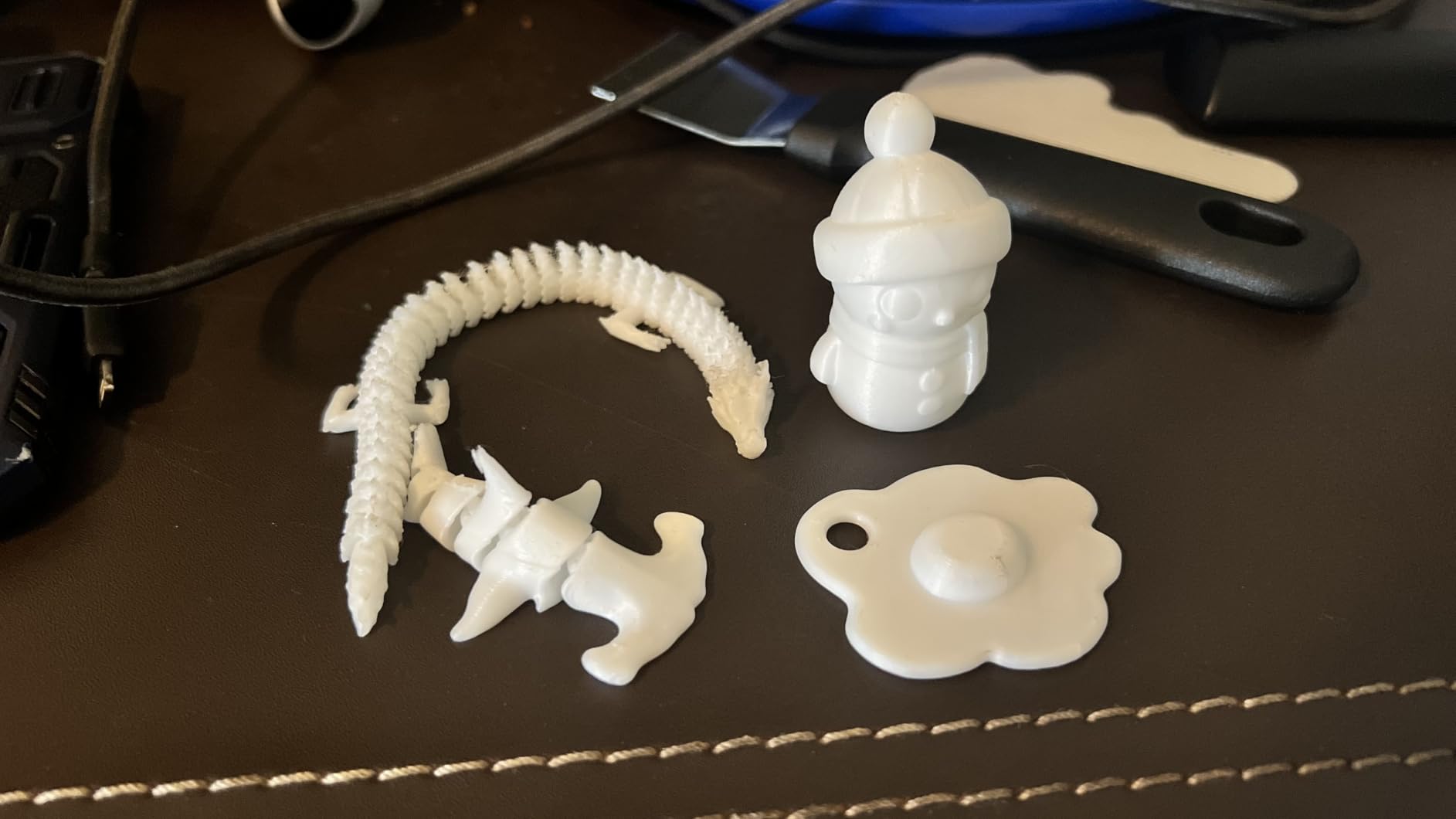
Auto leveling and power-loss recovery raise the success rate for young learners, and the self-cleaning nozzle plus quick-swap printhead make maintenance simple. Integrated LED lighting and quiet operation suit a reading corner, and the rounded, safe-looking edges do more for parent and principal conversations than any spec.
It is also the one machine here that explicitly supports Chromebook, along with Windows, macOS and Linux, and it works with Cura and Simplify3D. That matters for the classroom question about what slicer runs on ChromeOS.
Good for a reading nook or library corner
Small footprint, low weight and a model library mean a librarian or a single teacher can run a small program without building a shop. A 100 mm cube produces desk-sized objects, which is the right scale for bookmarks, puzzle pieces, character tokens and name tags.
Because it is tiny, the failure cost is also tiny. A part that snaps is a thirty-second reprint, and a student who breaks something learns more than one who watches.
Where it will disappoint you
The 100 x 100 x 100 mm build volume is the hard limit. Everything is small, and a middle-school project that needs a 200 mm part simply will not happen on this machine. Some owners also report filament snapping inside the extruder and slightly wobbly prints, and the side spool holder will not accept 1 kg spools, so plan smaller filament purchases.
It is an introduction, not a production tool. When students outgrow it, move them up rather than scaling the project down forever.
How to Choose a 3D Printer for a Classroom
Enclosure is the first filter, not a nice-to-have
An enclosure does three jobs at once. It blocks student access to a nozzle that can reach 300 °C, it hides the moving gantry where fingers get pinched, and it contains ultrafine particles and volatile compounds from melting plastic. That is why we would not put an open-frame machine in a room of students under about 12, no matter how capable it is.
Open-frame machines in this roundup are the Bambu Lab A1, the Flashforge Adventurer 5M and the Creality Ender 3 V3 SE. All three are good machines. All three are adult-operated tools. The Entina Tina2C is small enough that a young student can work with it under supervision.
Ask the school facilities team for the air changes per hour in the room. A room with weak ventilation needs a filtered enclosed machine; a well-ventilated shop has more flexibility with materials.
Air filtration and what the safety labels mean
Filtration comes in two forms and they solve different problems. A HEPA filter captures particles, and an activated carbon layer absorbs gases and odors. The Flashforge Adventurer 5M Pro runs both inside a fully enclosed chamber, and the Creator 5 Pro adds HEPA 13 with carbon plus a heated chamber. The Creality K2 Combo has a built-in air purifier.
Three certifications come up constantly in school purchasing. UL GREENGUARD means low chemical emissions in indoor air. ASTM F963-23 is the US toy safety standard covering mechanical and flammability requirements. EN71 is the European toy safety standard. Ask a vendor for the certificate number, not a logo, and check whether it covers the printer and the filament you plan to use, since they are separate products.
Noise, throughput and the print queue problem
Under 50 dB is the practical threshold for running a printer during instruction. The Adventurer 5M Pro is specified under 50 dB and the Creator 5 Pro at 55 dB or less. Above that, teachers switch machines off, and a printer that is switched off prints nothing.
Throughput is the constraint nobody plans for. A class of 28 with one machine and 40-minute projects is roughly 19 hours of printing per class set. Options: start prints before recess or lunch, run several smaller machines in parallel, or design smaller parts. The two fastest machines here are the Flashforge Adventurer 5M at 600 mm/s and the Creality K2 Combo at 600 mm/s with 20,000 mm/s² acceleration.
Filament choices and the yearly material budget
PLA is the default for elementary and middle school. It is low-odor, easy to print, and the parts do not need to survive heat or impact. PETG adds toughness and heat resistance for functional parts, and TPU covers flexible items like phone grips and grip shapes. Reserve ABS, ASA, PA, PC and nylon for enclosed machines in high school and above.
Budget material before you buy the printer, because filament is the line item that runs out. A classroom set of 28 parts at a modest 15 g each is about 420 g of filament, which is a fraction of one spool. A busy elective class printing daily will consume spools steadily. Line item for material in your first-year budget, and the complaint that shows up most on teacher forums, funding a printer with nothing left for filament, goes away.
Open versus closed ecosystems over four years
All ten machines here accept standard 1.75 mm filament, so no printer locks you into a proprietary spool. What differs is the software around it. Bambu Lab takes a closed-ecosystem approach with its slicer and app; the Creality K2 SE 4C opens up with root access, Creality OS and a Fluidd interface, plus offline USB printing. For a Chromebook fleet, a machine that prints from an app or offline from a drive is far easier to manage than one that depends on desktop software.
The multi-color units are worth more attention here. On single-extruder multi-color machines, every color change purges material, and teachers on forums describe designing around that waste. The four-toolhead Flashforge Creator 5 Pro removes purge waste entirely, which is a running cost difference rather than a purchase difference.
Which pick fits which grade band
For K-5, the Entina Tina2C is the right starting point: small, safe-looking, and simple enough for a nine-year-old. For grades 6-8, the Flashforge Adventurer 5M Pro gives you an enclosure, filtration and under-50 dB operation in one machine. For grades 9-12, the Bambu Lab P1S Combo or Creality K2 Combo cover multi-color and engineering materials. For a makerspace or higher-education lab that prints class sets in color every week, the Flashforge Creator 5 Pro is the volume play.
For a district buying several at once, standardize on one model. Spare filaments, spare nozzles and the training material all become reusable, and parts availability over a four-year replacement cycle is easier with a single platform. Buyers on r/BambuLab make this point constantly: these printers need to last several years, so support and parts matter more than any launch-week spec.
If your room is also getting new display or audio equipment, our picks for digital whiteboards for classrooms, classroom projectors and classroom speakers cover the rest of the room setup.
Safety and Supervision Rules for a Classroom Printer
A desktop FDM printer is a power tool with a 300 °C hot end. Teachers running a printing program should adopt a short written policy, because the risk is not the machine, it is the operating habits around it.
Never leave a printer unattended. Keep it in a supervised room, and treat any room that students can enter while printing as a room where an adult is present. This is the one rule we would put in writing on day one. A printer running in an empty classroom is both a fire-safety exposure and a liability question for the district.
No students touch a moving machine. Hot nozzle, heated bed and pinch points at the gantry and belts are the three hazards to name explicitly to students, and the enclosure is what keeps those hazards out of reach in the first place.
Ventilation and filtration do different work. Filtration handles emissions from the machine; room ventilation handles everything else. For a room using ABS or nylon, ask facilities about air changes per hour and add a filtered enclosure, which is where the Adventurer 5M Pro and Creator 5 Pro earn their place.
Fire safety means knowing where the nearest extinguisher is and keeping the printer on a non-carpeted surface away from paper and fabric. Schools are full of paper, and a heated chamber is not a fire risk under normal operation, but placement still matters.
Resin printing deserves its own warning. Resin produces finer detail and it is genuinely useful for advanced art, dental and medical models, but uncured resin is a sensitizer with different handling rules, gloves, ventilation and waste disposal. Keep it out of K-8 classrooms, restrict it to trained staff in a dedicated room, and treat any vendor resin program as a facilities question rather than a purchase.
Frequently Asked Questions
What is the best 3D printer for classroom use?
The ELEGOO Centauri Carbon 2 Combo is the best all-around choice for classroom use, because it combines a full enclosure, four-color printing, a 256 mm build volume and automatic calibration in one machine. For a quieter room, the Flashforge Adventurer 5M Pro runs under 50 dB. For K-5, pick a small enclosed or desktop unit and keep the filament to PLA.
Which 3D printer with an enclosure is the best?
Among enclosed machines, the Flashforge Adventurer 5M Pro stands out for dual filtration and operation under 50 dB, which lets it run during a lesson. The Flashforge Creator 5 Pro goes further with four toolheads, a 65 C heated chamber and HEPA 13 plus carbon filtration for programs printing engineering materials indoors.
Is Bambu or Prusa better for a school program?
For a teacher who wants the simplest setup, the Bambu Lab picks in this roundup win on automation and app-based control, with the A1 carrying the highest owner rating at 4.7. Shops that want open tooling and offline control should look at machines with root access and offline USB printing, such as the Creality K2 SE 4C. Both ecosystems use standard 1.75 mm filament.
What filament should a classroom 3D printer use?
Use PLA for most elementary and middle-school work, PETG for tougher functional parts, and TPU for flexible items. Reserve ABS, ASA, PA, PC and nylon for fully enclosed machines in high school and above, since they need a heated chamber. Buy material in your first-year budget; a class set of 28 parts at 15 g each is about 420 g of filament.
How many 3D printers should a school buy and how noisy are they?
One machine cannot serve a class of 28 in a single period, because 40-minute projects total roughly 19 hours of printing per class set. Start prints before recess or lunch, or run several smaller machines in parallel. For noise, under 50 dB is the practical threshold for running during instruction; above that, teachers tend to switch the machine off.
Our Final Classroom Picks for 2026
The best 3D printers for classrooms are not one machine, they are three decisions. Elementary and middle school need an enclosed, filtered machine that runs under 50 dB, which points to the Flashforge Adventurer 5M Pro. High school engineering needs a 300 °C hotend and multi-material capability, which is the Creality K2 Combo or the Bambu Lab P1S Combo. And any program printing color class sets every week should look at the Flashforge Creator 5 Pro, where four toolheads remove purge waste entirely.
Our overall pick, the ELEGOO Centauri Carbon 2 Combo, covers the most ground in one enclosure: four colors, a 256 mm build volume, self-calibration and the broadest owner base we found. Start there unless a specific constraint says otherwise, and budget filament before you unbox anything.