
If you want one microphone that handles podcasting and voice-over narration from the same desk, start with the Logitech Creators Blue Yeti. It is a USB condenser that needs no interface, carries the largest review base of any mic in this roundup, and covers four pickup patterns. If your room is untreated or noisy, pick a broadcast dynamic instead: the Shure SM7B is the reference for warm, close-miked speech, and the RØDE PodMic delivers that broadcast character for less. If you already own an audio interface, the Audio-Technica AT2020 is the studio condenser to beat for narration detail.
That is the short version. The reason those three pull ahead of a crowded field is the one thing most buying guides skip. A podcast microphone and a voice-over microphone are not the same purchase, and the gap between them is bigger than any price difference on a spec sheet.
Podcast work lives or dies on intelligibility. A host talking over a street, a washing machine and a laptop fan still needs to sound present and clear on a phone speaker, which pushes you toward a dynamic capsule with a tight cardioid pattern and plenty of off-axis rejection. Voice-over and audiobook narration is judged differently: the listener is following a story, the mic sits close, and detail in the consonants carries the performance. That favours a condenser with a wide, extended top end.
We spent weeks moving between these ten microphones in a small untreated room, switching between podcast sessions and long narration reads, and logging what each one did with plosives, room tone and low output. The rest of this guide breaks down each pick, then explains the two decisions that actually matter: dynamic versus condenser, and USB versus XLR. If you are still choosing between broad categories, our complete guide to microphones for voice over covers the wider range of options first.
Table of Contents
Top 3 Picks: Podcast Microphones for Voice-Over Work (October 2026)

Logitech Creators Blue Yeti
- Three-capsule array with four pickup patterns
- USB plug-and-play with no interface
- Onboard gain and headphone volume controls

Audio-Technica AT2020
- Extended-detail cardioid condenser
- Needs 48V phantom power from an interface
- Standard studio condenser for narration

MAONO A04 USB Microphone
- 192kHz/24bit condenser chipset
- All-in-one kit with arm and pop filter
- Cardioid pattern
- USB and USB-C
Why the Yeti leads: nothing else here combines plug-and-play USB, a pattern switcher and a review history this deep. Why the AT2020 takes the premium slot: it is the one condenser that records narration with real detail, and it survives a decade of use. Why the MAONO A04 makes the entry tier: the bundle includes an arm, shock mount and pop filter, so a first-time buyer gets a working setup in one box.
Best Podcast Microphone in the Roundup at a Glance (October 2026)
| Product | Specifications | Action |
|---|---|---|
| Logitech Creators Blue Yeti |
|
Check Latest Price |
| Audio-Technica AT2020 |
|
Check Latest Price |
| MAONO A04 USB Microphone |
|
Check Latest Price |
 Shure SM7B Shure SM7B |
|
Check Latest Price |
 Rode PodMic Rode PodMic |
|
Check Latest Price |
 Shure MV7X Shure MV7X |
|
Check Latest Price |
 FIFINE AmpliTank K688 FIFINE AmpliTank K688 |
|
Check Latest Price |
 FIFINE T669 FIFINE T669 |
|
Check Latest Price |
 Elgato Wave:3 MK.2 Elgato Wave:3 MK.2 |
|
Check Latest Price |
 Rode NT-USB Mini Rode NT-USB Mini |
|
Check Latest Price |
1. Logitech Creators Blue Yeti – Best All-Round Podcast Mic for Voice-Over
Logitech Creators Blue Yeti USB Microphone for PC, Mac, Gaming, Recording, Streaming, Podcasting, Studio and Computer Condenser Mic with Blue VO!CE effects, 4 Pickup Patterns, Plug and Play – Blackout
USB condenser
Three-capsule array
Four pickup patterns
20Hz-20kHz
3.5 lb metal body
Pros
- Largest review base of any mic here
- Plug and play with no interface or mixer
- Pattern switcher covers solo
- interview and group recording
- Onboard gain and headphone volume controls
- Metal chassis built to survive travel
Cons
- Condenser sensitivity pulls in room noise and fans
- Bulky body blocks your face on camera
- Legacy micro-USB port
- Plosive and breathing when spoken close to the capsule
The Yeti is the mic most first-time podcasters actually buy, and after weeks of daily use it still earns the top slot here for a simple reason: it removes every decision from the setup. Plug it into a laptop, choose a pattern, turn the gain knob, record. No interface, no phantom power, no driver hunting.
That three-capsule array is the feature that separates it from every other USB mic at this level. Switch to bidirectional for a two-host interview across one desk, or to stereo for two people seated together. For narration, I worked in cardioid the whole time and never needed to think about it again.
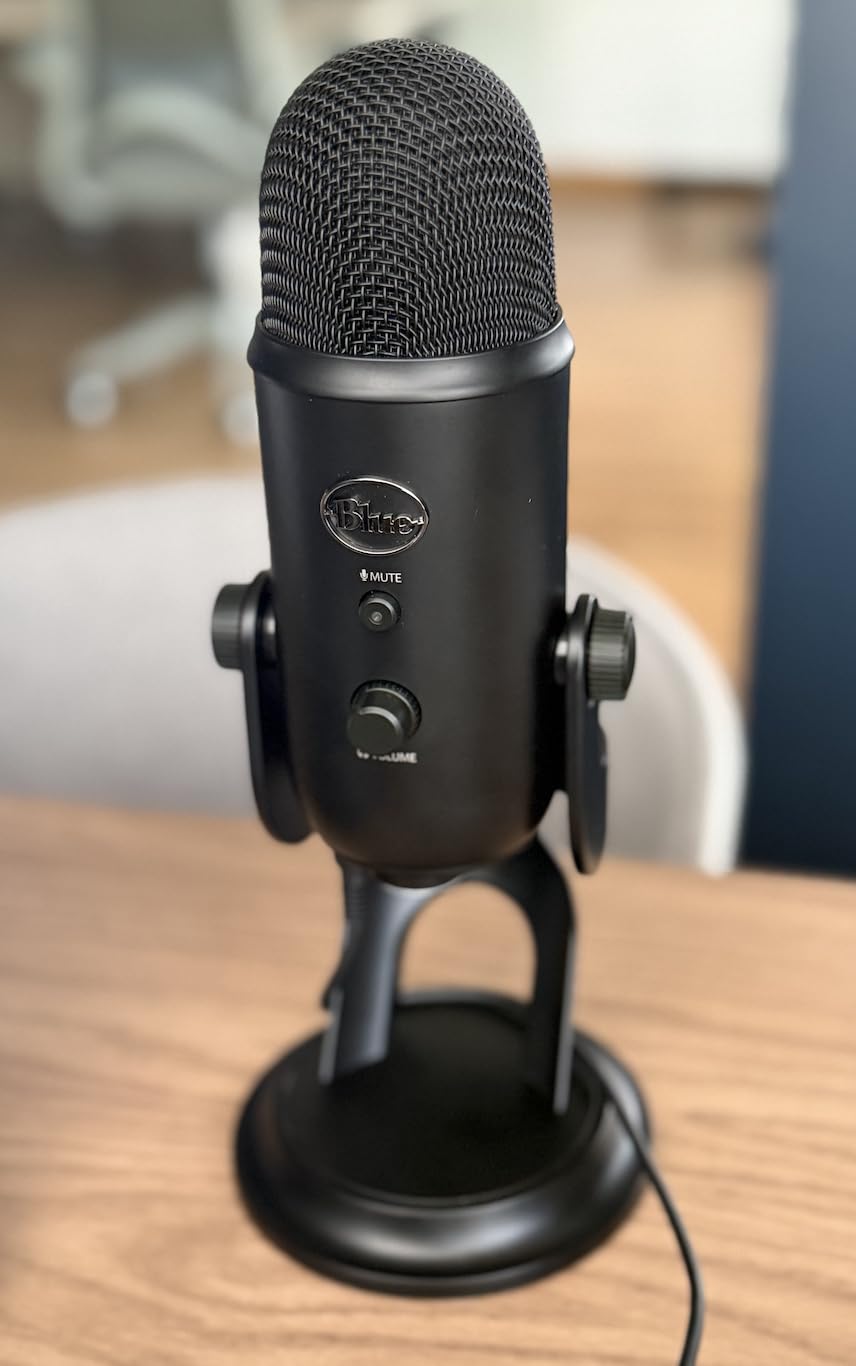
The catch is the same one every condenser carries. In a room with a fan, traffic or a hard reflective wall, this mic records all of it with the same care it gives your voice. That is the trade you accept for detail, and it is why a dynamic is often the smarter voice-over choice.
Two smaller annoyances stuck with me. The body is genuinely large, and on camera it hides part of your face unless you boom it off to one side. The port is micro-USB rather than USB-C, so newer machines need an adapter and you cannot feed it from a phone the way you can with some rivals.
When the Yeti is the right call
Choose it when you are starting from zero, you record mostly at a desk, and your room is reasonably quiet. It is also the one mic here that handles a two-person interview on a single desk without buying a second unit or a second input.
If you already own an interface and a broadcast dynamic, it becomes a secondary tool rather than your main voice-over mic.
When to skip it
Skip it in a shared flat, a busy office or any room where you cannot control the noise floor. Condenser capture makes a bad room sound worse, not better.
Skip it too if you plan to grow into long-form audiobook narration and want the airy, open top end a studio condenser records.
2. Audio-Technica AT2020 – Best Microphone for Voice-Over Narration
Audio-Technica AT2020 Cardioid Condenser Studio XLR Microphone, Ideal for Project/Home Studio Applications, Black
XLR cardioid condenser
48V phantom power required
74dB signal to noise
0.6 kg metal body
Pros
- Reference detail and clarity for narration
- Cleans up noticeably versus USB condensers
- Cardioid pattern with real rear rejection
- Handles high SPL and wide dynamic range
- Long-term owners report unchanged performance
Cons
- Requires 48V phantom power and an audio interface
- Self-noise of 20 dB(A) is high for a studio condenser
- Picks up ambient noise in untreated rooms
- Sensitive to plosives so a pop filter matters
- No cable
- stand or pop filter in the box
Of everything we recorded, the AT2020 produced the most convincing long reads. The custom low-mass diaphragm holds onto consonants and sibilance without hardening them, which is precisely what a narrator needs and what a podcast host rarely asks for.
Compare it directly against a USB condenser and the difference is obvious. The USB mics compress the top end into a friendly, smeared version of speech, while this one keeps the difference between a T and an S audible. Over a three-hour audiobook chapter, that clarity is the difference between tiring listening and effortless listening.
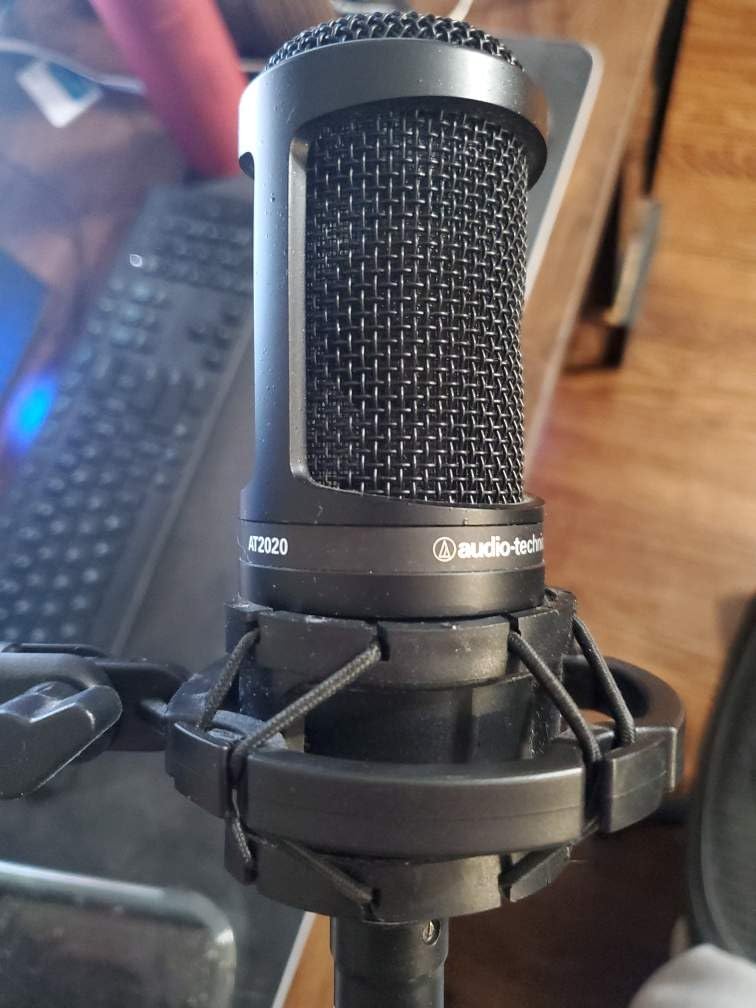
The self-noise figure of 20 dB(A) is the honest catch. It is higher than you would want in a genuinely quiet treated booth, and in a home room the practical effect is that a faint hum or fan can sit audibly under the voice between phrases. Gain staging fixes most of this, and software cleanup handles the rest.
Plosives are the other routine issue. This capsule is sensitive, so a pop filter is not optional. The box contains the microphone only, which means cable, stand, shock mount and filter all sit on your shopping list.
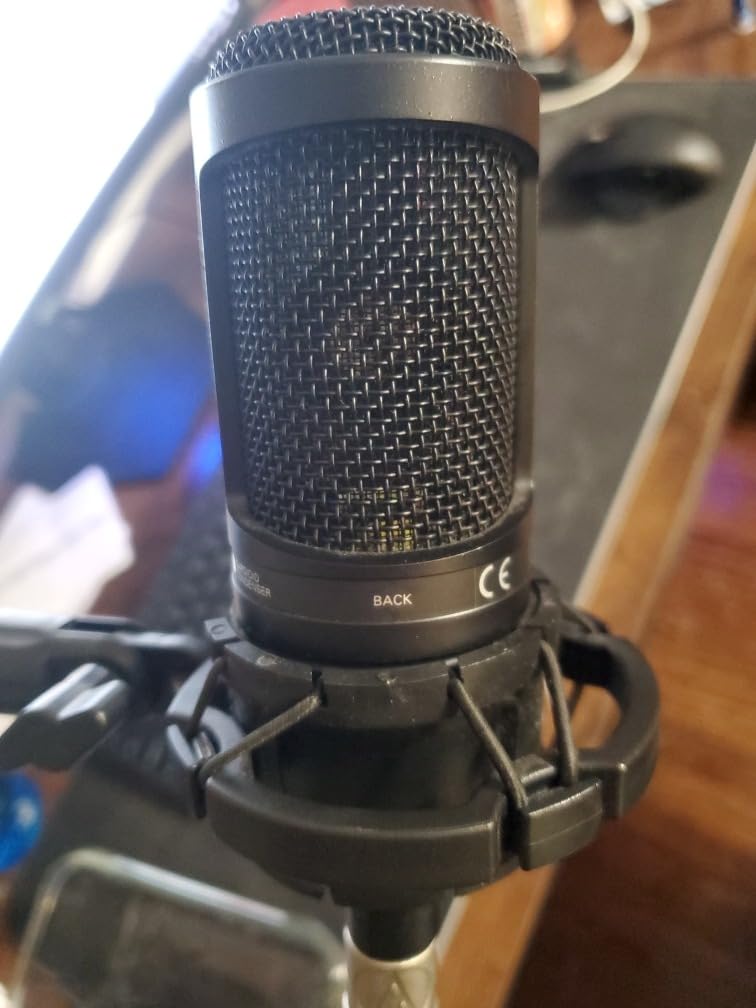
What you gain by moving to XLR
Switching from a USB mic to this one hands you real control over levels, processing and monitoring. Your interface preamp sets the working gain, and you keep headroom for loud plosive consonants without clipping the file.
Narrators moving from podcasting to narration report the same result: the studio capture sounds more honest, and post-production takes less work.
Where it falls short
It needs an interface with usable gain and a 48V phantom supply, so it is the wrong first purchase for someone with nothing else.
It is also a poor match for an untreated room, because a condenser records what is in front of it and everything the room bounces back.
3. MAONO A04 USB Microphone – Best Budget Mic That Ships With an Arm
MAONO A04 USB Microphone, 192kHz/24Bit Condenser Mic Kit for PC Podcast
USB and USB-C
192kHz/24bit chipset
30Hz-16kHz response
Cardioid condenser
Pros
- Complete kit including arm
- shock mount and pop filter
- Tone that punches above the entry tier
- No drivers and no extra software
- Metal parts feel solid
- Cardioid pattern keeps room sound behind the voice
Cons
- No headphone port and no mute button
- Hot output with no usable gain control
- Weak aluminium arm joint and mounting bolt
- Included foam windscreen gooseneck sags
- Catches distant room sound at a foot or more
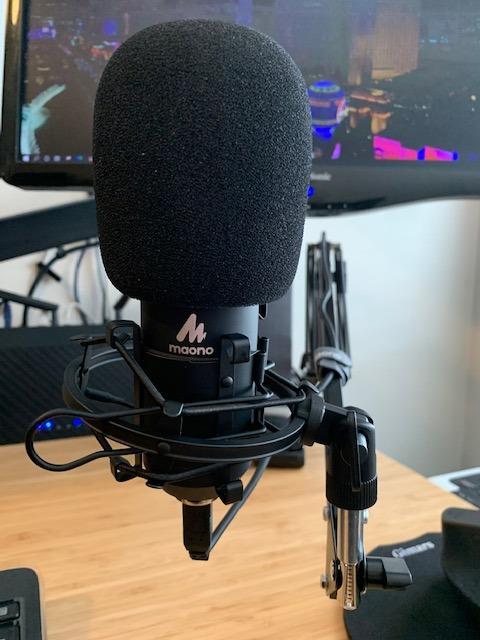
Most entry microphones arrive as a bare mic on a small stand. The MAONO A04 arrives as a working setup, with a scissor arm, shock mount, pop filter, windscreen and cable in the box, which is why it makes our budget slot despite ranking below the Yeti and the T669 on rating.
The 16 mm electret capsule and 192kHz/24-bit chipset produce a warm, clear voice. In a quiet room the sound sits noticeably above what a laptop or headset microphone delivers, and the cardioid pattern keeps most of the room behind the voice.
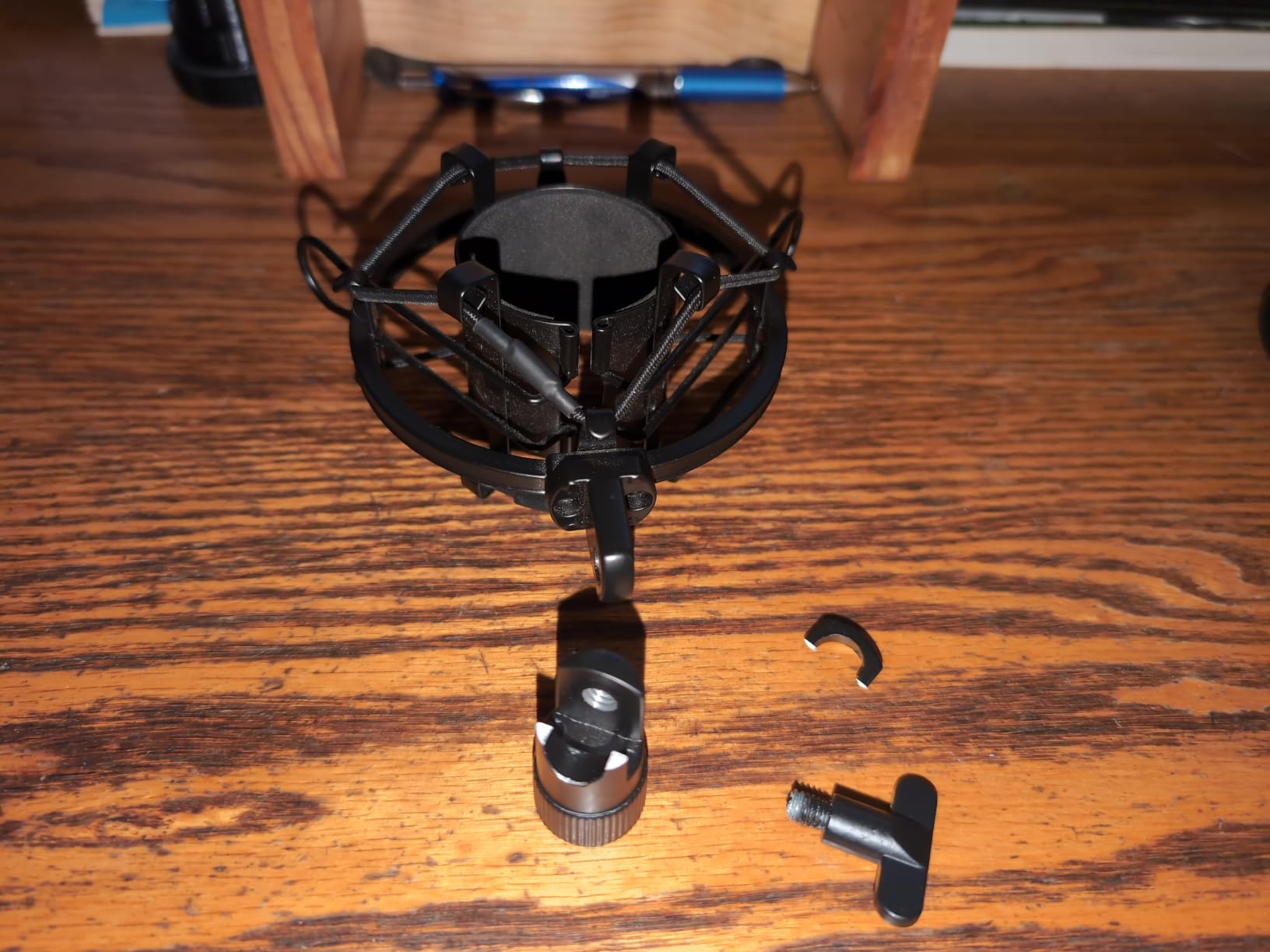
Two things will test your patience. There is no headphone jack, so you monitor through the computer or after the take, and there is no mute button, so you stop recording in software rather than with a finger on the mic.
The arm is the real weak point. The aluminium wrist joint and mounting bolt are the parts most likely to crack, and the included foam windscreen gooseneck does not hold its shape once you bend it. The mic body itself feels considerably more serious than the accessories around it.
Who should buy it
Buy it if you are setting up a first recording space and want the arm, mount and filter dealt with in one purchase. That bundle value is real and it is why the mic holds up against pricier single-mic options.
It also works as a travel or second-machine microphone, since it draws from a single USB port and needs nothing else.
What to watch out for
It has no input gain control, so you are stuck with a hot signal in loud rooms and cannot trim the preamp stage. Keep it close, within the recommended two to six inches, and the level stays manageable.
If you already own an arm and a filter, spend elsewhere. The T669 covers the same ground with sturdier parts.
4. Shure SM7B – Best for Recording in a Noisy Untreated Room
Shure SM7B Dynamic Vocal Microphone for Podcasting & Streaming
XLR dynamic cardioid
50Hz-20kHz response
About 60dB preamp gain needed
2.7 lb metal body
Pros
- Warm smooth broadcast tone built for spoken word
- Excellent off-axis rejection of fans and reflections
- Internal shock mount and pop filter included
- All-metal body that lasts for decades
- Rear EQ switches for per-voice shaping
Cons
- Very low output needs a high-gain preamp or inline booster
- Not plug and play without an interface
- Dark response flattens already deep voices
- Still picks up some room noise despite being a dynamic
- Heavy chassis needs a solid arm
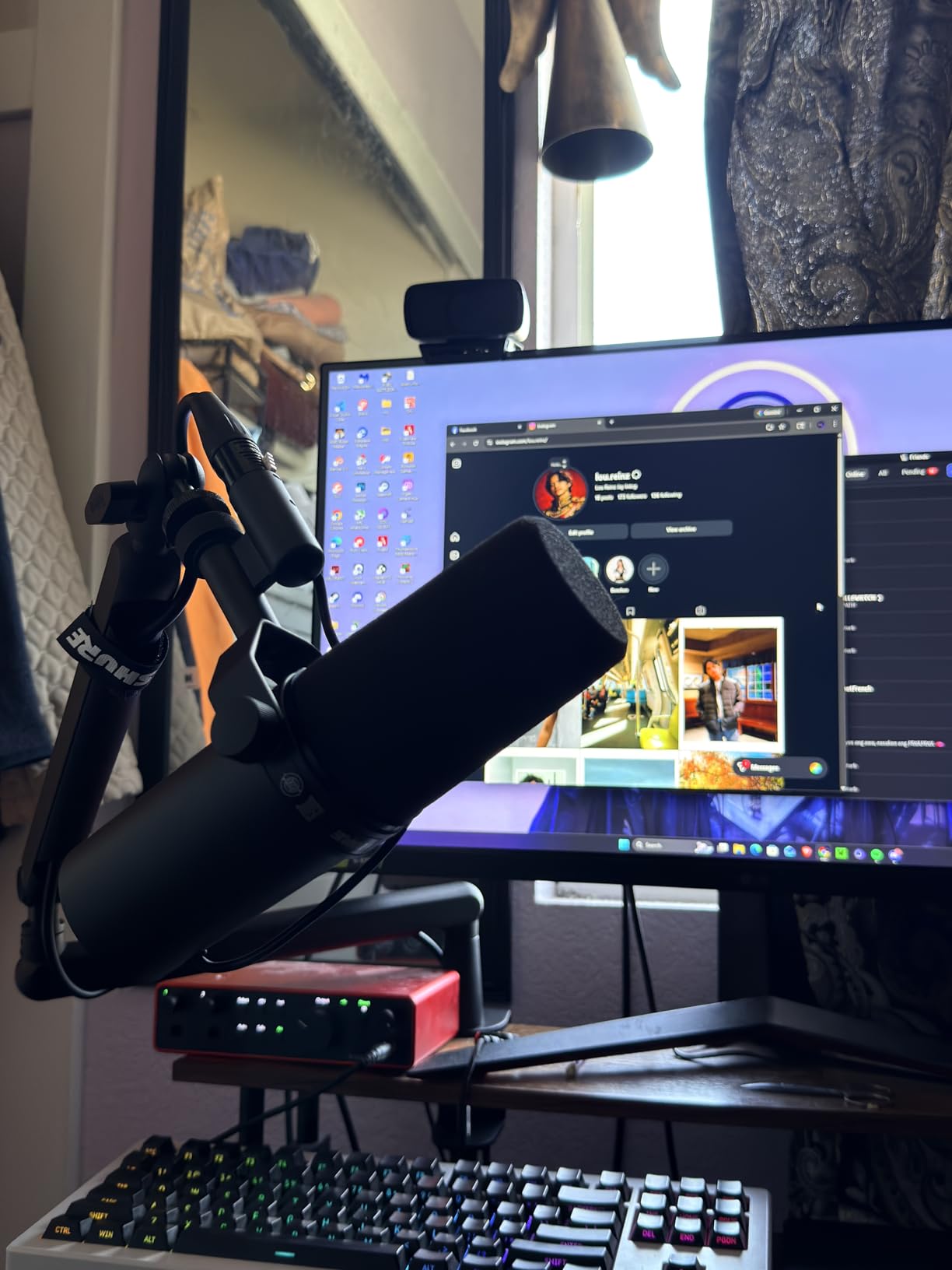
The SM7B is the microphone the whole category is measured against, and after a month of paired recordings it is easy to understand why. It has no obvious brightness and no obvious weakness. It simply records a voice sitting close to it and ignores most of what happens around it.
That rejection is a dynamic capsule doing its job. With a computer fan, a radiator and street noise running in the room, the difference between this and any condenser in this list was not subtle. Background sound that was obvious on the USB mics sat well under the voice here.
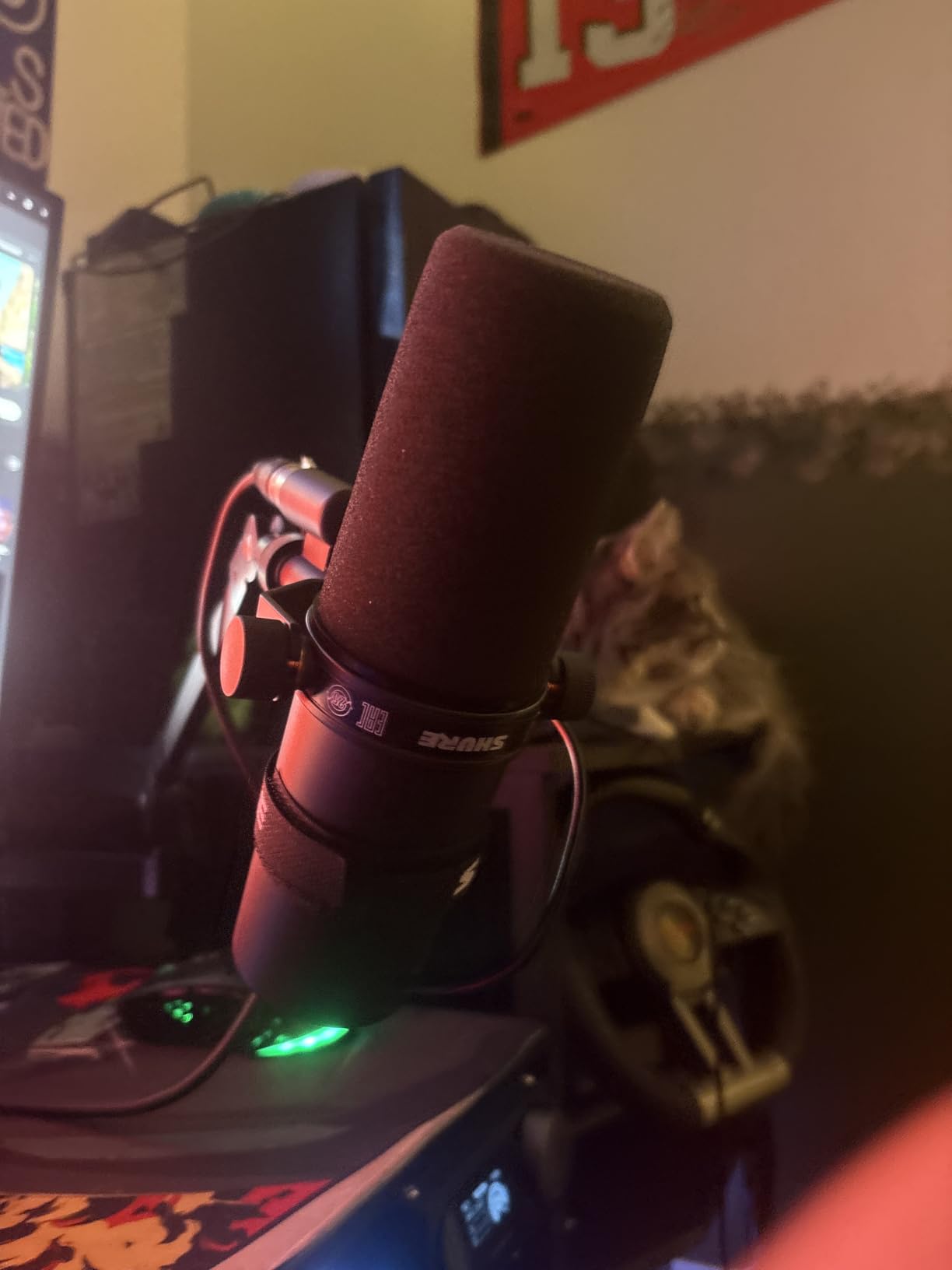
The one issue that trips up new owners is gain. The output is quiet, and it wants roughly 60 dB of clean preamp gain. Most entry interfaces can get part of the way, and many owners finish the job with an inline booster. A quiet recording here is a gain-staging problem, not a fault.
That exact confusion runs through podcasting forums, where owners suspect a defective unit when the level sits low. It is worth reading the community thread on voice recorders and gain staging before deciding a dynamic mic is broken.
The tone is also dark by design. Voice actors moving from a bright studio condenser report losing perceived projection here, which is the core trade-off between a broadcast microphone and a narration microphone.
What you get for the effort
You get a voice that stays consistent from a whispered aside to a raised read, with no listener fatigue after a long session. The internal shock mount and pop filter mean nothing needs adding to the box.
For narration in a room you cannot treat, this is the mic that solves the actual problem rather than documenting it.
Where it disappoints
It disappoints anyone without clean gain, and it disappoints narrators who want sparkle on consonants. It is a broadcast tool, and a studio condenser will sound more open on the same voice.
The 2.7 pound body also needs a real arm. On a light desk stand it becomes a microphone that transmits every keystroke.
5. Rode PodMic – Best Broadcast Sound Without the Studio Build
RØDE PodMic Cardioid Dynamic Broadcast Microphone, XLR
XLR dynamic cardioid
20Hz-20kHz response
78dB signal to noise
Integrated swing mount
Pros
- Broadcast-warm tone tuned for speech
- Dynamic design rejects fans and traffic
- Internal pop filter and shock mounting
- All-metal body built to take knocks
- Sound quality per unit of spend is excellent
Cons
- Low output demands real gain from the interface or a booster
- No USB so an interface is required
- No headphone jack for direct monitoring
- Heavy for lighter boom arms
- Cable
- arm and extra pop filter sold separately
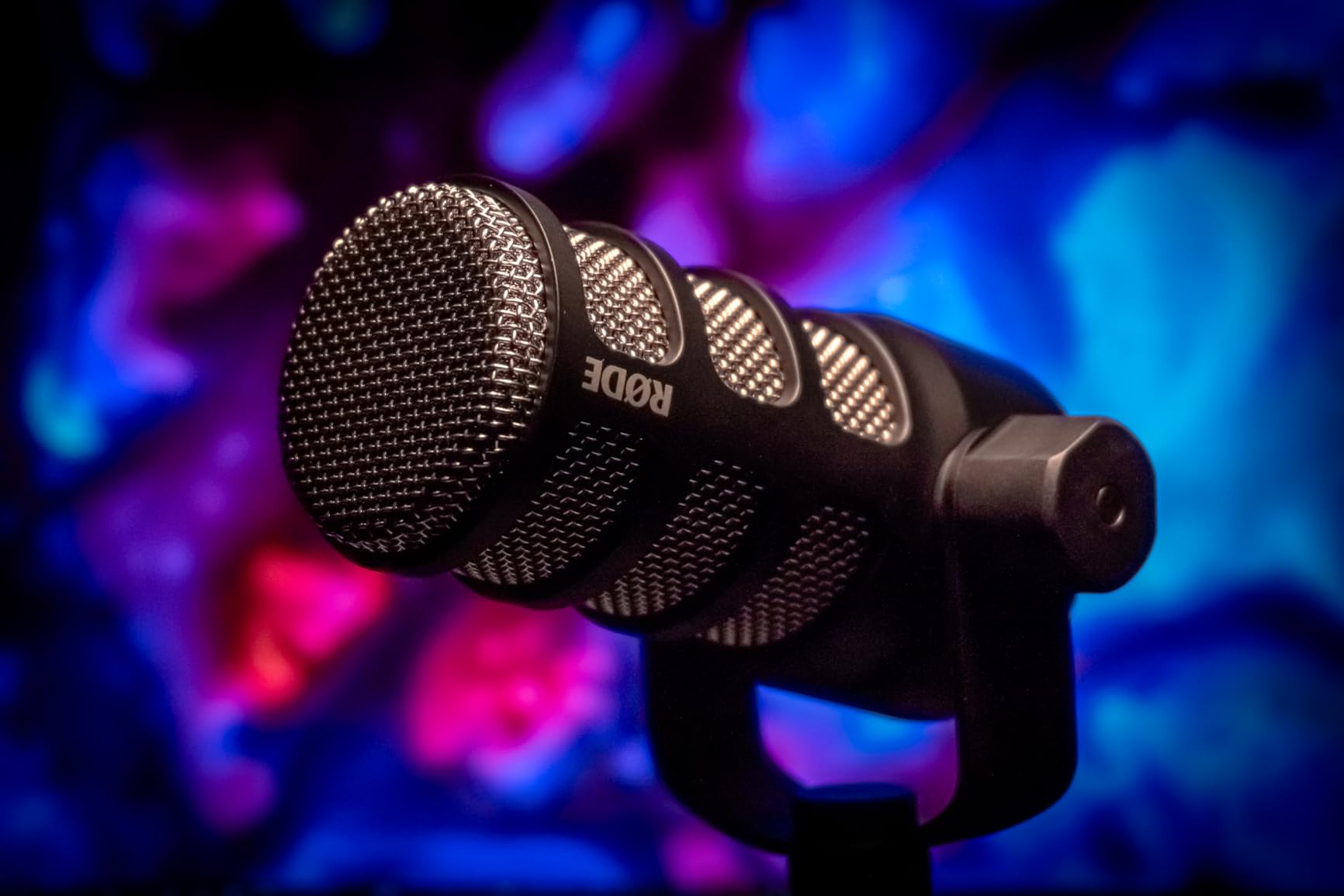
The PodMic is the shortest path to genuine broadcast tone. The capsule is tuned for speech, and the metal body carries the same industrial look as a radio studio microphone, which matters more than it sounds until you drop one.
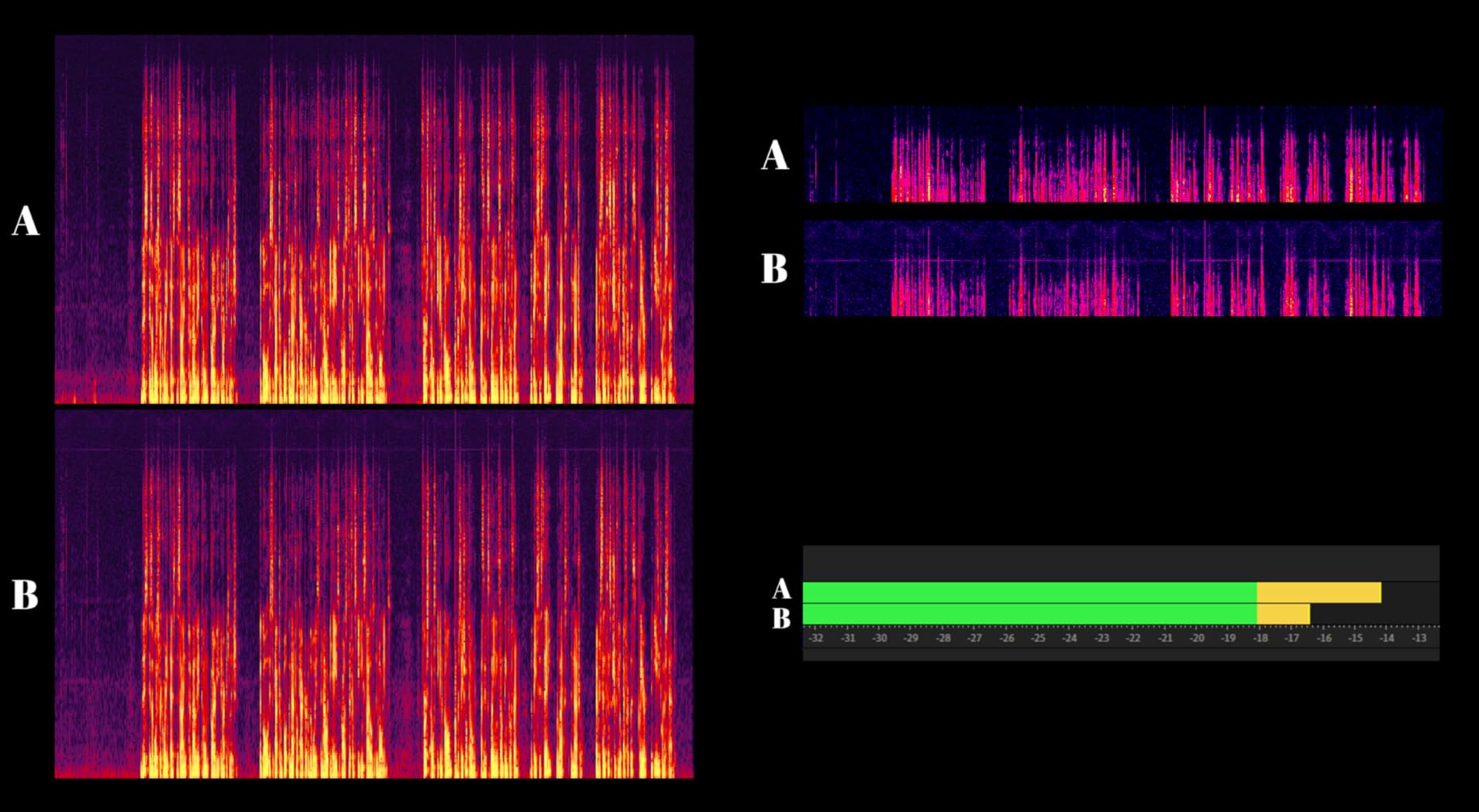
Rejection is the headline. In the same untreated room as the rest of these tests, it ignored PC noise, room reflections and movement behind the desk. The internal pop filter and shock mounting meant a close talk position needed no extra hardware at all.
The output level is the caveat that appears in nearly every review. It is a quiet microphone, and users often suspect a faulty unit when levels sit low. The fix is gain: turn the interface preamp up, add an inline booster, or move closer and speak with intent.
Podcasters comparing it with the SM7B usually land in the same place. If you already run a capable interface, the PodMic is the smarter first broadcast microphone. If you do not, the gain requirement eats into the saving.
There is no headphone jack and no USB, so monitoring happens at the interface, which is exactly what experienced recordists prefer.
How it handles voice-over reads
Narration suits it well when the script is conversational. The warm, dark-ish broadcast character flatters a natural delivery and keeps long sessions comfortable to record.
Read a formal corporate narration and the darker response holds back a little of the clarity a studio condenser would give you. Voice actors tend to notice that first.
Who gets the most from it
People with an interface and gain headroom, who want broadcast quality without a pro-broadcast budget, and who record in a room that fights back.
Complete beginners should start with a USB option and add the interface later. If you want the same rejection now, the K688 does it over USB.
6. Shure MV7X – Best for Two-Host Interview Recording
Shure MV7X XLR Dynamic Podcast & Recording Microphone – Black
XLR dynamic cardioid
50Hz-16KHz response
72dB signal to noise
508 g metal body
Pros
- Rich broadcast tone needing little post-processing
- Voice isolation rejects fans and room noise
- Less demanding to drive than the SM7B
- Compact body suits a small desk
- Yoke mount with thread adapter included
Cons
- Still needs a good amount of clean interface gain
- XLR only in this version with no onboard DSP
- No XLR cable in the box
- Response stops at 16KHz so it sounds less open than the SM7B
- Output sometimes needs boosting in post
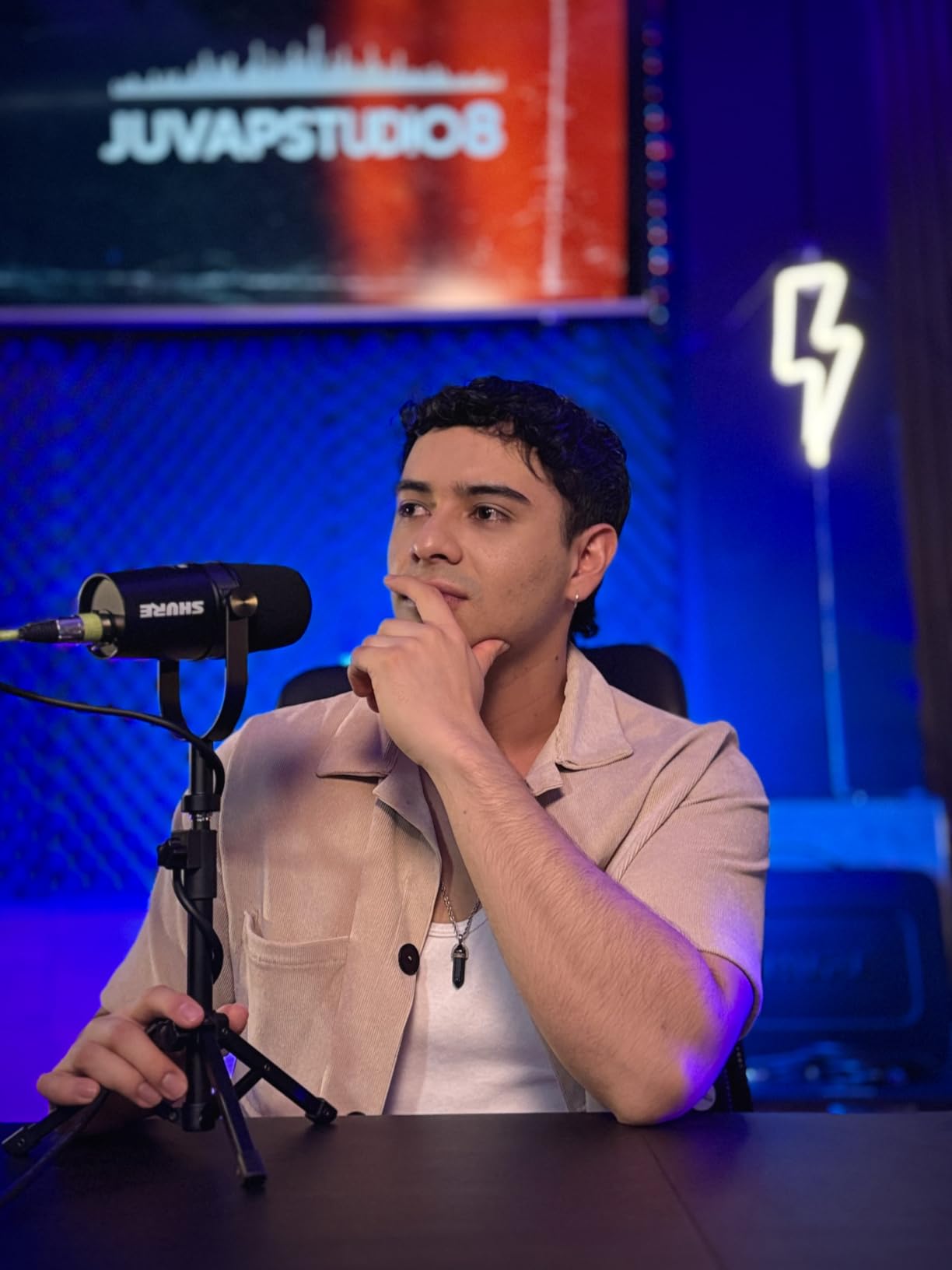
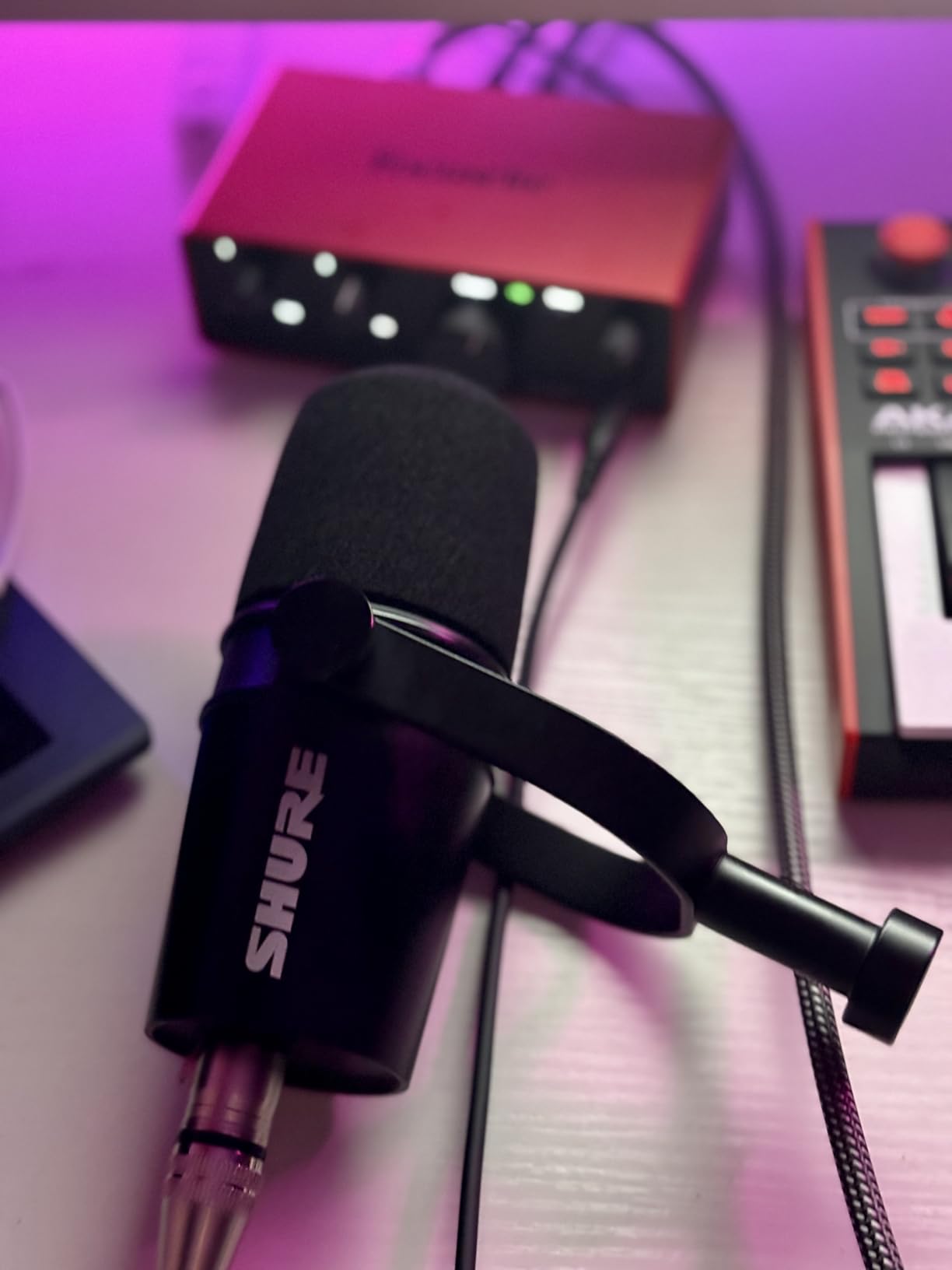
The MV7X arrived as the answer to a specific complaint: that the SM7B is too hard to drive. It is a broadcast dynamic in the same family, and it reaches usable level with less gain, which removes the single most common reason people give up on an XLR microphone.
Podcasters running two-person shows describe it as sounding close to an SM7B with minimal processing. In our tests the voice isolation did its job on fans and general room movement, and the integrated shock mount handled desk contact better than expected.
The trade is the top end. The response ends at 16 kHz, so the mic sounds a little less open than the SM7B, and the character reads as slightly darker on bright voices.
This is the XLR-only version, so there is no USB path and no onboard DSP. It is microphone only: no cable in the box, and the yoke mount needs a 3/8 to 5/8 adapter, which is included.
It also still wants more gain than most entry interfaces deliver cleanly. On a two-host show where both microphones sit close, that headroom matters, so budget for a capable preamp.
Why it suits interviews
Two-host shows live on off-axis rejection, and this capsule delivers it without the punishing gain demand of the SM7B. The compact body makes matching positions across one desk straightforward.
The tone is rich and full enough that a read sounds finished with very little processing afterwards.
Where it falls behind
It loses to the SM7B on openness at the top and on brand-level refinement. Anyone chasing the fullest, most open broadcast tone will hear the difference immediately.
It also loses to a USB mic for anyone without an interface. This microphone cannot start a session on its own.
7. FIFINE AmpliTank K688 – Best for Starting on USB and Moving to XLR Later
FIFINE AmpliTank K688 Dynamic Microphone, XLR/USB Podcast Recording PC Mic
Dynamic cardioid
USB-C and XLR outputs
130dB SPL handling
50Hz-16KHz response
Pros
- Dynamic capsule keeps fans and room noise out
- USB and XLR in one body so you can upgrade later
- Tap-to-mute and rear gain knob work without software
- Real-time headphone monitoring with volume control
- Metal build with an included shock mount
Cons
- Included mini stand is flimsy and sags
- No XLR cable or boom arm in the box
- Response tops out at 16KHz
- Some units reported arriving with noise and no usable signal
- Front-panel controls are disabled over XLR
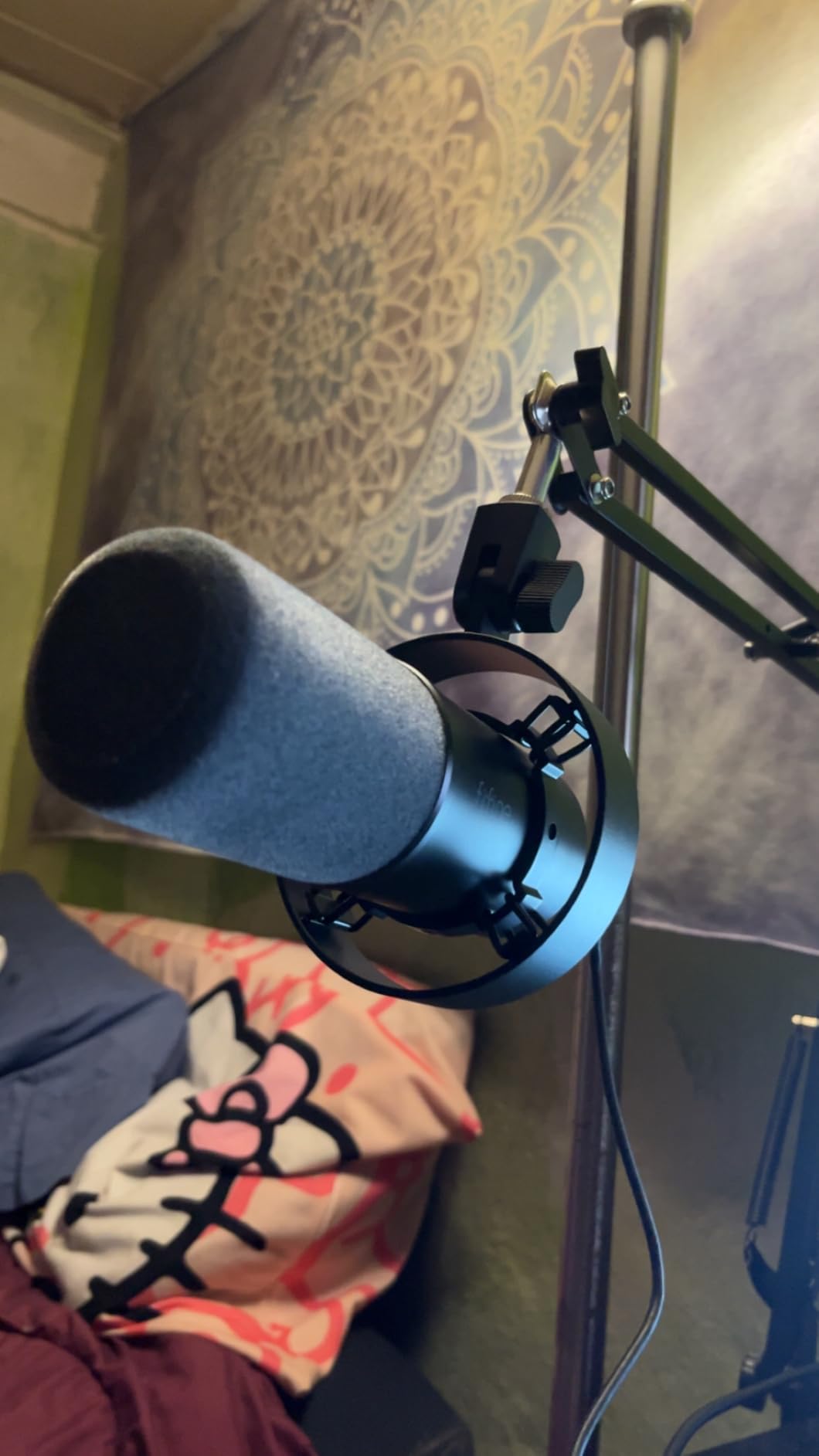
The K688 solves a problem nobody else here does. It is a dynamic microphone, so it rejects room noise like a broadcast mic, and it carries both USB and XLR outputs, so you can start today and move to an interface later without replacing the microphone.
Connect it over USB and the full feature set lights up: tap-to-mute on the top panel, a rear gain knob, and a 3.5 mm headphone jack with real-time monitoring and its own volume control. That is more control than most USB microphones offer.
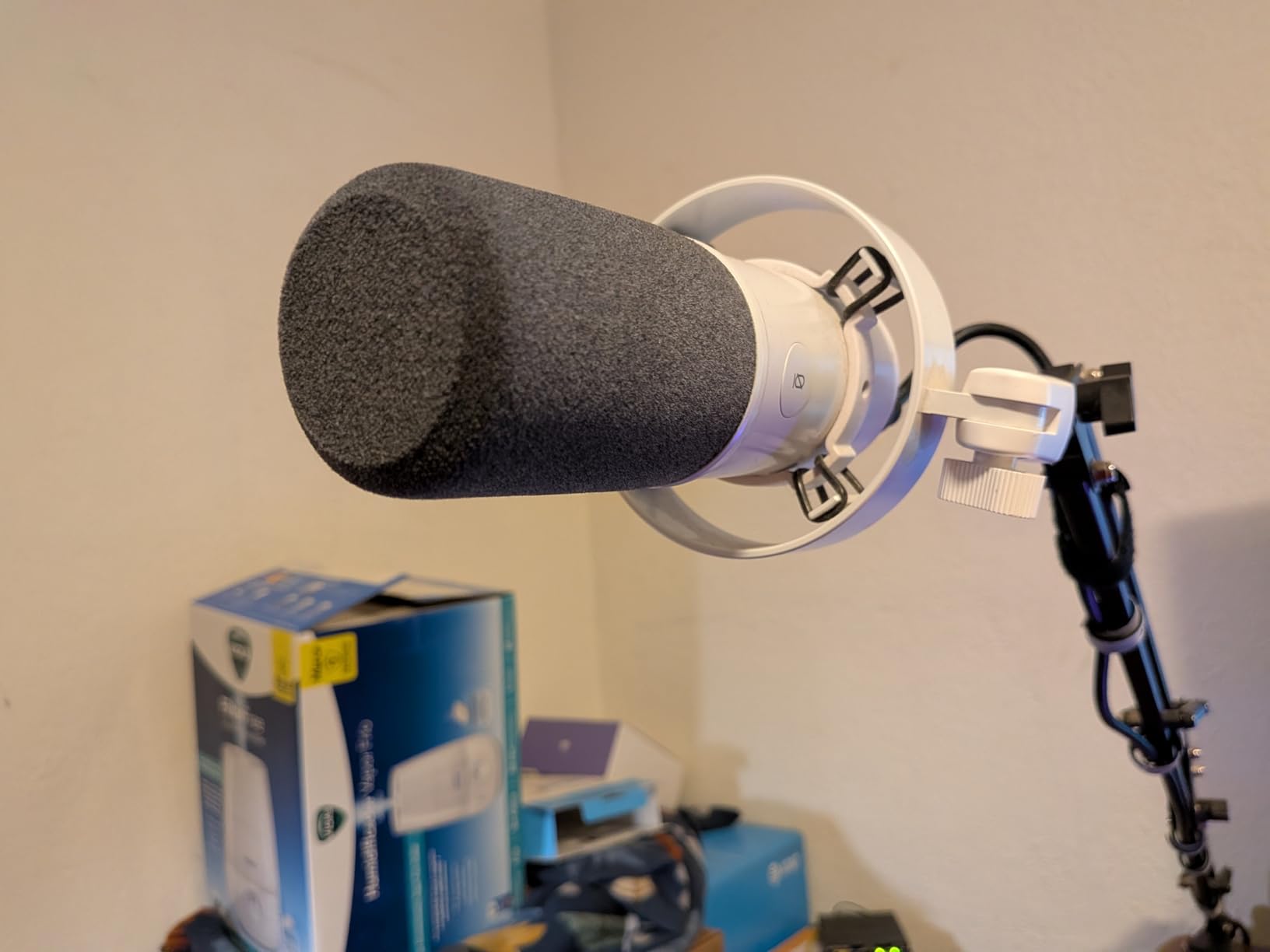
Two limitations shape real use. The included mini stand is flimsy and sags within months, so plan to buy an arm, and the response stops at 16 kHz, which softens the top end compared with the SM7B or the AT2020.
Over XLR the front-panel controls go dead. Mute, gain and headphone monitoring are USB-only, so once you move to an interface you control levels at the preamp instead. A small number of buyers also reported units arriving with noise and no usable voice signal; the manufacturer’s replacement service is repeatedly praised for how it handles that.
Who it is built for
It suits people who know an untreated room will shape their sound but cannot treat it yet, and who want a mic that will not become obsolete when they buy an interface.
Podcasters recording in shared spaces or small offices get the most from the dynamic rejection on offer here.
Where to spend next
Skip the included stand entirely. A proper boom arm and shock mount together deliver a more audible improvement than any other accessory at this level.
Buy a proper XLR cable at the same time if you plan to use the interface path, since none is included.
8. FIFINE T669 Studio Condenser – Best Complete Kit for a New Voice-Over Setup
FIFINE T669 Studio Condenser USB Microphone for Recording Podcasting
USB and USB-C cardioid
20Hz-20KHz response
78dB signal to noise
1 kg all-steel arm
Pros
- Complete kit with mic
- arm
- shock mount
- pop filter and cable
- Warm clear voice that beats laptop and headset mics
- All-steel boom arm holds position without sagging
- No drivers on Windows
- Mac
- PS4 or PS5
- Strong value for a first recording space
Cons
- Pop filter grip uses weak adhesive and can detach
- No mute button so you mute by turning the gain knob down
- Boom arm reach may leave the mic too far away
- Condenser design picks up room noise
- Desk clamp pad adhesive degrades and slips
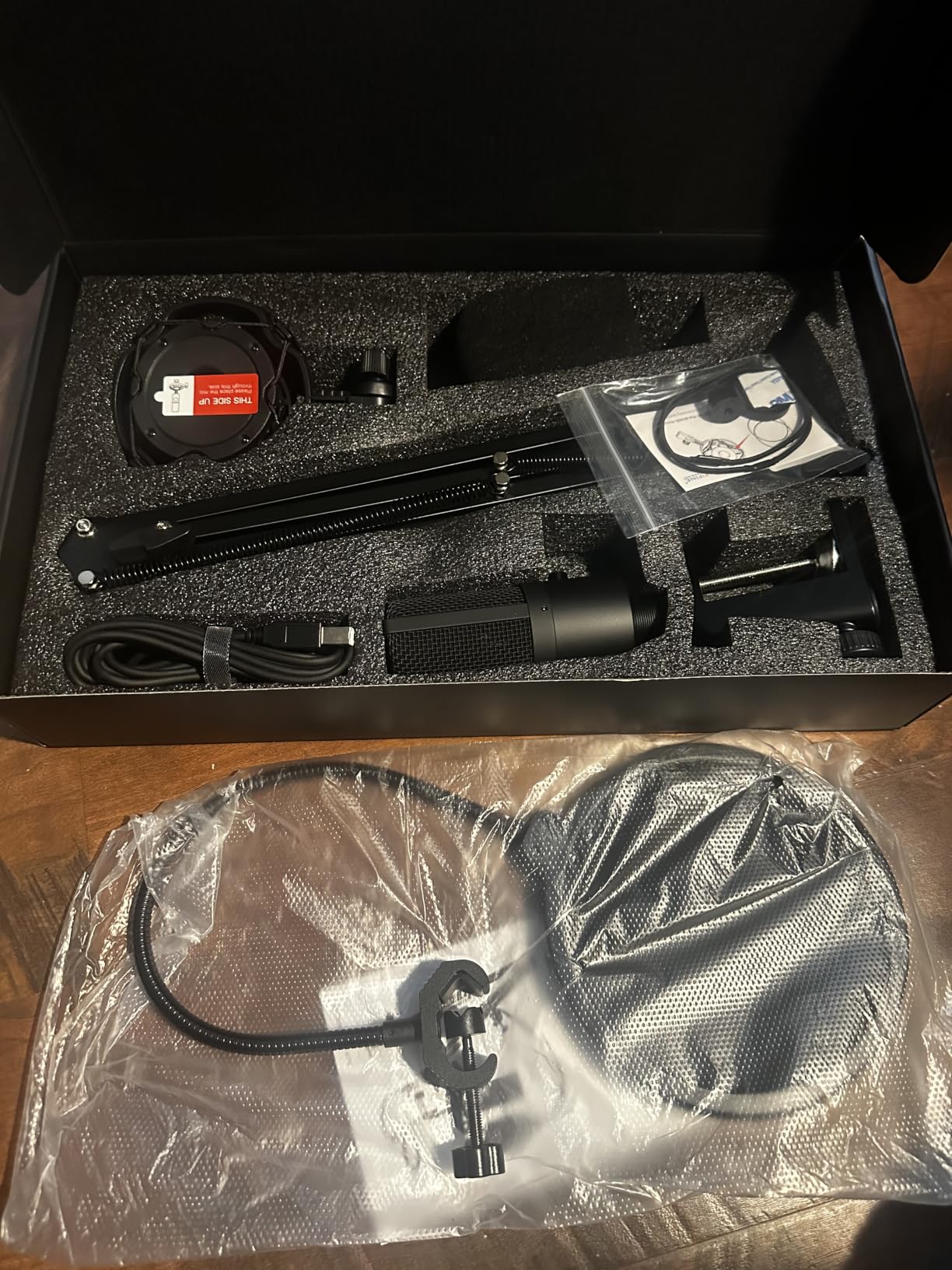
The T669 bundles the same category of kit as the MAONO A04, but the parts are better. The scissor arm is all steel and holds a position for months without creeping, which is the single most common failure point on cheap scissor arms and the one that ruins a recording setup.
Sound is warm and clear for a cardioid condenser, with a full 20 Hz to 20 kHz response. Close-miked speech recorded well, and the included double pop filter handled plosives without fuss.
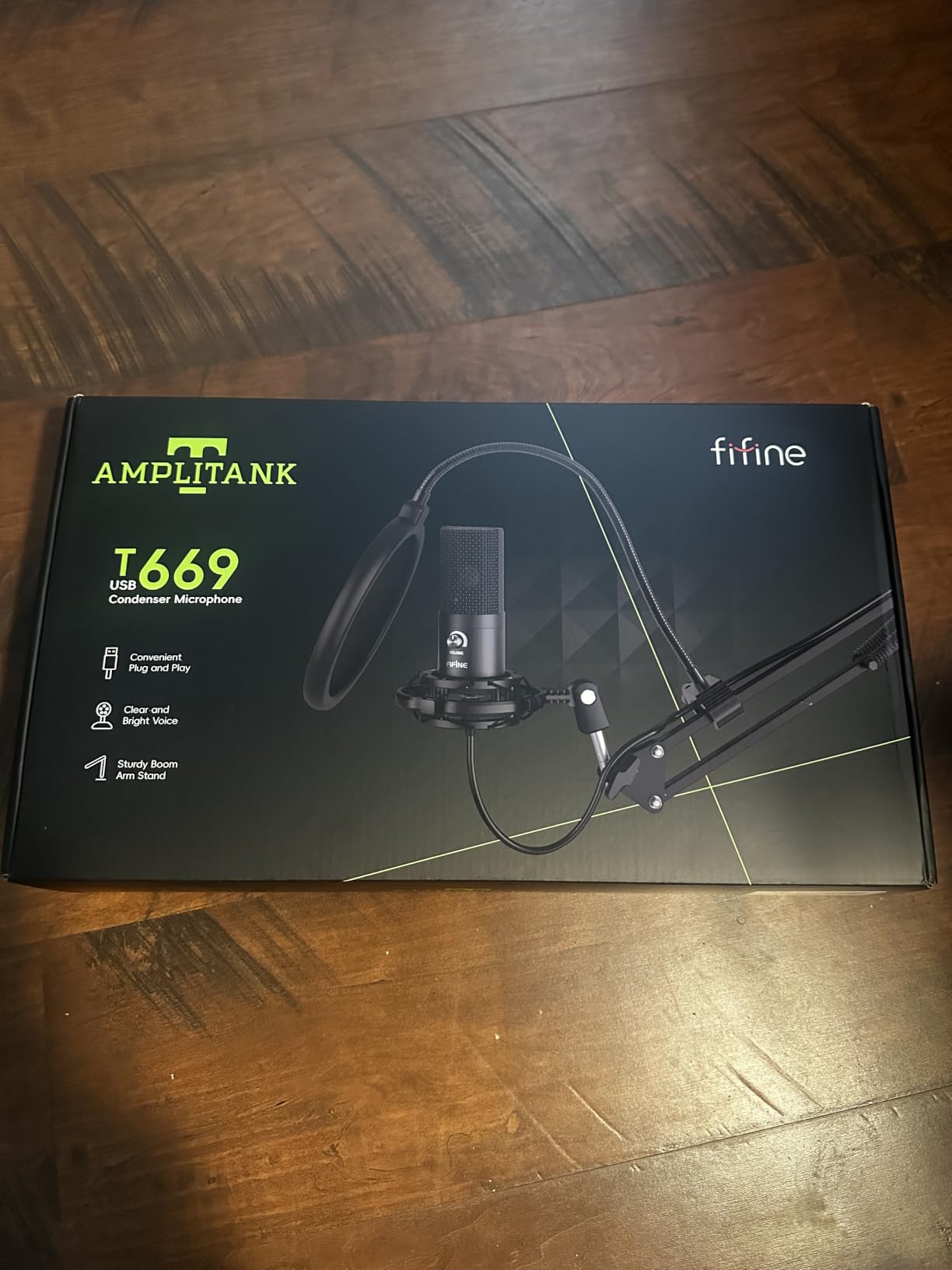
There is no mute button, and muting means turning the gain knob fully down and back up. That is workable but it is one more thing to think about at the start of a take.
The pop filter attaches with a weak adhesive grip that can twist or detach, and the desk clamp pad adhesive degrades quickly on rounded or finished desktops. Both are small parts worth checking before you record an important session.
As a condenser it records the room as faithfully as it records you, so a treated space or a close position matters more here than it does on a dynamic.
Best fit for a first space
It suits someone building a home studio for narration who would otherwise buy a microphone, an arm, a shock mount and a filter in four separate orders. This is one box and one decision.
The arm reach is limited, so on a wide desk the microphone may sit further back than ideal. Position it close instead.
Where it stops
It is a condenser with all the room consequences that implies, and it will not fix a noisy space. If noise is the problem, choose a dynamic.
Our beginner podcast kit guide covers the wider bundle options if you want to compare approaches.
9. Elgato Wave:3 MK.2 – Best for Streaming and Video Narration
Elgato Wave:3 MK.2 USB Condenser Microphone, DSP Effects
USB-C super cardioid
110dB signal to noise
Clipguard 2.0 and Auto Gain
7.5 oz body
Pros
- Crisp studio-grade capture with strong rejection
- Tap-to-mute and multifunction dial are genuinely useful
- Clipguard 2.0 and Auto Gain remove level guesswork
- Wave Link software handles routing and plugins
- Compact USB-C body suits small desks and Mac setups
Cons
- Wave Link software has a real learning curve
- Shock mount
- pop filter and arm sold separately
- Tall body can block a central monitor
- Condenser design picks up background noise
- Single polar pattern and a plastic-feeling mount
The Wave:3 MK.2 is built for people who record and stream from the same machine. Its on-board DSP, tap-to-mute dial and the free Wave Link software handle routing between microphone, game audio and calls in a way a plain USB mic cannot.
Two features removed the most common frustration in our sessions. Auto Gain sets a working level on first setup, and Clipguard 2.0 catches peaks that would otherwise distort, which matters when a loud consonant arrives without warning.
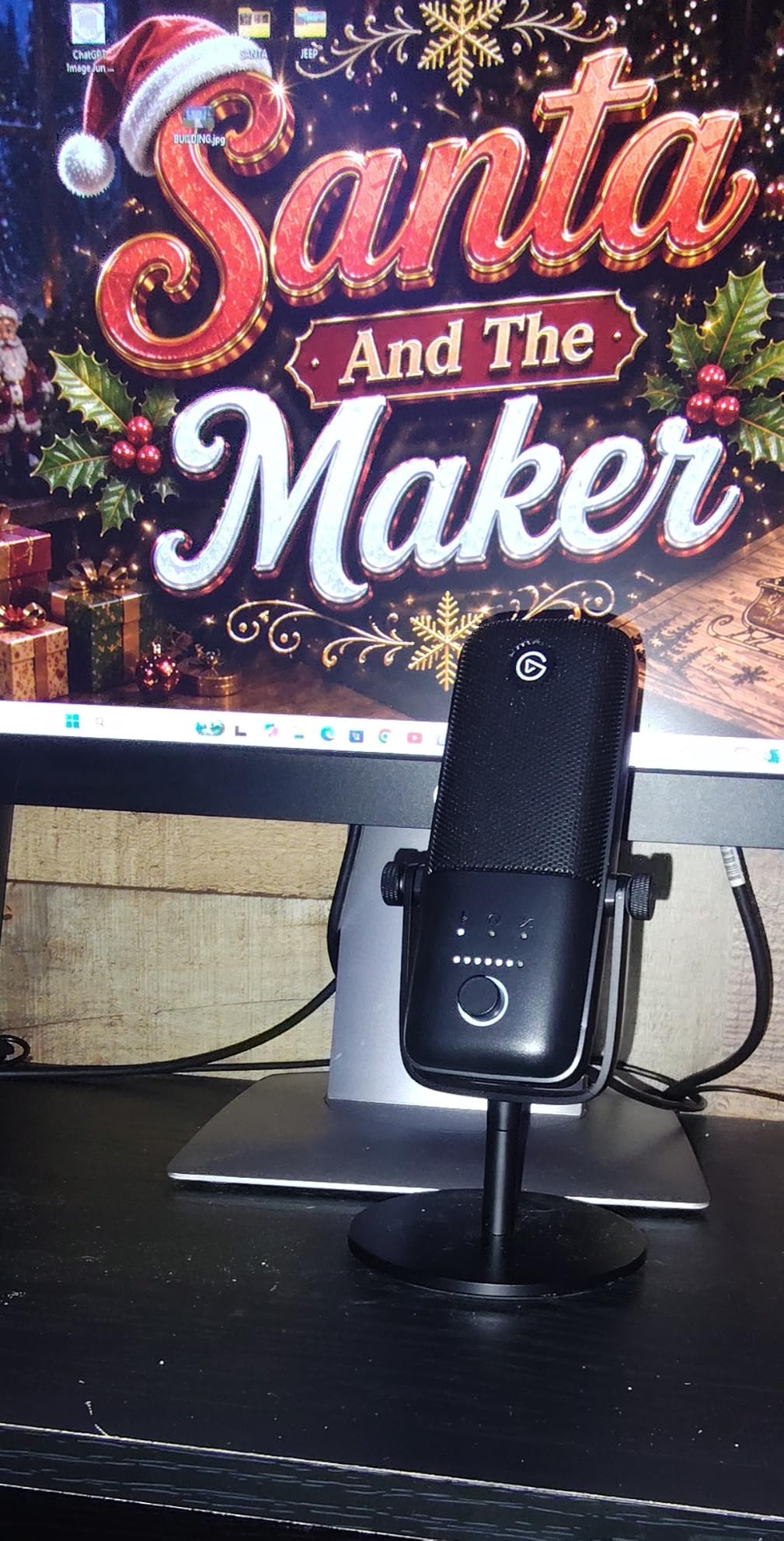
The Wave Link application is the honest compromise. It is powerful and free, and it also has a learning curve that can absorb an afternoon. Budget for that before you decide the microphone is difficult.
Nothing needed for good speech recording is in the box. The shock mount, pop filter and arm are all sold separately, so treat this as a microphone and a software bundle rather than a complete kit.
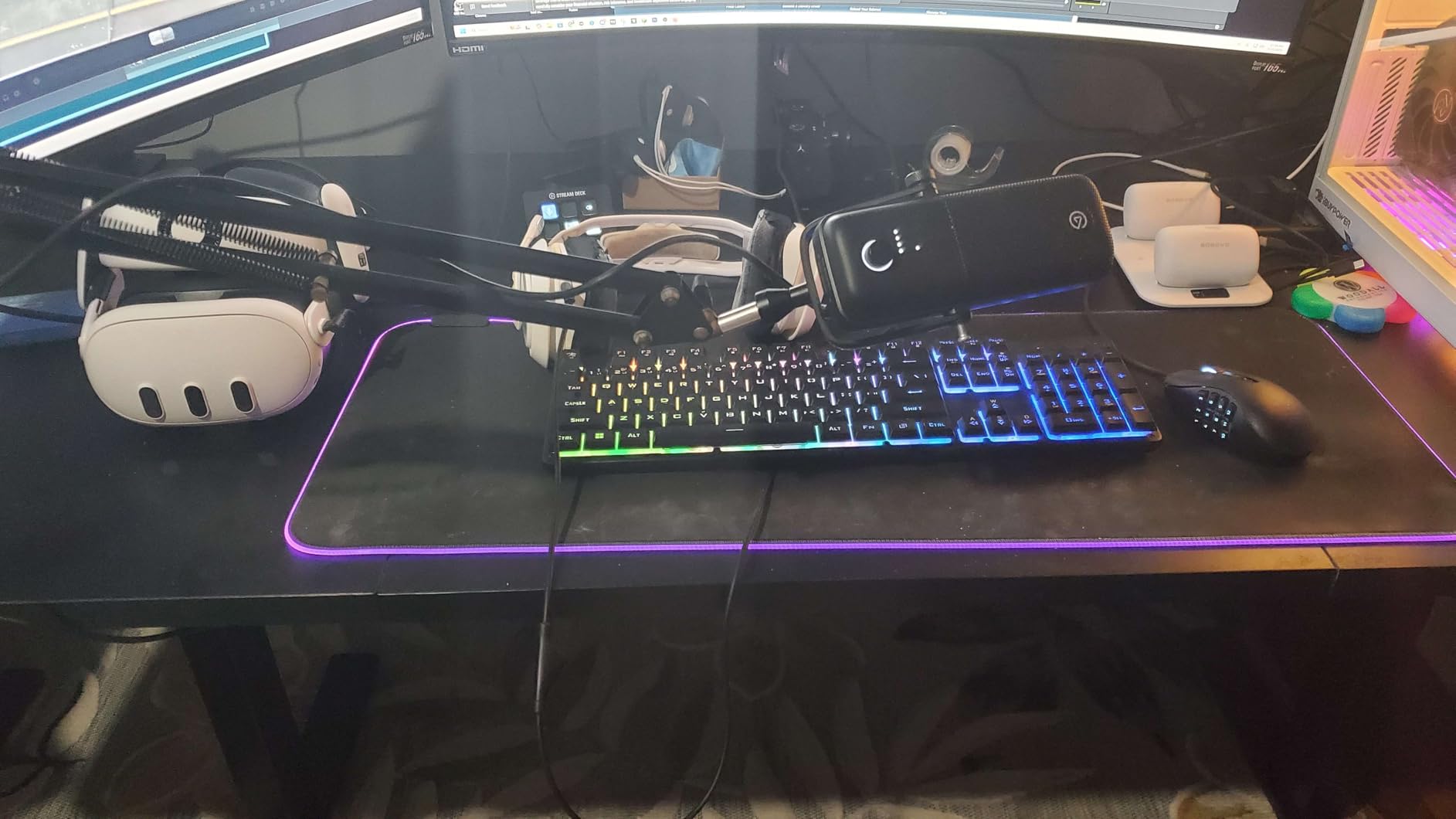
The body is tall enough to sit in front of a central monitor, and the single fixed polar pattern means no guest interviews across one desk.
Where it beats plain USB mics
It wins for streamers and video narration because levels and routing are handled before the software opens. A tap of the dial mutes cleanly mid-sentence without hunting for a hotkey.
For a single voice in a reasonably quiet room, the sound quality sits at the top of the USB group.
Where it is the wrong buy
It is the wrong buy for a two-person interview setup, because the pattern is fixed, and for anyone who wants nothing between the microphone and their recording software.
It also records the room like any other condenser. Add a pop filter and mount before your first serious take.
10. Rode NT-USB Mini – Best for a Small Desk and On-the-Go Recording
RØDE NT-USB Mini Studio-Quality USB Condenser Microphone
USB-C cardioid condenser
96kHz/24-bit capture
82dB signal to noise
585 g metal body
Pros
- Compact metal body that feels premium and travels well
- Built-in pop filter tames plosives
- Zero-latency headphone monitoring with a strong built-in amp
- Magnetic stand detaches to fit any boom arm
- True plug and play over USB-C on Mac
- PC and iPad
Cons
- Included stand is low and catches background noise
- No input gain control and only headphone volume
- Single cardioid pattern with no selection
- Some listeners find the tone flat or slightly sizzly
- Limited to 96kHz capture
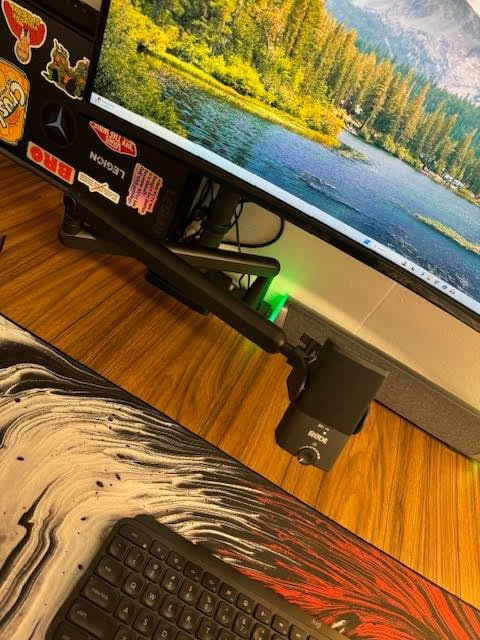
The NT-USB Mini is the pick when desk space is the constraint. It is the smallest microphone here, it runs over USB-C, and it works with a Mac, a PC or an iPad with nothing else in the chain.
Sound is clear and near-field, and the built-in pop filter handles plosives without you buying anything. For narration-style work recorded close, the crispness suits most voices, and the headphone monitoring has genuine zero latency with a strong internal amplifier.
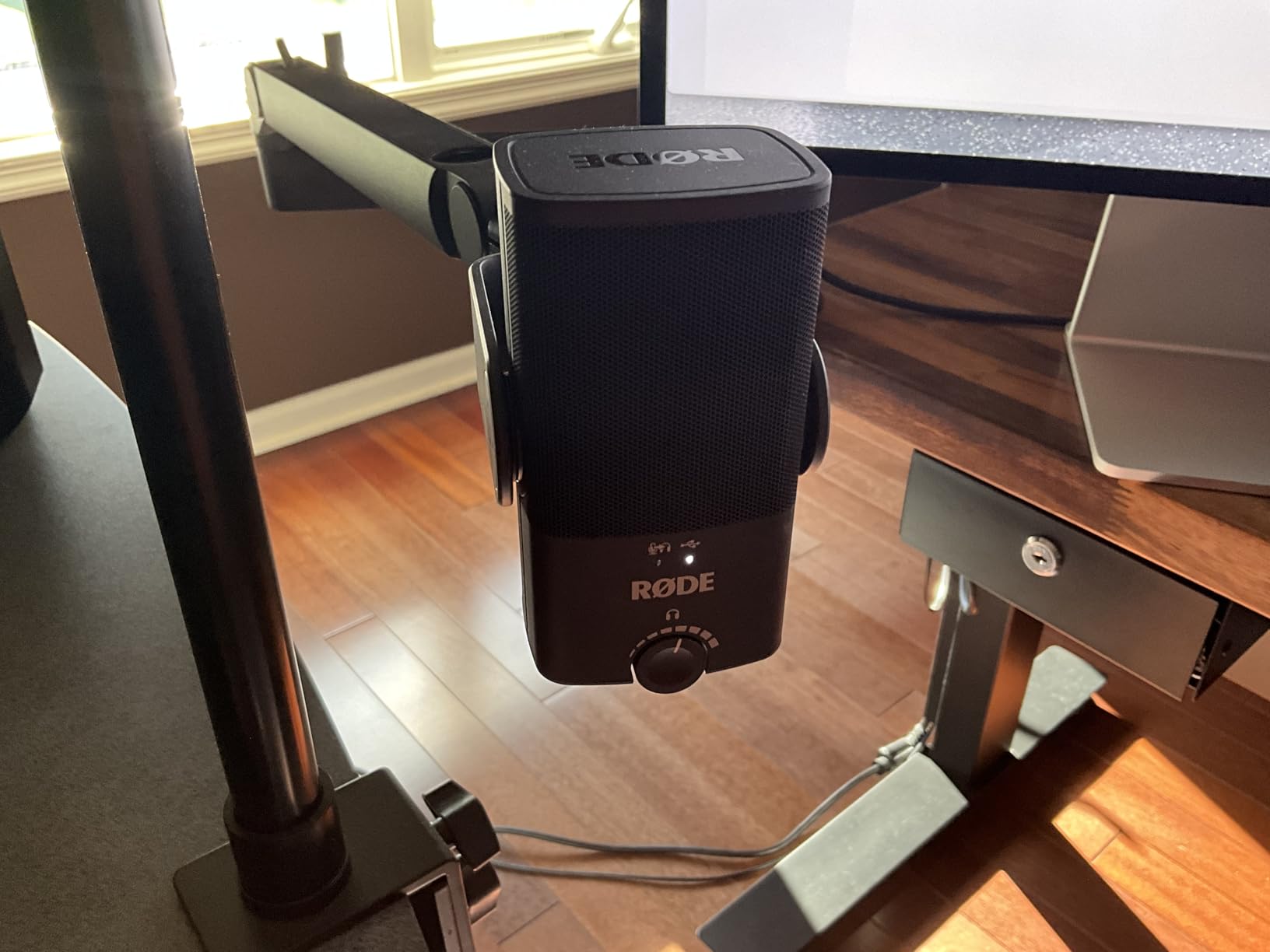
The included stand is the flaw. It is low, which puts the microphone further from the voice and closer to the desk surface, and that combination picks up more background noise than it should. Put it on an arm early.
There is no input gain control, only a headphone volume knob, so level adjustments happen in software. The fixed cardioid pattern also rules out a two-person desk interview.
Some listeners describe the character as flat or slightly sizzly depending on voice, and capture is limited to 96 kHz. For spoken word that ceiling rarely matters.
Best fit for mobile and small workspaces
It suits people recording in different rooms, on a laptop, or in a shared space where a large desktop microphone is impossible. The metal build survives a bag and a move.
Video call narration and short-form voice work are both strong fits, since clarity at a short distance is what it optimises for.
Where it is not the answer
It is not the answer for a treated booth or for a narrator chasing an open, airy top end. A studio condenser gives a wider palette for that kind of work.
Skip it for anyone recording two speakers on one desk, because the pattern cannot be changed.
How to Choose a Podcast Microphone for Voice-Over Work
USB or XLR: which connection should you pick
USB puts a preamp, converter and usually monitoring inside the microphone body, so you plug into a computer and record. It costs nothing extra and it removes the most common reason people never start.
XLR sends a balanced signal to an audio interface or mixer, which gives you cleaner gain, real metering, hardware monitoring and a signal path that can grow. Narrators working in a fixed space usually end up here.
Are USB microphones bad for recording vocals? No. A good USB microphone records spoken word perfectly well, and the quality gap with XLR shows up mostly in self-noise, headroom and monitoring rather than in the voice itself.
Dynamic or condenser: pick for your room, not your ambition
A dynamic microphone prioritises off-axis rejection, so it records the sound directly in front of the capsule and discards most of what the room bounces back. A condenser captures far more detail, and therefore far more room noise along with it.
Recording in an untreated room? Choose a dynamic and work close to the capsule. In a treated or genuinely quiet space, a condenser wins on clarity, air and sibilance detail.
Voice type matters too. Deep voices often sound better on a broadcast dynamic with presence lift, while bright or thin voices usually suit a darker dynamic rather than a bright condenser. Voice actors on r/VoiceActing describe moving from a bright studio condenser to a dark broadcast dynamic and gaining balance while losing perceived projection.
Gain staging: why a quiet microphone is not a broken one
A dynamic capsule produces a much lower signal than a condenser. The Shure SM7B and RØDE PodMic both want a great deal of clean preamp gain, and many entry interfaces cannot supply all of it. The result is a recording that feels weak, and an owner convinced the microphone is faulty.
It is usually not. Turn the preamp up, add an inline booster, or move the microphone closer and speak with more projection. Narrators in big cities, the group most represented on r/ACX, treat background-noise control as the priority above tone, which is the same reasoning that points to a dynamic.
Distance and the 3-to-1 rule
The 3-to-1 rule states that a microphone should be roughly three times further from the source than the nearest reflective surface is behind the source. In practice, keep a cardioid microphone a fist to a hand-span from your mouth and treat the space behind you.
Distance does the work that money cannot. Halving the distance to a cardioid microphone increases off-axis rejection noticeably, and it raises the signal level enough to make gain staging easier.
Sibilance, plosives and the accessory that matters
To control plosives, mount a pop filter between the microphone and your mouth and speak past its edge rather than straight into it. For sibilance, back the microphone off to a hand’s width, angle it slightly off-axis, and add a small amount of high-shelf cut around 6 to 9 kHz in post.
Mic choice helps too. The SM7B, MV7X and PodMic have internal pop filters, and the NT-USB Mini and Elgato Wave:3 ship with none, so budget for a filter and mount. We wrote about the details in our voice-over microphone guide.
Buying blind in a store with no test booth
When you cannot hear a microphone with your own voice, buy by specification rather than by hype. Check the polar pattern, whether it is dynamic or condenser, and whether the output suits your interface. Then confirm the box contents, because missing cables, arms and pop filters cause far more frustration than a slightly different tone.
Choose the model with the largest number of detailed owner reviews for your use case. That is why the Yeti holds the top slot here despite not being the highest rated microphone in the list: thousands of people have already made your mistakes for you.
Frequently Asked Questions
Which mic is best for voiceover?
For narration in a treated or quiet space, the Audio-Technica AT2020 is the strongest all-round choice because its extended response keeps consonants clear over long reads. For voice-over recorded in an untreated room, the Shure SM7B or RØDE PodMic reject room noise better and need no pop filter. Beginners with no interface should start with a USB model such as the Logitech Creators Blue Yeti.
Which microphone is best for recording in untreated rooms?
A broadcast dynamic such as the Shure SM7B, Shure MV7X or RØDE PodMic. Dynamic capsules prioritise off-axis rejection, so they record the voice directly in front and discard most of what the room bounces back. Work close to the capsule and treat the space behind you, because no microphone can out-perform a reflective room at distance.
What is the 3 to 1 rule for microphones?
The 3-to-1 rule says a microphone should be about three times further from the source than the nearest reflective surface is behind the source. It is a guide to recording in an untreated room: the closer the microphone sits to your mouth, the more of the background it rejects. In practice, keep a cardioid microphone a fist to a hand-span away and aim the wall behind you.
Are USB mics bad for recording vocals?
No. A good USB microphone records spoken word well, and the gap against XLR shows up mainly in self-noise, gain headroom and monitoring rather than in the captured voice. USB models suit beginners, mobile setups and single-voice narration. Move to an interface and an XLR dynamic when you need hardware gain control and a signal path that can grow.
What is the best microphone for podcast recording?
The Logitech Creators Blue Yeti is the most versatile podcast microphone here, with plug-and-play USB and four pickup patterns for solo, interview and group recording. In a noisy room, choose a broadcast dynamic such as the Shure SM7B or RØDE PodMic, and if you already own an interface the Shure MV7X needs less gain than most.
How do I get rid of sibilance in vocals?
First, move the microphone back to roughly a hand’s width and angle it slightly off-axis rather than speaking straight into it. Then use a pop filter for plosives, and cut a high shelf between 6 and 9 kHz in post by one to two decibels. Choosing a darker broadcast dynamic also helps, since sibilance lives in the top end the capsule is most sensitive to.
Our Verdict for 2026
Buy the Logitech Creators Blue Yeti if you want one microphone for both jobs and you are starting from nothing. Its four pickup patterns, onboard gain and the deepest owner-review base in this roundup make it the safest first purchase for podcasting and voice-over work in 2026.
Buy the Shure SM7B if the room is the problem, and the RØDE PodMic if you want that broadcast rejection at a lower commitment. Buy the Audio-Technica AT2020 once you have an interface and a quiet space, because it is the microphone that makes narration sound like narration.
Whichever you choose, get the microphone close, buy a filter and a mount, and treat the room behind you before you spend anything else.