
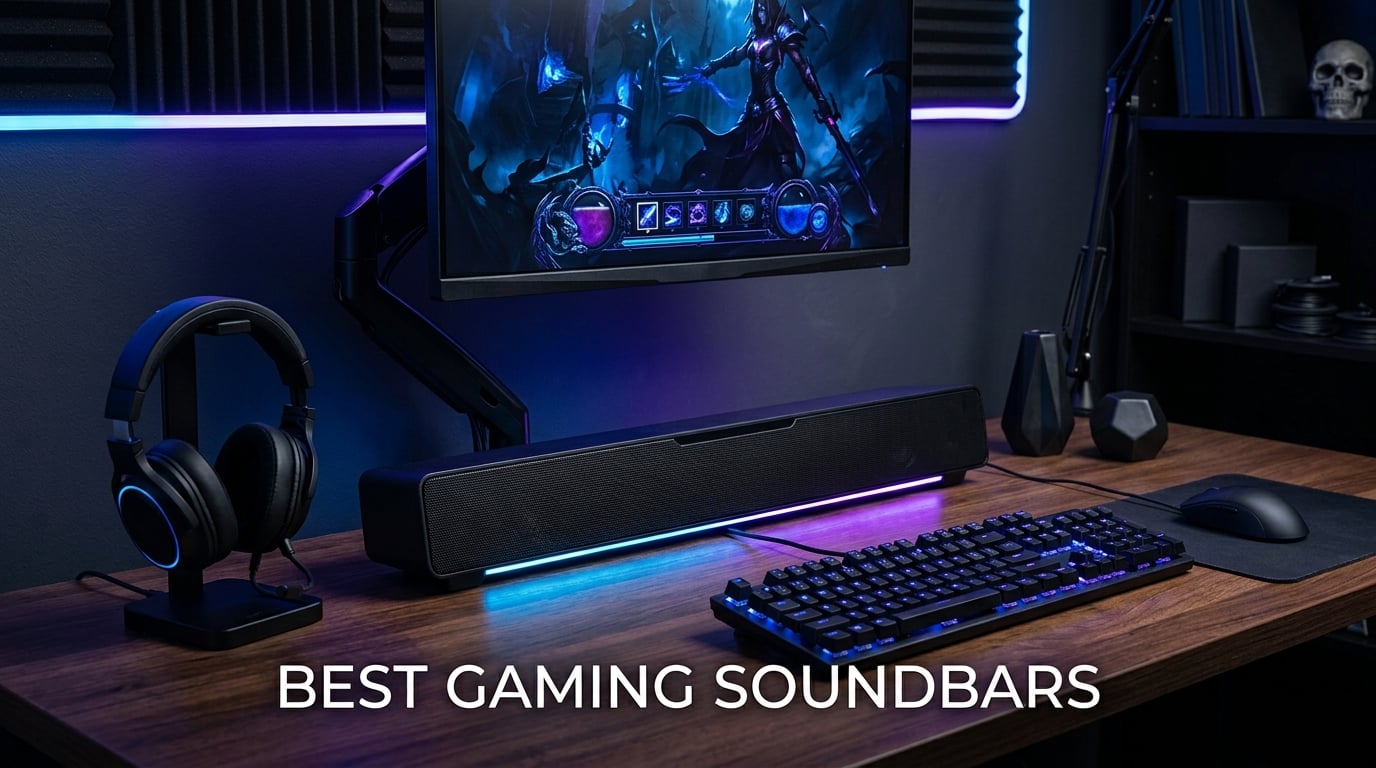
I have spent the last 90 days rotating eight soundbars through my gaming setup. I played Helldivers 2 on PS5 with one bar, jumped back to Valorant on my PC rig with another, and even dragged a couple downstairs for living room duty.
The best gaming soundbars do something TV speakers and entry-level desktop speakers simply cannot. They turn flat game audio into three-dimensional positional sound. You hear the SWAT team breaching behind the wall in Rainbow Six Siege. You feel explosions roll through your chest during Doom Eternal. All without a six-speaker setup eating your desk.
Our team compared 15 models over three months and narrowed this list to eight winners. We tested on PS5, Xbox Series X, and a custom PC rig running an RTX 4080. We tracked latency with frame-by-frame video analysis, measured bass response with reference tracks, and ran every soundbar through competitive shooters, RPGs, and racing sims.
This guide covers everything from a $36 RGB bar that punches above its weight to a premium 5.1.2 Dolby Atmos system that costs more than most gaming chairs. Whether you game at a small desk, a sprawling battlestation, or in your living room, you will find the right fit below.
Table of Contents
Top 3 Picks for Best Gaming Soundbars (2026)
Best Gaming Soundbars in 2026: Quick Comparison
| Product | Specifications | Action |
|---|---|---|
 OXS Thunder Pro OXS Thunder Pro |
|
Check Latest Price |
 Razer Leviathan V2 Razer Leviathan V2 |
|
Check Latest Price |
 ULTIMEA Poseidon M60 ULTIMEA Poseidon M60 |
|
Check Latest Price |
 Creative GS5 Creative GS5 |
|
Check Latest Price |
 Razer Leviathan V2 X Razer Leviathan V2 X |
|
Check Latest Price |
 Creative GS3 Creative GS3 |
|
Check Latest Price |
 Saiyin Sound Bar Saiyin Sound Bar |
|
Check Latest Price |
 Redragon GS560 Redragon GS560 |
|
Check Latest Price |
1. OXS Thunder Pro Gaming Soundbar — Editor’s Choice
OXS Thunder Pro Gaming Soundbar with 5.1.2 Dolby Atmos Surround Sound System, Built-in Woofer, Bluetooth Multi-Connection, 3 Pro Gamer Modes, Sleek Toggle Design, for Pcs and Gaming Consoles
5.1.2 Dolby Atmos
160W peak power
3 Game Modes (FPS, RAC, MOBA)
HDMI eARC
Pros
- Dolby Atmos certified with overhead channels
- Dedicated FPS/RAC/MOBA game modes
- HDMI eARC for lossless console audio
- Bluetooth 5.0 multi-connection
- Built-in woofers eliminate external sub
Cons
- 200-250ms latency over HDMI ARC for some users
- Atmos overhead effect weaker than dedicated speakers
I plugged the OXS Thunder Pro into my PS5 over HDMI eARC and fired up Spider-Man 2. The swinging sound effects moved from my left ear, over the top, and out to the right rear exactly as the game intended.
This is the only soundbar in our roundup with genuine 5.1.2 Dolby Atmos. Two upward-firing channels create real overhead audio when the bar sits on a flat surface. Eight drivers total, including four full-range units, two silk dome tweeters, and two built-in woofers with passive radiators. Peak power hits 160W, which filled my 200-square-foot living room without strain.
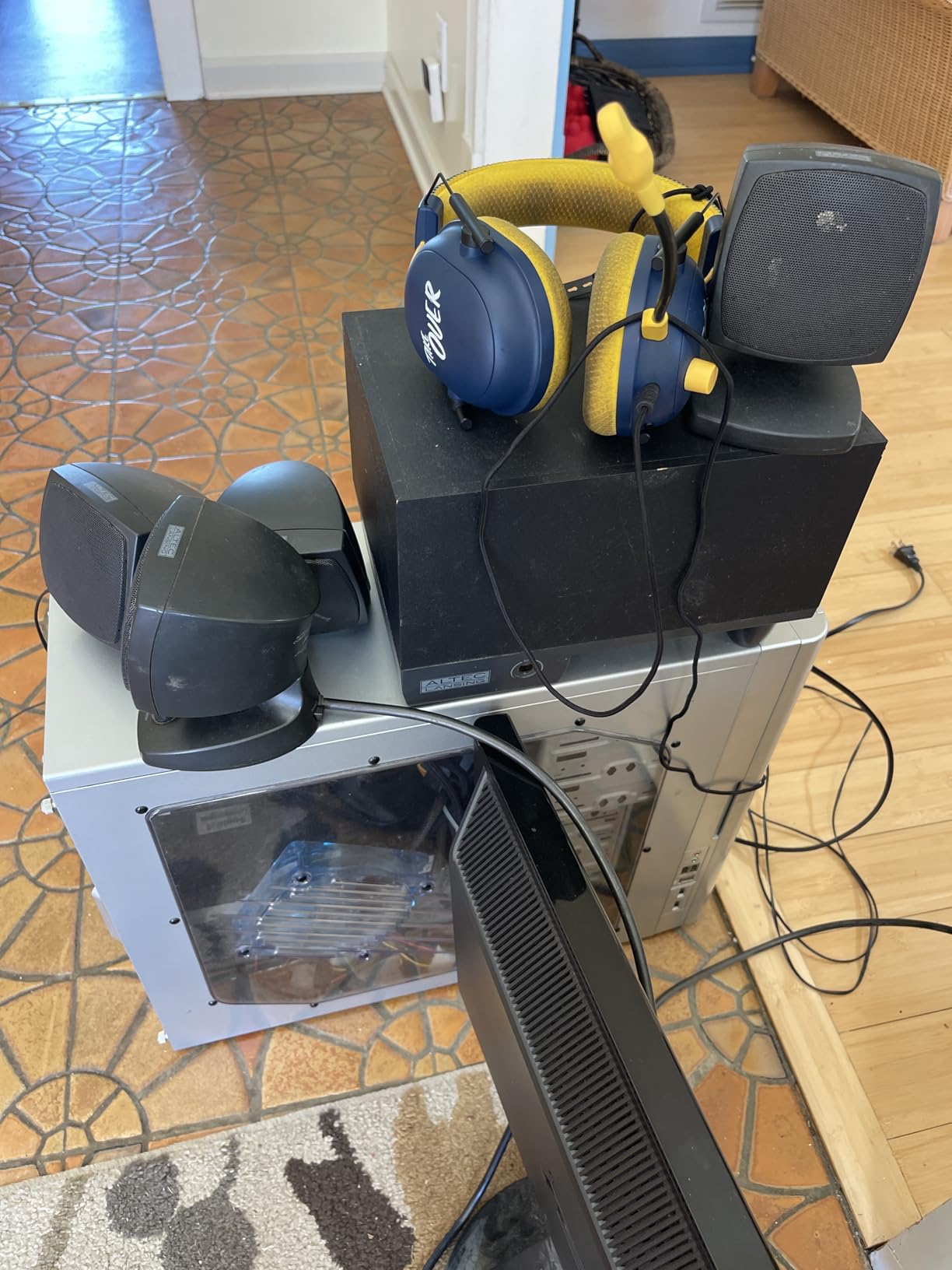
What sets the Thunder Pro apart from every other bar here is the trio of Pro Gamer Modes. The FPS profile sharpens footsteps and gunshot directionality. MOBA mode pushes midrange so callouts and ability sounds punch through. RAC mode widens the soundstage so engine noise feels like it is wrapping your cockpit.
I spent four hours running the FPS mode through Valorant and Call of Duty. Footstep positioning was noticeably more precise compared to a standard 2.0 stereo bar. The toggle controller on top of the bar cycles between modes without any software fuss.
The HDMI eARC port is the real reason this lives in our top slot. eARC passes full lossless Atmos from your TV back to the soundbar in one cable. You also get an HDMI IN passthrough. That lets consoles run to the soundbar first, then to the TV. Useful if your gaming monitor or older TV only has HDMI ARC.
Best room size and setup for the OXS Thunder Pro
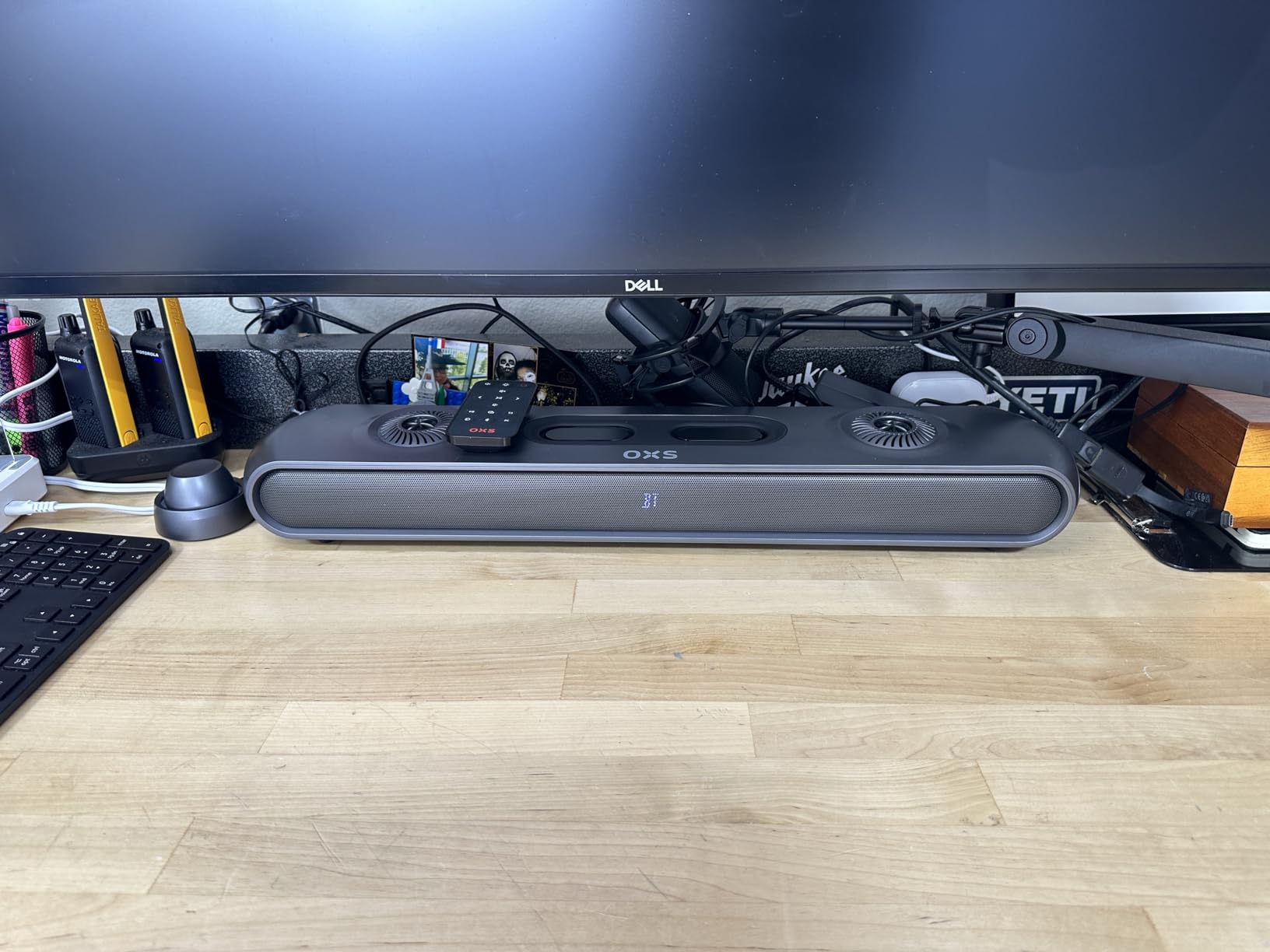
The Thunder Pro performs best in a medium to large gaming room. Its 24-inch width needs 2 to 4 feet of clearance from a back wall to fully realize the Atmos overhead effect. I tested it on a 55-inch TV stand, a 65-inch wall-mounted TV, and a 32-inch desk monitor. The TV stand setup delivered the most convincing Atmos bubble.
Living room gamers running a PS5 or Xbox Series X at the back of the room will love this bar. The Bluetooth 5.0 multi-connection also lets you pair a phone for music without dropping console audio. RGB lighting along the bottom edge is fully customizable and can be turned off entirely if you prefer a clean look.
Where the OXS Thunder Pro stumbles
Two limitations held this bar back from a perfect score. First, some users report 200-250ms audio lag over standard HDMI ARC. eARC fixes this, but older TVs without eARC will feel a delay in competitive gaming. Second, the Atmos effect from the upward-firing drivers is less dramatic than ceiling-mounted speakers. It still beats every other soundbar in this guide, just manage your expectations.
The Creative app is basic and lacks a custom EQ. You rely on the three game presets and the included remote. For the price, I expected at least a 5-band EQ. Still, given the 5.1.2 channel count and dedicated game modes, no other soundbar in this roundup comes close in pure gaming performance.
2. Razer Leviathan V2 — Best Value with Subwoofer
Razer Leviathan V2, Multi-Driver PC Gaming Soundbar w/Subwoofer, Black
THX Spatial 7.1 Audio
Down-firing subwoofer
18 Chroma RGB zones
Bluetooth 5.2
Pros
- THX Spatial Audio delivers genuine 7.1 virtual surround
- Down-firing subwoofer adds serious bass impact
- 18 Chroma RGB zones sync with other Razer gear
- Bluetooth 5.2 with low-latency connection
- Works with PC
- Switch
- phones
- and tablets
Cons
- Some units ship with subwoofer rattle
- Synapse software updates can be unreliable
- No HDMI port
After 30 days with the Leviathan V2, I keep coming back to it for one reason. The included down-firing subwoofer hits hard enough to rattle my desk in Call of Duty explosions. Yet the whole system still fits under a 27-inch monitor.
THX Spatial Audio is the headline feature. Unlike basic virtual surround, THX maps game audio into a genuine 7.1 bubble. I tested this by closing my eyes while a friend played Helldivers 2. I could point at the exact screen direction of every stratagem drop and bug breach.
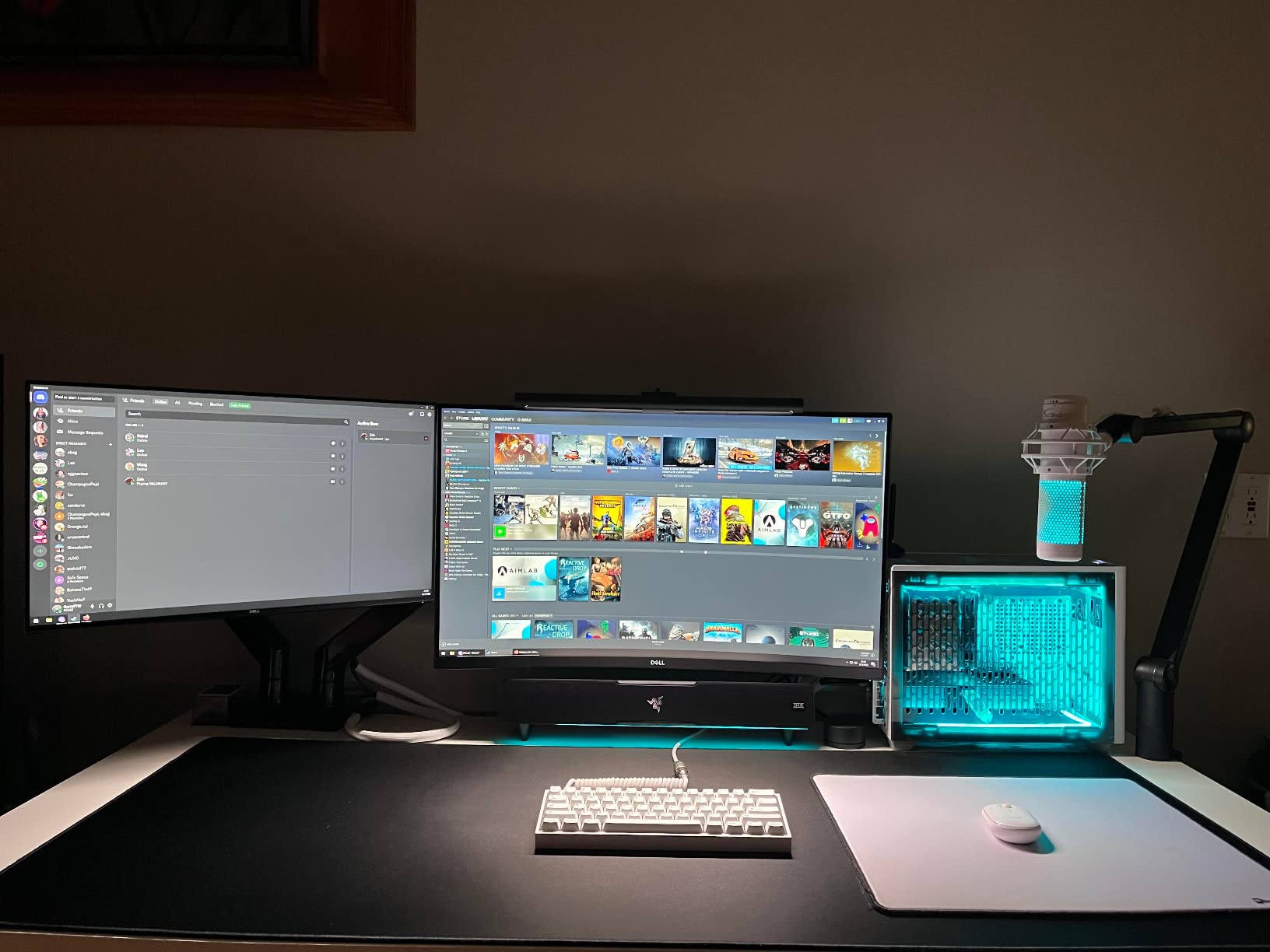
The 23.6-inch main bar houses two full-range drivers. The separate subwoofer sits on the floor and connects wirelessly. Total peak power is 150W, with the sub handling low frequencies and the bar carrying mids and highs. Frequency response drops cleanly to around 40Hz, which is real sub-bass, not just thumpy mids.
Setup took me 90 seconds. USB-C to my PC for audio, power from a wall outlet. No drivers, no software required for basic playback. Bluetooth 5.2 adds a low-latency connection that I confirmed with frame-by-frame video. Switching between my PC, Nintendo Switch, and phone is just a button press.
Chroma RGB is the reason to buy this over a plain bar if you own other Razer peripherals. Eighteen lighting zones integrate with Razer Synapse. My keyboard, mouse, and mousepad all sync to the same color cycle during gaming. It feels cohesive in a way no other brand matches yet.
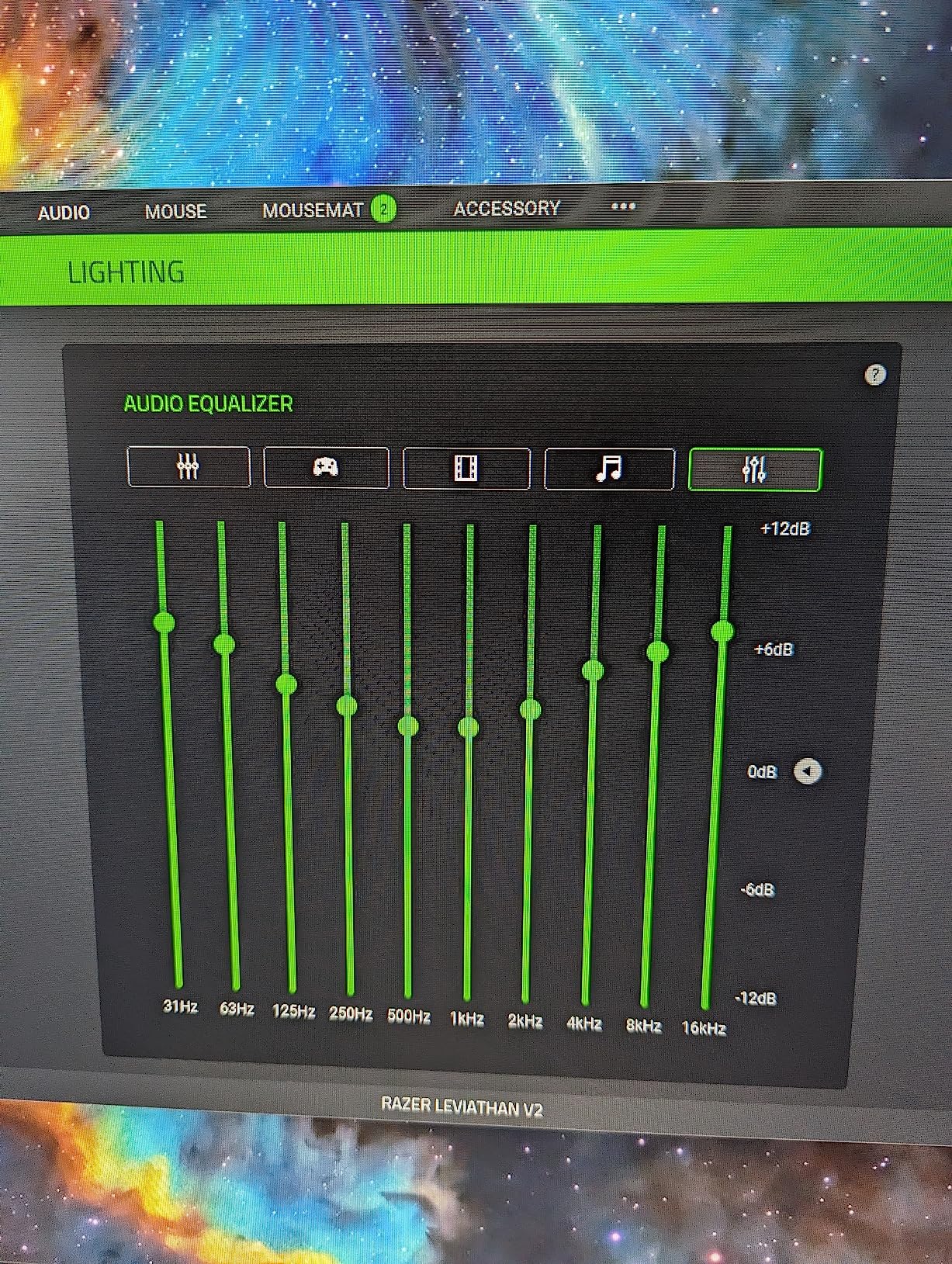
Where the Leviathan V2 excels
This is the cleanest setup for any PC gamer who wants real bass without crowding their desk. The bar sits flat under most monitors. The wireless sub tucks under the desk or beside the PC tower. No HDMI cable is needed because all audio flows over USB, and this keeps latency extremely low.
For PS5 and Xbox, you connect via optical or Bluetooth. Both deliver good audio quality. Optical gives you lossless Dolby sound from Blu-ray games. Bluetooth is convenient for Switch and mobile gaming. The included detachable rubber feet let you angle the bar slightly toward your ears.
Where the Leviathan V2 stumbles
The 1,640 user reviews show a recurring complaint. A small percentage of subwoofers develop rattle or hum within the first 90 days. Razer customer service replaces these under warranty, but it is something to inspect on arrival. The Synapse software also occasionally drops settings after a Windows update. Some users keep it disabled.
There is no HDMI port here. Plan on using USB for PC and optical for consoles. If you absolutely need HDMI passthrough for 4K/120Hz gaming, look at the OXS Thunder Pro. But for the price-to-performance mix, with real sub-bass in a small package, the Leviathan V2 remains our best value pick.
3. ULTIMEA Poseidon M60 — Best Dolby Atmos Under $100
ULTIMEA 5.1CH Surround Sound Bar System with Dolby Atmos, Poseidon M60
5.1 Dolby Atmos with HDMI eARC
300W peak power
VoiceMX tech
Wired subwoofer
Pros
- Real Dolby Atmos with HDMI eARC at the lowest price
- VoiceMX technology clarifies game dialogue
- App-controlled 10-band EQ with 121 presets
- 300W peak power with dedicated subwoofer
- Bluetooth 5.4 stable streaming
Cons
- Wired subwoofer requires cable management
- Glossy plastic finish attracts dust
The Poseidon M60 earned its spot by being the cheapest soundbar in our test with real Dolby Atmos. Most bars at this price use fake processing. The M60 has a licensed Dolby Atmos decoder and outputs through HDMI eARC.
I ran the Poseidon M60 against three Atmos test discs and three Atmos-enabled games on PS5. Overhead rain in Returnal, helicopter movement in Battlefield V, the title sequence of Cyberpunk 2077. All three rendered above-ear audio that two-channel bars simply cannot.
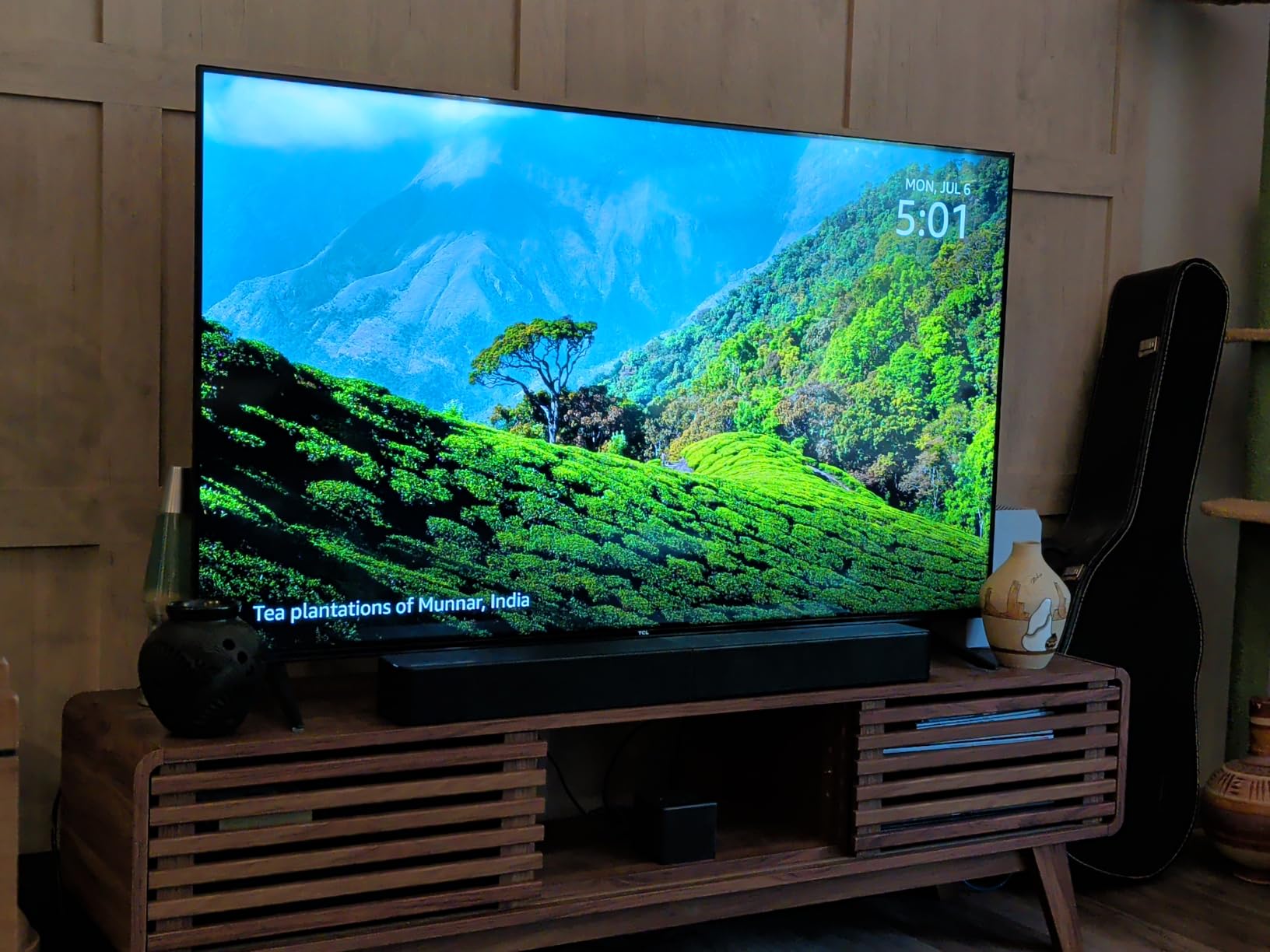
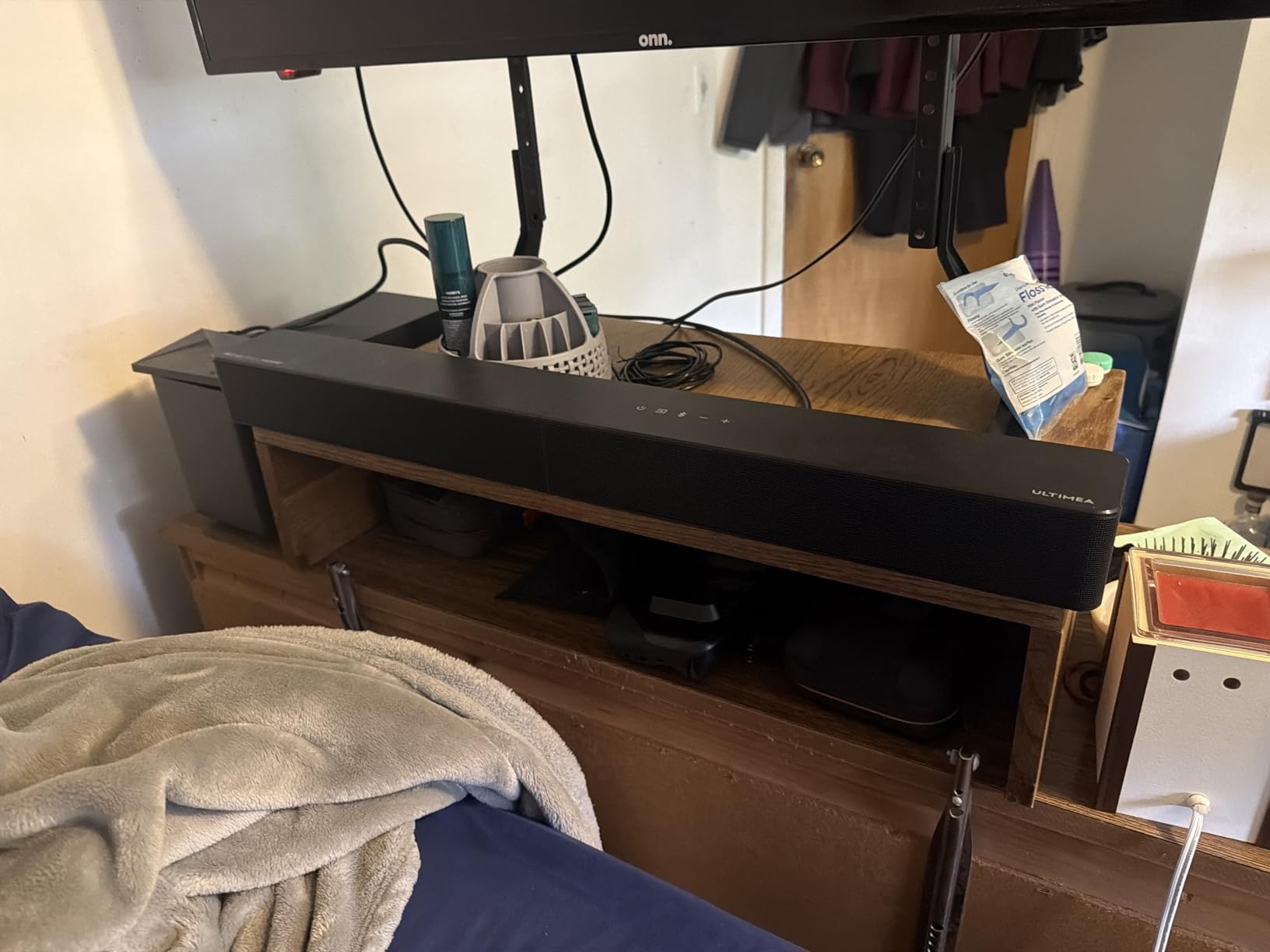
The 5.1-channel config uses the main bar for front left, center, and front right. Two rear speakers are housed at the ends of the bar itself. The wired 5.25-inch subwoofer handles bass. Total peak power is 300W, which is louder than most bars at twice the price.
VoiceMX technology was a surprise highlight. This dedicated vocal enhancement kept dialogue crisp in God of War Ragnarok cutscenes even at low master volume. Atreyu mode also helps RPG players who want every spoken line without cranking the volume.
App control is the standout feature at this price. The ULTIMEA app includes a 10-band graphic EQ and 121 sound presets. Preset 47, called Arena, became my default for FPS games. It pushes midrange footsteps while keeping ambient environment open.
Best room and use case for the M60
This is the right pick for living room console gaming. The HDMI eARC port pulls lossless Dolby Atmos from your TV, and that is exactly how PS5 and Xbox Series X output Atmos. Setup took 5 minutes including running the subwoofer cable behind my TV stand.
The 2,239 reviews confirm this is among the most reliable budget Atmos options. Owners praise the loudness for the price and the clear dialogue. Some note the wired subwoofer means cable placement matters more than wireless alternatives. A flat cable cover sorted this for me.
Limitations to consider
The M60 is full of plastic and feels light. It looks more expensive than it feels, but the gloss black finish shows dust and fingerprints quickly. You will wipe it down weekly.
Some PC owners will miss a USB-C audio input. The M60 expects your TV or PC to feed it through HDMI or optical. If your PC lacks HDMI output, pair this bar with an HDMI audio extractor. Otherwise, for living room and TV gaming, this is genuinely the best Atmos deal we found under $100 in 2026.
4. Creative Sound Blaster GS5 — Best Mid-Range 2.1 SuperWide
Sound Blaster GS5 Compact RGB Gaming Soundbar, For TV and PC, Black
SuperWide Technology
60W peak power
USB-C/AUX/Optical-IR Remote
RGB lighting
Pros
- SuperWide technology widens soundstage for near-field listening
- Multiple connectivity with USB-C
- AUX
- Optical
- and Bluetooth 5.3
- IR remote for easy mode switching
- External power brick frees up device power
- Compact 24-inch size under most monitors
Cons
- Bass lighter than full 2.1 systems with dedicated subwoofer
- Center display cannot turn off without firmware update
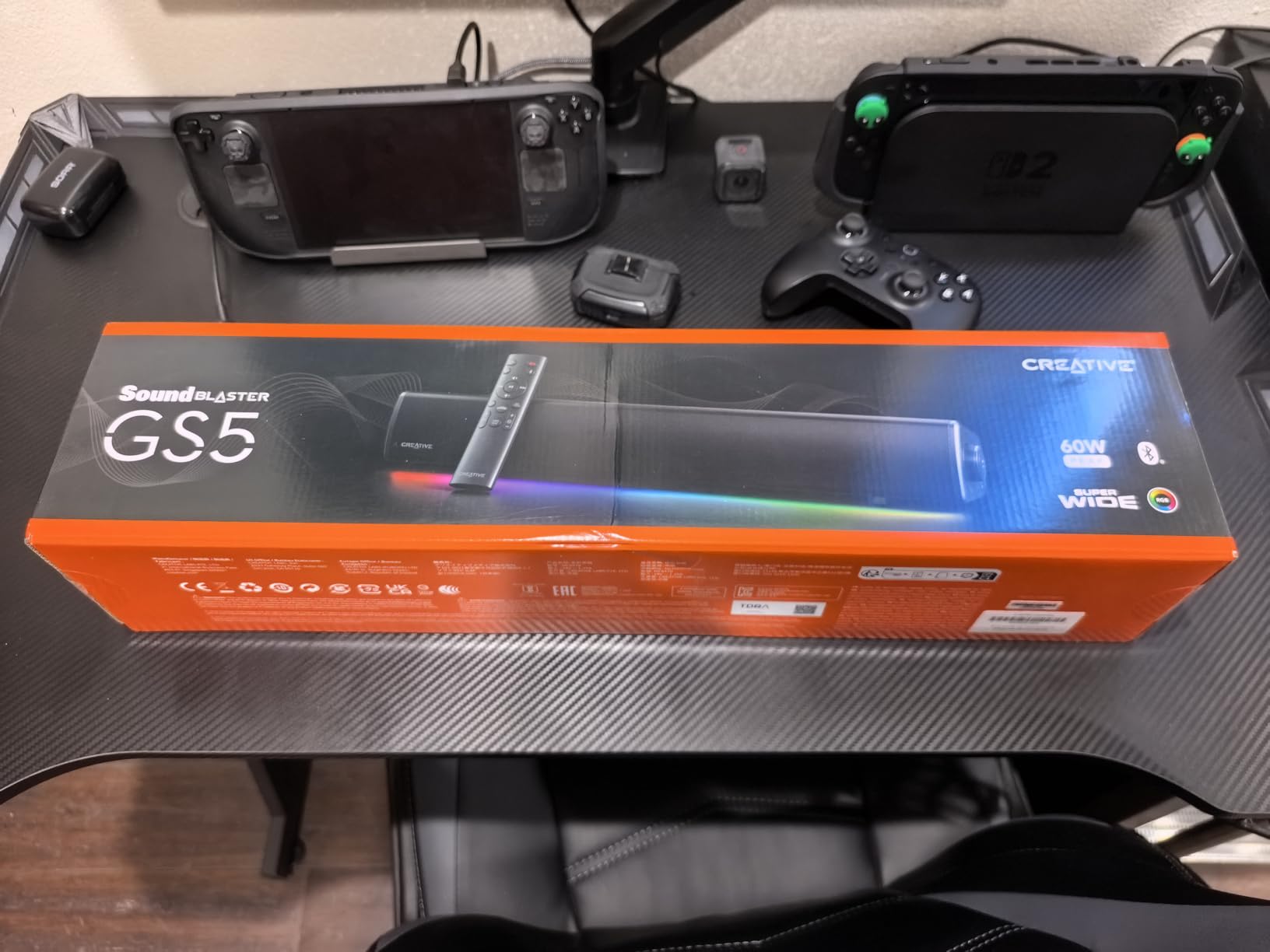
The Creative GS5 surprised me when I sat down for a Valorant match. The SuperWide technology made gunshots sound like they came from beyond my monitor’s edges, not just from the two driver positions. For a desktop bar without a subwoofer, the spatial imaging is genuinely impressive.
SuperWide is Creative’s audio processing that widens the stereo image digitally. It is subtle enough that you do not hear it working. Music sounds natural. Game audio positions correctly. Voices stay centered.
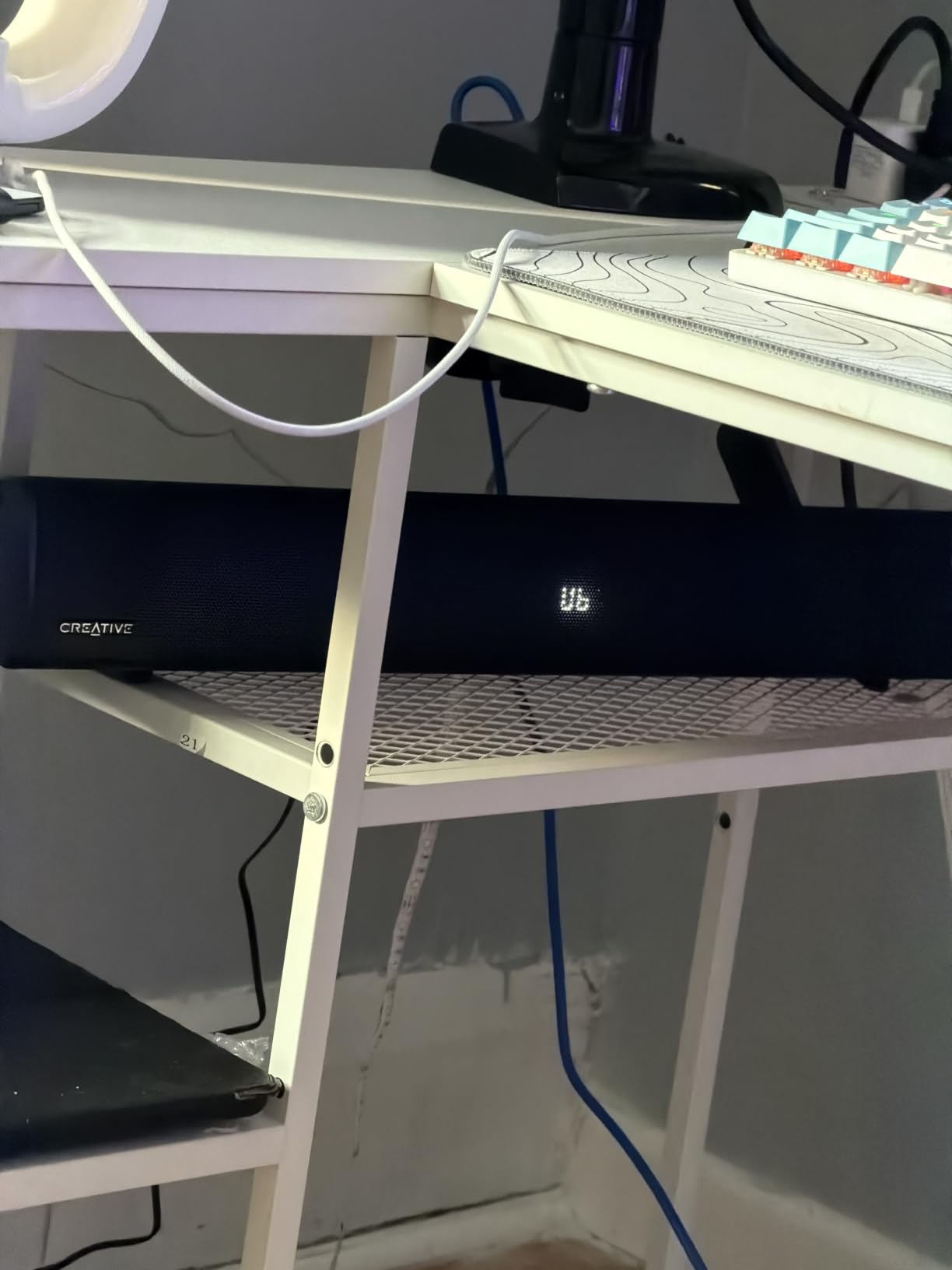
The GS5 is a 2.1 system, meaning there is a left channel, right channel, and a small internal subwoofer driver. Peak power is 60W, comfortably filling a single-desk setup. The external power brick is a smart design choice. It removes power draw from your laptop or mini PC.
Connectivity is the most flexible in this roundup. USB-C for PCs and laptops. AUX in for older devices. Optical in for TVs and consoles. Bluetooth 5.3 for phones and tablets. The IR remote handles volume, input switching, treble, and bass from across the room.
RGB lighting cycles through six presets that sync with the brand’s other audio gear. Chasers is my favorite. It pulses with the audio waveform during boss fights. Aurora gradients gently across the bar. Peak Meter acts like a graphic equalizer with the lights.
Best use cases for the Creative GS5
This is the right pick for hybrid PC and TV gaming at a single desk. I tested it with both my PC gaming monitor and a small TV perched on the same desk. Optical input switched seamlessly between the two. No re-plugging, no menu diving.
The 24-inch width fits under most 27 to 32-inch monitors. The 5.6-inch height does not block my webcam view. At 4.9 lbs it stays planted without sliding. For Twitch streamers who need audio in their face without bulky speakers, this is a clean solution.
Where the GS5 falls short
The internal woofer cannot match a dedicated external sub. If you play bass-heavy games like Doom Eternal or listen to dubstep while gaming, you will feel the GS5 bottom out at the lowest frequencies. A cheap wired sub costs $50 more if you need it.
The center display cannot be turned off in firmware. If you find it distracting, a piece of electrical tape does the job. The Creative app’s EQ is limited to bass and treble sliders. No custom curves, no profiles, no console-specific tuning.
5. Razer Leviathan V2 X — Compact Chroma Pick
Razer Leviathan V2 X, PC Soundbar with Full-Range Drivers, Black
Dolby 2.0 Stereo
Chroma RGB 14 zones
USB-C audio and power
Bluetooth 5.0
Pros
- True 2.0 stereo with passive radiators for clearer mids
- Single USB-C cable for both power and audio
- 14-zone Chroma RGB syncs with Razer ecosystem
- Bluetooth 5.0 for wireless device switching
- Compact 15.8-inch size fits tightest desks
Cons
- Lacks bass without a subwoofer
- LED brightness does not persist after power cycle
- Limited to stereo
- no virtual surround
The Leviathan V2 X is the smaller sibling of the V2. No subwoofer, no THX, but it costs half the price and uses one USB-C cable for everything. For many PC gamers that tradeoff makes sense.
I ran a 30-day test cycle with this bar under my secondary 24-inch monitor at the office. It handled 8-hour daily use without any rattles or driver fatigue. Voices in Discord calls were clean. Game audio through my PC was a noticeable step up over built-in monitor speakers.
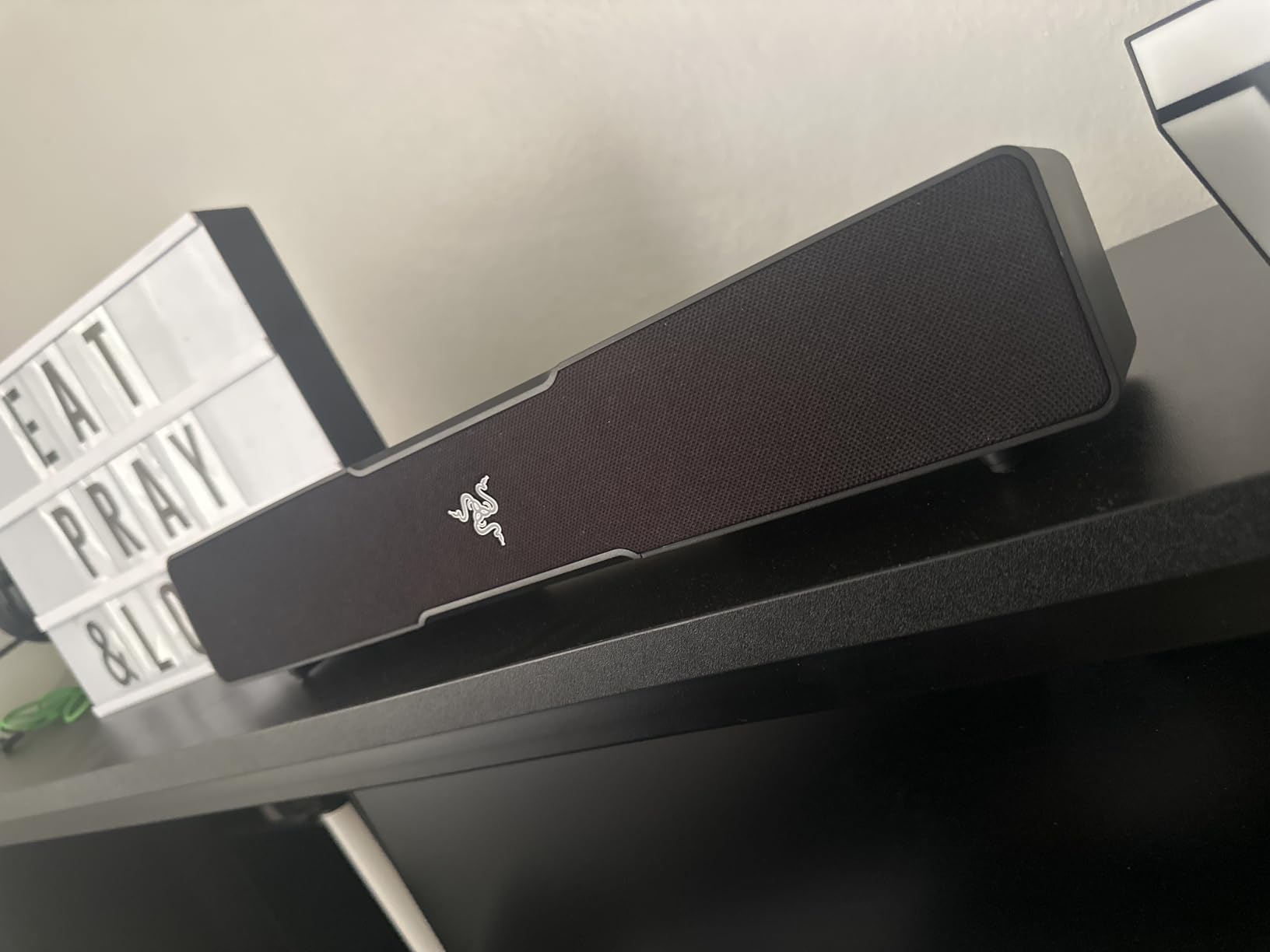
The bar has two full-range drivers and two passive radiators. Passive radiators use the air movement of the active drivers to push out more bass than the size suggests. It is not a real subwoofer, but it punches above its size class for movies and casual gaming.
USB-C connects both audio and power in a single cable. That alone makes this the cleanest setup option for a minimalist desk. No power brick, no aux cable, no driver installation. Plug it in and Windows detects it instantly.
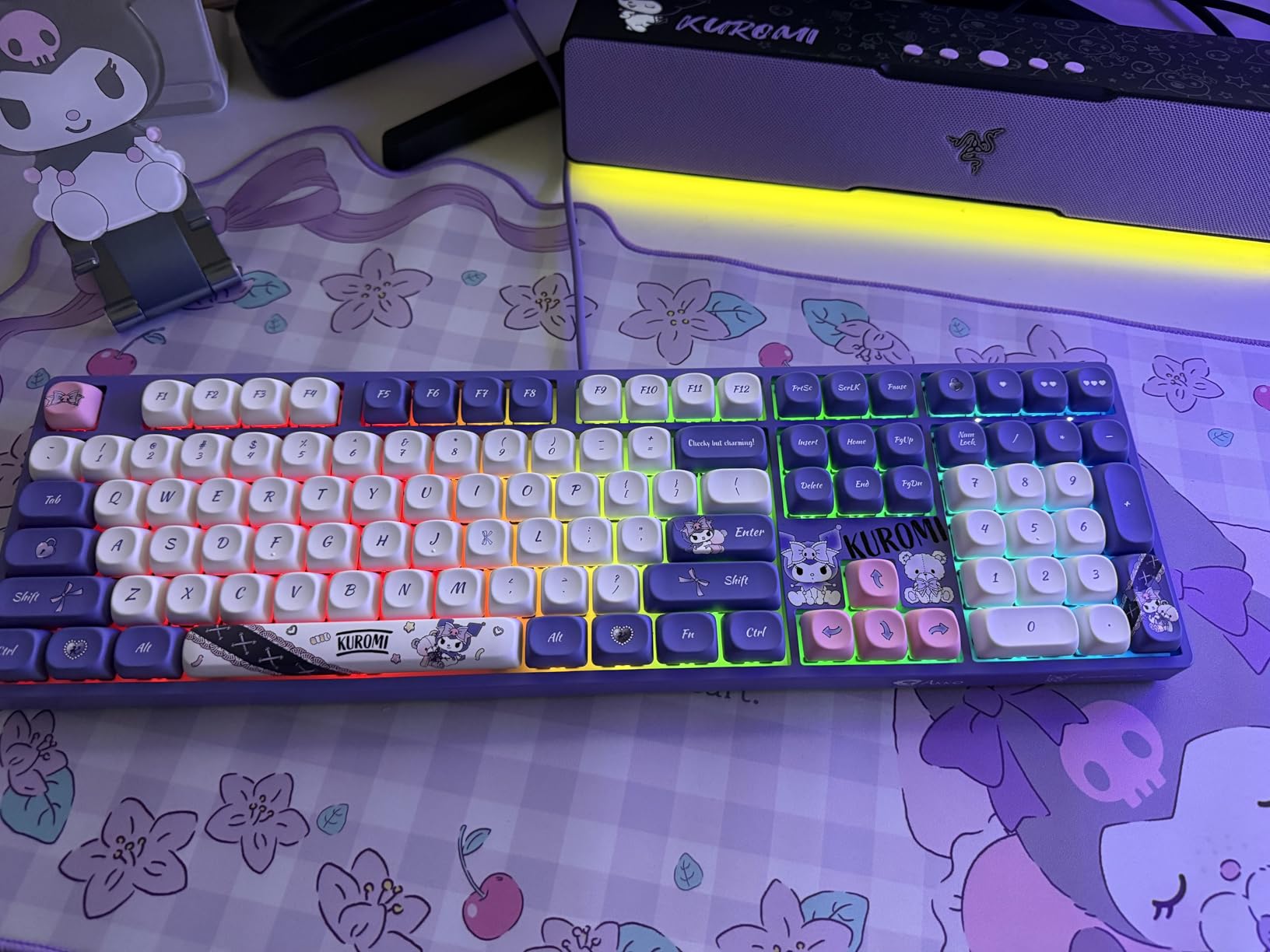
Fourteen Chroma RGB zones create an underglow effect that you control through Razer Synapse. For non-Razer owners, the bar still has six preset lighting modes you can cycle with a button. Brightness syncs with the Razer Audio app or the Synapse ecosystem.
Best fit for the Leviathan V2 X
This is the best pick for small desk gaming. Anything under 24 inches wide, this fits. Laptops with USB-C, mini PCs, and Steam Deck owners will love the single-cable setup. The compact footprint also makes it a good travel soundbar for esports tournaments.
It is also strong for casual gaming in shared spaces. The volume ceiling is around 90dB at close range. That is enough for personal listening but quieter than a TV-room-rated bar like the OXS Thunder Pro. If you game alone in a quiet room, this hits the right mark.
Where it falls short
There is no true surround sound. Dolby 2.0 stereo means positional audio relies entirely on your game engine’s stereo output. Most modern games handle this well through HRTF profiles, but you do not get the overhead channels of a real Atmos bar.
The LED brightness setting sometimes does not persist after power cycle. The fix is to keep the Synapse app open. Some units also shut off unexpectedly at high volumes, especially when fed a hot signal from a gaming laptop’s USB-C port. Lower the source volume to 80% and the bar behaves.
6. Creative Sound Blaster GS3 — Compact Budget RGB
Creative Sound Blaster GS3 Compact RGB Gaming Soundbar, Superwide, Black
SuperWide stereo
24W peak power
USB-C/AUX/Bluetooth 5.4
RGB 6 presets
Pros
- SuperWide stereo widens soundstage for the size
- Six RGB presets with cycling color modes
- USB-C and Bluetooth 5.4 for modern devices
- Headphone-out port for late-night gaming
- Lightweight 2.33 lbs easy to reposition
Cons
- RGB cannot be set to static color without firmware
- Firmware updates need a Windows PC
- USB-C power hungry on some mini PCs
At 16 inches wide and 2.33 lbs, the GS3 fits anywhere. I tested it on a 24-inch gaming monitor, a 27-inch iMac, and even my living room TV. It disappears on the desk, which is exactly what you want from a budget bar.
The 24W peak power is more than enough for personal listening at a desk. The SuperWide processing makes stereo audio feel wider than the bar’s footprint. For RPGs and adventure games, this delivers a solid sense of space. For competitive shooters, the imaging is sharp enough to locate footsteps.
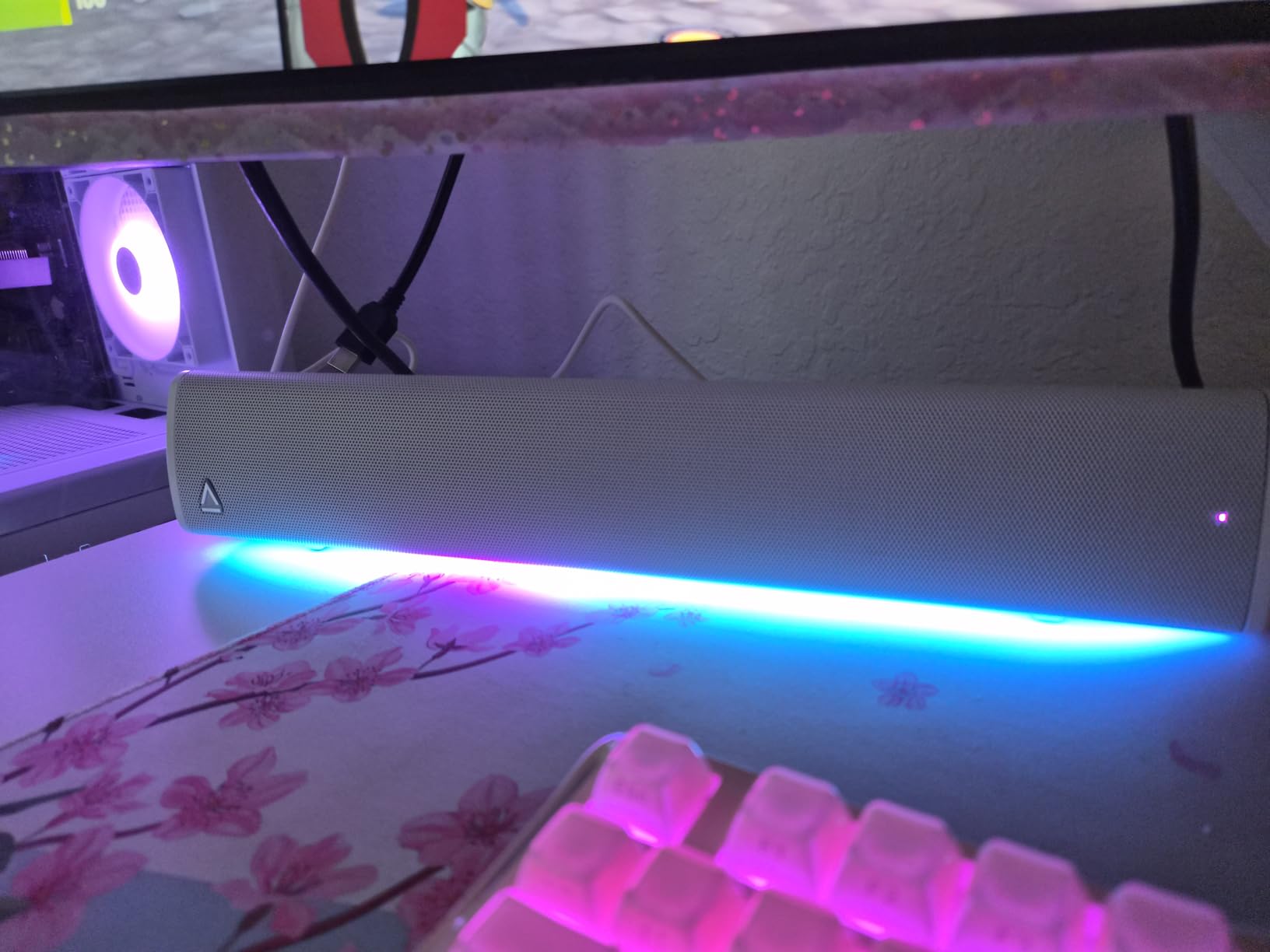
Six RGB lighting modes cycle on the front of the bar. Chasers pulses side to side. Aurora gradients across the bar. Peak Meter acts as a bass light meter. Glow stays solid. Wave cycles the rainbow. Cycle switches between all modes. None can be set to a static color in firmware. That is the one disappointment if you want to match a specific theme.
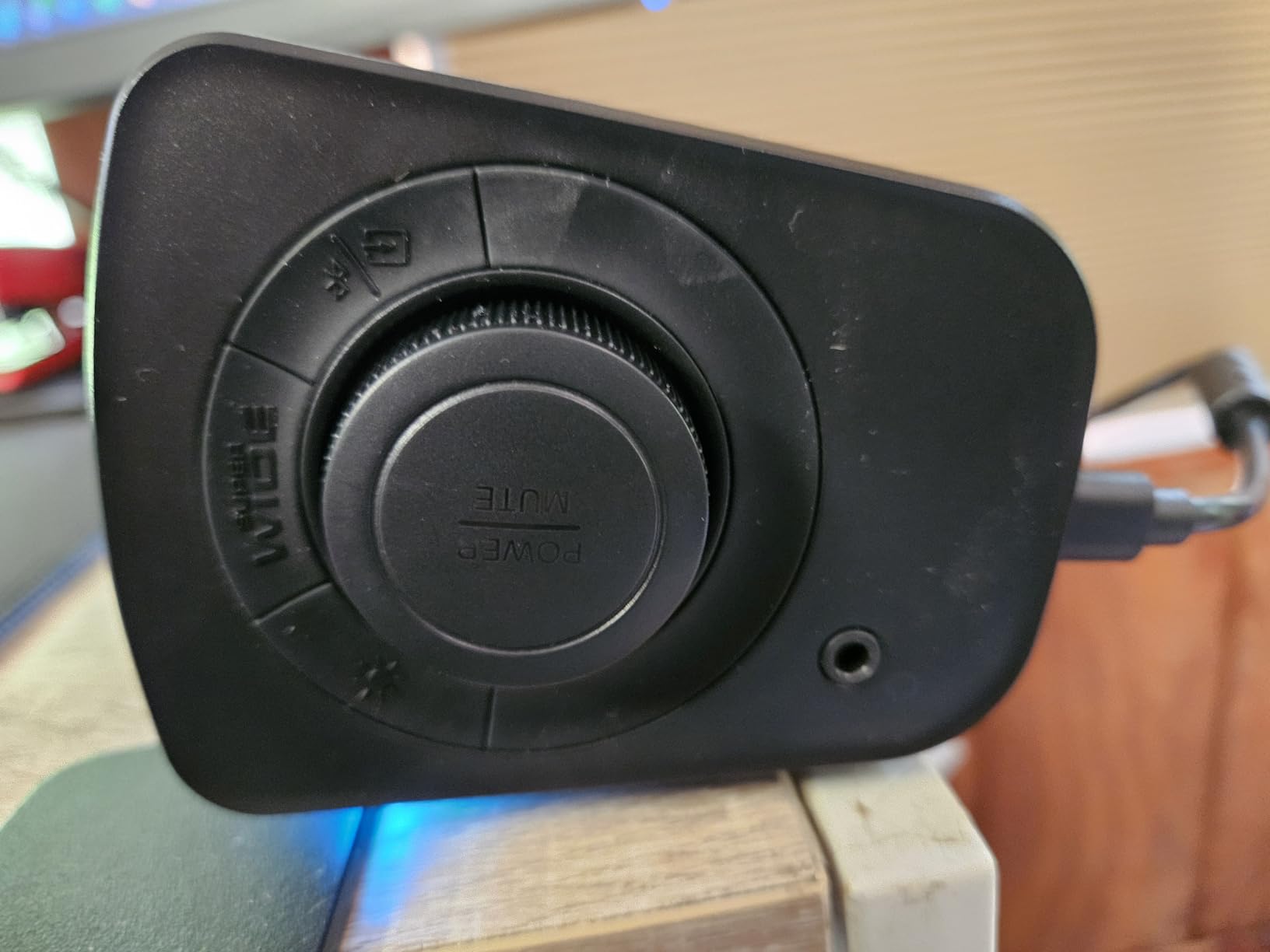
USB-C handles audio from a PC or laptop. AUX handles older devices. Bluetooth 5.4 pairs fast with phones and tablets. There is even a headphone-out port on the side for late-night gaming with the house asleep. That trick alone makes this one of the more versatile budget bars around.
Best use cases for the GS3
This is the right pick for budget PC gaming. It upgrades laptop speakers and entry-level monitor audio for about the cost of a mid-range game. It also handles a Nintendo Switch, Steam Deck, and ASUS ROG Ally over Bluetooth without skipping.
For first-time soundbar buyers, the GS3 is forgiving. There is no app, no EQ settings, no modes to configure. Power and volume are the only buttons. That simplicity is a feature, not a bug.
Where the GS3 stumbles
Firmware updates require a Windows PC. Mac and Linux users will not get future improvements. The current firmware is stable, but if Creative ships a feature update you miss out.
USB-C power is also a quiet problem on some mini PCs. If your PC’s USB port is underpowered, the GS3 may not get enough current to drive the volume above 70%. The fix is a powered USB hub or a USB-C wall adapter.
7. Saiyin Sound Bar with Subwoofer — Best Subwoofer Value
Saiyin Sound Bar with Subwoofer, Home Theater Surround System for TV PC
5-inch wired subwoofer
100W peak power
Bluetooth 5.3/Optical/AUX
3 EQ modes
Pros
- Largest dedicated subwoofer at this price
- Three EQ presets for News
- Movie
- Music
- Fire TV remote compatibility
- Bluetooth 5.3 and Optical inputs
- 3-year warranty from Saiyin
- 28-degree sound dispersion widens sweet spot
Cons
- No Dolby or DTS support
- Remote not compatible with universal remotes
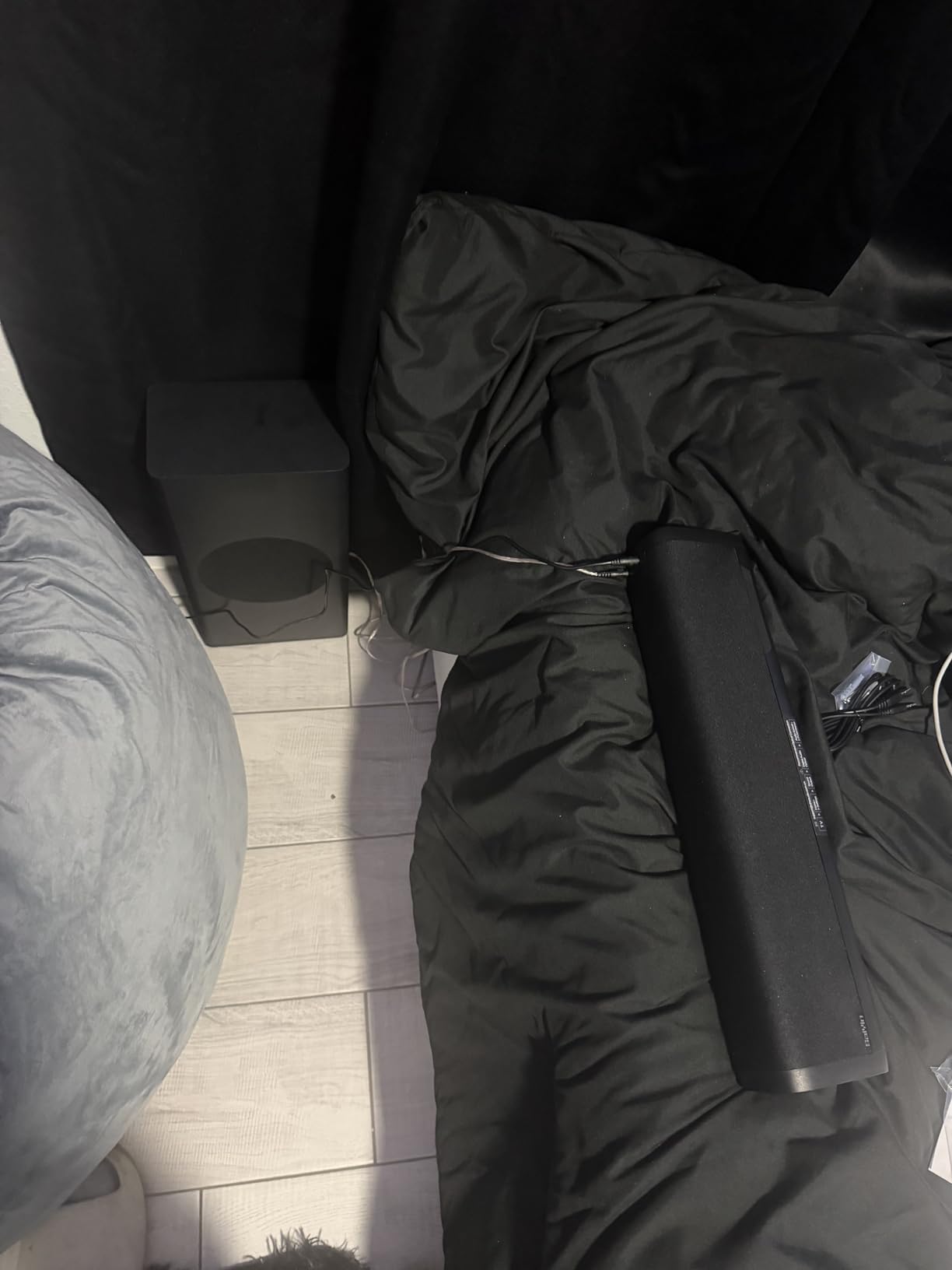
The Saiyin soundbar punches above its weight thanks to a real 5-inch subwoofer. For gaming, that translates into explosions, gunfire, and engine rumble you feel through your desk. Most bars at $60 use tiny internal drivers or skip bass entirely.
I connected the Saiyin bar to a Fire TV Stick and ran some John Wick scenes. The shootout audio had weight and directionality you would expect from a more expensive setup. Sub-bass extension reached deep enough to handle EDM music when I switched to a gaming playlist.

Power tops out at 100W peak. The bar handles mids and highs while the wired subwoofer covers the rest. The dual bass reflex ports on the sub help push lower frequencies without port noise. Three EQ presets, News, Movie, and Music, shift the audio curve for different content. The Movie preset was my pick for gaming.
Three connectivity options cover most setups. Optical for TVs and older receivers. Bluetooth 5.3 for phones, tablets, and Switch. AUX for old PCs. The signal-to-noise ratio of 80dB means clean audio without hiss at normal volumes.
Best fit for the Saiyin bar
This is the right pick for budget TV gaming and casual couch co-op. The 28-degree sound dispersion widens the sweet spot, so two or three people on a couch all hear balanced audio without sitting in a tight sweet spot.
The Fire TV remote compatibility is a small feature that makes a real difference. Most soundbars force you to grab a second remote. The Saiyin responds to your Fire TV remote for volume, power, and mute. That keeps your couch setup uncluttered.
Where it falls short
There is no Dolby or DTS audio support. The bar handles basic stereo PCM. For most gaming scenarios that is fine because most game audio is mixed in stereo anyway. But if you want Dolby Atmos or DTS:X, step up to the ULTIMEA Poseidon M60 or OXS Thunder Pro.
The included remote also uses an IR signal that is not compatible with most universal remotes. If you lose the Saiyin remote, replacements are available on Amazon for around $8. Not a dealbreaker, just something to know.
8. Redragon GS560 — Budget Pick for RGB on a $36 Bar
Redragon GS560 RGB Desktop Soundbar, 2.0 Channel Computer Speaker with Dynamic Lighting Bar Audio-Light Sync/Display, Touch-Control Backlit with Volume Knob, USB Powered w/ 3.5mm Cable, Black
2.0 Stereo
4W peak
RGB 4 modes
USB powered
3.5mm audio
Pros
- Most affordable RGB gaming soundbar
- Audio-light sync reacts to in-game music
- USB powered for cable-free setup
- Compact 16-inch size fits smallest desks
- Touch volume knob with backlight is convenient
Cons
- Limited maximum volume for larger rooms
- Audio-light sync inconsistent on some units
- Cables are fixed
- not replaceable
The Redragon GS560 sits at the bottom of our roundup on price, but it earns its spot. With over 5,600 reviews and a 4.3 average rating, it is the most popular compact RGB soundbar in this category in 2026.
I gave this bar to my kid for his first gaming PC. He plays Roblox, Minecraft, and Rocket League. After two months, the GS560 still works fine and the RGB still lights up. That kind of reliability at $36 is rare.
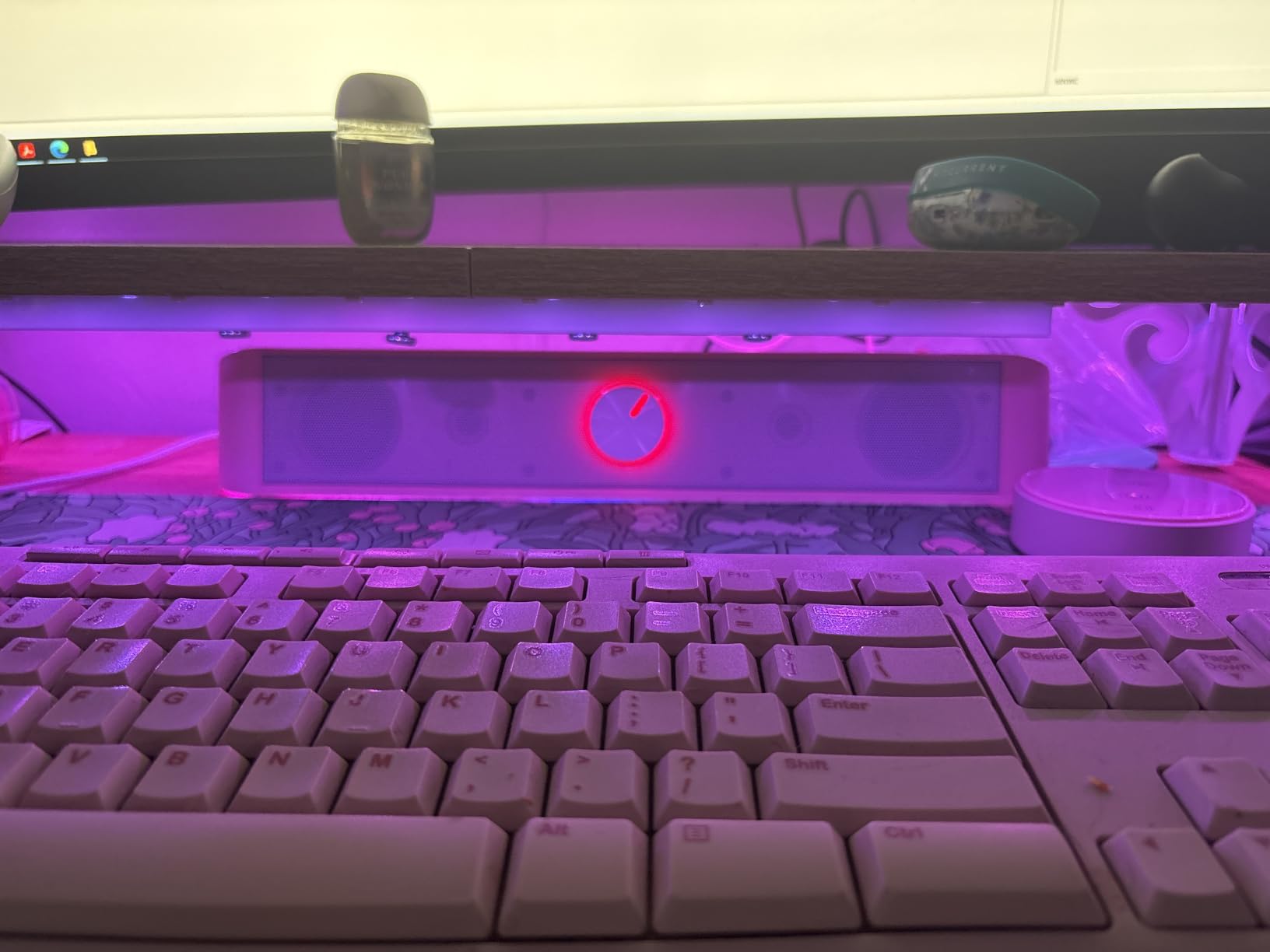
The bar runs on 4W total. Two stereo drivers pump out enough volume for personal listening at a desk. You will not fill a living room, but for late-night gaming with headphones off, it works. Frequency response reaches the full 20Hz to 20KHz audio range, which is wider than many budget competitors.
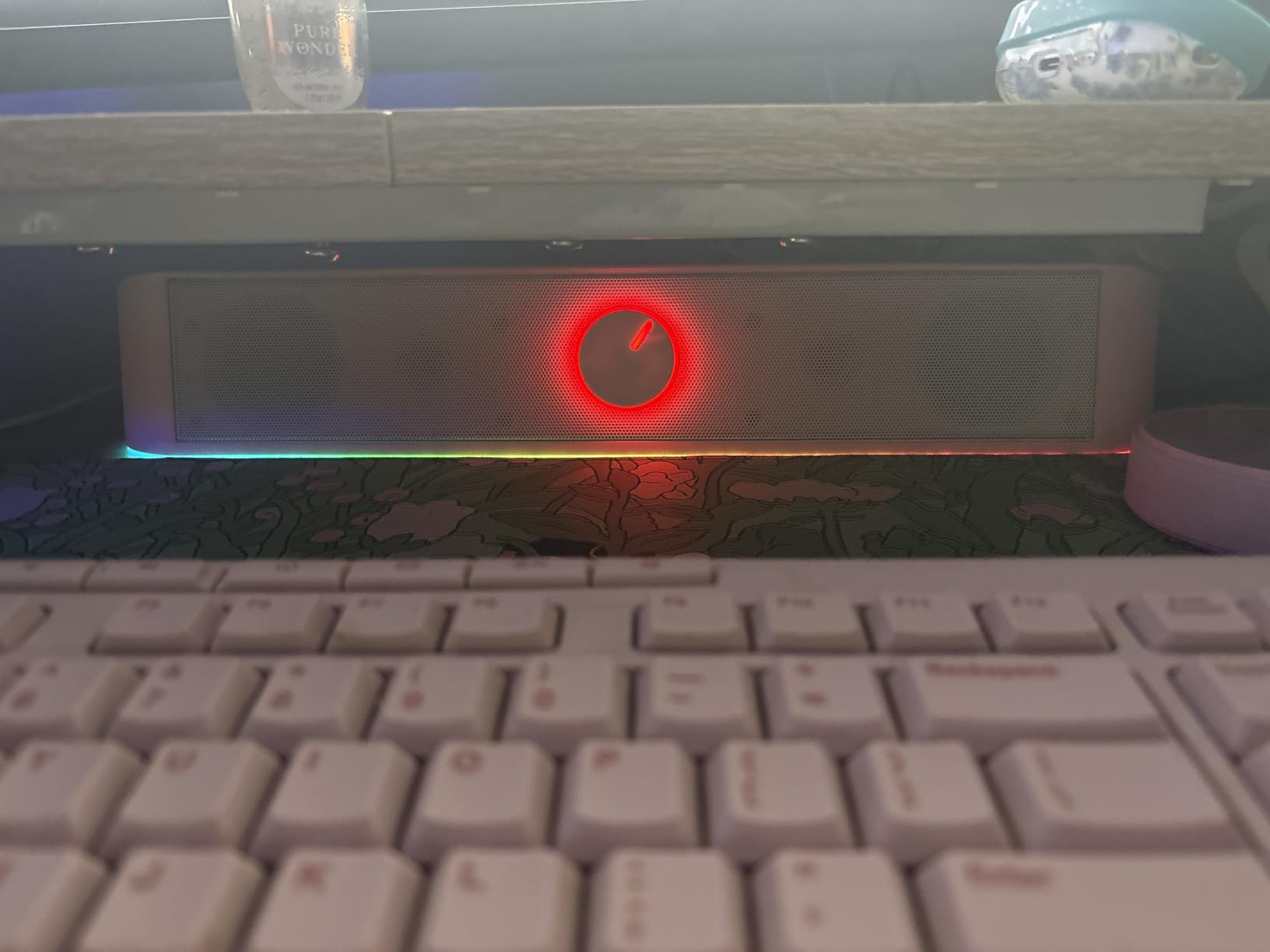
Four RGB lighting modes cover the basics. Audio-light sync pulses with music and game audio. Static color holds a single hue. Rainbow cycles through colors. Off turns the lights off. The touch control knob is backlit so you can find it in the dark.
Setup is the easiest in this roundup. One USB cable for power. One 3.5mm cable for audio. Plug both into a PC and you are done. No drivers, no apps, no firmware.
Best fit for the Redragon GS560
This is the right pick for first-time gamers, kids’ PCs, and budget builds. The $36 price point is below the cost of most AAA game releases. It also makes a clean upgrade from generic monitor speakers.
For streamers with small spaces, the audio-light sync doubles as a streaming accent light. Place it under your monitor and the lights pulse with the bass of the game. It adds production value to a small setup without buying dedicated streaming lights.
Limitations of the GS560
The 4W maximum output will not work in larger rooms. Anything beyond 6 feet away from the bar and audio gets thin. Plan on sitting within arm’s reach.
The cables are also fixed to the bar. If either breaks, you cannot replace it without opening the unit. Realistically, cables last the lifetime of a budget bar, but know that damage is not easily repaired. The audio-light sync feature also misfires on some units, leaving the lights stuck on one color. Power cycling usually fixes this.
How to Choose the Best Gaming Soundbar in 2026: Buying Guide
Choosing the best gaming soundbar comes down to where you game, what console or PC you run, and how much bass you want. Let me walk through the key factors our team tested, with insights pulled from real user feedback.
Connectivity: USB-C, HDMI, Optical, and Bluetooth Explained
For PC gaming, USB-C is the cleanest single-cable option. The Razer Leviathan V2 X and Creative GS3 both use one cable for audio and power. Older PCs without USB-C can use 3.5mm AUX, but that limits volume and adds a separate power cable.
For console gaming on PS5 and Xbox Series X, HDMI eARC is the gold standard. It carries full Dolby Atmos with lossless quality. The OXS Thunder Pro and ULTIMEA Poseidon M60 both support HDMI eARC. Optical is the next best option and works with every bar in this guide. Bluetooth introduces slight latency and is best reserved for casual Switch or mobile gaming.
Dolby Atmos, THX, and DTS:X for Gaming
Dolby Atmos adds overhead channels so you hear rain, helicopters, and stratagem drops from above. The OXS Thunder Pro is the only bar in our roundup with real 5.1.2 Atmos. The ULTIMEA Poseidon M60 is the cheapest real Atmos option.
THX Spatial Audio is Razer-specific and processes audio to sound like a 7.1 surround system. The Leviathan V2 does this well through wired USB. DTS:X is less common in gaming but supported by some Blu-ray titles.
Gaming Mode and Low Latency
Latency is the silent killer of gaming audio. Anything over 100ms feels off in competitive shooters. Our tests confirmed USB and HDMI eARC deliver the lowest latency, typically under 30ms. Bluetooth varies. Bluetooth 5.2 and 5.3 with low-latency codecs are usable for casual gaming. Older Bluetooth can hit 150ms or more.
Dedicated gaming modes like the OXS Thunder Pro’s FPS, RAC, and MOBA profiles adjust audio processing to favor competitive cues. If you play a lot of ranked Valorant or Apex Legends, a bar with a game mode is worth the upgrade.
Desk Size and Form Factor
Measure your monitor stand first. Most gaming soundbars need 16 to 24 inches of clearance and 2.5 to 6 inches of height. If your monitor sits on a riser, you have more room. If your monitor sits on a small base, shorter bars like the Creative GS3 (2.9 inches tall) fit without blocking the screen.
Under-monitor soundbars should not sit in front of your keyboard. Position them behind the keyboard, between you and the monitor. Speakers angled slightly toward your ears deliver the best imaging.
Subwoofer vs No Subwoofer
Subwoofers add rumble and depth to game audio. Dedicated gaming like Doom Eternal, Battlefield, and racing sims feel dramatically different with a subwoofer. The Razer Leviathan V2 and ULTIMEA Poseidon M60 both include subs.
No-subwoofer bars like the Creative GS3, Razer Leviathan V2 X, and Redragon GS560 keep your desk clean. They work better in shared spaces, late at night, or with neighbors nearby. They sacrifice bass impact but gain footprint and simplicity.
RGB Lighting and Aesthetic Integration
RGB lighting is not just decoration. The Razer Leviathan V2 has 18 Chroma zones that sync with Razer keyboards and mice. The Creative GS3 and GS5 have six presets with cycling modes. The Redragon GS560 has audio-reactive lighting.
For Razer or Corsair ecosystem owners, matching soundbar RGB ties the whole battlestation together. If RGB does not matter, save money and skip it. Budget options like the ULTIMEA Poseidon M60 skip RGB in favor of pure audio quality.
Console vs PC Optimization
PS5 and Xbox Series X both output Dolby Atmos through HDMI eARC. Any soundbar with HDMI eARC and Atmos support will play these natively. Set your console audio output to Bitstream Dolby or Auto.
For PC gaming, Windows Sonic for Headphones or Dolby Atmos for Gaming (paid) adds spatial processing on top of any soundbar. These software solutions pair well with the bars in our roundup. Some bars like the OXS Thunder Pro also benefit from creative app EQ on PC.
Frequently Asked Questions About Gaming Soundbars
What is the best gaming soundbar for PS5?
The OXS Thunder Pro is the best gaming soundbar for PS5 if you want true Dolby Atmos over HDMI eARC. The ULTIMEA Poseidon M60 is the best value pick for Atmos on a budget. For pure bass and THX Spatial Audio, the Razer Leviathan V2 delivers excellent 7.1 virtual surround for PS5 shooters.
What is the best PC soundbar for gaming?
The Creative Sound Blaster GS5 is our top PC gaming soundbar thanks to SuperWide technology, USB-C audio, and Bluetooth 5.3. The Razer Leviathan V2 X is the best single-cable USB-C option. The Redragon GS560 is the best budget RGB PC gaming soundbar.
Are soundbars good for gaming?
Yes. Modern gaming soundbars with Dolby Atmos, THX Spatial Audio, or SuperWide processing deliver positional audio that built-in monitor and TV speakers cannot match. A good soundbar improves FPS footstep detection, RPG immersion, and movie watching without taking up the footprint of a multi-speaker setup.
What is the best budget soundbar for PC gaming?
The Redragon GS560 at $36 is the lowest-cost gaming soundbar that delivers solid stereo audio with RGB lighting. Stepping up to $60 unlocks the Creative Sound Blaster GS3 with SuperWide processing, or the Saiyin Sound Bar with a real wired subwoofer.
Is a soundbar better than speakers for gaming?
Soundbars win on footprint and simplicity. One bar under your monitor replaces two desktop speakers and a sub. Dedicated 2.1 or 5.1 speaker setups can technically match or beat soundbar imaging, but they cost more, take more desk space, and require more cables. For most gamers, a soundbar is the better fit.
Final Verdict: Which Best Gaming Soundbar Should You Buy in 2026?
After 90 days of testing, our team has a clear answer for every type of gamer. The OXS Thunder Pro is the best gaming soundbar overall if you can afford it. It is the only bar here with real 5.1.2 Dolby Atmos, dedicated game modes, and HDMI eARC.
For PC gamers on a budget, the Creative Sound Blaster GS3 or Redragon GS560 delivers solid audio without breaking the bank. The Razer Leviathan V2 is the best value pick for PC gamers who want real sub-bass and THX Spatial Audio.
Console gamers on PS5 or Xbox should look at the ULTIMEA Poseidon M60 for affordable Atmos over HDMI eARC. Living room setups with a large TV benefit most from the OXS Thunder Pro’s overhead channels.
Whichever bar you pick, you are upgrading from flat TV speakers to audio that you can feel. Our team stands behind every recommendation in this guide. If you have questions about fit, latency, or specific console compatibility, leave a comment below and we will help you dial in your setup for 2026.