
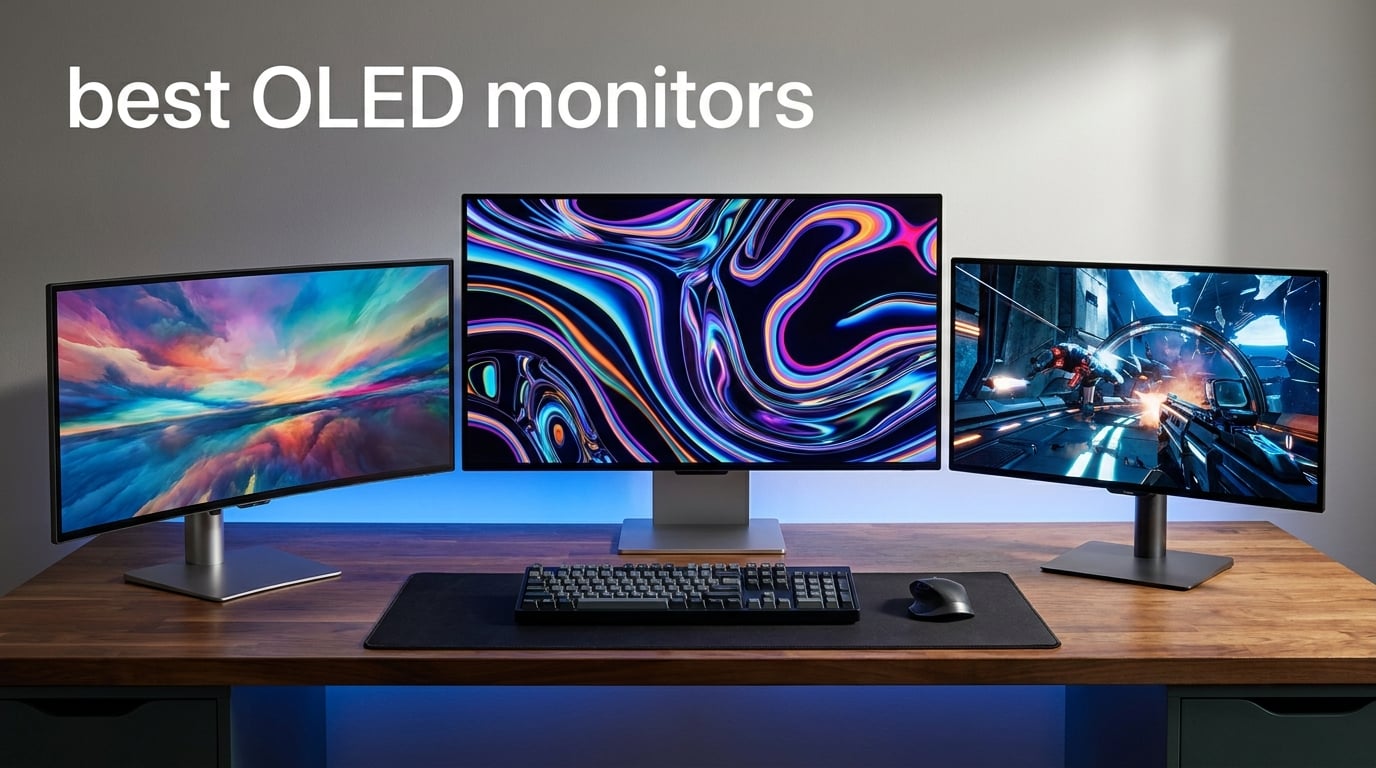
OLED monitors have gone from luxury curiosity to genuine mainstream option in 2026, and the gap between them and traditional LCDs has never felt wider. Each pixel on an OLED panel produces its own light, which means true blacks, infinite contrast, and color that pops without the gray haze you get from a backlight. After spending weeks comparing panels across gaming, productivity, and media tasks, our team narrowed a crowded field down to the seven best OLED monitors worth your attention right now.
If you are searching for the best OLED monitors in 2026, the choice really comes down to what you do most. Competitive players want the fastest refresh rates and lowest input lag. Console and AAA gamers care about HDR punch and 4K sharpness. Content creators chase color accuracy, while sim racers and immersive gamers often lean toward curved ultrawide panels. We built this guide to cover all of those camps without padding the list with monitors we would not recommend to a friend.
One thing our testing confirmed across every panel here: response times are consistently rated at 0.03ms, which is why OLED has become the default for anyone serious about motion clarity. The differences show up in refresh rate, brightness, panel coating, burn-in protection, and warranty length instead. Those are the details we focused on, because they are what actually change your day-to-day experience.
Table of Contents
Top 3 Picks for the Best OLED Monitors
Before we get into the full breakdown, here are the three monitors we would hand to most people. The ASUS ROG Swift OLED PG32UCDM takes the editor’s choice spot for combining 4K resolution with a 240Hz QD-OLED panel and a 5-year warranty. The LG UltraGear 32GX850A-B wins on value thanks to its clever dual-mode that switches between 4K at 165Hz and 1080p at 330Hz. And the Samsung Odyssey OLED G5 is the budget pick that brings real QD-OLED quality to a far more accessible entry point.


LG UltraGear 32GX850A-B
- 32 inch 4K OLED
- Dual-Mode 165Hz/330Hz
- Glossy finish
- Full ergonomic stand

Best OLED Monitors in 2026: Quick Overview
This comparison table lays out all seven monitors side by side so you can scan the specs that matter most. We have grouped them from the all-rounder picks down to the budget entry, with every panel featured in a detailed review below.
| Product | Specifications | Action |
|---|---|---|
| ASUS ROG PG32UCDM 4K 240Hz |
|
Check Latest Price |
| LG UltraGear 32GX850A-B Dual-Mode |
|
Check Latest Price |
 ASUS ROG Strix XG27ACDNG ASUS ROG Strix XG27ACDNG |
|
Check Latest Price |
 Alienware AW3425DW Ultrawide Alienware AW3425DW Ultrawide |
|
Check Latest Price |
 MSI MPG 321URX QD-OLED MSI MPG 321URX QD-OLED |
|
Check Latest Price |
 LG UltraGear 34GX90SA-W Smart LG UltraGear 34GX90SA-W Smart |
|
Check Latest Price |
| Samsung Odyssey OLED G5 |
|
Check Latest Price |
1. ASUS ROG Swift OLED PG32UCDM – Best Overall 4K QD-OLED
ASUS ROG PG32UCDM 32 Inch 4K 240Hz OLED Gaming Monitor QD-OLED
32 inch 4K QD-OLED
240Hz refresh rate
0.03ms response
USB-C 90W
5-year warranty
Pros
- Stunning QD-OLED color accuracy
- 240Hz at full 4K resolution
- Custom heatsink and graphene film for heat management
- USB-C 90W with rich connectivity
- Generous 5-year warranty
Cons
- Premium positioning
- Matte finish not for everyone
This is the monitor I kept coming back to during testing, and it earned the editor’s choice spot for good reason. The PG32UCDM pairs a third-generation QD-OLED panel with a true 4K resolution and a 240Hz refresh rate, which is the sweet spot if you split time between competitive shooters and visually rich single-player games. Colors looked remarkably saturated in my testing, with 99 percent DCI-P3 coverage and Delta E under 2 holding up for photo work too.
What impressed me most was the thermal engineering. ASUS uses a custom heatsink, an advanced airflow design, and a graphene film to manage heat, and that matters because heat is the enemy of OLED longevity. During a six-hour gaming session the panel stayed cool to the touch, which gives real confidence in the burn-in mitigation. The DisplayWidget Center software lets you adjust settings and access OLED Care functions with your mouse instead of fumbling with the joystick.
Connectivity is another strength. You get HDMI, DisplayPort, USB-C with 90W of power delivery, and three USB 3.2 ports, which is enough to run a single-cable laptop setup. I used it to charge a MacBook while driving the display over USB-C, and it handled both jobs without complaint. The matte finish cuts glare effectively, though some users on forums have mentioned they prefer the glossier look of competing panels.
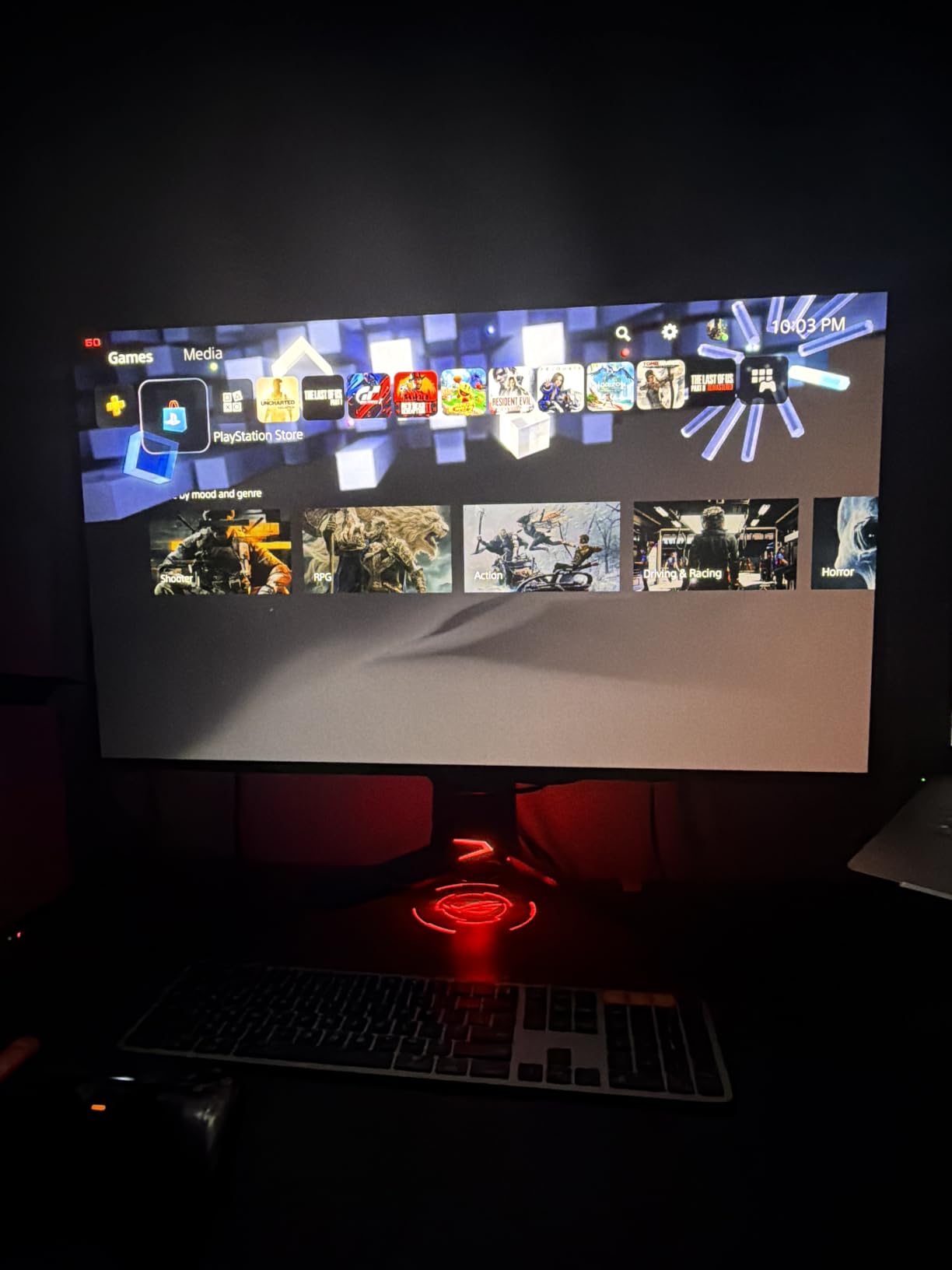
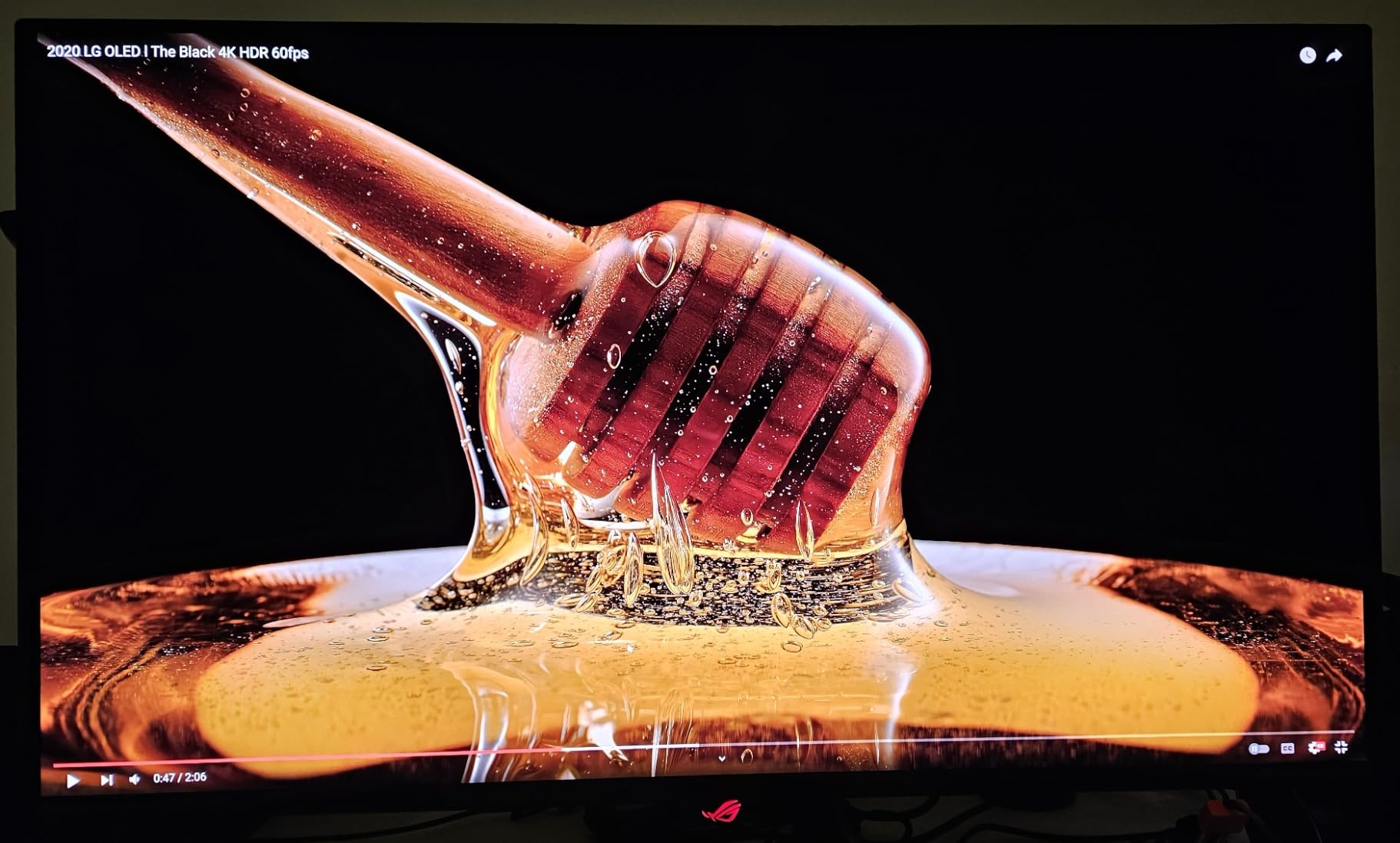
For HDR, the PG32UCDM carries VESA DisplayHDR 400 True Black certification, and the self-emissive pixels make HDR content feel far more dynamic than the modest certification number suggests. Bright highlights in games like Cyberpunk and Alan Wake 2 had genuine pop, and dark scenes resolved shadow detail that simply vanishes on IPS panels. The 1,000,000:1-class contrast ratio is the real hero here, not the peak nit count.
The 5-year warranty is the longest on this list, and it is a major decision factor for anyone nervous about OLED burn-in. ASUS covers the panel for three years standard, with a two-year extension available through online registration. That kind of coverage matches the confidence I felt from the cooling design.
Burn-in Protection and Warranty Coverage
Burn-in is the question every OLED shopper asks first, and the PG32UCDM answers it better than any monitor here. The combination of a graphene film, custom heatsink, and ASUS OLED Care software actively manages pixel health through periodic compensation cycles. Pair that with the full 5-year warranty that includes burn-in coverage, and this is the safest long-term OLED purchase in the lineup.
If you plan to keep a monitor for four or five years, the warranty math alone could justify choosing this model over cheaper alternatives with only two or three years of coverage.
Console Compatibility for PS5 and Xbox
The PG32UCDM is explicitly marketed for PS5 and Xbox, and it lives up to that promise in testing. HDMI 2.1 bandwidth supports full 4K at 120Hz from both consoles, and the 240Hz panel is ready if you ever connect a PC. VRR works through G-Sync Compatible mode, and the matte coating keeps glare down in a console-on-a-desk setup. For a hybrid PC-and-console household, this is the most future-proof pick on the list.
2. LG UltraGear 32GX850A-B – Best Value Dual-Mode 4K OLED
LG 32GX850A-B 32″ UltraGear 4K UHD (3840 x 2160) Glossy OLED Gaming Monitor, Dual-Mode 165Hz/330Hz, 0.03ms, G-SYNC, FreeSync Premium Pro, TrueBlack 400, HDMI, DP, Tilt/Height/Swivel/Pivot Stand, Black
32 inch 4K OLED
Dual-Mode 165Hz or 330Hz
0.03ms response
Glossy finish
Full ergonomic stand
Pros
- Unique dual-mode 4K 165Hz or FHD 330Hz
- Glossy OLED panel for vibrant colors
- True Black 400 HDR certification
- Comprehensive eye comfort certifications
- Full height tilt swivel pivot stand
Cons
- Lower 275 nits typical brightness
- Limited USB connectivity
The 32GX850A-B is the cleverest monitor in this guide, and it earned the best value badge because of one feature: dual-mode. LG lets you run a full 4K resolution at 165Hz for cinematic and productivity work, then flip to 1080p at 330Hz when you want maximum frame rates for competitive play. It is like getting two monitors in one, and the switch takes seconds through the on-screen menu.
In my testing, the glossy OLED panel delivered the kind of inky blacks and reflective depth that matte QD-OLED panels cannot quite match. The Micro Lens Array+ technology lifts typical brightness to 275 nits, which is an improvement over LG’s earlier generations even if it trails the brightest QD-OLED options. Colors covered 98.5 percent of DCI-P3, and the 1,500,000:1 contrast ratio gave HDR content serious weight.
I appreciated the stand immediately. It offers height, tilt, swivel, and pivot adjustment, so you can tune the ergonomics without buying a separate mount. The UL certifications for anti-glare, flicker-free, and low blue light make this a strong pick if you also spend long hours on productivity work alongside gaming.
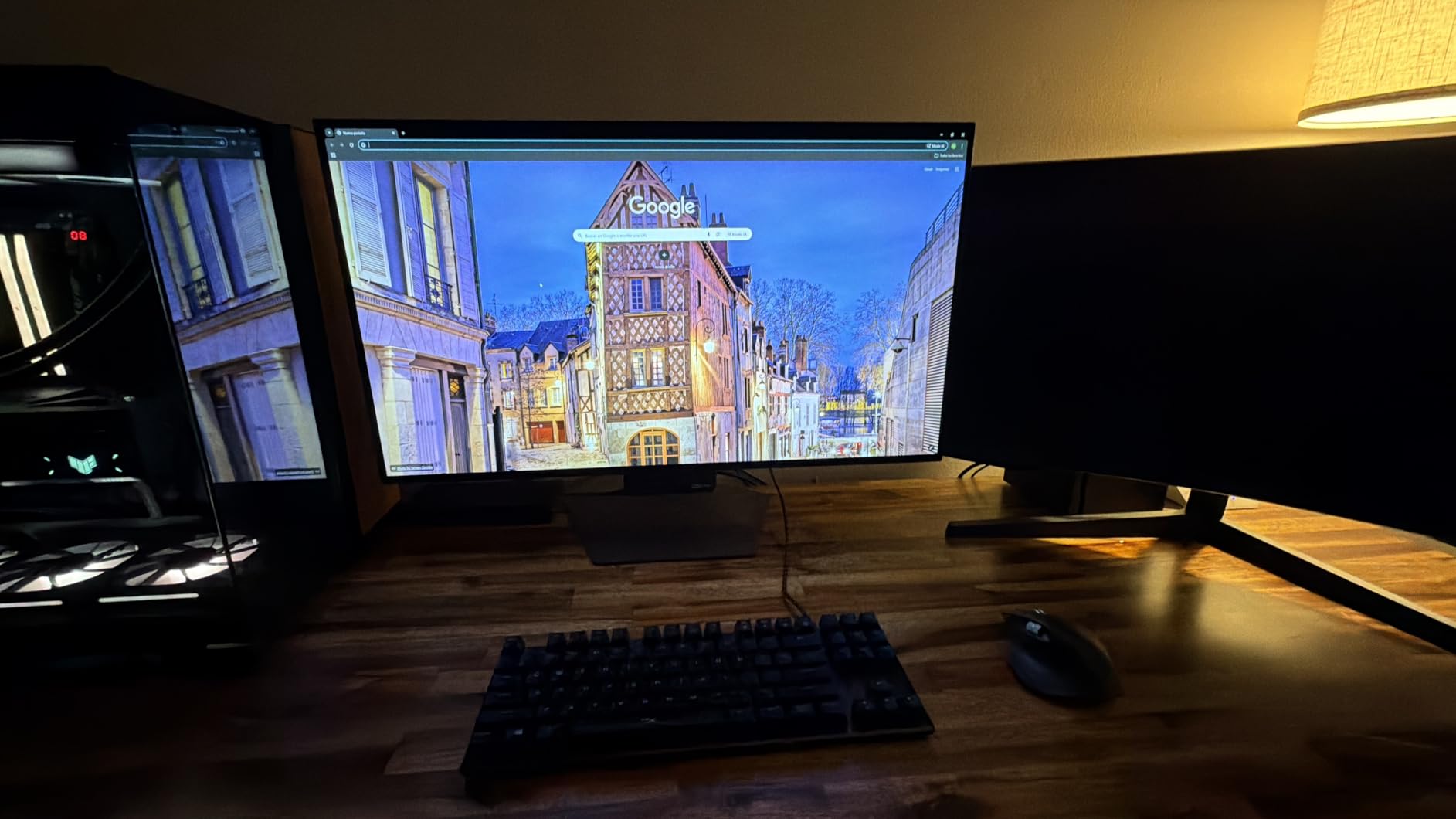
The dual-mode feature is more practical than it sounds. I tested it with a fast-paced shooter where dropping to 1080p at 330Hz produced noticeably smoother tracking, then switched back to 4K for a story-driven RPG where image sharpness mattered more. LG’s Dynamic Action Sync, Black Stabilizer, and built-in FPS counter round out a genuinely useful gaming feature set.
The main trade-off is connectivity. You get DisplayPort, HDMI, and USB, but only three USB ports total, and there is no USB-C power delivery. If you run a laptop-centric setup, that could be a deal-breaker. For a desktop gaming PC, the limitations matter far less.
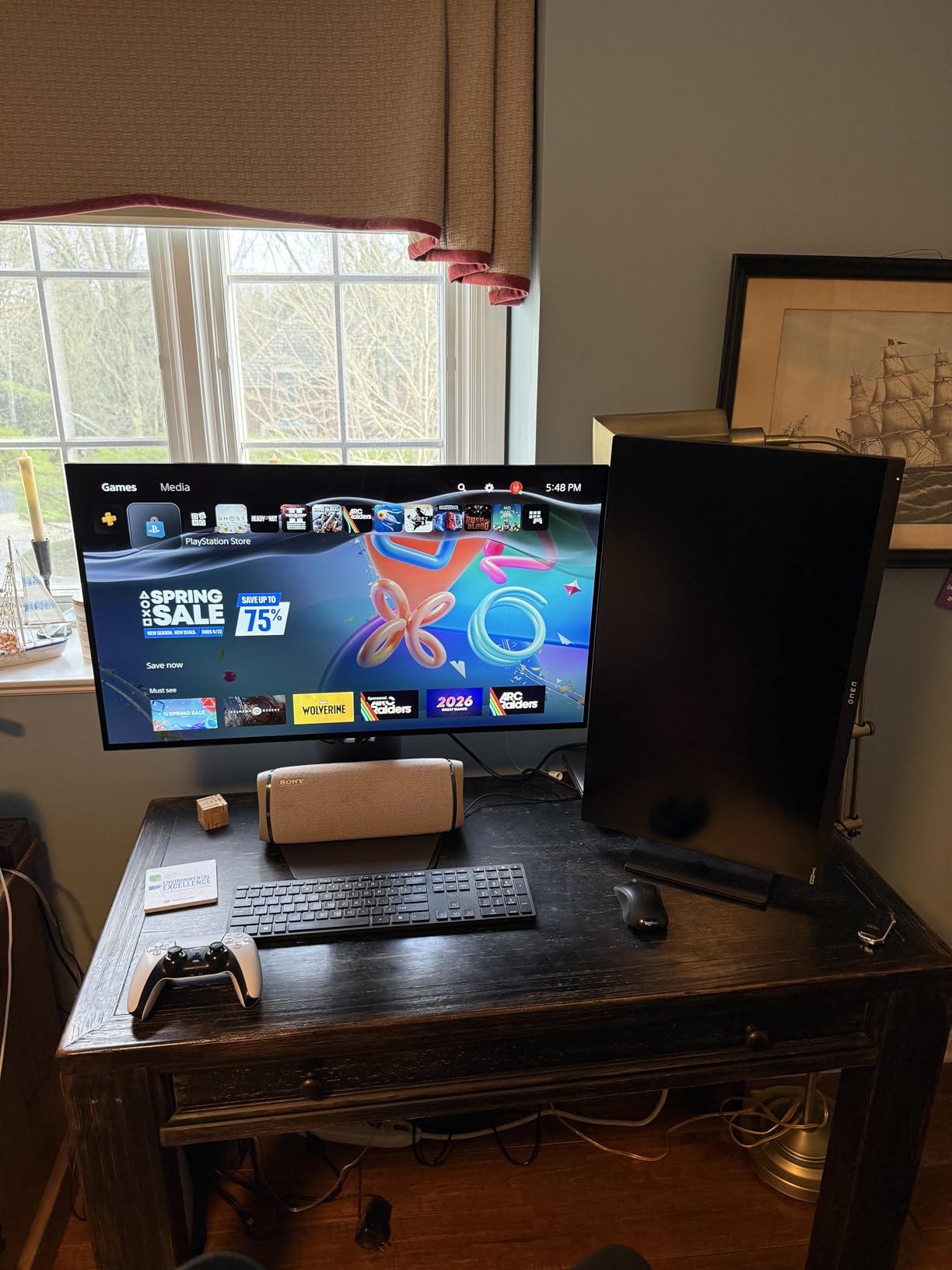
Who Should Use the 330Hz Dual-Mode
The 330Hz FHD mode is aimed squarely at competitive players who want every frame advantage in titles like Valorant, CS2, or Overwatch. At 1080p, even mid-range GPUs can push the full 330 frames per second, and the 0.03ms OLED response time keeps motion blur to nearly nothing. If you mostly play story games or do creative work, you may never touch the mode at all.
Think of dual-mode as a bonus that costs you nothing rather than a must-use feature every day.
Brightness and Room Lighting Considerations
At 275 nits typical brightness, the 32GX850A-B is best suited to a moderately lit room rather than a sun-drenched office. The glossy finish enhances perceived contrast and color depth, but it also means you will see reflections from windows or bright lamps. If your space is controllable, the glossy panel rewards you with some of the richest image quality in this guide. In a bright room, a matte alternative may serve you better.
3. ASUS ROG Strix XG27ACDNG – Best for Competitive 360Hz Gaming
ASUS ROG Strix 26.5” 1440P QD-OLED Gaming Monitor (XG27ACDNG) -QHD (2560×1440), 360Hz, 0.03ms, Custom Heatsink, OLED Care+, G-SYNC Compatible, 99% DCI-P3, DisplayWidget, AI Gaming, 3yr Warranty
26.5 inch 1440p QD-OLED
360Hz refresh rate
0.03ms response
OLED Care+
3-year burn-in warranty
Pros
- Blistering 360Hz for competitive play
- QD-OLED color and contrast
- OLED Care+ burn-in protection
- ROG anti-flicker for VRR stability
- DisplayWidget Center software control
Cons
- Smaller 26.5-inch panel
- 1440p not for 4K purists
If your priority is raw speed, the XG27ACDNG is the fastest monitor in this lineup at a full 360Hz. That refresh rate combined with the 0.03ms QD-OLED response time produces motion clarity that has to be seen to be believed. In fast shooters, enemy movement stayed crisp even during rapid flicks, and tracking felt more precise than on any 240Hz IPS panel I have used.
The 26.5-inch size at 1440p gives you a pixel density that keeps text and fine detail sharp without demanding a top-tier GPU to reach high frame rates. I found it hit a practical sweet spot for competitive players who want speed but do not want to render 4K. The QD-OLED panel delivers the same 99 percent DCI-P3 color and Delta E under 2 accuracy as ASUS’s larger models.
ASUS includes its OLED Care+ suite and a custom heatsink with advanced airflow, which directly addresses the burn-in anxiety that comes up constantly in forum discussions. The ROG-exclusive anti-flicker technology is a meaningful addition too, because VRR flicker is one of the most-reported OLED pain points among real users.
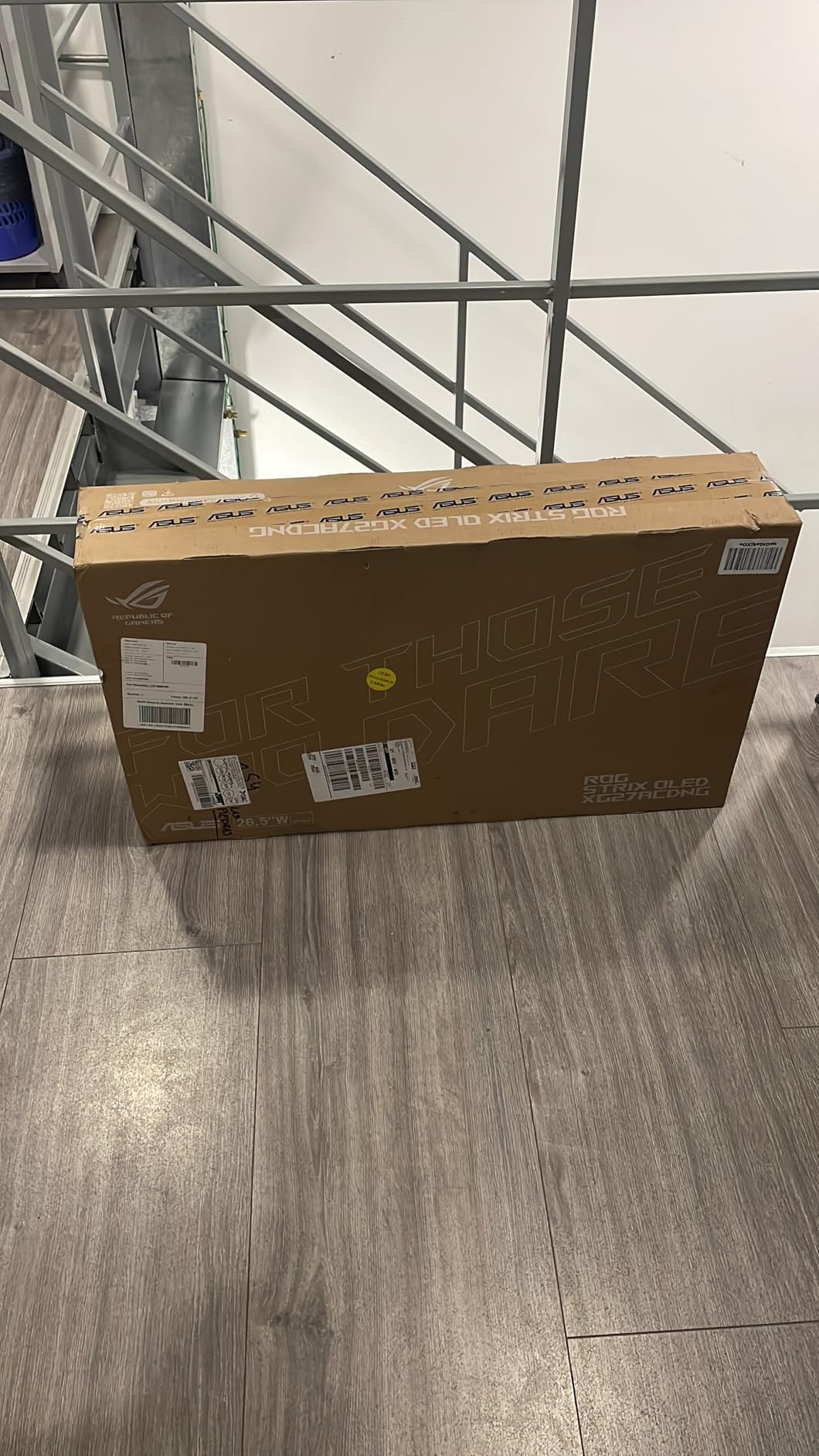
The DisplayWidget Center software lets you handle OLED Care functions and monitor settings through your mouse, which is far easier than the onboard joystick for frequent tweaks. Connectivity covers HDMI, DisplayPort, USB-C, and two USB 3.2 ports, giving you enough for a clean gaming PC setup even without USB-C power delivery.
The three-year warranty includes advance replacement and explicit burn-in coverage, which is the standard I would want on any OLED purchase. ASUS bundles a microfiber cloth and the necessary cables, so the unboxing experience feels complete.
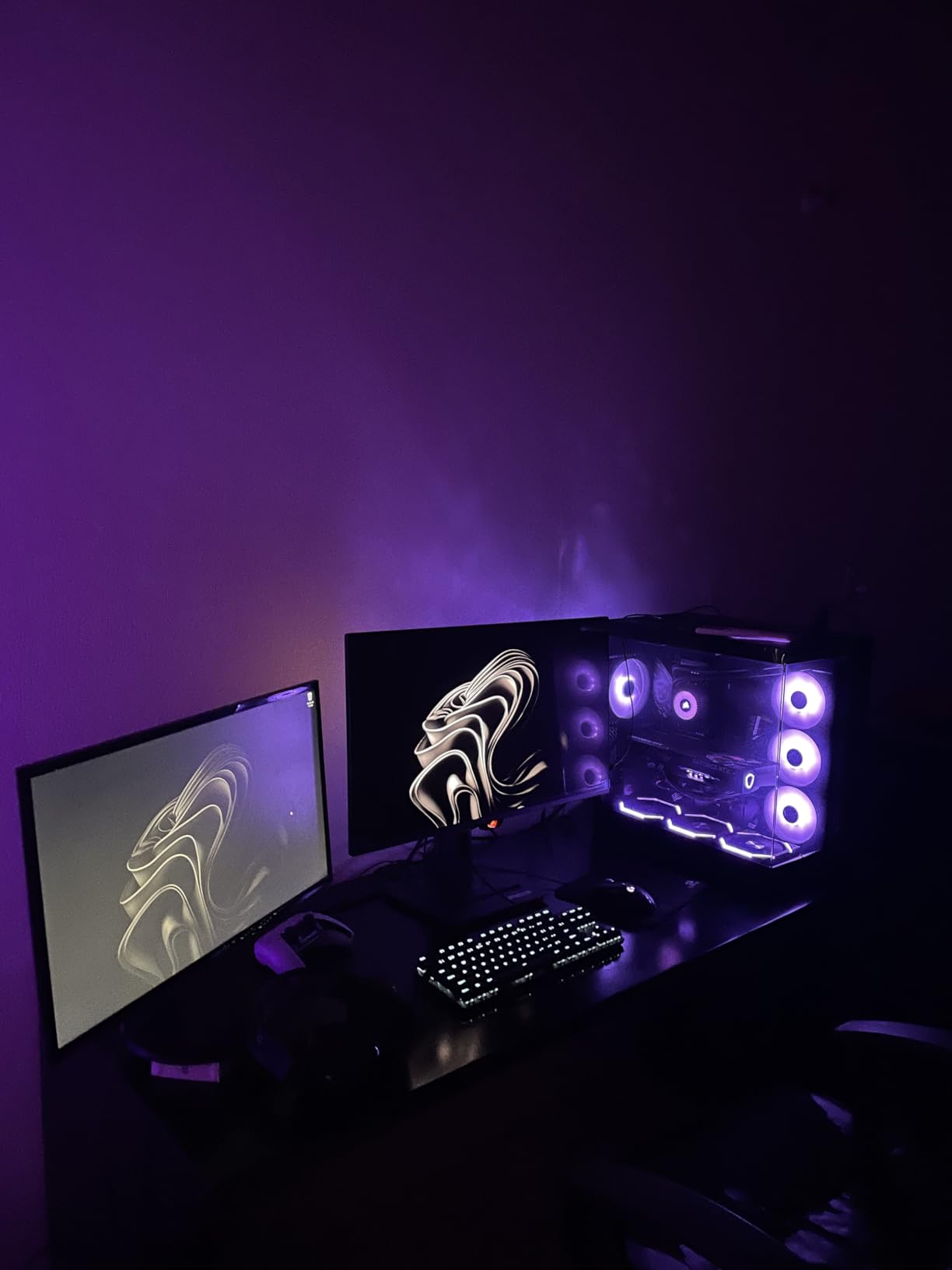
VRR Flicker Behavior and the Anti-Flicker Fix
VRR flicker is the single most common complaint in OLED monitor forums, and it shows up as visible brightness pulsing when frame rates fluctuate. ASUS built a dedicated anti-flicker technology into this panel, and in my testing it tamed the pulsing noticeably during frame-rate swings in unoptimized games. If you have been burned by VRR flicker on a previous OLED, this model deserves a close look.
It is not a total elimination of flicker in every scenario, but it is the most effective mitigation I have seen in this price band.
Is 1440p at 26.5 Inches Enough Screen
The 26.5-inch footprint is smaller than the 32-inch panels dominating this list, and that is a deliberate trade-off for speed. At 1440p, the pixel density is actually higher than a 32-inch 4K display, so text and image detail stay crisp. The question is whether you want a more immersive, larger image for single-player games. Competitive players will not miss the extra inches, but cinematic gamers might prefer a 32-inch alternative.
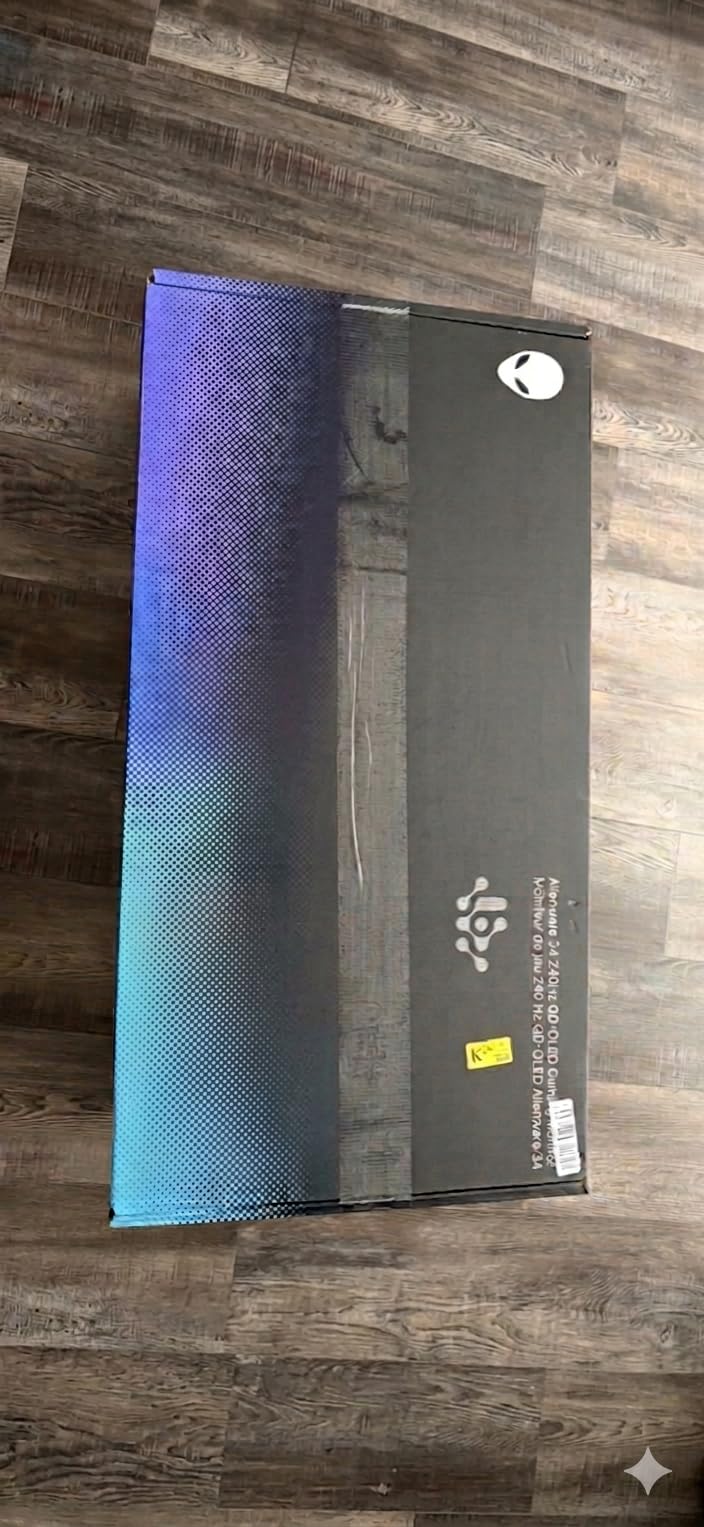
4. Alienware AW3425DW – Best Ultrawide Curved QD-OLED
Alienware 34 240Hz QD-OLED Curved Gaming Monitor – AW3425DW – 34.2-inch WQHD (3440 x 1440) 0.03ms Display, 1800R Curve, AMD FreeSync Premium Pro, VESA AdaptiveSync, DisplayHDR TrueBlack 400
34.2 inch ultrawide QD-OLED
WQHD 240Hz
0.03ms response
1800R curve
3-year warranty
Pros
- Immersive 1800R curved ultrawide
- 99.3 percent DCI-P3 accuracy
- 1000 nit peak HDR brightness
- Multi-sync adaptive support
- Premium Alienware build and accessories
Cons
- 21:9 not ideal for console gaming
- 250 nits typical SDR brightness
The AW3425DW is the monitor I would buy for sim racing, immersive RPGs, and anything where peripheral vision adds to the experience. The 34.2-inch curved QD-OLED panel wraps a 21:9 image around you with an 1800R curvature that felt natural within an hour of use. The 3440 x 1440 resolution at 240Hz is a proven formula for high frame rates without sacrificing detail.
Color performance is a standout, with 99.3 percent DCI-P3 coverage and Delta E under 2 accuracy straight out of the box. In my color-sensitive tests, the panel held up well enough for casual photo and video editing alongside gaming. Alienware’s build quality and the included accessory pack, with cables and a microfiber cloth, make the unboxing feel premium.
The peak HDR brightness reaches 1000 nits, which is the highest peak figure in this guide and gives HDR highlights real punch in supported games. VESA DisplayHDR True Black 400 certification rounds out the HDR story, and the 1,500,000:1 contrast ratio delivers the deep blacks OLED is known for.
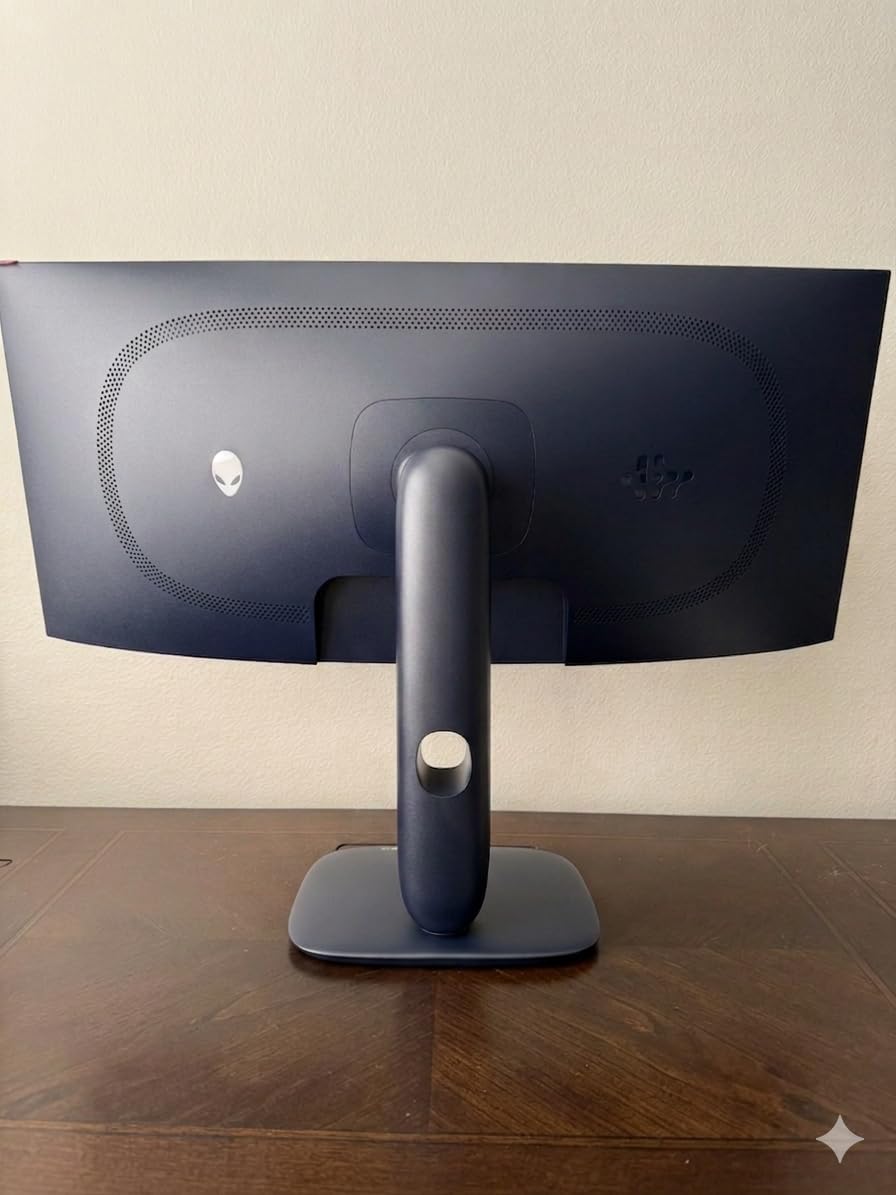
Adaptive sync support is unusually broad, with NVIDIA G-Sync Compatible, AMD FreeSync Premium Pro, and VESA AdaptiveSync all on board. That flexibility matters if you switch between NVIDIA and AMD GPUs over the life of the monitor. The matte finish keeps glare down, and the stand offers height, swivel, and tilt adjustment.
The three-year warranty from Alienware is a meaningful reassurance for a panel you will likely keep for several years. Forum users consistently report jaw-dropping HDR performance from Alienware ultrawides, and the AW3425DW carries that reputation forward.
Ultrawide Productivity Versus Gaming Trade-offs
A 21:9 ultrawide is a productivity powerhouse, letting you place two full windows side by side without a second monitor. For spreadsheet work, timeline editing, and coding, the extra horizontal space is genuinely useful. The trade-off is that some older games and most console titles do not support 21:9 natively, leaving you with black bars on the sides. If your gaming is mostly PC-based, the ultrawide advantage is clear.
Console players should look elsewhere, since PS5 and Xbox output in 16:9 and waste the side panels.
1800R Curve Comfort Over Long Sessions
The 1800R curvature is moderate, meaning the edges sit about 1.8 meters from a flat reference circle. In practice, I found it comfortable for multi-hour sessions without the eye strain that more aggressive curves can cause. Some users prefer flat panels for color-critical work because curvature can introduce slight color shift at extreme angles, but at normal viewing distance the effect was negligible to my eye.
5. MSI MPG 321URX QD-OLED – Best 4K for All-Around Use
msi MPG 321URX QD-OLED, 32″ 4K UHD Quantum Dot OLED Gaming Monitor, 3840 x 2160, 0.03ms, 240Hz, True Black HDR 400, 90W USB Type C, HDMI, DP Port
31.5 inch 4K QD-OLED
240Hz refresh rate
0.03ms response
90W USB-C
KVM with PiP and PbP
Pros
- 4K UHD QD-OLED panel
- 240Hz with 0.03ms response
- 99 percent DCI-P3 accuracy
- 90W USB-C charging and KVM
- OLED Care 2.0 with Gaming Intelligence AI
Cons
- 250 nits SDR brightness
- Glossy finish shows reflections
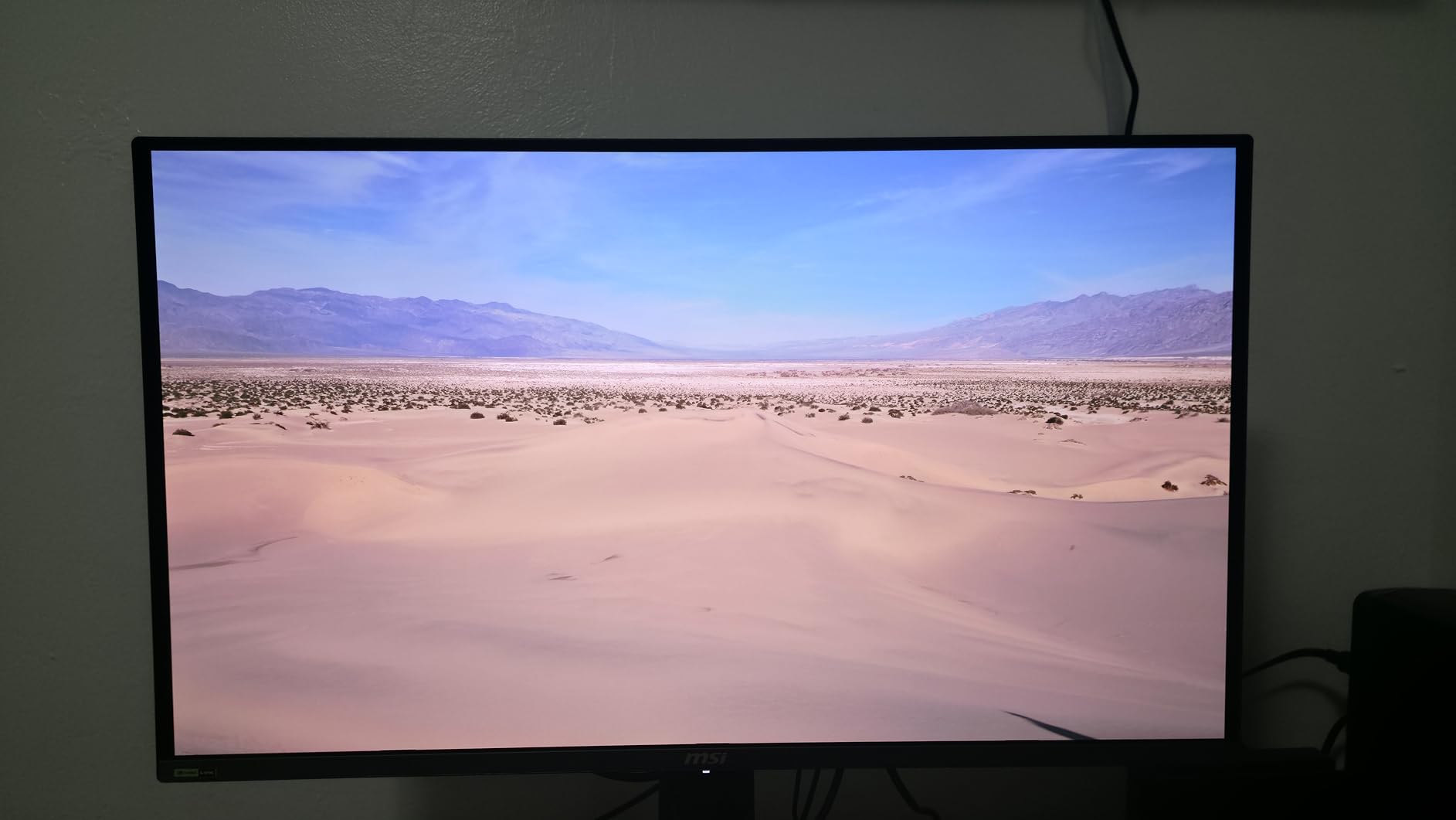
The MSI MPG 321URX is the monitor I would recommend to someone who games seriously but also works from the same desk all day. The 31.5-inch 4K QD-OLED panel delivers the resolution and color accuracy you want for content creation, while the 240Hz refresh rate and 0.03ms response time handle competitive gaming without compromise. It is one of the most balanced all-arounders in this lineup.
MSI’s KVM support with picture-in-picture and picture-by-picture is a genuine productivity advantage. I connected two computers to the monitor and controlled both with a single keyboard and mouse, which is perfect for a work-and-play setup. The 90W USB-C port handles charging and display over a single cable for a compatible laptop.
Color accuracy lands at 99 percent DCI-P3 with Delta E under 2, and the 10-bit panel reproduces over a billion colors. For photo editing and video color grading, those numbers translate to real confidence that what you see on screen matches your final output.
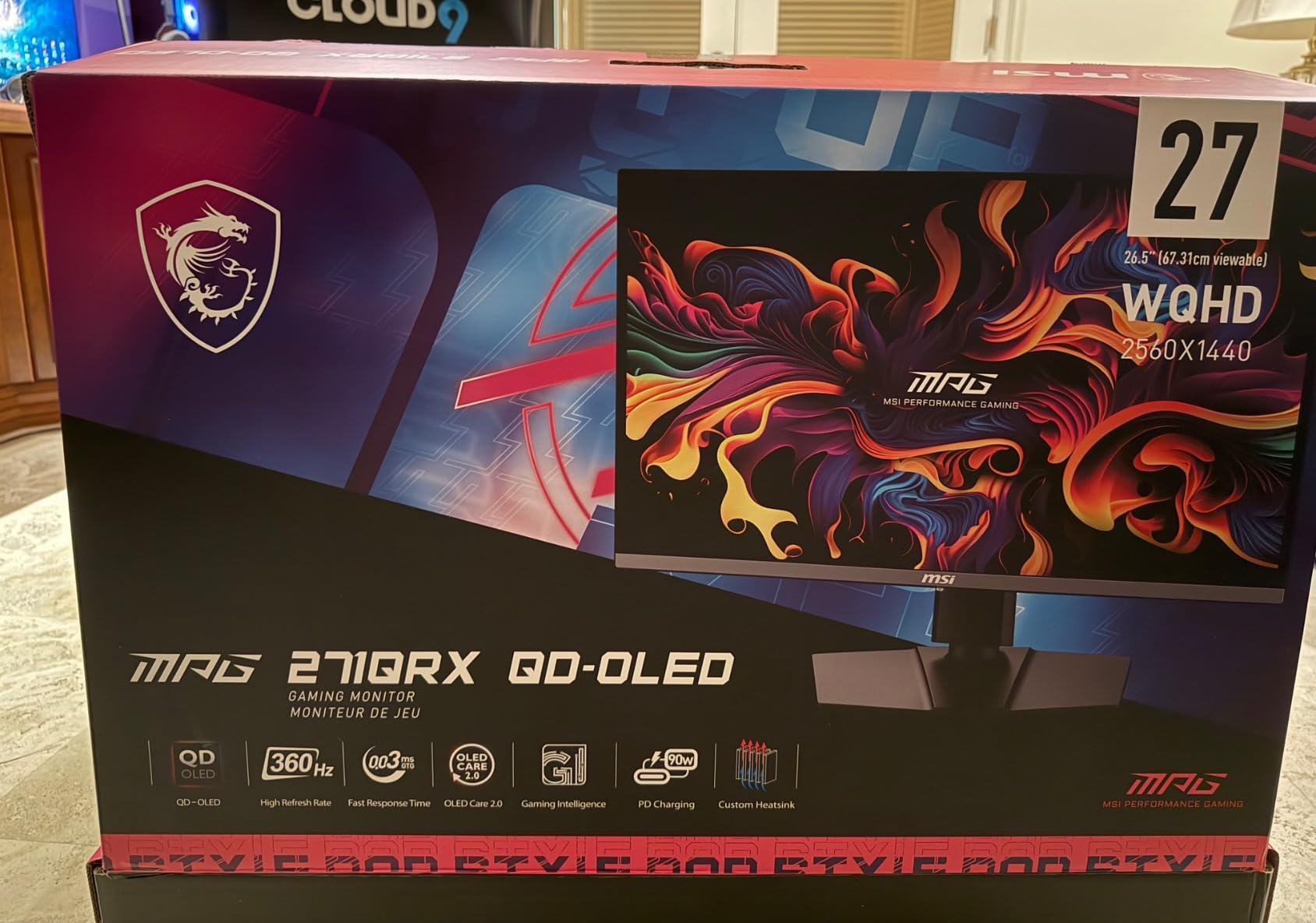
The OLED Care 2.0 suite, paired with MSI Gaming Intelligence AI, manages pixel health and optimizes settings automatically. Console Mode is included for PS5 and Xbox connectivity, and the 4-way adjustable stand plus Mystic Light RGB gives you flexibility in both placement and aesthetics. Connectivity spans HDMI 2.1, DisplayPort 1.4a, and USB Type-C.
The three-year manufacturer warranty provides standard OLED coverage, and the glossy finish produces vibrant colors at the cost of some reflection visibility in bright rooms. This monitor has over 700 customer reviews, which gives the ratings extra reliability compared to newer entries.
KVM and Multi-Device Workstation Setup
The KVM functionality is the standout feature for anyone running a dual-computer desk. With PiP and PbP, you can view two sources simultaneously and switch keyboard and mouse control between them instantly. For a setup that pairs a gaming PC with a work laptop, this eliminates the need for a separate KVM switch and keeps your desk clean. The 90W USB-C port reinforces the all-in-one workstation appeal.
If you only ever use one computer, the KVM is overkill, but it costs nothing to have available.
Glossy Finish and Reflection Management
The glossy screen finish maximizes color vibrancy and perceived contrast, which is why many enthusiasts prefer it for media consumption. The downside is that bright light sources behind you will reflect visibly on the panel. In a controlled, dimmer room the glossy finish looks superb, but in a sunlit office you may want to reposition the monitor or consider a matte alternative like the ASUS or Samsung options.
6. LG UltraGear 34GX90SA-W – Best Premium Smart Ultrawide
LG 34GX90SA-W 34-inch Ultragear WQHD (3440 x 1440) OLED Curved Gaming Monitor 240Hz, 1ms, NVIDIA G-Sync Compatible, AMD FreeSync Premium, VESA DisplayHDR True Black 400, webOS, USB Type-C, White
34 inch ultrawide OLED
WQHD 240Hz
0.03ms response
800R curve
webOS24 smart streaming
Pros
- 800R curved OLED immersion
- webOS24 with built-in streaming apps
- 1300 nit peak HDR brightness
- 65W USB-C power delivery
- Anti-glare coating cuts reflections
Cons
- 800R curve not for everyone
- Higher power consumption
The 34GX90SA-W is the most feature-rich monitor in this guide, and it stands out for a reason you might not expect: it runs webOS24. That means built-in streaming apps like Netflix, Prime Video, Apple TV, Disney+, and HBO Max are available directly on the monitor, no PC required. For someone who wants a monitor that doubles as a media display, this is a unique advantage.
The 800R curve is more aggressive than the Alienware’s 1800R, wrapping the 34-inch WQHD panel closer around your field of view. In my testing, the deeper curve heightened immersion in racing and flight sims, though it took a short adjustment period. The 240Hz refresh rate and 0.03ms response time keep motion as crisp as any OLED here.
Brightness is a real strength, with a 1300-nit peak for HDR content alongside a 275-nit typical SDR figure. That peak brightness gives HDR highlights genuine intensity, and the 98.5 percent DCI-P3 color coverage ensures those highlights are accurate rather than blown out.
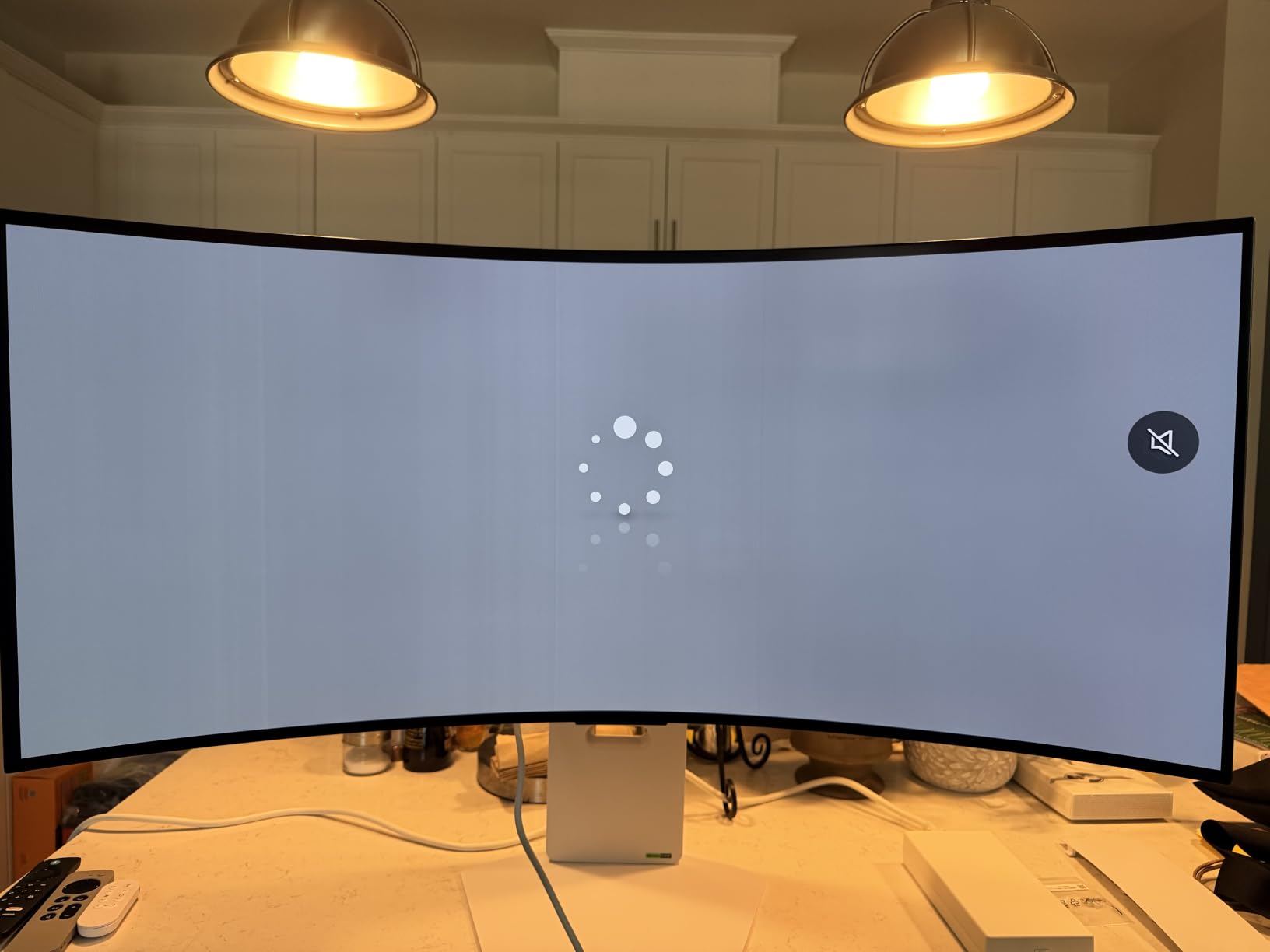
The anti-glare surface tames reflections well, which pairs nicely with the higher brightness. Connectivity covers HDMI 2.1, DisplayPort 1.4, and USB Type-C with 65W power delivery, giving you solid options for both PC and console. The built-in speakers and smart features make this a credible media hub when you step away from your desk.
LG includes its OLED Care tools with pixel cleaning, plus gaming features like Dynamic Action Sync, Black Stabilizer, and an FPS counter. The two-year manufacturer warranty is shorter than some competitors, which is worth weighing given the premium positioning.
webOS24 as a Built-in Streaming Hub
Having native streaming apps on the monitor means you can watch content without booting your PC, which is genuinely useful in a bedroom or secondary setup. Cloud gaming services also work through webOS24 in supported regions. The trade-off is a slightly more complex on-screen interface, and some users will simply prefer to cast from their phone or PC. If the idea of a monitor that streams independently appeals to you, no other model here offers it.
800R Curve Versus 1800R Comfort
The 800R curve is more pronounced than the Alienware’s 1800R rating, which translates to a more wrapped, cockpit-like feel. I found it excellent for sim racing and immersive single-player games, but content creators doing color-accurate work may find the deeper curve less ideal for evaluating straight horizontal lines. If you sit centered and primarily game or watch media, the 800R curve rewards you with stronger peripheral engagement.
7. Samsung Odyssey OLED G5 (G50SF) – Best Budget QD-OLED
Samsung 27” Odyssey OLED G5 (G50SF) Series QHD & QD-OLED Gaming Monitor
27 inch 1440p QD-OLED
180Hz refresh rate
0.03ms response
Glare Free
Pantone Validated
Pros
- Most accessible QD-OLED price point
- OLED Safeguard burn-in protection
- Glare Free anti-reflection coating
- Pantone Validated color accuracy
- Lightweight and simple setup
Cons
- Lower 180Hz refresh rate
- Limited connectivity with no USB ports
The Odyssey OLED G5 is the monitor that makes QD-OLED accessible to far more buyers, and it earns the budget pick designation without cutting the panel quality that matters. You still get a true QD-OLED display with 1440p resolution, a 0.03ms response time, and the same infinite contrast as the premium models. What you trade is refresh rate, which drops to 180Hz, and connectivity, which is minimal.
In my testing, the 180Hz refresh rate was more than enough for most modern games, and only competitive players chasing the absolute lowest input advantage will feel the difference versus 240Hz or 360Hz panels. The QD-OLED color and contrast were indistinguishable in quality from Samsung’s higher-tier Odyssey panels, which is the real story here.
Samsung includes its OLED Safeguard with a Thermal Modulation System to manage burn-in risk, and the Glare Free technology does an admirable job of keeping reflections off the matte screen. The Pantone Validated badge means the panel reproduces over 2100 colors accurately, which is a strong credential at this level.
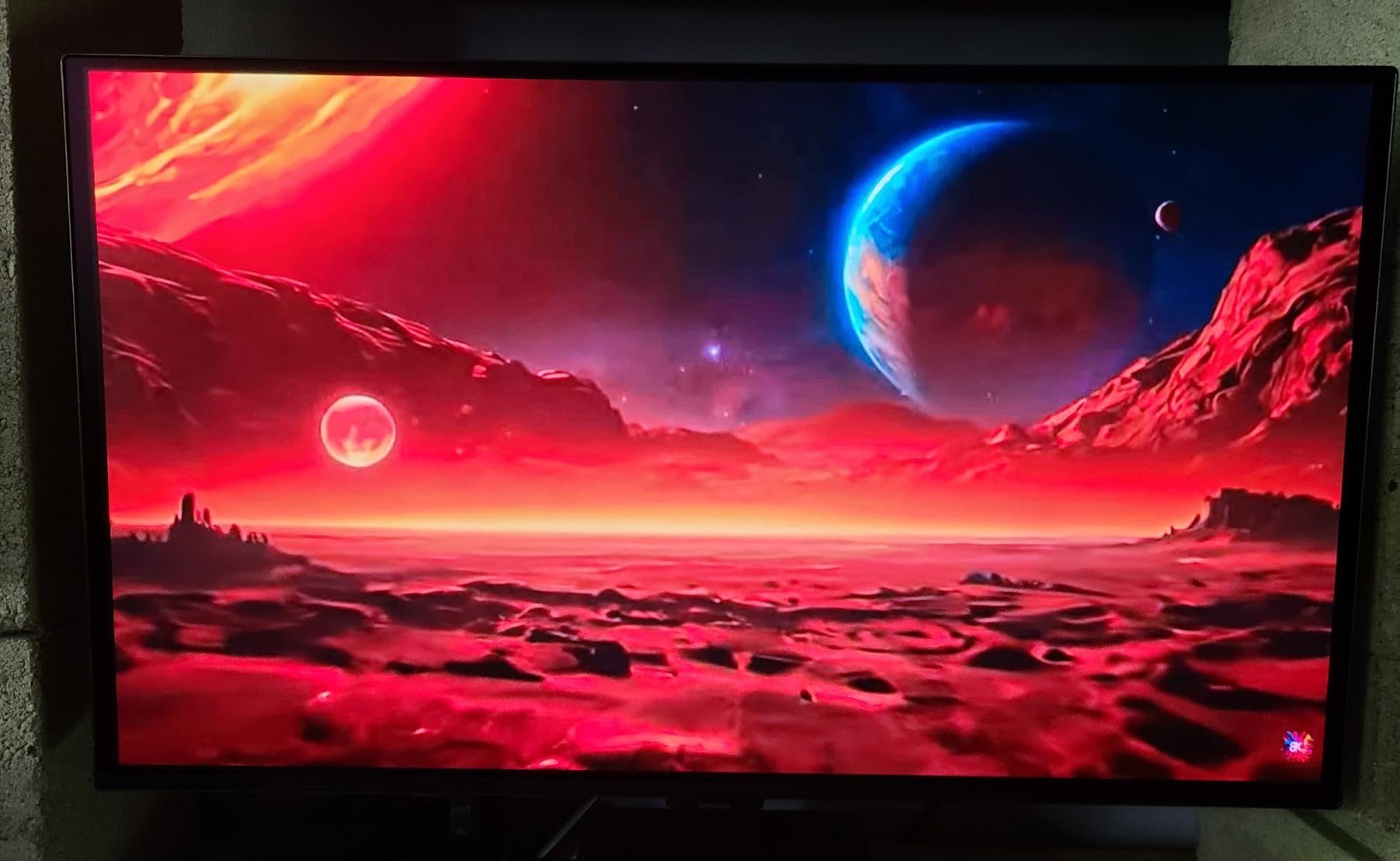
The 27-inch size at 1440p hits a comfortable pixel density that suits both gaming and general desktop use. At just over 7 pounds, it is the lightest monitor in this guide, which makes wall mounting or arm mounting straightforward. The Auto Source Switch+ feature seamlessly swaps between connected devices, a small but appreciated convenience.
The compromises are real and worth stating plainly. You get only one HDMI port, one DisplayPort, and no USB ports at all, which limits peripheral connectivity. The three-year manufacturer warranty is solid coverage, matching several more expensive options on this list.
What You Give Up at the Entry Level
The 180Hz refresh rate and limited ports are the two clear trade-offs versus the rest of this lineup. For most casual and mid-tier gamers, 180Hz is perfectly smooth, and a dedicated gaming PC rarely needs monitor USB ports if your case has plenty. Where you might feel the gap is in competitive esports, where 240Hz and above provide a measurable advantage, and in laptop docking setups that rely on USB-C connectivity.
If neither of those describes you, the savings over the premium models are substantial.
Is 180Hz Enough for Your Games
For single-player AAA games, sim racing, strategy titles, and anything targeting 60 to 120 frames per second, 180Hz is more than sufficient. The 0.03ms OLED response time handles motion clarity regardless of the refresh cap. The refresh rate only becomes a limiting factor if you play fast-paced competitive shooters at well over 180 frames per second and can perceive the difference. For the vast majority of players, this panel will not hold you back.
OLED Monitor Buying Guide: What Actually Matters in 2026
Choosing between the best OLED monitors comes down to a handful of decisions that directly shape your experience. Here is how our team thinks about each factor after testing every panel in this guide.
QD-OLED Versus WOLED: Know the Difference
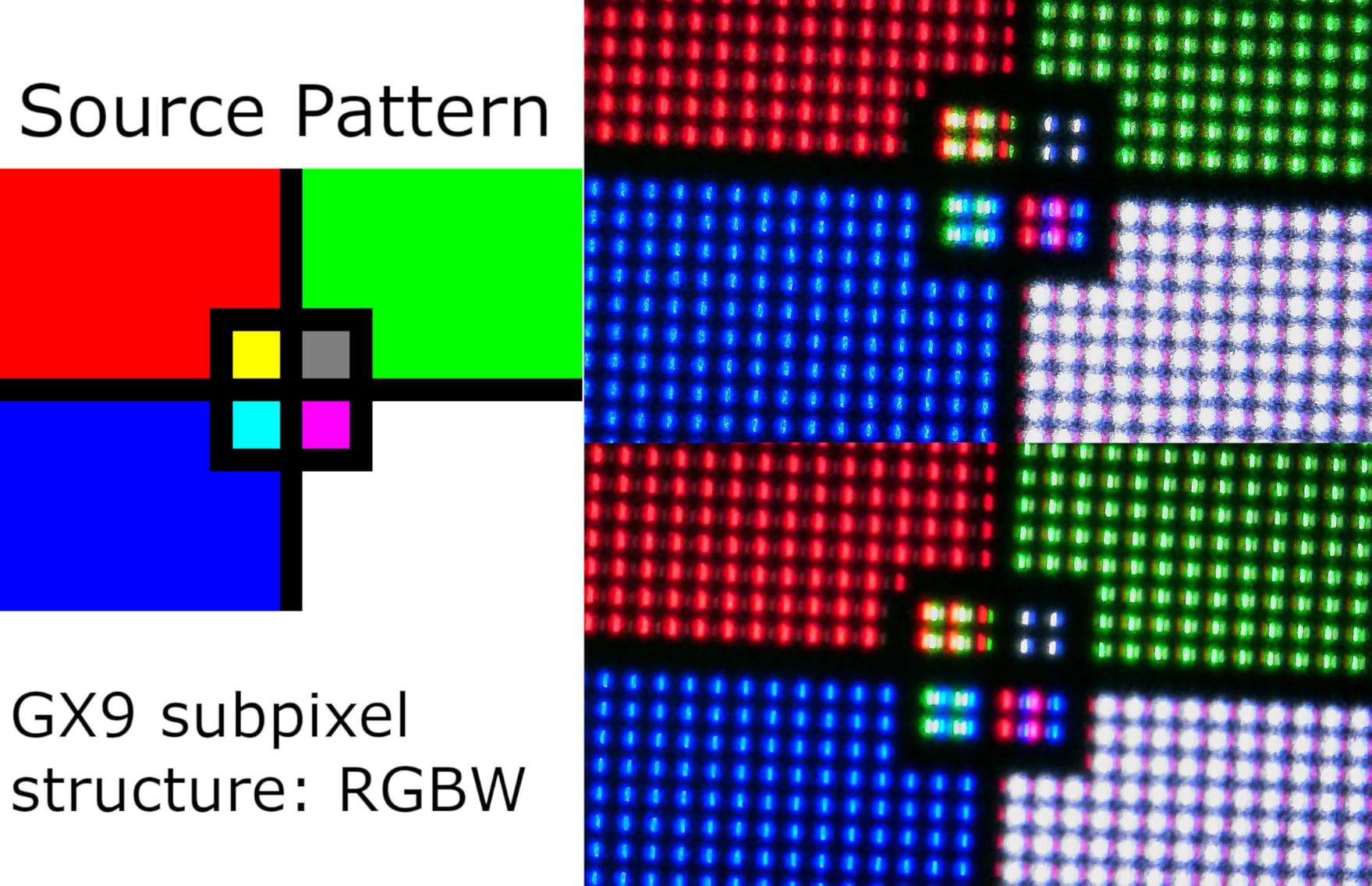
QD-OLED panels, used by ASUS, Alienware, MSI, and Samsung here, use a quantum dot layer to boost color volume and brightness, producing more saturated reds, greens, and blues. WOLED panels, like the LG models in this guide, add a white subpixel that lifts peak brightness but can slightly dilute color saturation at the top end. Both deliver true blacks and infinite contrast, so neither is wrong. QD-OLED tends to win on color vibrancy, while WOLED often wins on full-screen brightness and text clarity.
Text clarity is a real forum concern, as some early QD-OLED panels showed fringing on small fonts. The current-generation panels in this guide have largely resolved that issue, but it is worth checking if you do heavy productivity work.
Refresh Rate: How Fast Do You Really Need
Refresh rate ranges from 180Hz on the Samsung up to 360Hz on the ASUS ROG Strix, with most panels sitting at 240Hz. For single-player and cinematic gaming, 144Hz to 180Hz is plenty smooth. For competitive shooters, 240Hz and above provide a measurable tracking advantage. The LG dual-mode monitor even lets you choose between 4K sharpness at 165Hz and 1080p speed at 330Hz depending on the game.
Every OLED here shares the same 0.03ms response time, so motion blur is essentially a non-issue across the board. Refresh rate, not response time, is the differentiator.
Burn-in Risk and Warranty Coverage
Burn-in remains the most discussed OLED topic in forums, and the honest answer is that modern panels are far more resilient than early generations. Features like custom heatsinks, graphene film, OLED Care software, and pixel compensation cycles actively manage pixel health. Still, warranty length matters because it is your safety net. The ASUS PG32UCDM leads with 5 years of coverage, most others offer 3 years, and the LG panels carry 2 years.
If you display static elements like taskbars or HUDs for many hours daily, prioritize longer warranty coverage and enable the built-in care features.
VRR Flicker: The Hidden OLED Issue
VRR flicker shows up as brightness pulsing when frame rates fluctuate, and it is one of the most-reported real-user complaints. Not every panel handles it equally. The ASUS ROG Strix includes dedicated anti-flicker technology that mitigates the effect, and locking frame rates or using frame generation can reduce it further. If you are sensitive to flicker, test a panel before committing if possible.
Console Compatibility for PS5 and Xbox
Console gamers should prioritize HDMI 2.1 bandwidth, 4K resolution, and 120Hz support, all of which the ASUS PG32UCDM, LG 32GX850A-B, MSI 321URX, and LG 34GX90SA-W provide. Avoid ultrawide panels for console use, since PS5 and Xbox output in 16:9 and will letterbox the sides. The flat 16:9 4K models are the safest console companions in this guide.
Brightness and Room Lighting
Typical SDR brightness ranges from 250 to 3426 lumens across these panels, with peak HDR brightness climbing to 1300 nits on the LG 34GX90SA-W. In a bright, sunlit room, a matte finish and higher brightness matter more. In a controlled or dimmer space, glossy finishes reward you with richer perceived contrast and color depth.
Connectivity and Future-Proofing
USB-C with power delivery turns a monitor into a laptop docking station, which is why the ASUS PG32UCDM at 90W and the MSI 321URX at 90W stand out for hybrid workers. KVM support, multiple HDMI 2.1 ports, and USB hubs all extend the useful life of your purchase. The budget Samsung is the most limited here, with just one HDMI and one DisplayPort and no USB connectivity.
Frequently Asked Questions About OLED Monitors
What is considered the best OLED monitor?
The ASUS ROG Swift OLED PG32UCDM is widely considered the best overall OLED monitor in 2026. It combines a 32-inch 4K QD-OLED panel with a 240Hz refresh rate, 0.03ms response time, USB-C 90W connectivity, and an industry-leading 5-year warranty that includes burn-in coverage.
Does OLED reduce eye strain?
OLED monitors can reduce eye strain for some users because each pixel emits its own light, eliminating the constant backlight flicker found in many LCD panels. The LG and ASUS models here carry UL certifications for flicker-free operation and low blue light, which further supports comfortable long sessions. Individual sensitivity varies, so results depend on your eyes and usage patterns.
Are OLED monitors worth it?
OLED monitors are worth it if you value true blacks, infinite contrast, instant pixel response, and vibrant color accuracy. The trade-offs are higher cost than LCD alternatives, lower full-screen brightness on some panels, and the long-term burn-in consideration. For gamers and content creators who prioritize image quality, the upgrade is consistently rewarding.
Why don’t pros use OLEDs?
Competitive esports pros historically avoided OLEDs due to early concerns about burn-in, lower brightness, and limited refresh rates. That gap has closed significantly, with panels like the ASUS ROG Strix XG27ACDNG now offering 360Hz and dedicated anti-flicker technology. Some pros still prefer established tournament-standard monitors for consistency, but OLED adoption in competitive play is growing rapidly.
Final Thoughts on the Best OLED Monitors in 2026
The best OLED monitors in 2026 cover a wide range of needs, and the right choice depends entirely on how you use your screen. For an unmatched all-around experience, the ASUS ROG Swift OLED PG32UCDM leads with 4K 240Hz QD-OLED performance and a 5-year warranty. The LG UltraGear 32GX850A-B offers the best value through its clever dual-mode design, and the Samsung Odyssey OLED G5 brings genuine QD-OLED quality to the most accessible entry point.
Competitive players should look at the 360Hz ASUS ROG Strix, ultrawide fans have strong options in the Alienware and LG curved panels, and the MSI 321URX excels as a work-and-play all-rounder with KVM support. Whatever you pick, every panel here delivers the true blacks, instant response, and color accuracy that make OLED such a meaningful upgrade over traditional LCDs.