
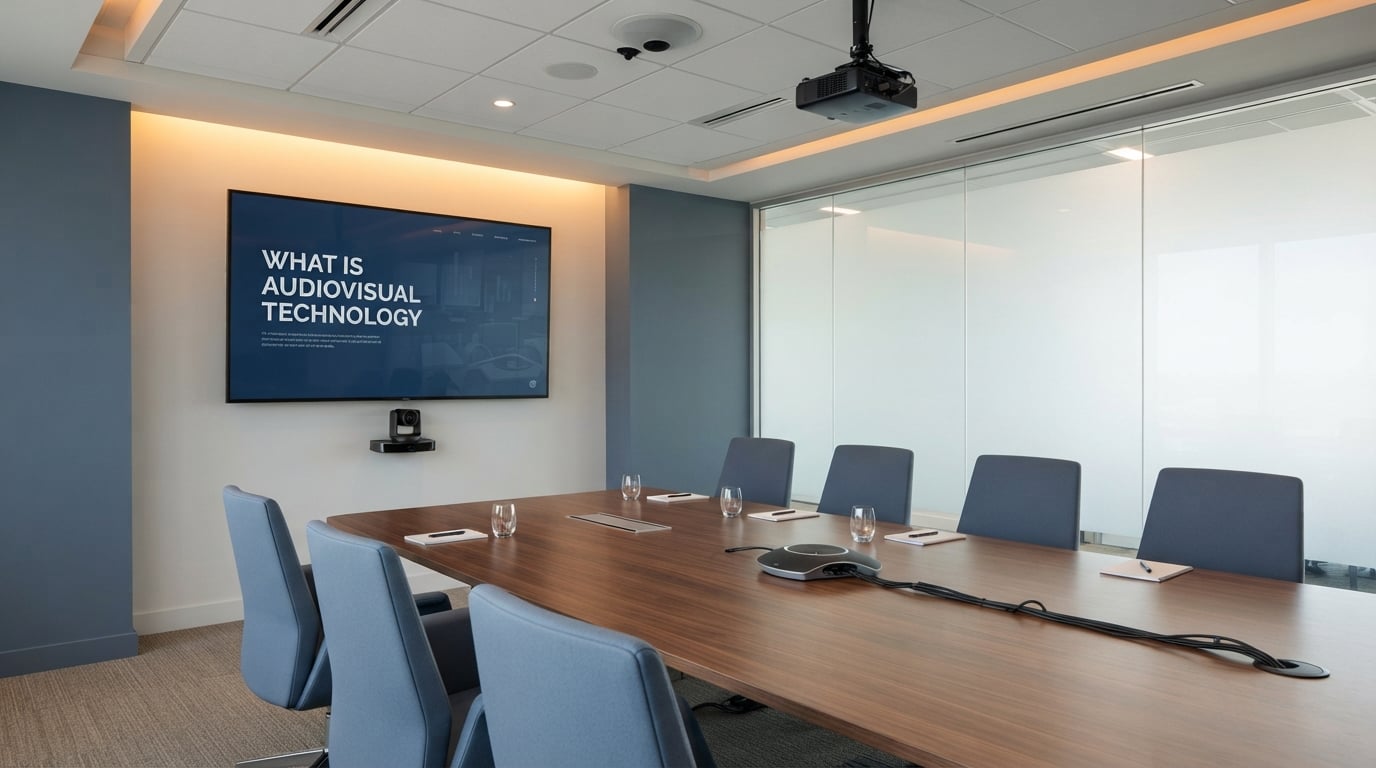
Audiovisual technology is the combination of electronic systems that capture, transmit, and present sound and images together so people can communicate, learn, and be entertained more effectively. From the projector in a classroom to the microphone at a stadium concert to the video conferencing setup in a home office, audiovisual technology is what turns one-dimensional messages into shared experiences.
If you have ever asked “What is audiovisual technology?”, you are not alone. We hear this question constantly from business owners, teachers, event planners, and people exploring AV careers. This guide breaks down the definition, explains how the technology actually works, walks through the core components, and shows you how AV shapes nearly every industry in 2026.
Table of Contents
What Is Audiovisual Technology?
Audiovisual technology, often shortened to AV, is any electronic system that combines sound and visual elements to record, transmit, or display information. The simplest definition: AV technology merges audio signals and visual signals into a single, synchronized experience that reaches an audience.
The term covers hardware (microphones, speakers, displays, cameras, projectors), software (digital signal processors, conferencing platforms, control apps), and the cables or network infrastructure that connects them. When your favorite streaming service plays a movie, when your doctor joins a virtual visit, or when a brand shows off a new product at a trade show, audiovisual technology is doing the heavy lifting behind the scenes.
Wikipedia frames it concisely: audiovisual media is electronic media that possesses both a sound and a visual component, such as television programs, films, and live presentations. Modern AV has expanded well beyond broadcasting to include cloud-based collaboration, interactive displays, and AI-assisted production.
How Does Audiovisual Technology Work?
Audiovisual technology works by capturing sound and light, converting those signals into digital or analog data, routing them through a control and processing layer, and then playing them back through synchronized audio and video output devices. At every stage, the goal is to keep audio and visuals aligned in time and quality.
Here is the basic signal flow that drives nearly every AV system:
- Input stage. Microphones capture sound. Cameras capture light. Sensors capture environmental data. Sources might include a laptop, a Blu-ray player, a streaming service, or a guest’s device.
- Processing stage. Mixers, switchers, DSPs (digital signal processors), and scaling engines clean up the signals, balance levels, and shape the output. Software codecs compress and decompress streams for transmission.
- Control stage. A central controller (or control processor) coordinates devices. Touch panels, remote controls, or networked software tell the system which source goes to which display, at what volume, with what lighting cue.
- Output stage. Speakers play the audio. Displays or projectors show the video. Lighting fixtures set the mood. Network endpoints relay the same content to remote participants.
- Connectivity layer. HDMI cables, Ethernet, fiber, and increasingly AV over IP networks carry the signals between every device on the chain.
Our team has walked through hundreds of these setups, and the pattern repeats whether the room is a 10-person huddle space or a 10,000-seat arena. Get the signal flow right, and the rest of the system falls into place.
Core Components of Audiovisual Technology
The core components of audiovisual technology fall into four categories: audio equipment, visual equipment, control systems, and connectivity infrastructure. Every AV system, no matter the size, is built from these building blocks.
Audio Components
Audio components handle everything related to sound capture and playback. They turn voice, music, and ambient noise into signals that can be amplified, recorded, mixed, and broadcast.
Common audio components include:
- Microphones (handheld, lavalier, headset, boundary, ceiling array)
- Speakers (wall-mounted, ceiling, line array, subwoofers, soundbars)
- Amplifiers that power passive speakers
- Digital signal processors (DSPs) that tune echo, delay, and EQ
- Audio mixers for combining multiple sources
- Conferencing phones and speakerphones for voice calls
Visual Components
Visual components handle image capture, processing, and display. They turn light into pixels, route pixels to screens, and ensure the picture looks right in the room.
Common visual components include:
- Flat-panel displays (LED, LCD, OLED) in sizes from conference room to stadium
- Projectors and projection screens
- Video walls made of tiled LCD or microLED panels
- PTZ (pan-tilt-zoom) cameras for lecture capture and meetings
- Digital signage screens
- Interactive whiteboards and touch displays
Control Systems
Control systems are the brains of an AV installation. They tie audio, video, and environmental devices together so a user can run the entire room from a single touch panel, remote, or mobile app.
Popular control platforms include Crestron, Extron, AMX, and Q-SYS. These processors read button presses, schedule triggers, and sensor inputs to fire commands like “lower screen, switch to laptop input, mute mic 3, start recording” all at once.
Connectivity and Content
Connectivity is the nervous system carrying signals between devices. Modern AV uses a mix of physical cabling (HDMI, USB-C, XLR, fiber) and IP-based networking (Dante, AES67, NDI, SMPTE 2110) to move audio and video around a building or across the world.
Content sources – laptops, media servers, streaming platforms, BYOD devices – plug into the connectivity layer through wall plates, conference tables, or wireless casting tools like AirPlay, Miracast, and Barco ClickShare.
Types of Audiovisual Equipment
The types of audiovisual equipment fall into four hardware families: displays, sound systems, capture devices, and the cabling that ties them together. Picking the right mix starts with matching the equipment to the size of the room and the goal of the experience.
Displays and Projectors
Displays do the heavy lifting for visual output. In most meeting rooms today, you will find large 4K LED panels ranging from 65 to 98 inches. Lecture halls and event spaces lean on projectors with laser light engines, while flagship venues install microLED video walls for ultra-bright, seamless imagery.
Key specs to compare: brightness (measured in nits or lumens), resolution (1080p, 4K, 8K), refresh rate, and viewing angle. Interactive displays add touch and pen input, turning any screen into a digital whiteboard.
Sound Systems
Sound systems include speakers, amplifiers, microphones, and DSPs. A small conference room might use a soundbar with built-in mics. A mid-size boardroom adds ceiling array microphones and recessed ceiling speakers for even coverage. Large venues call for line array speakers flown above the audience and a front-of-house mixing console.
We have measured the same room with five different speaker layouts and seen intelligibility scores jump from 0.4 to 0.85 simply by switching to a properly aimed line array.
Cameras and Capture Devices
Cameras capture video for recording, streaming, and remote collaboration. PTZ cameras offer remote-controlled movement. Auto-tracking cameras follow a presenter around the room. Document cameras and visualizers show printed material. All-in-one collaboration bars combine cameras, mics, and speakers in a single bar that mounts under a display.
Cables, Connectors, and Network Gear
Cables and connectors are the unsung heroes of AV. HDMI carries uncompressed audio and video over short runs. USB-C handles video, data, and charging in one cable. CAT6A and fiber handle longer runs and IP-based AV. Network switches with multicast routing support AV over IP at enterprise scale.
Tip from the field: invest in labeled, certified cables. The cheapest link in the chain is the most common cause of “mystery” failures.
Where Audiovisual Technology Is Used
Audiovisual technology is used in nearly every industry that needs to communicate, train, entertain, or inform an audience. The use cases vary by setting, but the underlying stack is the same.
Business and Corporate
Corporate AV powers daily meetings, all-hands sessions, and client presentations. Video conferencing rooms, hybrid workspaces, executive briefing centers, and town hall venues all rely on AV. After 2020, remote and hybrid work pushed most companies to standardize on platforms like Microsoft Teams Rooms and Zoom Rooms.
Education
Schools and universities use AV for in-class instruction, lecture capture, distance learning, and campus-wide announcements. Modern classrooms feature interactive displays, document cameras, ceiling mic arrays, and teacher tracking cameras. Lecture halls add confidence monitors and hearing-assist loops.
Live Events and Entertainment
Concerts, theater, sports, and broadcast events push AV to its limits. Touring productions fly line array speakers, ride IMAG screens, and run lighting consoles in sync with video. Houses of worship, museums, and themed attractions run immersive AV that mixes spatial audio with projection mapping.
Healthcare and Government
Hospitals use AV for telemedicine, surgical simulation, and staff training. Courtrooms rely on AV for evidence presentation and remote testimony. City councils, command centers, and emergency operations centers run AV-driven collaboration walls for real-time decision making.
Retail and Hospitality
Retail uses digital signage and video walls to draw shoppers in. Hotels equip ballrooms with AV for weddings and conferences. Restaurants use AV for ambient music, ordering kiosks, and drive-thru communication. Even gyms run audio and visual systems to drive the workout experience.
Benefits of Audiovisual Technology
Audiovisual technology improves communication, increases engagement, and helps organizations reach people wherever they are. The benefits show up in hard metrics like attendance and retention, and in soft metrics like satisfaction and brand perception.
Key benefits our clients report after upgrading their AV:
- Faster decision making in meetings thanks to clear audio and instant screen sharing
- Higher audience retention during training when both sight and sound reinforce the message
- Wider reach through hybrid collaboration and streaming to remote attendees
- Stronger brand presence at events through lighting, video, and coordinated audio
- Better accessibility through captioning, hearing loops, and assistive listening
- Lower travel costs by replacing in-person meetings with high-quality video conferencing
One retail client told us their digital signage refresh lifted in-store promotion recall by 31 percent within a single quarter.
The Evolution of Audiovisual Technology
The evolution of audiovisual technology spans more than a century, from the first sound films of the 1920s to today’s cloud-based collaboration platforms. Each decade has brought new formats, new devices, and new ways of working.
Key milestones in AV history:
- 1920s. The Jazz Singer debuts as the first feature-length motion picture with synchronized dialogue, kicking off the era of “talkies.”
- 1950s. Television becomes a household fixture, pairing moving pictures with broadcast audio for the first time at scale.
- 1970s-1980s. VHS, Betamax, and LaserDisc bring audiovisual media into the home.
- 1990s. DVDs, digital projectors, and the first AV over IP standards appear.
- 2000s. HDMI, flat-panel displays, and HD broadcasting transform both home and enterprise AV.
- 2010s. Video conferencing goes mainstream, BYOD culture takes hold, and cloud control emerges.
- 2026. AI-assisted production, AV over IP at scale, microLED displays, and immersive spatial audio define the modern landscape.
Emerging Trends in Audiovisual Technology
The emerging trends in audiovisual technology in 2026 center on intelligence, scale, and immersion. AV is shifting from manual setup to AI-driven automation, from hardware islands to networked systems, and from flat audio to spatial experiences.
AV Over IP
AV over IP replaces point-to-point cabling with standard network infrastructure. Audio, video, and control signals travel as packets over Ethernet switches, which means a single fiber run can replace dozens of dedicated cables. Standards like Dante, NDI, SMPTE 2110, and AES67 are winning enterprise deployments.
AI Integration
AI is showing up across the AV stack. Auto-framing cameras follow presenters without an operator. AI noise suppression removes keyboard clicks and HVAC hum. Real-time translation and transcription tools turn speech into captions in multiple languages. Generative AI tools now help create background graphics, signage copy, and even audio mixes.
Immersive Audio
Immersive audio goes beyond stereo and surround. Spatial audio formats, ceiling-mounted speakers, and object-based mixing put sound in specific locations around the listener. Major concert tours and flagship retail stores already use these systems, and consumer hardware like Dolby Atmos and Sony 360 Reality Audio is bringing them into living rooms.
Hybrid Collaboration
Hybrid work is now permanent for many organizations, which means every meeting room must treat remote participants as first-class attendees. New collaboration cameras switch between speaker views automatically, while multi-stream layouts show each participant at eye level. The result feels less like a video call and more like sharing a table.
Getting Started With Audiovisual Technology
Getting started with audiovisual technology starts with defining your goal, mapping your room, and budgeting for both hardware and ongoing support. Most failed AV projects skip one of those three steps.
A practical checklist our team uses with first-time AV buyers:
- Define the goal. Are you running video calls, hosting events, training staff, or entertaining customers? Each scenario points to a different gear list.
- Measure the room. Ceiling height, seating layout, ambient light, and acoustics all shape equipment choice.
- Pick the standards first. Decide on a video conferencing platform, a control system, and a network backbone before you buy displays.
- Plan for growth. Buy cabling infrastructure with spare capacity. Rooms change faster than technology does.
- Budget for support. Include training, remote monitoring, and a service contract. AV that nobody can operate is just expensive furniture.
- Test before launch. Run a full dress rehearsal with the actual users in the actual room.
For a small business or home office, a soundbar with built-in camera and mics, plus a quality 4K display, covers most video meeting needs for well under a complete boardroom build.
Frequently Asked Questions About Audiovisual Technology
What does an audiovisual technician do?
An audiovisual technician sets up, operates, and maintains AV equipment for live events, meetings, classrooms, and broadcasts. Daily tasks include installing speakers, displays, and cameras, running cables, configuring control systems, mixing live audio, switching video sources, troubleshooting signal issues, and supporting presenters or clients during events. Many technicians also program control panels, manage streaming workflows, and help design new AV spaces.
Do you need a degree to become an AV technician?
You do not need a four-year degree to become an AV technician. Most AV professionals enter the field with a two-year associate degree, a trade school certificate, or hands-on experience. Manufacturers and integrators run their own training programs, and certifications like the AVIXA CTS (Certified Technology Specialist) carry more weight with employers than a generic degree. Practical skills, customer service, and a willingness to learn count more than formal credentials.
How long does it take to become an AV technician?
It typically takes 6 months to 2 years to become job-ready as an AV technician. A formal associate degree or trade program runs about 2 years, while employer-led training and certifications like CTS can be completed in 6 to 12 months. Building real competence – the kind that earns senior or lead roles – usually takes 3 to 5 years of on-the-job experience across a range of venues, signals, and control platforms.
Is AV tech a good career?
Yes, AV tech is a good career for people who enjoy hands-on work, technology, and variety. The field offers solid entry-level pay, clear paths into system design and project management, and growing demand as hybrid work, live events, and digital signage continue to expand. Salary ranges vary by region and sector, but experienced technicians and integrators commonly earn salaries that support a family, and certifications unlock faster growth. The trade-off is that the work can be demanding, requires constant learning, and is sometimes undervalued compared to pure IT roles.
What is the difference between audiovisual and multimedia?
Audiovisual focuses on real-time or recorded sound plus visual components delivered through dedicated AV hardware, while multimedia is a broader term that covers any combination of text, audio, video, graphics, animation, and interactivity, often delivered through software. A projector and microphone setup is audiovisual. A web-based training module with clickable quizzes, embedded video, and animated text is multimedia. Most modern AV experiences blend the two, which is why the terms often overlap in casual use.
Conclusion
Audiovisual technology is the practical blend of audio, video, control, and connectivity that turns a message into an experience. Every time you join a video call, watch a concert stream, or learn from a lecture capture, you are watching audiovisual technology do its job.
We have spent years designing, installing, and troubleshooting AV systems, and the fundamentals have not changed: define the goal, pick the right components, wire them with care, and make them easy to use. The tools evolve – from analog mixers to AV over IP, from SDI to NDI, from push-button remotes to voice control – but the goal stays the same.
Whether you are exploring audiovisual technology for a classroom, a boardroom, a stadium, or a career, the smartest next step is to start with the experience you want to deliver. The gear list writes itself from there.