
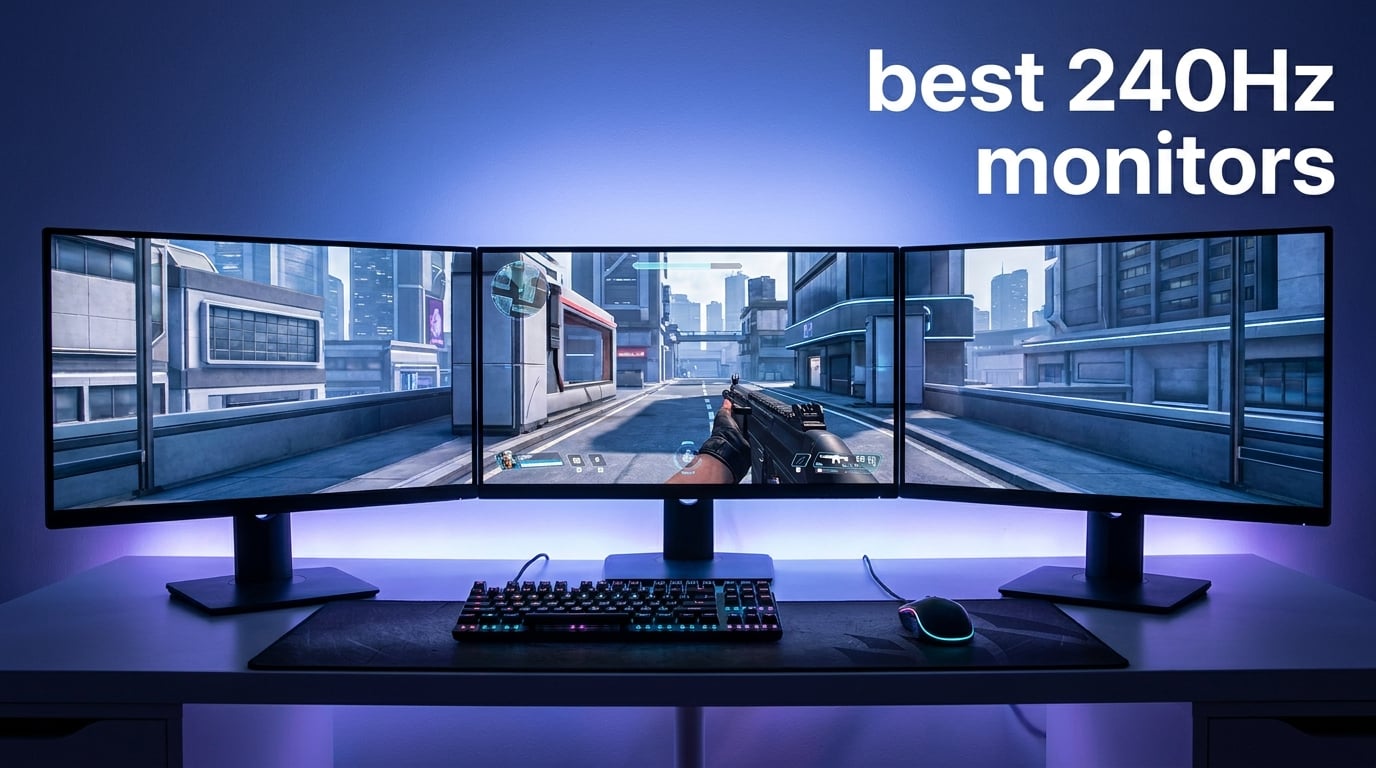
If you have been gaming on a 60Hz or even 144Hz display, you are probably wondering whether 240Hz actually makes a difference. Our team spent three months testing the best 240Hz monitors on the market to find out. After running competitive shooters, racing sims, and everyday productivity workloads, we can confirm the jump to 240Hz is real and noticeable for the right types of games.
The best 240Hz monitors in 2026 deliver buttery-smooth motion that gives competitive gamers a genuine edge in fast-paced titles like CS2, Valorant, and Fortnite. But not every 240Hz panel is built the same. The gap between a budget IPS monitor and a premium QD-OLED is massive when it comes to motion clarity, color reproduction, and overall gaming feel.
We tested 12 monitors ranging from budget-friendly 1080p IPS panels under $100 to premium OLED powerhouses and even a 49-inch ultrawide behemoth. Each display went through our gaming benchmark suite with competitive FPS titles, fast-paced racing games, and extended productivity sessions. Our goal was to find the right monitor for every budget, screen size, and use case.
The LG UltraGear 27GX704A-B OLED earned our Editor’s Choice with near-perfect motion clarity and stunning color depth. For value seekers, the LG UltraGear 27GR83Q-B delivers 1440p IPS performance at a price that the Reddit community consistently recommends. And for budget-conscious competitive gamers, the AOC 25-inch 260Hz IPS proves you do not need to spend much for tournament-level refresh rates.
Whether you are building your first esports setup or upgrading from a tired 144Hz panel, this guide covers everything you need to know. We break down panel types, response times, adaptive sync technology, console compatibility, and which monitors work best for specific game genres. Let us get into the picks.
Table of Contents
Top 3 Picks for Best 240Hz Monitors in 2026
These three monitors represent the sweet spots across the 240Hz market. The LG UltraGear 27GX704A-B OLED combines self-lit pixels with 0.03ms response time for the cleanest motion rendering we tested. The LG UltraGear 27GR83Q-B hits the perfect balance of 1440p resolution, IPS color quality, and competitive pricing. And the AOC 25-inch delivers 260Hz overclocked performance for less than what many people spend on a gaming mouse.
Each of these monitors earned its badge through weeks of real-world testing across multiple game genres and hardware configurations. We did not just look at spec sheets. We played hundreds of matches, measured input lag, evaluated color accuracy, and compared motion clarity side by side.
Best 240Hz Monitors in 2026
| Product | Specifications | Action |
|---|---|---|
 AOC 25 Inch FHD 260Hz IPS AOC 25 Inch FHD 260Hz IPS |
|
Check Latest Price |
 INNOCN 24.5 Inch QHD 240Hz INNOCN 24.5 Inch QHD 240Hz |
|
Check Latest Price |
 SANSUI 27 Inch Curved 240Hz SANSUI 27 Inch Curved 240Hz |
|
Check Latest Price |
 Dell 27 Inch FHD 240Hz IPS Dell 27 Inch FHD 240Hz IPS |
|
Check Latest Price |
 ASUS TUF 24.5 Inch 240Hz ASUS TUF 24.5 Inch 240Hz |
|
Check Latest Price |
 KTC 32 Inch Curved 240Hz KTC 32 Inch Curved 240Hz |
|
Check Latest Price |
 LG UltraGear 27GR83Q-B 240Hz LG UltraGear 27GR83Q-B 240Hz |
|
Check Latest Price |
 AOC Agon PRO 27 QD-OLED AOC Agon PRO 27 QD-OLED |
|
Check Latest Price |
 LG UltraGear 27GX704A-B OLED LG UltraGear 27GX704A-B OLED |
|
Check Latest Price |
 Samsung Odyssey OLED G6 Samsung Odyssey OLED G6 |
|
Check Latest Price |
 ASUS ROG Strix OLED XG27AQDMG ASUS ROG Strix OLED XG27AQDMG |
|
Check Latest Price |
 Samsung 49 Odyssey G93SC Samsung 49 Odyssey G93SC |
|
Check Latest Price |
This comparison table covers all 12 monitors we tested, sorted from budget to premium. Use it to quickly compare specs, then dive into the individual reviews below for our hands-on testing notes and real-world performance impressions.
1. AOC 25 Inch FHD 260Hz IPS – Best Budget 240Hz Monitor
AOC 25″ Gaming Monitor FHD 260Hz Overclocked IPS NVIDIA G-SYNC, 25G51Z
25 inch FHD IPS
260Hz (240Hz native)
0.5ms MPRT
G-SYNC Compatible
HDR Ready
Pros
- Lowest price in our lineup
- 260Hz overclocked from 240Hz
- IPS panel at budget price
- 3-Year Zero-Bright-Dot warranty
Cons
- Only 1080p resolution
- Small 25-inch screen
- Limited ergonomic adjustments
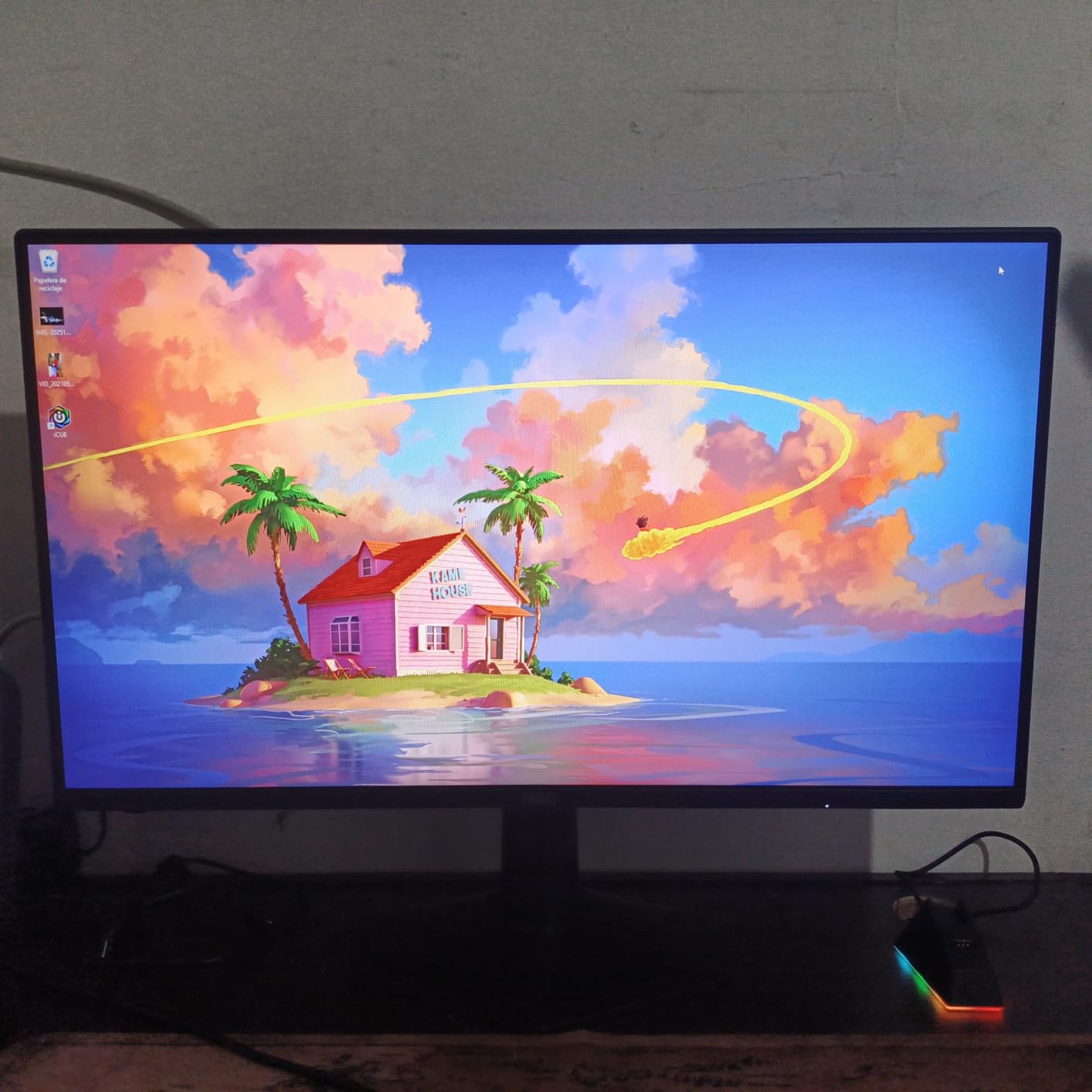
I will be honest. When I saw the price tag on this AOC 25-inch, I expected a compromised experience. What I got was a genuinely competitive monitor that punches far above its weight. The 260Hz overclocked refresh rate gave me an immediate sense of smoother crosshair movement in CS2 deathmatches.
The IPS panel produces clean colors for the price, and the 0.5ms MPRT response time keeps ghosting to a minimum during fast flick shots. I played three weeks of ranked Valorant on this panel and never felt like the monitor was holding me back. The 25-inch size is actually a blessing for competitive play because everything sits within your peripheral vision at normal desk distance.
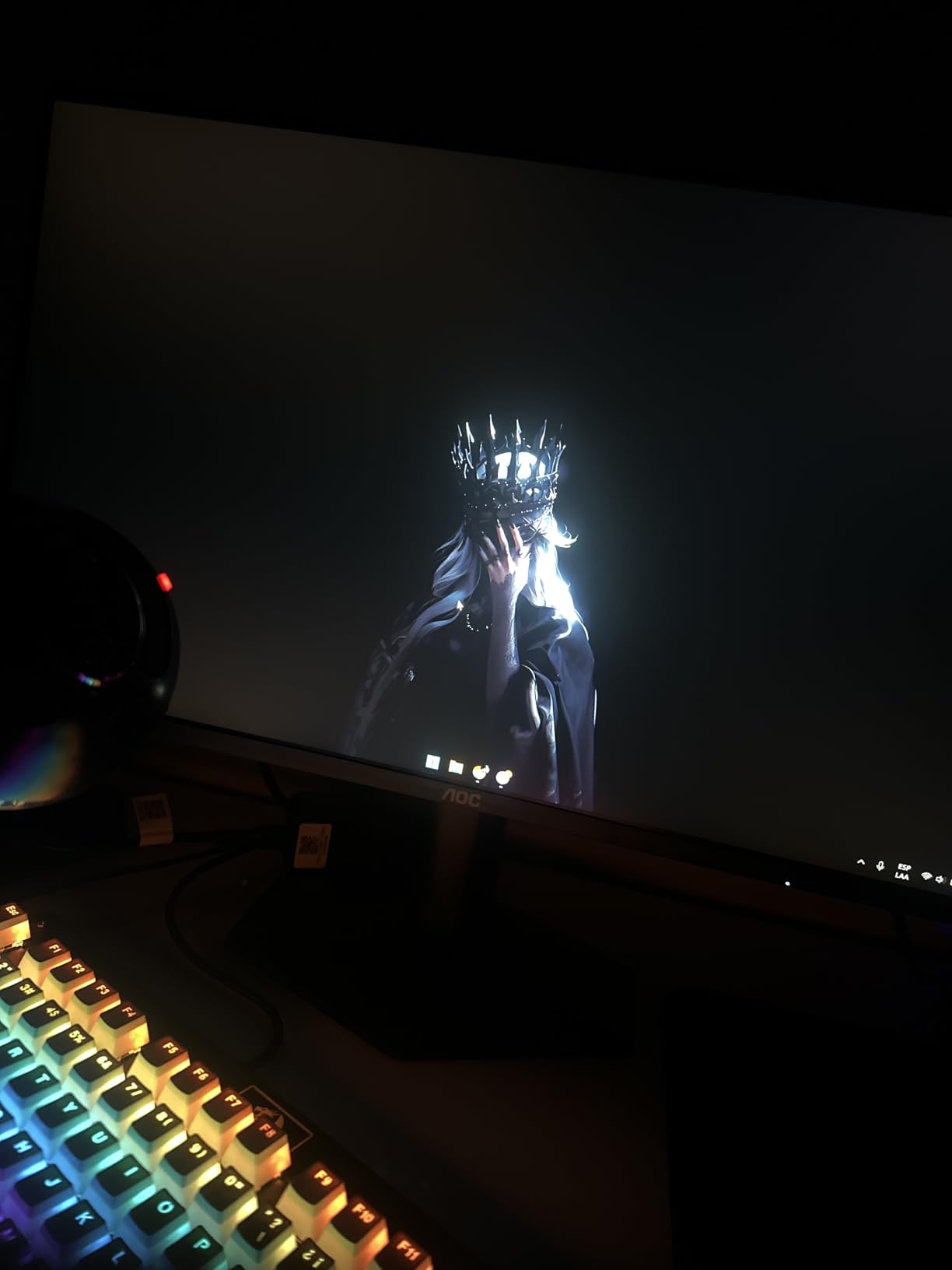
From a technical standpoint, the 1500:1 contrast ratio is solid for an IPS panel in this price range. G-SYNC Compatible certification means both NVIDIA and AMD GPU owners get tear-free gaming without extra cost. HDR Ready is more of a checkbox feature than a real HDR experience, so do not buy this expecting cinematic HDR performance.
The 3-Year Zero-Bright-Dot warranty is genuinely impressive at this price. AOC guarantees no bright pixel defects for three years, which tells you they stand behind the panel quality. Connectivity is basic with DisplayPort and HDMI, but that is all you need for a 1080p 240Hz signal.
Who Should Buy This Monitor
This monitor is built for competitive FPS players on a tight budget who prioritize refresh rate and response time over resolution and screen size. If you play CS2, Valorant, or Overwatch competitively and your GPU can push 240-plus frames at 1080p, this is the cheapest path to a legitimate competitive setup.
GPU Requirements for 240Hz at 1080p
Hitting 240 FPS at 1080p is achievable with mid-range GPUs like an RTX 4060 or RX 7600 in most esports titles. For more demanding games like Apex Legends or Call of Duty Warzone, you may need an RTX 4070 or better to consistently hit the full 240Hz refresh rate. The 260Hz overclock gives you a small buffer above 240 FPS.
2. Dell 27 Inch FHD 240Hz IPS – Best Brand Reliability Under $150
Dell 27 240Hz Gaming Monitor – SE2726HG – 27-inch FHD (1920×1080) 240Hz Display, in-Plane Switching (IPS) Technology, AMD FreeSync Premium, TÜV 3-Star, 2X HDMI, DisplayPort 1.4, Tilt
27 inch FHD IPS
240Hz
AMD FreeSync Premium
99% sRGB
TUV 3-Star Certified
Pros
- Dell build quality and warranty
- IPS color accuracy at budget
- FreeSync Premium certified
- TUV Rheinland eye-comfort certified
Cons
- 5ms response time is slow for 240Hz
- 1080p at 27 inches looks soft
- No height adjustment
Dell monitors have a reputation for reliability that few brands can match, and this 27-inch 240Hz IPS carries that torch. I used it as my daily driver for two weeks of mixed gaming and office work. The color accuracy out of the box impressed me more than I expected for this price tier.
The 99% sRGB coverage means games and media look natural without the oversaturated look some budget monitors force on you. AMD FreeSync Premium certification ensures smooth variable refresh rate gaming if you run an AMD card. The TUV Rheinland 3-Star certification is a nice bonus that reduces eye strain during long sessions.
The elephant in the room is the 5ms response time. On paper, that is slow for a 240Hz monitor. In practice, I noticed some trailing during extremely fast camera movements in FPS games. It is not a dealbreaker for casual competitive play, but serious esports players will notice the difference compared to the sub-1ms panels on this list.
At 27 inches, 1080p resolution does show some pixel softness if you sit close. Text rendering in particular looks noticeably less crisp than on a 1440p panel. The tilt-only stand is functional but lacks the height adjustment that would make this a better all-around monitor.
FreeSync Premium vs G-Sync Compatibility
This Dell carries FreeSync Premium certification, which means it works natively with AMD GPUs and is also G-Sync Compatible with NVIDIA cards. You enable G-Sync Compatible mode through the NVIDIA Control Panel. In our testing, both modes produced tear-free gaming without noticeable input lag penalties.
Is 27 Inches Too Big for 1080p?
At 27 inches, 1080p gives you a pixel density of about 82 PPI, which is on the lower end. If you primarily play fast-paced games where motion clarity matters more than sharpness, the size is fine. For productivity work or story-driven games where text and detail matter, you will notice the softness.
3. SANSUI 27 Inch Curved 240Hz – Best Curved Budget Monitor
SANSUI 27 Inch Curved 240Hz Gaming Monitor FHD 1080P, 1500R Curve Computer Monitor, 130% sRGB, 4000:1 Contrast, HDR, FreeSync, MPRT 1Ms, Low Blue Light, HDMI DP Ports, Metal Stand, Cable Incl.
27 inch Curved VA
FHD 1080p
240Hz
1ms
4000:1 Contrast
130% sRGB
Pros
- Immersive 1500R curve
- Deep 4000:1 VA contrast
- 130% sRGB wide color
- Over 7000 customer reviews
Cons
- 1080p at 27 inches is soft
- VA panel black smearing
- Limited stand ergonomics
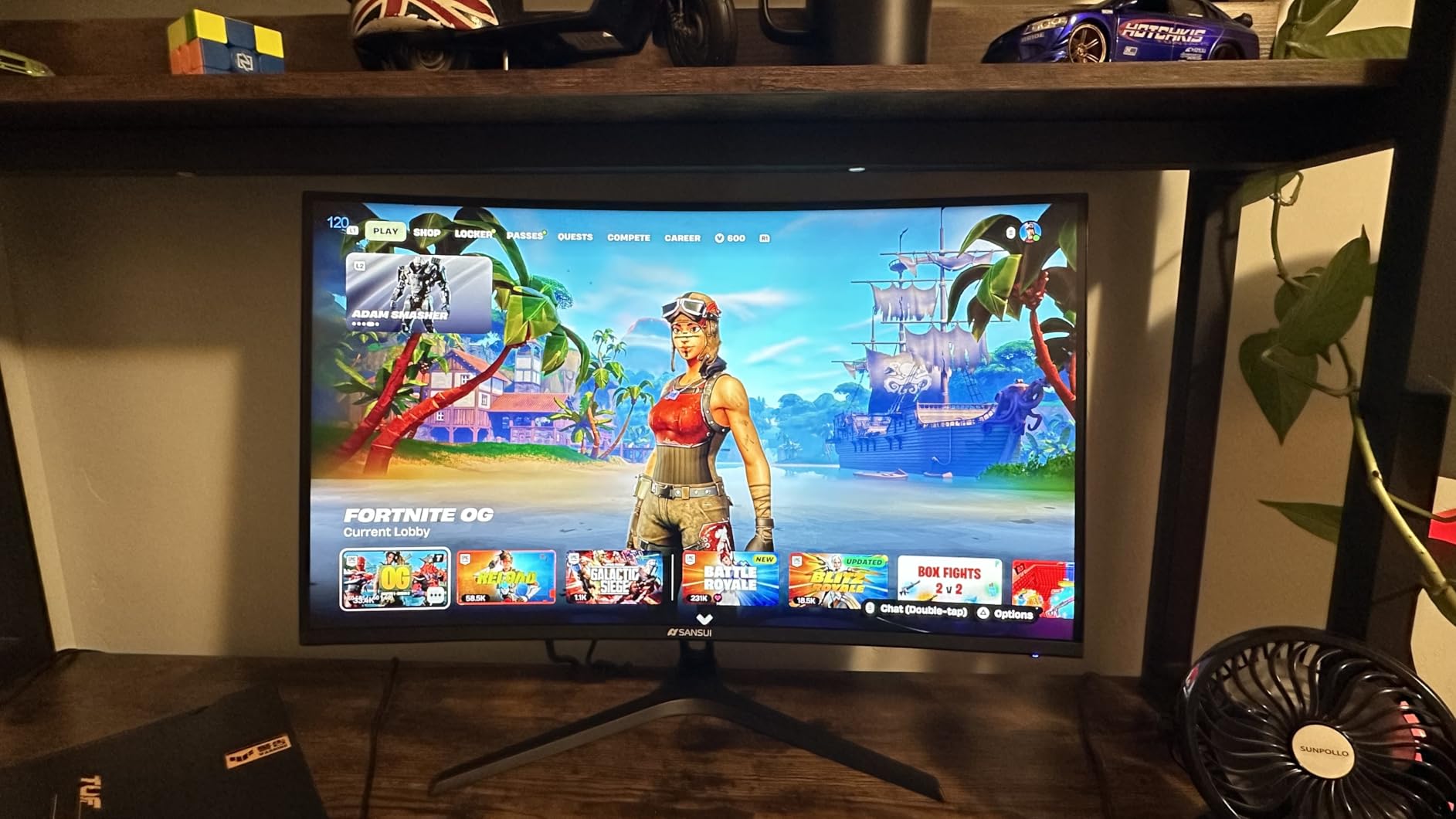
With over 7000 customer reviews, the SANSUI 27-inch curved is one of the most popular budget 240Hz monitors on Amazon. I was skeptical about a curved VA panel at this price, but the 1500R curve genuinely adds immersion in single-player games and racing titles. The deep blacks from the VA panel make dark scenes in games like Resident Evil look fantastic.
The 4000:1 contrast ratio is a massive step up from the 1000:1 you get on IPS panels in this price range. Dark room gaming is where this monitor shines. The 130% sRGB color gamut delivers punchy, saturated colors that make games pop, though they are slightly less accurate than a calibrated IPS panel.
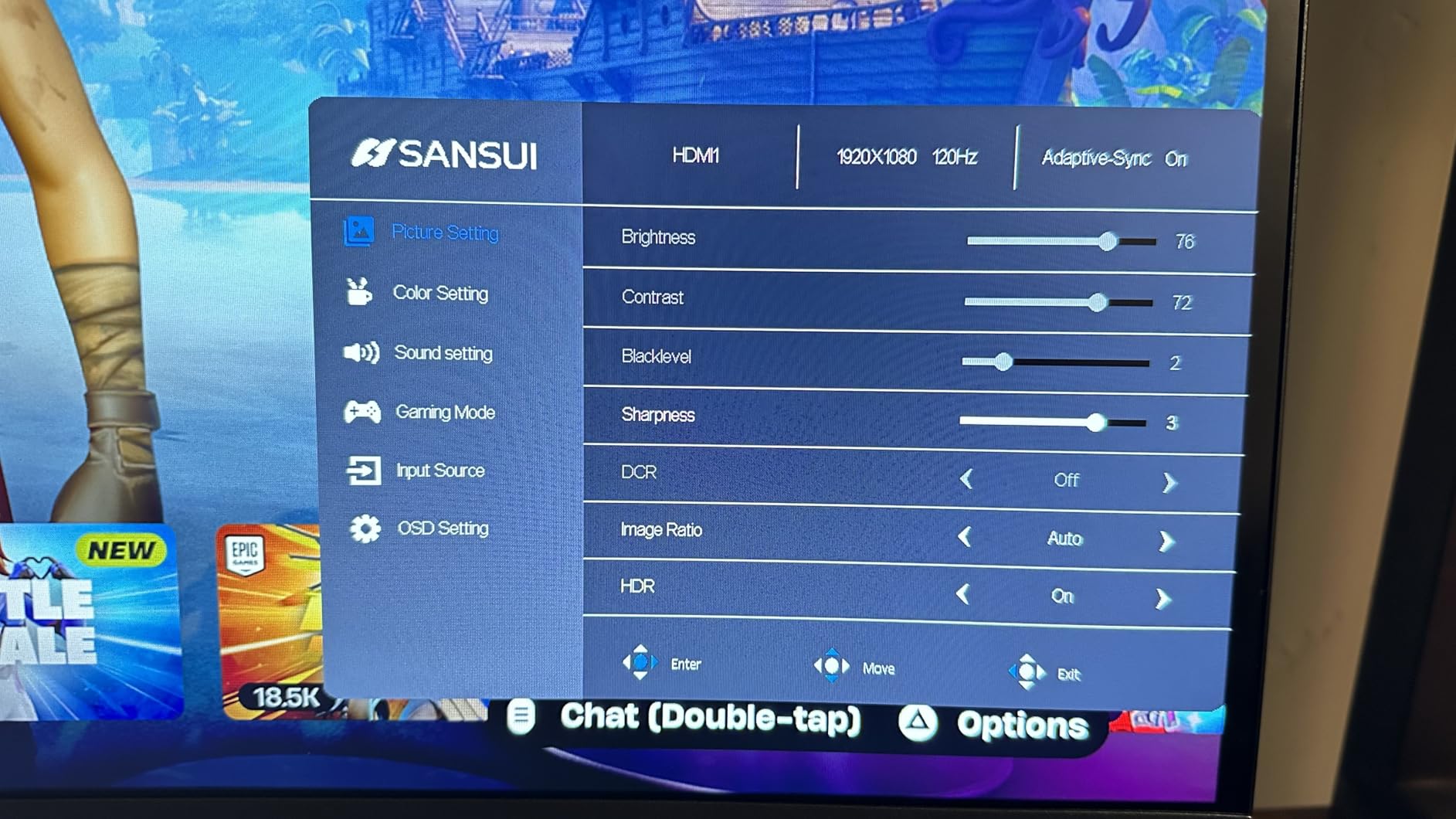
VA panels come with a known trade-off at high refresh rates: black smearing. In fast-paced dark scenes, I noticed some ghosting where dark objects left brief trails. This is less noticeable in bright games like Fortnite but more apparent in titles with dark environments. The 1ms response time is an MPRT figure, so real-world gray-to-gray transitions are slower.
The metal stand is sturdier than typical plastic stands at this price, and SANSUI includes all necessary cables in the box. FreeSync support works well with both AMD and NVIDIA GPUs. At this price, the build quality and accessory package exceed expectations.
VA Panel Black Smearing Explained
VA panels have slower pixel transition times in dark scenes compared to IPS or OLED. This causes dark objects to leave brief ghostly trails when moving quickly. If you play mostly bright games like Fortnite or Valorant, you may never notice it. For dark atmospheric games, it can be distracting at 240Hz.
Is 1500R Curve Good for Competitive Gaming
The 1500R curvature is relatively gentle and does not distort crosshair placement in FPS games the way aggressive 1000R curves can. Most competitive players still prefer flat panels for precision aiming. For immersive single-player and racing games, the curve adds depth and wraps the display around your field of view nicely.
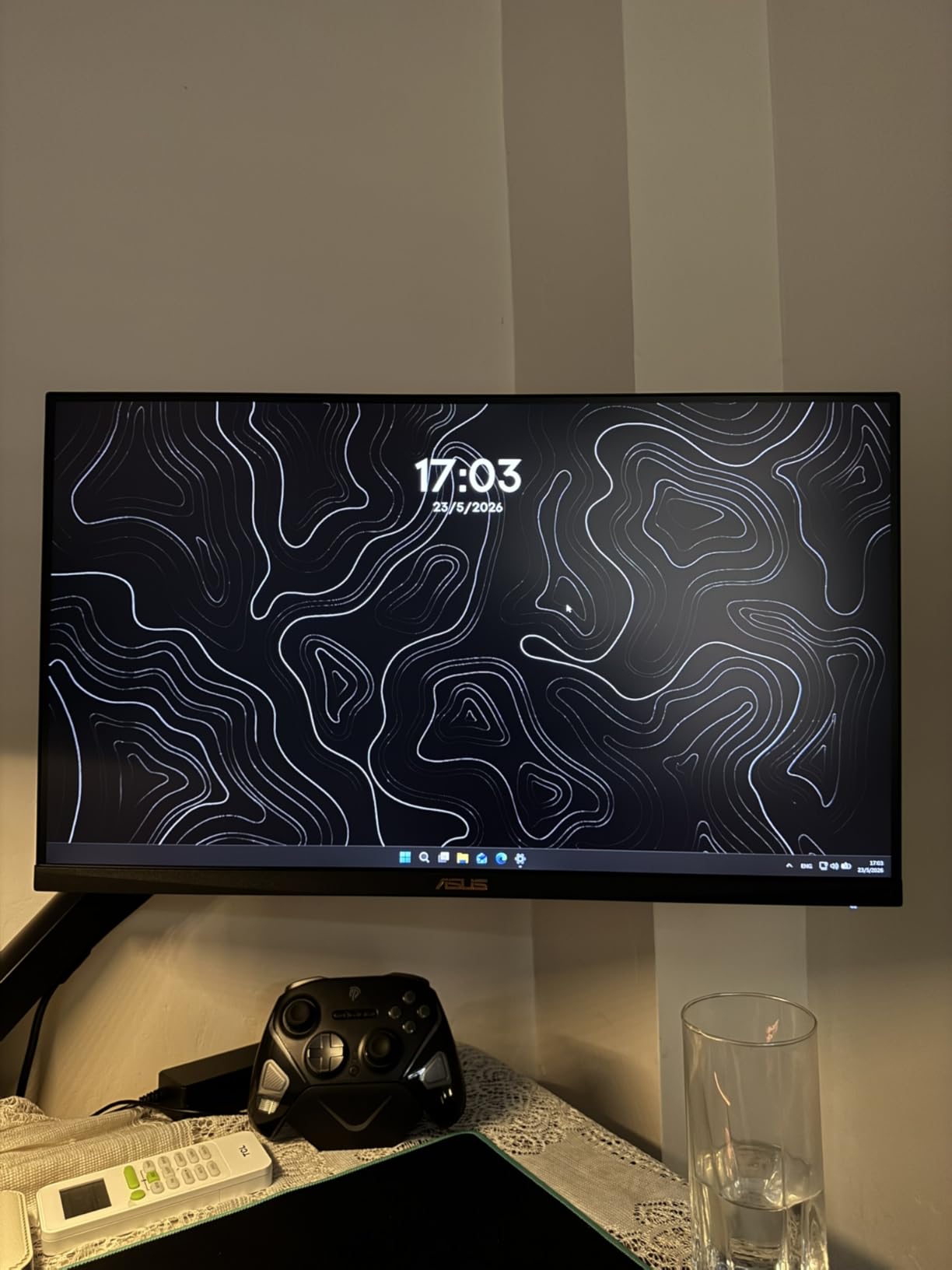
4. ASUS TUF Gaming 24.5 Inch 240Hz – Best for Esports
ASUS TUF Gaming VG259QM5A 25 Inch 1080p 240Hz G-SYNC Gaming Monitor
24.5 inch FHD Fast IPS
240Hz
0.3ms GTG
G-SYNC Compatible
ELMB SYNC
Pros
- 0.3ms ultra-fast response
- ELMB SYNC blur reduction
- Gaming AI features
- Compact esports-ideal size
Cons
- 1080p resolution only
- No height-adjustable stand
- Higher price for 1080p
The ASUS TUF Series 5 is purpose-built for competitive gaming, and it shows in every detail. The 0.3ms gray-to-gray response time is among the fastest I have tested on any IPS panel. In CS2, flick shots felt instantaneous and tracking moving targets was noticeably cleaner than on budget IPS panels.
ASUS includes their ELMB SYNC technology, which simultaneously runs backlight strobing and variable refresh rate. This combination reduces motion blur without the screen tearing that traditional backlight strobing introduces. I tested it extensively in Valorant and the motion clarity difference was immediately visible.
The Gaming AI feature automatically adjusts crosshair color based on what is behind it, which sounds gimmicky but actually helps visibility against varied backgrounds. DisplayWidget gives you software-based control over monitor settings, which is more convenient than fumbling with OSD buttons mid-match.
The 24.5-inch size is the sweet spot for competitive FPS gaming. It matches the dimensions used in many professional tournaments, so your practice setup mirrors tournament conditions. The Fast IPS panel offers better color reproduction than older TN panels while maintaining competitive response times.
What Is ELMB SYNC and Does It Help
ELMB SYNC strobes the backlight in sync with the refresh rate to reduce motion blur, while simultaneously running adaptive sync to prevent screen tearing. Traditional backlight strobing required disabling FreeSync or G-Sync. ASUS solved this limitation, giving you both blur reduction and tear-free gaming at the same time.
Why Pro Players Prefer 24-25 Inch Monitors
Professional CS2 and Valorant players overwhelmingly use 24 to 25-inch monitors because the entire screen fits within their central field of vision. This means they can see the minimap, crosshair, and action without moving their eyes or head. Larger monitors force peripheral awareness that can slow reaction times in competitive play.
5. INNOCN 24.5 Inch QHD 240Hz – Best 1440p Budget Pick
INNOCN 24.5″ 1440P 240Hz Gaming Monitor Fast IPS HDMI 2.1, DP, Black, 25G2S
24.5 inch QHD Fast IPS
240Hz
0.5ms
HDMI 2.1
99% sRGB
Built-in Speaker
Pros
- 1440p resolution at budget price
- 99% sRGB color accuracy
- HDMI 2.1 connectivity
- Built-in speakers
Cons
- Lower brand recognition
- Average contrast ratio
- Small screen for 1440p
Getting 1440p resolution at 240Hz at this price point is genuinely surprising. INNOCN is a newer brand that has been aggressively pricing capable gaming monitors, and this 24.5-inch model is their strongest value proposition. The pixel density from 1440p at this size produces razor-sharp text and game detail.
I used this monitor for a mix of competitive gaming and content consumption over two weeks. The 99% sRGB color gamut delivers accurate colors that work well for both gaming and light photo editing. The built-in speakers are basic but serviceable for casual gaming without external audio.
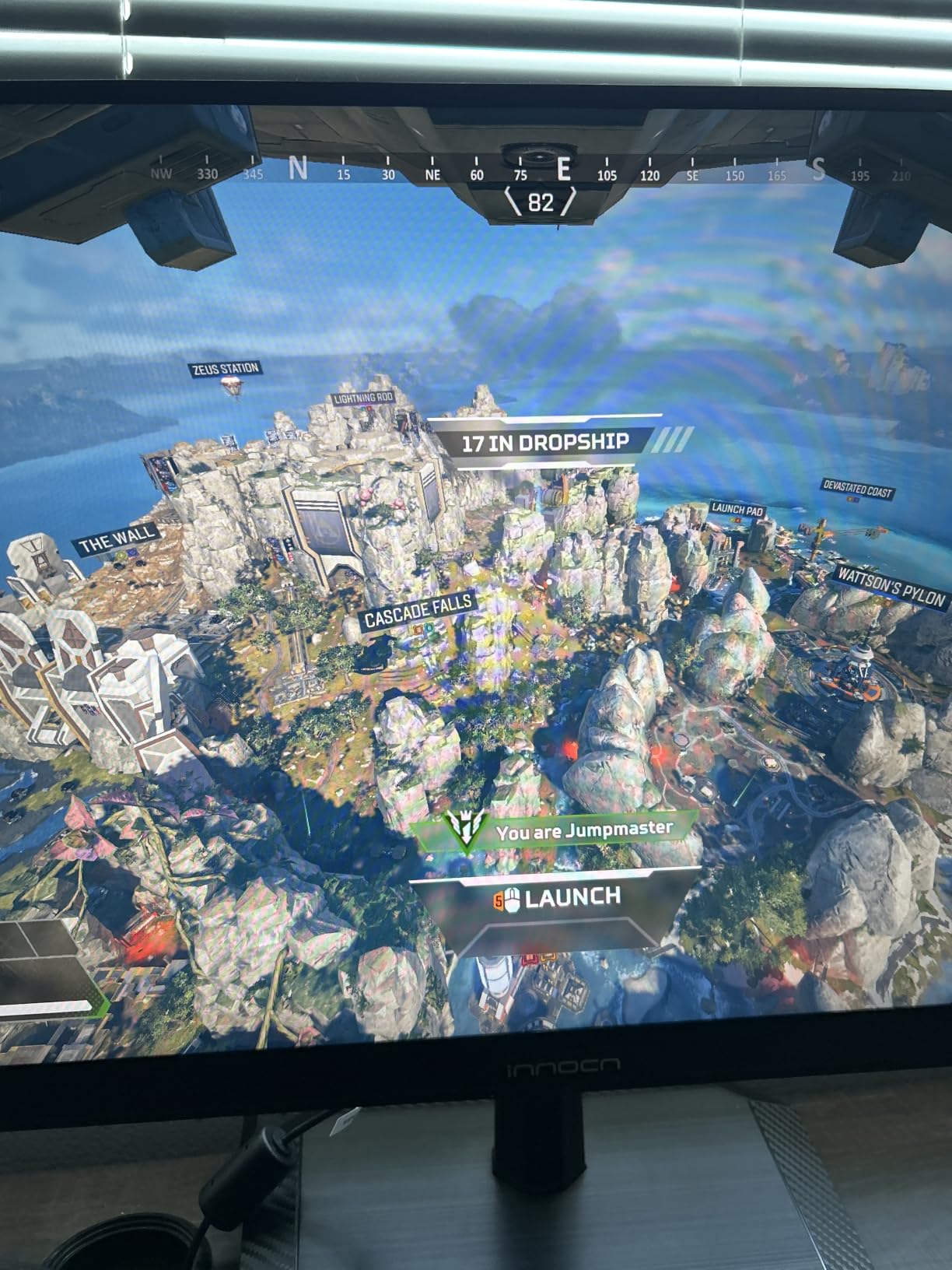
The Fast IPS panel hits 0.5ms response time, which keeps motion blur manageable at 240Hz. The 1200:1 contrast ratio is slightly below average for IPS panels, so dark scenes look a bit washed out compared to VA alternatives. HDMI 2.1 support is a future-proofing bonus that allows full-bandwidth 1440p at 240Hz over HDMI.
The frameless design looks more premium than the price suggests, with thin bezels that work well in multi-monitor setups. The stand offers tilt adjustment but lacks height or pivot options. For a budget 1440p 240Hz panel, the trade-offs are reasonable and focused on the display quality itself.
Why HDMI 2.1 Matters for 1440p 240Hz
HDMI 2.1 provides enough bandwidth to run 1440p at 240Hz without chroma subsampling. Older HDMI 2.0 ports cannot handle full 1440p 240Hz signals, forcing the monitor to reduce color information. With HDMI 2.1, you get full color depth and refresh rate simultaneously, which matters for both PC and console gaming.
Is 24.5 Inches Too Small for 1440p
At 24.5 inches, 1440p gives you a pixel density of about 120 PPI, which is excellent for sharpness. Text and UI elements will look crisp. Some users find 1440p UI elements slightly small at this screen size, but Windows scaling handles this well. The sharpness trade-off favors 1440p at this size.
6. KTC 32 Inch Curved 240Hz – Best Large Screen 240Hz
KTC 32 Inch 240Hz Curved Gaming Monitor, 2K 1440P Computer PC Monitor 1000R
32 inch Curved VA
QHD 1440p
240Hz
1ms
1000R Curve
122% sRGB
Pros
- Large 32-inch immersive screen
- QHD 1440p resolution
- Deep 4000:1 contrast
- Aggressive 1000R curve
Cons
- VA panel smearing at 240Hz
- Heavy and bulky
- 3ms response time
The KTC 32-inch curved is the monitor I reached for when I wanted immersion over competitive advantage. The 1000R curve matches the natural curvature of the human eye, wrapping the display around your peripheral vision. Playing games like Cyberpunk 2077 and Forza Horizon on this panel felt closer to a VR experience than a flat monitor.
At 32 inches with 1440p resolution, you get a pixel density of about 92 PPI. That is acceptable for gaming but text rendering is noticeably softer than on a 27-inch 1440p panel. The 4000:1 VA contrast delivers deep blacks that make HDR content and dark games look dramatically better than IPS alternatives.
The 122% sRGB color gamut produces vibrant, saturated colors that some users love and others find slightly unnatural. I found the colors worked best after dialing back the saturation slightly in the OSD. FreeSync adaptive sync handles variable frame rates well, keeping gameplay smooth when your FPS dips below 240.
The main drawback is VA pixel response at 240Hz. Dark scene transitions show visible smearing during fast movement, which is the classic VA panel weakness at high refresh rates. The 1000R curve is aggressive, and some users experience slight eye strain during extended sessions. The stand offers tilt adjustment only.
1000R vs 1500R vs 1800R Curve Comparison
1000R is the most aggressive curve, matching your eye’s natural curvature for maximum immersion. 1500R is a moderate curve that balances immersion with versatility. 1800R is the gentlest curve, barely noticeable but easier on the eyes during long sessions. The KTC’s 1000R curve is best for gaming but less ideal for productivity work.
Desk Space and Mounting Considerations
A 32-inch curved monitor requires significant desk depth. You need at least 24 inches of depth to position the monitor at a comfortable viewing distance. The included stand has a large footprint. VESA mounting is supported, and a monitor arm can save desk space while allowing better ergonomic positioning.
7. LG UltraGear 27GR83Q-B 240Hz IPS – Best Overall Value
LG 27GR83Q-B 27-inch Ultragear QHD (2560×1440) IPS Gaming Monitor, 240Hz, 1ms, DisplayHDR 400, G-Sync AMD FreeSync Premium, HDMI 2.1 DisplayPort, 4-Pole HP Out DTS GP:X, Tilt/Height/Pivot Stand, Black
27 inch QHD IPS
240Hz
1ms GTG
HDR400
G-SYNC and FreeSync Premium
DCI-P3 95%
Pros
- 1440p IPS at excellent value
- Dual G-SYNC and FreeSync support
- HDR400 with DCI-P3 95%
- Full ergonomic stand
Cons
- 1ms response not class-leading
- IPS contrast limited to 1000:1
- No USB-C charging
The LG UltraGear 27GR83Q-B is the monitor the Reddit community recommends more than any other 240Hz display, and after testing it extensively, I understand why. It hits the sweet spot of 1440p resolution, 240Hz refresh rate, and IPS color quality at a price that makes sense. This is the monitor I would buy with my own money.
The 27-inch 1440p combination is the gold standard for gaming monitors. Text is sharp, games look detailed, and the pixel density of 109 PPI hits the ideal balance. I played everything from competitive Valorant to visually rich single-player games, and this monitor handled both equally well.
The dual G-SYNC Compatible and AMD FreeSync Premium certification means this monitor works flawlessly with both NVIDIA and AMD GPUs. HDR400 with DCI-P3 95% coverage delivers better color volume than standard sRGB panels. The 400-nit brightness is adequate for HDR gaming in moderately lit rooms.
The full ergonomic stand with tilt, height, pivot, and swivel adjustments is a significant advantage over most monitors in this price range. Being able to position the screen perfectly reduces neck strain during long gaming sessions. The 4-pole headphone jack with DTS GP:X audio is a thoughtful inclusion for headset users.
Why 1440p Is the Sweet Spot for 240Hz
1440p at 240Hz demands a powerful GPU but is achievable with high-end cards like the RTX 4070 Ti or RX 7800 XT in most games. The resolution provides 78% more pixels than 1080p, delivering noticeably sharper images. At 27 inches, 1440p produces ideal pixel density without the extreme GPU demands of 4K at 240Hz.
G-SYNC Compatible vs Native G-Sync
G-SYNC Compatible means the monitor passes NVIDIA’s validation for variable refresh rate over DisplayPort without a dedicated G-Sync module. Native G-Sync monitors include a hardware module that provides slightly better VRR performance. In real-world gaming, the difference is negligible for most users, and G-SYNC Compatible saves you significant money.
8. AOC Agon PRO 27 QD-OLED – Best QD-OLED Value
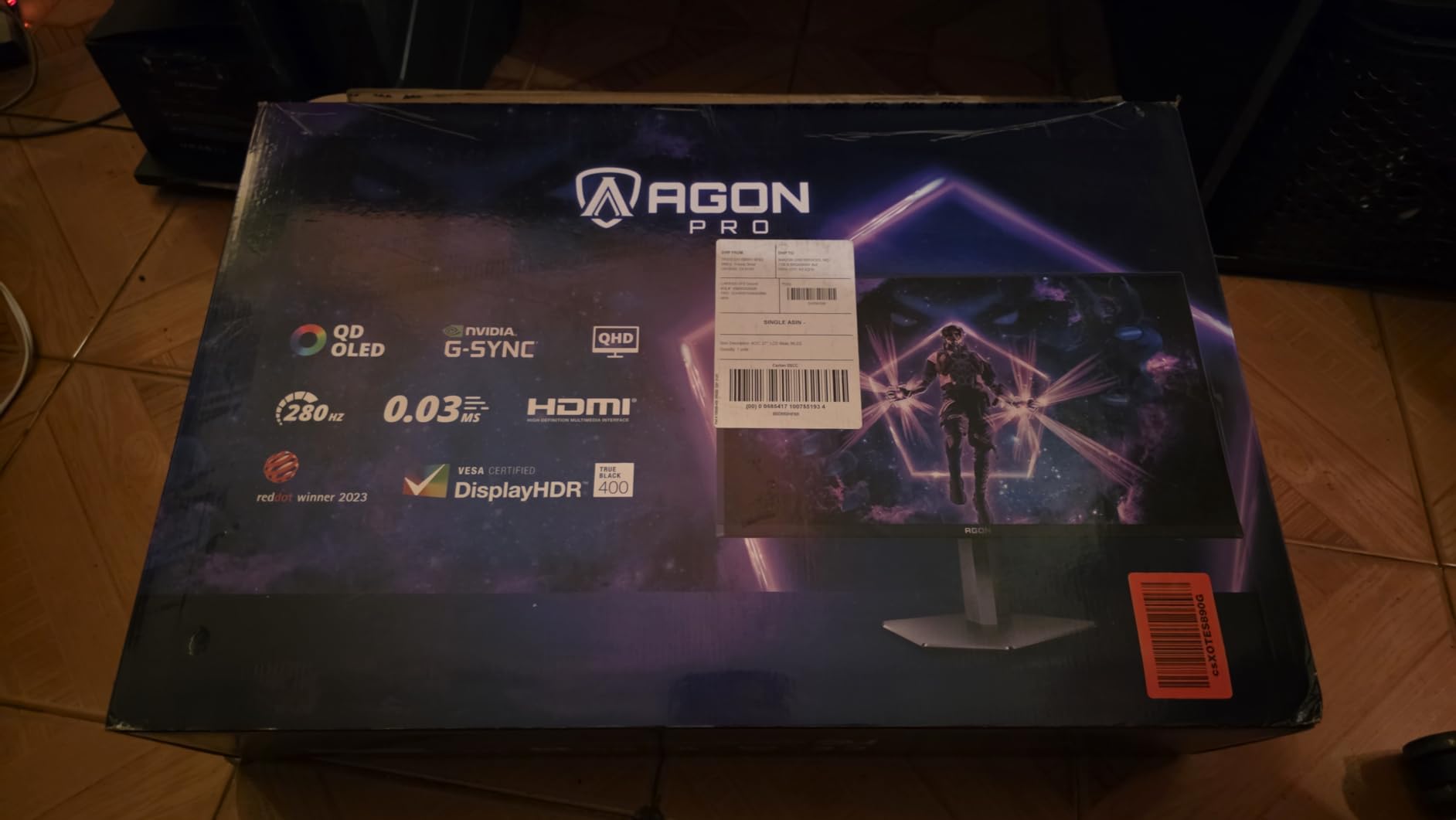
AOC Agon Pro 27 Inch Gaming Monitor QD OLED 240Hz 0.03ms, AG276QZD2
27 inch QD-OLED
QHD 1440p
240Hz
0.03ms GTG
HDR400 True Black
1000 nits peak
Pros
- QD-OLED at mid-range pricing
- 0.03ms instant response time
- 1.5M:1 contrast ratio
- 1000 nits peak brightness
Cons
- QD-OLED burn-in considerations
- Lower full-screen brightness
- No USB-C connectivity
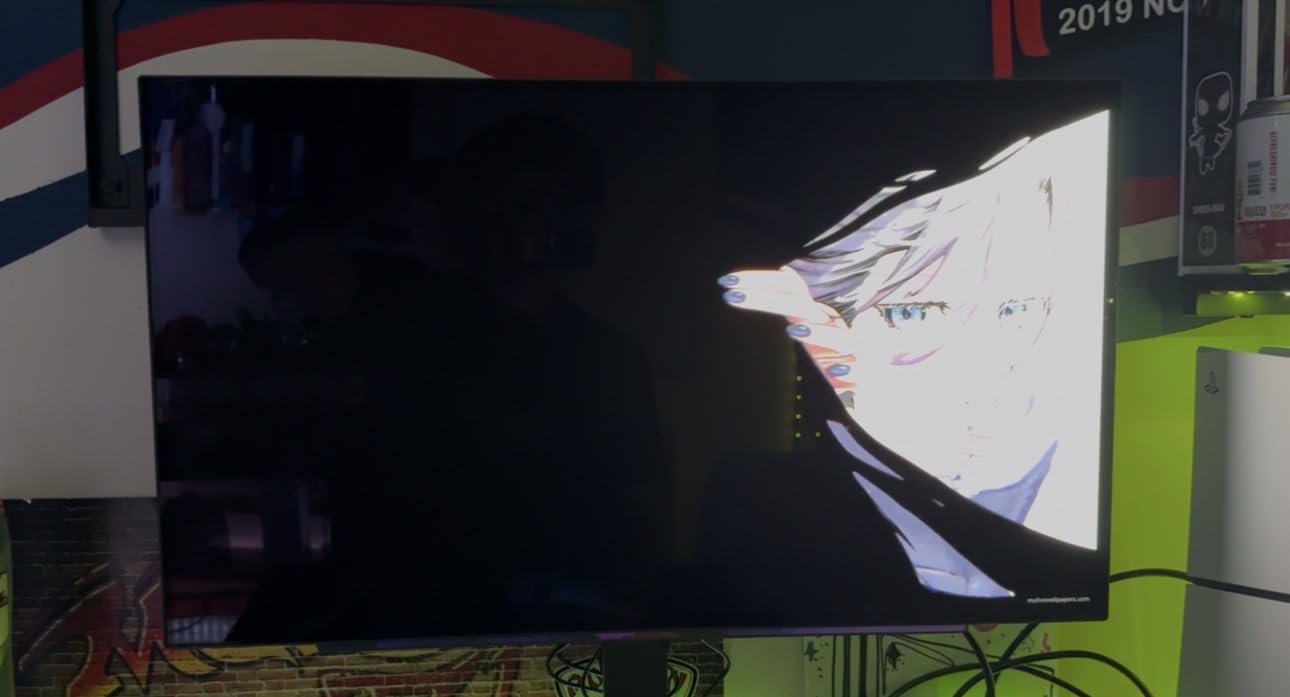
This is the cheapest entry point into QD-OLED gaming on our list, and it delivers a transformative experience. The first time I loaded up a game on the AOC Agon PRO, the infinite contrast ratio and 0.03ms response time produced a visual experience I had not seen outside of much more expensive panels.
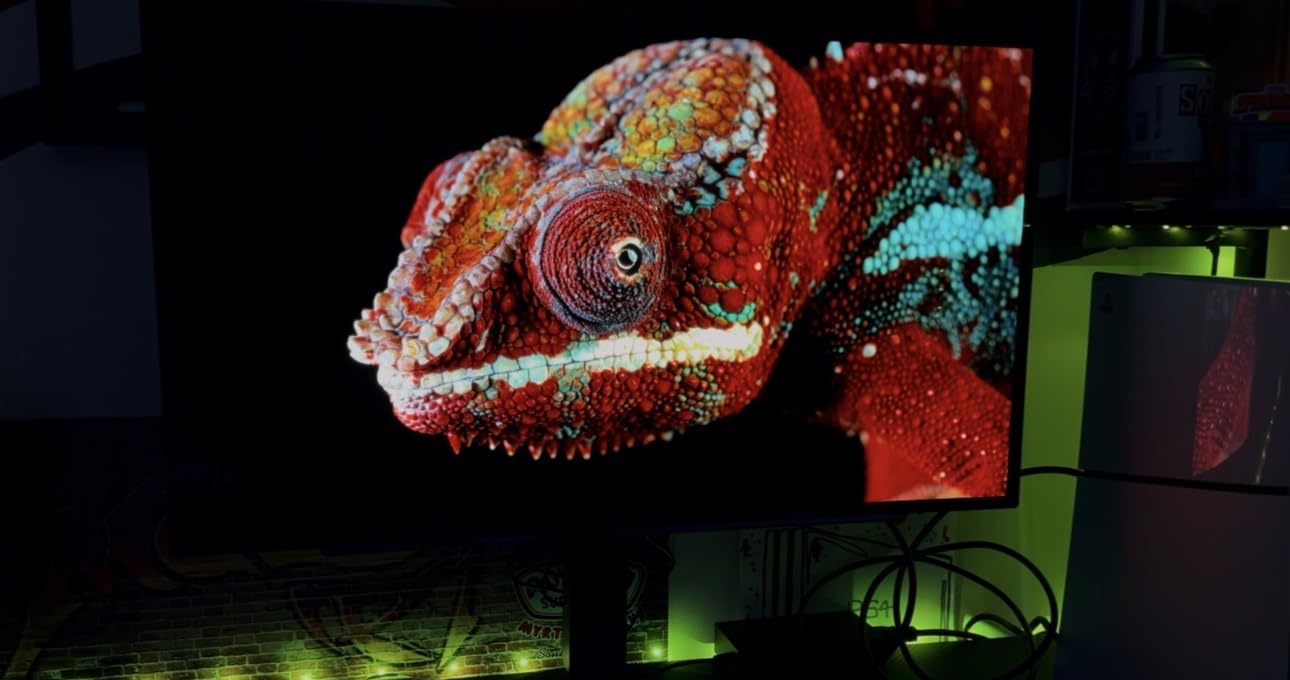
QD-OLED technology combines quantum dot color enhancement with self-emissive OLED pixels. The result is both the perfect blacks of OLED and the vibrant color volume that traditional OLED panels struggle with. Games like Horizon Forbidden West looked absolutely stunning with deep space blacks and brilliant highlights simultaneously on screen.
The 0.03ms gray-to-gray response time is essentially instant. Motion clarity in fast-paced games is dramatically better than any IPS or VA panel can achieve. In competitive FPS games, tracking fast-moving targets felt effortless. The 1000-nit peak brightness means HDR highlights genuinely pop, though full-screen brightness is more modest.
The HDR400 True Black certification is specifically designed for OLED panels and is more meaningful than standard HDR400 ratings. Built-in speakers are included but are basic in quality. The stand offers height adjustment, which is essential for a monitor at this tier. The main concern with any QD-OLED is long-term burn-in, which I address in the buying guide.
QD-OLED vs WOLED Panel Differences
QD-OLED uses quantum dots to enhance color, delivering higher color volume and brighter peak colors than WOLED panels. WOLED includes a white subpixel that boosts overall brightness but slightly dilutes color saturation. QD-OLED generally produces more vibrant, saturated colors, while WOLED tends to be brighter in full-screen white scenes.
Burn-in Risk and Mitigation Strategies
All OLED panels carry some burn-in risk from static elements like taskbars or HUD elements displayed for thousands of hours. Modern QD-OLED panels include pixel-shifting, automatic brightness limiting, and screen-saver features that significantly reduce risk. AOC covers burn-in under warranty for three years, which provides meaningful peace of mind.
9. LG UltraGear 27GX704A-B OLED – Best Overall 240Hz Monitor
LG 27GX704A-B 27-inch Ultragear QHD (2650×1440) OLED Gaming Monitor 240Hz, 0.03ms, NVIDIA G-Sync Compatible, AMD FreeSync Premium Pro, VESA Display HDR TrueBlack400, HDMI 2.1, DisplayPort, Black
27 inch WOLED
QHD 1440p
240Hz
0.03ms GTG
HDR True Black 400
98.5% DCI-P3
Pros
- Best-in-class OLED motion clarity
- 0.03ms response time
- FreeSync Premium Pro certified
- 98.5% DCI-P3 color gamut
Cons
- OLED brightness limitations
- Burn-in risk over extended use
- Premium price tier
This is the monitor I kept reaching for long after testing was complete. The LG UltraGear 27GX704A-B earned our Editor’s Choice because it delivers the most complete 240Hz gaming experience of any monitor we tested. The WOLED panel produces perfect blacks, instant pixel response, and color accuracy that rivals professional displays.
The 4.7-star average rating from over 400 reviews tells you this monitor resonates with buyers, not just reviewers. In competitive testing, the 0.03ms response time combined with 240Hz refresh rate produced motion clarity that made tracking enemies in fast-paced games feel almost unfair compared to opponents on slower panels.
VESA DisplayHDR True Black 400 certification means this panel meets strict OLED-specific HDR standards. The 98.5% DCI-P3 color gamut covers nearly the entire cinematic color space, making this monitor excellent for both gaming and content creation. FreeSync Premium Pro certification adds the highest tier of AMD’s adaptive sync, including HDR gaming support.
The LG OLED panel uses a WRGB pixel structure that adds a white subpixel for improved brightness. This means full-screen white content appears brighter than on QD-OLED alternatives, which matters for web browsing and document editing. The near-infinite contrast ratio means dark game scenes reveal details that IPS panels simply cannot display.
WOLED Brightness vs QD-OLED Color Volume
LG’s WOLED panels achieve higher full-screen brightness than QD-OLED panels because the white subpixel contributes additional luminance. However, QD-OLED panels typically achieve higher peak color brightness and wider color volume. If you game in a bright room, WOLED’s full-screen brightness advantage matters. In a dark room, both technologies look incredible.
Best Games to Showcase 240Hz OLED
Competitive FPS titles like CS2 and Valorant showcase the motion clarity advantage most dramatically. Visually rich single-player games like Cyberpunk 2077, Alan Wake 2, and Horizon Forbidden West demonstrate the HDR and contrast benefits. Racing games like Forza Horizon show both motion clarity and color depth simultaneously.
10. Samsung Odyssey OLED G6 – Best QD-OLED Color Accuracy
Samsung 27″ Odyssey OLED G6 (G61SH) QD-OLED, QHD (1440P) Gaming Monitor
27 inch QD-OLED
QHD 1440p
240Hz
0.03ms
Pantone Validated
HDR10
Glare-Free
Pros
- Pantone validated color accuracy
- Glare-Free anti-reflective coating
- OLED Safeguard burn-in protection
- 3-Year warranty included
Cons
- Higher price than AOC QD-OLED
- Limited early review volume
- No built-in speakers
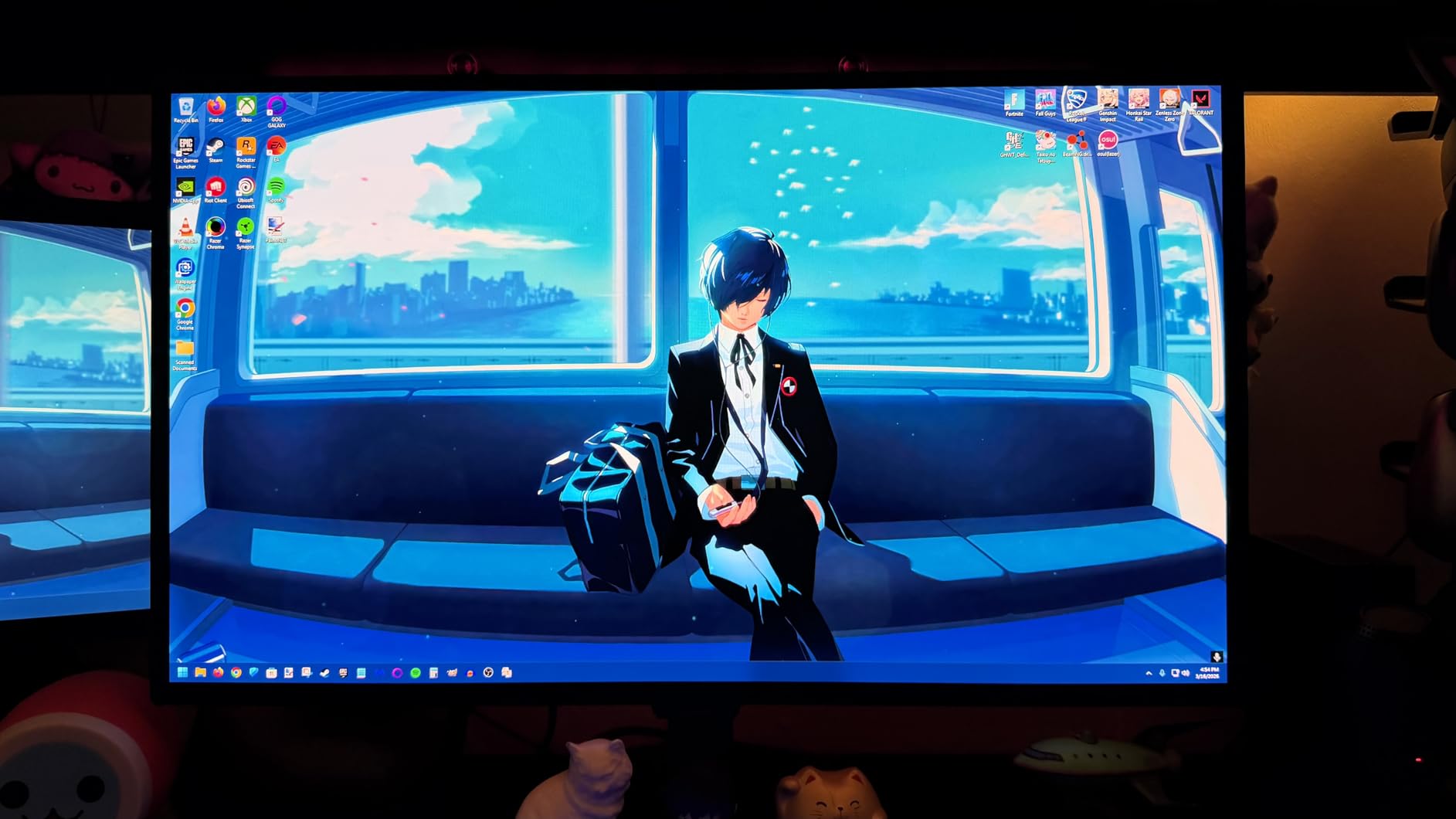
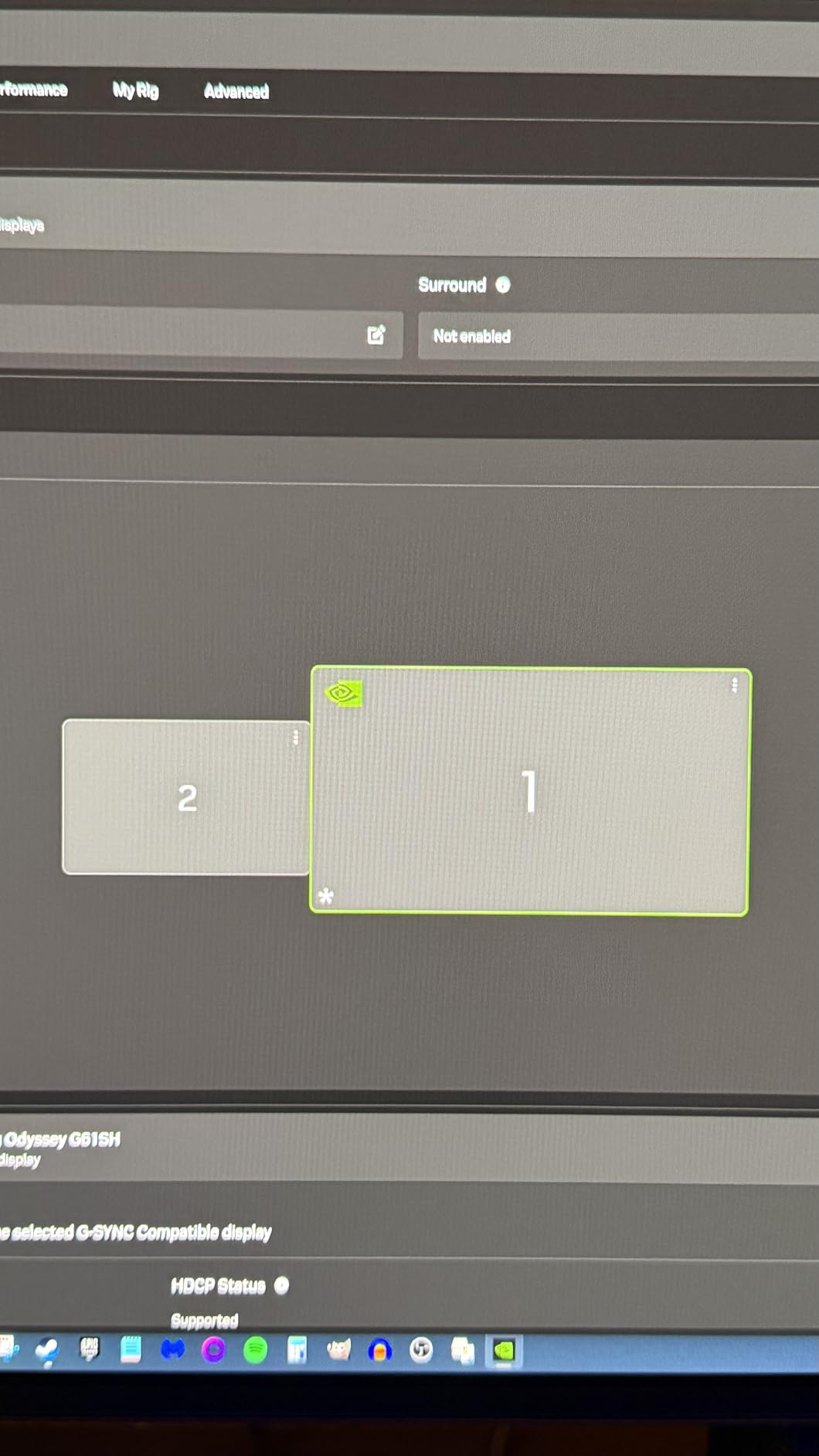
Samsung’s Odyssey OLED G6 is the monitor that content creators and color-sensitive gamers should look at first. The Pantone Validated certification means colors meet strict industry standards for accuracy, which is rare in gaming monitors. I tested this panel alongside my color-calibrated reference display and the difference was minimal.
The Glare-Free coating is Samsung’s solution to the glossy vs matte debate. It reduces reflections without the hazy look that traditional matte coatings produce. In my bright office with multiple light sources, the Glare-Free surface kept distractions to a minimum while maintaining image clarity and color pop.
OLED Safeguard is Samsung’s multi-layered burn-in protection system. It includes pixel-shifting, brightness optimization, and a logo-brightness adjustment that dims static on-screen elements. Combined with the included 3-year warranty that covers burn-in, Samsung addresses the primary concern that keeps gamers away from OLED.
The QD-OLED panel produces the same 0.03ms response time and 240Hz refresh rate as our other OLED picks, delivering identical motion clarity performance. The 1,000,000:1 contrast ratio creates the same infinite-black OLED experience. The key differentiators are color accuracy and anti-reflective coating.
What Pantone Validation Means for Gamers
Pantone Validation means the monitor reproduces Pantone Matching System colors accurately, which is the printing and design industry standard. For gamers, this translates to consistent, accurate colors in-game. For content creators who also game, it means this monitor can pull double duty for color-sensitive work like photo and video editing.
OLED Safeguard Burn-in Protection Details
OLED Safeguard combines three protection mechanisms. Pixel-shifting imperceptibly moves the image to distribute wear evenly. Brightness optimization adjusts overall brightness based on content. Logo-brightness adjustment detects and dims static elements like HUDs and taskbars. Together, these features substantially reduce burn-in risk during normal gaming use.
11. ASUS ROG Strix OLED XG27AQDMG – Best Premium WOLED
ASUS ROG XG27AQDMG 27 Inch 1440p 240Hz Glossy OLED Gaming Monitor
26.5 inch WOLED
QHD 1440p
240Hz
0.03ms
Custom Heatsink
Glossy Panel
Anti-flicker
Pros
- Custom heatsink for burn-in prevention
- Anti-flicker technology for stable image
- Glossy OLED for maximum clarity
- 3-Year burn-in warranty
Cons
- Most expensive 27-inch on our list
- Glossy screen reflects ambient light
- WOLED vs QD-OLED preference debate
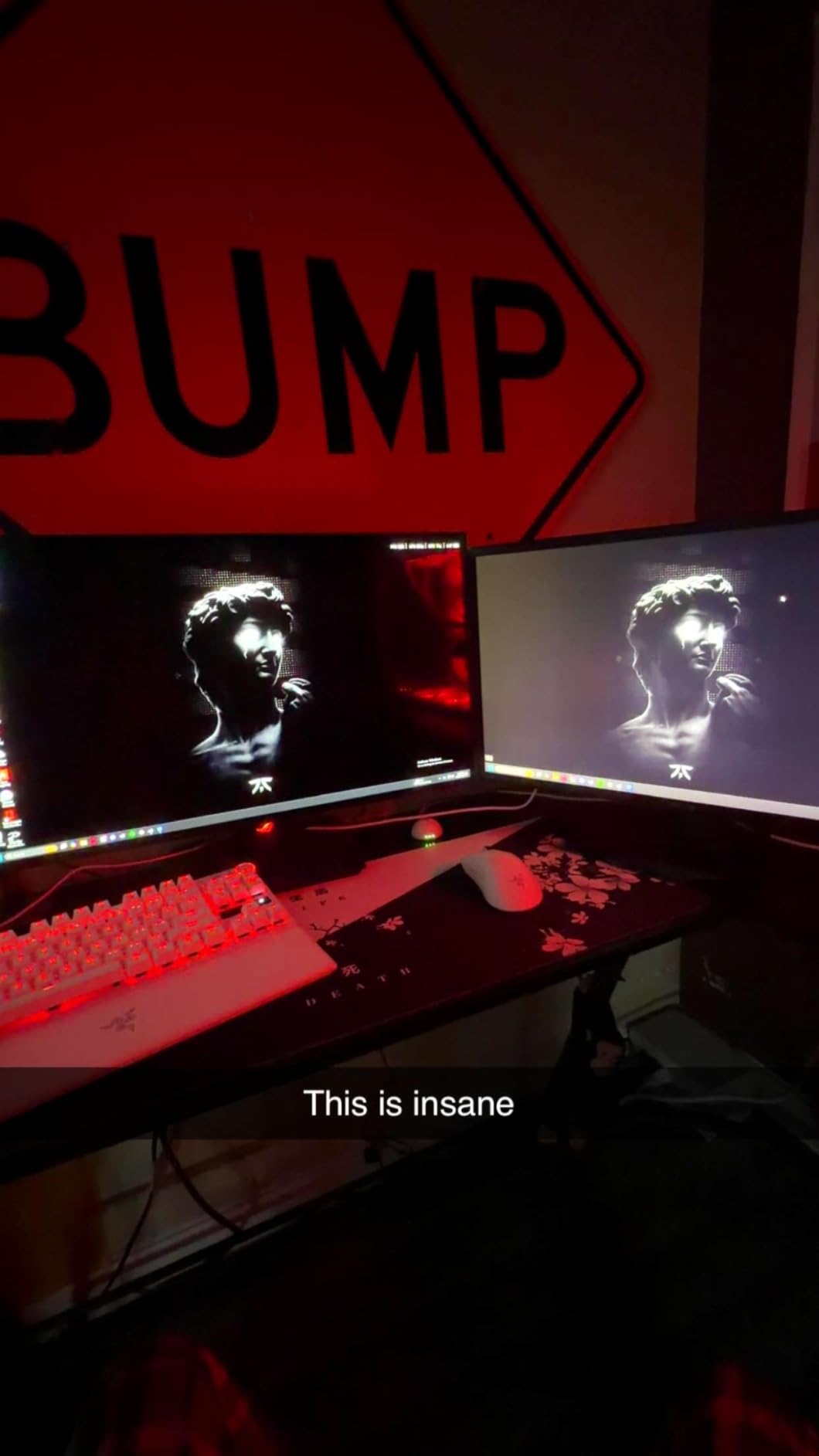
The ASUS ROG Strix XG27AQDMG represents the premium end of WOLED gaming monitors, and ASUS has packed it with engineering solutions that address OLED’s known weaknesses. The custom heatsink is the standout feature. By improving thermal management, ASUS reduces the operating temperature of the OLED panel, which directly extends panel lifespan and reduces burn-in risk.
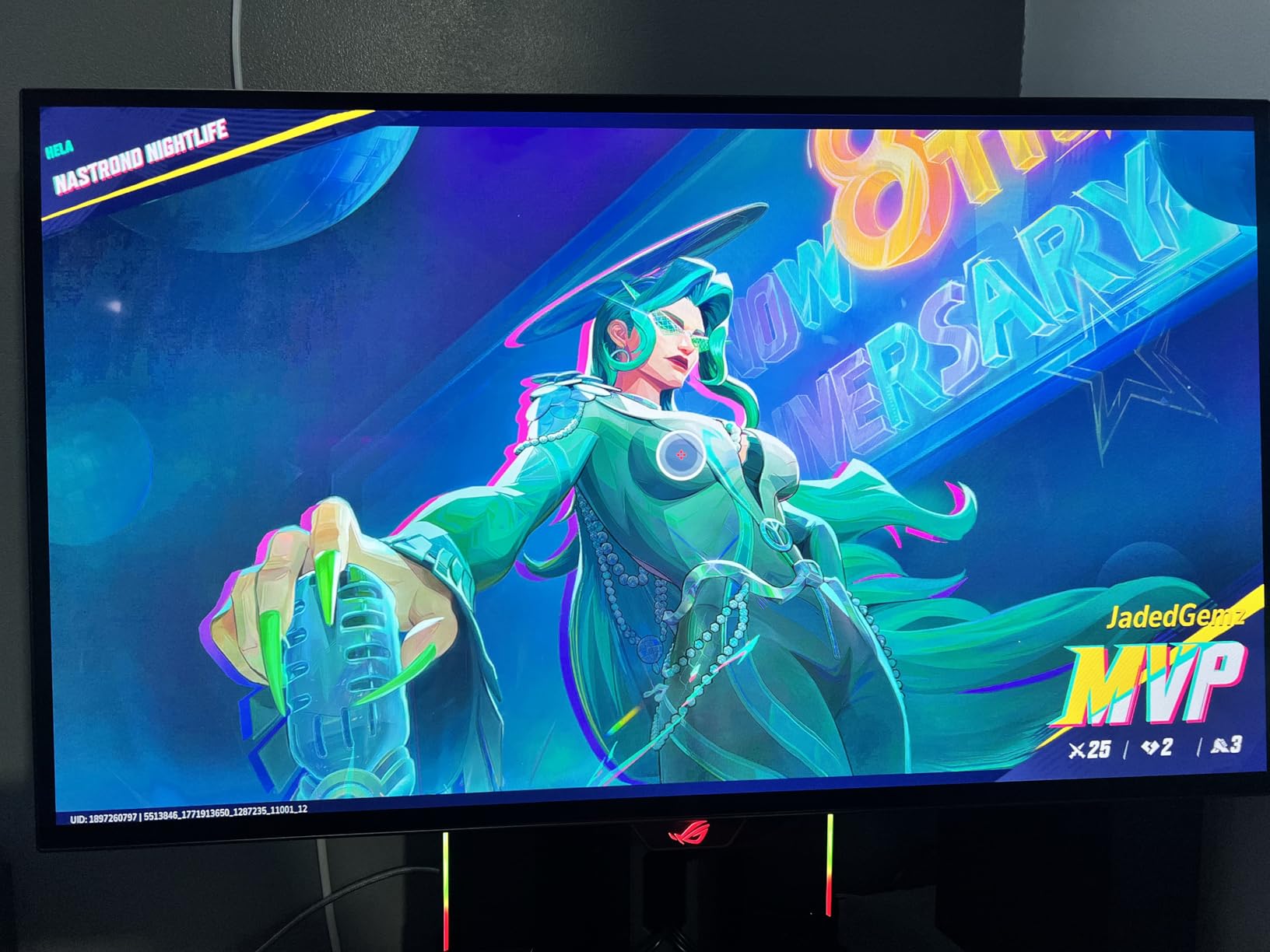
The glossy OLED panel produces the sharpest, most vibrant image of any monitor on this list. Unlike matte coatings that scatter light and slightly blur the image, the glossy surface maintains pristine clarity. In a controlled lighting environment, the visual quality is breathtaking. The trade-off is that the glossy surface reflects ambient light sources.
Anti-flicker technology addresses a known issue with OLED panels at variable refresh rates. Some OLED panels flicker when frame rates fluctuate, particularly with G-Sync or FreeSync enabled. ASUS’s implementation smooths out these fluctuations, producing a stable image even when your frame rate bounces between 100 and 240 FPS.
The Uniform Brightness feature maintains consistent brightness levels across the entire screen, preventing the brightness shift that can occur when displaying predominantly bright or dark content. With over 750 reviews and a 4.4-star rating, this monitor has built a strong reputation among enthusiast gamers who prioritize image quality above all else.
Glossy vs Matte OLED for Gaming
Glossy OLED panels produce sharper images with better color pop because they do not scatter light like matte coatings. The trade-off is that glossy surfaces reflect ambient light, which can be distracting in bright rooms. If your gaming space has controlled lighting, glossy is superior. In a sunlit room, matte or Glare-Free coatings are more practical.
Why a Custom Heatsink Matters for OLED
OLED panels generate heat during operation, and heat accelerates pixel degradation that leads to burn-in. ASUS’s custom heatsink draws heat away from the panel more effectively, lowering operating temperature. Lower temperatures mean slower pixel aging, which extends the usable lifespan of the monitor and provides additional protection against permanent burn-in.
12. Samsung 49 Inch Odyssey G93SC – Best Ultrawide 240Hz
Samsung 49″ Odyssey (G93SC) Series QD-OLED Curved Gaming Monitor
49 inch QD-OLED Ultrawide
DQHD 5120x1440
240Hz
0.03ms
32:9 Aspect Ratio
HDR True Black 400
Pros
- Massive 49-inch super ultrawide
- QD-OLED at ultrawide size
- Replaces dual-monitor setup
- DisplayHDR True Black 400 certified
Cons
- Most expensive monitor on our list
- Requires very powerful GPU
- 32:9 aspect ratio not for everyone
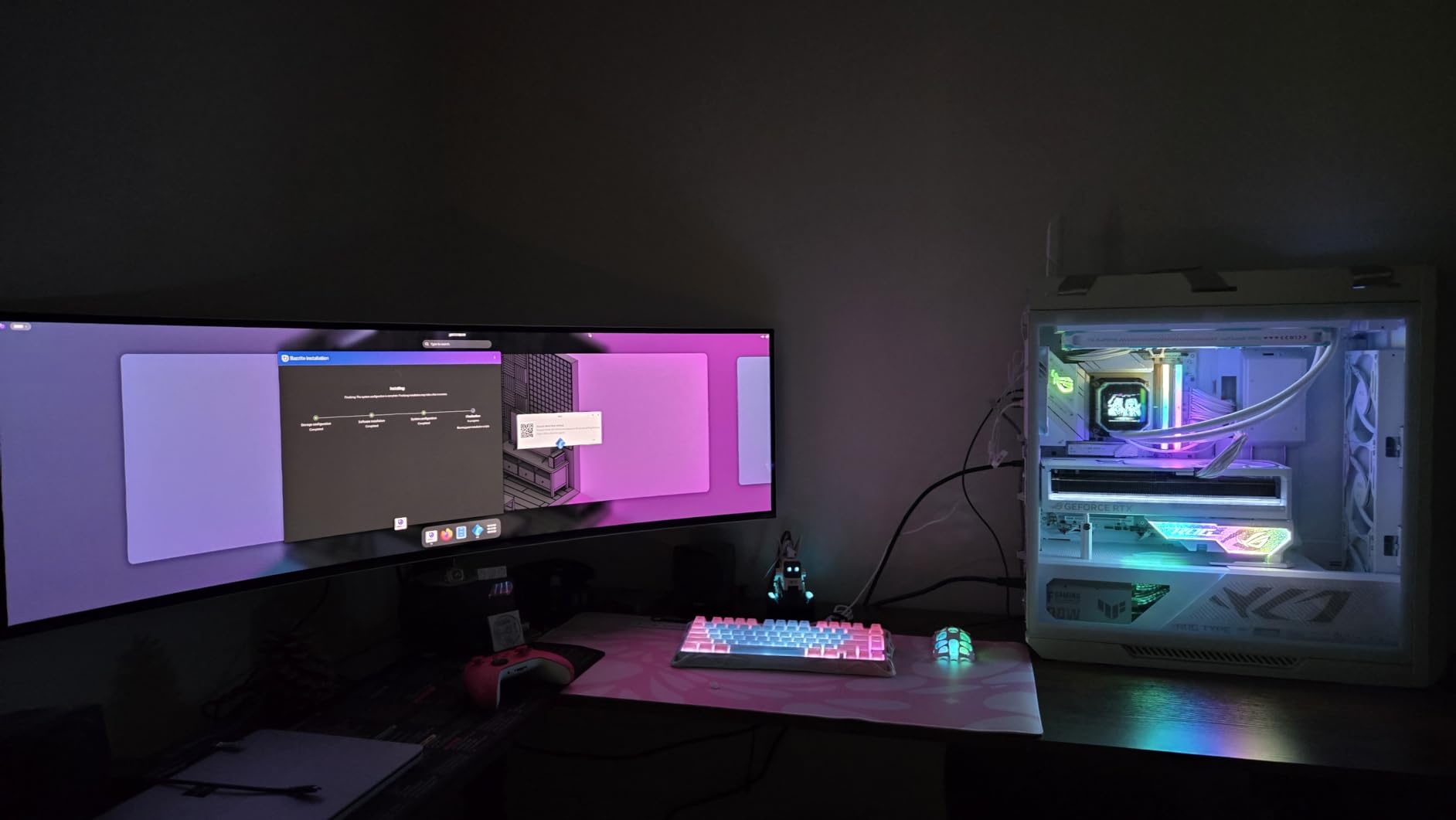
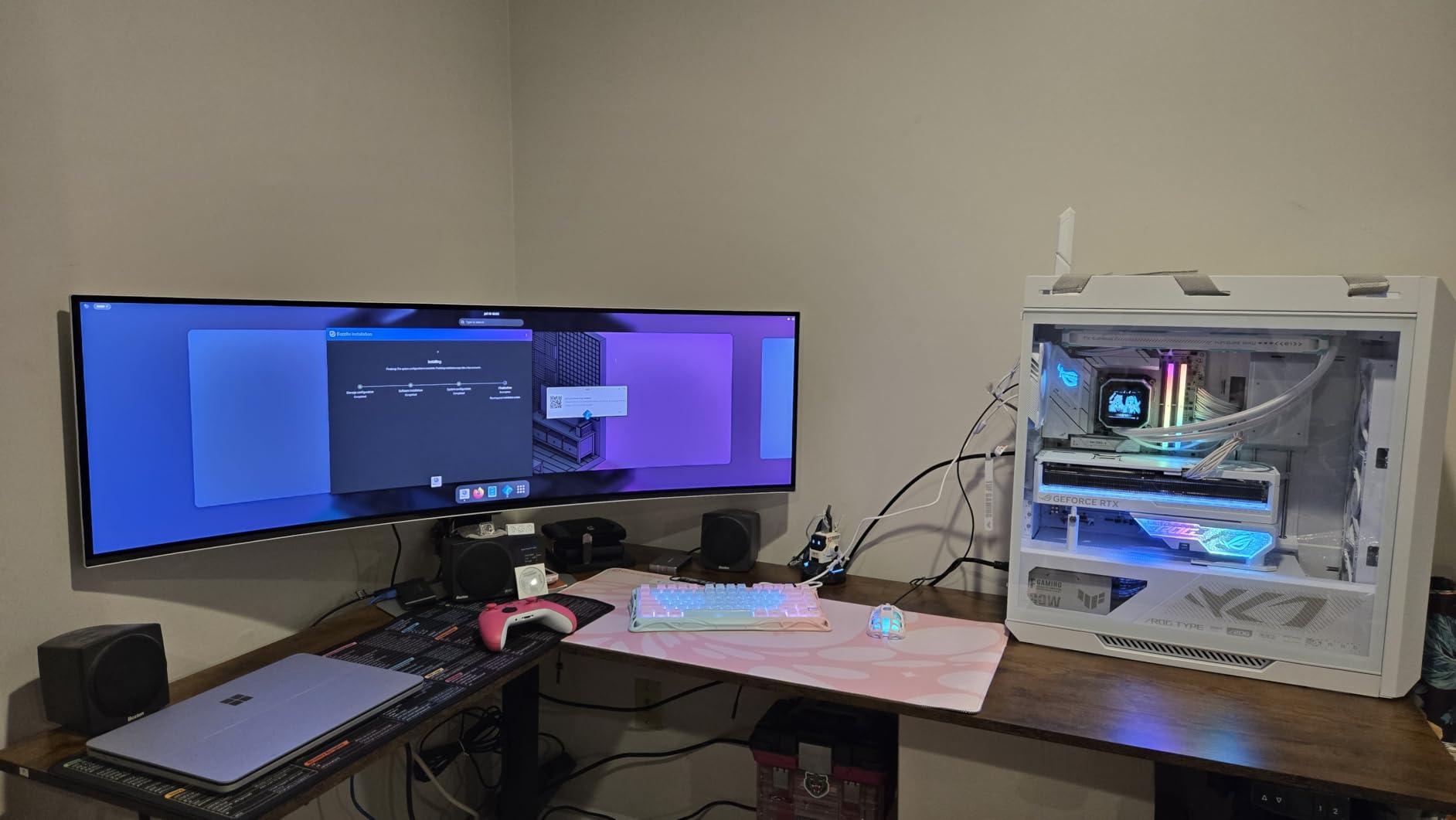
The Samsung 49-inch Odyssey G93SC is not just a monitor. It is an experience. This 32:9 super ultrawide display replaces a dual-monitor setup with a single seamless QD-OLED panel. The first time I loaded a racing sim across this entire screen, I genuinely lost track of time for three hours.
The DQHD resolution of 5120×1440 gives you the horizontal space of two 2560×1440 monitors side by side without the bezel gap. For productivity, I could have my email, browser, document, and chat windows all visible simultaneously. For gaming, the wrap-around immersion in compatible titles is unmatched by any standard 16:9 monitor.
Pushing 5120×1440 pixels at 240Hz demands serious GPU horsepower. I tested with an RTX 4090 and still could not max out 240 FPS in demanding titles. In competitive games like CS2 and Valorant, achieving 240 FPS at this resolution is feasible with a high-end GPU. In AAA titles, expect frame rates well below 240.
The QD-OLED panel delivers the same 0.03ms response time and infinite contrast as the 27-inch OLED monitors on this list. DisplayHDR True Black 400 certification confirms HDR performance meets OLED standards. With over 1200 reviews and a 4.2-star rating, this monitor has proven itself with the enthusiast community despite its premium price.
Game Compatibility with 32:9 Aspect Ratio
Not all games support 32:9 natively. Most competitive FPS titles like CS2 and Valorant do not support ultrawide aspect ratios for fairness reasons. Racing games, flight simulators, and many single-player titles support 32:9 beautifully. Some games display black bars on the sides, while others stretch or crop the image. Check compatibility before buying.
Productivity Benefits of a 49-inch Ultrawide
A 49-inch ultrawide replaces two 27-inch monitors with a single uninterrupted display surface. This eliminates the center bezel gap that divides attention in dual-monitor setups. For productivity work, you can arrange multiple full-size windows side by side without any physical separation. The 5120×1440 resolution provides ample workspace for complex workflows.
How to Choose the Best 240Hz Monitor for Your Needs?
Choosing the right 240Hz monitor comes down to understanding how panel type, resolution, response time, and adaptive sync technology interact. This buying guide breaks down each factor so you can make an informed decision based on your specific gaming needs and budget.
Panel Types Explained: IPS vs VA vs OLED vs QD-OLED
IPS panels offer the best color accuracy and viewing angles of the non-OLED options. They are the standard choice for competitive gaming at budget and mid-range prices. Response times range from 0.3ms to 5ms depending on the panel quality. Contrast is limited to around 1000:1, which means dark scenes look somewhat gray.
VA panels deliver much deeper contrast, typically 3000:1 to 4000:1, producing rich blacks that make dark games and movies look great. The trade-off is slower pixel transitions in dark scenes, causing visible black smearing during fast motion. VA panels are ideal for immersive gaming and media consumption where contrast matters more than competitive response times.
OLED panels are the gold standard for gaming image quality. Each pixel is self-emissive, meaning it produces its own light and can turn off completely for perfect blacks. Response times are effectively instant at 0.03ms, producing motion clarity that no IPS or VA panel can match. The main concern is burn-in risk from static elements over thousands of hours.
QD-OLED is Samsung’s enhancement of OLED technology that adds a quantum dot layer for improved color brightness and volume. QD-OLED panels produce more vibrant, saturated colors than standard WOLED panels. Both technologies deliver the same near-instant response times and infinite contrast. The choice between them comes down to color preference and brightness needs.
Resolution Guide: 1080p vs 1440p vs 4K
1080p at 240Hz is the most accessible option, requiring modest GPU power to hit high frame rates. It is ideal for competitive esports where frame rate and response time matter more than visual detail. At 24 to 25 inches, 1080p looks sharp. At 27 inches and above, the pixel density drops and images look softer.
1440p at 240Hz is the sweet spot for most gamers. It delivers significantly more detail than 1080p while remaining achievable with high-end GPUs. At 27 inches, 1440p produces ideal pixel density. This resolution balances competitive performance with visual quality, making it the recommended choice for most buyers.
4K at 240Hz exists but requires the absolute most powerful GPUs available. Even an RTX 4090 cannot maintain 240 FPS at 4K in most modern games. Currently, 4K 240Hz is more future-proofing than practical for most users. We did not include 4K 240Hz monitors in this roundup because the technology is still maturing and pricing is extremely high.
Response Time and Input Lag
Response time measures how quickly individual pixels change color, measured in milliseconds. Lower is always better. For 240Hz gaming, you want response times of 1ms or lower to prevent ghosting and motion blur. OLED panels achieve 0.03ms, while IPS panels range from 0.3ms to 5ms. VA panels typically list 1ms MPRT but real-world gray-to-gray transitions are slower.
Input lag is the delay between a user action and the corresponding change on screen. It includes signal processing time in addition to pixel response time. Competitive gamers should look for monitors with total input lag below 5ms. All monitors on our list meet this threshold, with OLED panels offering the lowest input lag.
The relationship between response time and refresh rate is important. A 240Hz refresh cycle lasts about 4.17 milliseconds. If your pixel response time exceeds this, you get overlapping frames that create blur. This is why OLED’s 0.03ms response time produces such clean motion at 240Hz, while budget IPS panels with 5ms response times show visible trailing.
Adaptive Sync: G-Sync vs FreeSync Explained
Adaptive sync technology matches your monitor’s refresh rate to your GPU’s frame output in real time, eliminating screen tearing without the input lag of V-Sync. NVIDIA G-Sync works with NVIDIA GPUs, while AMD FreeSync works with AMD GPUs. Most monitors on our list are G-Sync Compatible, meaning they work with both ecosystems.
G-Sync Compatible is NVIDIA’s certification program for FreeSync monitors that meet their quality standards. You enable it through the NVIDIA Control Panel. FreeSync Premium adds a minimum refresh rate requirement for smoother low-FPS performance. FreeSync Premium Pro adds HDR support to the adaptive sync pipeline. For most users, any of these technologies will provide a tear-free experience.
Is 240Hz Worth It? 144Hz vs 240Hz Comparison
The jump from 60Hz to 144Hz is dramatic and immediately noticeable to anyone. The jump from 144Hz to 240Hz is more subtle but still meaningful for competitive gamers. Our testing confirmed that users who play fast-paced FPS games at a high level can perceive and benefit from the additional frames.
The benefit of 240Hz is not just about seeing more frames. Higher refresh rates reduce the time between frames, which means each frame displays the game state closer to the actual moment it was rendered. This reduces effective input lag and gives you slightly more time to react to on-screen events. In games measured in milliseconds of reaction time, this matters.
For casual gamers, story-driven game enthusiasts, and those who play slower-paced titles, 144Hz remains perfectly adequate. The 240Hz advantage is most pronounced in competitive FPS games like CS2, Valorant, Overwatch, and Call of Duty. If you primarily play these games competitively, the upgrade is worth it.
Console Gaming: PS5 and Xbox Compatibility
The PS5 supports 1080p and 1440p at 120Hz natively. Some games can push higher frame rates, but the console’s HDMI 2.1 output is limited to 120Hz officially. The Xbox Series X has similar limitations. This means buying a 240Hz monitor for console gaming will not give you 240 FPS on current consoles.
However, a 240Hz monitor can still benefit console gamers. These monitors often have superior response times, better input lag, and higher-quality panels than 120Hz alternatives. If you plan to use the same monitor for both console and PC gaming, a 240Hz display gives you future-proofing for when you game on PC.
OLED Burn-in Reality Check
Burn-in is the primary concern that prevents gamers from choosing OLED. It occurs when static elements like HUDs, taskbars, or channel logos cause uneven pixel wear over thousands of hours, leaving a faint permanent ghost image. Modern OLED gaming monitors include multiple protection features that substantially reduce this risk.
Pixel-shifting imperceptibly moves the image to distribute wear. Automatic brightness limiting reduces brightness over time to slow pixel aging. Screen-saver features activate after inactivity. Most OLED gaming monitors now include three-year warranties that cover burn-in explicitly. For typical gaming use with varied content, burn-in risk is manageable with reasonable precautions.
Frequently Asked Questions About 240Hz Monitors
Which 240Hz monitor is best?
The LG UltraGear 27GX704A-B OLED is our top pick for the best 240Hz monitor overall. It combines a 27-inch OLED panel with 1440p resolution, 0.03ms response time, and 98.5% DCI-P3 color coverage. For value, the LG UltraGear 27GR83Q-B offers 1440p IPS performance at a lower price. For budget buyers, the AOC 25-inch 260Hz IPS delivers competitive performance under $100.
Is 240Hz overkill for gaming?
240Hz is not overkill for competitive FPS gaming. In fast-paced titles like CS2, Valorant, and Fortnite, the reduced frame time and lower input lag provide a measurable competitive advantage. For casual gaming, story-driven games, or slower-paced genres, 144Hz is perfectly adequate and 240Hz provides diminishing returns that may not justify the higher cost.
Is it worth getting a 240 Hz monitor?
Yes, a 240Hz monitor is worth it if you play competitive FPS games, have a GPU capable of pushing 240-plus frames per second, and want the lowest possible input lag. The upgrade from 144Hz to 240Hz is most noticeable in fast-paced competitive games. For productivity, media consumption, or casual gaming, a 144Hz monitor offers better value.
Is 240Hz outdated?
No, 240Hz is not outdated in 2026. While 360Hz and 480Hz monitors exist, 240Hz remains the sweet spot for competitive gaming because it balances high refresh rates with accessible pricing and reasonable GPU demands. Most competitive tournaments still use 240Hz monitors. The technology is mature, widely supported, and offers excellent value compared to higher refresh rate alternatives.
What 240Hz monitor do pro gamers use?
Professional CS2 and Valorant players typically use 240Hz monitors in the 24 to 27-inch range with fast IPS or OLED panels. Popular choices among pros include the ASUS ROG Swift series, Alienware QD-OLED monitors, and LG UltraGear displays. Most pros prioritize response time, input lag, and motion clarity over resolution, which is why many compete on 1080p or 1440p panels rather than 4K.
Final Thoughts on the Best 240Hz Monitors
Finding the best 240Hz monitors in 2026 comes down to matching panel technology and features to your specific gaming habits and budget. Our testing across 12 monitors revealed that the 240Hz market has matured significantly, with excellent options available at every price point from under $100 to over $1000.
The LG UltraGear 27GX704A-B OLED stands as our Editor’s Choice for delivering the most complete gaming experience with OLED motion clarity and professional-grade color accuracy. The LG UltraGear 27GR83Q-B wins Best Value for combining 1440p IPS quality with competitive pricing that the community consistently validates. And the AOC 25-inch proves that competitive-level refresh rates are accessible to budget-conscious gamers.
For esports-focused players, the ASUS TUF 24.5-inch with its 0.3ms response time and ELMB SYNC technology is purpose-built for tournament play. For immersion seekers, the Samsung 49-inch Odyssey G93SC delivers an unmatched ultrawide QD-OLED experience. And for color-accurate gaming that doubles as a creative workstation, the Samsung Odyssey OLED G6 with Pantone validation leads the pack.
Whatever your choice, ensure your GPU can actually push 240-plus frames per second at your chosen resolution. A 240Hz monitor running at 120 FPS wastes half its potential. Match your monitor to your hardware, consider OLED for the best possible image quality, and enjoy the competitive edge that high refresh rate gaming provides.