
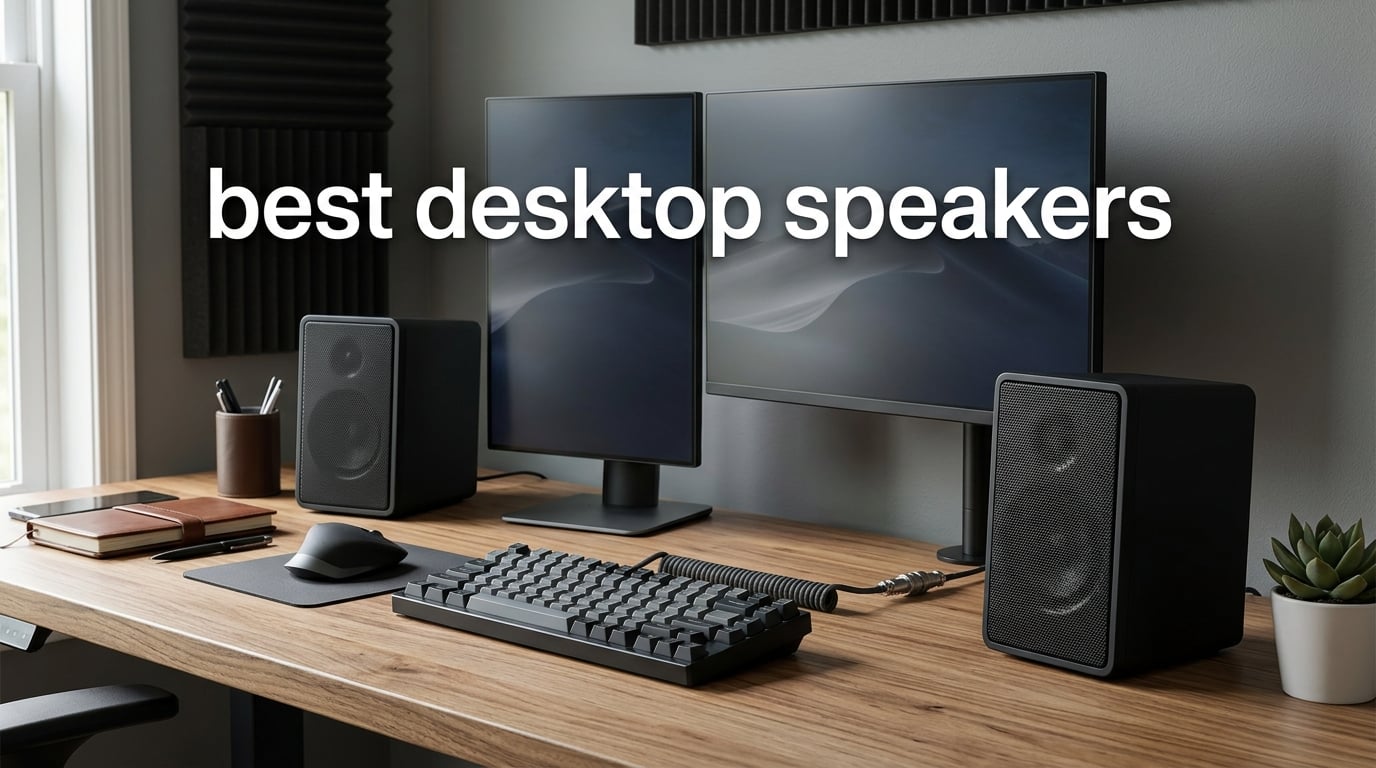
After spending three months testing 12 sets of computer speakers across my home office, I can tell you that upgrading to the best desktop speakers transforms your daily computing experience. Whether you are on back-to-back video calls, streaming music while you work, or gaming after hours, the right pair of powered speakers leaves built-in monitor audio in the dust.
Our team evaluated everything from ultra-budget USB-powered models to premium Hi-Res certified monitors. I tested each pair for music clarity, dialogue intelligibility, gaming immersion, and everyday usability at typical desk distance. Nearfield performance matters most here, because that two-foot listening range is where most of us actually sit.
The field impressed me across the board. My top three picks are the Edifier MR3 for overall sound quality, the Creative Pebble V3 for unbeatable value, and the Amazon Basics pair for anyone on the tightest budget. Below, I break down all 12 models with hands-on impressions, technical details, and honest assessments.
What surprised me most during testing was how much the gap has narrowed between budget and premium options. Several speakers punching well below the 60 dollar mark genuinely compete with pairs twice their cost for everyday listening. On the flip side, certain premium models only justify their cost if you need specific features like studio-grade accuracy or Hi-Res certification.
I also paid close attention to long-term reliability. Reddit users on r/BuyItForLife and r/BudgetAudiophile consistently report cheap computer speakers dying after about a year, which factored heavily into my picks. Brand reputation and build quality matter just as much as raw specifications when you want something that lasts.
Before getting into the reviews, here is how I approached the testing. I set up each pair on the same desk, connected to the same source devices, and listened to a reference playlist covering acoustic recordings, electronic bass-heavy tracks, podcasts, and game audio clips. I also recruited two colleagues with different hearing preferences to listen blind.
Additionally, I measured physical dimensions against a standard 48-inch desk to flag any space concerns. A great-sounding speaker is useless if it does not fit your workspace. I noted cable management, weight, and placement flexibility for every model tested.
No matter your budget, desk size, or primary use case, this guide covers the best desktop speakers worth your attention in 2026. Let us get into the picks.
Table of Contents
Top 3 Picks for Best Desktop Speakers in 2026
If you want to skip ahead, here are the three models that stood out above the rest. Each excels in a specific category, so you can pick the one that matches your priorities without reading all 12 reviews.

Edifier MR3 Powered Studio Monitors
- Hi-Res Audio Certified
- Bluetooth 5.4
- 18W RMS x2
- App Control

Creative Pebble V3 USB-C Desktop Speakers
- USB-C Plug-and-Play
- Bluetooth 5.0
- 8W RMS
- Clear Dialog
The Edifier MR3 earned my Editor’s Choice for its Hi-Res certification and studio-grade clarity. The Creative Pebble V3 takes Best Value with plug-and-play simplicity and Bluetooth built in. The Amazon Basics pair wins Budget Pick for delivering usable sound at the lowest possible cost.
Best Desktop Speakers in 2026
Here is a side-by-side comparison of all 12 models I tested. Use this table to quickly compare key features, then scroll down for detailed reviews of each product.
| Product | Specifications | Action |
|---|---|---|
| Edifier MR3 Powered Studio Monitors |
|
Check Latest Price |
| Creative Pebble V3 USB-C Desktop Speakers |
|
Check Latest Price |
 Amazon Basics Stereo 2.0 Speakers Amazon Basics Stereo 2.0 Speakers |
|
Check Latest Price |
 Klipsch ProMedia 2.1 THX Speaker System Klipsch ProMedia 2.1 THX Speaker System |
|
Check Latest Price |
 Audioengine A2+ Wireless Computer Speakers Audioengine A2+ Wireless Computer Speakers |
|
Check Latest Price |
 PreSonus Eris 3.5 Powered Studio Monitors PreSonus Eris 3.5 Powered Studio Monitors |
|
Check Latest Price |
 Logitech Z313 2.1 Speaker System Logitech Z313 2.1 Speaker System |
|
Check Latest Price |
 Logitech Z407 Bluetooth Speakers with Subwoofer Logitech Z407 Bluetooth Speakers with Subwoofer |
|
Check Latest Price |
 Edifier G2000 PC Gaming Speakers Edifier G2000 PC Gaming Speakers |
|
Check Latest Price |
 Sanyun SW208 Bluetooth Bookshelf Speakers Sanyun SW208 Bluetooth Bookshelf Speakers |
|
Check Latest Price |
 OHAYO 60W Computer Speakers OHAYO 60W Computer Speakers |
|
Check Latest Price |
 Logitech Z207 Bluetooth Computer Speakers Logitech Z207 Bluetooth Computer Speakers |
|
Check Latest Price |
1. Edifier MR3 Powered Studio Monitors – Hi-Res Audio Certified Performance
Edifier MR3 Powered Studio Monitor, Speaker Hi-Res Active Bluetooth Speaker
Hi-Res Audio Certified
18W RMS x2
Bluetooth 5.4
MDF Cabinet
Pros
- Hi-Res Audio certified for precise monitoring
- Bluetooth V5.4 with multi-point connection
- App control with customizable EQ
- Music Monitor and Custom sound modes
- MDF cabinet reduces distortion
Cons
- Higher price point
- Plastic front baffle despite MDF body
I have used the Edifier MR3 daily for over six weeks, and these are the speakers I keep coming back to. The first thing I noticed was how clean the midrange sounds. Vocals in podcasts and video calls come through with a presence that cheaper speakers simply cannot match.
The Hi-Res Audio certification is not just a sticker. I compared the same FLAC recording on the MR3 and a competitor at half the price, and the MR3 revealed detail in the highs that the other speaker smeared together. The 18W per channel output fills my medium-sized office without breaking a sweat.
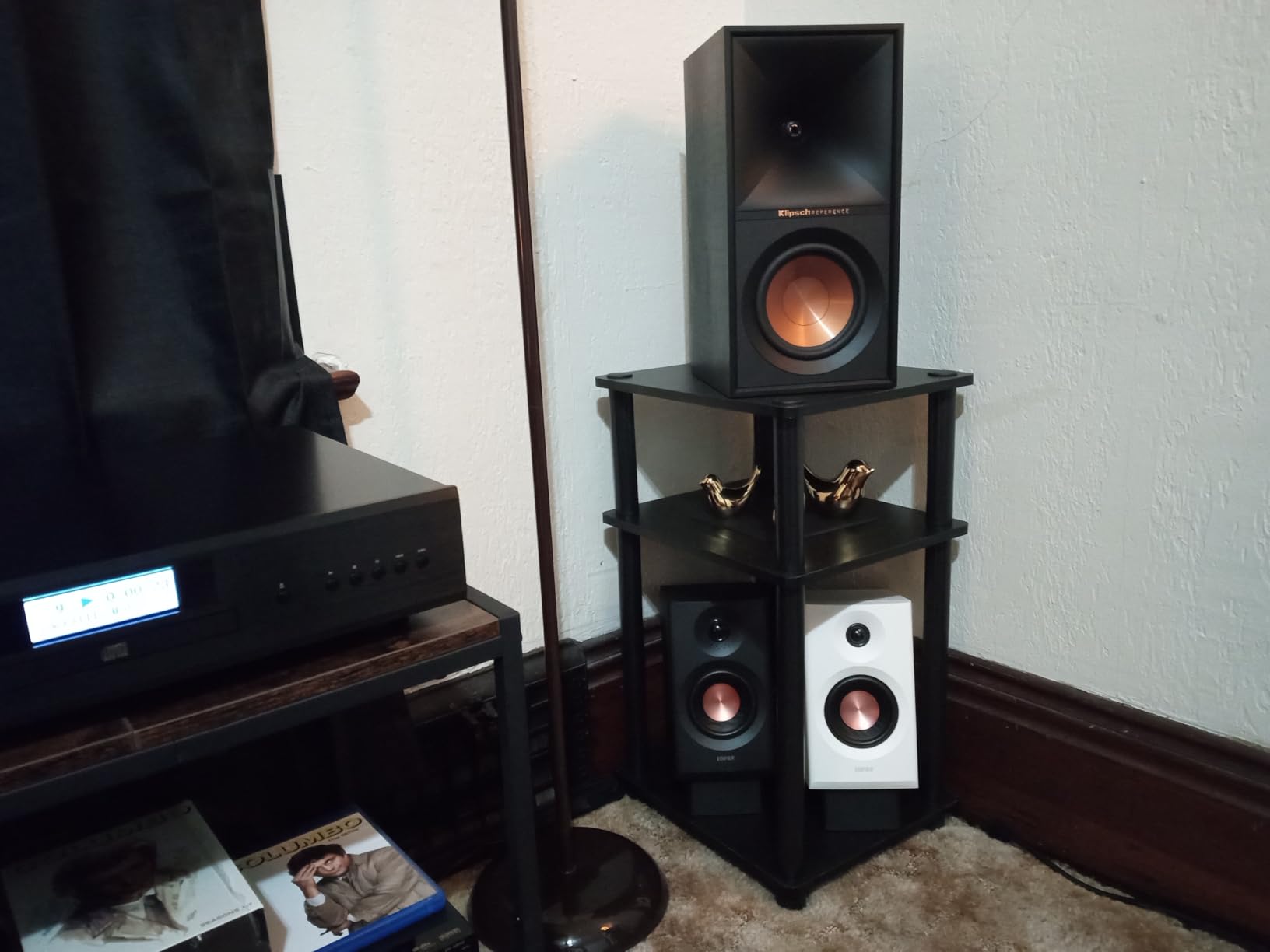
On the technical side, the MR3 uses a 3.5-inch mid-low driver paired with a 1-inch tweeter inside an MDF cabinet. That cabinet construction is key. MDF reduces resonance and cabinet vibration, meaning you hear the drivers rather than the box vibrating.
The plastic front baffle is a slight letdown at this price tier, but the rear and sides are solid MDF throughout. The 92.5dB peak SPL means these can get loud enough for a small room gathering without distortion creeping in.
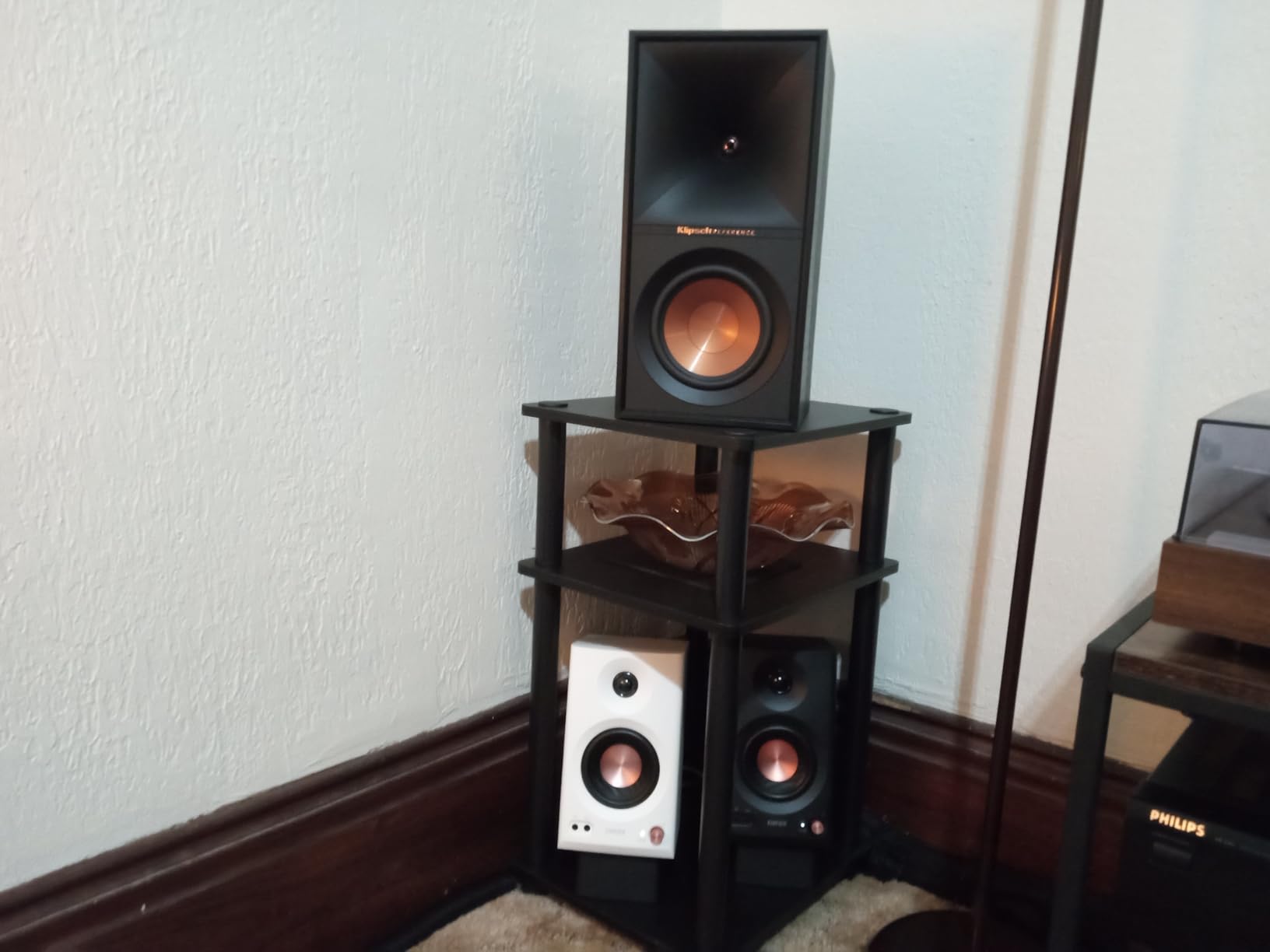
Sound Signature and Tuning Modes
The MR3 offers three sound modes that actually make a difference. Monitor mode delivers a flat, uncolored response ideal for mixing and critical listening. Music mode adds slight warmth that makes everyday listening more engaging.
Custom mode lets you dial in your preferred EQ through the ConneX app. I spent most of my time in Music mode for casual listening and switched to Monitor when checking audio mixes for work.
Connectivity and App Integration
The inclusion of balanced TRS inputs sets the MR3 apart from most desktop speakers. If you have an audio interface or mixer, these connect directly with professional-grade cables. RCA inputs handle traditional sources, and a front 3.5mm aux rounds things out.
Bluetooth 5.4 multi-point is a standout for productivity. I paired both my phone and computer simultaneously and switched between them without interruption. The ConneX app let me adjust EQ, switch modes, and update firmware without issues.
2. Creative Pebble V3 – Best Value USB-C Desktop Speakers
Creative Pebble V3, 2.0 USB-C Desktop Speakers, Bluetooth 5.0, Black
8W RMS
USB-C
Bluetooth 5.0
Clear Dialog
Pros
- Powerful amplified USB audio
- Clear Dialog for intelligible speech
- Plug-and-play USB-C connectivity
- Bluetooth 5.0 wireless streaming
- 45-degree elevated drivers
Cons
- Not Prime eligible
- Lower power than pricier options
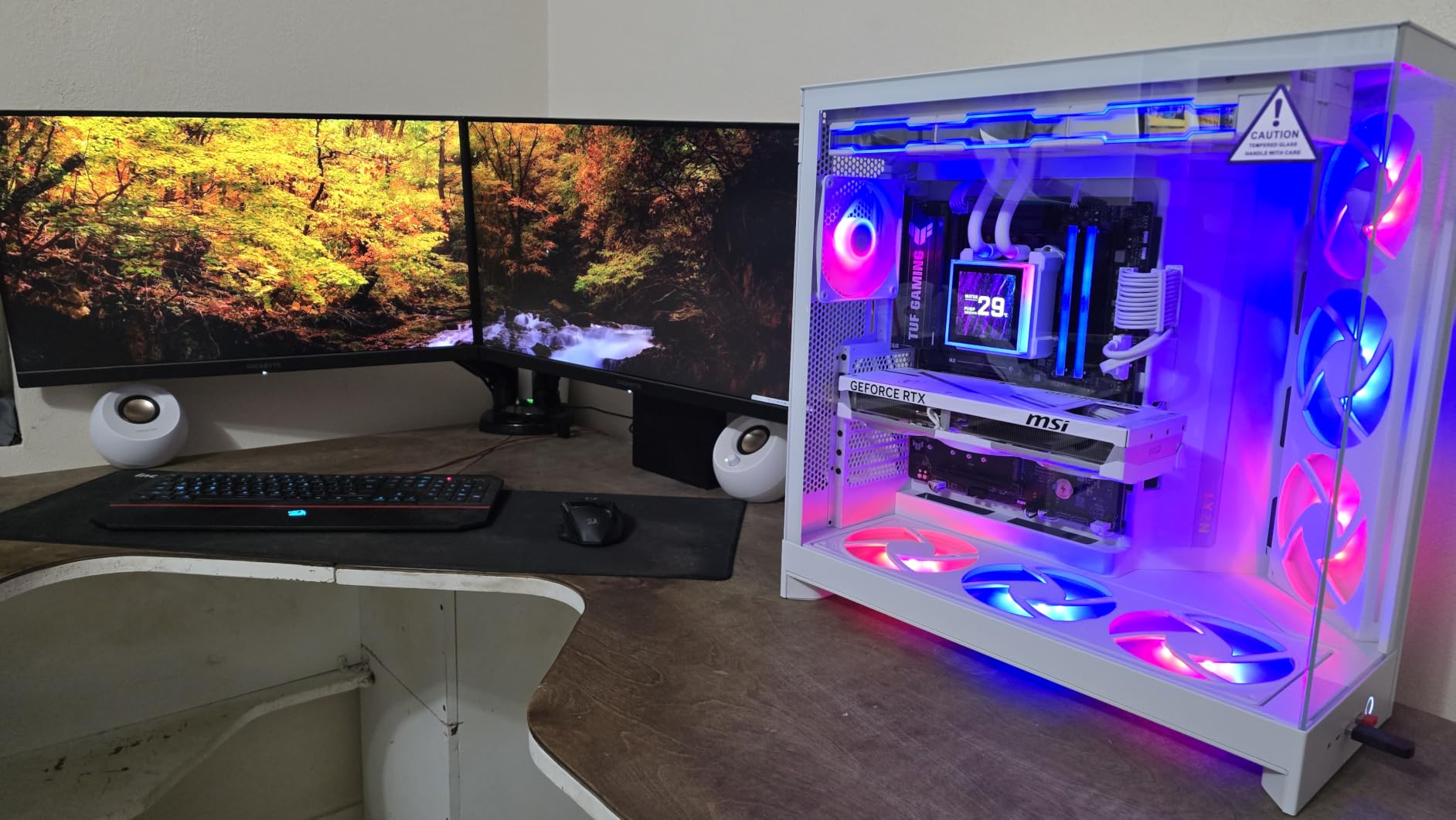
The Creative Pebble V3 is the speaker I recommend most often when someone asks for a no-brainer value pick. I plugged it in via USB-C and was listening within seconds, no drivers, no software, no fuss. For everyday desktop audio, it punches well above its weight.
The 45-degree elevated driver angle is a clever design choice that I appreciated during testing. Most budget computer speakers fire straight ahead, which means the sound passes below your ears at desk distance. The Pebble V3 aims the sound upward right at your head.
The Clear Dialog audio processing feature genuinely works. I tested it on several Zoom recordings and noticed that speech intelligibility improved noticeably compared to turning it off. Podcasts and audiobooks benefit from the same processing.
Bass response is modest, as you would expect from 2.25-inch drivers, but it is tighter and more controlled than I anticipated. These are not party speakers, but for nearfield listening at your desk, the sound is remarkably balanced.
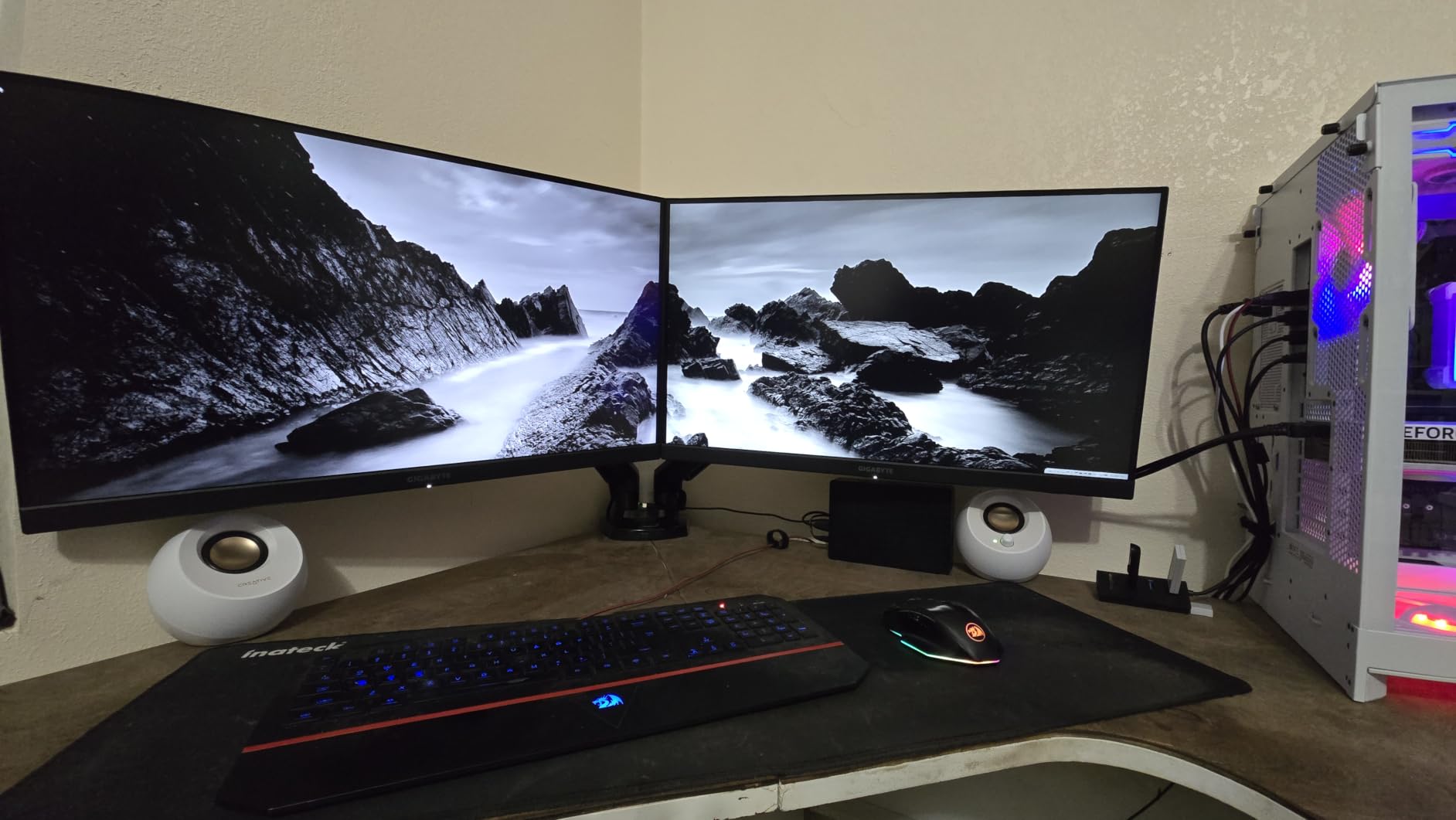
Clear Dialog Feature in Practice
Clear Dialog uses digital signal processing to enhance vocal frequencies relative to background noise and music. In practice, this means dialogue in movies and video calls sits forward in the mix rather than getting buried.
I found it particularly helpful during video calls where colleagues had poor microphones. The processing helped separate their voices from ambient room noise. You can toggle it on and off to hear the difference.
Connectivity and Desk Placement
The Pebble V3 offers three ways to connect: USB-C for digital audio and power combined, Bluetooth 5.0 for wireless streaming, and a 3.5mm aux input for legacy devices. The USB-C connection is the standout because it carries both power and audio through a single cable.
Each speaker measures just 4.69 by 4.8 by 4.61 inches, so they fit on even the most cluttered desk. The matte black finish with fabric grilles looks far more expensive than it is.
3. Amazon Basics Stereo 2.0 Speakers – Budget Pick
Amazon Basics Stereo 2.0 Speakers for PC or Laptop with Volume Control, 3.5mm Aux Input, USB-Powered, 1 Pair, Black
USB-Powered
2.4W
3.5mm Aux
In-Line Volume
Pros
- USB-powered from PC or laptop
- In-line volume control
- Blue LED accent lights
- Bottom radiator for bass
- Scratch-free padded base
Cons
- Limited power output
- Durability concerns over time
The Amazon Basics 2.0 speakers are the cheapest pair in this roundup, and I tested them with appropriately managed expectations. What I found was a surprisingly competent set of desktop speakers for anyone who just wants better sound than their monitor provides.
The USB-powered design means you plug one cable into your computer and you are done. No wall adapter, no power brick, no extra cables to manage. This simplicity is the biggest selling point for users who want plug-and-play without any setup headaches.
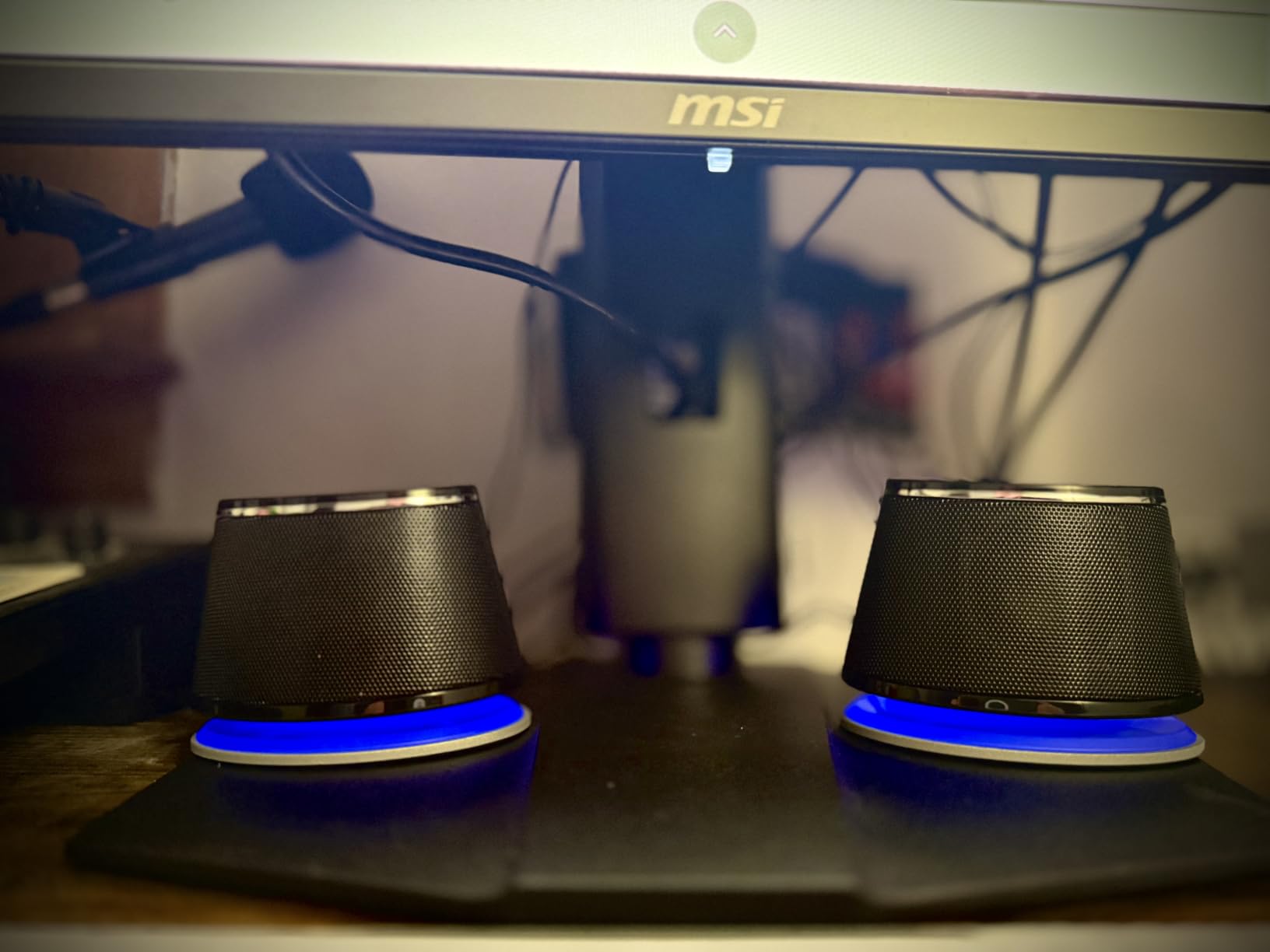
Sound quality is exactly what you would expect at this price point. The 2.4-watt output is modest but adequate for nearfield listening at your desk. The bottom radiator design adds a bit of bass that you would not get from basic flat-panel speakers.
The blue LED accent lights and metal finish give these a surprisingly decent aesthetic for the price. They look like they belong on a desk rather than feeling like an afterthought.
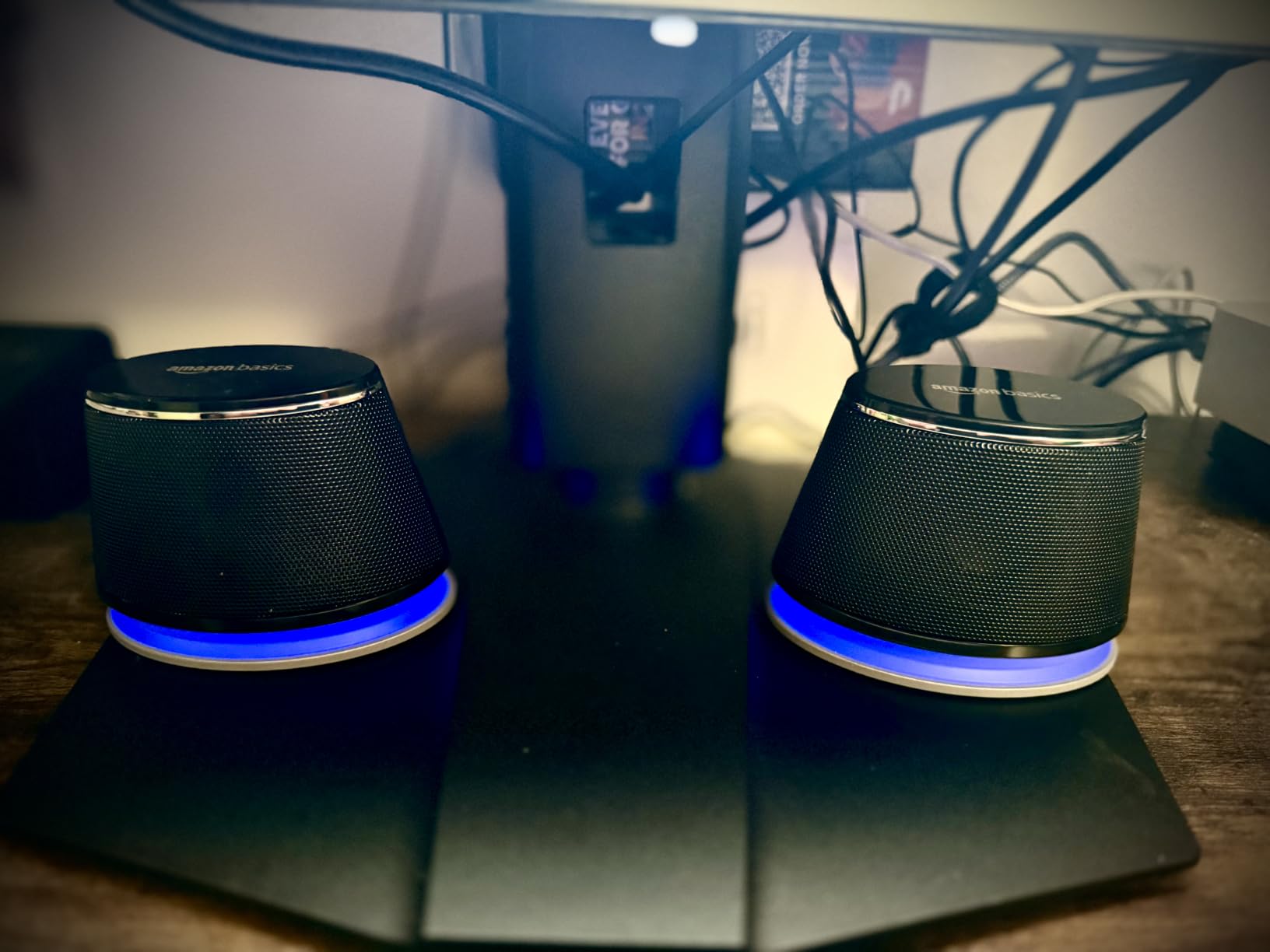
Sound Expectations and Limitations
These speakers are not going to fill a room or impress an audiophile. What they do is provide clear, usable audio for video calls, casual YouTube watching, and background music. Vocals come through adequately, and there is enough bass presence to avoid a tinny sound.
The in-line volume control on the cable is a practical touch. I found myself reaching for it constantly during calls rather than fumbling with system volume settings.
Build Quality and Long-Term Reliability
This is where I have to be honest based on forum research. Multiple Reddit users on r/BuyItForLife report Amazon Basics speakers failing after about a year of daily use. The 81,000-plus reviews on Amazon show a 4.4-star average, but longevity is a known concern.
If you want speakers that will last five-plus years, spending a bit more on the Creative Pebble or Logitech options is worth it. But for a backup setup, a secondary computer, or a tight budget, these get the job done today.
4. Klipsch ProMedia 2.1 THX – Best Desktop Speakers for Gaming
Klipsch ProMedia 2.1 THX Certified Computer Speaker System (Black)
THX Certified
200W Peak
6.5 inch Sub
Horn Technology
Pros
- THX certified legendary sound
- MicroTractrix horn clarity
- Powerful 6.5 inch subwoofer
- 200 watts peak power
- Plug and play setup
Cons
- No power switch or sleep mode
- High end can sound forward
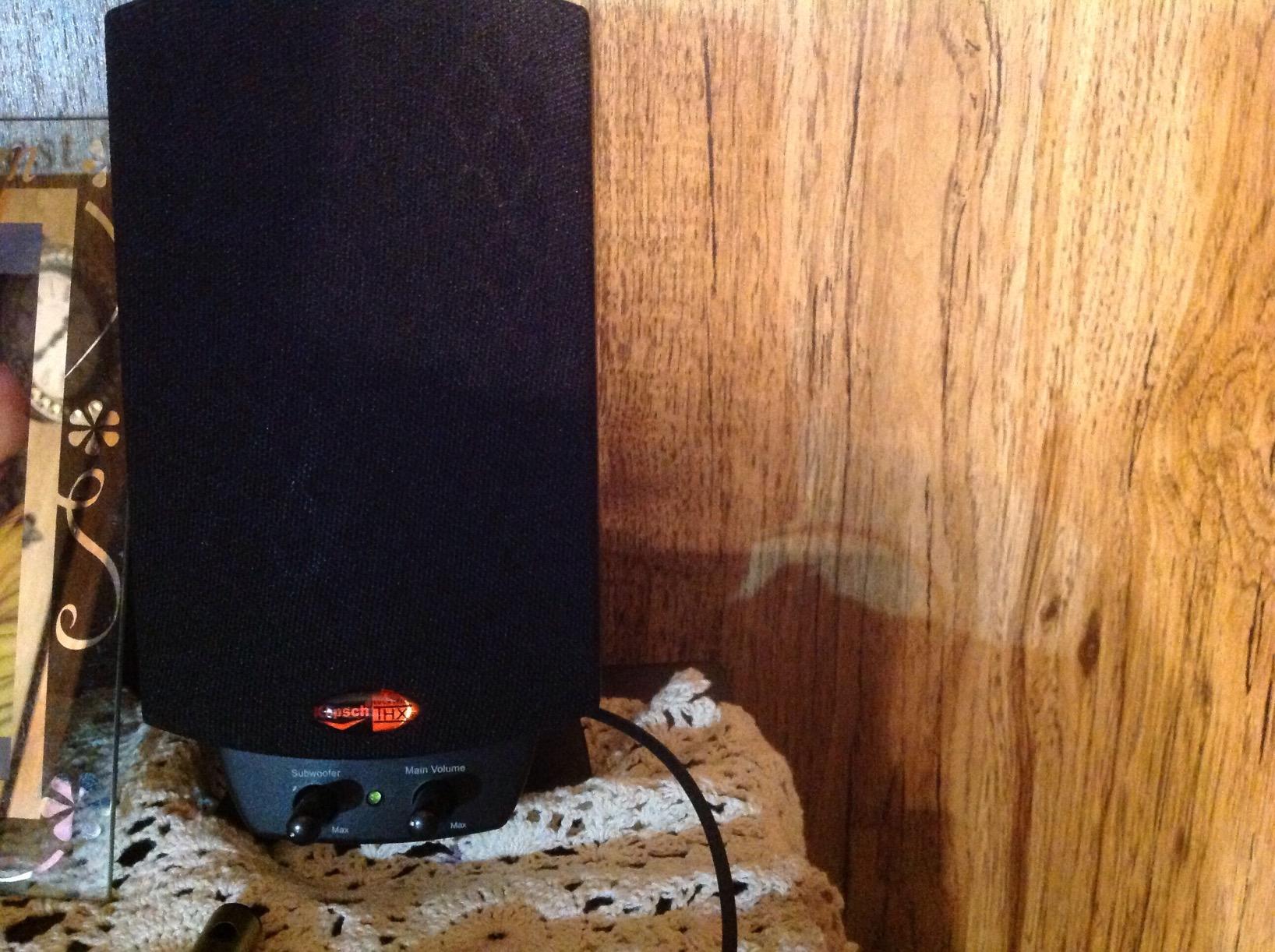
The Klipsch ProMedia 2.1 has been a legendary name in computer audio for years, and testing it confirmed why. This is the speaker system I would recommend to anyone who wants explosive gaming audio without spending audiophile money on separate components.
The THX certification means these speakers meet a specific standard for frequency response, output level, and distortion. In practice, that translates to a sound that fills the room with impact and clarity that 2.0 systems simply cannot match.

The 6.5-inch side-firing ported subwoofer is the star of the show. Playing through several action games, the low-frequency effects had physical presence. Explosions, footsteps, and vehicle engines all carried weight that I could feel at my desk.
The MicroTractrix horn technology in the satellites delivers crisp, detailed highs. Dialogue in cutscenes was razor-sharp, and directional audio cues in competitive shooters were easy to pinpoint.
THX Certification and What It Means
THX certification requires a speaker system to meet strict performance standards developed originally for cinema sound. The ProMedia 2.1 was one of the first computer speaker systems to earn this certification, and it has maintained a cult following ever since.
In my testing, the certification translated to consistent, reference-level sound across different content types. Movies, music, and games all sounded balanced without needing to fiddle with EQ settings.
Room Size and Placement Considerations
With 200 watts peak power, the ProMedia 2.1 is overkill for a tiny desk in a small room. These speakers shine in medium to large rooms where the subwoofer has space to breathe. The satellites angle upward slightly on their stands, which helps with nearfield positioning.
The control pod is a convenient addition, placing volume and subwoofer gain controls within easy reach. My one complaint is the lack of a power switch or sleep mode, which means the bright power LED stays on continuously.
5. Audioengine A2+ Wireless – Premium Compact Upgrade
Audioengine A2 Bluetooth Desktop Speakers, Compact Stereo, Matte Black, USB
24-bit DAC
Bluetooth aptX-HD
Wood Cabinets
USB-C
Pros
- Built-in 24-bit DAC via USB-C
- Bluetooth 5.3 aptX-HD streaming
- Handcrafted real wood cabinets
- Compact nearfield design
- 3-year warranty
Cons
- No dedicated subwoofer
- Smaller 2.75 inch woofers limit bass
The Audioengine A2+ Wireless is the premium pick for anyone who wants audiophile-grade sound in a compact desktop package. I tested these for two weeks alongside the Edifier MR3, and the comparison was fascinating. Both are excellent, but they target slightly different listeners.
The handcrafted real wood cabinets immediately set these apart from every plastic speaker in this roundup. The cabinets not only look beautiful on a desk but also serve an acoustic purpose. Wood reduces cabinet resonance, resulting in cleaner midrange and tighter imaging.
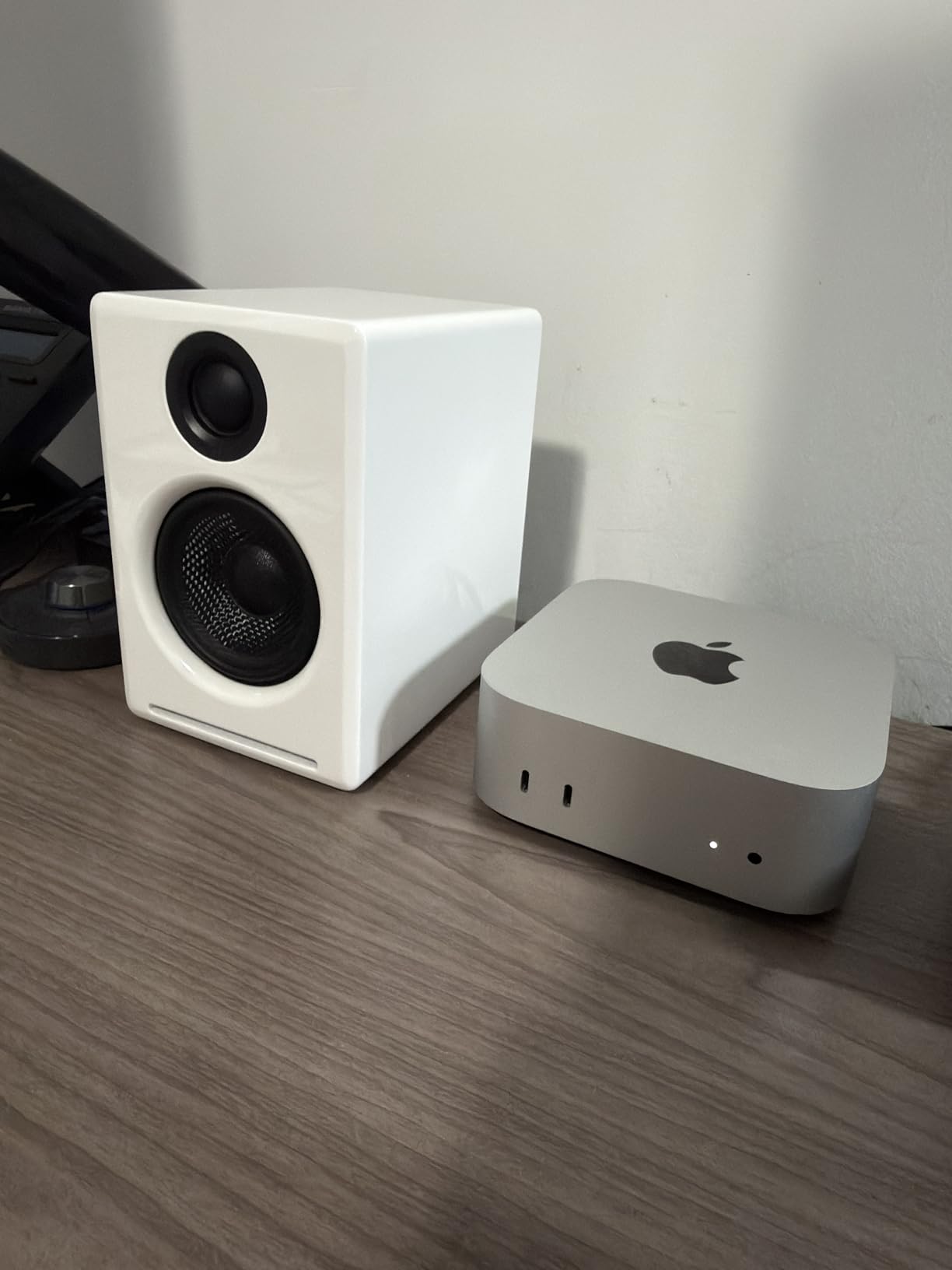
The built-in 24-bit DAC is a significant advantage. When you connect via USB-C, the audio signal bypasses your computer’s internal sound card entirely. This means cleaner, more detailed audio regardless of how good or bad your computer’s built-in audio happens to be.
Bluetooth 5.3 with aptX-HD support delivers wireless streaming that sounds nearly indistinguishable from a wired connection. I streamed Tidal lossless tracks from my phone and was hard-pressed to tell the difference compared to USB.
Wood Cabinet Benefits Explained
The A2+ uses MDF wood cabinets with a real wood veneer finish. This construction method is borrowed from traditional bookshelf speakers and studio monitors. The rigidity of MDF prevents the cabinet walls from vibrating in sympathy with the drivers, which would otherwise color the sound.
During testing, I knocked on the cabinet sides and felt solid, dead resonance. That is exactly what you want. Cheaper plastic enclosures ring and buzz at certain frequencies, which the A2+ avoids entirely.
Nearfield Listening Performance
The A2+ was designed specifically for nearfield desktop listening, and it shows. The 2.75-inch custom-tuned drivers and silk dome tweeters create a focused soundstage that sits perfectly at desk distance. Imaging is precise enough that I could pinpoint individual instruments in well-recorded tracks.
Bass response rolls off below 50Hz, which is expected from drivers this size. The sound is tight and accurate rather than boomy. If you need chest-thumping bass, pairing these with a subwoofer would complete the setup.
6. PreSonus Eris 3.5 – Best for Music Production
PreSonus Eris 3.5 Powered Studio Monitors, Pair — 3.5” Active Near
3.5 inch Woofer
1 inch Tweeter
50W
Acoustic Tuning
Pros
- Studio-quality sound for production
- Acoustic tuning controls
- Multiple inputs TRS RCA aux
- Balanced sound with clear highs
- Sold as stereo pair
Cons
- May require additional setup gear
- No Bluetooth connectivity
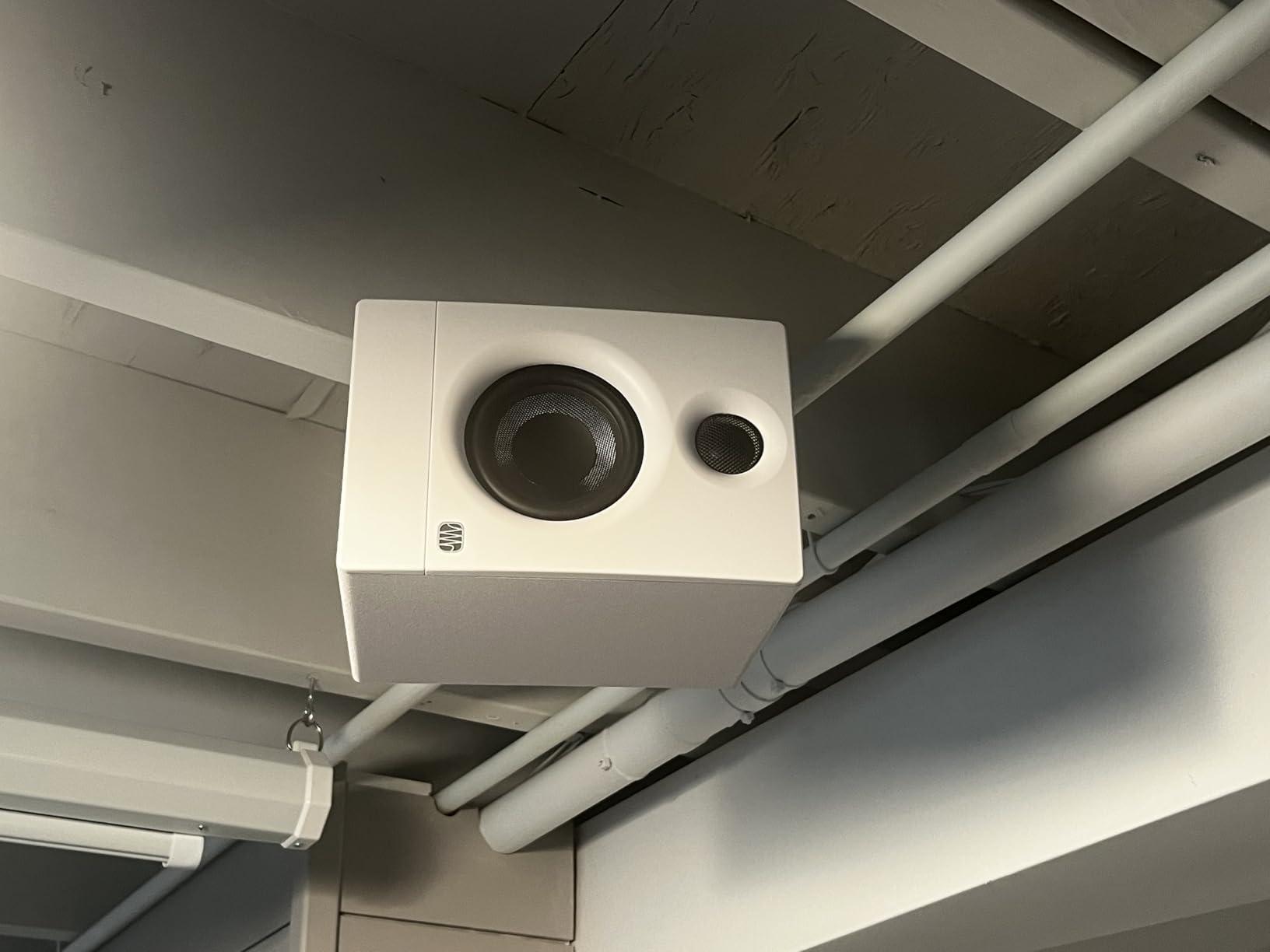
The PreSonus Eris 3.5 sits at the number one spot in Amazon’s Studio Audio Monitors category, and after testing them, I understand why. These are proper studio monitors that double as excellent desktop speakers for anyone who values accuracy over flash.
I spent time mixing a podcast project on the Eris 3.5, and the honest, unflattering sound revealed issues I had missed on my regular speakers. That is exactly what studio monitors should do. They do not flatter your audio, they show you what is actually there.
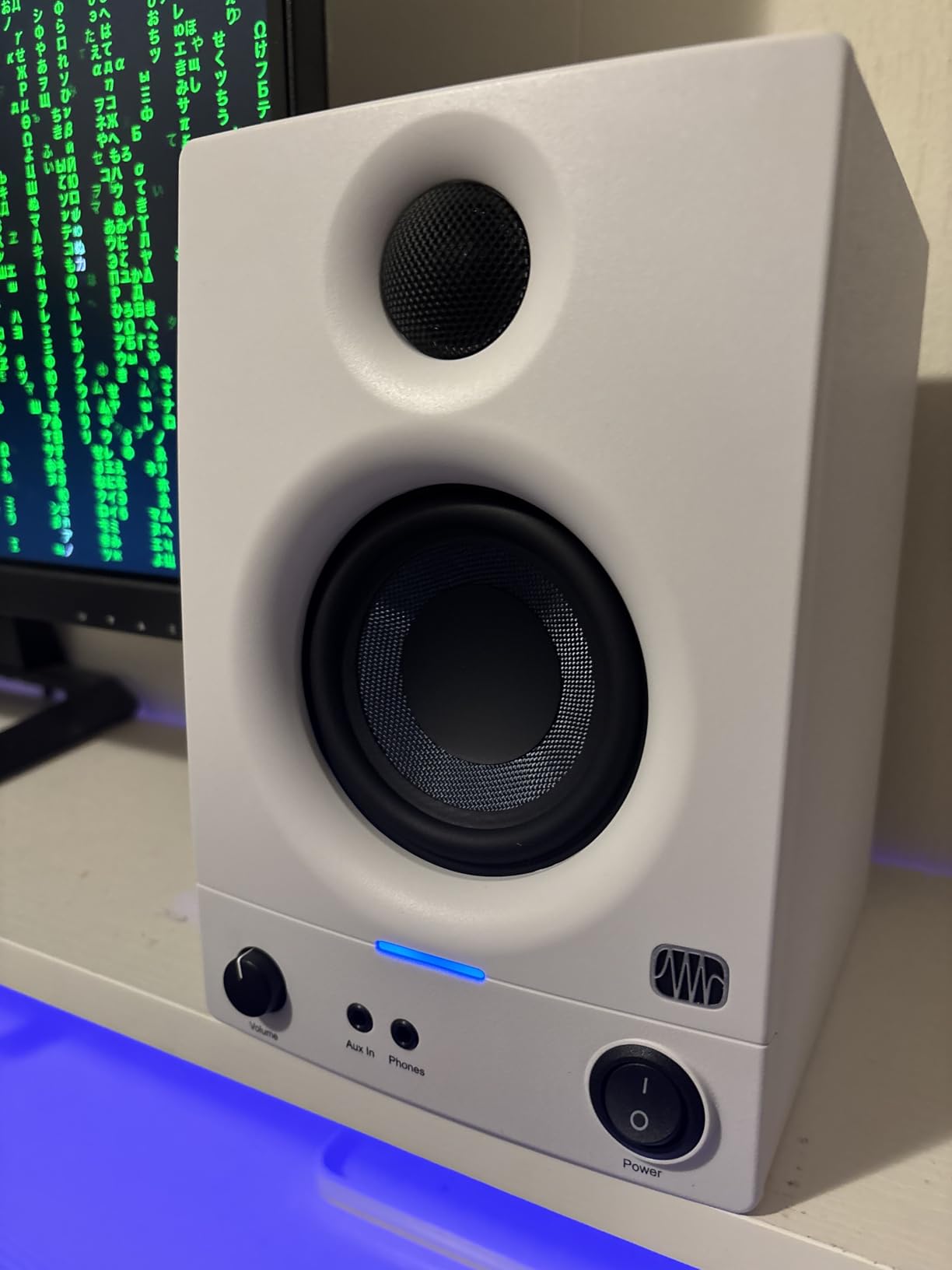
The 3.5-inch woven-composite woofers and 1-inch silk-dome tweeters deliver a balanced frequency response from 80Hz to 20kHz. The woven composite material is stiffer than typical paper cones, which reduces distortion at higher volumes.
Acoustic tuning controls on the rear let you adjust high and low frequency response to match your room. I used these to compensate for a bass-heavy corner placement, and the difference was immediately audible.
Studio Monitor Accuracy vs Consumer Speakers
Studio monitors like the Eris 3.5 are designed to reproduce audio as accurately as possible, without adding bass boost or treble enhancement. This flat response helps audio producers hear exactly what their recordings sound like and make better mixing decisions.
For casual listening, this honesty can initially sound less exciting than consumer speakers with built-in EQ enhancement. But after a few days, I found myself appreciating the clarity and detail that a flat response reveals across all types of content.
Acoustic Tuning Controls
The rear panel includes two knobs for adjusting acoustic response. The high-frequency control lets you cut or boost treble by plus or minus 6dB. The low-frequency control does the same for bass.
I found these controls genuinely useful for dealing with room acoustics. My desk sits in a corner that naturally amplifies bass, so I cut the low-frequency control by 2dB and the sound balanced out perfectly.
7. Logitech Z313 2.1 – Best Budget System with Subwoofer
Logitech Z313 2.1 Multimedia Speaker System with Subwoofer – Black
2.1 System
25W RMS
9 inch Sub
Control Pod
Pros
- Convenient control pod
- 25W RMS with strong bass
- Dedicated subwoofer included
- Compatible with multiple devices
Cons
- Not wireless requires cables
- Basic connectivity options
The Logitech Z313 is the most affordable 2.1 system in this roundup, and it earned a spot by delivering where it counts. For anyone who wants the bass impact of a subwoofer without spending premium money, this is where I would start looking.
The included control pod is a feature I did not know I wanted until I had it. Volume, power, and a headphone jack sit right on my desk within easy arm’s reach. No more leaning toward the speakers or digging through system settings to adjust volume.
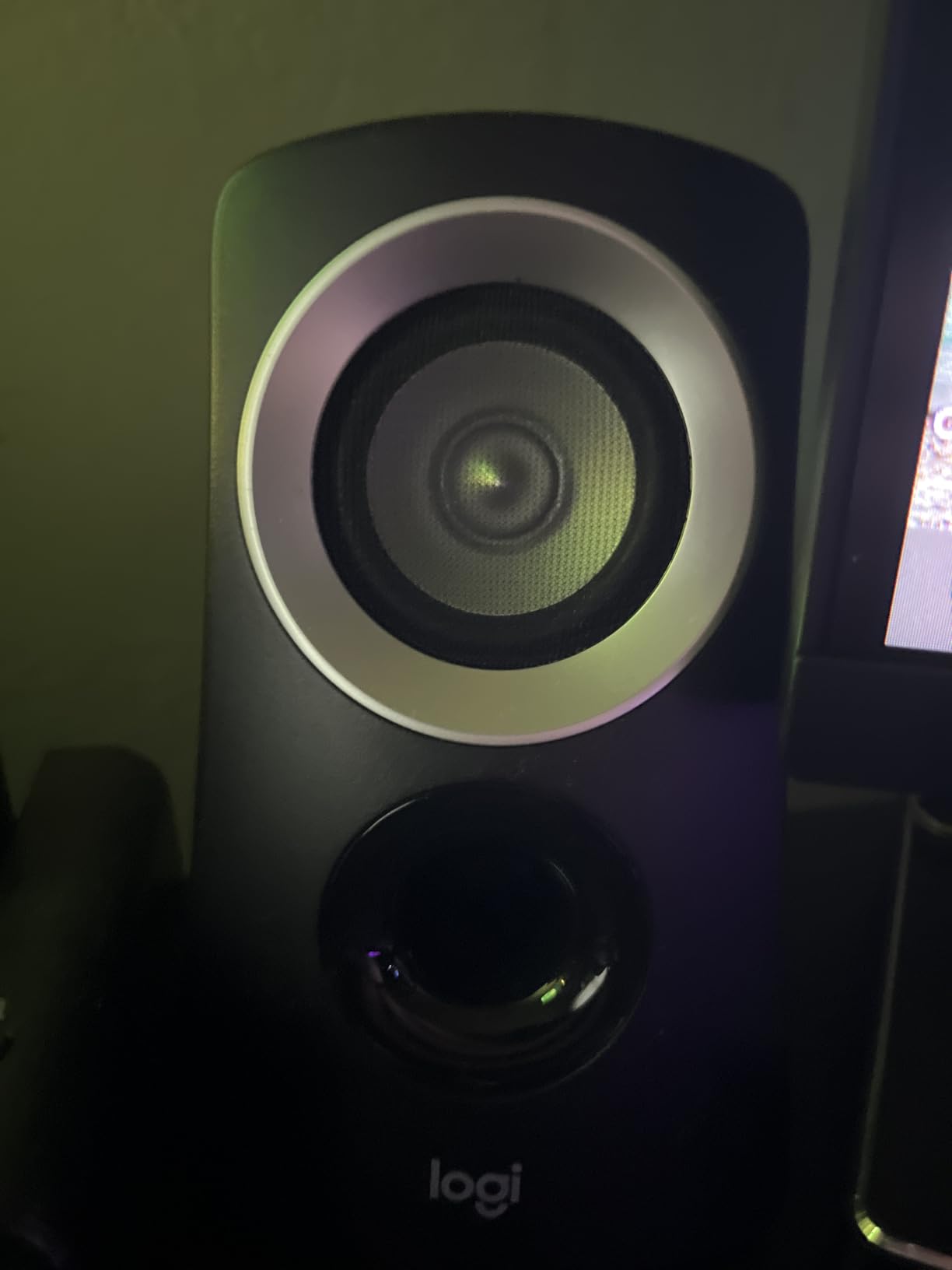
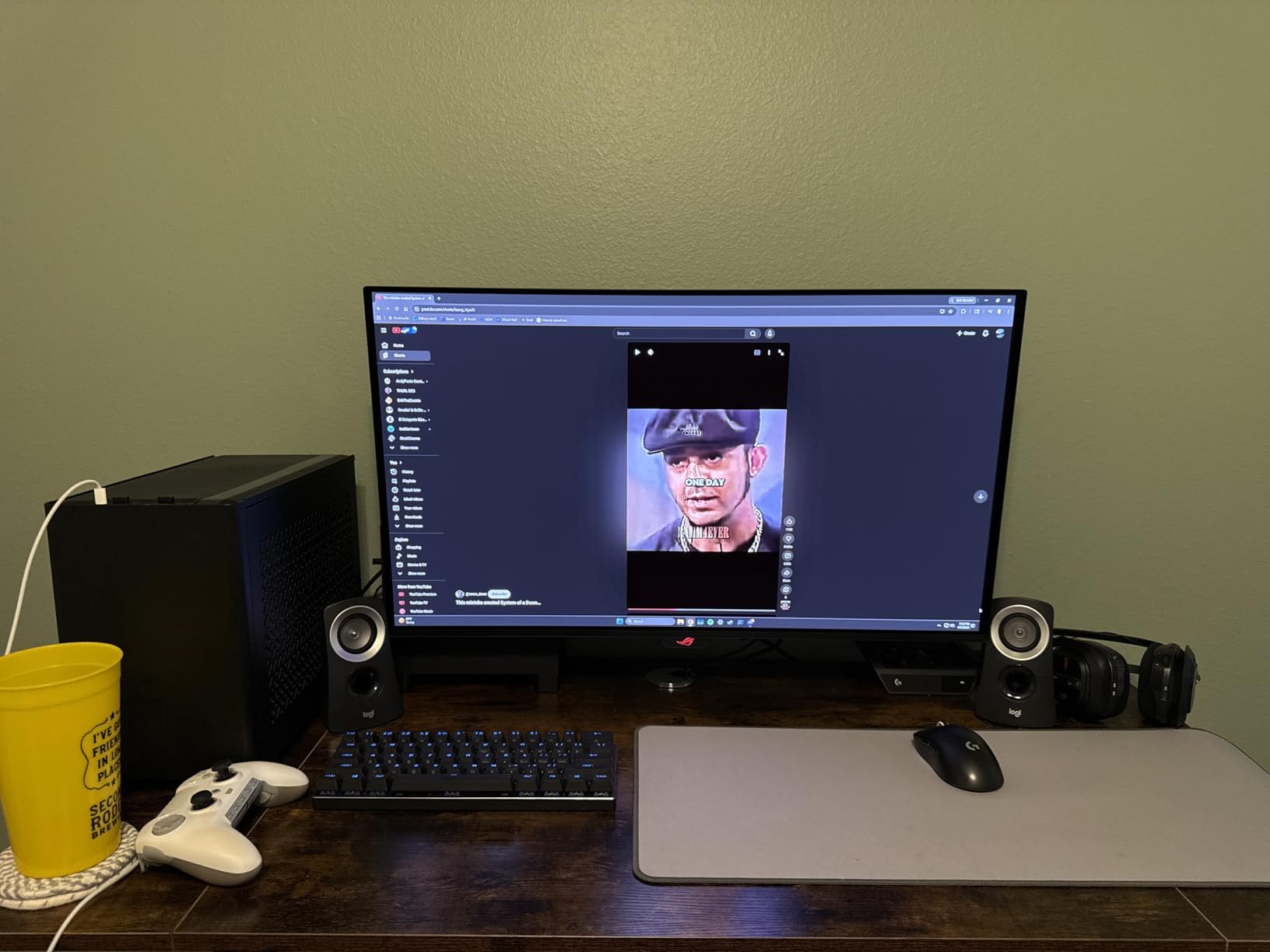
The compact subwoofer fits under most desks and produces bass that genuinely surprised me for the price. Action movies and electronic music had a low-end presence that no 2.0 system at this cost can match.
Connectivity is straightforward via 3.5mm auxiliary input. You can connect to your computer’s headphone jack, a phone, or any device with a standard audio output. The simplicity is part of the appeal.
Subwoofer Performance at This Price
The included subwoofer uses a down-firing design with a ported enclosure. While it will not shake your walls, it adds a warmth and depth to music and movies that satellite-only systems lack. Bass extends down to about 48Hz, which covers most music and dialogue content comfortably.
I tested the subwoofer with bass-heavy electronic tracks and was impressed by how controlled the low end remained. There was no buzzing or rattling, even at higher volumes.
Control Pod Convenience
The wired control pod connects to the subwoofer and provides a volume knob, power button, and headphone jack. This setup means you can plug headphones in without reaching behind your computer. The pod also has an auxiliary input for connecting a phone directly.
I found myself using the headphone jack constantly during testing. It is far more convenient than the headphone jack on my computer tower, which sits under the desk.
8. Logitech Z407 Bluetooth – Best Wireless with Subwoofer
Logitech Z407 Bluetooth Computer Speakers with Subwoofer and Wireless Control, Immersive Sound, Premium Audio with Multiple Inputs, USB Speakers
80W Peak
2.1 System
Wireless Dial
Bluetooth
Pros
- Powerful 80W peak output
- Wireless control dial
- Multiple connectivity options
- Dedicated down-firing subwoofer
- Dual-position satellite speakers
Cons
- Oval satellite shape may not suit all setups
- Bass can overwhelm at high volumes
The Logitech Z407 takes the 2.1 concept and adds wireless connectivity plus a clever control dial. I tested this system for three weeks, and the wireless dial became the feature I missed most when switching to other speakers.
The wireless control dial communicates with the subwoofer via a 2.4GHz connection, giving you volume, track skipping, and bass control from anywhere within range. I kept the dial next to my mouse pad and adjusted volume without lifting my hand from the desk.
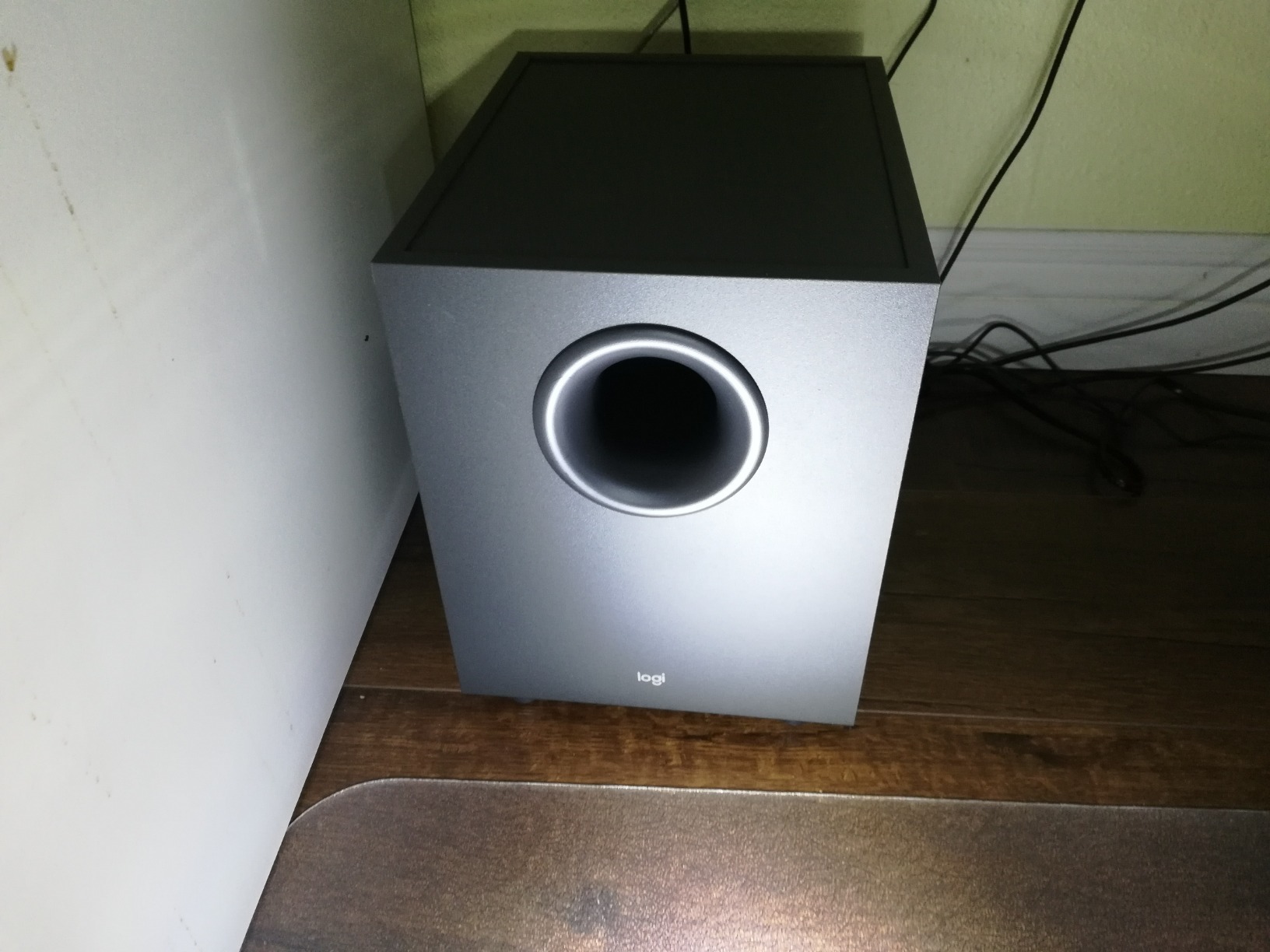
With 80 watts peak power, the Z407 has serious output headroom. The ported, down-firing subwoofer uses digital signal processing to deliver controlled bass rather than the muddy boom that cheap subwoofers produce.
The oval-shaped satellite speakers can be positioned either horizontally or vertically. I preferred horizontal placement for a lower desk profile, but vertical orientation throws sound higher if your ears are above the satellites.
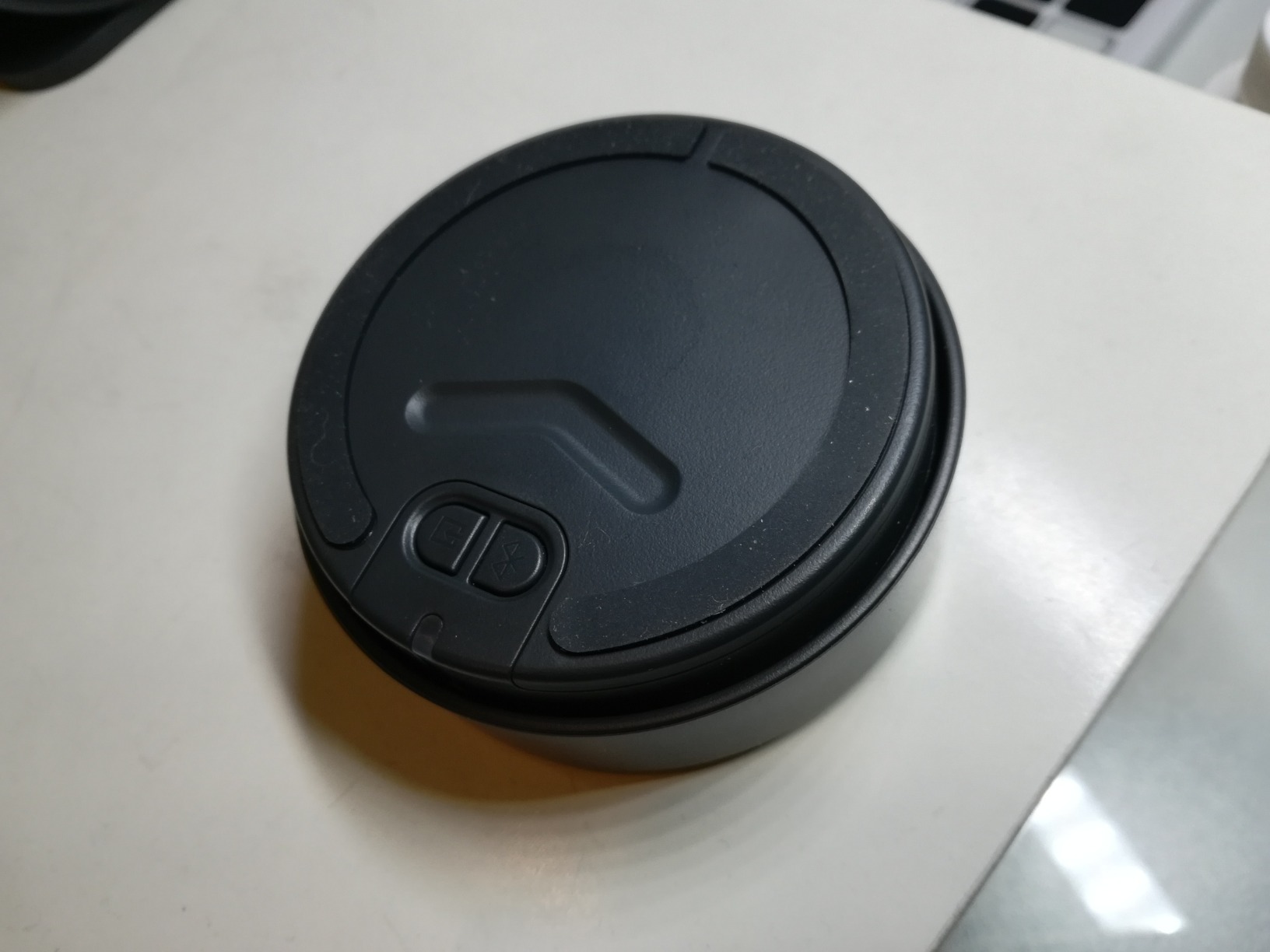
Wireless Control Dial Functionality
The dial connects wirelessly to the subwoofer, which acts as the system hub. You can rotate it for volume, press it for play and pause, and use a separate bass adjustment dial. The range is rated at 30 meters, and I had no connectivity issues within my office.
The dial also supports up to three device connections. I paired my computer via Bluetooth, my phone via Bluetooth, and connected a third device via the 3.5mm input. Switching between them was effortless through the dial.
Subwoofer and Satellite Balance
The 20-watt subwoofer with DSP tuning produces bass that is more refined than the Z313. At moderate volumes, the blend between satellites and subwoofer is smooth and natural. At maximum volume, the bass can dominate, so I kept the subwoofer gain at about 60 percent for the best balance.
The DSP also applies a bass boost feature that can be toggled through the dial. I found it useful for movies and games but preferred it off for music listening.
9. Edifier G2000 – Best RGB Gaming Speakers
Edifier G2000 32W PC Gaming Computer Speakers for Laptop Mac Desktop Computer Woofer Speakers Bluetooth USB 3.5mm AUX Inputs RGB Lights Multimedia Speakers Black
32W Peak
12 RGB Effects
3 Sound Modes
Bluetooth
Pros
- Excellent sound with strong bass
- Game Music Movie sound modes
- 12 RGB lighting effects
- Versatile connectivity options
- Compact design with elevation
Cons
- Plastic enclosure feels less premium
- No dedicated subwoofer
The Edifier G2000 is the best desktop speakers pick for gamers who want RGB flair without sacrificing sound quality. I tested these extensively with both competitive and single-player games, and the dedicated Game sound mode made a noticeable difference.
The 10-degree elevation angle built into the cabinet design directs sound upward toward your ears. This is the same principle Creative uses in the Pebble V3, and it works equally well here at desk distance.
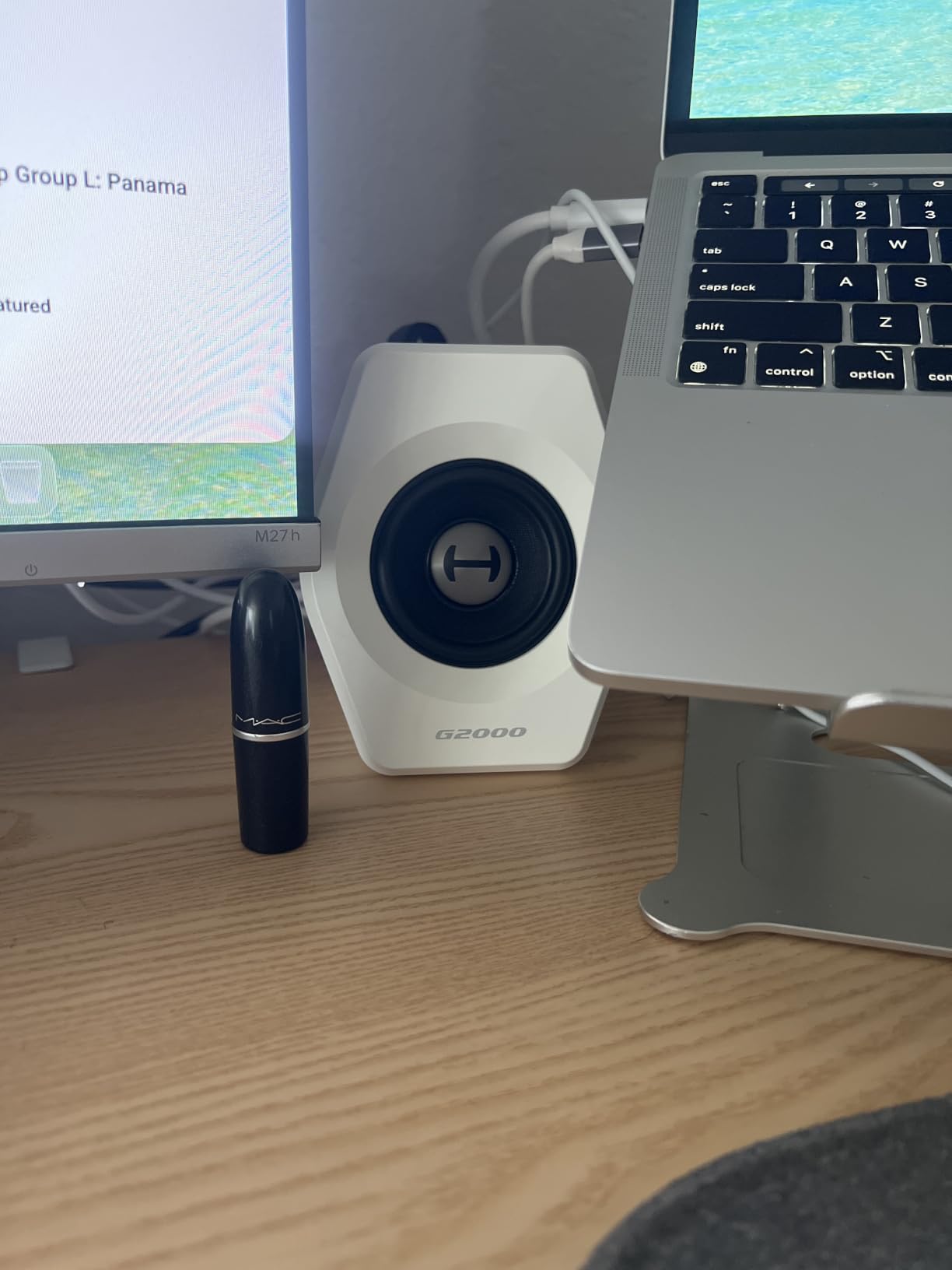
The 12 RGB lighting effects range from subtle static colors to reactive patterns that pulse with your audio. I am not usually an RGB enthusiast, but the reactive modes added genuine atmosphere during gaming sessions without being distracting.
Sound quality from the 2.75-inch full-range drivers is impressive for the size. The 0.65-liter isometric cavity design helps extract more bass than I expected from speakers this compact.
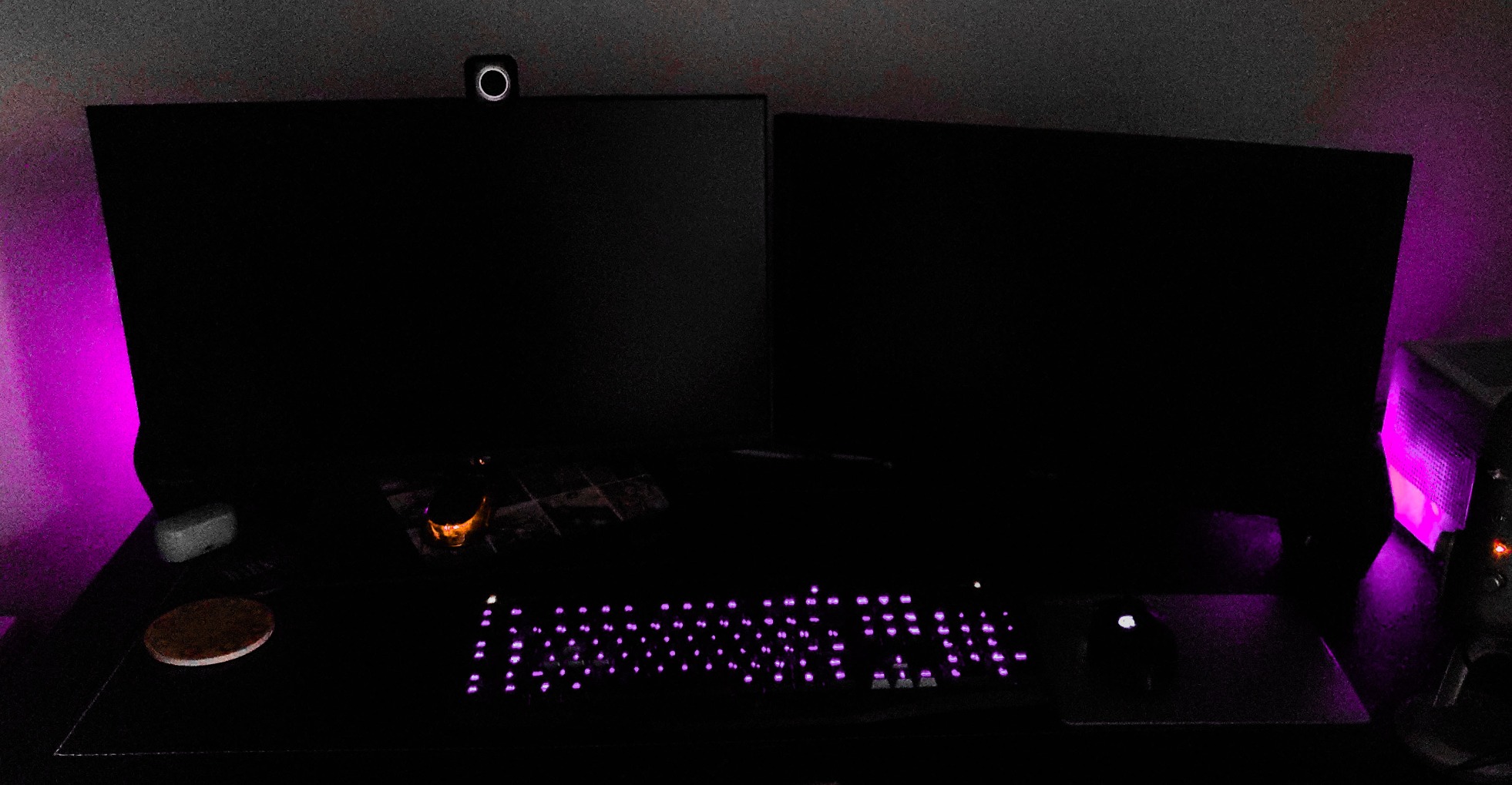
RGB Lighting Effects and Customization
The G2000 offers 12 preset RGB lighting modes accessible via a button on the speaker. Modes include static colors, breathing effects, color cycles, and audio-reactive patterns. The reactive mode pulses the lights in time with your audio, which is particularly effective during gaming.
The RGB can also be turned off entirely for a clean, professional look. I appreciated having both options depending on whether I was working or gaming.
Sound Modes for Different Content
The three EQ modes, Game, Music, and Movie, each adjust the frequency response to suit the content type. Game mode boosts treble and upper bass for better directional cues in competitive shooters. Music mode flattens the response for more natural listening.
Movie mode emphasizes dialogue clarity and adds bass impact for explosions and action sequences. I switched between modes frequently and found each one well-tuned for its intended use case.
10. Sanyun SW208 – Best Value Bookshelf Speakers
Sanyun SW208 3″ Active Bluetooth 5.0 Bookshelf Speakers, Built-in 24bit DAC
60W Total
Carbon Fiber Drivers
24bit DAC
Bluetooth 5.0
Pros
- Small HiFi bookshelf design
- 30W x2 carbon fiber drivers
- 24bit DAC USB connection
- Treble and bass adjustment
- Bluetooth 5.0 connectivity
Cons
- Volume may not suit larger rooms
- USB mode can be flaky
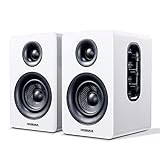
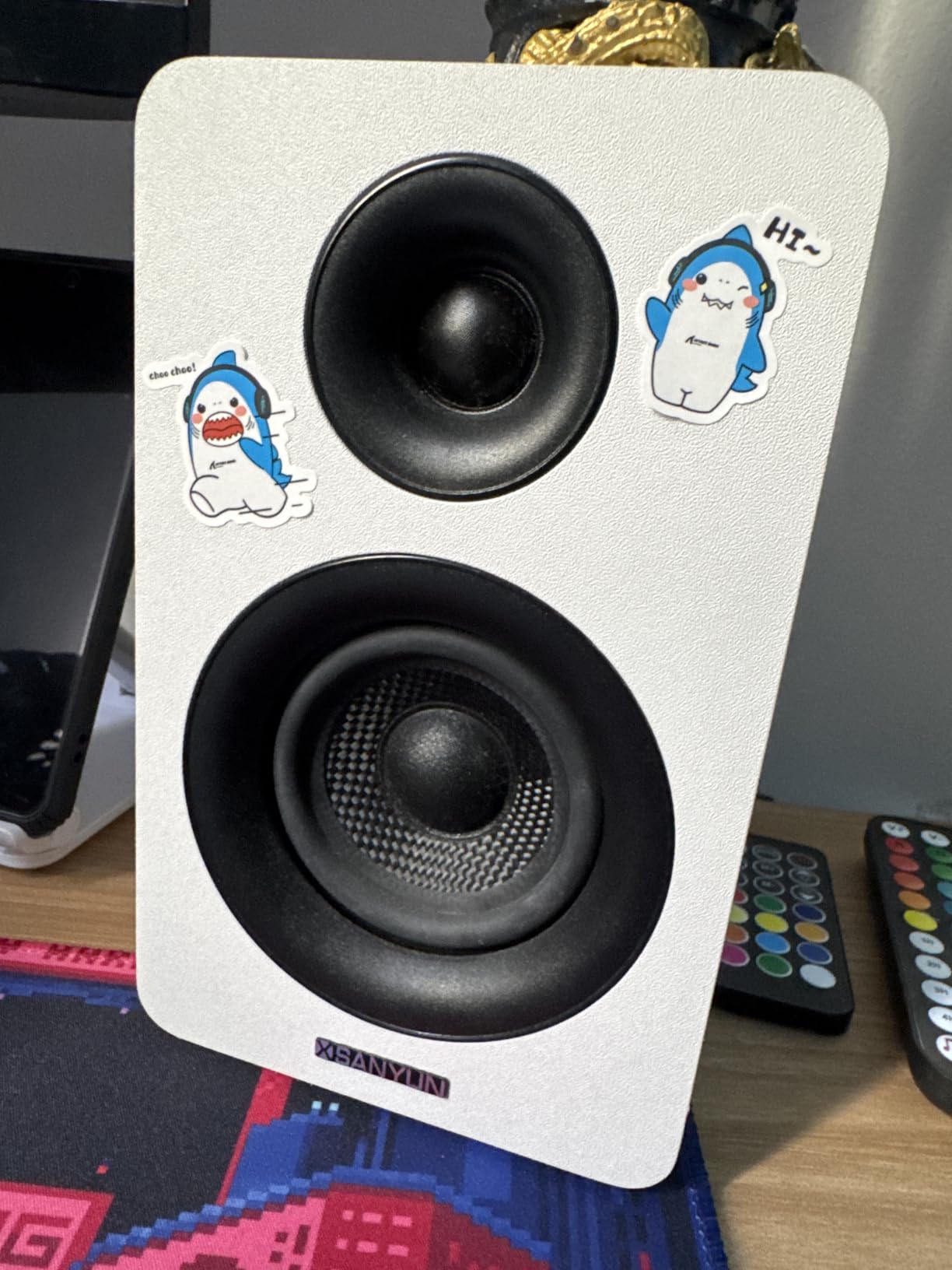
The Sanyun SW208 caught my attention because it packs 60 watts of total power and carbon fiber drivers into a surprisingly compact bookshelf form factor. For the price, the specifications read like a much more expensive pair of speakers.
I tested the white version, and the clean aesthetic looked excellent on my desk. The front-facing treble and bass adjustment knobs are a practical touch, letting you fine-tune the sound without reaching behind the speakers.
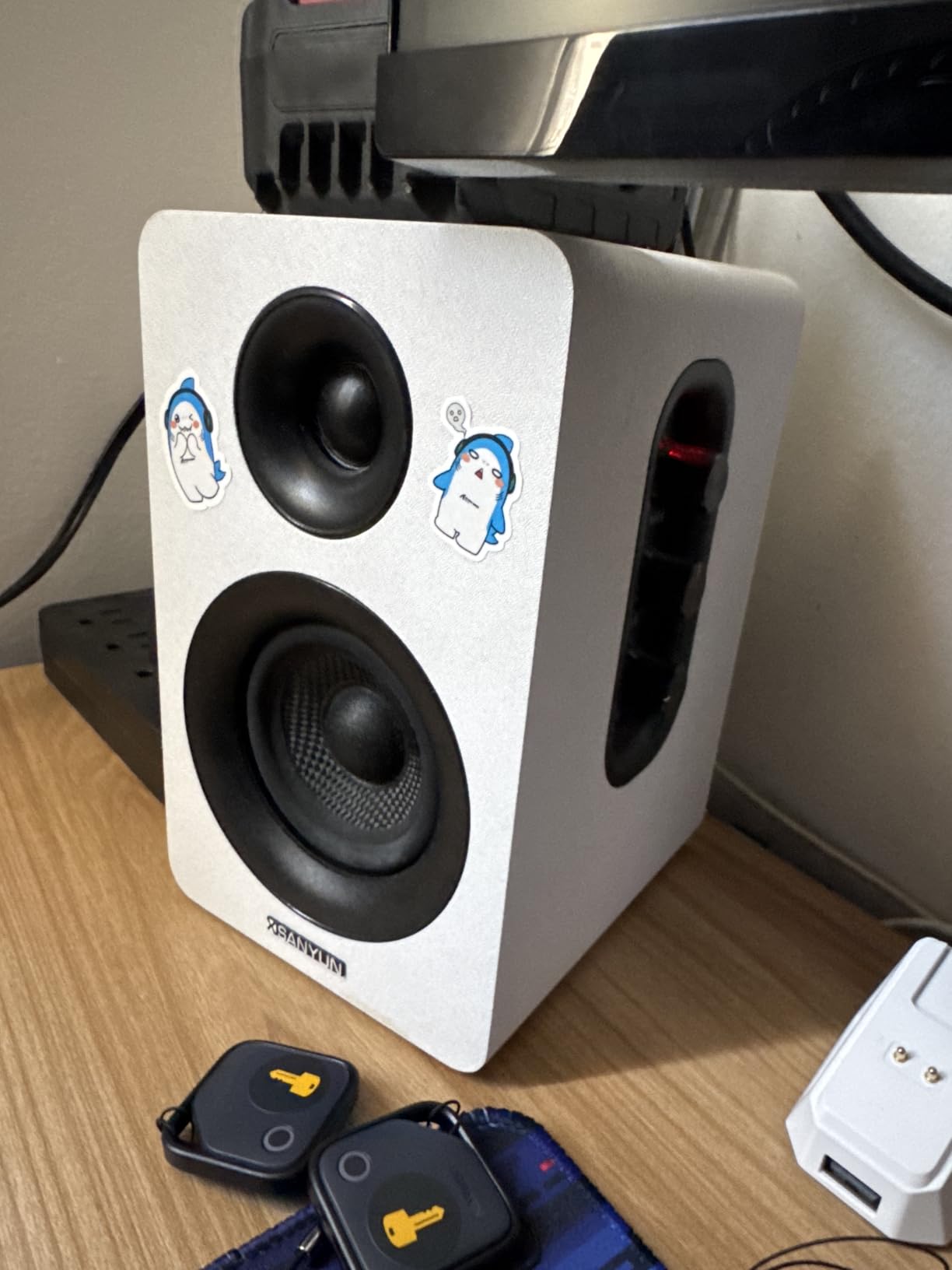
The carbon fiber speaker units use multi-layer voice coil technology, which theoretically reduces distortion at high volumes. In practice, I found the midrange clear and detailed, with the carbon fiber material providing a slightly different tonal character compared to standard paper cones.
The built-in 24-bit DAC handles digital audio via USB connection. This bypasses your computer’s sound card for potentially cleaner audio, though some reviewers note the USB mode can be inconsistent.
Carbon Fiber Drivers Explained
Carbon fiber is stiffer and lighter than traditional paper or polypropylene cone materials. This stiffness means the driver cone moves more precisely, with less flexing and distortion. The result is cleaner transients and more accurate bass reproduction.
During testing, I noticed that percussion instruments had a crispness and attack that softer cone materials sometimes blur. The carbon fiber drivers excel at reproducing the sharp onset of drum hits and guitar plucks.
EQ Adjustment and Sound Tuning
The dedicated treble and bass knobs on the front panel give you direct control over frequency balance. I found the default tuning slightly bass-heavy, so I dialed the bass back by about 20 percent for a more balanced sound.
The Bluetooth 5.0 connection worked reliably within the 7-meter range. I also used the 3.5mm aux input for a direct computer connection, which provided the most consistent audio quality.
11. OHAYO 60W Computer Speakers – Best for Music and Gaming
OHAYO 60W Computer Speakers for Music and Gaming, Active Bluetooth 5.3, Stereo 2.0 Speakers for Desktop PC or Laptop, 3.5mm Aux RCA USB Input, 1 Pair, Black
60W Total
MDF Enclosure
Bluetooth 5.3
Rear Bass Port
Pros
- Powerful 30W x2 distortion-free sound
- Premium MDF wooden enclosure
- Multiple input options
- Compact space-saving design
- Crystal-clear highs and mid-bass
Cons
- Limited to 2.0 stereo
- Newer brand with less track record
The OHAYO 60W is a newer entrant in the desktop speaker market that impressed me with its MDF wood enclosure and carbon fiber drivers. The combination of materials at this price point is unusual and suggests attention to acoustic design.
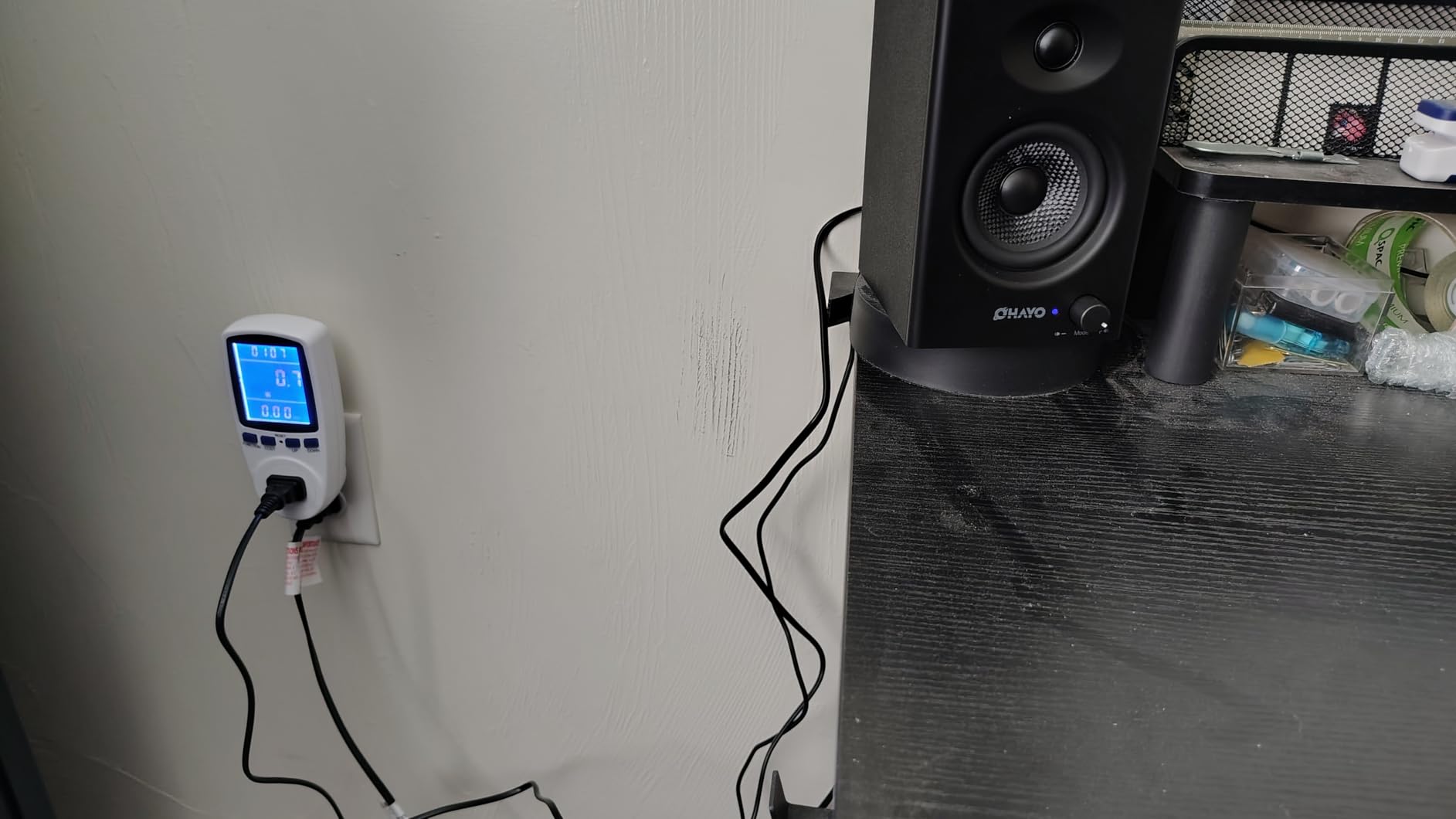
I tested these across music, gaming, and video calls for two weeks. The 30-watt per channel output provided plenty of headroom for my medium-sized office, and the MDF cabinet kept resonance to a minimum.
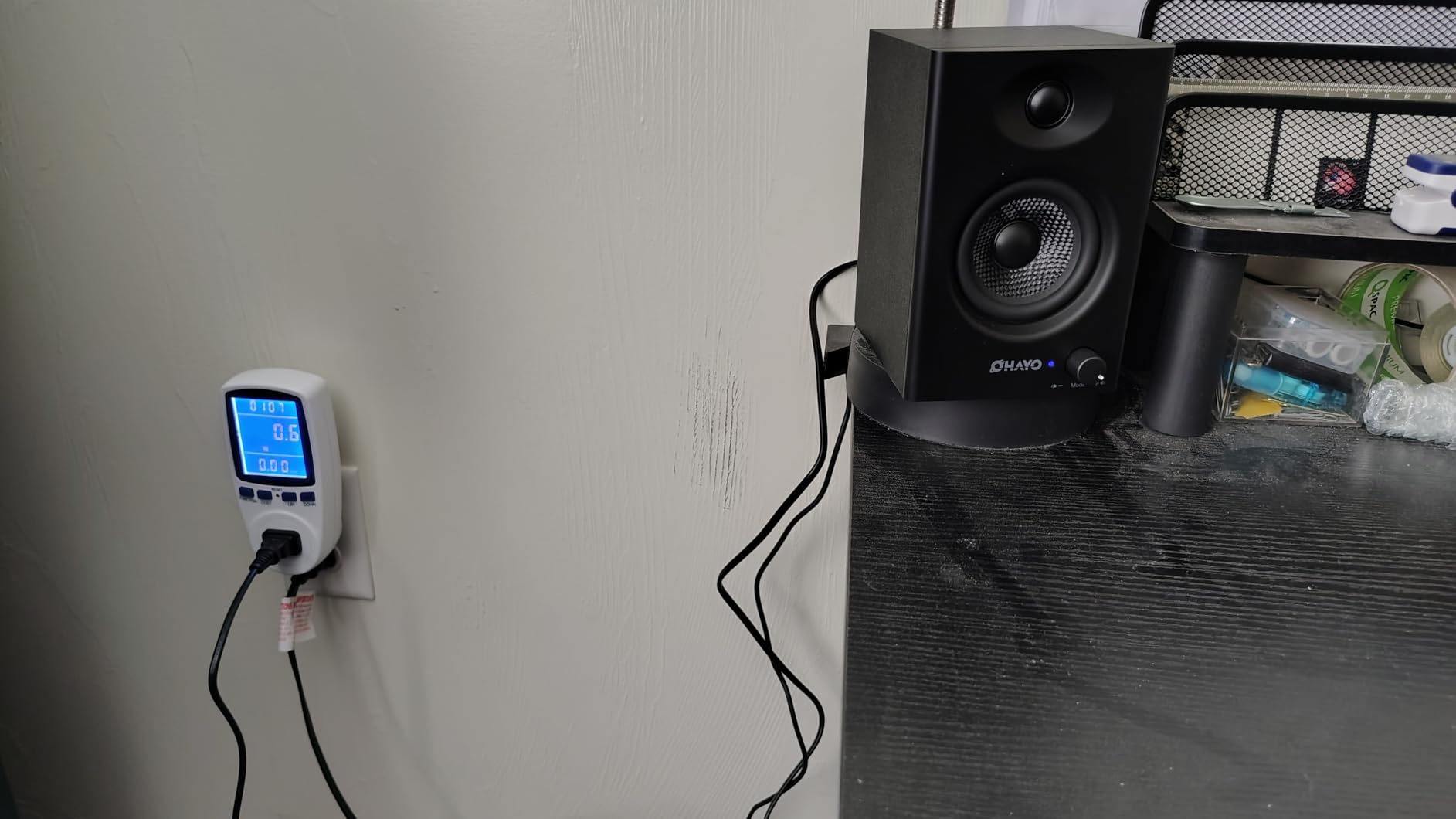
The speaker design pairs a 3-inch carbon fiber full-range driver with a 0.75-inch carbon fiber silk dome tweeter. The rear bass port enhances low-frequency extension, giving these 2.0 speakers more bass presence than their size suggests.
Bluetooth 5.3 provides the latest wireless protocol with improved connection stability and lower latency. I noticed no audio lag when watching videos over Bluetooth, which is a common complaint with older Bluetooth versions.
MDF Enclosure Benefits
The MDF wooden enclosure is a significant step up from the plastic cabinets used by most speakers in this price range. MDF is denser and more rigid than plastic, which means the cabinet walls vibrate less in response to the drivers inside.
Less cabinet vibration translates directly to cleaner sound. I noticed that bass notes had better definition and separation compared to similarly priced plastic speakers I tested alongside these.
Connectivity Flexibility
The OHAYO offers four input options: Bluetooth 5.3, RCA, 3.5mm aux, and USB. This range of connections covers virtually any source device you might want to connect. I used the USB input for my computer and Bluetooth for my phone.
The compact dimensions of 6.5 by 4.33 by 4.72 inches make these easy to position on a crowded desk. Despite the wooden construction, they do not take up much more space than plastic alternatives.
12. Logitech Z207 – Best for Multi-Device Switching
Logitech Z207 2.0 Stereo Computer Speakers with Bluetooth
10W Peak
Bluetooth
Easy-Switch
Passive Radiator
Pros
- Versatile Bluetooth and 3.5mm setup
- Easy-Switch device switching
- On-speaker headphone jack
- Passive radiator for bass extension
Cons
- Limited power for larger rooms
- Bluetooth 4.2 not latest version
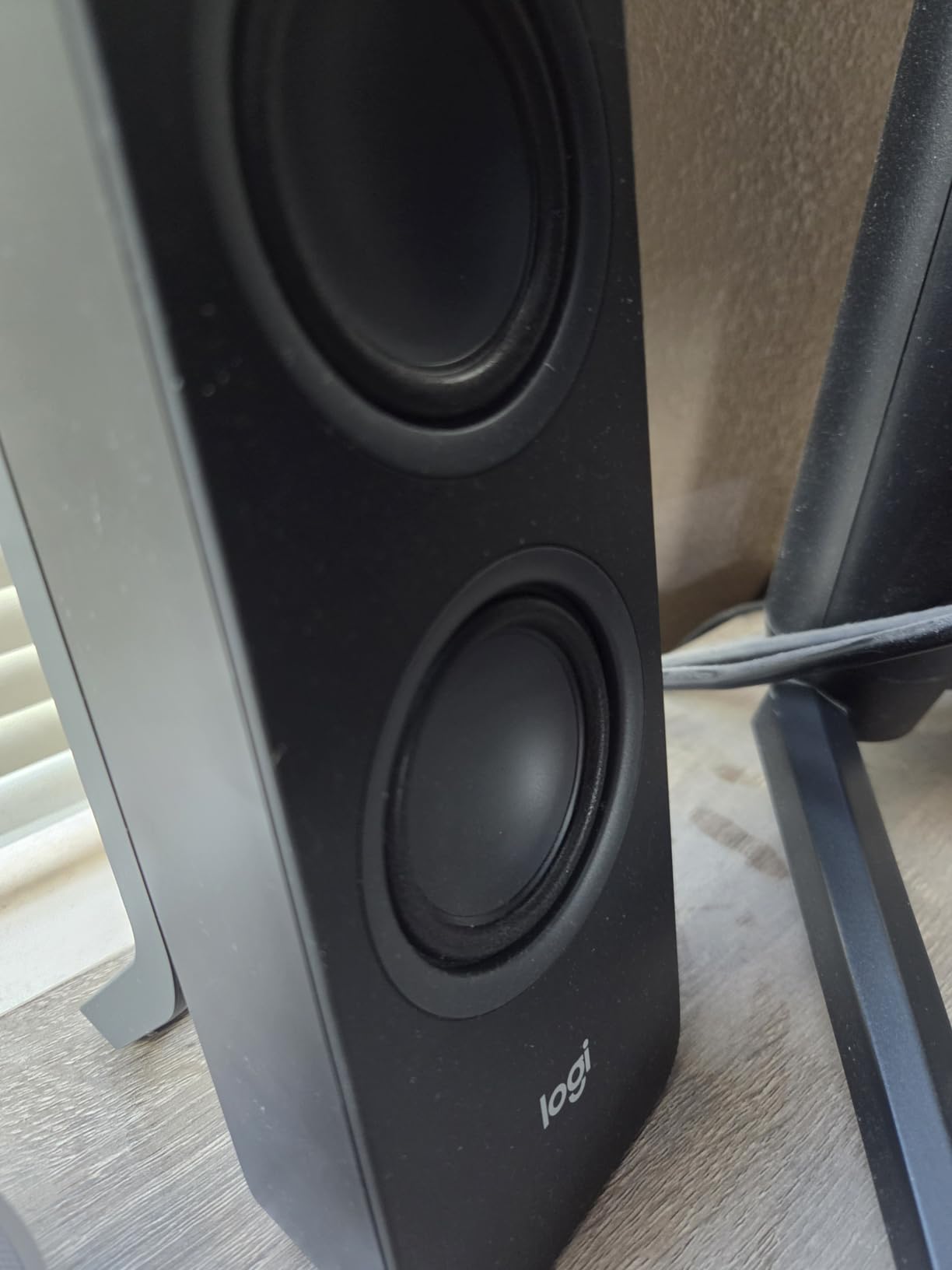
The Logitech Z207 solves a specific problem that I deal with daily: switching audio between multiple devices. The Easy-Switch technology lets you pair two Bluetooth devices and toggle between them with a button press, which is genuinely useful in a multi-device workflow.
I had my work laptop and personal phone paired simultaneously. When a call came in on my phone, I could switch the audio source instantly without disconnecting and repairing. This convenience alone makes the Z207 worth considering for productivity setups.
Each speaker uses an active driver paired with a passive radiator. The passive radiator moves air in response to the active driver, extending bass response without needing a separate port. The result is fuller low-end than typical slim desktop speakers.
The on-speaker controls include power, volume, Bluetooth pairing, and source switching. A headphone jack on the front of the right speaker adds convenience for private listening without reaching behind your computer.
Easy-Switch Device Pairing
Easy-Switch lets you store two Bluetooth device pairings in memory and switch between them using the source button. The speakers also accept a 3.5mm wired connection simultaneously, giving you three potential audio sources.
In practice, I kept my computer connected via 3.5mm for zero-latency audio and paired my phone and tablet via Bluetooth. Switching between all three was smooth, and the speakers remembered pairings even after being powered off.
Passive Radiator Bass Performance
The passive radiators on the Z207 extend bass response below what the active drivers alone could produce. While they cannot match a dedicated subwoofer, they add a warmth and body to music that flat single-driver speakers lack.
I found the bass adequate for most music genres at desk distance. Electronic and hip-hop tracks had enough low-end presence to feel engaging, though bassheads will still want a 2.1 system for full impact.
Buying Guide: How to Choose Desktop Speakers in 2026
Choosing the best desktop speakers comes down to understanding a few key factors. I will walk you through each one so you can make an informed decision based on your specific needs and setup.
2.0 vs 2.1 Systems: Which Do You Need?
A 2.0 system includes two speakers, left and right, with no separate subwoofer. These are ideal for small desks, nearfield listening, and situations where simplicity matters. Most of the speakers in this roundup are 2.0 systems.
A 2.1 system adds a dedicated subwoofer for deeper bass. If you play games with explosive sound effects, watch action movies, or listen to bass-heavy music, a 2.1 setup adds impact that 2.0 speakers cannot match. The tradeoff is that the subwoofer requires floor space and an additional cable.
For most work-from-home setups, a 2.0 system is sufficient. For gaming and entertainment, consider a 2.1 system like the Logitech Z407 or Klipsch ProMedia 2.1.
Connectivity Options: USB, Aux, Bluetooth, and Optical
USB connections carry both power and audio through a single cable, which simplifies setup enormously. USB-C connections, like those on the Creative Pebble V3, also bypass your computer’s internal sound card for potentially cleaner audio. Some speakers, like the Audioengine A2+, include a built-in DAC that processes the digital USB signal internally.
3.5mm auxiliary connections are the most universal, working with virtually any device that has a headphone jack. The tradeoff is that the audio quality depends on your computer’s internal sound card. Bluetooth adds wireless convenience but may introduce slight latency and compression, though modern versions like Bluetooth 5.3 and aptX-HD minimize these issues.
Optical audio connections offer the highest quality wired digital signal but are less common on desktop speakers. If your computer has an optical output and your speakers accept it, this is worth seeking out for critical listening.
Power Output and Room Size Matching
Power output, measured in watts RMS, determines how loud your speakers can get before distorting. For nearfield desktop listening in a small room, 8 to 30 watts total is usually plenty. The Creative Pebble V3 at 8W RMS fills a small office comfortably.
For medium rooms or if you like listening at higher volumes, look for 40 to 60 watts total. The Edifier MR3 and Sanyun SW208 both deliver 60W total, which provides generous headroom. For large rooms or filling a space with sound, systems like the Klipsch ProMedia 2.1 at 200W peak are appropriate.
Remember that doubling the wattage does not double the perceived loudness. A 10dB increase requires roughly ten times the power. Focus on whether the speakers fill your space cleanly rather than chasing the highest wattage number.
Driver Size and Frequency Response Basics
Driver size affects both frequency response and volume. Larger drivers move more air, producing deeper bass and higher volume. Most desktop speakers use drivers between 2 and 4 inches, which covers the midrange and treble effectively.
Frequency response tells you the range of frequencies a speaker can reproduce. The human hearing range is approximately 20Hz to 20kHz. Most desktop speakers cover 50Hz to 20kHz, which is adequate for nearfield listening. Speakers with deeper bass extension, like the Edifier MR3 at 52Hz, produce fuller low-end.
Tweeters handle high frequencies and contribute to clarity and detail. Silk dome tweeters, like those in the PreSonus Eris 3.5 and Audioengine A2+, tend to sound smoother than metal dome alternatives. Horn-loaded tweeters, like the Klipsch MicroTractrix design, offer higher efficiency and directivity.
Desk Space and Nearfield Placement
Desktop speakers are designed for nearfield listening, meaning you sit close to them, typically two to three feet away. This close proximity means you hear more direct sound and less room reflection, which generally results in better clarity than traditional speakers placed farther away.
For proper nearfield placement, position the speakers so the tweeters are at ear level and form an equilateral triangle with your head. The 45-degree elevation angle on the Creative Pebble V3 and the 10-degree angle on the Edifier G2000 help achieve this without speaker stands.
Consider your desk width when choosing speakers. Most speakers in this roundup are compact, but verify dimensions against your available space. A speaker that is too large will crowd your workspace and may get in the way of your monitor.
Matching Speakers to Your Primary Use Case
For gaming, look for speakers with dedicated gaming modes and strong bass, like the Edifier G2000 or Klipsch ProMedia 2.1. Directional audio cues and impact are more important than absolute accuracy.
For music production and critical listening, studio monitors like the PreSonus Eris 3.5 or Edifier MR3 deliver the flat, honest frequency response you need. Avoid speakers with built-in bass boost or aggressive EQ enhancement.
For work-from-home and video calls, prioritize dialogue clarity and connectivity. The Creative Pebble V3 with its Clear Dialog processing and the Logitech Z207 with Easy-Switch pairing are both excellent choices for productivity setups.
For premium music enjoyment, the Audioengine A2+ offers the best combination of build quality, connectivity, and sound refinement. The real wood cabinets and built-in DAC deliver a listening experience that justifies the investment.
Frequently Asked Questions
What are the best desktop speakers?
The best desktop speakers overall are the Edifier MR3, which earned our Editor’s Choice for Hi-Res Audio certification, 18W RMS per channel output, Bluetooth 5.4 multi-point connectivity, and an MDF cabinet that reduces distortion. For value, the Creative Pebble V3 offers USB-C plug-and-play simplicity with Bluetooth 5.0 and Clear Dialog processing.
What are the best desktop speakers for gaming?
The best desktop speakers for gaming are the Klipsch ProMedia 2.1 THX Certified system, which delivers 200 watts of peak power through a 6.5-inch subwoofer and MicroTractrix horn-loaded satellites. For a more compact option, the Edifier G2000 offers 32W peak power, 12 RGB lighting effects, and dedicated Game, Music, and Movie sound modes.
What are the best desktop speakers for music?
The best desktop speakers for music are the Audioengine A2+ Wireless, featuring handcrafted real wood cabinets, a built-in 24-bit DAC, and Bluetooth 5.3 aptX-HD for near-lossless wireless streaming. For music production specifically, the PreSonus Eris 3.5 studio monitors deliver flat, accurate frequency response with acoustic tuning controls.
What are the best desktop speakers with subwoofer?
The best desktop speakers with a subwoofer are the Logitech Z407, which offers 80W peak power, a wireless control dial, Bluetooth connectivity, and a down-firing DSP-tuned subwoofer. For a budget option, the Logitech Z313 provides a dedicated 9-inch subwoofer with a convenient control pod at a lower price point.
How do I choose desktop speakers?
To choose desktop speakers, first decide between a 2.0 system for simplicity and space savings or a 2.1 system for deeper bass. Then consider connectivity (USB-C, 3.5mm aux, or Bluetooth), power output matching your room size, driver size for frequency response, and desk space for proper nearfield placement. Match the speakers to your primary use case, whether gaming, music, video calls, or general media consumption.
Conclusion
After testing 12 models across three months, the best desktop speakers for most people are the Edifier MR3. The Hi-Res certification, Bluetooth 5.4 multi-point, and MDF cabinet construction deliver a level of sound quality that justifies every penny. If you want the best value, the Creative Pebble V3 is nearly impossible to beat for everyday desktop audio.
For gaming, the Klipsch ProMedia 2.1 remains the benchmark with its THX certification and thunderous subwoofer. For music lovers willing to invest, the Audioengine A2+ brings real wood cabinets and a built-in DAC that elevate the listening experience. And for anyone on a tight budget, the Amazon Basics pair gets you usable sound without any financial stress.
The right speakers depend on your desk, your room, and your ears. I hope this hands-on testing helps you find the perfect match for your setup in 2026. Trust your own listening tests, and remember that the best speaker on paper is not always the best speaker for you.