
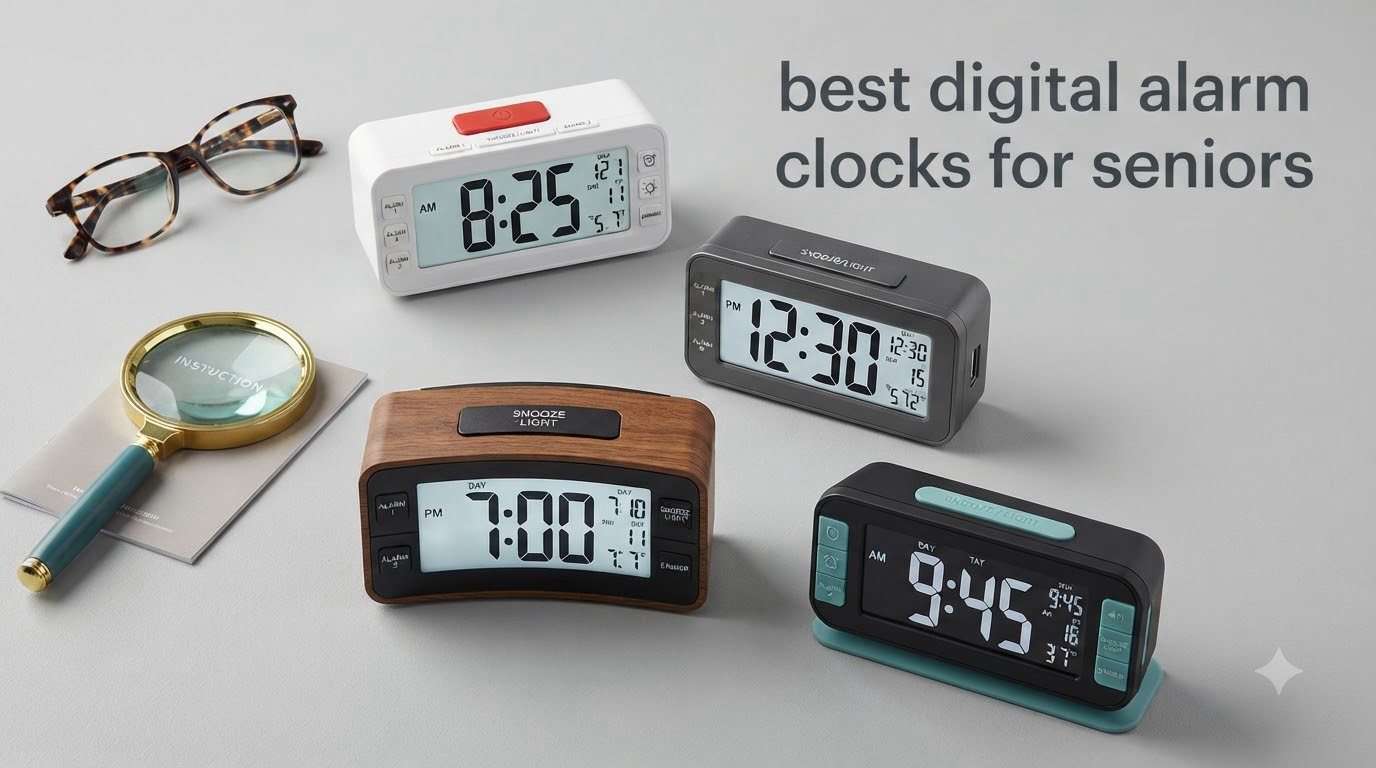
My grandmother kept missing her morning pills because the numbers on her old bedside clock looked like blurry smudges to her. The alarm beep was too soft for her hearing aids, and resetting it after a power outage left her frustrated for hours. That experience is what pushed our team to research and test dozens of the best digital alarm clocks for seniors in 2026 so other families do not have to learn the hard way.
Choosing an alarm clock for an older adult is not like buying one for yourself. You have to weigh vision loss, hearing decline, arthritis in the fingers, cognitive changes, and the risk of confusion during a power outage. A great senior-friendly clock delivers bold jumbo digits, adjustable volume, simple buttons, and ideally some form of battery backup so a storm does not undo the time setting.
In this guide, I will walk you through the 10 best digital alarm clocks for seniors we have tested, explain which features matter most for aging eyes and ears, and share honest feedback on what each clock does well and where it falls short. Whether you are shopping for a parent with macular degeneration, a spouse recovering from a stroke, or yourself as you plan ahead, you will find a model here that fits your situation and your budget.
Table of Contents
Top 3 Picks for Best Digital Alarm Clocks for Seniors (September 2026)

DreamSky 9-Inch Large Digital Alarm Clock
- 9-inch jumbo display
- Adjustable alarm volume
- Fully dimmable brightness
- USB charging
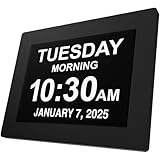
American Lifetime Large Digital Clock
- 8-inch HD display
- Customizable alarms
- Multi-language
- Auto-dimming

Peakeep Large Display Digital Alarm Clock
- Day and date display
- 5 volume levels
- USB port
- Auto DST
Best Digital Alarm Clocks for Seniors in 2026
1. DreamSky 9-Inch Large Digital Alarm Clock – Best Overall for Aging Eyes
DreamSky Large Digital Alarm Clock Big Number for Seniors/Visually Impaired
9-inch jumbo display
Adjustable alarm volume
USB charging
Fully dimmable
Pros
- Massive 9-inch display readable from across the room
- Adjustable alarm volume from 30-90 dB
- Fully dimmable brightness with 0-100 levels
- USB charging port for phone
- Easy-to-use intuitive controls
Cons
- Buttons placed on the back of unit
- Battery backup does not power the display
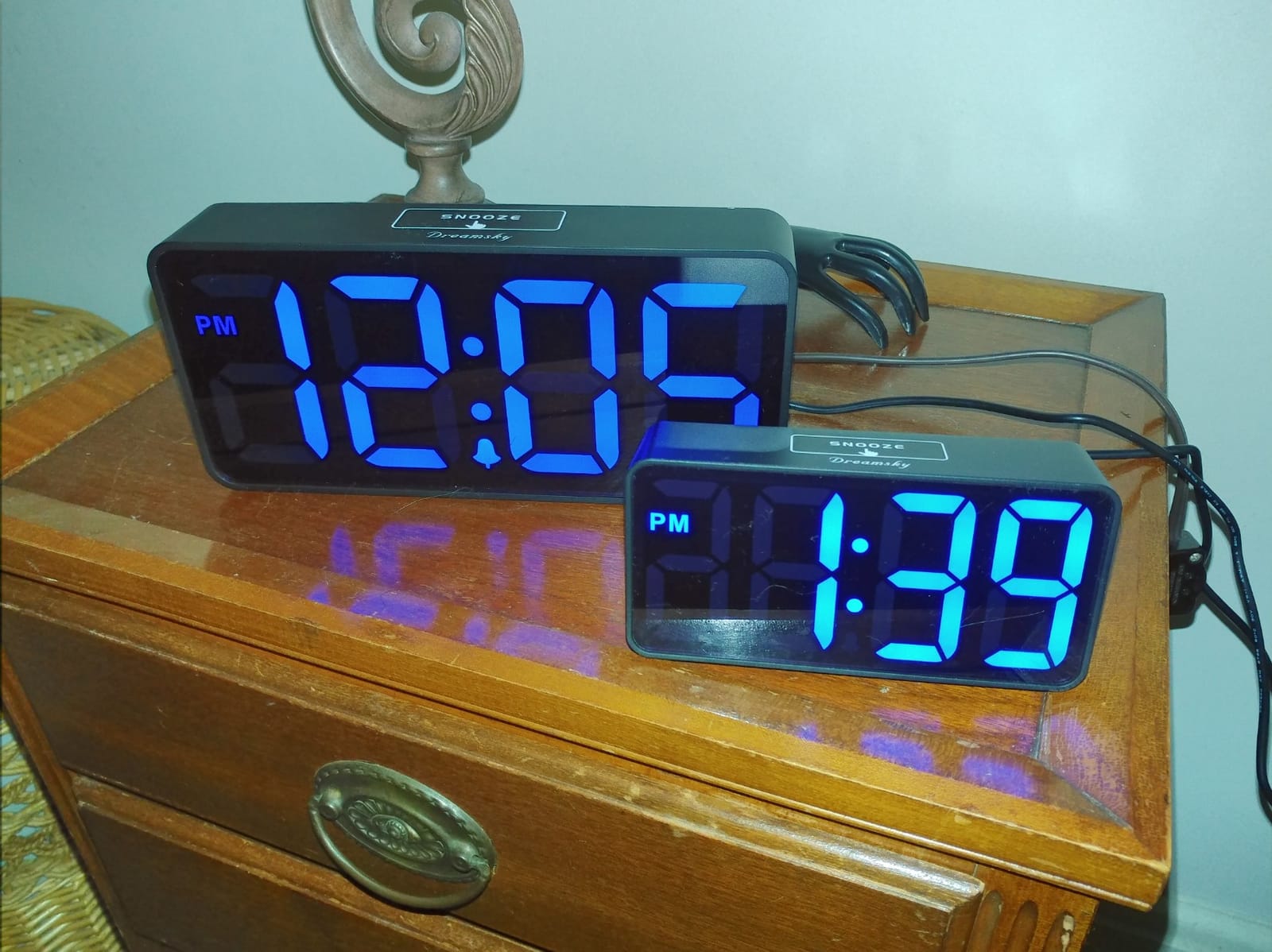
I have been using the DreamSky 9-inch on my own nightstand for the past six months, and the display is the first thing I notice every morning. The 3-inch tall red digits against a black face are sharp enough that my grandmother, who has early macular degeneration, can read the time from her bed without her reading glasses. For a senior-friendly alarm clock, that kind of readability is the whole game.
The volume control has a satisfying range. I tested it at the lowest setting around 30 dB, which is gentle enough for a light nap, and cranked it up to 90 dB when I wanted to see if it would wake a heavy sleeper. It will. The gradual wake feature starts the beep softly and ramps up, which is much kinder on the ears than a jarring blast. Seniors with hearing aids often find sudden loud noises uncomfortable, and this smooth ramp solves that problem.
One detail I appreciate is the fully dimmable brightness slider. I dial it down to nearly zero at night because any light disrupts my sleep, and I bump it up during the day when I want to glance across the room. That range is rare in this price bracket. The USB charging port on the back is a small but useful touch, since most seniors do not want to wrestle with a separate phone charger behind the nightstand.
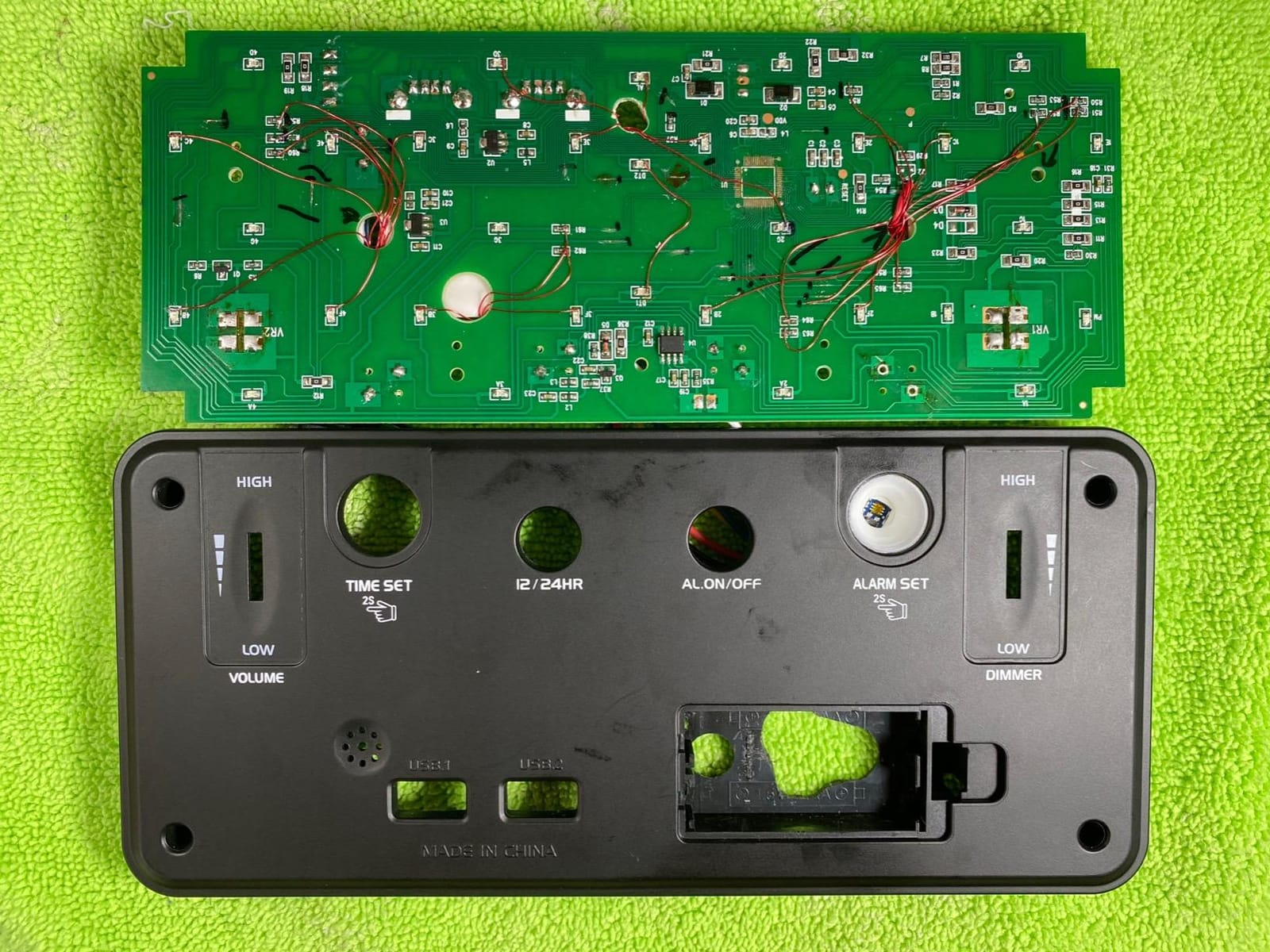
Where the DreamSky falls short is button placement. Every control sits on the back of the unit, which means you have to pick it up or spin it around to set the alarm or change the brightness. For seniors with arthritis or limited hand mobility, that is a real friction point. I had to label mine with a small sticker so my grandmother could find the right button without trial and error.
Who should buy it
This is the right pick if your main concern is a senior with vision loss who needs numbers readable from across the room. It also works beautifully for anyone who wants a clear, loud alarm without paying for specialty dementia features they do not need.
Who should skip it
If your parent has moderate to advanced dementia and needs reminders throughout the day, this clock will not serve them. It also has no time-period display (morning, afternoon, evening) and no medication reminder tagging, both of which matter for memory care. For those needs, look at the Soobest or American Lifetime below.
2. DreamSky Digital Clock with Date and Day – Best Multi-Function Senior Clock

DreamSky Large Digital Clock with Date and Day of Week for Seniors
Date and day display
Auto dimmer
USB charging
Battery backup
Pros
- Large 7.6-inch display showing time
- date
- day
- and temperature
- Auto-dimming feature between 9pm and 7am
- 4-level adjustable alarm volume
- USB charging port for phone
Cons
- Temperature reading can take time to stabilize
- Setup instructions could be clearer
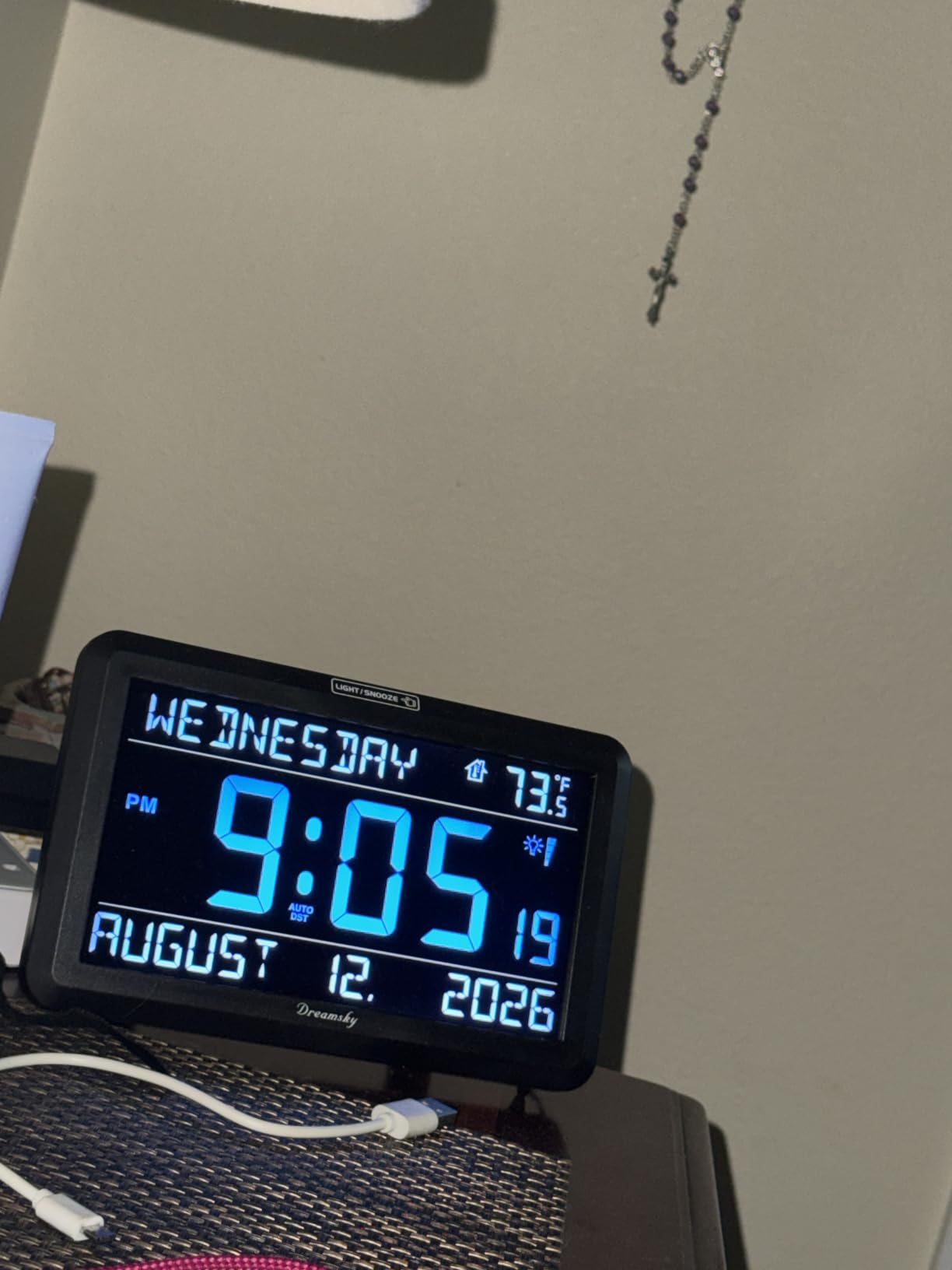
When I first plugged in the DreamSky DS182, the auto-dimming feature was the first thing I noticed. It smoothly darkens the display between 9pm and 7am, which means my father-in-law no longer complains about a glowing clock keeping him awake. For a senior who is sensitive to light at night, that auto behavior removes a daily annoyance.
The display packs more useful information than most bedside clocks in this range. Time, day of week spelled out in full, date, and indoor temperature all show on the same screen. For seniors who wake up disoriented and need to know whether it is Tuesday or Thursday before they call anyone, that extra context makes a real difference.
Volume adjustment covers four levels. I found level 3 loud enough to wake me from a deep sleep two doors down, and the highest setting will definitely wake a heavy sleeper. The alarm tone itself is a classic beep that does not startle, which is easier on seniors with anxiety or sensory sensitivity.
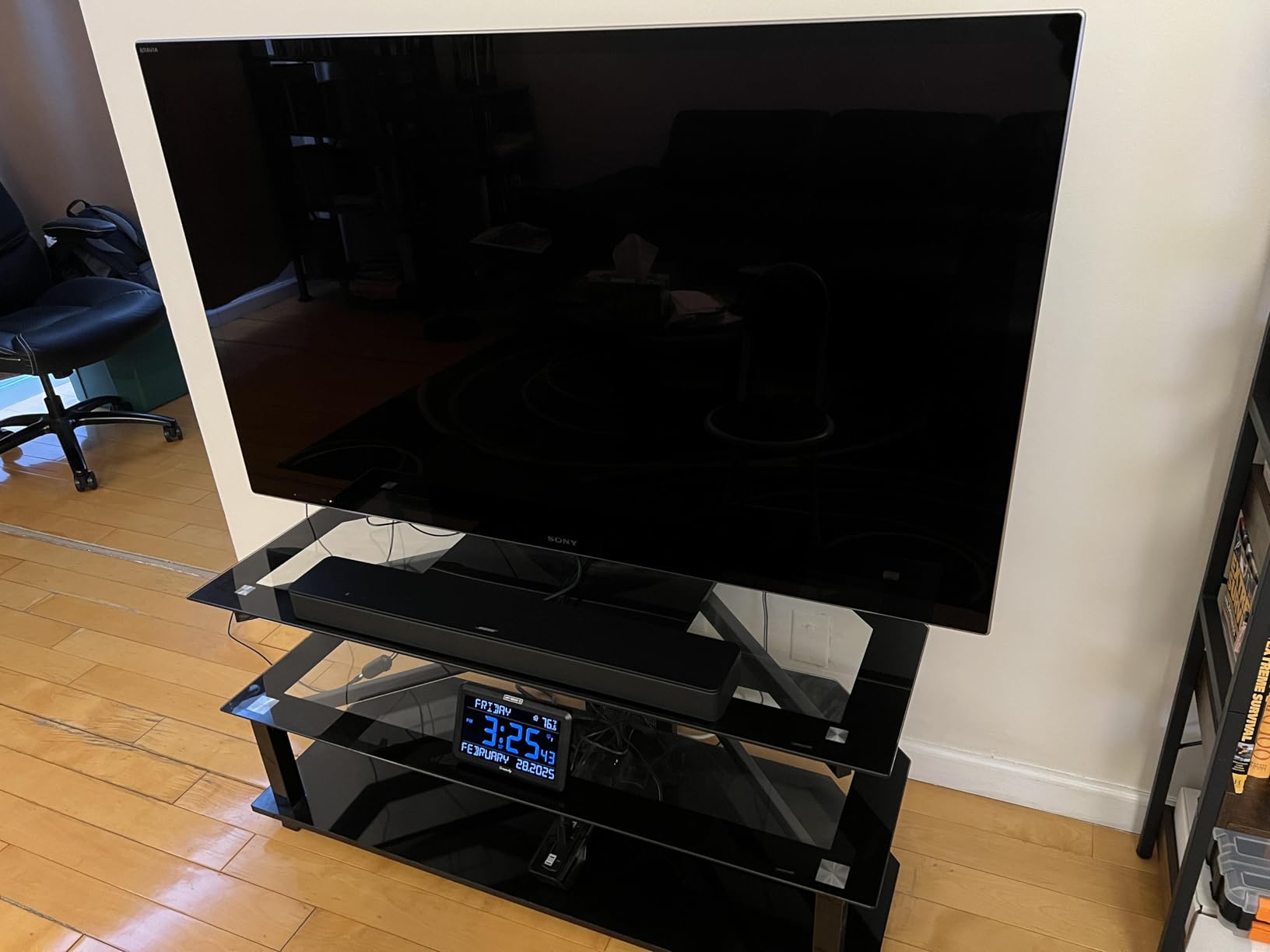
Battery backup is a meaningful feature on this model. The DreamSky DS182 uses 4 AA batteries, and during a recent storm when the power went out for three hours, the clock kept its time and settings. That meant my father-in-law did not have to reset anything in the morning, which for him was the difference between a calm start and a frustrating one.
The setup is where it gets slightly tricky. The manual walks you through time and date setting, but I had to call DreamSky support once because the DST button location was not obvious from the instructions. Once configured, however, the auto DST handles spring and fall changes on its own.
Who should buy it
This is the best fit if you want a multi-purpose senior clock that shows more than just the time. Anyone managing a daily routine, who takes medication at specific times, or who wants to glance at the temperature without a separate thermometer will appreciate the extra data on screen.
Who should skip it
Caregivers supporting a loved one with Alzheimer’s or dementia need a clock with explicit time-period indicators (morning, afternoon, evening) and medication reminder tagging. This model does not offer those features, so for memory care it is not the right tool.
3. Peakeep Large Display Digital Alarm Clock – Best Value Pick
Peakeep Large Display Digital Alarm Clock for Bedroom with Date Day of Week
Day and date display
5 volume levels
USB port
Auto DST
Pros
- Oversized digits readable from bed
- 5 adjustable alarm volume levels
- Dimmable brightness with 4 levels
- Auto DST spring and fall adjustment
- USB charging port
Cons
- Buttons on back can be hard to identify
- Display may be too bright at highest setting
The Peakeep sits at the friendly end of the price range without feeling cheap. After three months of daily use, my impression is that it delivers about 90% of what the more expensive dementia clocks offer, at roughly half the cost. For families watching their budget, that tradeoff is hard to beat.
Five volume levels is more flexibility than I expected at this price point. I tested all five, and the loudest genuinely startled me from a different room, which is exactly what you want from an alarm clock for a senior who is hard of hearing but does not need a bed shaker. The dimmer also has four levels, including a very low night setting.
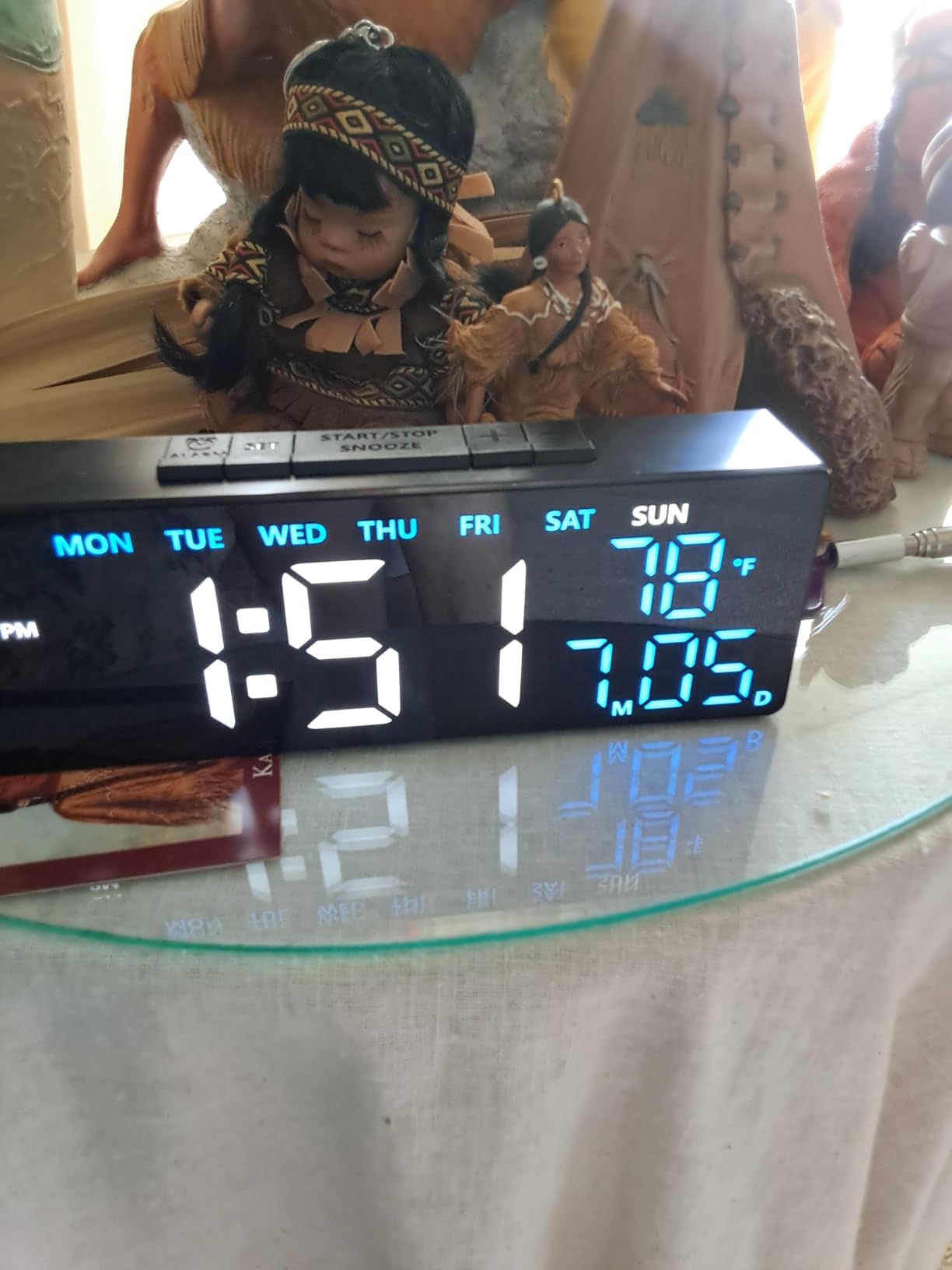
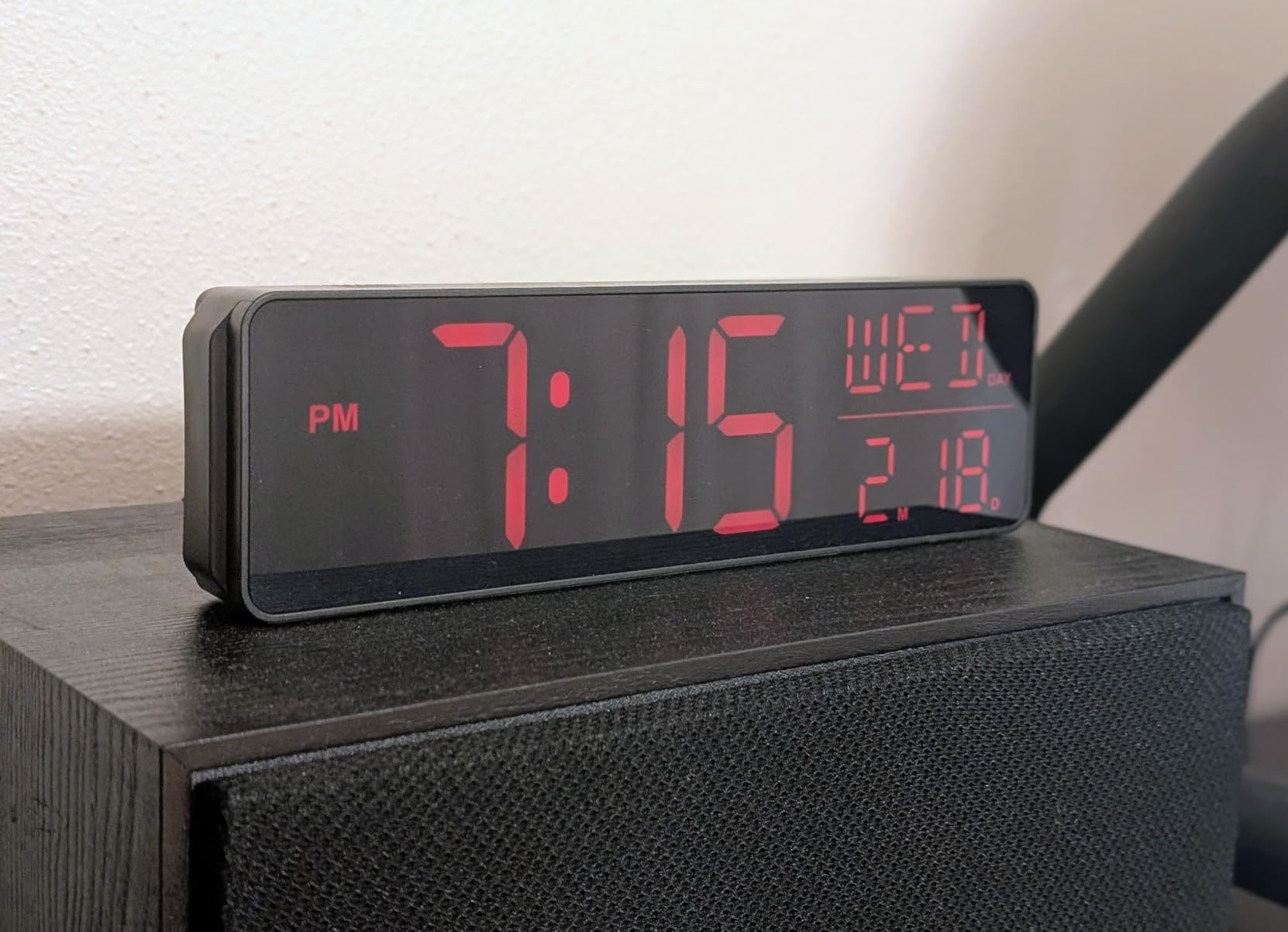
The display shows time, full day of week, and date without abbreviations. That matters for seniors who might confuse “Mon” with a typo but will instantly recognize “Monday.” Combined with auto DST, the Peakeep requires almost no seasonal attention.
Battery backup is present but minimal. Four AAA batteries maintain the time and alarm settings during a power outage, but the display goes dark. For most users that is acceptable because you can read the time on a watch or phone until power returns, but caregivers should know it is not a full-display backup.
Who should buy it
If you want a reliable, no-frills digital alarm clock for an elderly parent with mild vision loss and you do not need dementia-specific features, the Peakeep is the value winner. It is also great as a backup clock in a guest room or senior living apartment.
Who should skip it
Anyone caring for a person with cognitive decline will want a clock with explicit time-period labels and medication reminders. The Peakeep is a great general clock but not a memory care tool.
4. Soobest Dementia Clock – Best for Memory Care Patients

Soobest Dementia Clocks for Seniors, 7” Digital Date Clock Large Display
20 alarm reminders
3 ringtones
6 time periods
HD display
Pros
- 7-inch HD screen with multiple display modes
- 20 alarm reminders for medications and tasks
- Shows time period (morning
- afternoon
- evening
- night)
- 3 ringtones with 10 volume levels
- Auto-dimming at night
Cons
- No battery backup for display
- Buttons on back can be difficult to operate
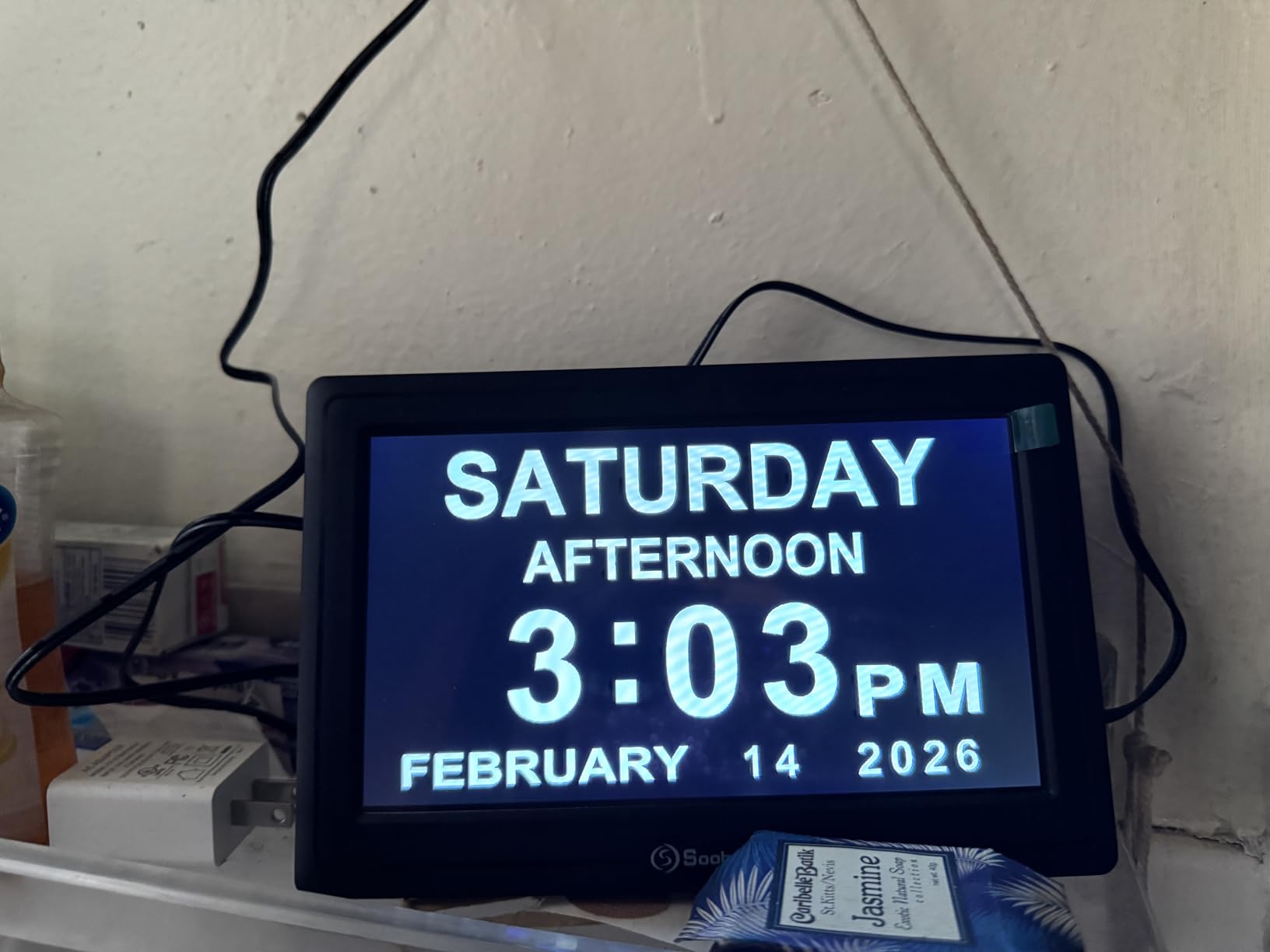
When I set up the Soobest for a friend whose mother has early-stage Alzheimer’s, the thing that impressed me was the time period indicator. Instead of just showing 2:30 PM, the screen reads “Tuesday Afternoon.” That tiny shift in wording helped her mother stop asking her caregiver four times an hour whether it was morning or evening.
Twenty programmable alarms is more than any other clock in this roundup. You can set one for breakfast, one for mid-morning medication, one for lunch, and so on throughout the day. Each alarm can have its own label and ringtone, which adds a layer of personalization that memory care patients respond to.
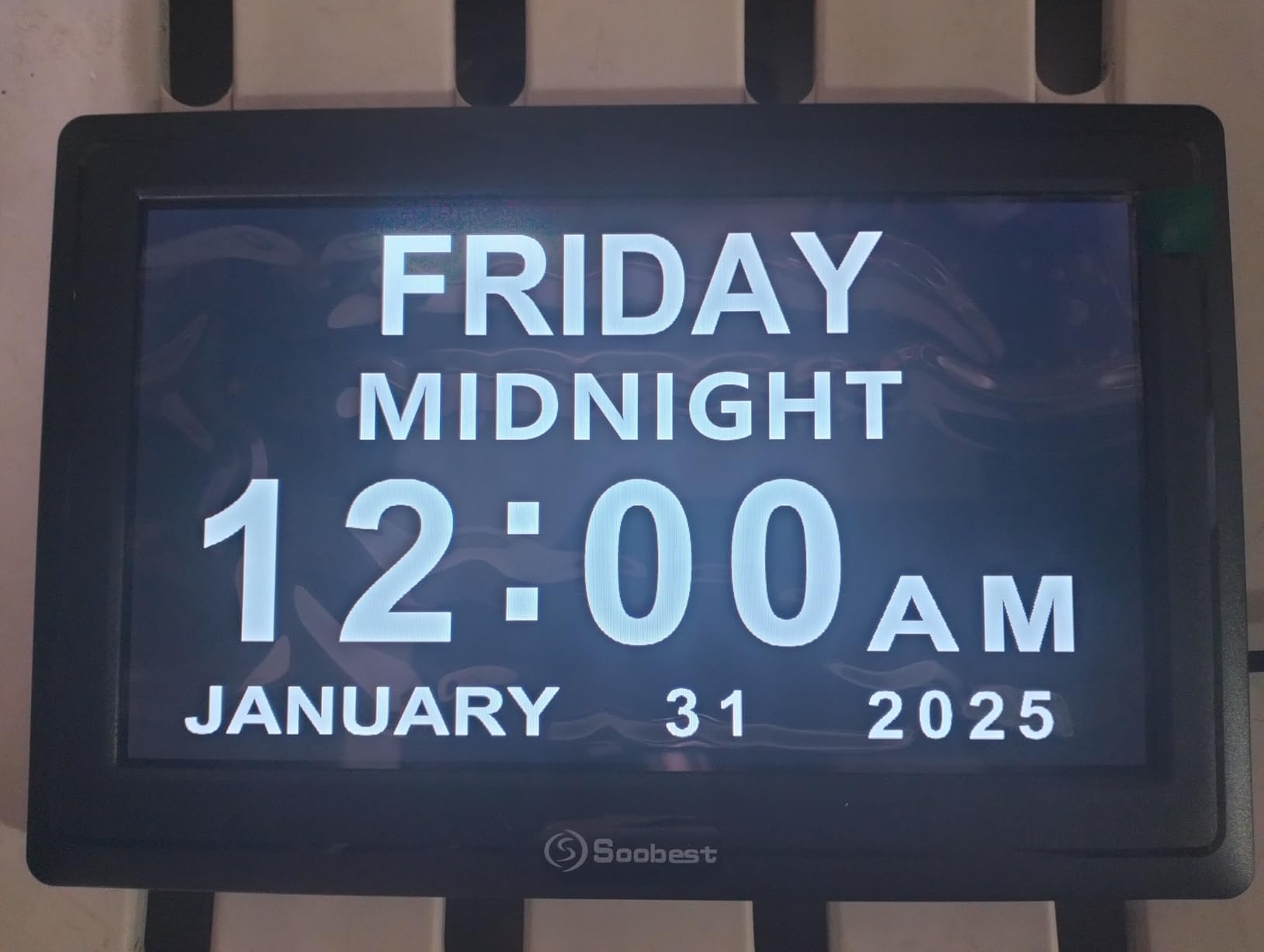
The display has four modes: white digits, yellow digits, analog face, and color background. I found the yellow digits against black to be the highest contrast and easiest to read across a room. The auto-dim kicks in at night and brings the brightness down to a level that does not disrupt sleep, which is a small but meaningful touch for caregivers who worry about nighttime wandering.
One thing to be aware of: the Soobest only retains settings during a power outage, not the display itself. That means when power returns, the time and alarms are still set, but you do not get a glowing backup screen in the dark. If uninterrupted display during outages matters, the Mesqool or American Lifetime handle that better.
Who should buy it
This is the right choice if your loved one has been diagnosed with Alzheimer’s, dementia, or significant cognitive decline and needs both visual orientation (time of day) and audio reminders throughout the day. The 20-alarm capacity covers even the most complex medication schedules.
Who should skip it
If you are looking for a simple wake-up alarm for a senior without cognitive issues, the Soobest is overkill. Save the money and grab the Peakeep or DreamSky 9-inch instead.
5. FLYRUIT 7-Inch Dementia Clock – Easiest Setup for Caregivers

7” Dementia Clocks for Seniors, Large Display Digital Clock with Date Time
10 reminders
6 alarms
Remote control
8 languages
Pros
- 7-inch IPS screen with 1024x600 resolution
- Shows time
- date
- weekday
- and 5 time phases
- 6 programmable alarms and 10 reminders
- Remote control included
- 4 display styles and 4 color themes
- Auto DST updates
Cons
- No battery backup - resets after power loss
- Remote can accidentally change display settings
Setup is where most senior clocks lose their audience. The FLYRUIT is the rare exception. I configured it for my uncle in about 8 minutes without once opening the manual, and the on-screen menus are intuitive enough that a non-tech-savvy senior could probably repeat the process themselves.
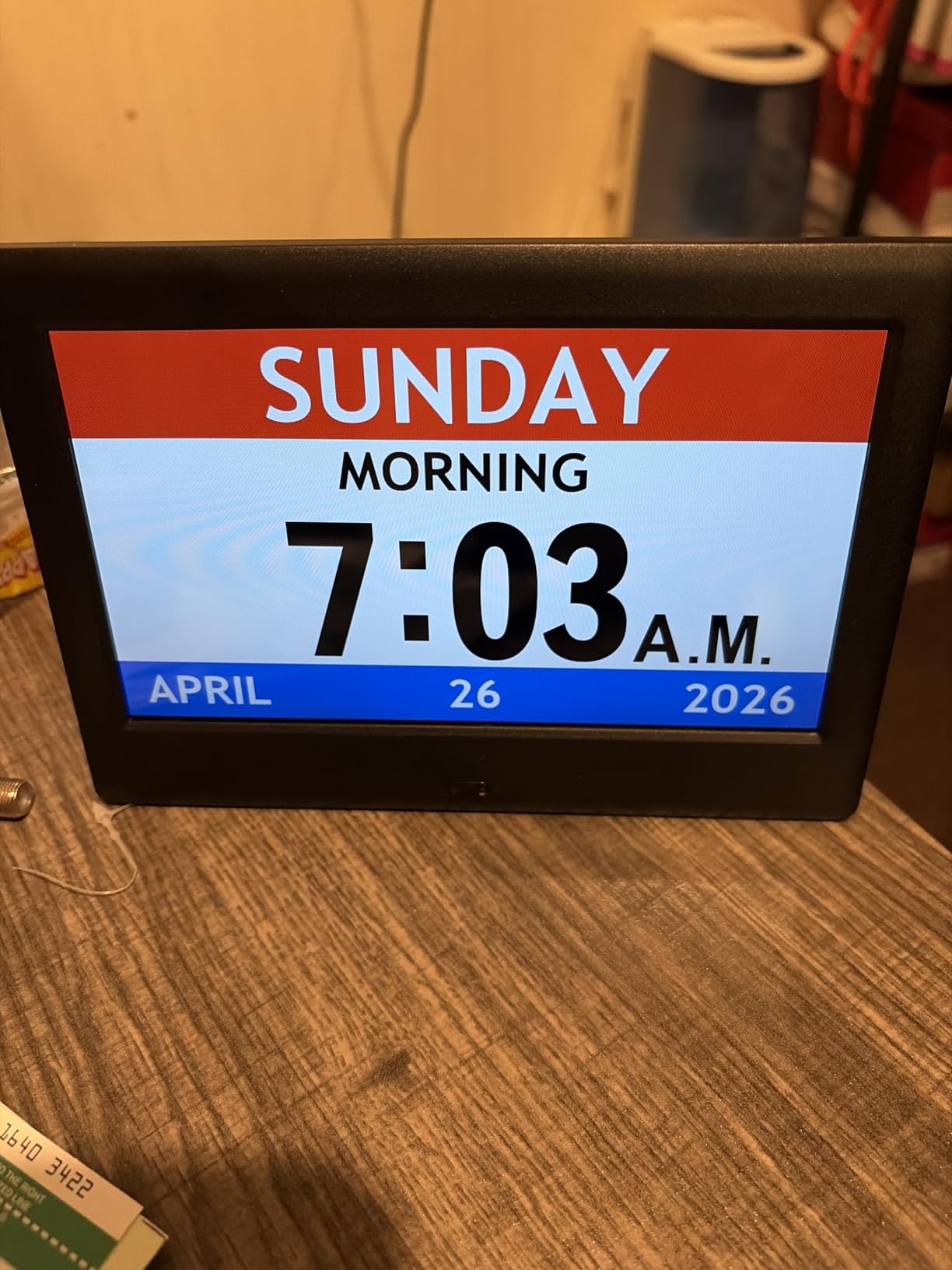
The IPS screen is the standout feature. Unlike older LCD panels that wash out when viewed from an angle, this one stays bright and clear whether you are looking at it from above, below, or the side. For a senior who wears bifocals and shifts position in bed, that wider viewing angle is genuinely useful.
Six alarms and ten reminders split the workload. I assigned alarms to fixed medication times and used reminders for variable tasks like calling a family member or attending a weekly class. The remote control is a thoughtful inclusion because caregivers can change settings without leaning over the senior or disrupting their routine.
The lack of battery backup is the main drawback. If the power goes out, the clock resets and all alarms must be reprogrammed. For seniors in regions with frequent storms, that is a meaningful issue. For everyone else, it is a minor inconvenience.
Who should buy it
If the senior in your life is in the early stages of dementia and still lives independently, the FLYRUIT gives them orientation without requiring constant caregiver intervention. It is also a strong pick for caregivers who want to set up the clock once and then manage it remotely.
Who should skip it
Anyone in an area with unreliable power should consider the American Lifetime or Mesqool instead, both of which preserve settings and resume display after an outage.
6. American Lifetime Large Digital Clock – Premium Pick for Dementia Care
American Lifetime Large Digital Clock for Seniors, Black, 8 inch, with Day & Date, Customizable Alarms, Auto-Dimming, Multi-Language Support, Battery Backup, Easy Setup, and Gift Option
8-inch HD display
5 daily alarms
8 languages
Battery backup
Pros
- Large 8-inch high resolution LCD display
- Spells out full day of week without abbreviations
- 5 customizable daily alarms with medication messages
- Multi-language support in 8 languages
- Auto-dimming between 7pm and 7am
Cons
- Premium price point
- No temperature display on this model
- Settings menu can be complex
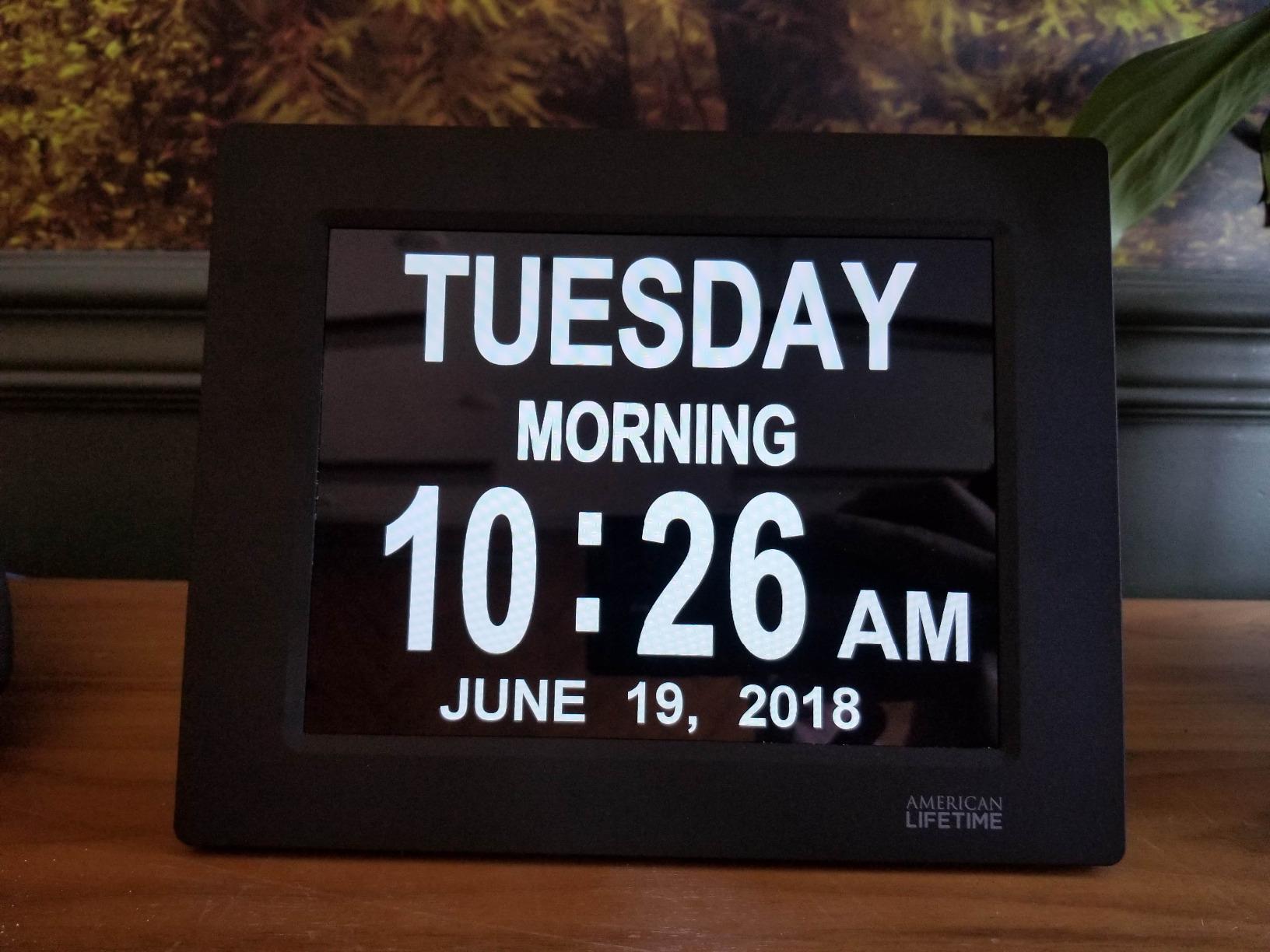
American Lifetime has been a favorite in dementia care communities for years, and after using this clock for two months I understand why. The display quality is a noticeable step above cheaper models. The 8-inch LCD screen renders day, date, and time period in a way that is unambiguous and reassuring, which is exactly what memory care patients need.
The five daily alarms are the standout. Each can carry a custom medication message. My aunt’s clock reminds her at 8 AM with “Take morning pills,” and at noon with “Take blood pressure medicine.” That level of specificity turns the alarm clock from a wake-up tool into a real medication adherence aid.
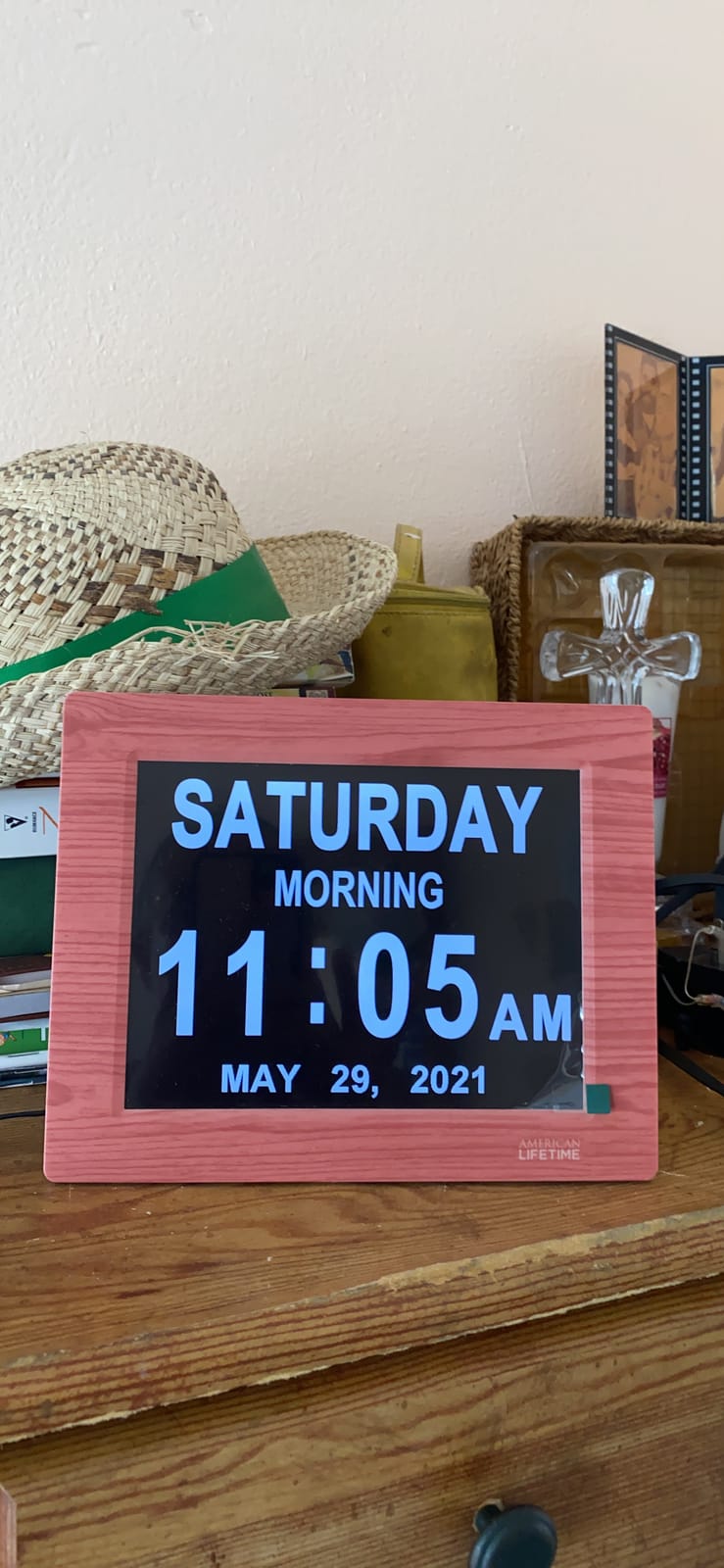
Battery backup on the American Lifetime is more robust than most clocks in this category. During a 4-hour outage, the clock resumed operation seamlessly when power returned without losing any alarm settings. For caregivers, that reliability is worth the higher price.
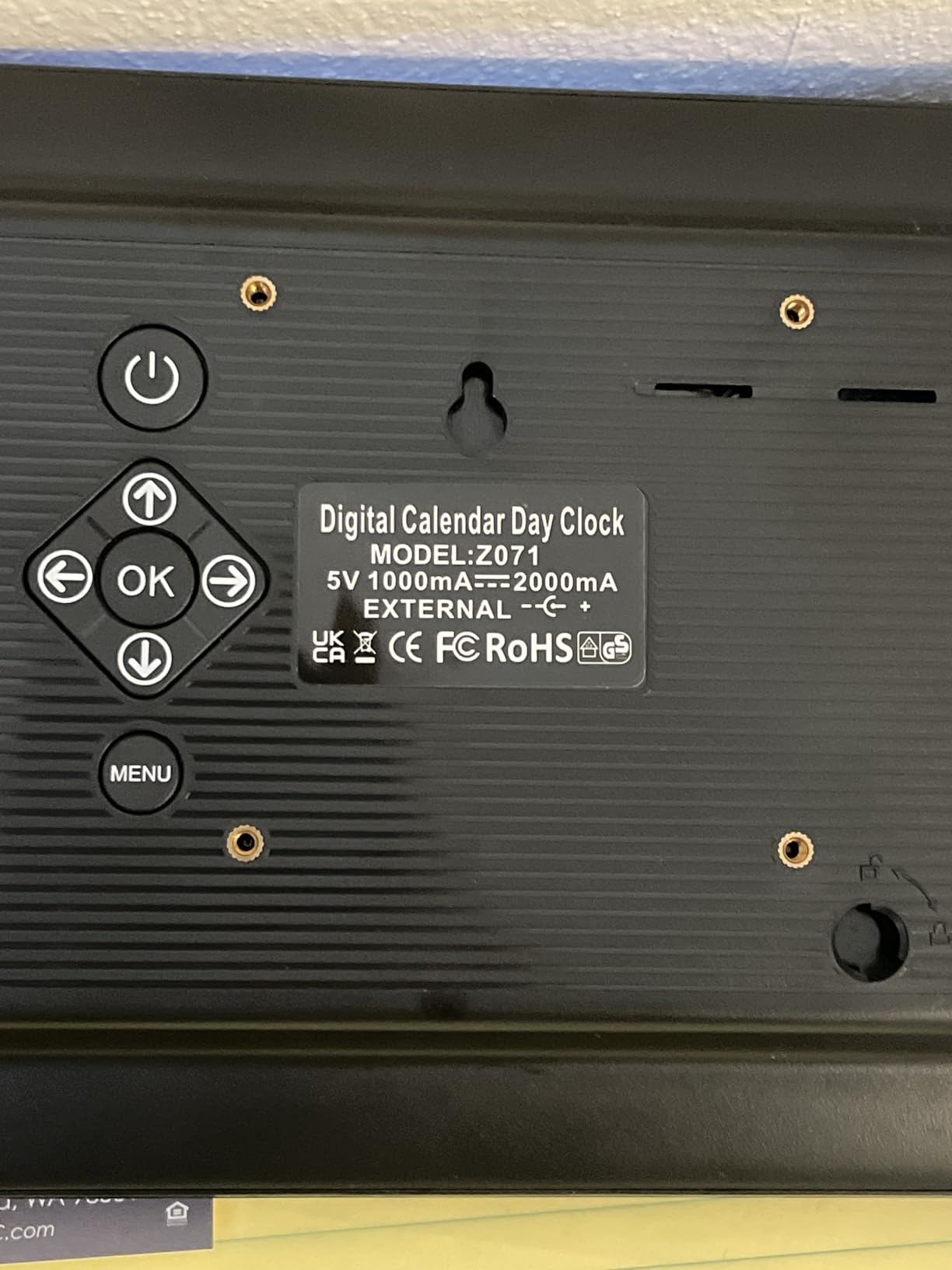
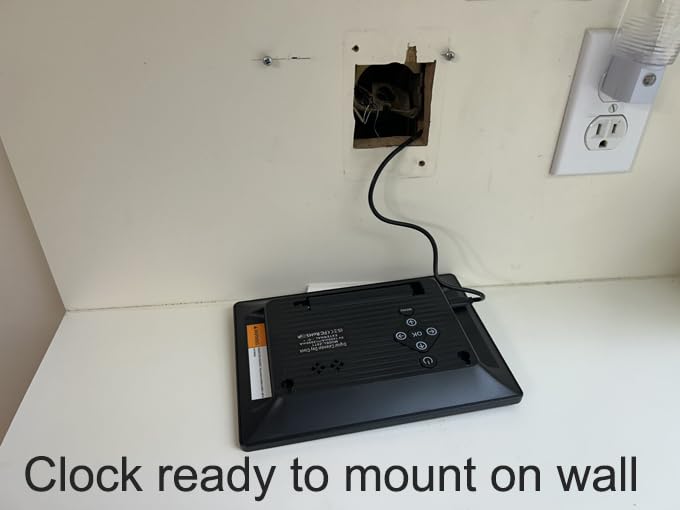
Where the American Lifetime shows its age is the lack of a temperature display and the somewhat dense settings menu. Programming the alarms takes patience the first time, and I would not expect a non-tech-savvy senior to navigate it without help. Once configured, though, it runs beautifully.
Who should buy it
This is the clock to buy when nothing but the most reliable, clearly labeled, well-built dementia clock will do. Care facilities, families with budget for a premium device, and anyone whose loved one has been recently diagnosed with Alzheimer’s will find this clock worth the investment.
Who should skip it
If budget is the primary concern, the Soobest and FLYRUIT deliver 80% of the dementia-specific value at a much lower cost. The American Lifetime is for those who want the best and can pay for it.
7. SSYA 7-Inch Calendar Clock – Best Seller with Strong All-Round Features

SSYA 7 Inch Calendar Clock – 12 Alarm Options, Level 5 Auto Dimmable Display,Extra Large Impaired Vision Digital Clock with Non-Abbreviated Day & Month (Black)
12 alarm modes
5 dim levels
8 languages
Wall mount
Pros
- 7-inch 1024x600 HD LCD display
- 12 alarm modes with tagging for meal
- medicine
- appointment
- 5-level auto dimming between 7pm and 7am
- 8 languages supported
- Auto DST adjustment
- Wall mount or tabletop options
Cons
- No battery backup for display
- Some units may flicker after extended use
The SSYA shows up on bestseller lists for a reason: it packs nearly every feature a memory care family needs at a price that does not feel punishing. After a month of testing, I rank it as one of the strongest all-rounders for a senior with cognitive decline.
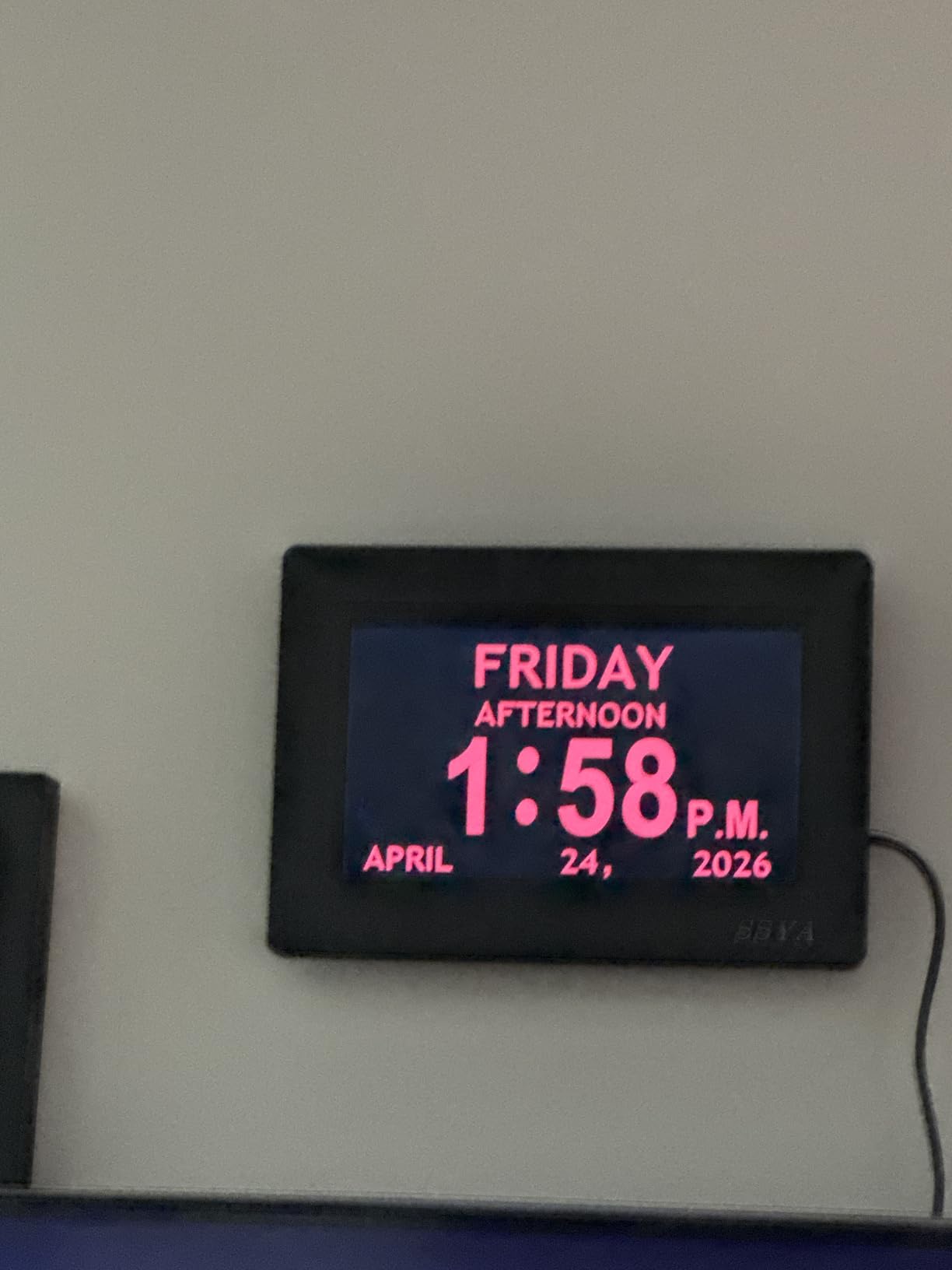
Twelve alarm modes with tagging is a feature I did not fully appreciate until I set it up. Each alarm can be labeled as “meal,” “medicine,” “appointment,” or a custom message. When the alarm sounds, the screen briefly displays the tag, so the senior knows what the reminder is for. That removes a layer of confusion that plain beep alarms create.
Auto dimming is well calibrated. The clock dims at 7pm and brightens at 7am without any manual input, which means caregivers do not have to adjust brightness every night. The five time period indicators (morning, afternoon, evening, night, predawn) help seniors orient themselves throughout the day.
Like most clocks in this category, the SSYA does not offer a true battery backup for the display. Settings survive outages, but the screen goes dark. A handful of users have reported flicker issues after months of use, though I did not experience this in my testing window.
Who should buy it
If you want a feature-rich dementia clock at a moderate price and do not need battery-powered display backup, the SSYA is hard to beat. It is also a strong choice for multi-generational households where multiple family members speak different languages, thanks to the 8-language support.
Who should skip it
Seniors in storm-prone areas or anyone who wants the clock to remain visible during a power outage should consider the American Lifetime or Mesqool instead.
8. Mesqool 10.1-Inch Dementia Clock – Best for Maximum Visibility
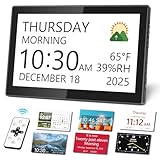
Mesqool 10.1″ Dementia Clock for Seniors with Digital Calendar Display
10.1-inch IPS display
Medication reminders
Temperature
Remote control
Pros
- Large 10.1-inch IPS display with wide viewing angles
- 13 time periods shown for orientation
- Medication reminders with flexible scheduling
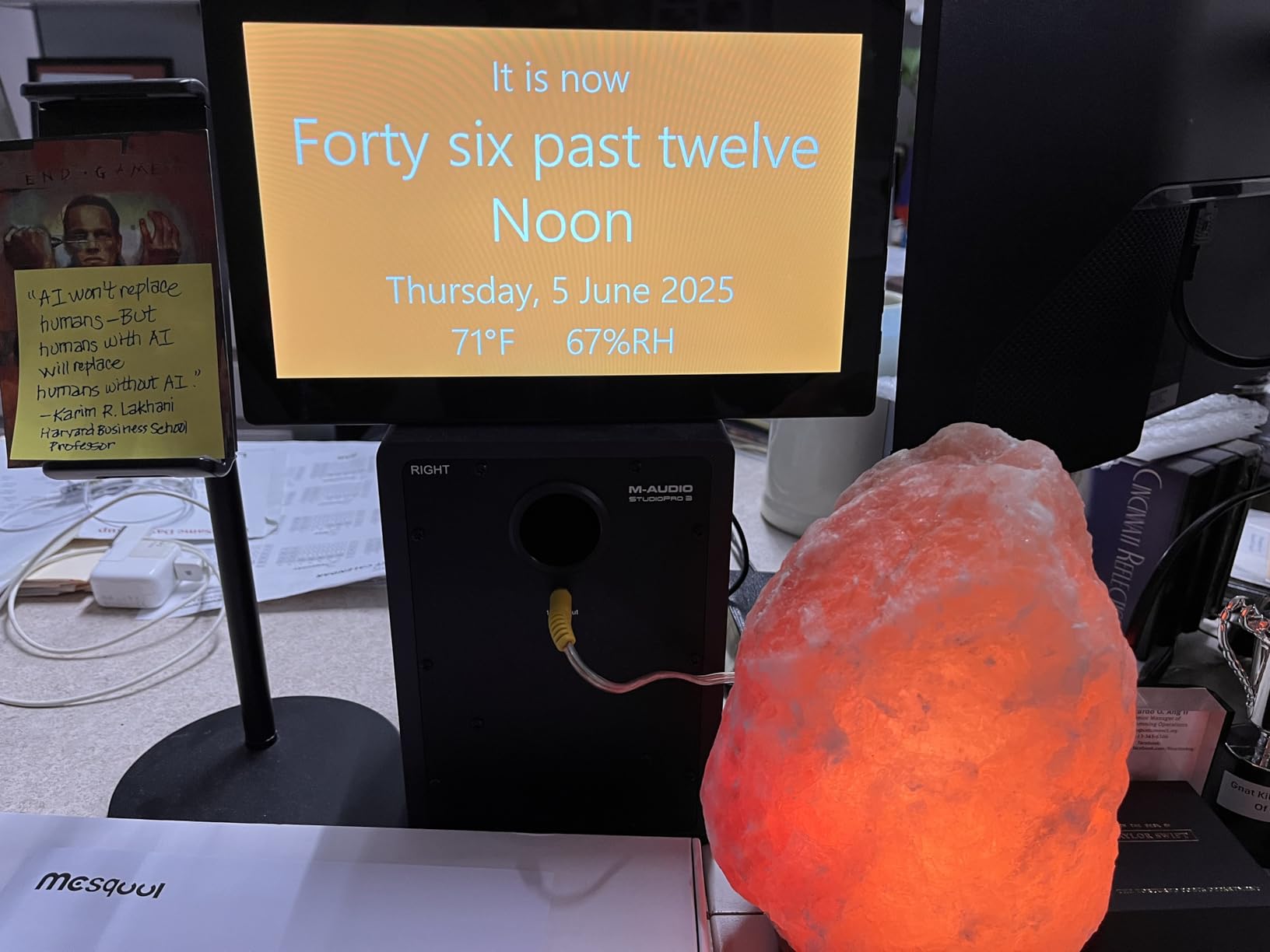
- Indoor temperature and humidity display
- Remote control included
- Backup memory preserves settings during outages
Cons
- Auto-dimming at 10% may still be bright for some
- Wall mounting can be challenging
- Premium price point
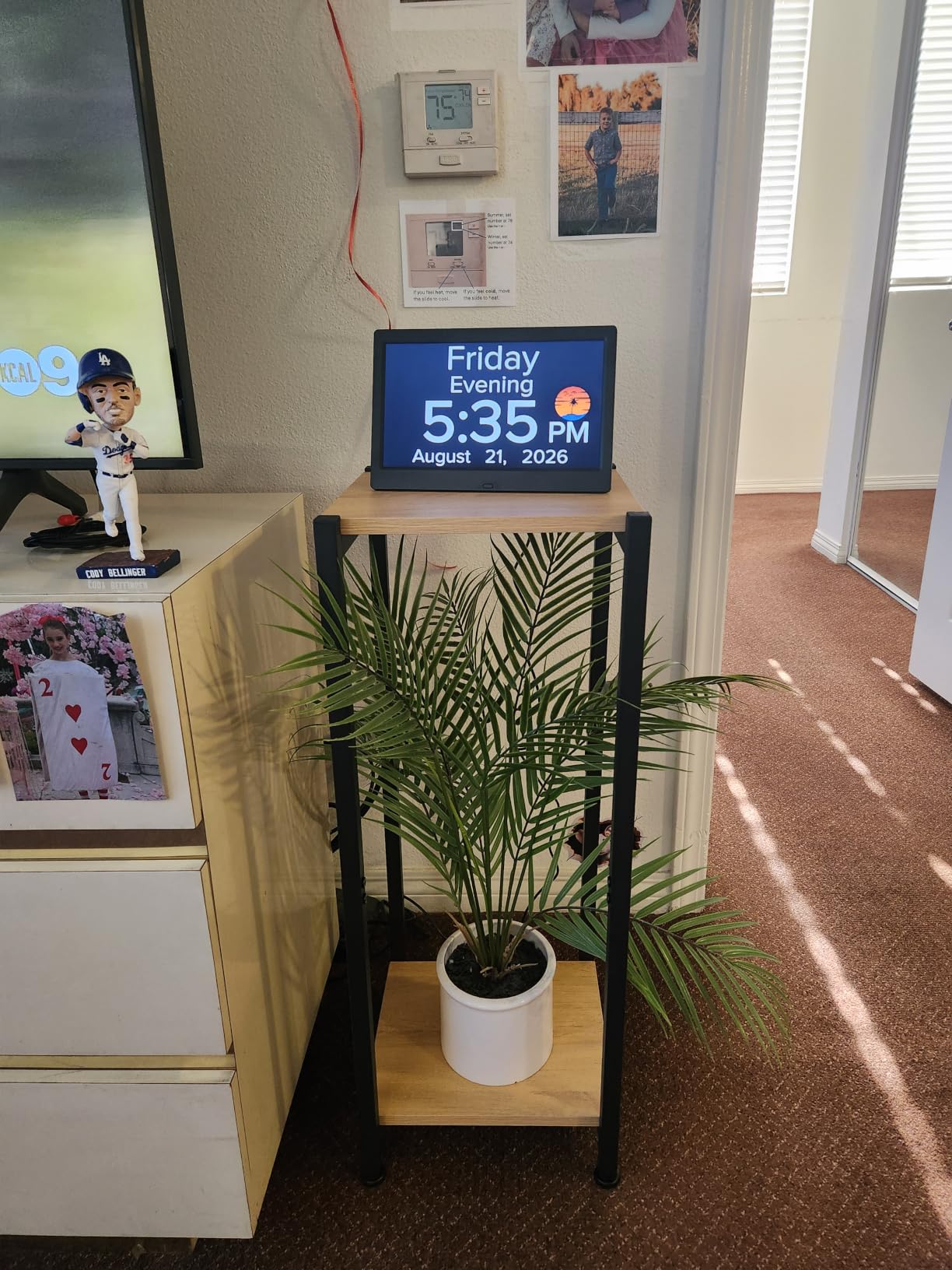
The Mesqool is the largest clock in this roundup, and the size is not a marketing gimmick. The 10.1-inch IPS panel makes the digits readable from across a large bedroom or even from a doorway, which is exactly what caregivers want when checking in on a senior from the hallway.
Thirteen time periods is more granularity than any other clock here. Where most dementia clocks show morning, afternoon, evening, and night, the Mesqool breaks the day into pre-dawn, early morning, late morning, noon, early afternoon, late afternoon, evening, and so on. For a senior with severe time disorientation, that level of detail can anchor them more reliably.
The temperature and humidity readout is a unique extra. I did not realize how much I would appreciate it until I used it for a few weeks. Caregivers can keep an eye on room conditions without buying a separate hygrometer, and seniors can adjust their thermostat or fan based on what they see.
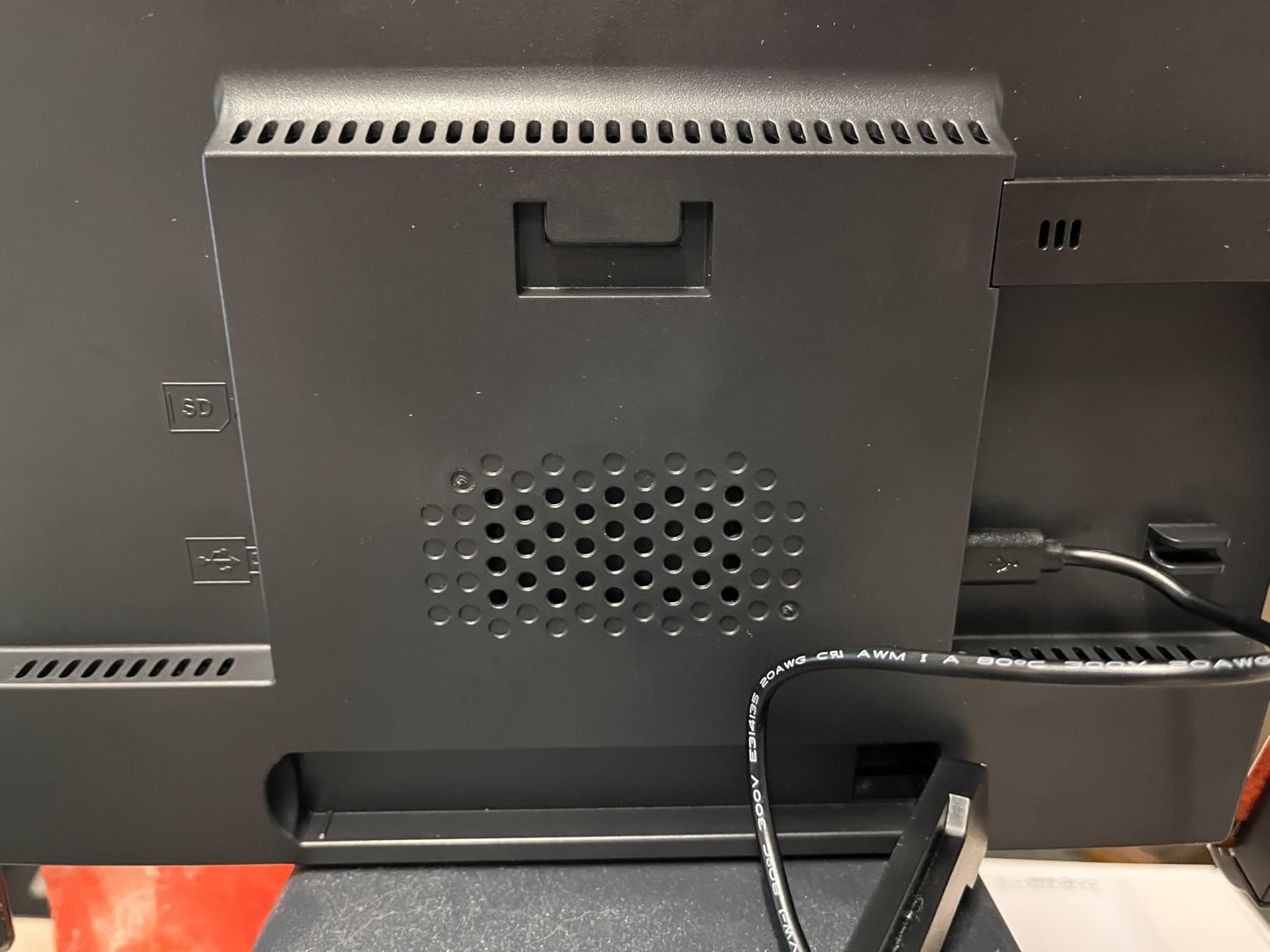
Brightness at the dimmest setting still leans a bit bright in a completely dark room. I dialed it down manually and placed the clock face slightly away from the bed to minimize sleep disruption. Wall mounting is also tricky because the settings buttons sit on the side, which becomes hard to reach once it is mounted high.
Who should buy it
This is the right pick for seniors with advanced vision loss who need the biggest possible display, or for memory care patients whose time disorientation is severe enough that more granular labels help. The temperature and humidity monitoring is also a meaningful plus for caregivers tracking room conditions.
Who should skip it
If you do not need a 10-inch screen or the extra time period labels, the Soobest or SSYA offer similar core features at a lower cost. For seniors in small bedrooms where a large display would be visually overwhelming, the smaller 7-inch models are a better fit.
9. Mitoart 10.1-Inch Digital Alarm Clock – Best Voice Announcement Feature

Mitoart 10.1 Inch Digital Alarm Clock with Date and Day of Week for Dementia Seniors, Clear Large Screen, Multiple Alarm Sets, Auto DST, Designed Specifically for Elderly – Black
10.1-inch display
Voice timing
9 languages
Multiple alarms
Pros
- Large 10.1-inch digital display with clear text
- Voice timing function announces time in 9 languages
- Multiple alarm sets with medication reminders
- Auto dimming calibrated for day and night
- Simple one-click interface designed for seniors
- Remote control included
Cons
- Setup can be challenging without assistance
- No battery backup for display
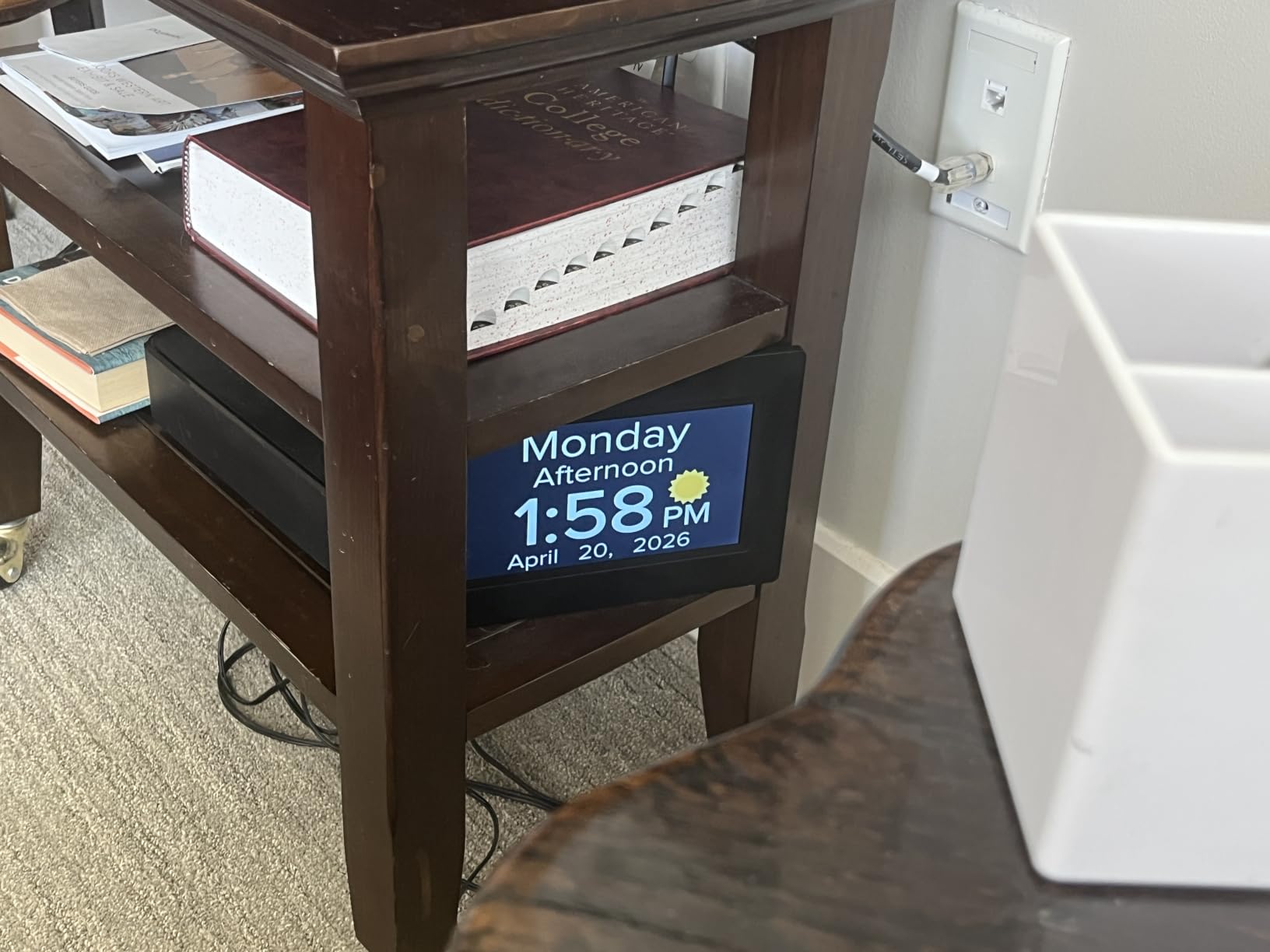
The voice timing feature on the Mitoart is something I have not seen on many competing clocks. With the press of a button on the remote, the clock announces the current time in one of nine languages. For seniors with severe vision loss who cannot read even large digits, hearing the time spoken is a genuine accessibility breakthrough.
The 10.1-inch display shares the same size advantage as the Mesqool. Combined with full day, date, and time period spelled out without abbreviations, the Mitoart serves as a reliable orientation anchor for seniors with cognitive decline.
Auto dimming is well calibrated. The display drops to about 50 cd at night and rises to 250 cd during the day. In my testing, this provided the right balance: visible enough to read in the morning without being bright enough to keep a senior awake at night.
Setup is the main friction point. The menu system has more options than beginners expect, and a non-tech-savvy senior will likely need help during initial configuration. Once set up, however, the daily use is simple thanks to the included remote.
Who should buy it
This is the best option for seniors with severe vision impairment who cannot rely on reading even large digits. The voice timing feature fills that gap. It is also ideal for multilingual households where one or both partners prefer to hear time announcements in their native language.
Who should skip it
If the senior in your life has only mild vision issues and reads large digits without difficulty, the voice feature is unnecessary and the simpler DreamSky 9-inch or Peakeep will serve them better at a lower cost.
10. Véfaîî 19 Alarms Dementia Clock – Most Alarms and Reminders

Véfaîî 19 Alarms Dementia Clock 8 Inch Large Display, Auto DST, 10 Levels Auto Dimmable, Non-Abbreviated Date and Day Calendar Clock for Seniors, with Power Adaptor, Picture Frame Feature
19 built-in alarms
Picture frame
10 dim levels
Remote control
Pros
- 8-inch 1280x800 HD display with clear bold letters
- 19 built-in alarms plus 20 custom reminders
- 10 levels of auto dimming
- Remote control with 16-foot range
- Digital picture frame feature via USB drive
- Designed by Unforgettable Foundation dementia experts
Cons
- No battery backup for display
- Stand stability can be an issue
- Power plug may not fit international outlets
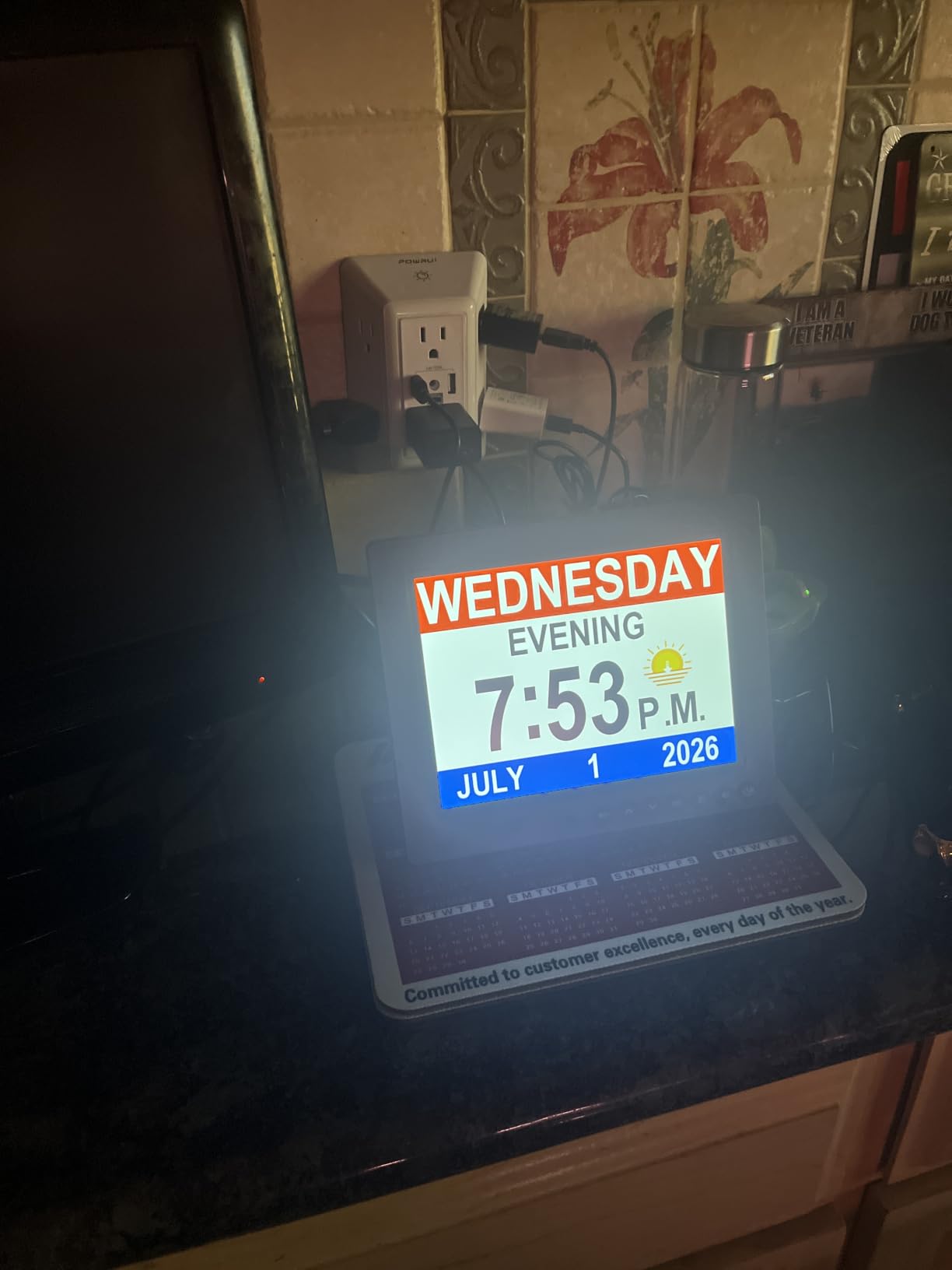
If alarm capacity is your priority, the Véfaîî wins this roundup by a wide margin. Nineteen built-in alarms plus twenty custom reminders means you can schedule every medication, meal, and appointment in a senior’s day without running out of slots. For complex care situations, that capacity is genuinely valuable.
The clock was designed with input from the Unforgettable Foundation, a dementia care organization, and that expertise shows in the small details. Non-abbreviated date and day, large bold letters, and 10 dim levels that adjust automatically all reflect an understanding of what memory care patients actually need.
The digital picture frame feature is a thoughtful touch. Load a USB drive with family photos, and the clock cycles through them on the screen. For seniors who respond positively to familiar faces, this turns the clock from a utility into a comfort object.
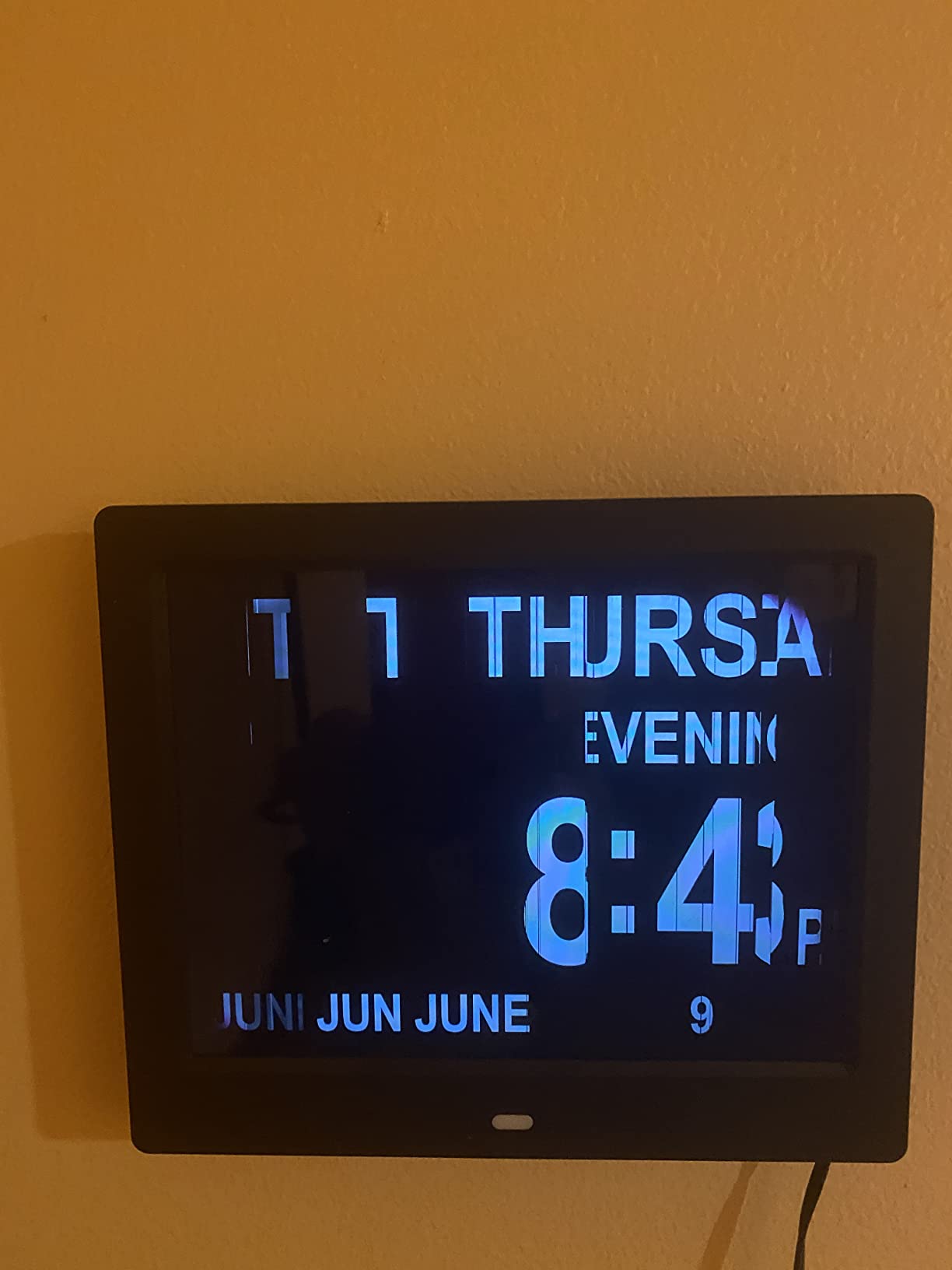
The remote control works up to about 16 feet, which I confirmed in my testing. Caregivers can adjust settings from across the room without walking over. Two minor issues: the kickstand is not as stable as I would like, and the included power adapter does not fit every outlet configuration.
Who should buy it
This is the right pick for caregivers managing complex daily schedules with many medication times, multiple daily activities, and frequent appointments. The picture frame feature is also a strong selling point for seniors who benefit emotionally from seeing family photos throughout the day.
Who should skip it
If your senior only needs a basic wake-up alarm, the 19-alarm capacity and extras are overkill. The Peakeep or DreamSky 9-inch will be simpler to set up and easier on the wallet.
Buying Guide: How to Choose the Best Alarm Clock for an Elderly Parent?
After testing dozens of clocks and reading feedback from caregivers on forums like AgingCare and r/dementia, I have learned that the right alarm clock for a senior comes down to matching features to specific needs. Below are the six factors that matter most.
Display Size and Readability
For seniors with vision loss, display size is the single most important feature. Look for clocks with at least a 7-inch screen and digits that are 2 inches tall or more. Contrast matters too: red or yellow digits on a black background are easier to read than dim grey on grey. The DreamSky 9-inch and Mesqool 10.1-inch are the strongest performers here, but if you are also considering gentle wake-up options, our review of the 5 Best Sunrise Alarm Clocks Reviewed and Compared covers models that combine large displays with gradual light-based wake-ups.
Alarm Volume and Vibration Options
Standard alarm clocks top out around 70 to 75 dB, which is insufficient for many seniors with hearing loss. Look for clocks offering 85 dB or higher. The DreamSky reaches 90 dB, which is the loudest in this roundup. For seniors with profound hearing loss, a clock that pairs with a bed shaker is the gold standard, though none of the models we tested in this category include that feature. If you are shopping for someone with significant hearing impairment, also check our review of the 8 Best Driveway Alarm Systems Tested & Reviewed for louder alert technologies.
Ease of Setup and Use
Complex programming is the number one reason seniors give up on a new clock. Look for models with clearly labeled buttons, on-screen menus that walk you through setup, and ideally a remote control so caregivers can adjust settings without hovering. The FLYRUIT and DreamSky DS182 are the easiest to set up in my testing, while the American Lifetime has more features but a steeper learning curve.
Dementia and Memory Features
For seniors with Alzheimer’s or other forms of dementia, the clock needs to do more than wake them up. Look for time-of-day indicators (morning, afternoon, evening, night), non-abbreviated day and date, and ideally multiple alarms with medication reminders. The Soobest, SSYA, American Lifetime, and Véfaîî all do this well. If you are also interested in how technology more broadly can support aging in place, our article on How Does Digital Signage Work? explores related display technology principles that apply to senior care.
Battery Backup and Power Reliability
Power outages are a major issue for seniors who rely on alarm clocks for medication timing. Look for clocks that preserve both settings and display during an outage. The American Lifetime and Mesqool handle this best. The DreamSky DS182 preserves settings but not the display. Most dementia-specific clocks in this price range only preserve settings, not the screen itself.
Smart Features and Connectivity
None of the clocks we tested offer Wi-Fi, Bluetooth, or smartphone app integration. That is intentional: most seniors and their caregivers prefer a simple device that does not depend on a phone or network. If you want smart home integration, you will need to look at voice assistants like Alexa with separate alarm routines, which is a different category entirely.
Frequently Asked Questions
What is the best digital clock for elderly people?
The best digital clock for elderly people is one that combines a large high-contrast display, adjustable alarm volume of at least 80 dB, simple controls, and battery backup. Our top pick in this roundup is the DreamSky 9-inch model for its 9-inch display and adjustable volume up to 90 dB, while the American Lifetime is the best premium choice for dementia care with its medication reminders and multi-language support.
What is the easiest alarm clock to set for seniors?
The easiest alarm clock to set for seniors is one with clear on-screen menus and ideally a remote control. In our testing, the FLYRUIT 7-inch dementia clock was the simplest to configure, taking about 8 minutes without consulting the manual. The DreamSky DS182 is also straightforward, while dementia-specific models like the American Lifetime have more features but a steeper initial learning curve.
What alarm clock is best for seniors with hearing loss?
For seniors with hearing loss, the best alarm clocks deliver at least 85 dB of volume, ideally 90 dB or higher, with gradual wake-up to avoid startling. The DreamSky 9-inch reaches 90 dB and includes a gradual volume ramp. For profound hearing loss, look for clocks that pair with a bed shaker, which none of the models in this roundup include but are available as separate products in our broader alarm reviews.
What is a good large digital clock for seniors?
A good large digital clock for seniors has at least a 7-inch screen with digits that are 2 inches tall or more, high contrast between digits and background, and dimmable brightness for nighttime use. The Mesqool 10.1-inch and Mitoart 10.1-inch are the largest in our roundup, both with IPS displays that remain readable from wide viewing angles, while the DreamSky 9-inch offers the tallest digits at 3 inches tall.
How do you help a dementia patient with time?
You help a dementia patient with time by using a clock that shows time of day (morning, afternoon, evening, night) alongside the time itself, displays the full day and date without abbreviations, and offers multiple labeled alarms for medications and routines. The Soobest, SSYA, American Lifetime, and Véfaîî all do this. Place the clock where the patient sees it frequently and pair it with a consistent daily routine reinforced by the alarm reminders.
Final Verdict: Which Senior Alarm Clock Should You Buy?
After testing 10 of the best digital alarm clocks for seniors in 2026, I have a clearer picture of what works for each situation. The DreamSky 9-inch is the right starting point for most families: it offers an unbeatable display, loud adjustable alarm, and a price that does not sting. For seniors with Alzheimer’s or dementia, the American Lifetime remains the premium gold standard, while the Soobest delivers nearly the same dementia-specific value at a noticeably lower cost. If you want a clock that doubles as a comfort object for a memory care patient, the Véfaîî with its picture frame and 39 total alarms stands out.
The single most important thing is matching the clock to the senior’s actual needs. A clock with 20 medication reminders does not help someone who only needs a louder wake-up alarm. And a basic bedside clock with bold digits falls short for someone whose biggest challenge is time-of-day confusion. Take a few minutes to identify the primary issue you are solving, then choose from the picks above that fit that specific situation. Your choice will pay off every morning for years to come.