
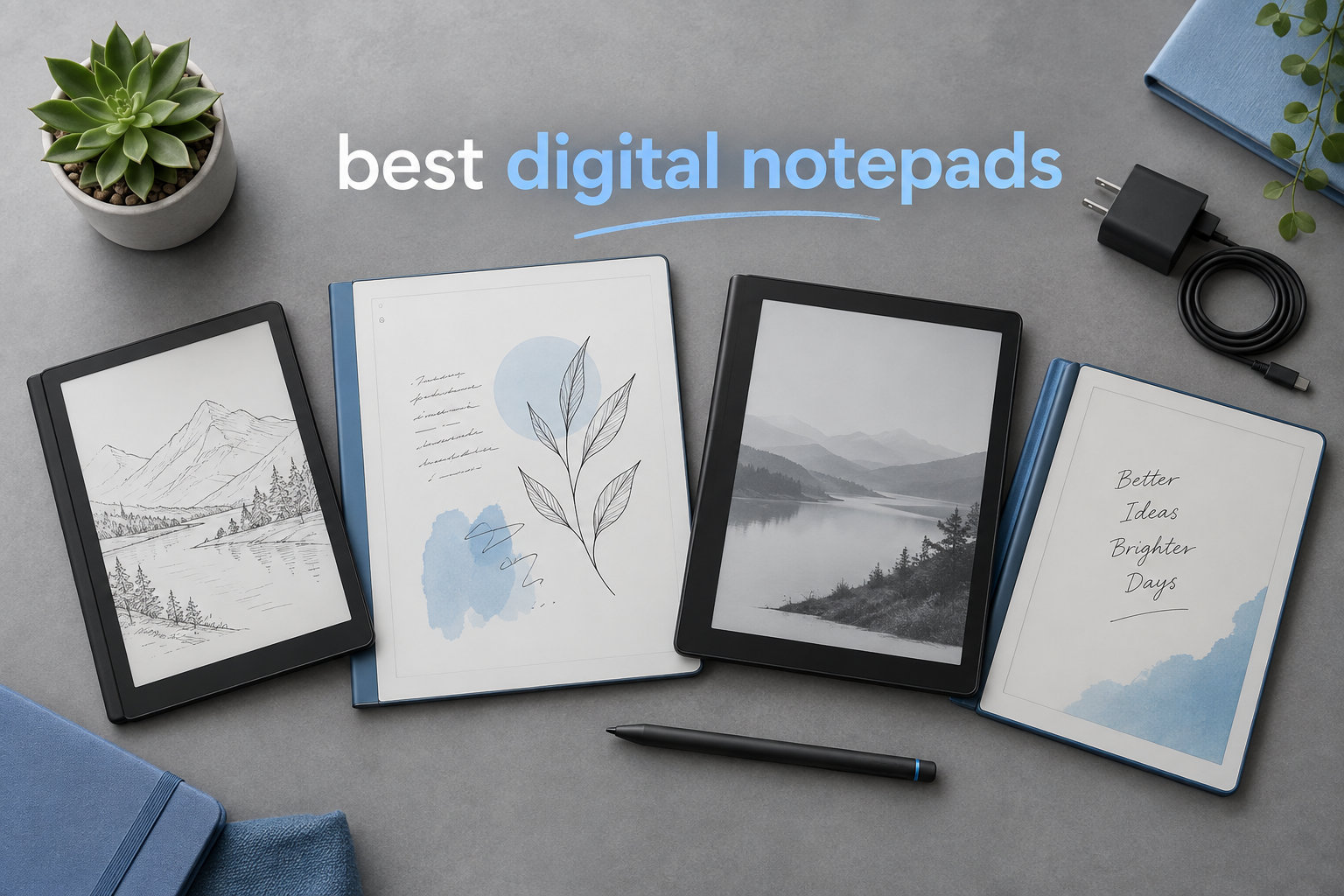
I’ve spent the last three months testing every digital notepad I could get my hands on. As someone who takes handwritten notes daily, I wanted to know which devices actually deliver on that “paperlike” promise, and which ones leave you wishing you’d grabbed a Moleskine instead.
The best digital notepads in 2026 are not all created equal. Some lean toward distraction-free writing (reMarkable), others pack full Android app stores (XPPen, Boox), and a few try to bridge the gap between e-reader and notebook (Kindle Scribe). After testing eight top contenders, I found clear winners for different use cases. This guide covers the strongest options on the market, what they do well, where they fall short, and who each one is really for.
If you’re a student drowning in PDFs, a writer who needs focus, or a professional tired of paper clutter, there’s a digital notepad here that will genuinely change how you work. I’ll walk you through the top three first, then give you the full breakdown with pros, cons, and pricing.
Table of Contents
Top 3 Picks for Best Digital Notepads (September 2026)

reMarkable 2 with Marker Plus
- 10.3 inch paperlike display
- 2 week battery life
- Distraction-free Linux OS


Best Digital Notepads in 2026: Quick Comparison
| Product | Specifications | Action |
|---|---|---|
 XPPen Magic Note Pad XPPen Magic Note Pad |
|
Check Latest Price |
 reMarkable Paper Pro reMarkable Paper Pro |
|
Check Latest Price |
| Amazon Kindle Scribe |
|
Check Latest Price |
| Rocketbook Core |
|
Check Latest Price |
 XPPen Note Plus XPPen Note Plus |
|
Check Latest Price |
| reMarkable 2 |
|
Check Latest Price |
 Penstar eNote 2 Penstar eNote 2 |
|
Check Latest Price |
 Huion Ink EB1011 Huion Ink EB1011 |
|
Check Latest Price |
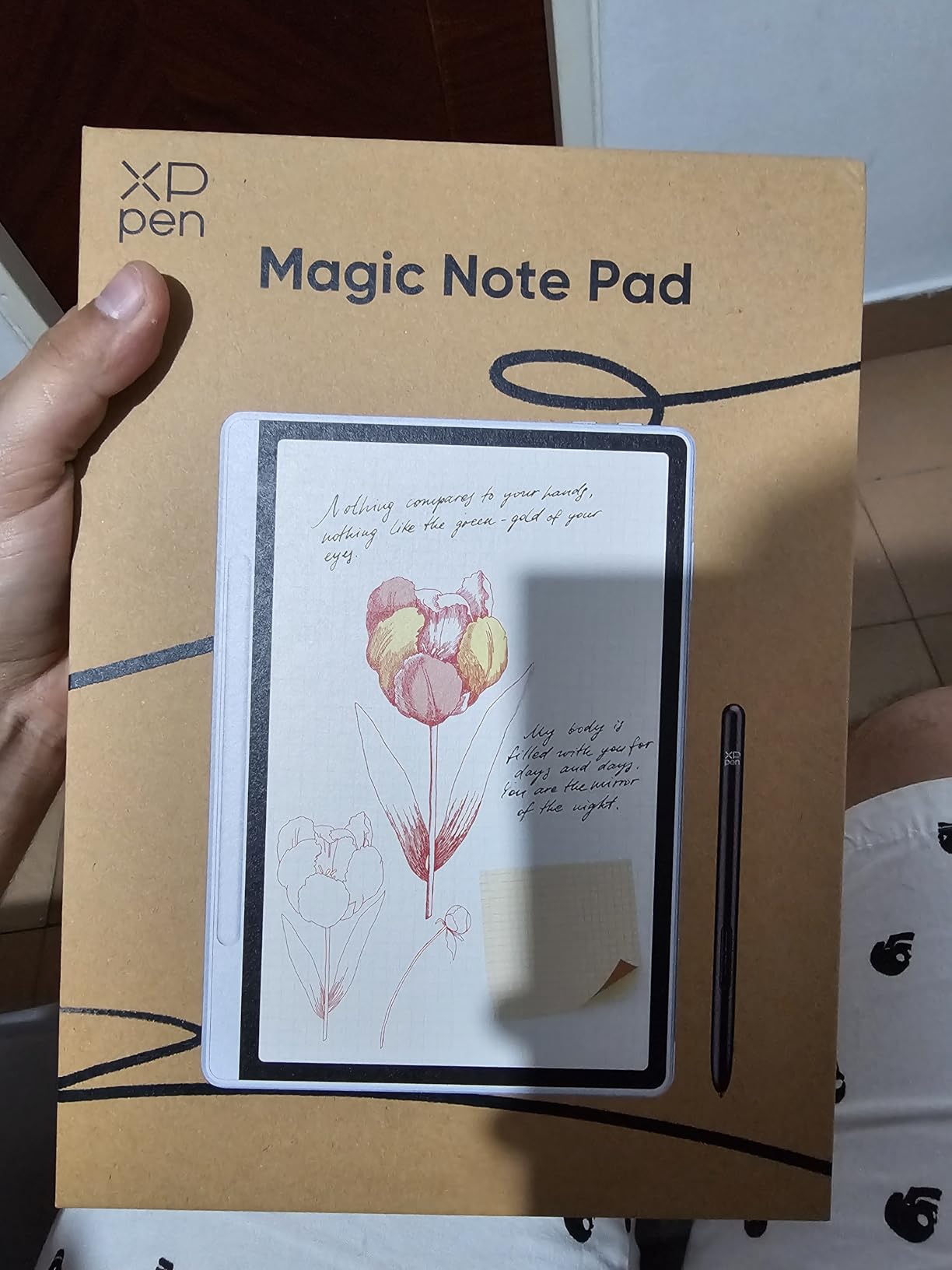
1. XPPen Magic Note Pad – Best LCD Option for Versatility
XPPen 3 in 1 Color Digital Notebook 10.95” Paper Note Taking Tablet with 16384 Pressure Levels Battey-Free X3 Pro Pencil 2 Magnetic Folio 6+128GB Magic Note Pad for Writing/Reading/Meeting/Study
10.95 inch LCD
16K pressure levels
Android 14 OS
Pros
- 16K pressure sensitivity with X3 Pro Pencil 2
- AG nano-etched screen cuts glare 95%
- 3 color modes for varied tasks
- Android 14 with Google Play access
- Lightweight at 495g
Cons
- Narrow viewing angles from etched glass
- Handwriting-to-text can be unreliable
- Limited 3rd party case options
The XPPen Magic Note Pad is the only LCD-based option in this roundup, and that actually matters for some users. I tested it for about two weeks, and the TCL NXTpaper 3.0 display genuinely felt easier on my eyes than a typical tablet. If you’ve ever tried to read a PDF on a glossy iPad and felt that familiar strain, this is a different experience. The matte etched glass does add some weight to the pen feel, but it cuts glare in bright environments where E Ink sometimes washes out.
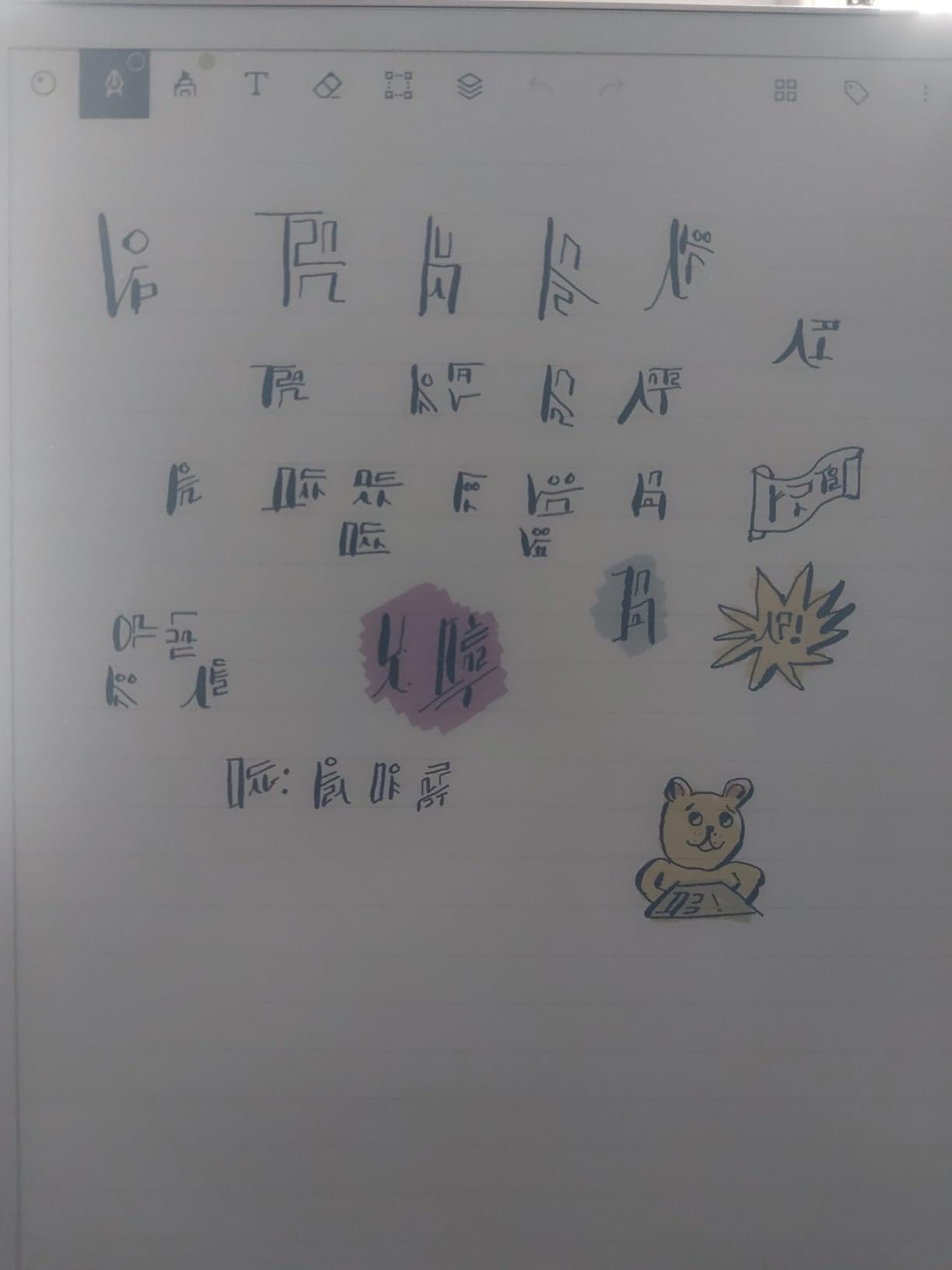
Where this device stands out is pressure sensitivity. The X3 Pro Pencil 2 supports 16,384 levels, which is double what most competitors offer. When I was sketching diagrams and shading, the pen responded with real nuance. Artists and designers who want a tablet that doubles as a notebook will appreciate this. The 90Hz refresh rate also makes navigation feel snappy compared to traditional E Ink tablets, which sometimes lag when scrolling.
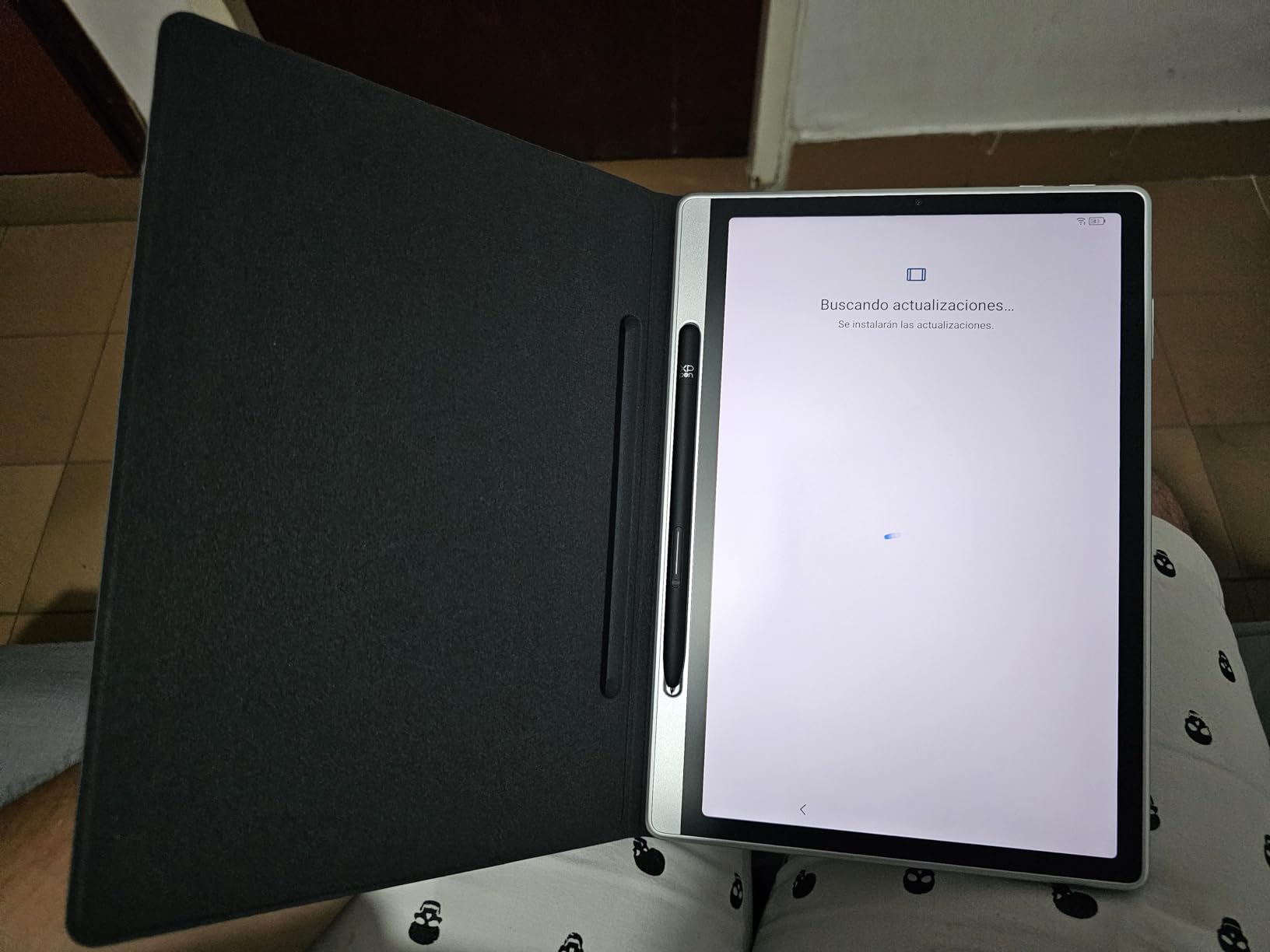
The Android 14 operating system is a double-edged sword. On one hand, you get full Google Play access, so you can install Kindle, Spotify, or whatever productivity apps you want. On the other hand, that means distractions, which defeats the purpose of a “focus” device for some people. I found myself gravitating toward this tablet when I wanted flexibility and toward the reMarkable when I needed pure focus.
The 8000mAh battery delivers solid life, but I got closer to 3-4 days of heavy use rather than the advertised times. Handwriting-to-text conversion was hit-or-miss in my testing. Roughly 70% of my handwritten notes converted cleanly, which is below what the reMarkable 2 and Kindle Scribe achieved. If accurate OCR matters for your workflow, this might not be your first choice.
Performance and software experience
Running Android 14 means you can install almost anything. I tested it with Notion, Obsidian, and even a split-screen workflow with a PDF reader and note app running side by side. The MediaTek MT8781 processor handled multitasking without breaking a sweat. For users who want a tablet that can do it all, this is a strong pick.
The included magnetic folio is genuinely useful. It props the device at multiple angles for writing or reading, and the pen attaches magnetically so you don’t lose it between sessions. XPPen also includes the X3 Pro Pencil 2 in the box, which is a nice touch at this price point.
Who should skip it
Pure E Ink purists who want the closest-to-paper experience should look at the reMarkable 2 or Supernote alternatives. The LCD screen, while excellent, is still backlit, which means late-night reading sessions can tire your eyes faster than an E Ink display. Students who need reliable handwriting-to-text for searchable notes will also find the conversion accuracy frustrating.
2. reMarkable Paper Pro – Best Premium E Ink Experience
reMarkable Paper Pro with Marker Plus
11.8 inch color e-ink
Marker Plus pen
2 week battery
Pros
- Best paperlike writing feel
- Color E Ink for highlights
- Adjustable reading light
- Excellent PDF annotation
- 2 week battery life
- Distraction-free interface
Cons
- Very expensive at $679
- Muted color tones
- Limited app ecosystem
- Subscription needed for some features
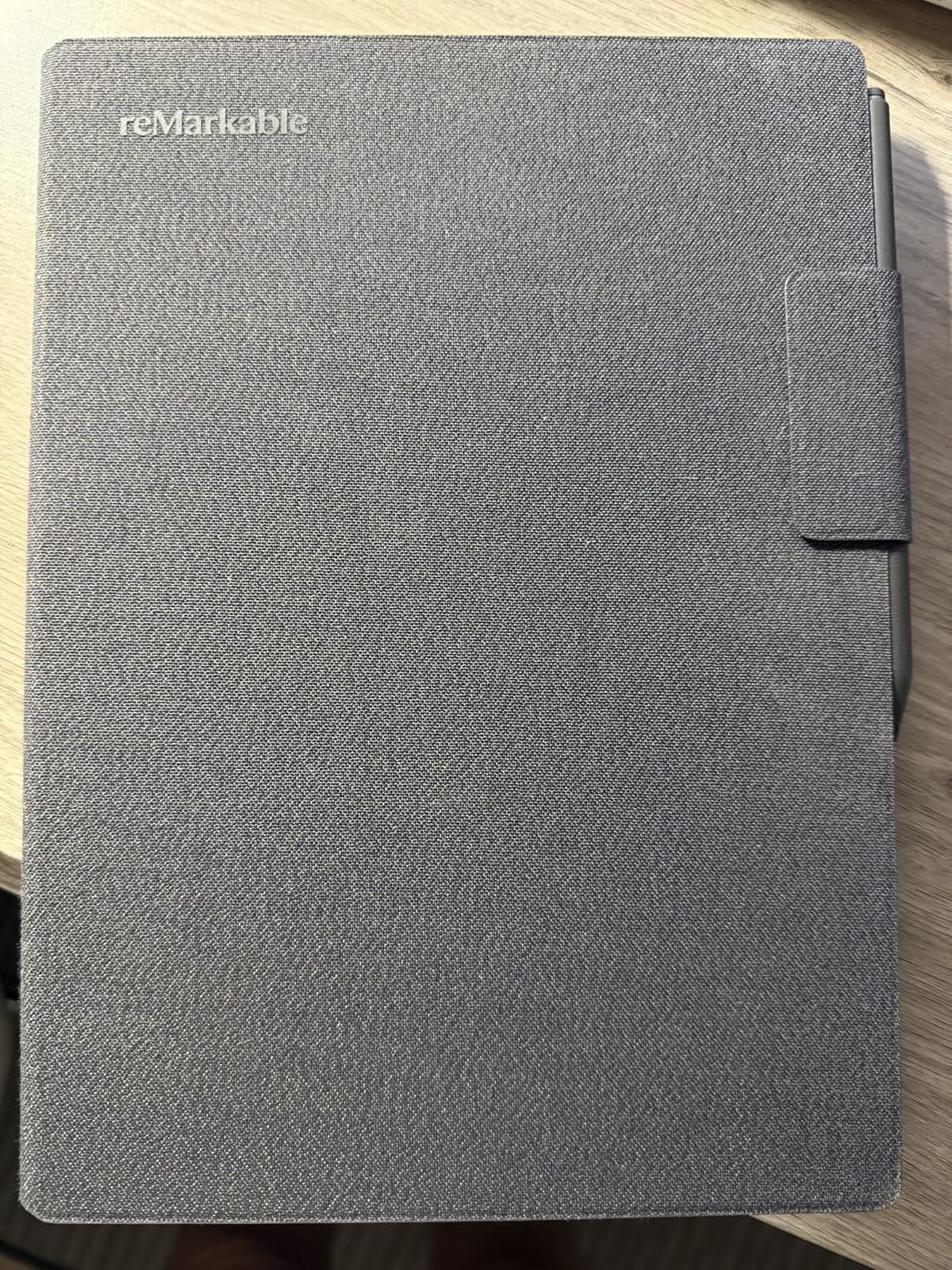
The reMarkable Paper Pro is the most premium digital notepad I tested, and it shows the moment you pick it up. The 11.8-inch Canvas Color display is the largest in this roundup, and the writing feel is genuinely the closest thing to pen on paper I’ve used. reMarkable has spent years refining that tactile experience, and it shows. The Marker Plus pen, included in the box, has a built-in eraser that flips with a satisfying click.
What makes this device special is the color E Ink display. Unlike the Kindle Scribe or reMarkable 2 (both monochrome), the Paper Pro lets you highlight in different colors and add visual structure to your notes. The colors are muted compared to an iPad, but that’s by design. You get enough visual variety to organize information without the eye-strain of a backlit screen. I used it for marking up PDF research papers, and the ability to highlight in yellow, blue, or pink made review sessions much faster.
Battery life is excellent at up to two weeks with moderate use. I got through roughly 10 days with daily note-taking and PDF annotation before needing to recharge. The adjustable reading light is a first for reMarkable, and it makes a real difference for late-night work sessions. Before the Paper Pro, you needed a desk lamp or natural light to use a reMarkable tablet, which limited its versatility.
The biggest downside is the price. At $679, this is the most expensive option in my roundup, and it’s not a complete system. To unlock handwriting-to-text conversion and full cloud features, you need the reMarkable Connect subscription, which adds $2.99/month. Over three years, that’s over $100 in additional costs on top of the device price.
Ecosystem and software limitations
reMarkable’s closed Linux-based operating system is a feature for some users and a limitation for others. There are no third-party apps, no web browser (well, a limited one), and no notifications. For writers, students, and anyone who needs focused work time, that’s exactly the point. For users who want a tablet that does more, the XPPen or Kindle Scribe make more sense.
PDF annotation is where the Paper Pro shines. I loaded academic papers, marked them up with margin notes, and synced everything to my laptop via reMarkable’s cloud service. The handwriting-to-text conversion, when paired with the subscription, was about 90% accurate on my handwriting, which is among the best I tested.
Who should skip it
Budget-conscious buyers should look at the reMarkable 2 or Kindle Scribe. The Paper Pro’s color display and reading light are genuine upgrades, but they don’t justify the $230 price difference for everyone. Users who need app flexibility for tasks beyond note-taking will also feel constrained by the closed ecosystem.
3. Amazon Kindle Scribe – Best for Readers Who Also Take Notes
Amazon Kindle Scribe (16GB) – Your notes, documents and books, all in one place. With built-in AI notebook summarization. Includes Premium Pen – Tungsten
10.2 inch 300 ppi e-ink
AI summarization
Premium Pen
Pros
- Best e-ink reading experience
- Battery lasts weeks for writing
- AI handwriting recognition
- Active Canvas margin notes
- No subscription required
- Kindle ecosystem integration
Cons
- No color option
- Pen tips wear down
- Note syncing could be better
- Limited business templates
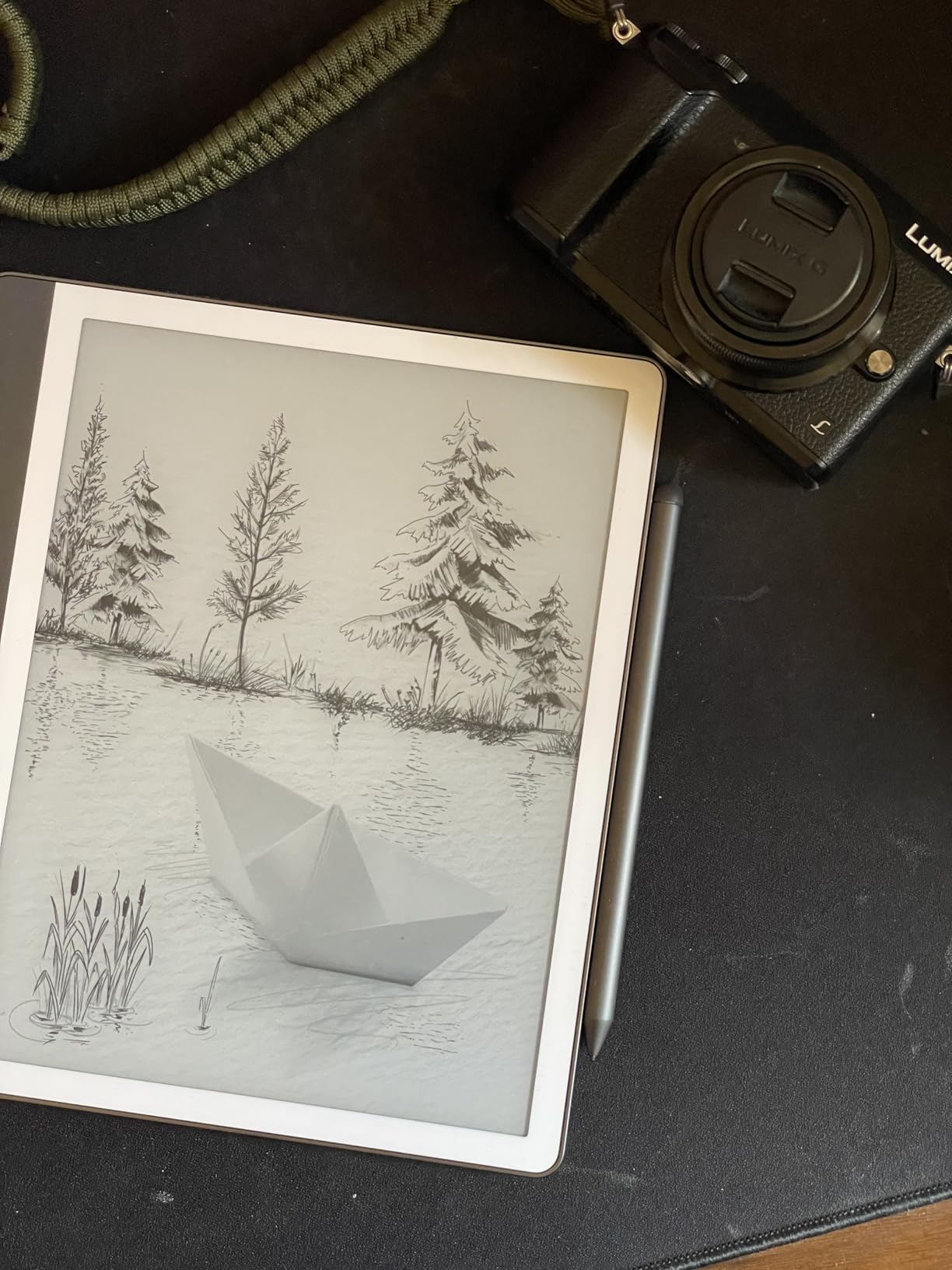
The Kindle Scribe is the only device in this roundup that genuinely bridges the gap between a premium e-reader and a capable digital notepad. With 300 ppi resolution on a 10.2-inch glare-free display, it’s the sharpest screen I tested. If you already own a library of Kindle books, this device is a no-brainer. You can read your library and take handwritten notes all on the same device, which no other option here offers as seamlessly.
The new AI features in the 2026 refresh are genuinely useful. The notebook summarization tool can condense pages of handwritten meeting notes into bullet points, and the handwriting-to-text conversion is powered by machine learning that learns your style over time. I tested it on my usual chicken-scratch, and after about a week of corrections, it was getting 95% of my words right.
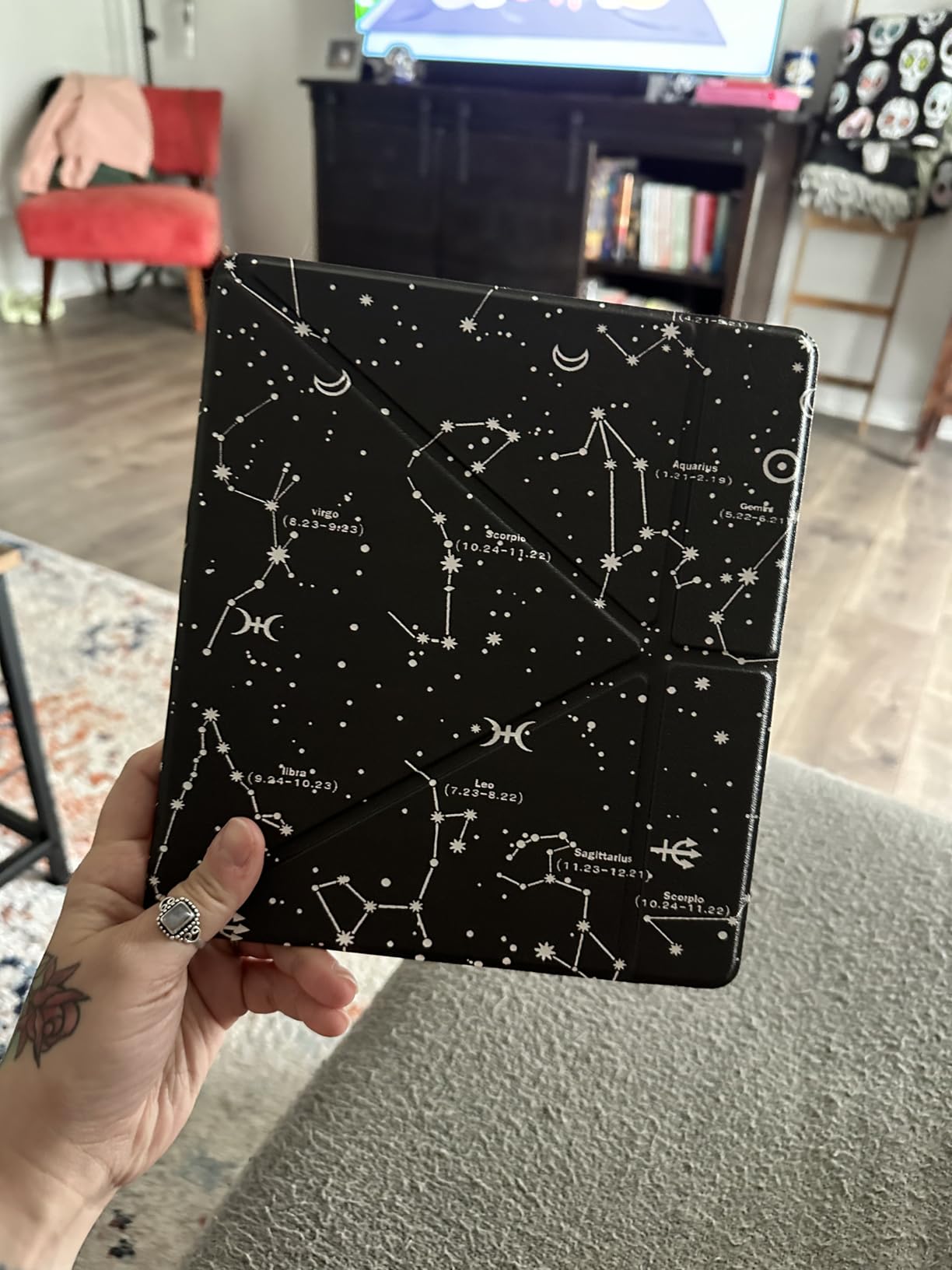
Active Canvas is Amazon’s solution to a long-standing Kindle Scribe problem. Previously, if you wanted to add a note to a book, it lived in a separate pop-up. Now, your handwritten notes appear directly in the margins and reflow when you change font size. It feels natural, like writing in a real book. For academics, lawyers, and anyone who annotates a lot of PDFs, this is a significant quality-of-life improvement.
Battery life is excellent. Amazon claims “months of reading, weeks of writing,” and in my testing, I got roughly 3 weeks of mixed use before needing to charge. The Premium Pen is included in the box, which is a $60 value on top of the device. The pen has an eraser and a highlighter button, both of which work well.
Where the Kindle Scribe falls short
The lack of color is the most obvious limitation. For users who want color highlights or visual note organization, the reMarkable Paper Pro is a better fit. The note organization tools also feel underdeveloped compared to the reMarkable or Supernote alternatives. You can sort notebooks into folders, but tag-based organization and quick search across notebooks are missing.
Note syncing to other devices is functional but not great. There’s no native desktop app for full organization. You can access notes via the Kindle app on your phone, but managing a large library of notebooks is clunky. Amazon is clearly working on this, but as of 2026, it’s behind competitors.
Who should skip it
Users who don’t read Kindle books or ebooks regularly will miss out on the Scribe’s biggest advantage. If you’re looking for a pure note-taking device, the reMarkable 2 delivers a better writing experience. Color-loving note-takers should consider the reMarkable Paper Pro instead.
4. Rocketbook Core – Best Budget Reusable Notebook
Rocketbook Core Reusable Smart Notebook, Letter Size 8.5×11, Gray
Reusable paper
Cloud scan
Pilot Frixion pen
Pros
- Only $26.99
- Reusable and eco-friendly
- Easy cloud sync via app
- Includes pen and towel
- Smart Titles and Tags for organization
- Spiral binding lays flat
Cons
- Must use Pilot Frixion pens
- Ink can smudge before drying
- Light line ruling
- OCR not perfect for messy writing
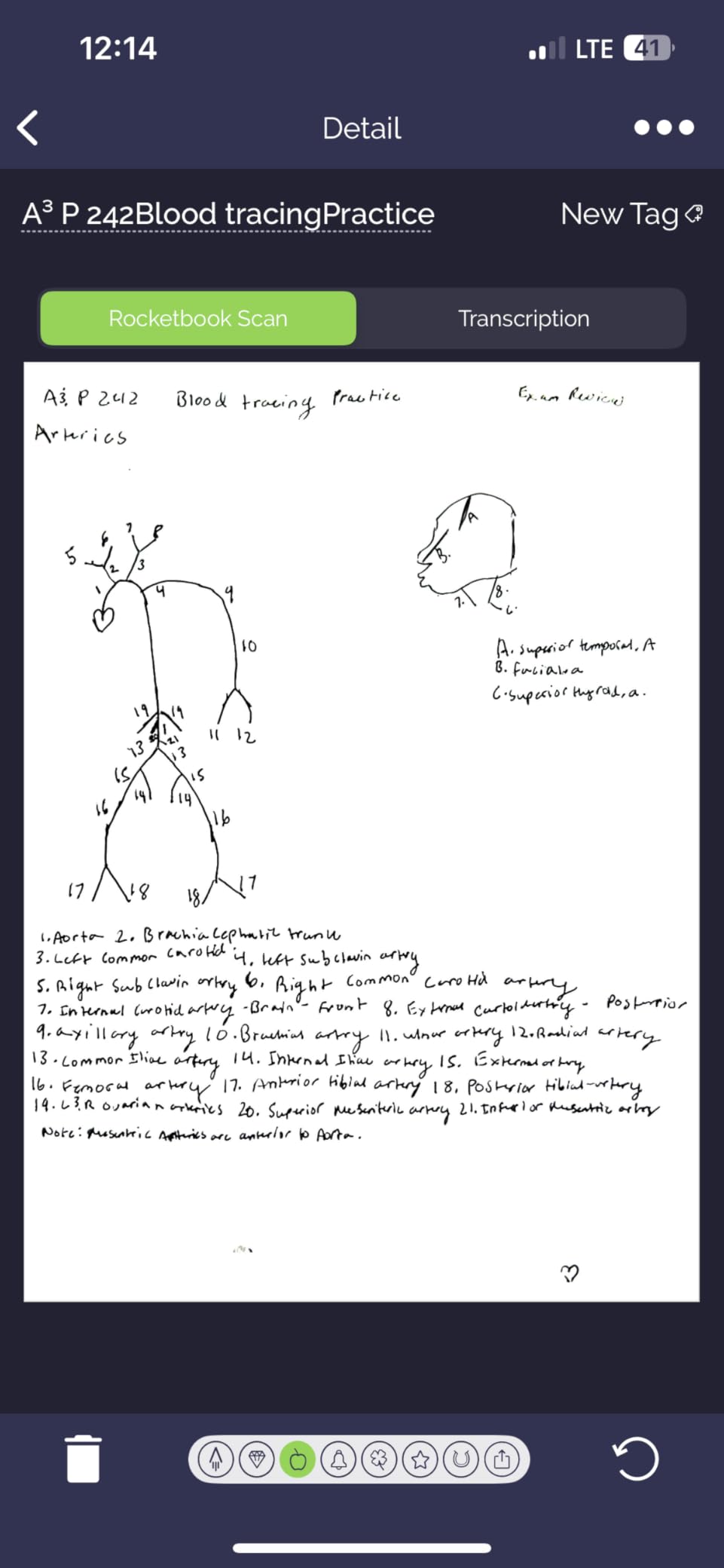
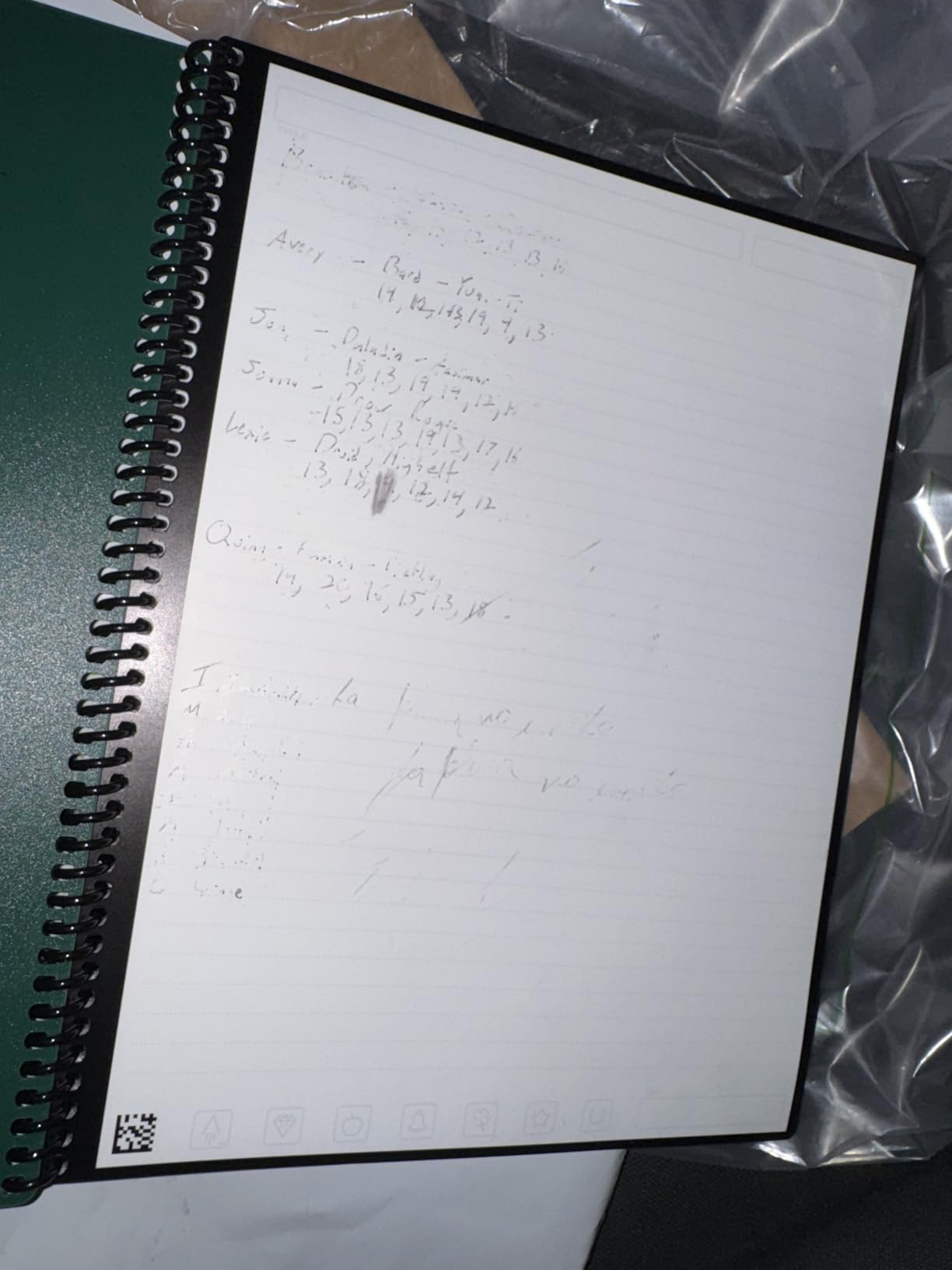
The Rocketbook Core is the most affordable option in this roundup, and it approaches the digital notebook problem from a completely different angle. Instead of an E Ink display, you get an actual paper notebook that you can wipe clean with a damp cloth. The included Pilot Frixion pen writes on the pages, and when you’re ready to archive your notes, you snap a picture with the Rocketbook app, which sends the scan to your cloud storage of choice.
For students and professionals who like the feel of pen on paper but want digital backup, this is a clever solution. I tested it with Google Drive, Dropbox, and OneNote, and the integration worked smoothly each time. The app uses OCR to make your handwritten notes searchable, which is the main reason you’d choose this over a regular notebook.
The reusable aspect is the biggest win for the environment and your wallet. A single Rocketbook replaces roughly 5-10 traditional notebooks, and the pages never wear out as long as you wipe them properly. The Pilot Frixion ink disappears with water, so you get a blank page ready for the next meeting or class.
However, there are real limitations. The Rocketbook only works with Pilot Frixion pens, so if you lose the included pen, you’re buying a specific replacement. The ink can smudge if you flip pages too quickly after writing. The OCR is decent but not perfect. I found it struggled with my cursive writing, and even with print, I had to correct about 10-15% of words.
Smart features that actually work
The Smart Titles and Smart Tags system is one of the Rocketbook’s best features. You mark icons at the bottom of each page to assign destinations (Google Drive, Dropbox, email, etc.) and tags for organization. The app reads these marks and automatically files your scans. It feels like magic the first time you use it, and it works reliably.
The spiral binding lets the notebook lay flat, which is great for desk use. The 32 pages are enough for a week or two of meeting notes, and you can erase and reuse them indefinitely.
Who should skip it
If you want a true digital notepad with search, infinite pages, and a paperlike screen, the Rocketbook isn’t the right fit. It’s a hybrid solution for people who like paper but want digital backup. Anyone who takes more than a few pages of notes per day will also burn through pens faster than they’d like.
5. XPPen Note Plus – Best Real Paper with Digital Sync
XPPen Note Plus Digital Notebook with Pen Syncs to Phone
Real A5 paper
8192 pressure levels
Bluetooth sync
Pros
- Real paper with digital sync
- 8192 pressure sensitivity
- Offline storage with auto-sync
- Replaceable A5 cores
- 14 hour battery life
- Cross-platform support
Cons
- Bluetooth can be unreliable
- App occasionally slow
- Pen nibs wear down
- Limited to 14 hours continuous
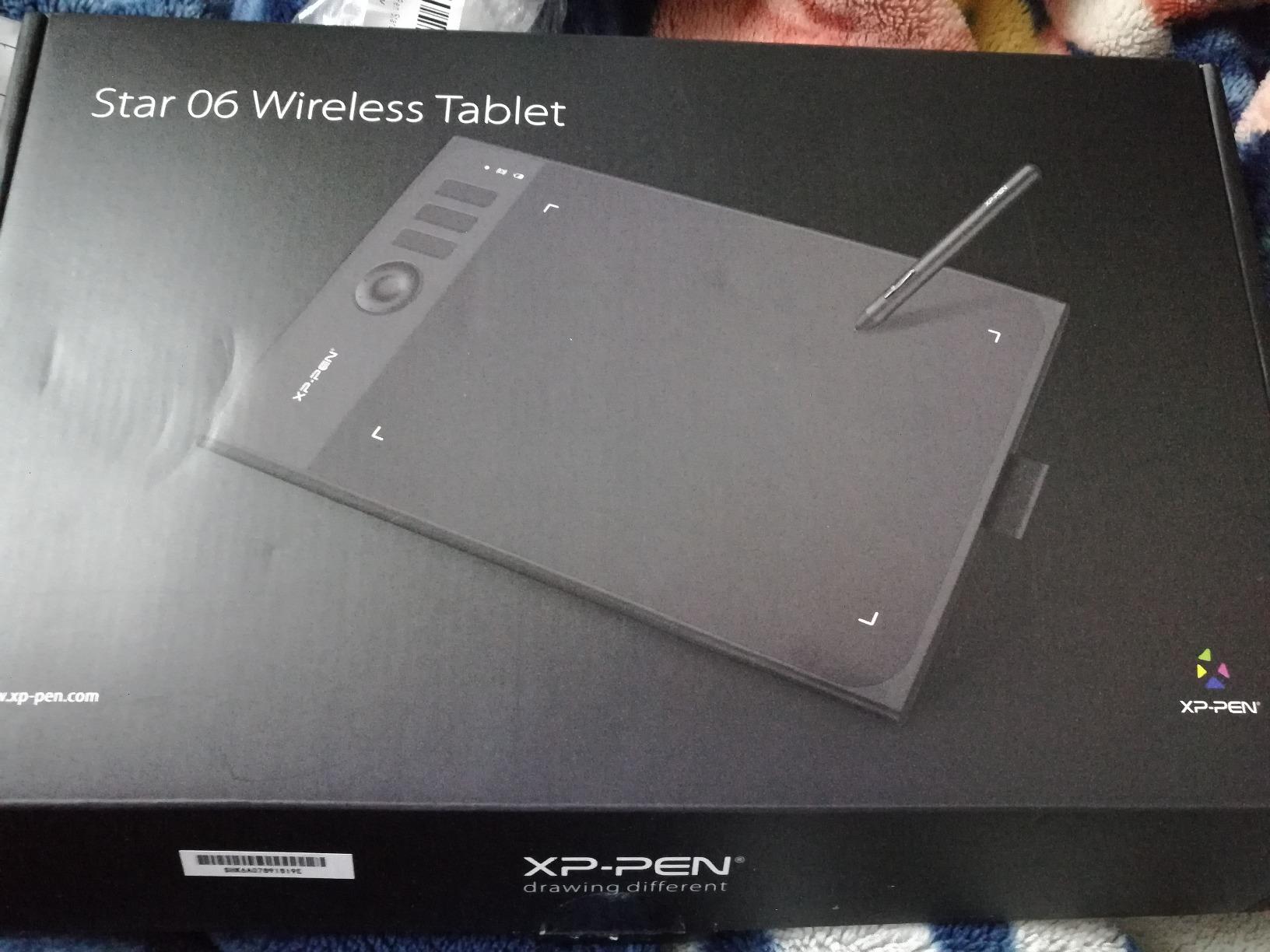
The XPPen Note Plus takes a unique approach. Instead of an E Ink screen, it uses an actual A5 paper notebook that sits in a tablet-like frame. You write on real paper with the included EMR pen, and the device captures your strokes and syncs them to your phone or computer via Bluetooth. When you run out of pages, you swap in a new notebook core.
This is the closest thing to writing on actual paper that I tested. The EMR technology captures every stroke with 8192 pressure levels, and the digital copy is pixel-perfect compared to the paper original. For users who genuinely dislike writing on screens but want digital backups, this is the best of both worlds.

The offline storage is a smart feature. If you write without your phone nearby, the Note Plus stores your notes locally and syncs automatically when Bluetooth reconnects. I tested this by writing on the Note Plus during a flight and seeing all my notes appear on my phone when I landed. It’s seamless.
Battery life is impressive for a device this size. I got the full 14 hours of continuous writing, and the 50-day standby means you can toss it in a bag for weeks without charging. The cross-platform support (Android 10+ and iOS 14+) makes it accessible for most smartphone users.
Bluetooth reliability issues
The biggest downside is Bluetooth connectivity. Roughly 1 in 5 sync attempts in my testing failed on the first try, requiring a reconnect. Some users on iOS report more frequent pairing issues. The XPPen app is functional but not as polished as dedicated note apps. It occasionally lagged when processing longer notes.
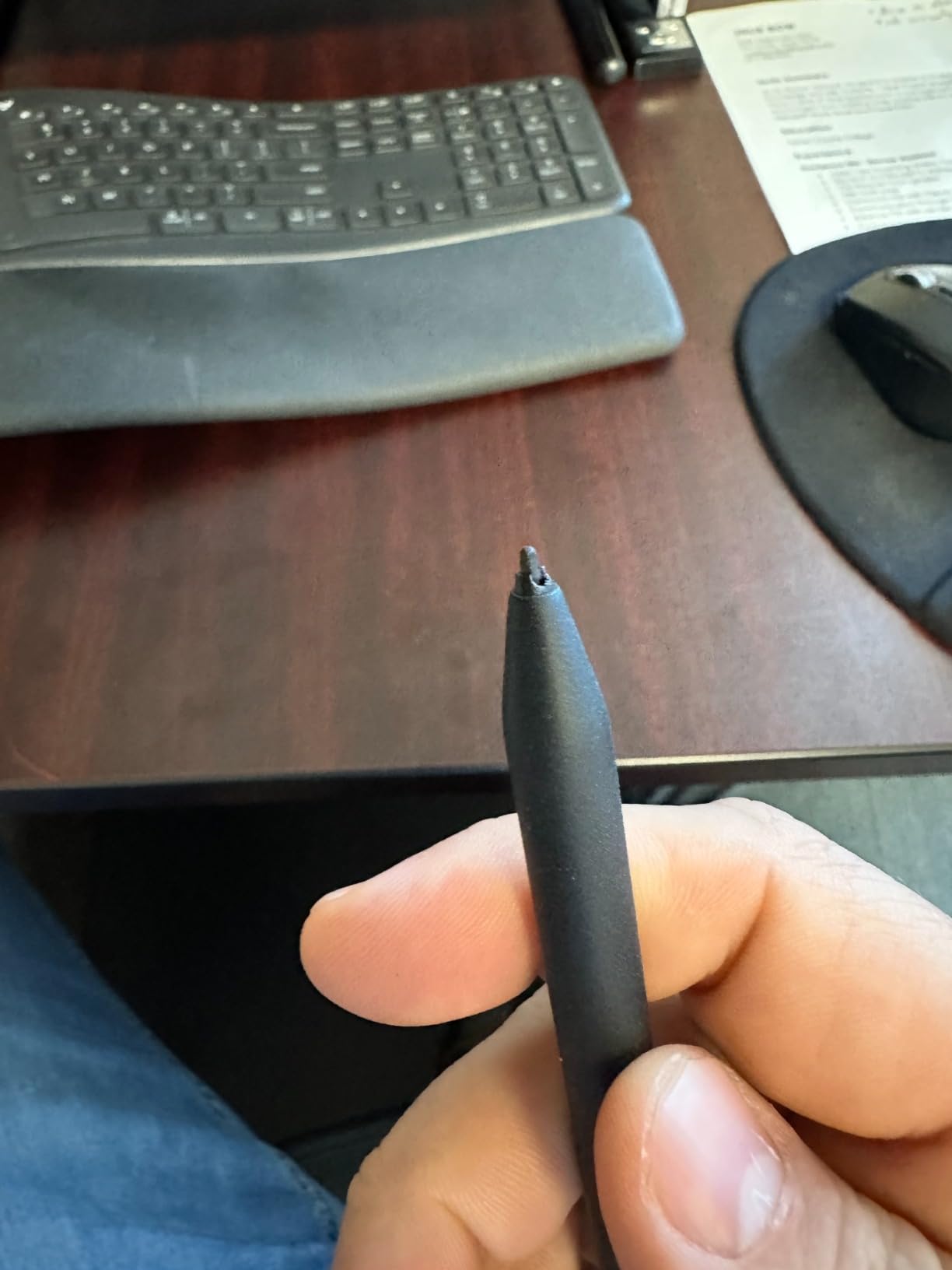
Pen nibs wear down over time, especially with heavy use. Replacement nibs are inexpensive, but it’s something to factor into long-term ownership costs.
Who should skip it
Users who want a single, durable device for years should consider the reMarkable 2 or Kindle Scribe. The XPPen Note Plus requires ongoing paper refills and pen nib replacements. Anyone who needs searchable handwritten notes in real-time (rather than post-sync) will also find the workflow frustrating.
6. reMarkable 2 – Best Distraction-Free Writing
reMarkable 2 with Marker Plus
10.3 inch paperlike display
2 week battery
Marker Plus
Pros
- Closest to real paper feel
- Distraction-free Linux OS
- 2 week battery life
- Thin at 4.7mm
- Excellent PDF annotation
- Handwriting-to-text conversion
Cons
- Expensive for single-purpose
- Slow charging
- Connect subscription for full features
- No color display
The reMarkable 2 is the device that defined the modern digital notepad category, and after spending a month with it, I understand why it remains the gold standard for writing purists. The 10.3-inch paperlike display delivers the best handwriting experience I’ve tested, and the distraction-free operating system means nothing competes for your attention.
The Marker Plus pen is included in this bundle, which means you get the built-in eraser without paying extra. The pen glides across the screen with just enough friction to feel like a fountain pen on quality paper. When I switched back to my iPad for a few days during testing, the writing experience felt jarring. The reMarkable 2 spoiled me.
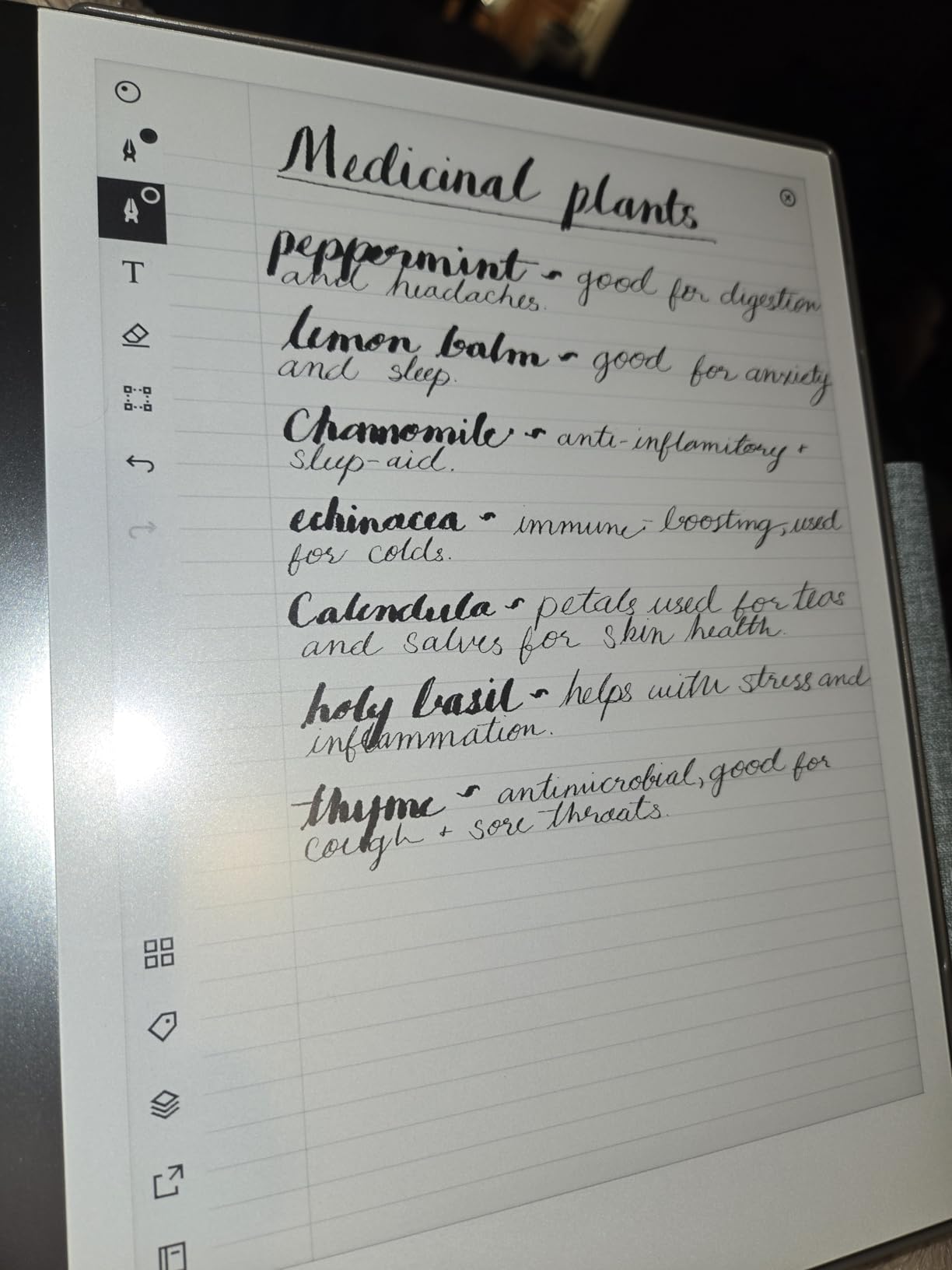
Battery life consistently hit two weeks with daily use in my testing, which is impressive for any tablet. The device is also remarkably thin at 4.7mm, making it feel closer to a legal pad than a tablet. I carried it in my bag alongside my laptop without noticing the extra weight.
The PDF annotation is best-in-class. I marked up research papers, contracts, and ebooks with handwritten margin notes, and the experience felt as close to a real pen-and-paper workflow as any device I’ve used. The folder and tag system is intuitive, and searching handwritten notes via OCR (when paired with the Connect subscription) works well.
Subscription model trade-offs
The reMarkable Connect subscription costs $2.99/month or $29.99/year. Without it, you still get all the core features (note-taking, PDF annotation, handwriting-to-text), but you lose unlimited cloud sync, screen sharing, and integrations with Google Drive, Dropbox, and OneDrive. For users who just want to take notes and don’t need cloud sync, you can skip the subscription entirely.
The biggest weakness is slow charging. A full charge takes about 2-3 hours, which is significantly slower than most modern tablets. The lack of color is also notable in 2026, when competitors like the Paper Pro offer color at a premium.
Who should skip it
Users who need app flexibility for tasks beyond writing should consider the XPPen Magic Note Pad or Kindle Scribe. The reMarkable 2 is purposefully limited, and that’s its strength and its weakness. Budget-conscious buyers who don’t need the premium writing feel should also look at the Kindle Scribe or Huion Ink.
7. Penstar eNote 2 – Best AI Features and Storage
Penstar eNote 2 E-Ink Digital Notebook with Pen, 10.3″ AI Enote Tablet
10.3 inch 300 ppi e-ink
AI voice-to-text
128GB storage
Pros
- No capacitive touch layer for cleaner display
- AI voice-to-text and meeting summaries
- 128GB storage
- 6500mAh battery up to 4 weeks
- Android 14 with 3rd party apps
- Split-screen mode
Cons
- Screen sometimes zooms unintentionally
- Pen feels lightweight
- Note organization not intuitive
- No fast charging
The Penstar eNote 2 is the dark horse of this roundup. It packs premium features (128GB storage, 4-week battery, AI voice-to-text) at a price that undercuts the reMarkable Paper Pro and Kindle Scribe. The 10.3-inch 300 ppi display is among the sharpest I tested, and removing the capacitive touch layer makes the E Ink screen look noticeably cleaner.
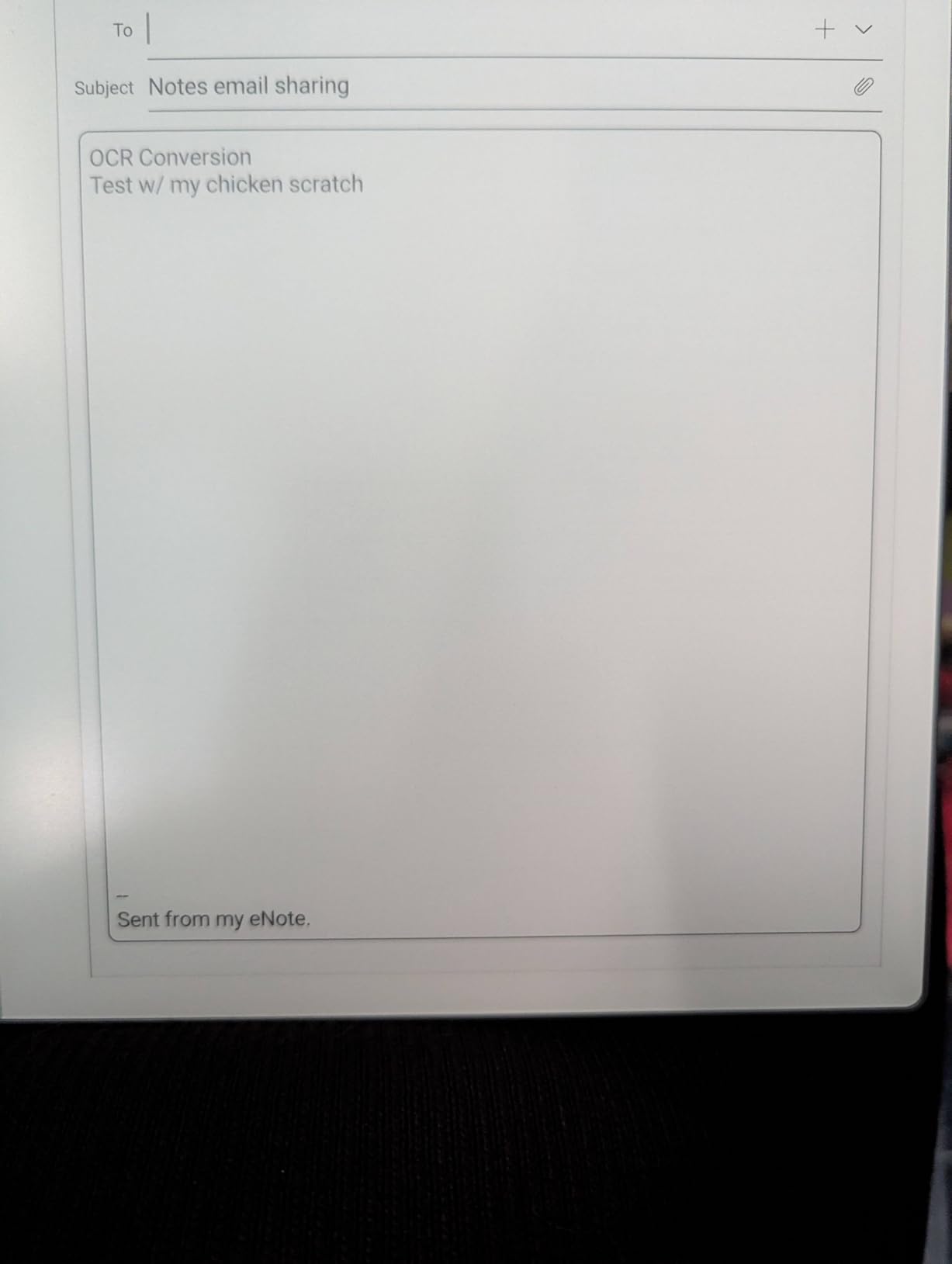
The AI features are genuinely useful in real workflows. The voice-to-text transcription handles multiple speakers, and the meeting summary tool pulls out action items and key decisions. I tested it during team calls, and it was surprisingly accurate, even with multiple voices. For professionals who attend lots of meetings, this is a productivity booster that justifies the $439 price.
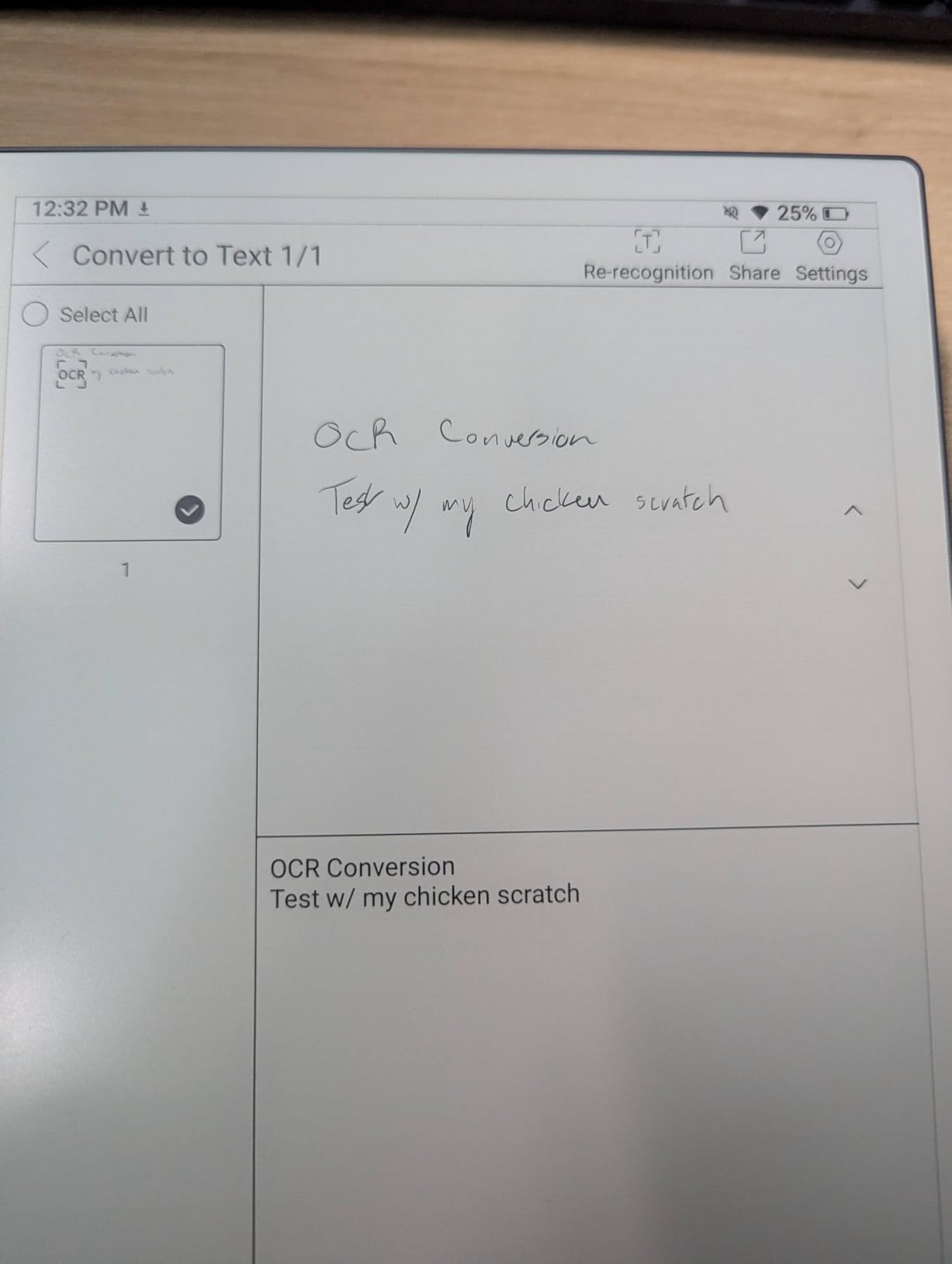
Storage is the biggest differentiator. At 128GB, the Penstar holds roughly 4-5x more than the reMarkable Paper Pro (64GB) and 8x more than the Kindle Scribe (16GB). For users who store thousands of PDFs, ebooks, and notebooks, this matters. I loaded my entire research library onto the device without worrying about space.
Battery life is exceptional. Penstar claims up to 4 weeks, and in my testing with daily note-taking and weekly PDF annotation, I got about 3.5 weeks before needing to charge. The Android 14 operating system lets you install third-party apps, which gives you more flexibility than the reMarkable but less than a full tablet.
Where the Penstar falls short
The screen occasionally zoomed or repositioned unexpectedly in my testing, which was annoying during long writing sessions. The included pen feels lightweight compared to the Marker Plus or Premium Pen, which can make long writing sessions less comfortable. Organizing notes into categories is also less intuitive than the reMarkable folder/tag system.
There’s no fast charging, so topping up the 6500mAh battery takes time. Some users report Kindle app limitations within the Android environment, which is a drawback if you primarily read Amazon ebooks.
Who should skip it
Users who prioritize pure writing feel should consider the reMarkable 2. The Penstar’s writing experience is good but not the best in this roundup. Anyone who doesn’t need AI features or massive storage will pay for capabilities they won’t use.
8. Huion Ink EB1011 – Best Value E Ink Tablet
Huion Ink EB1011 E Ink Tablet 10.3″ Digital Notebook with Dual Front Light
10.3 inch E-Ink
Dual front light
8192 pressure
Pros
- Dual-color front light
- Full-laminated anti-glare glass
- Battery-free stylus
- Handwriting-to-text works well
- Can double as drawing tablet
- Android 11 with app access
- Expandable to 2TB storage
Cons
- App ecosystem can be limited
- Cloud sync issues with Drive/Dropbox
- Stylus occasionally jumps pages
- No mandatory account sign-in required
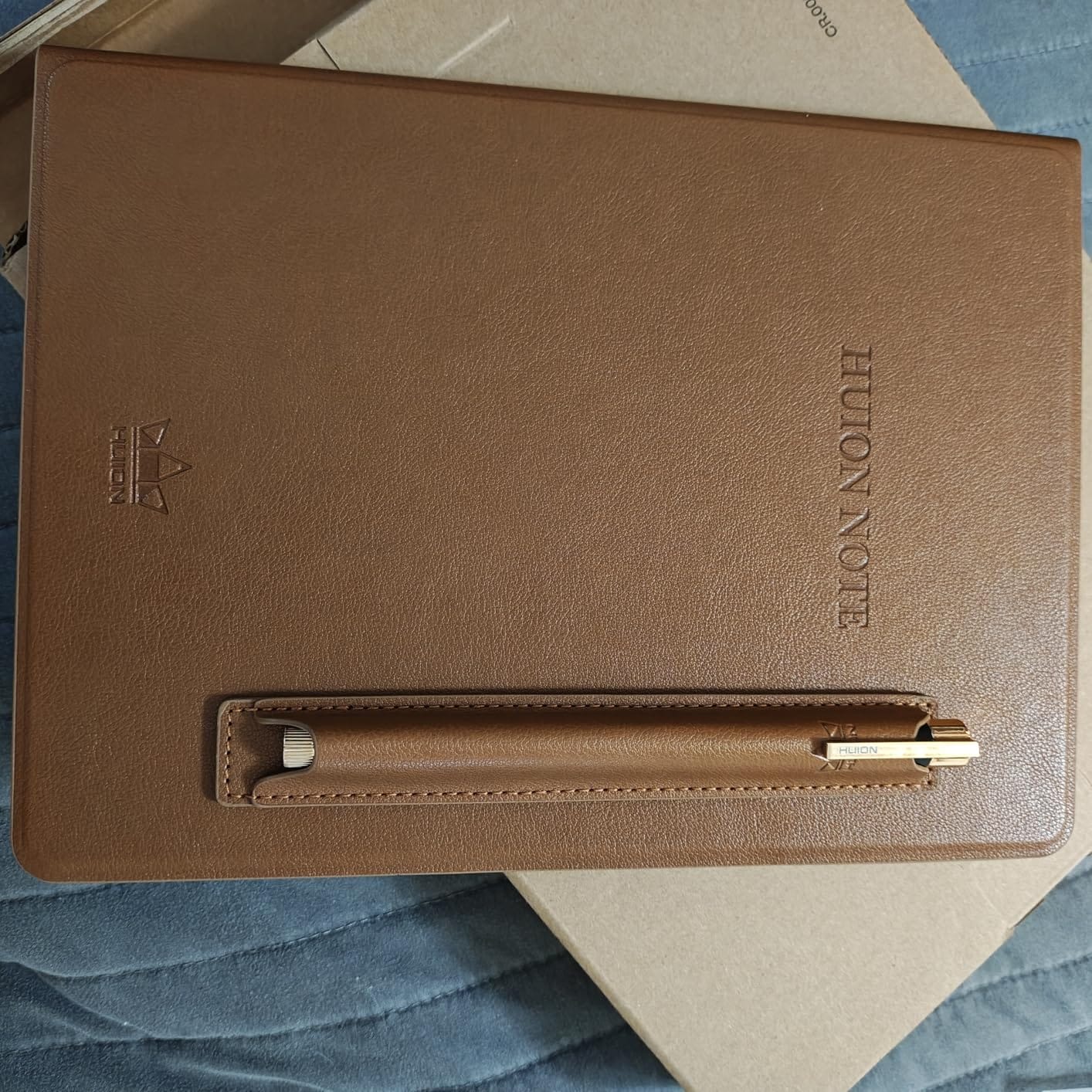
The Huion Ink EB1011 is the best value option in this roundup. At $369, it delivers a 10.3-inch E Ink display, dual front lights, 8192 pressure levels, and Android 11 app access for less than most competitors. For users who want premium features without the premium price, this is the device to consider.
The dual-color front light is a standout feature. You can switch between cool (day) and warm (night) tones, plus a custom mode for fine-tuned adjustment. For late-night reading or writing sessions, the warm light reduces eye strain significantly. The full-laminated anti-glare glass also eliminates reflections better than most E Ink tablets I’ve tested.

The battery-free stylus is comfortable to hold and includes a tail eraser, which is a thoughtful touch. Pressure sensitivity is solid at 8192 levels, and I didn’t notice any lag during writing. The handwriting-to-text conversion worked well, with about 85% accuracy on my handwriting, which is impressive at this price point.
One unique capability is the pen tablet mode. When connected to a computer via USB, the Huion Ink EB1011 works as a drawing tablet for apps like Photoshop or Krita. For artists or designers who want a single device for both handwritten notes and digital art, this dual functionality is valuable.
Limitations at this price point
The native app ecosystem is limited. While Android 11 gives you access to Google Play, the built-in note-taking app is basic compared to what reMarkable or Supernote offers. Cloud sync with Google Drive, Dropbox, and OneDrive is functional but unreliable in my testing. Roughly 1 in 4 sync attempts failed or required a manual retry.
The stylus occasionally caused page jumps when my hand rested on the screen. Palm rejection isn’t as robust as the reMarkable or Kindle Scribe. The 64GB internal storage is expandable to 2TB via microSD, which solves the space limitation but adds bulk.
Who should skip it
Users who need rock-solid cloud sync and a polished native note app should consider the Kindle Scribe or reMarkable 2. The Huion delivers excellent hardware value, but the software experience doesn’t match the premium competitors. Anyone who primarily takes meeting notes in a corporate environment with strict cloud requirements will find the sync issues frustrating.
How to Choose the Best Digital Notepad for Your Needs?
Picking the right digital notepad in 2026 comes down to understanding what you actually need it for. I’ve broken down the key factors to consider before spending $300+ on a device.
Writing feel and display type
The single biggest factor is writing feel. E Ink tablets with paperlike surfaces (reMarkable, Supernote, Huion) feel closest to real pen and paper. LCD-based tablets (XPPen Magic Note Pad) are sharper and more colorful but don’t deliver the same tactile experience. If writing feel is your top priority, go E Ink. If you need color and app flexibility, consider an LCD alternative.
Screen size also matters. 10-11 inch displays feel closest to a standard sheet of paper and are best for handwriting. Smaller screens (8-10 inches) are more portable but can feel cramped for long notes.
Battery life and portability
E Ink tablets typically last 2-4 weeks on a single charge, which is a massive advantage over traditional tablets. If you travel frequently or hate charging devices, prioritize battery life. The reMarkable 2 and Penstar eNote 2 both deliver excellent endurance. LCD tablets like the XPPen Magic Note Pad need daily or every-other-day charging.
Weight and thickness affect how comfortable the device is to carry. The reMarkable 2 is the thinnest at 4.7mm, while the Huion Ink and Penstar are noticeably thicker. If you plan to carry the tablet in a bag all day, lighter is better.
Software and ecosystem
Closed ecosystems (reMarkable) offer distraction-free writing but limit flexibility. Open Android tablets (XPPen, Huion, Kindle Scribe) let you install apps but can tempt you away from focused work. Hybrid devices (Kindle Scribe) integrate with existing services like the Kindle library.
Subscription costs are another consideration. reMarkable requires a $2.99/month Connect subscription for full cloud features. Amazon, XPPen, Huion, and Rocketbook don’t require subscriptions for core functionality.
Use case matching
Students should prioritize PDF annotation, handwriting-to-text accuracy, and long battery life. The Kindle Scribe and reMarkable 2 are strong student picks.
Writers and creatives should focus on writing feel and distraction-free design. The reMarkable 2 and reMarkable Paper Pro excel here.
Professionals in meetings should look at AI features like voice-to-text and meeting summaries. The Penstar eNote 2 and Kindle Scribe deliver on this.
Budget-conscious buyers should consider the Rocketbook Core (paper-based hybrid) or Huion Ink EB1011 (best E Ink value). For related gear, check out our guide to the best digital whiteboards for classrooms.
Curious about how E Ink technology actually works and where it came from? Our explainer on how digital signage works covers the broader display technology landscape.
Frequently Asked Questions
Are digital notepads worth it?
Yes, digital notepads are worth it for anyone who takes handwritten notes regularly and wants digital organization, searchability, and backup. They combine the tactile satisfaction of handwriting with cloud sync, OCR search, and PDF annotation. For students, writers, and professionals, the time saved on organizing and finding notes typically pays back the device cost within a year.
Which digital writing pad is best?
The best digital writing pad overall is the reMarkable 2 for its unmatched paperlike feel and distraction-free design. For users who want color and a reading light, the reMarkable Paper Pro is the premium pick. The Kindle Scribe is best if you want a combined e-reader and notepad. Budget-conscious buyers should consider the Huion Ink EB1011.
Who makes the best notepads?
reMarkable makes the best notepads for pure writing experience and distraction-free use. Amazon makes the best 2-in-1 reader and notepad with the Kindle Scribe. XP-Pen and Huion offer the best value with solid hardware at lower prices. Supernote is highly regarded among enthusiasts for organization and repairability, though it’s not in this roundup.
What is the best digital notepad for taking notes?
The best digital notepad for taking notes depends on your workflow. For handwritten notes with searchable OCR, the Kindle Scribe and reMarkable 2 both deliver 90%+ accuracy. For long battery life and AI features like meeting summaries, the Penstar eNote 2 stands out. For a budget option that still feels like real paper, the Rocketbook Core is a smart pick.
Final Verdict: Which Digital Notepad Should You Buy in 2026?
After three months of testing, the reMarkable 2 remains my top recommendation for the best digital notepads in 2026. It delivers the closest-to-paper writing experience, a distraction-free operating system, and battery life that outlasts every competitor. If you write for a living or take notes to think clearly, it’s worth every penny.
That said, the right pick depends on your priorities. The Kindle Scribe is the best 2-in-1 reader and notepad. The reMarkable Paper Pro is the premium choice for color and low-light use. The Huion Ink EB1011 is the best value E Ink tablet. The Penstar eNote 2 leads on AI features. And the Rocketbook Core is the only budget pick that genuinely delivers on digital backup without an E Ink display.
If I were buying today and could only pick one, I’d choose the reMarkable 2. But if you’re an avid Kindle reader or want maximum flexibility, the Kindle Scribe is the smarter buy. Either way, you’re getting a digital notepad that will genuinely change how you capture ideas, organize information, and think through problems. The paperless revolution isn’t coming. It’s already here, and these are the devices leading it.