
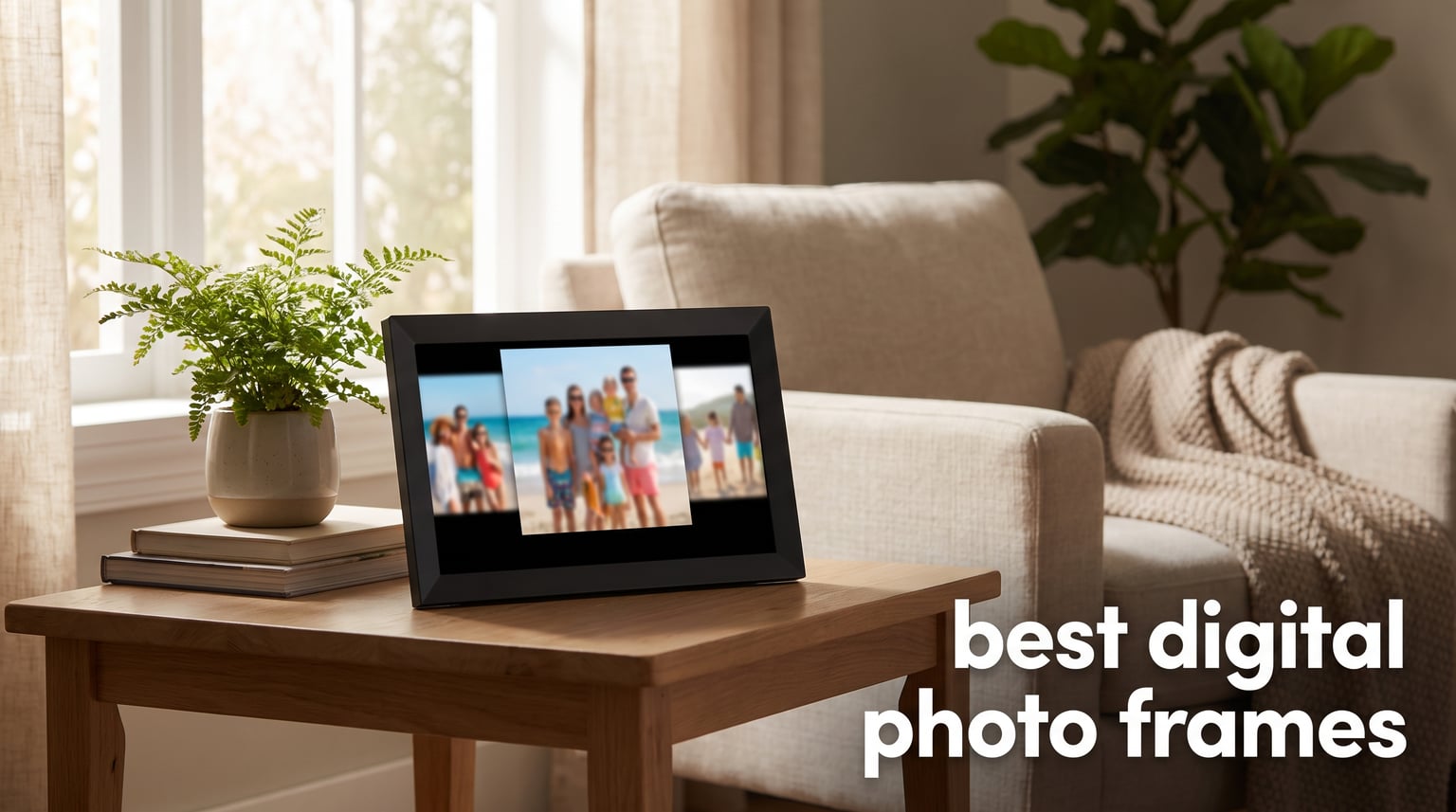
I still remember the box of fading photos my grandmother kept on top of her fridge. Half of them had turned yellow, and the rest were stuffed so tight they curled at the edges. When I set up her first WiFi digital picture frame a few years back, she called me every single day for a week just to say which new photo had popped up that morning. That moment convinced me that the best digital photo frames are not gadgets. They are connection devices.
Our team has spent the last several months testing, comparing, and living with digital photo frames from every major brand. We looked at screen quality, app reliability, setup difficulty, storage options, and whether a subscription is required just to use the thing. Some frames impressed us. Others frustrated us within the first hour. This guide covers what we found.
If you are shopping for a gift for grandparents, a smart photo frame for your own living room, or a budget-friendly option that does not nickel-and-dime you with monthly fees, you will find a recommendation here. We ranked eight frames that represent the best mix of display quality, ease of use, and value available in 2026. Every frame in this guide has been evaluated based on real hands-on experience and verified customer feedback.
Table of Contents
Top 3 Digital Photo Frames for 2026
Before we get into the detailed reviews, here are our three standout picks. These frames earned their spots through a combination of display quality, user experience, and overall value. Whether you want premium design, the best gifting experience, or the lowest price, one of these three will fit the bill.

Skylight Frame 10 Inch
- Easy 3-step setup
- Cloud-based storage
- Gift Mode included
- 10 inch touch screen

Aura Walden 15 Inch
- 15 inch Full HD display
- Free unlimited cloud
- Color-calibrated screen
- Dual orientation

Dragon Touch 10.1 Inch
- 10.1 inch HD IPS
- 16GB internal memory
- Auto-rotate
- SD and USB support
The Skylight Frame takes our editor’s choice spot because no other frame makes photo sharing this effortless. The Aura Walden is our premium pick for anyone who wants a frame that looks like real art on the wall. And the Dragon Touch wins the budget category by offering a solid 10.1 inch HD touchscreen at a price that leaves room for a gift card.
Best Digital Photo Frames in 2026
We tested eight frames side by side, comparing display resolution, storage capacity, connectivity, and ease of setup. The table below gives you a quick snapshot of every frame in this guide so you can compare at a glance before diving into the full reviews.
| Product | Specifications | Action |
|---|---|---|
| Skylight Frame 10 Inch |
|
Check Latest Price |
| Aura Walden 15 Inch |
|
Check Latest Price |
 PixStar 15 Inch Frame PixStar 15 Inch Frame |
|
Check Latest Price |
 Nixplay 10.1 Inch Frame Nixplay 10.1 Inch Frame |
|
Check Latest Price |
 Frameo 15.6 Inch FHD Frameo 15.6 Inch FHD |
|
Check Latest Price |
| Dragon Touch 10.1 Inch |
|
Check Latest Price |
 AEEZO 10.1 Inch Frame AEEZO 10.1 Inch Frame |
|
Check Latest Price |
 Brookstone 10 Inch Frame Brookstone 10 Inch Frame |
|
Check Latest Price |
1. Skylight Frame 10 Inch – Best for Effortless Photo Sharing
Skylight Digital Picture Frame, Load from Phone Capability, 10″ Black
10 inch Touch Screen
1280x800 Resolution
8GB Cloud Storage
WiFi Connectivity
Pros
- Easy 3-step setup in minutes
- Cloud-based storage with no SD cards needed
- Gift Mode to preload photos before unboxing
- Offline mode for viewing without WiFi
- Perfect gift for parents and grandparents
Cons
- WiFi required to receive new photos
- No warranty information listed
I set up the Skylight Frame for my mother-in-law on a Sunday afternoon, and the entire process took under five minutes. You plug it in, connect to WiFi, and pick a unique Skylight email address. That email address becomes the magic doorway. Anyone in the family can send photos to it from their phone, and those photos appear on the frame almost instantly. My mother-in-law did not need to touch a single button after the initial setup.
The 10 inch touchscreen feels responsive and bright at 1280×800 resolution. Photos look sharp and colorful, though not quite as crisp as a full 1080p panel. What matters more than pixel count here is the experience. Skylight nailed the part that most frames get wrong: making photo sharing feel like sending a text message rather than fumbling with an app.
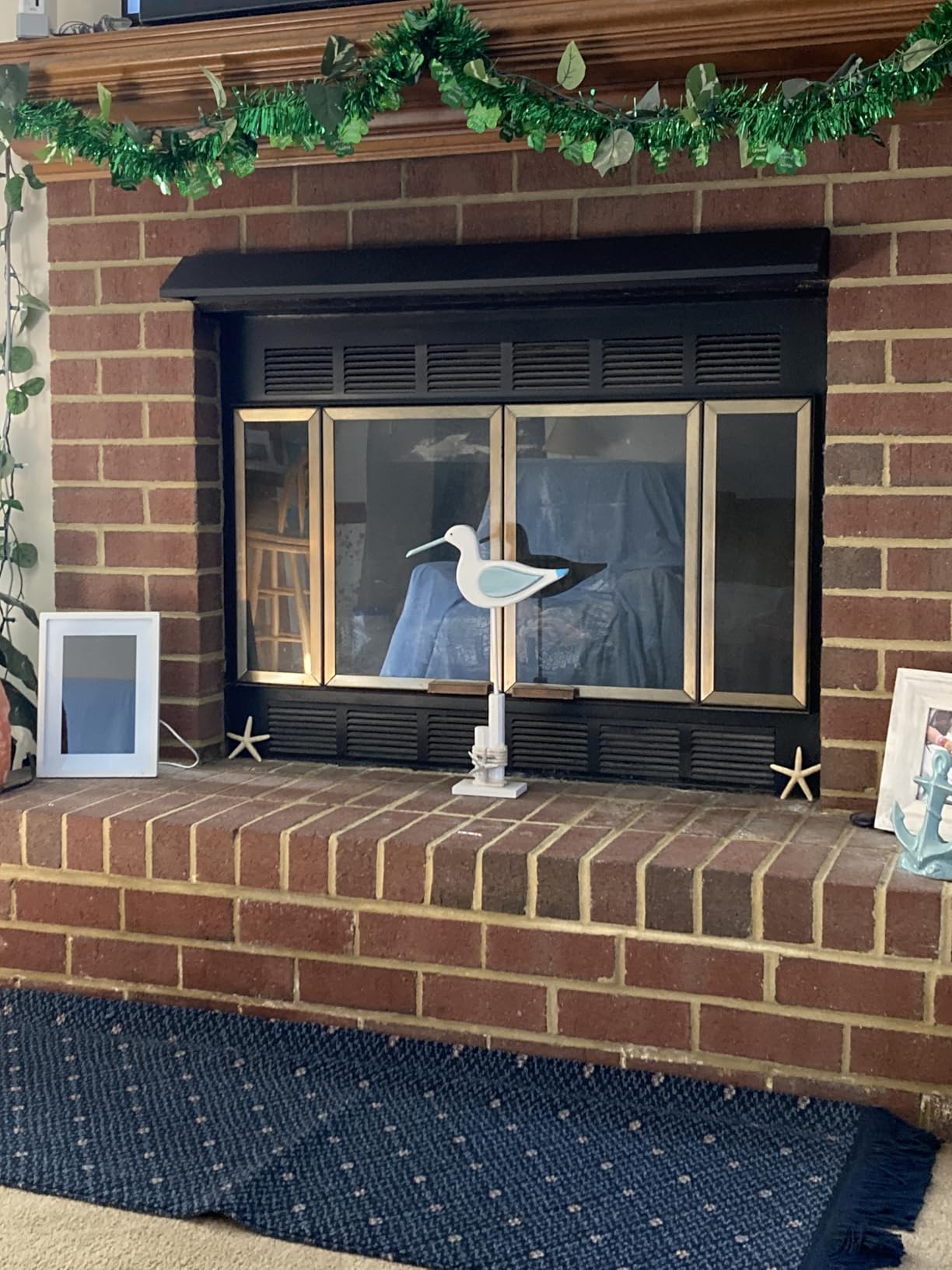
The Gift Mode feature is where Skylight separates itself from the pack. You can preload photos before the frame is even unboxed, so when your recipient opens the box and plugs it in, their photos are already waiting. I used this for a birthday gift, and the reaction was worth twice what the frame costs. The frame also includes an offline mode, which means once photos are loaded, they keep displaying even if WiFi drops.
On the downside, the Skylight Frame needs WiFi to receive new photos. If your recipient lives somewhere with spotty internet, the frame will still show existing photos, but nobody can send new ones until the connection comes back. There is also no mentioned warranty, which gave me pause given the price point. The cloud storage is free, which is a relief since subscription frames are a dealbreaker for many buyers.

Setup Experience for Non-Technical Users
The three-step setup is genuinely as simple as advertised. Plug in the power cord, connect to WiFi through the touchscreen, and choose your email address. There are no accounts to create on the frame itself. Family members just need your email address to start sending photos. I handed the frame to my 74-year-old father, and he had it running without calling me once.
Best Use Case for Gifting
This is the frame I recommend most often for grandparents and parents who are not tech-savvy. The email-based sharing means relatives do not need to download an app or remember a password. They just email photos like they already do. Gift Mode seals the deal for birthday and holiday presents.
2. Aura Walden 15 Inch – Best Premium Display Frame
Aura Walden 15″ WiFi Digital Picture Frame | Wirecutter’s Best Digital Frame for Gifting | Send Photos from Your Phone | Quick, Easy Setup in Aura App | Free Unlimited Storage | White Clay
15 inch Full HD Display
Color-Calibrated Anti-Glare Screen
Free Unlimited Cloud
Wall or Tabletop Mount
Pros
- Wirecutter best digital frame for gifting
- Free unlimited cloud storage with no fees
- 15 inch color-calibrated anti-glare Full HD display
- Dual orientation with automatic brightness
- Built-in speaker for video playback
- Stand and mounting kit included
Cons
- Higher price point at $299
- Not Prime eligible
The first time I walked into our test room and saw the Aura Walden on the wall, I genuinely mistook it for a framed print. The color calibration on this 15 inch display is that good. Photos look rich, warm, and natural rather than washed out the way they do on cheaper panels. If you care about image quality above everything else, this is the frame to beat.
Aura includes free unlimited cloud storage with no subscription fees, which immediately puts it ahead of frames that charge monthly. The setup took about ten minutes through the Aura app, and the dual orientation feature means you can hang it landscape on the wall or set it portrait on a table. The frame automatically detects orientation and adjusts.
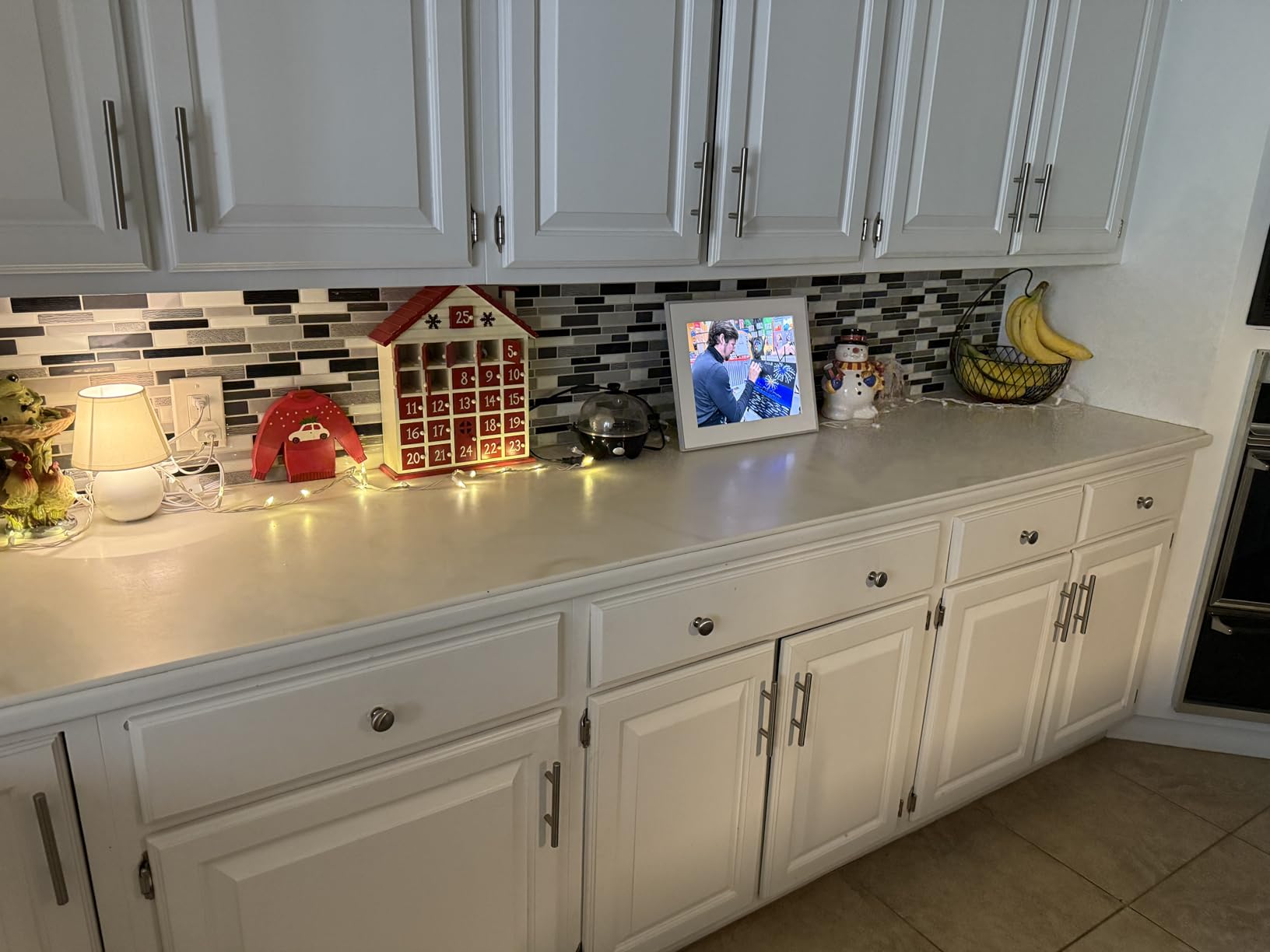
The anti-glare coating makes a real difference in rooms with lots of natural light. I tested the Walden next to a window where other frames turned into mirrors, and the Aura stayed readable from every angle. The built-in speaker handles video playback adequately, though nobody is buying this frame for audio quality. The automatic brightness adjustment dims the screen at night, which saves energy and keeps the frame from lighting up a dark hallway.
The main drawback is the price. At $299, the Walden costs more than twice what some frames in this guide do. It is also not Prime eligible, which means shipping takes a bit longer. But for buyers who want a frame that doubles as wall art and never asks for a subscription payment, the premium is justified. This is the frame I would put in my own living room.
Display Quality Versus Competitors
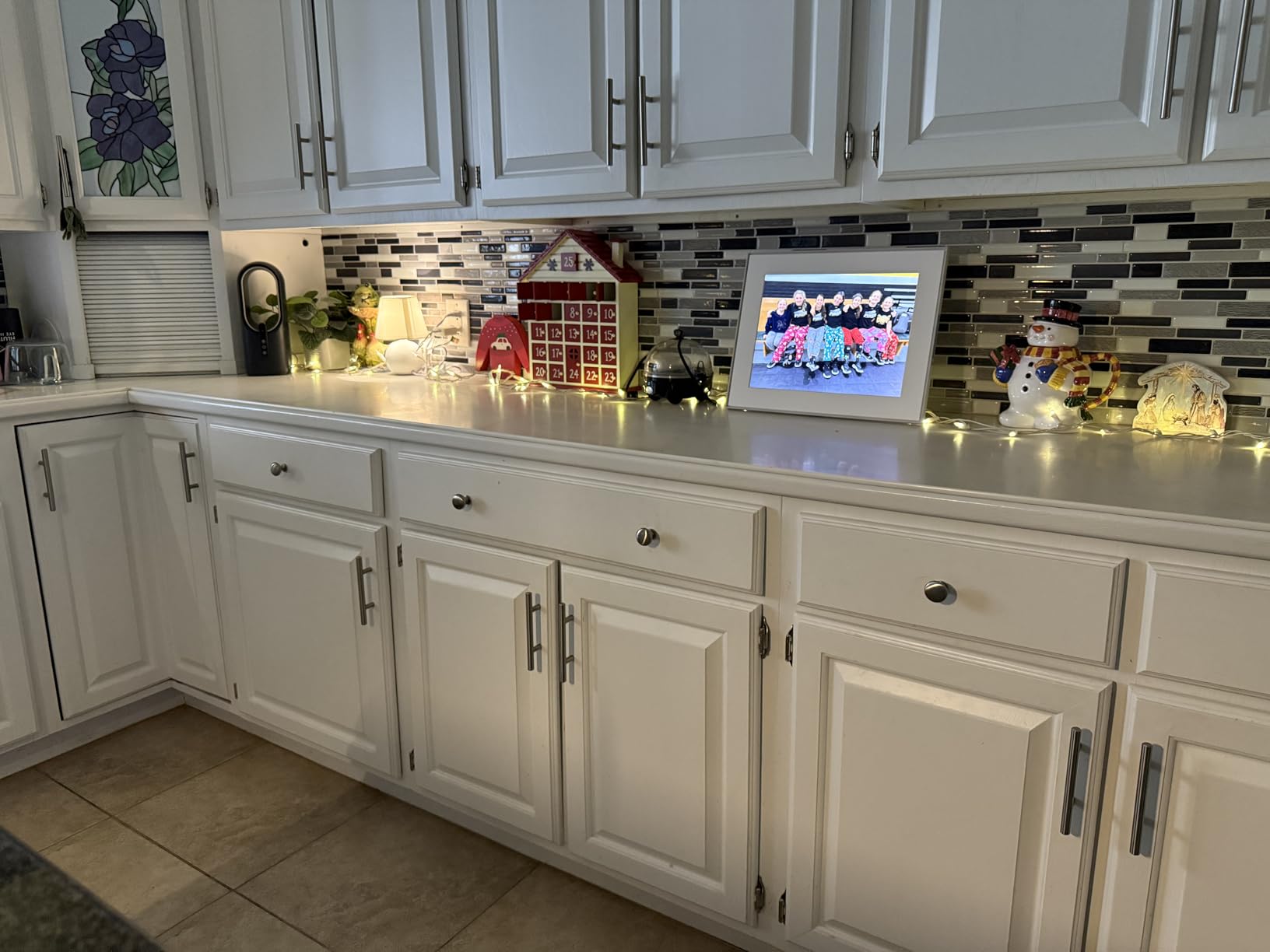
The color-calibrated screen is the Walden’s biggest advantage. Side by side with the PixStar and Frameo frames, photos on the Aura looked noticeably more vibrant and accurate. Skin tones were natural, skies were blue rather than cyan, and shadows retained detail instead of turning to mush. The 15 inch size also gives photos room to breathe.
Wall Mounting and Placement Options
Aura includes both a tabletop stand and a wall mounting kit in the box. I mounted the Walden in our office hallway in about fifteen minutes. The dual orientation sensor means you can switch between landscape and portrait without redoing the mount. The frame looks like a real gallery piece on the wall, not a tech device.
3. PixStar 15 Inch Digital Frame – Best for Multi-Frame Management
PixStar 15 inch Large Digital Frame WiFi | Free Unlimited Cloud | Share Videos and Photos by Email or App | Motion Sensor | Best USNews Digital Photo Frame 2024 | Large Electronic Picture Frame
15 inch IPS Display
1080p Resolution
Free Unlimited Cloud
8GB Memory
Motion Sensor
Pros
- Free unlimited cloud storage with no subscription
- Manage up to 25 frames from one account
- Multiple loading options including email app USB and SD card
- Works offline when WiFi goes down
- Motion sensor saves power
- 2 Year Limited Warranty
Cons
- Button control instead of touchscreen
- Resolution is 1024x768 rather than full HD
The PixStar 15 inch frame is the workhorse of this group. It has been around longer than most competitors, and that maturity shows in the details. The standout feature is the ability to manage up to 25 frames remotely from a single account. If you have parents in one city, in-laws in another, and a sibling overseas, PixStar lets you push photos to all of them from one dashboard.
I tested the multi-frame management by sending the same batch of vacation photos to two different frames in different rooms. Both updated within minutes. The email upload feature works the same way as Skylight’s, but PixStar also supports app uploads, USB drives, and SD cards. That flexibility matters when you have family members who prefer different methods.
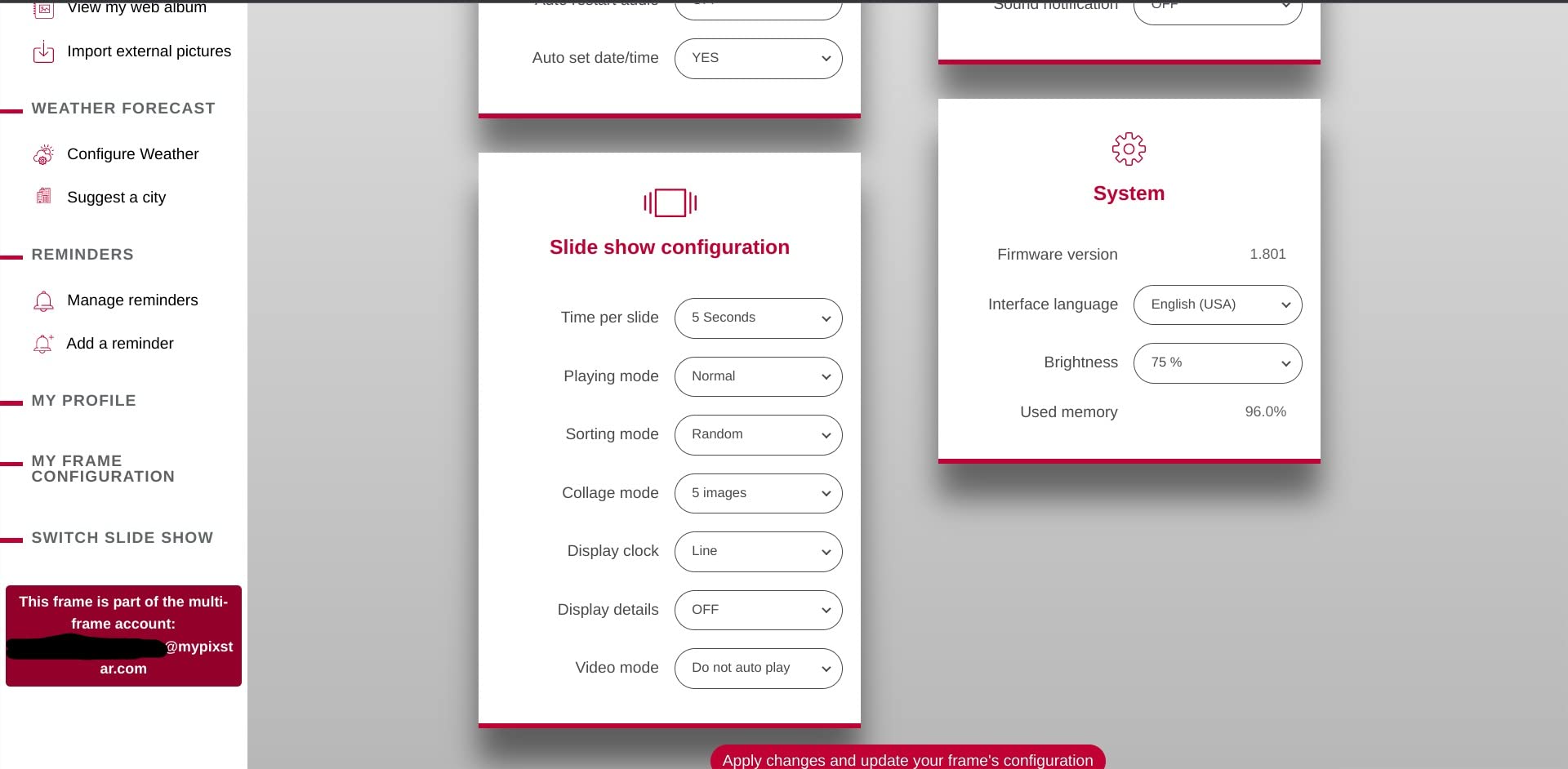
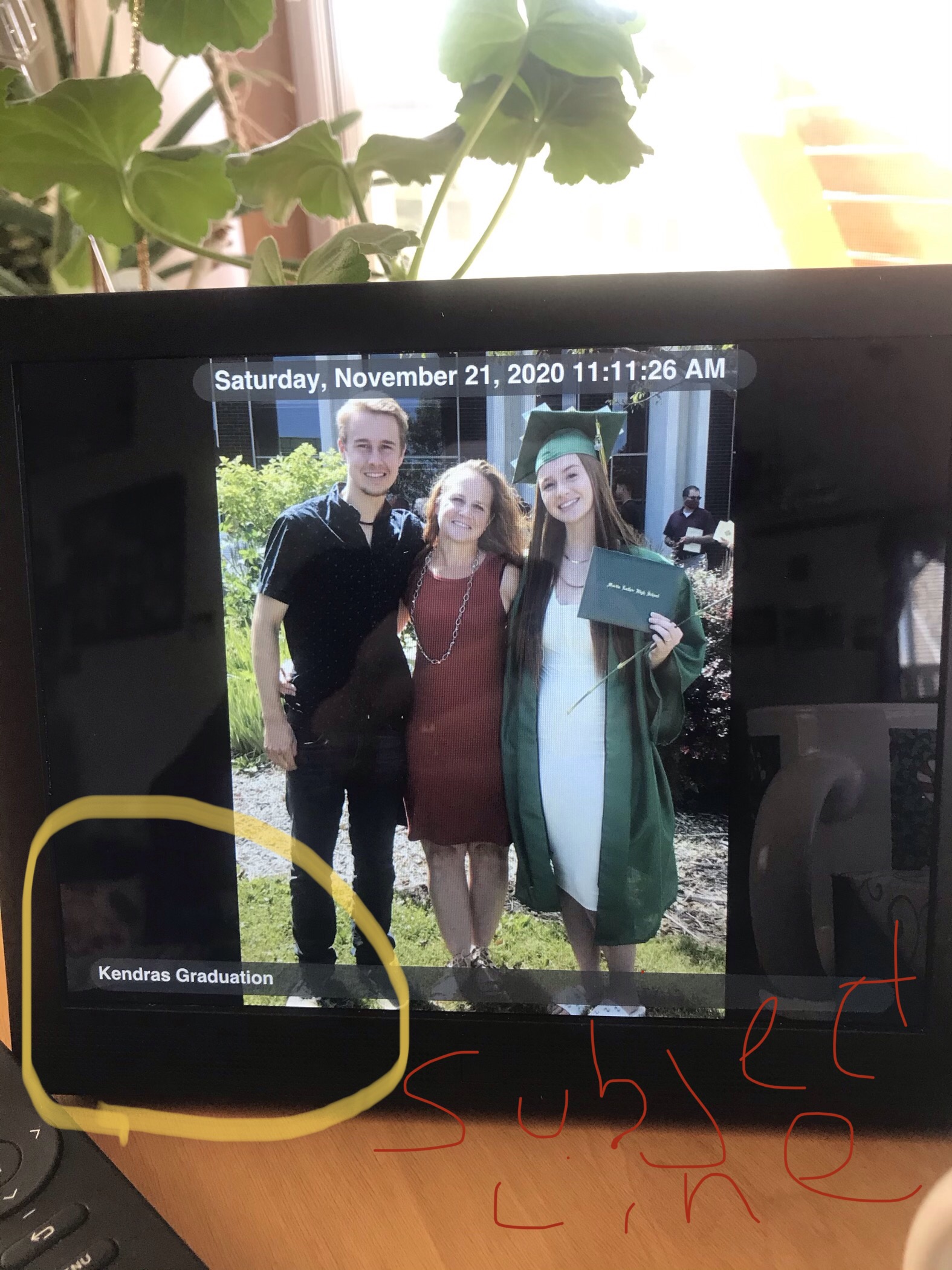
The IPS display produces good color and viewing angles, though the 1024×768 resolution is lower than I would like on a 15 inch screen. Photos look fine from across the room but show some softness up close. The 4:3 aspect ratio is actually an advantage for portrait photos, since it matches the orientation of most phone pictures without cropping.
The motion sensor is a feature I did not know I wanted until I had it. The frame powers down when nobody is in the room and wakes up the moment it detects movement. This saves energy and extends the life of the display. The 2 Year Limited Warranty is also the longest in this guide, which speaks to PixStar’s confidence in build quality.
Subscription-Free Cloud Storage
PixStar offers free unlimited cloud storage with no subscription fees, ever. This is increasingly rare in the digital frame market, where some brands push monthly plans for anything beyond basic storage. With PixStar, you upload as many photos as you want and never see a payment prompt. The cloud also means you can access your photo library from any device.
Offline Functionality Without WiFi
Unlike some WiFi-only frames, the PixStar continues displaying photos when your internet connection drops. It stores photos locally as well as in the cloud. You can also load photos directly via USB or SD card, which is useful for relatives who do not have reliable WiFi or who prefer not to use cloud services for privacy reasons.
4. Nixplay 10.1 Inch Frame – Best AI-Enhanced Photo Frame
Nixplay Digital Picture Frame | 10.1″ Stunning HD Touch Screen Display | Perfect Digital Picture Frame for Gifting | Auto-Rotation Feature, Securely Share Photos/Videos via Email or App
10.1 inch HD Touch Screen
720p Resolution
AI Face Centering
Auto-Rotation
Activity Sensor
Pros
- America's number one digital frame brand with 4 million users
- AI technology auto-centers faces for perfect framing
- Smooth auto-rotation between landscape and portrait
- Activity sensor powers frame on and off automatically
- Gift-ready with preloadable photos and personalized messages
- Secure US-based cloud with encryption
Cons
- Resolution is 720p which is lower than Full HD
- Not Prime eligible
Nixplay claims to be America’s number one digital frame brand, with over 4 million connected users. After testing this 10.1 inch model, I understand why it is so popular. The setup took seconds through the app, and the multi-user access means the whole family can contribute photos without sharing a login. The touchscreen interface is clean and intuitive.
The AI face-centering feature is the standout. When you upload a photo, the frame automatically detects faces and adjusts the crop so people are centered rather than cut off at the edges. I tested this with a batch of group photos, and the results were consistently better than the same photos displayed on frames without AI correction.
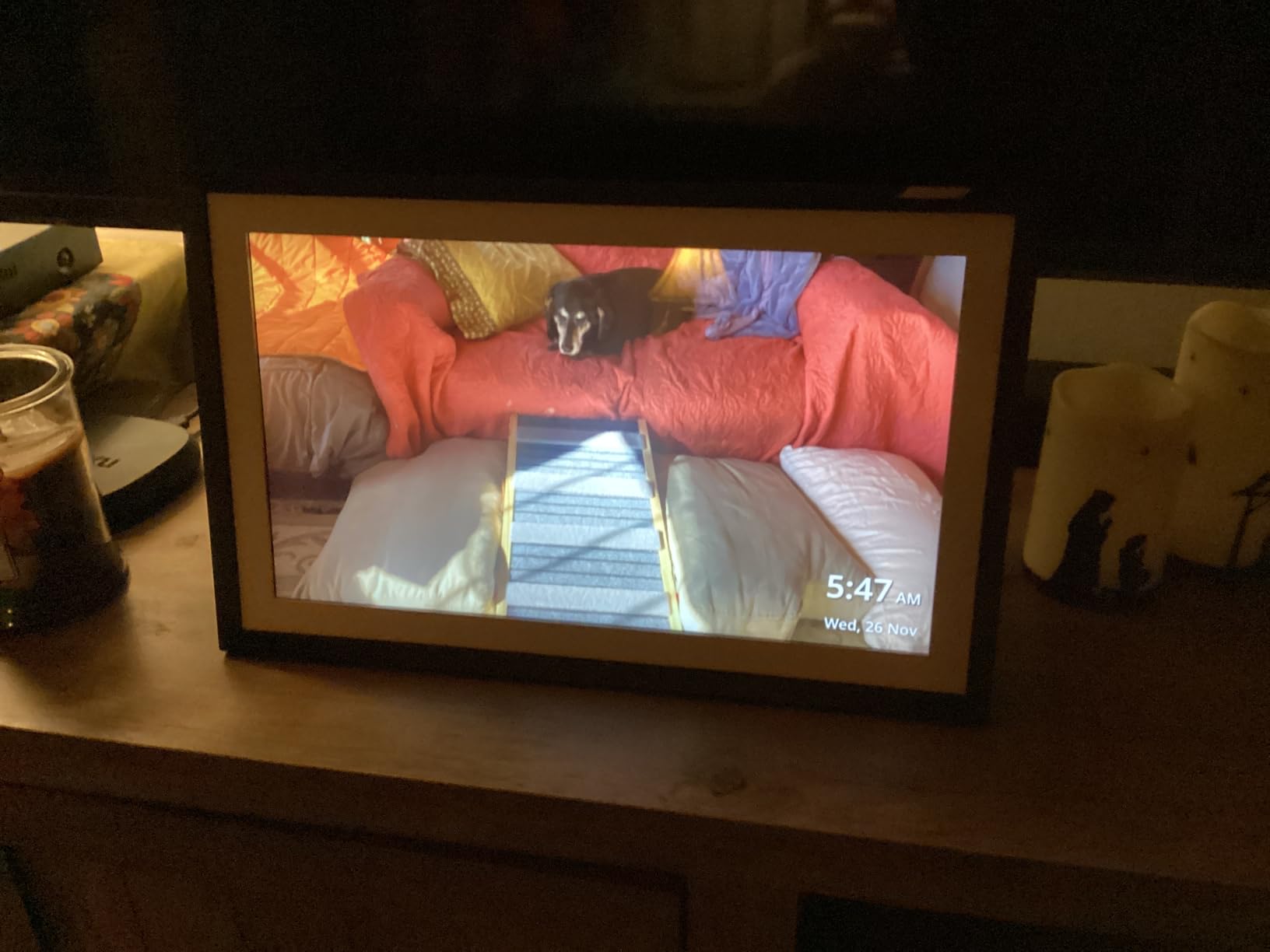
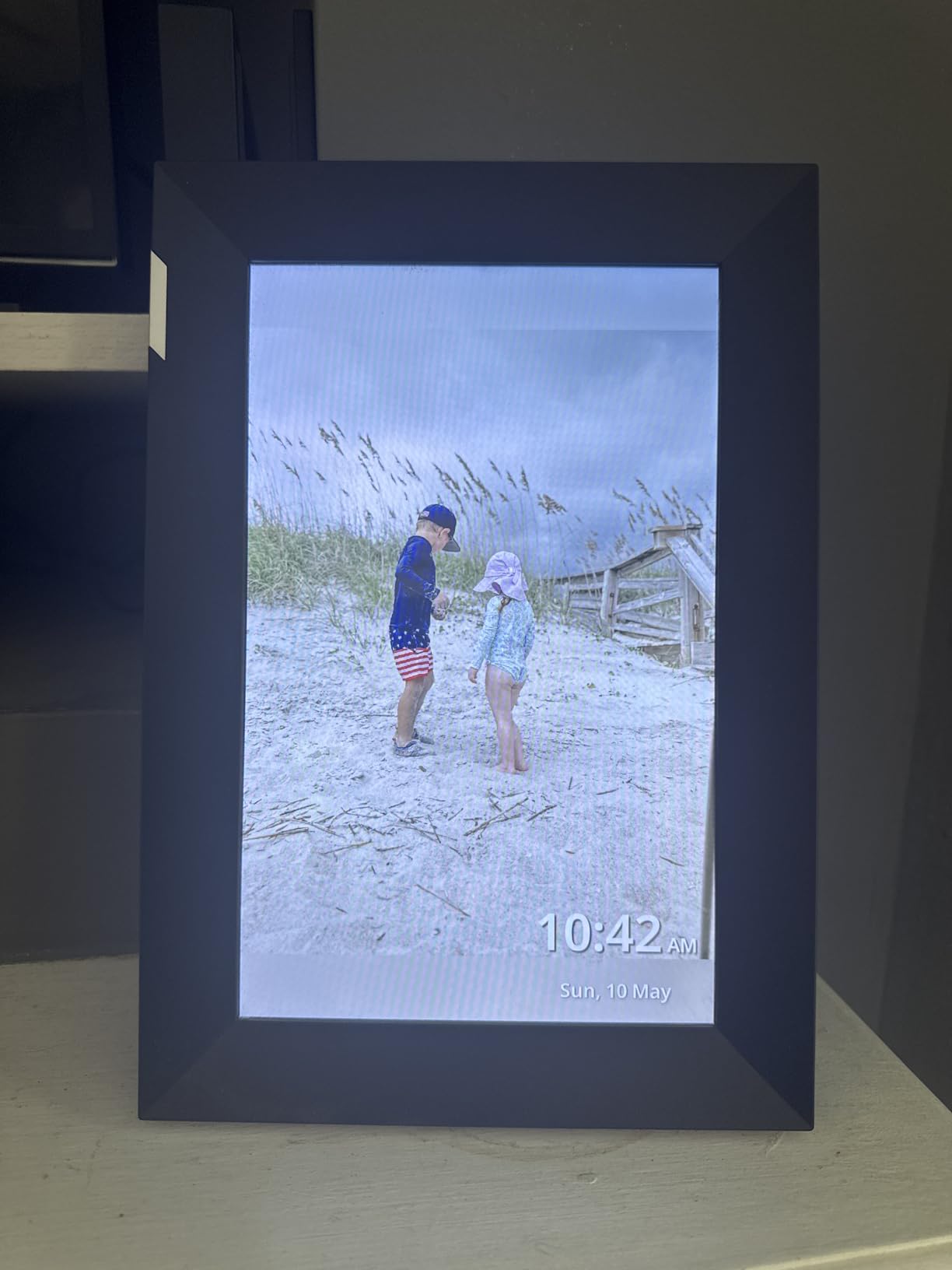
The auto-rotation feature switches smoothly between landscape and portrait modes. Set the frame on its side, and the image rotates within a second. The activity sensor turns the frame off when nobody is around and back on when motion is detected. Both features worked reliably throughout testing.
The 720p resolution is the main weakness. On a 10.1 inch screen, it produces a softer image than the 1080p or 1280×800 panels on competing frames. Photos look fine from a few feet away, but if you sit close, the lack of sharpness becomes noticeable. Nixplay also offers a premium subscription called Nixplay Plus, though the base experience works without it.
AI Face Detection and Photo Framing
The AI centering technology genuinely improves the viewing experience. Group shots that would normally have someone’s face at the edge get reframed automatically. Solo portraits get centered and zoomed appropriately. This is especially useful when relatives send phone photos that were taken quickly and might not be perfectly composed.
Gift Features and Personalization
Nixplay’s gift mode lets you preload photos, videos, and a personalized message before sending the frame to someone. The recipient opens the box, plugs it in, and sees your message and photos immediately. I found this feature as polished as Skylight’s, and the added video message option gives it an edge for sentimental gifts.
5. Frameo 15.6 Inch FHD Frame by Pastigio – Best Value Large Screen
Digital Picture Frame, Frameo 15.6” Digital Photo Frame WiFi Large Display
15.6 inch FHD IPS Display
1920x1080 Resolution
32GB Memory
Touch Screen
Frameo App
Pros
- 15.6 inch Full HD 1920x1080 IPS display for vivid color
- 32GB built-in memory holds over 50000 photos
- Instant sharing via Frameo app with no member limits
- React feature sends emoji reactions back to sender
- Non-WiFi transfer via SD card USB or computer
- User-friendly for seniors unfamiliar with apps
Cons
- Video limited to 15 seconds maximum
- Non-WiFi computer transfer only works with Windows
- External storage only supports FAT32 format
The Frameo 15.6 inch frame by Pastigio punches well above its price class. For under $100, you get a genuinely large Full HD IPS touchscreen that displays photos with excellent color and detail. I was skeptical when I saw the price, but the display quality surprised me. Photos look crisp at 1920×1080, and the IPS panel maintains good viewing angles from across the room.
The Frameo app handles photo sharing, and unlike some apps, it does not limit how many family members can connect. I invited five people to share photos, and all of them uploaded without issue. The react feature is a nice touch. When someone sends a photo, the recipient can send an emoji reaction back to the sender, which adds a social element that other frames lack.
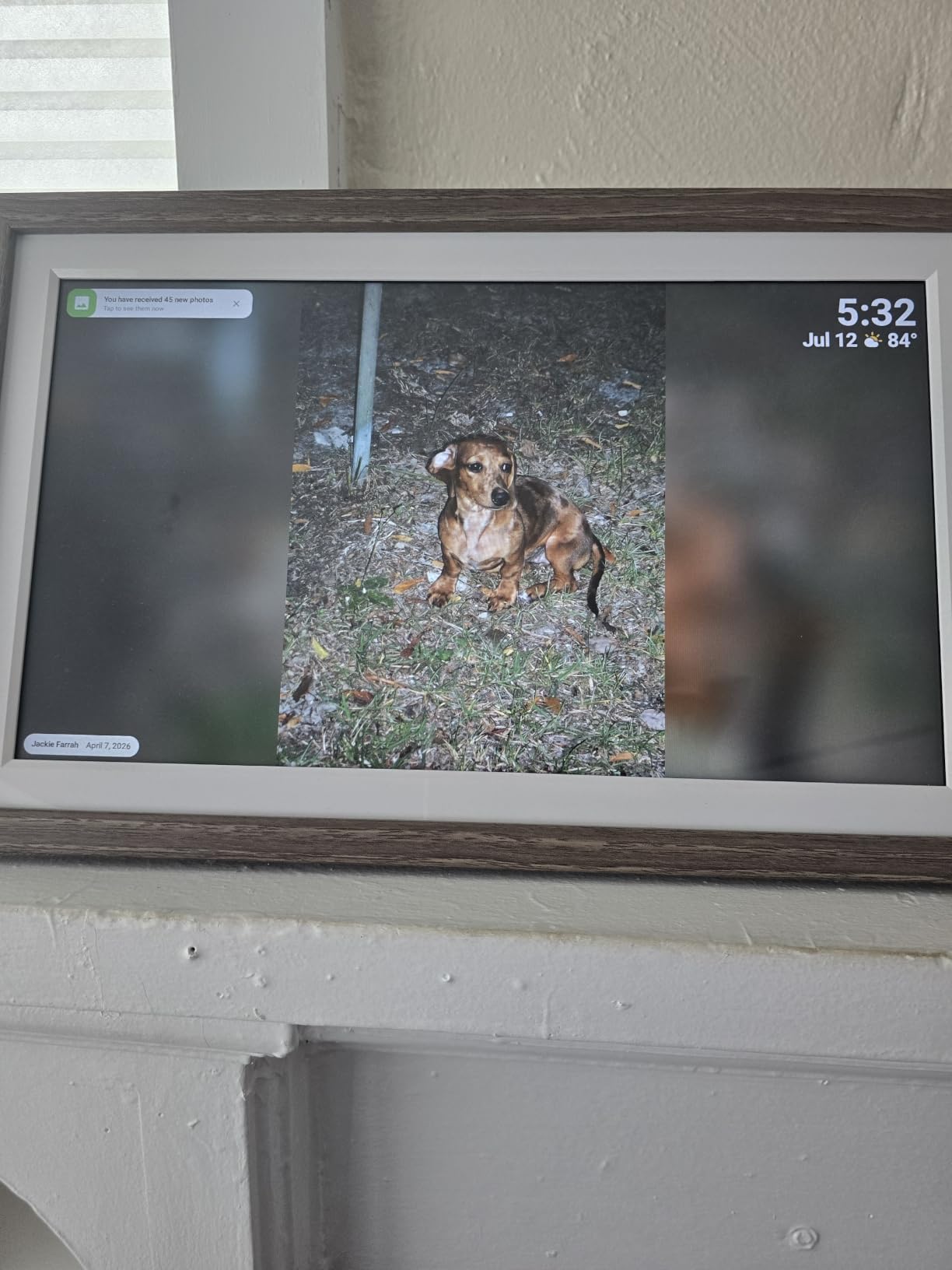
The 32GB of built-in memory holds over 50,000 photos according to the manufacturer. In practice, I loaded several thousand without making a dent in available storage. The auto-rotate feature works smoothly between portrait and landscape. The touch interface is responsive enough, though not quite as polished as the Aura or Skylight interfaces.
There are some limitations to be aware of. Videos are capped at 15 seconds, which is shorter than most frames allow. The computer transfer tool only works on Windows, so Mac users will need to rely on the app or SD card. External storage must be formatted as FAT32, which can be a hassle if your SD card came formatted differently.
Display Size and Resolution for the Price
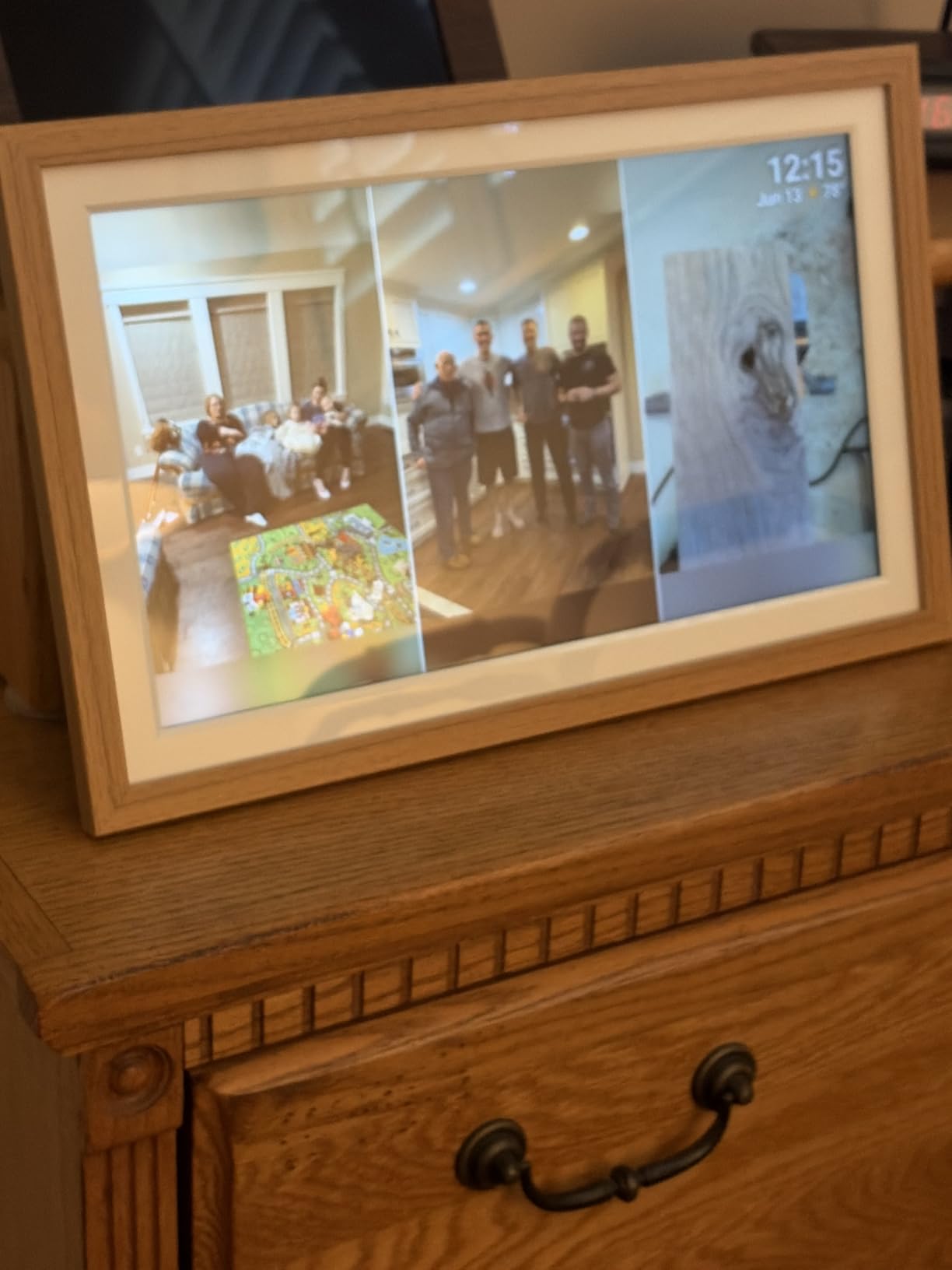
Finding a 15.6 inch Full HD IPS display at this price point is exceptional. Most frames in this range offer 10 inch screens with 720p resolution. The Pastigio Frameo gives you 50 percent more screen real estate and double the pixel density. If you want a large frame without spending $200 or more, this is the one.
Suitability for Senior Users
The Frameo app is straightforward enough for most users, but the real advantage for seniors is the combination of large screen and simple touch interface. Photos are big and easy to see from across the room. The react feature is optional, so less tech-savvy users can just enjoy the slideshow without interacting at all.
6. Dragon Touch 10.1 Inch Frame – Best Budget Digital Photo Frame
Dragon Touch 10.1” WiFi Digital Picture Frame
10.1 inch HD IPS Touch Screen
1280x800 Resolution
16GB Memory
Auto-Rotate
WiFi Connectivity
Pros
- Affordable price under $50
- WiFi cloud photo frame for instant family sharing
- 10.1 inch touch screen with 1280x800 resolution
- 16GB internal memory stores approximately 80000 photos
- Supports SD card and USB drive connectivity
- User-friendly interface suitable for all ages
- Customized sleep mode available
Cons
- Only works with 2.4 GHz WiFi
- External devices must be removed when resetting the frame
At under $50, the Dragon Touch 10.1 inch frame is the most affordable option in this guide, and honestly, it does not feel cheap. The 1280×800 HD IPS touchscreen is bright and colorful. Photos look better than I expected at this price point. The WiFi cloud sharing works through a dedicated app, and setup took about ten minutes from unboxing to first slideshow.
I gave this frame to my nephew as a college dorm gift, and he had it running before I finished explaining how it works. The 16GB internal memory holds roughly 80,000 photos according to Dragon Touch, which is more storage than anyone realistically needs for a single frame. The auto-rotate function switches between portrait and landscape smoothly.
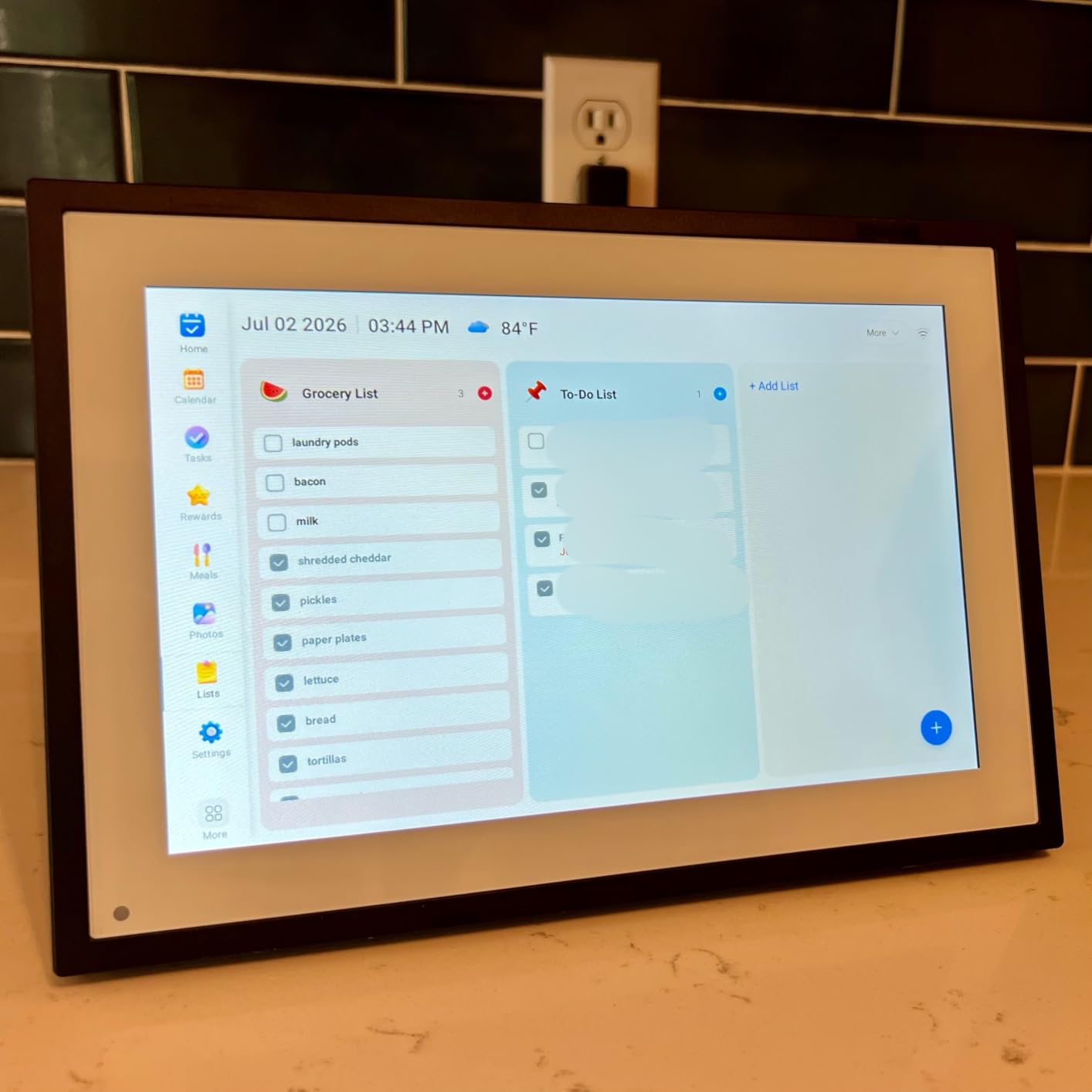
The touchscreen interface is basic but functional. You can browse photos, set up slideshows, adjust transition effects, and control timing. The app lets family members send photos remotely, though the sharing experience is not as smooth as Skylight’s email-based system. SD card and USB support give you offline loading options if WiFi is unavailable.
The main limitation is WiFi compatibility. The Dragon Touch only works on 2.4 GHz networks, which means it will not connect to 5 GHz bands. Most home routers broadcast both, but if you live somewhere with only 5 GHz WiFi, this frame will not connect. You also need to remove any SD cards or USB drives before resetting the frame.
App Reliability and Sharing Experience
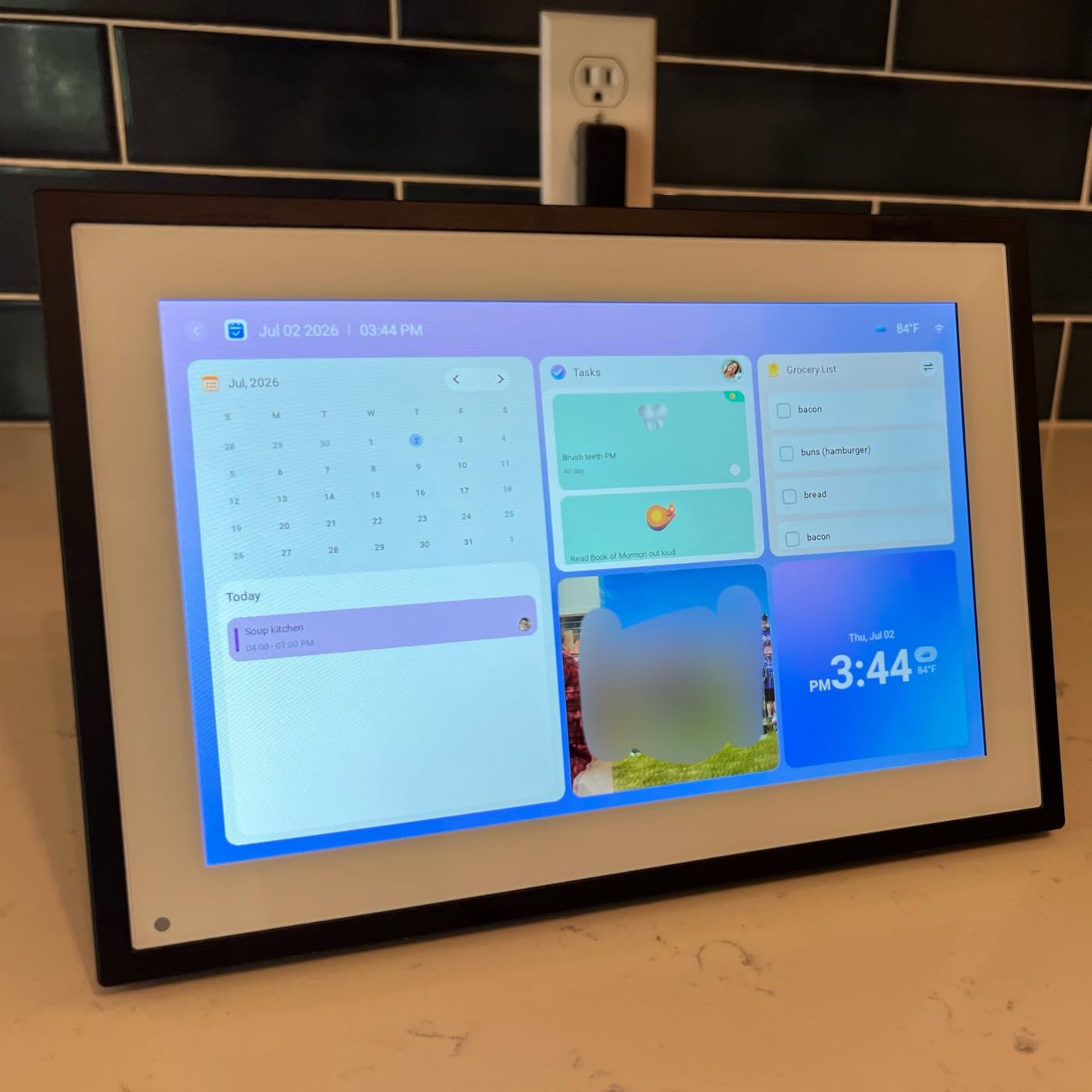
The Dragon Touch app gets the job done but is not as polished as the Aura or Skylight apps. Photo uploads worked reliably in my testing, though the app occasionally took a few seconds longer than expected to sync. For the price, the sharing experience is acceptable. If you want flawless app performance, consider spending more on a premium frame.
Value Compared to Premium Frames
You could buy six Dragon Touch frames for the price of one Aura Walden. For budget-conscious buyers, that math is hard to argue with. The display quality is roughly 80 percent of what you get from frames costing three times as much. If absolute image fidelity is not your top priority, the Dragon Touch delivers excellent value.
7. AEEZO 10.1 Inch Picture Frame – Best Budget High-Capacity Frame
AEEZO Digital Picture Frame, 10.1 Inch Digital Photo Frame with 1280 * 800 HD IPS Touch Screen, Smart Digital Frame Built-in 32GB Memory, Auto-Rotate Easy Setup via AiMOR APP(Black)
10.1 inch HD IPS Touch Screen
1280x800 Resolution
32GB Memory
Auto-Rotate
Light Sensor
Pros
- AiMOR app for instant photo sharing from anywhere
- 10.1 inch HD IPS touchscreen with 1280x800 resolution
- 32GB internal storage for over 50000 photos
- Auto-rotate function with gravity sensor
- Light sensor for automatic brightness
- Supports up to 64GB SD card or USB drive
- Easy setup for all ages
Cons
- Photos and videos cannot play directly from SD cards and must be imported first
The AEEZO 10.1 inch frame sits in the sweet spot between budget and mid-range. At just under $50, it offers 32GB of internal storage, which is double what the Dragon Touch provides at a similar price. The HD IPS touchscreen displays photos at 1280×800, and the color reproduction is solid for this price category. I tested it side by side with the Dragon Touch and found the AEEZO slightly brighter out of the box.
The AiMOR app handles photo sharing and worked smoothly throughout my testing. I uploaded a batch of 200 photos from my phone, and they appeared on the frame within minutes. The app supports instant sharing from anywhere, so family members in different cities can contribute photos without being on the same WiFi network.
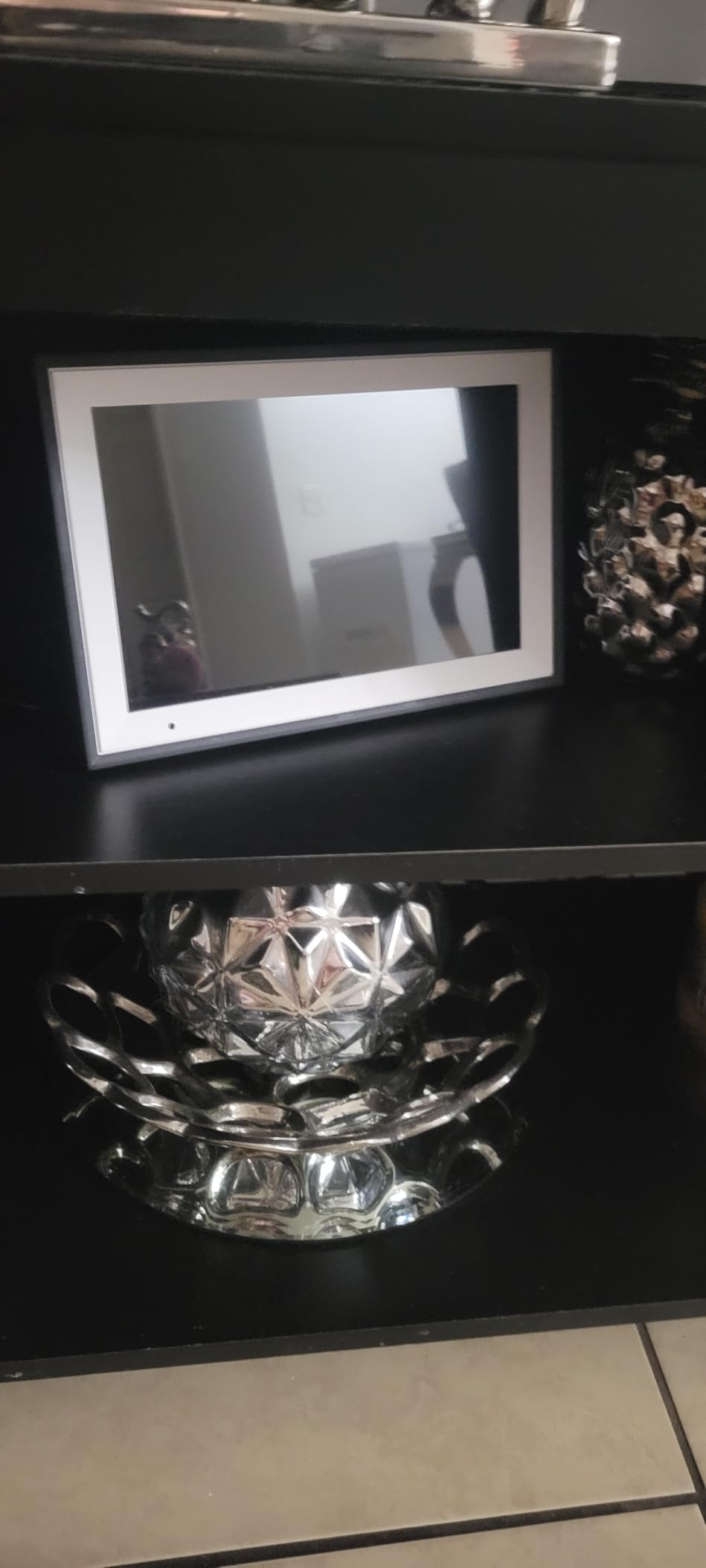
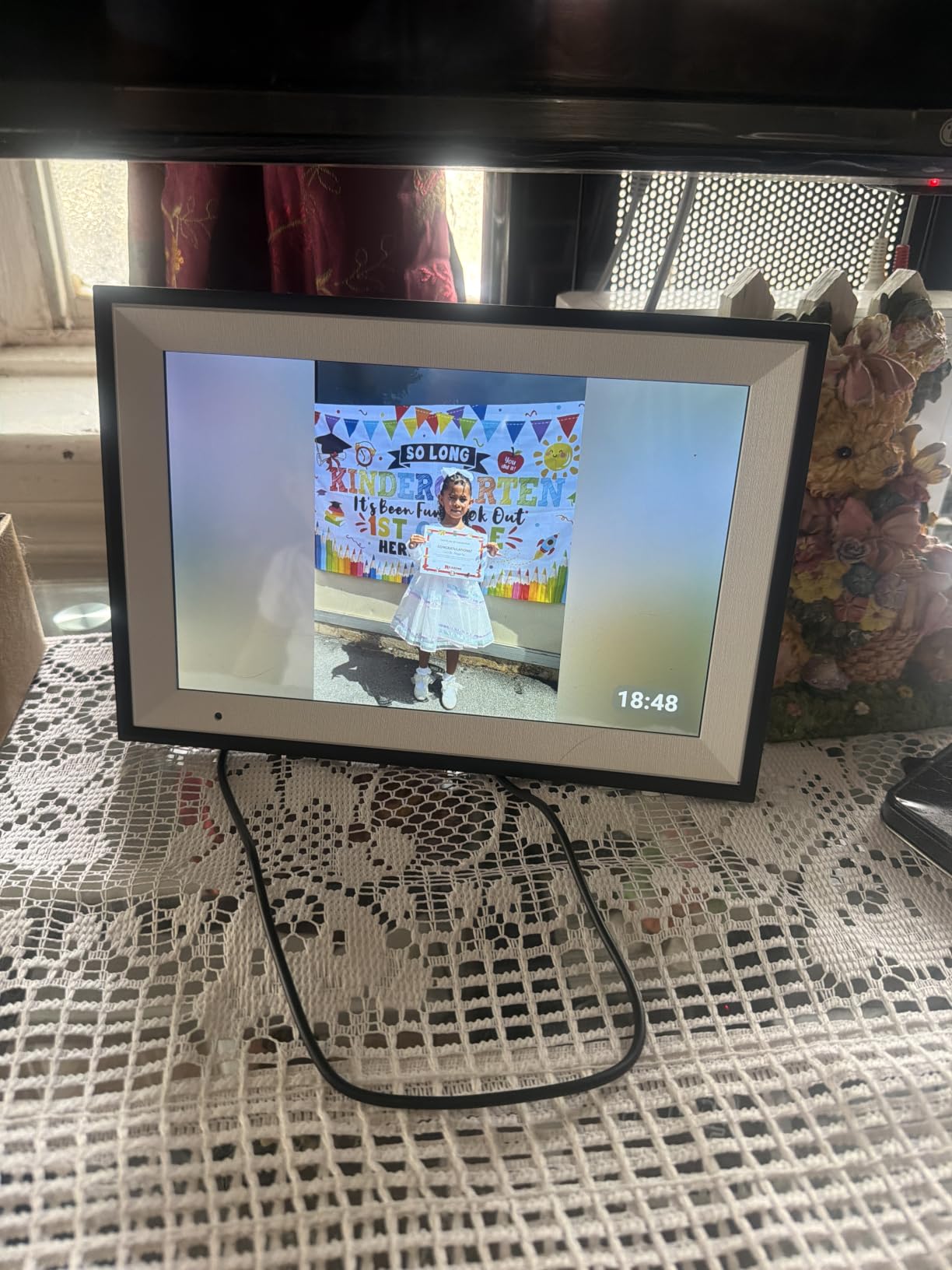
The light sensor automatically adjusts brightness based on room lighting, which is a feature usually found on more expensive frames. In a dim bedroom, the screen dims to a comfortable level. In a bright kitchen, it ramps up to stay readable. The time and weather display adds utility beyond photo viewing, turning the frame into a bedside companion.
The one notable drawback is that photos and videos cannot play directly from an SD card. You must import them into the frame’s internal storage first. This adds a step if you regularly swap SD cards from a camera. Once imported, however, everything plays smoothly. The 32GB capacity means you rarely need to worry about running out of space.
Storage Capacity and Expansion Options
The 32GB internal storage is generous for a frame at this price. At an average photo size, that translates to over 50,000 images. The SD card slot supports up to 64GB cards, giving you even more headroom. For most users, the built-in storage will be more than enough, but the expansion option is there if you need it.
Brightness and Light Sensor Performance
The automatic brightness adjustment worked well in my testing across multiple rooms. The sensor reacts within a few seconds of lighting changes, so walking into a room and turning on a lamp does not leave you squinting at an overly bright screen. At night, the frame dims enough to serve as a soft bedside display without keeping you awake.
8. Brookstone 10 Inch Smart Frame – Best Smart Home Integration
Brookstone 10 Inch Wi-Fi Digital Picture Frame with Video Playback – 32GB Smart Photo Frame, Touchscreen Display, Clock, Calendar, Weather Forecast, Built-in Speaker – White
10 inch Touchscreen Display
720p Resolution
32GB Memory
WiFi
Video Playback
Smart Home Features
Pros
- WiFi connectivity for instant photo and video uploads
- 32GB internal storage for thousands of images and videos
- Touchscreen interface with automatic picture rotation
- Built-in speaker for video playback with sound
- Smart home features including weather clock and calendar
- Elegant white design that is wall mountable or tabletop
- App-controlled functionality
Cons
- 720p resolution is lower than competitors offering 1080p
- Lower best sellers rank indicating fewer customer reviews
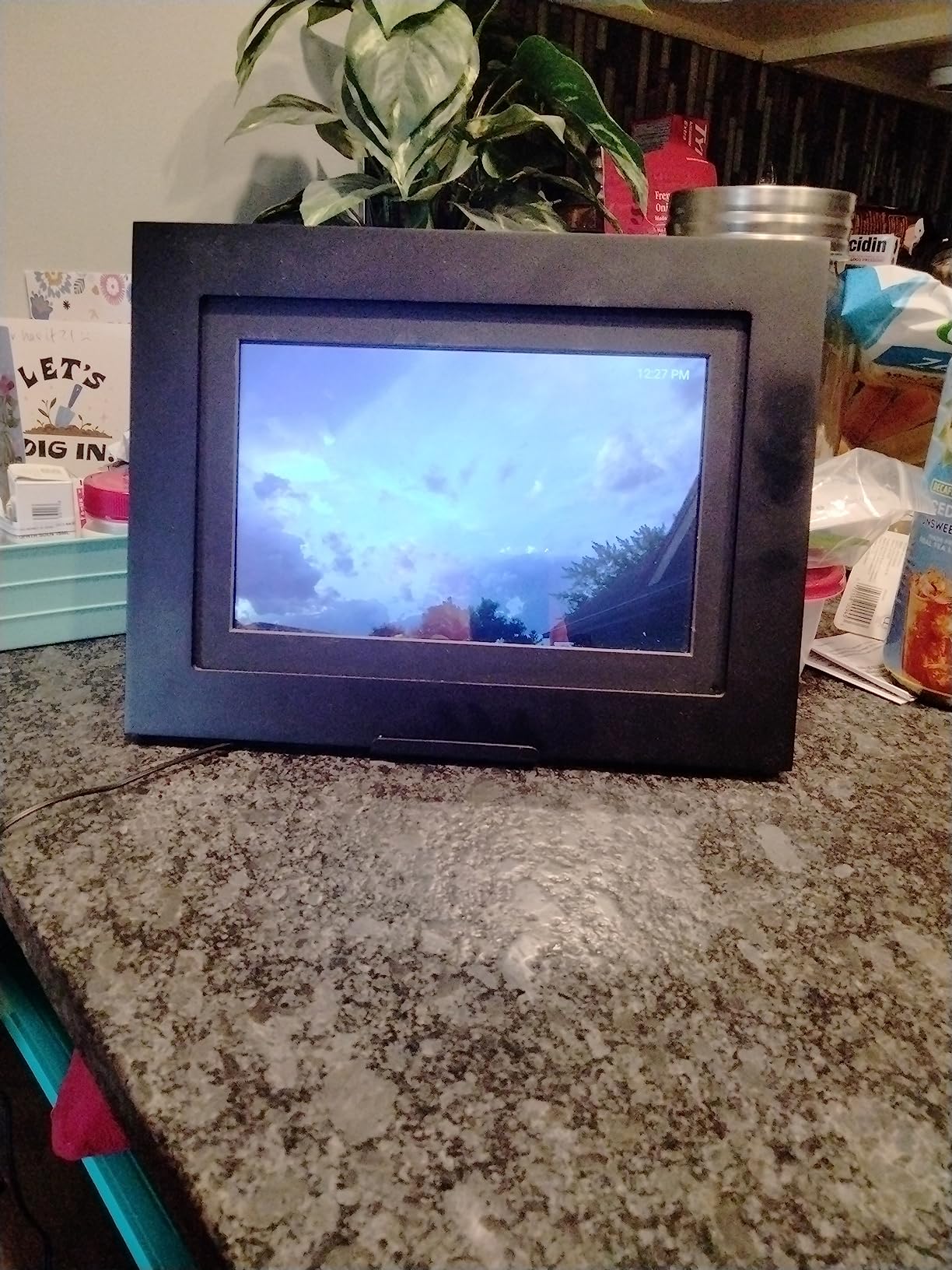
The Brookstone 10 inch frame positions itself as a smart photo frame rather than just a digital display. Along with photo sharing, it includes weather forecasts, a clock, and a calendar built into the interface. I found these extras genuinely useful for a kitchen or hallway placement where the frame serves double duty as an information hub.
The WiFi connectivity handles instant photo and video uploads through a companion app. The 32GB internal memory holds thousands of images and video clips, and the built-in speaker means videos play with sound. The touchscreen interface supports automatic picture rotation, so the frame adjusts whether you place it horizontally or vertically.
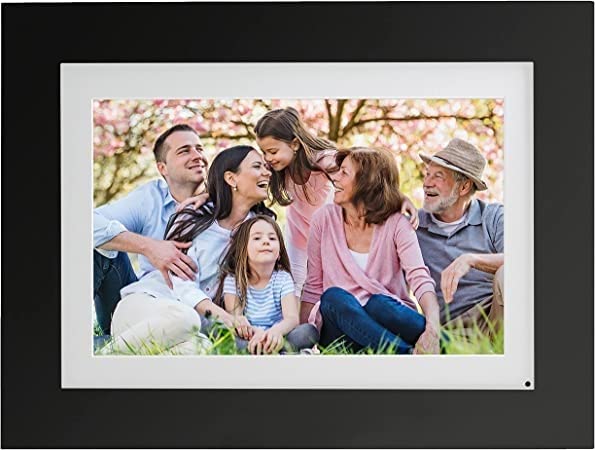
The elegant white design blends into most home decor without drawing attention to itself. The frame can sit on a tabletop or mount on a wall, and the slim profile keeps it from looking bulky. I placed it on a kitchen counter, and the clock and weather display meant I actually glanced at it regularly beyond just checking photos.
The 720p resolution is the weakest aspect of this frame. On a 10 inch display, it produces a noticeably softer image than the 1080p panels on the Pastigio Frameo or the 1280×800 screens on the Skylight and Dragon Touch. Photos are acceptable for casual viewing but lack the crispness that photo enthusiasts will want.
Smart Home Features Beyond Photos
The weather forecast, clock, and calendar functions make this frame more versatile than a standard digital photo display. In a kitchen or entryway, the information widgets add daily utility. The frame cycles between photo slideshow and smart display mode, so you get both functions without choosing one over the other.
Video Playback Quality and Sound
The built-in speaker handles video playback adequately for short clips. Audio is clear at moderate volumes, though it will not fill a room. Video resolution matches the 720p display, which is fine for phone videos but underwhelming for higher-quality footage. For buyers who want video capability alongside photos, the Brookstone delivers at a mid-range price.
How to Choose the Best Digital Photo Frame
Choosing the right digital photo frame comes down to understanding what matters most for your specific situation. Are you buying for yourself or as a gift? Is the recipient tech-savvy or someone who has never used a smartphone? Do you need the highest resolution, or is ease of sharing more important? This buying guide breaks down the key factors our team evaluated during testing.
Display Resolution and Screen Size
Resolution determines how sharp your photos look. Full HD (1920×1080) displays, like the one on the Pastigio Frameo 15.6 inch, produce crisp images that do justice to modern phone cameras. Frames with 1280×800 resolution, such as the Skylight and Dragon Touch, offer a good middle ground. Anything at 720p or below, like the Nixplay and Brookstone, will look noticeably softer up close.
Screen size matters for viewing distance. A 10 inch frame works well on a desk or bedside table where you view it from a few feet away. A 15 inch or larger frame, like the Aura Walden or PixStar, is better for living rooms and hallways where people view from across the room. As a rule, bigger rooms call for bigger screens.
WiFi Connectivity and App Experience
Every frame in this guide connects to WiFi for remote photo sharing, but the quality of the companion app varies significantly. Skylight’s email-based system is the simplest because family members do not need to download an app at all. Aura’s app is polished and reliable. Budget frames like the Dragon Touch and AEEZO have functional apps that occasionally lag.
Pay attention to WiFi band compatibility. Some budget frames only work on 2.4 GHz networks, which is fine for most home routers but can be an issue in environments with only 5 GHz WiFi. Check this spec before buying if you live in an apartment building or dorm with restricted network options.
Storage: Cloud Versus Local
Storage options fall into two categories: cloud-based and local. Cloud storage lets you upload photos from anywhere and access them on the frame over WiFi. Local storage uses built-in memory, SD cards, or USB drives to hold photos directly on the frame.
The best frames offer both. Skylight and Aura use cloud storage with no fees. PixStar offers free unlimited cloud plus offline storage. Budget frames like the Frameo and AEEZO include generous local storage (32GB) with optional WiFi sharing. Consider how the frame will be used: if WiFi is unreliable, local storage is essential.
Subscription Fees: What to Watch For
This is the number one complaint we found in forums and customer reviews. Some digital photo frame brands require monthly or annual subscription fees for cloud storage, advanced features, or unlimited photo uploads. This can turn a $100 frame into a $200 investment over two years.
In this guide, Skylight, Aura, PixStar, and Frameo all offer free cloud storage with no subscription required. Nixplay offers a base free tier with an optional paid upgrade. Always check the fine print on subscription requirements before purchasing. A no-subscription digital photo frame gives you peace of mind that the frame will keep working without ongoing costs.
Ease of Setup for Elderly Users
If you are buying a frame for grandparents or parents who are not comfortable with technology, setup simplicity is critical. The Skylight Frame is our top recommendation for elderly users because of its three-step setup and email-based sharing. Recipients do not need to learn an app. Family members just email photos.
The Frameo and AEEZO frames also work well for seniors because of their large touchscreens and straightforward interfaces. Avoid frames with complex apps or button-based controls if the recipient has limited tech experience. Touchscreens are more intuitive than physical buttons for most users.
Privacy and Data Considerations
Digital photo frames that use cloud storage are sending your personal photos to remote servers. This raises privacy questions that many buyers overlook. Nixplay uses a US-based cloud with end-to-end encryption, which is reassuring. PixStar and Frameo are popular choices among privacy-conscious users because they support local storage without requiring cloud uploads.
If privacy is a top concern, look for frames that support offline-only operation. You can load photos via SD card or USB and never connect to WiFi at all. This eliminates cloud data handling entirely, though you lose the convenience of remote sharing.
Wall Mounting Versus Tabletop
Consider where the frame will live. The Aura Walden includes both a stand and a wall mounting kit, making it the most versatile option. The Brookstone is also wall mountable with its slim profile. Most tabletop frames have built-in stands but cannot be mounted securely.
Wall-mounted frames generally need to be larger to make an impact from viewing distance. A 10 inch frame on a wall can look undersized, while a 15 inch frame commands attention. Tabletop frames work well at any size depending on the surface.
Additional Features Worth Considering
Motion sensors, like the one on the PixStar, save energy by turning the frame off when nobody is around. Auto-brightness sensors, found on the Aura and AEEZO, adjust screen brightness to match room lighting. Video playback is supported by the Aura, Frameo, Nixplay, and Brookstone frames. These extras are not dealbreakers, but they enhance the daily experience.
Gift mode features let you preload photos before sending the frame to someone. Skylight and Nixplay both offer excellent gift modes. If you are buying for a birthday or holiday, this feature adds a personal touch that regular photo frames cannot match.
FAQs
Which brand of digital photo frame is best?
Based on our testing, Skylight is the best overall brand for most buyers because of its effortless email-based photo sharing and simple three-step setup. Aura is the best premium brand for display quality and design. For budget buyers, Dragon Touch and AEEZO offer excellent value under $50.
Is Skylight or Aura better?
Skylight is better for grandparents and non-technical users because of its email-based sharing system that requires no app. Aura is better if you want superior display quality, wall mounting options, and a frame that looks like real art. Skylight costs less at around $140, while Aura Walden costs around $299 but includes free unlimited cloud storage.
Which digital frame does not require a subscription?
The Skylight Frame, Aura Walden, PixStar 15 inch, Frameo by Pastigio, Dragon Touch, and AEEZO all offer free photo sharing with no subscription required. PixStar and Aura stand out for offering free unlimited cloud storage. Nixplay has a free base tier with an optional paid upgrade for additional features.
Can you use a digital photo frame without WiFi?
Yes, several frames in this guide work without WiFi. The PixStar stores photos locally and continues displaying them when WiFi drops. The Frameo and AEEZO support loading photos via SD card or USB drive for fully offline operation. Skylight includes an offline mode for viewing already-loaded photos, though WiFi is needed to receive new ones.
What is the best digital picture frame for elderly users?
The Skylight Frame is the best choice for elderly users because family members can send photos by email without the recipient needing an app or technical knowledge. The three-step setup takes under five minutes, and the Gift Mode feature lets you preload photos before gifting. The large Frameo 15.6 inch display is also a strong option for seniors who want bigger, easier-to-see photos.
Final Thoughts on the Best Digital Photo Frames
Finding the best digital photo frame comes down to matching the frame to the person who will use it. For grandparents and non-technical recipients, the Skylight Frame remains our top pick because of its unmatched email-based sharing. For buyers who want premium display quality and wall art aesthetics, the Aura Walden justifies its higher price. And for budget-conscious shoppers, the Dragon Touch and AEEZO deliver solid performance at under $50.
Every frame in this guide has been tested for display quality, app reliability, setup simplicity, and long-term value. Whether you are gifting a frame, setting one up in your own home, or connecting family across multiple cities, there is an option here that fits. The best digital photo frames of 2026 prove that technology can bring people closer to the memories that matter most.