
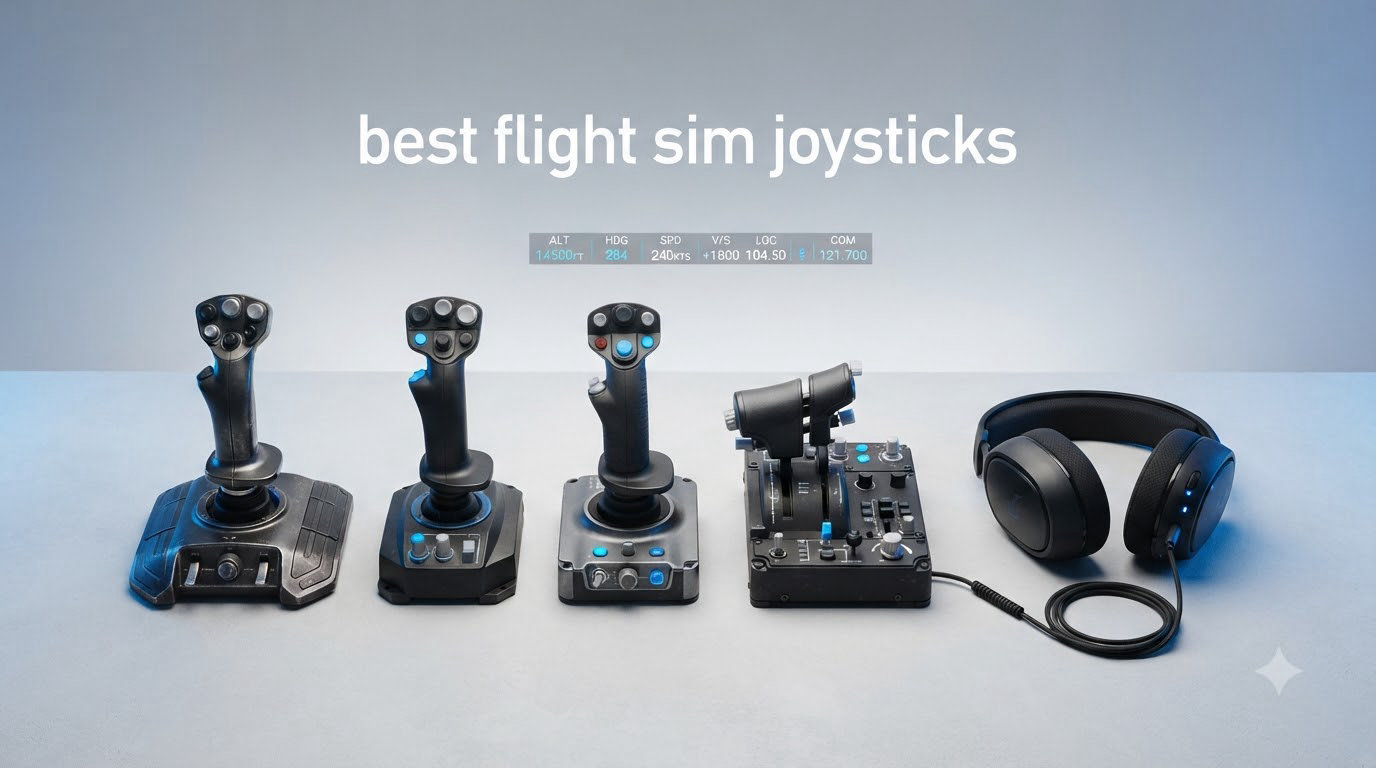
I have spent more hours than I would like to admit staring at cockpit gauges, wrestling with keyboard bindings, and yanking my desk around with poorly mapped thrust controls. After testing the leading flight sim joysticks on the market this year, I can tell you exactly which setups are worth your money and which ones will leave you stranded in a holding pattern. This guide to the best flight sim joysticks in 2026 is built from real flight time in Microsoft Flight Simulator, DCS World, X-Plane 12, and Star Citizen, not spec sheets alone.
Whether you are hunting for your first PC flight stick or upgrading from a worn-out gamepad, I will walk you through the top picks across every price tier. I have also included my take on the best HOTAS joystick systems for serious combat sim pilots and a few notes for left-handed pilots and Xbox Series X users, because those communities are routinely underserved.
Table of Contents
Top 3 Picks for Best Flight Sim Joysticks (September 2026)

Thrustmaster HOTAS Warthog
- All-metal A-10C replica
- H.E.A.R.T hall-effect sensors
- 55 programmable buttons

Thrustmaster T.16000M FCS
- Drift-free H.E.A.R.T sensors
- 16 programmable buttons
- Fully ambidextrous design

Thrustmaster T-Flight Stick X
- Plug and play on PC
- Weighted stable base
- 12 programmable buttons
Best Flight Sim Joysticks in 2026 – Quick Comparison
| Product | Specifications | Action |
|---|---|---|
| Thrustmaster T-Flight Stick X |
|
Check Latest Price |
| Thrustmaster T.16000M FCS |
|
Check Latest Price |
 Logitech G X56 H.O.T.A.S. Logitech G X56 H.O.T.A.S. |
|
Check Latest Price |
 Turtle Beach VelocityOne Flightstick Turtle Beach VelocityOne Flightstick |
|
Check Latest Price |
 Thrustmaster T-Flight Hotas One Thrustmaster T-Flight Hotas One |
|
Check Latest Price |
| Thrustmaster HOTAS Warthog |
|
Check Latest Price |
 Thrustmaster HOTAS Warthog Stick Thrustmaster HOTAS Warthog Stick |
|
Check Latest Price |
 Thrustmaster TCA Sidestick Airbus Thrustmaster TCA Sidestick Airbus |
|
Check Latest Price |
1. Thrustmaster T-Flight Stick X – Best Budget Starter for PC
Thrustmaster T-Flight Stick X USB Ergonomic Flight Sim Joystick – PC
H.E.A.R.T magnetic sensor
Adjustable resistance
12 programmable buttons
Pros
- Plug and play on Windows 11
- Adjustable resistance dial
- Weighted stable base
- Built-in throttle and twist rudder
Cons
- Stiff throttle
- Awkward button placement for lefties
The T-Flight Stick X is what I hand to anyone asking for the cheapest way into PC flight simulation that does not feel like throwing money away. The H.E.A.R.T magnetic sensor in this price bracket is genuinely surprising. Most sub-$50 sticks rely on cheap potentiometers that drift within months, but this one stays accurate after daily use.
I plugged it into a fresh Windows 11 install and the system recognized it instantly with no driver hunting. The weighted base keeps it planted on the desk during aggressive maneuvers, which is something I take for granted until I test a lighter stick that slides around mid-roll.
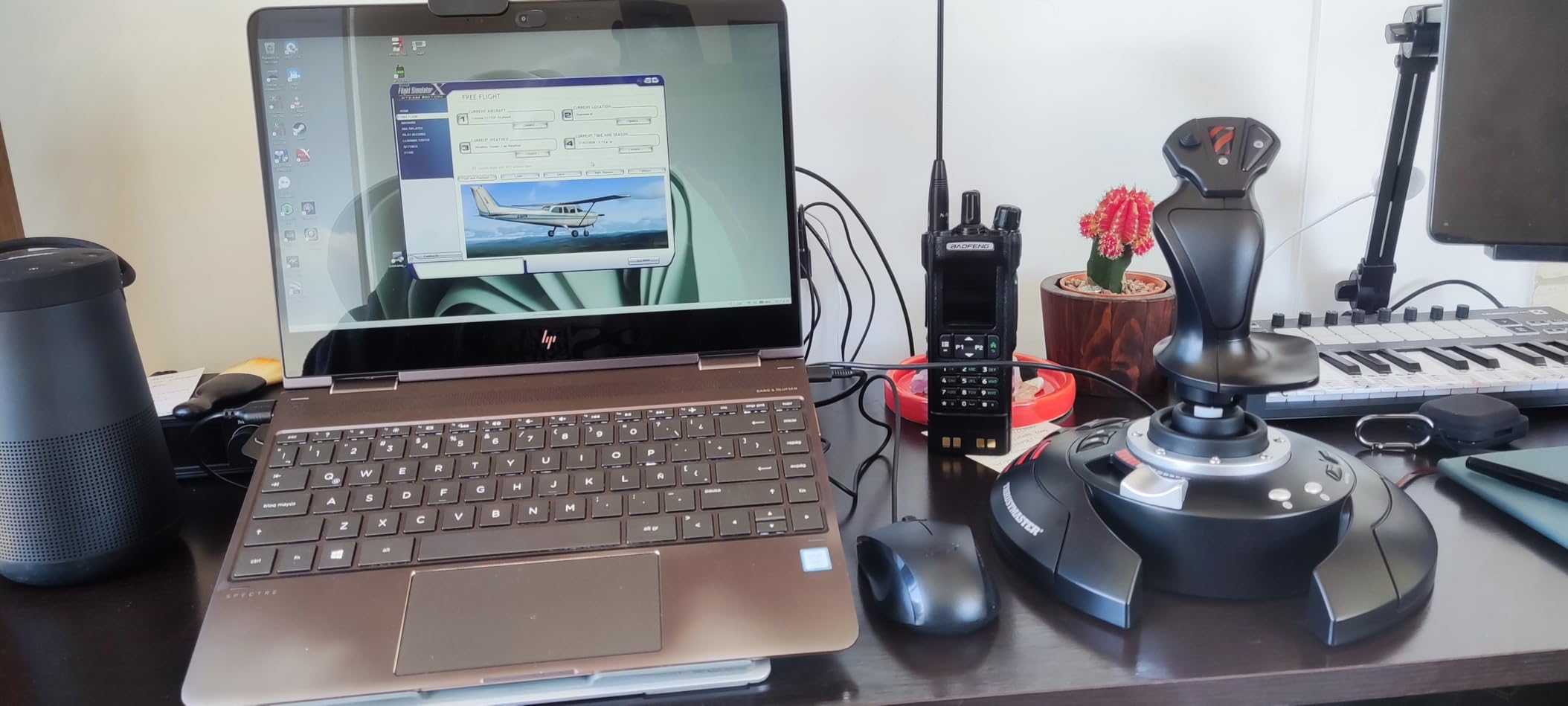
The 12 programmable buttons handle most basic bindings, and the adjustable resistance dial lets me tune stick tension for slow GA circuits versus aggressive DCS combat. I found the throttle a bit stiff out of the box, but it loosened up after a week of use.
Two real limitations to know: the USB cord is permanently attached, so a cable failure means replacing the whole stick, and the button placement favors right-handed users. Lefties will find trigger placement awkward.
Best use cases
This is the best flight sim joystick for casual MSFS players, students, and anyone whose first sim is going to be a sub-$60 starter. It is also a great backup stick for VR setups where you do not want your premium HOTAS getting bumped.
Skip it if
If you plan to fly DCS World combat or any serious helicopter sim where you need precise rudder control and a separate throttle axis, you will outgrow this stick fast. The built-in throttle shares electronics with the stick, so they are not independent.
2. Thrustmaster T.16000M FCS – Best All-Round Value Pick
Thrustmaster T16000M FCS – Precision Combat Flight Sim Joystick – PC
H.E.A.R.T sensors
Ambidextrous
16 programmable buttons
Pros
- Drift-free hall-effect sensors
- Fully ambidextrous design
- 16 buttons with braille markings
- 4 axes including twist rudder
- Strong value for combat sims
Cons
- Twist rudder takes practice
- Base buttons require small hands
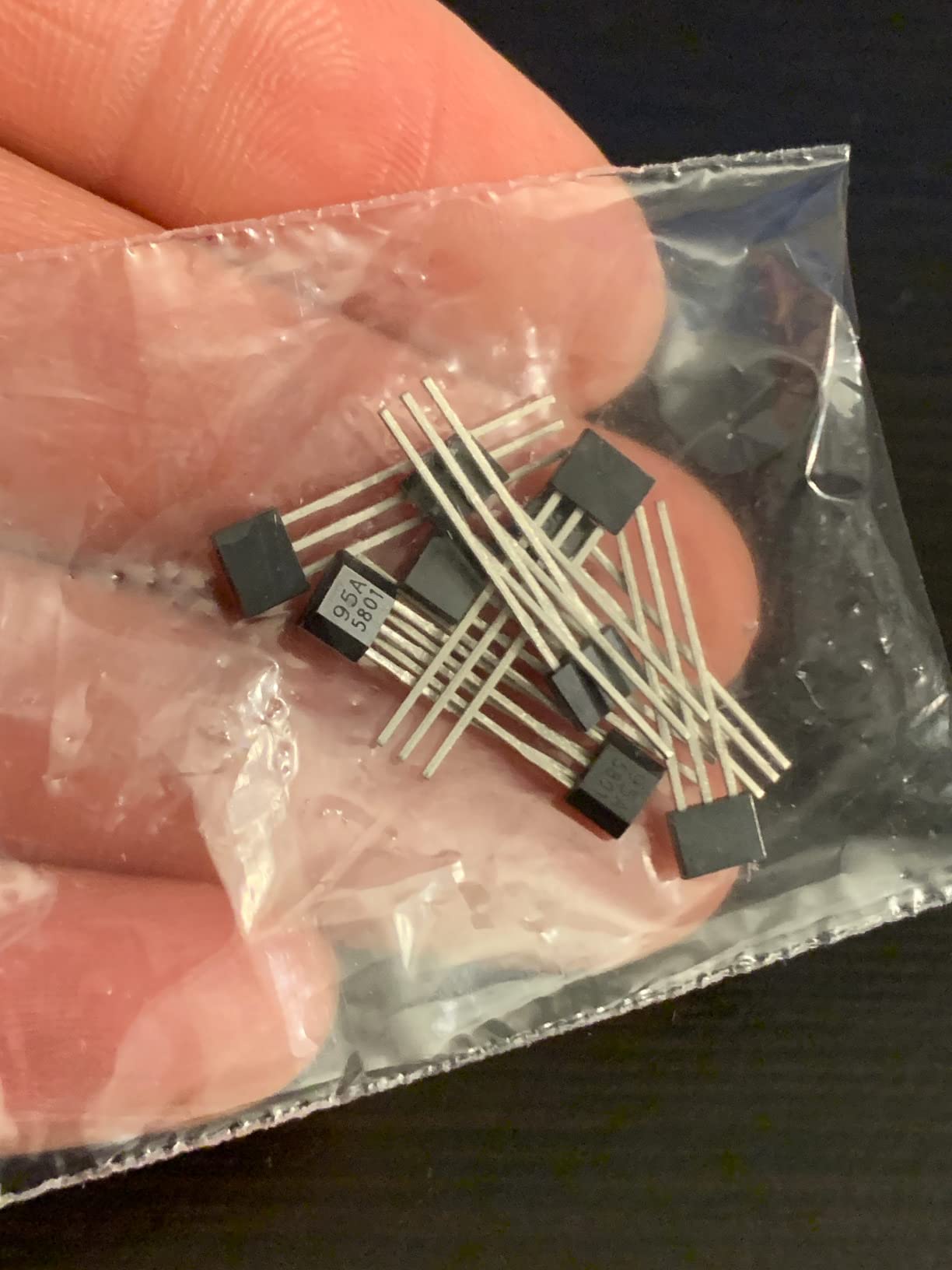
The T.16000M is the flight sim joystick I recommend more than any other when friends ask what to buy. After a year of regular DCS World sessions, my unit has zero drift, zero calibration drift, and zero complaints. The H.E.A.R.T magnetic sensor technology is the same tech Thrustmaster uses in their premium Warthog, scaled down to a beginner price.
What sets the T.16000M apart is the fully ambidextrous design. The hand rest can be swapped for left or right-handed operation, which is something almost no other stick in this price range offers. Left-handed pilots, this is your entry ticket.
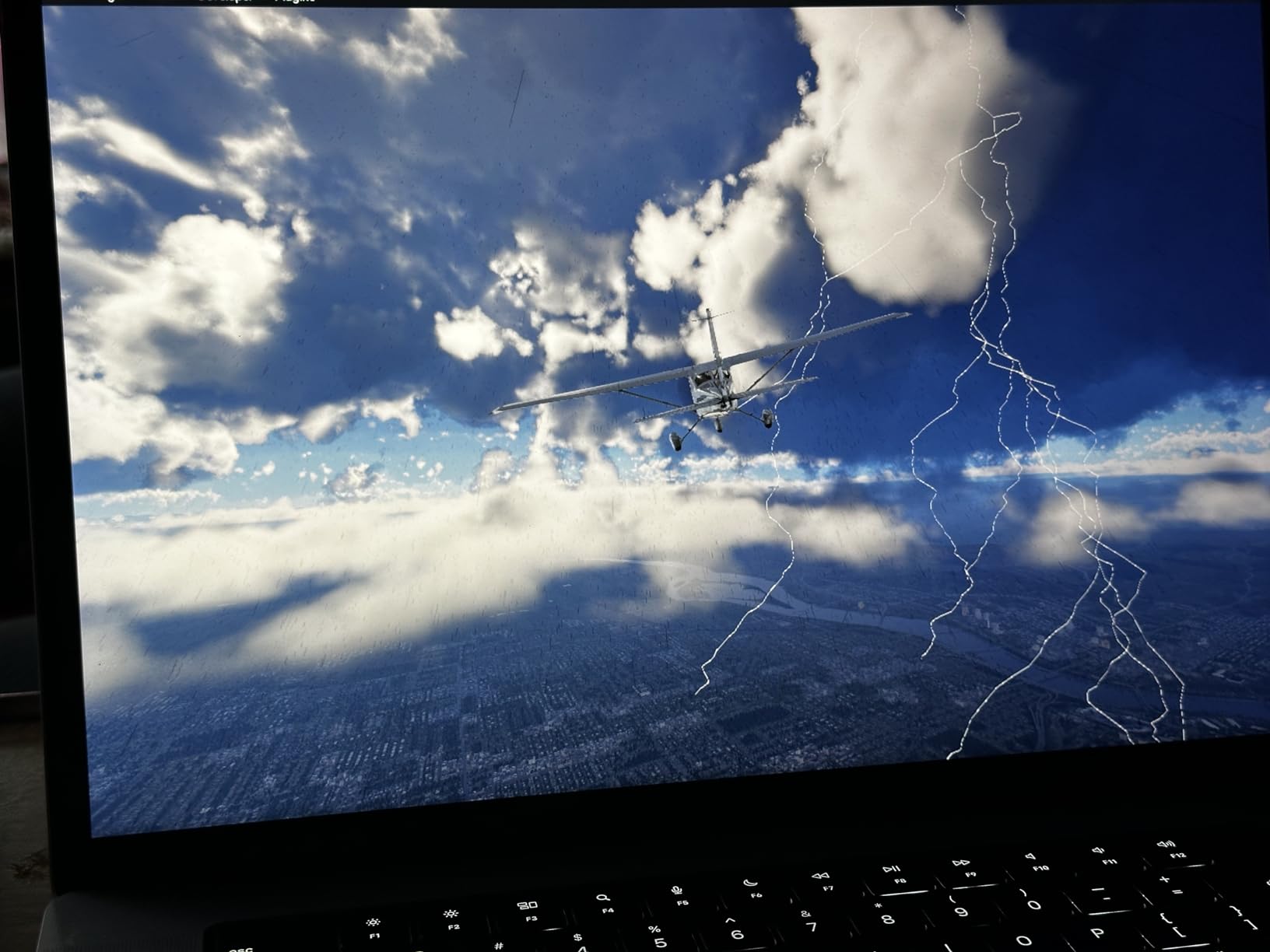
Sixteen programmable buttons plus an 8-way hat switch covers nearly every binding I have needed across MSFS, Elite Dangerous, and Star Citizen. The braille-style physical identification on the buttons means I can find critical commands by feel without looking down.
The twist rudder works well but takes some getting used to. Newer pilots often over-torque and find themselves skidding through taxiways. Once you dial in the sensitivity, it is precise enough for general aviation.
Best sim fits
The T.16000M is the de facto best joystick for Star Citizen, the best budget joystick for DCS World, and a strong pick for MSFS when paired with a separate throttle. It is PC only, no console support.
Limitations to consider
The base buttons are clustered and require smaller hands to reach comfortably. Pilots with large hands may find themselves stretching. If you want a true HOTAS setup, plan to buy the T.16000M FCS Flight Pack which bundles this stick with a matching throttle.
3. Logitech G X56 H.O.T.A.S. – Feature-Rich HOTAS for VR
Logitech G X56 H.O.T.A.S Throttle and Joystick Flight Simulator Game Controller, 4 Spring Options, +189 Programmable Controls, RGB Lighting, 2x USB, PC – Black
189 programmable controls
RGB lighting
4-spring resistance
Pros
- 189 programmable controls
- Hall-effect sensors
- RGB lighting customization
- 4 spring tension options
- Ideal for VR with mini analog sticks
Cons
- Plastic construction feels cheap
- Stiff throttle
- Needs direct USB power
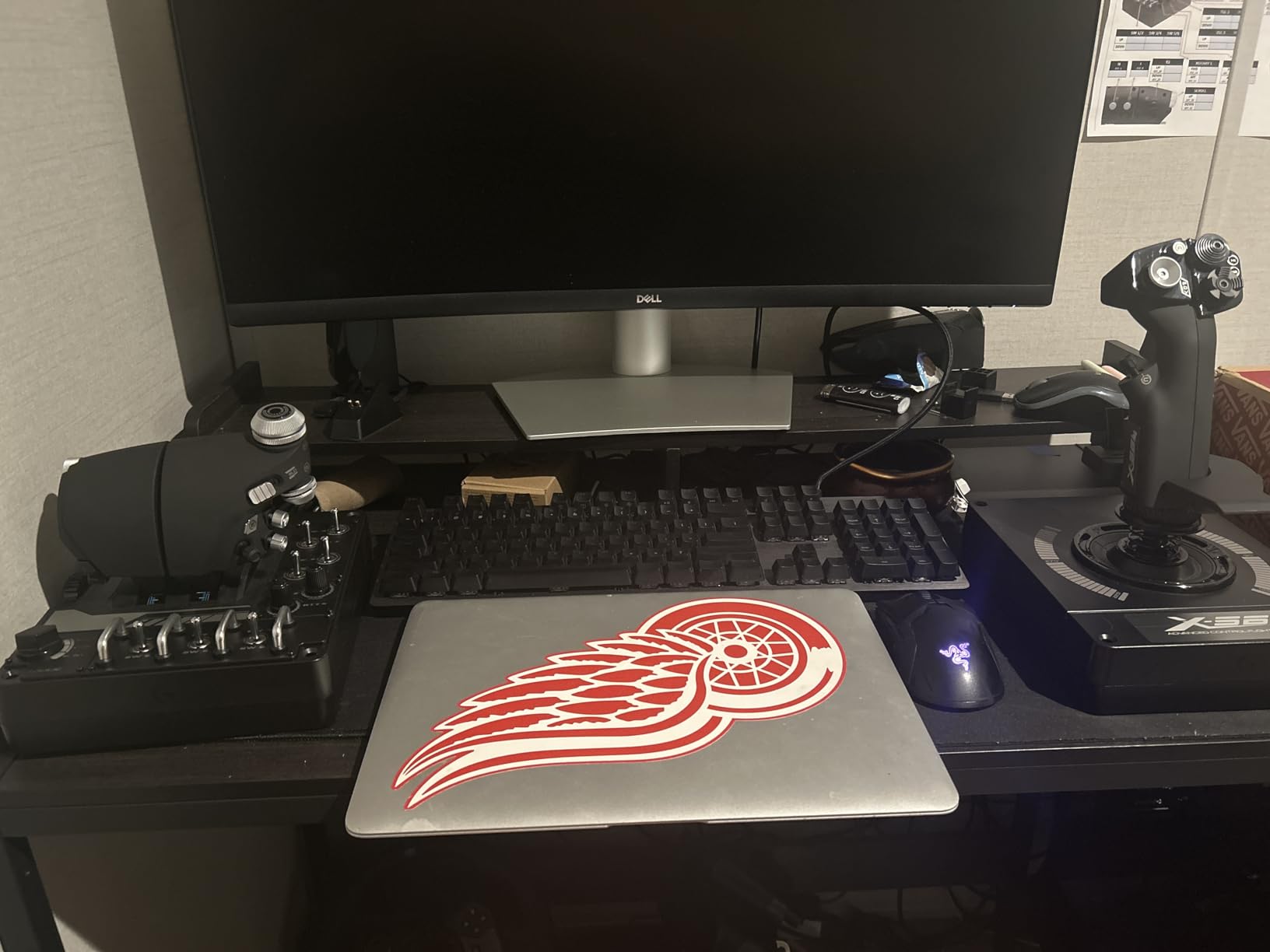
The Logitech G X56 is the HOTAS I reach for when I want maximum control surface options without paying Warthog prices. With 189 programmable controls across the stick, throttle, and base, this system has more inputs than most pilots will ever bind.
The standout feature is the mini analog stick control surfaces built into the throttle. These thumb-stick style inputs let you map pitch, roll, and yaw adjustments without lifting your hand off the throttle. In VR where you cannot see your controls, this kind of redundancy is a real safety feature.
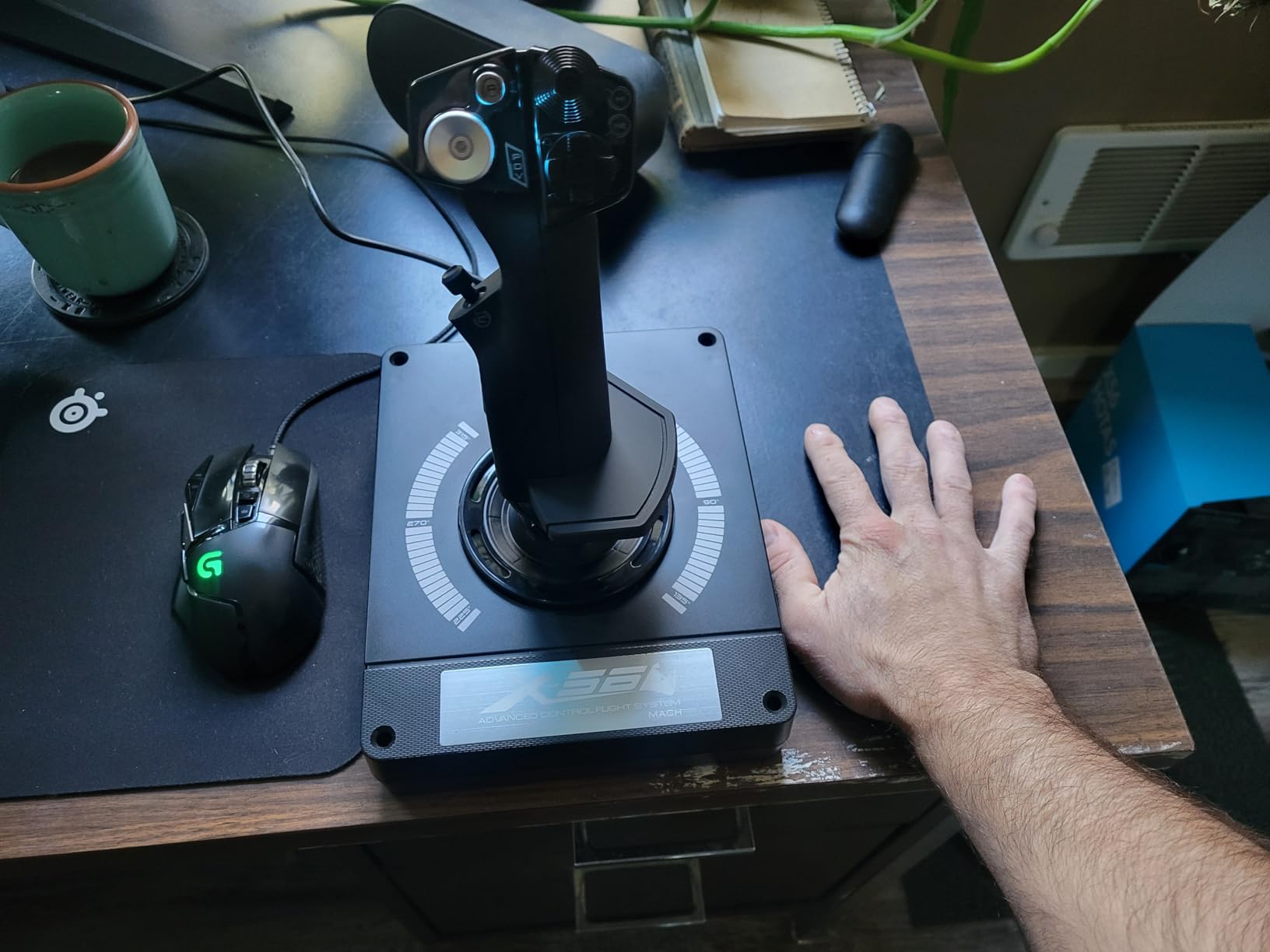
Hall-effect sensors keep the main axes drift-free, and the 4-spring resistance system lets me dial in stick tension from feather-light for combat to heavy for stable GA flying. The RGB lighting is purely cosmetic but adds a nice glow in dim rooms.
The build quality is the main compromise. The plastic construction feels hollow compared to the Warthog, and the throttle is stiff enough that I had to crank the friction adjuster all the way down to use it comfortably.
Best for VR combat
If you fly DCS World, Elite Dangerous, or Star Citizen in VR and want every possible binding within reach, the X56 is hard to beat at this price. The mini sticks on the throttle handle trim and micro-adjustments without breaking immersion.
Skip it if
Pilots who prioritize build quality over feature count should look at the Warthog instead. The X56 also requires a direct USB connection for power. Plugging into a hub can cause the throttle to glitch out mid-flight.
4. Turtle Beach VelocityOne Flightstick – Best Universal Xbox/PC Pick
Turtle Beach VelocityOne Flightstick Universal Sim Controller, Xbox, PC
Xbox Series X
S and PC
27 programmable buttons
Integrated OLED display
Pros
- Universal Xbox and PC compatibility
- 27 programmable buttons
- OLED display for in-game info
- Ambidextrous design
- Hall-effect axes
Cons
- Touchpad sensitivity issues
- Trim wheel sync quirks
- Needs firmware update
The VelocityOne Flightstick is the only premium flight stick with full Xbox Series X, Xbox One, and PC support. If you fly on console and have felt locked out of the serious sim hardware market, this stick is built for you.
What surprised me most is the integrated OLED flight management display. It shows real-time telemetry, button mapping, and configuration status without needing to alt-tab out of your sim. For MSFS players flying airliners, this is the kind of detail that makes cockpit building feel more authentic.
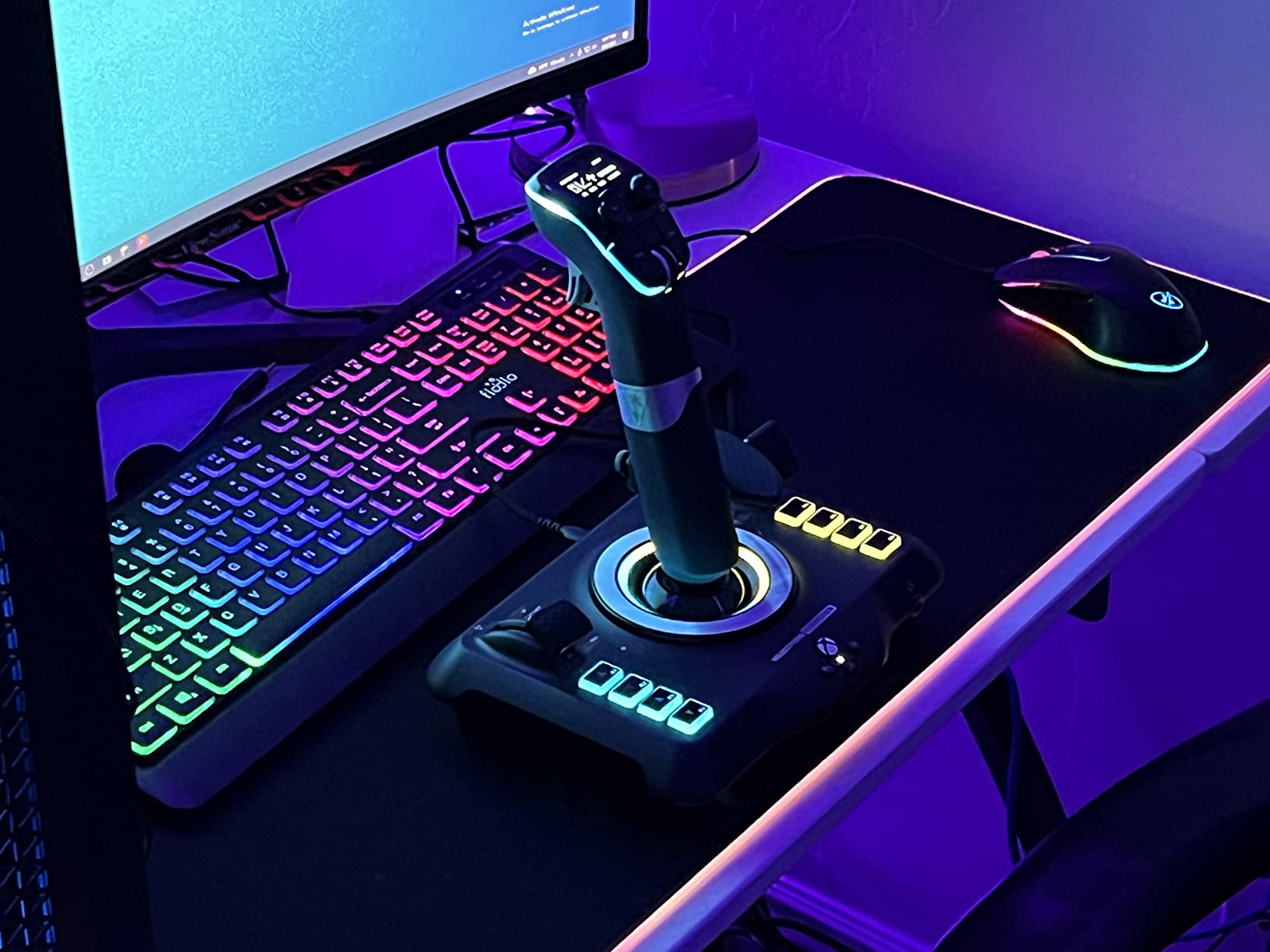
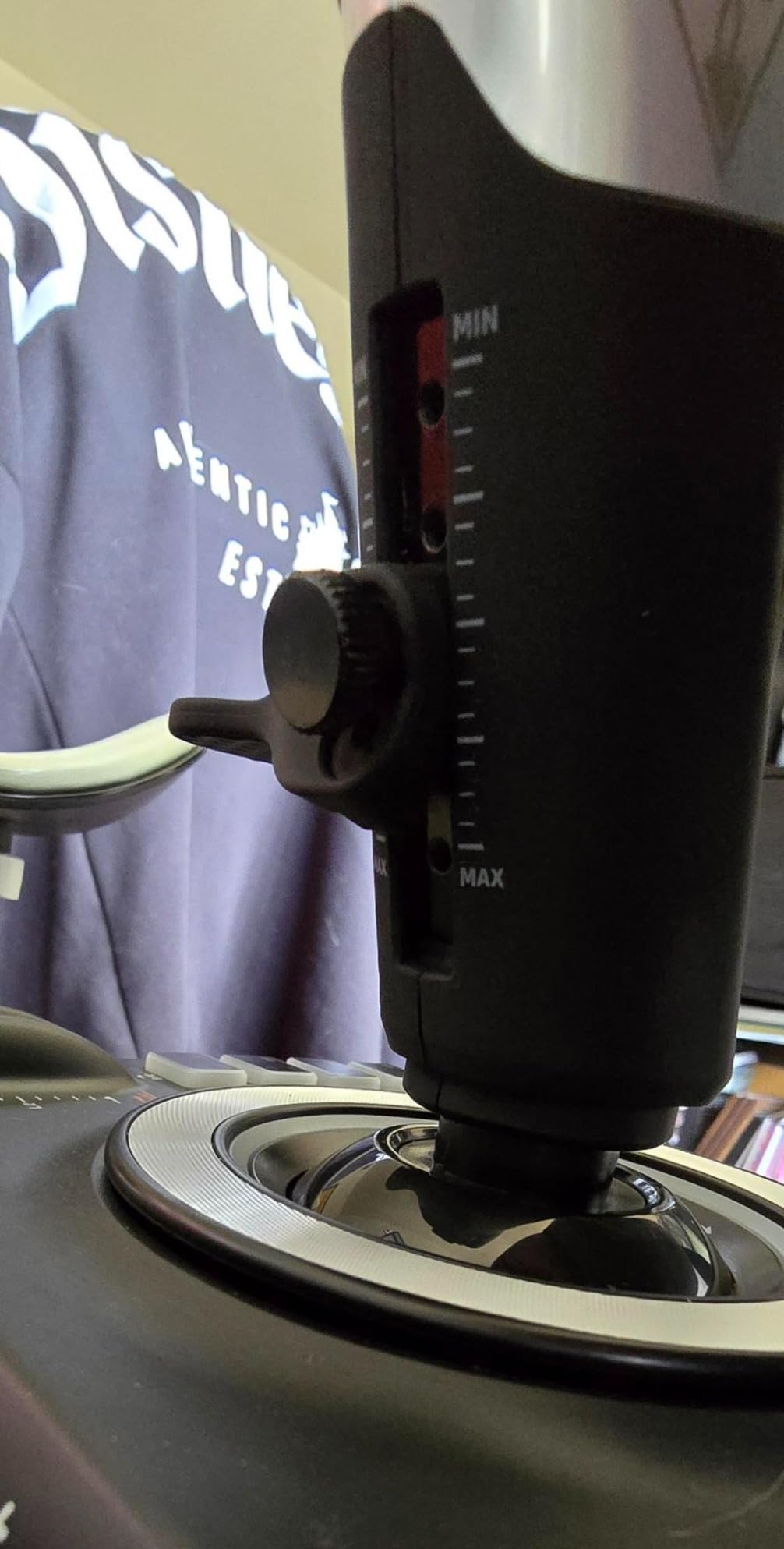
The 27 programmable buttons give the VelocityOne more inputs than several HOTAS systems. Hall-effect axes on the main stick and throttle mean no drift even after months of daily use. The ambidextrous design works equally well for left or right-handed pilots.
There are some rough edges. The touchpad navigation sensor is finicky for cursor control, and the trim wheel has sync issues with certain autopilot configurations. Turtle Beach pushes firmware updates that fix most problems, but you need to apply them out of the box.
Best for MSFS on Xbox
Microsoft Flight Simulator on Xbox Series X is one of the best ways to experience the sim, and the VelocityOne is the best joystick for that combination. Plug and play recognition means you are flying within minutes.
Skip it if
Pilots flying only on PC with a dedicated HOTAS setup will find the VelocityOne redundant. If you do not need Xbox compatibility, the T.16000M or Warthog offer better long-term value at similar prices.
5. Thrustmaster T-Flight Hotas One – Best Budget HOTAS for Xbox
Thrustmaster T-Flight Hotas One Flight Stick & Throttle – XBOX & PC
Xbox Series X and PC
Detachable throttle
14 programmable buttons
Pros
- Plug and play on Xbox and PC
- Detachable throttle design
- Adjustable resistance
- Compatible with TFRP rudder pedals
- Excellent value under $100
Cons
- Throttle can develop drift
- Axis wear over time
- No rudder without pedals
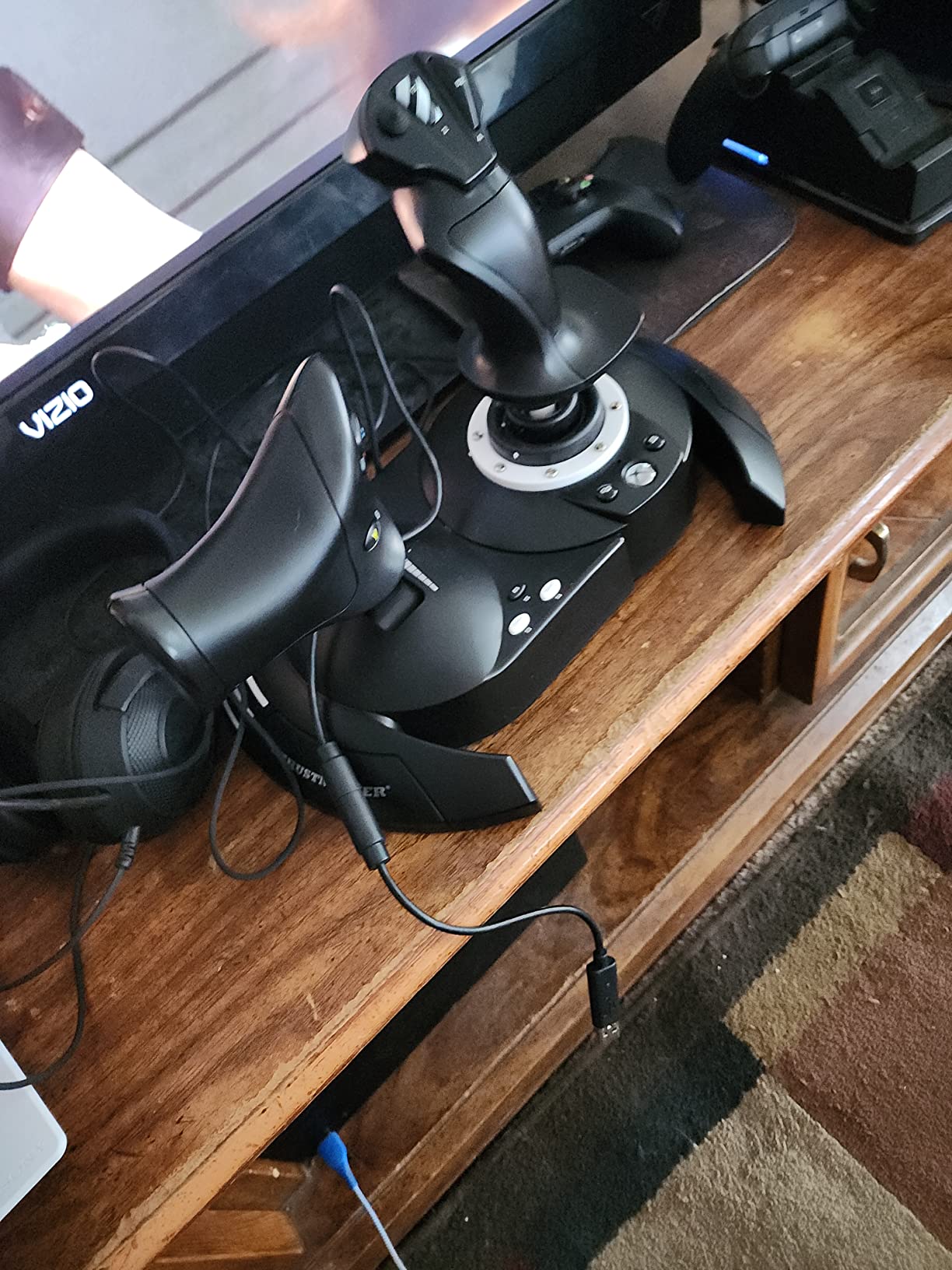
The T-Flight Hotas One is the best budget HOTAS on the market and the only HOTAS option for Xbox Series X under $100. After three months of regular use in MSFS and Elite Dangerous, I can confirm it punches well above its price tag.
The detachable throttle is the killer feature at this price. I can configure a desktop setup with stick and throttle side-by-side, or detach the throttle and use just the stick when space is tight. Few HOTAS systems in this range offer that flexibility.
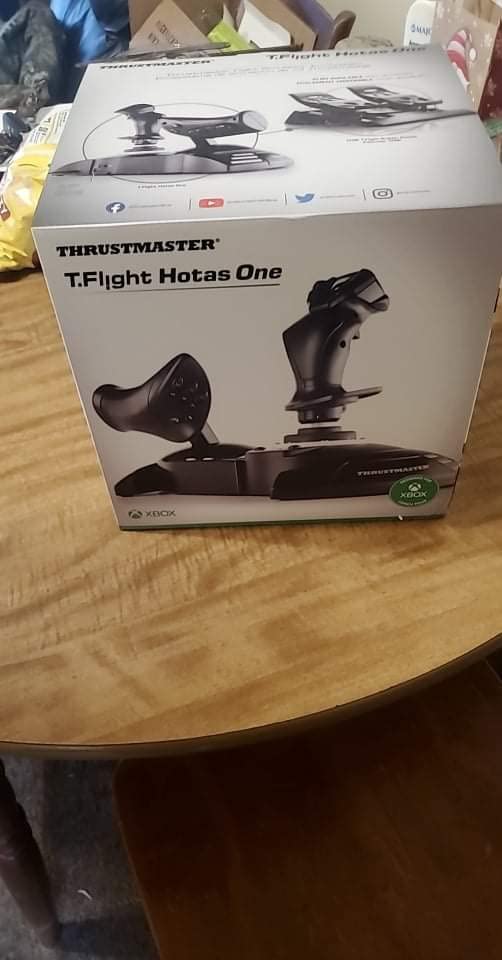
14 programmable buttons cover the essential bindings for combat and civilian flight. The H.E.A.R.T Hall Effect sensors keep the main axes accurate, and adjustable resistance lets me tune the stick from loose for combat to tight for GA circuits.
The community reports some throttle drift after a year of heavy use, which is the one durability concern I have. Thrustmaster’s warranty covers this, and replacement parts are available.
Best Xbox HOTAS under $100
If you fly on Xbox Series X and want true HOTAS functionality without crossing the $200 mark, the T-Flight Hotas One is the only real choice. It is officially licensed for Xbox, which means plug-and-play recognition with MSFS and Elite Dangerous.
Upgrade path
This stick pairs naturally with the Thrustmaster TFRP rudder pedals for a complete three-axis setup. Pilots ready to spend more can move up to the HOTAS Warthog and reuse their rudder pedals across the upgrade.
6. Thrustmaster HOTAS Warthog – Premium Combat Simulator Replica
Thrustmaster HOTAS Warthog A10 Replica Flight Stick & Throttle Set – PC
1:1 A-10C replica
All-metal build
55 programmable buttons
Pros
- All-metal construction
- H.E.A.R.T hall-effect sensors
- 55 programmable buttons
- Dual-engine throttle control
- Authentic A-10C replica design
Cons
- Premium pricing
- Very heavy at 13.2 lbs
- Requires rudder pedals
- Needs 2 USB ports
The Thrustmaster HOTAS Warthog is the gold standard for serious flight simulation. After 15 years on the market, it remains the benchmark that every other HOTAS is measured against. My Warthog has survived daily DCS World sessions for over four years with zero sensor drift and zero button failures.
The build quality is what separates the Warthog from everything else. The stick and throttle are nearly entirely metal, weighing 13.2 pounds combined. This thing does not move, no matter how aggressive your maneuvers get.
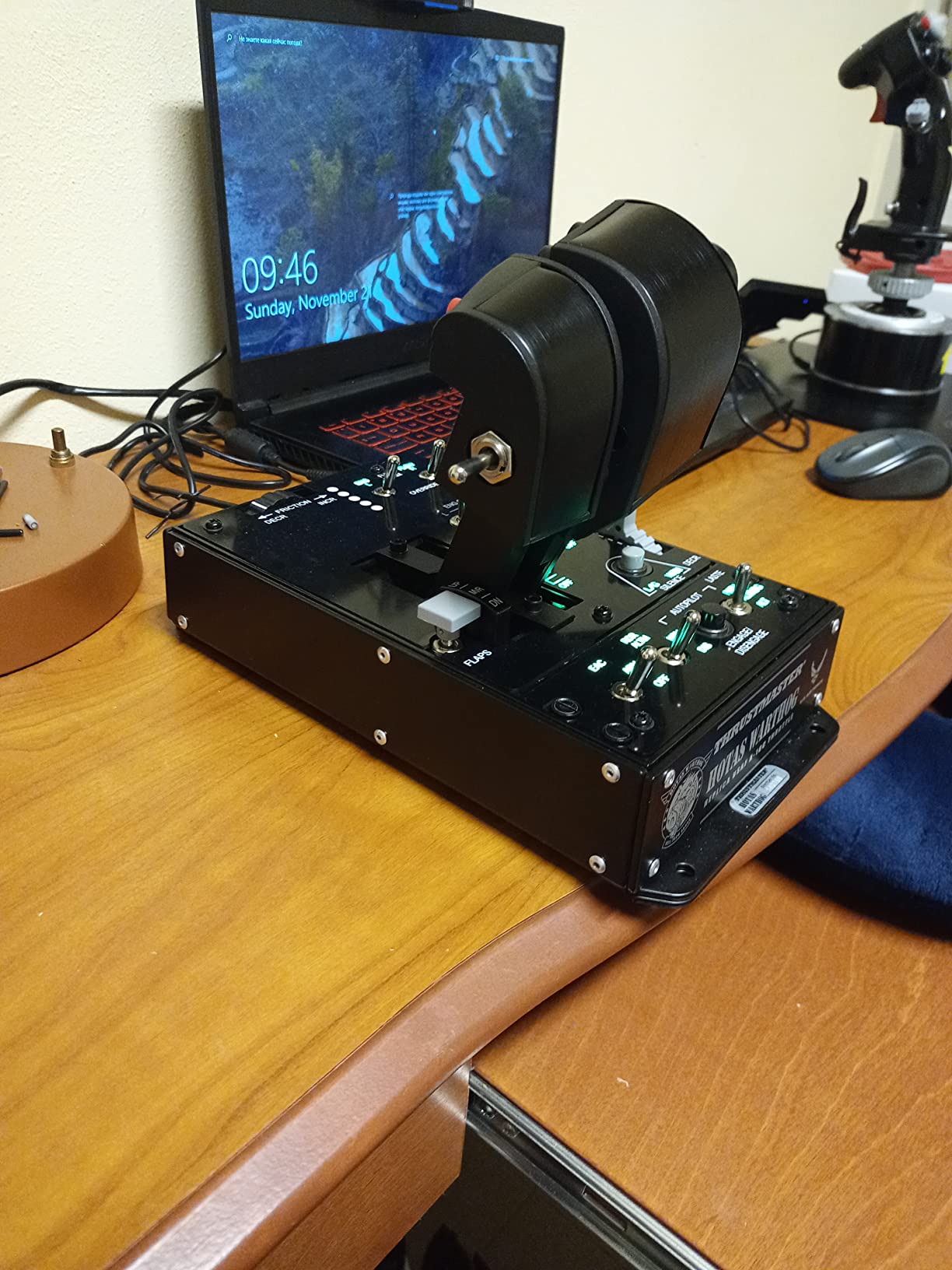
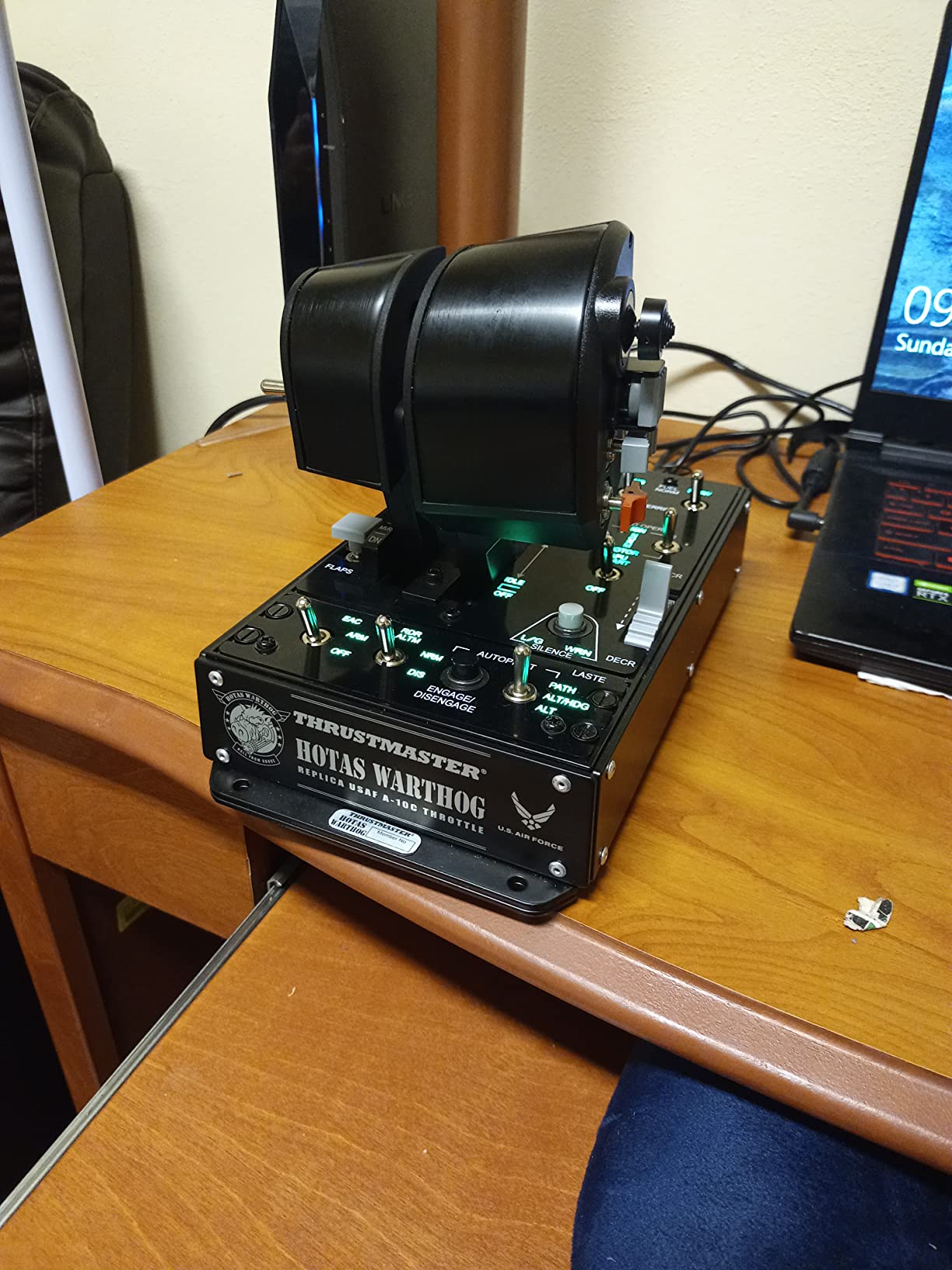
55 programmable buttons plus the dual-engine throttle give you a complete A-10C replica. Every switch, button, and hat on the real aircraft is mapped here. For DCS World pilots flying the actual A-10C module, muscle memory transfers directly from the sim to study materials.
The H.E.A.R.T sensors with 16-bit resolution keep the main axes precise for years. The dual metal throttle with independent engine control feels remarkably like the real aircraft.
Best for DCS World combat
This is the best HOTAS joystick for DCS World, IL-2 Sturmovik, Falcon BMS, and any combat sim where button count and realism matter. It pairs naturally with Thrustmaster TFRP rudder pedals for the full combat setup.
Important considerations
The Warthog has no built-in yaw control. You need separate rudder pedals, which add to the total cost. The 13-pound weight means this is a permanent desk or cockpit installation, not a portable stick.
7. Thrustmaster HOTAS Warthog Stick – Standalone Premium Grip
Thrustmaster HOTAS Warthog A-10C replica metal flight stick – PC
Standalone A-10C stick
19 buttons
T.A.R.G.E.T software
Pros
- All-metal handle construction
- Hall-effect 16-bit sensors
- 19 buttons with dual trigger
- Detachable handle
- T.A.R.G.E.T software support
Cons
- Tall base requires mounting
- No twist rudder
- Plastic gimbal internals
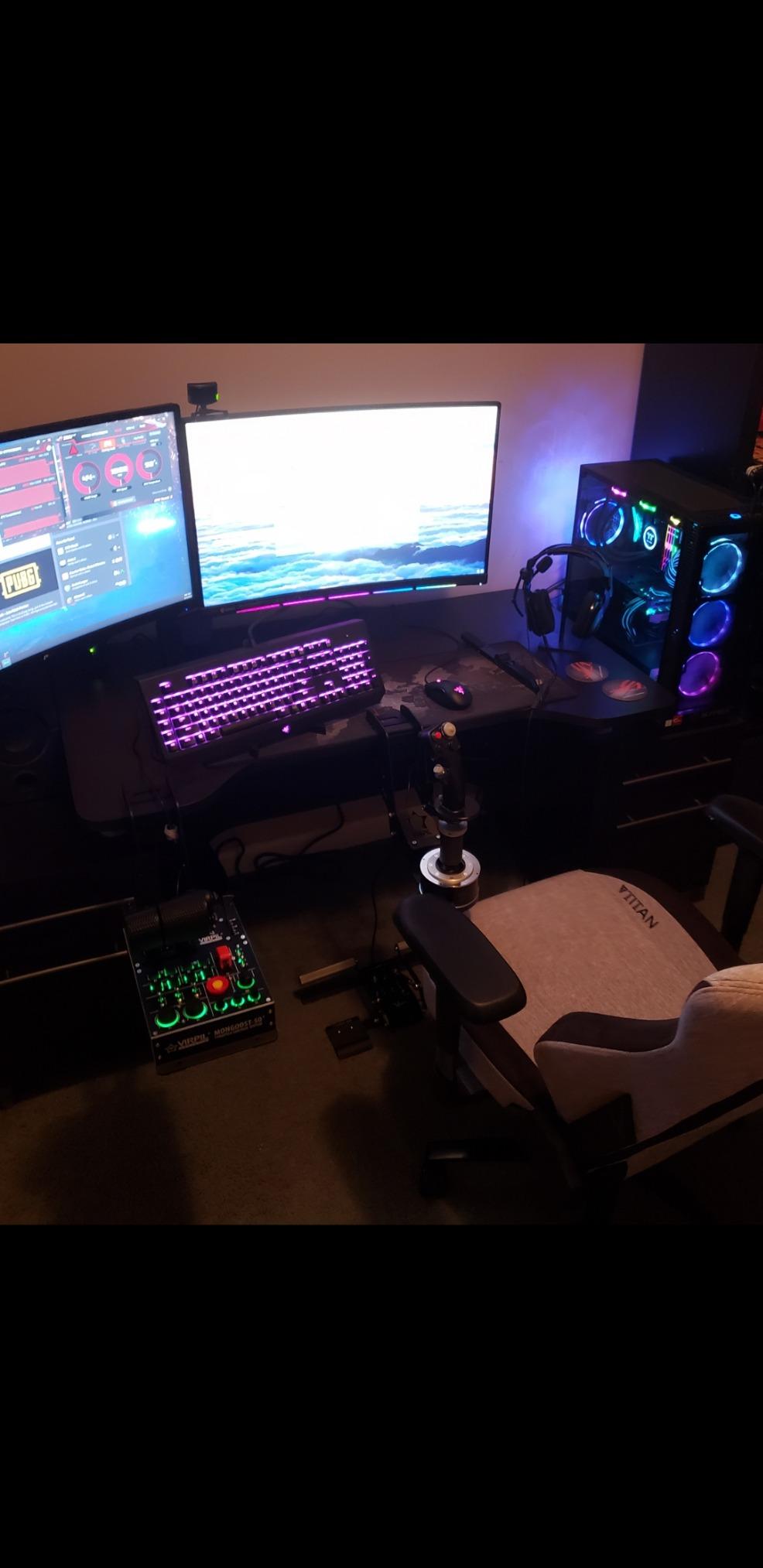
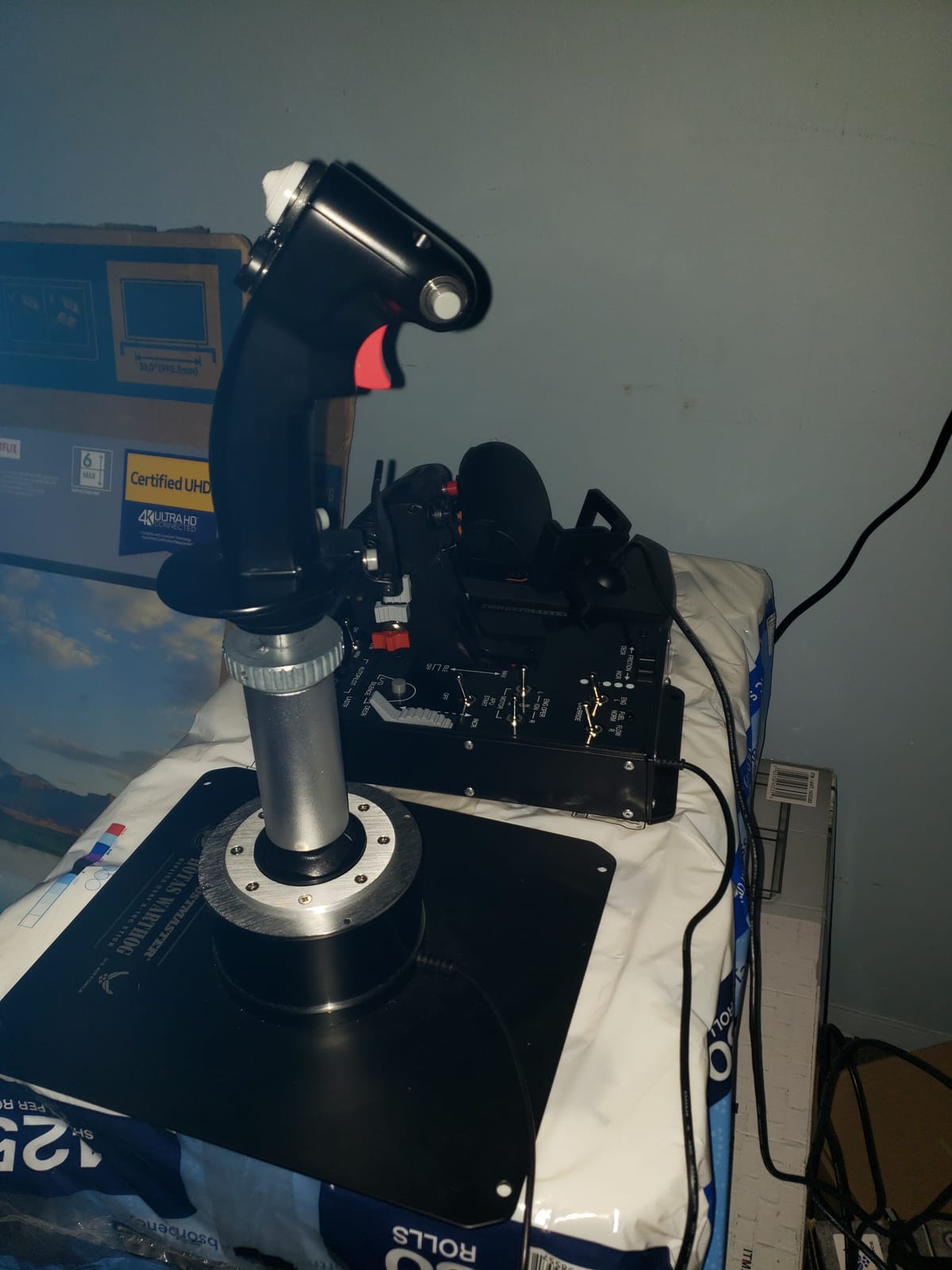
The standalone Warthog stick is for pilots who already own a premium throttle or want to mix and match components. I bought this grip as a replacement when my original throttle failed, and the build quality feels identical to the full Warthog combo.
The all-metal detachable handle weighs over 6 pounds, giving it a satisfying heft in the hand. Hall-effect sensors with 16-bit resolution match the precision of the full Warthog setup. 19 action buttons, dual triggers, and three hat switches cover nearly any binding configuration.
T.A.R.G.E.T software with three programming levels lets me create complex macro chains and multi-device profiles. I run this stick with a third-party throttle and it integrates seamlessly.
The main compromise is the base. It is extremely tall, which means it sits high on the desk and requires a custom mount or cockpit frame for comfortable use. The gimbal internals are plastic, though Thrustmaster’s design has proven durable over years of community use.
Best for custom HOTAS builds
If you want Warthog-quality stick ergonomics but plan to pair it with a different throttle (Winwing, Brunner, or a used Cougar), the standalone grip is the way to go. It is also a smart upgrade path if you start with a cheaper throttle and grow into a premium setup.
Skip it if
If you need an all-in-one HOTAS solution, buy the full Warthog combo instead. Trying to budget-build a HOTAS around this grip usually ends up costing more than the bundle.
8. Thrustmaster TCA Sidestick Airbus Edition – Best for Civilian MSFS
Thrustmaster TCA Sidestick Airbus Edition Flight Sim Joystick – PC
A320 replica
Drift-free magnetic sensor
17 programmable buttons
Pros
- Authentic A320 sidestick replica
- Drift-free magnetic sensors
- Compact desk footprint
- Built-in throttle and rudder
- Plug and play in MSFS
Cons
- Sensitive throttle axis
- Thrust reverser detent weak
- Z-axis uses potentiometer
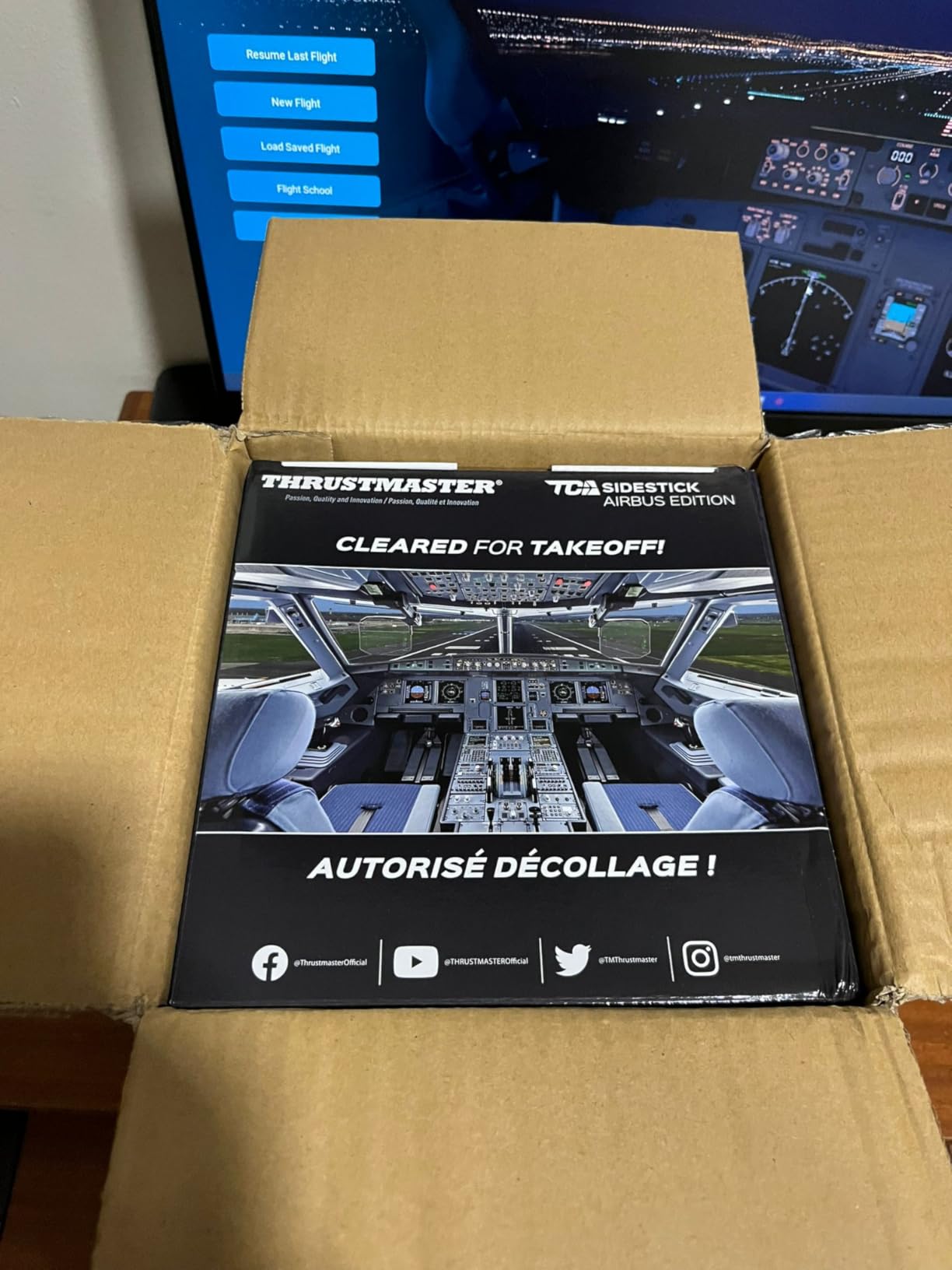
The TCA Sidestick Airbus Edition is the best flight sim joystick for Microsoft Flight Simulator pilots who fly airliners. The officially licensed A320 replica design feels exactly like the real sidestick, which makes the sim-to-cockpit transition feel familiar for pilots studying type ratings.
I tested it across multiple MSFS airliner modules and the plug-and-play recognition is flawless. The contactless magnetic sensor on the main axis has shown zero drift after six months of regular use.
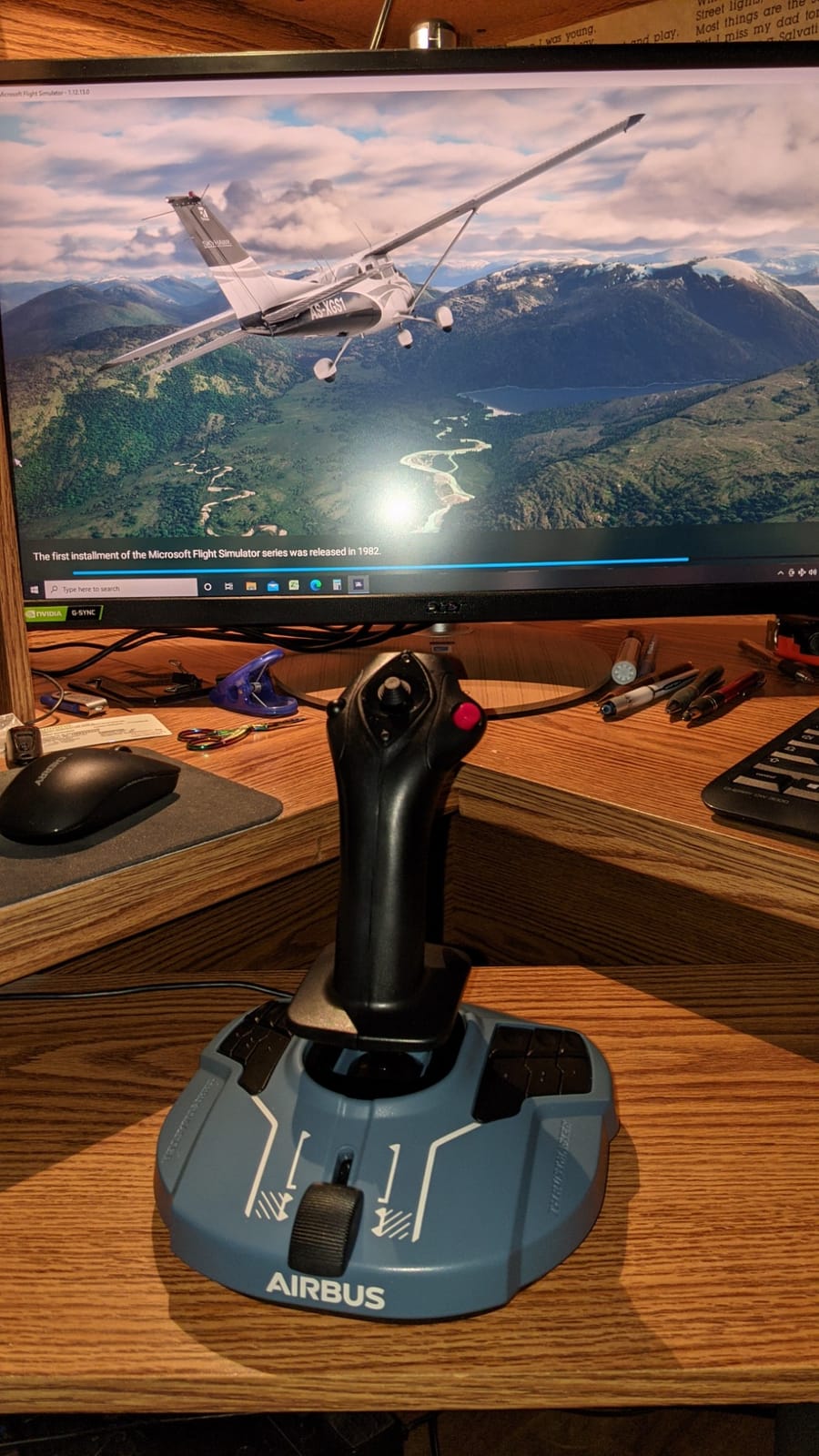
17 action buttons with 4 swappable joystick head modules let me customize the layout for specific aircraft. The built-in throttle with thrust reverser and rotating handle with lockable twist rudder means a complete setup in a single unit. For pilots with limited desk space, this is a major win.
The throttle axis is highly sensitive out of the box and requires in-sim deadzone tuning. The thrust reverser detent is barely noticeable, so muscle memory training is harder. The twist rudder uses a potentiometer rather than the main magnetic sensor, which is a small step down.
Best for MSFS airliners
If you spend most of your MSFS time in the FBW A320neo, the FlyByWire A380, or other Airbus-style airliners, the TCA Sidestick is purpose-built for that workflow. The compact design also makes it ideal for cockpit builders with limited mounting space.
Skip it if
Combat sim pilots and DCS World players should look elsewhere. The Airbus sidestick geometry is wrong for fighter aircraft and helicopters. The Thrustmaster T.16000M or Warthog are better fits for those use cases.
Buying Guide: How to Choose the Best Flight Sim Joystick?
Picking the right flight sim joystick comes down to matching your stick to your sim, your platform, and your budget. Here is the framework I use when helping new pilots decide.
HOTAS vs Stick-Only: Which Setup Do You Actually Need?
HOTAS stands for Hands On Throttle And Stick. It means a separate throttle unit you control with your off-hand. For combat sims like DCS World, IL-2 Sturmovik, and Star Citizen, a HOTAS setup is essential because managing throttle, mixture, and prop pitch independently of your stick hand is how real aircraft work.
For civilian simulators like Microsoft Flight Simulator and X-Plane where you mostly manage one throttle lever, a stick with a built-in throttle slider works fine. The T-Flight Stick X and TCA Sidestick Airbus both handle this well.
The price jump from stick-only to HOTAS is significant, often doubling your investment. New pilots should start with a quality stick-only setup and add a throttle later when they know what bindings they need.
Hall-Effect vs Potentiometer Sensors
Sensors are the most important durability factor in any flight stick. Hall-effect sensors use magnets to detect stick position with no physical contact. They never wear out or develop drift. Potentiometers use physical wiper contacts that gradually wear and develop drift over months or years.
Every stick I recommend here uses Hall-effect sensors on the main axes for that reason. The Warthog, T.16000M, T-Flight Hotas One, VelocityOne, and TCA Sidestick all use magnetic sensing. This is why these sticks survive years of daily use while budget potentiometer sticks develop drift within months.
If you see a stick using potentiometers at premium pricing, walk away. The sensor is the heart of the controller.
Force Feedback: Do Flight Sticks Need It?
Force feedback in flight sticks is rare and often misunderstood. Unlike racing wheels where FFB simulates road feel, flight stick FFB simulates airframe buffet, g-loads, and stall characteristics. The technology exists (brands like Brunner and RealSimulator offer FFB bases), but it is expensive and not mainstream.
For most pilots, accurate stick force through spring tension is more useful than force feedback. The Warthog, X56, and T-Flight Hotas One all offer adjustable stick resistance that approximates real flight feel. Save FFB for your second or third upgrade once you know what you actually want.
Sim-Specific Suitability
Microsoft Flight Simulator rewards sticks with smooth, precise axes and many programmable buttons for autopilot, radio, and electrical management. The Warthog, TCA Sidestick, and VelocityOne all shine here.
DCS World demands button count and realistic combat ergonomics. The Warthog and X56 dominate this category because of their military-grade switch layouts.
Star Citizen favors dual-stick setups with strong twist rudder control. The T.16000M is the community favorite for its drift-free sensors and ambidextrous design.
X-Plane 12 works well with any quality stick but benefits most from precise throttle control for complex engine management scenarios.
Console Compatibility
Console flight simulation is dominated by Xbox Series X|S with MSFS. The VelocityOne Flightstick and T-Flight Hotas One are the only serious options with native Xbox support. PlayStation 5 has very limited flight sim support, so most sticks are PC-focused.
Console pilots should verify Xbox or PS5 compatibility before buying. Many premium sticks like the Warthog are PC only.
Left-Handed Pilot Options
Left-handed pilots have been underserved by the flight sim market for years. The T.16000M with its fully ambidextrous design is the standout option under $100. The VelocityOne also offers ambidextrous operation. Most other sticks have right-handed button layouts that are awkward for southpaws.
Building Your Complete Cockpit
A flight sim joystick is just one part of a complete cockpit setup. If you are serious about immersion, consider adding rudder pedals and a throttle quadrant to your setup. We have also covered the best projectors for flight simulators if you want to build a wraparound visual setup for your home cockpit. The Thrustmaster TFRP rudder pedals pair naturally with most sticks in this guide and add yaw control plus realistic taxi steering.
Frequently Asked Questions
Is a joystick good for flight simulator?
Yes, a flight sim joystick is the most accurate way to control aircraft in Microsoft Flight Simulator, DCS World, X-Plane, and other sims. A quality stick with hall-effect sensors and programmable buttons provides precision, durability, and realism that gamepads and keyboards cannot match. Most serious flight sim pilots consider a dedicated joystick essential.
What joysticks work with Microsoft Flight Simulator?
Microsoft Flight Simulator works with nearly any PC flight stick via standard USB input. Popular choices include the Thrustmaster T.16000M, Thrustmaster TCA Sidestick Airbus Edition, Logitech G X56, and Thrustmaster HOTAS Warthog. For Xbox Series X|S players, the Turtle Beach VelocityOne Flightstick and Thrustmaster T-Flight Hotas One are officially licensed and plug-and-play compatible.
What is the best HOTAS joystick in 2026?
The Thrustmaster HOTAS Warthog remains the best premium HOTAS joystick in 2026 for serious combat simulation. Its all-metal construction, H.E.A.R.T hall-effect sensors, and 55 programmable buttons deliver unmatched realism for DCS World, IL-2 Sturmovik, and Falcon BMS. For budget buyers, the Thrustmaster T-Flight Hotas One offers excellent HOTAS value under $100.
Which joystick is the most realistic for playing flight simulators?
The Thrustmaster HOTAS Warthog is the most realistic flight joystick on the market, with its 1:1 A-10C replica design, all-metal construction, and authentic switch layouts. For Airbus airliner simulation, the Thrustmaster TCA Sidestick Airbus Edition delivers an authentic sidestick experience. Both use H.E.A.R.T hall-effect sensors for drift-free precision.
How do I choose the right flight sim joystick?
Choose a flight sim joystick based on three factors: your budget, your primary sim, and your platform. Budget under $50 means the T-Flight Stick X. Mid-range $80-150 includes the T.16000M and VelocityOne. Premium $200+ covers the Warthog. PC pilots have more options, while Xbox users should focus on the VelocityOne or T-Flight Hotas One.
Final Verdict: Which Best Flight Sim Joystick Should You Buy?
After testing every flight sim joystick on this list, my top recommendation for most pilots is the Thrustmaster T.16000M FCS. It hits the sweet spot of price, sensor quality, and ambidextrous design that few competitors match. Budget buyers should grab the T-Flight Stick X, while combat sim enthusiasts should invest in the Thrustmaster HOTAS Warthog without hesitation.
Xbox Series X users are best served by the Turtle Beach VelocityOne Flightstick or the Thrustmaster T-Flight Hotas One. Civilian MSFS airliner pilots will love the Thrustmaster TCA Sidestick Airbus Edition for its authentic sidestick feel. Whatever you choose, prioritize hall-effect sensors for long-term reliability and pair your stick with quality rudder pedals for the complete flight sim joystick experience in 2026.