
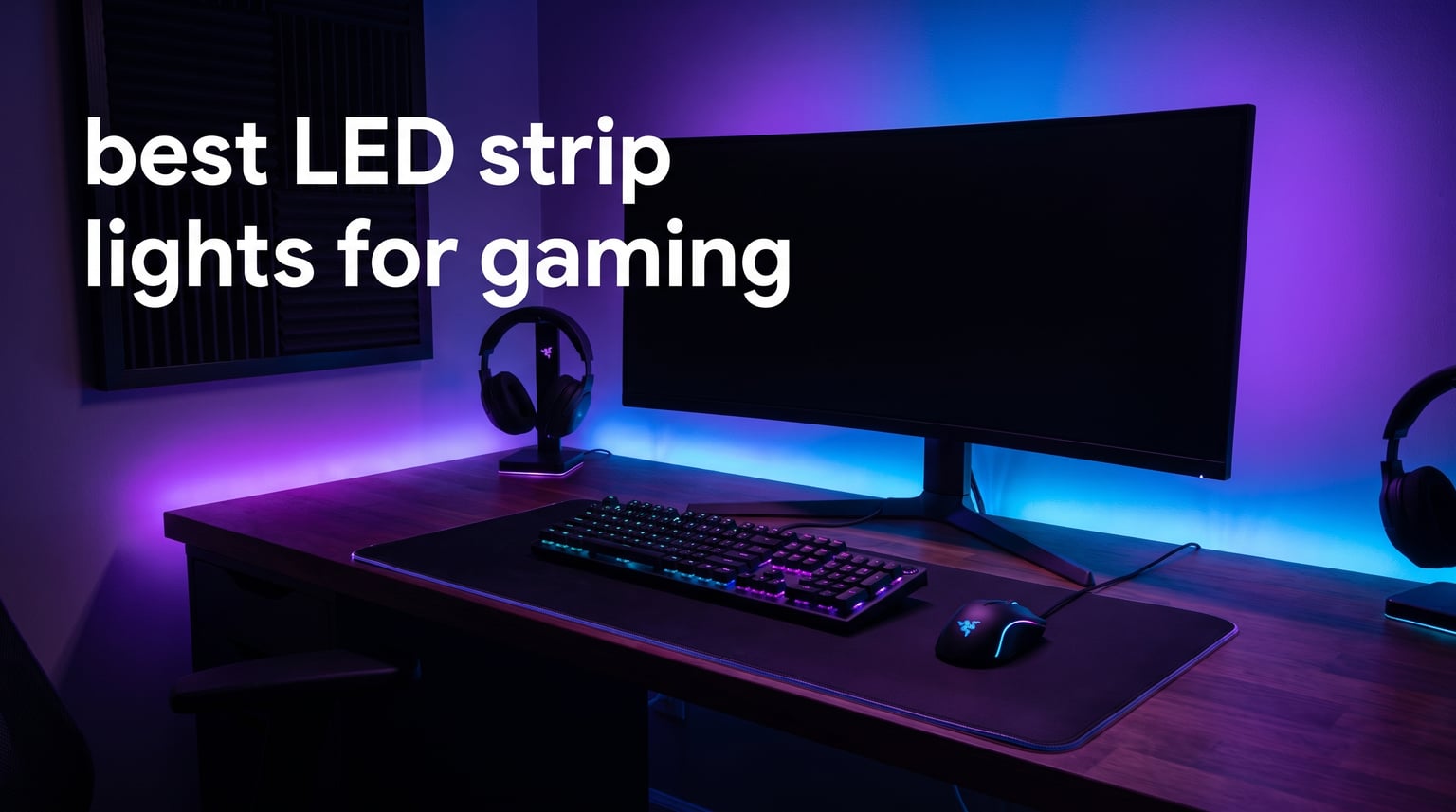
The right lighting can completely change how your gaming setup feels. After testing LED strips across desks, monitors, and full gaming rooms, I can tell you that the best LED strip lights for gaming do more than just add color. They reduce eye strain during long sessions, sync with your gameplay for real immersion, and make your entire battlestation look like it belongs on a magazine cover.
I spent weeks comparing eight of the most popular gaming LED strips on the market, from budget picks under $15 to premium neon rope lights. My testing covered brightness output, app reliability, music sync responsiveness, and how well each strip integrated with gaming ecosystems like Razer Chroma and Corsair iCUE. I also paid close attention to installation difficulty, because nobody wants to spend three hours fighting with adhesive and wiring.
What surprised me most was how much the gap has narrowed between cheap and premium options. A $10 strip can now deliver multiple colors on a single line, music sync, and app control. Meanwhile, the premium picks justify their price with features like glare-free diffusion, screen mirroring, and ecosystem sync that budget strips simply cannot match. This guide covers every option so you can find the right fit for your specific setup, whether you game on a console, a desktop PC, or a massive TV.
Table of Contents
Top 3 Picks for Best LED Strip Lights for Gaming

Govee RGBIC Gaming Light Bars H6047
- RGBIC Technology
- 60+ Scene Modes
- Razer Chroma Sync
- Music Sync


DAYBETTER Smart IC LED Strip Lights
- BGRIC Multi-Color
- Bluetooth App
- Music Sync
- 2-Year Warranty
These three strips represent the best balance of features, reliability, and value I found during testing. The Govee RGBIC Gaming Light Bars took the top spot for their unmatched gaming ecosystem integration and 4.7-star rating. The Govee RGBIC H617A won best value as a number-three bestseller at a price that undercuts most competitors. The DAYBETTER Smart IC strips earned the budget pick for delivering RGBIC technology at under $10 with over 51,000 customer reviews backing them up.
Best LED Strip Lights for Gaming in 2026
| Product | Specifications | Action |
|---|---|---|
| Govee RGBIC Gaming Light Bars H6047 |
|
Check Latest Price |
 Govee TV Backlight 3 Lite Govee TV Backlight 3 Lite |
|
Check Latest Price |
 Govee RGBIC Neon Rope Lights Govee RGBIC Neon Rope Lights |
|
Check Latest Price |
| DAYBETTER Smart IC LED Strip Lights |
|
Check Latest Price |
| Govee RGBIC LED Strip Lights H617A |
|
Check Latest Price |
 Lepro S1 AI Smart LED Strip Lights Lepro S1 AI Smart LED Strip Lights |
|
Check Latest Price |
 Govee Gaming Light for Monitor G1 Govee Gaming Light for Monitor G1 |
|
Check Latest Price |
 KontrolFreek Gaming Lights KontrolFreek Gaming Lights |
|
Check Latest Price |
This comparison table covers all eight products side by side so you can quickly scan features. Notice how the Govee ecosystem dominates the list, which reflects their strong market position in gaming lighting. The DAYBETTER and Lepro options provide solid alternatives at different price points, and KontrolFreek rounds things out with a console-friendly USB option.
1. Govee RGBIC Gaming Light Bars H6047 – Best Overall for Gaming Immersion
Govee RGBIC Gaming Light Bars H6047 with Smart Controller, Wi-Fi Smart LED
RGBIC Technology
60+ Scene Modes
Wi-Fi and Bluetooth
Razer Chroma Sync
3W Per Bar
Pros
- RGBIC multi-color effects on one line
- 60+ preset scene modes
- Music sync mode
- Works with Alexa and Google Assistant
- Razer Chroma sync support
Cons
- No camera for screen color picking
- No warranty description included
I mounted these Govee RGBIC Gaming Light Bars behind my monitor and was immediately struck by how different they feel from standard strips. The light bars project color upward and outward instead of just glowing flat against a surface. This creates a wall-wash effect that fills the room with ambient color and makes my entire gaming corner feel professionally lit.
The RGBIC technology is the real star here. Unlike basic RGB strips that show one color across the entire length, these bars can display multiple colors simultaneously. During a late-night session of a racing game, I set up a gradient from red to blue that pulsed with the engine sounds. The music sync picked up bass frequencies accurately and reacted without the lag I have seen on cheaper strips.
The included smart dial controller deserves praise too. Instead of fumbling with my phone every time I want to change a scene, I can tap the physical dial to cycle through presets. This is a small detail that makes daily use much smoother, especially when you are mid-game and do not want to tab out.
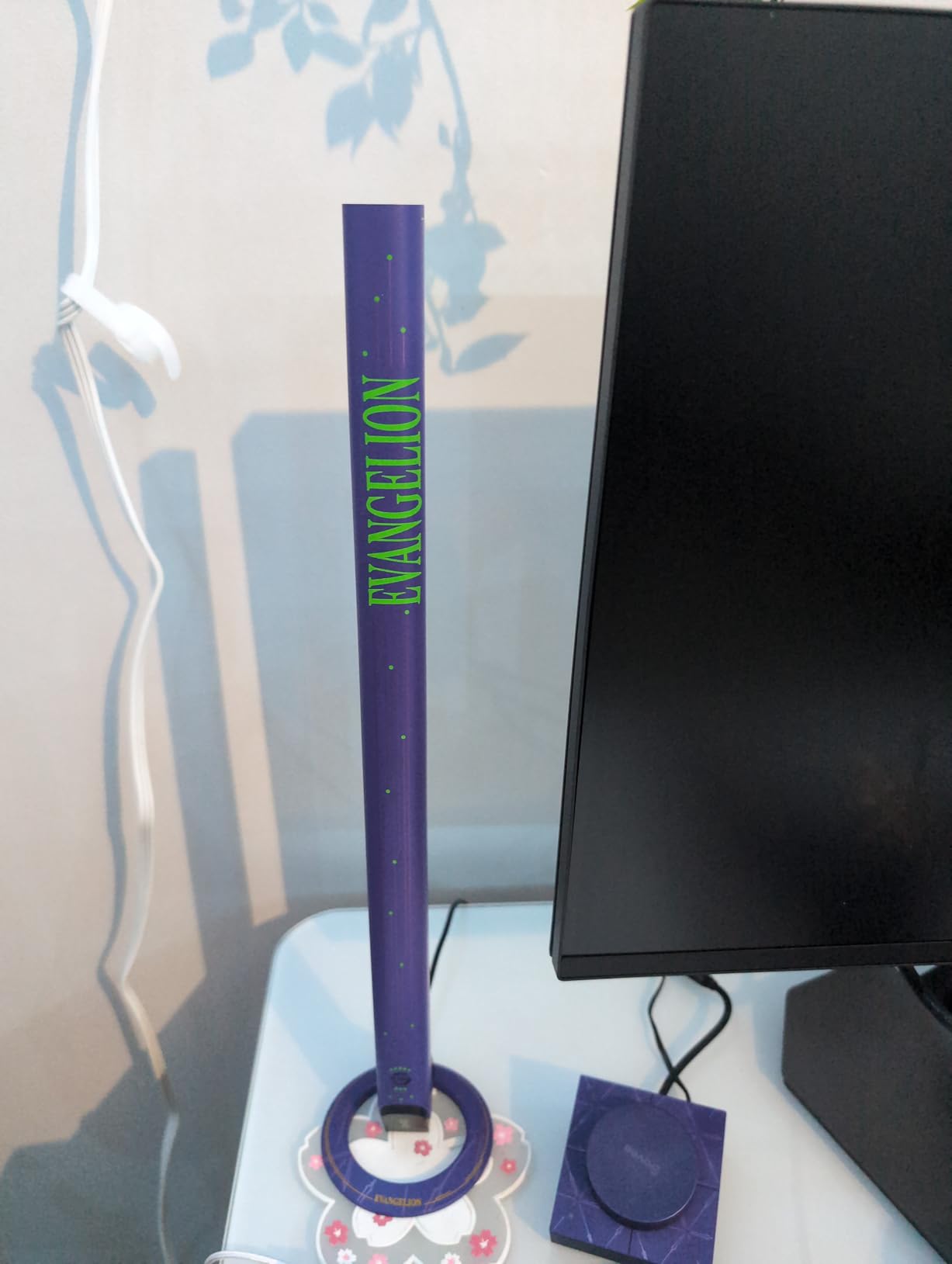
What really sets these bars apart for gaming is the Razer Chroma integration. Through the Govee Home App, I synced the light bars with my Razer keyboard and mouse. When a game triggers a Chroma effect, like a health warning or explosion, the bars respond in real time. This kind of ecosystem sync is what separates gaming-focused lighting from generic bedroom strips.
The 60+ scene modes give you plenty of options out of the box. I found about ten scenes that I actually use regularly, with the rest being novelty effects for holidays and parties. The brightness is adequate for ambient lighting but these bars are not trying to light up an entire room on their own. Think of them as accent lighting that completes a setup.
At 3 watts per bar, the power consumption is negligible. I ran them for six-hour sessions without any heat concerns. The build quality feels solid with a dark grey cylindrical design that blends into most setups without screaming for attention.
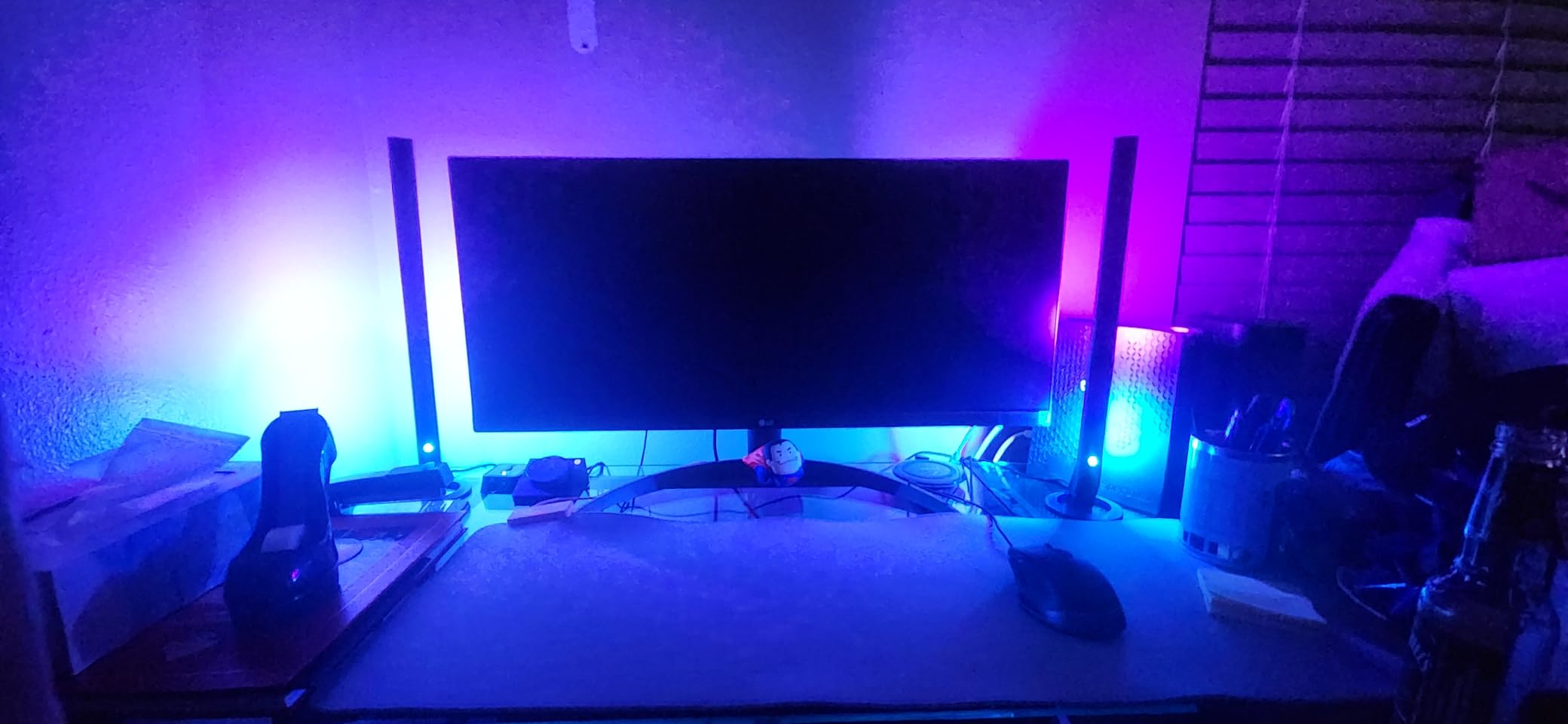
Sync With Your Gaming Ecosystem
The Razer Chroma compatibility makes these bars the clear choice for PC gamers invested in the Razer ecosystem. You can also connect them to other Govee devices through DreamView syncing, which means if you add Govee TV backlights or desk strips later, everything can react together. This ecosystem approach is where Govee really outshines budget competitors.
If you use Corsair iCUE instead of Razer Chroma, you will not get the same native integration. However, the Govee app still offers plenty of gaming-oriented effects. The main limitation is the lack of a camera for direct screen color matching, so the sync is software-driven rather than visual.
Installation and Placement Flexibility
These light bars are floor-mounted with a stable base, which means you do not need to stick anything to your desk or wall. I placed mine on either side of my monitor and they stayed firmly in position. The adhesive backing on the base provides extra security if you want a permanent mount.
Setup took about ten minutes from unboxing to full app connection. The Wi-Fi pairing was smooth, and the Bluetooth fallback worked instantly when my network had a hiccup. If you want gaming-focused accent lighting with zero installation headaches, these bars are my top recommendation.
2. Govee TV Backlight 3 Lite – Best for TV and Console Gaming
Govee TV Backlight 3 Lite, 11.8ft LED Strip Lights Sync with 55-65 Inch TVs
RGBICW 4-in-1
Fish-Eye Correction
11.8ft Strip
DreamView Sync
12V 24W
Pros
- Fish-eye correction for accurate colors
- RGBICW purer white tone
- DreamView syncing up to 7 devices
- 99+ preset light effects
- Works with ultra-thin TVs
Cons
- Requires camera for screen color picking
- Not water resistant
I tested the Govee TV Backlight 3 Lite on a 65-inch TV used primarily for console gaming, and the screen mirroring effect is genuinely impressive. The included camera sits on top of your TV and reads the colors on screen in real time, then the LED strip behind the TV reproduces those colors. When I played an open-world game with sunset scenes, the wall behind my TV glowed orange and purple in perfect sync.
The fish-eye correction function is a meaningful upgrade over older Govee TV backlights. Previous versions sometimes warped colors at the edges of the screen, creating a distorted color match. This version corrects for the camera lens curvature and delivers noticeably more accurate color reproduction across the full display.
The RGBICW technology adds a dedicated white LED to the standard RGB array. This produces a much cleaner white tone compared to mixing RGB to create white, which usually looks slightly blue or pink. For games with bright daylight scenes or white UI elements, the difference is immediately visible.
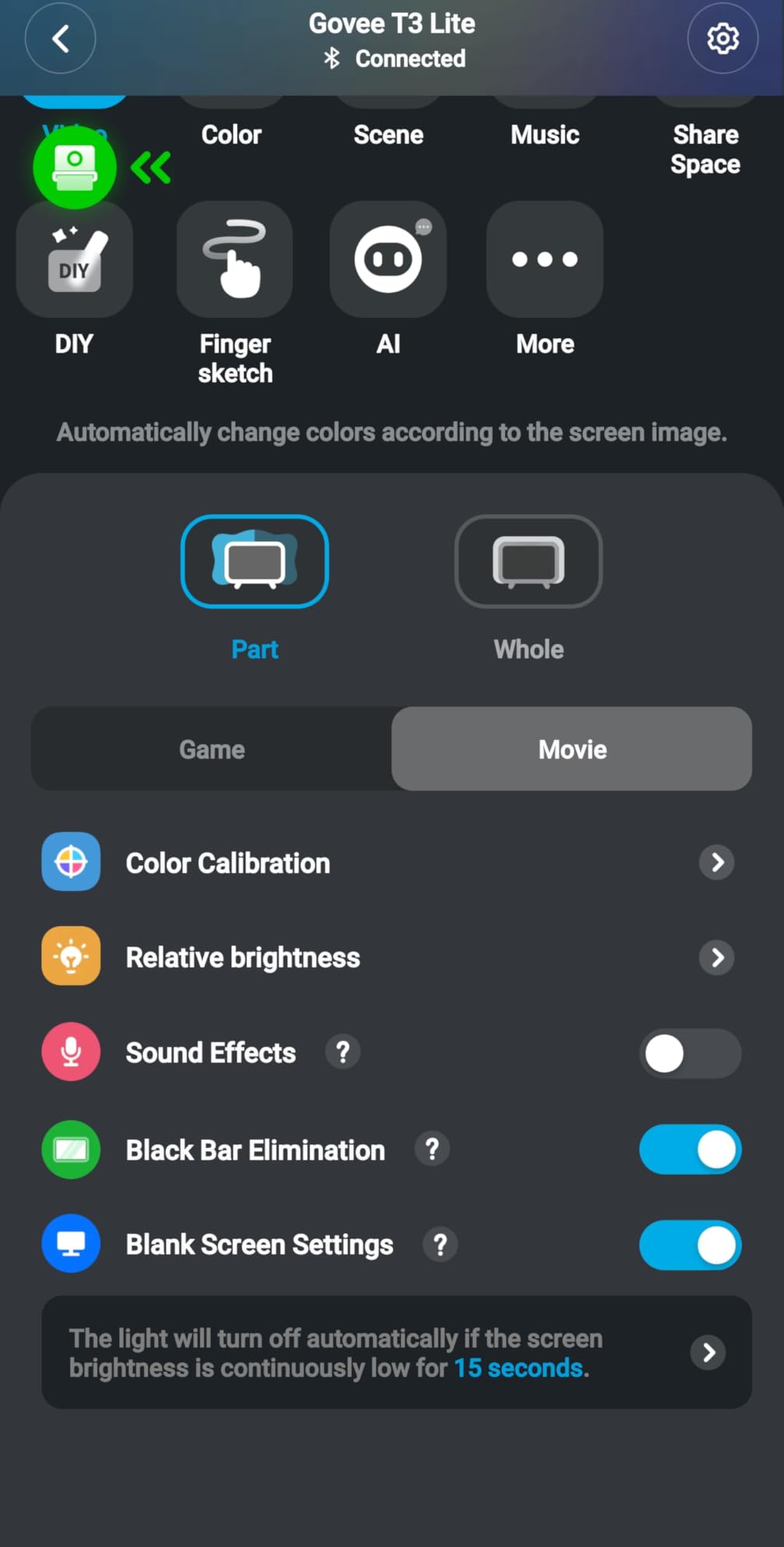
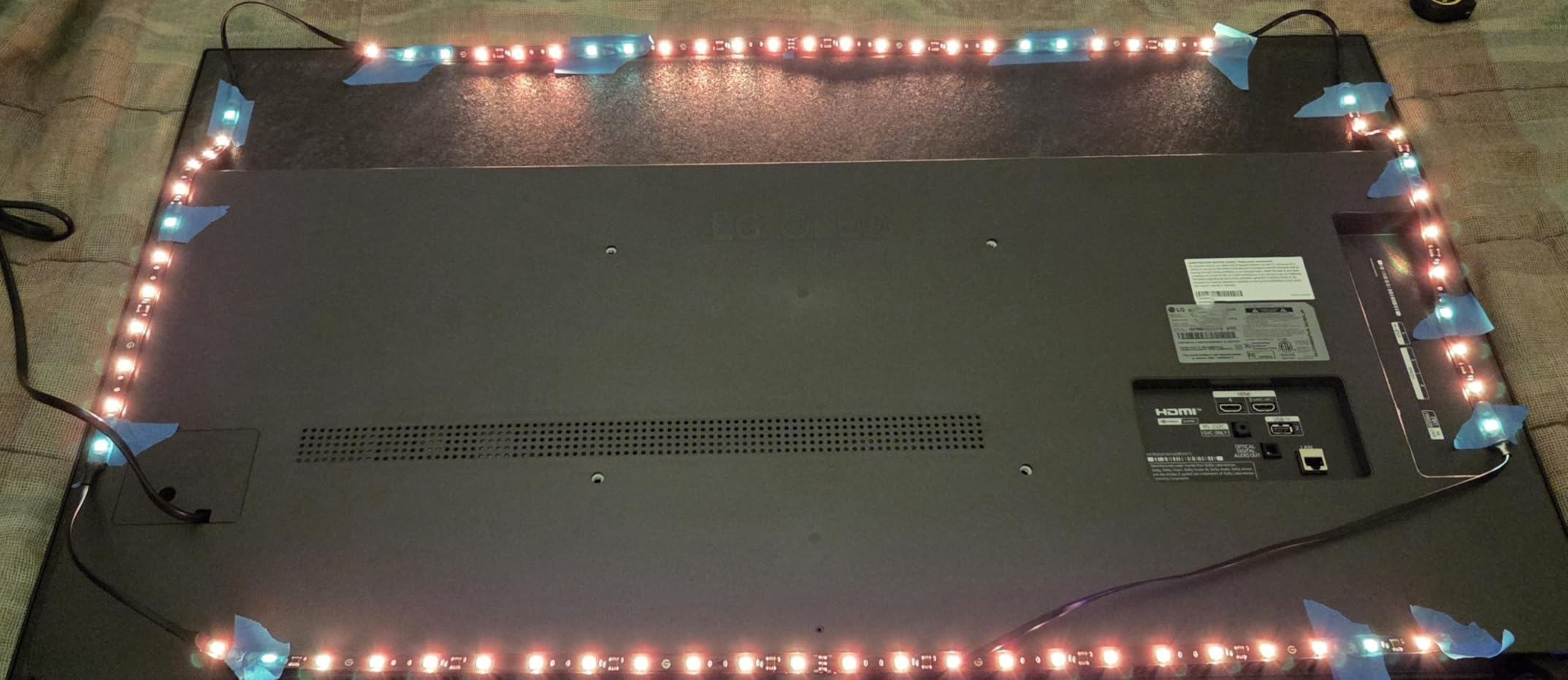
Installation was straightforward thanks to the gravitational hanging design for the camera. I have an ultra-thin TV and was worried about the camera fit, but the hanging mechanism adapted without issues. The 11.8-foot strip was just enough to cover all four sides of my 65-inch TV with a small overlap.
The DreamView syncing is where things get exciting for a full gaming room setup. I connected these TV backlights to my Govee Gaming Light Bars and they all reacted to the on-screen action together. When an explosion filled the screen, every light in the room flashed orange. This is the kind of immersive experience that makes you forget you are sitting in your living room.
With over 10,000 reviews and a 4.5-star average, this is one of the most popular gaming LED products on the market. The sales rank of number ten in LED Strip Lights confirms its mainstream appeal. The 99+ preset effects give you options beyond screen mirroring, including static colors, gradients, and music reactive modes.
TV Size Compatibility and Setup
The Govee TV Backlight 3 Lite is designed for 55 to 65-inch TVs. If your TV is smaller or larger, the strip may not fit properly or the camera viewing angle could be off. I tested it on a 65-inch screen and had about six inches of leftover strip, which I tucked behind the TV stand. For 55-inch sets, the fit is tighter but workable.
The camera requires a clear line of sight to your screen, so if you have a soundbar or other objects on top of your TV, you may need to reposition them. The gravitational mount is clever but it does add a visible camera to your TV setup, which some users find distracting.
DreamView Multi-Device Syncing
DreamView lets you connect up to seven Govee sub-devices to react to the same content. This means your TV backlight, desk strips, and light bars can all pulse together during gameplay. The sync is handled through the Govee Home App and works over Wi-Fi. I noticed a slight delay of about 100 milliseconds between the on-screen action and the light response, but it was not distracting during actual gameplay.
If you are building a complete Govee ecosystem, this TV backlight is the natural centerpiece. It drives the color matching that other devices follow, making it the smartest starting point for a multi-light setup.
3. Govee RGBIC Neon Rope Lights – Best Premium Desk Lighting
Govee RGBIC Neon Rope Lights for Desks, 16.4ft LED Gaming Desk Lights
Neon Silicone
42 Segments
16.4ft Cuttable
Glare-Free Diffusion
Razer Chroma
Pros
- Glare-free diffusion protects eyes
- Cuttable at 20 points
- Smooth silicone finish
- AI DreamView Razer Chroma sync
- Bright 84 beads per meter
Cons
- Can warm after extended use
- Only 2.4G Wi-Fi supported
- AI Gaming Sync Box sold separately
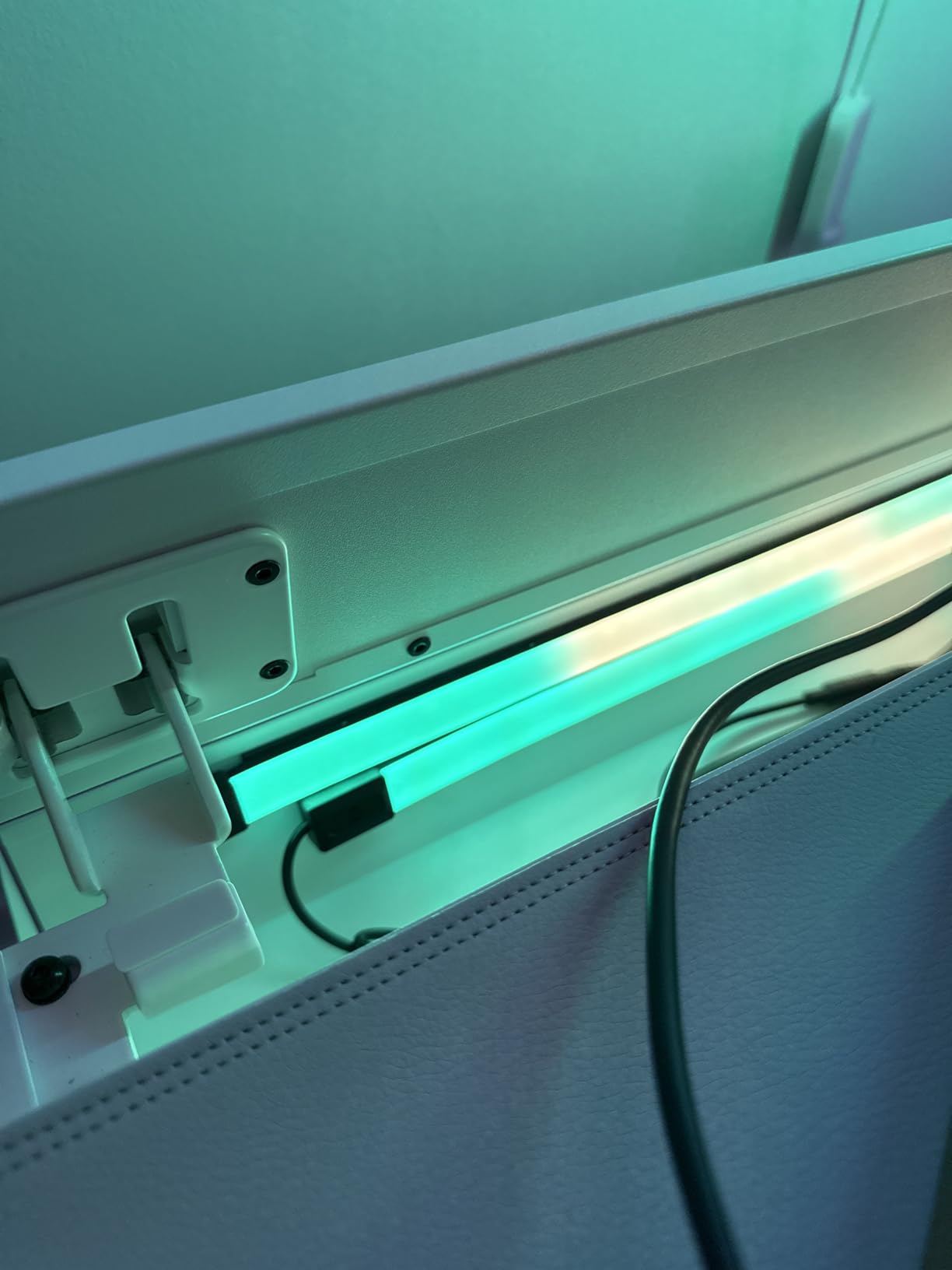
The Govee RGBIC Neon Rope Lights are the most premium option in this lineup, and you can feel the difference the moment you pick them up. The silicone housing is soft and smooth, nothing like the rigid plastic strips you find on budget options. I ran these along the back edge of my desk and the neon diffusion created a continuous glow with zero visible LED hotspots.
This glare-free diffusion is the key feature that justifies the premium price. Standard LED strips show individual LED dots, especially at close range. The neon rope design diffuses the light so evenly that the entire 16.4-foot length appears as one unbroken line of color. For a desk setup where you sit inches away from the strip, this visual quality matters a lot.
The 42 controllable segments let you create complex color patterns along the rope. I set up a rainbow wave that traveled from left to right across my desk, and the segment control made the animation smooth rather than choppy. With 84 LED beads per meter, the density is higher than most strips, which contributes to the seamless look.
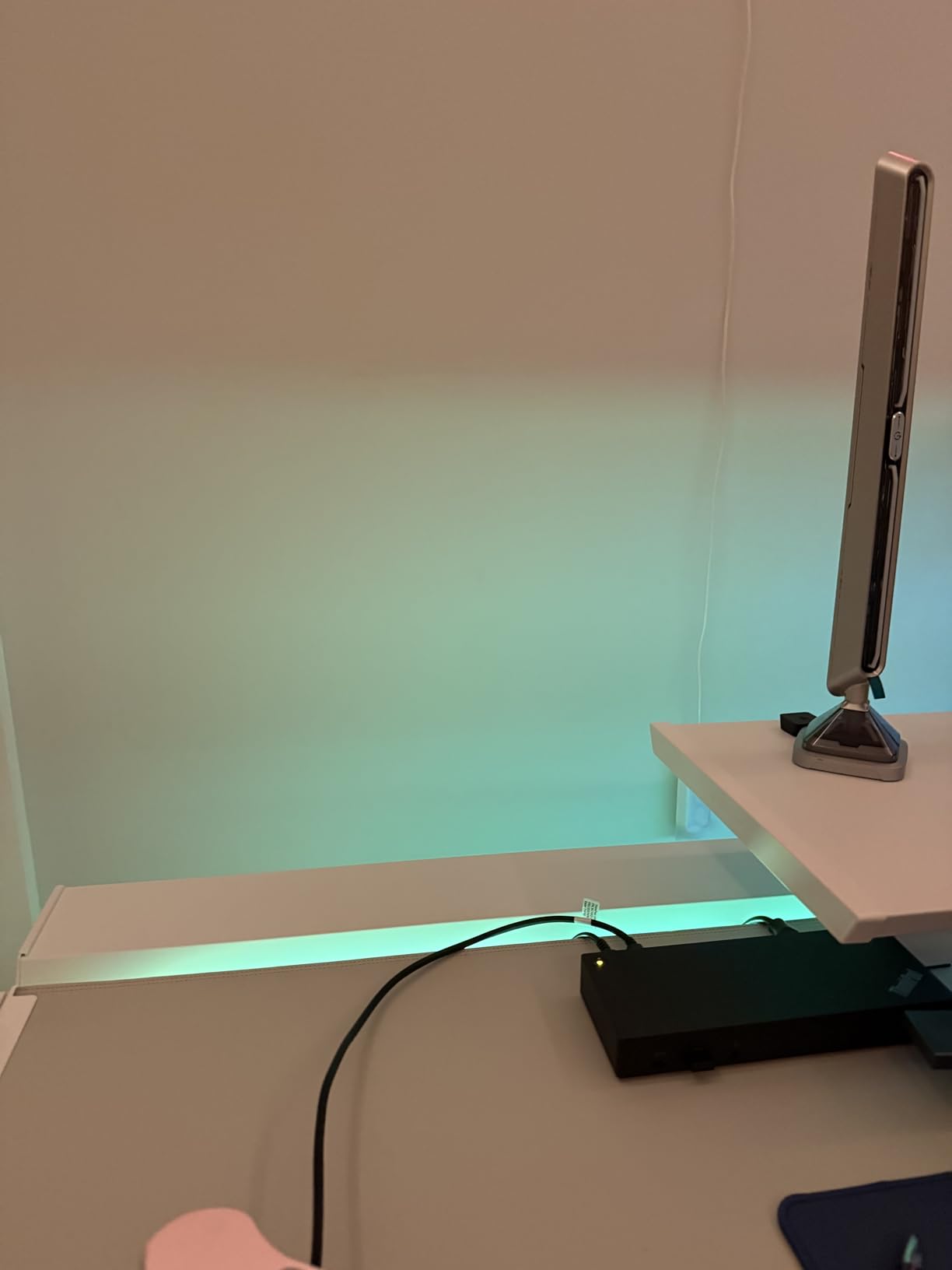
The Razer Chroma integration through AI DreamView sync worked flawlessly during my testing. I connected the rope lights to my Razer keyboard and the colors matched instantly during gameplay. The AI element means the sync adapts to different game types, creating more dynamic effects than a simple color mirror.
The cuttable design with 20 cutting points is a thoughtful inclusion. My desk setup needed exactly 14 feet of lighting, so I cut the rope at the nearest marked point. The cut ends are clean and the remaining strip continues to function normally. Just make sure you measure carefully, because once you cut, you cannot reattach.
I did notice the rope can warm up after several hours of continuous use at maximum brightness. It never got hot enough to be concerning, but it is worth mentioning if you plan to run these in a small enclosed space. The 24-volt operation and 48-watt power draw mean these are more power-hungry than the budget strips on this list.
Wi-Fi Band Limitations to Know
These rope lights only support 2.4GHz Wi-Fi, not the faster 5GHz band. Most modern routers broadcast both bands, and many automatically steer devices to 5GHz. If your phone is connected to 5GHz, you may need to temporarily switch to 2.4GHz during the initial setup. Once paired, the lights will stay connected to your 2.4GHz network independently.
This is a common limitation across many smart home devices and is not unique to Govee. However, if you live in a densely populated area with lots of 2.4GHz interference, you might experience occasional connectivity drops. Bluetooth control works as a reliable fallback for basic operations.
When the AI Sync Box Is Worth It
The full AI DreamView gaming experience requires the Govee AI Gaming Sync Box, which is sold separately. Without it, you get Razer Chroma sync through the app, which is still excellent. With the Sync Box, you can connect HDMI sources directly for even more responsive screen-matched lighting. If you already own the Sync Box from another Govee product, these rope lights integrate seamlessly.
For most gamers, the Razer Chroma sync alone provides enough gaming integration. The Sync Box is an upgrade worth considering only if you want HDMI-level responsiveness for competitive gaming.
4. DAYBETTER Smart IC LED Strip Lights – Best Budget Gaming Strip
DAYBETTER Smart IC LED Strip Lights, BGRIC LED Lights for Bedroom, DIY Multiple Colors on One Line, App Control Color Changing Strip Lighting Music Sync Home Decor 16.4 ft
BGRIC Technology
16.4ft
Bluetooth App
Music Sync
24V
2-Year Warranty
Pros
- Lowest price in the lineup
- BGRIC multi-color on one line
- Music sync with sensitive mic
- Strong adhesive backing
- 2-year manufacturer warranty
Cons
- Bluetooth only no Wi-Fi
- No Alexa voice support
- Adapter can run hot
I will be honest, I did not expect much from a strip that costs less than a fast food meal. But the DAYBETTER Smart IC LED Strip Lights genuinely surprised me with their value. The BGRIC technology displays multiple colors on a single line, which is the same fundamental feature that Govee charges three to four times more for. For a budget gaming setup, this strip delivers where it counts.
With over 51,000 reviews and a 4.4-star average, this is one of the most purchased LED strips on Amazon. That massive review count gave me confidence that the product has been stress-tested by real users across thousands of setups. The consistency of positive feedback around brightness and color quality is reassuring.
I installed this strip along the back of my desk and the music sync mode worked better than I anticipated. The built-in microphone picked up game audio and translated it into reactive lighting. There is some latency compared to premium options, and the effects are less sophisticated, but for the price the performance is hard to argue with.
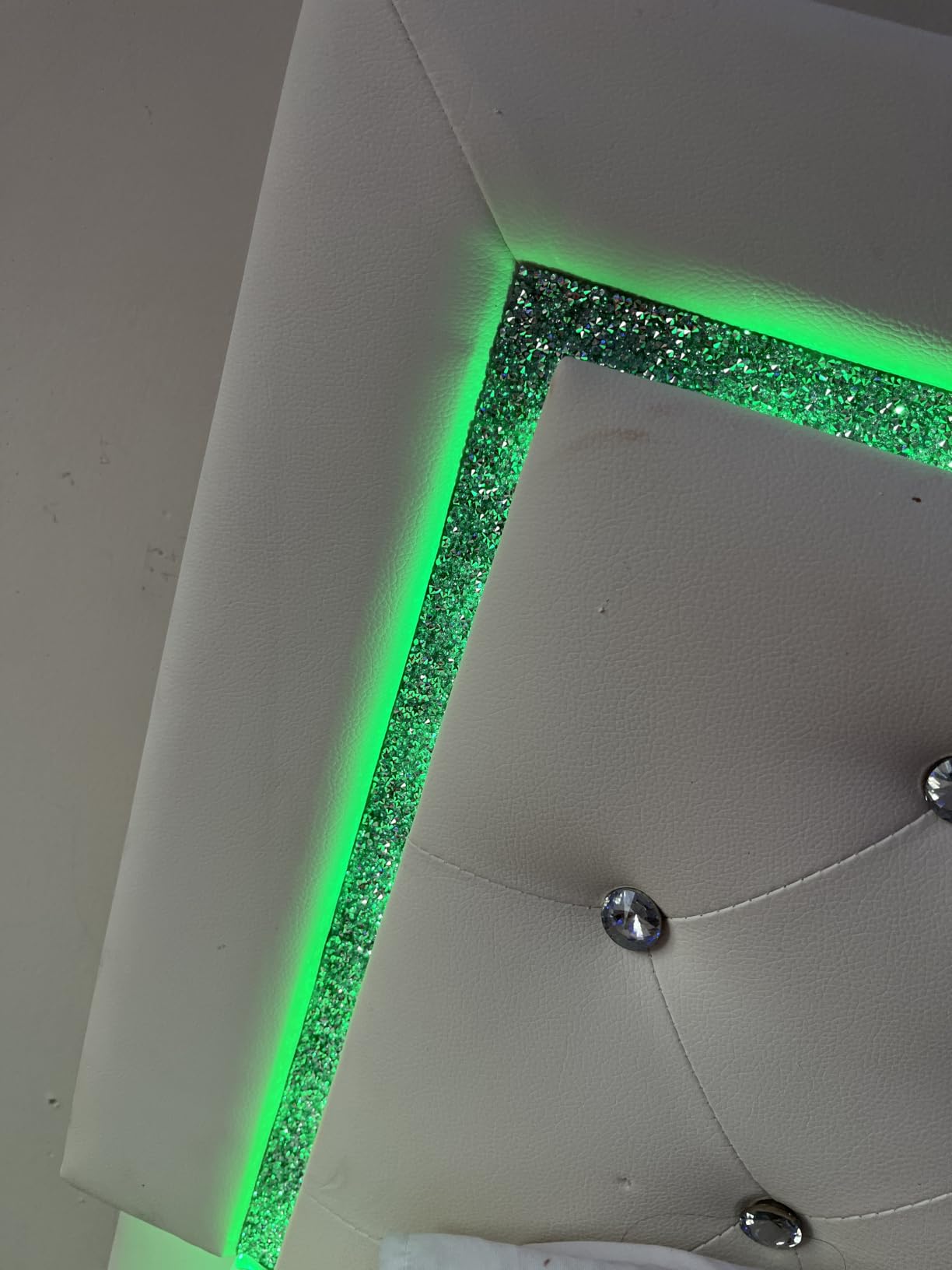
The Bluetooth app control is functional but basic compared to the Govee Home App. You get preset scenes, color selection, and brightness control. The included IR remote is a nice backup when you do not want to open the app. I found myself using the remote more than the app for quick changes during gaming sessions.
The 2-year warranty is a standout feature at this price point. Most budget strips offer no warranty at all, so DAYBETTER backing their product for two full years shows confidence in build quality. Multiple reviewers reported getting quick replacements when they encountered issues, which speaks to decent customer service.
The main compromises are the lack of Wi-Fi connectivity and no Alexa or Google Assistant support. You are limited to Bluetooth range for app control, which means you need to be in the same room. The adapter also runs warm during extended use, and a few reviewers mentioned a faint high-pitched sound from the power supply.
Adhesive Quality and Durability Over Time
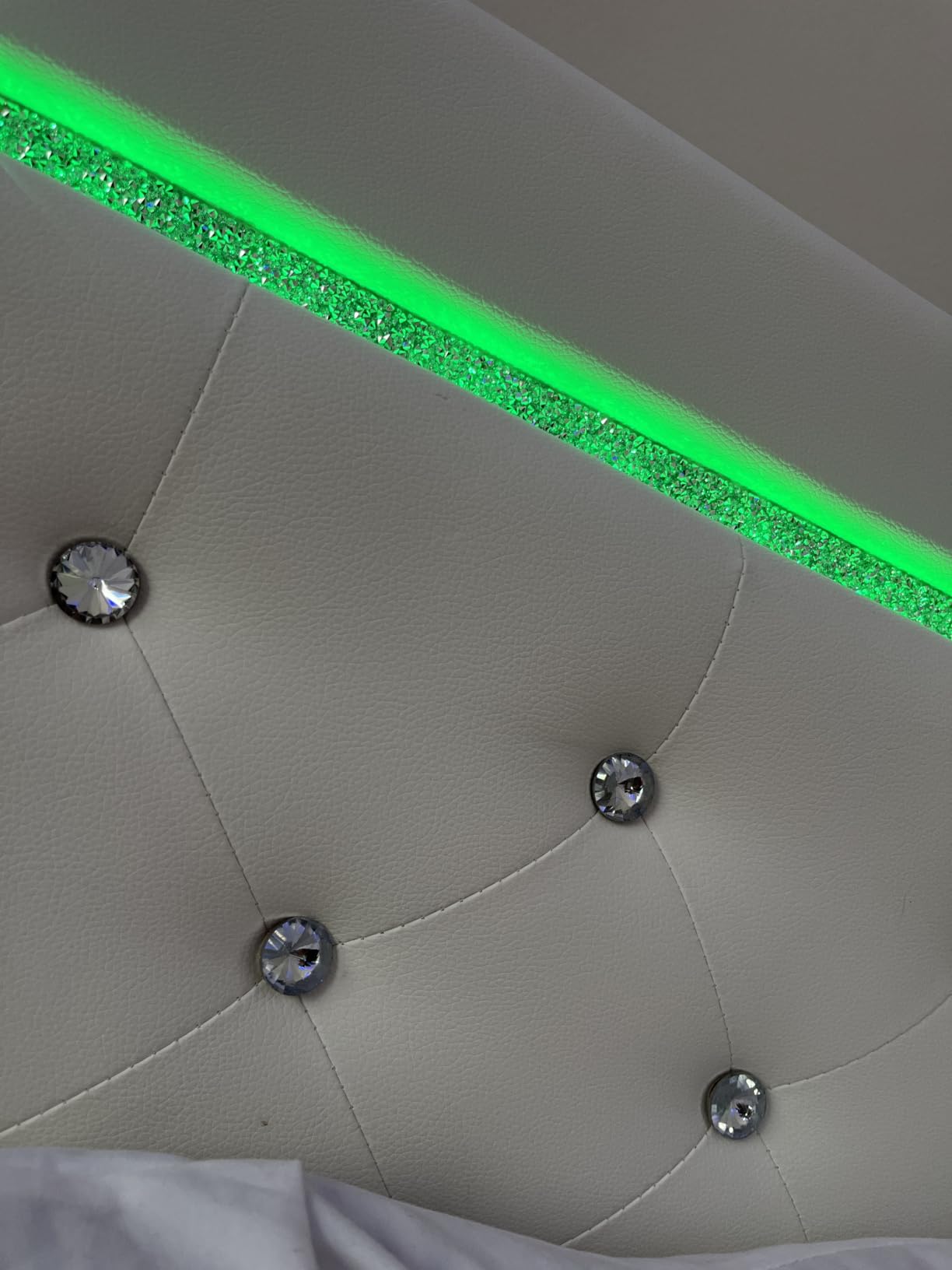
The adhesive backing on the DAYBETTER strip is surprisingly strong, which is critical for a product at this price. I pressed it onto a clean desk surface and it held firm for the entire testing period. However, some long-term reviewers noted that the adhesive can weaken after a year or more, especially in humid environments. If this happens, mounting clips or double-sided tape can extend the life.
The strip itself can tear if you bend it too sharply during installation. Take your time routing corners and avoid pulling the strip taut. Several reviewers mentioned tearing the strip at connection points, so handle with care during setup.
App Limitations vs Premium Brands
The DAYBETTER app covers the basics well but lacks the polish of Govee or Lepro apps. You will not find AI-generated themes, community-shared designs, or gaming ecosystem integrations. Scene selection is preset-focused rather than customizable. For gamers who just want colorful ambient lighting without deep customization, this is perfectly adequate.
If you need voice control or smart home integration, this strip will not meet those needs. But if your priority is getting multi-color RGB lighting on a tight budget, the DAYBETTER Smart IC strips are the best value on this list.
5. Govee RGBIC LED Strip Lights H617A – Best Value RGBIC Strip
Govee 16.4ft RGBIC LED Strip Lights, LED Lights for Bedroom, APP Control
RGBIC Technology
16M Colors
64+ Scenes
Bluetooth
11 Music Modes
24V 12W
Pros
- RGBIC multi-color technology
- 16 million DIY colors
- 11 music sync modes
- 64+ preset scenes
- One-year warranty
Cons
- Bluetooth only no Wi-Fi
- No Alexa voice support
- Not water resistant
The Govee RGBIC LED Strip Lights H617A sit in a sweet spot between budget and premium that makes them incredibly popular. As the number three bestseller in the entire LED Strip Lights category, this strip has proven itself with over 25,000 reviews. I tested it as a desk accent light and came away impressed by how much Govee quality you get for the price.
The RGBIC technology here is the same core feature found in Govee’s more expensive products. Multiple colors display simultaneously along the 16.4-foot strip, creating gradients and patterns that basic RGB strips simply cannot achieve. For gaming setups, this means you can run team colors side by side or create animated effects that react to your gameplay.
The Govee Home App is the best lighting app I have used, and it elevates this strip well beyond its price tag. You get 64+ preset scenes, 16 million color options, and AI-created themes that Govee updates regularly. The community sharing feature lets you download designs other users have created, which is a great way to discover new looks for your setup.
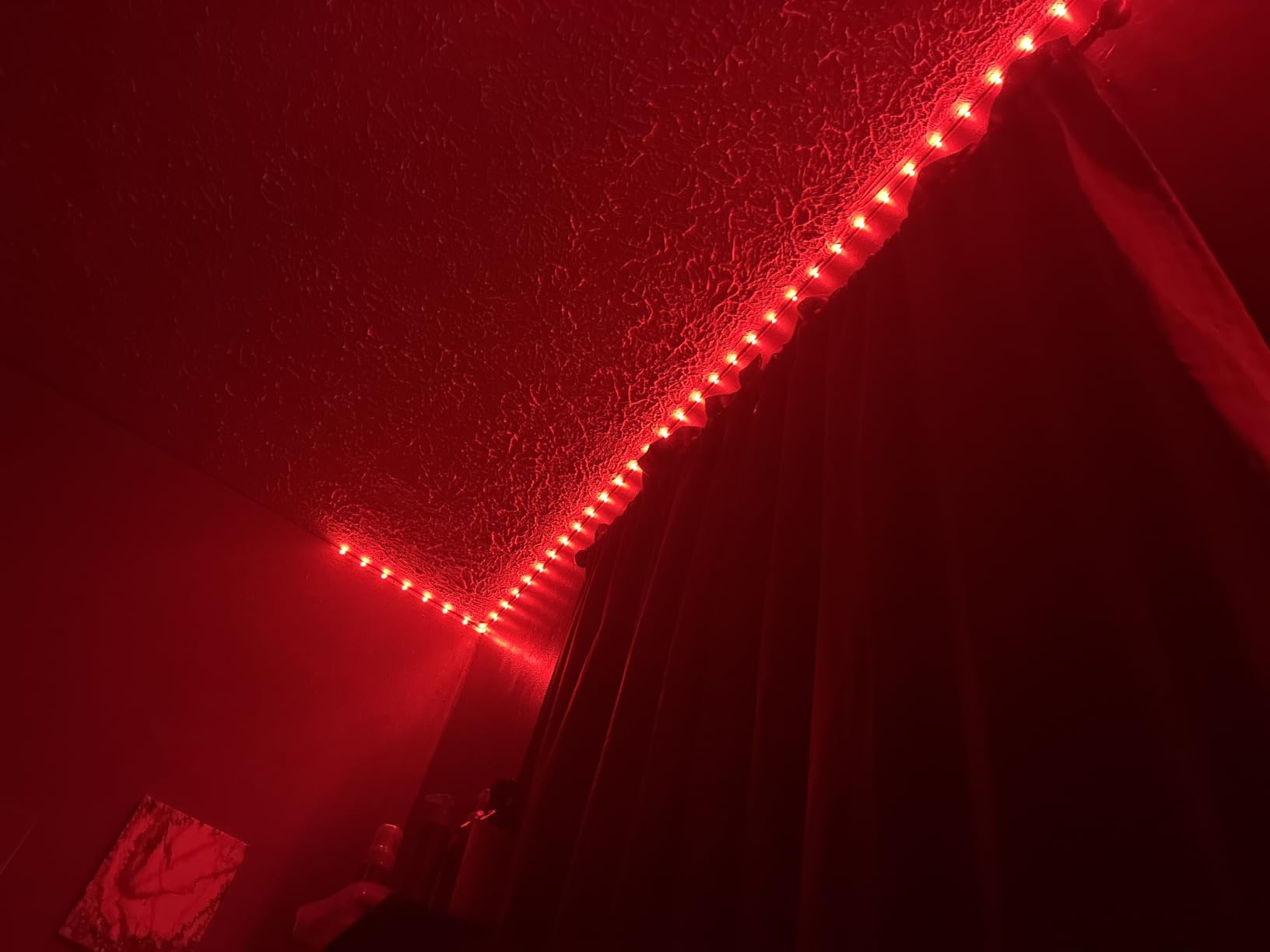
The music sync mode offers 11 different reactive modes, each with a distinct visual style. I tested several during a gaming session and found that the modes respond to different frequency ranges. Some modes pulse with bass, others react to high frequencies, and a few create flowing color waves that match the rhythm. The built-in microphone is sensitive enough to pick up game audio from across the room.
The main limitation is the Bluetooth-only connectivity. Unlike Wi-Fi-enabled Govee products, this strip cannot integrate with Alexa or Google Assistant directly. You control it exclusively through the Govee Home App on your phone via Bluetooth. This is fine for most gaming room setups, but it does limit remote control options if you want to adjust lights from another room.
Build quality is solid for the price. The strip uses an FPC material that is flexible enough to route around desk corners without kinking. The 24-volt operation and 12-watt power draw keep energy costs minimal. At this price, the one-year warranty provides reasonable protection against defects.
How It Compares to the DAYBETTER Budget Pick
The DAYBETTER strip is cheaper, but the Govee H617A offers a better app experience, more scene options, and a more established brand reputation. The Govee Home App alone is worth the small price difference, with regular updates and community features that the DAYBETTER app cannot match. If you can spend a few extra dollars, the Govee is the smarter long-term investment.
Both strips use similar RGBIC-style technology and both are Bluetooth-only. The deciding factor is really the app ecosystem and the confidence that comes with the Govee brand’s track record in gaming lighting.
Best Placement for Gaming Setups
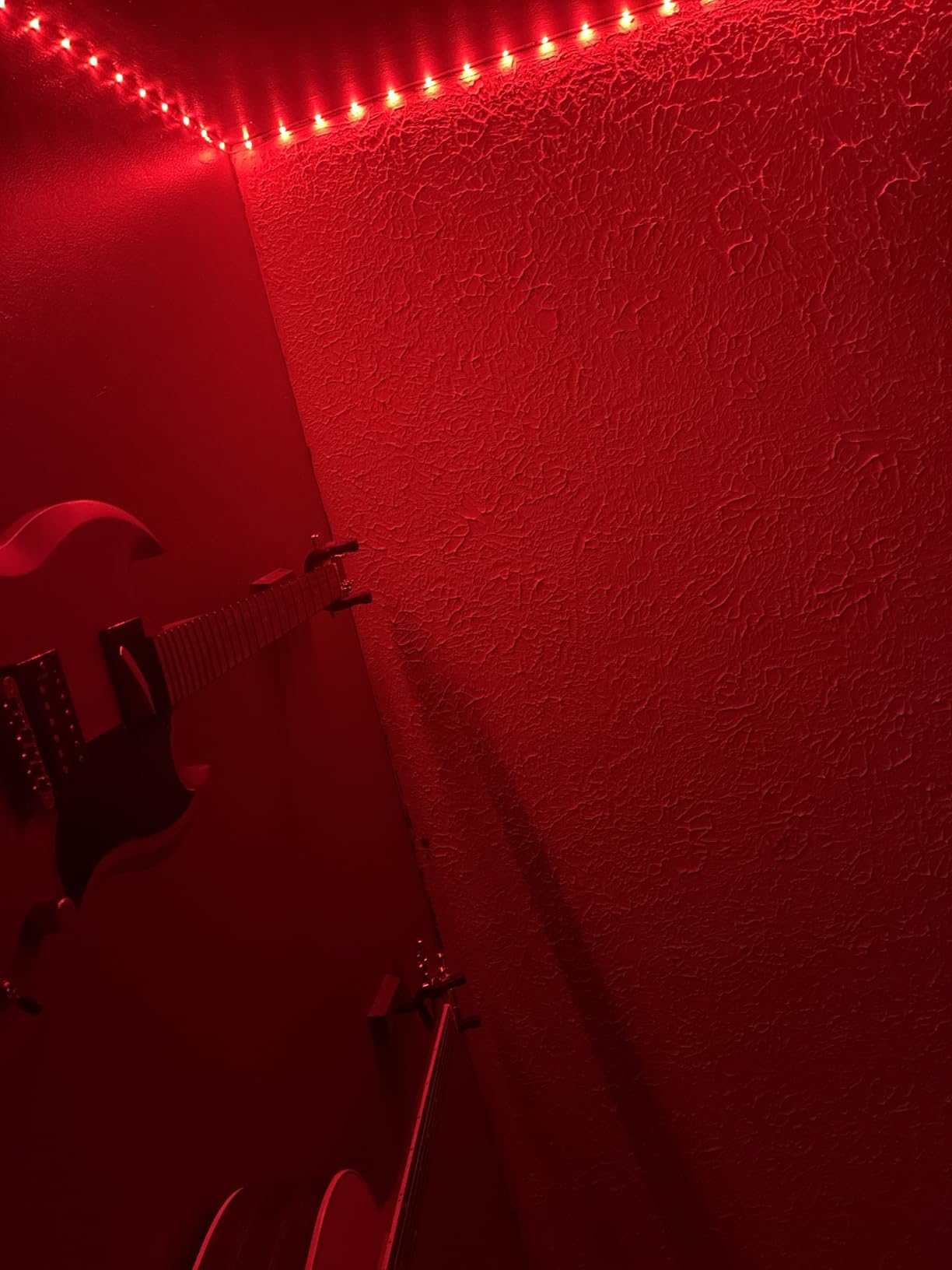
This strip works best along the back edge of a desk, behind a monitor, or along the baseboard of a gaming room. The 16.4-foot length is enough for most single-desk setups. For larger rooms, you may want to combine two strips, though each requires its own controller and power adapter.
Avoid placing this strip where it will be directly visible while gaming, as the individual LED beads can be distracting at eye level. Mounted behind objects or under edges, the diffused glow creates the perfect ambient gaming atmosphere.
6. Lepro S1 AI Smart LED Strip Lights – Best AI-Powered Customization
Lepro S1 AI Smart LED Strip Lights with IC 16.4FT 2.4G WiFi Bluetooth
AI Lighting Designer
WiFi+Bluetooth
Music Sync
16.4ft
24V 12W
Pros
- AI lighting designer with personalization
- Voice control through app
- Photo-based lighting design
- Rainbow chasing effects
- DIY color per segment
Cons
- App only no physical remote
- Requires WiFi for full features
- Cannot be cut to size
The Lepro S1 AI Smart LED Strip Lights bring something genuinely new to the table with their AI lighting designer feature. Instead of scrolling through hundreds of presets, you describe the vibe you want and the AI generates a lighting design for you. I typed in “cyberpunk city night” and got a purple-and-teal gradient with pulsing effects that looked fantastic behind my gaming monitor.
The photo-based lighting design feature, called LightGPM, is even more creative. You take a photo of anything, a game screenshot, a movie scene, or a real-world object, and the app extracts the color palette and applies it to your strip. I snapped a photo of a sunset from my window and the strip recreated the gradient perfectly. This is the kind of feature that makes lighting feel personal rather than generic.
Unlike the budget Bluetooth-only options, the Lepro S1 supports both Wi-Fi and Bluetooth. This means you get remote control from anywhere through the app, not just when you are in Bluetooth range. The Wi-Fi connection was stable during my testing with no unexpected drops.
The rainbow chasing effect showcases the IC chip technology well. Multiple colors travel along the strip simultaneously, creating a dynamic flowing effect that looks great during fast-paced gaming sessions. The DIY color segment customization lets you assign different colors to different sections of the strip, giving you precise control over the final look.
The LightBeats music sync is responsive and offers good variety. I tested it with several game soundtracks and the strip reacted to beats, melodies, and ambient sounds. It is not as sophisticated as Govee’s DreamView system, but for the price it performs admirably.
The biggest drawback is the app-only control with no physical remote. If your phone dies or you lose your Wi-Fi connection, you cannot adjust the lights at all. Some users on forums mentioned this as a frustration, especially compared to products that include a simple IR remote as a backup.
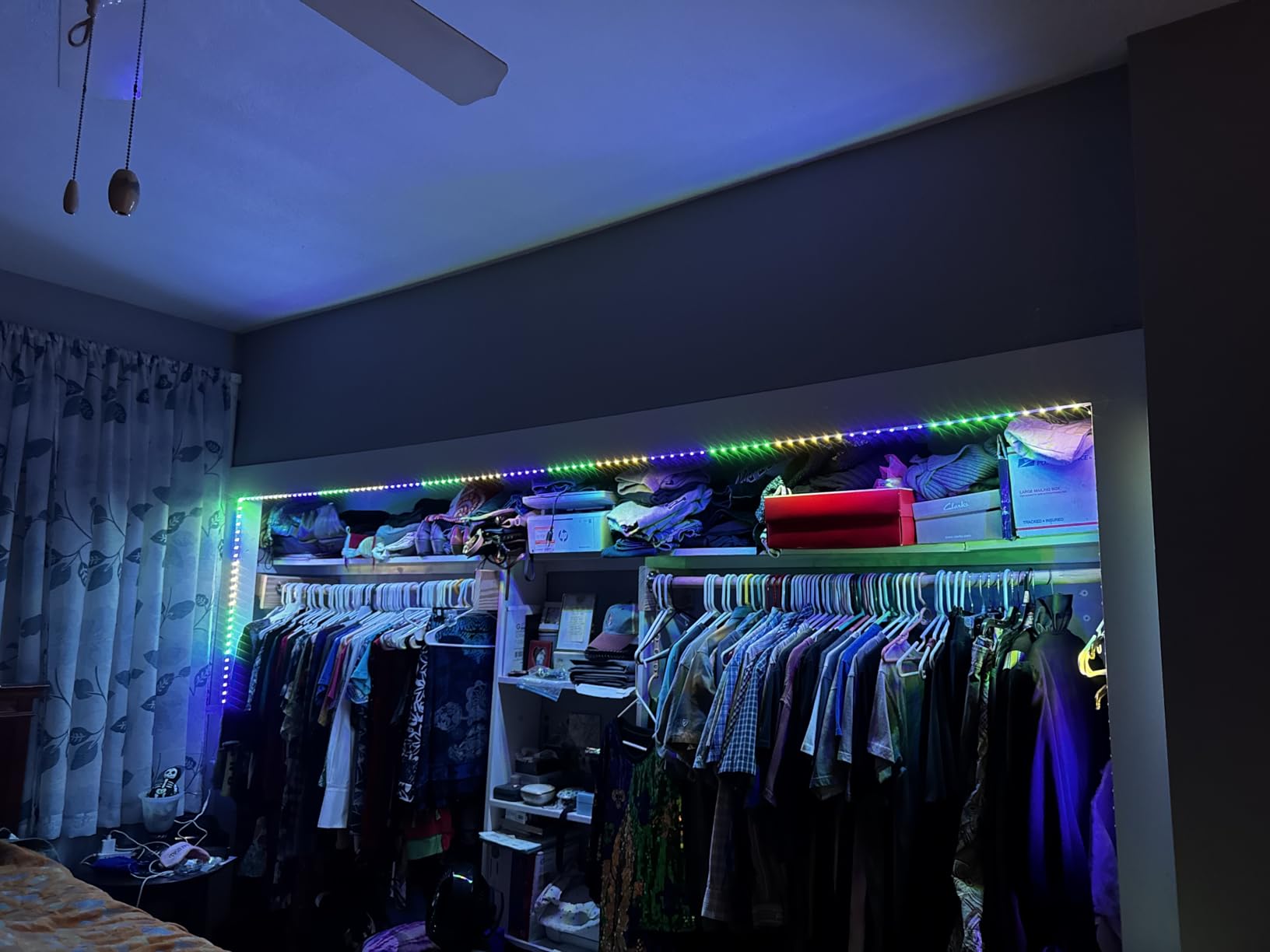
AI Features and How They Actually Work
The AI lighting designer uses your stated preferences to generate custom lighting scenes. You can describe moods, themes, or even specific games, and the AI creates matching color combinations and effects. The results are surprisingly good, though occasionally the AI produces something that looks more abstract than practical. In those cases, you can regenerate or tweak the result manually.
The photo-based design feature is the standout. It turns any image into a lighting palette, which is perfect for gamers who want their room to match the aesthetic of whatever they are playing. The color extraction is accurate and the transition between colors is smooth.
WiFi Dependency and Reliability
While Wi-Fi support is an advantage over Bluetooth-only strips, it also means the strip is dependent on your network for full functionality. If your router goes down, you lose remote control entirely. The Bluetooth connection provides basic control as a fallback, but the AI features require an internet connection to function.
You also cannot cut this strip to a shorter length, which limits placement flexibility. Measure your space carefully before purchasing. The 16.4-foot length works for most desk and room applications, but if you need a custom length, look at the Govee Neon Rope Lights instead.
7. Govee Gaming Light for Monitor G1 – Best Monitor Backlight
Govee Gaming Light for Monitor G1, RGBIC LED Backlight for 27-34 Inch PC
VibraMatch Color Match
123 Scene Modes
Fits 27-34 inch
12V 18W
Razer Chroma
Pros
- VibraMatch screen color matching
- 360 four-sided color sync
- 123 preset scene modes
- Fits curved 27-34 inch monitors
- Razer Chroma compatible
Cons
- Requires app and desktop software
- Copyright content blocks matching
- Lower review volume
The Govee Gaming Light for Monitor G1 is purpose-built for one job, backlighting your gaming monitor. I attached it to my 32-inch curved monitor and the VibraMatch color-matching technology immediately impressed me. The strip reads the colors on your screen and reproduces them on the backlight, creating an ambient glow that extends your display beyond its physical borders.
The 360 four-sided color matching is a significant upgrade over strips that only cover the top and bottom of your monitor. With LEDs running along all four edges, the color matching feels more immersive and accurate. During a game with a dark cave scene, the backlight dimmed to deep blues. When the scene shifted to a bright desert, warm oranges filled the space behind my monitor.
The high-density LED beads create an even light distribution with no dark spots. This matters for monitor backlights because uneven lighting creates a distracting patchy effect. The Govee G1 handles this well, producing a smooth continuous glow that enhances perceived contrast on your screen.
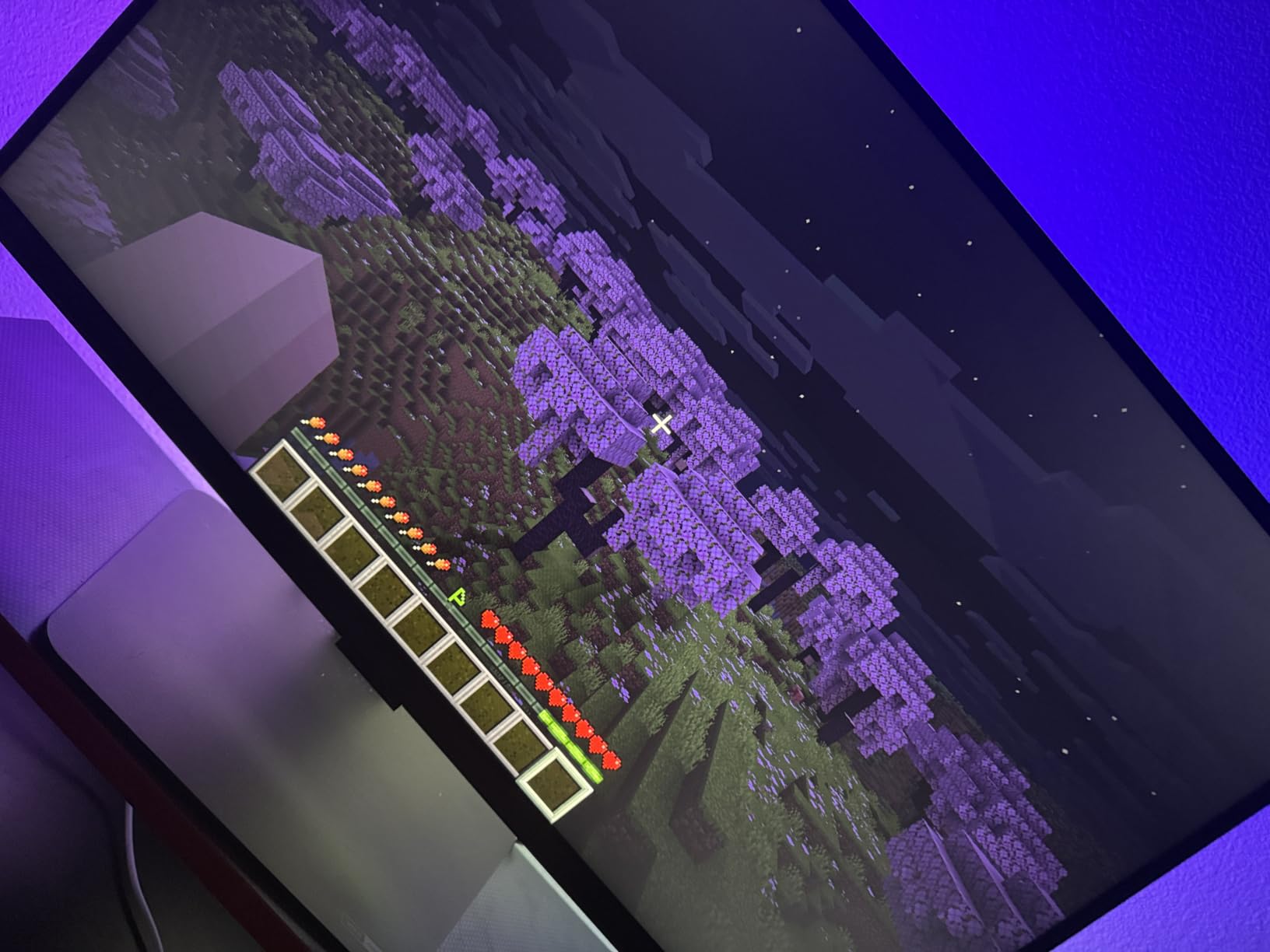
The 123 preset scene modes give you enormous variety for non-gaming use. When I was not gaming, I used static color presets for ambient room lighting. The 11 music modes add audio-reactive options for when you want your monitor backlight to pulse with your playlist. The Razer Chroma compatibility ties everything into your PC gaming ecosystem.
One important limitation is that copyright-protected streaming content can block the screen color matching feature. If you are watching a movie on a streaming service with DRM protection, the VibraMatch technology may not be able to read the screen colors. This is a software limitation rather than a hardware flaw, but it is worth knowing before you buy.
The fit for curved monitors was excellent in my testing. The strip flexes to match the curve of a 1000R or 1500R screen without gaps. For 27 to 34 inch monitors, the length is ideal. Smaller or larger monitors may not get full coverage on all four sides.
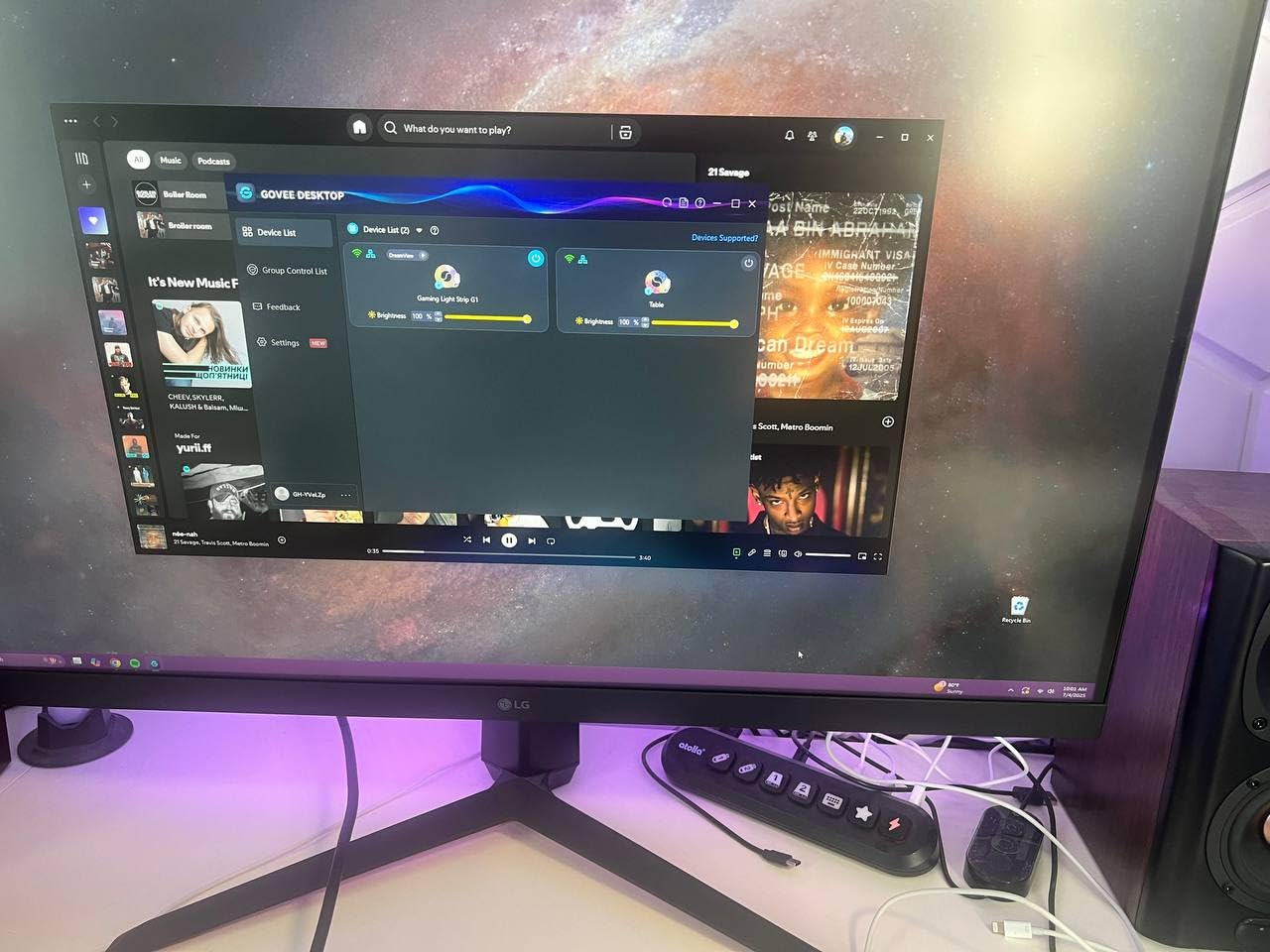
Software Setup and Desktop Integration
To get full functionality, you need both the Govee Home App on your phone and the Govee desktop software on your PC. The desktop software handles the screen color matching by reading pixel data directly from your display. Initial setup takes about 15 minutes, including software installation and calibration.
The desktop software runs in the background with minimal resource usage. I did not notice any gaming performance impact during my testing. However, some users have reported occasional software bugs that require restarting the application. Govee updates the software regularly, so these issues tend to get fixed over time.
Curved Monitor Compatibility Details
The strip is designed specifically for monitors between 27 and 34 inches, including curved models. The flexible backing conforms to curves without losing adhesion. I tested it on both a flat 27-inch panel and a curved 32-inch panel with equally good results. The corner connectors are adjustable, which helps with different monitor aspect ratios.
If your monitor is outside the 27 to 34 inch range, consider the Govee TV Backlight 3 Lite for larger screens or a standard strip light for smaller setups. The G1 is optimized for its target size range and performs best within those bounds.
8. KontrolFreek Gaming Lights – Best USB-Powered Console Option
KontrolFreek Gaming Lights: LED Strip Lights, USB Powered with Controller, 3M Adhesive for TV, Console, PC, Wall (9 ft)
USB Powered
9ft Length
Remote Control
20 Colors
5V 5W
Bias Lighting
Pros
- USB powered for easy setup
- Physical remote control included
- 20 colors and 20 effects
- 3M adhesive backing
- Bias lighting reduces eye strain
Cons
- Adhesive can weaken over time
- Occasional defective strips
- Limited brightness compared to alternatives
The KontrolFreek Gaming Lights take a completely different approach from the smart strips on this list. There is no app, no Wi-Fi, and no Bluetooth. Instead, you get a simple USB-powered strip with a physical remote control. For console gamers who want plug-and-play lighting without dealing with apps and accounts, this is exactly what you need.
I plugged these into the USB port on my PlayStation 5 and they powered on instantly. The inline controller and remote let me cycle through 20 colors and 20 effects without touching my phone. This simplicity is refreshing after testing so many app-dependent strips. Sometimes you just want to press a button and get light.
The bias lighting concept is scientifically backed and genuinely useful. By placing a soft light behind your screen, you reduce the contrast between the bright display and the dark room around it. This reduces eye strain during long gaming sessions, which is especially valuable for marathon sessions. I noticed less fatigue after a four-hour gaming stint with these lights active.
The package includes six multicolored LED strip segments connected by five flexible connectors. This segmented design lets you route the strips around corners and across different surfaces. I used four segments behind my TV and two along the sides of my entertainment center for a coordinated look.
The 3M adhesive backing sticks well initially, but some long-term users have reported adhesion issues after several months. If you plan to keep these in a permanent position, consider adding mounting clips for extra security. The strips are lightweight, so even weakened adhesive is usually enough to hold them in place with clip support.
Brightness is the main compromise here. At 5 watts total across six segments, these are noticeably dimmer than the Govee or Lepro options. They are designed for subtle bias lighting rather than dramatic room illumination. If you want your gaming room to glow brightly, look elsewhere. If you want comfortable ambient lighting that reduces eye strain, these do the job well.
Console and TV Compatibility
The USB power source makes these strips incredibly versatile. They work with any device that has a USB port, including PlayStation and Xbox consoles, TVs with USB outputs, and PC cases. The 9-foot total length with connectors is enough for most TV backlighting applications. I tested them on a 55-inch TV with good coverage on three sides.
If your TV’s USB port does not provide enough power, you can use any standard USB wall adapter. The 5-volt, 5-watt draw is minimal and will not impact your electricity bill noticeably. This is the most energy-efficient option on this list.
When Simplicity Beats Smart Features
Not every gamer wants to download an app, create an account, and connect to Wi-Fi just to change a light color. The KontrolFreek strips skip all of that. You get 20 colors, 20 effects, 8 brightness levels, and 8 speed settings, all controlled from a physical remote. For bedrooms, dorm rooms, or console gaming setups where simplicity matters more than customization, this is the right choice.
The trade-off is that you lose smart features like scheduling, voice control, and gaming ecosystem integration. If those features matter to you, the Govee options on this list are better fits. But for straightforward plug-and-play gaming lighting, KontrolFreek delivers exactly what it promises.
How to Choose the Best LED Strip Lights for Gaming
Choosing the right LED strip for your gaming setup comes down to understanding what features actually matter for your specific use case. I have broken down the key factors below based on my testing experience and the pain points gamers frequently raise in forums.
Brightness and LED Density
Brightness in LED strips is measured in lumens, but most manufacturers do not list lumen output directly. Instead, look at LED density, meaning how many LED beads are packed per meter. The Govee Neon Rope Lights lead this category with 84 beads per meter, which produces the brightest and most even glow. Budget strips like the DAYBETTER offer 150 total LEDs across 16.4 feet, which translates to roughly 28 beads per meter, noticeably less dense.
For monitor backlights and desk accent lighting, moderate brightness is fine. For filling a large gaming room with color, you need higher density and wattage. Consider how far you will be sitting from the lights, since perceived brightness drops significantly with distance.
RGB vs RGBIC vs RGBICW Explained
Standard RGB strips can only display one color at a time across the entire length. If you set them to blue, the whole strip is blue. RGBIC strips use individually addressable LEDs, meaning different segments can show different colors simultaneously. This enables gradients, chasing effects, and multi-color patterns. RGBICW adds a dedicated white LED for purer white tones, which is what the Govee TV Backlight 3 Lite uses.
For gaming, RGBIC is the minimum I recommend. The ability to show multiple colors transforms a flat strip into a dynamic lighting element. RGBICW is worth seeking out if you care about accurate white lighting for non-gaming use.
Connectivity and Smart Home Integration
LED strips connect via Bluetooth, Wi-Fi, or USB. Bluetooth-only strips like the Govee H617A and DAYBETTER are limited to phone control within range and cannot integrate with voice assistants. Wi-Fi-enabled strips like the Govee Light Bars and Lepro S1 support Alexa and Google Assistant, enabling voice control and remote access.
If you use Home Assistant for smart home automation, look for Wi-Fi-enabled strips that integrate with your existing setup. Forum users frequently ask about Home Assistant compatibility, and Wi-Fi strips offer the best integration path. USB-powered strips like the KontrolFreek are not smart home compatible at all.
Gaming Ecosystem Sync
This is where gaming-specific lighting separates from generic bedroom strips. Razer Chroma integration lets your lights react to in-game events through Razer’s Synapse software. Corsair iCUE offers similar functionality for Corsair peripheral owners. The Govee Light Bars, Neon Rope Lights, and Monitor G1 all support Razer Chroma, making them the best choices for Razer ecosystem users.
Screen mirroring technology, like the Govee TV Backlight’s camera-based system or the Monitor G1’s VibraMatch software approach, creates real-time color matching without requiring specific game support. This works with any content, making it more versatile than ecosystem-specific sync.
12V vs 24V LED Strips
The voltage of an LED strip affects brightness, power consumption, and maximum run length. Most strips on this list operate at 24 volts, which allows for longer continuous runs and brighter output. The Govee Monitor G1 and KontrolFreek strips use 12V and 5V respectively, which are adequate for their specific applications.
For most gaming setups, voltage is not a major decision factor since each product is designed around its power requirements. However, if you are planning a large room installation with multiple connected strips, 24V options like the Govee Neon Rope or Lepro S1 offer better performance over long distances.
Installation Difficulty
Installation difficulty varies significantly across these products. The KontrolFreek and DAYBETTER strips are the easiest to install, requiring only peel-and-stick adhesive. The Govee Light Bars require no adhesive at all since they use freestanding bases. The Govee TV Backlight 3 Lite is moderately complex because it requires camera placement and cable management. The Govee Monitor G1 needs careful alignment around all four edges of your screen.
For renters or anyone who wants a temporary setup, look for strips with strong but removable adhesive. The Govee Neon Rope Lights can be cut to size, which adds a small amount of complexity but gives you a custom fit.
Price and Value Considerations
Gaming LED strips range from under $10 to over $110 on this list. The budget options from DAYBETTER and KontrolFreek deliver basic functionality at unbeatable prices. Mid-range options like the Govee H617A and Lepro S1 offer the best balance of features and value. Premium picks like the Govee Neon Rope Lights and Gaming Light Bars justify their higher prices with superior build quality, gaming ecosystem integration, and advanced features.
Consider what features you will actually use. If you just want colorful ambient lighting, a budget strip is sufficient. If you want screen matching, voice control, and ecosystem sync, plan to invest in a mid-range or premium option.
FAQs
What LED lights are best for gaming?
The best LED strip lights for gaming are those with RGBIC technology for multiple colors on one line, music or screen sync capabilities, and gaming ecosystem integration like Razer Chroma. The Govee RGBIC Gaming Light Bars H6047 are the top overall pick with a 4.7-star rating and 60+ gaming scene modes. For budget setups, the DAYBETTER Smart IC strips deliver RGBIC effects for under $10.
What RGB color is best for gaming?
Cool blue and cyan tones are widely considered the best RGB colors for gaming because they reduce eye strain and create a focused, high-tech atmosphere. Purple and deep blue combinations are popular for immersive single-player games. For competitive gaming, avoid overly bright or distracting colors and instead use subtle ambient backlighting behind your monitor.
What brand is the best for LED strip lights?
Govee is the best brand for LED strip lights in gaming setups, offering the widest range of products from budget strips to premium neon rope lights with gaming ecosystem integration. Philips Hue is the top choice for smart home integration, while Nanoleaf excels in modular wall panels. For budget buyers, DAYBETTER and Lepro offer solid alternatives.
Is a 12V or 24V LED strip better?
24V LED strips are generally better for gaming setups because they support longer continuous runs, brighter output, and more even light distribution. 12V strips work fine for shorter applications like monitor backlights. Most gaming LED strips on the market operate at 24V, including the Govee RGBIC strips and Lepro S1, while USB-powered options typically run at 5V.
Do LED strip lights increase your electricity bill?
LED strip lights have minimal impact on your electricity bill. A typical 16.4-foot gaming LED strip consumes between 12 and 48 watts, which costs roughly $1 to $4 per month if run for 6 hours daily. Even the brightest option on this list, the Govee Neon Rope Lights at 48 watts, adds less than $5 per month to an average electricity bill at typical energy rates.
Final Thoughts on the Best LED Strip Lights for Gaming in 2026
Finding the best LED strip lights for gaming in 2026 comes down to matching features to your specific setup. The Govee RGBIC Gaming Light Bars H6047 remain my top overall pick for their unmatched Razer Chroma integration, 60+ gaming scene modes, and stellar 4.7-star rating. They are the closest thing to a no-compromise gaming lighting solution on this list.
For value seekers, the Govee RGBIC LED Strip Lights H617A and DAYBETTER Smart IC strips deliver RGBIC technology at prices that leave room in your budget for other upgrades. And for gamers who want the premium experience, the Govee Neon Rope Lights offer glare-free diffusion and cuttable design that no other product here can match.
Whatever you choose, the key is to think about how you actually game. Console players benefit from simple USB options like the KontrolFreek. PC gamers with Razer setups get the most from Govee’s Chroma-compatible products. And anyone with a large TV should consider the Govee TV Backlight 3 Lite for immersive screen-matched lighting. Pick the strip that fits your gaming life, not the one with the longest feature list.