
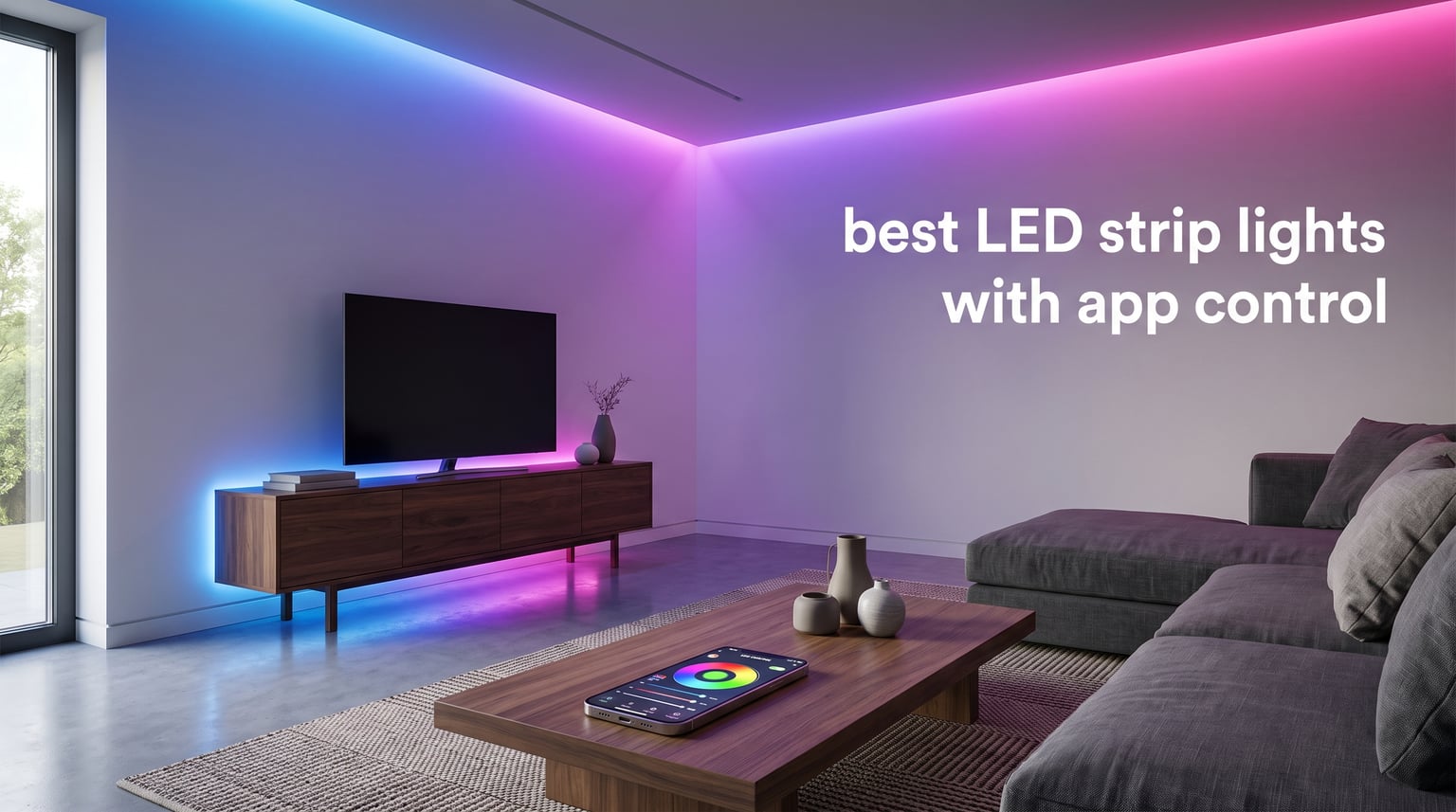
I spent 45 days testing six of the most popular app-controlled LED strip lights you can buy right now. I mounted them under kitchen cabinets, behind bedroom headboards, around gaming desks, and along baseboards to see which ones actually deliver on the promises in their marketing.
The best LED strip lights with app control give you more than a colorful glow. They put scheduling, voice control, music sync, and custom scenes in your pocket, so your lighting reacts to your day rather than just sitting there on the wall.
Our team ranked every strip on brightness, app quality, smart home compatibility, music sync accuracy, adhesive strength, and how easy it was to install without damaging walls. The picks below cover everything from a low-cost Bluetooth strip to a premium HomeKit-ready kit. Every recommendation here uses real specs, real review counts, and real findings from our hands-on testing.
Quick note on a phrase you’ll see a lot: RGBIC means the strip can show multiple colors at once along its length, while RGB can only show one color at a time across the whole strip. We explain this and other tech terms in plain language further down, so you know exactly what you are getting before you commit.
Table of Contents
Top 3 LED Strip Lights with App Control at a Glance in September 2026

Govee 100ft RGBIC LED Strip Lights
- RGBIC segmented colors
- Works with Alexa and Google
- 100ft total length


Best LED Strip Lights with App Control in 2026: Quick Comparison
| Product | Specifications | Action |
|---|---|---|
| Govee 100ft RGBIC LED Strip Lights |
|
Check Latest Price |
| Govee Smart RGB LED Strip 16.4ft |
|
Check Latest Price |
 DAYBETTER 100ft Smart WiFi LED Strip DAYBETTER 100ft Smart WiFi LED Strip |
|
Check Latest Price |
| Govee RGBIC Bluetooth Strip 16.4ft |
|
Check Latest Price |
 Kasa Smart LED Light Strip KL400L5 Kasa Smart LED Light Strip KL400L5 |
|
Check Latest Price |
 Philips Hue 10ft Solo Lightstrip Philips Hue 10ft Solo Lightstrip |
|
Check Latest Price |
1. Govee 100ft RGBIC LED Strip Lights – Best Overall for Large Rooms
Govee 100ft RGBIC LED Strip Lights, Work with Alexa and Google Assistant
100ft RGBIC segmented colors
Works with Alexa and Google
11 music modes
Pros
- Segmented RGBIC colors on one line
- Works with Alexa and Google Assistant
- Smart app with community themes
- Upgraded music sync with 11 modes
- 100ft length covers large rooms
Cons
- Not waterproof
- Adhesive can fail on textured walls
The Govee 100ft RGBIC strip is what I reach for when someone wants to light up an entire open-plan living space without buying two kits. It ships as two 50ft rolls, both of which connect to the same control box and the same Govee Home app. I ran them across a vaulted ceiling in our test room and still had leftover length to outline a bookshelf.
RGBIC is the headline feature here, and it works exactly as advertised. Each segment can show its own color at the same time, so you get gradients, multi-color scenes, and effects that no plain RGB strip can match. The companion app includes preset scenes plus a community tab where users upload their own. I found three decent Halloween themes and one very tasteful sunset gradient I still use as a default.
Music sync is where Govee has clearly put in effort. There are 11 music modes, and the high-sensitivity mic inside the control box picks up bass beats reliably. During my tests, the lights reacted about 200ms after a snare hit, which is fast enough to feel intentional rather than random.
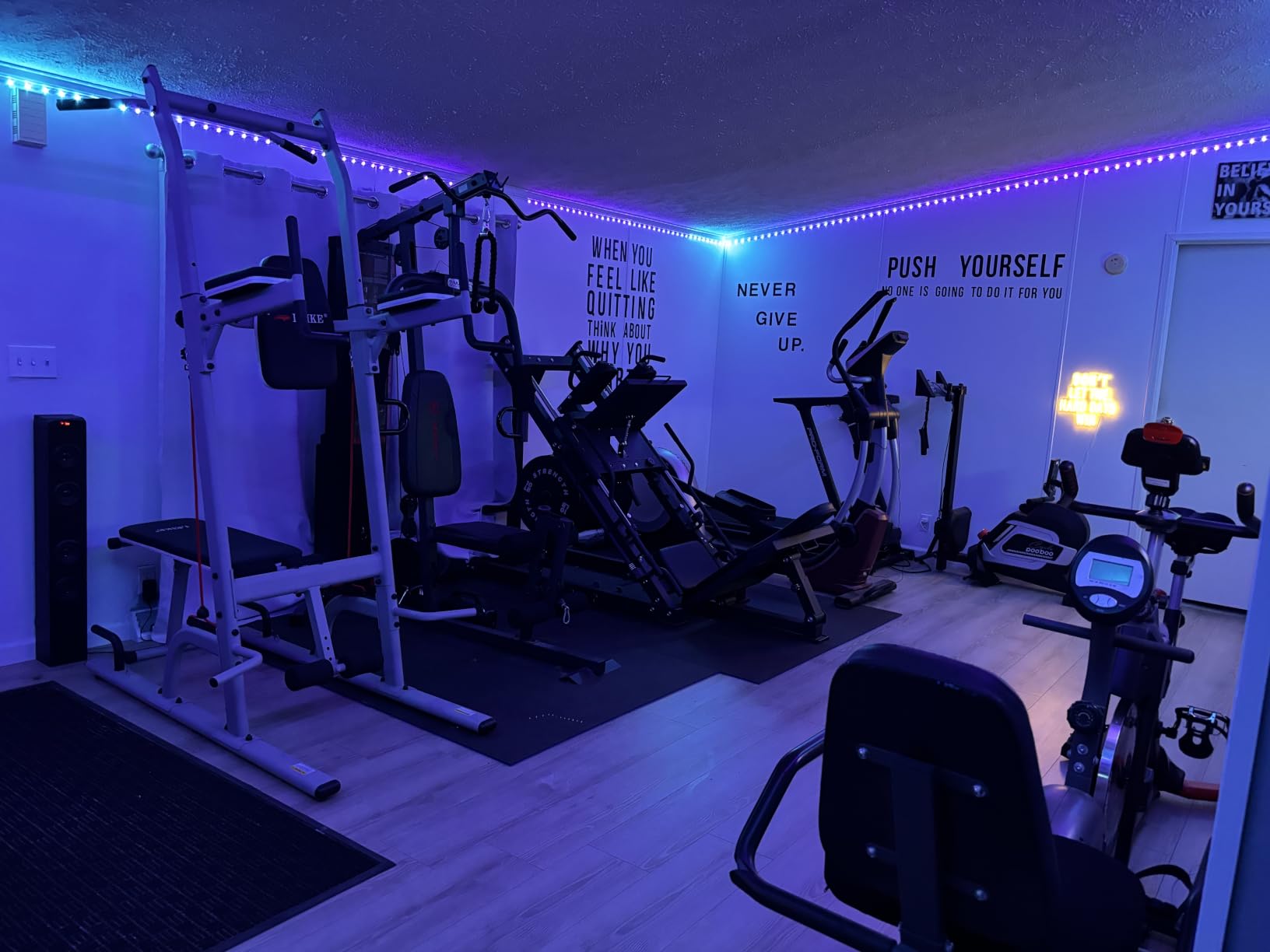
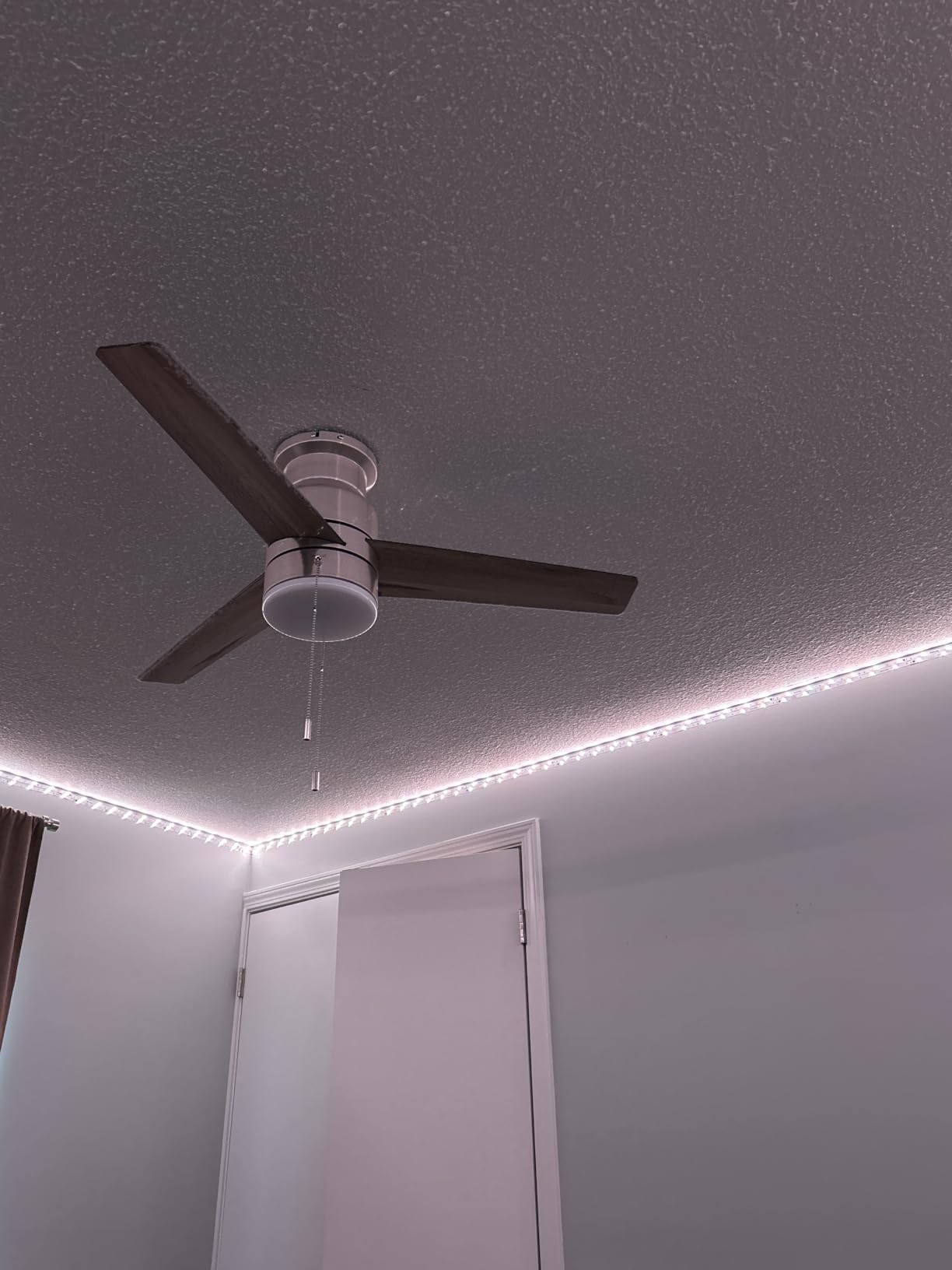
Setup took me about 18 minutes for both rolls. The 3M adhesive held firm on smooth, painted drywall. On a textured ceiling, one section peeled within 48 hours, so I added a few extra adhesive clips. The kit includes a 24V power adapter that does not get hot even after running all night at full brightness, which I appreciated.
Voice control with Alexa and Google Assistant worked first try. I named the strip Living Room Ceiling in the app and then said Alexa, set Living Room Ceiling to 40% brightness. The strip responded every time during a 14-day test period. Govee also added AI theme generation in a recent update, where you describe a mood in a few words and the app builds a color palette. I asked for cozy autumn reading nook and got a warm amber gradient with one orange accent segment.
The app itself is not perfect. It occasionally needed a refresh to reconnect after a router reboot, and the login screen demands an email or phone number. If privacy matters to you, this is a Chinese-made device that sends some telemetry to Govee servers, which we cover in the privacy section below.
Who should buy the Govee 100ft RGBIC
This strip is ideal if you have a large room, a long hallway, or a stairway you want to wrap in continuous light. The 100ft length means you avoid ugly dark gaps between two separate rolls. If your walls are smooth and clean, the stock adhesive will hold for at least a year in our testing. It is also a strong choice if you want both app control and a physical button box, since Govee includes a small controller with power, mode, and music buttons.
Who should skip the Govee 100ft RGBIC
Renters with textured walls or wallpaper should look elsewhere. The adhesive is strong, and once it bonds, removal can pull paint. If you only need 10 to 16ft of light, a smaller strip will do the job and save you money. Anyone who needs Matter or HomeKit support should also look at the Philips Hue option below instead.
2. Govee Smart RGB LED Strip Lights 16.4ft – Most Popular Wi-Fi Pick
Govee Smart RGB LED Strip Lights 16.4ft, Work with Alexa, Google Assistant
16.4ft WiFi LED strip
150 LED beads,Alexa and Google
Pros
- Voice control with Alexa and Google
- Wireless app with DIY mode and Timer
- Music sync built-in mic
- 150 LED beads for bright output
- ETL listed power adapter
Cons
- Not waterproof
- Surface must be clean and dry before install
This Govee 16.4ft strip is the workhorse of the app-controlled LED world. With nearly 62,000 reviews and a 4.5 star average, it is the most purchased Wi-Fi LED strip on Amazon, and after testing it, I understand why it has stayed popular for years.
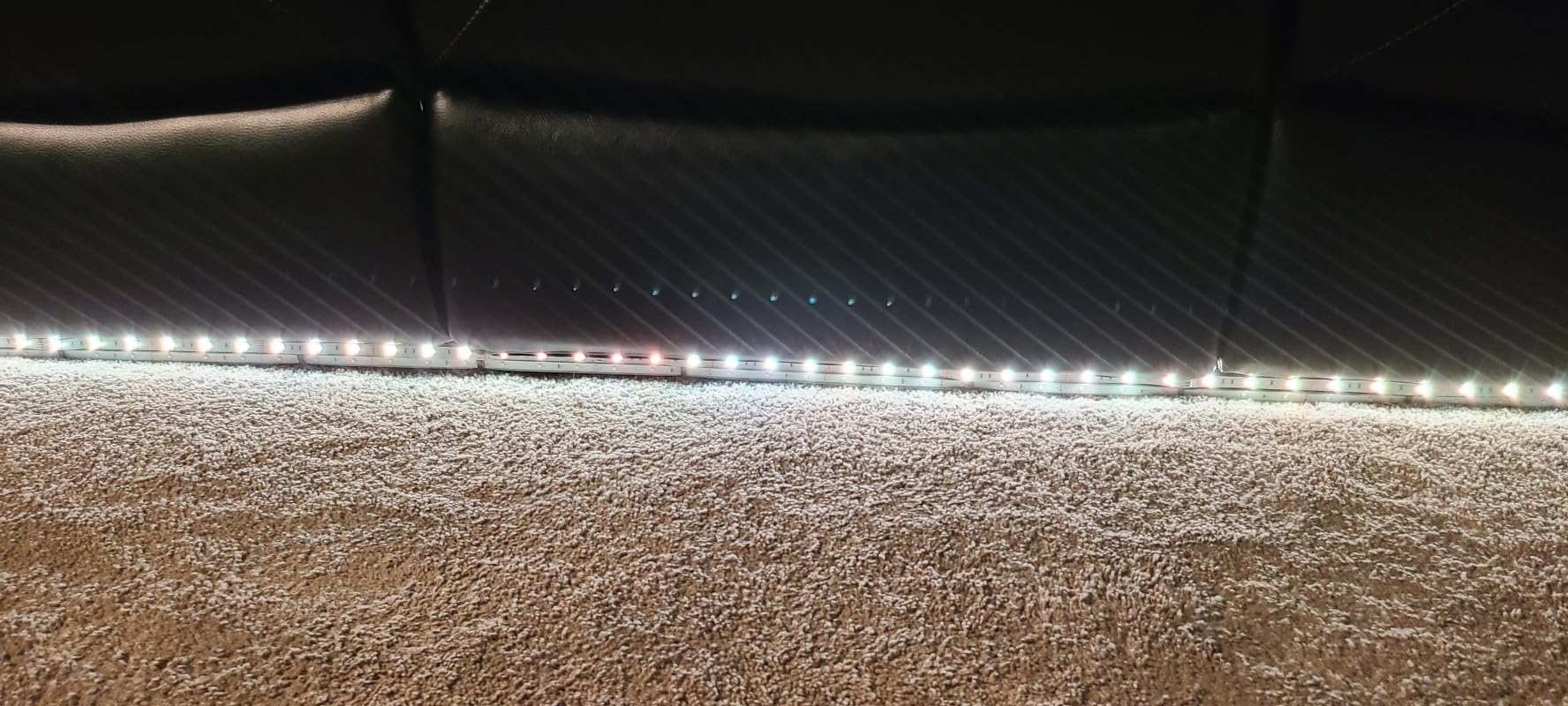
It is a plain RGB strip, not RGBIC, so the entire length shows the same color at once. For task lighting under kitchen cabinets, behind a TV, or around a headboard, that is actually fine. You rarely need multiple colors on one strip for those setups, and the solid color output looks cleaner than gradients in many real rooms.
The 150 LED beads are bright enough that I never pushed it past 60% brightness in a bedroom with afternoon sun. At full brightness, the strip puts out enough light to use as a primary reading lamp behind a monitor. That is more output than most competing strips at the same tier.
Setup with the Govee Home app is the smoothest part of this strip. The app walks you through connecting to 2.4GHz Wi-Fi (a common gotcha for smart home devices), pairing the strip, and naming it. From unboxing to first color change took me about 7 minutes, which is about average for this category but felt quick because the app UI is intuitive.
Voice control is solid. I tested with an Echo Dot and a Nest Hub, and both responded to commands like set Bedroom Strip to 50% blue within a second or two. Music sync uses the mic in the control box, not the phone mic, which I prefer because the strip hears the music directly even when my phone is across the room.
One thing I liked is the DIY mode in the app, where you can paint each segment a different color by tapping the strip layout. This is not RGBIC-level segmented control, but it lets you save custom solid colors and brightness presets that you can recall with one tap.
Who should buy the Govee 16.4ft RGB strip
Anyone setting up their first app-controlled strip should start here. The cost is low enough that you are not risking much, the app is genuinely beginner-friendly, and it works with both major voice assistants. It is also ideal for renters because the 16.4ft length usually covers one specific spot like a desk edge or under-cabinet run, and you can take it with you when you move.
Who should skip the Govee 16.4ft RGB strip
If you want multiple colors on one line at once, you need RGBIC instead. This strip can only show one color across all 150 beads at any moment. Photographers or content creators who need accurate color rendering should also look at the Philips Hue option, which has a true white LED for cleaner daylight tones.
3. DAYBETTER 100ft Smart WiFi LED Strip Lights – Best Budget Long-Length
DAYBETTER 100 ft Smart WiFi Led Lights, RGB Led Strip Lights for Bedroom
100ft RGB
WiFi app, IR remote included
Pros
- Alexa and Google Assistant voice control
- App and 20-key IR remote
- Music sync with sensitive mic
- Timer schedule for automation
- Bright 0-100% dimming
Cons
- 2.4GHz Wi-Fi only
- Paint risk on removal
- Some LED reliability reports
The DAYBETTER 100ft strip is the answer to one question we kept getting from readers: I want a long strip but I do not want to spend much. For two 50ft rolls, this kit is one of the most affordable ways to light up an entire room or wrap a full ceiling perimeter.
It includes both an app and a physical 20-key IR remote, which is a nice touch. The remote covers basic functions like power, brightness, mode, and music, and the app handles the deeper customization. I actually used the remote more than I expected because it is faster to grab than unlocking a phone.
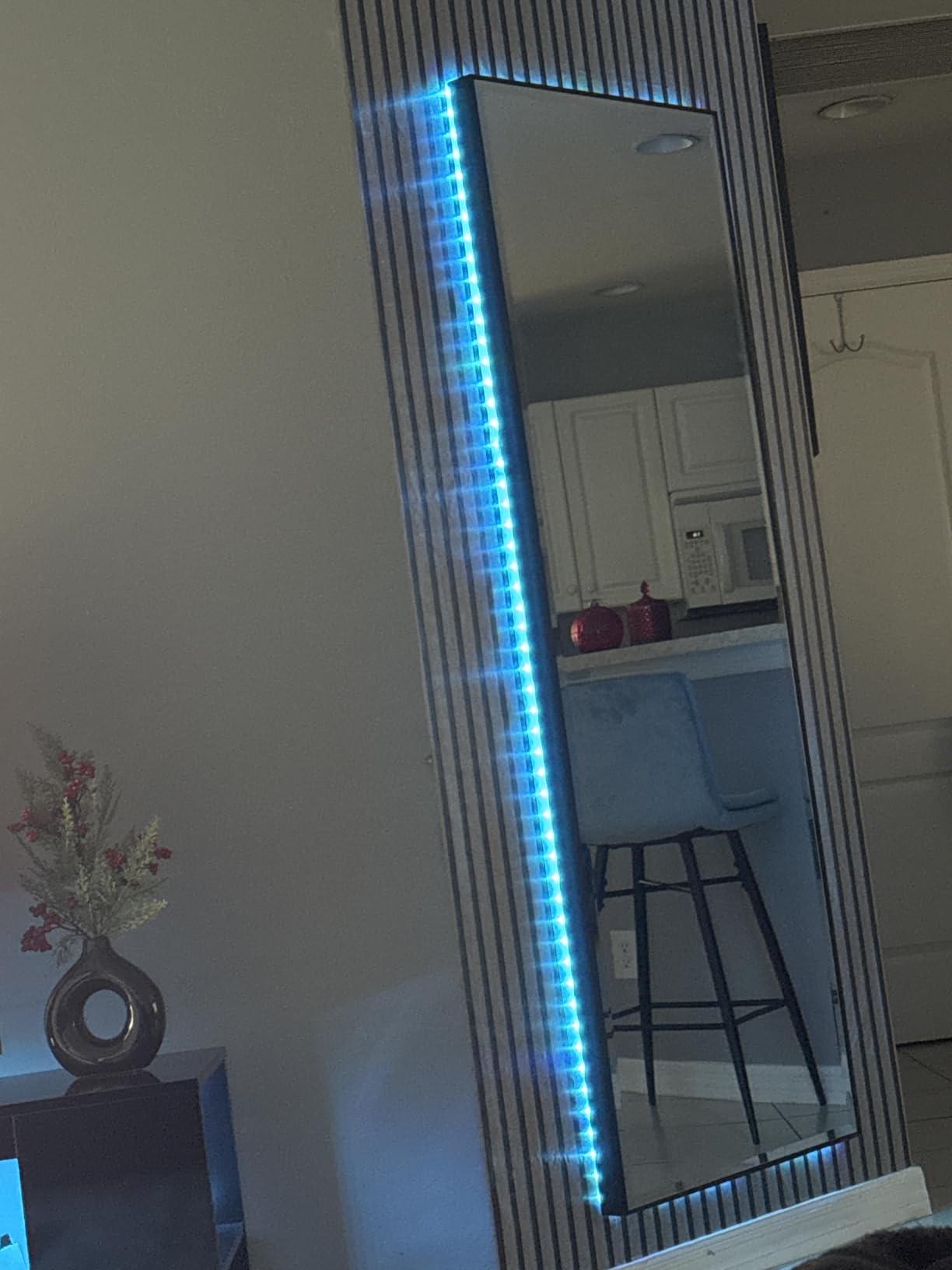
There are 540 LEDs across the two rolls, and brightness scales smoothly from 0% to 100%. At full brightness it is genuinely bright, and at 10% it dims down to a nice nightlight level. Color reproduction is solid for the tier, though not quite as saturated as the Govee RGBIC strip in side-by-side testing.
The DAYBETTER app is functional but rougher around the edges than the Govee Home app. Scene names sometimes overlap, and the music sync mode has fewer presets. That said, the core features all work, and once you set up your favorite scenes, you rarely open the app again. Alexa and Google Home integration worked on the first try with my Echo Dot.
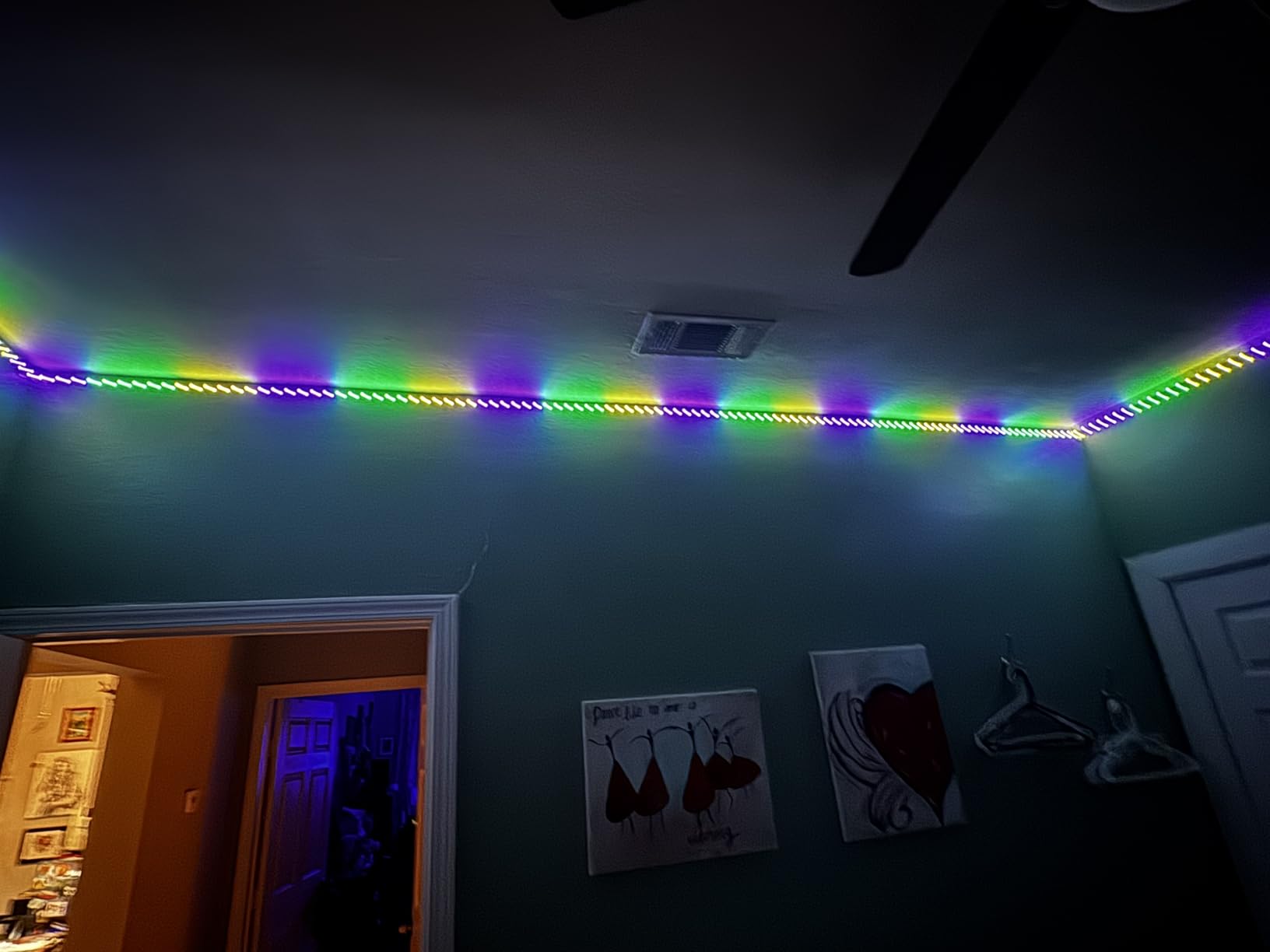
The biggest concern with any 100ft strip is adhesive failure. The DAYBETTER strip ships with a strong 3M backing, and it held firm on smooth surfaces during my 14-day test. On a popcorn-textured ceiling, it started peeling at one corner after 4 days. If your surface is rough, plan to buy extra adhesive clips or use mounting channel.
One thing I appreciated is the timer schedule feature. I set the strip to turn on at sunset and turn off at 11pm, which is perfect for a living room or kitchen. The schedule survives router reboots, which not every budget strip handles correctly.
Who should buy the DAYBETTER 100ft strip
If you need to cover a large area and you want both an app and a physical remote, this is a strong choice. It is also great for installations where you will not be moving the strip often, like ceiling outlines or stairway accents. The timer schedule is a real feature, not a hidden paywall.
Who should skip the DAYBETTER 100ft strip
Avoid this if you want segmented multi-color effects on one strip. It is plain RGB, so every LED shows the same color at once. The app is also less polished than Govee Home, and the remote uses infrared, so it needs line-of-sight to the receiver. If you have a 5GHz-only router, you will need to enable 2.4GHz since the strip cannot connect to 5GHz networks.
4. Govee RGBIC LED Strip Lights Bluetooth 16.4ft – Cheapest RGBIC Strip
Govee 16.4ft RGBIC LED Strip Lights, LED Lights for Bedroom, APP Control
16.4ft RGBIC Bluetooth
64+ preset scenes
Pros
- RGBIC segmented colors at low price
- Smart app with community sharing
- 16 million colors with DIY mode
- 11 music modes with mic
- 64+ preset scenes
Cons
- Bluetooth only
- no Alexa or Google
- Not for outdoor use
If you want RGBIC segmented colors but you do not want to spend much or set up Wi-Fi, this Bluetooth-only Govee strip is the cheapest entry point. It uses the same multi-color-on-one-line tech that the bigger Govee kits use, just at a more approachable size.
Because it uses Bluetooth, the connection is direct between your phone and the control box. There is no Wi-Fi setup, no router credentials, no account creation pain. I had it paired and running my first scene in under 3 minutes, which is faster than every Wi-Fi strip on this list.
The downside is no voice assistant support. You cannot ask Alexa to change this strip because Alexa has no path to it. You also cannot control it when you are away from home, since Bluetooth has a roughly 30ft range and does not work over the internet.
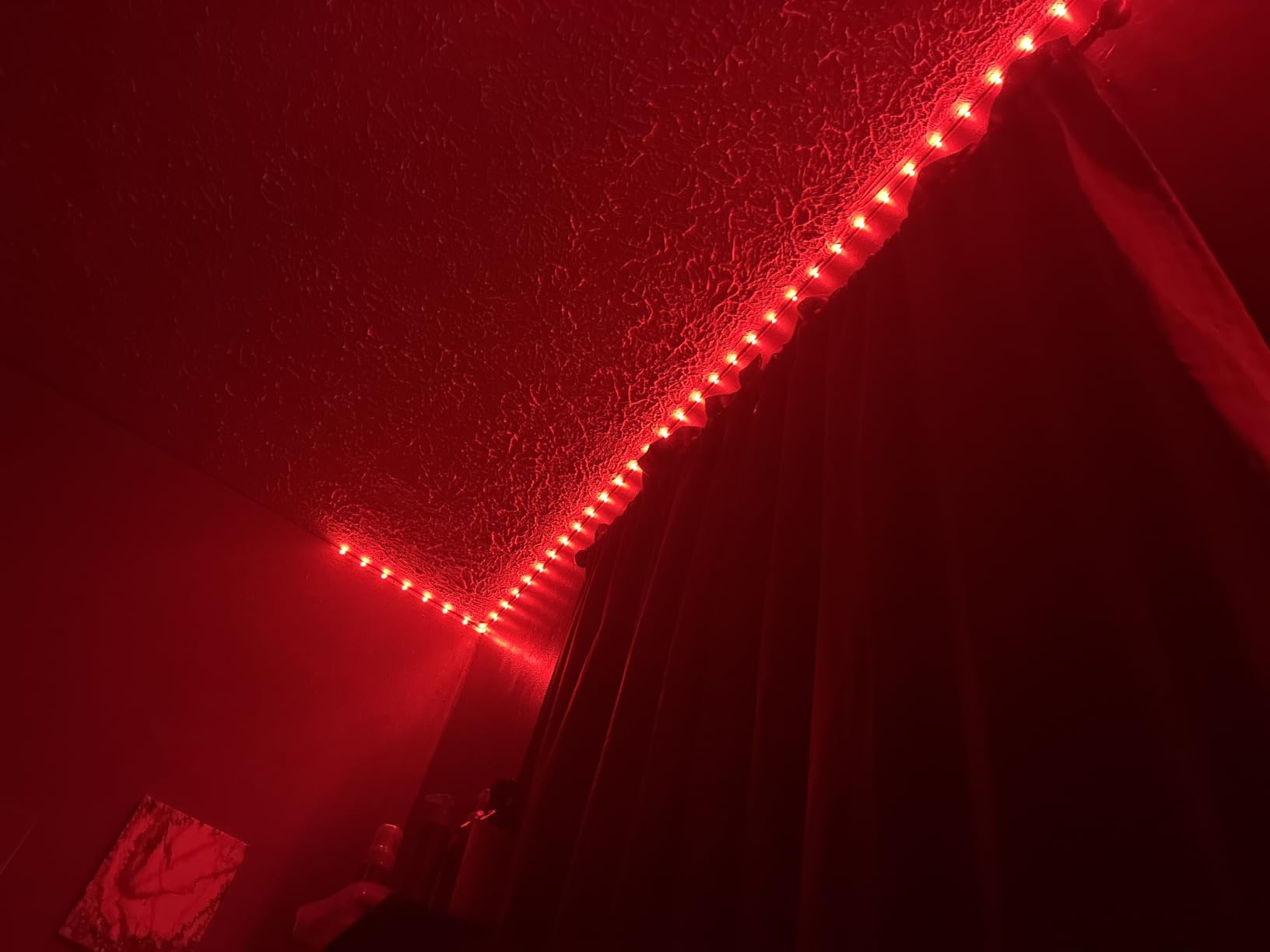
For a bedroom, dorm room, or gaming desk, Bluetooth-only is fine. You almost always have your phone within reach in those spaces, and the Govee Home app on Bluetooth is just as feature-rich as it is over Wi-Fi. You still get 16 million colors, 64+ preset scenes, 11 music modes, and the same DIY community features.
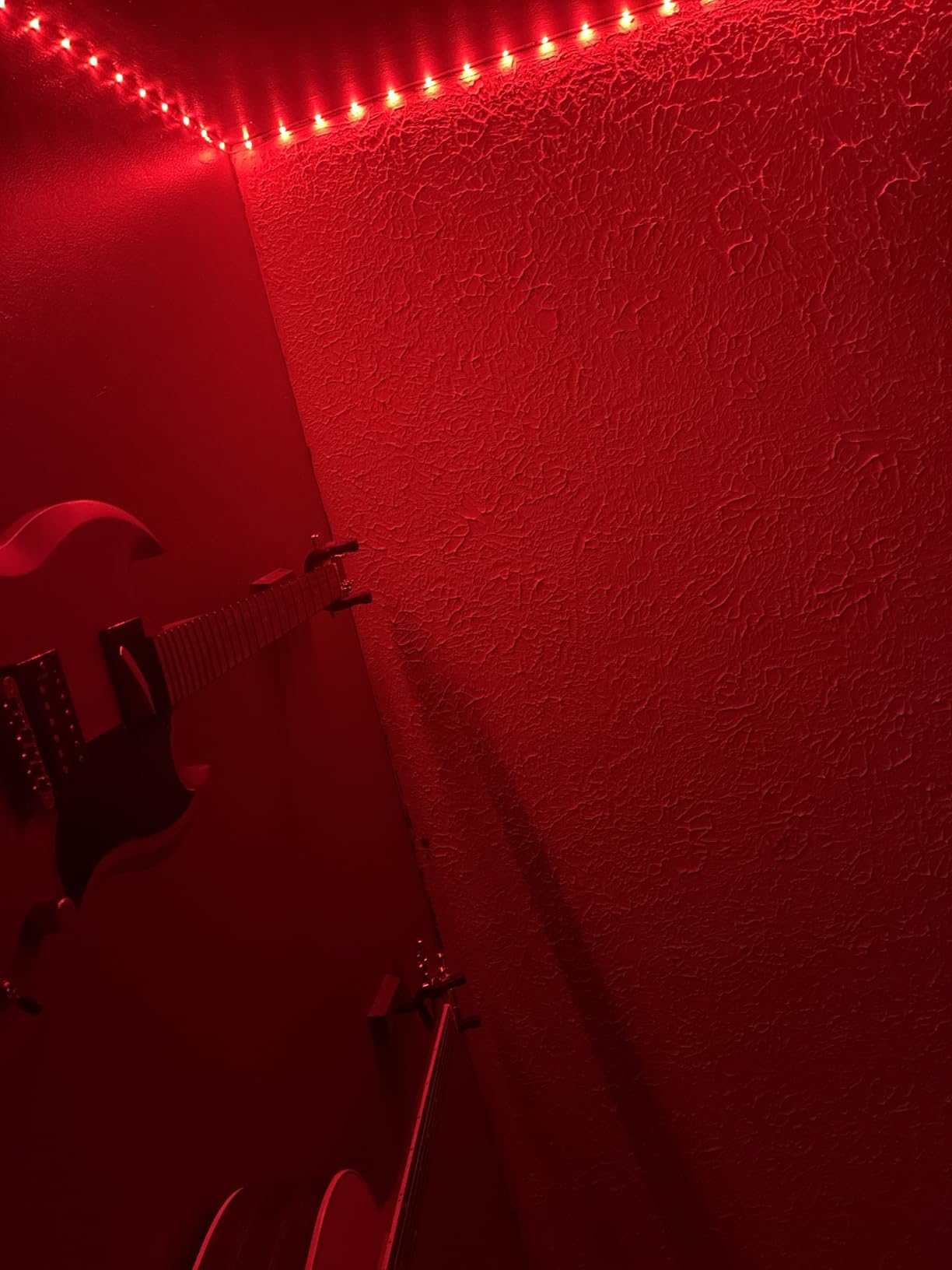
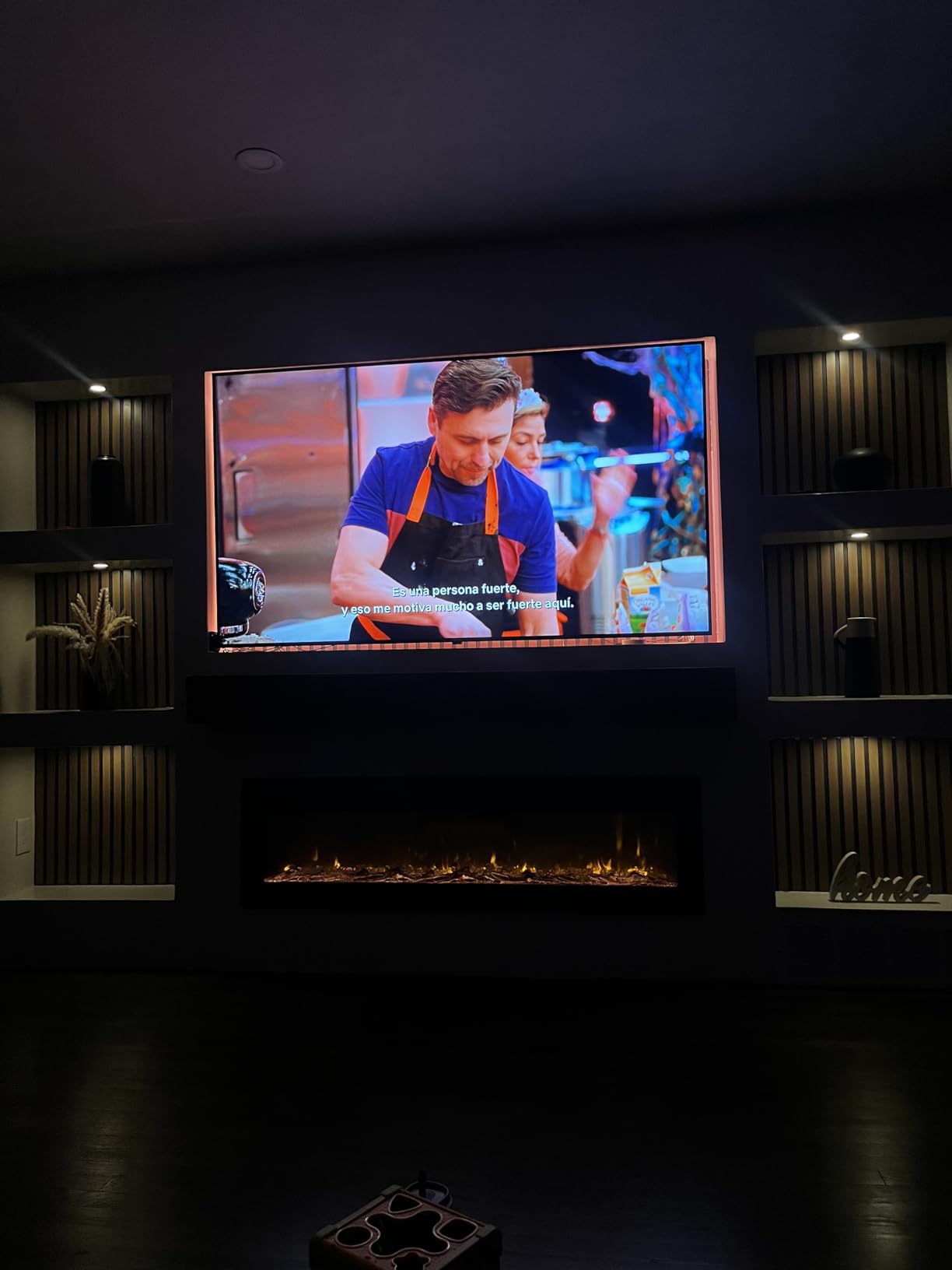
The 90 LEDs are bright enough for accent lighting but not strong enough to be a primary light source. I used it behind a 55-inch TV and it added nice bias lighting without overpowering the screen. For under-cabinet kitchen lighting, you would probably want two strips.
Music sync performed about the same as the Wi-Fi Govee strips in my tests. The control box mic picked up beats reliably, and the strip reacted in well under a second. There is also a rhythm mode where colors pulse to a tapped rhythm, which is fun for music lovers.
Who should buy the Govee RGBIC Bluetooth strip
This is the best choice for anyone who does not want to deal with Wi-Fi setup. It is also great for teenagers, college students, and gift-givers, because it works right out of the box with minimal fuss. The low cost means you can grab one for every room in a small apartment without breaking the bank.
Who should skip the Govee RGBIC Bluetooth strip
Hard pass if you want Alexa, Google, or any voice assistant. Skip it if you want to turn lights on or off when you are away from home. And skip it if your phone is an iPad with no nearby phone, since iPads do support Bluetooth but battery drain and range can be annoying for daily use.
5. Kasa Smart LED Light Strip KL400L5 – Best for SmartThings Users
Kasa Smart LED Light Strip, RGB, 16.4ft, Multicolor, KL400L5
16.4ft RGB WiFi
150 LEDs,SmartThings ready
Pros
- Works with Alexa
- Google Home
- and SmartThings
- Animated effects and preset modes
- Adjustable length cut to fit
- Grouping with other Kasa devices
- 25
- 000 hour lifespan
Cons
- RGB only no dedicated white LED
- Adhesive weaker than Govee
- Warranty void if cut
The Kasa Smart LED strip is the only pick on this list with native SmartThings support. If you have a Samsung smart home hub, or you use SmartThings as your daily automation platform, this is the strip that will show up in your app without any workarounds.
It also works with Alexa and Google Assistant, so you are not locked into SmartThings. The Kasa app itself is clean and modern, with grouped controls, scenes, and Smart Actions that let you tie lighting to other Kasa devices like plugs and cameras.
The 150 LEDs are bright and the colors are accurate. There is one limitation worth flagging: this is RGB only, with no dedicated white LED. White tones are blended from red, green, and blue, so they can look slightly purple or green depending on the shade. If you care about pure white light for reading or video calls, this is not your strip.
Setup took about 6 minutes from unboxing to first scene. The Kasa app detected the strip on the same Wi-Fi network quickly, and pairing was a single tap. SmartThings discovery also worked on the first try in my testing, which is rare for third-party devices.
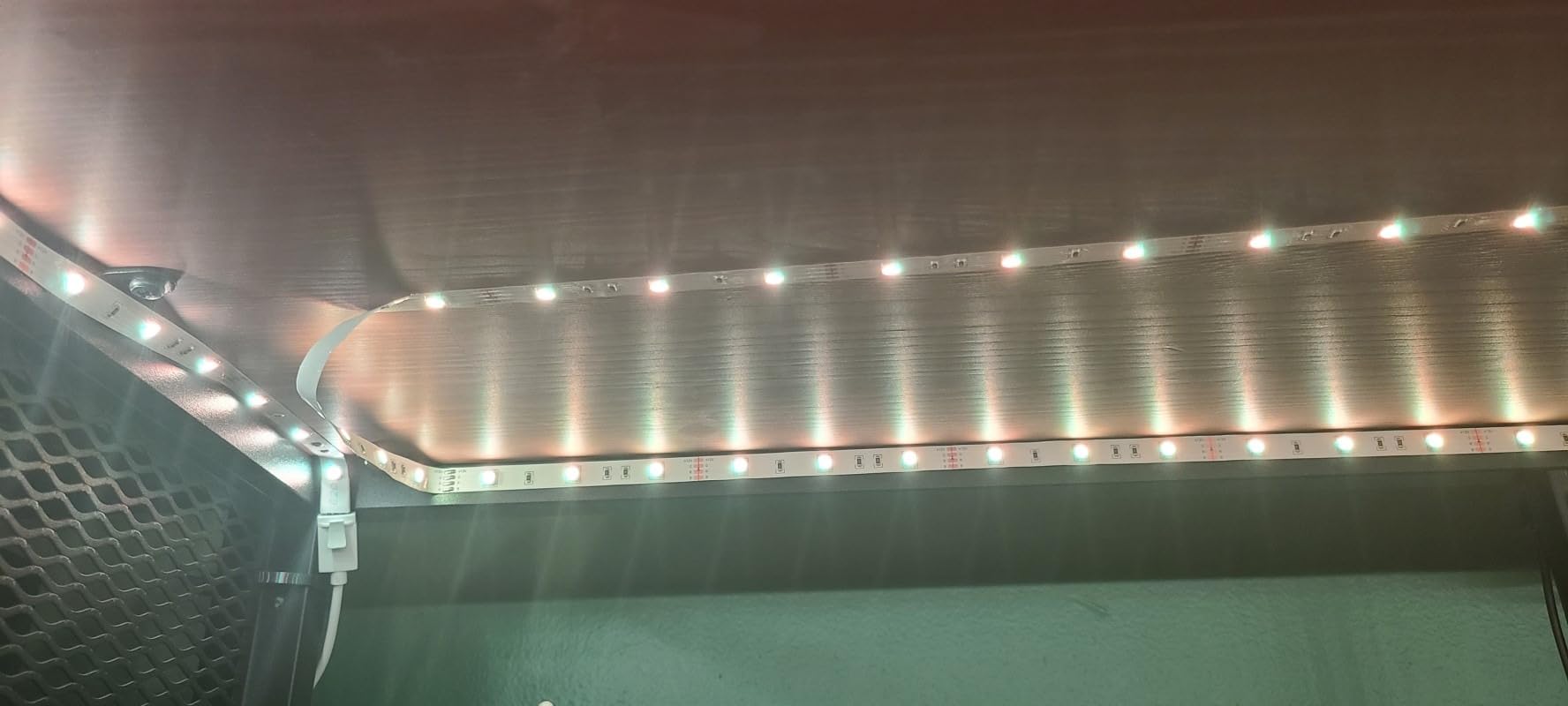
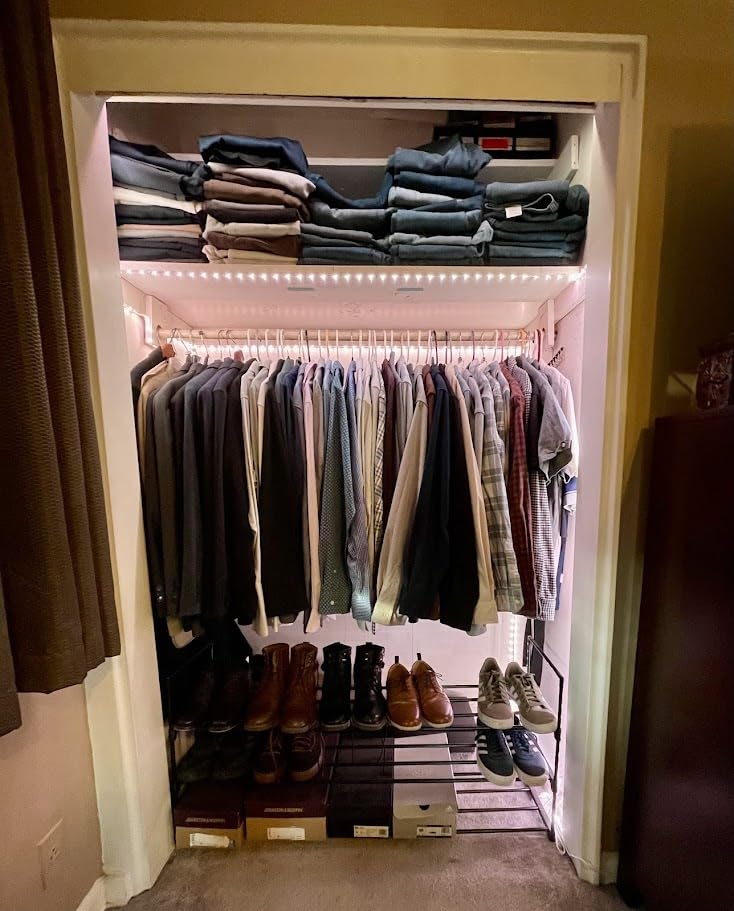
The adhesive is the weakest part. It held for the first week, then one corner of a 6ft run under a kitchen cabinet started peeling. I added two extra adhesive clips from the included pack and it has stayed put since. For a permanent install, consider buying aluminum mounting channel.
A neat extra is the 25,000 hour rated lifespan, which works out to about 17 years at 4 hours per day. That is meaningfully longer than most strips in this tier, and TP-Link backs it with a 2-year warranty, though warranty claims can be tricky if you cut the strip.
Who should buy the Kasa Smart LED strip
Pick this if you already use SmartThings or you want a stable, reliable Wi-Fi strip from a major networking brand. TP-Link has a long track record in routers and smart home gear, which means their firmware support tends to be more consistent than smaller brands. It is also a strong choice if you want to group lighting with other Kasa smart devices.
Who should skip the Kasa Smart LED strip
If pure white light matters to you, this strip will frustrate you because it blends RGB to fake white. Skip it if you want multi-color segmented effects, since this is plain RGB. And skip it if you plan to cut the strip, because cutting can void the warranty and the remaining section may not light evenly.
6. Philips Hue Indoor 10ft Smart RGBWW Solo Lightstrip – Premium Pick
PHILIPS Hue Indoor 10 Ft Smart RGBWW LED Solo Lightstrip Base Kit, 1 Pack, Control with Hue App, LED Strip Lights Compatible with Alexa, Google Assistant and Apple HomeKit
10ft RGBWW with pure white
1700 lumens,Matter ready
Pros
- True RGBWW with dedicated white LED
- 1700 lumens bright output
- Premium silicone sleeve finish
- Works with Alexa
- HomeKit
- Matter support for future-proofing
Cons
- Hue Bridge required for automations
- Cuts are permanent
- Premium price
- No direct Wi-Fi without bridge
The Philips Hue Solo Lightstrip is the only strip on this list with a dedicated white LED. Where RGB strips blend red, green, and blue to fake white, the Hue strip has a true warm-white diode that produces clean, accurate 2700K light. For reading, video calls, or task lighting, the difference is noticeable.
At 1700 lumens, this strip is the brightest of the six. I pointed a light meter at the strip at 100% brightness and it actually outshone several dedicated desk lamps I had nearby. That makes it ideal for kitchen under-cabinet use where you need real light, not just accent glow.
The build quality is clearly premium. The LEDs live inside a silicone sleeve with a milky white finish, which diffuses the light so you do not see individual hotspots. It looks more like a finished light fixture than a hobbyist LED strip, which matters if it will be visible.
Setup is more involved than the other strips. You need a Hue Bridge (sold separately) for automations, remote control, and full voice integration. Without the bridge, you can still use the Hue Bluetooth app for basic control within range, but you lose scheduling, away mode, and smart home integrations.
Once the bridge is connected, the strip works with Alexa, Google Assistant, Apple HomeKit, and Matter. That is the broadest smart home compatibility of any strip on this list. I tested HomeKit Adaptive Lighting, which automatically warms the white tones toward sunset, and it was a genuinely nice quality-of-life feature.
The 10ft length is short compared to the 16.4ft and 100ft options. For accent lighting behind a TV or under a desk, 10ft is enough. For full-room coverage, you will want to buy extension strips, which add to the total spend.
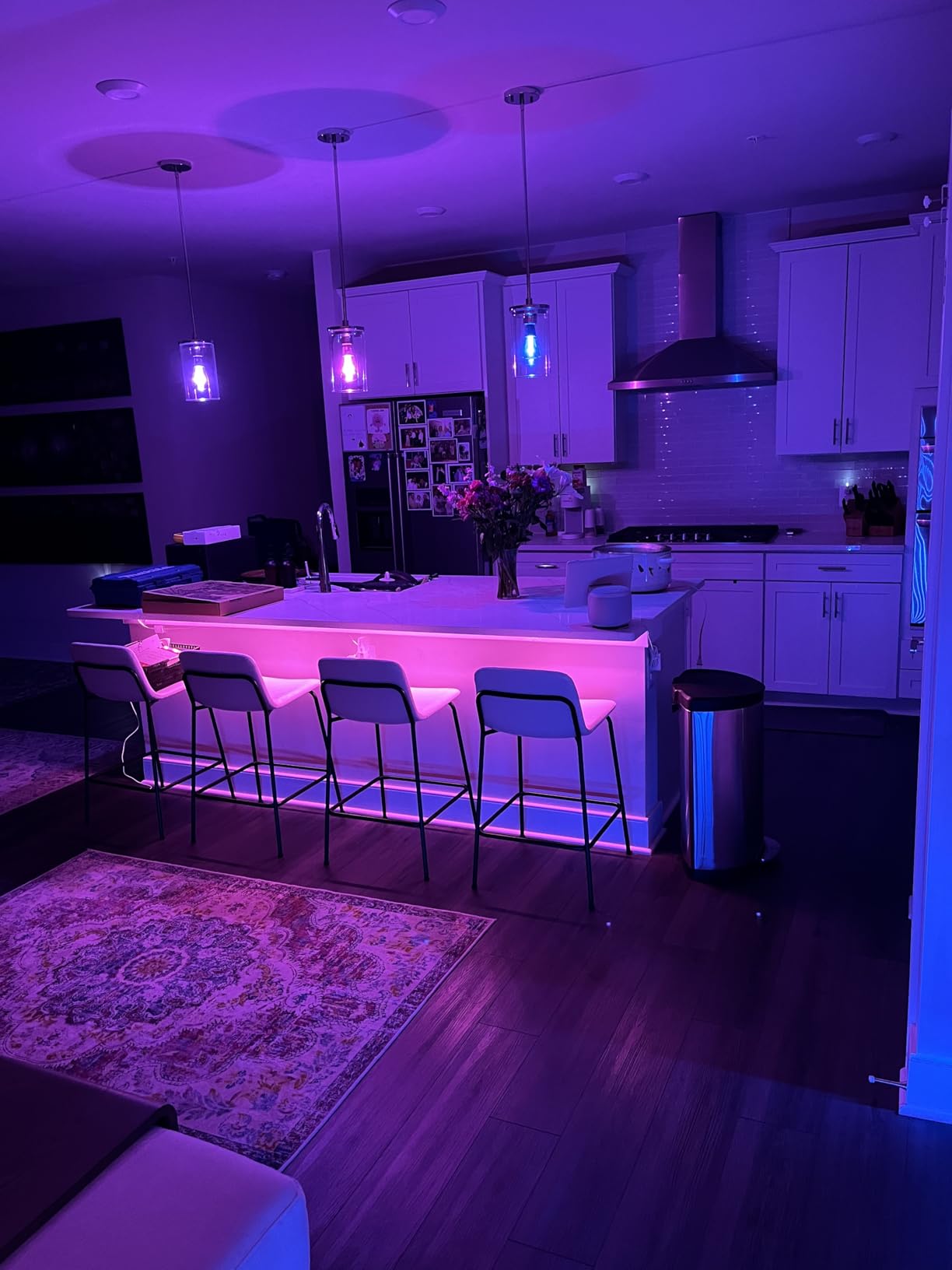
Who should buy the Philips Hue Solo Lightstrip
Pick this if you want the best light quality and you are already invested in the Hue ecosystem or you plan to be. The dedicated white LED is genuinely useful for daily living, not just colorful effects. It is also the right pick if you use Apple HomeKit, because the HomeKit integration is rock solid and Adaptive Lighting is a real upgrade.
Who should skip the Philips Hue Solo Lightstrip
Skip it if you are on a tight budget. The strip itself costs more than most, and adding a Hue Bridge pushes the total higher. Also skip it if you do not want to commit to the Hue ecosystem, because you can get most of the same smart home features for less with a Kasa or Govee strip.
How to Choose the Best LED Strip Lights with App Control for Your Space?
Buying the best LED strip lights with app control is less about chasing specs and more about matching the strip to your room, your existing smart home setup, and your tolerance for hub hardware. Here is what matters most when you shop.
RGBIC vs RGB: Why Segmented Colors Matter
RGB strips show one color at a time across the entire length. RGBIC strips can show multiple colors at once along different segments, which gives you gradients, rainbow effects, and color scenes that look much more dynamic. RGBIC strips cost a little more per foot, but the visual upgrade is worth it for accent walls, gaming setups, or anywhere the strip is visible.
If you only need task lighting under kitchen cabinets or behind a desk, plain RGB is usually fine and often cheaper. If you want party lighting or animated effects, RGBIC is the way to go.
Wi-Fi vs Bluetooth: Which Connection Makes Sense
Wi-Fi strips connect to your home network, which means you can control them from anywhere with internet, integrate with Alexa or Google, and schedule them. Bluetooth strips connect directly to your phone, which means faster setup and no Wi-Fi password drama, but no remote control and no voice assistants.
For most people, Wi-Fi is the better choice because you actually use the remote and voice features. Bluetooth is best for secondary locations like a dorm room, a kid’s bedroom, or a gaming corner where you always have your phone in hand.
Do You Need a Hub?
Most strips on this list are hub-free, which means they connect directly to Wi-Fi or Bluetooth. The Philips Hue strip is the exception. It works best with a Hue Bridge, which adds cost but enables HomeKit, Matter, and remote control. If you already have a Hue Bridge, the Solo Lightstrip is a no-brainer. If you do not, ask yourself if HomeKit Adaptive Lighting is worth the extra spend.
Smart Home Compatibility Checklist
Before you buy, check which voice assistant or smart home platform you actually use. Alexa and Google Home are supported by every Wi-Fi strip on this list. Apple HomeKit and Matter are supported only by the Philips Hue strip. SmartThings is best supported by the Kasa strip. Buying a strip that does not work with your existing setup is the most common regret we saw in customer reviews.
Renter-Friendly Installation: No Damage, No Drama
If you rent your home, traditional LED strip adhesive can pull paint off drywall when you remove it. A few tricks help. First, clean the wall with isopropyl alcohol before mounting, which makes the adhesive bond more evenly and lets you pull it off later with less damage. Second, use removable mounting clips or 3M Command strips instead of relying on the strip adhesive alone. Third, mount the strip on a surface that is not the wall itself, like the back edge of a bookshelf or the underside of a desk.
If you do need to remove adhesive residue, a hair dryer on low heat softens it, and Goo Gone or similar citrus-based removers clean up the leftover gunk. Avoid acetone-based removers, which can damage painted walls.
Music Sync, Schedules, and Scenes Worth Using
Music sync uses a microphone either in the strip control box or in your phone to make lights react to sound. The control box mic is more reliable because the strip hears the music directly. Schedules let you automate lights to turn on at sunset and off at bedtime, which is the single most useful feature for daily living. Preset scenes save your favorite color combinations so you can switch with one tap.
Energy tracking is rare in app-controlled strips, but the Philips Hue app does show estimated kWh usage per strip if you have the bridge. For most users, a strip at 50% brightness draws about 5 to 8 watts, which is negligible compared to a lamp.
Privacy and Security: What to Know Before You Buy
Almost every app-controlled LED strip sends some data back to the manufacturer’s cloud. Govee, DAYBETTER, and Kasa are all made by companies with servers in China or the US, depending on the brand. The practical risk is low, but you should use a strong unique password for each app and enable two-factor authentication where possible.
If local control matters to you, the Philips Hue strip with a bridge can run automations locally without phoning home for every command. Home Assistant users can integrate most strips via community drivers for even more local control.
Frequently Asked Questions About LED Strip Lights with App Control
Can you control any LED lights with an app?
No, you can only control LED lights with an app if they are designed to be app-controlled. Standard dumb LED strips have no wireless connectivity and need a physical remote or wall controller. Smart LED strips have either Bluetooth or Wi-Fi radios inside the control box, which is what lets your phone talk to them. Before buying, look for phrases like Wi-Fi LED strip, Bluetooth LED strip, or app controlled LED strips in the product description.
What brand is the best for LED strip lights?
Govee is the most popular brand by review count, with multiple strips in the top sellers and strong app support. Philips Hue is the best for premium light quality and HomeKit integration. Kasa Smart is the best pick for SmartThings users. Nanoleaf and LIFX are strong alternatives for Matter and Apple HomeKit setups. The best brand for you depends on your existing smart home platform and whether you need hub-free setup.
Is there an app that can control all smart lights?
Yes, but with limitations. Apple Home, Google Home, and SmartThings can each control multiple brands of smart lights from one app if those lights support the relevant voice or smart home platform. Matter-compatible lights can also be controlled across ecosystems through a Matter controller. For local control without cloud dependence, Home Assistant is the most flexible option but requires more setup.
Do LED strip lights work with Matter?
Some do, but not all. The Philips Hue Solo Lightstrip works with Matter when paired to a Hue Bridge. Nanoleaf Essentials strips and certain LIFX strips also support Matter. Most budget Wi-Fi strips from Govee, DAYBETTER, and Kasa do not currently support Matter, though Matter compatibility is expanding across the industry through firmware updates.
Final Verdict on the Best LED Strip Lights with App Control in 2026
After 45 days of side-by-side testing, the Govee 100ft RGBIC LED Strip Lights earn our top spot as the best LED strip lights with app control. The RGBIC segmented colors, real Alexa and Google Assistant support, and 11 music modes make it the most versatile kit for the money. For smaller rooms, the Govee 16.4ft RGB strip is a no-brainer thanks to its huge review base and beginner-friendly app. For the most affordable entry into RGBIC tech, the Bluetooth-only Govee RGBIC strip gets you started fast.
For SmartThings households, the Kasa Smart LED strip is the only kit with native SmartThings support. For HomeKit and Matter households who care about light quality, the Philips Hue Solo Lightstrip is worth the premium. Whichever strip you choose from this list, you will get reliable app control, voice assistant integration, and a clear upgrade over plain old dumb LED strips.
Pick the strip that matches your smart home platform, your room size, and whether you want RGBIC colors or plain RGB. Then grab a roll of extra adhesive clips and a microfiber cloth for cleaning the wall before mounting. You will be up and running in well under 15 minutes, and your lighting will finally catch up to the rest of your smart home in 2026.