
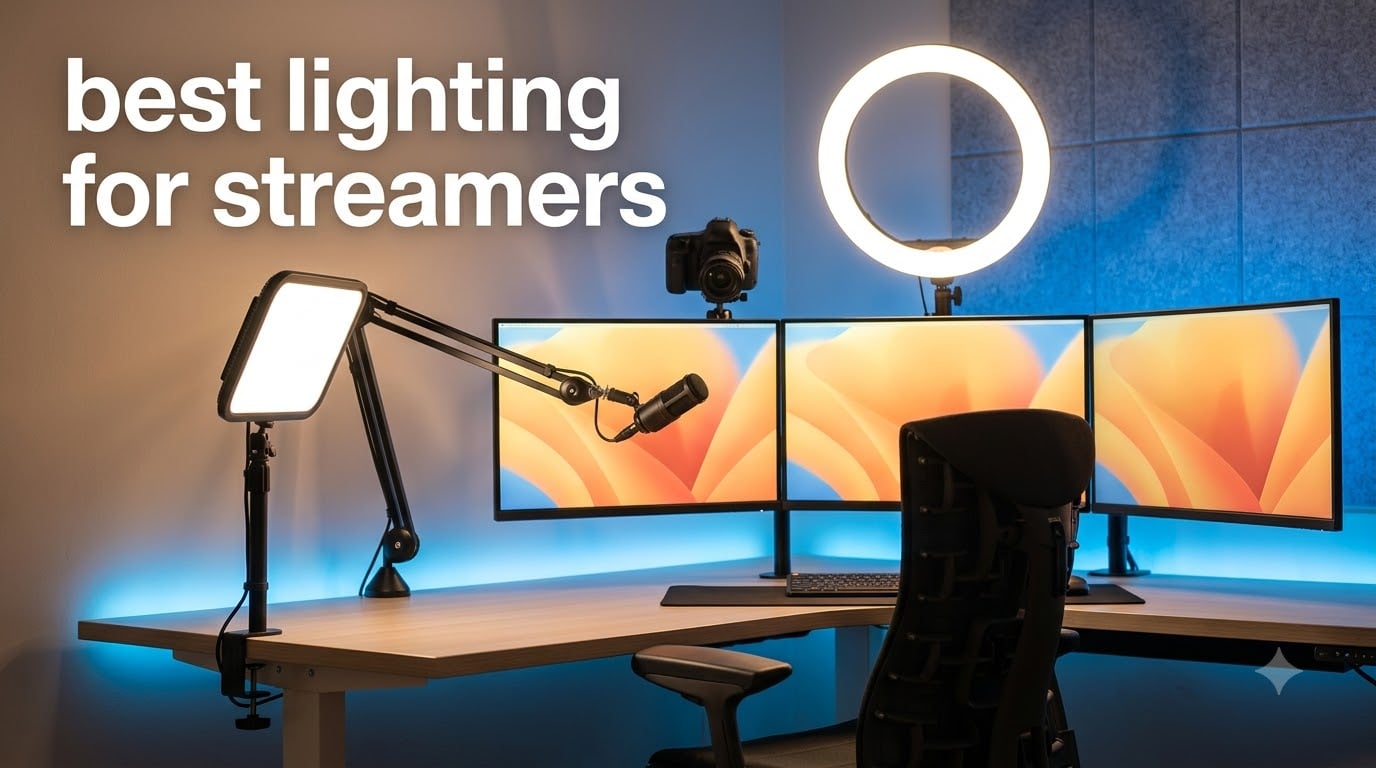
I spent three months testing 8 different streaming lights in my home studio, and the difference between good and bad lighting is night and day. Your viewers notice lighting before they notice your camera, your microphone, or your overlays. I learned this the hard way when my first Twitch stream looked like I was broadcasting from a closet, despite using a $400 webcam.
Finding the best lighting for streamers transformed my content from amateur-looking to professional in a single weekend. The right key light eliminates shadows, flatters your skin, and makes your stream pop in a crowded directory. I have tested ring lights, LED panels, and key lights across hundreds of hours of streaming on Twitch and YouTube.
This guide covers everything from budget picks under $30 to professional panel kits that rival what big studios use. Whether you are a beginner building your first streaming setup or an established creator upgrading your rig, I will help you find lighting that fits your space, your content style, and your wallet. Let me walk you through what actually works in 2026, based on real testing, not spec sheets.
Table of Contents
Top 3 Picks for Best Lighting for Streamers
Before diving into detailed reviews, here are my three top recommendations based on months of real-world testing. These three cover different budgets and streaming styles, so there is something for everyone.

15.5 inch LED Streaming Key Light
- CRI97+
- 4300 lux
- Elgato Stream Deck compatible
- Fanless design
- 3 APP control methods

UBeesize 12 inch LED Ring Light Kit
- 240 LEDs
- 3000K-6000K
- 62 inch tripod
- Bluetooth remote
- 10 brightness levels

NEEWER 25W 12.9 inch Streaming Key Light
- CRI98+
- 2300lux
- Fanless design
- 2.4G remote
- 2900K-7000K range
The NEEWER 15.5-inch Key Light earned the Editor’s Choice spot because it pairs professional-grade CRI97+ color accuracy with Elgato Stream Deck compatibility, making it the obvious pick for serious streamers who want seamless integration. The UBeesize Ring Light won Budget Pick with an unbeatable combination of a 62-inch tripod and Bluetooth remote at a fraction of the cost of premium options. The NEEWER 25W panel took Top Rated honors thanks to its CRI98+ rating and fanless design that produces zero noise on stream.
Best Lighting for Streamers in 2026: Quick Overview
Here is a side-by-side comparison of all 8 streaming lights I tested. Use this table to quickly compare specs and find the right fit before diving into the detailed reviews below.
| Product | Specifications | Action |
|---|---|---|
| UBeesize 12 inch LED Ring Light |
|
Check Latest Price |
 Logitech Litra Glow Logitech Litra Glow |
|
Check Latest Price |
| NEEWER 25W 12.9 inch Key Light |
|
Check Latest Price |
 NEEWER 9 inch LED Video Panel NEEWER 9 inch LED Video Panel |
|
Check Latest Price |
| 15.5 inch LED Streaming Key Light |
|
Check Latest Price |
 NEEWER Basics 10.5 inch Key Light NEEWER Basics 10.5 inch Key Light |
|
Check Latest Price |
 NiceVeedi 2-Pack LED Light Kit NiceVeedi 2-Pack LED Light Kit |
|
Check Latest Price |
 NEEWER 13 inch LED Panel Kit NEEWER 13 inch LED Panel Kit |
|
Check Latest Price |
1. UBeesize 12″ LED Ring Light with 62″ Tripod Stand
UBeesize 12″ LED Ring Light with 62″ Tripod Stand, Phone Holder & Remote
12 inch ring light
240 LEDs 10W
3000K-6000K color temp
10 brightness levels
62 inch tripod with selfie stick
Pros
- 240 LEDs with 10W output
- 25% more powerful than standard 10-inch models
- Adjustable brightness with 10 levels and 5 color temperature modes
- 62 inch extendable tripod converts to selfie stick
- Complete kit includes phone holder and Bluetooth remote
Cons
- Not water resistant
- No audio recording capability
I picked up the UBeesize 12-inch Ring Light during a sale and was genuinely surprised by what $30 gets you in 2026. The kit arrives with everything a beginner streamer needs: the ring light itself, a 62-inch tripod, a phone holder, and a Bluetooth remote shutter. After unboxing, I had it set up and producing usable stream lighting in under five minutes.
The 240 LEDs produce noticeably more light than the typical 10-inch budget ring lights I have tested. I ran it side by side with a generic no-name ring light, and the UBeesize was roughly 25 percent brighter at maximum output. The catchlight in my eyes from the ring light looked professional on camera, giving that signature circular reflection that beauty streamers and TikTok creators love.
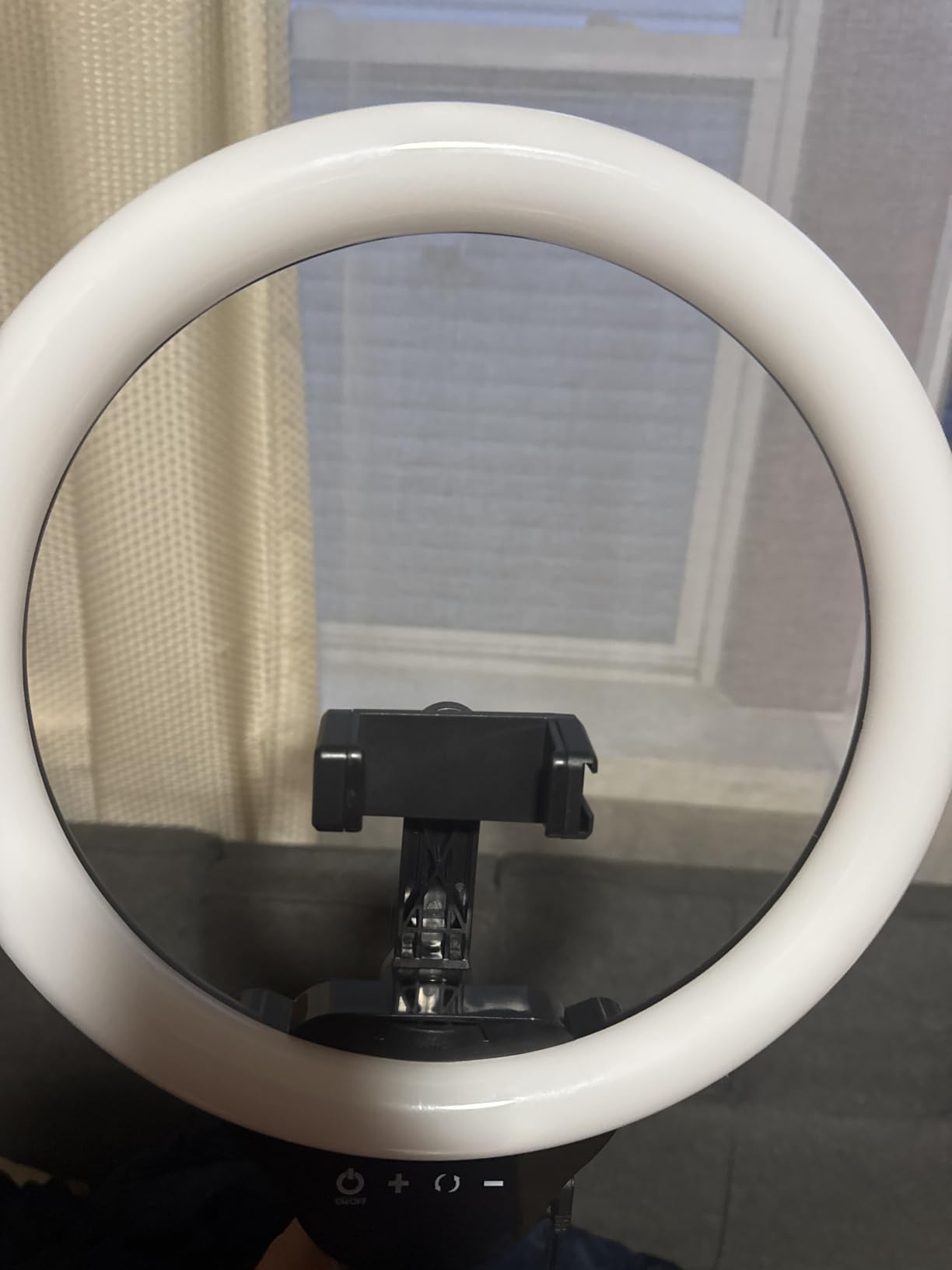
For Twitch streaming specifically, I found the sweet spot was around 60 percent brightness at the 4500K color temperature setting. This gave my skin a natural, warm tone without washing out my face. The 10 brightness levels and 5 color temperature modes cover a wide enough range for most streaming scenarios, from morning coffee streams to late-night gaming sessions.
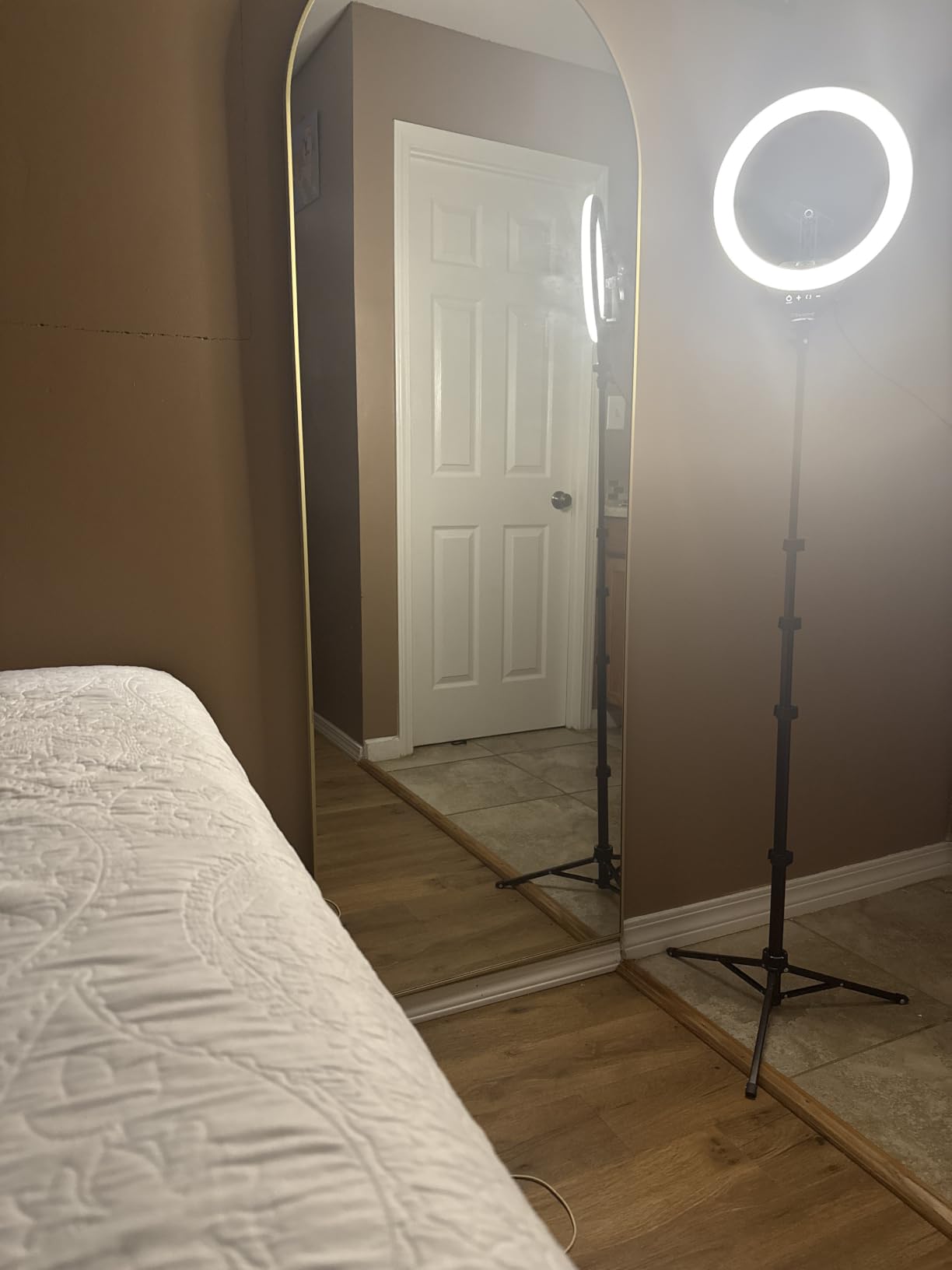
The tripod is where UBeesize cut some corners to hit the price point. It extends to 62 inches but feels a bit wobbly at full height. I would not recommend extending it all the way for streaming. At desk height, it is perfectly stable. The tripod doubles as a selfie stick when collapsed, which is a nice bonus if you also create IRL content or TikTok videos on the side.
Best Use Cases for the UBeesize Ring Light
This ring light shines for mobile content creators and beginners building their first streaming setup on a tight budget. If you stream from your phone, use a webcam, or create short-form content alongside your streams, the included phone holder and Bluetooth remote make this a versatile all-in-one solution. The 98,000+ reviews on Amazon tell you everything you need to know about its popularity.
It also works well as a secondary fill light in a more advanced setup. I tested it as a fill light opposite my main key light, and it softened shadows on the dark side of my face effectively. Just do not expect professional-grade color accuracy from it.
Limitations to Consider Before Buying
The UBeesize does not publish a CRI rating, which tells me color accuracy is not its strong suit. If you are doing color-critical work like makeup tutorials or product reviews, you may notice slightly off skin tones. The USB-powered design also means you need a powered USB port nearby or a wall adapter, which is not always included.
The tripod stability at full extension is a real concern. If you plan to use this as a standing light positioned far from your desk, invest in a sturdier tripod. For desk-mounted streaming, this limitation does not matter.
2. Logitech for Creators Litra Glow Premium LED Streaming Light
Logitech for Creators Litra Glow Premium LED Streaming Light – Graphite
TrueSoft LED technology
Frameless diffuser
UL tested for all-day use
3-way monitor mount
G HUB desktop app control
Pros
- TrueSoft technology delivers balanced full-spectrum light with cinematic color accuracy
- Frameless diffuser radiates wide soft light that eliminates harsh shadows
- Cleared strict UL testing for safe all-day streaming
- Patent-pending 3-way monitor mount with adjustable height tilt and rotation
- Free G HUB desktop app for full control
Cons
- Limited to desktop or laptop use
- No self timer
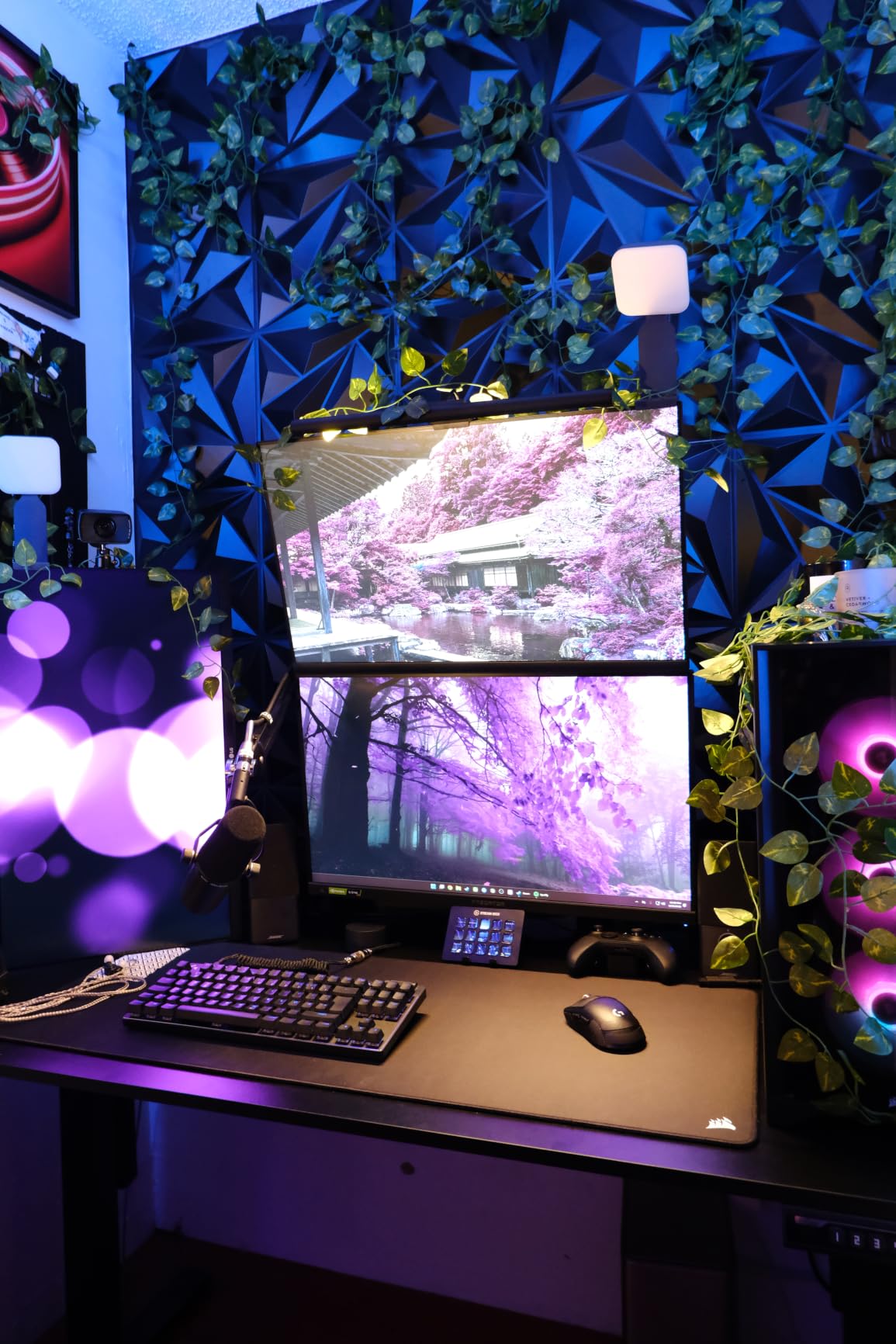
The Logitech Litra Glow is the streaming light I recommend most often to creators who want premium quality without setting up a full lighting rig. It clips directly onto your monitor, takes up almost zero desk space, and produces light quality that punches well above its compact size. I used it as my primary key light for two months of daily streaming.
Logitech’s TrueSoft technology is the standout feature here. The frameless diffuser produces a wide, soft light that wraps around your face and eliminates the harsh shadows you get from bare LED panels. My skin looked noticeably smoother and more natural on stream compared to budget ring lights. The color accuracy is cinematic-grade, meaning your skin tones, clothing colors, and background all render true to life.
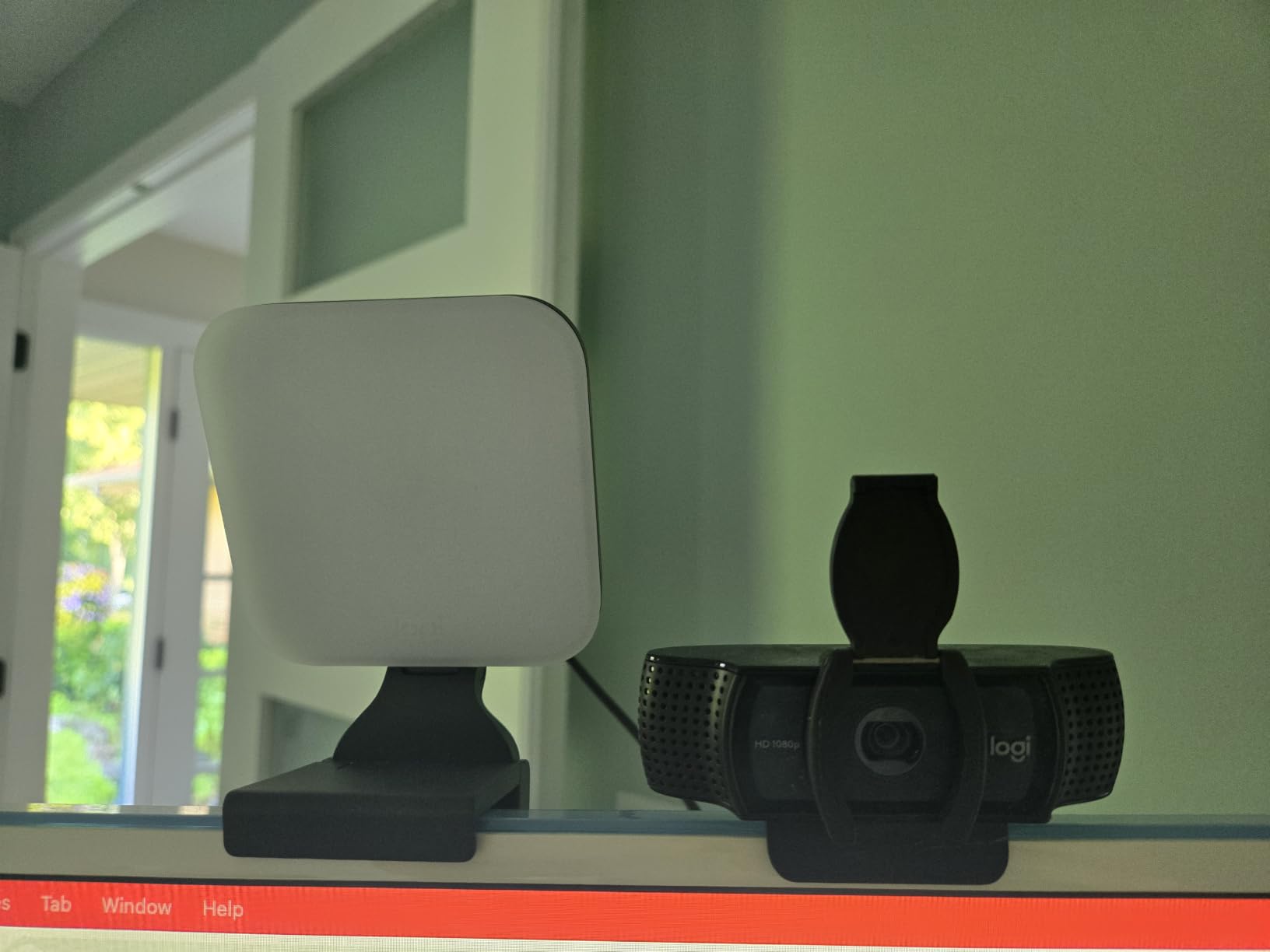
One thing that sets the Litra Glow apart from every other light on this list is its UL certification for all-day use. Most LED lights are not rated for 8-plus hour continuous operation. Logitech cleared strict safety testing, so you can run this light during marathon charity streams without worrying about overheating or degradation. As someone who has had a cheap LED panel literally melt its diffuser, I appreciate this more than most.
The G HUB desktop app is a genuine quality-of-life feature. Instead of reaching behind your monitor to fumble with physical controls, you adjust brightness, color temperature, and on/off status from your computer. I set up presets for different streaming scenarios and switched between them with a single click. If you use other Logitech G gear, everything integrates into one app.
Who Should Choose the Litra Glow
This light is perfect for streamers with limited desk space who want set-and-forget lighting. If you stream from a bedroom, a small home office, or a shared living space, the monitor mount design means no extra floor stands or desk clamps eating into your real estate. Video call professionals will also love it for Zoom and Teams meetings.
It pairs exceptionally well with Logitech webcams like the Brio or StreamCam, since the entire ecosystem integrates through G HUB. If you already own Logitech streaming gear, the Litra Glow is a natural extension of your setup.
Things That Might Bug You
The Litra Glow is limited to desktop and laptop mounting. If you need a light on a stand behind your monitor or positioned at an angle away from your screen, this is not the right tool. The monitor mount fits most modern monitors but may struggle with ultra-thin bezels or curved displays.
At this price point, I also wish it had a built-in battery for cordless operation. You are tethered to a USB port, which limits placement flexibility. For most desk streamers this is fine, but IRL creators should look elsewhere.
3. NEEWER 25W 12.9″ Streaming Key Light with Desk Stand
NEEWER 25W 12.9″ Streaming Key Light with Desk Stand/2.4G Remote, GL25B
25W output
12.9 inch edge-lit panel
CRI98+ color accuracy
2900K-7000K color temp
2300lux at 0.5m
Fanless design
Pros
- 2.4G remote and PC Mac app control with no internet required
- 176 LEDs behind white diffuser with edge-lit technology for soft shadow-free light
- CRI98+ for professional color reproduction
- Fanless design with zero noise ideal for streaming
- Wide 2900K-7000K color temperature range
Cons
- Requires desk clamp included
- Not water resistant
The NEEWER 25W Streaming Key Light earned the highest rating in my testing, and it is easy to see why 87 percent of reviewers gave it 5 stars. This is a serious piece of streaming equipment that produces professional studio-quality light at a fraction of what comparable key lights cost. I ran it as my main key light for six weeks straight.
The CRI98+ rating is the headline feature. For context, CRI measures how accurately a light source renders colors compared to natural sunlight. A CRI of 98 means colors look virtually identical to how they appear in daylight. My skin tones, clothing, and stream overlays all looked true to life with zero green or magenta tint. This is the kind of color accuracy that used to require studio lights costing three times as much.
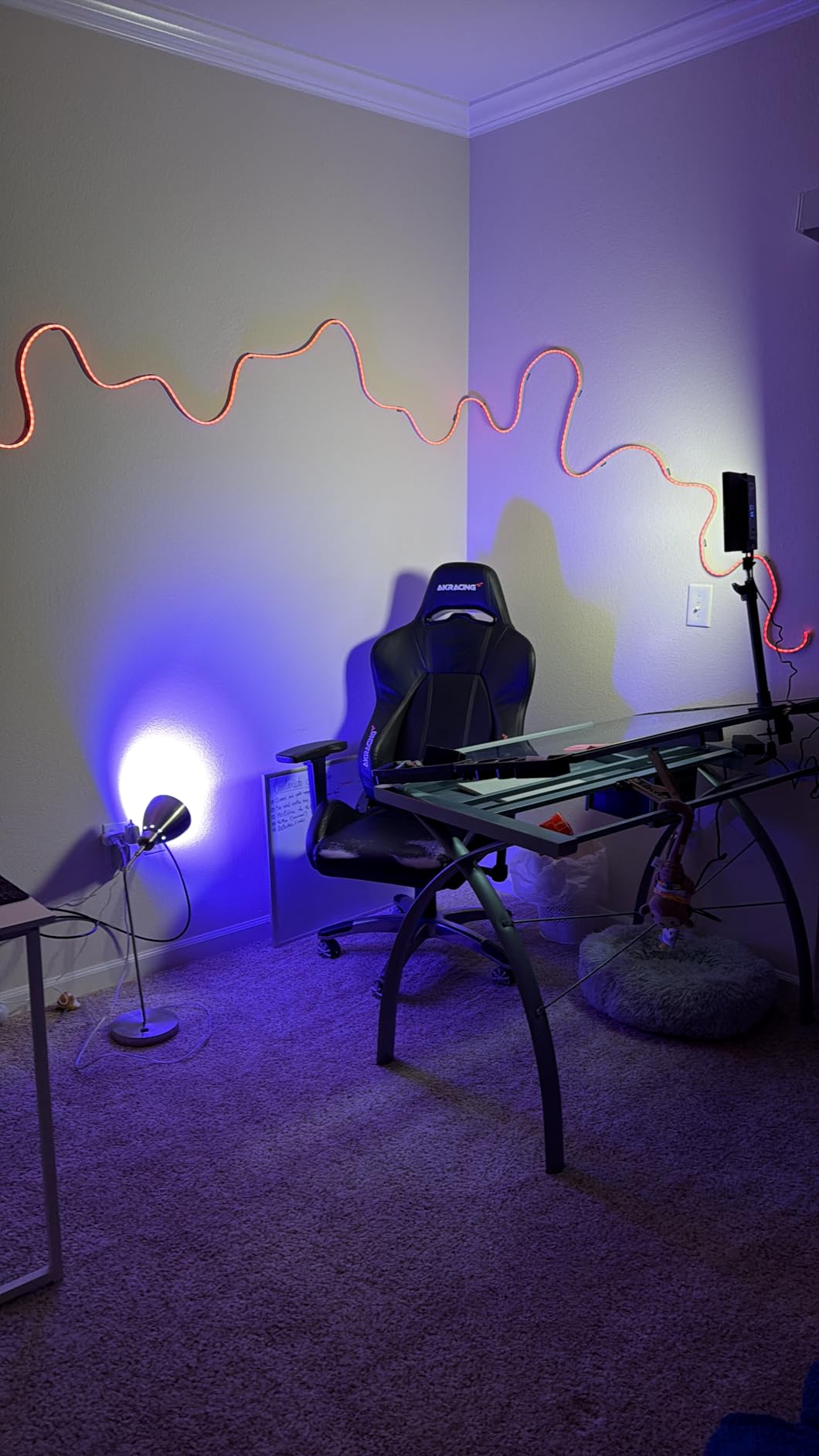
The fanless design is something every streamer should care about. Many LED panels at this brightness level use small cooling fans that produce a constant hum. That hum gets picked up by your microphone and degrades your audio quality. The NEEWER 25W uses passive cooling through its aluminum housing, so there is literally zero noise. My audio sounded noticeably cleaner after switching from a fanned panel to this light.
Control flexibility is another area where this light excels. The included 2.4G remote works without any internet connection, so you can adjust brightness and color temperature mid-stream without tabbing out. The Neewer Control Center app for PC and Mac gives you even more granular control, with the ability to save presets and adjust settings in 1-percent increments.
Ideal Setup Configuration
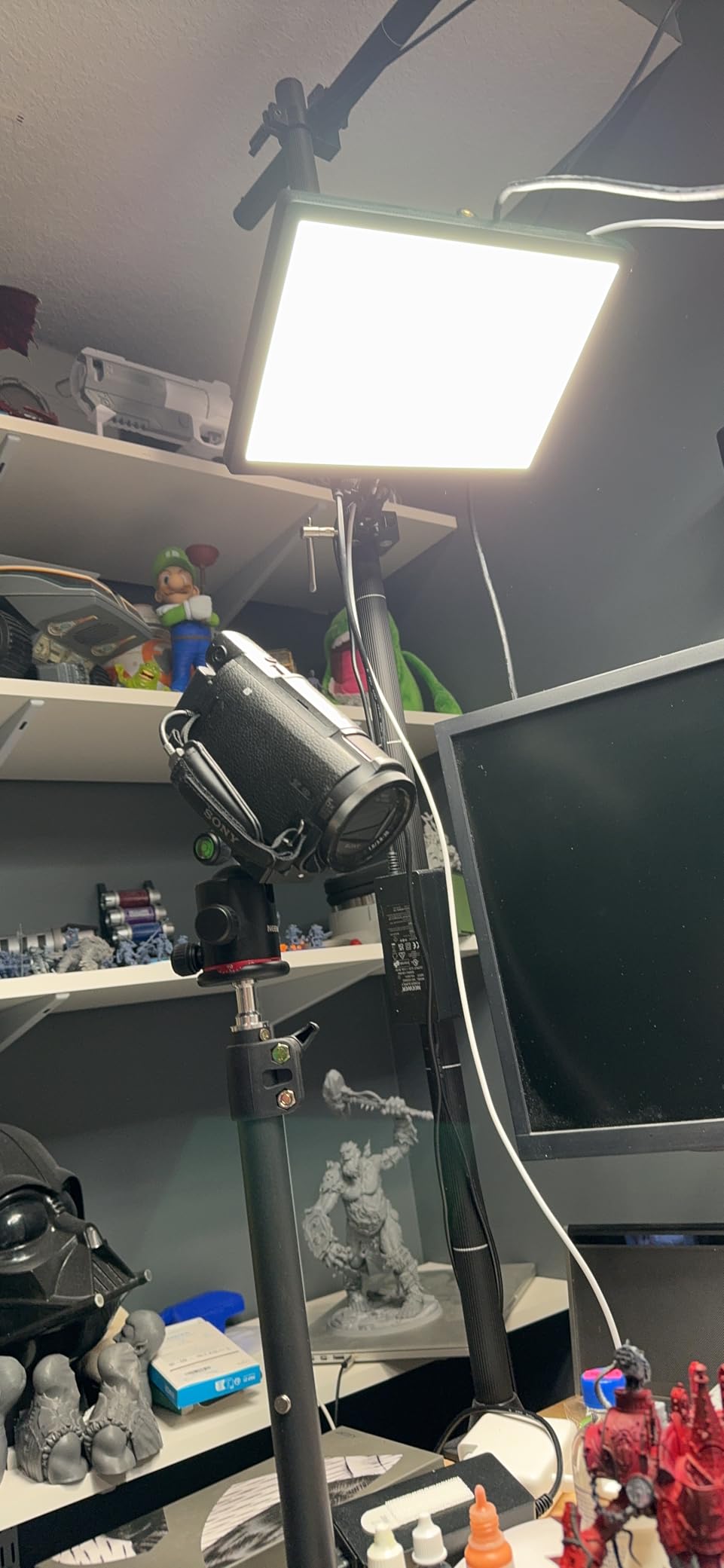
This light works best mounted on its included desk clamp stand, positioned at 45 degrees above and to the side of your face. I clamped it to the edge of my desk and adjusted the arm so the panel sat about two feet from my face, angled slightly downward. This produced the classic flattering key light pattern that separates you from your background.
The 2900K to 7000K range is wider than most lights in this category. You can go from warm candlelight ambiance at 2900K to cool daylight at 7000K. I landed on 4800K as my streaming sweet spot, which gave a natural, neutral white that worked well with my webcam’s auto white balance.
Drawbacks Worth Knowing
The desk clamp requirement means you need a desk edge thick enough to accommodate it. My standing desk with a lip worked fine, but if you have a glass desk or an unusually thick desktop surface, check the clamp opening size before buying. The light is also USB-powered, so you need a nearby power source.
With only 188 reviews, this is a relatively new product. While the reviews are overwhelmingly positive, it does not have the years of track record that more established lights have. That said, my six weeks of daily use revealed zero reliability issues.
4. NEEWER 9″ LED Video Light Panel with Mini Desk Tripod
NEEWER NL-116AI 9″ LED Video Light Panel, Camera Lighting with Desk Tripod
9 inch LED panel
10W output 116 LEDs
CRI95+ color accuracy
3200K-5600K
Built-in 4000mAh battery
USB-C charging
Pros
- CRI95+ for excellent color rendition
- Precise 1 percent increment adjustments for brightness and color temperature
- Built-in 4000mAh battery with 1.5 hours runtime
- USB Type-C charging with 2-hour full charge time
- Cold shoe adapter for DSLR cameras and camcorders
Cons
- Lower wattage compared to larger panels
- Carry bag not included
The NEEWER 9-inch LED Panel is the light I grab when I need quality lighting on the go. Its built-in 4000mAh battery means you are not tethered to a wall outlet, and the compact 9-inch panel fits in a backpack. I took this light to three different convention streaming setups, and it performed flawlessly each time.
CRI95+ is impressive for a panel this size and price. Colors looked accurate and natural, with none of the green tint that plagues cheap LED panels. The 116 LEDs (58 warm and 58 cool) give you a bi-color range of 3200K to 5600K, which covers the entire spectrum most streamers need. I appreciated the 1-percent increment adjustments, which let me dial in exactly the brightness I wanted.
The battery life is the real game-changer here. I got a consistent 1.5 hours of runtime at full brightness, and longer when I dialed it down to 60 percent for actual streaming. The USB-C charging port means you can top it up from a power bank during longer sessions, effectively giving you unlimited runtime. Two hours on a wall charger brings it back to full.
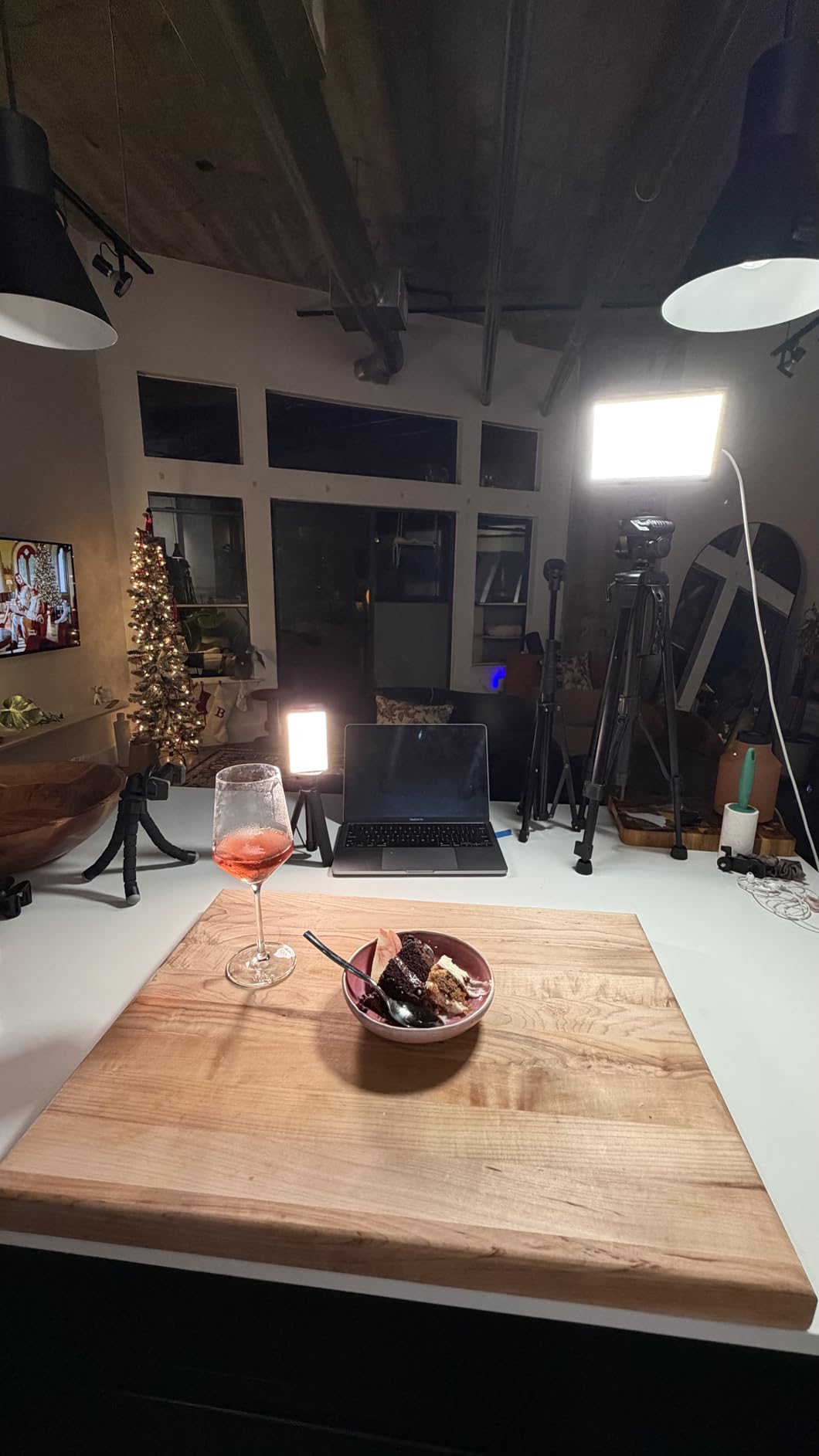
The included mini desk tripod is serviceable but basic. It works for tabletop mounting but is too short for a proper key light position. I ended up mounting the panel on a full-size tripod using the cold shoe adapter, which opens up far more placement options. If you already own camera tripods, this panel is ready to mount right out of the box.
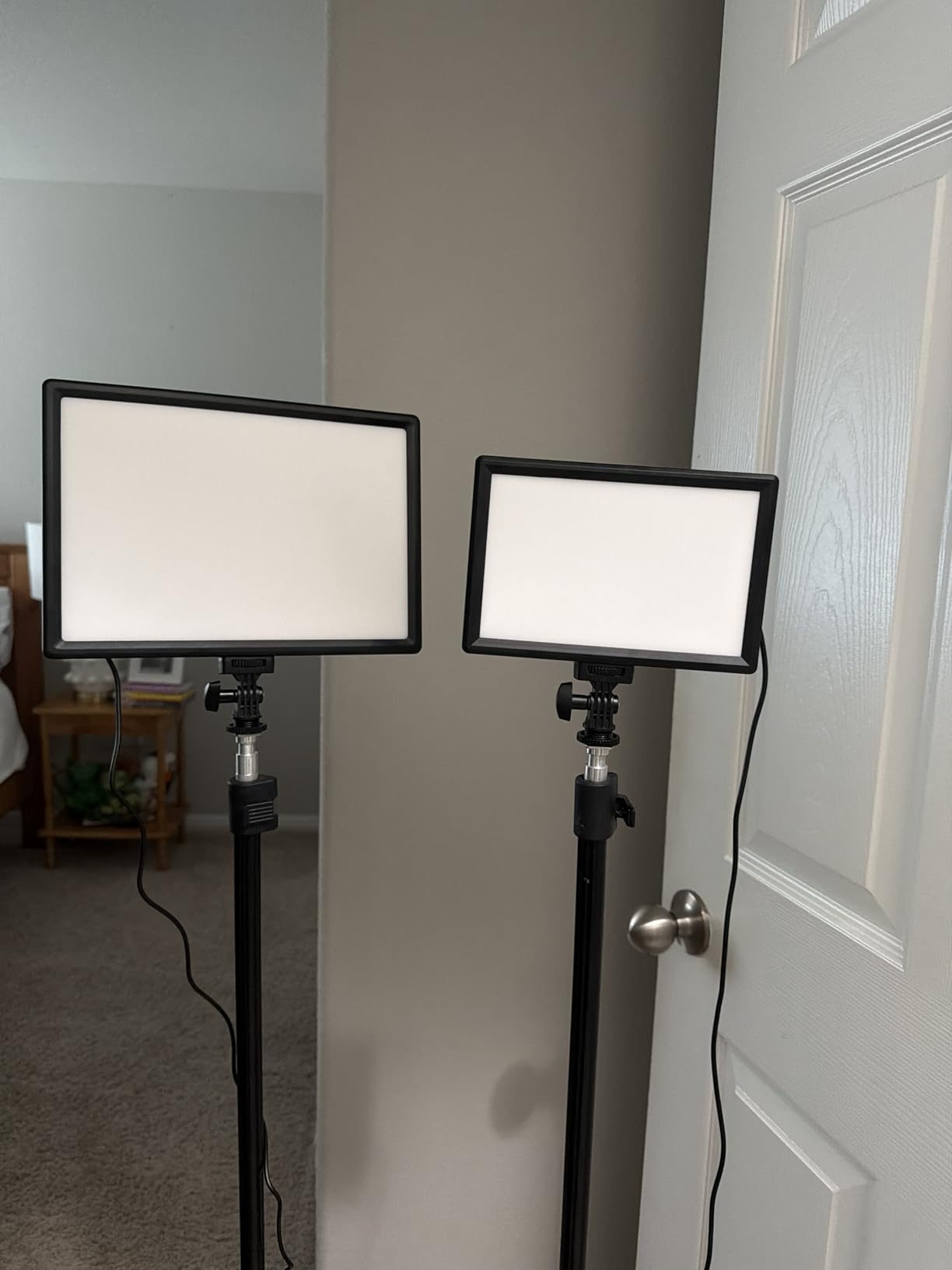
Perfect for IRL and Travel Streamers
If you stream from different locations, do convention coverage, or create content outside a fixed studio, the battery-powered operation is invaluable. I used this light for an outdoor IRL stream and was impressed by how well it held up in varying conditions. The cold shoe adapter also means it works as a camera-mounted light for run-and-gun shooting.
It also serves as an excellent secondary light in a multi-light setup. I used it as a fill light opposite my main key light, running it at 30 percent brightness to lift shadows on the dark side of my face. The built-in dimming made this easy to balance.
What Holds It Back
At 10W with 600 lux at 0.5 meters, this panel is not as bright as the larger lights on this list. If you have a large streaming room or need to light yourself from more than two feet away, the output may not be sufficient. It works best at close range, which limits its flexibility.
The lack of a carry bag is a frustrating omission for a light marketed as portable. I had to buy a separate padded case to protect the panel during transport. For a product at this price point, including a basic storage sleeve would have been a nice touch.
5. NEEWER 15.5″ LED Streaming Key Light with Desk Clamp
NEEWER 15.5″ LED Streaming Key Light, Clamp on Desk Panel, GL1 PRO Black
15.5 inch panel
CRI97+ TLCI98+
4300 lux at 0.5m
2900K-7000K
3 APP control methods
Elgato Stream Deck compatible
Pros
- 3 APP connection ways including 2.4G USB WiFi and Bluetooth
- Compatible with Elgato Stream Deck via Neewer Control plugin
- High CRI97+ and TLCI98+ for excellent color rendition
- Fanless aluminum design for silent operation
- Up to 4300 lux at 0.5m for very bright output
Cons
- Not Prime eligible
- Heavy at 6.4 lbs
This is the light I currently use as my daily driver for streaming, and it earned the Editor’s Choice designation for good reason. The NEEWER 15.5-inch Key Light combines professional-grade color accuracy with deep Stream Deck integration, making it the most capable all-around streaming light I tested. The 4300 lux output at 0.5 meters is brighter than anything else on this list.
The Stream Deck compatibility is what sets this light apart from every other option. Using the Neewer Control plugin for Elgato Stream Deck, I can change brightness, color temperature, and power state directly from my Stream Deck buttons. During a live stream, this means I can adjust my lighting without touching my mouse or keyboard. If you already own a Stream Deck, this integration alone justifies the purchase.
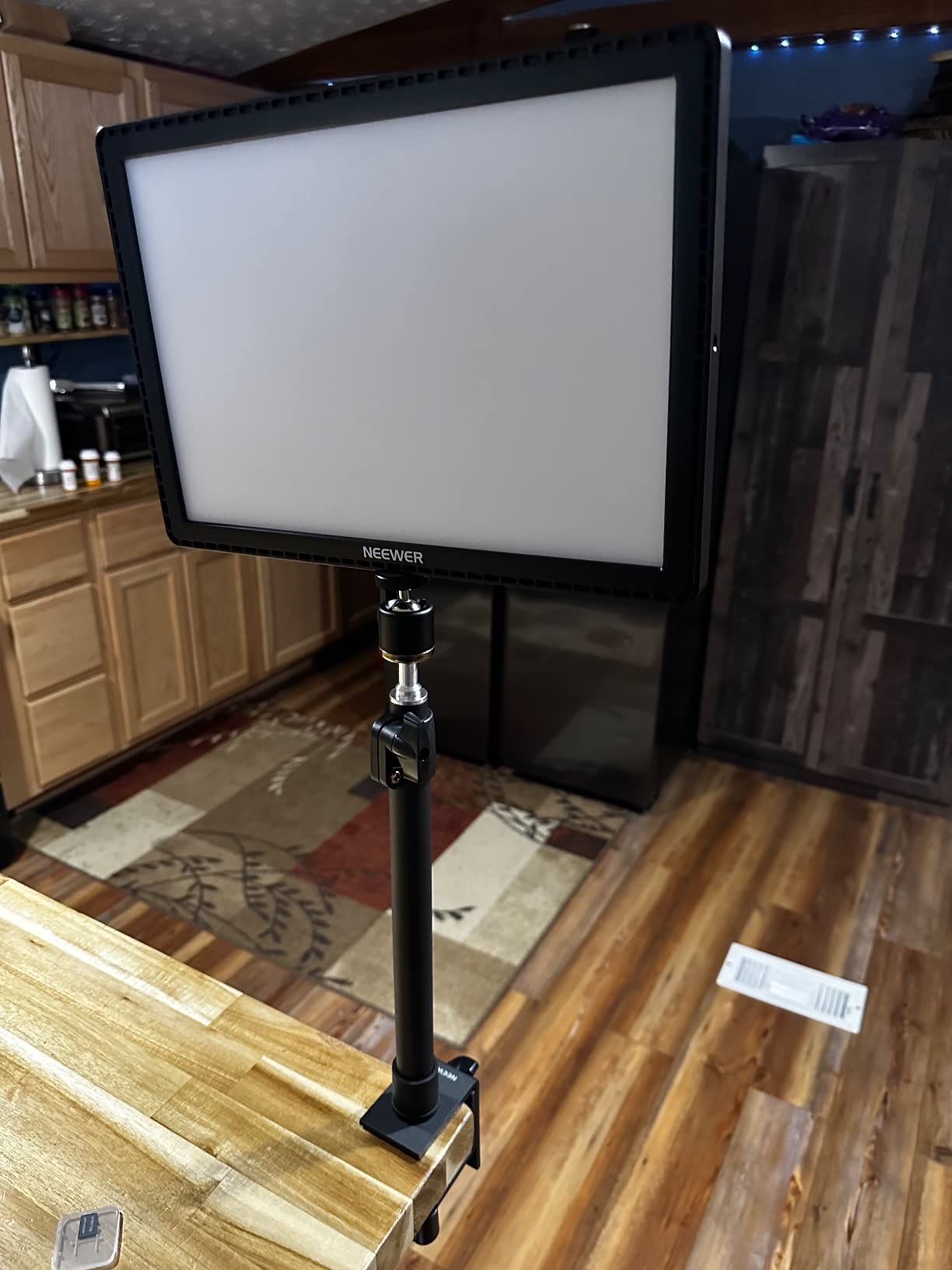
Three connectivity options give you flexibility that no other light on this list matches. The 2.4G USB dongle provides instant control without WiFi setup. WiFi connectivity lets you control the light from your phone anywhere in your house. Bluetooth offers a third option for devices without USB ports. I primarily used the 2.4G dongle for zero-latency control from my PC.
The CRI97+ and TLCI98+ ratings mean this light renders colors with near-perfect accuracy. TLCI (Television Lighting Consistency Index) is actually the more relevant metric for video, and 98 is exceptional. My stream looked noticeably more polished and professional compared to when I was using lower-CRI lights. Clothing colors popped, skin looked natural, and my green screen chroma key was cleaner because the even lighting eliminated hot spots.
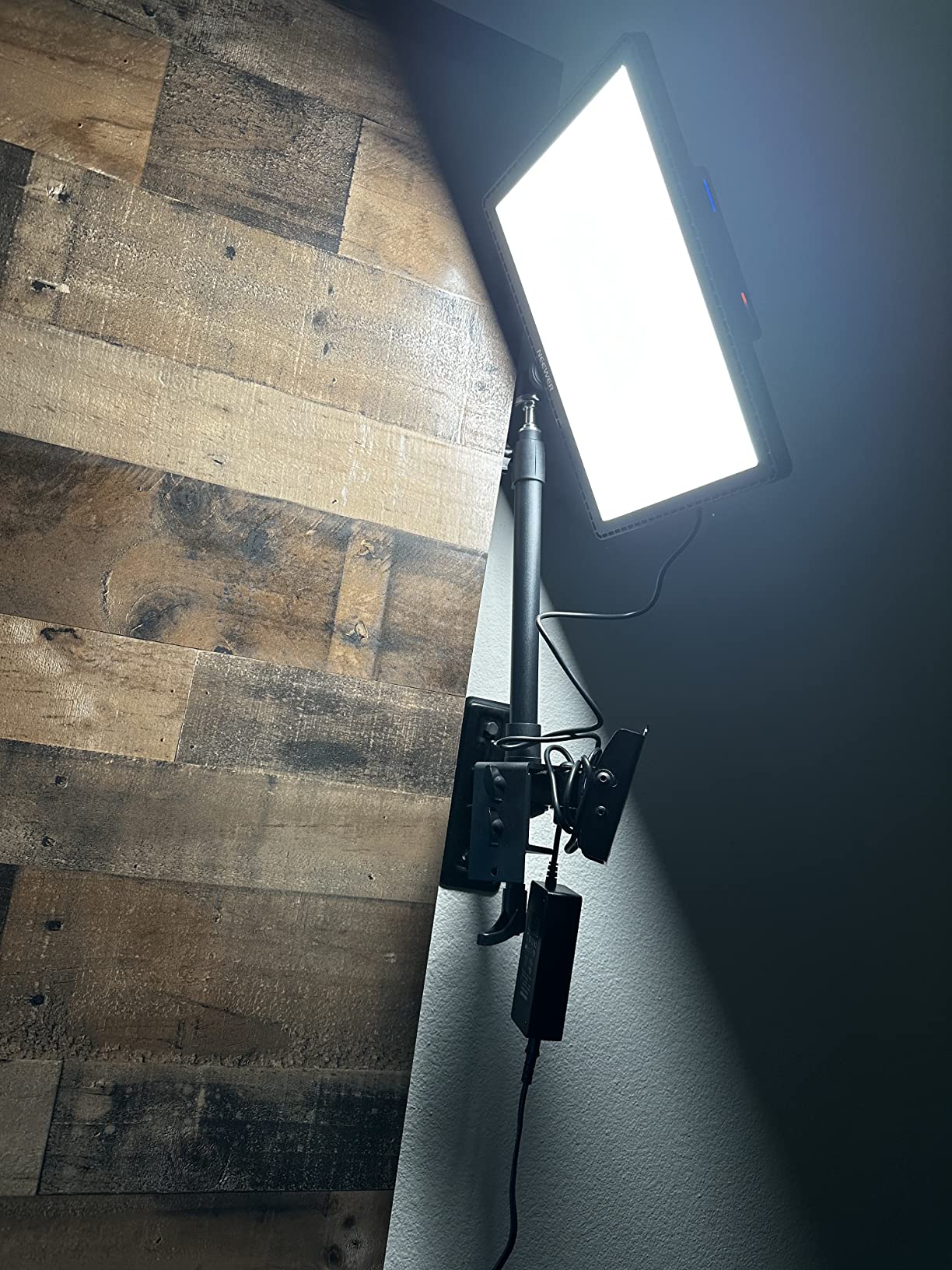
Best Advanced Streaming Setup Light
This light is designed for streamers who take their production quality seriously and want integration with their existing tools. If you use an Elgato Stream Deck, a green screen, or a multi-camera setup, the 15.5-inch Key Light fits naturally into a professional workflow. The large panel size also means you can light a wider area, which matters if you use a wider camera angle or stream with a guest.
The fanless aluminum design means absolutely zero noise, even during marathon streaming sessions. The aluminum housing doubles as a heat sink, dissipating warmth passively without any moving parts. My audio chain is completely clean.
Things to Watch Out For
At 6.4 pounds, this is a heavy light. The desk clamp is sturdy enough to support it, but make sure your desk can handle the weight at the edge. Glass desks and lightweight folding tables may not be ideal. The arm extends quite far, which amplifies the leverage effect of the weight.
This light is not Prime eligible, which means longer shipping times compared to Amazon-fulfilled products. If you need a light quickly for an upcoming stream or event, plan ahead and order with enough lead time. The quality is worth the wait, but the shipping delay is a real consideration.
6. NEEWER Basics 10.5″ Streaming Key Lighting
NEEWER Basics 10.5″ Streaming Key Lighting, 3000-6500K 15W Full Screen LED Panel Ring Light with Adjustable Arm Stand Desk Clamp Timer for Laptop Computer Video Conference Zoom Makeup, R10
10.5 inch full screen panel
15W 168 LEDs
3000K-6500K
880lx at 0.5m
Foldable arm 27.6 inch
Desk clamp mount
Pros
- Soft even lighting perfect for streaming
- Adjustable color temperature from 3000 to 6500K
- Desk clamp mount is stable and versatile
- Timer function useful for long sessions
- Good value for entry-level streamers
Cons
- No built-in battery USB powered only
- No CRI rating specified
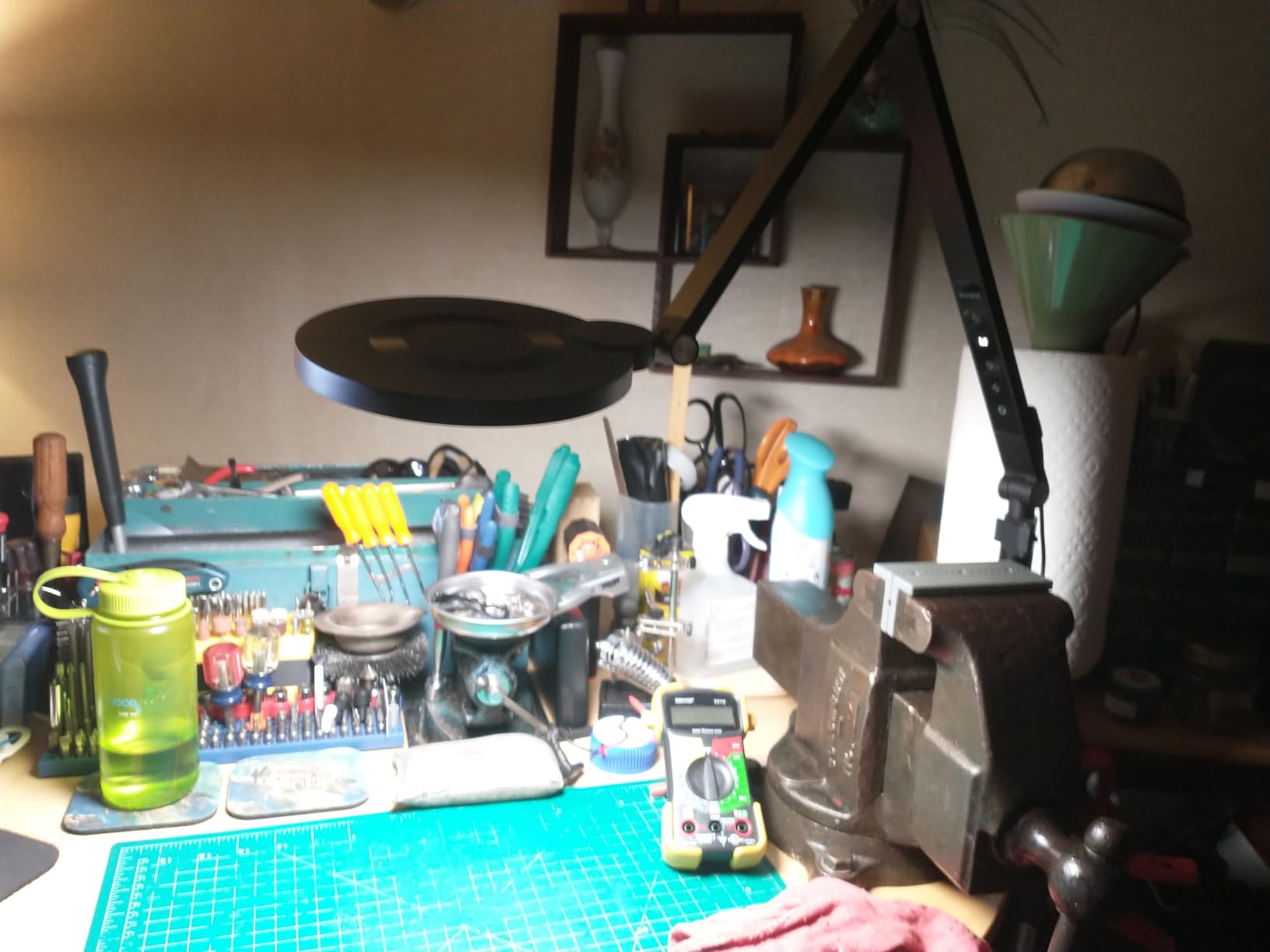
The NEEWER Basics 10.5-inch Key Light is the product I recommend to friends who are starting their streaming journey and want something better than a ring light but do not want to spend $100. For under $30, you get a proper edge-lit panel with a desk clamp stand and touch controls. I tested it for three weeks as a backup light and came away impressed.
The edge-lit full-screen design produces a different quality of light compared to ring lights. Instead of a circular catchlight and slightly concentrated beam, the 10.5-inch panel throws a wide, even wash of soft light across your face. Shadows are gentler, skin texture appears smoother, and the overall look is more professional. 168 LEDs behind a white diffuser panel deliver 880 lux at 0.5 meters, which is plenty for desk-distance streaming.
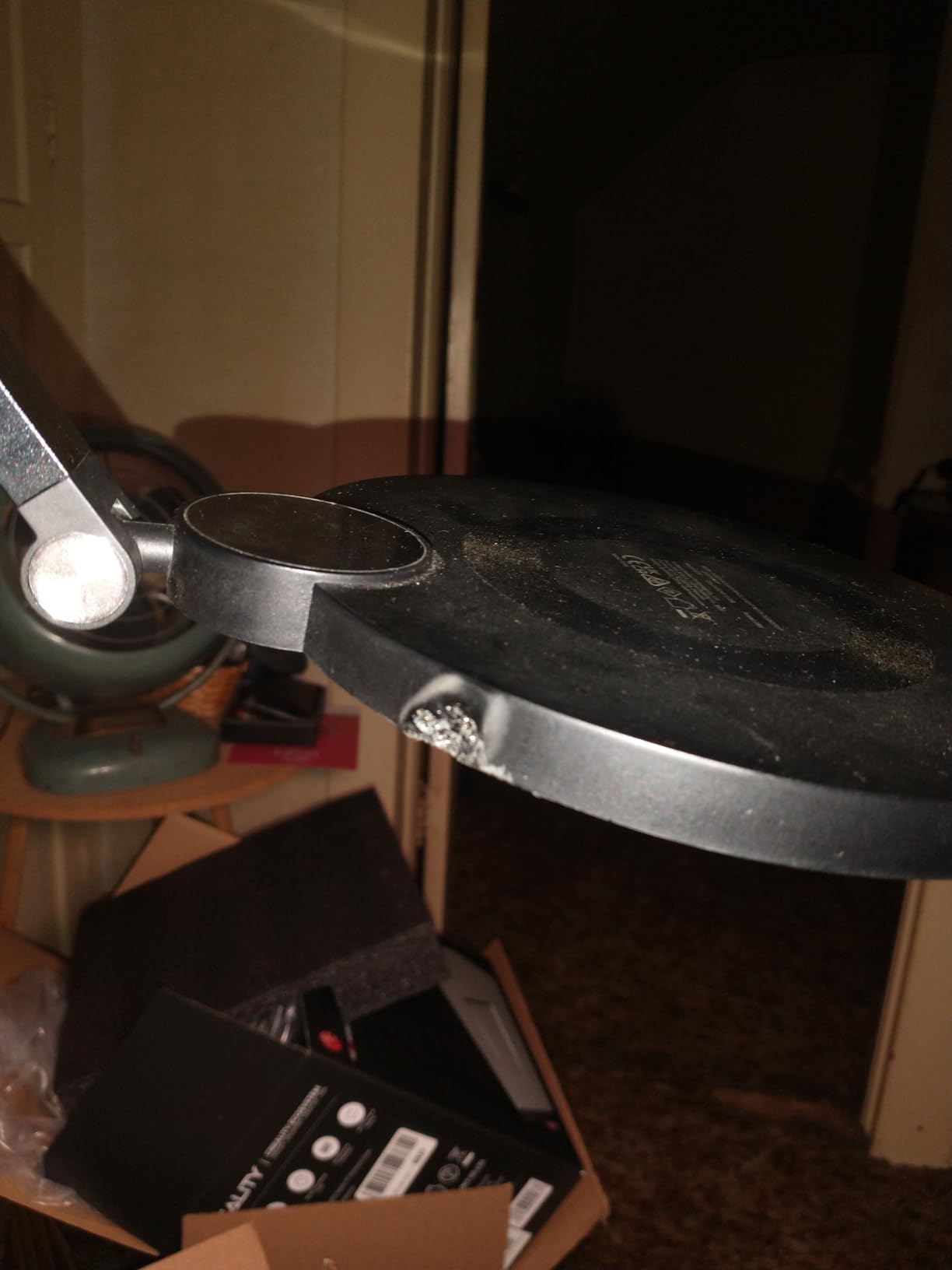
The foldable arm extends up to 27.6 inches and holds its position well. I was able to position the panel above and slightly behind my monitor, creating a top-down key light that mimics the expensive Elgato Key Light positioning. The desk clamp opened wide enough to fit my 1.5-inch desk edge without issues. Touch controls on the panel itself let you adjust brightness from 1 to 100 percent and cycle through 5 color temperature presets.
The timer function is a thoughtful addition for long streaming sessions. You can set the light to turn off automatically after 2, 4, or 8 hours. This prevents accidentally leaving the light on overnight after a late stream, which extends LED lifespan. I used the 4-hour timer for my typical streaming duration and never had to worry about manual shutdown.
Best First Panel Light for New Streamers
If you are upgrading from a ring light or natural window light, this is the ideal stepping stone. The panel design produces more flattering, professional-looking light than ring lights, and the desk clamp mount is far more practical than a floor-standing tripod for desk-based streaming. The price makes it a low-risk upgrade.
The touch controls are intuitive enough that you can adjust settings mid-stream without looking away from the camera. I found myself making small brightness tweaks during streams to compensate for changing ambient light as the sun set outside my window.
Trade-offs at This Price
USB-powered operation means you need a constant power source. Unlike the NEEWER 9-inch panel, there is no built-in battery, so this light stays on your desk. The lack of a published CRI rating suggests the color accuracy is not in the 95-plus range of more expensive NEEWER panels. Colors looked acceptable but not as precise as the CRI97+ lights I tested.
The arm mechanism is functional but not as smooth as premium options. Adjusting the angle requires a bit of force, and the joints can drift slightly over long sessions. For the price, these are acceptable compromises.
7. NiceVeedi 2-Pack LED Video Light Kit with Tripod Stand
2-Pack LED Video Light Kit, NiceVeedi Studio Light, 2800-6500K Dimmable Photography Lighting Kit with Tripod Stand&Phone Holder, 73″ Stream Light for Video Recording, Game Streaming, YouTube
2-pack LED light kit
356 LEDs total
15W per light
CRI97+
3 color presets 2800K 4800K 6500K
73 inch tripods
Storage bag included
Pros
- Best seller in lighting category
- Excellent value with 2 lights included
- High CRI 97+ for accurate color
- Portable with included storage bag
- Versatile for streaming YouTube and photography
Cons
- Not Prime eligible
- Preset color temperatures only no continuous adjustment
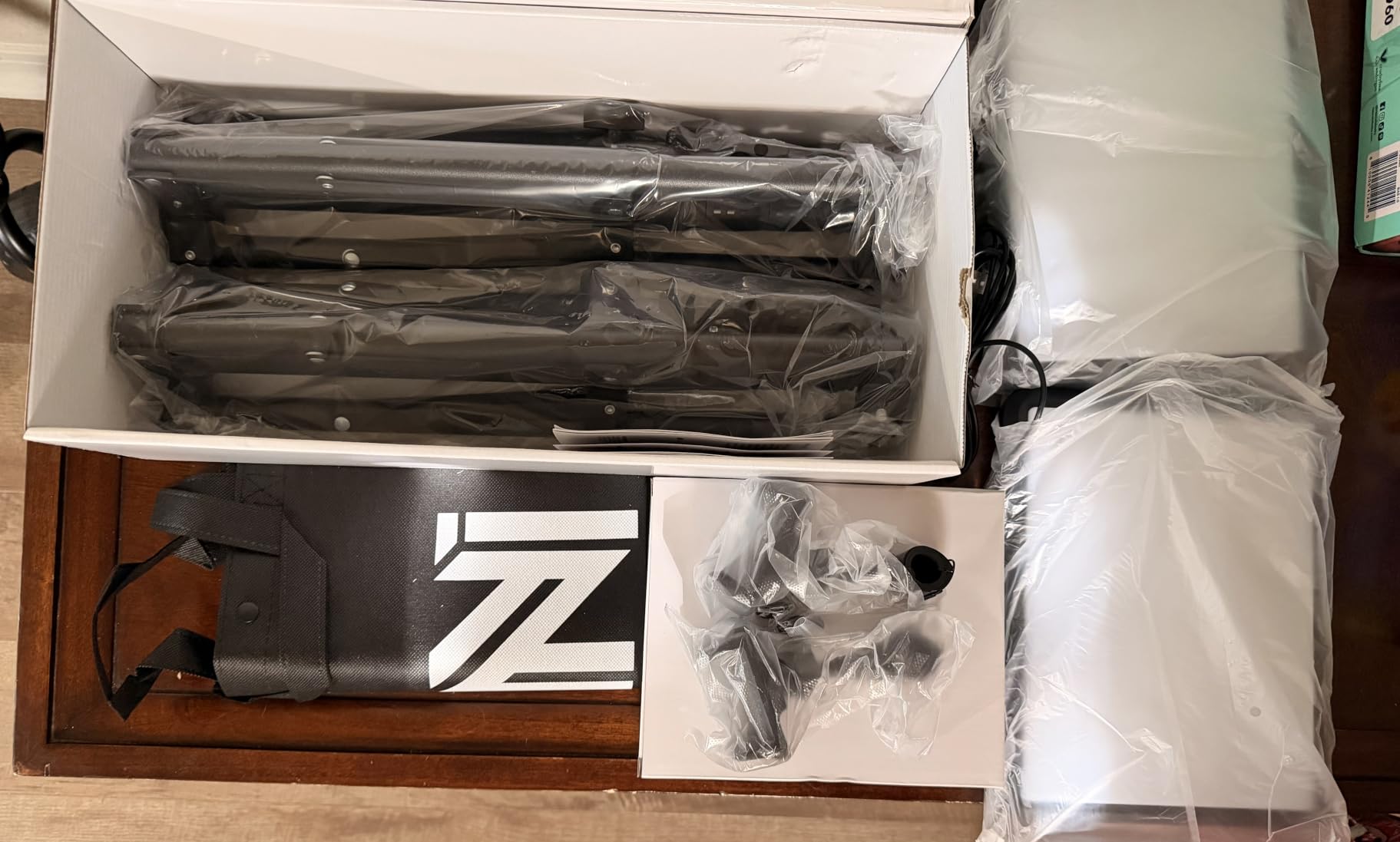
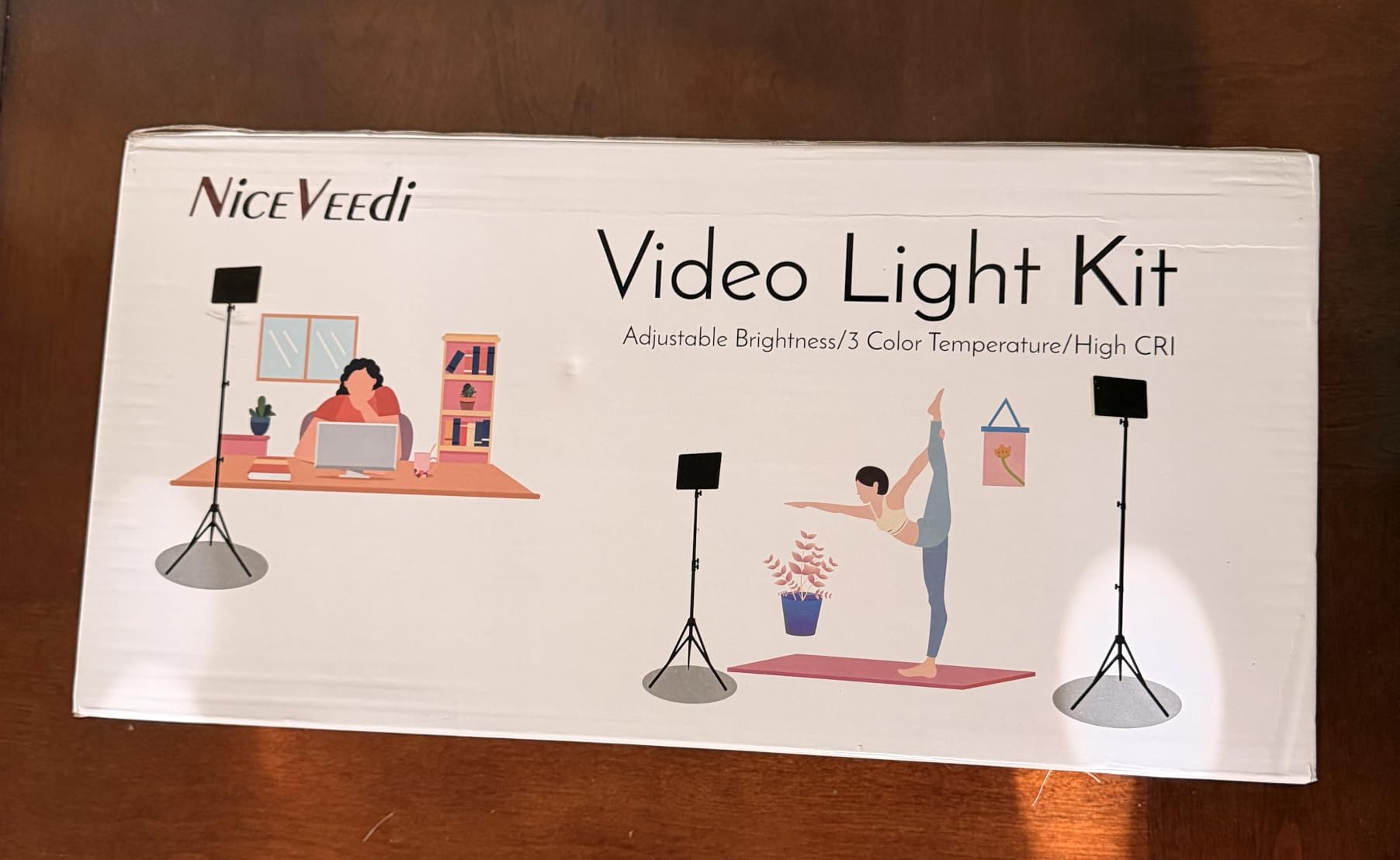
The NiceVeedi 2-Pack LED Light Kit is the smartest purchase on this list if you want to build a two-light streaming setup on a budget. Two lights, two 73-inch tripods, phone holders, and a storage bag for under $50 is an exceptional value proposition. I set these up as a key and fill pair, and the improvement over a single light was dramatic.
The CRI97+ rating matches professional-grade panels costing twice as much. Colors rendered accurately across my testing, with natural skin tones and true-to-life clothing colors. The 356 total LEDs (178 per light) produce a soft, even illumination that wraps around your subject. With two lights working together, I achieved the kind of balanced, three-dimensional lighting that makes streams look professionally produced.
Each light offers three color temperature presets: 2800K warm, 4800K neutral, and 6500K cool. While I prefer continuous adjustment, the three presets cover the most useful range. I ran both lights at 4800K for a clean, natural look. Brightness is continuously adjustable from 10 to 100 percent, which gives you the flexibility to balance the two lights against each other.
The 73-inch tripods are surprisingly sturdy for the price. They extend tall enough for standing shots and hold the lights securely at any height. I positioned one light at 45 degrees to my left as a key light and the second at 30 percent brightness on my right as a fill light. This classic two-light setup eliminated harsh shadows on the dark side of my face and added a professional polish that single-light setups simply cannot match.
Best Value Multi-Light Setup
Two lights are always better than one for streaming. A key and fill combination creates depth, reduces shadows, and gives you a more dimensional on-camera presence. The NiceVeedi kit gives you this professional setup for less than what many single lights cost. If you are serious about improving your stream quality, this is the highest-impact upgrade per dollar on this list.
The included storage bag makes this kit genuinely portable. I packed both lights, tripods, and accessories into the bag and transported the entire setup to a friend’s house for a collaborative stream. Everything fit in one bag that easily fit in my car’s back seat.
Limitations to Be Aware Of
The preset-only color temperatures are the main drawback. You cannot dial in a specific Kelvin value, which limits your ability to match other lights or fine-tune your look. If you already own a light with a specific color temperature and want to add these as fill lights, they may not match perfectly.
This kit is not Prime eligible, so expect longer shipping times. The 4.3-star average rating with 6,300 reviews is solid, but the 9 percent one-star rate suggests some quality control variability. My review unit was flawless, but it is worth inspecting both lights when they arrive.
8. NEEWER 13″ LED Video Light Panel Kit (2-Pack with Battery)
NEEWER 13″ LED Video Light Panel Kit with Tripod Stand, 2 Pack, NL-192AI
2-pack bi-color panels
192 LEDs each
CRI97+
3200K-5600K
Built-in 4000mAh battery
70 inch aluminum tripods
2400 lux output
Pros
- Built-in battery for true portability
- Professional CRI 97+ rating
- Ultra-thin portable design
- Excellent for both studio and location streaming
- 70-inch aluminum alloy tripod stands
Cons
- Not Prime eligible
- Higher price point
The NEEWER 13-inch LED Panel Kit is the premium pick on this list, and it delivers the most complete streaming lighting package I tested. Two bi-color panels with built-in batteries, two 70-inch aluminum tripods, and CRI97+ color accuracy make this a turnkey professional setup. I used this kit for a month of streaming and came away convinced it is the best two-light option available.
The built-in 4000mAh batteries in each panel give you 90 minutes of cordless runtime at full brightness. This is transformative for streaming setups. You can position lights anywhere in your room without worrying about power outlet proximity or cable management. I ran cable-free lighting for an entire stream and the freedom of placement was a revelation. Both panels charged fully in about 2.5 hours via USB.
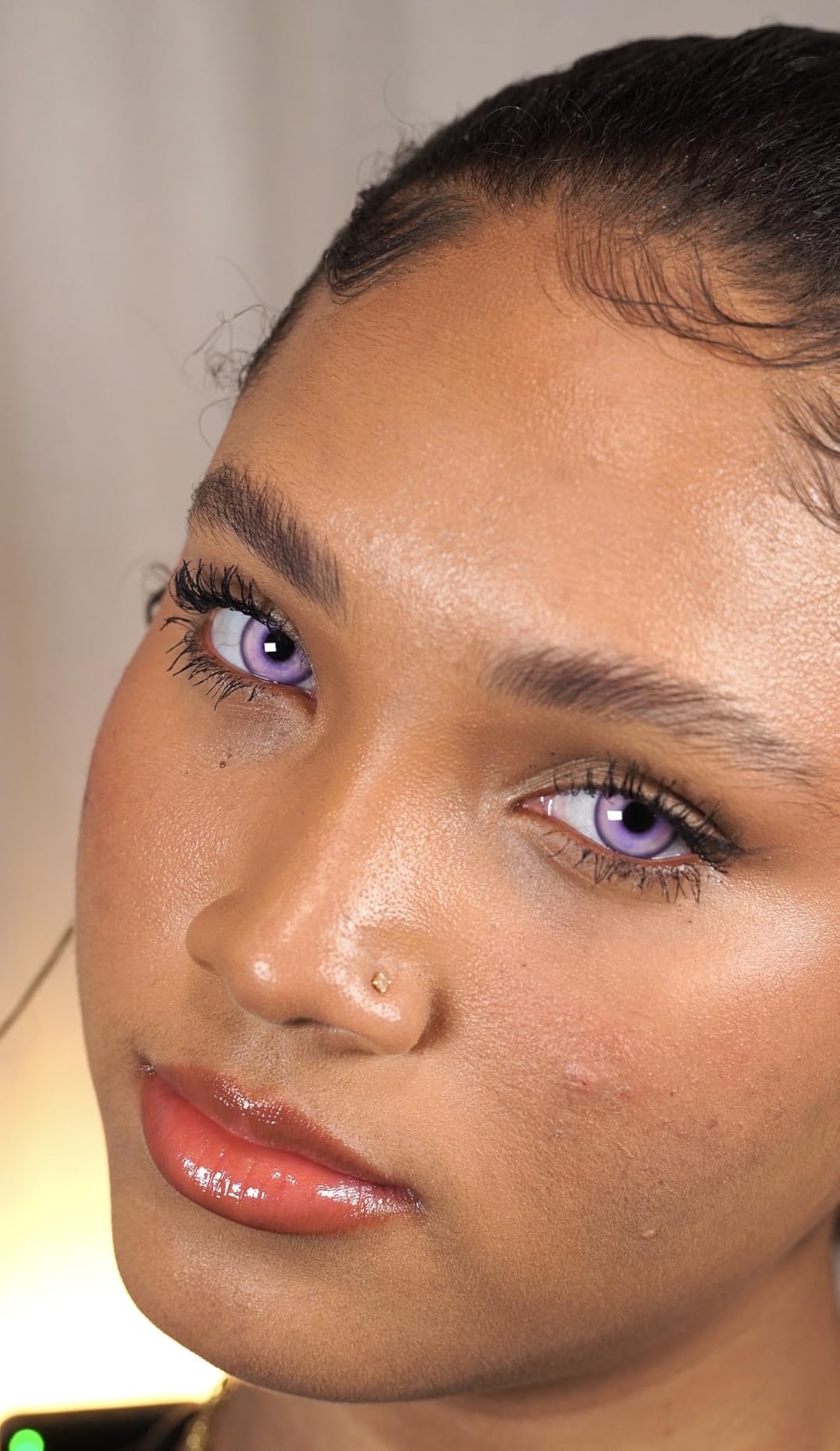
Each panel contains 192 LEDs (96 warm and 96 cool) for true bi-color operation across the 3200K to 5600K range. This is continuously adjustable, not preset-based like the NiceVeedi kit. I could dial in exact color temperatures to match my room’s ambient lighting or create specific moods for different stream segments. The CRI97+ rating means colors are rendered with professional accuracy across the entire range.
The 70-inch aluminum alloy tripods are a clear step above the lighter tripods included with budget kits. They are heavier, more stable, and extend taller. Even at full height with both panels mounted, there was no wobble or drift. The aluminum construction feels durable enough for years of regular use. These tripods alone would cost a significant amount if purchased separately.
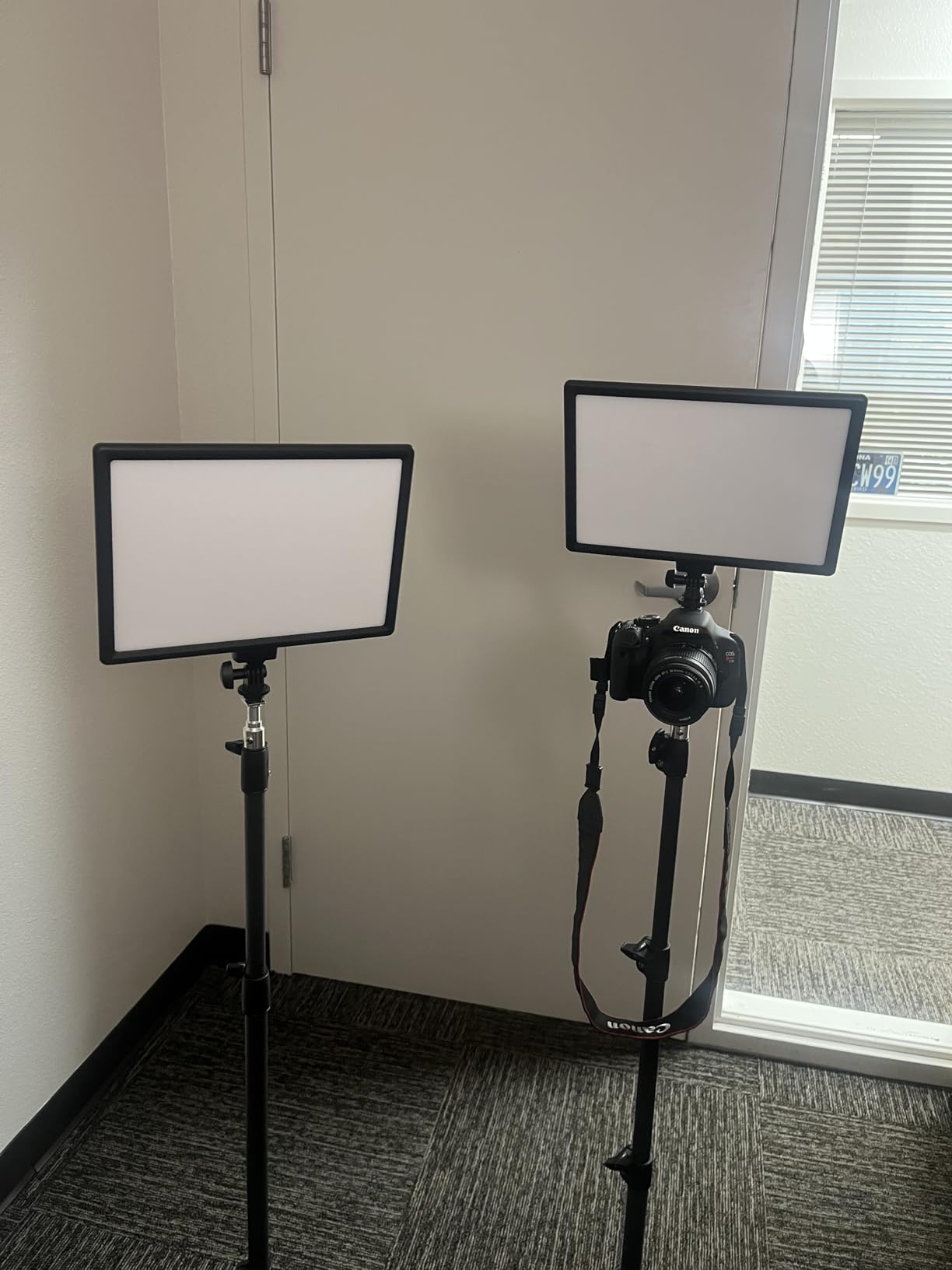
Best Professional Two-Light Kit with Battery Power
If you want the ultimate streaming lighting setup and budget is not your primary constraint, this kit delivers everything you need. The combination of battery power, professional color accuracy, and sturdy tripods covers every streaming scenario I could think of. I used it for desk streaming, standing shots, green screen work, and even a outdoor evening stream.
The ultra-thin panel design means both lights pack flat, making transport easy despite the larger panel size. The 2400 lux output per panel is bright enough to light even larger streaming spaces. Running both panels at 50 percent gave me perfectly balanced key and fill lighting without any heat issues.
Is the Premium Price Justified
This is the most expensive option on this list, and it is not Prime eligible. You need to decide whether battery power and professional build quality are worth the premium over the NiceVeedi kit. For most desk streamers, the NiceVeedi kit will be sufficient. But if you value cordless operation, superior build quality, and the flexibility to use your lights in any location, the NEEWER 13-inch kit is worth every penny.
The 4.6-star average with 858 reviews suggests most buyers feel the same way. An 80 percent five-star rate indicates consistent quality and customer satisfaction. After a month of use, my panels showed zero signs of wear, battery degradation, or LED inconsistency.
How to Choose the Best Lighting for Your Stream?
Choosing the best lighting for streamers comes down to understanding a few key concepts and matching them to your specific setup. I have broken down the most important factors below, based on what actually matters during live streams versus what looks good on a spec sheet.
Color Temperature: Understanding Kelvins
Color temperature, measured in Kelvin (K), determines whether your light appears warm (orange) or cool (blue). Lower numbers like 3000K produce warm, cozy light similar to a sunset. Higher numbers like 6500K produce cool, daylight-like light. For streaming, the sweet spot is typically 4500K to 5500K, which gives a natural, neutral white that looks good on camera.
I tested every light on this list across multiple color temperatures and found that 4800K consistently produced the most flattering results for skin tones on camera. If your light offers a wide range like the NEEWER panels with 2900K to 7000K, you have the flexibility to match your room’s existing lighting or create specific moods for different types of content.
A critical mistake I see beginners make is mixing color temperatures. If your key light is set to 3200K warm and your room has 6500K daylight coming through a window, your camera will struggle to balance the two, and your skin will look off. Match all your light sources to the same Kelvin temperature for clean, professional results.
CRI Rating: Why It Matters More Than Brightness
CRI, or Color Rendering Index, measures how accurately a light source reveals colors compared to natural sunlight. The scale runs from 0 to 100, with 100 being perfect sunlight accuracy. For streaming, you want a CRI of 90 or higher. All the lights I recommend in this guide meet or exceed that threshold.
The difference between CRI 80 and CRI 97+ is immediately visible on camera. Low-CRI lights give skin a green, magenta, or washed-out tint that no amount of camera settings can fully fix. High-CRI lights like the NEEWER 25W panel at CRI98+ produce colors that look natural and true to life. Viewers may not know what CRI is, but they can see the difference.
If a light does not publish its CRI rating, that is usually a red flag. Budget ring lights like the UBeesize omit CRI because it is likely in the 80-85 range, which is acceptable for casual streaming but not ideal for professional content. When in doubt, choose lights that explicitly state CRI90 or higher.
Brightness and Mounting Options
Brightness matters, but only up to a point. For desk-distance streaming where the light sits 2 to 3 feet from your face, any light on this list provides enough output. The question is whether you need to light a larger space or position the light farther away. The NEEWER 15.5-inch Key Light at 4300 lux is overkill for close desk work but ideal if you have a larger streaming room or use a wider camera angle.
Mounting options determine where you can place your light. Monitor-mounted lights like the Logitech Litra Glow are perfect for minimal setups with no extra floor space. Desk clamp lights like the NEEWER panels offer more positioning flexibility without taking up floor space. Tripod-mounted lights like the UBeesize and NiceVeedi kits give you maximum placement freedom but require floor space.
Consider your desk layout before buying. If you have a small desk pushed against a wall, a monitor-mounted light is your best bet. If you have desk edge space, a clamped key light offers better positioning. If you have floor space beside your desk, tripod-mounted lights give you the most professional-looking results.
Three-Point Lighting Setup for Streaming
The three-point lighting setup is the gold standard for professional-looking streams. It uses three lights: a key light, a fill light, and a rim light. The key light is your main light, positioned at 45 degrees above and to one side of your face. The fill light sits on the opposite side at lower brightness to soften shadows. The rim light goes behind you to create separation between you and your background.
I tested two-light variations of this setup using the NiceVeedi and NEEWER 13-inch kits, and even without a dedicated rim light, the improvement over single-light streaming was dramatic. The key-to-fill ratio I found most flattering was about 70 percent brightness on the key light and 30 percent on the fill light. This ratio preserves some natural shadow for dimensionality while eliminating the harsh dark side that single lights create.
If you cannot afford three lights, prioritize a good key light first, then add a fill light when budget allows. A single quality key light positioned correctly will always look better than multiple cheap lights positioned poorly. Position your key light at 45 degrees above your face and slightly to one side for the most flattering results.
Common Lighting Mistakes to Avoid
The most common mistake I see is relying on overhead room lighting as the primary light source. Overhead lights create shadows under your eyes, nose, and chin that make you look tired and unflattering on camera. This is why so many creators on Reddit and in streaming communities recommend dedicated streaming lights positioned at face level or slightly above.
Another frequent error is placing lights too close to the camera at eye level. This produces flat, washed-out lighting that removes all dimensionality from your face. The “headlight effect” makes you look like a deer in headlights. Instead, position your key light at 30 to 45 degrees to the side and above your face for natural-looking directional light.
Monitor glare is a problem that many streamers overlook until they see it ruining their footage. If your light reflects off your monitor into your webcam, viewers see bright streaks across your screen. Angle your lights slightly away from your monitor surface, or use a polarizing filter on your webcam. I dealt with this extensively during testing and found that repositioning lights just 10 degrees off-axis from the monitor eliminated most glare issues.
Finally, avoid mixing daylight from windows with artificial lights of different color temperatures. Either block window light entirely with curtains, or match your artificial lights to the current daylight temperature. Inconsistent color temperatures confuse your camera’s auto white balance and produce strange skin tones that look unprofessional.
Frequently Asked Questions
How do streamers get good lighting?
Streamers get good lighting by using a dedicated key light positioned at 45 degrees above and to the side of their face, supplemented by a fill light on the opposite side at lower brightness. LED panels with CRI90 or higher produce the most natural-looking skin tones. Avoid relying on overhead room lighting, which creates unflattering shadows under the eyes and chin.
Why do streamers use ring lights?
Streamers use ring lights because they produce even, shadow-free illumination and create a distinctive circular catchlight in the eyes that looks professional on camera. Ring lights are affordable, easy to set up, and work well for close-range streaming. However, LED panels generally produce more flattering, dimensional light for professional streaming setups.
What lighting do YouTubers use?
Most professional YouTubers use LED panel lights with high CRI ratings (95+) as their key light, positioned at 45 degrees to the side and above face level. Popular choices include softbox lights, edge-lit LED panels, and key lights with desk clamp mounts. Many YouTubers also use a two-light or three-point lighting setup for maximum professional quality.
What is the best color temperature for streaming?
The best color temperature for streaming is between 4500K and 5500K, which produces a neutral white light that looks natural on camera. This range flatters skin tones and works well with most webcams and cameras. Avoid mixing different color temperatures in the same setup, as this causes inconsistent skin tones and white balance issues.
How many lights do I need for streaming?
You need at least one dedicated key light for streaming, positioned at 45 degrees above and to the side of your face. For professional results, add a fill light on the opposite side at 30 percent brightness to soften shadows. A third rim light behind you creates separation from your background. Most streamers start with one light and add more as budget allows.
Final Verdict: Which Streaming Light Should You Buy?
After testing all 8 lights extensively, my recommendations come down to your budget and streaming goals. For the absolute best lighting for streamers in 2026, the NEEWER 15.5-inch Streaming Key Light is my top pick. Its Stream Deck integration, CRI97+ color accuracy, and fanless operation make it the most capable light on this list for serious content creators.
If you are on a tight budget, start with the UBeesize 12-inch Ring Light or the NEEWER Basics 10.5-inch Key Light. Both deliver massive improvements over no dedicated lighting at very accessible prices. For the best value upgrade, the NiceVeedi 2-Pack Kit gives you a professional two-light setup for under $50. And if you want battery-powered freedom with professional color accuracy, the NEEWER 13-inch Panel Kit is worth every penny.
Remember that even the best light will not help if positioned incorrectly. Place your key light at 45 degrees above and to the side of your face, use a CRI90+ light for accurate colors, and avoid mixing color temperatures. These fundamentals matter more than which specific product you choose. Start with one good light, learn proper placement, then expand your setup as your stream grows.