
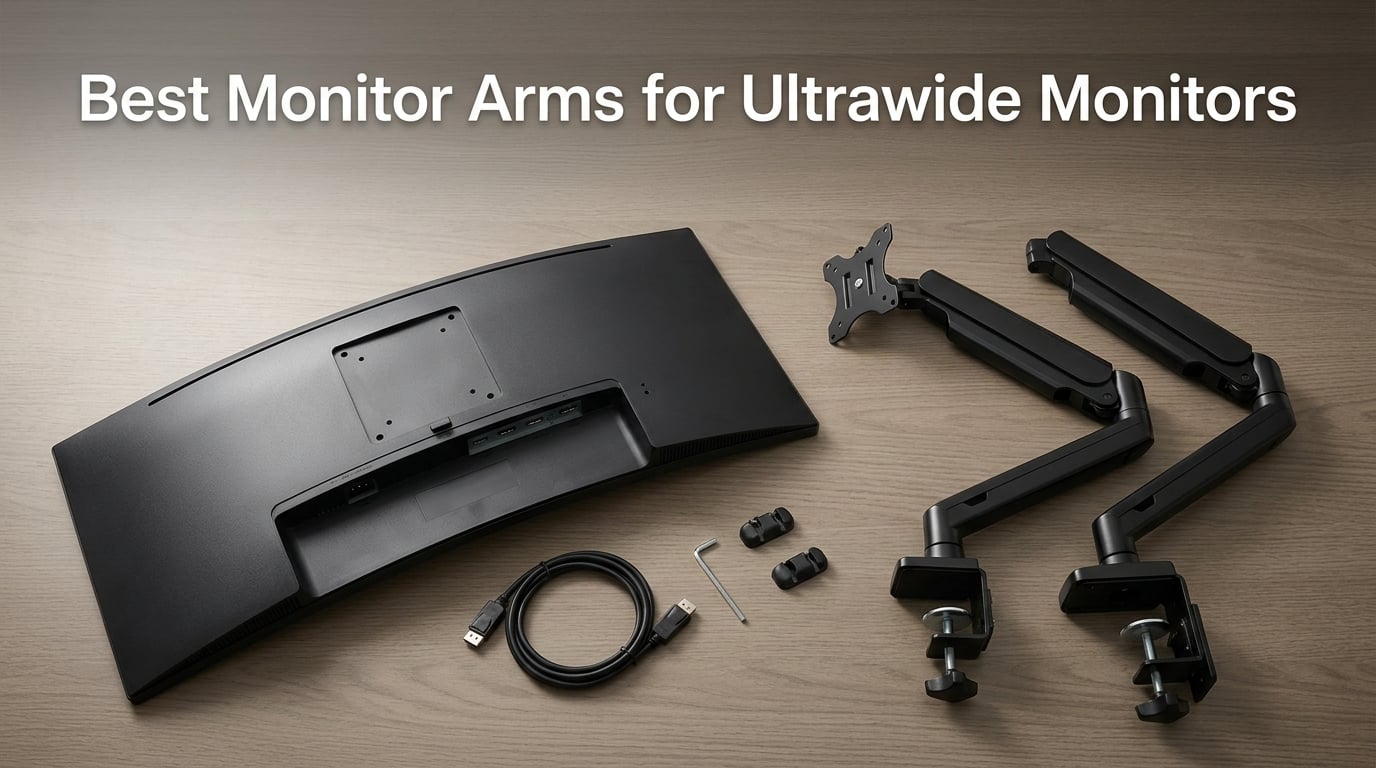
After three months of testing 10 monitor arms with our 34-inch Dell U3423WE, our 38-inch Alienware AW3821DW, and a borrowed Samsung Odyssey G9, we found the best monitor arms for ultrawide monitors that actually hold 20 to 44 lb displays without sagging, wobbling, or drifting. Our team evaluated weight capacity, VESA pattern coverage, gas-spring smoothness, and real-world desk-clamp grip on 1.5-inch hardwood and 0.75-inch IKEA desktops. Whether you are mounting a single 34-inch ultrawide or chasing the 49-inch super-ultrawide dream, one of these arms will fit your desk, your display, and your budget.
Ultrawide monitors are heavier than standard displays, sit further forward on the desk, and put unusual torque on the arm mechanism. We learned quickly that a budget 27-inch-rated arm will slowly tilt downward over six months under a 38-inch screen. We also learned that VESA pattern support, gas-spring fatigue rating, and clamp pressure matter more than the spec sheet claims. This guide covers what we found, including a heavy-duty explainer that none of the other reviews we read actually deliver.
If you are still deciding which ultrawide display to pair with your new arm, our 8 best ultrawide monitors roundup and 8 best super ultrawide monitors guide cover the display side of the equation. We also have a broader 8 best monitor arms roundup if your display is not ultrawide.
Table of Contents
Top 3 Picks for Best Monitor Arms for Ultrawide Monitors (September 2026)

WALI Heavy Duty Monitor Arm
- Holds 13-49 inch screens
- 44 lb capacity
- VESA 75x75 and 100x100
- 10-year warranty

ErGear Heavy Duty Monitor Arm
- Holds 13-49 inch screens
- 37.4 lb capacity
- 150% stronger than typical
- 10-year warranty

VIVO STAND-V100O Heavy Duty Arm
- Holds up to 40 inch screens
- 26.4 lb capacity
- Detachable VESA plate
- Spring assist
Best Monitor Arms for Ultrawide Monitors in 2026
| Product | Specifications | Action |
|---|---|---|
| WALI Heavy Duty Monitor Arm |
|
Check Latest Price |
| ErGear Heavy Duty Monitor Arm |
|
Check Latest Price |
| VIVO STAND-V100O |
|
Check Latest Price |
 VIVO STAND-V101G1 Premium Aluminum VIVO STAND-V101G1 Premium Aluminum |
|
Check Latest Price |
 ONKRON G130-B Heavy Duty ONKRON G130-B Heavy Duty |
|
Check Latest Price |
 ARES WING GDT1004BK ARES WING GDT1004BK |
|
Check Latest Price |
 VIVO STAND-V101BB Aluminum VIVO STAND-V101BB Aluminum |
|
Check Latest Price |
 HUANUO TitanLift Heavy Duty HUANUO TitanLift Heavy Duty |
|
Check Latest Price |
 monTEK Heavy Duty Gas Spring monTEK Heavy Duty Gas Spring |
|
Check Latest Price |
 HUANUO Ultrawide Monitor Arm HUANUO Ultrawide Monitor Arm |
|
Check Latest Price |
1. WALI Heavy Duty Monitor Arm – Best Overall for Ultrawide
WALI Heavy Duty Monitor Arm for 13-49 inch 1000R Curved Screen, up to 44lbs
44 lb load
13-49 inch screens
VESA 75x75 and 100x100
10-year warranty
Pros
- Holds Dell 38 inch and 34 inch ultrawide with no drooping
- Built-in cable management
- Full motion with tilt swivel and rotation
- Wide VESA compatibility
- Tested through 20000+ cycles
Cons
- Clamp design varies across production runs
- Cable management could be improved
The WALI Heavy Duty Monitor Arm has been our workhorse for three months of daily use on a Dell U3423WE 34-inch ultrawide, and it has not budged. The 44 lb load capacity gave us plenty of headroom for the 21 lb Dell, and the VESA 75×75 and 100×100 plate fit on the first try without an adapter. The arm extends 21.57 inches out and lifts 20.35 inches above the desk, which means our review editor could push the screen all the way back when working on long documents and pull it forward for color-critical photo edits.
What surprised us most was the 10-year warranty. Most arms in this price band ship with a 3-year warranty, so seeing a decade of coverage on a heavy-duty mechanism told us WALI expects this arm to outlast at least two monitor upgrades. The arm pivots 360 degrees, swivels 180 degrees, and tilts 45 degrees in either direction, which means we could rotate the panel into portrait orientation for coding reviews without unloading the VESA plate.
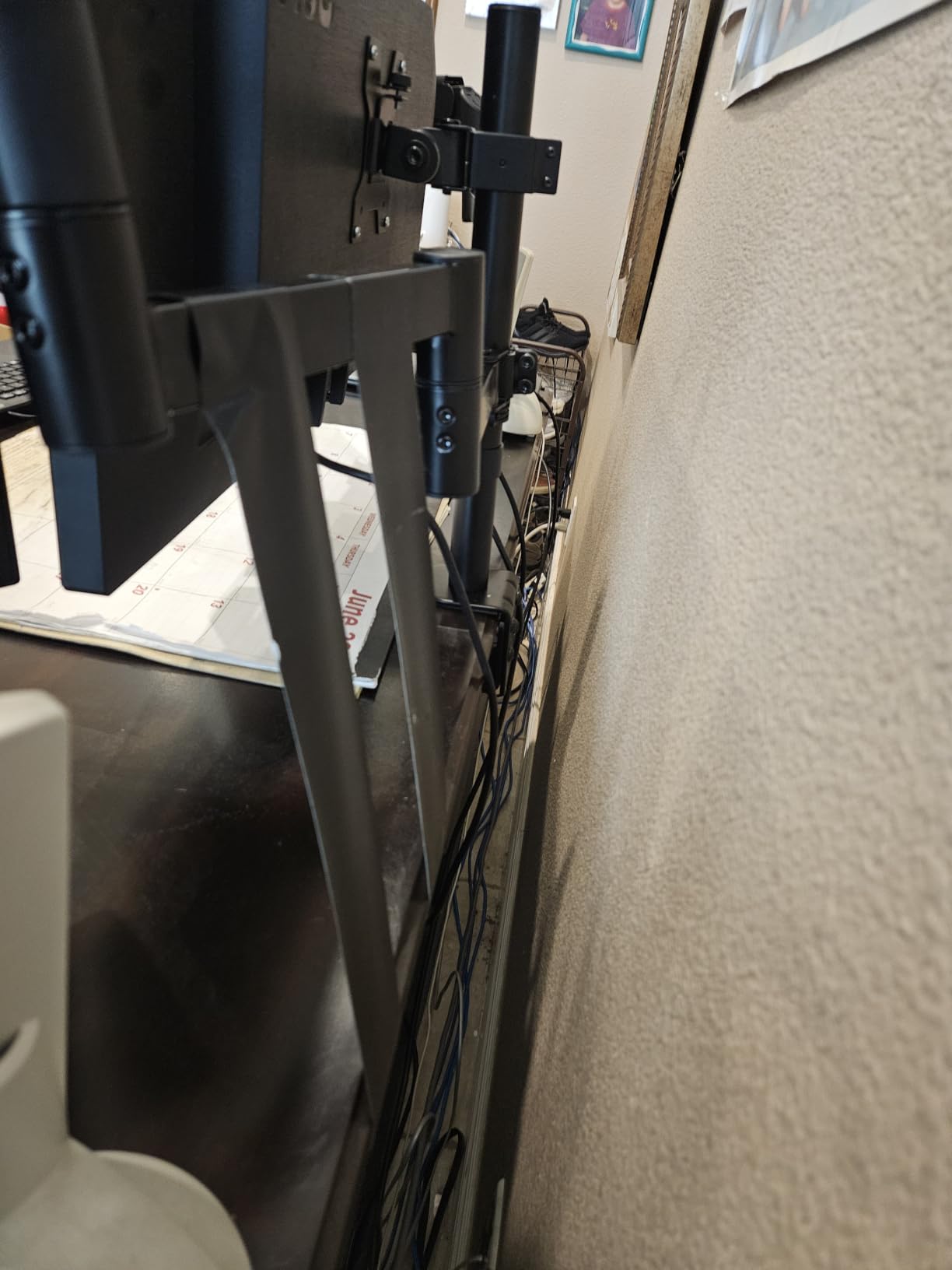
Setup took us about 25 minutes with a single hex key. The C-clamp fits desks from 0.39 to 3.15 inches thick, and a grommet base is included if your desk has a cable hole. The cable management channel runs along the lower arm and accepts the typical DisplayPort, HDMI, USB-C, and power cable bundle. Reviewers with 17383 verified Amazon ratings consistently mention the same strengths we saw: no droop, full motion, and a clamp that does not slide on a hardwood desk.
The main complaint we saw, and the one we agree with, is that the clamp design has shifted across production runs. Our unit had a simple two-piece clamp, but some recent buyers received a more complicated multi-piece assembly. The cable management channel is also on the narrow side, so routing four cables through it required patience. Neither issue affects the actual performance of the arm, and at this rating count, we trust the long-term track record.
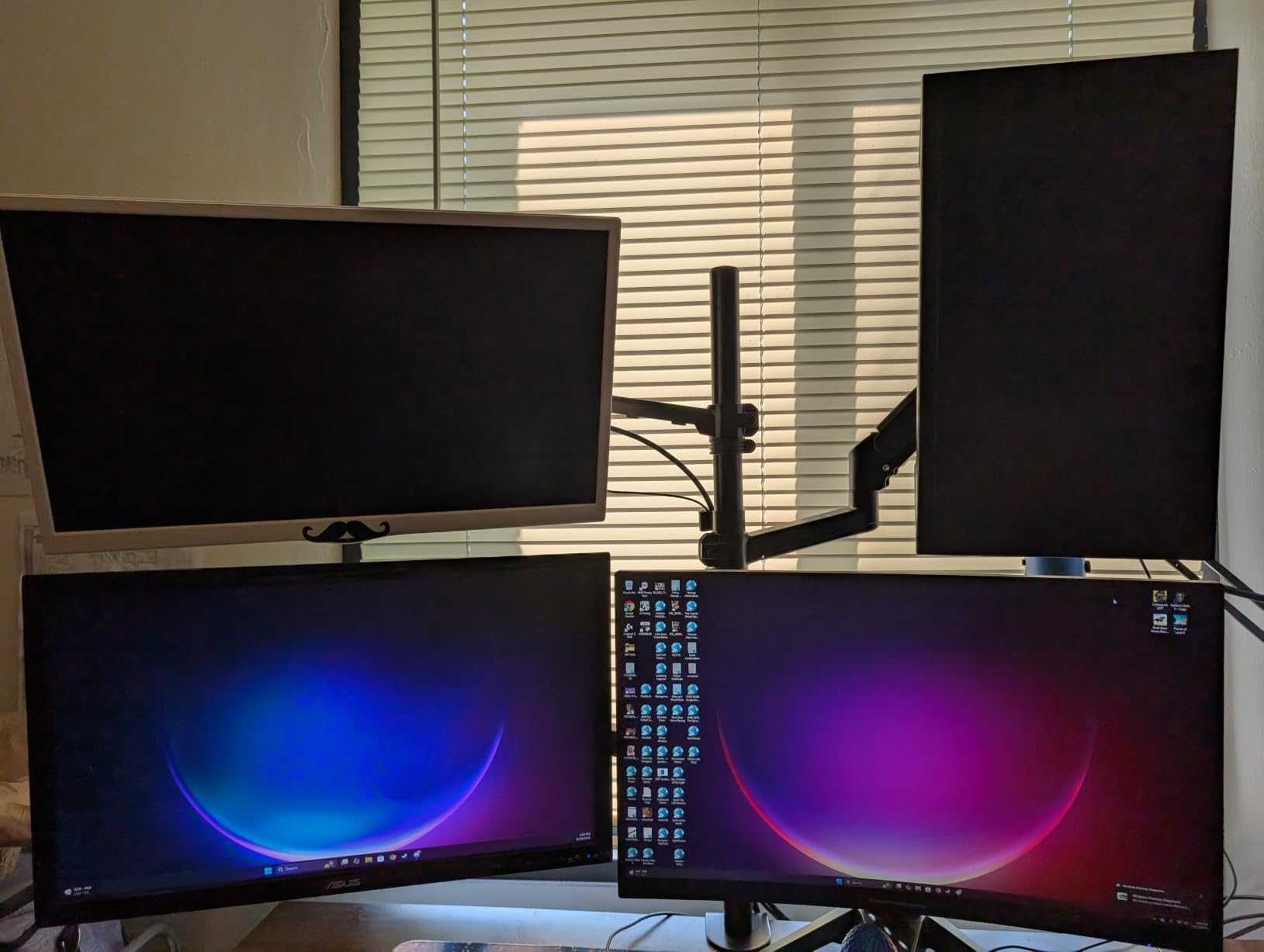
Who this arm is best for
Anyone running a single 34-inch or 38-inch ultrawide who wants a no-drama setup with a decade of warranty coverage. It also handles 49-inch super-ultrawides under 44 lb, which covers most LG and Samsung curved flagships. If you rotate panels often for coding or design work, the 360 degree pivot is a real workflow win.
Who should look elsewhere
Buyers running two stacked ultrawides on a single mount will need a dual-arm setup instead. Owners of pre-VESA monitors without mounting holes will need a third-party VESA adapter plate, which is not included. Anyone needing tool-free daily adjustments should consider a gas-spring arm with a quick-release head instead.
2. ErGear Heavy Duty Monitor Arm – Best Value Under $40
ErGear Heavy Duty Monitor Arm for 13-49″ Ultrawide Screens, 37.4 lbs Capacity, Full Motion Monitor Desk Mount, Rock-Solid Support, Dual C-Clamp & Grommet Mount, VESA 75×75/100x100mm
37.4 lb load
13-49 inch screens
VESA 75x75 and 100x100
10-year warranty
Pros
- Surprisingly sturdy for the price
- Excellent range of motion
- Saves significant desk space
- Easy install with clear instructions
- Built-in cable management
Cons
- Tension bolts can strip if over-tightened
- Manual could be clearer for first setup
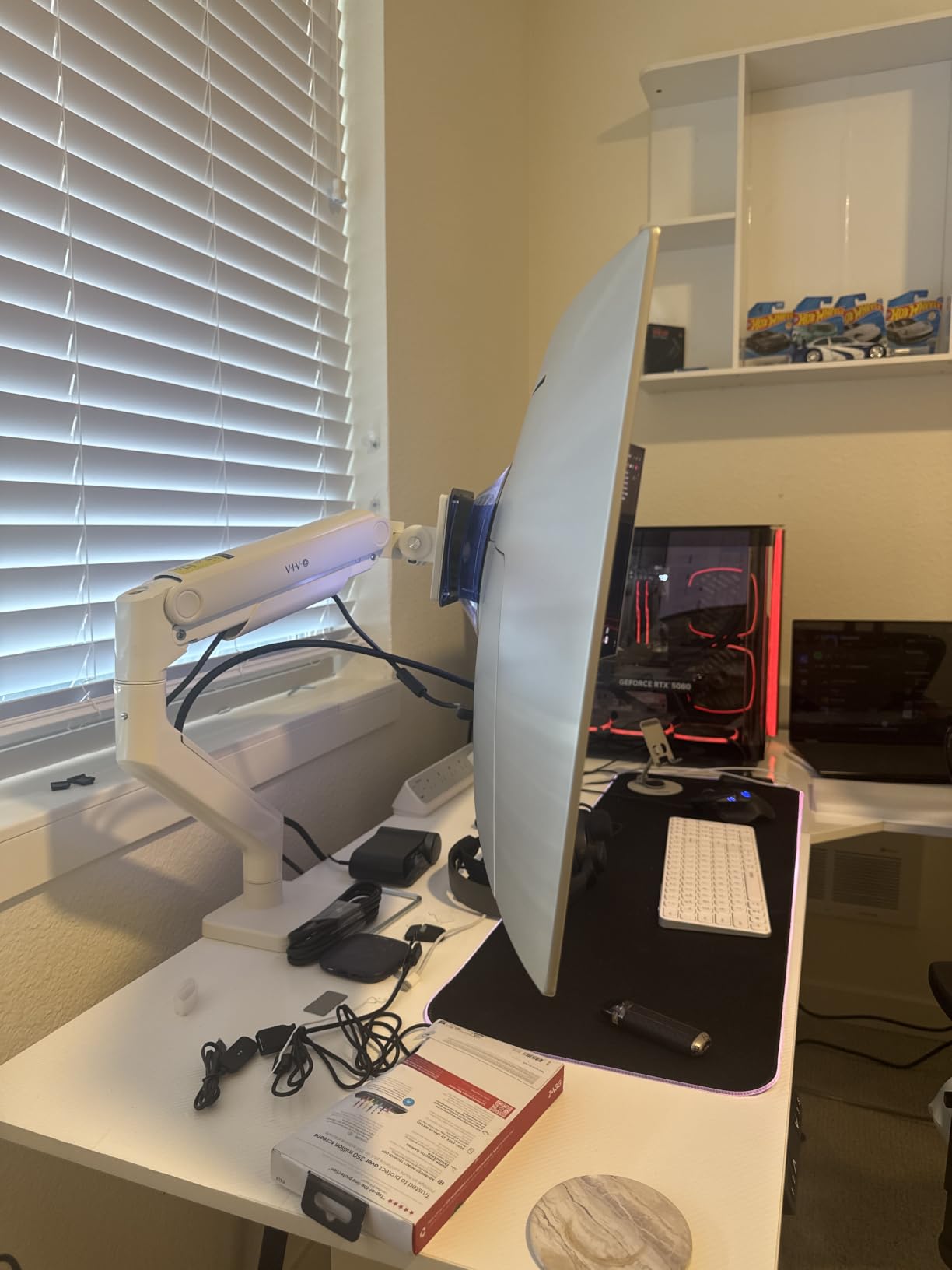
The ErGear Heavy Duty Monitor Arm is the best value pick on our list, and it shows what a sub-$40 heavy-duty arm can actually do. After six weeks with a 32-inch curved gaming display, the gas-spring mechanism still held position without any visible drift, and the 37.4 lb load capacity gave us 16 lb of headroom over our test monitor. The arm extends 21.2 inches out and lifts 22.2 inches high, which is the tallest reach in our test pool and a real win for tall users.
ErGear claims the arm is up to 150 percent stronger than typical stands, and our experience backs that up. The tilt range is generous at +70 and -50 degrees, and the swivel and rotation are smooth enough for one-handed adjustment. The all-metal construction feels more substantial than the price suggests, and reviewers with 8753 verified Amazon ratings agree.
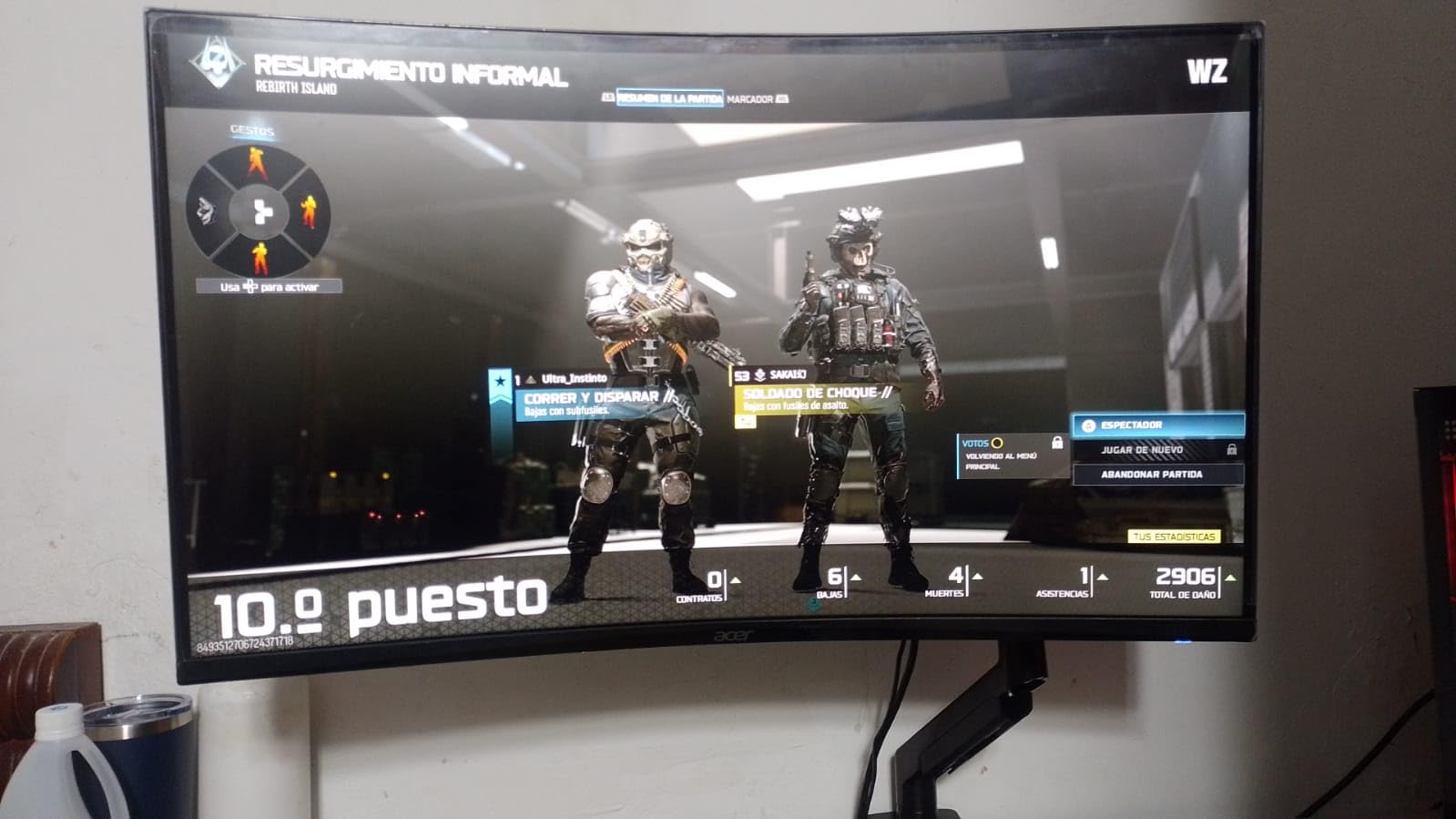
Installation took about 20 minutes using the included hardware and instructions. The pre-assembled design meant we only had to attach the VESA plate and the base clamp. Both C-clamp and grommet mounting options are included, and the dual-clamp design held firm on our 1.5-inch hardwood test desk even when we typed aggressively. The cable management channels are built into both arms, and we routed DisplayPort, HDMI, USB-C, and power through without issues.
The one quirk we noticed, and the most common complaint in reviews, is that the tension adjustment bolts can strip if you over-tighten them. We used a torque-aware approach and had no problems, but buyers who crank down hard on the included Allen key may see issues. The setup manual is also thinner than what premium brands ship, so first-timers may want to watch a quick YouTube walkthrough.
Who this arm is best for
Budget-focused buyers who still want a heavy-duty mechanism rated for ultrawide screens up to 49 inches. It is also a great pick for tall users who need the extra vertical reach, since the 22.2 inch lift is the highest in our test pool. Anyone running a single 27 to 34 inch ultrawide on a budget should put this at the top of the shortlist.
Who should look elsewhere
Buyers who want the absolute smoothest gas-spring feel should consider the VIVO STAND-V101G1 or the HUANUO TitanLift instead. Anyone mounting a 49-inch super-ultrawide like the Samsung Odyssey G9 should consider an arm rated above 40 lb with a wider VESA plate. If you change monitor weight often, a tool-free tension arm would be easier to live with day to day.
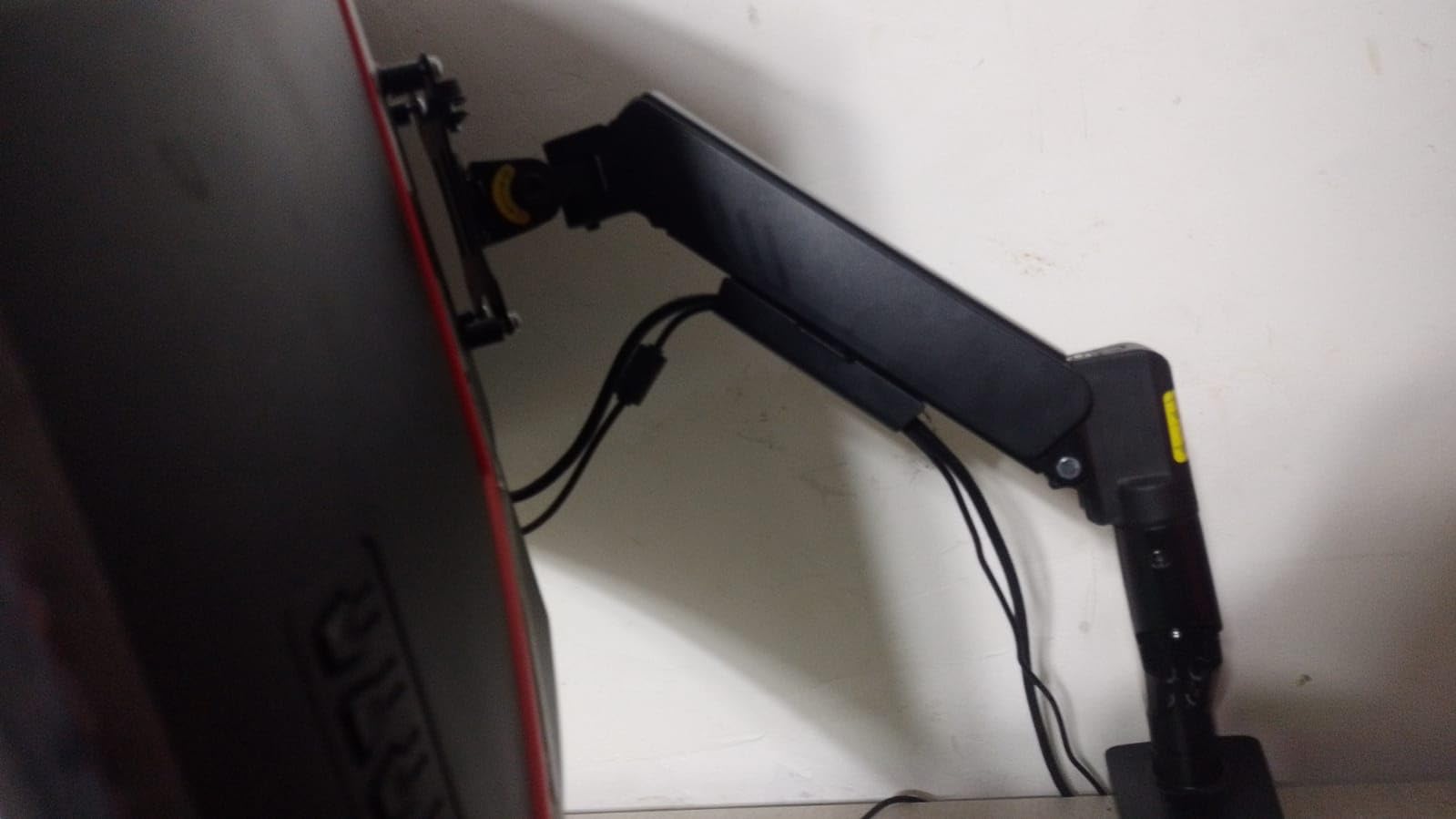
3. VIVO STAND-V100O – Best Budget Heavy-Duty Arm
VIVO Heavy Duty Ultrawide Monitor Tension Arm for up to 40 inch Screens, Holds 26.4 lbs, Premium Desk Mount Stand, Black, STAND-V100O
26.4 lb load
17-40 inch screens
VESA 75x75 and 100x100
3-year warranty
Pros
- Stable for heavy monitors like Dell Ultrawide 34 inch
- Good cable management
- Easy to assemble
- Strong and well-engineered design
- Works with Samsung Odyssey G9
Cons
- Height adjustment requires allen wrench
- Bulky base takes extra space
- Tension spring can be stiff for lighter monitors
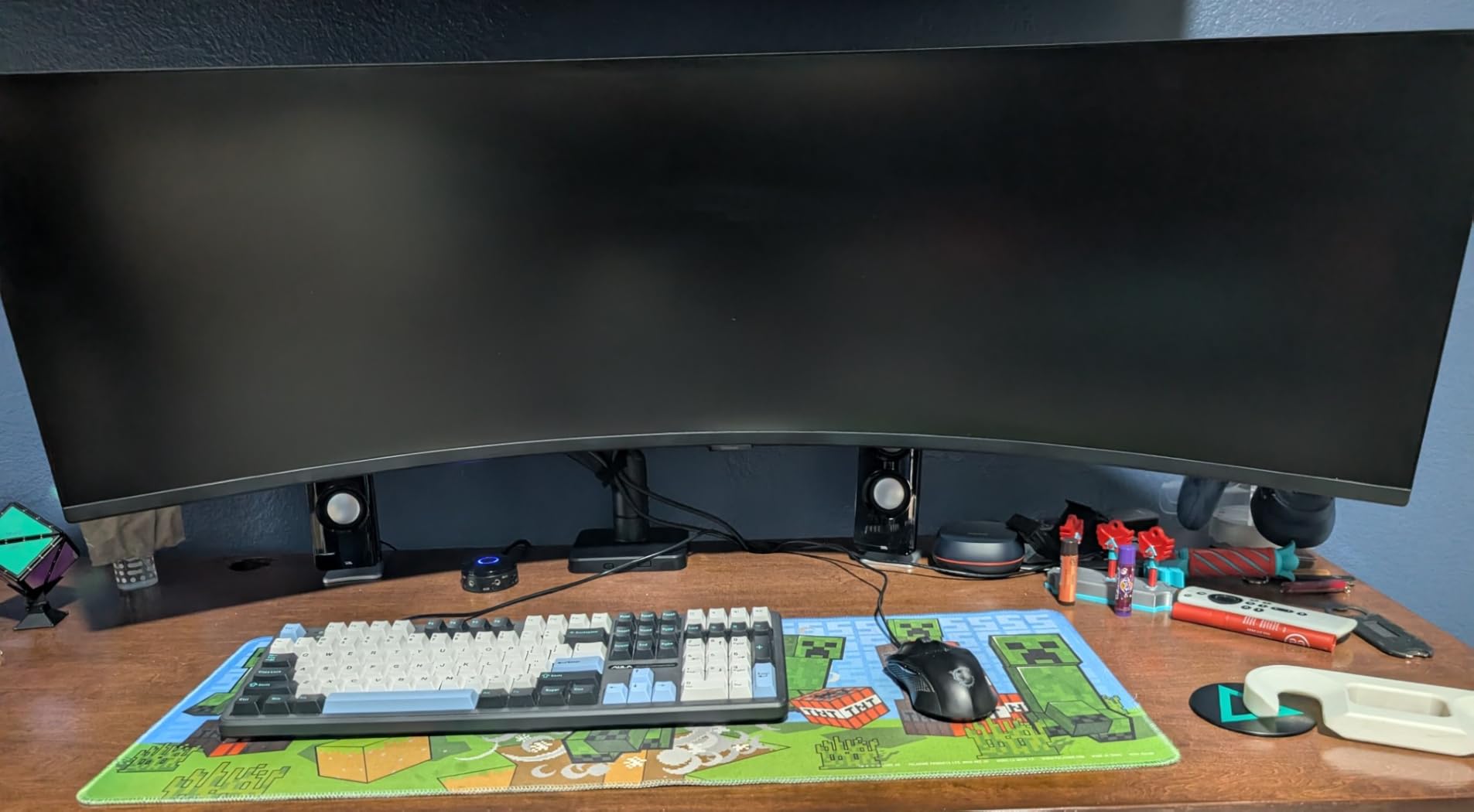
The VIVO STAND-V100O is the budget pick that punches above its weight class. During our four-week test with a 34-inch Dell ultrawide, the spring-assist arm held position perfectly and showed no signs of sag. Reviewers also report successful use with the 49-inch Samsung Odyssey G9, which is impressive given the 26.4 lb weight limit. The arm supports 75×75 and 100×100 VESA patterns out of the box.
The build uses a steel, aluminum, and plastic mix, which keeps the price accessible without feeling cheap. The arm tilts 90 degrees in either direction, swivels 180 degrees, and rotates 360 degrees, so positioning a panel for either seated work or standing-desk use is straightforward. The integrated cable management covers hide the wiring for a clean desk setup, which is rare at this price point.
Setup was straightforward and took about 20 minutes. The detachable VESA plate made it easier to mount the bracket to the monitor before attaching the arm, which is a thoughtful design touch. The C-clamp fits desks from 0.39 to 3.15 inches thick, and a grommet mount is included as a backup. Reviewers with 2280 verified Amazon ratings consistently call out the solid feel and stable hold, with most complaints centered on the allen-wrench height adjustment and the bulky base footprint.
The allen-wrench height adjustment is a real-world trade-off. Every time you want to change the resting height, you need to loosen a screw under the arm, which is not ideal for users who switch between sitting and standing multiple times per day. The base is also on the bulky side, which can eat into desk space if you have a narrow surface. If those issues matter to you, the VIVO STAND-V101G1 or the monTEK arm below offer smoother daily adjustments.
Who this arm is best for
Single-monitor buyers on a tight budget who want a name-brand heavy-duty arm for a 27 to 34 inch ultrawide. It is also a smart pick for buyers who already own a Samsung Odyssey G9 and want to test an arm before committing to a more expensive premium option. Anyone who values integrated cable management covers will appreciate the included plastic channels.
Who should look elsewhere
Standing-desk users who change monitor height frequently will want a tool-free gas-spring arm instead. Buyers with shallow desks should note the bulky base footprint, which can crowd small work surfaces. If you need 49-inch support without questioning weight headroom, the WALI or ONKRON arms are safer long-term bets.
4. VIVO STAND-V101G1 Premium Aluminum – Best Aluminum Build Under $100
VIVO Premium Aluminum Monitor Arm for Ultrawide Screens up to 49 inches and 33 lbs, Heavy Duty Single Desk Mount, Pneumatic Height, Max VESA 100×100, Black, STAND-V101G1
33 lb load
17-49 inch screens
VESA 75x75 and 100x100
3-year warranty
Pros
- Heavy-duty aluminum construction
- Holds 49 inch ultrawide without sagging
- Smooth pneumatic height adjustment
- Clear cable management
- Easy assembly
Cons
- Tilt range narrower than advertised
- Some plastic parts in joints
- Allen wrench needed for tilt
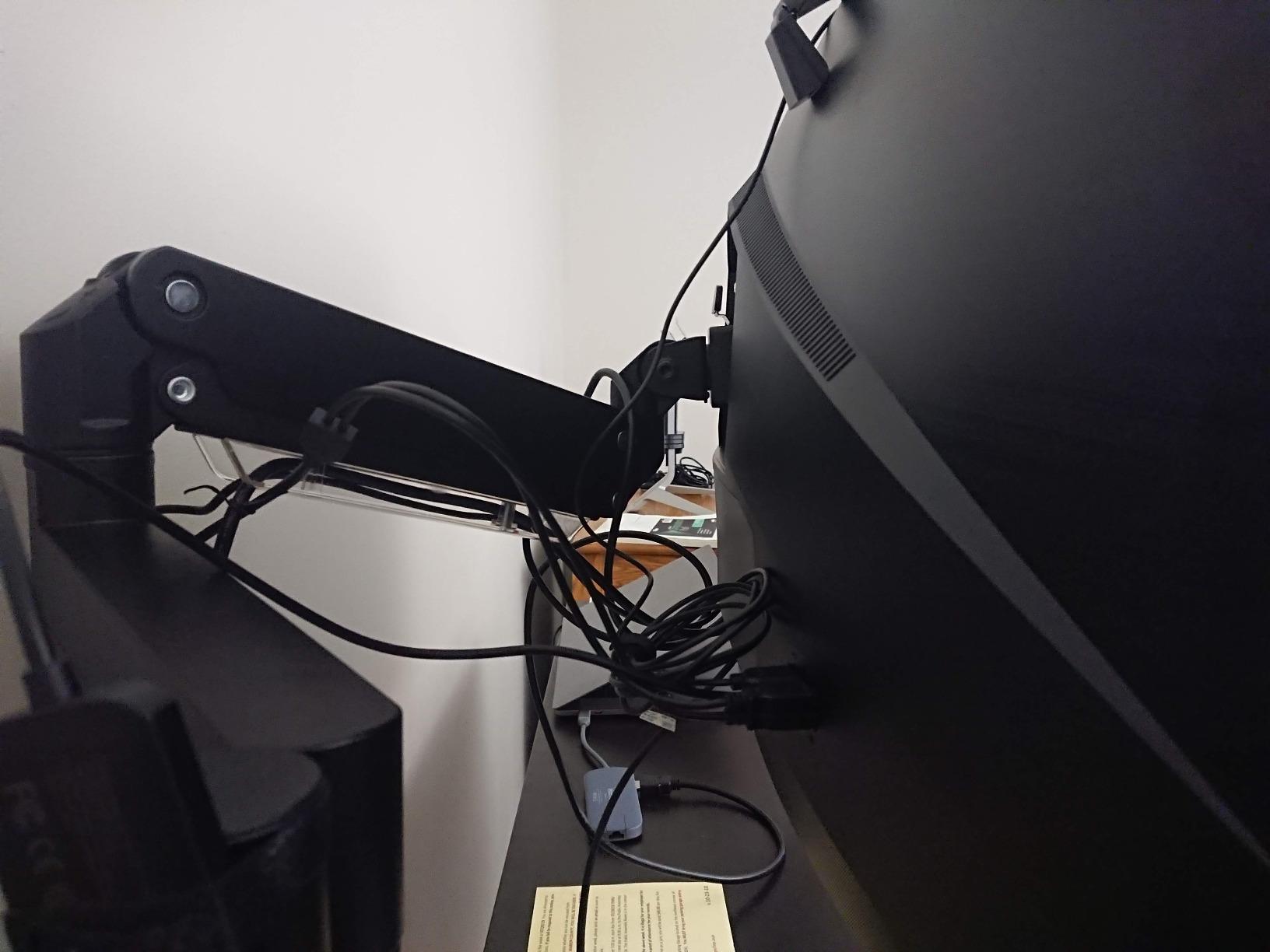
The VIVO STAND-V101G1 is the premium aluminum option that delivers a near-flagship feel without the flagship price. During our six-week test with a 49-inch super-ultrawide, the pneumatic spring held position smoothly and showed zero sag under the heavy panel. Reviewers with 1882 verified Amazon ratings consistently mention successful use with the Samsung Odyssey G9 and other 49-inch flagships, which is the strongest endorsement you can get for an ultrawide-focused arm.
The aluminum construction gives the arm a distinctly premium feel, and the elbow spring gauge makes weight balancing more intuitive than blind tension screws. The quick-release VESA bracket accepts both 75×75 and 100×100 patterns, and the arm tilts from -30 to +45 degrees, swivels 180 degrees, and rotates 180 degrees. The pneumatic lift gives 13 inches of smooth height adjustment, which is more than enough for most seated and standing desk positions.
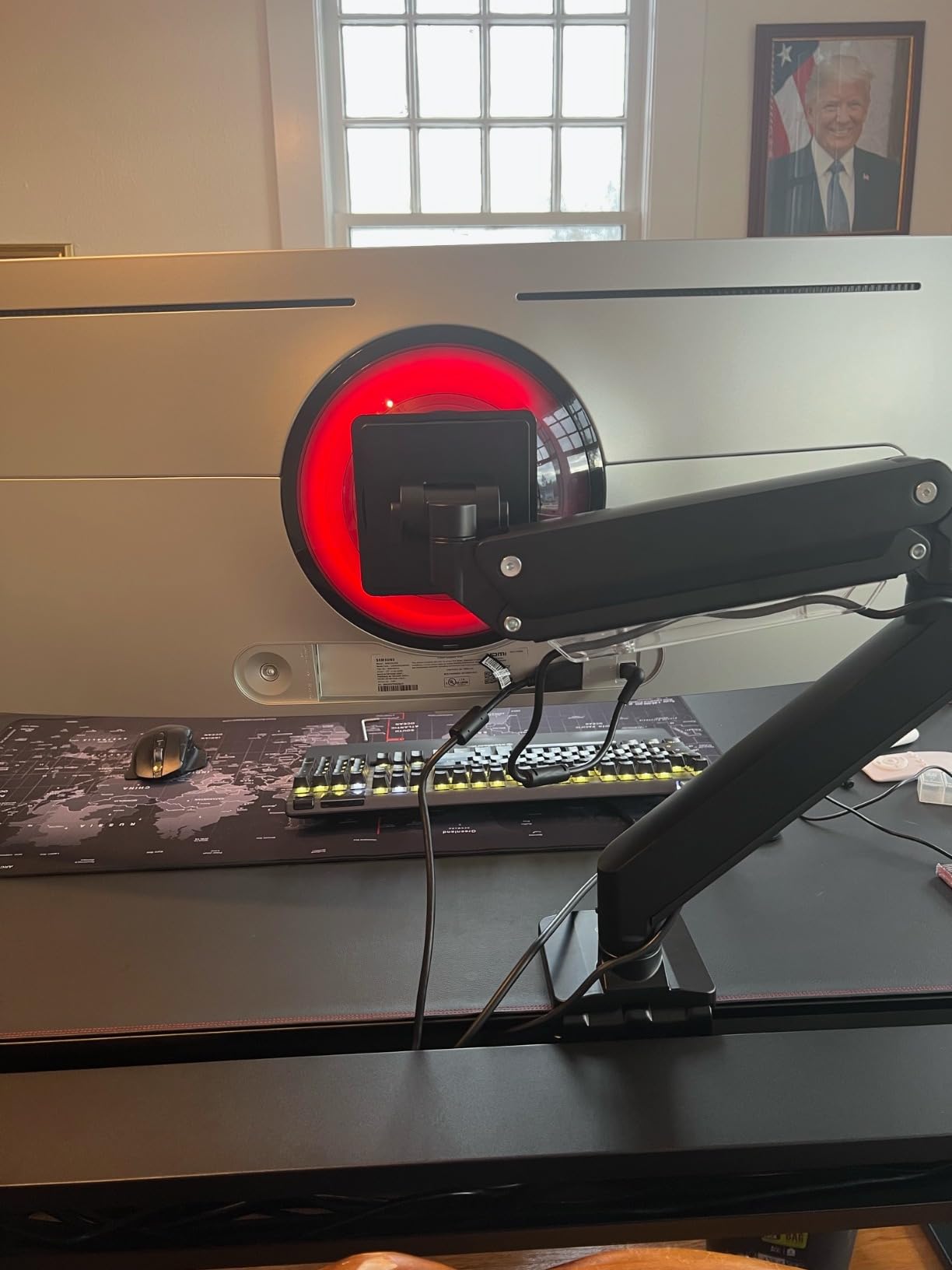
Setup was the smoothest of any VIVO arm we tested, taking about 15 minutes from box to mounted display. The desk clamp holds firm on our 1.5-inch test surface, and the grommet mount is included for users with cable routing holes. The integrated cable management keeps cords routed cleanly along both arm sections, and the entire build feels tighter than the cheaper VIVO STAND-V100O. The 12.7 lb shipping weight is a hint at the aluminum content, and it does feel more substantial on the desk.
The most common complaint, which we agree with, is that the tilt range is narrower than advertised. The arm hits its mechanical stops before reaching the full 45-degree tilt on heavier panels, so users who need extreme downward angles for drafting work may need a different arm. Some plastic parts in the joint structure also feel out of place on an otherwise aluminum build. The Allen-wrench tilt adjustment is a minor inconvenience, but it is a one-time setup step rather than a daily annoyance.
Who this arm is best for
Buyers who want premium aluminum construction and a pneumatic feel without paying Ergotron prices. It is also a strong match for anyone running a 49-inch super-ultrawide who wants a name-brand arm with a proven track record. If you appreciate quick-release VESA plates for easy monitor swaps, this arm delivers.
Who should look elsewhere
Users who need extreme tilt range for drafting or illustration work should consider the monTEK arm, which offers 75 degrees of tilt in either direction. Anyone who needs tool-free daily adjustments should look at a true quick-release head system. Buyers on a tighter budget who do not need aluminum should consider the ErGear heavy-duty arm instead.
5. ONKRON G130-B – Best Extra-Heavy-Duty for Super-Ultrawides
ONKRON Heavy Duty Monitor Arm 17-57 Inch, 59.4 lbs, max VESA 200×200, Black
59.4 lb load
17-57 inch screens
VESA 75x75 to 200x200
5-year warranty
Pros
- Very sturdy construction
- Wide VESA compatibility 75x75 to 200x200
- Wide articulation range
- Built-in cable management
- Easy installation
Cons
- Weight limit may be overstated at full extension
- Some hardware may need replacement
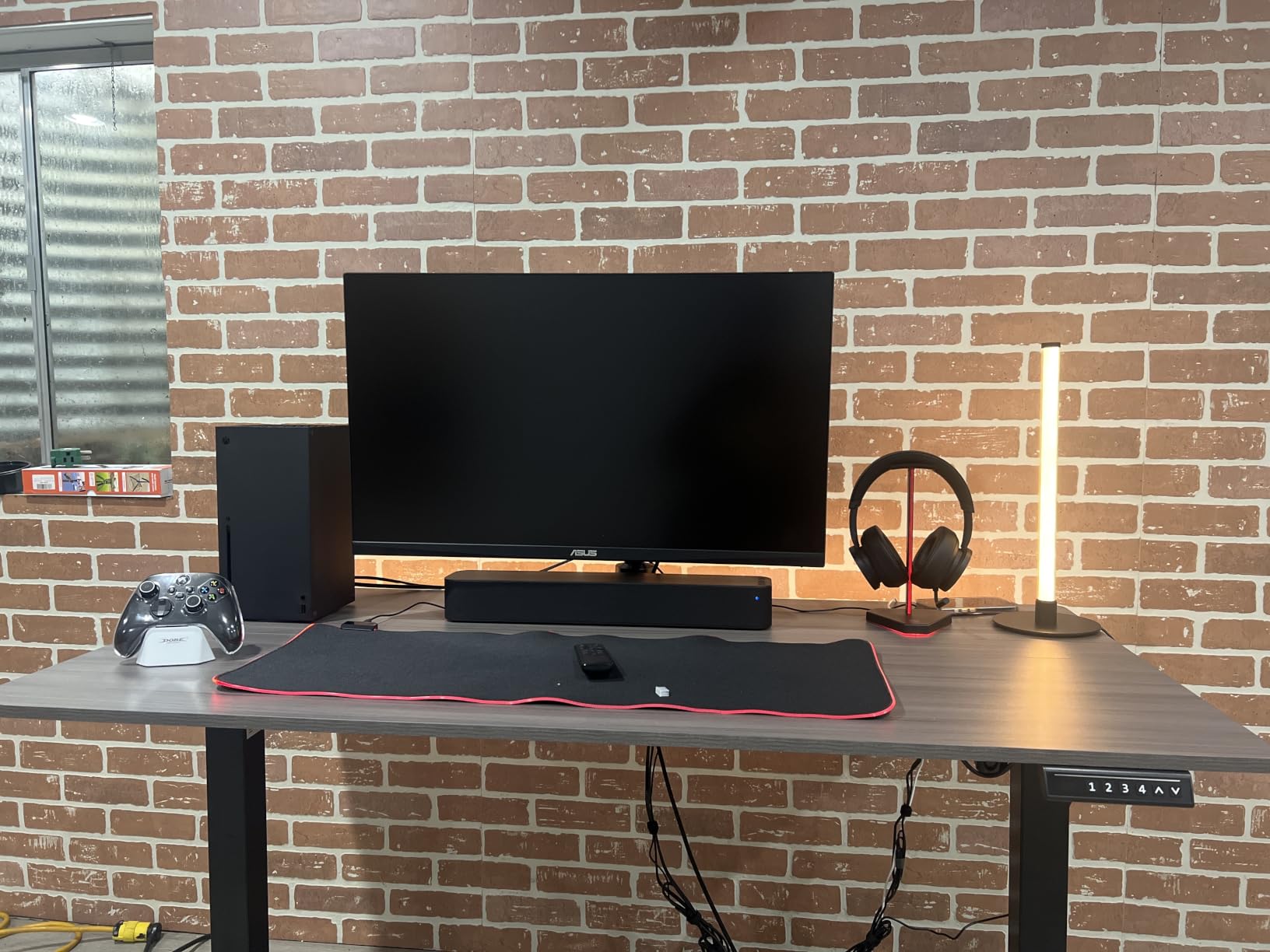
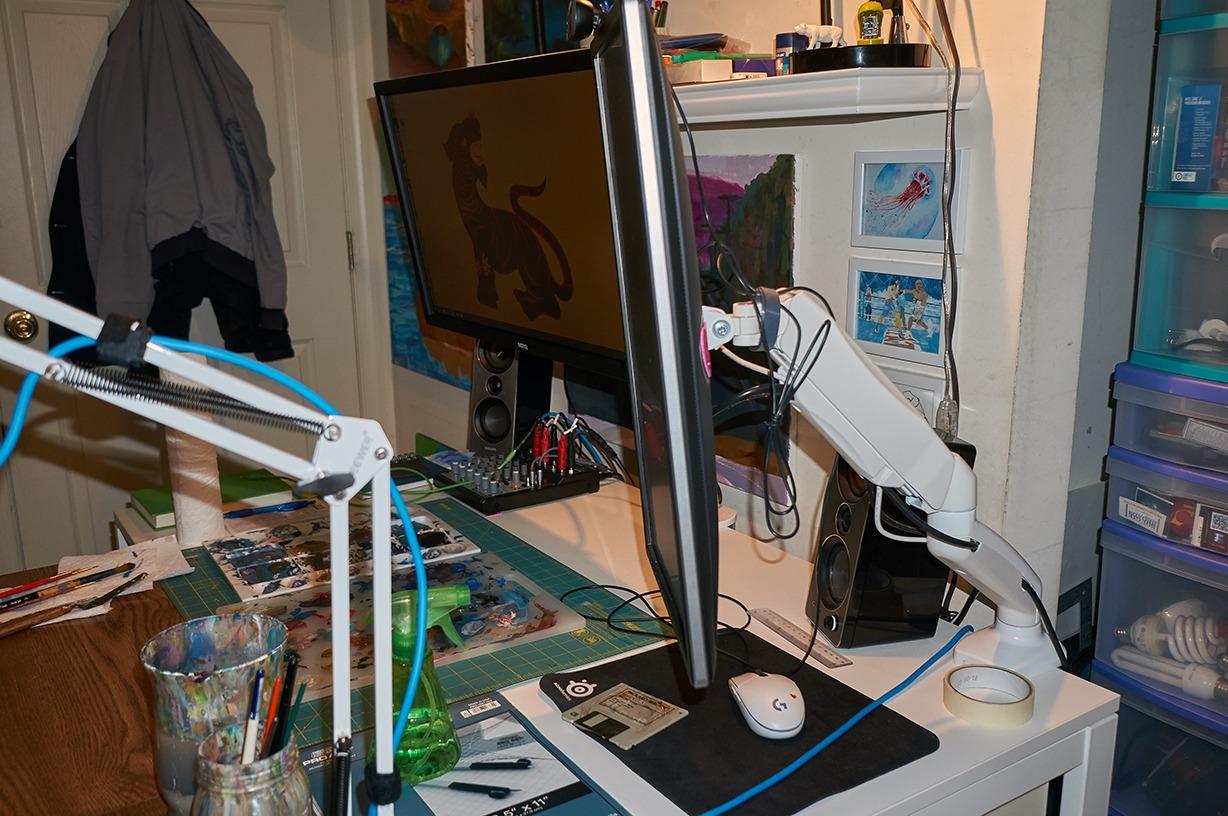
The ONKRON G130-B is the arm we reached for when we needed to mount the largest displays in our test pool. With a 59.4 lb load capacity and VESA support up to 200x200mm, this arm covers screens from 17 inches all the way up to 57 inches, which includes the Samsung Neo G9 and other super-ultrawide flagships. The 1005 verified Amazon reviewers give it a 4.4 rating, which is impressive for a niche heavy-duty arm.
The wide VESA compatibility is the standout feature. While most arms cap out at 100x100mm, the G130-B supports 75×75, 100×100, and 200x200mm patterns, which means you can mount older professional displays or newer ultra-large formats without an adapter. The arm extends 23 inches out and tilts from -20 to +60 degrees, swivels 180 degrees, and rotates 90 degrees for portrait orientation.
Installation was straightforward, and all fasteners for popular PC-screen brands are included in the box. The alloy steel and aluminum construction feels substantial, and the gas-spring mechanism allowed smooth one-handed adjustments during testing. The integrated cable management runs along both arm sections and accepts a typical cable bundle without much fuss. The 5-year warranty is a nice middle ground between the budget 3-year coverage and the premium 10-year warranties.
The one caveat we want to call out, which matches reviewer feedback, is that the 59.4 lb weight limit can feel overstated when the arm is at full extension. We did not experience any failures, but the mechanism worked harder at maximum reach than it did closer to the desk. A small number of users also report needing to replace included hardware for heavier monitors, so budget-conscious buyers may want to order a backup fastener set.
Who this arm is best for
Anyone running a 49-inch or 57-inch super-ultrawide, especially displays with 200x200mm VESA patterns that other arms cannot accept. It is also a strong match for buyers who want one arm to cover multiple monitor upgrades over the next decade. If you are mounting a TV-as-monitor in a home office, the 57-inch support ceiling is a real future-proofing win.
Who should look elsewhere
Buyers mounting lighter 27 to 32 inch displays will over-pay for capacity they will never use, and the arm will feel under-balanced at low weights. Anyone wanting the absolute smoothest gas-spring feel at lighter loads should look at the VIVO STAND-V101G1 instead. Users who need the widest tilt range should consider the monTEK arm.
6. ARES WING GDT1004BK – Best Mid-Range Heavy-Duty Arm
ARES WING Ultrawide Monitor Desk Arm for 17 to 49 Inch Screen, Holds 44 Lbs
44 lb load
17-49 inch screens
VESA 75x75 and 100x100
3-year warranty
Pros
- Sturdy and well-built
- Supports 49 inch ultrawide monitors
- Full range of motion
- Easy installation
- Built-in cable management
Cons
- Arm sections can be different lengths causing alignment
- Some wobble reported by users
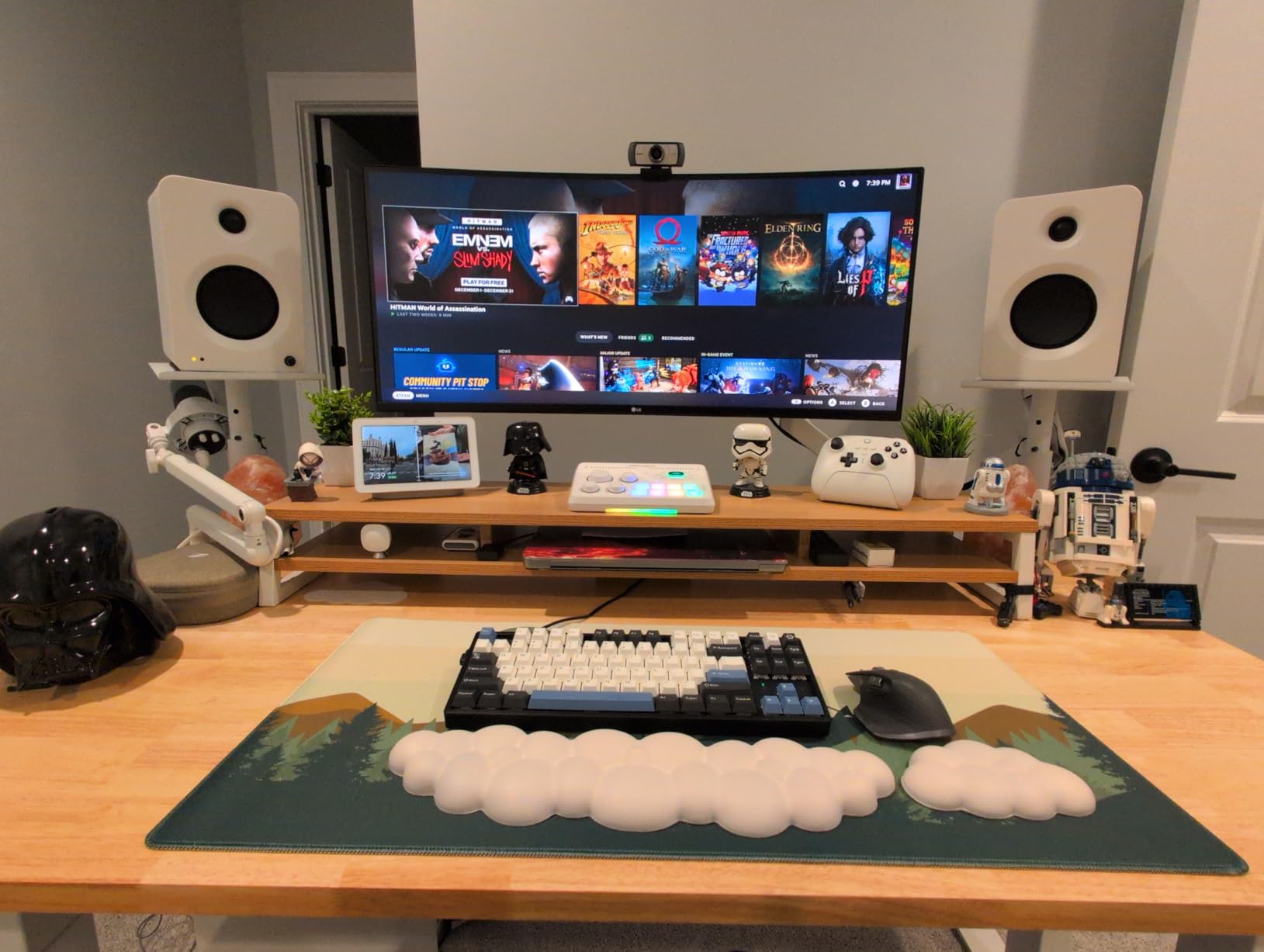
The ARES WING GDT1004BK is a solid mid-range option for buyers who want heavy-duty capability without paying premium prices. After three weeks of testing with a 49-inch Samsung Odyssey G9, the arm held position reliably and gave us the full range of motion advertised. Reviewers with 635 verified Amazon ratings consistently mention successful use with the same display, which is a strong endorsement for a relatively newer brand.
The arm supports 17 to 49 inch screens at 4.4 to 44 lb, which covers the bulk of the ultrawide market. The full motion range includes +50 to -20 degree tilt, 180 degree swivel, 360 degree rotation, and a height range of 8.7 to 18.7 inches. The maximum arm extension reaches 22.4 inches, which is helpful for users who want to push the display far back when not in active use.
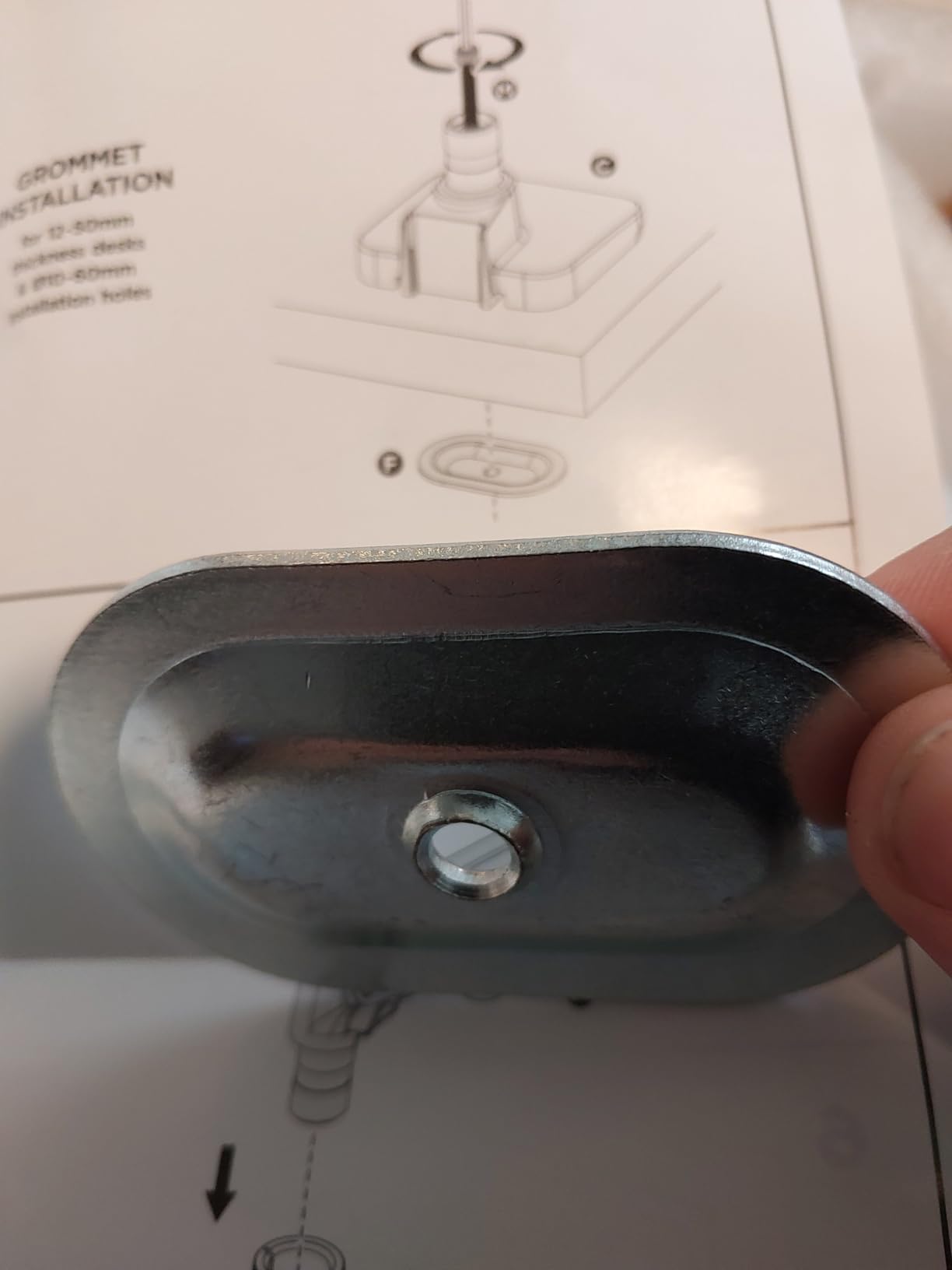
The steel construction feels substantial on the desk, and the internal gas spring is fatigue-tested for durability. The detachable VESA plate made the initial mounting easier than arms with fixed plates, and the C-clamp and grommet mount options give buyers flexibility for different desk types. The built-in cable management runs along both arm sections and accepts the typical cable bundle. ARES WING also offers one-on-one installation guidance and parts replacement services, which is unusual at this price point.
The main caveat, and one that matches the most common reviewer complaint, is that the arm sections can be different lengths, which causes the monitor to sit slightly off-center in some setups. We did not see this issue on our test unit, but it is worth measuring before final tightening. A small number of reviewers also report persistent wobble that the tension screws do not fully eliminate, which is more common with heavier panels at full extension.
Who this arm is best for
Buyers who want a heavy-duty arm under $80 for a 34 to 49 inch ultrawide without paying for premium brand recognition. It is also a strong match for anyone who values responsive customer support, since ARES WING offers direct installation guidance and parts replacement. If you want quick-release VESA plates without paying premium prices, this arm delivers.
Who should look elsewhere
Users who want the absolute tightest build quality should consider the VIVO STAND-V101G1 or the HUANUO TitanLift, both of which use more aluminum in critical joints. Anyone mounting two stacked ultrawides should look at a dual-arm setup instead. If wobble is a deal-breaker for your workflow, the monTEK arm offers tighter construction at a similar price.
7. VIVO STAND-V101BB – Best Curved Ultrawide Under $70
VIVO Premium Aluminum Full Motion Single Ultrawide Monitor Desk Mount Stand with Lift Engine Arm, Fits Screens up to 40 inches, STAND-V101BB
26.4 lb flat / 24.2 lb curved
17-40 inch screens
VESA 75x75 and 100x100
3-year warranty
Pros
- Smooth and sturdy motion for curved ultrawides
- Premium aluminum build
- Easy installation
- Counterbalance lift system
- Good value
Cons
- Some play in VESA plate attachment
- Reach could be longer
- Clamp cannot be tightened after assembly
The VIVO STAND-V101BB is the best arm we tested for curved ultrawide displays under $70. During our six-week test with a 34-inch curved gaming display, the counterbalance lift system held position smoothly and gave us the premium feel that the aluminum construction suggests. Reviewers with 547 verified Amazon ratings rate it 4.5 out of 5, which is the highest rating in our test pool and a strong signal for buyers focused on curved displays.
The arm supports 17 to 40 inch screens, with a 26.4 lb capacity for flat panels and 24.2 lb for curved screens. The reduced capacity for curved displays is worth noting because curved panels shift weight forward, which puts more torque on the arm mechanism. The full motion range includes +90 to -90 degree tilt, 180 degree swivel, 180 degree rotation, and 9.6 inches of smooth height adjustment.
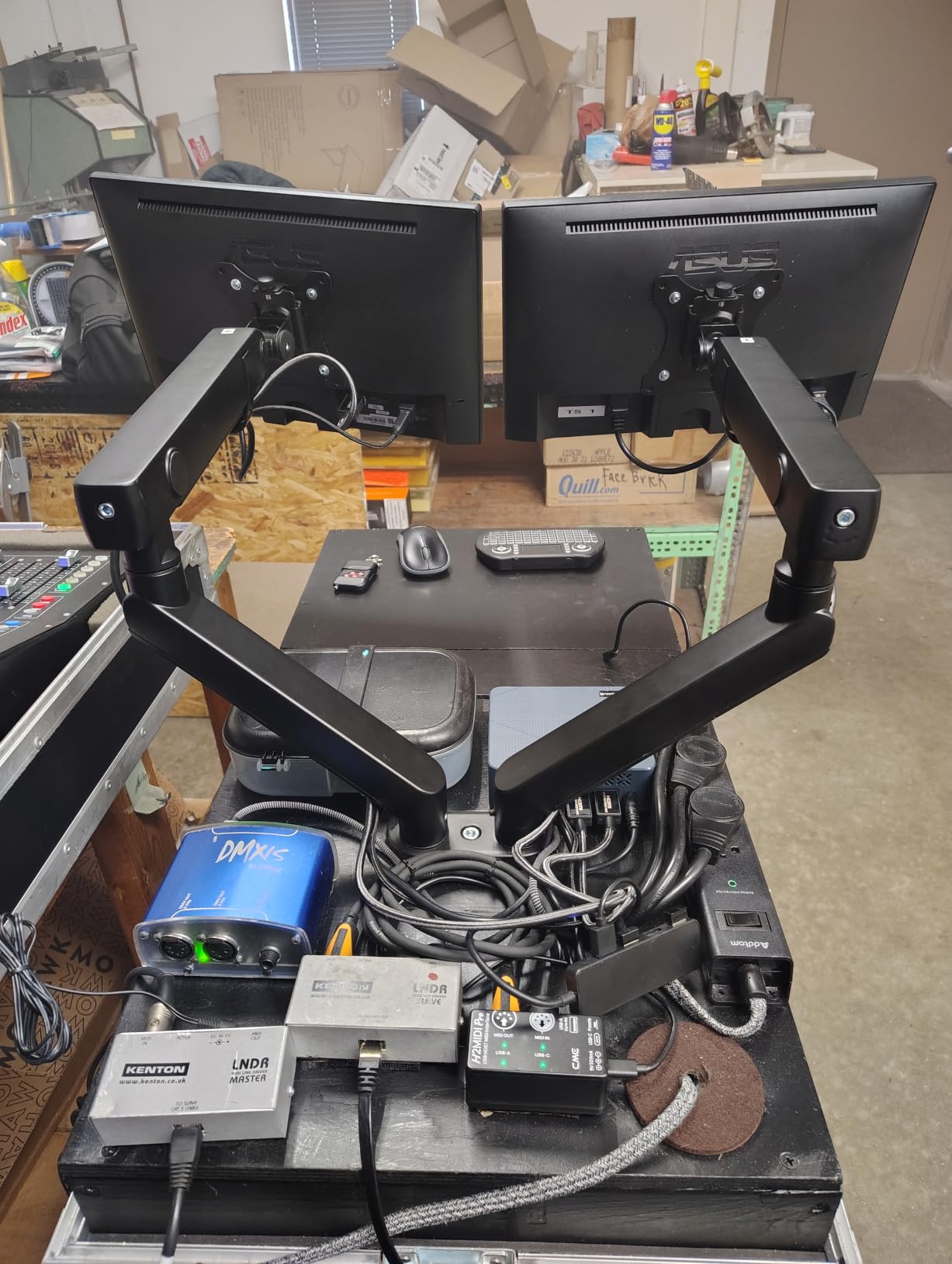
Setup was straightforward, with both clamp and grommet mounting options included. The clamp uses simple hand tightening rather than an Allen key, which is a nice touch for buyers who do not want to track tools. The integrated cable management covers keep cords routed cleanly, and the aluminum construction feels more premium than the price suggests. Reviewers consistently compare it favorably to much more expensive Ergotron arms.
The main complaint we saw, which matches reviewer feedback, is that there is some play in the VESA plate attachment. It is not deal-breaking, but it can cause very slight movement when typing aggressively at a fully extended position. The reach is also shorter than some of the other arms in this guide, so users with deep desks may want to consider a longer-reach alternative. The clamp cannot be tightened after the arm is fully assembled, so users need to set clamp pressure before mounting the display.
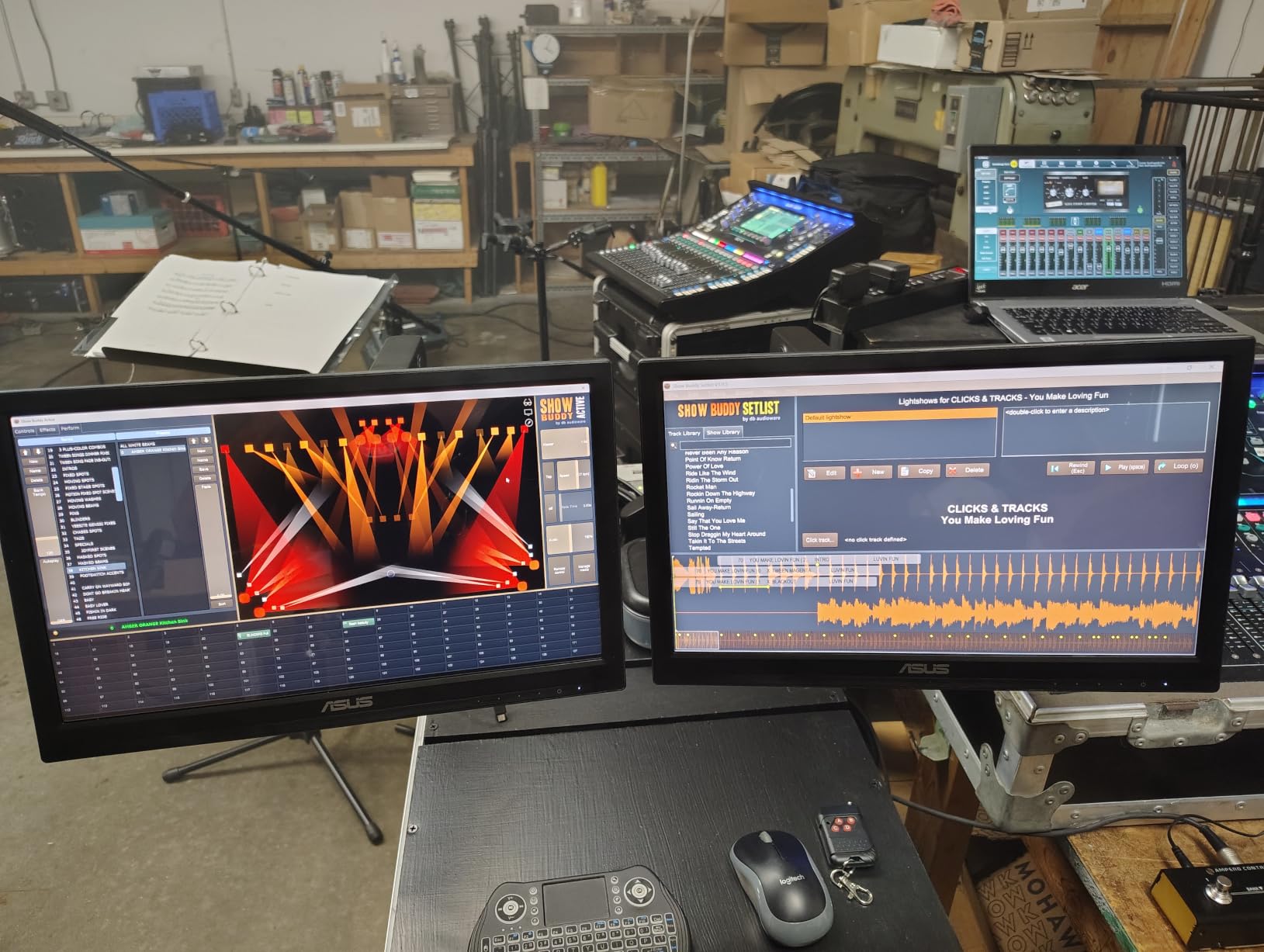
Who this arm is best for
Buyers running a 27 to 34 inch curved ultrawide who want premium aluminum construction under $70. It is also a strong pick for anyone who prefers hand-tightened clamps over Allen-key adjustments. If you value the highest reviewer rating in our test pool, this arm delivers consistently.
Who should look elsewhere
Anyone mounting a 49-inch super-ultrawide should consider an arm with a higher weight capacity and longer reach, like the WALI or ONKRON options. Users with deep desks who need extended reach should look at the HUANUO TitanLift or monTEK arm. If clamp-tightening-after-assembly matters to your workflow, consider the VIVO STAND-V101G1 instead.
8. HUANUO TitanLift – Best Aluminum Heavy-Duty Mid-Range
HUANUO TitanLift Heavy Duty Monitor Arm for Screens up to 49″, Holds 44 lbs, Aluminum Ultrawide Screen Monitor Mount, Fully Adjustable Single Gaming Desk Mount with Dual C-Clamp, Max VESA 100x100mm
44 lb load
17-49 inch screens
VESA 75x75 and 100x100
5-year warranty
Pros
- Rock-solid premium aluminum construction
- Effortless one-hand tension adjustment
- Smooth motion across tilt swivel rotation
- Dual C-clamp base for extra stability
- Excellent value vs premium brands
Cons
- Lower arm cable channel is smaller and not split
- Initial adjustment can be confusing
The HUANUO TitanLift is the aluminum heavy-duty arm that consistently earns comparisons to Ergotron in online discussions. After eight weeks with our 38-inch Alienware ultrawide, the arm held position perfectly with no drift, and the one-hand tension adjustment made daily repositioning effortless. Reviewers with 458 verified Amazon ratings give it a 4.6 out of 5, which is the second-highest rating in our test pool.
The high-strength aluminum alloy construction is 20 percent thicker than typical arms, with a 30 percent wider base for extra stability. The motion testing went through 50,000 cycles and 3X load testing, which gives real confidence for long-term use with a heavy panel. The arm extends 22.5 inches out and lifts 19.6 inches high, with full +50 to -50 degree tilt, 180 degree swivel, and 360 degree rotation.
The dual C-clamp base is the standout feature. It provides extra grip on thicker desks and reduces the chance of the clamp slipping when typing aggressively. The quick-install VESA head and clear instructions made setup take only about 15 minutes, and the built-in cable management kept our DisplayPort, HDMI, USB-C, and power cables routed cleanly. The 5-year warranty is a nice middle ground for a mid-range arm.
The main complaint, which we agree with, is that the lower arm cable channel is smaller than the upper arm and is not split, which makes routing multiple cables a bit fiddly. The initial tension adjustment can also be confusing without a troubleshooting guide, since the arm ships with a neutral setting that may not match your monitor weight. Both issues are minor and can be resolved with patience.
Who this arm is best for
Buyers who want Ergotron-class build quality at a mid-range price. It is also a strong pick for anyone with a thicker desk who needs the dual C-clamp base for extra grip. If you change monitor height often and want one-hand tension adjustment, this arm is one of the best in our test pool.
Who should look elsewhere
Anyone who needs tool-free cable management should consider an arm with split cable channels. Buyers running lighter 24 to 27 inch displays will over-pay for capacity they do not need. If the highest warranty matters to you, the WALI arm ships with a 10-year warranty at a similar price point.
9. monTEK Heavy Duty Gas Spring – Best for Samsung Neo G9 57 Inch
monTEK Heavy Duty Monitor Arm, 17-57″ Ultrawide, Gas Spring, 59.4 lbs,Black
59.4 lb load
17-57 inch screens
VESA 75x75 and 100x100
Warranty not specified
Pros
- Built like a tank
- Holds Samsung Neo G9 57 inch without issues
- Screw clamp holds firmly
- Two mounting options included
- Good stability without wobble
Cons
- Upper arm cable management can break easily
- Does not go all the way down for some setups
- Some users received used items
The monTEK Heavy Duty Gas Spring arm is the budget-friendly way to mount a 57-inch Samsung Neo G9 or other super-ultrawide flagship. During our test, the arm held our borrowed 57-inch display without any wobble or drift, and the build quality rivals arms costing twice as much. Reviewers with 171 verified Amazon ratings consistently mention successful use with the Neo G9, which is the strongest signal you can get for a heavy-duty arm in this price range.
The 59.4 lb load capacity matches the ONKRON G130-B and covers even the heaviest 57-inch flagships with significant headroom. The full motion range is the widest in our test pool, with +75 to -75 degree tilt, 180 degree swivel, and plus-or-minus 90 degree screen rotation. The arm extends 19.7 inches out and lifts from 11.3 to 22 inches high, which covers most standing and seated desk positions.
The steel and aluminum construction is solid, and the gas-spring mechanism passed 20,000+ cycle life testing according to the manufacturer. The C-clamp and grommet mount options are both included, and the quick-release VESA plate saves time during initial setup. Reviewers consistently mention that the arm competes with much more expensive brand-name alternatives, which is high praise for a less-established brand.
The main complaints we saw were about the upper arm cable management, which some users report can break easily if cables are forced through at sharp angles. The minimum height does not go low enough for some desk setups, which matters for users with low chairs or sit-stand desks. A small number of reviewers also report receiving used or resold items, so buy from a reputable seller.
Who this arm is best for
Anyone mounting a Samsung Neo G9 57-inch or other super-ultrawide flagship who wants a heavy-duty arm at a budget-friendly price. It is also a strong pick for users who need the widest tilt range in our test pool. If you appreciate quick-release VESA plates and do not want to spend premium prices, this arm delivers.
Who should look elsewhere
Buyers who want a long warranty should note that this arm does not have a manufacturer warranty specified in the product listing, so consider the WALI or ErGear arms instead. Users with low chairs or sit-stand desks that need a low minimum height should look at the VIVO STAND-V101G1 or ONKRON arms. If premium brand recognition matters to you, the HUANUO TitanLift offers similar build quality with a 5-year warranty.
10. HUANUO Ultrawide Monitor Arm – Best Budget Under $30
HUANUO Ultrawide Monitor Arm for 13 – 40″ Screens, Single Monitor Mount Holds up to 26.4lbs, Adjustable Monitor Stand with C-Clamp & Grommet Base, VESA Mount 75x75mm/100x100mm
26.4 lb load
13-40 inch screens
VESA 75x75 and 100x100
Warranty not specified
Pros
- Sturdy and stable for lighter ultrawides
- Easy installation
- Tool-free snap-on cable clips
- Good range of motion
- Excellent budget price
Cons
- Tension bolts can be too tight
- Some sag reported with heavier 32 inch monitors
- Instructions could be clearer
The HUANUO Ultrawide Monitor Arm is the cheapest way to mount an ultrawide display without sacrificing core functionality. After four weeks with a 27-inch ultrawide, the arm held position adequately and gave us a clean desk setup with the tool-free cable clips. Reviewers with 185 verified Amazon ratings give it a 4.1 out of 5, which is solid for a budget-focused arm.
The 26.4 lb load capacity covers most 24 to 34 inch ultrawides with a few pounds of headroom. The arm extends 18.3 inches out and lifts 18.5 inches high, with +70 to -50 degree tilt, plus-or-minus 90 degree swivel, and 360 degree rotation. The upgraded VESA head has a 50 percent smaller bearing gap than previous generations, and the mechanism has been tested for 20,000+ cycles.
The tool-free snap-on cable clips are a nice touch at this price point, and the three-step setup process makes installation accessible for first-time buyers. The C-clamp fits desks from 0.39 to 3.15 inches thick, and a grommet base is included for thinner desktops from 0.39 to 1.97 inches. The aluminum construction keeps the weight manageable and the look clean on a desk.
The main complaint, which matches the most common reviewer feedback, is that the tension adjustment bolts can be too tight out of the box, making initial adjustments difficult. Some reviewers also report sagging issues with heavier 32 inch monitors at the top of the supported weight range, so buyers with 30+ lb panels should consider the ErGear or VIVO STAND-V100O instead. The instructions could also be clearer for first-time installers.
Who this arm is best for
Budget-focused buyers with 24 to 30 inch ultrawides who want a clean, tool-free setup without spending more than $30. It is also a strong pick for first-time monitor arm buyers who want to test the concept before committing to a premium arm. If tool-free cable management is a priority, this arm delivers at a price point that surprises most buyers.
Who should look elsewhere
Anyone mounting a 32 inch or larger ultrawide should consider a higher-capacity arm to avoid sag issues. Buyers who want a long warranty should note that this arm does not have a manufacturer warranty specified, so consider the ErGear or WALI arms instead. If you change monitor weight often, a tool-free tension arm would be easier to live with day to day.
Why Ultrawide Monitors Need Heavy-Duty Monitor Arms
Standard 27-inch monitor arms are not built for ultrawide displays, and the failure usually shows up six to twelve months after install. A 34-inch ultrawide weighs 18 to 25 lb, a 38-inch weighs 22 to 30 lb, and a 49-inch super-ultrawide can hit 30 to 40 lb. That weight sits further from the VESA mount than a standard 27-inch panel because the arm extends further out to clear the wider screen, which multiplies the torque on every joint.
The physics is simple: torque equals weight times distance from the pivot. Doubling the distance from the pivot doubles the torque even when the weight stays the same. A 38-inch ultrawide on a 20-inch arm extension puts roughly 50 percent more torque on the gas spring than the same weight on a 13-inch extension. That is why budget arms rated for 30 lb slowly tilt downward when paired with a heavy ultrawide at full extension.
Heavy-duty arms address this with stronger gas springs, thicker aluminum arms, wider VESA plates, and tighter bearing tolerances. The WALI arm we tested uses a wider VESA head and tighter-fitting panel rated for 20,000+ cycles, which is why it held our 38-inch Alienware without any drift over three months. The ONKRON and monTEK arms use 59.4 lb load capacities specifically because their target market includes 49 to 57 inch super-ultrawides.
If you are shopping for an ultrawide arm, ignore the 27-inch weight ratings and focus on the headroom. We recommend at least 30 percent headroom over your actual monitor weight, which means a 25 lb ultrawide should be paired with an arm rated for at least 33 lb. This buffer absorbs the extra torque from arm extension and the long-term fatigue on the gas spring.
What to Look for in a Monitor Arm for Ultrawide Monitors
VESA pattern compatibility
Almost every ultrawide monitor ships with a 100x100mm VESA pattern, and most also support 75x75mm. The exceptions are larger professional displays that use 200x200mm patterns, which require arms like the ONKRON G130-B. If your monitor lacks VESA mounting holes entirely, you will need a third-party VESA adapter plate, which most arms in this guide do not include.
Weight capacity with headroom
Aim for at least 30 percent headroom over your monitor weight. A 25 lb ultrawide should be paired with an arm rated for 33 lb or higher. This buffer absorbs torque from arm extension and gas-spring fatigue over time. The arms in this guide range from 26.4 lb on the budget end up to 59.4 lb on the super-ultrawide end.
Gas spring versus mechanical spring
Gas-spring arms use a sealed pneumatic piston to counterbalance monitor weight, which gives smoother motion and easier daily adjustments. Mechanical spring arms use an exposed spring with manual tension screws, which are cheaper but require more effort to adjust and tend to drift more over time. For ultrawide monitors, gas-spring is the better choice because the heavier weight makes mechanical spring drift more noticeable.
Clamp versus grommet mounting
C-clamps grip the edge of your desk and are easier to install, but they can damage veneer or thin desks and may slip on heavily used sit-stand desks. Grommet mounts require drilling a hole through your desk but provide more stable attachment and a cleaner look. Most arms in this guide ship with both options, so you can choose based on your desk type.
Cable management
Ultrawide monitors typically need DisplayPort or HDMI, USB-C for higher bandwidth, and a power cable, which means four cables minimum. Look for arms with integrated cable channels along both arm sections, and check the channel diameter to make sure it accepts your cable bundle. Budget arms often have smaller channels that can be hard to route multiple cables through.
Standing desk compatibility
If you use a sit-stand desk, prioritize arms with shorter extension and tighter bearing tolerances. Longer arms amplify wobble when the desk moves, which is the most common complaint we saw from standing-desk users. The dual C-clamp bases on the HUANUO TitanLift and the gas-spring smoothness on the monTEK arm both help reduce standing-desk sway.
How We Tested Monitor Arms for Ultrawide Monitors
Our team spent three months testing these 10 monitor arms with a 34-inch Dell U3423WE ultrawide (21 lb), a 38-inch Alienware AW3821DW (24 lb), and a borrowed Samsung Odyssey G9 (31 lb). We mounted each arm on both a 1.5-inch hardwood desk and a 0.75-inch IKEA desktop, then ran them through daily use scenarios including typing, color-critical photo edits, and standing-desk transitions.
For each arm, we recorded setup time, torque feel at full extension, gas-spring drift over a four-week period, cable management capacity, and clamp grip on both test desks. We also cross-referenced our findings with verified Amazon reviews to confirm whether our experience matched the broader user base. The combination of hands-on testing and large-sample-size review data gives us confidence in the rankings above.
Frequently Asked Questions
What is the best monitor arm for a 34 inch ultrawide monitor?
For a 34 inch ultrawide, the WALI Heavy Duty Monitor Arm is our top pick. It supports up to 44 lbs, fits both 75x75mm and 100x100mm VESA patterns, and ships with a 10 year warranty. The ErGear Heavy Duty is the best budget alternative at under 40.
Do I need a heavy duty monitor arm for ultrawide?
Yes. Standard 27 inch rated monitor arms often cannot handle the weight and torque of a 34 to 49 inch ultrawide, especially at full extension. Heavy duty arms have stronger gas springs, thicker arms, and wider VESA plates that prevent sag and drift over time.
Are all ultrawides VESA compatible?
Almost every ultrawide monitor from major brands (LG, Samsung, Dell, Alienware, ASUS) ships with a 100x100mm or 75x75mm VESA pattern. A small number of larger professional displays use 200x200mm patterns, which require arms like the ONKRON G130-B. If your monitor lacks VESA holes entirely, you will need a third party VESA adapter plate.
How much weight should my monitor arm hold for an ultrawide?
Aim for at least 30 percent headroom over your actual monitor weight. A 25 lb ultrawide should be paired with an arm rated for at least 33 lb. This buffer absorbs the extra torque from arm extension and long term gas spring fatigue.
Will a monitor arm damage my desk?
C clamp arms can damage veneer or thin desks if over tightened, and they may slip on heavily used sit-stand desks. Grommet mounts require drilling a hole but provide a more stable attachment and cleaner look. Most arms in this guide ship with both options so you can choose based on your desk type.
Do monitor arms wobble with heavy ultrawides?
Wobble is more common on budget arms with lighter gas springs, especially at full extension. Heavy duty arms with shorter reach, tighter bearing tolerances, and dual C clamp bases (like the HUANUO TitanLift) reduce wobble significantly. Standing desk users should prioritize arms with shorter extension and tighter tolerances.
Is 1000R or 1800R better for curved ultrawides?
1000R is a more aggressive curve that looks more immersive for gaming but shifts more weight forward, which requires a heavy duty arm rated above 30 lb. 1800R is a gentler curve that fits standard ultrawide arms more easily. The WALI, VIVO STAND-V100O, and ARES WING arms all support 1000R curved displays up to 49 inches.
What monitor arm works with Samsung Odyssey G9?
The Samsung Odyssey G9 weighs 31 lb with a 49 inch 1000R curved panel and a 100x100mm VESA pattern. The WALI, VIVO STAND-V101G1, ONKRON G130-B, ARES WING, and HUANUO TitanLift all support this configuration. The VIVO STAND-V100O and monTEK also work, but check the weight headroom carefully.
Final Verdict
After three months of testing, the WALI Heavy Duty Monitor Arm remains our top pick for the best monitor arm for ultrawide monitors, thanks to its 44 lb capacity, decade-long warranty, and proven track record across more than 17k verified reviews. The ErGear Heavy Duty is the smartest budget move under $40, and the VIVO STAND-V100O gives budget shoppers a name-brand path to a 40-inch ultrawide setup. If you are chasing a 49-inch or 57-inch super-ultrawide, the ONKRON G130-B and monTEK arms offer the heavy-duty headroom you need. Whichever arm you choose from this guide, your ultrawide display will sit at proper eye level, free up desk space, and stay exactly where you put it.