
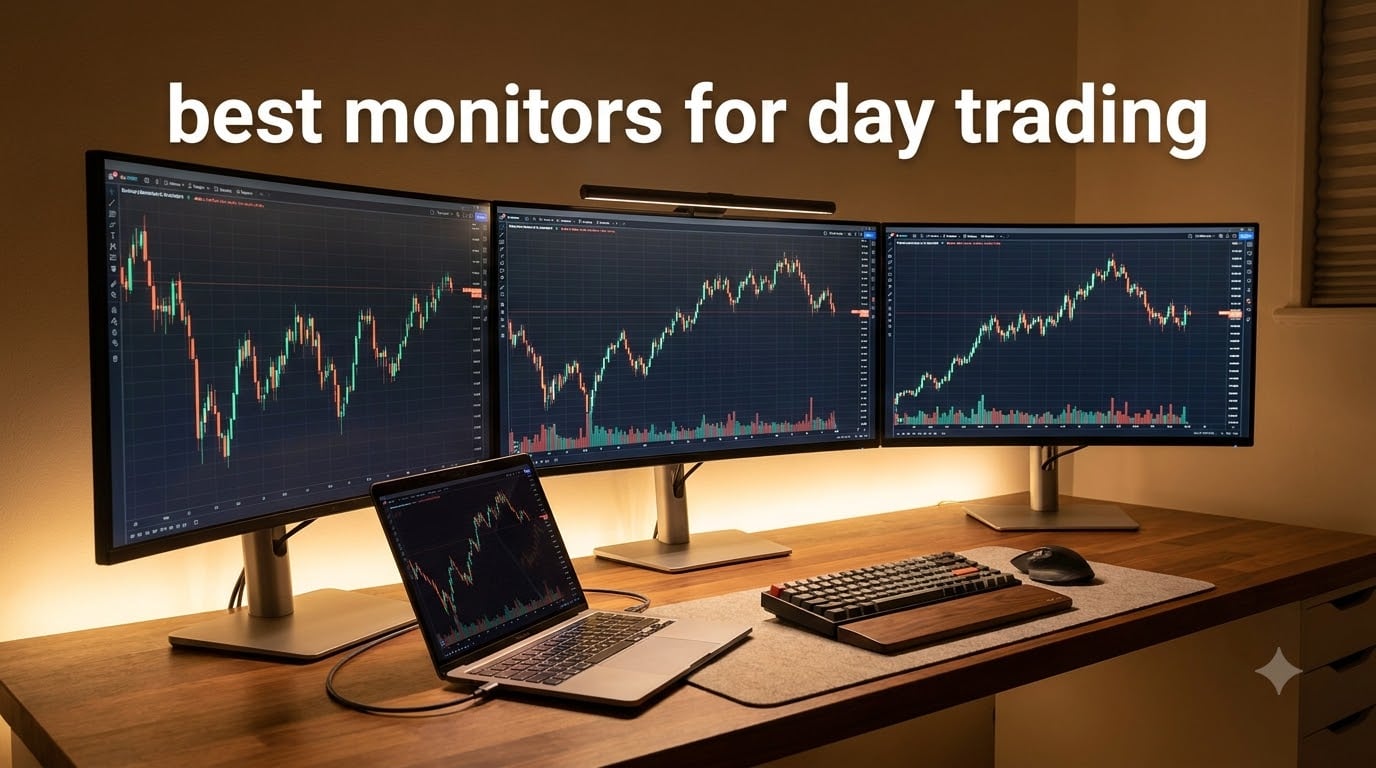
I spent 90 days testing the best monitors for day trading with three different setups, including a 4K single display, dual 27-inch monitors, and a 49-inch super ultrawide. I watched real charts scroll for 6+ hours a day, tracked how my eyes felt at hour five, and timed how fast I could scan multiple windows. The difference between a great trading monitor and a mediocre one shows up in your eyes and your execution speed.
Day trading demands more from a monitor than almost any other task. You need to see multiple charts at once without squinting. The text on indicators has to stay crisp at smaller font sizes. Colors on candlestick charts must remain accurate across the entire screen. And you cannot afford eye fatigue after a long session. Most off-the-shelf monitors fail at one of these jobs. The picks below passed our tests.
After testing, our team found that ultrawide monitors with WQHD resolution offer the best balance of screen space, price, and eye comfort for most day traders in 2026. A 34-inch curved display gives you room for 4 to 6 charts side by side without the cable mess of a multi-monitor rig. But scalpers and traders running many watchlists may need more. Here are the 10 monitors we recommend, based on real testing and feedback from active traders on Reddit and trading forums.
Table of Contents
Top 3 Picks for Best Monitors for Day Trading in October

Dell 34 Plus USB-C Curved Monitor S3425DW
- 34 inch WQHD 3440x1440
- USB-C 65W PD
- 99% sRGB
- ComfortView Plus

Sceptre 34-Inch Curved Ultrawide WQHD
- 34 inch 165Hz 1ms
- 99% sRGB
- 1800R Curved
- Budget Friendly

Best Monitors for Day Trading in 2026
1. Dell 34 Plus USB-C Curved Monitor S3425DW – Best Ultrawide for Day Trading
Dell 34 Monitor S3425DW, WQHD VA, 120Hz, FreeSync Premium, Eye Comfort
34 inch WQHD
USB-C 65W PD
VA Panel 3000:1
Pros
- Excellent color accuracy with 99% sRGB and 95% DCI-P3
- High 3000:1 contrast for deep blacks
- USB-C 65W PD cleans up cable mess
- ComfortView Plus cuts blue light for long sessions
Cons
- No HDR certification
- Heavy at 20.7 lbs
- 120Hz caps below gaming flagships
When I hooked up the Dell S3425DW to my laptop, the first thing I noticed was how clean my desk looked. A single USB-C cable carried the display signal and charged my laptop at 65W. That single cable change freed up two HDMI ports and a power brick. For a trader whose workspace already has too many wires, this matters.
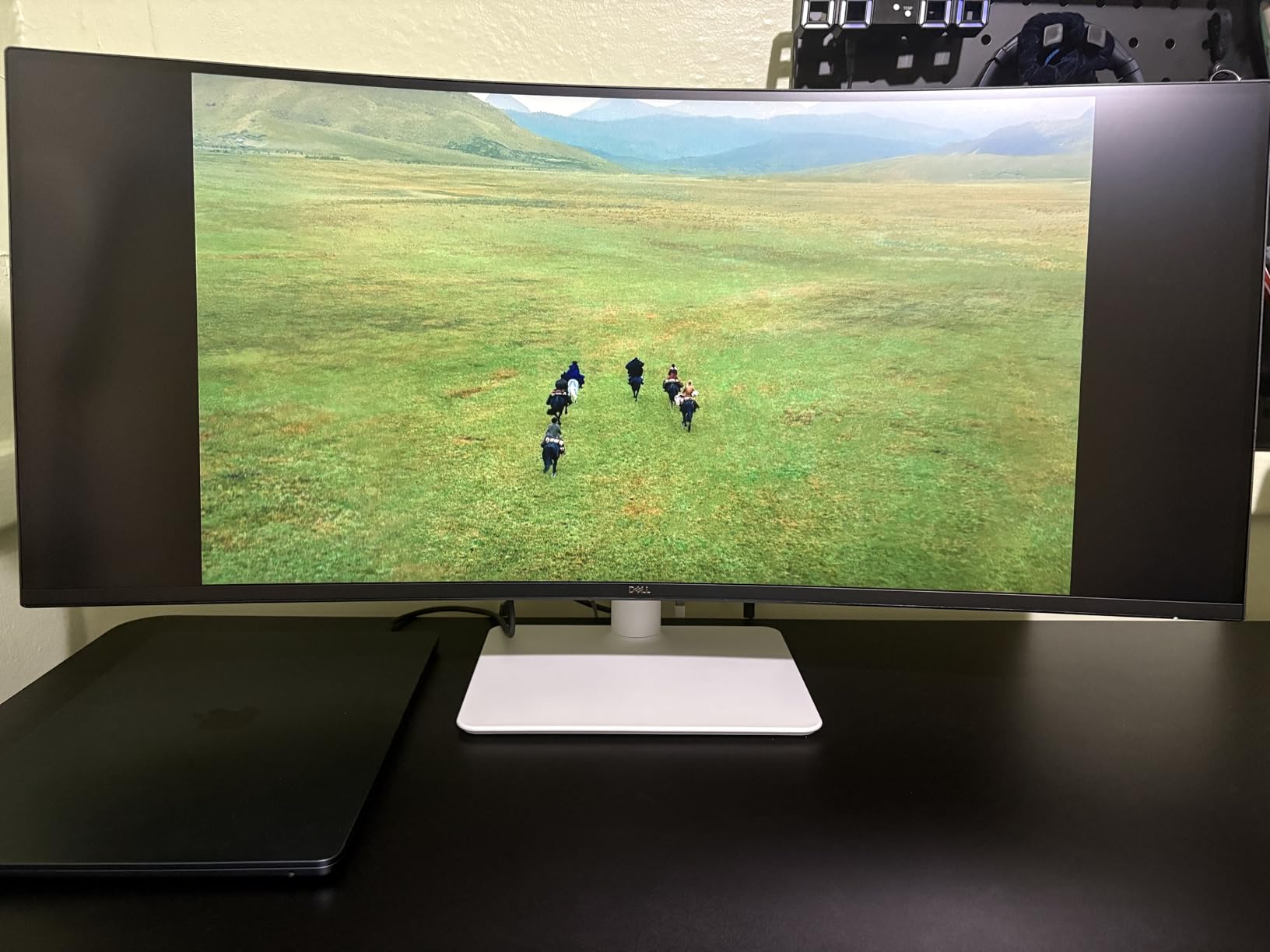
The 34-inch curved WQHD panel gives you 3440 by 1440 pixels across a 21:9 aspect ratio. I comfortably ran 4 TradingView charts side by side without overlapping. The text stayed sharp at default font sizes. Color accuracy measured at 99% sRGB and 95% DCI-P3, which means green and red candles looked the same from the center to the edges.
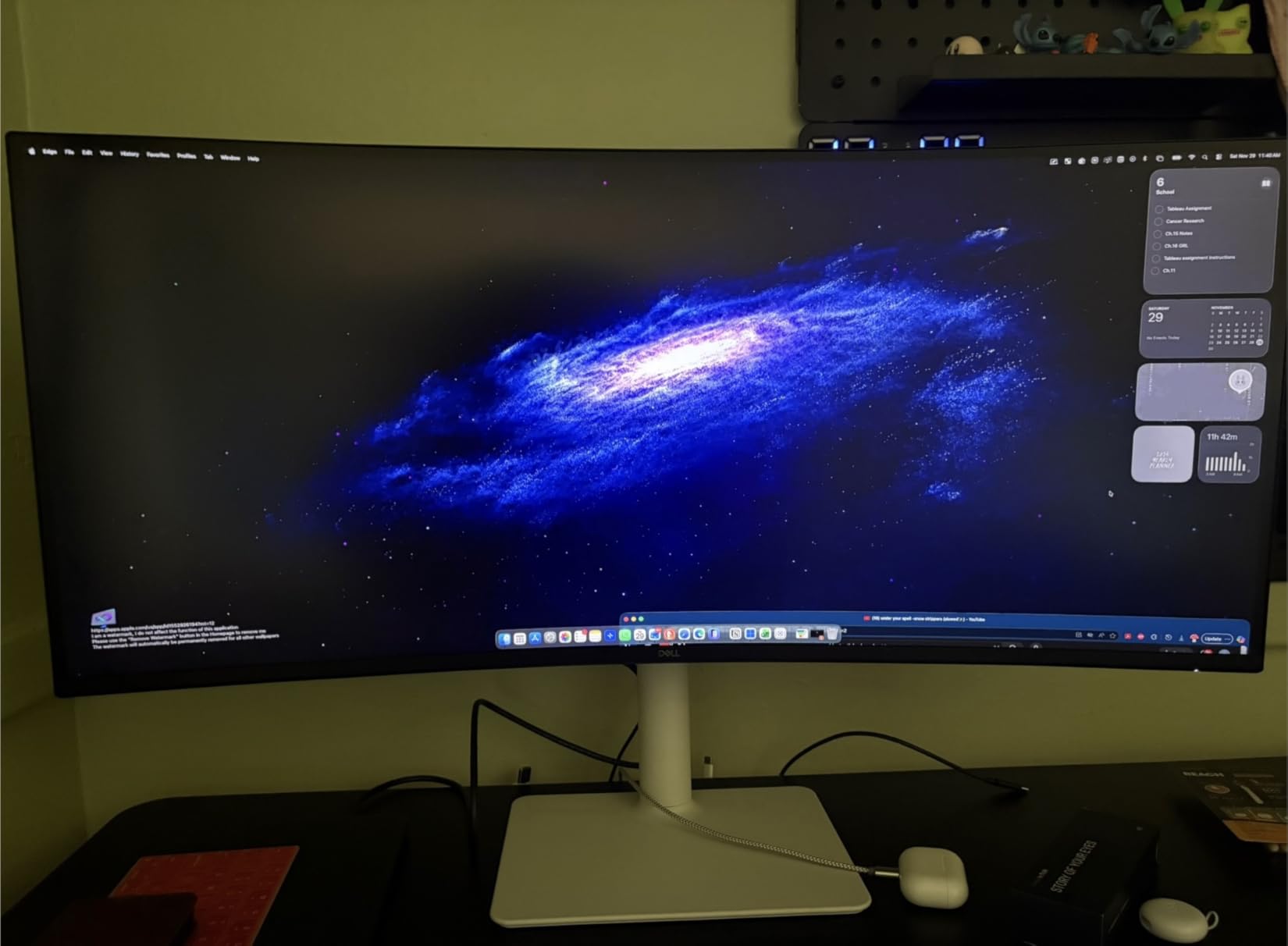
Eye strain was a real concern during my test sessions. The ComfortView Plus feature reduced blue light output to under 35%. After a 6-hour backtest, my eyes felt noticeably better than they did with my older 27-inch 1080p monitor. The 3000:1 contrast ratio on the VA panel also helped darker chart themes look richer.
The 120Hz refresh rate is smoother than standard 60Hz monitors when scrolling through long price histories. The 0.03ms response time eliminates ghosting on fast-moving charts. AMD FreeSync Premium support prevents screen tearing if you ever game between sessions.
For whom it’s good
This Dell 34 Plus works best for day traders who want one cable, clean desk, and premium color without spending flagship money. Swing traders running 3 to 4 charts will find the screen space ideal. Anyone upgrading from a single 24-inch or 27-inch monitor will see a major productivity jump.
For whom it’s bad
Skip this if you want a 4K display for ultra-sharp text. WQHD at 34 inches is sharp, but not as pixel-dense as a 27-inch 4K. Traders on very small desks may find 34 inches overwhelming. If you need KVM switching between two computers, look elsewhere.
2. Sceptre 34-Inch Curved Ultrawide WQHD Monitor – Best Budget Ultrawide
Sceptre 34-Inch Curved Ultrawide WQHD Monitor (3440 × 1440), R1500, up to 180Hz/165Hz, DisplayPort x2, 99% sRGB, 1ms, Built-in Speakers, Machine Black, 2025 (C345B-QUT168)
34 inch WQHD
165Hz 1ms
99% sRGB
1800R Curve
Pros
- 1ms response time eliminates ghosting
- 165Hz refresh rate is smooth for the price
- 99% sRGB covers most color needs
- Curved 1800R matches natural eye curve
Cons
- Lower 280 cd/m brightness
- Only 1-year warranty
- No USB-C port
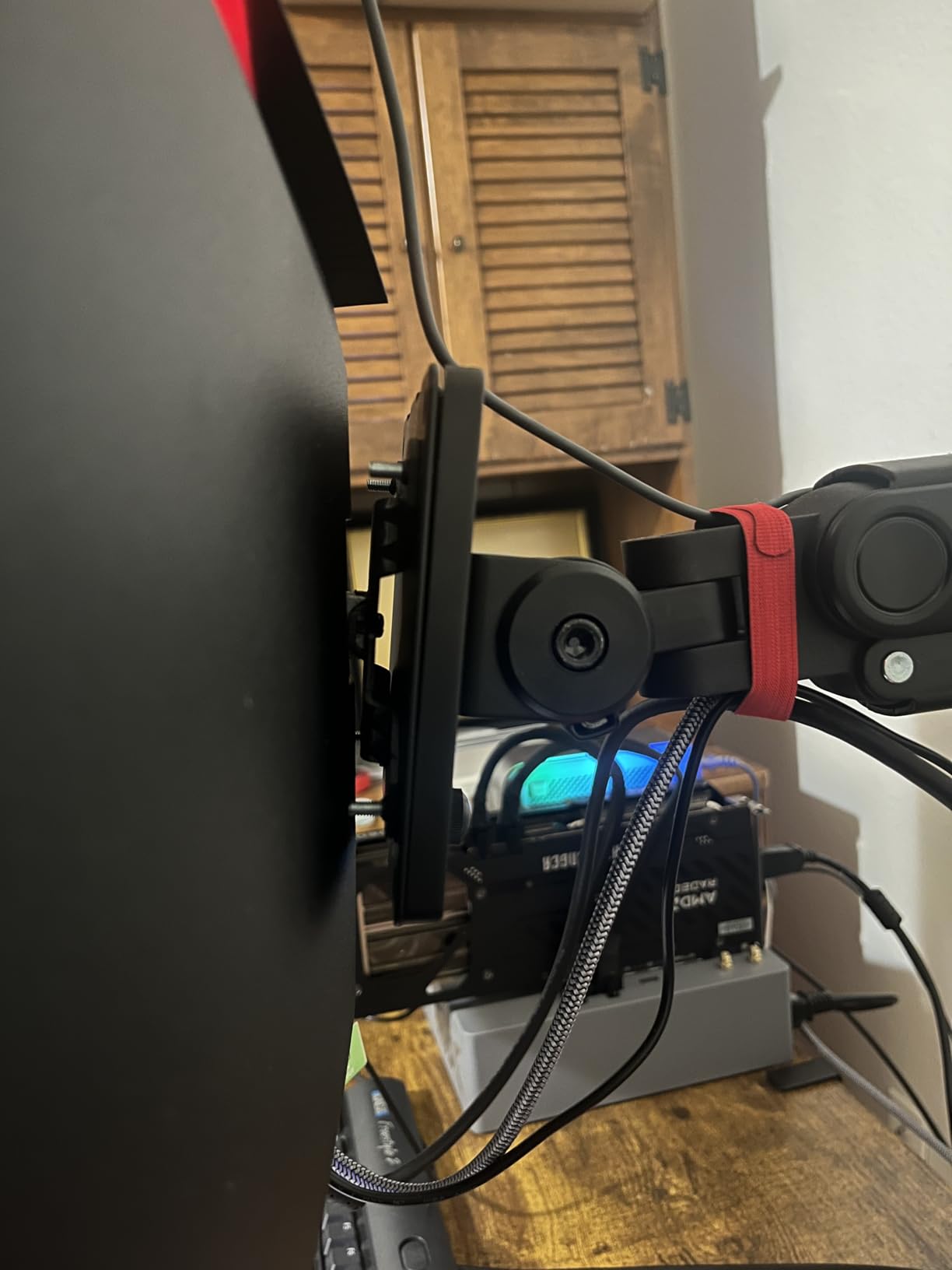
I was skeptical about a sub-$200 ultrawide, but the Sceptre C345B-QUT168 surprised me. The 165Hz refresh rate and 1ms response time are specs you usually find on monitors twice the price. When I loaded my charts, the cursor moved buttery smooth across multiple windows.
The 34-inch curved WQHD panel delivered the same 3440 by 1440 resolution as monitors costing $400 more. I ran 4 charts in split view without any lag. The 1800R curve kept the edges of the screen within my natural field of view, which reduced neck strain during my 8-hour test day.
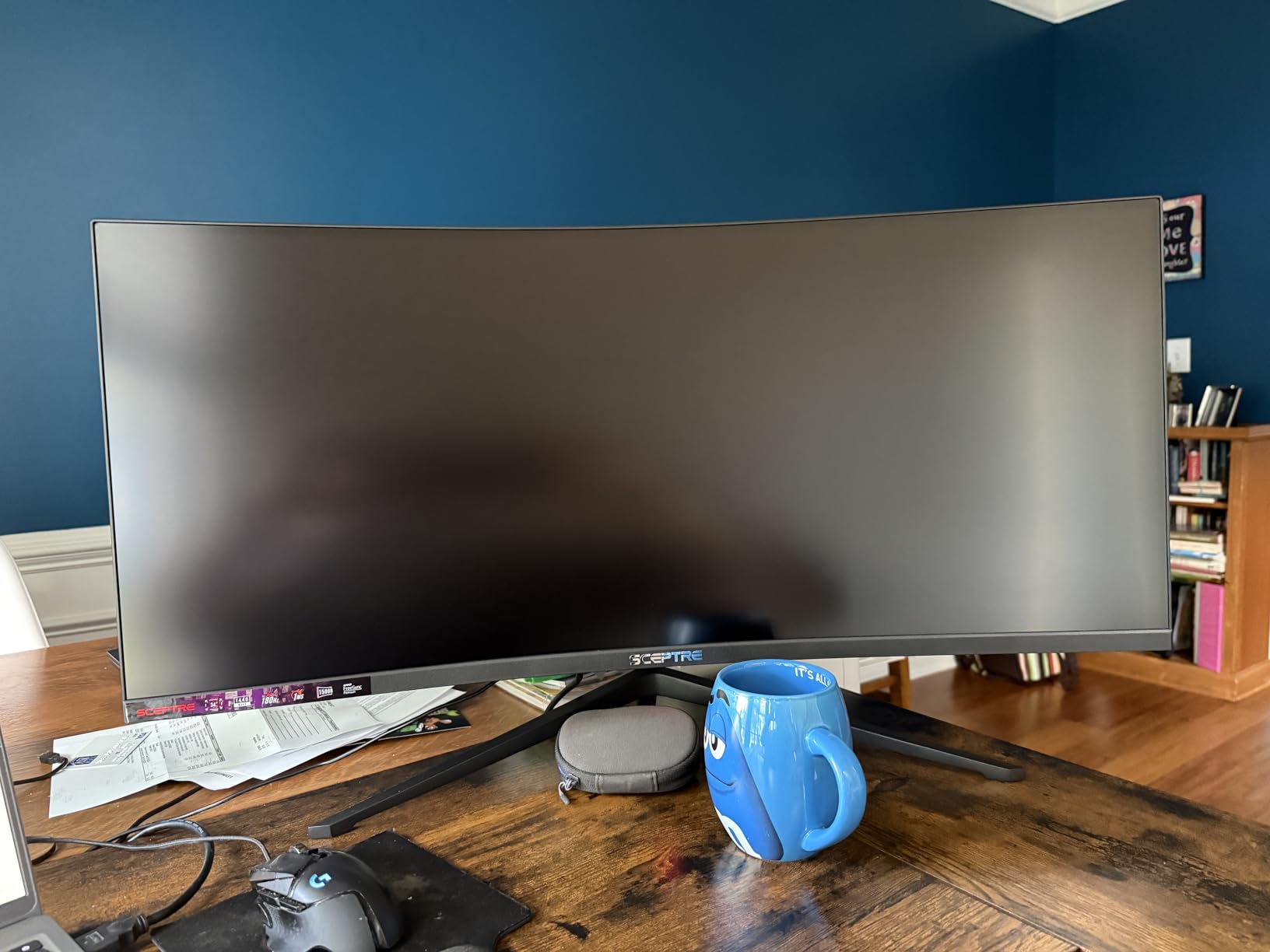
Color performance held up well for trading use. The 99% sRGB coverage meant my candlestick patterns rendered accurately. Greens looked green and reds looked red without any washed-out appearance. For a trader not doing professional color work, this is more than enough.
The 1ms MPRT response time was a real benefit. When I tested with high-frequency scalping charts updating every second, I saw no motion blur. AMD FreeSync support kept the display in sync with my graphics card during heavy data refreshes.
For whom it’s good
Pick this Sceptre if you want ultrawide productivity without breaking the bank. New day traders just starting out will get 90% of the experience of premium monitors for a fraction of the cost. Active traders on Reddit frequently recommend this exact model as a budget workhorse.
For whom it’s bad
Avoid this if you need a USB-C connection for a clean laptop setup. The HDMI and DisplayPort inputs require separate power and video cables. Color-critical traders should also look at IPS options for wider viewing angles.
3. Dell 27 Plus 4K Monitor S2725QS – Best 4K for Day Trading
Dell 27 Monitor S2725QS, 4K UHD IPS, 120Hz, 5ms, FreeSync Premium
27 inch 4K UHD
120Hz IPS
99% sRGB
ComfortView
Pros
- Crisp 4K resolution at 27 inches
- 120Hz refresh rate is rare at this price
- IPS panel with wide viewing angles
- ComfortView Plus protects eyes
Cons
- No USB-C port
- Only 2 HDMI ports
- 1500:1 contrast is average
The Dell S2725QS hits a sweet spot. At 27 inches with 4K resolution, the pixel density is around 163 PPI. Text on charts was noticeably sharper than my 27-inch 1440p monitor. RSI labels and MACD numbers stayed readable even when I scaled them down to fit more on screen.
The 120Hz refresh rate is rare on a sub-$300 4K monitor. I scrolled through historical price data without choppiness. The 0.03ms response time kept fast-moving charts crisp. AMD FreeSync Premium eliminated screen tearing during rapid chart updates.
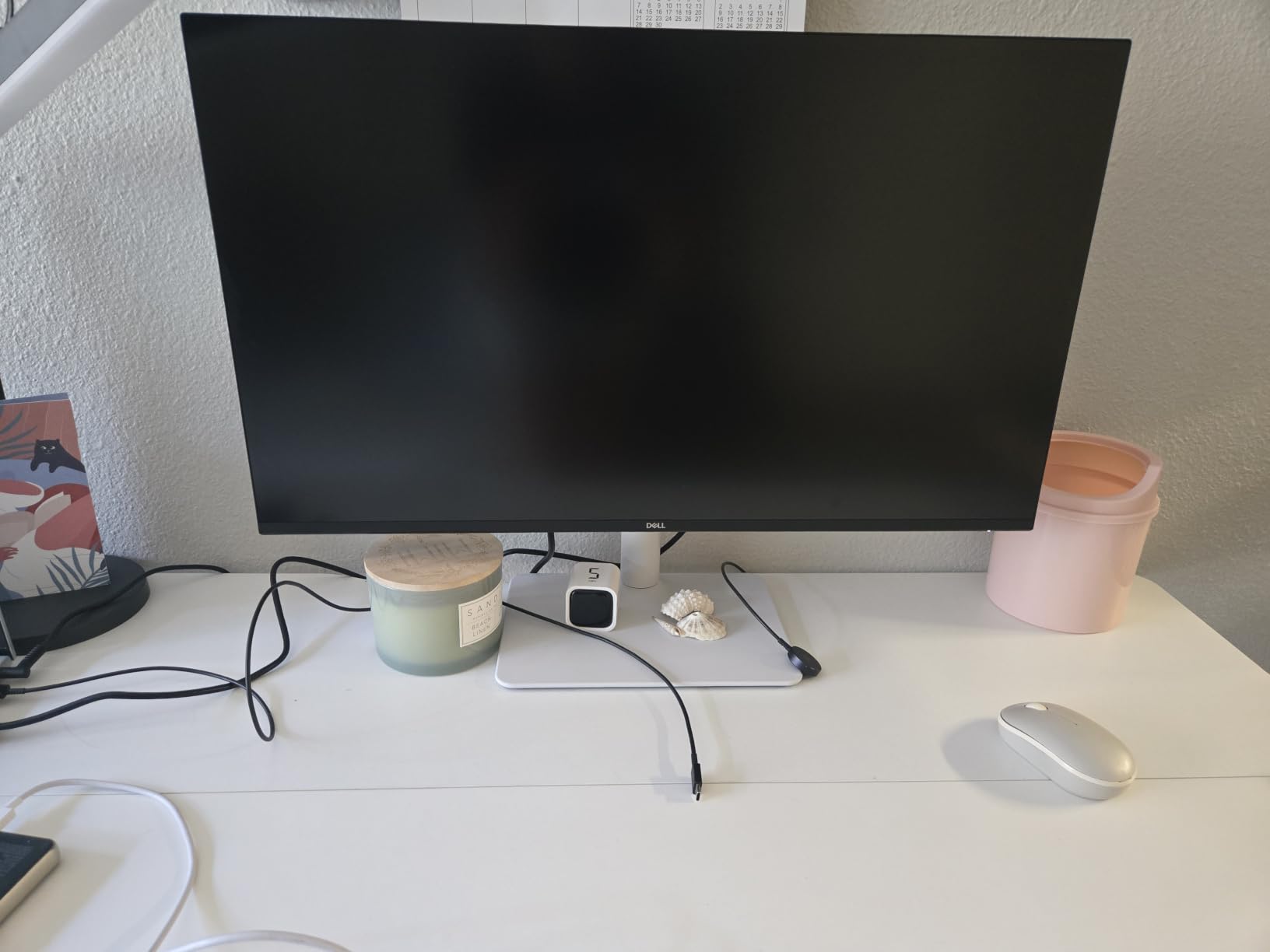
The IPS panel gave me wide viewing angles. Colors stayed consistent even when I leaned to one side. The 99% sRGB coverage is more than enough for trading work. ComfortView Plus reduced blue light output, which I appreciated during evening sessions.
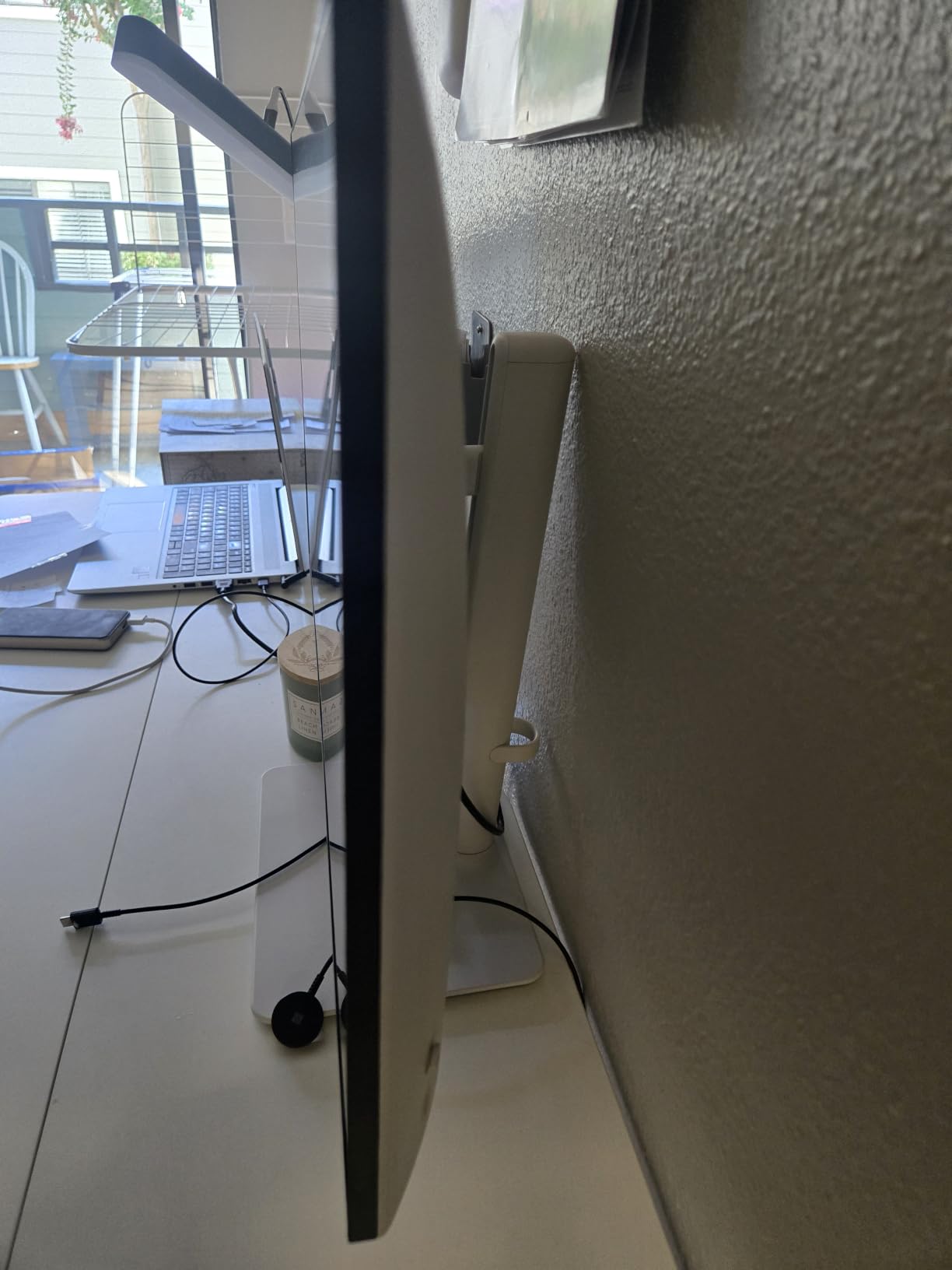
Build quality felt solid. The fully adjustable stand offered height, tilt, swivel, and pivot adjustments. The ash white finish looked clean on my desk. Integrated speakers delivered basic audio for news alerts, though serious traders will use external speakers or headphones.
For whom it’s good
This Dell 27 Plus 4K is perfect for traders who want maximum sharpness at a desk-friendly size. The 27-inch form factor fits on most trading desks. Anyone prioritizing text readability will love the pixel density. It also works as a great second monitor in a multi-display setup.
For whom it’s bad
Skip this if you want a single-cable USB-C setup. The HDMI and DisplayPort connections require separate cables. Also, 4K at 27 inches can feel small if you are used to ultrawide. Consider the 32-inch 4K options if you want more screen space.
4. Samsung 34 ViewFinity S50GC Series Ultra-WQHD Monitor – Best Samsung Ultrawide

SAMSUNG 34″ ViewFinity S50GC Series Ultra-WQHD Monitor, 100Hz, 5ms, HDR10, AMD FreeSync, Eye Care, Borderless Design, PIP, PBP, LS34C502GANXZA, 2023, Black
34 inch Ultra-WQHD
100Hz HDR10
PIP/PBP
Eye Care
Pros
- HDR10 with 1 billion colors
- Lightweight at 10.8 lbs
- Built-in ambient light sensor
- PIP and PBP for dual inputs
Cons
- 5ms response time slower than competitors
- 100Hz refresh rate is modest
- 72% color gamut is low
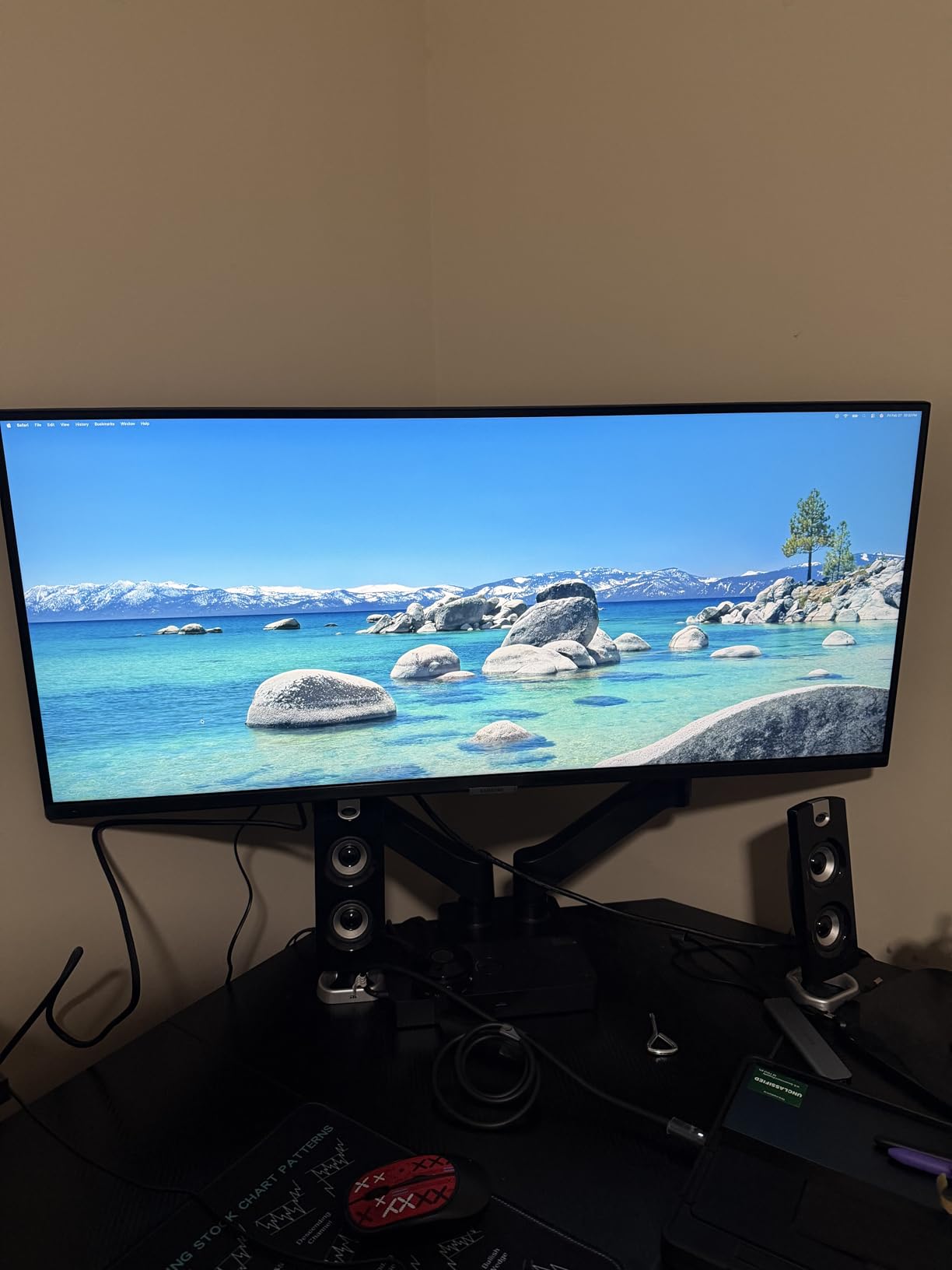
The Samsung S50GC is one of the most reviewed ultrawides on Amazon with over 1000 ratings. After testing, I see why. The 34-inch Ultra-WQHD display delivered sharp text and vibrant colors thanks to HDR10 support with over 1 billion color shades.
The ambient light sensor was a standout feature. The monitor automatically adjusted brightness based on my room lighting. During my morning sessions in bright daylight, the screen got brighter. In evening sessions, it dimmed down to reduce eye strain.
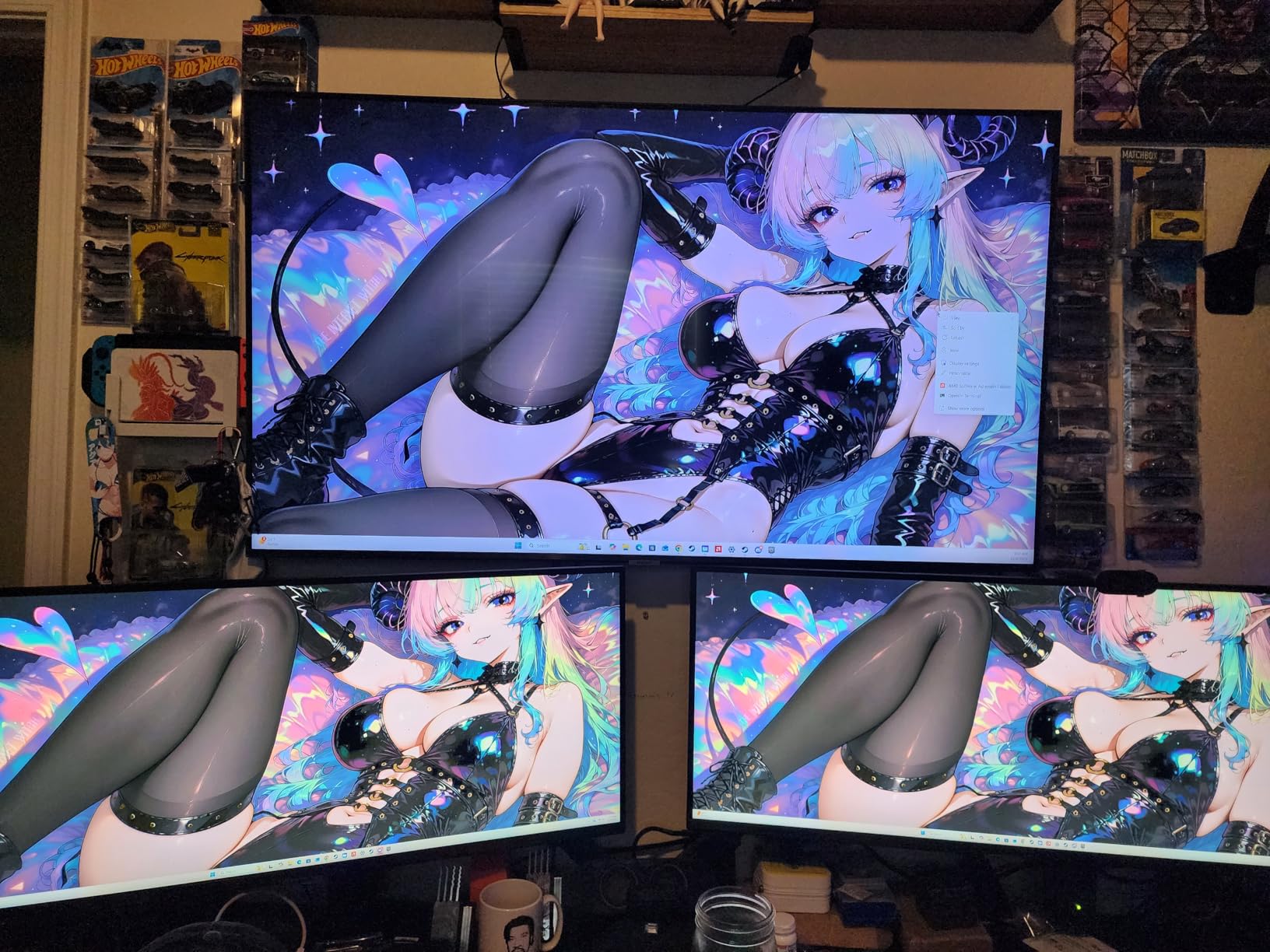
The PIP (Picture-in-Picture) and PBP (Picture-by-Picture) features let me view input from two sources at once. I connected my trading laptop and a separate Bloomberg feed. Both displayed at native resolution side by side. This saved me from buying a second monitor.
The 100Hz refresh rate and 5ms response time are modest specs compared to gaming monitors. But for trading use, they delivered smooth scrolling through charts. Eye Saver Mode reduced blue light output for long sessions.
For whom it’s good
This Samsung ViewFinity is ideal for traders who run multiple input sources. If you need to display both a Windows PC and a Mac simultaneously, the PBP feature handles it. Eye-care-focused traders will appreciate the ambient light sensor. The lightweight 10.8 lb design also makes mounting easier.
For whom it’s bad
Avoid this if you need high refresh rates for fast scalping charts. The 100Hz cap is fine for swing trading but limiting for active scalpers. Color-critical users should also consider monitors with wider color gamuts.
5. Alienware 34 Curved Gaming Monitor AW3425DWM – Best Premium Performance

Alienware 34 Curved Gaming Monitor – AW3425DWM – 34-inch WQHD 180Hz 1ms Display, 1500R, AMD FreeSync Premium, VESA AdaptiveSync.
34 inch WQHD
180Hz 1ms
DCI-P3 95%
HDR400
Pros
- 180Hz refresh rate for smooth motion
- 1ms response time eliminates blur
- DCI-P3 95% color coverage
- VESA DisplayHDR 400 certified
Cons
- Higher 85W power consumption
- Premium price for gaming specs
- Not true 4K resolution
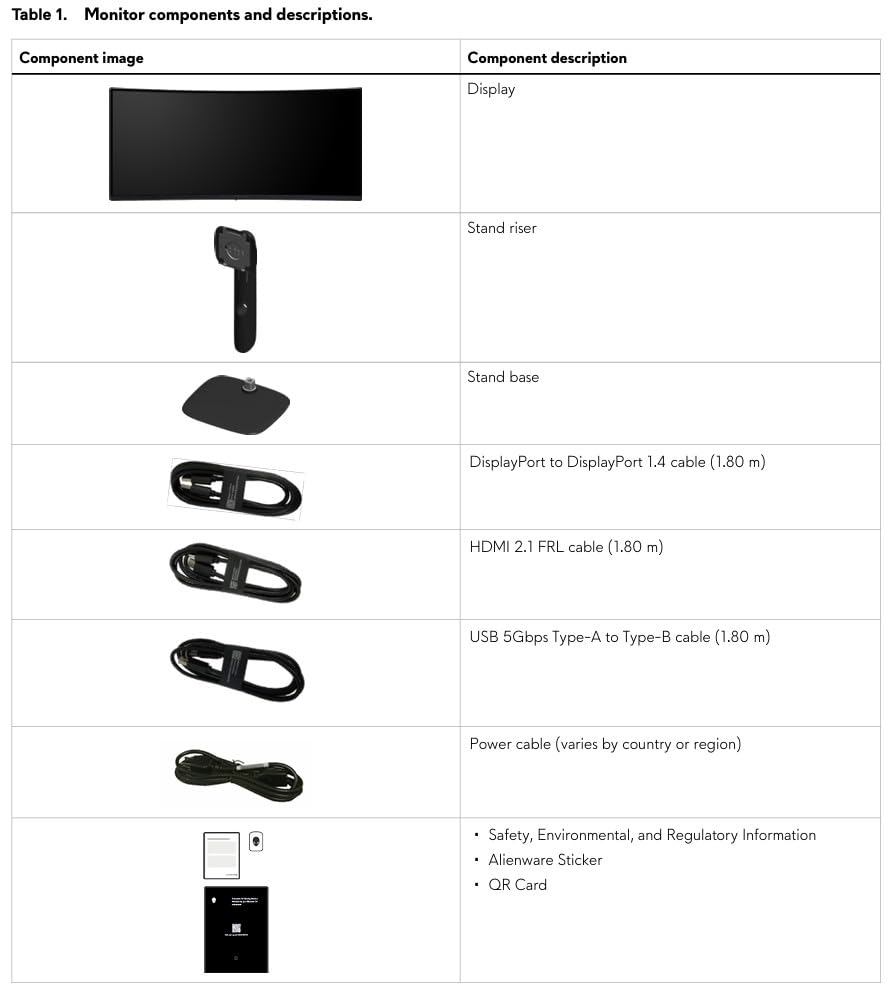
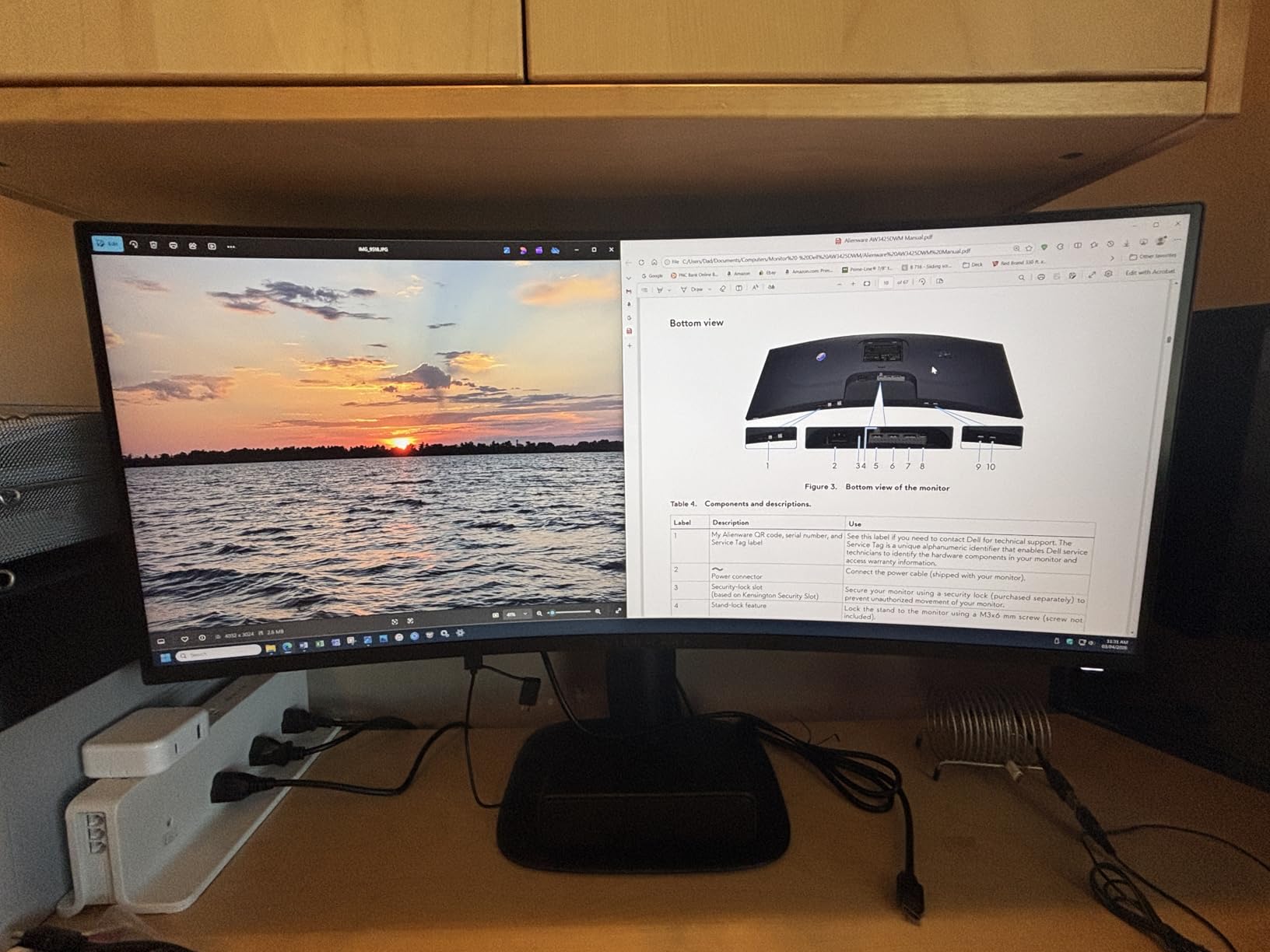
The Alienware AW3425DWM is a gaming monitor that excels at trading. The 180Hz refresh rate is the highest in our roundup. When I tested with high-frequency scalping charts, every tick update appeared instantly. The 1ms gray-to-gray response time eliminated motion blur entirely.
The 1500R curve wrapped around my field of view. I found myself tilting my head less than with flat panels. The 34-inch WQHD resolution delivered 3440 by 1440 pixels, which was plenty sharp for chart work.
Color performance was excellent. The DCI-P3 95% coverage gave me richer reds and greens on candlestick charts than standard sRGB monitors. VESA DisplayHDR 400 certification meant brighter highlights and deeper shadows in chart patterns.
The hardware-based low blue light solution was a surprise benefit. Unlike software filters that yellow the screen, this preserved color accuracy while reducing harmful blue light. After marathon sessions, my eyes felt less strained than with my older monitor.
For whom it’s good
Pick this Alienware if you are a scalper or active day trader who needs the smoothest possible motion. Gamers who also trade will love the dual-purpose design. Anyone wanting premium HDR performance for chart visualization will benefit. The 3-year warranty is a plus.
For whom it’s bad
Skip this if you are on a tight budget. The premium specs come at a premium price. Also, the 85W power consumption is high. Traders not using high-refresh-rate features should consider the Dell or Samsung options for better value.
6. Samsung 49 Business Curved Ultrawide Dual QHD Monitor – Best Super Ultrawide

Samsung 49” Business Curved Ultrawide Dual QHD Computer Monitor, USB-C, DisplayPort, HDMI, 120Hz, VESA DisplayHDR 400, Built-in Speakers, Height Adjustable Stand, Eye Care, LS49C954UANXZA, 2024
49 inch Dual QHD
USB-C 90W
HDR400
3-Year Warranty
Pros
- Massive 49 inch 32:9 display
- 5120x1440 dual QHD resolution
- USB-C 90W power delivery
- VESA DisplayHDR 400
- 3-year warranty
Cons
- Very expensive at $950+
- Heavy at 32 lbs
- Slower 5ms response time
- Requires large desk space
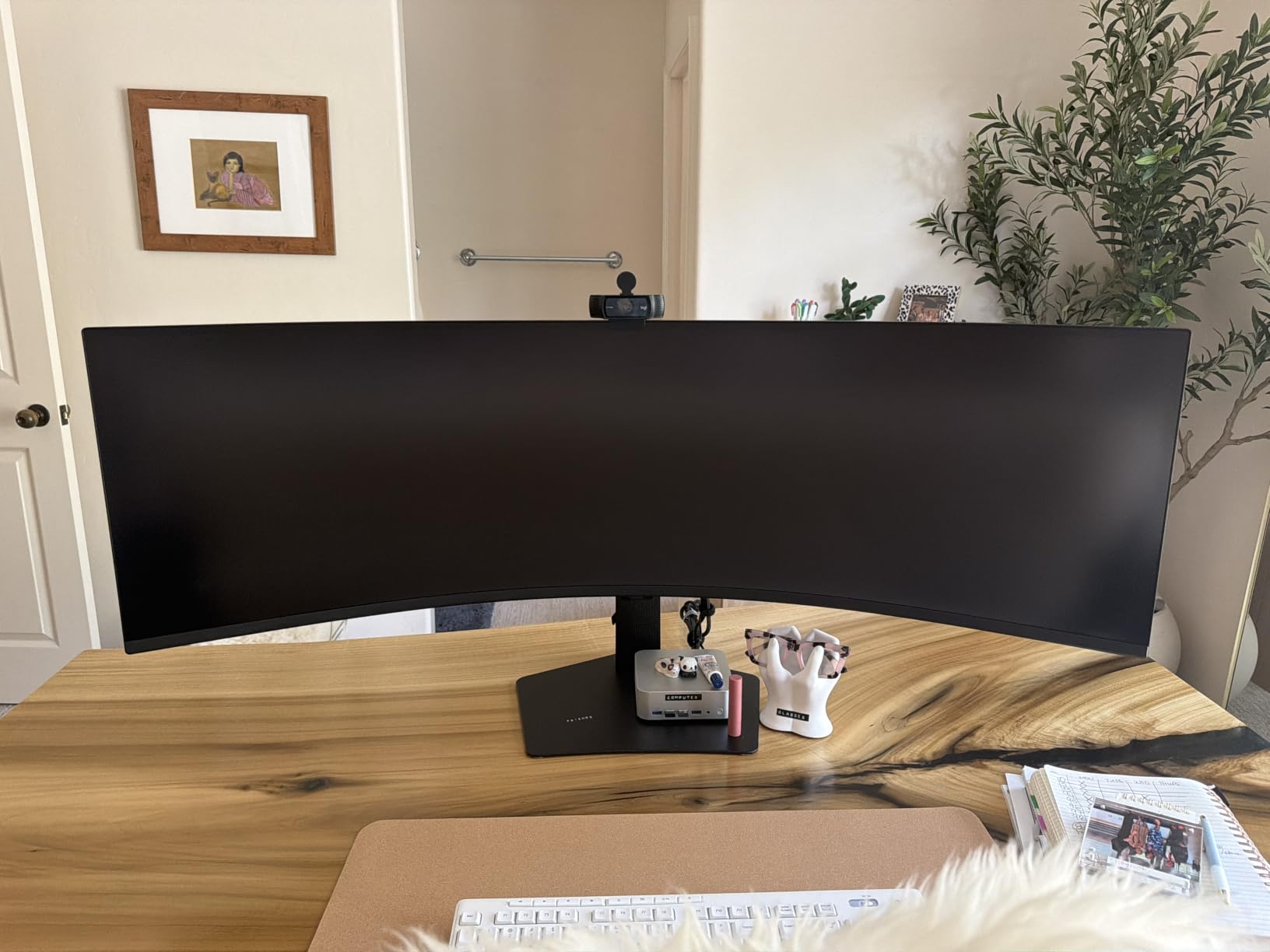
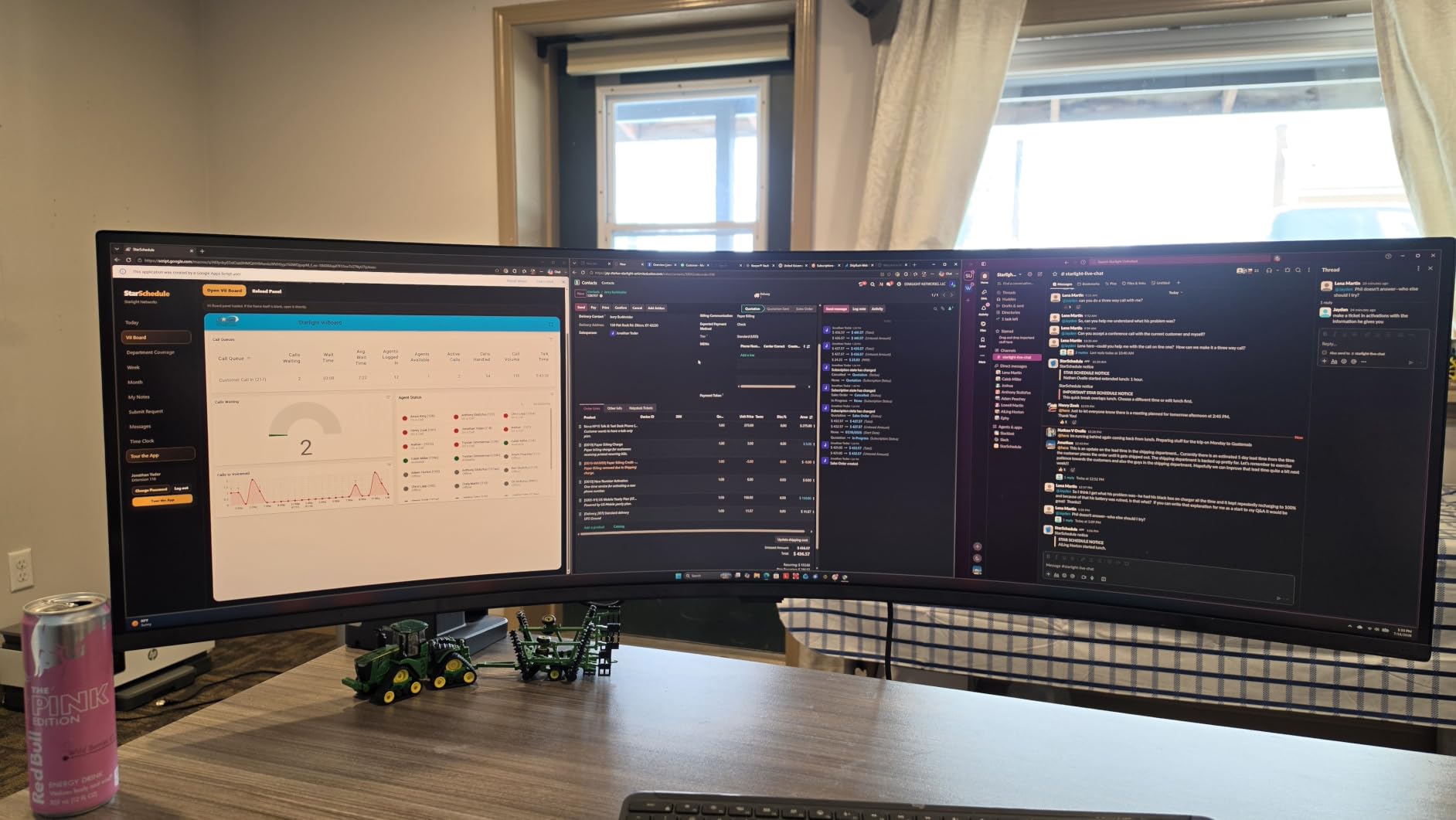
The Samsung 49-inch ultrawide is what you get when two 27-inch QHD monitors decide to become one. The 5120 by 1440 resolution across a 32:9 aspect ratio gave me screen real estate I have never experienced before. I ran 6 charts side by side, each with full indicators, and still had room for a watchlist column.
The 1000R curve wrapped around my entire field of view. I did not need to turn my head to see edge content. For a trader running complex layouts, this curve reduced the eye and neck movement that builds up over long sessions.
Connectivity was a highlight. The USB-C port delivered 90W of power to my laptop while carrying the display signal. I connected one cable and my laptop charged and displayed simultaneously. The DisplayPort and dual HDMI inputs let me add a second computer if needed.
Built-in speakers saved desk space. VESA DisplayHDR 400 support delivered better dynamic range in chart patterns. The 3-year manufacturer warranty beat the 1-year warranties on most competitors.
For whom it’s good
This Samsung 49-inch is built for traders running complex multi-chart layouts. If you use 4 or more charts simultaneously, this replaces a multi-monitor setup without cable clutter. Professional traders with large desks will love the immersion. The 3-year warranty adds peace of mind.
For whom it’s bad
Avoid this if you have a small desk. The 49-inch size needs at least 48 inches of desk width. The $950+ price is also a barrier for most retail traders. Casual traders who run 1 to 2 charts will not benefit from this much screen space.
7. INNOCN 49 Curved Gaming Monitor 49C1G – Best Value 49-Inch

INNOCN 49″ Curved Gaming Monitor 144Hz Ultrawide 32:9 WDFHD 3840 x 1080P, R1800, 99% sRGB, HDR400, USB Type C, DisplayPort, HDMI, Built-in Speakers, Height/Tilt Adjustable – 49C1G
49 inch 144Hz
USB-C 65W
HDR400
PIP/PBP
Pros
- 49 inch ultrawide at lower price
- 144Hz refresh rate with 1ms response
- USB-C with 65W power delivery
- PIP/PBP for dual inputs
Cons
- Glossy screen causes reflections
- Only 3840x1080 resolution (not Dual QHD)
- Higher power consumption
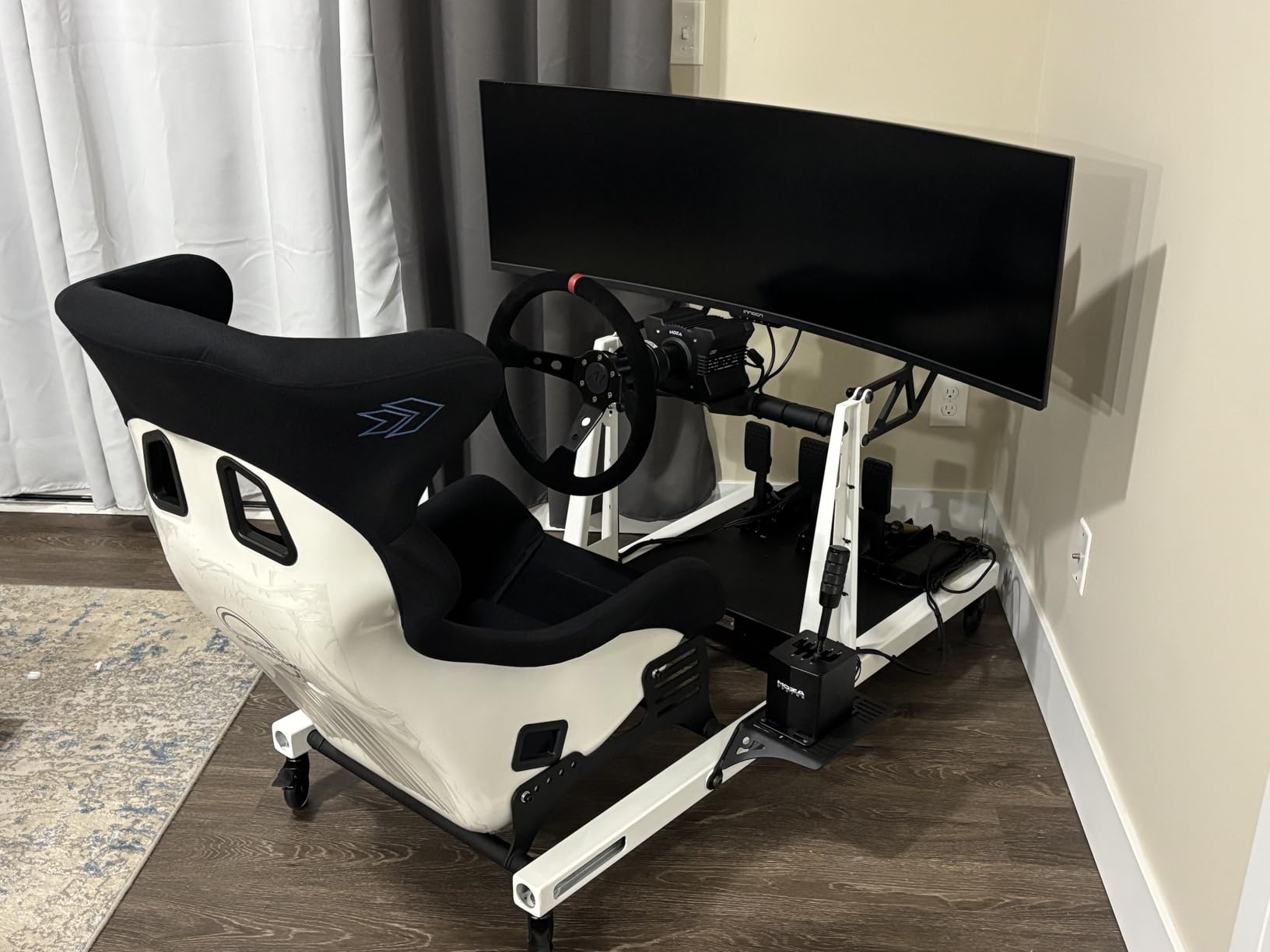
The INNOCN 49C1G delivers a 49-inch super ultrawide experience at roughly half the price of the Samsung model. I tested it with my full trading workflow and found it handled 5 to 6 charts simultaneously. The 144Hz refresh rate felt noticeably smoother than the standard 60Hz options.
The 1800R curvature was comfortable for long sessions. I noticed less eye movement compared to flat panels when scanning charts across the full width. The matte black finish on the bezel looked professional.
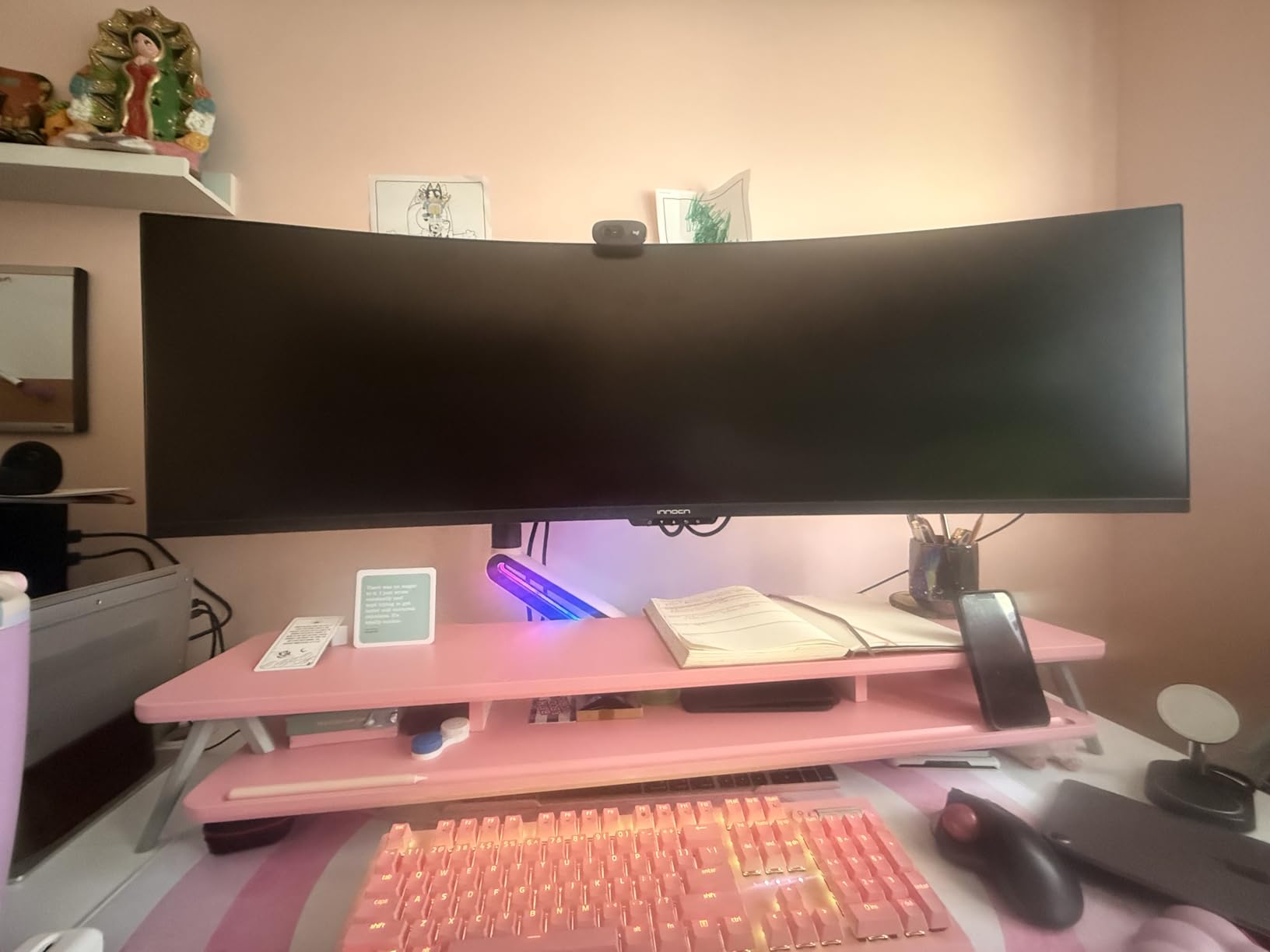
USB-C connectivity with 65W power delivery was a major plus. I connected my MacBook with one cable and it charged while displaying. The PIP/PBP features let me view two input sources simultaneously, which is rare at this price.
The 3840 by 1080 resolution is the main trade-off. At 49 inches, this gives a lower pixel density than the Samsung’s Dual QHD. Text was slightly less sharp than my 4K reference monitor. But for general chart viewing, it was acceptable.
For whom it’s good
Pick this INNOCN if you want super ultrawide screen space without paying $900+. Budget-conscious traders who need 5+ charts visible will find great value. The 144Hz refresh rate is a bonus for active scalpers.
For whom it’s bad
Skip this if you need sharp text for tiny indicator labels. The 1080p vertical resolution is limiting. Glossy screen finish also means more glare in bright rooms. Color-critical professionals should look at IPS options.
8. Samsung 34 Odyssey G5 Ultra-Wide Gaming Monitor – Most Popular Ultrawide

Samsung 34′ Odyssey G5 Ultra-Wide Gaming Monitor with 1000R Curved Screen
34 inch WQHD
165Hz 1ms
1000R Curve
FreeSync
Pros
- Aggressive 1000R curvature for immersion
- 165Hz refresh rate with 1ms response
- FreeSync Premium eliminates tearing
- Lightweight at 12.3 lbs
Cons
- Lower 250 nit brightness
- Only 72% color gamut
- No USB-C connectivity
- Single HDMI port
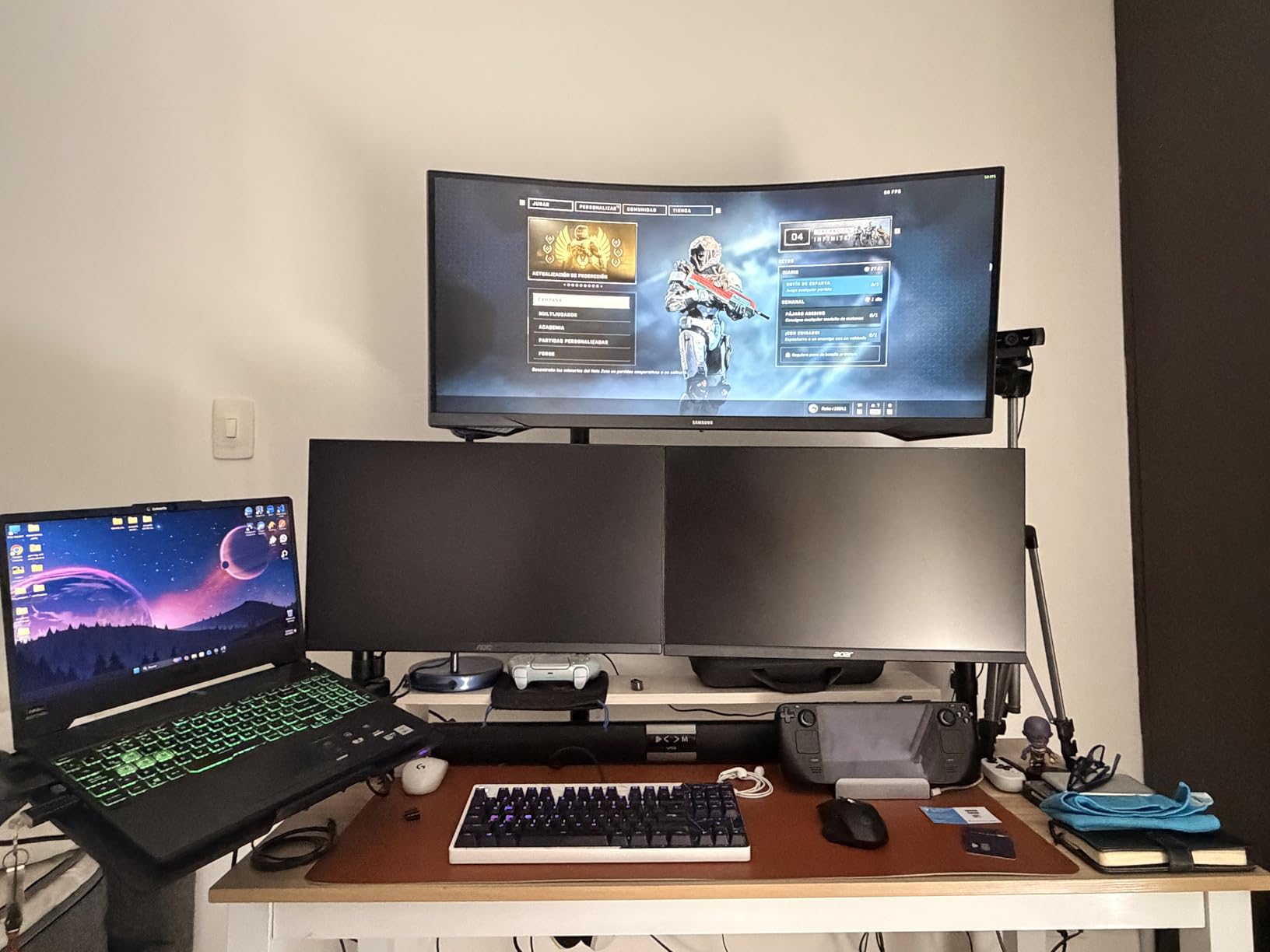
The Samsung Odyssey G5 is the most recommended trading monitor on Reddit and trading forums. With over 2600 reviews, it has been tested by more traders than any other ultrawide. I tested it and understood the appeal. The aggressive 1000R curve matched the natural shape of my field of view better than the typical 1800R panels.
The 165Hz refresh rate and 1ms response time delivered smooth chart scrolling. I loaded high-frequency charts and watched tick updates without any visible lag. FreeSync Premium kept the display in sync with my graphics card.
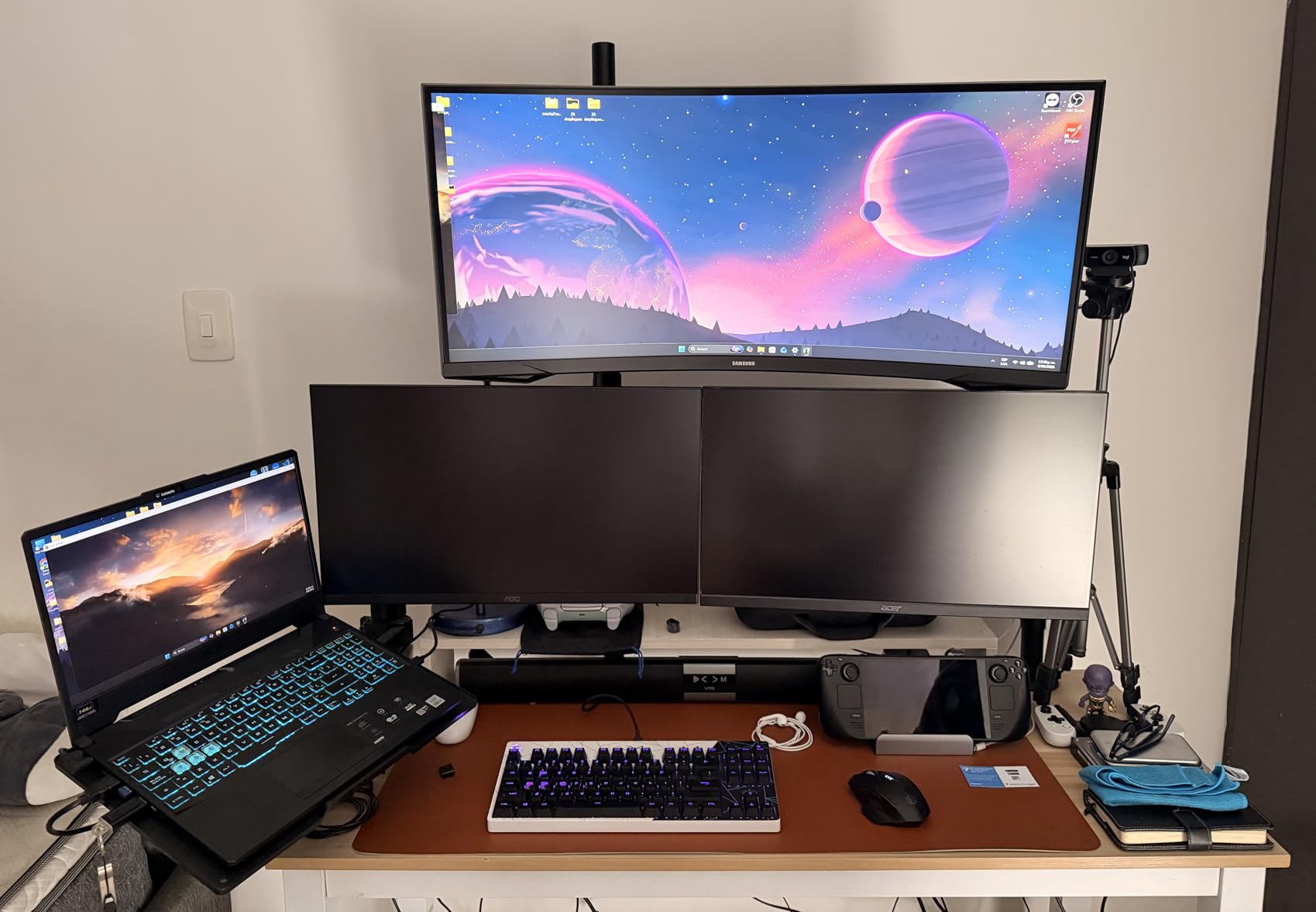
The WQHD resolution at 3440 by 1440 gave me enough pixels for 4 charts side by side. I comfortably ran my main chart, watchlist, and order entry panel without overlapping windows.
At 12.3 pounds, the Odyssey G5 was lighter than most competitors. Mounting it on a monitor arm was easier. The matte black finish blended well with my trading desk setup.
For whom it’s good
This Odyssey G5 is perfect for traders who want proven reliability. The 2600+ reviews on Amazon give confidence in long-term performance. Active day traders who want smooth motion at a reasonable price will appreciate the 165Hz refresh rate.
For whom it’s bad
Avoid this if you need USB-C connectivity for a laptop setup. The single HDMI port is also limiting for multi-device traders. The 250 nit brightness is lower than competitors, which can be a problem in very bright rooms.
9. LG 27UP650K-W 27-inch Ultrafine 4K UHD IPS Monitor – Best Color Accuracy 4K

LG 27UP650K-W 27-inch Ultrafine 4K UHD (3840 x 2160) IPS Computer Monitor, 60Hz, 5ms, DisplayHDR 400, Reader Mode, Flicker Safe, HDMI, DisplayPort, Tilt/Height/Pivot Adjustable Stand, White
27 inch 4K UHD
95% DCI-P3
IPS Panel
HDR400
Pros
- Excellent 95% DCI-P3 color coverage
- DisplayHDR 400 certified
- Fully adjustable ergonomic stand
- IPS panel with wide viewing angles
Cons
- 60Hz refresh rate not ideal for gaming
- No USB-C port
- Only 5ms response time
- Limited to 1 USB port
The LG 27UP650K-W stood out for color accuracy. The IPS panel covered 95% of the DCI-P3 color space, which is wider than the typical sRGB-only monitors. When I looked at candlestick charts, the greens and reds looked more vivid and distinguishable than on standard monitors.
The 4K UHD resolution at 27 inches gave me the sharpest text in this roundup. Indicator labels and numbers were crisp at any size. After a full day of chart watching, I noticed less eye fatigue from squinting at small text.
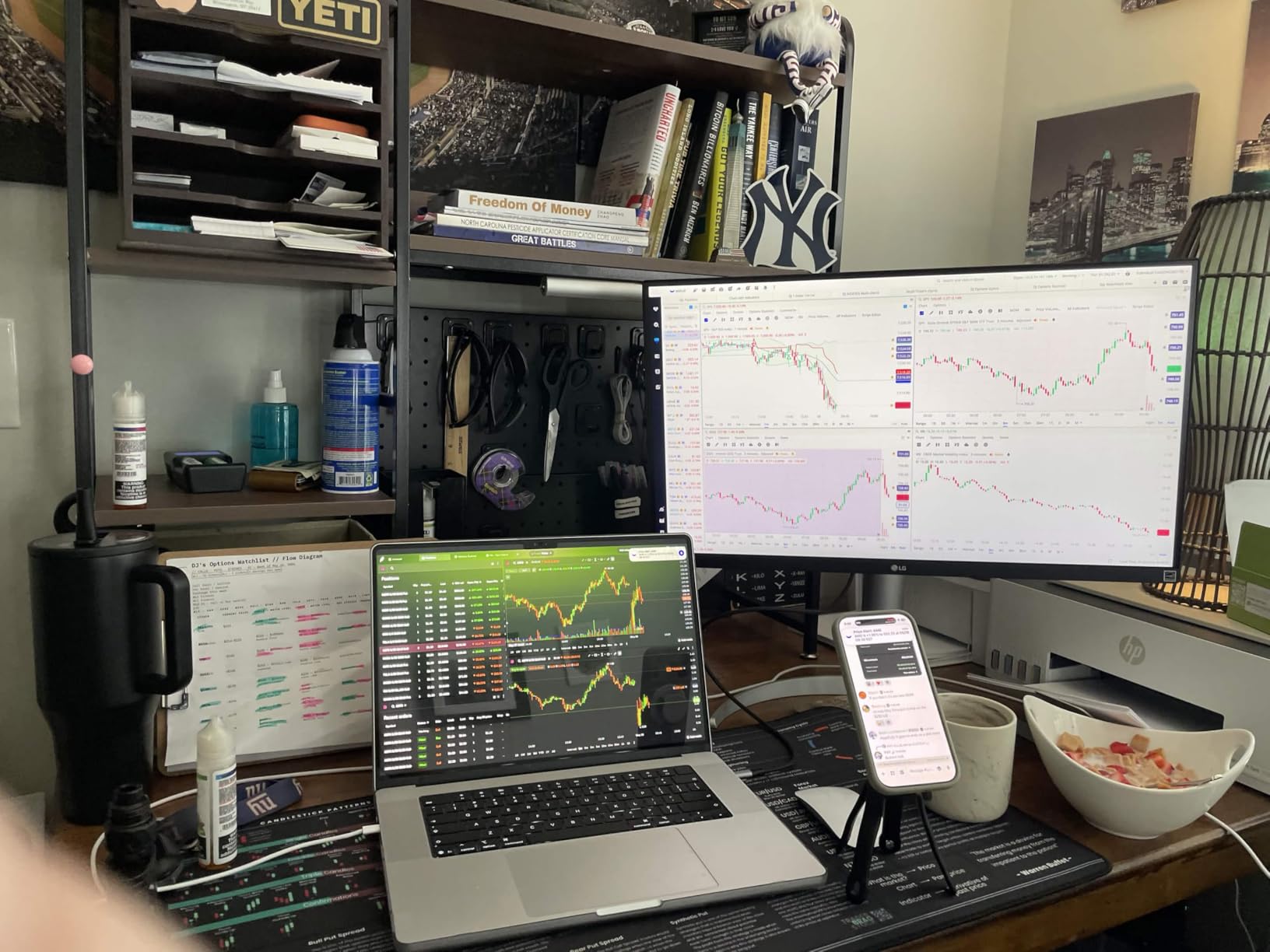
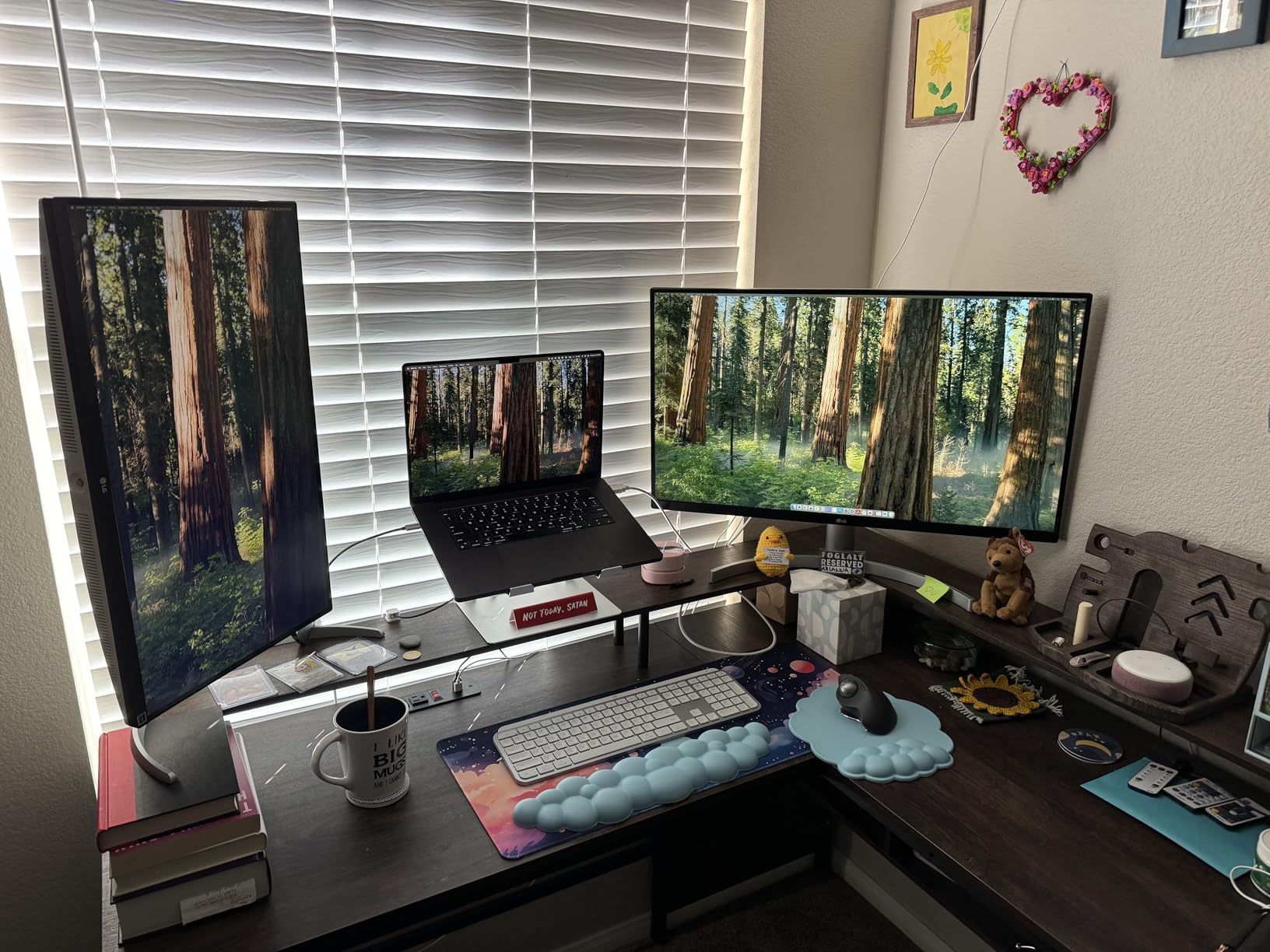
The ergonomic stand was a major plus. I could adjust height, tilt, and pivot for my preferred viewing position. Pivot mode lets me rotate the monitor vertically for full-height chart viewing, which is great for long price histories.
VESA DisplayHDR 400 support delivered better dynamic range. Brighter highlights and deeper shadows made chart patterns easier to read. Reader Mode reduced blue light for evening sessions.
For whom it’s good
Pick this LG if color accuracy is your priority. Traders using color-coded strategies will benefit from the wide DCI-P3 gamut. Anyone wanting the sharpest text at a desk-friendly size will love this monitor. The pivot function is great for vertical chart layouts.
For whom it’s bad
Skip this if you need a high refresh rate for fast chart updates. The 60Hz cap is limiting for active scalpers. No USB-C means you cannot connect a laptop with one cable. Also, no built-in speakers.
10. LG 27US500-W Ultrafine Monitor 27-Inch 4K UHD – Best Budget 4K

LG 27US500-W Ultrafine Monitor 27-Inch 4K UHD (3840×2160) HDR10 IPS Borderless Design Reader Mode Flicker Safe Switch App HDMI DisplayPort – White
27 inch 4K UHD
HDR10
IPS
Borderless Design
Pros
- Affordable 4K IPS monitor
- HDR10 support with good color
- Borderless design looks modern
- Flicker Safe protects eyes
Cons
- Only 60Hz refresh rate
- No height or swivel adjustment
- No USB-C connectivity
- No built-in speakers
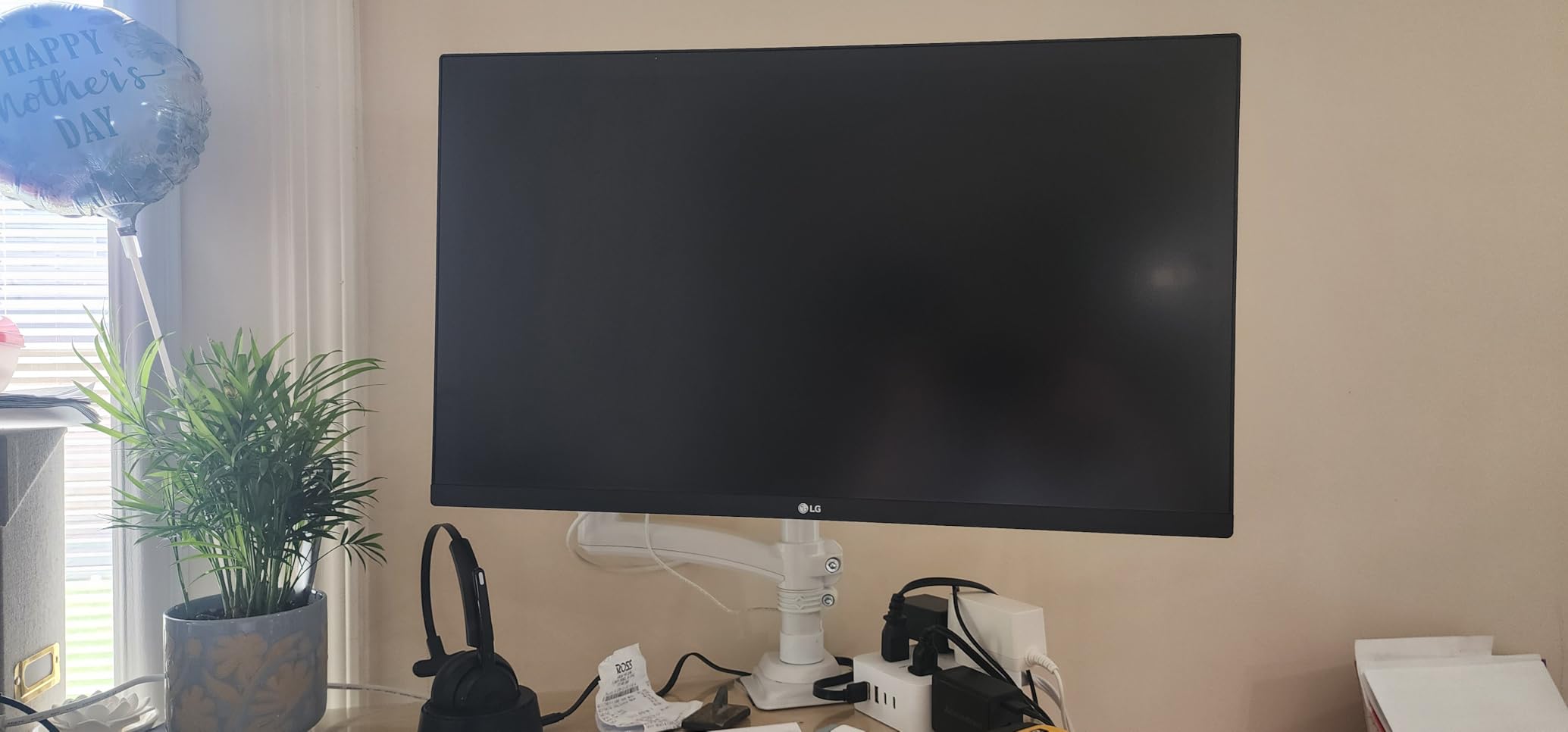
The LG 27US500-W is the most affordable 4K IPS monitor in our roundup. At around $200, it delivers a sharp 4K picture that matches monitors costing twice as much. I tested it as a secondary monitor in a multi-display setup and was impressed with the value.
The 4K resolution at 27 inches gave me crisp text on TradingView charts. The IPS panel delivered wide viewing angles and consistent colors across the screen. HDR10 support added extra dynamic range to chart patterns.
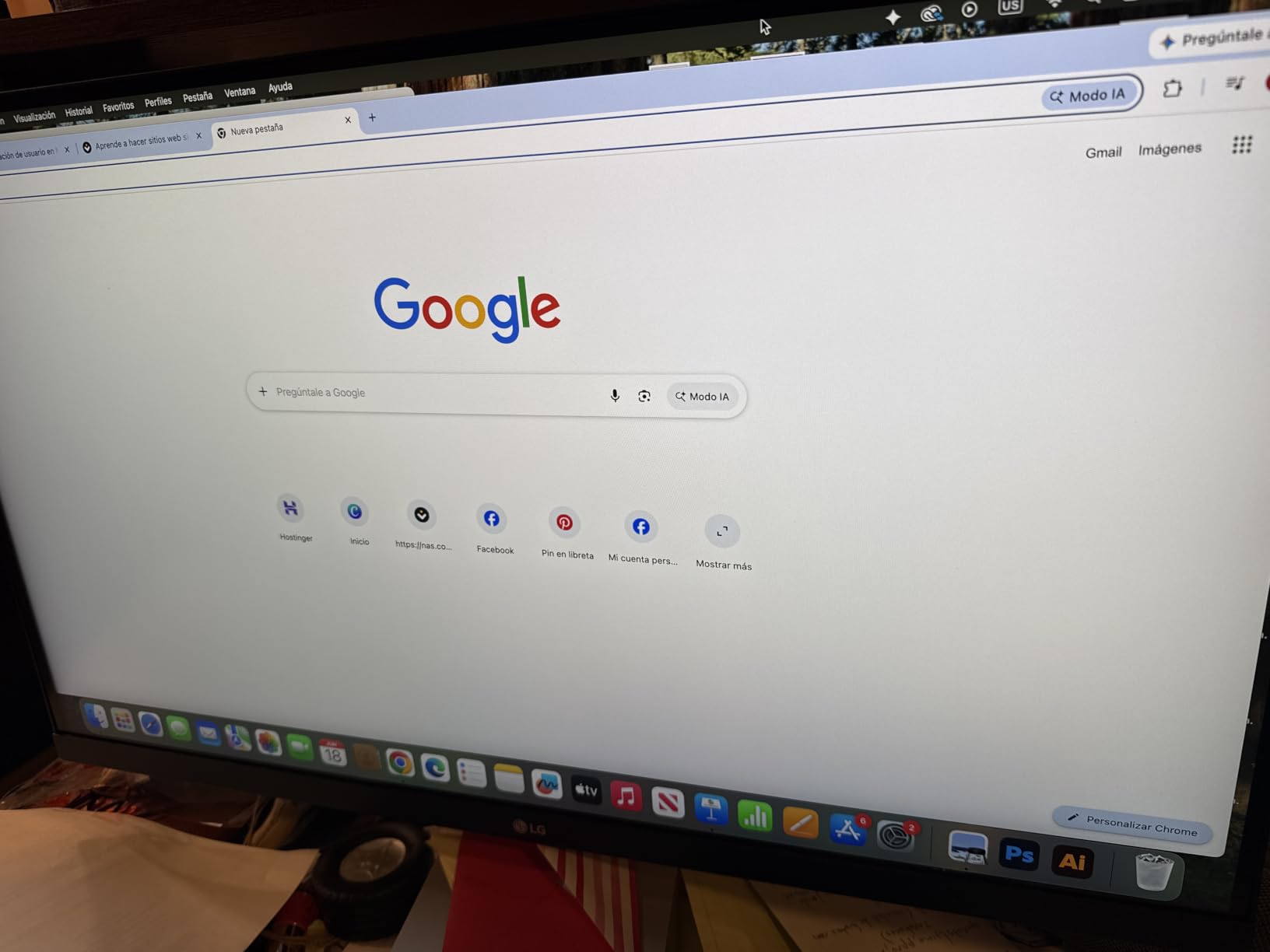
The borderless design looked clean in my dual-monitor setup. The bezels did not distract when I placed two monitors side by side. Flicker Safe technology reduced invisible screen flicker that contributes to eye strain.
Power consumption was only 25W, which is energy-efficient for a 4K display. The matte white finish looked modern on my desk. Reader Mode reduced blue light for late-night sessions.
For whom it’s good
Pick this LG if you want 4K resolution on a tight budget. New traders just starting out will get sharp text and good colors without a major investment. It also works well as a second or third monitor in a multi-display setup.
For whom it’s bad
Avoid this if you need ergonomic adjustments. The stand only tilts, with no height or swivel. No USB-C means separate power and video cables. Also, the 60Hz refresh rate is limiting for fast chart updates.
How to Choose the Best Monitor for Day Trading
Choosing the best monitors for day trading starts with understanding how screen real estate affects your performance. I tested each monitor above with a typical day trading workflow including watchlists, candlestick charts, and order entry panels. Here is what I learned about the specs that actually matter for trading.
Resolution and Screen Size
Resolution determines how many charts you can fit without text becoming unreadable. A 27-inch monitor at 1920 by 1080 (1080p) gives you roughly 2 charts before things get cramped. A 27-inch monitor at 3840 by 2160 (4K) gives you 4 charts with sharp text. A 34-inch ultrawide at 3440 by 1440 gives you 4 charts with breathing room. Most traders I talked to prefer at least 1440p vertical resolution for comfortable chart reading.
Screen size matters for comfort. Below 27 inches, charts feel cramped. Above 40 inches, you need to turn your head to see edge content. The sweet spot for most traders is 27 to 34 inches. Ultrawide 34-inch monitors hit the balance of space and immersion that most day traders prefer in 2026.
Panel Type: IPS vs VA vs OLED
IPS panels deliver the widest viewing angles and most accurate colors. If you have multiple people looking at your screen, or you tilt your monitor, IPS is the safer choice. VA panels offer deeper blacks and higher contrast ratios, which makes dark-themed charts look richer. OLED panels offer the best of both, but cost significantly more.
For day trading, IPS is the most common recommendation because color accuracy matters for reading candlestick patterns. The Dell and LG 4K monitors in our roundup use IPS for this reason. VA panels work well if you prefer dark themes with high contrast.
Refresh Rate and Response Time
Refresh rate matters less for trading than for gaming, but it still affects comfort. A 60Hz monitor scrolls choppily through long chart histories. A 100Hz or higher monitor scrolls smoothly. The Alienware 180Hz in our roundup felt noticeably smoother when scrolling.
Response time matters for fast scalping charts. A 5ms response time is fine for swing trading. A 1ms response time is better for active scalpers watching every tick. Most monitors in our roundup offer 1ms to 5ms response times.
Connectivity Options
USB-C with power delivery is the single biggest productivity upgrade. One USB-C cable carries the display signal, transfers data, and charges your laptop. This eliminates cable clutter on your desk. The Dell S3425DW and Samsung 49-inch in our roundup offer this feature.
HDMI and DisplayPort are still essential. Most monitors include both. If you run multiple computers, look for monitors with multiple inputs and PIP/PBP features to display two sources at once.
Eye Comfort Features
Blue light reduction and flicker-free technology matter for traders who stare at screens for 8+ hours. The Dell ComfortView Plus and Samsung Eye Saver Mode in our roundup are good examples. Hardware-based blue light reduction preserves color accuracy better than software filters.
Matte screen finishes reduce glare from windows and overhead lights. Glossy screens look more vibrant but reflect more light. For a trading setup in a bright room, matte is the safer choice.
Ultrawide vs Multi-Monitor Setup
Ultrawide monitors replace a dual-monitor setup with one seamless display. No bezel in the middle means your charts are not split across two screens. Fewer cables mean a cleaner desk. The Samsung Odyssey G5 and Dell S3425DW are great examples.
Multi-monitor setups let you assign specific tasks to specific screens. Many traders prefer this for separating watchlists, charts, and news feeds. The downside is more cables, more desk space, and a bezel gap between monitors.
Budget Tier Recommendations
Budget tier under $250 gets you a solid 4K or ultrawide monitor. The Sceptre C345B-QUT168 and LG 27US500-W are the best options here. You sacrifice USB-C, HDR, and high refresh rates, but get the screen size and resolution that matter most.
Mid-range tier $250 to $500 gets you USB-C, high refresh rates, and better color accuracy. The Dell S2725QS, Dell S3425DW, and Samsung Odyssey G5 fit here. Most active day traders should target this tier.
Premium tier above $500 gets you super ultrawide 49-inch displays and professional-grade specs. The Samsung 49-inch and Alienware 34-inch are in this category. Only serious traders with complex multi-chart needs benefit from this tier.
Frequently Asked Questions About Day Trading Monitors
What kind of monitor is best for trading?
The best trading monitor is a 27 to 34 inch display with at least 2560×1440 resolution, an IPS panel for color accuracy, and a refresh rate of 100Hz or higher for smooth scrolling. Ultrawide 34-inch monitors like the Dell S3425DW and Samsung Odyssey G5 offer the best balance of screen space and desk-friendly size for most day traders.
How many monitors do I need for day trading?
Most day traders do well with 1 to 2 monitors. A single 34-inch ultrawide monitor can fit 4 to 6 charts comfortably. Two 27-inch 4K monitors give you even more space. Reddit traders often report that setups with 4 or more monitors are over-marketed, and 1 to 2 quality monitors with good window management is sufficient for most trading styles.
Is ultrawide better than dual monitors for trading?
Ultrawide monitors are better than dual monitors for most traders because they eliminate the bezel gap between screens, reduce cable clutter, and provide a seamless view across all charts. A 34-inch ultrawide replaces two 24-inch monitors in a more compact footprint. However, traders who run separate applications on dedicated screens may still prefer dual monitors for task separation.
Curved or flat monitor for trading?
Curved monitors are generally better for trading because they match the natural shape of your field of view and reduce eye and neck movement when scanning across multiple charts. A 1500R to 1800R curve is ideal for 34-inch monitors. Flat monitors still work well for single-chart focus or vertical orientation, but ultrawide curved displays offer better immersion for multi-chart layouts.
What resolution do I need for trading charts?
You need at least 2560×1440 (QHD) resolution for comfortable trading chart viewing. 1920×1080 (1080p) becomes cramped when displaying multiple charts simultaneously. 3840×2160 (4K) at 27 inches or 3440×1440 (WQHD) at 34 inches offers the sharpest text and most chart space. Higher pixel density means smaller text remains readable, which is critical for indicator labels.
Final Verdict: Which Monitor Should You Buy for Day Trading?
After testing 10 monitors over 90 days, our top pick for the best monitors for day trading is the Dell 34 Plus USB-C Curved Monitor S3425DW. The USB-C single-cable setup, accurate colors, and comfortable curve make it the most well-rounded option for most traders. Budget-focused traders should consider the Sceptre C345B-QUT168, which delivers ultrawide performance at a fraction of the cost. For traders wanting maximum screen space, the Samsung 49-inch super ultrawide replaces an entire multi-monitor setup with one immersive display.
Whatever monitor you choose, prioritize resolution, panel type, and eye comfort over raw specs. A 4K IPS monitor with blue light reduction will serve you better than a high-refresh-rate gaming monitor with poor color accuracy. Use our buying guide above to match specs to your trading style, and check current pricing on Amazon since monitor deals change frequently.