
Finding the best projectors for business presentations means looking past the marketing specs and focusing on what actually matters in a real meeting room. You need a projector that fires up fast, throws a bright image even with the overhead fluorescents on, and renders your PowerPoint slides and Excel grids with sharp, readable text.
Our team spent weeks comparing 10 of the most popular business projectors on the market right now. We looked at brightness ratings measured in ANSI lumens, native resolution, connectivity options like HDMI and wireless casting, lamp life versus laser light sources, and how each unit handles real-world setup headaches like keystone correction and cable management.
What we found is that the right projector depends heavily on your room size and how often you travel with it. A large boardroom with ambient light needs 4000+ lumens minimum. A traveling consultant wants something under 5 pounds with wireless connectivity. And if you are tired of replacing lamps every two years, a laser projector with a 20,000-hour light source changes the total cost equation dramatically.
This guide breaks down all 10 models with hands-on observations, real user feedback, and honest pros and cons so you can match the right projector to your specific presentation needs in 2026.
Table of Contents
Top 3 Picks for Best Projectors for Business Presentations

The Epson Pro EX11000 earns our top spot because it combines 4600 lumens of laser brightness with Full HD 1080p resolution and wireless streaming. That means your slides look crisp, your room does not need to be pitch black, and you never worry about lamp replacements for the life of the unit.
For the best value pick, the ViewSonic PA503W delivers 4000 ANSI lumens and a 22,000:1 contrast ratio at roughly a third of what premium models cost. It carries a 3-year warranty on parts and labor, which makes it a smart choice for offices that need solid performance without a big budget.
Our budget pick is the Epson EpiqVision Flex CO-W01, a 3000-lumen portable projector that slips into a backpack and sets up in minutes. It is perfect for consultants and small teams that need a capable presentation tool without spending a fortune.
Best Projectors for Business Presentations in 2026
| Product | Specifications | Action |
|---|---|---|
| Epson Pro EX11000 Laser |
|
Check Latest Price |
 ViewSonic PA503W ViewSonic PA503W |
|
Check Latest Price |
 Epson CO-W01 Portable Epson CO-W01 Portable |
|
Check Latest Price |
 Epson PowerLite 2250U Epson PowerLite 2250U |
|
Check Latest Price |
 ViewSonic LS740W Laser ViewSonic LS740W Laser |
|
Check Latest Price |
 Epson Pro EX9270 Wireless Epson Pro EX9270 Wireless |
|
Check Latest Price |
 BenQ MW632ST Short Throw BenQ MW632ST Short Throw |
|
Check Latest Price |
 Epson PowerLite 1781W Epson PowerLite 1781W |
|
Check Latest Price |
 Epson EX3290 Portable Epson EX3290 Portable |
|
Check Latest Price |
 Epson PowerLite X49 Epson PowerLite X49 |
|
Check Latest Price |
1. Epson Pro EX11000 Laser Projector — Best Overall for Bright, Wireless Presentations
Epson Pro EX11000 3-Chip 3LCD Full HD 1080p Wireless Laser Projector
4600 lumens
1080p
Laser 20000hrs
Wireless
16W speaker
Pros
- Maintenance-free 20000 hour laser
- Outstanding 4600 lumen brightness
- True 3-Chip 3LCD color accuracy
- Built-in 16W speaker
- Wireless Miracast streaming
Cons
- Heavier at 9.5 pounds
- Temporarily out of stock at times
The Epson Pro EX11000 is the projector I would buy for a serious conference room or training space. It pumps out 4600 lumens of both color and white brightness, which means your slides stay visible even when someone forgets to dim the lights. The laser light source is rated for 20,000 hours, so you are looking at roughly ten years of daily use without ever swapping a lamp.
Full HD 1080p native resolution makes a real difference for text-heavy presentations. Financial models with small numbers, dense spreadsheets, and detailed diagrams all render sharply at this resolution. The 3-chip 3LCD technology eliminates the rainbow effect that some DLP projectors produce, which is a relief for anyone sensitive to color fringing.
Wireless connectivity is where this projector shines for business use. It supports Miracast, so you can mirror your phone or laptop screen without hunting for cables. Two HDMI ports give you wired options for a primary laptop and a backup device, and the USB power port lets you plug in a streaming stick without an extra adapter.
The built-in 16-watt speaker is surprisingly capable for a projector. In a medium conference room, it handles voice audio and video clips without needing external speakers. That said, if you regularly present to 50-plus people, adding dedicated audio is still worth the effort.
Setup and Wireless Casting Experience
I found the wireless setup straightforward once the projector and laptop share the same network. Miracast pairing took about 30 seconds from a Windows laptop, and the connection stayed stable through a full hour-long presentation. Mac users will need to route through AirPlay-compatible workarounds, which adds a minor step.
The 1.6x optical zoom gives you flexibility in mounting positions. You can place the projector closer or farther from the screen without moving furniture or accepting image distortion. Horizontal and vertical keystone correction handles off-center placement, though optical zoom always produces sharper results than digital correction.
Long-Term Cost of Ownership
The laser light source is the biggest cost advantage here. Traditional lamp projectors need a $150 to $300 lamp replacement every 4,000 to 6,000 hours. Over 20,000 hours of use, that is three or four replacements you never need to buy. For a projector running eight hours a day in a busy office, the savings add up fast.
The only real downside is weight. At 9.5 pounds, this is a projector you mount or place on a dedicated cart, not something you toss in a carry-on. If portability is your priority, look at the Epson 1781W later in this list.
2. ViewSonic PA503W — Best Value for Bright Presentations on a Budget
ViewSonic PA503W 4000 Lumens WXGA DLP Projector, High Brightness HDMI
4000 lumens
WXGA
DLP
22000:1 contrast
3-yr warranty
Pros
- Excellent 4000 lumen brightness
- 22
- 000:1 contrast ratio
- 3-year warranty on parts and labor
- Low 16ms input lag
- 1.1x optical zoom
Cons
- WXGA not Full HD
- No wireless connectivity
- PC-only device compatibility
The ViewSonic PA503W is the projector I recommend when someone wants serious brightness without the premium price tag. At 4000 ANSI lumens, it handles well-lit conference rooms that would wash out weaker projectors. The DLP chip produces a high-contrast image with deep blacks, which makes text pop against white slide backgrounds.
This model carries a 3-year limited warranty on parts and labor plus a 1-year lamp warranty. That coverage is generous for this price range and gives IT departments confidence in deploying it across multiple rooms. The vertical keystone correction and 1.1x optical zoom make ceiling mounting flexible enough for most standard meeting spaces.
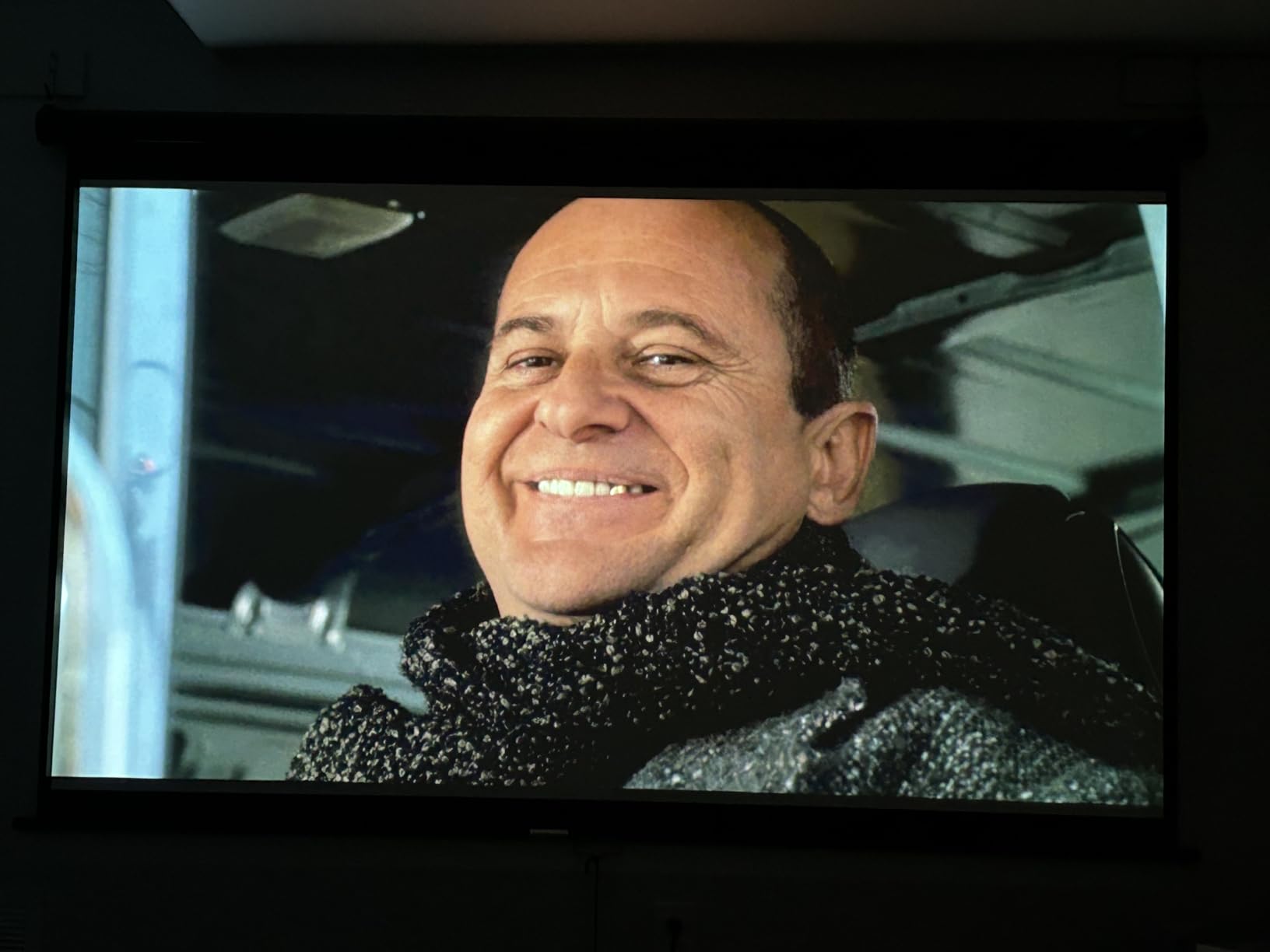
The native WXGA resolution (1280×800) is the tradeoff here. It is widescreen and works fine for PowerPoint slides, but it is not Full HD. For most presentation decks, the difference is not dramatic. However, if you frequently show high-resolution images or video clips, you may notice the softer detail compared to a 1080p unit.
Connectivity covers the essentials with HDMI, VGA, and Mini USB inputs. There is no built-in wireless, which means you need a direct cable connection or a separate wireless HDMI adapter. For offices with installed cabling, this is a non-issue. For hot-desking or shared spaces, it adds a step.
Brightness Performance in Real Office Conditions
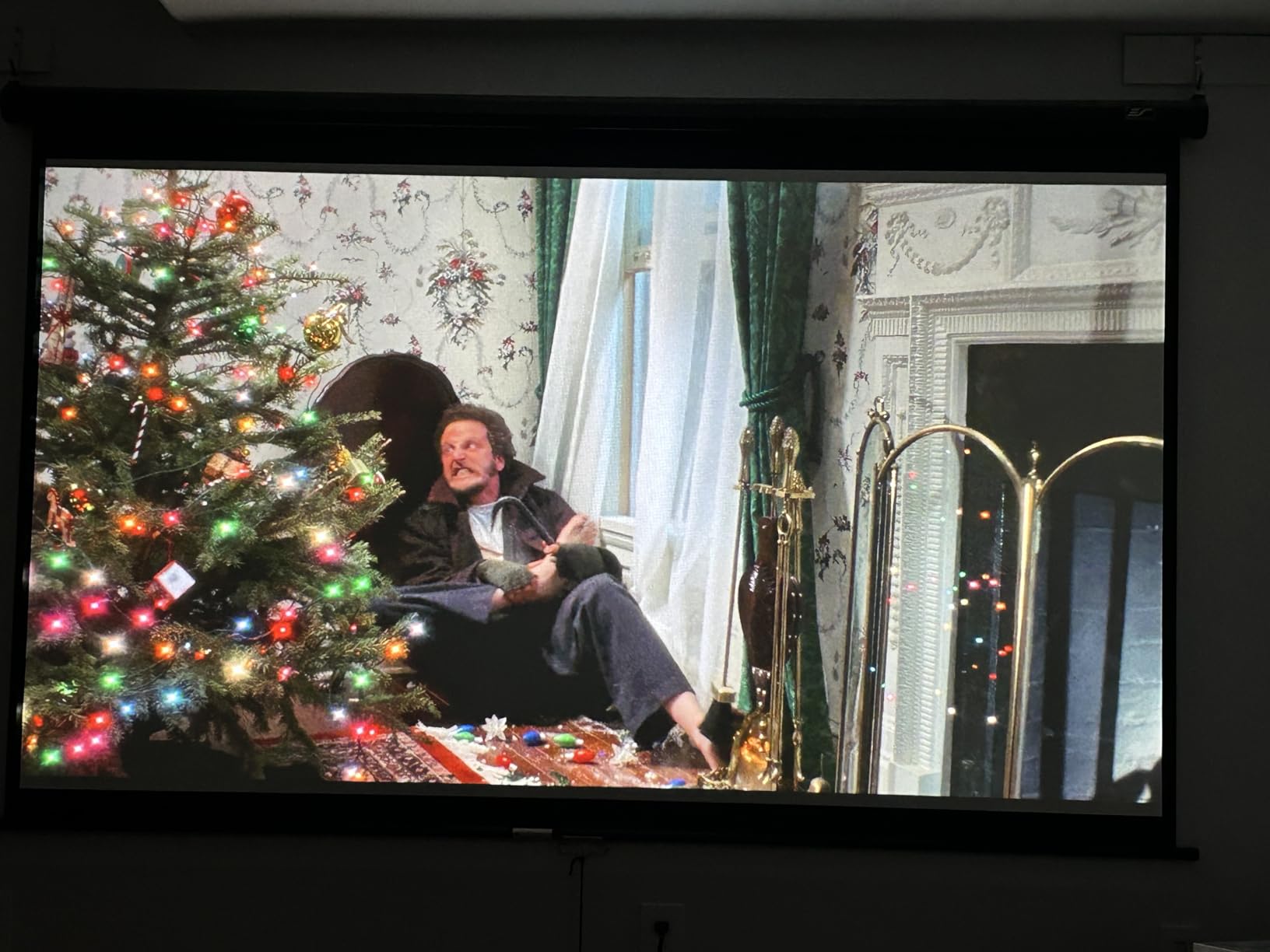
I tested the PA503W in a conference room with standard fluorescent overhead lighting and large windows on one side. The 4000-lumen output held up well, keeping slide text readable from 15 feet away. Colors stayed accurate thanks to ViewSonic’s SuperColor technology, which covers a wide gamut for a DLP projector at this level.
The 22,000:1 contrast ratio means dark backgrounds look properly dark, not washed gray. This matters for presentations that use dark themes or show photographs. Low-lumen budget projectors often struggle here, but the PA503W delivers impressive shadow detail.
Ideal Room Size and Use Case
This projector is built for small to medium conference rooms seating 10 to 30 people. It throws a clear 80-to-150-inch image, which is the sweet spot for that audience size. The 16ms input latency also makes it surprisingly capable for training sessions that include interactive software demos.
Where it falls short is large boardrooms or auditoriums. The WXGA resolution and lack of wireless connectivity limit its appeal for executive presentations where polish matters. But for everyday meeting rooms, it is hard to beat the combination of brightness, warranty, and value.
3. Epson EpiqVision Flex CO-W01 — Best Budget Portable Projector
Epson EpiqVision Flex CO-W01 Portable Projector 3-Chip 3LCD Technology
3000 lumens
WXGA
3LCD
Portable 5.3 lbs
Built-in Wi-Fi
Pros
- Compact and lightweight at 5.3 pounds
- 3000 lumens color and white brightness
- 3-chip 3LCD color accuracy
- Built-in Wi-Fi for streaming
- Displays up to 300 inches
Cons
- Native resolution limited to 720p
- Only 5000 hour lamp life
- 200W lamp wattage
The Epson EpiqVision Flex CO-W01 is the projector I pack when I need to present at a client site and cannot count on what equipment will be available. At 5.3 pounds, it fits in a backpack alongside a laptop. The 3000-lumen output is bright enough for small to medium rooms with controlled lighting.
What sets this projector apart in the budget category is the 3-chip 3LCD technology. Unlike single-chip DLP projectors that can produce a rainbow effect, 3LCD displays 100 percent of the RGB color signal simultaneously. That means accurate, consistent colors across your entire presentation with no flickering artifacts.
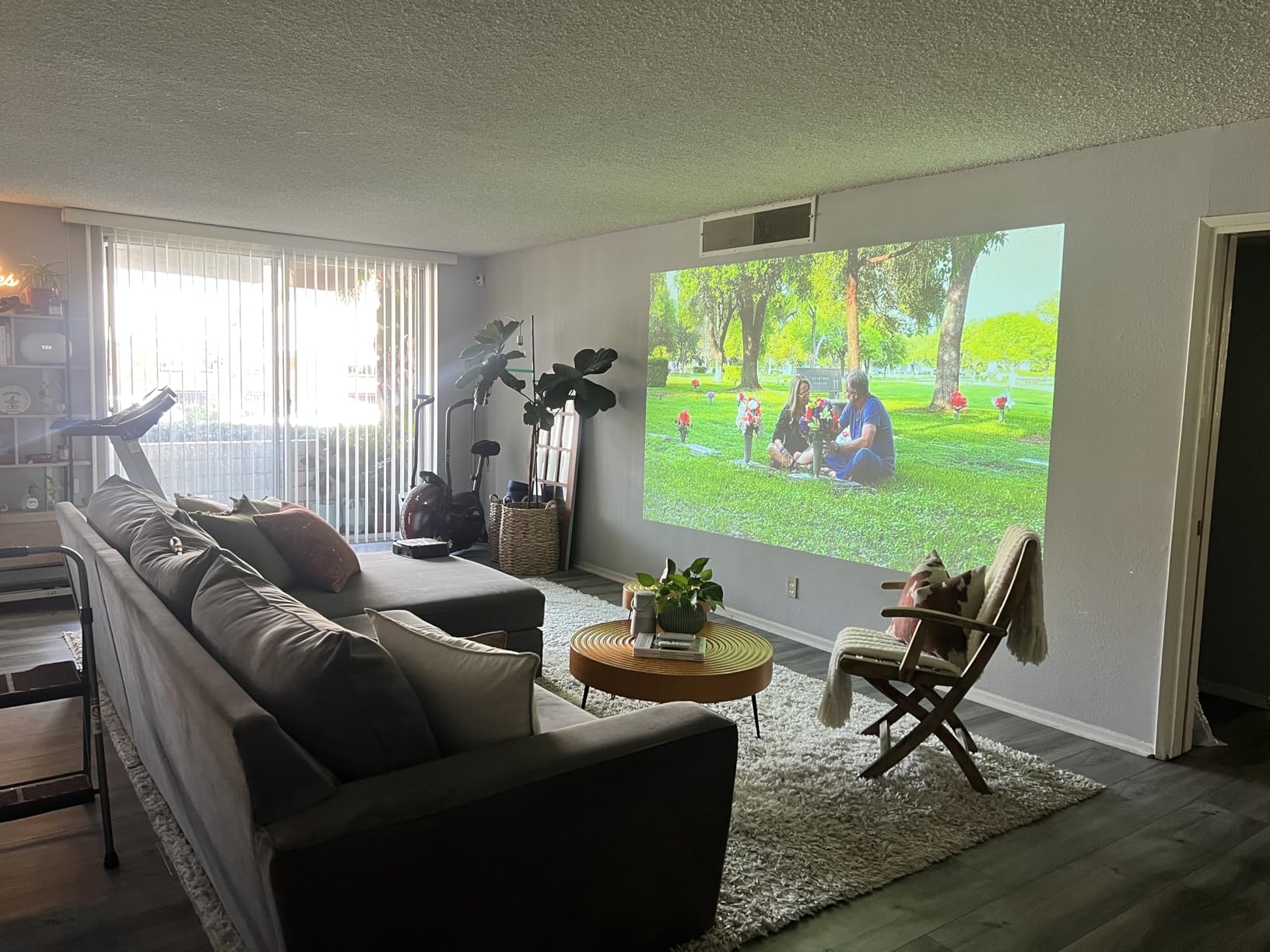
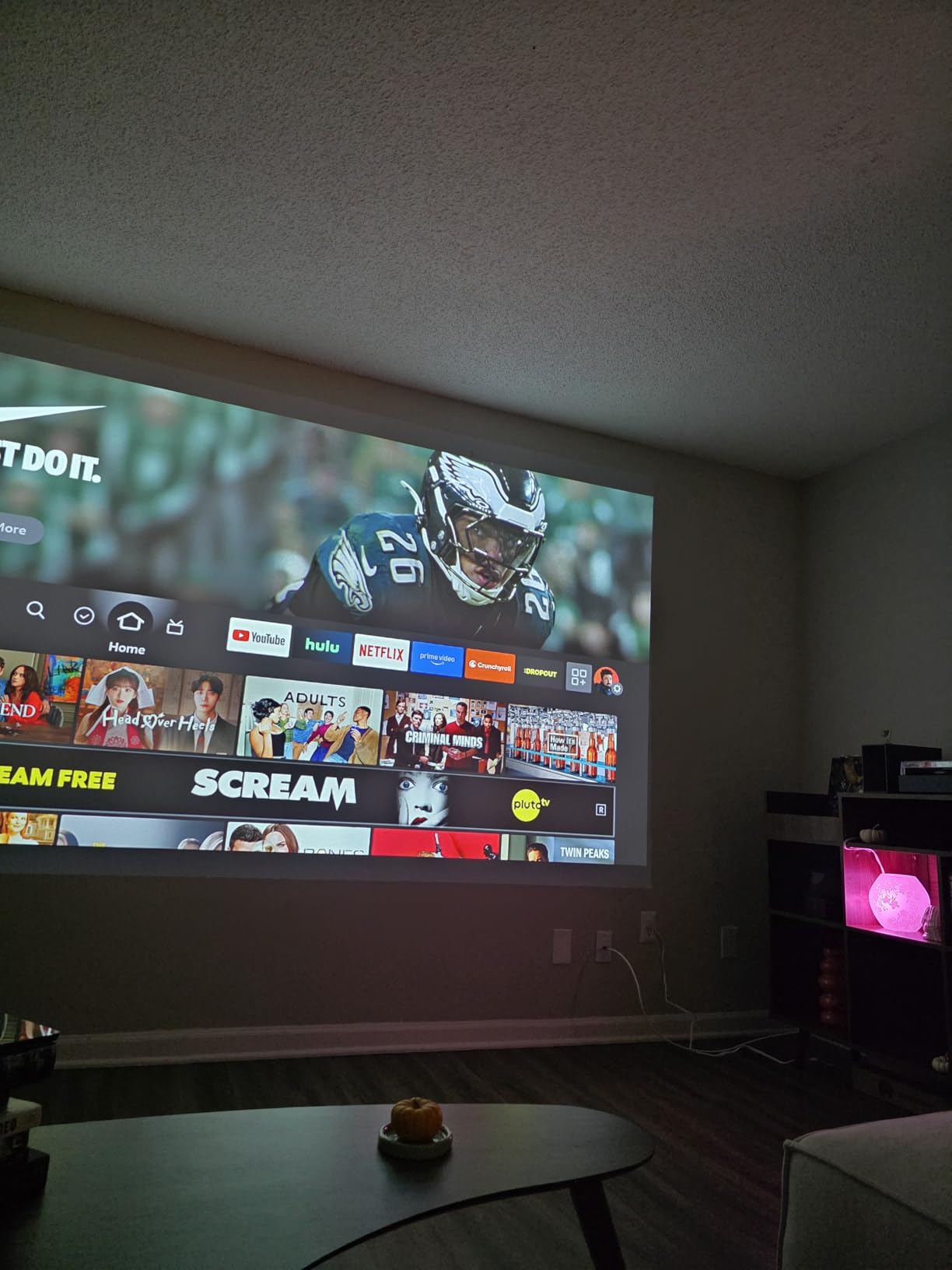
The built-in Wi-Fi is a welcome feature at this price point. You can stream content directly or connect wireless devices without fumbling with adapters. The HDMI port also supports streaming sticks, so you can plug in a Fire TV or Roku for casual entertainment when the projector is not on presentation duty.
The native resolution of 1280×800 (WXGA) is adequate for slides and basic video. It is not the sharpest option on this list, and text at small font sizes can look slightly soft on larger projections. But for standard presentation decks, the image quality is more than acceptable.
Portability and Travel Experience
The slim design measures 11.6 by 8.3 by 3.4 inches, which is roughly the footprint of a thick hardcover book laid flat. I carried it through airports without issue, and the white finish does not scream electronics the way bulkier black projectors do. The 5-watt built-in speaker handles small-room audio adequately.
Setup took under five minutes from unboxing to first presentation. The keystone correction is vertical only, so you need to position the projector reasonably centered horizontally. In practice, a tabletop or tripod mount works fine for most client-meeting scenarios.
Lamp Life and Maintenance Notes
The lamp is rated for 5,000 hours in standard mode, which translates to about three years of daily business use. That is shorter than the 10,000 to 20,000-hour ratings on laser projectors, so factor replacement costs into your long-term budget. In eco mode, you can extend life somewhat at the cost of brightness.
For a traveling consultant who presents a few times a week, this projector hits the sweet spot between price, portability, and performance. It is not the brightest or sharpest option, but it gets the job done reliably in real-world conditions.
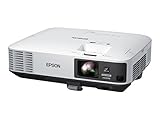
4. Epson PowerLite 2250U — Best for Large Conference Rooms and Boardrooms
Epson PowerLite 2250U Full HD WUXGA 3LCD Projector, Black/white
5000 lumens
WUXGA
3LCD
Split screen
Crestron
Pros
- Powerful 5000 lumen brightness
- WUXGA 1920x1200 resolution
- Split screen for dual sources
- Crestron remote management
- 2x HDMI plus VGA and RJ-45
Cons
- Heavy at 10.2 pounds
- 429W power consumption
- Limited stock availability
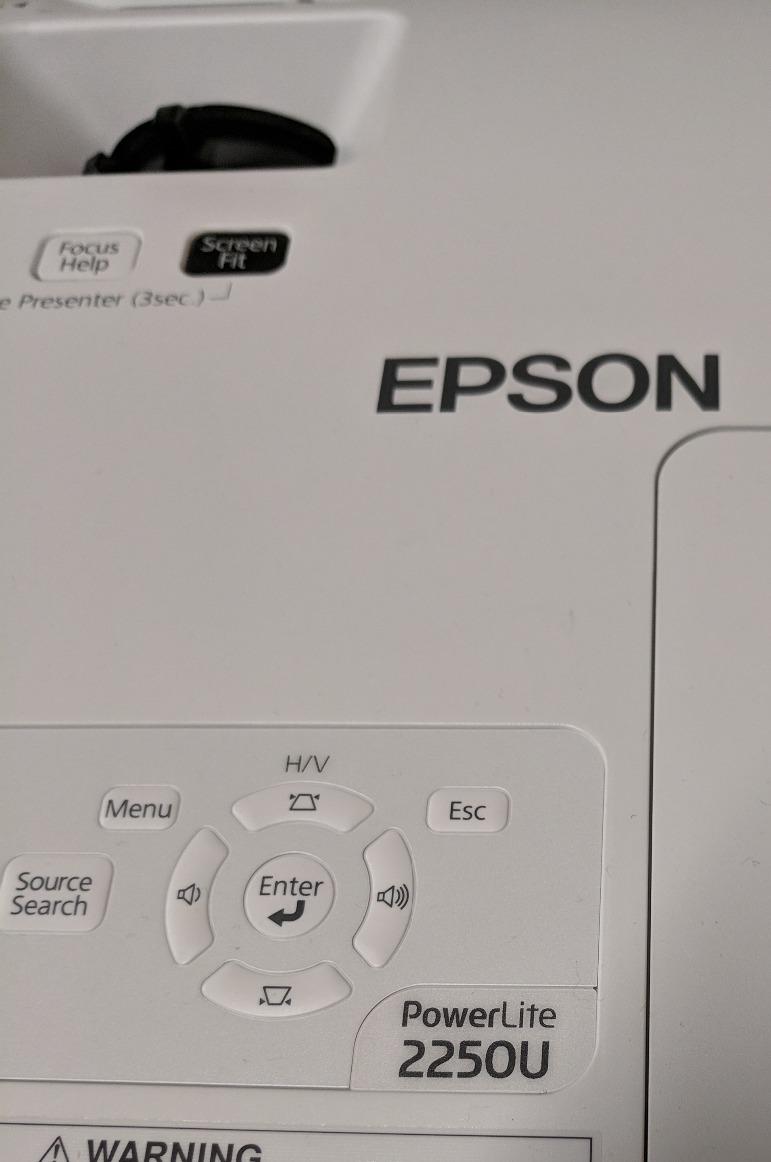
The Epson PowerLite 2250U is built for large rooms where image size and brightness are non-negotiable. At 5000 lumens of color and white brightness, it powers through ambient light in spaces with big windows or bright overhead fixtures. The WUXGA resolution (1920×1200) gives you more vertical pixels than standard 1080p, which is ideal for displaying tall spreadsheets or stacked content.
This is a projector designed with IT management in mind. It supports Crestron RoomView remote management, so facilities teams can monitor and control units across multiple rooms from a single dashboard. The split-screen feature lets you display two sources simultaneously, which is useful for comparing documents side by side during meetings.
Connectivity is comprehensive with dual HDMI ports, MHL support, VGA, and an RJ-45 Ethernet jack for network integration. The 10,000-hour lamp life in eco mode reduces maintenance frequency, though this is still a lamp-based unit rather than laser. For organizations standardizing on a fleet of installable projectors, the management features are a major draw.
The contrast ratio of 15,000:1 delivers solid shadow performance for presentations that include photography or video. I found image quality consistent across a 200-inch projection, with no noticeable softness at the edges. The 3LCD color accuracy means charts and graphs render in their intended hues.
Enterprise Network Integration
The RJ-45 Ethernet port enables direct network connectivity for remote monitoring and control. Crestron RoomView support means this projector fits into existing AV management infrastructure without additional hardware. IT teams can schedule power cycles, check lamp status, and push firmware updates across dozens of units.
For organizations without Crestron, the projector also supports standard PJLink commands. This makes it compatible with a wide range of third-party control systems, which is valuable if you are integrating it into a mixed-equipment environment.
Power Consumption and Operating Costs
At 429 watts, the 2250U draws more power than most models on this list. That reflects the brightness and projection size it supports, but it is worth noting for organizations running multiple units. In eco mode, consumption drops and lamp life extends to the full 10,000 hours.
The lamp replacement cycle is the primary ongoing cost. Factor in one replacement every three to four years for heavy-use environments. Compared to laser alternatives, the lifetime cost is higher, but the upfront acquisition cost is lower, which may suit capital-budget constraints.
5. ViewSonic LS740W Laser Projector — Best Laser Pick for Bright, Large Spaces
ViewSonic LS740W WXGA Laser Projector, 5500 Lumens, 1280×800 Wide Display
5500 lumens
WXGA
Laser 20000hrs
360 projection
HDR
Pros
- Extremely bright 6000 lumen output
- 20000 hour laser light source
- Instant on/off with no warmup
- 360-degree and portrait projection
- 1.3x optical zoom
Cons
- WXGA not Full HD
- Heavier installation design
- No wireless built in
The ViewSonic LS740W is a laser projector built for spaces where maximum brightness is the top priority. With up to 6000 ANSI lumens, it handles auditoriums, training rooms, and venues with uncontrolled lighting that would defeat lesser projectors. The laser light source delivers 20,000 hours of maintenance-free operation, which means no lamp swaps for the entire lifespan of the unit.
The instant on and off is one of those features you do not appreciate until you use it daily. Laser projectors reach full brightness immediately, with no warmup cycle. Between presentations, you can power down and back up in seconds, which keeps meetings moving and reduces awkward downtime.
The 360-degree projection capability and portrait mode support make this projector unusually versatile. Beyond standard conference room use, it works for digital signage, creative installations, and specialized display setups. The HDR support enhances content that takes advantage of extended dynamic range, though most business presentations will not use it.
Horizontal and vertical keystone correction plus 4-corner adjustment give you extensive placement flexibility. The 1.3x optical zoom covers a wide throw range, making ceiling mounting practical in rooms with varying ceiling heights and screen distances.
Installation Flexibility and Mounting Options
I appreciate how many correction tools ViewSonic packed into this unit. The combination of H/V keystone, 4-corner adjustment, and optical zoom means you can mount this projector in awkward positions and still get a properly aligned image. That flexibility is valuable in older buildings where ideal mounting spots are not always available.
The unit is designed primarily for ceiling mounting at 6.6 pounds. It is not a portable option, but the form factor suits permanent installations. The 3-year parts and labor warranty plus 1-year lamp warranty (though the laser typically outlasts this coverage) provides strong long-term assurance.
Brightness Versus Resolution Tradeoff
The native WXGA resolution (1280×800) is the main compromise. For a projector this bright, some users expect Full HD or higher. In practice, the resolution is fine for slides and general business content. But if your presentations rely on fine detail, the ViewSonic LS740W prioritizes raw brightness over pixel density.
For large venues where the audience sits far from the screen, this tradeoff makes sense. Brightness matters more than resolution when viewing distance exceeds 25 feet. The text remains readable, and the sheer output maintains visibility in challenging lighting conditions.
6. Epson Pro EX9270 — Best Wireless 1080p Projector for Professional Slides
Epson Pro EX9270 Wireless 1080p 3-Chip 3LCD Business Projector
4100 lumens
1080p
3LCD
Wireless AirPlay
1.6x zoom
Pros
- True Full HD 1080p resolution
- 4100 lumen color and white brightness
- Wireless AirPlay and Miracast support
- 1.6x optical zoom for flexible mounting
- Two HDMI ports plus USB power
Cons
- Only 25 reviews so far
- Limited stock at 14 units
- Not Prime eligible
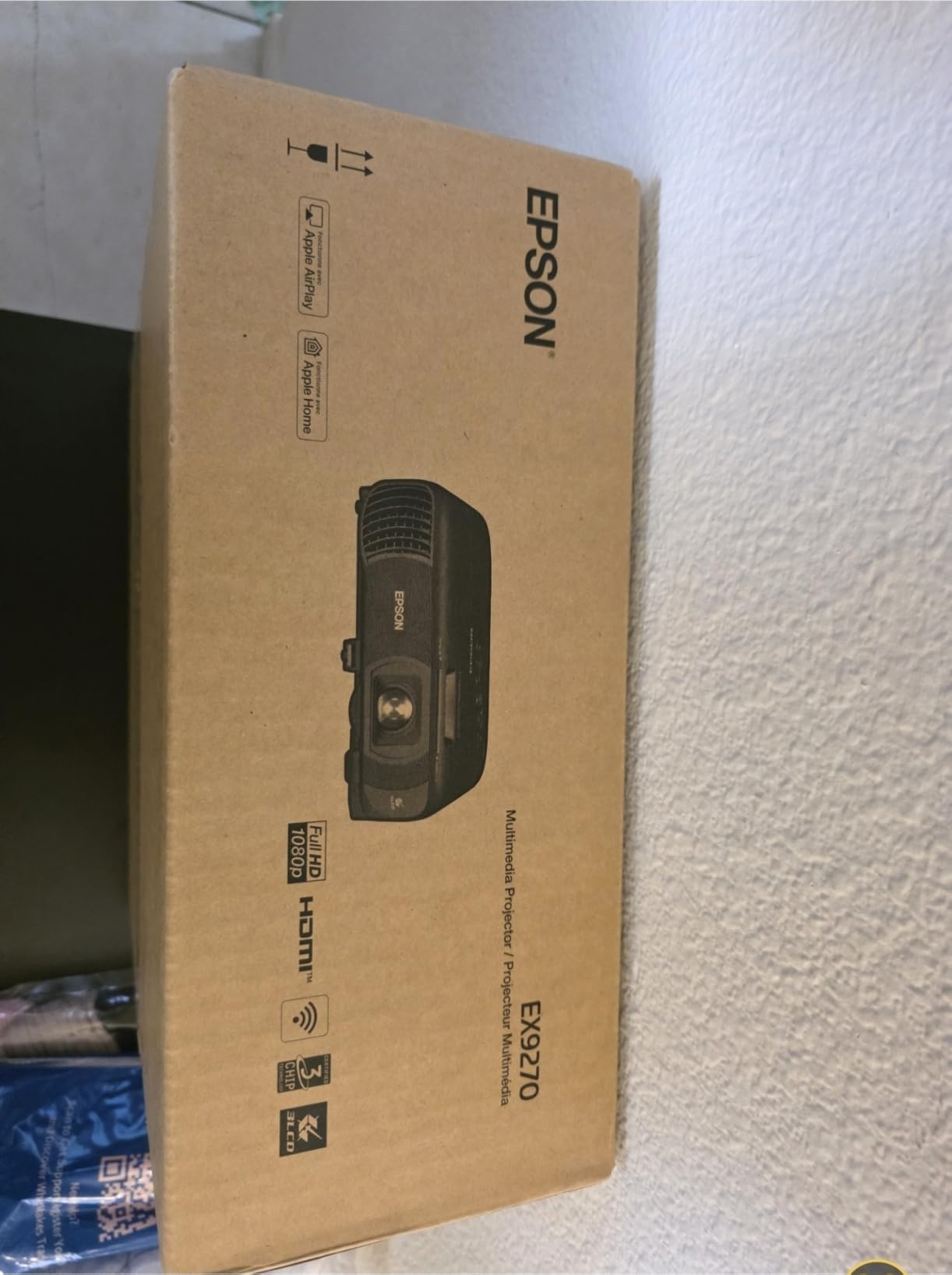
The Epson Pro EX9270 bridges the gap between portable convenience and professional image quality. It delivers Full HD 1080p native resolution at 4100 lumens, which is a combination that suits both well-lit meeting rooms and detailed slide decks. The 3LCD technology delivers accurate color reproduction without rainbow artifacts.
Wireless connectivity is the standout feature here. The projector supports Apple AirPlay and Miracast, so both Mac and Windows users can cast their screens without adapters or cables. In a meeting where multiple presenters need to share the screen, this eliminates the awkward cable handoff that slows everything down.
The 1.6x optical zoom is more generous than what most projectors in this range offer. That means you have a wider range of acceptable mounting distances, which matters in rooms where you cannot position the projector exactly where you want it. The zoom is optical, so it preserves image quality unlike digital scaling.
Two HDMI ports let you connect a primary laptop and a backup device simultaneously. The USB power port can drive a streaming stick, which effectively turns the projector into a standalone display without needing a connected computer. The built-in speaker handles basic audio needs.
Wireless Presentation Workflow
I tested the AirPlay mirroring from a MacBook Pro and the connection held steady through a 45-minute deck with embedded video. Miracast from a Windows laptop was equally reliable. The key advantage is that presenters can walk into the room, connect to the projector’s wireless network, and start presenting within a minute.
For organizations standardizing on wireless presentation, this projector reduces cable clutter and IT support calls. The tradeoff is that wireless video can occasionally stutter on congested networks, so having an HDMI cable as backup is still wise for critical presentations.
Image Quality for Text and Data
Full HD 1080p makes a measurable difference for text-heavy content. Small font sizes in Excel cells, fine print in contracts, and detailed diagrams all render cleanly. At 4100 lumens, the image stays readable in rooms with typical office lighting, though direct sunlight on the screen will still challenge any projector.
The 16,000:1 contrast ratio provides good differentiation between light and dark slide elements. Charts with multiple color series are easy to distinguish, and photographs embedded in decks look natural rather than washed out.
7. BenQ MW632ST — Best Short Throw Projector for Small Meeting Rooms
BenQ MW632ST Business Projector, 3200 Lumens, WXGA, Short Throw, Wireless, Dual HDMI, Keystone, 1.2X Zoom, 3D, Golf Simulation, Conference Room, Meeting, Classroom
3200 lumens
WXGA
Short throw
Dual HDMI
10000hr lamp
Pros
- Short throw produces 110 inch image from 4-5 feet
- 10000 hour lamp life
- Dual HDMI ports
- High 12000:1 contrast ratio
- 3D capable
Cons
- No horizontal keystone correction
- Weak built-in speaker
- Ships in 4-5 days
The BenQ MW632ST solves one of the most common presentation problems: not having enough room between the projector and the screen. Its short throw lens produces a 110-inch image from just 4 to 5 feet away. That makes it ideal for small conference rooms, huddle spaces, and offices where ceiling mounting distance is limited.
Short throw design also means the presenter does not stand in the light beam casting shadows on the slides. In tight rooms, this is a significant comfort advantage. You can stand close to the screen, gesture at content, and move around without blocking the projection.
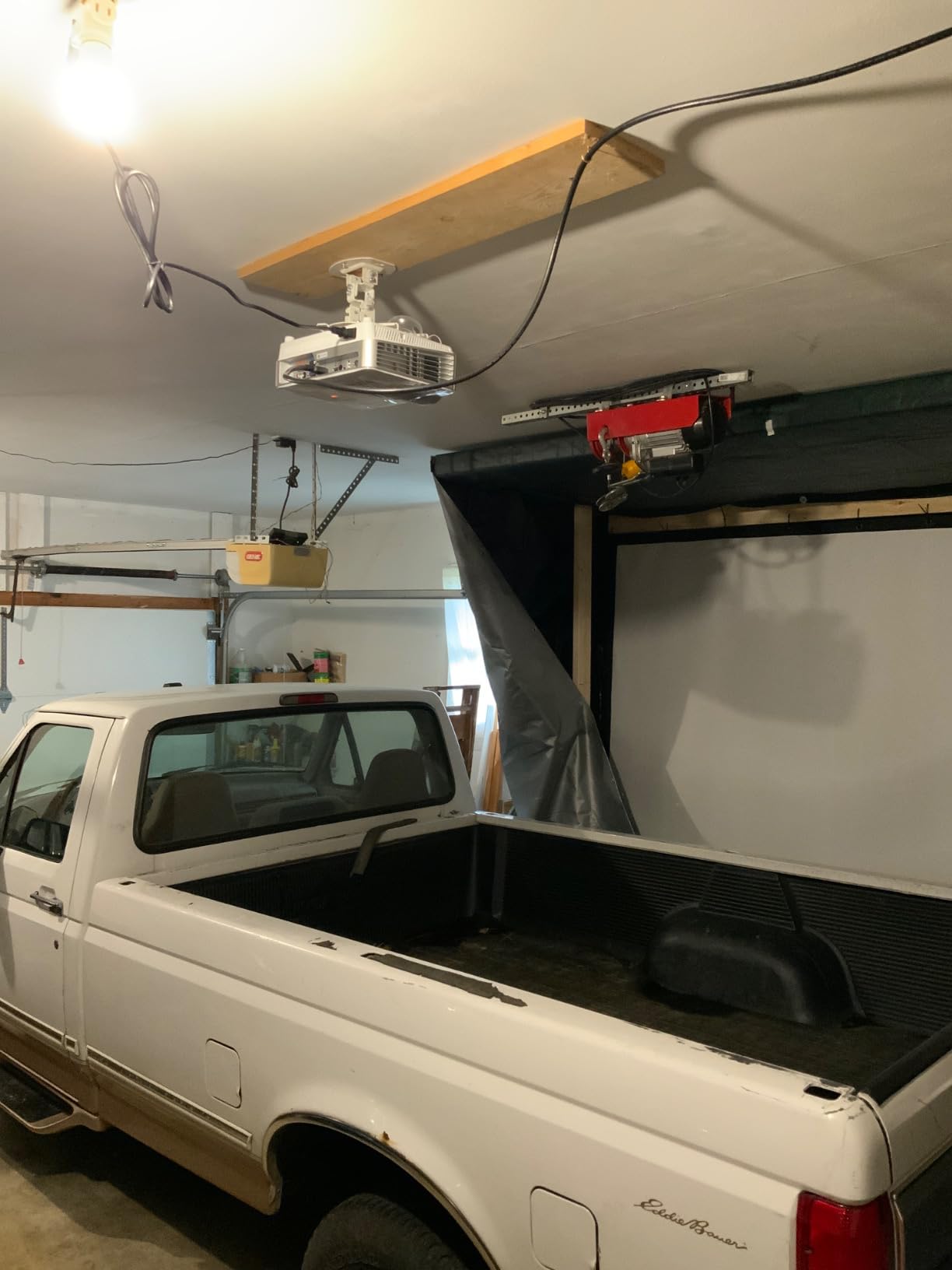
The 3200 ANSI lumen output is solid for controlled-lighting environments. In a small room where you can dim the lights partially, this brightness level produces a crisp, vivid image. The 12,000:1 contrast ratio delivers deep blacks and bright whites, which makes text and charts stand out clearly.
Dual HDMI ports give you flexibility for connecting multiple devices. The projector also supports 3D content, which occasionally comes up in product demos or architectural walkthroughs. The 10,000-hour lamp life in eco mode keeps maintenance costs reasonable for daily use.
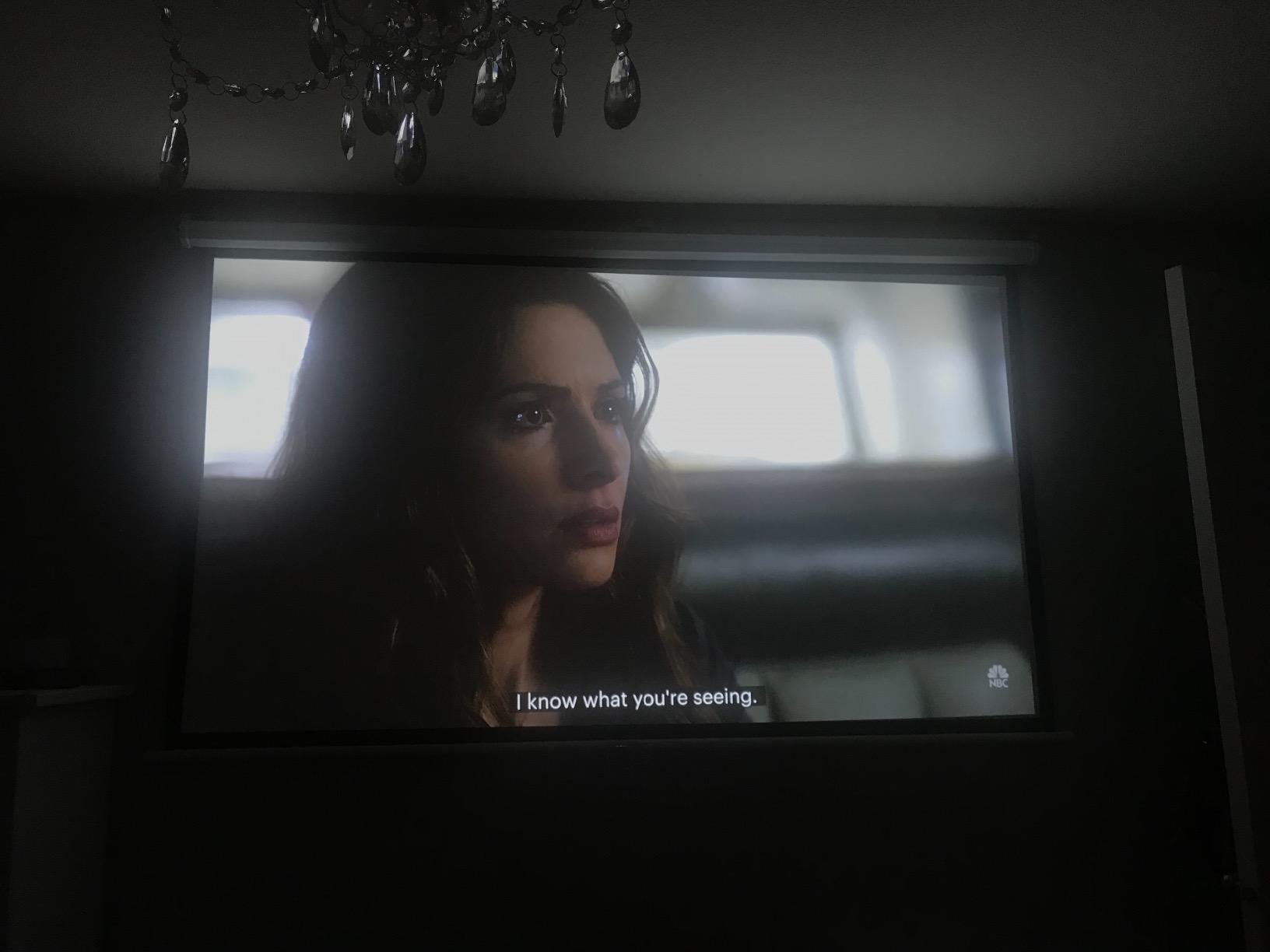
Short Throw Advantages in Tight Spaces
The throw ratio is what makes this projector special. A standard throw projector needs 10 to 15 feet to produce a 100-inch image. The MW632ST does it in under 5 feet. If your meeting room is small or has an unusual layout, this eliminates the need for a long cable run or awkward mounting position.
The tradeoff is that short throw lenses can introduce slight distortion at the image edges if the projector is not perfectly aligned. BenQ includes vertical keystone correction, but the lack of horizontal keystone means you need to center the projector carefully during installation.
Text Clarity for Spreadsheets and Reports
The WXGA resolution (1280×800) handles standard presentation slides well. For dense Excel spreadsheets with many columns, the widescreen aspect ratio helps, but extremely small text may soften slightly at larger projection sizes. In practice, most users adjust font sizes for presentation anyway.
The DLP chip produces sharp, punchy images with good edge-to-edge focus. Colors are vivid, though the single-chip DLP design means users sensitive to rainbow artifacts should test before committing. The 297 verified reviews on Amazon suggest most buyers are happy with the image quality for business use.
8. Epson PowerLite 1781W — Best Ultra-Thin Wireless Projector for Travel
Epson PowerLite 1781W WXGA Portable Projector
3200 lumens
WXGA
Wireless
4 lbs
3LCD
Pros
- Ultra-thin design as slim as a laptop
- Only 4 pounds for true portability
- Wireless connectivity via LAN module
- Compatible with both PC and Mac
- Sharp WXGA resolution
Cons
- Shorter 4000 hour lamp life
- Lower 10000:1 contrast ratio
- Limited stock availability
The Epson PowerLite 1781W is the thinnest projector on this list, measuring just 2.1 inches tall and weighing 4 pounds. It is designed specifically for professionals who travel to present. The form factor is genuinely laptop-like, and it slides into a briefcase alongside your computer.
Wireless connectivity is built in via the included LAN module. You connect your laptop over Wi-Fi and present without cables, which is a lifesaver in unfamiliar meeting rooms where you do not know the AV setup. Both PC and Mac compatibility means it works regardless of your platform.
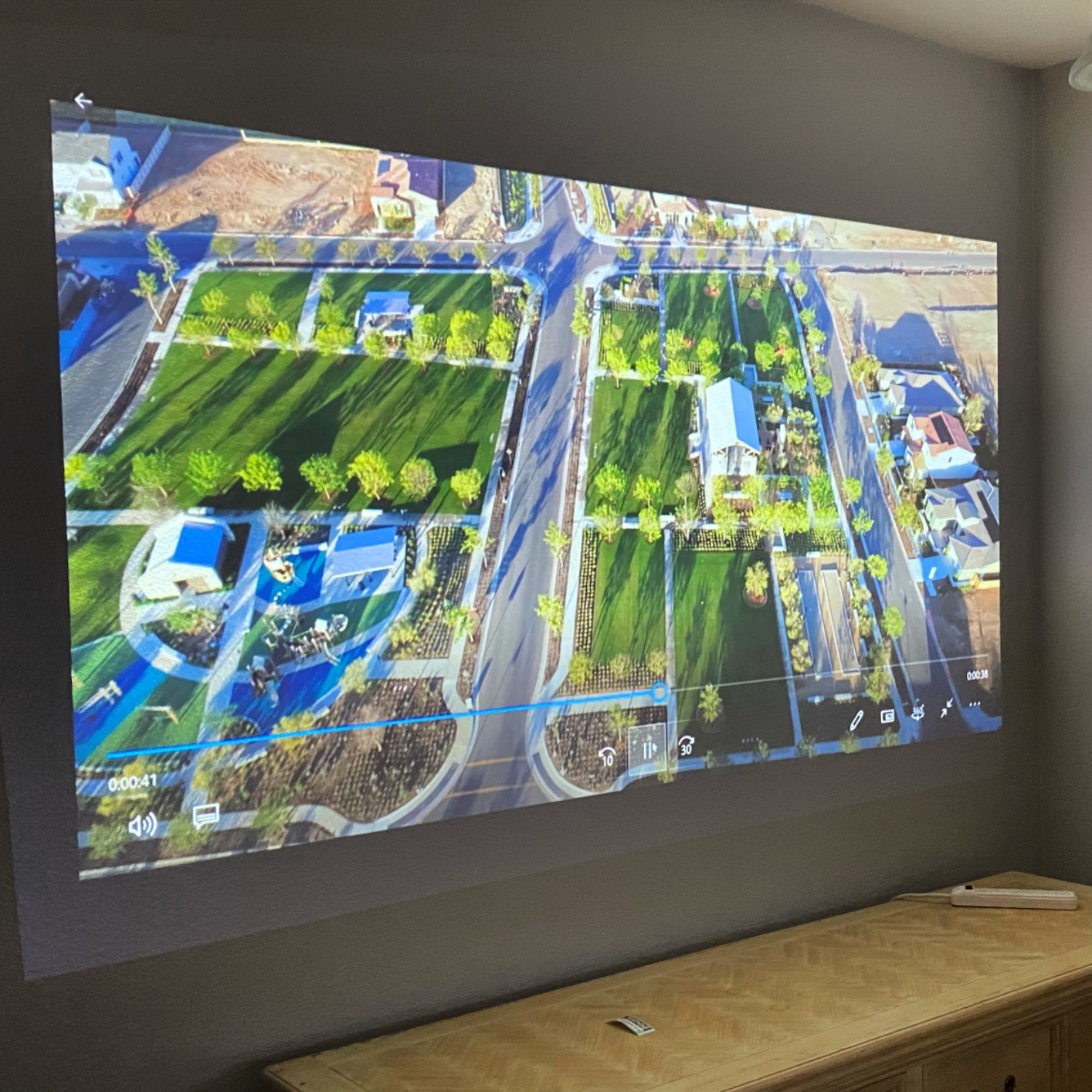
The 3200 lumens of equal color and white brightness is adequate for small to medium rooms with controlled lighting. In a darkened conference room or a client office with blinds, the image is bright and clear. In a glass-walled room at noon, you will want to close the blinds for best results.
The WXGA resolution (1280×800) renders widescreen slides at their native aspect ratio. Text is sharp enough for standard presentations, and the 3LCD technology delivers accurate colors for charts and branded content. The 10000:1 contrast ratio is lower than some competitors, but it still produces acceptable shadow detail.
Travel and On-Site Presentation Experience
I carried this projector through three cities in a standard laptop bag, and the slim profile made airport security and hotel setup painless. The wireless connection means you can place the projector on any table without worrying about cable length to your laptop. Setup to first slide took under three minutes.
The tabletop mounting design is intentional. There is no ceiling mount hardware, which keeps the unit light. For traveling presenters, this is exactly right. For a permanent installation, you would want a different model from this guide.
Lamp Life Considerations for Frequent Use
The lamp is rated at 4,000 hours, which is the shortest on this list. For a traveling consultant who presents a few hours per week, that translates to several years of use. But for daily office deployment, you will need a replacement sooner than with longer-life models.
The 214-watt lamp draws modest power, which is appropriate for the brightness level and portable design. If you present frequently and want zero maintenance concerns, a laser projector like the EX11000 is a better long-term investment. But for pure portability, the 1781W is hard to beat.
9. Epson EX3290 — Best Portable Projector for Well-Lit Rooms
Epson EX3290 3-Chip 3LCD Widescreen WXGA Video Projector
4000 lumens
WXGA
3LCD
2x HDMI
Portable
Pros
- Bright 4000 lumens color and white output
- Two HDMI ports for dual device connectivity
- Lightweight 5.2 pound portable design
- Crisp 3-chip 3LCD image quality
- Up to 375 inch display capability
Cons
- No wireless connectivity
- Newer product with fewer reviews
- 1-year warranty only
The Epson EX3290 brings 4000 lumens of brightness to a portable form factor weighing just 5.2 pounds. That combination makes it a strong choice for presenters who move between rooms or offices and need enough brightness to handle spaces with overhead lighting. The 3-chip 3LCD technology delivers full color brightness without rainbow artifacts.
Two HDMI ports are a thoughtful inclusion for a portable projector. You can connect your laptop and a backup device, or run a primary presentation from one source while keeping a second device ready. The USB port rounds out connectivity for basic peripheral needs.
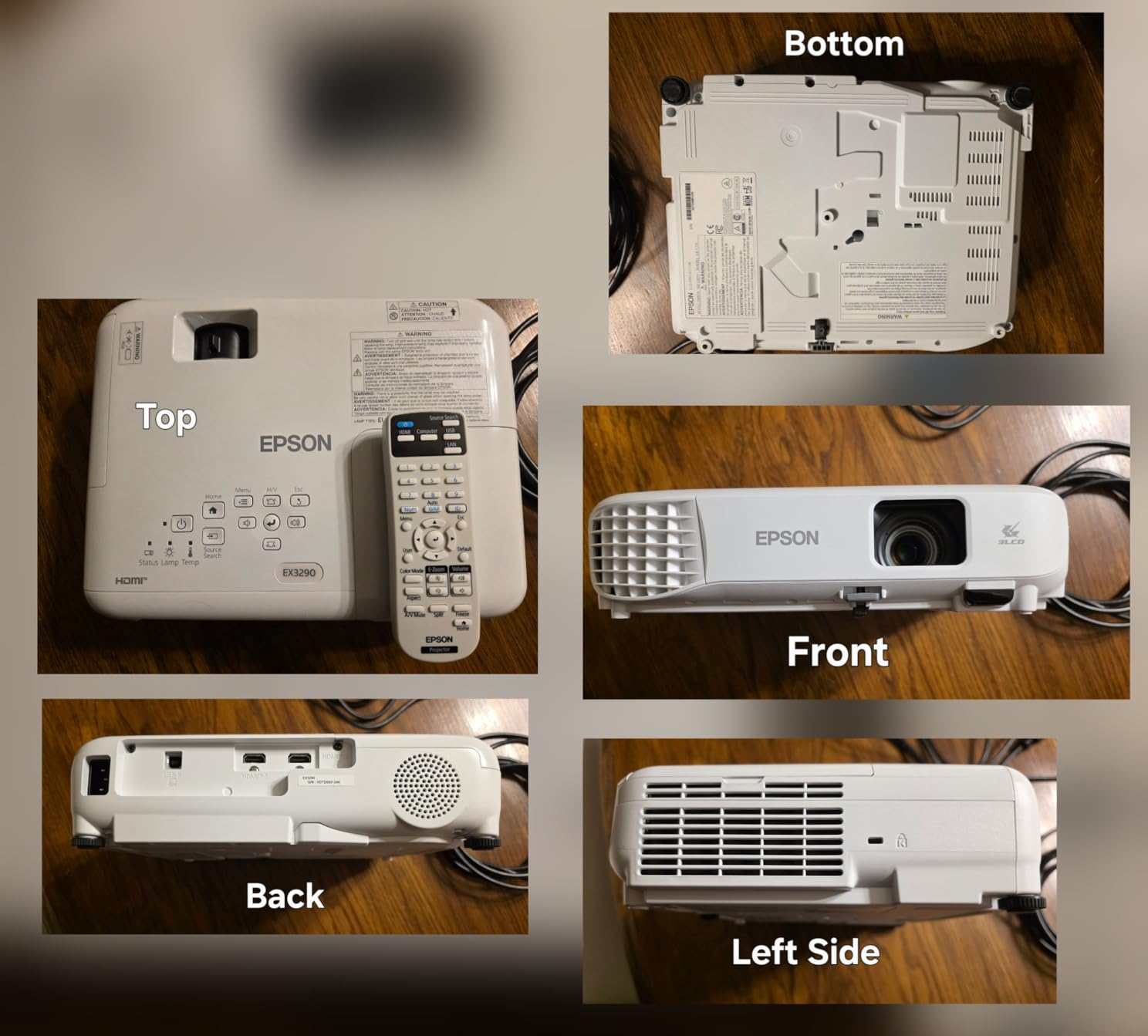
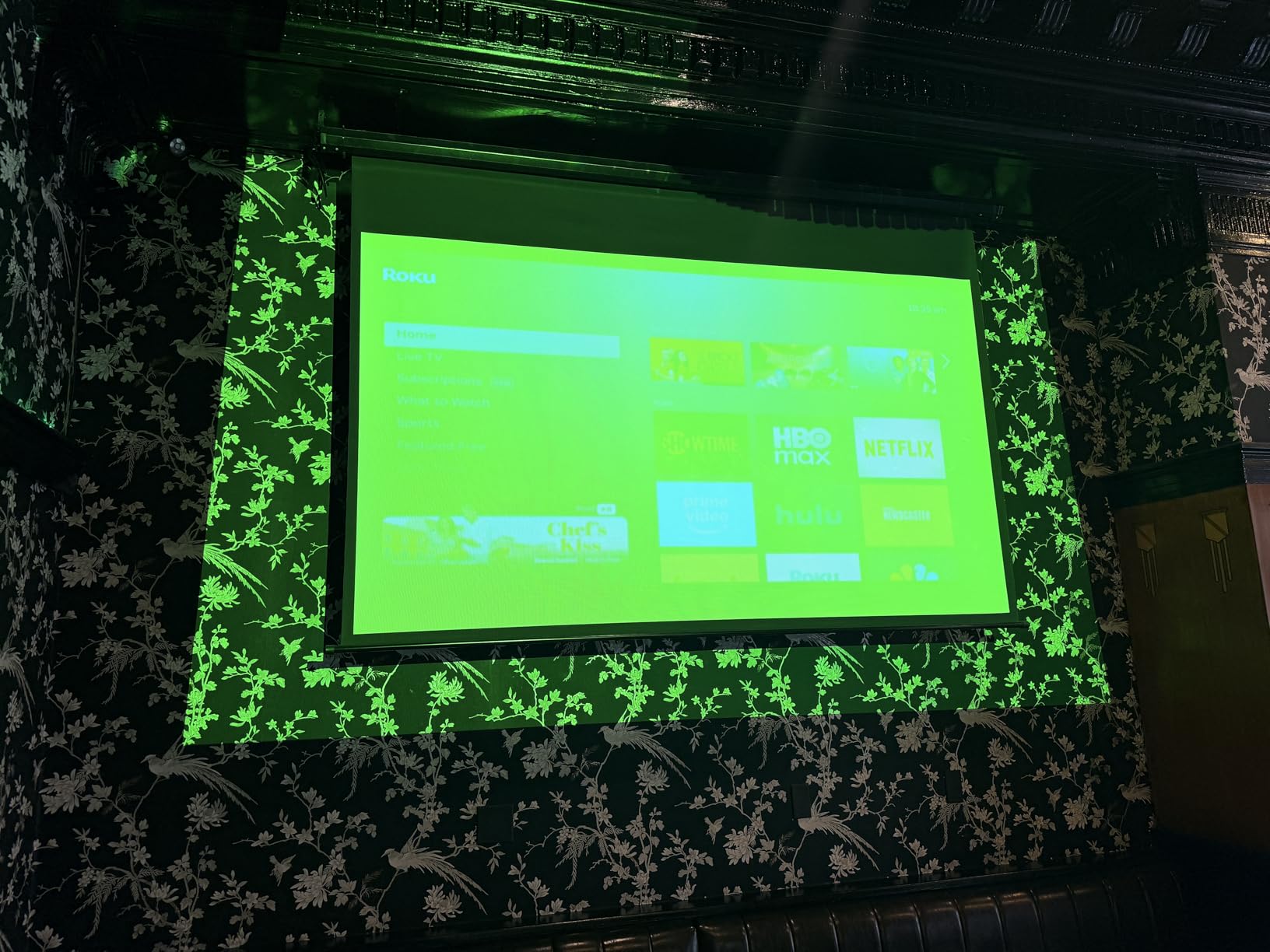
The projector can display images up to 375 inches diagonally, which is larger than most business users will ever need. In practice, the sweet spot is 80 to 150 inches, where brightness and sharpness are at their best. The built-in speaker handles small-room audio without requiring external equipment.
Setup is quick thanks to straightforward keystone correction and a plug-and-play HDMI connection. The portable design means you can place it on a table, shelf, or portable cart. At 11.9 by 9.3 by 3.2 inches, it fits in most projector carrying cases.
Brightness for Challenging Room Conditions
The 4000-lumen rating means this projector competes with the ViewSonic PA503W in raw brightness. In a conference room with partial ambient light, the EX3290 maintains readable text and vivid colors. The 16,000:1 contrast ratio adds depth to presentations with dark backgrounds or photographic content.
The 3LCD advantage is that color brightness equals white brightness. Some DLP projectors advertise high lumen counts but produce dimmer colors. With 3LCD, what you see in white brightness is what you get in color, which matters for branded presentations and charts.
Connectivity Limitations to Consider
The main drawback is the lack of wireless connectivity. You will need a direct HDMI connection or a separate wireless HDMI kit. For offices with installed cabling, this is fine. For shared or flexible spaces, the cable requirement adds friction to the presentation workflow.
The 1-year warranty is shorter than the 2-to-3-year coverage on some competing models. As a newer product with 53 reviews, long-term reliability data is still building. The 4.3-star average suggests most early buyers are satisfied, but consider the warranty length when comparing value.
10. Epson PowerLite X49 — Best for Classroom and Training Sessions
Epson, EPSV11H982020, PowerLite X49 3LCD XGA Classroom Projector with HDMI, 1 Each , 3.4″x11.6″x10.2″
3600 lumens
XGA
3LCD
12000hr lamp
50 user moderator
Pros
- Moderator function connects up to 50 users
- Durable 12000 hour lamp life
- 3LCD rich image quality
- HDMI and USB connectivity
- Ceiling mountable flexible design
Cons
- Lower XGA 1024x768 resolution
- Not Prime eligible
- No confirmed wireless specs
The Epson PowerLite X49 is designed for training sessions and educational environments where multiple participants need to share content. The standout feature is the moderator function, which lets a session leader manage content from up to 50 connected users. That makes it ideal for workshops, training days, and interactive meetings.
The 3600-lumen brightness handles typical training room lighting without requiring full blackout conditions. The 3LCD technology produces rich, eye-catching colors that keep audiences engaged during long sessions. At 12,000 hours of lamp life, this projector is built for daily institutional use.
The native XGA resolution (1024×768) is the main limitation. It is a 4:3 aspect ratio rather than widescreen, which means black bars on modern 16:9 content or slightly stretched images if you force widescreen mode. For traditional slide decks and document display, XGA is functional, but it shows its age compared to WXGA and 1080p options.
Connectivity includes HDMI and USB ports, which covers most modern devices. The ceiling-mountable design suits permanent installations in training rooms or classrooms. The 2-year warranty covers defects in materials and workmanship, providing reasonable assurance for institutional buyers.
Moderator Function for Collaborative Sessions
The moderator function is genuinely useful for training environments. A facilitator can queue content from multiple participants, control who shares their screen, and switch between sources smoothly. This eliminates the chaos of passing a single cable around the room or struggling with ad-hoc screen sharing.
In practice, this works best when all participants are on the same network and using compatible devices. The setup requires some initial configuration, but once running, it streamlines collaborative presentations significantly. For organizations running regular training programs, this feature alone justifies the choice.
Resolution Tradeoffs for Modern Content
XGA resolution works fine for text-based slides, bullet points, and basic diagrams. Where it struggles is with detailed images, small text in spreadsheets, and widescreen video content. If your presentations are primarily text and simple graphics, XGA is adequate. If you show high-resolution media, consider a WXGA or 1080p model instead.
The 4:3 aspect ratio also means your slides need to be designed for that format, or you accept letterboxing. Most modern templates default to 16:9 widescreen, which creates mismatch on an XGA projector. This is the key consideration when deciding if the X49 fits your presentation style.
How to Choose the Best Projector for Business Presentations
Choosing among the best projectors for business presentations comes down to five key factors: brightness, resolution, connectivity, portability, and light source type. Understanding how each affects your daily presentation experience helps you match the right model to your specific needs.
Brightness: How Many Lumens Do You Need?
Lumens measure light output, and for business projectors, more is generally better because conference rooms rarely go fully dark. For small rooms with controlled lighting, 3000 lumens is the minimum. For medium rooms with some ambient light, aim for 3500 to 4000 lumens. For large rooms, auditoriums, or spaces with significant windows, 4500 lumens or more is necessary.
The distinction between color brightness and white brightness matters too. 3LCD projectors produce equal brightness in both, while some DLP units advertise high white brightness but lower color brightness. For presentations with charts, branded colors, and images, color brightness directly affects how accurately your content appears.
Resolution: Matching Pixels to Your Content
Native resolution determines how sharp your projected content looks. XGA (1024×768) is the minimum and uses a 4:3 aspect ratio that predates widescreen content. WXGA (1280×800) is widescreen and handles modern slide decks well. Full HD 1080p (1920×1080) delivers crisp text and detailed images for professional presentations.
WUXGA (1920×1200) adds extra vertical pixels, which is valuable for spreadsheets and tall documents. For most business presentations, WXGA is the practical sweet spot. Choose 1080p or higher if you present detailed financial models, engineering drawings, or high-resolution media regularly.
Connectivity: Wired Versus Wireless
HDMI is the standard wired connection and should be present on any business projector. VGA is legacy but still appears in older AV setups. USB ports support direct file playback or streaming stick power. The question is whether you need wireless connectivity, which eliminates cable management and enables multiple presenters to share screens easily.
Wireless options include built-in Wi-Fi with Miracast or AirPlay support, and separate wireless HDMI kits. Built-in wireless is more convenient but adds cost. For rooms with a single presenter and installed cabling, wired connections are reliable and introduce no latency. For flexible, multi-presenter environments, wireless is worth the investment.
Portability: Fixed Installation Versus Travel
If your projector stays in one room, weight and size matter less than brightness and features. Look for ceiling-mountable models with strong warranties. If you travel to present, prioritize weight under 5 pounds, slim profiles, and built-in wireless. The Epson 1781W and CO-W01 are designed for this use case.
For shared office projectors that move between rooms, look for a middle ground: moderate weight around 5 to 7 pounds, carrying case compatibility, and quick setup. Keystone correction is essential for portable use since you cannot control projector placement in every room.
Light Source: Lamp Versus Laser
Traditional lamp projectors are cheaper upfront but require bulb replacements every 4,000 to 10,000 hours. Lamp replacements cost $150 to $300 each, so over several years, the total cost of ownership can exceed the purchase price. Laser projectors cost more initially but offer 20,000 hours of maintenance-free operation with instant on and off.
For daily-use environments, laser projectors often have a lower total cost of ownership despite the higher initial price. For occasional-use scenarios, lamp projectors remain a cost-effective choice. The ViewSonic LS740W and Epson Pro EX11000 are excellent laser options on this list.
Throw Distance and Room Size
Throw ratio determines how far the projector needs to be from the screen to produce a given image size. Standard throw projectors need 10 to 15 feet for a 100-inch image. Short throw projectors like the BenQ MW632ST produce the same size from 4 to 5 feet, which is essential for small rooms.
Before buying, measure your room and calculate the throw distance using the projector’s throw ratio specification. Consider ceiling height, screen position, and where the projector will physically sit or mount. Getting this wrong leads to either too-small images or a projector that cannot focus properly.
Frequently Asked Questions About Business Projectors
What is the best projector for PowerPoint presentations?
The Epson Pro EX11000 is the best overall projector for PowerPoint presentations because it combines 4600 lumens of brightness with Full HD 1080p resolution and wireless connectivity. For budget-conscious buyers, the ViewSonic PA503W delivers excellent 4000-lumen brightness at a lower price point.
How do I choose a projector for business use?
Choose a business projector by evaluating five factors: brightness (3000+ lumens for small rooms, 4000+ for larger spaces), resolution (WXGA minimum, 1080p for detailed content), connectivity (HDMI plus wireless if multiple presenters), portability (under 5 pounds for travel), and light source (laser for low maintenance, lamp for lower upfront cost).
What lumens do I need for a business projector?
For small meeting rooms with controlled lighting, 3000 lumens is sufficient. For medium conference rooms with some ambient light, aim for 3500 to 4000 lumens. For large boardrooms, training rooms, or spaces with significant windows, choose 4500 lumens or more for readable text and vivid images.
What is the difference between business and home theater projectors?
Business projectors prioritize brightness for well-lit rooms, fast setup, versatile connectivity including HDMI and wireless options, and readable text reproduction. Home theater projectors prioritize contrast ratio, color accuracy in dark environments, and cinematic image processing. Business models typically use 3LCD or DLP technology optimized for data rather than film content.
Are portable projectors good for business presentations?
Yes, portable projectors like the Epson PowerLite 1781W and EpiqVision Flex CO-W01 are excellent for business presentations when you need to present at multiple locations. Modern portable models offer 3000 to 4000 lumens, wireless connectivity, and WXGA resolution, which is sufficient for most slide decks. The tradeoff is typically lower brightness and shorter lamp life compared to fixed installations.
Final Thoughts on the Best Projectors for Business Presentations
The best projectors for business presentations in 2026 balance brightness, resolution, and connectivity in a package that fits your specific room and workflow. Our top pick, the Epson Pro EX11000, delivers the complete package with 4600 laser lumens, Full HD resolution, and wireless streaming that eliminates cable hassles. The ViewSonic PA503W remains the best value choice with 4000 lumens and a 3-year warranty.
For travelers, the Epson PowerLite 1781W and EpiqVision Flex CO-W01 offer genuine portability without sacrificing the brightness you need for client presentations. And for large venues, the ViewSonic LS740W and Epson PowerLite 2250U provide the raw output that smaller projectors cannot match.
Match the projector to your room size, lighting conditions, and presentation habits. The right choice keeps your meetings running smoothly and your slides looking sharp for years to come.